


- Quick Comparison of AI Presentation Maker
- Top 20 AI Presentation Maker Tools for Every Workflow
- How to Choose the Right AI Presentation Maker
- Best AI Presentation Maker Use Cases by Workflow
- Pricing and Free Plans for AI Presentation Maker Tools
- Common AI Presentation Maker Trade-Offs
- FAQ About AI Presentation Makers
Choosing the best AI presentation maker is harder than it looks. At 1Byte, we care less about one-click wow moments and more about what survives real work. McKinsey found AI use reached 88 percent, so the market is now crowded with tools that all promise instant decks while solving very different problems.
That crowd will keep growing. Gartner forecasts worldwide AI spending will hit $2.52 trillion in 2026, which means every design suite, office suite, and AI workspace wants a seat at your presentation table. The economic logic is easy to see. McKinsey estimates generative AI could add 0.5 to 3.4 percentage points annually to productivity growth, and slide work sits right in that messy zone of research, writing, formatting, and review.
We are also past the novelty stage. Enterprise-focused vendors now market assets like 35K+ expert-curated slides, which tells us buyers want reusable presentation systems, not just prettier one-off drafts. Meanwhile, newer entrants are scaling fast. Chronicle says it is trusted by 5000+ teams, but scale alone is not our ranking method. We care more about fit. Do you need a web deck, a PowerPoint file, a research assistant, or a governed brand system?
Quick Comparison of AI Presentation Maker
That is how we built this list. We tested these tools as buyers would, by looking at first-draft quality, editing friction, export reliability, team workflows, and honest cost. Some are great for fast internal updates. A few can handle investor or client decks. Others are really AI workspaces that happen to output slides. That difference matters.
We narrowed the quick view to the tools buyers ask us about most. The table below focuses on first-draft speed, entry price, and the limit that usually triggers an upgrade.
| Service/Tool | Best for | From price | Trial/Free | Key limits |
|---|---|---|---|---|
| Alai | Polished startup and client decks | $0/mo | Free plan | 10 AI slides per prompt on free, watermark |
| Prezent.ai | Enterprise communication teams | $399/mo | Try free | Lite caps slide downloads each year |
| Gamma | Web-first async sharing | $0/mo | Free plan | One-time free AI credits, 10 cards per prompt |
| Beautiful.ai | Brand-safe business decks | $12/mo | 14-day trial | No permanent free plan, rigid layout system |
| Canva | Beginners and all-in-one design | $0/mo | Free plan | Advanced AI and brand tools are limited |
| Plus AI | PowerPoint and Google Slides users | $10/mo | 7-day trial | Monthly AI agent credits by plan |
| Pitch | Team collaboration and sharing | $0/mo | Free plan | 5 free members, one-time AI credits |
| SlidesAI | Simple Google Slides drafting | $0/mo | Free plan | 12 presentations a year on free |
| Prezi AI | Nonlinear live presentations | $0/mo | Free plan + trial | Public content on free, unusual format |
| Chronicle | Story-first interactive decks | $0/mo | Free plan | 100 tokens, 1 guest editor on free |
FURTHER READING: |
| 1. Top 20 Payment Trends That Matter Most for Businesses in 2026 |
| 2. Top 20 Mobile CRM App Solutions for Sales Teams in 2026 |
| 3. Top 20 SaaS CRM Software Tools for 2026 |
Top 20 AI Presentation Maker Tools for Every Workflow
Our rankings here are not about who has the flashiest homepage. We weighted draft quality, editing friction, export options, and whether the tool still feels useful after the AI demo wears off. We also paid close attention to buying traps, especially credit caps, weak exports, and tools that look like presentation apps but really behave like general AI workspaces.
1. Alai
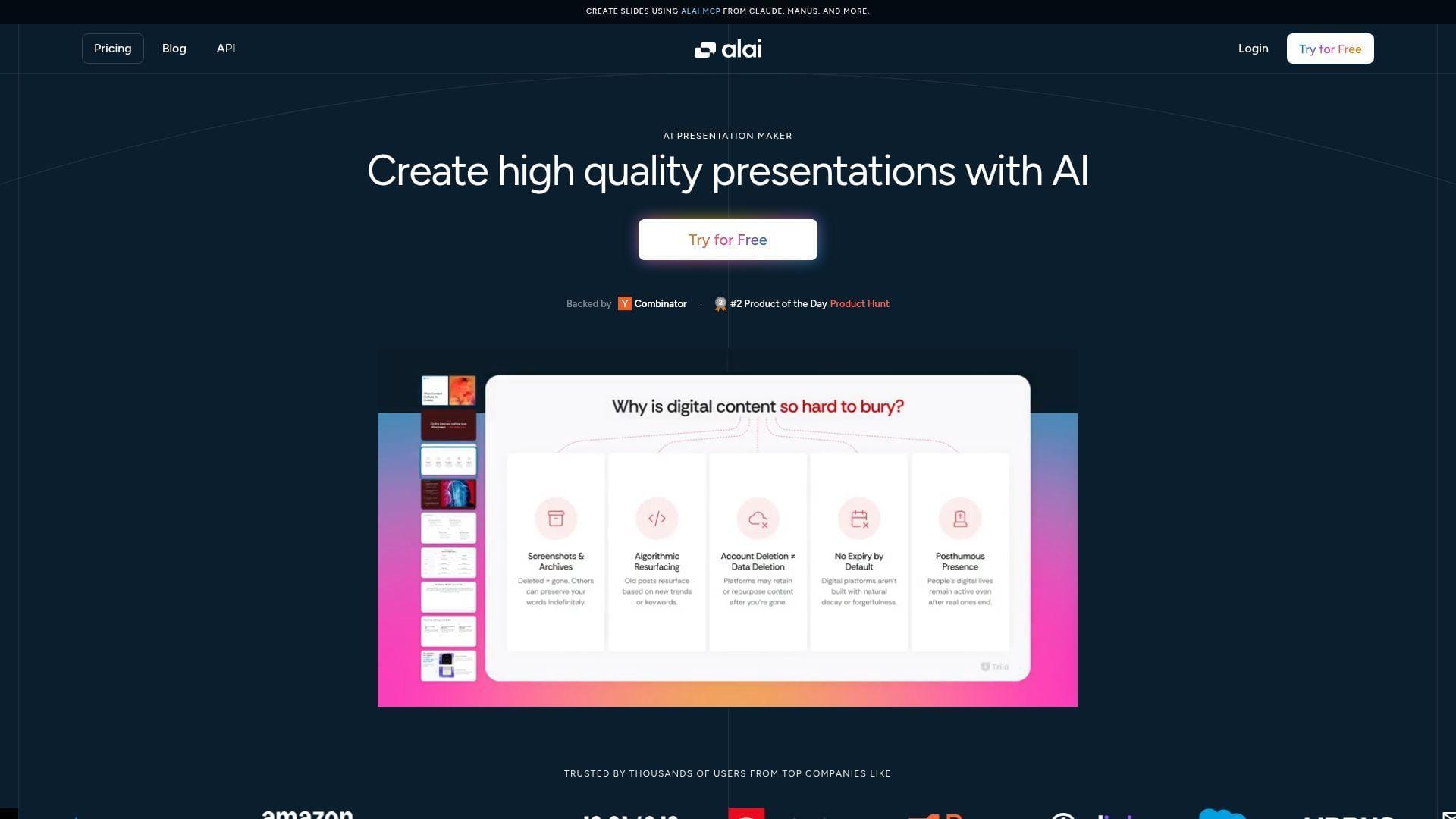
Alai is a newer presentation-focused team that seems obsessed with first-draft polish. We like that. It feels built for people who want to drop in source material and move on, not babysit spacing for an hour. The product centers on turning raw content or files into cleaner, more controlled decks than most prompt-only generators manage. Best for: founders and consultants, plus small go-to-market teams that need external-facing decks fast.
- PDF and PPT import with responsive layouts → turns rough source material into a usable draft without the usual slide-by-slide rebuild.
- Prompt-based edits, API access, and agent workflows → cuts the copy, reformat, and revise loop down to one working window.
- Theme-aware slide generation and targeted editing → most users can get to a reviewable draft in about 5 minutes.
Pricing & limits: From $0/mo. Paid plans start at $16/mo billed annually. The free plan includes 300 AI credits, exports to PDF and PPT, and up to 10 AI slides per prompt, but it keeps watermarks. Pro raises capacity to 1,200 monthly credits and up to 50 AI slides per prompt.
Honest drawbacks: Alai still feels more solo-user than admin-heavy. If you need mature permissions, analytics, or a deep governance layer, you may outgrow it fast. We think it beats Gamma on first-draft polish, but it trails Plus AI if your whole team refuses to leave PowerPoint.
Verdict: If you want a cleaner investor, sales, or proposal draft with less manual cleanup, this helps you get to client-review quality in one sitting.
2. Prezent.ai
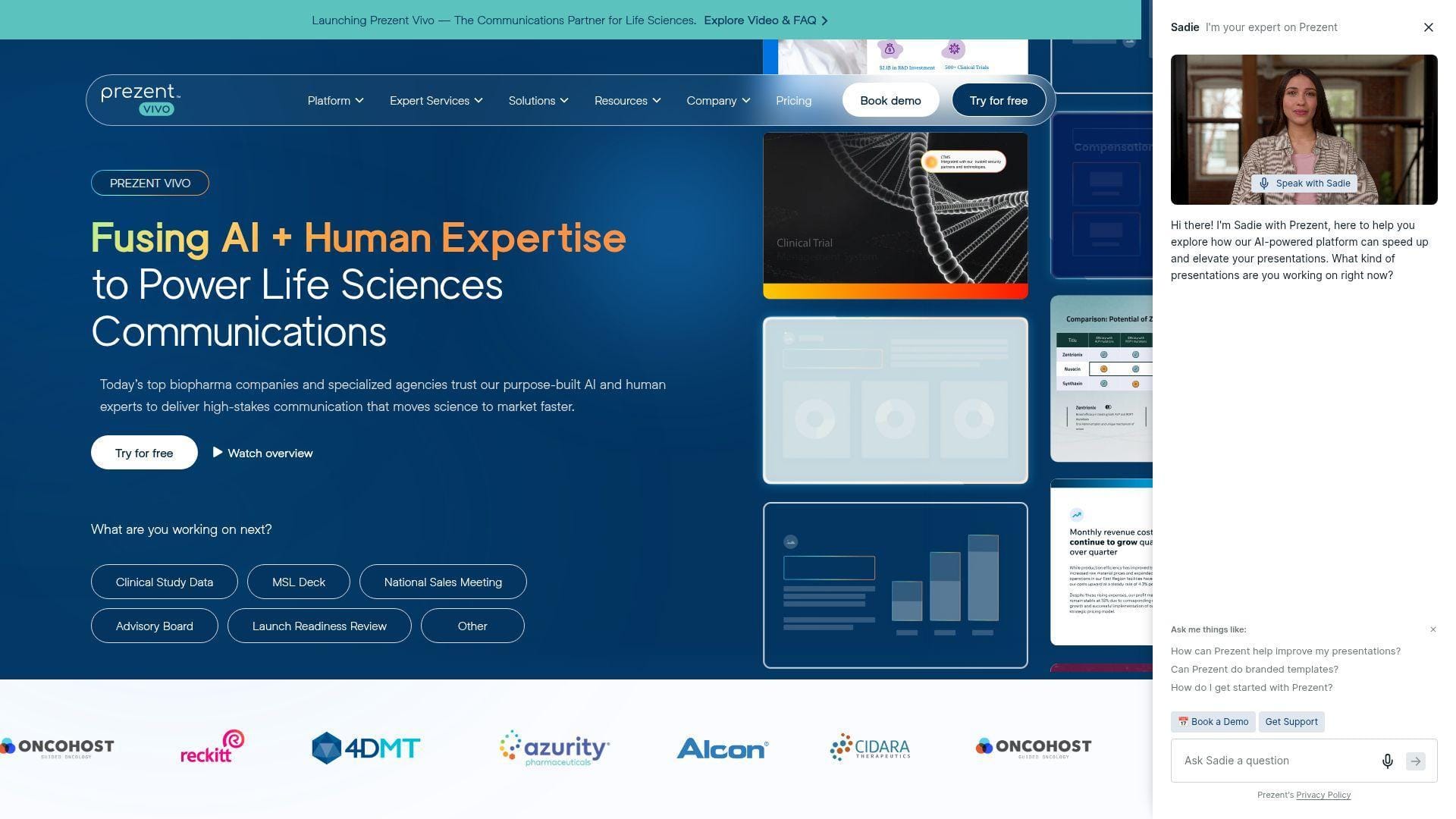
Prezent.ai is the most enterprise-minded tool on this list, and it shows. The company positions itself around business communication, not just slide generation, with strong focus on large teams, regulated industries, brand control, and expert support. We see the appeal for buyers who present often and cannot afford off-brand decks. Best for: enterprise communication leaders and life sciences teams, plus strategy or operations groups that present to executives every week.
- Document-to-slide generation with charts, citations, and brand rules → helps teams turn dense material into executive-ready visuals instead of generic summaries.
- Template Converter, slide library, and overnight services → removes hours of reformatting and late-night cleanup when deadlines are tight.
- Enterprise onboarding and guided workflows → time-to-first-value is often measured in the first serious team rollout, not a casual five-minute trial.
Pricing & limits: From $399/mo per user on Lite, with a try-free entry point. Lite includes unlimited AI-generated presentations but caps slide downloads at 300 annually, gives you one AI-generated brand-aligned template, and limits access to the broader best-practice library.
Honest drawbacks: This is expensive, and the buying motion is clearly enterprise-first. Solo users, students, and casual marketers will likely find it too heavy. The interface also makes more sense once you already know your team’s deck process.
Verdict: If you need governed, repeatable, high-stakes business decks, this helps you cut presentation labor while keeping executive communications consistent over the next quarter, not just tomorrow morning.
3. Gamma
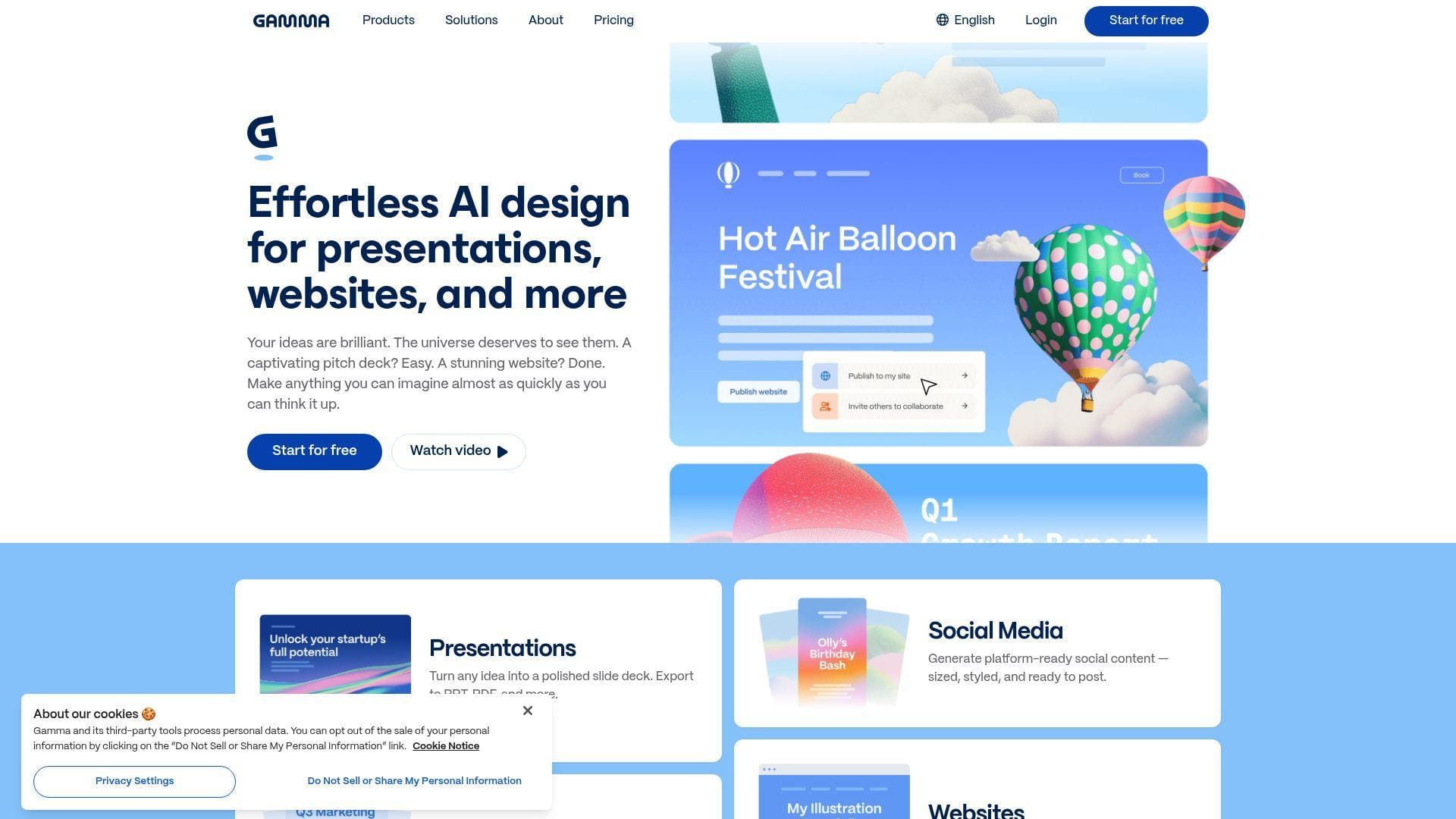
Gamma still stands out because it does not think like classic slide software. The team built a card-based canvas that can publish web presentations, documents, and simple sites, which is why it often feels quicker than traditional deck editors. We like Gamma most when the output will be shared as a live link, not trapped in a file. Best for: solo marketers and founders, plus teams that present asynchronously and want web-native sharing.
- Prompt-to-card generation → gets you a readable first draft fast, especially for internal updates, proposals, and lightweight thought leadership decks.
- Import from PDF and PPTX, then export to PPTX or Google Slides → saves a full rebuild when you already have source material.
- Simple web-first editor → most buyers understand the flow in under 10 minutes because the interface avoids heavy presentation jargon.
Pricing & limits: From $0/mo on the free plan. Paid tiers start at about $8/mo billed annually. Free users can create up to 10 cards per prompt, and free AI credits do not refresh, so ongoing use usually pushes you toward Plus or Pro.
Honest drawbacks: Gamma exports are usable, but web-first structure does not always translate cleanly into PowerPoint. Its AI also tends to sound polished before it sounds specific. We would not trust the first draft for an investor deck without real editing.
Verdict: If you need to turn an idea into a shareable link fast, this helps you publish a solid async deck in minutes, not hours.
4. Beautiful.ai
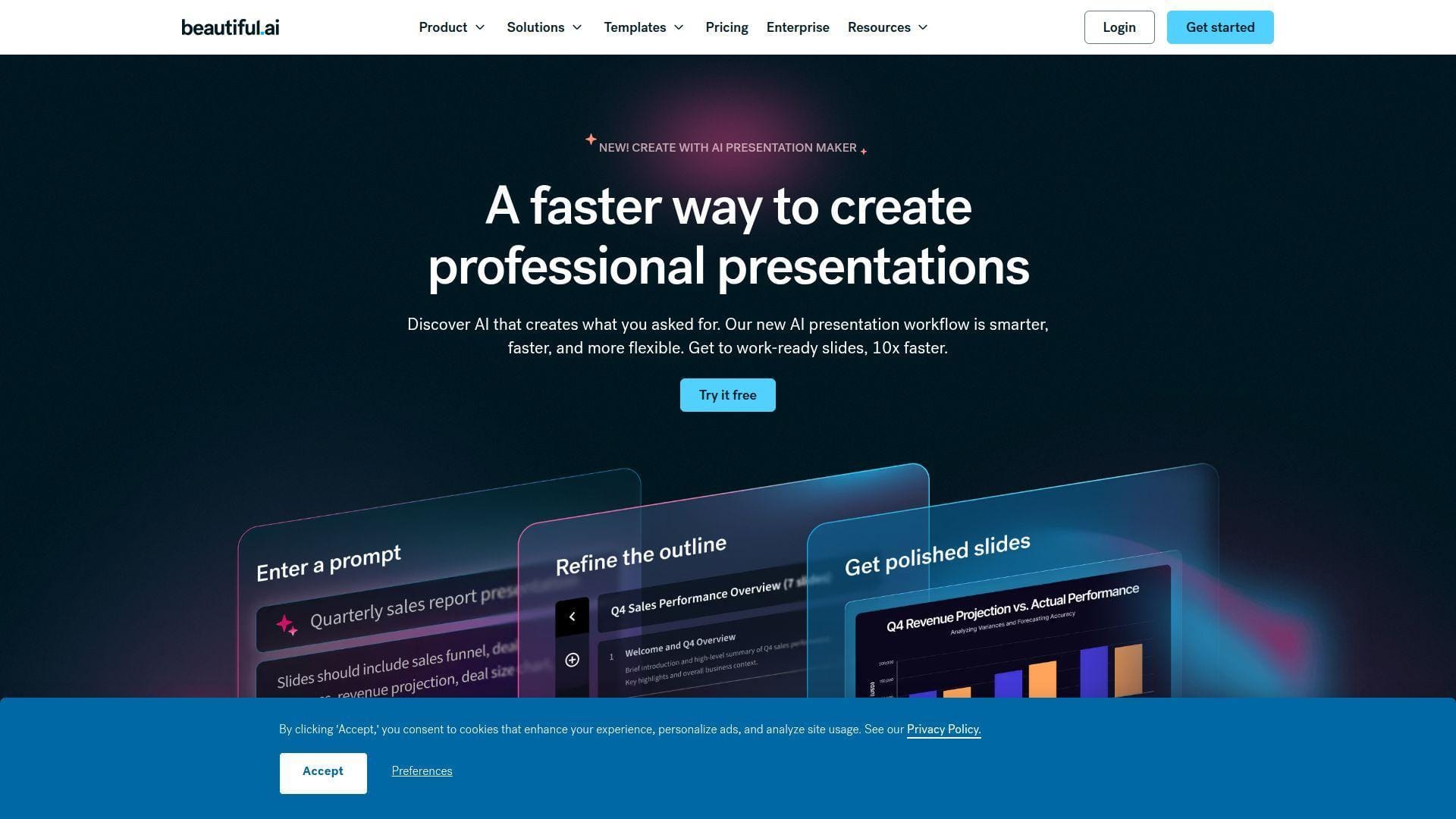
Beautiful.ai has been around long enough to know its lane. It is less about wild creative freedom and more about keeping ordinary business users from making ugly slides. The team’s Smart Slide system does the guardrail work for you, which is why managers and operations teams often like it. Best for: business professionals and department leads, plus teams that want consistent slides without hiring a designer.
- Smart Slide auto-design → keeps layouts tidy even when users add or remove content late in the editing process.
- AI content generation, file and link context, and analytics → reduces the usual write, lay out, and review sequence to a more controlled drafting loop.
- Template-driven editor with brand controls → first value usually lands in one short working session because there is less to break.
Pricing & limits: From $12/mo billed annually for Pro, with a 14-day free trial. Pro includes unlimited AI content generation, PowerPoint import and export, viewer analytics, and access to more than 300 Smart Slide layouts. There is no permanent free plan.
Honest drawbacks: The same layout guardrails that keep things clean can also make decks feel formulaic. If you need expressive storytelling, motion-heavy visuals, or unusual composition, Chronicle or Canva gives you more room. Export cleanup can still happen when a deck gets complex.
Verdict: If your main goal is consistent business slides with less design risk, this helps you ship cleaner decks by the end of the same workday.
5. Canva
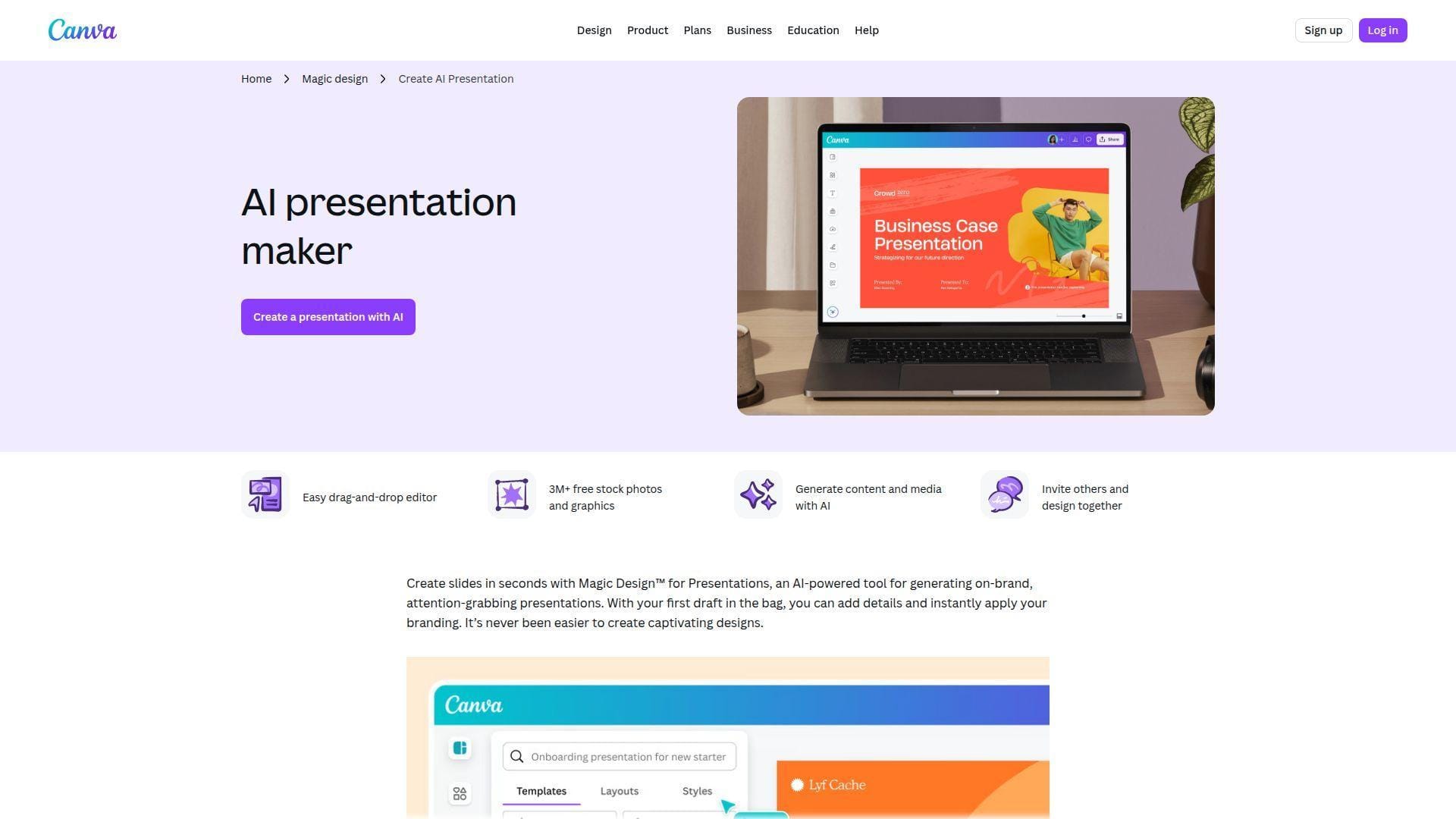
Canva is the broadest creative suite on this list, and that is both its superpower and its trade-off. The team keeps folding AI into an editor millions already understand, which makes its presentation maker easy to recommend to beginners. We like it most when presentations are only one part of the job. Best for: first-time deck makers and small marketing teams, plus educators who also need docs, social posts, handouts, and video.
- Magic Design for Presentations → creates a usable on-brand draft fast when you are starting from a blank page.
- Magic Studio, media generation, and shared editing → lets one team build slides, visuals, and supporting assets in the same workspace instead of switching tools.
- Drag-and-drop editing with huge template depth → most beginners get value in the first 10 minutes because the editor feels familiar.
Pricing & limits: From $0/mo on the free plan. Free is enough to test Canva’s AI presentation maker, but AI usage, premium assets, and brand controls are limited. Paid tiers raise AI usage and brand options, and Canva Business starts at $20 per person per month in the U.S.
Honest drawbacks: Canva is not presentation-first in the way Pitch, Chronicle, or Plus AI is. Serious board decks can still need more structure, and slide-level analytics or presenter workflows are not its strongest area. We think Canva beats most tools for beginners, but trails stronger enterprise deck systems.
Verdict: If you need an easy AI presentation maker inside a wider design stack, this helps you create and polish a decent deck in one afternoon.
6. Plus AI
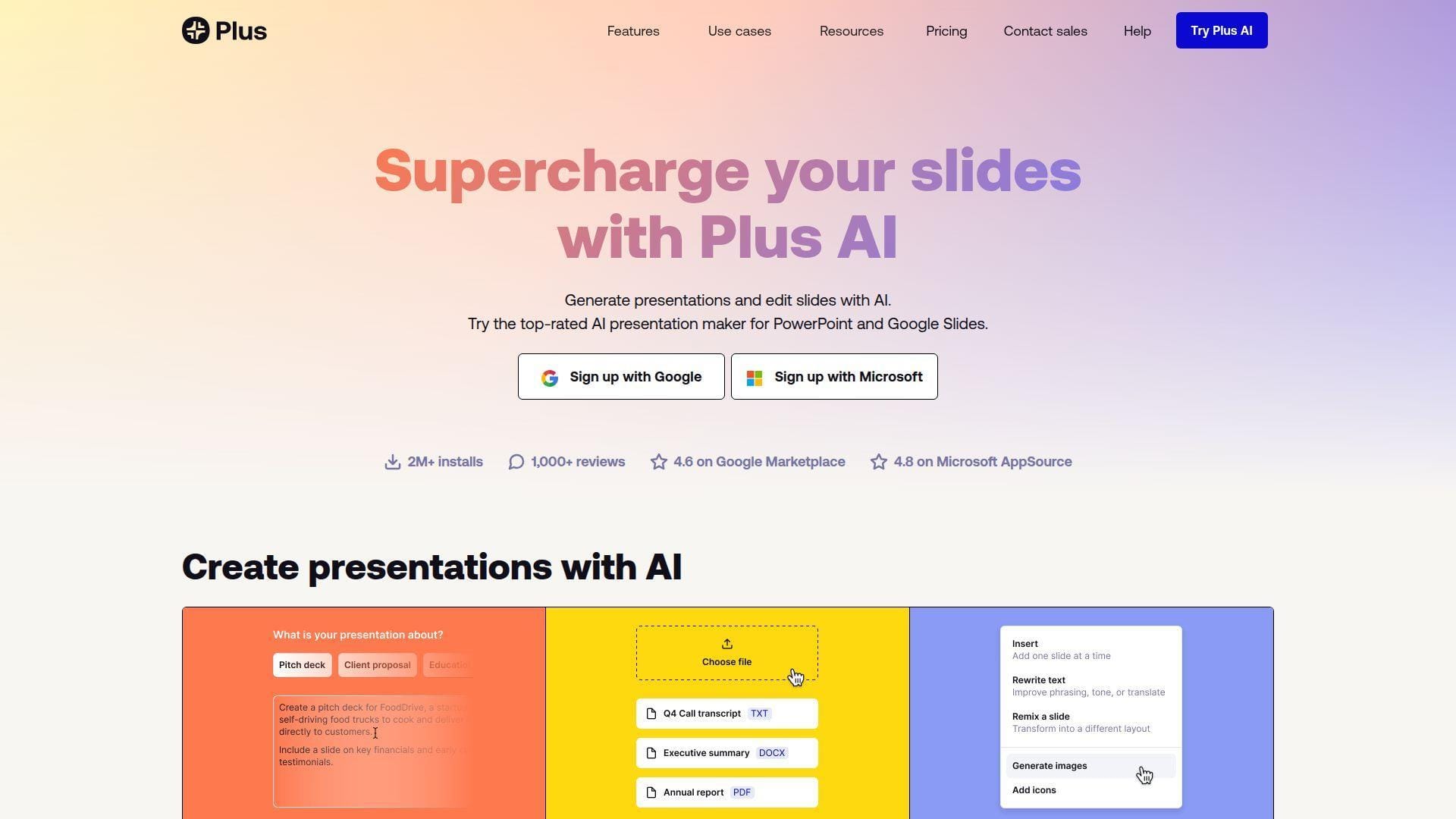
Plus AI takes the opposite approach from web-first deck builders. Instead of asking you to learn a new canvas, the team built directly inside Google Slides and PowerPoint. That choice matters. For many buyers, the real bottleneck is not drafting slides, it is getting AI help without breaking the existing file workflow. Best for: consultants and operations teams, plus Microsoft and Google shops that already live in presentation software.
- Native drafting in Google Slides and PowerPoint → avoids the usual export-and-fix routine that slows down many AI deck tools.
- Document uploads, long prompts, and remix tools → can shave multiple copy-paste steps out of each revision cycle.
- Low-friction install and familiar editing surface → first value often happens in under 10 minutes because there is almost nothing new to learn.
Pricing & limits: From $10/mo per user billed annually, with a 7-day free trial. Basic includes 1,500 monthly AI Agent credits. Pro increases that to 3,000 credits and adds document uploads. Team adds 6,000 credits, shared branding, and team-wide presets.
Honest drawbacks: Design flair is not the point here, and it shows. If you want motion, interactive web delivery, or unusually strong first-draft storytelling, Chronicle or Gamma is more exciting. Plus AI is strongest when the final deliverable must stay native.
Verdict: If your team already works in PowerPoint or Google Slides, this helps you add AI drafting without changing the rest of your workflow this week.
7. Pitch
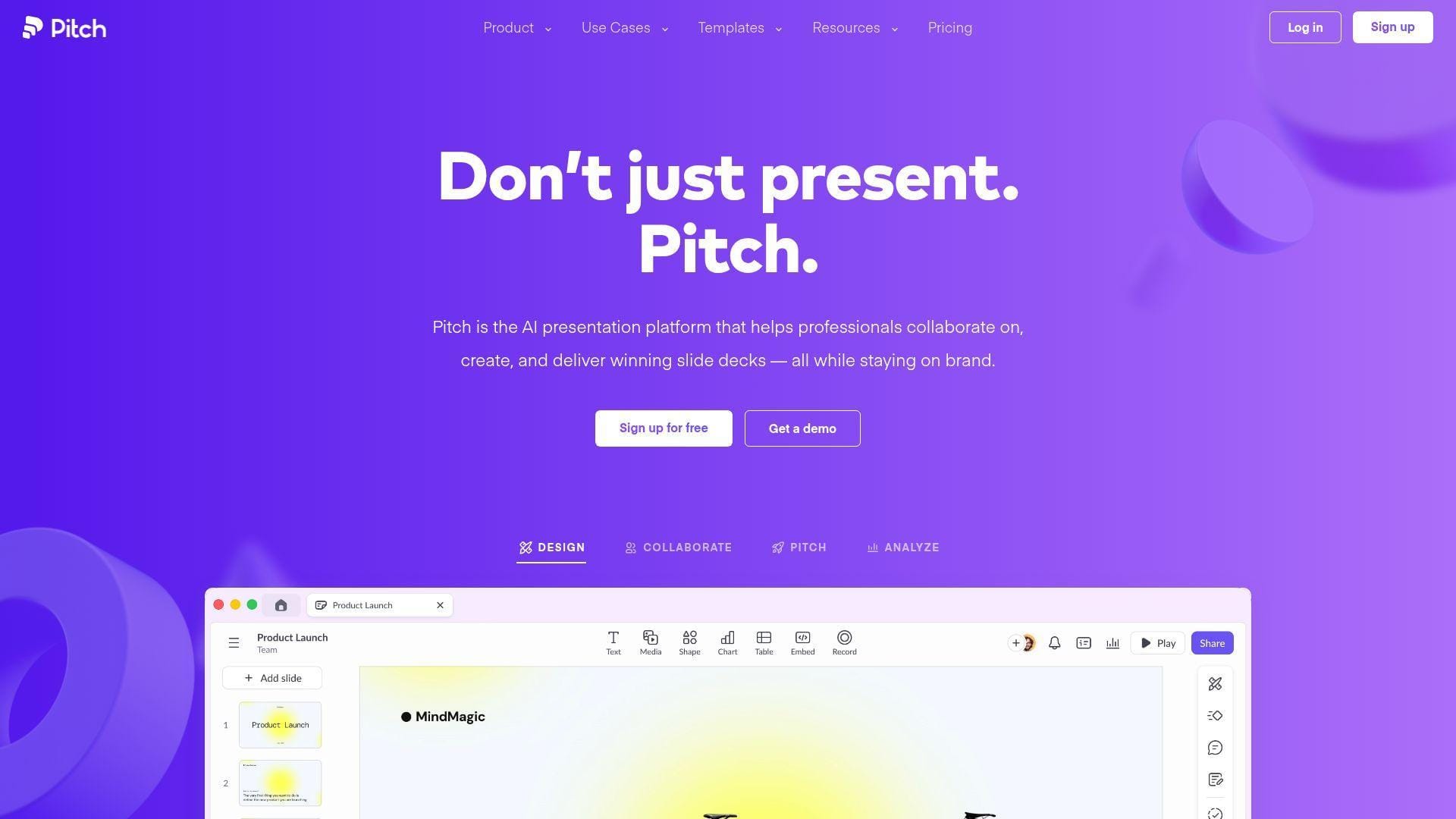
Pitch feels like a modern collaboration product first and a presentation tool second, and we mean that in a good way. The team has invested heavily in shared editing, comments, templates, pitch rooms, and analytics, which makes it a strong fit for customer-facing work. Best for: startups and sales teams, plus internal teams that present together and need feedback loops built into the product.
- AI-started decks plus layout and text actions → speeds up the draft phase without locking you into a one-shot output.
- Pitch rooms, analytics links, and interactive embeds → reduces the number of separate files, follow-up emails, and status checks needed after sharing.
- Strong real-time collaboration → a small team can usually go from blank workspace to a shared deck in the first hour.
Pricing & limits: From $0/mo. Free supports up to 5 members and includes 100 one-time AI credits. Paid plans start at $13/mo billed annually for a single-member Plus workspace. Team starts at $19 per seat monthly billed annually and adds analytics, pitch rooms, and deeper collaboration.
Honest drawbacks: The one-member Plus plan is a little awkward, and Pitch is not the fastest tool for research-heavy or document-heavy generation. If your team needs native PowerPoint work above all else, Plus AI is easier. If you need rigid enterprise brand control, Prezent is stronger.
Verdict: If you want AI help plus strong team sharing and follow-up visibility, this helps you move from draft to tracked client deck in a single workspace.
8. SlidesAI
SlidesAI is much narrower than Canva or Pitch, and that is why it still deserves attention. The team built a practical text-to-slides workflow for people who mostly want to stay inside Google Slides. We like it when buyers want speed and simplicity more than originality. Best for: students and teachers, plus small teams that need straightforward decks from written notes.
- Text-to-presentation drafting inside slide software → quickly turns notes into a presentable first version without leaving the deck environment.
- Document upload and cross-platform support → saves the manual step of rewriting source material before slide creation.
- Lightweight setup → first value is often within a few minutes because the product is built around one job.
Pricing & limits: From $0/mo. The free Basic plan allows 12 presentations per year, 2,500 characters of input per presentation, and 120 AI credits per year. Pro is $8.33/mo billed annually, while Premium is $16.67/mo billed annually and removes the presentation cap.
Honest drawbacks: Output quality is fine, not remarkable. The tool can feel template-ish, especially for client-facing or investor-facing decks. Team collaboration, brand governance, and analytics are also much thinner than in Pitch, Canva, or Chronicle.
Verdict: If you want a low-cost way to turn text into a simple deck fast, this helps you build classroom or internal slides without overbuying.
9. Prezi AI
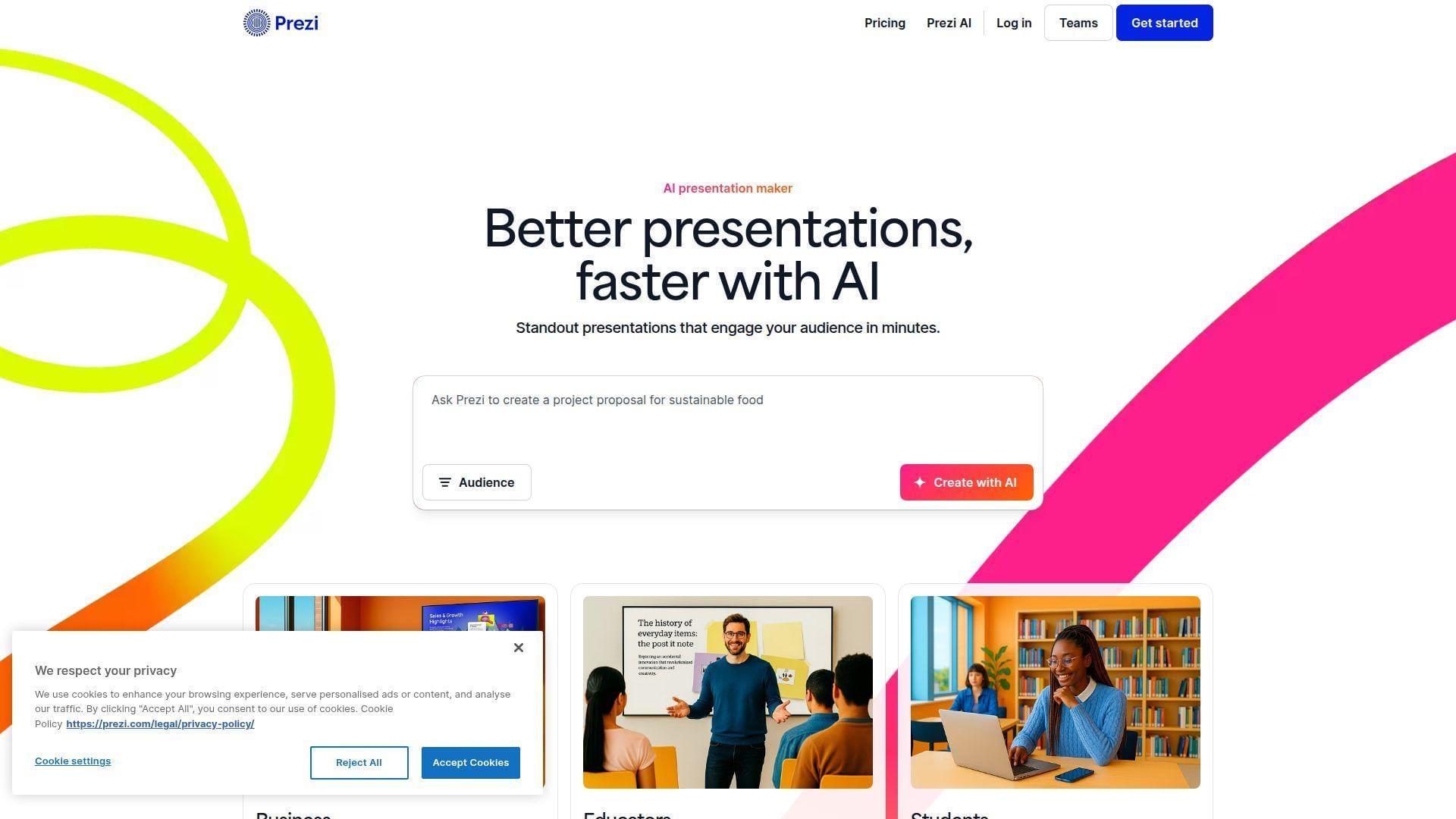
Prezi still solves a different presentation problem than the rest of this market. The team leans into movement, zooming, and nonlinear flow, which can make a talk feel more alive when the presenter is the main event. It is not our default pick for every business deck, but it remains useful in the right room. Best for: trainers and educators, plus speakers who want delivery to feel less like advancing static slides.
- AI presentation generation with motion-first storytelling → helps presenters hold audience attention when live delivery matters more than file handoff.
- PPT and PDF import plus Prezi Video options → lets you reuse old content instead of rebuilding everything for a different presentation style.
- Template-based onboarding → most buyers can test the core motion format quickly, usually in one session.
Pricing & limits: From $0/mo on Basic. Paid plans start at $7/mo billed annually, and paid tiers come with a 14-day free trial. Basic includes 500 AI credits for generation, up to 10 talking points, and import support, but public sharing is part of the trade-off.
Honest drawbacks: Prezi’s visual style is polarizing. Some buyers love the movement. Others find it distracting or less professional for standard board and sales decks. If your audience expects a normal PowerPoint handoff, Plus AI or Beautiful.ai is safer.
Verdict: If you present live and want more motion than ordinary slides can offer, this helps you create a more memorable talk by your next session.
10. Chronicle
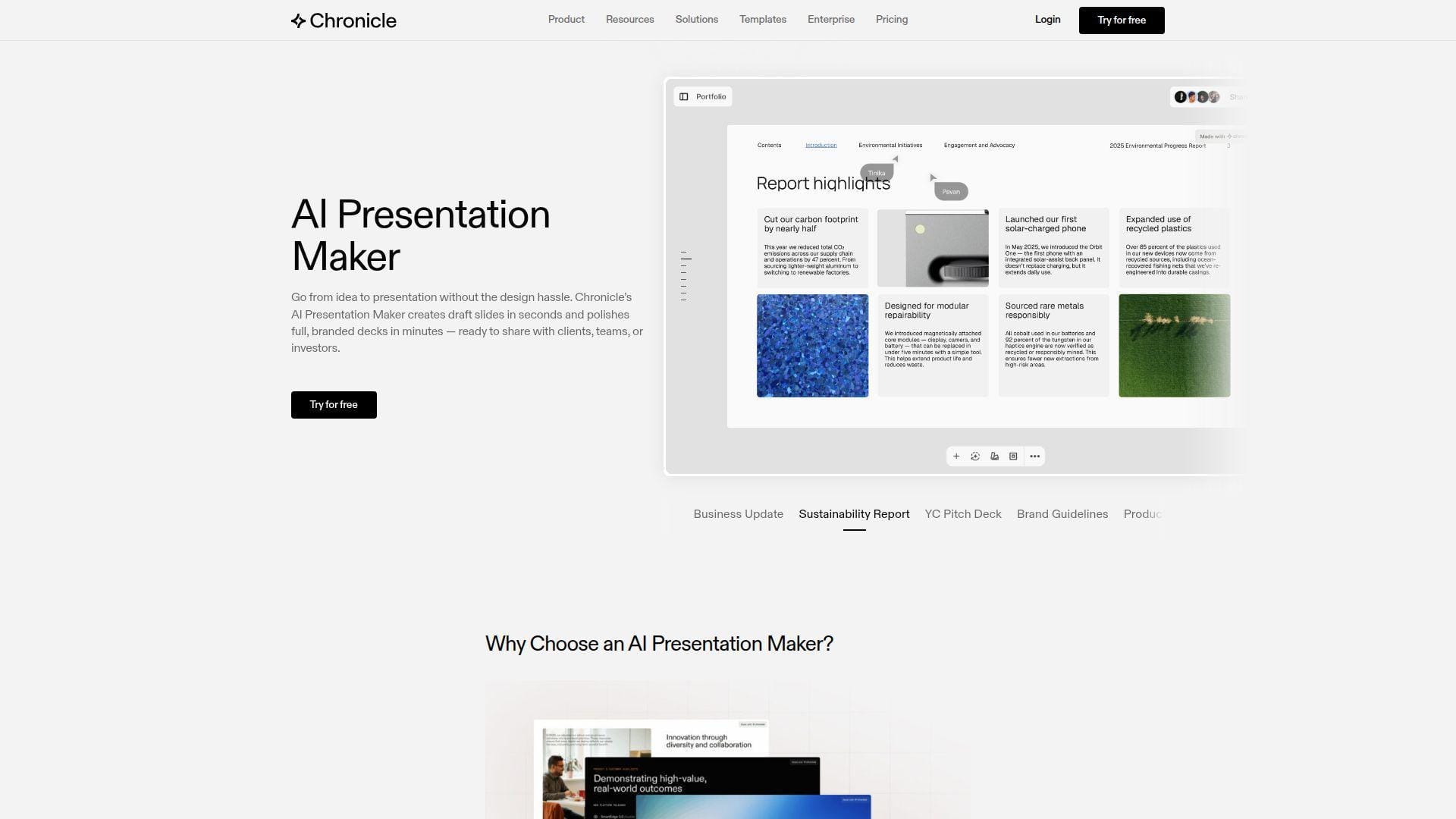
Chronicle is one of the most interesting presentation-first products in this category. The team openly leans on storytelling talent from consulting and design backgrounds, and the product feels like it was built by people who care about narrative quality, not just prompt speed. We rate it highly for premium-looking decks. Best for: founders and agencies, plus consultants who want sharper story-first presentations.
- Story-aware generation and polished widgets → gives decks more visual intent than most text-to-slide tools manage on the first pass.
- Imports from URL, PDF, or PPT plus AI edits → removes several back-and-forth revision steps when source material already exists.
- Freeform canvas with business-grade templates → first value often arrives inside the first serious draft, usually within 15 minutes.
Pricing & limits: From $0/mo. Free includes unlimited documents and widgets, 100 tokens, basic preset themes, web publishing, PDF export, and one guest editor. Pro starts at $12/mo billed annually and adds imports, custom themes, branding removal, and shared workspaces.
Honest drawbacks: Chronicle’s newer format takes more adjustment than Canva or Beautiful.ai. Also, some of its best web-native effects lose their edge once you export to traditional files. We think it beats Beautiful.ai on freshness, but trails Plus AI on native office editing.
Verdict: If you want an AI presentation maker that still feels crafted, this helps you build a high-end story deck in one focused work block.
11. Adobe Express
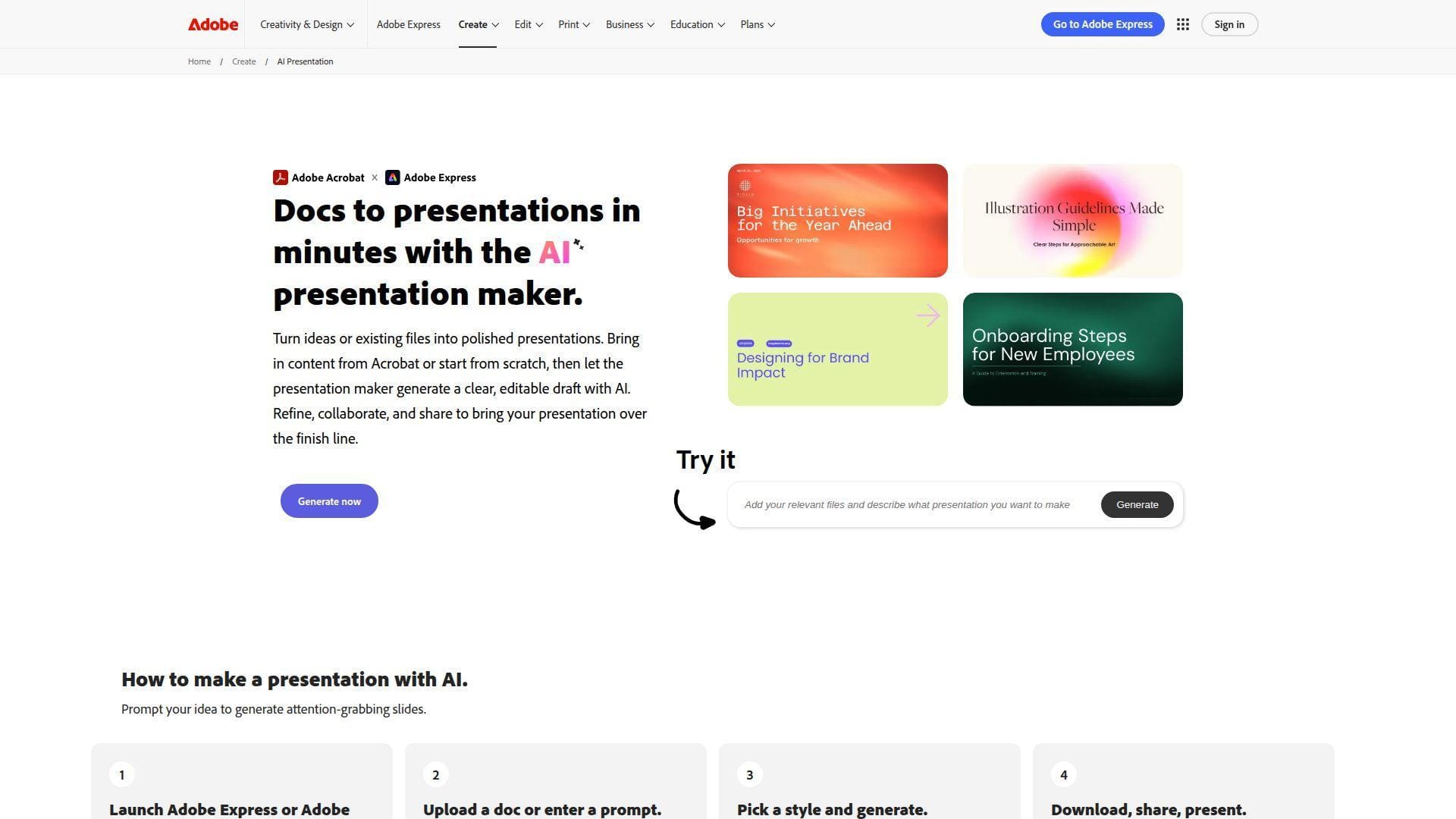
Adobe Express is another broad creative suite, but it makes more sense for presentation buyers than many people assume. The team has added a real AI presentation generator, file-based starting points, and useful access to Adobe assets, which helps when the deck is part of a larger content job. Best for: Adobe users and marketers, plus small teams that want slides, social assets, and lightweight design in one place.
- Prompt and file-based presentation generation → gets you from document to visual draft without rebuilding your source material by hand.
- Firefly-powered image and design tools → keeps slide visuals in the same workspace, which can remove several export and import steps.
- Simple web editor → first value usually appears quickly, especially for users already comfortable with Adobe’s content ecosystem.
Pricing & limits: From $0/mo on the free plan. Free includes basic editing, templates, limited assets, 5GB storage, and 5 free lifetime uses of Generate Presentations. Premium is $9.99/mo and adds 250 generative credits each month plus broader editing features.
Honest drawbacks: Presentation creation is still one part of a wider toolset, not the center of the product. Free presentation generation is also stingier than what Canva or Gamma gives you. For collaboration and deck analytics, Pitch is stronger.
Verdict: If you already use Adobe and want light AI deck creation without adding another subscription, this helps you get a polished draft and supporting visuals in one place.
12. Presentations.AI
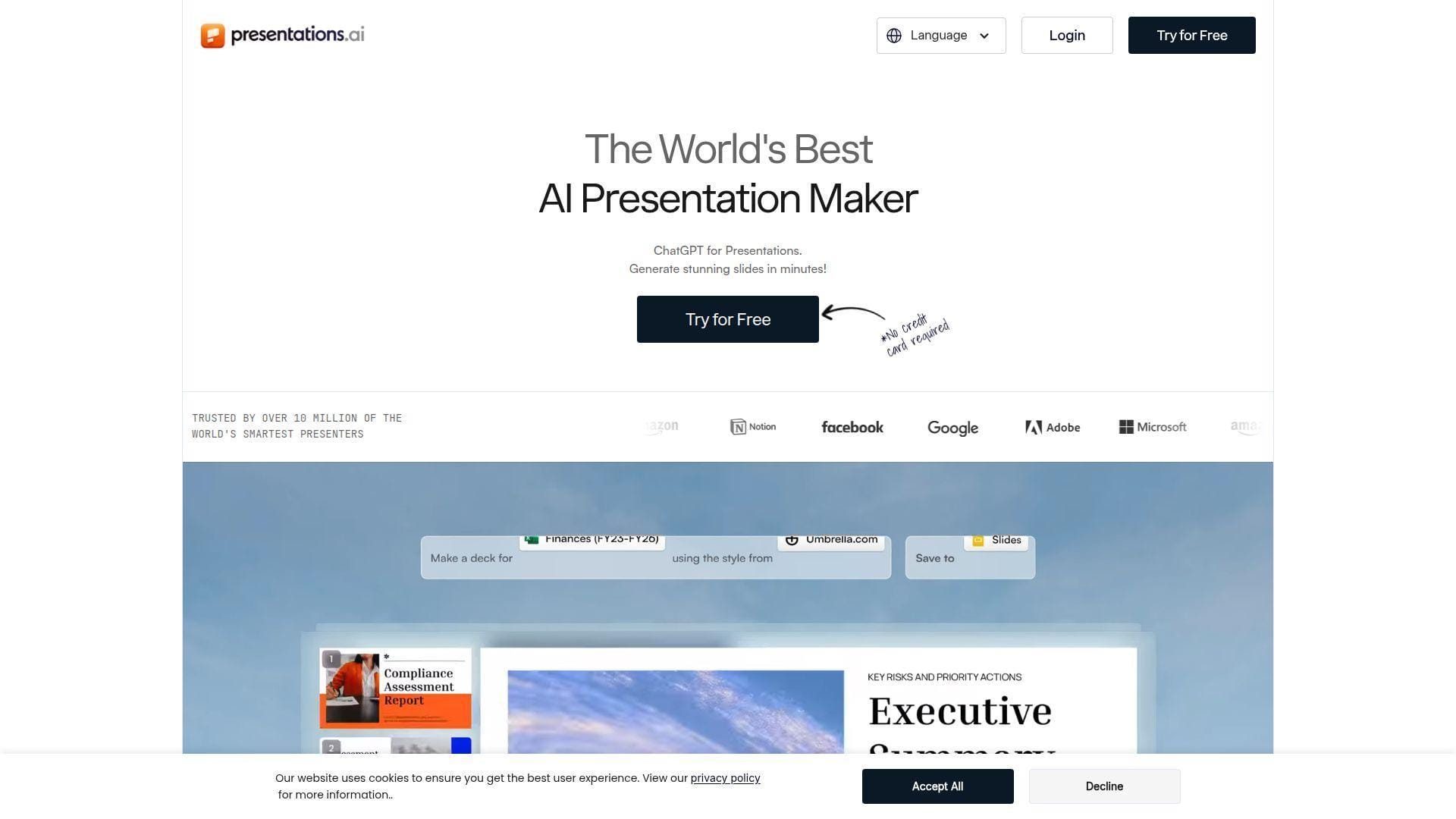
Presentations.AI aims squarely at buyers who want auto-branding, browser editing, and strong source ingestion without spending enterprise money. We like its ambition. It tries to bridge simple AI drafting and more serious business presentation workflows, especially when brand cues matter. Best for: sales and pre-sales teams, plus fast-moving startups that want AI help without giving up control.
- Prompt, document, and URL-to-deck workflows → turns scattered source material into a structured draft without manual slide mapping.
- Auto brand extraction and PowerPoint export → saves repeated styling work when you need multiple tailored decks from the same identity.
- Browser-based editing and collaboration → most teams can start testing it quickly because no desktop install is required.
Pricing & limits: From $0/mo on Starter. Starter supports any number of users with limited AI credits and basic collaboration. Paid options vary, including a public beta tier at $40 per year for small groups and a single-user Pro plan at $198 per year. Free accounts start with 200 credits and have a 10MB file limit.
Honest drawbacks: The pricing page still feels a bit in flux, which can make plan comparison harder than it should be. Buyers who want dead-simple pricing may prefer Beautiful.ai or Plus AI. The editing experience is solid, but not as refined as Pitch or Chronicle.
Verdict: If you want auto-branded AI drafts with more source flexibility than many cheaper tools offer, this helps you create repeatable sales and internal decks fast.
13. Slidesgo
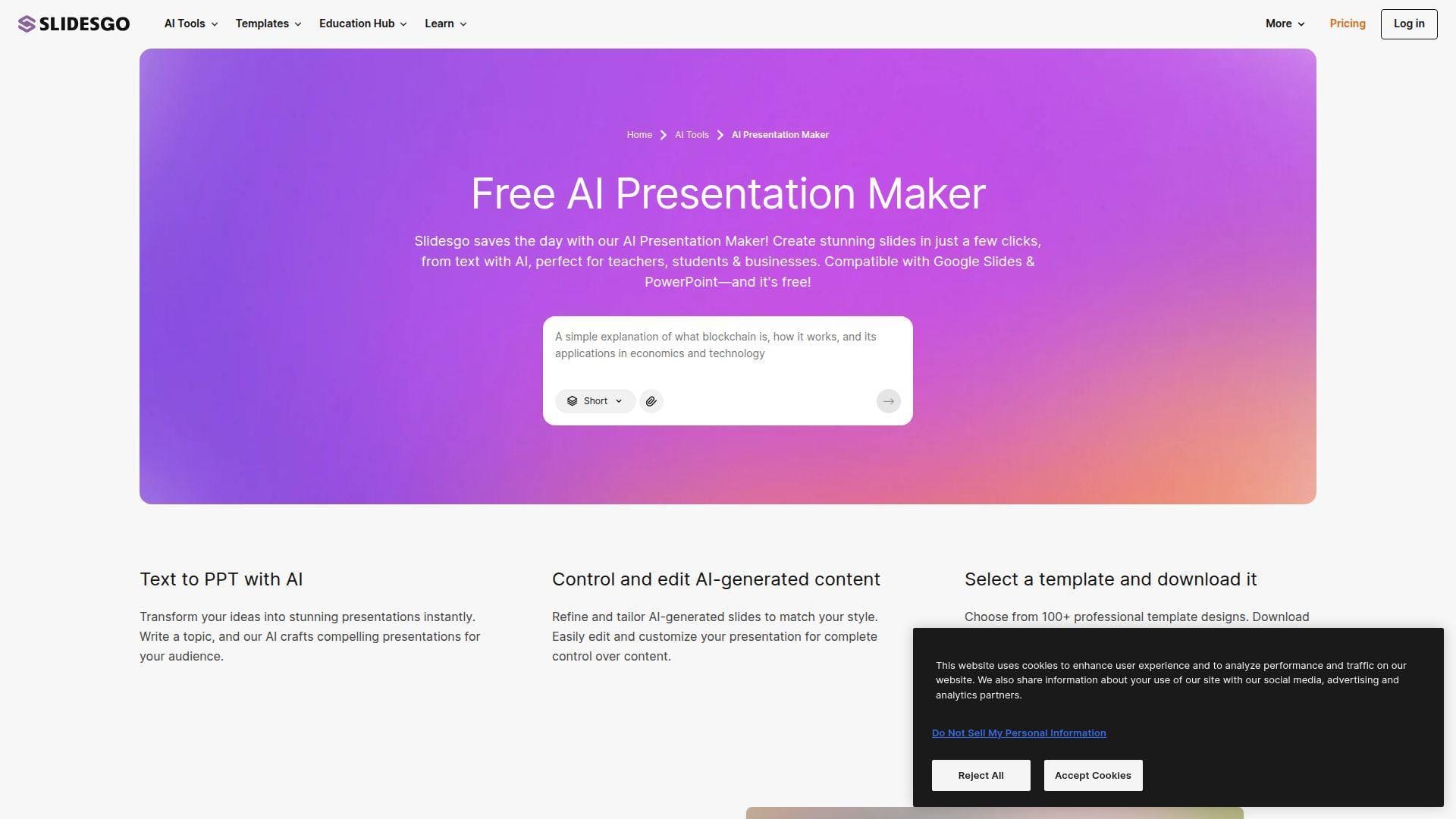
Slidesgo comes from a template-first tradition, and that remains its biggest advantage. The AI layer is useful, but the real value is that the team already understands what teachers, students, and occasional presenters actually download. We like it most when budget matters and polish matters just enough. Best for: teachers and students, plus freelancers who need low-cost deck templates with AI assistance.
- AI presentation generation plus deep template library → gives users a stronger visual starting point than plain text-to-slide tools.
- Editable PPTX downloads and Google Slides compatibility → saves the step of rebuilding a nice draft inside another tool.
- Very easy onboarding → first value often happens in under 10 minutes because template choice does most of the heavy lifting.
Pricing & limits: From $0/mo. The free plan gives you 3 AI-generated presentations per month, 3 template downloads per month, and requires attribution. Premium starts at $3/mo billed annually and removes those caps while opening the full template library.
Honest drawbacks: Slidesgo is not trying to be a collaboration or analytics platform. If your workflow includes live teamwork, approval paths, or advanced AI rewriting, it will feel basic. It also leans heavily on templates, which can make decks look familiar in crowded categories.
Verdict: If you want a cheap way to get visually decent slides fast, this helps you move from blank page to usable deck with very little setup.
14. Presenti
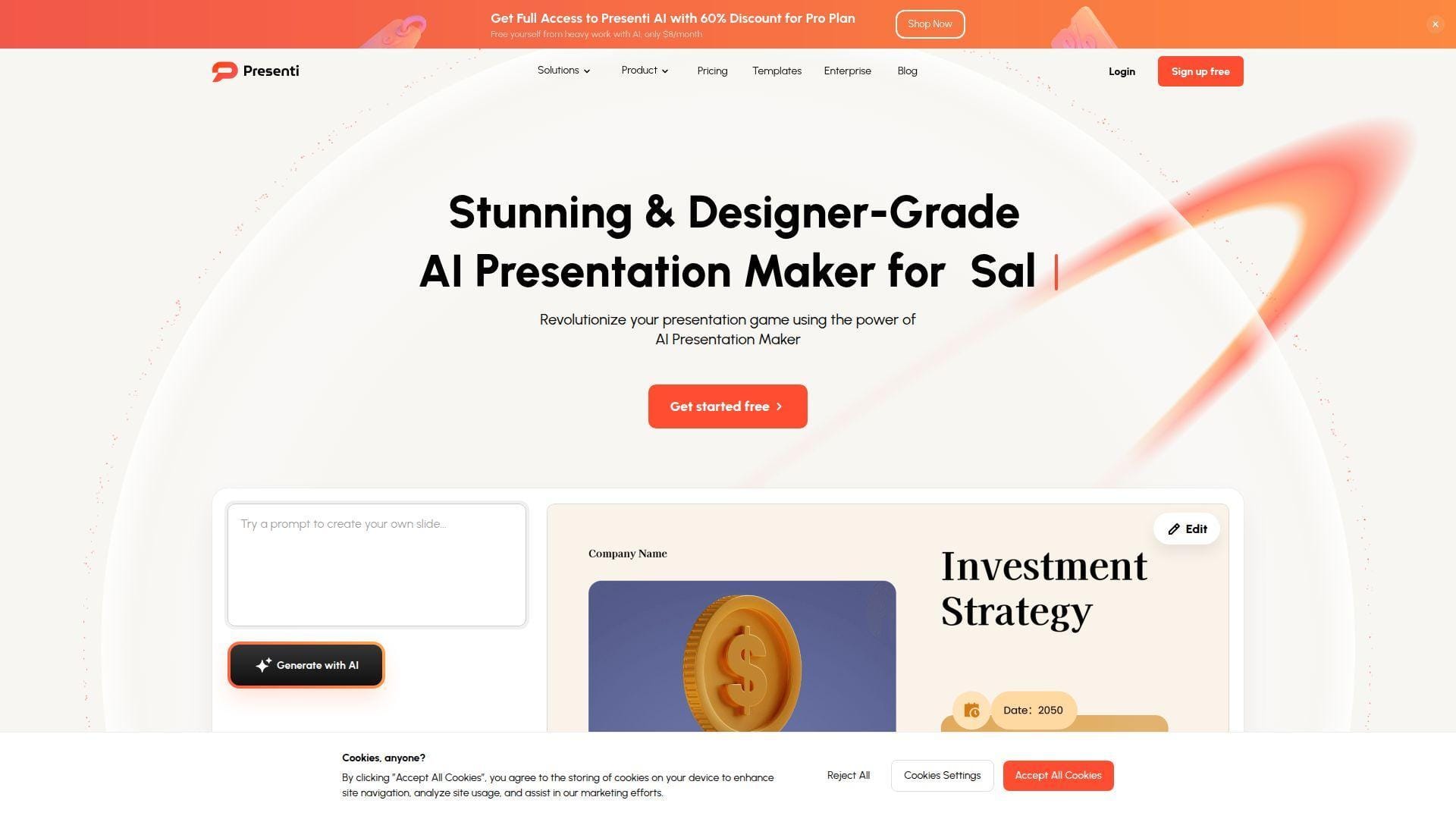
Presenti is a newer entrant, but it is aiming at a real buyer pain point, turning messy source formats into slide-ready structure without too much friction. The team is clearly trying to win on flexibility, not just pretty screenshots. We think it is one of the more interesting budget options for heavy document users. Best for: students and researchers, plus small teams that work from PDFs, Word docs, Markdown, or mind maps.
- Multi-format import from TXT, Word, PDF, Markdown, and XMind → reduces the manual cleanup needed before you can even ask AI to draft slides.
- AI image matching, audio-to-PPT, and agent modes → condenses several preparation steps into one place when building a deck from mixed sources.
- Browser-based editing with fast generation → most users can get a first draft in about a minute once their content is ready.
Pricing & limits: From $0/mo with basic usage and limited free AI credits. Paid tiers start at $6/mo billed annually. Plus allows up to 25 slides per file, Pro goes to 50, and Ultra reaches 75 while also raising advanced monthly usage caps.
Honest drawbacks: Presenti still feels younger than Canva, Pitch, or Plus AI. The workspace can also feel busy because it is trying to do many things at once. Buyers who want proven enterprise depth should look elsewhere.
Verdict: If your starting point is a pile of source files rather than a neat outline, this helps you turn that mess into a draft deck much faster.
15. QuillBot
QuillBot is not a classic presentation platform, and that is exactly how we think you should judge it. It is a writing-first product that now extends into slide creation, which makes sense for buyers who already rely on QuillBot for rewriting, summarizing, or polishing text. Best for: students and writers, plus solo users who care more about cleaner wording than advanced slide mechanics.
- Writing assistance tied to slide generation → helps users improve weak source text before it turns into weak slide copy.
- Premium writing tools around the presentation flow → can remove several separate rewrite and proofreading passes from your prep process.
- Simple access from a familiar writing product → first value is fast for existing QuillBot users because the broader ecosystem already feels familiar.
Pricing & limits: From $0/mo if you only want to test the free experience. Premium plans start at $8.33/mo billed annually, with higher monthly and shorter-term options also available. The presentation maker is free to try, while the strongest writing features sit behind Premium.
Honest drawbacks: This is not where we would send a team that needs branding, analytics, or serious collaboration. Design range is also thinner than what you get from Canva, Pitch, or Chronicle. In practice, QuillBot is better at improving words than at managing decks.
Verdict: If your main problem is turning rough text into clearer slide copy, this helps you tighten the message before presentation design becomes the next task.
16. Google Gemini Canvas
Gemini Canvas is interesting because it blurs the line between AI workspace and presentation tool. Google lets you draft slides in Canvas, export them to Google Slides, and use Gemini directly inside Slides for new slide creation, writing help, and image generation. We see it as a workflow enhancer, not a full deck platform. Best for: Google Workspace teams and analysts, plus users who already live in Docs, Drive, and Slides.
- Canvas-to-Slides export → turns research notes or structured thinking into an editable Google Slides draft without copy-pasting everything by hand.
- Gemini inside Slides with image generation and slide creation → can remove several drafting and visual search steps from normal Google workflows.
- Low setup friction for Google users → first value can happen in minutes if your team already works inside the Google stack.
Pricing & limits: From $0/mo with basic access that carries changing daily limits. Google AI Pro is $19.99/mo and adds higher limits, including up to 100 prompts per day in the Gemini app and a larger context window. New subscribers can try Google AI Pro free for one month.
Honest drawbacks: Gemini Canvas is not presentation-first enough for buyers who need deep branding, polished templates, or slide analytics. You still need to finish the deck in Slides. We think it beats general chat tools on export convenience, but trails dedicated deck apps on design quality.
Verdict: If you already work in Google Workspace and want AI to help shape your first draft, this gets you from notes to editable Slides without much friction.
17. Genspark AI
Genspark is broader than most tools here. It is an AI workspace with agents, storage, research features, and an AI presentation maker, which means you are buying into a system, not just a deck tool. We like it most when research is the bottleneck. Best for: researchers and product marketers, plus buyers who want one AI workspace to gather sources and draft slides.
- Guide mode and research-backed slide generation → helps turn vague requests into more structured drafts by asking clarifying questions first.
- AI Slides inside a wider agent workspace → reduces the need to jump between separate research, chat, image, and presentation tools.
- Fast trial access with free credits → buyers can test the workflow quickly, though serious value depends on understanding the credit model.
Pricing & limits: From $0/mo on the free tier. Paid plans add larger monthly credit pools, commercial use, and AI Drive storage. Plus starts with 10,000 monthly credits and 50GB storage, while Pro starts with 125,000 credits and 1TB storage.
Honest drawbacks: Genspark can feel noisy if all you want is a straightforward deck. Credits and session-based limits are also harder to reason about than simple per-seat plans. We would pick Chronicle or Beautiful.ai for cleaner presentation-first focus.
Verdict: If your presentation workflow starts with heavy research and scattered inputs, this helps you gather, draft, and refine inside one AI workspace.
18. Manus AI
Manus AI has become popular because it pushes harder into autonomous work than most AI slide tools. The team pitches it as an AI agent that researches, writes, designs, and exports presentations, which makes it one of the few products here that feels built for higher-context assignments. Best for: analysts and founders, plus consulting-style teams that need research-backed drafts rather than just prettier layouts.
- Research, narrative building, and slide creation in one run → produces stronger first drafts when the topic needs evidence, not just formatting.
- Connectors and document-based prompting → can remove several gather, summarize, and draft steps before slide work starts.
- Editable PPTX and PDF export → time-to-first-value is often one good prompt away, usually within a few minutes for a standard deck.
Pricing & limits: From $0/mo with limited free credits. Paid membership starts from $40/mo, and Manus offers a 7-day free trial on Pro. Usage is credit-based, so cost rises with task complexity rather than just seat count.
Honest drawbacks: Manus can over-research simple decks. It is also expensive compared with lightweight tools, and autonomous generation still needs review. We trust it more for depth than for instant brevity.
Verdict: If you need a research-heavy first draft with data, narrative, and visuals already in motion, this helps you get there in one focused session.
19. NoteGPT
NoteGPT is another all-in-one AI workspace that happens to include presentation tools, but its angle is clearer than Genspark’s. The team is targeting learning, summarization, transcription, and source-heavy study workflows, which makes its slide features especially relevant for education and research buyers. Best for: students and educators, plus researchers who build decks from lectures, documents, or video sources.
- Presentation generation from text, files, articles, and YouTube links → turns study materials into slide drafts without manual outline building.
- Summaries, transcripts, chat, and slide tools in one account → cuts several source-processing steps out of classroom and research prep.
- Fast free access → most users can test the deck workflow immediately because the product is built around self-serve onboarding.
Pricing & limits: From $0/mo. Free accounts get 15 quotas each month. Paid plans start at $9.99/mo for Pro, while heavier users can move to larger monthly plans with unlimited basic quotas and more premium credits.
Honest drawbacks: NoteGPT is still a learning assistant first, not a mature team presentation suite. Branding, collaboration, and executive polish are limited next to Pitch, Canva, or Prezent. Quota math can also confuse occasional buyers.
Verdict: If your deck starts with lectures, PDFs, or videos, this helps you turn those sources into study or teaching slides with minimal prep.
20. SlidesGPT
SlidesGPT does one thing clearly, turn prompts and source files into downloadable presentation drafts. We respect that focus. The product is especially useful for buyers who want a quick PowerPoint path, API options, or ChatGPT-adjacent workflows without a bigger design suite. Best for: solo users who need quick draft decks, plus teams exploring API-based presentation generation.
- Text, PDF, CSV, YouTube, Markdown, and chat-based input → makes it easy to start from whatever source you already have.
- Browser preview plus exports to PowerPoint, PDF, and Google Slides → removes the manual rebuild that usually follows general chat-tool drafting.
- Simple plan structure and API tier → first value is quick because you can test creation before paying for downloads.
Pricing & limits: From $0/mo on Free Starter for creating, viewing, and sharing presentations. Pro starts at $7.49/mo billed annually and includes exports plus 10 downloads per month. Pro XL raises that to 50 downloads, and the API starts with a free tier.
Honest drawbacks: SlidesGPT is fast, but its design range can feel conventional next to Canva, Chronicle, or Gamma. Browser editing is lighter than what heavy deck users may want. We would use it for speed, not for the final layer of visual taste.
Verdict: If you want a quick route from prompt to downloadable draft deck, this helps you get something editable and presentable without much setup.
How to Choose the Right AI Presentation Maker
We would shortlist by workflow first, not by homepage demo. Most buyer regret comes from choosing a tool that drafts beautifully but exports badly, or a tool that collaborates well but never gives you a strong first draft.
1. Speed, Prompt-to-Deck Workflows, and First-Draft Quality
If speed is the only goal, Gamma, SlidesGPT, and SlidesAI are hard to ignore. They get you to a visible draft fast. If the deck needs to stand up in front of clients, investors, or leadership, we would also test Alai, Chronicle, or Manus. Those tools usually do more with structure, narrative flow, and visual hierarchy.
Our advice is simple. Run the same outline through two finalists. Then count cleanup minutes. Look at title quality, not just slide count. Check whether charts make sense. Watch for filler language. The fastest tool on paper often loses once manual cleanup starts.
2. Templates, Brand Control, and Design Flexibility
Beautiful.ai, Canva, Prezent, Pitch, and Chronicle all handle brand control differently. Beautiful.ai is strong on guardrails. Canva gives broad creative freedom. Prezent leans into enterprise brand consistency. Pitch is strong for reusable team templates. Chronicle sits in the middle with more story-driven design than rigid template engines usually allow.
If your team is regulated, client-facing, or large, guardrails matter more than creative freedom. If you mostly build founder decks, campaign proposals, or one-off talks, flexibility matters more. We would rather give a small team Canva or Chronicle than force everyone into enterprise rules too early.
3. Exports, Sharing, Analytics, and Team Collaboration
This is where many buyers choose wrong. Plus AI is strongest when native PowerPoint or Google Slides files are non-negotiable. Pitch is better when you care about link sharing, analytics, and deal-room style follow-up. Gamma and Chronicle shine when web delivery is acceptable. Prezi is still best treated as a presentation format, not a normal file workflow.
Before you buy, ask one blunt question. What will people actually receive? A live link, a PDF, a PPTX, or a Google Slides file? Start there. Then work backward. That one decision cuts most of the market in half.
Best AI Presentation Maker Use Cases by Workflow
Not every buyer wants the same thing. Some need a fast internal update. Others need a board deck, a sales room, or a research-backed slide file they can hand off to someone else. Here is how we would map the category.
1. Async Sharing, Web Publishing, and Interactive Delivery
For link-first presentations, we would start with Gamma, Pitch, Chronicle, and Prezi. Gamma is fast and web-native. Pitch adds stronger team collaboration and sharing analytics. Chronicle gives you a more premium story layer. Prezi still works when live movement is part of the talk itself.
Use these when viewers will consume the deck in a browser, or when you want one live link instead of five file versions. If you already know a prospect will ask for a PowerPoint file, do not start with a web-first tool unless you have already tested the export.
2. PowerPoint, Google Slides, and Existing File Workflows
For file-first work, Plus AI is our clearest recommendation. SlidesAI is also practical for simpler Google Slides needs. Gemini Canvas works if your team already lives inside Google’s stack. Adobe Express and Alai can help when you want source-to-deck drafting but still need editable file outputs afterward.
We would choose from this group when the deck has to travel between people, departments, or clients. Native editing still matters. AI is valuable here when it removes writing and formatting work without forcing your team into a brand-new interface.
3. Enterprise, Research-Heavy, and Data-Connected Decks
Prezent, Manus, Genspark, and Presentations.AI make the most sense when a deck is the output of a larger research or communication workflow. Prezent is strongest for governed enterprise presentation systems. Manus is stronger for autonomous research-heavy drafting. Genspark is useful when sources and agents live in the same workspace. Presentations.AI sits in a practical middle ground for branded business decks.
If your team spends more time gathering, structuring, and approving information than choosing fonts, this is the tier to study. These tools are not always the cheapest. They can still be the cheapest in total labor once the volume gets high.
Pricing and Free Plans for AI Presentation Maker Tools
Free plans are useful, but only if they let you test the real workflow. We tell buyers to ignore shiny demos and look at what the free tier actually allows you to export, edit, and share.
1. Free Options for Testing Ideas and Occasional Decks
Canva, Gamma, Pitch, SlidesAI, Prezi, Slidesgo, Presentations.AI, and SlidesGPT all give you meaningful ways to test the category without paying first. The limits differ. Some cap AI credits. Others cap deck generation, file export, or public branding. Still, these are enough to learn whether you even like AI-generated decks for your use case.
We would use free plans to answer one question only, does this tool reduce cleanup on a real topic? If yes, then compare paid limits. If no, move on quickly. A free plan is for validation, not commitment.
2. Affordable Plans for Students, Freelancers, and Small Teams
For tight budgets, the strongest value usually sits with SlidesAI, Presenti, Plus AI Basic, Beautiful.ai Pro, and sometimes Chronicle Pro if you care a lot about output quality. These products sit in a range where you can get real work done without moving straight to enterprise pricing.
Our rule is simple. If you make one or two casual decks a month, stay cheap. If you make client decks, weekly internal decks, or leadership updates, pay for the plan that removes your most annoying bottleneck. That might be exports. It might be credits. It might be branding.
3. Premium Features for Brand Governance, Security, and Scale
Premium money makes sense when you need admin controls, shared assets, analytics, or stronger brand governance. That usually points toward Prezent, Pitch Business, Canva Business, Chronicle team plans, and in some cases broader AI workspaces like Genspark or Manus when research volume is high.
We would not pay premium prices just to generate prettier drafts. We would pay when the tool reduces repeated team work, approval friction, or file chaos. That is where enterprise plans earn their keep.
Common AI Presentation Maker Trade-Offs
Every AI presentation maker solves one problem by creating another. That is normal. The trick is to choose the trade-off you can live with, rather than the one that surprises you after purchase.
1. Fast First Drafts That Can Still Require Manual Cleanup
Fast tools are not always accurate tools. Gamma, SlidesGPT, NoteGPT, and QuillBot can help you move quickly, but quick decks still need real review. We often see weak titles, generic claims, cluttered charts, or filler copy that sounds polished before it sounds specific.
That is why we never recommend judging a tool by the first screenful of slides. Judge it by what happens after you fix the message, replace weak visuals, and hand the file to someone else. Real value starts after the demo moment.
2. Web-First Formats That Do Not Always Translate Cleanly
Gamma, Chronicle, and Prezi can look excellent when viewed as intended. Trouble starts when buyers expect the same result in PowerPoint or PDF. Pitch handles sharing better than most, but even strong web tools are still making trade-offs once you flatten or export the experience.
If your audience will open a live link, great. If your audience will edit the file, print the file, or present it from an air-gapped laptop, test the export before you commit. This is one of the biggest hidden costs in the category.
3. General AI Workspaces That Lack Presentation-First Features
Gemini Canvas, NoteGPT, QuillBot, and Genspark all prove the same point. A strong AI workspace is not automatically a strong presentation system. These products can be excellent at research, summarization, or source processing, but lighter on template governance, presenter flows, or slide-specific collaboration.
We like these tools most when your real problem starts before slide design. If your pain begins with research, notes, transcripts, or source files, they can be smart buys. If your pain begins with branding, delivery, and approvals, a presentation-first product will usually fit better.
FAQ About AI Presentation Makers
These are the questions we hear most when buyers ask us to recommend an AI presentation maker. The right answer usually depends less on “best overall” and more on where the deck needs to end up.
1. What Is the Best Free AI Presentation Maker?
For most beginners, we would start with Canva because the free plan is easy to understand and the editor is approachable. If you want fast web-first drafting, Gamma is the better free test. If you already work inside Google Slides, SlidesAI is a sensible low-friction option.
Our pick depends on the workflow. Canva for broad ease. Gamma for quick link-based decks. SlidesAI for simple slide drafting inside a familiar file workflow.
2. Which AI Presentation Maker Is Best for Beginners?
We would point most new users to Canva first. Beautiful.ai is also strong if the buyer wants more layout guardrails and fewer creative decisions. For team beginners, Pitch is easier than it looks because the collaboration model is so clear.
The real beginner-friendly test is not the homepage. It is whether you can make one decent deck without reading documentation. Canva and Beautiful.ai usually pass that test fastest.
3. Can AI Presentation Makers Export to PowerPoint and Google Slides?
Yes, many of them can. Plus AI, Gamma, SlidesAI, Chronicle, Presenti, Manus, Genspark, and SlidesGPT all support some form of PowerPoint or Google Slides export or native handoff. The bigger issue is fidelity, not availability.
If export quality is your top requirement, we would test Plus AI first because it starts inside native slide tools. After that, inspect each export on a real deck. Browser-first formats can still need cleanup.
4. Can AI Presentation Makers Use PDFs, Word Files, and URLs as Inputs?
Yes. Alai, Prezent, Plus AI, Presentations.AI, Presenti, Genspark, and Manus all support different combinations of PDFs, Word files, links, or existing decks as starting points. This is a major buying point because source ingestion often matters more than the final template gallery.
We would prioritize this feature if your team starts from reports, proposals, briefs, or notes. It saves far more time than a prettier default theme.







5. How Much Customization, Branding, and Collaboration Do You Get?
The range is wide. Beautiful.ai gives tight design guardrails. Canva gives broad creative control. Pitch is strong for collaboration and analytics. Chronicle brings more visual storytelling freedom. Prezent is the strongest fit here for large teams that need governed, repeatable business communication.
If you are down to two finalists, run the same outline through both and compare one thing only, which draft would you actually present tomorrow? That answer usually tells you more than any feature checklist.