

The best cloud backup solutions do not all solve the same problem. Some are built for one laptop with a huge photo library. Others are built for Microsoft 365, VMware, NAS, and ransomware recovery. At 1Byte, we judge them by restore quality first, workload fit second, and price third. That order leads to better buying decisions.
We also think too many buyers confuse backup with sync or cloud storage. They are not the same. Backblaze mailing a restore drive and IDrive offering Express seeding are good reminders that the real product is recovery, not just where files sit when everything is calm.
Demand is not slowing down. Grand View Research estimated the global cloud backup market at $4.69 billion in 2023, which tells us offsite recovery is now a normal budget line for many teams.
The surrounding cloud stack is growing even faster. Gartner forecast public cloud end-user spending to reach $723.4 billion in 2025, so backup buyers now need to think about endpoints, SaaS apps, NAS, virtual machines, and cloud-native data together.
That shift is why we rank these tools by workload fit, not hype. Gartner expects 75% of enterprises by 2028 to treat SaaS backup as a critical requirement, which matches what we see when Microsoft 365 or Google Workspace becomes a company’s main file cabinet.
Quick Comparison of Best Cloud Backup Solutions
We use this table to separate simple personal backup from broader data protection platforms. Prices are starting points, not full recovery budgets, and the fastest shortlist usually comes from matching the service to your workload first.
| Service/Tool | Best for | From price | Trial/Free | Key limits |
|---|---|---|---|---|
| IDrive | Multi-device households | $6.99/mo intro | 7-day trial, 10 GB free | Fixed storage pools |
| Backblaze Computer Backup | One PC or Mac | $99/yr | 15-day trial | One computer, no NAS |
| Acronis Cyber Protect | SMBs needing backup plus security | Custom quote | 30-day trial | Per-workload licensing |
| CrashPlan | Small-business endpoints | $88/user/yr | 14-day trial | SMB plan up to 249 staff |
| IONOS Cloud Backup | Small teams on IONOS | $84/yr base | Promo credit varies | Storage and packs add cost |
| Livedrive | Simple unlimited personal backup | About $8.33/mo sale | No clear free tier | Mainly computer backup |
| Carbonite Safe | Traditional one-PC backup | $95.99/yr | No clear free tier | One computer per plan |
| Synology C2 Backup | Full-system PC and Mac backup | 500 GB tier | 30-day trial | Capacity-based plans |
| OpenDrive | Unlimited backup plus collaboration | $129/yr | 5 GB free | Upload throttling at very high use |
| SpiderOak One Backup | Privacy-first buyers | $69/yr | No clear free tier | Tiered storage, not unlimited |
FURTHER READING: |
| 1. Top 20 Team Communication Tools for Hybrid and Remote Collaboration |
| 2. Top 20 Mobile CRM App Solutions for Sales Teams in 2026 |
| 3. Top 20 SaaS CRM Software Tools for 2026 |
Top 20 Best Cloud Backup Solutions Ranked for Price, Recovery, and Workload Fit
Below, we rank the best cloud backup solutions by buyer fit, restore experience, workload coverage, and how honest the pricing stays once you move past the landing page. We start with consumer and SMB picks, then move into MSP and enterprise platforms.
1. IDrive
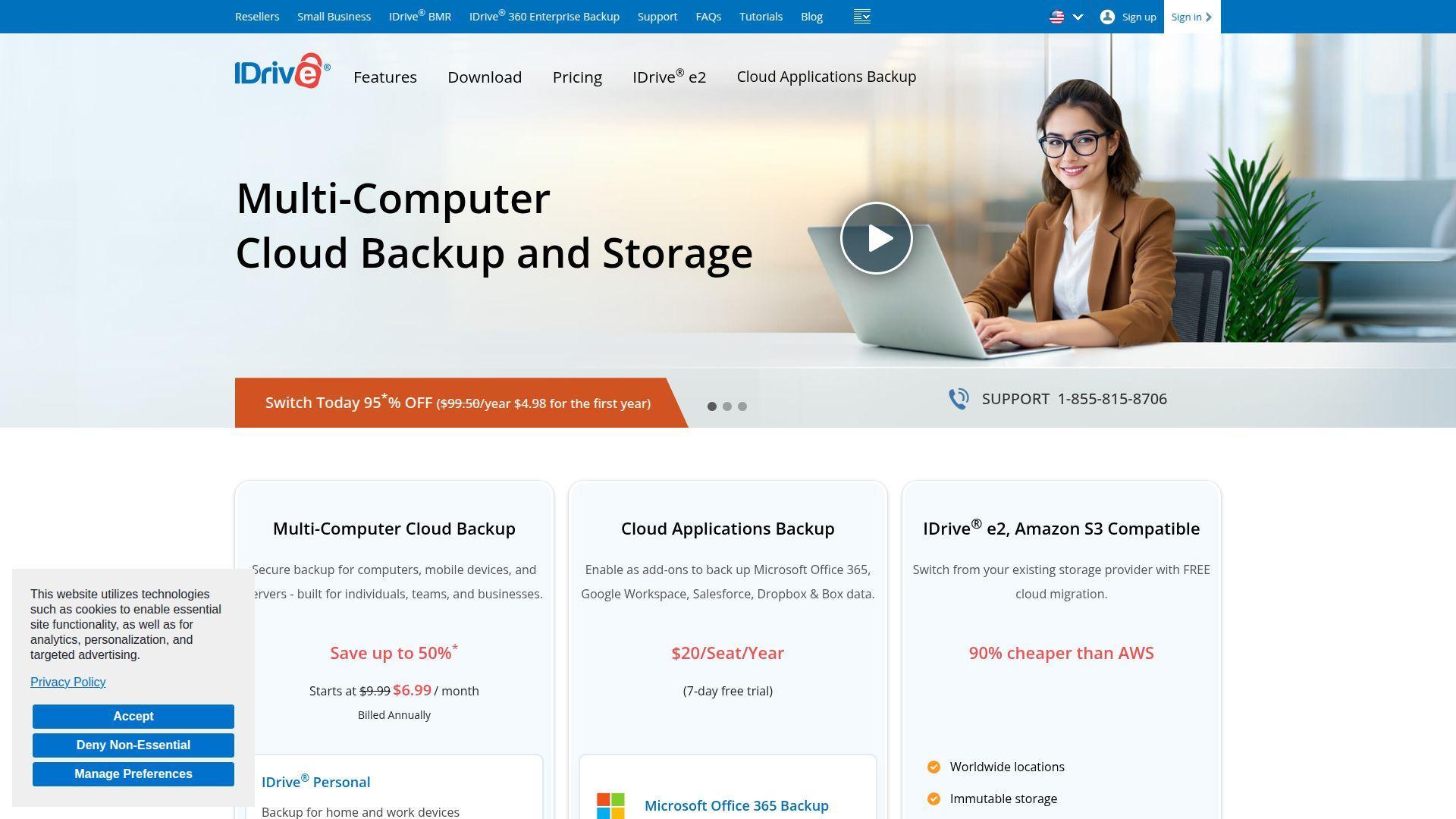
IDrive has been in backup for years, and its team still builds for people who want one account to cover more than one device. We like that it thinks beyond a single laptop. It covers computers, phones, external drives, NAS, and business workloads without forcing you into an enterprise product on day one.
Best for: households with several devices and small businesses with one practical IT owner.
- One account across many devices → protect a laptop, desktop, phone, and external drive without buying a separate plan for each machine.
- Server, NAS, and Microsoft 365 add-ons → collapse several backup jobs into one routine and cut admin hopping every week.
- IDrive Express and guided setup → get to first real value fast, often the same day, without waiting forever on the first upload.
Pricing & limits: From $9.99/mo for Personal with 5 TB. There is a 7-day trial, and a 10 GB free tier still helps with light testing. Business starts at $59.99/mo for 1.25 TB. Storage is fixed, not unlimited, so larger backups can push you into the next tier.
Honest drawbacks: The interface feels busier than Backblaze. Restore flows are solid, but not as simple. If you add servers and cloud app protection, the price advantage narrows.
Verdict: If you want one backup account to cover a messy mix of personal or small-office devices, this helps you get reliable offsite protection running in an afternoon. It beats Backblaze on multi-device value, but trails it on pure simplicity.
2. Backblaze Computer Backup
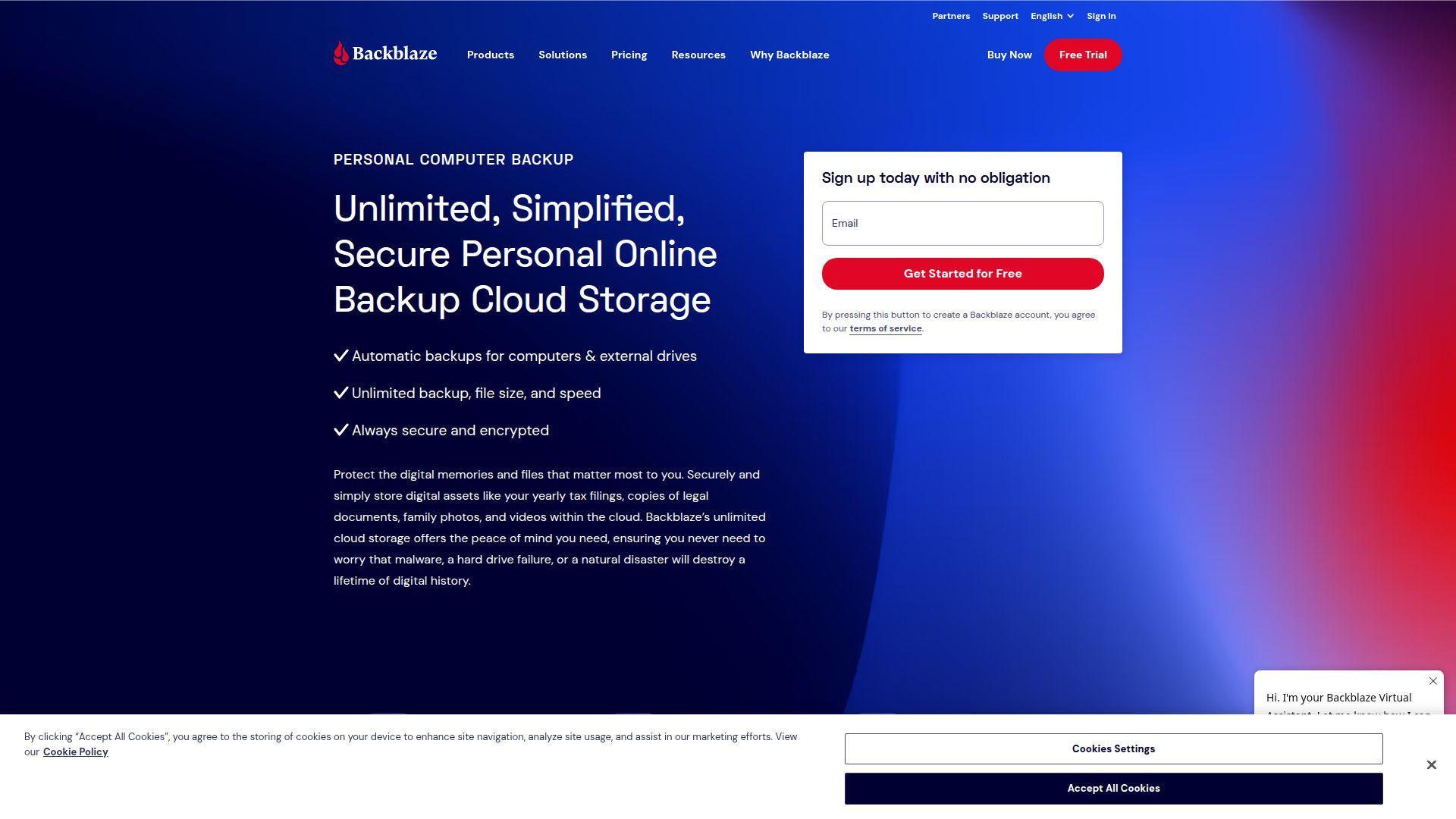
Backblaze has kept its team focused on one big idea, make backup so simple that people actually leave it on. We respect that discipline. Its personal product is still one of the easiest tools to recommend when a buyer has one main computer and wants the fewest choices possible.
Best for: solo professionals with one PC or Mac and home users with large local drives.
- Automatic backup of user-created data → start protecting files without manually building a backup set and missing a folder.
- Web restore, restore app, and mailed drive restore → recover in hours instead of waiting days on a huge download.
- Very light client and setup → get time-to-first-value in about 15 minutes on a typical machine.
Pricing & limits: From $9/mo, or $99/yr. The free trial runs 15 days. Each license covers one computer, with external USB or Thunderbolt drives allowed. Default version history is 30 days, with a free one-year extension option and paid forever retention.
Honest drawbacks: This is not the right pick for NAS or network drives. It is also weak if you need pooled storage across several devices. One machine per license adds up for families.
Verdict: If you want the easiest set-it-and-forget-it backup for one computer, this helps you get protected today and restore fast when something breaks. It beats Carbonite on price clarity and restore options, but trails IDrive on device flexibility.
3. Acronis Cyber Protect
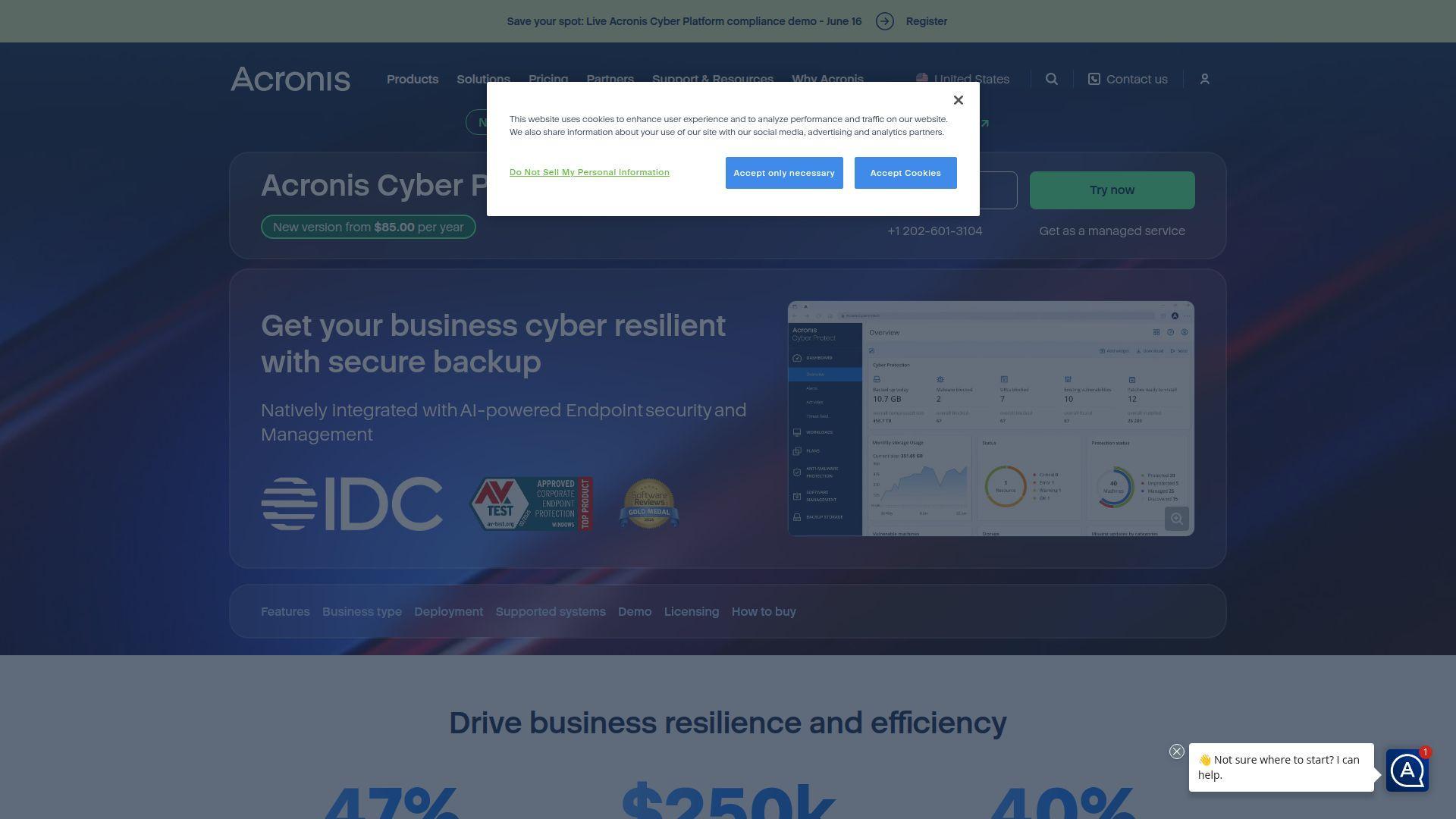
Acronis builds backup with a strong security angle, and its team clearly wants buyers to manage protection, patching, anti-malware, and recovery from one place. We think that bundled approach makes sense for SMBs that do not want three separate tools and three separate alerts.
Best for: SMB IT managers and MSPs that want backup plus endpoint security in one platform.
- Full-image, file-level, and malware-aware recovery → restore a clean machine or VM without rebuilding everything by hand.
- One agent for backup, security, and patching → remove several manual admin steps and spend less time bouncing between consoles.
- Policy-based deployment → get first protected endpoints live within about an hour in a small environment.
Pricing & limits: From custom quote, with a free trial available. Licensing is per protected workload. Cloud storage is included at a starter level, with the amount depending on workload type, and extra storage or advanced services are billed separately. MSP cloud packages also use workload or per-GB models.
Honest drawbacks: Pricing takes more effort to understand than IDrive or CrashPlan. The interface is dense. Backup-only buyers may not want the security bundle sitting beside it.
Verdict: If you want one product to handle backup and security for a growing business, this helps you tighten recovery and daily protection in the same rollout. It beats CrashPlan on breadth, but trails Veeam on deep virtualization comfort.
4. CrashPlan
CrashPlan has stayed close to its endpoint roots, and that focus still shows. Its team builds for business laptops, desktops, and user-managed restores first, not for flashy consumer backup. We like it most when a company needs predictable endpoint protection without a huge learning curve.
Best for: SMB support teams and firms with lots of employee endpoints and Microsoft 365 data.
- Unlimited endpoint backup with unlimited versioning → recover old drafts, replaced laptops, and accidental deletions without counting storage every month.
- Endpoint and Microsoft 365 protection from one vendor → cut product sprawl and reduce the number of admin checks.
- Self-service restore experience → users can get files back fast, often in under 30 minutes after setup.
Pricing & limits: From $8/user/mo for endpoints and $4/user/mo for Microsoft 365. The free trial is 14 days. Small-business pricing applies up to 249 employees. Microsoft 365 includes 50 GB pooled per user, with extra storage billed separately.
Honest drawbacks: CrashPlan is narrower than Acronis, Veeam, or Commvault on workload breadth. If you only need one personal computer, Backblaze is usually a cleaner deal.
Verdict: If you need straightforward endpoint backup for a real business, this helps you protect users and restore files without a complicated project. It beats Carbonite for business administration, but trails Acronis on integrated security.
5. IONOS Cloud Backup
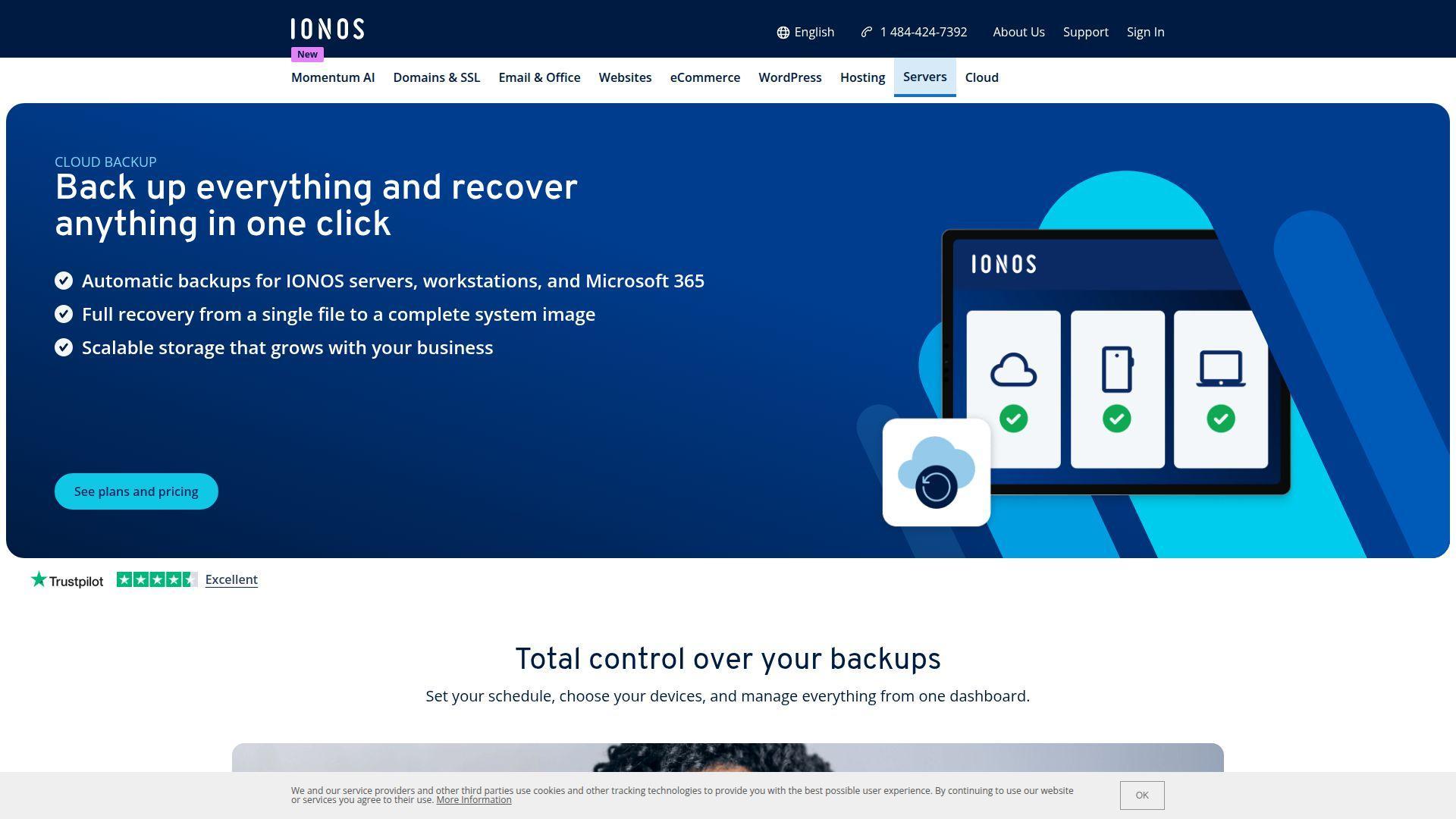
IONOS comes from hosting and infrastructure, so its backup offer makes the most sense when you already like that ecosystem. The team positions Cloud Backup as an easy browser-managed service for servers, workstations, and cloud apps, and we think that is its best angle.
Best for: small businesses already using IONOS and web teams that want simple offsite server protection.
- Full and incremental backups with one-click recovery → restore whole systems or specific files without building separate workflows.
- Central dashboard with security and management packs → reduce weekly checks and keep backup status in one place.
- Prebuilt plans and setup flow → get first protected machines running in roughly 20 to 40 minutes.
Pricing & limits: From $7/mo for Starter, $9/mo for Plus, and $12/mo for Premium. Storage and advanced packs can add to the bill. Public pages show flexible storage pricing and per-device add-ons. We did not find a clear standard free trial, though promos and credits can vary.
Honest drawbacks: Bundle math takes a minute to understand. Buyers with more complex VM or SaaS needs may still prefer Acronis direct, Veeam, or Druva.
Verdict: If you want simple cloud backup inside a hosting-friendly stack, this helps you protect servers and endpoints without a deep training curve. It beats DIY Azure on simplicity, but trails specialist platforms on depth.
6. Livedrive
Livedrive has long leaned into a cleaner consumer experience, and that still defines it. We see it as a backup-first service for buyers who want unlimited storage and do not want to think much about folder logic, retention policies, or admin dashboards.
Best for: home users with one or a few computers and creatives who want an unlimited personal backup feel.
- Unlimited computer backup → stop pruning growing photo or video libraries just to fit a storage cap.
- Backup plus sync-style access → retrieve working files without adding a second app for basic handoffs.
- Simple onboarding → start a real backup in around 15 minutes on a typical personal machine.
Pricing & limits: From around $10/mo for unlimited backup on one computer, with regional promos sometimes lower. Higher plans can cover more devices. We did not surface a consistent free tier or a clearly advertised current trial while reviewing public pages.
Honest drawbacks: It is usually less attractive than Backblaze on pure single-computer value. Enterprise depth is limited, and it is not where we would start for mixed business workloads.
Verdict: If you want a simple unlimited backup service and do not need business-grade workload coverage, this helps you get off local-only backup fast. It beats Carbonite on polish, but trails Backblaze on value clarity.
7. Carbonite Safe
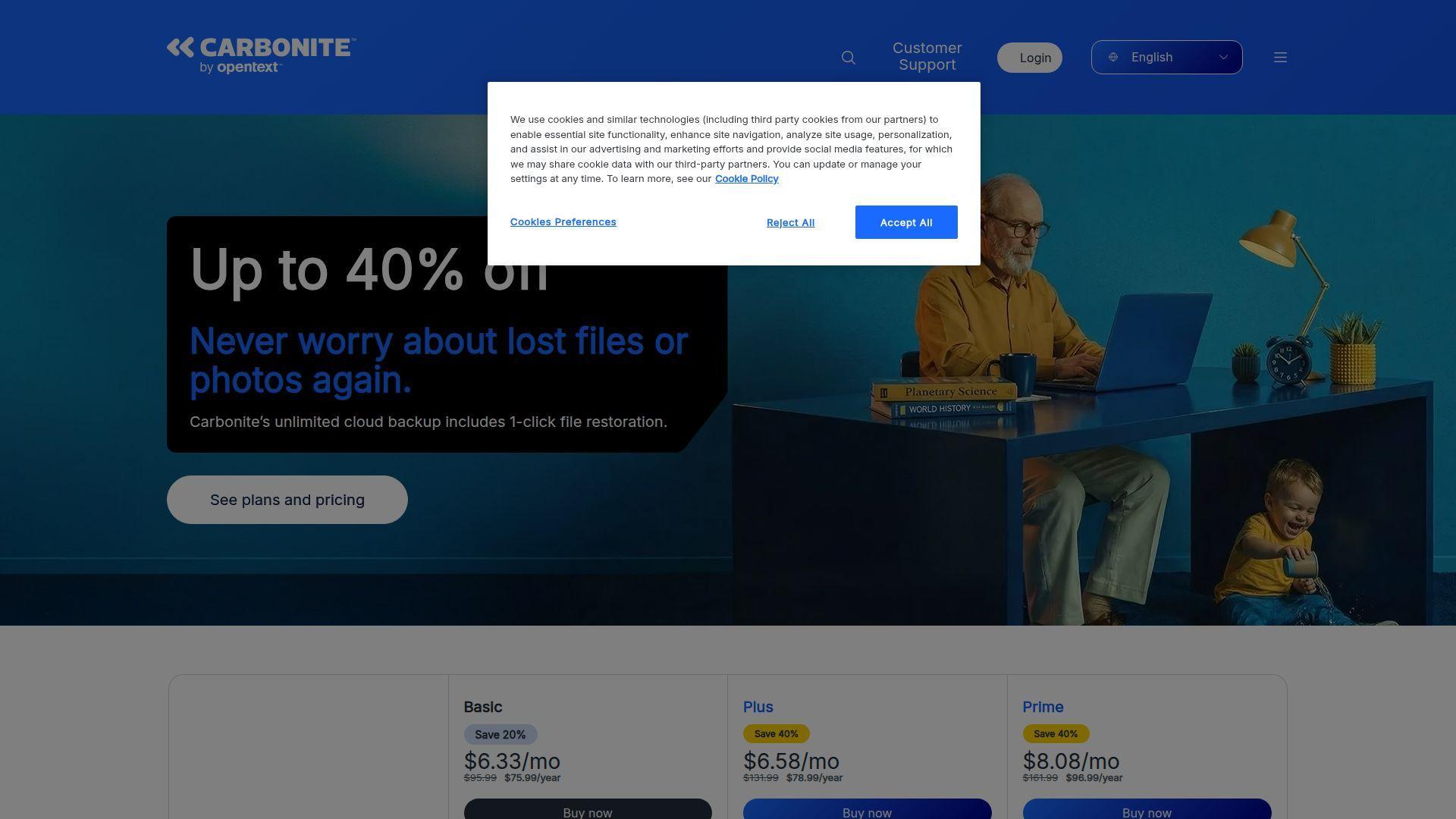
Carbonite is one of the older names in this category, and its team still aims at buyers who want a familiar, conservative backup product. Under OpenText Cybersecurity, it remains a recognizable option for one-computer protection and simple file recovery.
Best for: legacy Windows-first households and very small offices that want a familiar backup brand.
- Automatic background backup → protect everyday files without building a manual schedule from scratch.
- Higher Safe tiers with broader recovery options → shorten large restores and reduce the need for manual rework after a failure.
- Straightforward setup → reach first working backup in about 20 minutes on one PC.
Pricing & limits: From $8/mo or $95.99/yr for Safe Basic, then $131.99/yr for Plus and $161.99/yr for Prime. We did not surface a current public free tier. Each subscription covers one computer, so multi-device households pay more quickly than they expect.
Honest drawbacks: Carbonite feels narrower than IDrive and less modern than Backblaze. Once you need several devices, the one-computer plan design becomes a real cost problem.
Verdict: If you want a traditional one-PC backup service with a long market history, this helps you get basic offsite protection in place quickly. It beats local-only routines on convenience, but trails IDrive on flexibility and value.
8. Synology C2 Backup
Synology’s cloud team brings the same practical recovery mindset that made its NAS products popular. We like C2 Backup most when buyers want full-system backup, clean restore paths, and a service that feels closer to infrastructure protection than consumer sync.
Best for: Windows and Mac users who want full-system recovery and Synology households that already trust the brand.
- Full-system backup and bare-metal restore → rebuild a crashed PC without reinstalling every app and setting by hand.
- OneDrive coverage and event-triggered backup → protect local devices and selected cloud files with fewer manual checks.
- Guided policy setup → get the first protected endpoint running in about 20 minutes.
Pricing & limits: From the 500 GB tier, with a 30-day free trial. Plans are capacity-based at 500 GB, 2 TB, and 5 TB, while supported device count is unlimited. It supports Windows and macOS, and Windows gets bare-metal recovery first.
Honest drawbacks: Exact U.S. pricing did not consistently render in our checks, which is annoying. File-level restore is more limited than some rivals, and this is not the right pick for broad server or VM estates.
Verdict: If you care more about full-machine recovery than consumer polish, this helps you build a better PC recovery plan quickly. It beats Backblaze when image-style restore matters, but trails IDrive on device variety.
9. OpenDrive
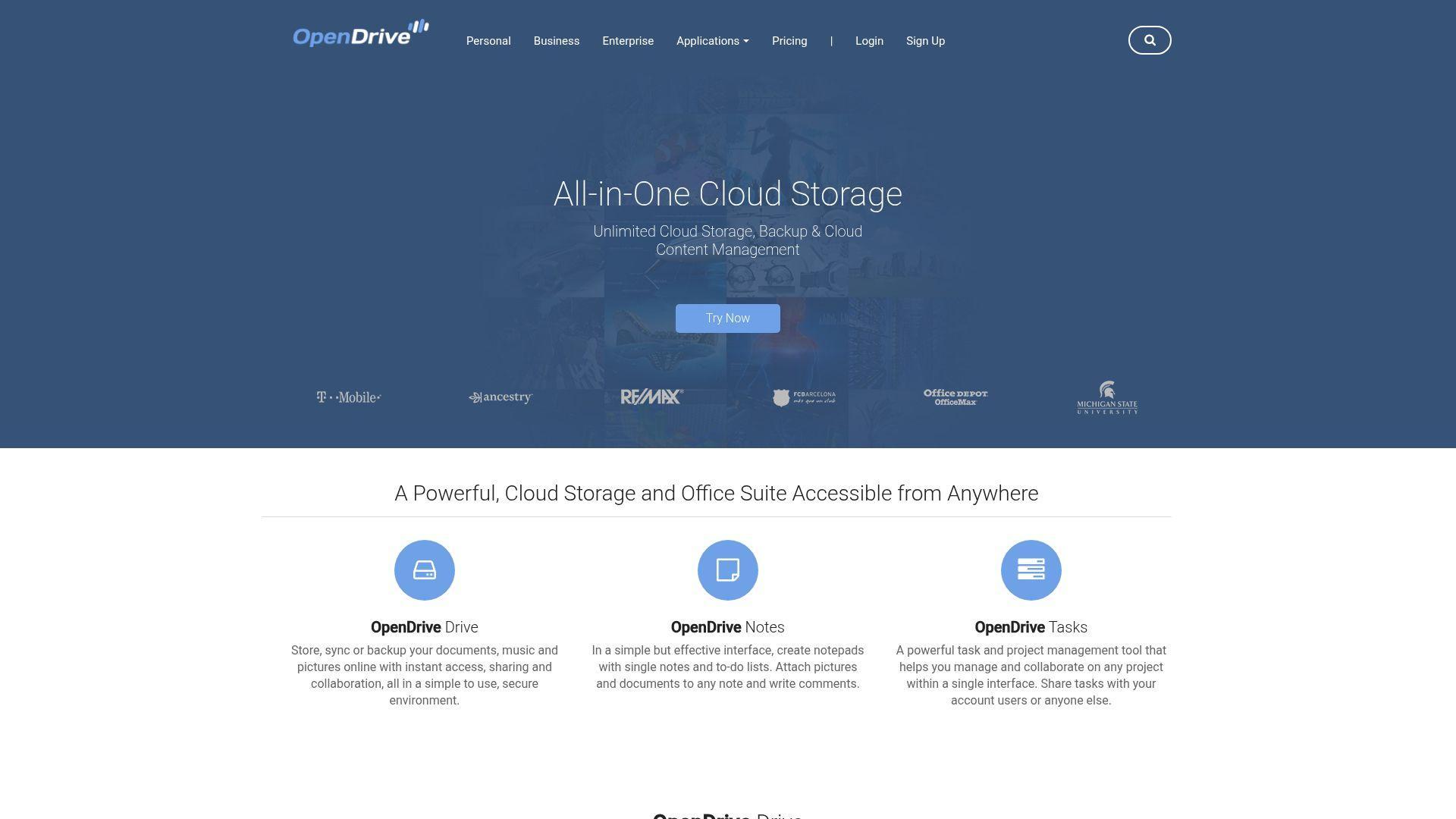
OpenDrive comes from a more flexible, all-in-one mindset than most backup vendors. Its team mixes backup, sync, notes, tasks, and file management into one service. That can feel messy, but for the right buyer it creates a surprisingly capable toolbox.
Best for: power users and small teams that want unlimited backup plus light collaboration features.
- Unlimited storage, bandwidth, file size, and device access → avoid constant cap management for normal home-office use.
- WebDAV, API, notes, and tasks → replace one or two smaller file tools and reduce context switching.
- Flexible account structure → get useful value in about 30 minutes if you are comfortable with a busier interface.
Pricing & limits: From $12.95/mo or $129/yr for Personal, with a 5 GB free plan. Business starts at $29.95/mo. OpenDrive says personal unlimited plans can gradually throttle uploads once usage moves far beyond a typical home user, around 10 TB by its own guidance.
Honest drawbacks: The interface is cluttered next to Backblaze or pCloud. Unlimited also does not mean uncapped upload speed for every huge archive.
Verdict: If you want flexibility more than elegance, this helps you combine backup and basic collaboration in one service fast. It beats simple backup apps on features, but trails them on ease of use.
10. SpiderOak One Backup
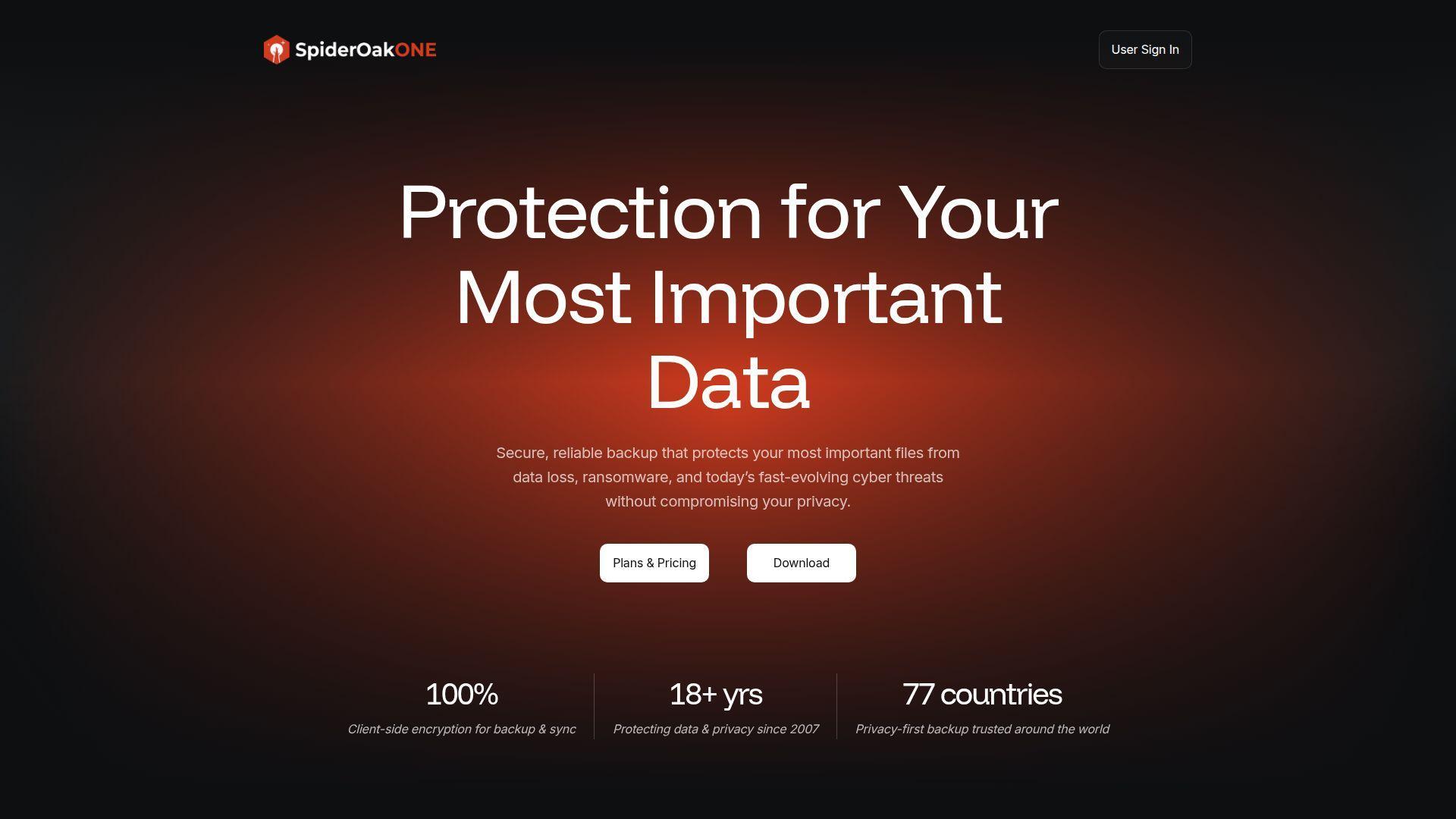
SpiderOak has re-centered its public backup offer around privacy, and that identity now defines the whole product. We like that the team keeps the message clear. This is for buyers who care about encryption posture and point-in-time recovery, not just cheap storage.
Best for: privacy-focused individuals and consultants handling sensitive files across several devices.
- No-knowledge encryption and point-in-time recovery → recover from ransomware or bad edits without handing plaintext access to the vendor.
- Backup, sync, Share Rooms, and expiring links → reduce the steps needed to protect and securely hand off files.
- Unlimited devices per account → protect a laptop, desktop, and travel machine in one setup session, often under 30 minutes.
Pricing & limits: From $6/mo or $69/yr for 150 GB, then $11/mo for 400 GB, $14/mo for 2 TB, and $29/mo for 5 TB. All plans include unlimited devices and historical versions. Storage is tiered, not unlimited.
Honest drawbacks: The lower tiers get expensive fast if you have lots of media. The privacy-first experience is strong, but less beginner-friendly than Backblaze or pCloud.
Verdict: If you want privacy to be part of the backup design, this helps you get secure, versioned protection running without much delay. It beats pCloud on default privacy posture, but trails it on mainstream polish and price-per-terabyte.
11. pCloud
pCloud comes from the cloud storage side, and its team has shaped it into a hybrid of sync, file access, and folder backup. We think that makes it a strong pick for users who want everyday access and rollback tools, not full machine imaging.
Best for: creators who want backup plus easy file access and small teams with simple file-based protection needs.
- Real-time folder backup with Rewind and Revisions → undo accidental edits or deletions without waiting for a nightly job.
- Desktop, mobile, and web access → cut transfer steps because backup and file access live in the same account.
- Free account and smooth setup → reach first value in about 10 to 15 minutes.
Pricing & limits: From $4.99/mo for 500 GB or $9.99/mo for 2 TB, with up to 10 GB free on the basic account. Paid plans keep revisions and rewind for 30 days. Free plans keep them for 15 days. Extended File History can reach 365 days.
Honest drawbacks: This is not a true image-based or bare-metal backup tool. Zero-knowledge encryption also sits in a separate Crypto add-on, which some buyers will dislike.
Verdict: If you want one service for working files and lightweight backup, this helps you protect folders and recover mistakes the same day. It beats simple sync tools on recovery depth, but trails IDrive on classic backup breadth.
12. Arq Backup
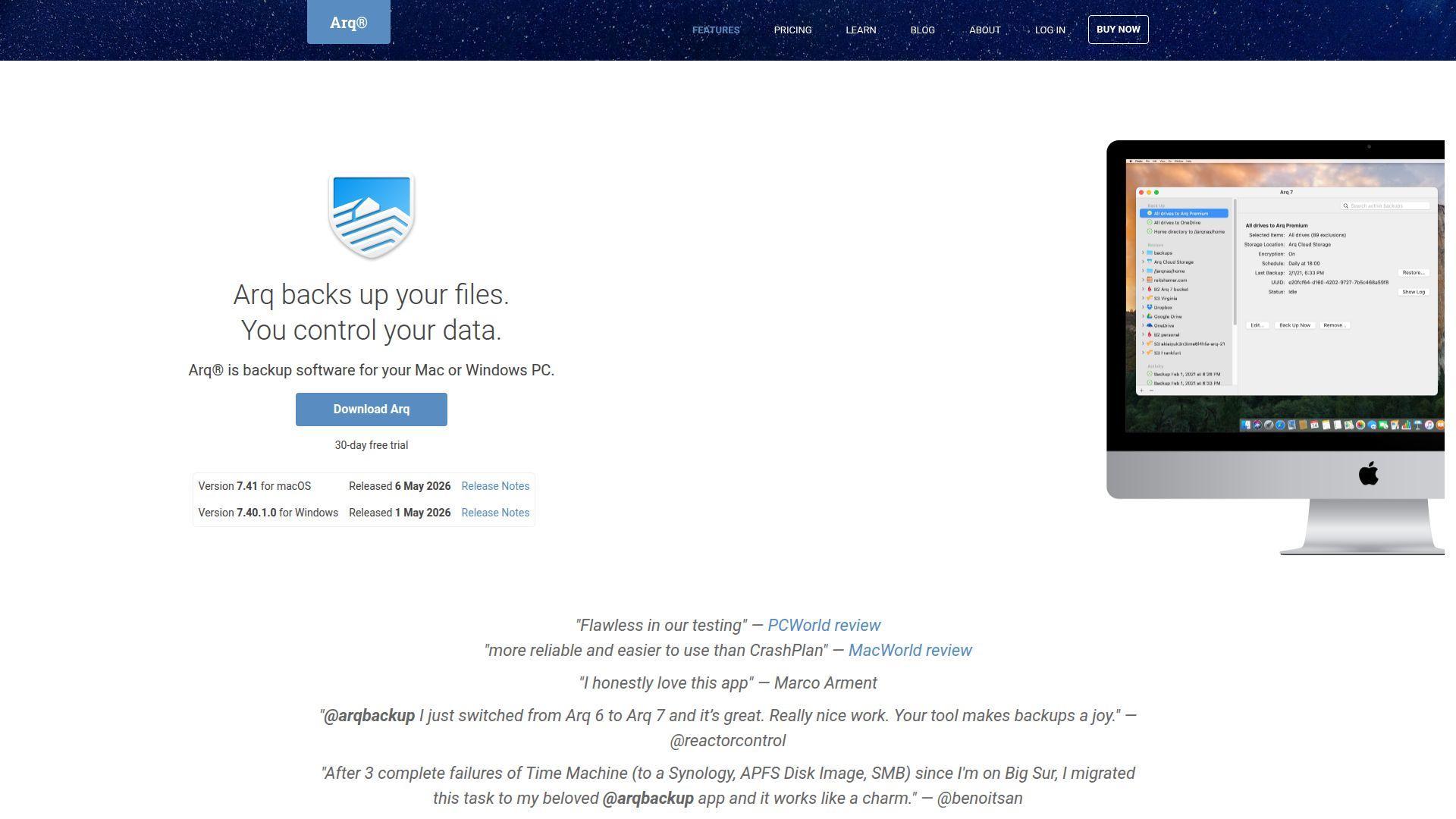
Arq is built by a smaller backup-focused team, and that shows in the product. It assumes the user wants control over storage destination, encryption, and retention. We like it best for technical buyers who care more about architecture than marketing polish.
Best for: developers, technical freelancers, and IT-savvy SMBs that want bring-your-own storage flexibility.
- Strong local app with encrypted backups → keep one backup workflow while choosing the storage target that fits your budget.
- Support for S3, B2, Wasabi, NAS, external drives, and more → avoid vendor lock-in and skip a painful migration later.
- Quick wizard for advanced users → get a working backup in under 20 minutes if you already know your storage target.
Pricing & limits: From $5.99/mo or $59.99/yr for Arq Premium with 1 TB and up to 5 computers, or $49.99 one-time per computer for Arq 7 if you bring your own cloud. A free trial is available. Premium bills extra storage above 1 TB.
Honest drawbacks: Arq makes less sense if you hate storage math. Recovery is powerful, but not as hand-holding as Backblaze or IDrive for beginners.
Verdict: If you want control over where your backups live, this helps you design a serious offsite plan in one evening. It beats all-in-one services on flexibility, but trails them on beginner comfort.
13. MSP360 Managed Backup
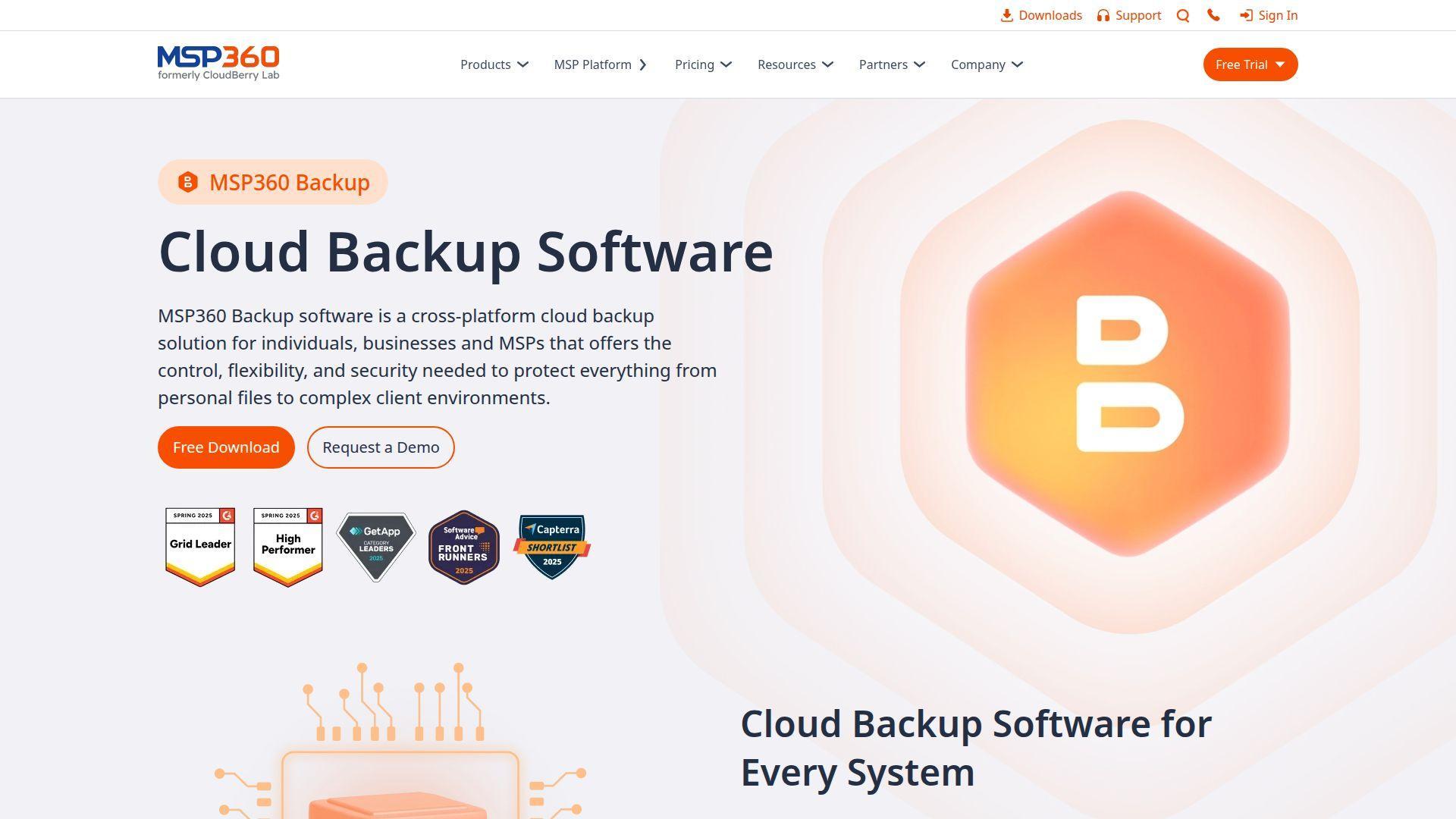
MSP360 has always leaned into storage freedom, and its team still treats that as the core advantage. We think that matters for MSPs and IT teams that do not want to buy one vendor’s storage forever just because they picked one vendor’s software.
Best for: MSPs and multi-site SMB IT teams that want central management with flexible cloud storage choices.
- File, image, VM, SQL, and server backup → cover mixed workloads without swapping tools every few months.
- Support for AWS, Azure, Wasabi, Backblaze B2, and more → reduce migration pain and cut storage-cost surprises.
- Central web console and rebranding → onboard the first site or customer in under an hour.
Pricing & limits: Managed Backup is quote-based, while MSP360 Backup Pro starts from $19.99/yr on some editions and $29.99/yr for Windows desktop licenses. Server and advanced editions cost more. A 15-day free trial is available. Your total cost always includes storage on top.
Honest drawbacks: This is less plug-and-play than Backblaze or CrashPlan. If you want one simple bill, the bring-your-own-storage model can feel like homework.
Verdict: If you want backup software without storage lock-in, this helps you build a more flexible service stack quickly. It beats Acronis on storage freedom, but trails it on single-console security depth.
14. Cove Data Protection
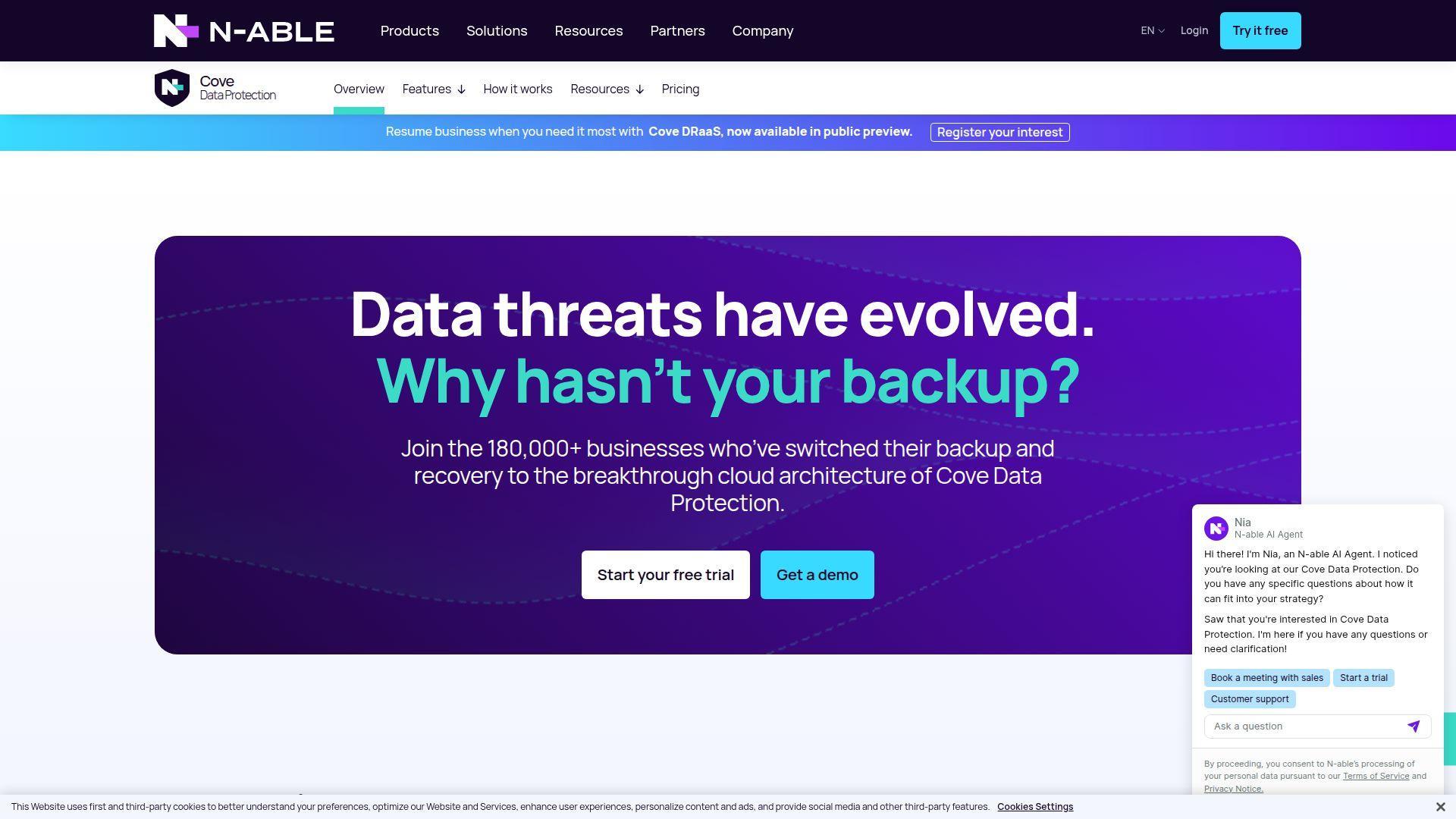
Cove Data Protection is built for MSP operations first, and we think that focus is exactly why many providers like it. N-able’s team pushes cloud-first backup with multitenant management and included storage, which is often what small MSPs actually need.
Best for: MSPs and IT providers that want one backup stack for workstations, servers, and Microsoft 365.
- Cloud-first backup with storage included → quote customers more cleanly and avoid separate storage line items.
- Multitenant management and automated monitoring → cut repeat checks and save several admin clicks per tenant.
- Fast SaaS deployment → get the first protected workstation live well within an hour.
Pricing & limits: From custom quote. N-able offers a 30-day free trial. The standard model is one flat rate per server or workstation and one flat per-user rate for Microsoft 365, with cloud storage included in the price.
Honest drawbacks: Public pricing is thin, which slows early comparison shopping. Teams that want full DIY storage control or consumer-style self-serve buying may prefer MSP360 or Backblaze.
Verdict: If you run backup as a managed service, this helps you onboard customers faster and keep billing easier to explain. It beats MSP360 on all-in pricing, but trails it on storage-target flexibility.
15. Keepit
Keepit has stayed very focused on SaaS backup, and we think that specialization is its edge. Its team is not trying to be everything for every workload. It is trying to be a safer second home for business SaaS data.
Best for: Microsoft 365-heavy teams and regulated organizations that want dedicated SaaS backup.
- Independent off-site backup for SaaS apps → recover mail, files, and collaboration data even if the primary SaaS tenant is a mess.
- Seat-based plans with no egress fees → cut restore friction and avoid surprise costs during recovery.
- Focused onboarding for major SaaS apps → start first protection the same day in a typical M365 environment.
Pricing & limits: From custom quote. Keepit sells by seats. For Microsoft 365, public packaging shows Business Essentials, Enterprise Unlimited, and Governance Plus options with daily automated backups, hot storage, and retention from 1 year to unlimited depending on plan.
Honest drawbacks: Daily backup cadence can be too light for high-change environments. It is also not the tool we would pick for server imaging, VMs, or endpoint fleet recovery.
Verdict: If you want a dedicated SaaS backup layer instead of trusting native retention alone, this helps you close cloud app recovery gaps in days, not months. It beats broader backup suites on SaaS focus, but trails Druva on overall platform reach.
16. Azure Backup
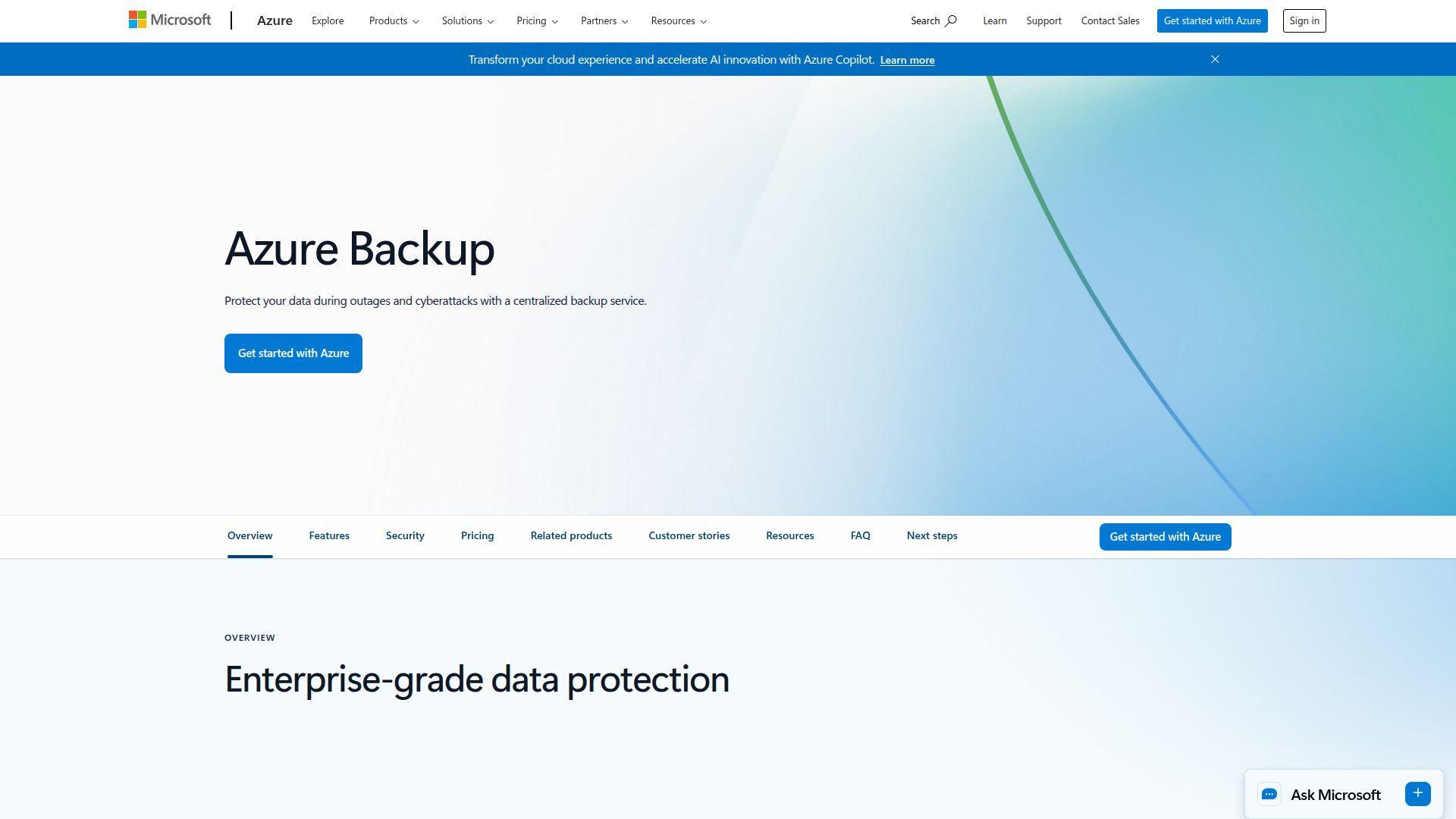
Microsoft’s Azure team built Azure Backup to fit the rest of Azure, and that integration is its real strength. We usually recommend it when the buyer already lives in Azure policy, identity, and billing, because then the service feels native instead of layered on.
Best for: Azure-first IT teams and businesses protecting Azure VMs, databases, file shares, and cloud-native workloads.
- Native protection for Azure workloads → keep more backup operations inside the same control plane your team already uses.
- Immutable vaults, soft delete, MUA, and archive options → cut recovery risk and remove several manual protection steps.
- Direct Azure setup flow → protect the first workload in minutes when your landing zone is already in place.
Pricing & limits: From pay-as-you-go charges for protected instances plus storage. We did not find a classic standalone trial because Azure Backup rides on an Azure account and storage usage. Final cost depends on instance size, retention, and storage redundancy.
Honest drawbacks: Pricing can get slippery if you do not watch vault design and retention. It is also Azure-centric, so mixed or cross-cloud teams often want a broader console.
Verdict: If most of your important workloads already sit in Azure, this helps you add policy-driven backup without rolling out another platform. It beats third-party tools on native fit, but trails Veeam on heterogeneous environment support.
17. Veeam Data Platform
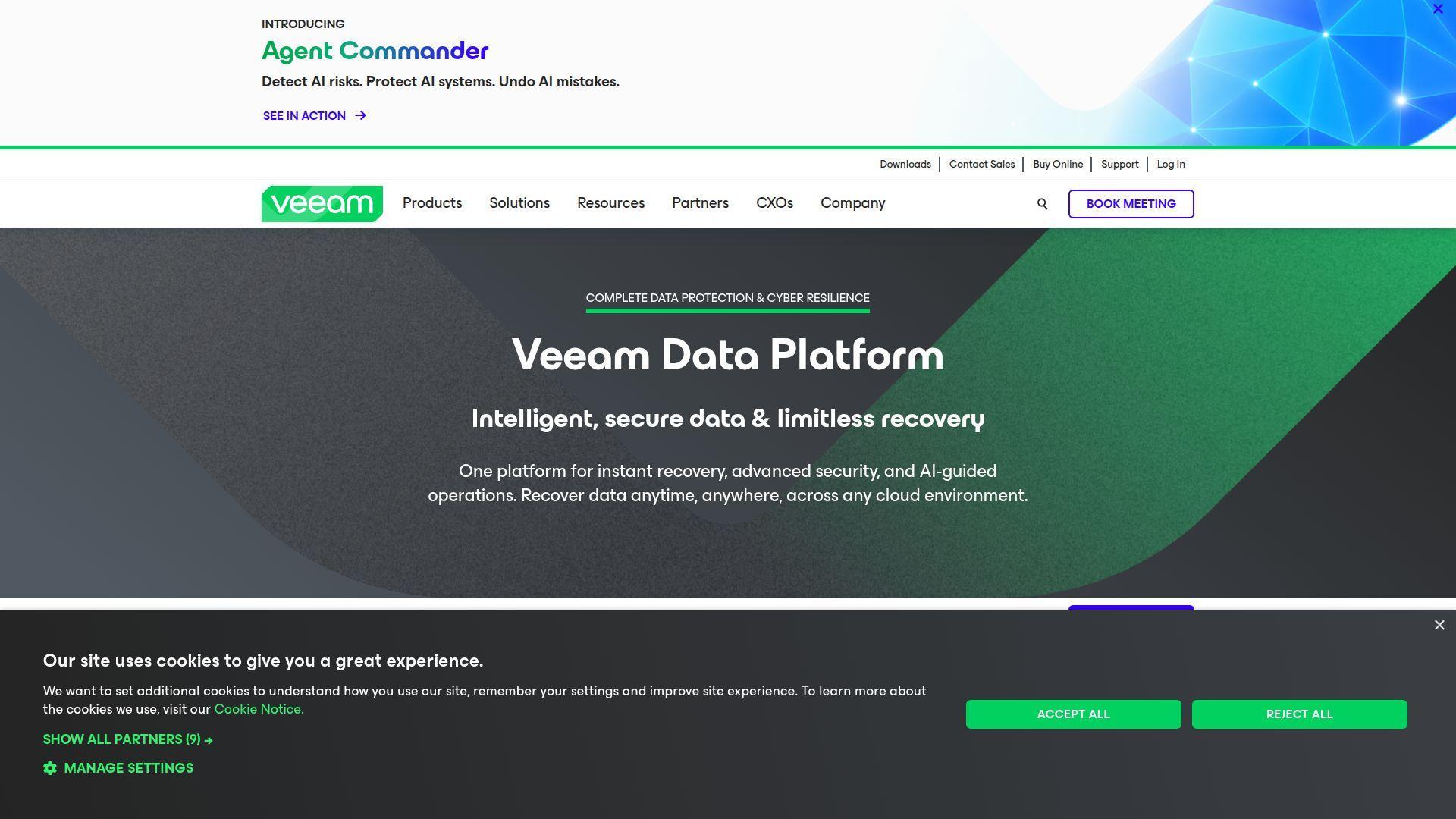
Veeam’s team has spent years serving virtualization-heavy IT shops, and the product still feels built by people who expect real recovery drills. We trust it most when the environment includes VMs, physical servers, NAS, and cloud workloads that all need serious restore options.
Best for: SMB virtualization admins and enterprise backup teams with mixed infrastructure.
- Backup, replication, instant recovery, and malware-aware restore → bring VMs and servers back online without a slow rebuild.
- Broad workload coverage with portable VUL licensing → move protection across workload types with less relicensing pain.
- Mature deployment model → get first protected VMs running the same day with an experienced admin.
Pricing & limits: Small-business entry starts at $89.20 per license per year via Veeam Data Platform Essentials, sold in bundles of five for up to 50 workloads. The full-function trial runs 30 days. Larger Veeam Data Platform editions are quote-based.
Honest drawbacks: Veeam is powerful, but it is not lightweight. Repository sizing, proxies, and edition choices can overwhelm smaller teams fast.
Verdict: If you need serious recovery for mixed infrastructure, this helps you move from backup jobs to tested restore workflows within a week. It beats Acronis on deep virtualization comfort, but trails Druva on pure SaaS simplicity.
18. Druva Data Security Cloud
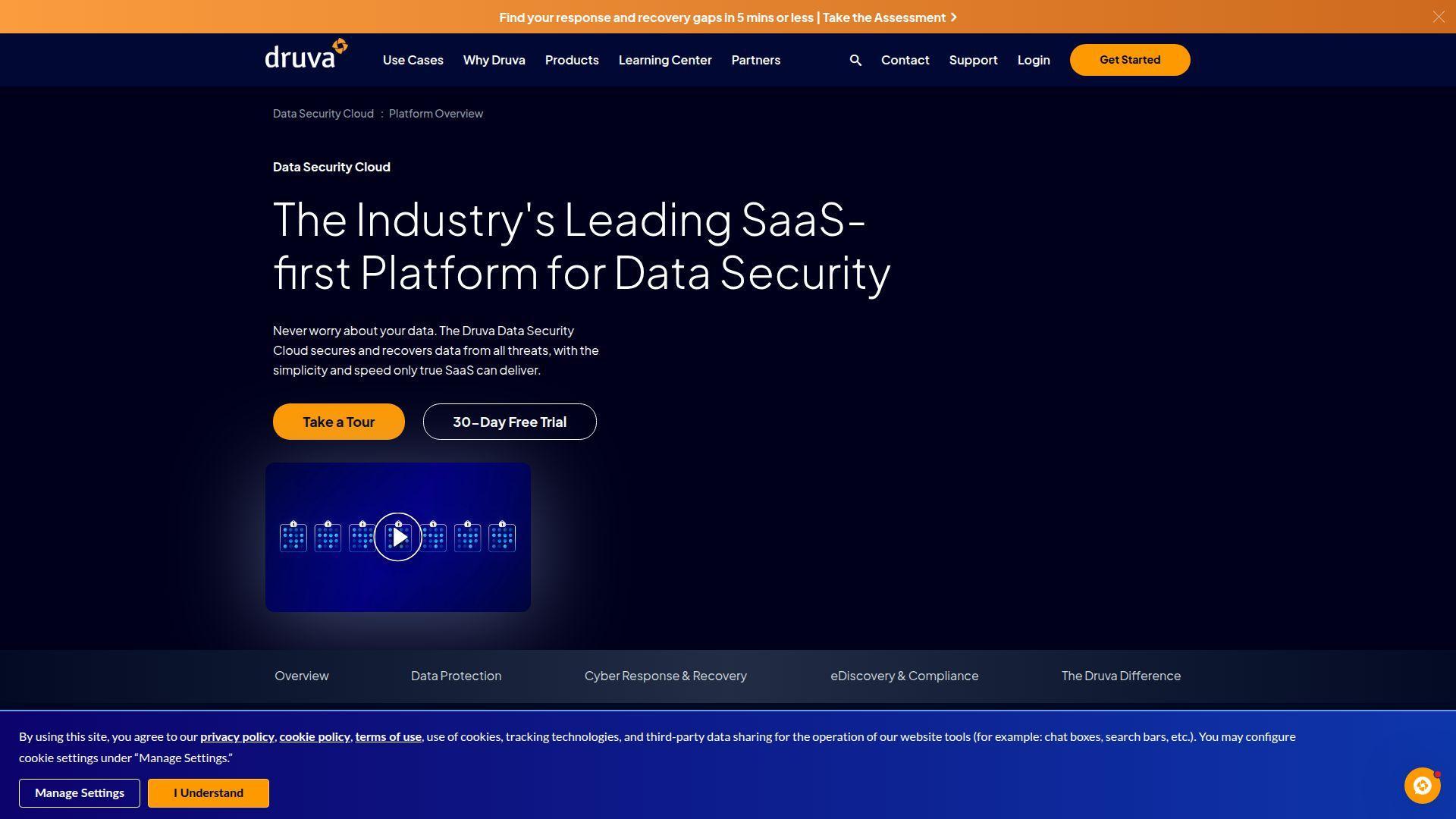
Druva starts from the idea that backup infrastructure itself is overhead, and its team has stayed very consistent about that. We think it stands out when the buyer wants enterprise-grade protection without running backup servers, patching backup appliances, or planning storage pools.
Best for: distributed enterprises and security-minded IT leaders that want backup delivered as SaaS.
- Fully managed SaaS protection across endpoints, SaaS apps, cloud, and data center → remove backup infrastructure maintenance from your week.
- Cloud-native storage options and immutable recovery design → reduce restore friction and avoid several storage-management chores.
- Fast cloud onboarding → get first workloads protected in hours, not after a long appliance project.
Pricing & limits: From custom quote or workload-based consumption pricing, depending on the product area. Druva offers a 30-day free trial. Plans vary by module and can include Business, Enterprise, or Elite tiers with optional cyber-recovery features.
Honest drawbacks: Buyers who want tight local media control may prefer Veeam or Commvault. Multi-module pricing also needs careful scoping before it feels simple.
Verdict: If you want enterprise backup without managing backup infrastructure, this helps you standardize protection faster than many traditional platforms. It beats Veeam on SaaS-first operation, but trails it on deep on-prem tuning.
19. Rubrik Security Cloud
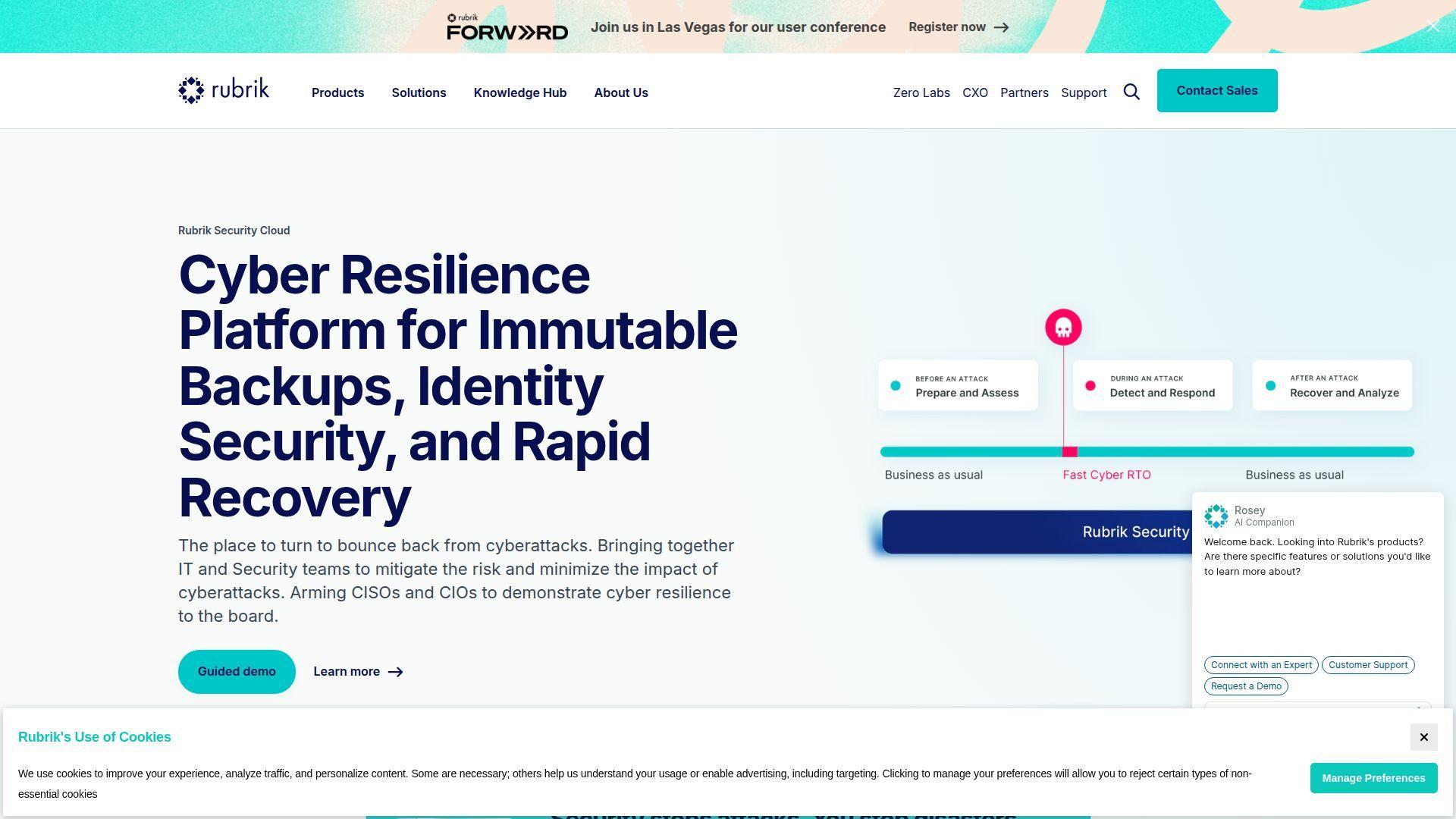
Rubrik treats backup as part of a cyber-resilience program, and its team clearly wants IT and security operating from the same story. We think that framing is useful for larger organizations where the real question is not just, “Do we have backups?” but, “Do we know which copies are safe to restore?”
Best for: large enterprises and security-led IT teams that want backup, threat visibility, and recovery posture in one platform.
- Mass recovery, anomaly detection, and threat hunting → find cleaner recovery points faster when an incident hits.
- Protection across enterprise, cloud, SaaS, and unstructured data → reduce tool sprawl and simplify cross-team response.
- Guided demos and opinionated workflows → show time-to-first-value quickly for mature resilience teams.
Pricing & limits: From custom quote, with Foundation, Business, and Enterprise packaging. Rubrik highlights predictable annual payments and guided product tours rather than a simple public full trial in the pages we reviewed.
Honest drawbacks: This is often overkill for small businesses. The buying motion is heavier than Backblaze, CrashPlan, or even Druva, especially if all you need is endpoint backup.
Verdict: If cyber recovery drives your shortlist, this helps you align IT and security around recoverability in a matter of weeks. It beats classic backup suites on security context, but trails Druva on self-serve ease.
20. Commvault Cloud
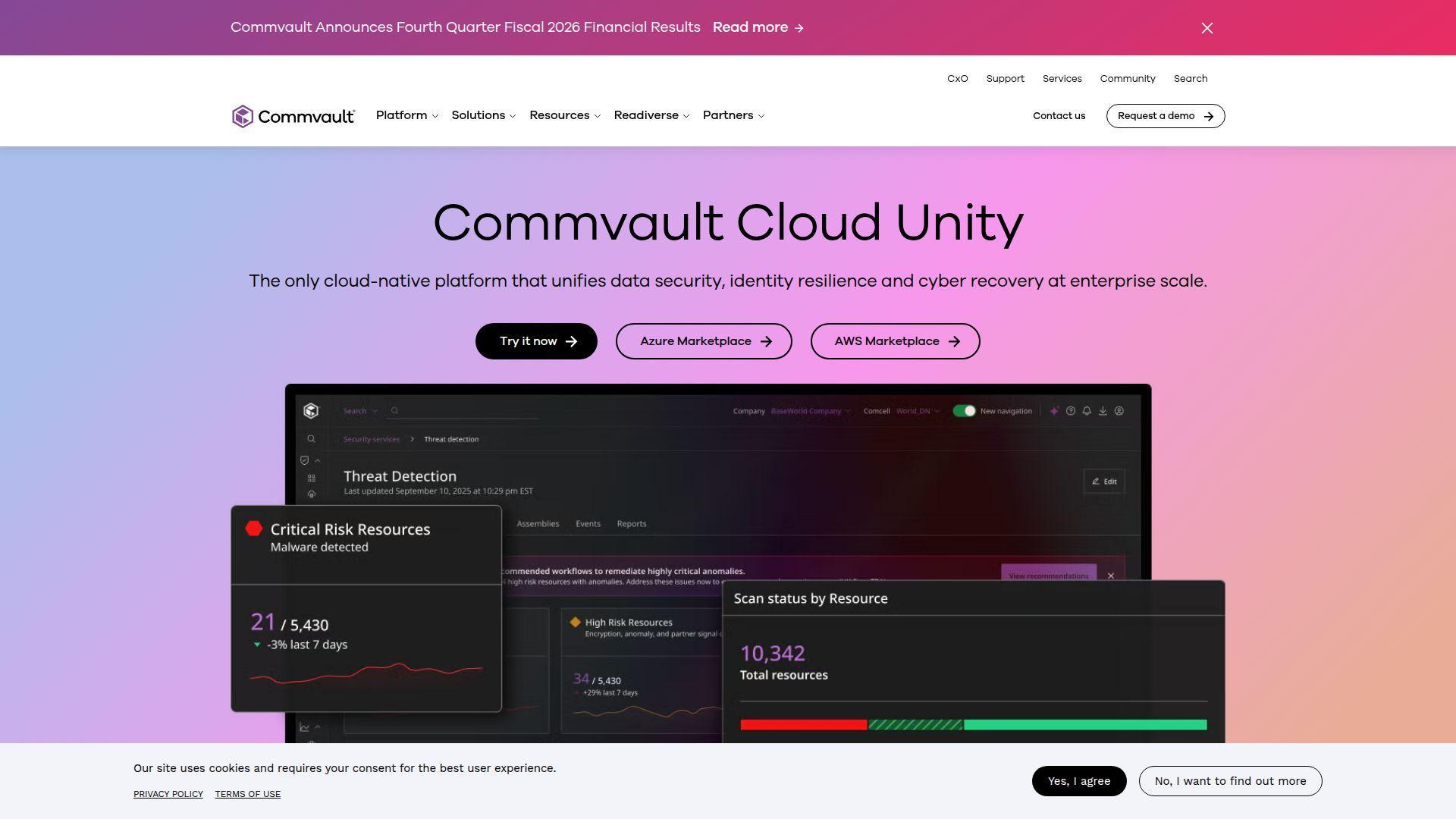
Commvault still aims squarely at broad enterprise coverage, but its cloud delivery makes the platform easier to test than older Commvault eras. We like it when the environment is messy, hybrid, and hard to fit into a narrow backup tool.
Best for: large hybrid estates and enterprises that want one vendor across SaaS, VMs, databases, cloud, and edge workloads.
- Very broad workload coverage → reduce the number of exception tools needed across a mixed estate.
- SaaS delivery and AI-assisted visibility → simplify evaluation and cut several manual cross-environment checks.
- Real trial path → start proving recovery value before a long procurement cycle wraps up.
Pricing & limits: SaaS packages start at $1.70 per user per month for standard Microsoft 365 coverage, while broader hybrid and enterprise packages are quote-based. The free trial runs 30 days and uses 30,000 credits, ending when time or credits run out first.
Honest drawbacks: The product family is wide, so packaging takes work. Smaller teams often find Veeam, CrashPlan, or IDrive easier to understand at first glance.
Verdict: If you need one platform for a complicated hybrid estate, this helps you validate coverage and recovery paths in one evaluation cycle. It beats narrow SaaS-only tools on breadth, but trails simpler products on approachability.
How to Choose the Right Cloud Backup Solution
Choosing cloud backup is harder than it used to be because most buyers now protect websites, databases, endpoints, and SaaS apps at the same time. Gartner expects public cloud services to reach $1.42 trillion by 2029, so simple “cheap and unlimited” buying logic no longer holds up.
1. Unlimited Plans or Fixed Storage Tiers, Which Model Fits Your Backup Footprint?
Unlimited plans sound great, but they only shine in a narrow set of cases. If one person has one main computer and a fast-growing local library, Backblaze or Livedrive can make sense. You stop thinking about quotas, and that is real value. The catch is that these plans often limit the number of computers, skip NAS support, or use fair-use logic behind the scenes.
Plan design matters more every year. Grand View Research expects the U.S. cloud backup market to grow 21.6% from 2025 to 2030, and a lot of that growth will come from heavier datasets that punish the wrong pricing model.
Fixed storage tiers work better when several devices, users, or workloads share the same pool. IDrive, Synology C2, and many business platforms fit that model. We usually tell buyers to choose unlimited only when they know the plan still matches the device count and restore path they need. Otherwise, a fixed tier is often easier to forecast and easier to grow into.
2. Do You Need File Backup, Image Backup, or Bare-Metal Recovery?
File backup protects selected files and folders. That is enough for some people. If you mainly care about documents, photos, and spreadsheets, file-level restore may be all you need. pCloud, Backblaze, and IDrive can work well here.
Image backup captures the whole machine state, including the operating system, apps, settings, and data. Bare-metal recovery goes a step further by letting you restore that system onto fresh hardware after a major failure. If you run a business laptop fleet, accounting workstation, or line-of-business server, this matters a lot. Reinstalling everything by hand takes time, and time is usually the expensive part.
We push buyers to picture the worst Tuesday morning, not the best demo. If a laptop dies, do you only need three files back, or do you need the whole machine back before lunch? That answer usually cuts your shortlist in half.
3. Can the Service Protect PCs, Servers, NAS, SaaS Apps, and Virtual Machines?
This is where many buying mistakes happen. A tool that is excellent for one PC can be terrible for VMware, Microsoft 365, or NAS. Backblaze is great for single-computer simplicity, but it is not a broad workload platform. Keepit is excellent for SaaS backup, but it is not your file-image tool for endpoints.
Before you compare features, list every workload that could hurt you if it vanished for a day. Include desktops, laptops, shared drives, cloud apps, VMs, databases, and websites. Then label each one by recovery urgency. Some buyers discover they need two tools, not one. That is fine. A clean split is better than one product forced into the wrong job.
As a rule, Veeam, Druva, Rubrik, and Commvault handle the broadest estates. Acronis and Cove sit well in the SMB and MSP middle. IDrive, Backblaze, and pCloud are stronger when the scope stays smaller.
4. How Much Do Private Keys, Two-Factor Authentication, and Data Residency Matter?
For some buyers, this section is optional. For others, it is the whole decision. If you store client records, legal files, health data, or internal financial material, you should care who can see the data, where it is stored, and how recovery access is controlled.
Private-key or zero-knowledge style encryption reduces vendor visibility. SpiderOak stands out here. Two-factor authentication should be non-negotiable for every backup account, even personal ones. For business tools, SSO and role-based restore controls matter because the biggest risk is often not storage loss. It is bad access control.
Data residency matters when policy, contracts, or regional rules say backups must stay in specific geographies. Keepit, Azure, Acronis, and larger enterprise platforms talk about this more clearly than most consumer tools. If the vendor makes this hard to understand, that is already a warning sign.
5. How Fast Can You Restore Data Without Slowing Down Daily Work?
Restore speed is where marketing language stops and real value begins. A web download is fine for a missing spreadsheet. It is not fine for a 4 TB laptop, a dead production server, or a ransomware event. That is why features like mailed restore drives, local seeding, instant VM recovery, and staged recovery matter so much.
We tell buyers to ask vendors one blunt question. “What happens if I need everything back now?” If the answer sounds vague, keep moving. You want a clear restore path, not a promise that the service is easy.
The smartest move is simple. Run a restore test before renewal season. Restore a full folder, a deleted file, and one higher-stress workload. If that test feels slow, confusing, or brittle, the product is not as good as the pricing page looked.
Frequently Asked Questions About Cloud Backup Solutions
These are the questions we hear most after the first shortlist. The short version is this. The best cloud backup solution depends on what you need to restore, how fast you need it back, and who has to manage the process when things go wrong.
1. What Is the Most Reliable Cloud Backup Solution?
For one personal computer, we usually trust Backblaze most for reliability through simplicity. There are fewer ways to misconfigure it. For households or very small offices with several devices, IDrive is usually the better fit because the account structure is broader.
For business and enterprise, reliability depends more on workload fit. Veeam, Druva, Rubrik, and Commvault all belong on serious shortlists. The real winner is the one that can restore your actual environment cleanly, not the one with the prettiest dashboard.
2. What Is Better Than Carbonite for Most Users?
For most personal users, Backblaze is a better buy than Carbonite if you only need one computer. It is simpler and usually easier to understand. If you need several devices under one plan, IDrive is the stronger choice.
For small businesses, CrashPlan and Acronis are usually better starting points because they handle business administration more naturally. Carbonite still has a place, but it is rarely our first recommendation now.
3. Which Cloud Backup Solution Is Best for Small Businesses?
If your small business is mostly employee laptops and Microsoft 365, CrashPlan is a strong starting point. If you also want security controls in the same platform, Acronis is often a better fit. If your environment includes several VMs or serious server recovery needs, Veeam Data Platform Essentials deserves a close look.
For MSP-delivered backup, Cove Data Protection is one of the cleanest options. For mixed devices on a tighter budget, IDrive can still work well. The best answer depends on whether your main pain is endpoints, servers, SaaS, or ransomware recovery.
4. What Is the Difference Between Cloud Backup and Cloud Storage?
Cloud backup is built for recovery. It keeps versioned copies of data so you can restore after deletion, corruption, device loss, or ransomware. Cloud storage is built for access and sharing. It keeps files available across devices and users.
Some tools blur the line. pCloud is a good example. But the question is simple. If you lose your device or overwrite a folder, does the service help you rewind and restore safely, or does it mostly just sync the latest state? Backup should answer the first problem.
5. What Is the 3-2-1 Backup Rule?
The classic 3-2-1 rule means three copies of your data, on two different media types, with one copy offsite. It is still a good rule because it forces you to stop relying on one drive, one laptop, or one cloud account.
We would update it slightly for modern risk. Try to make one of those copies harder to alter or delete. That can mean immutable cloud storage, a disconnected external drive, or an offline copy. Ransomware changed the backup conversation, so deletion resistance matters more than it used to.
6. Is Unlimited Backup Better Than a Fixed Storage Plan?
Unlimited backup is better when one device is growing fast and you want the least amount of thinking. It works well for a single PC or Mac with lots of media. Backblaze is the clearest example.
Fixed storage plans are better when several users, devices, or workloads share the same pool. They are easier to budget, and they usually scale more honestly in business settings. So, better than what? Better than a mismatch, yes. Better than every fixed plan, no.
How 1Byte Supports Backup-Ready Websites and Cloud Workloads
At 1Byte, we do not think backup starts with backup software alone. It starts with clean domain ownership, stable hosting, and infrastructure choices that make restores less painful when something breaks. We help customers reduce those failure points before the incident happens.
1. Domain Registration and SSL Certificates That Support Safer Website Protection and Recovery Planning
A site restore can still fail if the domain, DNS, or certificate side is a mess. We help customers keep registrar access, renewal details, DNS records, and SSL ownership organized, because those items become critical the moment a server goes down or a site has to move fast.
We also treat SSL certificates as part of the recovery plan, not an afterthought. An expired or missing certificate can turn a clean restore into a browser warning, a checkout trust problem, or a support fire. That is why we encourage storing domain and certificate details outside the same environment being protected.
Our practical advice is simple. Keep a copy of DNS records, registrar credentials, recovery contacts, and certificate timelines somewhere independent. A good backup is much more useful when the front door to the site still opens cleanly.
2. WordPress Hosting, Shared Hosting, and Cloud Hosting for Backup-Aware Sites and Growing Teams
Different hosting models need different backup habits. A brochure website on shared hosting does not need the same plan as a busy WooCommerce store or a custom app on cloud hosting. We help customers match backup expectations to the actual hosting risk, not to whatever plugin looked easiest to install.
For WordPress, we care about files, database state, plugin compatibility, and rollback safety. For shared hosting, we care about clear retention and simple restore steps. For cloud hosting, we care about snapshots, app-aware backups, and separating code, media, database, and configuration so recovery is cleaner.
Our view is blunt. If you cannot restore both the whole site and one missing file, your hosting plan is not truly backup-ready. As teams grow, we encourage staging, scheduled exports, and regular restore testing before traffic grows into a bigger problem.







3. Cloud Servers and AWS Partner Support for Scalable Backup, Uptime, and Disaster Recovery Planning
Cloud servers expand what needs protection. It is no longer just website files. Now you also have volumes, images, object storage, databases, IAM settings, and application configuration. As an AWS partner, we help customers map which layers need snapshots, which need offsite backup, and which need a full rebuild plan.
We prefer separating fast rollback from long-term recovery. Snapshots are great for quick operational recovery. Offsite copies, cross-region protection, and workload-aware backups are better for bigger failures. When infrastructure as code is part of the plan, recovery gets faster because rebuild steps stop living only in someone’s memory.
If you are choosing between providers now, start with a restore test this week, not just a pricing page. What would hurt more to lose for one day, your site files, your database, your DNS, or the whole server? That answer usually tells you what to protect first.