

- Quick Comparison of Cloud Based CRM Software
- Top 20 Cloud Based CRM Software Tools And Platforms
- What Cloud-Based CRM Software Is
- How Cloud CRM Works
- Cloud CRM vs On-Premise CRM and Legacy Systems
- Benefits of Cloud Based CRM Software
- Key Features to Look For in Cloud Based CRM Software
- Signs It’s Time to Move to Cloud Based CRM Software
- Security and Compliance Considerations for Cloud-Based CRM
- Integrations That Make Cloud CRM More Valuable
- Pricing and Total Cost of Ownership for Cloud CRM
- How to Choose the Best Cloud Based CRM Software
- Implementation and Adoption Best Practices
- Customer Lifecycle Management with Cloud CRM
- Frequently Asked Questions About Cloud Based CRM Software
- How 1Byte Supports Cloud CRM Software and Business Websites
At 1Byte, we see cloud based CRM software as more than a sales database. It is the operating layer where customer data, domain identity, email deliverability, analytics, and secure web infrastructure meet. When it works, a lead does not disappear into a spreadsheet. It becomes a routed conversation, a forecasted opportunity, a support history, and eventually a customer story.
The market pressure is obvious: Gartner forecast worldwide public cloud end-user spending to reach $723.4 billion in 2025, which explains why CRM decisions now sit beside cloud hosting, identity, and security decisions.
CRM is no longer a side application either. Statista projects customer relationship management software revenue at US$98.84bn in 2025, and we believe that budget is moving toward platforms that combine automation, AI assistance, mobile work, and clean integrations.
Real teams show the pattern. A retailer using Freshsales can connect no-show follow-up to pipeline activity. A Google Workspace-heavy agency may choose Copper because reps work from Gmail all day. A Microsoft-centered enterprise often accepts Dynamics complexity because governance, Teams, Outlook, and Power Platform matter more than a pretty kanban board. The best choice depends on workflow gravity: where your people already work, where your data already lives, and where your customers expect fast answers.
Quick Comparison of Cloud Based CRM Software
We use this table as a fast shortlist, not a final buying decision. The real test comes later: import a sample pipeline, connect email, assign owners, trigger one automation, and ask the team whether they would actually use it every morning.
| Service/Tool | Best for | From price | Trial/Free | Key limits |
|---|---|---|---|---|
| Striven | Ops-led SMBs | $35/user/mo | Free trial | Small-team surcharge |
| HubSpot CRM | Growth teams | Free; paid $9/seat/mo | Free tools; 14-day trial | Cost jumps at Pro |
| Pipedrive CRM | B2B sales teams | $14/seat/mo | 14-day trial | Add-ons for breadth |
| Zoho CRM | Budget SMBs | Free; paid $14/user/mo | Free for 3 users | Dense setup choices |
| Freshsales | High-velocity SMBs | Free; paid $9/user/mo | 21-day trial | AI/reporting tiered |
| Microsoft Dynamics 365 Sales | Microsoft enterprises | $65/user/mo | Free trial | Admin-heavy rollout |
| Insightly CRM | Project-based sales | $29/user/mo | 14-day trial | No free plan |
| Nimble CRM | Relationship sellers | $24.90/seat/mo | 14-day trial | Contact/storage caps |
| Copper CRM | Google Workspace teams | $9/seat/mo | Free trial | Contact caps by tier |
| Agile CRM | Micro teams | Free; paid $8.99/user/mo | Free for 10 users | Older UX feel |
Top 20 Cloud Based CRM Software Tools And Platforms
Below is our practical review of the top cloud based CRM software options for modern teams. We are deliberately frank. A CRM can look brilliant in a demo, then fail because the mobile app is clumsy, the email sync breaks trust, or the pricing model punishes growth.
1. Striven
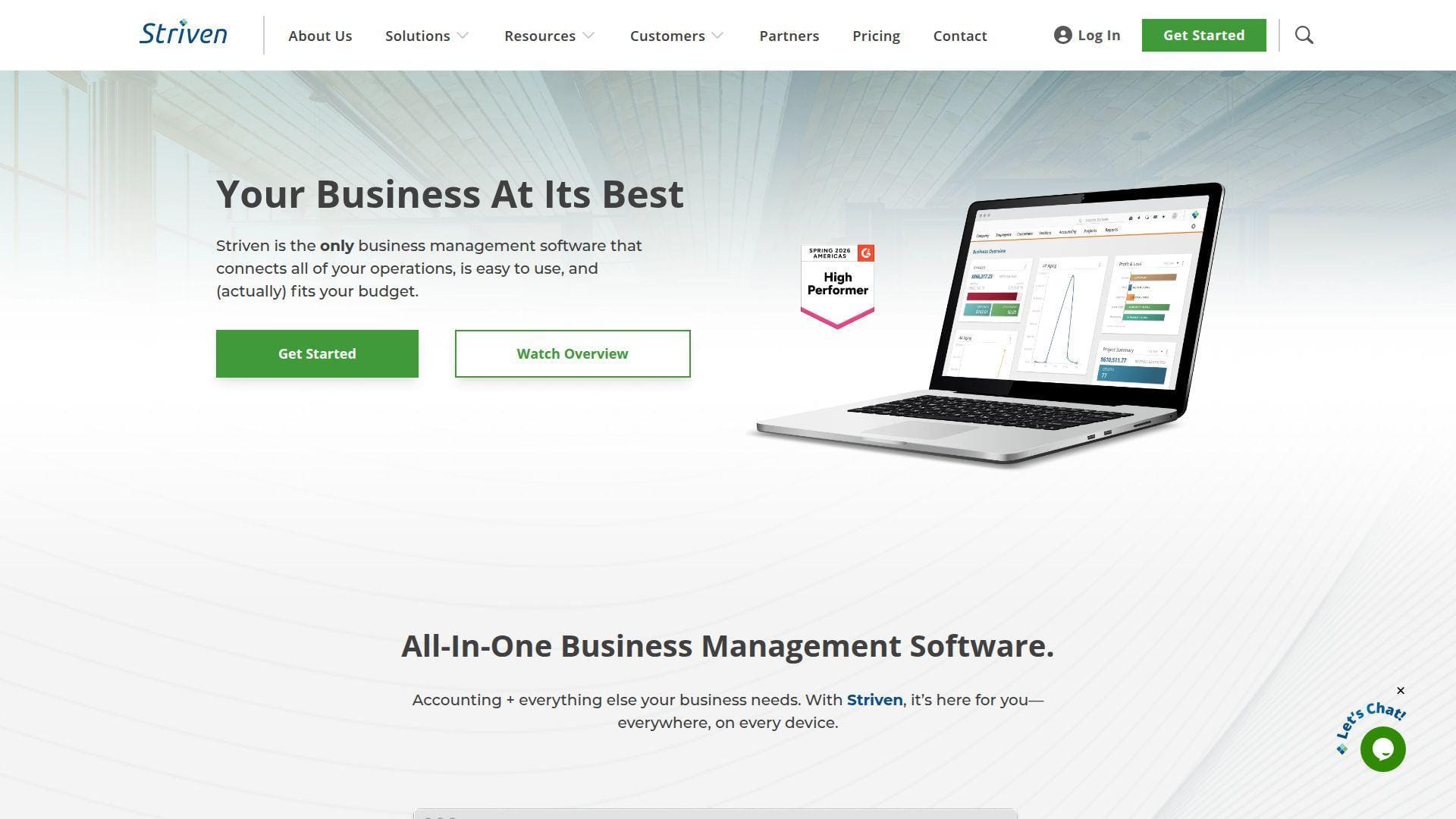
Striven comes from a team that thinks beyond classic CRM. It combines customer records, accounting, inventory, projects, HR, and portals into one operational suite. Best for: operations-led SMBs and service firms that want fewer disconnected tools.
- Unified CRM-to-ERP flow → turn a quote into a project, invoice, and customer record without rekeying.
- Workflow and portal automation → reduce handoffs from several apps into one controlled workspace.
- Implementation guides and support → reach a usable pipeline in one to two weeks if data is clean.
Pricing & limits: From $35/user/mo for Standard; Enterprise is $70/user/mo. A free trial is available, but the trial length is not always presented as a fixed public number. Teams under five users pay an additional $25/user, and free portal tiers cap customer, vendor, or career portal usage at limited volumes.
Honest drawbacks: Striven is heavier than a pure sales CRM. If your team only needs a simple deal board, the broader business suite may feel like too much machinery. It also trails HubSpot and Zoho on marketplace depth.
Verdict: If you want CRM tied to operations, Striven helps you move from lead to invoice to delivery within the same system in the first month.
2. HubSpot CRM
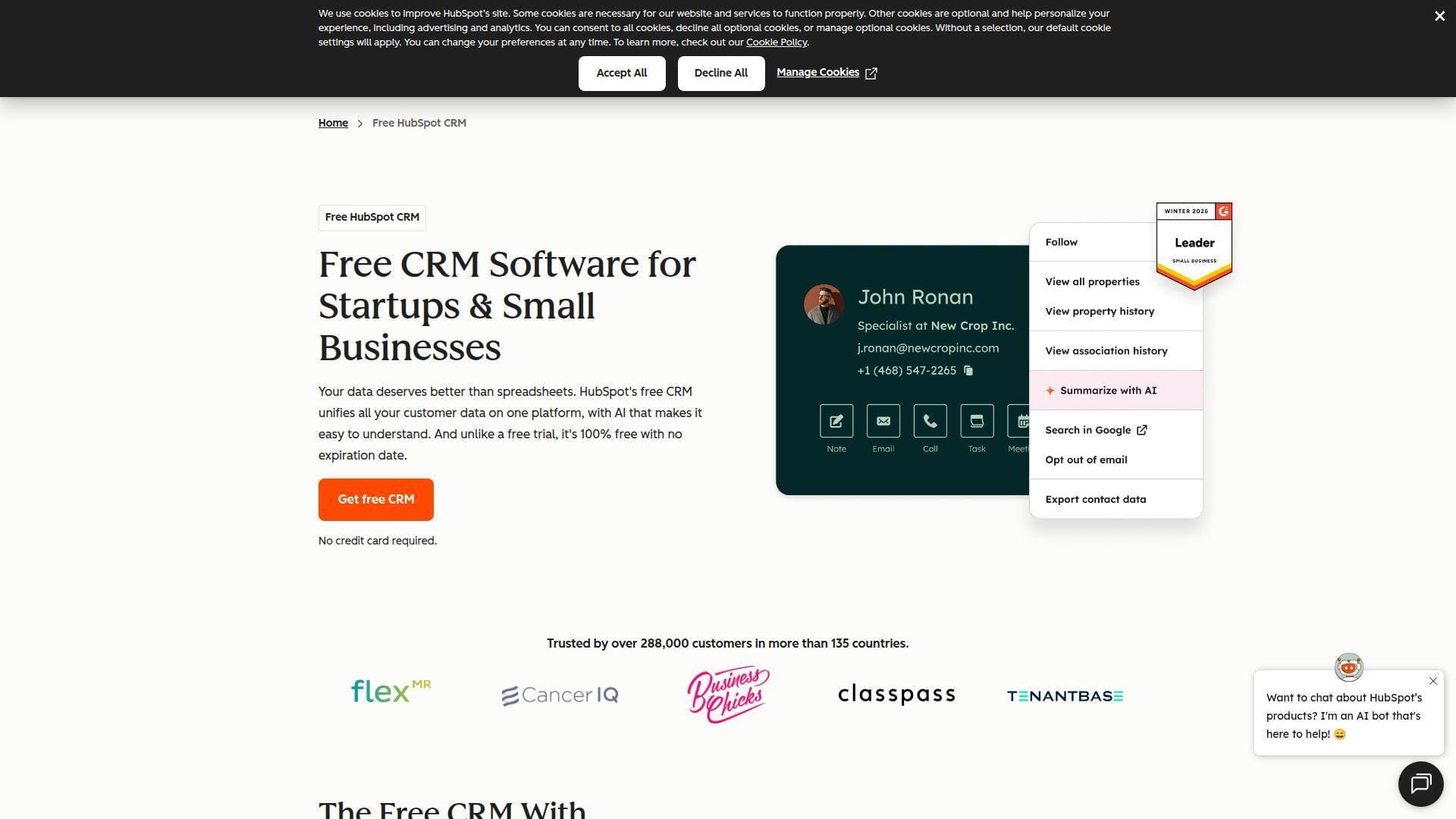
HubSpot is a customer platform built by a large product, education, partner, and ecosystem team. Its strength is not one feature; it is the way marketing, sales, service, content, and operations share the same customer record. Best for: solo marketers and SMB revenue teams.
- Smart CRM plus Hubs → give sales full marketing and service context before the next call.
- Breeze AI, workflows, and sequences → remove two or three manual steps from follow-up and research.
- Templates, importers, and HubSpot Academy → get first value the same day for a basic pipeline.
Pricing & limits: From $0/mo for free tools; paid Sales Hub Starter starts at $9/seat/mo annually or $15/seat/mo monthly. Sales Hub has a 14-day trial. Free tools cap advanced automation, reporting, and some sales controls; Professional and Enterprise can add onboarding fees.
Honest drawbacks: HubSpot can become expensive fast when you add advanced workflows, marketing contacts, and multiple hubs. It beats Pipedrive at marketing-service breadth, but trails Pipedrive on pure pipeline simplicity.
Verdict: If you want one friendly platform for inbound leads, email, pipeline, and service context, HubSpot can help you standardize revenue work in days.
3. Pipedrive CRM
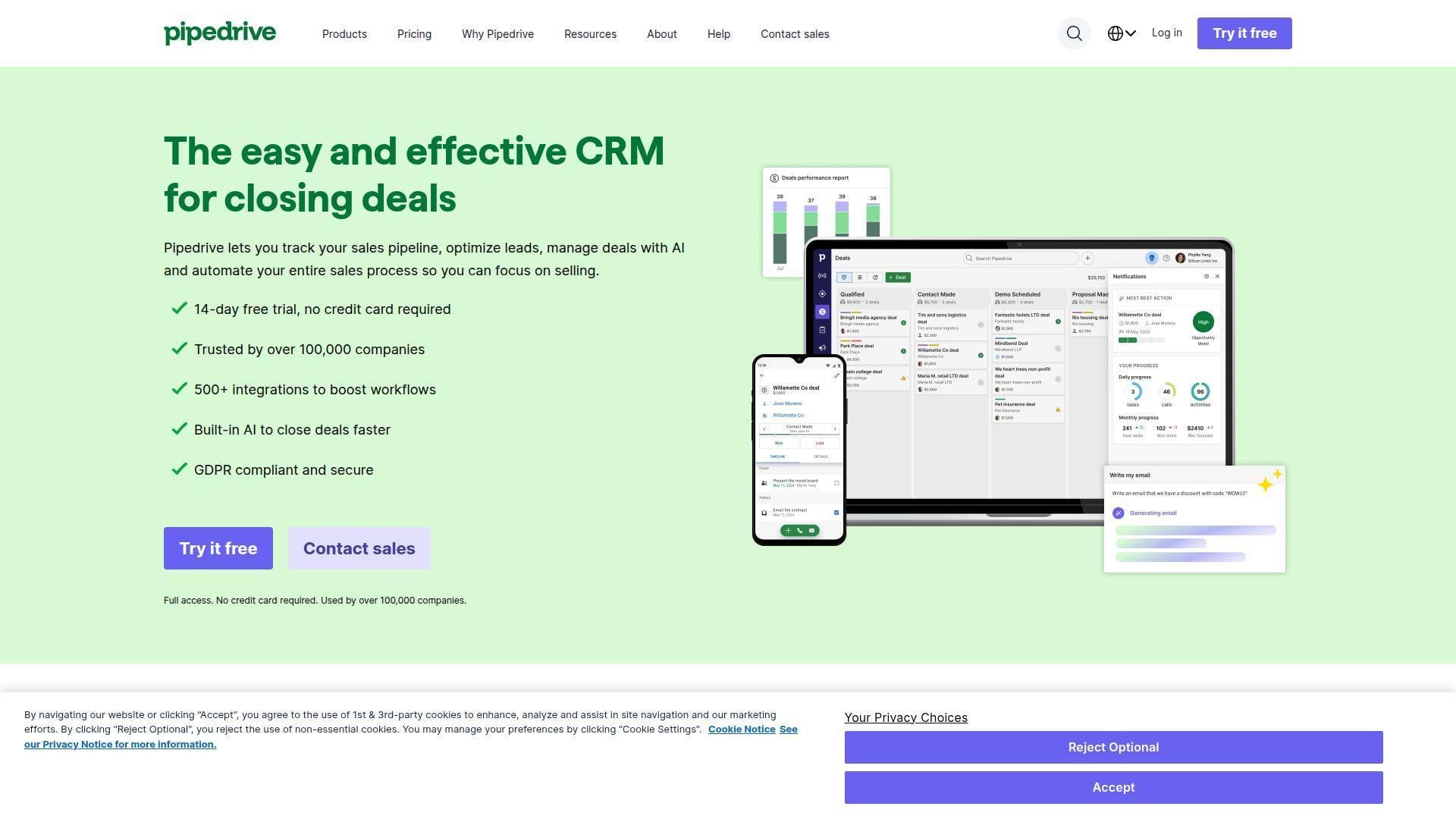
Pipedrive was built around a sales rep’s daily motion: see deals, move deals, follow up, and forecast. Its team has stayed disciplined around visual pipeline management rather than trying to become a full ERP. Best for: founder-led B2B companies and small sales teams.
- Visual deal pipeline → make next actions obvious and reduce “where is this deal?” meetings.
- Email sync, automations, and add-ons → save several clicks per opportunity when follow-ups repeat.
- Low-friction UX → most teams can build a live pipeline in one afternoon.
Pricing & limits: From about $14/seat/mo when billed annually. Pipedrive offers a 14-day trial and has no permanent free plan. Lower tiers limit advanced automation, reporting, and some prospecting/project features, while add-ons can raise the real monthly bill.
Honest drawbacks: Pipedrive is not a full marketing automation or support platform. It also trails Microsoft Dynamics on enterprise governance and deep back-office extensibility.
Verdict: If your goal is pipeline discipline without ceremony, Pipedrive helps reps log, prioritize, and close deals within a week.
4. Zoho CRM
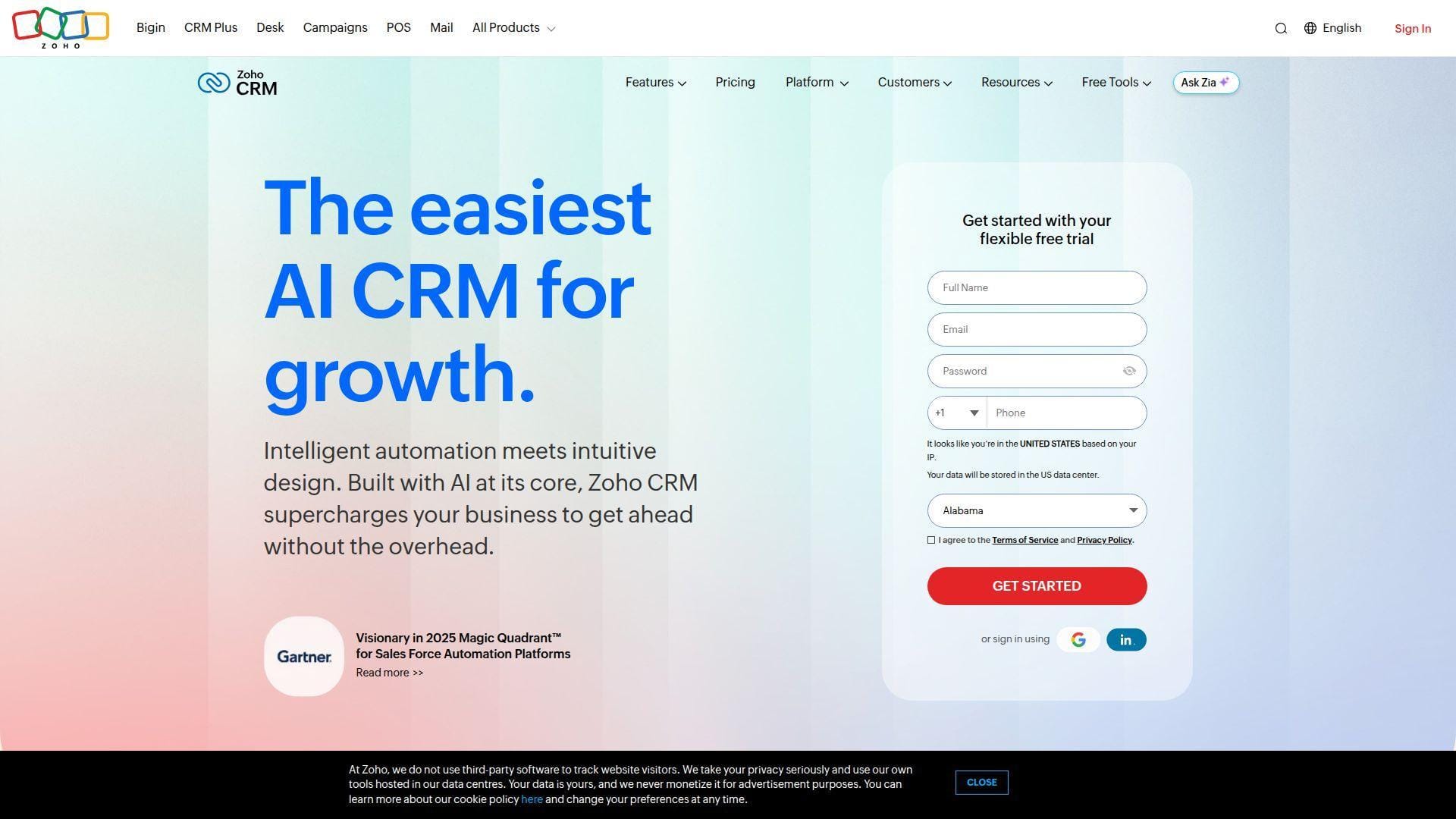
Zoho CRM sits inside one of the broadest privately held SaaS portfolios in the market. The team’s advantage is suite economics: CRM can connect with finance, help desk, analytics, forms, campaigns, and low-code apps. Best for: budget-conscious SMBs and process-heavy sales operations teams.
- Lead, deal, workflow, and Zia AI features → support structured selling without enterprise pricing.
- Native Zoho app ecosystem → remove several third-party subscriptions from the customer stack.
- Flexible configuration → teams can reach first value in a few days after fields and stages are mapped.
Pricing & limits: From $0/mo for up to three users; paid Standard commonly starts at $14/user/mo annually. Zoho CRM offers a free trial, typically used before selecting an edition. Free and low tiers limit users, advanced automation, AI depth, and some customization.
Honest drawbacks: Zoho is powerful, but the interface can feel dense. Teams without an internal owner may create too many modules, fields, and automations too early.
Verdict: If you need serious CRM capability on a careful budget, Zoho helps you build a full sales system in a few weeks.
5. Freshsales
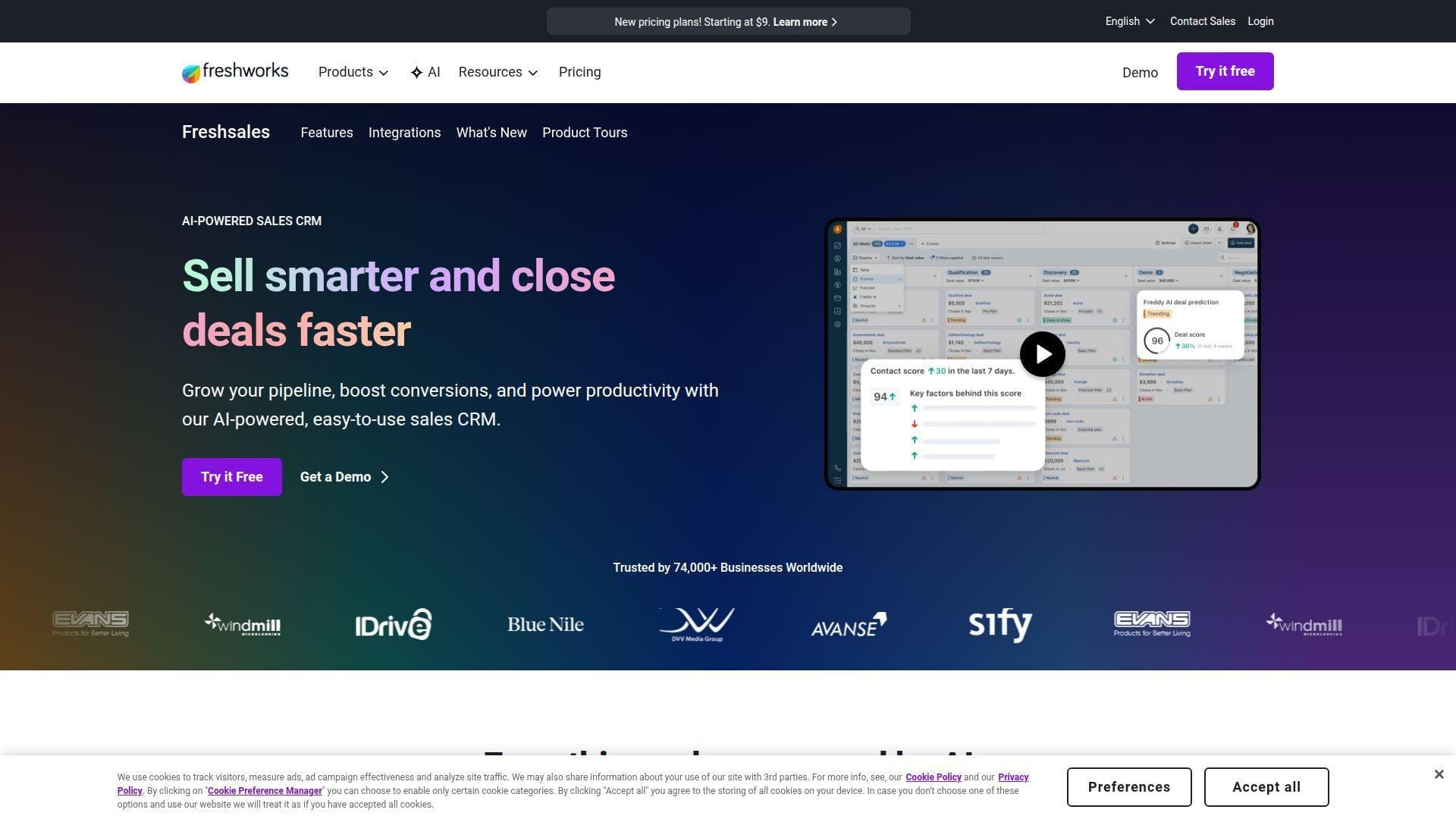
Freshsales comes from Freshworks, a product company known for approachable sales, support, IT, and customer engagement software. The CRM team focuses on speed, built-in communications, and Freddy AI assistance. Best for: high-velocity SMB sales teams and support-adjacent revenue teams.
- Kanban contacts, accounts, and deals → move new leads into live sales work without spreadsheet staging.
- Freddy AI, Slack context, and workflows → reduce qualification and follow-up effort by several steps.
- Built-in phone, email, chat, and mobile app → reach useful value in two or three working days.
Pricing & limits: From $0/mo for up to three users; Growth starts at $9/user/mo annually with bundled marketing contact capacity. Freshsales offers a 21-day trial. Advanced AI, multiple pipelines, richer reporting, and larger marketing usage sit on higher plans or add-ons.
Honest drawbacks: Freshsales Suite and standalone Freshsales packaging can confuse buyers. It beats many entry CRMs on built-in communication, but trails HubSpot on ecosystem size.
Verdict: If you want sales CRM with email, chat, phone, and AI in one place, Freshsales helps teams respond faster within the first sprint.
6. Microsoft Dynamics 365 Sales
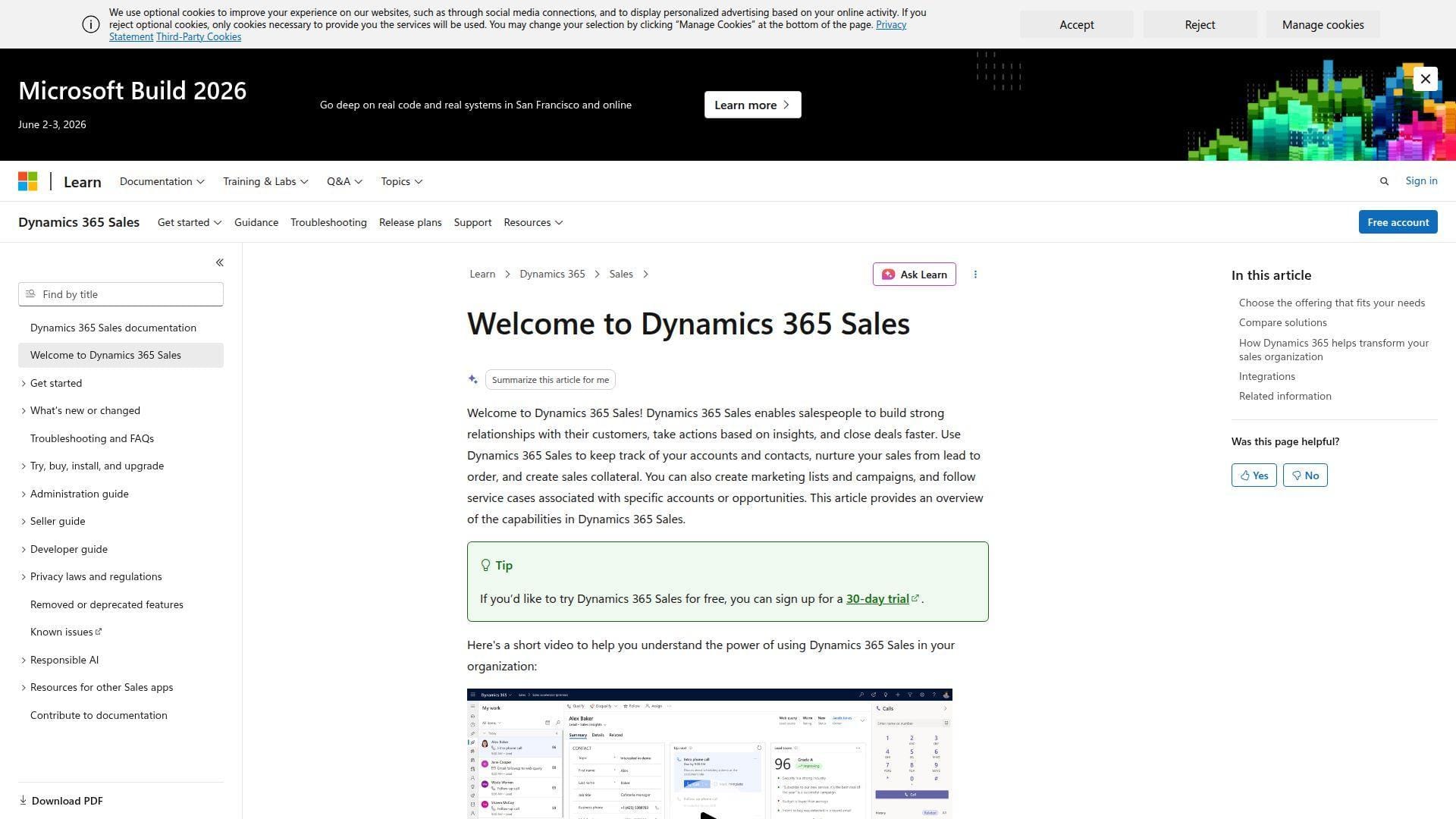
Microsoft Dynamics 365 Sales is built by Microsoft’s business applications team and is deeply tied to Microsoft 365, Teams, Outlook, Dataverse, Power Platform, and Copilot. Best for: Microsoft-centric enterprises and regulated midmarket organizations.
- Dataverse-backed sales records → connect CRM data to Power BI, Power Automate, and custom apps.
- Copilot, Teams, Outlook, and LinkedIn options → save context switching across meeting, email, and CRM work.
- Enterprise administration model → deliver value in phases, usually starting with a governed pilot.
Pricing & limits: From $65/user/mo, paid yearly, for Sales Professional. Enterprise and Premium cost more, with Premium adding included Copilot capacity. Free trials are available, and complex agents, Power Platform usage, custom apps, or LinkedIn bundles may require separate licensing.
Honest drawbacks: Dynamics is not a plug-and-play CRM for small teams. Implementation, data modeling, security roles, and reporting design usually require admin or partner expertise.
Verdict: If your business already runs on Microsoft, Dynamics helps you turn CRM into governed enterprise infrastructure over a phased rollout.
7. Insightly CRM
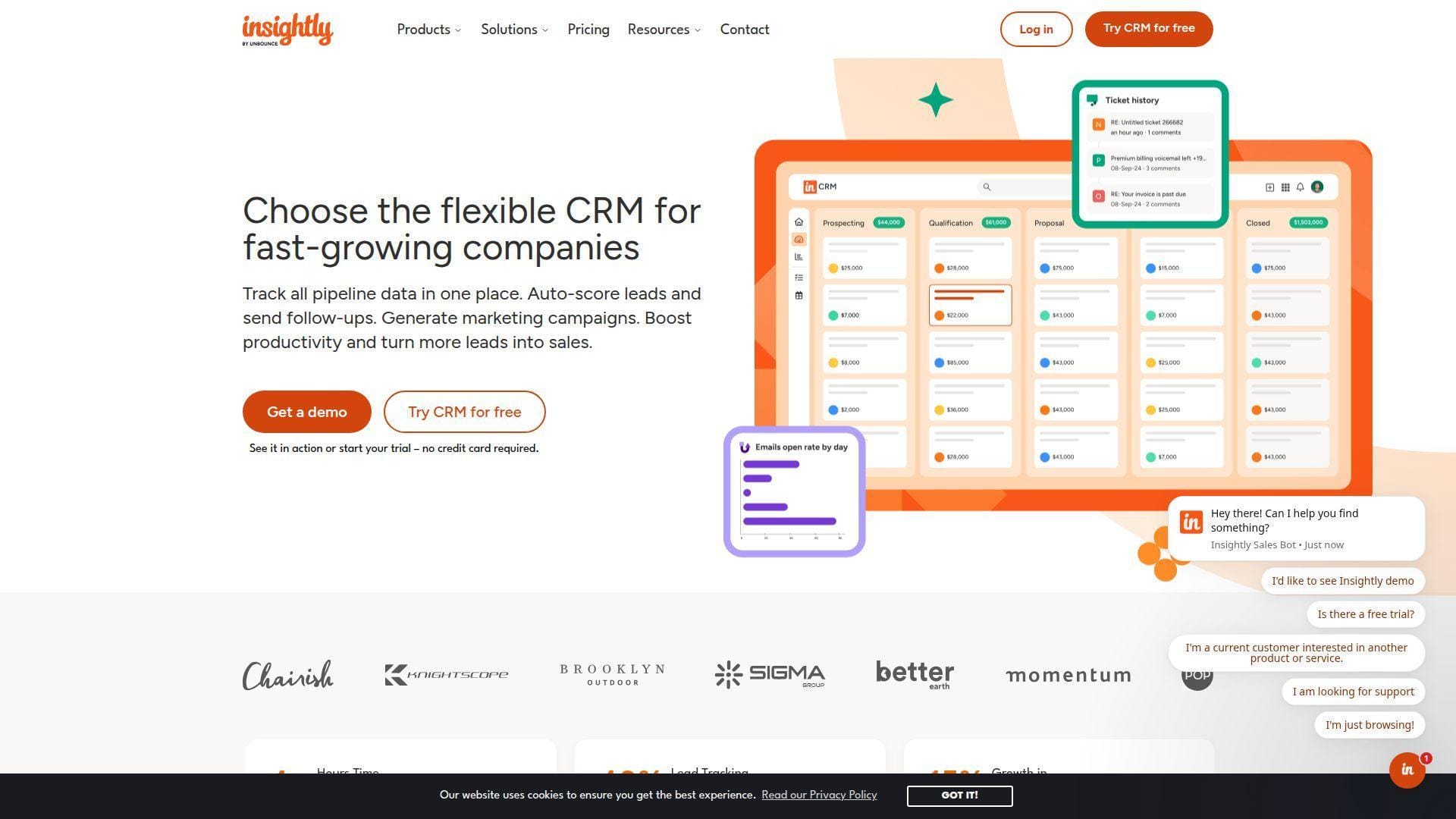
Insightly blends CRM, project delivery, marketing automation, service, and AppConnect integration. Its team serves companies that sell work and then must deliver that work with context intact. Best for: professional services firms and project-based sales teams.
- CRM plus project management → hand a closed deal into delivery without losing commitments.
- Native marketing, service, and AppConnect options → cut several sync steps between front office tools.
- Prebuilt reports and dashboards → reach management visibility in the first week after import.
Pricing & limits: From $29/user/mo annually for CRM Plus. Insightly offers a 14-day trial. Workflow automation, AI Copilot, advanced permissions, sandboxes, and richer integrations require higher tiers or additional products.
Honest drawbacks: There is no broad free plan. Small teams may find the best automation value starts only after upgrading beyond the entry CRM tier.
Verdict: If your revenue process continues after the sale, Insightly helps you connect selling and delivery in the same customer timeline.
8. Nimble CRM
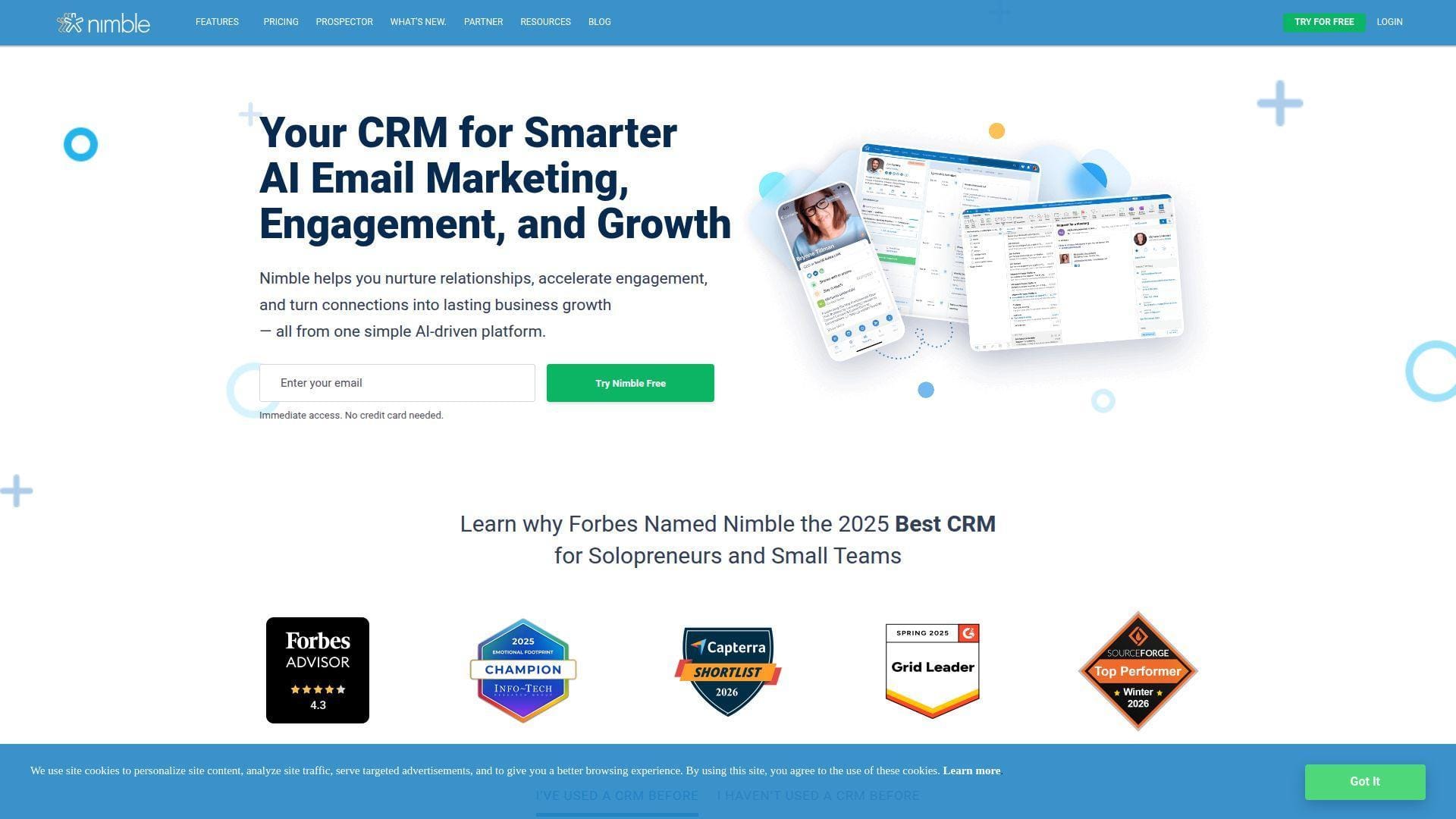
Nimble was designed for relationship-driven selling, especially for teams that live in Microsoft 365, Google Workspace, social channels, and inboxes. The team focuses on contact enrichment and lightweight relationship management. Best for: consultants and relationship sellers.
- Unified contact enrichment → build fuller profiles without hunting across inboxes and social pages.
- Microsoft, Google, email, and browser workflows → save several research and logging steps per contact.
- Single-plan simplicity → reach first value in one day without comparing feature tiers.
Pricing & limits: From $24.90/seat/mo annually or $29.90/seat/mo monthly. Nimble offers a 14-day trial, usually up to five licenses. The plan includes 25,000 contact records, 2 GB storage per seat, and included group-message capacity, with paid upgrades for extra contacts, storage, and enrichment.
Honest drawbacks: Nimble is not ideal for complex territory management, CPQ, or heavily customized enterprise workflows. Data enrichment credits can also run out for prospecting-heavy teams.
Verdict: If your sales depend on remembering relationships, Nimble helps you prepare warmer outreach within days.
9. Copper CRM
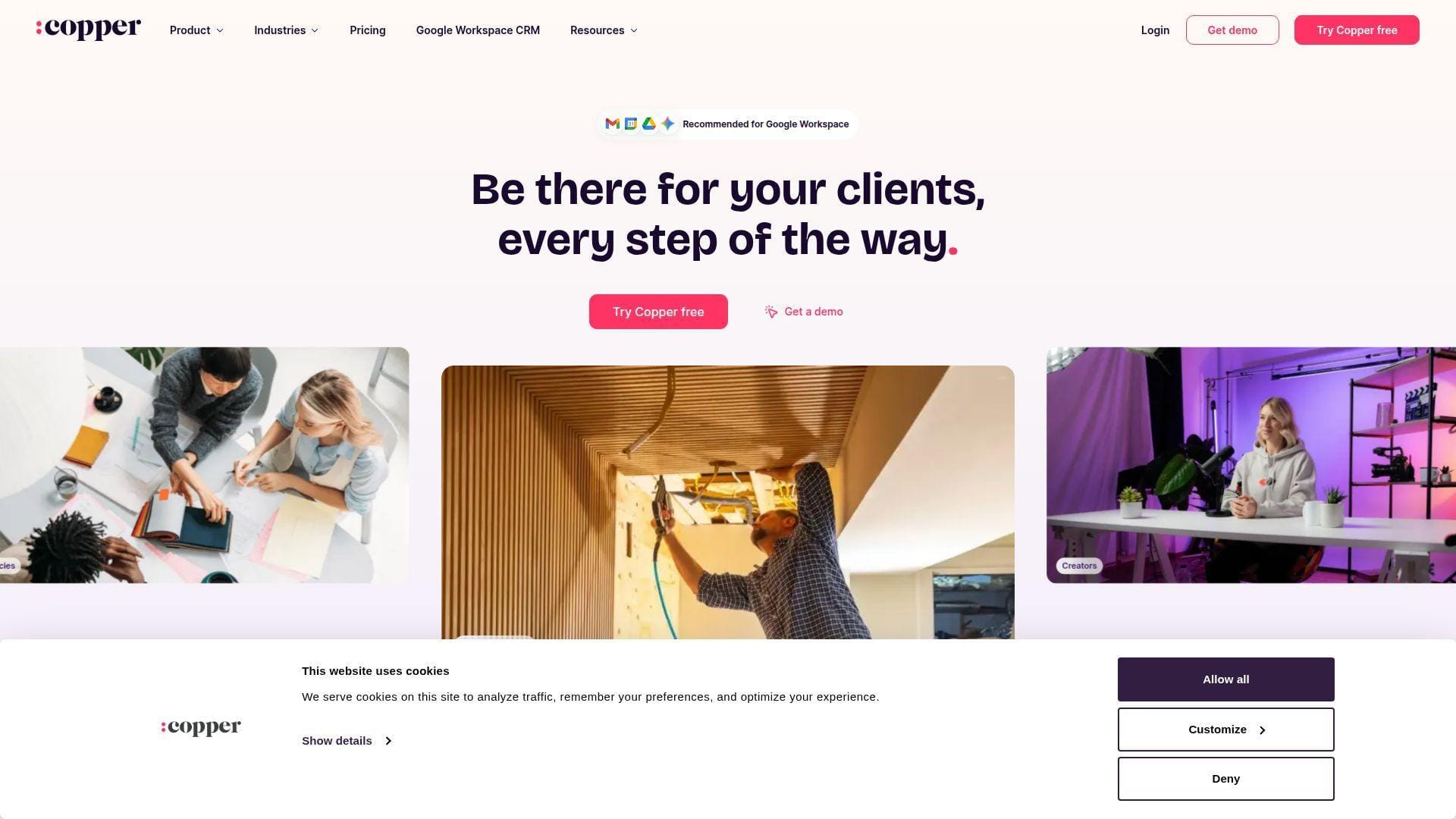
Copper is built for Google Workspace teams. Its product team leans into Gmail, Calendar, Drive, and Chrome rather than forcing reps to live in a separate system. Best for: agencies, consultancies, and relationship-heavy Google Workspace teams.
- Gmail-native CRM workflow → create leads and opportunities while reading real customer email.
- Google Workspace and automation features → save repeated copy-paste steps between inbox and CRM.
- Low setup burden → small teams can get a working Google-centered CRM in a few days.
Pricing & limits: From $9/seat/mo annually for Starter. A free trial is available. Starter caps contacts at 1,000, Basic increases the cap, Professional adds larger contact volume and stronger sales features, and Business removes the contact ceiling.
Honest drawbacks: Copper is much less compelling if your company does not use Google Workspace. It also keeps richer reporting, bulk email, and workflow automation above the lowest tier.
Verdict: If your revenue team lives in Gmail, Copper helps you turn email activity into CRM discipline in the same week.
10. Agile CRM
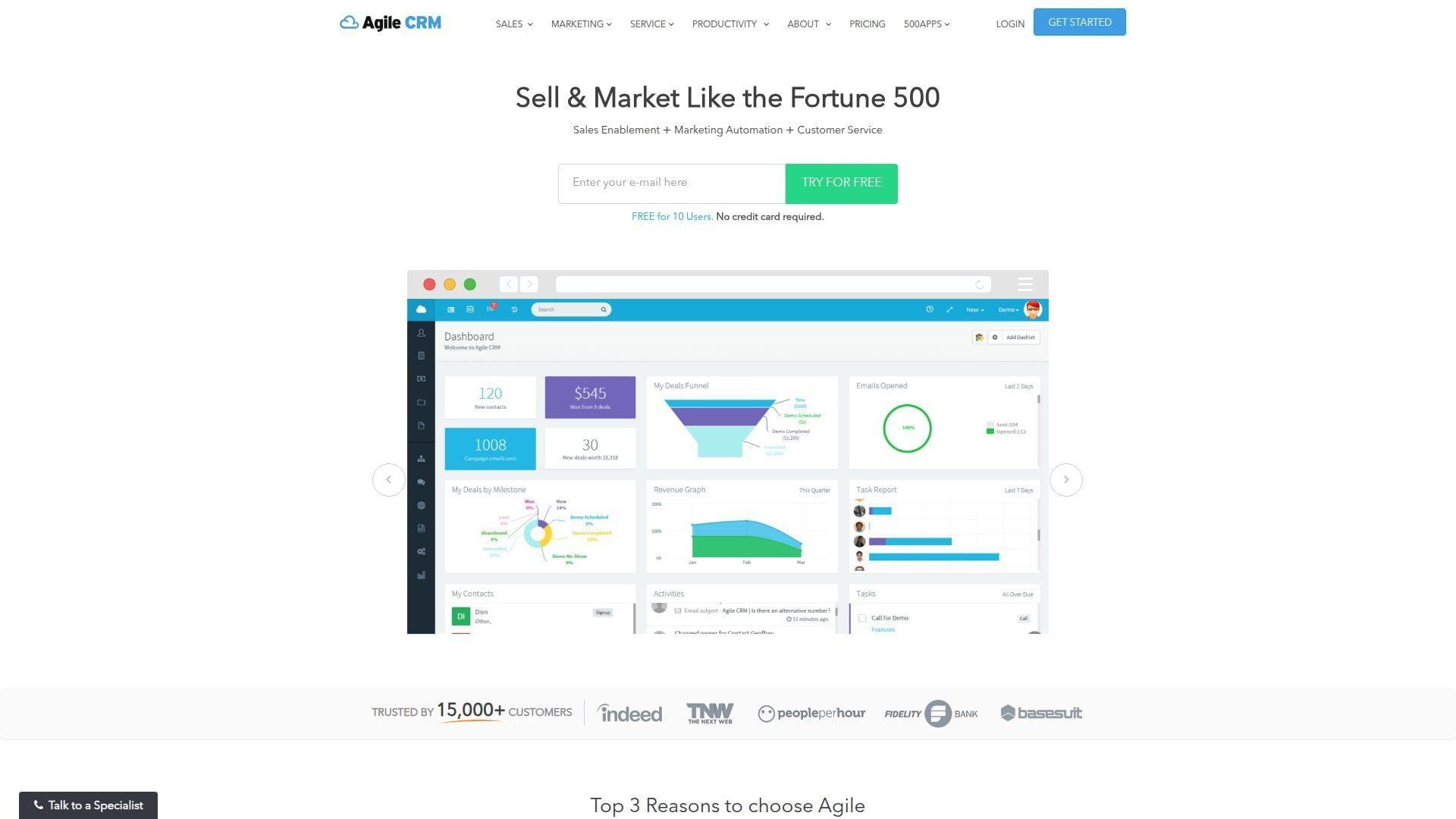
Agile CRM is part of the 500apps orbit and aims to combine sales, marketing, and service tools for small companies. The team’s pitch is broad functionality at a low entry price. Best for: micro teams and cost-sensitive startups.
- Sales, marketing, and service bundle → manage contacts, deals, campaigns, and tickets without buying three apps.
- Email tracking, lead scoring, and appointment scheduling → remove basic manual follow-up steps quickly.
- Generous free entry → first value can arrive in a day for a tiny team.
Pricing & limits: From $0/mo for up to 10 users and 1,000 contacts. Starter begins at $8.99/user/mo, with Regular and Enterprise adding more advanced features. The free plan acts as the practical trial path, while higher-volume marketing and deeper automation require paid tiers.
Honest drawbacks: Agile CRM can feel older than newer CRMs in UX and integration polish. Large sales teams may outgrow its reporting and governance.
Verdict: If you need a low-cost starter CRM with marketing extras, Agile helps a small team escape spreadsheets almost immediately.
11. Bitrix24 CRM
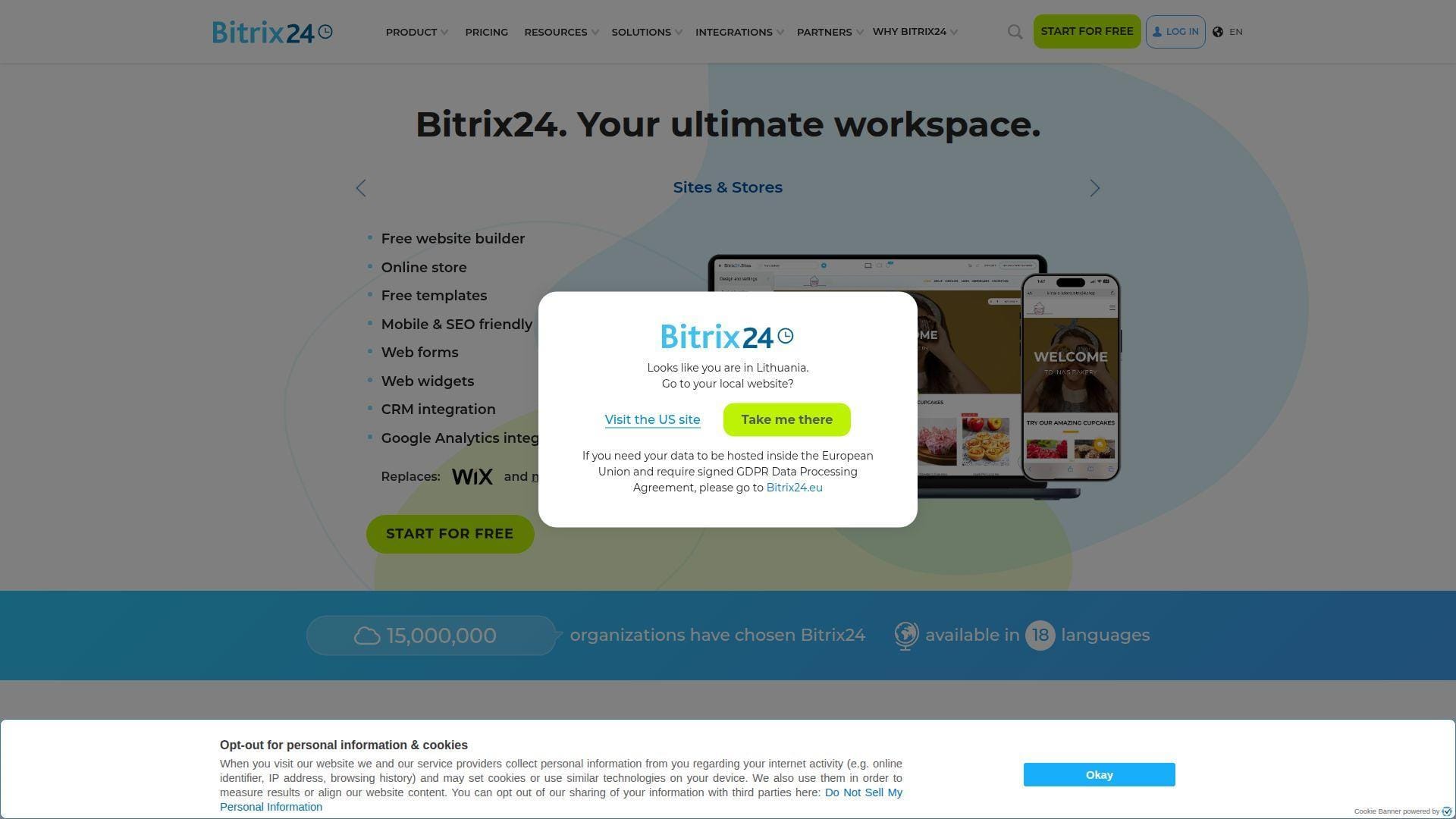
Bitrix24 is a collaboration workspace with CRM, tasks, chat, websites, contact center, and automation under one roof. Its team favors a flat-price platform model rather than classic per-user CRM pricing. Best for: small organizations that want CRM plus internal workspace tools.
- CRM plus tasks and collaboration → turn deals into tasks, chats, documents, and follow-up ownership.
- CoPilot, automations, forms, and communication channels → cut tool switching across sales and operations.
- Flat-plan structure → get first value in a week if an admin trims unused features.
Pricing & limits: From $0/mo for the free tier, with the current pricing page positioning it for a very small team and limited storage. Basic starts at $49/organization/mo annually and includes a fixed user allowance. Bitrix24 offers a 15-day trial of higher-tier features.
Honest drawbacks: Bitrix24 has a lot of surface area. Without configuration discipline, teams may feel they adopted an intranet, project tool, website builder, and CRM all at once.
Verdict: If you want one platform for CRM and team operations, Bitrix24 can help you centralize work in the first month.
12. Keap CRM
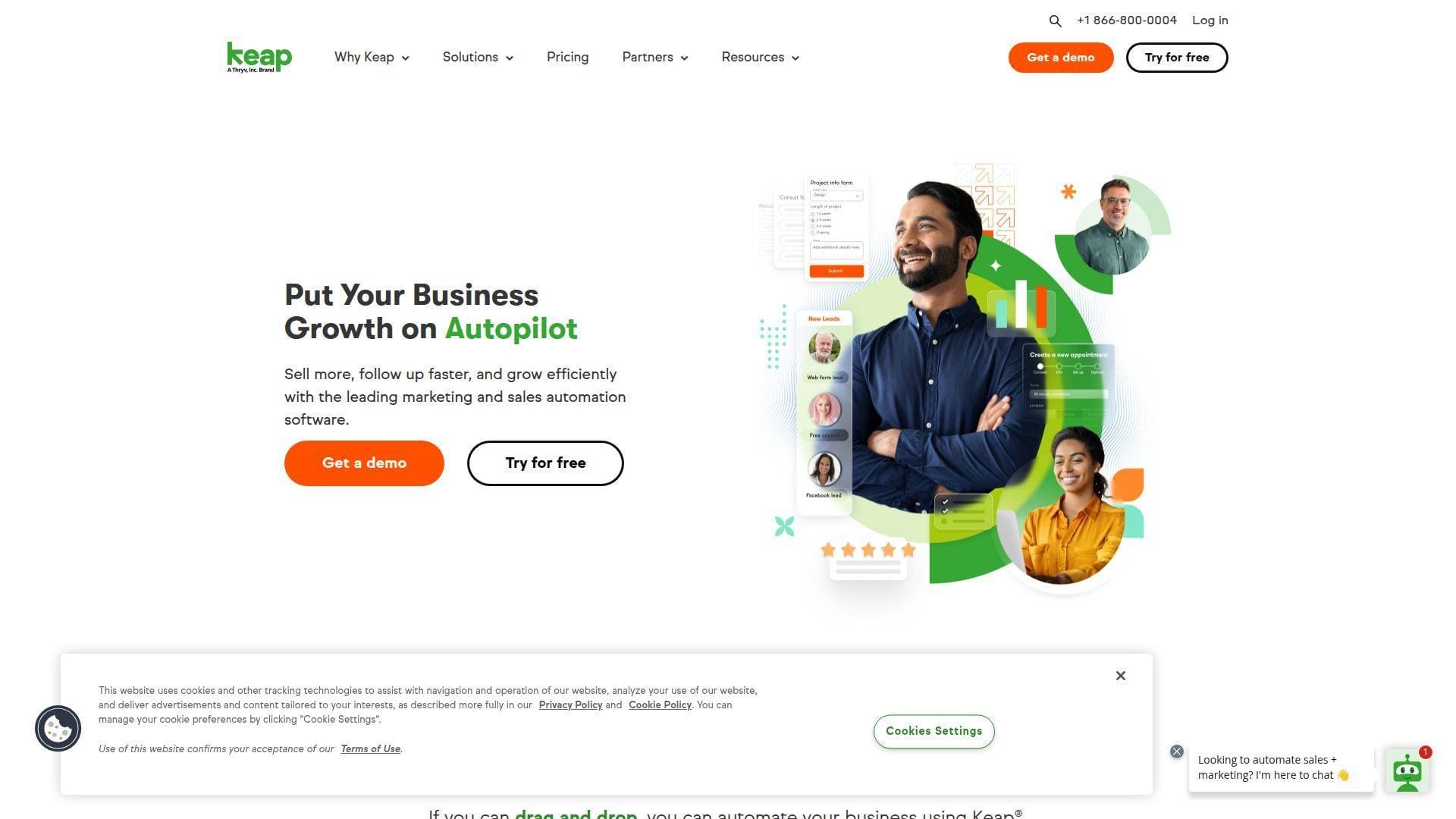
Keap is built for small businesses that need CRM, marketing automation, invoicing, appointments, text messaging, and follow-up in one lifecycle platform. The team is now connected to Thryv, giving it a broader small-business software context. Best for: coaches, local service providers, and appointment-led businesses.
- Lifecycle automation builder → capture, nurture, book, invoice, and request reviews from one flow.
- Email, SMS, payments, and scheduling → save several manual handoffs after a lead converts.
- Guided onboarding model → reach value faster when the business has a repeatable offer.
Pricing & limits: From about $249/mo for a base contact allowance, with a 14-day trial often used for evaluation. Pricing scales by contacts and users, and implementation packages can add upfront cost. Text, email, and payment workflows may bring extra usage considerations.
Honest drawbacks: Keap is expensive for tiny teams that only need contact management. Contact-based scaling can also surprise consumer-facing businesses with large lists.
Verdict: If your goal is automated follow-up from lead capture to payment, Keap helps you operationalize that journey in a few weeks.
13. Nutshell CRM
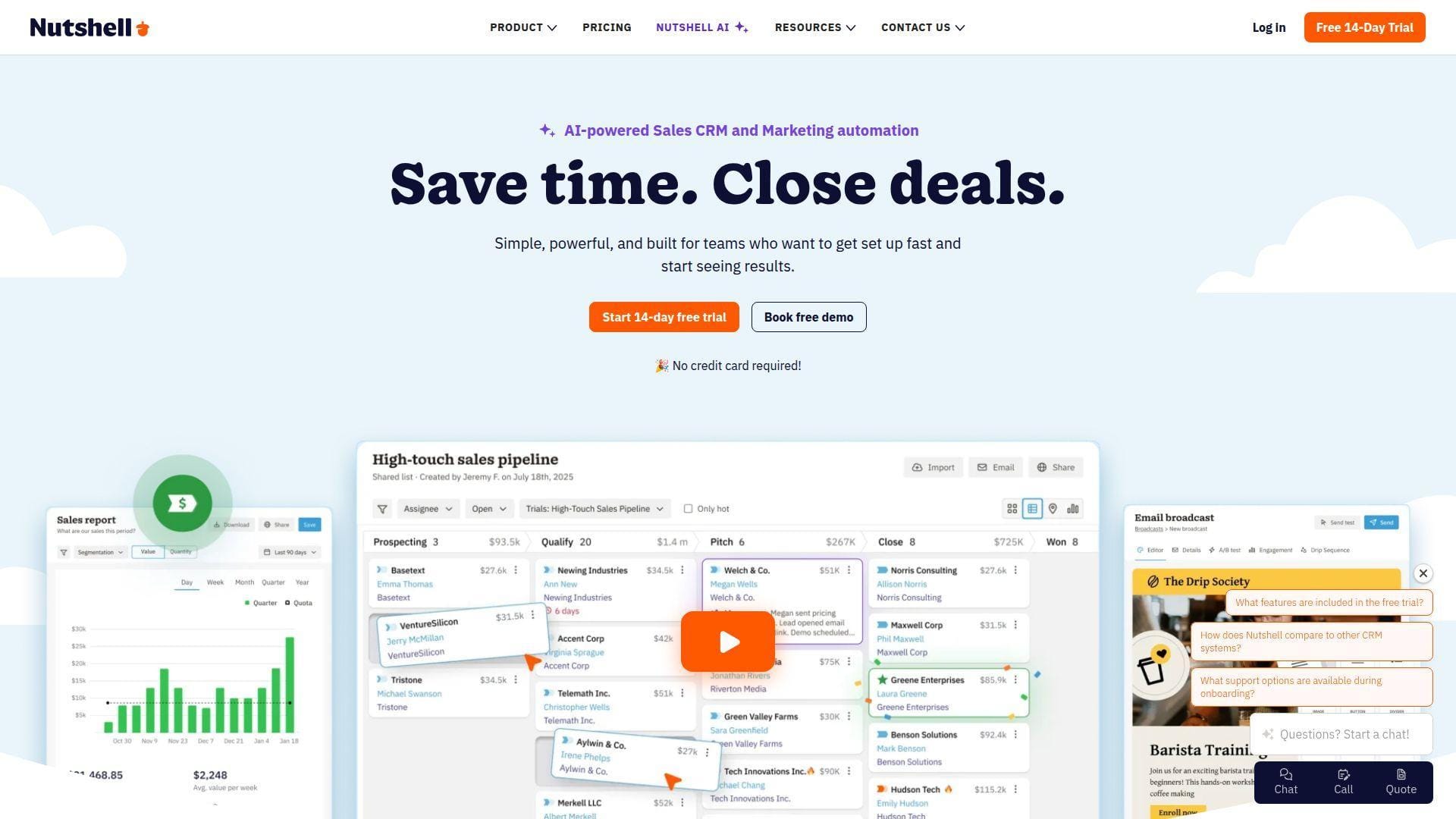
Nutshell is an Ann Arbor-born CRM now backed by the WebFX ecosystem. Its team focuses on approachable sales tools, email marketing add-ons, live support, and practical AI outcomes. Best for: B2B SMBs and sales managers who want clear pipeline adoption.
- Simple pipeline and activity tracking → help reps see next steps without admin friction.
- Email, webchat, forms, AI outcomes, and add-ons → reduce separate tools for basic revenue operations.
- Free support and migration help during trial → reach usable value in days, not weeks.
Pricing & limits: From $13/user/mo annually for Foundation. Nutshell offers a 14-day trial with no credit card. It includes unlimited CRM contacts and storage, but lower tiers cap open leads, AI outcomes, pipelines, and advanced automation.
Honest drawbacks: Teams that need enterprise SSO, SQL access, or unlimited pipelines must move up the ladder. Marketing and prospecting add-ons can raise the total price.
Verdict: If you want friendly CRM with real sales discipline, Nutshell helps managers coach pipeline behavior within the first two weeks.
14. Monday.com CRM
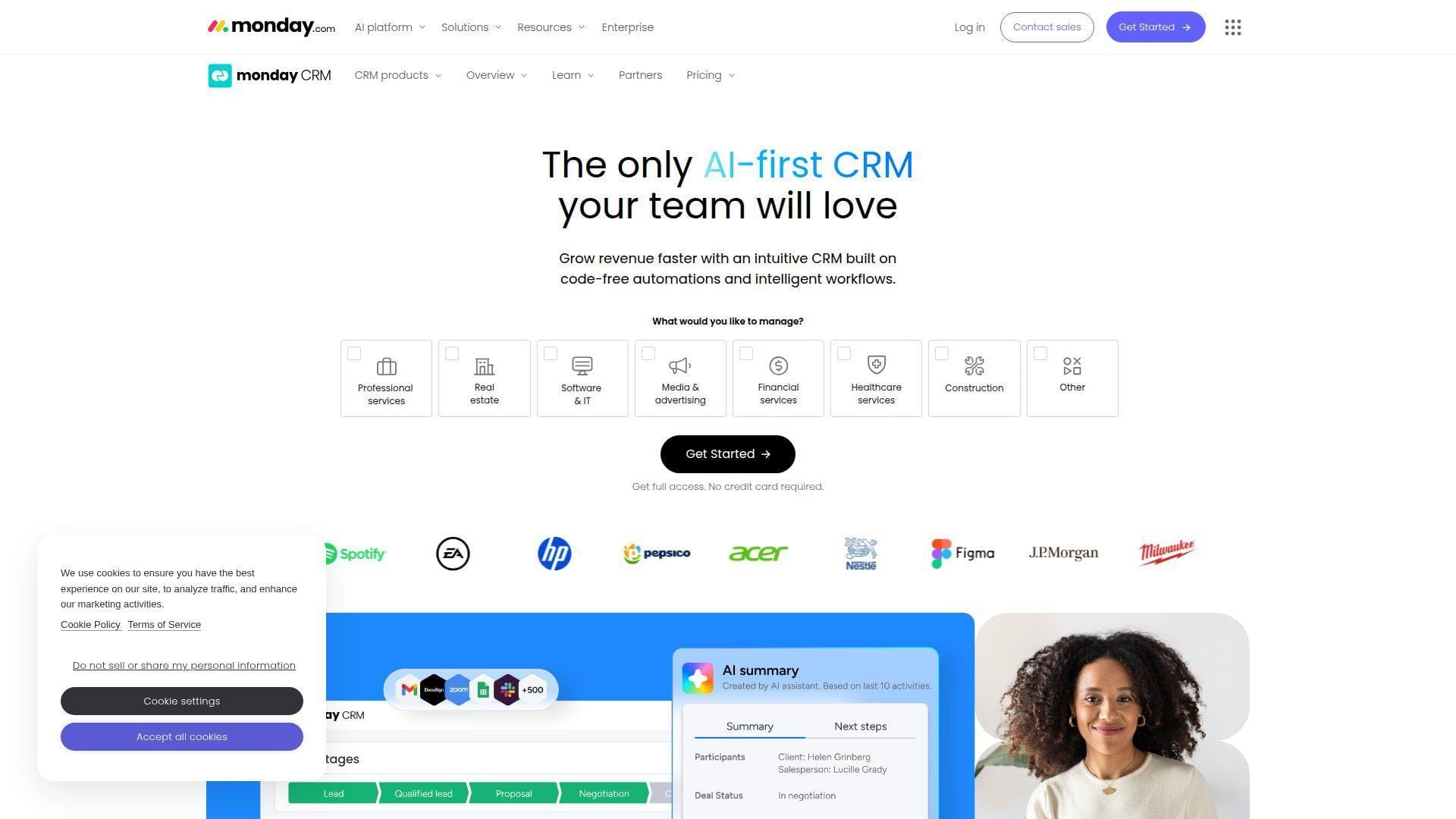
Monday.com CRM is built on the monday.com Work OS, so it feels like a configurable operating board more than a traditional CRM database. The team serves sales, operations, service, and project teams that want no-code flexibility. Best for: nontechnical sales ops teams and SMBs with custom workflows.
- Board-based CRM design → model leads, accounts, renewals, onboarding, or partner pipelines visually.
- Automations, dashboards, quotes, and AI helpers → reduce routine status updates and manual reminders.
- Templates and no-code setup → get a working CRM board in one afternoon.
Pricing & limits: From $12/seat/mo annually, with plans starting at three seats. Monday CRM offers a 14-day trial. Basic caps active contacts and deals, dashboards, quotes, columns, and workspaces; serious automation usually starts on higher tiers.
Honest drawbacks: Monday CRM is flexible, but that flexibility can become messy without data standards. It trails more opinionated CRMs on native sales methodology.
Verdict: If you want a customizable CRM your ops team can adjust without code, monday.com CRM helps you shape process quickly.
15. SugarCRM
SugarCRM, now marketed heavily around SugarAI, focuses on guided selling, pipeline visibility, and configurable CRM for more established teams. Its product and partner ecosystem often appeals to midmarket companies with defined processes. Best for: manufacturers, distributors, and midmarket sales organizations.
- Guided sales process and pipeline controls → improve consistency across complex opportunity teams.
- AI summaries, forecasting, and prioritization on upper tiers → reduce manager review cycles.
- Configurable workflows and support options → reach value through a planned implementation track.
Pricing & limits: From $59/user/mo annually for Standard, with a 15-user minimum. Advanced starts higher, and Premier adds deeper intelligence and support. Trial access is usually short or demo-led, so buyers should validate fit with a guided proof of concept.
Honest drawbacks: The minimum commitment makes Sugar a poor fit for very small teams. Implementation planning matters, especially when replacing legacy CRM.
Verdict: If you have a defined sales process and need midmarket control, SugarCRM helps formalize selling over a structured rollout.
16. Less Annoying CRM
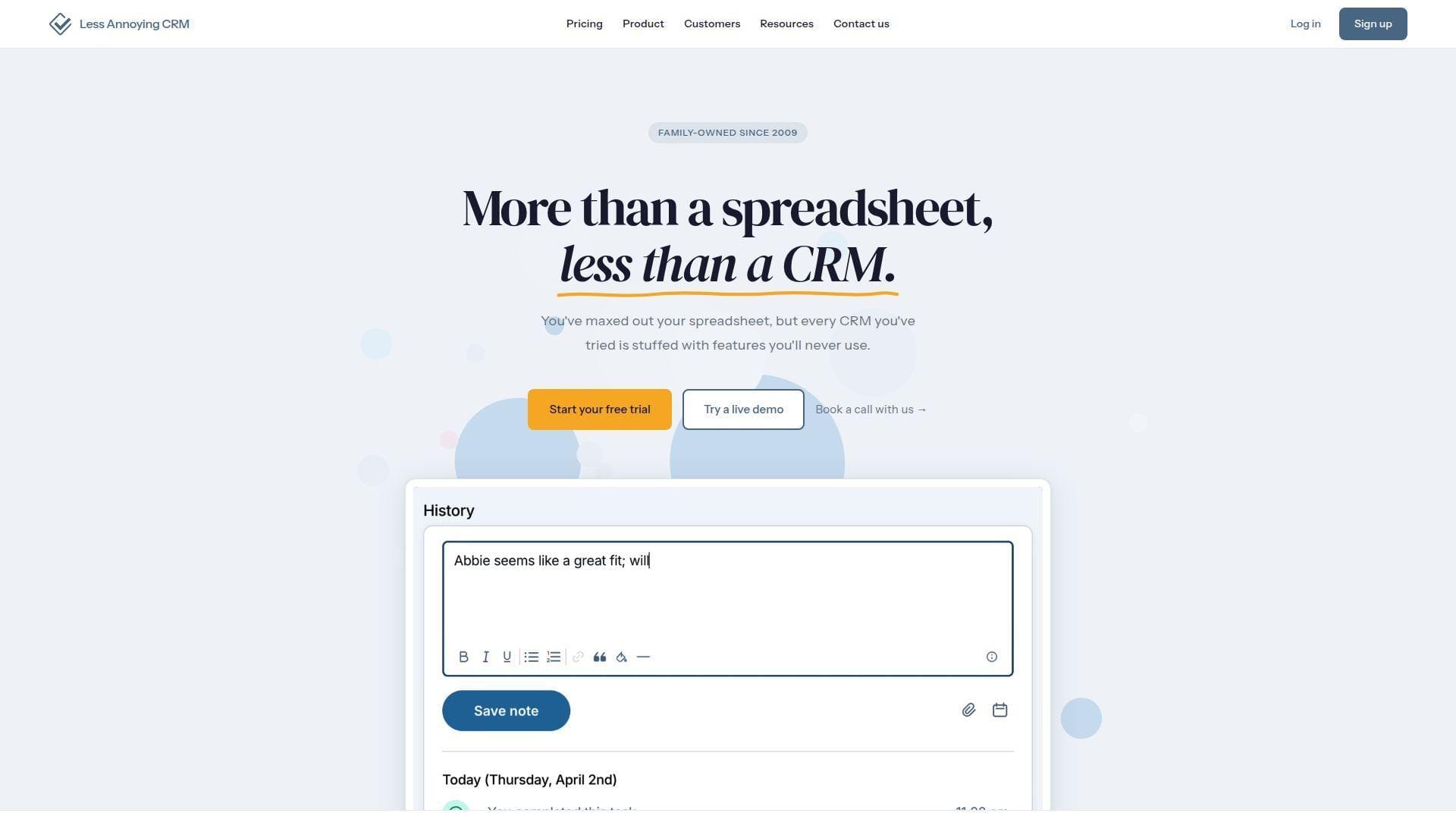
Less Annoying CRM is built by a small-business-focused team that has resisted feature bloat. The product favors contacts, pipelines, calendars, email logging, and support over platform complexity. Best for: freelancers, micro businesses, and first-time CRM buyers.
- Simple contacts and pipelines → get out of spreadsheets without learning a heavy system.
- Email sync, calendars, and task reminders → save the daily “who do I follow up with?” search.
- Single plan and responsive support → reach first value in under an hour.
Pricing & limits: From $15/user/mo. Every account includes a 30-day free trial, and payment information is not required upfront. There are no long-term contracts, hidden fees, or complicated editions for core CRM functionality.
Honest drawbacks: Less Annoying CRM is intentionally simple. It lacks advanced native marketing automation, AI selling tools, deep analytics, and enterprise governance.
Verdict: If your team wants CRM adoption without a consultant, Less Annoying CRM helps you organize contacts and follow-ups the same day.
17. Apptivo CRM
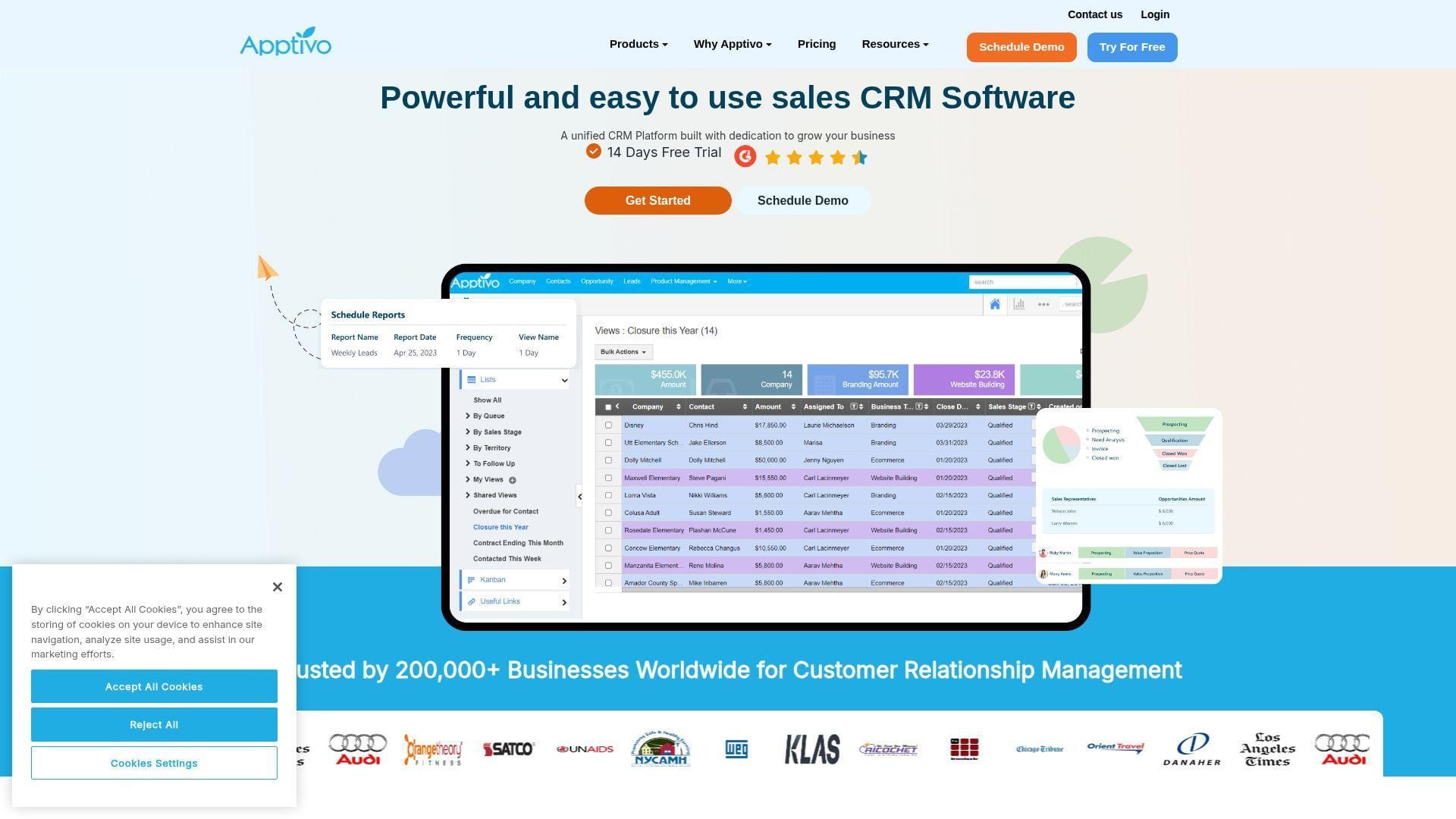
Apptivo is a suite of cloud business apps covering CRM, invoicing, projects, procurement, field service, and support. The team’s approach suits companies that want CRM to connect with everyday back-office work. Best for: SMBs needing quotes, projects, and invoices near sales data.
- CRM plus business apps → move from lead to quote, project, invoice, and support case in one suite.
- Workflows, custom fields, dashboards, and integrations → cut repetitive admin steps across departments.
- Modular app model → reach first value in one to three weeks, depending on configuration scope.
Pricing & limits: From $15/user/mo annually for Lite or $20/user/mo monthly. Apptivo’s 14-day trial is tied to the Ultimate plan. Lite includes 18 apps, 100 custom fields per app, and limited workflows; higher tiers expand apps, fields, dashboards, and automation.
Honest drawbacks: Apptivo can feel less polished than newer interface-first CRMs. It rewards buyers who know which apps and workflows they actually need.
Verdict: If you want CRM connected to small-business operations, Apptivo helps you create a broader workflow backbone within a month.
18. Capsule CRM
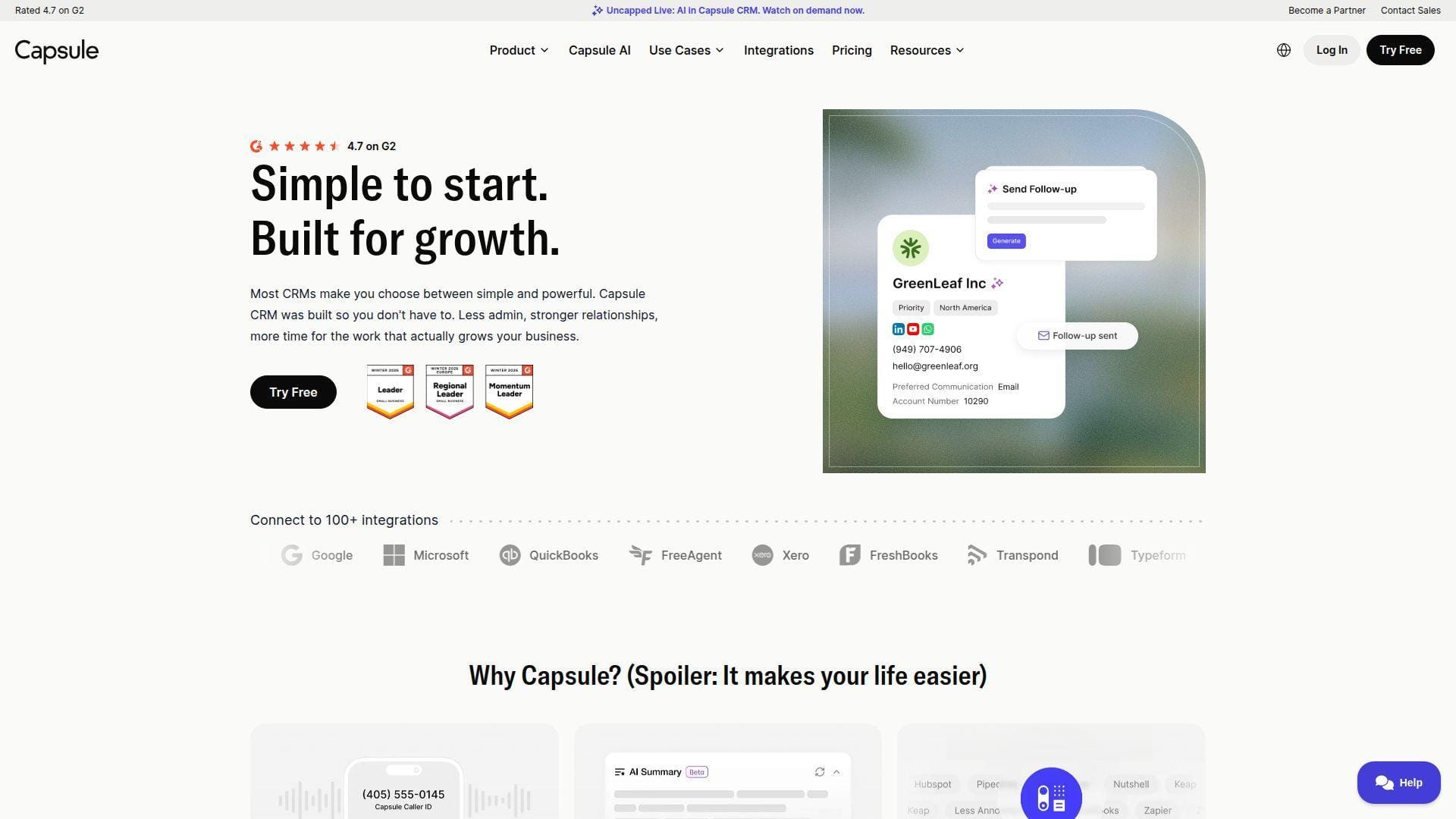
Capsule CRM is a UK-born CRM designed for small businesses that want clarity over clutter. Its team emphasizes contact history, pipelines, project boards, email add-ins, integrations, and careful AI controls. Best for: consultants, account managers, and small sales teams.
- Contact timeline and opportunity tracking → see calls, emails, tasks, files, and deals in one place.
- Email add-ins, Xero, QuickBooks, Mailchimp, and Zapier options → reduce manual record updates.
- Guided in-app setup → reach a working contact and pipeline structure in a day.
Pricing & limits: From $0/mo for the free plan, which allows two users, 250 contacts, one pipeline, and one project board. Paid Starter is commonly positioned around $18/user/mo annually, with a 14-day paid-plan trial. Higher tiers raise contact, automation, and project limits.
Honest drawbacks: Workflow automation and deeper reporting require paid tiers. Teams with complex sales operations may outgrow Capsule’s simplicity.
Verdict: If you want clean relationship management without enterprise noise, Capsule helps you centralize customer history quickly.
19. Workbooks CRM
Workbooks is a UK-based CRM platform that blends sales, marketing, customer service, quotations, orders, and invoicing. Its team targets midsize B2B companies that want more operational depth than a lightweight CRM. Best for: B2B firms with sales-to-order complexity.
- CRM plus order and service modules → connect pipeline, quotes, tickets, and commercial records.
- Mix-and-match licensing → avoid paying every user for capabilities they do not need.
- Implementation options and pricing calculator → reach value through a scoped rollout rather than guesswork.
Pricing & limits: From $47/user/mo for the CRM edition, with a 30-day free trial. Workbooks is commonly purchased on one-, two-, or three-year subscriptions billed annually. Pro, Business, extensions, and implementation services affect total cost.
Honest drawbacks: Workbooks is not the cheapest or fastest tool for very small teams. The contract and implementation model fit mature buyers better than casual testers.
Verdict: If your CRM must support quote-to-order operations, Workbooks helps turn customer management into commercial process control.
20. Vtiger CRM
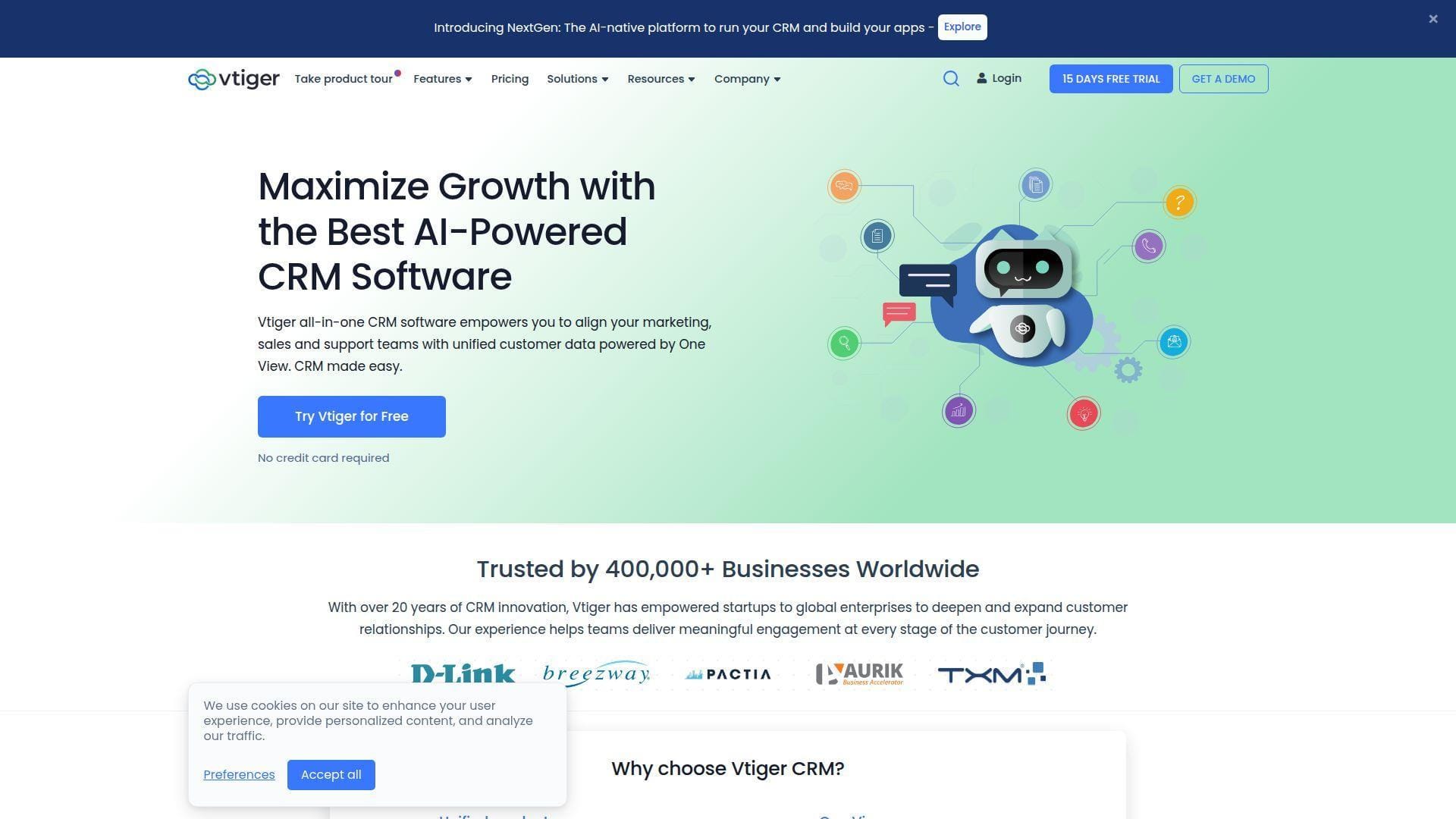
Vtiger offers a unified CRM with sales, marketing, help desk, projects, inventory, and AI capabilities. Its team has long served SMBs that want more than pipeline tracking but less enterprise overhead. Best for: SMBs needing one customer view across sales and service.
- One View customer record → combine leads, contacts, deals, tickets, campaigns, documents, and activity.
- Mixed licensing and built-in AI → reduce license waste and automate summaries, routing, and insights.
- Free pilot and trial paths → reach a meaningful test in a few days with sample data.
Pricing & limits: From $0/mo for One Pilot, with caps on users and records. One Growth starts at $12/user/mo annually, while higher editions add mixed licensing, automation, and AI depth. Free trials are available without a credit card.
Honest drawbacks: Vtiger’s breadth can make the interface feel busy. Teams must watch record, user, storage, and edition caps as they grow.
Verdict: If you want sales, support, and marketing context in one affordable CRM, Vtiger helps create a fuller customer view in weeks.
What Cloud-Based CRM Software Is
Cloud-based CRM is customer relationship management delivered through SaaS infrastructure rather than company-owned servers. Gartner measured the CRM sales software market at $25.7 billion in 2024, and that category is increasingly defined by cloud delivery, AI assistance, workflow automation, and ecosystem connectivity.
1. Cloud CRM as SaaS Hosted on Provider Servers
Cloud CRM runs on infrastructure operated by the CRM vendor or its cloud partners. The customer subscribes to the application, configures users and processes, and accesses the system through secure web sessions and APIs.
The business value is simple: the vendor absorbs much of the infrastructure burden. You do not rack servers, patch operating systems, tune database clusters, or budget for periodic hardware refresh cycles. Your team focuses on sales process, data hygiene, and customer experience.
2. Access via Web Browsers and Mobile Applications
A good cloud CRM works wherever the customer conversation happens. Reps log calls from a phone, managers inspect dashboards from a browser, and field teams update deal status after a meeting.
This matters because CRM adoption collapses when users must return to a desk to update records. Mobile access turns the CRM into a field companion instead of a compliance chore.
3. Centralized Customer Data for a Customer 360 View
The promise of customer 360 is not mystical. It means every team sees the same contact record, company profile, deal history, support tickets, emails, notes, consent fields, and account status.
When data is centralized, handoffs improve. Marketing can see sales outcomes. Sales can see support risk. Finance can spot unpaid invoices before a renewal call. That shared context is where CRM becomes business infrastructure.
How Cloud CRM Works
Cloud CRM works through a stack of hosted application services, databases, identity controls, APIs, event triggers, storage systems, monitoring, and vendor-managed updates. We like to think of it as a living customer graph with workflow rules attached.
1. Vendor-Managed Infrastructure, Updates, and Maintenance
The provider manages hosting, scaling, patches, backups, and application updates. In multi-tenant SaaS, many customers share a common application architecture while their data remains logically separated.
For the buyer, this shifts responsibility. You still own data quality, access policy, process design, and compliance fit. The vendor owns much of the platform upkeep. The boundary is crucial during security reviews.
2. Real-Time Synchronization Across Devices and Teams
When a rep updates a deal stage, the change should appear in dashboards, mobile apps, forecast views, and automation triggers almost immediately. Behind the scenes, modern CRMs use event processing, caches, queues, and sync services to keep state consistent.
Real-time sync changes behavior. Managers stop asking for spreadsheet updates. Support stops working from stale account notes. Reps stop arguing over who owns a lead.
3. APIs and Connectors for Integrations Across the Tech Stack
APIs let CRM data move into marketing automation, billing systems, support platforms, data warehouses, ecommerce stores, and custom applications. Connectors provide packaged integration patterns for common tools.
We always inspect API rate limits, webhook reliability, authentication methods, and field mapping. A CRM can look excellent until a mission-critical sync silently drops company IDs or duplicates contacts.
Cloud CRM vs On-Premise CRM and Legacy Systems
The cloud versus on-premise debate is not only about location. It is about cost timing, deployment speed, maintenance ownership, remote access, extensibility, and the skills required to keep the platform healthy.
1. Cost Structure: Subscription OpEx vs Upfront CapEx
Cloud CRM usually shifts spending toward operating expense. You pay subscriptions, add-ons, implementation help, and sometimes usage-based costs. On-premise CRM often brings license purchases, server costs, database administration, backup tools, and internal upgrade labor.
Neither model is automatically cheaper. Cloud wins when you value speed, elasticity, and lower infrastructure overhead. On-premise can still matter when strict residency, customization, or legacy integration constraints dominate.
2. Deployment Timeline: Days or Weeks vs Months
A small cloud CRM rollout can start quickly: import contacts, define stages, connect email, assign owners, and train users. Legacy systems often require server provisioning, networking, database work, installer packages, and version testing.
Speed has strategic value. A CRM adopted this quarter can improve pipeline discipline now. A perfect system delivered too late may miss the revenue cycle it was meant to support.
3. Maintenance Model: Automatic Updates vs Internal IT Upgrades
Cloud vendors ship updates continuously or on scheduled release cycles. Internal teams must monitor release notes, test changes, adjust automations, and train users on new behavior.
Legacy systems give more control over upgrade timing. That control can be useful, but it often becomes delay. We have seen old CRM versions become security and integration liabilities because nobody wanted to touch the upgrade path.
4. Accessibility: Anywhere Access vs Office-Bound and VPN-Dependent Access
Cloud CRM is built for browser and mobile access. Users authenticate from approved devices and locations, often with multifactor authentication and conditional access policies.
Older CRM systems may depend on office networks, VPN sessions, or remote desktop environments. That friction discourages updates from field reps and remote teams. CRM data then becomes stale exactly when it should be fresh.
Benefits of Cloud Based CRM Software
The biggest benefit is not “the cloud” by itself. It is the operating discipline cloud makes easier: faster rollout, cleaner collaboration, automated handoffs, and customer context available at the moment of action. McKinsey found 71 percent of consumers expect personalized interactions, which is hard to deliver from scattered records.
1. Lower Upfront Costs and Reduced Infrastructure Overhead
Cloud CRM reduces the need to buy and maintain servers, storage, database licenses, backup systems, and specialized infrastructure tooling. The subscription carries much of that platform cost.
That does not mean zero cost. Implementation, training, integrations, governance, and data cleanup still require budget. The difference is that spending moves closer to business value rather than hardware ownership.
2. Faster Implementation and Faster Time to Value
Templates, guided onboarding, import tools, and native integrations let teams move quickly. A focused team can launch a first pipeline, connect email, and publish a dashboard before a legacy project would finish procurement.
We recommend starting with one revenue process. For example: inbound lead capture, qualification, meeting booking, proposal, closed-won handoff. Nail that before building advanced automation.
3. Scalability and Pay-As-You-Grow Flexibility
Cloud CRM scales by seats, features, usage, storage, records, contacts, or automation volume. That lets a small company start lean and expand as complexity grows.
The trap is hidden scaling cost. A plan that is cheap for three users may become expensive once forecasting, SSO, custom objects, or workflow automation require a higher tier. Model your next stage before signing.
4. Real-Time Data Access for In-Office, Remote, and Field Teams
Salespeople, support agents, managers, and executives can work from the same current record. That helps distributed teams avoid version conflicts and status meetings built around stale exports.
For field teams, mobile CRM is especially important. The best update is the one made immediately after the customer conversation, not the one reconstructed on Friday afternoon.
5. Workflow Automation to Reduce Manual Data Entry
Automation can assign leads, create tasks, send reminders, update lifecycle stages, trigger renewal alerts, and notify managers when deal risk increases. Done well, it removes low-value admin work.
Done badly, automation creates noise. We prefer a small number of high-trust workflows: route new leads, flag neglected deals, auto-create onboarding tasks, and remind owners before renewal windows.
6. Improved Collaboration and Fewer Data Silos
Cloud CRM gives teams one shared customer memory. Sales sees support tickets. Support sees open opportunities. Marketing sees conversion outcomes. Finance sees account ownership.
That shared memory changes culture. People stop protecting their spreadsheets and start improving the process. The CRM becomes less of a reporting tax and more of a working agreement.
Key Features to Look For in Cloud Based CRM Software
Feature lists can be deceptive. The question is not whether a CRM has “automation” or “AI.” The question is whether those features improve a real workflow your team repeats every week.
1. Contact, Lead, and Deal Management
Core CRM starts with clean entities: contacts, companies, leads, deals, activities, owners, and statuses. If these foundations are messy, advanced features will magnify the mess.
Look for duplicate detection, required fields, ownership rules, lifecycle stages, tags, and import controls. A CRM that makes clean data easy is worth more than one with dazzling but fragile dashboards.
2. Sales Pipeline and Customer Journey Visualization
Pipeline views show where revenue is moving and where it is stuck. Journey views show how contacts progress from anonymous visitor to lead, buyer, customer, renewal candidate, and advocate.
The best CRMs let managers inspect both. A deal stage tells us forecast probability. A lifecycle stage tells us relationship maturity. Both matter.
3. Reporting, Dashboards, and Forecasting
Dashboards should answer operational questions: Which deals changed this week? Which reps have aging opportunities? Which channels create qualified pipeline? Which renewals are at risk?
Forecasting requires consistent stages, close dates, probability rules, and manager review habits. A CRM cannot rescue a forecast if the sales process itself is vague.
4. Workflow Automation, Task Management, and Notifications
Workflow automation should guide action, not flood inboxes. A useful CRM creates the right task for the right owner at the right moment.
We like automations that are explainable. If a rep cannot understand why a task appeared, trust drops. Keep workflow logic visible and document every trigger.
5. AI-Powered Insights, Summaries, and Next-Best Actions
AI can summarize calls, draft email replies, score leads, suggest next actions, detect stalled deals, and generate reports from natural language prompts. This is useful when AI is grounded in your actual CRM data.
Guardrails matter. Ask how the vendor handles data retention, model training, permissions, hallucination risk, audit trails, and admin controls. AI should accelerate judgment, not replace accountability.
6. Customization and No-Code Configuration Options
Custom fields, objects, layouts, validation rules, approval flows, and no-code automation help the CRM fit your business. The challenge is restraint.
Every custom field becomes a future maintenance obligation. We suggest naming owners for each custom object and reviewing unused fields quarterly. Clean architecture beats decorative complexity.
7. Mobile Access and On-the-Go Productivity
A mobile CRM should let users view contacts, log calls, update deals, dictate notes, scan business cards, receive reminders, and work offline when needed.
Mobile quality is an adoption signal. If the app is slow or limited, field users will create shadow notes elsewhere. Once that habit forms, CRM hygiene becomes a battle.
8. Integrations That Connect Sales, Marketing, and Service
Integrations turn CRM from a database into a nervous system. Email, calendar, forms, ads, chat, support, billing, ecommerce, and analytics should share customer context.
Two-way sync is powerful but dangerous. Define source of truth for each field. Otherwise, a stale marketing record can overwrite a corrected sales record overnight.
Signs It’s Time to Move to Cloud Based CRM Software
Most teams do not wake up wanting a CRM migration. They move because the current system becomes more expensive in human time than software cost. These are the warning signs we trust.
1. Your Team Spends Too Much Time on Manual Updates and Admin Work
If reps spend more time updating spreadsheets than talking to customers, the process is upside down. Manual copying between forms, inboxes, proposals, and reports creates errors and resentment.
Cloud CRM helps when it captures activity automatically, routes work, and creates reminders. The goal is not to track people harder. It is to remove pointless retyping.
2. Your Forecasts Are Unreliable Due to Dirty or Inconsistent Data
Dirty CRM data turns forecasting into theater. Close dates drift. Deal stages mean different things to different reps. Managers discount the dashboard and ask for side spreadsheets.
Moving to cloud CRM is a chance to reset definitions. Define stage exit criteria, required fields, ownership rules, and dashboard trust standards before migration.
3. Your Current Tools Create Silos Between Teams and Handoffs
When marketing, sales, support, and finance each keep separate records, the customer feels the seams. They repeat information, receive irrelevant messages, and wait while teams “check internally.”
A cloud CRM can act as the shared record. But technology is only half the fix. You also need clear handoff rules and accountability for stale fields.
4. Your CRM Adoption Is Low Because the System Is Too Hard to Use
Low adoption is often rational. If a CRM slows people down, they avoid it. If managers only use it for inspection, reps treat it as surveillance.
Choose a system that makes the user’s job easier first. Then reporting improves naturally. Adoption follows utility, not executive pressure.
Security and Compliance Considerations for Cloud-Based CRM
CRM security deserves serious attention because it holds customer identities, buying signals, emails, contracts, notes, and sometimes payment-adjacent data. IBM placed the global average cost of a data breach at $4.88 million, so casual access control is not a harmless shortcut.
1. Encryption, Backups, and Provider-Managed Security Patches
Review encryption in transit, encryption at rest, backup frequency, retention policies, restore procedures, and incident response commitments. Ask whether backups are logically isolated and tested.
Provider-managed patching is a cloud advantage. Still, the customer must configure MFA, password policies, session controls, and device access properly. Shared responsibility is real.
2. Role-Based Access Controls, Permissions, and Audit Logs
RBAC protects customer data by limiting who can view, edit, export, delete, or administer records. Sales interns should not have the same access as revenue operations leaders.
Audit logs matter during investigations. If a record changes, you need to know who changed it, when it changed, and what integration or automation triggered the update.
3. Compliance Requirements and Certifications
Compliance fit depends on your industry and region. Healthcare, finance, education, government, and global ecommerce teams must review certifications, data processing terms, privacy controls, and breach notification language.
Do not assume “cloud” means compliant. Ask for SOC reports, ISO certificates, GDPR tooling, HIPAA readiness where relevant, and subprocessor lists. Legal and IT should review before purchase.
4. Data Residency Policies and Vendor Trust Evaluation
Data residency can matter when customer records must remain in specific countries or regions. Some vendors offer regional hosting; others do not.
Vendor trust is broader than a certificate. Review uptime history, status pages, support responsiveness, financial stability, export options, and the difficulty of leaving. Exit strategy is part of security.
Integrations That Make Cloud CRM More Valuable
A CRM gains leverage when it connects to the systems that create and use customer data. We look for integrations that remove manual imports, maintain ownership rules, and preserve context across the customer lifecycle.
1. Marketing Automation and Lead Scoring Sync
Marketing automation should send qualified leads, campaign source, consent status, engagement history, and score changes into CRM. Sales should send outcome data back.
This loop improves both teams. Marketing learns which campaigns produce real pipeline. Sales receives warmer context before outreach. Without the loop, lead scoring becomes guesswork.
2. Email, Calendar, and Communication Tool Connectivity
Email and calendar integrations are adoption engines. If calls, meetings, and messages sync automatically, reps spend less time logging activity and more time selling.
Look closely at privacy controls. Not every email should attach to CRM. Users need sensible rules for shared inboxes, private conversations, and customer-facing aliases.
3. Customer Support and Ticketing Context in the CRM
Support context helps sales avoid awkward moments. A renewal call should not happen without visibility into open tickets, satisfaction issues, service levels, or recent escalations.
Likewise, support teams benefit from sales notes. They can see customer goals, promised outcomes, and account value before responding. Better context usually means better tone.
4. Accounting, ERP, Billing, and Back-Office System Connections
Accounting and ERP integrations connect opportunity data to quotes, invoices, payments, inventory, orders, and revenue recognition. This is where CRM becomes operationally serious.
We recommend strict field ownership here. Finance systems often own invoice status and balances. CRM may own opportunity stage and renewal owner. Let each system lead where it is strongest.
5. Two-Way Data Flow to Reduce Duplicate Records and Manual Imports
Two-way sync can keep systems aligned, but it needs matching rules, deduplication logic, error queues, and monitoring. Otherwise, duplicates multiply quietly.
Design integrations like infrastructure. Use stable IDs, idempotent updates, clear retry behavior, and alerting. A broken CRM sync can damage trust faster than no sync at all.
Pricing and Total Cost of Ownership for Cloud CRM
CRM pricing is usually more than the number on the pricing page. Total cost includes seats, feature tiers, add-ons, data migration, admin time, partner help, integrations, training, support, and future scale.
1. Free Plans and Starter Tiers for Small Teams
Free CRM plans are useful for learning vocabulary, testing workflow fit, and organizing early contacts. They are not always designed for mature operations.
Watch for caps on users, records, pipelines, reports, email sends, automation, AI credits, storage, and support. Free is a starting line, not a strategy.
2. Per-User Subscriptions and Feature-Based Packaging
Most cloud CRMs price by user, seat, or license type. Some charge by contact volume, organization plan, app bundle, or usage.
Feature packaging matters. The CRM may be cheap until you need forecasting, custom objects, SSO, permissions, workflow automation, or advanced reporting. Map must-have features to tiers before comparing vendors.
3. Add-Ons, Implementation Time, and Consultant Costs
Add-ons can include prospecting credits, marketing contacts, phone numbers, SMS, AI usage, additional storage, CPQ, e-signature, support plans, sandbox environments, or integration platforms.
Implementation time is also cost. A cheaper CRM that takes months to configure may be more expensive than a pricier tool that fits your workflow quickly.
4. Scaling Costs as Users, Data, and Automation Needs Grow
CRM costs often rise when teams grow, data expands, and leadership wants better governance. That is normal. The problem is surprise.
Build a growth scenario. Estimate sales users, view-only users, marketing contacts, records, API usage, automations, AI features, and reporting needs. Then compare the future bill, not only today’s entry price.
How to Choose the Best Cloud Based CRM Software
Choosing the best cloud based CRM software is not a beauty contest. It is a workflow decision, a data architecture decision, and a change-management decision wrapped in a subscription contract.
1. Define Business Goals and Build a CRM Strategy
Start with outcomes. Do you need faster lead response, cleaner forecasting, better renewals, fewer support escalations, or unified account visibility?
A CRM strategy should define the customer lifecycle, ownership model, reporting questions, data standards, and integration priorities. Software selection comes after that foundation.
2. Identify the Required Features for Your Sales Process
List the features your process truly needs. Separate must-haves from nice-to-haves. A field sales team may need mobile offline access. A SaaS team may need product usage sync. A distributor may need quote and inventory context.
Do not buy features because a demo made them sparkle. Buy features because they remove friction from repeatable work.
3. Prioritize Workflow Fit, Usability, and Adoption Speed
A slightly less powerful CRM that users love may outperform a sophisticated system they avoid. Usability is not cosmetic; it is data quality infrastructure.
Test common tasks: create a lead, log a call, move a deal, send a template, build a report, and update from mobile. If basic actions feel heavy, adoption will suffer.
4. Validate Integration Requirements and Data Sync Needs
Write down every system that must exchange data with CRM. Include website forms, email, calendar, marketing automation, support, billing, ERP, data warehouse, ecommerce, chat, and analytics.
Then decide which fields sync, which system owns each field, and how errors surface. Integration clarity prevents expensive cleanup later.
5. Compare Pricing Models and Evaluate Total Cost of Ownership
Compare the cost of your real deployment, not the homepage price. Include seats, tiers, add-ons, onboarding, training, support, partner work, and administration.
We also recommend checking downgrade paths. A flexible vendor lets you adjust as the business changes. A rigid vendor can turn growth into lock-in.
6. Review Support, Training, and Ongoing Enablement Resources
CRM success depends on support after purchase. Look for documentation, live support, academy content, migration help, partner availability, community activity, and admin training.
Enablement is not a one-time webinar. New reps need onboarding. Managers need dashboards. Admins need governance habits. The vendor should help those roles mature.
7. Test with Trials and Demos Using Real Users and Real Workflows
A trial should use real sample data, real stages, real email templates, and real users. Do not let a polished demo replace hands-on testing.
Ask each tester one blunt question: “Would this make your work easier next week?” If the answer is hesitant, dig deeper before signing.
Implementation and Adoption Best Practices
CRM implementation is where strategy becomes habit. We prefer practical governance over grand theory: clean data, small workflows, clear ownership, measured adoption, and visible wins.
1. Establish Data Ownership, Validation Rules, and Quality Checks
Every important field needs an owner. Sales may own deal stage. Marketing may own source. Finance may own payment status. Support may own case severity.
Validation rules keep records useful. Require the fields that drive reports and handoffs, but avoid turning every form into a tax return.
2. Start with Core Workflows Before Expanding Automation
Launch the core journey first: lead capture, assignment, qualification, opportunity, proposal, close, and handoff. Once that works, automate around it.
Premature automation creates brittle systems. Manual clarity should come before automated scale. If humans cannot explain the process, software should not accelerate it.
3. Set Data Entry Standards and Provide Structured Team Training
Define how to name companies, log calls, use stages, close lost deals, tag sources, and record next steps. Small standards prevent large reporting failures.
Training should be role-based. Reps need daily workflows. Managers need coaching dashboards. Admins need field and automation governance. Executives need interpretation, not button tours.
4. Use Performance Tracking and Reporting for Coaching and Optimization
CRM reports should improve behavior. Use them to coach follow-up speed, deal quality, stage hygiene, source performance, and renewal risk.
Do not turn dashboards into blame boards. The best reporting creates better questions: Where are deals aging? Which messages convert? Which handoffs fail? What should we fix next?
Customer Lifecycle Management with Cloud CRM
Customer lifecycle management turns CRM from a sales tool into a company memory. The customer does not experience your departments separately. They experience one relationship, even when your org chart says otherwise.
1. Unified Interaction History Across the Full Customer Journey
A unified history shows forms, emails, calls, meetings, website activity, deals, tickets, invoices, renewals, and notes. This lets every team understand what happened before acting.
That context improves trust. Customers notice when they do not have to repeat themselves. They also notice when teams contradict one another.
2. Lifecycle Stages, Automated Workflows, and Team Alignment
Lifecycle stages create a shared language: subscriber, lead, MQL, SQL, opportunity, customer, renewal, advocate. The exact labels matter less than consistent use.
Automation can move records, notify owners, trigger onboarding, request feedback, and surface renewal risk. Team alignment comes when everyone trusts the same lifecycle map.
3. Cross-Department Visibility from Lead to Customer to Advocate
Sales should see marketing history. Support should see sales promises. Customer success should see product adoption. Leadership should see the full account health picture.
This is where cloud CRM earns its keep. It connects the revenue story with the service story, so businesses can grow without losing the human thread.
Frequently Asked Questions About Cloud Based CRM Software
These are the questions we hear most often from teams comparing cloud based CRM software for the first time or replacing a legacy system that no longer fits.
1. What Is Cloud-Based CRM Software?
Cloud-based CRM software is a SaaS application for managing customer relationships, sales pipelines, contact history, marketing context, service activity, and reporting. The vendor hosts the application, while users access it through browsers, mobile apps, and integrations.
In plain English: it is the shared customer system your team can use from anywhere, without running the servers yourself.
2. How Does Cloud-Based CRM Differ from On-Premise CRM?
Cloud CRM is hosted and maintained by the provider. On-premise CRM is hosted on infrastructure the company controls directly.
Cloud usually wins on speed, remote access, automatic updates, and lower infrastructure overhead. On-premise may still fit organizations with unusual customization, residency, or legacy system requirements.
3. What Features Matter Most in Cloud Based CRM Software?
The essentials are contact management, lead management, deal tracking, activity logging, dashboards, workflow automation, email and calendar sync, mobile access, permissions, and integrations.
After that, priorities vary. SaaS teams may need product data sync. Agencies may need project handoff. Enterprises may need SSO, audit logs, custom objects, and advanced forecasting.
4. How Secure Is Cloud-Based CRM Software?
Cloud CRM can be very secure when the vendor has strong controls and the customer configures access properly. Encryption, MFA, RBAC, audit logs, backups, monitoring, and compliance documentation all matter.
The weak point is often configuration. Overbroad permissions, shared accounts, poor offboarding, and unmanaged exports can undermine even a strong vendor platform.
5. How Long Does Cloud CRM Implementation Typically Take?
A simple small-business rollout can be useful in days. A midmarket deployment with integrations, migration, permissions, training, and reporting often takes weeks. Enterprise CRM programs can run longer because governance and process change are harder than setup.
Our advice is to launch a narrow, useful version first. Then expand automation and integrations after adoption is real.
6. Can Cloud Based CRM Software Integrate with Marketing Automation and Sales Tools?
Yes. Most modern cloud CRMs integrate with email, calendar, marketing automation, ad platforms, chat, support tools, billing systems, ecommerce, data warehouses, and sales engagement software.
The key is data architecture. Define field ownership, sync direction, duplicate handling, and error alerts before turning on two-way flows.
7. Are There Free Cloud CRM Options, and Is Zoho CRM Free for Small Teams?
Yes, several cloud CRM tools offer free plans. HubSpot, Zoho, Freshsales, Agile CRM, Bitrix24, Capsule, and Vtiger are common examples, though each free plan has limits.
Zoho CRM is free for very small teams, but advanced automation, AI, reporting, and customization require paid editions. Free is excellent for testing fit, but growing teams should budget for the next tier.
8. How Do I Choose the Right Cloud Based CRM Software for a Small Business?
Start with your sales process, not a feature checklist. Identify how leads arrive, who qualifies them, how deals move, what reports managers need, and which tools must integrate.
Then trial two or three CRMs with real users. The right platform should make the next workday clearer, not just make the demo look impressive.
How 1Byte Supports Cloud CRM Software and Business Websites
At 1Byte, we sit next to the CRM decision because CRM rarely works alone. Your domain, DNS, SSL, business website, landing pages, email authentication, webhook endpoints, and cloud servers all influence whether customer data flows cleanly and securely.
1. Domain Registration and DNS Management for CRM Portals, Email, and Integrations
CRM projects often begin with DNS. A sales portal may need a subdomain. Marketing email may need SPF, DKIM, and DMARC records. A support desk may need MX routing. A webhook receiver may need a stable hostname.
We help teams treat DNS as business infrastructure, not an afterthought. Clean records improve deliverability, reduce integration failures, and make portals easier for customers to trust.
2. SSL Certificates for Secure Login, Data Transmission, and Webhook Endpoints
SSL protects the paths where users log in, submit forms, receive quotes, open portals, and trigger webhooks. It also affects browser trust, API reliability, and customer confidence.
For CRM-connected websites, SSL is table stakes. A form that captures leads should not send trust signals in one direction and security warnings in the other. Secure transmission keeps the first touch professional.







3. WordPress Hosting, Shared Hosting, Cloud Hosting, and Cloud Servers on AWS as an AWS Partner
Many CRM workflows start on a business website: a WordPress landing page, a lead magnet, a quote request form, a customer portal, a support article, or an ecommerce checkout. Hosting performance affects conversion before CRM automation ever begins.
We support those front-end and back-end layers with WordPress Hosting, Shared Hosting, Cloud Hosting, and Cloud Servers on AWS as an AWS Partner. That gives businesses room to host marketing sites, integration middleware, API endpoints, staging environments, analytics scripts, and customer-facing assets close to the CRM workflow.
Our practical next step is simple: choose two CRM finalists, map the customer journey from domain visit to closed deal, and test the integrations with real data. If the CRM, website, DNS, SSL, and hosting layers all support that journey cleanly, you are not just buying software. You are building customer infrastructure.