

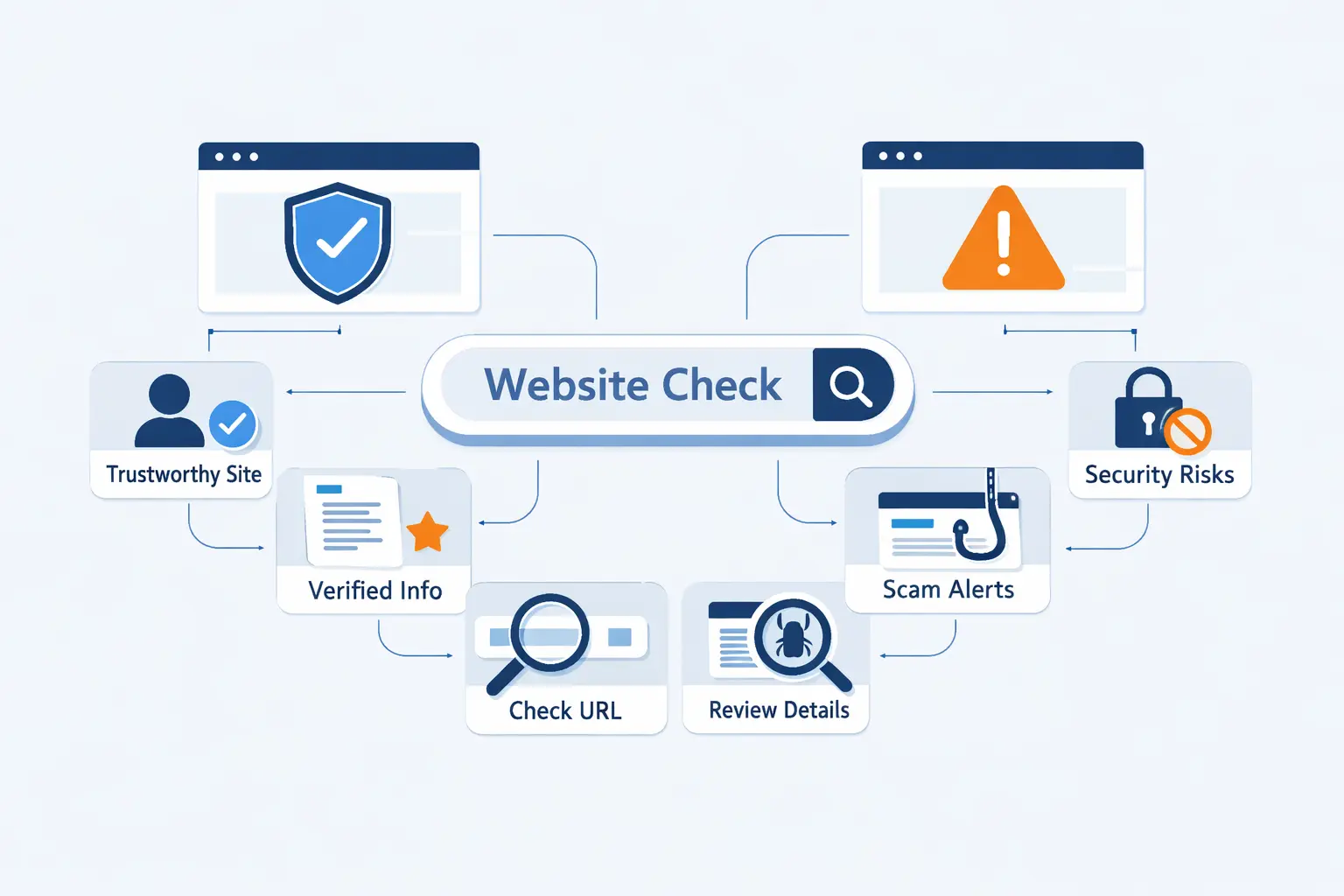
- Why It Matters to Learn How to Check If a Website Is Legit
- Start With the URL and Address Bar
- Review HTTPS, the Padlock, and the SSL Certificate
- Verify the Business Behind the Website
- Check the Website for Content and Policy Red Flags
- Tools That Help You Check If a Website Is Legit
- Understand What Online Checkers Can and Cannot Do
- What to Do If a Website Looks Suspicious
- FAQ About How to Check If a Website Is Legit
- How 1Byte Helps Customers Build Trustworthy Websites
- Final Thoughts on How to Check If a Website Is Legit
At 1Byte, we think learning how to check if a website is legit is basic online self-defense. Fake stores, login pages, and support portals can look convincing for just long enough to take your password, card number, or ID documents. The risk is active, not abstract. APWG tracked 853,244 phishing attacks in Q4 2025, which tells us the problem is still running at scale. We do not believe in one magic test. We trust patterns. A clean URL, a sensible certificate, real business details, and outside reputation signals together tell a far better story than a pretty homepage ever will.
Why It Matters to Learn How to Check If a Website Is Legit
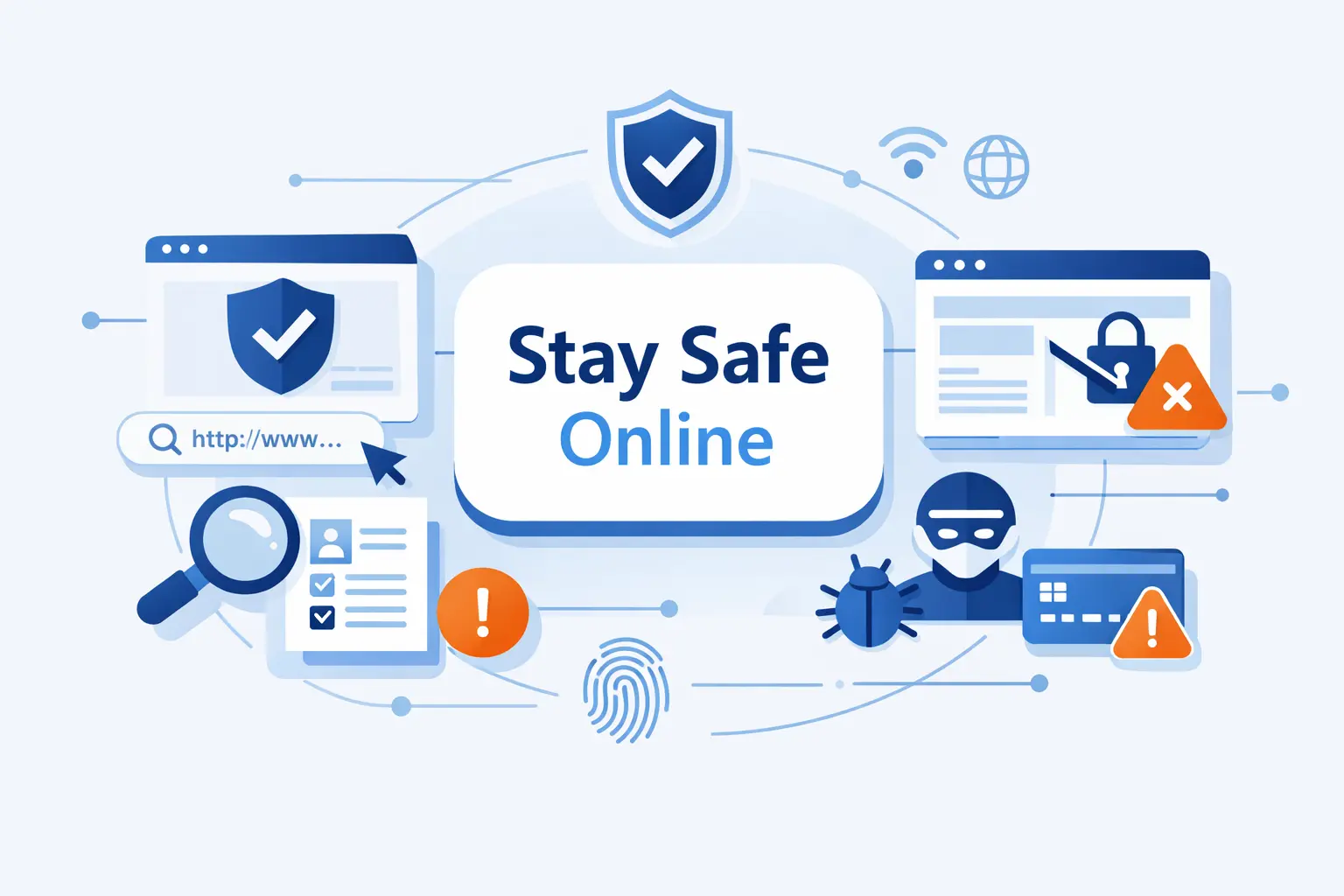
Before we reach for tools, we need the right mindset. Fake websites are built to rush us, flatter us, or scare us. Once we slow that moment down, the scam often starts to wobble.
1. Fake Websites Often Aim to Steal Personal and Financial Information
The point of a fake site is rarely confusion for its own sake. It is theft. The FBI logged 191,561 phishing/spoofing complaints in 2025, and that category led IC3 by complaint count. When attackers get one login or payment detail, they often try to turn it into access to other accounts.
2. Phishing Pages Can Start With an Email or Text Link
Phishing often starts before you ever see the fake page. It begins with a message that pushes you to act fast. The FTC recently warned about look-alike USPS delivery pages that tell people to click first and think later. That same pattern shows up in fake bank alerts, refund notices, and account warnings.
3. A Polished Design Does Not Guarantee a Safe Website
We have hosted enough sites to know this the hard way. Good design is cheap. Trust is not. Scammers copy logos, colors, menus, and page layouts because familiar branding lowers suspicion. A professional look should never outrank the URL, the business details, or the site’s behavior.
Start With the URL and Address Bar
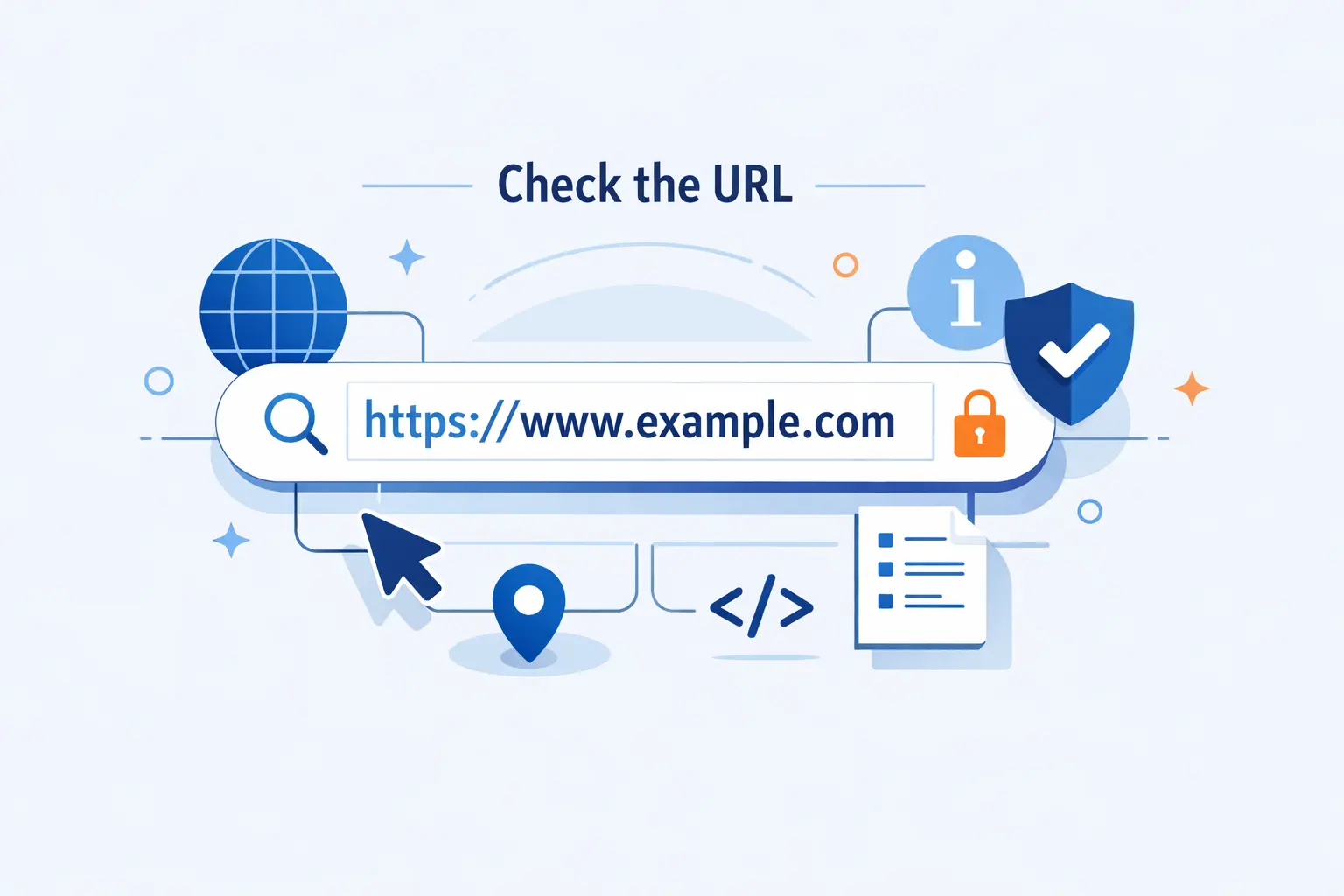
When someone asks us how to check if a website is legit, we start with the address bar. It is the fastest place to catch a fake before the page gets a chance to charm you.
1. Check for Misspellings, Odd Characters, and Unusual Domain Extensions
Missed letters, swapped characters, extra hyphens, and strange domain endings are classic warning signs. The FBI warned that criminals used slight spelling changes and alternate endings to imitate the real IC3 address. If the brand looks almost right, we assume it is wrong until proven otherwise.
2. Make Sure the Address Contains Only One Real Domain
Read a web address from right to left. In brand.com.fake-site.net, the real domain is fake-site.net, not brand.com. Busy subdomains can make a link look official, but the registered domain is what matters. That is where we focus first.
3. Hover Over Links to Reveal the Real Destination
On a desktop, hover before you click. If the button says your bank, but the preview points somewhere else, stop there. We especially do this with email buttons and suspicious promotions, because the visible text is easy to fake while the destination often gives the scam away.
Review HTTPS, the Padlock, and the SSL Certificate
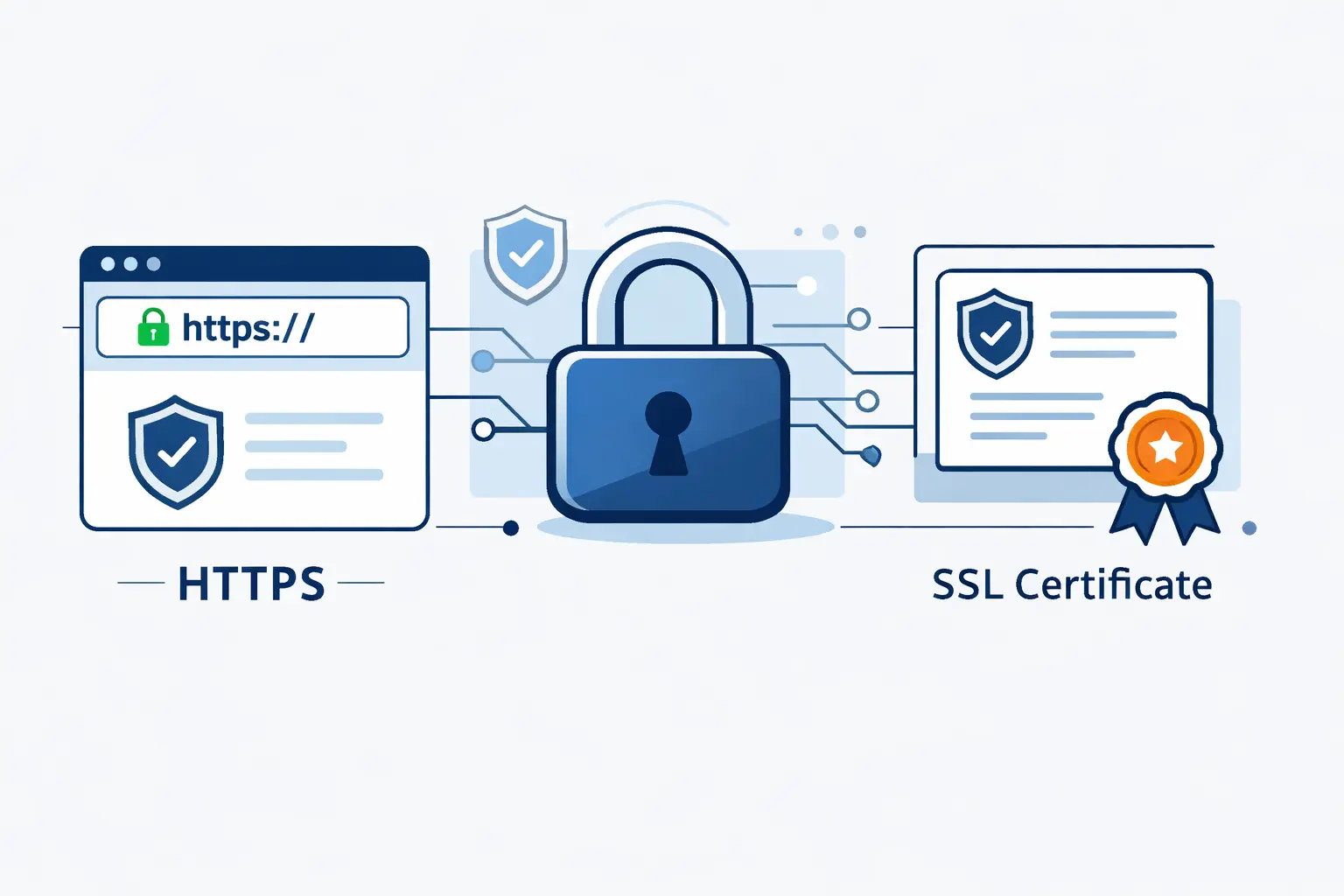
Security indicators matter, but only when we read them correctly. We trust them for connection security. We do not treat them as a character reference for the site owner.
1. Why HTTPS Is Helpful but Not a Guarantee
HTTPS is still important, and we want it everywhere. But the FTC reminds us that encrypted traffic can still go to scammers. In other words, the connection may be protected while the website itself is dishonest. That is why a padlock alone never settles the question for us.
2. How to Inspect the Padlock and Certificate Details
Most browsers let you open site information from the icon next to the address. In Firefox, you can view certificate details and check the issuer, the validity period, and the domain names covered by the certificate. If the certificate is expired, mismatched, or issued for a different address, we back out immediately.
3. Why Secure Checkout and Login Pages Matter Most
We pay closest attention to the pages that ask for passwords, card numbers, or personal records. CISA notes that HTTPS matters most on pages that collect information or require login. If a site wants sensitive data without that protection, we are done.
Verify the Business Behind the Website
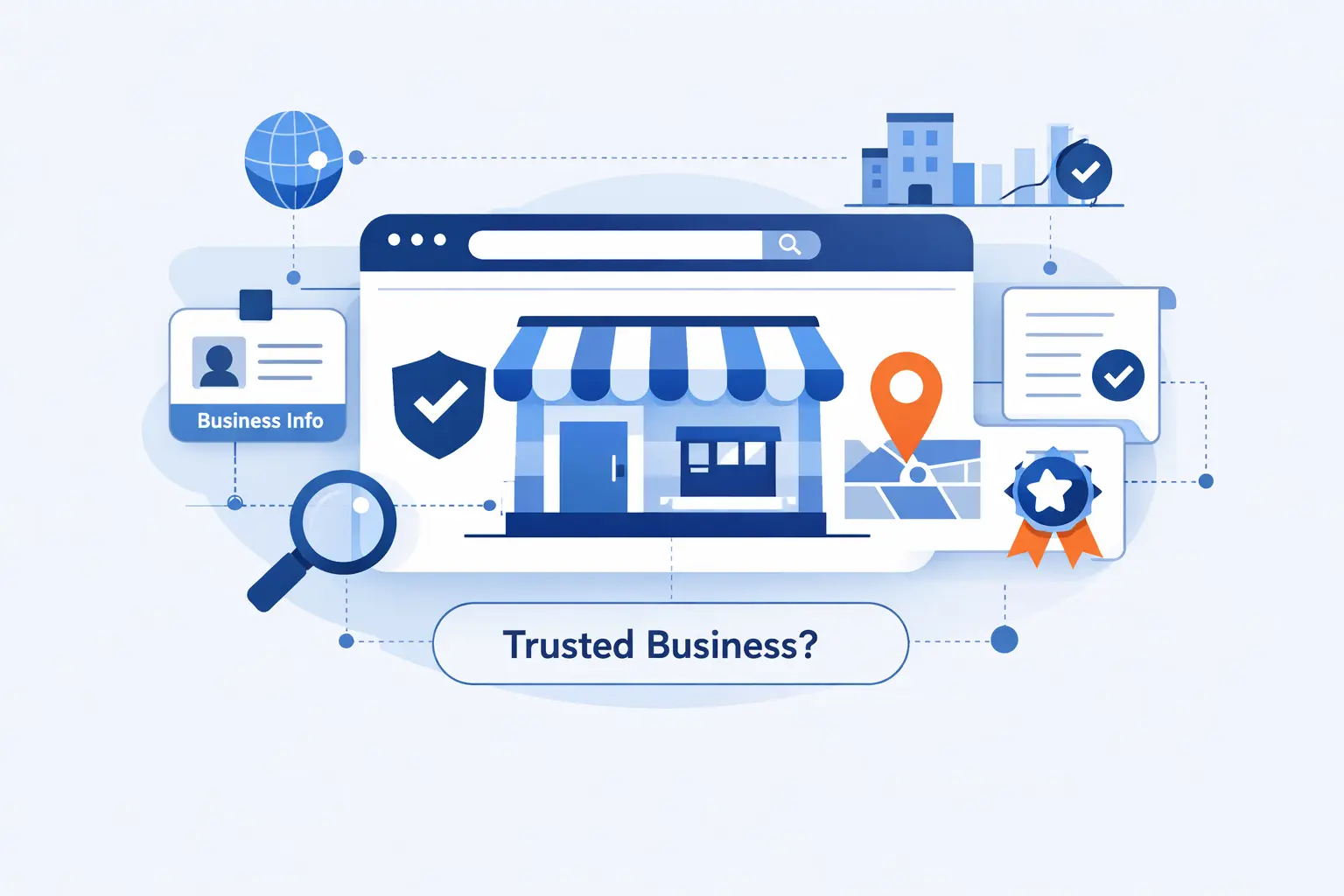
A legit website usually belongs to a business you can verify in more than one place. We look for independent signals, not just a self-written About page or a footer full of promises.
1. Use Search Engines to Find the Official Website
Search can help, but we stay skeptical. The FBI advises people to avoid sponsored results when looking for the real IC3 site, because paid imitators can sit near the top. Our rule is simple. Use search to identify the likely official domain, then type that address directly instead of trusting the first clickable result.
2. Check the Contact Page for Real Contact Options
A real business should give you a way to reach a human. We prefer a working phone number, a monitored email on the same domain, and a physical address that can be checked outside the site. A vague form with no company identity is not enough when money or personal data is involved.
3. Confirm Social Media Presence on the Platform Itself
We never trust social icons on a site by themselves. Any page can display them. Open the platform itself and verify that the account exists, has a real posting history, and points back to the same domain. The FBI’s IC3 warning is a good reminder here, because the real IC3 site has no social media presence at all.
Check the Website for Content and Policy Red Flags
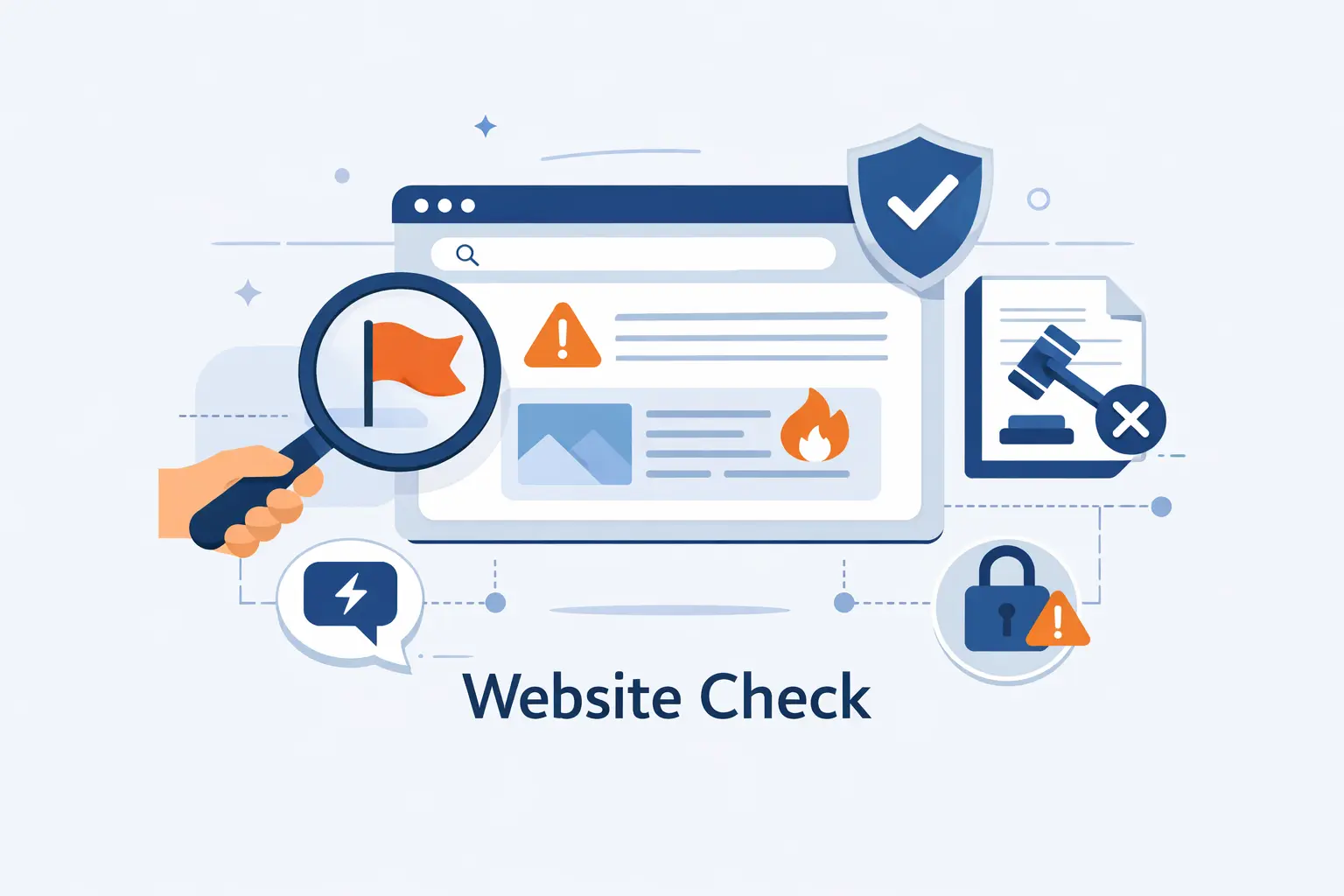
Some warning signs are still old-fashioned. They still work because scam pages are built fast, copied fast, and often abandoned just as fast.
1. Poor Grammar, Spelling, and Punctuation
Bad spelling and clumsy punctuation still matter, especially in product descriptions, checkout steps, shipping terms, and legal text. We do not reject a site over one typo. But repeated errors tell us nobody careful is watching the store. That is a bad sign when the same people want your payment details.
2. Copied Branding, Logos, and Design Elements
Scammers copy what already wins trust. They reuse brand colors, badges, logos, and page layouts to borrow credibility they never earned. The FTC’s phishing examples show how familiar branding can be part of the trap, and Get Safe Online also points people toward image checks when something feels off. We use reverse image search and a quick text search more often than people expect.
3. Missing Privacy Policy and Data Collection Information
A site that asks for your email, payment details, or identity records should explain what it collects and what it does with that data. CISA specifically tells shoppers to check the privacy policy before sharing personal or financial information. If there is no policy, or the policy does not match the business, we treat that as a serious trust problem.
Tools That Help You Check If a Website Is Legit
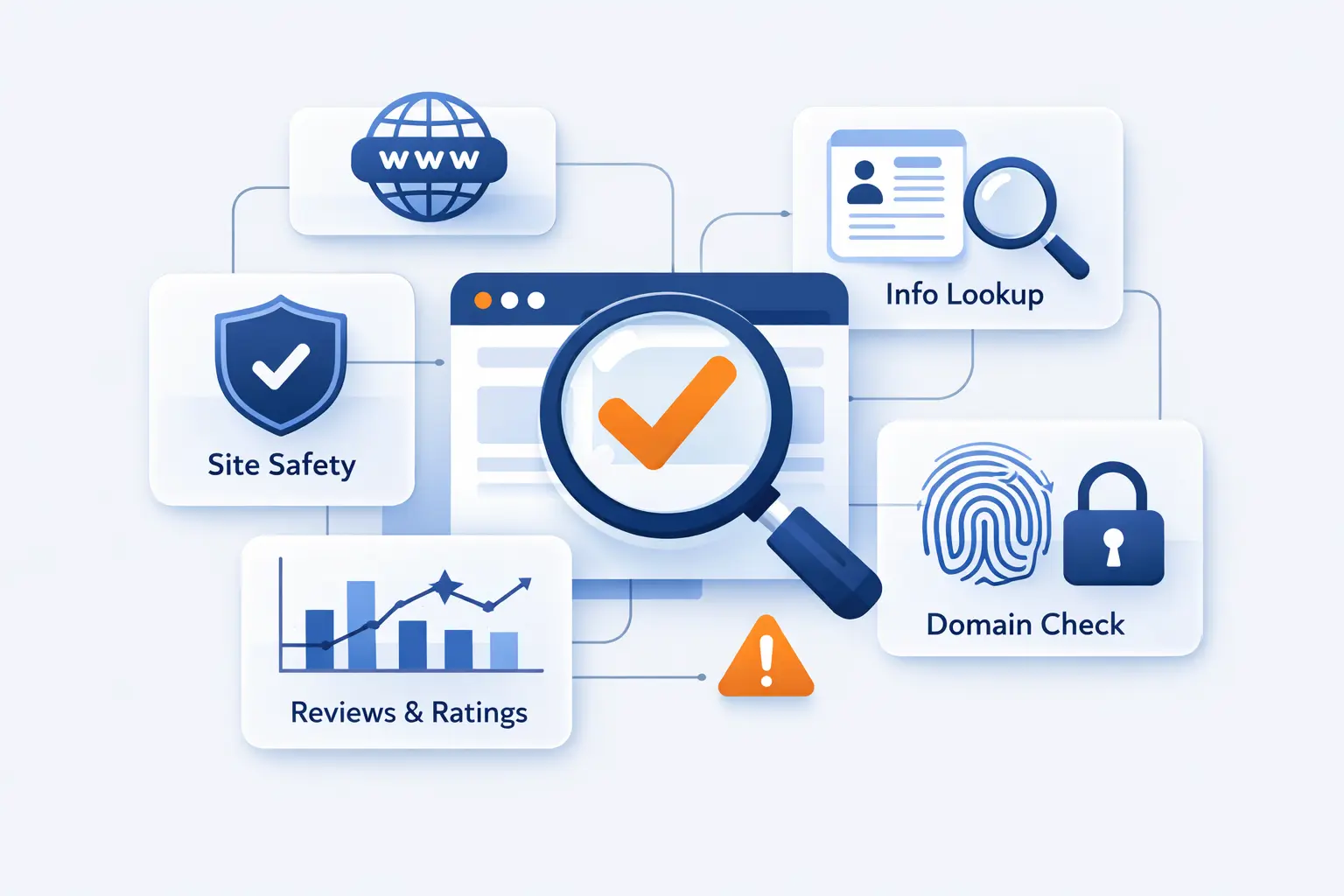
Automated tools are useful when we treat them like evidence, not magic. We compare several because each one sees a different slice of the picture.
1. Check the Site With URLVoid for Reputation and Blocklist Signals
URLVoid is a solid first pass because it checks a site against 30+ blocklist engines and also shows technical details such as domain creation date, server location, and IP data. We like it for quick pattern spotting, especially when a domain is brand new or already tied to multiple warnings.
2. Compare Reputation Signals Across Get Safe Online, ScamAdviser, and Google Transparency Report
Google’s site status tool tells us whether Safe Browsing has flagged a page as dangerous. That matters because browsers use those signals to warn users before they land on a bad page.
Get Safe Online’s check a website tool is useful when we want a quick, consumer-friendly second opinion. It is simple, which makes it a good option for beginners who just need a fast reason to pause.
ScamAdviser’s trust score can be handy when we are comparing a store we have never seen before. We do not follow any single score blindly, but it is a useful clue when combined with the other checks.
3. Review Domain Age, IP Address, and Server Location
For independent registration details, we also check ICANN’s registration data lookup. It helps us verify domain information instead of trusting whatever the website claims about itself. Then we compare that with the IP and location details shown by other tools.
Understand What Online Checkers Can and Cannot Do
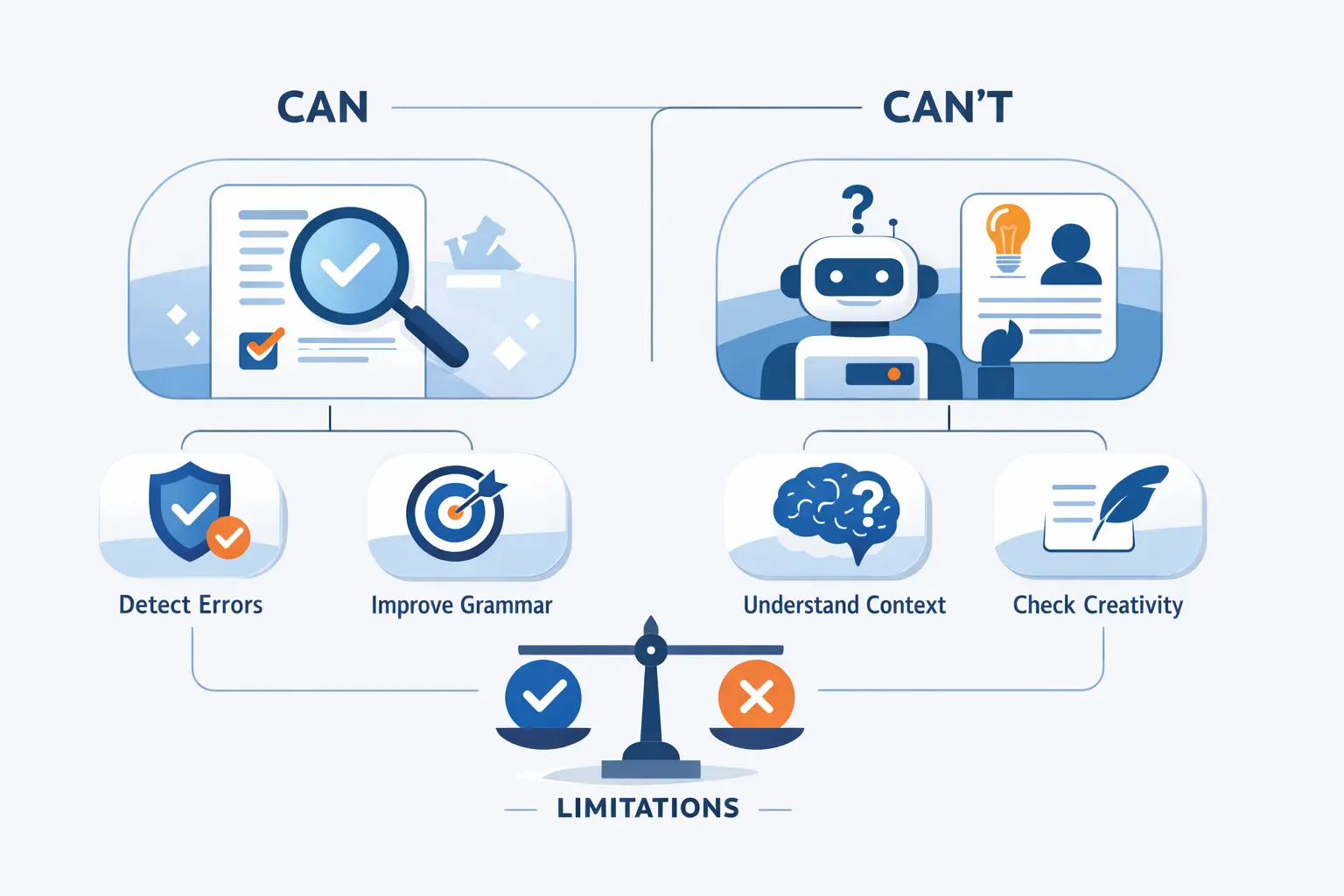
A checker can save time, but it cannot replace judgment. We have seen enough edge cases to treat every automated result as a clue rather than a verdict.
1. What a URL Reputation Check Can Tell You
A URL reputation check can tell you whether a site has been seen by blocklists, browsers, or user-report systems, and whether its technical signals look strange. That is useful context. What it cannot tell you is whether the offer is honest, the seller will ship the product, or the refund policy will mean anything next week.
2. Why Shortened Links and Email Addresses Need Separate Checks
Shortened links hide the destination until you expand or inspect them. CISA lists untrusted shortened URLs as a phishing warning sign. Email addresses need their own check too, because a sender name can look familiar while the actual address is off by one letter, symbol, or domain.
3. Why Manual Review Still Matters
Manual review still matters because scam sites can appear and disappear quickly. Google scans continuously and adds unsafe sites fast, but any checker is still working from what it has seen so far. Our view is simple. Automated tools are snapshots. The address bar, the certificate, the content, and the business details are the human checks that finish the job.
What to Do If a Website Looks Suspicious
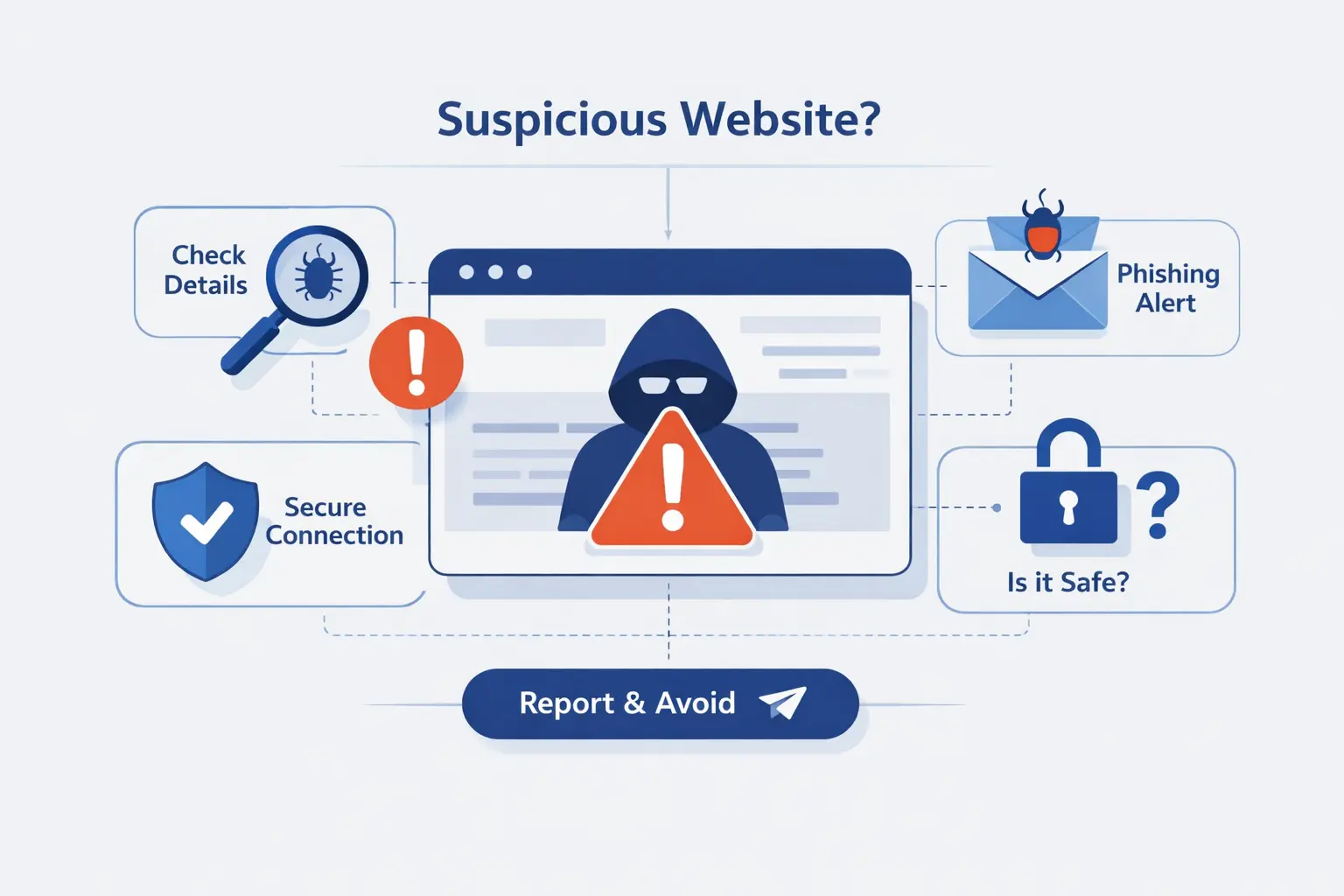
When a site feels wrong, the safest move is usually the simplest one. Stop, leave, and verify somewhere else before curiosity turns into cleanup work.
1. Leave the Site Before Sharing Personal or Payment Information
If your browser shows a dangerous warning or tells you the connection is not secure, do not enter private data. We close the tab and move on. That goes double for pages asking for passwords, card numbers, or identity documents. When trust is unclear, uncertainty itself is your answer.
2. Type the Official Website Address Instead of Clicking the Link
This habit blocks more scams than people expect. Both the FTC and the FBI tell users to go to the real site directly instead of trusting a link in a text or email. We use a bookmark, the official app, or a manually typed address whenever the message creates pressure.
3. Report Suspected Fraud or Online Harm
If you spot a scam or lose money, report fraud. The information helps agencies track patterns and warn other people. If the case involves cyber-enabled crime, the FBI’s IC3 is another reporting path worth using, along with your bank, card issuer, or the real company being impersonated.
FAQ About How to Check If a Website Is Legit
Most people do not need a forensic toolkit to figure out how to check if a website is legit. They need a short list of reliable habits and a clear sense of what each signal really means.
1. Is HTTPS Enough to Tell If a Website Is Legit?
No. HTTPS tells us the connection is encrypted. It does not tell us whether the operator is honest. We still check the domain, the business behind the site, and what the page is asking us to do.
2. Can Scammers Fake a Padlock or SSL Certificate?
They can get valid certificates for fake domains, which is why the padlock alone is not enough. What matters is whether the certificate and the domain match the site you intended to visit. If they do not, leave.
3. How Do I Check If a Website URL Is Safe Before I Click?
Read the domain carefully, hover over links on desktop, and use a reputation tool if you need a second opinion. If the link came from a text or email, typing the official site yourself is usually safer than clicking.
4. What If a Website Has No Contact Details or Privacy Policy?
We treat that as a strong warning. Small sites can be sloppy, but sloppiness is still a poor place to type card data or personal records. If ownership and data practices are hidden, we move on.
5. Which Free Tools Can Help Me Check If a Website Is Legit?
Our basic free stack is Google’s site status tool, URLVoid, Get Safe Online’s checker, ScamAdviser, and ICANN Lookup. No single tool is enough, but together they give a useful picture of reputation, registration data, and obvious technical red flags.
6. Can a Website Look Professional and Still Be Fake?
Absolutely. Professional design can be copied in hours. The safer question is whether the URL, certificate, company identity, policies, and outside reputation all line up. That is the standard we use.
How 1Byte Helps Customers Build Trustworthy Websites
Checking a site is only half of the story. Building one that deserves trust is the other half. At 1Byte, we think hosting providers should help customers do both.
1. Build Trust With Domain Registration and SSL Certificates
We help customers start with the plain, practical basics that matter most. Register the right domain, keep renewals under control, and install SSL certificates so browsers can protect visitors from the start. We also push for clear contact details and honest privacy language, because trust begins long before a sale.
2. Choose WordPress Hosting, Shared Hosting, or Cloud Hosting
Different websites need different homes. We guide customers toward WordPress hosting when they want a familiar content system, shared hosting when the site is simple and cost matters, and cloud hosting when the project needs more control and room to grow. Our view is practical. Start with the setup that fits, then expand when the evidence says it is time.
3. Scale With Cloud Servers and AWS Partner Support
As traffic grows, we help customers move toward cloud servers with cleaner resource planning and better isolation. For more demanding projects, we can also support the path toward broader cloud architecture, including AWS partner support needs, without losing sight of the small details that make visitors feel safe enough to stay.







Final Thoughts on How to Check If a Website Is Legit
If we had to reduce how to check if a website is legit to one habit, it would be this. Slow down at the moment a site asks for something. Most scams need speed more than skill.
We trust patterns, not promises. A sensible URL, a secure connection, real business details, clear policies, and consistent tool results together tell a much better story than any single signal.
And when doubt lingers, we leave. On the web, that is not paranoia. It is good judgment.