


- Quick Comparison of Team Communication Tools
- Top 20 Team Communication Tools for Better Collaboration
- What Team Communication Tools Are and When to Use Them
- How to Choose Team Communication Tools
- Essential Features to Look For in Team Communication Tools
- Best Use Cases for Team Communication Tools
- Types of Team Communication Tools to Include in Your Stack
- Pricing and Budget Considerations for Team Communication Tools
- Implementation Plan to Reduce App Sprawl
- Frequently Asked Questions About Team Communication Tools
- How 1Byte Supports Team Communication Tools With Cloud Computing and Web Hosting
At 1Byte, we evaluate team communication tools by looking at how work actually moves, not by counting shiny features. That matters because this market is already large enough to make bad software choices expensive. Grand View Research estimates the category reached USD 36,114.2 million in 2024, which tells us buyers are no longer choosing a simple chat app. They are choosing a work system.
A separate Fortune Business Insights estimate puts the global market at USD 27.89 billion in 2025. We also think the real proof sits in the customer mix. Slack highlights brands such as OpenAI and NASA, while Staffbase showcases large, frontline-heavy organizations like DHL, Aldi, and Toyota. That gap is the point. Product teams, store managers, and internal comms teams should not buy the same tool by default.
Quick Comparison of Team Communication Tools
We use this quick table as a first filter. It is not a winner board. It is a fit board. If you already know your team type, budget style, and rollout speed, this short comparison will narrow the field fast.
| Service/Tool | Best for | From price | Trial/Free | Key limits |
|---|---|---|---|---|
| Slack | Product and engineering teams | $0 | Free plan, paid trial | 90-day history, 10 apps, 1:1 huddles |
| Microsoft Teams | Microsoft 365 companies | $0 | Free plan | Best value if you already use Microsoft |
| Zoom | Meeting-heavy hybrid teams | $0 | Free plan | 40-minute group meetings on Basic |
| Google Chat | Google Workspace users | $7/user | 14-day trial | Best inside Gmail, Docs, and Meet |
| Connecteam | Frontline and field teams | $35/mo | 14-day trial | Pricing split by hub, mobile-first fit |
| Asana | Project-led teams | $0 | Free plan | Free tier is 2 users, 100MB files |
| Workvivo | Internal comms teams | Custom | Demo | Built for larger orgs, chat is not core |
| Staffbase | Enterprise employee comms | Custom | Demo | Quote-based and rollout-led |
| Chanty | Budget SMB chat | $0 | Free plan | Free up to 5 users, lighter ecosystem |
| Pumble | Cost-conscious remote teams | $0 | 7-day paid trial | 10GB total on free, 3 app limit |
FURTHER READING: |
| 1. Top 20 Mobile CRM App Solutions for Sales Teams in 2026 |
| 2. Top 20 SaaS CRM Software Tools for 2026 |
| 3. Top 20 Personal CRM Tools for Better Relationship Management in 2026 |
Top 20 Team Communication Tools for Better Collaboration
We did not rank these tools by hype or market share alone. We ranked them by buyer usefulness. We weighted day-to-day usability, searchability, rollout friction, mobile fit, pricing clarity, and how well each tool matches a real work style. In other words, we care more about who should buy a tool than whether a vendor calls it an all-in-one platform.
1. Slack
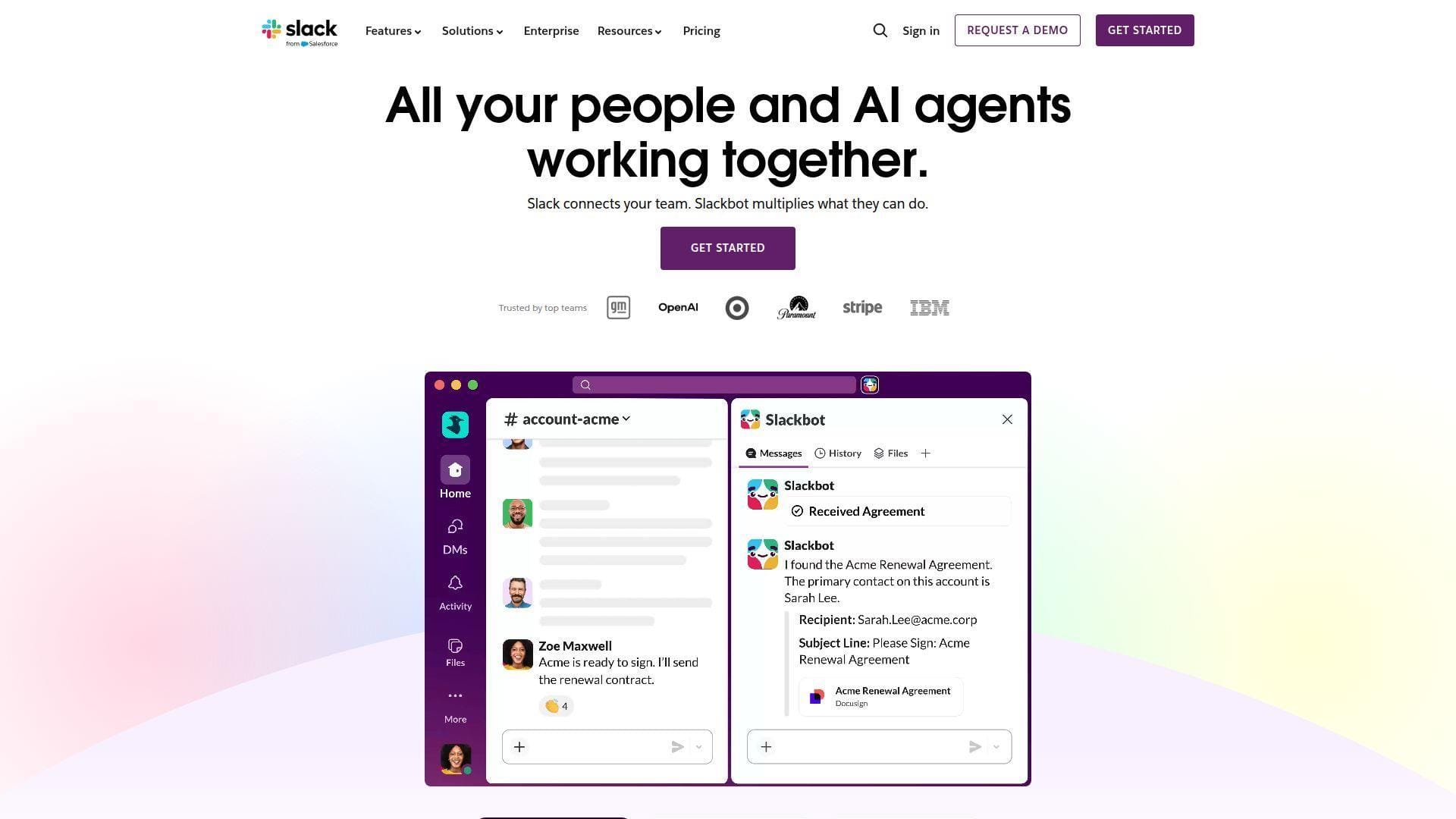
Slack still sets the tone for channel-based collaboration, and its Salesforce backing gives it the scale most buyers want. We think Slack works best when a team lives in many apps and needs a fast, searchable place for decisions, files, and side conversations.
Best for: product teams and cross-functional SMB departments.
- Channels, threads, canvases, and huddles → keep project talk tied to one place instead of scattering decisions across chat, meetings, and docs.
- Large app ecosystem and AI features on paid plans → turn a three-app hunt into one search or recap, which cuts follow-up steps after meetings.
- Familiar chat UX → most teams get first value the same day, especially if they already use Jira, Google Drive, or Salesforce.
Pricing & limits: From $0/mo. The free plan keeps 90 days of message history, supports up to 10 apps, and limits huddles to one-to-one. Slack also lists a 30-day paid trial for Pro and Business+ plans.
Honest drawbacks: Cost climbs once you need admin controls, AI, and broader history. Slack can also become noisy fast if you let every project create a channel and never archive anything. Beats Teams at third-party app culture, but it trails Twist if your main goal is quiet async work.
Verdict: If you want fast team chat with deep app connections, Slack helps you centralize daily decisions in a week and keep them searchable after that.
2. Microsoft Teams
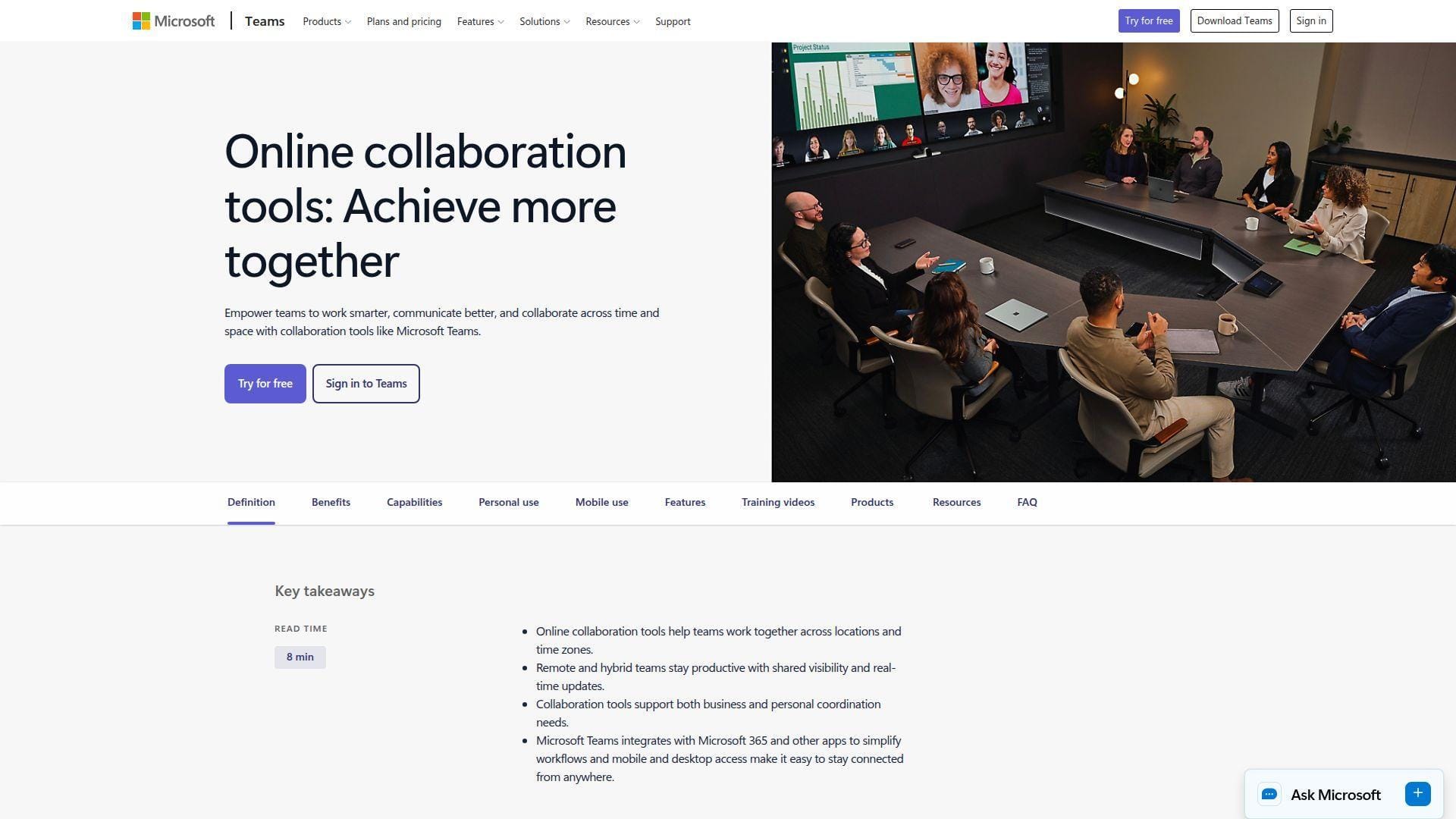
Microsoft Teams is strongest when your company already runs on Microsoft 365. We see it less as a standalone chat app and more as the coordination layer for meetings, files, calendars, identities, and internal permissions.
Best for: IT-led SMBs and large organizations already standardized on Microsoft.
- Channels, meetings, and built-in file collaboration → keep conversations and coauthoring in the same place, so version-control mess drops fast.
- SharePoint, OneDrive, Word, and app connections → remove the download-upload-email loop and cut document handoffs to near zero.
- Existing Microsoft identity and file stack → teams often see value in a day because accounts, storage, and office apps are already live.
Pricing & limits: From $0/mo. Teams has a free plan, and Teams Essentials is listed at $4/user/mo when billed yearly. Essentials adds group meetings up to 30 hours for up to 300 people, plus extra cloud storage and support.
Honest drawbacks: Teams can feel crowded. The product keeps expanding, and that means more menus, more policies, and more admin choices. External collaboration also tends to feel more controlled than Slack, which is good for governance but slower for loose, cross-company work.
Verdict: If your company already pays for Microsoft, Teams can unify chat, meetings, and files within days and usually gives the cleanest total cost picture.
3. Zoom
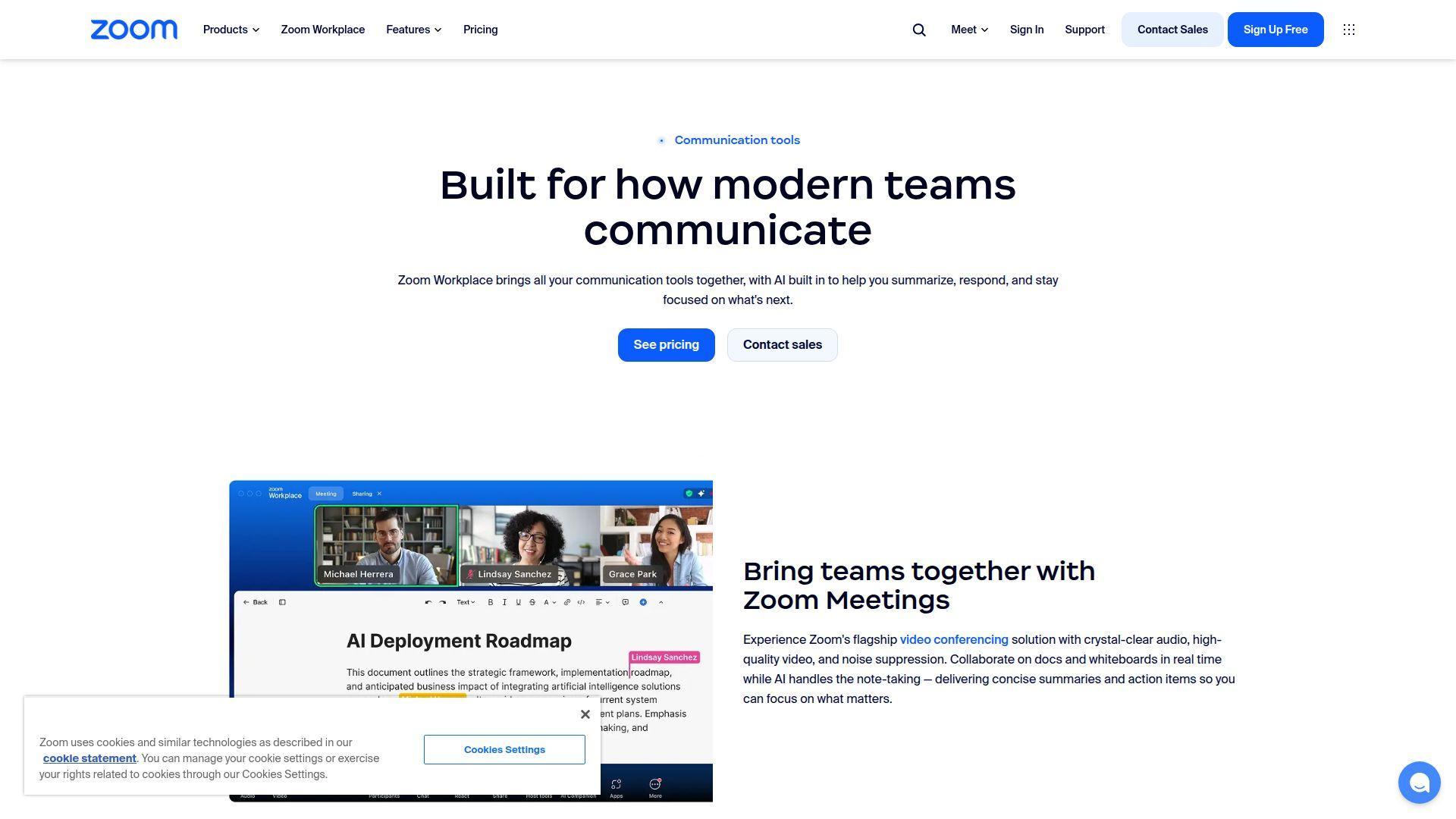
Zoom started as the meeting tool most teams tolerated happily, then expanded into a broader collaboration suite. We think Zoom now makes the most sense for buyers who want video to stay at the center while chat, docs, whiteboards, and scheduling sit around it.
Best for: meeting-heavy hybrid teams and client-facing service groups.
- Meetings, chat, docs, and whiteboards → keep post-meeting work tied to the call instead of disappearing into another app.
- AI Companion, Scheduler, and connected mail/calendar flows → remove two or three follow-up steps after calls by turning notes and scheduling into one path.
- Familiar meeting-first UX → teams already comfortable with Zoom can start using its broader workspace in a day or two.
Pricing & limits: From $0/mo. Zoom Basic is free, but group meetings are capped at 40 minutes. Zoom Workplace Pro adds AI Companion and supports meetings up to 30 hours, along with stronger chat and clip features.
Honest drawbacks: Zoom’s chat and docs are better than many buyers assume, but they still do not feel as mature as Slack’s messaging culture or Teams’ governance layer. If you already use another full suite, Zoom can become a second hub instead of the main one.
Verdict: If meetings drive your work, Zoom helps you keep calls, follow-up, and chat connected in the same week instead of spreading them across three tools.
4. Google Chat
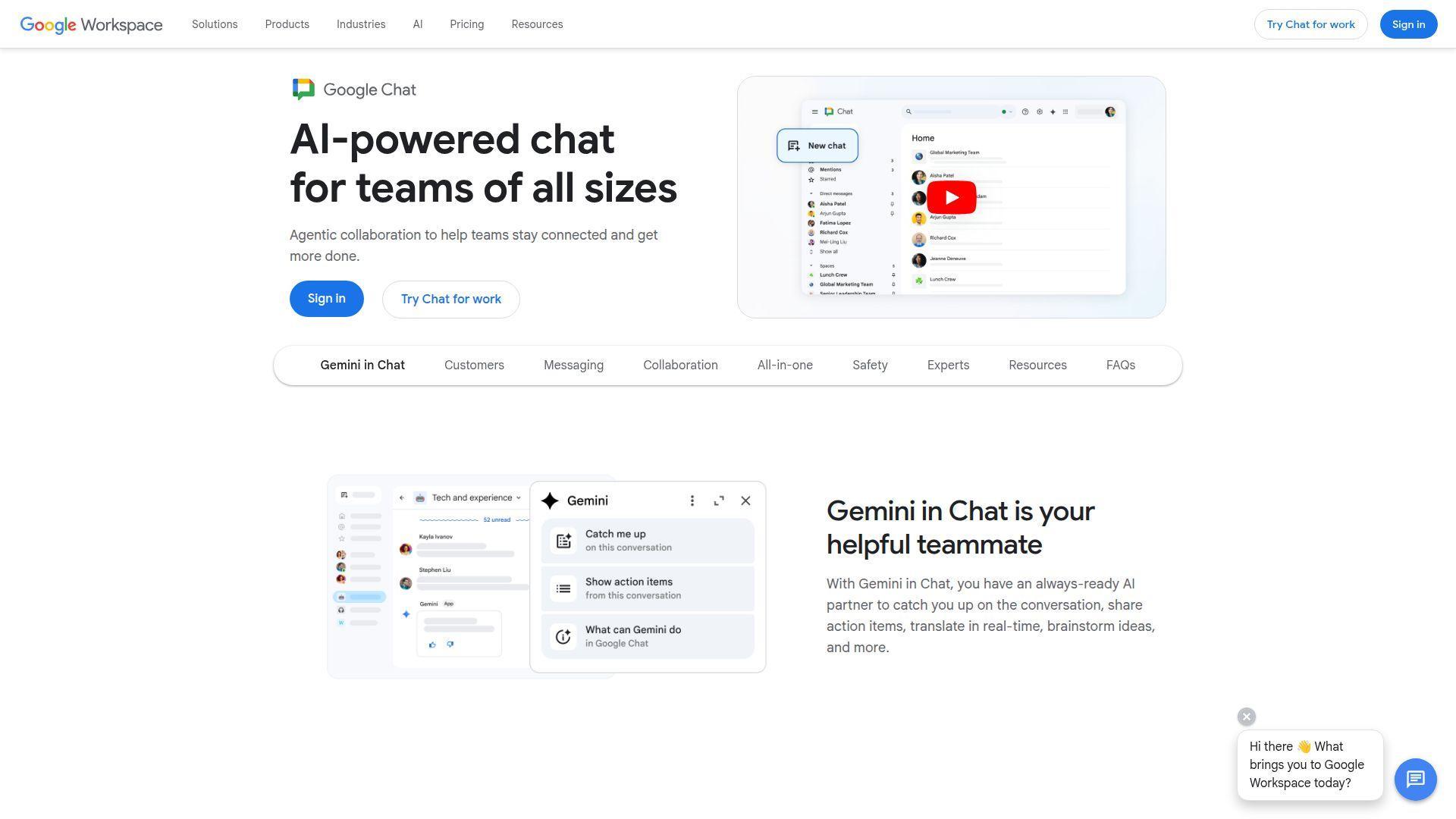
Google Chat is not trying to out-Slack Slack. It works best as the messaging layer inside Google Workspace. We usually recommend it when a team already lives in Gmail, Docs, Drive, Calendar, and Meet and wants the fewest extra tabs possible.
Best for: Google-native startups and small teams that already use Workspace every day.
- Chat inside the Workspace flow → keeps conversation close to documents, meetings, and inboxes that teams already use.
- Tight fit with Docs, Drive, and Meet → cuts the handoff between “let’s discuss this” and “let’s edit this” to one short step.
- Low-friction interface → if everyone already uses Gmail, teams usually see value in hours, not weeks.
Pricing & limits: From $7/user/mo through Google Workspace Business Starter. Google lists a 14-day trial for Workspace, and that plan includes 30 GB pooled storage per user plus Meet for up to 100 participants.
Honest drawbacks: Google Chat is practical, but it feels lighter than Slack and Teams when you need a richer standalone communication layer. It is also a weaker choice if your company is split across Microsoft files, custom business apps, and stricter admin workflows.
Verdict: If you want messaging that fits neatly into Gmail and Docs, Google Chat helps a small team get aligned almost immediately without forcing a new communication habit.
5. Connecteam
Connecteam is built for deskless work, and that focus shows. We see it as one of the strongest picks for teams that need communication, updates, schedules, knowledge, and acknowledgments on phones, not just on laptops.
Best for: field managers and frontline operations teams.
- Chat, updates, surveys, events, and knowledge base → give staff one mobile home for shifts, notices, and daily communication.
- Smart groups, scheduled posts, live polls, and read confirmations → replace a broadcast plus several reminder texts with one managed workflow.
- Mobile-first setup → supervisors can often launch a usable team app in a few days instead of waiting through a long IT project.
Pricing & limits: From $35/mo for the Communications Hub Basic plan for the first 30 users. Connecteam lists a 14-day free trial, a free small business option for teams under 10, and limited free access for some teams up to 30 users after trial.
Honest drawbacks: Connecteam pricing can feel confusing because it is split across hubs. It also is not the tool we would pick for software product teams that need deep thread-based chat, heavy integrations, and lots of document collaboration.
Verdict: If you need to reach staff in stores, trucks, worksites, or service routes, Connecteam helps you replace scattered texts and paper notices with one mobile workflow in a week or two.
6. Asana
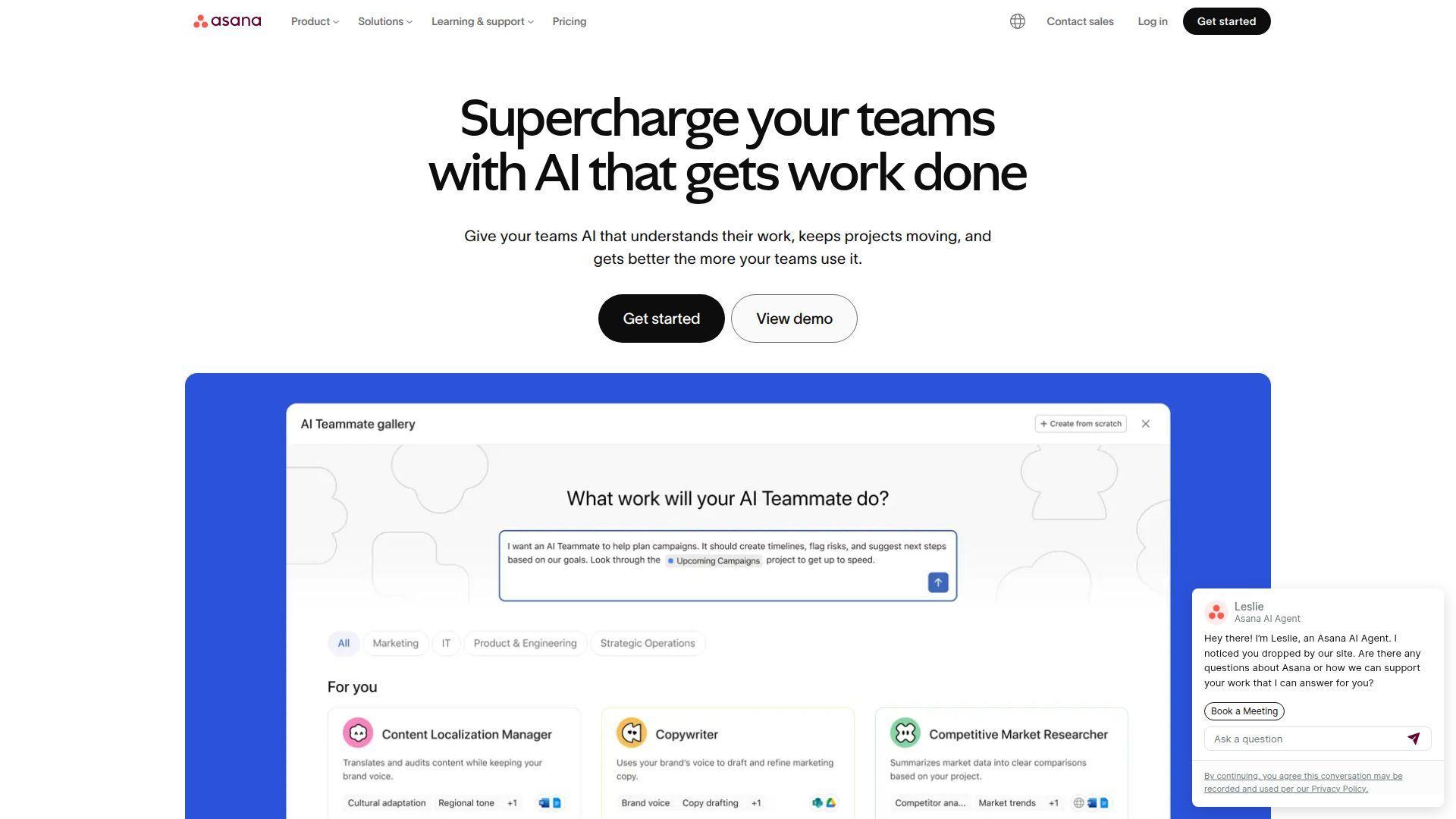
Asana is a work management platform first, which is exactly why it deserves a place in this list. For many teams, better communication does not start with more chat. It starts with putting updates, decisions, files, and owners next to the work itself.
Best for: project-heavy teams and cross-functional marketing or operations groups.
- Task comments, status updates, goals, and portfolios → keep discussion attached to deliverables instead of buried in general chat.
- Forms, automations, integrations, and free guests → turn messy project intake into a repeatable flow and cut manual routing steps.
- Clear project setup → teams can get first value in a day by launching one real workflow instead of migrating everything at once.
Pricing & limits: From $0/mo. Asana’s free Personal plan supports up to 2 users and includes unlimited tasks and projects, with files capped at 100MB each. Starter is listed at $10.99/user/mo billed annually.
Honest drawbacks: Asana is weak as a pure real-time chat replacement. If your culture depends on fast back-and-forth messaging, you will still want Slack, Teams, or another chat layer. It beats chat-first tools at accountability, but trails them on casual conversation.
Verdict: If your main problem is lost ownership, unclear deadlines, and scattered status updates, Asana helps you turn communication into visible project progress within the first week.
7. Workvivo
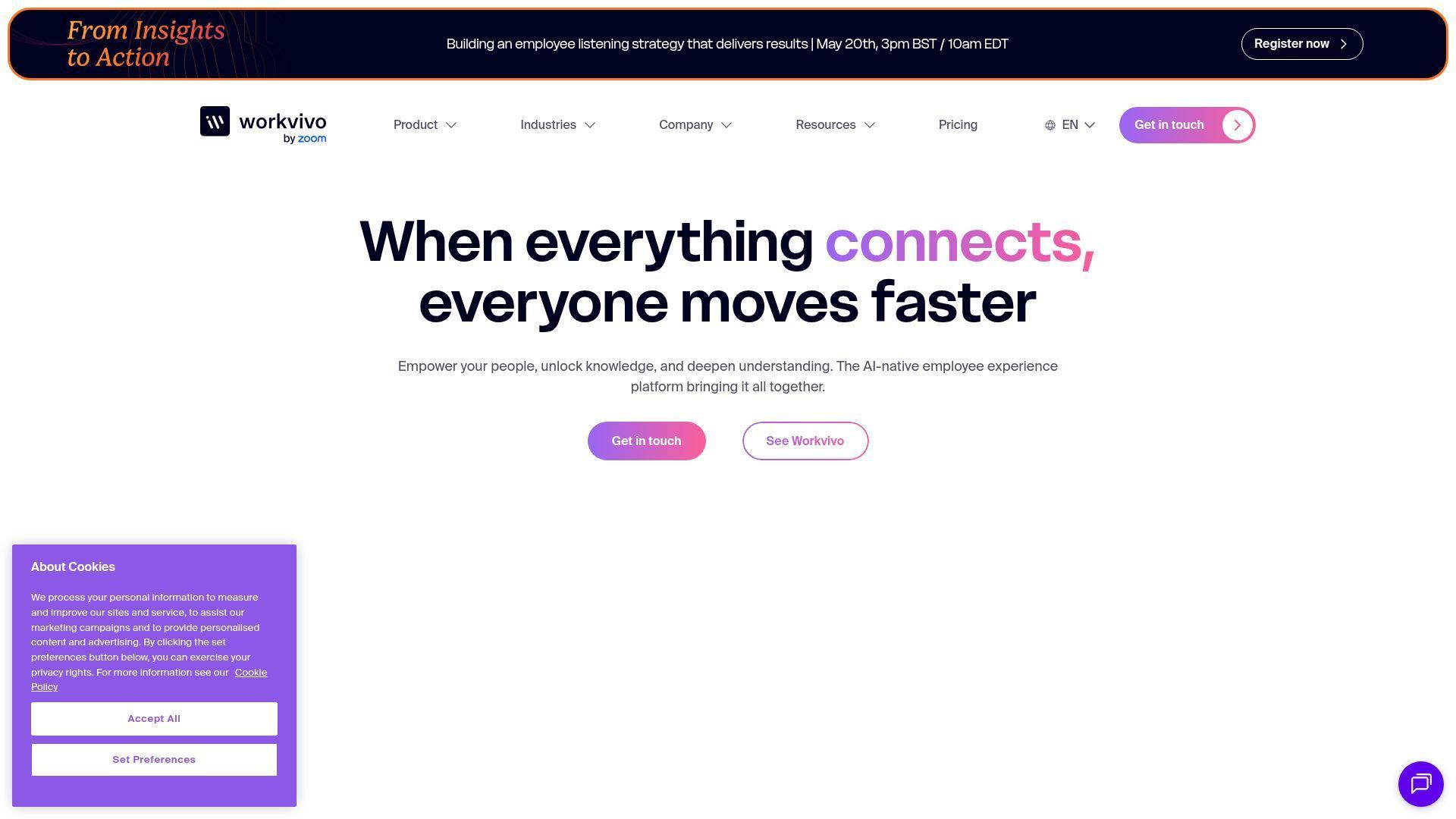
Workvivo, now part of Zoom, is aimed at employee experience and internal communication rather than everyday team chat alone. We like it best when leadership, HR, and internal comms want broadcast power, engagement features, and mobile reach in one system.
Best for: internal communications leaders and mid-size to enterprise employers with desk and frontline staff.
- Campaigns, critical communications, newsletters, and live streams → make company updates measurable instead of “hope everyone saw the email.”
- Knowledge base, app launcher, analytics, and translation → reduce content hopping and help global teams find the right update in one place.
- Mobile-first rollout model → frontline value can show up quickly once your content owners are trained and active.
Pricing & limits: From custom pricing. Workvivo’s public pricing page points buyers to demo-led packages, with a Business plan aimed at 250 to 2,000 employees and an Enterprise plan for larger organizations.
Honest drawbacks: This is more internal comms platform than day-to-day project chat tool. Smaller teams may find it too heavy, and teams that just want lightweight messaging will pay for more system than they need.
Verdict: If your job is to deliver company-wide updates, measure reach, and keep culture visible across locations, Workvivo helps you build a stronger internal channel in one rollout cycle.
8. Staffbase
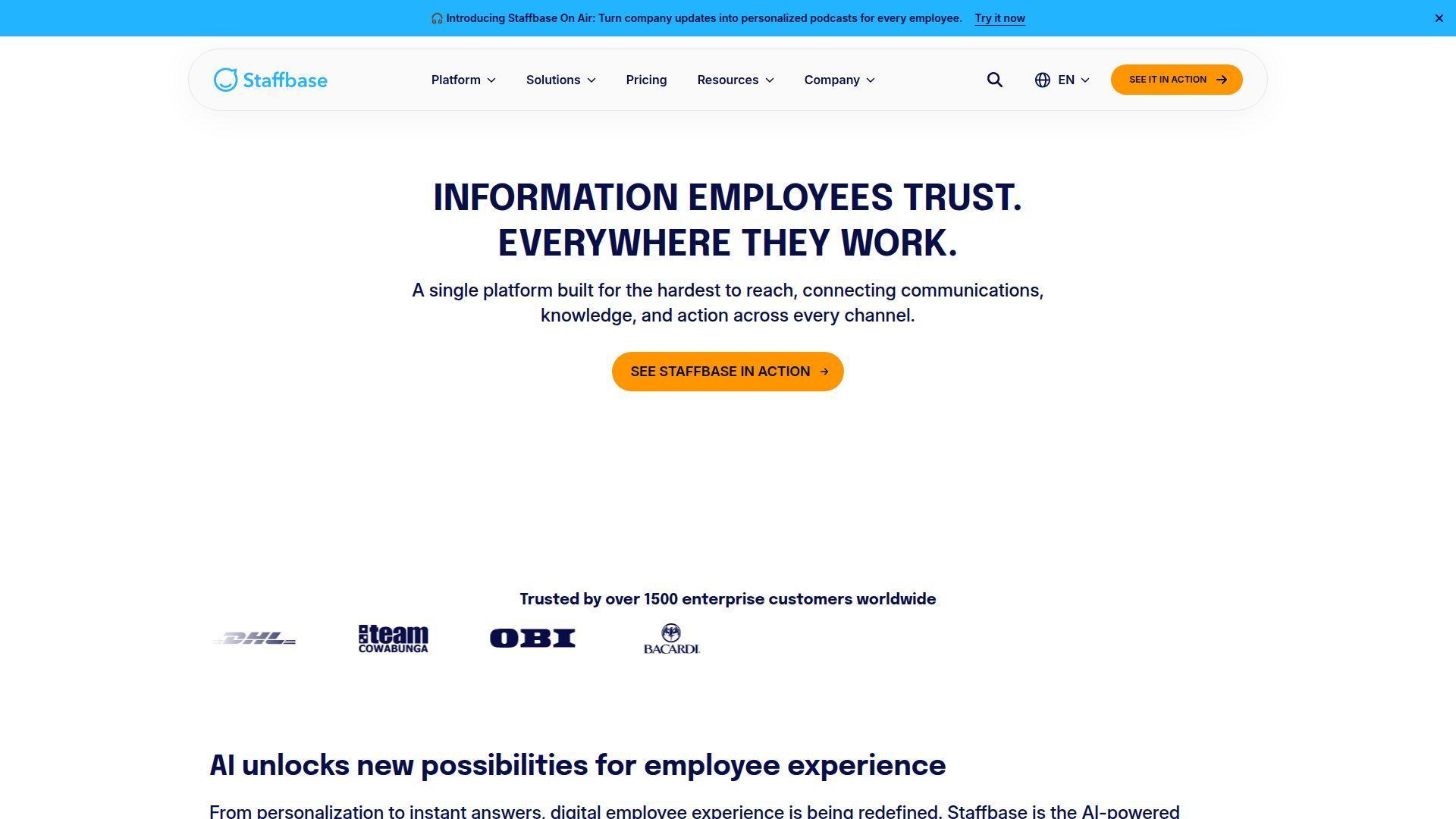
Staffbase is a serious enterprise employee communication platform. We would not pitch it to a 20-person startup, but we would absolutely put it on the shortlist for large employers trying to connect frontline workers, corporate teams, and multiple channels from one publishing core.
Best for: global enterprise comms teams and frontline-heavy organizations.
- Employee app, intranet, email, digital signage, and AI-led content tools → let one team publish once and reach workers across channels.
- Platform depth plus Microsoft, Google, ServiceNow, and API options → remove duplicate publishing steps between comms, HR, and IT systems.
- Vendor-led onboarding and customer success support → reduce launch friction for large, multi-country rollouts that need structure.
Pricing & limits: From custom quote. Staffbase builds pricing around user count, platform depth, and add-ons, and says licensing is typically annual. Its positioning is clearly enterprise, with examples ranging from hundreds to tens of thousands of employees.
Honest drawbacks: Staffbase is not a casual, do-it-yourself team chat app. Budget approval, rollout planning, and content governance matter here. If you just need channels and quick calls, simpler tools will be faster and cheaper.
Verdict: If you need one communication engine for a large workforce across mobile, email, intranet, and signage, Staffbase helps you replace fragmented internal comms in a more controlled rollout.
9. Chanty
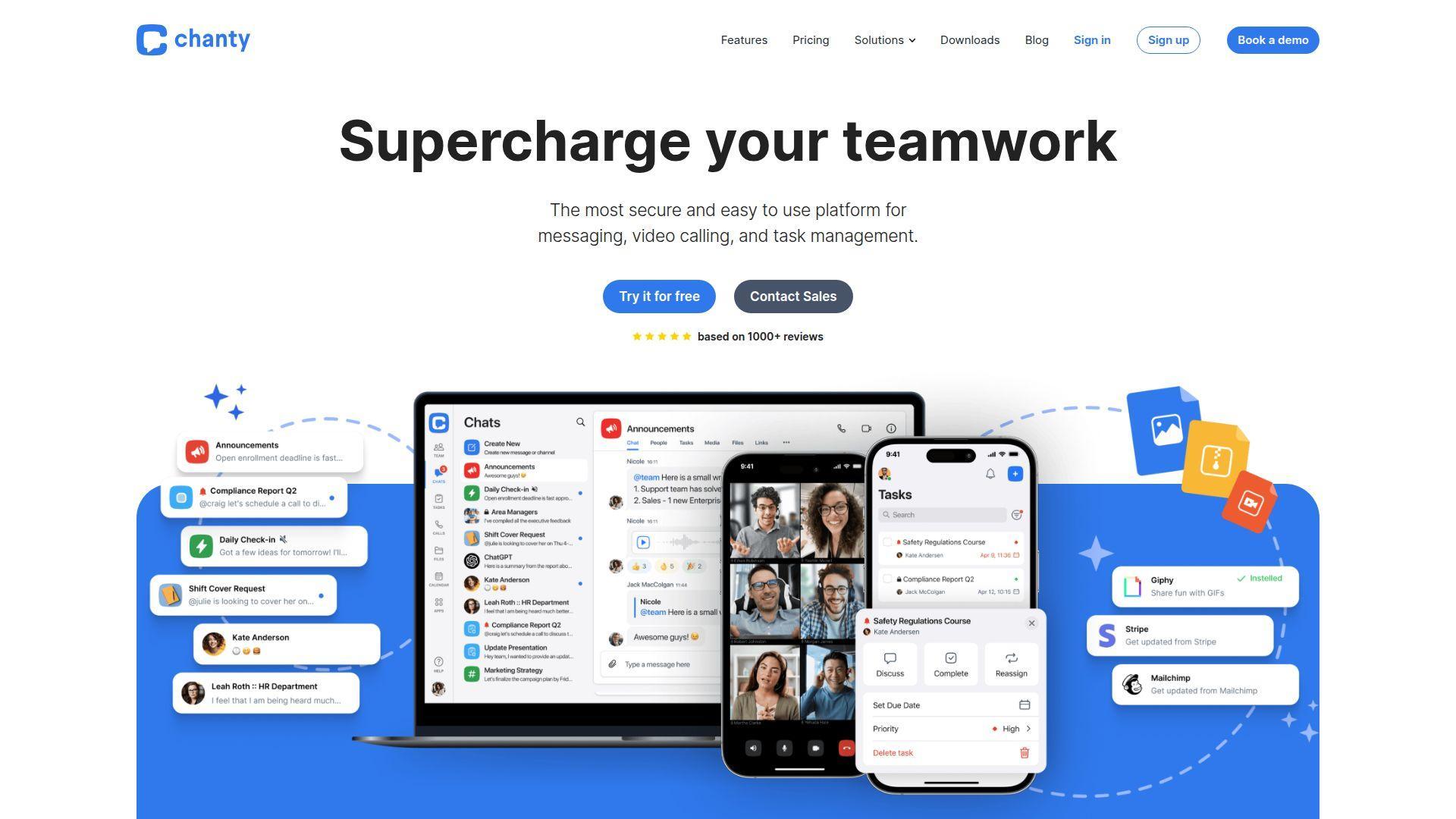
Chanty goes after the small-team market with a simpler interface and lighter pricing than the biggest chat brands. We think it is strongest when a team wants everyday chat plus a few built-in work features, but does not want to pay Slack-like rates.
Best for: budget-conscious SMBs and small service teams.
- Chat, channels, voice messages, and built-in task management → let teams turn a message into action without jumping into a separate PM app.
- Searchable history, calls, and integrations on affordable plans → cover the core workflow and trim the need for two or three extra light tools.
- Simple interface → most users can learn the basics in one sitting, which helps tiny teams avoid training drag.
Pricing & limits: From $0/mo. Chanty’s free plan supports up to 5 members, includes 20GB of storage per team, searchable history, and up to 10 integrations. Its Business plan is listed at $3/user/mo billed annually or $4 billed monthly.
Honest drawbacks: Chanty is practical, but the broader ecosystem, market mindshare, and enterprise polish do not match Slack or Teams. If you need advanced governance, very deep integrations, or strong buying confidence for a large company, it can feel smaller than the moment requires.
Verdict: If you run a small team and want affordable chat with a few useful extras, Chanty helps you get organized fast without dragging in heavyweight software.
10. Pumble
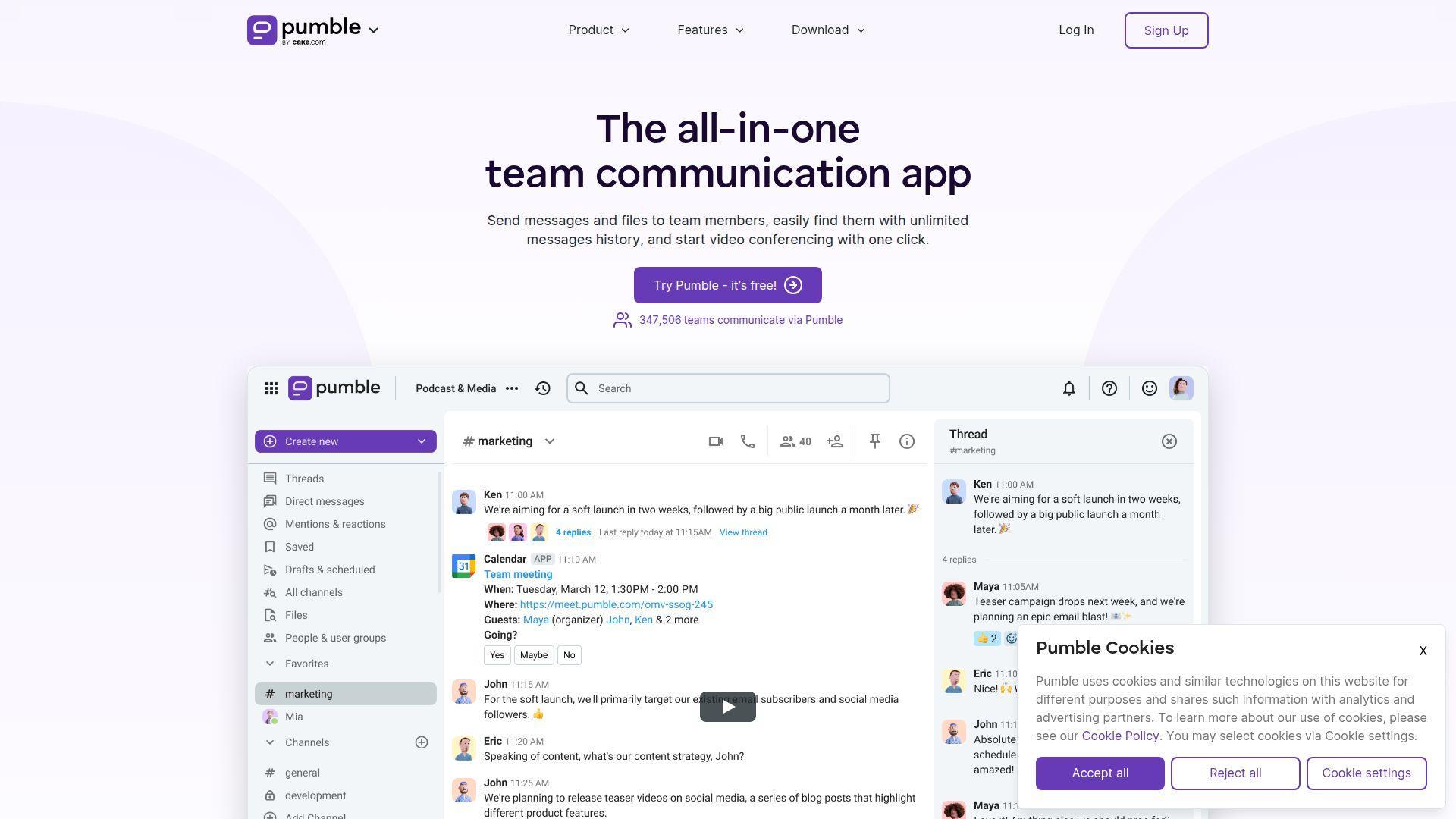
Pumble is one of the cleaner low-cost alternatives for teams that want a Slack-like layout without Slack-like pricing. We usually recommend it when buyers care about message history, basic calling, and cost control more than brand prestige.
Best for: remote startups and cost-sensitive distributed teams.
- Unlimited message history on free → keep past decisions visible instead of losing context behind a paywall.
- Clockify and Plaky ties plus broader integrations → connect chat with time tracking and simple planning, which cuts one or two routine switches.
- Familiar Slack-style layout → shorten training time and let most users get productive on day one.
Pricing & limits: From $0/mo. Free includes unlimited history, 10GB total storage, and up to 3 integrations. Pumble also offers a 7-day paid trial. Pro starts at $2.49/user/mo, while higher tiers add guest access, more storage, SSO, and data retention controls.
Honest drawbacks: Pumble is better value than it is trend-setting. The ecosystem is smaller, the brand pull is lower, and buyers that want the broadest app marketplace or strongest enterprise confidence may still lean Slack or Teams.
Verdict: If your top priority is keeping chat affordable while preserving history, Pumble helps you stand up a capable remote communication hub in a day and keep costs predictable after that.
11. Haystack
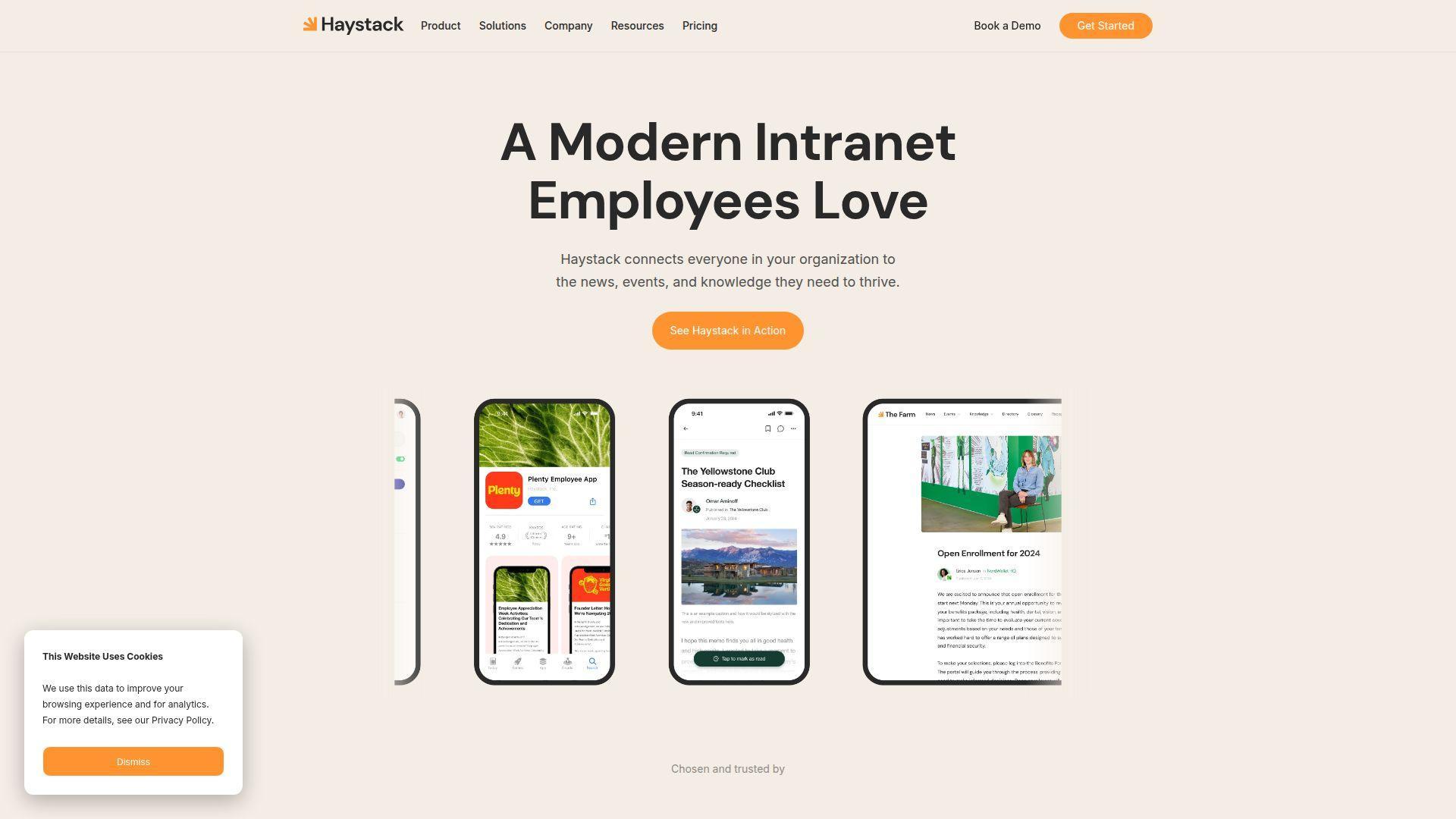
Haystack is a modern intranet product with a clear point of view. It is trying to be the digital HQ employees actually open, not a dusty document graveyard. We like it for organizations that want communication, directory, knowledge, and mobile access in one branded home.
Best for: internal comms teams and IT teams building a more usable intranet.
- Comms, mobile app, directory, and knowledge base → give employees one starting point for news, people, and policy answers.
- Search, freshness controls, analytics, and connected apps → cut repeated “where is that file?” hunts from several searches to one.
- No-code branding and modular setup → make it realistic for lean teams to launch without a big custom dev project.
Pricing & limits: From custom quote. Haystack says pricing is flat-rate and scalable, includes implementation support, allows pro-rated user growth, and does not impose storage or usage caps.
Honest drawbacks: Haystack is not a live-chat-first product. Teams that mainly need fast channels and meetings will still need another core tool. Results also depend on content discipline. Even good intranets fail if nobody owns the information.
Verdict: If your people need a clear digital front door for news, policies, and people-finding, Haystack helps you build that home base without a long custom build cycle.
12. Hub
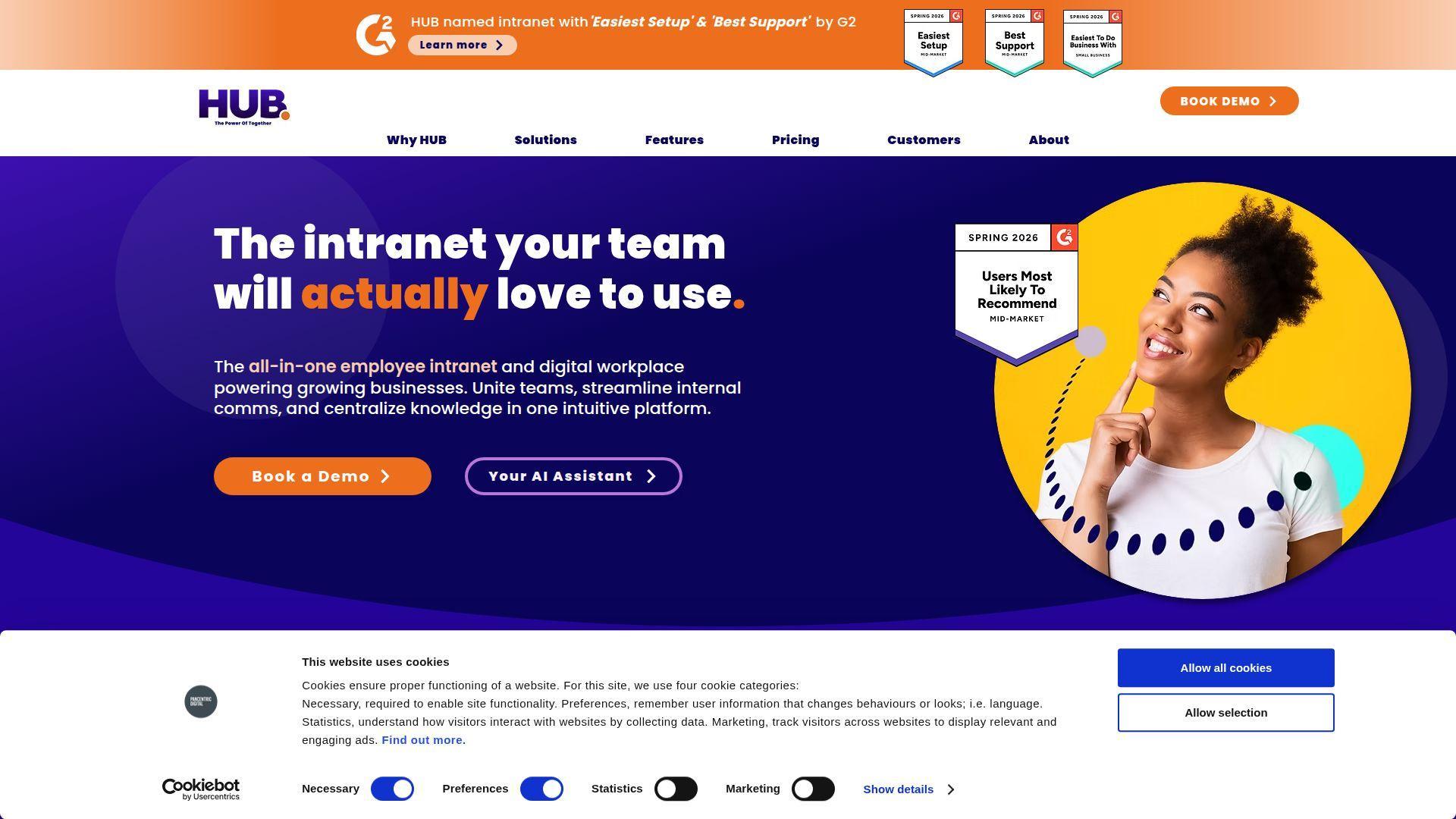
Hub positions itself as a more affordable all-in-one intranet, and we think that is the right frame. It is not trying to replace every chat workflow. It is trying to give smaller organizations a branded, searchable, mobile-friendly place for company information and internal updates.
Best for: SMB internal comms teams and nonprofits that need an intranet without enterprise complexity.
- Intranet, AI writing help, search, PWA, and reports → make company information easier to publish, find, and read on any device.
- Slack, Teams, and cloud-drive integrations → reduce duplicate posting and keep files connected to daily communication tools.
- Branded trial and guided onboarding → shorten time-to-value, with many customers launching in a few weeks instead of a few quarters.
Pricing & limits: From custom quote on a per-user annual license. Hub says there is no setup fee, all standard features are included, free trials are available after a demo, and onboarding time is built into the license.
Honest drawbacks: Hub works best as a company information layer, not as a full chat replacement. You also need content owners. If nobody maintains pages, even a well-priced intranet becomes stale fast.
Verdict: If you need a practical intranet with mobile reach and less buying friction, Hub helps you stand up a useful employee portal in weeks, not months.
13. Homebase
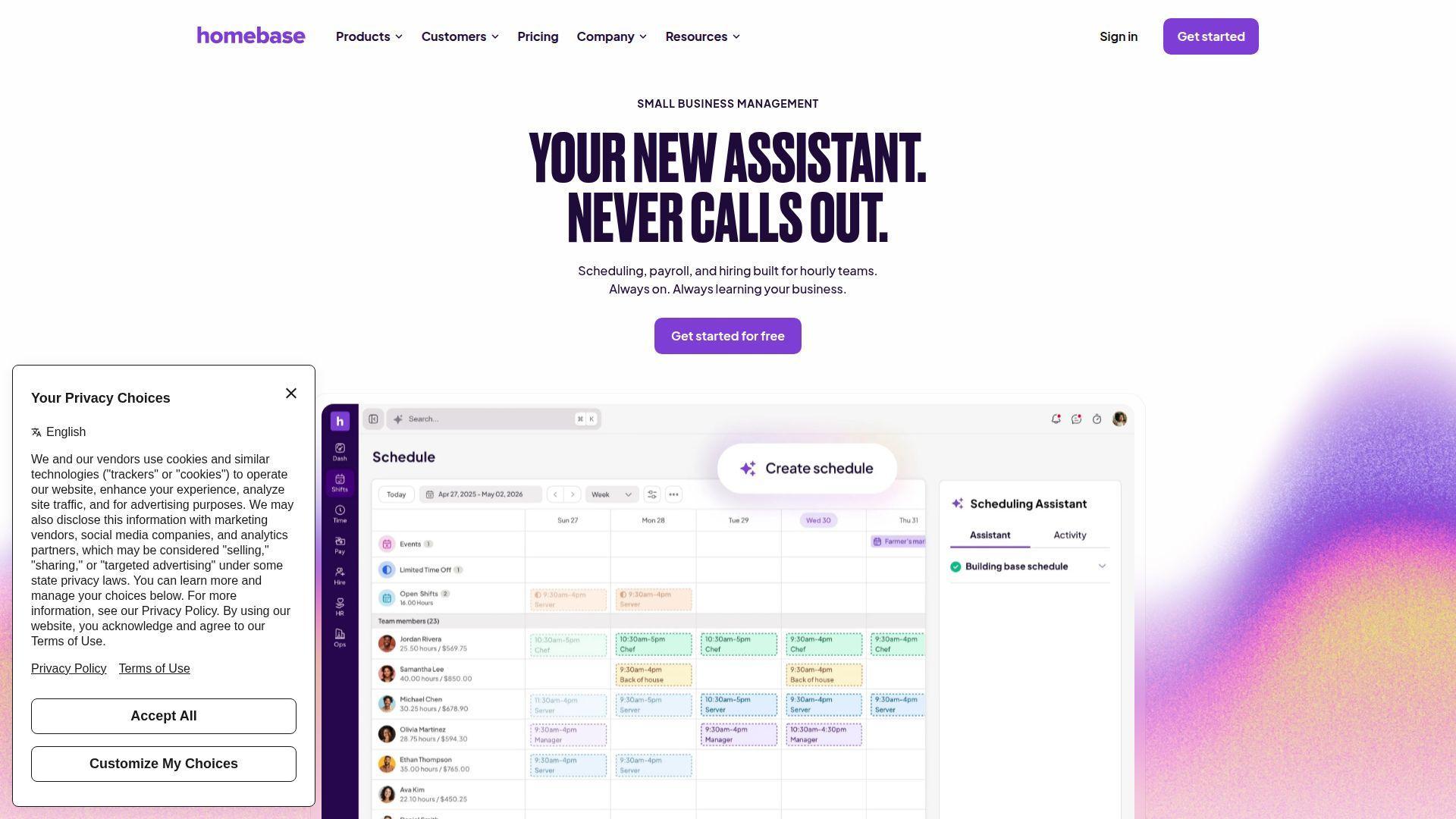
Homebase is built for hourly work, and that makes it much better than general team chat tools for scheduling-heavy operations. We like it when the schedule is the heartbeat of communication, because that is exactly how many restaurants, stores, and local service teams work.
Best for: retail, restaurants, and small service businesses with shift-based teams.
- Schedules, shift notes, announcements, and messaging → put communication where employees already check their shifts.
- Hiring, PTO rules, payroll, and task add-ons → replace the schedule-text-spreadsheet chain with one tighter workflow.
- Simple mobile setup → managers usually get first value in a day because the team already needs the schedule.
Pricing & limits: From $0/mo for one location with up to 10 employees. Essentials starts at $24/location/mo billed annually, Plus at $56, and All-in-One at $96. Homebase also lists a 14-day free All-in-One trial with no credit card required.
Honest drawbacks: Homebase is not built for broad company collaboration across departments or long knowledge-work projects. Once you move beyond scheduling, payroll, and local team coordination, its fit drops quickly.
Verdict: If your communication problem starts with missed shifts, buried notes, or scattered staff updates, Homebase can tighten that loop in a few days because it centers everything on the roster.
14. Troop Messenger
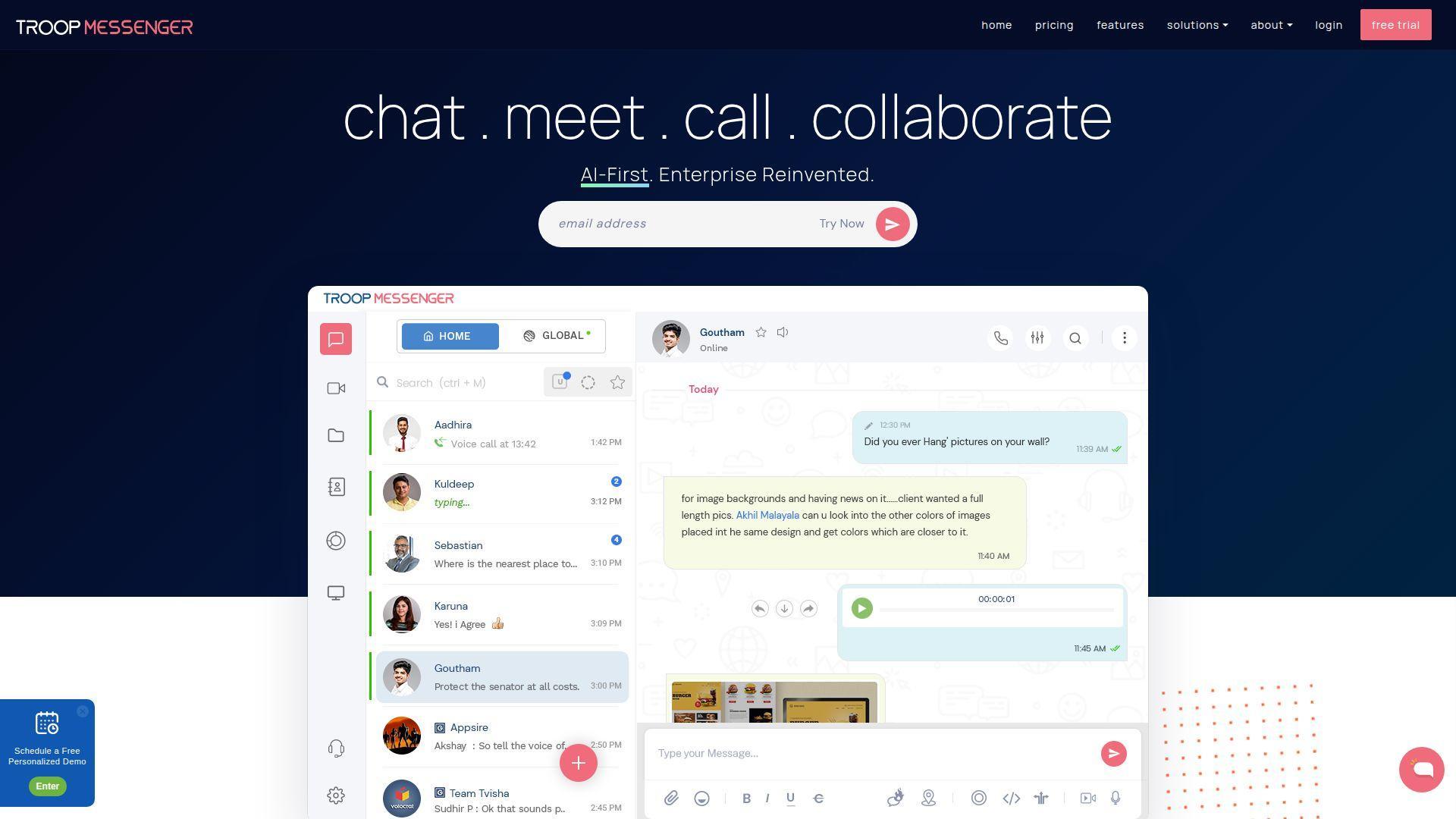
Troop Messenger aims at teams that want stronger control, more deployment choice, and a few security-leaning features that mainstream chat tools do not emphasize. We see it as a useful niche pick, especially where IT ownership matters.
Best for: security-aware SMBs and organizations that want more deployment control.
- Messaging, screen sharing, group calls, and burnout chats → support fast coordination while giving sensitive conversations tighter handling.
- LDAP, SSO, admin controls, and migration tools → save manual user management steps and help IT move teams in without full rebuilds.
- Faster than custom secure builds → lets technical teams reach usable value quickly compared with rolling their own internal messenger.
Pricing & limits: From $0/mo on the free plan, which is listed for 1 to 50 users. Premium is shown at $2.50/user/mo, Enterprise at $5/user/mo, and higher secure tiers go further. Trial lengths vary by plan, with both 7-day and longer enterprise trials listed publicly.
Honest drawbacks: The UI feels more utilitarian than Slack, Teams, or Zoom. Some buyers will also find the add-on model a little fussy. We would buy it for control, not for design polish or ecosystem breadth.
Verdict: If your team wants business messaging with tighter admin control and more deployment flexibility, Troop Messenger can get you there fast without forcing a full enterprise suite buy.
15. Spike
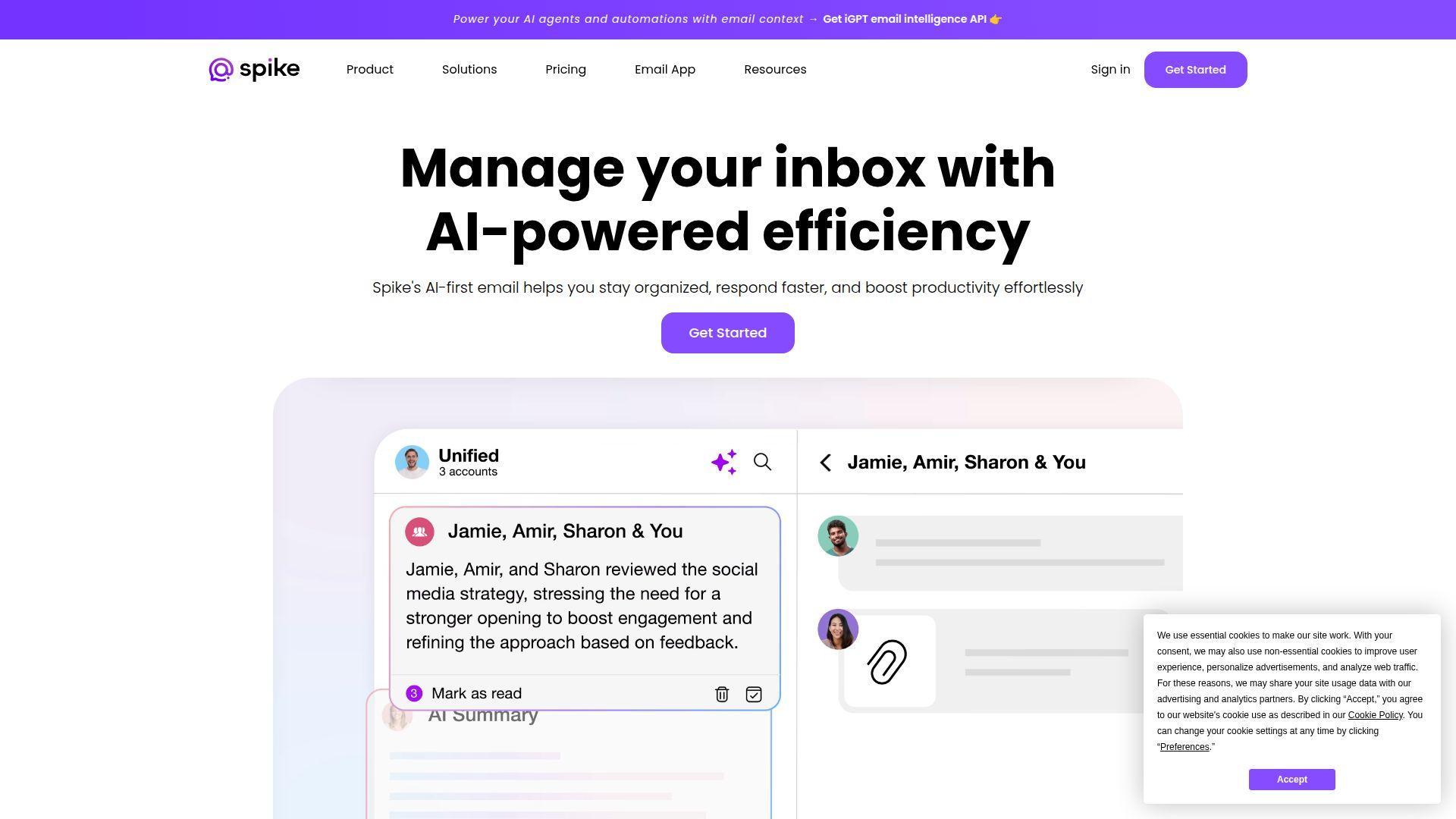
Spike takes a different route by treating email like chat and building team collaboration around that behavior. We think that is either brilliant or awkward, depending on your team. If your work already runs through inboxes, Spike can feel natural very quickly.
Best for: agencies and client-heavy small teams that live in email.
- Conversational email, channels, notes, and shared inboxes → keep internal and external communication in one place instead of splitting it across inboxes and chat.
- AI summaries, unified inbox, and collaboration with non-Spike users → remove copy-paste between email and chat and cut follow-up steps.
- Email-first adoption path → teams can see first value almost immediately because the core behavior already exists.
Pricing & limits: From $0/mo. Spike Teamspace Starter is free for up to 3 members. Teamspace Team is $4/member/mo billed annually, and Business is $8/member/mo. Spike Email App plans start at $6/user/mo for Pro.
Honest drawbacks: Teams that want classic channel-first communication may never fully love Spike’s model. A few advanced features are also marked as coming soon, so buyers should check what is live before switching a whole team.
Verdict: If your company communicates through email more than chat, Spike can combine those worlds in days and cut a surprising amount of app switching right away.
16. Element
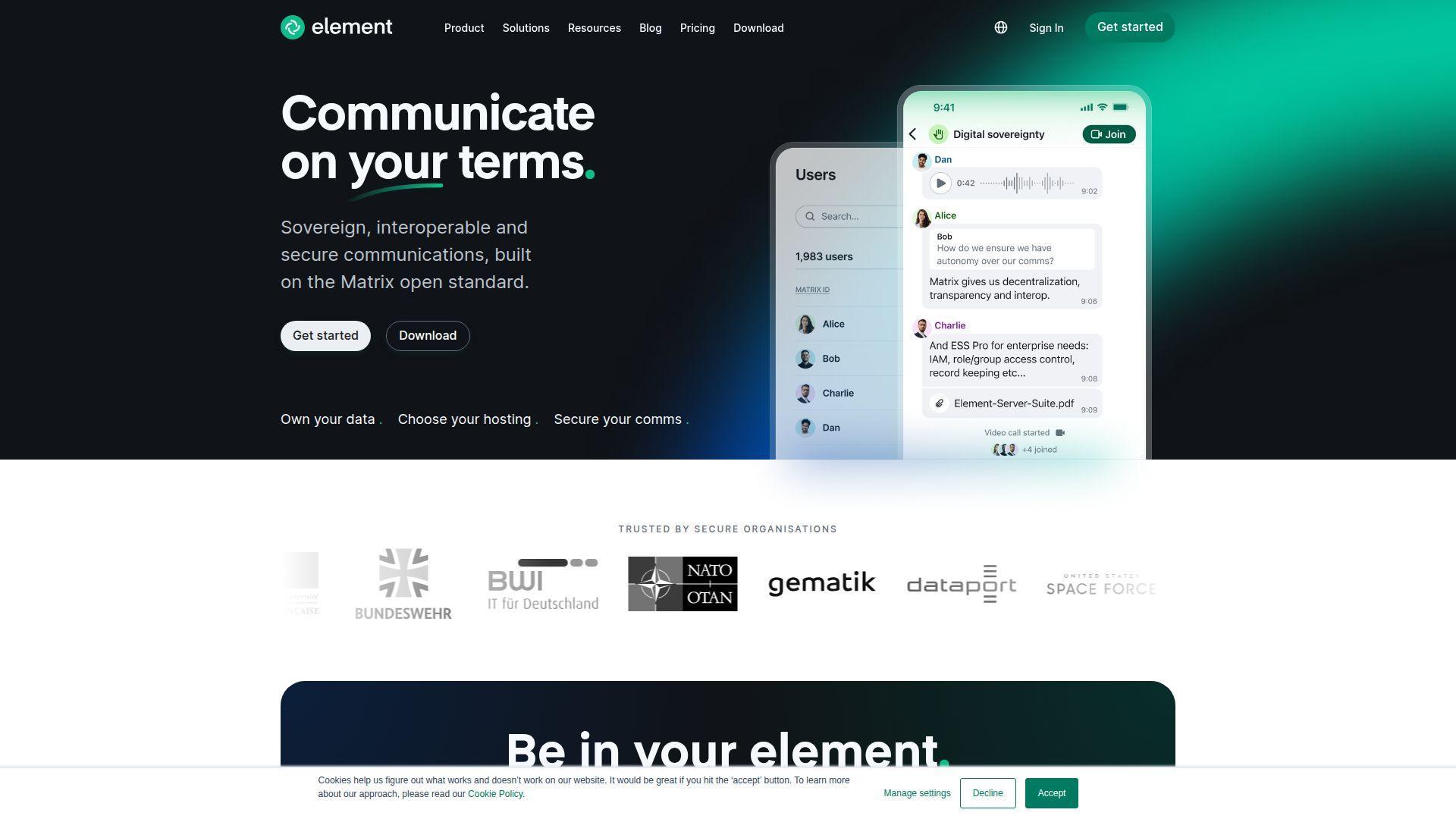
Element is the most sovereignty-focused option on this list. It sits on Matrix, pushes hard on self-hosting and encryption, and makes the strongest case when data control matters more than turnkey SaaS convenience.
Best for: security-sensitive teams and technical organizations that want self-hosting.
- Self-hosted Matrix messaging with end-to-end encryption by default → keep ownership of communication data inside your environment.
- Open standard, federation, and integrations → reduce vendor lock-in and allow secure communication across separate organizations.
- Community edition for evaluation → give technical teams a path to first value without waiting for a big commercial deployment.
Pricing & limits: From $0/mo for the Community self-hosted edition. Element says Community is for non-professional deployments and evaluations, with 1 to 100 users shown on the pricing page. Enterprise is priced per seat from 100 users, while Sovereign is priced per deployment.
Honest drawbacks: Element asks more from admins than most SaaS tools. That is the trade-off. You get control, but you also get more responsibility. Nontechnical teams may prefer the ease of Slack or Teams unless sovereignty is a hard requirement.
Verdict: If your priority is data control, open standards, and self-hosted security, Element helps you build a serious communication layer without surrendering your stack to a single vendor.
17. Flock
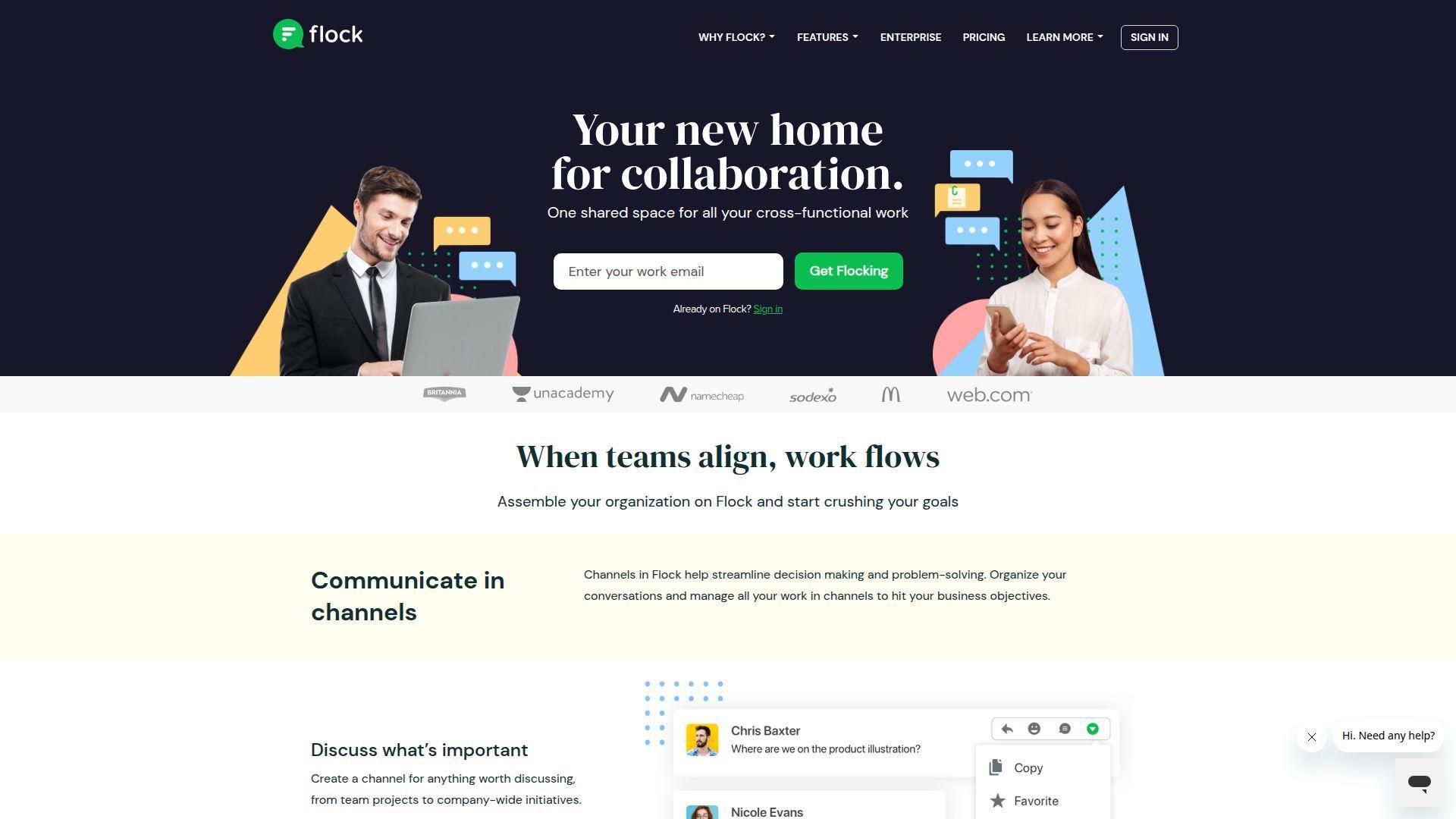
Flock stays relevant because it offers a useful middle ground. It is chat-first, it includes a few built-in coordination features, and it usually lands well with teams that want something lighter and cheaper than the biggest names.
Best for: SMBs and service teams that want fast chat without enterprise bloat.
- Messaging, channels, to-dos, polls, notes, and reminders → give small teams more than chat without forcing a separate productivity stack.
- Pro guest access, search, video, and screen sharing → cover the common workflow and cut the need for another lightweight meeting tool.
- Familiar interface → most users can adapt within a day or two, which makes switching less painful for small teams.
Pricing & limits: From $0/mo. Flock’s free Starter plan is for 1 to 20 members and includes 10,000 searchable messages, 10 public channels, and 5GB total per team. Flock also lists Pro at $4.50/user/mo billed annually, with a 30-day free trial.
Honest drawbacks: Flock is a value buy, but it does not have the same buyer confidence, ecosystem gravity, or enterprise story as Slack, Teams, or Zoom. Group video is also not where we would anchor a meeting-heavy company.
Verdict: If you want affordable team messaging with a few practical extras, Flock can get a small team organized quickly and keep software spend in check.
18. Mattermost

Mattermost is built for technical, operational, and secure work rather than broad office chat culture. We think it belongs on the shortlist when teams need self-hosting, workflow control, and serious support for mission-critical environments.
Best for: DevSecOps teams and security-sensitive enterprise operations.
- Channel-based collaboration plus operational workflows → keep incidents, releases, and technical response in one auditable workspace.
- Self-hosting, sovereign AI options, and system integrations → remove dependence on public SaaS and keep sensitive workflows under internal control.
- Technical evaluation path → let engineering-led teams test the product before a larger secured rollout.
Pricing & limits: From free self-hosted or limited-use evaluation options. Mattermost’s current pricing page pushes paid buyers to quote-based Professional and Enterprise tiers. Professional includes search up to 3 million posts, while higher tiers add enterprise-scale search, high availability, and broader support.
Honest drawbacks: Mattermost is not beginner-friendly. Business users who just want easy chat may find it heavy. It beats general-purpose chat apps on control and deployment flexibility, but trails them on broad end-user polish.
Verdict: If your collaboration platform has to satisfy security, operations, and technical ownership at the same time, Mattermost helps you bring communication closer to the systems your teams already run.
19. Twist
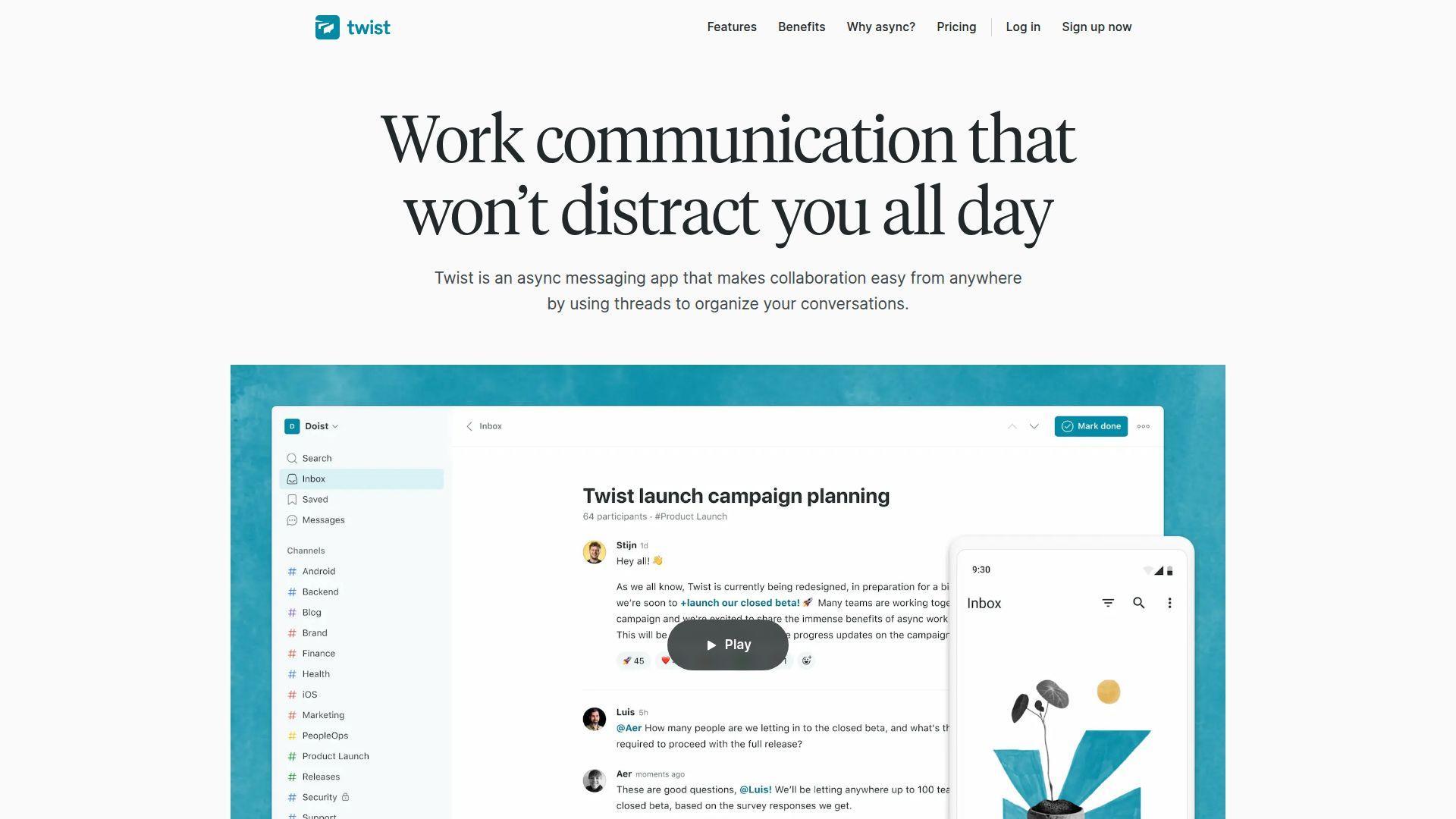
Twist is the clearest async-first choice in this list. It does not try to be louder, faster, or busier. It tries to make team communication calmer and more readable. We think that makes it a smart buy for teams spread across time zones.
Best for: remote teams and distributed companies that prefer written async work.
- Thread-first structure → keep conversations on topic and easier to revisit than fast-moving chat streams.
- Integrations and flexible guest handling → let teams include contractors or clients without turning every channel into noise.
- Simple interface with clear norms → creates value quickly, though the bigger shift is cultural, not technical.
Pricing & limits: From $0/user/mo. Twist’s free plan includes one month of visible history, up to 5 integrations, 5GB of file storage, and support for large member and guest counts. Unlimited is listed at $6/user/mo and adds full history, unlimited integrations, and unlimited storage.
Honest drawbacks: Twist is a weak fit for high-speed operational teams that need instant replies, lots of calls, or live swarm behavior. Slack wins on immediacy. Twist wins on focus and readable history.
Verdict: If your team works across time zones and gets buried by constant pings, Twist helps you create calmer communication almost immediately, provided leadership commits to async habits.
20. ProofHub
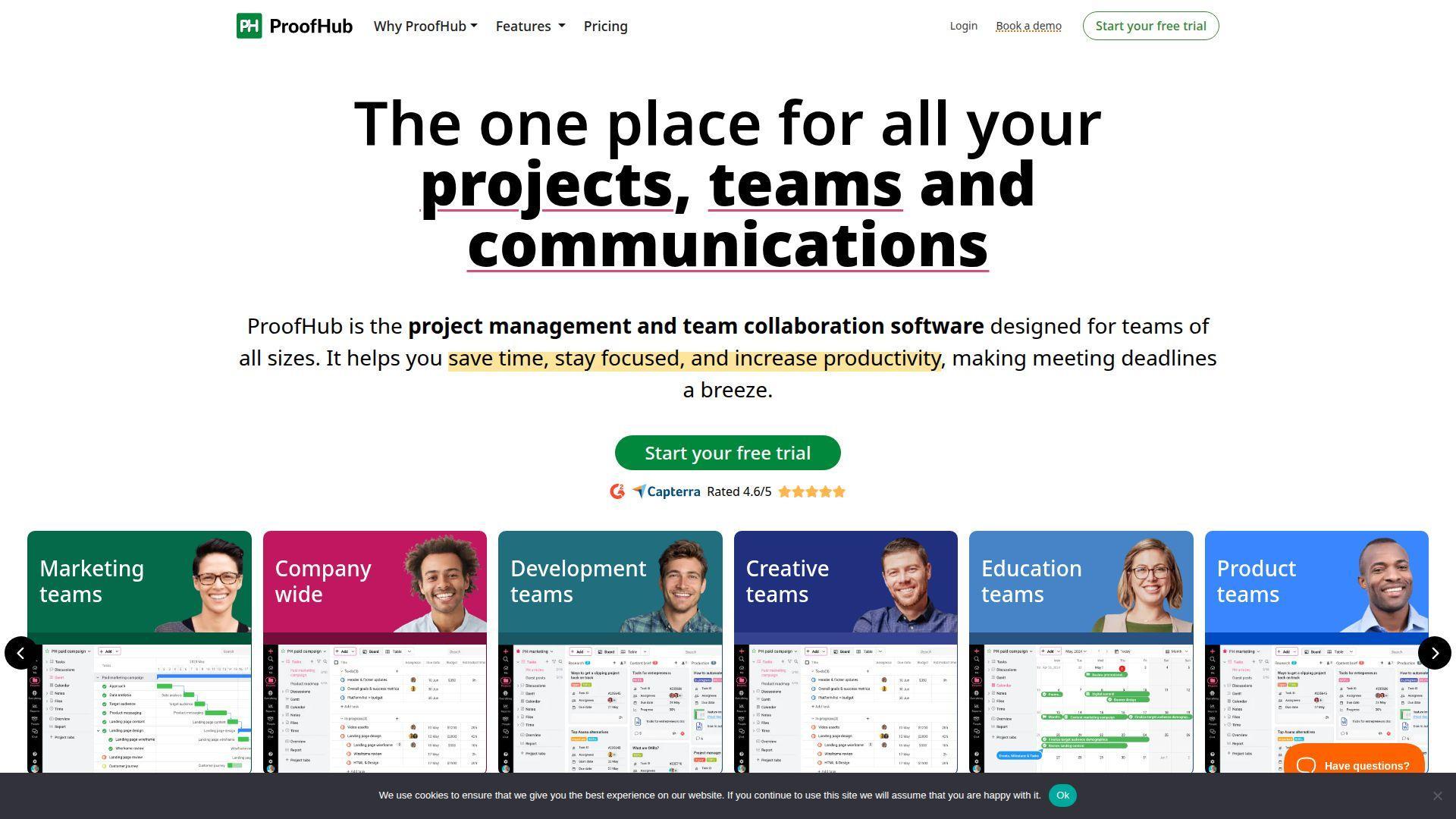
ProofHub is on this list because some teams communicate best in the context of projects, not inside a pure chat app. It brings chat, discussions, files, task management, notes, and approvals under one flat-price model that many buyers find refreshing.
Best for: agencies and flat-budget teams replacing several lightweight tools at once.
- Tasks, chat, discussions, docs, approvals, and time tracking → keep work talk tied to projects instead of splitting it across separate tools.
- Flat pricing with unlimited users → cap software spend and avoid seat-count math every time the team grows.
- Straightforward setup → teams can see first value within a week by moving one active project into the platform.
Pricing & limits: From $45/mo billed annually for the Essential plan, which includes 40 projects, unlimited users, and 15GB storage. Higher plans start at $89/mo on annual promotional pricing and include unlimited projects plus 100GB storage. ProofHub also offers a 14-day free trial.
Honest drawbacks: ProofHub is stronger at work context than at pure team messaging. If you need deep meetings, massive app ecosystems, or a culture built around instant chat, you will still pair it with another tool.
Verdict: If you want communication to live next to tasks, files, and approvals, ProofHub helps you replace a small pile of disconnected work apps with one more predictable system.
What Team Communication Tools Are and When to Use Them
We think of team communication tools as a stack, not a single app. Chat is only one layer. Real teams also need meetings, company-wide updates, client communication, work tracking, and a place to store what matters after the conversation ends.
Internal Communication Tools for Employees, Departments, and Company Updates
Internal communication tools handle company news, policy changes, department updates, leadership messages, and knowledge sharing. These tools matter most when your workforce is spread across offices, time zones, stores, or job sites. We usually want read tracking, searchable posts, role-based targeting, and mobile alerts. If your main challenge is “Did everyone see this?” an intranet or employee communication platform will often solve more than a chat app.
External Communication Tools for Clients, Vendors, Contractors, and Partners
External communication needs a different rulebook. Guests should not see everything your employees see. In our experience, the best setup is usually scoped guest access, shared channels, client-facing email, or a separate partner portal. That keeps collaboration moving without exposing internal chatter, HR discussions, or draft work that outsiders never needed to see in the first place.
Synchronous Communication for Real-Time Decisions and Fast Problem-Solving
Synchronous communication is what you use when speed beats reflection. Think outages, live approvals, deal desk decisions, shift coverage, or a design review that needs two people to settle a choice now. Chat, huddles, voice, and meetings fit here. We still recommend using this layer with care. If everything is urgent, nothing is.
Asynchronous Communication for Focused Work, Documentation, and Time-Zone Flexibility
Async communication is where strong hybrid teams usually win. Good async tools let people post updates, leave comments in context, write meeting notes, and respond later without losing the thread. That matters for focus. It also matters for teams spread across time zones. If people can wake up, search, and understand what changed, the tool is doing its job.
Chat, Meetings, Email, Work Management, and Knowledge Sharing as a Complete Communication Stack
A complete communication stack usually includes five layers. You need chat for quick coordination, meetings for live decisions, email for formal external communication, work management for accountability, and a knowledge layer for durable answers. Small teams can compress these into one or two tools. Growing teams usually cannot. We would rather see a clear stack than a chaotic “all-in-one” that nobody fully trusts.
How to Choose Team Communication Tools
The wrong buying method is simple. A vendor demo looks polished, and the team picks the tool with the longest feature page. We prefer the opposite approach. Start with your work style, your security needs, and your current software stack. Then choose the tool that fits the real flow.
Easy Team-Wide Adoption and a Low-Learning-Curve Interface
If people will not use the tool, the feature list does not matter. We usually test adoption by asking one blunt question: can a new hire send a message, find a file, and join the right channel without training? For frontline teams, the bar is even higher. Mobile navigation needs to be obvious, fast, and forgiving.
Centralized Information Sharing and a Searchable Source of Truth
Search is one of the most underrated buying criteria. A team communication tool should help people find past decisions, documents, updates, and owners without asking around. If search is weak, your team pays for that weakness every day in repeated questions, duplicate work, and long onboarding ramps.
Built-In Integrations With Existing Business Tools
We look for integrations with identity systems, calendars, storage, CRM, project tools, and ticketing apps. The goal is not to collect integrations like trophies. The goal is to reduce context switching. If one alert, file update, or status change can land in the right place automatically, the team wastes fewer clicks and fewer follow-up messages.
Flexible and Scalable Workflows for Small Teams, Growing Teams, and Enterprises
A tool that works for 10 people may break at 200. Channel structure, guests, permissions, storage, admin roles, and content targeting all matter more as the company grows. We prefer tools that let teams start simple, then add structure later, rather than forcing enterprise complexity on day one.
Security, Compliance, Encryption, and User Permissions
Security should match your risk. A local restaurant group does not buy like a defense contractor. Still, we usually want basic controls at minimum: role-based access, SSO or strong authentication, clear admin permissions, and sensible retention options. If you work in regulated environments, self-hosting or stronger deployment control can move from “nice to have” to non-negotiable.
Mobile Access for Remote, Hybrid, Field, and Frontline Employees
Desktop-first communication breaks fast when half the workforce is not at a desk. For field and frontline teams, we look for strong mobile apps, push alerts, readable announcements, and quick access to schedules, files, or policies. If mobile feels like a second-class experience, adoption usually stalls outside the office.
Transparent Pricing, Free Trials, Demos, and Rollout Support
Pricing should be easy to explain to finance. We prefer vendors that publish clear limits, offer real trials, and explain what changes at each tier. Demo-led enterprise tools can still be great buys, but they should show what rollout support, onboarding help, and contract terms actually look like before procurement gets dragged in.
Essential Features to Look For in Team Communication Tools
Not every team needs every feature. Still, a few capabilities tend to separate tools that feel useful for six months from tools that stay useful for years. We focus on features that improve clarity, reduce noise, and keep information from disappearing.
Channels, Threads, Direct Messages, and Group Chats
Channels create structure. Threads keep side conversations from hijacking the main topic. Direct messages help with quick one-to-one coordination. Group chats fill the gap for small working clusters. We usually want all four. If a tool only does one of them well, communication starts to pile up in the wrong places.
Universal Search, Message History, and Knowledge Base Access
Search should cross messages, files, pinned content, and knowledge posts. History matters because new hires, late joiners, and cross-functional partners need context. A tool with weak search creates a team that keeps re-answering the same question. That is expensive, even if the software is cheap.
Audio Calls, Video Meetings, Screen Sharing, and Huddles
Sometimes typing is too slow. Good communication tools make it easy to move from text to voice or video without a big scheduling ritual. We like lightweight call options for quick decisions, then fuller meeting features for reviews, planning, and client conversations that need recording or more participants.
File Sharing, Coauthoring, Whiteboards, and Collaborative Docs
Teams communicate through work, not just around work. That means files, comments, shared notes, editable docs, and live visual collaboration matter. We care less about whether a tool has every document feature in the world, and more about whether people can move from conversation to shared artifact without losing momentum.
Notifications, Read Receipts, Must-Read Posts, and Emergency Alerts
Good notification design is about control. Teams need quiet by default and urgency on purpose. Read receipts and must-read posts matter most for company updates, compliance notices, schedule changes, and incident response. Emergency alerts matter when the message truly cannot wait. Use them sparingly, and they stay credible.
Surveys, Polls, Kudos, Recognition, and Employee Engagement Features
These features matter more than many buyers think, especially for hybrid and frontline workforces. Polls help teams make small decisions fast. Recognition tools help culture stay visible when people are not together. We do not treat them as fluff. We treat them as useful layers when company communication needs participation, not just broadcasting.
Analytics, Reporting, Open Rates, Clicks, Read Times, and Engagement Tracking
Analytics matter most when communication is a business process. Internal comms teams need proof that updates were seen. Managers need to know whether people open schedules, announcements, or critical alerts. We also like adoption reporting. If nobody uses search or no one reads long posts, the rollout plan may need fixing.
AI Summaries, Meeting Notes, Translation, Drafting, and Workflow Automation
We like AI when it removes busywork. Meeting summaries, draft replies, translation, and simple automation can be useful. We do not like AI used as wallpaper. Buyers should ask a practical question here too. Does the feature save a real step, or does it create one more thing to review and correct?
Best Use Cases for Team Communication Tools
The best tool depends on how your team works, where your people work, and what kind of decisions happen most often. We do not believe in one universal winner. We believe in good fit.
Remote and Hybrid Office Teams That Need Shared Visibility
Remote and hybrid office teams usually need strong channels, threads, meetings, file collaboration, and search. Slack, Teams, Zoom, and Twist are all reasonable fits here, but for different cultures. Fast-moving product teams often lean Slack. Microsoft-heavy companies lean Teams. Async-first teams often do better with Twist.
Field, Frontline, and Mobile Workforces That Need Reliable Mobile Access
Frontline teams need mobile-first tools, not desktop software squeezed onto a phone. Connecteam and Homebase are strong choices when schedules, announcements, and quick acknowledgments matter. Staffbase and Workvivo come in when company-wide employee communication and broader workforce reach matter more than simple shift coordination.
Large Organizations That Need Departments, Channels, Permissions, and Governance
Large organizations usually need stronger admin layers, content targeting, and identity control. Teams, Staffbase, Workvivo, and Mattermost are often better fits here than small-team chat tools. The goal is not just communication. It is controlled communication that still stays usable.
Small Businesses That Need Affordable Chat, Scheduling, and File Sharing
Small businesses usually want the fewest tools possible. Chanty, Pumble, Flock, and Homebase work well when cost matters and the communication model is fairly straightforward. The right move is often the tool that covers the biggest pain first, whether that is chat, scheduling, or project accountability.
Global Teams That Need Translation, Async Updates, and Time-Zone-Friendly Workflows
Global teams do better when communication stays readable after the fact. That means translation, threads, searchable updates, and lower pressure to reply instantly. Workvivo and some enterprise suites help with translation. Twist helps with time-zone-friendly writing. Teams and Slack can work too, but only if the team sets better norms.
Internal Communications Teams That Need Intranets, Newsletters, Campaigns, and Analytics
When the buyer is an internal comms team, the shortlist changes. Workvivo, Staffbase, Haystack, and Hub are more relevant than generic chat tools because they support publishing, targeting, analytics, and company-wide knowledge. Chat still matters, but it is not the whole job.
Security-Sensitive Teams That Need Self-Hosting, Encryption, and Compliance Controls
If control and sovereignty lead the buying process, look hard at Element, Mattermost, and Troop Messenger. These tools make more sense when deployment choice, encryption posture, and admin ownership matter more than broad app marketplaces or polished SaaS simplicity.
Types of Team Communication Tools to Include in Your Stack
A good stack balances speed with memory. We usually avoid pushing one tool to do everything. Instead, we want each layer to solve a clear job and connect cleanly with the others.
Instant Messaging Tools for Fast Team Updates
Use instant messaging for quick questions, decisions, alerts, and lightweight coordination. This is where Slack, Teams, Pumble, Flock, and Chanty fit. The best ones make speed easy without burying important information by the end of the day.
Video Conferencing Tools for Face-to-Face Collaboration
Video tools matter for planning, review, client work, and decisions that need tone and context. Zoom and Teams lead here for many buyers. Some chat tools include calls, but meeting-first platforms still tend to win when video quality, scheduling, and larger sessions matter most.
Work Management Tools for Communication in the Context of Work
When communication keeps slipping away from tasks, use a work management layer. Asana and ProofHub are strong examples. They tie comments, files, owners, and deadlines to actual work items, which makes accountability much easier than relying on chat alone.
Email Tools for Structured External Communication
Email still matters. It is better for formal client updates, legal notices, partner communication, and messages that need clearer boundaries than chat. Tools like Spike blur the line between email and team messaging, which can be useful if your external and internal work overlap heavily.
Intranet and Knowledge Base Tools for Company-Wide Information Sharing
Intranets and knowledge hubs store what the team should not have to rediscover. Haystack, Hub, Workvivo, and Staffbase fit here. We like this layer when policies, handbooks, updates, and org knowledge need a stable home outside the message stream.
Employee Engagement Tools for Recognition, Feedback, and Culture Building
Engagement tools help companies collect feedback, run polls, recognize wins, and keep culture visible. Workvivo and Staffbase do this at broader scale. Connecteam and Homebase cover practical engagement for frontline teams. The point is not “fun.” The point is participation and retention of attention.
Pricing and Budget Considerations for Team Communication Tools
Software cost is never just the seat price. We look at rollout time, admin effort, training, storage, extra apps, and whether the tool replaces anything else. Sometimes the “cheaper” tool ends up costing more because it leaves gaps everywhere.
Free Plans for Basic Messaging and Limited Integrations
Free plans are fine for pilots and tiny teams. They help you test UX, mobile fit, and basic adoption. The usual trade-off is limited message history, fewer integrations, smaller storage, and weaker meetings. That is fine for evaluation. It is usually not fine forever once the team depends on the tool.
Personal and Starter Plans for Small Teams
Starter tiers work best when teams want structure without heavy admin controls. This is often the sweet spot for small businesses, agencies, and startup teams. Our advice is simple. Check what the tier actually replaces. If it still leaves you paying for extra docs, video, or scheduling tools, the price is not really that low.
Business Plans for Advanced Messaging, Video, Storage, and Priority Support
Business plans usually unlock the features teams miss first. Search history, stronger meetings, guest access, better storage, admin permissions, and priority support often show up here. This is also where buyer regret often starts if you picked a cheap tool that cannot grow with you.
Enterprise Plans for Custom Features, Compliance, Security, and Dedicated Support
Enterprise pricing buys control as much as software. You pay for SSO, auditability, rollout help, governance, stronger support, and in some cases regional hosting or self-hosting rights. If you need those things, the spend makes sense. If you do not, enterprise tiers can be expensive overkill.
Per-User Pricing Versus Per-Location Pricing
Knowledge-work tools often charge per user. Frontline tools sometimes charge per location or by workforce tier. That difference matters. A retail business with many part-time employees may prefer per-location pricing. A software team with a stable headcount may prefer per-user pricing because the math is easier to forecast.
Free Trials, Free Demos, Freemium Limits, and Long-Term Adoption Costs
We strongly prefer real trials over polished demos. A demo shows promise. A trial shows fit. During the trial, test one week of real communication, one recurring workflow, and one new-hire onboarding path. If the tool feels harder after real use, it is probably the wrong buy.
Implementation Plan to Reduce App Sprawl
App sprawl is usually not a tool problem first. It is a rules problem. Teams add software when nobody defines where information belongs. A simple rollout plan fixes more than most buyers expect.
Map Each Message Type to the Right Communication Channel
We start with a message map. What belongs in chat? What belongs in email? What belongs in a task comment? What belongs in a company update? When teams know where to send each kind of message, noise drops and search improves almost immediately.
Consolidate Files, Chats, Meetings, Tasks, and Updates Around a Central Workspace
Pick one tool to anchor the day. That might be Teams for a Microsoft company, Slack for an integration-heavy product team, or an intranet for broad internal communication. The goal is not one app for everything. The goal is one home where people know to start.
Define Notification Rules, Working Hours, and Response-Time Expectations
Bad communication culture can ruin good software. Set simple rules. Which channels can interrupt? What counts as urgent? When are replies expected, and when are they not? Teams that do this well get more focus and fewer unnecessary “just checking” messages.
Use Integrations to Reduce Context Switching Between Apps
Good integrations should move signals, not clutter. Pipe in ticket updates, project changes, calendar events, or approvals that people actually need to see. Avoid auto-posting every event from every system. If a channel looks like machine noise, people mute it and miss the message that mattered.
Review Adoption, Searchability, Engagement, and Message Overload Regularly
After rollout, check what people can find, what they ignore, and what gets repeated. We like a simple monthly review. Which channels are useful? Which posts get read? Which questions keep coming back? Communication tools get better when teams treat them like living systems, not one-time purchases.
Frequently Asked Questions About Team Communication Tools
These are the questions we hear most often when buyers move from “we need something better” to “which tool should we actually buy?” The answers are short, but they should help you narrow the field faster.
What Are Team Communication Tools?
Team communication tools are software products that help employees coordinate, share information, hold meetings, message each other, and keep work visible. Some focus on chat. Others focus on intranets, meetings, or project communication. Most teams use a mix.
What Are the Main Types of Team Communication Tools?
The main types are chat tools, video meeting tools, email tools, work management tools, intranet or knowledge tools, and employee communication platforms. The right mix depends on whether your team is desk-based, frontline, global, or security-sensitive.
What Are the Four Basic Communication Tools for Teams?
We usually reduce the basics to chat, meetings, email, and shared documentation. If a team has those four pieces working well, most daily communication problems become easier to manage.
What Features Should Team Communication Tools Include?
Look for channels or threads, search, message history, file sharing, meetings or calls, mobile access, notifications, integrations, and admin controls. For larger teams, add analytics, permissions, and stronger security requirements to the checklist.
What Is the Difference Between Synchronous and Asynchronous Team Communication?
Synchronous communication happens in real time, like chat, calls, or meetings. Asynchronous communication happens on a delay, like written updates, comments, or recorded notes. High-performing hybrid teams usually need both.
Can Team Communication Tools Replace Email?
Sometimes, but not fully. Internal back-and-forth often moves well to chat or project comments. Formal client communication, approvals, contracts, and external threads still often belong in email. The better question is which email should stay, not whether all email should disappear.
How Much Do Team Communication Tools Typically Cost?
Costs range from free plans for small teams to quote-based enterprise contracts for large deployments. In practice, budget depends on whether you need just chat, or a broader system with meetings, knowledge management, security controls, and rollout support.
Are Free Team Communication Tools Good Enough for Small Teams?
Yes, for a while. Free tools are often enough for basic messaging, simple coordination, and short pilots. They become limiting once your team depends on search history, storage, meetings, analytics, or stronger admin control.
How Do Team Communication Tools Improve Transparency and Collaboration?
They improve transparency when information is visible, searchable, and tied to the right work context. They improve collaboration when people can move from message to meeting to file to task without losing the thread.
How 1Byte Supports Team Communication Tools With Cloud Computing and Web Hosting
Choosing the right software is only half the job. Teams also need secure domains, reliable hosting, and room to build internal portals, knowledge hubs, and connected systems around those communication tools. That is where we, as 1Byte, usually come in.
Domain Registration and SSL Certificates for Secure Team Portals
We help teams set up branded domains and SSL certificates for internal portals, employee help centers, partner spaces, and private communication sites. That matters because trust starts with the basics. A clean domain, encrypted access, and a stable entry point make internal tools feel official and safe to use.
WordPress Hosting and Shared Hosting for Internal Knowledge Hubs
For smaller companies, we often see WordPress or lightweight hosting used for handbooks, onboarding libraries, policy pages, and department updates. That can work well when the goal is a simple knowledge hub that pairs with Slack, Teams, or another daily communication tool. It is affordable, easy to update, and good enough for many growing teams.







Cloud Hosting and Cloud Servers Backed by an AWS Partner
When buyers need more control, we support cloud hosting and cloud server setups that can power private portals, custom integrations, internal tools, staging environments, and more advanced communication stacks. That is especially useful for teams running self-hosted systems, heavy file workflows, or internal web apps that need dependable performance and room to grow.
If you are narrowing your shortlist, we suggest one next step. Map one real week of messages, meetings, files, and updates to your top two tools. Then ask a simple question. Which system gives your team both speed today and memory next month?