

- Quick Comparison of SaaS CRM Software
- Top 20 SaaS CRM Software Tools for 2026
- What Is SaaS CRM Software?
- Benefits of SaaS CRM Software for Startups and Growing Businesses
- Essential SaaS CRM Features to Compare
- AI Features That Matter in SaaS CRM Software
- How to Choose the Right SaaS CRM Software
- Common SaaS CRM Challenges and Buyer Red Flags
- SaaS CRM Software Use Cases by Business Stage
- SaaS CRM Software Implementation Checklist
- Frequently Asked Questions About SaaS CRM Software
- How 1Byte Supports SaaS CRM Software Teams With Cloud, Hosting, and AWS Expertise
SaaS CRM software has become the operating system for modern revenue teams, not a digital Rolodex. Statista projects the worldwide customer relationship management software market to reach US$98.84bn in 2025, and we feel that momentum every time a founder asks us how to connect a website, billing system, support desk, and CRM without creating a data swamp.
Cloud adoption gives this shift its engine. Gartner forecasts worldwide public cloud end-user spending at $723 billion in 2025, which tells us something important: CRM buying is now an infrastructure decision as much as a sales decision.
We see two practical examples everywhere. HubSpot made CRM approachable for founders who want marketing, sales, and service in one place. Salesforce turned CRM into a platform economy for enterprises with complex governance. The right SaaS CRM software for 2026 sits somewhere between those poles: fast enough for growth, disciplined enough for scale.
Quick Comparison of SaaS CRM Software
Here is our short, no-fluff comparison of the first ten tools in the toplist. We judge them the way operators judge software: setup speed, buyer fit, limits, and what the first paid plan actually unlocks.
| Service/Tool | Best for | From price | Trial/Free | Key limits |
|---|---|---|---|---|
| HubSpot CRM | Startup GTM teams | $0; paid $15/seat | Free tools + trial | Seat and hub tiers |
| Salesforce Sales Cloud | Enterprise RevOps | $25/user | 30-day trial | Add-ons and admin load |
| Pipedrive | Pipeline-focused SMBs | $14/seat | 14-day trial | Add-ons for extras |
| Zoho CRM | Cost-conscious teams | $0; paid $14/user | Free for small teams | Advanced AI higher tier |
| Zendesk Sell | Support-led sales | $55/agent | Suite trial | Quote-led Sell pricing |
| Freshsales | SMB sales teams | $0; paid $9/user | Free small plan | Higher tiers for AI |
| Monday CRM | Visual workflow teams | $12/seat | 14-day trial | Automation action caps |
| ClickUp CRM | Ops-led teams | $0; paid $7/user | Free Forever | CRM needs setup |
| Close | Calling-heavy teams | $9 Solo | 14-day trial | Usage-based calling |
| Insightly | CRM plus projects | $29/user | 14-day trial | Record and storage caps |
Top 20 SaaS CRM Software Tools for 2026
We ranked these tools for real teams, not demo-stage theater. Our lens is practical: who adopts it, how quickly data becomes useful, where pricing jumps, and whether the CRM can survive growth without becoming a second job.
1. HubSpot CRM
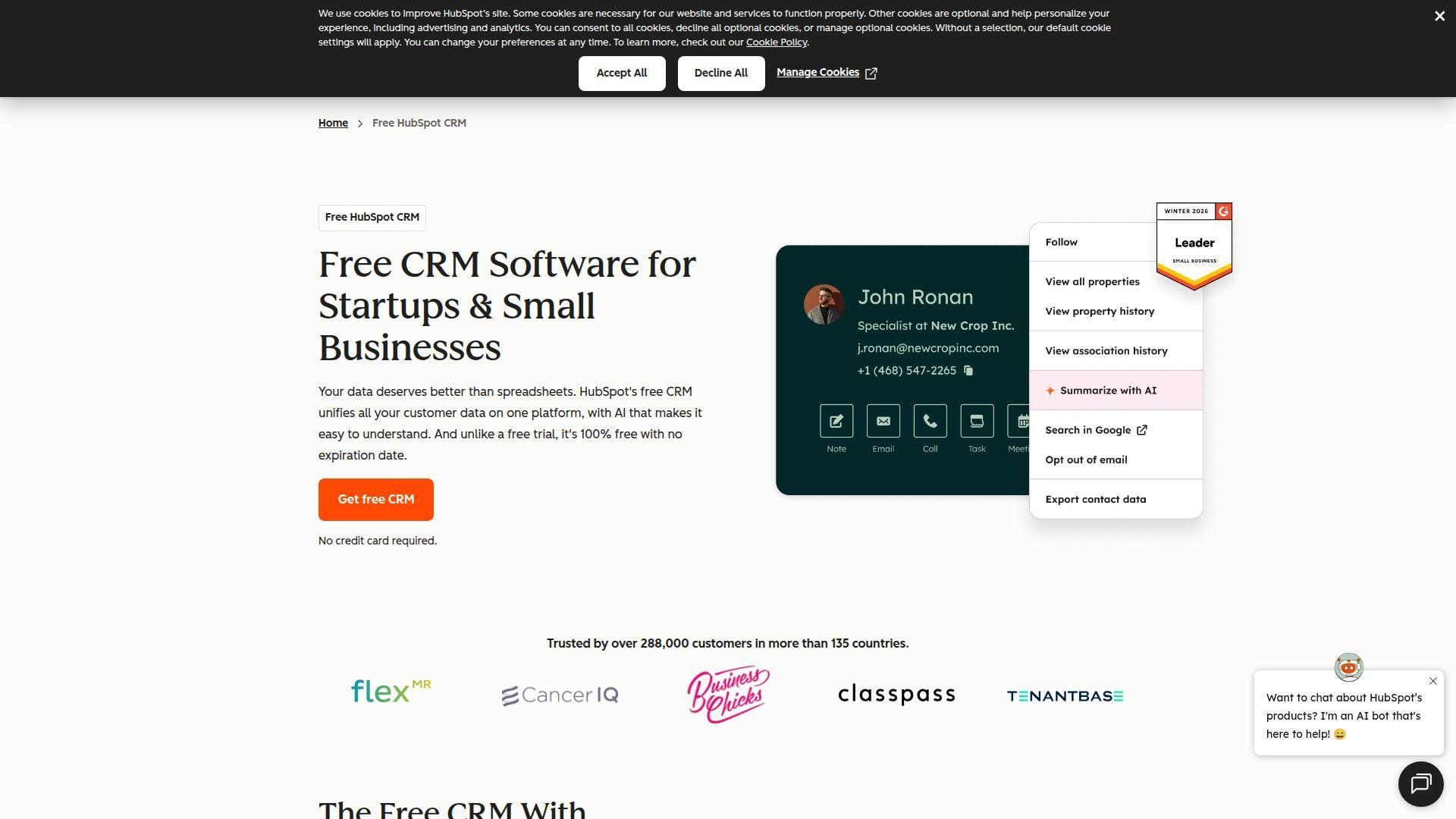
HubSpot is the polished revenue platform many SaaS teams meet first. Its product team has spent years making CRM feel less like enterprise software and more like a shared workspace for marketing, sales, service, and content.
Best for: founder-led SaaS teams and SMB RevOps teams that want one clean system before buying specialist tools.
- Smart CRM record timeline → reps see emails, forms, meetings, and tickets without asking three teams for context.
- Native marketing, sales, service, and automation → removes several handoffs and can save a small team half a day each week.
- Guided setup and templates → most teams get first dashboards and deal stages live in one afternoon.
Pricing & limits: From $0/mo for free CRM tools; paid Sales Hub Starter commonly begins around $15/seat/mo. Trial access is usually available for paid hubs. Seats, marketing contacts, automation, reporting, and onboarding fees become the real cost drivers as teams scale.
Honest drawbacks: HubSpot is wonderfully simple until you need advanced automation, custom reporting, or multi-brand operations. Costs can jump hard when marketing contacts and professional hubs enter the picture.
Verdict: If you want fast CRM adoption without hiring an admin, HubSpot helps you launch a credible revenue workflow in a week.
2. Salesforce Sales Cloud
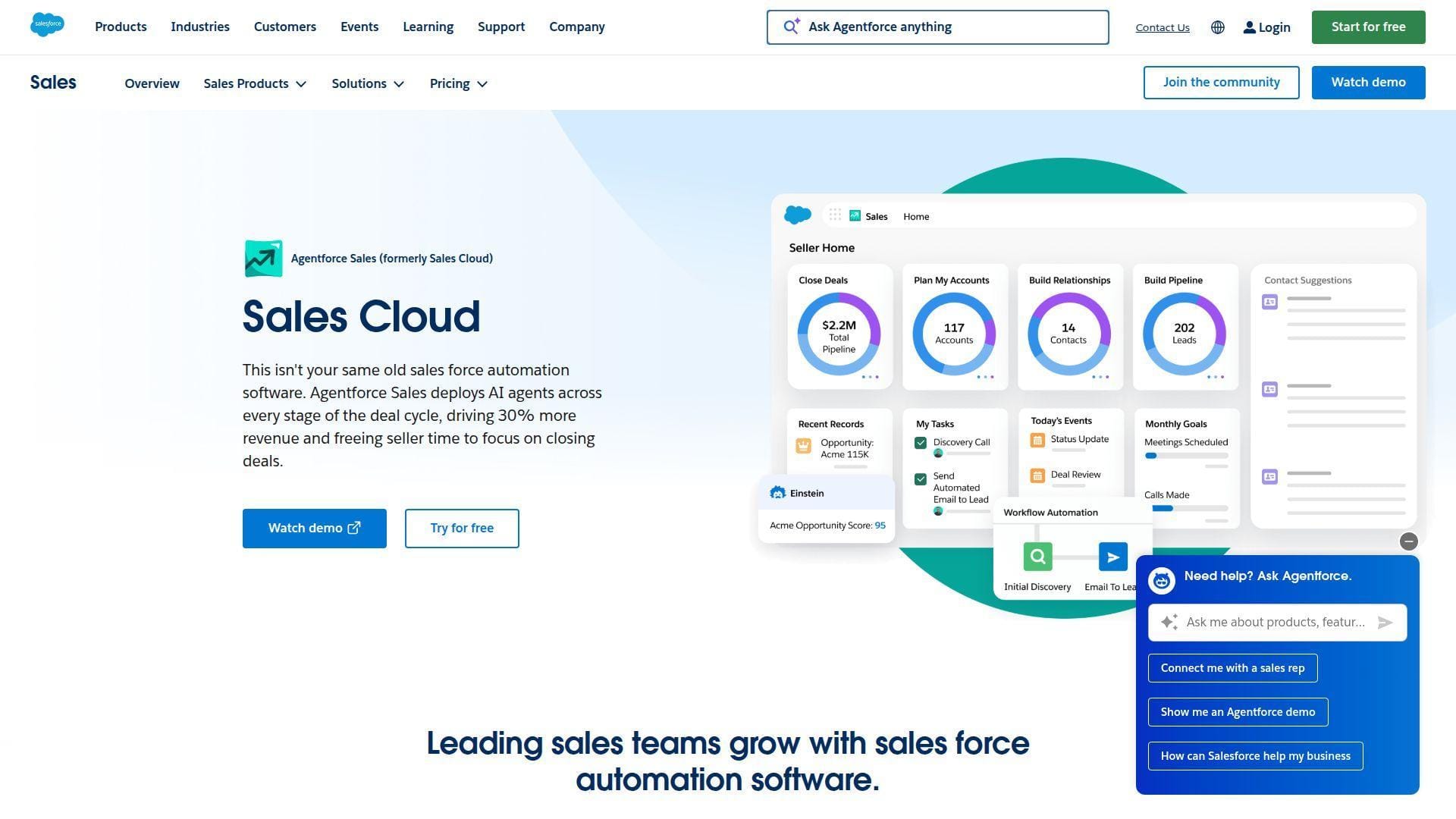
Salesforce is the heavyweight platform for companies that treat CRM as a programmable revenue system. Its ecosystem of admins, partners, apps, and developers is unmatched, but that power has a price.
Best for: enterprise sales organizations and RevOps teams with complex territories, approvals, forecasting, and compliance.
- Sales Cloud objects, flows, and permissions → model complex sales motions without forcing every team into one pipeline.
- AppExchange, Data Cloud, and Agentforce ecosystem → reduces custom build time when you need AI, data, and industry workflows.
- Enterprise-grade admin controls → time-to-first-value ranges from a few days for simple teams to several weeks for governed rollouts.
Pricing & limits: From $25/user/mo for Starter Suite; higher Sales Cloud editions move into much higher per-user pricing. A 30-day trial is typical. Automation, AI, analytics, sandboxes, and implementation services often sit outside the first sticker price.
Honest drawbacks: Salesforce can become over-engineered fast. Without a strong admin, teams may spend more time maintaining fields than selling.
Verdict: If you need governance, extensibility, and enterprise forecasting, Salesforce helps you build a CRM backbone that can last for years.
3. Pipedrive
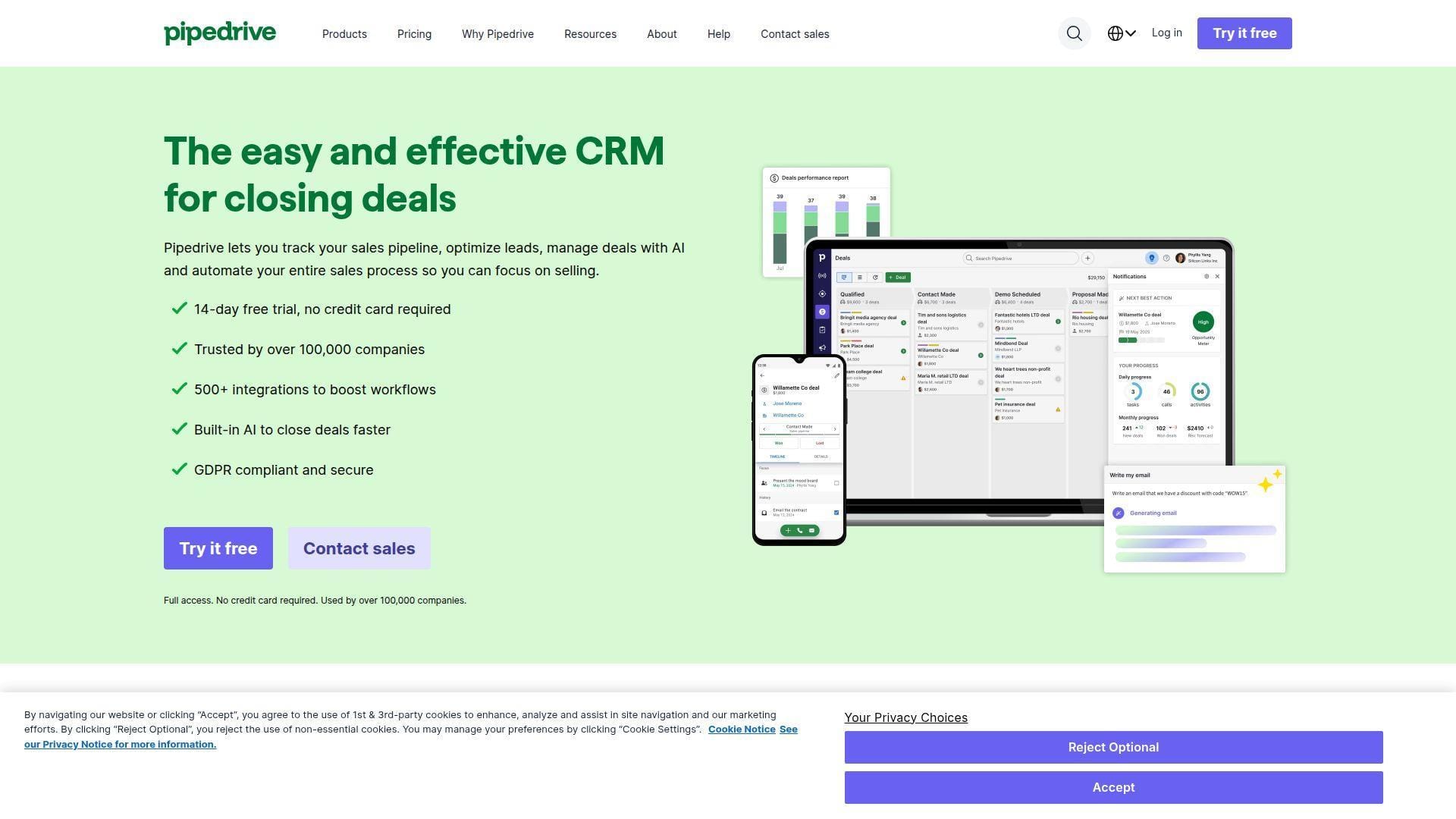
Pipedrive is built around a simple belief: salespeople should see their pipeline and know the next action. Its team has kept the product focused, visual, and friendly for quota-carrying reps.
Best for: SMB sales teams and agencies that want deal discipline without enterprise ceremony.
- Visual pipelines and activity reminders → reps stop losing deals because every opportunity has a next step.
- Email sync, automations, and marketplace integrations → trims manual follow-up work by several steps per deal.
- Spreadsheet-style import and guided onboarding → most teams reach usable pipeline visibility within a day.
Pricing & limits: From $14/seat/mo on annual billing, with a 14-day free trial. Full email sync, richer automation, lead tools, projects, and prospecting often require higher plans or add-ons.
Honest drawbacks: Pipedrive trails HubSpot on native marketing and Salesforce on governance. Reporting is practical, but not a full revenue intelligence layer.
Verdict: If your biggest problem is deal follow-up, Pipedrive helps reps work a cleaner pipeline by the end of the week.
4. Zoho CRM
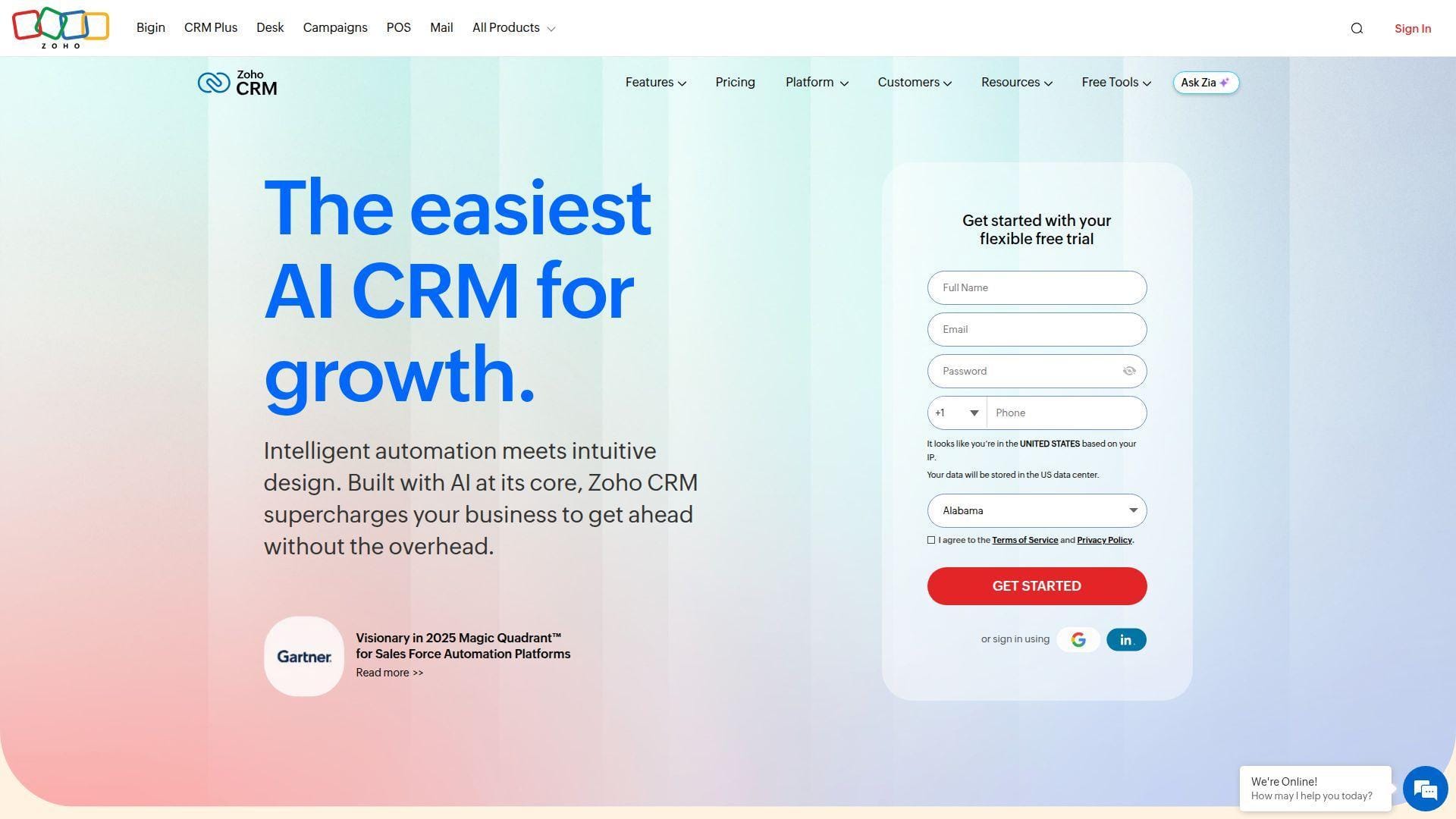
Zoho CRM comes from a broad software company with a deep suite across sales, finance, support, analytics, and collaboration. The team’s strength is breadth at a price many SMBs can stomach.
Best for: cost-conscious SMBs and international teams that want CRM plus a wider business app ecosystem.
- Lead, deal, workflow, and territory tools → small teams can run structured sales without buying several apps.
- Zoho ecosystem integrations and Zia AI → cuts tool switching when finance, support, email, and analytics live nearby.
- Configurable modules and layouts → time-to-first-value is usually a few days if fields are kept simple.
Pricing & limits: From $0/mo for a small free edition; paid plans commonly start around $14/user/mo on annual billing. Trial access is available. Advanced AI, blueprints, analytics, and heavier customization sit on higher tiers.
Honest drawbacks: Zoho’s breadth can feel uneven. The interface is powerful, but new admins may need patience to avoid building clutter.
Verdict: If you want a capable CRM without premium-platform pricing, Zoho helps you standardize sales operations within a few days.
5. Zendesk Sell
Zendesk Sell fits a company where customer service context matters as much as net-new selling. Zendesk’s team knows support workflows deeply, and that DNA shapes the sales experience.
Best for: support-led SaaS companies and account teams that need sales conversations tied to service history.
- Sales records connected to customer context → account managers see tickets and risks before asking for renewal.
- Zendesk ecosystem and service automations → removes several copy-paste steps between support and sales handoffs.
- Familiar Zendesk-style UX → existing Zendesk teams can reach value in a few days rather than a full CRM project.
Pricing & limits: From about $55/agent/mo in Zendesk’s broader suite-style pricing, while standalone Sell pricing may be quote-led. Trial access usually centers on Zendesk Suite Professional. AI, workforce, privacy, and contact-center features can add meaningful cost.
Honest drawbacks: It is less attractive for pure outbound SDR teams. Prospecting, sequencing, and sales engagement depth trail Close and Salesforce.
Verdict: If renewals and support visibility drive revenue, Zendesk Sell helps account teams act on customer health within one renewal cycle.
6. Freshsales
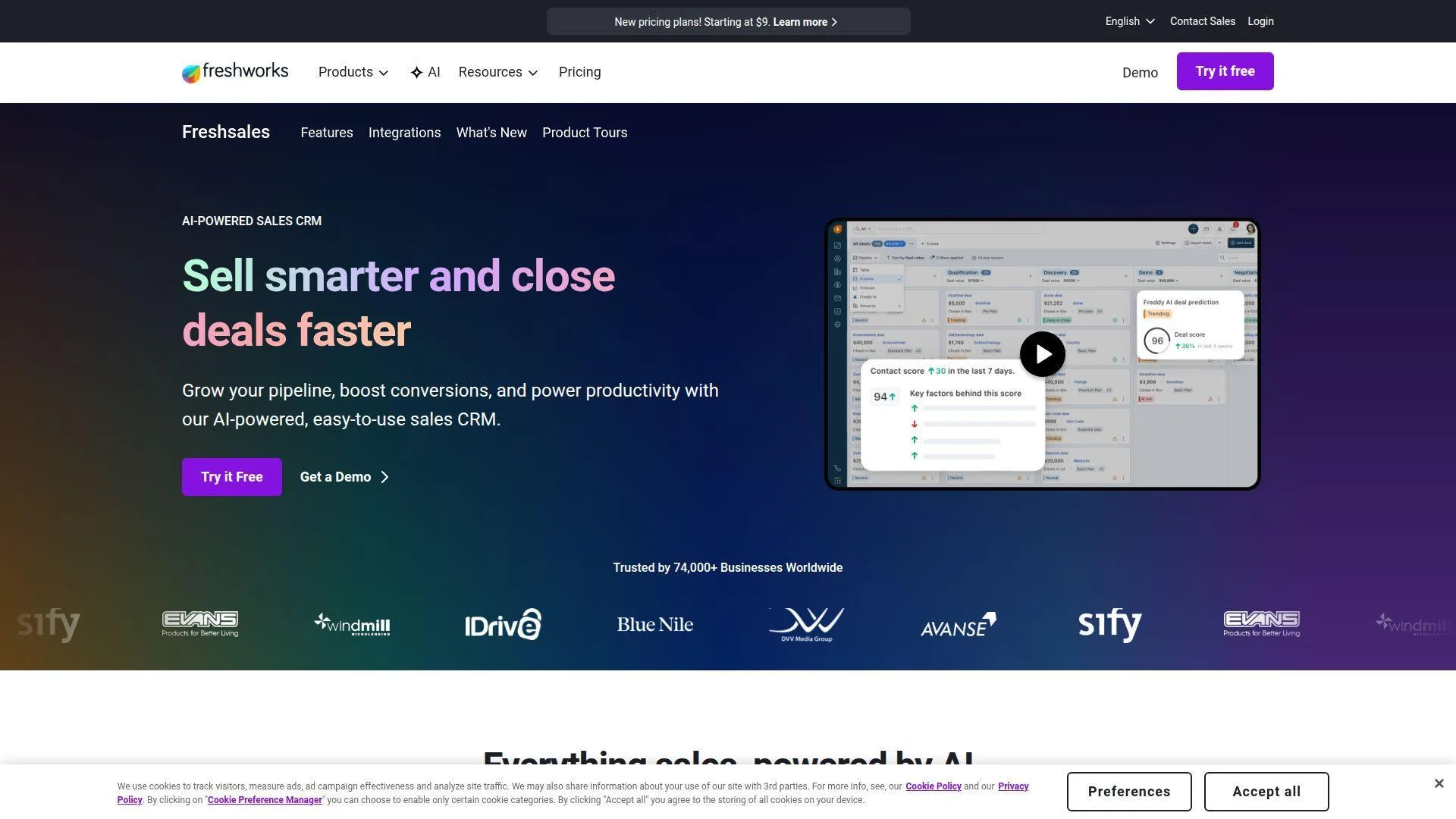
Freshsales is Freshworks’ answer to the SMB sales stack: CRM, phone, email, chat, and AI assistance in one practical interface. The product team favors speed and affordability over platform sprawl.
Best for: SMB sales teams and startups that want built-in communication without stitching together five tools.
- Contacts, deals, phone, chat, and email in one workspace → reps work leads without bouncing between tabs.
- Freddy AI, scoring, and automations → saves several qualification and follow-up steps on active deals.
- Simple onboarding and free entry tier → small teams can get first pipeline value in one afternoon.
Pricing & limits: From $0/mo for a small free plan; paid plans commonly start around $9/user/mo on annual billing. A 21-day trial is available. Multiple pipelines, advanced AI, custom modules, and deeper workflow controls require higher tiers.
Honest drawbacks: Enterprise reporting and ecosystem depth are lighter than Salesforce. Larger teams may outgrow the admin model.
Verdict: If you need phone-ready CRM on a lean budget, Freshsales helps a small sales team become operational in days.
7. Monday CRM
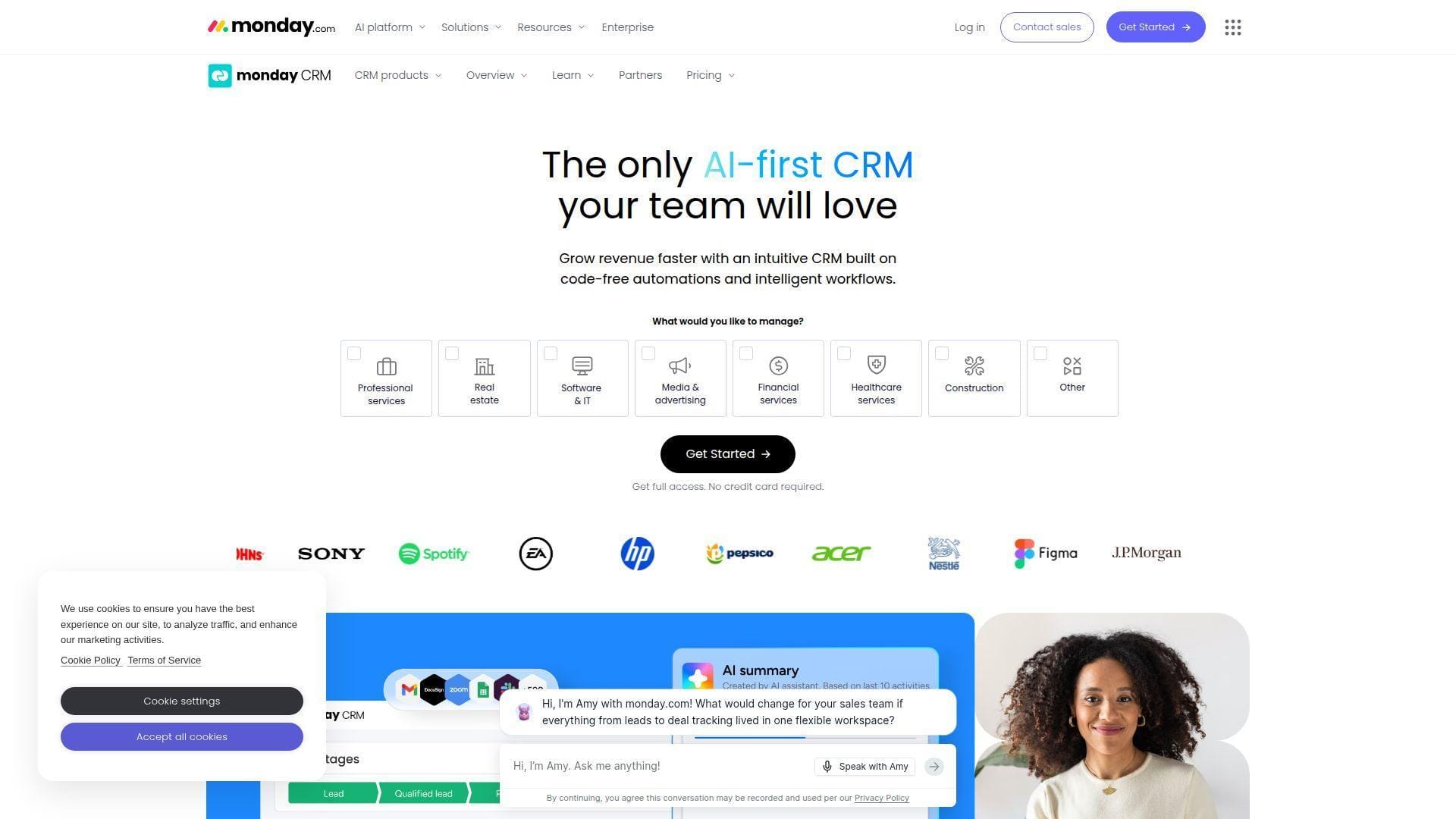
Monday CRM turns CRM into a visual operating board. The Monday team is excellent at flexible work management, and the CRM product inherits that color-coded, drag-and-drop DNA.
Best for: visual sales teams and cross-functional SMBs that want CRM, onboarding, and project work in one place.
- Custom boards, pipelines, and dashboards → managers see lead flow, deals, and post-sale work without building reports from scratch.
- Automations, integrations, and AI writing → saves repetitive status updates and follow-up reminders every week.
- Template-led implementation → teams usually reach first usable pipeline in a day or two.
Pricing & limits: From $12/seat/mo on annual billing, with a 14-day trial. Seat bundles may apply. Automation and integration actions are capped by plan, with serious workflow volume reserved for higher tiers.
Honest drawbacks: Monday beats spreadsheets at visibility but trails specialist CRMs on native sales depth. Complex permission models can get pricey.
Verdict: If your sales process overlaps with delivery work, Monday CRM helps teams coordinate revenue and operations in the same week.
8. ClickUp CRM
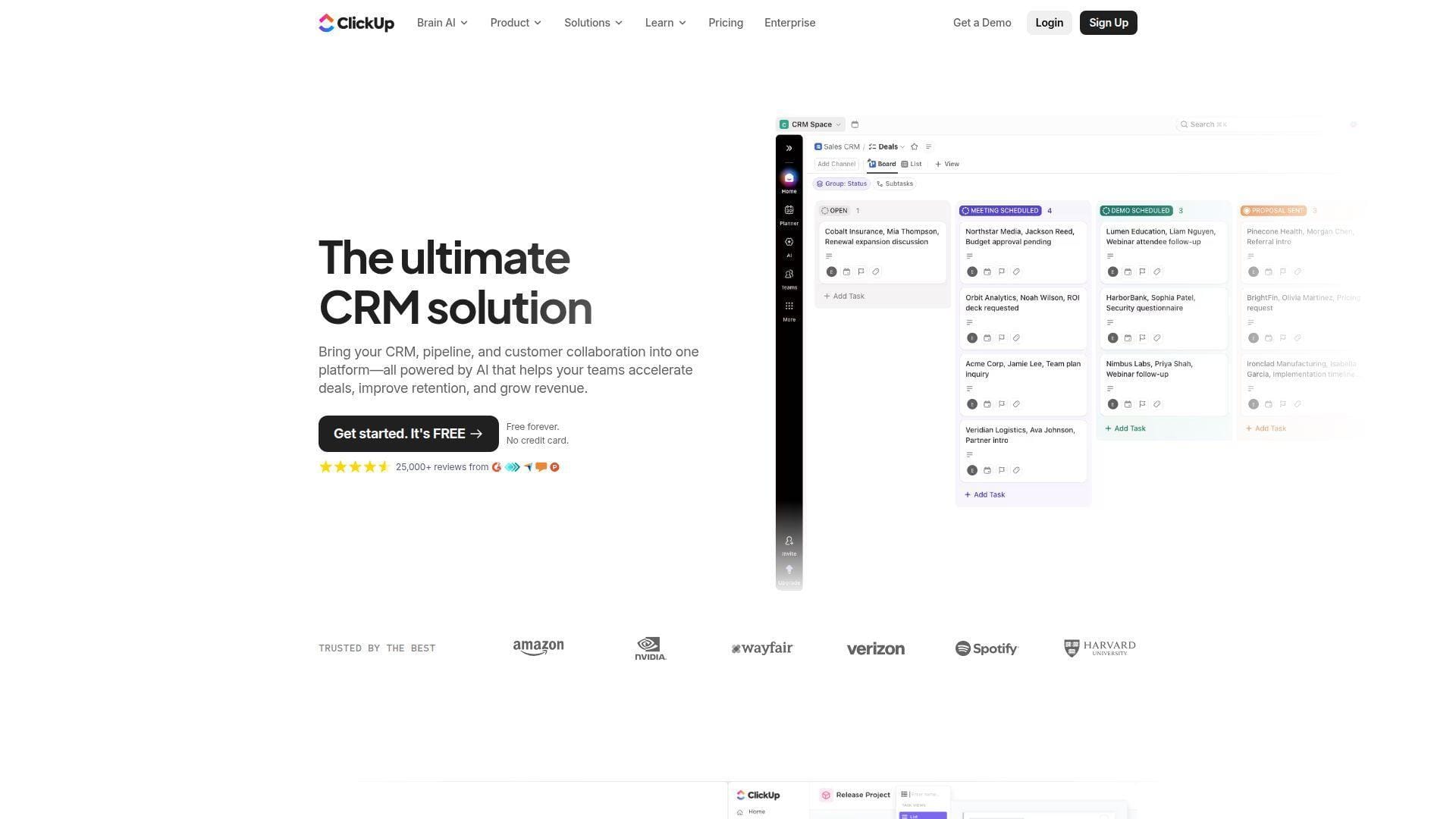
ClickUp CRM is not a traditional CRM first. It is a work platform that can become a CRM through templates, custom fields, dashboards, docs, and automation.
Best for: ops-led teams and agencies that want CRM records connected to tasks, documents, sprints, and client delivery.
- Lists, custom fields, views, and dashboards → teams shape a CRM around their workflow instead of the reverse.
- Automation, AI, docs, chat, and integrations → removes handoffs between sales notes, tasks, and delivery briefs.
- Template-based setup → first CRM board can be usable in a few hours if the process is simple.
Pricing & limits: From $0/mo with Free Forever; paid plans start around $7/user/mo on annual billing. Business plans add larger automation allowances. CRM maturity depends on setup quality, field design, and governance.
Honest drawbacks: ClickUp trails dedicated CRMs on forecasting, account hierarchy, and native sales controls. Too many custom fields can make it messy.
Verdict: If you want sales work tied directly to execution, ClickUp helps you build a lightweight CRM in a single sprint.
9. Close
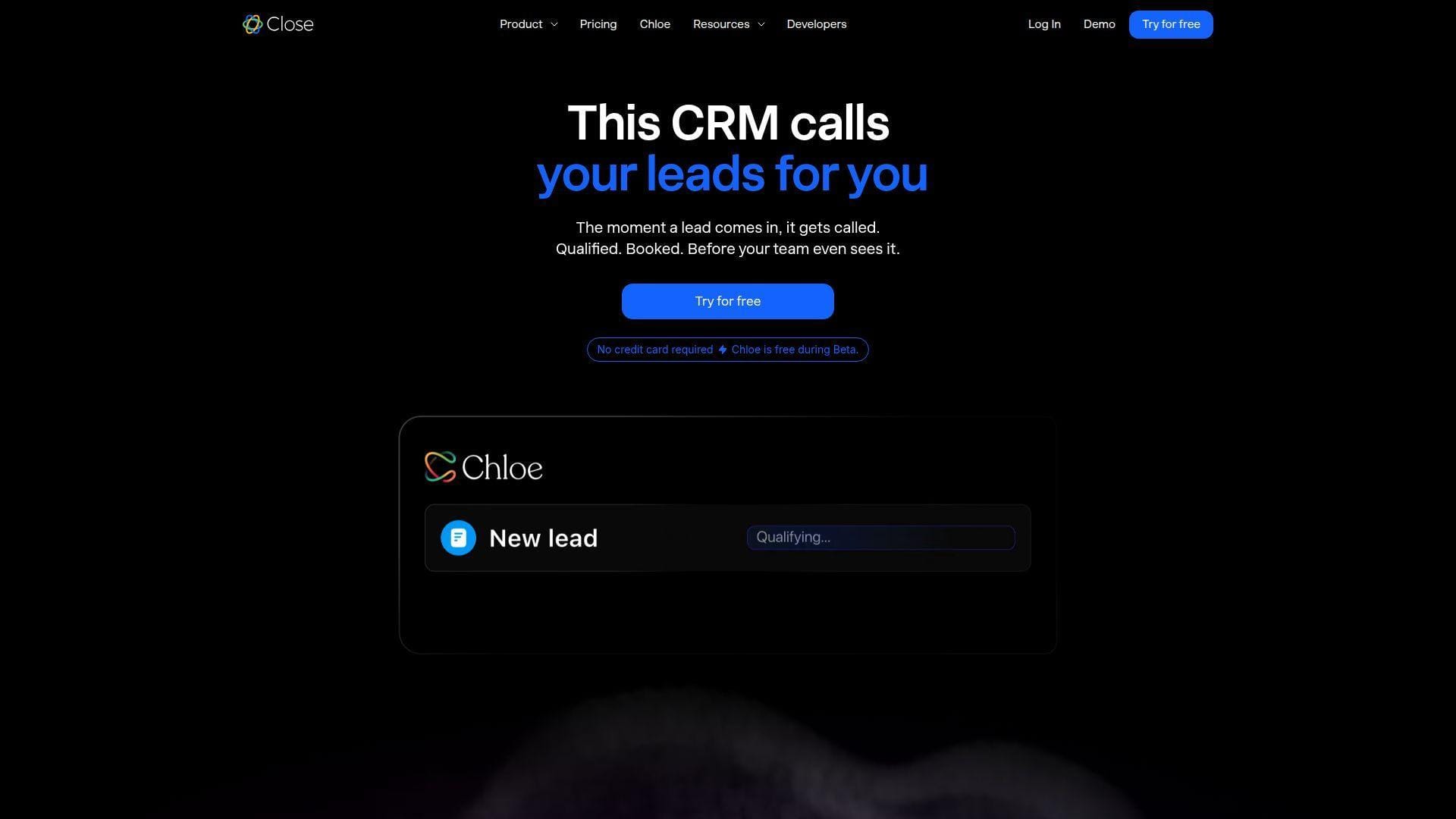
Close was built for teams that sell through calls, emails, SMS, and fast follow-up. The company’s voice is refreshingly direct, and the product rewards reps who live in communication queues.
Best for: outbound sales teams and founder-led sales motions that need calling, SMS, and follow-up in one place.
- Built-in calling, SMS, inbox, and power dialer → reps contact more leads without leaving the CRM.
- Workflows, AI email help, and call assistant options → saves note-taking and next-step creation after conversations.
- Clean lead import and activity views → teams can reach useful call workflows within an hour.
Pricing & limits: From $9/seat/mo for the Solo plan on annual billing; core team plans cost more. A 14-day trial is available. Solo is limited to one user and a lead cap, while calling, SMS, enrichment, phone lines, and AI add-ons may add usage costs.
Honest drawbacks: Close beats many CRMs on calling, but trails HubSpot on marketing and Salesforce on governance. It is not ideal for support-heavy lifecycle teams.
Verdict: If speed-to-lead is your revenue lever, Close helps reps create a disciplined outbound machine in days.
10. Insightly
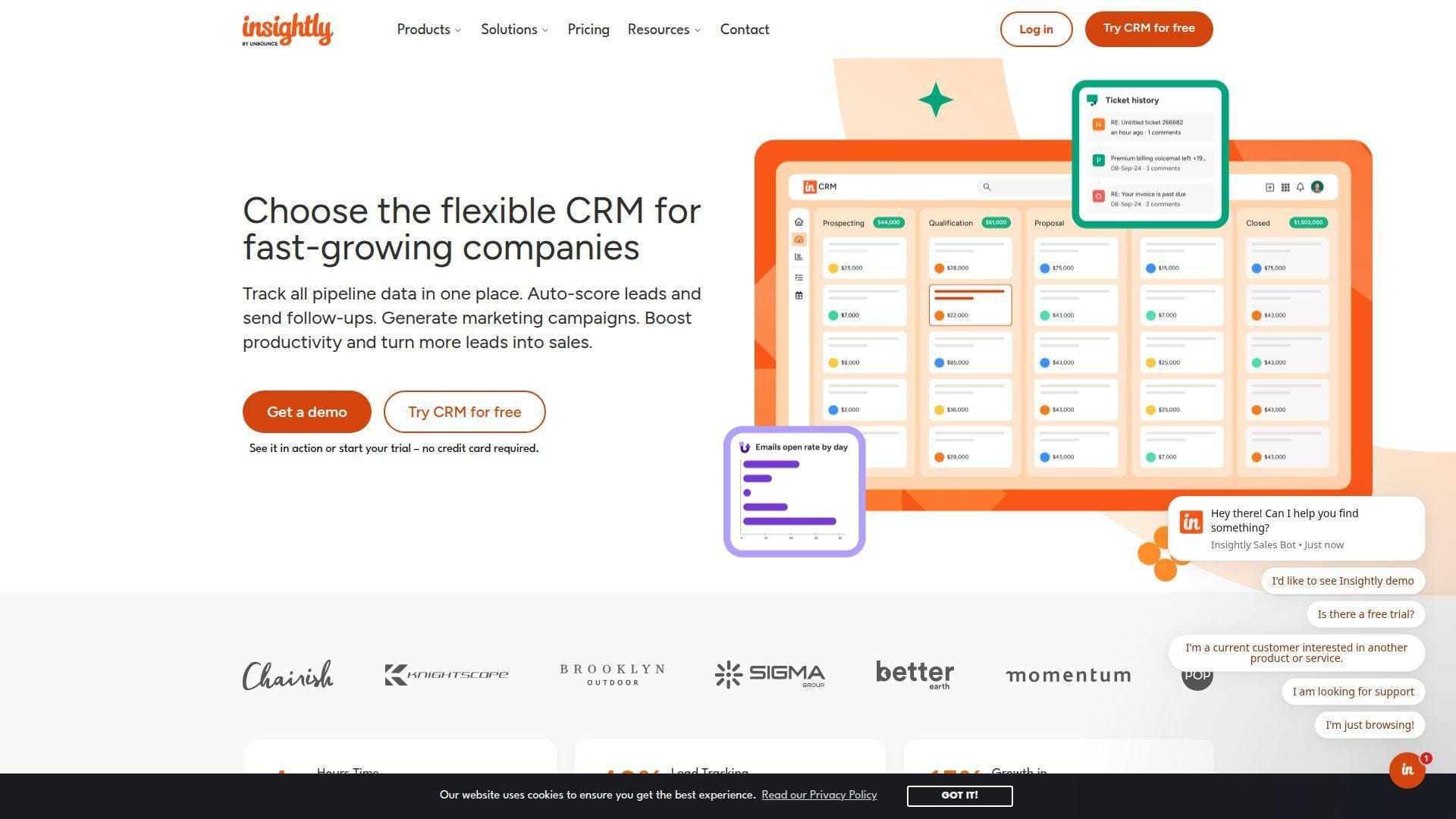
Insightly sits between classic CRM and project management. Its team has long targeted SMBs that need to track both pre-sale relationships and post-sale delivery.
Best for: professional services teams and B2B SMBs that convert won deals into projects.
- CRM plus project handoff → teams turn won opportunities into delivery work without recreating customer context.
- Workflow automation, AppConnect, and AI Copilot on higher tiers → saves manual routing and status-update steps.
- Structured records and dashboards → most teams can see pipeline and delivery status within a few days.
Pricing & limits: From $29/user/mo on annual billing, with a 14-day trial. The entry plan has record and storage limits, and workflow automation starts on higher tiers.
Honest drawbacks: Insightly can feel less modern than newer CRMs. Advanced automation, permissions, and custom objects require higher spend.
Verdict: If your revenue process continues after signature, Insightly helps you connect sales and delivery within one rollout.
11. Salesmate
Salesmate focuses on practical sales engagement for small and mid-sized teams. Its team has built a CRM that mixes pipelines, calling, texting, email sequences, and automation without enterprise bulk.
Best for: SMB sales teams and service businesses that need communication-heavy CRM at a predictable price.
- Pipeline, contacts, texting, and calling → reps manage follow-up from one work queue.
- Automation journeys and email sequences → cuts several manual outreach steps per prospect.
- Friendly onboarding and clean navigation → most teams can reach first live pipeline value in a day.
Pricing & limits: From $23/user/mo on annual billing, with a 15-day free trial. Phone numbers, calling, SMS credits, advanced dashboards, and deeper automation may raise the real monthly bill.
Honest drawbacks: The marketplace is smaller than HubSpot or Salesforce. Marketing automation is useful, but not as deep as ActiveCampaign.
Verdict: If you want CRM plus multichannel outreach without a giant stack, Salesmate helps reps follow up consistently within a week.
12. Attio
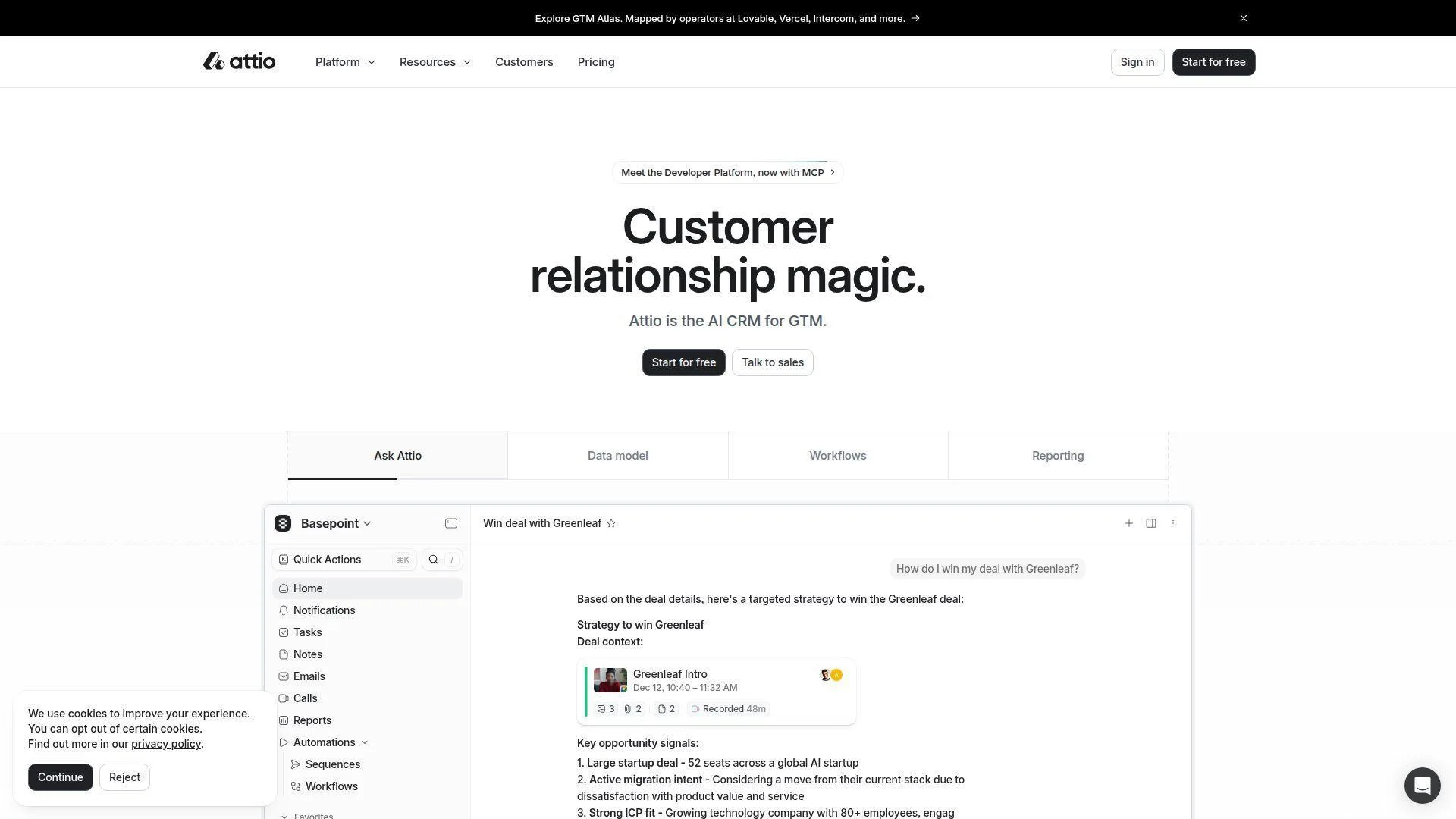
Attio is the modern CRM for teams that think in objects, relationships, and flexible data models. Its team has built something closer to a collaborative database than a legacy sales application.
Best for: venture-backed startups and operators who want a highly customizable CRM without old-school admin friction.
- Flexible objects and relationship modeling → teams map investors, customers, partners, and accounts cleanly.
- Email sync, enrichment, workflows, and integrations → reduces manual data capture across relationship-heavy pipelines.
- Modern interface and templates → early-stage teams can get value in a few hours with a disciplined schema.
Pricing & limits: From $0/mo for a small free workspace; paid plans commonly start around $34/user/mo. The free tier caps seats and records, while advanced automation, permissions, and data workflows sit higher.
Honest drawbacks: Attio trails Salesforce on mature enterprise controls and HubSpot on native marketing. You need someone who understands data modeling.
Verdict: If your CRM needs to mirror a custom business model, Attio helps you build a cleaner source of truth in one sprint.
13. Copper
Copper is the Google Workspace CRM. Its team has chosen a clear lane: make relationship management feel native to Gmail, Calendar, Drive, and the daily rhythm of Google-first teams.
Best for: agencies and relationship-led SMBs that live in Gmail and want minimal CRM switching.
- Gmail-native contact and opportunity capture → reps add contacts and deals without leaving the inbox.
- Google Workspace, Zapier, and workflow automation → removes several copy-paste steps from email-led selling.
- Simple Chrome and inbox experience → teams often reach first value in a morning.
Pricing & limits: From $9/seat/mo on annual billing, with a 14-day trial. The Starter plan has a contact cap; higher plans raise limits and unlock workflow automation, reporting, and bulk email.
Honest drawbacks: Copper is less compelling outside Google Workspace. It trails Salesforce on complex hierarchy and territory logic.
Verdict: If your sales motion starts in Gmail, Copper helps you turn inbox activity into accountable pipeline within a day.
14. ActiveCampaign
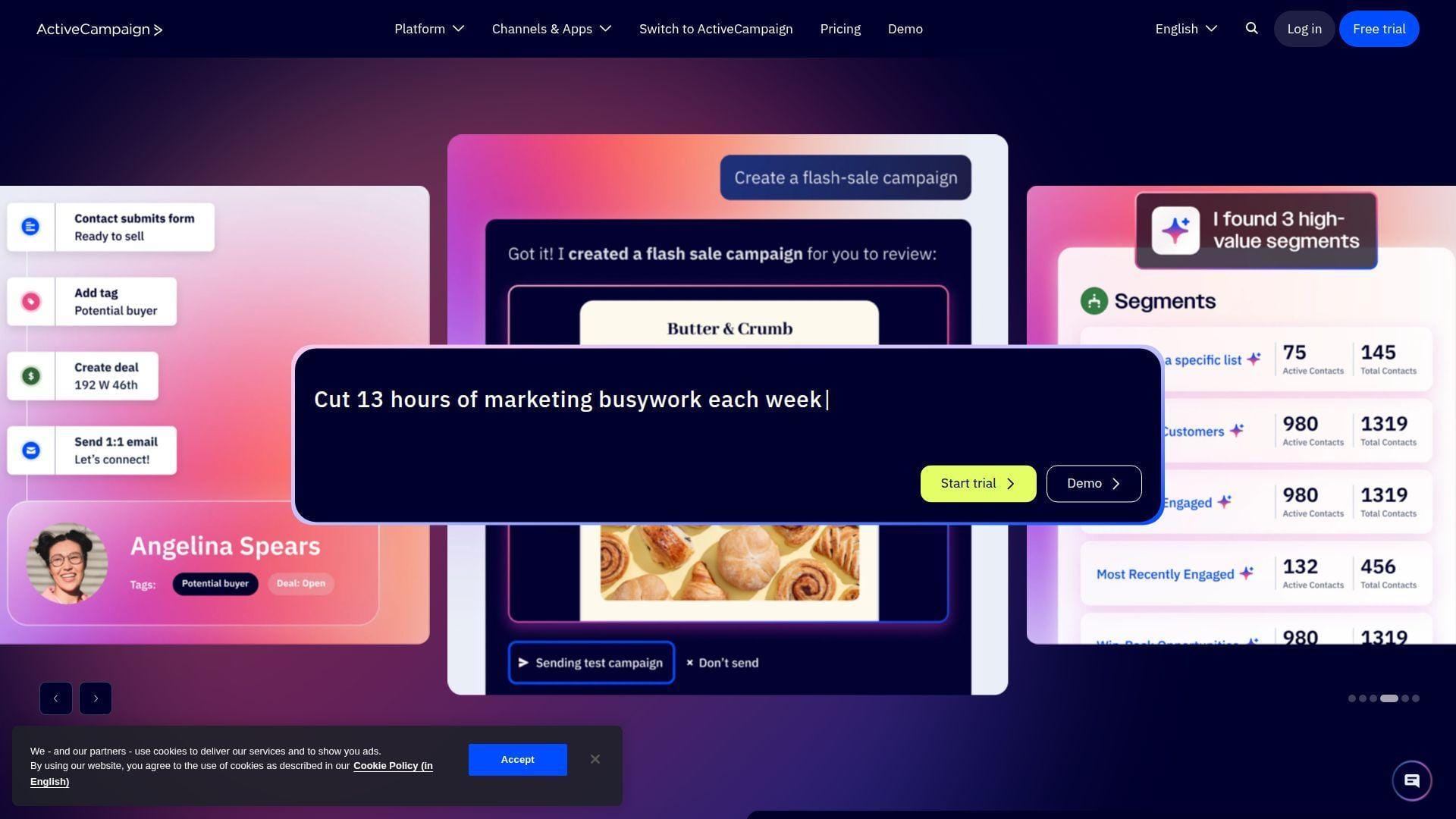
ActiveCampaign is a marketing automation powerhouse with CRM capabilities layered into lifecycle journeys. Its team understands nurture, segmentation, triggers, and behavior-based communication deeply.
Best for: marketing-led SaaS teams and small businesses that need email automation tied to deals.
- Automation builder and lifecycle triggers → teams nurture leads based on behavior rather than calendar guessing.
- CRM pipelines, scoring, site tracking, and integrations → saves handoffs between campaign engagement and sales follow-up.
- Templates and guided campaigns → marketers can reach first automated nurture value in a day.
Pricing & limits: From $15/mo at the entry contact band, with a short trial available. Pricing scales by contacts, users, and feature tier. CRM pipelines and sales engagement may require higher plans or add-ons.
Honest drawbacks: As a pure CRM, it trails Pipedrive and Salesforce on sales management depth. Contact growth can make costs rise quickly.
Verdict: If lifecycle email drives your pipeline, ActiveCampaign helps you connect nurture and deal creation within one campaign cycle.
15. Streak
Streak turns Gmail itself into a CRM. Its product team leans into a simple insight: many small sales teams already work from email, so the CRM should meet them there.
Best for: solo consultants and Google-first teams that want pipeline tracking inside Gmail.
- Gmail pipelines and shared boxes → teams track deals without opening a separate CRM tab.
- Mail merge, snippets, tracking, and automations → removes repetitive email work from small pipelines.
- Inbox-native setup → first pipeline can be useful in less than an hour.
Pricing & limits: From $49/user/mo on annual billing for the Pro plan. Free email tools exist, and Pro+ offers a 14-day trial. Mail merge, AI credits, automations, and Gmail sending limits shape usage.
Honest drawbacks: Streak is not ideal for complex account management or non-Google teams. Reporting and governance are lighter than specialist CRMs.
Verdict: If your pipeline already lives in Gmail, Streak helps you organize deals before lunch.
16. Creatio CRM
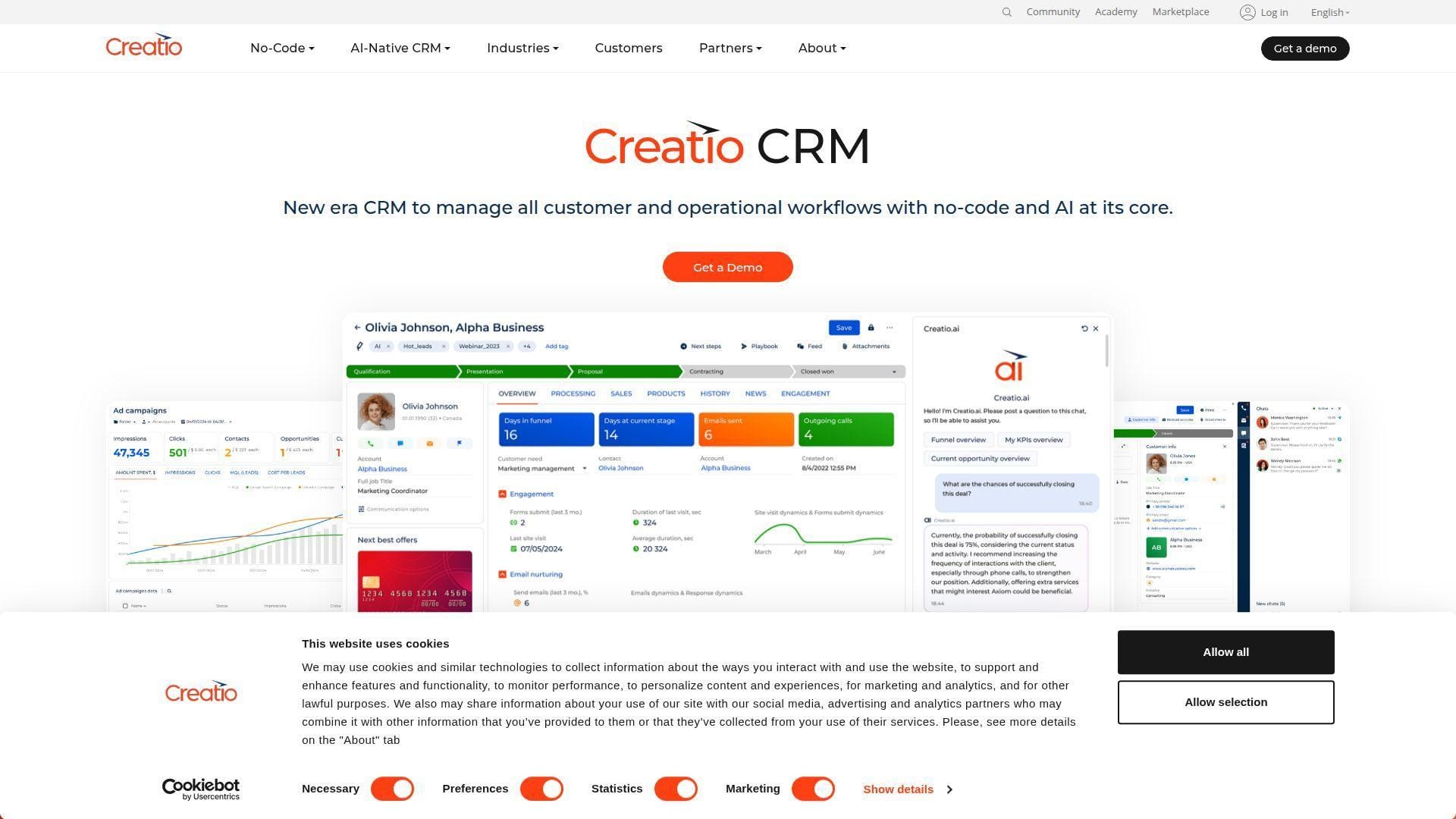
Creatio blends CRM with no-code process automation. Its team targets companies that need sales, marketing, service, and custom workflows without writing every business rule from scratch.
Best for: mid-market teams and process-heavy organizations that need CRM plus no-code automation.
- No-code process designer and CRM modules → teams model approvals, handoffs, and customer journeys visually.
- AI-native automation and marketplace components → shortens build time for repeatable operational workflows.
- Configurable UI and templates → first process value can appear in one to two weeks with a focused scope.
Pricing & limits: From $25/user/mo for Growth, often with a minimum user commitment. Trial or demo access is available. Storage, support, advanced governance, and unlimited workflow needs push teams upward.
Honest drawbacks: Creatio may be overkill for small teams with simple pipelines. Implementation design matters more than in lighter CRMs.
Verdict: If your CRM must automate operations, not just track deals, Creatio helps you digitize customer workflows in a structured rollout.
17. Microsoft Dynamics 365 Sales
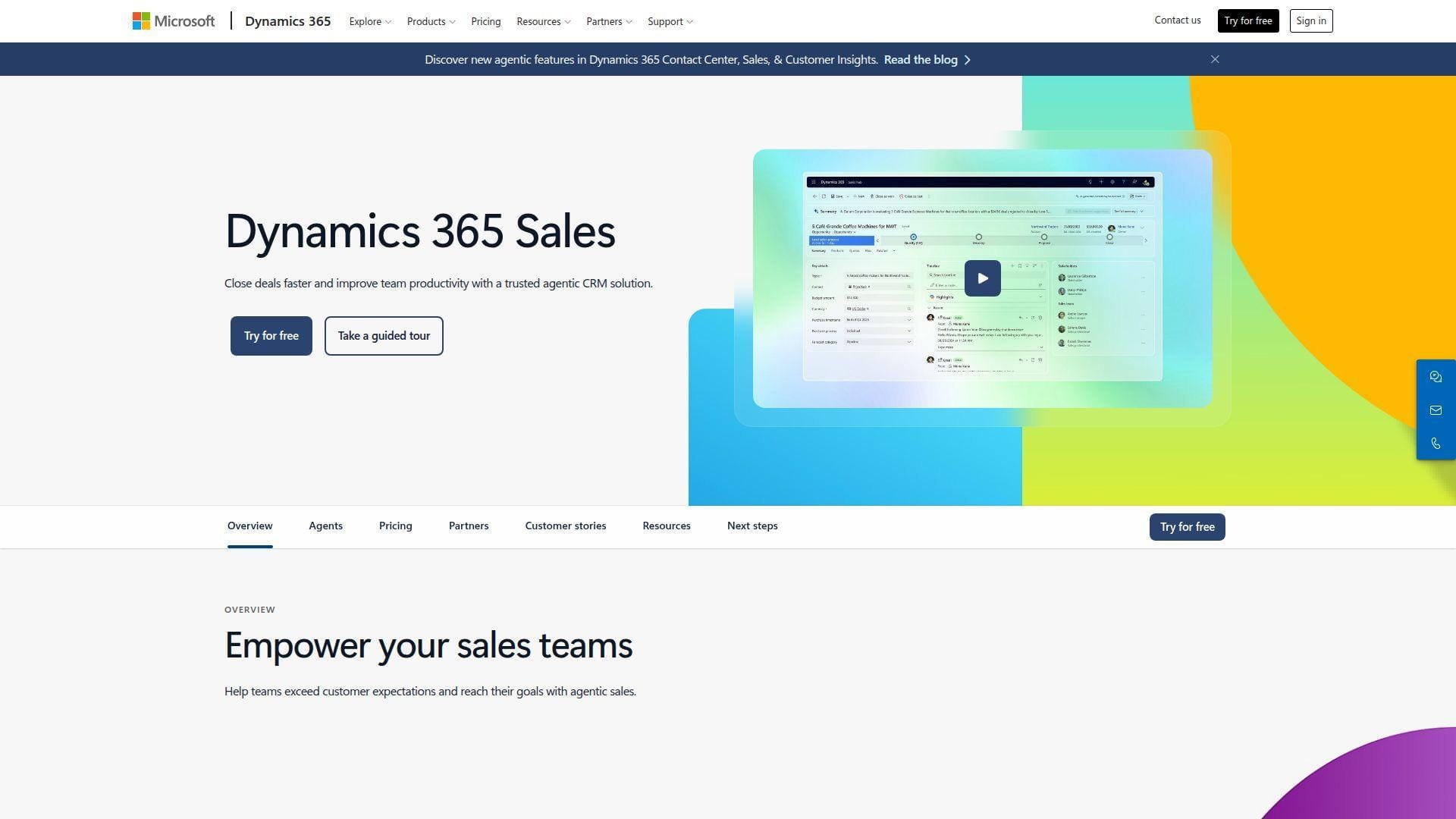
Microsoft Dynamics 365 Sales is the natural CRM choice for Microsoft-centered enterprises. Its team connects CRM to Outlook, Teams, Power BI, Power Automate, Copilot, and the broader business application stack.
Best for: Microsoft-first enterprises and regulated teams that want CRM inside an existing Microsoft identity and productivity environment.
- Sales records, Outlook, Teams, and Power BI → sellers work where meetings, email, and dashboards already live.
- Power Platform, Copilot, and Azure integration → saves custom engineering when workflows span Microsoft systems.
- Enterprise administration and partner ecosystem → first value can take days for simple teams or weeks for complex deployments.
Pricing & limits: From $65/user/mo for Sales Professional on annual billing, with a 30-day trial. Enterprise and Premium tiers add advanced sales tools, analytics, and Copilot capacity.
Honest drawbacks: Dynamics can feel heavy without Microsoft platform expertise. Some automation and customization require additional Power Platform licensing.
Verdict: If your company already runs on Microsoft, Dynamics 365 Sales helps you align CRM with identity, collaboration, and analytics in one ecosystem.
18. OnePageCRM
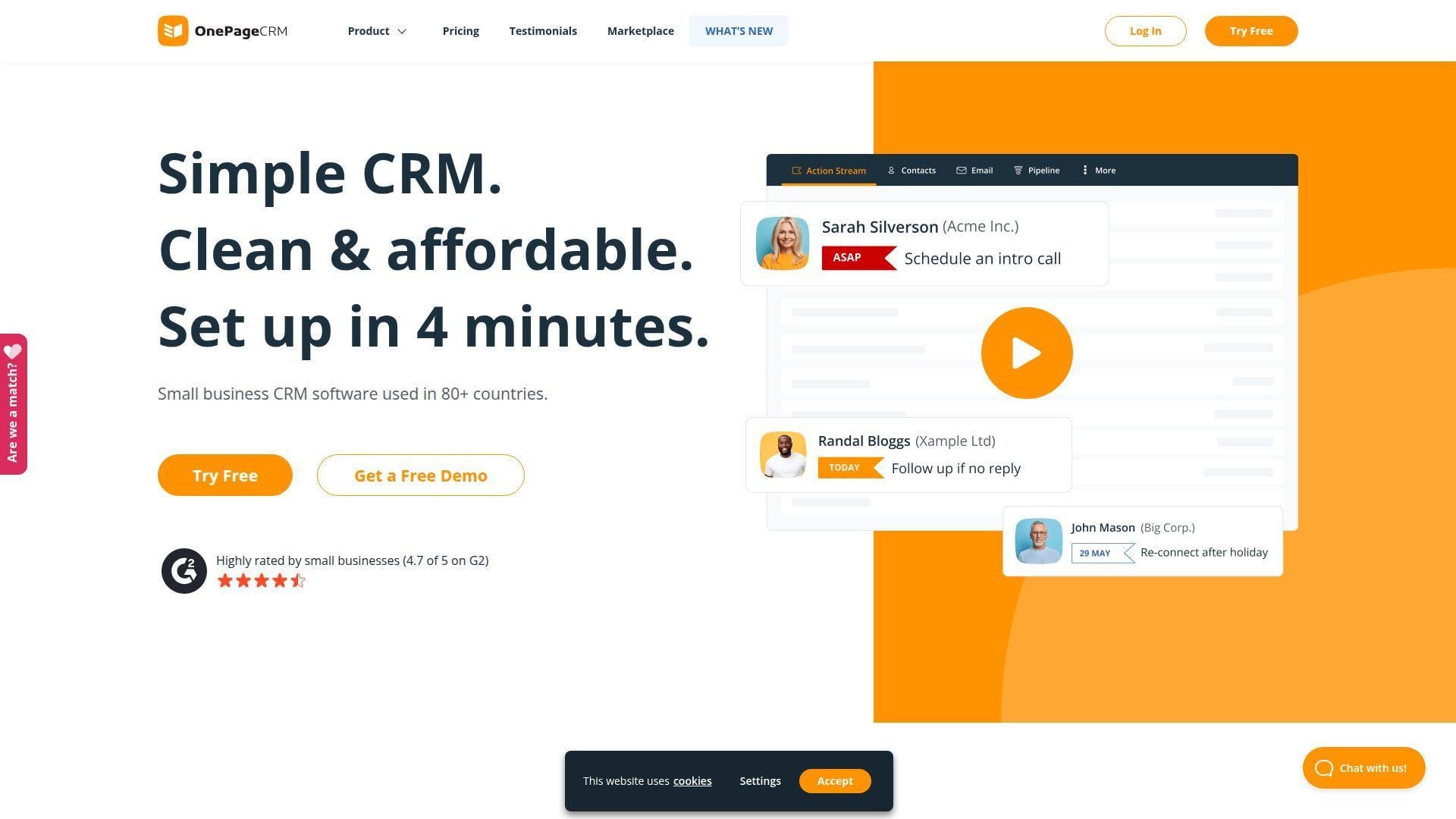
OnePageCRM is built around action, not database admiration. Its team designed the product for small businesses that need every contact to have a next step.
Best for: solo sellers and small B2B teams that want a simple follow-up discipline.
- Next Action selling workflow → reps always know who needs attention today.
- Email sync, templates, enrichment, and simple automation → cuts repetitive admin from small account lists.
- Minimal interface and guided habits → most users become productive in a few hours.
Pricing & limits: From $9.95/user/mo on annual billing, with a 21-day free trial. Plans include unlimited contacts, while email volume, restore windows, lead capture, and advanced project features vary by tier.
Honest drawbacks: OnePageCRM is intentionally simple. It trails larger platforms on deep reporting, enterprise permissions, and multi-team governance.
Verdict: If follow-up discipline is your bottleneck, OnePageCRM helps you turn a messy contact list into daily action almost immediately.
19. ChartMogul CRM
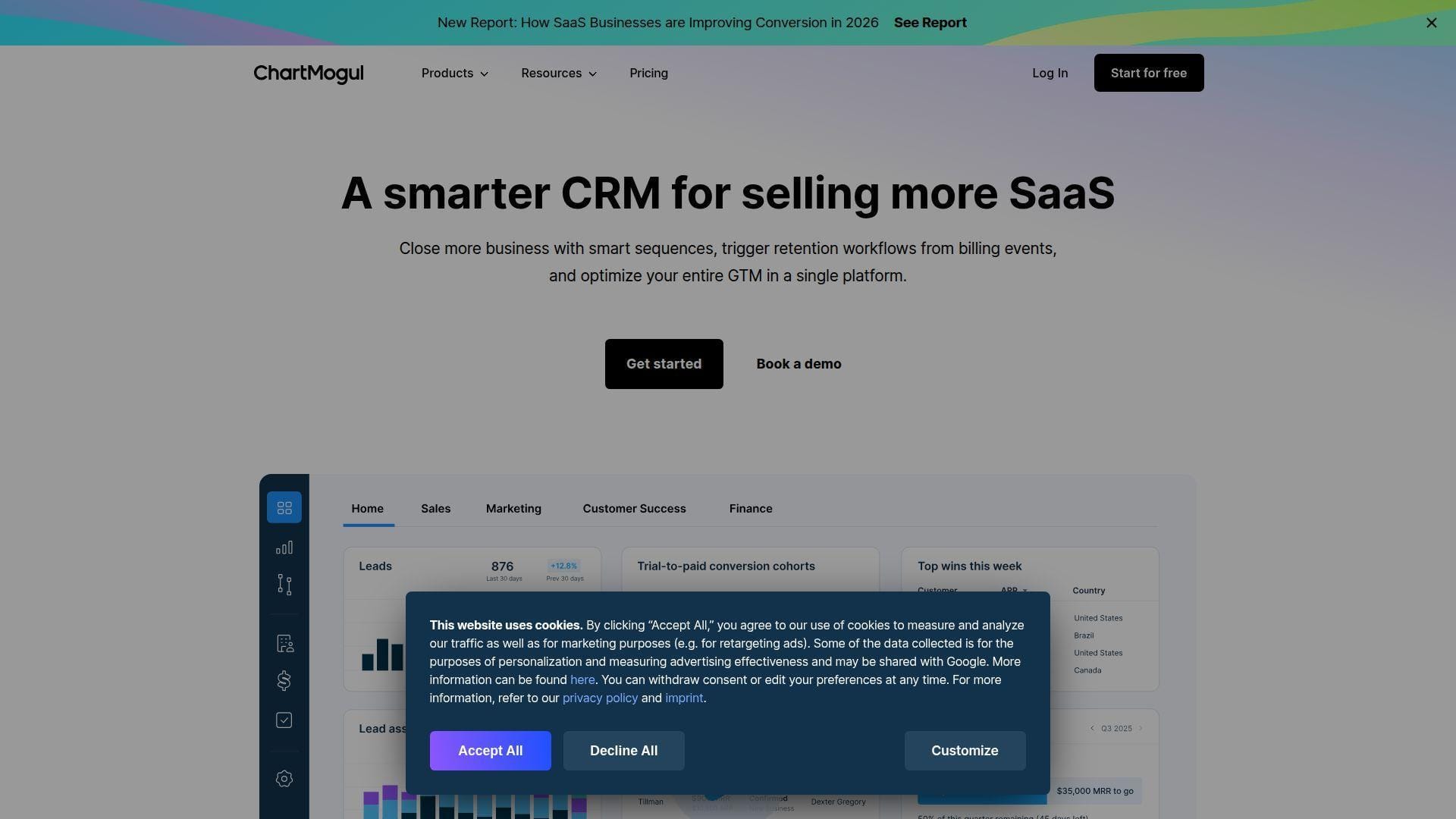
ChartMogul CRM is purpose-built for SaaS companies that care about subscription revenue signals. Its team comes from the metrics world, so the CRM starts with MRR, ARR, churn, expansion, and billing context.
Best for: PLG SaaS teams and customer success teams that need product, billing, and sales context together.
- Subscription metrics inside customer records → teams spot expansion, contraction, and churn risk earlier.
- Billing integrations and CRM sync → removes manual exports between revenue analytics and sales workflows.
- SaaS-specific setup path → teams with clean billing data can get useful revenue views in a few hours.
Pricing & limits: From $0/mo for early-stage SaaS usage, with paid Starter around $59/mo on annual billing. A 14-day trial is available. Starter limits team members and billing sources; higher tiers unlock more sources and warehouse workflows.
Honest drawbacks: It is not a general CRM for every industry. If you do not run subscription billing, its strongest features lose force.
Verdict: If your SaaS growth motion depends on revenue signals, ChartMogul CRM helps teams act on expansion and churn data within one reporting cycle.
20. Agile CRM
Agile CRM offers an all-in-one CRM, marketing, and service suite at a low entry price. Its team built for small companies that want a broad toolkit before buying premium software.
Best for: very small teams and budget-sensitive businesses that need basic sales, marketing, and support in one account.
- Contacts, deals, campaigns, and helpdesk → small teams avoid buying separate entry-level tools.
- Marketing automation, web forms, and integrations → saves manual lead capture and simple nurture steps.
- Free plan and simple modules → teams can test core workflows in a day.
Pricing & limits: From $0/mo for a small free plan; paid Starter begins around $8.99/user/mo. The free plan caps users, contacts, and workflow depth; higher plans raise contact limits and integration access.
Honest drawbacks: Agile CRM feels older than newer tools. Teams needing modern UX, deep AI, or enterprise-grade analytics may outgrow it quickly.
Verdict: If budget matters more than polish, Agile CRM helps you centralize basic sales and marketing workflows without waiting for procurement.
What Is SaaS CRM Software?
SaaS CRM software is customer relationship management delivered through the cloud. The vendor runs the application, patches the platform, hosts the database, and sells access through subscription plans. For buyers, the promise is simple: start faster, scale cleaner, and avoid owning every server under the CRM.
1. Cloud-Based CRM Delivered by Subscription
A cloud CRM runs in a vendor-managed environment and is accessed through a browser, mobile app, or API. The subscription usually covers hosting, updates, uptime operations, security patches, and support. That matters because CRM is no longer just a sales database. It is a live system fed by forms, emails, product events, support tickets, billing tools, and marketing automation. If the hosting layer is weak, every team downstream feels it.
2. SaaS CRM vs. On-Premises CRM
On-premises CRM gives a company direct infrastructure control, but it also creates responsibility for servers, upgrades, backups, monitoring, and security hardening. SaaS CRM shifts that burden to the vendor. The trade-off is configurability versus speed. On-premises systems may suit unusual regulatory or legacy needs. SaaS CRM suits teams that want rapid deployment, remote access, vendor updates, and predictable scaling. In our view, most growing businesses should only choose on-premises when they have a clear architectural reason.
3. General CRM vs. CRM Built for SaaS Companies
A general CRM tracks contacts, accounts, leads, opportunities, tasks, and activities. A CRM built for SaaS companies adds subscription context. It understands trials, activation, MRR, ARR, renewals, expansion, downgrades, and churn risk. That difference is not cosmetic. A SaaS account can be “won” and still be in danger if usage drops after onboarding. The best SaaS CRM software lets sales, customer success, and finance look at the same customer from different angles.
4. Customer Data, Sales Workflows, Marketing, and Support in One System
A CRM becomes valuable when it reduces the distance between signal and action. A demo request should create a lead. A high-value product event should trigger a sales task. A support escalation should warn the account owner before renewal. A pricing-page visit should change lead priority. The technical challenge is identity resolution: tying cookies, email addresses, account IDs, billing IDs, and support users into a durable customer profile. Without that layer, CRM becomes a polite graveyard for stale records.
Benefits of SaaS CRM Software for Startups and Growing Businesses
The benefit of SaaS CRM software is not merely “better organization.” It is faster learning. When every customer touchpoint flows into one system, teams can see which channels create pipeline, which deals stall, which accounts expand, and which customers quietly drift toward churn.
1. Faster Deployment and Lower Upfront Investment
Startups rarely have time for long CRM implementations. SaaS CRM lets a team import contacts, define stages, connect email, and launch basic dashboards quickly. That speed is strategic. Early sales teams need a feedback loop more than a perfect schema. We prefer starting with a lean pipeline, a small set of required fields, and one clean dashboard. Complexity should be earned by usage, not imagined in a kickoff meeting.
2. Automatic Updates, Maintenance, and Vendor Support
Vendors patch the application, improve features, and maintain the platform. That does not remove all responsibility from buyers. Teams still need permission design, data hygiene, backup thinking, and integration monitoring. Yet SaaS CRM removes a heavy operational burden. A small team can use enterprise-grade capabilities without staffing a full platform engineering group. For many founders, that is the difference between building revenue process and babysitting infrastructure.
3. Remote Access, Mobile Workflows, and Scalable Team Adoption
Sales work is distributed now. Reps update deals after calls, founders check pipeline from airports, and customer success managers review account notes before renewal meetings. SaaS CRM supports that rhythm through browser and mobile access. The adoption lesson is blunt: if a rep cannot update a deal quickly, the CRM will rot. Mobile workflows, email sync, calendar capture, and low-friction task views are not nice-to-have features. They protect data quality.
4. Data Visibility Across Marketing, Sales, Support, and Customer Success
Modern buyers do not move through one neat channel. McKinsey’s B2B research found buyers use an average of ten ways to interact across the journey, which explains why CRM data must connect web, email, phone, chat, product, and support signals.
When visibility improves, handoffs stop feeling like archaeology. Marketing sees which campaigns create qualified opportunities. Sales sees which leads have product intent. Support sees account history. Customer success sees expansion potential. The business gains a shared memory.
5. Faster ROI Through Automation, Integrations, and Reduced IT Dependency
Good CRM automation removes predictable work. It routes leads, creates tasks, sends reminders, flags stale deals, updates lifecycle stages, and triggers renewal workflows. Integrations multiply that value. Billing data can update account health. Support data can warn sales. Product data can surface expansion. The technical key is not automation volume. It is automation accuracy. A bad workflow at scale is just a faster mistake.
Essential SaaS CRM Features to Compare
Feature lists can be misleading. Every CRM claims contact management, reporting, and integrations. The real comparison is how each feature behaves under messy, human conditions: duplicate contacts, rushed reps, partial data, weird sales motions, and changing pricing models.
1. Contact and Account Management
Contact management should do more than store names. It should connect people to accounts, roles, buying committees, products, subscriptions, tickets, and past activity. For SaaS companies, account hierarchy matters. One customer may include a workspace owner, billing admin, technical champion, renewal signer, and daily users. If the CRM flattens that structure, reps lose the map.
2. Lead Management, Routing, and Scoring
Lead routing determines how quickly the right person responds. Scoring determines which leads deserve attention first. The best systems combine fit data and intent data. A perfect-fit company with no activity should not outrank an active trial user from a slightly smaller account. We like routing rules that are transparent enough for sales managers to audit. Black-box scoring can impress in demos and confuse teams in production.
3. Visual Pipeline Management and Deal Forecasting
A visual pipeline helps reps work. Forecasting helps leaders plan. The CRM should support both without turning every deal update into a tax form. Good pipeline design includes clear stages, exit criteria, next steps, close dates, probability logic, and aging alerts. For SaaS teams, separate motions may need separate pipelines: new business, expansion, renewal, partner deals, and enterprise procurement.
4. Email Integration, Tracking, and Sales Sequences
Email integration is where CRM adoption often wins or dies. Reps live in inboxes, so messages, replies, meetings, and attachments should sync automatically. Sales sequences add structure to outbound and follow-up. The danger is careless automation. A sequence should feel like a helpful cadence, not a robot knocking on the wrong door. Deliverability, opt-out handling, and domain reputation belong in the conversation.
5. Reporting, Analytics, and SaaS Metrics
CRM reporting should answer operating questions. Which source creates qualified pipeline? Which stage leaks deals? Which segment expands fastest? Which accounts renew late? Generic dashboards are rarely enough for SaaS. Teams need cohort views, conversion by lifecycle stage, sales cycle by plan, expansion by customer profile, and churn signals from product usage. When reporting requires exports every Friday, the system has already failed.
6. Subscription Lifecycle, Renewals, Expansion, and Churn Tracking
SaaS revenue continues after the first sale. The CRM must understand renewal dates, contract terms, plan changes, seat growth, usage declines, expansion opportunities, and cancellation signals. This is where many general CRMs need customization. A simple “closed won” stage is not enough. The better pattern is lifecycle orchestration: acquire, activate, onboard, adopt, renew, expand, and recover.
7. Integrations With Billing, Support, Marketing, and Product Data
Integrations determine whether the CRM is a system of truth or a decorative dashboard. Billing tools provide revenue truth. Support tools provide relationship risk. Marketing tools provide engagement. Product analytics provides usage intent. The architecture must handle API limits, retries, duplicate prevention, ownership rules, and field mapping. We always ask: if the sync breaks at midnight, who knows, and what happens to the data?
8. Security, Permissions, Encryption, and Compliance Controls
CRM data includes customer names, emails, contracts, notes, call recordings, and sometimes sensitive commercial terms. The downside is not theoretical; IBM put the global average breach cost at $4.44 million in 2025, so CRM security is a revenue issue.
Buyers should compare SSO, MFA, role-based access, field-level permissions, audit logs, encryption, backup options, data residency, deletion controls, and vendor compliance posture. Security should be designed before the first import, not after the first scare.
AI Features That Matter in SaaS CRM Software
AI inside CRM can be useful, but only when it is attached to trustworthy data and clear workflows. We are skeptical of magic-button claims. We are optimistic about AI that removes admin, highlights risk, summarizes conversations, and recommends the next practical action.
1. Predictive Lead Scoring and Prioritization
Predictive scoring helps teams focus on leads most likely to convert. The model should combine firmographics, engagement, product behavior, source quality, and historical conversion patterns. The research pressure is obvious: 71 percent of consumers expect personalized interactions, so AI scoring without clean consent and lifecycle data is just theater.
2. Automated Data Capture, Enrichment, and Activity Logging
This is the AI feature we trust most. Reps hate manual data entry, and managers hate missing activity data. Automated capture can log emails, meetings, calls, notes, and company details with less friction. Enrichment can add industry, size, location, technology stack, and role context. The best systems let admins review, approve, and override AI updates. Blind enrichment can poison a database quickly.
3. Conversation Intelligence and Coaching Insights
Conversation intelligence turns calls and meetings into transcripts, summaries, objections, competitor mentions, next steps, and coaching moments. For managers, that means less shadowing and more targeted feedback. For reps, it means fewer forgotten commitments. The privacy angle matters. Call recording laws, consent language, retention periods, and access controls should be reviewed before rollout.
4. Next Best Action Recommendations for Sales Teams
Next best action is useful when it is specific. “Follow up” is not enough. “Send security checklist to the CTO after the compliance question” is useful. The CRM must connect context, deal stage, persona, and timing. We like recommendations that create draft tasks or emails, then let humans approve them. Human judgment still matters, especially in enterprise deals with politics and nuance.
5. Forecasting, Revenue Insights, and Churn Risk Signals
AI forecasting can detect deal slippage, risky close dates, weak activity, and unusual pipeline changes. For SaaS companies, churn signals may matter more than new deal signals. A drop in logins, unresolved support issues, failed payments, or reduced seat usage can warn the team before cancellation. The strongest systems combine CRM data with product and billing data. AI cannot forecast what it cannot see.
How to Choose the Right SaaS CRM Software
Choosing SaaS CRM software is less about finding the “best” tool and more about finding the best fit for your sales motion, technical stack, adoption culture, and growth stage. A beautiful CRM that nobody updates is expensive furniture.
1. Match the CRM to Your Growth Stage and Sales Motion
Founder-led sales needs speed, notes, simple follow-up, and clean learning. SMB sales needs pipeline management, email sync, task discipline, and basic reporting. Mid-market SaaS needs routing, playbooks, renewals, integrations, and forecasting. Enterprise teams need permissions, territories, audit trails, multi-product pipelines, and governance. Choose for the motion you are entering, not the company you hope to become someday.
2. Define Must-Have SaaS Workflows Before Comparing Vendors
Write your workflows before booking demos. A SaaS buyer should map demo requests, free trials, product-qualified leads, upgrade motions, onboarding, renewal alerts, payment failure follow-up, and churn rescue. Then test whether the CRM supports those workflows natively, through automation, or through integration. Vendor demos become sharper when you ask them to run your process, not theirs.
3. Map Required Integrations Before Shortlisting Platforms
Your CRM rarely lives alone. It must speak to your website, email, calendar, billing platform, support desk, marketing automation, analytics, data warehouse, and collaboration tools. Map system ownership and direction of sync. Decide which platform wins when fields conflict. Define how records are matched. Integration design is where many CRM projects quietly succeed or quietly bleed.
4. Test User Experience With Real Sales Representatives
Let real reps test the CRM with real tasks. Ask them to add a lead, log a call, update a deal, send an email, create a task, and find account history. Watch the clicks. Listen for sighs. A CRM that delights executives in a demo may frustrate sellers on a Monday morning. Adoption is not a training problem alone. It is also a product-fit problem.
5. Compare Total Cost, Add-Ons, Implementation, Training, and ROI
The first listed price is rarely the full cost. Count seats, core users, paid users, marketing contacts, AI credits, calling, SMS, data enrichment, premium support, onboarding, sandbox environments, implementation partners, and migration work. Then compare cost against measurable outcomes: faster response, higher conversion, shorter cycles, better renewal visibility, and lower admin time. Cheap software that creates manual work is not cheap.
6. Validate Personalization, Scalability, and Administration Needs
Every team asks for customization. Fewer teams plan for administration. Custom fields, objects, workflows, permissions, and integrations need owners. Before choosing a platform, decide who can create fields, who approves automation, who audits duplicates, and who maintains dashboards. Scalability is not just database capacity. It is the ability to change without breaking trust.
Common SaaS CRM Challenges and Buyer Red Flags
CRM failure usually looks ordinary at first. Reps skip fields. Managers export spreadsheets. Marketing distrusts attribution. Support cannot see renewals. Finance argues about numbers. These are not small annoyances. They are symptoms of a system that never became operational truth.
1. Complex Setup That Hurts Adoption
Complex setup often begins with good intentions. Teams add every field, every stage, every automation, and every edge case before launch. The result is a CRM nobody wants to touch. Start with the core sales motion. Add structure when the team proves it needs structure. A light CRM that is used daily beats a perfect one ignored by everyone.
2. Non-Intuitive User Interfaces and Over-Customized Workflows
Bad UX creates shadow systems. Reps keep notes in documents, managers build private spreadsheets, and customer success invents parallel trackers. Over-customization can make even a strong CRM feel like a maze. Every required field should earn its place. Every workflow should have a clear owner and business outcome. If nobody can explain why a field exists, archive it.
3. Incomplete, Duplicate, or Disconnected Customer Data
Duplicates are not just ugly. They split history, confuse ownership, and break automation. Disconnected data is worse. A sales team may think an account is healthy while support sees daily escalations. Fix this with identity rules, deduplication routines, field governance, and system-of-record decisions. The CRM should not accept every integration update as truth without logic.
4. Manual Data Entry and Weak Workflow Automation
Manual data entry steals attention from selling. It also creates uneven data because busy people update systems inconsistently. Email sync, calendar capture, call logging, form routing, and workflow automation should remove basic admin. That said, automation should be observable. Teams need logs, error alerts, and rollback plans. Silent automation failures are more dangerous than visible manual work.
5. One-Way Integrations and Fragile Data Syncs
One-way syncs can be useful, but they often create false confidence. If billing updates do not flow back to CRM, account teams miss renewal context. If CRM lifecycle changes do not update marketing, contacts receive the wrong nurture. Fragile syncs usually fail around rate limits, changed fields, bad IDs, and duplicate records. Treat integrations as products, not plumbing.
6. Hidden Pricing, Seat Costs, Add-Ons, and Consultant Dependency
A CRM can become expensive through small doors. Read-only seats, automation credits, AI add-ons, onboarding fees, SMS, calling, storage, premium support, and partner implementation all change the bill. Consultant dependency is another red flag. Expert help is valuable, but your team should still understand the operating model. If every small change requires a ticket to an outside specialist, agility disappears.
SaaS CRM Software Use Cases by Business Stage
A startup and an enterprise may both say “CRM,” but they rarely mean the same thing. The correct CRM use case changes with stage, sales motion, buyer complexity, and customer lifecycle maturity.
1. Founder-Led Sales and Early Customer Discovery
At this stage, the CRM should capture learning. Founders need to track who they spoke with, what pain surfaced, what objections repeated, and which messages created urgency. Keep fields minimal. Track source, segment, problem, stage, next action, and notes. A founder-led CRM should make conversations easier to remember, not create a bureaucratic monument to uncertainty.
2. Sales-Led SaaS Startups Focused on Pipeline Velocity
Sales-led startups need speed-to-lead, clean ownership, activity tracking, sequences, and stage conversion visibility. The CRM should show whether leads are contacted quickly and whether deals move. Managers need coaching signals without burying reps in process. At this stage, Pipedrive, Close, Freshsales, Salesmate, and HubSpot often fit well because they help reps act quickly.
3. PLG Teams Combining Product Usage Signals With Sales Data
Product-led growth changes the CRM problem. The best leads may already be using the product. Sales needs usage data, activation thresholds, workspace growth, invite patterns, feature adoption, and billing context. Product-qualified lead workflows depend on event quality. If product analytics and CRM identities do not match, the motion breaks. This is where ChartMogul, Attio, HubSpot, and data warehouse workflows become valuable.
4. Marketing-Led SaaS Companies Requiring Lifecycle Nurture
Marketing-led SaaS teams need segmentation, lead scoring, campaign attribution, form routing, nurture journeys, and handoff rules. The CRM must connect content engagement to sales readiness. ActiveCampaign and HubSpot are strong examples here. The operational question is consent. Lifecycle nurture should honor subscription preferences, region, lifecycle stage, and sales ownership. Personalization without governance becomes spam.
5. Cross-Functional Teams Managing Sales, Onboarding, and Account Management
As teams grow, the CRM must support handoffs. Sales closes the deal. Onboarding implements the customer. Support handles issues. Customer success drives adoption. Account management expands the relationship. A cross-functional CRM should show who owns the next milestone, what risks exist, and what revenue is at stake. Insightly, Monday CRM, ClickUp, and Creatio can help when work crosses departmental boundaries.
6. Enterprise RevOps Teams With Multi-Product and Multi-Stage Pipelines
Enterprise RevOps needs territory management, forecasting, product lines, approval flows, partner motions, CPQ, security, auditability, and data governance. Salesforce and Dynamics 365 Sales dominate many conversations here for good reason. The trade-off is implementation weight. Enterprise CRM should be designed like infrastructure: documented, monitored, governed, and improved through controlled change.
SaaS CRM Software Implementation Checklist
Implementation is where CRM promises meet reality. We prefer phased rollouts, clean data, limited first workflows, and fast feedback loops. A CRM launch should feel like putting rails under revenue, not pouring concrete over confusion.
1. Audit, Clean, Deduplicate, and Map Existing Customer Data
Start with data inventory. Identify contacts, accounts, deals, notes, owners, lifecycle stages, subscriptions, tickets, and consent fields. Remove obvious junk. Merge duplicates. Map required fields. Decide how old data will be archived or imported. Do not migrate every historical mistake into the new CRM. A clean start is one of the few gifts an implementation gives you.
2. Configure Pipelines, Fields, Workflows, Dashboards, and User Permissions
Configure the minimum viable operating model. Define stages with exit criteria. Create required fields only where they protect decisions. Build dashboards for reps, managers, executives, and customer success. Set permissions by role. Avoid giving every user broad admin power. The goal is clarity. A CRM should make the next action obvious and the business state visible.
3. Connect Billing, Marketing, Support, Collaboration, and Product Analytics Tools
Integrations should be designed with ownership and failure handling. Define which system owns each field. Use stable IDs where possible. Plan retries, sync logs, and duplicate handling. Connect billing for subscription truth, marketing for source and engagement, support for customer risk, collaboration for alerts, and product analytics for usage signals. The CRM is only as smart as the signals it receives.
4. Run a Pilot With Sales, Marketing, Support, and Customer Success Users
A pilot reveals friction before it spreads. Include users from every team that touches the customer. Ask them to run real work: create a lead, qualify it, convert it, close it, onboard it, support it, and flag renewal risk. Watch where data disappears. Fix workflows before full rollout. Pilots should be short, concrete, and opinionated.
5. Train Teams, Monitor Adoption, and Refine Workflows After Launch
Training should be role-based. Reps need daily workflows. Managers need coaching and forecasting. Marketing needs lifecycle and source rules. Support needs account context. Customer success needs renewal and health workflows. After launch, monitor logins, activity capture, field completion, stale deals, duplicate creation, and dashboard usage. Adoption is a living metric, not a launch-day checkbox.
6. Test Security, Performance, Reporting, and Data Quality Before Full Rollout
Before rollout, test access controls, SSO, MFA, exports, audit logs, API syncs, backup procedures, dashboard accuracy, and mobile access. Run sample reports and compare them against known numbers. Test performance with realistic data volumes. Confirm what happens when users leave the company. A CRM full of customer data deserves the same operational seriousness as production infrastructure.
Frequently Asked Questions About SaaS CRM Software
These are the questions we hear from founders, RevOps leaders, marketers, and technical teams. The short answer is usually “it depends.” The useful answer explains what it depends on.
1. How Does CRM SaaS Software Work?
CRM SaaS software runs on vendor-managed cloud infrastructure. Users access it through a browser, mobile app, and connected tools. The CRM stores customer records, tracks interactions, manages workflows, and integrates with email, billing, marketing, support, and analytics systems. The vendor handles application hosting and updates. Your team configures process, permissions, data, and adoption habits.
2. When Is CRM Delivered as SaaS?
CRM is delivered as SaaS when the vendor hosts the application and customers subscribe to access it. The buyer does not install the full system on company-owned servers. Most modern CRM tools use this model because it supports fast deployment, remote access, automatic updates, and scalable integrations. Buyers still need to govern data and security, even when infrastructure is vendor-managed.
3. Which Four CRM System Types Should Buyers Know?
Buyers should understand operational, analytical, collaborative, and strategic CRM. Operational CRM manages daily sales, marketing, and service workflows. Analytical CRM turns customer data into insights. Collaborative CRM improves cross-team and cross-channel visibility. Strategic CRM supports long-term customer value, retention, and expansion. Good SaaS CRM software often blends all four, but each vendor has a natural strength.
4. Which SaaS CRM Software Is Best for Different Teams?
Founder-led teams often like HubSpot, Pipedrive, OnePageCRM, or Attio. Calling-heavy teams should test Close and Salesmate. Marketing-led teams should compare HubSpot and ActiveCampaign. Google-first teams should consider Copper or Streak. Enterprise teams should evaluate Salesforce and Dynamics 365 Sales. PLG SaaS teams should look at ChartMogul CRM when subscription data matters deeply.
5. How Does SaaS CRM Software Differ From Traditional CRM Software?
SaaS CRM is cloud-hosted, subscription-based, and updated by the vendor. Traditional CRM may be installed on company-controlled infrastructure and require internal maintenance. SaaS CRM usually wins on speed, remote access, integrations, and lower upfront infrastructure effort. Traditional CRM may win when a company has unusual control, customization, or regulatory requirements. The gap has narrowed, but SaaS dominates most modern buying conversations.
6. What Features Should a SaaS CRM Include?
A SaaS CRM should include contact and account management, pipeline tracking, lead routing, activity capture, email and calendar sync, task management, automation, reporting, permissions, integrations, and mobile access. SaaS companies should also look for lifecycle stages, renewal workflows, expansion tracking, product usage signals, billing integrations, and churn risk views. The best feature is the one your team will actually use.
7. How Much Does SaaS CRM Software Usually Cost?
Entry pricing can start free or below ten dollars per user each month, while mid-market and enterprise platforms can move far higher. The true cost depends on seats, feature tiers, contacts, AI usage, calling, SMS, storage, support, onboarding, implementation, and integrations. We recommend calculating a full-year operating cost, not just the first monthly line item.
8. When Should a SaaS Company Switch CRMs?
Switch when the current CRM blocks growth, hides key data, creates heavy manual work, or cannot support your sales motion. Common triggers include product-led growth, enterprise sales, renewal complexity, poor reporting, duplicate data, weak integrations, and rising costs without rising value. Do not switch because a new tool looks exciting. Switch when the old operating model is clearly breaking.
9. How Can Teams Migrate to a SaaS CRM Safely?
Start with a migration plan. Audit fields, deduplicate records, map owners, export backups, define required data, and test imports in a sandbox or trial workspace. Move a representative sample first. Validate reports before full migration. Keep the old system accessible during transition. Train users before cutover. After launch, monitor duplicates, missing fields, sync errors, and adoption closely.
How 1Byte Supports SaaS CRM Software Teams With Cloud, Hosting, and AWS Expertise
At 1Byte, we do not see CRM as a standalone purchase. We see it as part of the revenue infrastructure stack. The CRM connects to websites, landing pages, APIs, billing systems, customer portals, analytics tools, and cloud servers. If those foundations are fragile, even the best CRM will inherit the mess.
1. Domain Registration and SSL Certificates for Secure SaaS CRM Web Properties
CRM workflows often begin before a lead enters the CRM. They begin at the domain, landing page, form, subdomain, tracking script, and SSL certificate. We help teams manage domain registration, DNS, and SSL so CRM-connected web properties stay trustworthy. Secure forms, verified domains, and clean certificate management protect conversion paths. They also support email authentication, brand trust, and safer customer data capture.
2. WordPress Hosting, Shared Hosting, and Cloud Hosting for CRM Content Hubs
Many CRM leads come from content hubs, comparison pages, documentation, webinars, and landing pages. We support WordPress hosting, shared hosting, and cloud hosting for teams that need stable, fast, CRM-connected web experiences. Performance matters here. Slow pages reduce form fills. Weak hosting breaks campaign attribution. Poor staging workflows make marketers afraid to publish. A good CRM deserves a reliable front door.







3. Cloud Servers and AWS Partner Guidance for Scalable SaaS CRM Infrastructure
SaaS CRM teams often need infrastructure beyond the CRM itself: API middleware, webhook processors, data sync jobs, customer portals, analytics pipelines, staging environments, and backup services. We help teams think through cloud servers, AWS architecture, monitoring, security groups, scaling patterns, storage, and integration resilience. The unglamorous work matters. A webhook retry queue can save a sales workflow. A properly designed backup plan can save a quarter.
If your team is choosing SaaS CRM software for 2026, our suggestion is simple: pick the CRM that matches your motion, then make sure the cloud, hosting, DNS, security, and integration layer can carry it. Which part of your revenue infrastructure is most likely to break when the next growth wave arrives?