

- Quick Comparison of Free Website Hosting
- Top 20 Free Website Hosting Providers
- What Free Website Hosting Typically Includes
- Types of Free Website Hosting Options
- How to Choose the Best Free Website Hosting Provider
- Must-Have Features in Free Website Hosting Plans
- Common Limitations and Trade-Offs of Free Website Hosting
- Best Use Cases for Free Website Hosting
- Free Website Hosting for WordPress and CMS Websites
- Free Static Website Hosting and Deployment Workflows
- When to Upgrade From Free Website Hosting
- Free Website Hosting SEO and Branding Checklist
- Frequently Asked Questions About Free Website Hosting
- 1Byte Website Hosting and Cloud Services
Free website hosting in 2026 is no longer a toy category. We see students, founders, nonprofits, and small teams using it to test ideas before they commit real budget. The market backdrop is huge: Gartner expects worldwide IT spending to reach $6.31 trillion in 2026, and even “free” hosting now sits inside a much larger cloud, security, and automation story.
Security is part of that story. Cloudflare reported a 31.4 Tbps attack, which reminds us why uptime, DDoS mitigation, DNS quality, and SSL automation matter even for a simple landing page. A free site can still become a public business asset overnight.
As 1Byte, we like free website hosting when it lowers the barrier to learning. We are more cautious when “free” hides branding, migration friction, weak support, or unclear resource limits. The best choice is not always the plan with the biggest promise. It is the one that fits your site’s purpose, risk level, and next move.
Quick Comparison of Free Website Hosting
Here is our fast, no-nonsense comparison of the first ten providers in the toplist. We kept each cell brief so beginners can scan the trade-offs before reading the deeper notes.
| Company/Service | Best for | From price | Trial/Free | Key limits |
|---|---|---|---|---|
| Wix | Visual beginners | Free | Free plan | Branding, subdomain |
| InfinityFree | PHP learning | Free | Free forever | Resource rules |
| 1Byte | Guided business hosting | Promo varies | Trial/promos vary | Not forever-free |
| HubSpot | CRM-led sites | Free | Free CMS tools | Platform branding |
| Weebly | Simple stores | Free | Free plan | Square branding |
| AwardSpace | Ad-free PHP hosting | Free | Free forever | Traffic caps |
| Static.app | Drag-and-drop static sites | Free | Free plan | Small storage |
| Wasmer | Edge web apps | Free | Hobby plan | Usage caps |
| GitHub Pages | Developer portfolios | Free | Free hosting | Static only |
| GitLab Pages | GitLab CI sites | Free | Free tier | CI quota dependent |
Top 20 Free Website Hosting Providers
We grouped these providers by how people actually use free website hosting: no-code builders, PHP shared hosting, static deployment, edge platforms, and cloud free tiers. Some are true forever-free hosts. Others are better understood as free entry points into paid cloud ecosystems.
1. Wix
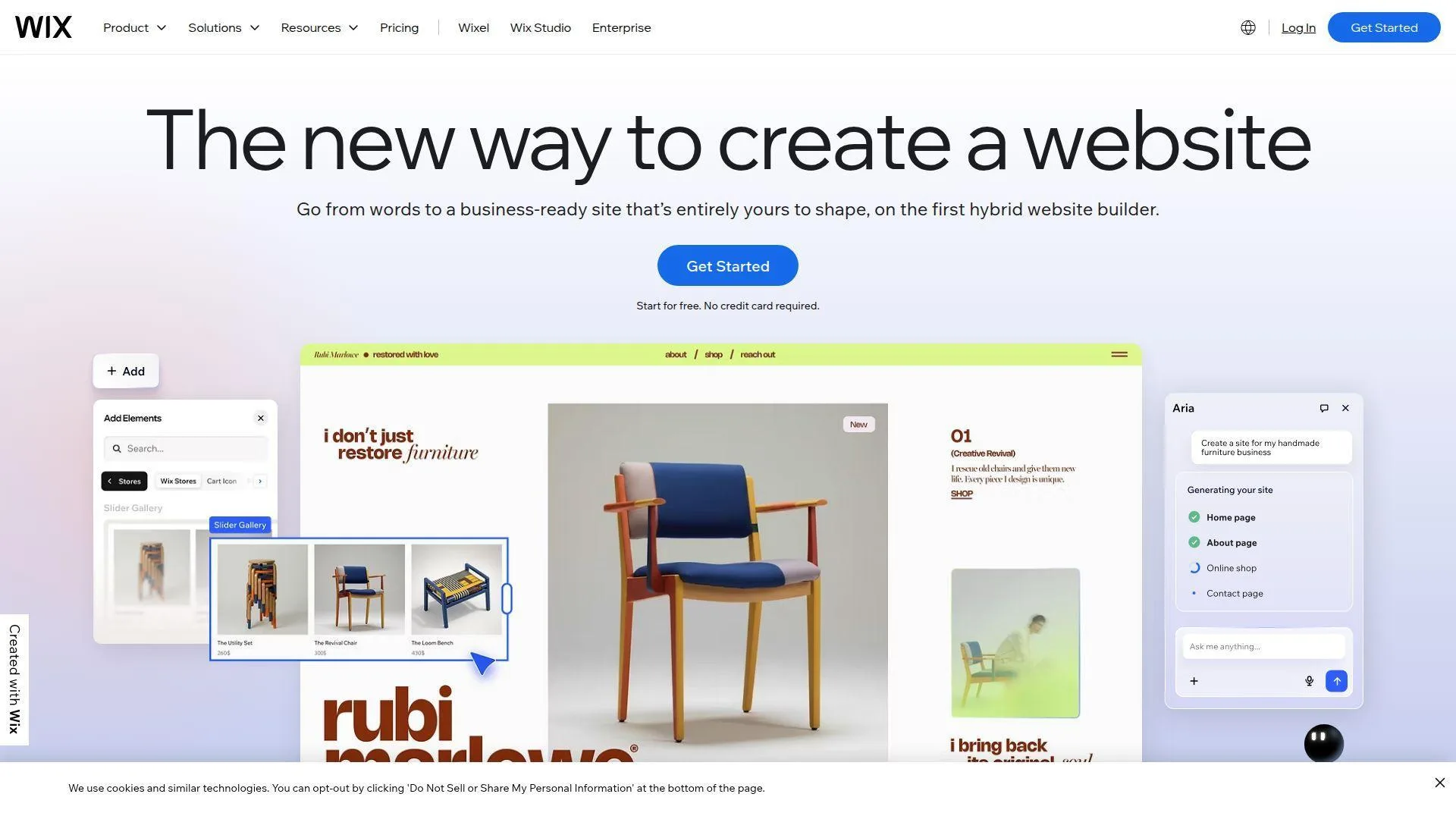
Overview: Wix is a large website-builder and commerce platform with thousands of employees, about two decades in operation, and headquarters in Tel Aviv, Israel. It focuses on visual website creation, small-business sites, portfolios, service booking, and online stores.
Services & proof: Wix provides a hosted drag-and-drop builder, templates, AI-assisted site creation, blogging, forms, basic SEO controls, and app-marketplace extensions. Its free plan is mainly a builder trial and publishing sandbox, not a fully branded professional hosting setup.
Ideal Fit: Wix fits beginners who want a site online fast without touching DNS, FTP, PHP, or Git. We like it for portfolios, event pages, and early business drafts where ease matters more than infrastructure control.
2. InfinityFree
Overview: InfinityFree is an independent free hosting initiative focused on PHP and MySQL websites. It has operated for more than a decade and serves users who need traditional shared hosting without an upfront bill.
Services & proof: InfinityFree offers PHP, MySQL, free subdomains, bring-your-own-domain support, SSL, FTP, file management, and one-click app installation. It is closer to old-school shared hosting than to a modern static deployment platform.
Ideal Fit: InfinityFree fits students, hobbyists, and WordPress learners who need real server-side behavior. We would not choose it for high-traffic campaigns, but it is useful for learning how classic web hosting works.
3. 1Byte
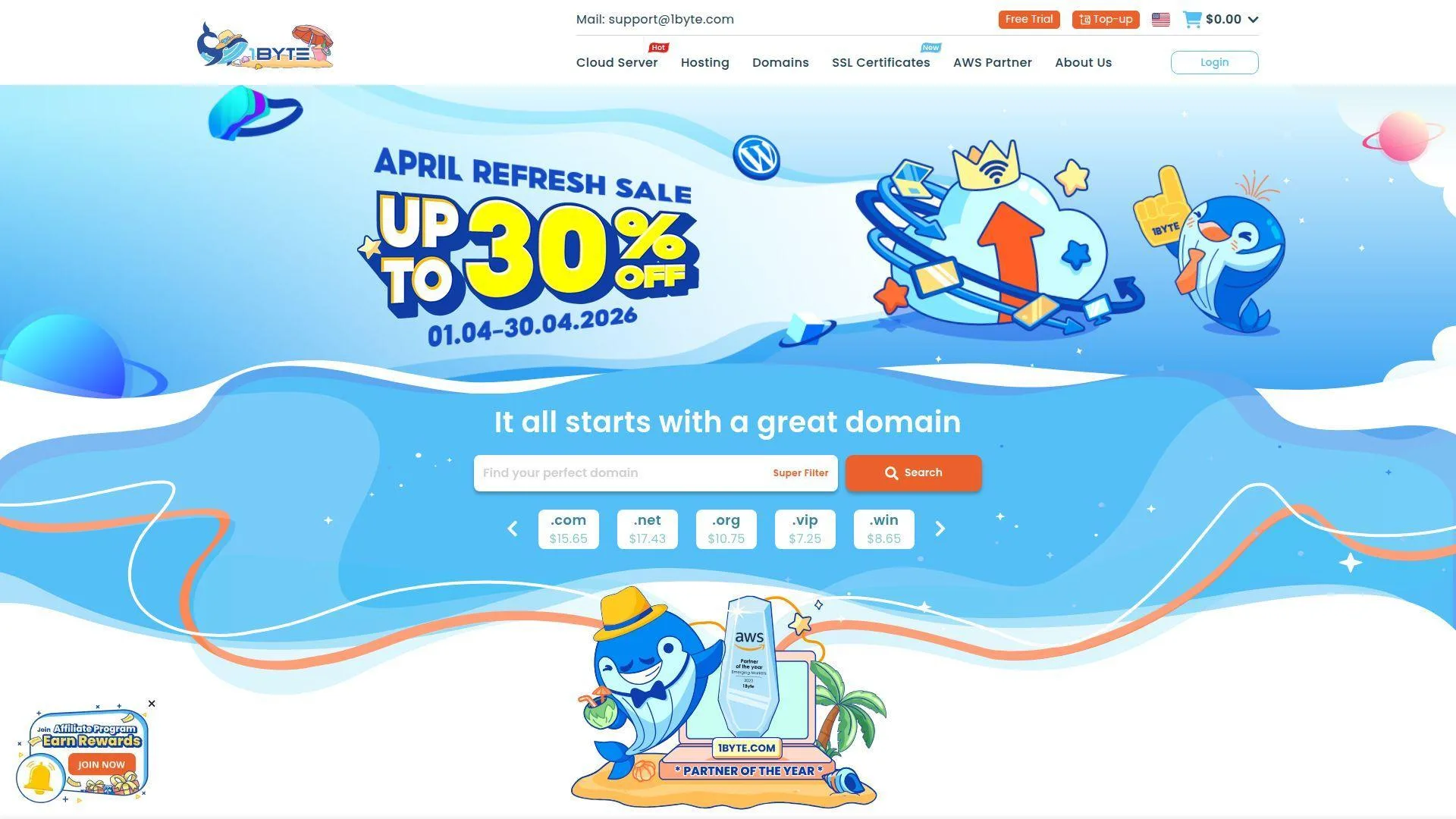
Overview: We are 1Byte, a cloud computing and web hosting provider based in Phnom Penh, Cambodia, with regional operations across Southeast Asia. Our focus is business hosting, domain services, SSL, cloud servers, WordPress hosting, and cloud consulting.
Services & proof: We provide domain registration, DNS management, SSL certificates, shared hosting, WordPress hosting, cloud hosting, cloud servers, and AWS-aligned cloud services. We see free hosting as a useful starting point, but not as the final home for most business-critical websites.
Ideal Fit: 1Byte fits small and midsize businesses that want a guided path from experimentation to stable production hosting. We are best for buyers who need human help, regional context, cloud planning, and a cleaner upgrade path.
4. HubSpot
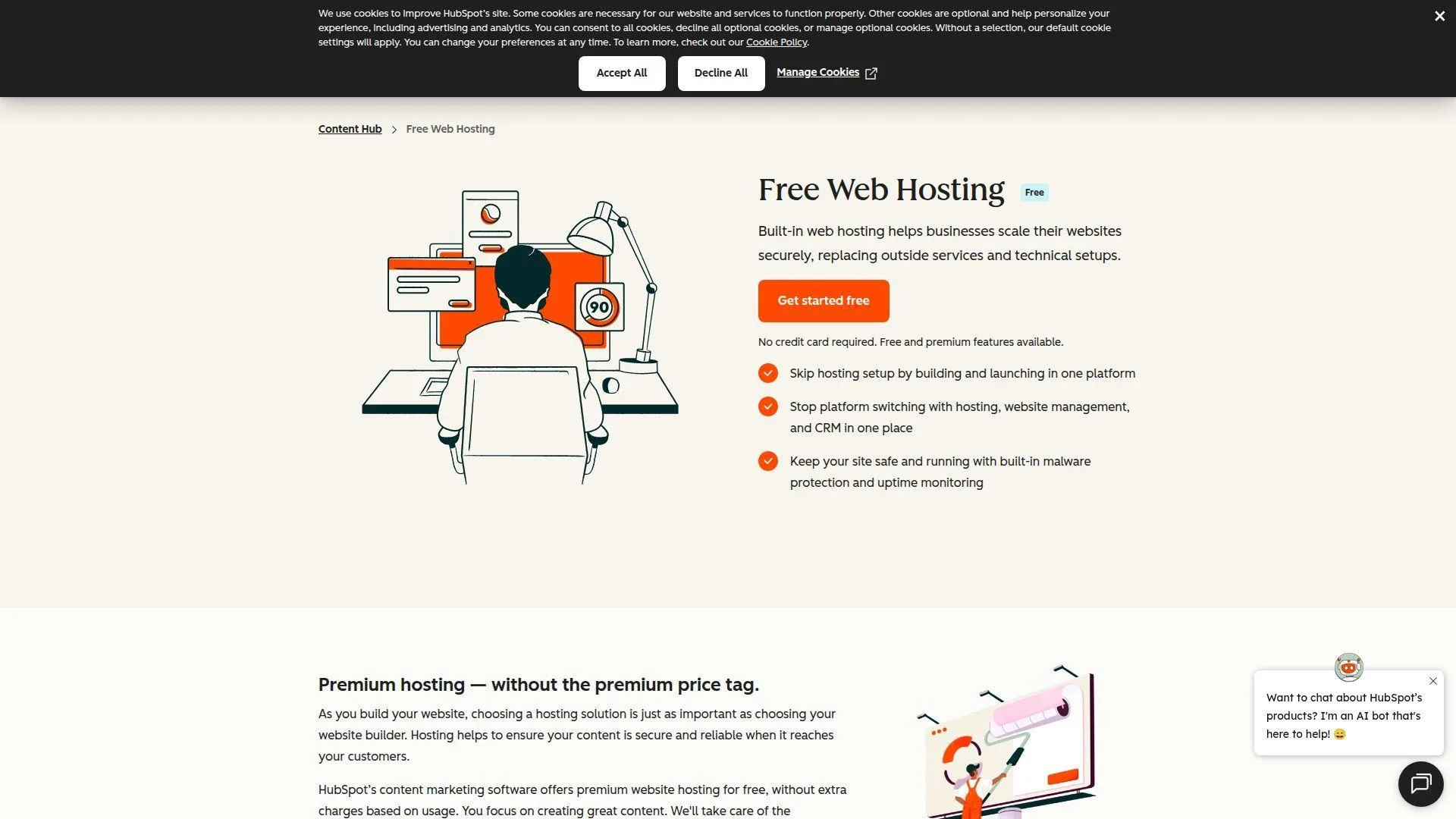
Overview: HubSpot is a large CRM and marketing software company with thousands of employees, about two decades in operation, and headquarters in Cambridge, Massachusetts. Its website hosting is tied to its CMS and customer-platform ecosystem.
Services & proof: HubSpot provides CMS tools, hosted pages, forms, CRM records, landing pages, blogging, analytics, security features, and marketing integrations. The value is not just hosting; it is the connection between content and customer data.
Ideal Fit: HubSpot fits startups and service companies that want website pages connected to leads, forms, email, and sales follow-up. We like it when marketing workflows matter more than file-level control.
5. Weebly
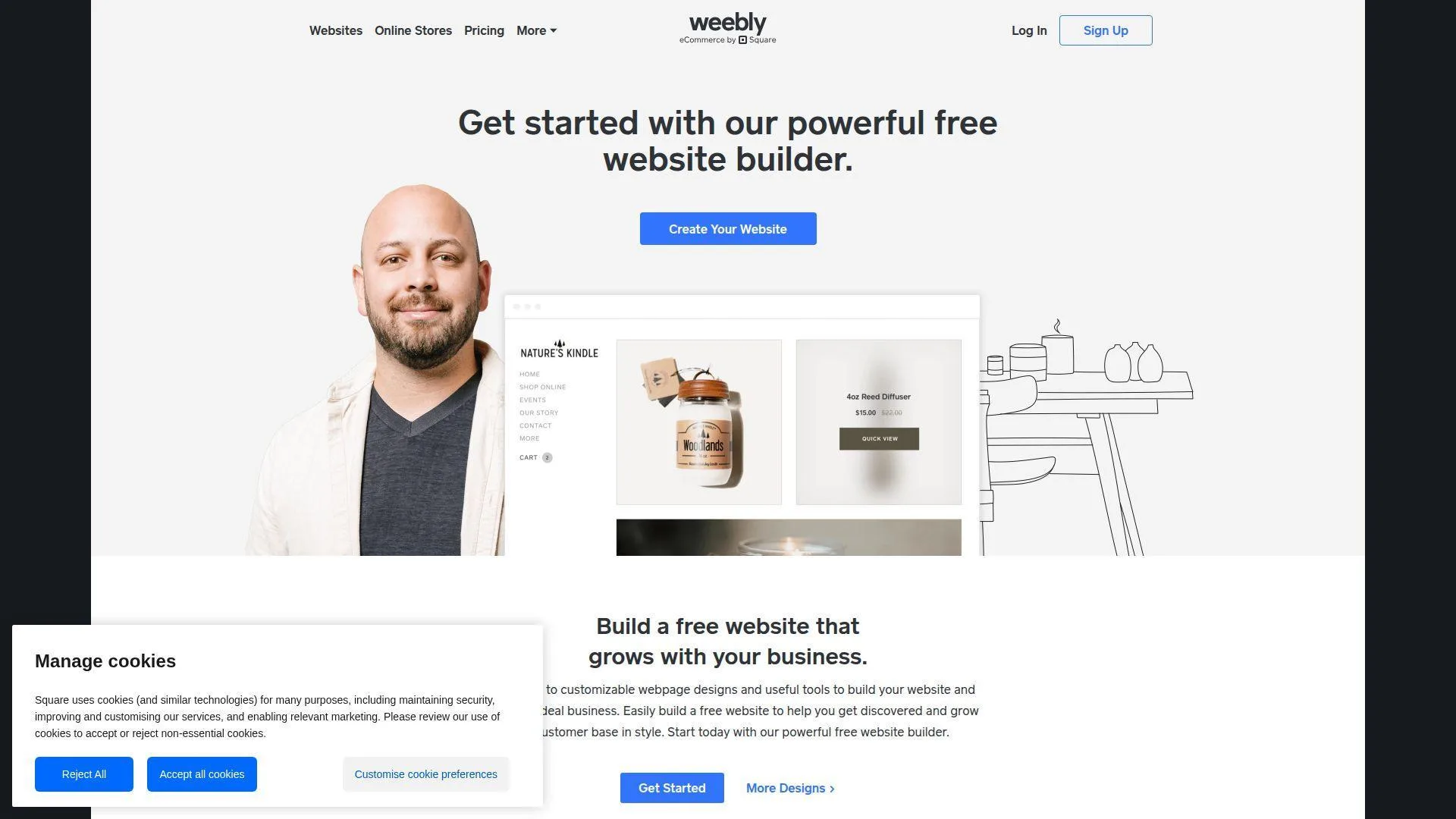
Overview: Weebly is a website builder founded in the mid-2000s and now part of Square’s broader commerce ecosystem. It has roots in San Francisco and focuses on simple websites, small shops, and easy publishing.
Services & proof: Weebly offers drag-and-drop editing, templates, hosted pages, commerce features, forms, and Square-connected selling tools. Its free plan is useful for basic publishing, but branding and domain limits shape the user experience.
Ideal Fit: Weebly fits beginners who want a simple brochure site or small store without a technical build process. We would choose it for ease, not for advanced customization or long-term developer control.
6. AwardSpace
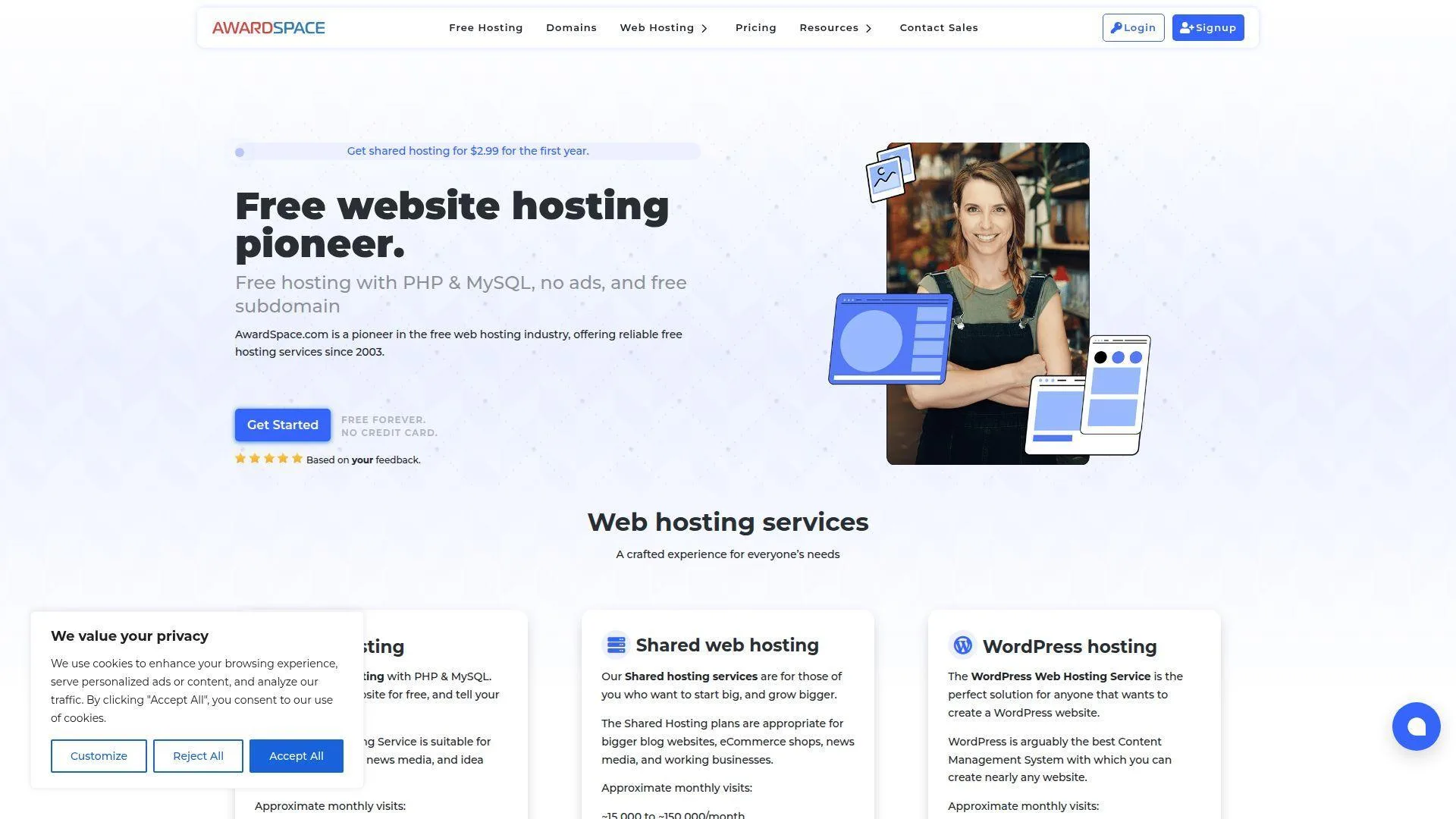
Overview: AwardSpace is a long-running free and paid web hosting provider with roots in Germany. It has operated for more than two decades and focuses on ad-free shared hosting, CMS installation, email, and beginner-friendly tools.
Services & proof: AwardSpace provides free hosting, a website builder, one-click CMS installation, PHP, MySQL, file management, email support, and paid upgrade paths. Its free plan is notable because it does not rely on forced ads.
Ideal Fit: AwardSpace fits learners and small-site owners who want PHP hosting without platform branding. It works best when traffic is modest and the site owner wants a traditional hosting control panel.
7. Static.app
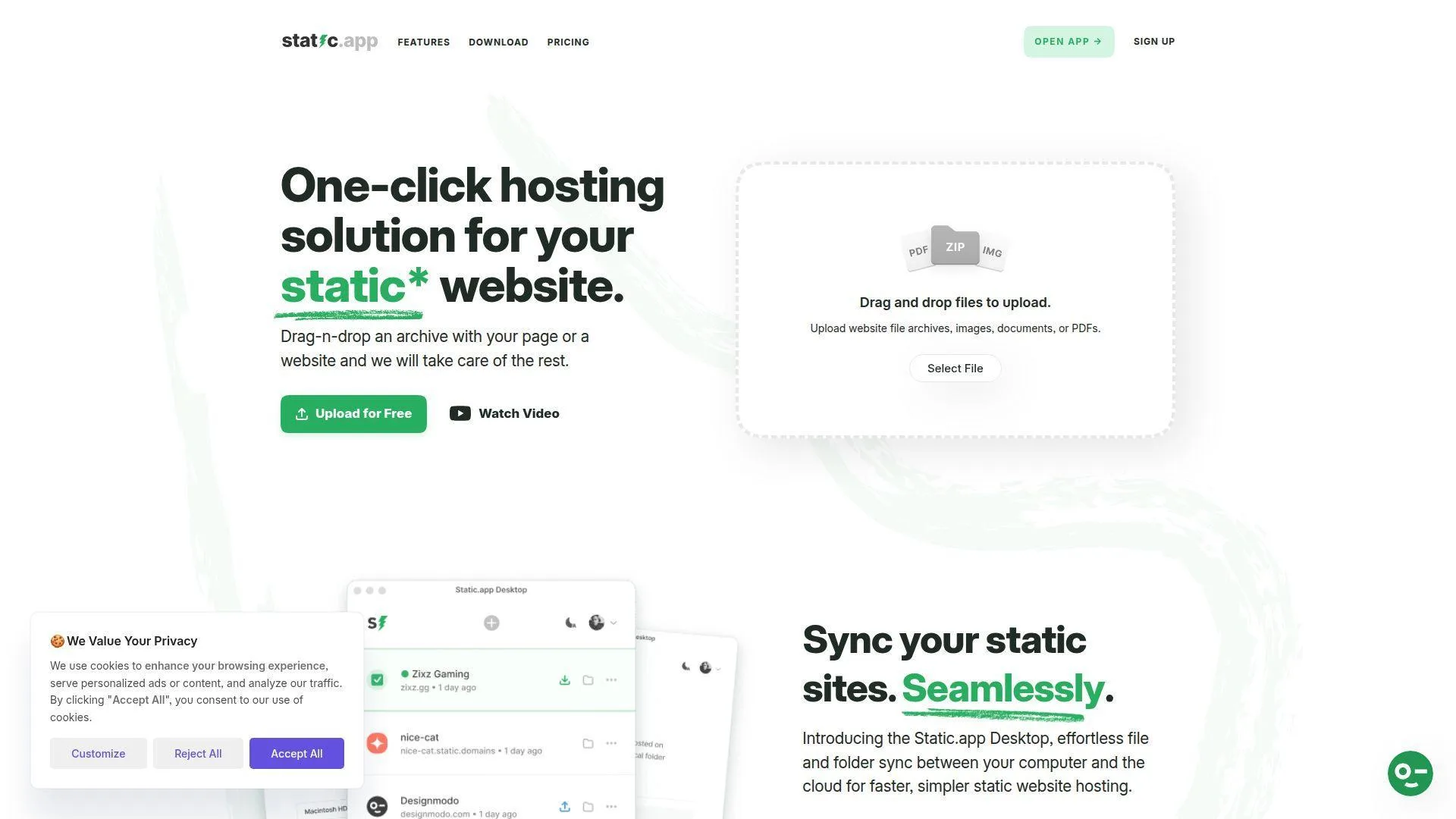
Overview: Static.app is a static website hosting tool connected with Designmodo’s product ecosystem. It is a small, focused service for people who want to upload static files quickly and avoid server administration.
Services & proof: Static.app provides drag-and-drop uploads, static hosting, free subdomains, SSL, file management, and paid plans for more storage and custom domains. It is built for HTML, CSS, JavaScript, PDFs, and lightweight assets.
Ideal Fit: Static.app fits designers, teachers, students, and small teams publishing simple static pages. We like it when the job is “put these files online” rather than “operate an application platform.”
8. Wasmer
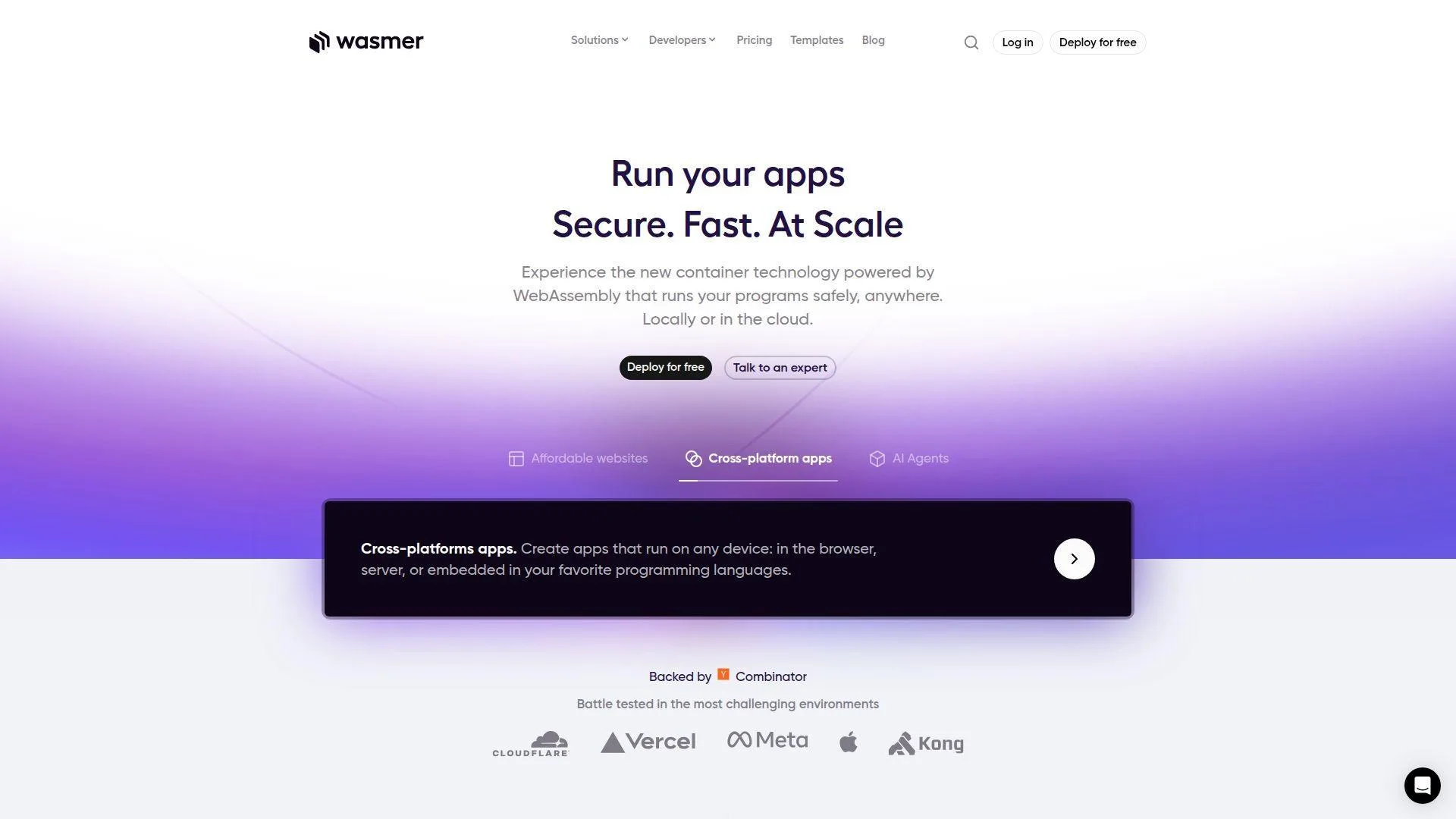
Overview: Wasmer is a WebAssembly company and edge cloud platform with a small engineering-heavy team. It has been active for several years and is associated with the push to run portable software closer to users.
Services & proof: Wasmer offers edge deployment, WebAssembly-based app hosting, automatic scaling, custom domains, SSL, build workflows, and support for modern web workloads. Its free plan is more developer-oriented than a classic website-builder plan.
Ideal Fit: Wasmer fits developers experimenting with edge apps, portable runtimes, and serverless-style deployment. We would pick it for technically curious teams, not for nontechnical users who only need a brochure page.
9. GitHub Pages
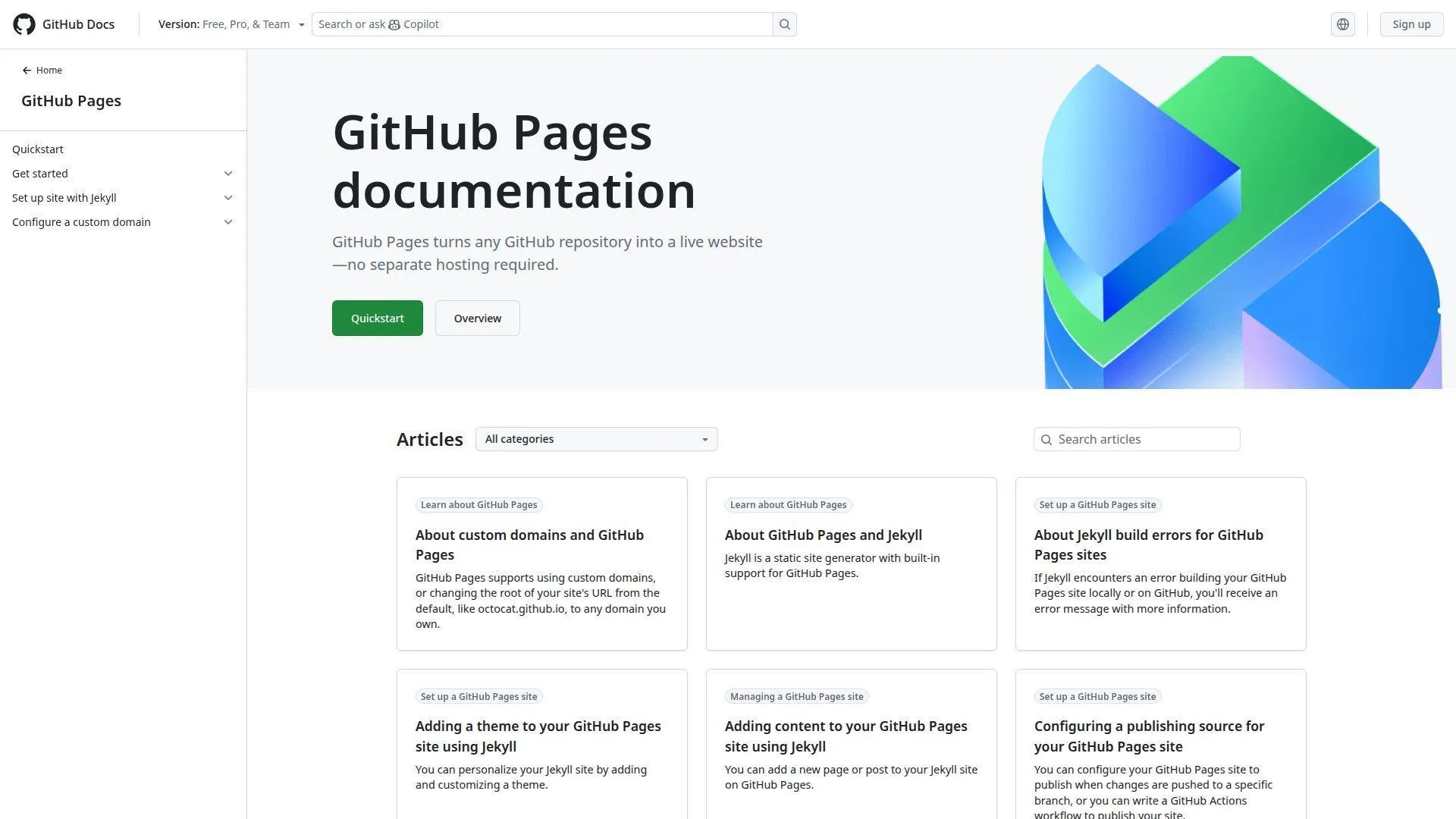
Overview: GitHub Pages is part of GitHub, a major developer platform founded in the late 2000s and headquartered in San Francisco under Microsoft ownership. GitHub itself operates at global, enterprise scale.
Services & proof: GitHub Pages hosts static websites directly from repositories. It supports documentation sites, project pages, personal portfolios, Jekyll workflows, custom domains, and HTTPS for many common setups.
Ideal Fit: GitHub Pages fits developers, open-source projects, technical writers, and students learning Git. We like it for documentation and portfolios because the website lives beside the code.
10. GitLab Pages
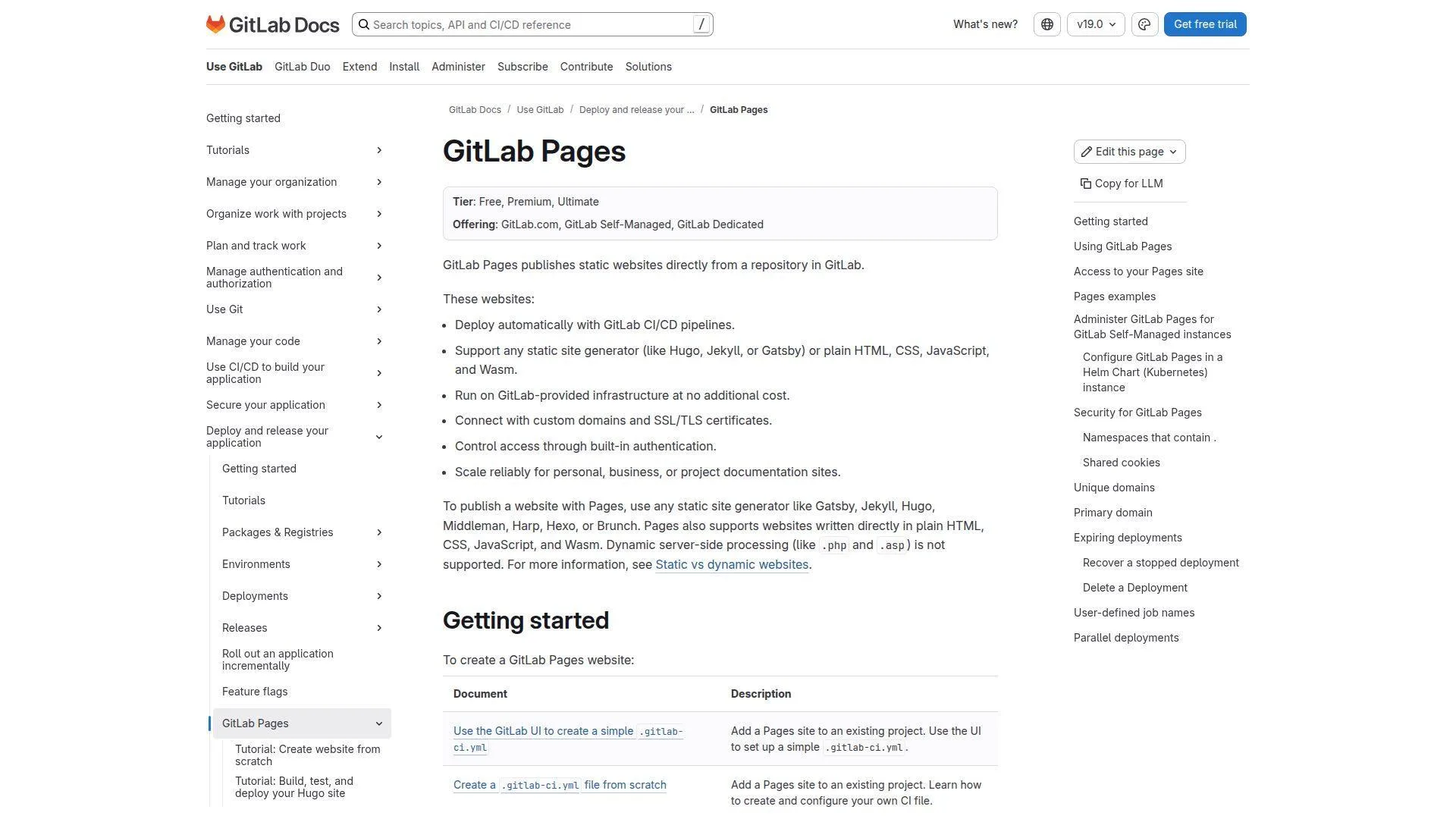
Overview: GitLab Pages is part of GitLab, an all-remote DevSecOps platform company founded in the early 2010s. GitLab serves software teams that want source control, CI, security, and deployment in one workflow.
Services & proof: GitLab Pages publishes static sites through GitLab projects and CI pipelines. It supports documentation, generated front-end builds, custom domains, access controls, and team-based development workflows.
Ideal Fit: GitLab Pages fits teams already using GitLab for source control and CI/CD. We recommend it when the deployment process should be versioned, reviewed, and automated with the rest of the project.
11. Cloudflare Pages
Overview: Cloudflare Pages is part of Cloudflare, a large connectivity cloud and edge security company founded in the late 2000s and headquartered in San Francisco. The platform benefits from Cloudflare’s global network and security focus.
Services & proof: Cloudflare Pages provides static and Jamstack hosting, Git-based builds, preview deployments, custom domains, HTTPS, edge functions, analytics, and integration with broader Cloudflare services. It is one of the strongest free choices for modern front-end projects.
Ideal Fit: Cloudflare Pages fits developers who want fast global delivery, simple Git deployment, and a path toward edge functions. We like it for documentation, marketing sites, and front-end apps with serious performance goals.
12. Netlify
Overview: Netlify is a frontend cloud company founded in the mid-2010s and headquartered in San Francisco. It is known for Jamstack hosting, Git workflows, branch previews, serverless functions, and developer experience.
Services & proof: Netlify provides static hosting, continuous deployment, preview URLs, forms, functions, edge capabilities, custom domains, SSL, and team workflows. Its newer usage model makes cost awareness more important than before.
Ideal Fit: Netlify fits front-end developers, agencies, and startups that want fast previews and smooth collaboration. We like it for polished developer workflow, but we tell teams to watch usage rules early.
13. Vercel
Overview: Vercel is a frontend cloud company founded in the mid-2010s and headquartered in San Francisco. It is closely associated with Next.js and modern React application deployment.
Services & proof: Vercel provides static hosting, serverless functions, edge functions, preview deployments, image optimization, analytics, custom domains, and automatic HTTPS. Its free Hobby plan is strongest for personal and noncommercial projects.
Ideal Fit: Vercel fits developers building Next.js, React, and modern front-end apps. We recommend it for personal prototypes and MVPs, while businesses should review plan rules before production use.
14. Render
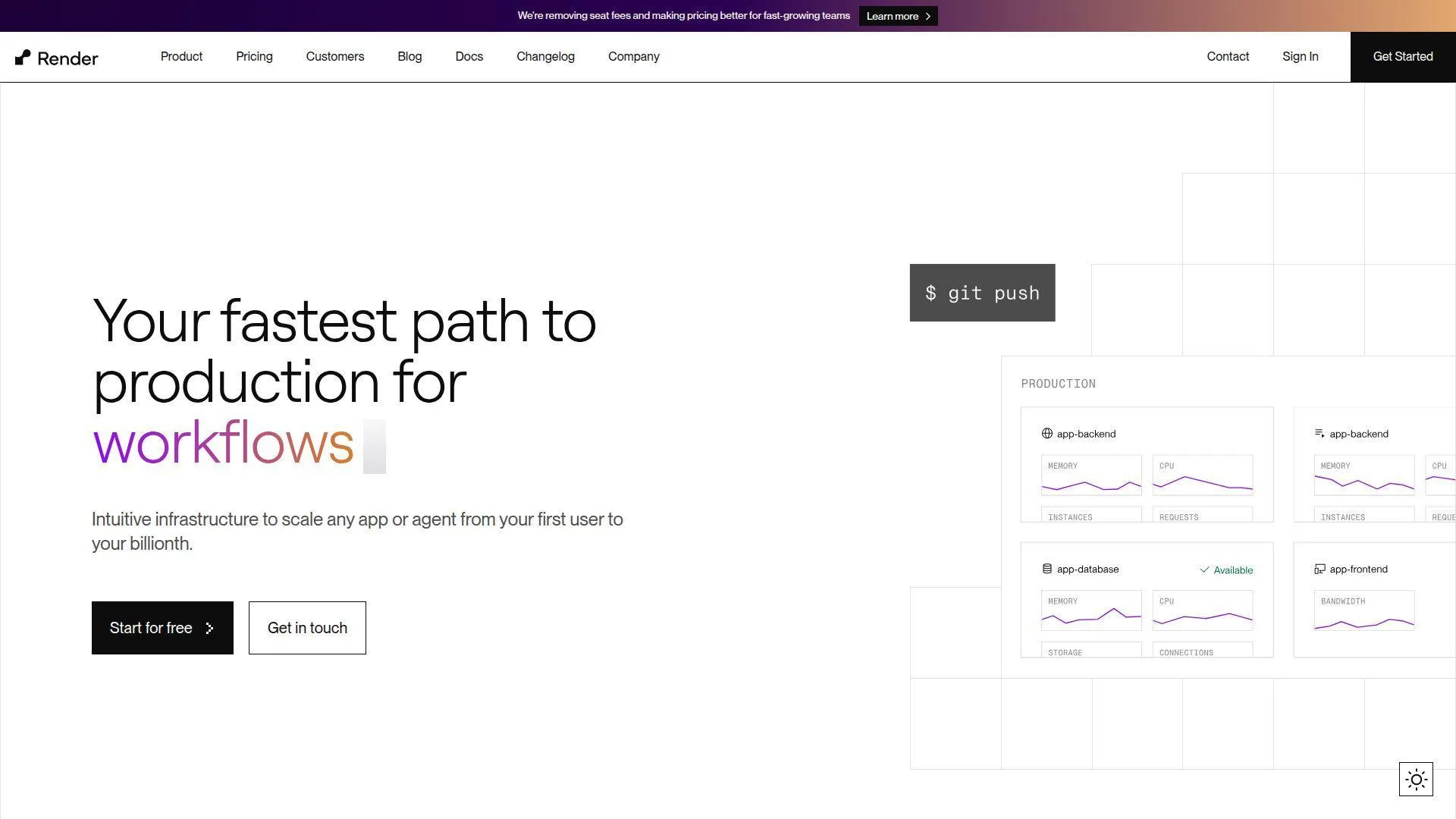
Overview: Render is a cloud application platform founded in the late 2010s and headquartered in San Francisco. It targets developers who want simpler deployment than raw cloud infrastructure.
Services & proof: Render supports static sites, web services, managed databases, background workers, cron jobs, private services, Docker deployments, and Git-based workflows. Its free options are useful, but dynamic services carry production caveats.
Ideal Fit: Render fits developers who need a bridge between free static hosting and full application hosting. We like it for proofs of concept, backend experiments, and small apps that may later need paid always-on resources.
15. Surge
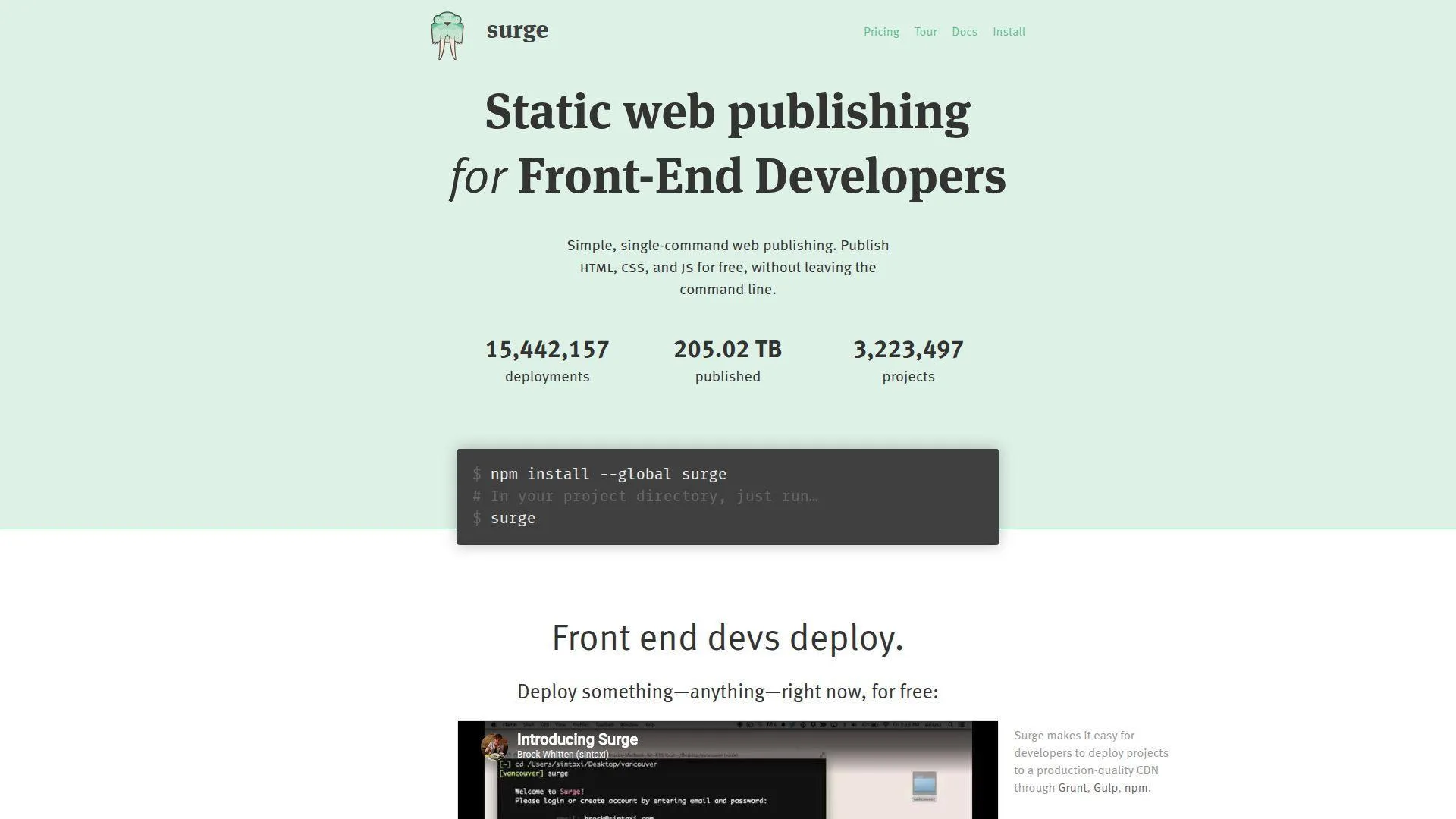
Overview: Surge is a lightweight static web publishing service built for front-end developers. It is a small specialist tool rather than a broad cloud platform, and its appeal is speed through the command line.
Services & proof: Surge lets users publish HTML, CSS, and JavaScript folders with a simple CLI workflow. It supports custom domains, subdomains, basic SSL, and a paid professional plan for stronger production controls.
Ideal Fit: Surge fits developers who want the fastest possible way to publish a static front end. We like it for demos, prototypes, hackathons, and tiny sites where build pipelines would be overkill.
16. WordPress.com
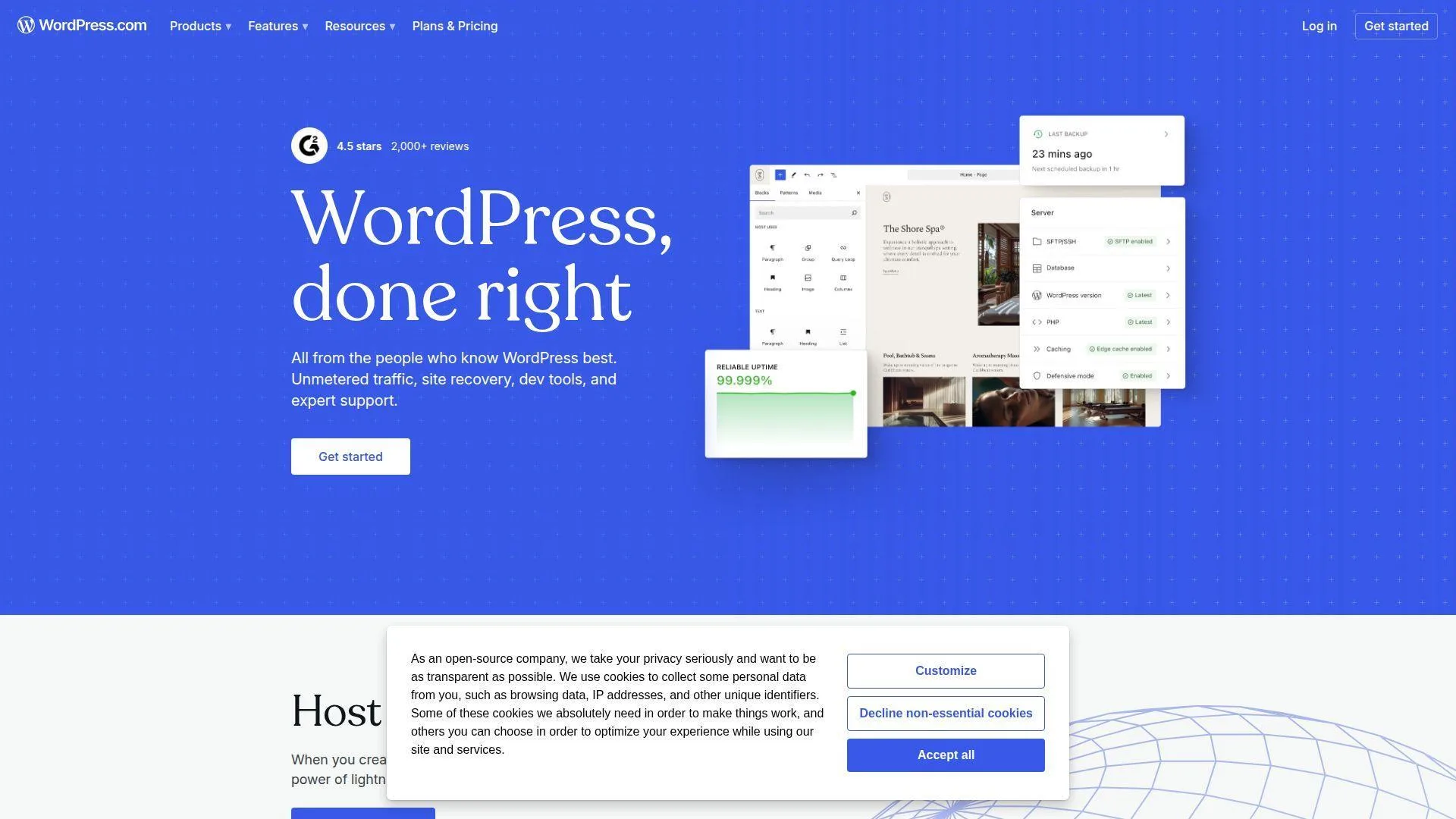
Overview: WordPress.com is operated by Automattic, a distributed company founded in the mid-2000s with a large remote workforce. It focuses on hosted WordPress sites, publishing, newsletters, commerce, and creator tools.
Services & proof: WordPress.com provides managed WordPress hosting, themes, block editing, media hosting, basic analytics, security management, and paid plans for domains, plugins, and advanced customization. The free plan is simple but branded.
Ideal Fit: WordPress.com fits bloggers, writers, creators, and small organizations that want WordPress without server maintenance. We recommend it when publishing ease matters more than plugin freedom.
17. HelioHost
Overview: HelioHost is a nonprofit, community-powered free hosting provider operating from Silicon Valley infrastructure. It has served the community for more than two decades and relies on volunteers and donations.
Services & proof: HelioHost offers PHP, Node.js, Python, Django, Ruby on Rails, Java/JSP, .NET, MySQL, PostgreSQL, SQLite, email, Plesk, Softaculous, and free storage. That range is unusually broad for free hosting.
Ideal Fit: HelioHost fits technical learners who want to explore multiple server-side languages without paying. We would use it for education and hobby projects, not for time-sensitive commercial launches.
18. x10Hosting
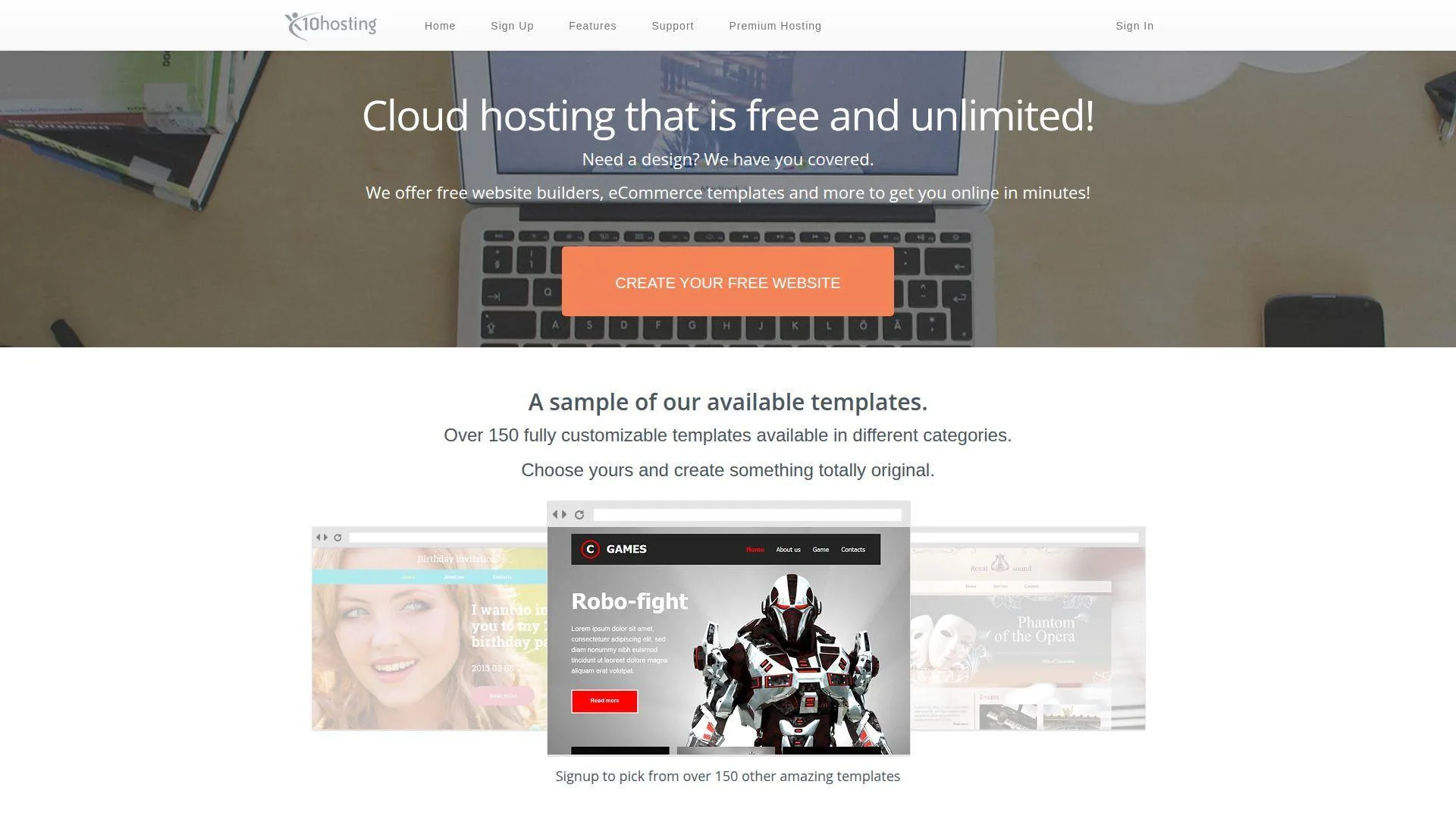
Overview: x10Hosting is a long-running free and premium web hosting provider focused on SSD-backed shared hosting. Public company details are limited, but the service has been visible in the free hosting space for many years.
Services & proof: x10Hosting offers free hosting for websites, WordPress-friendly infrastructure, SSD storage, control-panel access, and paid upgrade options. It positions its free plan as a way to test the waters before moving to premium hosting.
Ideal Fit: x10Hosting fits beginners who want shared hosting without a first invoice. We would treat it as a learning and small-project environment, especially where monthly login and usage policies are acceptable.
19. Google Cloud
Overview: Google Cloud is Google’s cloud computing platform, backed by one of the largest technology companies in the world and headquartered in Mountain View, California. Its cloud products cover compute, storage, databases, networking, AI, and security.
Services & proof: Google Cloud can host websites through Cloud Run, Compute Engine, App Engine, Cloud Storage, Firebase Hosting, load balancers, DNS, and CDN services. Its free trial and always-free products suit advanced users who can watch billing closely.
Ideal Fit: Google Cloud fits developers, startups, and IT teams that want to learn real cloud infrastructure. We recommend it when the site may become an application, but only if someone owns cost monitoring.
20. Amazon Web Services
Overview: Amazon Web Services is Amazon’s cloud platform, launched in the mid-2000s and headquartered in Seattle. It is one of the world’s largest cloud providers, with services spanning compute, storage, networking, databases, AI, security, and developer tools.
Services & proof: AWS can host websites through Amazon S3, CloudFront, Amplify, Lightsail, EC2, Route 53, Lambda, API Gateway, and managed databases. Its free tier is powerful, but it requires care because production-style architecture can create paid usage.
Ideal Fit: AWS fits technical teams that want full cloud flexibility and a growth path from static sites to serious applications. We like it for builders who can read dashboards, set budgets, and design deliberately.
What Free Website Hosting Typically Includes
Most free hosting plans include enough to publish a basic website, but the details matter. A beginner may see “free” and think all hosts are equal. We see six feature groups that usually separate useful free hosting from a frustrating dead end.
1. No-Credit-Card Signup and Instant Account Setup
The easiest free hosts let users create an account and publish without entering payment details. That lowers fear for students and first-time site owners. It also protects people from accidental bills while they are still learning.
Cloud free tiers often work differently. They may require identity verification and a billing account, even when the trial credit covers early usage. That is not bad, but it is a different level of responsibility.
2. Free Subdomains and Bring-Your-Own Domain Support
A free subdomain is the usual starting point. It gives your project a public URL without buying a domain. This is useful for assignments, prototypes, and internal previews.
Custom domain support is the real branding test. If a provider blocks custom domains on the free plan, your site may look temporary. If it allows custom domains, you can build brand equity earlier and migrate more cleanly later.
3. SSL Certificates Included and Automatically Managed
Free SSL is now table stakes. Users expect HTTPS, browsers warn against insecure forms, and search engines prefer secure pages. Manual certificate renewal should not be part of a beginner’s first hosting lesson.
The best free providers issue and renew SSL automatically. That matters because certificate failure can make a healthy website look broken. For a small business, that is a needless trust problem.
4. Website Builders and Drag-and-Drop Editing Options
Website builders help nontechnical users ship pages without code. Wix, Weebly, HubSpot, and WordPress.com are strong examples. They combine hosting, design, editing, media management, and publishing into one interface.
The trade-off is control. Builders often make export, server access, and advanced customization harder. If you expect to move the site later, think about migration before choosing a template.
5. PHP, MySQL, and App Installers for Dynamic Sites
Classic free shared hosting often includes PHP and MySQL. That opens the door to WordPress, Joomla, forms, small databases, and server-rendered pages. For learners, this is still valuable.
One-click installers reduce friction, but they can create false confidence. WordPress still needs updates, backups, strong passwords, and plugin discipline. Free hosting does not remove maintenance risk.
6. Managed Cloud Hosting With CDN, Uptime Targets, and Built-In Analytics
Modern free platforms often include global CDN delivery, preview deployments, automated builds, logs, and analytics. Cloudflare Pages, for example, allows 500 builds per month on its Free plan, which is generous for many small static projects.
This matters because performance is no longer only about server size. Caching, edge delivery, build automation, and asset optimization can make a tiny site feel enterprise-grade.
Types of Free Website Hosting Options
Free website hosting is not one product category. It is a set of different models with different assumptions. We encourage buyers to pick the model first, then compare providers inside that model.
1. Website Builders With Built-In Hosting and No Configuration
Website builders are the fastest path from idea to public page. You choose a template, edit text, upload images, and publish. Hosting, security, and page rendering are handled by the platform.
This model suits beginners and small organizations. The cost is platform dependence. You may not control server settings, export paths, or advanced SEO details as deeply as you would on self-managed hosting.
2. Shared Hosting for PHP and Database-Driven Websites
Shared hosting places many user accounts on managed server infrastructure. Free versions usually include smaller resource limits, community support, and stricter anti-abuse rules.
It is still a good learning environment. You can practice FTP, file managers, databases, CMS installation, email, and DNS. Those skills remain useful when you later move to paid hosting or cloud servers.
3. Static HTML Hosting for Front-End Sites and Documentation
Static hosting serves fixed files such as HTML, CSS, JavaScript, images, and documents. It is fast, secure by design, and cheap to operate. GitHub Pages lists a soft bandwidth limit of 100 GB per month, which is plenty for many portfolios and documentation sites.
This model is ideal when you do not need server-side logins, databases, or dynamic processing. Add a form service, search service, or headless CMS, and a static site can go surprisingly far.
4. Edge Hosting and Auto-Scaling Platforms for Modern Web Apps
Edge platforms deploy content and functions closer to visitors. They are useful for front-end apps, Jamstack sites, APIs, middleware, and personalized content that must stay fast worldwide.
The catch is complexity. Edge functions, serverless compute, image optimization, and request limits can be confusing. If a project becomes popular, usage math suddenly matters.
5. Cloud Provider Free Tiers for Advanced, Custom Setups
Google Cloud gives new customers $300 in free credit, plus always-free products within defined monthly limits. This is powerful for learning real cloud architecture, but it asks users to understand billing, regions, quotas, and service design.
AWS introduced up to $200 in AWS credits for new customers after its Free Tier update. We like the flexibility, but we always advise budgets, alerts, and a shutdown plan before deploying public workloads.
How to Choose the Best Free Website Hosting Provider
The best free host is the one that matches your risk. A student portfolio, church homepage, SaaS prototype, and WordPress blog have different needs. We use the following filters before recommending any free plan.
1. Pricing: True Free Plans, Limits, Trials, and Upgrade Paths
Start by asking one blunt question: is it free forever, or is it a trial? A forever-free plan may still have branding or resource caps. A trial may be stronger but temporary.
Pricing models are changing quickly. Netlify’s current Free plan uses a 300 credit limit for metered usage, so users must understand how deployment, bandwidth, compute, and requests consume credits.
We also check paid upgrade paths. If the first paid plan is reasonable, free hosting can become a safe runway. If the jump is steep, the free plan may be a trapdoor.
2. Performance: Uptime Commitments, Speed, and Traffic Handling
Performance is not just a speed-test score. It includes uptime, cold starts, CDN caching, origin reliability, image handling, and how the platform behaves during traffic spikes.
Static sites usually perform best on free infrastructure because they avoid database and server processing. WordPress on free shared hosting is more fragile. It can work, but caching and plugin discipline matter.
3. General Features: Storage, Bandwidth, Email, and Developer Tools
Storage tells you how much content you can host. Bandwidth tells you how much traffic you can serve. Email support tells you whether the host can support a basic business identity.
Developer tools matter too. Git deployments, CLI publishing, logs, environment variables, build settings, and rollback support save hours. Beginners may not need them today, but growing projects often do.
4. Integrations: API Support and Built-In Connections to Business Tools
A website rarely stands alone. It may need forms, CRM capture, payment buttons, analytics, chat, email marketing, or automation. Free plans vary widely here.
HubSpot is strong when CRM integration matters. Vercel, Netlify, GitHub, and GitLab are strong when code workflows matter. Choose the ecosystem that matches your daily work.
5. User Experience: Learning Curve, One-Click Installs, and Support Availability
Good user experience reduces support burden. A clear dashboard, readable limits, and simple publishing flow matter more than flashy feature lists.
Support is often the first sacrifice on free plans. Many providers rely on forums, documentation, or community channels. That is acceptable for learning, but risky for business-critical sites.
6. Security: SSL, Backups, Privacy Protections, and DDoS Mitigation
Security starts with HTTPS, but it does not end there. Look for SSL automation, account protection, access controls, malware scanning, WAF options, backups, and DDoS mitigation.
Free plans often lack full backup tools. That is a serious gap for WordPress and CMS sites. We tell site owners to keep their own export, repository, or off-platform backup.
7. User Feedback: Third-Party Ratings and Real-World Reliability Signals
User feedback can reveal hidden issues: surprise suspensions, support delays, confusing billing, or limits that are hard to find. Read recent comments, not just old reviews.
Also watch how providers communicate changes. A free plan is only useful if the rules are clear. Sudden pricing shifts or vague abuse policies can damage trust.
Must-Have Features in Free Website Hosting Plans
Some features are nice to have. Others are baseline requirements. If a free host misses too many of these, we would treat it as a temporary sandbox only.
1. Custom Domain Support and DNS Control
A custom domain is the bridge from experiment to brand. It lets you promote a memorable address and move hosting later without changing your public identity.
DNS control matters because email, SSL, verification records, and migrations depend on it. If a platform hides too much DNS complexity, beginners may be stuck when they grow.
2. HTTPS by Default With Free SSL Certificates
HTTPS should be automatic. Visitors should not see warnings. Forms should not submit over insecure connections. Search engines and browsers have made this a basic expectation.
We prefer hosts that renew certificates automatically. Manual SSL is an avoidable burden, especially for small teams with no system administrator.
3. Clear Bandwidth, Storage, and Request Limits
Clear limits are more trustworthy than vague promises. “Unlimited” often means “unlimited until you trigger an abuse rule.” That is not necessarily unfair, but it must be readable.
Look for limits on storage, file count, file size, bandwidth, hits, builds, function calls, database size, and CPU time. These are the real boundaries of free hosting.
4. Database Support and Server-Side Language Compatibility
If you want WordPress, you need PHP and a database. If you want a Node app, you need a runtime that supports it. If you only need static files, skip the extra complexity.
Compatibility also includes versions. Old PHP or database versions create security and plugin problems. Newer stacks reduce friction and make migrations easier.
5. Easy Publishing Options: FTP, File Managers, and Git-Based Deployments
Beginners often prefer file managers and drag-and-drop uploads. Developers often prefer Git, CLI tools, and automated deployment. The best host is the one your team will actually use correctly.
We value rollback options. Mistakes happen. If you can revert a bad deployment quickly, free hosting becomes safer for real work.
Common Limitations and Trade-Offs of Free Website Hosting

Free hosting is not charity without boundaries. Providers pay for servers, bandwidth, support, abuse prevention, and security. The trade-offs are normal, but buyers should see them before launch day.
1. Forced Ads, Platform Branding, and Subdomain-Only Publishing
Many free plans show provider branding or require a provider subdomain. That is acceptable for learning, but it can weaken trust for a business.
Branding also affects sharing. A custom domain looks serious in search results, business cards, email signatures, and social posts. A free subdomain can look temporary.
2. Storage Caps, Slower Load Times, and Performance Throttling
Free hosts may limit storage, CPU, memory, file counts, or traffic. Some throttle heavy usage. Others suspend sites that cross resource boundaries.
Images are usually the silent killer. A few uncompressed photos can eat storage and slow pages. Before blaming the host, compress media and cache aggressively.
3. Missing Security Features on Some Free Plans
Some free plans include SSL but not backups. Others include a CDN but not malware scanning. Security coverage varies widely.
For static sites, the attack surface is smaller. For CMS sites, plugins, admin passwords, themes, and outdated code raise the risk. Match the host to the threat model.
4. Limited Support Channels and Self-Service Troubleshooting Requirements
Free hosting support is often community-based. That is fine if you can read documentation and troubleshoot calmly. It is painful during a live outage.
If a website generates leads, donations, bookings, or sales, support matters. At that point, paying for a plan with clearer help is not waste. It is insurance.
5. Complex Pricing and Migration Friction When You Outgrow the Free Tier
The hardest cost is not always the monthly fee. It is the cost of moving later. Builders can lock design and content inside their platform. Cloud setups can create billing surprises.
Plan your exit before you need it. Keep a copy of content, assets, DNS records, database exports, and repository history. Future-you will be grateful.
Best Use Cases for Free Website Hosting

Free hosting shines when the project’s downside is small and the learning value is high. We would not use it blindly, but we would not dismiss it either. Used well, it is a practical launchpad.
1. Students Learning HTML, CSS, PHP, and Databases
Students need real feedback. A site on localhost is useful, but a public URL teaches DNS, HTTPS, deployment, and browser behavior in the wild.
Free hosting is excellent for assignments, coding practice, and web fundamentals. It also teaches resource discipline. That lesson is worth more than it sounds.
2. Personal Projects, Portfolios, and Small Hobby Websites
Portfolios and hobby sites are perfect free-host candidates. They usually have modest traffic and simple requirements. Static hosting is often enough.
We recommend using a custom domain if the portfolio supports job hunting or consulting. Your name deserves better than a throwaway URL.
3. Testing, Staging, and Short-Term Proofs of Concept
Free hosting is useful for testing layouts, landing pages, product ideas, and internal demos. It lets teams validate demand before signing a hosting contract.
Just keep test data out of free environments unless the platform is trusted and configured correctly. Free does not mean casual data handling is safe.
4. Small Organizations Launching a Basic Online Presence
Clubs, community groups, local projects, and small nonprofits often need a basic website before they have budget. Free hosting can help them get found.
Still, mission-critical organizations should plan an upgrade. If people rely on the site for services, events, payments, or emergency updates, reliability becomes more than a convenience.
Free Website Hosting for WordPress and CMS Websites

WordPress changes the hosting conversation. It is not just files. It needs PHP, a database, updates, security, backups, and performance tuning. Free WordPress hosting can work, but it has sharp edges.
1. Hosting WordPress on PHP and MySQL Plans With Script Installers
Free shared hosts such as InfinityFree, AwardSpace, HelioHost, and x10Hosting are closer to the traditional WordPress model. They provide PHP and database support, often with a script installer.
This is great for learning themes, posts, pages, plugins, and dashboards. It is less ideal for high-traffic sites, WooCommerce stores, or sites with many heavy plugins.
2. CMS Platforms With Hosting, Themes, and Built-In Tools in One Place
WordPress.com, Wix, Weebly, and HubSpot bundle hosting with editing tools. That removes server maintenance and simplifies publishing.
The trade-off is control. Plugin access, theme customization, monetization, analytics, and domain features may sit behind paid plans. Read the plan matrix before building deeply.
3. Practical Limits for WordPress on Free Hosting
WordPress consumes more resources than a static page. Each plugin adds code. Each uncached page may query the database. Each image increases storage and transfer.
Our rule is simple: use free WordPress hosting to learn and prototype. Upgrade when the site represents a brand, sells anything, stores user data, or needs dependable support.
Free Static Website Hosting and Deployment Workflows

Static hosting is the cleanest free hosting model for many projects. It is fast, secure, and easy to cache. It also pairs well with modern front-end frameworks and documentation generators.
1. Drag-and-Drop Uploads, File Managers, and In-Browser Editors
Drag-and-drop workflows are perfect for simple HTML sites, class projects, event pages, PDFs, and design previews. They avoid Git complexity.
File managers help beginners see the structure of a website. That visual understanding is useful. A website is not magic; it is a set of files served over HTTP.
2. Deploying From Git Repositories and CI Pipelines
Git-based deployment is better for teams and repeatable work. Every change is recorded. Pull requests can create previews. CI pipelines can build and publish automatically.
This workflow reduces “it worked on my laptop” problems. It also makes rollback easier. For businesses, that discipline is worth learning early.
3. Custom Domains and Auto-Issued SSL for Static Sites
Custom domains and automatic SSL make static sites feel professional. A static site on a branded domain can be fast, secure, and inexpensive.
DNS setup is the main hurdle. Expect to add CNAME, A, or verification records. Once configured, most modern platforms keep SSL renewed without manual work.
When to Upgrade From Free Website Hosting
Free hosting is a starting line, not always a finish line. The upgrade moment arrives when the cost of downtime, branding limits, or missing features becomes higher than the hosting bill.
1. Traffic Growth and Higher Performance Expectations
If your site starts getting steady traffic, performance matters more. Slow pages reduce trust. Unclear throttling creates risk. Viral spikes can push free plans beyond their comfort zone.
Upgrade when speed affects conversions, reputation, or user experience. A paid plan with clearer resources can save a lot of firefighting.
2. Need for More Storage, Databases, or Advanced Hosting Controls
Media-heavy sites, CMS projects, and apps need more room. They may also need cron jobs, staging, SSH, SFTP, backups, advanced DNS, or database controls.
If you keep working around limits, you have probably outgrown the plan. Workarounds are hidden costs. They steal focus from the actual business.
3. Branding Requirements: Custom Domains and Removing Ads
A business website should look owned, not borrowed. Custom domains, no forced ads, and clean branding are basic trust signals.
Upgrade when the website appears in sales calls, proposals, packaging, recruiting, or paid campaigns. First impressions are hard to redo.
4. Security Needs: Backups, Monitoring, and Stronger Protections
Backups become critical once content matters. Monitoring becomes critical once uptime matters. Stronger security becomes critical once user data appears.
Free hosting rarely provides a complete security posture. Paid hosting can add automated backups, malware protection, WAF options, monitoring, and better support escalation.
5. Business-Critical Sites Needing Clearer Guarantees and Support
If a site generates revenue or supports customers, free support may not be enough. You need predictable response paths, clearer service expectations, and someone accountable.
We believe this is where many owners wait too long. Hosting is cheap compared with lost leads, broken trust, or a failed launch.
Free Website Hosting SEO and Branding Checklist

SEO does not require expensive hosting, but it does require sound foundations. Free hosting can rank if the site is crawlable, fast, secure, useful, and stable. Branding is part of the same picture.
1. Choosing Between Subdomains and a Branded Custom Domain
A free subdomain is fine for learning. A custom domain is better for long-term SEO and brand memory. It gives you control over your public address.
If you expect the project to last, buy the domain early. You can move hosting later while keeping the same URL structure and backlinks.
2. Ensuring HTTPS, Mobile Responsiveness, and Fast Page Loads
HTTPS protects visitors and removes browser warnings. Mobile responsiveness helps users on phones. Fast pages keep people from bouncing.
Compress images, avoid heavy scripts, use caching, and pick a theme that does not fight the browser. Small technical habits create big user gains.
3. Planning for Future Migration Without Losing Rankings
Migration planning starts before migration day. Keep page URLs simple. Save content exports. Track redirects. Document DNS records.
If you move from a builder to another host, map old pages to new pages carefully. SEO losses often come from broken URLs, not the act of changing hosts.
Frequently Asked Questions About Free Website Hosting

Free hosting raises fair questions. Is it real? Is it safe? Can it support WordPress? Can a business use it? Here is how we answer those questions with practical nuance.
1. Is Totally Free Website Hosting Real, or Is There Always a Catch?
Yes, totally free website hosting exists. The catch is usually limits, branding, community support, ads, subdomains, resource caps, or upgrade pressure.
That does not make free hosting bad. It means you should match it to low-risk use cases. Free is a tool, not a guarantee.
2. Can You Host a Website for Free Without Paying Anything Upfront?
Yes. Many providers let you publish without paying upfront. Website builders, static hosts, and some shared hosts offer genuine no-cost starts.
Cloud providers may require a billing account even during free trials. If you are nervous about accidental charges, start with no-credit-card platforms first.
3. Is Wix Free Website Hosting Actually Free for Beginners?
Wix can be used for free, and hosting is included with the free site. Beginners can build and publish without managing servers.
The trade-off is branding and domain limitations. For a professional site, most owners eventually upgrade or move to a hosting setup with a custom domain.
4. Is It Possible to Build a 100% Free Website With a Custom Domain?
It is possible if you already own a domain and choose a host that allows custom domains on a free plan. The domain itself usually has an annual registration cost.
If you mean no cost at all, including the domain, that is much harder. Free subdomains are common. Free long-term custom domain ownership is not.
5. Do Free Website Hosting Plans Include SSL Certificates?
Many modern free hosts include SSL certificates. Static platforms and builders often automate HTTPS by default.
Still, check before launch. If a host does not support free SSL for your chosen domain setup, it is probably not suitable for public business use.
6. Is Free Website Hosting Secure Enough for a Business Website?
It depends on the business and the site. A static brochure site on a strong platform can be secure enough for a basic presence.
A site that processes payments, collects sensitive data, or runs many plugins needs stronger controls. We would upgrade for backups, monitoring, support, and clearer accountability.
7. Can You Host WordPress for Free on Website Hosting Providers?
Yes, some free shared hosts support WordPress through PHP, MySQL, and installers. WordPress.com also offers hosted WordPress with a free plan.
The practical limits are storage, performance, plugin access, backups, and support. Free WordPress hosting is best for learning, not heavy production use.
8. What Happens When You Outgrow Free Hosting Limits?
You usually upgrade, optimize, or migrate. The right answer depends on the limit. Storage problems need cleanup or more space. Traffic problems need caching, CDN, or paid resources.
Migration is easier if you planned ahead. Keep your domain separate, save backups, and avoid building your whole business on features you cannot export.
1Byte Website Hosting and Cloud Services
Free hosting is a smart place to begin, but growing websites need stronger foundations. At 1Byte, we help customers move from “just get online” to reliable hosting, branded domains, secure HTTPS, WordPress operations, and cloud infrastructure that can scale with the business.
1. Domain Registration and DNS Management for Custom Domains
A domain is the front door of your online brand. We help businesses register domains, manage DNS records, connect hosting, verify services, and prepare for clean migrations.
Good DNS management prevents many launch-day problems. It affects email, SSL, website routing, CDN setup, and third-party verification. Quiet infrastructure work often makes the public site feel effortless.
2. SSL Certificates for Encrypted HTTPS and Customer Trust
SSL is not optional anymore. Customers expect the padlock. Browsers expect encryption. Search engines expect secure delivery.
We help customers set up SSL for websites, domains, and hosting environments. The goal is simple: fewer warnings, safer sessions, and more trust at the first click.







3. WordPress Hosting, Shared Hosting, Cloud Hosting, and Cloud Servers as an AWS Partner
We support common hosting needs across shared hosting, WordPress hosting, cloud hosting, and cloud servers. That gives customers a practical path from a small first site to a more capable infrastructure setup.
As an AWS Partner, we also help businesses think beyond the server. Architecture, cost control, security, backups, monitoring, and migration planning matter when a website becomes part of daily operations.
If your current free website hosting plan still fits, keep learning and improving it. If it is starting to feel tight, slow, risky, or hard to brand, that may be your signal to plan the next step with a hosting partner who can grow with you.