

- What python frameworks are and where they fit in the Python ecosystem
- Quick Comparison of python frameworks
- Top 30 python frameworks worth learning in 2026
- Types of python frameworks by functionality
- How to choose the right python frameworks for your next project
- Python backend web frameworks for APIs and full-stack apps
- Python frameworks for data science, AI, and machine learning workflows
- 1Byte cloud computing and hosting for python frameworks deployments
At 1Byte, we live where code meets customers. We see Python frameworks as business infrastructure, not just developer convenience. Framework choices shape latency, hiring, security posture, and release cadence.
Market pulse matters because budgets follow it. Gartner forecasts public cloud end-user spending will total $723.4 billion in 2025, and that money funds modern backends like ours. Statista projects public cloud revenue will reach US$980.30bn in 2025, so teams keep rebuilding the same core services faster. McKinsey estimates generative AI may create $2.6 trillion to $4.4 trillion in annual value, and Python is often the glue.
We also see the human side of the stack. A small retailer might ship a Django storefront fast, then bolt on Streamlit dashboards. A product team might begin with Flask, then migrate endpoints to FastAPI for stricter contracts.
Our goal here is practical clarity. We map frameworks to real constraints, then to deployment reality. In the end, we want fewer rewrites and calmer on-call rotations.
What python frameworks are and where they fit in the Python ecosystem
Frameworks define structure, defaults, and a workflow. They also impose tradeoffs, and those tradeoffs show up in production. From our hosting view, the best framework is the one your team can operate confidently.
1. Python frameworks vs Python libraries
A library gives capabilities, but it rarely dictates architecture. A framework provides a shape, and your code fills its gaps. That inversion of control is the defining move. In operations, it also standardizes deployment patterns, which we value.
2. Why use python frameworks for faster, more maintainable development
Speed is not just typing less code. Good frameworks encode conventions, so teams share mental models. That reduces review time and reduces accidental complexity. Over months, the payoff looks like fewer “mystery outages” and cleaner diffs.
3. Common repetitive tasks python frameworks abstract, such as handling HTTP requests
Most products repeat the same chores every sprint. Routing, request parsing, auth checks, and error formatting reappear everywhere. Frameworks package these into predictable hooks. Once those hooks are consistent, we can harden observability and rollbacks.
4. Where python frameworks are used: web apps, data pipelines, machine learning, automation
Frameworks are not only for websites. They power batch jobs, streaming pipelines, and model-serving gateways. Automation scripts also benefit from structure when they become “mini products.” In our experience, the moment a script gets users, it needs framework thinking.
5. Installing python frameworks with pip and the Python Package Index
pip is the default path for most teams. PyPI gives you distribution, metadata, and dependency resolution. The risk is dependency sprawl, not installation friction. We recommend locking dependencies and treating installs as reproducible builds.
pip install djangopip install fastapi uvicornpip install pandas6. Managing large projects with Conda and isolated environments in Anaconda
Conda shines when native dependencies get tricky. Scientific stacks often pull in compiled code and system libraries. In those cases, Conda environments can reduce build pain. For enterprises, Anaconda can also become a governance layer for curated packages.
Quick Comparison of python frameworks
We keep this table pragmatic. It reflects what we see shipped, scaled, and supported in production. Each “limit” is a predictable edge we plan around.
| Tool | Best for | From price | Trial/Free | Key limits |
|---|---|---|---|---|
| Django | Full-stack sites and admin-heavy products | Open-source | Free | Opinionated patterns and heavier defaults |
| Flask | Small services and extension-driven apps | Open-source | Free | Architecture discipline sits on your team |
| FastAPI | Typed APIs and contract-first development | Open-source | Free | Async competence required for best results |
| Tornado | Long-lived connections and event-driven systems | Open-source | Free | Smaller ecosystem than mainstream web stacks |
| Sanic | Async services with a simple mental model | Open-source | Free | Tooling varies across deployment styles |
| scikit-learn | Classical ML pipelines and evaluation | Open-source | Free | Not designed for deep neural networks |
| TensorFlow | Production ML across devices and platforms | Open-source | Free | Complexity rises with custom training stacks |
| PyTorch | Research-to-production deep learning workflows | Open-source | Free | Serving choices need deliberate standardization |
| Pandas | Structured analysis and feature engineering | Open-source | Free | Memory use can spike on wide datasets |
| Streamlit | Internal dashboards and data apps | Open-source | Free | Not a drop-in replacement for full backends |
Top 30 python frameworks worth learning in 2026
Picking a “framework” in Python is really picking a working rhythm. Some tools optimize for shipping fast. Others optimize for correctness, scale, or collaboration. For this list, we score each option on seven weighted criteria: Value-for-money (20%), Feature depth (20%), Ease of setup & learning (15%), Integrations & ecosystem (15%), UX & performance (10%), Security & trust (10%), and Support & community (10%).
Our reviews stay outcome-first. We focus on what you can reliably build in the next sprint. We also call out where a tool quietly costs you time later. Each pick gets one weighted score on a 0–5 scale. A higher score means fewer gotchas for most teams in 2026. Still, context wins. A “lower” scorer can be perfect for a tiny app, a locked-down environment, or a legacy stack.
1. Flask
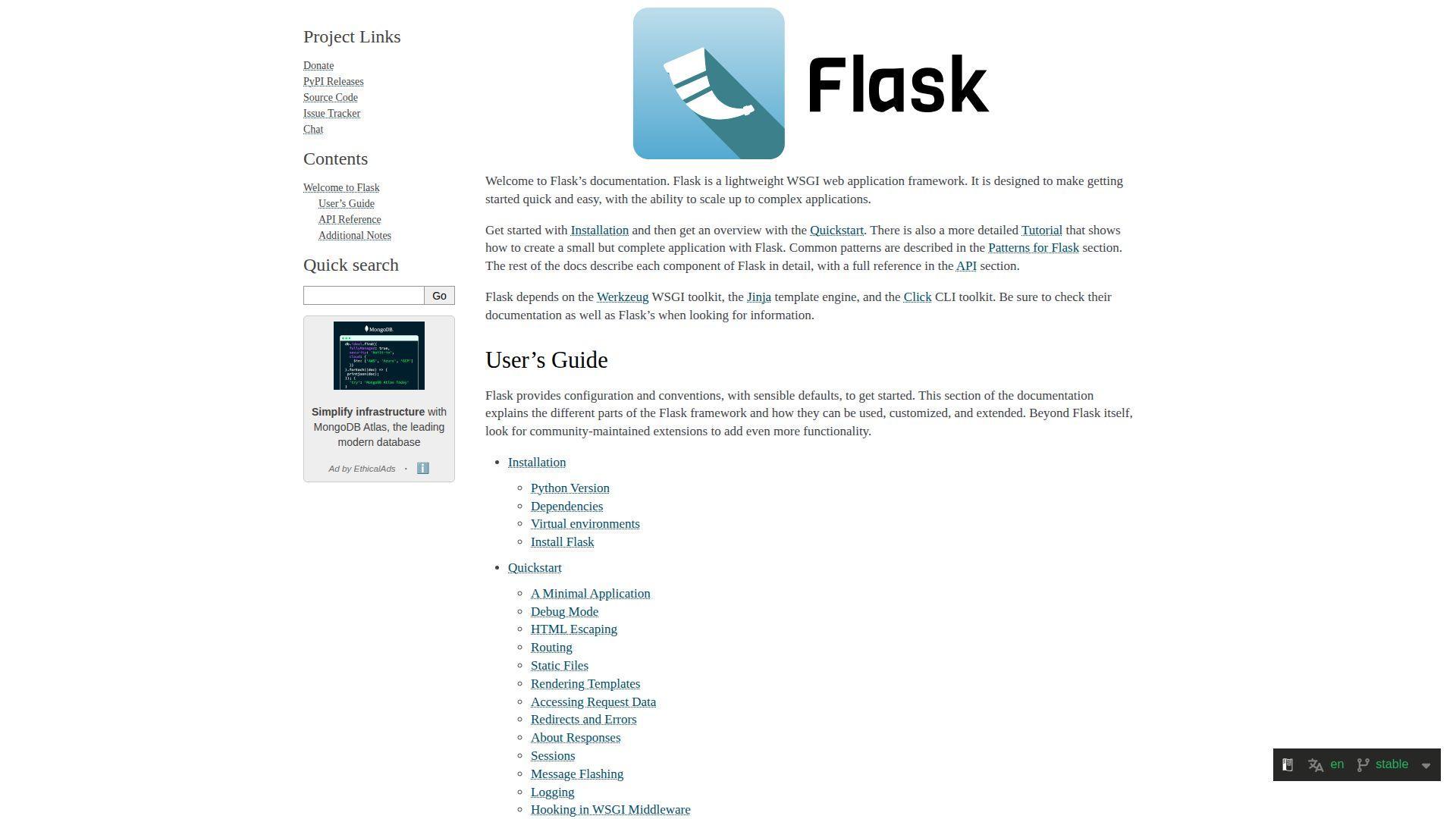
Flask is maintained by the Pallets Projects team. That group also stewards key web building blocks in Python. The result feels calm, stable, and intentionally small.
Build a clean web app without dragging a whole universe behind you.
Best for: solo developers and small backend teams shipping APIs or internal tools.
- Blueprint routing and request hooks → ship modular apps without a rewrite.
- Extensions ecosystem → skip 2–4 glue steps for auth, ORM, and caching.
- Minimal “hello world” setup → reach first endpoint in about 15 minutes.
Pricing & limits: From $0/mo. Trial: N/A. Caps: none in the license; your hosting sets practical limits.
Honest drawbacks: Flask won’t choose architecture for you. Async-heavy workloads can feel bolted on compared with newer async-first options.
Verdict: If you want control without ceremony, this helps you ship a solid service in days. Beats Django at staying lightweight; trails FastAPI on typed, auto-documented APIs.
Score: 4.3/5 and .
2. Bottle
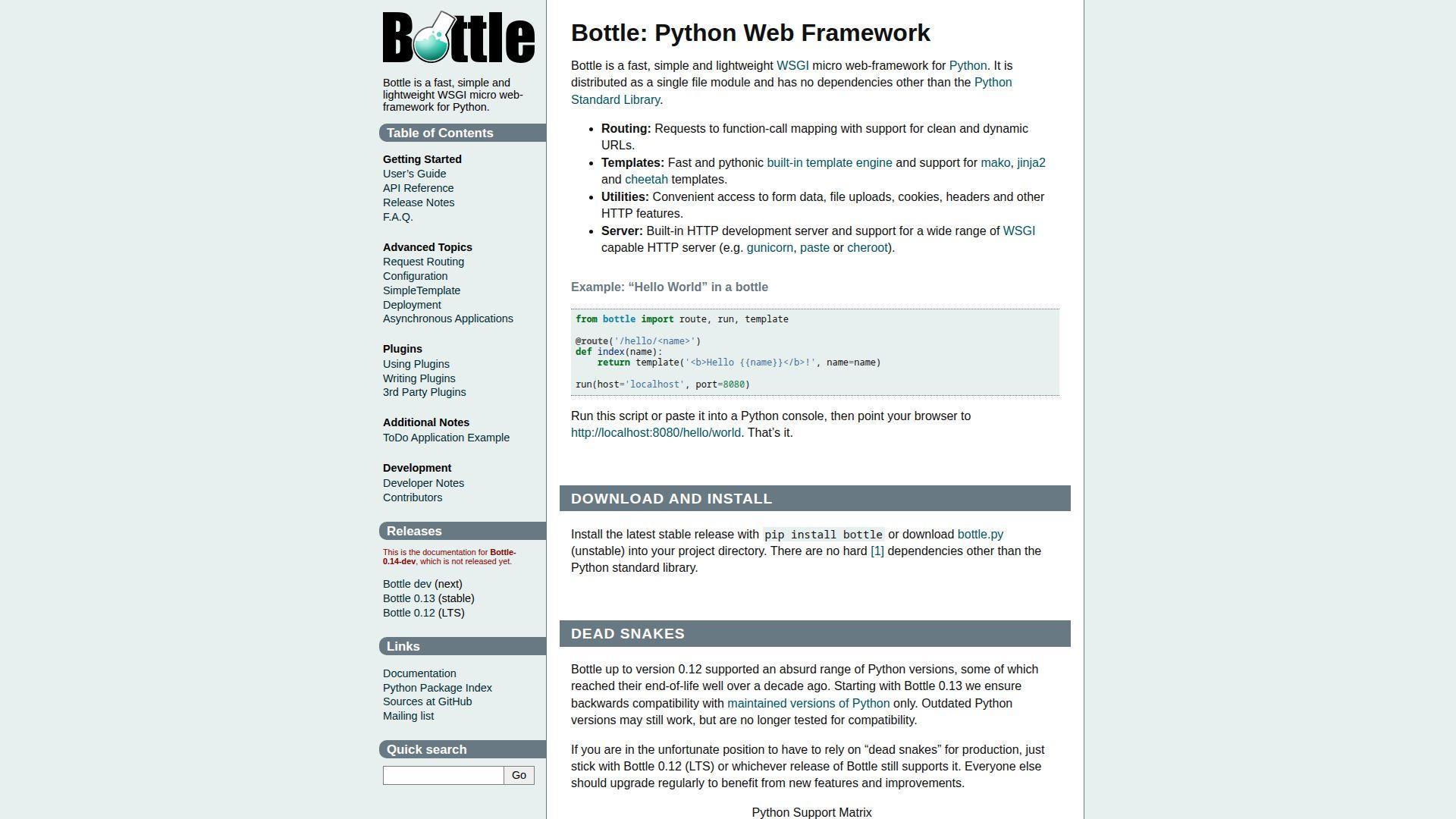
Bottle is a small, community-driven project. Its appeal is clarity: fewer moving parts, fewer opinions, and a short mental model. That makes it friendly for quick utilities.
Turn a script into a web endpoint with almost no friction.
Best for: tinkerers and ops-minded developers building tiny services or demos.
- Single-file-friendly design → keep deployment simple for small endpoints.
- Light plugin approach → remove 2–3 integration steps for templates and auth.
- Minimal boilerplate → reach first route in roughly 10 minutes.
Pricing & limits: From $0/mo. Trial: N/A. Caps: none, but you will assemble production hardening yourself.
Honest drawbacks: The ecosystem is thinner than Flask’s. Larger apps can outgrow Bottle’s simplicity, especially around structure and extensions.
Verdict: If you need a tiny HTTP layer fast, this helps you ship in hours, not days. Beats heavier frameworks at low ceremony; trails Flask on extension breadth.
Score: 3.8/5 and .
3. CherryPy
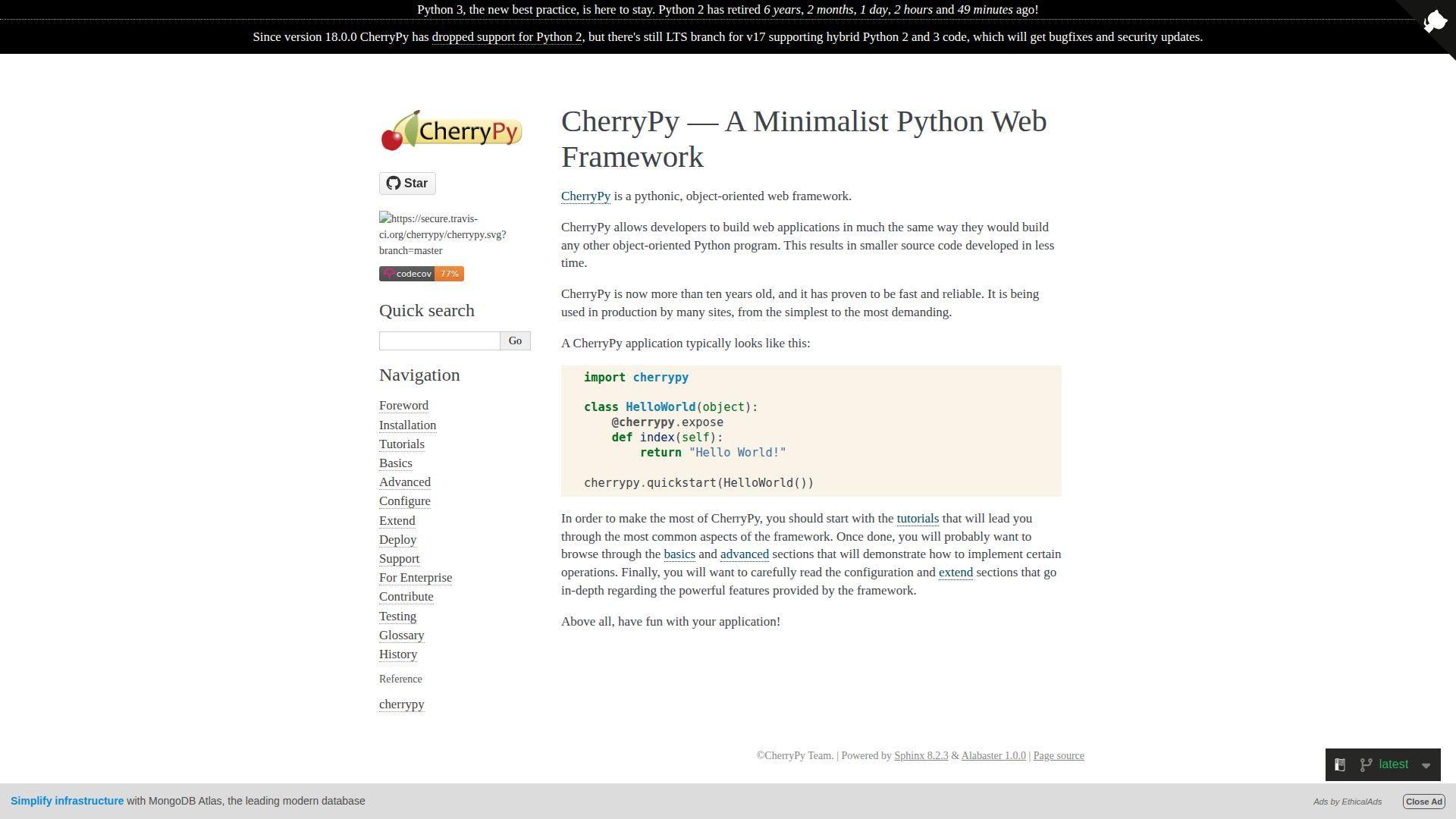
CherryPy is a long-running open-source project. It has a “web server plus framework” flavor that feels self-contained. That maturity shows in its straightforward primitives.
Stand up a durable web service with a built-in, no-nonsense stack.
Best for: engineers maintaining legacy services and teams wanting a contained web setup.
- HTTP server included → deploy without hunting for an app server first.
- Tooling hooks and plugins → save 2–3 wiring steps for sessions and caching.
- Simple app skeleton → get first response in about 20 minutes.
Pricing & limits: From $0/mo. Trial: N/A. Caps: none; scaling depends on your deployment choices.
Honest drawbacks: CherryPy has less mindshare than Django or Flask. Hiring, tutorials, and third-party integrations can take more effort.
Verdict: If you want a compact, mature web stack, this helps you stabilize services within a week. Beats ad-hoc WSGI scripts at structure; trails Flask on ecosystem reach.
Score: 3.7/5 and .
4. Django
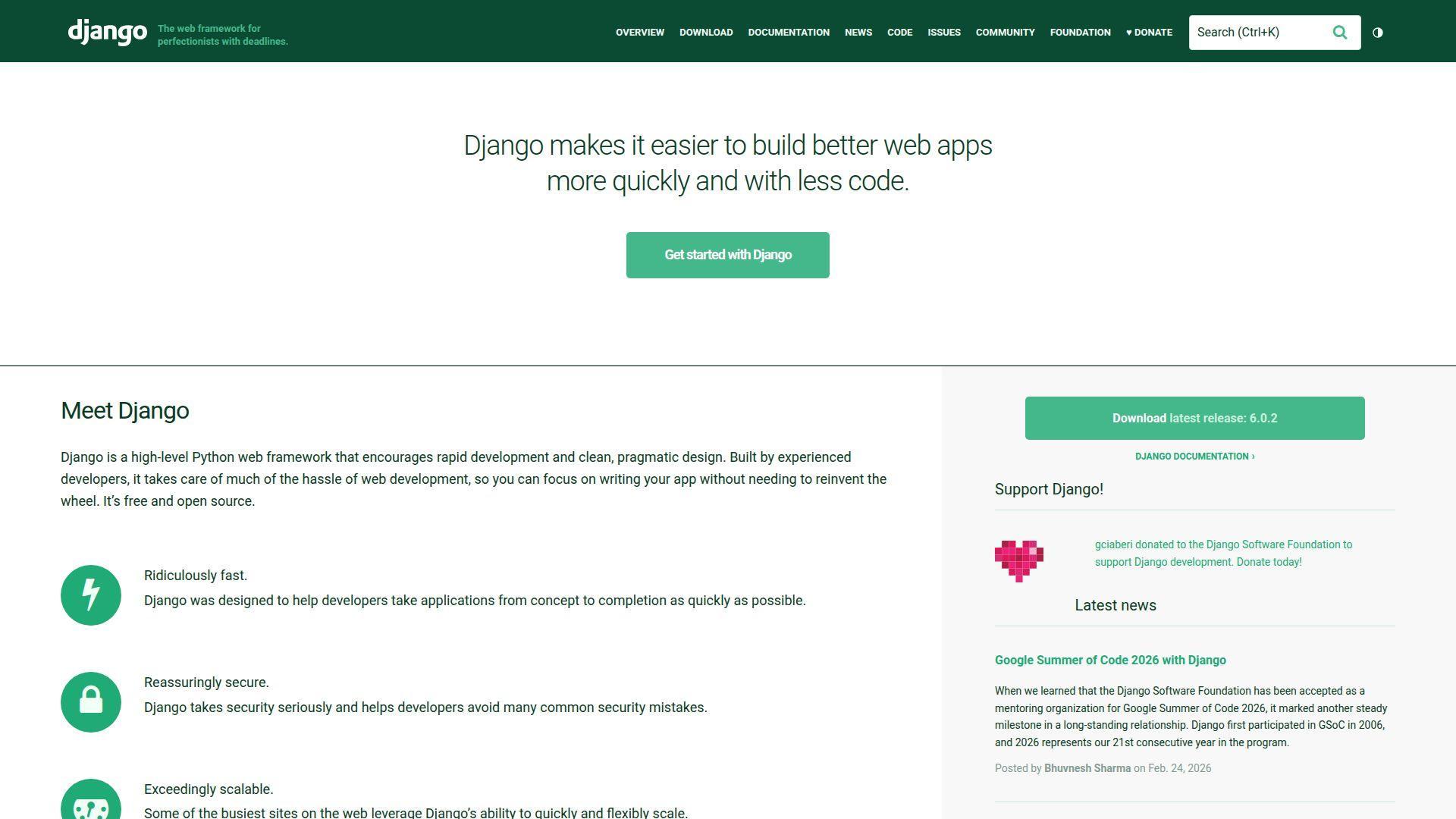
Django is stewarded by the Django Software Foundation and a large contributor community. It’s the rare framework that feels both batteries-included and disciplined. You get conventions that make teams faster together.
Ship a full web product with fewer “what do we pick?” debates.
Best for: startups building database-backed products and enterprises standardizing web development.
- ORM, migrations, and admin → deliver CRUD workflows without custom scaffolding.
- Huge package ecosystem → cut 3–5 integration steps for auth, payments, and CMS.
- Project generator and defaults → reach first app page in about 30 minutes.
Pricing & limits: From $0/mo. Trial: N/A. Caps: none; you pay in infrastructure and developer time.
Honest drawbacks: Django can feel heavy for small APIs. Strict patterns also frustrate teams that want total freedom in architecture.
Verdict: If you need a secure, feature-rich web app, this helps you ship MVP-to-production in weeks. Beats Flask at built-in workflows; trails FastAPI for async-first APIs.
Score: 4.6/5 and .
5. FastAPI
FastAPI is led by Sebastián Ramírez and an active open-source community. It’s built around Python type hints and modern API ergonomics. The framework feels like it wants your codebase to stay honest.
Build typed APIs that document themselves as you code.
Best for: API teams and data platform engineers shipping services with clear contracts.
- Type-driven validation → reduce input bugs and rework on every endpoint.
- OpenAPI generation → save 3–4 steps for docs, clients, and testing stubs.
- Clear starter patterns → get first endpoint and docs in about 20 minutes.
Pricing & limits: From $0/mo. Trial: N/A. Caps: none; performance depends on your ASGI server and deployment.
Honest drawbacks: You still choose a lot of surrounding stack pieces. Teams unfamiliar with typing may hit a learning bump early.
Verdict: If you want fast, reliable API delivery, this helps you ship consistent endpoints in days. Beats Flask at contract clarity; trails Django on full-stack built-ins.
Score: 4.6/5 and .
6. Pyramid
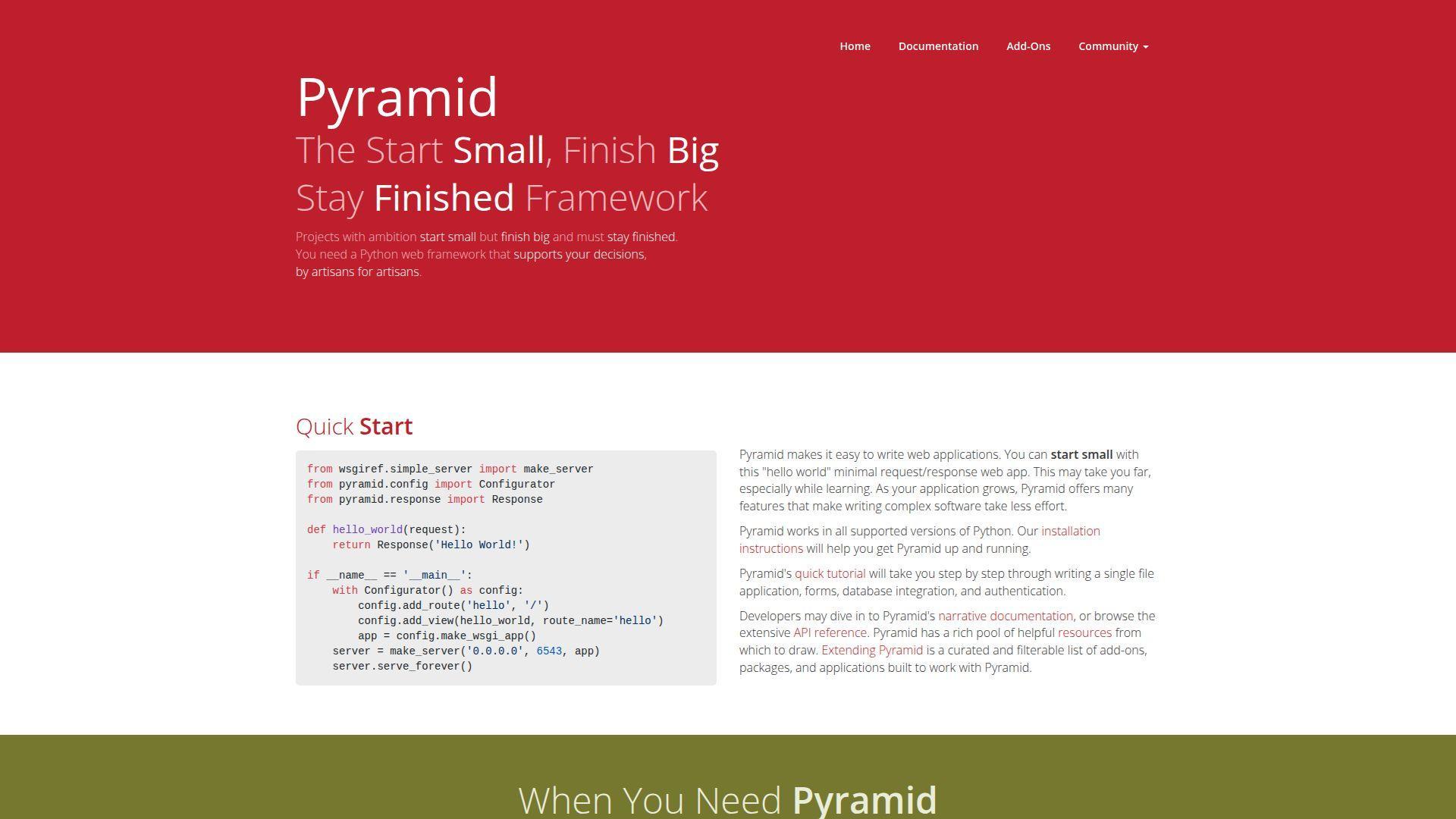
Pyramid is a community-maintained framework with a “choose your own adventure” philosophy. It scales from small apps to complex systems without forcing one path. That flexibility is its selling point and its tax.
Design your web architecture the way your domain actually works.
Best for: experienced backend engineers and teams migrating complex legacy systems.
- Flexible routing and views → model odd business flows without fighting conventions.
- Pluggable components → skip 2–3 rewires when swapping templates or auth.
- Scaffold starters → reach first working app in about 45 minutes.
Pricing & limits: From $0/mo. Trial: N/A. Caps: none; complexity is the real limiting factor.
Honest drawbacks: Pyramid asks you to make more early decisions than Django. Its community is smaller, so examples and plug-ins can be uneven.
Verdict: If you need a framework that won’t box you in, this helps you grow a system over quarters. Beats Django at flexibility; trails Flask on beginner friendliness.
Score: 4.0/5 and .
7. Tornado
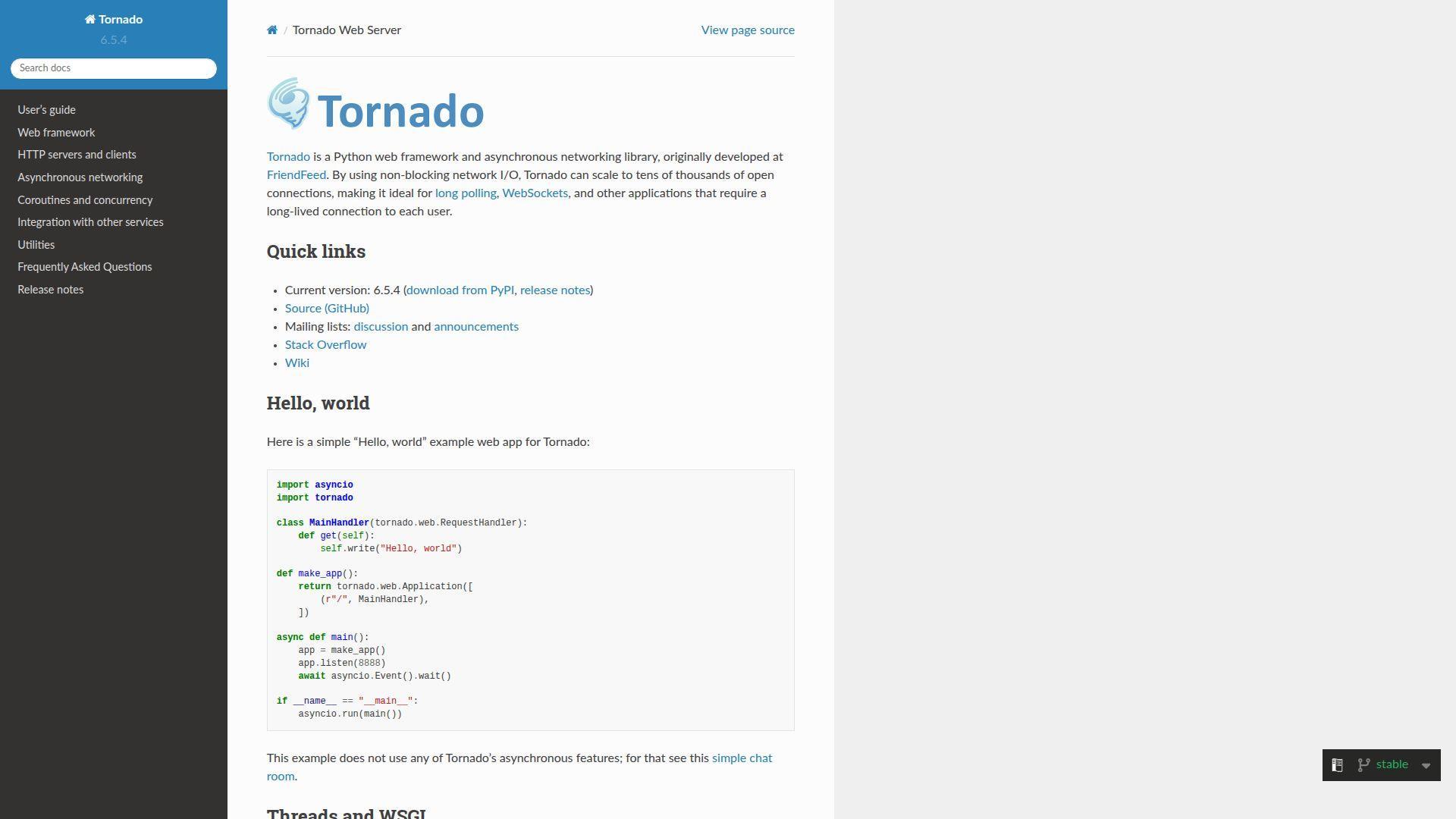
Tornado is an open-source project known for async networking roots. It’s built to keep lots of connections alive without drama. That makes it feel like a specialist tool that still works as a web framework.
Handle long-lived connections without your server gasping for air.
Best for: real-time product teams and engineers building WebSocket-heavy services.
- Async I/O core → keep chat, streams, and notifications responsive.
- Built-in networking utilities → save 2–3 steps for websockets and async clients.
- Direct setup model → reach first async handler in about 30 minutes.
Pricing & limits: From $0/mo. Trial: N/A. Caps: none; resource limits come from your runtime and hosting.
Honest drawbacks: Tornado is not the default choice for typical CRUD apps. Some teams prefer ASGI-first stacks for broader compatibility.
Verdict: If you’re chasing real-time responsiveness, this helps you ship reliable async services in weeks. Beats WSGI stacks on long connections; trails FastAPI on docs and typing defaults.
Score: 4.0/5 and .
8. PyQt
PyQt is produced by Riverbank Computing and backed by long-term maintenance. It wraps Qt, a battle-tested cross-platform GUI toolkit. The tooling is deep, and so is the surface area.
Build desktop apps that feel native, not “Python-ish.”
Best for: desktop product teams and internal tools groups shipping polished UIs.
- Full Qt widget set → deliver complex workflows without custom drawing.
- Qt ecosystem add-ons → save 3–5 steps when adding charts, web views, and media.
- Designer-friendly workflow → reach first clickable window in about 45 minutes.
Pricing & limits: From $0/mo (GPL use). Trial: N/A. Caps: commercial licensing applies for proprietary distribution, and Qt licensing may also matter.
Honest drawbacks: Licensing can be a deal-breaker for closed-source apps. Packaging and cross-platform distribution still takes real engineering time.
Verdict: If you need a serious desktop UI, this helps you ship a professional app over months. Beats Tkinter on depth; trails PySide for some licensing flexibility.
Score: 4.1/5 and .
9. Tkinter
Tkinter ships with Python and is maintained through the standard library ecosystem. That built-in status is the headline. You get a GUI toolkit without a dependency chain.
Put a simple interface on a script, fast.
Best for: educators and automation engineers who need basic desktop forms.
- Standard library availability → ship GUIs without dependency approvals.
- Simple widgets and layout → save 2–3 steps for dialogs and input forms.
- Instant install story → reach first window in about 10 minutes.
Pricing & limits: From $0/mo. Trial: N/A. Caps: none, but advanced UI patterns get painful quickly.
Honest drawbacks: The UI can look dated without extra theming work. Complex apps often hit maintainability limits due to widget management overhead.
Verdict: If you need quick-and-clean utility windows, this helps you deliver in a day. Beats PyQt on simplicity; trails PyQt and PySide on professional UI depth.
Score: 3.7/5 and .
10. Kivy
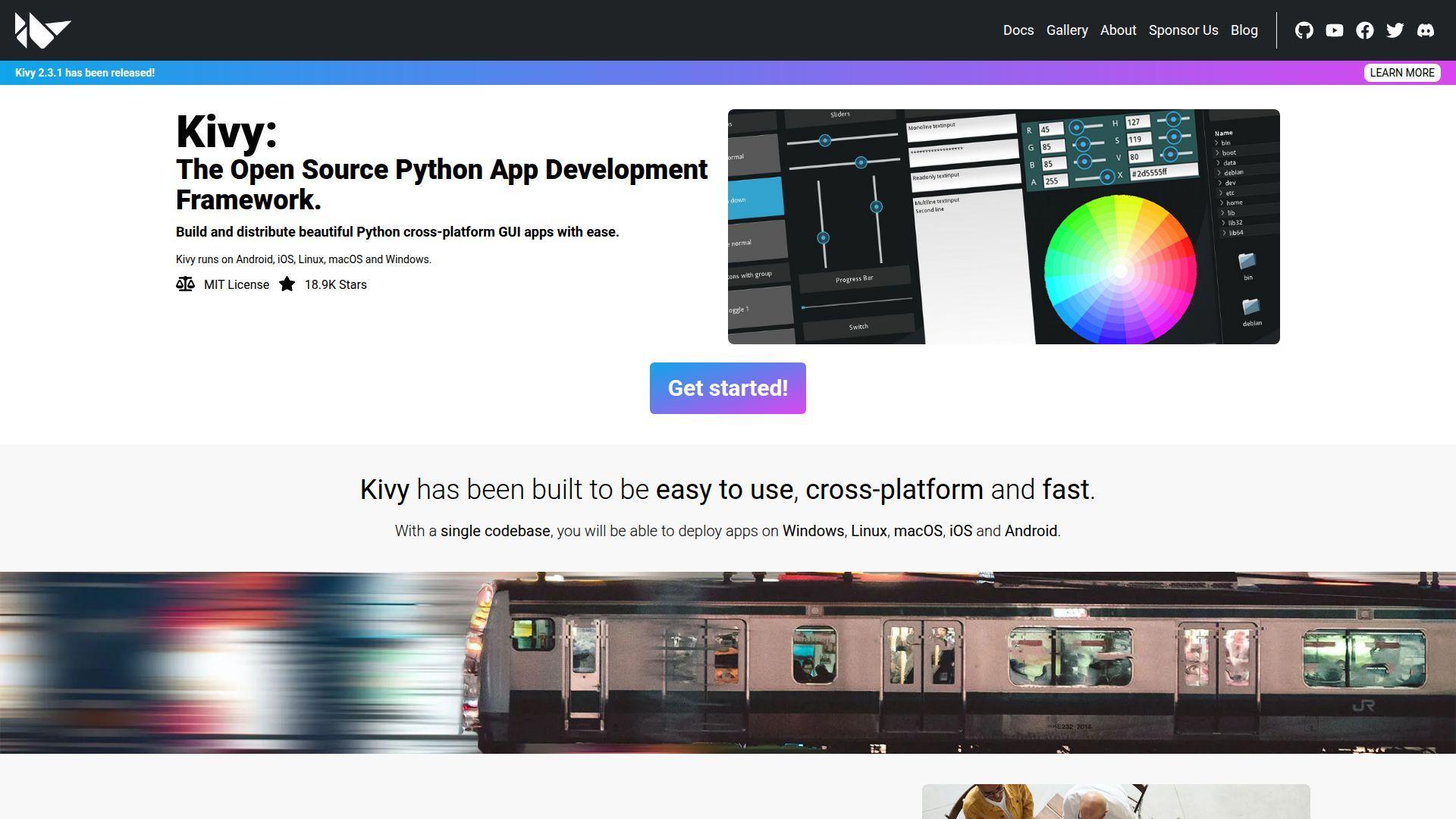
Kivy is an open-source community project focused on cross-platform, touch-friendly apps. Its UI model is distinct from classic desktop toolkits. That difference is powerful once it clicks.
Build one app UI that can travel across devices.
Best for: indie app builders and teams prototyping touch-first interfaces.
- Touch-first widgets → ship gesture-friendly UIs without custom event plumbing.
- Cross-platform targets → save 2–4 steps versus rewriting UIs per OS.
- Fast visual feedback loop → reach first interactive screen in about 45 minutes.
Pricing & limits: From $0/mo. Trial: N/A. Caps: none, but packaging and app-store workflows add complexity.
Honest drawbacks: The ecosystem is narrower than Qt’s. Deployment to mobile platforms can be the hardest part of the project.
Verdict: If you want a portable, touch-ready UI, this helps you prototype in days and iterate weekly. Beats Tkinter on modern interaction; trails PyQt on enterprise desktop polish.
Score: 3.8/5 and .
11. PySide
PySide is maintained under the Qt for Python umbrella by The Qt Company and contributors. It provides official Qt bindings, with a licensing story many teams prefer. Functionally, it sits close to PyQt for most work.
Ship Qt-grade desktop apps with an official Python binding.
Best for: product teams building proprietary desktop apps and devs standardizing on Qt.
- Qt coverage across modules → deliver rich UIs without missing widgets.
- Qt tooling alignment → save 2–3 steps when using Designer and Qt docs.
- Predictable onboarding → reach first window in about 45 minutes.
Pricing & limits: From $0/mo (community licensing). Trial: N/A. Caps: commercial distribution terms may apply depending on your use case and Qt modules.
Honest drawbacks: Some edge-case APIs differ from PyQt examples online. Packaging remains real work, especially for multi-OS releases.
Verdict: If you want Qt power with fewer licensing headaches, this helps you build serious desktop apps over months. Beats PyQt on licensing flexibility for many teams; trails PyQt on some third-party tutorial alignment.
Score: 4.3/5 and .
12. PySimpleGUI
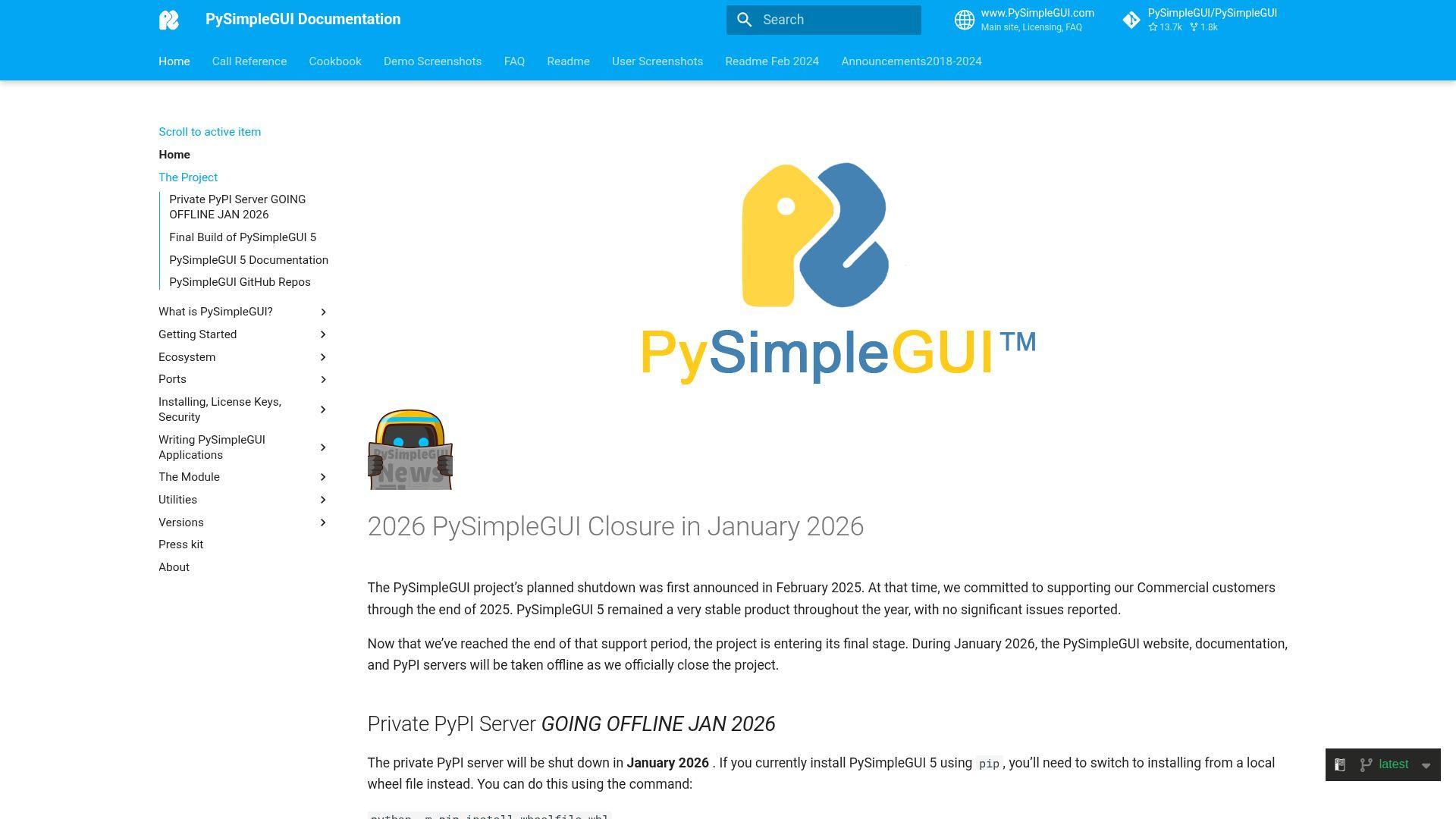
PySimpleGUI was built by PySimpleSoft with a strong “make GUIs approachable” goal. It wrapped other toolkits to simplify layouts and events. In 2026, its story includes a hard operational caveat.
Make basic desktop windows with beginner-friendly code patterns.
Best for: maintaining existing PySimpleGUI apps and learners exploring GUI concepts cautiously.
- Linear event loop style → build small utilities without deep OOP overhead.
- Wrapper over multiple backends → save 2–3 decisions when picking a GUI toolkit.
- Quick layout patterns → reach first form in about 20 minutes.
Pricing & limits: From $0/mo for hobbyist use cases, depending on licensing terms. Trial: time-limited options have existed for commercial licensing. Caps: project materials and distribution depend on licensing and availability.
Honest drawbacks: The project announced a planned shutdown in January 2026, including key hosting services. New production builds may face supply-chain and install friction.
Verdict: If you have legacy GUIs to keep alive, this helps you patch and ship fixes within days. Beats raw Tkinter on ergonomics; trails PyQt and PySide on long-term platform stability.
Score: 3.5/5 and .
13. scikit-learn
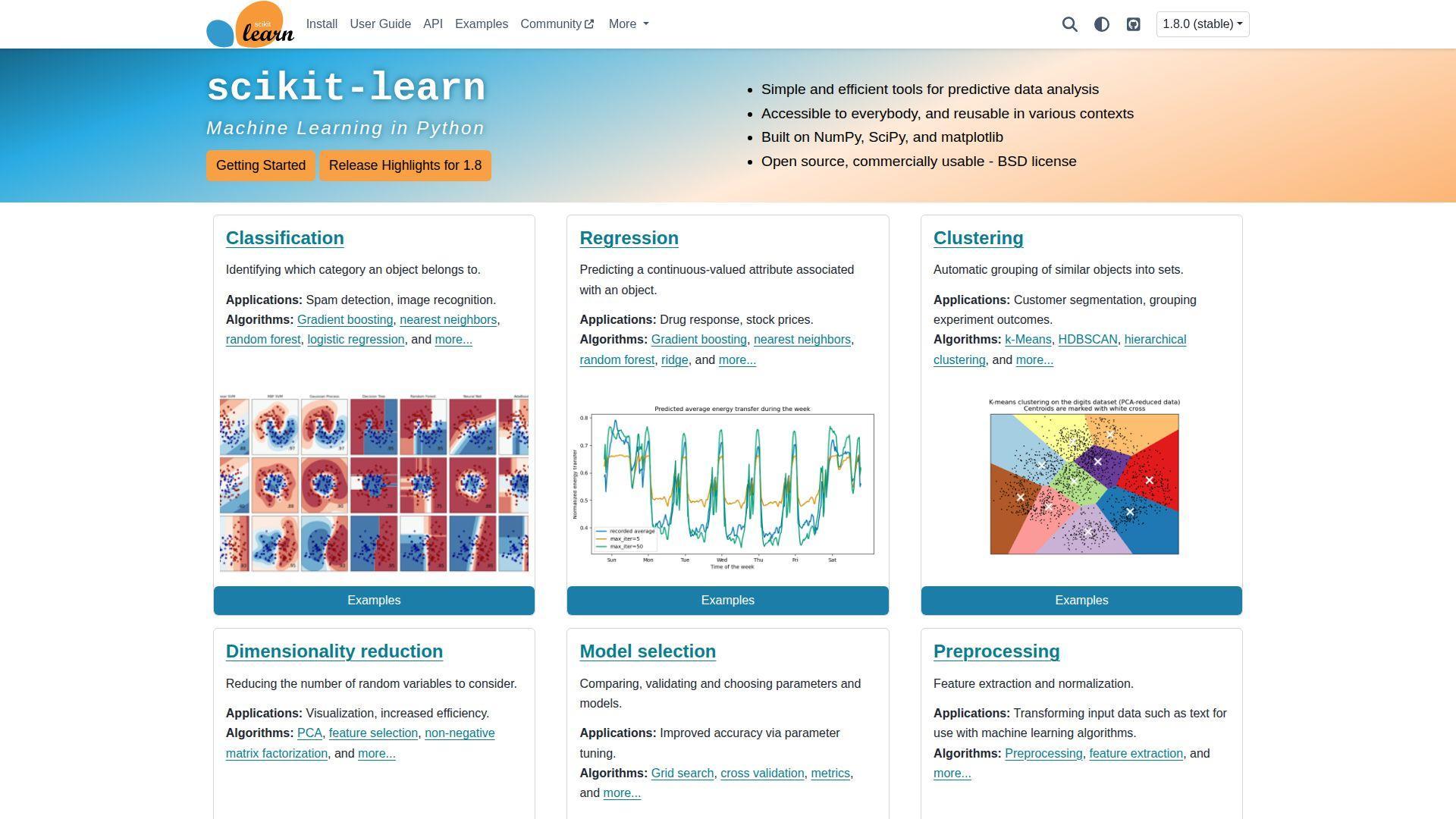
scikit-learn is a community-led project with strong academic and industry contributors. It’s the default toolbox for classical machine learning in Python. The API design rewards careful thinking and repeatable workflows.
Train strong baselines that you can explain to humans.
Best for: data scientists and analysts shipping models into production pipelines.
- Pipelines and transformers → reduce training-serving drift across iterations.
- Consistent estimator API → save 3–5 steps when swapping algorithms for tests.
- Friendly defaults and docs → reach first baseline model in about 30 minutes.
Pricing & limits: From $0/mo. Trial: N/A. Caps: models must fit in memory; distributed training is not the focus.
Honest drawbacks: Deep learning is not its mission. At very large data sizes, you may need other tools for scaling.
Verdict: If you want dependable ML results quickly, this helps you ship baselines within a day and iterate weekly. Beats many DL stacks on interpretability; trails PyTorch for neural workflows.
Score: 4.4/5 and .
14. TensorFlow
TensorFlow is backed by Google and a broad open-source ecosystem. It aims to cover research, training, and production deployment. That ambition creates power and complexity in equal measure.
Train models and move them toward production with a single ecosystem.
Best for: ML platform teams and organizations standardizing model deployment workflows.
- End-to-end training stack → reduce handoffs between research and serving.
- Tooling around export and serving → save 2–4 steps during deployment packaging.
- Guided tutorials and recipes → reach first trained model in about an hour.
Pricing & limits: From $0/mo. Trial: N/A. Caps: compute costs come from your hardware or cloud, not the library.
Honest drawbacks: The learning curve is steeper than it looks. Debugging complex graphs and performance issues can take specialized experience.
Verdict: If you need a production-oriented DL stack, this helps you standardize delivery over quarters. Beats many libraries on ecosystem breadth; trails PyTorch on day-to-day developer ergonomics.
Score: 4.4/5 and .
15. PyTorch
PyTorch is led by a large open-source community with strong industry backing. It became a favorite for research-friendly iteration. The developer experience feels like writing Python first, then scaling it.
Prototype deep learning ideas fast, then harden them for training.
Best for: research teams and product groups building DL features into apps.
- Dynamic model definition → iterate architectures without fighting the framework.
- Strong ecosystem tools → save 3–5 steps for training loops and experiment tracking.
- Clear tutorials and examples → reach first training run in about an hour.
Pricing & limits: From $0/mo. Trial: N/A. Caps: GPU memory and hardware availability define your ceiling.
Honest drawbacks: Production deployment choices can feel fragmented. Teams may need extra discipline to keep experiments reproducible.
Verdict: If you want fast DL iteration with real momentum, this helps you move from idea to trained model in days. Beats TensorFlow on iterative ergonomics; trails TensorFlow on some integrated serving paths.
Score: 4.5/5 and .
16. Keras
Keras is a high-level deep learning API with long-standing community adoption. It’s designed to make model-building readable and fast. The best experience comes when your team values clarity over cleverness.
Write neural networks that look like code reviews, not riddles.
Best for: applied ML teams and learners who want fast, clean model iteration.
- High-level model APIs → ship prototypes without building training scaffolds.
- Callbacks and training utilities → save 2–4 steps for logging and early stopping.
- Straightforward examples → reach first model fit in about 45 minutes.
Pricing & limits: From $0/mo. Trial: N/A. Caps: scaling depends on your backend and compute environment.
Honest drawbacks: You may hit ceilings on highly customized training loops. Some teams prefer lower-level control from PyTorch for research work.
Verdict: If you want fast iteration with readable code, this helps you deliver experiments in days. Beats raw TensorFlow on approachability; trails PyTorch on flexible research patterns.
Score: 4.3/5 and .
17. NumPy
NumPy is maintained by a large scientific Python community. It’s the quiet engine under huge parts of the ecosystem. When NumPy is healthy, Python computing is healthy.
Make numerical code fast, compact, and predictable.
Best for: every Python developer touching data, math, or performance-sensitive loops.
- N-dimensional arrays and broadcasting → express complex math without nested Python loops.
- Interoperability across libraries → save 2–3 conversion steps between ML and plotting tools.
- Minimal install friction → reach first vectorized speedup in about 15 minutes.
Pricing & limits: From $0/mo. Trial: N/A. Caps: memory limits apply, especially with large dense arrays.
Honest drawbacks: Beginners can misuse broadcasting and get wrong results. Debugging shape bugs can burn hours without good tests.
Verdict: If you want reliable numerical foundations, this helps you speed up core computations within a day. Beats pure Python loops on performance; trails Pandas on labeled tabular semantics.
Score: 4.6/5 and .
18. SciPy
SciPy is community-run and sits on top of NumPy with a mission: practical scientific computing. It offers algorithms you don’t want to re-implement under deadline. The library feels like a toolbox for real math.
Use proven scientific algorithms instead of writing your own, risky versions.
Best for: researchers and engineers doing optimization, signal processing, or statistics.
- Optimizers and solvers → deliver results without building numerical methods from scratch.
- Interlocks with NumPy stack → save 2–4 steps moving data into analysis workflows.
- Direct APIs and examples → reach first solve or fit in about 30 minutes.
Pricing & limits: From $0/mo. Trial: N/A. Caps: large problems can be compute-heavy and require tuning.
Honest drawbacks: Some APIs are broad and can feel dense. Performance gains may require domain knowledge and careful data preparation.
Verdict: If you need trustworthy scientific routines, this helps you deliver correct answers within days. Beats hand-rolled math on reliability; trails specialized domain libraries on niche features.
Score: 4.3/5 and .
19. Pandas
Pandas is maintained by a wide open-source community and used across industries. It popularized the DataFrame workflow for Python. You get speed and convenience, plus a few sharp edges.
Turn messy data into clean tables you can actually reason about.
Best for: analysts and data engineers doing ETL, reporting, and exploration.
- DataFrame transforms → ship joins, groupbys, and reshapes without custom code.
- Rich IO ecosystem → save 3–5 steps importing CSV, Parquet, SQL, and APIs.
- Quick feedback loop → reach first useful summary in about 15 minutes.
Pricing & limits: From $0/mo. Trial: N/A. Caps: memory limits matter, and huge datasets may need other engines.
Honest drawbacks: Performance can surprise you on wide or very large data. Chained operations can hide bugs unless you test aggressively.
Verdict: If you need results fast from tabular data, this helps you produce insights in hours. Beats NumPy on labeled tables; trails dedicated big-data systems on scale.
Score: 4.4/5 and .
20. Matplotlib
Matplotlib is a cornerstone community project in Python visualization. It prioritizes control and reproducibility over “pretty by default.” Once learned, it can produce publication-grade plots reliably.
Create charts you can tweak down to the pixel.
Best for: researchers and engineers who need precise, scriptable plotting.
- Fine-grained plotting controls → publish consistent figures across papers and reports.
- Plays well with NumPy and Pandas → save 2–3 steps turning data into visuals.
- Ubiquitous defaults → reach first plot in about 10 minutes.
Pricing & limits: From $0/mo. Trial: N/A. Caps: none; complexity rises with customization needs.
Honest drawbacks: The API can feel verbose for simple charts. Interactive dashboards are not its core strength compared with app-first tools.
Verdict: If you need dependable plotting with full control, this helps you standardize visuals within a week. Beats many libraries on precision; trails Streamlit on app-style interactivity.
Score: 4.2/5 and .
21. Pytest
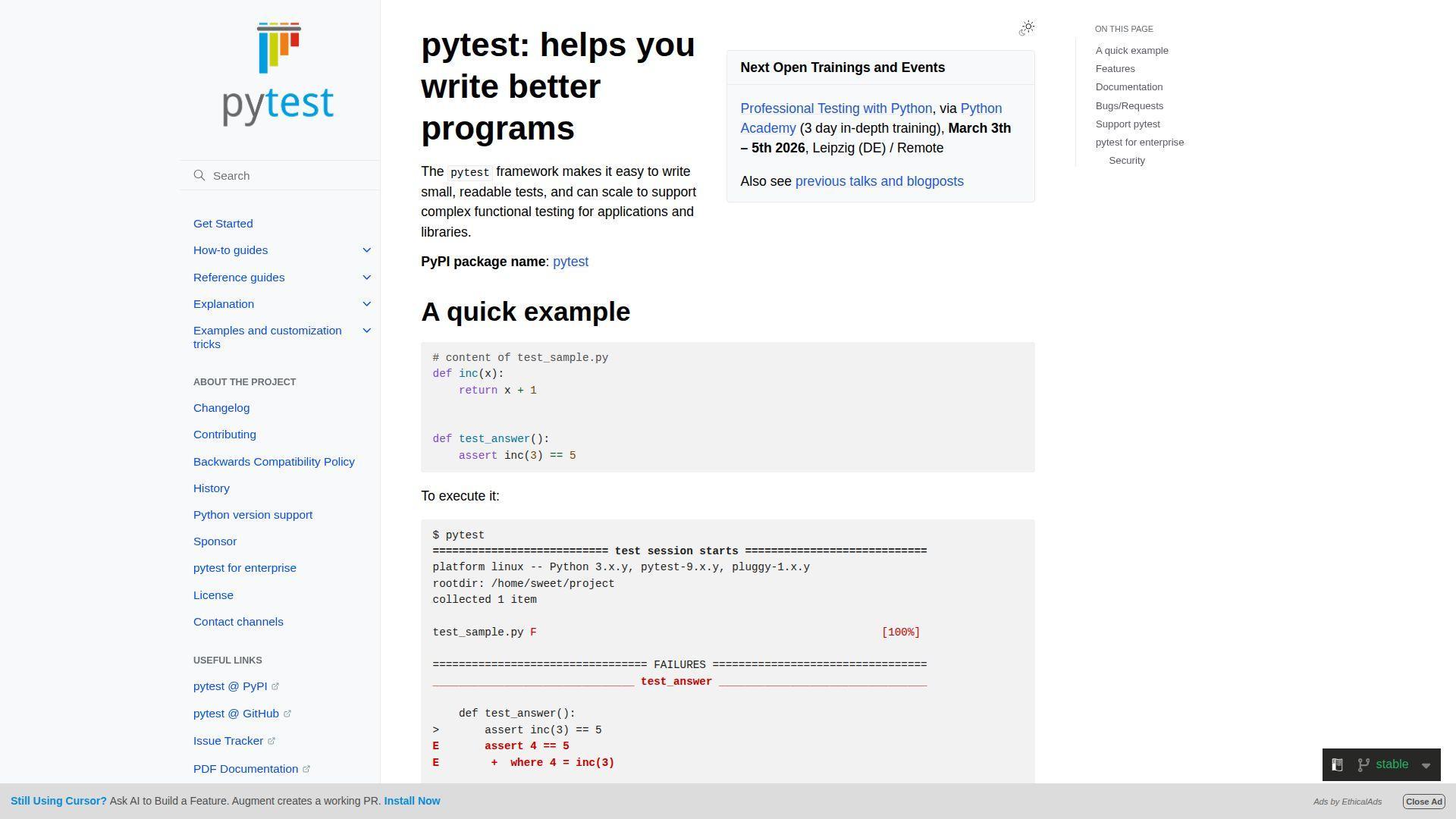
Pytest is community-maintained and widely adopted across Python teams. It nudges you toward readable tests and scalable fixtures. The best part is how quickly it turns testing into a habit.
Catch regressions before your users do.
Best for: product teams and platform teams that want fast, maintainable tests.
- Fixture system → reuse setup cleanly across suites without copy-paste.
- Plugin ecosystem → save 3–5 steps for coverage, mocking, and reporting.
- Minimal test structure → reach first meaningful test in about 15 minutes.
Pricing & limits: From $0/mo. Trial: N/A. Caps: none; large suites demand CI discipline.
Honest drawbacks: Overusing fixtures can make tests opaque. Teams coming from unittest may need time to internalize idioms.
Verdict: If you want confidence in every deploy, this helps you build a safety net within weeks. Beats nose2 on ecosystem depth; trails nothing obvious for modern Python testing.
Score: 4.5/5 and .
22. nose2
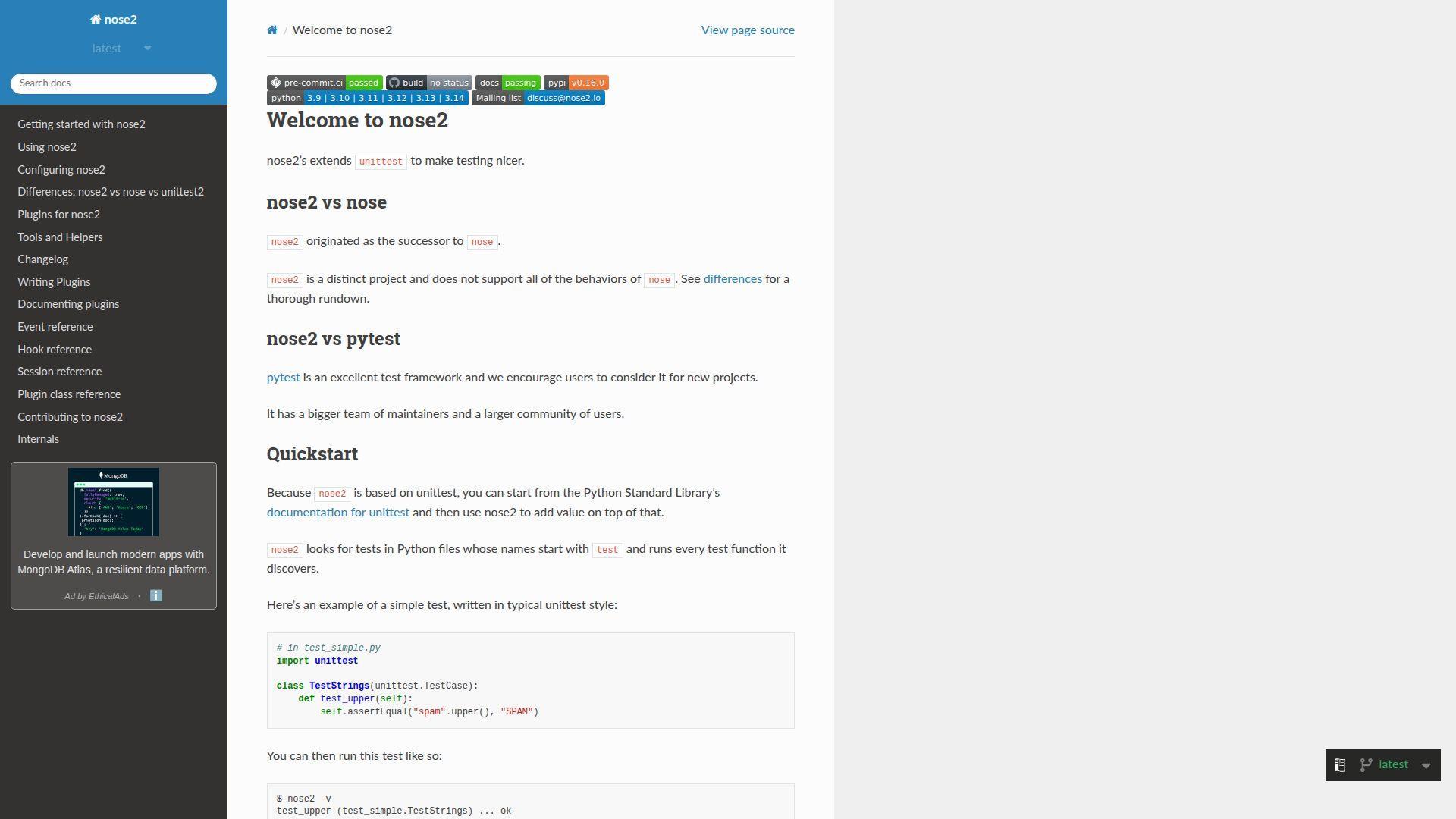
nose2 is community-driven and designed as a successor to the original nose. It aims to extend unittest with plugins and discovery. The vibe is practical, but quieter than Pytest in 2026.
Upgrade unittest-style testing without changing everything at once.
Best for: teams with legacy unittest suites and conservative testing workflows.
- unittest compatibility → keep existing tests while improving discovery.
- Plugin support → save 2–3 steps when adding coverage or output formats.
- Familiar structure → reach first run and report in about 20 minutes.
Pricing & limits: From $0/mo. Trial: N/A. Caps: none; your CI and suite size are the constraints.
Honest drawbacks: The ecosystem and community momentum are smaller than Pytest. New hires often know Pytest first, which can slow onboarding.
Verdict: If you need a gentle migration path, this helps you improve tests in days. Beats raw unittest on extensibility; trails Pytest on modern ergonomics and plugins.
Score: 3.6/5 and .
23. Aiohttp
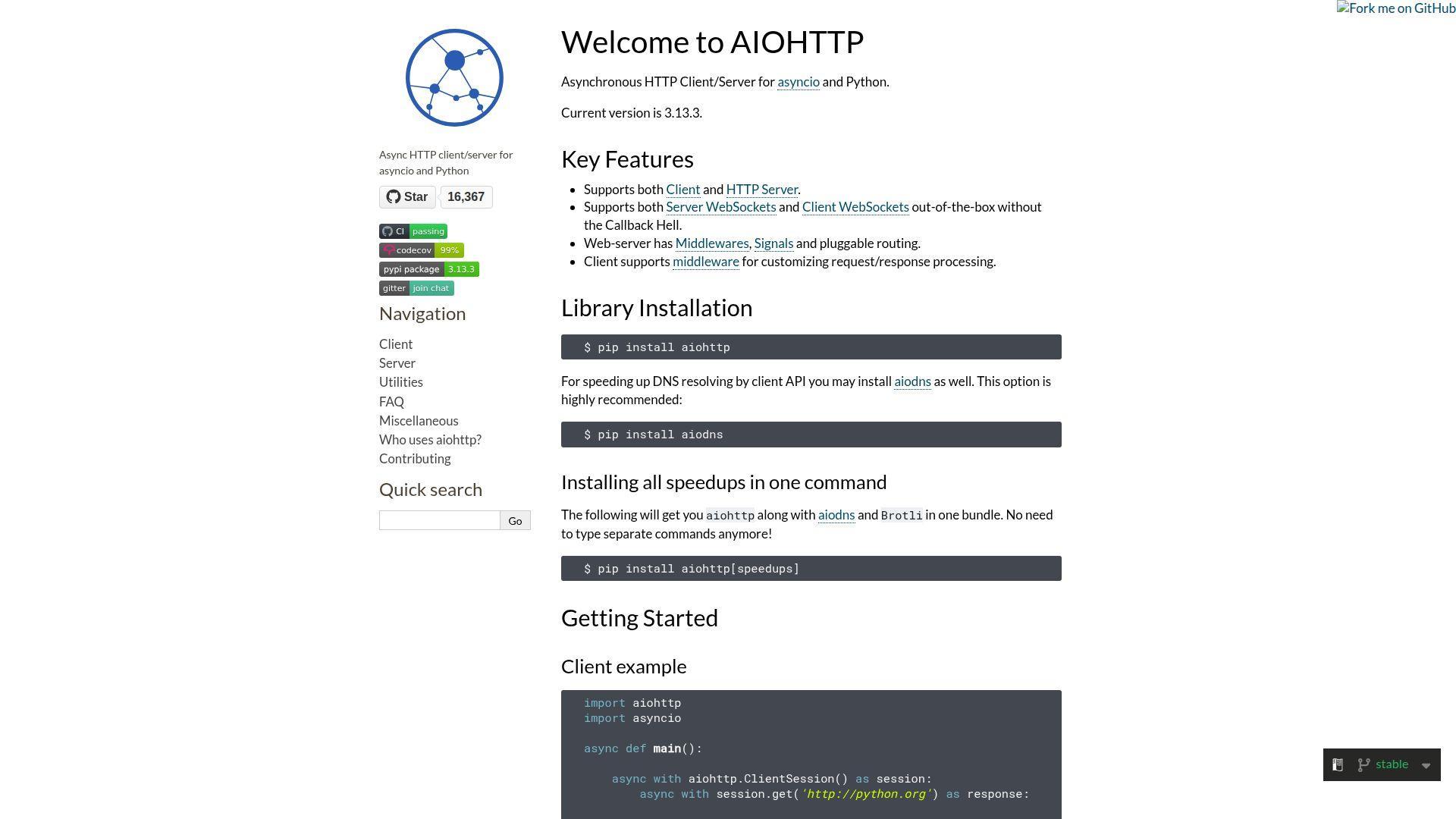
aiohttp is maintained by an open-source community focused on async networking. It shines as an async HTTP client, and it can also serve HTTP. The design favors explicit control and performance-aware choices.
Make async HTTP calls without turning your codebase into spaghetti.
Best for: platform engineers and backend teams building async integrations.
- Async client sessions → reduce connection overhead and stabilize request bursts.
- Middleware and routing options → save 2–3 steps for auth and request tracing.
- Direct async examples → reach first robust client call in about 30 minutes.
Pricing & limits: From $0/mo. Trial: N/A. Caps: none; rate limits and upstream APIs set real constraints.
Honest drawbacks: The API expects comfort with asyncio concepts. For pure API servers, some teams prefer frameworks with automatic docs.
Verdict: If you need reliable async HTTP plumbing, this helps you ship integrations in days. Beats requests on async throughput; trails FastAPI on server-side developer experience.
Score: 4.1/5 and .
24. Falcon
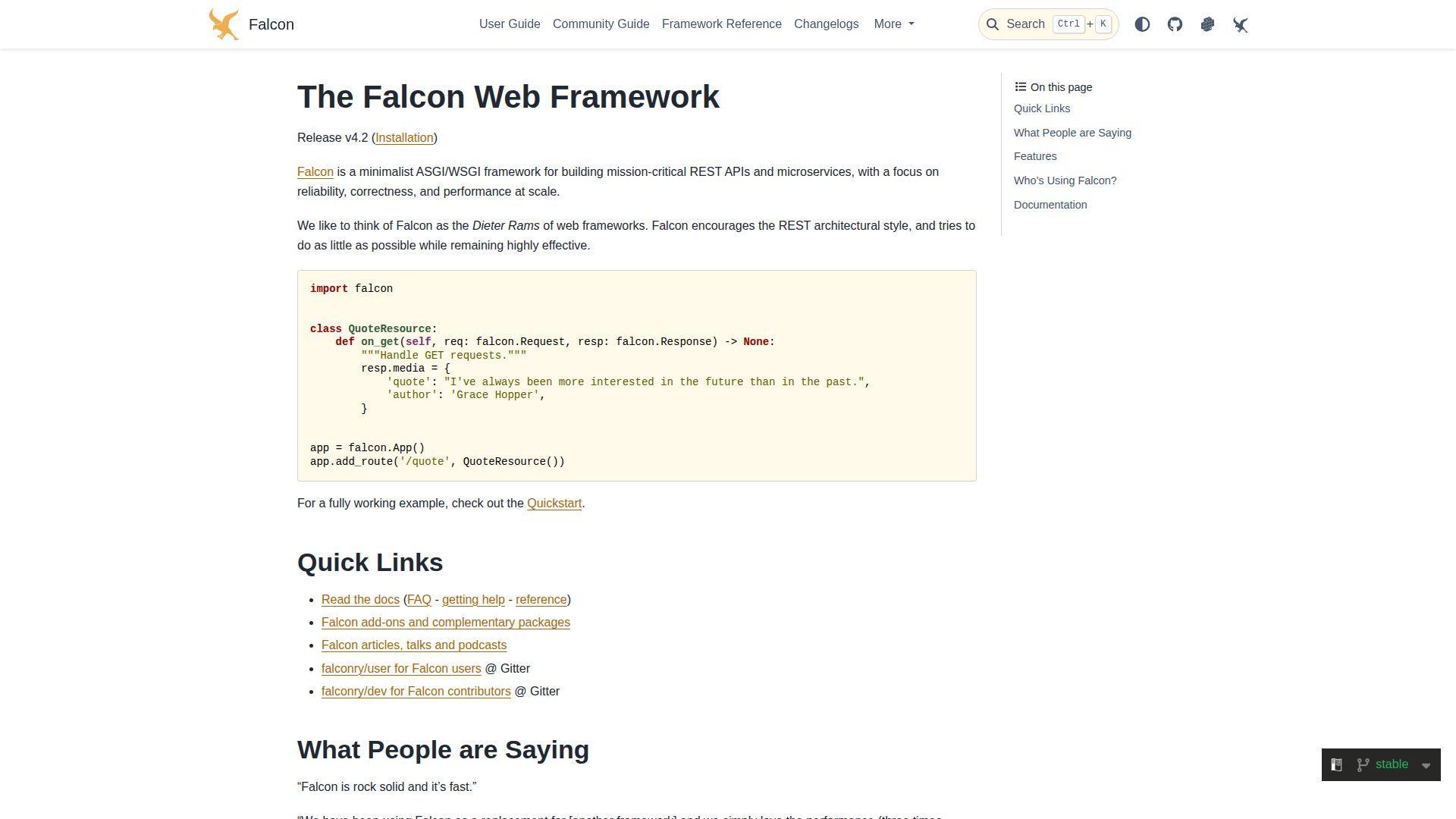
Falcon is a community-maintained framework focused on APIs and performance. It stays minimal and expects you to be deliberate. That makes it a good fit for teams who want a thin layer over HTTP.
Build fast APIs with fewer abstractions between you and the wire.
Best for: backend teams building microservices and engineers who value explicitness.
- Resource-oriented design → keep endpoint logic clean and predictable.
- Middleware pipeline → save 2–3 steps for auth, logging, and rate limiting.
- Small surface area → reach first endpoint in about 25 minutes.
Pricing & limits: From $0/mo. Trial: N/A. Caps: none; operational limits come from deployment and traffic patterns.
Honest drawbacks: You assemble more of the stack yourself than in Django. Auto-generated docs and validation are not as central as in FastAPI.
Verdict: If you want a tight API core, this helps you ship stable services in weeks. Beats Django on minimalism; trails FastAPI on schema-first workflows.
Score: 4.0/5 and .
25. Hug
Hug was created by Timothy Crosley with an API-first, Pythonic feel. The project emphasizes simple function decoration and built-in documentation. Its current reality is slower release momentum than modern peers.
Expose Python functions as APIs with minimal ceremony.
Best for: hobby projects and teams maintaining existing Hug services.
- Decorator-driven endpoints → ship simple APIs without a complex project layout.
- Built-in docs and testing helpers → save 2–4 steps for basic verification.
- Low-friction CLI run mode → reach first running API in about 15 minutes.
Pricing & limits: From $0/mo. Trial: N/A. Caps: none, but you will own long-term maintenance planning.
Honest drawbacks: The latest PyPI release is dated February 6, 2020. That gap can raise risk for security reviews and dependency compatibility.
Verdict: If you need a simple, readable API wrapper, this helps you ship small endpoints in hours. Beats hand-rolled WSGI on convenience; trails FastAPI on modern ecosystem and momentum.
Score: 3.5/5 and .
26. web2py
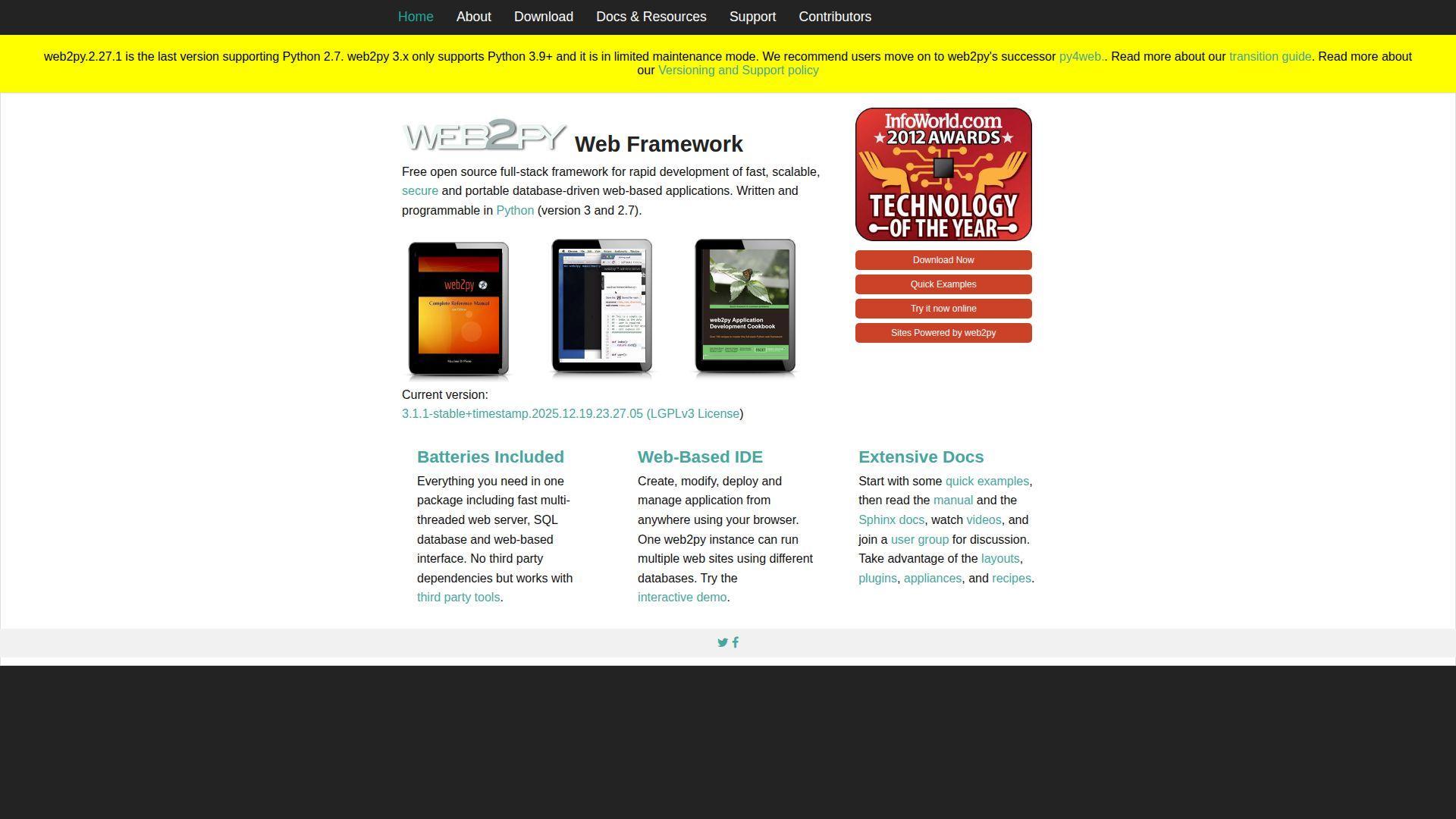
web2py was created by Massimo Di Pierro and built as an all-in-one teaching-friendly framework. It bundles many pieces and emphasizes rapid development. The project’s own messaging now encourages looking at its successor for future work.
Build a full web app with everything in one box.
Best for: maintaining existing web2py apps and teams needing its built-in IDE workflow.
- Integrated components and DAL → ship database-driven apps without choosing many libraries.
- Built-in admin-style utilities → save 2–3 steps for CRUD and auth basics.
- Packaged experience → reach first running app in about an hour.
Pricing & limits: From $0/mo. Trial: N/A. Caps: none; modernization effort is the main constraint.
Honest drawbacks: The web2py site states limited future development and recommends its successor, py4web. Modern Python and deployment practices may require extra adaptation work.
Verdict: If you’re supporting a legacy web2py system, this helps you keep delivery steady within sprints. Beats ad-hoc stacks on built-ins; trails Django on mainstream adoption and modern patterns.
Score: 3.6/5 and .
27. TurboGears
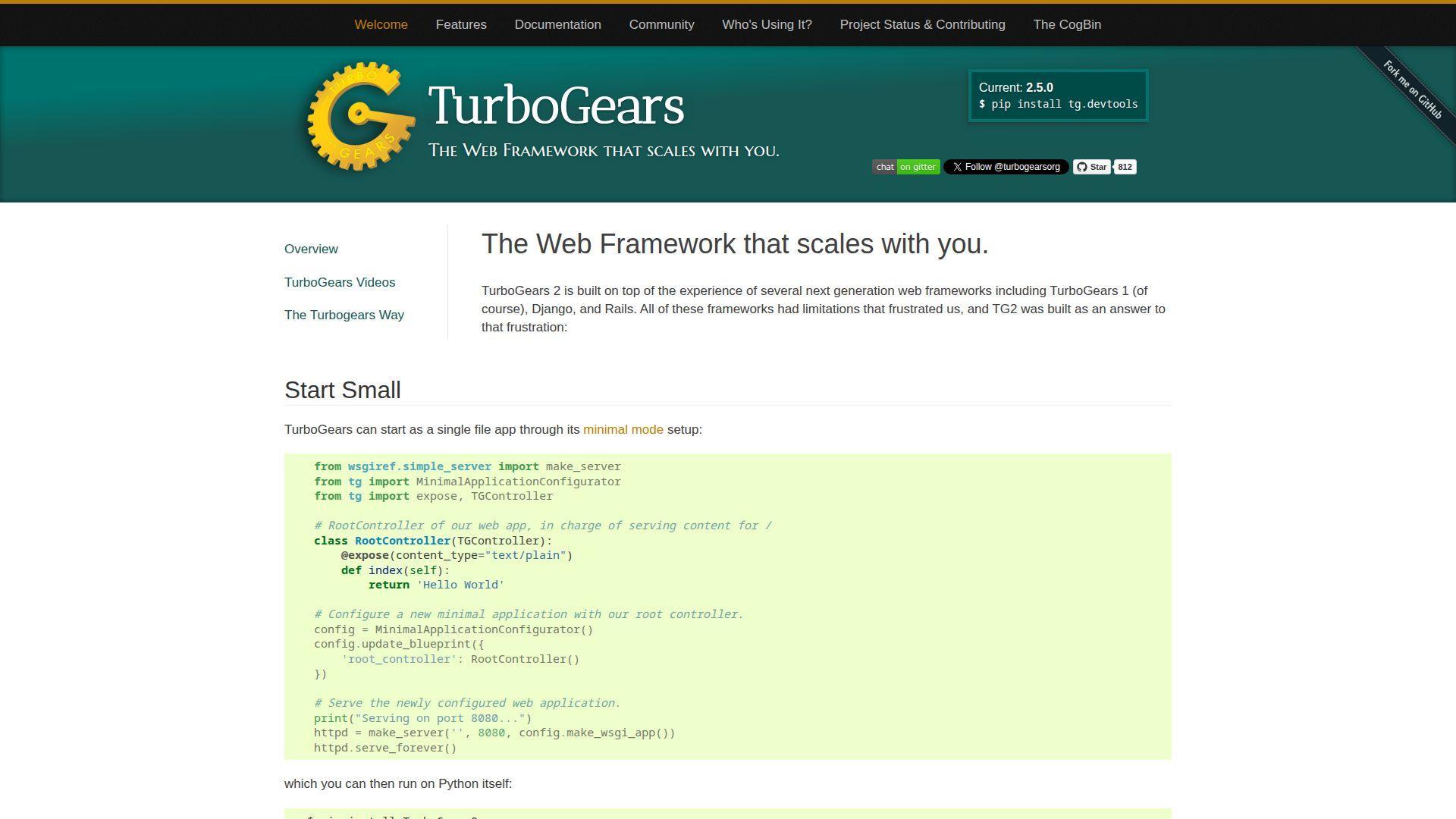
TurboGears is a community framework that assembles proven WSGI components into a coherent stack. It aims to give you “full-stack” power without locking you into one monolith. The project publishes clear status updates and keeps moving.
Compose a pragmatic web stack from dependable parts.
Best for: teams that like SQLAlchemy-centric stacks and maintainable MVC apps.
- Composable architecture → tailor your stack without rebuilding everything from scratch.
- Uses established components → save 2–4 steps by reusing familiar libraries.
- Scaffolding and devtools → reach first app flow in about an hour.
Pricing & limits: From $0/mo. Trial: N/A. Caps: none; complexity grows with how many components you adopt.
Honest drawbacks: TurboGears is less common than Django or Flask. Some integrations require more handwork because fewer “one-click” tutorials exist.
Verdict: If you want a structured stack with composable parts, this helps you build durable apps over months. Beats pure microframework setups on structure; trails Django on ecosystem size.
Score: 3.5/5 and .
28. Masonite
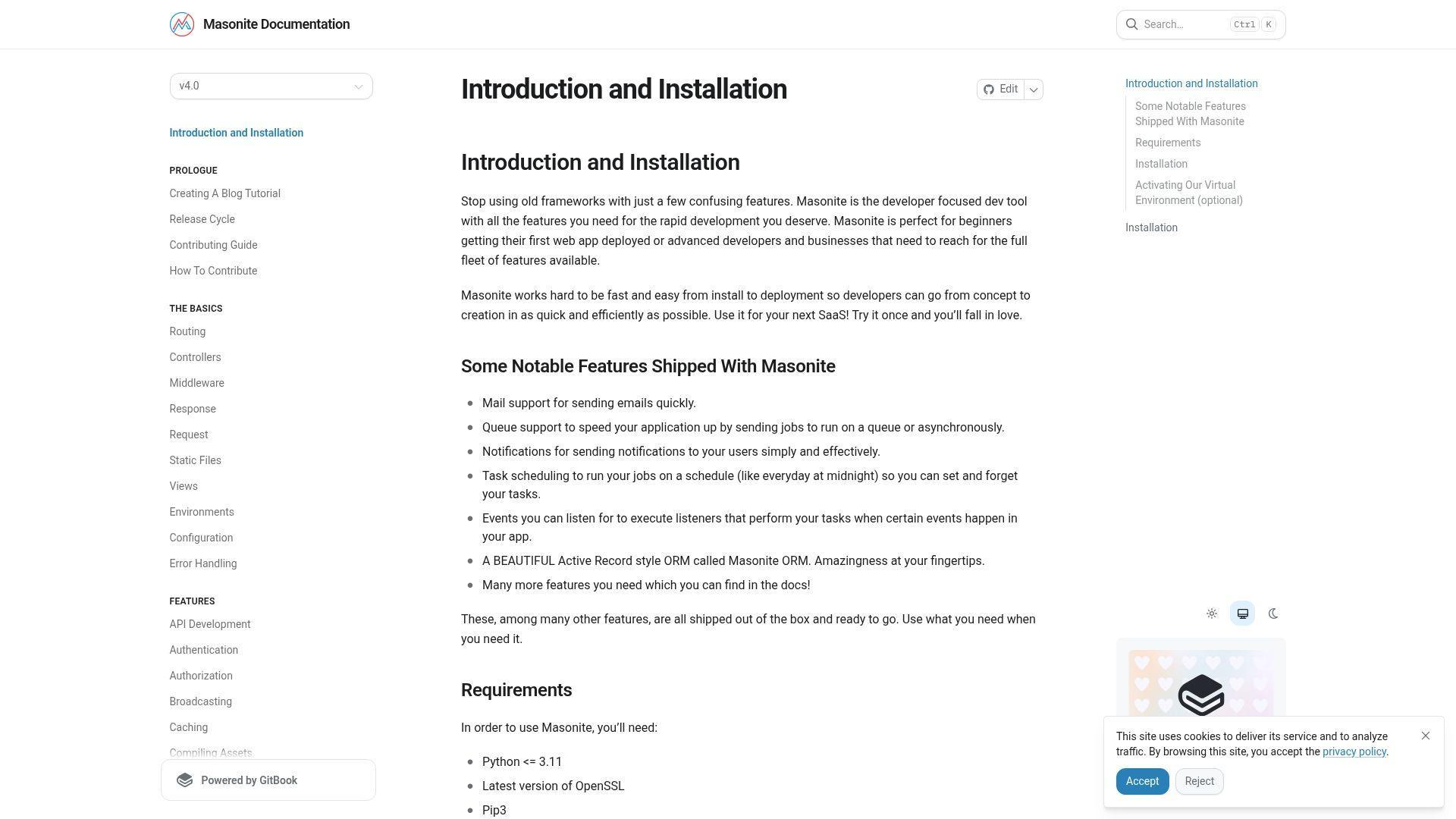
Masonite is a community-led framework inspired by developer-friendly conventions. It aims to feel productive and modern, with a welcoming learning curve. The project is smaller, but it’s opinionated in useful ways.
Build a conventional web app with a “just works” vibe.
Best for: developers who like Laravel-style patterns and small teams shipping products.
- Convention-first structure → reduce bikeshedding and keep teams aligned.
- Built-in helpers and packages → save 2–4 steps for auth and common patterns.
- Clear project generator → reach first route and view in about 45 minutes.
Pricing & limits: From $0/mo. Trial: N/A. Caps: none; your deployment and database shape the real limits.
Honest drawbacks: The ecosystem is smaller than Django’s. If you need a niche integration, you may end up writing it yourself.
Verdict: If you want convention with a lighter footprint, this helps you ship a web app in weeks. Beats Flask on out-of-box structure; trails Django on long-term hiring familiarity.
Score: 3.9/5 and .
29. Sanic
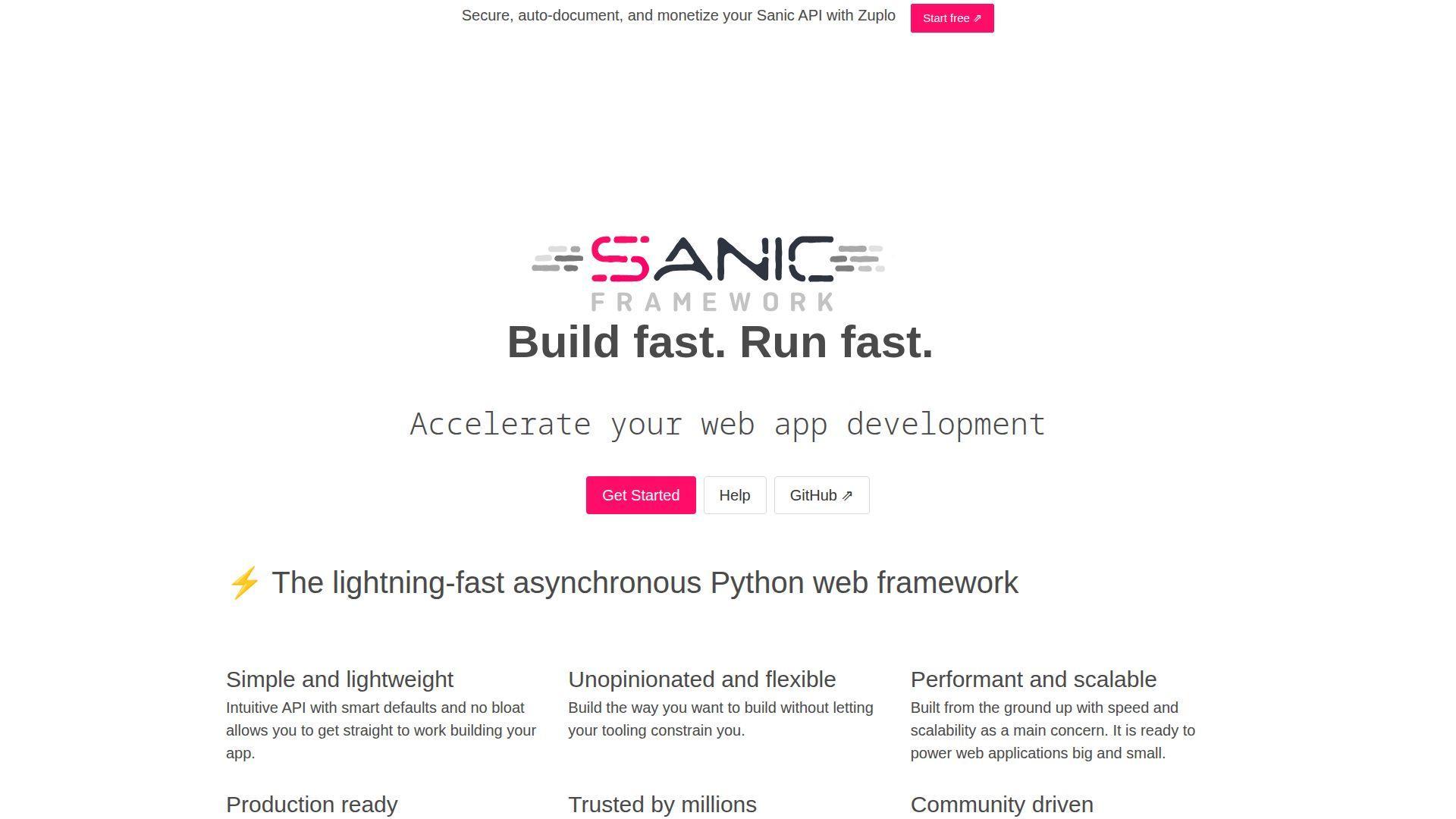
Sanic is a community-maintained async web framework. It’s designed for speed and concurrency, with an API that feels straightforward. In practice, it suits teams that already think in async.
Serve async web endpoints with high concurrency and low fuss.
Best for: API teams building async services and developers comfortable with asyncio.
- Async-first request handling → keep latency stable under many simultaneous clients.
- Middleware and blueprints → save 2–3 steps for shared auth and logging patterns.
- Quick project start → reach first async route in about 25 minutes.
Pricing & limits: From $0/mo. Trial: N/A. Caps: none; performance depends on deployment and workload design.
Honest drawbacks: Async correctness is easy to get wrong. Some enterprise integrations and docs examples are thinner than FastAPI’s.
Verdict: If you need async throughput without heavy ceremony, this helps you ship services in days. Beats many WSGI stacks on concurrency; trails FastAPI on typing-driven contracts.
Score: 4.0/5 and .
30. Streamlit
Streamlit is developed by a dedicated team and supported by a large community. It’s designed for turning Python code into shareable data apps. The workflow feels like storytelling with sliders and charts.
Ship an interactive data app without becoming a frontend developer.
Best for: data scientists and analytics teams publishing internal dashboards quickly.
- Script-to-app model → deliver usable dashboards without building a web UI layer.
- One-click hosting option → save 3–5 deployment steps for public, shareable demos.
- Fast iteration loop → reach first app screen in about 15 minutes.
Pricing & limits: From $0/mo for the open-source library and Community Cloud for public apps. Trial: N/A for OSS; work deployments may route through separate platforms with their own trials. Caps: Community Cloud focuses on public apps, with resource limits and access controls by plan.
Honest drawbacks: Complex app state can get tricky as apps grow. If you need fine-grained UI control, you may feel boxed in.
Verdict: If you want to publish data workflows fast, this helps you share an app in days. Beats Matplotlib notebooks on interactivity; trails full web frameworks on deep customization.
Score: 4.4/5 and .
Types of python frameworks by functionality
Categories help because “framework” is a broad word. Some frameworks organize web requests, while others organize experiments. We use these buckets when advising customers on what to deploy and how to scale it.
1. Full-stack web frameworks
Full-stack frameworks ship with a worldview. They include routing, templating, and database patterns as a coherent bundle. Django, web2py, and TurboGears live here. For business apps, this often means faster delivery and fewer integration seams.
2. Microframeworks for lightweight web apps and APIs
Microframeworks stay small on purpose. Flask, Falcon, and CherryPy focus on request handling and extensibility. That simplicity can reduce cognitive load early. Later, the same freedom can create inconsistent patterns across services.
3. Asynchronous frameworks for concurrency and parallelism
Async frameworks handle many in-flight requests efficiently. FastAPI and Sanic are common choices for IO-heavy APIs. Starlette and aiohttp also appear in performance-focused stacks. In practice, async wins when waiting dominates, not when CPU dominates.
4. GUI frameworks for desktop and cross-platform apps
GUI work still matters in labs and regulated environments. Tkinter remains a practical baseline, especially for internal tools. The key risk is distribution, not widgets. From our view, teams should plan updates like a web release cycle.
5. Machine learning frameworks for model training and evaluation
Classical machine learning needs repeatable experimentation. scikit-learn provides pipelines, preprocessing, and robust evaluation patterns. That structure keeps teams honest about data leakage. We often see it paired with Pandas for feature assembly.
6. Deep learning frameworks for neural networks
Deep learning frameworks manage tensors, gradients, and training loops. TensorFlow and PyTorch dominate most production conversations we host. Keras helps teams iterate quickly with high-level building blocks. The hardest part is usually data, not layers.
7. Scientific computing and numeric frameworks
Scientific stacks sit under both ML and analytics. NumPy defines array computing idioms across Python. SciPy adds algorithms that engineers trust. When these foundations are stable, higher-level tools become easier to validate.
8. Data analysis and modeling frameworks
Analytics frameworks turn raw data into decisions. Pandas remains the standard for tabular workflows. Matplotlib often sits next to it for quick visual checks. For modern teams, “analysis code” becomes production code faster than anyone expects.
9. Data visualization frameworks
Visualization is a trust tool. Matplotlib supports deep customization when you need publication-quality output. Streamlit can turn charts into interactive internal products quickly. We encourage teams to pair visuals with provenance and reproducible transformations.
10. Testing frameworks that support test-driven development workflows
Testing frameworks shape engineering culture. pytest is popular because it keeps tests readable and composable. Good fixtures reduce setup noise and raise coverage naturally. In production, the payoff is fewer risky deploys and faster incident response.
11. Microservices frameworks for service-oriented architectures
Microservices need consistent boundaries and contracts. Nameko is a notable Python-first option for service patterns. The real work is still observability and message discipline. We treat microservices as an operations commitment, not a style preference.
12. Serverless frameworks for building AWS Lambda applications
Serverless frameworks package Python for event-driven deployment. AWS Chalice streamlines routing and configuration for Lambda-backed APIs. Zappa is another route, especially for WSGI-style apps. The operational win is reduced server management, not reduced responsibility.
How to choose the right python frameworks for your next project
Selection is architecture, but it is also staffing. We care about how frameworks behave under load and during incidents. Choosing well means fewer heroics later. Choosing poorly means rewriting when the business can least afford it.
1. Project size and complexity: start small and scale up
Early products need momentum. Flask or FastAPI can fit that stage well. Django can also work if you expect heavy CRUD and admin needs. From our perspective, scaling is easier when the first release already follows clear conventions.
2. Built-in features vs modular extensions and plugins
Batteries-included stacks reduce early decisions. Django’s built-ins can prevent “extension roulette.” Modular stacks like Flask can keep things lean. The best fit depends on whether your team enjoys composing systems or prefers defaults.
3. Ease of deployment and operational simplicity
Deployment should be boring. We favor frameworks that behave predictably behind reverse proxies and load balancers. ASGI and WSGI choices affect server processes and timeouts. When deployments are simple, teams ship more often with less fear.
4. Community support, documentation quality, and ecosystem breadth
A framework’s ecosystem is part of its feature set. Strong communities create extensions, tutorials, and battle-tested patterns. Weak communities create fragile copy-paste culture. We usually advise choosing the ecosystem you can hire for confidently.
5. Performance requirements and concurrency model: synchronous vs async
Performance is workload-specific. Sync stacks can be excellent for CPU-bound tasks and simpler debugging. Async stacks can shine when services wait on databases or upstream APIs. We recommend profiling first, then tuning, rather than guessing early.
6. Alignment with REST API-heavy architecture and API-first needs
API-first work thrives on clear schemas and validation. FastAPI makes contracts feel like code, not paperwork. Falcon also supports clean request-response patterns for APIs. In our hosting logs, better validation usually means fewer noisy errors.
7. Longevity and maintainability for production use
Longevity is a risk budget question. Mature frameworks often have stable upgrade paths and conservative changes. Younger frameworks can move faster, which can be exciting or painful. We suggest mapping framework choices to your product’s expected lifespan.
8. Security expectations for web apps and backend services
Security is not a plugin. Django helps by baking in sane defaults around common web risks. Flask can be secure, but it demands discipline and consistent extensions. Our view is simple: fewer sharp edges means fewer late-night patches.
9. Developer workflow and productivity features: CLI tools, validation, docs generation
Developer experience drives throughput. Auto-generated docs can reduce cross-team friction. Typed request models can catch bugs early. CLIs can standardize scaffolding and reduce bike-shedding. We favor workflows that keep developers focused on business logic.
10. When a CMS can replace custom development for simple sites
Not every site needs a custom backend. A CMS can solve marketing pages and basic publishing. Python frameworks still help when you need integrations, custom workflows, or data products. We often recommend mixing a CMS front with an API backend.
Python backend web frameworks for APIs and full-stack apps
This is where many teams start. Backend frameworks sit at the center of uptime, security, and user experience. We host these stacks daily, so we care about their failure modes. Each framework below has a distinct “shape” in production.
1. Django for batteries-included web apps with built-in admin, authentication, and ORM
Django is the framework we reach for when the product is a real business system. Its admin can turn database tables into operations tooling quickly. Built-in authentication and a strong ORM reduce accidental complexity. In production, Django’s conventions also make teams easier to onboard.
2. Flask for minimal, flexible apps built around extensions
Flask is intentionally small, and that can be liberating. You decide the ORM, the validation layer, and the auth story. That freedom helps prototypes become real services quickly. The hidden cost is consistency, so we encourage a house style and shared templates.
3. FastAPI for type-hint-driven APIs with automatic validation and interactive documentation
FastAPI turns type hints into runtime contracts. That reduces “stringly-typed” API drift across teams. Interactive docs help consumers test endpoints without custom tooling. From an ops view, better input validation usually reduces noisy exception spikes.
4. CherryPy for minimalist, object-oriented web applications with an embedded server
CherryPy is small, direct, and object-oriented. The embedded server can simplify development and certain deployment styles. We see it used in internal tools and niche services. The tradeoff is a smaller ecosystem, so teams should plan integrations carefully.
5. Pyramid for flexible full-stack development that grows with your application
Pyramid aims to scale from small to complex architectures. It gives you flexibility around routing and configuration. That can help teams avoid a forced “rewrite moment.” In our view, Pyramid is a good fit when you want structure without heavy opinion.
6. Tornado for high-concurrency applications and long-lived connections
Tornado is built for event-driven networking. It can handle long-lived connections and real-time patterns effectively. That makes it attractive for chat-like systems and streaming updates. Operationally, careful timeout and backpressure settings matter more than raw throughput.
7. Falcon for mission-critical REST APIs and microservices with a focus on performance
Falcon keeps the request pipeline lean. It is designed for APIs where you control the shape and the overhead. That makes it appealing for performance-conscious teams. We like Falcon when teams want explicitness, not a “magic” abstraction layer.
8. web2py for rapid development of database-driven web applications
web2py emphasizes rapid delivery and integrated components. It can be a pragmatic choice for database-driven business apps. The value is fast scaffolding and a coherent environment. For long-term systems, teams should assess integration needs early.
9. TurboGears for scalable web applications built on proven framework patterns
TurboGears sits in the “full-stack, but composable” tradition. It leans on established components rather than reinventing everything. That can lower risk for enterprise teams. In production, the main task is keeping component boundaries clear and documented.
10. Sanic for fast asynchronous Python web services
Sanic targets async performance with a straightforward API. It is often used for IO-heavy services and fast internal APIs. The key is choosing an async-first stack end to end. We advise teams to avoid mixing blocking calls into the hot path.
Python frameworks for data science, AI, and machine learning workflows
Data frameworks are where ideas become repeatable systems. They define how teams clean data, train models, and validate outcomes. We see these frameworks move from notebooks into scheduled jobs quickly. That migration is where reliability work starts.
1. scikit-learn for predictive analysis, preprocessing, model selection, and evaluation
scikit-learn is the workhorse for classical ML. Pipelines and transformers make preprocessing repeatable and testable. Model selection utilities support honest comparisons across baselines. In production, we like scikit-learn because it forces structure around “what ran” and “why.”
2. TensorFlow for end-to-end training and inference across multiple platforms
TensorFlow supports training and deployment across varied environments. Its ecosystem covers data input, training, and serving patterns. That breadth can reduce glue code in complex programs. From our view, the biggest win is consistency between research and runtime behavior.
3. PyTorch for deep learning in computer vision and natural language processing
PyTorch is popular for research-friendly iteration. Its eager execution model can feel more natural for experimentation. Many teams also use it for production, especially with careful packaging. We often recommend establishing standard model interfaces to reduce serving friction.
4. Keras for fast experimentation with deep neural networks across multiple backends
Keras focuses on quick model construction and readable training loops. It helps teams move from idea to baseline fast. That speed is valuable during early discovery work. In production, we encourage teams to capture configs and artifacts with discipline.
5. OpenCV for computer vision algorithms and real-time applications
OpenCV is a practical toolkit for vision tasks. It covers image processing, feature extraction, and camera workflows. We see it in QA automation, robotics, and document processing. The key operational concern is packaging native dependencies consistently across environments.
6. Natural Language Toolkit NLTK for NLP workflows like sentiment analysis and chatbots
NLTK is a classic toolkit for NLP education and prototyping. It supports tokenization, corpora access, and many linguistic utilities. Teams still use it for quick baselines and text preprocessing. In a production pipeline, we prefer isolating NLTK steps into deterministic, testable stages.
7. NumPy for multi-dimensional arrays and core numerical computing
NumPy is the foundation under most scientific Python stacks. Arrays define the data model for numeric computing. Once teams understand broadcasting and vectorization, performance improves dramatically. We treat NumPy literacy as a reliability skill, not just a math skill.
8. SciPy for scientific and engineering algorithms built on NumPy
SciPy extends NumPy with algorithms engineers depend on. Optimization, signal processing, and statistics live in its toolbox. That breadth supports serious engineering work beyond ML hype. In our experience, SciPy is often the “quiet dependency” behind critical decisions.
9. Pandas for DataFrame-based analysis and structured data workflows
Pandas gives teams a powerful table abstraction. Joins, group operations, and time-series tooling speed up analysis. The danger is hidden complexity when pipelines grow organically. We recommend treating DataFrame transformations like application code with tests and reviews.
10. Matplotlib for embedding and customizing plots in applications
Matplotlib is the dependable plotting backbone. It works well for reports, diagnostics, and embedded visuals. Customization can be deep, which is both strength and complexity. We often see Matplotlib used as a debugging instrument during incidents and regressions.
11. Streamlit for building interactive web apps from Python code
Streamlit turns Python scripts into interactive apps quickly. That makes it ideal for internal analytics portals and decision dashboards. Teams can ship a “data product” without building a full frontend. We advise adding authentication and caching early, because adoption tends to spike fast.
12. Anaconda and Conda for package management, dependency isolation, and enterprise security options
Anaconda is often the distribution story in enterprises. Conda provides environment isolation that can reduce dependency conflicts. For regulated teams, curated channels can support governance and audit needs. From our side, the best outcome is a build pipeline that produces the same environment every time.
1Byte cloud computing and hosting for python frameworks deployments
Framework choice is only half the story. Deployment details determine uptime, security, and user trust. At 1Byte, we focus on repeatable release workflows and clean operational boundaries. The goal is a stack that stays calm under stress.
1. Domain registration and DNS setup to launch python frameworks on your own domain
Domains are brand and reliability assets. Clean DNS configuration reduces outages that look like “the app is down.” We prefer explicit records and predictable TTL behavior. When teams automate DNS changes, deployments become safer and more routine.
2. SSL certificates to secure python frameworks apps, dashboards, and API endpoints with HTTPS
HTTPS is table stakes for customer trust and compliance. Certificates also protect API tokens and session cookies in transit. We encourage automated renewals and strict redirect rules. When security is automatic, teams stop treating it as a last-minute chore.







3. WordPress hosting, shared hosting, cloud hosting, and cloud servers for production deployments, backed by 1Byte as an AWS Partner
Different workloads need different hosting shapes. Shared hosting can fit simple sites, while cloud servers suit custom Python backends. Cloud hosting supports scaling patterns like queue workers and background schedulers. If you describe your traffic, data sensitivity, and team maturity, what stack will we choose together?