

- Quick Comparison of Best AI Voice Cloning
- Top 20 Best AI Voice Cloning Tools Ranked by Use Case
- How We Evaluated the Best AI Voice Cloning Tools
- How to Match the Right Tool to Your Workflow
- What Actually Separates the Strongest Tools From the Rest
- Pricing, Plans, and Hidden Trade-Offs
- Privacy, Consent, and Voice Rights Before You Upload a Sample
- Frequently Asked Questions About AI Voice Cloning
At 1Byte, we think the best AI voice cloning tools are no longer novelty apps. They now sit inside real production stacks for podcasts, training, product demos, dubbing, and support. That shift is showing up in market data too, with the AI voice agents category reaching USD 2.54 billion in 2025.
The bigger point is not just that voice is growing. It is that buyers now need to choose between very different product shapes, from audio-first specialists to full video suites and API platforms. We kept that wider context in mind because the broader speech category still carries a Global Forecast to 2029.
We also wanted proof that real users are already living with AI voice products at scale. Spotify says AI DJ now reaches 94 million Spotify Premium users, which tells us mainstream audiences are getting used to synthetic voice experiences.
On the production side, the category is already showing up in editorial work too. WellSaid has documented a custom voice for NPR’s AI podcast, which is a good reminder that the buying question is not “Is voice cloning real?” It is “Which workflow, limits, and rights model actually fit our job?”
Quick Comparison of Best AI Voice Cloning
If you want the short version first, start here. We picked the first ten tools from our ranked list because they cover most buyer types, from solo podcasters to product teams shipping voice inside an app.
| Service/Tool | Best for | From price | Trial/Free | Key limits |
|---|---|---|---|---|
| ElevenLabs | Top realism, multilingual narration | $6/mo | Free plan | Pro clone needs higher tier, credit caps |
| Resemble AI | APIs, secure deployments, on-prem | $0 to start | Usage-based | Seats and clones billed separately |
| PlayHT | Developer workflows, multilingual audio | $0/mo | Free plan | Free cap is small, plans shift often |
| Descript | Podcast and video patch edits | $15/mo | Free plan | Creator plan has 1,000-word clone vocab |
| HeyGen | Video localization and lip sync | $29/mo | Free plan | Video-first pricing, export caps on free |
| Kukarella | All-in-one multilingual creation | $15/mo | Free plan | 1 new clone per month on monthly plan |
| Murf AI | Business voiceovers and team use | $0 trial | Free trial | Clone pricing is more sales-led |
| WellSaid Labs | Corporate narration | $50/mo/user | 1-week trial | Download caps, English-first lower tier |
| FineVoice | Low-cost cloning bundle | $0/mo | Free plan | Lower tiers cap pro clones |
| DupDub | Creator localization | $0 to try | 3-day trial | Paid pricing needs a closer check |
FURTHER READING: |
| 1. Top 20 Payment Trends That Matter Most for Businesses in 2026 |
| 2. Top 20 Mobile CRM App Solutions for Sales Teams in 2026 |
| 3. Top 20 SaaS CRM Software Tools for 2026 |
Top 20 Best AI Voice Cloning Tools Ranked by Use Case
We ranked these AI voice cloning tools by fit, not by logo size. At 1Byte, we would rather match the right product to the real job than pretend one tool wins every workflow.
1. ElevenLabs for Broadcast-Ready Realism and Language Reach
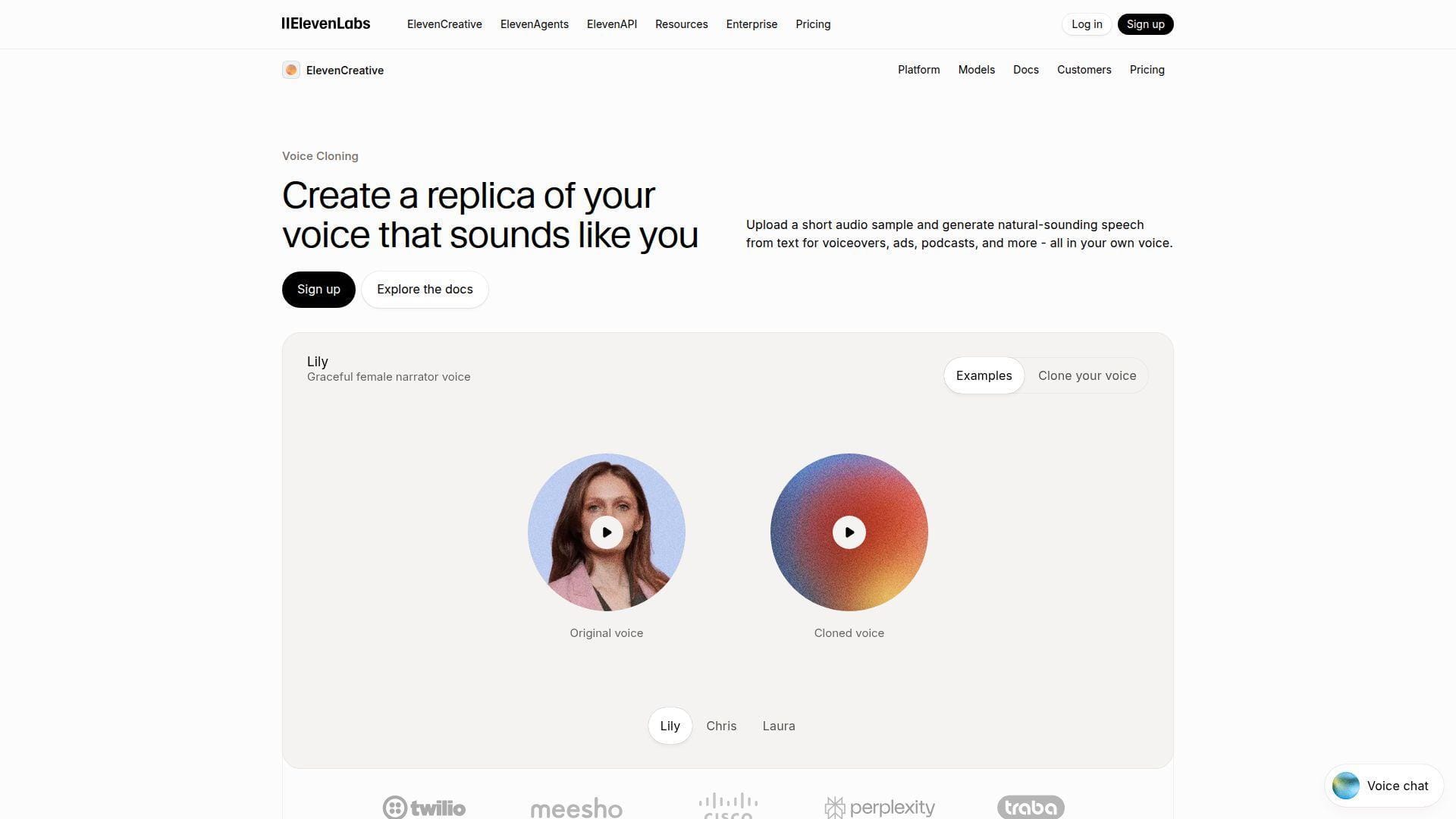
ElevenLabs has become the default name many buyers test first, and that is not an accident. Its team has pushed hard on lifelike speech, clone quality, and multilingual output, while still keeping the product approachable for creators who do not want an engineering project just to hear a first draft.
Best for: solo creators and small media teams that want polished narration, plus marketers who need one voice to stretch across several languages.
- Instant and professional cloning modes → you can test a voice fast, then move to a stronger long-form model when the script is locked.
- Multilingual output and API access → one approved voice can replace several separate recording passes and reduce manual handoffs.
- Web studio and quick setup → most users can hear a workable first clone in one sitting.
Pricing & limits: From $6/mo. There is a free plan, and Starter unlocks instant cloning with 20 Studio projects. Professional cloning sits higher up the stack, so serious audiobook or brand work usually moves past the entry tier quickly.
Honest drawbacks: Credits can add up faster than the headline price suggests. If your main job is word-level repair inside a podcast timeline, Descript is still easier.
Verdict: If you want the safest bet for realistic, flexible voice output, ElevenLabs is still one of the easiest tools to justify. It beats most rivals on raw realism and trails Descript on patch-edit convenience.
2. Resemble AI for API-Led Products and Secure Deployments
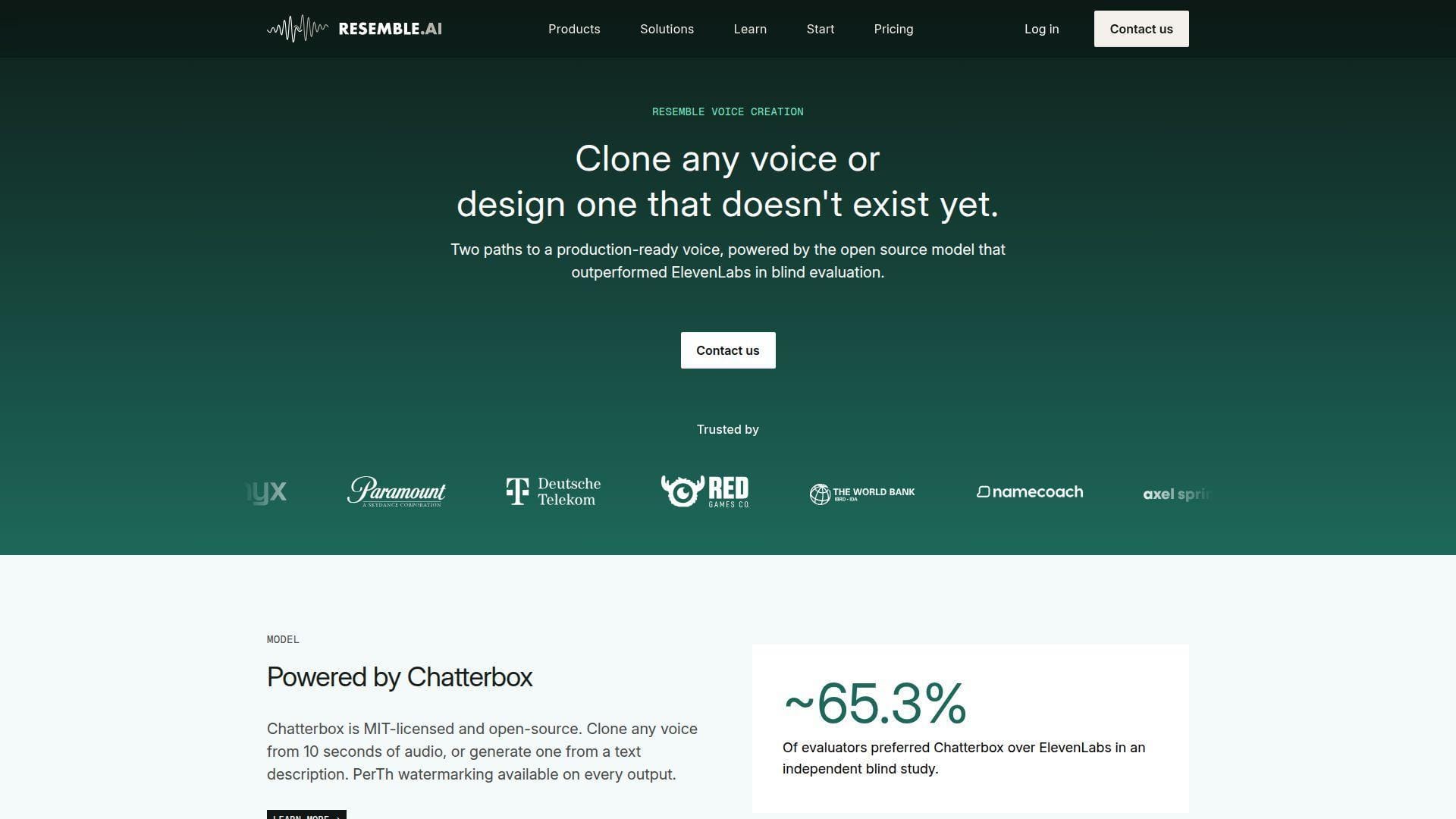
Resemble AI feels built for teams that think about shipping voice into products, not just exporting a few MP3 files. The company leans into developer workflows, watermarking, and safer deployment choices, which makes it stand out when procurement, security, or compliance people are already in the room.
Best for: product teams and enterprise builders who need voice cloning inside apps, agents, or internal platforms.
- Rapid and professional clone paths → you can prototype from a short sample, then move to a more accurate voice for production.
- API, watermarking, and on-prem options → teams can remove 2 to 3 later integration steps and keep voice closer to existing security rules.
- Flexible build-first UX → technical teams can get a first proof of concept working in an afternoon.
Pricing & limits: From $0/mo to open an account on the Flex plan, then usage is billed by seat, voice type, and seconds processed. Add-ons matter here. Team seats, rapid clones, and pro clones all change the real bill.
Honest drawbacks: Pricing is less friendly than flat creator plans. The product also feels more utilitarian than creator-focused, so non-technical users may prefer PlayHT or ElevenLabs.
Verdict: If you need cloning with tighter control, deeper deployment choices, or a product-facing API, Resemble AI is a very serious option. It beats creator-first tools on control and trails them on ease.
3. PlayHT for Scalable Multilingual Audio and Developer Workflows
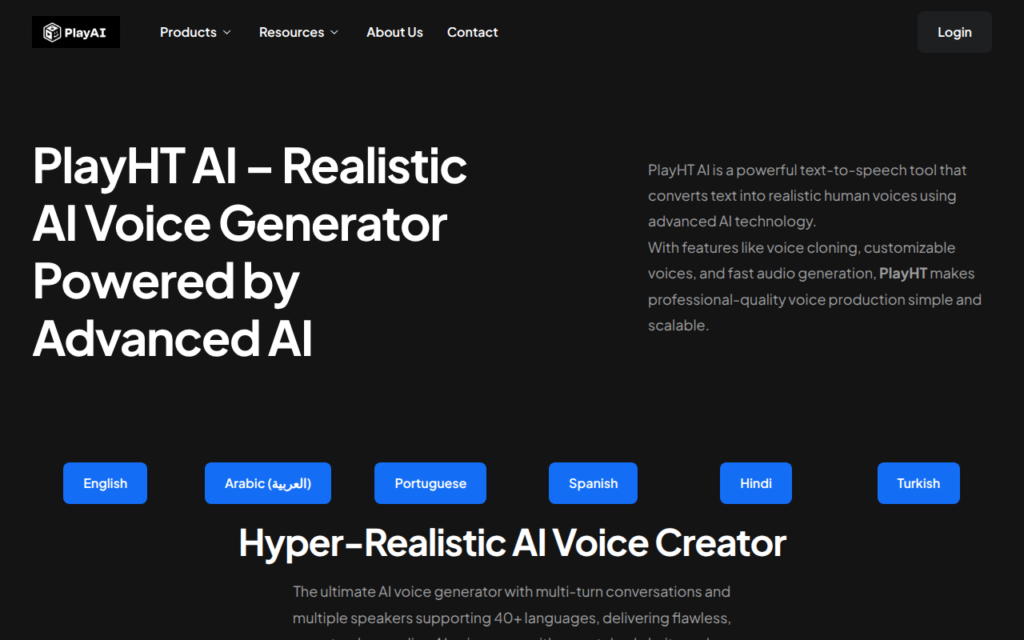
PlayHT, now often presented as PlayAI in its broader stack, sits in a useful middle ground between creator software and developer platform. The team has leaned into fast voice cloning, real-time generation, and cross-language use, which makes it attractive when audio is part of a bigger workflow instead of a one-off asset.
Best for: developers building voice features and localization teams that need one voice to travel across markets.
- Fast instant cloning → a short sample can get you from idea to testable voice without booking studio time.
- Realtime API and multilingual generation → teams can cut out several export and handoff steps when moving from script to app or dub.
- Browser studio plus API docs → first value often shows up the same day, whether you start in the UI or in code.
Pricing & limits: From $0/mo on the free plan. That entry tier is useful for light testing, but the cap is small, and paid packaging has changed enough that we would confirm the current fit before budgeting a larger rollout.
Honest drawbacks: The pricing story is less clean than it should be. Its editor is also not as pleasant as Descript for repair work or as polished as HeyGen for full video localization.
Verdict: If you need multilingual audio plus a build-ready API path, PlayHT is easy to shortlist. It beats many rivals on developer readiness and trails the cleanest creator tools on simplicity.
4. Descript for Podcast and Video Fixes in Your Own Voice
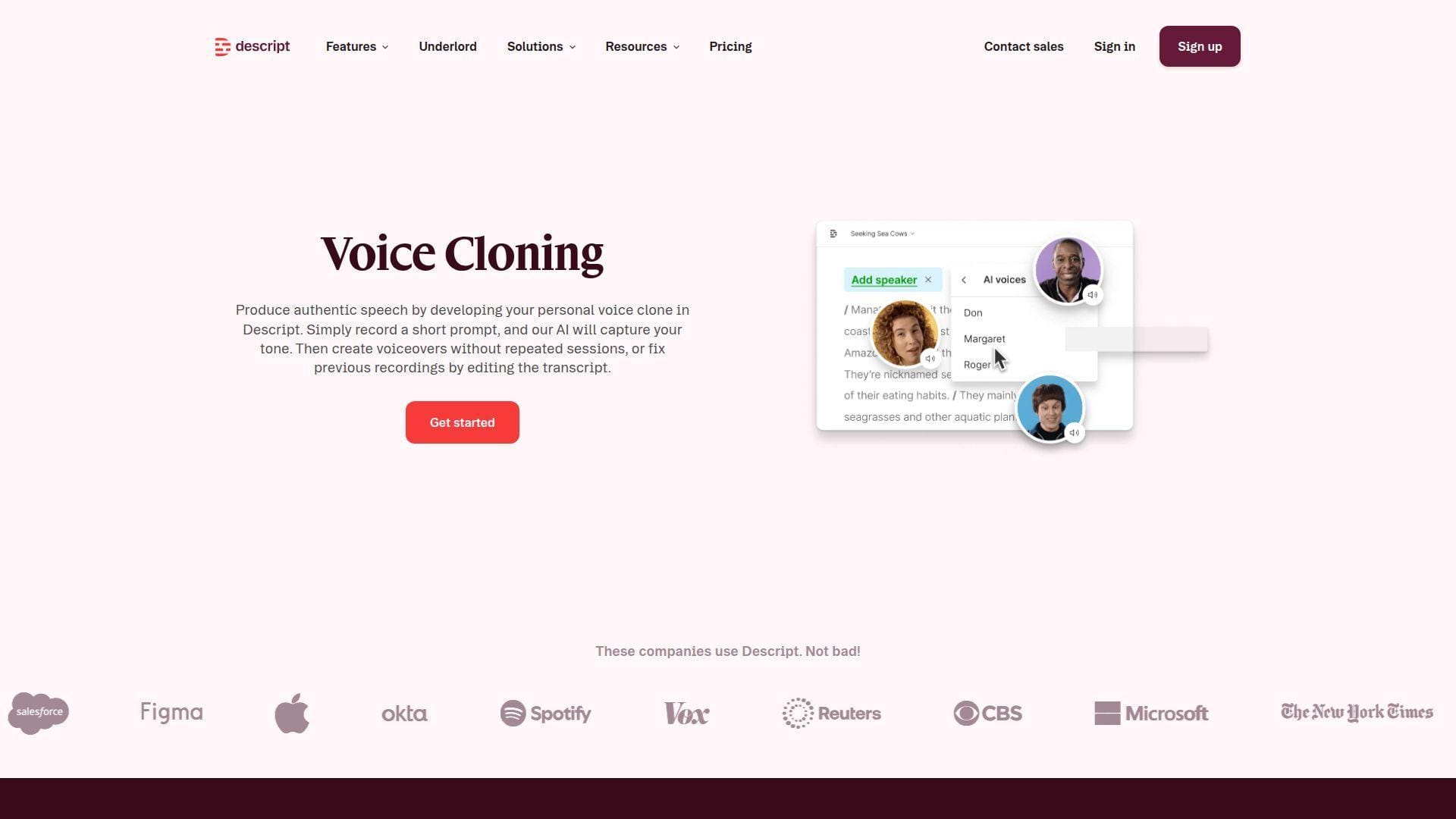
Descript is still the clearest choice when your real problem is not “I need any clone,” but “I need to fix that one bad sentence without dragging the mic back out.” Its team built the product around transcript editing, which changes the buying logic. Overdub matters here because it sits inside a practical editor.
Best for: podcasters and video editors who need fast corrections in their own voice.
- Transcript-first repair flow → you can replace a bad line, sponsor edit, or typo without reopening the whole recording session.
- Editing, transcription, and screen recording in one app → creators remove 2 to 4 app switches from a normal revision loop.
- Low-friction setup for existing projects → once your voice model is ready, first patch value often takes minutes.
Pricing & limits: From $15/mo on Creator, with a free plan available. Creator includes 10 hours of transcription and a 1,000-word vocabulary for AI voice cloning. Pro jumps to $30/mo and removes that vocabulary ceiling.
Honest drawbacks: Descript is less compelling for large multilingual dubbing or API work. It is also stricter about cloning your own voice, which is good for safety but limits some commercial scenarios.
Verdict: If your goal is fixing content, not building a voice product, Descript is one of the smartest buys here. It beats ElevenLabs on edit flow and trails it on multilingual range.
5. HeyGen for Video Teams That Need Voice, Lip Sync, and Localization
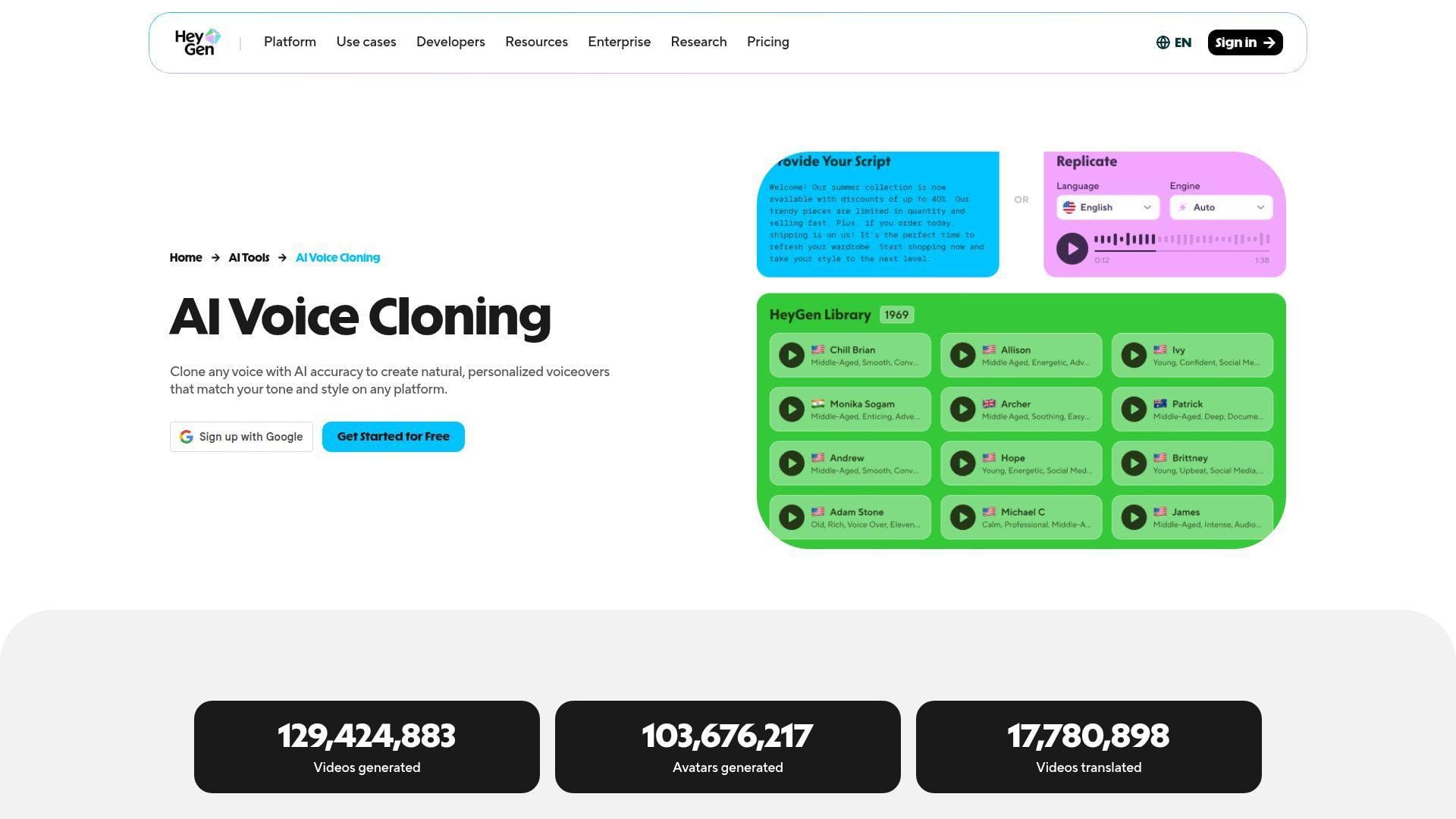
HeyGen is not just a voice cloning tool. It is a video production system that happens to make cloning useful. That distinction matters. The team has tied voice, avatar rendering, lip sync, and localization into one loop, so buyers doing demos, training, or marketing videos often get more value here than they would from an audio-only tool.
Best for: video marketers and training teams that need fast edits, cloned narration, and localization in the same place.
- Text-to-video voice workflow → script edits turn into new narration and updated video without another recording round.
- Lip sync plus multilingual voice support → teams skip several separate localization steps and keep voice consistency across regions.
- Reusable voice models inside the editor → first usable localized video can be ready within an hour.
Pricing & limits: From $29/mo on Creator, with a free plan for testing. Creator includes voice cloning, 1080p export, and broad language coverage. Business starts higher and adds team-oriented billing and seats.
Honest drawbacks: If you only need audio, this is probably more product than you need. The value improves sharply when you actually use avatars, lip sync, or localization.
Verdict: If your end product is video, not just a WAV file, HeyGen is one of the best fits in the market. It beats many tools on video output and trails Descript on repair-style editing.
6. Kukarella for All-in-One Multilingual Creation
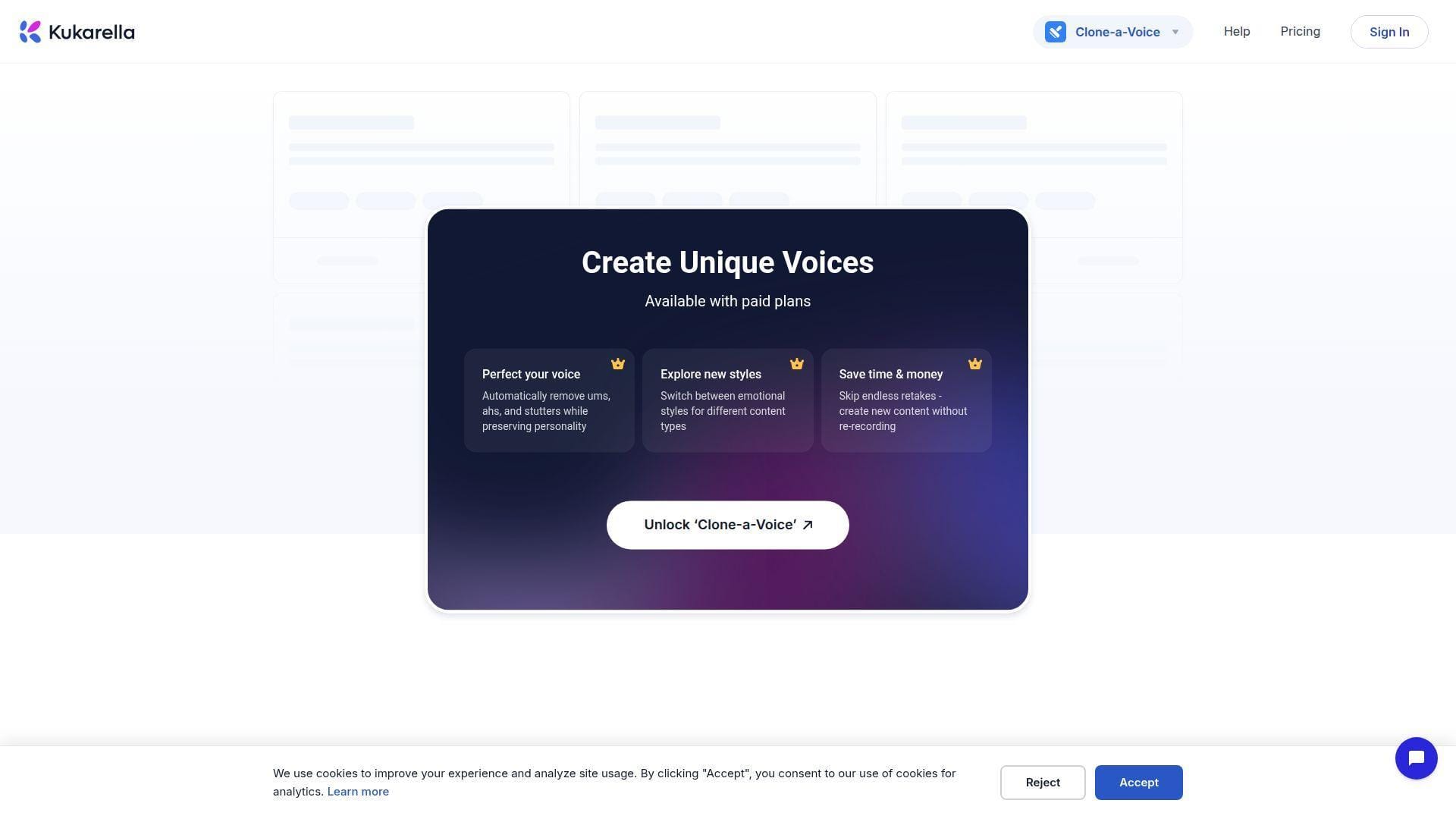
Kukarella is one of the more interesting value plays in this category because it bundles more than just cloning. The team has put voice, multilingual narration, dialogue creation, transcription, and AI writing into one subscription, which makes the product feel more like a practical creator workspace than a single-purpose clone app.
Best for: educators and global creators who want voice cloning, multilingual output, and basic production tools in one dashboard.
- Multilingual clone generation with emotional styling → one voice can cover several markets and presentation tones without rerecording.
- Dialogue, transcription, and writing tools together → users can remove 2 to 5 app switches from a normal voiceover workflow.
- Simple clone flow → first useful voice is often ready in about a minute.
Pricing & limits: From $15/mo on Prime. There is a free plan with trial credits, and the monthly plan includes 1 new voice clone per month. Yearly plans front-load 12 voice clone credits, which is better if you batch work.
Honest drawbacks: The absolute top-end realism still trails the category leaders. Larger enterprise buyers may also want a stronger governance story.
Verdict: If you care about value and range more than brand name prestige, Kukarella is one of the most practical picks here. It beats several pricier tools on bundle value and trails WellSaid on polish.
7. Murf AI for Team Collaboration and Business Voiceovers
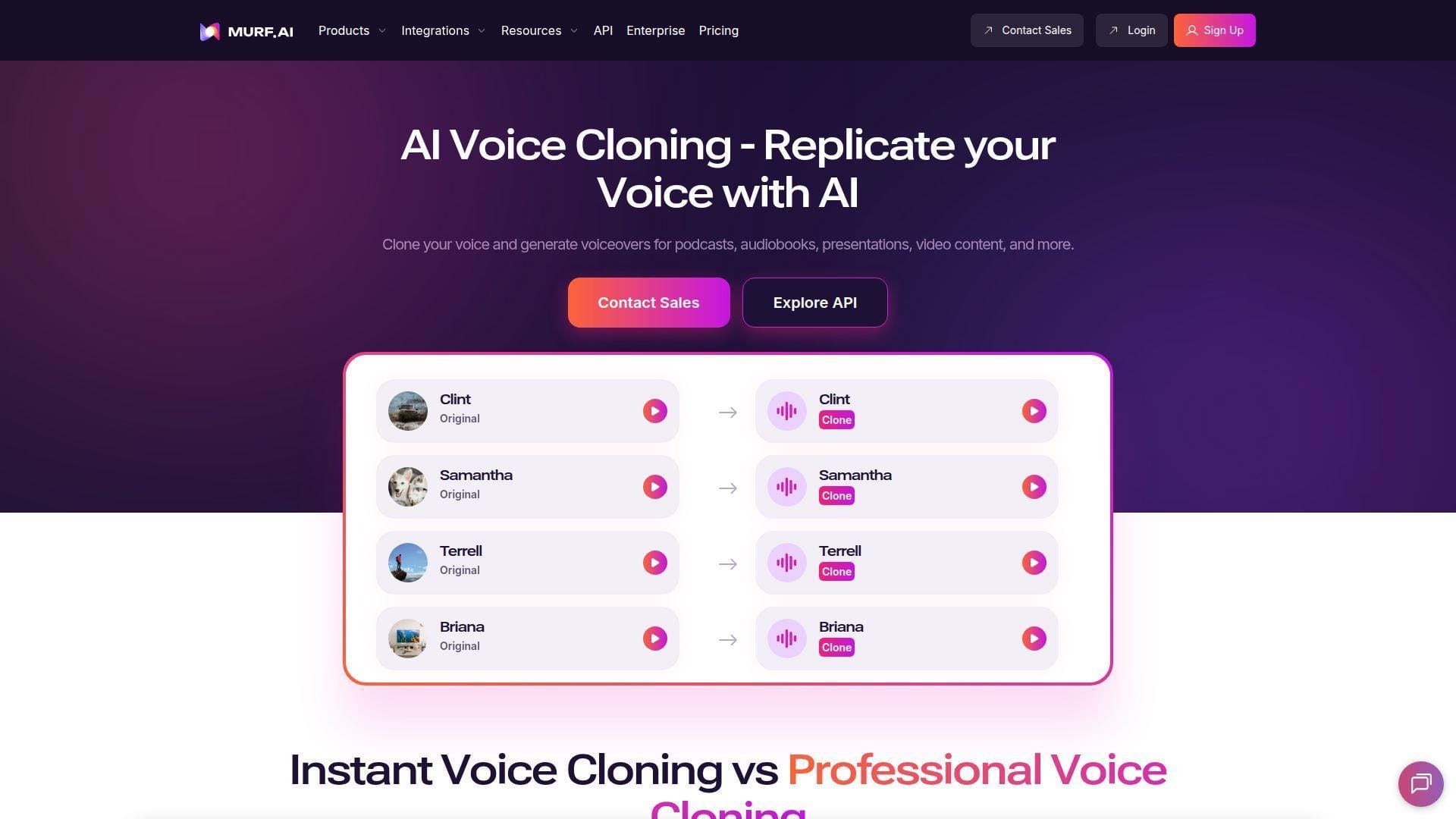
Murf AI is strongest when voice cloning sits inside business communication, not when it is treated like a novelty feature. The company works closely with professional voice talent across its wider voice library, and its product design keeps pointing toward training, presentations, explainers, and collaboration-heavy content.
Best for: L&D teams and business marketing groups that need a shared voice workflow more than a hobbyist clone tool.
- Professional cloning and style controls → you get a cleaner path to brand-safe narration instead of fast but messy experimental output.
- Canva, Slides, Adobe, and embed integrations → teams can cut several export and reassembly steps from the approval process.
- Approachable editor for non-technical users → first practical value usually shows up on day one.
Pricing & limits: From $0/mo to trial the Studio, but Murf’s cloning story is more sales-led than the flat self-serve plans above it. The free trial includes 10 minutes of generation and 10 minutes of transcription, but no downloads.
Honest drawbacks: That pricing opacity is real friction. If you want a quick, cheap, transparent self-serve clone, Murf is not the easiest starting point.
Verdict: If you need team-friendly business voiceovers with decent collaboration hooks, Murf makes sense. It beats many creator tools on integrations and trails ElevenLabs on self-serve cloning simplicity.
8. WellSaid Labs for Consistent Corporate Narration
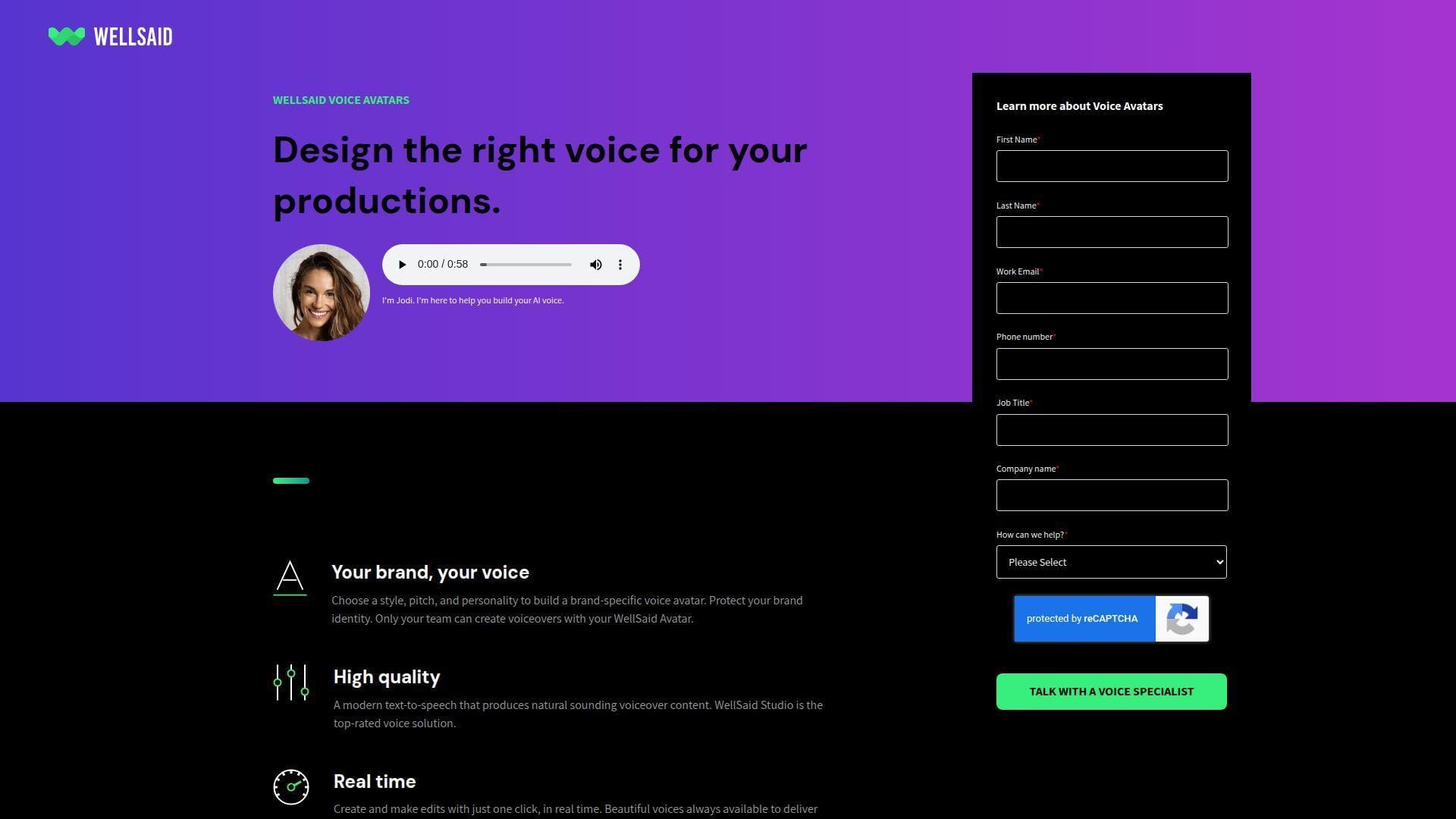
WellSaid Labs has always felt like a company built for buyers who care about consistency, rights, and internal trust. Its voices are based on licensed recordings from professional actors, and that shows in the way the product behaves. This is not the flashiest clone demo on the list. It is one of the more controlled narration systems.
Best for: corporate L&D teams and brand managers who need reliable, repeatable narration with fewer compliance headaches.
- Curated professional voice library → training and explainer content stays consistent across repeated revisions and departments.
- Team workspaces and Adobe integrations → review, export, and handoff take fewer manual steps for busy internal teams.
- Curated styles instead of endless tweaking → first polished draft is often ready in the first session.
Pricing & limits: From $50/mo/user billed annually for Creative. The 1-week trial lets you test features, but downloads require payment. Creative includes 720 downloads per year and 20 active projects. Business rises to $160/mo/user billed annually.
Honest drawbacks: This is not the best pick for casual self-cloning. Lower tiers lean heavily toward English, and custom voice work is more sales-led than instant.
Verdict: If you want the safest, most predictable corporate narrator setup, WellSaid still belongs near the top. It beats creator tools on governance and trails the most flexible clone apps on speed.
9. FineVoice for Fast Cloning and Broad Language Coverage
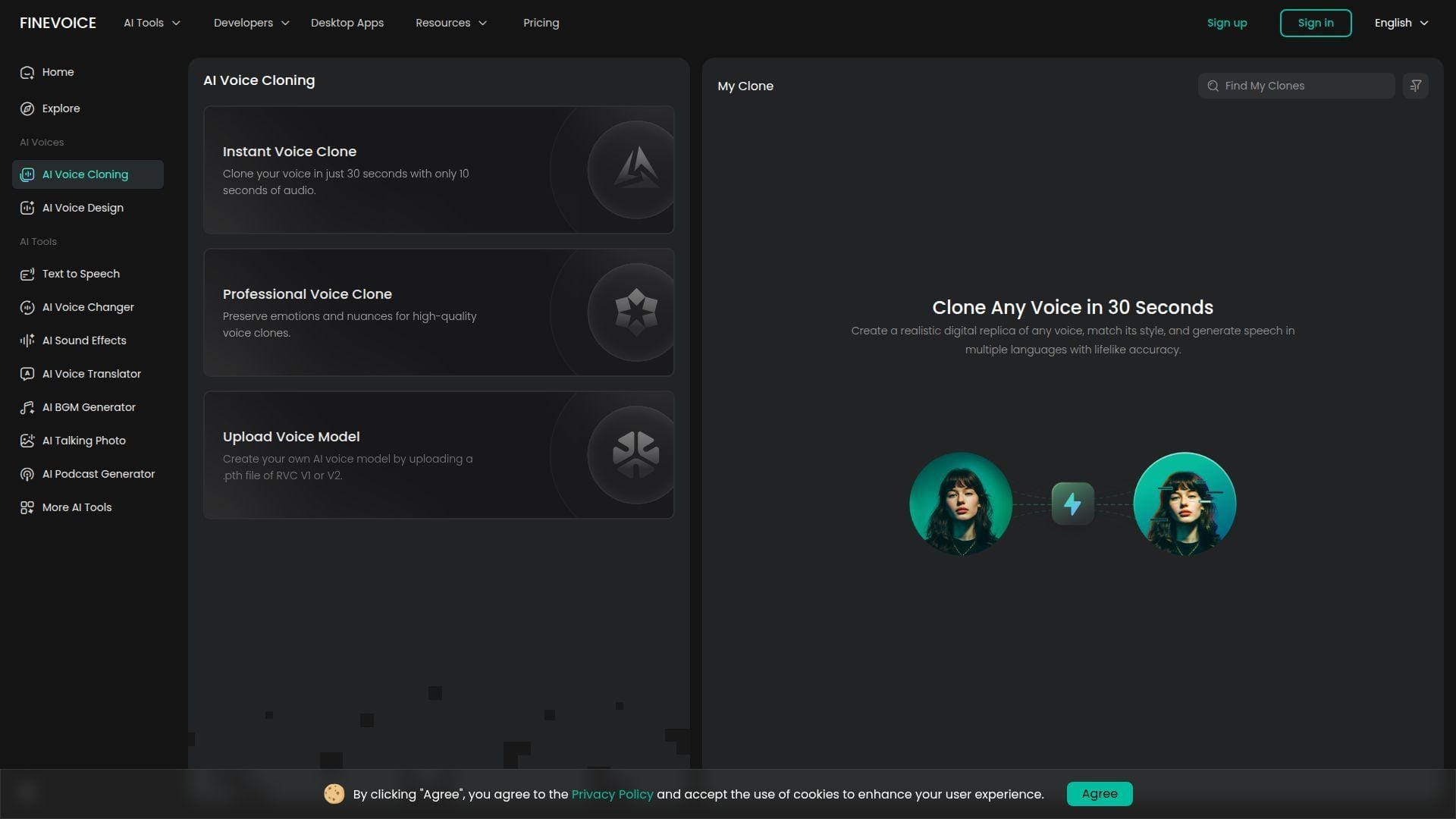
FineVoice feels built for buyers who want many voice utilities without paying premium-brand prices. The team has packed instant cloning, professional cloning, voice change, enhancement, and speech tools into one offer, which makes it attractive for side projects, light business use, or budget-conscious content work.
Best for: freelancers and budget buyers who want broad voice features in one place.
- Instant and professional clone allowances → users can test multiple voices before they feel boxed into one expensive slot.
- Voice changer, enhancer, and STT bundle → a single app can replace 2 to 3 smaller utilities.
- Quick web setup → most users can get a workable draft in under 15 minutes.
Pricing & limits: From $0/mo on the free plan, or $8.99/mo monthly for Basic. Basic includes 100,000 TTS characters, 50 instant voice clones, and 5 professional clones. Higher tiers expand clone counts fast.
Honest drawbacks: The interface can feel busy because there is a lot packed in. Output quality is good for the price, but premium long-form realism still trails the category leaders.
Verdict: If cost matters and you still want a wide feature set, FineVoice is one of the better value picks here. It beats pricier tools on entry cost and trails them on top-end finish.
10. DupDub for Localized Voiceovers and Creator Workflows
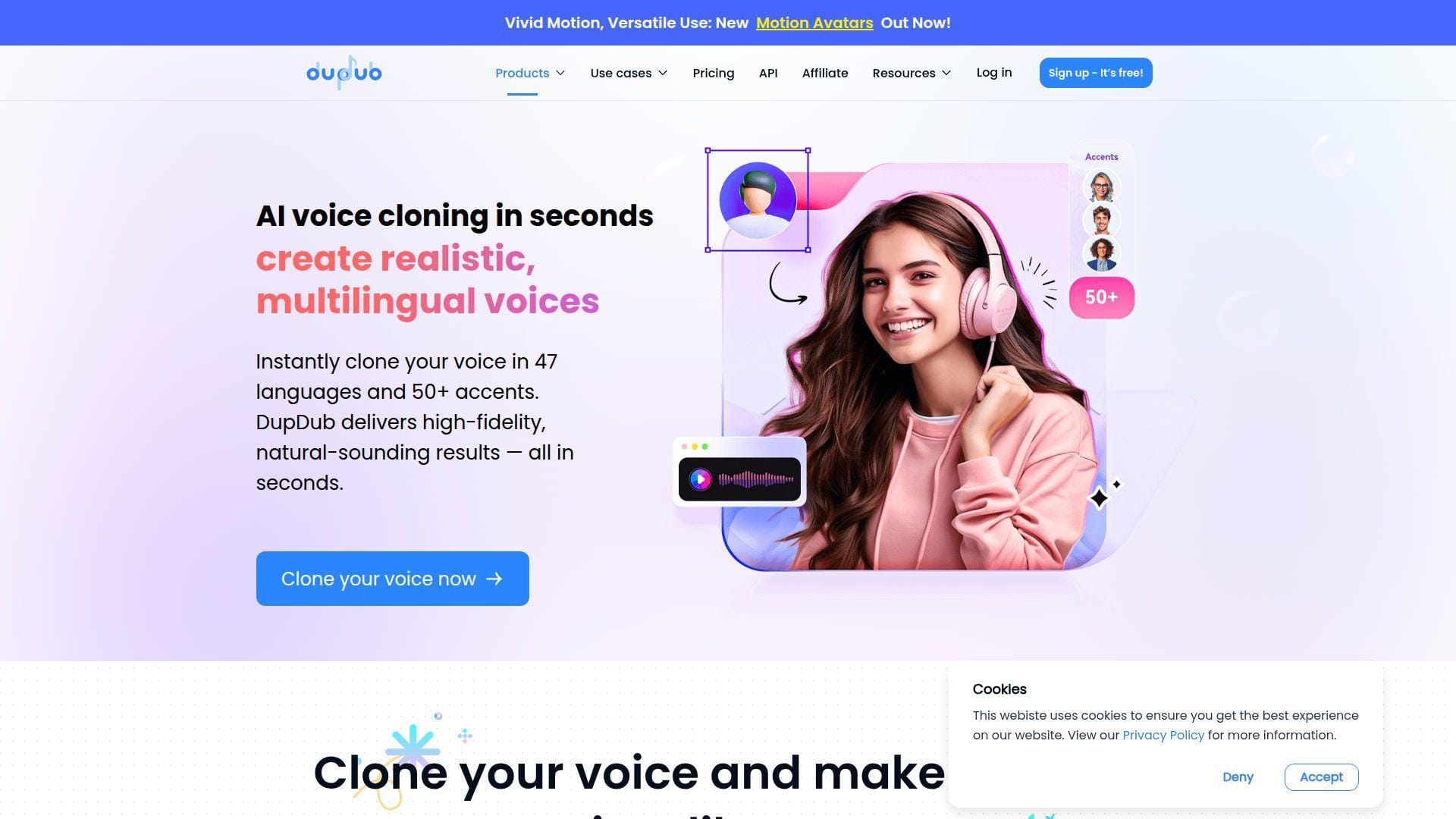
DupDub comes from a team that clearly thinks like creators. Instead of stopping at voice cloning, it bundles avatars, translation, text tools, and editing features that make sense for short-form video and fast localization work. That broader framing makes it more useful than a pure clone utility for many creator teams.
Best for: YouTubers and small creator teams that need localized voiceovers and quick turnaround.
- Instant clone from a short clip → creators can move from idea to usable voice without waiting through longer training cycles.
- Cross-language generation and creator tools → one workflow can cover voice, subtitles, avatars, and several localization steps.
- Low-friction setup → first dubbed or narrated output can be ready in minutes.
Pricing & limits: From $0/mo to start, with a 3-day trial path for deeper testing. The public pricing flow still pushes sign-up before everything becomes fully clear, so we would confirm paid fit before buying for a team.
Honest drawbacks: Governance and enterprise depth are not the main story here. If you need strict approvals, SSO, or a more formal procurement path, look elsewhere first.
Verdict: If your work lives in short videos, ads, and multilingual creator output, DupDub is a strong practical option. It beats general editors on creator convenience and trails HeyGen on video polish.
11. VEED for Browser-Based Voice Cloning and Editing
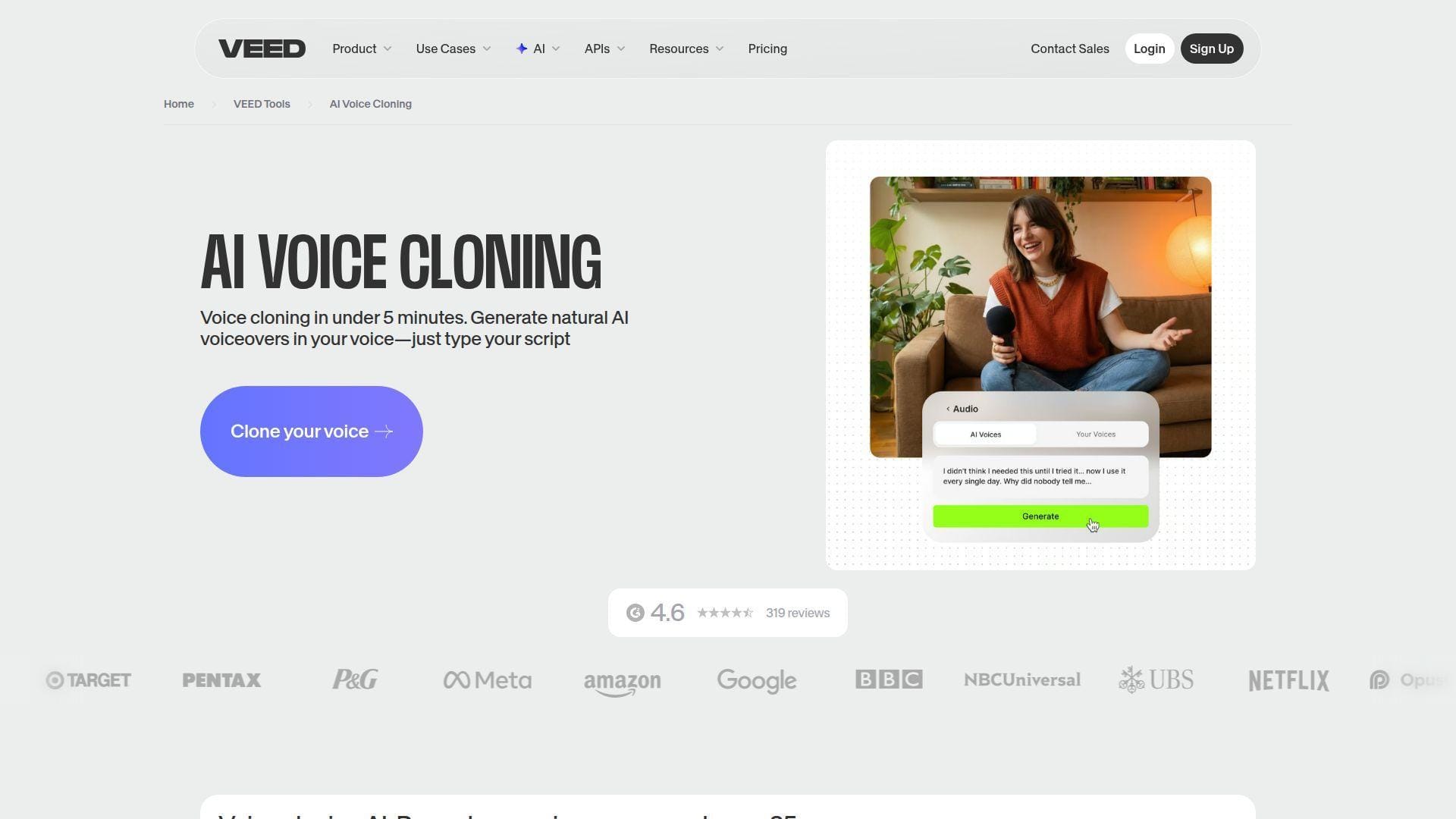
VEED is appealing because it keeps voice cloning inside a browser editor many teams already understand. The product is clearly designed for people who want to make a video, add captions, patch narration, and export without juggling several desktop tools or asking an editor to clean things up later.
Best for: solo video editors and social teams that want cloning inside an online editor.
- Simple voice-record setup → a short read gives you a clone without learning a complicated studio flow.
- Voice cloning, captions, and editing together → users can remove 2 to 4 separate apps from the normal social-video stack.
- Browser-first workflow → first finished clip can often be exported in under 20 minutes.
Pricing & limits: From $0/mo to try. Paid access is tied to AI credits, and the practical cap that matters most is the text limit per project. Right now, your cloned voice can handle up to 2,000 characters per project before limits start to bite.
Honest drawbacks: That cap makes long scripts awkward. The clone quality is good enough for updates and social content, but it does not reach the same ceiling as the best audio-first tools.
Verdict: If you want cloning without leaving your browser editor, VEED is easy to recommend. It beats many specialists on convenience and trails them on audio depth.
12. Synthesia for Training Videos and Internal Communications
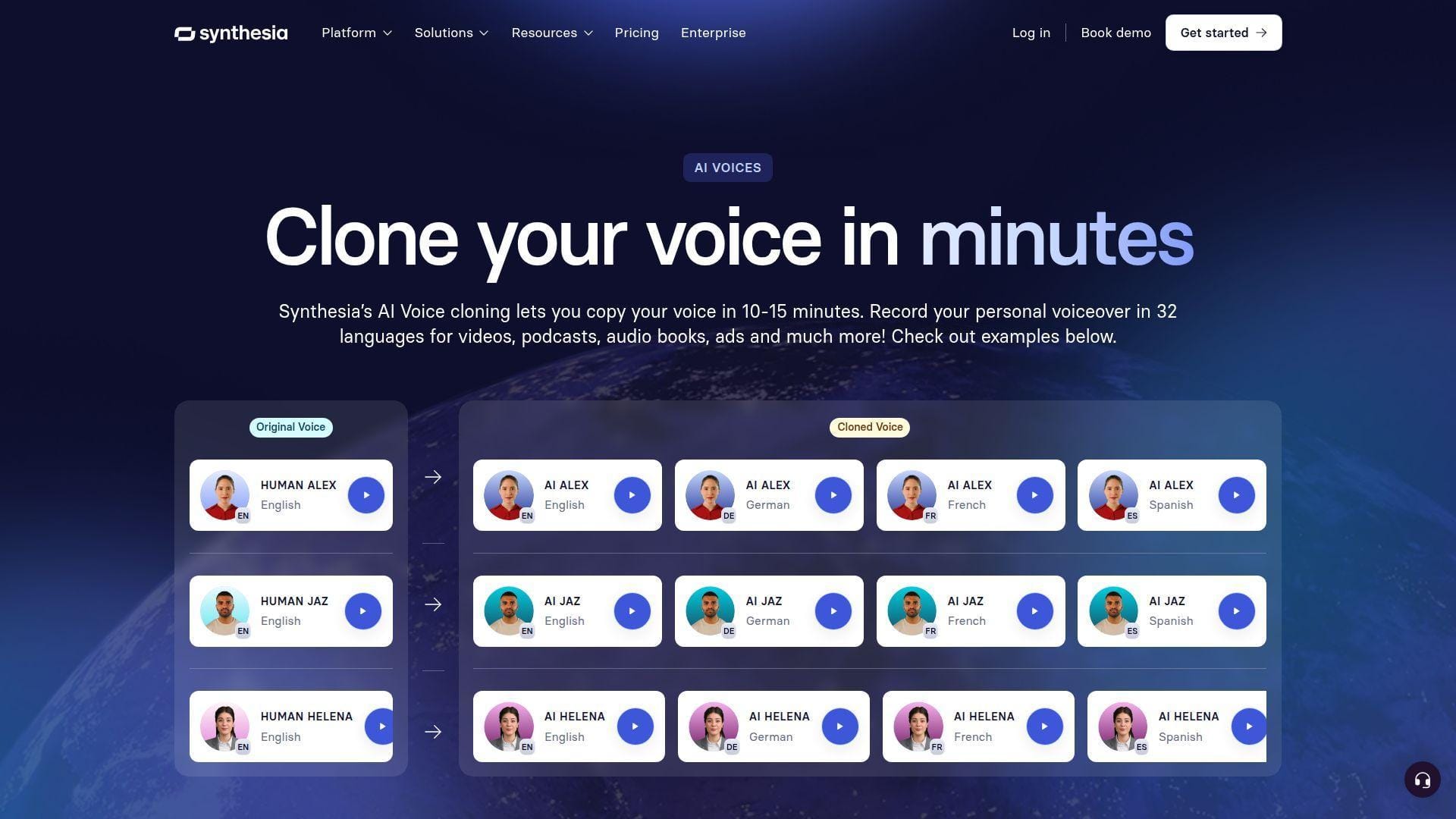
Synthesia is strongest when the buyer does not really want an audio tool. They want a training or communication platform that happens to include voice cloning. That distinction matters. Its team has built around business video, internal documentation, and recurring training content, which changes what “best” looks like.
Best for: HR, enablement, and internal communications teams producing recurring video content.
- Voice cloning tied to avatar videos → teams can update trainer or executive narration without rerunning a whole shoot.
- Translations and business-video features → one platform covers several steps that would otherwise span separate voice and video tools.
- Structured template-driven workflow → first internal training draft can often be ready within an hour.
Pricing & limits: From $29/mo on Starter, with a free AI video path for testing. Starter includes 10 video minutes per month. Creator is $89/mo, and larger language or collaboration needs often push teams toward Enterprise.
Honest drawbacks: If you mainly need long-form audio, Synthesia can feel expensive and indirect. The editor is solid for scenes, but it is not a specialist audio repair environment.
Verdict: If your output is training video, not just narration files, Synthesia is often a better buy than pure clone tools. It beats many rivals on training-video fit and trails audio-first tools on sound editing control.
13. Lovo AI for Creators Who Want Voice, Writing, and Video in One Place
LOVO’s Genny platform aims for a broad creator workflow rather than a narrow cloning utility. The team combines AI voice generation, writing, editing, and video assembly, which makes the product especially appealing to smaller teams that do not want to piece together four subscriptions just to ship one campaign.
Best for: creator teams and SMB marketers who want voice, scripting, and video support in one tool.
- Fast custom voice creation → a short sample gets you to a branded voice without a long studio process.
- Writer, editor, and voice tools together → users can remove several content handoffs between draft, narration, and assembly.
- All-in-one project flow → first working draft often happens in one session.
Pricing & limits: From $0/mo to try, then paid Genny plans kick in after a 14-day trial. Public pricing is not the clearest part of the experience, so we would test real usage before committing. The practical cap is usually voice generation hours rather than clone count alone.
Honest drawbacks: Pricing clarity could be better. Also, because LOVO covers writing, voice, and video together, none of those layers is always the deepest in its category.
Verdict: If you want a compact content suite instead of a pure clone app, LOVO is useful and efficient. It beats single-purpose tools on convenience and trails Descript on editing precision.
14. BookFab for Personal Audiobook and Storytelling Projects
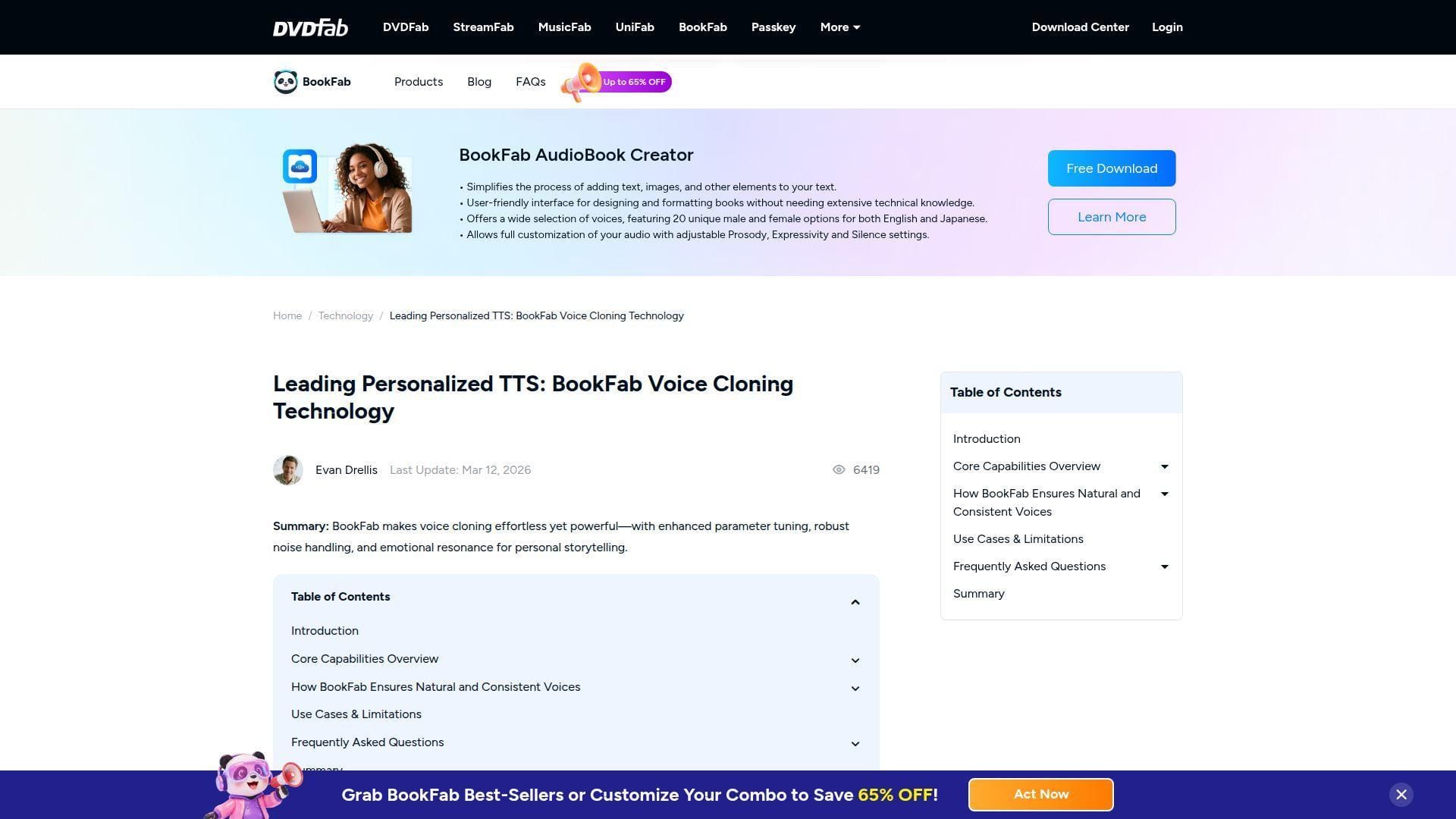
BookFab is different from many tools here because it feels closer to a desktop storytelling utility than a full cloud production platform. That narrower focus is not a weakness if your goal is personal narration, audiobook experiments, or preserving a voice for family or hobby projects.
Best for: hobby authors and personal storytellers who want a simpler path to narrated audio.
- Short-sample voice creation → you can build a personal voice from a few minutes of clean audio.
- Prosody and expressivity controls → users can reduce some rereads and manual cleanup during audiobook-style work.
- Low-friction desktop-style flow → first listening test can happen in a single session.
Pricing & limits: From $0/mo to download and test. BookFab behaves more like software licensing than a classic monthly SaaS plan, so direct monthly comparisons are awkward. The bigger limit is language scope. Voice cloning currently focuses on English and Japanese.
Honest drawbacks: That language range is narrow. Team collaboration is thin, and you will not get the same cloud workflow depth you see in tools like HeyGen, Descript, or WellSaid.
Verdict: If you want a personal audiobook or storytelling tool more than a business platform, BookFab is surprisingly approachable. It beats enterprise suites on simplicity and trails most of them on scale.
15. Captions for Social Video Creators Who Want AI Voiceovers
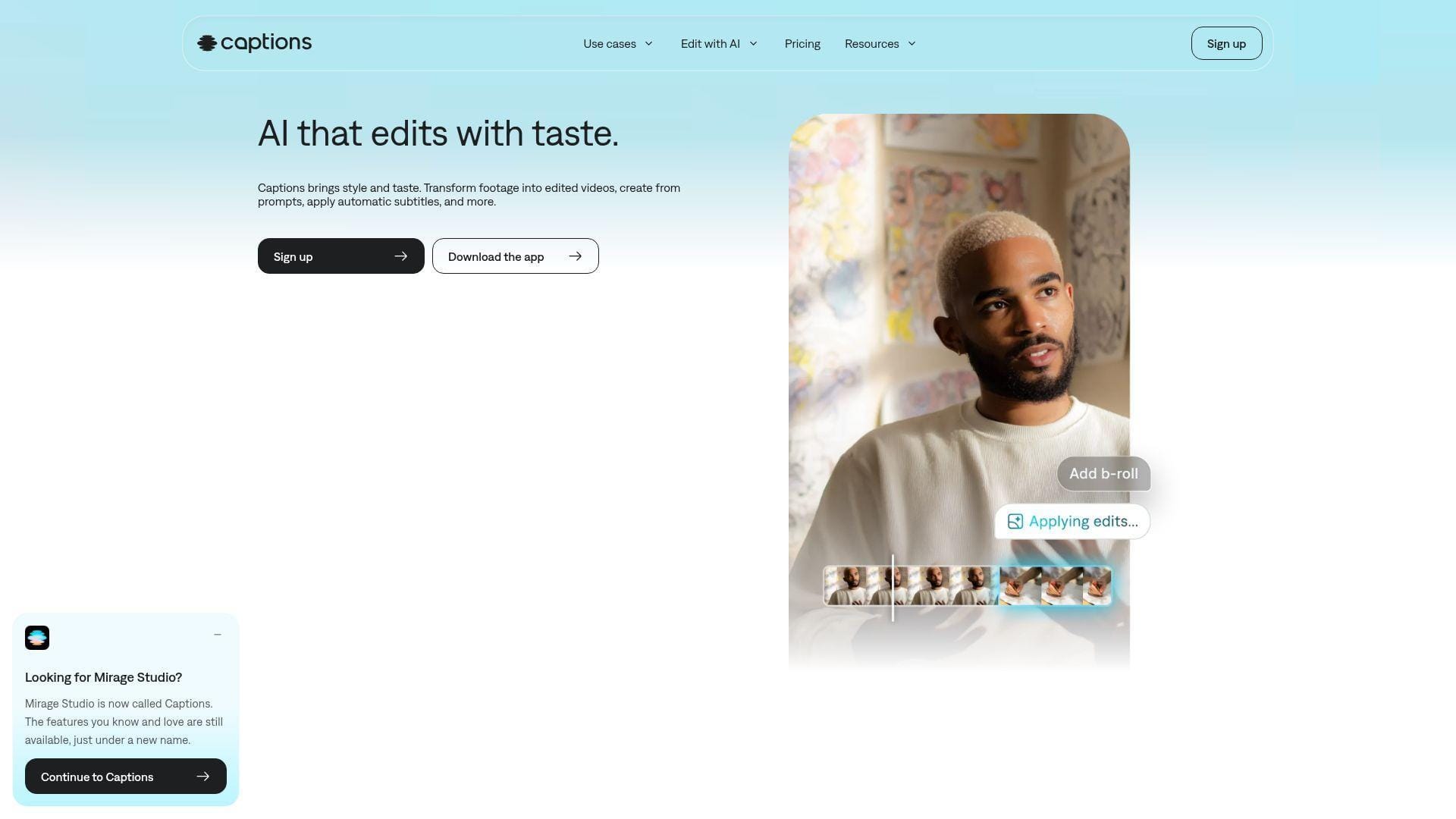
Captions still feels like a product designed by people who understand short-form creator pain. The product centers fast edits, AI actors, captions, translation, and voice tools, which makes it less interesting for classic audio buyers and much more interesting for people trying to publish more face-to-camera content with less friction.
Best for: social video creators and small agencies that need quick voiceovers and faster publishing loops.
- Voice clone plus AI twin features → creators can turn small edits into fresh videos without reshooting every line.
- Captions, translation, and AI editing together → one app can replace several mobile and browser tools.
- Creator-first UX → first social-ready clip often comes together in under 15 minutes.
Pricing & limits: From $9.99/mo for Pro. Max is $24.99/mo and adds 500 AI credits per month, while Scale tiers increase that budget sharply. There is a free entry point, but serious AI use lands on paid plans fast.
Honest drawbacks: Public pricing is shown for iOS plans, which makes comparison a little messy. Long-form narration teams will also hit the edges of this product sooner than social-first creators.
Verdict: If your goal is more short videos, faster, Captions is one of the better buys in this list. It beats generic editors on creator speed and trails Descript on long-form repair.
16. Speechify Studio for Fast Browser Voiceovers and Simple Cloning
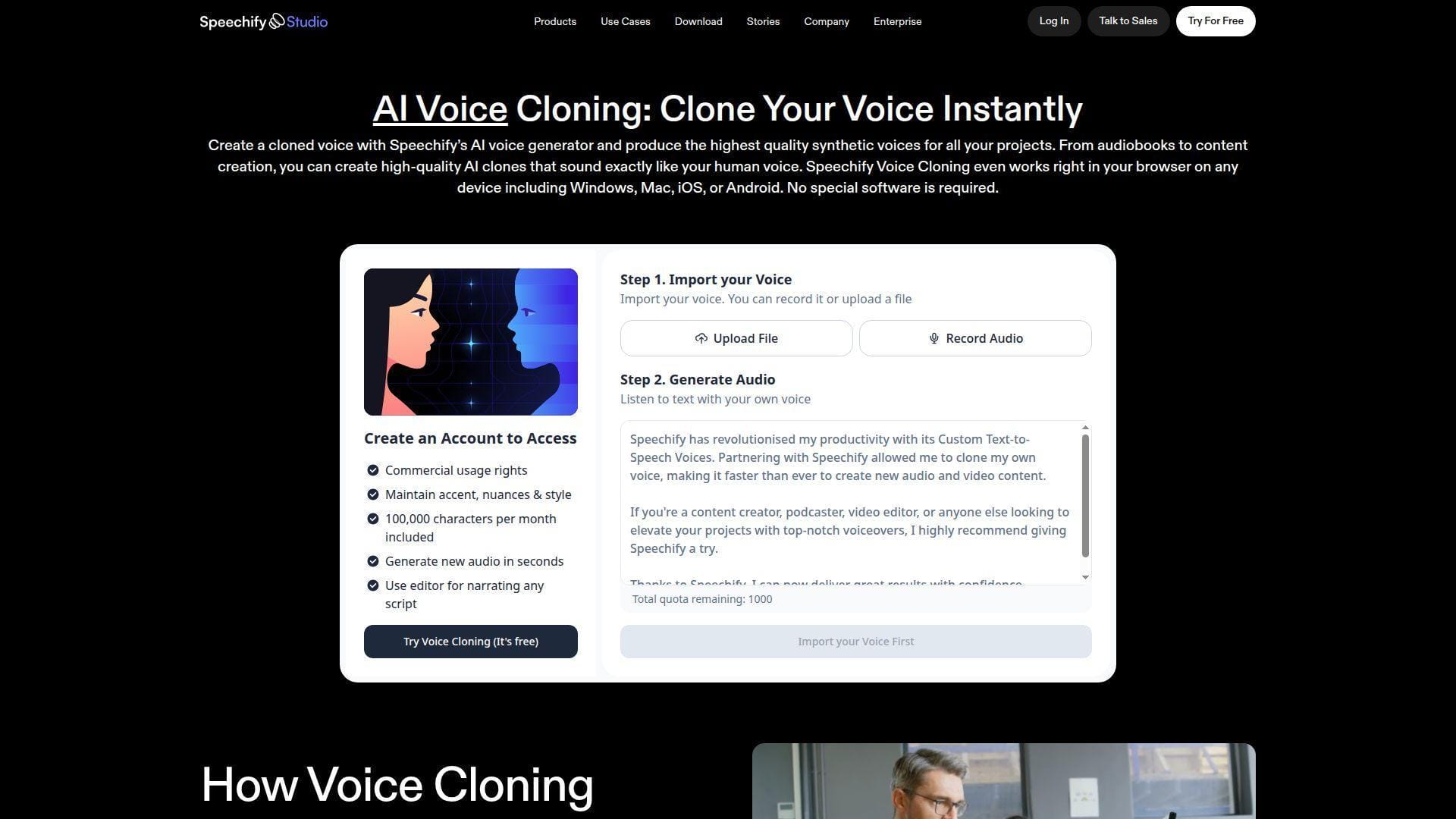
Speechify Studio makes sense for buyers who want voice cloning without much setup drama. The company started from a reader product, but its Studio has grown into a useful voiceover and dubbing workspace that stays simple enough for creators who do not want to learn a heavier editor.
Best for: solo creators and SMB teams that want a browser-based voiceover tool with easy cloning.
- Very short sample requirement → you can test a personal clone with almost no onboarding pain.
- Voiceover, dubbing, and media tools together → users can remove 2 to 3 extra apps from a fast production stack.
- Credit-based browser workflow → first usable narration usually happens the same session.
Pricing & limits: From $19/mo on Studio Starter if you need voice cloning. The $0 free plan includes 600 Studio credits, but no voice cloning and no commercial rights. Creator moves up to $49/mo with a larger credit pool.
Honest drawbacks: Credits are flexible but slightly abstract, which can blur true cost. If you need surgical audio repair or deeper production control, Descript still feels more purpose-built.
Verdict: If you want a quick browser tool for voiceovers and simple cloning, Speechify Studio is easier than many people expect. It beats heavier suites on ease and trails ElevenLabs on top-end realism.
17. Uberduck for Fast Cloning and Experimental Projects
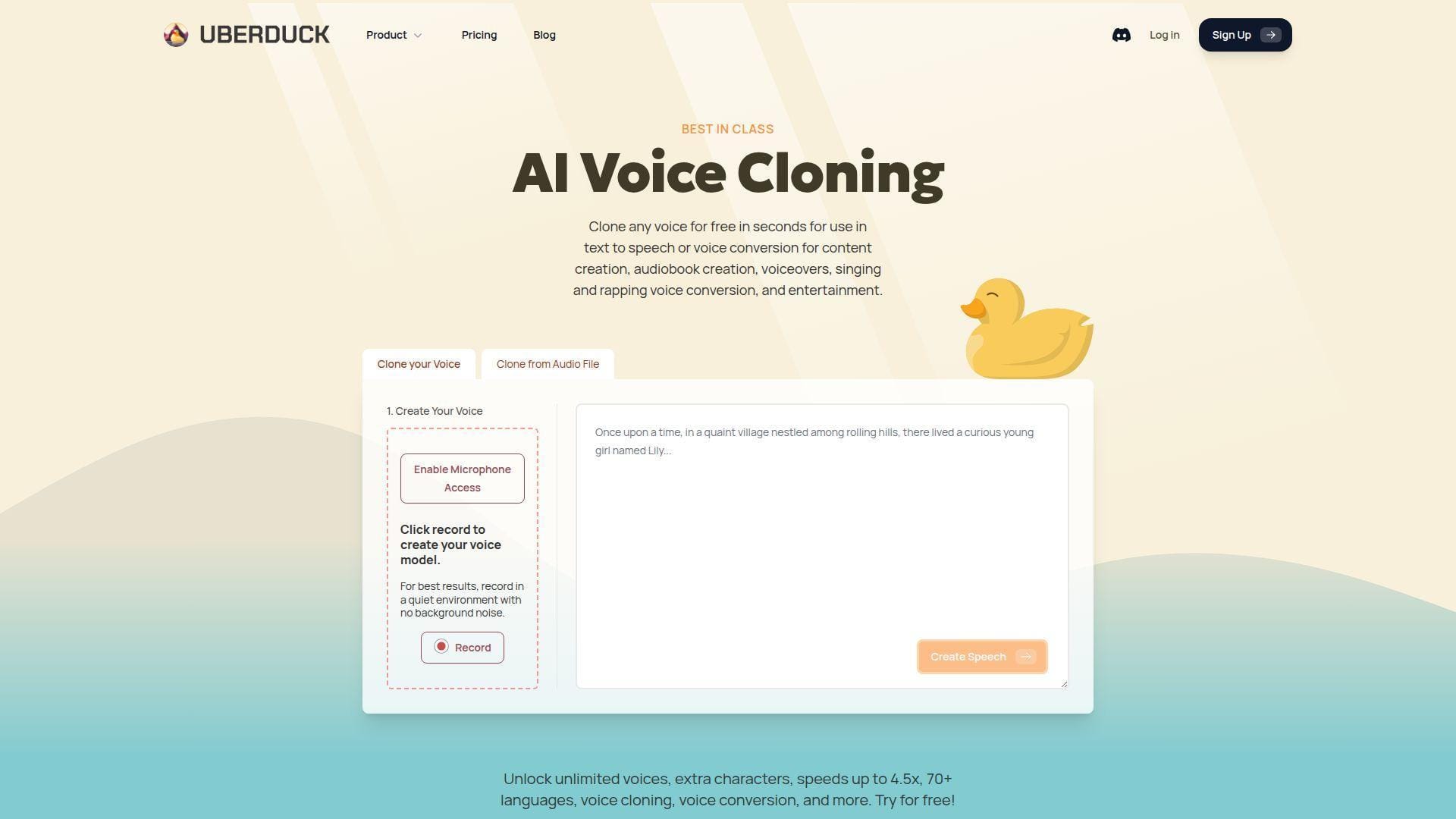
Uberduck has long leaned into accessible AI vocals, character voices, and experimental creation. That reputation can make enterprise buyers cautious, but it also means the tool stays fun, fast, and unusually friendly to people who want to test ideas without wading through a thick business workflow.
Best for: tinkerers and indie creators exploring character work, prototypes, or low-cost commercial voice use.
- Fast cloning from browser or file → users can move from sample to test clip in almost no time.
- API access on commercial tiers → builders can turn a fun prototype into a simple product integration without changing platforms.
- Low-cost paid entry → first serious test is cheap enough to justify in one afternoon.
Pricing & limits: From $2/mo paid yearly for Starter, though that plan is non-commercial. Commercial use starts at $5/mo on Creator with API access and 3,600 monthly credits. Pro jumps to $30/mo yearly and expands usage sharply.
Honest drawbacks: The brand still feels more experimental than formal. We would not make Uberduck our first choice for high-stakes corporate narration or conservative brand work.
Verdict: If you want inexpensive cloning for experiments, prototypes, or character-heavy ideas, Uberduck is still fun and useful. It beats formal platforms on flexibility and trails them on polish.
18. Voice.ai for Real-Time Voice and Gaming Use Cases
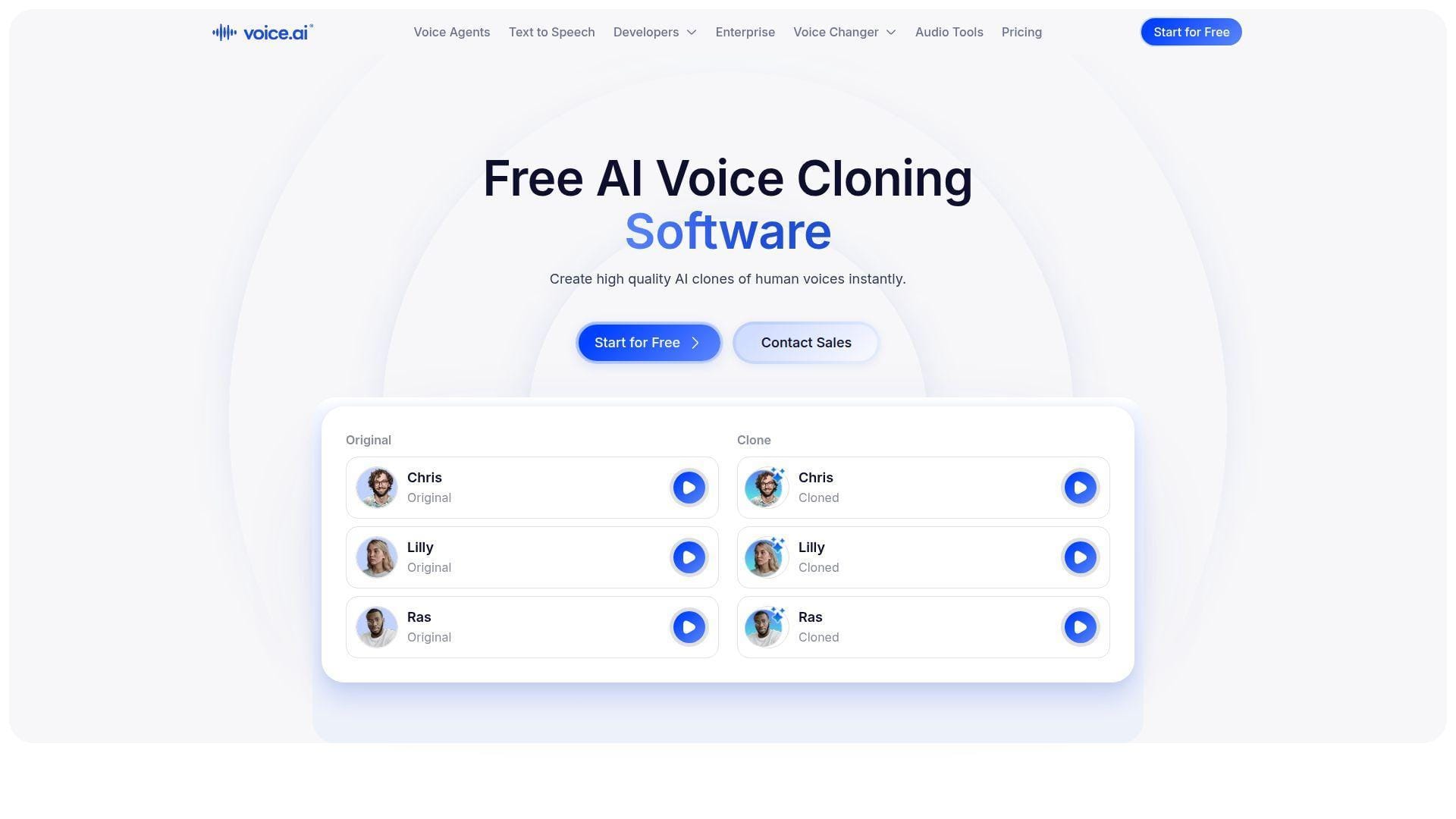
Voice.ai is one of the clearer picks when the real requirement is live or near-live transformation. The product is not pretending to be a classic narrator studio first. It is built around real-time audio, voice agents, and gaming-adjacent use cases, which gives it a very different feel from the rest of this list.
Best for: streamers and game-focused creators who care about live voice output more than polished narration editing.
- Very fast real-time cloning → a short sample can get you into a live test session almost immediately.
- Voice agents and cloning under one roof → teams save time if they also want interactive voice capabilities.
- Lightweight onboarding → first live experiment can happen in minutes, not days.
Pricing & limits: From $5/mo if you need cloning, with a $0 plan available for broader AI audio testing. Starter includes 5 instant voice clones and 15k credits. Free users can try the platform, but instant cloning is gated.
Honest drawbacks: The product is tuned for live and playful scenarios, so long-form narration workflows feel secondary. Credits, character caps, and concurrency matter more here than in simpler creator plans.
Verdict: If your world is gaming, streaming, or real-time voice play, Voice.ai fits better than static narration tools. It beats most rivals on live orientation and trails Descript on editing flow.
19. Mango AI for Short Samples and Low-Friction Cloning
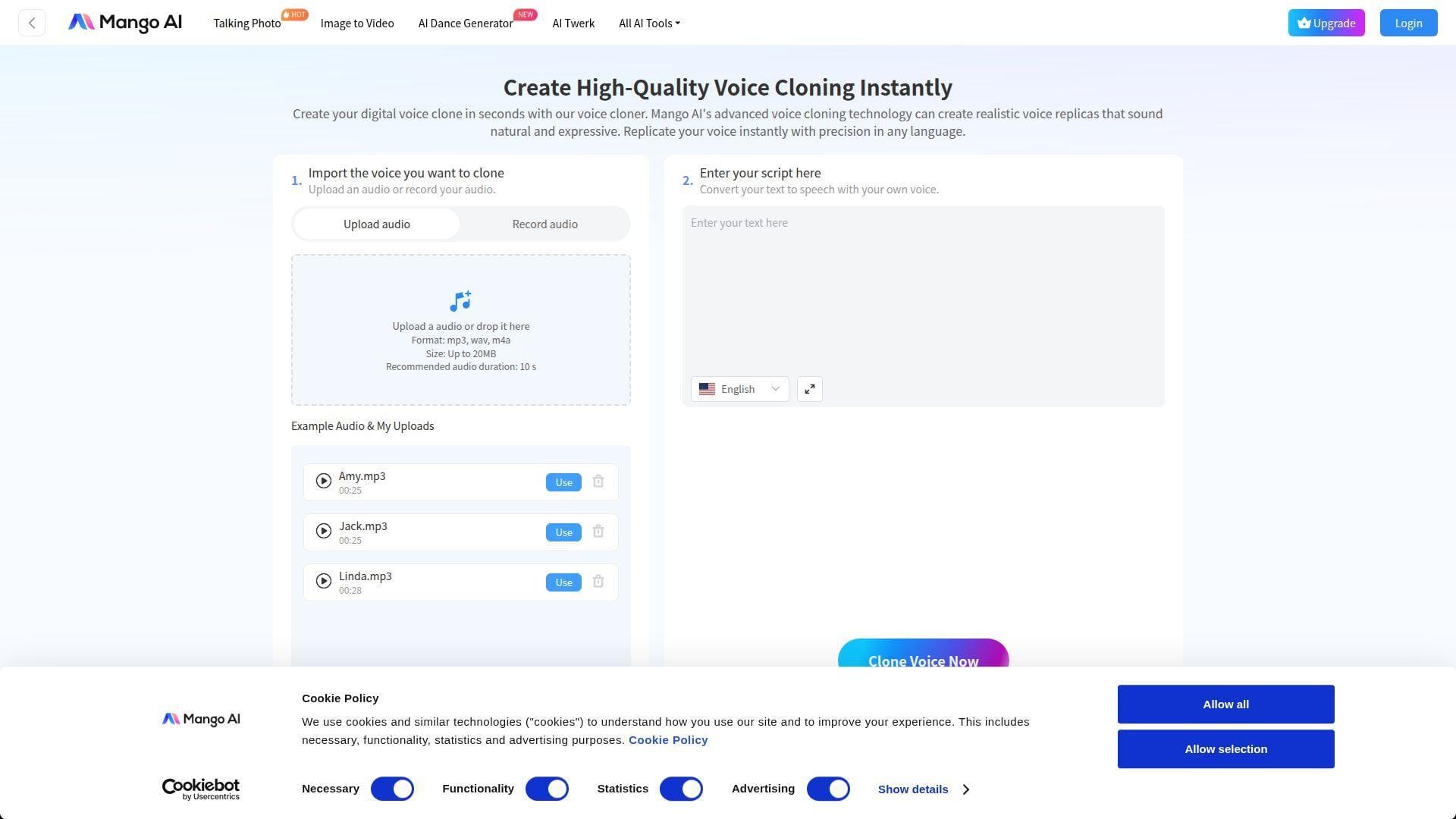
Mango AI, from the Mango Animate team, is really a broader AI video and avatar product with voice cloning tucked inside it. That matters because the right buyer here is not a premium audio team. It is someone who wants a simple, cheap way to add a cloned voice to short AI videos, talking photos, or lightweight demos.
Best for: occasional marketers and casual creators who want a low barrier to first results.
- Short-sample clone workflow → you can test a voice quickly without studio-style preparation.
- Voice, avatar, and lip-sync tools together → users avoid 2 to 3 extra subscriptions for lightweight social content.
- Low-friction web flow → first result usually appears within minutes.
Pricing & limits: From $0/mo on the free plan. Free includes 180 credits and 5 voice cloning runs, capped at 90 words per audio. Paid tiers increase monthly clone counts and word limits, but unused credits do not roll over.
Honest drawbacks: Audio quality is serviceable, not category-leading. Because Mango AI is really a multi-tool, serious voiceover teams will likely outgrow it once projects get longer or approval-heavy.
Verdict: If you only need a few short cloned lines for AI video or quick social content, Mango AI keeps the barrier low. It beats pricier suites on entry ease and trails audio-first tools on realism.
20. Vocloner for Lightweight, Open-Source Style Cloning
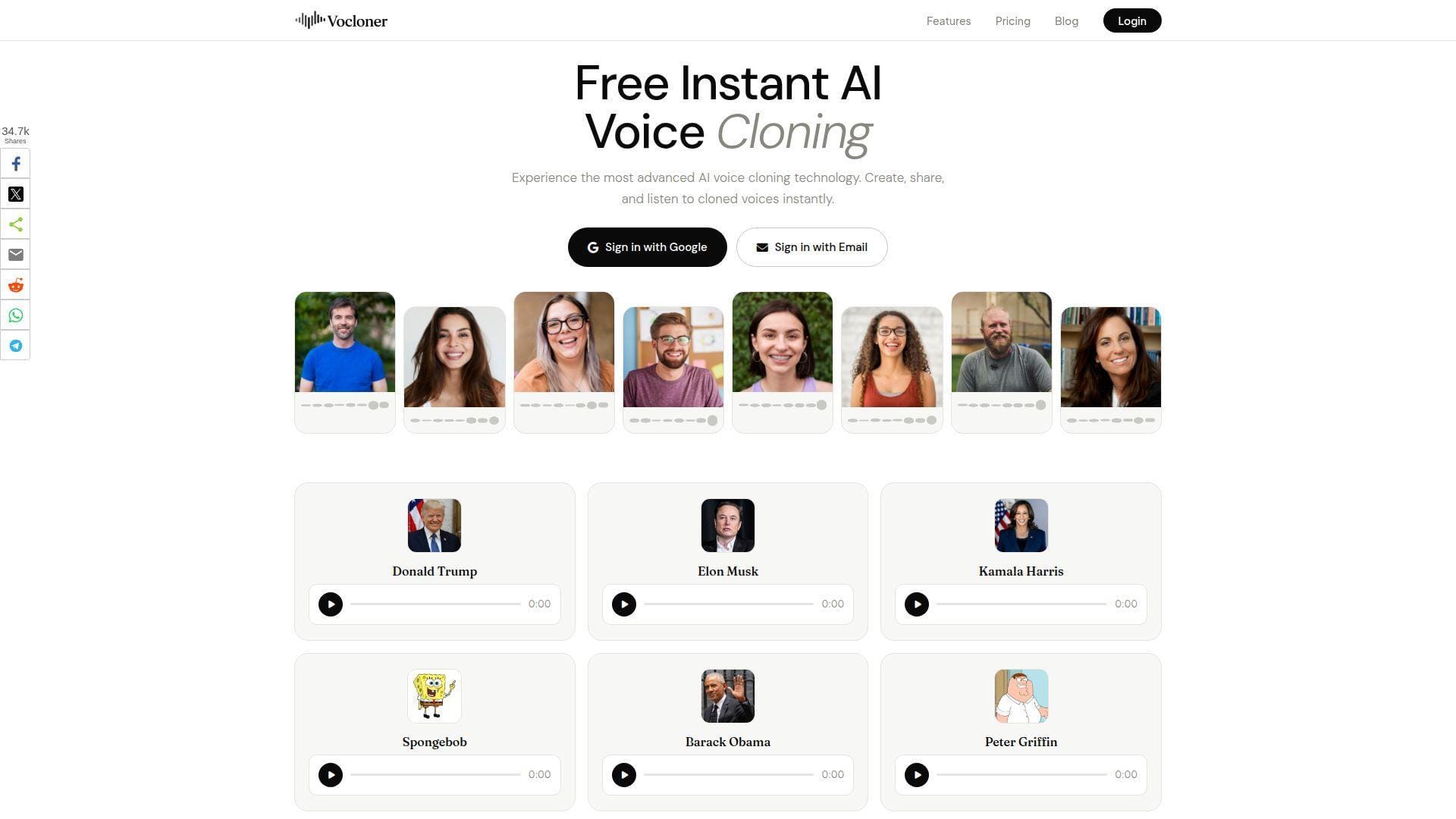
Vocloner feels lean in a good way. It does not try to be a full content suite, which is why it can appeal to buyers who just want a simple web tool with very clear limits. The product has a stripped-down, almost open-source-style feel even though the value is really in its transparent usage ladder.
Best for: hobby users and small teams that want straightforward caps and low monthly cost.
- Instant web cloning → quick experiments do not require a heavy setup or a long guided flow.
- Simple plan ladder → budgeting takes less time because voice counts and character caps are easy to understand.
- Fast time to first test → most users can generate a first sample in minutes.
Pricing & limits: From $0/mo with 3 voices, 1,000 characters per day, and 200 characters per request. Basic is $5/mo, Pro is $19/mo, and Advanced is $39/mo. Those caps are clear, which we like.
Honest drawbacks: The trade-off is depth. You get fewer editing controls, weaker governance signals, and a much lighter product than the market leaders. That can be refreshing or limiting, depending on your use case.
Verdict: If you want a simple cloning tool with obvious limits and no enterprise bloat, Vocloner is worth a look. It beats larger suites on simplicity and trails them on depth.
How We Evaluated the Best AI Voice Cloning Tools
At 1Byte, we did not rank these tools by the most impressive demo reel. We looked at what actually changes a buying decision once you move from trial curiosity to real production work.
1. Voice Similarity, Naturalness, and Text Accuracy
We listened for more than “Does this sound cool?” A good clone keeps pacing, tone, and emphasis believable over several sentences, not just a short headline. We also watched for text accuracy. Some tools sound human but still misread names, punctuation, or sentence rhythm. That matters fast in product demos, training, and paid ads. If a platform nailed a short clip but started drifting on a longer read, we scored it lower. Naturalness without control is still a problem.
2. Sample Length, Setup Speed, and Ease of Training
Instant cloning is great for speed, but faster is not always better. We paid attention to how much audio each tool really needs before output becomes dependable. Some tools can produce a useful test from seconds of speech. Others start to shine only after a longer clean recording. We also cared about time-to-first-value. Could a new user hear a decent result in one session, or did the process feel like a small production project by itself? Buyers doing fast content updates care about that more than researchers do.
3. Multilingual Output, Accent Retention, and Editing Control
Many vendors now advertise big language lists. That is not the same as strong multilingual output. We looked at whether a cloned voice still feels like the same speaker after switching languages, and whether accent or tone gets flattened in the process. Editing control mattered just as much. Tools that let us shape pronunciation, pacing, pauses, or tone usually produced better real-world output than tools that relied on one-click magic. In voice work, a few small controls can beat a flashy demo.
4. Pricing Fit, Export Limits, and Commercial Readiness
A cheap first month means very little if your plan blocks downloads, commercial rights, WAV export, or team use. So we looked past headline price. We checked whether pricing was based on credits, seats, characters, downloads, or usage. We also paid attention to practical limits like project caps, per-request character ceilings, clone slots, and whether important business features sit behind sales calls. That is usually where an affordable-looking tool stops being affordable.
How to Match the Right Tool to Your Workflow
The right AI voice cloning tool depends less on “best overall” and more on where voice sits in your process. We would match the product to the job before worrying about feature count.
1. Best Fits for Audiobooks, Podcasts, and Long-Form Narration
If you need a voice to hold up over long reads, focus on realism, pacing stability, and script control. ElevenLabs is the easiest general recommendation for this group. WellSaid Labs fits buyers who want consistent, approved corporate narration rather than a self-clone playground. Murf makes sense for business-heavy explainers and training content. Descript is the outlier here because it is less about long-form generation and more about patching existing spoken content in your own voice. For personal book or family storytelling projects, BookFab can be enough without paying for a larger suite.
2. Best Fits for Video Teams, Social Content, and Fast Revisions
If your real pain is updating videos fast, do not start with an audio-only tool. HeyGen and Synthesia are better choices when lip sync, avatars, or localization are part of the brief. Captions and VEED fit teams that need fast browser or mobile-friendly video workflows. DupDub lands in the middle. It is useful when you want voice cloning plus creator-oriented localization, but you do not need the heavier enterprise posture of Synthesia or the cleaner avatar polish of HeyGen.
3. Best Fits for Developers, Products, and API-First Teams
For product teams, the shortlist gets smaller fast. Resemble AI is the cleanest fit when security, watermarking, on-prem options, or deeper deployment control matter. PlayHT is strong when you want multilingual audio and a more obvious developer path. ElevenLabs also deserves a look if voice quality is your main product differentiator. Voice.ai belongs here only when real-time use is central. If the end goal is not “publish a clip” but “ship voice in software,” UI polish matters less than billing logic, latency, and governance.
4. Best Fits for Budget Buyers, Free Trials, and Occasional Use
If you only need occasional cloning, avoid buying a bigger stack than the job requires. FineVoice, Mango AI, Uberduck, and Vocloner all give you reasonably cheap ways to test cloned output. Speechify Studio Starter is also sensible if you want a cleaner browser experience without a large bill. Kukarella is the best value bundle if you also need multilingual or dialogue tools. Just remember that free plans are best for screening fit, not for judging total production cost.
What Actually Separates the Strongest Tools From the Rest
Once you strip away the landing-page language, the best AI voice cloning tools usually separate in four places. These are the trade-offs we think matter most.
1. Realism vs Flexibility
Some tools chase the most believable voice output. Others give you a broader editing or publishing environment. ElevenLabs and WellSaid are easy examples of quality-first products. Captions and VEED are more workflow-first. Neither approach is wrong. The mistake is buying for realism when your actual bottleneck is fast revision, or buying for convenience when your real need is premium long-form narration.
2. Instant Cloning vs Professional Cloning
Instant cloning wins on speed. Professional cloning wins on stability, especially when scripts get longer or more emotional. If you are testing ideas, instant cloning is often enough. If you are building an audiobook, training library, or paid campaign, the longer training path usually pays off. We would not pay enterprise money for a tool that only dazzles in ten-second demos.
3. Multilingual Reach vs Accent Accuracy
A long language list looks great in a comparison chart, but buyers should ask a better question. Does the cloned voice still sound like the same person after the language switch? Several tools now do multilingual output well enough for real work. Fewer handle accent retention and natural phrasing equally well. That is why we always recommend testing your exact target language, not just trusting the brand page.
4. All-in-One Editors vs Audio-First Specialists
Audio-first tools usually sound better. All-in-one tools usually move faster when voice is only one step in a wider workflow. Descript, ElevenLabs, and WellSaid lean more specialist. HeyGen, Synthesia, Captions, LOVO, and VEED lean broader. If your output includes scenes, captions, avatars, approvals, and frequent revisions, the broader tool may be the smarter buy even if the clone is slightly less impressive in isolation.
Pricing, Plans, and Hidden Trade-Offs
AI voice cloning pricing is messy on purpose. Vendors charge by credits, characters, seconds, downloads, seats, or some mix of all five. That is why the wrong cheap plan can cost more than the right expensive one.
1. When a Low Entry Price Stops Being Cheap
The entry plan often works only for one-person testing. Once you need extra voices, more credits, commercial rights, or another teammate, the bill changes quickly. Tools with clone slots, per-project caps, or usage overages can jump from “cheap” to “annoying” in one month. We usually trust flat monthly creator plans more than teaser pricing that only looks good before real usage begins.
2. Why Free Plans Rarely Reflect Real Production Use
Free plans are good screening tools. They are bad forecasting tools. Many block downloads, commercial rights, long scripts, or full voice vocabularies. Some let you hear the voice but not really ship with it. Others add watermarks, limit project counts, or bury the useful export settings behind payment. That is why we use free tiers to test fit, not to estimate real budget.
3. When Usage-Based Billing Beats Flat Subscriptions
If your demand is bursty, usage-based pricing can be the better deal. Product teams, internal pilots, and irregular localization runs often fit that model. Flat subscriptions are better when you publish every week and want predictable cost. The real danger is paying flat fees for low volume or paying metered rates for a workflow that quietly scales every month.
4. Which Paid Upgrades Matter for Commercial Work
For commercial use, the upgrades that matter most are not cosmetic. We care about commercial rights, watermark-free export, better audio formats, collaboration, API access, and clearer security terms. On higher-end teams, SSO, training-data exclusion, and custom contracts matter too. Fancy voice sliders are nice. Rights and governance are what keep projects moving.
Privacy, Consent, and Voice Rights Before You Upload a Sample
Voice cloning is useful enough to create real legal and reputational risk. Before we would upload a sample at 1Byte, we would want clear answers on consent, storage, deletion, and who can use the output commercially.
1. How to Check Consent, Verification, and Ownership Rules
Our rule is simple. If you do not have clear permission, do not upload the voice. Some platforms ask for voice verification or identity statements, which is a good sign. Others are looser, which should make you more cautious, not less. Platform rules are tightening too. YouTube states that Content intended to impersonate a person or channel is not allowed, and that should tell buyers where the market is heading. Clone your own voice, or get explicit written permission.
2. What to Review in Data Retention and Security Policies
Check whether the vendor says customer data is used for model training. Look for details on encryption, retention after cancellation, and whether enterprise buyers can ask for stricter handling. If you work in a regulated environment, on-prem deployment, training-data exclusion, or formal compliance claims may matter more than the clone quality itself. A decent sounding voice is not worth a vague data policy.
3. When Disclosure Matters for Published Audio
Disclosure matters most when listeners could reasonably believe the audio is a live or original human recording. That is especially true in ads, executive communication, education, and customer-facing support. We are not saying every synthetic line needs a warning label. We are saying that trust is easier to keep than rebuild. If the voice could mislead, label it.
4. Red Flags That Should Rule a Tool Out Fast
Walk away fast if a tool markets celebrity mimicry without serious consent language, hides commercial rights, or makes deletion hard to understand. We also get cautious when pricing is impossible to inspect before sign-up or when the product says you can clone “anyone” with no verification step. In this category, vague safety language is usually a buying signal in the wrong direction.
Frequently Asked Questions About AI Voice Cloning
These are the questions we hear most from buyers comparing AI voice cloning tools for the first time. The short answers are usually enough to narrow your shortlist quickly.
1. How Much Audio Do You Need for a High-Quality Voice Clone?
For instant cloning, some tools can work from a very short sample. In practice, we trust the result more once we have at least a clean minute or two. If you want stronger long-form output, a longer recording helps a lot. Professional-grade cloning often starts feeling dependable after a much larger clean sample. Use a quiet room, one speaker, steady mic distance, and natural pacing. Bad source audio is still the fastest way to get a bad clone.
2. What Is the Difference Between Instant Cloning and Professional Cloning?
Instant cloning is built for speed. It is great for tests, social clips, and quick revisions. Professional cloning is built for stronger realism, better consistency, and longer scripts. That usually means more training audio and a slower setup. If you are fixing a line or testing a concept, instant is fine. If you are building an audiobook, voice brand, or paid campaign, professional cloning is the safer path.
3. Why Does a Cloned Voice Sound Robotic or Unnatural?
The usual reasons are simple. The source sample is noisy, too short, or inconsistent. The script may also be fighting the model because punctuation, names, or phrasing are awkward. Another common issue is asking one clone to jump too far from the style it learned. Try cleaner source audio, shorter sentence blocks, better punctuation, and pronunciation tweaks before blaming the model itself.
4. Is AI Voice Cloning Legal for Personal and Commercial Use?
Usually, yes, if you are cloning your own voice or a voice you have documented permission to use. The harder part is commercial use, because rights depend on the plan, the platform terms, and local publicity or impersonation rules. Always check whether the plan includes commercial rights. If a voice belongs to an employee, contractor, or public figure, get the permission in writing before you publish anything.







5. Can One Voice Clone Speak Multiple Languages Naturally?
Yes, sometimes very well. The top tools can move a single cloned voice across several languages, but quality still varies by language pair, accent, and script style. A tool can sound great in English and merely okay in another language. That is why we suggest a simple next step. Record one clean sample, test your real script in two tools, and ask yourself which matters more for your workflow: long-form realism, fast video updates, or API control?