

- Why teams switch to firebase alternatives: lock-in, costs, and database limitations
- Quick Comparison of firebase alternatives
- Top 30 firebase alternatives to consider in 2026
- How to evaluate firebase alternatives: a practical selection checklist
- Open-source vs managed firebase alternatives: hosting flexibility, compliance, and control
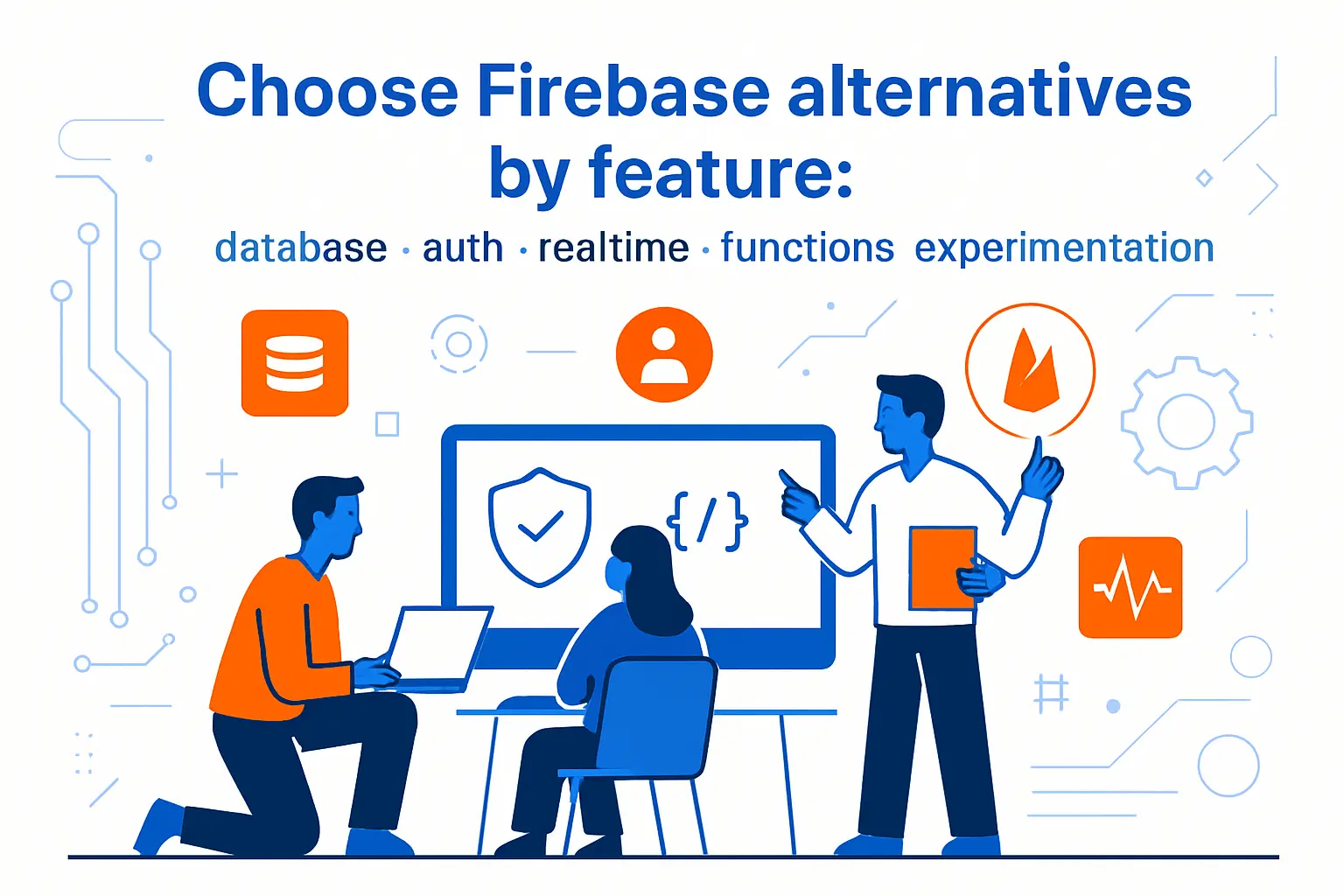
- Choose firebase alternatives by feature: database, auth, realtime, functions, and experimentation
- Migration planning for firebase alternatives: reducing risk while switching
- How 1Byte supports teams adopting firebase alternatives
At 1Byte, we love Firebase for prototypes. We also see where it cracks under real business pressure. The pain rarely shows up on day one. It arrives when traffic spikes, audits appear, or the data model matures.
Our clients usually ask the same question. “Which Firebase alternative keeps our team fast?” The honest answer is that no single platform replaces every Firebase feature. The winning move is picking a primary backend, then filling gaps with best-of-breed services.
Scale changes the rules. The public cloud market keeps expanding, and that growth amplifies architecture mistakes. Gartner forecasts $675.4 billion in 2024 in public cloud end-user spending, so the stakes are not small anymore.
Budgets and expectations rise with the market. Statista projects US$980.30bn in 2025 for worldwide public cloud revenue, which means more vendors will compete for “default stack” status.
Strategy also matters more than tooling. Deloitte cites 93% of organizations using cloud infrastructure with a multicloud strategy, and that reality punishes single-vendor assumptions.
Value, not novelty, is the finish line. McKinsey argues cloud adoption could unlock $3 trillion in EBITDA value by 2030, but only if teams go beyond basic adoption.
In our hosting practice, we see two recurring “switch moments.” One is a compliance deadline. The other is a billing and performance surprise. Both are avoidable with a clearer selection process.
Why teams switch to firebase alternatives: lock-in, costs, and database limitations
1. Vendor lock-in and reduced backend control with proprietary serverless stacks
Firebase feels like a shortcut, because it removes backend friction. That shortcut can become a narrow hallway later. Once client apps depend on proprietary APIs, switching becomes a rewrite, not a migration.
Lock-in is not only about data formats. It is about operational habits. Teams learn one set of security rules, one logging surface, and one deployment story.
We also notice an organizational effect. Product teams start shipping features that assume “the backend is the vendor.” That mindset reduces backend craftsmanship over time. When performance tuning becomes necessary, the team has fewer levers.
Control matters most when requirements diverge. A marketplace needs advanced transactions and careful consistency. A B2B app needs custom tenant isolation. Those needs often demand backend code and database choices that Firebase hides.
Our bias at 1Byte is simple. We want platforms that remain portable. A portable system can still be managed, but it is not trapped.
2. Unpredictable usage-based pricing and “surprise bill” risk at scale
Usage pricing can be fair, but it is rarely intuitive. Firebase pricing aligns with reads, writes, storage, and egress. Those drivers are easy to trigger accidentally. One inefficient screen can multiply reads.
Cost predictability is a board-level feature. Finance teams want forecasts, not detective work. Engineering teams want budgets that reward optimization.
We like that Google publishes worked examples. In a Firestore billing example, a “small” app scenario lands at $12.14/month, which looks harmless until a single query pattern changes.
Surprise bills often come from indirect usage. Security rules can trigger extra reads. Index reads can add cost without obvious UI symptoms. Background sync can amplify traffic.
We advise teams to treat “pay as you go” as an engineering problem. Instrument it like latency. Cost needs observability, budgets, and alerting.
3. Firestore querying constraints and relational modeling pain (SQL vs NoSQL tradeoffs)
Firestore is a document database, and that is a strength. Documents map well to screens. Collections map well to product concepts. Realtime listeners can feel magical.
Relational business logic still exists, even if we hide it. Orders relate to customers. Permissions relate to organizations. Entitlements relate to invoices.
NoSQL modeling pushes joins into the application. That can be fine for small domains. It becomes risky as the domain grows. Data duplication creeps in, then consistency bugs follow.
Firestore also imposes query constraints that shape the data model. Firebase documents a set of limitations for compound range queries, and it explicitly limits the number of range or inequality fields you can use.
SQL-first alternatives reduce this stress. We can express relationships naturally. We can add indexes with intent. We can rely on transactions with fewer workarounds.
Our viewpoint is not “SQL is always better.” The better view is “choose the query model you can sustain.” Sustaining a model includes new hires, audits, and incident response.
4. Full-text search gaps and the need for complementary search services
Search is where many Firebase stacks become two stacks. Teams want relevance ranking, typo tolerance, and facet filters. Those features are not part of core Firestore queries.
Third-party search is normal in mature systems. The integration still adds complexity. It adds a sync pipeline, error handling, and a backfill plan.
Algolia’s own announcement states Firestore does not support search functionality out of the box, which is why “indexing extensions” exist.
We push teams to define “search correctness.” Is stale search acceptable for a minute? Is it acceptable for an hour? Those answers decide whether we need streaming sync, batch jobs, or dual writes.
A good alternative stack treats search as a first-class subsystem. That does not mean it must be complex. It means it must be intentional.
5. Self-hosting, privacy, and compliance requirements that Firebase can’t fully satisfy
Some teams must control runtime and data location. Others must control encryption keys. Many must demonstrate least privilege and audit trails. Those needs appear in healthcare, finance, and enterprise procurement.
Firebase can fit some regulated cases, but it is not designed for every posture. A strict “bring your own cloud” requirement often ends the conversation. A strict “on-prem” requirement ends it faster.
Self-hosting is not only about privacy. It is also about integration. Private networking, custom proxies, and internal identity systems are easier with controlled infrastructure.
At 1Byte, we also see geopolitical constraints. Some customers need regional hosting flexibility. Others need contractual control over subcontractors.
Compliance is a spectrum, not a checkbox. Our goal is to give teams options along that spectrum. That means open architectures and clear boundaries.
Quick Comparison of firebase alternatives
We chose the picks below because they map to common “Firebase replacement” shapes. Some are all-in-one platforms. Others are core building blocks that teams standardize on.
| Tool | Best for | From price | Trial/Free | Key limits |
|---|---|---|---|---|
| Supabase | SQL-first apps with realtime needs | Free tier | Yes | Requires SQL discipline and migrations |
| Appwrite | Firebase-like APIs with self-hosting | Free tier | Yes | Operational work if self-managed |
| Nhost | GraphQL-first teams on Postgres | Free tier | Yes | GraphQL patterns need governance |
| Convex | Product teams that want fast iteration | Usage based | Yes | Different mental model than SQL |
| AWS Amplify | Teams already committed to AWS | Usage based | Yes | Many moving parts across services |
| Cloudflare Workers | Edge logic and low-latency APIs | Usage based | Yes | Stateful design needs planning |
| Azure Functions | Enterprise Microsoft environments | Usage based | Yes | Cold-start and integration choices vary |
| MongoDB Atlas | Document modeling with managed ops | Free tier | Yes | Relational joins remain app-layer work |
| Keycloak | Self-hosted identity and SSO control | Free | Yes | Requires careful upgrades and hardening |
| Algolia | Search relevance and fast UX filters | Usage based | Yes | Needs an indexing pipeline |
Our broader “top thirty” list includes these options. We treat them like Lego bricks. The right kit depends on product shape and constraints.
- Supabase fits teams that want Postgres plus realtime features.
- Appwrite fits teams that want a Firebase-like API surface.
- Nhost suits GraphQL-first builders who like opinionated defaults.
- PocketBase works for simple products that can ship with one binary.
- Parse Server works for self-hosters who want a proven BaaS pattern.
- Convex suits teams who want reactive data and backend functions.
- Xano supports teams who prefer no-code backend building.
- Hasura accelerates GraphQL APIs over SQL data.
- Directus adds an admin app on top of SQL tables.
- Strapi supports content-heavy apps that need structured authoring.
- AWS Amplify fits teams that already standardize on AWS tooling.
- AWS AppSync supports managed GraphQL with realtime patterns.
- AWS Cognito handles managed identity when you accept its constraints.
- Azure Functions fits event-driven code in Microsoft ecosystems.
- Azure Static Web Apps suits frontend-first teams with integrated deployment.
- Cloudflare Workers powers edge compute for APIs and personalization.
- Vercel supports web apps that want tight frontend hosting integration.
- Netlify suits teams that like simple CI-driven web deployment.
- Fly.io supports apps that need regions close to users.
- Railway helps teams ship small services quickly with managed deploys.
- Heroku fits teams who want simple app hosting conventions.
- DigitalOcean App Platform supports managed deploys with predictable controls.
- Neon fits Postgres teams that value branching and fast provisioning.
- PlanetScale suits MySQL teams that want scalable operations.
- CockroachDB fits teams that need distributed SQL semantics.
- MongoDB Atlas supports managed document databases with global footprint options.
- Keycloak supports self-managed identity with strong protocol support.
- FusionAuth fits teams that want portable auth with enterprise features.
- Clerk speeds up modern web auth with strong developer experience.
- Algolia covers full-text search and fast faceting at product scale.
Top 30 firebase alternatives to consider in 2026
Firebase is rarely “one product.” It’s a bundle of jobs: ship auth fast, store data safely, sync in real time, run functions, and sleep at night. So we score alternatives by outcomes, not buzzwords. Each pick below is judged on the same seven criteria, with weights that match how teams actually buy: Value-for-money (20%), Feature depth (20%), Ease of setup & learning (15%), Integrations & ecosystem (15%), UX & performance (10%), Security & trust (10%), and Support & community (10%).
That weighted approach favors tools that get you to “working in production” without a surprise migration later. It also penalizes hidden complexity, sharp usage cliffs, and “enterprise-only” basics. In each mini-review, you’ll see who the tool fits, where it shines, and where it bites. Scores are editorial, not vendor-provided. Use them as a directional filter, then validate against your exact workload.
1. Supabase
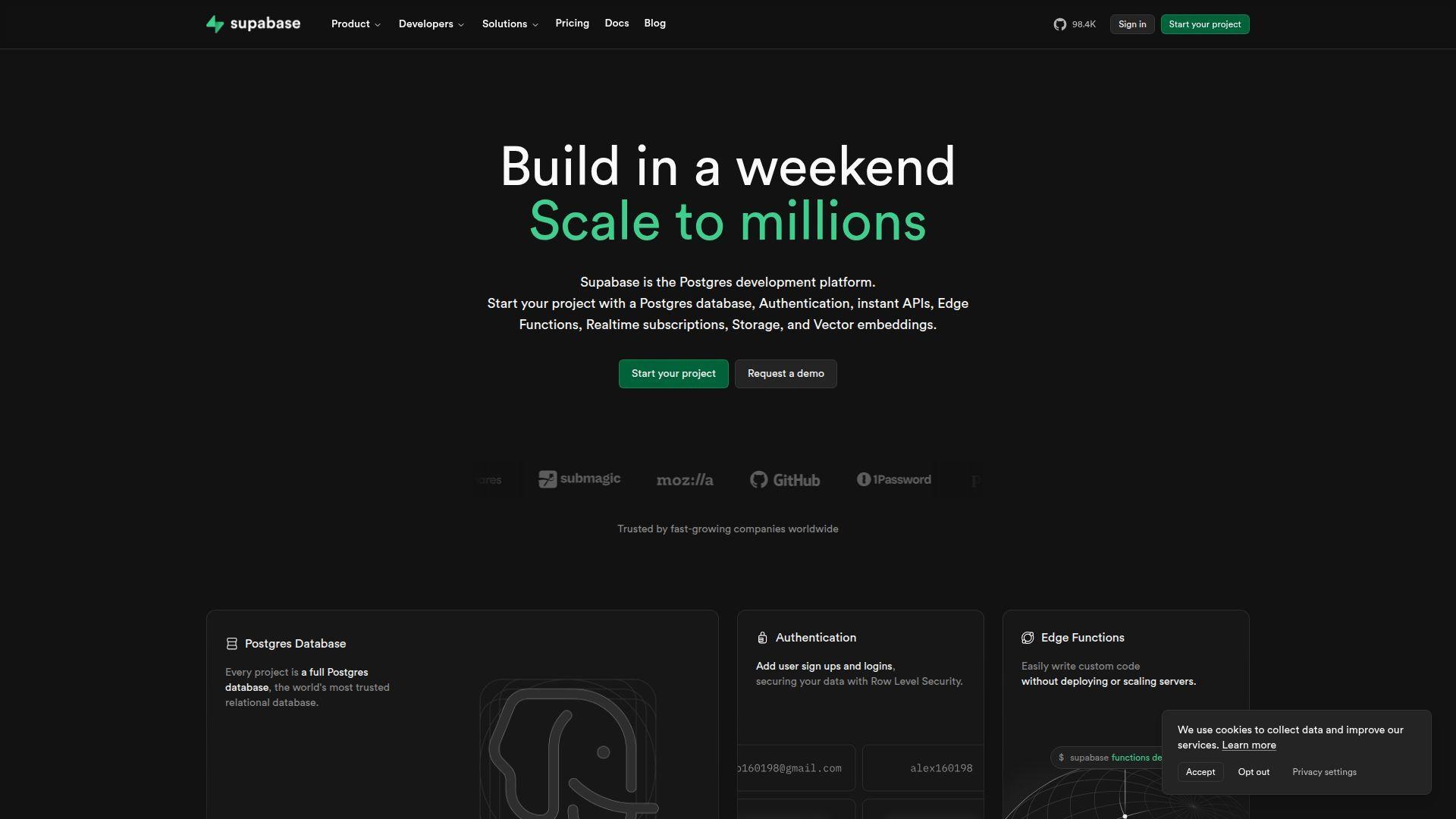
Supabase is a developer-first company building an open-source backend layer on PostgreSQL. The team’s north star is simple: give you Firebase-like speed, without abandoning SQL. Its platform bundles database, auth, storage, edge functions, and realtime on top of Postgres primitives.
Tagline: Get a SQL backend with auth and realtime, before your coffee cools. Best for: startup engineers replacing Firestore; solo builders who want Postgres from day one.
- Postgres + Row Level Security → enforce per-user access without duplicating rules in code.
- Auth + database triggers → cut “signup-to-first-row” work by about 5–8 integration steps.
- Dashboard + SQL editor → reach first working CRUD in roughly 45–90 minutes.
Pricing & limits: From $0/mo. Trial: free tier with no fixed end date. Caps: free includes 2 projects, 500 MB database, 1 GB storage, and 50,000 MAUs.
Honest drawbacks: Costs can climb once you add multiple always-on projects. RLS is powerful, but it has a learning curve.
Verdict: If you want Firebase velocity with SQL control, this helps you ship a real backend in a weekend.
Score: 4.2/5 and .
2. Appwrite
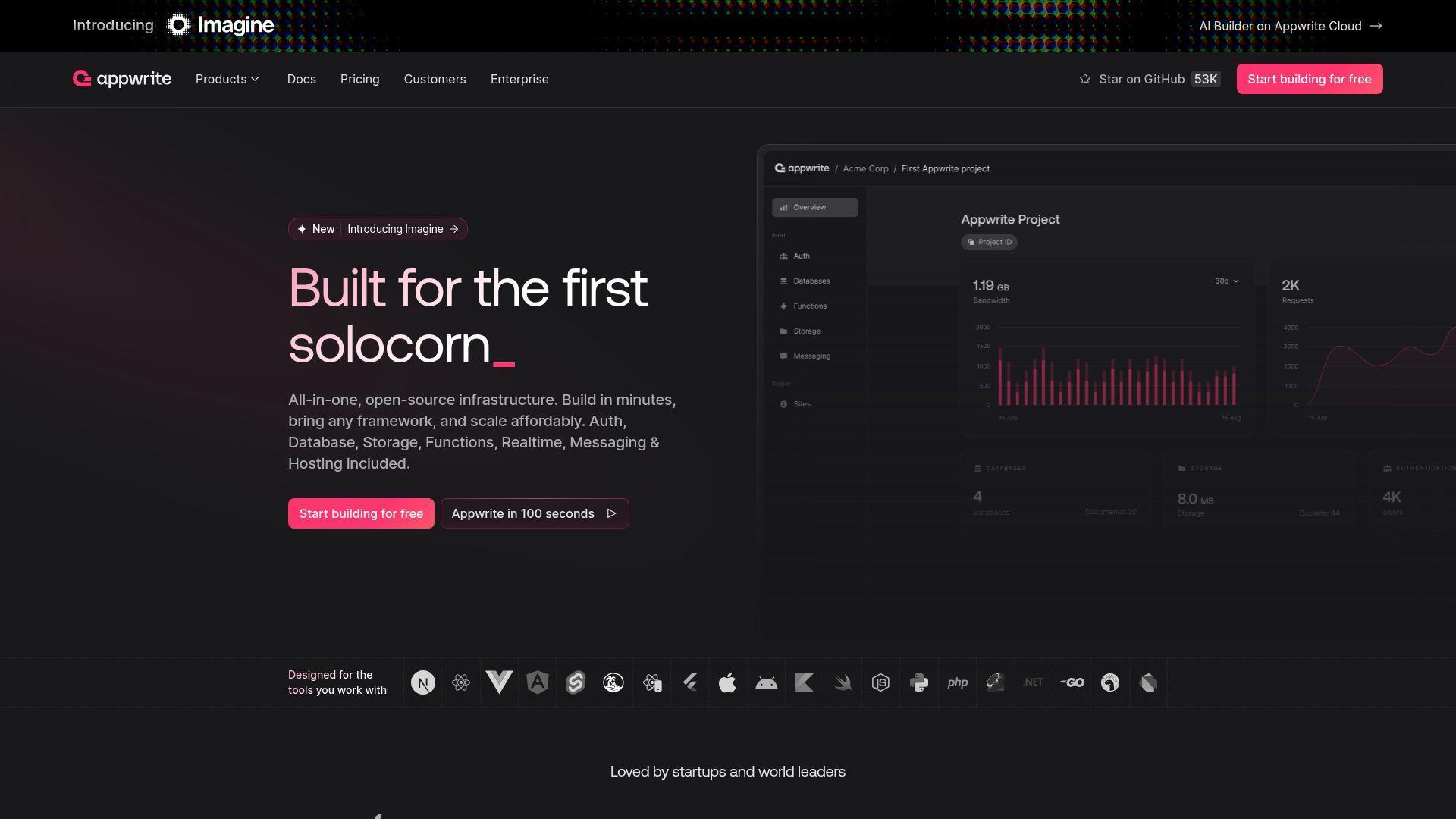
Appwrite is an open-source backend platform built by a product-minded team that sweats developer experience. It packages auth, databases, storage, functions, messaging, and realtime behind consistent SDKs. The Cloud offering mirrors Firebase’s “just ship it” appeal, while self-hosting keeps your exit door unlocked.
Tagline: Build login, data, files, and functions without building a backend department. Best for: small product teams that want BaaS with clean APIs; agencies shipping many client apps.
- Unified API surface → reduce backend glue code and keep client apps consistent across services.
- Webhooks + Functions → automate common flows and save 30–60 minutes per release ritual.
- Console-first setup → get first user signup and database write working in about 30–60 minutes.
Pricing & limits: From $0/mo. Trial: free plan with shared resources. Caps: free includes 2 projects and pauses inactive projects after 1 week.
Honest drawbacks: Cloud quotas can feel tight for “many tiny projects” workflows. Advanced enterprise needs often push you toward paid plans or self-hosting.
Verdict: If you want Firebase-like primitives with open-source leverage, this helps you launch faster within a day.
Score: 4.1/5 and .
3. AWS Amplify
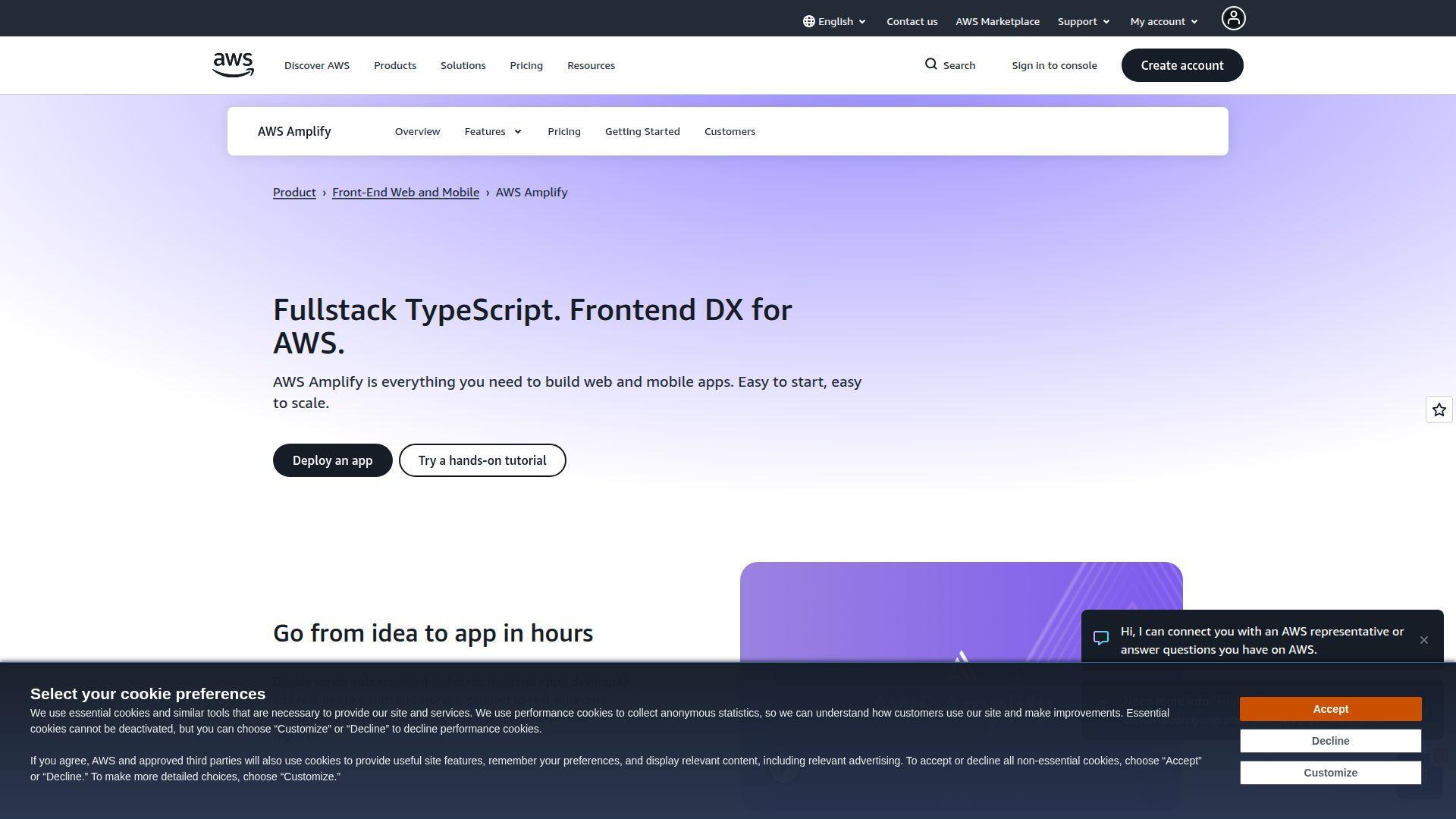
AWS Amplify is built by AWS teams to make front-end shipping feel native on AWS. It wraps hosting, build pipelines, and a guided path to AWS-managed backend services. Think of it as “Firebase-style workflow,” but with AWS’s sprawling menu behind the curtain.
Tagline: Ship a full-stack app on AWS, without hand-rolling every AWS primitive. Best for: teams already on AWS; startups that need a runway to enterprise infrastructure.
- Amplify Hosting + CI/CD → deploy on every merge and keep preview builds predictable.
- AWS service alignment → skip 4–6 custom integration steps when you lean on AWS defaults.
- Guided setup flows → reach first production deploy in roughly 60–120 minutes.
Pricing & limits: From $0/mo under AWS Free Tier. Trial: Free Tier for 12 months for eligible services. Caps: 1,000 build minutes/month included, plus free storage and transfer thresholds.
Honest drawbacks: Billing is usage-based, so surprises happen without guardrails. AWS complexity still shows up once you leave the happy path.
Verdict: If you want Firebase convenience on AWS, this helps you go live quickly and scale with less rewiring later.
Score: 4.1/5 and .
4. Backendless
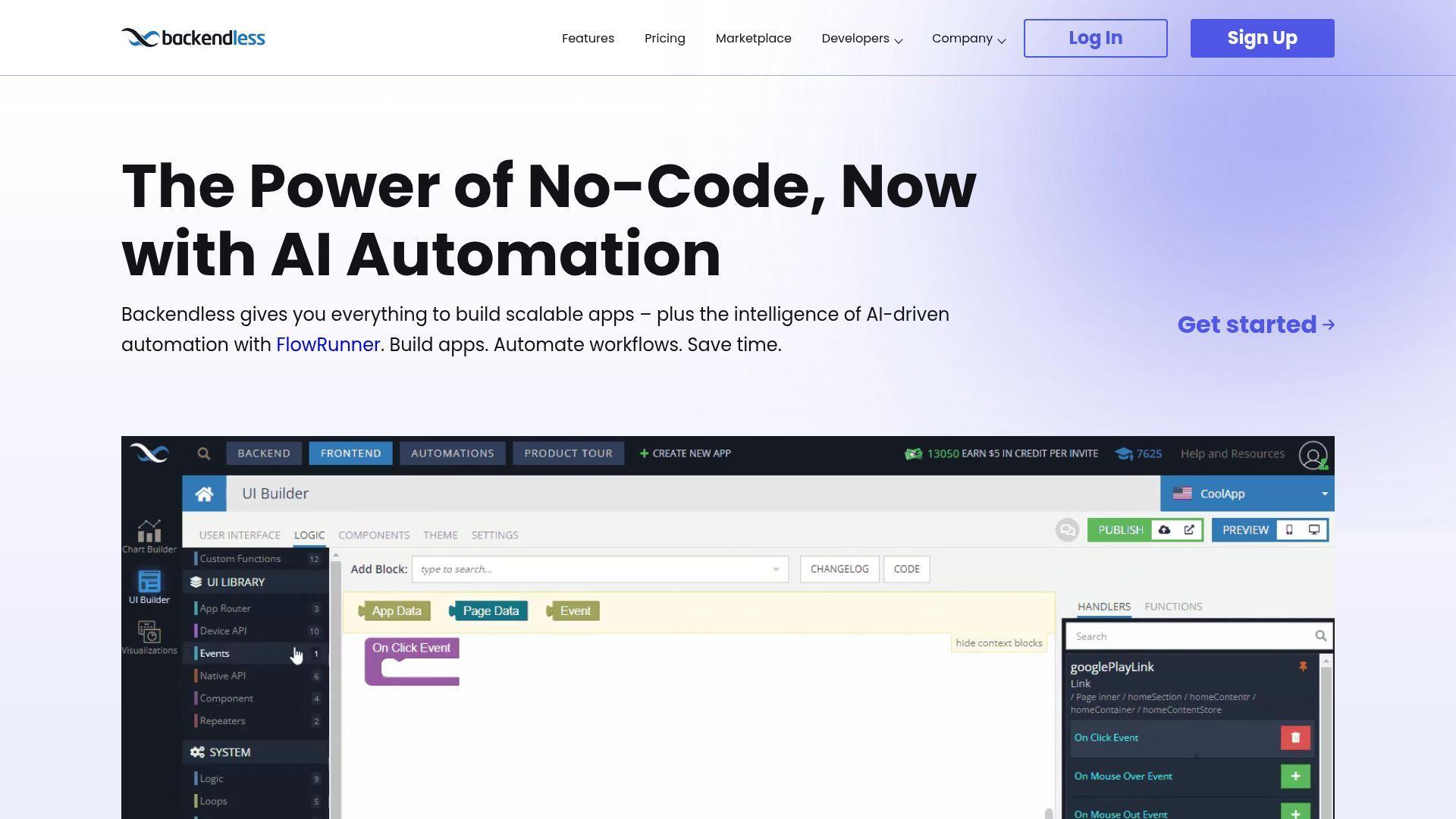
Backendless is a low-code leaning backend platform with a long track record in BaaS. The team focuses on giving you a lot of backend surface area in one place, including data, realtime, messaging, and business logic. It’s a different flavor than Firebase, but the “all-in-one backend” job is similar.
Tagline: Replace a pile of backend services with one control panel. Best for: SMB teams who want visual tooling; developers who prefer codeless logic for common workflows.
- Visual logic + timers → automate routine backend work without writing a full worker service.
- Marketplace add-ons → avoid rebuilding extensions and save 3–6 setup steps per feature.
- Template-driven start → reach first API call and table write in about 45–120 minutes.
Pricing & limits: From $0/mo. Trial: free plan with fixed limits. Caps: free includes 50 requests/minute, 1,000 requests/day, 20 tables, and 1 GB file storage.
Honest drawbacks: Some key limits are strict, and exceeding them can block requests. The product can feel “platform-y,” which adds mental overhead.
Verdict: If you want a visual backend you can grow into, this helps you ship functional MVPs in days.
Score: 3.8/5 and .
5. Back4App
Back4App is a managed backend platform built around the Parse ecosystem. The team sells predictability: managed hosting, backups, and an opinionated backend that looks familiar if you’ve used older BaaS tools. It’s less trendy than newer stacks, yet it’s practical.
Tagline: Get a managed Parse-style backend that’s ready for production habits. Best for: teams migrating from Parse; developers who want a hosted backend without designing one.
- Parse-compatible APIs → reuse existing patterns and keep migrations from dragging for weeks.
- Daily backups on paid tiers → skip manual backup scripting and save 1–2 DevOps tasks.
- Managed setup path → reach first deployed backend in about 30–90 minutes.
Pricing & limits: From $0/mo. Trial: free plan, no credit card required. Caps: free includes 25K requests/month, 250 MB database, 1 GB transfer, and 1 app.
Honest drawbacks: The architecture can feel dated next to SQL-first platforms. Scaling past starter tiers can get expensive per app.
Verdict: If you want a hosted backend with classic BaaS ergonomics, this helps you launch an MVP in a day.
Score: 3.9/5 and .
6. Parse Platform
Parse Platform is the open-source continuation of the original Parse backend concept. It’s maintained by a broad community rather than a single vendor roadmap. That means you own your hosting choices, your scaling plan, and your operational discipline.
Tagline: Run a proven BaaS pattern on infrastructure you control. Best for: teams that want Parse APIs without vendor lock-in; developers comfortable self-hosting production services.
- Self-hosted BaaS stack → keep data residency and compliance decisions in your hands.
- Ecosystem of adapters → save 2–4 integration steps with existing client patterns.
- Deploy-anywhere footprint → reach first working backend in about 2–6 hours, depending on ops.
Pricing & limits: From $0/mo. Trial: none, because it’s open source. Caps: no platform caps; limits come from your hosting and database choices.
Honest drawbacks: You inherit security patching and uptime responsibility. The learning curve includes ops, not just code.
Verdict: If you want Firebase-style convenience with full control, this helps you ship a backend while keeping your exit plan intact.
Score: 3.7/5 and .
7. Kuzzle
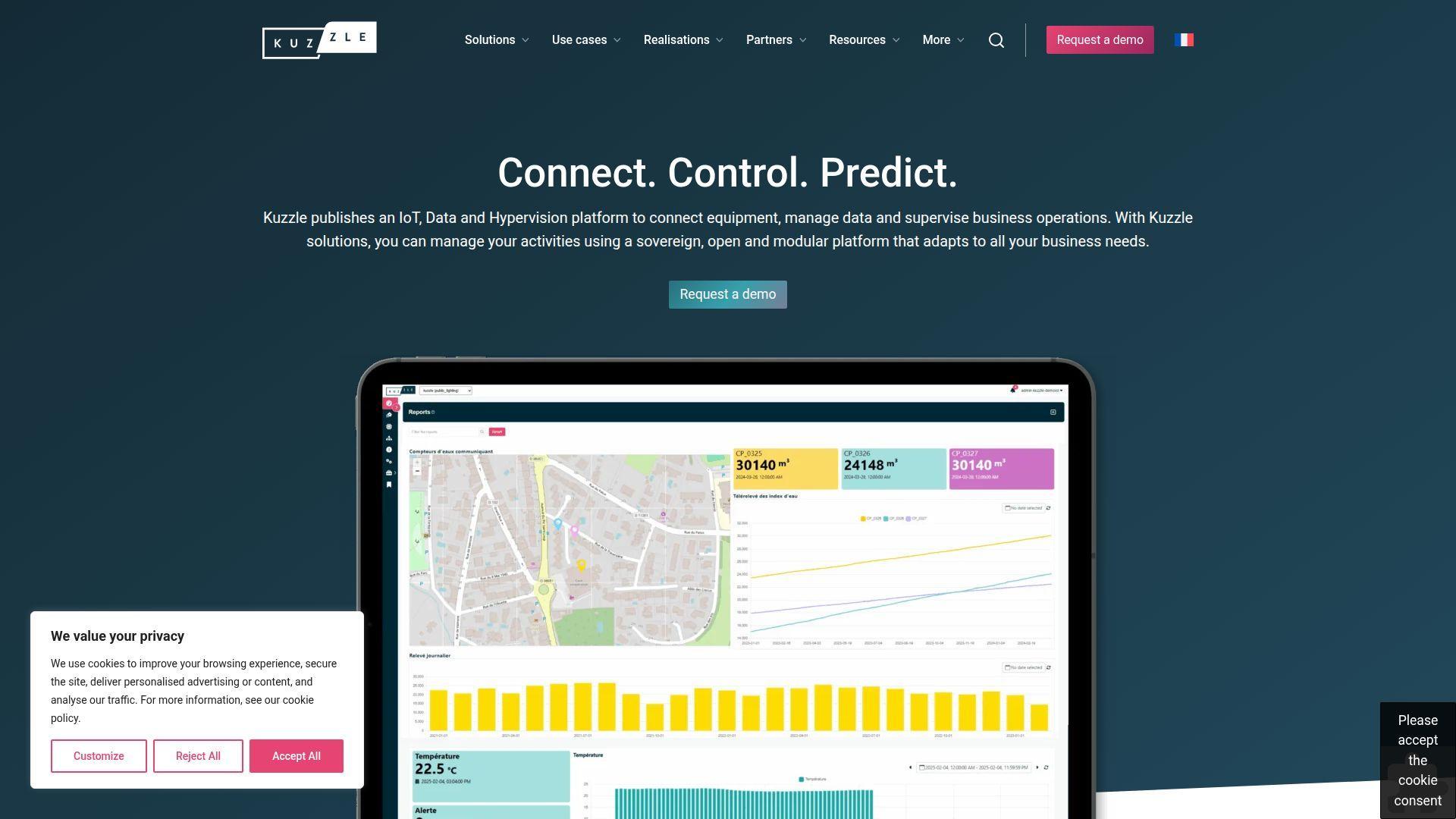
Kuzzle is a company-backed open-source backend with a strong IoT and realtime posture. The team’s product leans toward connected devices, event streams, and operational workflows. It can replace Firebase realtime use cases when you want to host the control plane yourself.
Tagline: Power realtime apps and device-driven systems without betting on one cloud vendor. Best for: IoT teams; developers who need realtime messaging with self-host control.
- Realtime-first architecture → keep device and app state synced without building custom brokers.
- API-driven tooling → cut onboarding steps by 3–5 when you standardize client patterns early.
- Deploy on your stack → reach first event flowing in about 3–8 hours with basic DevOps.
Pricing & limits: From $0/mo for open-source self-hosting. Trial: none for the OSS core. Caps: platform limits depend on your infrastructure and operational tuning.
Honest drawbacks: It’s not as “batteries included” for auth and storage as Firebase. Hosted or enterprise options may require sales conversations.
Verdict: If you need realtime infrastructure you can own, this helps you stand up a controllable core in days.
Score: 3.5/5 and .
8. Sevalla
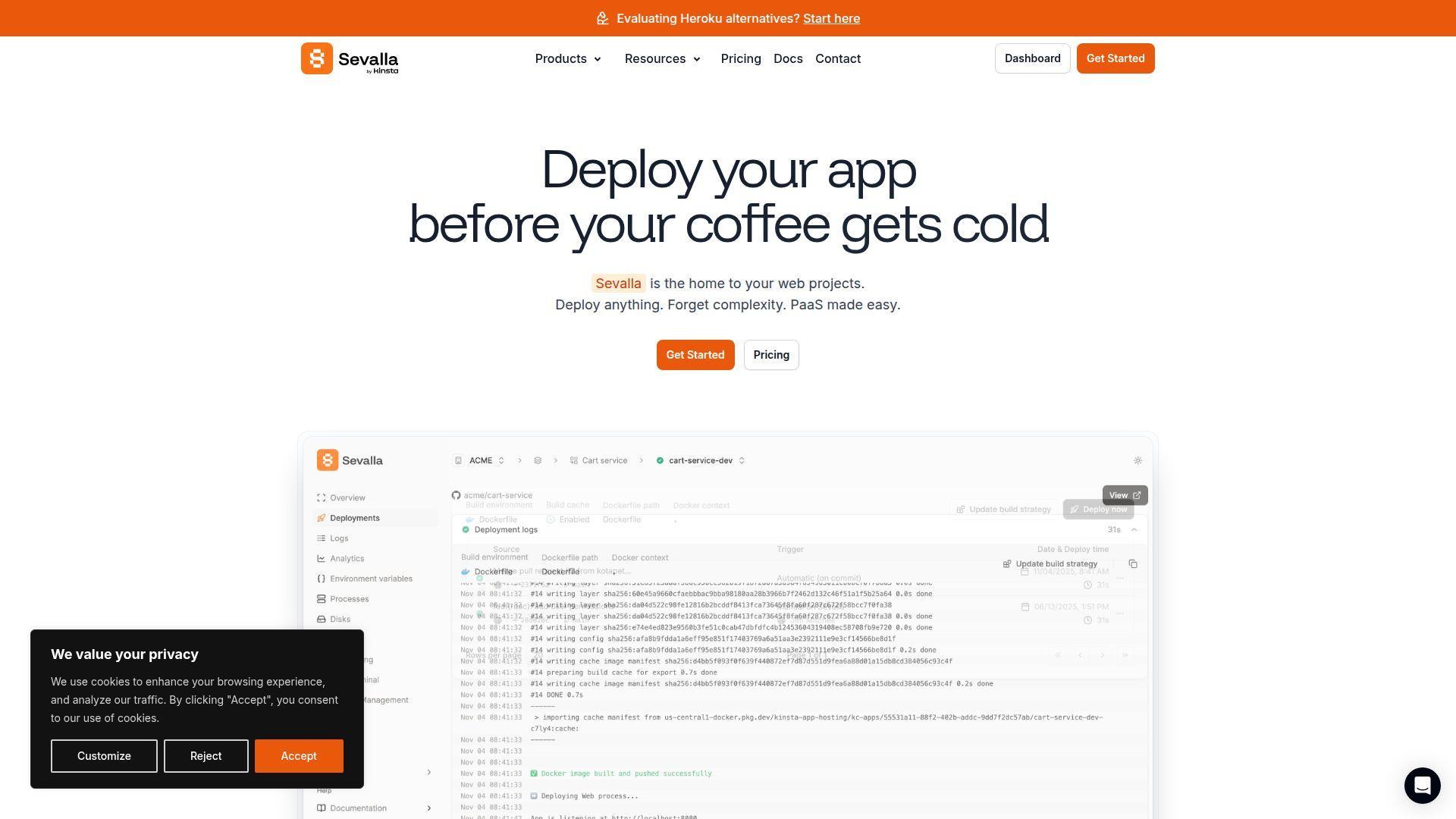
Sevalla is a platform-as-a-service from the Kinsta family, built for fast deployments without ceremony. The team targets the “Heroku feeling” with modern infra choices. While it doesn’t replace Firebase databases directly, it replaces Firebase Hosting and the “where do we run this?” problem.
Tagline: Deploy apps and databases fast, then scale without a platform tax. Best for: indie founders; small teams ditching Firebase Hosting for a broader PaaS.
- Git-based deploys → ship predictable releases without hand-running build and deploy scripts.
- Managed databases add-on → skip 6–10 setup steps versus self-managed database plumbing.
- Simple dashboard flows → reach first deploy in about 15–45 minutes.
Pricing & limits: From $5/mo for app hosting and databases. Trial: free trial available, but the duration isn’t clearly stated on the pricing page. Caps: static sites are free with a 1 GB size limit and 100 sites/account.
Honest drawbacks: Sevalla is not a BaaS, so you still choose your auth and data layer. Trial details can require a bit of digging.
Verdict: If you want to replace Firebase Hosting with a grown-up deploy home, this helps you go live the same afternoon.
Score: 4.0/5 and .
9. NocoBase
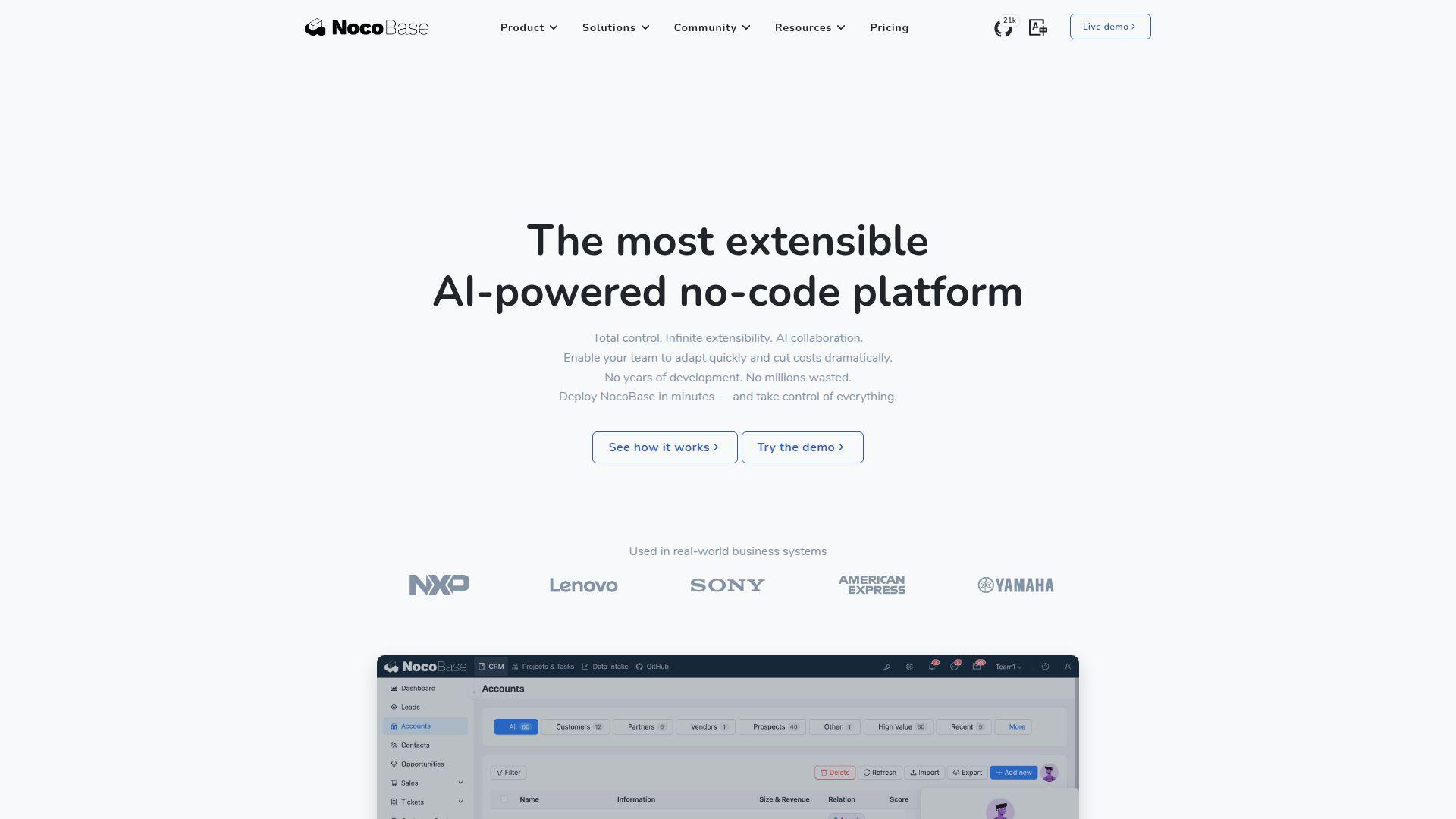
NocoBase is an open-source no-code platform aimed at building internal tools and back-office apps. The team positions it as a flexible “app builder” that can sit on top of your data sources. It’s a Firebase alternative when your real job is CRUD workflows, not consumer-scale realtime.
Tagline: Turn business workflows into apps, without writing a full admin backend. Best for: ops teams needing internal tools; developers who want a customizable admin layer.
- Plugin-driven app builder → ship internal CRUD apps without building every screen manually.
- Workflow automation options → save 3–7 repeated steps for approvals and notifications.
- Self-hostable core → reach a working internal app in about 2–6 hours.
Pricing & limits: From $0/mo for open-source self-hosting. Trial: none for the OSS core. Caps: limits depend on your database and hosting, not the license.
Honest drawbacks: Commercial editions are priced as one-time licenses, not monthly SaaS. Deep customization still demands developer time and discipline.
Verdict: If you need internal apps more than mobile BaaS features, this helps you deliver usable tools within a week.
Score: 3.7/5 and .
10. PocketBase
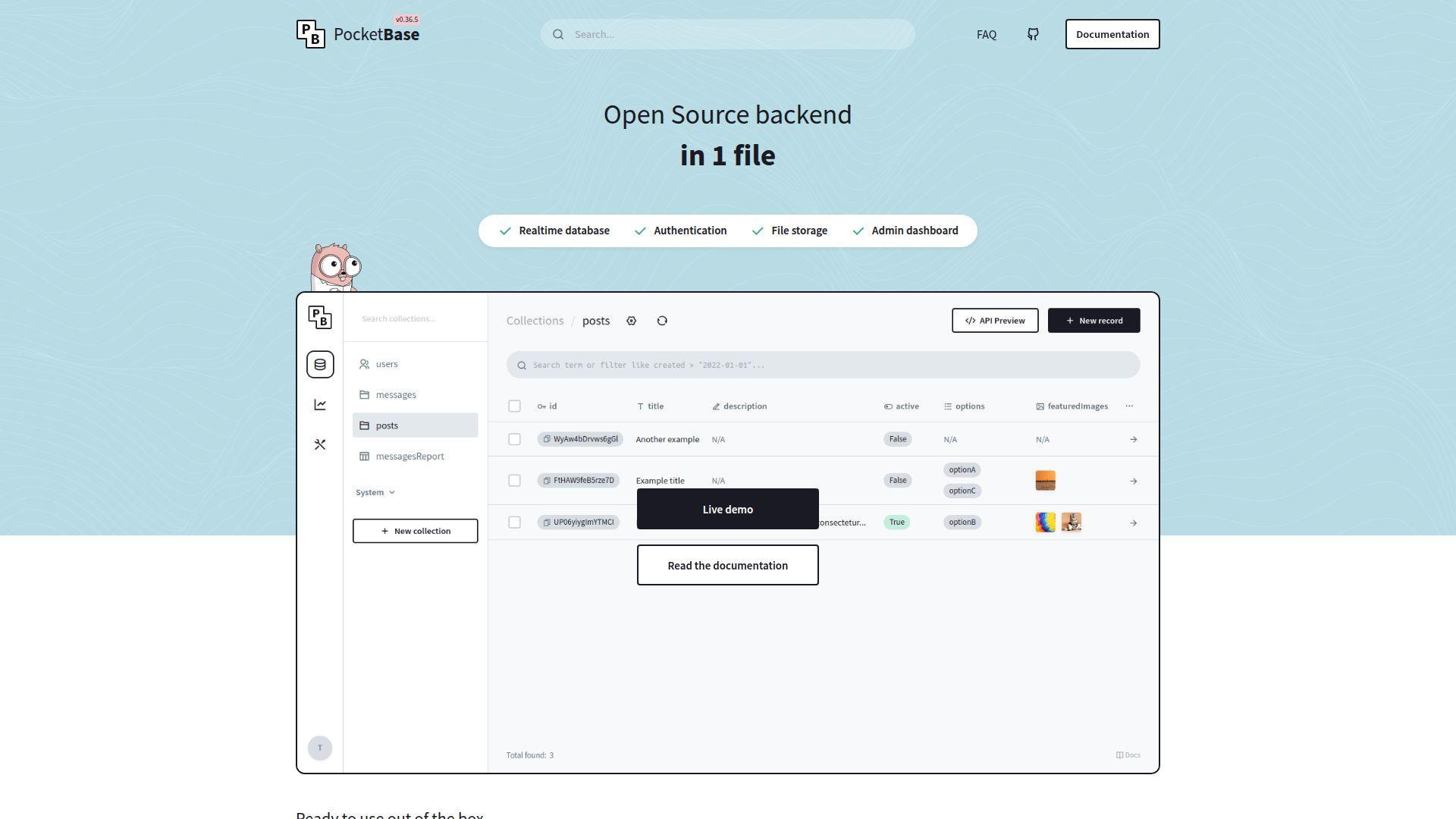
PocketBase is a small, focused open-source project that ships as a single binary. Its appeal is ruthless simplicity: local-first development, an admin UI, and a backend you can understand end-to-end. It’s a Firebase alternative when you want “just enough backend” with minimal operational surface.
Tagline: Run a tiny backend that feels like a local app, not a cloud empire. Best for: solo builders; prototypes that must become real products.
- Single-binary backend → avoid infrastructure sprawl and keep deployments straightforward.
- Built-in auth and admin UI → save 5–10 setup steps versus rolling your own panels.
- Local-to-server parity → hit first working API in about 20–40 minutes.
Pricing & limits: From $0/mo. Trial: none, because it’s free and self-hosted. Caps: practical limits come from single-node scaling and your chosen hosting size.
Honest drawbacks: Horizontal scaling is not the default mindset here. Complex permissions and multi-tenant needs can outgrow the model.
Verdict: If you want to escape Firebase fast with a compact backend, this helps you ship something real in a day.
Score: 3.7/5 and .
11. DreamFactory
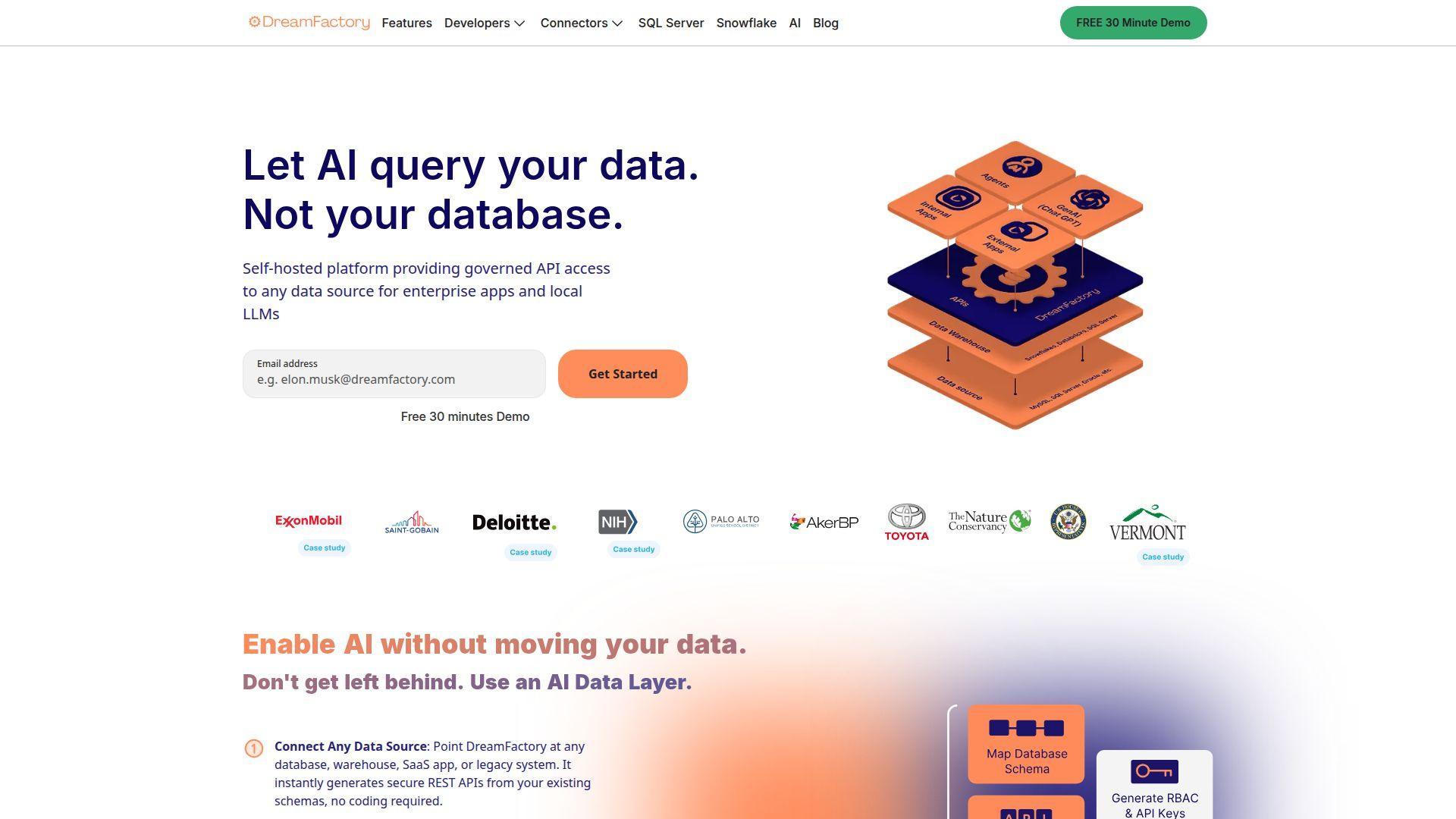
DreamFactory is built by a team focused on one sharp job: generate secure APIs on top of existing data sources. Instead of moving data into a new BaaS database, you point DreamFactory at what you already have. That makes it a “Firebase alternative” for teams modernizing legacy systems.
Tagline: Turn existing databases into secured APIs, without rewriting your core data layer. Best for: enterprises with legacy databases; teams building internal and partner APIs.
- Instant REST API generation → cut weeks of manual CRUD API work to hours.
- Connector approach → reduce integration steps by 4–8 when you unify many sources.
- Deploy-anywhere runtime → reach first API endpoint in about 60–180 minutes.
Pricing & limits: From $0/mo for the open-source edition. Trial: hosted trial is available for 14 days. Caps: OSS features are more limited, while paid offerings vary by deployment and sizing.
Honest drawbacks: It’s not a front-end friendly BaaS like Firebase Auth plus Firestore. Some commercial pricing is quote-driven, which slows purchasing.
Verdict: If you need APIs without moving data, this helps you unlock production endpoints in a single sprint.
Score: 3.9/5 and .
12. SuperTokens
SuperTokens is built by a team obsessed with modern auth ergonomics. It offers open-source self-hosting and a managed service for teams that want less ops. As a Firebase alternative, it replaces Firebase Authentication with more control over UX and session handling.
Tagline: Own your login flows, without owning every auth bug. Best for: product teams outgrowing Firebase Auth; developers who want custom UX without duct tape.
- Session-first auth stack → reduce security footguns around tokens and refresh flows.
- Managed or self-hosted choice → save 5–10 deployment steps when you need hosted reliability.
- SDK-led onboarding → reach first login working in about 60–120 minutes.
Pricing & limits: From $0/mo if you self-host the open-source features. Trial: free under 5K monthly active users on the managed service. Caps: cloud pricing is MAU-based, and some add-ons have minimum monthly billing.
Honest drawbacks: You still need a database and app backend beside auth. Enterprise needs like multi-tenancy can require extra pricing conversations.
Verdict: If you want to move off Firebase Auth while keeping speed, this helps you ship secure login in a day.
Score: 4.1/5 and .
13. Statsig
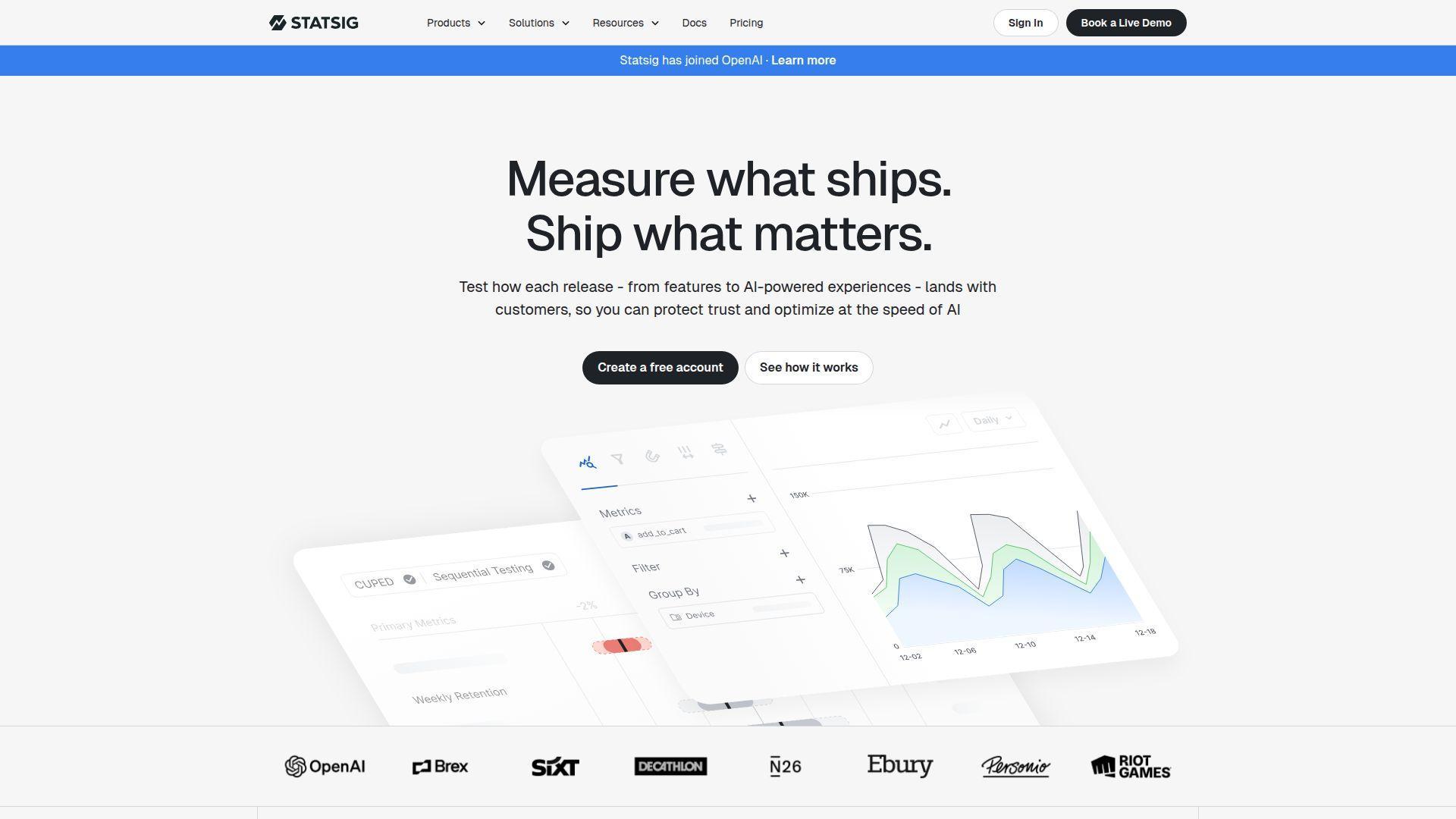
Statsig is built by a team with deep experimentation DNA, and it shows in the product. It’s not a direct Firebase clone, but it replaces Firebase Remote Config and A/B testing workflows with sharper tooling. You get feature gates, configs, experiments, and analytics in one loop.
Tagline: Ship changes safely, then prove they worked with real experiments. Best for: growth teams running experiments; engineers replacing Remote Config with better governance.
- Feature gates + experiments → roll out safely and measure impact without custom pipelines.
- SDK coverage across stacks → save 3–6 integration steps for multi-platform products.
- Fast onboarding path → reach first flag check in about 20–45 minutes.
Pricing & limits: From $0/mo on the Developer tier. Trial: free tier with no credit card. Caps: 2M events/month on free, and Pro is $150/mo with 5M events included.
Honest drawbacks: You pay in events, so noisy instrumentation can cost real money. Analytics depth can overwhelm teams that only need simple toggles.
Verdict: If you need controlled rollouts plus measurement, this helps you ship safer changes in the same sprint.
Score: 4.1/5 and .
14. LaunchDarkly
LaunchDarkly is a category-defining team for feature management and controlled rollouts. It replaces Firebase Remote Config for organizations that need governance, targeting, approvals, and reliability. The platform’s maturity is the point, especially when mistakes are expensive.
Tagline: Release with confidence, even when your product is moving fast. Best for: mid-market and enterprise engineering orgs; teams needing strict release governance.
- Targeting and guarded rollouts → reduce incident risk without shipping emergency hotfixes.
- Deep integrations → save 30–60 minutes per release by wiring alerts and workflows once.
- Polished workflows → get first flag live in about 30–60 minutes.
Pricing & limits: From $0/mo on the Developer plan. Trial: 14-day free trial with access to Guardian features. Caps: Foundation starts at $12 per service connection per month, plus $10 per 1K client-side MAU.
Honest drawbacks: Costs can scale fast with microservices and MAU. For tiny teams, it can feel like buying an aircraft carrier.
Verdict: If you need serious release control, this helps you ship safer changes within a week of adoption.
Score: 4.3/5 and .
15. PowerSync
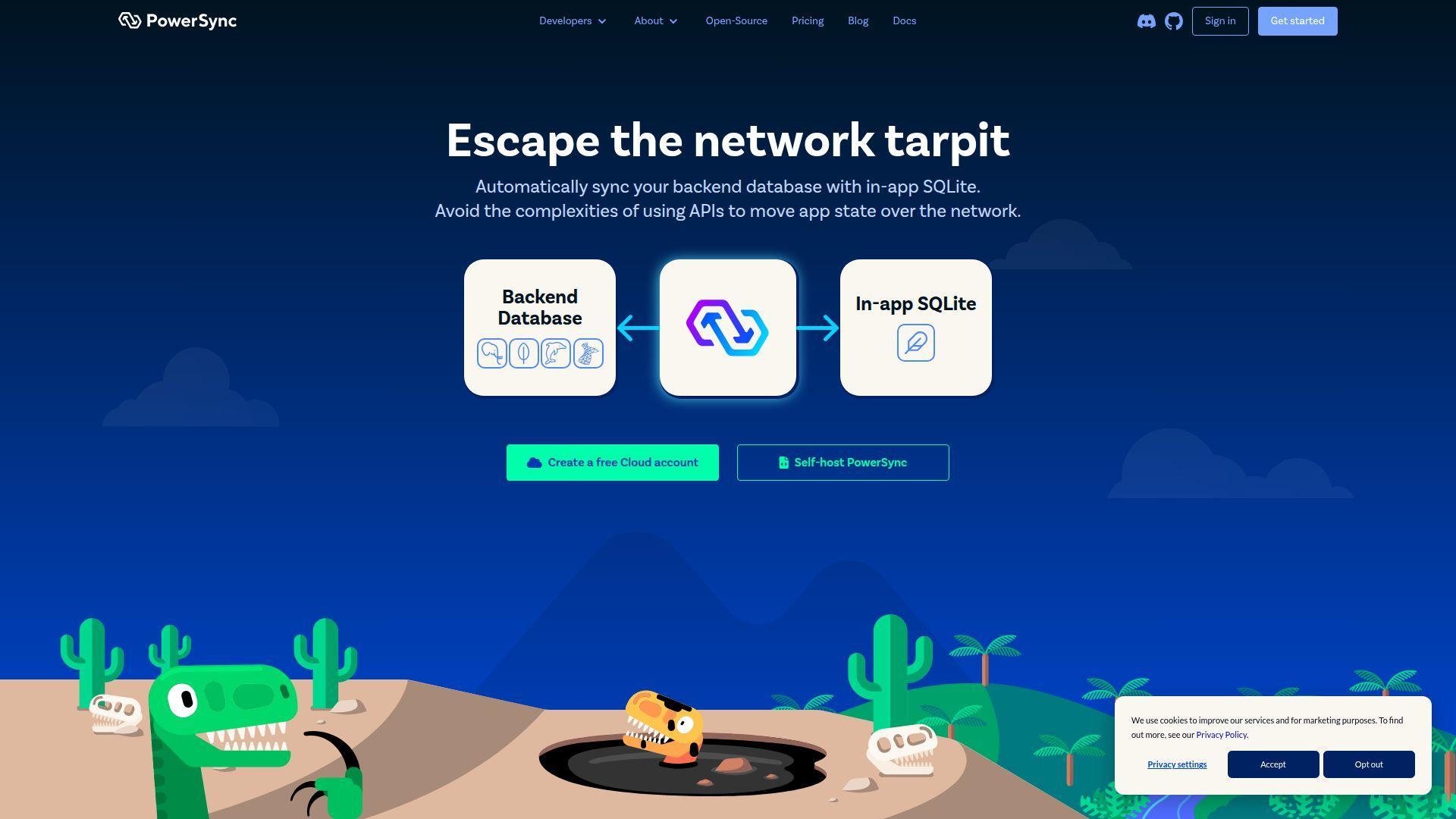
PowerSync is built by a team focused on sync, offline-first apps, and fast local experiences. It targets the “realtime plus offline” job that Firebase developers often rely on. Instead of locking you into one database, it syncs with common backends like Postgres.
Tagline: Make your app feel instant offline, then sync when the network behaves. Best for: mobile teams building offline-first; SaaS apps needing local performance.
- Local-first sync engine → reduce user pain from flaky networks and slow queries.
- Rules-based replication → save 5–10 data-plumbing steps versus custom sync pipelines.
- SDK-led setup → reach a first synced table in about 2–6 hours.
Pricing & limits: From $0/mo. Trial: free plan with soft limits and deactivation after 1 week of inactivity. Caps: free includes 2 GB synced/month, 500 MB hosted data, and 50 peak connections.
Honest drawbacks: You still need to understand replication rules and conflict patterns. Some databases are marked beta or alpha, which can matter in production.
Verdict: If you need offline-first speed without Firebase lock-in, this helps you deliver sync in a sprint.
Score: 4.0/5 and .
16. Algolia
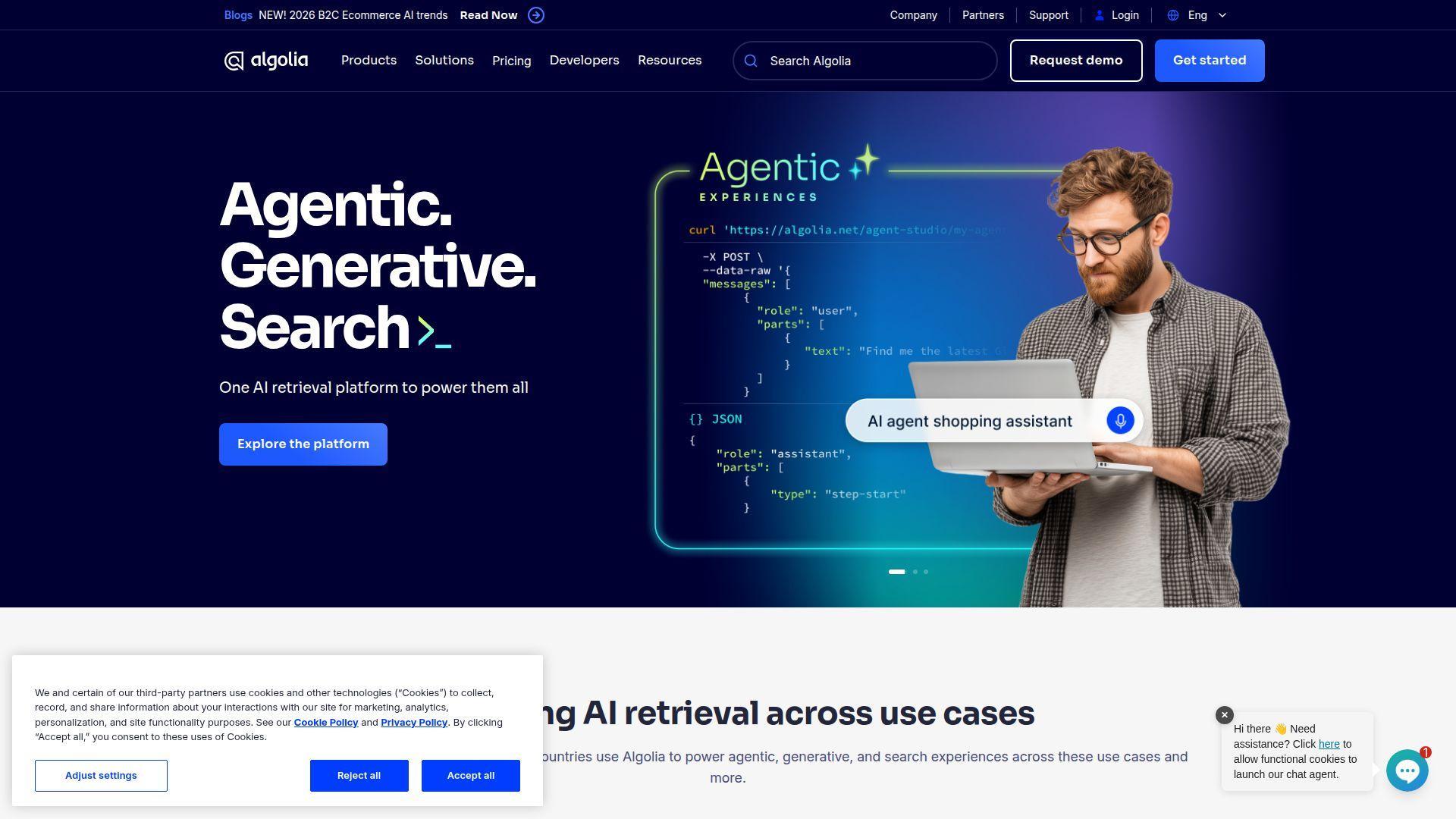
Algolia is built by a team that treats search as a product, not a feature checkbox. Firebase can store data, but it doesn’t give you world-class search out of the box. Algolia becomes the “search layer” you bolt onto any database, including Firebase replacements.
Tagline: Give users fast search that feels like a superpower. Best for: ecommerce and content products; teams replacing naive database queries with real search.
- Hosted search indices → deliver relevance and speed without running your own search cluster.
- Integrations and connectors → save 4–8 setup steps when syncing data into an index.
- Quick start tooling → get first searchable index in about 45–120 minutes.
Pricing & limits: From $0/mo on Build and Grow pay-as-you-go options. Trial: free tiers are available. Caps: Build includes 10K search requests/month and 1M records included.
Honest drawbacks: You pay for usage, and high-traffic search can get pricey. Index syncing is another moving part you must keep healthy.
Verdict: If you want your product to feel instantly navigable, this helps you ship quality search in a few days.
Score: 4.2/5 and .
17. PostgreSQL
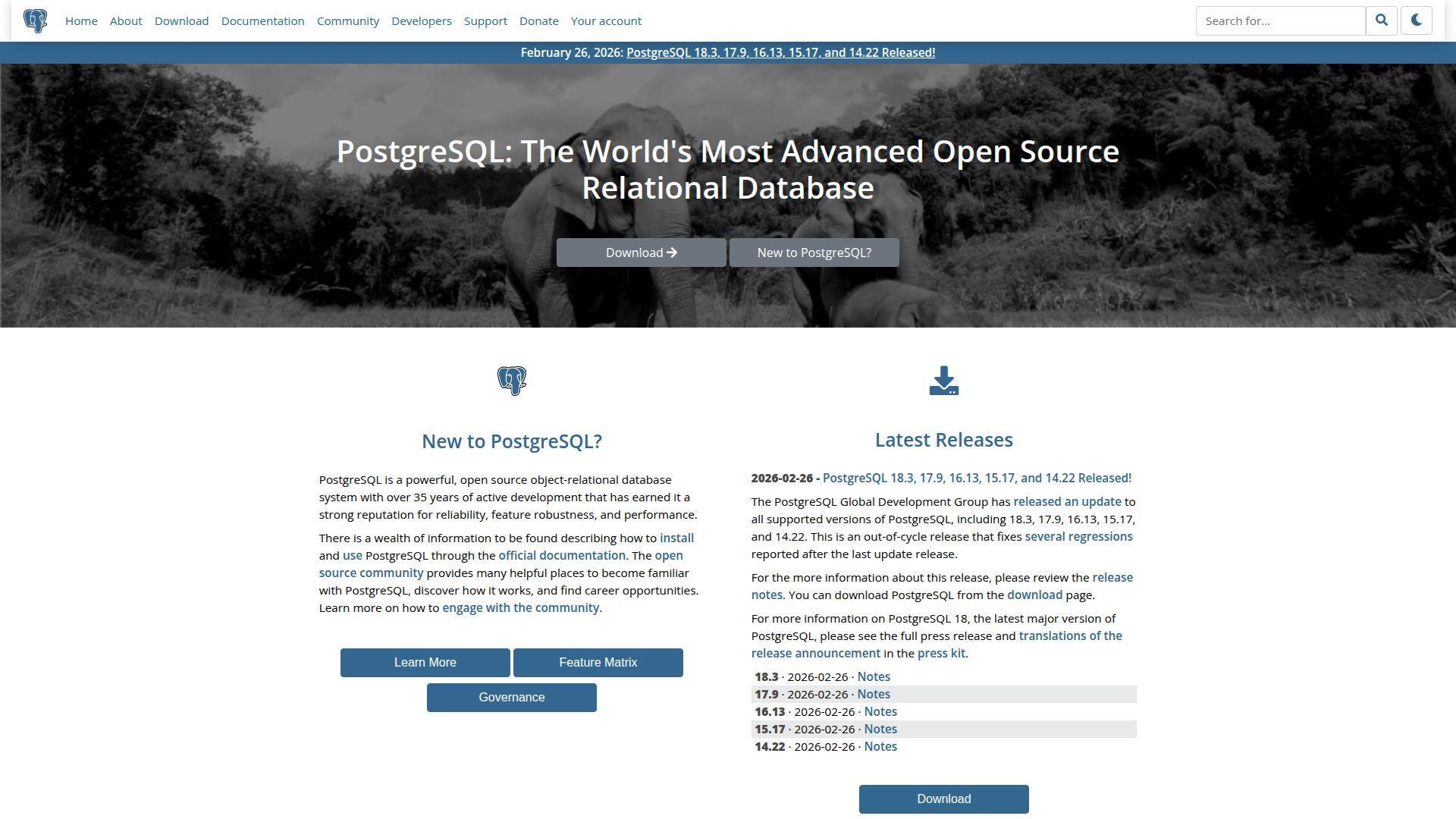
PostgreSQL is maintained by the PostgreSQL Global Development Group and a deep global community. It’s the “grown-up database” many Firebase teams land on when they need SQL, joins, constraints, and real operational control. If Firebase was your database and rules engine, Postgres becomes your foundation.
Tagline: Build on a database that scales in features, not just in hype. Best for: teams leaving Firestore for SQL; engineers who want strong data integrity.
- ACID + constraints → prevent bad data at the source, not in app-side validation.
- ORM and tooling ecosystem → save days by using mature drivers, migrations, and observability.
- Predictable local dev → reach first schema and query flow in about 30–90 minutes.
Pricing & limits: From $0/mo. Trial: none, because it’s free under an open-source license. Caps: defaults include a typical max_connections setting of 100, but you can tune it.
Honest drawbacks: You own scaling strategy, backups, and upgrades unless you use managed Postgres. Realtime and sync require extra components, not magic switches.
Verdict: If you want a durable data core after Firebase, this helps you build a stable backend within a sprint.
Score: 4.3/5 and .
18. MongoDB
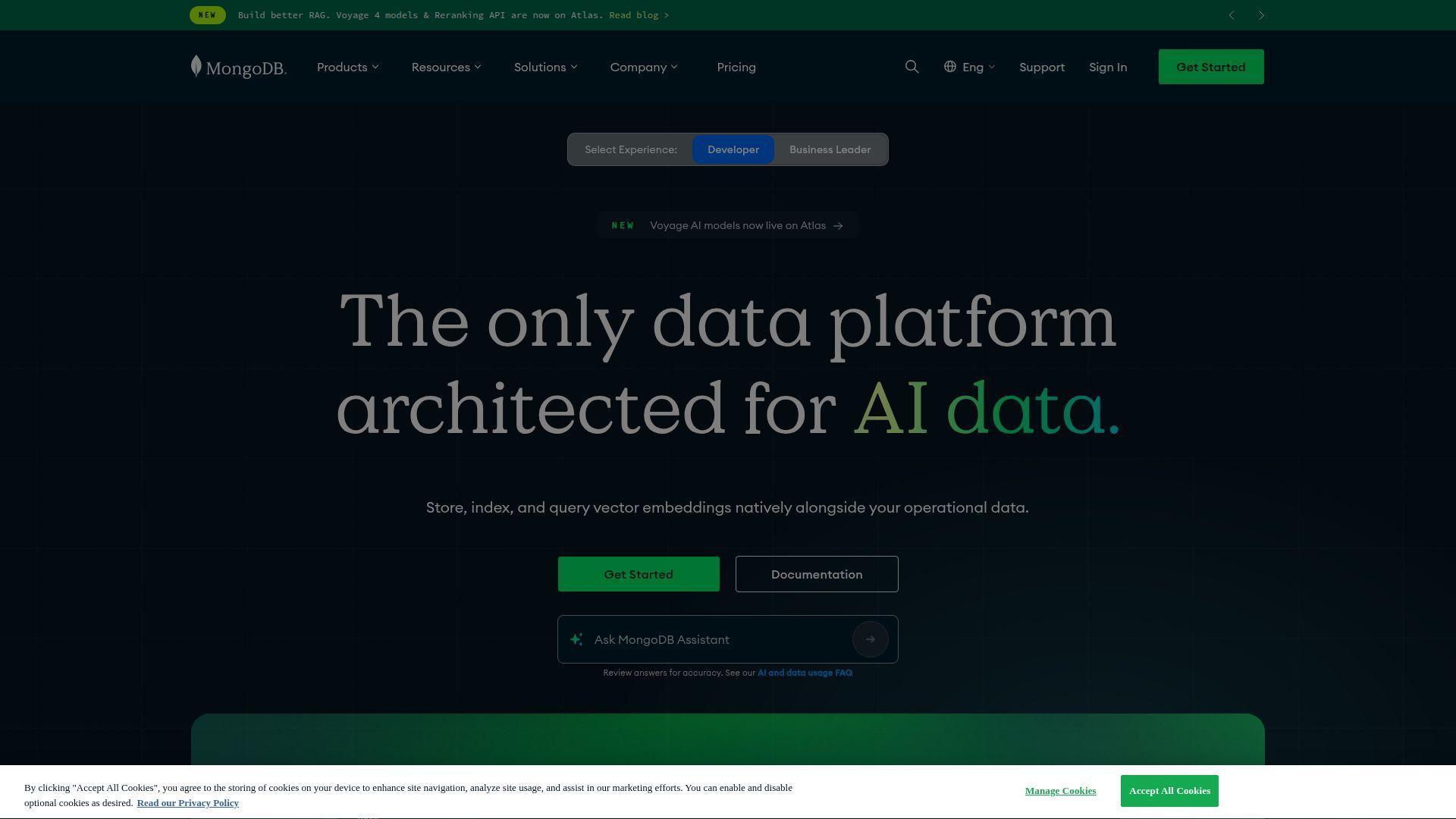
MongoDB is built by MongoDB, Inc., with a large ecosystem around document data. It’s a Firebase alternative when you want flexible schemas, JSON-like documents, and a huge tooling surface. For many teams, MongoDB Atlas becomes the “managed Firestore-ish” replacement.
Tagline: Store application data as documents, then evolve fast without constant migrations. Best for: product teams with flexible data models; developers moving from Firestore documents.
- Document model → iterate on product data shapes without endless relational migrations.
- Atlas managed options → save 6–12 ops steps around backups, scaling, and patching.
- Strong SDK ecosystem → get first CRUD running in about 30–90 minutes.
Pricing & limits: From $0/mo via community usage and Atlas M0 free clusters. Trial: free tier is available. Caps: Atlas M0 is limited to 0.5 GB storage, and you can deploy one M0 cluster per project.
Honest drawbacks: Flexible schema can become chaotic without discipline. Costs can rise quickly once you add throughput, backups, or higher tiers.
Verdict: If you want Firestore-like documents with broader control, this helps you migrate and ship within a sprint.
Score: 4.1/5 and .
19. MariaDB
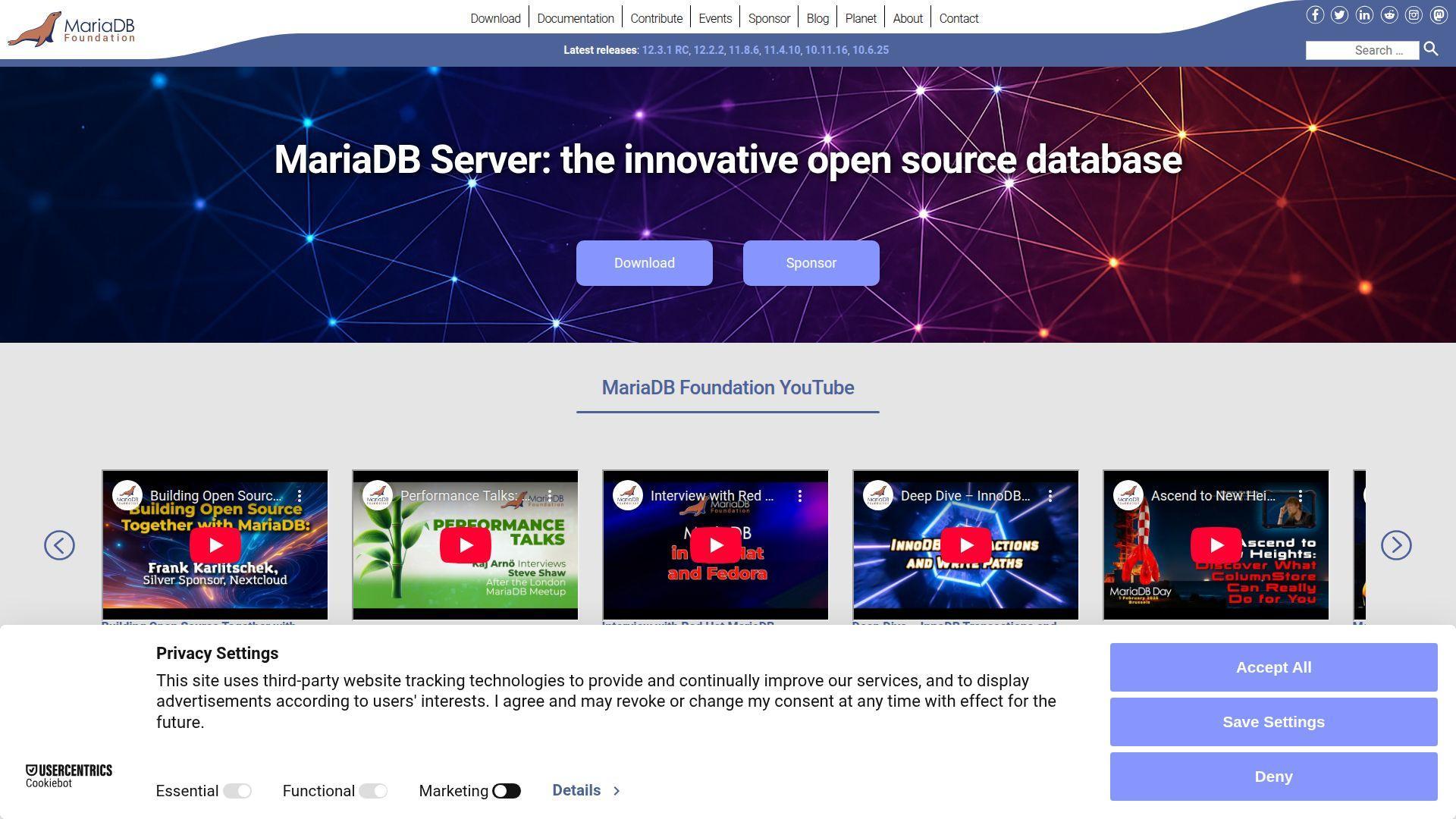
MariaDB is driven by the MariaDB Foundation and a wide community, with commercial support available. It’s a relational database option that many teams pick for MySQL compatibility and open-source posture. As a Firebase alternative, it becomes your core data store when you want SQL without proprietary constraints.
Tagline: Run an open relational database that plays nicely with the MySQL world. Best for: teams migrating from MySQL; developers wanting a permissive, familiar SQL path.
- MySQL compatibility → reduce migration friction and keep existing tooling working.
- Broad connector support → save 2–4 integration steps across languages and hosting providers.
- Easy local setup → reach first schema and query in about 30–60 minutes.
Pricing & limits: From $0/mo for MariaDB Community Server. Trial: none for the open-source server. Caps: no license caps; limits are operational and depend on your deployment.
Honest drawbacks: Advanced clustering and proxy layers may add licensing complexity. Managed MariaDB quality varies by provider, so diligence matters.
Verdict: If you want a stable SQL base after Firebase, this helps you stand up durable storage in a day.
Score: 4.0/5 and .
20. SQLite
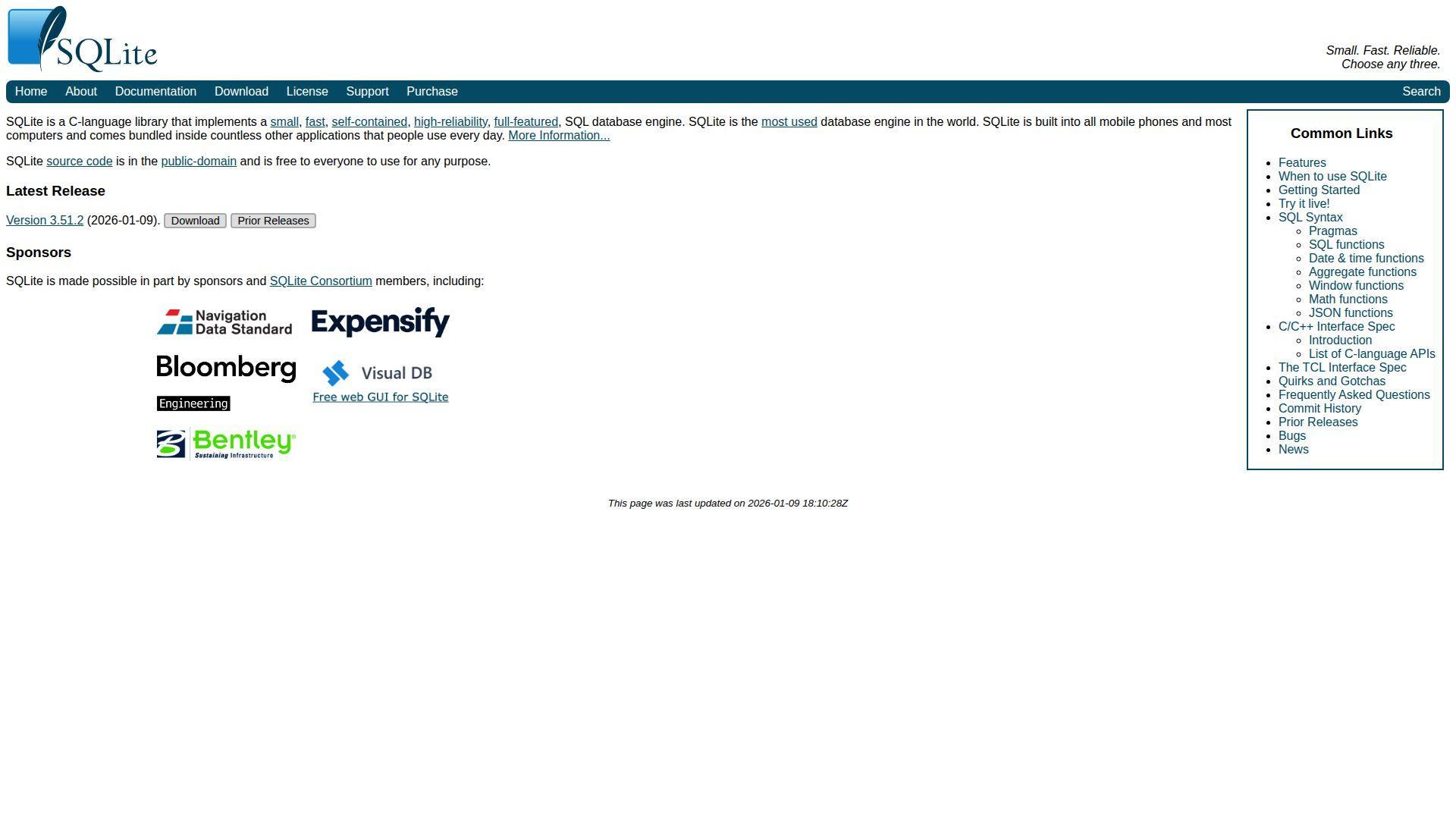
SQLite is developed by a small, long-running core team and distributed as a C library. It’s famously embedded and used everywhere. As a Firebase alternative, it doesn’t replace cloud services, but it can replace “cloud-first by default” for local-first apps and edge use cases.
Tagline: Put your database inside your app, and keep latency near zero. Best for: mobile and desktop apps; prototypes that need a real database instantly.
- Embedded database file → avoid network round trips and keep app interactions snappy.
- Zero server dependencies → skip nearly all infrastructure steps for early-stage products.
- Instant setup → reach first table and query in about 5–15 minutes.
Pricing & limits: From $0/mo, with SQLite dedicated to the public domain. Trial: none, because it’s free to use. Caps: practical limits come from single-file deployment and your write patterns.
Honest drawbacks: Multi-user concurrency is not its sweet spot. Cloud sync and access control must be added separately.
Verdict: If you want to build local-first before choosing a cloud backend, this helps you ship usable features the same day.
Score: 4.1/5 and .
21. Microsoft SQL Server
Microsoft SQL Server is built and supported by Microsoft, with a mature enterprise ecosystem. It’s a Firebase alternative when your org already speaks Microsoft, needs strong governance, or wants deep BI integration. SQL Server Express also offers a free entry point for small production workloads.
Tagline: Get enterprise-grade SQL with a deep tooling universe behind it. Best for: Windows-heavy orgs; teams needing tight governance and reporting.
- Rich management tooling → reduce DBA toil and speed up routine maintenance workflows.
- Microsoft ecosystem fit → save days when identity, BI, and ops already run on Microsoft.
- Guided installs → reach first database and query flow in about 30–120 minutes.
Pricing & limits: From $0/mo with SQL Server Express. Trial: Evaluation editions exist with a 180-day limit and no production rights. Caps: Express is limited to the lesser of 1 socket or 4 cores, and about 1,410 MB buffer pool memory.
Honest drawbacks: Licensing for paid editions can be complex. Running it well often means real DBA attention and tuning.
Verdict: If you need a corporate-grade SQL backbone after Firebase, this helps you standardize quickly within a quarter.
Score: 4.2/5 and .
22. Oracle Database
Oracle Database is built by Oracle and aimed at serious enterprise workloads. It’s not a Firebase-like developer toy, and it doesn’t pretend to be. For teams leaving Firebase inside regulated enterprises, Oracle can be the “approved” destination with deep security controls.
Tagline: Run mission-critical data where governance and performance are non-negotiable. Best for: regulated enterprises; teams needing Oracle-native features and support.
- Enterprise-grade capabilities → meet compliance needs without stitching together many smaller systems.
- OCI Always Free options → reduce early experimentation costs and save procurement cycles.
- Structured deployment paths → reach first dev environment in about 2–8 hours.
Pricing & limits: From $0/mo via free options like Oracle Database Express Edition and Oracle’s Always Free Autonomous Database offerings. Trial: Always Free is not time-limited, but it has resource restrictions. Caps: Oracle Database XE limits include a single instance, 12 GB user data, and 2 GB RAM.
Honest drawbacks: Licensing for non-free editions is famously complex. Day-to-day operations often demand specialized expertise.
Verdict: If your enterprise needs Oracle-grade governance, this helps you replace Firebase with a sanctioned platform in months, not years.
Score: 4.0/5 and .
23. Docker
Docker is built by Docker, Inc., and supported by a massive developer community. It’s not a BaaS, but it’s a core enabler for replacing Firebase with your own services. Containers make your backend reproducible, deployable, and less “works on my machine.”
Tagline: Package your backend once, then run it anywhere with fewer surprises. Best for: teams building a Supabase-like self-hosted stack; developers standardizing local environments.
- Containerized services → reduce environment drift and avoid debugging phantom config differences.
- Compose-based stacks → save 5–10 setup steps when spinning up databases and workers locally.
- Quick start workflow → reach first running stack in about 20–60 minutes.
Pricing & limits: From $0/mo on Docker Personal. Trial: free plan is available without a fixed trial period. Caps: Personal is intended for a single user, while Pro is $11 per user/month on monthly billing.
Honest drawbacks: Docker is not deployment by itself, so you still need hosting and observability. Container sprawl can happen fast without conventions.
Verdict: If you’re rebuilding Firebase as services, this helps you get consistent environments within a day.
Score: 4.1/5 and .
24. GitHub
GitHub is built by Microsoft and sits at the center of modern software shipping. It won’t replace Firebase directly, yet it replaces Firebase’s “managed workflow feeling” through CI, environments, and collaboration. If you’re moving off Firebase, GitHub becomes your release nervous system.
Tagline: Turn code into deploys with a paper trail you can trust. Best for: every engineering team; startups that need repeatable releases without heavy tooling.
- Pull requests and reviews → reduce production mistakes by enforcing lightweight gates.
- Actions automation → save 10–30 minutes per deploy by turning checklists into workflows.
- Fast onboarding → reach first CI run in about 20–45 minutes.
Pricing & limits: From $0/mo. Trial: GitHub offers a 30-day trial for bundled enterprise offerings on its pricing page. Caps: GitHub Team is $4 per user/month and includes 3,000 Actions minutes per month.
Honest drawbacks: Complex CI pipelines can turn into their own product. Costs can rise with runners, artifacts, and security add-ons.
Verdict: If you’re leaving Firebase and need shipping discipline, this helps you ship reliably within the first week.
Score: 4.5/5 and .
25. Figma
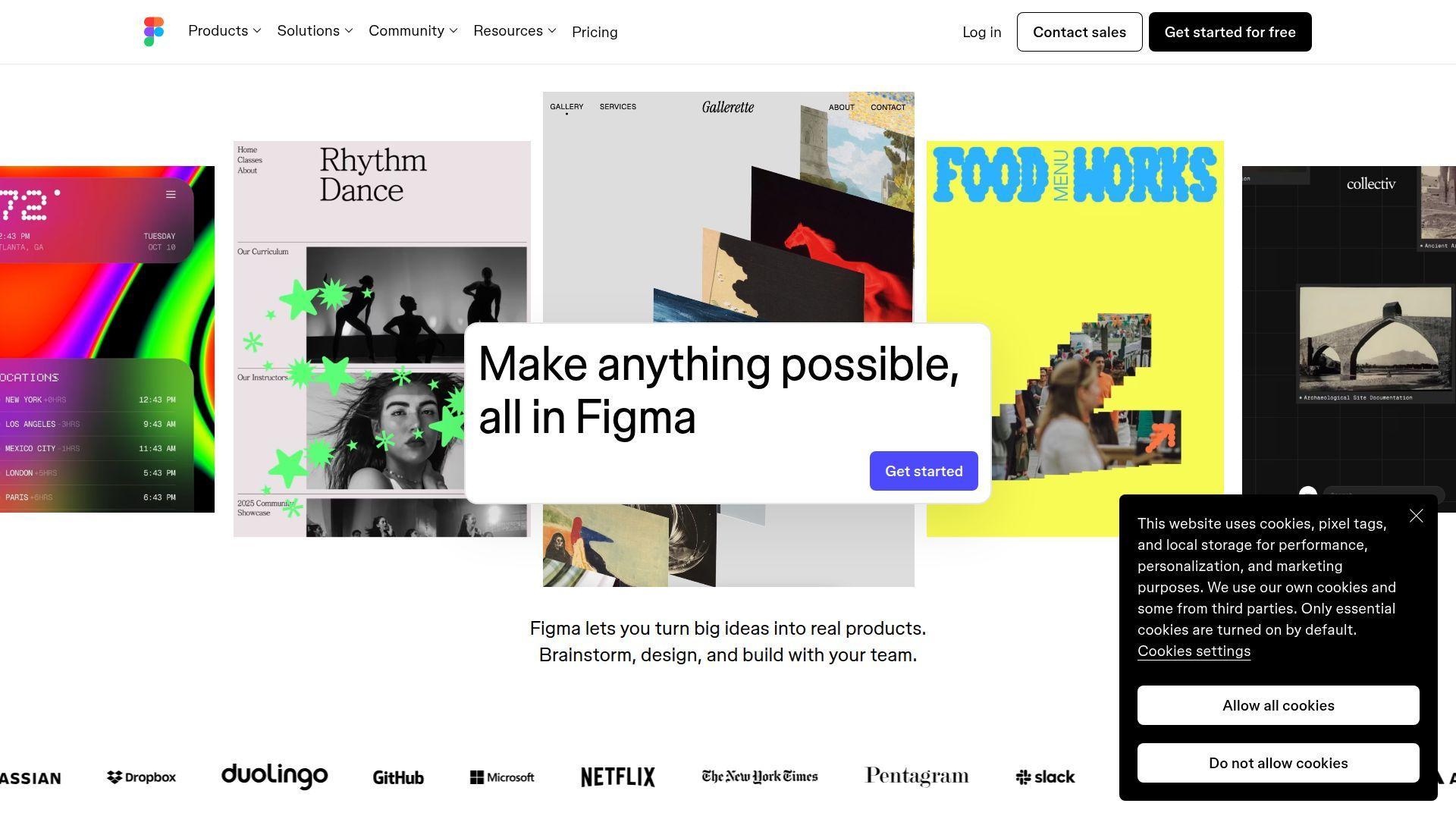
Figma is built by a product-centric team that made design collaboration feel immediate. It’s not a Firebase alternative in infrastructure terms, but it replaces a common Firebase-driven failure mode: building the wrong thing quickly. Clear prototypes reduce backend churn and rework.
Tagline: Align on UX early, so your backend choices serve real flows. Best for: product teams shipping fast; solo founders validating a UI before building APIs.
- Collaborative prototypes → reduce rework by validating flows before you commit to schemas.
- Dev handoff tooling → save 30–60 minutes per screen by centralizing specs and assets.
- Instant sharing → reach first clickable prototype in about 30–90 minutes.
Pricing & limits: From $0/mo on Starter. Trial: free plan is available without a time limit. Caps: paid Professional seats include Full seat pricing at $16/mo, with separate Dev and Collab seat options.
Honest drawbacks: Seat models can be confusing across mixed teams. Heavy design systems still need governance, not just tools.
Verdict: If you want to avoid rebuilding backend features twice, this helps you validate flows in days, not weeks.
Score: 4.3/5 and .
26. Next.js
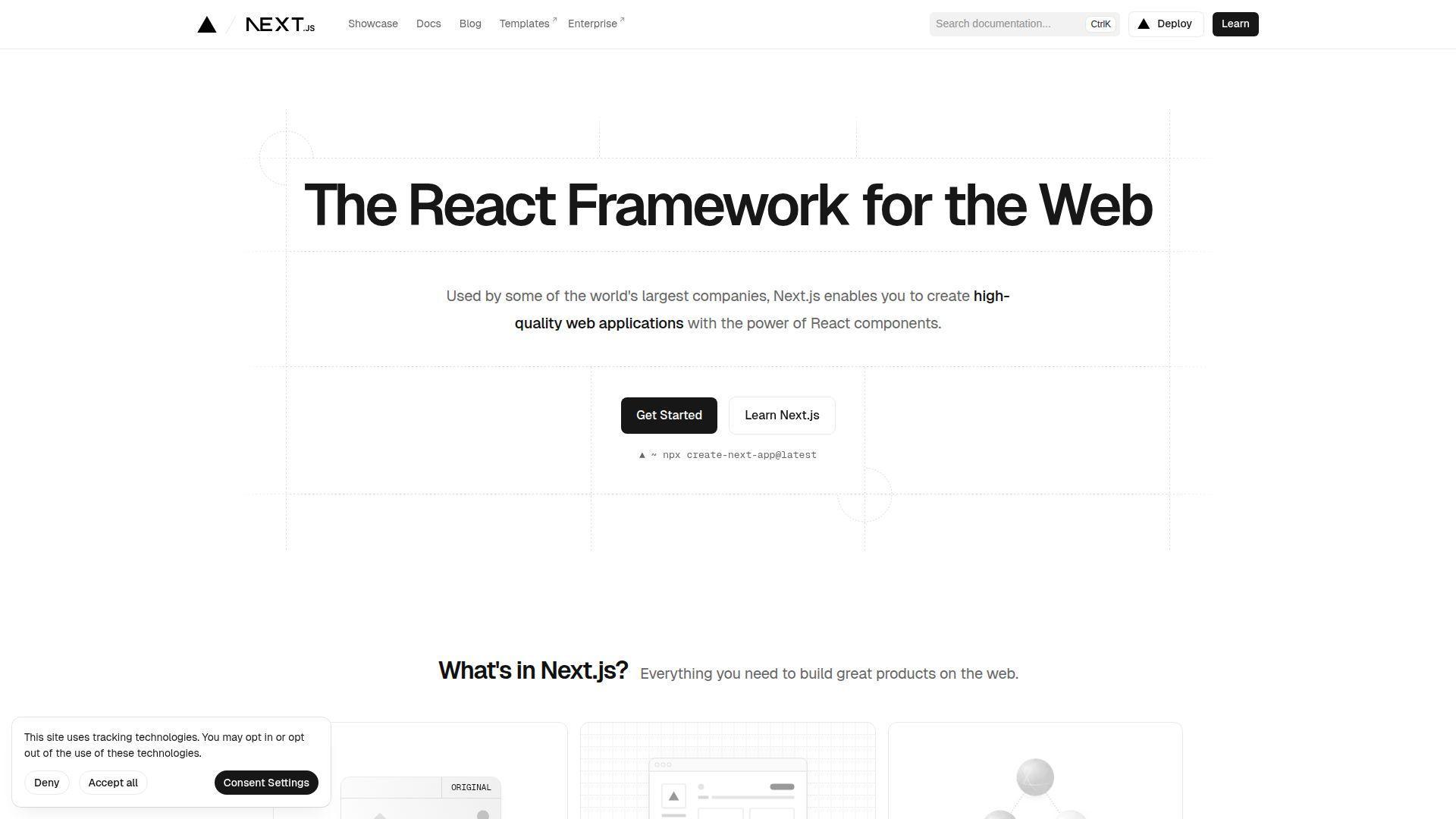
Next.js is an open-source framework maintained by Vercel and a large community. It replaces Firebase Hosting plus “tiny backend endpoints” for many web apps. With server rendering, API routes, and a huge ecosystem, it’s a practical base when you’re building your own stack.
Tagline: Ship a full-stack web app with one framework, then scale the backend as needed. Best for: web teams replacing Firebase Hosting; startups building product pages plus app logic.
- Full-stack routing → reduce framework glue and keep front and back in one codebase.
- Ecosystem integrations → save 3–6 setup steps with auth, databases, and deployment templates.
- Strong defaults → reach first production-ready page in about 60–180 minutes.
Pricing & limits: From $0/mo. Trial: none, because it’s open source. Caps: no hard caps in the framework; hosting limits come from your chosen platform.
Honest drawbacks: Server-side complexity appears quickly when you add caching and background work. The best patterns still require architectural choices, not just installs.
Verdict: If you want to replace Firebase Hosting with a flexible app platform, this helps you ship a serious web app in a weekend.
Score: 4.3/5 and .
27. Vue.js
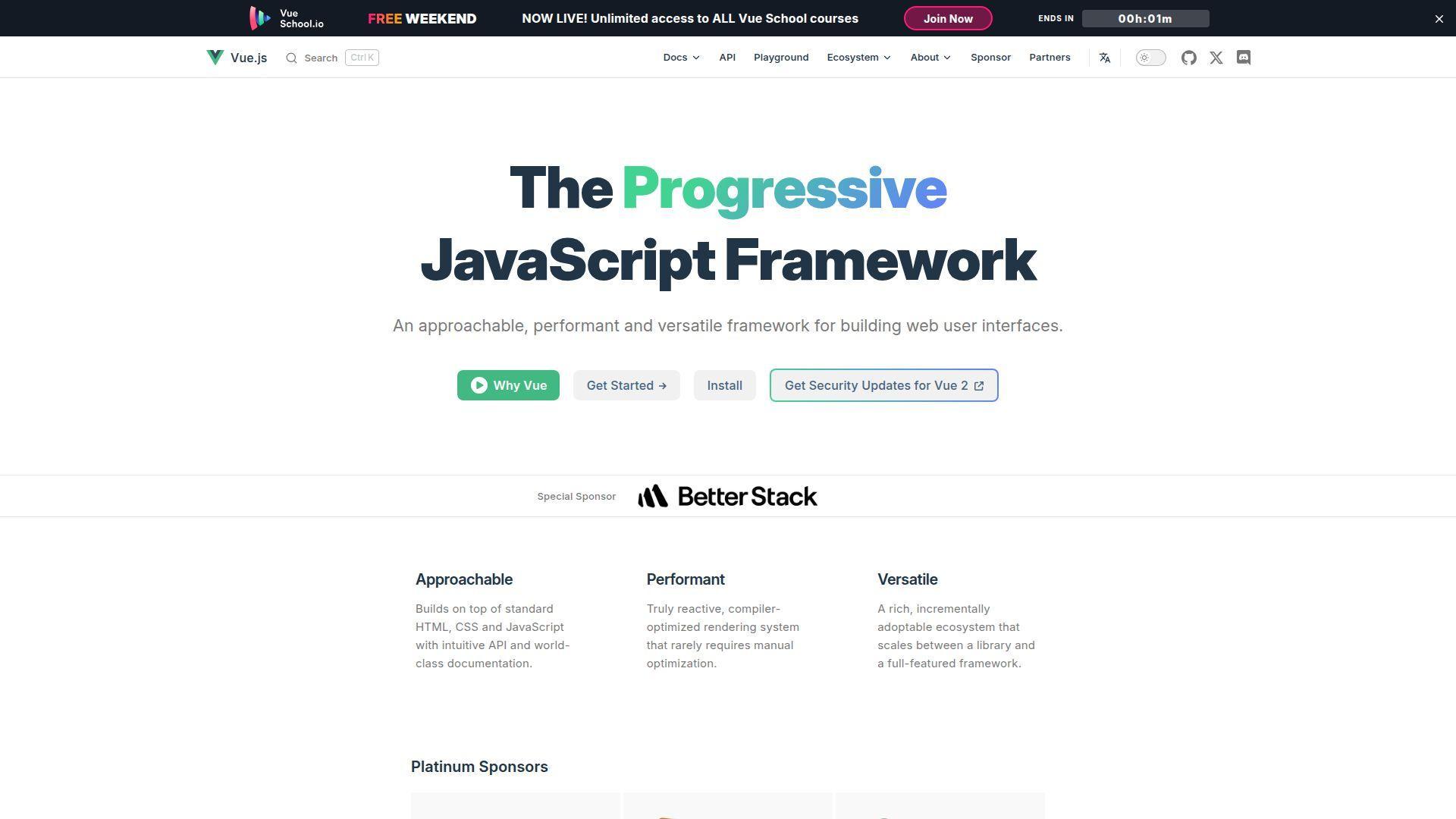
Vue.js is an open-source front-end framework maintained by a core team and a large community. It doesn’t replace Firebase services, yet it replaces the “frontend friction” that slows migrations. If you’re rebuilding a Firebase app, Vue can keep the UI fast and maintainable.
Tagline: Build responsive UIs that stay pleasant as your backend evolves. Best for: teams rebuilding Firebase frontends; developers who want approachable component patterns.
- Component model → reduce UI complexity and keep changes scoped and predictable.
- Tooling ecosystem → save 2–5 setup steps with routing, state, and testing conventions.
- Quick learning curve → reach first working page in about 30–90 minutes.
Pricing & limits: From $0/mo. Trial: none, because it’s open source. Caps: no built-in caps; performance limits depend on your app architecture.
Honest drawbacks: Large apps still need strong state patterns and discipline. Team consistency matters more than framework choice at scale.
Verdict: If you’re migrating off Firebase and want UI speed, this helps you rebuild confidently within a sprint.
Score: 4.3/5 and .
28. Node.js
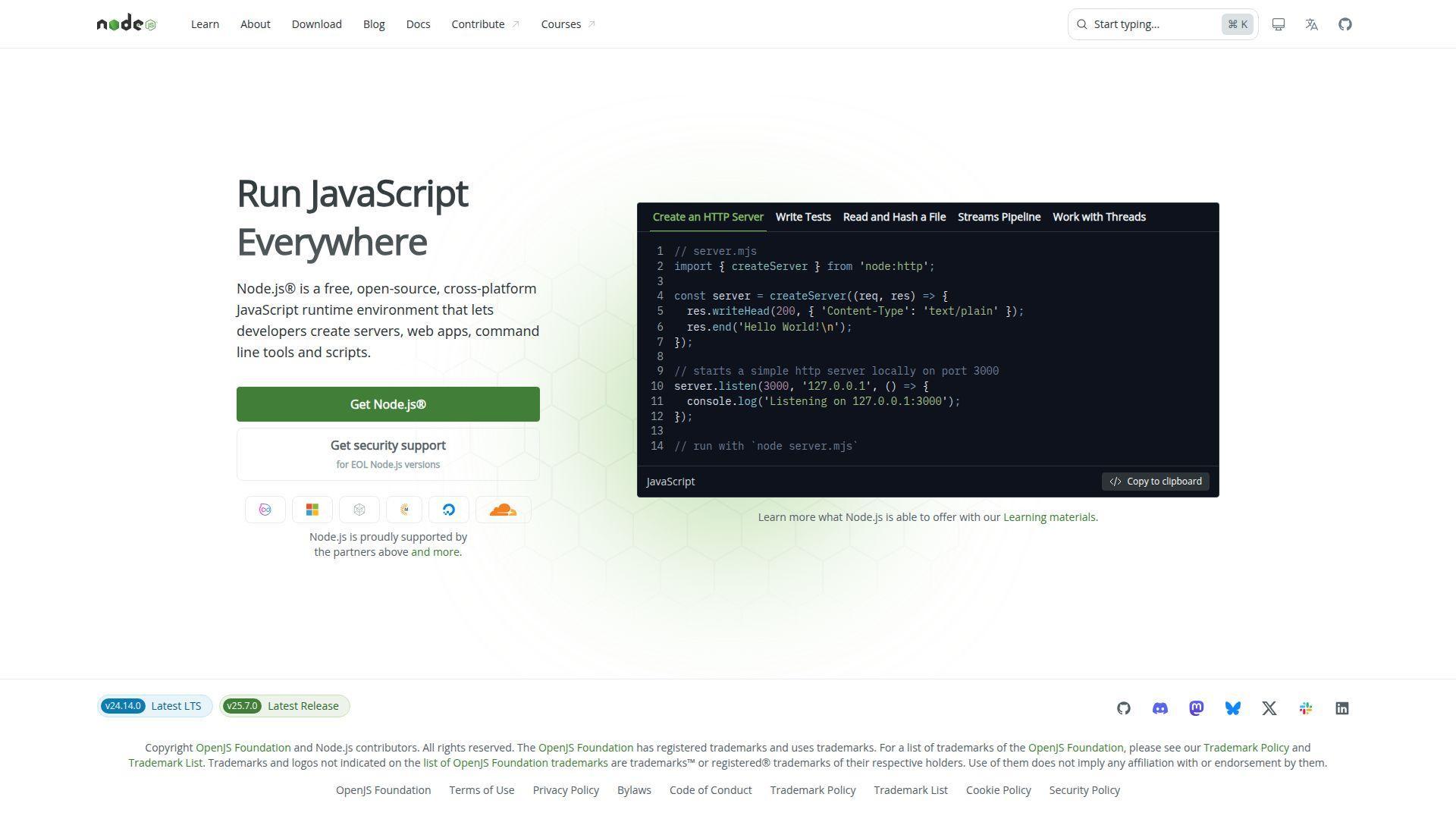
Node.js is an open-source runtime governed under the OpenJS umbrella, with a huge global contributor base. It’s the backbone for many Firebase replacements, from Express APIs to queue workers. If Firebase Functions were your server side, Node.js is the engine you can own.
Tagline: Build backend APIs and workers in the same language as your frontend. Best for: JavaScript teams leaving Cloud Functions; startups building API layers fast.
- Unified JavaScript stack → reduce context switching and speed up full-stack iteration.
- Massive package ecosystem → save days by leaning on mature libraries and frameworks.
- Fast local dev loop → reach first API endpoint in about 15–45 minutes.
Pricing & limits: From $0/mo. Trial: none, because it’s free and open source. Caps: no runtime caps; scaling limits come from your hosting and architecture.
Honest drawbacks: Dependency risk is real if you install everything you see. Performance tuning and observability require intention, not defaults.
Verdict: If you need to replace Firebase Functions with your own backend, this helps you ship working services in a day.
Score: 4.4/5 and .
29. G2
G2 is a marketplace-style review platform, built by a team that curates software comparisons and user feedback. It’s not a Firebase alternative itself, but it helps you choose one without relying on vendor landing pages. The job here is decision support, not architecture.
Tagline: Shorten tool research, so you can get back to shipping. Best for: buyers compiling shortlists; founders validating vendor credibility quickly.
- Category comparisons → narrow options without running 30 separate demos.
- Review signals → save hours by spotting repeated pain points before procurement meetings.
- Fast scanning UX → reach a useful shortlist in about 30–60 minutes.
Pricing & limits: From $0/mo to browse and research. Trial: none for readers. Caps: access is generally open, though advanced vendor tools are not the buyer experience.
Honest drawbacks: Reviews can skew toward extremes and incentives. You still need to validate fit with a proof-of-concept.
Verdict: If you need to pick a Firebase alternative with less guesswork, this helps you build a shortlist in an afternoon.
Score: 4.0/5 and .
30. TrustRadius
TrustRadius is a review and research platform that emphasizes detailed buyer feedback. Like G2, it’s not a backend platform, but it supports the migration decision. When leaving Firebase, the wrong pick costs months, so structured reviews matter.
Tagline: Use peer feedback to avoid buying a migration you’ll regret. Best for: teams running vendor evaluations; leaders needing procurement-ready justification.
- Long-form reviews → capture nuance beyond star ratings and marketing blurbs.
- Category research workflows → save 2–4 hours when comparing shortlists side by side.
- Clear navigation → reach a defensible recommendation in about 60–120 minutes.
Pricing & limits: From $0/mo for researching tools. Trial: none for readers. Caps: content depth varies by category and review volume.
Honest drawbacks: Some categories have uneven coverage. Vendor marketing pressure can still leak into how products are positioned.
Verdict: If you want to choose a Firebase alternative with fewer blind spots, this helps you make a cleaner call within a day.
Score: 3.9/5 and .
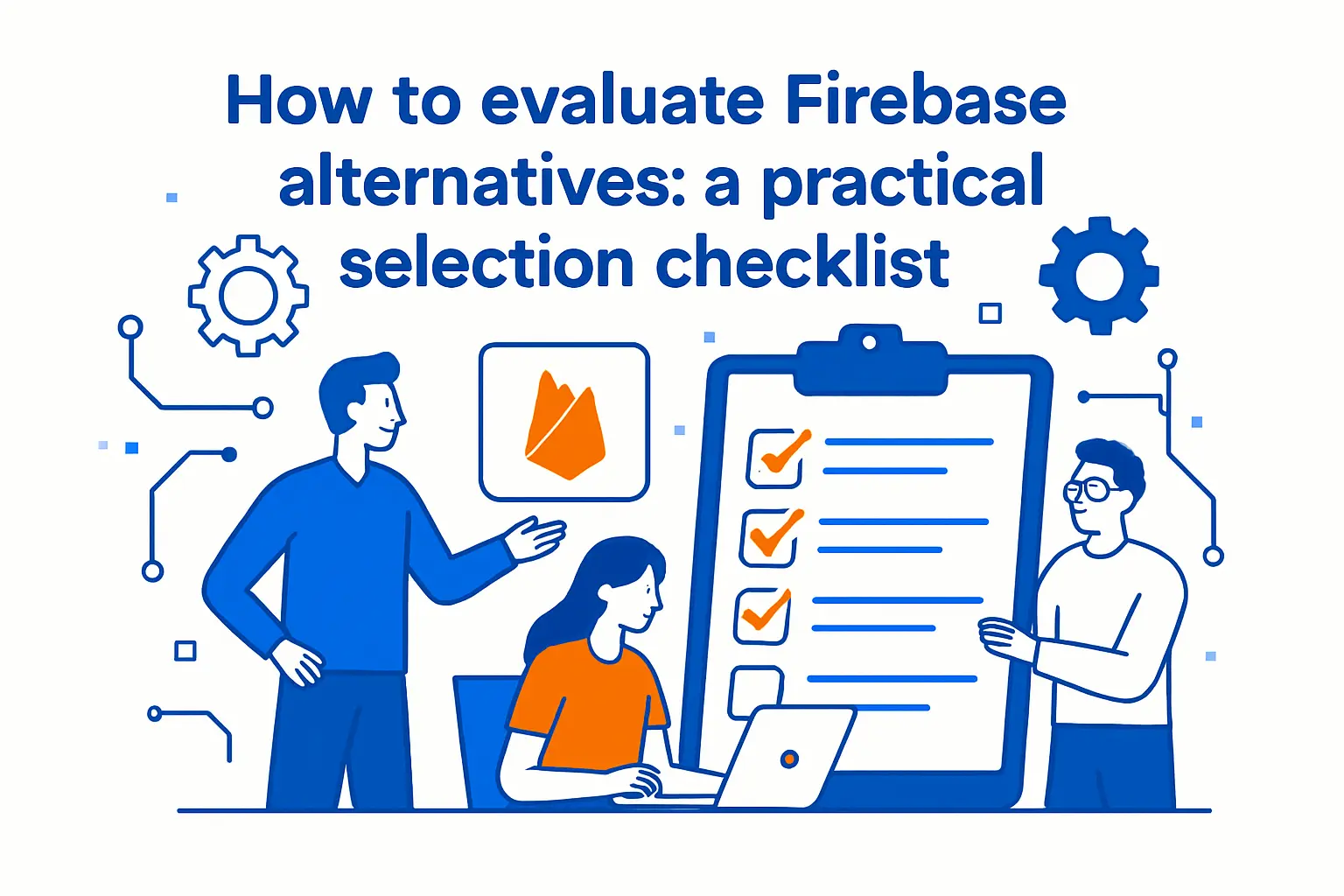
How to evaluate firebase alternatives: a practical selection checklist
1. Self-hosting support vs fully managed offerings
First, decide who owns operations. Self-hosting buys control and flexibility. Managed services buy time and reduce toil. Neither choice is “more professional” by default.
We frame it as a staffing question. Do you have an on-call rotation? Do you have database expertise? Can you run upgrades without downtime fear?
When self-hosting is the right call
Self-hosting is ideal when compliance demands it. It also helps when you need private networking. We often see it in B2B procurement flows.
When managed is the right call
Managed platforms shine when speed wins deals. They also help when the team is frontend-heavy. In those cases, the “ops tax” can kill momentum.
2. Comprehensive “Firebase-like” feature coverage (auth, database, storage, functions, hosting)
Firebase feels cohesive. Alternatives often feel modular. That modularity is good, but it creates integration work. The key is to map features to your product roadmap.
We ask teams to rank features by business value. Authentication is usually critical. Storage is often replaceable. Functions are useful, but not always needed.
A practical trick helps. Write down your top ten API calls today. Then write down your top ten likely API calls next quarter. Choose a stack that makes both lists easy.
3. Database flexibility and modeling depth for real-world relationships
Data models grow legs. A chat app becomes a collaboration platform. A storefront becomes a marketplace. A simple CRM becomes a workflow engine.
Relational modeling handles many-to-many relationships gracefully. It also supports reporting and analytics patterns. Document modeling handles nested data with less ceremony.
We like to test with “awkward queries.” Ask for “all invoices for subsidiaries with expiring contracts.” Ask for “top customers by margin after refunds.” The database choice becomes obvious fast.
Our rule of thumb
When the domain has many cross-links, SQL tends to reduce complexity. When the domain is screen-centric, documents can be simpler. Hybrid stacks can work, but they need clear boundaries.
4. Permissions and security: roles, access control, and session safety
Security is not only authentication. Authorization decides what users can do. Session safety decides what attackers can steal. Auditability decides what you can prove.
Firebase security rules are powerful. Rules also demand careful testing. Alternatives vary widely here. Some push access control into backend code. Others expose policy engines.
We push for three security invariants. First, least privilege by default. Second, explicit role models. Third, safe session revocation pathways.
Token design affects incident response
Short-lived tokens reduce blast radius. Rotating refresh tokens can stop stolen sessions. Centralized session stores simplify emergency revocations. Those details matter during a breach.
5. Frontend integration options: REST/GraphQL APIs and mature SDK availability
Frontend teams need ergonomic APIs. Mobile teams need stable SDKs. Web teams need predictable CORS behavior. Backend teams need versioning and deprecation paths.
GraphQL can reduce chatty networks. It can also hide expensive queries. REST is simpler to cache. It can also cause over-fetching.
We prefer options, not dogma. The platform should support both styles cleanly. The bigger win is a consistent auth story across all clients.
6. Scalability and performance under traffic spikes
Scale is not only high traffic. It is also burst traffic. Marketing campaigns and app store features create sudden load. Outages tend to happen during launches, not quiet weekends.
We evaluate performance with failure scenarios. What happens when a database connection pool saturates? What happens when a queue backs up? What happens when an external API slows?
Good platforms degrade gracefully. Great platforms give you levers to control degradation. Rate limits, queues, and circuit breakers belong in the plan.
Realtime features deserve special scrutiny
Realtime can become a cost multiplier. Persistent connections change load patterns. Fan-out events can explode if channels are not scoped. We ask teams to model worst-case fan-out early.
7. Pricing transparency and the ability to forecast costs
Transparent pricing reduces fear. It also reduces the “slowdown” that happens before big launches. Engineering can move faster when cost is measurable.
We recommend building a cost model from day one. Use per-request estimates. Use storage growth assumptions. Include egress and background jobs.
Then validate that model with load tests. Synthetic traffic gives useful data. Production traffic gives the truth.
8. Open-source vs managed service tradeoffs (control, maintenance, lock-in)
Open source can reduce vendor lock-in. It can also increase responsibility. Managed services reduce toil. They can also create dependency on proprietary control planes.
We do not treat open source as a moral category. We treat it as a risk profile. The most important question is exit strategy. Can you move if a vendor changes terms?
At 1Byte, we often design for “planned escape.” That means portable data formats. It also means infrastructure-as-code. It means not baking vendor quirks into product logic.
9. Documentation quality and community/support signals
Docs are an operational feature. Bad docs create hidden costs. Community health predicts long-term viability. Support quality affects incident recovery time.
We look for clear migration guides. We look for honest limitation lists. We also look for mature troubleshooting sections. Those sections show that a platform has lived through outages.
Signals also come from release cadence. Frequent releases can mean fast improvement. They can also mean churn. A stable cadence with clear changelogs is ideal.
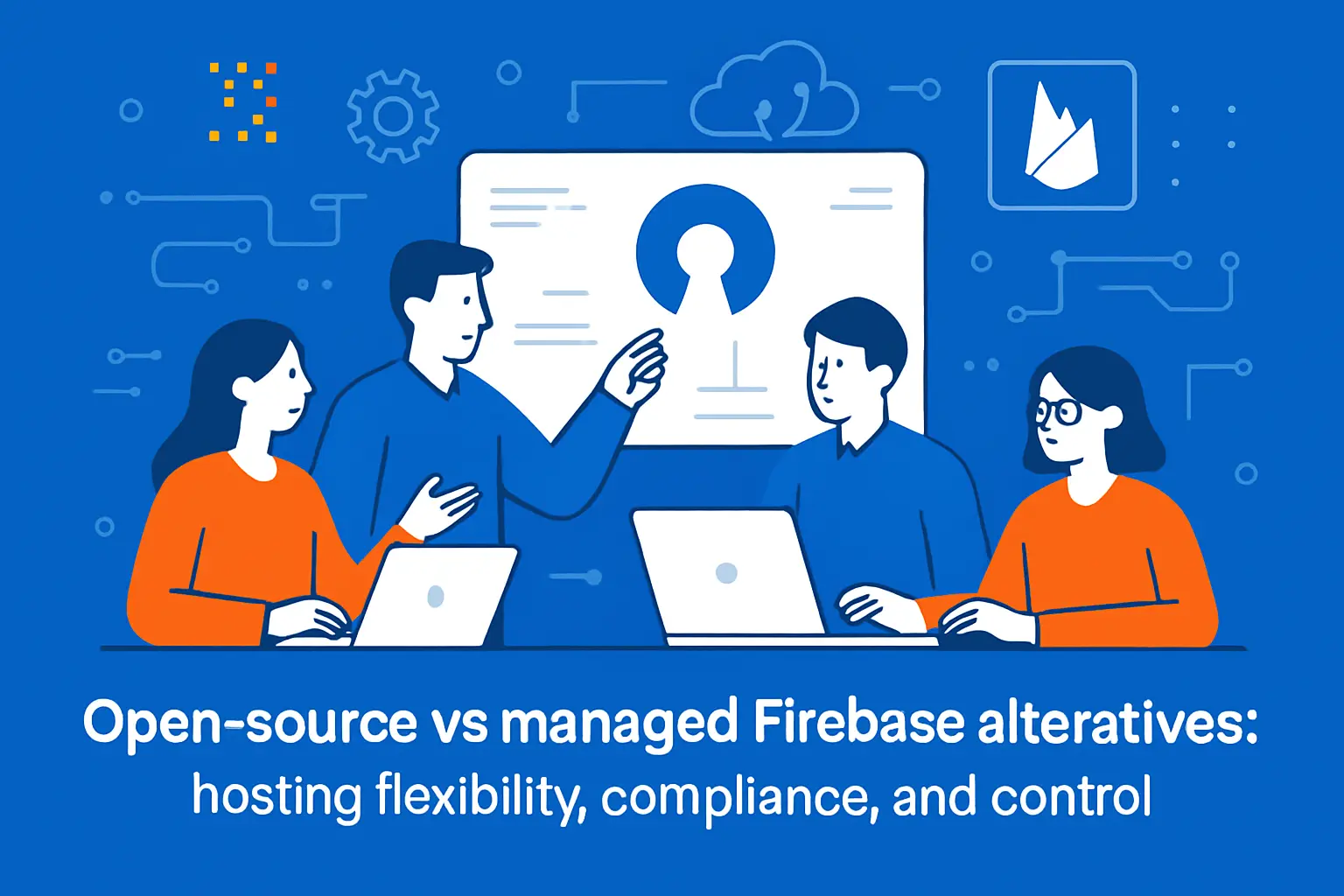
Open-source vs managed firebase alternatives: hosting flexibility, compliance, and control
1. Self-hosted Docker-based backends vs “click-to-deploy” managed platforms
Self-hosted backends give us control over runtime and networking. Docker makes packaging and repeatability easier. Kubernetes can help, but it is not mandatory.
Managed platforms remove setup and patching work. They also offer fast onboarding. The tradeoff is reduced control over edge cases.
We often recommend a staged approach. Start managed to ship. Move to self-hosted when requirements force it. That move becomes easier if the app stays portable.
2. Data ownership, privacy posture, and regulated-industry readiness
Regulated industries care about evidence. They want audit logs, access trails, and policy enforcement. They also want clear contractual terms around sub-processors.
Self-hosting simplifies some answers. You control where data lives. You control who can access systems. You can place services behind private networks.
Managed services can still work in regulated settings. The key is understanding shared responsibility. Some controls are vendor-owned. Others remain your job.
3. Operational responsibility: upgrades, monitoring, backups, and incident response
Operations is where many “Firebase alternative” stories fail. Teams choose a tool for features. Then they underestimate maintenance. Databases need backups. Auth systems need patching.
We advise clients to write an ops runbook early. Include backup frequency and restore drills. Include alert thresholds. Include on-call escalation rules.
Incident response also needs observability. Logs must be searchable. Metrics must be actionable. Traces must cover the critical path.
A simple test we like
Ask, “Can we restore the database quickly and safely?” If the answer is unclear, the system is not production-ready. That clarity matters more than new features.
4. Admin consoles and dashboards that replace Firebase’s management UI
Firebase’s console is a hidden productivity tool. Teams rely on it for debugging. They also rely on it for quick inspections. Alternatives need an equivalent story.
Some open-source platforms ship with admin UIs. Others integrate with database consoles and dashboards. In either case, access control must be strict. Admin convenience can become a breach path.
We encourage a “break-glass” admin design. Normal work should not require admin. Emergency work should be possible with audited escalation.
5. Multi-language SDK support for cross-platform teams
Cross-platform teams need consistent primitives. They need the same auth semantics across web and mobile. They also need consistent error behavior and retries.
SDK maturity reduces platform-specific bugs. It also reduces accidental divergence. When SDKs are weak, teams build their own wrappers. Those wrappers become mini-products.
We prefer stacks with boring interoperability. “Boring” here is a compliment. It means predictability under stress.
Choose firebase alternatives by feature: database, auth, realtime, functions, and experimentation
1. SQL-first firebase alternatives for complex queries and structured data
SQL-first stacks shine for reporting-heavy products. They also shine for B2B workflows with many relationships. Postgres-based platforms reduce modeling friction. They also support strong constraints.
Supabase and Nhost often appear in this bucket. Hasura can layer GraphQL on top. Directus can add a managed admin experience over tables. Strapi can cover content-heavy apps.
We still recommend planning for caching. SQL solves query expressiveness. It does not automatically solve latency. A cache and good indexes remain essential.
2. Realtime sync approaches: WebSockets, listeners, and subscriptions
Realtime is a user experience feature. It can also become an infrastructure tax. Firebase makes realtime easy, so alternatives must be assessed carefully.
Realtime can be implemented in several ways. WebSockets support bidirectional flows. Subscriptions can stream updates. Polling can be acceptable for some screens.
Convex leans into reactive patterns. AppSync supports managed GraphQL subscriptions. Supabase supports realtime changes on database events. Each approach implies different failure modes.
We watch for three risks
Fan-out amplification is the first risk. Over-broadcasting is the second. The third is permission drift, where clients see events they should not receive.
3. Server-side logic replacements: edge functions, cloud functions, and cloud code patterns
Server-side logic turns a backend into a product. Functions support webhooks, billing, and workflows. They also enforce rules that clients must not control.
Cloudflare Workers is strong for low-latency edge logic. AWS and Azure functions are strong for deep ecosystem integration. Self-hosted platforms can run job workers and API servers.
We recommend separating “user request” logic from “background” logic. Background jobs need queues, retries, and idempotency. User logic needs tight latency budgets.
4. Authentication strategy: built-in auth vs dedicated auth layers for flexibility
Auth is identity plus sessions plus policy. A built-in auth layer can speed up MVPs. A dedicated auth layer can reduce coupling later. The tradeoff is integration work.
Clerk focuses on developer experience for modern web. FusionAuth and Keycloak support portability and deeper enterprise patterns. AWS Cognito supports managed identity within AWS constraints.
Our strong opinion is to model authorization separately. Authentication answers “who are you.” Authorization answers “what can you do.” Mixing them creates brittle systems.
Session safety deserves its own review
We look for MFA options and safe token refresh. We also look for revocation controls. Those controls matter when users are removed or devices are lost.
5. Low-code and visual development paths for rapid MVPs
Low-code can be a force multiplier. It can also create hidden lock-in. The risk is not visual tools. The risk is data and logic that cannot leave the platform.
Xano is a common pick for backend-focused low-code. It can accelerate CRUD and workflows. We still recommend exporting schemas and documenting logic. That discipline keeps options open.
We also suggest a clean API boundary. If clients talk to your API, not the vendor directly, you can swap internals later.
6. Feature flags and A/B testing tools as Firebase Remote Config replacements
Feature flags are safety rails. They reduce deployment fear. They also enable gradual rollouts and quick reversals.
Remote configuration is broader than flags. It can include pricing experiments and UI variants. A dedicated experimentation layer can improve governance. It can also improve analytics integrity.
We recommend treating flags as part of incident response. A “kill switch” should be tested like backups. It is useless if nobody trusts it.
Migration planning for firebase alternatives: reducing risk while switching
1. Data migration strategy: schema redesign, exports, and incremental cutovers
Migrations fail when teams treat them like copy jobs. A move is also a redesign moment. The target model should match future queries, not past shortcuts.
We like incremental cutovers. Export historical data first. Backfill into the new store. Then start syncing new writes. Finally, switch reads.
Common data migration traps
Over-normalizing is one trap. Under-indexing is another. A third trap is forgetting derived data, like counters and aggregates. Those must be rebuilt safely.
2. Auth migration plan: users, sessions, passwordless flows, and social logins
Auth migration is more sensitive than data migration. Users notice it immediately. A broken login is a broken product.
Plan for how passwords move, if they can move. Some systems require reset flows. Others support hashed password imports. Social logins add provider constraints.
We recommend a staged identity cutover. Keep old tokens valid during transition. Add an account linking step. Then migrate sessions gradually.
3. Cost modeling before and after the move (reads/writes, bandwidth, storage, compute)
Cost modeling should happen before any migration work. It prevents optimism bias. It also guides architecture decisions, like caching and batching.
We break cost into drivers. Reads and writes drive database cost. Bandwidth drives egress cost. Compute drives function cost. Storage drives persistence cost.
Then we map drivers to product actions. Each screen and job gets a cost hypothesis. After that, we run load tests to validate the model.
4. Replacing missing features with best-of-breed services (e.g., search)
Switching rarely means finding a single replacement. It means assembling a stack. The goal is coherence, not minimal vendor count.
Search is the classic missing piece. Algolia is often used for that gap. The key is a reliable indexing pipeline. That pipeline needs retries and backfills.
We recommend designing for eventual consistency explicitly. Users should understand if search is “near realtime.” Support teams should have a reindex button and logs.
5. Phased rollout tactics: dual-write, shadow reads, and rollback readiness
Phased rollout reduces existential risk. Dual-write keeps both systems current. Shadow reads compare answers silently. Rollback keeps you sane during launch week.
We also recommend a feature-flagged migration. Turn on new reads for internal users first. Then expand by cohorts. Finally, make the new system the default.
Rollback is a design feature
Rollback requires data compatibility. It also requires observability. If you cannot measure correctness, you cannot roll back confidently. We treat rollback like a product requirement.
How 1Byte supports teams adopting firebase alternatives
1. Domain registration and SSL certificates to launch secure production apps
Launching a production app starts with trust. A clean domain strategy supports brand and deliverability. Strong TLS support reduces interception risk. We help teams wire this up early.
At 1Byte, we also push for disciplined DNS. Short TTLs help migrations. Clear subdomain conventions help service isolation. That hygiene saves hours during incidents.
2. WordPress hosting and shared hosting for docs, marketing sites, and support portals alongside your backend
Many teams forget the “non-app” surfaces. Docs, changelogs, and support portals still matter. Those surfaces must stay fast and secure. They also need easy editing workflows.
We often host marketing sites beside backend infrastructure. That adjacency simplifies SSL and domain management. It also supports consistent performance monitoring.







3. Cloud hosting, cloud servers, and AWS Partner guidance for deploying and scaling self-hosted firebase alternatives
Self-hosted alternatives still need reliable infrastructure. We provide cloud servers that can run Dockerized backends cleanly. We also help plan backups, monitoring, and capacity.
When teams choose AWS-first paths, our partner guidance focuses on practical tradeoffs. Identity, networking, and observability should be planned together. Cost controls should ship before the first big campaign.
If we were choosing with you this week, we would start with your hardest query and your strictest compliance need. Which one is driving your Firebase alternatives search right now?