

- Confluence vs Jira at a Glance
- What Confluence Does Best
- What Jira Does Best
- Confluence vs Jira Key Differences
- Confluence vs Jira Pros and Cons
- When to Use Confluence, Jira, or Both
- How Confluence and Jira Work Together
- Confluence vs Jira for Business Analysts
- Pricing, Licensing, and Deployment Basics
- Confluence vs Jira FAQ
- Conclusion: How to Choose Between Confluence and Jira
At 1Byte, we think the Confluence vs Jira decision is really about how a business handles context and execution. When teams grow, documents, decisions, bugs, requests, and sprint commitments stop living in one person’s head, so the tooling model suddenly matters. The worldwide collaboration software market is projected to reach US$15.60bn by 2025, and that scale helps explain why buyers keep comparing knowledge platforms with work management systems instead of treating them as separate lanes.
Recent customer stories make the point less abstract. Reddit says it saved over $300,000 per year after centralizing on Jira and Confluence, while Atlassian’s own Confluence team describes turning brainstorm stickies into Jira tickets and embedding live Jira views directly in planning pages. From our seat at 1Byte, that is the real value: fewer handoff gaps, less duplicate status work, and a clearer chain from idea to delivery.
Confluence vs Jira at a Glance

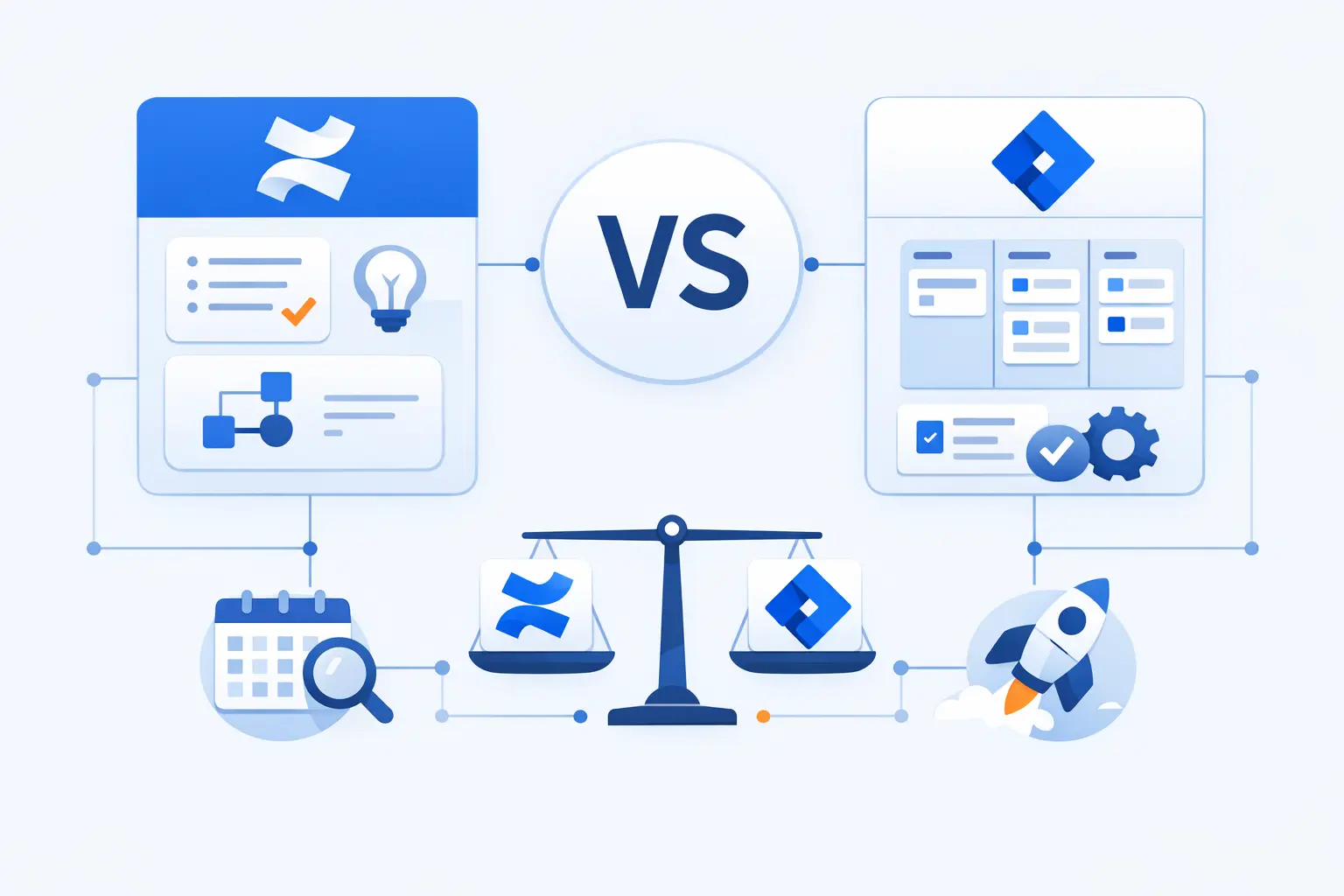
When clients ask us for the short version, we say this: Confluence stores the story of the work, and Jira tracks the state of the work. One is page-centric and knowledge-heavy; the other is item-centric and workflow-heavy. Because those foundations differ, the tools diverge in permissions, reporting depth, automation behavior, and the kind of habits they reinforce inside a team.
1. Confluence as the Home for Documentation and Knowledge
Confluence is a structured workspace for knowledge. Spaces organize material at the top level, pages and live docs hold the actual content, and templates reduce the blank-page problem for specs, meeting notes, policies, and team guides. In our experience, that makes Confluence strongest when a business needs continuity, not just speed, because a well-kept page outlives the sprint that created it.
2. Jira as the System for Tracking Work and Issues
Jira revolves around the work item, historically called an issue in Atlassian’s language. Boards surface flow, workflows control status transitions, and backlogs help teams rank features, defects, and other work before it enters active delivery. That structure is why we treat Jira as an execution system: it does not just record that work exists, it defines how work moves.
3. Both Tools Have Strong Verified User Ratings
Recent Capterra review data shows Confluence at 4.5 out of 5 from 3,653 reviews, which supports our view that teams generally like it as a shared documentation hub even when governance needs tightening as content grows. Searchability, reusable templates, and cross-team visibility appear repeatedly in the broader review pattern.
On the same review platform, Jira sits at 4.4 out of 5 from 15,273 reviews. That breadth matters to us because it suggests sustained adoption across many team types, especially where workflow control, Agile planning, and operational visibility outweigh the product’s steeper setup burden.
4. Why Many Teams Use Confluence and Jira Together
The reason many organizations buy both is simple: context without execution becomes unused documentation, and execution without context becomes noise. Atlassian documents several bridges between the tools, including Jira work item lists and charts inside Confluence, issue creation from Confluence editing surfaces, and whiteboards that can turn sticky notes into Jira work. Internally, Atlassian teams also describe using those same patterns to move from brainstorming to delivery without constant copy-and-paste.
What Confluence Does Best
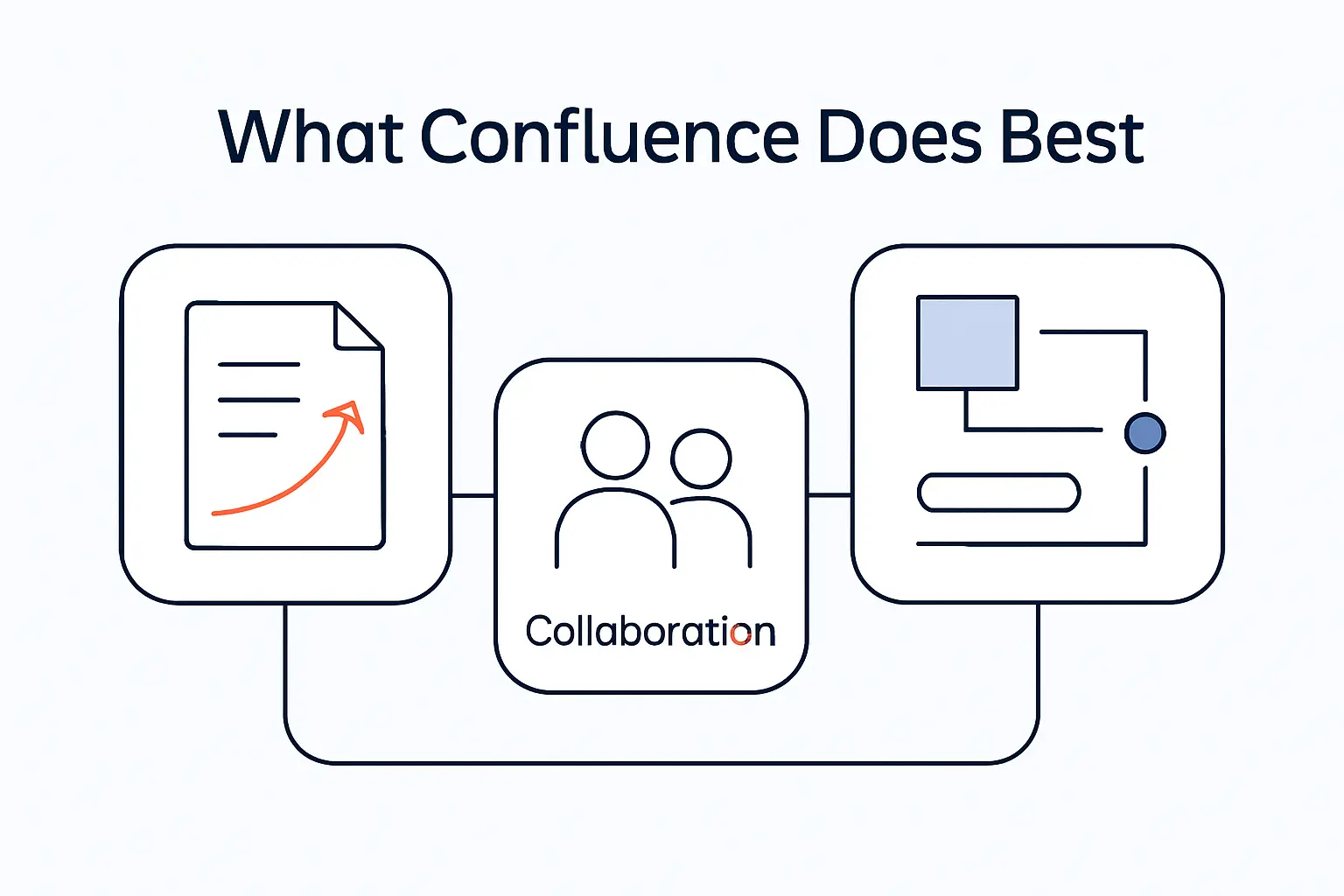
Confluence shines when a team needs durable shared context. Rather than forcing every thought into a ticket field, it lets people explain intent, capture nuance, and build a readable archive around work. For businesses, that matters because misunderstood requirements and undocumented decisions usually cost more than the time it takes to write them down.
1. Create Structured Spaces, Pages, and Templates
At the structural level, Confluence is built around spaces, pages, and templates. Templates give teams repeatable starting points for product requirements, decision documents, and meeting notes, while spaces keep related material grouped in a place people can actually navigate. We like this model because it turns documentation from a temporary artifact into a living system.
2. Collaborate in Real Time with Search, Comments, and Version History
Collaboration is where Confluence earns its keep. Live docs and pages support simultaneous editing, comments, and mentions, while page history records versions and lets reviewers compare changes or roll back when needed. Just as important, the search and navigation layer gives later readers a way back into the conversation, which is crucial once the original authors are busy or gone.
3. Support Wikis, Requirements, Onboarding, and Internal Knowledge Bases
Official Atlassian guidance explicitly positions Confluence pages for policy documents, specs that need review, release notes, onboarding guides, and knowledge base articles. Product requirement templates also allow teams to capture user stories and note related Jira issues, which makes Confluence especially useful for business analysts and product teams. When we see organizations succeed with Confluence, it is usually because they choose it for institutional memory, not because they expect it to behave like a task tracker.
What Jira Does Best
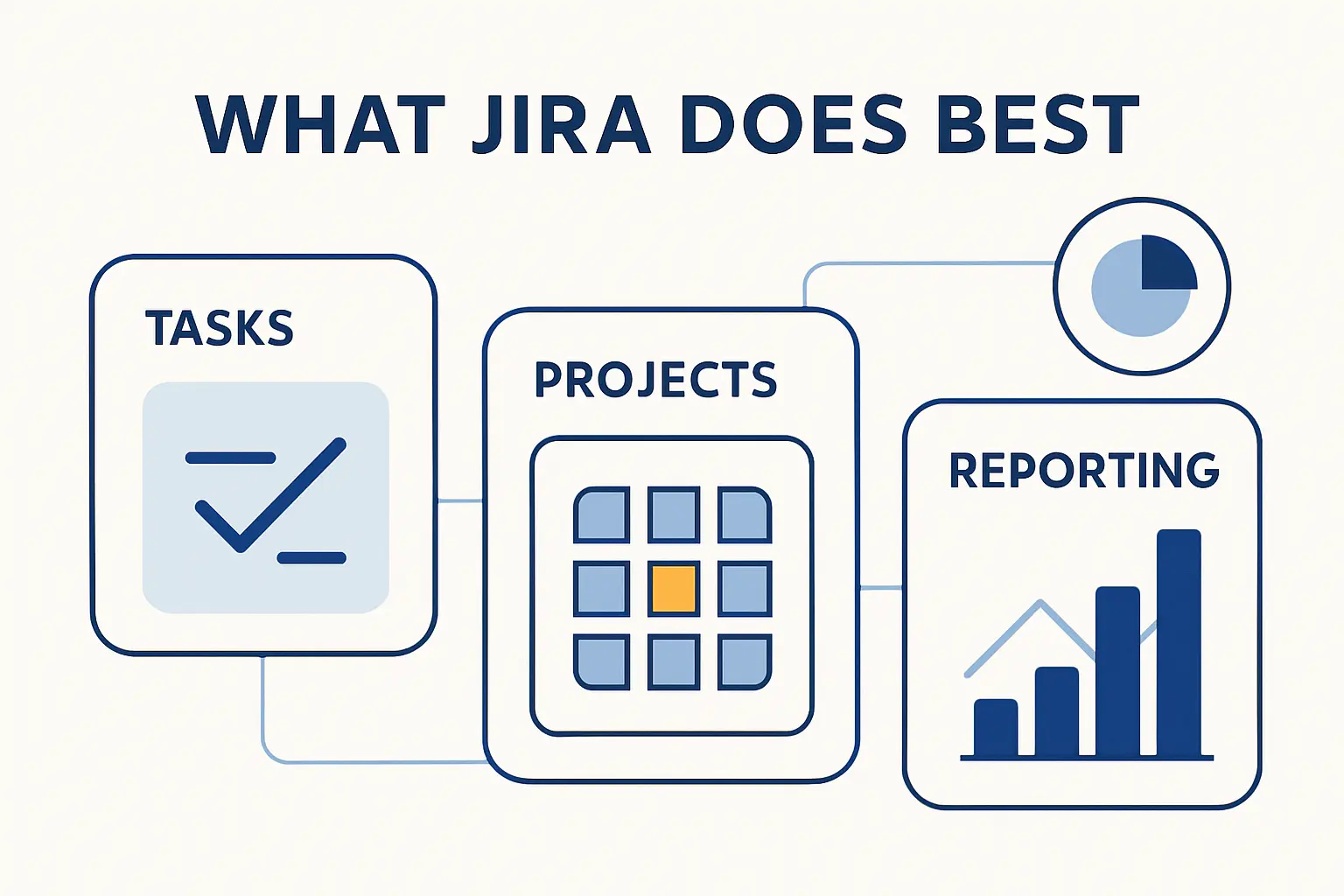
Jira is strongest when work must move through a visible process. It gives managers, developers, analysts, and service teams a common operational language for priority, status, blockers, ownership, and release progress. In other words, it is not just a place to store tasks; it is a control surface for delivery.
1. Organize Work with Projects, Issues, Boards, and Workflows
Under the hood, Jira turns work into structured items with fields, status values, and relationships. Boards then expose that work visually, and workflows determine which state changes are allowed, who can act, and what automation can trigger next. From our perspective, this is why Jira scales better than a document-first tool when teams need predictable execution across many contributors.
2. Run Scrum and Kanban with Backlogs, Sprints, and Releases
Jira is especially comfortable in Agile delivery. Atlassian’s Scrum guidance centers the backlog, user stories, sprint planning, and burndown views inside Jira, while Kanban boards support continuous flow for teams that do not work in fixed iterations. Because planning and reporting live close to the underlying work items, sprint ceremonies can lead straight into execution instead of into another tool.
3. Analyze Delivery with JQL, Dashboards, Automation, and Reports
Analysis is one of Jira’s clearest advantages. JQL gives teams precise filtering, dashboards and reports expose trends such as remaining sprint work, and automation reduces repetitive updates that would otherwise eat up engineering or PM time. We usually recommend Jira whenever leadership needs dependable operational reporting rather than narrative summaries alone.
Confluence vs Jira Key Differences
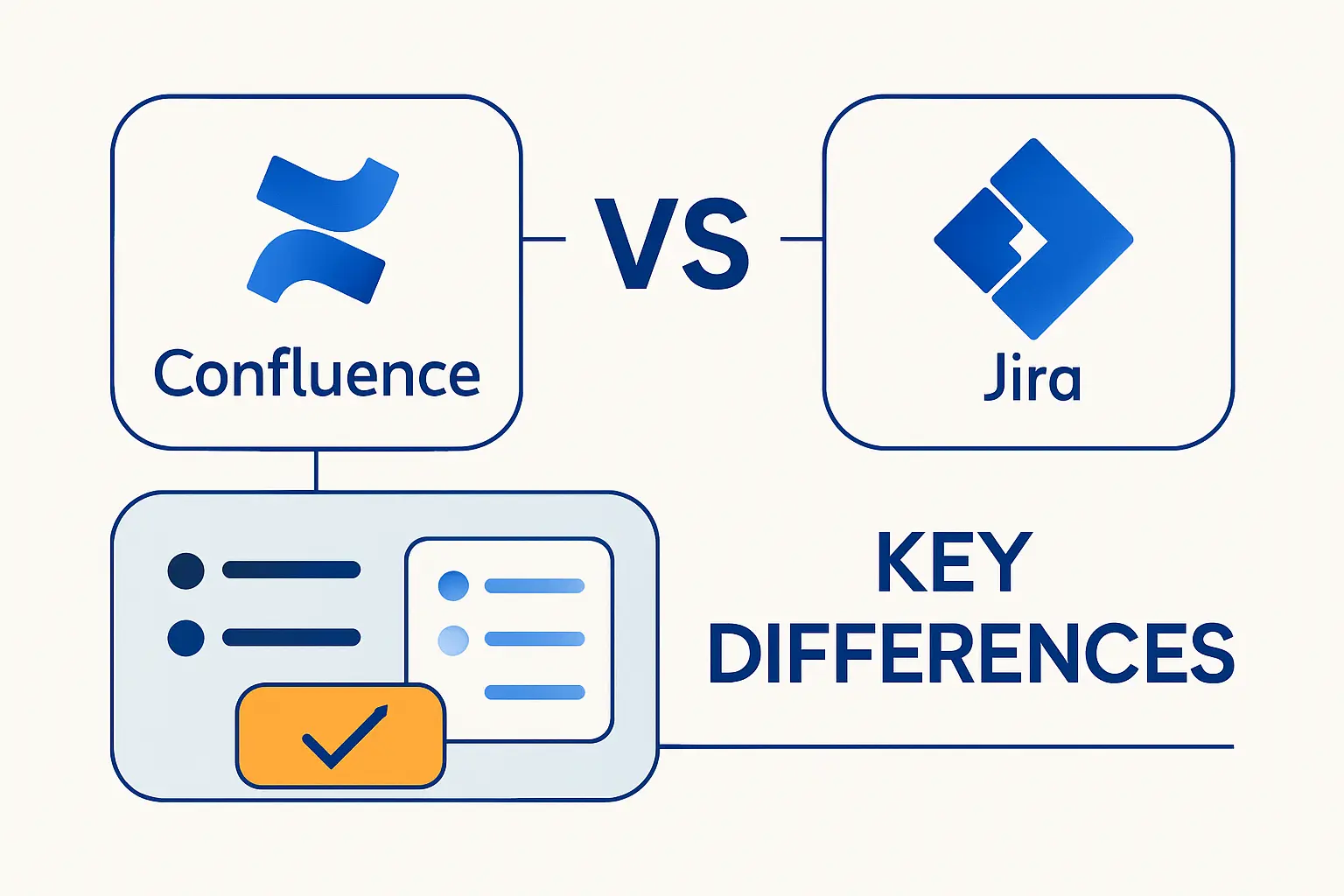
At 1Byte, we do not think Confluence vs Jira is a beauty contest. The smarter comparison is architectural: what is the core object in the system, how does that object change over time, and what kind of truth does the tool preserve best? Once you answer those questions, the practical differences become much easier to see.
1. Focus and Purpose
Confluence exists to explain, connect, and preserve knowledge, whereas Jira exists to track, route, and measure work. A Confluence page tells people why something matters and what decision was made; a Jira item tells people who owns the next action, where it sits in the flow, and what depends on it. That split is the heart of the product choice.
2. Structure, Hierarchy, and Core Content Units
The core unit in Confluence is the page inside a space. By contrast, the core unit in Jira is the work item inside a project or board context, with backlog views, workflows, and reports built around it. Those shapes matter because page hierarchies are great for reading and reference, while work-item hierarchies are far better for queues, assignments, and delivery analytics.
3. User Experience, Permissions, Reporting, and Team Fit
In our view, Confluence feels more open-ended and writer-friendly, while Jira feels more rules-driven and operational. That difference usually makes Confluence easier for broad knowledge sharing and Jira stronger for measurable delivery, but it also explains common complaints: Confluence can get cluttered without content hygiene, and Jira can feel complex once workflows, fields, and reporting expectations pile up. Team fit, then, is less about company size than about whether your main pain is lost knowledge or uncontrolled work.
Confluence vs Jira Pros and Cons
Neither product is magic, and we would rather say that plainly than sell fairy dust. Both tools are powerful when their data models match the job, yet both become frustrating when teams use them as substitutes for process discipline. The best buying decisions come from understanding those trade-offs before rollout, not after user adoption stalls.
1. Confluence Pros Such as Search, Templates, and Shared Documentation
Confluence’s upside is straightforward: it centralizes knowledge, offers reusable templates, supports collaborative editing, and keeps documentation close to the teams that create it. That combination improves onboarding, reduces repeated questions, and gives stakeholders a durable reference point for decisions, specs, and meeting outcomes. For companies with cross-functional work, that shared-documentation layer often becomes the glue between technical and nontechnical teams.
2. Confluence Cons Such as Clutter, Permissions, and Scaling Overhead
The downside is governance. Reviews and official guidance alike suggest that Confluence can feel cluttered or harder to search when spaces sprawl, and permissions require real care if you want openness without accidental oversharing. In practice, we see Confluence fail not because pages are weak, but because no one owns taxonomy, archiving, or content hygiene once the initial enthusiasm fades.
3. Jira Pros Such as Agile Workflows, Reporting, and Automation
Jira’s strengths are process control and visibility. Agile backlogs, boards, sprint reports, JQL, dashboards, and automation give teams a tight feedback loop between planning, execution, and review. When a business needs dependable status reporting across many streams of work, Jira usually beats looser tools because the workflow itself generates much of the operational data.
4. Jira Cons Such as Setup Complexity and Learning Curve
Jira’s cost is complexity. User reviews frequently praise its flexibility while warning that the learning curve can be steep, and even Gartner reviewer commentary points out that advanced planning and leadership-level reporting may require extra configuration or add-ons. We see that trade-off all the time: the more tailored Jira becomes, the more admin attention it demands.
When to Use Confluence, Jira, or Both
Use cases settle the argument faster than brand preference ever will. Instead of asking which product is better in the abstract, we advise teams to ask where knowledge should live, where work should move, and where traceability must survive audits, handoffs, or staffing changes. Once those boundaries are clear, the choice is usually obvious.
1. Use Confluence for Knowledge Bases, Policies, and Project Context
Choose Confluence when the main deliverable is understanding. Policies, onboarding guides, functional context, meeting records, decision logs, and self-service knowledge articles all benefit from page structure, version history, and collaborative editing. If people keep asking, “Why are we doing this?” or “Where is the latest explanation?”, Confluence is usually the right first answer.
2. Use Jira for Agile Delivery, Bug Tracking, and Service Workflows
Choose Jira when the main deliverable is controlled flow. It is better suited to Agile delivery, defect management, prioritized backlogs, sprint execution, and service processes where status, assignee, queue position, and operational visibility matter more than narrative detail. That is why development, IT, and operations teams tend to rely on it once work becomes high volume or time sensitive.
3. Use Both for Requirements Traceability, Team Alignment, and Execution
Use both when context and execution must stay linked. A requirements page in Confluence can hold the rationale, scope, and decisions, while linked Jira items carry that work through estimation, assignment, sprint planning, and reporting. For us, this is the sweet spot: one tool keeps the map, and the other keeps the train on the tracks.
How Confluence and Jira Work Together
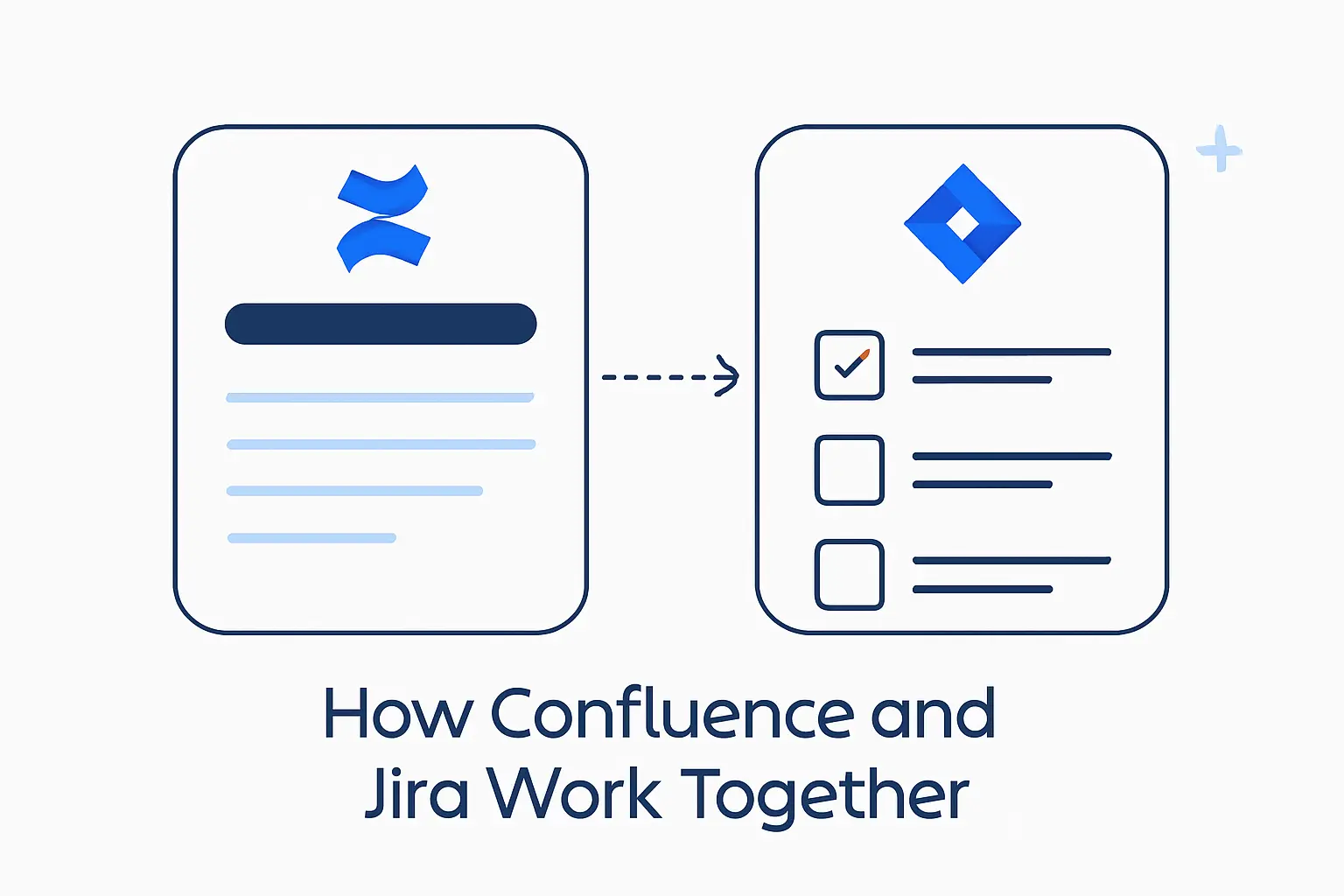
The integration story is the real reason these products are so often bought as a pair. Atlassian does not treat Confluence and Jira as isolated islands; it provides macros, knowledge-base connections, whiteboard actions, and embedded views that let teams move between narrative and workflow with less friction. That matters because most business problems do not live in just one of those worlds.
1. Link Jira Projects with Confluence Spaces and Pages
Linking a Jira project with a Confluence space creates a practical home for project context. Teams can connect roadmaps, display related work on pages, and create reciprocal context between a living document and the items that execute it. We consider this the minimum viable setup for any group that wants one place for planning notes and another for task flow without losing the thread between them.
2. Create Jira Issues from Confluence Pages and Whiteboards
Creation flows are tighter than many buyers expect. Atlassian supports creating Jira work items from Confluence editing surfaces, and whiteboards can turn sticky notes or shapes into Jira items directly. That small capability punches above its weight because it removes the dead air between ideation and action.
3. Embed Live Jira Boards, Reports, and Issue Lists in Confluence
Confluence can also pull Jira back into the page. Official macros let teams display filtered work-item lists and charts, and Atlassian’s own examples show boards and other live views embedded inside planning or launch pages. For stakeholders, that means a page can stop being static documentation and start acting like an operating dashboard.
4. Use Confluence as a Knowledge Base for Jira Service Management
For service teams, the pairing becomes especially practical. Jira Service Management can connect to a Confluence knowledge base so portal users get suggested articles, and Atlassian documents that customers can view linked knowledge articles without needing standard Confluence editing access. If ticket volume is driven by repeated questions, this is one of the clearest reasons to use both products together.
Confluence vs Jira for Business Analysts
Business analysts sit right at the seam between Confluence and Jira, which is why the comparison matters so much for them. Their job is half explanation and half execution support: they need to document requirements clearly, then follow those requirements into stories, sprints, defects, and delivery risk. Few roles feel the benefit of using both tools more directly.
1. Document Requirements, Functional Specs, and Decision Logs in Confluence
Confluence gives analysts room to think in paragraphs, tables, options, assumptions, and decision records. Atlassian’s templates for product requirements and decision documentation make that role explicit, and official guidance also points to pages for specs, onboarding material, and other reviewable knowledge artifacts. When clarity matters more than queue management, Confluence is the better writing desk.
2. Track User Stories, Acceptance Criteria, and Sprint Participation in Jira
Jira is where analysts can stay close to delivery. User stories live in the backlog, sprints pull selected stories into active work, and reports such as burndown make progress visible during the iteration. In our view, acceptance criteria belong closest to that story record once the team is ready to build, because the same item then carries refinement notes, ownership, status, and sprint context in one place.
3. Build Requirements Traceability from Documentation to Delivery
Traceability improves when a Confluence requirement page references Jira items and Confluence pages can also display linked Jira results. That chain lets analysts move from rationale and scope to execution evidence without jumping blind between systems. For regulated teams or simply careful teams, the result is a clearer audit trail from decision to delivery.
Pricing, Licensing, and Deployment Basics

Pricing is where many evaluations become unexpectedly practical. Confluence and Jira may integrate closely, yet Atlassian still treats cloud access, billable users, and product plans at the app level. For buyers, that means the right comparison is not just feature versus feature, but total operating model versus the number of people who truly need each app.
1. Separate Products with Separate Subscriptions and User Counts
Atlassian’s licensing guidance is clear that users are counted against billing for each parent product they can access, and billing screens show billable users per cloud app. Put plainly, buying Jira does not automatically entitle everyone to Confluence, and the reverse is also true. That separation is worth planning early, especially when only part of the company needs structured work tracking.
2. Free Plans, Paid Tiers, and Scaling Considerations
On the current official pricing page, Confluence Standard begins at $5.42 per user / month. For small teams, the practical question is not whether that looks cheap on paper, but whether the team will actively maintain documentation once the initial rollout glow wears off.
Jira Standard currently begins at $7.91 per user / month, which makes it the costlier of the two entry paid plans in straight list-price terms. That extra spend usually makes sense only if the team genuinely needs boards, workflows, automation, backlog management, and reporting rather than a shared wiki alone.
As organizations grow, costs shift from list price to seat strategy. We typically recommend limiting Jira access to people who must work inside the workflow every day, while keeping broader organizational knowledge in Confluence only where that makes governance and budget easier to manage. Atlassian’s billing model rewards that kind of deliberate product-access design more than all-you-can-eat sprawl.
3. Cloud and Data Center Availability
Deployment choice is another major divider. Atlassian positions both Jira and Confluence in Cloud, and it also maintains Data Center as the self-managed option for organizations that want more infrastructure control, stricter change windows, or specific regulatory handling. From our point of view, Cloud is the default for speed, while Data Center is the exception you choose for governance reasons, not nostalgia.
Confluence vs Jira FAQ
These are the questions we hear most often when clients compare Confluence vs Jira for the first time. The short answers are easy, but the useful answers depend on whether your pain sits in documentation, execution, or the handoff between them. Here is how we usually frame it.
1. Can I Use Confluence Without Jira?
Yes. Confluence works as a standalone knowledge and documentation platform, and Atlassian explicitly positions pages for technical docs, policies, onboarding material, specs, and knowledge base articles even outside a Jira workflow. If your immediate problem is scattered information rather than unmanaged delivery, starting with Confluence alone can be perfectly sensible.
2. Is Confluence an Agile Tool?
Not in the same way Jira is, but it absolutely supports Agile teams. We use it more as the context layer around Agile work: planning notes, requirement pages, decision logs, retros, and whiteboards that can feed Jira items later. Think of it as Agile-adjacent rather than Agile-enforcing.
3. Can Confluence and Jira Be Used Together?
Yes, and Atlassian has built multiple native touchpoints for that pairing. Pages can display Jira lists and charts, whiteboards can create Jira work, and service projects can use Confluence as a knowledge base. In practice, that integration is one of the biggest reasons buyers stay inside the Atlassian ecosystem.
4. Which Tool Is Better for Agile Teams?
For day-to-day Agile execution, Jira is better. Its backlog, sprint, board, report, and workflow model is purpose-built for delivery, whereas Confluence is better at holding the reasoning and documentation around that delivery. Most mature Agile teams therefore use Jira as the engine and Confluence as the memory.
5. Do Jira and Confluence Require Separate Licenses?
Usually, yes. Atlassian’s cloud billing documentation says users are counted per parent product, and billing views expose billable users by app. That means a person can be billable in Jira and separately billable in Confluence depending on their access.
6. Is Confluence a Good Alternative to Jira for Small Teams?
Sometimes, but only up to a point. A small team that mainly needs notes, lightweight planning, and shared context can get a lot done in Confluence, yet once the team needs structured workflows, backlog discipline, automation, and dependable delivery reporting, Jira stops being optional. The safer question is not whether Confluence can replace Jira, but how long your workflow can stay informal before it hurts.







Conclusion: How to Choose Between Confluence and Jira
At 1Byte, our bottom line is simple: choose Confluence when the business problem is knowledge fragmentation, choose Jira when the business problem is flow control, and choose both when strategy, requirements, and execution must remain tied together from start to finish. Confluence preserves meaning; Jira preserves motion. That is why the best Confluence vs Jira decision is rarely about features in isolation and almost always about operating design.
If we were advising a team tomorrow, we would start with a short checklist: where decisions live, where work changes state, and who needs visibility without full tool access. Answer that honestly, and your tool choice usually reveals itself. So what is slowing your team down right now: missing context, messy execution, or the gap between the two?