

- How php editors differ from PHP IDEs and text editors
- Quick Comparison of php editors
- Top 30 php editors to speed up coding, debugging, and deployment
- Must-have features to evaluate in php editors
- Free php editors that cover most projects
- Premium php editors and IDEs for professional work
- php editors for WordPress development workflows
- 1Byte cloud hosting for PHP and WordPress projects as an AWS Partner
At 1Byte, we live close to the messy edge of reality. That edge includes half-finished hotfixes, midnight plugin conflicts, and sudden traffic spikes. Editors sit inside all of it. They quietly decide whether a change is safe, fast, and repeatable.
Speed matters, but not the “type faster” kind. Real speed is confidence. It is finding the right function quickly. It is catching a fatal before deploy. It is reproducing a production-only bug without turning the team into full-time archaeologists.
Market overview, in one breath: Gartner forecasts worldwide public cloud end-user spending to total $723.4 billion in 2025, Gartner also reports Fifty-eight percent of organizations consider developer experience as key, McKinsey found developers can complete coding tasks up to twice as fast with generative AI tools, and Deloitte notes 93% of organizations using cloud infrastructure are employing a multicloud strategy as the norm in many environments.
Those macro forces land in very specific places. We see them in WordPress agencies that need safer merges. We also see them in SaaS teams running PHP workers beside JavaScript front ends. MediaWiki at Wikipedia and WordPress at Automattic are reminders that PHP can scale, but only with strong tooling habits.
Our longlist, drawn from what teams actually install and keep: Visual Studio Code, PhpStorm, Sublime Text, Notepad++, Vim, Neovim, Emacs, NetBeans, Eclipse PDT, IntelliJ IDEA Ultimate, JetBrains Fleet, Komodo IDE, NuSphere PhpED, Rapid PHP Editor, UltraEdit, Panic Nova, Coda, BBEdit, TextMate, Geany, Bluefish, Kate, KDevelop, CodeLite, jEdit, PSPad, GitHub Codespaces, Gitpod, Codeanywhere, and AWS Cloud9.
How php editors differ from PHP IDEs and text editors
1. PHP editors for quick setup and everyday editing tasks
When teams say “PHP editor,” they often mean a practical middle ground. They want a fast install. They want readable syntax highlighting. They also want just enough completion to avoid typos.
Editors shine when the task is small and frequent. Think theme tweaks, template edits, and quick config changes. A lightweight tool can open instantly and stay out of the way.
Notepad++ and PSPad fit that “surgical” mindset on Windows. BBEdit and TextMate play a similar role on macOS. Geany, Bluefish, and Kate feel at home on Linux desktops.
2. PHP IDEs for advanced work like debugging, refactoring, and testing
IDEs are not “bigger editors.” They are indexing engines with a UI attached. Their job is to model your codebase, then answer questions quickly.
Refactors become reliable when the tool understands symbols. Renames stop being scary when references update correctly. Debug sessions become routine when breakpoints map to the right file.
PhpStorm is the obvious benchmark here. NetBeans and Eclipse PDT still matter in many organizations. IntelliJ IDEA Ultimate also shows up when teams standardize on JetBrains across languages.
3. Why the line between php editors and IDEs keeps blurring
Language servers changed the game. A “simple editor” can now outsource intelligence to a background process. That means completion, diagnostics, and navigation arrive without a full IDE shell.
Visual Studio Code is the poster child for this shift. It can feel tiny on day one. After extensions, it can behave like a full IDE.
JetBrains Fleet pushes the same direction from the other side. It starts like an editor. Then it grows into deeper project awareness when needed.
4. Cloud PHP IDEs for browser-based development environments and prebuilt stacks
Cloud IDEs are less about “coding in a browser.” Their real value is environment consistency. The team stops debating which local stack is correct.
We like cloud workspaces when onboarding hurts. A prebuilt image prevents the “works on my machine” trap. It also reduces drift across contractors and laptops.
GitHub Codespaces, Gitpod, Codeanywhere, AWS Cloud9, and Replit each aim at that same pain. Their differences show up in permissions, networking, and project templates.
5. What developers recommend most often in real-world discussions
In everyday conversations, a few names dominate. Visual Studio Code wins on reach. PhpStorm wins on depth.
Sublime Text remains beloved for raw editing speed. Vim and Neovim survive because muscle memory is a superpower. Emacs persists because it becomes a personalized workbench.
Our own bias is operational. We prefer the tool that reduces support tickets. Boring reliability beats clever novelty for production teams.
Quick Comparison of php editors
Below are compact “top picks” we see repeatedly across agencies, SaaS teams, and WordPress shops. The goal is not perfection. The goal is a fast shortlist that matches a workflow.
| Tool | Best for | From price | Trial/Free | Key limits |
|---|---|---|---|---|
| Visual Studio Code | Extension-driven PHP workflows | Free | Free | Needs tuning for big monorepos |
| PhpStorm | Deep refactors and debugging | Paid | Trial | Heavier indexing and memory use |
| Sublime Text | Fast editing and search | Paid | Evaluation | Less built-in project intelligence |
| NetBeans | Free IDE-style PHP work | Free | Free | UI can feel dated |
| Eclipse PDT | Enterprise Java shops adding PHP | Free | Free | Setup friction and plugins |
| Neovim | Keyboard-first coding | Free | Free | Configuration is a project |
| Notepad++ | Quick edits on Windows | Free | Free | Not an IDE replacement |
| Panic Nova | Mac-native editing with remote files | Paid | Trial | macOS-only |
| GitHub Codespaces | Standardized dev containers | Usage-based | Limited | Depends on network and quotas |
| Gitpod | Ephemeral workspaces for teams | Usage-based | Trial | Requires workspace discipline |
From our hosting perspective, the best choice is the one that shortens the feedback loop. That loop includes linting, tests, and deploy checks. Editors that plug into those steps pay for themselves in fewer regressions.
Top 30 php editors to speed up coding, debugging, and deployment
Picking a PHP editor is really picking a pace. We scored tools on how quickly they get you from “idea” to “running code,” with fewer detours for setup, debugging, and deployment. Each score is a weighted total on a 0–5 scale: Value-for-money (20%), Feature depth (20%), Ease of setup & learning (15%), Integrations & ecosystem (15%), UX & performance (10%), Security & trust (10%), and Support & community (10%).
To keep this practical, we favored editors that help you hit first breakpoint fast, navigate large codebases without lag, and repeat common workflows with muscle memory. We also penalized tools that are end-of-life, hard to secure, or dependent on brittle plugin stacks. Finally, we treated “ecosystem” as outcomes, not checkboxes. Good integrations mean fewer context switches per bug, fewer manual deploy steps, and less time spent babysitting configuration.
1. Visual Studio Code
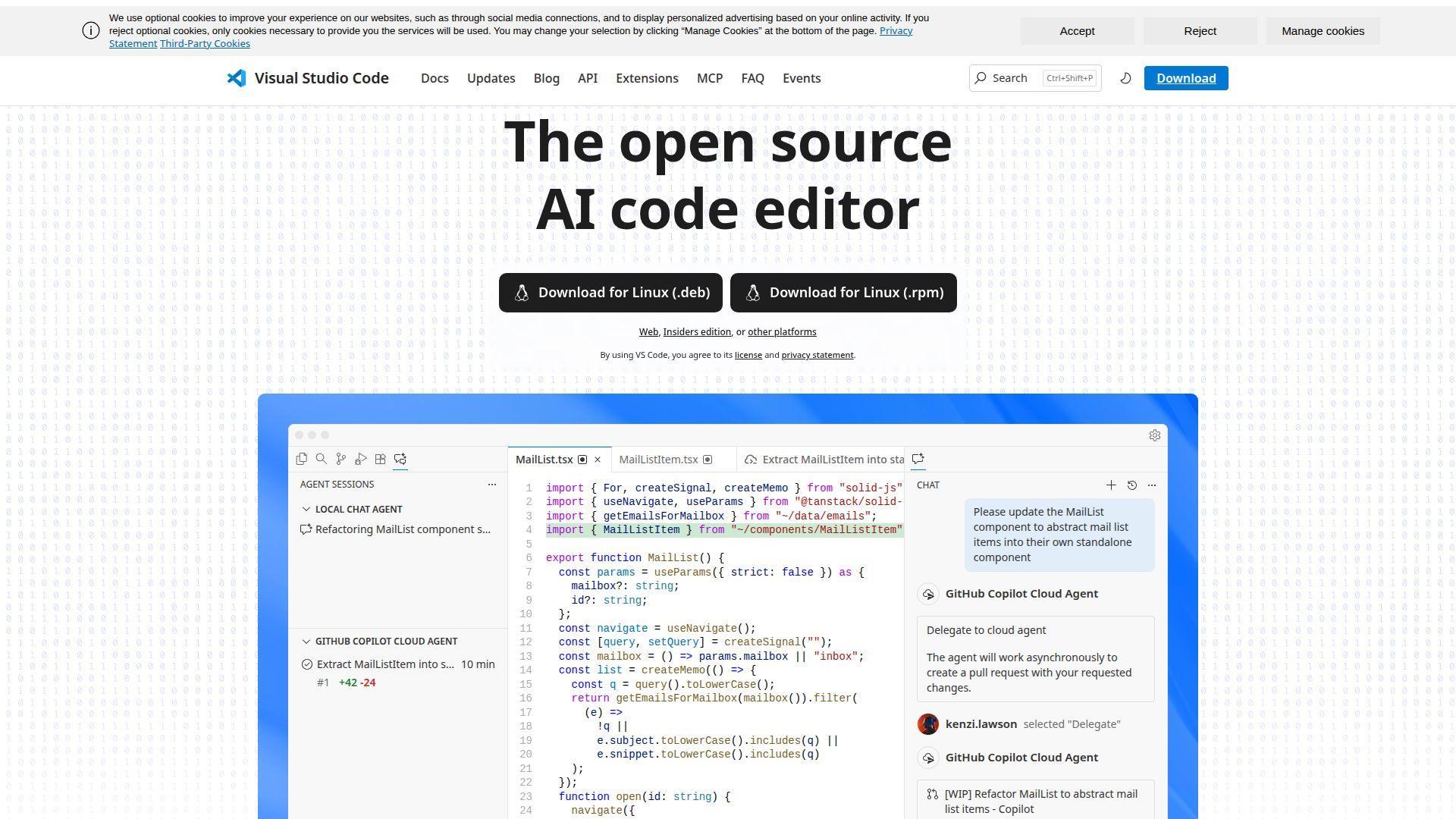
Built by Microsoft’s VS Code team, this editor moves fast and stays broadly compatible. Under the hood, it’s a slim core with an extension marketplace that can become a full PHP workstation.
Ship PHP changes faster by keeping edit, run, and debug in one window.
Best for: full-stack developers, small PHP teams standardizing on one editor.
- Tasks + launch configs → run scripts and hit breakpoints without terminal juggling.
- Extensions ecosystem → often saves 2–3 tool hops per bug investigation.
- Quick setup flow → expect first PHP file linted and formatted in 10–15 minutes.
Pricing & limits: From $0/mo. Trial: not required. Caps: none for local projects and seats.
Honest drawbacks: Plugin sprawl is real, and two developers can end up with two “different” editors. Deep PHP refactors and inspections trail PhpStorm in tricky codebases.
Verdict: If you want a flexible daily driver, this helps you code and debug faster within a day. Beats Brackets at ecosystem breadth; trails PhpStorm on PHP-specific depth.
Score: 4.5/5
2. JetBrains PhpStorm
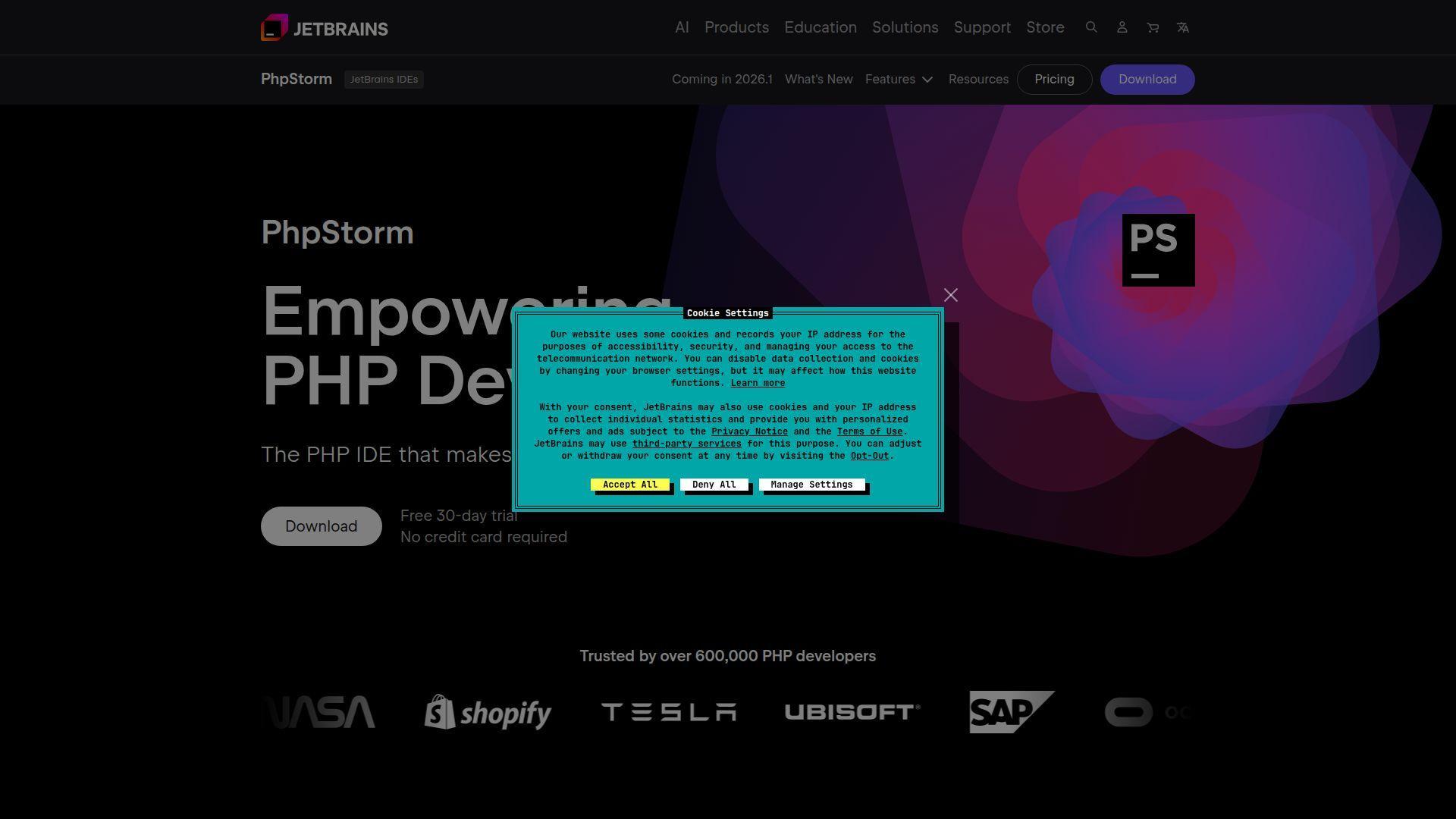
Made by JetBrains, PhpStorm is built by an IDE-first team that obsesses over code intelligence. That focus shows when your project stops being “a few files” and becomes a living system.
Find bugs earlier with PHP-aware inspections that read your intent, not just syntax.
Best for: professional PHP developers, teams maintaining large Laravel or Symfony apps.
- Refactors + inspections → fix risky changes before they leak into production.
- IDE tooling + built-in workflows → can cut a 6-step debug loop to 3 steps.
- Guided onboarding → first indexed project and working debugger in about 20–40 minutes.
Pricing & limits: From $10.90/mo for individuals. Trial: 30 days. Caps: licensed per user, with subscription required after trial.
Honest drawbacks: It can feel heavy on older laptops, especially during initial indexing. The “IDE way” is powerful, yet it may fight minimalist workflows.
Verdict: If you live in PHP all day, this helps you ship safer changes in weeks, not quarters. Beats VS Code at PHP depth; trails VS Code on lightweight flexibility.
Score: 4.4/5
3. Vim
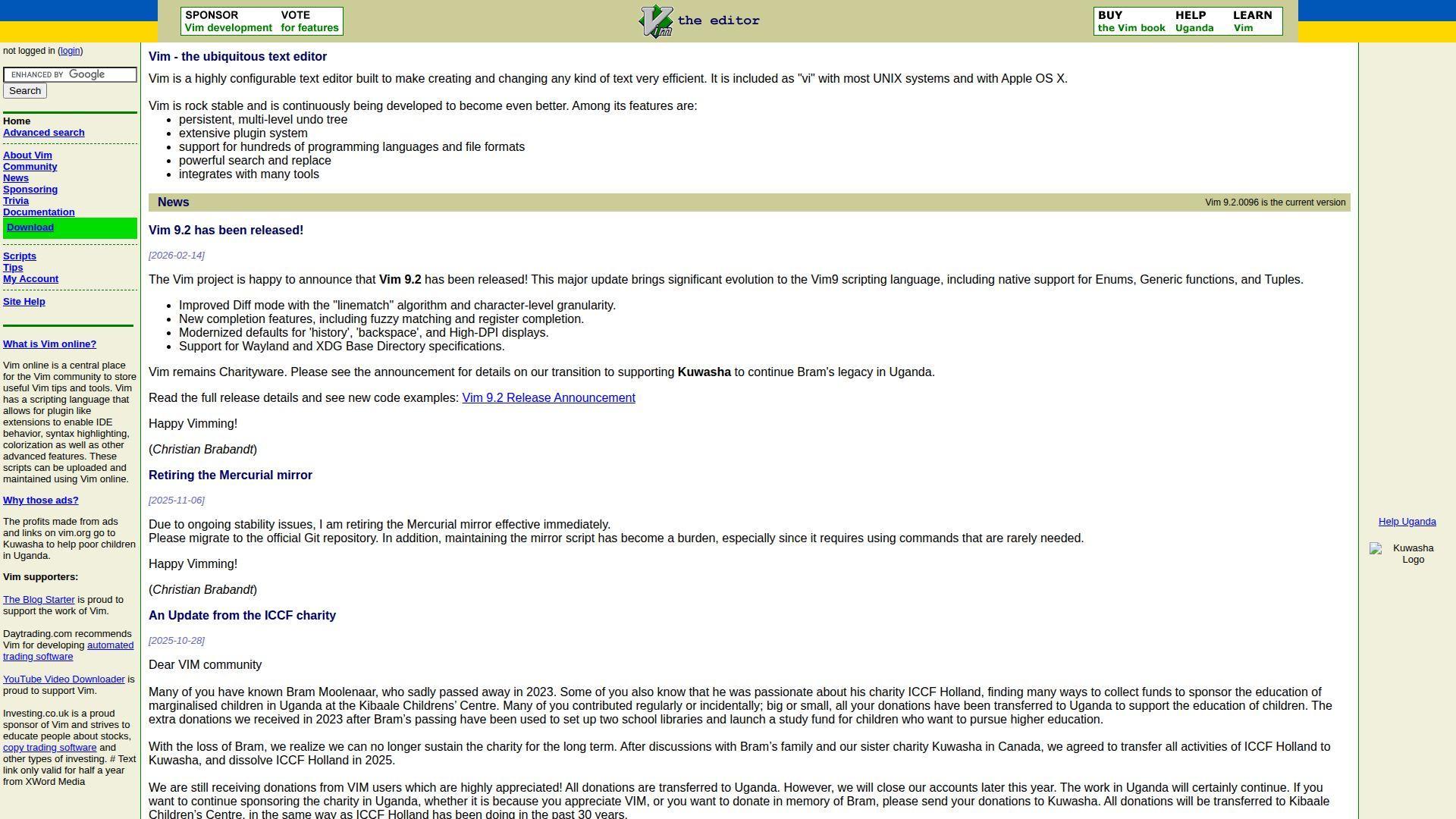
Maintained by a long-running open source community, Vim is less “product” and more craft. Once you commit, the editor becomes an extension of your hands.
Edit faster than you can think, especially inside servers and terminals.
Best for: backend developers, ops-minded PHP engineers living in SSH sessions.
- Modal editing → make large, repetitive edits without mouse drift.
- Plugins + LSP → can save 5–10 minutes per session on navigation and jumps.
- Instant start → time-to-first-value is often under 5 minutes.
Pricing & limits: From $0/mo. Trial: not required. Caps: none, aside from your own config patience.
Honest drawbacks: The learning curve is steep, and teams can struggle to standardize configs. Debugging and PHP framework awareness depend heavily on plugin choices.
Verdict: If you want speed in constrained environments, this helps you edit and refactor confidently within a few weeks. Beats heavy IDEs on startup; trails PhpStorm on integrated debugging polish.
Score: 3.9/5
4. Sublime Text
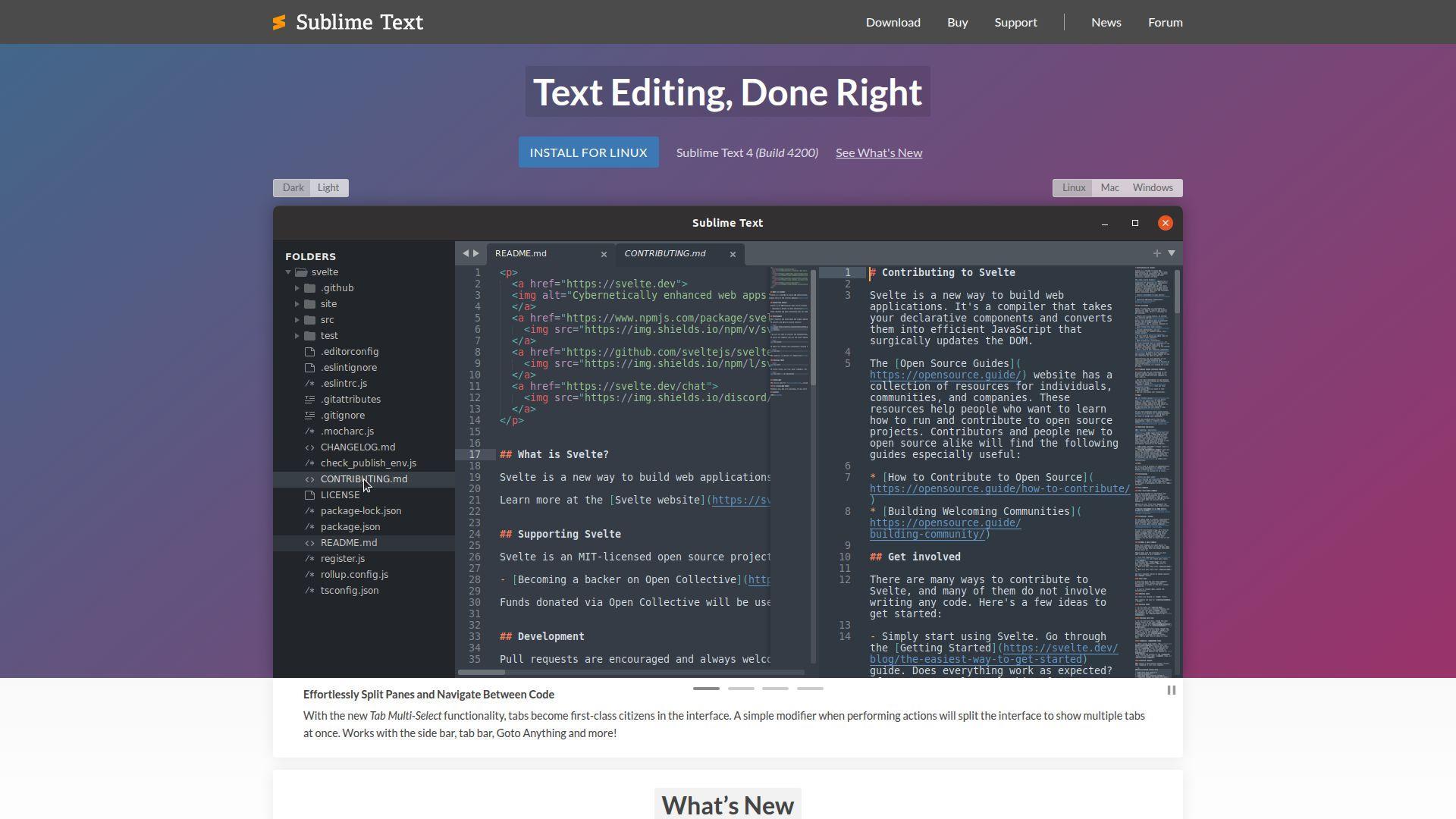
Built by Sublime HQ, Sublime Text is a performance-first editor with a small, focused team behind it. The result is a tool that feels fast even when your project is not.
Stay in flow with a snappy editor that doesn’t punish big files.
Best for: solo developers, agency devs who value speed over IDE ceremony.
- Goto Anything + multiple cursors → reshape PHP and templates without slow searches.
- Packages + build systems → can reduce a 4-step run cycle to 2 steps.
- Zero-fuss install → first productive session in about 10 minutes.
Pricing & limits: From $0/mo to evaluate; $99 one-time personal license. Trial: free evaluation period. Caps: personal license includes 3 years of updates, with upgrades needed later.
Honest drawbacks: PHP intelligence is good with packages, yet not as deep as PhpStorm. Team governance features and managed settings are limited compared to enterprise IDE stacks.
Verdict: If you want a fast, low-drag editor, this helps you ship edits and quick fixes the same day. Beats Atom on performance; trails VS Code on built-in debugging breadth.
Score: 4.1/5
5. Atom
Created by GitHub’s editor team, Atom was built to be hackable and welcoming. That spirit remains, but the official product is sunset and no longer actively developed.
Get a familiar, customizable editor experience, if you accept the maintenance risk.
Best for: hobbyists, legacy workflows that already depend on Atom packages.
- Package-driven workflows → keep older PHP projects editing consistently.
- Embedded Git tooling → can save 1–2 context switches per small commit.
- Fast initial comfort → time-to-first-value is often under 15 minutes.
Pricing & limits: From $0/mo. Trial: not required. Caps: no official support, and long-term security updates are not guaranteed.
Honest drawbacks: Official sunset means you may inherit security and compatibility issues over time. Community forks exist, but they add decision and governance overhead.
Verdict: If you need to keep an old setup alive, this helps you avoid a disruptive migration this week. Beats barebones editors on extensibility; trails VS Code on active maintenance.
Score: 3.4/5
6. Brackets
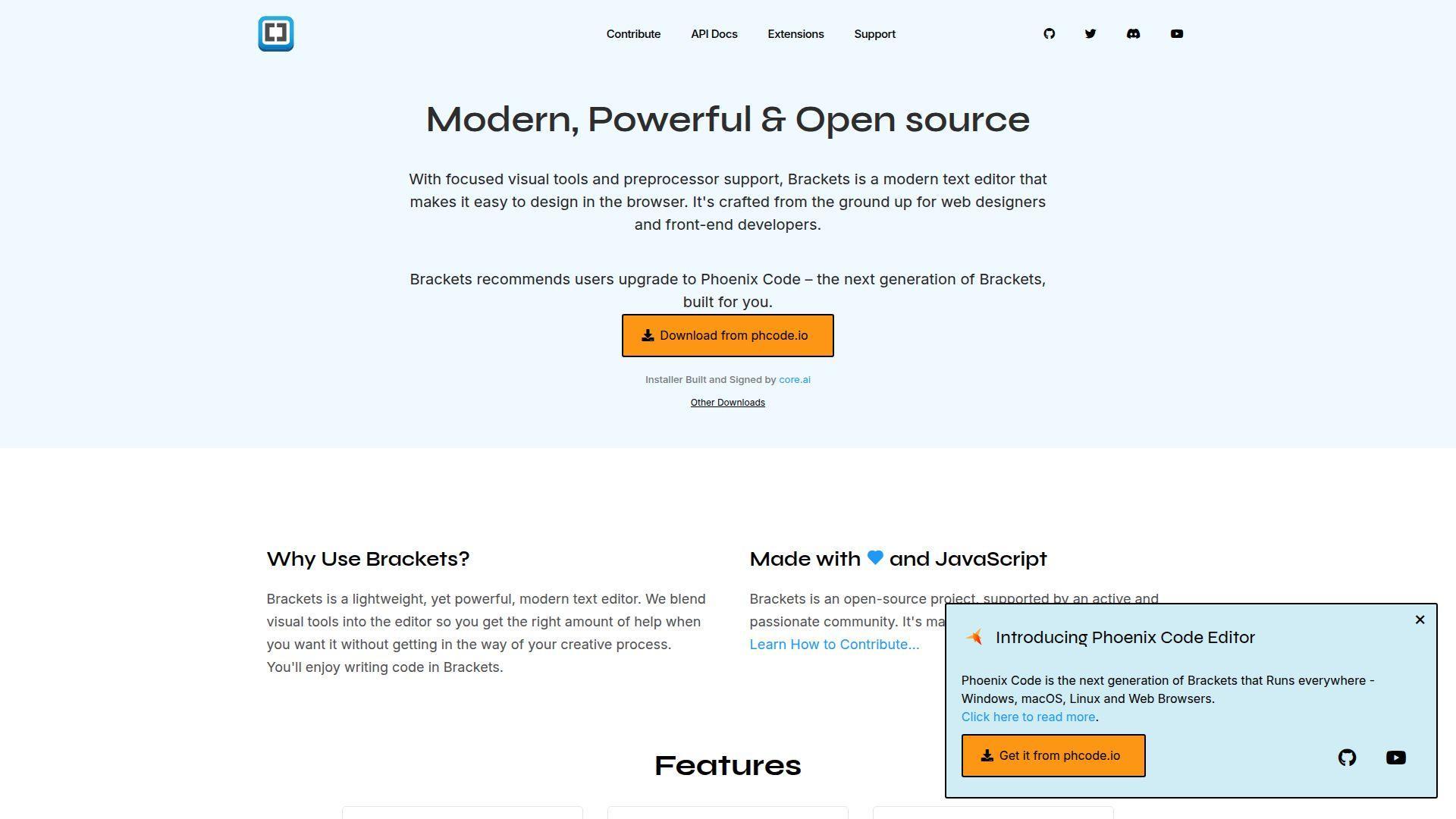
Originally driven by an Adobe-led team, Brackets was designed for web editing with immediate feedback. Adobe ended official support in 2021, while community efforts continue in various forms.
Polish PHP-adjacent UI work with a web-first editor mindset.
Best for: front-end-leaning PHP devs, students learning HTML, CSS, and templating.
- Live preview workflow → tighten the edit-to-render loop for templates and styles.
- Extensions + lightweight tooling → can save 1–2 minutes per small UI tweak cycle.
- Quick install → expect first file open and styled in under 10 minutes.
Pricing & limits: From $0/mo. Trial: not required. Caps: official Adobe support ended September 1, 2021.
Honest drawbacks: Long-term maintenance and security posture depend on community momentum. PHP-first debugging and deep project intelligence are limited.
Verdict: If you mainly adjust views and assets, this helps you iterate on UI changes within an afternoon. Beats gedit at web-specific ergonomics; trails VS Code on modern ecosystem scale.
Score: 3.4/5
7. GNU Emacs
Stewarded under the GNU umbrella, Emacs is shaped by decades of community ambition. Think of it as a programmable environment that happens to edit PHP extremely well.
Build a bespoke PHP cockpit where your editor becomes your workflow.
Best for: power users, developers who want total control and automation.
- Emacs Lisp workflows → automate repetitive edits and project chores reliably.
- Packages + LSP + Git tools → can remove 2–4 external app switches per session.
- Incremental adoption → time-to-first-value is 20 minutes, mastery takes months.
Pricing & limits: From $0/mo. Trial: not required. Caps: none, beyond configuration complexity.
Honest drawbacks: Setup can become a hobby, not a means to ship. Team consistency is hard unless you standardize configs and training.
Verdict: If you want a highly automated dev environment, this helps you compress routine work over a few weeks. Beats Vim at in-editor “apps”; trails VS Code on out-of-box onboarding.
Score: 3.9/5
8. Bluefish
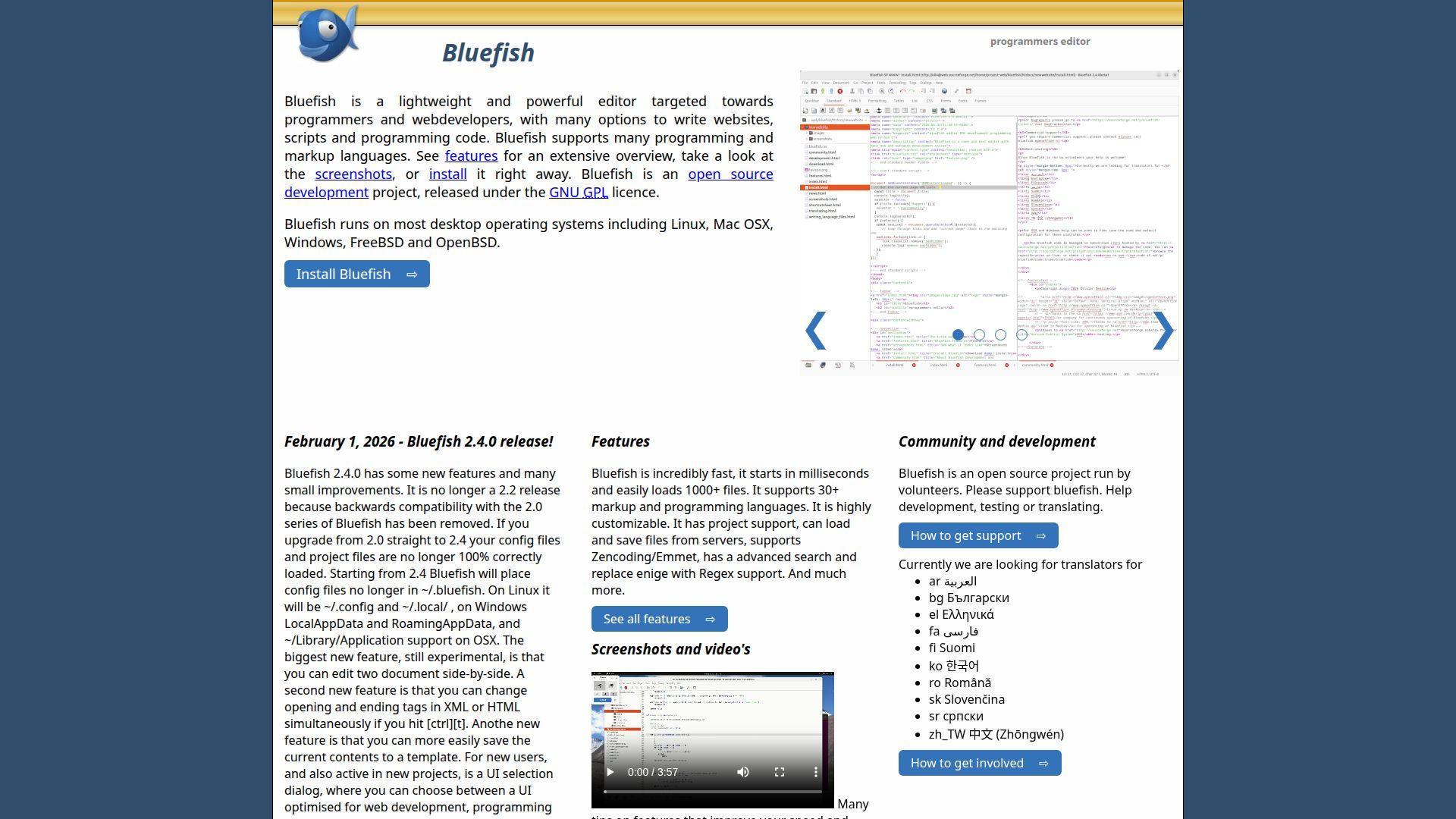
Maintained by a small open source team, Bluefish targets web development without trying to be everything. It feels like a practical toolkit for code, markup, and quick edits.
Make clean, consistent edits fast, especially in mixed PHP and HTML files.
Best for: freelancers, developers maintaining classic PHP sites with lots of templates.
- Project organization tools → keep multi-folder sites navigable and less error-prone.
- External tool hooks → can save 2–3 steps when running linters or scripts.
- Light setup → first useful session often lands in 10 minutes.
Pricing & limits: From $0/mo. Trial: not required. Caps: none.
Honest drawbacks: Modern PHP intelligence is thinner than IDE-heavy options. The ecosystem is smaller, so specialized integrations may be missing.
Verdict: If you want a no-drama web editor, this helps you keep legacy PHP tidy in a single afternoon. Beats older Notepad-style editors at web ergonomics; trails VS Code on extensions.
Score: 3.6/5
9. jEdit
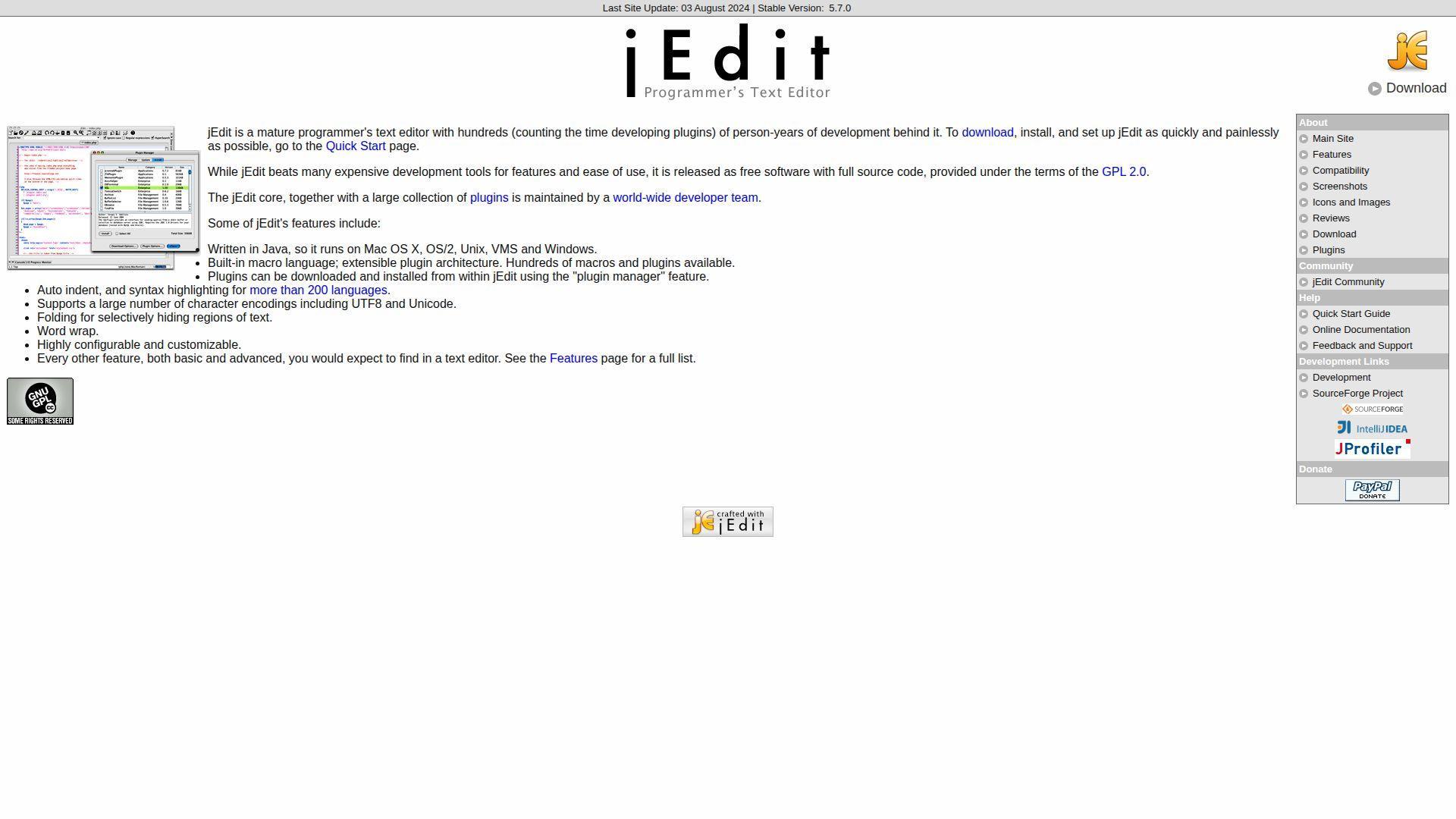
Developed by an open source community, jEdit is a Java-based editor with deep customization roots. It’s a “classic” that still works when you need a portable, scriptable editor.
Keep PHP edits dependable on machines where you can’t install a full IDE.
Best for: developers on locked-down systems, tinkerers who like plugin-driven tools.
- Macros + plugins → reduce repetitive formatting and search work across files.
- Tool integrations → can save 2 steps per run by scripting common commands.
- Portable feel → time-to-first-value is usually 15–25 minutes.
Pricing & limits: From $0/mo. Trial: not required. Caps: none.
Honest drawbacks: UI can feel dated compared to newer editors. PHP ecosystem momentum is lower, so modern language features may require extra effort.
Verdict: If you need a configurable editor that travels well, this helps you stay productive within a day. Beats barebones editors on extensibility; trails Sublime on speed polish.
Score: 3.4/5
10. Notepad++
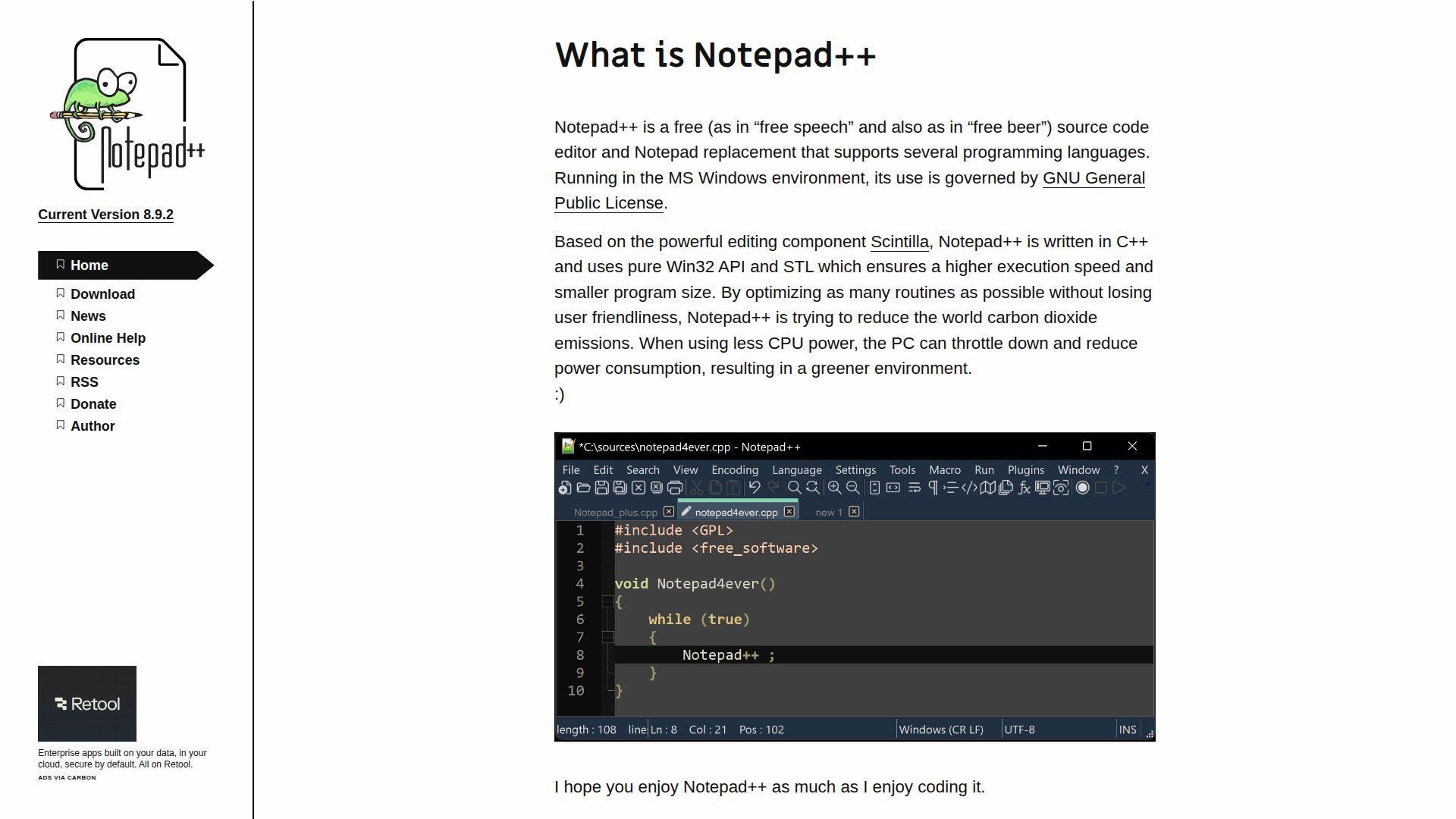
Maintained by a long-running open source project, Notepad++ stays focused on speed and simplicity. It’s the editor you reach for when you just need to edit, not negotiate.
Fix PHP and config files quickly, without booting a full IDE.
Best for: Windows developers, support engineers doing quick production fixes.
- Fast search and replace → resolve repetitive template updates with fewer mistakes.
- Plugin ecosystem → can save 1–2 minutes per task for formatting and linting.
- Instant startup → time-to-first-value is often under 3 minutes.
Pricing & limits: From $0/mo. Trial: not required. Caps: none.
Honest drawbacks: Deep PHP refactoring and debugging are not its lane. Integrations exist, yet they can feel bolted-on compared to modern IDE platforms.
Verdict: If you want a fast “fix it now” editor, this helps you patch small issues in minutes. Beats jEdit on lightweight feel; trails VS Code on full-stack workflows.
Score: 3.9/5
11. RJ TextEd

RJ TextEd is built by a single developer-led effort and released as freeware. That solo-maker vibe shows in the feature density and the practical, Windows-first focus.
Get an “everything drawer” editor for PHP, HTML, and quick server-side edits.
Best for: Windows-based solo devs, developers who want many tools in one app.
- Multi-language editing suite → reduce friction when bouncing between PHP and assets.
- LSP client support → can save 2–3 steps when wiring autocomplete and diagnostics.
- Quick install → first productive edits usually happen within 15 minutes.
Pricing & limits: From $0/mo. Trial: not required. Caps: none, and it’s free for commercial use.
Honest drawbacks: Being largely driven by one primary author can slow broad ecosystem growth. Some UX edges feel less modern than VS Code or Sublime.
Verdict: If you want a capable Windows editor without subscriptions, this helps you move faster the same day. Beats Notepad++ on breadth; trails VS Code on extension momentum.
Score: 3.7/5
12. TextMate
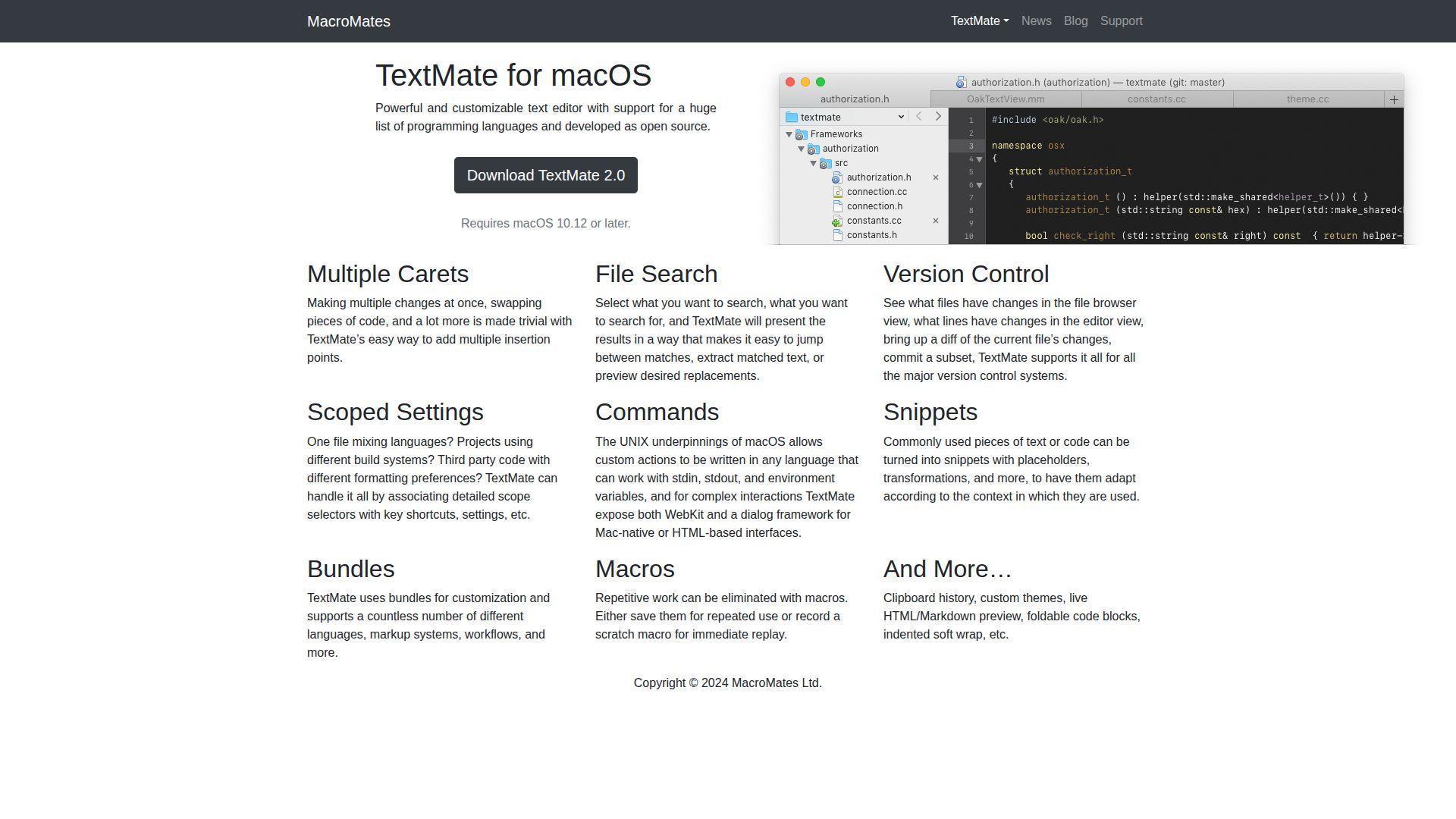
TextMate comes from MacroMates and has long served Mac developers who like sharp tools. The project is developed as open source, yet licensing has had unusual availability changes.
Keep PHP editing elegant on macOS, with powerful text transformations.
Best for: Mac-based developers, writers-of-code who live on snippets and bundles.
- Bundles + snippets → turn repetitive PHP patterns into consistent, fast inserts.
- Shell command hooks → can save 2–4 steps when running local scripts and formatters.
- Low setup → time-to-first-value is often 10–20 minutes.
Pricing & limits: From $0/mo. Trial: not required for basic use, and license keys are currently not available for sale. Caps: no seat caps for downloads, but paid licensing is paused.
Honest drawbacks: License uncertainty can be a deal-breaker for teams needing procurement clarity. PHP language depth depends on your bundle setup and external tooling.
Verdict: If you want a Mac-native editor feel, this helps you stay crisp in daily edits within a day. Beats Sublime on Mac-native conventions; trails VS Code on cross-platform consistency.
Score: 3.8/5
13. UltraEdit
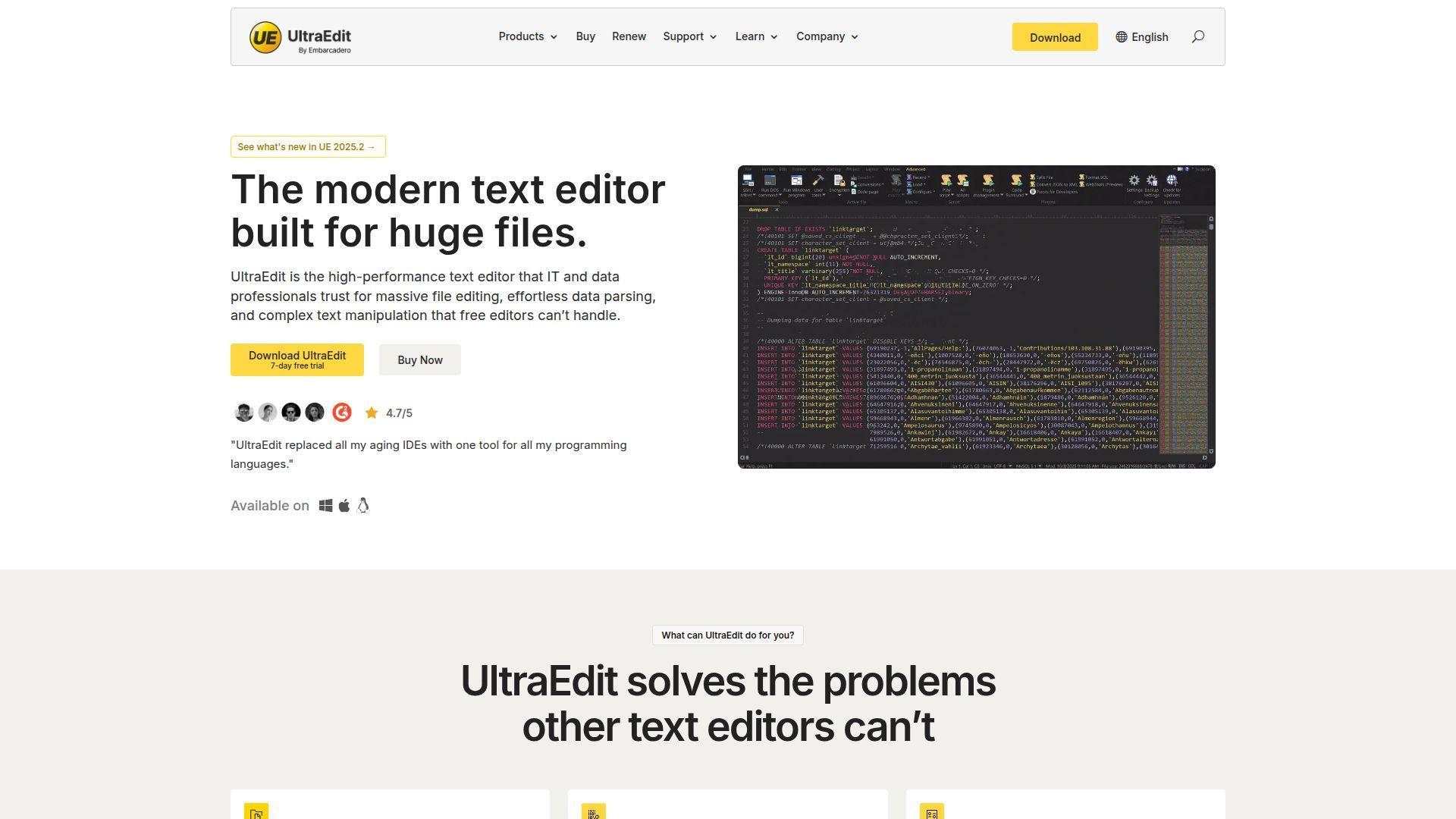
UltraEdit is built by a commercial team that targets reliability, big files, and long-lived workflows. It’s less trendy, more “tool that shows up to work every day.”
Edit massive logs and PHP files without lag, then push changes with confidence.
Best for: developers handling large files, ops teams doing code-plus-data work.
- Large-file performance focus → open and edit heavy artifacts without editor stalls.
- Built-in tooling mix → can cut 3 steps by keeping search, compare, and editing together.
- Predictable onboarding → first-value often lands in 15–30 minutes.
Pricing & limits: From $8.33/mo (annual billing for Core). Trial: 30 days. Caps: subscription-based per user, with enterprise bundles available.
Honest drawbacks: It’s not a PHP-first IDE, so deep framework intelligence is limited. Some integrations feel more “utility” than modern cloud ecosystem.
Verdict: If you edit big files and hate slowdowns, this helps you move steadily within a week. Beats many editors on raw file handling; trails PhpStorm on PHP refactoring depth.
Score: 4.0/5
14. Rapid PHP Editor
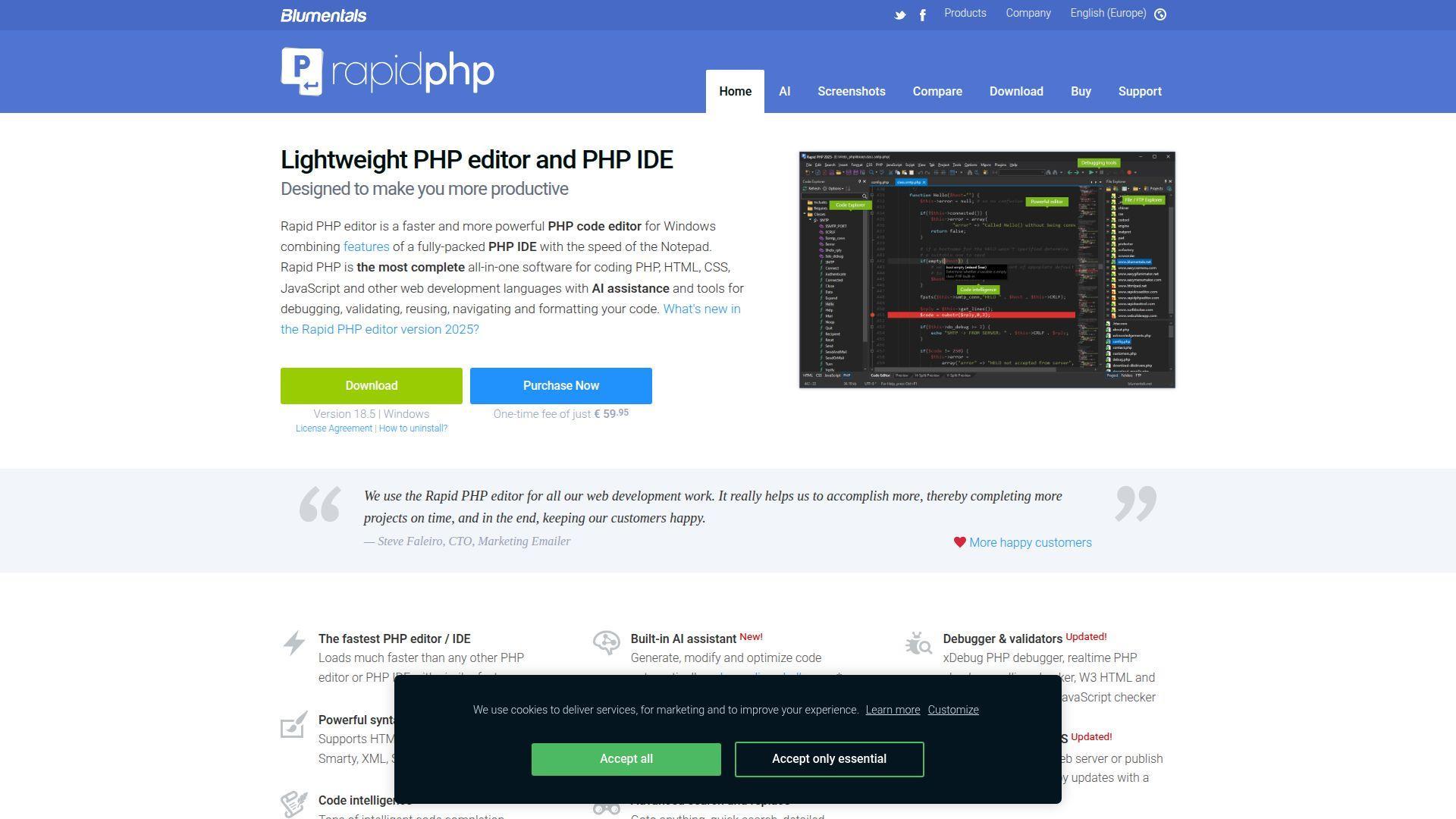
Rapid PHP Editor is produced by Blumentals Solutions and built with a practical Windows-first mindset. The team sells it as a one-time-fee tool aimed at “fast editor, IDE-ish power.”
Move quickly from PHP edits to validated, deployed changes without heavyweight IDE overhead.
Best for: Windows PHP developers, freelancers who want built-in web tooling.
- Built-in FTP/SFTP flows → publish changes with fewer manual copy mistakes.
- Validators + helpers → can save 2–3 steps per file before committing.
- Low-friction install → first project editing usually happens in 15–25 minutes.
Pricing & limits: From $59.95 one-time (Personal) or $79.95 (commercial). Trial: evaluation is 30 launches. Caps: Team license covers up to 4 users.
Honest drawbacks: The ecosystem is narrower than VS Code, so niche integrations may be missing. Being Windows-only can block teams with mixed OS setups.
Verdict: If you want an all-in-one Windows PHP editor, this helps you get productive in a day. Beats Notepad++ at web-dev tooling; trails PhpStorm on code intelligence depth.
Score: 3.7/5
15. Smultron
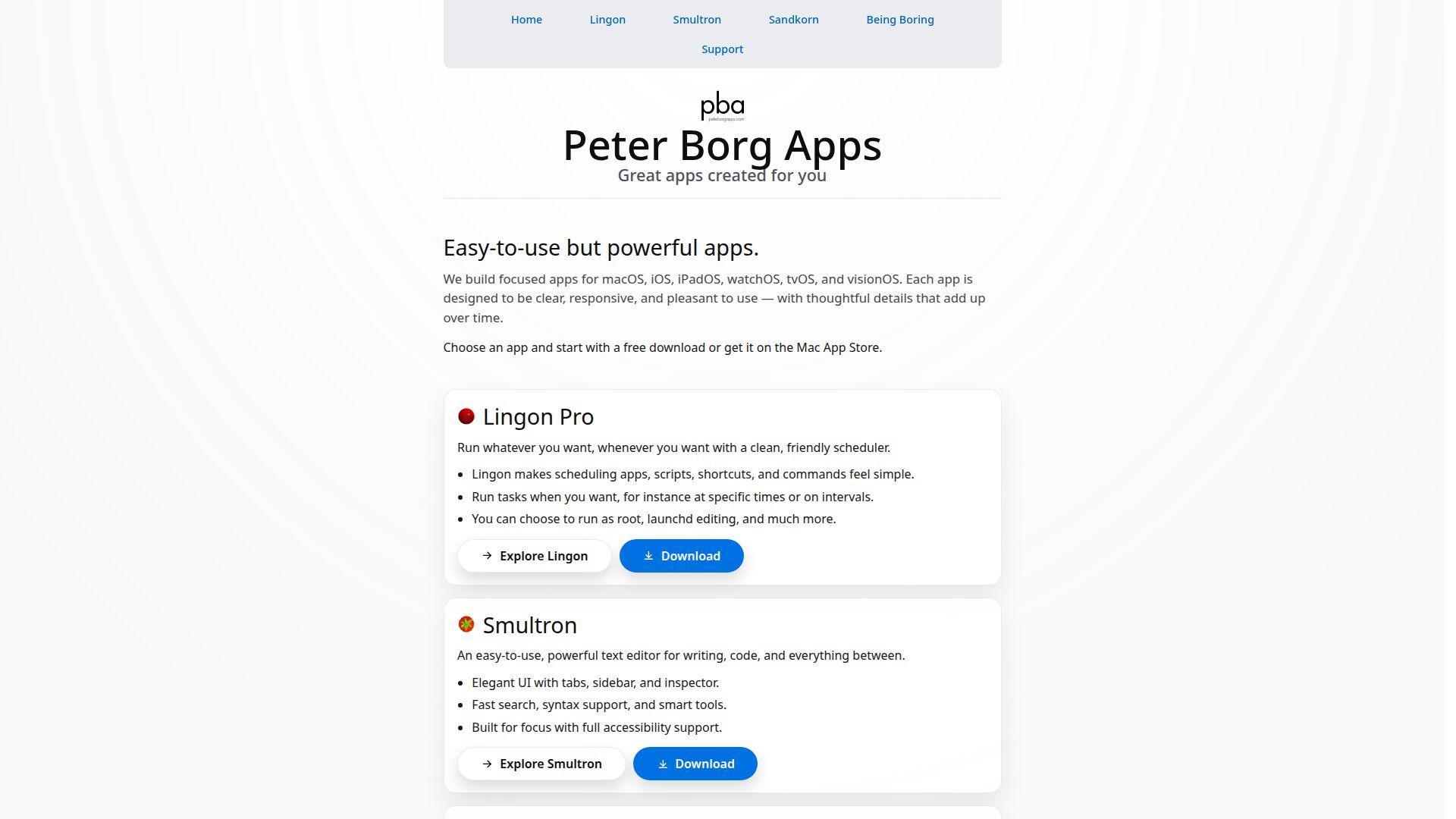
Smultron is made by Peter Borg Apps, a small Mac-focused shop with a clear love for simple tools. It’s a text editor first, with enough structure to feel “project-aware.”
Keep small PHP projects organized without hauling an IDE everywhere.
Best for: Mac freelancers, developers doing light PHP and template work.
- Project grouping → reduce “where is that file?” time across small sites.
- Workflow-friendly basics → can save a couple minutes per change on navigation alone.
- Fast learning curve → time-to-first-value is usually under 15 minutes.
Pricing & limits: From $0/mo subscription; $9.99 one-time purchase. Trial: not clearly provided as a timed trial via the vendor page. Caps: single-user app license model.
Honest drawbacks: PHP intelligence is limited compared to IDEs and LSP-driven editors. Integrations and automation options are modest.
Verdict: If you want a clean Mac editor for quick fixes, this helps you ship tidy edits the same day. Beats gedit on Mac-native polish; trails VS Code on ecosystem depth.
Score: 3.5/5
16. Eclipse PDT
Eclipse PDT is maintained under the Eclipse Foundation ecosystem, shaped by a broad contributor base. It brings IDE structure to PHP developers who like Eclipse’s modular world.
Turn PHP work into a structured, repeatable IDE workflow without license fees.
Best for: enterprise teams already on Eclipse, developers who want an open tooling stack.
- Workspace model → manage large projects with consistent build and run patterns.
- Plugin ecosystem → can save 2 steps per task by reusing Eclipse tooling across languages.
- Setup time → expect 30–60 minutes to feel fully configured for PHP.
Pricing & limits: From $0/mo. Trial: not required. Caps: none.
Honest drawbacks: Performance and UI can feel heavier than modern editors. PHP tooling quality varies by distribution and plugin choices.
Verdict: If you want an open-source IDE platform, this helps you standardize workflows in a week. Beats Vim at GUI-driven project management; trails VS Code on modern UX speed.
Score: 3.8/5
17. Komodo IDE
Komodo IDE was developed by ActiveState and earned a loyal user base over years. ActiveState has officially retired it and open sourced the code, ending official builds and fixes.
Keep a familiar multi-language IDE feel, if you can self-support the toolchain.
Best for: legacy Komodo users, teams with internal tooling support for frozen stacks.
- Multi-language IDE layout → keep PHP and frontend work in one consistent interface.
- Legacy integrations → can save 1–2 steps if your workflow already matches Komodo’s model.
- Immediate familiarity → time-to-first-value is fast if you used it before.
Pricing & limits: From $0/mo (open sourced). Trial: not applicable in the usual “commercial trial” sense. Caps: no new official builds, features, or security fixes from ActiveState.
Honest drawbacks: Retirement is the deal-breaker for most teams with security requirements. Building and maintaining your own fork is real work, not a weekend task.
Verdict: If you need to preserve an older environment, this helps you delay migration in the short term. Beats Atom on IDE structure; trails VS Code on support and ongoing security.
Score: 3.4/5
18. Apache NetBeans
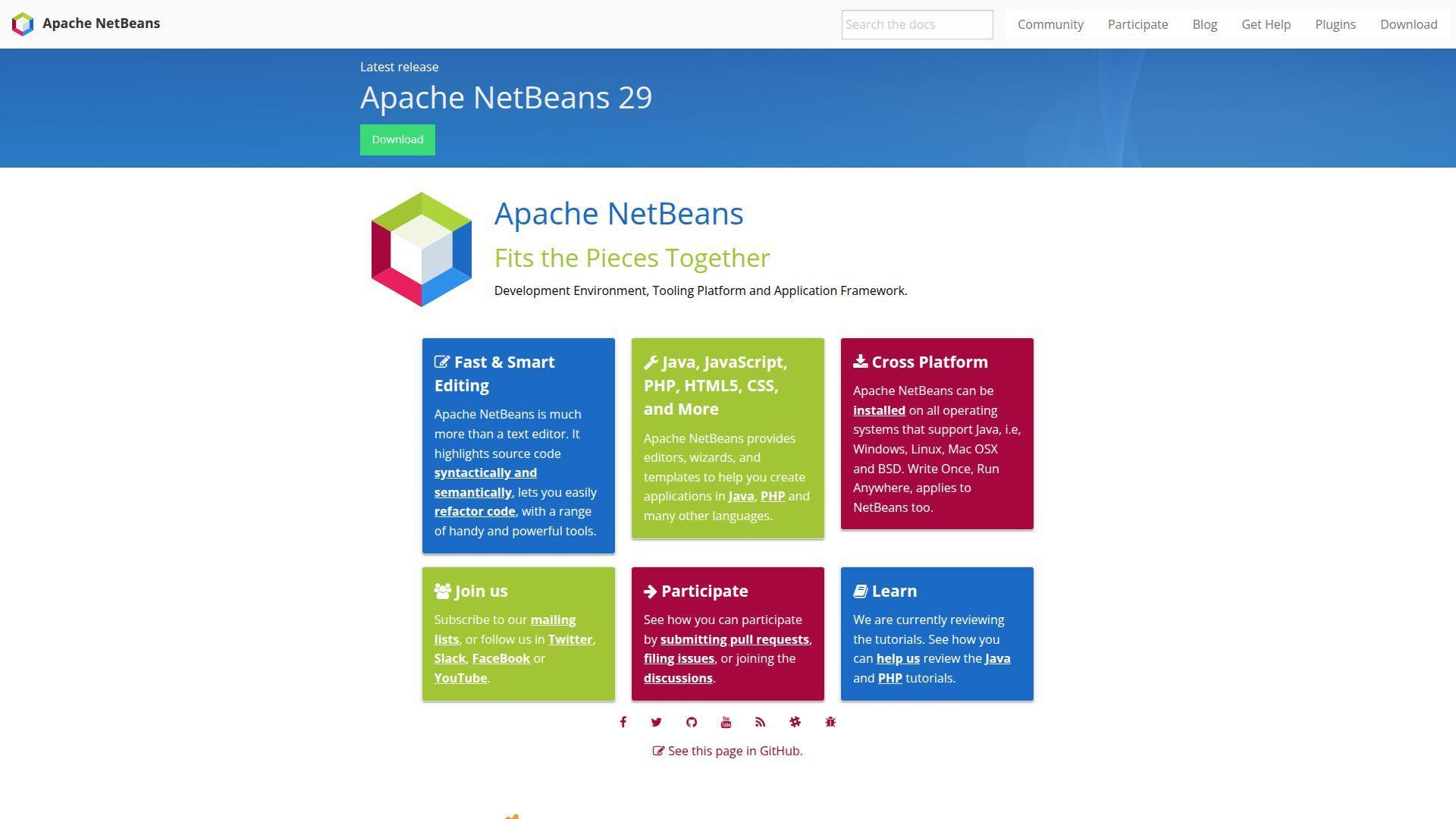
Apache NetBeans is governed by the Apache Software Foundation and backed by a long-lived contributor base. It’s a full IDE that can still be a solid home for PHP, especially in structured teams.
Organize PHP work into projects with predictable IDE conventions.
Best for: teams that prefer IDE structure, developers who want an Apache-governed tool.
- Project-centric workflow → reduce “manual wiring” for runs, configs, and navigation.
- Plugin ecosystem → can save 2 steps when adding linters or framework helpers.
- Setup comfort → plan for 30–60 minutes to feel fully productive.
Pricing & limits: From $0/mo. Trial: not required. Caps: none.
Honest drawbacks: UX can feel slower than modern editors on large projects. Some PHP experiences depend on plugins and careful configuration.
Verdict: If you want a free, full IDE, this helps you build consistent habits in a week. Beats simple editors on project structure; trails PhpStorm on PHP-specific smartness.
Score: 3.8/5
19. CodeLite
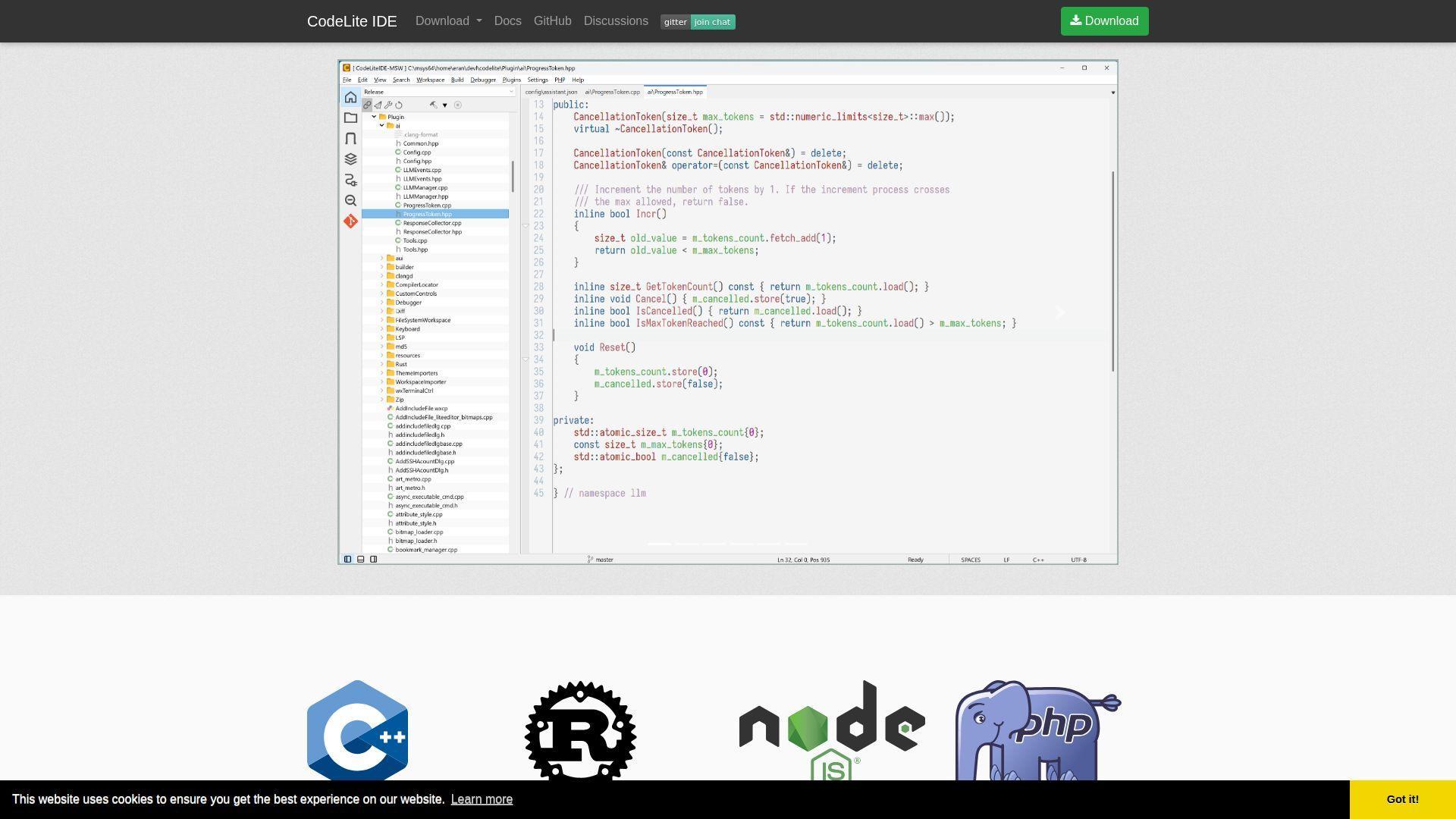
CodeLite is community-driven and aimed at developers who want a capable IDE without the JetBrains price tag. It’s especially appealing when you like “IDE features,” but prefer lighter tooling.
Get a leaner IDE feel for PHP work, without turning setup into a project.
Best for: budget-conscious teams, developers who want an IDE but avoid subscriptions.
- IDE-style navigation → reduce time lost hunting symbols and files across folders.
- Toolchain hookups → can save 2 steps per run by centralizing common actions.
- Reasonable onboarding → first-value typically happens within an hour.
Pricing & limits: From $0/mo. Trial: not required. Caps: none.
Honest drawbacks: PHP depth and polish may not match PhpStorm. Community size is smaller, so niche workflows can require DIY effort.
Verdict: If you want a free IDE that’s “good enough,” this helps you ship day-to-day work within a week. Beats Zend Studio on modern viability; trails VS Code on extension breadth.
Score: 3.5/5
20. Zend Studio
Zend Studio is a legacy PHP IDE from the Zend ecosystem, built for an earlier PHP era. Zend’s own product page notes it has reached end-of-life and is limited to older PHP versions.
Avoid fragile legacy PHP workflows by knowing exactly what this tool can’t do.
Best for: teams maintaining very old PHP stacks, developers supporting historical Zend tooling.
- Legacy IDE workflow → keep older codebases editable with familiar tools.
- Zend ecosystem hooks → can save 1–2 steps if you still depend on Zend Server-era tooling.
- Fast start on old stacks → time-to-first-value can be under an hour.
Pricing & limits: From $0/mo for the first 30 days. Trial: 30 days, after which professional features disable. Caps: Zend Studio is EOL and cannot be used with PHP 7.2 or newer.
Honest drawbacks: EOL status makes it a non-starter for modern security baselines. Compatibility limits can block even basic upgrades and tooling alignment.
Verdict: If you must touch older PHP projects, this helps you limp through changes short term. Beats nothing when you’re locked into legacy; trails every maintained modern editor on trust.
Score: 2.4/5
21. Codeanywhere
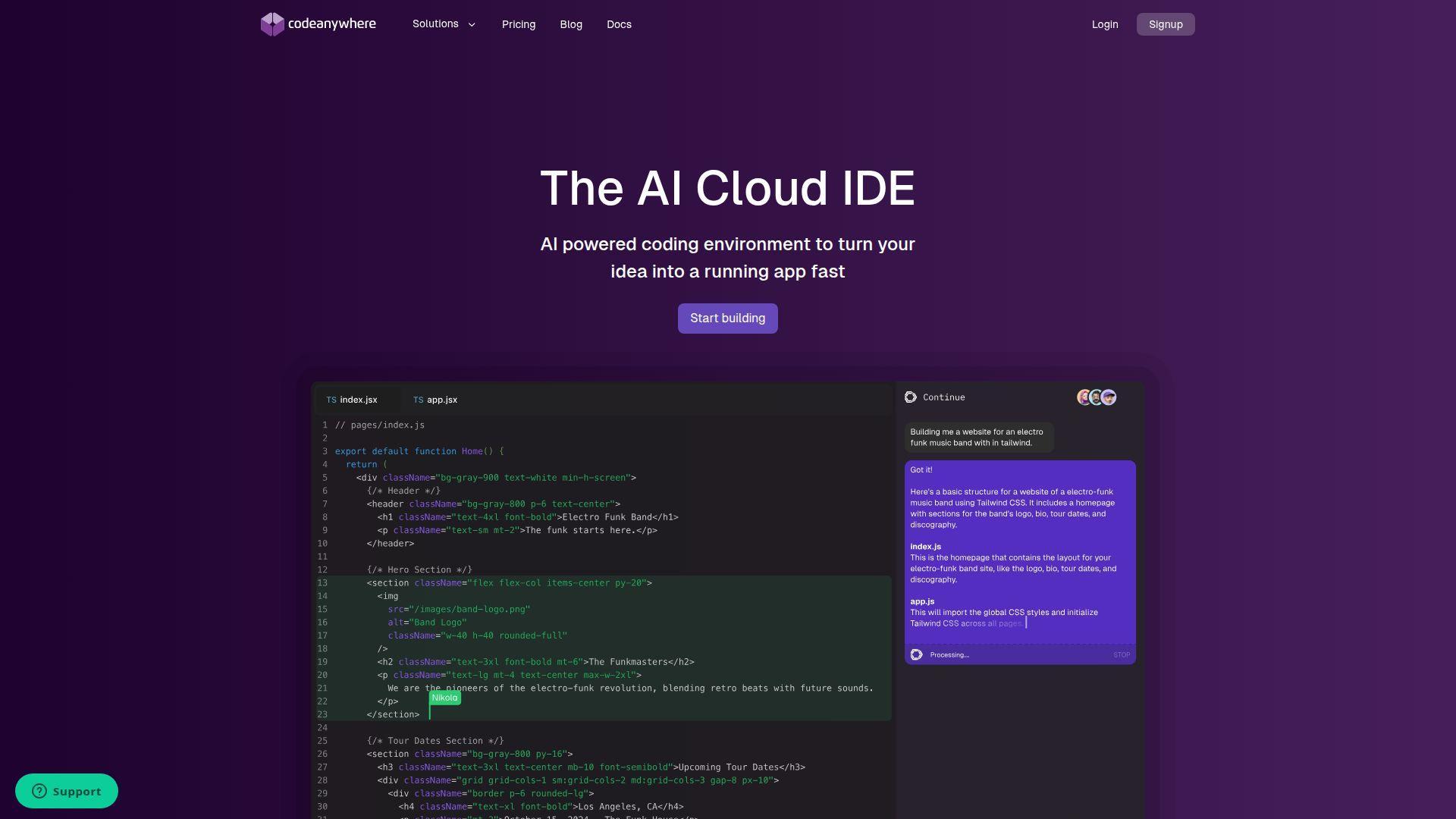
Codeanywhere is built by a cloud-IDE team focused on fast, disposable dev environments. It’s for developers who want “workspaces,” not “machine setup.”
Spin up a PHP workspace in seconds, then code from any browser.
Best for: distributed teams, contractors who hop machines and repos often.
- Cloud workspaces → reduce onboarding time when your laptop is not your workstation.
- Git provider connections → can save 5–10 minutes per new repo setup.
- Fast first run → time-to-first-value is often 5–15 minutes after signup.
Pricing & limits: From $0/mo. Trial: free tier included. Caps: Free includes 20 hours and 1 parallel workspace; Basic is $9.60 per member/mo (annual) with 150 hours and 3 parallel workspaces.
Honest drawbacks: You are paying in ongoing cloud dependency, not just dollars. Latency and browser constraints can irritate developers used to local power.
Verdict: If you need repeatable environments for many people, this helps you onboard contributors within a day. Beats local editors for zero-setup onboarding; trails desktop IDEs on offline reliability.
Score: 3.9/5
22. Coda

Coda was built by Panic, a Mac software team known for polished developer tools. Coda 2 was discontinued in 2020, so this entry is mostly about legacy installs and support reality.
Understand the risk before you bet PHP work on discontinued software.
Best for: existing Coda users, developers maintaining old Mac setups.
- All-in-one editor mindset → keep simple site edits contained in one app.
- Legacy workflows → can save a few steps if your muscle memory is already built.
- Fast familiarity → time-to-first-value is immediate for returning users.
Pricing & limits: From $0/mo. Trial: not available as a current product, since Coda 2 is no longer for sale. Caps: ongoing feature development is ended.
Honest drawbacks: Discontinued status is the headline, and it impacts security confidence. Modern PHP tooling, integrations, and extensions won’t keep pace.
Verdict: If you already own it and must use it, this helps you do small edits this week. Beats nothing for legacy comfort; trails every actively maintained editor for long-term trust.
Score: 2.3/5
23. Geany
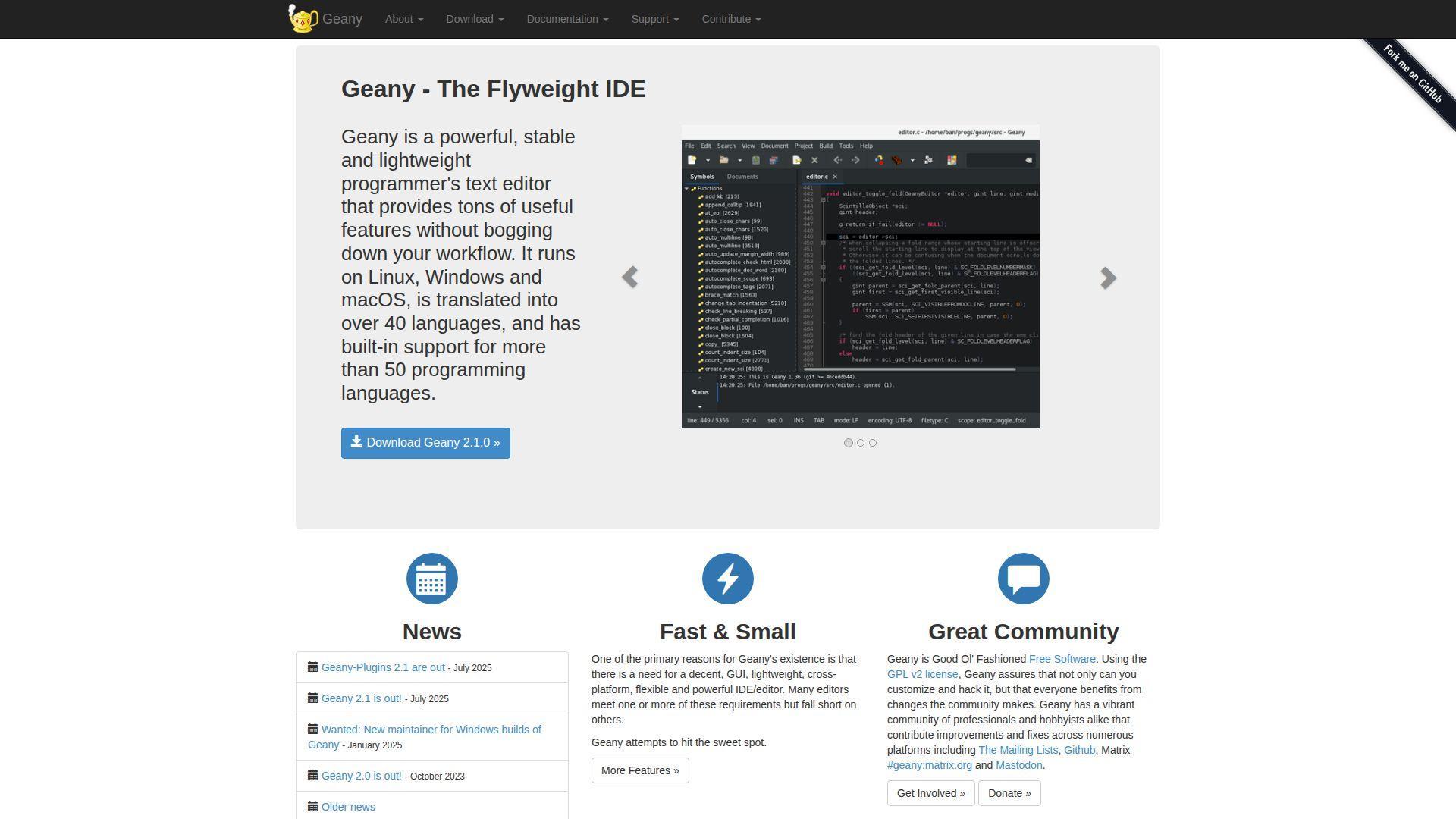
Geany is an open source editor shaped by a lightweight IDE philosophy. The team aims for speed, simplicity, and cross-platform practicality.
Get a small, fast editor that still feels “IDE-ish” for PHP work.
Best for: developers on modest hardware, teams wanting a consistent lightweight tool.
- Project support → reduce navigation time across multi-folder PHP apps.
- Build commands and plugins → can save 2 steps when running common scripts.
- Minimal setup → time-to-first-value is often under 15 minutes.
Pricing & limits: From $0/mo. Trial: not required. Caps: none.
Honest drawbacks: PHP intelligence is not as deep as PhpStorm or a tuned VS Code setup. Ecosystem breadth is smaller, so specialized integrations may be missing.
Verdict: If you want a lightweight editor that still organizes work, this helps you move faster in a day. Beats gedit on “developer” ergonomics; trails VS Code on extension scale.
Score: 3.6/5
24. gedit

gedit is part of the GNOME application family and maintained in that ecosystem. It’s built to be a clean, approachable editor for everyday text and code.
Make quick PHP edits without distractions, especially on Linux desktops.
Best for: Linux users, beginners who want a simple editor with syntax highlighting.
- Clean UI → reduce friction for quick config and template edits.
- Plugin support → can save 1–2 steps for formatting and small automation.
- Instant availability → time-to-first-value is often under 5 minutes.
Pricing & limits: From $0/mo. Trial: not required. Caps: none.
Honest drawbacks: Advanced PHP workflows need external tooling and more manual wiring. Larger projects can outgrow its navigation and refactoring capacity.
Verdict: If you need a simple, reliable editor, this helps you land small fixes in minutes. Beats SciTE on desktop integration; trails VS Code on developer ecosystem depth.
Score: 3.6/5
25. KDevelop
KDevelop is developed within the KDE community and targets a full IDE experience in open source form. It’s a strong option when you want structure without subscription cost.
Bring IDE-level navigation to PHP projects on Linux-friendly setups.
Best for: KDE users, developers who want a free IDE with strong project tooling.
- Project and symbol navigation → reduce time spent spelunking through code.
- Toolchain friendliness → can save 2 steps by centralizing builds and runs.
- Moderate onboarding → time-to-first-value typically takes 45–90 minutes.
Pricing & limits: From $0/mo. Trial: not required. Caps: none.
Honest drawbacks: PHP experience can vary by distro packaging and plugins. UI and performance may feel heavier than lightweight editors.
Verdict: If you want a free IDE with real structure, this helps you ramp a project in a week. Beats gedit on depth; trails PhpStorm on PHP-specific inspections.
Score: 3.7/5
26. Cloud9
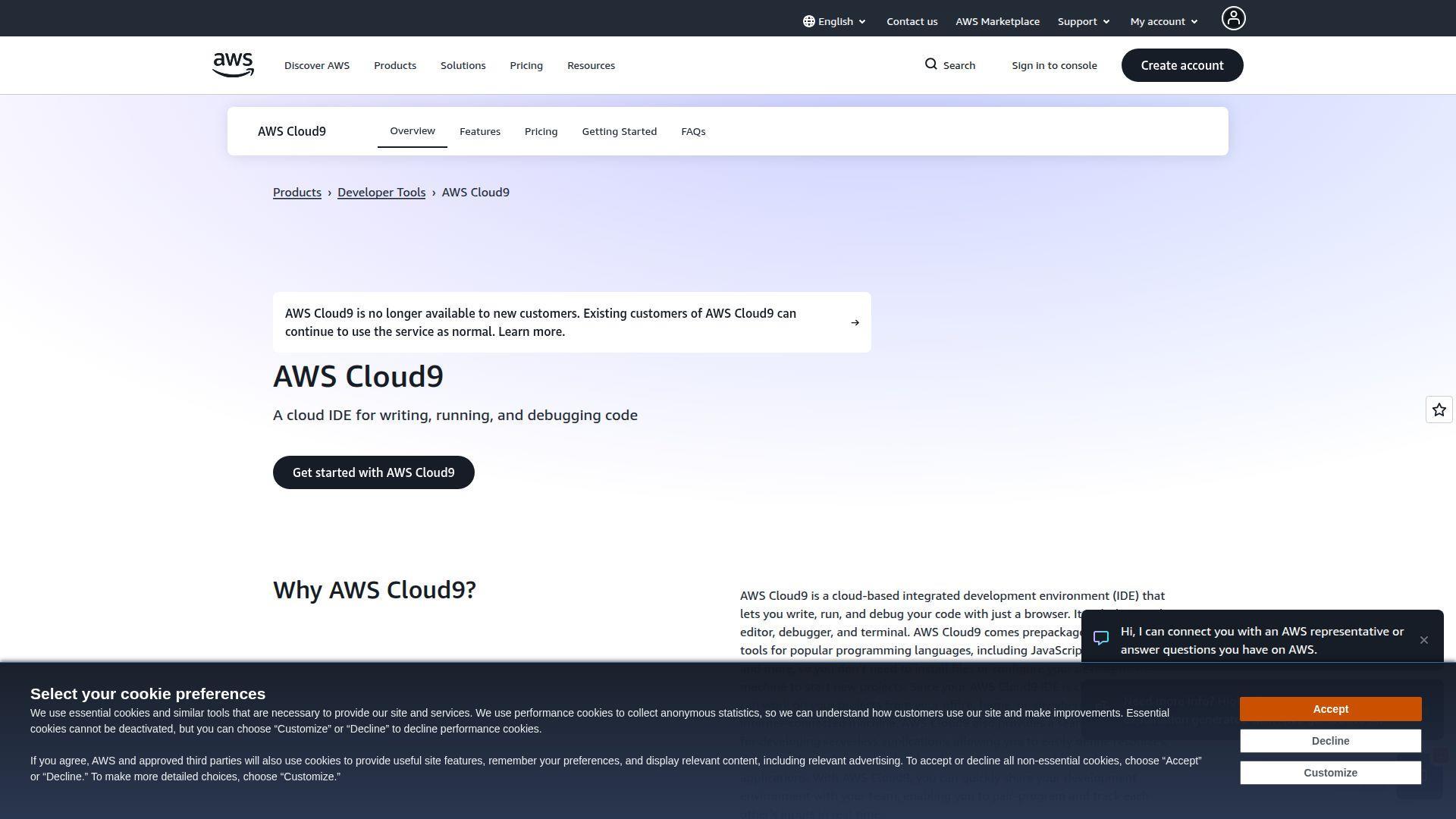
Cloud9 is best understood today through AWS Cloud9, which is operated by Amazon Web Services. The team’s goal is consistent cloud environments tied to AWS infrastructure and security models.
Code PHP in a browser, close to your servers, with fewer “works on my machine” surprises.
Best for: AWS-centric teams, developers who want a managed cloud IDE.
- EC2-backed environments → keep dev close to infra for faster test and deploy loops.
- AWS integrations → can save 5–10 minutes per setup by avoiding local installs.
- Guided provisioning → time-to-first-value is often 15–30 minutes.
Pricing & limits: From $0/mo for eligible new AWS customers under the AWS Free Tier. Trial: tied to AWS account and resource usage. Caps: you pay normal AWS rates beyond free tier, plus storage.
Honest drawbacks: Cost is variable and can surprise teams without tight guardrails. Being AWS-tied can be a deal-breaker for multi-cloud or offline workflows.
Verdict: If you build and deploy on AWS, this helps you standardize environments within a day. Beats generic cloud editors on AWS proximity; trails Codeanywhere on simple pricing clarity.
Score: 3.8/5
27. SourceLair
SourceLair is built by a team focused on Docker-baked development environments in the browser. The product pitch is simple: pay for what you use, and keep projects fast to start.
Start coding PHP anywhere, without spending your morning installing dependencies.
Best for: students, freelancers, developers who want a simple browser IDE.
- Docker-based projects → keep environments consistent across laptops and locations.
- Managed environments → can save 10–20 minutes per new project bootstrap.
- Quick onboarding → time-to-first-value is often 10–20 minutes.
Pricing & limits: From $5/mo. Trial: 30 days (historically offered for Pro). Caps: Basic plan is 1 project; Pro is 5 projects.
Honest drawbacks: Pricing and plan details may not be as transparent as larger vendors. Integrations and enterprise controls are limited compared to Dev Spaces or AWS setups.
Verdict: If you want a simple browser IDE for PHP, this helps you start work in an hour, not a day. Beats raw SSH editing on onboarding; trails Codeanywhere on modern workspace controls.
Score: 3.4/5
28. SciTE
SciTE is a Scintilla-based editor maintained by a long-lived community ecosystem. It’s lightweight, fast, and feels like a sharp blade for simple coding tasks.
Edit PHP with speed and minimal overhead, especially on older systems.
Best for: minimalist developers, people who want a fast editor with few moving parts.
- Lean editor core → reduce startup and memory overhead on everyday edits.
- Scriptable behaviors → can save 1–2 steps for repetitive formatting actions.
- Immediate use → time-to-first-value is often under 5 minutes.
Pricing & limits: From $0/mo. Trial: not required. Caps: none.
Honest drawbacks: Integrated debugging and deep PHP intelligence are not core goals. UI comfort and ecosystem breadth trail modern editors.
Verdict: If you want a small, fast tool for quick code edits, this helps you move in minutes. Beats heavier IDEs on resource use; trails VS Code on integrations and extensions.
Score: 3.3/5
29. OpenShift Che
OpenShift Che sits in the orbit of Eclipse Che and Red Hat’s cloud development tooling. The broader team vision is Kubernetes-native workspaces, defined as code, with centralized control.
Standardize dev environments so every PHP contributor starts from the same baseline.
Best for: platform teams, enterprise dev orgs building secure cloud workspaces.
- Devfile-driven workspaces → reduce “works on my machine” drift across teams.
- OpenShift Dev Spaces lineage → can save hours per new hire by templating environments.
- Time-to-first-workspace → often 30–90 minutes once the platform is installed.
Pricing & limits: From $0/mo for open source Eclipse Che-style deployments. Trial: available via Red Hat Developer Sandbox paths for Dev Spaces. Caps: resource limits depend on your cluster quotas.
Honest drawbacks: Kubernetes complexity is the tax, and it’s not small. If you lack a platform team, setup and upgrades can become the real project.
Verdict: If you need controlled, repeatable environments, this helps you onboard developers in days, not weeks. Beats Codeanywhere on enterprise governance; trails desktop IDEs on offline simplicity.
Score: 3.8/5
30. Codenvy
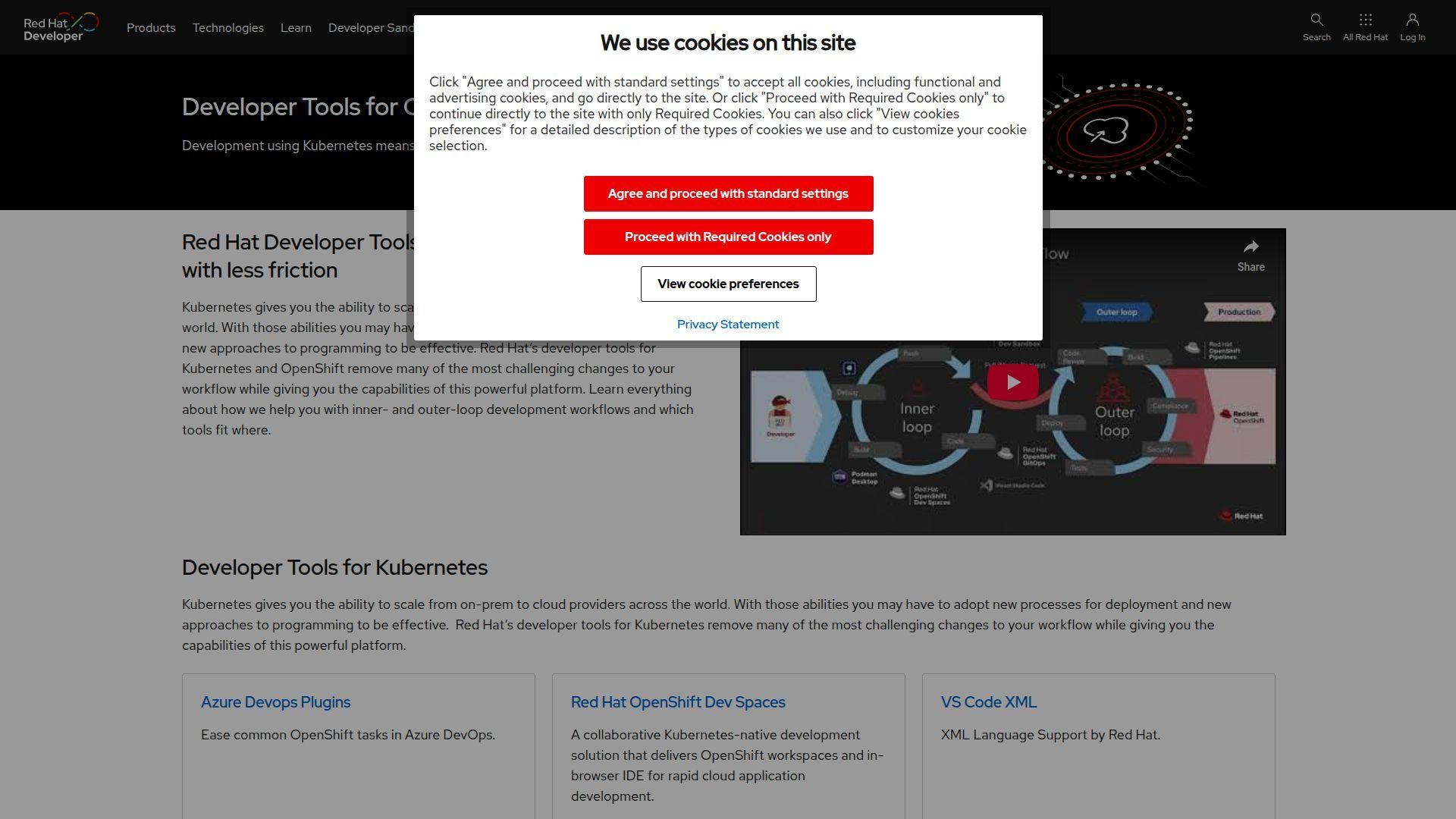
Codenvy was an enterprise layer built around Eclipse Che, aimed at cloud-native workspaces. Red Hat announced its acquisition in 2017, and the Codenvy domain now routes into Red Hat’s developer tools world.
Treat Codenvy as history, and plan around what replaced it.
Best for: teams researching Che lineage, enterprises mapping Red Hat workspace options.
- Che-based workspace model → understand where Dev Spaces patterns come from today.
- Red Hat ecosystem shift → can save weeks by choosing a supported successor path early.
- Fast evaluation → time-to-first-value depends on adopting Dev Spaces or Che directly.
Pricing & limits: From $0/mo as a standalone, since it no longer appears as a separate product offering. Trial: use Red Hat’s sandbox-style trials for current workspace tooling. Caps: governed by the OpenShift subscription and cluster quotas, not Codenvy branding.
Honest drawbacks: If you need vendor support under the Codenvy name, that path is effectively gone. Decision risk rises unless you align with today’s supported Dev Spaces stack.
Verdict: If you’re choosing a modern cloud workspace platform, this helps you avoid betting on a ghost and decide within a week. Beats ad-hoc wiki archaeology; trails current products on clarity and support.
Score: 2.9/5
Must-have features to evaluate in php editors
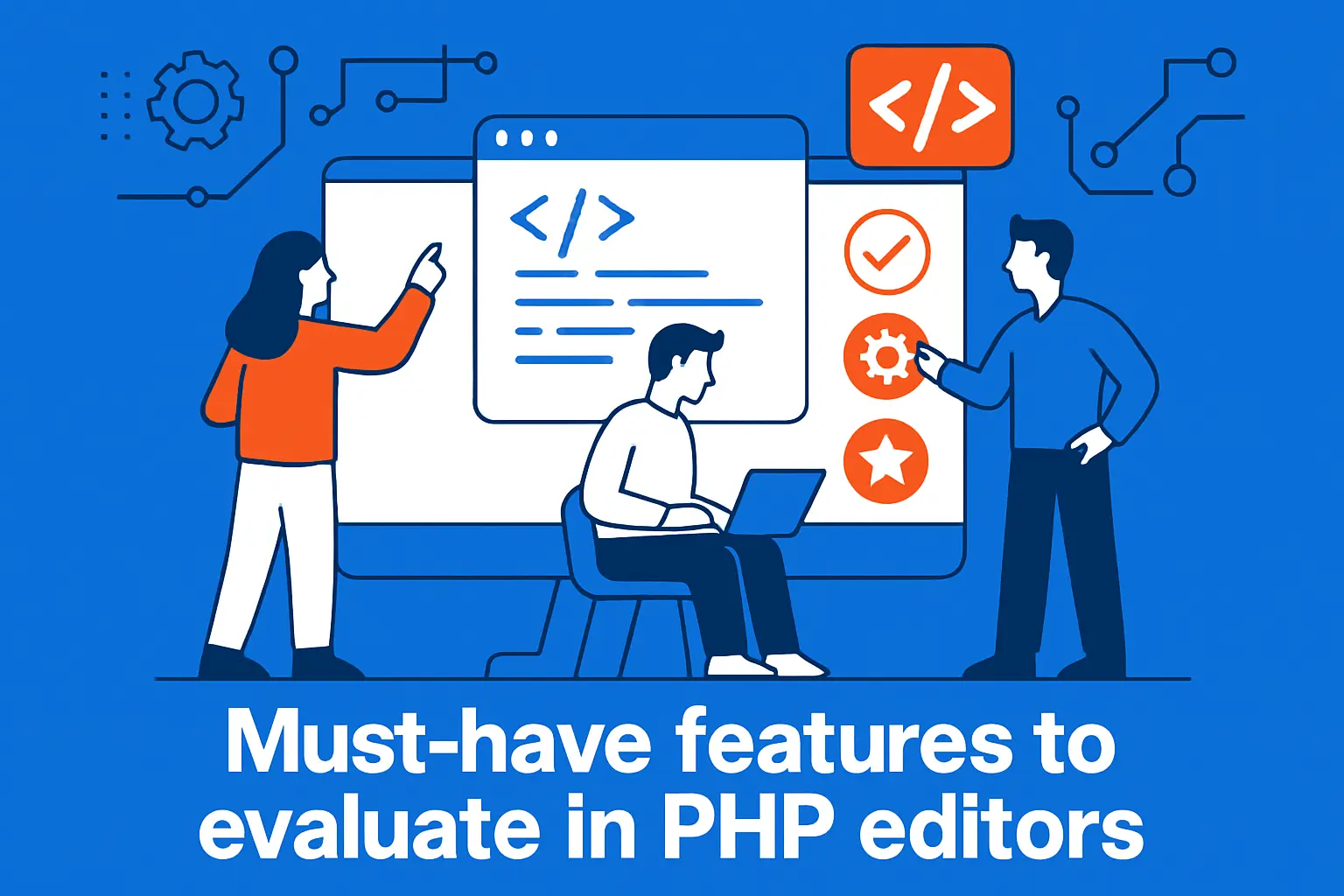
1. Syntax highlighting and language support for PHP plus HTML, CSS, and JavaScript
PHP rarely lives alone. WordPress themes mix PHP with HTML templates. Plugins often ship JavaScript build steps and CSS pipelines.
We look for consistent highlighting across file types. The same editor should understand mixed templates. It should also keep formatting predictable across contributors.
What we check in practice
- Template files stay readable under pressure.
- Embedded PHP does not break indentation flow.
- Frontend assets do not feel like second-class citizens.
2. Auto-completion and smart code completion for faster PHP authoring
Completion is not about laziness. It is about preventing subtle mistakes. A wrong array key can waste an afternoon.
Good completion understands namespaces and imports. Great completion understands framework conventions. That matters for Laravel, Symfony, and WordPress hooks alike.
In editor-first setups, language servers do most of the heavy lifting. In IDE-first setups, indexing tends to be deeper and more reliable.
3. Search, replace, indentation, and multi-pane editing for large codebases
Search is the underrated feature that runs the business. It finds usage, risk, and duplication. Replace is powerful, so it must be safe.
We strongly prefer editors with scoped search. Folder-level targeting prevents accidental vendor edits. Multi-pane views also matter when comparing templates side by side.
Sublime Text remains unusually good at fast search. Visual Studio Code is strong here too. Vim and Neovim can be exceptional with the right patterns.
4. Linting and live error control to catch issues earlier
Linting is “shift-left” for PHP. The best moment to catch an error is before git commit. The second-best moment is before a deploy.
Live diagnostics also change code review quality. Reviewers can focus on design. They stop wasting time on missing semicolons and undefined variables.
Our operational preference
- Linters should run locally, not only in CI.
- Rules should match the team’s coding standards.
- Violations should be fixable with format-on-save.
5. Debugging workflows and Xdebug support
Debugging is where editors stop being personal preference. In production work, debugging becomes a team capability. It needs a shared recipe.
Xdebug is the common denominator in PHP debugging. It gives step debugging, stack traces, and profiling hooks. That ecosystem shapes which editor “feels” professional.
When we advise teams, we prioritize repeatable setup steps. A clever one-off config does not scale across laptops. That is why we like official guides for Xdebug step debugging and similar core features.
Why this matters to hosted WordPress
- Hard bugs often involve caching and timing.
- Step debugging reveals state, not guesses.
- Stack traces reduce “printf archaeology” quickly.
6. Refactoring and code navigation for maintainable projects
Navigation is productivity in disguise. “Go to definition” saves more time than any snippet pack. “Find references” is safer than memory.
Refactoring support becomes crucial as plugins grow. WordPress shops often inherit older code. A tool that can steadily modernize code reduces long-term risk.
PhpStorm tends to set the bar for safe refactors. Visual Studio Code can approach it with the right stack. NetBeans and Eclipse PDT can still do solid work.
7. Version control integration for Git and other systems
Git integration is not about convenience. It is about context. Diffs, blame, and branch state should sit beside the code.
We also care about conflict resolution UX. Merge conflicts happen most often in templates. A good editor makes the resolution mechanical and calm.
For teams with strict review policies, commit hooks and signing can matter. Editors that respect those flows reduce accidental policy violations.
8. Remote editing capabilities such as FTP, SFTP, SSH, and cloud-based work
Remote editing is tempting, and it is risky. It can create “snowflake servers” with untracked changes. Still, remote workflows are real in agency life.
We recommend remote editing only with guardrails. That means read-only by default. It also means syncing changes back into a repo quickly.
Panic Nova and UltraEdit are often used for remote touches. Visual Studio Code can do strong remote work too. Cloud IDEs shift the problem into controlled workspaces.
9. Extension ecosystems, plugin managers, and marketplaces
Extensions are where editors become opinions. A plugin can add language intelligence. Another can add security scanning. A third can impose formatting rules.
The risk is supply chain sprawl. Too many plugins create fragility. We prefer a small set of well-maintained extensions that match the team stack.
Visual Studio Code leads here on breadth. Vim and Neovim lead on composability. PhpStorm leads on integrated quality, with fewer moving parts.
10. Performance considerations like startup time and working with huge files
Performance is a feature. Slow startup changes behavior. Teams avoid opening the “big project,” which hides risk until the last moment.
Indexing is the usual culprit for IDE slowness. File watchers can also misbehave on networked volumes. Container mounts can make it worse if not tuned.
Sublime Text is famous for staying snappy. Vim and Neovim can feel instant. Heavy IDEs can still be fast, but they demand hardware and discipline.
Free php editors that cover most projects
1. Best free php editors for beginners who want minimal configuration
Beginners need fast wins. They need a tool that does not punish them for curiosity. A clean install should feel useful immediately.
Notepad++ remains a strong “first editor” on Windows. PSPad is another pragmatic option there. On macOS, BBEdit’s free mode is surprisingly capable for early learning.
For Linux desktops, Geany and Kate are gentle starting points. They keep the UI simple. They still offer enough structure for real projects.
2. Free php editors with huge extension ecosystems for customizing your workflow
Once a team grows, workflows diverge. One developer lives in the debugger. Another lives in tests. A third lives in Git history.
Visual Studio Code shines in that stage. Teams can standardize a baseline setup. Then individuals can layer personal preferences without breaking the team.
Vim and Neovim also fit this customization story. Their ecosystems are massive. Their learning curve is paid back through speed and consistency.
3. Command-line and keyboard-driven php editors with steep learning curves
Keyboard-driven editors are not nostalgia. They are a strategy for focus. The hands stay on the keys, and the mind stays in flow.
Vim remains the reference for modal editing. Neovim pushes modern plugin patterns and scripting options. Emacs goes further by becoming an entire programmable environment.
From our side, the main win is remote work. SSH into a server, open a file, fix it, and leave. That speed matters during incidents.
4. OS-specific options that prioritize fast launch and a lightweight feel
Some teams optimize for instant launch. They do many tiny edits across the day. In that world, the editor should be a reflex.
On macOS, TextMate and BBEdit are classics. Coda still appears in web shops that like its integrated feel. Panic Nova is newer, and it leans into native ergonomics.
On Linux, Kate is hard to beat for quick edits. KDevelop is heavier, yet still “desktop-native.” On Windows, Notepad++ stays the pragmatic choice.
5. Free PHP IDEs when you need a full development environment at no cost
Sometimes “free editor” is not enough. You need project-wide indexing. You need debugging integration. You need refactoring that does not break everything.
NetBeans remains a strong option for PHP without a license. Eclipse PDT also fits teams that already live in Eclipse. CodeLite and KDevelop can work well in cross-language shops.
We also still see jEdit in long-lived environments. It is not fashionable. Yet it can be stable, and stability is a feature in enterprise settings.
6. When a cloud IDE is the easiest way to work from anywhere
Cloud IDEs solve a specific problem: inconsistent machines. Contractors rotate in and out. Laptops change. Local stacks drift and break.
GitHub Codespaces can make environments reproducible with dev containers. Their documentation on writing your own devcontainer.json file captures the idea well for teams.
Gitpod, Codeanywhere, and Replit offer similar value with different trade-offs. AWS Cloud9 still matters for AWS-centric development. A good cloud IDE feels like a standardized factory, not a personal craft bench.
Premium php editors and IDEs for professional work

1. When paying for a PHP tool is worth it for support, integrations, and stability
Paying makes sense when downtime is expensive. That includes agencies with SLAs. It also includes SaaS teams where a regression becomes churn.
Commercial tools often reduce friction in small, repeated ways. Better navigation saves minutes. Reliable refactors prevent outages. Integrated debugging shortens incident time.
We also value vendor accountability. When a feature breaks, somebody owns the fix. That is different from community-driven plugins.
2. Paid php editors with strong remote and cloud workflows
Remote work is not just “edit over SSH.” It is also about containers, VMs, and staging clones. Paid tools increasingly treat remote as first-class.
Panic Nova is popular for remote file access on macOS. UltraEdit shows up in ops-heavy Windows environments. Sublime Text stays relevant for fast editing with minimal UI friction.
Komodo IDE still appears where teams like its integrated feel. Coda persists in certain web shops. The trick is pairing remote power with source control discipline.
3. Paid tools built for enterprise-level PHP development and frameworks
Enterprise PHP work is rarely “just PHP.” It includes dependency graphs, test suites, and strict CI. It also includes security requirements and audit trails.
PhpStorm is the default recommendation for many serious teams. IntelliJ IDEA Ultimate can be a broader standard when polyglot teams share the same platform. NuSphere PhpED and Rapid PHP Editor still serve Windows-centric organizations.
JetBrains Fleet is worth watching for teams that want a lighter interface. Its value increases when paired with stronger backend indexing. That hybrid approach fits modern distributed teams.
4. Choosing between annual subscriptions, perpetual licensing, and free trials
Licensing is strategy, not paperwork. Subscriptions match continuous updates. Perpetual licenses fit stable environments. Trials reduce risk when switching tools.
Our advice is simple. Pilot tools on a real repo. Include debugging, tests, and WordPress-specific workflows. Then decide with evidence, not vibes.
Cost also includes training time. A cheaper tool can still be expensive if it creates friction. Teams should price that friction honestly.
5. Premium cloud IDEs for teams that want standardized workspaces
Premium cloud IDEs often sell governance. They promise consistent images and policy controls. They also simplify onboarding and offboarding.
For regulated industries, that matters. Centralized workspace policies can reduce accidental data leakage. Auditability improves when work happens inside managed environments.
We like this model for distributed teams. It pairs well with infrastructure-as-code habits. The editor becomes part of the platform, not a personal preference.
php editors for WordPress development workflows
1. Turning a code editor into a WordPress-friendly environment with extensions
WordPress development rewards conventions. Hooks, filters, and template hierarchy create a familiar shape. An editor should amplify that shape, not fight it.
Visual Studio Code can become WordPress-friendly with the right extensions. PhpStorm can do it with built-in intelligence and inspections. Sublime Text can do it through packages and snippets.
From our vantage point, the key is consistency. A shared workspace config keeps agencies sane. It also makes code review faster and more predictable.
2. Setting up debugging for WordPress and PHP projects with Xdebug
WordPress debugging has two layers. The first is WordPress-level debug flags. The second is step debugging in PHP itself.
WordPress documents the first layer clearly in Debugging in WordPress, and we treat that page as the baseline for safe team habits.
For step debugging, Xdebug is the usual answer. PhpStorm’s guide on Configure Xdebug is a practical reference for teams that want a repeatable setup.
Operational caution we repeat often
- Staging should mimic production as closely as possible.
- Logs should be treated as sensitive data.
- Debug settings should not linger after investigations.
3. IDE features that speed up WordPress development such as code intelligence and navigation
WordPress codebases are full of indirection. Hooks call hooks. Filters change behavior invisibly. Templates load other templates.
That makes navigation the killer feature. Jump-to-definition and find-references reduce guesswork. “Search by symbol” becomes more valuable than raw text search.
In larger plugin suites, refactoring safety becomes the next multiplier. PhpStorm is strong here. Eclipse PDT and NetBeans can still help when configured well.
4. Using Vim-style keybindings inside modern php editors
Vim keybindings are an ergonomic decision. They reduce mouse travel. They also standardize movement across tools.
Many teams use Vim emulation inside Visual Studio Code. Some do the same inside JetBrains products. The result is a hybrid workflow that keeps muscle memory intact.
We see this most in incident response. Under pressure, muscle memory matters. Modal editing can reduce mistakes when every minute counts.
5. Picking multiple php editors for different tasks such as local work and remote edits
One editor is not always the answer. A heavy IDE is great for refactors. A light editor is great for quick edits and log review.
We often recommend a “pair.” Use PhpStorm or Visual Studio Code for deep work. Keep Sublime Text, BBEdit, or Notepad++ for fast changes.
Remote edits are a special case. If a server needs a hotfix, keep it minimal. Then backport the change into version control immediately afterward.
1Byte cloud hosting for PHP and WordPress projects as an AWS Partner
1. Domain registration and SSL certificates to launch secure PHP websites
Security starts before the first line of PHP. Domains need clean ownership and renewal discipline. Certificates need automation, not calendar reminders.
At 1Byte, we treat SSL as a default expectation. Secure cookies and admin sessions depend on it. Many WordPress problems start as “just a redirect,” then become a security incident.
Our practical view is simple. Start secure, stay secure, and keep renewals boring. Boring is the real luxury in production operations.
2. WordPress hosting and shared hosting for reliable everyday deployments
Shared hosting still has a place. Many businesses need stability more than customization. For them, predictable updates and backups matter most.
WordPress hosting becomes valuable when it removes chores. Caching, PHP tuning, and safe defaults reduce time-to-value. That lets developers focus on features and revenue.
From the editor side, these environments reward discipline. Commit, deploy, verify, and roll back cleanly. The best editor is the one that supports that rhythm.







3. Cloud hosting and cloud servers with AWS Partner support for scaling workloads
Scaling WordPress is not only about more CPU. It is also about state, caching, and database patterns. Cloud servers give you levers, but they also add choices.
As an AWS Partner, we align infrastructure with delivery workflows. That includes staging environments that mirror production. It also includes guardrails for secrets and access.
Editors matter here because they shape release quality. Cloud scale magnifies mistakes. If we had to ask one question, it would be this: which editor setup will still feel safe during your next high-pressure deploy?