

Choosing a WordPress partner is not just a design decision. It affects how fast your team ships pages, how well your site performs in search, and how reliably visitors convert. This guide highlights wordpress website design companies that can plan, build, and support modern WordPress sites without leaving you with a system your team cannot run.
Use the quick picks below to find the right agency style for your situation. Then use the shortlist entries as a practical checklist. The goal is not to “get a new site.” The goal is to build a site your team can operate, improve, and scale.
Quick picks by scenario:
- You run a content-heavy site with multiple teams: prioritize agencies that talk about content modeling, editorial workflows, and reusable blocks.
- You sell online or rely on conversion funnels: prioritize agencies that lead with UX, analytics instrumentation, and performance budgets.
- You are migrating from another platform: prioritize agencies that can show a migration plan, redirect strategy, and launch QA process.
- You need ongoing support, not just a build: prioritize agencies that offer a clear post-launch operating rhythm and a backlog process.
Once you pick the scenario, scan entries for the same language. The best match will feel consistent across process, deliverables, and post-launch ownership.
Why WordPress Design Still Drives Growth
WordPress keeps its momentum because the ecosystem stays huge and active. W3Techs reports WordPress is used by 43.0% of all the websites, that is a content management system market share of 60.2%, which keeps the talent pool deep and the platform future-friendly.
That scale matters when you need integrations. The official directory lets you browse over 60,000 free plugins, which helps teams connect WordPress with CRMs, analytics, event tools, forms, ecommerce, and membership systems without rebuilding everything from scratch.
At the same time, you still need good governance. The WordPress Plugins Team reviewed 12,713 plugins in 2025, which shows how much the community invests in quality and process behind the scenes.
Performance also sets the bar higher. Google’s current Core Web Vitals targets say LCP should occur within 2.5 seconds, pages should have an INP of 200 milliseconds or less, and pages should maintain a CLS of 0.1 or less, so “pretty” design now needs technical discipline.
Accessibility can’t be an afterthought either. The WebAIM Million study found 95.9% of home pages had detected WCAG 2 failures, which is a strong signal that most sites still miss basic requirements.
So what does that mean for your vendor choice? It means the best agency is the one that treats WordPress as a growth platform. Design matters. Architecture matters. Content operations matter. The right partner helps you connect those pieces into one system your team can actually run.
How to Compare Agencies (Before You Talk Pricing)
Most agency sales calls sound similar. You can cut through the noise by focusing on how they work, not just what they show.
Start with their process. Ask how they run discovery, how they validate messaging, and how they reduce rework. You want clarity on who owns requirements, who writes acceptance criteria, and how approvals happen.
Next, look at WordPress build strategy. Ask how they approach themes, blocks, and content models. A strong agency will talk about reusable components, editor training, and governance. They will not just talk about visuals.
Then ask how they handle performance and accessibility. You want to hear about testing, performance budgets, and real-user measurement. You also want to hear how they plan for ongoing updates after launch.
Finally, check how they collaborate. The best engagements feel like an extension of your team. You should know how often you will meet, how status updates work, and how change requests get evaluated.
Red Flags
- They only talk about visuals: no mention of content structure, performance, accessibility, or editor experience.
- They avoid ownership clarity: no clear answer on who writes requirements, who reviews content, and who approves releases.
- They cannot explain WordPress build choices: vague answers about blocks, themes, plugin governance, or long-term maintenance.
- They treat launch as the finish line: no plan for measurement, iteration, or operational handoff.
The Shortlist: WordPress Website Design Companies
How this list was selected: the picks focus on agencies known for delivering production-grade WordPress work, not only visual redesigns. Preference was given to teams that demonstrate strong delivery practices, modern WordPress build approaches, and clear post-launch support. Use the entries as a starting shortlist, then validate fit through a discovery call and a small pilot scope before committing to a full build.
1. 10up
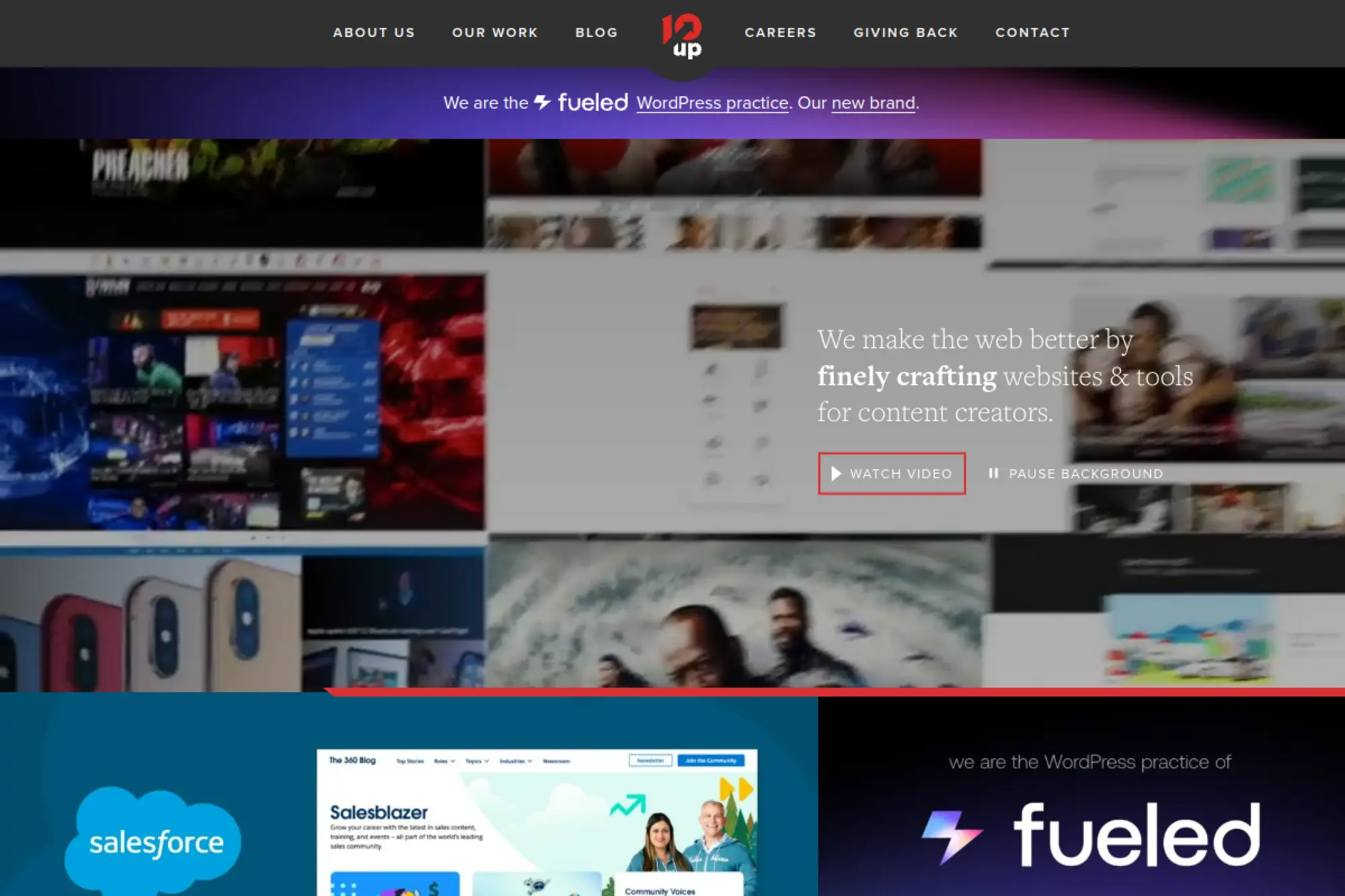
10up is a strong fit when WordPress needs to behave like a product, not a basic website. Their positioning and body of work point toward complex content platforms, editorial operations, and high standards for performance and maintainability.
Best for
Teams with content-heavy sites, complex integrations, or multiple stakeholder groups that need a scalable WordPress foundation and a clean editing experience.
Key workflows to configure
- Define content types and taxonomies before visual design starts.
- Build a block library that matches your design system.
- Set up editorial roles, approvals, and revision habits.
- Standardize staging, QA, and release notes for every deploy.
Sales growth lever
Turn your site into a repeatable publishing engine. You gain speed on landing pages, campaigns, and SEO improvements because teams reuse blocks instead of requesting one-off pages.
Watch outs
If you only need a simple brochure site, you may not use the full value. You should bring a clear roadmap so the build does not turn into “everything at once.”
Quick start checklist
- List your must-have integrations and data sources.
- Document editorial pain points and approval steps.
- Collect brand assets and any existing UI guidelines.
- Decide who owns content migration and final QA.
2. WebDevStudios
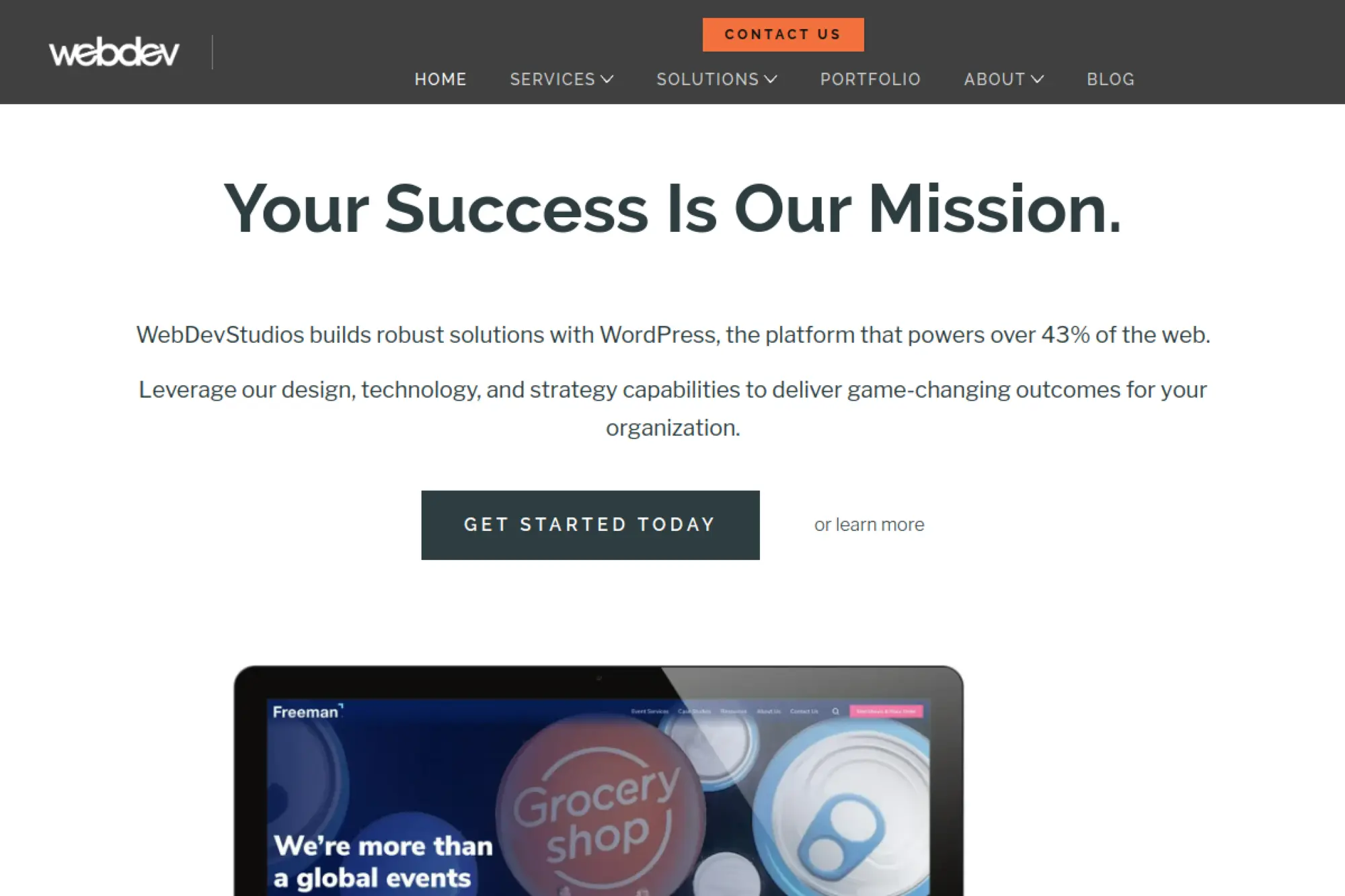
WebDevStudios positions itself as an end-to-end WordPress agency. Their messaging emphasizes strategy, design, development, and the kind of technical work that shows up when you integrate WordPress into a broader marketing stack.
Best for
Organizations that want a single partner for UX, WordPress development, data migration, and ongoing improvements, especially when marketing and engineering both influence the roadmap.
Key workflows to configure
- Map your customer journeys to specific page templates.
- Set up component-based page building with reusable blocks.
- Plan how forms, gated content, and CRM sync will work.
- Create an issue intake workflow for post-launch enhancements.
Sales growth lever
Improve speed-to-campaign. When your marketing team can launch pages safely inside a structured system, you ship more tests, gather more data, and compound gains over time.
Watch outs
If multiple departments share ownership, approvals can slow delivery. Assign a single internal product owner who can make calls and unblock decisions.
Quick start checklist
- Write down your primary conversion actions and lead sources.
- Identify the tools you must connect (CRM, email, analytics).
- Audit current content for gaps and duplication.
- Agree on what “launch-ready” means for each page type.
3. Human Made
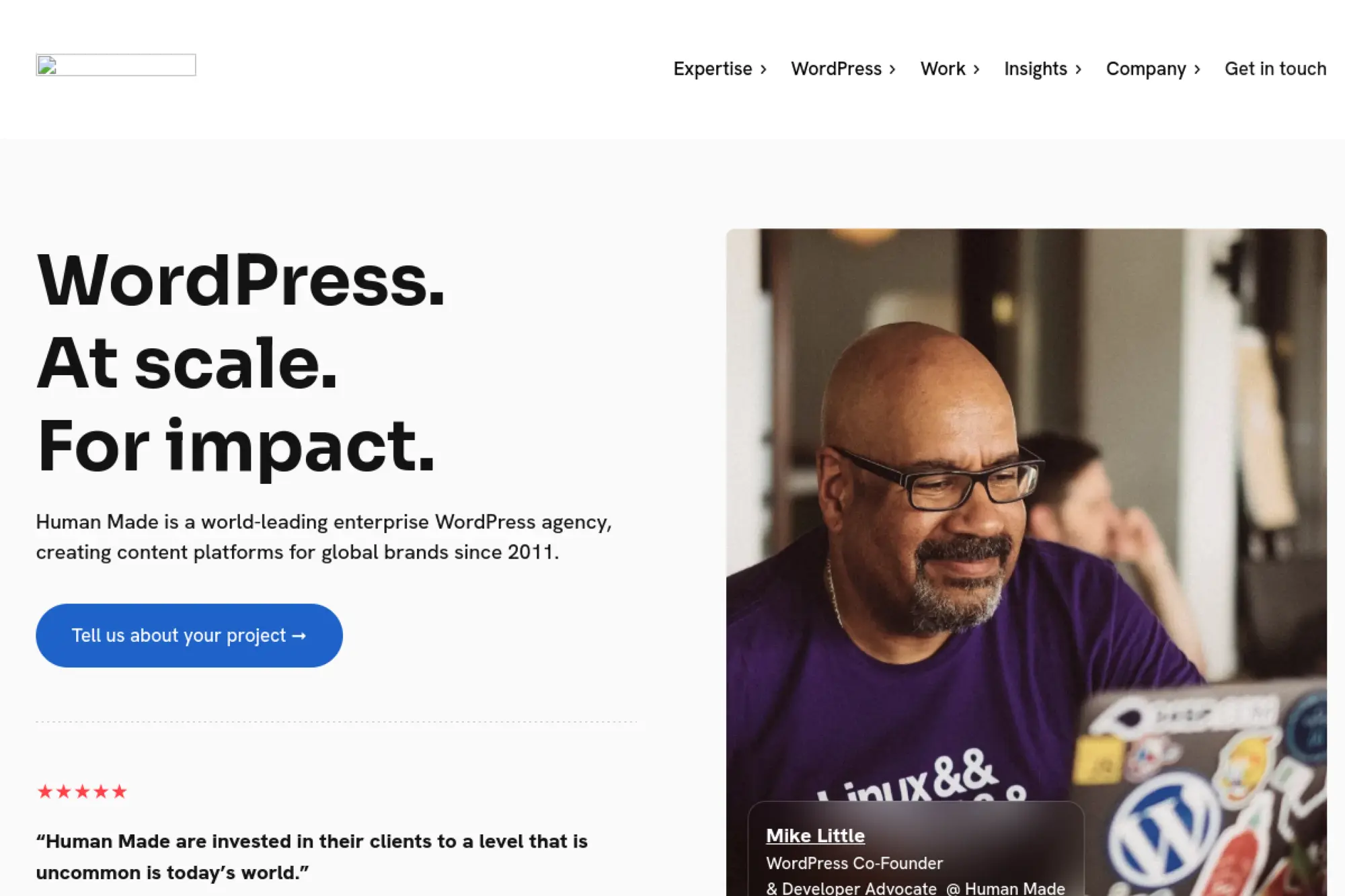
Human Made focuses on enterprise-grade WordPress work. They talk directly to organizations that need scalability, security, governance, and long-term delivery rhythms that feel more like product development than a typical website project.
Best for
Large organizations that need audits, migrations, and structured delivery. This also fits teams that want ongoing retainers rather than a single redesign and a handoff.
Key workflows to configure
- Set up an audit cadence for performance, security, and accessibility.
- Design an editorial workflow that matches how teams publish today.
- Create a backlog and release process for continuous improvement.
- Build governance for plugins, themes, and third-party scripts.
Sales growth lever
Reduce operational friction. When publishing is easy and safe, teams ship more content and keep pages accurate, which supports trust and improves conversion over time.
Watch outs
Enterprise builds require strong internal alignment. If stakeholders cannot agree on goals, discovery can stretch. Get clarity on top outcomes before design starts.
Quick start checklist
- Collect current pain points from marketing, content, and IT.
- List compliance needs and approval requirements.
- Inventory plugins and custom features you rely on.
- Decide which teams own ongoing operations after launch.
4. XWP
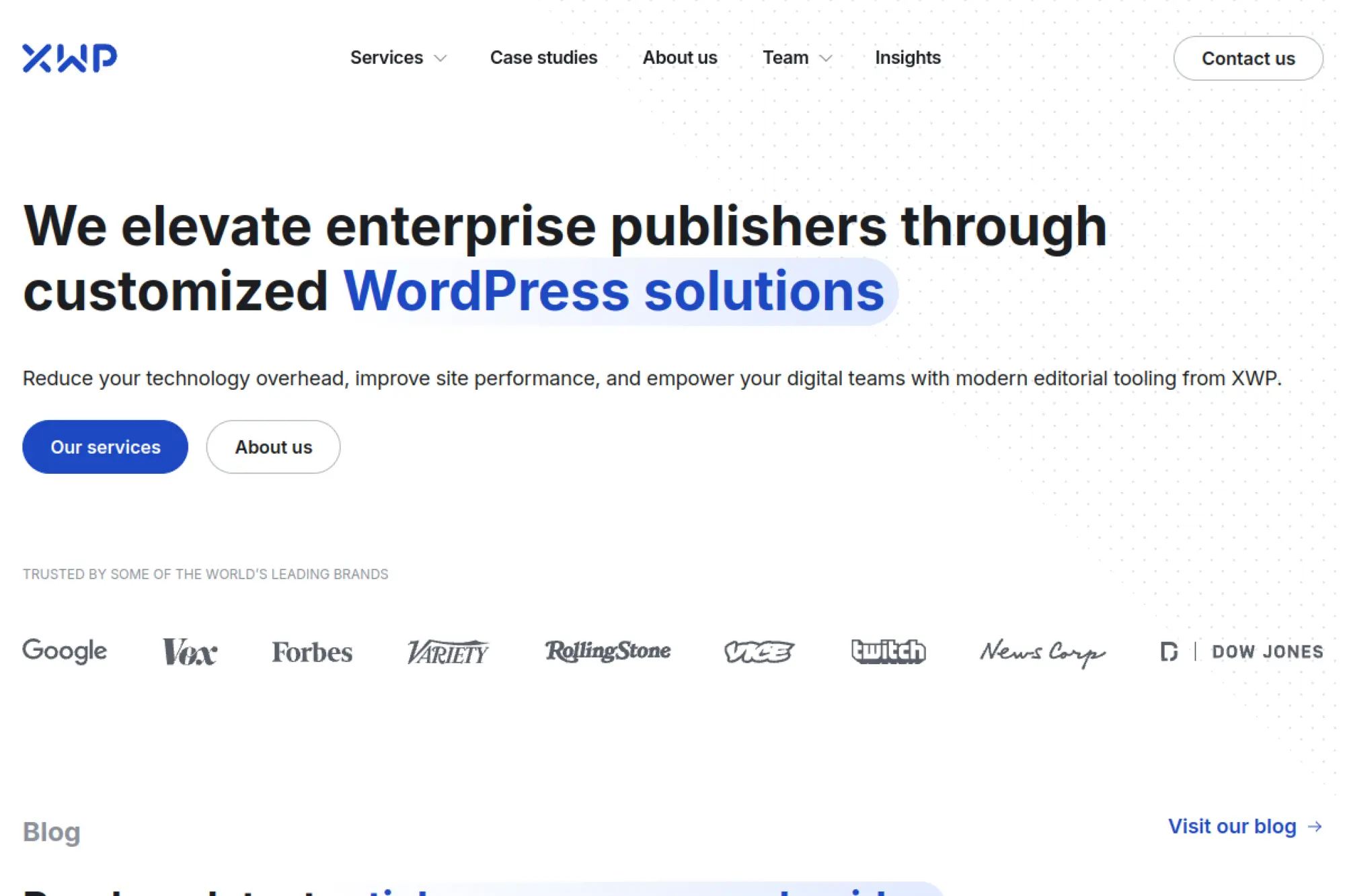
XWP sits at the intersection of publishing, performance, and platform engineering. They present themselves as a team that can handle design, technical architecture, and complex WordPress work without forcing a tradeoff between editorial speed and engineering quality.
Best for
Publishers and content-led brands that need scalable WordPress experiences, high performance, and a mature approach to complex delivery and migrations.
Key workflows to configure
- Model content so editors can reuse it across sections and pages.
- Implement preview workflows that match editorial expectations.
- Set up performance monitoring and budget ownership.
- Define how features move from backlog to release.
Sales growth lever
Ship content faster without breaking layouts. A stable block system and clear templates protect design quality while letting teams publish at pace.
Watch outs
High-scale publishing work can reveal hidden technical debt. Plan for cleanup and refactoring, not just a “lift and shift” migration.
Quick start checklist
- Document traffic spikes, peak periods, and risk scenarios.
- List your ad tech, analytics, and consent requirements.
- Identify top content types and business-critical templates.
- Prepare a migration plan with redirects and content QA ownership.
5. rtCamp
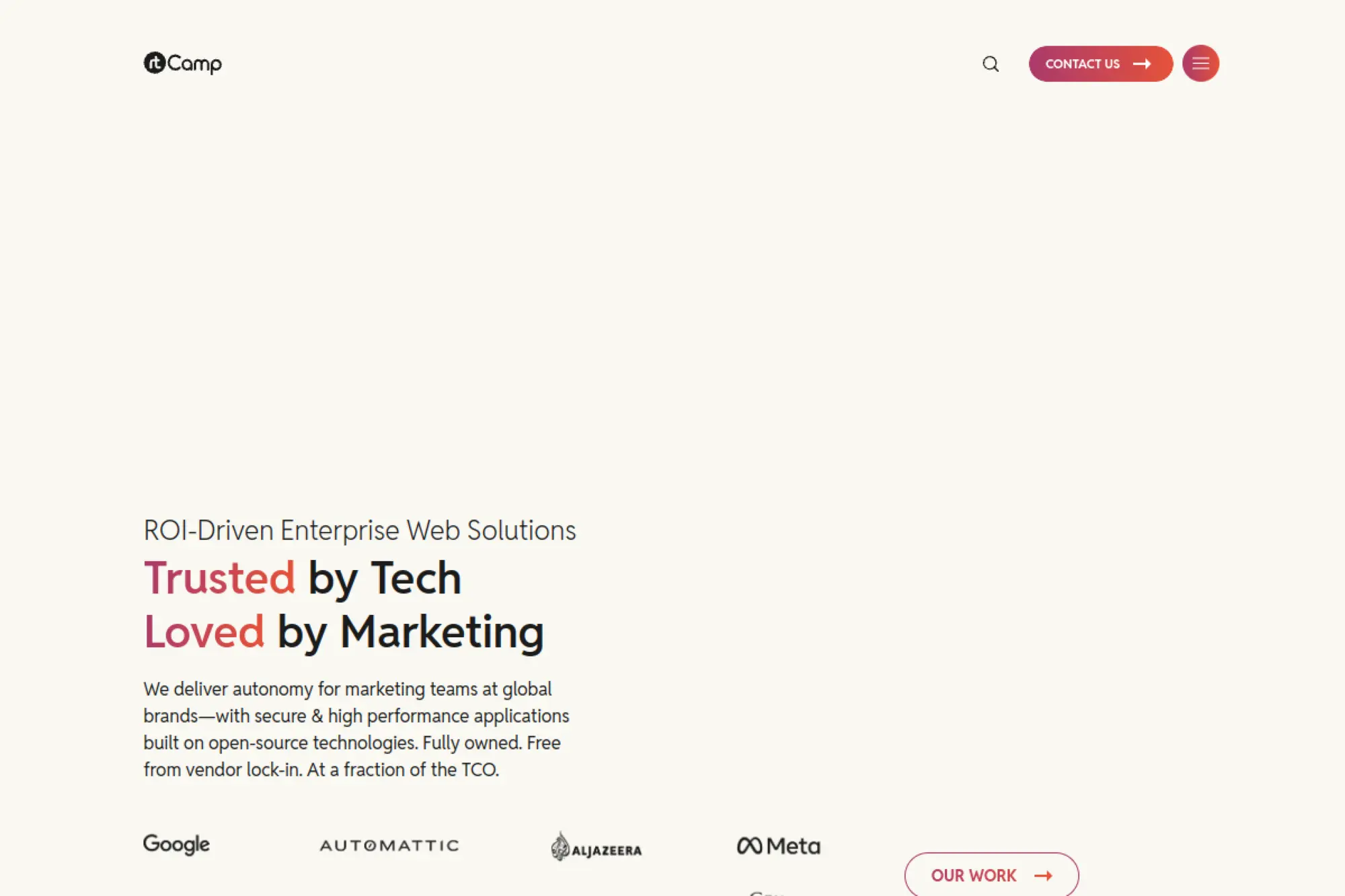
rtCamp emphasizes enterprise WordPress engineering with a strong open-source mindset. Their positioning highlights autonomy, custom development, and avoiding lock-in, which matters when you want full control over your platform and roadmap.
Best for
Teams that need deep engineering, custom integrations, and a WordPress build that can evolve into a broader digital platform over time.
Key workflows to configure
- Define integration requirements early (CRM, PIM, DAM, SSO).
- Set up a clear plugin governance and approval process.
- Create a content workflow for drafts, reviews, and scheduled releases.
- Implement a DevOps-friendly deployment pipeline with rollback plans.
Sales growth lever
Move faster on new features. When the architecture stays clean, your team can add product pages, tools, and campaign experiences without rebuilding the base.
Watch outs
Engineering-first approaches can feel heavy if you expect a fast “design sprint to launch” cycle. Align on timelines and the depth of discovery up front.
Quick start checklist
- Write a plain-language list of what the site must do, not just how it looks.
- Gather documentation for any APIs you must connect.
- Confirm hosting and infrastructure ownership across teams.
- Plan editor training and support expectations after launch.
6. Multidots
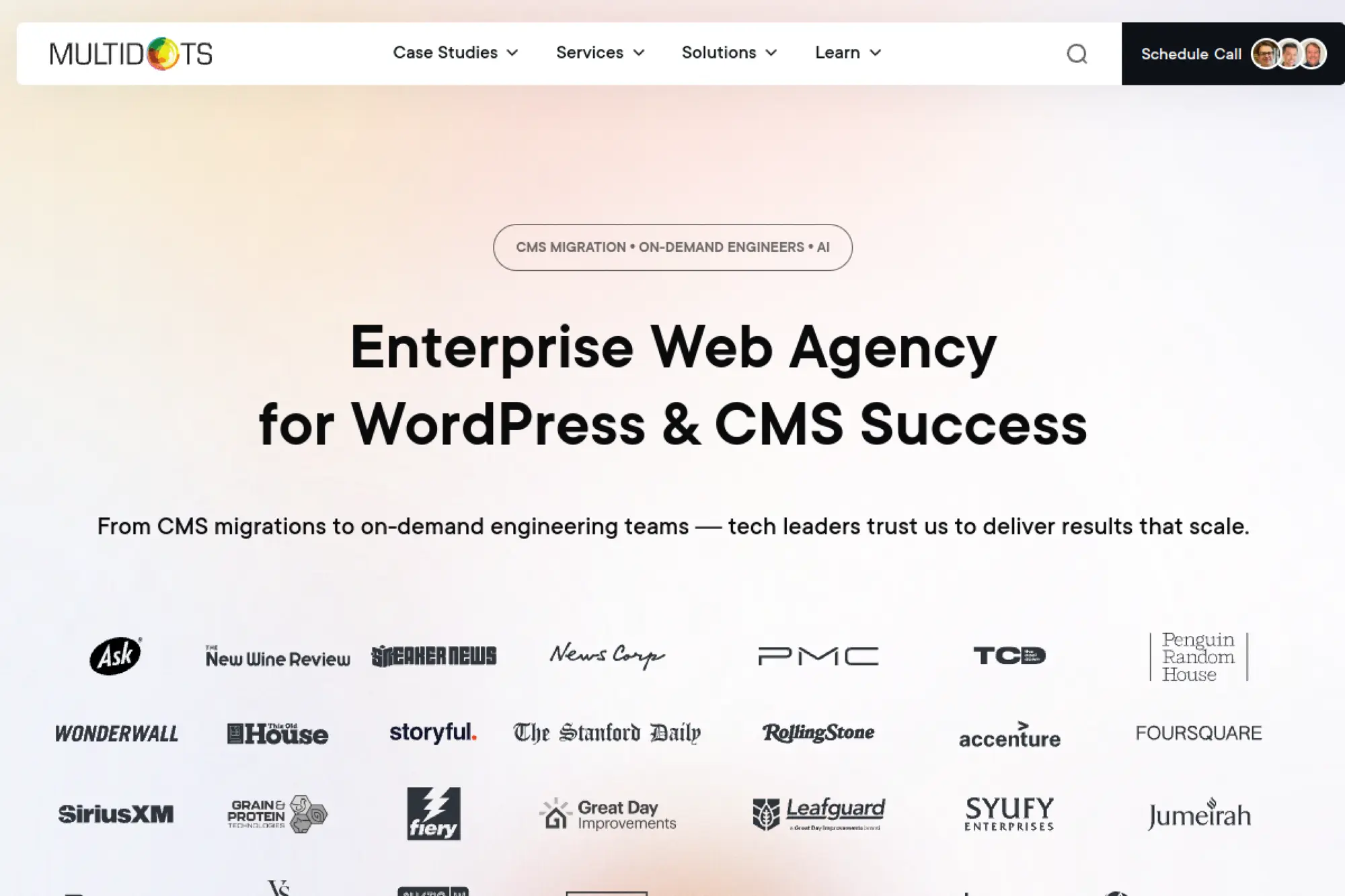
Multidots positions itself as an enterprise web agency for WordPress and CMS success. Their public messaging leans into migration expertise, scalable builds, and the ability to support complex organizations with demanding content operations.
Best for
Brands planning a replatform or migration into WordPress, especially when you need a structured approach to performance, editorial workflows, and long-term stability.
Key workflows to configure
- Create a migration map for content types, media, and redirects.
- Build a component library that editors can assemble safely.
- Standardize SEO fields, schema patterns, and internal linking habits.
- Set up support workflows for enhancements, bug fixes, and updates.
Sales growth lever
Reduce “time to publish.” Better editorial tooling means faster launches for campaigns and more consistent SEO execution across the site.
Watch outs
Migrations often uncover messy content. If you do not plan for cleanup, you risk copying old problems into a new platform.
Quick start checklist
- Export a content inventory and note what is outdated.
- List high-value pages that must keep rankings.
- Document your editorial workflow and roles.
- Agree on what content you will retire instead of migrating.
7. DevriX
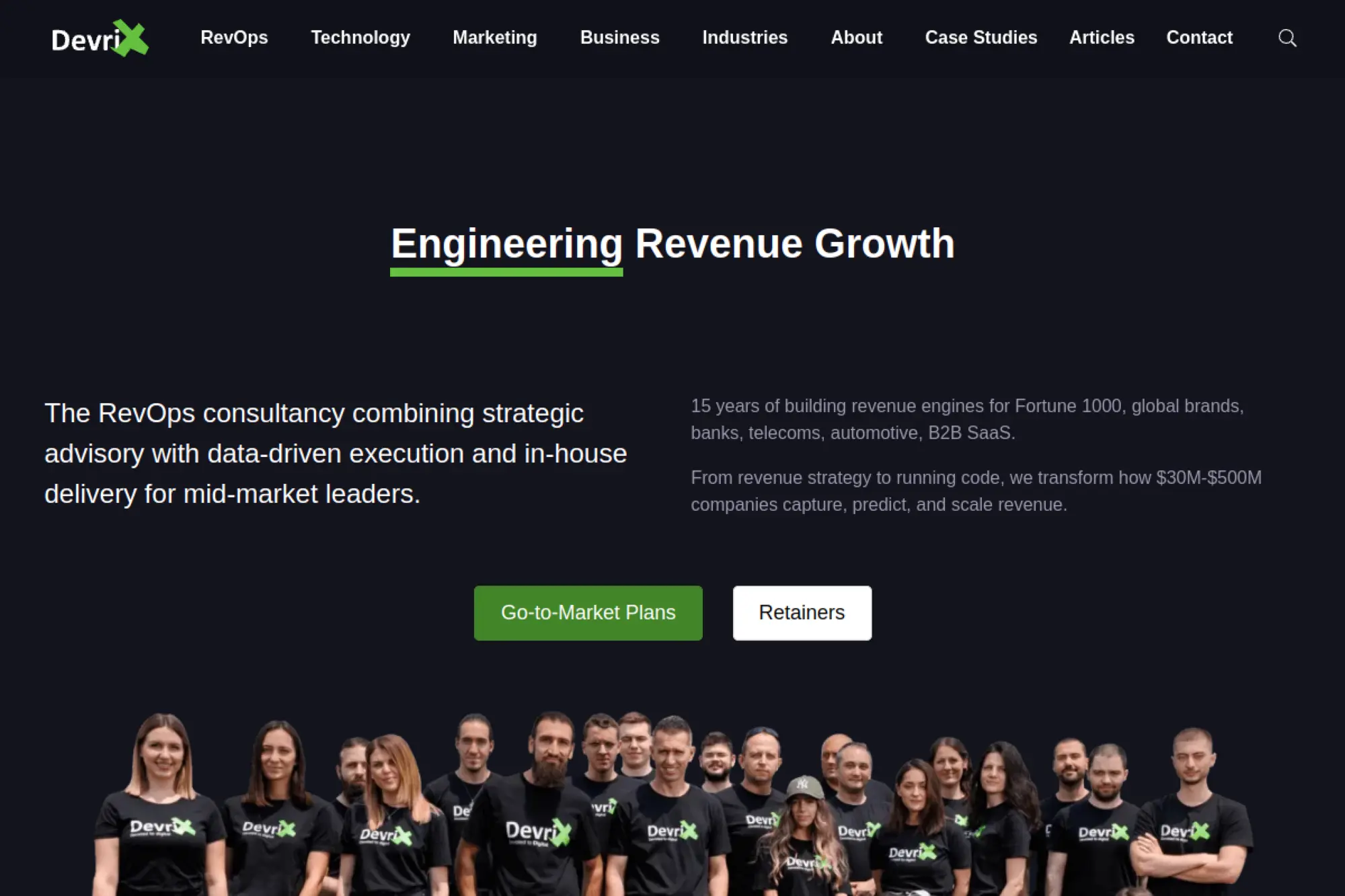
DevriX blends WordPress development with growth and revenue operations thinking. Their messaging focuses on building “revenue engines,” which makes them a strong option if you want your WordPress site to behave like a measurable sales channel.
Best for
Teams that want WordPress development tied closely to lead generation, analytics, and marketing operations, rather than a one-time redesign project.
Key workflows to configure
- Define lead stages and required data fields in forms.
- Connect your CRM and align lifecycle tracking.
- Set up dashboards for content performance and conversions.
- Create a recurring cycle for SEO updates and landing page iteration.
Sales growth lever
Build a tighter feedback loop. When your site reports what drives pipeline, you can invest in the content and pages that actually move deals forward.
Watch outs
Growth work needs commitment. If your team will not maintain content or follow up on leads, even the best site will underperform.
Quick start checklist
- List your ideal customer profiles and top use cases.
- Gather your current analytics setup and reporting needs.
- Decide what counts as a qualified lead for your sales team.
- Identify internal owners for content updates and follow-up.
8. Alley
Alley focuses on digital solutions for publishers and large-scale nonprofits. Their positioning highlights design, development, and strategic support, which fits teams that need more than a build. It fits teams that need a partner who can help them operate.
Best for
Organizations that publish a lot of content, manage complex editorial needs, or run mission-driven platforms that require strong UX and long-term support.
Key workflows to configure
- Design content templates that enforce consistency and clarity.
- Set up taxonomy rules that help users find information fast.
- Implement editorial roles and governance for updates.
- Create a maintenance plan for plugins, performance, and security.
Sales growth lever
Improve audience trust. Cleaner navigation, better readability, and stronger search experiences keep users engaged and increase the chance they subscribe, donate, or inquire.
Watch outs
Content platforms can expand quickly. Without governance, teams add sections and templates that fragment the experience. Put guardrails in place early.
Quick start checklist
- Collect user feedback and top support questions.
- Define your primary audiences and their goals.
- Audit site search and navigation pain points.
- Decide how you will handle ongoing content and UX testing.
9. Modern Tribe
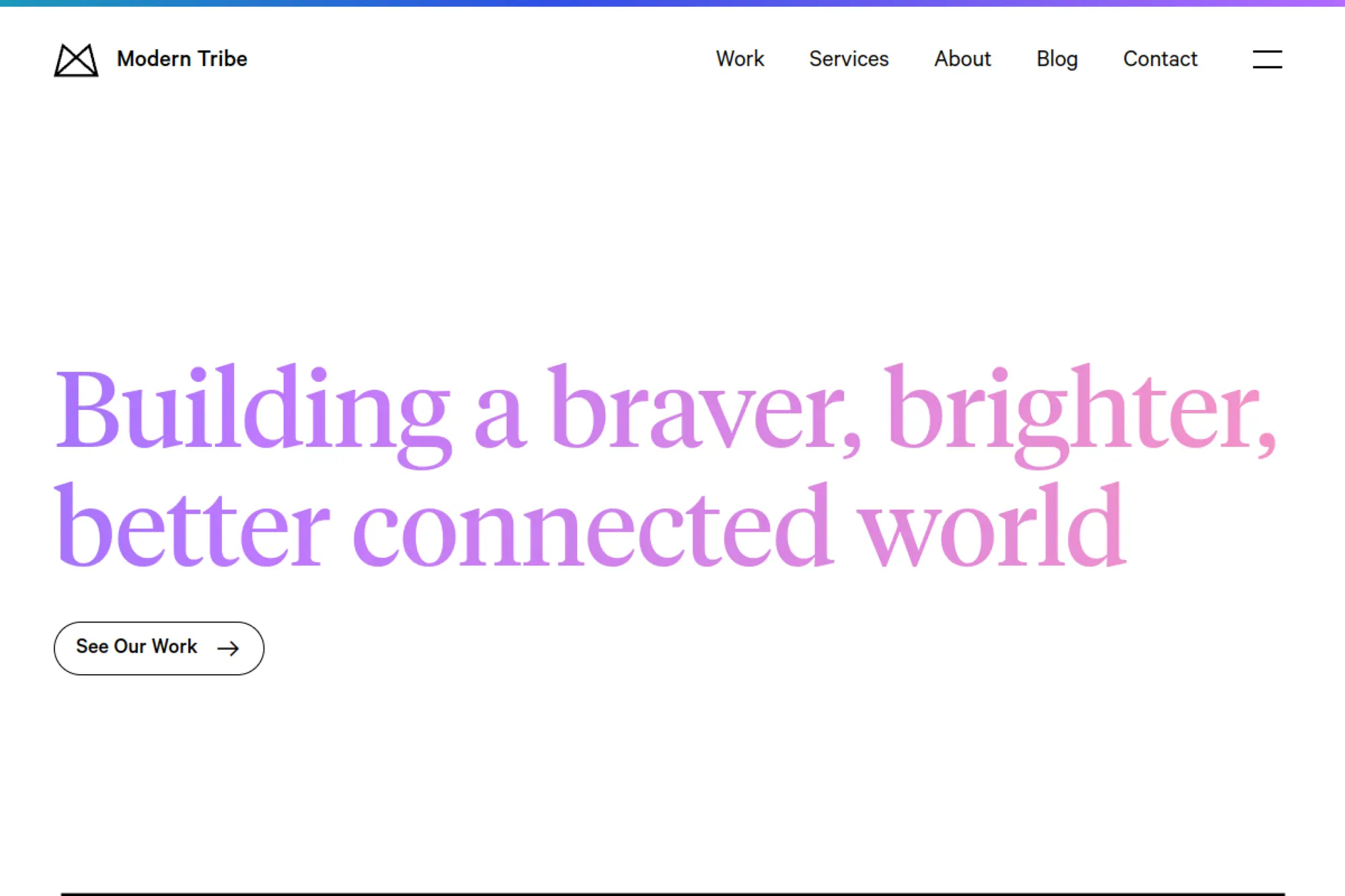
Modern Tribe positions itself as an enterprise WordPress agency with strong design and product thinking. Their public work highlights brand-forward experiences paired with scalable WordPress builds that can support large organizations over time.
Best for
Teams that need a design refresh with strong storytelling, while still requiring WordPress flexibility for ongoing content, campaigns, and growth initiatives.
Key workflows to configure
- Align brand messaging and navigation labels during discovery.
- Build reusable page patterns for key journeys.
- Create editorial guardrails so pages stay on-brand.
- Plan a post-launch backlog for iteration and optimization.
Sales growth lever
Make the brand feel more trustworthy. Strong UX and clear positioning reduce friction in the buyer journey and can lift conversion without aggressive tactics.
Watch outs
Brand work needs decisive input. If stakeholders debate voice and visuals late, timelines slip. Set approval roles and commit to them.
Quick start checklist
- Gather brand guidelines, tone references, and competitor examples.
- List the pages that drive the most leads or revenue today.
- Document your content owners and publishing workflow.
- Decide what success looks like beyond “a fresh look.”
10. Americaneagle.com
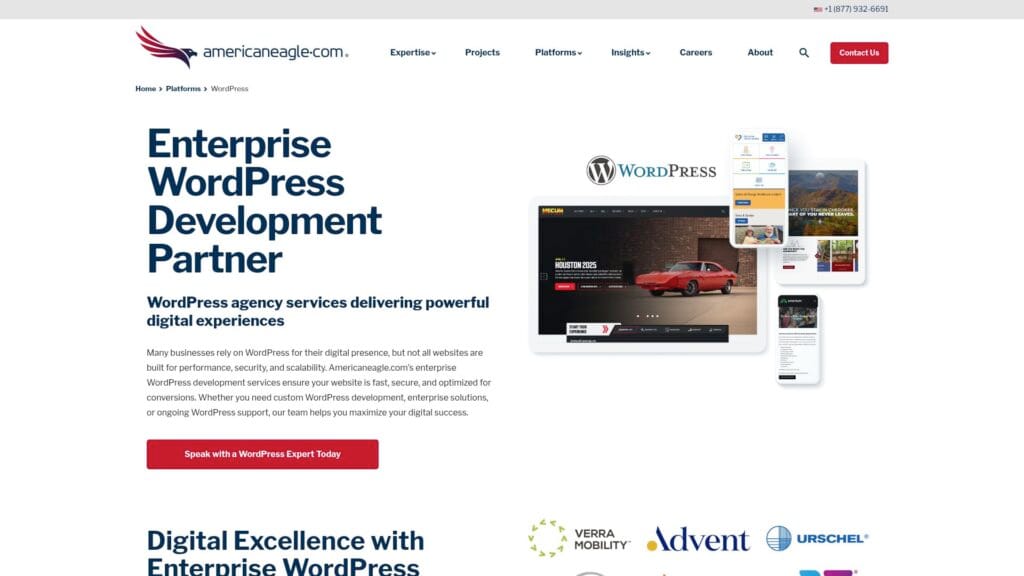
Americaneagle.com offers enterprise WordPress services with an emphasis on scalable builds and ecommerce options. Their WordPress page highlights deep platform work and partnerships that matter when WordPress must integrate into a larger enterprise stack.
Best for
Mid-market and enterprise organizations that need WordPress with robust integrations, governance, and serious ecommerce or platform requirements.
Key workflows to configure
- Define integration points with CRM, ERP, and identity systems.
- Set up role-based permissions for marketing and content teams.
- Standardize templates for product, solution, and resource content.
- Build a QA process that covers accessibility and analytics tracking.
Sales growth lever
Create a cleaner handoff from marketing to sales. When forms, gated assets, and customer journeys track correctly, pipeline attribution improves and budgets get easier to defend.
Watch outs
Enterprise requirements can balloon. If you do not prioritize, you will delay launch. Break features into phases and ship value early.
Quick start checklist
- List compliance and security requirements up front.
- Document must-have integrations and data flows.
- Map conversion paths from key traffic sources.
- Assign internal stakeholders to approve content and UX.
11. Kanopi Studios
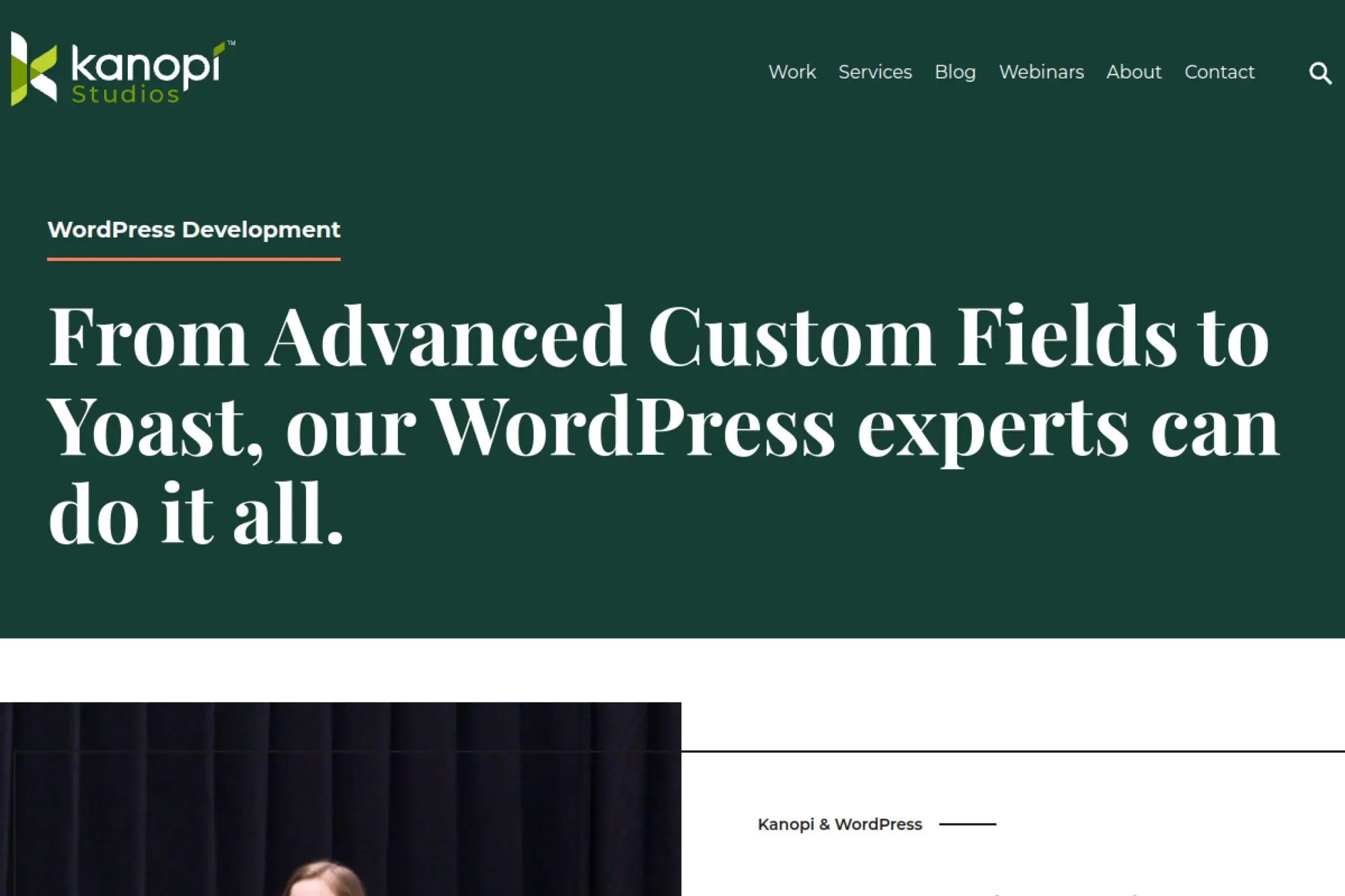
Kanopi Studios designs, builds, and supports websites for mission-driven organizations. Their WordPress development messaging focuses on support across the lifecycle, which helps teams that need a partner beyond launch day.
Best for
Nonprofits, higher education, healthcare, and purpose-led organizations that need a site that stays usable, accessible, and easy to manage long after launch.
Key workflows to configure
- Set up a content governance model that matches your team structure.
- Create a block-based editing system with clear documentation.
- Implement accessibility checks in design and QA.
- Build a support workflow for ongoing updates and improvements.
Sales growth lever
Increase trust and clarity. For mission-led organizations, a clearer site can improve donations, volunteer sign-ups, event participation, and stakeholder engagement.
Watch outs
Mission-driven sites often have too many audiences. If you try to serve everyone equally, messaging becomes vague. Prioritize journeys and simplify navigation.
Quick start checklist
- Identify primary audiences and top tasks they need to complete.
- Gather existing content and flag what needs rewriting.
- List required integrations like email tools and donation platforms.
- Plan internal training for editors and department owners.
12. Four Kitchens

Four Kitchens supports Drupal and WordPress, with a strong focus on complex organizations and long-term support. Their positioning highlights platform builds, content strategy, and ongoing care, which fits institutions that treat their website as infrastructure.
Best for
Higher education and complex organizations that need a stable platform, clear content operations, and a partner who can support ongoing evolution.
Key workflows to configure
- Define governance for multisite, departments, and content ownership.
- Create a design system that supports many teams and pages.
- Set up staging and content QA processes for frequent updates.
- Implement a long-term support plan with clear intake and priorities.
Sales growth lever
Reduce friction in complex journeys. Better information architecture and content strategy help prospective students, partners, and donors find what they need faster.
Watch outs
Institutional projects can stall when too many committees weigh in. Assign decision owners and define what input looks like versus what approval looks like.
Quick start checklist
- Map the biggest user journeys and where users get stuck.
- List every department that publishes content and why.
- Audit templates and content duplication across the current site.
- Agree on governance rules before development begins.
13. Oomph
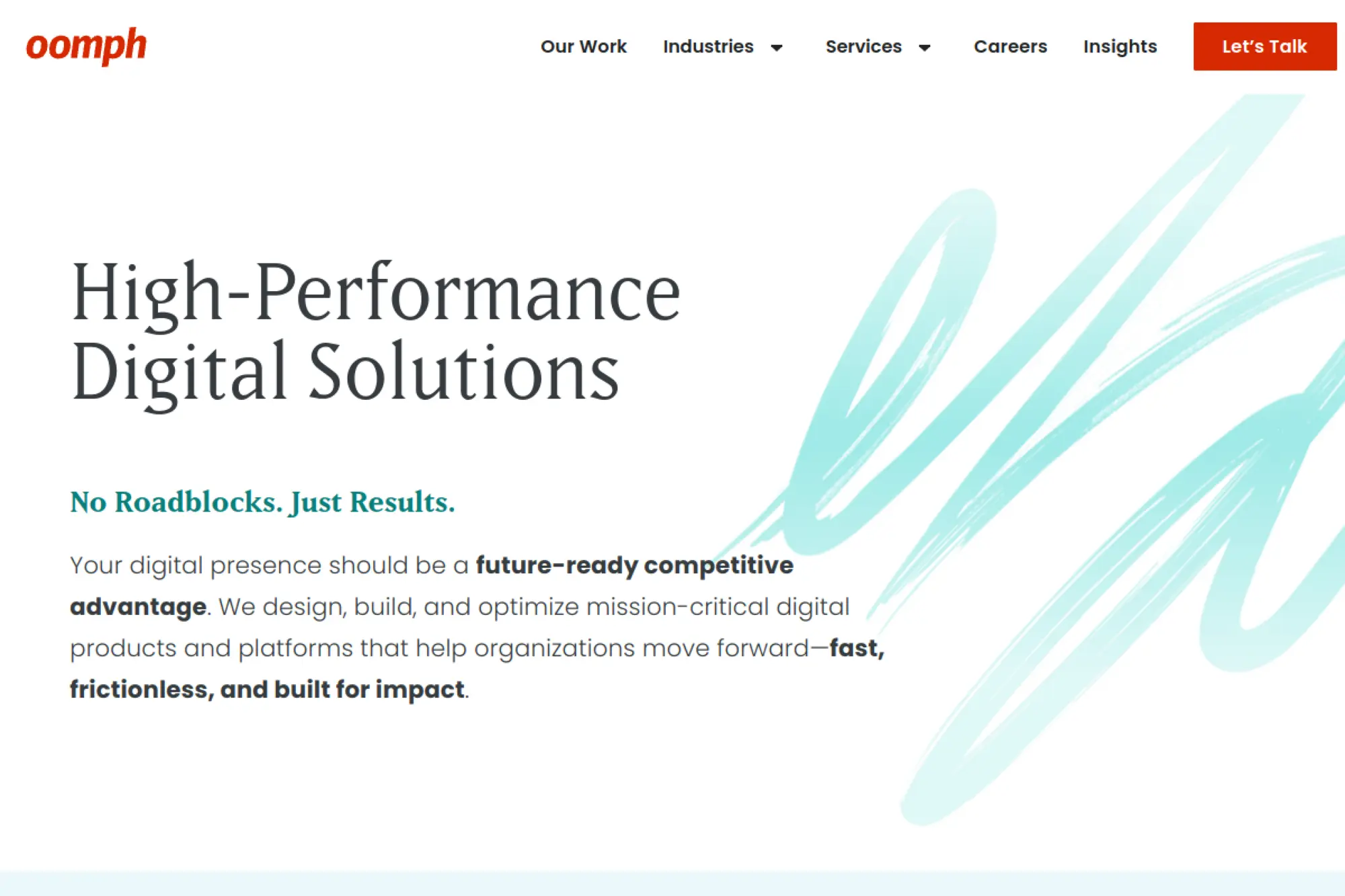
Oomph positions itself around high-performance digital solutions and emphasizes compliance and accessibility work. That combination fits teams that must get UX, performance, and governance right, not just visual design.
Best for
Organizations in healthcare, education, government, and other regulated or high-stakes environments where compliance, accessibility, and reliability matter every day.
Key workflows to configure
- Establish accessibility requirements as part of design acceptance.
- Define content governance and revision responsibilities.
- Implement a structured QA plan across devices and browsers.
- Set up an enhancement pipeline for continuous optimization.
Sales growth lever
Make complex information easier to act on. When forms, flows, and navigation feel clear, users complete more tasks and teams spend less time supporting confused visitors.
Watch outs
Compliance-heavy work takes discipline. If internal teams want last-minute visual changes, you can create accessibility regressions. Keep checklists tight and test often.
Quick start checklist
- Document compliance requirements and any internal standards.
- List critical user tasks and error states to test.
- Gather existing brand and content guidelines.
- Decide how you will maintain accessibility after launch.
14. WDG (Web Development Group)
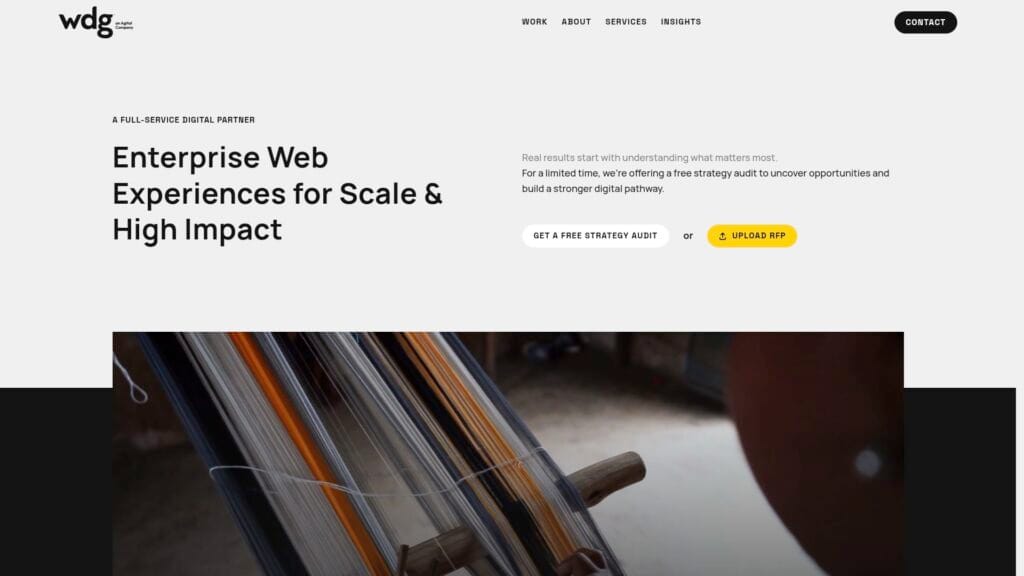
WDG focuses on enterprise web experiences with strategy, design, and WordPress delivery. Their public work and positioning lean toward mission-driven organizations that need strong UX, content clarity, and reliable delivery.
Best for
Public sector, nonprofit, and large organizations that need a strategic partner to modernize a site and keep it running smoothly through ongoing change.
Key workflows to configure
- Run research to validate your audiences and content priorities.
- Design navigation around tasks, not departments.
- Build editor-friendly patterns for common page layouts.
- Create a support and enhancement workflow for ongoing needs.
Sales growth lever
Increase engagement and reduce abandonment. When users can find services and information quickly, they trust the organization more and complete more actions.
Watch outs
Large organizations often have competing goals. Without a shared prioritization method, your scope can expand. Align on top outcomes early.
Quick start checklist
- Collect stakeholder goals and align them into a single set of outcomes.
- Audit current navigation and identify dead ends.
- List the systems you must integrate (forms, CRM, email).
- Plan editor onboarding and documentation needs.
15. The Code Company
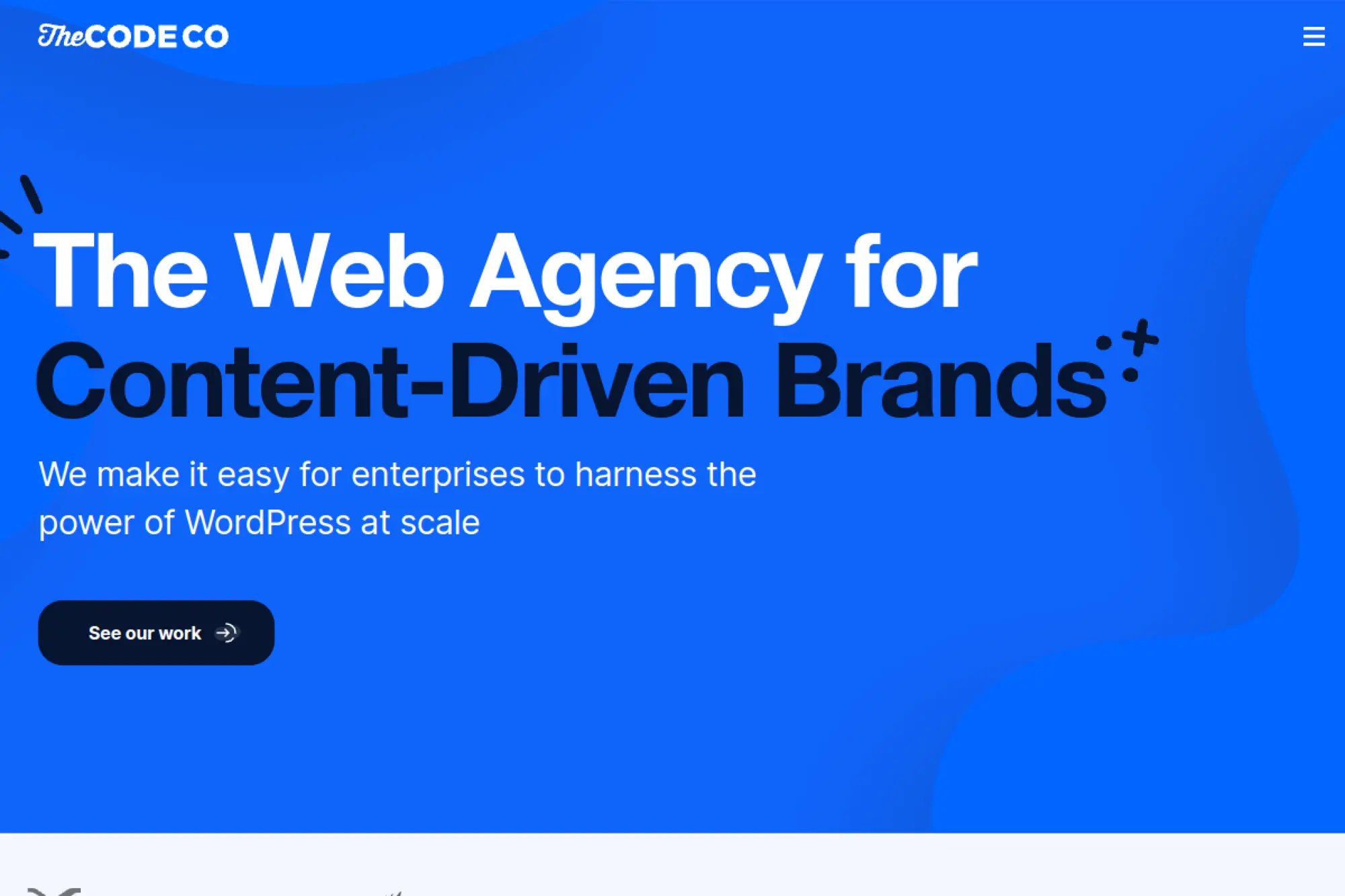
The Code Company frames itself as an enterprise WordPress agency for content-driven brands. Their messaging emphasizes migrations, publishing platforms, multilingual needs, and performance, which fits teams that publish at scale and need growth-focused engineering.
Best for
Publishers and content-heavy brands that need a WordPress platform that supports SEO, complex workflows, and martech integrations without creating technical overwhelm.
Key workflows to configure
- Set up content models that match how teams write and reuse content.
- Build translation and localization workflows into publishing.
- Connect analytics and attribution to key journeys and templates.
- Implement performance governance for third-party scripts and tags.
Sales growth lever
Create a faster path from content to conversion. Strong information architecture plus performance work helps content rank, load fast, and push users toward action.
Watch outs
Publishing teams often want unlimited flexibility. Too much flexibility can break consistency. Agree on template rules and block usage standards.
Quick start checklist
- List your key content types and business outcomes for each.
- Document martech tools and data requirements.
- Collect SEO pain points and legacy redirect needs.
- Assign owners for content QA and editorial workflow decisions.
16. Illustrate Digital
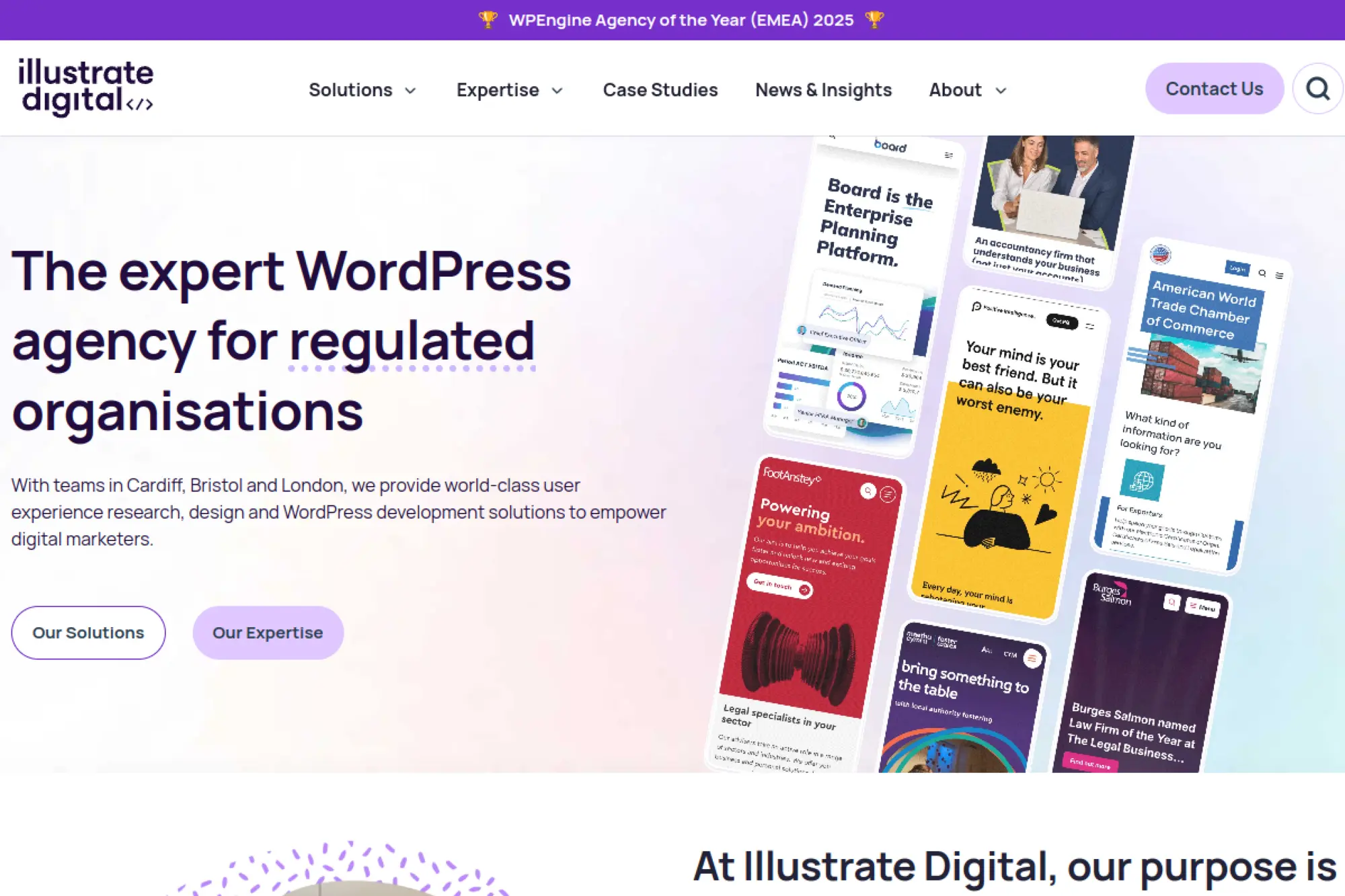
Illustrate Digital positions itself as a WordPress agency for regulated organizations. That focus can be a major advantage if your site must balance marketing goals with governance, approvals, and risk management.
Best for
Financial services, legal, healthcare, government, and other regulated industries that need UX research and WordPress development that respects compliance constraints.
Key workflows to configure
- Build a content publishing process that supports approvals and review.
- Implement governance for updates, plugins, and third-party scripts.
- Design forms and lead capture flows with data policies in mind.
- Create a maintenance plan that includes security and stability checks.
Sales growth lever
Reduce friction for cautious buyers. Clear UX and trustworthy content structure can improve conversion without making the site feel “salesy.”
Watch outs
Regulated organizations often move slowly. That can make a redesign painful. Set weekly decision cycles and keep approvals structured.
Quick start checklist
- Document compliance requirements and content approval steps.
- Identify high-risk pages and required disclaimers.
- Define what data you collect and where it goes.
- Agree on launch criteria and post-launch monitoring.
17. Noble Studios
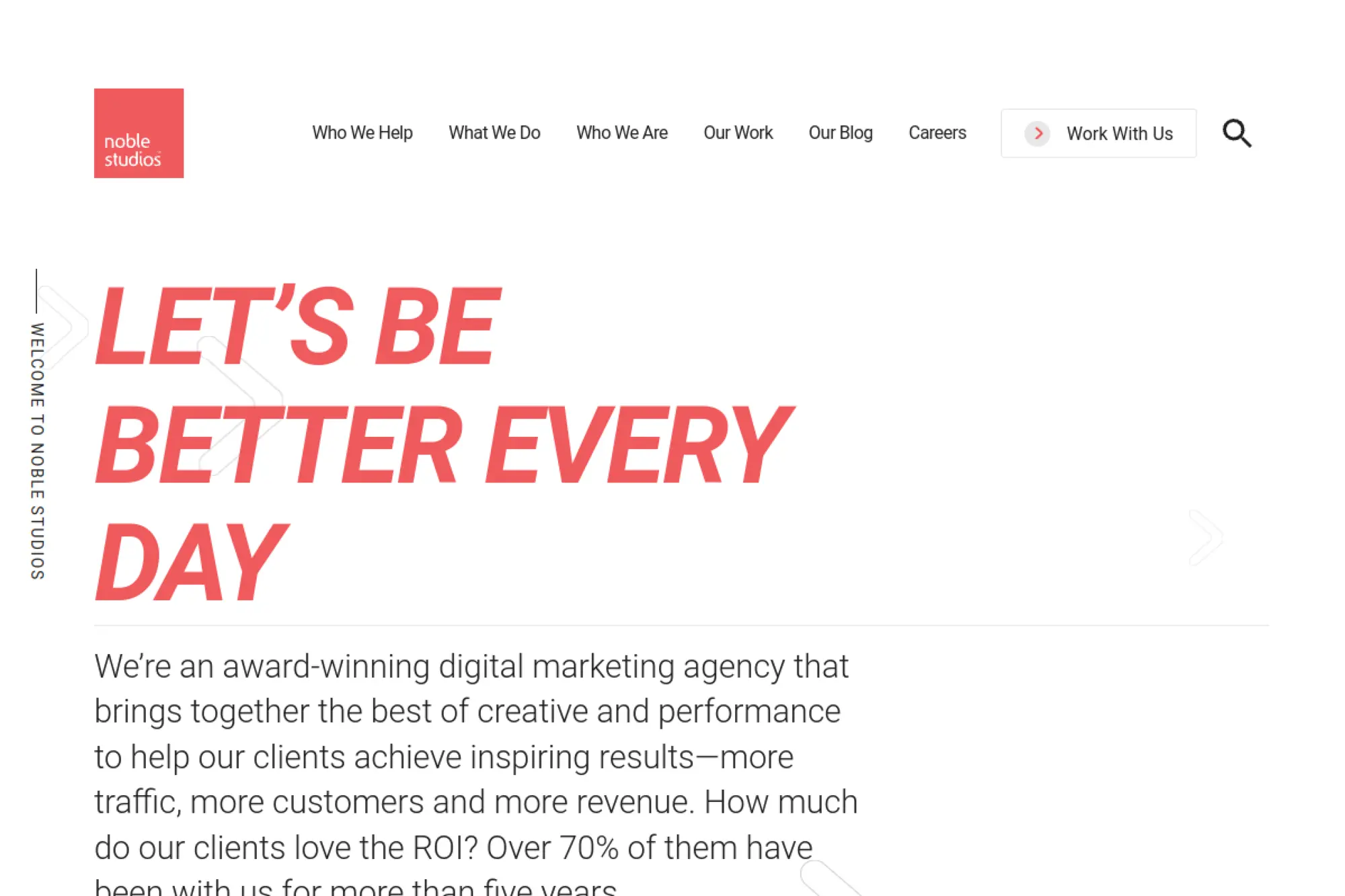
Noble Studios blends creative and performance marketing. Their web development content directly discusses WordPress themes and accessibility questions, which makes them a solid option if you want WordPress design that ties into SEO, analytics, and conversion work.
Best for
Marketing-led teams that want WordPress site design aligned with SEO, CRO, and ongoing optimization rather than a “design then disappear” engagement.
Key workflows to configure
- Set up landing page templates for campaigns and SEO clusters.
- Define analytics events for key actions and funnel steps.
- Build content workflows for publishing, refreshes, and audits.
- Create an optimization cadence for testing and iteration.
Sales growth lever
Turn your site into a testing platform. A well-structured WordPress build makes it easier to run experiments, refine messaging, and improve conversion rates over time.
Watch outs
Marketing teams sometimes chase too many ideas at once. You will get better outcomes if you prioritize a small set of pages and iterate intentionally.
Quick start checklist
- Clarify your primary acquisition channels and landing page needs.
- List analytics and reporting requirements for stakeholders.
- Audit current SEO performance and content gaps.
- Agree on how you will run tests and who approves changes.
18. Orbit Media Studios
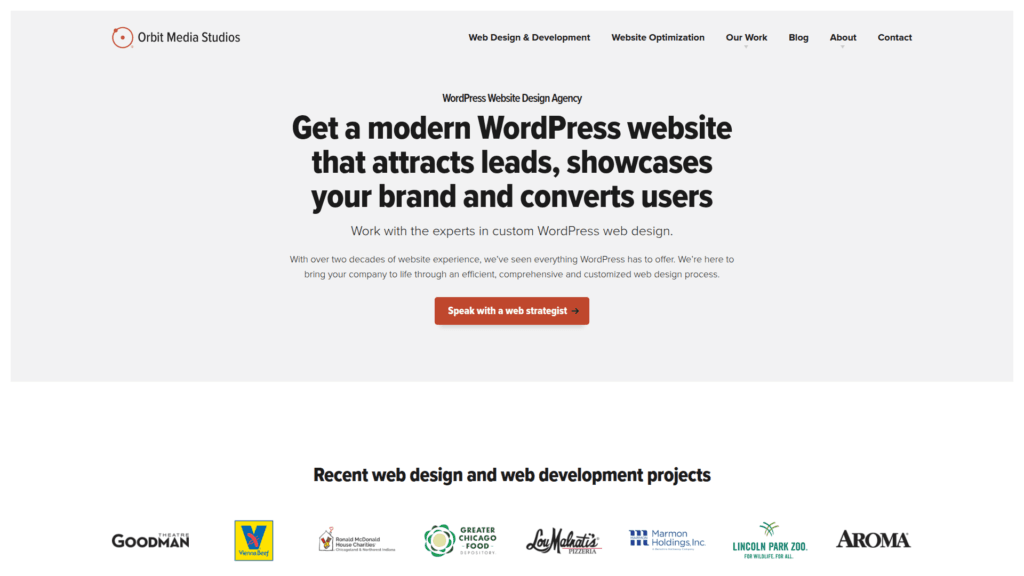
Orbit Media Studios positions its WordPress work as strategy-first web design. That framing helps if you want a partner who treats the site like a lead-generation asset and builds WordPress around messaging, content, and conversion goals.
Best for
Service businesses and marketing teams that need a WordPress site built for lead quality, SEO, and ongoing optimization, not just a visual refresh.
Key workflows to configure
- Define primary user journeys and the calls to action on each.
- Set up form routing and CRM tagging for lead quality signals.
- Build a modular block system so pages stay consistent.
- Implement a post-launch review cycle for content and UX.
Sales growth lever
Improve clarity. When the site says who you help, what you do, and why it matters, visitors move from browsing to contacting your team.
Watch outs
Conversion-focused redesigns require honest copy discussions. If your internal team avoids hard positioning choices, the site may look good but feel generic.
Quick start checklist
- Gather sales objections and common customer questions.
- List your core services and highest-margin offers.
- Identify the pages that drive most inquiries today.
- Decide who owns copy approvals and final messaging.
19. Sayenko Design
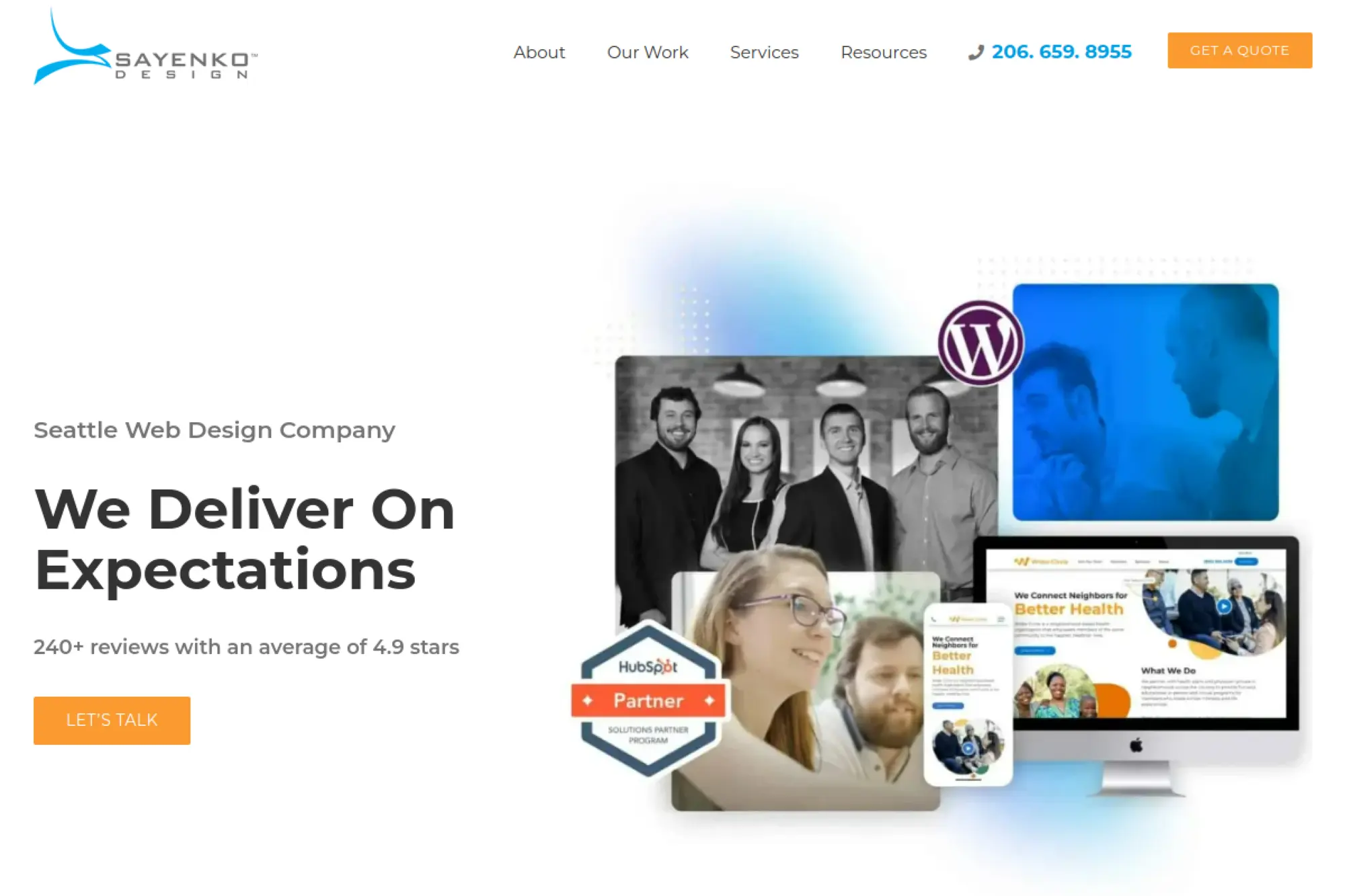
Sayenko Design focuses on WordPress web design and development with a clear emphasis on process. Their site highlights distinct phases, which helps teams that want structure and want to know what happens next at every stage.
Best for
Organizations that want a guided process from strategy to UI/UX to WordPress development, especially when stakeholders need a clear roadmap to stay aligned.
Key workflows to configure
- Align on information architecture before visual design rounds.
- Create templates for core pages and content types.
- Configure analytics and search tools during development, not after.
- Build a content migration plan with clear owners and deadlines.
Sales growth lever
Reduce drop-off in key journeys. Strong UX and clearer structure help visitors find the right page faster, which supports leads and conversions.
Watch outs
If you bring weak content into a new design, performance will stall. Plan for copy improvements and content pruning, not just a new theme.
Quick start checklist
- Collect your existing sitemap and identify what must change.
- List required integrations and any complex forms.
- Choose internal reviewers for UX and content.
- Set expectations for training and post-launch support.
20. Webpop Design
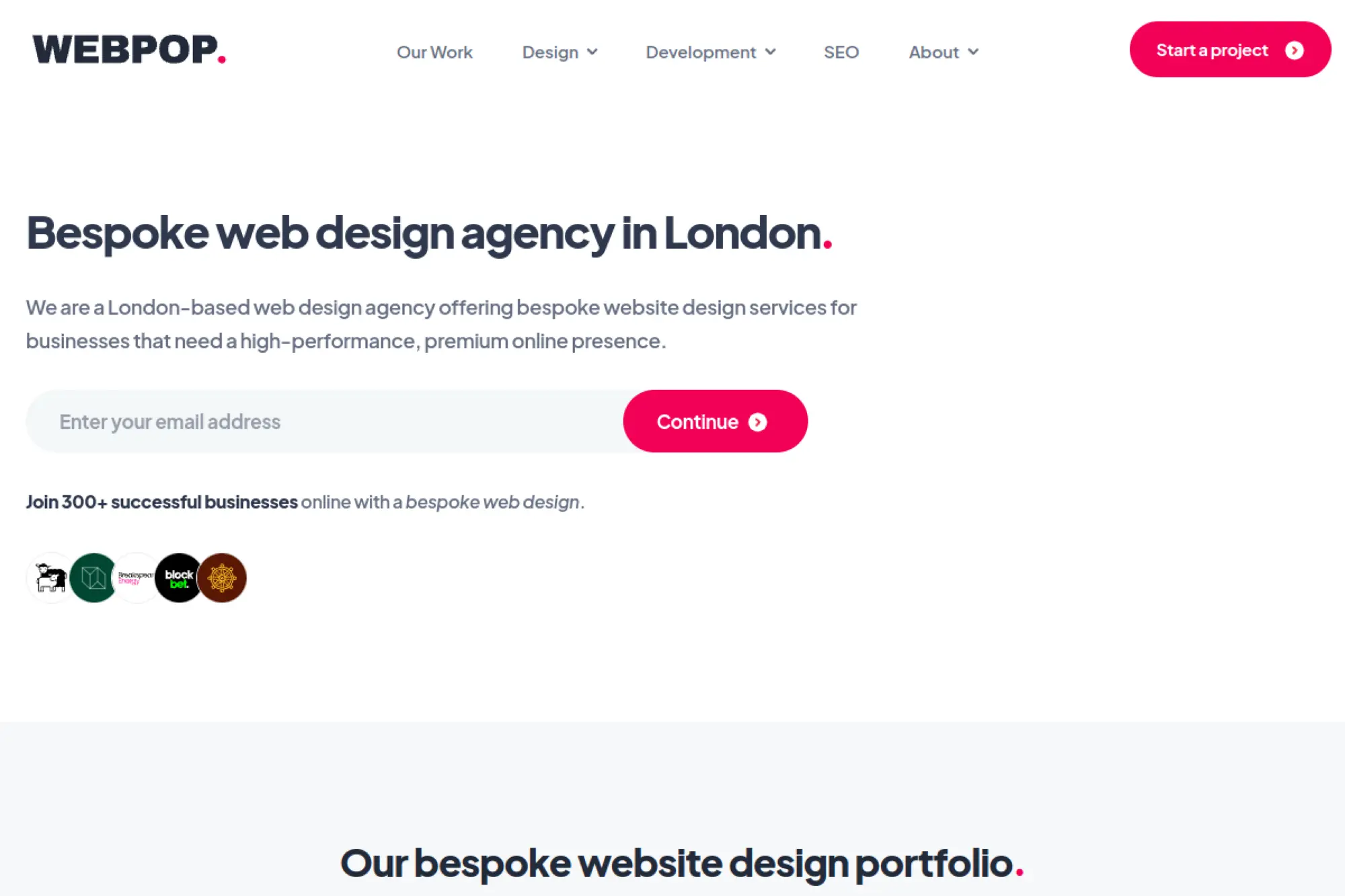
Webpop Design offers bespoke web design and highlights WordPress work directly in its portfolio and support services. This can be a good fit if you want a boutique feel with practical WordPress execution and ongoing support options.
Best for
Startups, entrepreneurs, and established brands that want a premium WordPress build with strong design detail and a clear path to ongoing support.
Key workflows to configure
- Create flexible page templates for marketing and content updates.
- Set up CRM or marketing automation integrations where needed.
- Implement a support workflow for edits, fixes, and enhancements.
- Define how requests get prioritized and approved internally.
Sales growth lever
Keep momentum after launch. When support is easy to access, teams fix friction quickly, publish updates faster, and protect the site’s conversion flow.
Watch outs
Bespoke design requires clear feedback. If stakeholders give conflicting direction, revisions can drag. Decide who has the final word before design begins.
Quick start checklist
- Prepare examples of sites you like and why.
- List your must-have integrations and forms.
- Audit your existing content for gaps and rewrite needs.
- Agree on how you will handle edits after launch.
21. Valet
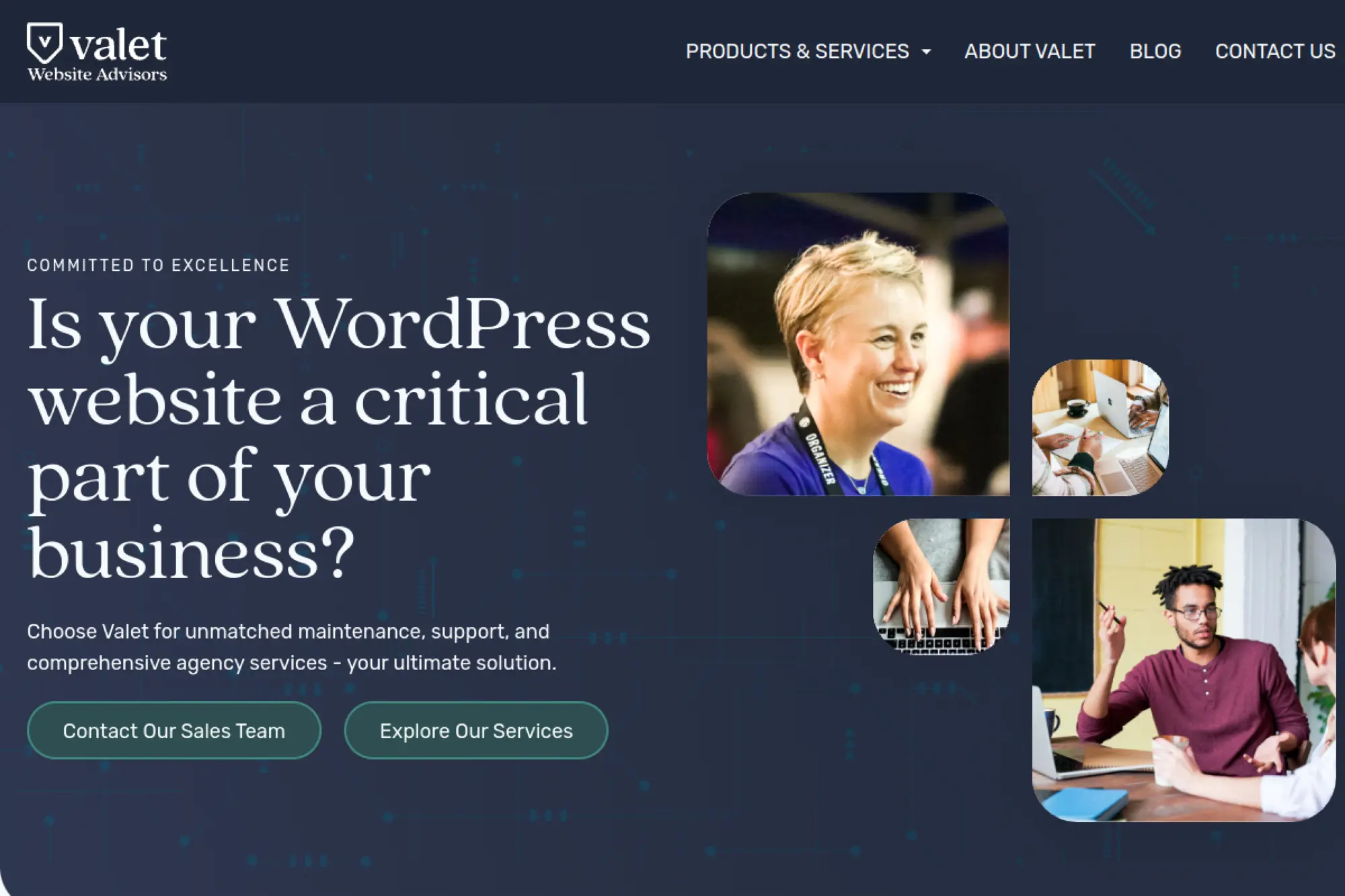
Valet positions itself as a full-service WordPress partner with a strong focus on maintenance, support, and ongoing agency services. This suits teams that do not want WordPress to become a constant internal fire drill.
Best for
Organizations that rely on WordPress for marketing and publishing, but need reliable ongoing support, hosting guidance, and a partner for continuous improvement.
Key workflows to configure
- Set up an intake process for support requests and enhancements.
- Create update and patch routines for plugins and themes.
- Implement performance monitoring and alerting.
- Define editorial workflows so content changes stay consistent.
Sales growth lever
Protect uptime and speed while you iterate. When the site stays stable, marketing can keep shipping pages, improving SEO, and refining conversion paths.
Watch outs
Support retainers work best when you bring a steady backlog. If you only call when something breaks, you miss the compounding value of proactive work.
Quick start checklist
- List recurring site issues and bottlenecks your team faces.
- Gather plugin and theme details for an initial audit.
- Clarify who can request changes and who approves them.
- Plan a recurring review meeting for priorities and outcomes.
22. Seahawk Media
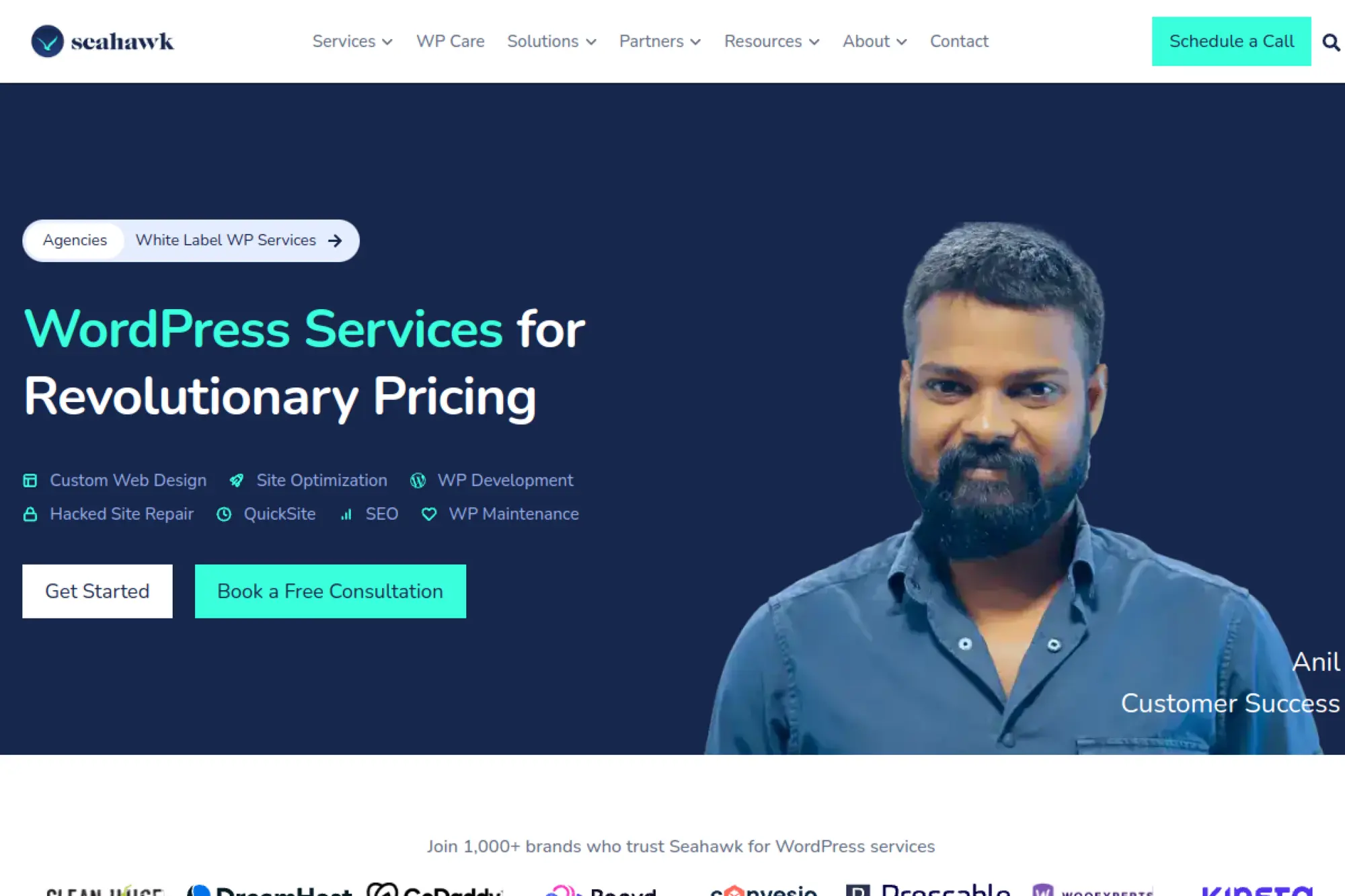
Seahawk Media markets itself as a WordPress services provider with offerings like custom web design, development, maintenance, optimization, and repairs. That breadth can help when you need a dependable partner for ongoing WordPress execution.
Best for
Small to mid-sized businesses and agencies that need repeatable WordPress delivery, ongoing maintenance, and a team that can take overflow work.
Key workflows to configure
- Define a standard request format for design and development tasks.
- Set up a maintenance cadence for updates, backups, and security checks.
- Create a checklist for speed optimization and image handling.
- Build a handoff process for content edits and publishing support.
Sales growth lever
Keep your site current. Regular updates to pages, copy, and speed improvements can lift search visibility and reduce bounce, which supports conversions.
Watch outs
Service marketplaces can tempt teams to treat the site as a set of isolated tasks. You still need a clear strategy and consistent design direction.
Quick start checklist
- List priority pages that need design or copy improvements.
- Document your current hosting, theme, and plugin setup.
- Decide what work you will keep in-house versus outsource.
- Set expectations for turnaround time and approvals.
23. Sparked Digital
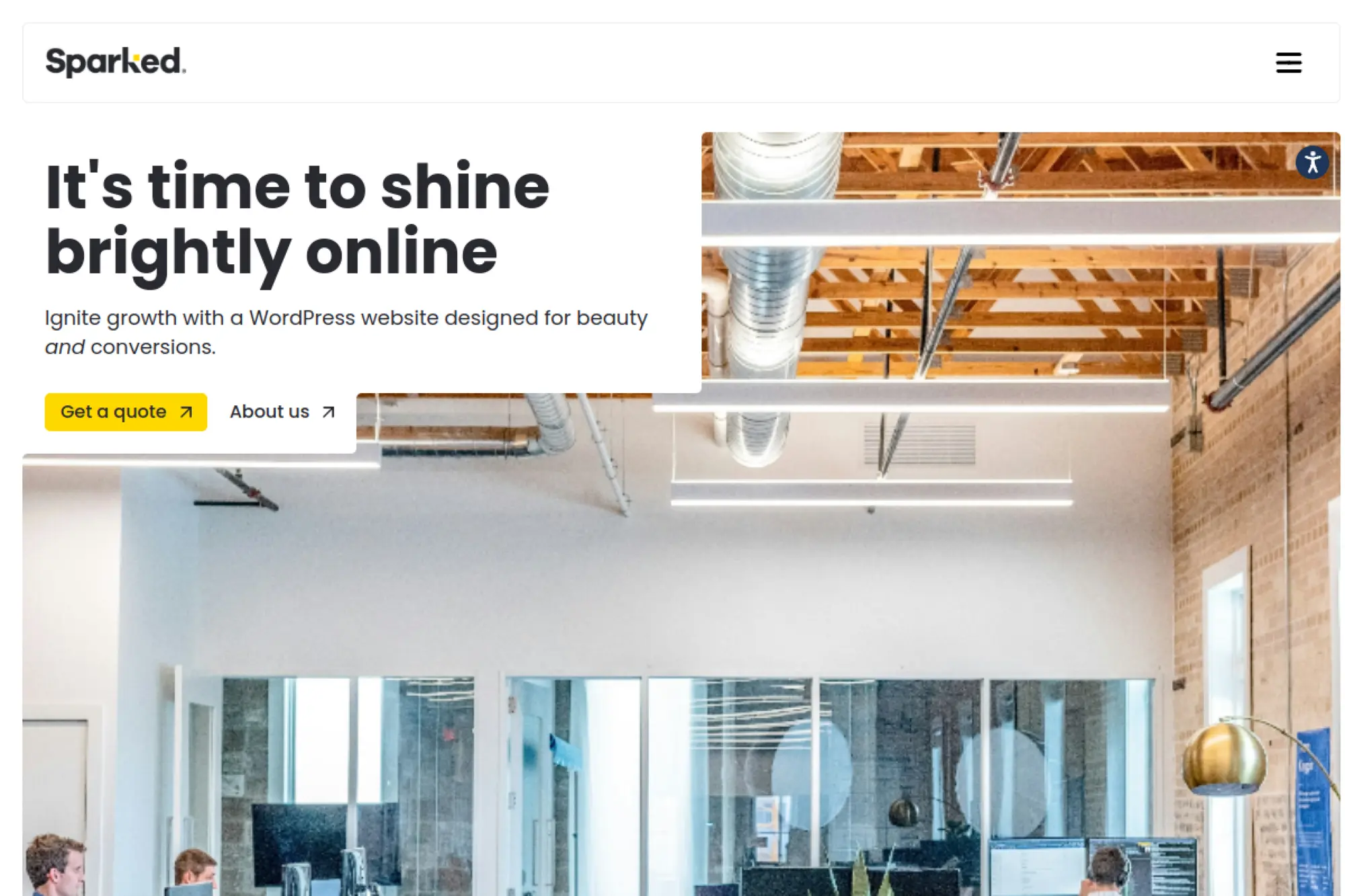
Sparked Digital positions itself as a WordPress web design and development agency focused on beauty and conversions. That balance works well when you want a clean, modern WordPress site that still pushes visitors toward action.
Best for
Businesses that want a conversion-focused WordPress site, with a partner that can support both the initial build and the long-term growth work after launch.
Key workflows to configure
- Clarify conversion actions and the pages that support them.
- Set up reusable page templates for offers, resources, and landing pages.
- Implement analytics events tied to user intent.
- Create a simple content publishing workflow for your internal team.
Sales growth lever
Improve conversion paths with practical CRO. Better layout structure, clearer copy sections, and stronger CTAs tend to produce faster wins than big redesign ideas.
Watch outs
If you lack content clarity, design cannot fix it alone. Bring real customer language from sales calls, reviews, and support tickets into the project.
Quick start checklist
- Gather your current offers, positioning, and differentiators.
- List your required tools for email, CRM, and analytics.
- Collect examples of pages you want to emulate.
- Plan who will maintain the site content week to week.
24. Spark Digital
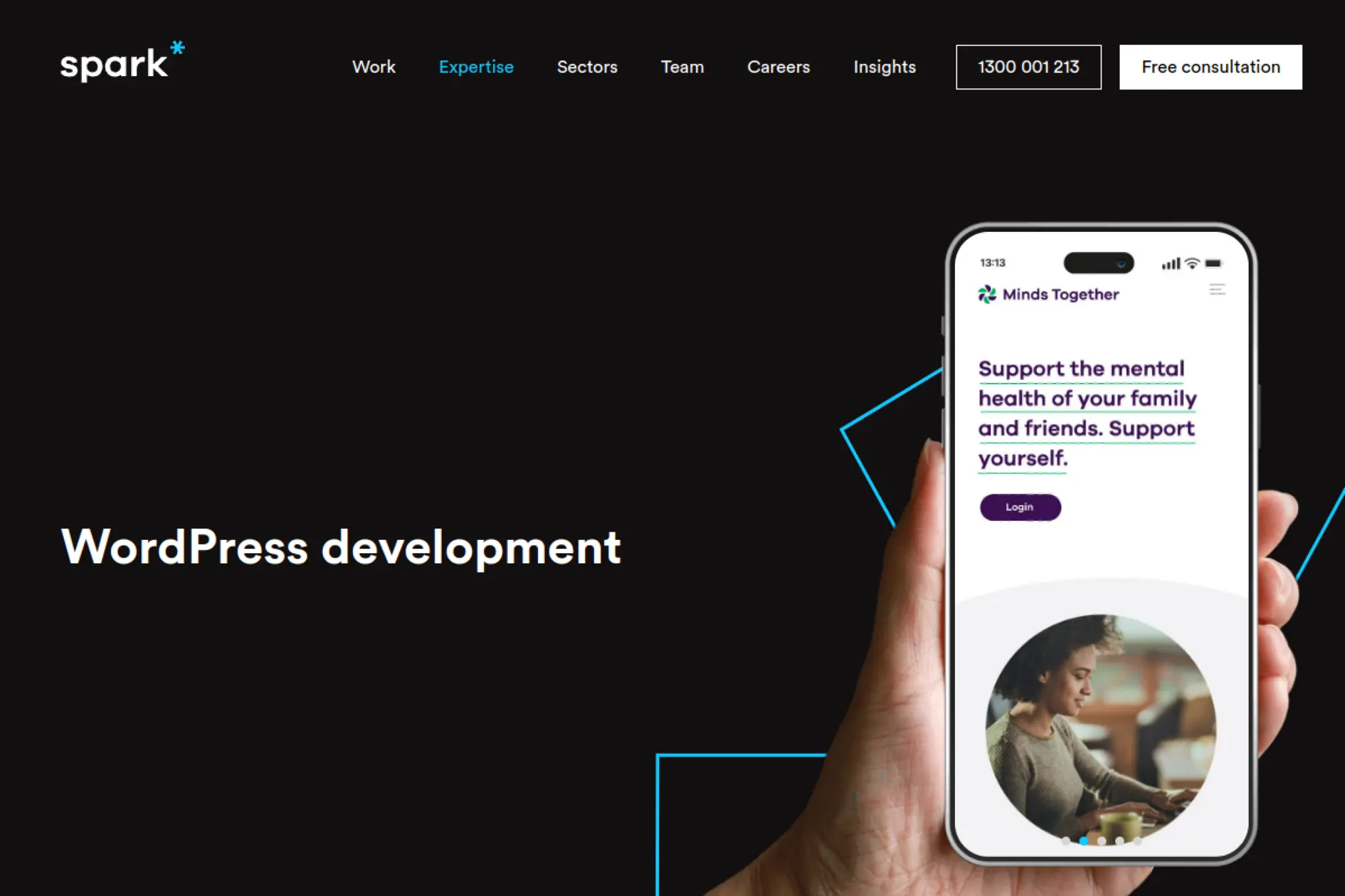
Spark Digital offers WordPress development as part of a broader digital agency capability set. Their WordPress page highlights custom builds supported by discovery, UX design, and post-launch support, which fits organizations that want a guided process.
Best for
Organizations that want custom WordPress delivery paired with discovery, UX, and a collaborative build process that continues after launch.
Key workflows to configure
- Run discovery sessions to clarify objectives and user needs.
- Define UX flows and page hierarchy before layout decisions.
- Set up SEO-friendly templates and structured content fields.
- Build a support loop for ongoing refinement and iteration.
Sales growth lever
Align UX with business goals. When the site supports the right journeys, it does more than inform. It nudges visitors to take meaningful next steps.
Watch outs
If you treat discovery as optional, you will pay later through revisions. Invest in defining goals and audiences early so build work stays clean.
Quick start checklist
- Document your audiences and top tasks they want to complete.
- List required integrations and any legacy constraints.
- Collect brand assets and current site analytics insights.
- Assign a single project lead for approvals and decisions.
25. StrategiQ
StrategiQ positions itself as a strategy and performance-focused agency. That can work well for WordPress projects where the goal is not simply “a new site,” but measurable improvements in visibility, engagement, and donations or sales.
Best for
Organizations that want a WordPress relaunch paired with marketing strategy, SEO planning, and performance-focused execution across channels.
Key workflows to configure
- Align brand messaging with on-site UX and content structure.
- Set up SEO content hubs and internal linking standards.
- Implement conversion tracking for forms, donations, or sales funnels.
- Create a post-launch optimization rhythm tied to outcomes.
Sales growth lever
Improve how your relaunch supports the full funnel. When messaging, content, and tracking align, you can link investment to outcomes and scale what works.
Watch outs
Marketing-led projects can drift into “campaign mode.” Protect the WordPress foundation too. Make sure performance, accessibility, and editor usability stay in scope.
Quick start checklist
- Define the primary business outcome the site must support.
- List top organic search topics and content gaps.
- Document conversion flows and what data you need to capture.
- Agree on a measurement plan for the months after launch.
26. Boylen
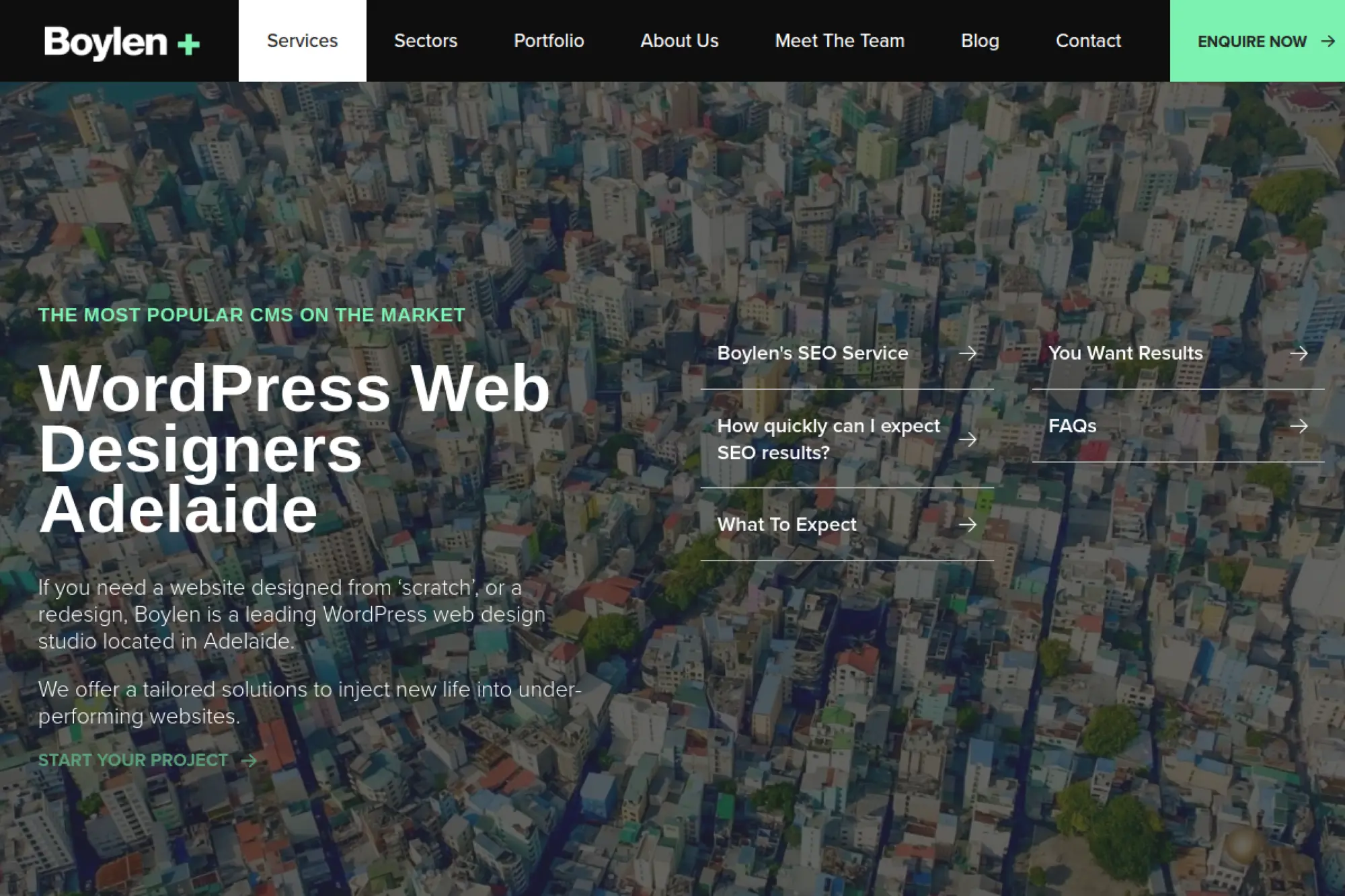
Boylen positions itself as a design and development studio with WordPress specialists and strong SEO capability. That combination fits organizations that want one team to handle site design, WordPress build, and search visibility planning.
Best for
Businesses that want a WordPress redesign tied closely to SEO strategy, content, and lead generation rather than purely aesthetic updates.
Key workflows to configure
- Build SEO-friendly page templates with consistent headings and structure.
- Set up editorial guidelines for publishing and content updates.
- Define plugin selection rules so performance stays stable.
- Create a workflow for ongoing SEO improvements and reporting.
Sales growth lever
Strengthen organic traffic quality. When technical SEO, content structure, and conversion paths align, you attract better visitors and convert more of them.
Watch outs
SEO work takes time and consistency. If you do not plan for ongoing content improvements, rankings can stall and the site can feel “done” too early.
Quick start checklist
- Audit current rankings, top pages, and search opportunities.
- List the services or products that drive revenue.
- Collect competitor sites and note what you like and dislike.
- Plan a content calendar and ownership for updates.
27. EB Pearls
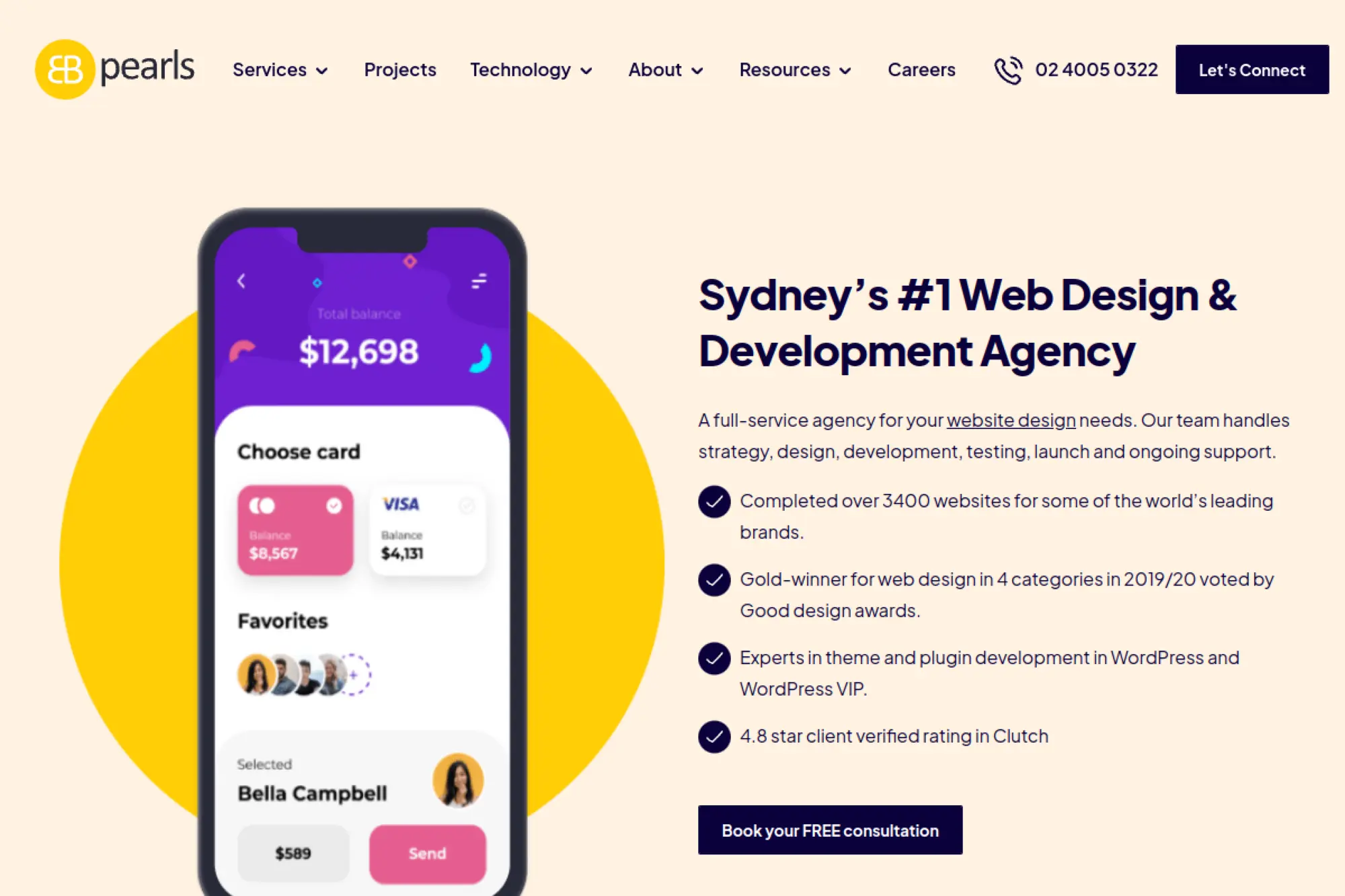
EB Pearls is a broader software development agency that also offers website design and WordPress work. If you want one partner for web, UX, and broader digital product support, this kind of team can help you avoid juggling multiple vendors.
Best for
Startups and growing businesses that want a WordPress site now, but also need a partner who can support future web or product development as the business evolves.
Key workflows to configure
- Clarify the role of the website in your product and marketing funnel.
- Set up scalable templates that can expand with new features.
- Define how leads and inquiries route to internal teams.
- Build a workflow for ongoing improvements and feature requests.
Sales growth lever
Keep a single roadmap across web and product. When your site, onboarding, and customer experience align, you remove friction and shorten the path to purchase.
Watch outs
When an agency offers many services, you need to stay focused. Make sure WordPress usability and editor experience do not get overshadowed by broader product work.
Quick start checklist
- Write your conversion goals and key user journeys.
- List required features and future roadmap ideas.
- Gather brand assets and tone-of-voice examples.
- Decide how you will measure success after launch.
28. The Property Jungle
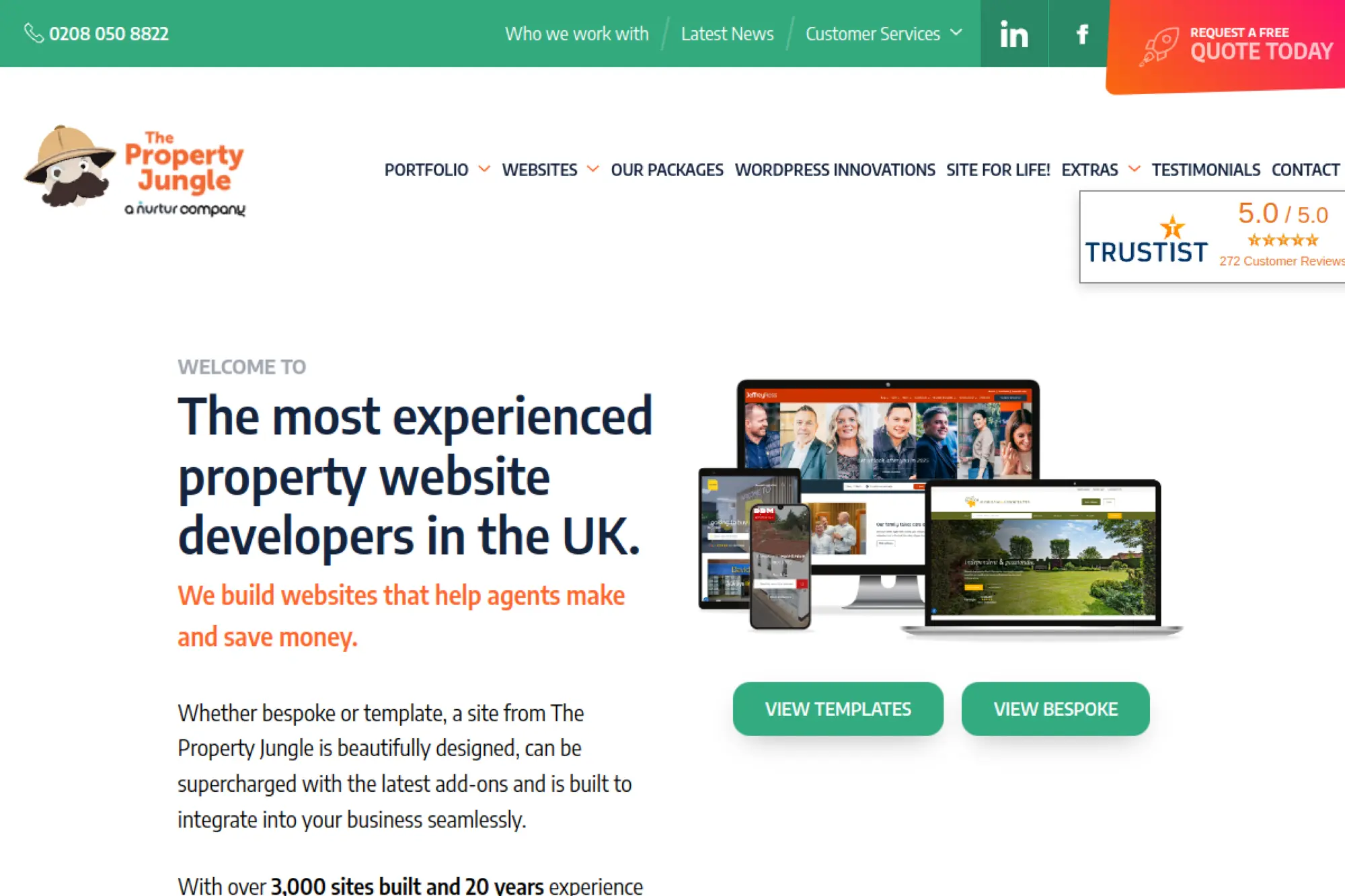
The Property Jungle focuses on websites for estate and letting agents. Their messaging references WordPress options and industry-specific add-ons, which helps if you want a WordPress-backed site tailored to property marketing and lead capture workflows.
Best for
Estate agents, letting agents, and property brands that need lead generation and local visibility, along with integrations into property systems and day-to-day workflows.
Key workflows to configure
- Set up local landing pages that target specific areas and services.
- Integrate property feeds or listing workflows with your CRM stack.
- Configure valuation and inquiry forms with clear routing.
- Build a content workflow for market updates and community guides.
Sales growth lever
Win more instructions by reducing friction. When users can browse listings quickly and request valuations easily, the site supports sales conversations more effectively.
Watch outs
Property sites can become template-heavy and generic. Push for brand differentiation and clear messaging, not just a polished listings experience.
Quick start checklist
- List the lead types you need and what makes them qualified.
- Document your listing and CRM workflow requirements.
- Collect examples of competitor property sites you admire.
- Plan content responsibilities for local pages and updates.
29. TracTru
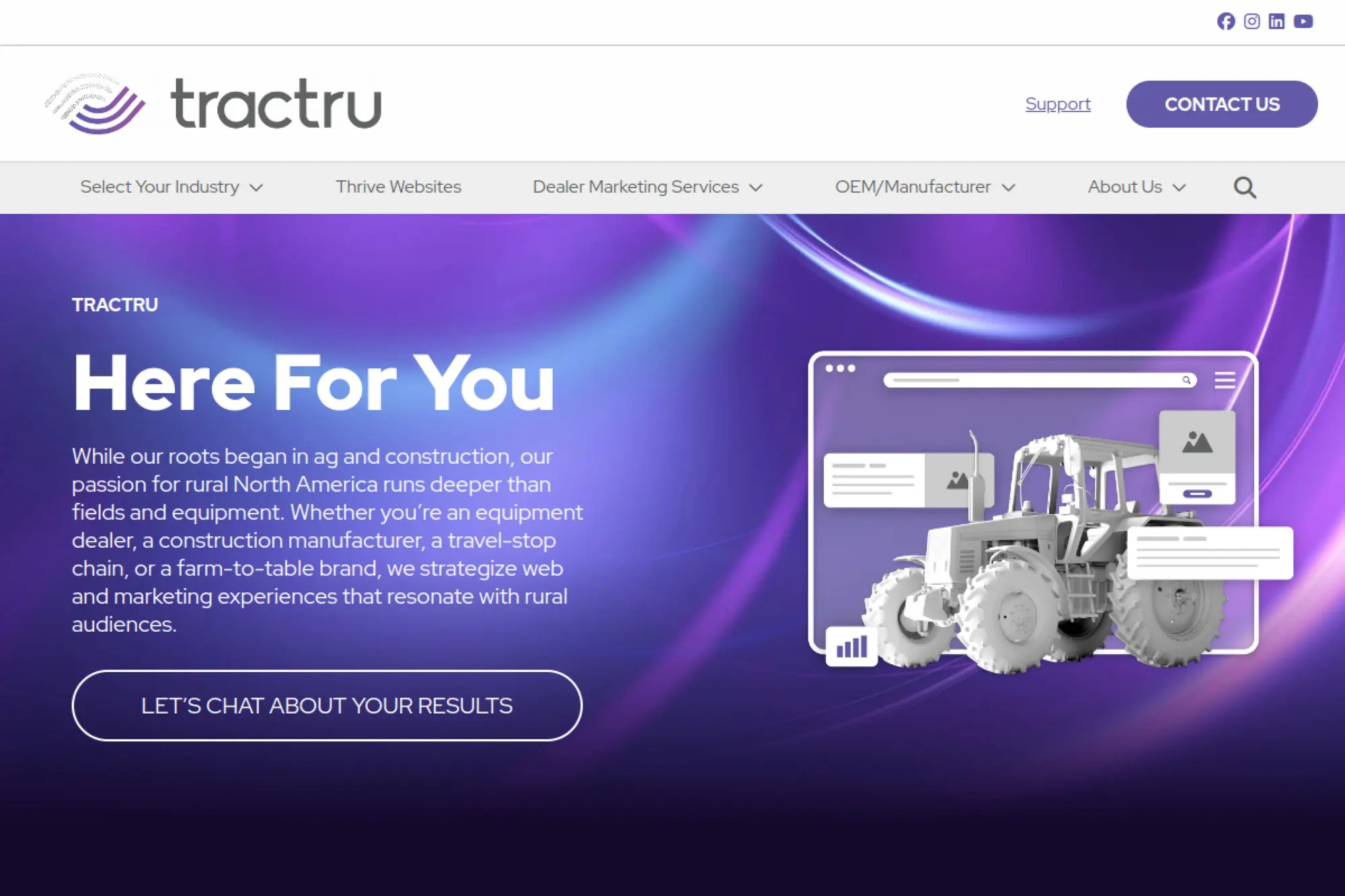
TracTru positions itself around websites and marketing for rural audiences, with roots in agriculture and construction. That niche focus matters if you need messaging, UX, and lead capture that match how your customers actually shop and decide.
Best for
Dealers and brands serving rural markets that need strong web performance, clear inventory-style navigation, and marketing that drives calls and visits.
Key workflows to configure
- Build navigation that reflects how customers browse equipment or services.
- Set up lead capture paths that route to the right location or team.
- Configure analytics for phone calls, forms, and inquiry steps.
- Implement a support workflow for ongoing updates and seasonal promos.
Sales growth lever
Convert attention into action. A focused homepage, strong calls to action, and clear inventory pathways help users move from browsing to contacting your team.
Watch outs
Dealer sites can overload users with options. Keep pages structured and avoid clutter. Strong information hierarchy usually beats more features.
Quick start checklist
- Map your customer’s buying journey from search to inquiry.
- List the content and inventory sections your site must support.
- Define routing rules for leads and inquiries.
- Plan a cadence for updates, promos, and content refreshes.
30. Art & Science

Art & Science positions itself as a brand and marketing agency that also delivers website development. This mix works well when you want WordPress design tied to brand strategy, campaigns, and measurable marketing outcomes.
Best for
Brands that want a WordPress site that supports positioning and marketing campaigns, with a partner who can connect messaging, UX, and ongoing performance work.
Key workflows to configure
- Align brand strategy and messaging with on-page structure.
- Build campaign-ready templates that marketing can reuse safely.
- Set up conversion tracking tied to key journeys and offers.
- Create a process for iterative improvements after launch.
Sales growth lever
Strengthen differentiation. When your site communicates a clear “why us,” it reduces price pressure and helps prospects choose you faster.
Watch outs
Brand-led projects can drift into subjective debates. Keep tying decisions back to user needs and measurable outcomes so the work stays grounded.
Quick start checklist
- Gather brand positioning inputs, customer research, and sales insights.
- List campaigns and landing pages you need to support.
- Define how you will measure performance after launch.
- Assign internal owners for content, analytics, and approvals.
Questions to Ask on the First Call
You can save weeks by asking direct questions early. You want to understand how the agency thinks, how they ship work, and how they handle real-world constraints.
- How do you define project success beyond “a new design”?
- What does your discovery process produce, and how do we approve it?
- How do you build block libraries and reusable components in WordPress?
- How do you approach content migration, redirects, and SEO continuity?
- How do you test performance and accessibility before launch?
- What does post-launch support look like, and how do requests flow?
- How do you handle scope changes without derailing the timeline?
- What do you need from our team each week to keep delivery moving?







What to Do After Launch (So the Site Pays Off)
Launch day is the start of a growth cycle, not the finish line. The fastest wins usually come from tightening measurement, improving content clarity, and removing friction from top journeys.
- Run a post-launch QA sweep and fix the obvious friction points first.
- Review analytics to see where visitors drop off in key journeys.
- Refresh high-intent pages with clearer copy and stronger calls to action.
- Improve internal linking so users and search engines find related content.
- Set a lightweight editorial calendar so the site stays current.
- Keep plugin and theme governance tight to protect speed and stability.
- Create a monthly optimization rhythm with a clear owner and backlog.
A WordPress website can become your most reliable growth asset when you treat it like a product. The best WordPress website design companies do not just deliver pages. They build systems your team can run.
Start with a shortlist that matches your needs. Then ask the hard questions early. When strategy, UX, WordPress build quality, and ongoing operations line up, your site becomes easier to manage and more effective at driving revenue.