

- What seo web solutions cover: SEO, web design, hosting, and growth marketing
- Quick Comparison of seo web solutions
- Top 30 seo web solutions to consider for SEO, web design, and marketing execution
- Core deliverables included in seo web solutions packages
- SEO web design essentials for higher rankings and usability
- Local seo web solutions for service-area businesses
- How to evaluate an SEO Web Solutions agency or consultant
- 1Byte: Cloud hosting & web infrastructure that supports SEO web solutions
At 1Byte, we think “SEO” is a misleadingly small word for a very large system. Rankings are only the visible tip. Underneath sits infrastructure, code quality, content depth, tracking discipline, and the daily grind of keeping a site stable.
Search teams often inherit fragile websites. Marketing then asks for growth anyway. That tension is where “SEO web solutions” earn their keep, because the fix is rarely a single tool.
Market forces push this integration. Gartner forecasts public cloud end-user spending of $723.4 billion in 2025, and we see the same gravity in modern web stacks. McKinsey frames the AI shift as $2.6 trillion to $4.4 trillion of potential value across use cases, which changes how content gets produced and evaluated. Deloitte’s performance research highlights how even 0.1s can matter, which is why we treat speed as a business KPI, not a developer hobby.
In the field, we’ve watched a single unplanned migration wipe out years of earned visibility. We’ve also watched a careful rebuild turn an “SEO problem” into a compounding growth channel. The difference is process, not luck.
What seo web solutions cover: SEO, web design, hosting, and growth marketing
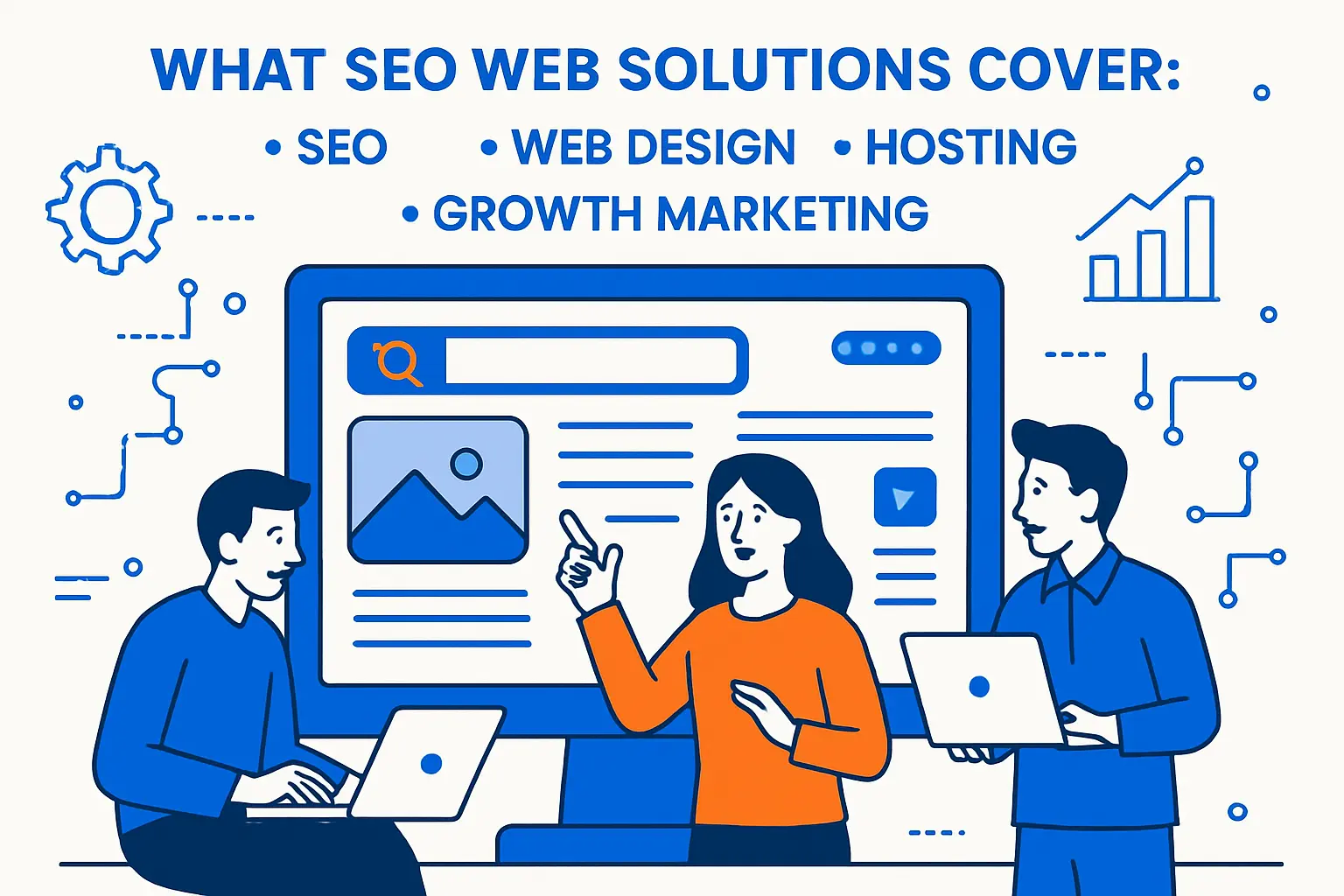
SEO web solutions are bundled systems. They blend technical fixes, design decisions, content operations, and infrastructure choices. The goal is simple: make it easy for users to convert and for crawlers to understand.
Our bias at 1Byte is pragmatic. A strategy that cannot be deployed safely is not a strategy. Great reporting without reliable uptime is still failure.
1. Full-service seo web solutions vs. single-channel SEO providers
Single-channel providers can be brilliant at a slice of the puzzle. Still, SEO usually breaks at the seams between teams. Design ships a template, dev ships a build, and marketing ships content that cannot rank.
Full-service solutions reduce that handoff risk. They connect discovery, implementation, and measurement. In our experience, that alignment matters most during migrations and rebuilds.
Price is not the only tradeoff. Focus can be lost in broad retainers. We prefer partners who document boundaries and deliverables.
2. Integrated seo web solutions across SEO, PPC, email marketing, CRO, and analytics
Integrated solutions treat search as one engine inside a larger funnel. SEO captures demand, PPC tests demand, email nurtures demand, and CRO harvests demand. Analytics binds the story together.
When these channels share a measurement model, teams stop arguing. They start iterating. That is when compounding happens.
Stack Examples We Commonly See in Real Deployments
- Semrush
- Ahrefs
- Moz Pro
- Screaming Frog SEO Spider
- Sitebulb
- Google Search Console
- Google Analytics
- Looker Studio
- Google Tag Manager
- PageSpeed Insights
- Cloudflare
- Fastly
- Akamai
- 1Byte Hosting
- AWS
- WordPress
- Shopify
- WooCommerce
- BigCommerce
- Magento (Adobe Commerce)
- Drupal
- Sitecore
- HubSpot
- Mailchimp
- Klaviyo
- Optimizely
- VWO
- Hotjar
- BrightLocal
- Yext
3. eCommerce-focused seo web solutions for Shopify, WordPress, Magento, BigCommerce, and WooCommerce
Commerce SEO is rarely about “blog more.” Product taxonomy, faceted navigation, and duplicate URLs create silent index bloat. That bloat can dilute relevance and waste crawl attention.
Platform-aware solutions make hard choices early. They control templates, canonicals, and internal linking patterns. They also align content with SKU reality.
We also watch checkout performance. Slow cart flows can erase the gains from top-of-funnel rankings.
4. AI-era seo web solutions: AI SEO, Generative Engine Optimization, and visibility in ChatGPT and Bing Copilot
AI-era SEO shifts the question from “Do we rank?” to “Do we get cited?” That pushes teams toward structured facts, clear entity signals, and consistent brand language. Thin content becomes a liability.
Generative Engine Optimization is partly technical. It is also editorial. Pages must be quotable, specific, and internally consistent.
From our hosting vantage point, the AI era also raises bot pressure. Defensive caching and smart rate controls become part of SEO hygiene.
5. Why analytics, reporting dashboards, and performance measurement are essential seo web solutions
Without measurement, SEO becomes faith. Faith does not survive a budget meeting. Dashboards translate work into business outcomes.
Good reporting connects technical tasks to conversion impact. It also reveals when growth is coming from brand demand, not net-new discovery.
We prefer reporting that shows the whole path. Rankings alone are easy to manipulate and hard to trust.
Quick Comparison of seo web solutions
We like simple comparisons that admit reality. Tools are not strategies, and agencies are not infrastructure. Still, a compact shortlist helps teams get moving.
The picks below cover research, crawling, local visibility, plugin-level SEO, edge performance, and measurement. We chose them because we see them in real stacks, not because they are trendy.
| Tool | Best for | From price | Trial/Free | Key limits |
|---|---|---|---|---|
| Semrush | All-in-one SEO and competitive research | $139.95/month | Trial varies | Complex interface for new teams |
| Ahrefs | Backlinks, content gaps, and technical auditing | $29/month | Free tools exist | Credit-style usage can surprise |
| Screaming Frog SEO Spider | Deep technical crawls and bulk checks | $279/year | Limited free mode | Desktop resources can bottleneck |
| BrightLocal | Local rankings, citations, and review workflows | $33 per month | Plans vary | Local-only scope by design |
| Yoast SEO Premium | WordPress on-page guidance and schema helpers | $118.80 per year | Free plugin exists | Plugin cannot fix weak strategy |
| Cloudflare | CDN, WAF, and edge performance basics | $20/month | Free tier exists | Misconfigurations can block crawlers |
| Google Search Console | Indexing visibility and query diagnostics | No-cost | Included | Sampling and delay are normal |
| Google Analytics | Traffic and conversion instrumentation | No-cost | Included | Setup quality drives usefulness |
| Looker Studio | Dashboards for SEO, ads, and CRM context | No-cost | Included | Connector quirks need maintenance |
| 1Byte Cloud Hosting | SEO-friendly uptime, speed, and security layers | Custom | By plan | Performance depends on architecture |
For most businesses, the fastest win is alignment. Decide who owns technical fixes, content production, and reporting. Then pick tools that match that operating model.
Top 30 seo web solutions to consider for SEO, web design, and marketing execution
Choosing “the best” SEO and web solutions gets messy fast, because outcomes differ. Some teams need a site that ships. Others need pipeline. Many need both. For this list, we prioritize jobs-to-be-done over shiny features. We score each option on seven criteria. Those weights are: Value-for-money 20%, Feature depth 20%, Ease of setup & learning 15%, Integrations & ecosystem 15%, UX & performance 10%, Security & trust 10%, and Support & community 10%.
We also judge “execution reality.” That means handoffs, approvals, and the time to first meaningful result. For platforms, that might be your first published page. For agencies, it is a live plan and first shipped improvement. Pricing is shown as “$—/mo” when it is quote-based. We avoid guessing numbers. Where limits vary by plan, we call out the usual cap types. The goal is simple: help you pick faster, with fewer regrets.
1. OuterBox
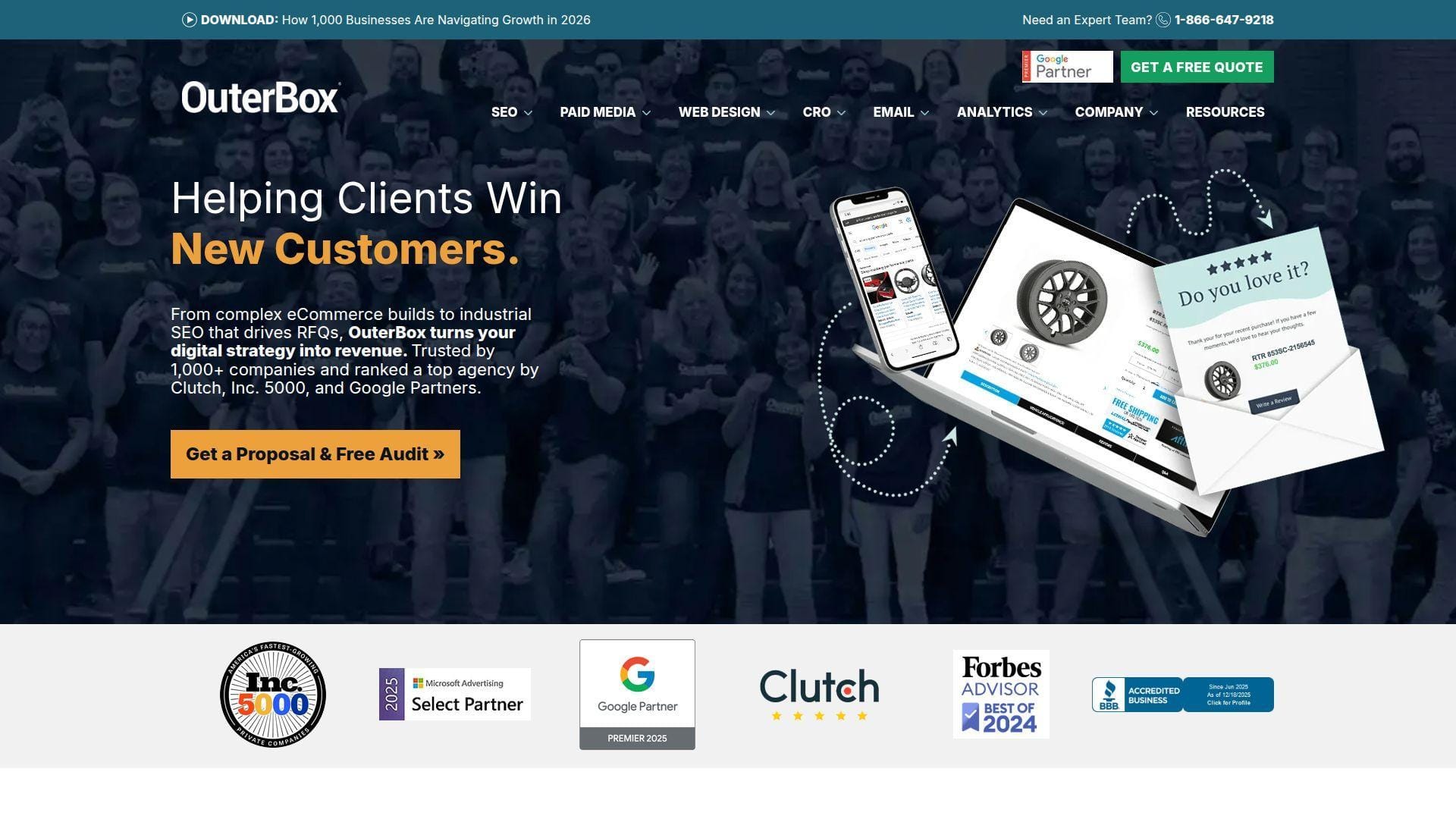
OuterBox is a digital agency built around SEO and ecommerce growth. The team mixes technical SEO, design, and development under one roof. That structure helps when rankings and conversion rate need to move together. You are not stuck translating strategy into tickets alone.
Outcome: turn your website into a dependable revenue engine, not a brochure.
Best for: ecommerce marketing leads and mid-market brands with complex catalogs.
- Technical SEO + UX sprints → fix revenue leaks while improving crawlability.
- Analytics and merchandising workflows → saves a few weekly reporting handoffs.
- Cross-discipline delivery → time-to-first-value is often 2–4 weeks.
Pricing & limits: From $—/mo; typically quote-based retainers or project scopes. Trial length is not standard for agency work. Capacity limits usually show up as hours, pages, and sprint throughput.
Honest drawbacks: Agency-led work can feel slower if you want daily ad-hoc requests. You also need clean internal ownership, or decisions stall in review loops.
Verdict: If you want SEO that actually ships, this helps you improve traffic quality and conversion within the first month. Beats smaller shops at ecommerce rigor; trails in-house teams on instant iteration speed.
Score: 3.9/5
2. Nashville Web Solutions

Nashville Web Solutions positions itself as a local-first web and SEO partner. The team approach is practical, with an emphasis on getting a credible site live. You are likely working with generalists who can cover multiple needs. That can reduce vendor sprawl for small teams.
Outcome: get found locally, and turn visits into booked calls.
Best for: local service businesses and founders who need a site rebuild plus SEO.
- Local SEO plus site cleanup → improves map visibility and lead quality.
- Simple reporting loops → saves a couple of back-and-forth clarification steps.
- Streamlined launch process → time-to-first-value is often 2–6 weeks.
Pricing & limits: From $—/mo; most engagements are quote-based. Trial length is uncommon, beyond an initial consult. Limits usually depend on pages, locations, and monthly content cadence.
Honest drawbacks: If you need deep enterprise SEO, you may hit a ceiling. Custom analytics and advanced experimentation can require extra specialists.
Verdict: If you need a clean site and local SEO basics, this helps you start generating steady inbound leads in one to two months. Beats DIY at consistency; trails specialist SEO firms on deep technical depth.
Score: 3.7/5
3. Oregon Web Solutions

Oregon Web Solutions presents as a regional agency offering web builds and marketing help. The team profile suggests a full-service mindset, not a single-channel shop. That can help when your main pain is coordination. You get a clearer “one team” delivery story.
Outcome: launch a credible website that earns traffic and trust.
Best for: SMB owners and lean marketing teams who need execution support.
- Web redesign with SEO foundations → avoids rework and indexing surprises.
- Common tool hookups → saves repeated manual copy-and-paste reporting tasks.
- Guided project plan → time-to-first-value is often 3–6 weeks.
Pricing & limits: From $—/mo; pricing is typically proposal-based. Trial length is not a standard pattern. Limits tend to be defined by page count, revisions, and monthly deliverable volume.
Honest drawbacks: Full-service can mean “good enough” across channels, not elite. If you want aggressive testing, clarify the process before signing.
Verdict: If you need a dependable site and basic SEO momentum, this helps you ship improvements within the first month. Beats freelancers at coordination; trails top-tier agencies on specialist bench strength.
Score: 3.6/5
4. SEO Web Design, LLC
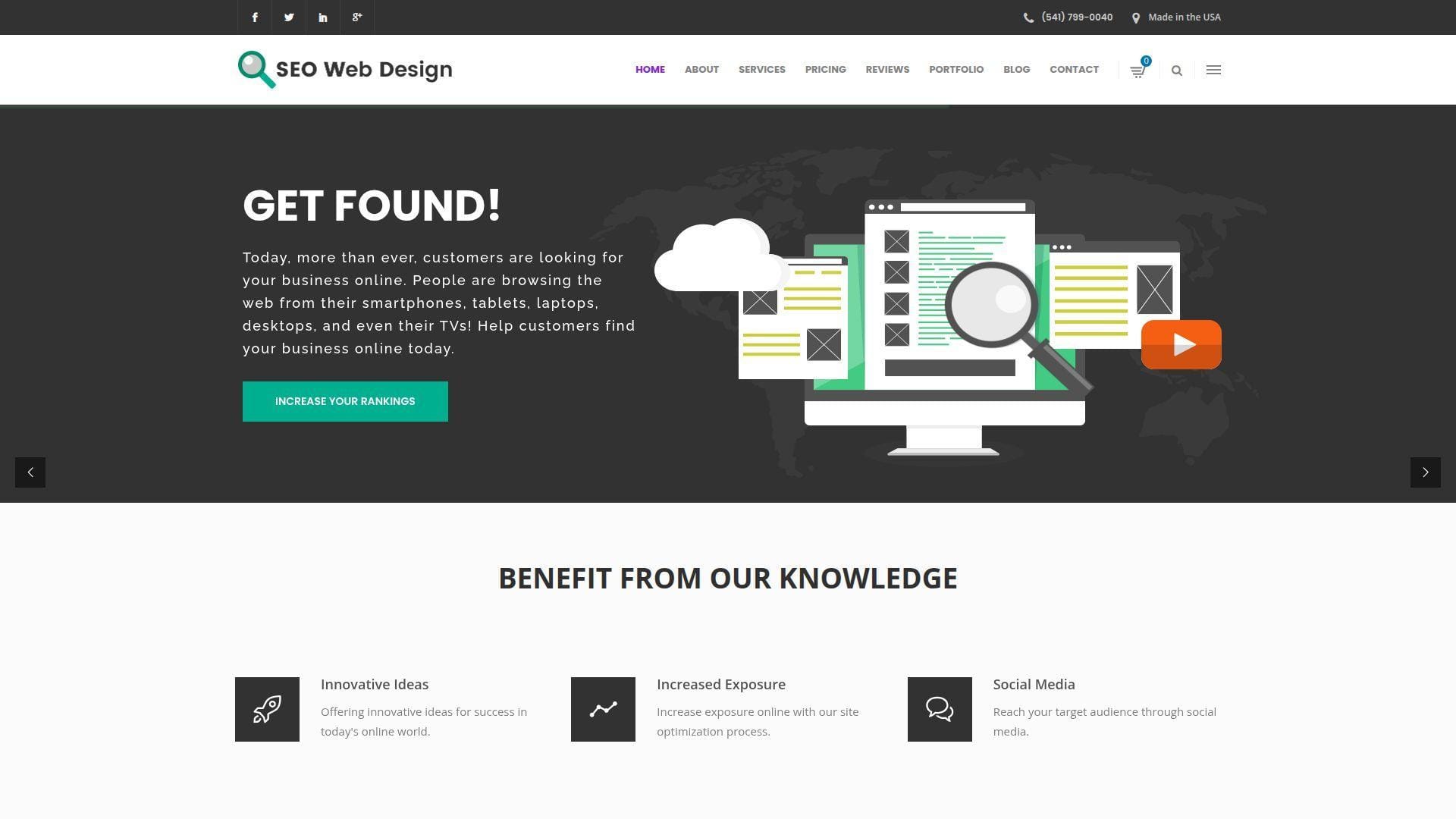
SEO Web Design, LLC frames the work around the overlap of rankings and site experience. The team model is the key value, since SEO without dev support slows down. Expect a service approach that blends builds, updates, and ongoing optimization. That mix suits teams that need done-for-you follow-through.
Outcome: stop losing traffic to slow pages and unclear messaging.
Best for: small ecommerce shops and local companies upgrading an aging website.
- SEO-first site structure → improves indexing and reduces “orphan page” drift.
- Routine optimization cycles → saves a few weekly “who owns this?” steps.
- Hands-on implementation → time-to-first-value is often 2–5 weeks.
Pricing & limits: From $—/mo; many services are custom scoped. Trial length is usually limited to an intro audit or discovery. Limits often revolve around page updates, content volume, and support response windows.
Honest drawbacks: Custom service can hide scope creep, unless deliverables are tight. If you want a self-serve dashboard, you may find reporting too manual.
Verdict: If you want SEO and web execution in one lane, this helps you ship fixes and publish better pages within the first month. Beats pure SEO consultancies at implementation; trails platforms on self-serve scale.
Score: 3.6/5
5. Tree Web Solutions
Tree Web Solutions reads as a web-focused partner with marketing support attached. The team value is in making “small business web work” feel manageable. Expect a blend of site work, maintenance, and search visibility help. That reduces context switching for owners.
Outcome: keep your site healthy, and keep leads flowing.
Best for: owner-operators and small teams without an in-house web person.
- Maintenance plus SEO hygiene → prevents slow declines from neglect.
- Standard marketing stack support → saves repeated vendor coordination steps.
- Clear delivery cadence → time-to-first-value is often 2–4 weeks.
Pricing & limits: From $—/mo; pricing is commonly quote-based. Trial length is not typical, beyond a first consult. Limits often show up as monthly edit allowances and included support hours.
Honest drawbacks: If you need aggressive content production, you may need another partner. Deep technical SEO can also require specialists, depending on your site stack.
Verdict: If you want steady website upkeep plus better search visibility, this helps you stabilize performance and improve leads over the first one to two months. Beats DIY at consistency; trails large agencies on breadth.
Score: 3.6/5
6. Americaneagle.com SEO Services
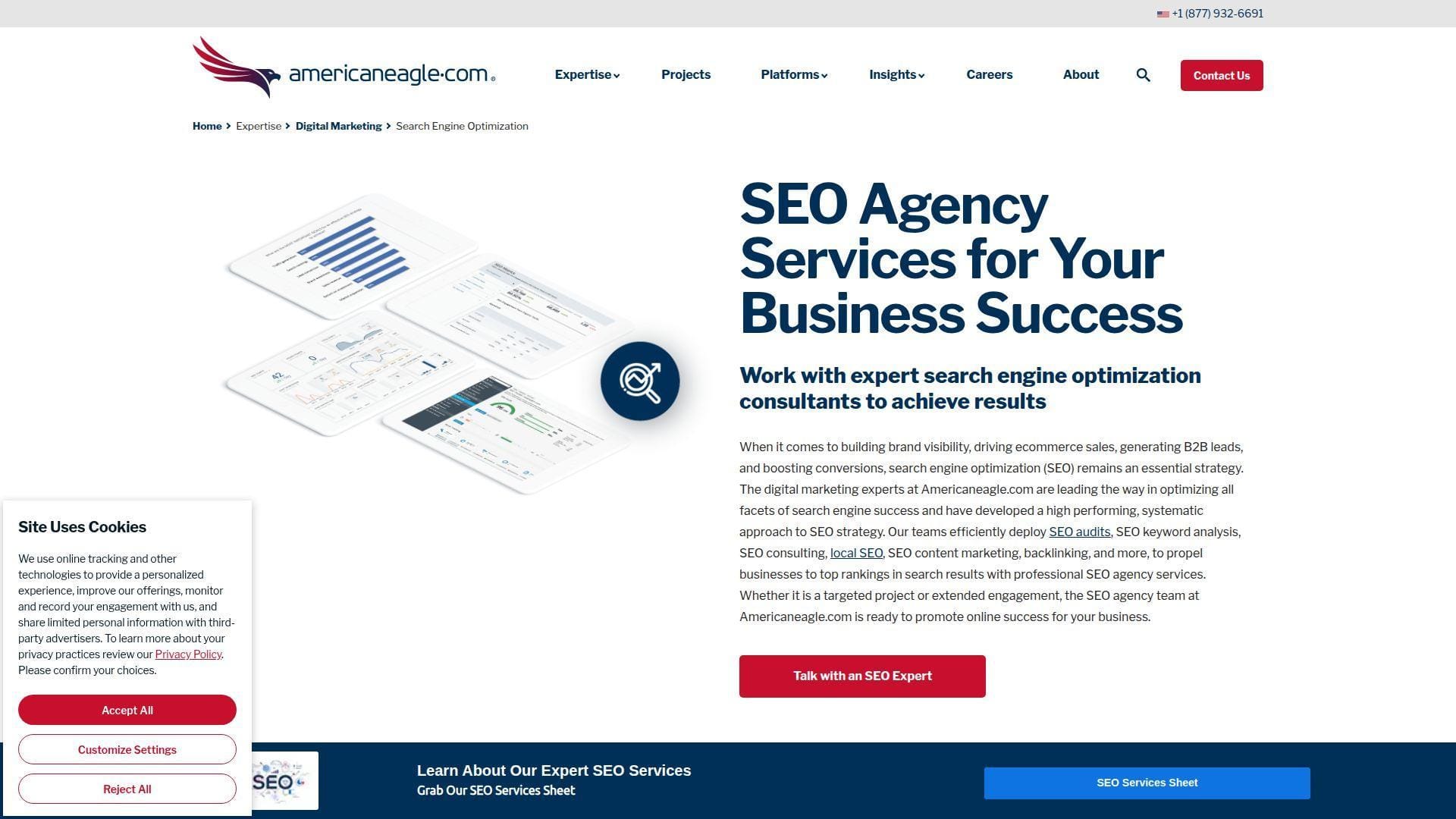
Americaneagle.com offers SEO as part of a broader digital services bench. The team advantage is scale and process. You can often get strategy, content, and development coordination in one program. That matters when stakeholders multiply.
Outcome: run SEO like a program, not a pile of tickets.
Best for: mid-market marketing teams and enterprises needing governance and delivery.
- Programmatic SEO operations → turns audits into shipped work, not PDFs.
- Enterprise-friendly integrations → saves recurring manual reporting consolidation.
- Structured onboarding → time-to-first-value is often 4–8 weeks.
Pricing & limits: From $—/mo; most work is scoped and contract-based. Trial length is usually not offered in a self-serve way. Limits are set by scope, markets, and stakeholder review complexity.
Honest drawbacks: Larger teams can mean more meetings and slower approvals. If you want scrappy experimentation, you may need to push for it.
Verdict: If you need SEO execution with enterprise coordination, this helps you build a repeatable pipeline of fixes and content within two months. Beats small agencies at governance; trails boutique specialists on niche focus.
Score: 3.9/5
7. Effective Web Solutions
Effective Web Solutions markets itself as a practical partner for web and online visibility. The team pitch is “results without drama.” That usually means straightforward builds, SEO hygiene, and support. For small organizations, that can be the real differentiator.
Outcome: make your website do the selling while you run the business.
Best for: local businesses and SMBs that want one accountable web vendor.
- SEO plus site structure cleanup → improves rankings without constant redesign.
- Standard tool connections → saves a few recurring update and export steps.
- Simple support process → time-to-first-value is often 2–5 weeks.
Pricing & limits: From $—/mo; services are commonly quoted by scope. Trial length is usually not part of the model. Limits often depend on pages managed, update frequency, and support hours.
Honest drawbacks: If you need advanced technical SEO, confirm capabilities early. Custom data work and experimentation can cost extra or move slower.
Verdict: If you want a dependable site partner who actually implements, this helps you improve visibility and lead flow within one to two months. Beats DIY at follow-through; trails specialist agencies on depth.
Score: 3.6/5
8. Shopify

Shopify is a commerce platform built by a large product and infrastructure team. The company focus is reducing the friction of selling online. That shows up in hosting, checkout, and a broad app ecosystem. You get a stable base without running servers.
Outcome: launch and scale ecommerce without fighting your tech stack.
Best for: DTC founders and SMB ecommerce teams that need speed and reliability.
- Hosted storefront and checkout → reduces technical drag and downtime risk.
- App ecosystem and automations → saves repeated manual integrations and exports.
- Guided setup flow → time-to-first-value can be a weekend.
Pricing & limits: From $—/mo; plans vary by features and scale. Trial length is sometimes offered and can change by promotion. Limits commonly involve staff accounts, reporting depth, and platform features by plan.
Honest drawbacks: Customization can become app-heavy and expensive over time. Deep SEO control is possible, but some areas require theme work or careful tooling.
Verdict: If you want to start selling fast with fewer technical headaches, this helps you ship a store and iterate weekly. Beats many builders on commerce maturity; trails open-source stacks on unlimited flexibility.
Score: 4.3/5
9. WordPress
WordPress is an open-source CMS supported by a global developer community. The “team” is the ecosystem: hosts, agencies, plugin makers, and contributors. That community gives you breadth and options. It also gives you responsibility for choices.
Outcome: publish and optimize content at scale, on your terms.
Best for: content-led marketers and teams wanting control without a closed platform.
- Flexible publishing workflows → ships landing pages and blogs without dev bottlenecks.
- Plugin ecosystem and integrations → saves repeated custom build requests.
- Quick installs on most hosts → time-to-first-value can be a day.
Pricing & limits: From $0/mo for the software; hosting and premium plugins cost extra. Trial length is not applicable, since you can self-host anytime. Limits depend on your host, theme, and plugin choices.
Honest drawbacks: Security and performance require ongoing maintenance discipline. Plugin sprawl can create conflicts, slow sites, and unclear accountability.
Verdict: If you want a flexible marketing site you can keep evolving, this helps you publish faster and support SEO work within weeks. Beats closed builders on extensibility; trails hosted platforms on “it just works.”
Score: 4.1/5
10. Magento
Magento, widely known through Adobe Commerce, is built for complex ecommerce operations. The team strength is in enterprise commerce patterns: catalogs, pricing rules, and multi-store setups. It shines when your business logic is messy. You get deep control, with real implementation effort.
Outcome: run complex ecommerce without forcing your business into a template.
Best for: mid-market ecommerce teams and enterprises with custom workflows.
- Advanced catalog and pricing logic → supports complex selling without workarounds.
- Integration-friendly architecture → saves repeated “data duct tape” reconciliations.
- Implementation-led onboarding → time-to-first-value is often 2–4 months.
Pricing & limits: From $—/mo; costs vary by edition, hosting, and partners. Trial length depends on how you evaluate and who implements. Limits typically come from infrastructure, development capacity, and license terms.
Honest drawbacks: Setup and ongoing changes require experienced developers. If you need speed over control, you may feel boxed in by your own complexity.
Verdict: If you need enterprise-grade commerce control, this helps you build a tailored store and improve SEO foundations over a quarter. Beats simpler platforms at complexity; trails Shopify on speed to launch.
Score: 3.7/5
11. BigCommerce
BigCommerce is a hosted ecommerce platform built for growing brands. The product team leans into flexibility without full custom builds. You get strong core commerce features and a broad partner ecosystem. That balance helps teams who have outgrown basic builders.
Outcome: scale an online store without rebuilding every year.
Best for: SMB to mid-market ecommerce teams and lean technical marketers.
- Robust native commerce features → reduces reliance on patchwork apps.
- Partner and integration ecosystem → saves recurring manual order and data sync work.
- Structured setup and themes → time-to-first-value is often 1–2 weeks.
Pricing & limits: From $—/mo; plans vary by feature access and scale. Trial availability can vary by region and offer. Limits often involve sales thresholds, storefront features, and staff permissions by plan.
Honest drawbacks: Some advanced customizations still require developer time. App and theme choices can affect performance if you are not selective.
Verdict: If you want a hosted platform that still bends, this helps you launch improvements and SEO-friendly pages in weeks. Beats many builders on commerce depth; trails Magento on extreme customization.
Score: 4.1/5
12. WooCommerce
WooCommerce is a commerce layer that runs on WordPress, backed by a large ecosystem. The “team” is your mix of host, theme, and plugin support. That setup offers real control. It also requires careful governance to stay fast and secure.
Outcome: sell online with maximum flexibility and content-first SEO power.
Best for: content-driven ecommerce brands and teams with WordPress comfort.
- Commerce inside WordPress → unifies content and product SEO in one system.
- Extensions and integrations → saves repeated custom requests for common workflows.
- Fast basic setup → time-to-first-value can be a weekend.
Pricing & limits: From $0/mo for core software; hosting, themes, and extensions add cost. Trial length is not applicable for self-hosted installs. Limits depend on hosting resources, plugin choices, and developer capacity.
Honest drawbacks: Performance tuning becomes your responsibility as the store grows. Plugin conflicts and update risk are real, unless you manage releases carefully.
Verdict: If you want a flexible store tied tightly to content marketing, this helps you publish and optimize within weeks. Beats hosted platforms on control; trails Shopify on simplicity and predictable upkeep.
Score: 4.0/5
13. Klaviyo
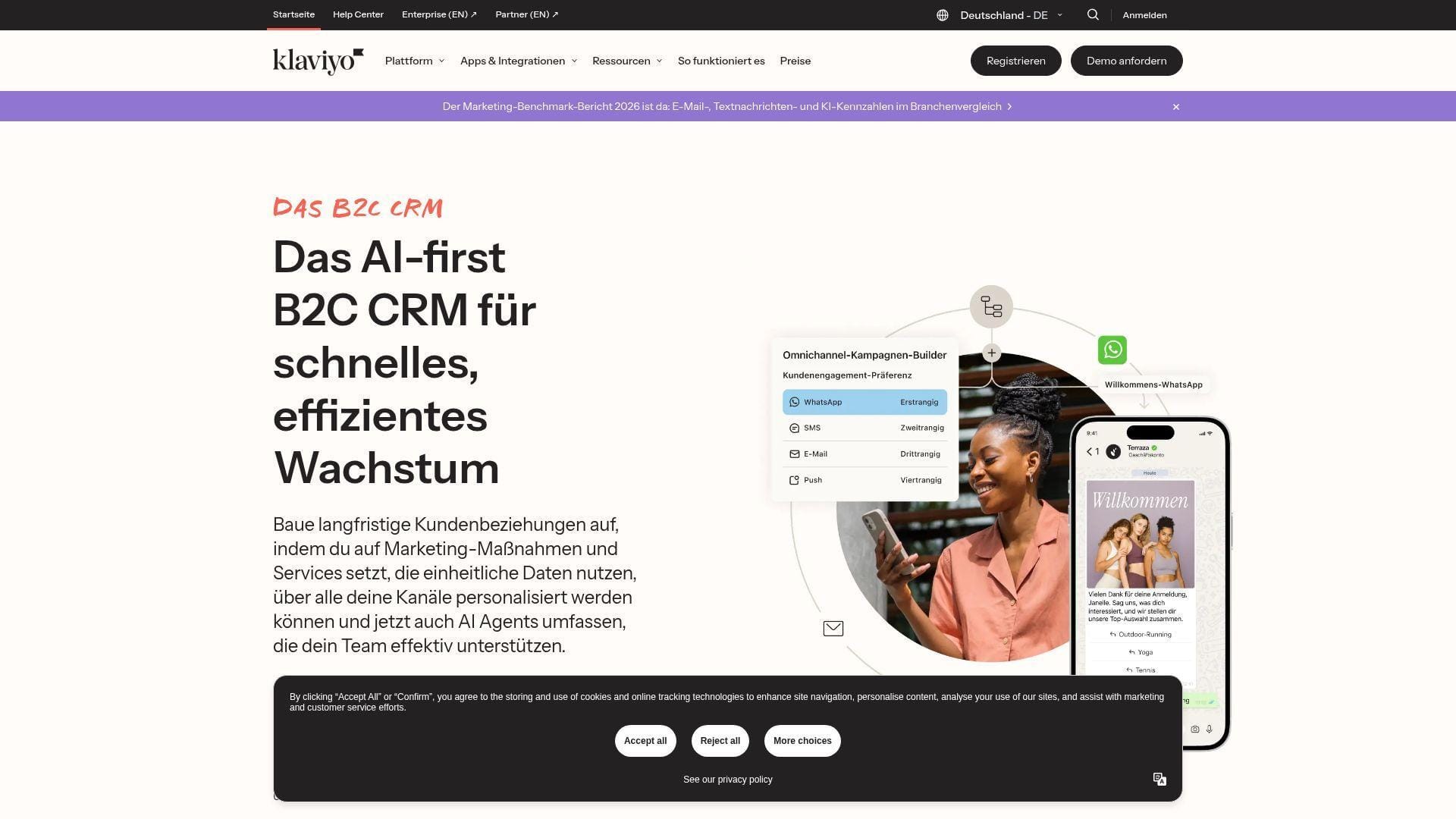
Klaviyo is an ecommerce-focused marketing automation platform. The product team emphasizes segmentation, lifecycle messaging, and measurable revenue impact. It fits teams that want more than newsletters. You get a system built for behavioral triggers.
Outcome: send smarter lifecycle messages that increase repeat purchases.
Best for: ecommerce marketers and retention teams running email and SMS programs.
- Behavior-based flows → turns browsing and purchase signals into timely sends.
- Deep ecommerce integrations → saves repetitive list cleanup and manual tagging steps.
- Template-driven setup → time-to-first-value is often 1–2 weeks.
Pricing & limits: From $—/mo; pricing typically scales with contacts and message volume. Trial terms vary by offer and account type. Limits commonly involve contact count, sends, and advanced features by plan.
Honest drawbacks: Costs can climb quickly as your list grows. Reporting and attribution can also feel complex without strong analytics habits.
Verdict: If you want retention to run on autopilot, this helps you ship flows and lift repeat revenue within weeks. Beats general email tools on ecommerce targeting; trails broader suites on cross-channel breadth.
Score: 4.1/5
14. Salesforce Marketing Cloud
Salesforce Marketing Cloud is an enterprise marketing platform built by a large suite team. The strength is ecosystem alignment with Salesforce data and identity. It can support complex journeys, governance, and permissions. That power comes with setup weight.
Outcome: orchestrate multi-channel journeys with enterprise control.
Best for: enterprise marketing ops teams and regulated organizations needing governance.
- Journey orchestration tools → coordinates lifecycle messaging across channels.
- Salesforce ecosystem alignment → saves recurring manual data stitching work.
- Implementation-led onboarding → time-to-first-value is often 6–12 weeks.
Pricing & limits: From $—/mo; pricing is usually sales-led and contract-based. Trial length is often handled through demos or partner evaluations. Limits vary by edition, contacts, channels, and feature modules.
Honest drawbacks: You will likely need dedicated admin or partner support. Smaller teams can feel overwhelmed by configuration and data model decisions.
Verdict: If you need enterprise-grade journeys and governance, this helps you run coordinated programs within a quarter. Beats lighter tools on control; trails HubSpot on speed to adopt.
Score: 3.9/5
15. Mailchimp
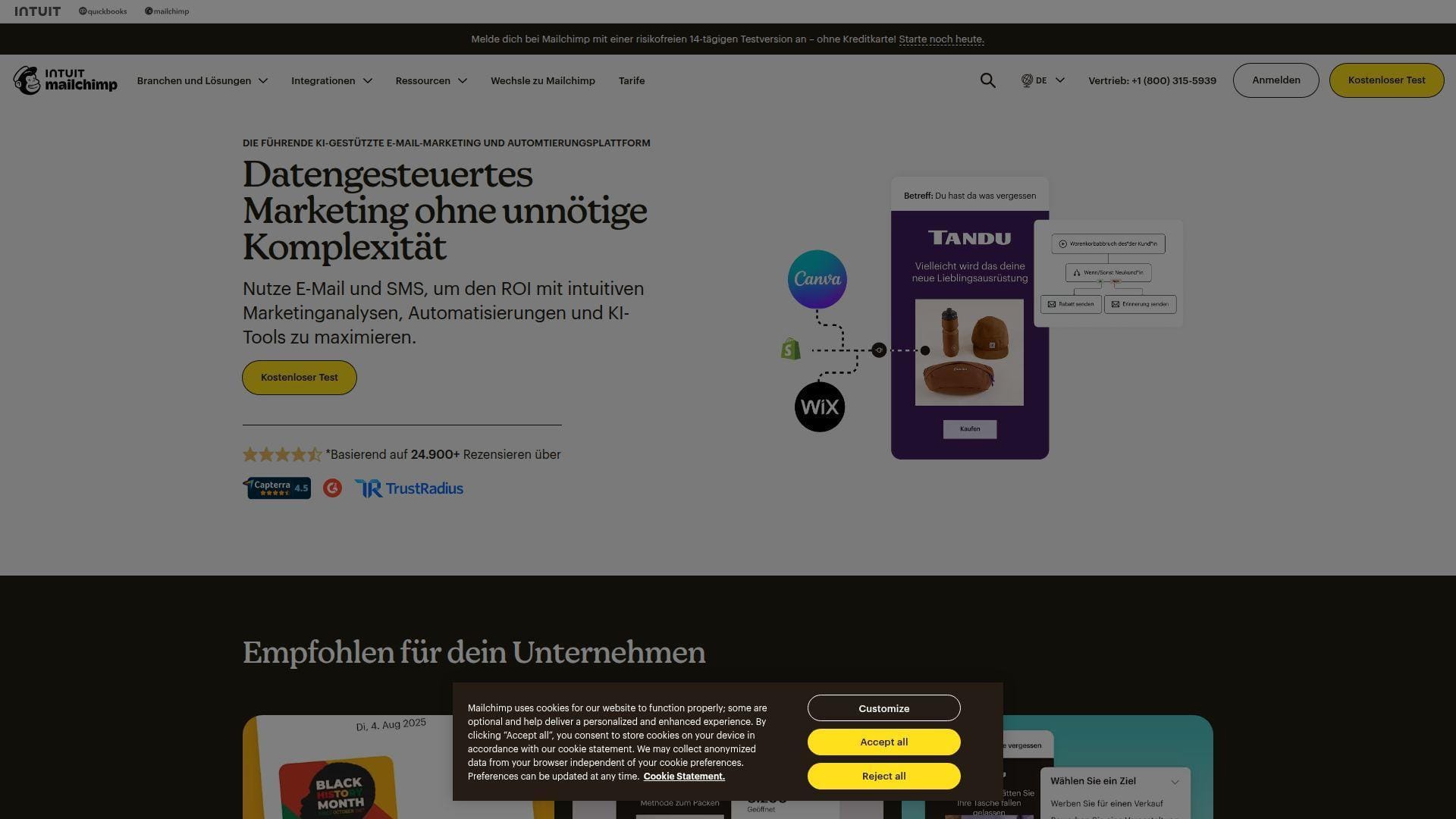
Mailchimp is a widely used email marketing platform with a mature product team. The focus is approachable campaign building and small-business usability. It works well when you need to ship emails without a specialist. It also offers automations and add-ons for growth.
Outcome: send polished campaigns and automations without a steep learning curve.
Best for: solo marketers and SMB teams running newsletters and basic lifecycle flows.
- Fast campaign builder → ships emails that look good across devices.
- Automation and integrations → saves recurring manual list and tag maintenance.
- Quick onboarding → time-to-first-value can be a day.
Pricing & limits: From $—/mo; plans vary by contacts, sends, and features. Trial length and free access depend on current offers. Limits usually include audience size, monthly sends, and automation depth by tier.
Honest drawbacks: Advanced segmentation can feel limited versus ecommerce-first tools. As needs grow, reporting and governance may feel less enterprise-ready.
Verdict: If you want email that ships reliably, this helps you launch campaigns and simple automations within days. Beats heavier suites on ease; trails Klaviyo on ecommerce depth.
Score: 4.0/5
16. HubSpot

HubSpot is a CRM and marketing platform built for unified go-to-market teams. The product teams prioritize connected data and workflows across marketing, sales, and service. That “one system” approach reduces tool friction. It is especially strong for lifecycle and pipeline visibility.
Outcome: turn marketing into measurable pipeline, with fewer handoffs.
Best for: SMB to mid-market teams and marketing ops leaders standardizing a stack.
- CRM-connected campaigns → ties leads to revenue without spreadsheet glue.
- Automation and integrations → saves repeated routing and follow-up steps.
- Guided setup paths → time-to-first-value is often 2–3 weeks.
Pricing & limits: From $—/mo; pricing varies by “hub,” seats, and feature tiers. Trial options depend on product and promotion. Limits can include marketing contacts, seats, and automation features by plan.
Honest drawbacks: Costs can rise as you add hubs, contacts, and users. Custom reporting and permissions may require higher tiers than expected.
Verdict: If you want a single system for inbound and follow-up, this helps you launch campaigns and track pipeline within a month. Beats point tools on cohesion; trails best-of-breed stacks on niche depth.
Score: 4.2/5
17. Amazon Advertising
Amazon Advertising is built by Amazon’s ads and marketplace teams. The platform is designed to capture purchase intent close to checkout. That intent signal is the main advantage. You can drive sales, but you are also playing inside Amazon’s rules.
Outcome: capture high-intent shoppers and turn ads into product sales.
Best for: ecommerce sellers and brand teams managing marketplace growth.
- Search and display ads on Amazon → reaches shoppers already comparing products.
- Campaign automation options → saves recurring bid and keyword adjustment steps.
- Fast campaign launch → time-to-first-value can be a few days.
Pricing & limits: From $0/mo to access the platform; you pay ad spend. Trial length is not a typical concept for ad platforms. Limits depend on account eligibility, catalog setup, and reporting access.
Honest drawbacks: Competition can push costs up in crowded categories. Attribution and brand lift can feel constrained compared with owning the full customer journey.
Verdict: If you want to increase marketplace sales quickly, this helps you get visibility and conversions within days. Beats social ads on purchase intent; trails Google on broader web discovery.
Score: 3.9/5
18. Google Search Console
Google Search Console is a free product from Google’s search ecosystem. The team focus is transparency into indexing, performance, and technical issues. It is not a “growth hack” tool. Instead, it is your most direct line to how Google sees your site.
Outcome: diagnose SEO issues with first-party search data.
Best for: SEO leads and web teams responsible for technical health.
- Indexing and coverage insights → spot crawl and canonical problems faster.
- Integrations with analytics workflows → saves repeated manual query checks.
- Quick verification → time-to-first-value can be under an hour.
Pricing & limits: From $0/mo; it is free to use. Trial length is not applicable. Limits can include sampled data, report delays, and feature availability by property type.
Honest drawbacks: The UI can feel spartan and sometimes delayed. You also need other tools for keyword research and competitor analysis.
Verdict: If you want to stop guessing about SEO health, this helps you find and fix issues within days. Beats third-party tools on first-party signals; trails suites like SEMrush on research breadth.
Score: 4.2/5
19. SEMrush
SEMrush is a marketing suite built by a team focused on search intelligence. The product depth covers research, audits, content workflows, and competitive tracking. It is built for operators who want one console for SEO planning. The tradeoff is complexity and cost management.
Outcome: plan, execute, and track SEO with fewer blind spots.
Best for: SEO specialists and growth teams managing multiple campaigns or sites.
- Keyword and competitor research → finds opportunity pockets faster.
- Project tracking and reporting → saves repeated manual status update steps.
- Guided setup wizards → time-to-first-value is often 1–2 days.
Pricing & limits: From $—/mo; plans typically vary by projects and usage quotas. Trial availability can change by offer and market. Limits often include tracked keywords, crawl pages, and report features by tier.
Honest drawbacks: The interface can feel dense for casual users. Some teams also outgrow quotas and face upgrade pressure.
Verdict: If you need a research-to-reporting workflow, this helps you produce actionable SEO plans within a week. Beats lighter tools on breadth; trails best-in-class crawlers on technical nuance.
Score: 4.2/5
20. BuzzSumo

BuzzSumo is built by a team focused on content research and trend discovery. The product helps you see what is resonating across topics and publishers. It is less about technical SEO and more about content strategy. That makes it a strong ideation partner.
Outcome: pick content topics with proof, not vibes.
Best for: content marketers and PR teams planning campaigns and thought leadership.
- Content performance discovery → speeds up ideation and pitch development.
- Alerts and monitoring workflows → saves repeated manual “what’s trending” checks.
- Simple search-first UX → time-to-first-value can be under an hour.
Pricing & limits: From $—/mo; plans vary by searches, alerts, and users. Trial availability may vary across offers. Limits often include query volume, alert count, and historical data access.
Honest drawbacks: It will not replace SEO suites for audits or rank tracking. Some niches also have thinner data, depending on coverage.
Verdict: If you want content ideas that earn links and shares, this helps you build a smarter editorial plan within days. Beats many suites at content discovery; trails SEO platforms on technical execution.
Score: 3.9/5
21. Sitecore
Sitecore is an enterprise digital experience platform backed by large product teams. The system is designed for complex sites, personalization, and governance. It is built for organizations with many stakeholders and strict controls. Expect a serious implementation effort.
Outcome: manage complex web experiences with enterprise governance.
Best for: enterprises and regulated teams needing permissions, workflows, and scale.
- Governed content workflows → reduces publishing risk and brand drift.
- Enterprise integrations → saves ongoing manual data and identity reconciliation.
- Partner-led setup patterns → time-to-first-value is often 2–4 months.
Pricing & limits: From $—/mo; pricing is typically contract-based. Trial length is usually handled via demos or partner pilots. Limits vary by modules, environments, and licensing terms.
Honest drawbacks: It can be heavy for teams without dedicated admins. Total cost of ownership can surprise you once environments and partners are included.
Verdict: If you need enterprise-grade control and workflow, this helps you run a stable, governed web program over a quarter. Beats lighter CMS tools on governance; trails WordPress on speed and simplicity.
Score: 3.8/5
22. Drupal
Drupal is an open-source CMS supported by a large community of contributors. The ecosystem includes agencies and experienced developers who specialize in complex builds. Drupal is known for structured content and permissions. It suits teams that treat the site as a product.
Outcome: run a secure, structured CMS for complex sites.
Best for: universities, nonprofits, and teams needing governance without closed licensing.
- Structured content modeling → improves reuse across pages and channels.
- API-first integrations → saves repeated custom one-off content exports.
- Project-based implementation → time-to-first-value is often 4–10 weeks.
Pricing & limits: From $0/mo for the software; hosting and development cost extra. Trial length is not applicable for self-hosting. Limits depend on hosting resources and your build complexity.
Honest drawbacks: The learning curve can feel steep for non-technical editors. Many wins require strong theming and development support.
Verdict: If you need a structured CMS with serious governance, this helps you launch stable experiences within a couple of months. Beats WordPress on structured complexity; trails hosted CMS tools on editor simplicity.
Score: 3.9/5
23. Microsoft Office 365

Microsoft 365 is a productivity suite built by large engineering and security teams. While not an SEO tool, it powers execution: docs, approvals, and operational rhythm. The value comes from standardization and collaboration. Many marketing teams live inside it daily.
Outcome: keep marketing execution moving, with fewer lost files and approvals.
Best for: marketing teams and ops leads needing collaboration and governance.
- Shared docs and workspaces → reduces version chaos during content production.
- Workflow integrations → saves repeated “request, approve, publish” follow-ups.
- Fast adoption for most teams → time-to-first-value can be immediate.
Pricing & limits: From $—/mo; pricing varies by plan and seat type. Trial options can exist, depending on region and offer. Limits typically involve storage, advanced security features, and admin controls by tier.
Honest drawbacks: It will not replace dedicated SEO or analytics platforms. Permission sprawl can also happen without clear governance.
Verdict: If you want smoother marketing execution, this helps you ship content and coordinate reviews within days. Beats ad-hoc tools at governance; trails purpose-built PM tools on task depth.
Score: 4.2/5
24. Facebook
Facebook is a Meta platform supported by large product, ads, and safety teams. As a “solution,” it is distribution plus paid targeting. Organic reach varies, but groups and community can still work. Paid campaigns can drive leads when tracking is set up well.
Outcome: reach targeted audiences and drive leads with paid and community channels.
Best for: local businesses and SMB marketers running lead gen and retargeting.
- Lead forms and retargeting → captures prospects without forcing a site visit.
- Ads automation and audiences → saves repeated manual targeting rebuild steps.
- Quick page setup → time-to-first-value can be a day.
Pricing & limits: From $0/mo to create a page; ad spend is variable. Trial length is not applicable for the platform itself. Limits can include account verification, ad policy constraints, and learning periods.
Honest drawbacks: Policy enforcement and account restrictions can be disruptive. Attribution can also be challenging, especially across devices and privacy constraints.
Verdict: If you want demand fast, this helps you launch campaigns and collect leads within days. Beats SEO on speed; trails Google Search on intent clarity.
Score: 4.0/5
25. Instagram

Instagram is a Meta-owned platform built for visual storytelling. The product teams focus on creator tools, discovery, and commerce hooks. For brands, it is often top-of-funnel and trust-building. Strong creative can outperform complex targeting.
Outcome: build demand and brand trust through consistent visual content.
Best for: DTC brands and creators-in-house teams producing short-form content.
- Reels and Stories workflows → keeps your brand top-of-mind daily.
- Ads and shop integrations → saves repeated “link in bio” workarounds.
- Fast publishing loop → time-to-first-value can be a weekend.
Pricing & limits: From $0/mo to use; ad spend is optional and variable. Trial length is not applicable. Limits involve account eligibility, ad policies, and content performance volatility.
Honest drawbacks: Results depend heavily on creative production capacity. Link and tracking constraints can also make direct response harder without paid support.
Verdict: If you want to grow awareness and warm audiences, this helps you build momentum within a few weeks. Beats Facebook on visual discovery; trails YouTube on long-form education depth.
Score: 4.0/5
26. YouTube
YouTube is Google’s video platform supported by large search and recommendation teams. It functions like a search engine for video, with long content lifespans. Good videos can rank for months or years. That makes it a compounding marketing asset.
Outcome: earn evergreen visibility with videos that keep generating views.
Best for: educators, B2B marketers, and brands willing to invest in production.
- Searchable video library → captures intent for “how-to” and comparison queries.
- Channel and ad integrations → saves repeated audience rebuild steps across campaigns.
- Simple publishing tools → time-to-first-value can be a week.
Pricing & limits: From $0/mo to publish; paid ads are optional. Trial length is not applicable. Limits can include monetization eligibility, copyright rules, and production capacity constraints.
Honest drawbacks: Quality expectations are rising, especially in competitive niches. Production time can become the real bottleneck, not the platform.
Verdict: If you want durable top-of-funnel discovery, this helps you build compounding traffic within one to three months. Beats most social on content longevity; trails paid search on immediate demand capture.
Score: 4.1/5
27. LinkedIn
LinkedIn is a professional network supported by Microsoft-owned product teams. It excels at B2B reach, hiring adjacency, and authority-building. Organic content can still perform with the right consistency. Paid tools can target job roles, but costs vary.
Outcome: build B2B credibility and generate pipeline through professional reach.
Best for: B2B marketers and founders selling services or software.
- Thought leadership distribution → turns expertise into inbound conversations.
- CRM and ads integrations → saves repeated manual lead capture and routing steps.
- Quick profile and page setup → time-to-first-value can be a week.
Pricing & limits: From $0/mo for organic use; ads and premium features vary. Trial length depends on premium offers, when available. Limits can include messaging restrictions, ad policy, and targeting changes.
Honest drawbacks: Organic performance can fluctuate with algorithm shifts. Paid campaigns can also get expensive without tight offers and landing pages.
Verdict: If you want B2B demand and authority, this helps you start conversations within weeks. Beats most networks on professional targeting; trails X on real-time reach and speed.
Score: 4.0/5
28. X

X is a real-time network shaped by fast-moving conversation. The platform team has leaned into speed, video, and creator posting tools. For marketing, it can be a strong “signal amplifier.” It is also volatile, which affects brand safety comfort.
Outcome: join real-time conversations and drive fast visibility for timely ideas.
Best for: founders, creators, and comms teams that can post daily.
- Real-time distribution → accelerates reach for launches and opinions.
- Scheduling and workflow tools → saves repeated manual posting steps per week.
- Low-friction publishing → time-to-first-value can be same-day.
Pricing & limits: From $0/mo for basic use; paid options and ads vary. Trial length is not a standard pattern. Limits may include rate limits, account trust signals, and policy enforcement.
Honest drawbacks: Brand safety and comment quality can be deal-breakers. Organic reach can also be inconsistent, especially outside your core network.
Verdict: If you want fast attention and narrative testing, this helps you learn what resonates within days. Beats LinkedIn on speed; trails YouTube on evergreen discoverability.
Score: 3.7/5
29. Bing

Bing is Microsoft’s search engine supported by large search and ads teams. As a “solution,” it matters in two ways: organic visibility and paid reach. Many teams under-invest here, which can create cheaper wins. You still need solid SEO fundamentals.
Outcome: capture incremental search traffic that competitors often ignore.
Best for: SEO teams and advertisers looking for efficient secondary search wins.
- Search visibility beyond Google → adds incremental traffic without new content themes.
- Ads and webmaster workflows → saves repeated manual campaign duplication steps.
- Fast setup for indexing signals → time-to-first-value can be under a week.
Pricing & limits: From $0/mo for organic search presence; ads require spend. Trial length is not applicable for organic. Limits depend on policy, indexing behavior, and account verification for ads.
Honest drawbacks: Audience share is smaller than Google in many markets. Tooling and reporting may feel less familiar for Google-first teams.
Verdict: If you want extra search volume with less competition, this helps you pick up incremental wins within weeks. Beats Google Ads on some cost dynamics; trails Google on sheer demand scale.
Score: 4.0/5
30. ChatGPT
ChatGPT is a conversational AI product built by OpenAI’s research and product teams. For marketing and web work, it acts like a fast drafting and planning partner. The value is leverage, not magic. You still need human judgment for truth, brand, and compliance.
Outcome: turn messy ideas into usable drafts, briefs, and workflows faster.
Best for: solo marketers and in-house teams producing content, briefs, and ads.
- Briefs, outlines, and rewrites → speeds up content production without blank-page drag.
- Automation via prompts and templates → saves repeated “start from scratch” cycles.
- Low setup overhead → time-to-first-value can be minutes.
Pricing & limits: From $0/mo for free access, with paid plans available. Trial length varies by plan and availability. Limits may include message caps, model access, and workspace features by tier.
Honest drawbacks: It can produce confident errors, so fact-checking is mandatory. Sensitive data handling also needs a clear internal policy and user training.
Verdict: If you want faster planning and content drafts, this helps you ship more iterations within days. Beats generic writing tools on flexibility; trails expert editors on nuance and accountability.
Score: 4.2/5
Core deliverables included in seo web solutions packages
“SEO package” can mean almost anything. We look for concrete deliverables that map to outcomes. Great vendors also explain what they will not do.
Below are the deliverables we believe should exist in any serious engagement. The mix changes by platform and maturity. The categories do not change.
1. Website SEO auditing: indexation checks, backlink review, top pages, and competitor comparisons
An audit is a map of constraints, not a list of trivia. Indexation checks reveal what search engines can actually see. Backlink review reveals how trust flows to key pages.
Top pages deserve special care because they pay the bills. Competitor comparisons also prevent local maxima. They show where you are under-invested.
We like audits that end with a deployment plan. Otherwise, they become shelfware.
2. On-page SEO for priority keywords and high-intent landing pages
On-page SEO is intent alignment in code form. Titles, headings, and internal links should reflect what searchers want. Landing pages should answer questions without hedging.
High-intent pages also need design discipline. Calls-to-action must be obvious. Forms must be short and reliable.
In our experience, the best on-page work is boring. It is consistent and thoroughly QA’d.
3. Technical SEO improvements that support crawlability and long-term site health
Technical SEO is operational reliability for discovery. Clean redirects prevent dead ends. Logical canonicals prevent self-competition.
Rendering issues can also hide content from crawlers. JavaScript-heavy builds need careful testing. Server-side errors should be treated as revenue leaks.
As hosts, we also care about log signals. They reveal bot traps and waste.
4. SEO content writing and content marketing strategy aligned to audience needs
Content strategy starts with audience friction. What do prospects fear, compare, or misunderstand? Each answer becomes a page with a purpose.
Writing should avoid “SEO fluff.” Clear definitions and examples win. When content is genuinely helpful, it earns links naturally.
We also push for editorial reuse. Great content can power email, sales enablement, and ads.
5. Local SEO optimization for visibility in local searches
Local SEO is trust plus proximity signals. Consistent names, addresses, and phone details reduce ambiguity. Service-area pages should explain coverage honestly.
Local intent also demands proof. Photos, reviews, and clear policies help. Even small inconsistencies can cause ranking volatility.
We encourage businesses to treat local pages as product pages. Each one should convert, not just exist.
6. Google Business Profile support as part of local seo web solutions
Business Profiles are often the real homepage for local buyers. Categories, services, and messaging must match what the business actually does. Spammy tactics usually backfire.
Regular updates keep profiles alive. Good teams publish offers, photos, and Q&A responses. That activity also reduces support load for staff.
From our standpoint, profile work should be documented. Ownership and access issues can become operational risk.
7. PPC management and paid search support alongside seo web solutions
PPC is the lab. It tests messaging and keyword intent fast. It also gives revenue while SEO compounds.
Paid search data improves SEO prioritization. It shows which queries actually convert. Landing page experiments also reveal what users will tolerate.
We prefer joint planning between SEO and PPC teams. Separate roadmaps create waste and cannibalization.
8. Conversion Rate Optimization to improve leads and sales from SEO traffic
CRO turns rankings into revenue. It focuses on clarity, friction reduction, and trust. A small UI fix can beat months of new content.
Testing should be structured. Hypotheses need clear success signals. Changes should also be reversible.
Infrastructure matters here too. Unstable deployments can invalidate experiments and data.
9. Reputation and review management to strengthen trust signals
Reputation is an algorithmic signal and a human filter. Buyers read reviews like they read contracts. Ignoring reviews is like ignoring inbound leads.
Good solutions build repeatable processes. They request feedback, route negatives to support, and celebrate positives. That system reduces “reputation emergencies.”
We also recommend monitoring brand mentions. AI summaries can amplify both praise and complaints.
10. Email marketing services and automation support
Email monetizes attention that SEO earns. It also increases lifetime value, which changes acquisition economics. Automation makes this scalable.
Great flows reflect real buyer journeys. Abandoned carts, lead magnets, and onboarding sequences should feel helpful. Heavy-handed blasts erode trust fast.
From an infrastructure view, deliverability is technical. DNS and authentication must be correct.
11. Website management and hosting, including security updates and performance monitoring
Hosting is not a commodity when SEO is at stake. Downtime can cause crawl loss and conversion loss. Security incidents can destroy brand trust.
Updates also matter. Plugins, themes, and dependencies drift. A managed approach prevents slow accumulation of risk.
At 1Byte, we treat monitoring as part of SEO. If pages fail to load, they cannot rank or convert.
SEO web design essentials for higher rankings and usability

Design is SEO’s physical body. It shapes navigation, readability, and conversion paths. A beautiful site that confuses users still loses.
We like design systems that are measurable. Every component should have a job. Every job should map to a metric.
1. Responsive web design for mobile-first SEO and better user engagement
Responsive design is table stakes, yet many sites still cheat it. Menus become unusable. Buttons become too small. Forms become painful.
Mobile-first thinking forces priority. It removes decorative clutter. It also clarifies what the page is truly about.
From our side, responsive builds also reduce maintenance. One codebase is easier to keep fast and secure.
2. Fast-loading site experiences that support conversions and search visibility
Speed is a perception problem and an engineering problem. Users interpret slowness as incompetence. Search engines interpret it as poor experience.
Fast sites are built, not “optimized later.” Image handling, script discipline, and caching must be designed in. Hosting choices set the baseline.
We often see speed gains from removing complexity. Fewer moving parts means fewer surprises.
3. SEO-informed site architecture that helps users navigate and convert
Architecture decides what content is “important.” Shallow paths and clean categories help crawlers and users. Deep, messy structures hide valuable pages.
Internal linking is the practical tool here. It distributes authority and guides journeys. Good architecture also prevents duplicate intent pages.
We recommend mapping architecture to buyer tasks. That keeps the structure honest.
4. HTML5 and CSS3 foundations for modern, durable builds
Modern foundations improve maintainability. They also improve accessibility when used correctly. Semantic markup helps machines understand page meaning.
Durable builds avoid brittle hacks. Clear components simplify QA and performance work. That stability is a hidden SEO advantage.
From our hosting view, clean front-ends reduce server load. That can improve response behavior under stress.
5. Custom CMS vs. mainstream platforms for scalable seo web solutions
Custom CMS builds can be powerful and dangerous. They can fit exact workflows. They can also lock you into niche maintenance.
Mainstream platforms win on ecosystem and support. They also have known pitfalls. A good solution acknowledges both sides.
We advise matching CMS choice to operating maturity. The best CMS is the one your team can maintain.
6. Platform-aware builds: WordPress, Drupal, and Sitecore considerations
Every platform has different failure modes. WordPress can sprawl via plugins. Drupal can become over-engineered. Sitecore can demand heavy governance.
Platform-aware solutions focus on repeatable patterns. They standardize templates, metadata rules, and deployment workflows. That reduces SEO regressions.
At 1Byte, we also care about caching compatibility. Some platforms benefit greatly from edge strategies.
7. ADA-compliant websites and accessibility as a web solutions requirement
Accessibility is user respect in technical form. It also expands your reachable market. Keyboard navigation and proper labels reduce friction for everyone.
Accessible sites often have cleaner markup. Cleaner markup usually helps bots understand content. That is an under-discussed SEO benefit.
We recommend building accessibility into design reviews. Retrofitting later is slow and expensive.
8. High-converting website design and development focused on clear calls-to-action
Conversion design is about decision-making. Users need one obvious next step. Too many CTAs create anxiety and paralysis.
Great pages also answer objections. Pricing context, proof, and policies matter. Design should surface those signals without noise.
We like component libraries with tested CTA patterns. Consistency improves learning and reduces errors.
Local seo web solutions for service-area businesses
Local SEO is brutally practical. People search because they need something now. That means the website must resolve doubt fast.
Service-area businesses also face reputation risk. Reviews and response time can matter as much as rankings. A complete solution treats that as one system.
1. Local SEO strategies built to win customers searching nearby
Local strategy starts with service clarity. Pages should match what you actually sell. Neighborhood content should be real, not spun text.
Trust signals must be visible. Licenses, insurance, and guarantees reduce hesitation. Photos and case stories help the buyer imagine success.
We also encourage strong internal routing. Calls and forms should route correctly to the right team.
2. Google Maps 3-Pack visibility and Google Business Profile optimization
The map results reward consistency and relevance. Profile categories should match intent. Service descriptions should be specific and aligned with real offerings.
Location pages should reinforce the same story. Mismatches create doubt for users and platforms. That doubt reduces engagement signals.
We recommend tracking calls and form submissions by location. Otherwise, the business cannot learn.
3. Review management as part of local seo web solutions and reputation building
Reviews are recurring content, written by customers. That content influences clicks and conversions. It also provides language you can reuse in copy.
Good systems request reviews at the right moment. They also respond to negatives with professionalism. Silence reads as guilt.
In our experience, review workflows prevent crises. They keep reputation steady through busy seasons.
4. Industry fit for local seo web solutions: contractors, dentists, attorneys, and service businesses
Industry fit determines which pages matter. Contractors need service and project pages. Dentists need procedure pages and trust content.
Attorneys need credibility signals and intake reliability. Service businesses need scheduling clarity. A generic template rarely fits all of that.
We like solutions that show vertical experience. It shortens discovery and reduces wasted content.
5. Google Ads management for faster lead flow while SEO compounds
Ads provide immediate demand capture. They also reveal which offers resonate. That data can shape the next SEO content sprint.
Landing page speed and uptime still matter. Paid clicks are expensive. Losing them to errors is painful.
We often suggest running ads during rebuilds. It keeps leads flowing while organic stabilizes.
6. Retargeting campaigns across Google and Facebook to recapture visitors
Retargeting is memory. It brings visitors back after they compare options. It also reinforces brand trust through repetition.
Great retargeting uses segmentation. A pricing-page visitor needs different messaging than a blog reader. Generic retargeting feels creepy and wasteful.
We also advise aligning pixels with consent practices. Bad tracking creates blind spots and compliance risk.
7. Website management and hosting for uptime, security updates, and performance optimization
Local businesses cannot afford technical drama. A hacked site or broken form stops the phone. Consistent updates reduce that risk.
Hosting should also handle spikes. Storms, emergencies, and seasonal demand can surge traffic. Stable infrastructure protects lead flow.
From our side, monitoring is non-negotiable. You cannot fix what you do not see.
8. Realistic timelines for local SEO and sustained ranking improvements
Timelines depend on competition and starting health. Still, expectations must be managed. A good provider explains leading indicators, not just outcomes.
The best explanation is transparent reporting. That shows indexing progress, content traction, and conversion behavior. It also shows what is not working.
For planning, many teams treat SEO as a common window to measure SEO ROI rather than an instant switch.
How to evaluate an SEO Web Solutions agency or consultant

Vendor evaluation is risk management. The wrong partner can waste budget and damage the site. The right partner can change the business trajectory.
We evaluate with an operator’s mindset. Can they ship safely? Can they explain tradeoffs? Can they measure outcomes without spin?
1. Avoid “guaranteed #1 ranking” promises in seo web solutions proposals
Guarantees usually hide weak process. Search results change, competitors adapt, and algorithms evolve. Nobody controls that system.
Strong providers guarantee deliverables and transparency. They also set clear baselines. They explain what success will look like before work begins.
We treat ranking guarantees as a red flag. The honest work is slower and more durable.
2. Define business goals and seed keywords before keyword expansion
Keyword expansion without goals produces noise. Start with revenue drivers and customer language. Then expand into adjacent topics.
Seed keywords should map to offers. They should also map to pages you can actually build. That prevents “research theater.”
We also recommend aligning seeds with sales teams. Their call logs reveal real objections and phrasing.
3. Keyword research tooling: SEMrush, Google Keyword Planner, and content discovery tools like BuzzSumo
Tools accelerate discovery, but they do not replace judgment. Keyword volume can be misleading. Difficulty scores can be gamed by the dataset.
We like tool triangulation. Compare multiple sources, then validate with real SERP inspection. Intent is visible in the page types that rank.
Content discovery tools also help. They reveal what is already earning links and shares.
4. Audit readiness: how providers assess indexation, backlinks, rankings, and competitors
Audit readiness is a maturity signal. Great providers request access early. They also explain what they will measure and why.
Indexation checks should be methodical. Backlinks should be evaluated for relevance, not vanity. Competitors should be chosen by SERP reality.
We also expect deployment planning. An audit with no roadmap is incomplete work.
5. Reporting standards: dashboards for rankings, traffic, engagement, and conversions
Reporting should answer business questions. Where are leads coming from? Which pages convert? Which fixes moved the needle?
Dashboards should be readable by non-specialists. That keeps executives aligned and patient. It also reduces “status meeting” overhead.
We prefer shared definitions for conversions. Otherwise, teams debate numbers instead of improving them.
6. Platform experience across CMS and commerce stacks, including Shopify and WordPress
Platform experience prevents expensive mistakes. A team that knows Shopify understands URL constraints and app side effects. A team that knows WordPress understands plugin risk.
Ask for platform-specific examples. Ask what broke and how they fixed it. Honest answers reveal operational competence.
We also look for staging discipline. Direct production edits are a common source of disasters.
7. Enterprise and framework experience: Drupal SEO, Sitecore SEO, and multi-site environments
Enterprise SEO is governance plus scale. Multi-site environments need rules. Without rules, content sprawl creates duplication and cannibalization.
Framework experience also matters. Deployments must be predictable. Release cycles must include SEO QA gates.
From our infrastructure angle, enterprise sites also need resilience. Spikes, crawlers, and integrations test every weak joint.
8. Certifications and partnerships, including Google Partner credentials
Credentials can help, but they are not proof of outcomes. They show a baseline of familiarity. They do not show strategic judgment.
We still like to see active partnerships. They can improve access to support and training. They can also signal ongoing education.
Ask what the credential changes operationally. If it changes nothing, it is mostly marketing.
9. Support model: account management, responsiveness, and support center access
Support models define execution speed. A great strategist without delivery support becomes a bottleneck. A delivery team without strategy becomes busywork.
Account management should include change control. It should also include documentation. That reduces risk when staff changes.
We like clear escalation paths. Critical issues should not sit in an inbox.
10. Engagement planning: why 6–12 months is a common window to measure SEO ROI
SEO is an asset-building channel. Assets take time to earn trust and visibility. That truth is frustrating, yet it is also what makes SEO defensible.
We advise clients to plan for leading indicators first. Indexing stability, improved pages, and better conversion paths come earlier. Revenue impact tends to follow once the system is stable.
Most importantly, the engagement should include checkpoints. Those checkpoints force learning and reduce sunk-cost denial.
1Byte: Cloud hosting & web infrastructure that supports SEO web solutions
At 1Byte, we sit underneath the marketing stack. That position gives us a specific perspective: SEO fails when the site is unreliable. It also fails when performance is “optional.”
Infrastructure is not glamorous, yet it changes outcomes. Fast responses improve user behavior. Clean security posture prevents costly interruptions.
1. Domain registration and SSL certificates to secure sites and support trust signals
Domains are identity, and SSL is the baseline for trust. Broken renewals cause outages and panic. Misconfigured certificates can block users and crawlers.
We treat domain and SSL management as operational hygiene. Centralized ownership prevents surprise lapses. Clear documentation prevents access chaos.
Security is also marketing. Users notice warnings, and they rarely come back.
2. WordPress hosting, shared hosting, and cloud hosting options to match site needs and growth
Different sites need different foundations. Shared hosting can be fine for early projects. WordPress hosting can reduce maintenance overhead for content teams.
Cloud hosting fits when traffic patterns fluctuate. It also fits when deployments are frequent. The goal is predictable behavior under change.
We encourage matching hosting to risk tolerance. “Cheap” gets expensive when performance collapses during demand.







3. Cloud servers built for performance and scalability, backed by 1Byte as an AWS Partner
Cloud servers are not magic, but they are flexible. The real value is architectural options. Caching, isolation, and observability can be designed into the stack.
As an AWS Partner, we focus on operational patterns that reduce surprises. Migration planning, rollback paths, and monitoring come first. Performance tuning follows once stability is proven.
If we were choosing one next step, it would be this: audit your site like an engineer, then market it like a publisher. Which part of your stack is currently too fragile to support growth?