

- Why Alternative Search Engines Matter in 2026
- Quick Comparison of alternative search engines
- Top 30 alternative search engines to try for privacy, AI answers, and niche research
- How to Choose the Right Alternative Search Engine for Your Needs
- Privacy-Focused Alternative Search Engines and Anonymity Features
- AI-Powered Alternative Search Engines: Citations, Follow-Ups, and Hallucination Risks
- Specialized and Vertical Alternative Search Engines for Research
- SEO and Analytics: Measuring Visibility in Alternative Search Engines
We’re 1Byte, and we make our living in the exhaust stream of the web. Every day, customers ask us why traffic “changed,” why costs “spiked,” or why research “feels harder.” Behind those complaints sits one quiet dependency: a single search stack deciding what gets found. Alternative search engines are not a lifestyle choice anymore. They are an operational hedge, a privacy control, and a research multiplier for modern teams.
Market overview: search advertising worldwide is forecast to reach US$355.10bn in 2025, GenAI spending is expected to total $644 billion in 2025, and generative AI could unlock $2.6 trillion to $4.4 trillion in annual value across industries. From our hosting vantage point, we see two real patterns. Security teams are standardizing private search to reduce accidental data leaks. Meanwhile, researchers are mixing classic results with AI answers to move faster. That blend is where the web is heading, and it changes how we build systems.
Why Alternative Search Engines Matter in 2026

1. Privacy-first searching when you don’t want tracking or personal profiles
Privacy-first search matters most when the query itself is sensitive. Think M&A rumors, HR disputes, incident response, or pricing research. Even harmless queries can become risky when they build a behavioral profile.
At 1Byte, we’ve watched internal investigations leak through browser autofill and synced histories. Private search reduces that “ambient data” problem, especially on shared devices. For regulated industries, it also supports simpler data minimization stories during audits.
2. Independent indexes vs. engines that rely on Bing or Google results
Search engines are not equal behind the interface. Some crawl the web and own an index. Others aggregate results from larger providers.
That distinction affects coverage, ranking diversity, and resilience when contracts change. It also changes what you can self-host, measure, or influence through structured data.
When Index Independence Becomes a Business Continuity Issue
When an upstream API shifts pricing or policy, dependent engines can degrade overnight.
Independent indexes reduce that blast radius.
In practice, we treat independence like multi-cloud thinking for discovery traffic.
3. AI answer engines that support follow-up questions and cite sources
Classic search is great at breadth.
AI answer engines are great at momentum.
The difference is the follow-up question.
Instead of repeating keywords, you refine intent in natural language.
For businesses, this changes research workflows and meeting prep.
Still, citations and source links are the only guardrails that scale across teams.
4. Specialized alternative search engines for archives, computation, and media licensing
Sometimes the “best” search engine is not a web engine at all.
Archives help with due diligence, brand monitoring, and policy research.
Computation engines help when answers must be derived, not retrieved.
Media-licensing search matters when marketing needs assets without legal ambiguity.
We like specialized tools because they narrow the error surface.
A smaller scope often means clearer provenance and fewer surprises.
5. Region-first search ecosystems built around local language and culture
Language is not a translation problem only.
It is also a relevance problem.
Local engines often reflect local entities, local spam patterns, and local intent signals.
That matters for international SEO, procurement research, and market entry.
At 1Byte, we see this when customers expand into Asia or Eastern Europe.
Local engines can surface “known locally” sources that global engines underweight.
6. Real-time and professional discovery via social and network-based search
Some information becomes true first on networks, then on web pages.
Real-time discovery is crucial during outages, product launches, and policy changes.
Professional discovery also lives inside networks that reward identity and context.
We treat social and professional search as a second channel, not a replacement.
Used well, it shortens incident timelines and improves competitive intelligence.
Used poorly, it amplifies rumor and recycled summaries.
Quick Comparison of alternative search engines

We keep a small “default set” for most teams, then add vertical tools per workflow.
The list below favors stability, privacy posture, and practical research speed.
| Tool | Best for | From price | Trial/Free | Key limits |
|---|---|---|---|---|
| Brave Search | Independent web search | Free | Free | Quality varies by region |
| DuckDuckGo | Privacy-first general search | Free | Free | Some aggregation dependence |
| Startpage | Private “classic” results | Free | Free | Upstream provider dependence |
| Mojeek | No-tracking web results | Free | Free | Smaller index footprint |
| Kagi | Ad-free power searching | $5 /mo | Trial | Account required for paid use |
| SearXNG | Self-hostable metasearch | Free | Free | Instance quality varies |
| Perplexity | Cited AI answers | Free | Free | Answer errors still happen |
| ChatGPT Search | Conversational web research | Free | Free | Source selection can bias |
| Ecosia | Impact-driven searching | Free | Free | Provider varies by settings |
| Qwant | European privacy posture | Free | Free | Regional relevance varies |
Our full top roster of alternative search engines we recommend testing includes:
- Brave Search
- DuckDuckGo
- Startpage
- Mojeek
- Swisscows
- Kagi
- KARMA Search
- SearXNG
- ChatGPT Search
- Perplexity
- You.com
- Qwant
- Ecosia
- MetaGer
- Presearch
- Yep
- Marginalia Search
- Whoogle
- Yippy
- WolframAlpha
- Wayback Machine
- Openverse
- SlideShare
- LinkedIn Search
- X Search
- Baidu
- Yandex
- Naver
- Seznam
- Sogou
Top 30 alternative search engines to try for privacy, AI answers, and niche research
Most “alternative” search tools win on one job: reducing friction between a question and a usable next step. Our picks lean into three outcomes: more privacy by default, better AI-style answers, and sharper niche discovery.
We score each tool on a 0–5 scale across seven criteria, then compute a weighted total. The weights are: Value-for-money 20%, Feature depth 20%, Ease of setup & learning 15%, Integrations & ecosystem 15%, UX & performance 10%, Security & trust 10%, Support & community 10%.
In practice, that means a free engine can beat a “smarter” one if it gets you to trusted pages faster. It also means a paid tool must earn its keep with control, speed, and consistency. We’re candid about tradeoffs, because switching search only works when the new default fits your daily workflow.
1. DuckDuckGo
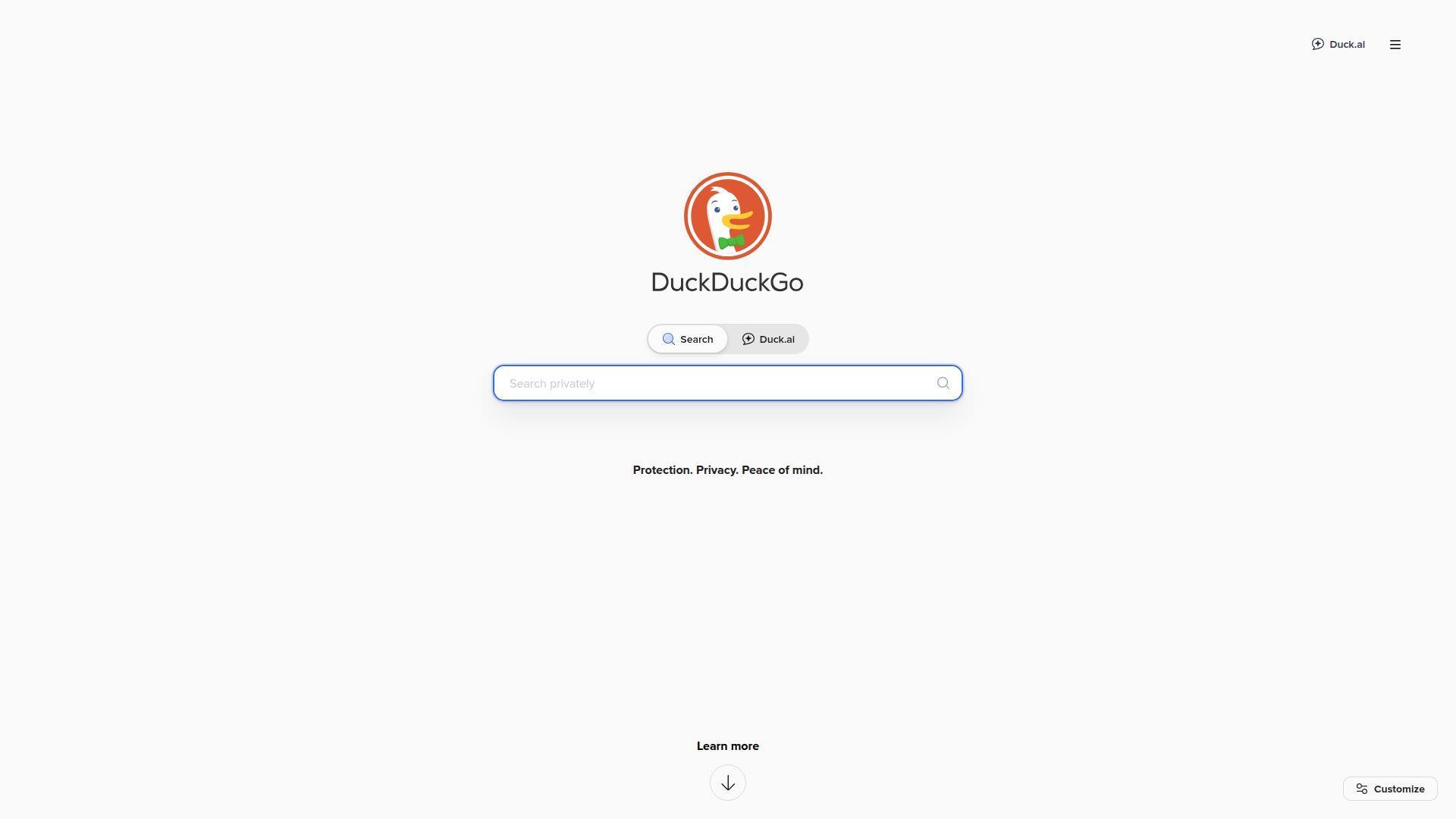
DuckDuckGo is a privacy-focused search company building search, a browser, and AI helpers. The team’s north star is familiar: useful answers without creeping personalization.
Get solid results without turning your curiosity into a profile.
Best for: privacy-minded everyday searchers, and journalists doing quick background checks.
- [Feature/flow] Instant Answers and clean SERPs → find definitions and summaries without opening five tabs.
- [Integrations/AI/automation] !Bangs shortcuts → jump to another site search in one step.
- [UX/implementation] Default-search setup in minutes → feel the difference in about 2 minutes.
Pricing & limits: From $0/mo; no trial needed. Usage caps are not usually published for normal browsing. Automated scraping can trigger throttling or blocks.
Honest drawbacks: Result depth can lag Google on very niche queries. AI answers exist, but you may still want a second source.
Verdict: If you want calmer search with fewer “why is it showing me this?” moments, DuckDuckGo helps you get to relevant pages faster, often the same day.
Score: 4.2/5
2. Brave Search

Brave Search is built by Brave Software, the team behind the Brave browser. It positions itself as a serious, independent alternative with its own web index.
Re-rank the web to match your brain, not an ad model.
Best for: power users who tweak everything, and researchers who want controllable rankings.
- [Feature/flow] Goggles re-ranking rules → turn broad queries into tight, repeatable research views.
- [Integrations/AI/automation] Built-in answer features → skip 1–2 follow-up searches for definitions and context.
- [UX/implementation] Works instantly in any browser → first value in under 1 minute.
Pricing & limits: From $0/mo; no trial required. Consumer usage limits are not usually stated for normal use. Heavy automation may be rate-limited.
Honest drawbacks: Some vertical results can still feel uneven, depending on query type. Extra controls can overwhelm casual users.
Verdict: If you want more control over what ranks and why, Brave Search helps you shape results into a repeatable workflow within an afternoon. Beats Bing at user-driven ranking; trails Google on ultra-local intent.
Score: 4.3/5
3. Startpage
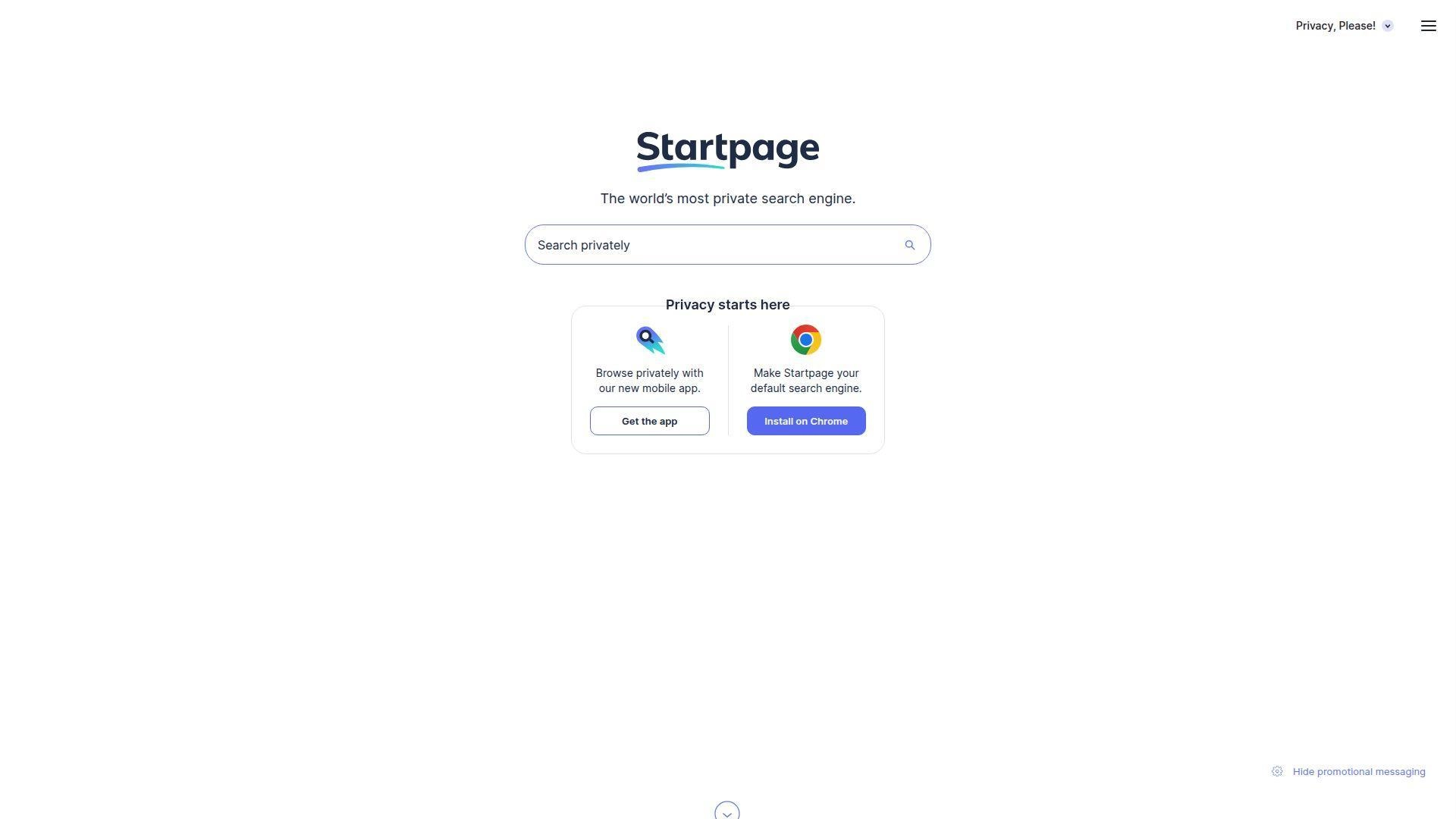
Startpage is a privacy-oriented search provider that acts as a protective middle layer. The team’s pitch is simple: strong results, fewer identifiers attached.
Get Google-quality results with a quieter footprint.
Best for: privacy-first families, and professionals who want “normal” search without personalization.
- [Feature/flow] Private proxy viewing (Anonymous View) → open a result while masking your browsing trail.
- [Integrations/AI/automation] Simple, familiar layout → save 1–2 steps versus learning a new interface.
- [UX/implementation] No account required → first value in about 30 seconds.
Pricing & limits: From $0/mo; no trial needed. Caps for typical searching are not published. Abuse protections and rate limits can apply.
Honest drawbacks: Customization is lighter than “tinker” tools like Kagi. If you want AI-style synthesis, you’ll need a separate tool.
Verdict: If your goal is private “everyday Google” with minimal behavior change, Startpage helps you keep momentum immediately. Beats many privacy engines on mainstream relevance; trails Kagi on fine-grained controls.
Score: 4.0/5
4. Kagi
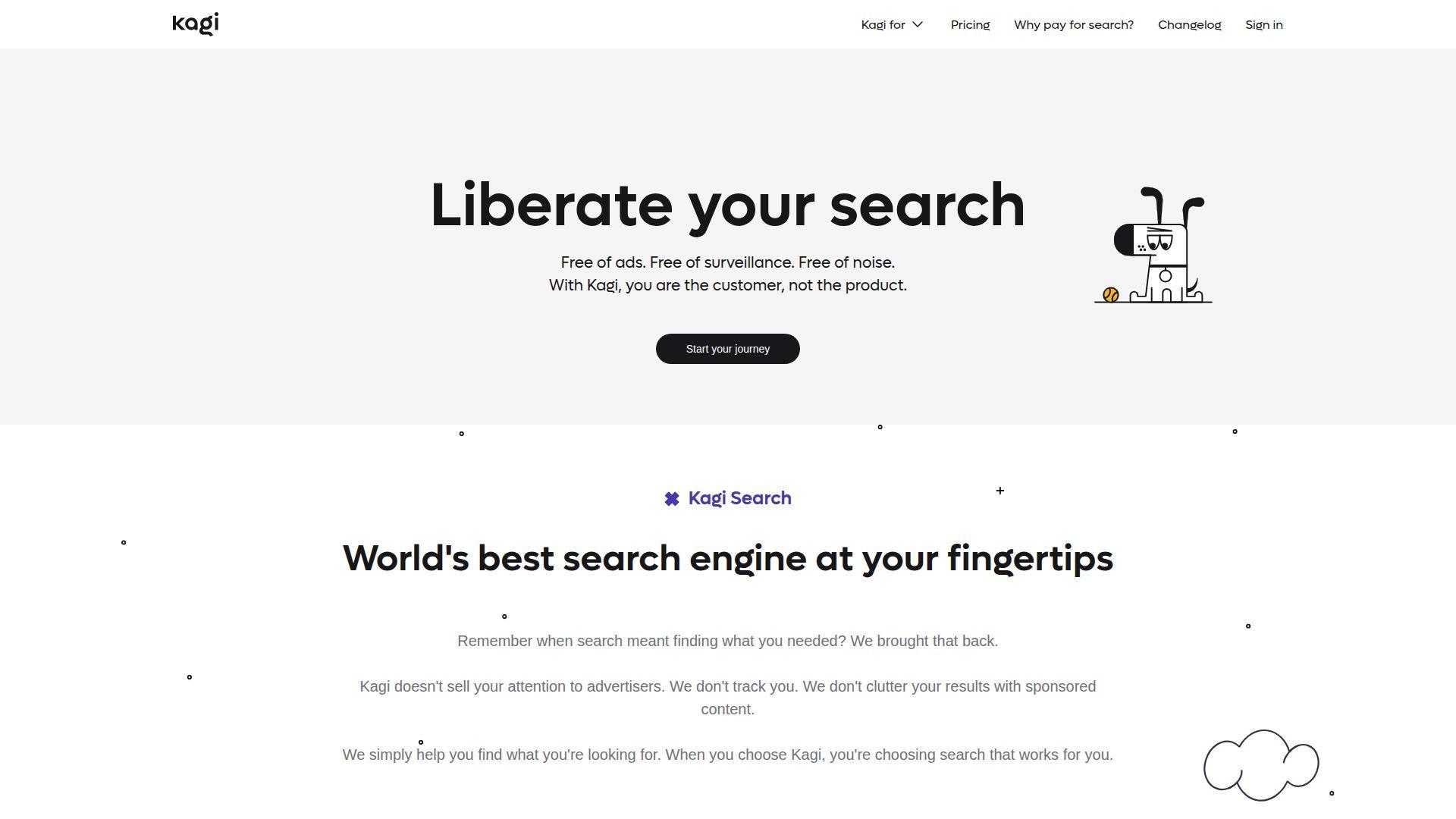
Kagi is a paid search company built around user-funded incentives. The team focuses on quality, speed, and control instead of ads.
Buy better search, then tune it to stay better.
Best for: consultants and developers, plus heavy searchers who live in the URL bar.
- [Feature/flow] Lenses and domain controls → reduce noise by consistently boosting or blocking sites.
- [Integrations/AI/automation] Built-in assistant and summarization options → skip 2–3 “open, scan, close” loops per query.
- [UX/implementation] Trial then upgrade → first value in 10 minutes, after basic preferences.
Pricing & limits: From $5/mo; a free Trial includes 100 searches. Starter includes 300 searches per month; Professional includes unlimited searches. Ultimate is $25/mo with expanded AI access.
Honest drawbacks: Paying for search is a real mental hurdle. Metered plans can feel tight if you binge research.
Verdict: If you want fewer low-value pages and more control over what counts as “good,” Kagi helps you tighten results within a week of steady use. Beats Google at de-noising; trails Google on some local and real-time queries.
Score: 4.5/5
5. Mojeek
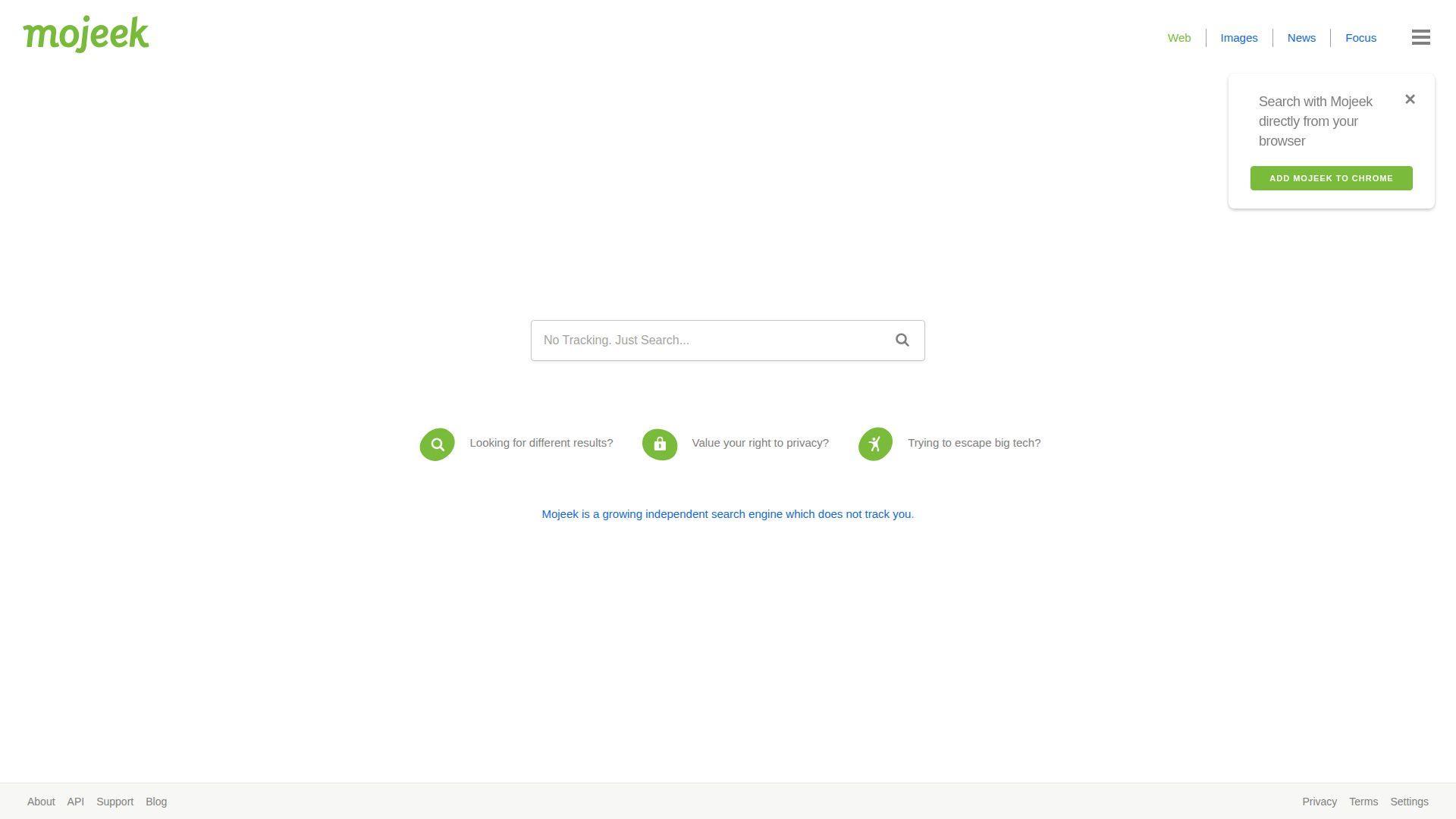
Mojeek is a UK-based independent search engine with its own crawler-driven index. The small team emphasizes privacy and non-personalized results.
Search the web without someone else’s personalization agenda.
Best for: privacy purists, and researchers who want “neutral-by-default” results.
- [Feature/flow] Independent index → discover pages that don’t always bubble up on major engines.
- [Integrations/AI/automation] Straight SERP experience → save a step versus fighting AI overlays.
- [UX/implementation] No sign-up flow → first value in about 1 minute.
Pricing & limits: From $0/mo; no trial needed. Public caps for typical searches are not clearly stated. Automated querying can be throttled.
Honest drawbacks: Coverage can feel thinner on obscure, fresh, or ultra-local topics. The interface is utilitarian, not “assistant-led.”
Verdict: If you’re tired of the same sites ranking everywhere, Mojeek helps you widen your sources quickly, often within a single session. Beats metasearch tools on independence; trails Google on sheer breadth.
Score: 3.8/5
6. Swisscows
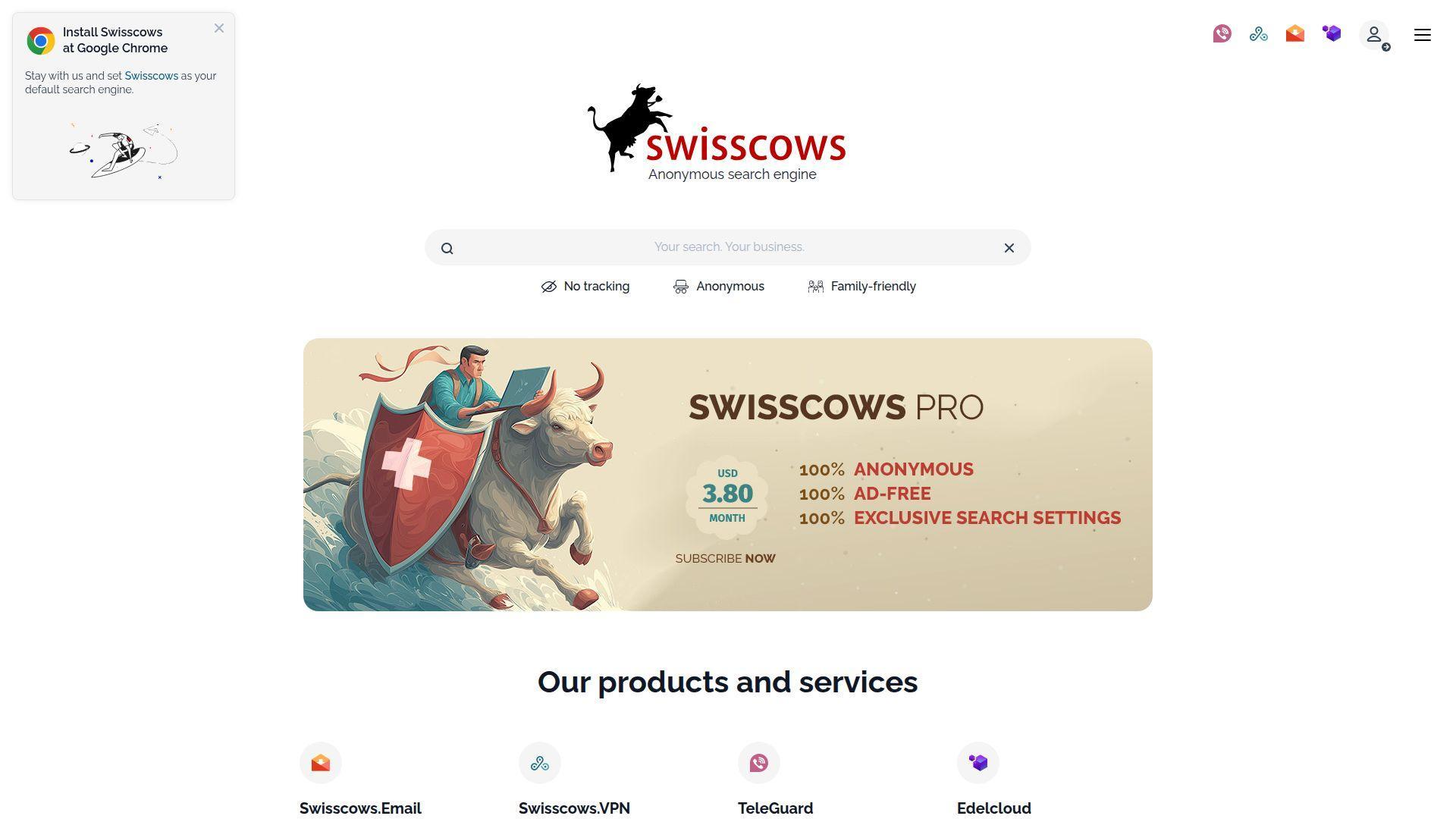
Swisscows is a privacy-positioned search engine with a strong family-safety stance. The team highlights anonymized searching and built-in filtering for explicit content.
Keep search safer for families without constant policing.
Best for: parents setting defaults, and schools that need safer general web discovery.
- [Feature/flow] Family-friendly filtering → avoid explicit results without configuring every device.
- [Integrations/AI/automation] Semantic-style results pages → cut 1–2 refinement searches for common topics.
- [UX/implementation] Simple settings and regions → first value in about 3 minutes.
Pricing & limits: From $0/mo; no trial needed. Query caps for normal use are not typically published. Some features may rely on partner providers and their limits.
Honest drawbacks: Hard filtering can hide legitimate health or education content. Coverage can feel less complete than top-tier engines.
Verdict: If you want a “safe by default” engine for mixed-age households, Swisscows helps you reduce accidental exposure immediately. Beats Google on built-in family guardrails; trails Kagi on customization depth.
Score: 3.6/5
7. Ecosia
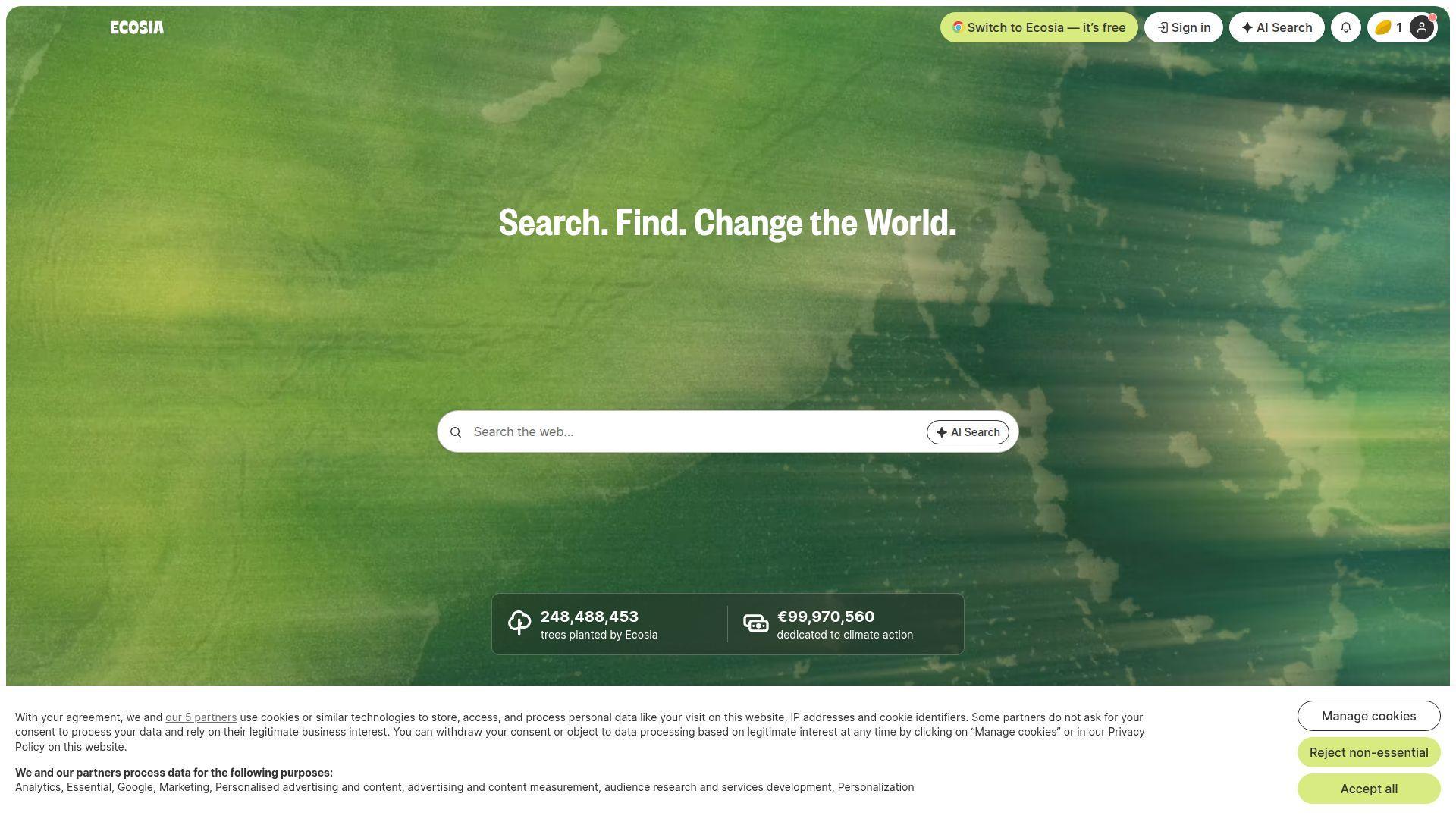
Ecosia is a mission-driven search company known for funding environmental projects through search revenue. The team’s product feels like a familiar engine with a values layer.
Turn routine searches into passive climate-aligned impact.
Best for: everyday searchers who want an easy switch, and teams aligning tools with sustainability goals.
- [Feature/flow] Familiar SERP layout → keep your “search muscle memory” while changing defaults.
- [Integrations/AI/automation] Basic search tools and filters → save 1–2 steps on common narrowing tasks.
- [UX/implementation] Browser default setup → first value in about 2 minutes.
Pricing & limits: From $0/mo; no trial needed. Consumer usage caps are not usually posted. As with most engines, unusual automation can be blocked.
Honest drawbacks: If you want deep power-user controls, Ecosia can feel light. Privacy expectations should be checked against your own risk tolerance.
Verdict: If your goal is “search as usual, but kinder,” Ecosia helps you make a values-aligned switch in one sitting. Beats Yahoo on modern feel; trails Brave on advanced control.
Score: 3.9/5
8. KARMA Search
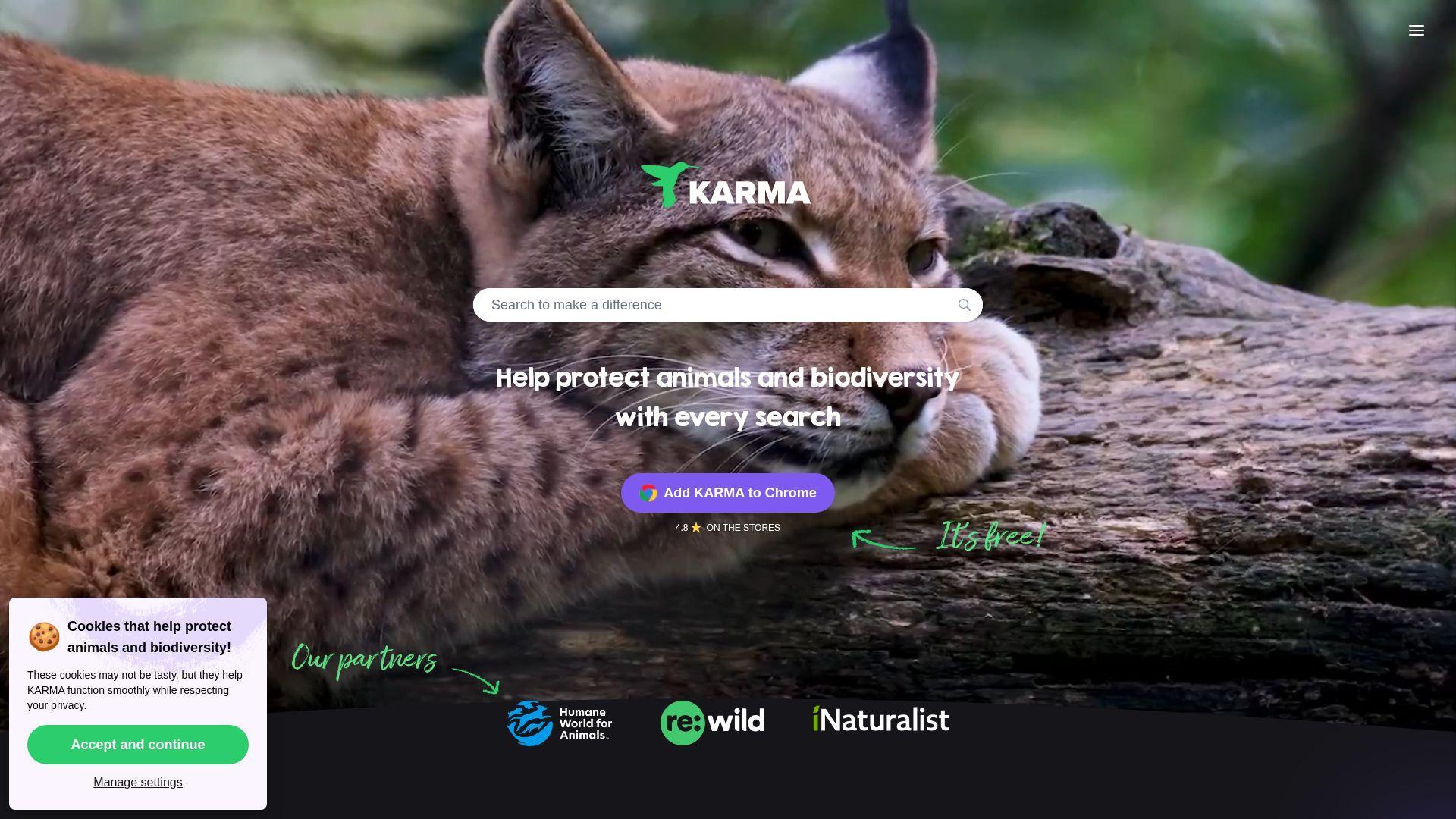
KARMA is a small Paris-based team pitching search as everyday activism for biodiversity. It blends standard search behavior with nonprofit support mechanics.
Fund biodiversity work simply by searching like you already do.
Best for: values-led consumers, and classrooms that want a cause-based default.
- [Feature/flow] Cause selection and counters → keep motivation visible, so the switch actually sticks.
- [Integrations/AI/automation] Partner-backed results and sponsored links → avoid 1–2 extra searches for mainstream queries.
- [UX/implementation] Extension and mobile app options → first value in about 5 minutes.
Pricing & limits: From $0/mo; no trial needed. Normal browsing limits are not clearly published. Some ad delivery uses partner systems that may set identifiers.
Honest drawbacks: The privacy story is more complex than “zero data,” due to ads and partners. Power-user controls are limited versus Kagi or SearXNG.
Verdict: If you want your default search to reflect your ethics, KARMA helps you turn routine lookups into passive support within a day. Beats generic portals on purpose; trails DuckDuckGo on simplicity.
Score: 3.7/5
9. SearXNG
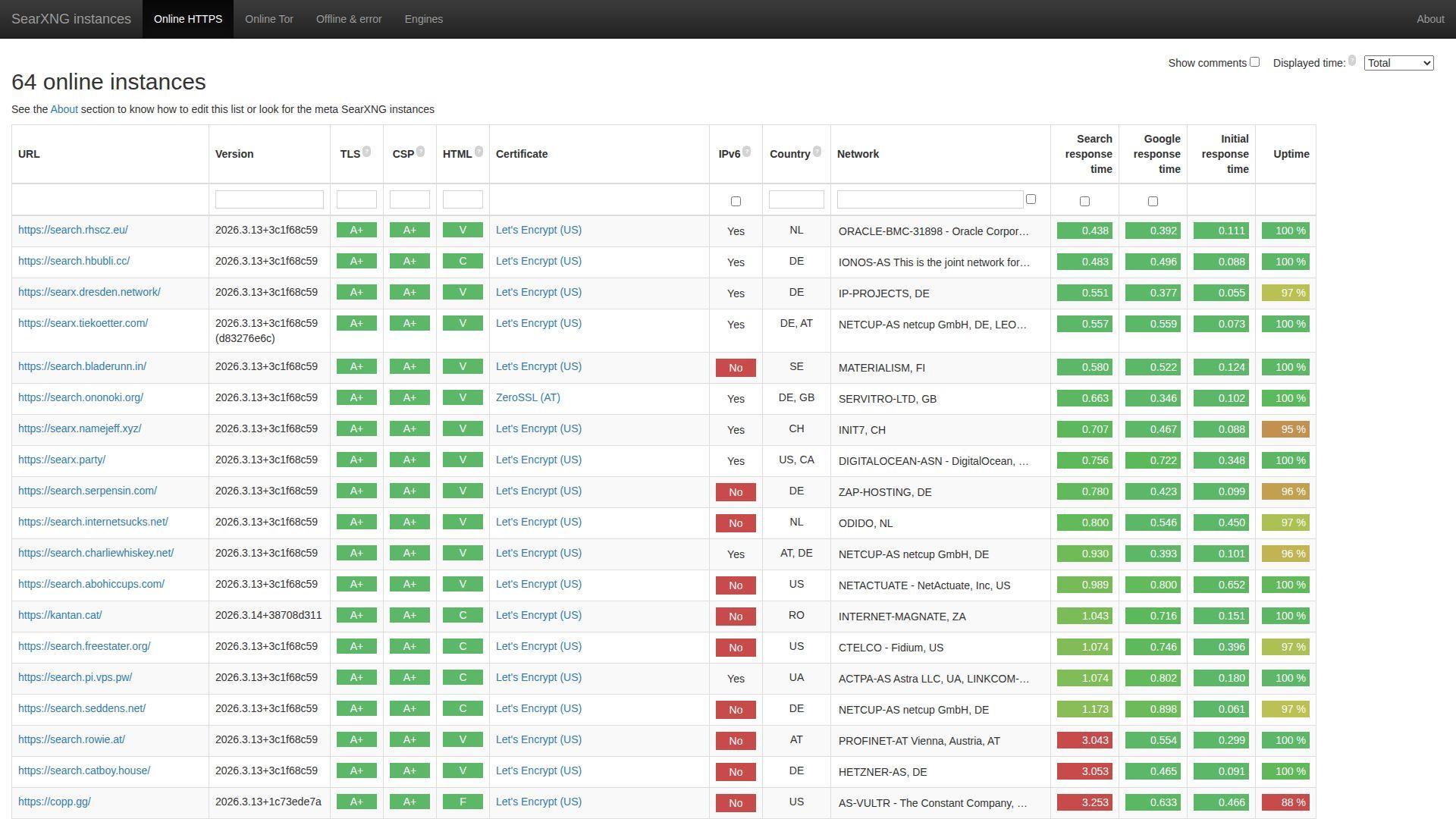
SearXNG is an open-source metasearch project run by a community, not a single vendor. You use it through public instances or by hosting your own.
Aggregate many engines, then keep control of the “how.”
Best for: technical privacy enthusiasts, and teams that need a self-hosted search front door.
- [Feature/flow] Metasearch across sources → widen coverage without repeating the same query everywhere.
- [Integrations/AI/automation] Custom engines and categories → save 2–4 clicks per research pass with presets.
- [UX/implementation] Use an instance now, self-host later → first value in 1 minute, deeper value in a weekend.
Pricing & limits: From $0/mo; no trial needed. Public instances may impose rate limits and block heavy use. Self-hosting shifts limits to your own server and upstream providers.
Honest drawbacks: Instance quality varies, and some disappear without notice. Self-hosting adds maintenance and security responsibility.
Verdict: If you want maximum flexibility and minimal vendor lock-in, SearXNG helps you build a search stack you can own within a few days. Beats Dogpile on control; trails Kagi on polish.
Score: 4.1/5
10. Bing
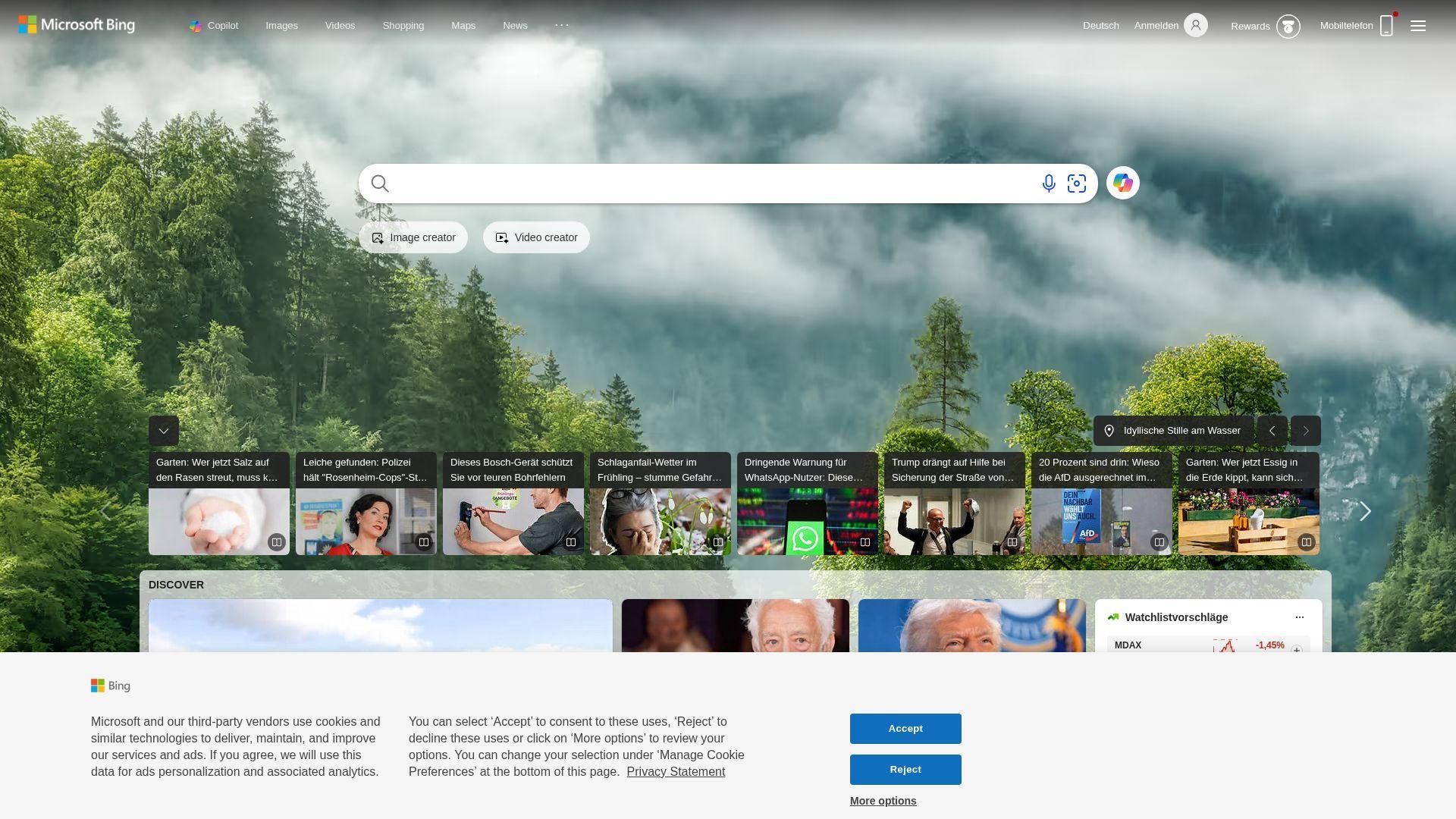
Bing is Microsoft’s flagship search engine, backed by a large research and infrastructure team. It blends classic web results with AI-style answer experiences and rich verticals.
Get strong mainstream results with helpful “answer-first” shortcuts.
Best for: knowledge workers in Microsoft ecosystems, and shoppers comparing products fast.
- [Feature/flow] Robust vertical search (images, news, shopping) → move from query to decision with fewer pivots.
- [Integrations/AI/automation] AI answers and summaries → save 1–3 tab opens on common “explain this” questions.
- [UX/implementation] Already everywhere on Windows → first value in under 1 minute.
Pricing & limits: From $0/mo; no trial needed. Consumer caps are not typically stated. Some advanced AI features can have usage limits.
Honest drawbacks: Privacy-minded users may dislike account tie-ins and telemetry expectations. SERPs can feel busy, especially for commercial queries.
Verdict: If you want an AI-boosted mainstream engine with strong vertical results, Bing helps you finish routine searches faster this week. Beats Yahoo on modern tooling; trails DuckDuckGo on perceived privacy posture.
Score: 4.0/5
11. Yahoo
Yahoo is a long-running web portal with search as one part of a broader content experience. The team focus shows up in headlines, mail, finance, and a familiar homepage flow.
Search plus a portal page that keeps you loosely informed.
Best for: nostalgia-driven users, and casual browsers who like a news-first entry point.
- [Feature/flow] Portal-style discovery → catch top stories without building your own feed.
- [Integrations/AI/automation] Tight tie to Yahoo properties → save 1–2 clicks when you already live in Yahoo Mail or Finance.
- [UX/implementation] No learning curve → first value in about 30 seconds.
Pricing & limits: From $0/mo; no trial required. Search usage limits are not typically published. Heavy automation is likely discouraged.
Honest drawbacks: Research-grade filtering and source controls are limited. Commercial clutter can be high on some queries.
Verdict: If you want a “homepage plus search” routine, Yahoo helps you stay lightly updated while you look things up, starting today. Beats AOL on breadth of portal content; trails Bing on modern AI assistance.
Score: 3.3/5
12. AOL
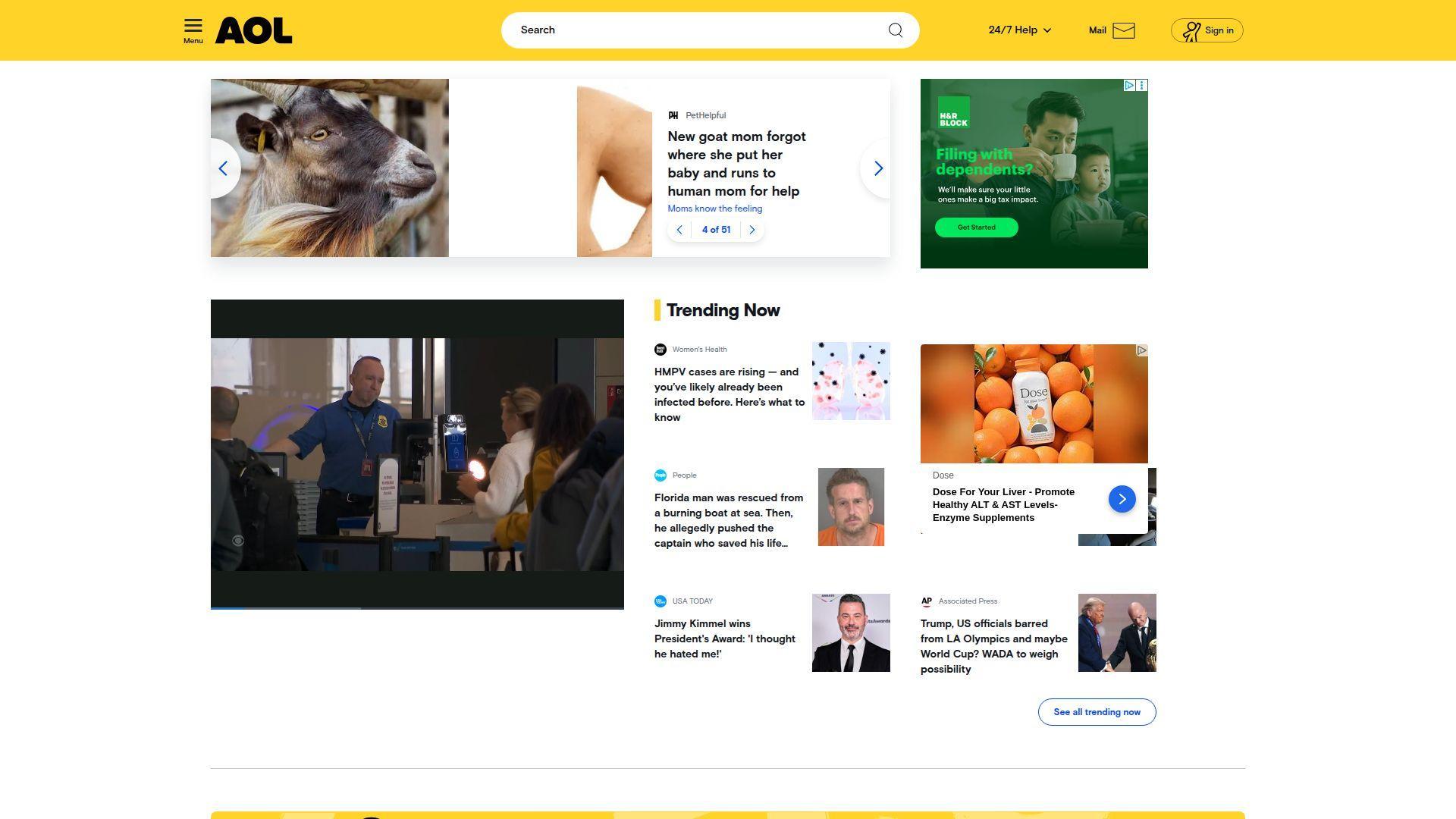
AOL is a legacy internet brand that still offers a portal-style browsing experience. The product team maintains a familiar news-and-search front door for casual use.
A simple portal search for low-stakes, everyday browsing.
Best for: casual home users, and anyone who prefers a “front page” feel.
- [Feature/flow] News-forward layout → find trending topics without curating feeds.
- [Integrations/AI/automation] Portal navigation blocks → save 1–2 clicks when hopping between news and search.
- [UX/implementation] Familiar interface → first value in under 1 minute.
Pricing & limits: From $0/mo; no trial needed. Explicit search caps are not usually listed. Expect standard rate limiting for abuse patterns.
Honest drawbacks: Niche research can feel shallow compared with modern engines. The experience is more portal than precision tool.
Verdict: If your goal is light browsing with quick lookups, AOL helps you stay oriented without learning anything new this week. Beats some small portals on brand familiarity; trails Google on query breadth.
Score: 3.0/5
13. Ask
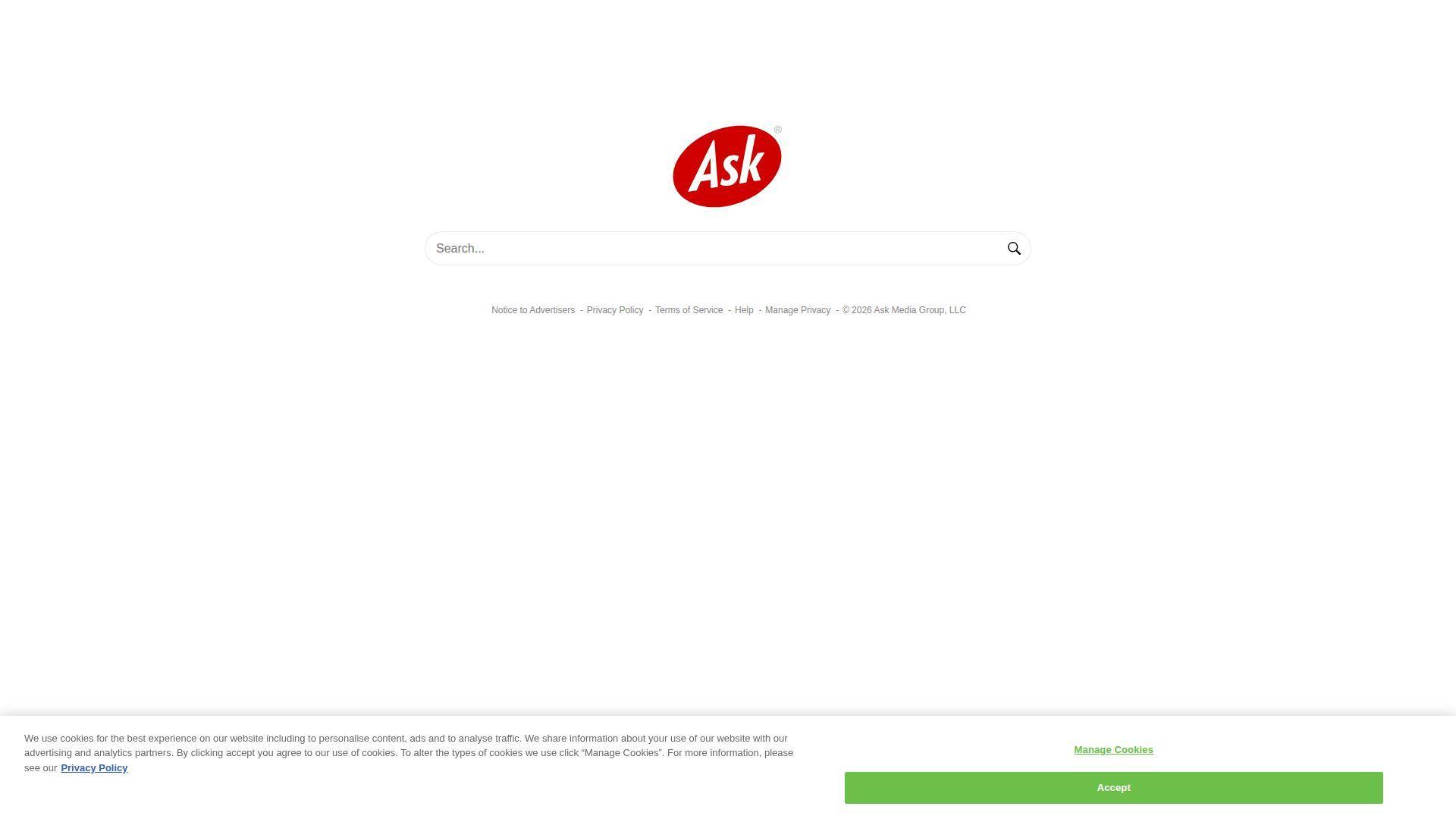
Ask is a question-and-answer flavored search brand with a long internet history. The team leans into “ask a question” framing more than power-user research workflows.
Type a question, get a fast starting point.
Best for: casual searchers, and users who naturally phrase queries as full questions.
- [Feature/flow] Question-style prompts → reduce rewriting when you think in natural language.
- [Integrations/AI/automation] Snippet-heavy results → save 1–2 clicks for basic definitions and how-tos.
- [UX/implementation] Minimal setup → first value in about 30 seconds.
Pricing & limits: From $0/mo; no trial required. Normal browsing caps are not typically shown. Ads and sponsored placements can shape what you see.
Honest drawbacks: Deep research and source control are limited. Results can feel commercial on buyer-intent queries.
Verdict: If you want a lightweight “question in, quick answer out” tool, Ask helps you get unstuck fast, often within minutes. Beats some portals on Q&A framing; trails Perplexity on cited research depth.
Score: 3.0/5
14. Dogpile
Dogpile is a metasearch engine that aggregates results from multiple sources. The operator team focuses on breadth through blending, rather than owning a full web index.
Cast a wider net with one query.
Best for: comparison shoppers of information, and researchers hunting for “what the other engines missed.”
- [Feature/flow] Metasearch aggregation → uncover alternate top results without rerunning searches manually.
- [Integrations/AI/automation] Tabs for web, images, video, news → save 2–3 clicks when switching mediums.
- [UX/implementation] No account setup → first value in about 1 minute.
Pricing & limits: From $0/mo; no trial needed. Query limits are not clearly posted for consumers. Heavy automated use may be blocked.
Honest drawbacks: Ads and sponsored units can dominate some pages. You trade transparency for aggregation, since ranking logic is blended.
Verdict: If you want quick breadth without opening five engines, Dogpile helps you widen discovery immediately. Beats Ask at cross-engine coverage; trails Brave on controllable ranking.
Score: 3.2/5
15. Yippy
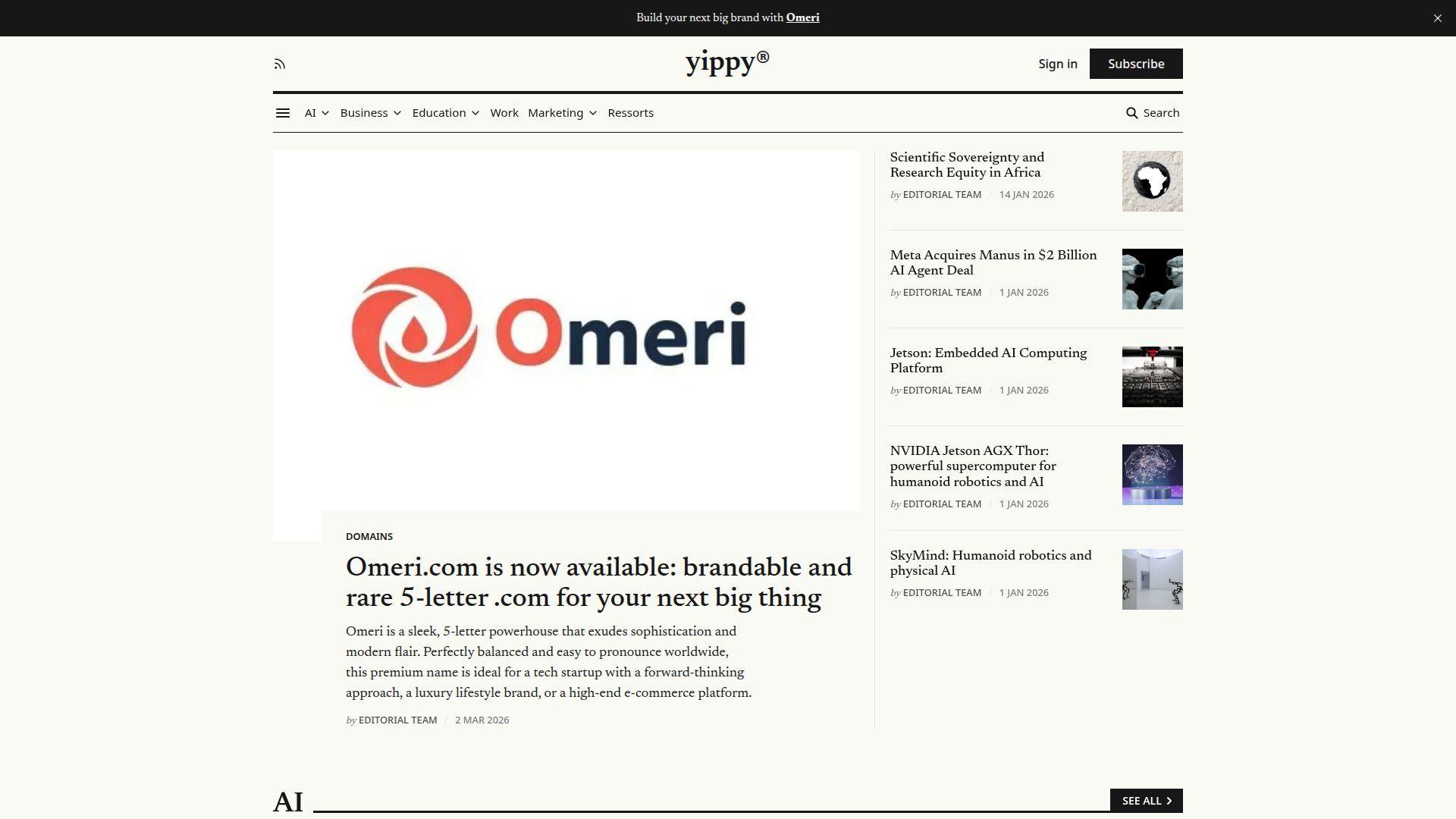
Yippy is a niche search brand with a shifting identity over time. Today it presents itself as a community-focused search experience with AI flavor.
Try a smaller engine when mainstream results feel same-y.
Best for: curiosity-driven browsers, and niche communities experimenting with alternatives.
- [Feature/flow] Community-oriented positioning → make discovery feel less like a generic SERP.
- [Integrations/AI/automation] AI-leaning summaries (where shown) → save 1–2 quick follow-up searches.
- [UX/implementation] Simple search box experience → first value in under 1 minute.
Pricing & limits: From $0/mo; no trial required. Clear usage caps are not typically published. Expect standard anti-abuse throttling if you automate.
Honest drawbacks: Trust signals and transparency can be hard to evaluate quickly. Coverage and freshness may vary more than major engines.
Verdict: If you like testing the edges of the search ecosystem, Yippy can spark alternate leads in a single session. Beats Yahoo at novelty; trails DuckDuckGo on predictable quality.
Score: 2.7/5
16. ChatGPT Search

ChatGPT Search is built by OpenAI’s product and research teams as part of ChatGPT. It blends conversational querying with web search when your question needs fresh information.
Ask naturally, then get a web-backed answer you can act on.
Best for: busy professionals, and students who need quick orientation before deeper reading.
- [Feature/flow] Conversational search with follow-ups → refine intent without rewriting queries from scratch.
- [Integrations/AI/automation] Auto web search and query rewriting → save 3–5 steps of opening and skimming sources.
- [UX/implementation] Built into ChatGPT → first value in 1 minute, if you already use it.
Pricing & limits: From $0/mo; no trial required. ChatGPT Plus is $20/mo for higher limits and access. Usage caps vary by plan and can change with demand.
Honest drawbacks: It is not a classic “10 blue links” scanner, which can frustrate power skimmers. For sensitive research, you still need to verify sources yourself.
Verdict: If you want fast, readable synthesis with the option to dig deeper, ChatGPT Search helps you move from question to next step in minutes. Beats Google on conversational refinement; trails Kagi on deterministic filtering.
Score: 4.4/5
17. Google AI Mode
Google AI Mode is an AI-first search experience inside Google Search, built by Google’s Search and Gemini teams. It’s designed for multi-part questions and iterative exploration.
Turn complex questions into guided, multi-step discovery.
Best for: knowledge workers doing messy research, and travelers planning with lots of constraints.
- [Feature/flow] Query fan-out and follow-ups → cover subtopics without manually splitting your question.
- [Integrations/AI/automation] Deep integration with Google ecosystem → save 2–4 steps when your data already lives in Google apps.
- [UX/implementation] Built into Google Search → first value in under 1 minute.
Pricing & limits: From $0/mo; no trial needed. Higher usage limits can depend on subscriptions and experiments. Availability and caps can vary by region and rollout stage.
Honest drawbacks: Privacy expectations differ from privacy-first engines, especially with personalization options. AI answers can be confidently wrong, so source-checking matters.
Verdict: If you want the broadest coverage with AI-led exploration, Google AI Mode helps you go from vague to specific in a single sitting. Beats Bing on breadth; trails DuckDuckGo on privacy posture.
Score: 4.2/5
18. Perplexity

Perplexity is an AI answer engine built by a fast-moving product team focused on cited responses. The experience centers on “ask, get an answer, then verify with sources.”
Get cited answers that behave like a research assistant.
Best for: analysts and founders, plus students writing source-driven drafts.
- [Feature/flow] Citation-forward answers → verify claims quickly without hunting for where a statement came from.
- [Integrations/AI/automation] File and web-based research modes → save 10–20 minutes per topic when summarizing multiple sources.
- [UX/implementation] Simple chat-and-search UI → first value in about 2 minutes.
Pricing & limits: From $0/mo; no trial required. Perplexity Pro is commonly priced from $20/mo, and Max is $200/mo. Free usage includes limited premium-style queries, plus practically unlimited basic searches.
Honest drawbacks: Limits and product tiers can change, which can surprise heavy users. If you want a pure SERP, it can feel too assistant-driven.
Verdict: If you need faster research with verifiable breadcrumbs, Perplexity helps you produce a usable brief in under an hour. Beats ChatGPT on citation-first presentation; trails Google on raw breadth for obscure local queries.
Score: 4.5/5
19. You.com
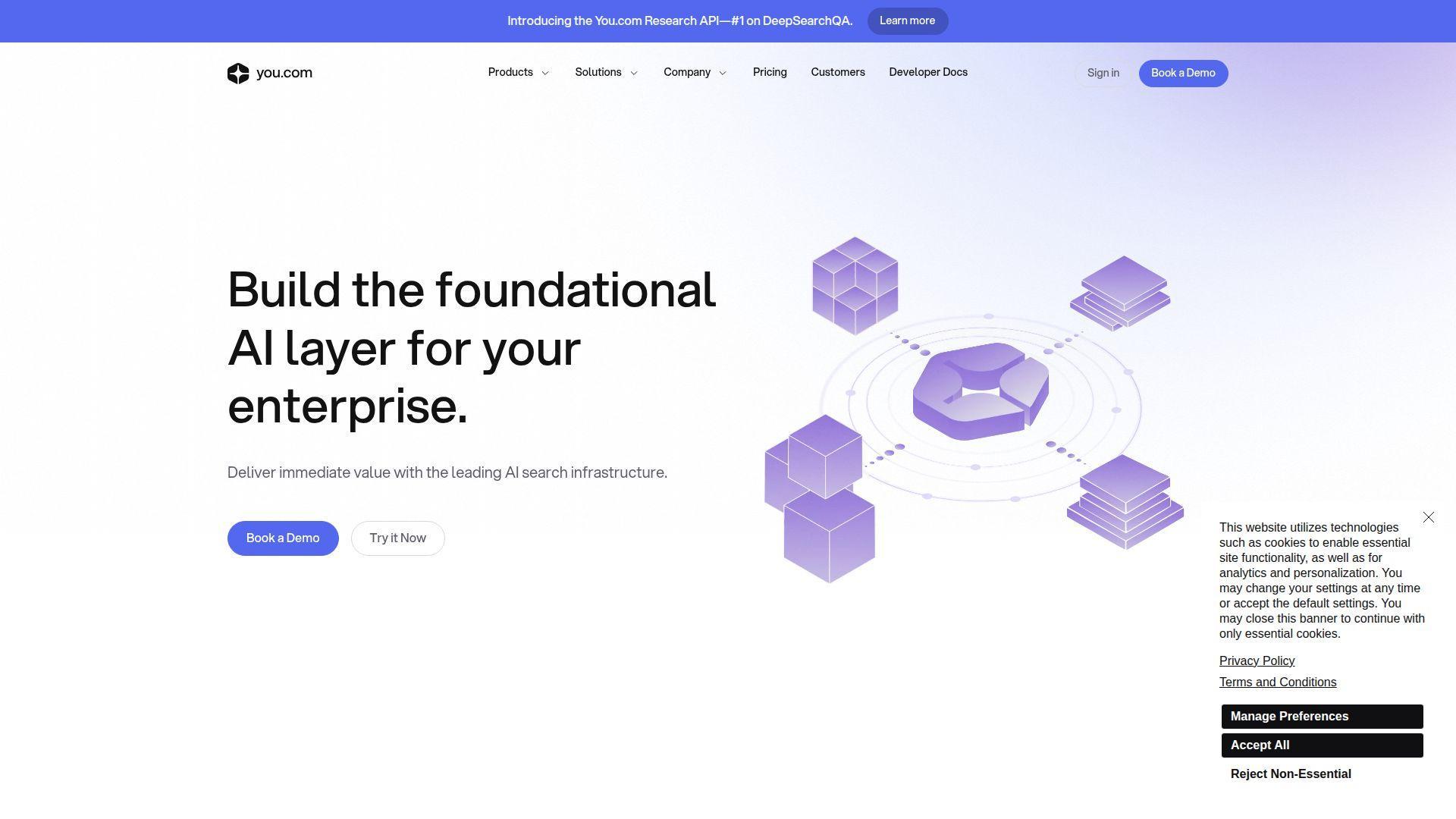
You.com is an AI-focused search and agent platform built by a team aiming at “do work, not just search.” The product leans into multi-model access and task-oriented agents.
Use AI agents to move from question to output, fast.
Best for: solo marketers, and operators who want research plus drafting in one place.
- [Feature/flow] Agent-led workflows → create a draft, outline, or plan without switching tools.
- [Integrations/AI/automation] File uploads and cloud integrations on paid plans → save 3–6 steps for “summarize this document” tasks.
- [UX/implementation] Web and mobile access → first value in about 5 minutes.
Pricing & limits: From $0/mo; no trial needed. Pro is listed at $20/mo (or lower effective pricing when billed annually). Free accounts have limited basic queries and fewer premium models.
Honest drawbacks: The experience is AI-first, so classic web browsing can feel secondary. Model access and limits can be confusing if you just want simple search.
Verdict: If your goal is to turn search into finished work, You.com helps you ship a first draft the same day. Beats Perplexity at agent variety; trails Kagi on traditional SERP control.
Score: 4.1/5
20. Yep.com
Yep began as a consumer search engine effort linked to the Ahrefs team. More recently, the focus has leaned toward a search API for developers and AI apps.
Pull web results into your product without building a crawler first.
Best for: developers building AI apps, and teams needing a scalable search API.
- [Feature/flow] Search API access → ship “web results inside your app” without custom scraping infrastructure.
- [Integrations/AI/automation] One-call web search endpoints → save days of engineering versus building a crawler pipeline.
- [UX/implementation] Fast API onboarding → first value in a few hours, after key setup.
Pricing & limits: From $0/mo for casual browsing. API pricing is pay-as-you-go, starting around $4 per 1,000 requests for 1–100 results. Free API credits can be available to start, with rate limits based on plan.
Honest drawbacks: As a consumer engine, the brand is less “default-ready” than DuckDuckGo. For non-technical users, the API angle is irrelevant.
Verdict: If you’re building an AI product that needs live web grounding, Yep helps you add search in a sprint. Beats DIY scraping on reliability; trails Brave Search on consumer polish.
Score: 3.4/5
21. Openverse
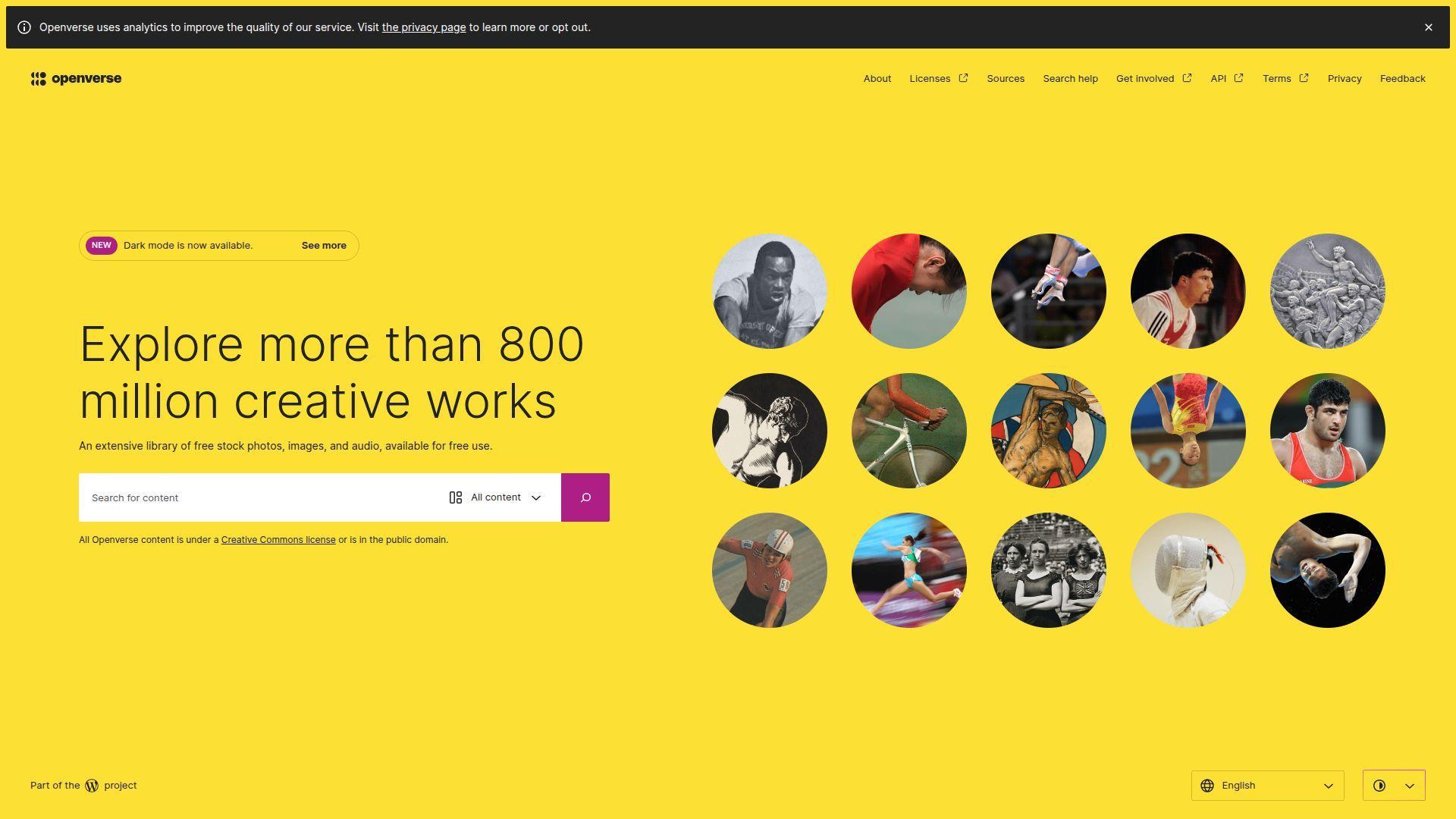
Openverse is an open-licensed media search project associated with the WordPress ecosystem. The team’s focus is clear: help creators find reusable images and audio faster.
Find media you can actually use without licensing roulette.
Best for: content creators, and educators building slides, handouts, or lessons.
- [Feature/flow] License-aware search filters → avoid accidental rights problems before you publish.
- [Integrations/AI/automation] API and WordPress-friendly workflows → save 2–4 steps when sourcing visuals for posts.
- [UX/implementation] Search and download quickly → first value in about 2 minutes.
Pricing & limits: From $0/mo; no trial needed. Usage caps for typical browsing are not prominently stated. API use may have rate limits depending on hosting policies.
Honest drawbacks: It is not a general web engine, so it won’t answer “what happened” questions. Attribution and license details still require your attention.
Verdict: If you need safe-to-use media quickly, Openverse helps you find publishable assets in minutes. Beats Google Images on licensing clarity; trails stock libraries on curated premium quality.
Score: 4.0/5
22. Wayback Machine
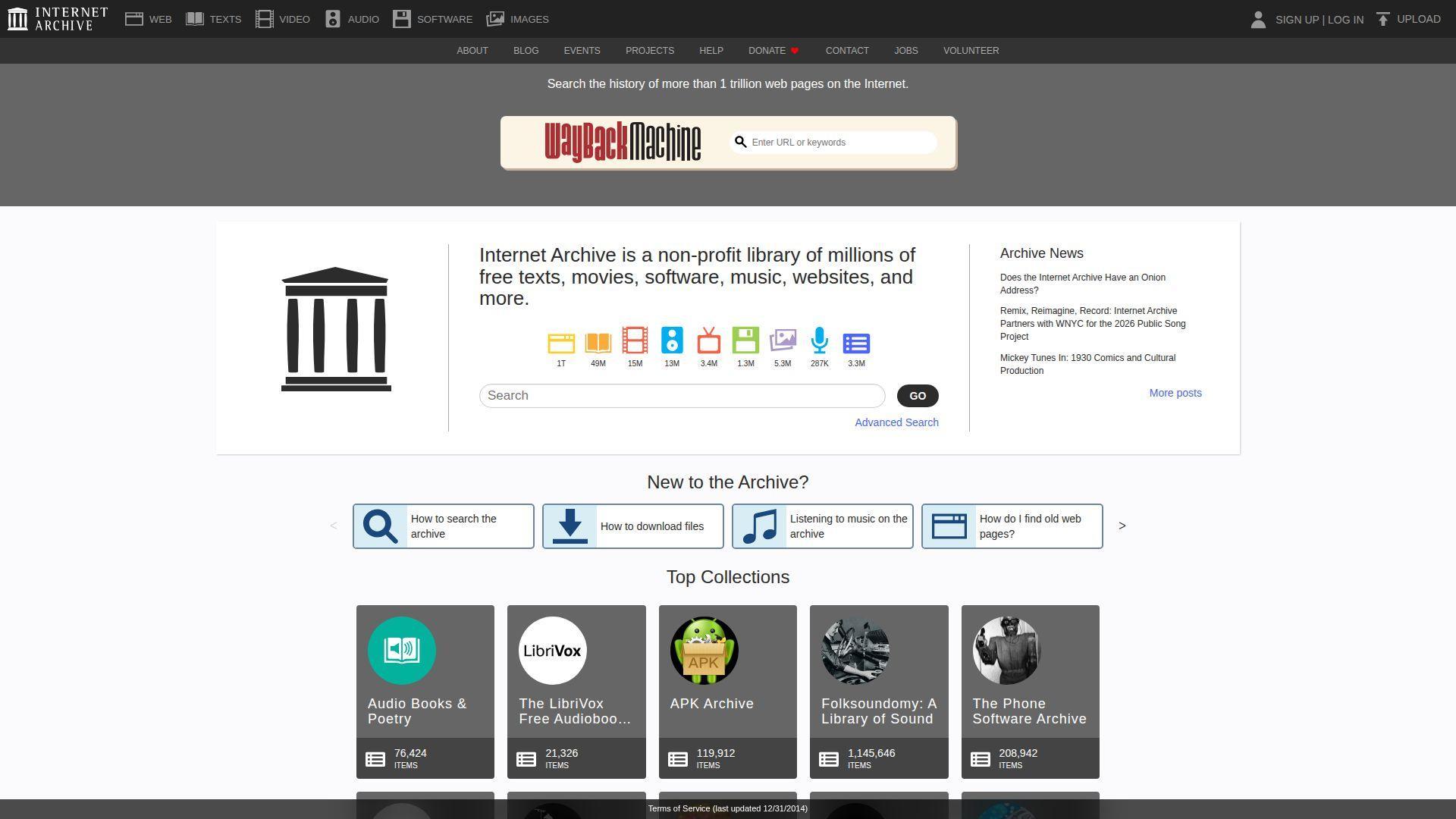
The Wayback Machine is a web-archiving service run by the Internet Archive, a nonprofit. The team’s work turns “that page is gone” into “here’s how it used to look.”
Find what the internet used to say, not just what it says now.
Best for: journalists and investigators, plus SEOs auditing old site states.
- [Feature/flow] Historical snapshots by date → verify changes and claims without relying on memory.
- [Integrations/AI/automation] Shareable archived URLs → save 2–3 steps when collaborating on evidence trails.
- [UX/implementation] Paste a URL and browse → first value in about 1 minute.
Pricing & limits: From $0/mo; no trial needed. Not every page is archived, and some sites block crawling. “Save page” features can be limited during outages or policy shifts.
Honest drawbacks: Coverage is uneven, especially for dynamic pages. Some platforms restrict archiving, which can break your research trail.
Verdict: If you need receipts, not vibes, the Wayback Machine helps you confirm past content within minutes. Beats Google cache on longevity; trails live search on freshness.
Score: 4.2/5
23. WolframAlpha
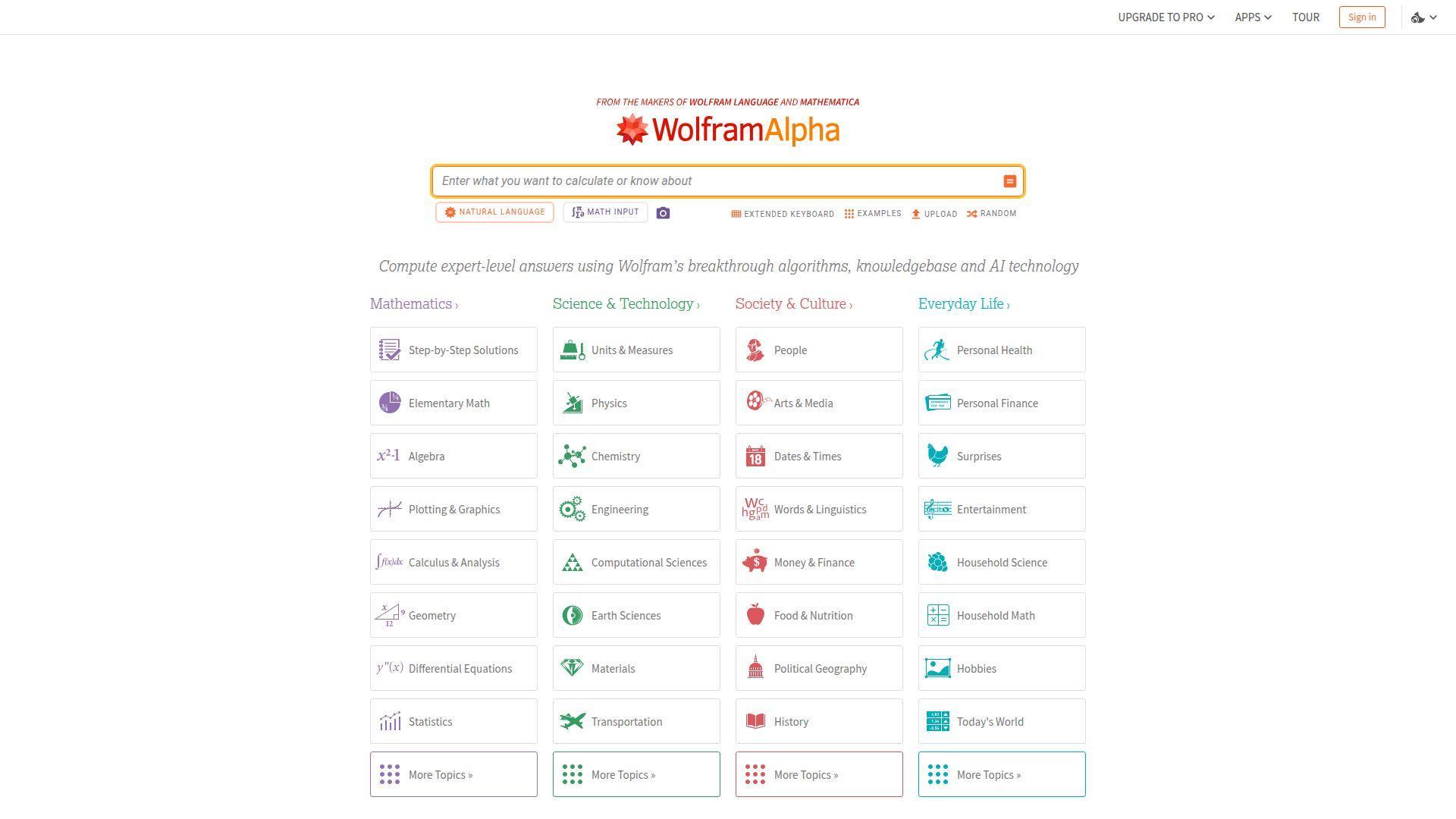
WolframAlpha is built by Wolfram Research as a computational knowledge engine, not a typical crawler search engine. The team focuses on structured answers, math, data, and computation.
Ask for results, not pages.
Best for: students in STEM, and professionals who need quick calculations or data transforms.
- [Feature/flow] Computation-first queries → get equations, plots, and conversions without hunting for a calculator page.
- [Integrations/AI/automation] Step-by-step solutions on paid tiers → save 10–15 minutes per problem when learning methods.
- [UX/implementation] Type a query and compute → first value in under 2 minutes.
Pricing & limits: From $0/mo with sign-in. Pro is listed at $9.99/mo (or about $5/mo when billed annually). Pro includes step-by-step and increased compute time, with file upload limits like 2MB on Pro.
Honest drawbacks: It is not ideal for open-ended web research or news. Natural-language parsing can fail on ambiguous prompts.
Verdict: If you need trustworthy computation fast, WolframAlpha helps you move from question to numeric output in seconds. Beats Google on structured math depth; trails ChatGPT on conversational explanation style.
Score: 4.3/5
24. LinkedIn
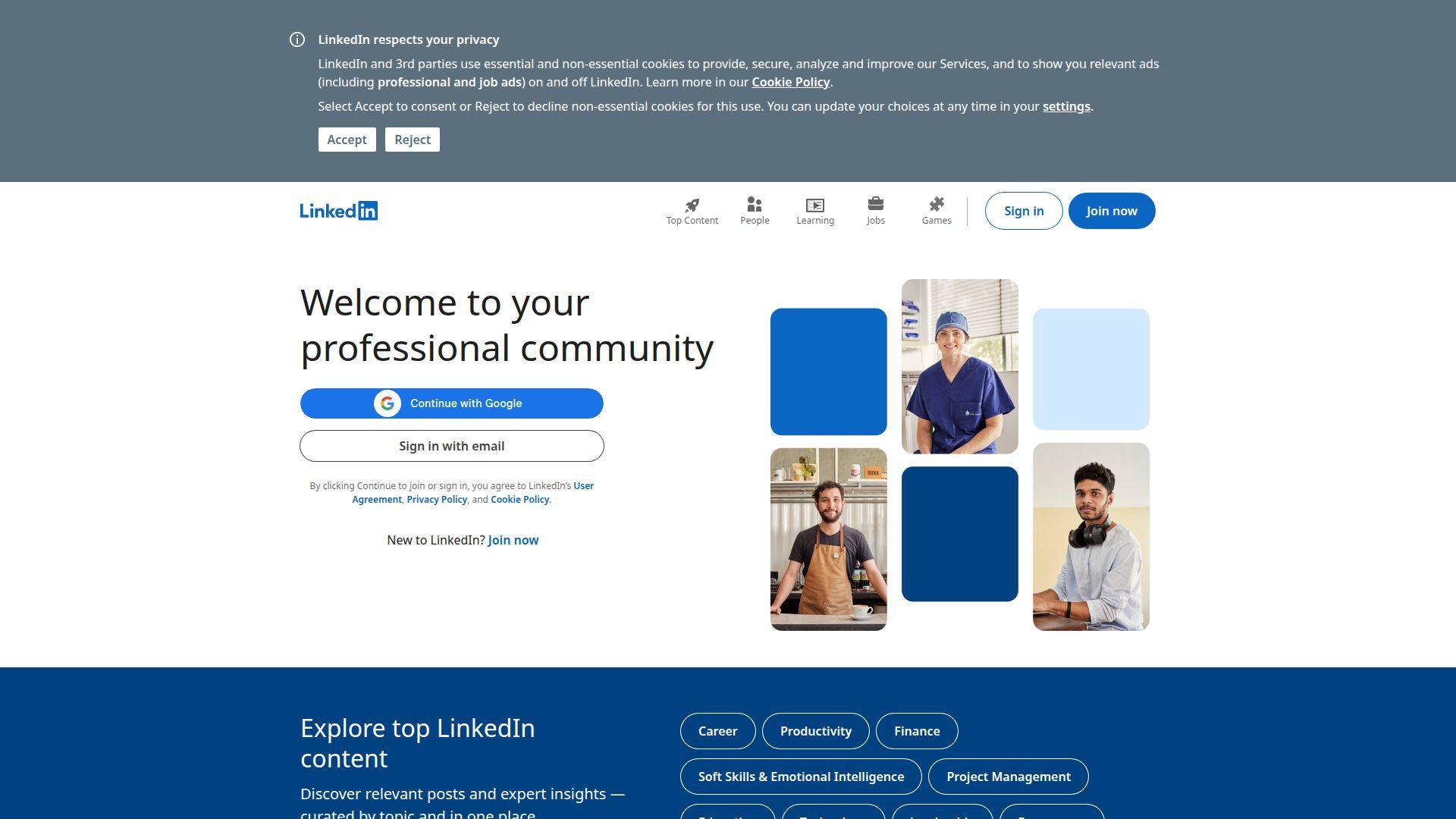
LinkedIn is a professional network operated by a large product organization focused on hiring, sales, and career identity. Its search is less “web” and more “people, roles, companies, posts.”
Find professionals and companies, not webpages.
Best for: recruiters, and B2B sellers building targeted outreach lists.
- [Feature/flow] People and company filters → narrow from millions to a workable shortlist.
- [Integrations/AI/automation] Native messaging and CRM ecosystems → save 3–6 steps when moving from research to contact.
- [UX/implementation] Start with a free account → first value in 5 minutes, after profile basics.
Pricing & limits: From $0/mo; no trial required for basic search. Premium tiers exist, and limits can apply to profile views and outreach. Usage rules can be strict for automation.
Honest drawbacks: Real value often requires paid plans. Search can be constrained if you lack network proximity or credits.
Verdict: If you need to identify the right humans behind a market, LinkedIn helps you build a credible list in a day. Beats Google at role-based discovery; trails the open web on anonymous browsing.
Score: 4.0/5
25. SlideShare
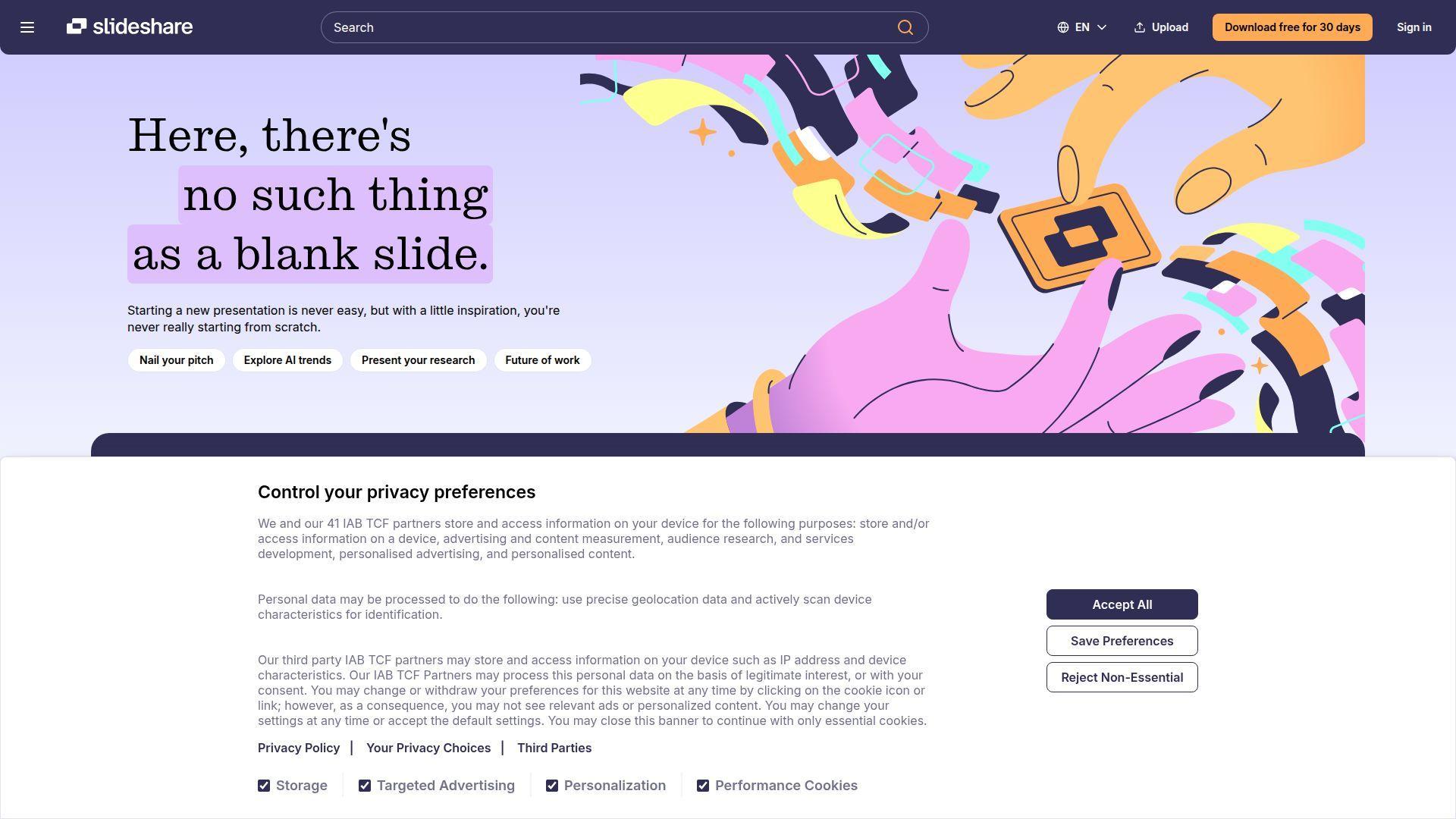
SlideShare is a presentation-hosting platform that functions like a niche search engine for slide decks. The team’s value is simple: searchable “what people actually presented.”
Find the deck behind the idea.
Best for: students and consultants, plus marketers researching positioning and pitch language.
- [Feature/flow] Deck-first search → learn frameworks fast without reading five long articles.
- [Integrations/AI/automation] Easy embedding and sharing → save 1–2 steps when collaborating on references.
- [UX/implementation] Search and skim immediately → first value in about 3 minutes.
Pricing & limits: From $0/mo; no trial needed for browsing. Uploading and advanced access can depend on account status and platform changes. Automated downloading can be restricted.
Honest drawbacks: Content quality is inconsistent, and many decks are outdated. Search filters are limited compared with academic databases.
Verdict: If you want fast pattern recognition in business topics, SlideShare helps you gather examples in an hour. Beats Google on concentrated “deck language”; trails LinkedIn on current professional posts.
Score: 3.6/5
26. X Search
X Search is the built-in search layer for X, aimed at real-time posts, accounts, and trends. The product team optimizes for immediacy and conversation volume.
See what people are saying right now, in public.
Best for: reporters tracking breaking news, and founders monitoring live product chatter.
- [Feature/flow] Real-time keyword search → catch early signals before blogs catch up.
- [Integrations/AI/automation] Lists, notifications, and saved searches → save 2–3 steps on recurring monitoring routines.
- [UX/implementation] Works once you log in → first value in about 2 minutes.
Pricing & limits: From $0/mo; no trial needed. Some functionality can be gated by account status, and rate limits can apply. Third-party automation is often restricted.
Honest drawbacks: Noise and misinformation are constant risks. Advanced search operators can change, and discovery can be algorithmically shaped.
Verdict: If you need live sentiment and eyewitness crumbs, X Search helps you collect leads in minutes. Beats Google on immediacy; trails Perplexity on synthesized, cited summaries.
Score: 3.5/5
27. Baidu
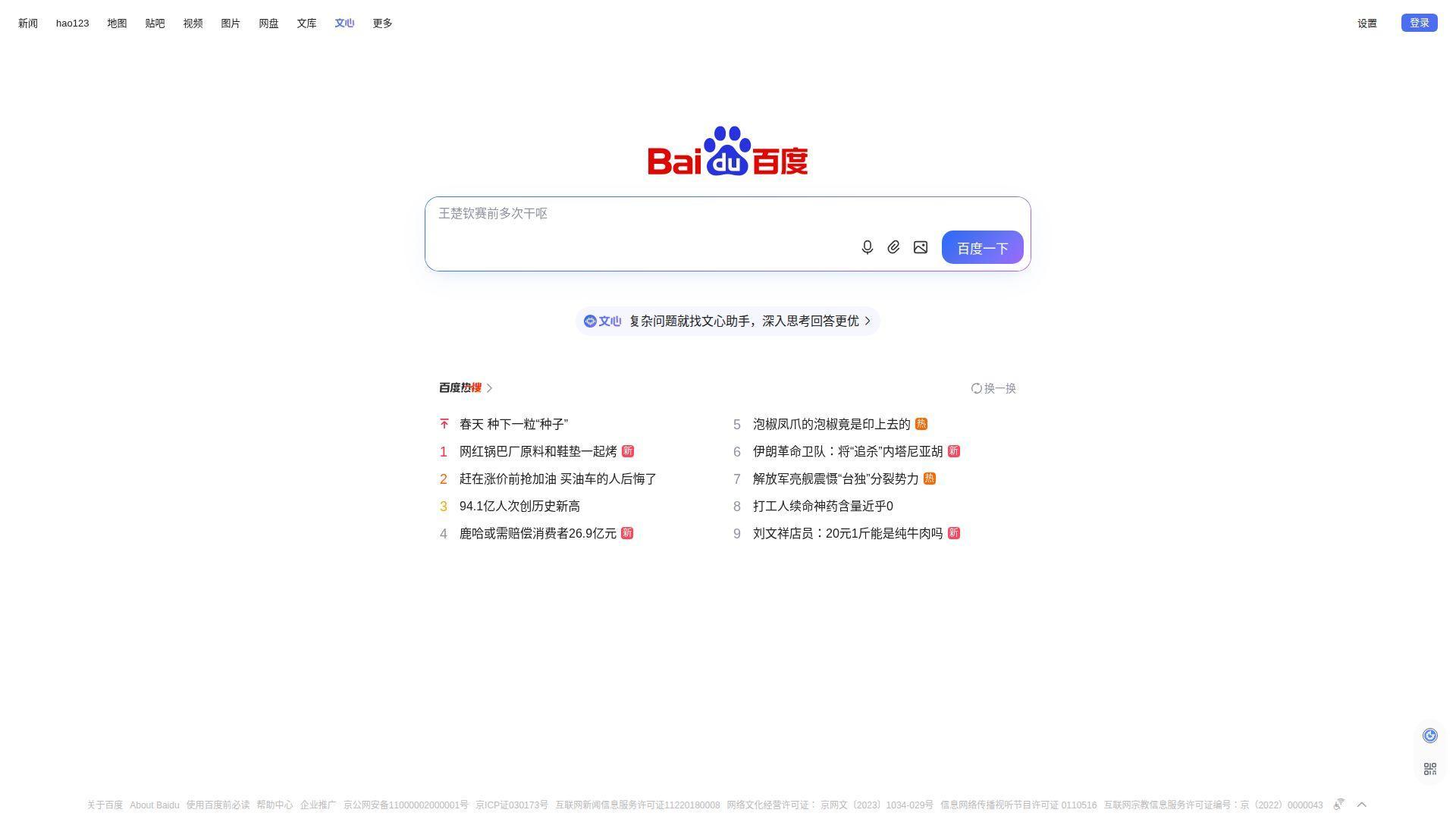
Baidu is a major Chinese search company with large-scale infrastructure and local ecosystem depth. The team’s advantage is coverage of Chinese-language content and services.
Search China’s web with a home-field engine.
Best for: researchers working on China-market topics, and bilingual users needing local sources.
- [Feature/flow] Strong Chinese-language relevance → find local forums, services, and content faster.
- [Integrations/AI/automation] Local ecosystem tie-ins → save 2–4 steps when the answer lives in domestic platforms.
- [UX/implementation] Works instantly, but may need language comfort → first value in 5 minutes.
Pricing & limits: From $0/mo; no trial required. Access and results can vary by location and regulation. Some features may require accounts, with regional limits.
Honest drawbacks: Non-Chinese queries can feel weaker than global engines. Censorship and content filtering can be a practical deal-breaker for some research goals.
Verdict: If you need native Chinese web discovery, Baidu helps you find sources you’ll miss elsewhere within the first day. Beats Google on domestic coverage; trails Google on global breadth.
Score: 3.7/5
28. Yandex
Yandex is a major search and tech company with strength in Russian-language and regional content. The team’s differentiator is local relevance for certain markets and languages.
Get better results where English-first engines stumble.
Best for: multilingual researchers, and users searching Russian-language content at scale.
- [Feature/flow] Strong regional relevance → surface local pages that global engines demote.
- [Integrations/AI/automation] Built-in verticals and tools → save 1–3 clicks for maps, images, and quick lookups.
- [UX/implementation] Immediate use in-browser → first value in under 2 minutes.
Pricing & limits: From $0/mo; no trial needed. Availability and feature sets can vary by region. As always, automation can be rate-limited.
Honest drawbacks: Trust and geopolitical concerns can be deal-breakers for some teams. If you only search English content, the edge shrinks.
Verdict: If your goal is better Russian-language discovery, Yandex helps you broaden sources fast, often within one session. Beats Yahoo on regional relevance; trails DuckDuckGo on privacy messaging.
Score: 3.6/5
29. Sogou

Sogou is a Chinese search brand known for Chinese-language querying and input-method adjacency. The team’s usefulness often shows up in language-specific discovery.
Explore Chinese queries with a language-native toolset.
Best for: learners of Chinese, and researchers triangulating China-based sources.
- [Feature/flow] Chinese-language SERP patterns → find local content clusters without translating every query.
- [Integrations/AI/automation] Quick switches for common content types → save 1–2 steps when scanning multiple formats.
- [UX/implementation] Works quickly, but rewards language fluency → first value in about 10 minutes.
Pricing & limits: From $0/mo; no trial needed. Access may depend on location, and some services can require accounts. Automated usage can be restricted.
Honest drawbacks: Non-Chinese results can be thin. UI and ads can feel busy if you prefer minimalist search.
Verdict: If you need another lens on Chinese web content, Sogou can add valuable redundancy within a day. Beats Google on certain local queries; trails Baidu on ecosystem scale.
Score: 3.3/5
30. Naver
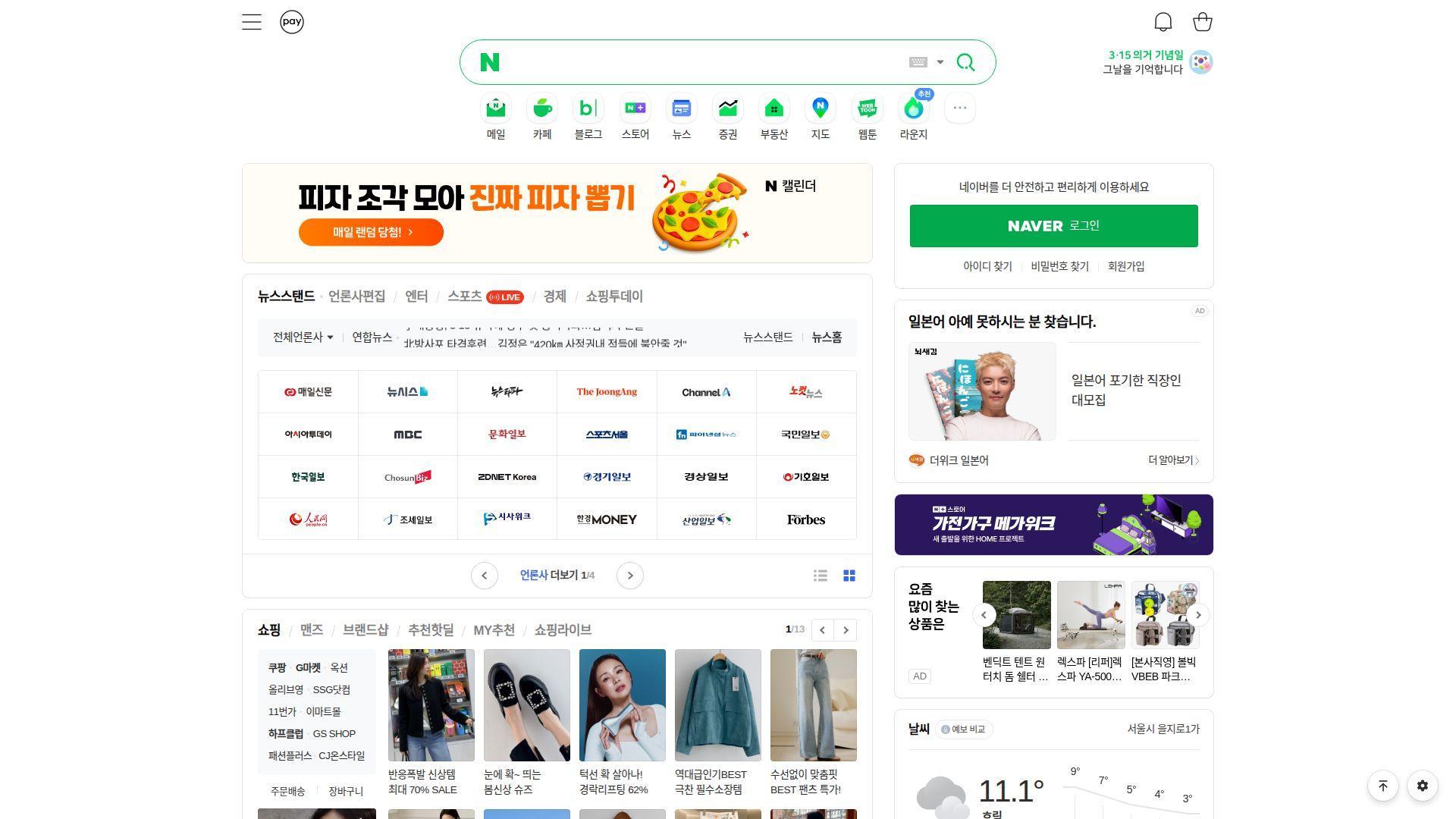
Naver is a major South Korean internet platform with search at the center of a broader content ecosystem. The team’s strength is Korean-language content, local services, and community results.
Search Korea with the engine Koreans actually use daily.
Best for: Korea-market researchers, and travelers planning inside Korean-language sources.
- [Feature/flow] Korea-native results and verticals → find local reviews and communities faster.
- [Integrations/AI/automation] Platform ecosystem tie-ins → save 2–4 steps when content lives inside local properties.
- [UX/implementation] Immediate use, best with Korean queries → first value in about 5 minutes.
Pricing & limits: From $0/mo; no trial required. Some experiences can be region- or account-dependent. Rate limits can apply for unusual traffic patterns.
Honest drawbacks: English-only users may struggle to extract value quickly. If you need a global SERP, it can feel too local.
Verdict: If you’re doing Korea-specific research, Naver helps you access local context within the first session. Beats Google on Korean community coverage; trails Google on global generality.
Score: 3.8/5
How to Choose the Right Alternative Search Engine for Your Needs

1. Decide between classic search results vs. AI summaries and conversational search
Classic search results are still the best interface for scanning options.
They also keep you honest, because you must read the sources.
Conversational search is better for synthesis, planning, and iterative refinement.
In our experience, teams move fastest with both modes available.
Classic results handle procurement, troubleshooting, and documentation hunts well.
AI summaries shine when you need a first draft of understanding.
2. Check the search model: independent crawler, aggregation, or metasearch
The search model determines what “coverage” really means.
An independent crawler can surprise you with different corners of the web.
Aggregation can be high quality, but it inherits upstream blind spots.
Metasearch tools let you diversify, but they can be rate-limited.
At 1Byte, we like metasearch for research and independent indexes for daily use.
That mix keeps outcomes stable even when one provider shifts.
3. Balance privacy preferences with convenience features like personalization and location switching
Privacy and convenience often pull in opposite directions.
Personalization improves relevance, yet it increases fingerprinting risk.
Location switching helps local results, yet it can invite extra tracking.
We recommend separating “private search” from “logged-in search” by browser profiles.
That separation is cheap, and it prevents accidental cross-contamination.
For businesses, it also reduces training confusion during onboarding.
4. Compare business models: ads, rewards programs, and subscription-based search
Business models shape incentives more than mission statements do.
Ad-funded engines tend to optimize engagement and monetizable intent.
Rewards programs introduce token economics and marketing dynamics.
Subscription engines sell to users, so they can optimize for satisfaction.
Still, subscriptions can centralize power in a smaller paying base.
We advise matching incentives to your risk profile and research needs.
5. Pick the best verticals for your workflow: web, images, and news
Web search is only one slice of modern discovery.
Images matter for brand, product research, and design work.
News matters for risk, regulation, and investor relations.
Some engines excel at one vertical and struggle at another.
We prefer a “default engine” plus specialized vertical tools.
This approach is simpler than chasing one engine that does everything.
6. Match the engine to your language and region for more relevant local results
Local relevance is not a nice-to-have for international teams.
It is the difference between “research” and “research theater.”
Region-first engines can surface local directories, government pages, and forums.
They also reflect local ranking norms and local compliance constraints.
For multinational businesses, we recommend testing engines per target market.
That test should include local slang, legal terms, and product category language.
Privacy-Focused Alternative Search Engines and Anonymity Features
1. DuckDuckGo privacy approach plus bangs shortcuts and Duck.ai
DuckDuckGo is the privacy-first engine most teams can adopt without friction.
Its hidden superpower is !Bang shortcuts, which turn the search box into a universal launcher.
That matters in business, because workflows live inside tools, not the open web.
We also like DuckDuckGo as a “safe default” for mixed-experience teams.
It reduces tracking by default, even when users do not tweak settings.
For many organizations, that default is the only policy that actually sticks.
2. Startpage privacy layer for Google results and Anonymous View browsing
Startpage fits teams that want familiar results without direct exposure.
It acts as an intermediary, which can reduce direct identifier leakage.
The standout feature is Anonymous View, which opens results through a privacy-protecting proxy.
That proxy model is practical for one-off visits to questionable sites.
From our perspective, it’s also an anti-fingerprinting habit builder.
Users learn that “clicking a link” is a data event, not a neutral act.
3. Brave Search privacy-first approach with an independent index and Goggles ranking controls
Brave Search is compelling because it treats privacy and independence as linked.
When an engine owns more of its stack, it can avoid leaking queries upstream.
We also like user control, especially for bias and SEO-spam mitigation.
Brave’s Goggles ranking controls let you apply alternative ranking rules.
That feature is technical, yet it maps cleanly to business needs.
Different teams can tune results for research, partners, or primary sources.
4. Mojeek as an independent search engine that does not track you
Mojeek appeals to people who want “no tracking” to mean exactly that.
Its policy language is unusually direct for a search product.
The strict no tracking privacy policy is the kind of document we like to hand auditors.
From a results standpoint, Mojeek can feel different, and that is the point.
Different indexes surface different sites, especially beyond the top-ranked web.
We use Mojeek when we want to escape consensus results and see edges.
5. Swisscows as a family-friendly semantic search engine with privacy claims
Swisscows leans into safety and “family-friendly” positioning.
For workplaces, that often maps to compliance and content filtering concerns.
Its privacy posture is explicit, including the claim that it does not store or transmit any of your personal information.
We treat such claims as a starting point, not a finishing line.
Even so, Swisscows can be useful for shared environments and schools.
It is also a reminder that “privacy” can include content governance goals.
6. Kagi’s subscription, ad-free model and Lenses for filtering results
Kagi is where we send power users who are tired of the ad economy.
The experience feels like buying back time, not just buying a tool.
Lenses are the feature we reference most in internal training.
They let teams narrow results to specific site classes or trusted domains.
From an infrastructure view, Kagi also shifts the incentive stack.
When users pay, relevance becomes a product metric, not an ad artifact.
7. KARMA Search donations model alongside privacy positioning
KARMA Search is interesting because it frames searching as daily impact.
That narrative matters for organizations with sustainability and CSR goals.
The project language is explicitly mission-based, describing reimagining what it can do with sponsored revenue.
We like KARMA as a culture lever inside companies that want aligned defaults.
Still, we advise teams to validate result quality for their core work tasks.
Purpose is valuable, but operational reliability must come first.
8. SearXNG for users who want to use public instances or self-host for more control
SearXNG is the tool we reach for when teams want maximum control.
It is also the most “cloud-native” option in spirit.
The project describes itself as a free internet metasearch engine, and that design is powerful.
You can pick public instances, or you can self-host behind your own controls.
At 1Byte, we’ve seen SearXNG deployed alongside VPNs and internal DNS policies.
That pairing turns search into an owned capability, not a borrowed interface.
AI-Powered Alternative Search Engines: Citations, Follow-Ups, and Hallucination Risks
1. ChatGPT Search for real-time web results, citations, and iterative follow-up questions
ChatGPT Search is best understood as “research with momentum.”
Instead of collecting tabs, you collect a line of reasoning.
OpenAI positions it as the ability to search the web in a much better way while keeping links to sources.
For business users, the win is iterative follow-up without re-keywording.
We recommend it for market scans, vendor comparisons, and quick orientation.
Then we insist on opening sources before any decision becomes a ticket.
2. Google AI Mode as an AI-enhanced search experience built for deeper exploration and comparisons
Google AI Mode matters because it shifts the default expectation of search.
Users increasingly want planning, comparison, and action inside the results.
Google describes agentic features and personalized responses as part of the direction.
From our view, that is both helpful and operationally risky.
Helpful, because it compresses multi-step research into a single flow.
Risky, because personalization can blur provenance and complicate reproducibility.
3. Perplexity for context-rich answers with cited sources and follow-up refinement
Perplexity is strong when you want a compact answer plus reading paths.
It tends to present citations in a way that supports quick verification.
We use it for “explain this topic” work before deeper primary-source review.
In customer conversations, it often reduces time-to-clarity on technical concepts.
Still, you should treat the answer as a draft, not a verdict.
The workflow value comes from the follow-up loop, not the first reply.
4. You.com personal mode vs private mode for AI search experiences
You.com represents a more productized approach to AI search.
It tries to balance productivity features with user choice about data handling.
For businesses, the key question is mode discipline.
Personal modes can help, but they can also create uneven results across a team.
Private modes support consistency, especially for shared research and documentation.
We advise defining “which mode for which task” in your internal playbook.
5. When to verify AI search outputs for medical, financial, legal, and safety-critical topics
AI search fails in predictable ways.
It can compress nuance, miss exceptions, or cite weak sources confidently.
In high-stakes domains, verification must be part of the workflow, not a reminder.
We recommend a two-step habit: open sources, then cross-check with a second engine.
For policies and safety guidance, we also prefer official regulator or vendor documentation.
If a claim cannot be traced, it should not ship into production decisions.
A Simple Business Rule We Use Internally
If an answer changes a budget, a contract, or a safety posture, we require primary sources.
That rule saves money, and it saves reputations.
Specialized and Vertical Alternative Search Engines for Research
1. Openverse for copyright-free images, audio, and video discovery
Openverse is our first stop for “safe-to-use” creative assets.
Marketing teams move faster when licensing is built into discovery.
That is why we like Openverse as a default research companion.
It reduces the risk of accidentally using restricted media in public campaigns.
From a governance angle, it also supports clearer audit trails.
When content has a license signal, downstream workflows become calmer.
2. Wayback Machine for researching historical versions of websites and archived media
The web rewrites itself, and that is a research hazard.
Policies change, pricing pages move, and statements disappear.
The Wayback Machine is how we reconstruct timelines during disputes.
It is also useful for security teams tracking when an exposed page appeared.
In vendor due diligence, archived documentation can clarify what was promised.
We treat archiving like backups, because it is the same principle.
3. WolframAlpha for computation and expert-level reference data
Some questions are not web questions.
They are math, physics, finance, or units questions.
WolframAlpha is valuable because it computes, then explains.
That avoids “blog math” errors that show up in copied spreadsheets.
We use it for capacity planning sanity checks and quick model validation.
In infrastructure work, correct units are a hidden competitive advantage.
4. SlideShare for finding presentations, PDFs, and ebooks for business research
Slide decks reveal how companies pitch themselves internally.
They also reveal frameworks before the blog post catches up.
SlideShare is useful for sourcing those artifacts quickly.
For sales teams, it can also help with competitive positioning language.
We advise caution, because decks can be outdated or context-free.
Even so, they provide leads you might never find through web pages alone.
5. LinkedIn as a business-focused search engine for organizations and professional discovery
LinkedIn is not just a network.
It is a searchable map of labor markets, vendor ecosystems, and industry language.
That makes LinkedIn a powerful discovery layer for B2B research.
We use it to validate whether a niche vendor has real operators and tenure.
For recruiting, it surfaces skill clusters faster than job boards.
For partnerships, it helps identify who actually owns decisions inside firms.
6. X Search for real-time updates and fast-moving news discovery
X is where breaking narratives form before official statements publish.
That is useful during incidents, but it can be noisy.
X Search helps us spot early signals, then confirm elsewhere.
For product teams, it can show what users complain about in plain language.
For security teams, it can surface exploit chatter and mitigation rumors.
We recommend treating it as a radar, not a record of truth.
7. Mojeek Images and Mojeek News as dedicated vertical search experiences
Vertical search is where smaller engines can feel surprisingly strong.
Images and news have different ranking needs than general web pages.
Mojeek’s separate verticals are useful when you want a different editorial lens.
We like it for “find alternatives” work, especially outside mainstream media loops.
In some cases, it surfaces independent publishers that larger engines bury.
The tradeoff is coverage depth, so we pair it with another engine.
8. Yippy for deep web searching and safety considerations when exploring unindexed content
Yippy has a long history in metasearch and clustered discovery.
Today it positions itself as a community-focused search tool.
We use Yippy when we want to escape the “same ten domains” pattern.
Still, deep web exploration carries risk for business devices.
We recommend isolating that work in hardened browsers and restricted profiles.
In short, treat deep discovery like threat modeling, because it often is.
SEO and Analytics: Measuring Visibility in Alternative Search Engines
1. Bing Webmaster Tools for Bing performance insights and Bing-powered ecosystems
Bing still matters, even when your brand is “Google-first.”
It powers many enterprise defaults through browsers, assistants, and embedded search.
Bing Webmaster Tools is the cleanest place to see crawl and query signals.
We recommend verifying ownership early, even before you care about traffic.
That verification becomes critical during rebrands, migrations, and emergency deindex issues.
From our side, we also like it as an early warning system for crawl anomalies.
2. Referral-based tracking for privacy-first alternative search engines without webmaster tools
Many privacy-first engines do not provide deep webmaster dashboards.
That absence is often a feature, not a bug.
So measurement shifts to server logs, referral headers, and landing page behavior.
At 1Byte, we push customers to treat logs as analytics, not just debugging output.
Clean UTM discipline also helps, but avoid turning privacy search into surveillance.
The goal is visibility measurement, not user identity reconstruction.
3. Yandex Webmaster Tools for queries, impressions, clicks, and crawl statistics
Yandex is a major ecosystem where it is local default.
For international businesses, that means you need local measurement support.
Yandex Webmaster provides diagnostics and query reporting for that ecosystem.
We advise treating it like a separate SEO program, not an extension of Google tactics.
Different engines reward different site architectures and content formats.
Local hosting and latency can also influence crawl behavior in practice.
4. Baidu Zhanzhang tools for URL submissions, query analysis, and indexation monitoring
Baidu’s ecosystem demands its own operational approach.
Content policy, hosting geography, and performance constraints differ sharply.
The Baidu link submission tool reflects a more “push” oriented discovery model.
We recommend separating China-targeted infrastructure from global stacks where possible.
That separation reduces risk and simplifies troubleshooting when indexing behaves unexpectedly.
For many firms, local partnerships also become a practical necessity.
5. Naver Search Advisor for sitemap submission and indexation checks in South Korea
Naver remains a critical gateway for Korean-language discovery.
That makes its webmaster tooling a real business dependency for local SEO.
Naver Search Advisor helps with diagnostics, collection status, and site health checks.
We encourage teams to localize content deeply, not just translate it.
Local intent patterns differ, especially for commerce and community queries.
In our experience, local UX expectations can matter as much as keywords.
6. Sogou webmaster tooling considerations for Chinese-language support and performance checks
Sogou is another important discovery path for Chinese-language audiences.
It also sits inside a broader ecosystem of distribution and content surfaces.
The Sogou resource platform is where verification and tooling typically begin.
We advise expecting more variance in tooling accessibility across regions.
Operationally, keep documentation bilingual, because troubleshooting often is.
As with Baidu, infrastructure choices can shape crawl success.
7. Platform analytics for X, LinkedIn, and SlideShare plus referral tracking to your site
Network search creates visibility that never appears as “search engine traffic.”
Clicks may come from posts, profiles, decks, and reshared threads.
So measurement must combine platform analytics with your own site analytics.
We recommend consistent landing pages for social discovery, not your homepage.
That practice improves attribution and reduces confusion inside growth teams.
When you treat networks as search engines, your analytics model becomes more honest.







Next Step We Suggest at 1Byte
Pick one privacy engine, one independent-index engine, and one AI answer engine.
Then run the same research task across all three and compare friction.
Alternative search is less about ideology and more about operational control.
If we can change one habit this quarter, which search workflow would we redesign first?