

- Why Businesses Keep Looking for WordPress Alternatives
- How to Choose the Right WordPress Alternative
- Migration Plan That Protects SEO and Conversions
- Hosted Website Builders
- No-Code Web App Builders
- Ecommerce Platforms
- Marketing Suite CMS
- Publishing and Newsletter Platforms
- Open-Source and Self-Hosted CMS Platforms
- Headless CMS Platforms
- Visual Headless and Composable Builders
- FAQs on WordPress Alternatives
- Conclusion
WordPress works for many sites, but it is not the best fit for every team. Some organizations want fewer updates, simpler editing, and clearer performance outcomes. Others need structured content, stronger governance, or an ecommerce system that does not depend on a long chain of plugins.
This guide compares wordpress alternatives across hosted builders, ecommerce platforms, publishing tools, open-source CMS options, and headless systems. Use the quick picks to shortlist fast. Then use the migration plan to protect SEO and conversions if you decide to move.
Quick picks by scenario:
- You want the simplest path: choose a hosted website builder with a stable editor and built-in hosting.
- You need ecommerce as the core: choose a dedicated ecommerce platform instead of bolting commerce onto a general CMS.
- You publish and monetize writing: choose a publishing-first platform that prioritizes audience and subscriptions.
- You need governance and complex roles: choose a mature self-hosted CMS with permissions and structured content.
- You want modern performance and structured content: choose a headless CMS plus a modern front end.
- You need marketers to build pages visually in a headless setup: choose a visual composable builder.
Pick one scenario first, then compare only the tools in that category. This makes the decision faster and reduces platform regret.
Why Businesses Keep Looking for WordPress Alternatives
WordPress still dominates, and that matters when you weigh risk and effort. W3Techs reports WordPress is used by 43.0% of all the websites, that is a content management system market share of 60.2%, so many teams inherit it even when it is not the best fit for their workflow.
Growth teams often hit friction when the site becomes a patchwork of themes, plugins, and custom fixes. The WordPress.com team notes over 65,000 plugins, which sounds like freedom at first, but it can also mean more moving parts to maintain.
Security adds another layer of pressure. Patchstack reports 7,966 new security vulnerabilities were found in the WordPress ecosystem in 2024, and most organizations do not want their marketing site to depend on a long chain of third-party updates.
Performance also shapes the conversation. Google notes that 53% of visits are likely to be abandoned if pages take longer than 3 seconds to load, so even “small” speed regressions can turn into real lead loss.
That mix drives the shift. Teams want tools that match their skills and reduce maintenance. They also want predictable publishing, clean SEO control, and easier experiments. The platforms below take different routes to get there.
How to Choose the Right WordPress Alternative

Start with your content reality, not a feature checklist. Ask who publishes content, how often they publish, and what kind of content you actually ship. A portfolio site has different needs than a multi-location service business. A product-led SaaS has different needs than a newsletter brand.
Next, decide how much control you truly need. Self-hosted systems can give you deep flexibility, but you take on more responsibility. Hosted platforms reduce technical work, but you accept some platform limits. Neither approach is “better.” The right choice depends on your team’s time, skills, and risk tolerance.
Then evaluate the platform through a workflow lens:
- Editing experience: Can non-technical editors publish without breaking layouts?
- Design system control: Can you enforce consistent sections, components, and brand rules?
- SEO fundamentals: Can you manage titles, meta descriptions, canonical URLs, redirects, and structured data?
- Performance ownership: Who controls speed, image handling, caching, and deployment?
- Integration paths: Can you connect forms, CRM, email, analytics, and events without hacks?
- Content modeling: Can you structure content beyond “pages and posts” when needed?
- Lock-in risk: How easy is it to export content and rebuild elsewhere later?
Finally, connect the platform to revenue. Pick a tool that makes it easier to create landing pages, ship new offers, and improve conversion paths. A CMS that slows your team down will cost more than its subscription line item.
Category Map: Match Alternatives to Team Type
| If your team is… | Best category match | Why it fits | Common risk |
|---|---|---|---|
| Small and marketing-led | Hosted website builders | Fast publishing with less maintenance | Outgrowing platform limits |
| Commerce-first | Ecommerce platforms | Checkout and catalog are first-class | Theme constraints and app sprawl |
| Publishing-first | Publishing and newsletter platforms | Audience and distribution built in | Reduced ownership and brand control |
| Enterprise or regulated | Open-source and self-hosted CMS | Permissions, governance, and structured content | Higher technical ownership |
| Product and engineering-led | Headless CMS platforms | Modern performance and reusable content | Marketing agility depends on implementation |
| Hybrid teams | Visual headless and composable builders | Headless benefits with visual page building | Template discipline and governance |
WordPress is still a strong choice when your team already has a stable theme, a disciplined plugin stack, and clear ownership for updates and security. It also works well when your site needs a wide range of integrations and your team benefits from the large ecosystem. If your problems come from messy governance, unclear roles, or untested changes, you may get more value by fixing workflow first instead of switching platforms.
- Stay on WordPress if: you can enforce standards and keep changes controlled.
- Consider switching if: your site depends on constant patching, unpredictable plugin conflicts, or a fragile page builder setup.
Migration Plan That Protects SEO and Conversions
Platform changes often fail for simple reasons. Teams treat the migration like a design project, not a traffic-and-revenue project. You can avoid that by running the move like a controlled launch.
Start by inventorying what drives results today. List the pages that bring leads, sales, and brand searches. Identify your highest-intent blog posts and your key product or service pages. Capture the current titles, meta descriptions, headings, and internal links so you do not lose important signals.
Next, lock down URL strategy early. Keep existing URL paths when you can. When you must change them, map old URLs to new URLs and prepare redirects before launch. Do not rely on “we will fix it later.” Search engines respond quickly to broken paths.
Then rebuild analytics and tracking in parallel. Confirm that your analytics tags, conversion events, and ad pixels fire correctly on staging. Also confirm form tracking, call tracking, and any CRM sync. Your new site should not launch blind.
Run a content workflow dry run before you go live. Have an editor create a draft, route it for review, and publish it. Confirm that images compress correctly, templates stay consistent, and the page renders well on mobile. This step catches the real friction that demos never show.
On launch day, monitor the basics with discipline. Check indexing, key redirects, top landing pages, and lead flow. Watch for broken navigation, missing meta tags, and slow pages. Fix issues fast, and document what you change so the team stays aligned.
Do not treat launch as the finish line. Plan a short stabilization window after go-live to fix crawl errors, verify redirects, confirm conversion tracking, and tighten page speed on your highest-impact templates.
SEO parity checklist before you migrate:
- Confirm you can control titles, meta descriptions, canonicals, and index rules.
- Confirm you can manage redirects and export URL mappings.
- Confirm you can generate clean sitemaps and handle robots rules safely.
- Confirm you can add structured data where needed without hacks.
- Confirm image handling, lazy loading, and core templates can stay fast.
- Confirm the editor workflow supports previews and approvals without breaking layouts.
Hosted Website Builders
Hosted builders work best when you want speed and simplicity. The provider handles hosting, updates, and many security concerns. You focus on pages, messaging, and design. These tools can beat WordPress when you want to move fast with a small team.
1. Wix
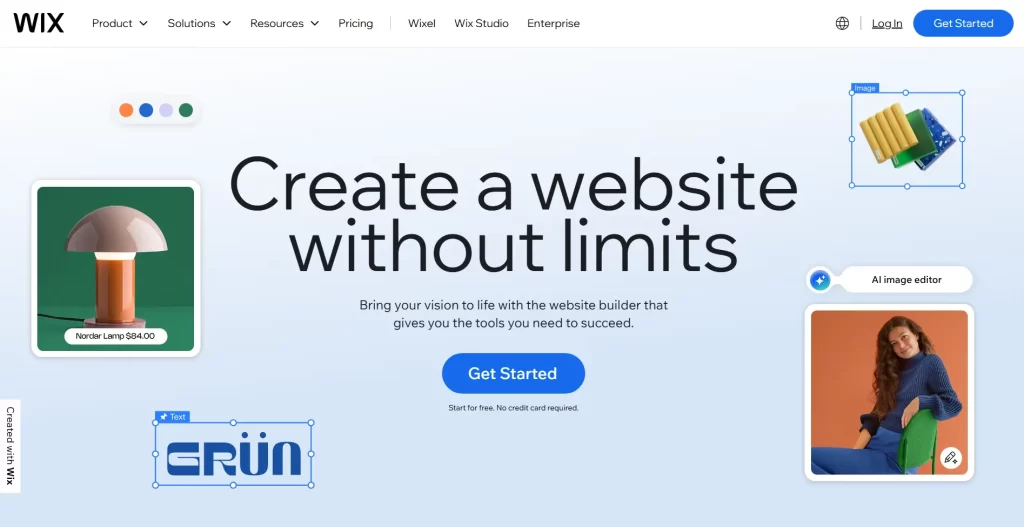
Wix suits teams that want to launch quickly without managing servers, themes, or plugin updates. It gives you a visual editor and a managed environment, so marketing work feels more direct. You can build service pages, local business sites, and basic content hubs without touching code. As a WordPress alternative, Wix often wins when your team values speed over deep customization.
Best for
Local services, solo creators, and small brands that want an all-in-one builder with flexible layouts.
Key workflows to configure
- Define site navigation and page goals before you design sections.
- Connect forms to email and CRM tools so leads route automatically.
- Create reusable sections for testimonials, FAQs, and service blocks.
- Set SEO defaults for titles, descriptions, and social sharing images.
Sales growth lever
Ship landing pages fast and test new offers without waiting on development cycles. That speed helps you match campaigns to real demand.
Watch outs
Wix trades server-level control for convenience. Plan advanced custom features early so you do not outgrow the platform midstream.
Quick start checklist
- Choose a layout system and stick to it across pages.
- Write clear calls to action for each core page.
- Connect forms to a shared inbox and a CRM pipeline.
- Publish, then review search queries and adjust on-page copy.
2. Squarespace

Squarespace focuses on design consistency and an opinionated editing experience. It helps teams create polished sites with fewer decisions. That reduces the chance of a messy site structure that drifts over time. As a WordPress alternative, Squarespace works well when you want a brand-forward site that stays clean without constant developer involvement.
Best for
Portfolios, professional services, studios, and boutique brands that want strong templates and reliable presentation.
Key workflows to configure
- Choose a template family that matches your content structure.
- Set global typography and spacing so pages stay consistent.
- Build a repeatable blog workflow for categories and featured posts.
- Connect email capture forms to your newsletter platform.
Sales growth lever
Use consistent design to reduce friction. A clean layout and a clear path to inquiry often lift conversions more than extra features do.
Watch outs
Squarespace can feel restrictive if you want a very custom design system or complex dynamic content. Validate your page types before you commit.
Quick start checklist
- Draft your site map and keep it lean.
- Write headline and subhead copy before you pick imagery.
- Create a services or offers page with a direct inquiry path.
- Set up SEO page titles and social previews before launch.
3. Webflow
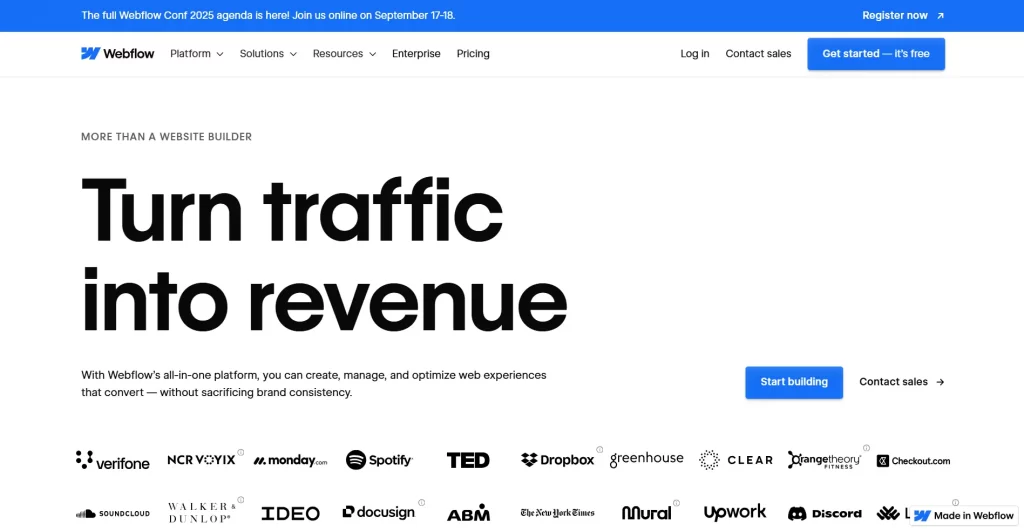
Webflow targets teams that want visual building with deeper control than most hosted builders. Designers can build responsive layouts, define component-like patterns, and publish without a traditional theme system. Webflow also suits marketing teams that want to iterate quickly while keeping a clean front end. It can replace WordPress when you want design control without constant plugin decisions.
Best for
Design-led marketing sites, product pages, and content sites where layout and brand detail matter.
Key workflows to configure
- Set a class naming system so styles stay maintainable.
- Create a CMS structure for posts, authors, categories, and templates.
- Build reusable symbols or components for global sections.
- Set redirects and metadata rules before you migrate content.
Sales growth lever
Build conversion-focused sections as reusable blocks. Your team can then ship campaign pages quickly without breaking the design system.
Watch outs
Webflow can introduce a learning curve for teams new to web layout concepts. Assign ownership for structure and style rules to avoid chaos.
Quick start checklist
- Document your design tokens and key components.
- Create templates for core page types and lock them in.
- Connect forms to your CRM and confirm lead delivery.
- Launch with a redirect plan and monitor crawl errors.
4. Framer
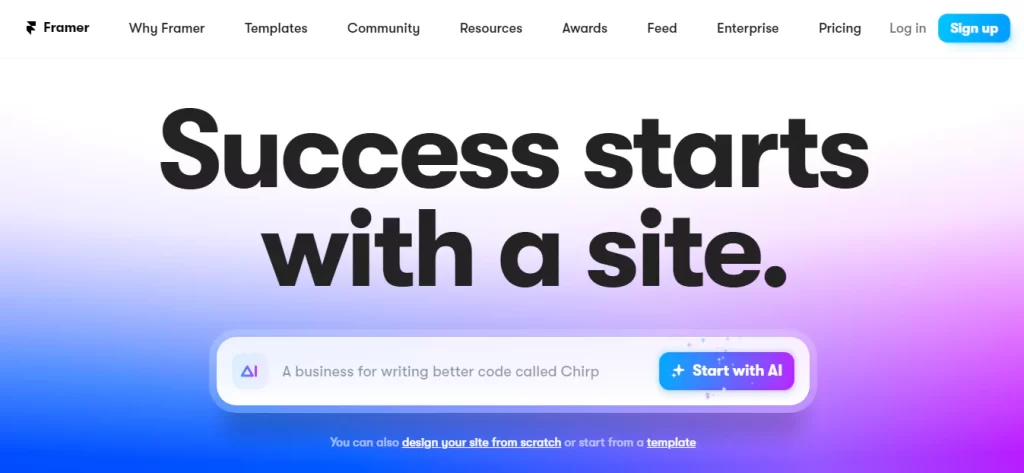
Framer sits between design tooling and site building. It shines when you want to build modern, interactive marketing pages with a smooth editing experience. Teams often pick Framer to ship fast, keep layouts flexible, and avoid the maintenance footprint of a plugin-heavy stack. If your WordPress site exists mainly to support product marketing, Framer can feel like a cleaner fit.
Best for
SaaS marketing sites, landing pages, and startups that want fast iteration and design-driven storytelling.
Key workflows to configure
- Set a component library for hero sections, feature rows, and FAQs.
- Create a content workflow for announcements and changelog-style posts.
- Define form handling and lead routing to your CRM and email tools.
- Standardize page structure so campaigns stay consistent over time.
Sales growth lever
Shorten the path from idea to published page. Faster shipping lets you test positioning and improve message-market fit sooner.
Watch outs
Framer may not fit complex content modeling or deep ecommerce needs. Confirm your content types and integrations before you migrate.
Quick start checklist
- Build a small set of page blocks that cover most needs.
- Publish a core landing page and validate conversion flow.
- Set up SEO basics for titles, descriptions, and social cards.
- Review mobile layouts and fix spacing issues early.
5. Duda
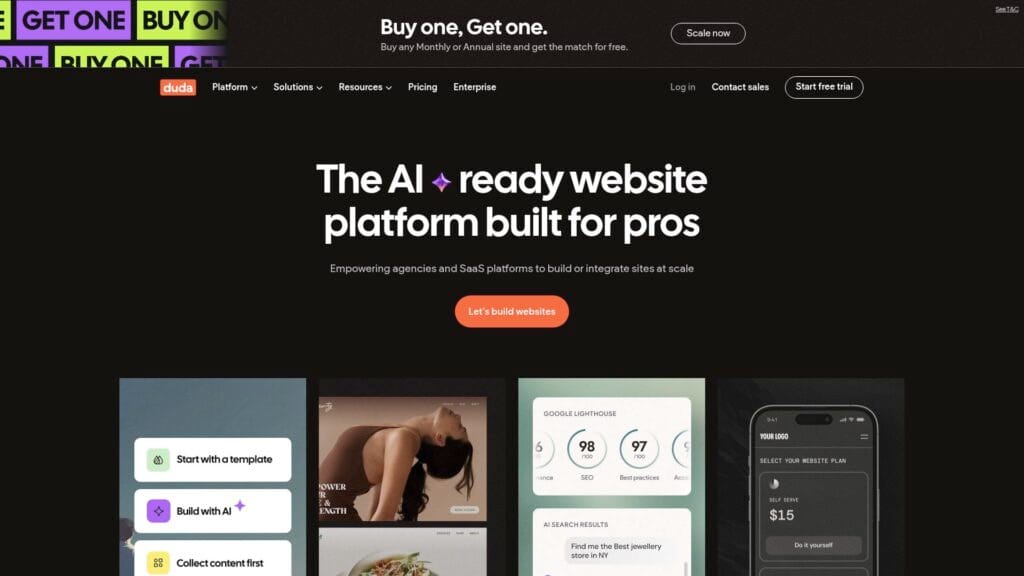
Duda aims at professionals who build many client sites and need repeatable processes. It offers a managed platform, client collaboration, and tools that help agencies scale without juggling updates across dozens of installs. As a WordPress alternative, Duda fits well when you sell websites as a service and want a standardized build-and-maintain workflow.
Best for
Agencies, freelancers with recurring clients, and teams that manage multiple sites with shared patterns.
Key workflows to configure
- Create reusable templates for industries you serve often.
- Standardize on-page SEO checks for every new page.
- Set up client content collection so approvals move faster.
- Define a launch and post-launch maintenance routine per client.
Sales growth lever
Productize your delivery. When you can launch faster and maintain with less effort, you can take on more clients without sacrificing quality.
Watch outs
Duda works best when you accept its platform model. If you need unusual backend logic, you may need integrations or custom development outside the builder.
Quick start checklist
- Define a standard site architecture you reuse across clients.
- Set client roles and approval steps before content upload begins.
- Connect forms to a shared CRM pipeline and notifications.
- Document your build process so your team can replicate it.
6. Carrd

Carrd focuses on lightweight, simple sites that you can publish quickly. It works well when you need a clean landing page, a waitlist page, or a personal profile site. Carrd can replace WordPress when you only need a focused presence and you do not want to manage themes, plugins, or content sprawl.
Best for
Waitlists, simple landing pages, personal sites, and validation pages for new ideas.
Key workflows to configure
- Clarify your primary call to action and build around it.
- Connect forms to email tools and route submissions properly.
- Set social preview images so shares look consistent.
- Add basic analytics so you can measure visits and conversions.
Sales growth lever
Use Carrd to validate demand fast. A clear page plus a clear offer can generate leads before you build a full site.
Watch outs
Carrd is intentionally minimal. If you need a complex content library, dynamic filtering, or deep SEO tooling, you will likely outgrow it.
Quick start checklist
- Write a strong headline that matches a real search intent.
- Add proof elements like testimonials or short results statements.
- Place a call to action early and repeat it near the end.
- Publish and refine based on conversion behavior, not opinions.
No-Code Web App Builders
Some teams do not need a classic CMS at all. They need an app-like experience with logins, dashboards, and workflows. In that case, a no-code platform can replace WordPress and reduce the need for membership plugins and custom development.
7. Bubble
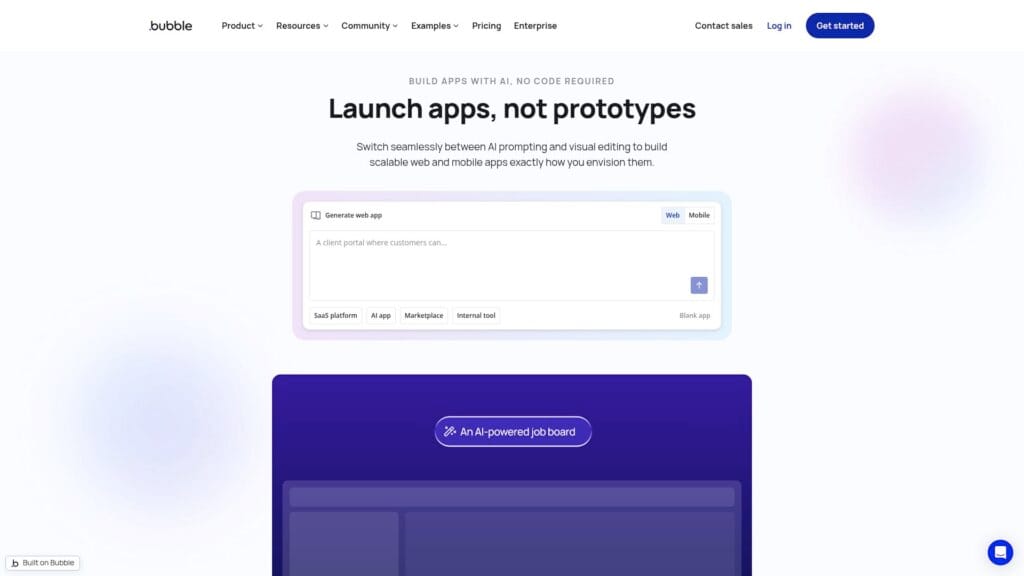
Bubble is a no-code platform for building web applications, not just marketing pages. It can work as a WordPress alternative when your “site” really functions like a product, portal, or marketplace. Instead of stitching together membership plugins, form tools, and custom scripts, you can design workflows directly inside the platform. That shift can simplify operations when you want one place to manage logic and data.
Best for
Client portals, internal tools, directories, marketplaces, and membership products that need real workflows.
Key workflows to configure
- Map user roles and permissions before you design screens.
- Create core database objects for users, content, and transactions.
- Build signup, onboarding, and email verification flows.
- Set up analytics events for activation and retention behaviors.
Sales growth lever
Turn your website into a product experience. When users can complete key actions inside the platform, you reduce friction and improve activation.
Watch outs
Bubble rewards clear planning. If you start building without a data model, you can create complexity fast. Also plan for how you will handle SEO for marketing pages.
Quick start checklist
- Define the single user journey that drives revenue.
- Build a minimum portal with real data and real permissions.
- Instrument key events so you can see user drop-off.
- Launch to a small cohort and refine flows before scaling.
Ecommerce Platforms
Ecommerce changes the stakes. Checkout, inventory, taxes, and fulfillment bring complexity that a general CMS does not solve well. If selling drives your business, an ecommerce-first platform often beats WordPress plus plugins.
8. Shopify
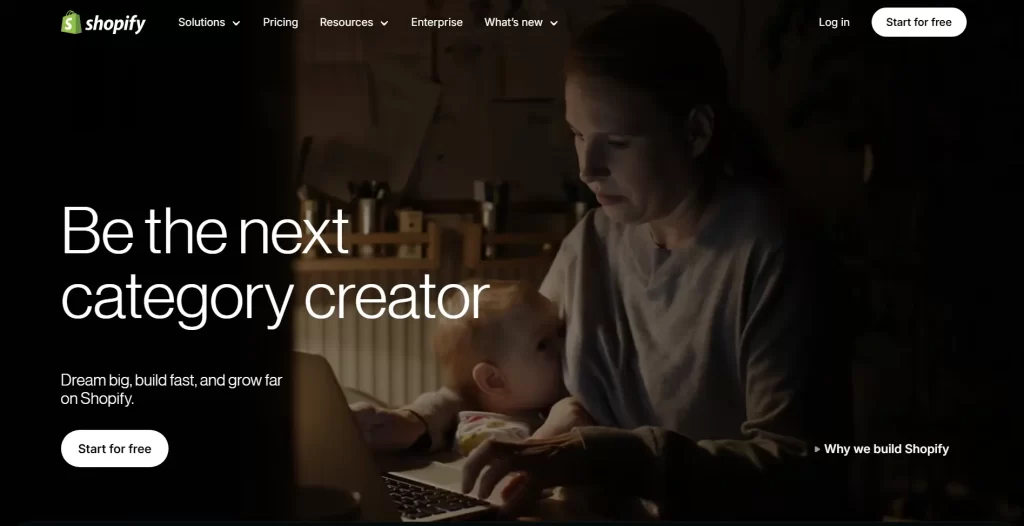
Shopify is the most common WordPress alternative for brands that prioritize selling. It bundles hosting, security, product management, and checkout into a managed system. You can focus on product pages, merchandising, and acquisition instead of technical upkeep. Shopify also fits teams that want an ecosystem of apps and partners without building everything in-house.
Best for
Direct-to-consumer brands, small retail teams, and growing stores that want stable operations and fast execution.
Key workflows to configure
- Set product taxonomy and collections that match buyer intent.
- Build templates for product pages and informational pages.
- Connect email marketing flows for abandoned carts and winbacks.
- Define reporting for sales, traffic, and customer segments.
Sales growth lever
Optimize merchandising and checkout flow. Small improvements to product page clarity and post-purchase follow-up can create compounding gains.
Watch outs
Shopify works best when you accept its commerce model. Deeply custom checkout or complex back-office processes may require advanced plans or partner work.
Quick start checklist
- Define your catalog structure before you import products.
- Write product copy that answers objections and reduces returns.
- Set up core email automation tied to buyer behavior.
- Review conversion funnels and fix friction points weekly.
9. BigCommerce
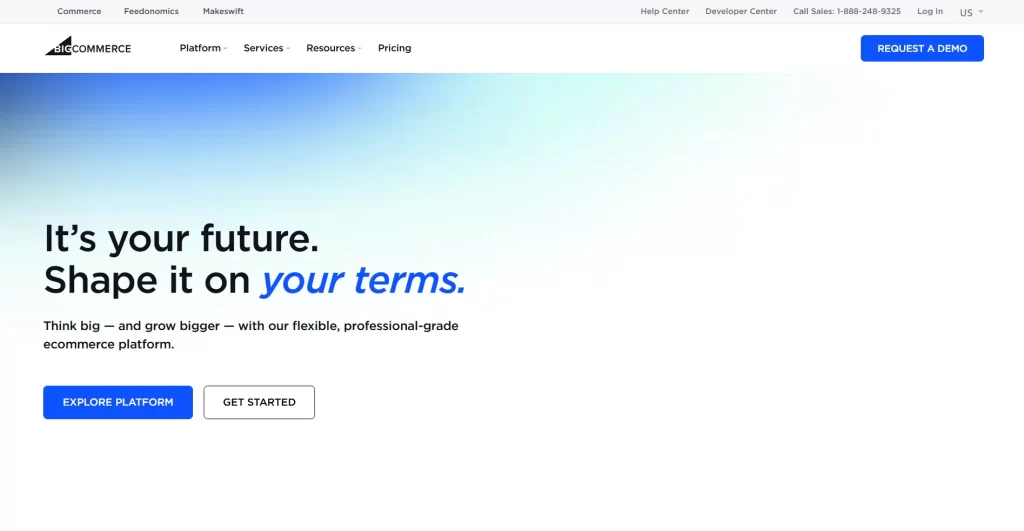
BigCommerce targets brands that want a strong ecommerce core with flexibility for integrations. It often appeals to teams that already run a broader stack and want a commerce engine that plays well with other tools. As a WordPress alternative, BigCommerce fits when ecommerce sits at the center of your site, but you still want freedom in how you present content and campaigns.
Best for
Growing ecommerce brands, teams with multiple sales channels, and businesses that need more native commerce depth.
Key workflows to configure
- Set product categories and attributes for filtering and search.
- Configure shipping rules and tax handling based on your markets.
- Connect your CRM and email tools for customer lifecycle flows.
- Establish content workflows for promotions and seasonal launches.
Sales growth lever
Improve product discovery. Better categorization, search, and filtering reduce drop-off and increase average order value.
Watch outs
Commerce platforms require operational discipline. Plan who owns catalog hygiene, promotion setup, and customer service processes before launch.
Quick start checklist
- Build a clean product data standard and enforce it.
- Launch with a focused catalog and expand after validation.
- Set up lifecycle emails tied to customer behavior.
- Track on-site search terms and fix missing product matches.
10. Adobe Commerce
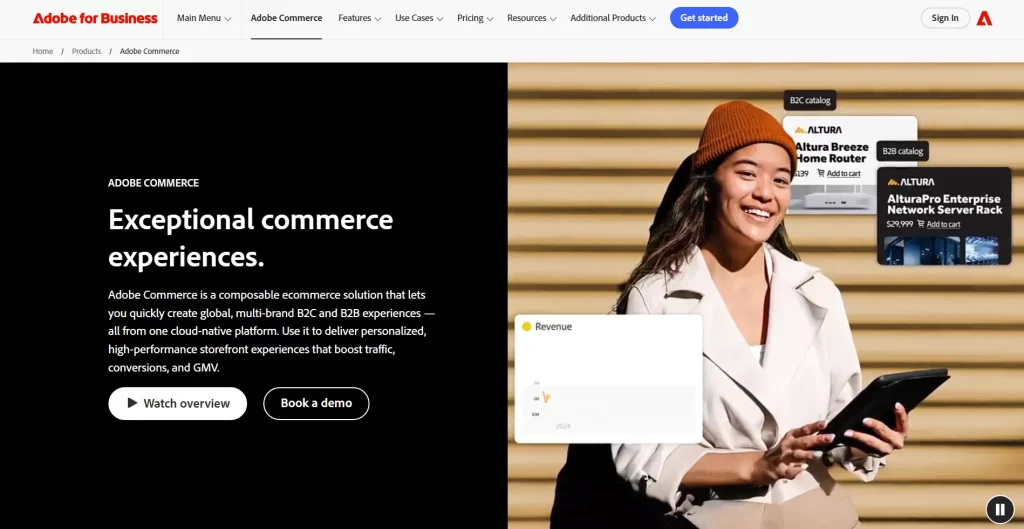
Adobe Commerce (formerly Magento) serves organizations with complex ecommerce requirements. It fits when you need deep catalog structure, custom buying flows, or tight integration with enterprise systems. As a WordPress alternative, it replaces the “CMS plus commerce plugin” pattern with a commerce-first foundation. That can reduce risk when revenue depends on robust commerce operations.
Best for
Mid-market and enterprise ecommerce teams that need customization, integration depth, and governance.
Key workflows to configure
- Define catalog structure, attributes, and merchandising rules.
- Plan integrations for inventory, shipping, and customer data systems.
- Set up roles and approval workflows for pricing and promotions.
- Align content and product teams on shared page ownership.
Sales growth lever
Personalize shopping experiences by segment. When buyers see relevant offers and products, conversion paths become shorter and clearer.
Watch outs
This platform can demand serious implementation effort. Budget time for architecture decisions, data migration, and ongoing operational ownership.
Quick start checklist
- Document your commerce requirements and rank them by impact.
- Model your product data before you migrate any catalog items.
- Choose an integration approach and validate it early.
- Launch with a governance plan for updates and promotions.
Marketing Suite CMS
Some teams pick a CMS because they want leads, not because they want a website. If your growth engine relies on CRM data, email automation, and content offers, a marketing-suite CMS can replace WordPress and simplify your stack.
11. HubSpot CMS
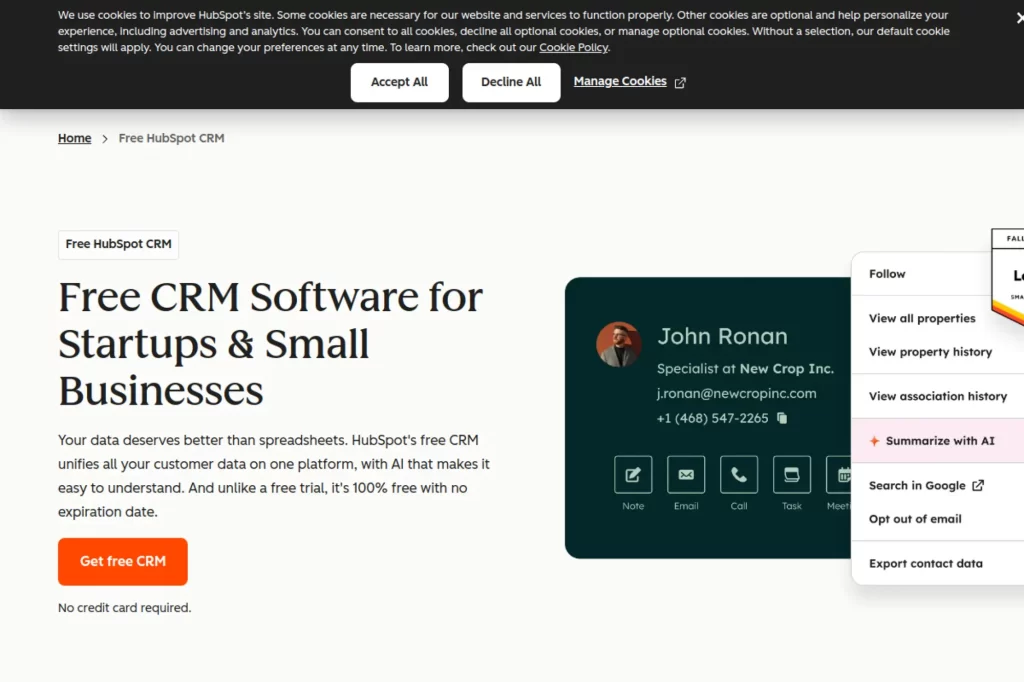
HubSpot CMS ties your site directly to HubSpot’s marketing and CRM tools. That changes how you think about publishing. Instead of bolting forms and tracking onto a general CMS, you build pages inside a system designed for lead generation. As a WordPress alternative, HubSpot CMS often fits teams that want tighter alignment between content, campaigns, and sales follow-up.
Best for
Inbound marketing teams, service businesses, and B2B organizations that rely on lead capture and nurture workflows.
Key workflows to configure
- Define your lifecycle stages and connect forms to pipelines.
- Set lead routing rules so the right rep gets the right inquiry.
- Build landing page templates that match your campaign structure.
- Set reporting dashboards that connect page views to revenue actions.
Sales growth lever
Shorten the loop between marketing and sales. When the CMS, forms, and CRM share data, follow-up becomes faster and more consistent.
Watch outs
HubSpot CMS works best if you commit to the HubSpot ecosystem. If your team wants a tool-agnostic approach, confirm integrations and portability early.
Quick start checklist
- Create a standard landing page layout you reuse often.
- Connect forms to automated follow-up emails and notifications.
- Define lead qualification fields that sales actually uses.
- Review reporting weekly and refine conversion paths.
Publishing and Newsletter Platforms
If your business runs on content, community, or paid subscriptions, you may not need a full website stack. Publishing platforms focus on writing, distribution, and reader relationships. They often replace WordPress when simplicity and audience growth matter more than custom site features.
12. Ghost
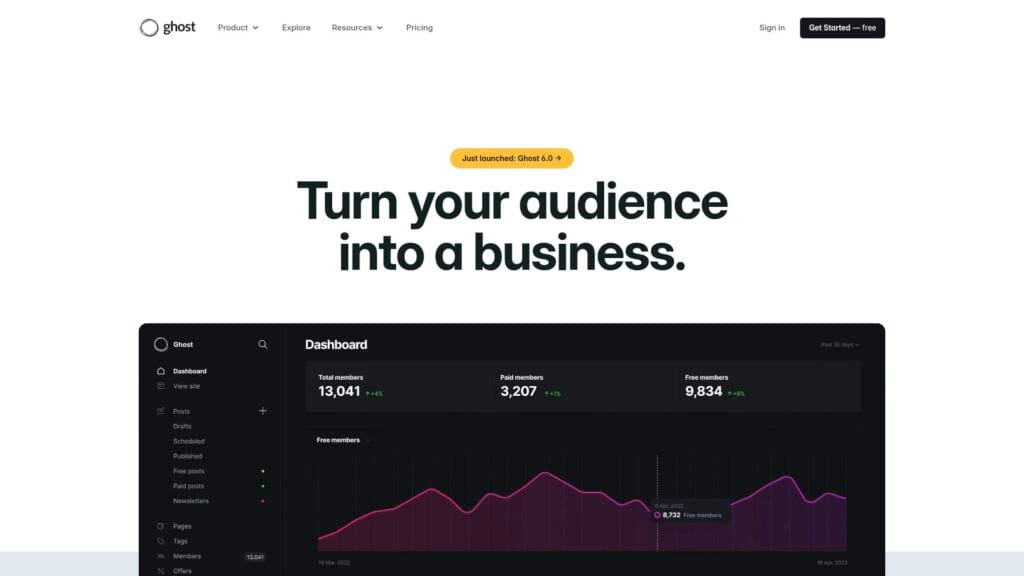
Ghost focuses on modern publishing with memberships and newsletters built into the core experience. It aims to keep writing and editing clean, without forcing you to manage a large plugin collection. As a WordPress alternative, Ghost fits brands that treat content as a product. It supports a direct relationship with readers and can reduce the complexity of building paid content experiences.
Best for
Blogs, publishers, and creators who want memberships, newsletters, and a streamlined editor.
Key workflows to configure
- Define your editorial calendar and roles for drafts and reviews.
- Set membership tiers and gated content rules.
- Build newsletter segmentation based on reader interests.
- Set SEO patterns for tags, authors, and content hubs.
Sales growth lever
Turn content into a subscription engine. When publishing and monetization live together, you can move readers from free to paid with fewer steps.
Watch outs
Ghost is opinionated. If you need complex site structures, custom databases, or heavy ecommerce, you may need additional tools.
Quick start checklist
- Publish cornerstone articles that define your core topics.
- Set up email capture with a clear reader promise.
- Create a simple membership offer and validate demand.
- Track which content drives signups and refine your focus.
13. Substack
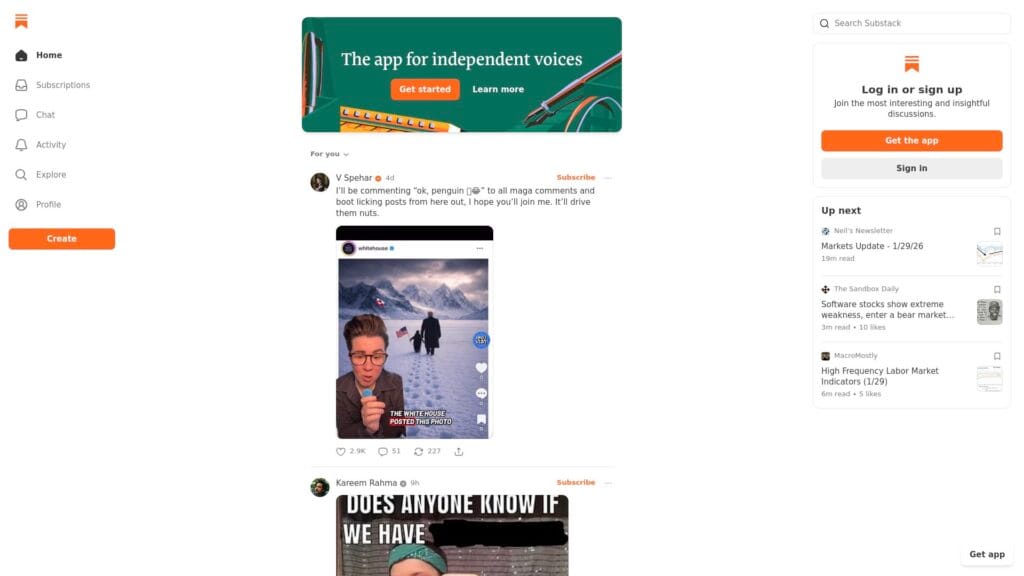
Substack centers on newsletters and subscriptions. It reduces technical work and gives creators a fast path to publishing and monetization. As a WordPress alternative, it can work when your main goal is to build an audience and sell access to writing. You trade some site customization for built-in distribution and a simpler stack.
Best for
Newsletter-first creators, analysts, and writers who want simple publishing and paid subscriptions.
Key workflows to configure
- Define your content format and cadence so readers know what to expect.
- Set free versus paid boundaries and communicate them clearly.
- Create an onboarding sequence that introduces your best work.
- Build referral and sharing prompts inside posts and emails.
Sales growth lever
Use the newsletter as the product. A consistent writing rhythm plus clear positioning can convert readers without heavy funnel complexity.
Watch outs
You get limited control over site architecture and advanced SEO patterns. If organic search drives your business, validate how you will win rankings.
Quick start checklist
- Write an “about” page that sells the reader outcome.
- Publish a small library of evergreen posts early.
- Set a clear subscription offer and explain the value simply.
- Review retention signals and improve onboarding content.
14. Medium
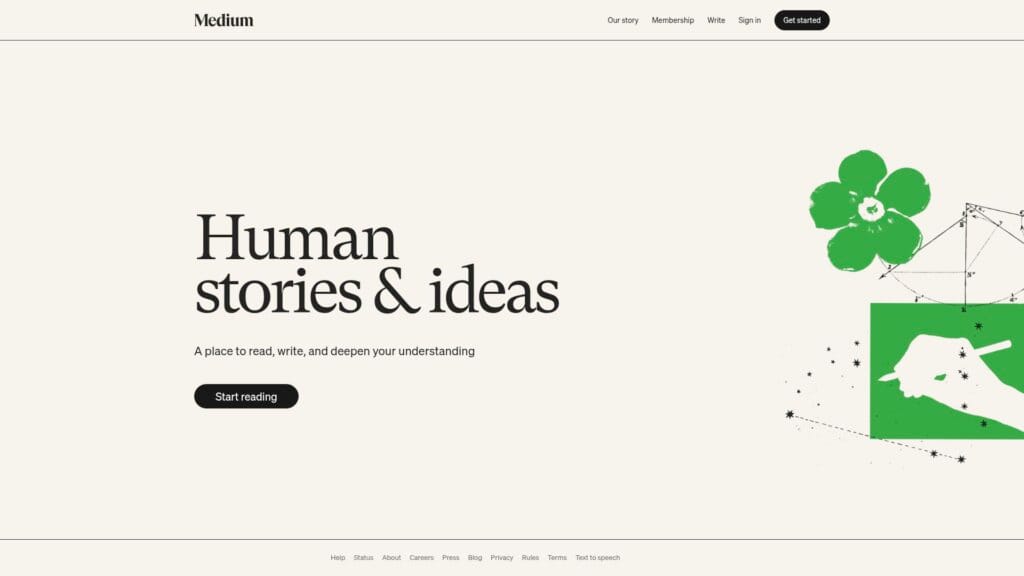
Medium works as a distribution platform as much as a publishing platform. It can replace WordPress when reach matters more than ownership. Many teams use Medium for thought leadership, hiring, and brand authority. You can publish quickly, tap into an existing readership, and avoid maintenance entirely. The trade is less control over your brand experience and funnel paths.
Best for
Thought leadership, founder content, recruiting stories, and early-stage brands that want built-in reach.
Key workflows to configure
- Set a consistent writing style and topic boundaries.
- Create an internal review process to protect brand accuracy.
- Add clear calls to action that point to your owned channels.
- Repurpose high-performing posts into site copy and campaigns.
Sales growth lever
Use Medium to create demand at the top of the funnel. Strong articles can feed your email list, demos, and community without heavy site work.
Watch outs
You do not own the platform. Policies and distribution can change. Treat Medium as a channel, and keep a plan for content portability.
Quick start checklist
- Publish a positioning post that clarifies what you do and why.
- Link readers to an email list or product page you control.
- Build a consistent publishing rhythm and stick to it.
- Track which topics drive action and double down on them.
Open-Source and Self-Hosted CMS Platforms
Self-hosted CMS platforms can replace WordPress when you need governance, custom data models, or deep flexibility. These tools usually require more technical ownership. In exchange, you can shape content structures and integrations to match complex needs.
15. Drupal
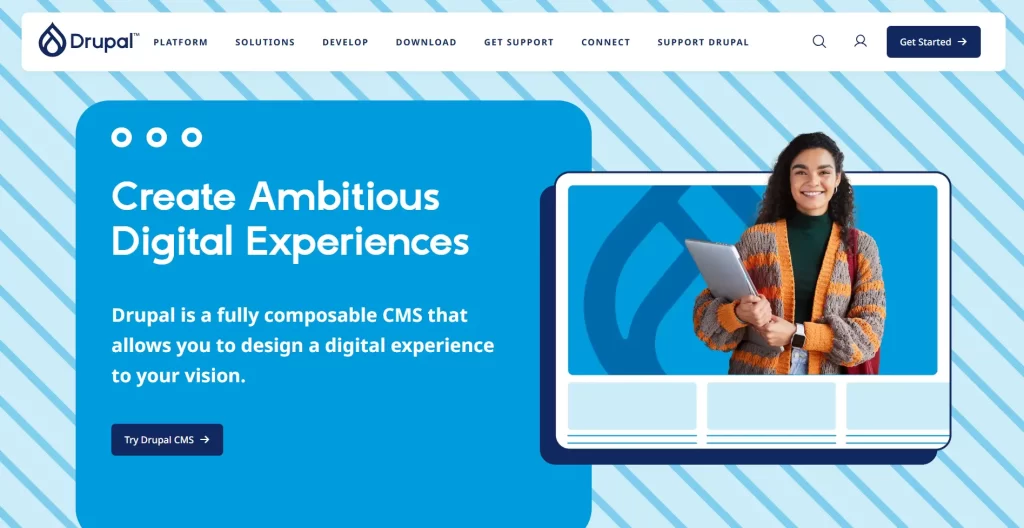
Drupal is a mature open-source CMS known for structured content and robust permission control. Teams often choose it when they need strong governance, complex content types, and enterprise-grade workflows. As a WordPress alternative, Drupal fits organizations that treat the website as a long-term platform, not a short-term campaign asset. It can support complex editorial roles and multi-site scenarios when you plan it well.
Best for
Large organizations, universities, government-style sites, and teams that need strong content governance and permissions.
Key workflows to configure
- Model content types and fields before you build templates.
- Set editorial roles, approvals, and publishing permissions.
- Plan taxonomy so content hubs stay organized over time.
- Define integration points for search, forms, and identity systems.
Sales growth lever
Create structured content that scales. When content types stay consistent, you can ship new pages faster and keep internal linking strong.
Watch outs
Drupal requires technical ownership. Without clear architecture and governance, you can still end up with complexity, just in a different form.
Quick start checklist
- Write a content model document before development begins.
- Build a prototype of your most complex content type first.
- Set roles and permissions early to avoid rework.
- Plan redirects and metadata migration as part of the build.
16. Joomla
Joomla sits in the middle ground between simple builders and enterprise CMS platforms. It offers flexibility and a long-standing ecosystem. Many teams use it for sites that need more structure than a basic builder but less complexity than a fully enterprise framework. As a WordPress alternative, Joomla can work well when you want a traditional CMS with a different approach to extensions and site organization.
Best for
Content-heavy sites, community-driven projects, and organizations that want a classic CMS approach with flexible structure.
Key workflows to configure
- Define categories and menu structure before adding content.
- Set user groups and permissions for editors and administrators.
- Create templates for articles and evergreen resource pages.
- Plan extensions carefully and keep the stack lean.
Sales growth lever
Build focused content hubs that answer real buyer questions. Strong structure helps users find the next step without confusion.
Watch outs
Like any extension-based CMS, poor plugin discipline can create maintenance burden. Keep ownership clear and update routines consistent.
Quick start checklist
- Draft your site map and lock navigation early.
- Build a small set of templates and reuse them widely.
- Document extension choices and remove unused ones quickly.
- Test publishing workflows with real editors before launch.
17. TYPO3
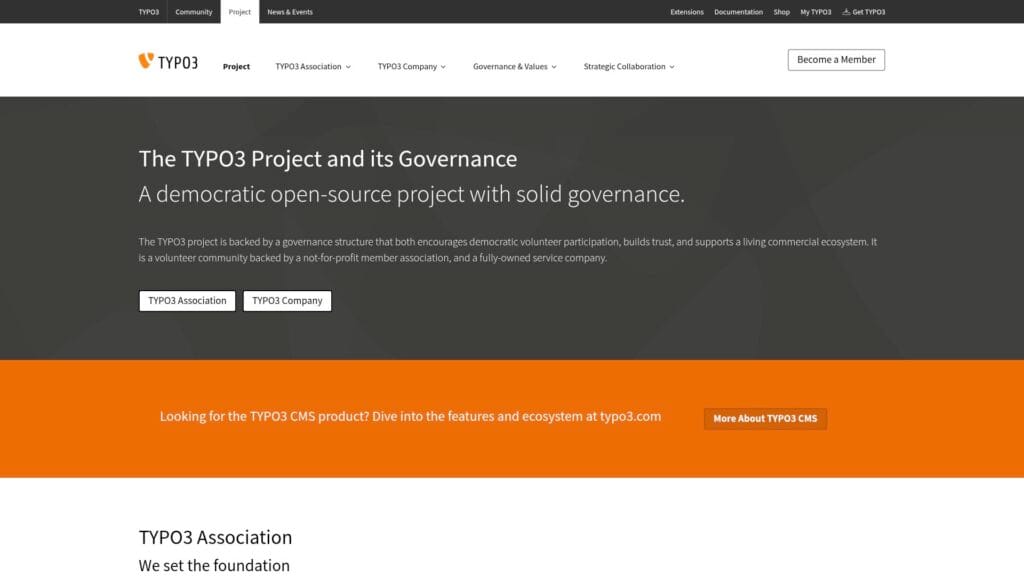
TYPO3 is a self-hosted CMS known for enterprise governance and multi-site management. It often appears in organizations that need strong permissions, structured content, and a long-term platform mindset. As a WordPress alternative, TYPO3 fits teams that care about editorial workflows, stable governance, and consistent standards across many sites.
Best for
Enterprises managing multiple brands or regions, teams with strict governance, and organizations that need durable editorial workflows.
Key workflows to configure
- Set page trees and templates that scale across sections.
- Define permissions and editorial roles by site and by content type.
- Create a reusable content block system for consistent layouts.
- Plan translation workflows if you manage multiple languages.
Sales growth lever
Consistency at scale supports growth. When teams publish within shared patterns, your site stays coherent and easier to navigate.
Watch outs
TYPO3 requires technical planning and capable implementation partners. Confirm internal ownership so the system does not become “nobody’s problem.”
Quick start checklist
- Map sites, regions, and roles before content migration begins.
- Build templates that reflect real page needs, not idealized ones.
- Train editors on a standard content block workflow.
- Set governance for who can change templates and structure.
18. Craft CMS
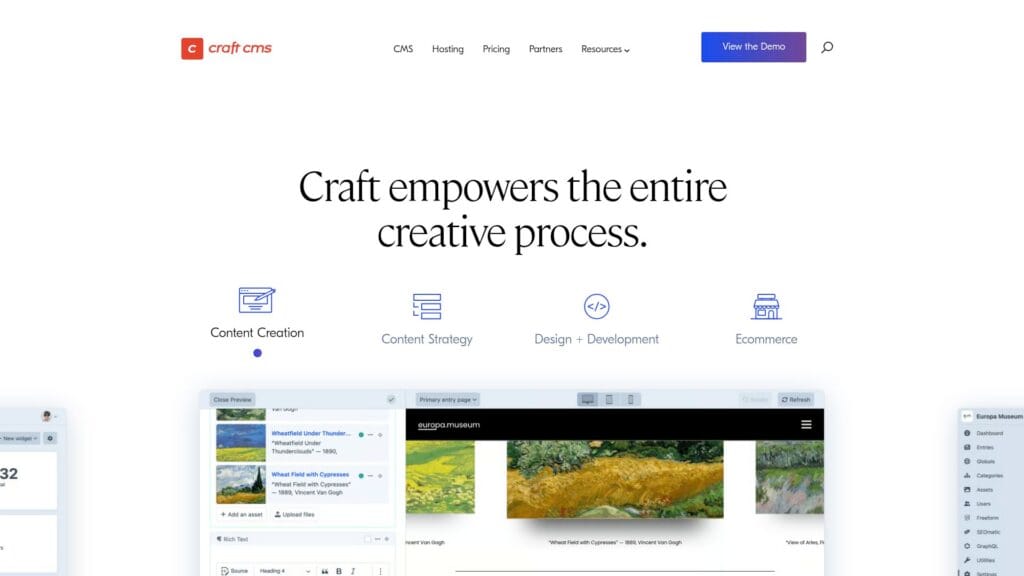
Craft CMS appeals to teams that want a flexible content model without forcing a rigid page builder mindset. Developers can define content types and relationships, while editors get a clean interface. As a WordPress alternative, Craft works well when you want a custom site experience with structured content, but you do not want to fight a theme ecosystem.
Best for
Custom marketing sites, editorial sites with structured content, and teams that want a developer-friendly CMS with a clean editor view.
Key workflows to configure
- Define content sections and fields based on real publishing needs.
- Create entry templates for key content types and landing pages.
- Set editorial review steps and publishing permissions.
- Plan integrations for forms, search, and analytics tracking.
Sales growth lever
Use structured content to build reusable landing pages and resource hubs. That makes it easier to support campaigns without reinventing layouts.
Watch outs
Craft usually requires a developer-led build. Make sure your team can maintain templates and deployment workflows long-term.
Quick start checklist
- List your content types and required fields before development.
- Prototype the editor experience with real sample content.
- Define SEO fields as part of every content type.
- Document how editors should use components and templates.
19. Statamic
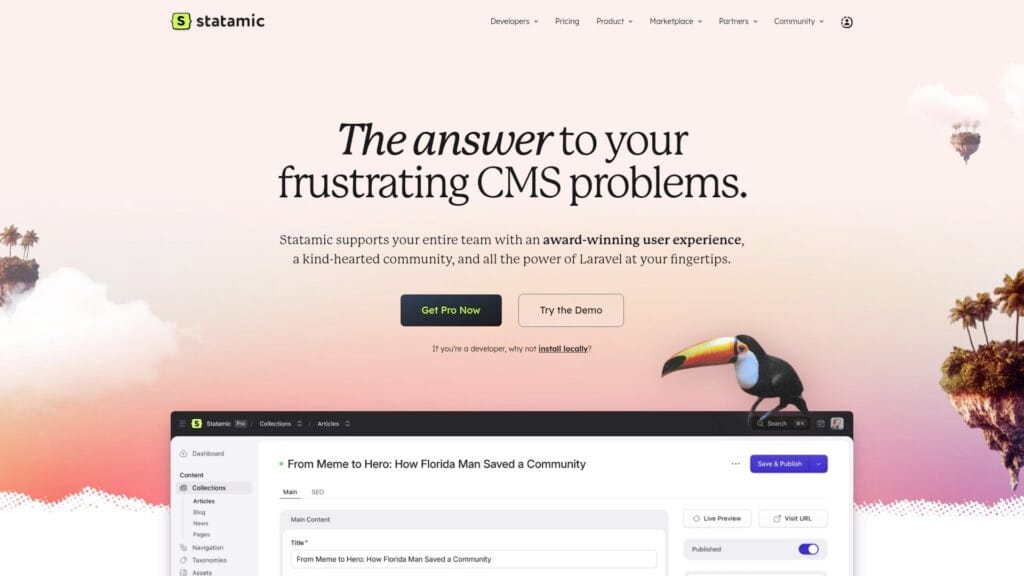
Statamic is a modern CMS that fits teams who want speed, clean editing, and a developer-friendly stack. It often appeals to projects that value performance and structured content but do not want a heavy database-driven CMS footprint for every use case. As a WordPress alternative, Statamic works when you want flexible templating and a content-first approach with less plugin sprawl.
Best for
Developer-led sites, content-driven brands, and teams that want a modern CMS with flexible templates and clear content modeling.
Key workflows to configure
- Define collections and fields to match your editorial structure.
- Create reusable components so content stays consistent.
- Build an editorial workflow for drafting, review, and publishing.
- Set deployment and staging processes that editors can trust.
Sales growth lever
Ship fast pages with consistent structure. When content blocks stay predictable, you can build focused landing pages without layout drift.
Watch outs
Statamic is not a drag-and-drop builder for every user. Align expectations with editors and provide training so publishing stays smooth.
Quick start checklist
- Model your core content types and get sign-off from stakeholders.
- Create a small set of reusable page sections and document them.
- Build a staging workflow to preview content safely.
- Launch with a clear process for SEO metadata and redirects.
20. Umbraco
Umbraco is a CMS built for teams that work in the Microsoft ecosystem and want a flexible, editor-friendly platform. It often serves organizations that want a custom site with structured content, while keeping editorial workflows clear. As a WordPress alternative, Umbraco can be a strong fit when your internal development team prefers that stack and you want long-term ownership.
Best for
Organizations with in-house development teams, companies aligned with Microsoft tooling, and sites that need structured content with editorial clarity.
Key workflows to configure
- Model content types and define validation rules for editors.
- Set permissions for editors, reviewers, and administrators.
- Build reusable templates for landing pages and resource pages.
- Integrate forms and lead routing with your CRM stack.
Sales growth lever
Create a reliable publishing machine. When editors trust the workflow, they publish more consistently, which supports steady organic growth.
Watch outs
Umbraco typically needs developer involvement for setup and ongoing enhancements. Ensure you have ownership and a roadmap for improvements.
Quick start checklist
- Define the content model and confirm it with marketing and sales.
- Build page templates for core journeys and keep them reusable.
- Set up staging and preview flows for safe publishing.
- Document SEO fields and redirect handling before migration.
21. October CMS
October CMS is a developer-focused platform that supports custom builds with a clean backend. It can work as a WordPress alternative when you want to build a tailored site without relying on a large plugin ecosystem. Teams often use it for projects where custom features matter and the website needs to behave like a structured application rather than a theme-driven blog.
Best for
Custom websites built by developers, brands that need tailored workflows, and projects that benefit from a clean admin experience.
Key workflows to configure
- Define content types and admin forms for editors.
- Set role-based access to protect critical settings and data.
- Create reusable front-end components for consistent design.
- Plan integrations for email, CRM, and analytics tracking.
Sales growth lever
Build custom conversion flows that match your business. When the CMS supports your exact journey, you remove friction and increase completion rates.
Watch outs
This option needs technical ownership. If you do not have a developer team or partner, you may prefer a managed platform instead.
Quick start checklist
- Document your required features and workflows before building.
- Prototype the admin editing experience with real content.
- Build templates around conversion journeys, not just aesthetics.
- Plan redirects and SEO metadata migration from the start.
Headless CMS Platforms
Headless CMS platforms separate content management from presentation. Editors work in a structured content studio. Developers deliver the front end with a modern framework and strong performance controls. This approach can replace WordPress when you want a faster site, cleaner content modeling, and more control over how content appears across channels.
22. Strapi
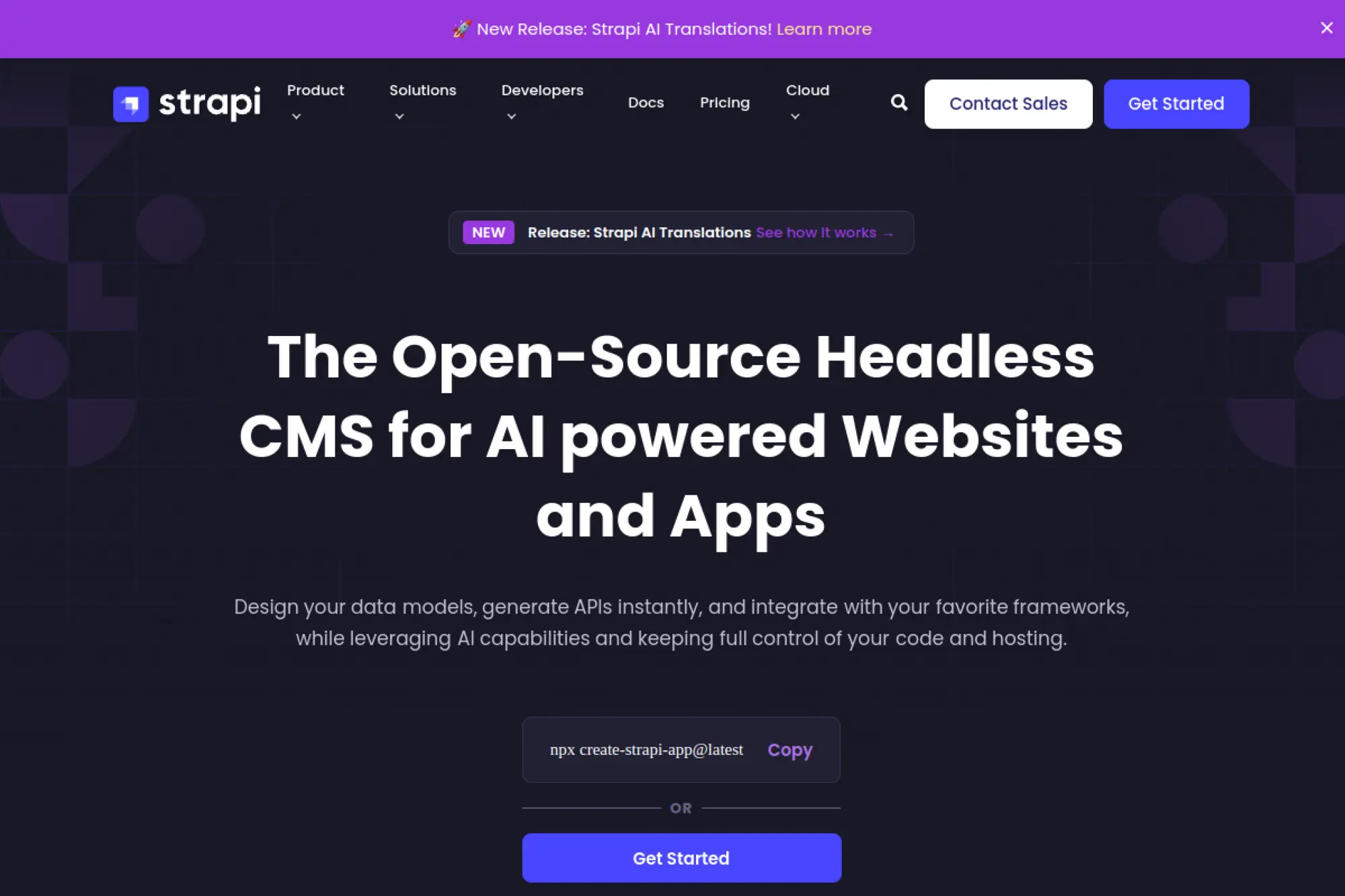
Strapi is a popular open-source headless CMS that helps teams model content and expose it through APIs. It fits projects where you want structured content that feeds a modern front end. As a WordPress alternative, Strapi can reduce theme and plugin complexity. It also helps teams reuse content across web pages, apps, and other channels with a consistent model.
Best for
Product teams and developers who want an API-driven CMS, structured content, and the ability to shape a custom front end.
Key workflows to configure
- Define content types, relationships, and required fields.
- Create roles and permissions for editors and reviewers.
- Set up preview workflows so editors can validate pages before publish.
- Connect your front end build pipeline to content publishing events.
Sales growth lever
Use reusable content blocks to support fast campaign creation. When marketing can assemble pages from approved blocks, experiments become easier.
Watch outs
Headless adds architecture decisions. Plan preview, redirects, and SEO metadata carefully so marketing does not lose control.
Quick start checklist
- Model content based on your most important landing pages.
- Build a preview environment that editors can access easily.
- Implement SEO fields and redirect handling early.
- Launch with a clear process for creating new page types.
23. Directus
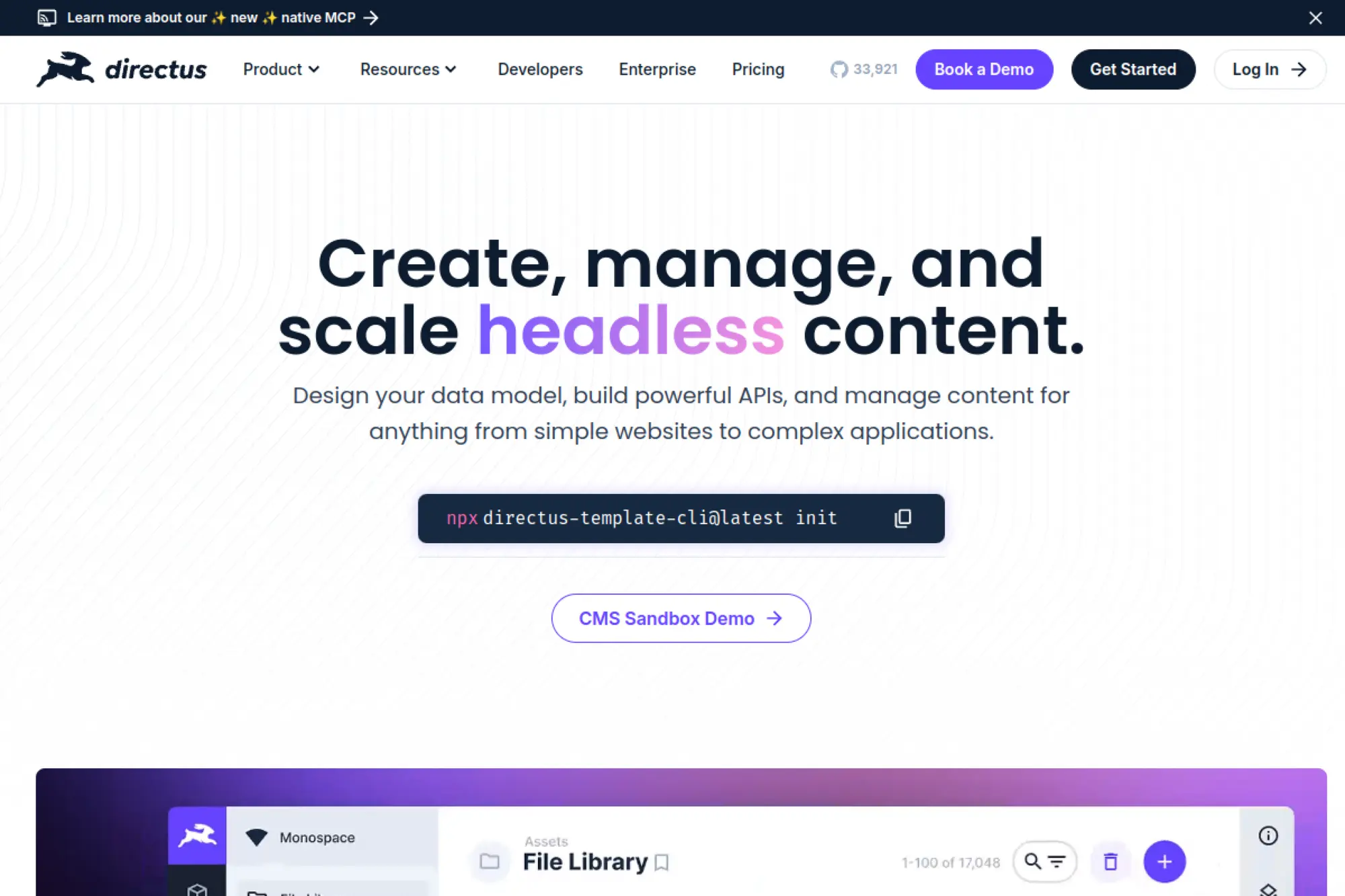
Directus takes a “data-first” approach to headless CMS. It sits on top of a database and gives you an admin app plus APIs. That model can work well when you already have data, or when you want content to live in a structured database from day one. As a WordPress alternative, Directus fits teams that think in terms of data models, permissions, and API-driven publishing.
Best for
Teams that want a headless CMS tightly tied to structured data, with strong permissions and flexible API access.
Key workflows to configure
- Define your database schema around real content needs.
- Set role-based access for editors, marketers, and developers.
- Create editorial views that make complex data easy to manage.
- Establish webhooks or integration flows for publishing and sync.
Sales growth lever
Connect content to real product or inventory data. When pages reflect live data accurately, users trust the experience and convert more easily.
Watch outs
This approach can feel technical for non-technical teams. You need clear admin design and training so editors do not feel lost.
Quick start checklist
- Write a content and data model document with stakeholders.
- Build editor-friendly admin screens and naming conventions.
- Connect your front end to preview and publish events.
- Document how SEO metadata flows from content to pages.
24. Contentful
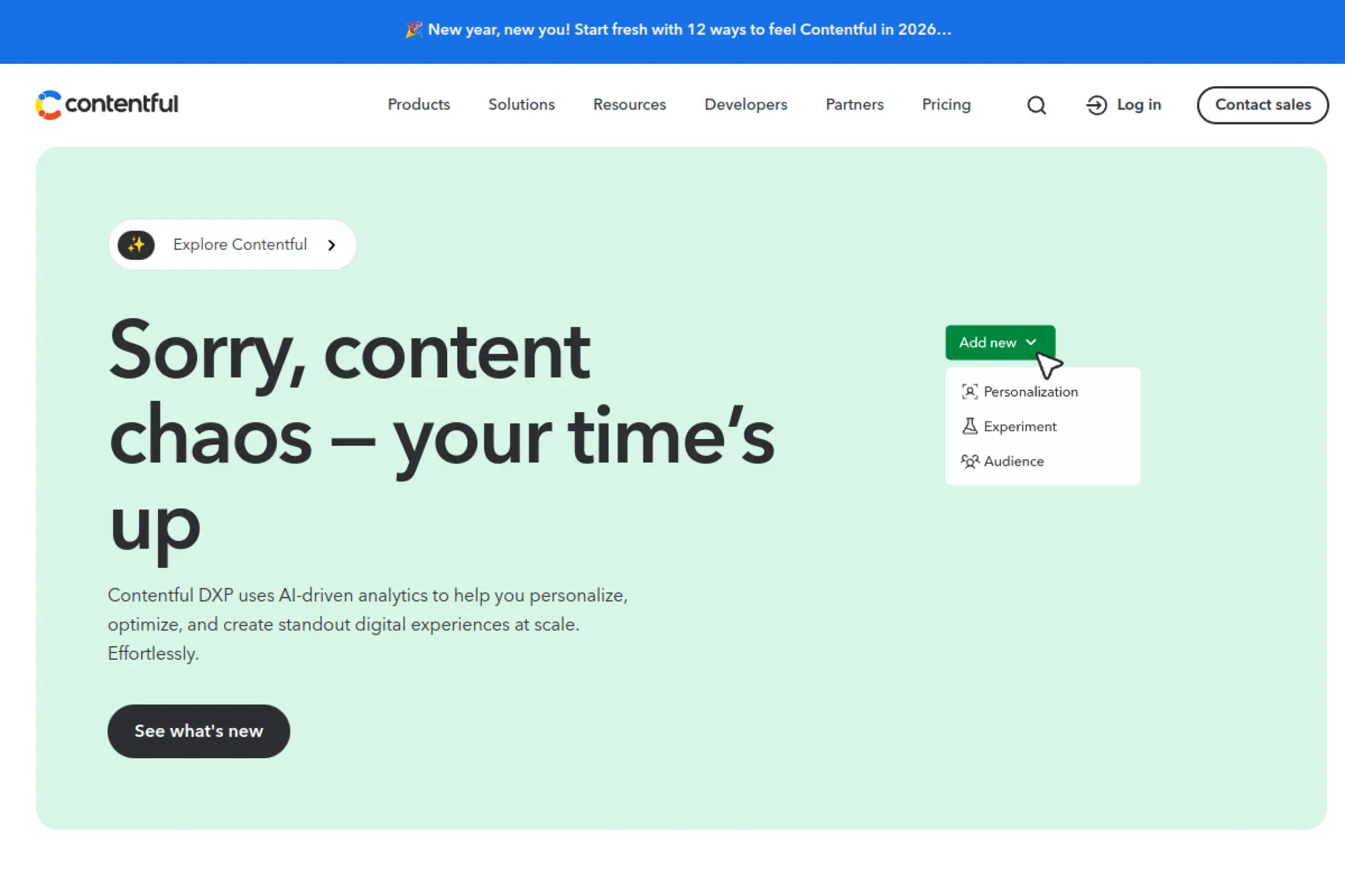
Contentful is a SaaS headless CMS designed for structured content and multi-channel delivery. Teams pick it when they need strong content modeling, governance, and scalability. As a WordPress alternative, Contentful fits organizations that want to treat content like a product asset. It supports complex content relationships and can feed websites, apps, and other touchpoints from one system.
Best for
Organizations with multiple digital channels, structured content needs, and teams that want strong governance and collaboration.
Key workflows to configure
- Model content types that match your business objects and pages.
- Define roles for editing, review, and publishing responsibility.
- Set up preview tools so editors can validate changes confidently.
- Integrate with localization workflows if you publish across regions.
Sales growth lever
Reuse content across campaigns and channels. When product messaging stays consistent everywhere, you reduce confusion and improve buyer confidence.
Watch outs
Headless requires coordination between marketing and development. Without shared ownership, teams can get blocked waiting on front end changes.
Quick start checklist
- Start with a limited content model and expand deliberately.
- Build preview so editors never publish blind.
- Define a component system with clear guardrails.
- Align marketing and development on turnaround expectations.
25. Sanity
Sanity emphasizes structured content and a highly customizable editing environment. It often appeals to teams that want a tailored content studio instead of a generic admin. As a WordPress alternative, Sanity works well when content needs to be reusable, well-structured, and easy to validate. Teams also like it when they need to move fast while keeping content quality high.
Best for
Teams that want a customizable content studio, structured content, and flexible workflows for modern front ends.
Key workflows to configure
- Define schemas that match your real page components and content blocks.
- Create validation rules so editors cannot publish broken content.
- Build preview experiences that reflect the real front end.
- Set editorial roles and content staging for safe changes.
Sales growth lever
Improve content quality with validation and structure. Clear, consistent content reduces confusion and supports stronger conversion messaging.
Watch outs
Sanity is powerful, but it can feel like a development project. Plan your schemas carefully and keep them simple at first.
Quick start checklist
- Define a small set of content blocks that power key pages.
- Implement preview early to reduce publishing mistakes.
- Add validation rules for critical marketing fields and CTAs.
- Document how editors should use each content block.
26. Storyblok
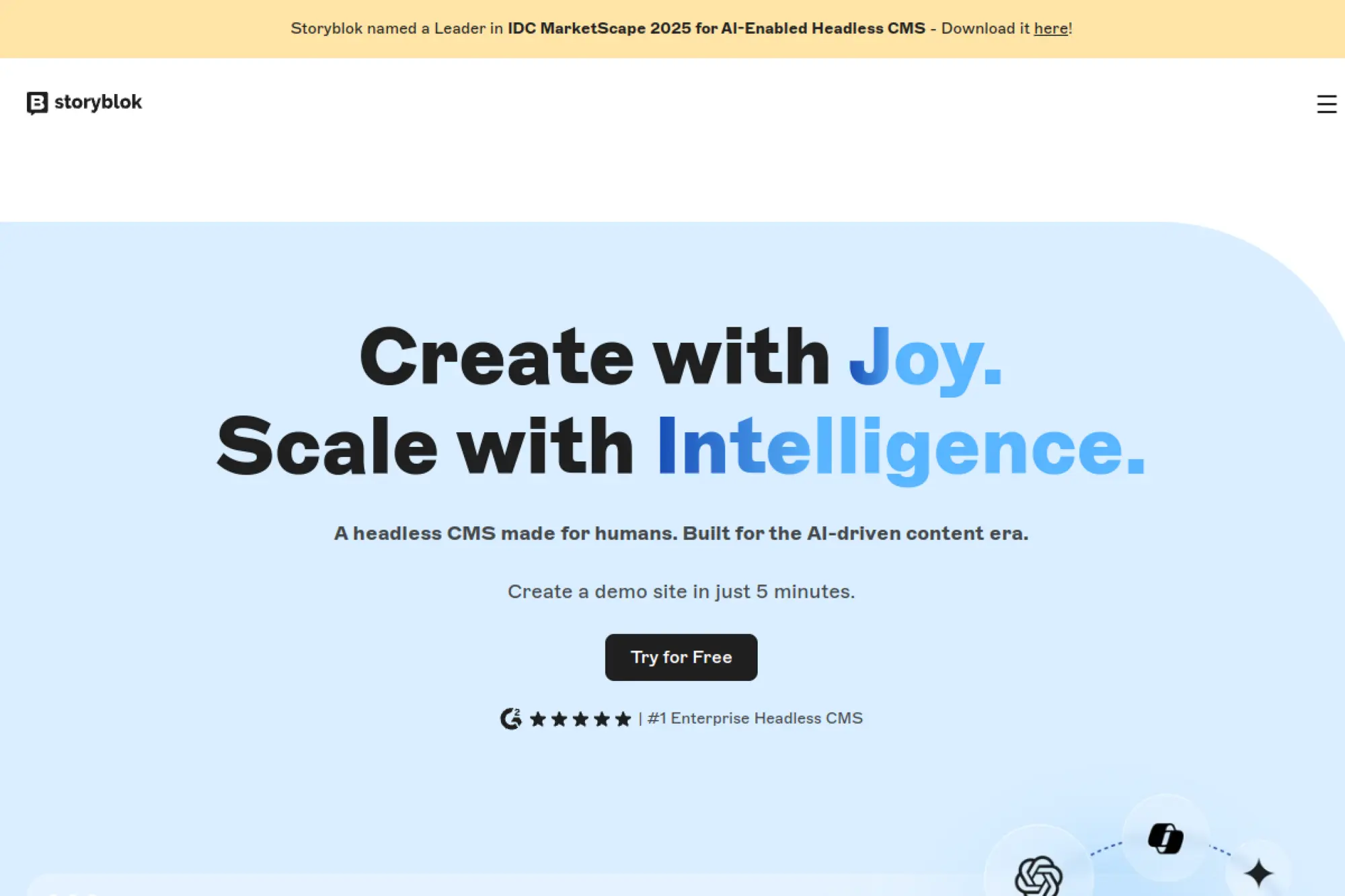
Storyblok combines headless content delivery with a visual editing layer that helps marketers understand page composition. That can reduce friction in headless setups where editors otherwise feel disconnected from the final page. As a WordPress alternative, Storyblok fits teams that want structured content and modern performance, while still giving marketers a more visual way to work.
Best for
Marketing teams that want a visual editing experience, plus developers who want a headless architecture with structured content.
Key workflows to configure
- Create component-based content blocks that match your design system.
- Define roles for marketers, editors, and developers with clear permissions.
- Build a preview workflow for reviewing pages before publishing.
- Set translation and localization workflows if you target multiple regions.
Sales growth lever
Enable marketers to assemble pages faster using approved components. Faster campaign iteration often translates into faster learning and better conversion rates.
Watch outs
Visual editing does not remove the need for a strong component system. If components are inconsistent, editors will still struggle.
Quick start checklist
- Design a small, stable library of page components first.
- Implement preview and editorial review steps.
- Train marketers on what components can and cannot do.
- Document SEO responsibilities across content and front end.
27. Prismic
Prismic is a headless CMS that emphasizes flexible page building through reusable sections. It fits teams that want marketers to assemble pages from guided building blocks, while developers keep control of the front end. As a WordPress alternative, Prismic can reduce layout breakage and improve consistency because editors work inside constraints that you define.
Best for
Marketing sites that need structured content, reusable page sections, and developer-controlled front ends with editor-friendly assembly.
Key workflows to configure
- Define reusable page sections that match your design system.
- Create content types for key pages like product, use case, and blog.
- Build preview and review steps so edits do not surprise the team.
- Set SEO fields and enforce requirements for critical pages.
Sales growth lever
Launch campaigns faster with reusable sections. When pages share proven blocks, your team spends more time on messaging and less on layout.
Watch outs
Headless success depends on strong implementation. If you skip component discipline, editors can still create inconsistent pages.
Quick start checklist
- Build the core page section library with design and dev together.
- Set content guidelines for editors and keep them visible.
- Implement preview that matches production styling closely.
- Plan a redirect strategy for every migrated URL.
28. DatoCMS
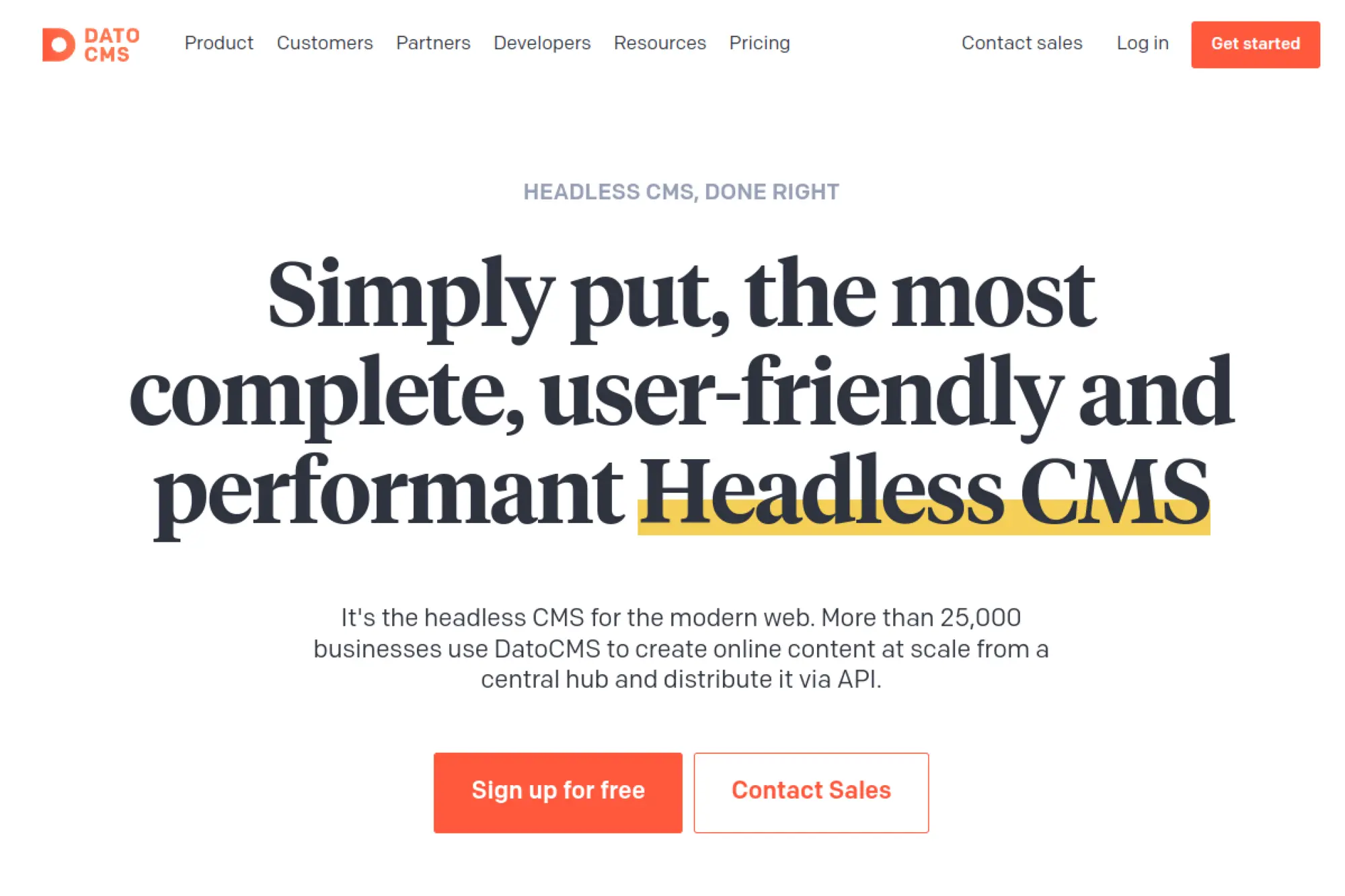
DatoCMS is a SaaS headless CMS that focuses on structured content, strong media management, and developer-friendly APIs. It can replace WordPress when your team wants a clean editing experience and a fast modern front end. DatoCMS often fits product-led brands that need content reuse across pages and campaigns, without relying on a theme ecosystem.
Best for
Teams that want a SaaS headless CMS with strong content modeling, media workflows, and predictable performance for modern front ends.
Key workflows to configure
- Model content types and shared components across page templates.
- Set media guidelines so images and assets stay consistent.
- Create editorial workflows for review and scheduled publishing.
- Implement preview and staging for safe iteration.
Sales growth lever
Improve page quality and consistency. Strong media workflows and reusable sections can reduce visual clutter and keep pages conversion focused.
Watch outs
Like other headless tools, DatoCMS needs a front end implementation that respects SEO needs. Align on who owns metadata and structured data.
Quick start checklist
- Start with the pages that drive revenue and build for them first.
- Create a small set of reusable content modules and enforce them.
- Define media standards for naming, size, and usage.
- Ship preview early so editors trust the workflow.
29. Hygraph
Hygraph is a headless CMS built around a graph-based content model, which can help when content relationships matter. It can work as a WordPress alternative when you need structured content that connects products, categories, authors, resources, and more in a clean way. Teams often pick it when they want strong content modeling and a modern front end that stays fast and flexible.
Best for
Teams that need rich content relationships, structured content at scale, and an API-first model that supports complex digital experiences.
Key workflows to configure
- Define content models and relationships that reflect your user journeys.
- Set roles and publishing workflows so changes stay controlled.
- Build preview tooling that shows editors the real page output.
- Plan integrations for search, analytics, and lead capture.
Sales growth lever
Build connected content experiences. When resources link cleanly to products and use cases, visitors find what they need faster and convert with more confidence.
Watch outs
Headless platforms require front end discipline. If your team does not maintain components and templates, marketing can lose agility.
Quick start checklist
- Map key conversion journeys and model content around them.
- Build templates that reuse modules for speed and consistency.
- Implement SEO fields and URL rules in the content model.
- Document the publishing workflow and assign clear owners.
Visual Headless and Composable Builders
Some teams want the performance and structure of headless, but they also want marketers to build pages visually. Visual headless platforms aim to bridge that gap. They can replace WordPress page builders while keeping a modern delivery model.
30. Builder.io
Builder.io blends visual page building with a headless approach. Developers can integrate it into modern front ends, while marketers assemble pages with guided components. That combination can replace WordPress when you want to avoid plugin-heavy page builders but still keep a visual workflow. It also supports teams that want a composable stack, where the CMS does not dictate the entire architecture.
Best for
Teams that want a visual editor for marketing pages, plus a modern front end built by developers for speed and flexibility.
Key workflows to configure
- Define a component library that matches your design system.
- Set permissions so marketers can build pages without breaking layouts.
- Implement preview workflows that reflect production rendering.
- Connect forms and events to your CRM and analytics stack.
Sales growth lever
Empower marketing to ship pages without developer bottlenecks, while keeping performance and structure strong. Faster iteration helps you improve conversion paths quickly.
Watch outs
Visual freedom can still create inconsistency if you do not enforce rules. Keep components constrained, and treat the component library as a product.
Quick start checklist
- Build a small set of core components and test them with marketers.
- Create a standard landing page template and reuse it widely.
- Set editorial guardrails for headings, CTAs, and SEO fields.
- Review published pages regularly and refine components over time.
FAQs on WordPress Alternatives
- What is the best WordPress alternative for small businesses? A managed website builder is often the best fit when you want a clean site without ongoing maintenance work.
- What is the best WordPress alternative for ecommerce? A dedicated ecommerce platform is usually stronger when products, checkout, and inventory drive the business.
- Are headless platforms better for SEO? They can be, but only if the implementation includes SEO fields, clean URLs, structured data, and reliable previews for editors.
- Which alternatives reduce maintenance the most? Hosted platforms typically reduce maintenance because they control hosting, updates, and many security concerns.
- How do I avoid losing rankings when switching? Protect URLs, map redirects, migrate metadata, validate tracking, and monitor indexing after launch.







Conclusion
Choosing between WordPress and wordpress alternatives is not about chasing trends. It is about picking a platform that matches your team’s real workflow. If you want speed and simplicity, hosted builders can remove maintenance overhead. If you need structured content and modern performance control, headless options can give you a cleaner foundation. If you monetize writing, publishing platforms can reduce complexity and help you focus on the audience.
Start with your goals, map your content and conversion journeys, and choose the tool that makes shipping easier, not harder. Then migrate with discipline, protect your URLs, and measure results from day one. A platform switch should feel like a growth move, not a rewrite for its own sake.