

- How to choose simple seo platforms without overwhelm
- Quick Comparison of simple seo platforms
- Top 30 simple seo platforms to streamline SEO and get quick wins
- SEO fundamentals these simple seo platforms should support (Google SEO Starter Guide)
- Simple technical fixes and audits to prioritize first
- Content optimization and keyword research inside beginner-friendly SEO platforms
- Automation and reporting for simple SEO workflows
- 1Byte: hosting and cloud services that support SEO-ready websites
At 1Byte, we watch teams fall into the same SEO trap. They buy a powerful platform, then freeze. Too many charts, too many tabs, and too few clear next steps.
Operationally, “simple” is not “lightweight.” Practical simplicity means fewer decisions per week. The best beginner platforms turn SEO into a small loop you can repeat calmly.
Infrastructure also sneaks into this conversation. Gartner forecasts worldwide public cloud end-user spending will total $723.4 billion, and that scale shapes how modern SEO tools crawl and store data.
Marketing pressure is rising too. Statista projects global ad spending will reach US$1.16tn in 2025, so organic search needs cleaner execution, not bigger intentions.
AI is now part of daily work, whether we like it or not. McKinsey reports 88 percent of surveyed organizations use AI in at least one function, and SEO platforms are being rebuilt around that reality.
On the ground, we see the same pattern across businesses. A local services brand publishes helpful pages, then misses indexing signals. Another team migrates a site, then loses internal links in the process.
Our stance is firm. We prefer platforms that reduce cognitive load, then reward consistency. The rest of this guide is the checklist we wish every new SEO lead had.
How to choose simple seo platforms without overwhelm
1. Define “simple”: fewer dashboards, faster setup, clearer next steps
Simplicity starts with interface discipline. A tool can be “easy” yet still scatter attention. We look for one main home screen that answers, “What should we do next?”
Setup time matters more than feature count. If onboarding requires heavy configuration, adoption collapses. Clear defaults are kindness, especially for busy owners.
From our side, “simple” also means fewer choices per task. The best platforms preselect sensible filters. That is how momentum survives a hectic week.
2. Start with the core loop: keyword ideas → quick fixes → track results
We treat SEO as a loop, not a project. Keyword discovery should lead directly into page actions. Then tracking should confirm whether the work mattered.
Many platforms break that loop. They give keyword lists without page guidance. Others give audits without mapping issues to real queries.
In client work, the winning loop is small and repeatable. A good platform makes the next loop faster. That compounding effect is the real ROI.
3. Look for guided action plans and bite-sized tasks you can finish weekly
Guided plans beat raw data for beginners. A platform should translate findings into tasks. Each task should be finishable without a specialist handoff.
We like “time-to-complete” style task framing. It respects human schedules. It also reduces the guilt spiral that stops teams from logging in.
Weekly cadence is our favorite pacing. It keeps the site improving without burning the team. The right tool turns SEO into a routine, not a scramble.
4. Prioritize built-in health checks for speed, broken links, and duplicate metadata
Health checks are the fastest confidence builder. Speed and crawlability problems can erase content gains. Broken paths also waste crawl attention and user trust.
Duplicate metadata is a quiet killer for small sites. It makes pages blur together in search. Simple platforms surface duplicates early and clearly.
As a hosting provider, we also see performance as shared responsibility. Tools should point to root causes, not just symptoms. That keeps fixes grounded in reality.
5. Choose platforms with beginner-friendly metrics and a gentle learning curve
Some metrics are useful but emotionally confusing. Beginners do not need a dozen authority scores. They need plain indicators tied to action.
We favor platforms that explain terms inside the UI. Inline definitions reduce context switching. That is a small detail with a huge retention effect.
Gentle learning curves protect team continuity. When one person leaves, the process should survive. Clarity makes SEO less dependent on a single hero.
6. Make sure reporting is easy to understand and easy to share
Reporting is where SEO earns internal trust. A simple platform should produce reports that read like a narrative. Each chart should imply a next step.
Sharing also matters. Busy teams need links, exports, and stakeholder-friendly summaries. When reports are frictionless, accountability becomes normal.
We’ve seen teams stop doing SEO because reporting felt embarrassing. Clear reporting fixes that morale problem. Good tools help you look competent while you learn.
7. Pick tools that support content optimization workflows and CMS publishing
Content SEO fails when writing and publishing live in separate worlds. Platforms should help with briefs, outlines, and on-page checks. Then they should connect to publishing workflows.
We prefer tools that respect editorial reality. Writers need guidance, not micromanagement. A good platform flags gaps while preserving voice.
Integration with a CMS is a force multiplier. It reduces copy-paste errors. It also shortens the feedback loop from optimization to live pages.
8. Consider local SEO needs: multi-location tracking and review monitoring
Local SEO is a different game. Listings consistency, reviews, and map visibility sit alongside classic rankings. A “simple” platform should unify those signals.
Multi-location tracking is where complexity explodes. We look for location-level dashboards and repeatable templates. Without that, teams drift into spreadsheet chaos.
Review monitoring should feel operational, not ornamental. Alerts should help you respond fast. The best platforms treat reviews as part of customer experience work.
9. Favor simple seo platforms that integrate well with automation tools
Automation is how “simple” stays simple over time. Alerts, recurring checks, and scheduled reports reduce manual effort. That makes SEO survivable during busy months.
Integration matters because SEO touches many systems. Content, analytics, tickets, and reporting should connect. Otherwise, SEO becomes a siloed hobby.
We advise teams to automate reminders before automating decisions. Consistent attention beats clever shortcuts. The right platform supports that discipline gracefully.
Quick Comparison of simple seo platforms
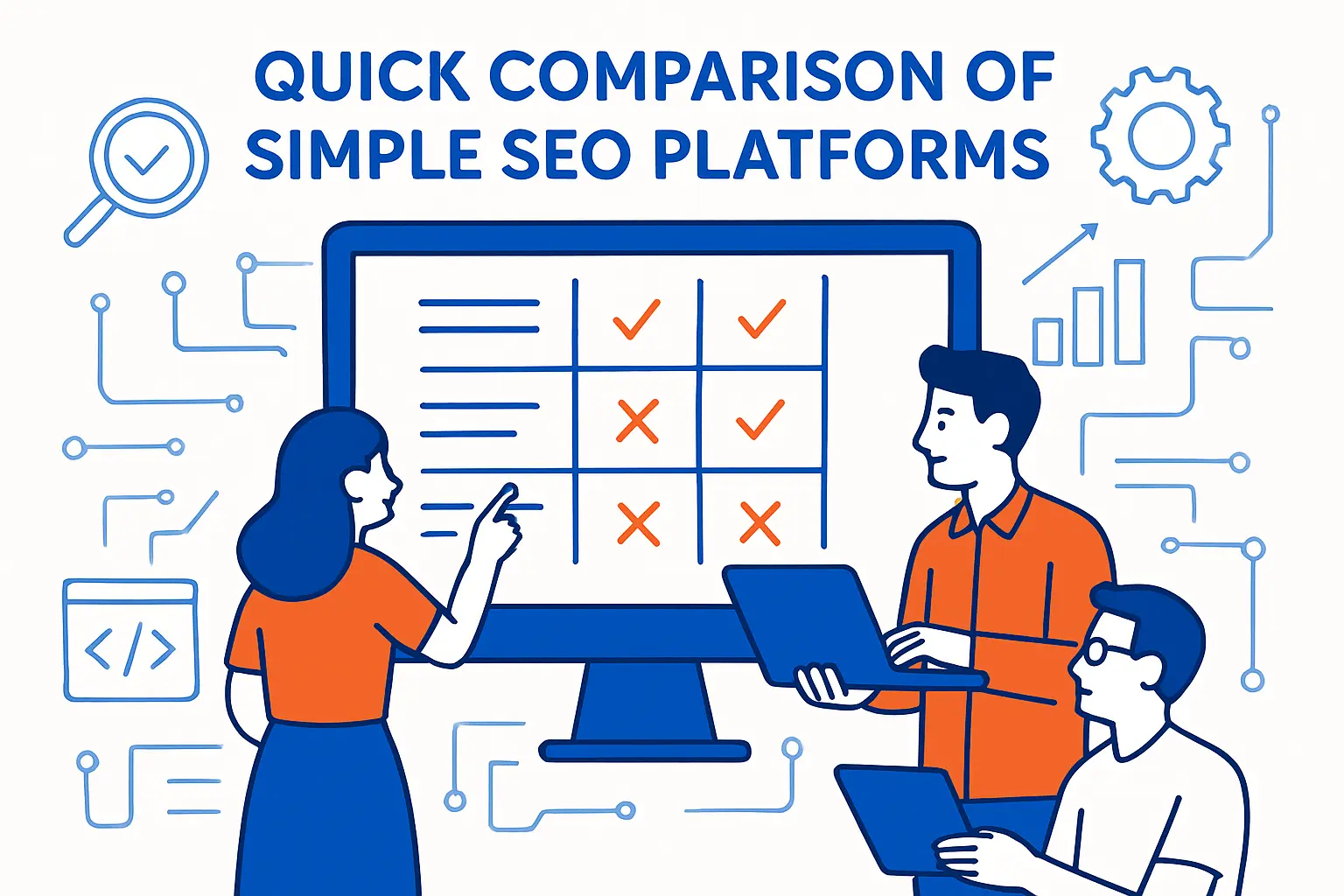
Here are ten compact picks we see beginners adopt successfully. Our bias is toward platforms that shorten time-to-action. Price is only one signal, but it influences long-term consistency.
| Tool | Best for | From price | Trial/Free | Key limits |
|---|---|---|---|---|
| Semrush | All-in-one research and audits | $139.95/month entry tier | Free trial options | Feature depth can overwhelm |
| Ahrefs | Backlinks plus site auditing | $129/mo Lite | Free limited tools | Usage is credit-driven |
| Moz Pro | Beginner-friendly SEO suite | $39/month annual rate | Free trial | Some features feel dated |
| SE Ranking | Rank tracking with guided tasks | $103.20 annual rate | Free trial | Limits vary by plan |
| Ubersuggest | Affordable keyword basics | $29/month Individual | Free trial | Data depth is lighter |
| SurferSEO | On-page content optimization | $49/month entry plan | Refund-style guarantee | Content-first, not technical |
| Frase | Briefs and SERP-driven outlines | $45 Starter | Start free | Workflow is content-centric |
| Screaming Frog SEO Spider | Deep technical crawling | $279/year license | Free version exists | Desktop tool, steeper UI |
| BrightLocal | Local SEO reporting and audits | $33 per month starting point | Free trial | Local-focused feature set |
| Yoast SEO Premium | WordPress on-page guardrails | $118.80 yearly license | Free plugin available | Plugin scope, not research |
Our broader “simple stack” longlist includes Google Search Console, Google Analytics 4, Google Keyword Planner, Bing Webmaster Tools, Microsoft Clarity, Google Trends, PageSpeed Insights, Lighthouse, GTmetrix, Cloudflare, Rank Math, All in One SEO (AIOSEO), Sitebulb, SEOptimer, WooRank, MarketMuse, ContentKing, Yext, Similarweb, and SpyFu for teams that need more angles.
From a practical standpoint, we rarely recommend buying everything at once. A small set of tools, used weekly, beats an “enterprise” shelfware situation. The rest of this guide explains what those tools should actually do for you.
Top 30 simple seo platforms to streamline SEO and get quick wins
We picked these platforms for one job: help you ship SEO improvements fast, without drowning in dashboards.
Selection leaned on three questions. Can you find issues quickly. Can you fix them with clear next steps. Can you prove impact without heroic reporting.
Each tool gets a weighted score on a 0–5 scale. Value-for-money (20%) and feature depth (20%) carry the most weight. Ease of setup & learning (15%) and integrations & ecosystem (15%) come next. UX & performance (10%), security & trust (10%), and support & community (10%) round it out.
Scores reward “time-to-first-win.” That means clean workflows, sensible limits, and exports you can use today. They also punish hidden add-ons and unclear caps. If pricing or trials are unclear, we say so plainly.
1. Semrush
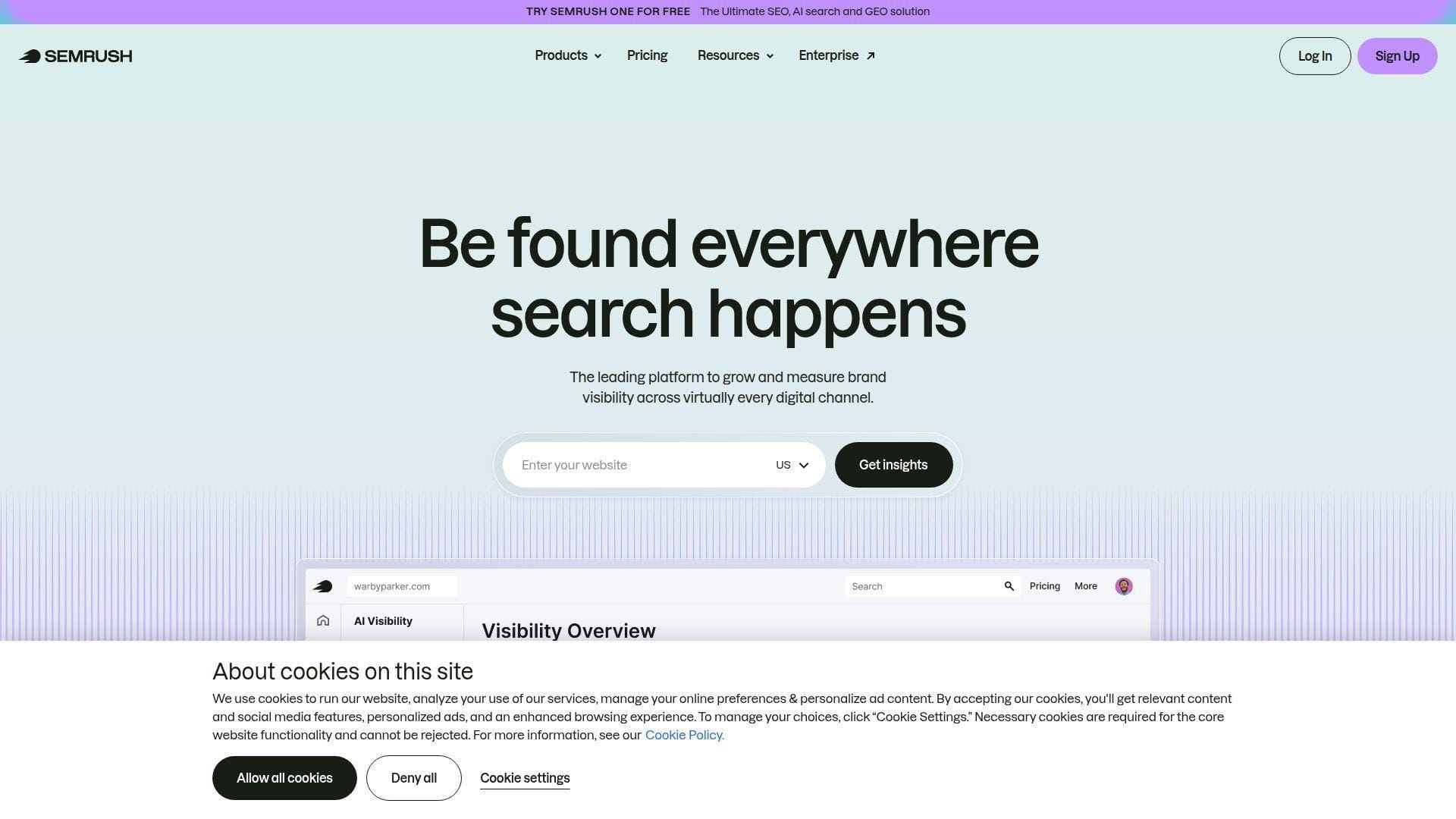
Semrush is a mature SEO suite with a large product surface and a busy development team. It’s built for marketers who need one place for research, audits, tracking, and reporting. The platform feels like a command center, not a single-purpose tool.
Tagline: Turn messy SEO work into weekly, shippable wins.
Best for: in-house SEO leads and small agencies that need breadth fast.
- Site Audit + issue lists → spot high-impact fixes and ship them in one sprint.
- Projects + scheduled reports → saves 3–5 manual reporting steps per client.
- Templates and guided workflows → time-to-first-value is often under 60 minutes.
Pricing & limits: From $139.95/mo on the Pro tier. Trial is commonly 7 days on many toolkits. Caps start around 5 projects and 500 tracked keywords on Pro.
Honest drawbacks: It’s easy to pay for features you never touch. The interface can feel crowded, especially for new users.
Verdict: If you want one subscription to run SEO end-to-end, this helps you standardize output in 2–4 weeks. Beats Ahrefs at all-in-one workflows; trails Ahrefs on pure link index focus.
Score: 4.3/5
2. Ahrefs
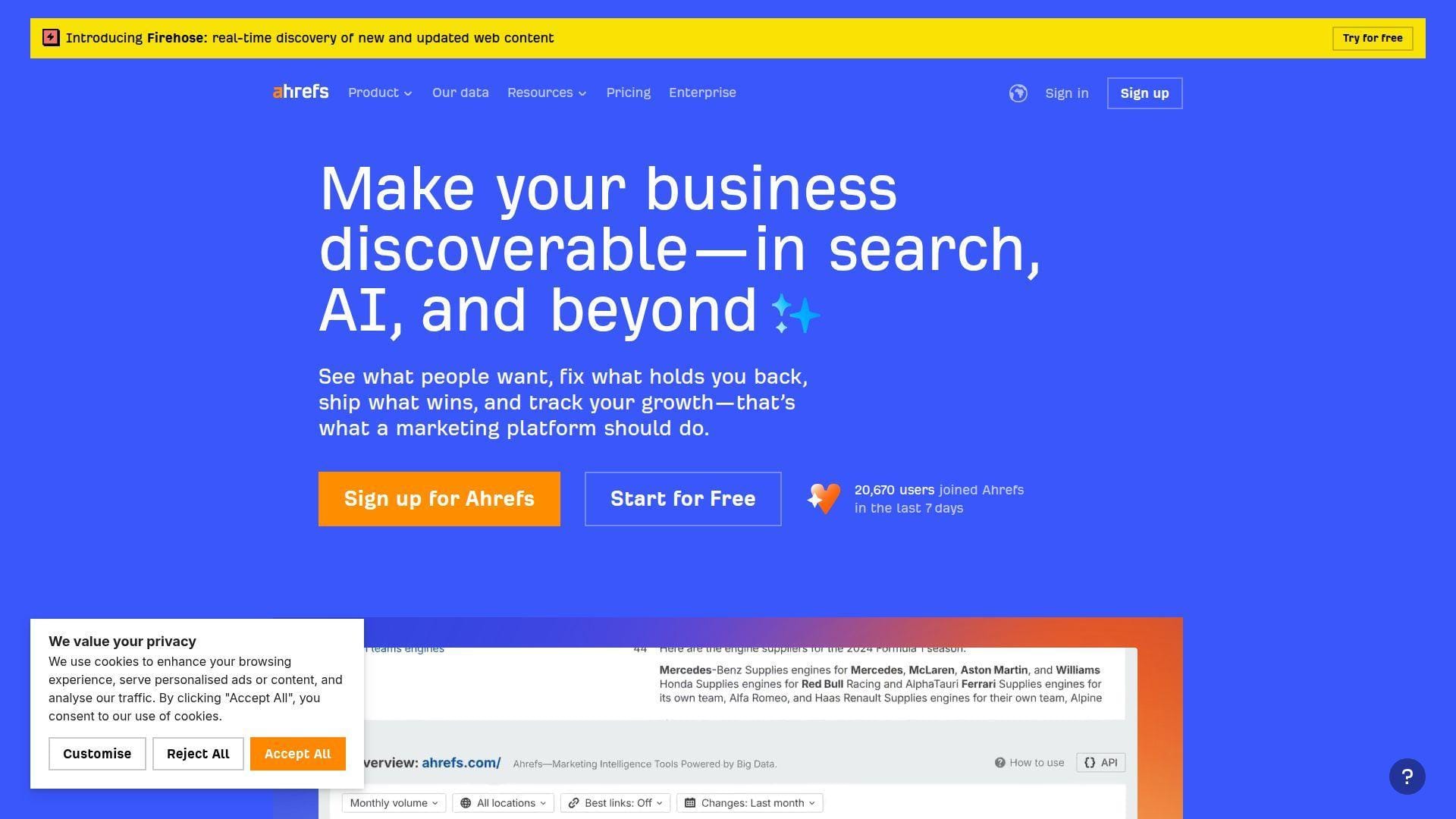
Ahrefs is a focused SEO platform with a strong engineering culture and a reputation for deep crawl data. The team keeps expanding from links into audits, rank tracking, and newer AI-era visibility tooling. It still feels like a “research-first” product.
Tagline: Find what’s working in your market, then copy it faster.
Best for: SEO consultants and content teams who live in competitive analysis.
- Site Explorer workflows → turn competitor pages into a prioritized content roadmap.
- Credits model on entry tiers → saves 2–4 steps by bundling research in one place.
- Clean UI and defaults → time-to-first-value is often 30–45 minutes.
Pricing & limits: From about $29/mo for Starter, with a credit-based allowance. Trial: no standard free trial is advertised on the main pricing page. Caps vary by plan, with clear limits on projects, tracked keywords, and crawl credits.
Honest drawbacks: The credit system can feel restrictive if you research heavily. Some teams miss the “everything included” feel of older pricing models.
Verdict: If you need fast competitor intel and durable link research, this helps you build a sharper plan in days. Beats Semrush at link-led research; trails Semrush on multi-tool marketing breadth.
Score: 4.4/5
3. Mangools
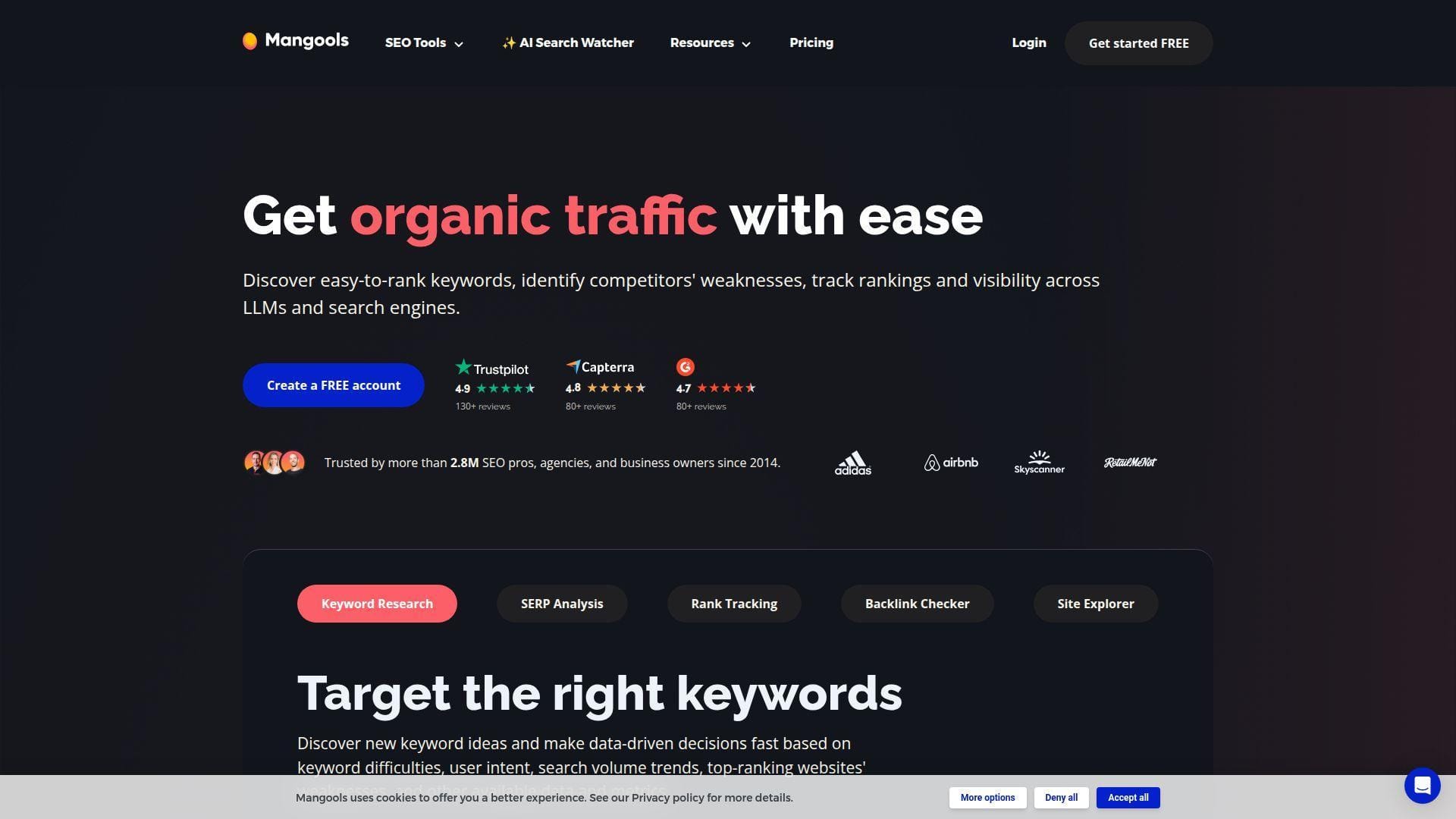
Mangools is a lightweight suite built by a small, product-focused team that prizes clarity. Instead of “everything,” you get the essentials: keyword research, SERP checks, rank tracking, backlinks, and basic site analysis. The tone is friendly and the learning curve is gentle.
Tagline: Do the core SEO moves without the enterprise overhead.
Best for: solo marketers and lean SMB teams learning SEO seriously.
- KWFinder + SERPChecker flow → pick keywords you can actually win this quarter.
- Suite-style tools in one login → saves 2–3 tool switches per research session.
- Simple dashboards and exports → time-to-first-value is often under 30 minutes.
Pricing & limits: From about $49/mo on monthly Basic pricing. Trial: a free version and trial options exist, plus a short money-back window. Caps are set by daily lookups and tracked keywords by plan.
Honest drawbacks: Data depth is lighter than Semrush or Ahrefs. Power users may hit lookup limits during heavy research weeks.
Verdict: If you want straightforward keyword picking and rank tracking, this helps you get wins in 1–2 weeks. Beats bigger suites on simplicity; trails them on dataset scale.
Score: 4.2/5
4. SE Ranking
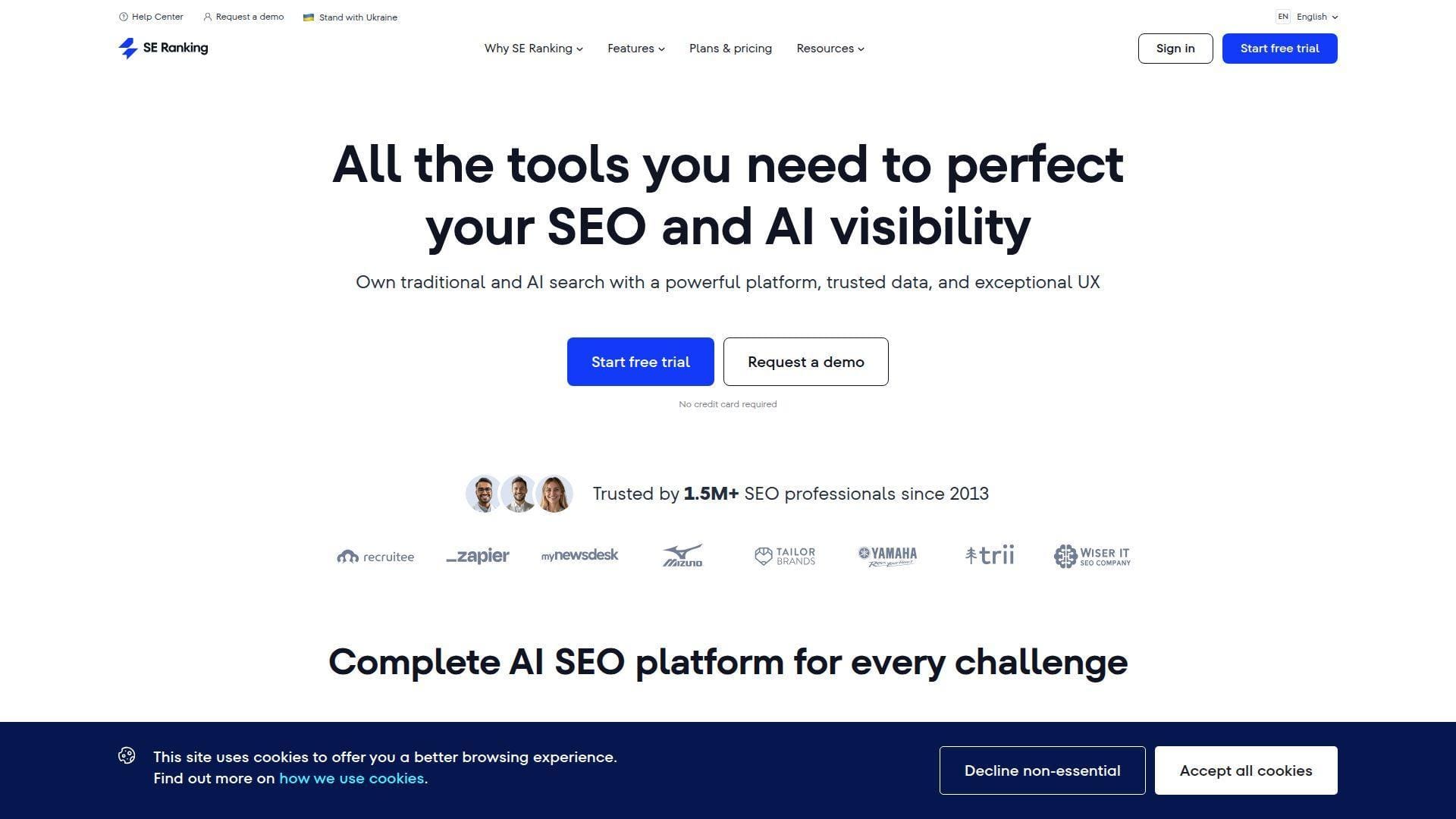
SE Ranking has grown from rank tracking into a broad SEO platform, with a team aiming at practical, agency-ready workflows. It’s designed to cover research, audits, tracking, and reporting without the cost shock of top-tier enterprise suites. The product feels “all-in-one, but restrained.”
Tagline: Run client SEO like a system, not a scramble.
Best for: small agencies and in-house teams managing multiple sites.
- Projects + daily tracking → turn rankings into weekly action plans, not noise.
- Built-in integrations (analytics and reporting) → saves 3–4 export-and-merge steps.
- Guided setup and defaults → time-to-first-value is often 60–90 minutes.
Pricing & limits: From about $129/mo billed monthly for the entry Core tier. Trial: varies by region and offer, so confirm during signup. Caps can start around 10 projects and thousands of tracked keywords, depending on plan.
Honest drawbacks: Some competitive filters feel thinner than Ahrefs. Higher-tier collaboration features can push you into pricier plans quickly.
Verdict: If you want an all-around SEO stack with sane reporting, this helps you stabilize delivery in 2–3 weeks. Beats Semrush on budget flexibility; trails Semrush on sheer depth.
Score: 4.1/5
5. seoClarity
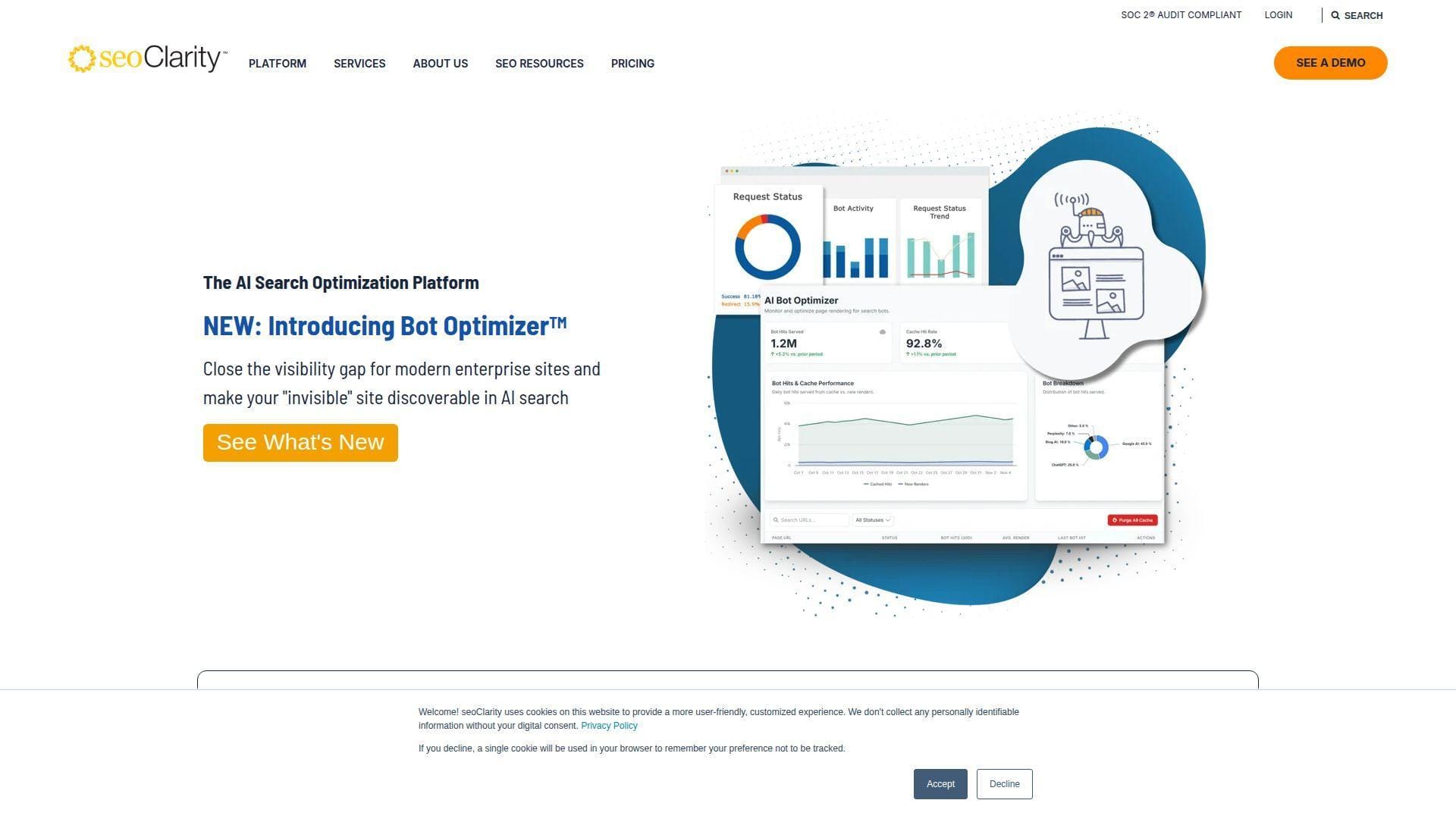
seoClarity is an enterprise platform built for teams that need scale, governance, and support. The company positions itself as a long-term SEO partner, not just software. You’ll feel that in the pricing and in the emphasis on services and SLAs.
Tagline: Give big SEO programs fewer meetings and more momentum.
Best for: enterprise SEO directors and global content organizations.
- Enterprise research and reporting → align teams on one version of keyword truth.
- Automation features for execution → saves 4–6 handoffs between SEO and IT.
- Dedicated onboarding style support → time-to-first-value is often 2–6 weeks.
Pricing & limits: From $2,500/mo for Research & Content packages, with higher tiers starting around $3,200/mo and $4,500/mo. Trial: typically demo-led, not self-serve. Caps are driven by domains and keyword query volumes.
Honest drawbacks: It’s overkill for small sites and solo operators. Custom pricing can slow procurement and make ROI harder to “quick win.”
Verdict: If you’re coordinating SEO across multiple markets, this helps you run a cleaner program in one quarter. Beats most SMB tools on scale; trails them on speed-to-purchase.
Score: 4.0/5
6. Surfer
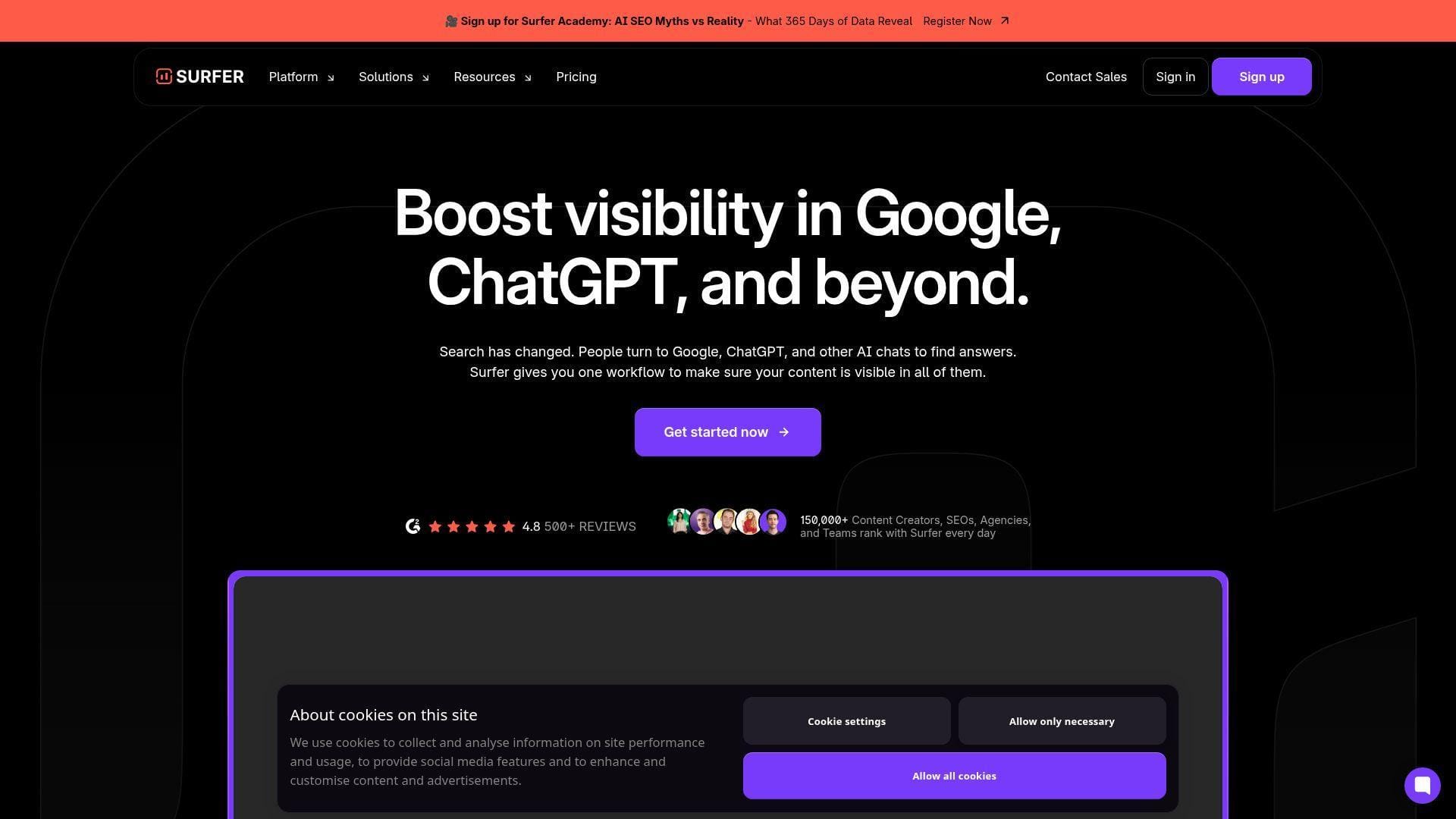
Surfer is built by a product team obsessed with content performance and repeatable optimization. The platform now leans into AI search visibility alongside classic on-page guidance. It’s less “SEO suite” and more “content operations engine.”
Tagline: Publish content that matches winning pages, without guessing.
Best for: content managers and SEO writers shipping content weekly.
- Document optimization workflow → reduce rewrites and hit a publish-ready draft sooner.
- Integrations for writing and publishing → saves 2–4 copy-paste steps per article.
- Opinionated templates → time-to-first-value is often under two hours.
Pricing & limits: From $49/mo on the Discovery tier billed yearly. Trial: no standard free trial is clearly listed on pricing pages. Caps are document-based, such as 120 optimized documents on Discovery.
Honest drawbacks: It won’t replace technical SEO crawlers or link tools. If you publish at scale, document limits can become your main constraint.
Verdict: If you want faster on-page improvements, this helps you ship better drafts in 1–2 weeks. Beats Semrush on writer-first workflow; trails Semrush on full-suite coverage.
Score: 4.0/5
7. Clearscope
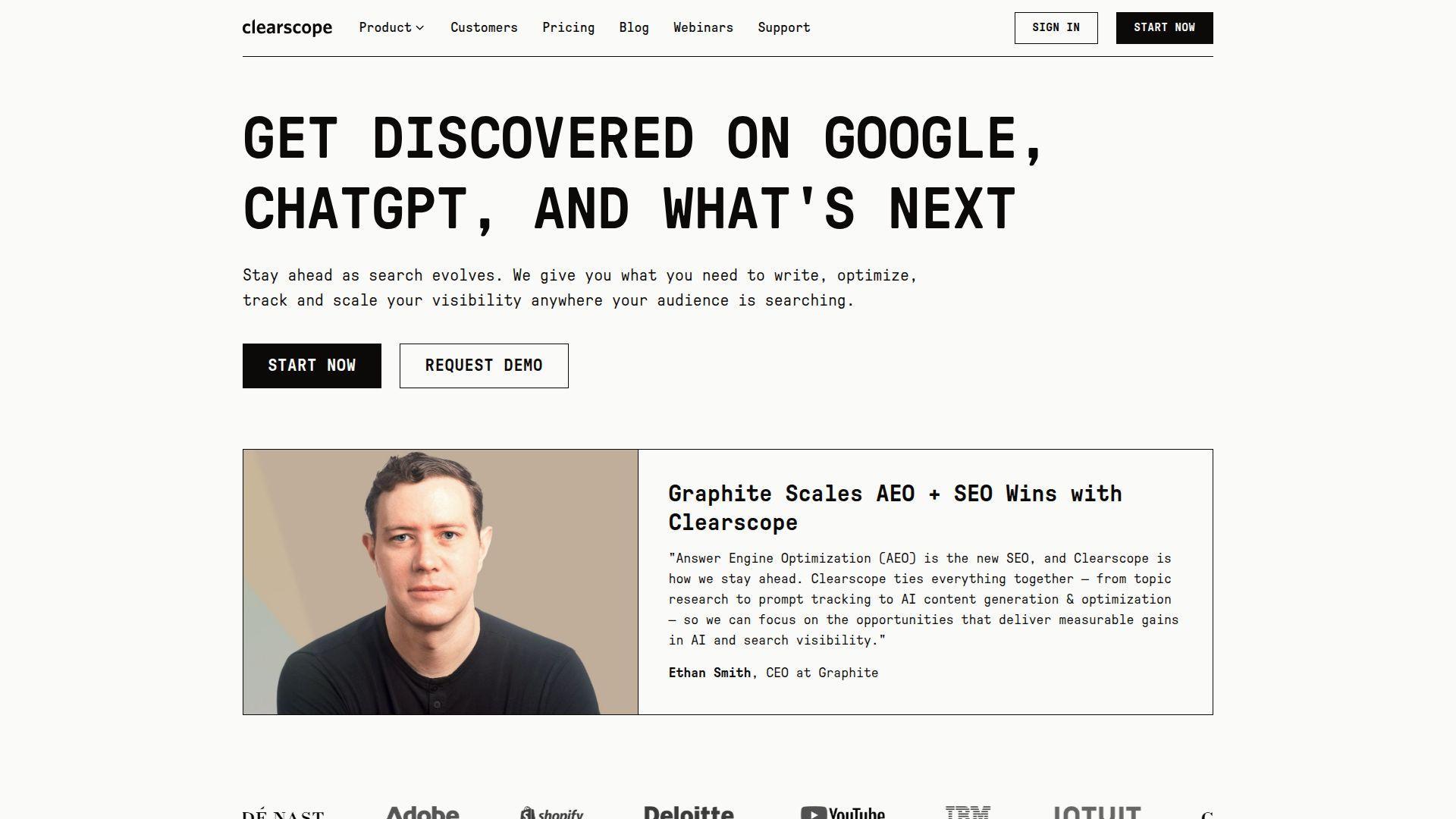
Clearscope is built for teams that care about content quality, consistency, and modern discoverability. The company’s product team has kept the interface tight, even as it expanded into AI-era tracking concepts. It feels like a premium editorial tool, not a technical console.
Tagline: Write pages that earn trust and match search intent.
Best for: content teams and editors managing multiple writers.
- Topic exploration and grading → tighten briefs so drafts need fewer revisions.
- Docs and CMS-friendly workflow → saves 2–3 steps from brief to publish.
- Fast, low-clutter UX → time-to-first-value is often 20–40 minutes.
Pricing & limits: From $129/mo on Essentials. Trial: no free trial is prominently offered on standard plans. Caps include items like 20 AI tracked topics and 50 content inventory pages on Essentials.
Honest drawbacks: It’s not an all-in-one suite, so you’ll still need a crawler and link data elsewhere. Some teams find the monthly caps tight without add-ons.
Verdict: If you want tighter briefs and cleaner content updates, this helps you lift page quality in 2–6 weeks. Beats Surfer on editorial feel; trails Surfer on broader optimization tooling.
Score: 4.1/5
8. BuzzSumo
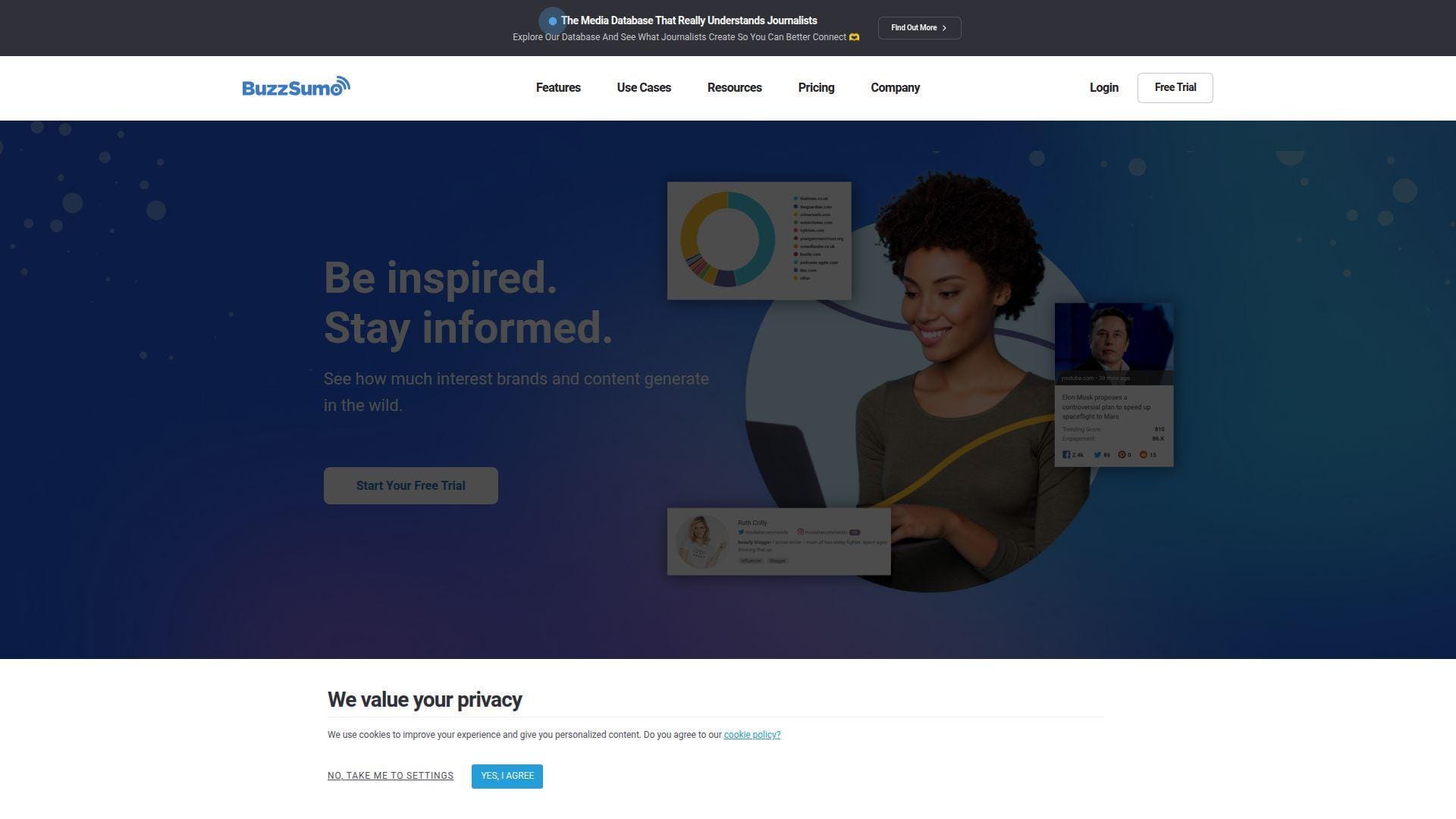
BuzzSumo is a content intelligence platform with a team focused on discovery, trends, and monitoring. It’s less about “rank tracking” and more about finding what people share, cite, and discuss. For SEO teams, it’s a fast ideation and outreach accelerator.
Tagline: Find topics that already have momentum, then earn your share.
Best for: content marketers and PR teams supporting organic growth.
- Content and question discovery → shorten topic validation from days to hours.
- Alerts and monitoring → saves 3–4 manual checks per week for mentions.
- Quick setup and sane exports → time-to-first-value is often under 30 minutes.
Pricing & limits: From $199/mo billed yearly for Content Creation. Trial: BuzzSumo offers a free trial, with trial searches capped (often 50). Caps include user seats and a limited number of alerts by plan.
Honest drawbacks: It won’t fix technical SEO problems for you. If you only need keyword data, it can feel like the wrong spend.
Verdict: If you need better topic picks and smarter outreach angles, this helps you build a content pipeline in 2–3 weeks. Beats classic SEO suites at trend discovery; trails them on audits and tracking.
Score: 3.9/5
9. AnswerThePublic
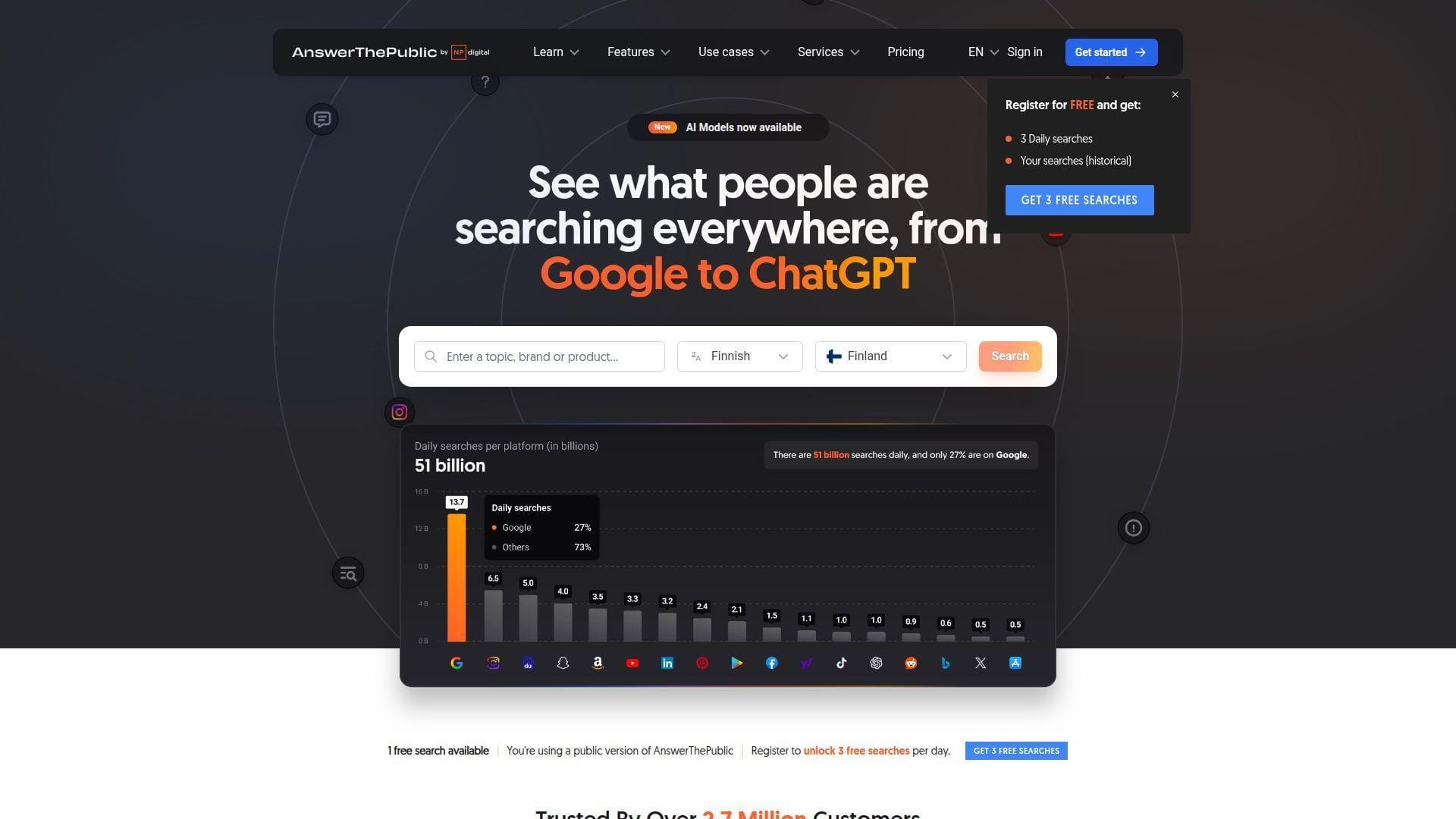
AnswerThePublic is built to surface demand language fast, with a team that prioritizes simple outputs. It’s not trying to be a full SEO suite. Instead, it’s a “question and intent miner” you can use for briefs, FAQs, and topic clusters.
Tagline: Turn real questions into pages that win long-tail traffic.
Best for: bloggers and content strategists building topical authority.
- Search visualization → map subtopics into an outline that covers intent fully.
- Alerts and monitoring → saves 2–3 recurring research steps per month.
- Low-friction interface → time-to-first-value is often 10–15 minutes.
Pricing & limits: From $20/mo on the Starter monthly plan. Trial: 7 days on monthly plans. Caps start at 100 searches per month and a small project allowance on Starter.
Honest drawbacks: You still need another tool for difficulty, links, and audits. Search caps can feel tight if you brainstorm at scale.
Verdict: If you want faster briefs and stronger FAQ coverage, this helps you improve drafts within a week. Beats AlsoAsked on broader suggestion volume; trails AlsoAsked on clean PAA mapping.
Score: 4.0/5
10. AlsoAsked
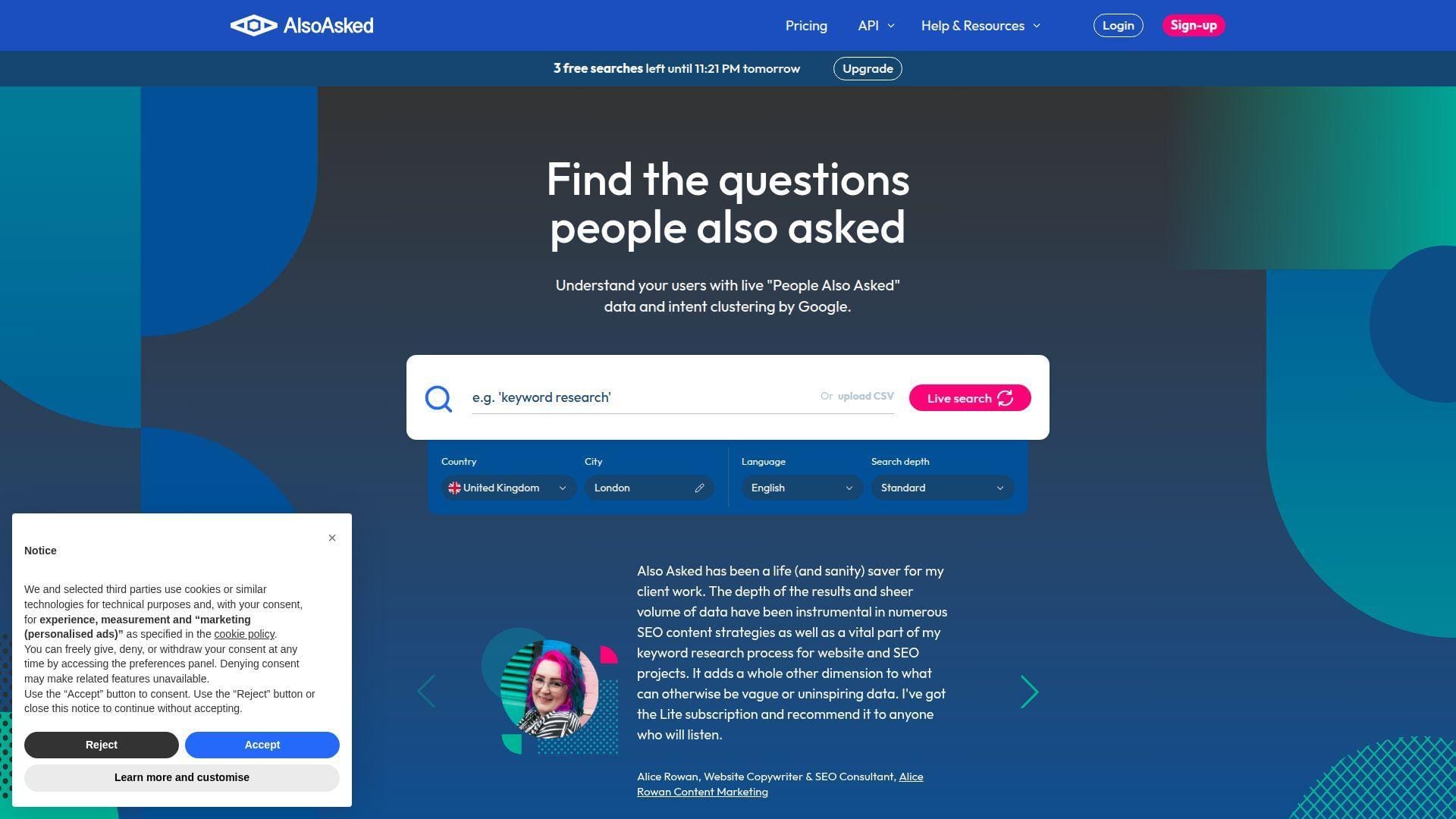
AlsoAsked is built by a small team laser-focused on Google’s People Also Ask structure. It’s a specialist tool, and that’s the point. When you need question clusters that mirror real SERP relationships, it delivers quickly.
Tagline: Build content hubs from the questions Google already connects.
Best for: SEO strategists and agencies building topic clusters.
- Question tree mapping → turn one seed into a publishable hub-and-spoke plan.
- Exports and API access on higher tiers → saves 3–6 manual clustering steps.
- Minimal setup → time-to-first-value is often 5–10 minutes.
Pricing & limits: From $12/mo for Basic. Trial: free usage exists via limited daily credits. Caps are credit-based, such as 100 credits per month on Basic, and credits reset monthly.
Honest drawbacks: It doesn’t give you search volume or difficulty. You’ll still need a keyword tool for prioritization.
Verdict: If you want cleaner outlines and smarter internal linking plans, this helps you ship better briefs in days. Beats AnswerThePublic on SERP-structure fidelity; trails it on broader idea discovery.
Score: 4.3/5
11. SimilarWeb

Similarweb is built for market and competitive intelligence, with a team that leans into digital behavior data. It’s not a traditional SEO “rank tracker first” tool. Instead, it helps you size opportunities and benchmark channels across competitors.
Tagline: Stop guessing market size, and pick battles you can win.
Best for: growth leads and competitive research teams.
- Competitive intelligence packages → choose targets with clearer upside and less risk.
- SEO module inside the suite → saves 2–4 steps by keeping benchmarks together.
- Guided package onboarding → time-to-first-value is often within a day.
Pricing & limits: From $199/mo billed monthly for Competitive Intelligence, or $125/mo billed annually. Trial: Similarweb offers a free trial, often around 7 days. Caps include 1 user and limited historical data on entry packages.
Honest drawbacks: Data is directional, not your first-party analytics. SEO specialists may find it pricey if they only need keyword tools.
Verdict: If you need smarter competitive calls, this helps you pick priorities in 2–3 weeks. Beats Semrush on market framing; trails Semrush on day-to-day SEO execution.
Score: 4.0/5
12. Keywords Everywhere
Keywords Everywhere is built by a lean team focused on quick, in-context keyword metrics. The experience is designed to live where you work, not in a heavy dashboard. It’s best treated as a multiplier for faster research, not a full platform.
Tagline: Get keyword context instantly, while you browse and plan.
Best for: solo creators and SEO generalists doing lots of quick checks.
- Browser-based keyword overlays → cut “open tool, search, export” into one step.
- Credit-based usage → saves time by avoiding monthly “use it or lose it” panic.
- Fast activation → time-to-first-value is often under 10 minutes.
Pricing & limits: From $60/year on Bronze, which is about $5/mo when averaged monthly. Trial: no standard free trial is listed for paid plans. Caps include credit allowances, like 100,000 credits per year on Bronze.
Honest drawbacks: It won’t replace site audits, rank tracking, or link tools. Credit rules can confuse teams that want predictable monthly budgets.
Verdict: If you want faster keyword triage, this helps you move from idea to shortlist in hours. Beats full suites on speed; trails them on depth and reporting.
Score: 4.1/5
13. Google Search Console
Google Search Console is Google’s own product for site owners, maintained by a large internal team. It’s the closest thing to “ground truth” for performance and indexing signals. Think of it as your core diagnostic layer, not a competitive suite.
Tagline: See what Google sees, then fix what blocks growth.
Best for: every site owner, plus technical SEOs doing triage.
- Performance and query reports → prioritize pages that can grow with small updates.
- Indexing coverage signals → saves 3–5 steps chasing phantom crawling issues.
- Simple verification flow → time-to-first-value is often under 30 minutes.
Pricing & limits: From $0/mo. Trial: not applicable. Caps are practical ones, like data sampling and interface limits, not billing tiers.
Honest drawbacks: Competitive research is minimal. Reporting is honest, but not always easy to summarize for stakeholders.
Verdict: If you want quick technical and content direction, this helps you find fixes within days. Beats every paid tool at first-party visibility; trails them on competitor and backlink depth.
Score: 4.6/5
14. Bing Webmaster Tools
Bing Webmaster Tools is Microsoft’s free SEO console, run by a large platform team. It overlaps with Search Console, yet it also has unique diagnostics and submission workflows. For quick wins, it’s best as a second set of eyes.
Tagline: Get another search engine’s feedback, for free.
Best for: site owners and SEO teams covering Bing and broader discovery.
- Site diagnostics → catch crawl issues you might miss in other consoles.
- Submission tools → saves 2–3 steps when you need faster discovery signals.
- Easy verification → time-to-first-value is often under 30 minutes.
Pricing & limits: From $0/mo. Trial: not applicable. Caps are platform limits, not plan-based usage tiers.
Honest drawbacks: Data can lag or differ from Google’s ecosystem. Most SEO teams still prioritize Google-first, so it may get ignored.
Verdict: If you want broader visibility and extra diagnostics, this helps you validate fixes in a week. Beats paid tools on price; trails them on competitive datasets.
Score: 4.2/5
15. Screaming Frog SEO Spider
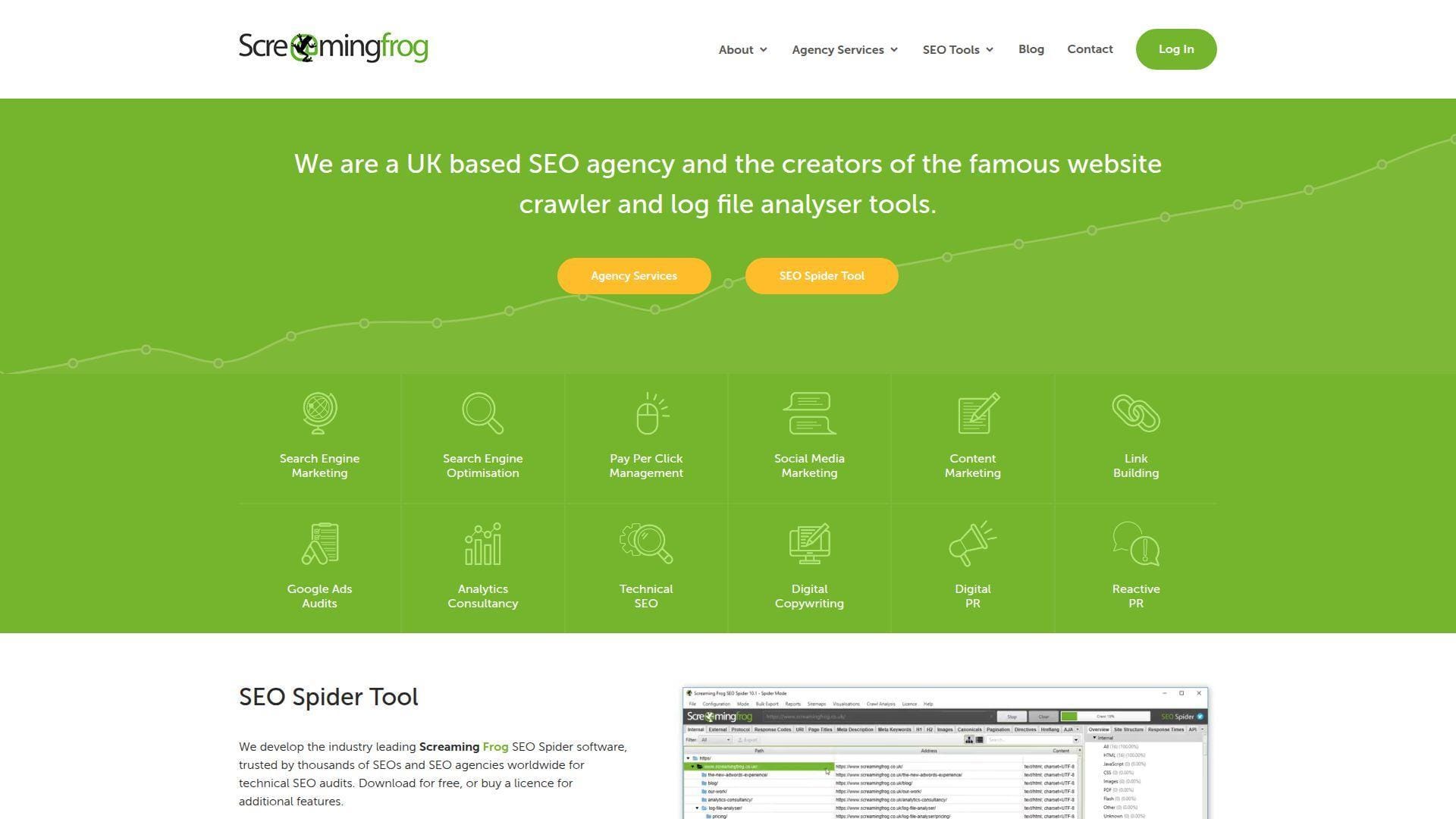
Screaming Frog is built by a specialist team that treats crawling as a craft. The desktop app is unapologetically technical, and that’s why pros love it. You get raw, configurable truth about what your site actually serves.
Tagline: Crawl your site like a bot, then fix what it finds.
Best for: technical SEOs and agencies doing audits and migrations.
- Deep crawl exports → turn audits into ticket-ready fixes for developers.
- API integrations with analytics sources → saves 3–5 manual merge steps per audit.
- Fast local crawling → time-to-first-value is often 15–30 minutes.
Pricing & limits: From $0/mo on the free version, capped at 500 URLs per crawl. Trial: the free edition is the trial, with no time limit. Paid licenses run about $279/user/year for unlimited crawling.
Honest drawbacks: Non-technical users can get lost fast. Because it runs locally, big crawls depend on your machine.
Verdict: If you need reliable technical audits, this helps you find and document fixes in a day. Beats cloud suites on crawl control; trails them on competitor research.
Score: 4.5/5
16. SEOptimer
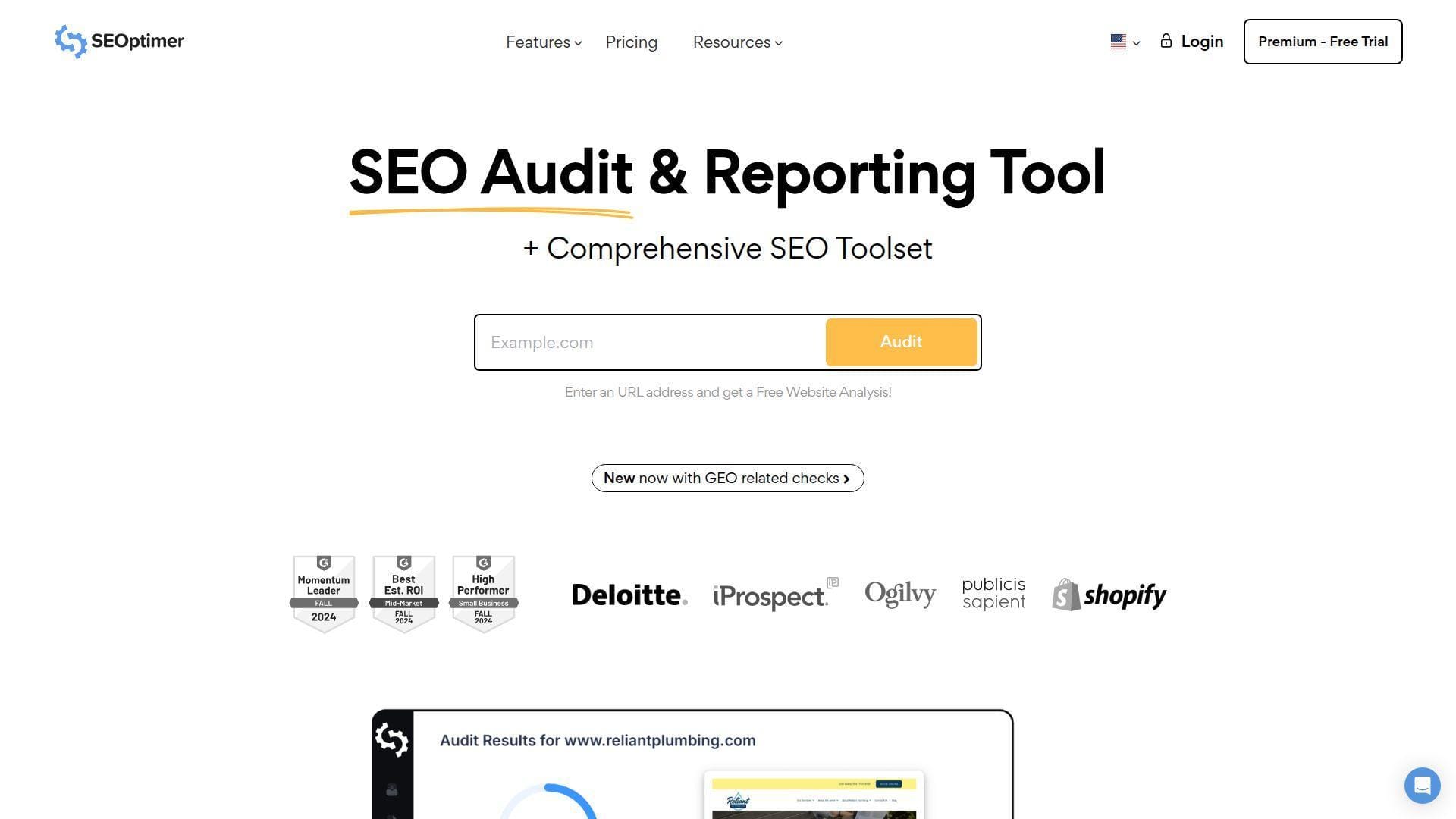
SEOptimer is built for marketers who want audits and client-ready reporting without complexity. The product team clearly optimized for lead-gen and white-label workflows. It’s an “audit + report + repeat” engine.
Tagline: Turn audits into client-facing deliverables, fast.
Best for: freelancers and small agencies selling SEO services.
- White-label reports → deliver a polished audit without spending hours formatting.
- Embeddable audit forms and webhooks → saves 2–4 steps capturing leads.
- Simple onboarding → time-to-first-value is often under 45 minutes.
Pricing & limits: From $29/mo for DIY SEO. Trial: 14 days with full access. Caps include monthly crawls, tracked keywords, and scheduled report limits by plan.
Honest drawbacks: Data depth won’t match Semrush or Ahrefs. Advanced customization can push you into higher plans quickly.
Verdict: If you want to productize audits for clients, this helps you ship reports in a week. Beats Screaming Frog on presentation; trails Screaming Frog on crawl depth.
Score: 4.0/5
17. SmallSEOTools
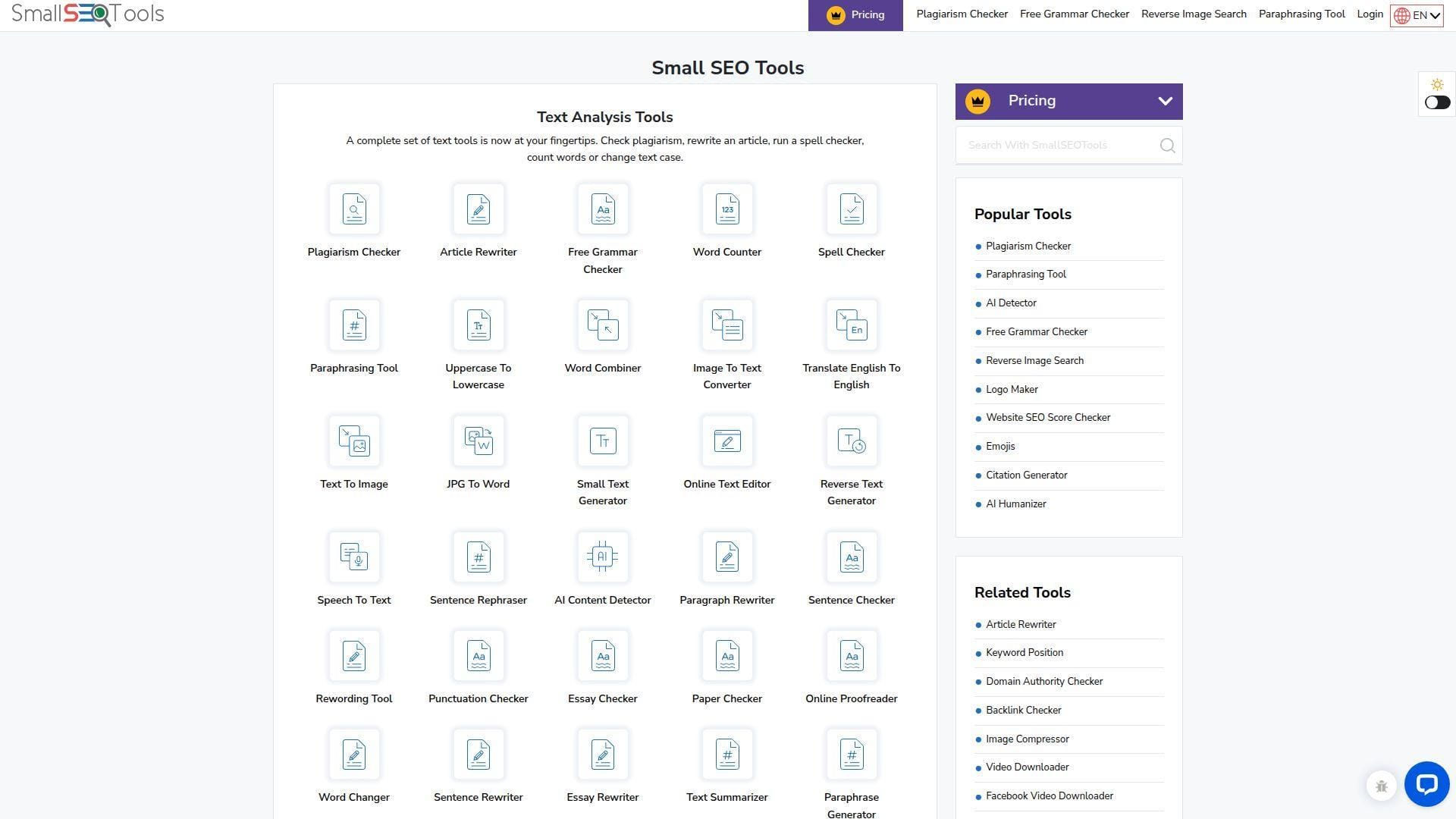
SmallSEOTools is a broad toolbox site, built by a team focused on utility and volume. You’ll find many micro-tools in one place, from plagiarism checks to simple SEO helpers. It’s less “platform strategy” and more “quick task completion.”
Tagline: Solve small SEO and content chores in minutes.
Best for: students, solo creators, and budget-first teams.
- One-off utilities → clear a checklist item without opening a heavyweight suite.
- Bundled pro limits → saves 2–3 steps versus stitching separate micro-tools.
- Instant access → time-to-first-value is often under 5 minutes.
Pricing & limits: From about $9.99/mo on monthly plans. Trial: limited free access exists, but trial length is not always stated. Caps are typically word, search, or usage limits per tool and plan.
Honest drawbacks: Quality varies by tool, so results need verification. It’s not the place for enterprise-grade SEO decisions.
Verdict: If you want cheap, quick utilities, this helps you move faster today. Beats premium tools on price; trails them on reliability and depth.
Score: 3.4/5
18. Network Solutions Simple SEO Tool
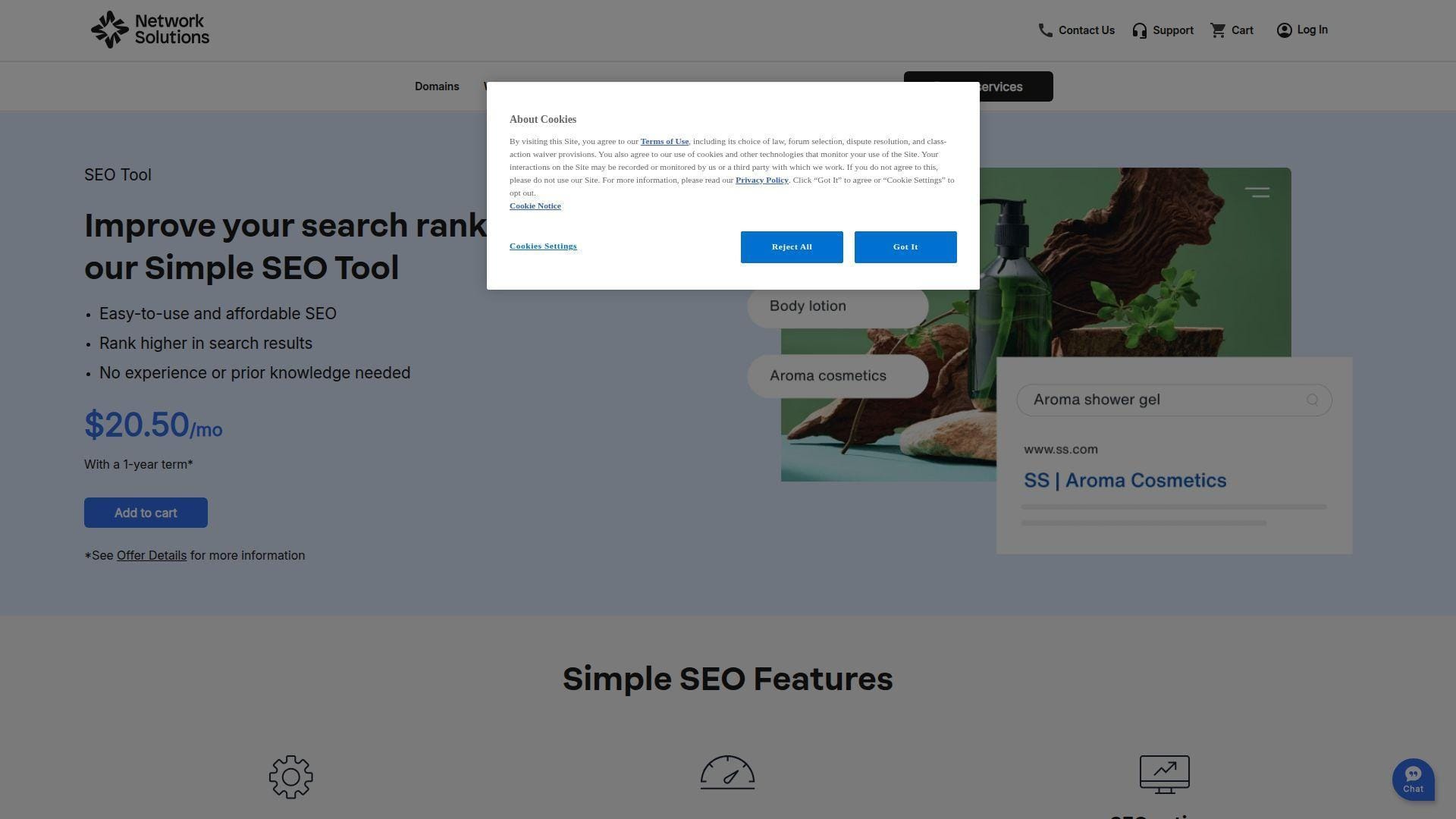
Network Solutions offers a bundled, beginner-friendly SEO tool as part of a broader small-business stack. The team’s focus is convenience and guidance, not cutting-edge SEO science. It’s designed for owners who want a checklist and a path.
Tagline: Get a simple SEO plan when you don’t have an SEO hire.
Best for: local businesses and owners managing their own website.
- Guided actions and health checks → move from “no idea” to a weekly to-do list.
- All-in-one vendor setup → saves 2–4 steps compared with stitching separate tools.
- Low setup burden → time-to-first-value is often under an hour.
Pricing & limits: From about $20.50/mo for the standalone Simple SEO Tool. Trial: not clearly promoted as a self-serve free trial, so expect paid start or sales help. Caps and features are designed for small business usage.
Honest drawbacks: Power users will outgrow it quickly. Data and competitive depth won’t match specialized SEO platforms.
Verdict: If you need a starter plan and basic tracking, this helps you make progress in 2–4 weeks. Beats doing nothing; trails nearly every specialist SEO suite.
Score: 3.2/5
19. ProductRank.ai
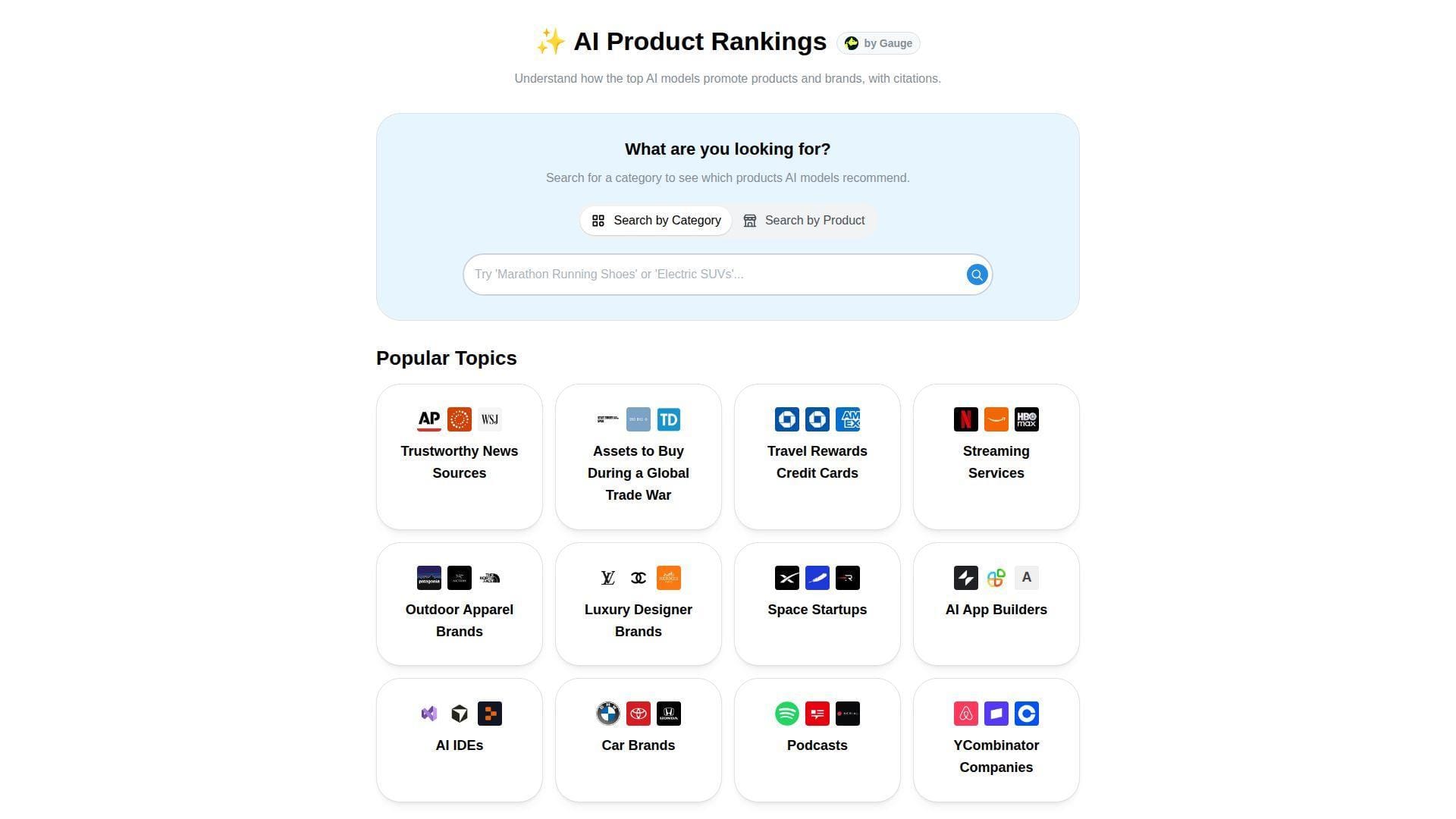
ProductRank.ai appears built as a lightweight, research-first tool, tied to a team exploring AI-driven discovery. Its purpose is narrow: show how major AI systems rank products in a category. Treat it like a visibility “snapshot,” not a monitoring suite.
Tagline: See whether AI recommends you, before your customers stop Googling.
Best for: product marketers and agencies pitching AI visibility work.
- Category-based AI rankings → get a baseline view of brand visibility in minutes.
- Multi-engine results in one screen → saves 3–4 manual checks across AI tools.
- No heavy setup → time-to-first-value is often under 5 minutes.
Pricing & limits: From $0/mo, with free access described by third-party reviews. Trial: the product behaves like a free tier, not a timed trial. Caps are mainly functional, like limited refresh and no historical tracking.
Honest drawbacks: No automated monitoring or alerts means it won’t track improvement over time. Category-only structure limits custom prompt research.
Verdict: If you want a fast AI discovery baseline, this helps you get an answer today. Beats spreadsheets at speed; trails paid AI monitoring tools on continuity.
Score: 3.6/5
20. Nightwatch
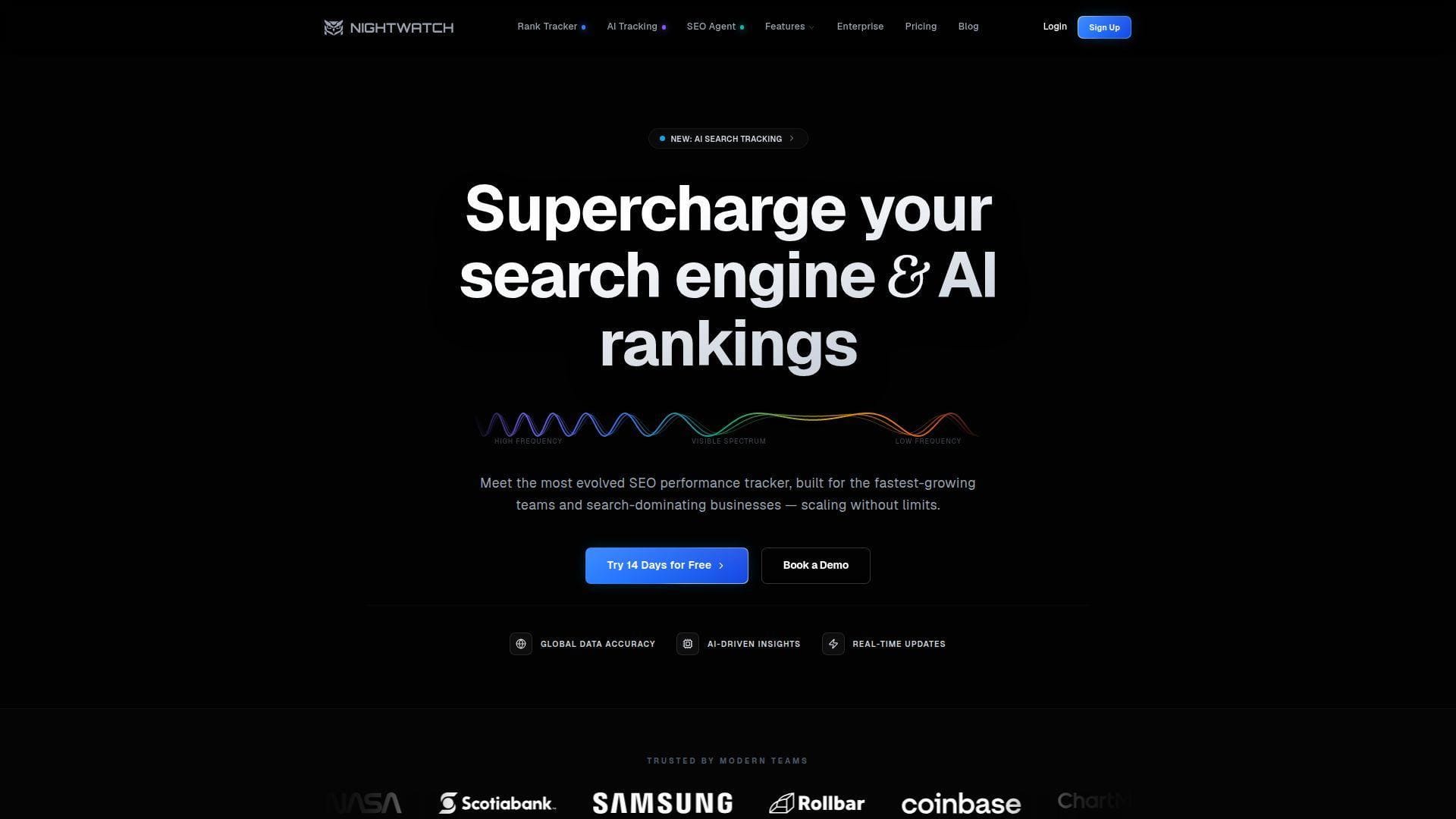
Nightwatch is a rank tracking platform built by a team that cares about speed, reporting, and modern search surfaces. The product keeps the core workflow tight: add sites, add keywords, ship reports. It’s built for repeatable operations.
Tagline: Make rank tracking useful again, with cleaner reporting.
Best for: agencies and SEO managers tracking many keywords daily.
- Daily keyword tracking → turn ranking shifts into a weekly “fix or double down” list.
- Looker Studio and analytics integrations → saves 3–5 steps per reporting cycle.
- Fast onboarding → time-to-first-value is often under 30 minutes.
Pricing & limits: From $32/mo billed annually for 250 tracked keywords. Trial: 14 days with full features. Caps include tracked keywords, websites, competitors, and audit pages by plan.
Honest drawbacks: It’s not a full research suite like Semrush. If you need deep backlinks and content tooling, you’ll add another product.
Verdict: If you need clean tracking and client-ready reporting, this helps you stabilize reporting in 1–2 weeks. Beats many suites on rank tracking focus; trails suites on breadth.
Score: 4.1/5
21. Rank Ranger
Rank Ranger is built for reporting-heavy SEO teams that want control over rank tracking outputs. The platform caters to agencies that live on dashboards, scheduled reports, and client views. Its team clearly optimized for “deliverables at scale.”
Tagline: Ship SEO reporting that clients actually understand.
Best for: agencies and consultants needing white-label rank reporting.
- Campaign-based tracking → manage multiple clients without messy spreadsheets.
- API and report automation options → saves 3–6 steps per monthly report pack.
- Configurable reporting → time-to-first-value is often 1–2 hours.
Pricing & limits: From about $69/mo for Basic. Trial: a free trial is listed, but length may vary by signup path. Caps include campaign counts and keyword limits, such as 350 keywords on Basic.
Honest drawbacks: UX can feel dated compared with newer tools. If you only need a small keyword set, pricing can feel steep.
Verdict: If you want strong, repeatable reporting, this helps you standardize outputs in a month. Beats DIY dashboards on speed; trails Nightwatch on modern UX polish.
Score: 3.9/5
22. RankIQ
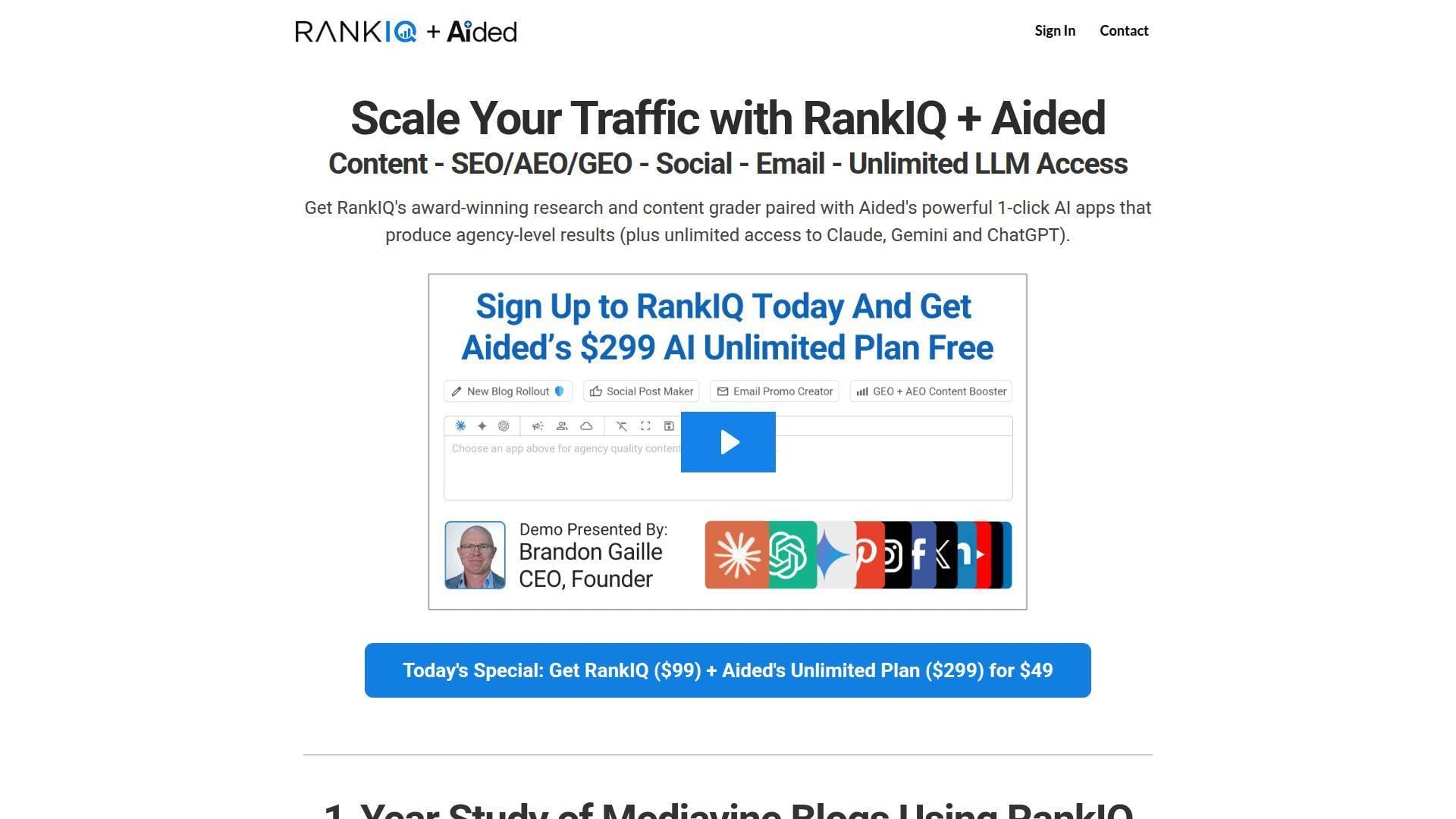
RankIQ is built for bloggers and lean content teams who want simpler SEO decisions. The team’s focus is narrowing choices, not expanding features. It’s a content-first product that tries to keep you out of analysis paralysis.
Tagline: Pick keywords you can win, then write with a clearer target.
Best for: niche bloggers and small business content owners.
- Keyword library by niche → reduce time wasted on impossible keywords.
- Report credits model → saves 2–3 steps by bundling research into one workflow.
- Simple UX → time-to-first-value is often under 30 minutes.
Pricing & limits: From $49/mo for Standard, with 16 report credits. Trial: RankIQ is commonly sold without a free trial. Caps are report-credit based, and credits do not roll over monthly.
Honest drawbacks: Limited integrations and limited technical SEO features. If you manage many sites, you’ll likely need the Agency tier.
Verdict: If you want faster keyword picks and clearer briefs, this helps you publish stronger posts in 2–4 weeks. Beats Semrush on simplicity; trails Semrush on depth.
Score: 3.8/5
23. SISTRIX
SISTRIX is a long-running European SEO platform with a team focused on visibility tracking and research modules. The product is built for teams who want consistent benchmarks and historical perspective. It’s a “measure, investigate, and iterate” tool.
Tagline: Track visibility like a metric, not a mood.
Best for: SEO managers and agencies working across EU markets.
- Visibility-led reporting → turn rankings into an executive-friendly narrative.
- Module approach → saves spend by buying only what your workflow needs.
- Consistent interface → time-to-first-value is often 1–2 hours.
Pricing & limits: From $99/mo for a Start-style entry package, commonly billed in EUR. Trial: SISTRIX offers “test for free” paths, though duration can vary. Caps include update quotas, projects, and crawl limits by package.
Honest drawbacks: If you need many modules, cost climbs quickly. Some newer AI-era workflows feel less central than in Semrush.
Verdict: If you want reliable visibility tracking and strong history, this helps you spot trends in a month. Beats many tools on historical continuity; trails Semrush on broader tooling.
Score: 4.0/5
24. Majestic
Majestic is a backlink intelligence specialist with a team that stays close to link data and link quality signals. The platform doesn’t pretend to do everything. Instead, it aims to make link building decisions less blind and more defensible.
Tagline: Build links with better judgment, not just more outreach.
Best for: link builders and SEO pros auditing authority profiles.
- Link metrics and context views → prioritize outreach targets that won’t backfire.
- Focused backlink workflows → saves 2–4 steps versus exporting from broad suites.
- Clear navigation → time-to-first-value is often under an hour.
Pricing & limits: From $49.99/mo for Lite. Trial: a free trial is not consistently offered, so expect paid start. Caps vary by plan and can include analysis and API usage limits.
Honest drawbacks: It won’t handle content optimization or technical audits alone. If you want “one tool,” you will still need another suite.
Verdict: If you need better backlink decisions, this helps you tighten link strategy in 2–3 weeks. Beats Semrush on link focus; trails Semrush on all-in-one coverage.
Score: 3.8/5
25. Jasper
Jasper is built for marketing teams that want on-brand AI output with governance. The company’s team positions Jasper as a marketing workflow layer, not just a writing box. For SEO, it’s strongest when paired with a real SEO data source.
Tagline: Ship more content without losing your brand voice.
Best for: content marketing teams and campaign managers.
- Brand voice and knowledge assets → reduce editorial cleanup and off-brand drafts.
- Workflow apps and templates → saves 3–5 steps per asset from brief to draft.
- Quick onboarding → time-to-first-value is often under 45 minutes.
Pricing & limits: From $69/mo per seat billed monthly, or $59/mo billed yearly for Pro. Trial: 7 days on Pro. Caps include brand voices and knowledge assets on Pro, with higher governance on Business.
Honest drawbacks: It won’t tell you what to rank for by itself. For factual content, teams still need strong review and sourcing processes.
Verdict: If you want more drafts and tighter consistency, this helps you speed production this month. Beats generic chat tools on brand controls; trails SEO suites on keyword intelligence.
Score: 3.9/5
26. Zapier
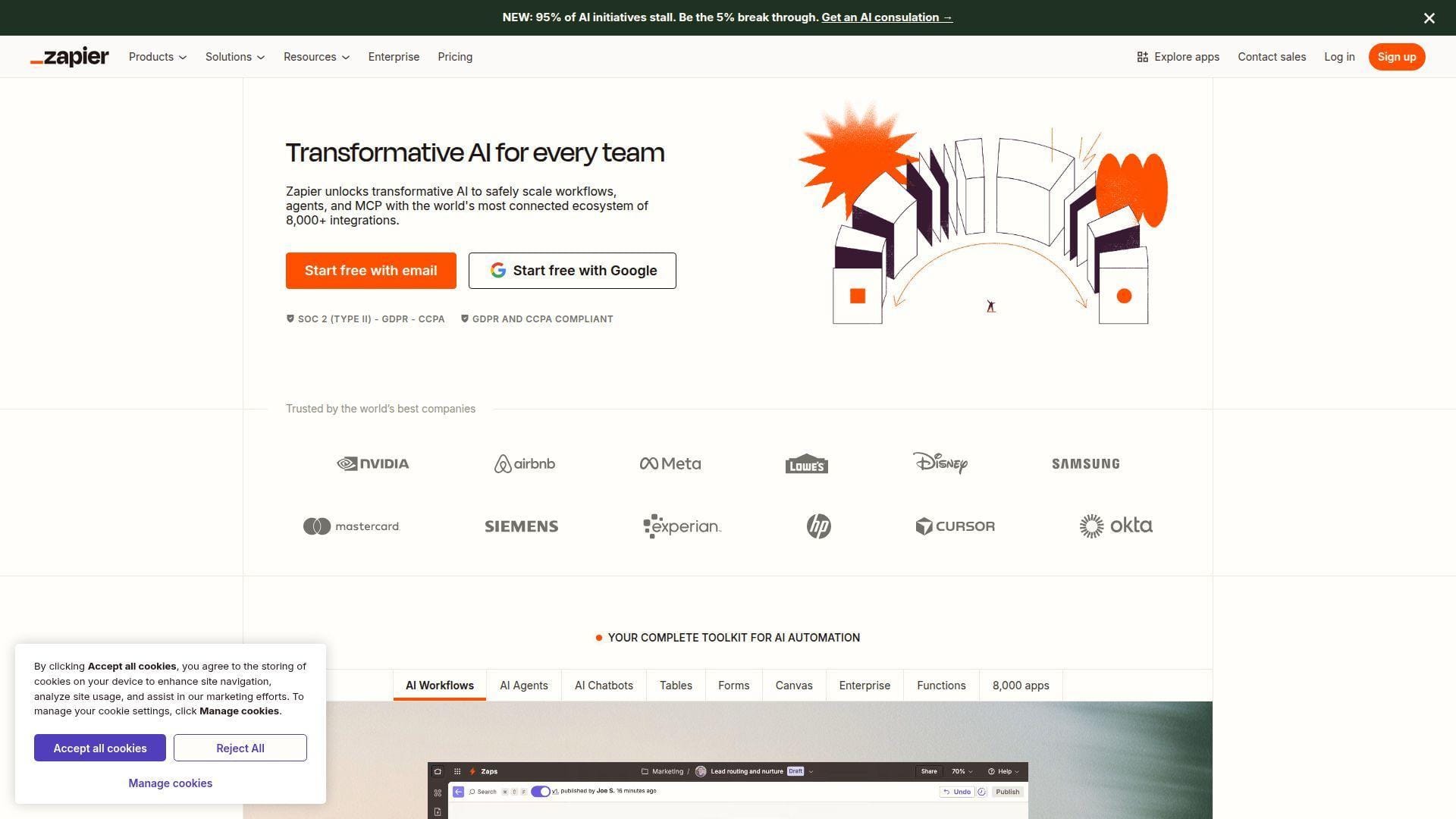
Zapier is built by a large automation team that cares about reliability and breadth of integrations. It’s not an SEO tool, yet it’s a force multiplier for SEO operations. When your bottleneck is “handoffs,” Zapier can quietly fix that.
Tagline: Automate the busywork that slows SEO shipping.
Best for: ops-minded marketers and SMB teams connecting many tools.
- Multi-step Zaps → auto-route SEO tasks from audits into tickets and reminders.
- Thousands of integrations → saves 4–8 manual steps per recurring workflow.
- Fast setup wizards → time-to-first-value is often 15–30 minutes.
Pricing & limits: From $0/mo on Free, with 100 tasks per month. Trial: 14 days of Professional plan features for new accounts. Caps are task-based, so complex Zaps consume more tasks per run.
Honest drawbacks: Costs can spike with high-volume workflows. Debugging multi-app automations can still require technical patience.
Verdict: If you want SEO work to move without chasing people, this helps you tighten execution in 1–2 weeks. Beats manual processes at scale; trails custom code on flexibility.
Score: 4.2/5
27. Gumloop
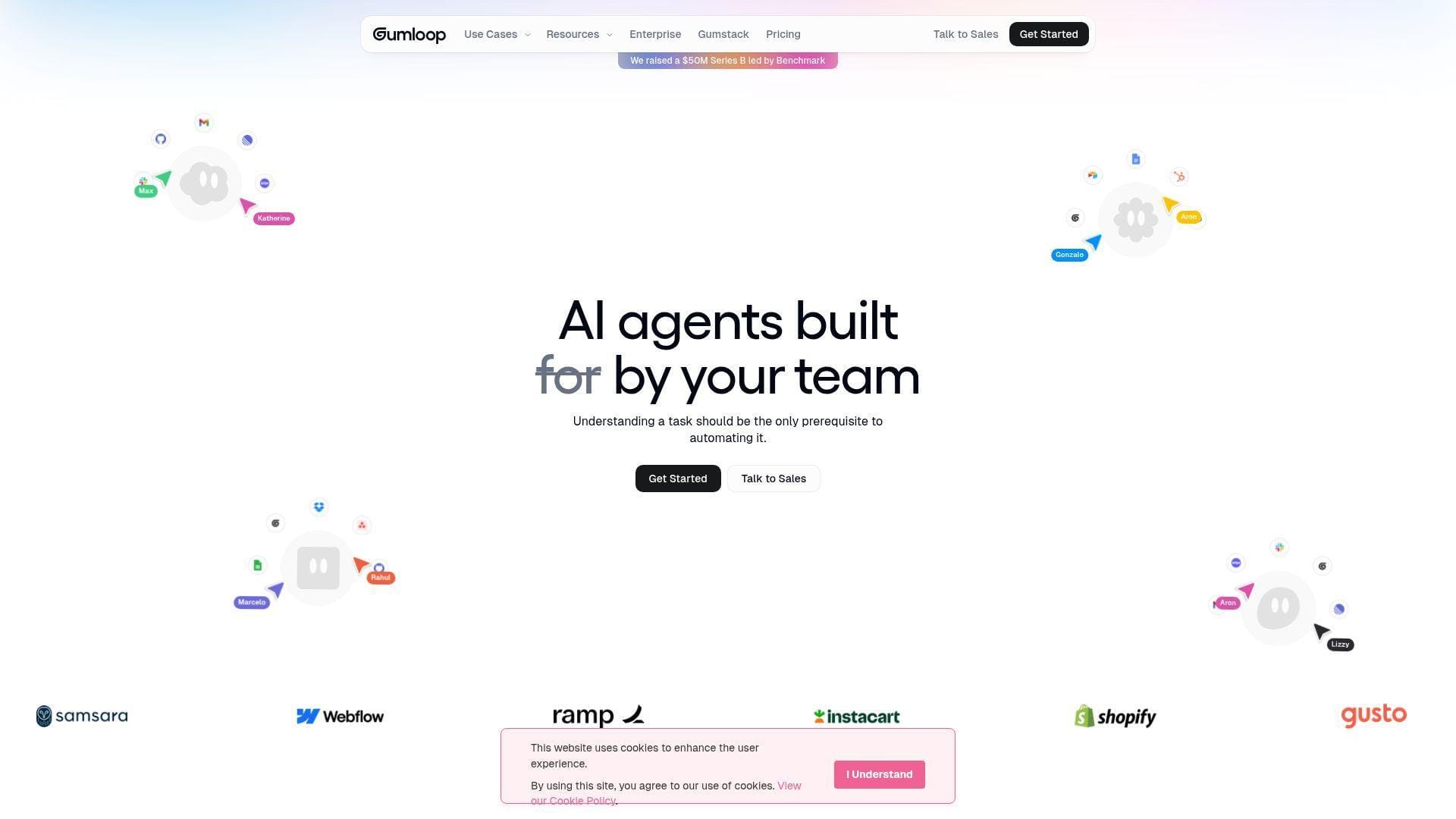
Gumloop is built for teams that want AI-driven automation without building a full engineering project. The company’s posture is “workflow first,” with building blocks that can support marketing and SEO tasks. It fits best when you already know your process pain.
Tagline: Turn repeatable SEO tasks into automated loops.
Best for: growth teams and operators automating SEO content workflows.
- Workflow builders → turn checklists into repeatable runs that don’t rely on memory.
- AI-assisted steps → saves 2–5 steps per content QA or enrichment cycle.
- Low-code setup → time-to-first-value is often 1–3 hours.
Pricing & limits: From $0/mo if you start on a limited free tier, with paid upgrades varying by usage. Trial: typically handled via free access rather than a timed trial. Caps are usually usage or run based, so watch automation volume.
Honest drawbacks: Pricing and limits can be harder to forecast than fixed-seat tools. Complex workflows still require careful testing to avoid bad outputs.
Verdict: If you want fewer manual loops in SEO operations, this helps you reclaim hours within a month. Beats spreadsheets on repeatability; trails Zapier on sheer integration breadth.
Score: 3.7/5
28. AirOps
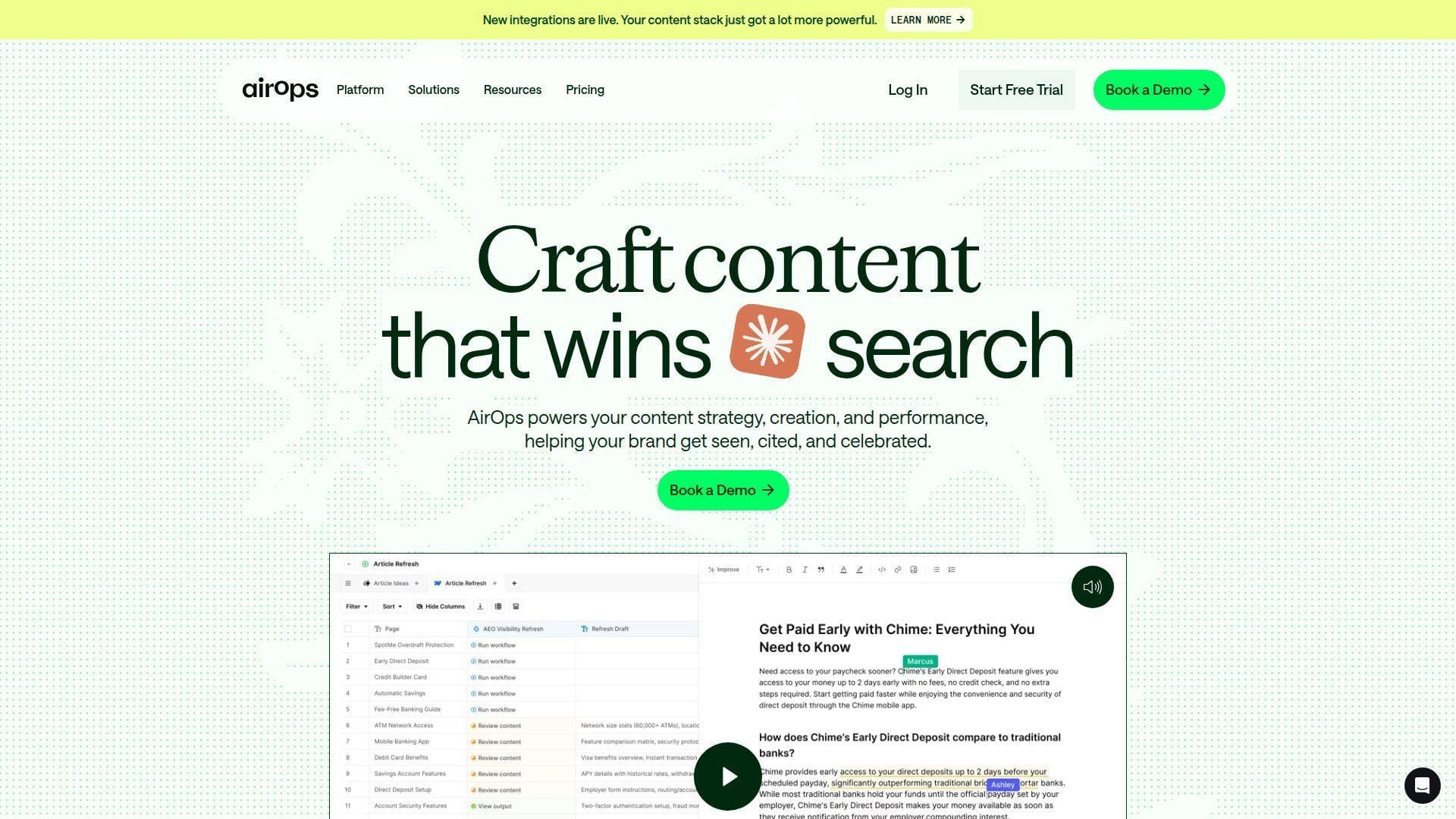
AirOps is built by a team focused on production-grade AI workflows for content and SEO work. The platform blends insight and execution, leaning into tracked prompts and opportunity reporting. It’s designed for teams that want repeatable, monitored AI output.
Tagline: Operationalize AI content work, with guardrails and reporting.
Best for: small content teams and agencies scaling content production.
- Tracked prompts and pages → keep AI work anchored to measurable targets.
- CMS and SEO integrations → saves 3–6 steps from plan to publish-ready output.
- Structured onboarding → time-to-first-value is often 1–2 days.
Pricing & limits: From $0/mo to start on a free path. Trial: 14-day free trial includes Scale features, and trials can end early if tasks run out. Caps include tracked prompts, knowledge bases, and task allowances per plan.
Honest drawbacks: Usage-based task pricing can surprise busy teams. If you want pure “SEO suite” features, you’ll still pair another tool.
Verdict: If you want AI workflows you can monitor and refine, this helps you scale output in 2–4 weeks. Beats generic chat tools on operations; trails Semrush on classic SEO breadth.
Score: 4.0/5
29. Claude by Anthropic
Claude is built by Anthropic’s research and product teams, with a strong emphasis on usable, safe AI. For SEO, Claude is best as a thinking partner: briefs, rewrites, summaries, and structured plans. It becomes more valuable when paired with your real performance data.
Tagline: Turn notes, data, and intent into cleaner SEO decisions.
Best for: solo marketers and content teams drafting and editing daily.
- Projects and long-context analysis → turn messy research into structured briefs.
- Connectors and tool context options → saves 2–4 steps pulling context into drafts.
- Fast start on web and apps → time-to-first-value is often under 5 minutes.
Pricing & limits: From $0/mo on Free. Pro is $20/mo billed monthly, or $17/mo on annual pricing. Trial: Free is the trial, with paid upgrades for higher usage. Caps are usage-based, with higher tiers offering multiples of Pro usage.
Honest drawbacks: It won’t replace SEO datasets, crawlers, or rank trackers. Outputs still need editorial judgment, especially for YMYL topics.
Verdict: If you want faster drafts and clearer thinking, this helps you speed cycles this week. Beats Jasper on general flexibility; trails Jasper on marketing governance layers.
Score: 4.1/5
30. Webflow
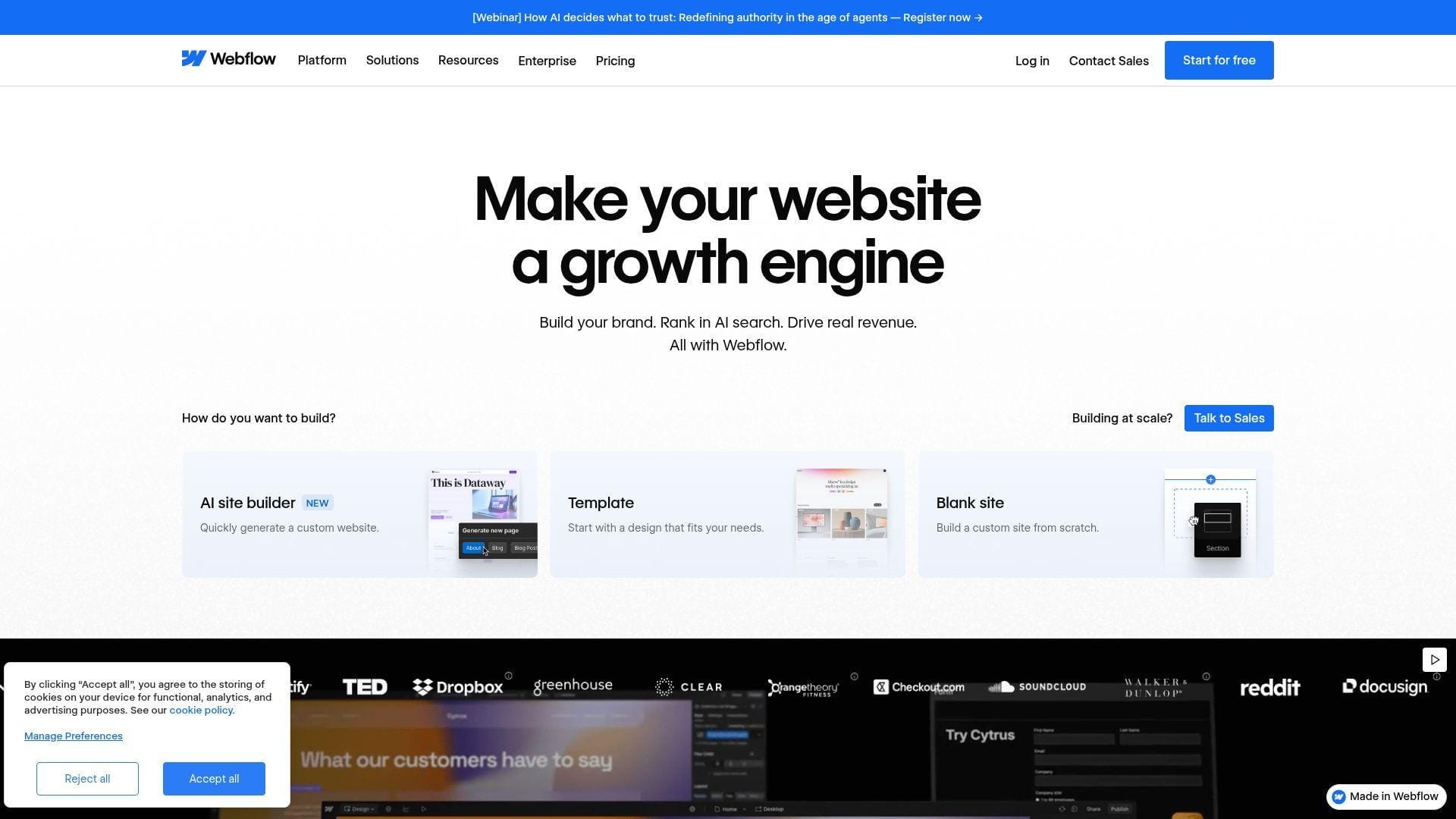
Webflow is built by a large product and engineering team focused on design-to-production websites. It’s not an SEO “platform,” yet it’s where SEO wins get implemented. When you can ship fixes without dev bottlenecks, SEO compounds faster.
Tagline: Publish faster, and let SEO changes ship with fewer handoffs.
Best for: marketing teams owning their site and SEO-led landing pages.
- Visual publishing workflows → reduce the time between SEO insight and live change.
- CMS structure and controls → saves 2–4 steps managing templates and internal links.
- Quick hosting setup → time-to-first-value is often 1–2 days.
Pricing & limits: From $14/mo on Basic with annual billing, based on prior plan updates. Trial: a free Starter site plan exists, with limits like 2 static pages and limited form submissions. Caps vary by site plan, including CMS items and form limits.
Honest drawbacks: SEO success still depends on strategy and content, not tooling. Some advanced publishing and CMS needs require higher tiers.
Verdict: If you want SEO changes to go live faster, this helps you cut launch time from weeks to days. Beats many builders on production control; trails developer stacks on deep customization.
Score: 4.0/5
SEO fundamentals these simple seo platforms should support (Google SEO Starter Guide)
When we train beginners, we anchor on the same baseline. The Google SEO Starter Guide keeps teams focused on fundamentals, not rumors or hacks.
1. Help Google find your content: index checks, links discovery, and sitemap submission
Discovery is the first gate. If pages are not being found, “optimization” is just busywork. Simple platforms should highlight index coverage signals and discovery gaps.
We like tools that connect page discovery to internal linking. A page without links is a ghost. Even a great article needs pathways.
Sitemaps help as a supporting signal. Platforms should generate sitemaps and surface submission errors. When discovery improves, everything else gets easier.
2. Ensure Google can render your pages like users by allowing access to key resources
Rendering problems are common on modern sites. Blocked scripts or styles can hide content from crawlers. Beginners often misdiagnose this as “thin content.”
Tools should flag blocked resources in plain language. They should also show what a crawler sees. That removes guesswork from debugging.
From the hosting layer, we also look for misconfigured caching. Rendering and caching can interact in surprising ways. A simple platform should at least warn you.
3. Organize your site logically so users and search engines understand page relationships
Site structure is a ranking lever disguised as user experience. Logical navigation reduces bounce and increases discovery. Search engines also learn what you prioritize.
We prefer platforms that visualize structure. A clean tree beats a raw URL list. It helps beginners spot orphan pages quickly.
In practice, “logical” means predictable categories and consistent templates. Simple tools should reward that consistency. When structure improves, reporting becomes clearer too.
4. Group topically similar pages in directories to support crawling and indexing at scale
Directories create meaning. They also set expectations for content depth. A platform should help you see topic clusters as groups, not scattered pages.
We often see small businesses mixing blog posts and service pages randomly. That makes measurement messy. Grouping creates cleaner insights and clearer internal links.
Tools should nudge teams toward consolidation. Thin clusters should be merged or expanded. Simplicity is sometimes subtraction, not addition.
5. Use descriptive URLs that communicate page meaning and support breadcrumb understanding
URLs are tiny UX. They help humans trust what they will click. They also help teams debug site issues faster.
We like platforms that audit URL patterns and flag confusing slugs. A descriptive URL also supports breadcrumb clarity. That is helpful for both users and crawlers.
From our perspective, clean URLs reduce redirect debt. Every messy change creates maintenance work later. A “simple” platform should prevent that debt early.
6. Reduce duplicate content with canonical URLs and redirects where appropriate
Duplicate content is often accidental. It can come from parameters, CMS quirks, or pagination patterns. Beginners can’t spot it by feel.
Platforms should surface duplicates as a prioritized list. They should also explain canonical intent in plain language. That keeps teams from “fixing” the wrong page.
We also see hosting-level redirects used as bandages. Redirects help, but strategy matters. A simple tool should show where duplication is structural, not cosmetic.
7. Create compelling, useful, people-first content that is easy to read and well organized
People-first content is operationally demanding. It requires clarity, structure, and honest usefulness. Tools should support writing, not replace thinking.
We like platforms that encourage scannability. Headings, bullets, and summaries help users finish the page. Completion is an underrated SEO signal.
In our experience, “useful” also means “maintained.” A simple platform should remind you about decaying content. Freshness is not always new posts.
8. Influence title links by writing unique, clear, concise titles that match the page content
Titles are a promise. If the page breaks that promise, engagement drops. Tools should detect duplicate titles and mismatched intent.
We prefer editors that show titles in context. A preview reduces overstuffing and vague phrasing. It also helps non-SEO writers learn quickly.
Operationally, unique titles reduce internal competition. When many pages chase the same phrase, results get unpredictable. Simple platforms should flag that cannibalization early.
9. Control snippets with strong on-page content and unique meta descriptions when used
Snippets are your micro-pitch in search. A tool should detect missing descriptions and duplicates. It should also help you write descriptions that match intent.
We advise teams to treat descriptions like ad copy. They should describe outcomes, not features. Clarity wins over cleverness.
Simple platforms should also warn against templated junk. Mass-produced descriptions look efficient, but they often reduce click confidence. Thoughtful defaults are better.
10. Optimize images with relevant placement and descriptive alt text for better understanding
Image optimization is both accessibility and SEO. Alt text helps users with assistive technology. It also helps search engines understand page context.
Platforms should flag missing alt text with clear action prompts. They should also warn about oversized files. Performance and imagery are inseparable.
We also care about delivery. Good hosting, compression, and caching matter here. When images load fast, content feels trustworthy. That trust affects conversions too.
11. Optimize video pages with descriptive titles and supporting text near embedded video
Video pages often fail because they are thin. The embed is present, but the context is missing. Search engines need supporting text to understand relevance.
Tools should encourage transcripts and summaries. They should also help with structured page layout around the video. That improves user comprehension as well.
From our view, performance matters again. Video embeds can delay render and shift layouts. A simple platform should at least highlight the risk areas for beginners.
Simple technical fixes and audits to prioritize first
1. Keyword selection and setup that connects directly to recommended actions
Beginners should avoid chasing “perfect” keywords. The first win is alignment: one query, one page, one intent. Tools should map keywords to URLs clearly.
We prefer platforms that suggest actions for a chosen keyword. It should not stop at “difficulty.” It should propose on-page improvements and internal links.
In client onboarding, that mapping prevents wasted writing. It also prevents duplicate pages targeting the same idea. Simplicity is making one strong page, not many weak ones.
2. Website health checks: page speed, broken links, and duplicate meta tags
Health checks are triage. They reveal what blocks growth even when content is good. Speed issues can erase ranking gains by damaging user experience.
Broken links are also trust leaks. Users hit dead ends, then leave. Crawlers also waste time, which weakens discovery.
We like platforms that group issues by impact. Beginners need a prioritized queue, not a guilt list. Fixes should feel finite, not endless.
3. Action dashboards that sort tasks by category, keyword, URL, or time-to-complete
Dashboards should reduce decision fatigue. Sorting by URL helps content teams. Sorting by category helps developers. Sorting by time helps everyone.
We avoid tools that bury tasks in long exports. SEO dies when work feels like archaeology. A simple dashboard keeps attention on the next meaningful change.
At 1Byte, we also push for ownership labels. Every task should have a clear owner. That clarity prevents “somebody should” stagnation.
4. SEO performance reporting that shows whether fixes are moving the needle
Beginners need causal stories, not vanity trends. Reporting should connect fixes to outcomes like improved impressions or clicks. Otherwise, effort feels disconnected.
We like reports that separate brand demand from non-brand discovery. That distinction teaches teams what content is actually expanding reach. It also helps stakeholders interpret progress fairly.
In practice, simple reporting also avoids false certainty. SEO is noisy, and platforms should say so. Honest reporting builds trust faster than hype.
5. Free keyword tools for positions, difficulty, competition, and density checks
Free tools are useful for learning. They help teams validate topics before committing to subscriptions. They also reduce dependence on a single vendor’s worldview.
We recommend using free tools to understand language patterns. Then we suggest moving to a platform that turns insight into action. Learning is valuable, but shipping is the goal.
From our perspective, free tools also de-risk experimentation. You can try a process on a small site section. That creates confidence before scaling efforts.
6. Backlink checks for a quick snapshot of link profile health
Backlink data can overwhelm beginners. Still, a quick snapshot helps spot obvious risks. It also shows whether brand mentions are growing over time.
We like tools that explain links in business terms. Which pages attract mentions, and why? That framing helps content teams produce more of what earns citations naturally.
In audits, we focus on relevance and intent. A few good links can matter more than many random ones. Simple platforms should communicate that nuance without jargon.
7. Website management utilities: XML sitemap generators and robots.txt generators
Utilities sound boring, but they prevent expensive mistakes. Sitemaps and robots rules influence what gets crawled. A simple generator helps beginners avoid syntax errors.
We like tools that validate outputs automatically. They should also explain consequences in plain language. Blocking a directory can hide important pages accidentally.
On hosted sites, we also see environment drift. Staging rules sometimes leak into production. Good platforms warn when rules look suspicious. That saves weeks of confusion.
8. Mobile-friendly testing as a fast baseline QA step
Mobile issues often show up as design problems, not SEO problems. Still, they affect rankings because they affect people. A simple platform should include quick mobile QA checks.
We advise teams to test templates, not only pages. One broken header component can ruin many URLs. Template-first thinking is how small teams move faster.
From infrastructure to theme code, mobile performance is shared work. Good tools show you where to look next. That direction matters when time is scarce.
9. Social and SERP preview helpers: Open Graph and Twitter Card generators
Social previews are not “just social.” They influence how content gets shared and linked. Better previews can increase referral traffic and natural citations.
We like generators that show previews instantly. They reduce the need for manual HTML edits. That makes marketers more independent.
In practice, consistent previews also protect brand perception. Ugly shares look untrustworthy. Simple tools help you avoid that silent penalty across platforms.
Content optimization and keyword research inside beginner-friendly SEO platforms
1. Content briefs and outlines based on top-ranking pages and related terms
Briefs are where SEO becomes editorial. A good brief clarifies intent, audience, and structure. Tools should generate briefs that writers actually want to use.
We like platforms that show why a term matters. “Related terms” should not be treated as checkboxes. They should reflect subtopics a reader expects to see.
In client workflows, briefs prevent rewrite cycles. They also align stakeholders early. That alignment is how small teams publish without drama.
2. Question-first keyword discovery for H2 and FAQ planning
Question keywords expose real uncertainty. They reveal what users still do not understand. That makes them ideal for section planning and FAQs.
We prefer tools that group questions by intent. A beginner should see clusters like “how,” “cost,” and “best.” That grouping turns research into outline structure quickly.
From our viewpoint, question-first content also improves internal linking. Each answer can point to a deeper service page. That creates a natural site architecture over time.
3. In-search keyword metrics to speed up early topic validation
Early validation prevents wasted weeks. Tools should let you check a topic quickly, then move on. Beginners do not need perfect certainty to publish useful content.
We like metrics that connect to business outcomes. Intent indicators and SERP composition help here. They show whether a query expects guides, products, or local answers.
For busy teams, speed is the secret weapon. The faster you validate topics, the more experiments you can run. Simple platforms should encourage that cadence.
4. Competitor research for traffic estimates, content gaps, and keyword opportunities
Competitor research is a shortcut to relevance. It shows what the market already rewards. A simple platform should make it easy to compare page types and topics.
We prefer “gap” workflows that end in a task list. Seeing a gap is not the same as closing it. Tools should propose what to write, update, or consolidate.
In practical terms, we also look for humility. Competitors might rank due to brand strength, not content quality. Platforms should help you interpret that difference carefully.
5. Content scoring and topic coverage workflows for publish-ready optimization
Scoring systems can help, but they can also mislead. We treat scores as prompts for review, not as final truth. Beginners should never “optimize for the meter.”
We like coverage workflows that emphasize completeness. Does the page answer the obvious questions? Does it use clear structure and examples?
In editing, “publish-ready” means readable and credible. Tools should nudge tone, clarity, and organization. That is where SEO and conversion align naturally.
6. AI-assisted SEO writing and optimization features built into platforms
AI writing is useful when it accelerates draft creation. It becomes harmful when it replaces expertise. Simple platforms should frame AI as a helper, not a strategy.
We advise teams to use AI for outlines and rewrites. Then humans should add proof, examples, and judgment. That hybrid workflow produces safer content.
From our side, AI also creates governance needs. A platform should support brand voice and review flows. Otherwise, speed becomes a brand risk.
7. Track visibility in AI search and LLM answers alongside classic SEO goals
Search behavior is expanding beyond blue links. Many platforms now track “AI visibility” style signals. Beginners should treat these signals as directional, not definitive.
We like tools that connect AI visibility back to classic SEO work. Good content, strong structure, and credible citations still matter. The fundamentals are not obsolete.
In operations, this tracking also changes stakeholder expectations. You can report visibility beyond rankings. That helps SEO stay relevant in modern marketing conversations.
8. Local SEO dashboards: rankings, listings signals, and review monitoring in one place
Local dashboards should feel like operations control panels. Rankings alone are not enough. You need listing accuracy, category consistency, and review awareness together.
We like tools that surface anomalies quickly. A sudden listings change can hurt calls and direction requests. Simple platforms should alert teams without noise.
For multi-location brands, templates matter. One workflow should apply across locations. That repeatability is what makes local SEO feasible for lean teams.
Automation and reporting for simple SEO workflows
1. Use automation to connect SEO tools with the rest of your marketing stack
SEO cannot live in isolation. Content calendars, tickets, and analytics should connect to SEO tasks. Automation keeps that connective tissue from snapping.
We often recommend starting with alerts and reminders. When a key page breaks, someone should know quickly. That is automation at its most valuable.
From our perspective, integration also reduces blame. When data flows between systems, root causes become visible. That clarity improves decision making across teams.
2. No-code workflow builders that combine SEO data with LLM-powered steps
No-code workflows are useful when they reduce manual copying. They can pull issues into a backlog automatically. They can also generate draft tasks for content and dev teams.
We advise restraint with LLM-powered steps. Automating text generation without review creates risk. A simple workflow should always include a human checkpoint.
In practice, the best automation is boring. It routes, labels, and reminds. Then humans do the judgment work with better context.
3. Automate recurring audits, alerts, and lightweight reporting cadences
Recurring audits prevent slow decay. Redirect chains appear, metadata drifts, and internal links break. Automation catches these before they become a quarter-long mystery.
We like lightweight cadences that do not punish the team. Weekly summaries and issue alerts are usually enough. The goal is steady maintenance, not constant anxiety.
From a hosting angle, alerts can also tie to uptime and performance. When performance drops, SEO often follows. Connecting those dots makes teams more resilient.
4. White-label and client-ready reporting when managing multiple sites
Agencies and multi-site operators need reports that look credible. White-labeling is less about vanity. It is about reducing friction in stakeholder communication.
We prefer reporting that includes recommendations, not just charts. A report should propose next actions for the next cycle. That keeps the relationship focused on progress.
In our experience, client-ready reports also reduce scope creep. When the plan is visible, expectations stay aligned. Simple reporting becomes a boundary-setting tool.
5. Export and publishing workflows that move from content optimization to CMS
Exports matter more than most teams expect. When content moves between tools, formatting breaks. That creates hidden labor and encourages shortcuts.
We like platforms that integrate with editors and CMS workflows. Direct publishing support reduces errors and saves time. It also helps keep optimization consistent across authors.
From an operational view, the best workflow is one click shorter. Each removed step increases compliance. That is how “simple” becomes durable.
6. Keep “simple” sustainable by standardizing a repeatable weekly checklist
Checklists turn SEO into habit. They reduce decision fatigue and protect progress when staffing changes. A simple platform should support checklist thinking.
We recommend a weekly rhythm that includes one audit pass and one content improvement. Then teams should review outcomes in the same meeting each week. Consistency beats intensity here.
At 1Byte, we also suggest documenting your “definition of done.” That includes publishing checks and technical checks. When the rules are written, execution improves fast.
1Byte: hosting and cloud services that support SEO-ready websites
1. Domain registration to launch and manage a search-friendly web presence
Domains are the front door of discoverability. A clean domain strategy avoids messy migrations later. It also prevents brand confusion across subdomains and microsites.
From our seat at 1Byte, we treat domains as operational assets. DNS hygiene, consistent redirects, and clear naming conventions reduce future SEO risk. Those choices also simplify analytics and reporting.
We also encourage teams to think about longevity. A domain should support expansion into new services and regions. When naming scales, SEO architecture becomes easier to maintain.
2. SSL certificates to secure sites with HTTPS and support trust signals
HTTPS is table stakes for modern trust. Users notice browser warnings immediately. Search engines also prefer secure experiences because users do.
At 1Byte, we view SSL as part of conversion optimization. Security reduces friction during contact forms and checkout flows. That is not “just IT,” and it is not “just SEO.”
Operationally, certificate management should not steal attention from marketing. Automation and renewal hygiene matter. When SSL is stable, teams can focus on content and technical improvements instead.







3. WordPress hosting, shared hosting, cloud hosting, and cloud servers with 1Byte as an AWS Partner
Hosting quality affects SEO through performance, reliability, and deployment hygiene. Slow pages frustrate users and increase abandonment. Unstable sites also create crawling and indexing turbulence.
As 1Byte, we think “SEO-ready hosting” is a systems promise. It means sensible caching defaults, predictable scaling, and clean environments. It also means logs and observability when something goes wrong.
Our cloud approach, including AWS-partnered infrastructure options, is designed for real business workloads. That includes content sites, ecommerce storefronts, and multi-location brands. If your SEO platform recommends fixes, your hosting should make those fixes easy to ship.
Next step: if we were in your shoes, we would pick one platform from the comparison table and run a single weekly loop for a month. Which loop would you commit to first: technical hygiene, content updates, or local visibility?