

- Define the goal, audience, and requirements for your eLearning platform
- How to make e learning website by choosing the right platform type
- Development roadmap: design, testing, launch, marketing, and ongoing maintenance
- Brand foundations: create an online presence, buy a domain, and choose hosting
- Set up the site with WordPress, LMS, eCommerce, and secure video delivery
- Design and user experience that keeps learners engaged
- Create courses that scale: lessons, prerequisites, quizzes, and must-have platform features
- How 1Byte supports your eLearning website on AWS
- Conclusion: launch small, iterate, and evolve your eLearning platform
Building an eLearning website is not “just a WordPress project” and it’s not “just an LMS decision.” In our experience at 1Byte, it’s a systems problem: content, identity, payments, media delivery, performance, and trust all collide in a single learner journey. A student clicks “Start lesson,” and behind that click sits a stack of design choices—some obvious (course structure), some invisible (session handling, signed media URLs, caching behavior), and some existential (what, exactly, are we promising learners?).
From the infrastructure side, the market signal is loud. In one widely cited forecast, Gartner expects worldwide public cloud end-user spending to reach $679 billion in 2024, and we see that gravity pulling learning platforms toward elastic hosting, managed services, and globally distributed delivery. Meanwhile, real-world course ecosystems like Coursera’s cohort-based specializations and Duolingo’s habit-forming micro-lessons remind us that the “website” is only the skin; the learning experience is the product.
So our goal in this blueprint is practical: we want to walk you through the decisions that determine whether your platform becomes a dependable learning business or a fragile set of pages that only works on launch day. Along the way, we’ll argue for a disciplined requirements catalog, a security-first media strategy, and an approach to scaling that treats concurrency as a design input rather than a late surprise. If you’re building for customers, employees, members, or the public, the same theme holds: trust is earned in the details.
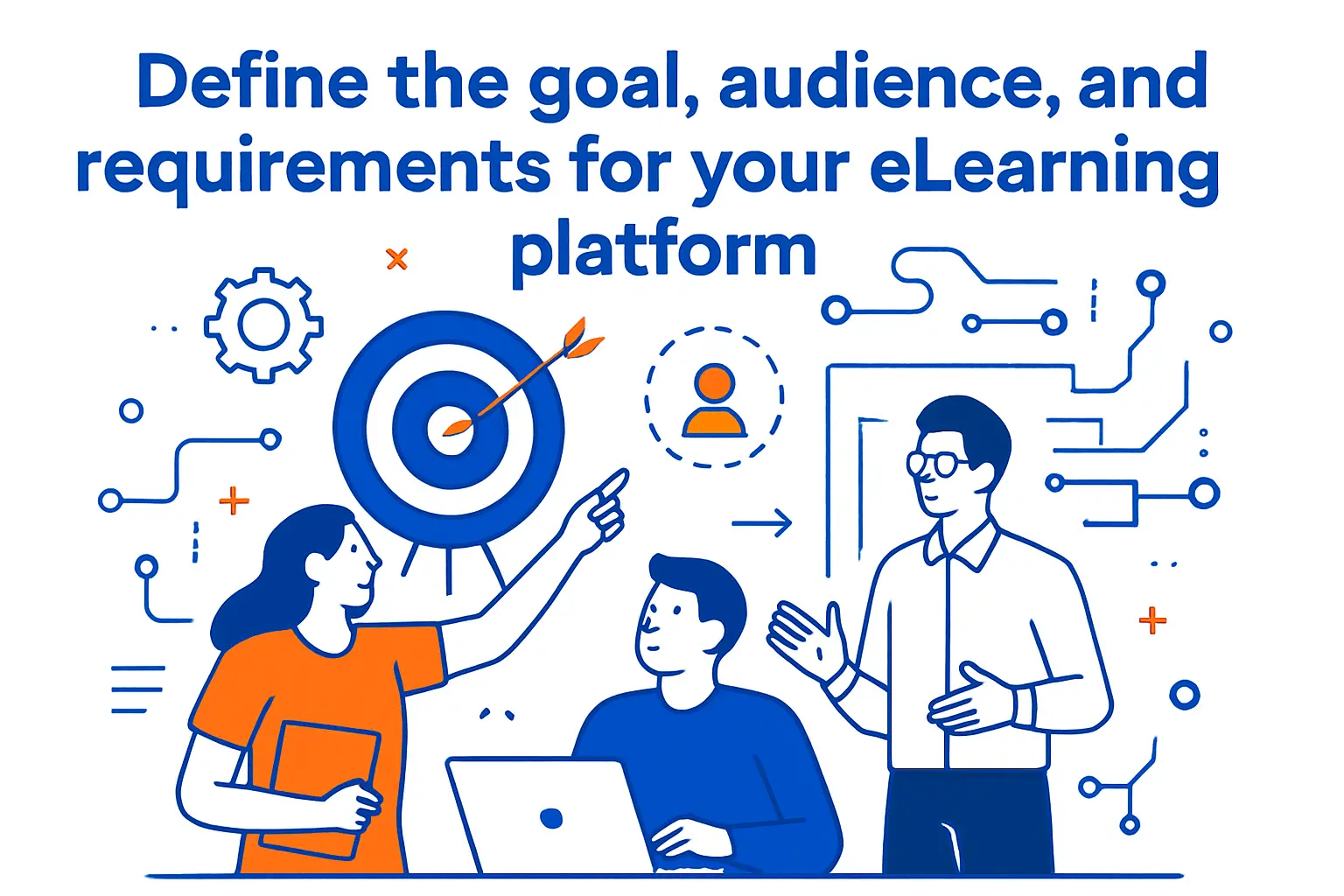
Define the goal, audience, and requirements for your eLearning platform
1. Clarify what learners should achieve and how success will be measured
Before we touch a theme, we define the learning contract: what should a learner be able to do differently after finishing? That phrasing matters because “watch videos” is not an outcome; it’s an activity. In practice, we write outcomes as observable behaviors—apply a framework, complete a workflow, explain a concept, or ship a project—so the platform can be designed to validate them.
Next, we choose measurements that match the promise. Completion rate is useful, but it can be a vanity metric when the content is entertaining yet non-transformative. Instead, we tend to combine behavioral signals (lesson progression, quiz mastery, assignment submission) with business signals (refund rates, repeat purchases, support tickets) so success has both pedagogical and operational meaning.
2. Create a requirements and expectations catalog before building
A requirements catalog is where teams stop guessing. Rather than brainstorming features in a vacuum, we write a clear list of expectations for learners, instructors, and administrators, plus constraints like budget, timeline, and compliance needs. Done well, this becomes the document that prevents scope drift and keeps stakeholders aligned when tradeoffs appear.
In our build plans, we separate “must-have for launch” from “must-have for scale.” Launch requirements typically include identity, course access rules, payment flows, core analytics, and support pathways. Scale requirements usually include stronger automation, better segmentation, tighter security around premium content, and operational tooling that reduces the human cost of running the platform.
3. Profile your learners: roles, demographics, devices, and prior knowledge
Learner profiling is not marketing fluff; it’s a performance and UX decision. A platform built for desk workers with large monitors can afford complex dashboards, while mobile-first audiences will punish heavy pages, awkward forms, and tiny tap targets. In our experience, device reality determines everything from navigation depth to video bitrates to the shape of quizzes.
Prior knowledge is the silent killer of course satisfaction. When beginners feel lost, they blame the instructor; when experts feel bored, they blame the platform. We reduce that mismatch by mapping entry assumptions and then adding on-ramps (diagnostic quizzes, optional primers, “choose your path” modules) that respect both ends of the spectrum.
4. Plan for accessibility needs and human-centered design considerations
Accessibility is not a checkbox; it’s a multiplier on your reach and a hedge against reputational risk. From our standpoint, designing for accessibility also improves usability for everyone: clearer structure, better contrast, predictable navigation, and transcripts that help learners study in noisy or quiet environments.
When we align with Web Content Accessibility Guidelines, we treat them as product requirements, not post-launch remediation. Captions, keyboard navigation, semantic headings, readable forms, and descriptive link text are easier to bake in than to retrofit after hundreds of lessons exist.
5. Decide expected concurrency and cohort size for your courses
Concurrency planning is where a course platform becomes a systems design exercise. Even a “small” cohort can spike traffic when lessons unlock, when live sessions begin, or when a newsletter drops. From our hosting perspective, the peak matters more than the average because peaks are when payments fail, videos buffer, and support queues swell.
We recommend modeling a few peak scenarios early: a launch-day rush, a live-class start, and a deadline hour. That model informs caching strategy, database sizing, media delivery choices, and operational playbooks. In other words, we decide how to survive success before it arrives.
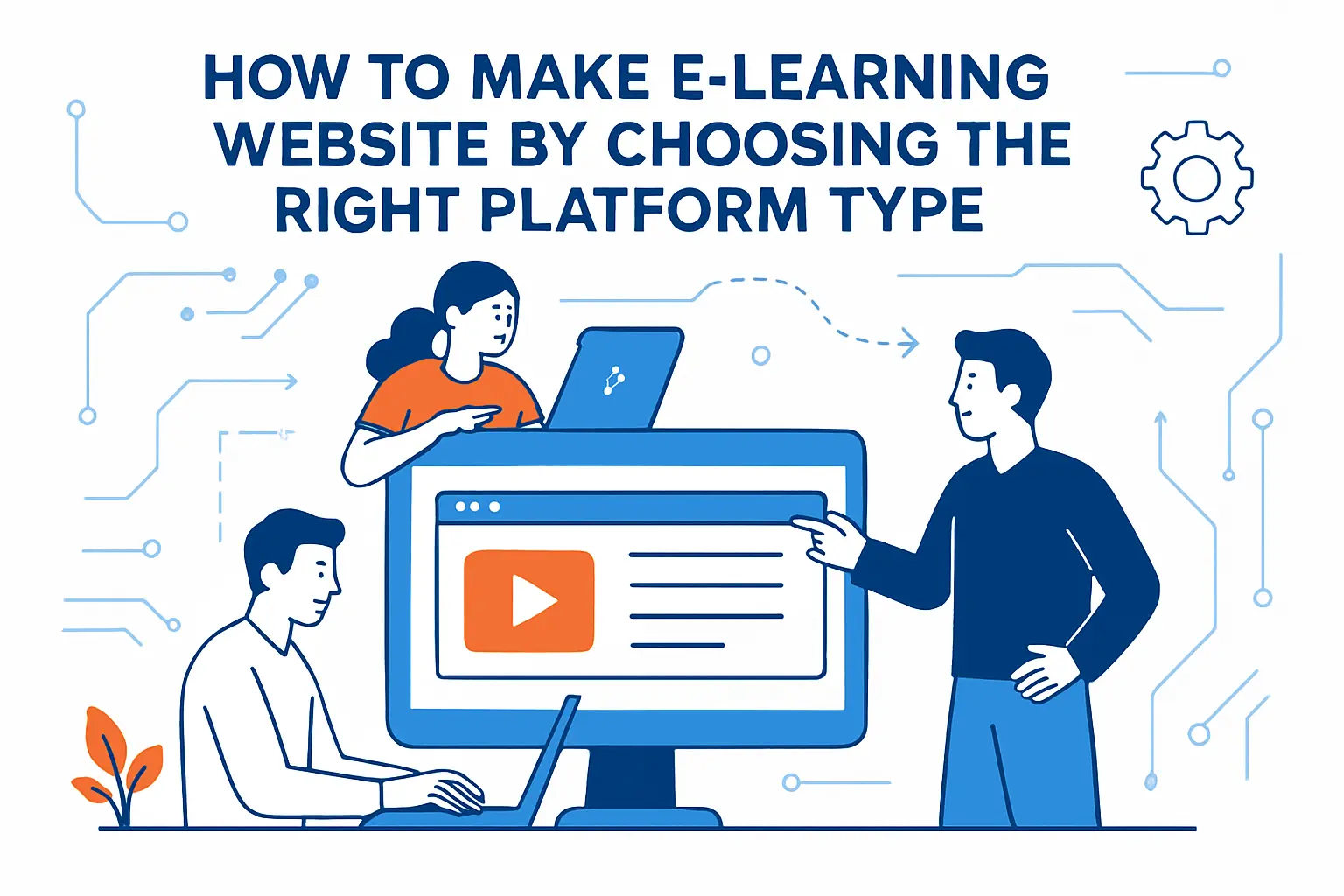
How to make e learning website by choosing the right platform type
1. Website vs LMS decision: what you must build yourself versus what an LMS provides
A plain website can sell education, but it doesn’t naturally manage education. The moment you need structured enrollment, lesson gating, progress tracking, certificates, instructor tooling, and compliance-friendly reporting, you’re describing an LMS. The key decision is whether you want to assemble these behaviors from plugins and custom code or adopt an LMS that already encodes the learning lifecycle.
From our perspective, the right answer depends on your differentiation. If your advantage is content and community, an LMS can save months. If your advantage is a novel learning mechanic, you may need a custom platform—or at least a highly extensible foundation that won’t fight you when you evolve.
2. When a simple landing page and lightweight delivery can be enough at the start
Sometimes the best “platform” is a landing page, a payment link, and a controlled way to deliver content. Early on, you may be validating demand, refining your curriculum, and learning which outcomes actually matter to buyers. A lightweight approach reduces risk and keeps you close to your learners rather than buried in implementation details.
In that phase, we still advocate for professionalism: clear copy, a credible instructor profile, an FAQ that addresses objections, and a support channel that responds quickly. Even a minimal setup should feel trustworthy, because trust is what makes someone pay for learning before they receive it.
3. Learning Management System for structured courses and training delivery
An LMS shines when you need repeatable structure: modules, lessons, quizzes, prerequisites, and reporting. Corporate training teams lean on this structure because it supports onboarding, policy education, and role-based learning paths without reinventing the wheel each time a course changes.
Operationally, an LMS also creates administrative leverage. Instead of manually tracking who completed what, you gain automated progress states, messaging triggers, and centralized content updates. That leverage is the difference between a course business that scales and one that collapses under the weight of its own logistics.
4. Virtual classroom software for live sessions with real-time interaction
Live learning is not just “Zoom plus slides.” Virtual classroom software becomes your stage: attendance, breakout flows, moderation tools, and the ability to share artifacts (whiteboards, code, documents) determine whether learners feel included or invisible. From our viewpoint, live platforms must be chosen with the same seriousness as your payment provider.
In practice, we look for integrations that reduce friction: calendar scheduling, automated reminders, and links that respect access control. When those are missing, instructors end up doing support work, and learners experience “tech fatigue” before the lesson even begins.
5. Massive Open Online Course model for large catalogs and modular learning
The MOOC model is compelling when your value lies in breadth and discoverability. Modular catalogs allow learners to self-serve, sample, and build a personalized path across many topics. This approach can also support partnerships and guest instructors because new modules can be added without re-architecting a single flagship program.
From a systems angle, MOOCs demand strong search, tagging, and recommendation logic, plus careful handling of progress across many small units. Without that scaffolding, learners drown in options and leave with the uneasy feeling that they started something they can’t finish.
6. Collaborative eLearning platforms for group learning and forum-based discussion
Collaboration changes the retention curve because learners bond to peers, not just content. Discussion forums, peer review, group assignments, and accountability structures turn a course into a social commitment. In our observation, community is often the hidden engine behind “high completion,” even when videos are similar to competitors.
Design-wise, collaboration needs moderation, clear community guidelines, and UX patterns that reward constructive behavior. When the platform lacks these, forums become either ghost towns or chaotic support channels where the loudest voices dominate.
7. Self-hosted options: open-source LMS hosting approach
Self-hosted open-source LMS options can be a strategic move when you need control: custom integrations, data ownership, and infrastructure-level performance tuning. From a hosting provider’s standpoint, self-hosting also forces technical maturity—backup strategy, patch cadence, observability, and incident response stop being abstract concepts.
At the same time, self-hosting is not “free.” The cost shifts from licensing to engineering and operations. We advise teams to be honest about who will maintain the platform, how updates will be tested, and what happens when an instructor needs help during a live cohort.
8. WordPress options: LMS plugins for adding course delivery to a website
WordPress is popular because it compresses time-to-market: content editing, themes, plugins, and a massive ecosystem. Adding an LMS plugin can transform a marketing site into a course platform without building everything from scratch. From our perspective, this is often the fastest path to a credible MVP that can still evolve.
Still, plugin-driven platforms require discipline. We recommend treating plugins like vendors: evaluate update history, security posture, support responsiveness, and extensibility. A course business built on brittle dependencies can feel stable—until an update, a conflict, or a traffic spike reveals the cracks.
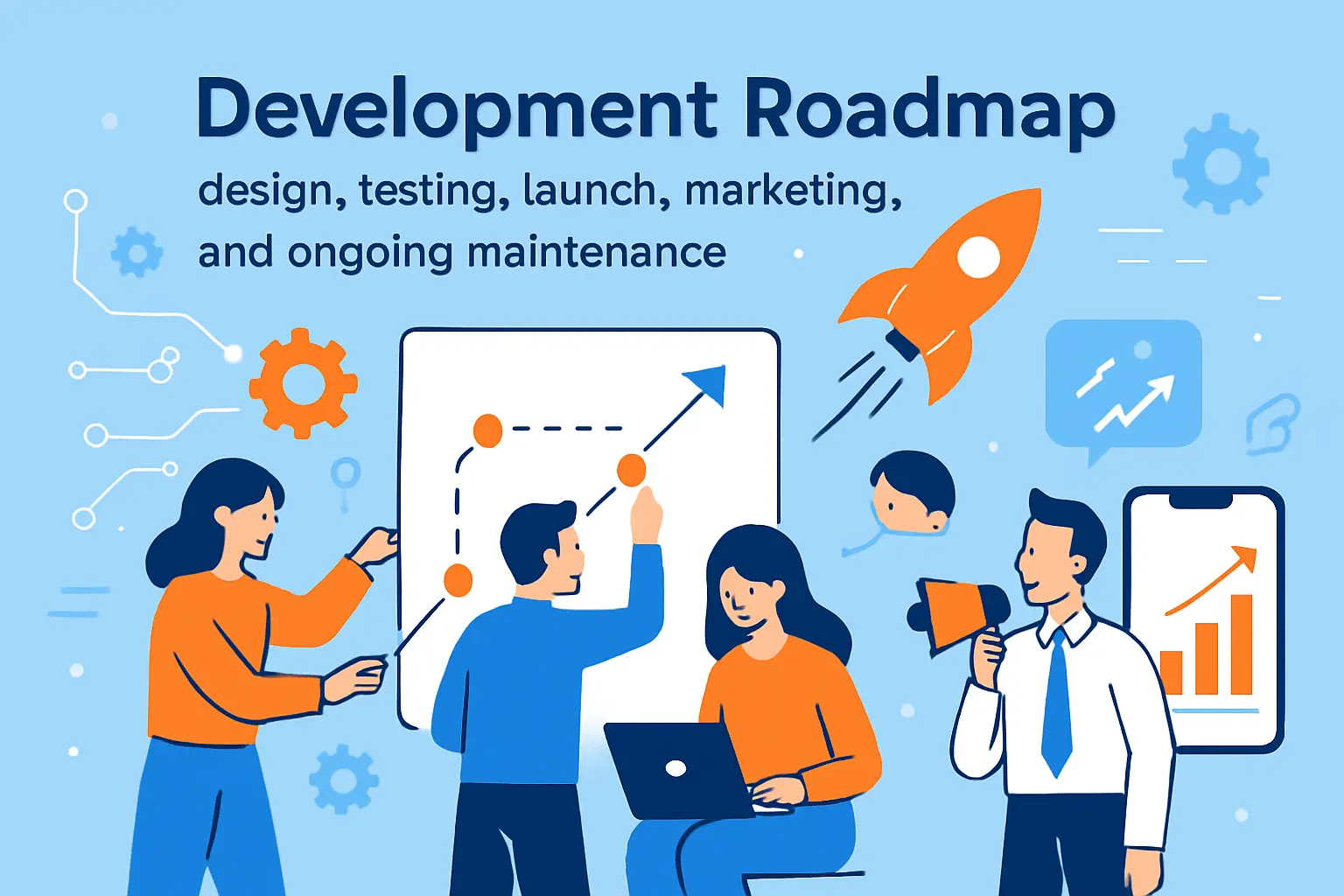
Development roadmap: design, testing, launch, marketing, and ongoing maintenance
1. Start with a business idea grounded in market research and platform differentiation
Courses compete on outcomes, credibility, and delivery experience. Before building, we encourage founders to research competing offerings, not to copy them, but to understand the baseline: pricing patterns, promises, community features, and what learners complain about in reviews. Those complaints are often where your differentiation lives.
From our side, we also look at operational differentiation. A platform that answers support quickly, delivers smooth video, and makes progress feel visible can win even with similar curriculum, because learners experience reliability as respect.
2. Select a development approach and evaluate the technology stack and team experience
Choosing a stack is partly technical and partly organizational. A team fluent in WordPress can ship faster with fewer mistakes than a team forcing itself into unfamiliar frameworks. Conversely, a product that requires custom interactivity may outgrow plugin ecosystems and demand bespoke engineering sooner than expected.
In our planning sessions, we recommend mapping your highest-risk requirements to the stack early. If access control, video security, and reporting are mission-critical, validate those paths before polishing the homepage. A beautiful shell around a broken core is still broken.
3. Design and development phase: align business needs with a unique interface
Design is where business intent becomes user behavior. A learner should instantly understand what to do next, while an instructor should know how to update content without fear. We treat interface design as a conversion tool and a retention tool at the same time, because the purchase is only the beginning of the journey.
From a technical standpoint, we prefer interfaces that are simple to render and easy to cache. Performance is not an afterthought; it is part of UX. Fast navigation and predictable layouts reduce cognitive load, which leaves more attention for learning.
4. Testing phase to identify bugs, validate flows, and document results
Testing is where optimistic assumptions meet reality. We test the full funnel: browse, purchase, enroll, start lesson, resume later, complete assessment, and request support. Each flow is documented, because documentation is what prevents “tribal knowledge” from becoming your operational dependency.
In our hosting practice, we also test failure modes. What happens if media storage is slow, if a cache is cold, or if a payment webhook is delayed? Those edge cases are not theoretical; they are the moments when learners decide whether your platform is trustworthy.
5. Deployment and launch planning: platform readiness, handoff, and credentials
Launch planning is mostly coordination. Credentials must be managed securely, DNS changes must be scheduled, rollback plans must exist, and support channels must be staffed. We’ve seen too many launches fail not because the code was bad, but because handoffs were unclear and access was scattered across personal accounts.
Operational readiness includes backups, monitoring, and incident playbooks written in plain language. When something breaks, teams under stress can’t decode a complex diagram; they need a checklist. A calm response is a competitive advantage.
6. Marketing execution across social platforms and channels after launch
Marketing is not just “posts”; it’s message-market fit expressed repeatedly. After launch, we advise creators to build a content loop that demonstrates expertise: short lessons, learner success stories, behind-the-scenes curriculum choices, and honest answers to common objections. Consistency beats flash because learning buyers want reliability.
From the platform side, marketing needs tracking discipline. Use landing pages tailored to each channel, align messaging with the specific course outcome, and ensure your analytics can tell you where engaged learners come from. Otherwise, you’ll optimize based on noise.
7. Support and maintenance: fixes, enhancements, and continuous improvement
Support is product development in disguise. Every repeated question is either unclear content, confusing UX, or missing automation. We encourage teams to tag support tickets by theme and feed that data back into content, UI copy, and onboarding messages.
Maintenance is equally strategic. Updates, security patches, plugin compatibility, and infrastructure tuning protect your revenue. A course platform that feels “abandoned” quickly loses trust, even if the lessons themselves are still valuable.
8. Instructional workflow alignment: communicate clearly with subject matter experts
Subject matter experts often think in lectures; platforms require modularity. To align workflows, we recommend templates for lesson structure, media naming conventions, assessment style, and review checkpoints. Those templates reduce friction and make the final experience feel consistent, even across multiple instructors.
In our collaborations, we also insist on a content handoff format that survives time. When content lives only in chat threads or scattered documents, updates become painful. A clean workflow is not bureaucracy; it’s future-proofing.
Brand foundations: create an online presence, buy a domain, and choose hosting
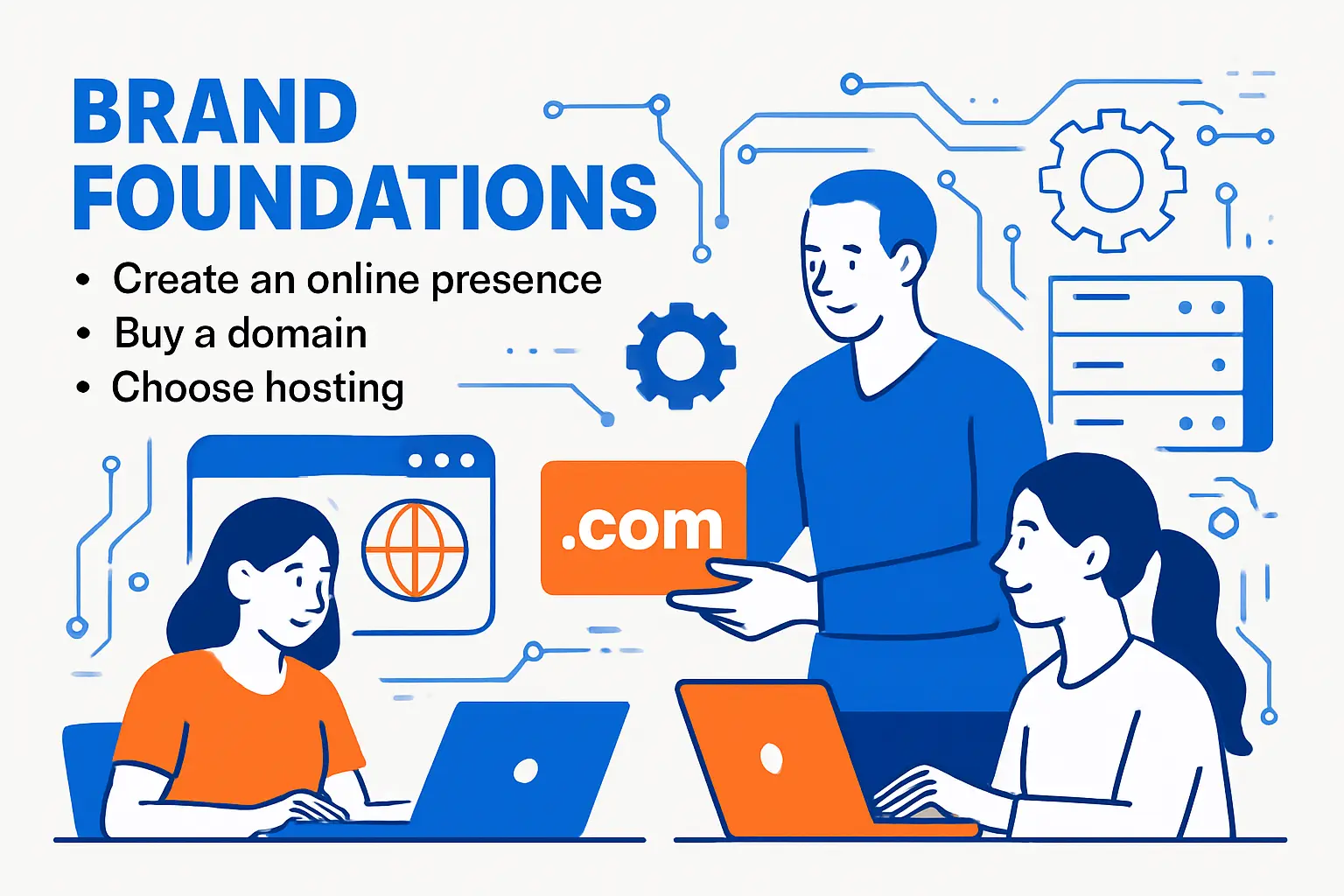
1. Name brainstorming that reflects niche and brand goals
A name is a promise compressed into a few syllables. From our perspective, the best names either signal the outcome (“learn to ship”), the identity (“for analysts”), or the transformation (“from novice to professional”). Cleverness is optional; clarity is not.
Brand goals should shape the choice. If you plan to expand beyond a single topic, avoid overly narrow names that trap you. If authority is your moat, prioritize names that sound credible in a corporate procurement email, not only on social media.
2. Domain availability checks and early purchase to secure your brand name
Domains disappear faster than founders expect. Once a name is public in a pitch deck, a tweet, or a community chat, the clock starts ticking. We recommend checking availability early and purchasing when you’re confident the name is viable, because the cost of delay can be rebranding later.
In our hosting consultations, we also encourage teams to secure close variants to prevent confusion. That step reduces support issues caused by typos and protects learners from accidentally landing on lookalike domains.
3. Domain selection guidelines: short, memorable, and avoiding symbols and numbers
Short and pronounceable usually wins. Symbols create friction in spoken marketing, and numbers can be misheard or mistyped. From our viewpoint, a good domain is one you can say on a podcast without spelling it out letter by letter.
Memorability also comes from rhythm. If learners can recall your domain after a single exposure, your paid acquisition becomes more efficient. Even better, your referral loop gets stronger, because people can share it in conversation without pulling out a phone.
4. Hosting selection for growth: start small and plan for scalability
Hosting is not a commodity when you sell learning. Video-heavy pages, logged-in sessions, and payment workflows amplify performance issues, so “cheap hosting” can become expensive through churn and support burden. We advise starting with a plan that matches your current risk, then choosing an architecture that won’t force a painful migration the moment demand rises.
From our infrastructure lens, scalability is partly compute and partly operations. A platform that can scale traffic but cannot scale content updates, instructor onboarding, and support will still feel fragile. Growth exposes the weakest system, not the strongest.
Set up the site with WordPress, LMS, eCommerce, and secure video delivery
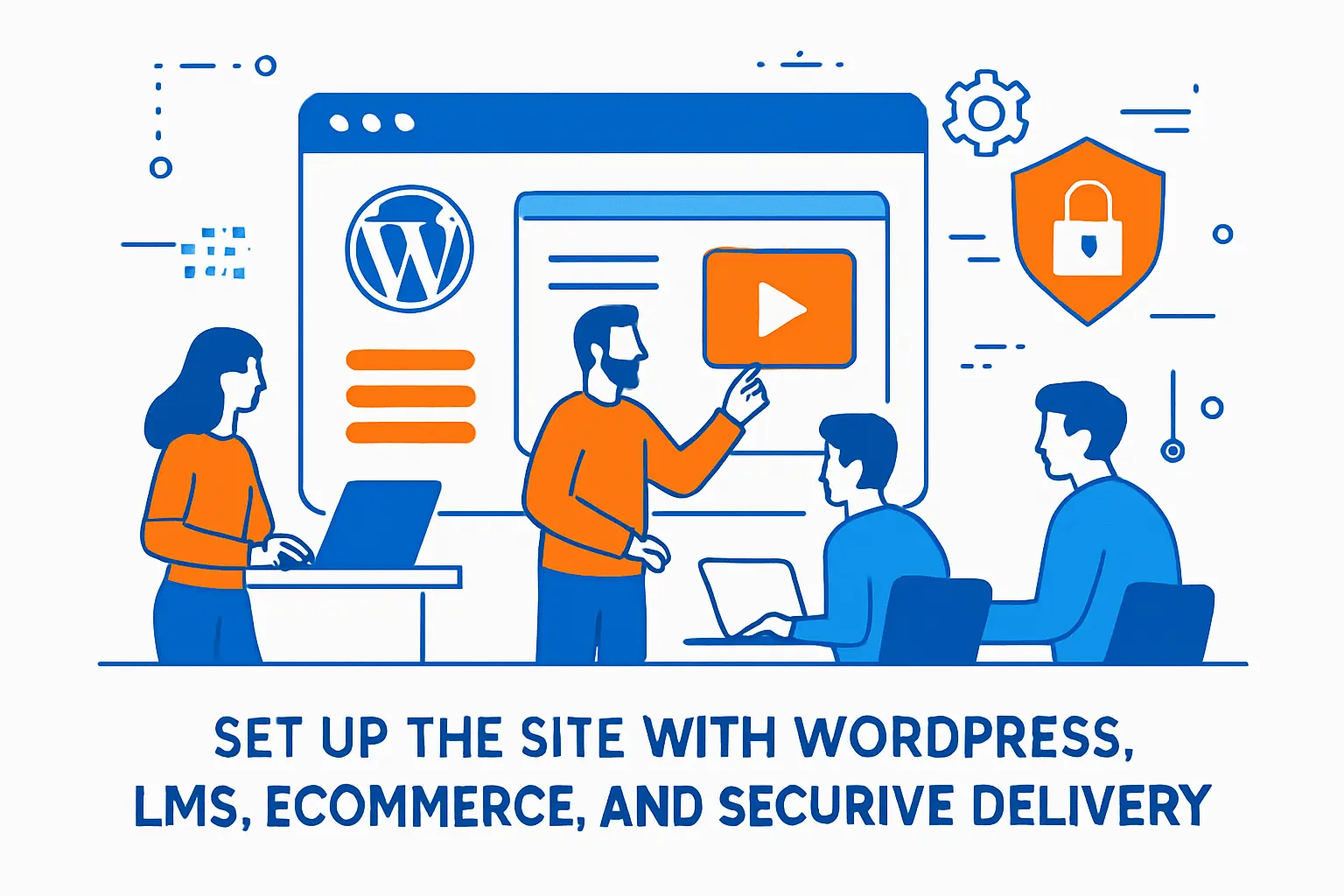
1. Why WordPress is commonly used for eLearning sites with minimal technical effort
WordPress reduces the distance between idea and publication. Editors can draft lessons, update landing pages, and iterate on messaging without waiting for deployments. From a business standpoint, that agility matters because course platforms rarely get the positioning perfect on the first attempt.
At the same time, WordPress demands governance. Plugin sprawl, inconsistent page builders, and unreviewed admin access can turn a clean site into a risky patchwork. We prefer treating WordPress as a product surface with standards, not as an endless buffet.
Practical governance we like to enforce
- Role hygiene: limit admin accounts, and define who can publish versus who can edit drafts.
- Update discipline: stage changes before pushing them live, especially for LMS and payment components.
- Security hardening: follow Hardening WordPress practices so the basics are handled consistently.
2. Tutor LMS as the core learning management system inside WordPress
Tutor LMS is a common choice when teams want structured courses inside WordPress without building an LMS from scratch. In our experience, the value is speed: instructors can create courses, lessons, and quizzes using a familiar admin interface, while the business can define enrollment rules and monetize content.
Implementation still benefits from planning. We recommend deciding your course taxonomy early—categories, tags, difficulty signals, and prerequisites—so you don’t need to reorganize later. For feature details, we typically align configuration with the Tutor LMS documentation rather than improvising settings per instructor.
3. WooCommerce integration for course purchases and payment workflows
WooCommerce turns your course into a product with predictable checkout behavior, receipts, and order management. From our operational lens, that predictability matters because support teams need clear answers to “Did I pay?” and “Why can’t I access the course?” without digging through logs.
We also like WooCommerce because it can integrate with multiple payment providers and handle common business requirements like coupons, refunds, and taxes. When configuring payments, we advise reading the WooCommerce payments documentation carefully and documenting your refund policy in plain language to avoid disputes.
4. Video hosting strategy to control access to premium course content
Video is usually your biggest bandwidth cost and your biggest piracy risk. Hosting videos directly on the same web server as WordPress can work for small experiments, but it tends to break down as soon as you have serious traffic or long-form lessons. From our perspective, premium content needs a deliberate media architecture.
A strong strategy separates concerns: WordPress manages lessons and permissions, while a dedicated media layer handles streaming and access control. We often recommend signed delivery patterns, where only authenticated learners can fetch the media. For teams building on AWS, CloudFront patterns like private content with signed URLs are a common building block.
5. Embedding videos into lessons with hosted embeds or YouTube as a source
Embedding is a tradeoff between convenience and control. YouTube is frictionless and resilient, but it can expose learners to distractions and makes access control difficult for paid courses. Hosted embeds give you more control, but they demand a thoughtful approach to caching, token expiration, and device compatibility.
In our builds, we choose based on the business model. Free courses can thrive on public platforms because discoverability is a feature. Paid courses generally benefit from controlled hosting because the platform itself becomes part of the value proposition: clean playback, stable access, and a learning-first environment.
Design and user experience that keeps learners engaged
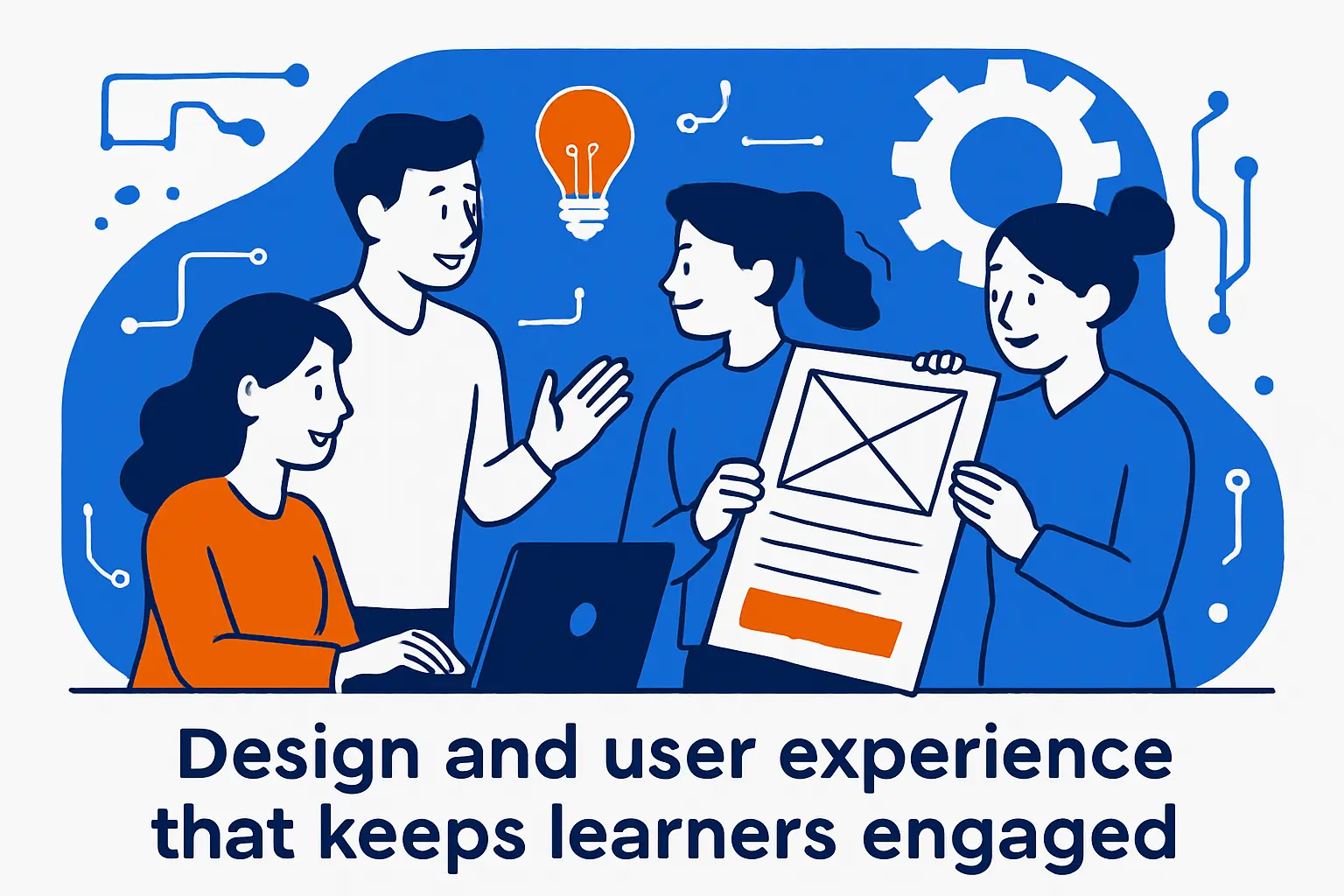
1. When WordPress is a fit for startups and when custom functionality becomes necessary
WordPress is a fit when your problem is packaging and delivering knowledge, not inventing a new learning mechanic. Startups often win by shipping quickly, learning from real users, and refining the curriculum. In that context, WordPress plus a solid LMS plugin can be the right kind of boring.
Custom development becomes necessary when your product demands unique interactivity, complex cohort orchestration, advanced analytics, or specialized integrations with enterprise systems. From our experience, the warning sign is when you’re fighting the platform every week just to implement core learning behaviors.
2. Responsive design as a baseline requirement for modern course sites
Responsive design is not a “nice to have.” Learners watch lessons during commutes, between meetings, and on personal devices after work. If the course experience is clumsy on mobile, you’re effectively telling learners that their time is less important than your design preferences.
From our infrastructure perspective, responsive design also affects performance. Mobile users are more sensitive to heavy pages and large media payloads. We recommend optimizing images, minimizing script bloat, and designing layouts that don’t require huge DOM complexity to feel polished.
3. User-centered design approach for navigation and platform usability
User-centered design begins with the learner’s question: “What should I do next?” The platform should answer that question on every screen. Clear progress indicators, obvious “continue” actions, and predictable course structure reduce cognitive load so learners can focus on the lesson itself.
In our UX reviews, we map the learner journey like a story: discovery, purchase, first win, deeper work, and completion. Each chapter needs a smooth transition. When navigation is confusing, learners don’t complain; they quietly leave.
4. Engagement techniques: surprises, varied formats, and targeted messaging
Engagement is engineered, not begged for. We recommend varying formats: short readings, quick exercises, reflection prompts, and practical assignments that produce artifacts. Variety keeps attention from flattening, and it gives learners multiple ways to process a concept.
Targeted messaging also matters. A beginner needs reassurance and clear steps, while an advanced learner wants optional depth. From our standpoint, segmentation can be as simple as providing “fast track” and “foundation” paths without turning the platform into a maze.
5. Storytelling and building a consistent thread across content
Storytelling is the glue between lessons. A course that feels like a playlist often fails to change behavior because learners can’t see the arc. We like to frame modules as chapters in a transformation, where each lesson earns its place by moving the learner closer to a concrete outcome.
Consistency also reduces friction. When the structure repeats—concept, example, exercise, recap—learners spend less energy decoding the format and more energy absorbing the material. That predictability is not boring; it is respectful.
6. Interaction design: learner-to-learner engagement and quiz incentives
Interaction design is where platforms differentiate beyond content. Learner-to-learner engagement can be as light as discussion prompts or as deep as peer review. The goal is to create a sense of shared momentum, so learners feel accountable to something other than their own willpower.
Quiz incentives should reinforce learning rather than gamify emptily. In our preferred patterns, quizzes unlock deeper modules, recommend remediation lessons, or trigger instructor feedback. The incentive is progress with meaning, not points for their own sake.
7. Emotional engagement to improve message retention and relevance
Emotion is not fluff; it’s memory infrastructure. Learners remember moments of relief, surprise, challenge, and clarity. We encourage instructors to include stories from the field—mistakes made, tradeoffs chosen, and real constraints—because learners are preparing for reality, not a textbook.
Relevance is the second half of the equation. When learners can see how a lesson maps to their work, they persist. From our experience, the best platforms make that mapping explicit through examples, templates, and “apply this today” assignments.
Create courses that scale: lessons, prerequisites, quizzes, and must-have platform features
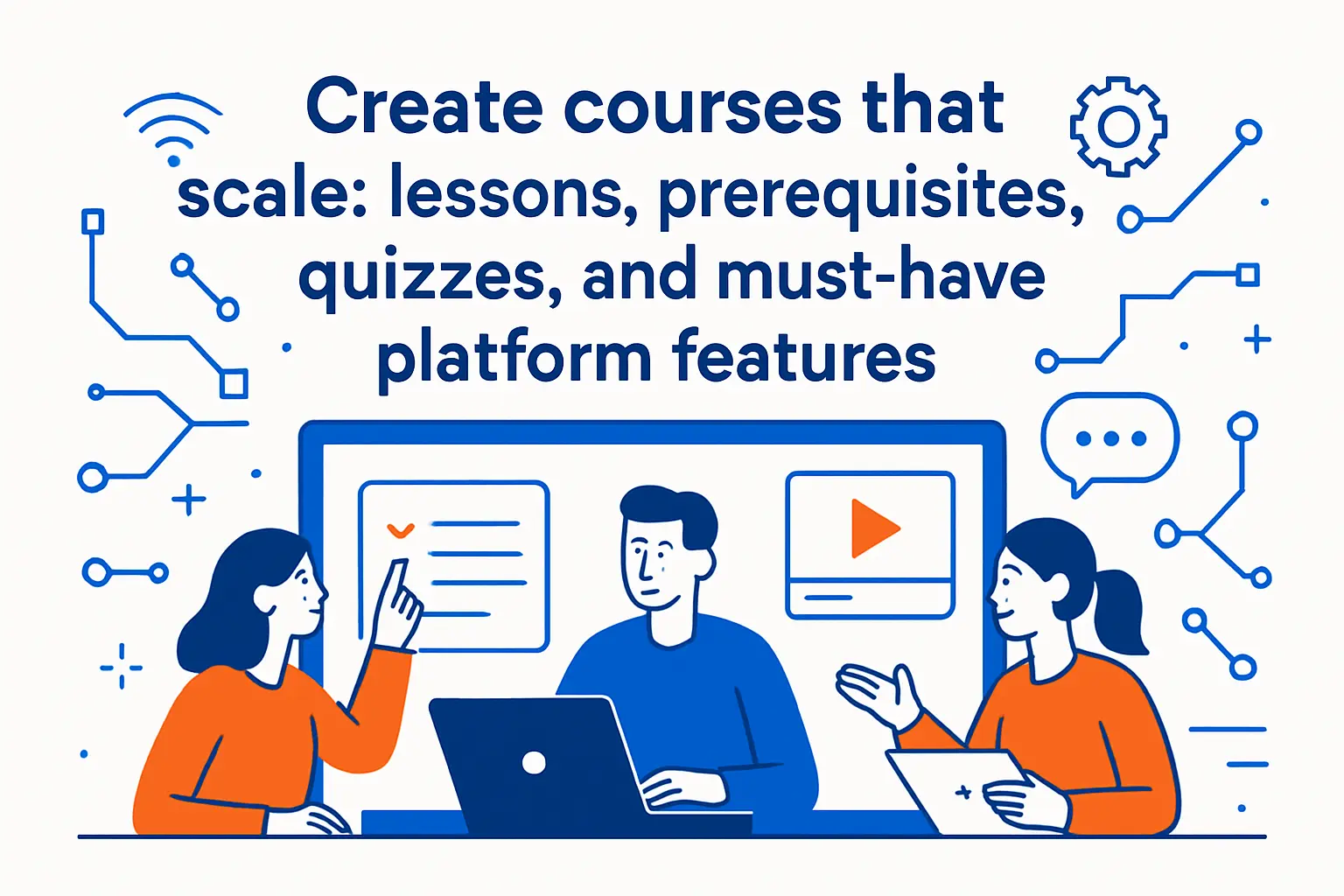
1. Course setup essentials: title, description, tags, featured images, and difficulty level
A scalable course begins with metadata discipline. Clear titles and descriptions set expectations, tags support discovery, and featured images create visual consistency across catalogs. From our content operations standpoint, this setup also powers marketing because the same metadata becomes the basis for landing pages and email copy.
Difficulty labeling should be honest. Overpromising “beginner” content that assumes prior knowledge creates churn, while calling everything “advanced” scares away capable learners. We recommend writing a short prerequisites statement in plain language so learners self-select correctly.
2. Enrollment controls: maximum students and structured learning paths
Enrollment controls protect the learning experience. For cohort courses, limiting enrollment keeps instructor feedback and community discussion healthy. For self-paced courses, structured paths reduce overwhelm by telling learners what to do next instead of dumping content into a library.
From an engineering angle, enrollment controls also protect operations. When you can predict demand, you can plan support coverage, live session staffing, and infrastructure scaling. The platform becomes stable because the business model respects capacity.
3. Downloadable resources: attaching worksheets and practice materials
Downloadables turn passive consumption into practice. Worksheets, checklists, templates, and small project files help learners apply concepts in their own context. In our view, these artifacts often become the “real value” because they save time at work long after the course ends.
Operationally, resource delivery should be consistent. Use standardized naming, keep versions organized, and avoid scattering files across personal drives. When resources are treated as part of the product, updates become manageable rather than chaotic.
4. Prerequisite course systems to enforce learning sequences
Prerequisites are a kindness when used properly. They prevent learners from hitting advanced material unprepared and then concluding they are “not smart enough.” A prerequisite system also supports tiered offerings: foundation content first, then specialization, then advanced projects.
From our perspective, prerequisite enforcement should be flexible. Some learners need the full sequence, while others need a diagnostic bypass. Designing for both types reduces friction without lowering standards.
5. Course building workflows: back-end course builder versus front-end course builder
Back-end builders tend to be structured and consistent, which helps teams maintain quality across many instructors. Front-end builders can feel more intuitive and reduce context switching, which is valuable when instructors are not technical. The right choice depends on who authors content and how often it changes.
In our experience, workflow consistency is more important than initial comfort. A messy authoring workflow creates messy courses, which then creates messy support. We prefer a workflow that is teachable, repeatable, and easy to audit.
6. Lesson building: written excerpts, featured images, video sources, and intro videos
Each lesson should have a “why” before the “what.” A short written excerpt can frame the objective, an image can anchor memory, and an intro clip can build instructor presence. From our learning design viewpoint, learners stay when they understand the point of the next few minutes.
Video source strategy should match your access model. If you sell premium content, keep videos behind controlled delivery. If you want public reach, choose a platform that supports sharing and discovery. The lesson template should make either path easy to execute consistently.
7. Quiz building: question variety, option randomization, required answers, and point weighting
Quizzes are not only assessments; they’re feedback loops. Variety matters because different skills require different checks: recall, application, analysis, and judgment. From our perspective, the best quizzes also teach—wrong answers trigger explanations, references to the lesson, or suggestions for remediation.
Randomization and required answers can reduce guesswork and improve integrity, especially in credentialed programs. Point weighting is useful when some concepts are foundational and deserve more emphasis. The goal is alignment: measure what you promised to teach.
8. Learner experience features: intuitive interface, social learning tools, assessments, and feedback
Learner experience features should reduce friction and increase momentum. Intuitive navigation, clear progress states, and easy resumption are the basics. Social tools—discussion prompts, peer examples, and community spaces—add stickiness when they are moderated and purposeful.
Feedback is where learning becomes personal. We recommend combining automated feedback (quiz explanations) with human feedback where it matters most (projects, essays, portfolio reviews). From our viewpoint, the platform should make feedback easy to give and easy to act on.
9. Instructor experience features: content security, video conferencing, chat, and scheduling flexibility
Instructors need tools that respect their time. Secure content management, easy lesson updates, and sensible defaults prevent instructors from becoming accidental administrators. When live sessions are part of the program, scheduling workflows should be clear and resilient to changes.
Chat and messaging features can improve outcomes, but they also create workload. We advise setting expectations for response time and providing structured channels so instructors are not pulled into endless private troubleshooting. A sustainable instructor experience protects course quality long-term.
10. Admin features: manageable dashboard and instant notifications
Admins run the business. A manageable dashboard should show enrollments, revenue signals, course progress patterns, and support hotspots without forcing the admin to dig through multiple plugins. In our experience, the most important admin feature is clarity: seeing what matters without noise.
Notifications should be actionable. Enrollment events, payment failures, and access issues deserve fast visibility because they affect learner trust. At 1Byte, we encourage teams to route critical alerts into an operational workflow rather than letting them vanish into inbox clutter.
11. LMS tracking considerations: scores, time on screens, question responses, and bookmarking
Tracking is where pedagogy meets product analytics. Scores show knowledge checks, while question responses can reveal where the curriculum is unclear. Bookmarking and resume behavior are especially valuable because they reveal whether learners are returning willingly or getting lost and restarting.
From our platform view, tracking must be ethical and transparent. Collect what you need to improve learning and run the business, then protect it with sensible access controls. Over-collection without purpose increases risk without adding value.
12. Progress automation: content unlock rules, reminders, and downloadable certificates
Automation is how a small team serves many learners without losing quality. Content unlock rules create pacing, reminders reduce dropout, and completion artifacts give learners a sense of closure. Even if your certificates are informal, they can still motivate learners to finish and share their achievement.
In our experience, automation should feel supportive, not nagging. Messaging cadence, tone, and timing matter. When reminders are aligned with meaningful milestones, learners perceive them as coaching rather than spam.
How 1Byte supports your eLearning website on AWS
1. Domain registration and SSL certificates for a secure learning experience
Security is part of learning UX. If learners see browser warnings, broken checkout flows, or suspicious redirects, they don’t think, “This is a minor ops issue.” They think, “This platform is unsafe.” From our standpoint, domains and certificates are foundational trust infrastructure.
At 1Byte, we help teams manage DNS changes carefully and deploy certificates in a way that minimizes downtime. When AWS is part of the stack, we often lean on services like AWS Certificate Manager to simplify certificate lifecycle work while keeping the operational burden low.
2. WordPress hosting and shared hosting for launching course websites quickly
Fast launches win because they create feedback loops. Shared hosting or streamlined WordPress hosting can be enough to validate a course idea, collect early revenue, and learn which lessons resonate. From our perspective, the “right” plan at launch is the one that keeps you shipping content rather than debugging servers.
At the same time, we structure early hosting with an exit path. Clean backups, sane plugin governance, and performance basics make it easier to upgrade later. A thoughtful start prevents the “we need to migrate everything tonight” panic that often hits just as marketing begins to work.
3. Cloud hosting and cloud servers from an AWS Partner for performance and scalability
As concurrency rises and content expands, predictable performance becomes a feature. Cloud hosting can support caching layers, isolated databases, hardened access patterns, and media delivery that scales smoothly under pressure. From our infrastructure lens, the main win is control: you can design for your exact workload instead of hoping a generic environment behaves.
As an AWS Partner, we align platform architecture with proven principles like the AWS Well-Architected Framework so scaling is intentional rather than accidental. When the platform is engineered for resilience, you can focus on pedagogy, community, and curriculum depth without fearing the next traffic spike.
Conclusion: launch small, iterate, and evolve your eLearning platform
1. Start small with a focused scope, then expand features as demand grows
A focused launch is not a compromise; it’s a strategy. Start with one course, one audience, and one clear outcome, then learn from real behavior. From our experience, early learners will show you where they struggle, what they love, and what they are willing to pay for again.
As traction builds, add features that remove real friction: better onboarding, stronger progress automation, more robust assessments, and improved community tooling. Each addition should solve a validated problem, not a hypothetical one.
2. Revisit hosting and platform choices as concurrency, content, and complexity increase
Platforms evolve. What works for a small cohort may not work for a growing catalog with multiple instructors and constant enrollments. Revisit hosting, caching, media delivery, and security posture as part of normal operations, not as an emergency response.
From the 1Byte perspective, the best time to upgrade architecture is before you are forced to. When improvements are planned, migrations are calmer, costs are more predictable, and learners experience continuity rather than disruption.







3. Continuously improve with testing, maintenance, and learner feedback loops
Continuous improvement is the long game. Testing catches regressions, maintenance reduces risk, and learner feedback tells you what matters next. When these loops are routine, your platform becomes more reliable over time instead of more fragile.
So what’s the next step we recommend? Pick a single learner journey—discover, buy, enroll, learn, complete—and audit it end to end this week, then decide which one change would most increase trust in your platform.