

Best SEO software tools help you do three things consistently: catch technical problems before they tank traffic, build content that matches real intent, and prove SEO impact with clean reporting. This guide breaks down the tools that matter most for audits, content workflows, and rank tracking, plus how to combine them into a stack you will actually use.
If you feel overwhelmed by options, start with the quick picks below, then jump to the category that matches your bottleneck. You do not need every platform. You need a simple foundation and a few add-ons that remove friction from your weekly SEO routine.
Quick picks (choose based on your bottleneck):
- All-in-one suite: pick one platform for research, tracking, and reporting if you want fewer tools to manage.
- Technical audits: choose a crawler first if releases, migrations, or template issues are your main risk.
- Content production: add a content optimizer if you publish often or refresh older posts regularly.
- Rank tracking: add a dedicated rank tracker if reporting and fast incident response are daily needs.
- Local SEO: use a local-first platform if phone calls, bookings, or store visits drive revenue.
Next, jump to the tool list and start with the category that matches your workflow. You can always expand later once you have consistent habits in place.
What Makes an SEO Tool “Best” Right Now
“Best” depends on what you need to do every week. It also depends on what breaks most often on your site.
A strong SEO tool stack usually covers these jobs:
- Technical audits: Find crawl traps, redirect loops, broken internal links, duplicate metadata, indexation problems, and rendering issues.
- Content workflows: Turn keyword research into briefs, outlines, and updates that match intent and support topical authority.
- Rank tracking: Watch meaningful keywords and pages, spot sudden drops, and connect changes to releases or content updates.
- Reporting: Translate SEO progress into language your stakeholders trust: revenue pages, leads, pipeline, and brand demand.
When you evaluate tools, focus on workflow fit more than feature count. Ask simple questions:
- Will the tool surface issues you can actually fix?
- Can you turn findings into clear tickets for writers and developers?
- Does the data match what you see in Search Console and analytics?
- Can you keep the tool “alive” with alerts, schedules, and dashboards?
If a tool does not help you act, it becomes a dashboard you check once a month. That is not a strategy.
FURTHER READING: |
| 1. 30 Cheap Email Service Providers for Business in 2026 |
| 2. Best Open Source IoT Platform: Top 30 Picks for 2026 |
| 3. Top 30 Professional SEO Services in 2026 |
How to Choose the Right Tool Mix for Your Team
Most teams do not need every tool in this list. Most teams need a clean foundation and a focused add-on.
Start by naming your bottleneck:
- If developers ship often: prioritize monitoring, alerts, and crawl-based QA.
- If content drives growth: prioritize briefs, refresh workflows, and page-level performance tracking.
- If you sell locally: prioritize listings, reputation, and location-based rank visibility.
- If you run a large ecommerce site: prioritize log analysis, crawl budget, templated issues, and indexation controls.
Then build your stack in layers:
- Layer A: Search Console + analytics for ground truth.
- Layer B: A crawler for technical audits and QA.
- Layer C: A research suite for keywords, competitors, and links.
- Layer D: A content optimizer for briefs and refresh work.
- Layer E: A dedicated rank tracker if rankings drive reporting, client work, or fast incident response.
Finally, decide how you will operate the tools. A smaller stack with strong habits beats a huge stack with weak usage.
SEO Workflows Worth Automating First
Tools pay off when you run them on a schedule. That schedule creates a feedback loop.
These workflows tend to deliver fast value:
- Weekly technical sweep: crawl key templates, export critical issues, and open tickets with clear reproduction steps.
- Content refresh loop: find pages losing impressions, update intent alignment, improve structure, and re-submit URLs.
- Ranking incident response: set alerts for priority pages and keywords, then check release notes and crawl changes.
- Internal linking support: identify orphan pages and missed contextual links, then add links where users expect them.
- Executive reporting: ship a simple dashboard that highlights wins, risks, and next actions.
Pick a cadence your team can keep. Consistency makes SEO feel less like guesswork and more like operations.
On AI-Search Tracking
Do SEO tools still matter in an AI-search world? Yes, because your site still needs to be crawlable, indexable, and credible. What changes is measurement and prioritization. You now need visibility into classic rankings and whether your pages appear as citations inside AI-generated answers.
What you can measure today: you can track when AI Overviews appear for your target keywords, which sources they cite, and whether your URLs show up consistently. Some platforms already support this directly, including Semrush, Ahrefs, and Rank Tracker as part of rank tracking workflows, which helps teams adapt without guessing.
What still needs workarounds: AI traffic is often not neatly labeled in analytics. Treat AI visibility like a new SERP feature: monitor it, log changes, and connect it to content updates and technical fixes. This section sets expectations so readers do not buy tools assuming they can “solve” AI search on their own.
The Tools: Audits, Content, and Rank Tracking
How we chose these tools: we prioritized platforms that map to real weekly SEO work, not one-off experiments. Each pick supports at least one of these jobs: technical auditing, keyword and competitor research, content planning and optimization, rank monitoring, or reporting. We also favored tools with clear workflows, exportability (so your data is not trapped), and repeatable routines that teams can run on a cadence.
How to use this list: start with measurement (Search Console + analytics), add one crawler for technical control, then choose either an all-in-one suite or a specialized mix based on your bottleneck. If you can’t explain who will run a tool and how often, do not buy it yet.
1. Semrush
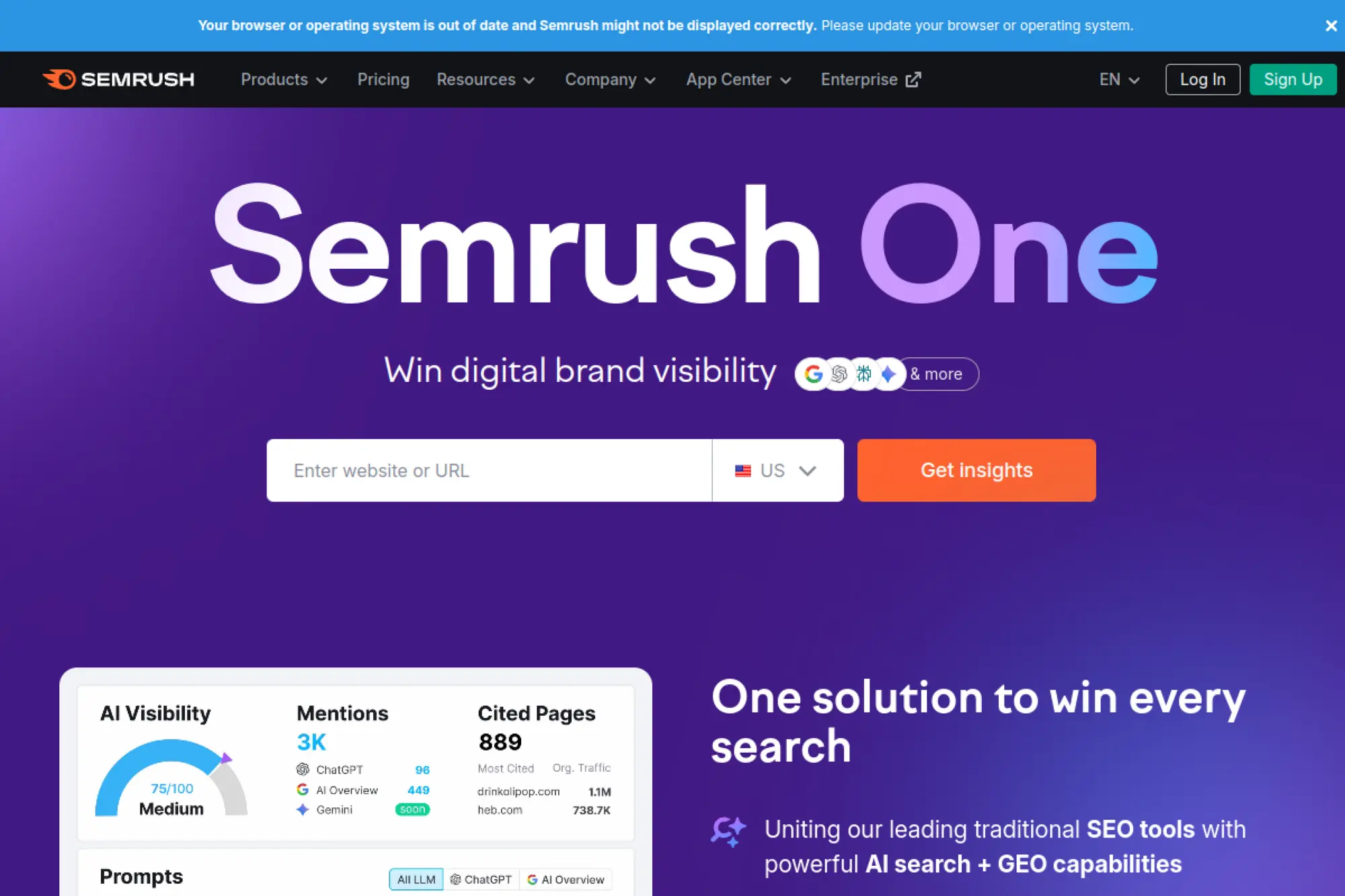
Semrush works well when you want a broad SEO and competitive suite in a single place. You can research keywords, audit a site, track rankings, and review competitor visibility without jumping between vendors. It also helps when you need to explain “why this topic” to non-SEO stakeholders.
Best for
Teams that need keyword research, audits, and ongoing tracking under one roof. It fits agencies and in-house teams that want consistent reporting and repeatable processes.
Key workflows to configure
- Set up a project with a recurring site audit.
- Build keyword sets by product line or funnel stage.
- Run competitor gap checks to find missed topics.
- Create content briefs for priority pages.
- Schedule reports for weekly visibility checks.
Sales growth lever
Use competitor and keyword gaps to find demand you can capture with landing pages and comparison content. Then track movement and tie improvements to leads and pipeline pages.
Watch outs
The platform can feel busy. Decide which reports you trust and stick to them. Validate big decisions with Search Console before you change direction.
Quick start checklist
- Add your domain as a project.
- Run a baseline technical audit.
- Build a keyword list tied to revenue pages.
- Track core competitors you actually lose deals to.
- Create a simple recurring report for stakeholders.
2. Ahrefs

Ahrefs shines when links and competitive research matter. It helps you understand what already drives traffic for competitors and where they earn authority. It also supports content planning with strong keyword discovery and topic expansion.
Best for
SEO teams that rely on competitive intelligence, link building, and content strategy. It works well for SaaS, ecommerce, and publishers where backlinks still influence visibility.
Key workflows to configure
- Research competitors’ top pages and themes.
- Build keyword lists around topics, not just phrases.
- Use content gap analysis to spot missing coverage.
- Run link intersect analysis to find outreach targets.
- Set alerts for new links and lost links.
Sales growth lever
Turn competitor research into a pipeline of pages that match buyer intent. Then support those pages with targeted link outreach that strengthens authority where it matters.
Watch outs
It will not replace a deep technical crawler for large sites. Use it for research, then validate technical decisions with a dedicated audit tool.
Quick start checklist
- Audit your top competitors’ best pages.
- Create a topic-based keyword list.
- Identify link opportunities from shared referring domains.
- Set up monitoring for brand and competitor mentions.
- Build a short list of pages to refresh first.
3. Google Search Console
Search Console gives you direct feedback from Google. It shows which queries drive impressions and clicks, which pages rank, and where indexing issues block growth. If you only use one SEO tool, start here.
Best for
Any site owner who needs reliable performance data, indexing diagnostics, and visibility into how Google understands the site. It also supports developers during releases and migrations.
Key workflows to configure
- Verify a domain property for full coverage.
- Submit XML sitemaps and watch index trends.
- Use URL inspection for launch QA and fixes.
- Segment performance by page type and intent.
- Review enhancement reports for structured data issues.
Sales growth lever
Find high-impression pages that underperform on clicks. Improve titles, snippets, and intent match. Then re-submit pages after meaningful changes to speed up recovery.
Watch outs
Search Console does not show competitor strategy. It also limits history and can hide details for privacy reasons. Pair it with a crawler and a research tool.
Quick start checklist
- Verify your domain and set ownership access.
- Submit a sitemap and confirm it processes cleanly.
- Turn on email alerts for critical issues.
- Build saved performance filters by page type.
- Create a habit of checking index coverage weekly.
4. Screaming Frog SEO Spider
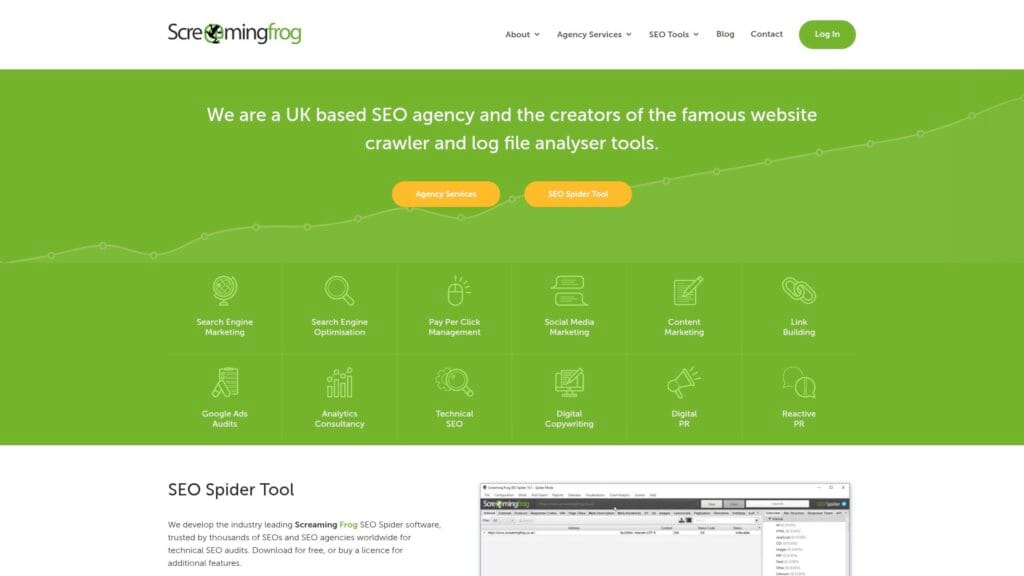
Screaming Frog is the go-to desktop crawler for hands-on technical audits. It helps you find broken links, redirect chains, duplicate metadata, weak internal linking, and indexation signals fast. It also helps during migrations, when small mistakes can wipe out organic traffic.
Best for
Technical SEOs and developers who want raw crawl data and control. It fits site migrations, large content audits, and routine health checks.
Key workflows to configure
- Crawl key site sections and export issues by type.
- Check canonical tags, robots directives, and hreflang.
- Identify duplicate titles and thin templates.
- Extract structured data and validate implementation.
- Compare crawls after releases to catch regressions.
Sales growth lever
Fix technical leaks that block ranking pages from getting crawled, indexed, and served. Use crawl comparisons to prove a release caused the drop, then ship a targeted rollback or patch.
Watch outs
The tool can overwhelm new users. Focus on critical issues first. Also watch machine limits on very large sites.
Quick start checklist
- Run a baseline crawl of your main templates.
- Export indexability and status code reports.
- Audit redirects and canonicals for conflicts.
- Review internal linking and orphan risks.
- Create a prioritized fix list for developers.
5. Sitebulb
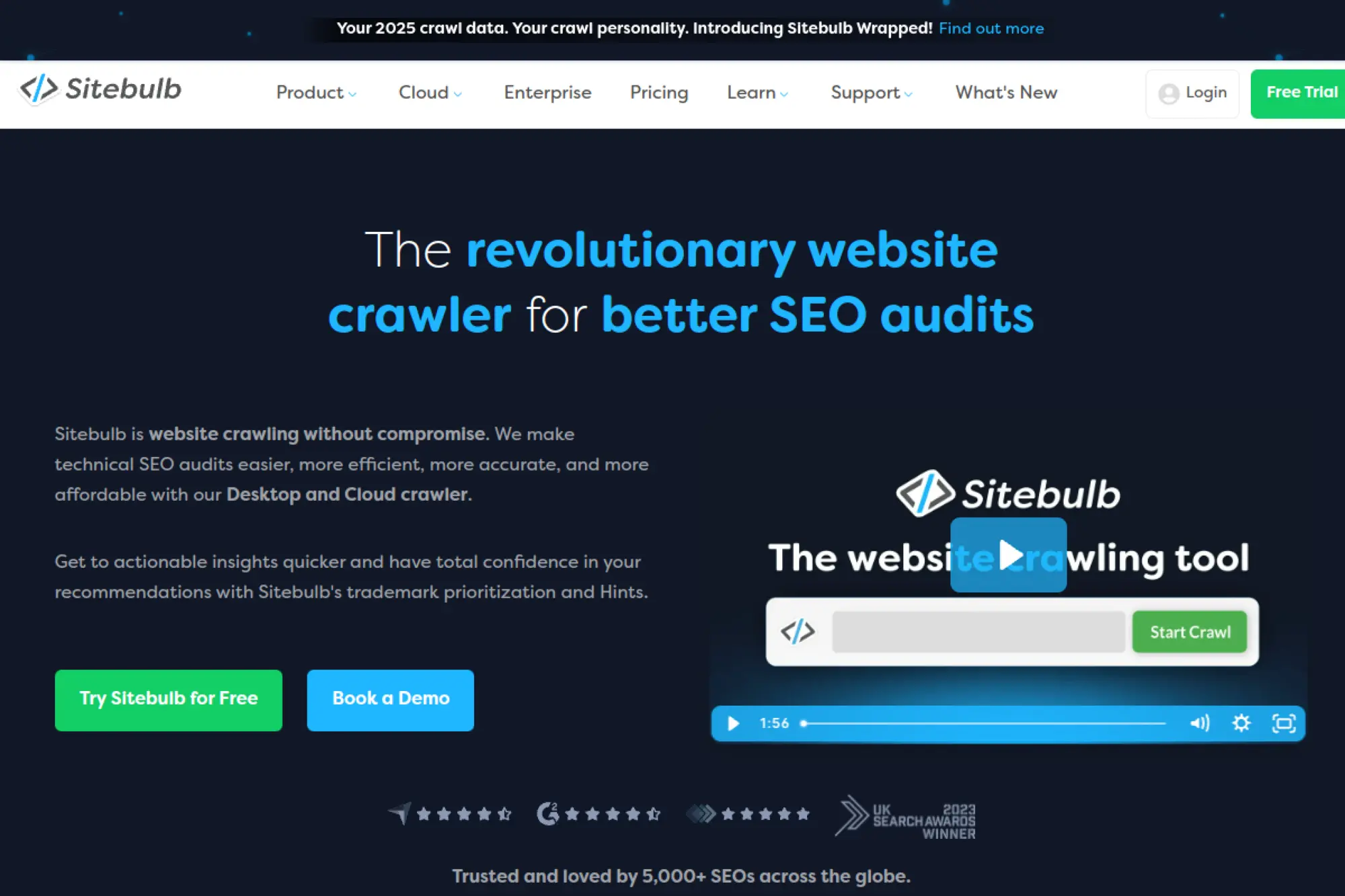
Sitebulb makes technical audits easier to explain. It pairs crawl data with clear “hints,” prioritization, and visuals. That helps when you need to move from “here are the issues” to “here is what to fix next,” especially with stakeholders who do not live in spreadsheets.
Best for
Consultants, in-house SEOs, and agencies that need client-friendly audits. It also fits teams that want technical detail without losing clarity.
Key workflows to configure
- Run crawls by site section and template type.
- Use hints to triage issues by impact.
- Create reports designed for non-technical stakeholders.
- Track issue trends across repeated crawls.
- Build a shared backlog from audit outputs.
Sales growth lever
Clear audits speed up approvals. That helps you ship fixes sooner and protect revenue pages. It also helps agencies close projects by presenting actionable findings.
Watch outs
Hints still need SEO judgment. Do not ship changes just to “clear warnings.” Confirm the issue matters for your templates and goals.
Quick start checklist
- Crawl your key templates and sections.
- Review top-priority hints first.
- Export a stakeholder-friendly report.
- Create tickets with clear reproduction steps.
- Schedule follow-up crawls to confirm fixes.
6. Lumar
Lumar targets enterprise-scale technical SEO and ongoing website monitoring. It helps large teams track site health, prioritize fixes, and prevent recurring issues. It also supports collaboration, so SEO can work with engineering instead of fighting for attention after problems ship.
Best for
Enterprises with large sites, frequent releases, and complex templates. It fits teams that need monitoring, alerts, and governance at scale.
Key workflows to configure
- Set up scheduled crawls for critical sections.
- Create alerts for indexation and crawlability issues.
- Define page groups by template and business value.
- Build dashboards for SEO, product, and engineering.
- Track recurring issues to prevent regressions.
Sales growth lever
Monitoring protects revenue. You catch broken templates before they tank traffic. You also reduce time-to-fix by shipping clearer tickets and priorities to engineering.
Watch outs
Enterprise platforms need onboarding and process changes. If you do not assign ownership for alerts and triage, the platform turns into a “nice dashboard” that nobody acts on.
Quick start checklist
- Define your highest-value templates and sections.
- Run a baseline crawl and capture top risks.
- Set alerts for critical SEO failures.
- Share a simple dashboard with stakeholders.
- Review trends on a fixed weekly cadence.
7. Botify
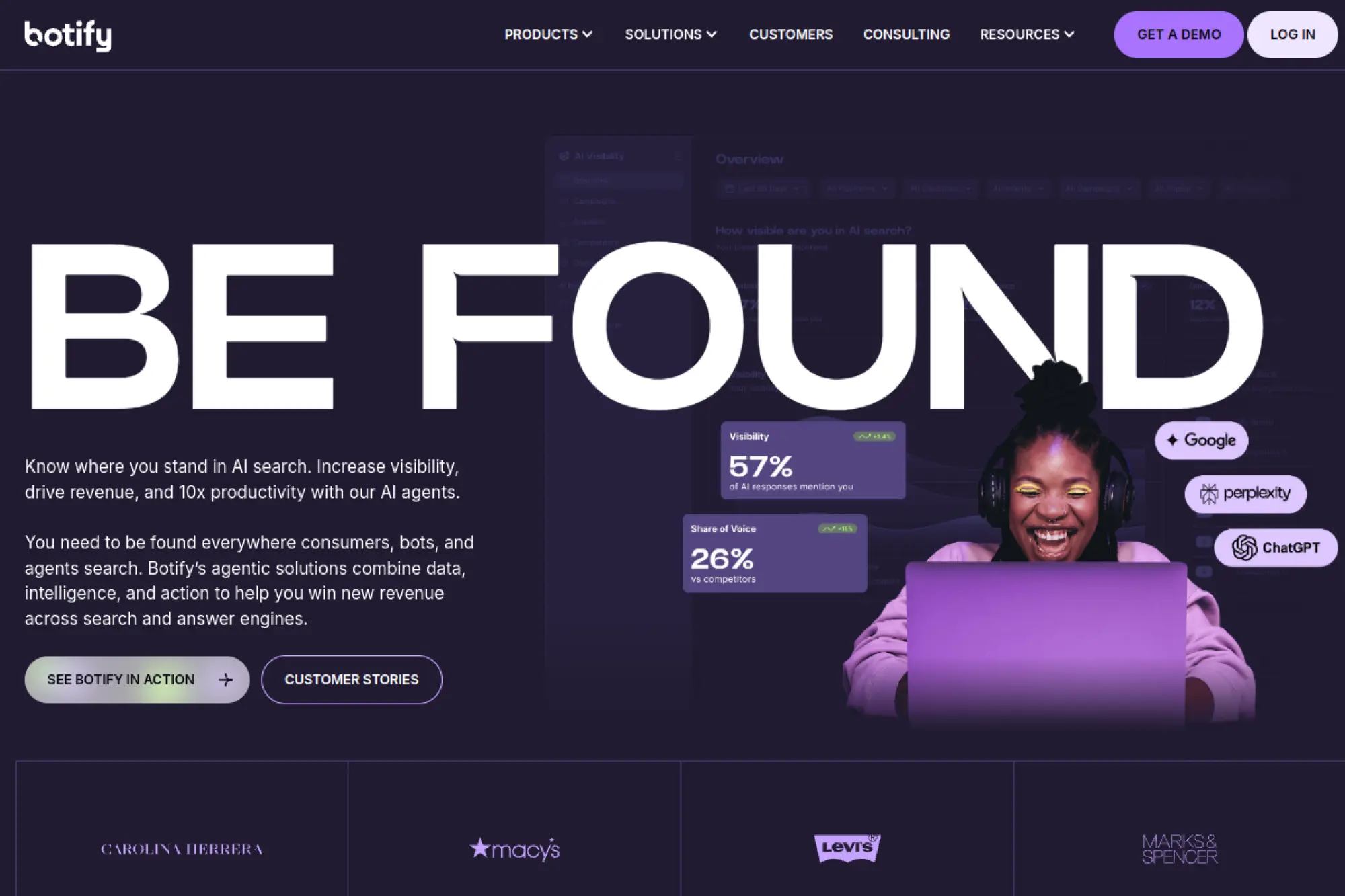
Botify focuses on enterprise SEO operations. It helps teams combine crawling, analytics, and action. It also supports workflows where SEO needs to ship changes faster, without waiting for long development cycles for every small improvement.
Best for
Large organizations that need technical SEO at scale, especially for ecommerce, marketplaces, and publishers. It fits teams that want to connect data to deployment.
Key workflows to configure
- Set up crawls segmented by key templates.
- Connect log data to understand bot behavior.
- Monitor indexation and crawling coverage trends.
- Set early-warning alerts for critical pages.
- Define action workflows with clear ownership.
Sales growth lever
When SEO can act faster, it can capture seasonal demand and recover from technical incidents sooner. That protects revenue pages and reduces time lost to slow diagnosis.
Watch outs
It requires cross-team buy-in. Treat it as an operational system, not just a reporting tool. Without alignment, your data will be right but your actions will stall.
Quick start checklist
- Define your top business-critical page groups.
- Run an initial crawl and baseline health report.
- Connect data sources you already trust.
- Set alerts that route to real owners.
- Track fixes and confirm impact over time.
8. Oncrawl
Oncrawl helps technical SEOs work like analysts. It blends crawl data with log files and segmentation, so you can see how search engines and AI agents actually interact with your site. That matters most on large, complex sites where crawl behavior drives indexation.
Best for
Technical SEO teams working on large sites, especially when crawling, rendering, and bot behavior differ across templates. It also fits teams that want deeper segmentation.
Key workflows to configure
- Build page segments by template and intent.
- Import log data to map bot activity to site areas.
- Compare crawl data against indexation signals.
- Set monitoring for changes across key segments.
- Create dashboards tied to business KPIs.
Sales growth lever
Improve visibility by fixing the pages search engines miss. When bots crawl the right pages more often, you get faster discovery of new products and updated content.
Watch outs
It rewards careful setup. If your segments are messy, your insights will be messy. Invest time in clean taxonomy and naming conventions.
Quick start checklist
- Set up a crawl that covers critical templates.
- Create segments for revenue-driving page types.
- Import logs and validate coverage quality.
- Identify wasted crawl and orphan risk patterns.
- Turn findings into a short, prioritized backlog.
9. JetOctopus
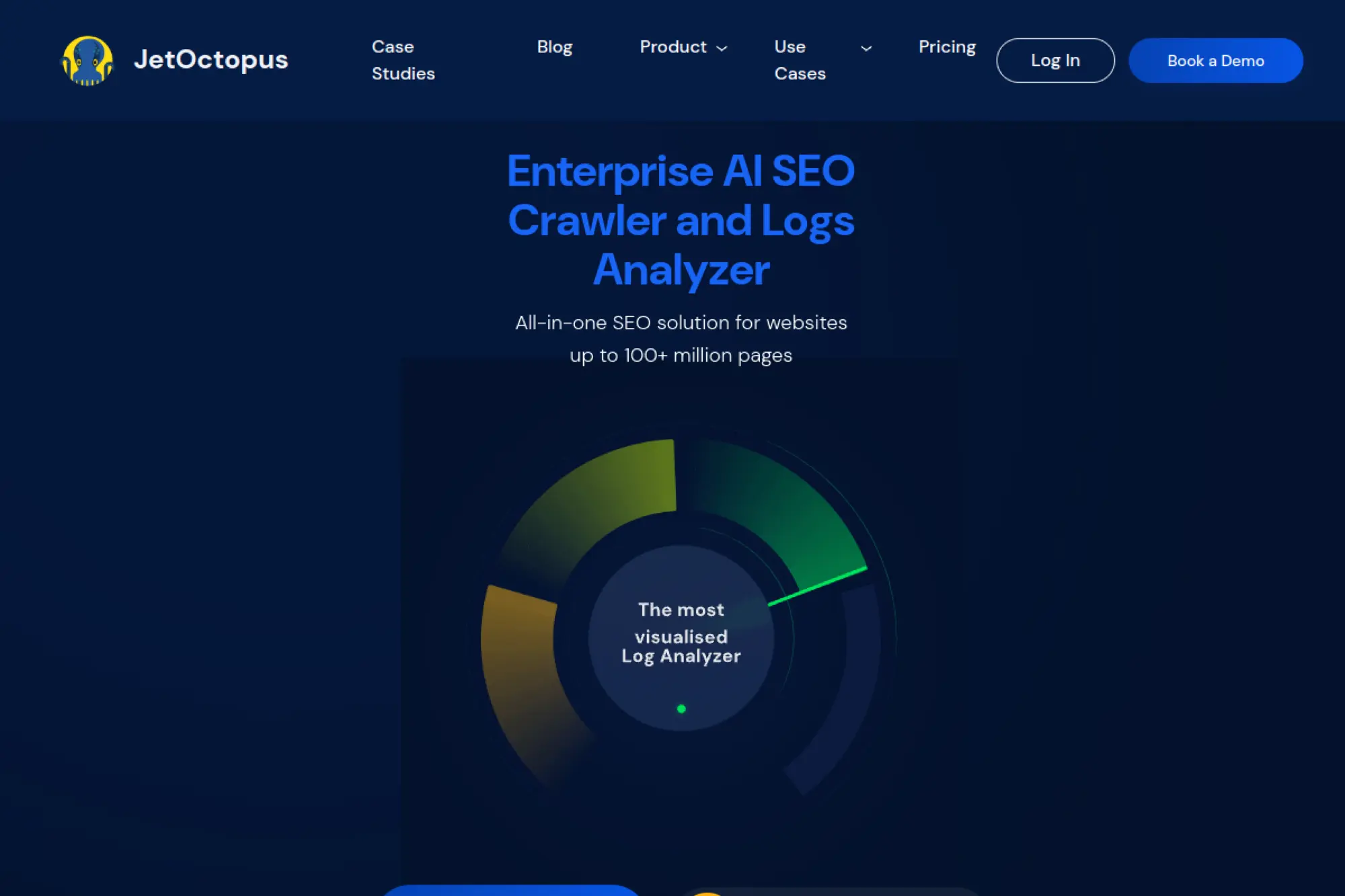
JetOctopus combines crawling and log analysis with a strong “big site” mindset. It aims to help you move fast, even when your site has heavy templates, lots of parameters, and constant change. It’s a good fit when you need technical proof, not just opinions.
Best for
Technical SEO on large or fast-changing websites, especially where logs matter. It can help ecommerce teams understand indexation gaps and crawling waste.
Key workflows to configure
- Crawl templates and identify technical patterns.
- Connect server logs to see bot access trends.
- Blend Search Console performance signals with crawl data.
- Segment issues by page type and business value.
- Monitor changes after releases and experiments.
Sales growth lever
It helps you validate what search engines see and do on your site. That reduces guesswork and speeds up fixes, which protects organic traffic tied to revenue pages.
Watch outs
Log access can slow onboarding. You also need to keep your segmentation tidy. Without that, the tool becomes “big data” with small outcomes.
Quick start checklist
- Run a crawl focused on revenue templates.
- Set segments for key page categories.
- Connect logs if you can access them.
- Compare crawl vs. bot activity patterns.
- Create a fix list that targets repeatable template issues.
10. Google Analytics

Google Analytics helps you connect SEO to behavior and outcomes. Rankings matter, but conversions pay salaries. Analytics shows which landing pages drive signups, leads, or purchases, and how organic traffic behaves compared with other channels.
Best for
Teams that want to measure SEO impact beyond clicks. It fits ecommerce, SaaS, and any site where conversions and journeys matter as much as rankings.
Key workflows to configure
- Define key events that represent success.
- Build landing page reports for organic traffic.
- Segment organic traffic by page type and intent.
- Connect Search Console for query context.
- Create explorations that show funnel drop-offs.
Sales growth lever
Use landing page conversion data to prioritize SEO work. Focus on pages that already convert, then improve their visibility. This approach often outperforms chasing vanity keywords.
Watch outs
Bad tagging ruins analysis. Privacy and consent choices also change what you see. Audit tracking before you treat the data as truth.
Quick start checklist
- Confirm tracking works across key templates.
- Define conversions that match real business goals.
- Build an organic landing page report.
- Connect Search Console and validate alignment.
- Share a simple performance dashboard internally.
11. Looker Studio

Looker Studio turns SEO data into dashboards people actually read. It helps you combine Search Console, analytics, and spreadsheet-based planning in one report. It also supports stakeholder trust because the same dashboard runs every week.
Best for
Teams that need simple, shareable reporting across SEO, content, and leadership. It fits agencies and in-house teams that want a single view of performance.
Key workflows to configure
- Connect Search Console and analytics data sources.
- Build a landing page performance table.
- Create a query and topic trend view.
- Add annotations for releases and content updates.
- Schedule report delivery to stakeholders.
Sales growth lever
Dashboards protect budget. When stakeholders understand progress and risk, they keep funding SEO work. Reporting also reduces time spent on manual updates and status calls.
Watch outs
Data blending can break if naming conventions drift. Set standards early. Also restrict editing rights so reports do not “mutate” over time.
Quick start checklist
- Choose a clean report template.
- Connect Search Console and analytics sources.
- Build a page-level table with key metrics.
- Add a trend chart for organic landing pages.
- Share the dashboard and set a review cadence.
12. Moz Pro
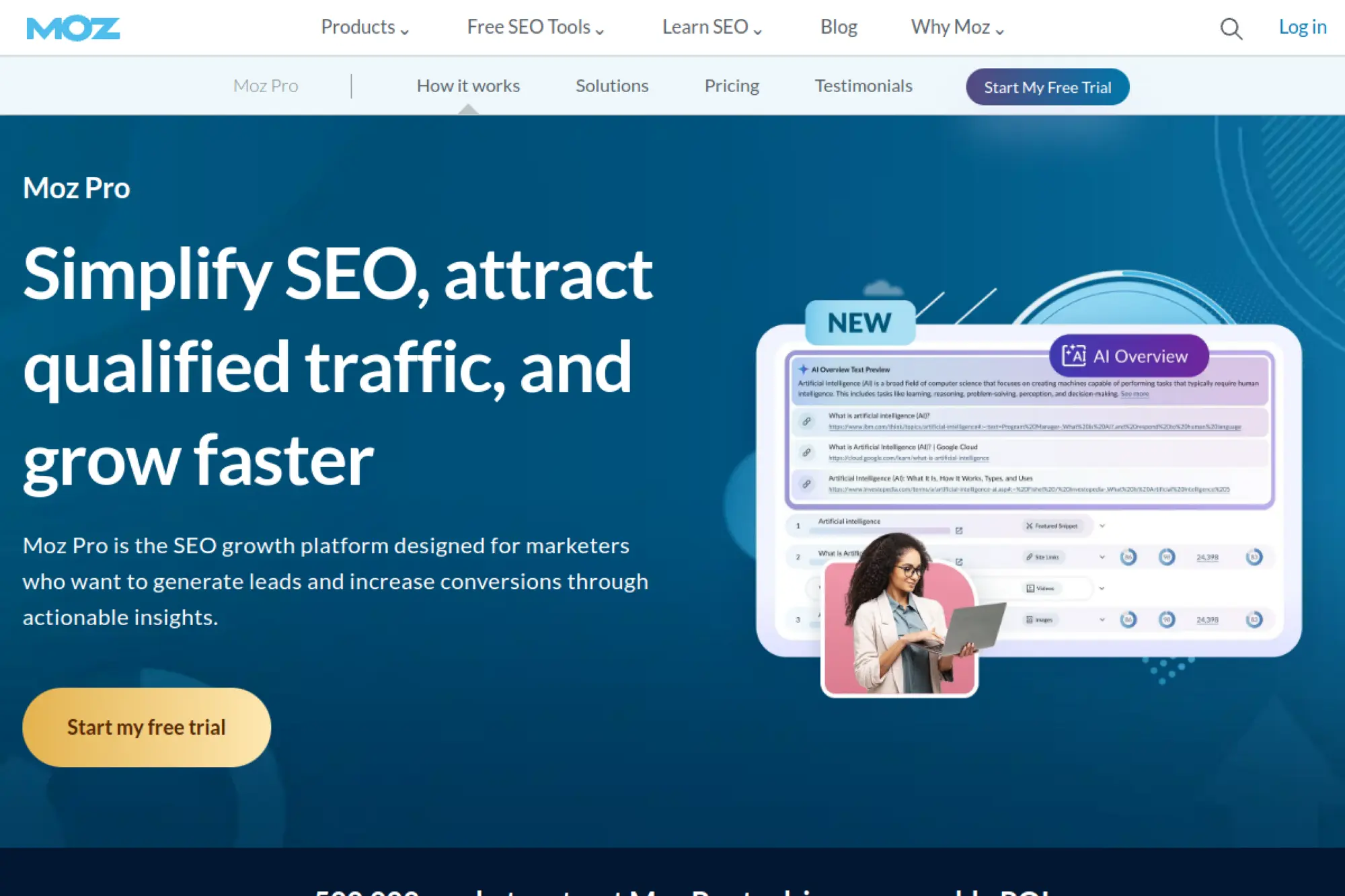
Moz Pro offers a guided SEO suite that works well for teams that want clear workflows. It covers keyword research, crawling, link analysis, and rank tracking in a way that feels structured. It also includes learning resources that help newer team members ramp up faster.
Best for
Small to mid-sized teams that want an all-in-one platform with guided tasks. It fits marketers who want actionable suggestions, not just raw data exports.
Key workflows to configure
- Create a campaign around your core site and competitors.
- Run recurring site crawls and track key issues.
- Build keyword lists aligned to products and pages.
- Review on-page recommendations for priority pages.
- Track rankings and tie changes to content updates.
Sales growth lever
Use keyword and page recommendations to improve high-intent landing pages. Then track movement and share progress in simple reports that support cross-team buy-in.
Watch outs
Metrics differ across vendors. Do not treat any third-party score as a ranking factor. Use it as a directional signal, then validate with real performance data.
Quick start checklist
- Set up your campaign and competitors.
- Run a baseline crawl and export key issues.
- Create a keyword list mapped to pages.
- Prioritize on-page fixes for revenue pages.
- Schedule a recurring reporting routine.
13. Majestic
Majestic focuses on backlinks and link intelligence. It helps you explore who links to you, why they link, and where competitors earn authority. If you run outreach or digital PR, Majestic gives you a different lens than “keyword-first” platforms.
Best for
Teams that do link audits, link building, and digital PR. It also helps SEOs who need to evaluate link neighborhoods and topical relevance.
Key workflows to configure
- Audit your link profile for quality patterns.
- Compare competitors’ referring domains and topics.
- Identify outreach targets with contextual relevance.
- Track new and lost link trends over time.
- Export link prospects for PR and outreach teams.
Sales growth lever
Better links support better rankings for competitive pages. Stronger authority also improves trust, which helps conversion when users compare brands and vendors.
Watch outs
Link metrics can mislead if you treat them as hard truth. Use them to spot patterns and risks, not to “game” scores.
Quick start checklist
- Analyze your domain and key competitors.
- Export top referring domains and pages.
- Identify relevant publications and niche sites.
- Flag risky patterns for review and cleanup.
- Build an outreach list tied to priority pages.
14. Similarweb
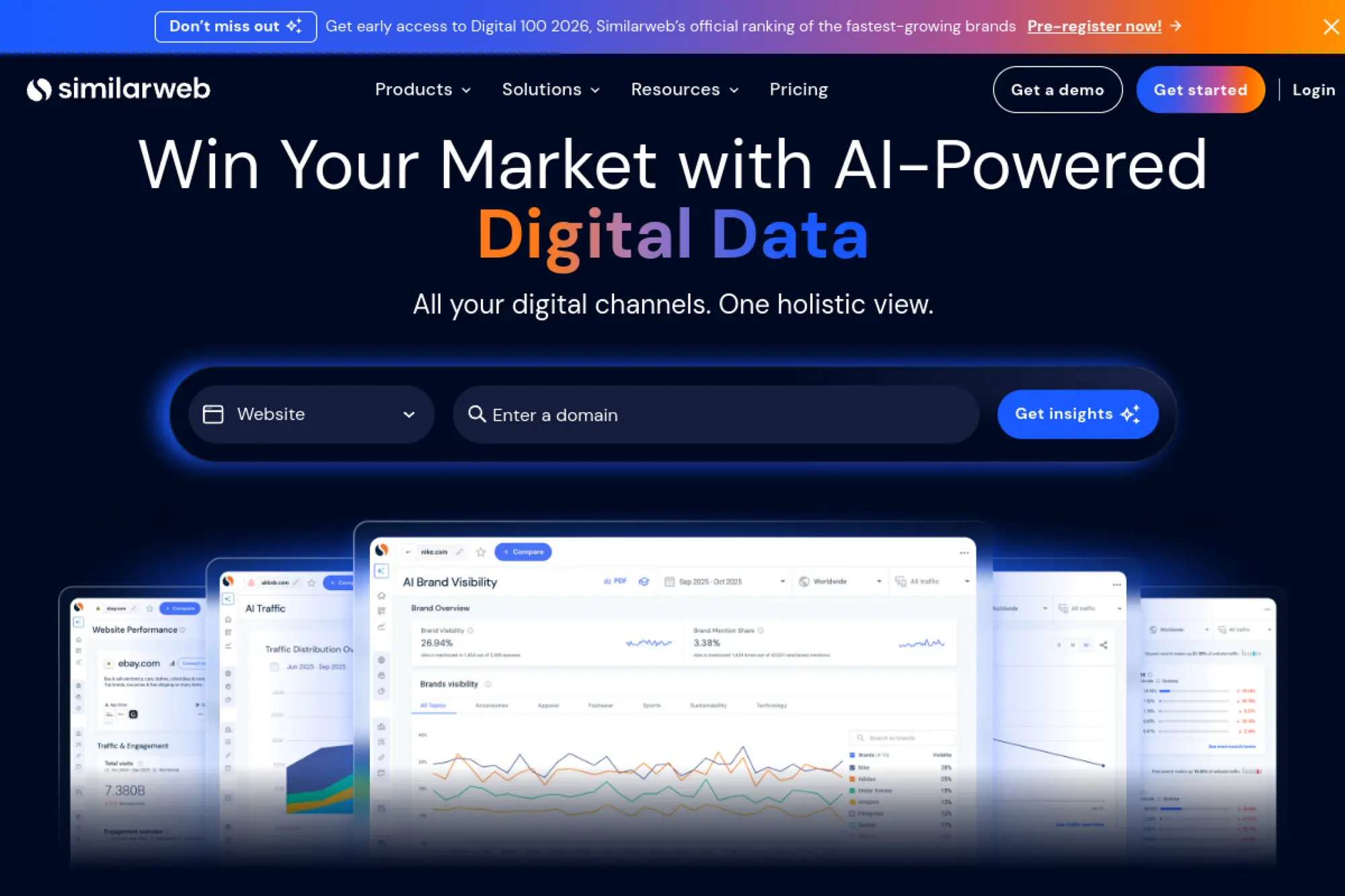
Similarweb helps you understand the competitive landscape beyond SEO alone. It offers market and traffic intelligence that supports strategy decisions. It can help you answer questions like, “Which competitor is growing fastest?” and “Which channels drive their demand?”
Best for
Strategy-heavy teams that need competitive research, category insights, and channel benchmarks. It fits product marketing, growth, and SEO leaders planning where to invest.
Key workflows to configure
- Benchmark your site against real competitors.
- Review competitor channel mix and content themes.
- Identify partner and referral opportunities.
- Explore keyword and topic trends by category.
- Share market insights with leadership and sales.
Sales growth lever
Use competitive insights to pick the right battles. You can spot markets where organic demand grows and align content, offers, and sales enablement to match.
Watch outs
Traffic data is modeled. Treat it as directional, not exact. Confirm decisions with your own analytics and Search Console performance.
Quick start checklist
- List your true competitors and analyze them.
- Review their top content themes and pages.
- Identify channels you can replicate or counter.
- Extract topic ideas for content planning.
- Turn insights into a simple quarterly roadmap.
15. SE Ranking

SE Ranking offers a flexible SEO platform that covers audits, rank tracking, research, and reporting. Many teams like it as a practical “do the job” platform that supports recurring operations without the complexity of enterprise systems.
Best for
Agencies, freelancers, and in-house teams that want a balanced toolset. It fits teams that need rank tracking plus audits and reporting without building a custom stack.
Key workflows to configure
- Create projects with recurring website audits.
- Track keyword sets by service, product, or client.
- Run competitor research and gap analysis.
- Generate content briefs for priority pages.
- Automate reporting and client updates.
Sales growth lever
Clear reporting helps retention and upsells for agencies. For in-house teams, consistent tracking helps you catch drops early and focus content work where it drives leads.
Watch outs
Any all-in-one platform requires discipline. If you track too many keywords “just in case,” reporting becomes noise. Keep lists tied to outcomes.
Quick start checklist
- Add your site and connect key data sources.
- Run a baseline audit and fix critical errors.
- Build a keyword list mapped to landing pages.
- Set reporting for stakeholders or clients.
- Review results weekly and adjust priorities.
16. AccuRanker
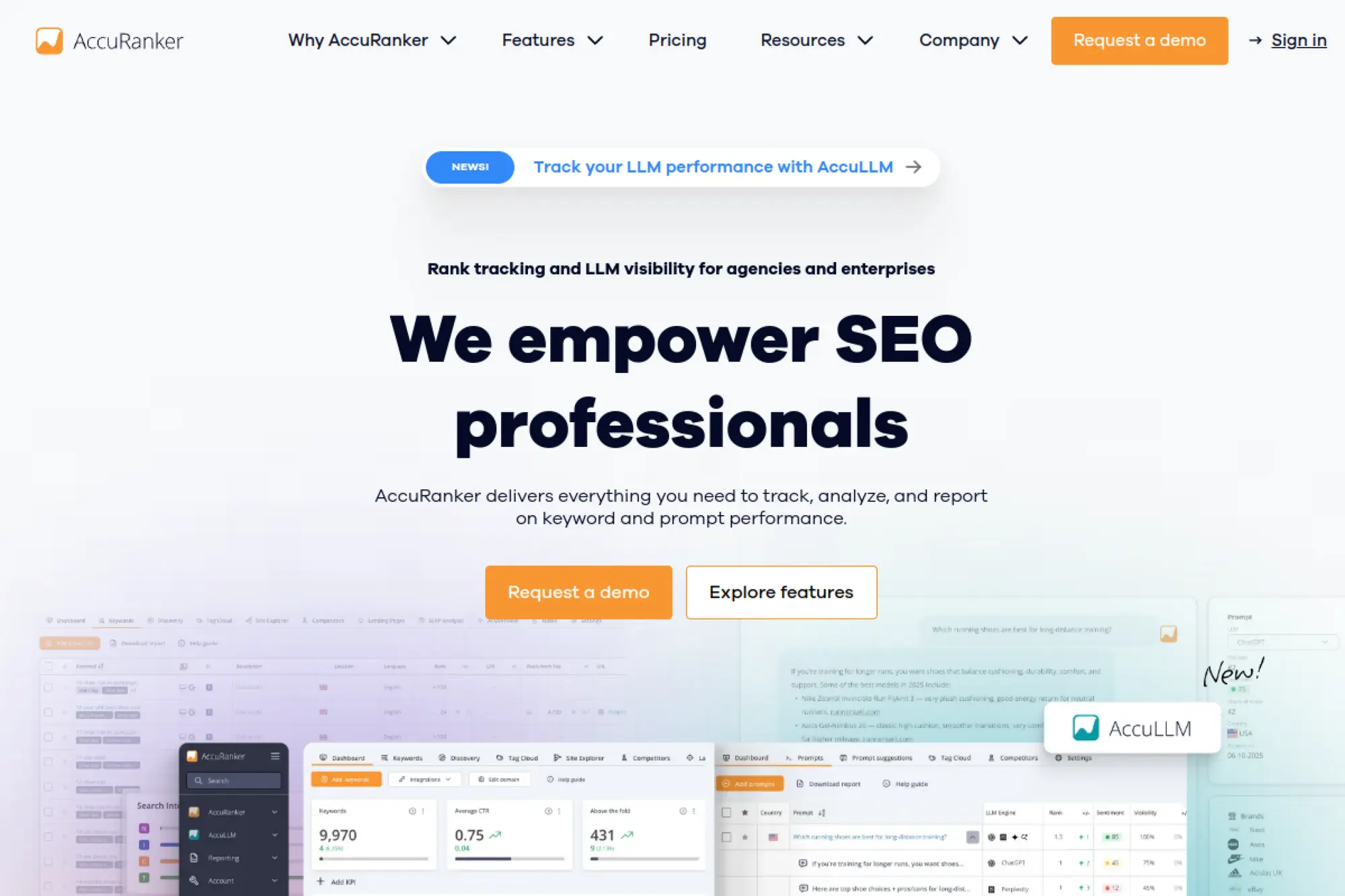
AccuRanker is a dedicated rank tracking platform built for speed and clarity. It helps you monitor keyword movement and segment results in ways that support decision-making. If ranking changes trigger action for your team, a focused rank tracker can simplify your workflow.
Best for
Teams that need reliable rank tracking, fast visibility into changes, and clean reporting. It suits agencies and in-house teams managing multiple markets.
Key workflows to configure
- Tag keywords by product, topic, and page type.
- Map keywords to target landing pages.
- Track competitors for the same keyword sets.
- Set alerts for significant ranking volatility.
- Export data to dashboards or client reports.
Sales growth lever
Rank tracking supports faster incident response. It also helps you prioritize refresh work by showing which pages lose visibility for high-intent queries.
Watch outs
A rank tracker does not replace keyword strategy or technical audits. Pair it with Search Console and a crawler so you can diagnose causes, not just symptoms.
Quick start checklist
- Import keywords from your existing research.
- Tag keywords by business theme and funnel intent.
- Assign target URLs to reduce cannibalization.
- Add competitors you actually lose to in SERPs.
- Review movements weekly and log key changes.
17. STAT Search Analytics
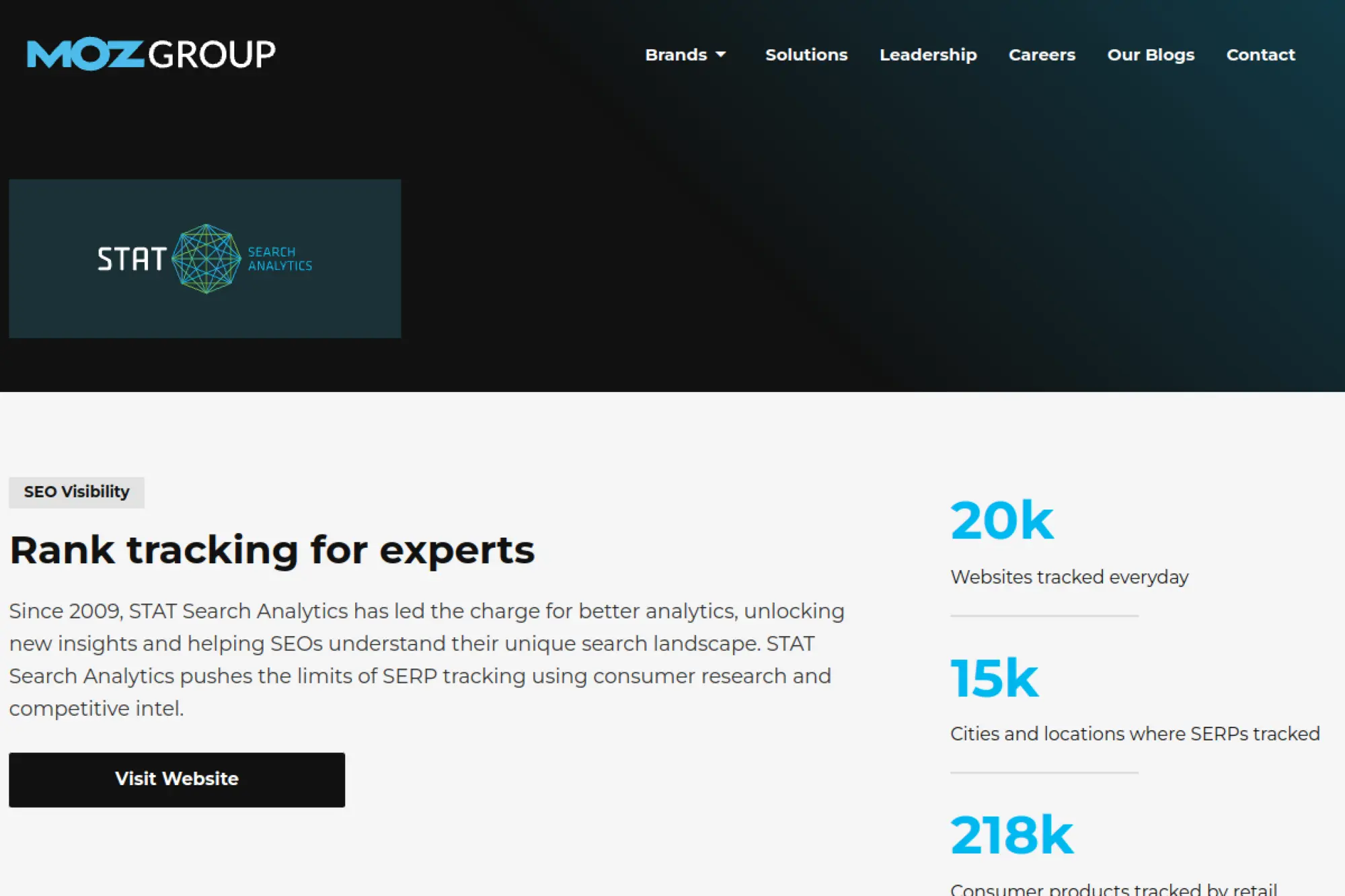
STAT is built for large-scale SERP tracking. It helps enterprise teams monitor visibility, segment keyword sets, and analyze SERP features across markets. If you need “SEO reporting at scale,” STAT fits that mission.
Best for
Enterprise SEO programs with large keyword sets, many regions, and complex reporting needs. It also works well for agencies managing large brands.
Key workflows to configure
- Organize keywords into meaningful segments.
- Track SERP features tied to your categories.
- Monitor competitors and market share patterns.
- Export SERP data for deeper internal analysis.
- Build stakeholder dashboards for visibility trends.
Sales growth lever
Segmented visibility makes planning easier. You can show which product areas gain share and which need investment. This helps leadership fund SEO work like a growth channel.
Watch outs
Scale demands planning. If your keyword segmentation is messy, you will struggle to interpret trends. Align naming conventions across teams early.
Quick start checklist
- Define the keyword universe that matters to revenue.
- Create segments aligned to products and intent.
- Add competitors for each major category.
- Build reports for leadership and operators.
- Set a review cadence tied to releases and campaigns.
18. Advanced Web Ranking
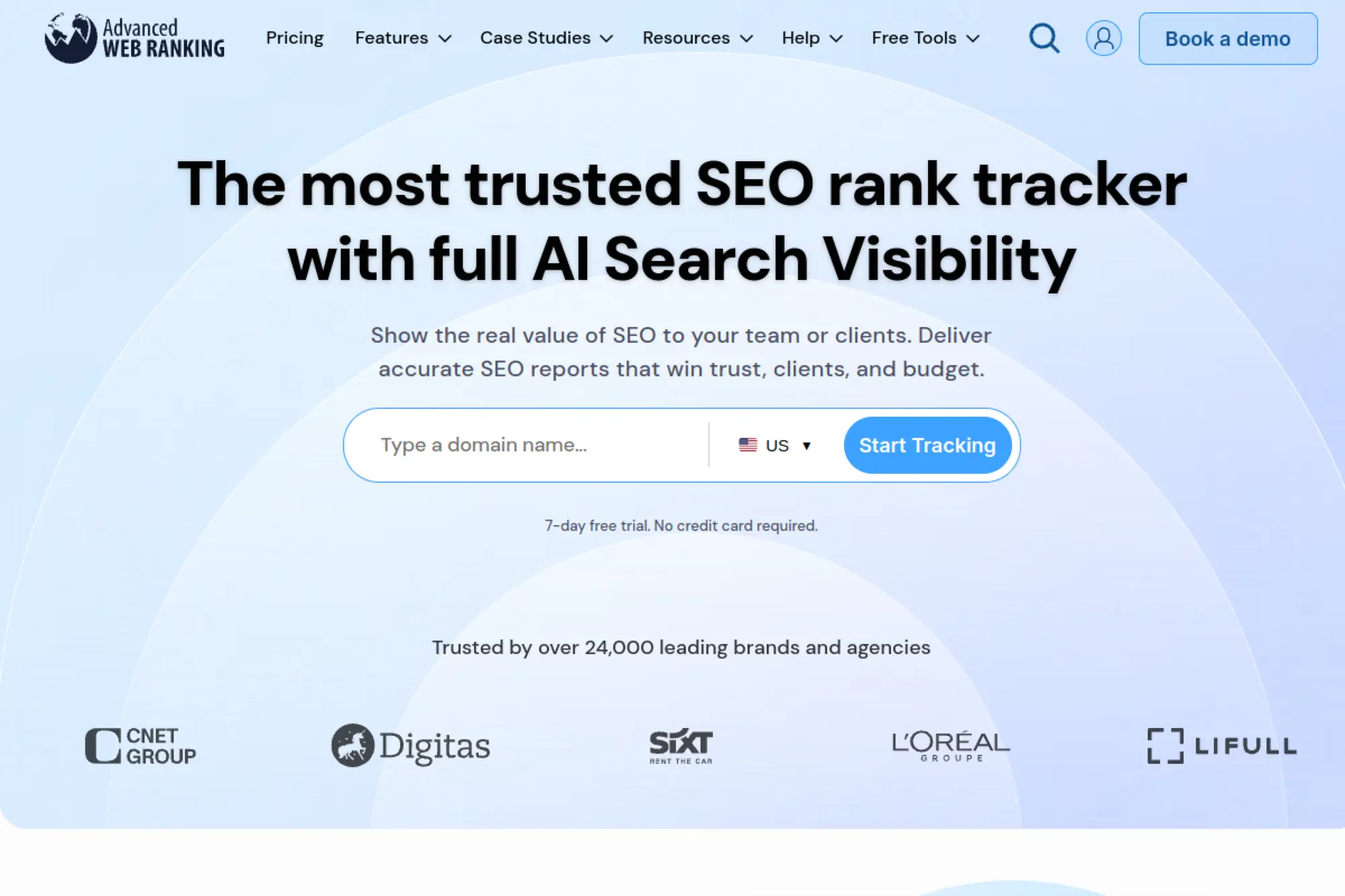
Advanced Web Ranking focuses on rank tracking and reporting. It supports agencies and in-house teams that need flexible reports and integrations. If your reporting needs include multiple search engines, locations, and client-ready dashboards, it’s a strong contender.
Best for
Agencies that produce frequent ranking reports and in-house teams that want shareable dashboards. It fits teams that care about clean reporting workflows.
Key workflows to configure
- Set up keyword tracking by market and device.
- Organize keywords into segments that match services.
- Track competitor visibility for the same sets.
- Build report templates that match stakeholder needs.
- Connect data sources for richer dashboards.
Sales growth lever
Reporting drives retention and trust. When clients and stakeholders see progress clearly, they keep investing. Forecast-style reporting also helps you justify new content and technical projects.
Watch outs
Like any reporting tool, it needs thoughtful setup. If you track the wrong keywords, your reports will look “busy” but say nothing useful.
Quick start checklist
- Create a campaign around your priority pages.
- Add keywords tied to business outcomes.
- Track real competitors for those queries.
- Build a report template you can reuse.
- Schedule reporting and review it consistently.
19. Wincher
Wincher keeps rank tracking simple and approachable. It supports day-to-day monitoring without overwhelming users. If you want a lightweight tracker to keep content updates aligned with ranking movement, Wincher fits that role.
Best for
Small teams, consultants, and agencies that want clear rank tracking without heavy setup. It also fits content teams that need quick visibility feedback.
Key workflows to configure
- Import keywords from Search Console patterns.
- Group keywords by content cluster and page type.
- Monitor landing pages tied to key queries.
- Compare competitor movement over time.
- Send easy-to-read reports to stakeholders.
Sales growth lever
Fast visibility into ranking changes helps you react sooner. That helps you protect traffic for high-intent pages and prioritize refresh work based on real movement.
Watch outs
Local results can vary based on location and personalization. Treat rank tracking as a trend signal, not a promise of what every user sees.
Quick start checklist
- Add your domain and set your target market.
- Import keywords and group them by theme.
- Map keywords to the best landing pages.
- Add competitors that overlap with your SERPs.
- Review changes weekly and keep a change log.
20. Rank Ranger
Rank Ranger combines rank tracking with deep reporting and dashboards. It works well when you need to present SEO progress alongside other marketing signals. Agencies often use it to create branded client portals and automated reporting workflows.
Best for
Agencies and in-house teams that need strong reporting, dashboards, and customizable views. It fits teams that want to connect rankings to other marketing metrics.
Key workflows to configure
- Track keyword sets by client, brand, or product.
- Build dashboards that combine multiple data sources.
- Monitor SERP feature visibility and competition.
- Automate branded reports and scheduled delivery.
- Set user access for clients and internal teams.
Sales growth lever
Clear reporting helps you keep clients and justify expanded scope. It also helps in-house teams secure resources by proving impact across departments and regions.
Watch outs
Customization creates power and complexity. If you do not standardize dashboards, your team will build many views that nobody trusts.
Quick start checklist
- Create a clean campaign structure and naming system.
- Add tracked keywords tied to business priorities.
- Connect your key analytics sources for context.
- Build a simple executive dashboard.
- Automate report delivery and review outcomes weekly.
21. BrightEdge
BrightEdge targets enterprise SEO teams that need scaled reporting, content recommendations, and cross-team workflows. It aims to connect SEO and content performance to business goals and stakeholder reporting, which matters when many teams touch the site.
Best for
Enterprise organizations that need governance, workflow, and reporting across many stakeholders. It fits teams that manage multiple product lines and content owners.
Key workflows to configure
- Map keywords and topics to business categories.
- Build dashboards for leadership and operators.
- Create content recommendations for priority pages.
- Assign tasks and track completion across teams.
- Monitor changes and risks across key templates.
Sales growth lever
Enterprise SEO succeeds when it aligns with business units. BrightEdge supports that alignment with structured reporting and workflows that help teams execute content and technical improvements at scale.
Watch outs
Enterprise platforms require training. Plan onboarding. Also define ownership for tasks, or work will stall in dashboards instead of shipping to the site.
Quick start checklist
- Define business categories and priority pages.
- Set up dashboards for key stakeholders.
- Start with a small set of high-impact topics.
- Assign tasks with clear owners and due dates.
- Review results in a consistent operating rhythm.
22. Conductor

Conductor focuses on enterprise search visibility and collaboration. It helps teams connect SEO research, content workflows, and technical health monitoring. Many teams use it to align SEO with writers, editors, product marketers, and web teams.
Best for
Enterprise brands that want SEO to function as a cross-team program, not a solo effort. It fits organizations with many content contributors and complex approvals.
Key workflows to configure
- Build topic research workflows for content planning.
- Create briefs that writers can use immediately.
- Monitor site health and get alerts for critical issues.
- Track performance by content category and intent.
- Share reporting across marketing and leadership.
Sales growth lever
When content teams ship faster, you capture demand sooner. Monitoring also protects revenue pages from technical regressions that reduce traffic and conversions.
Watch outs
You will get the most value when you commit to process. If nobody owns briefs, updates, and follow-through, collaboration features will not matter.
Quick start checklist
- Set up tracking for your most valuable topics.
- Create a content brief template your team will use.
- Configure site monitoring for key page groups.
- Build a simple stakeholder dashboard.
- Run a monthly content refresh routine from insights.
23. Surfer
Surfer helps content teams optimize pages with real-time SERP-driven guidance. It shines in the “content production line,” where writers need clarity and editors need consistency. It also supports refreshing older posts that drift away from intent.
Best for
Content-led SEO teams that publish frequently and need repeatable briefs and optimization steps. It fits agencies and in-house teams managing many writers.
Key workflows to configure
- Create content editors for priority topics.
- Build outlines that match search intent patterns.
- Optimize drafts with term and structure guidance.
- Audit existing pages for refresh opportunities.
- Standardize editorial workflows across writers.
Sales growth lever
Better content alignment drives better rankings and more qualified visits. It also reduces revision cycles, so you publish faster without sacrificing quality.
Watch outs
Do not chase a score at the expense of clarity. Your content must still read well and deliver value. Always edit for humans first.
Quick start checklist
- Pick a high-intent topic tied to revenue.
- Create an editor and review SERP patterns.
- Build a clear outline before drafting.
- Optimize structure and coverage during editing.
- Re-check performance after publishing and refine.
24. Clearscope

Clearscope supports content optimization with strong topic coverage guidance. It’s popular with teams that care about editorial quality and consistency. It helps writers understand what topics to include, without turning writing into keyword stuffing.
Best for
Teams that publish long-form content and need consistent briefs and standards. It works well for marketing teams that collaborate with subject matter experts and editors.
Key workflows to configure
- Create content reports for priority queries.
- Build briefs and share them with writers.
- Standardize optimization checks before publishing.
- Audit existing content for improvement opportunities.
- Create internal guidelines for editors and reviewers.
Sales growth lever
Clear briefs reduce production friction. Higher-quality pages can rank for valuable queries and convert better because they answer questions thoroughly and clearly.
Watch outs
It will not replace strategy. You still need to pick the right topics, define positioning, and create genuinely useful content.
Quick start checklist
- Create a report for a revenue-aligned topic.
- Share a brief and writing guidance with your writer.
- Edit for clarity, then optimize for coverage.
- Publish and track performance in Search Console.
- Add the page to your refresh cadence.
25. MarketMuse
MarketMuse focuses on content strategy and optimization at the topic level. It helps you see where your site has authority, where you have gaps, and which pages deserve updates. It’s useful when you want to build a content plan that compounds over time.
Best for
Teams building topical authority in competitive categories. It fits sites with large content libraries that need prioritization and structured refresh planning.
Key workflows to configure
- Run a content inventory and identify weak areas.
- Plan topic clusters and supporting pages.
- Generate briefs for new and updated content.
- Optimize pages with topic modeling guidance.
- Track progress across themes over time.
Sales growth lever
Topic authority supports sustainable rankings. That can reduce reliance on paid channels over time and improve conversion because your content supports trust and buyer education.
Watch outs
Strategy tools take time to pay off. You must commit to a publishing and refresh cadence, or you will not see the compounding benefit.
Quick start checklist
- Import your content inventory and categorize it.
- Identify priority topics tied to your offers.
- Create briefs for the highest-impact gaps.
- Update existing pages before creating new ones.
- Track changes and iterate based on performance.
26. Frase
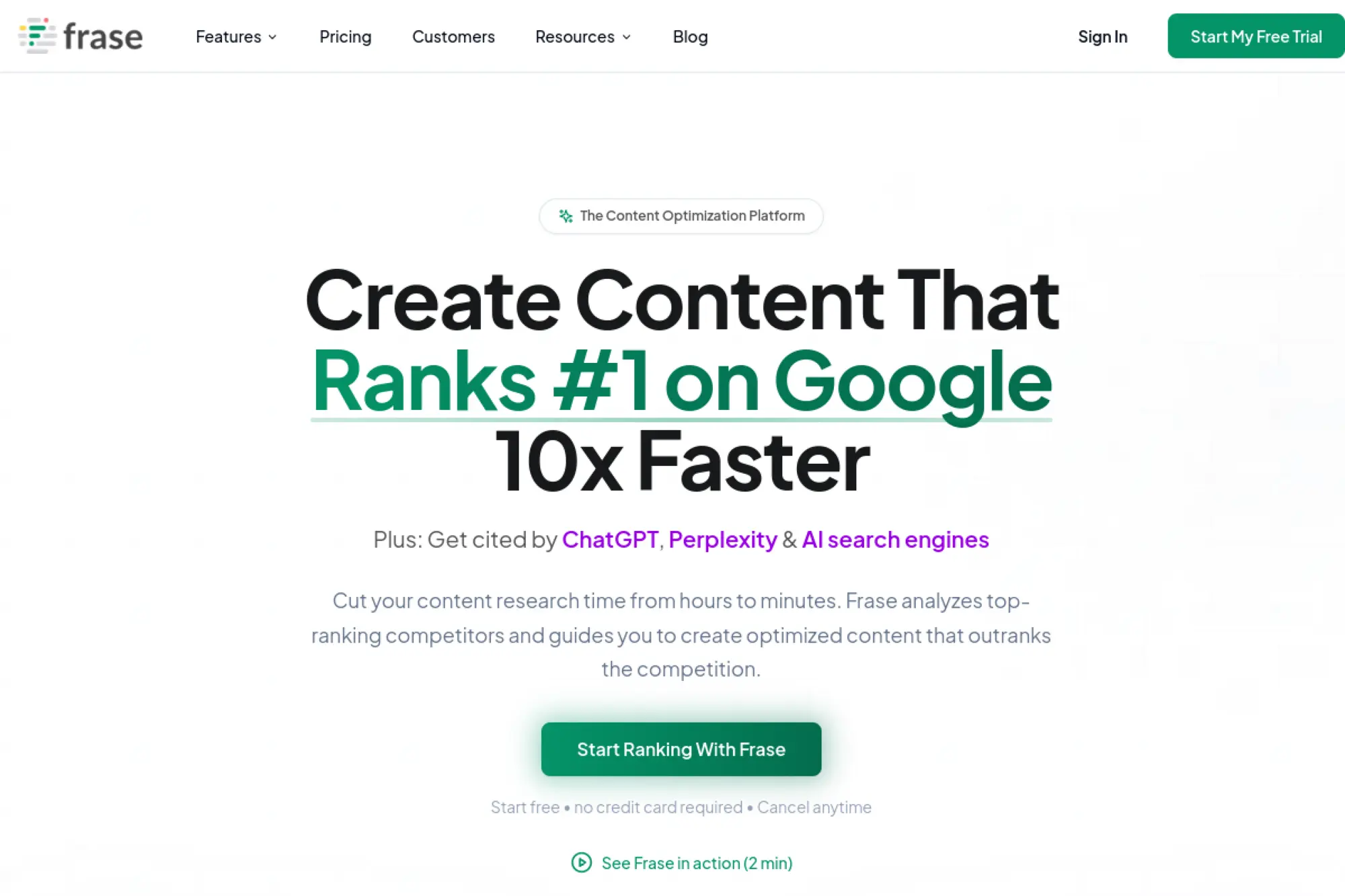
Frase helps teams move from SERP research to a usable outline quickly. It supports content briefs, draft creation, and optimization in one workflow. It’s a practical tool when you need to scale content production while keeping research consistent.
Best for
Content teams that want faster research and outline creation. It fits agencies and in-house teams that need repeatable briefs for writers.
Key workflows to configure
- Research SERP patterns for target topics.
- Extract questions and subtopics for FAQs.
- Build standardized briefs for writers.
- Draft sections and then edit for accuracy.
- Optimize content coverage before publishing.
Sales growth lever
Faster briefs reduce time-to-publish. That helps you respond to demand shifts and publish buyer-aligned content sooner, which can increase qualified organic leads.
Watch outs
AI-assisted drafting still needs strong editing. You must fact-check claims and add unique experience, or your content will feel generic and fail to stand out.
Quick start checklist
- Create a document for a target topic.
- Review SERP insights and extract key subtopics.
- Build an outline with clear intent sections.
- Draft, then rewrite in your brand voice.
- Optimize coverage and publish with confidence.
27. Yoast SEO
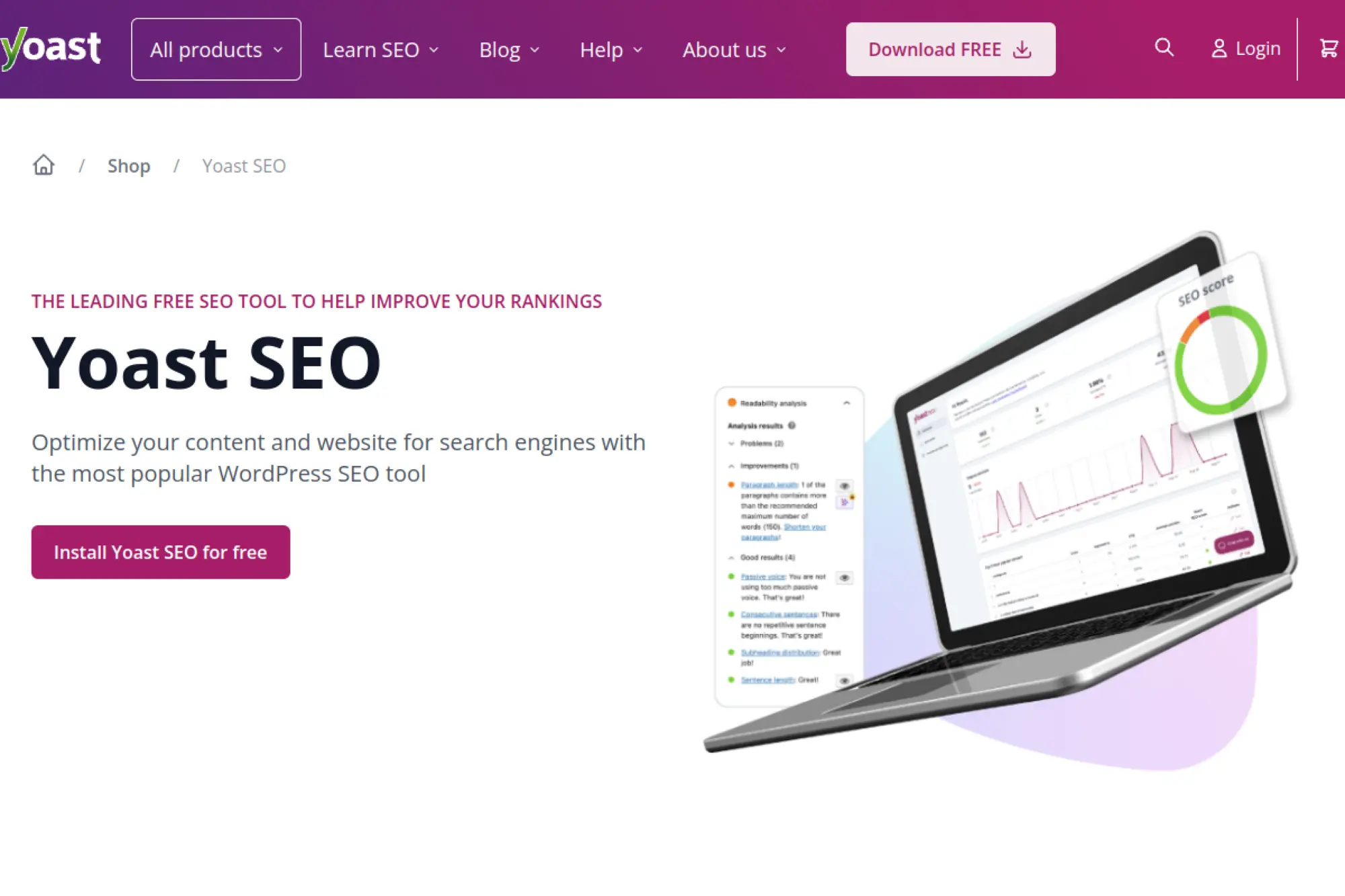
Yoast SEO is a classic WordPress plugin that helps teams manage on-page basics without touching code. It supports titles, meta descriptions, sitemaps, schema, and readability checks. It’s especially useful when many people publish content and you need consistent guardrails.
Best for
WordPress sites that need structured on-page workflows for editors and marketers. It fits teams that want SEO guidance inside the CMS.
Key workflows to configure
- Run initial configuration and set site defaults.
- Standardize title and meta templates by content type.
- Control indexation for thin or duplicate archives.
- Configure schema outputs for key content types.
- Use readability checks to improve scannability.
Sales growth lever
Consistent on-page quality reduces preventable SEO mistakes. Better snippets can improve click quality. Clean structure also supports internal linking that guides users toward conversion pages.
Watch outs
Plugins cannot fix weak positioning or unhelpful content. Also watch plugin conflicts and theme changes. Always verify critical settings after migrations.
Quick start checklist
- Run the setup flow and review recommendations.
- Set templates for titles and meta descriptions.
- Confirm sitemap generation and indexing settings.
- Audit key pages for snippet and schema quality.
- Train editors on consistent publishing habits.
28. Rank Math
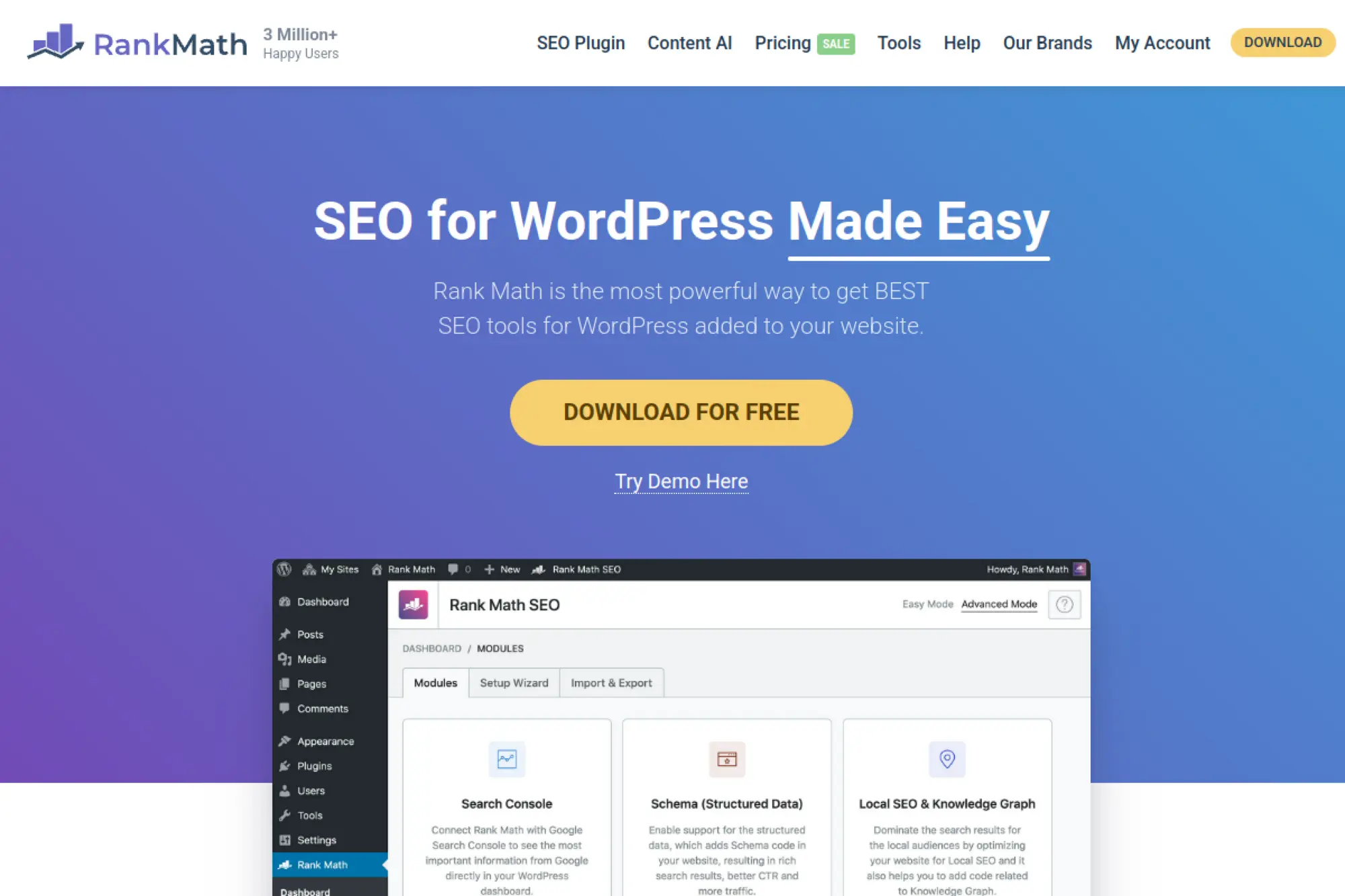
Rank Math is a WordPress SEO plugin that packs many features into one interface. It supports schema, sitemaps, indexation controls, and content analysis. It can work well when you want flexibility and a lot of control inside WordPress.
Best for
WordPress teams that want deeper configuration options and built-in SEO tooling. It fits sites that treat SEO as part of publishing operations, not a separate task.
Key workflows to configure
- Set indexation rules for archives and low-value pages.
- Configure schema defaults for key content types.
- Manage redirects and clean up broken URLs.
- Standardize metadata templates and editorial checks.
- Connect SEO insights to your publishing process.
Sales growth lever
Strong on-page SEO increases the odds that your content wins clicks and rich results. Better structure also improves navigation, which helps users reach product and conversion pages.
Watch outs
More options mean more ways to misconfigure. Keep settings simple unless you have a clear reason to change them. Validate changes with crawls and Search Console.
Quick start checklist
- Run setup and review imported settings carefully.
- Confirm sitemap and indexation rules match your goals.
- Set schema defaults for your main content types.
- Audit a small set of priority templates first.
- Document settings so the team stays consistent.
29. BrightLocal
BrightLocal focuses on local SEO workflows. It helps you audit local presence, track local rankings, manage reviews, and build citations. If phone calls, store visits, or service-area visibility drive revenue, local SEO tools often outperform general SEO suites.
Best for
Local businesses, multi-location brands, and agencies that manage Google Business Profiles and local visibility. It fits service businesses and retail teams that need location-based insights.
Key workflows to configure
- Run local audits for listings consistency.
- Track local keyword visibility by location.
- Monitor and respond to customer reviews.
- Build and clean up citations across directories.
- Create client-ready local reporting dashboards.
Sales growth lever
Local visibility can drive high-intent leads fast. Better listings and review workflows increase trust and conversion when users compare nearby options.
Watch outs
Local rankings vary by location and device. Treat reports as directional. Keep your methodology consistent so trends stay meaningful over time.
Quick start checklist
- Create a location profile and run an audit.
- Fix listings consistency issues across directories.
- Set local rank tracking for priority services.
- Launch a review monitoring routine.
- Report progress and adjust based on lead quality.
30. Whitespark
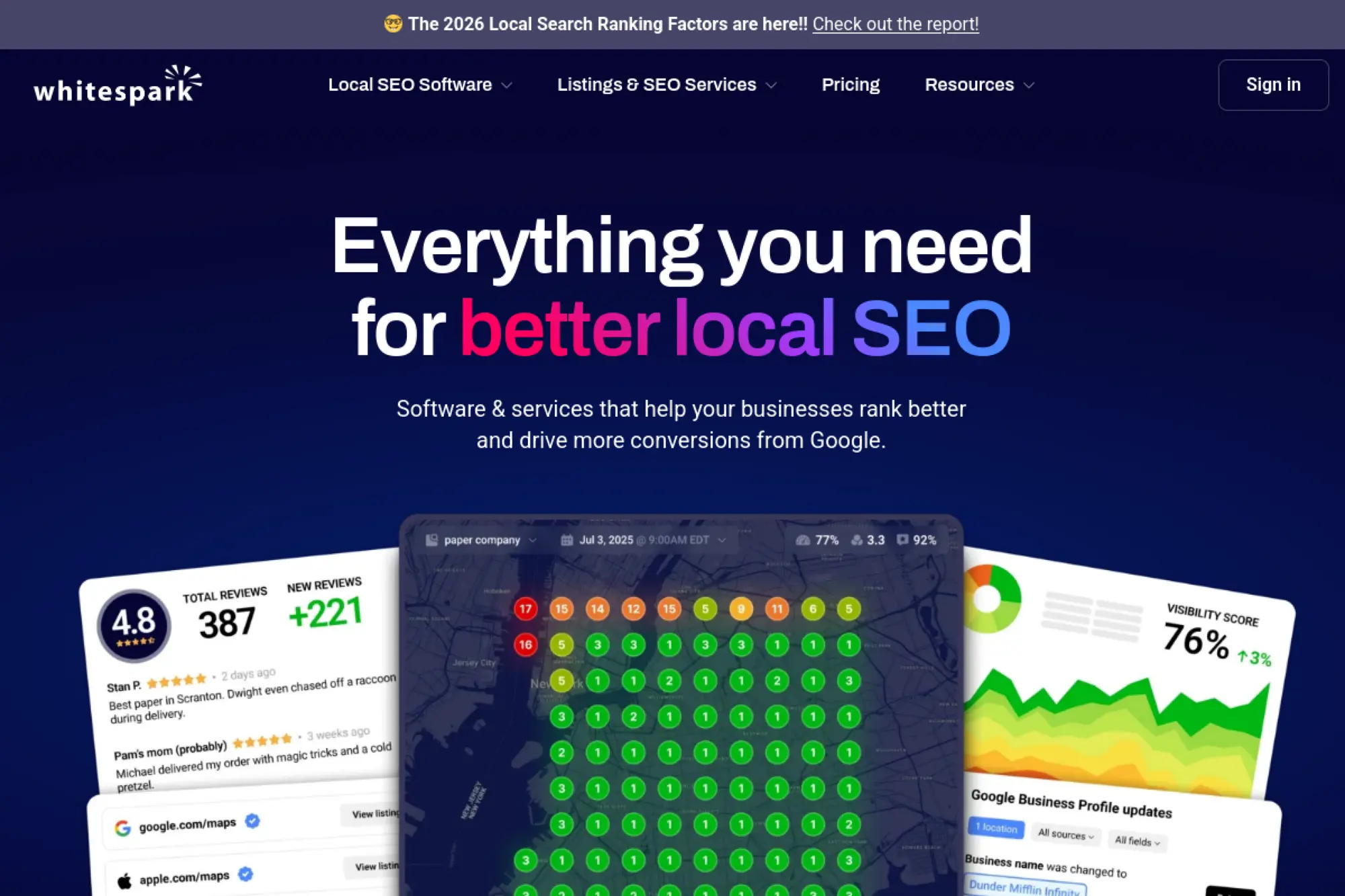
Whitespark specializes in local SEO tooling and services, especially citations and local rank visibility. It helps you find citation opportunities, track local performance across areas, and manage local presence signals that influence discovery.
Best for
Local SEO practitioners who need citation discovery and location-sensitive rank tracking. It also fits agencies that want repeatable citation and local visibility workflows.
Key workflows to configure
- Audit existing citations for accuracy and gaps.
- Find citation opportunities in your industry and region.
- Track local visibility for core services and categories.
- Monitor profile changes that impact local discovery.
- Build reports that explain local movement clearly.
Sales growth lever
Citations and local visibility support lead flow from high-intent searches. Better presence signals also reduce friction when users validate your business across platforms.
Watch outs
Citation work takes time to show results. Local visibility also fluctuates. Set expectations internally and focus on trend direction, not daily volatility.
Quick start checklist
- Run a citation audit for your main location.
- Fix accuracy issues and remove duplicates.
- Build citations on trusted, relevant directories.
- Track local rankings for priority services.
- Review lead quality and iterate on categories.
FAQs on the Best SEO Software Tools
What are SEO software tools? They are platforms that help you research demand, audit technical health, optimize content, track rankings, and report outcomes so SEO becomes a repeatable process.
Do I need an all-in-one suite or separate tools? Choose an all-in-one suite if you want fewer vendors and unified reporting. Choose specialized tools if you need best-in-class crawling, enterprise monitoring, or dedicated rank tracking.
Are free SEO tools enough? Free tools can cover measurement and basic diagnostics. Paid tools usually become worth it when you need competitive research, scalable rank monitoring, or repeatable content production workflows.
Can SEO tools track AI Overviews and AI search visibility? Some tools can track AI Overview presence and citations as an extension of SERP feature monitoring. Treat this as an emerging capability and validate it against your own keyword set and markets.
What should I buy first? Start with Search Console plus analytics, then add a crawler for technical control. After that, pick either a research suite or a content optimizer based on your growth model.







Sample Stacks (So You Don’t Buy Everything)

Tool choice gets easier when you pick a stack that matches your operating model. Use these as starting points, then adjust based on your bottlenecks.
Solo consultant stack
- Google Search Console
- Google Analytics
- Screaming Frog SEO Spider or Sitebulb
- Ahrefs or Semrush
- Wincher or AccuRanker for clean rank tracking
Content-led SaaS stack
- Google Search Console
- Google Analytics
- Ahrefs for competitor research and links
- Surfer or Clearscope for content production
- Looker Studio for stakeholder reporting
Local business and agency stack
- Google Search Console
- BrightLocal or Whitespark for local workflows
- SE Ranking for tracking, audits, and reporting
- Looker Studio for dashboards and client visibility
Enterprise ecommerce stack
- Google Search Console
- Botify, Lumar, Oncrawl, or JetOctopus for large-site technical SEO
- BrightEdge or Conductor for enterprise workflow and reporting
- STAT Search Analytics for large-scale SERP tracking
Whatever stack you choose, define owners and routines. Tools do not create results on their own. Process does.
Picking the right SEO stack is less about owning every platform and more about running the right habits. Start with ground-truth measurement, add a crawler for technical control, then choose the tools that fit your content and reporting workflow. Once you automate audits, content refresh, and rank monitoring, you stop reacting to surprises and start building predictable growth.