

- What is a URL and why it matters
- Anatomy of a URL, the core components
- URL schemes and common types of URLs
- Domain names, suffixes, and how DNS fits in
- Paths, parameters, and fragments in practice
- Absolute URLs vs relative URLs and links
- Using and sharing URLs safely and effectively
- 1Byte cloud hosting and web services that support your URLs
- Conclusion, key takeaways on what is a url
At 1Byte, we spend an unreasonable amount of time thinking about things most people never want to think about: naming, addressing, routing, caching, and the invisible contracts between browsers and servers. A URL sits at the center of that whole story. It looks like a simple line of text, yet it’s doing diplomatic work between human intent (“take me to the pricing page”) and machine reality (protocol negotiation, DNS resolution, TLS handshakes, reverse proxies, application routers, and storage backends).
Market overview: cloud infrastructure has become the default execution environment for modern web services, and Gartner forecasts worldwide public cloud end-user spending will surpass $675.4 billion in annual spend, which is why disciplined URL design now shows up in boardroom conversations about customer trust and operational risk, not just in developer chats.
From our hosting dashboards to our incident reviews, URLs show up everywhere: in error logs when a route breaks, in SEO reports when a canonical link drifts, in analytics when campaigns are mis-tagged, and in security alerts when attackers probe predictable admin paths. Underneath the calm surface, a URL is a spec-driven data structure that must survive copy/paste, chat apps, email clients, browser parsers, load balancers, and application frameworks without losing meaning.
So we’re going to treat the URL with the seriousness it deserves: not as trivia, but as a practical, business-relevant primitive that decides whether customers reach the right page, whether your session stays secure, and whether your infrastructure stays sane when traffic spikes.
What is a URL and why it matters
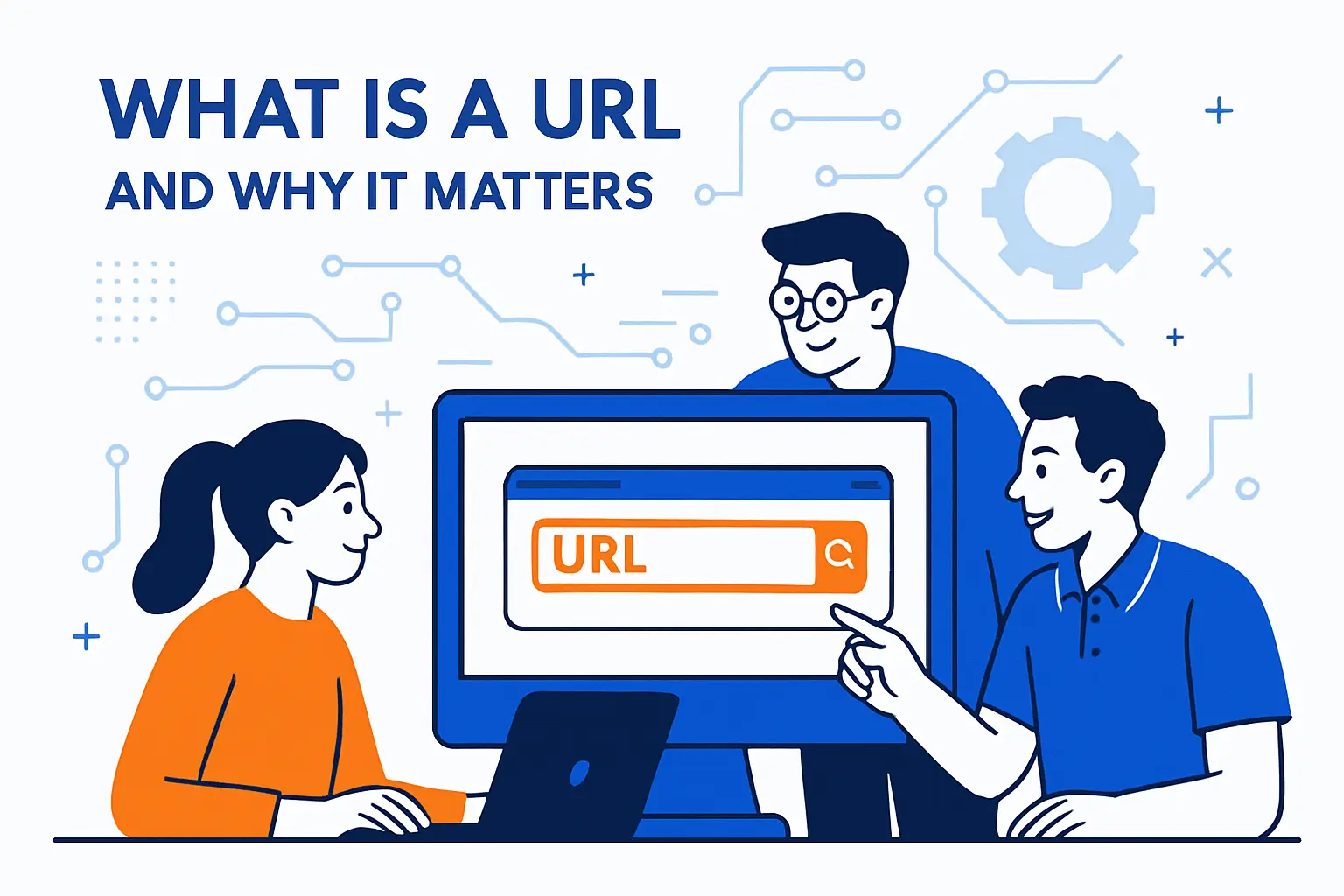
1. URL meaning uniform resource locator and web address
A URL is the web’s addressing language: the line you type, tap, scan, or embed to reference something you want. When people say “link,” they usually mean “URL,” and when they say “web address,” they mean “URL” too. What matters is not the acronym expansion, but the promise embedded in the phrase “locator”: it’s intended to point to something, consistently enough that strangers can share it and still arrive at the same destination.
Under the hood, URLs live inside a broader family called URIs, and the standards treat them as identifiers that can represent real files, generated pages, API endpoints, or even abstract resources. In fact, the formal definition emphasizes that a URI identifies an abstract or physical resource, which is a fancy way of saying: the “thing” might not be a static document, yet the address still needs to be stable.
URLs as a business contract
In our view, a URL is an external contract. Customers bookmark it, support teams paste it, and other sites link to it. Once that happens, the URL stops being “your internal implementation detail” and becomes part of your product surface area, with real costs if you change it casually.
2. URLs identify unique resources and web pages
Uniqueness is the quiet superpower of a URL. A well-formed URL gives software enough structure to decide what is the “same” resource and what is different. That sounds philosophical until you watch a CDN cache the wrong thing because the query string was ignored, or until you watch analytics split one page into multiple “pages” because the same content is accessible via multiple paths.
Browsers also treat URLs as structured objects, not raw strings. In modern JavaScript, the platform provides primitives that can parse, construct, normalize, and encode URLs, which is an engineering hint we take seriously: if you treat URLs as strings everywhere, you eventually ship a bug that only appears when a user’s language, device, or browser does something “perfectly valid” you didn’t expect.
Where uniqueness breaks in real deployments
Across hosted applications, the most common “uniqueness failure” we see is unintentional duplication: multiple URLs serving the same content without clear canonicalization. Search engines may treat them as separate, caches may treat them as separate, and users may share whichever one they happened to copy—fracturing your reputation into tiny, confusing shards.
3. Why URLs are important for finding and organizing information online
Search engines crawl URLs, browsers store them as history, and collaboration tools attach metadata previews to them. A URL is also how the web organizes itself into a graph: citations, references, backlinks, and embedded resources all depend on reliable addresses. That graph is not just “nice for discovery”; it’s a core distribution channel for businesses.
From our perspective as a hosting provider, the operational angle matters just as much: URLs are the stable keys that logs, metrics, tracing, and alerting systems can group by. If your URL strategy is chaotic, your observability becomes noisy. When it’s disciplined, incidents become diagnosable because requests cluster into predictable shapes.
Anatomy of a URL, the core components
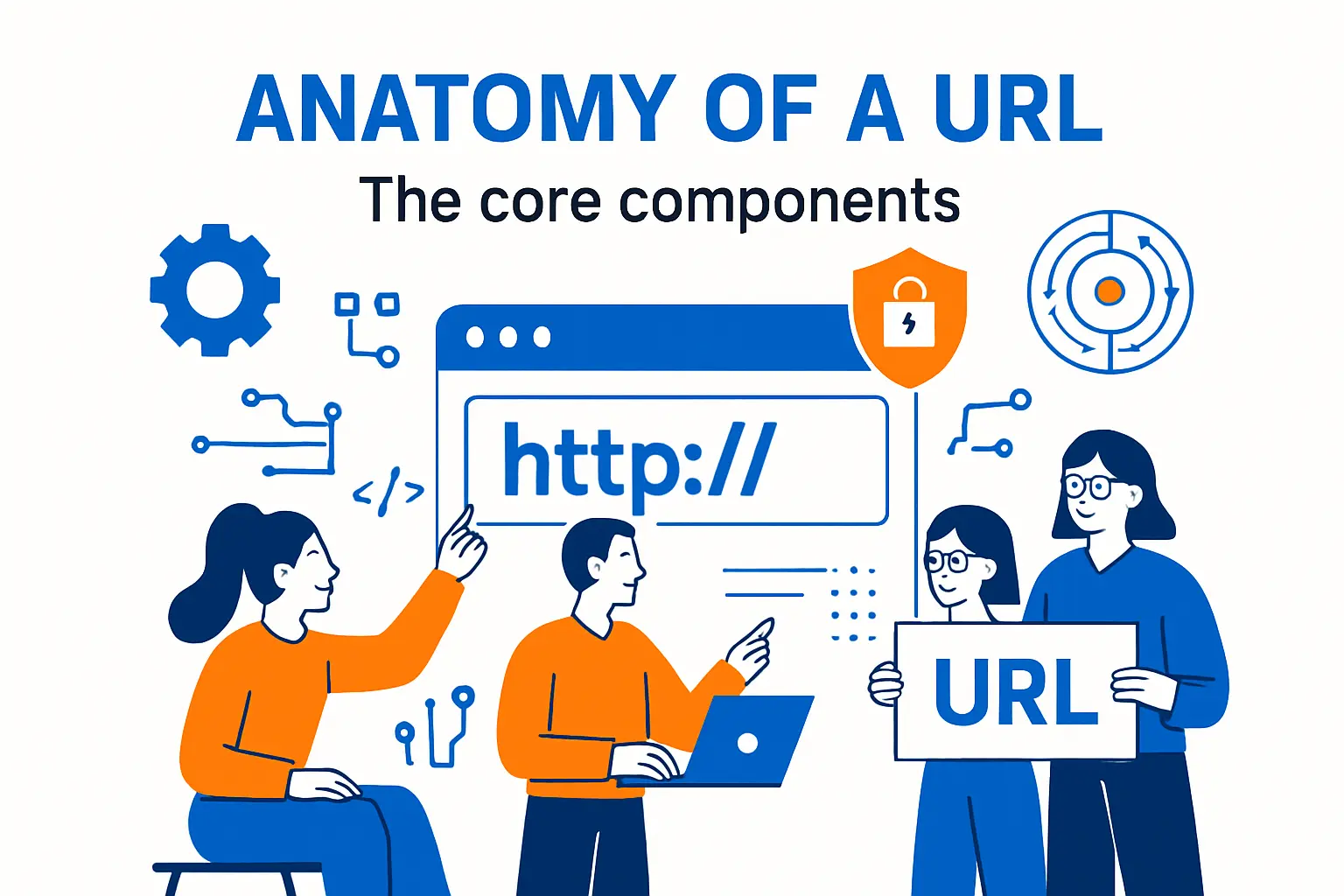
1. Scheme as the protocol the browser uses to request a resource
The scheme is the opening label that tells clients how to interpret everything that follows. When the scheme is web-oriented, it also signals how the browser should fetch the resource. Put differently, the scheme indicates which protocol the browser must use to fetch the resource, and that single decision cascades into security expectations, caching behavior, and even which parts of the address have meaning.
In day-to-day business terms, the scheme is where your customer’s trust journey begins. If they see an insecure scheme, modern browsers may warn them, password managers may refuse to autofill, and corporate proxies may treat the destination as suspicious. The scheme is not decoration; it’s a compatibility switch.
Scheme-driven parsing is why “almost right” fails
One reason typos hurt so badly is that the scheme influences parsing. A missing colon, a malformed prefix, or an unexpected character can make the rest of the URL ambiguous. In hosted environments, we see this when marketing materials paste a “link” that isn’t a link, and user agents interpret it differently across apps.
2. Authority including domain, host, and optional port number
After the scheme, the authority is the “who is responsible for this namespace” part of the address. In many URLs, authority contains the host, and optionally user info and a port. The standards and practical documentation agree on the basic shape: the authority may have up to three parts: user information, host, and port, even though modern secure web practice strongly discourages embedding credentials here.
Inside hosting platforms, the authority is also where multi-tenant architecture lives. A single application cluster can serve many customer sites by routing based on the Host header, which mirrors the host portion of the URL. That is why “www vs non-www” isn’t an aesthetic argument to us; it’s a routing and certificate scope decision with real blast radius.
Host, domain, and origin are not synonyms
Teams often say “domain” to mean “host,” and “host” to mean “origin,” but those are different layers. A host identifies a network location name, while an origin is a security boundary concept browsers use. Clear language here prevents costly misconfigurations, especially when mixing static assets, APIs, and third-party services.
3. Path, query, and fragment identifier as the locator details
If authority answers “where,” the rest answers “what, exactly.” The path usually expresses a hierarchy (even if it’s virtual), the query expresses parameters, and the fragment expresses a client-side pointer into a representation. In our day-to-day operations, these components decide cache keys, rate limiting buckets, analytics dimensions, and application routing tables.
We like to frame it this way: the authority is infrastructure ownership, the path is application meaning, the query is context, and the fragment is user experience state. When teams blur these roles—like encoding identity in the query for convenience—maintenance gets harder and security review gets noisier.
URL schemes and common types of URLs
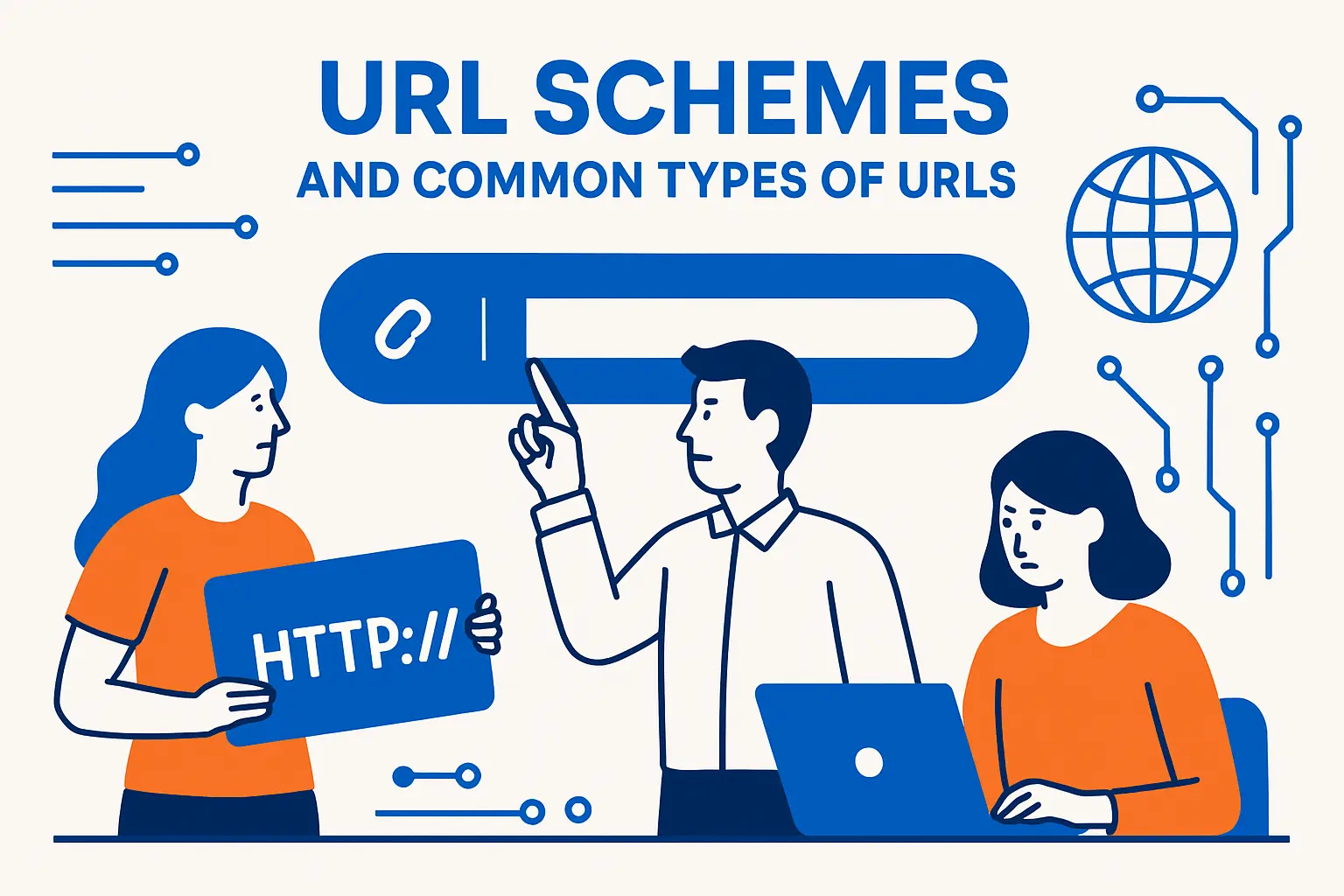
1. HTTP and HTTPS URLs for websites
For typical websites and web APIs, HTTP-family schemes dominate. The difference between them is not merely “secure or not”; it’s whether the browser expects cryptographic identity and encrypted transport. From a business standpoint, that expectation impacts customer confidence, compliance posture, and the viability of embedding your site in other contexts.
Operationally, HTTPS also changes how we design hosting: certificate automation, renewal monitoring, SNI routing, and TLS termination become part of the baseline. A good URL strategy therefore includes a deployment strategy: if you plan to serve content at a hostname, you plan to prove you own it and protect it.
Why canonical scheme choice matters
Search engines and caches treat scheme differences as distinct URLs. When both schemes serve content, you can accidentally fork your site into parallel universes. In migrations, we recommend designing a single canonical scheme early, then enforcing it consistently via redirects and internal link hygiene.
2. Mailto URLs for opening an email client
Not every URL points to a web server. The mailto scheme is a classic example: clicking it asks the user agent to open an email handler with fields prefilled. That behavior becomes surprisingly important for businesses because it’s a user experience bridge between browsing and support workflows.
In modern setups, the “email client” might be a native app or a webmail service registered as a handler. Browsers even expose mechanisms that let sites register their ability to open or handle particular URL schemes, which is one reason we advise teams to test mailto behavior across devices before shipping it as a critical support path.
Support links are URLs too
We’ve seen companies measure the performance of their funnel pages while ignoring the reliability of their contact links. Yet if the mailto link breaks—or opens a dead handler on mobile—the customer journey ends right where it matters most, and the URL is the silent culprit.
3. FTP, file, data, telnet, and custom app URL schemes
Beyond the familiar web schemes, browsers and operating systems recognize a zoo of URL types. Some are legacy, some are specialized, and some exist mainly inside applications. The key point is that the scheme controls the semantics: “file” implies local filesystem interpretation, “data” implies inline content, and custom schemes imply “hand this to an app that claims it can handle it.”
From a security standpoint, scheme variety is both a feature and a risk. For example, modern browsers treat data URLs cautiously; documentation notes that top-level navigation to data: URLs is blocked in all modern browsers, which is a reminder that “it’s a URL” does not mean “it’s safe to navigate to anywhere.”
Custom schemes in business workflows
In enterprise environments, custom schemes often power deep links into apps: opening a ticket in an internal helpdesk client, launching a conferencing app, or jumping into a mobile banking screen. Those links still need governance, because they’re effectively executable intents embedded in text.
Domain names, suffixes, and how DNS fits in
1. URL vs domain name and how they relate
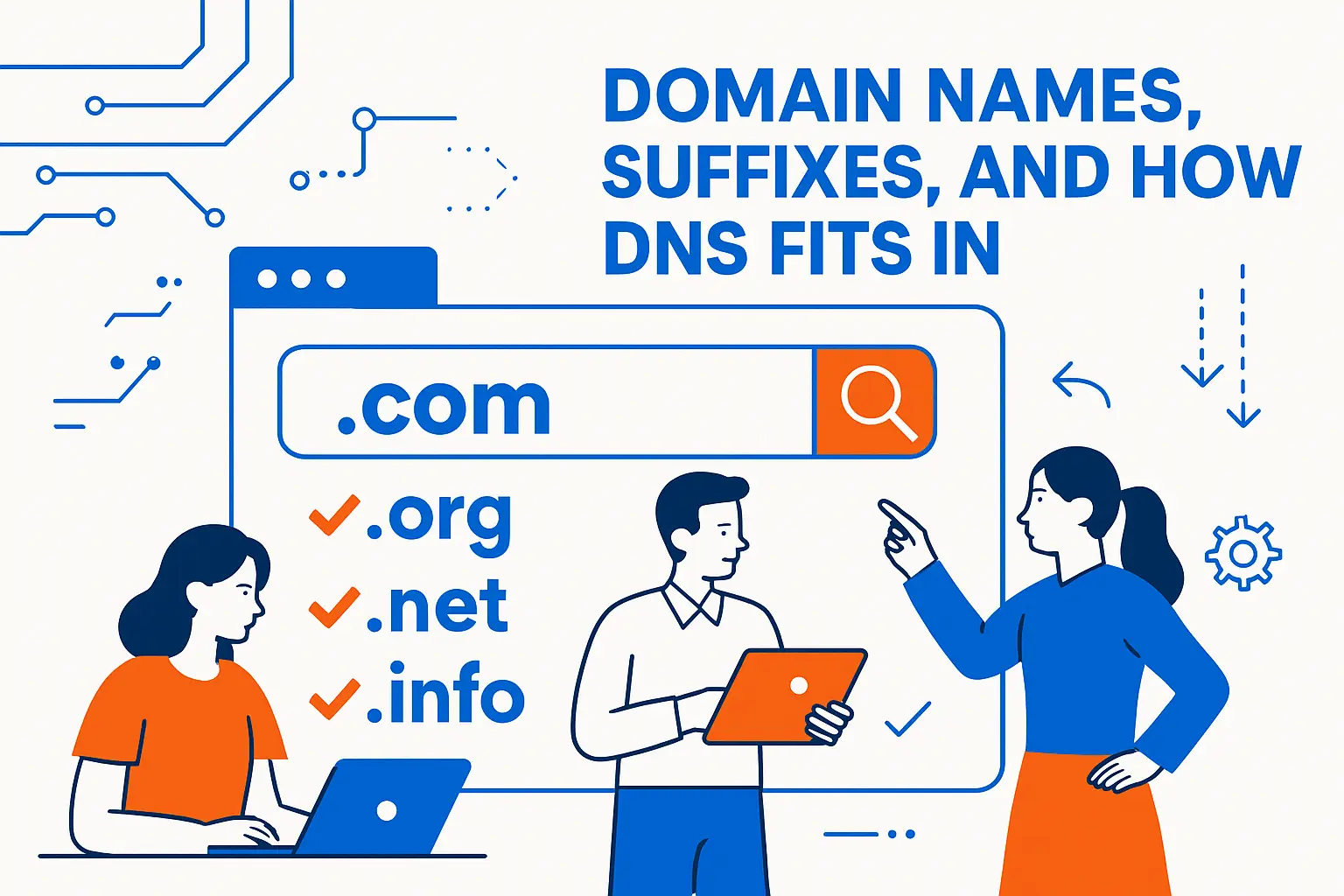
A domain name is a naming component; a URL is a full locator. Put bluntly: the domain (or host) tells you where to go, while the URL tells you how to get there and what to ask for once you arrive. In hosting terms, domain management is identity and routing, while URL design is product structure.
That relationship matters in real deployments because different teams often “own” different pieces. Marketing might purchase the domain, engineering might design paths, and operations might enforce scheme and redirects. When these roles are uncoordinated, customers experience it as broken links, mixed-content warnings, and confusing duplicates.
Why we treat domain and URL strategy as one conversation
At 1Byte, we’ve learned that domain choices shape URL choices. If you split product areas onto different subdomains, you’ve also split cookies, origins, and sometimes authentication flows. If you keep everything under one host, you’ve made a different set of tradeoffs around routing, scaling, and blast radius.
2. Subdomains, hostnames, and website suffixes like com, org, edu, and gov
Subdomains let organizations partition services: app, api, static, docs, and so on. That partitioning can be architectural—separating workloads and policies—or purely organizational. Either way, a hostname is a decision about boundaries: security boundaries in the browser, operational boundaries in your infrastructure, and mental boundaries for users.
Suffixes (top-level domains) also contribute meaning in the human layer. Users infer intent from them, and policies in corporate environments sometimes treat them differently. For a business, this becomes part branding, part trust signaling, and part risk management when impersonation and typosquatting are on the table.
Subdomains as routing levers
On the infrastructure side, subdomains are convenient because they can map cleanly to different backends, CDNs, or WAF rules. On the product side, they can be a burden because users perceive them as different “sites.” Our default advice is to use subdomains deliberately, not reflexively.
3. DNS translating human-readable domain names into IP addresses
DNS is the translation layer that turns names into network destinations. Even when the rest of the URL is perfect, DNS misconfiguration can make it unreachable. ICANN’s plain-language explanation captures the essential function: DNS connects domain names with IP addresses, which is how human-friendly names become machine-routable endpoints.
In production hosting, DNS is also where availability patterns begin: load distribution, regional traffic steering, and failover strategies often start with how records are served. Because DNS changes propagate with delays and caches, we treat DNS edits as change-managed infrastructure events, not casual tweaks.
The hidden dependency chain
When a customer says “the URL is down,” we mentally expand it into a chain: DNS resolution, TLS handshake, HTTP routing, application logic, and storage access. DNS is only one link, but it’s the first one that must succeed for the rest to matter.
Paths, parameters, and fragments in practice

1. Paths as resource locations that may be abstracted by the web server
Paths look like directories and filenames, but on modern web stacks they’re often abstract identifiers that map to routes, controllers, or objects in storage. Documentation describes this generically: the path contains data, usually organized in hierarchical form, to identify a resource within the scope of the scheme and naming authority.
In our hosted environments, the path is frequently the boundary between “static asset delivery” and “dynamic application routing.” A path that ends in something that looks like a file extension might still be generated, while a path that looks like an abstract slug might be backed by an object store. The path is therefore a UI, not a filesystem truth.
Path design and operational simplicity
Clean paths are easier to cache, easier to rate limit, and easier to monitor. Messy paths—especially those that include unstable identifiers—create noisy metrics and unpredictable cache behavior. We’re fans of stable, semantic path segments because they reduce both human confusion and infrastructure entropy.
2. Query strings and parameters as key value pairs separated by ampersands
The query string is where URLs carry optional context: filters, sorts, tracking tags, pagination tokens, feature flags, and more. The difficulty is that query parameters are simultaneously powerful and dangerous. They can explode cache keys, leak sensitive information, and create duplicate content paths that search engines struggle to unify.
On the client side, platforms provide utilities to handle queries safely. For example, the URLSearchParams interface exists specifically to work with the query string of a URL rather than forcing developers to hand-roll parsing logic that breaks on encoding edge cases.
How query strings break caching and budgets
From our perspective, the biggest business risk is cost creep: a single marketing experiment can add “harmless” parameters that cause cache misses across a high-traffic page, shifting load from edge caching to origin compute. When budgets spike, the root cause is often a query string that grew without governance.
3. Fragments as in-page bookmarks and not sent to the server
Fragments are the part after the hash symbol, and they’re interpreted by the client in the context of the retrieved representation. In HTML documents, fragments commonly point to elements by ID, creating a shareable “jump link” to a section. The crucial technical point is that the fragment is not sent to the server when the URI is requested, which means it usually cannot affect server-side routing or access control decisions.
That client-side nature is why fragments became popular in single-page applications: they can represent UI state without triggering a server fetch. Yet the same property also makes fragments a poor place for secrets. If something matters for authorization, it belongs in authenticated headers or server-validated parameters, not in the fragment where the server never even sees it.
Fragments as product UX, not infrastructure
When teams treat fragments as infrastructure routing, they eventually collide with reality. A load balancer won’t route based on a fragment, a CDN won’t cache based on it, and server logs won’t show it. In our experience, fragments should be reserved for user-facing navigation state that truly is client-only.
Absolute URLs vs relative URLs and links
1. When a full absolute URL is required
An absolute URL includes everything needed to locate a resource with no additional context: scheme, authority, and the rest. Absolute URLs are required when the consumer cannot assume a base, which is common in emails, PDFs, feeds, QR codes, and many API payloads. In those contexts, a missing scheme is not a minor omission; it’s a failure to specify how the destination should be reached.
In business systems, absolute URLs also become audit artifacts. They show up in logs, compliance exports, CRM activity trails, and customer support transcripts. Because of that, we treat absolute URL stability as part of brand integrity: if the URL you printed on a brochure stops working, the web feels unreliable even if your backend is healthy.
Absolute URLs and cross-system interoperability
Whenever a URL leaves your website and enters another system, absolute is safer. Chat apps may rewrite links, mobile apps may open them in embedded webviews, and security tools may scan them. Absolute URLs reduce ambiguity and reduce the odds that someone’s tooling “guesses wrong” about the base.
2. Relative links within a site including directory navigation
Relative URLs depend on a base URL and are resolved by the client. They are common in HTML and CSS because they make sites portable across environments: staging, production, preview deployments, and local testing. From an engineering standpoint, relative linking can reduce the effort of environment promotion.
Still, relative links have failure modes. When a page is moved to a different directory level, naïve relative paths can break silently. In migrations, we often find that absolute internal links were used as a band-aid for this, trading portability for stability. Our preference is to use root-relative patterns thoughtfully, then enforce them with automated checks.
Relative links and reverse proxies
Hosted applications frequently sit behind reverse proxies that rewrite paths. Relative links can either help (by inheriting the proxied base) or hurt (when assumptions about directories don’t match reality). Testing behind the real edge routing layer matters, because local development often hides these differences.
3. Anchor-only links for jumping within the same document
Anchor-only links are fragment-only references that keep you on the same document while changing the in-page target. They’re tiny UX accelerators: documentation pages, long product pages, and knowledge bases benefit from them because they make “share this exact section” possible without generating a whole new resource.
From a performance standpoint, anchors are also cheap. They generally avoid additional server requests, which means they don’t add origin load. That said, anchors can become brittle if your content is generated and section IDs change. When we help customers build documentation sites, we recommend stable heading IDs and link-checking in CI so “jump links” don’t rot quietly.
Anchors and modern web apps
Single-page applications sometimes blur the line by using fragments for routing. When that’s done, the “anchor-only” concept becomes a routing mechanism. Our stance is pragmatic: it can work, but it should be a deliberate compatibility choice, not the default, especially when you care about clean analytics and predictable server logs.
Using and sharing URLs safely and effectively
1. HTTP vs HTTPS and how SSL certificates enable encryption
Security begins at the URL, but it doesn’t end there. HTTPS relies on TLS and certificates to give users confidence that they are talking to the real site and that traffic cannot be casually read or altered in transit. The cryptographic goals are well summarized in official guidance: TLS protocols provide authentication, confidentiality, and data integrity protection between a client and server, which is exactly what customers implicitly expect when they type a password or enter a payment method.
In hosted environments, certificate management is operational hygiene. Automated issuance, renewal, and monitoring reduce the risk of unexpected outages. For businesses, this is not a “security nice-to-have”; it’s a conversion-rate and trust requirement because browsers increasingly penalize insecure contexts in subtle ways.
Encryption is also a product signal
Users do not read your infrastructure diagrams, but they do react to warnings. A secure URL is a customer-experience feature. When we advise clients, we treat HTTPS as part of UX design, not just a checkbox in a compliance document.
2. Usernames and passwords in URLs and why this approach is deprecated
Embedding credentials inside URLs is one of those ideas that seems convenient until you follow the consequences. URLs get logged by servers, stored in browser history, copied into chat tools, forwarded by email, and scraped by analytics systems. That means any secret inside a URL is, in practice, a secret you’ve agreed to leak widely.
Modern documentation warns against the pattern directly; for example, MDN explicitly notes that providing user information directly in HTTP URLs is not recommended because it can expose sensitive information. In our own security reviews, we treat “credentials in URLs” as a design smell that should trigger immediate redesign toward headers, token exchange, or interactive authentication flows.
URL leakage is more common than teams expect
Even if you trust your own servers, third-party systems can capture URLs: reverse proxies, monitoring tools, APM agents, and customer support screenshots. A safe URL assumes it may be seen by someone unintended, then avoids embedding anything that would be catastrophic if exposed.
3. Semantic human-readable URLs for usability and search clarity
A semantic URL is readable, predictable, and meaningful. It tells the user what they’re about to get, and it tells the organization how to maintain structure over time. In our experience, semantic URLs reduce support burden because customers can describe them, remember them, and even manually correct them when they make a small mistake.
Search engines also reward clarity indirectly by crawling more efficiently and understanding structure more easily. Google’s own documentation recommends creating a simple URL structure that’s intelligible to humans, which aligns with what we see operationally: clear structure makes it easier to enforce redirects, deprecate old paths, and keep analytics coherent.
Semantics beat cleverness
Teams sometimes hide meaning behind opaque IDs because it feels “clean.” Yet over time, humans become the maintainers, and humans need semantics. Our viewpoint is plain: make URLs boring, descriptive, and stable, and you’ll save real money in migration work later.
1Byte cloud hosting and web services that support your URLs

1. Domain registration to secure and manage your web address
Before a URL can work for customers, the underlying domain must exist and be manageable. Domain registration is where your public identity begins, but management is where reliability is maintained: keeping contact data current, protecting against unauthorized transfers, and ensuring DNS can be updated quickly when infrastructure changes.
From our side at 1Byte, we treat domains as long-lived assets. That means encouraging customers to separate “ownership” (registrant control) from “operations” (DNS changes) with the right access controls. A URL strategy that ignores governance is fragile, because the best path structure in the world won’t matter if the domain is lost or misdirected.
Operational habit: document your DNS intent
Teams often know what record they created, but not why. We recommend documenting intent: which hostname is for the app, which is for APIs, which is for email, and which is for verification. That tiny discipline makes future URL changes safer and faster.
2. SSL certificates to protect visitors and enable HTTPS URLs
Once a domain resolves, HTTPS requires certificates that match the hostnames you serve. Certificate scope planning is therefore URL planning: if you want customers to use multiple subdomains, you must decide whether to manage individual certificates or use a certificate strategy that covers multiple names.
In hosting operations, certificates also have lifecycle realities: renewals, key rotation, and deployment rollouts. We advise clients to treat certificate automation as a first-class deployment pipeline, not as a one-time setup task. When a certificate expires, the URL doesn’t “kind of work”; it fails in a way that customers perceive as a total trust breach.
Trust is cumulative, but warnings are instant
A customer may forgive a slow page, yet a browser warning can end a relationship immediately. That’s why we invest heavily in making HTTPS enablement routine rather than heroic.
3. WordPress hosting, shared hosting, cloud hosting, and cloud servers with AWS Partner expertise
Different hosting models change how URLs behave under load and during change. Shared hosting is often fine for early-stage sites with stable content, while cloud hosting and cloud servers become important when you need scaling headroom, isolation, and more control over routing. WordPress adds its own layer because permalink structure, caching plugins, and theme behavior can all reshape URL patterns over time.
When clients outgrow a single-server shape, URL behavior becomes even more important: reverse proxies terminate TLS, CDNs cache by path and query, and microservices route requests based on stable prefixes. That is where our cloud experience matters, and we’re proud to be recognized as AWS Partner of the Year (Emerging Markets) – Cambodia in the ASEAN partner ecosystem, because it reflects the operational maturity required to keep URL contracts stable while infrastructure evolves behind them.
Our practical promise: stable URLs, flexible backends
Our philosophy is straightforward: you should be able to migrate from shared hosting to cloud hosting, from a monolith to services, or from one region to another without breaking your public URL surface. The backend can change; the customer-facing address should not have to.
Conclusion, key takeaways on what is a url
1. Quick checklist to recognize each part of a URL
When we audit a site’s URL strategy, we mentally walk through a short checklist. First, confirm the scheme matches the intended trust level and user expectations. Next, validate authority: the hostname should be canonical, consistent, and covered by certificates where appropriate. After that, review the path for stability and meaning, then examine the query string for governance and duplication risk. Finally, treat fragments as client-side UX tools rather than server-side routing mechanisms.
In practice, this checklist becomes a shared language across teams. Product can own semantic structure, marketing can own campaign tagging discipline, and engineering can own redirect policy. A URL that survives organizational change is one that was designed to be owned collaboratively, not accidentally.
2. Common issues like typos, moved pages, and error codes when a URL fails
When a URL fails, the problem is rarely mystical. Typos and copy/paste truncation are common, especially when links travel through PDFs, slide decks, and messaging apps. Moved pages are another classic: teams redesign a site, change slugs, and forget that the old URLs are still out in the world doing marketing work.
Error responses are the web’s blunt honesty about what happened. A broken or missing resource often returns 404 Not Found, while a properly managed migration uses a redirect like 301 Moved Permanently to preserve old links and teach clients the new destination, and those choices directly affect user trust and search visibility in day-to-day operations.







3. Next steps for creating reliable, secure, and user-friendly URLs
If we were to give one next-step recommendation, it would be this: treat your URL surface as a product API. Write rules for how paths are named, how query parameters are introduced, how redirects are managed, and how canonical hosts are enforced. Then automate enforcement with link checks, redirect tests, and staging-to-production validation.
From there, invest in the fundamentals that keep URLs trustworthy: clean DNS management, HTTPS everywhere, and hosting that can evolve without breaking public addresses. If you’re planning a redesign, a platform migration, or a move to cloud servers, the most valuable question to ask early is simple: which URLs are we promising to keep stable, and how will we prove it to ourselves before customers discover the breakage?