

- What “Headless WordPress” Means (And When It Wins)
- Core Architecture: APIs, Front Ends, and Delivery
- API Options for Headless WordPress: REST, GraphQL, and Hybrid
- Front-End Choices: What to Use and Why
- Headless WordPress Setup: A Practical Step-by-Step Plan
- Performance and Caching Best Practices for Headless Builds
- SEO for Headless WordPress: What Changes and What Stays the Same
- Security and Maintenance in a Headless WordPress Stack
- FAQs on Headless WordPress
- Conclusion
Headless WordPress turns WordPress into a content engine that feeds a separate front end. That gives you more control over performance, security boundaries, and UI delivery, but it also adds decisions you never had to make with themes. This guide shows how to pick an API strategy, choose a front end, design previews editors can trust, and protect SEO when your HTML no longer comes from PHP templates.
How we evaluated: We focused on the parts that break most often in real headless builds: content modeling, API contracts, preview and drafts, caching invalidation, SEO rendering, and the security surface created by integrations. The goal is to help you choose an approach your editors can use daily and your developers can maintain long term.
What “Headless WordPress” Means (And When It Wins)
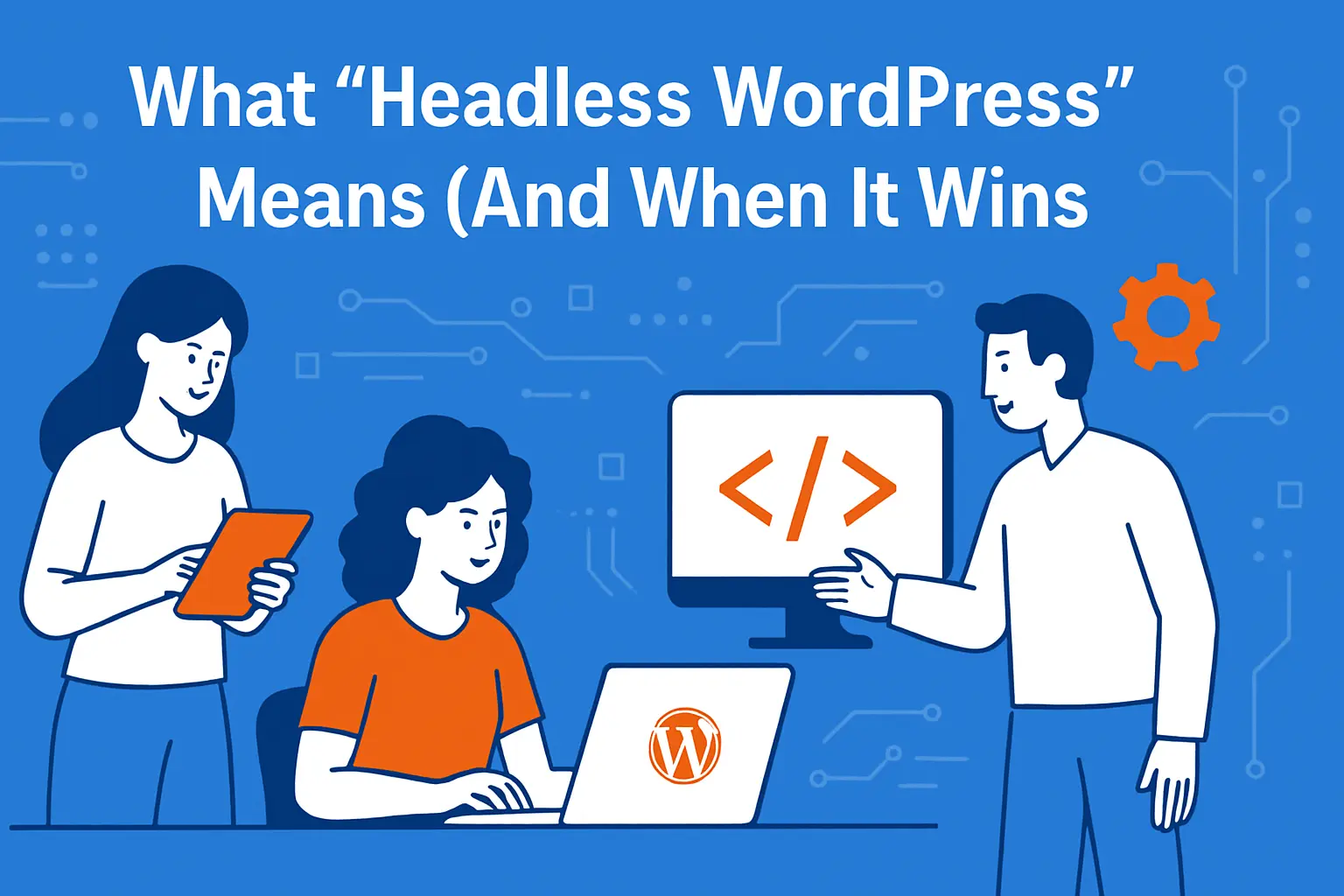
Headless WordPress definition: Headless WordPress means WordPress manages content in wp-admin, but a separate front end renders the site and pulls content through an API.
- What stays the same: editorial workflow, roles, drafts, and content governance.
- What changes: templates, SEO tag output, caching, previews, and deployments move to the front end.
- When it wins: you need multiple channels, higher performance control, or an app-like UI.
1. Headless WordPress Separates Publishing From Presentation
Traditional WordPress couples content management, templating, and page delivery in one runtime. Headless WordPress breaks that coupling on purpose. Editors keep using wp-admin to create content, while a separate front end renders the site and consumes content through APIs.
This separation changes your operating model. You stop “building a theme” and start “building a front end app” that happens to use WordPress content. As a result, you can choose frameworks and hosting that match your performance, security, and developer experience goals.
2. Headless Fits Best When You Need Multiple Channels
Headless WordPress shines when one content source must power more than a website. For example, a retailer can publish buying guides once, then show them on a marketing site, inside an iOS app, and in in-store screens.
It also fits well when teams want strict separation of concerns. Marketing can keep publishing, while engineering can ship UI changes without touching PHP templates. That separation reduces “theme bottlenecks” and keeps releases cleaner.
3. A Classic WordPress Site Still Wins for Many Projects
Quick decision matrix:
- Choose classic WordPress when you need fast setup, rely on theme output, and want most features handled in one system.
- Choose headless when your front end is a product (not a theme), you need multi-channel delivery, or your UI needs custom interactions that themes fight against.
- Choose hybrid when you want a custom front end for key pages, but you still want WordPress to serve some pages directly for speed of publishing.
Headless adds moving parts, so it is not a free upgrade. If you run a small brochure site, a local business site, or a blog with minimal custom UI, a well-built classic WordPress stack can stay simpler and cheaper.
Also, if you rely heavily on plugin-driven front-end output (shortcodes, visual builders, complex theme integrations), headless can force you to recreate those outputs in your front end. In that case, you should quantify the rebuild cost before you commit.
Cassic WordPress usually wins when your success metric is “publish fast with minimal engineering.” If your roadmap does not require an app-like UI or multi-channel delivery, headless can turn simple work into integration work. In that case, invest in a well-optimized theme stack, strong caching, and disciplined plugins instead of splitting the system.
Core Architecture: APIs, Front Ends, and Delivery
1. Model Content in WordPress Like a Product Team Would
A headless WordPress setup works best when content becomes structured and predictable. Start by listing the content types you need (for example: pages, articles, authors, categories, products, locations, FAQs). Then define the fields that power each screen, not the fields that “sound nice.”
Next, decide where rich text helps and where it hurts. Rich text speeds up editing, yet it can slow down front-end rendering if you later need layout control. So, reserve rich text for body content, and use explicit fields for components like hero blocks, CTAs, specs, and comparison tables.
2. Treat Media as a Delivery System, Not a Library
Media handling often becomes the hidden cost of headless. WordPress can store assets, but the front end still needs responsive images, proper alt text, and predictable URLs. So you should set clear rules for file naming, featured image requirements, and what “minimum image quality” means for your brand.
Then align your front-end image pipeline with editorial habits. If editors upload oversized images, you should auto-generate sizes and serve modern formats at the edge where possible. Otherwise, your front end will inherit slow pages no matter how modern the framework looks.
3. Plan Your Delivery Topology Early
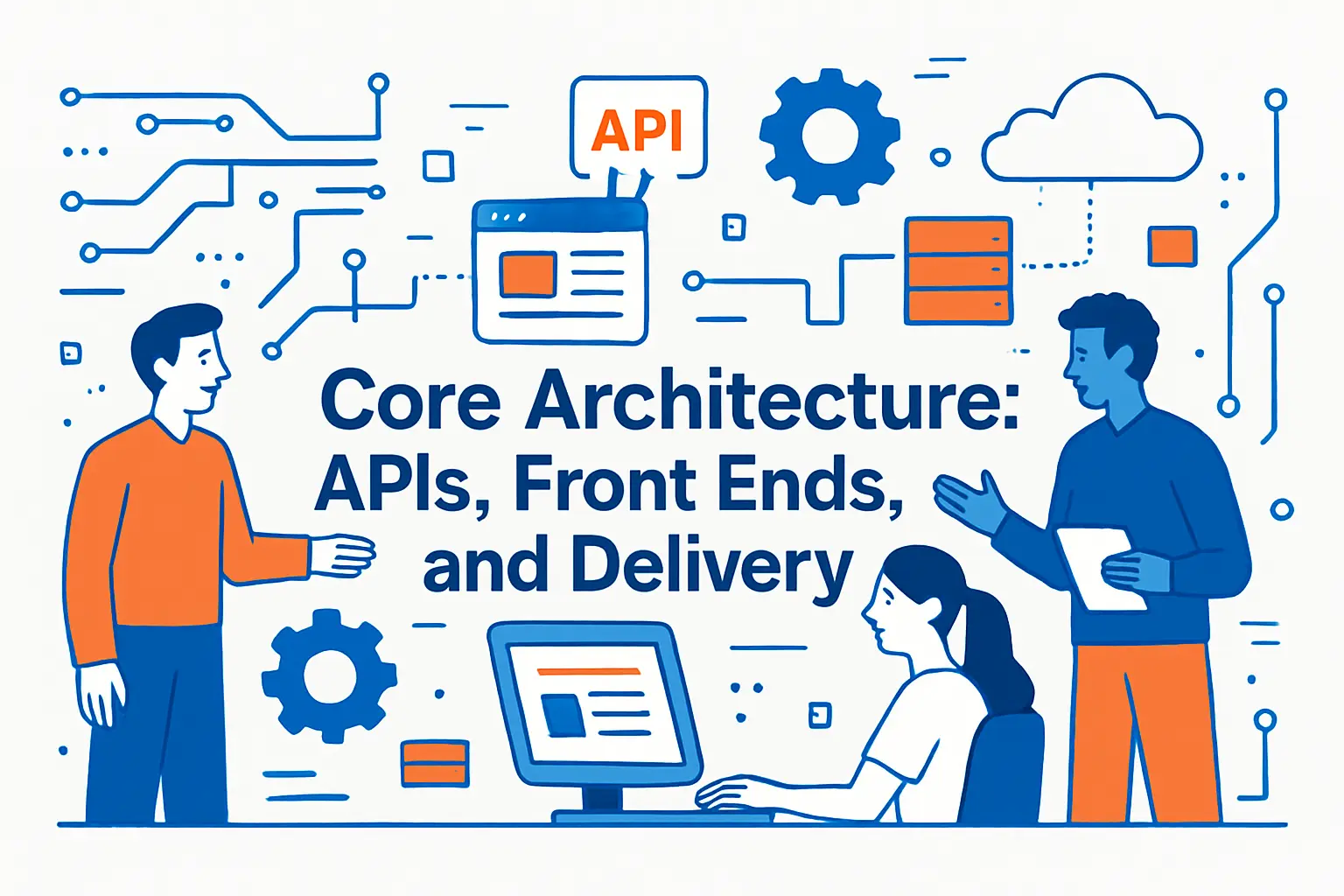
Reference architecture (common pattern):
- WordPress (private): wp-admin for editors, limited public access, minimal plugins.
- API layer: REST, GraphQL, or hybrid contracts that the front end treats as stable.
- Front end (public): server-rendered or hybrid rendering for SEO-critical routes.
- Delivery: CDN for assets, caching rules for pages and API responses, clear invalidation triggers.
- Automation: webhooks on publish to rebuild or revalidate content, plus monitoring on API latency and build failures.
Headless introduces at least two runtimes: WordPress for authoring and your front end for delivery. That split also introduces cross-system concerns such as authentication, preview, webhooks, cache invalidation, and monitoring.
So, before you write code, decide how requests flow. Many teams place WordPress behind stricter access controls and allow only the front end (and trusted services) to call the APIs. This approach shrinks the attack surface and keeps public traffic away from wp-admin and PHP execution.
API Options for Headless WordPress: REST, GraphQL, and Hybrid
1. REST API Works Well for Straightforward Content Delivery
WordPress includes a mature REST interface, and the official reference explains how the system exposes endpoints through a distributed API that each site hosts. This makes REST a safe default when you want predictable routes, easy caching, and simple debugging.
REST often fits best when your front end pulls content by URL, slug, or taxonomy, and when your query needs stay stable. It also plays nicely with HTTP caching because you can cache endpoints like pages, posts, and menus without complex query keys.
2. GraphQL Helps When You Need Precise Queries and Fewer Round Trips
GraphQL can reduce over-fetching because the client asks only for the fields it needs. In the WordPress ecosystem, WPGraphQL has strong momentum, with Active installations 30,000+ shown in the plugin directory, which signals broad real-world usage and community support.
GraphQL becomes especially useful when you build component-driven pages. Instead of calling many REST endpoints to assemble one screen, you can query a page, its modules, its related posts, and its SEO fields in one request.
3. A Hybrid Approach Often Gives the Best Outcome
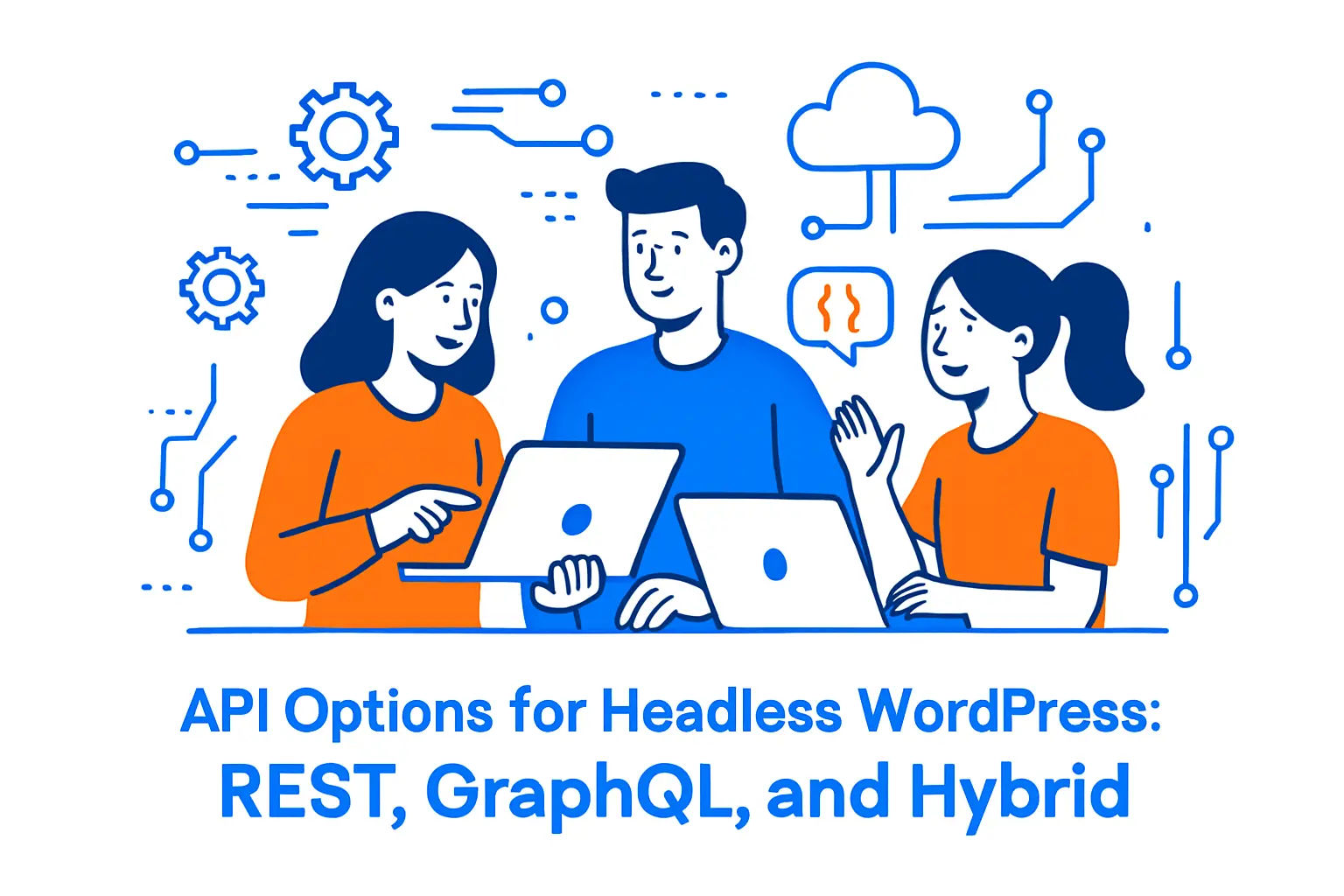
You do not have to choose one API style forever. Many teams use REST for broad, cacheable resources (like menus, basic pages, and search) and GraphQL for complex page assembly or personalized experiences.
However, you should keep consistency at the content layer. If one page pulls “author bio” through GraphQL and another pulls it through REST with different field shapes, you will create drift and bugs. So, standardize models and treat your API responses like contracts.
Front-End Choices: What to Use and Why

1. Next.js Fits Teams That Want App-Like UX With Strong SEO
Many headless WordPress builds choose Next.js because it supports server rendering, static output, and hybrid delivery. It also supports content-heavy publishing flows because Incremental Static Regeneration (ISR) allows you to create or update content on your site without redeploying, which matches how editors expect updates to work.
A practical example: a newsroom can publish breaking stories and update the homepage quickly, while the site still serves most article pages from cache. That combination helps both speed and editorial agility.
2. Astro Fits Content Sites That Prioritize Lightweight Pages
Astro works well when you want mostly static pages with selective interactivity. This approach reduces shipped JavaScript, which often improves performance and stability.
Use Astro when your site resembles a “content plus components” model: marketing pages, documentation hubs, and editorial sites that include only a few interactive widgets such as search, filters, or embedded calculators.
3. Mobile Apps and Multi-Surface Experiences Benefit From Headless
Headless WordPress can also power native apps, kiosks, or digital signage. In those cases, you often avoid “pages” and focus on structured entities like locations, events, and promotions.
This is where headless WordPress becomes more than a website strategy. It becomes a content operations strategy, because one workflow now feeds many user touchpoints.
Headless WordPress Setup: A Practical Step-by-Step Plan
1. Prepare WordPress for API-First Publishing
Start by cleaning the WordPress instance. Remove unused themes and plugins, because every extra component increases maintenance. Next, lock down user roles so only the right people can publish, edit, or manage settings.
Then, audit your content for structure. If your existing site relied on layout-heavy shortcodes, build a migration plan that converts that content into fields and modules your front end can render reliably.
2. Implement Authentication That Matches Your Risk Profile
Most headless sites need at least one private capability: previews. Some also need private endpoints for build hooks, search indexing, or internal dashboards.
The REST handbook explains that WordPress supports Basic Authentication with Application Passwords, which gives you a practical option for trusted integrations when you protect traffic with HTTPS and store secrets safely.
For higher-security environments, teams often add OAuth or JWT, then restrict API access at the network layer as well. You should also define how you rotate credentials and how you revoke access when roles change.
3. Add Preview, Draft Routing, and URL Rewrites Early
Preview workflow that editors trust:
- Draft preview route: drafts open on a protected preview URL that mirrors production templates.
- Role-based access: only logged-in editors can generate preview tokens or access preview content.
- Stable URLs: previews use the final slug format so internal links and metadata behave predictably.
- Clear states: show “Draft,” “Scheduled,” or “Published” in the preview UI so editors know what they are viewing.
Preview breaks first in many headless migrations, because classic WordPress preview assumes WordPress renders the page. In headless, your front end must render draft content, often behind authentication.
Faust.js exists to reduce that friction for Next.js-based builds. The WordPress plugin directory shows Active installations 1,000+, which suggests many teams use it as a bridge for headless workflows. You still need to design previews carefully, but a toolkit can shorten the path to “editor confidence.”
Performance and Caching Best Practices for Headless Builds
1. Use Real-World Data to Set a Performance Baseline
Performance goals work best when they tie to measurable standards. In one large web dataset analysis, 48% of mobile sites passed the Core Web Vitals assessment, which means many sites still fail basic user experience thresholds.
That context matters because headless does not automatically fix performance. It only gives you more control. You still must choose fast templates, reduce third-party scripts, and serve optimized media.
For example, aim for LCP within 2.5 seconds and INP under 200 ms, then treat every build and plugin decision as a tradeoff against those targets.
2. Cache at Multiple Layers, but Keep Invalidation Simple
A reliable headless WordPress setup usually stacks caches. You can cache API responses, cache rendered pages, and cache assets at a CDN. This layered approach speeds up repeat views and reduces load on WordPress.
However, caching fails when invalidation becomes a mystery. So, use a clear rule: publishing content triggers a webhook, that webhook invalidates the right paths, and your front end re-renders only what changed. When you keep that loop tight, editors see updates quickly and your systems stay stable.
3. Optimize Images and Fonts as Part of the Build System
Most “slow headless sites” share one pattern: they ship heavy images and too much JavaScript. So, treat image optimization like a build feature, not a manual task. Generate responsive sizes, lazy-load non-critical images, and reserve space to avoid layout shift.
Next, keep font strategies predictable. Self-host fonts when possible, preload only what you truly need, and avoid layout jumps caused by late-loading font files.
SEO for Headless WordPress: What Changes and What Stays the Same

1. Keep URLs Stable and Own Canonicals
Search engines still care about clear URLs, unique titles, and consistent internal linking. Headless changes who renders the HTML, but it does not change the basics.
So, decide which system owns URL generation. In most teams, WordPress stores the canonical slug, and the front end renders the page at that route. This approach avoids mismatches where WordPress and the front end disagree, which can create duplicate content issues.
2. Treat Metadata as Structured Content, Not Theme Output
Classic WordPress themes often “print SEO tags.” In headless, your front end must render them. That means you should model SEO fields as first-class data: title, description, canonical, robots directives, and social sharing tags.
Then, set defaults at the front end. For example, if editors forget an excerpt, your front end can generate a safe fallback description from the first paragraph. This keeps quality high without blocking publishing.
Define a minimum SEO field set per content type: title, meta description, canonical URL, robots directives, Open Graph fields, and a featured image that meets social sharing requirements. Then define defaults at the front end so publishing never blocks. When metadata becomes structured, teams stop relying on theme magic and start controlling search outcomes intentionally.
3. Build a Redirect Strategy Before You Migrate
Headless migrations often change routing, and routing changes can break traffic. So, create a redirect plan as part of content migration. Export your existing URLs, map them to new routes, and deploy redirects at the edge.
Also, create a rule for editorial changes. When someone updates a slug, your system should automatically create a redirect from the old path to the new one. This protects SEO equity and reduces support tickets.
Common headless pitfalls (and the fix):
- Pages render without SEO tags: model metadata fields and render them in the front end, not in the theme.
- Duplicate content appears: enforce canonicals and one authoritative URL builder.
- Previews feel broken: implement draft routing early and treat preview as a product feature.
- Publishing does not update the site: connect publish events to revalidation or rebuild triggers with observable logs.
- Images stay heavy: standardize editorial image rules and run optimization in your build pipeline.
Security and Maintenance in a Headless WordPress Stack
1. Reduce Plugin Risk With Governance, Not Hope
Plugins drive WordPress power, yet they also drive most WordPress risk. A recent security analysis reported 7,966 new vulnerabilities were found in the WordPress ecosystem in 2024, so you should treat plugin selection like vendor selection.
That means you should define approval rules, review update histories, and remove unused plugins fast. You should also avoid “duplicate plugins” that solve the same problem, because overlap increases attack surface and debugging time.
2. Lock Down the Public Surface Area
A headless WordPress setup lets you hide WordPress from public traffic. Use that advantage. Restrict wp-admin by IP or SSO, block XML-RPC if you do not need it, and protect APIs with rate limiting and a WAF.
Next, separate secrets by environment. Keep different credentials for development, staging, and production. Then rotate secrets on a schedule you can follow.
3. Monitor What Matters and Automate the Boring Work
Headless adds systems, so you need better visibility. Track API latency, error rates, cache hit ratios, and build times. When those indicators drift, you can fix issues before users complain.
Also, automate updates where it is safe. For WordPress core and key plugins, use a staging gate and simple release steps. This keeps your stack secure without turning every patch into a fire drill.
FAQs on Headless WordPress
Is headless WordPress good for SEO? Yes, if your front end renders indexable HTML, outputs metadata correctly, and keeps URLs and canonicals stable. SEO usually fails when teams forget that themes used to print SEO tags automatically.
REST or GraphQL for headless WordPress? REST is often simpler to cache and debug. GraphQL is often better when pages assemble many modules and you want fewer requests. Hybrid is common when you want both simplicity and precision.
What breaks most often in headless builds? Previews, caching invalidation, and routing mismatches. Solve them early so editors do not lose confidence and teams do not ship SEO regressions.
Do I still need WordPress plugins? Yes, but you should use fewer front-end-output plugins and more workflow-focused plugins. Anything that “prints UI” in PHP usually becomes a rebuild task in headless.







Conclusion
Headless WordPress works best when you treat it as an architecture shift, not a theme swap. Start with clear content models, pick an API strategy you can maintain, and build preview and caching flows that editors trust. Then lock down WordPress, harden your integration points, and monitor the whole delivery pipeline.
When you follow that approach, headless WordPress becomes a practical way to ship fast experiences without giving up WordPress publishing power. It also gives you room to grow into new channels while keeping one source of truth for content.