

- Market Reality: Popularity, Hiring, And Support
- Architecture And Tech Stack: How The Systems Think
- Editor Experience And Governance
- Customization And Extensibility
- Security, Updates, And Risk Management
- Performance, Scalability, And Hosting
- SEO And Growth Tooling
- Cost And Decision Framework
- FAQs on Umbraco vs WordPress
- Conclusion
Choosing between umbraco vs wordpress can feel simple at first. One platform looks enterprise-focused. The other feels universal. However, the best choice depends on your goals, your team’s skills, and how your site will evolve. This guide compares both CMS platforms in the areas that shape real outcomes: speed to launch, editing control, governance, security habits, hosting freedom, and long-term cost.
Use the quick verdict and comparison table to shortlist a direction fast. Then use the deeper sections to confirm the fit before you commit to a build or migration plan.
This comparison is for teams choosing a CMS for marketing sites, corporate websites, multi-brand publishing, or content platforms that must scale without workflow chaos.
Quick verdict: Choose WordPress when you need speed to launch, lots of ready-made features, and a wide hiring pool. Choose Umbraco when you need structured content, strict governance, and a CMS that fits a .NET engineering workflow. If you expect heavy customization but do not have developers, avoid choosing a platform that forces constant plugin or code emergencies.
- Best for marketing teams: WordPress
- Best for governed enterprise content: Umbraco
- Best when you want “build exactly what you need”: Umbraco
- Best when you want “assemble quickly from existing parts”: WordPress
| Decision Factor | WordPress | Umbraco |
|---|---|---|
| Core strength | Fast setup with themes and plugins | Structured CMS you shape with code |
| Best-fit teams | Marketing-led teams, generalist web teams | .NET teams, product/engineering-led delivery |
| Governance and workflows | Often needs plugins for strict workflows | Typically stronger structured modeling and control |
| Customization style | Extend via plugins, then patch edge cases | Build features as code with clearer ownership |
| Security operating model | Secure with tight update discipline and plugin hygiene | Secure with disciplined deployments and code quality |
| Hosting flexibility | Very broad hosting ecosystem | .NET hosting options, plus managed options |
Market Reality: Popularity, Hiring, And Support

1. Adoption Numbers (And Why They Matter)
Market share does not “pick” a CMS for you. However, it changes what you can expect from the ecosystem. For example, WordPress has a massive footprint. W3Techs reports that WordPress is used by 43.0% of all the websites, that is a content management system market share of 60.2%, while Umbraco sits far lower on the same snapshot.
That single fact creates ripple effects. You will find more WordPress tutorials, more ready-made themes, and more generalist agencies. As a result, you can often hire faster and switch vendors more easily.
2. What Popularity Does Not Tell You
Popularity does not guarantee fit. A smaller CMS can still match your goals better if it aligns with your delivery model. Umbraco’s market presence often concentrates in organizations that already standardize on Microsoft tooling and .NET teams.
Also, some reports measure “websites” differently. For a second viewpoint, Similarweb reports 86,297 websites have been identified using this technology for Umbraco in its dataset. That does not conflict with low overall share. Instead, it shows Umbraco still runs on many real production sites, often in specific regions and industries.
3. A Practical Takeaway For Teams
Use popularity as a risk signal, not as a decision rule. Ask simple questions:
- Can you hire experienced developers quickly in your area?
- Do you want many vendor options, or do you prefer a smaller pool of specialist partners?
- Will your website rely on many third-party add-ons, or will you build most features in-house?
If you expect frequent vendor changes and rapid “plug-and-play” features, WordPress usually feels easier. If you want a CMS that fits a .NET product culture and favors structured implementation, Umbraco often feels calmer over time.
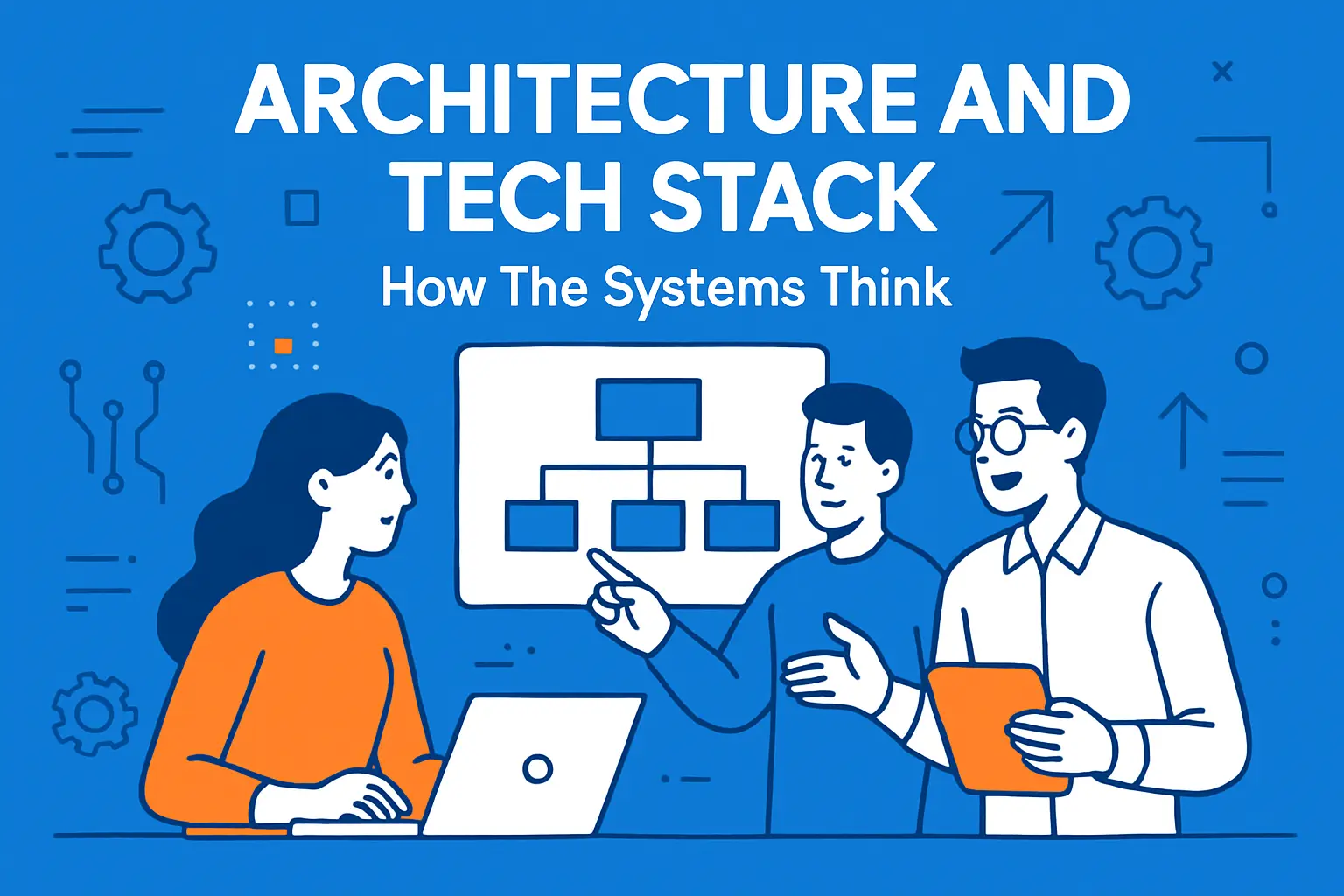
Architecture And Tech Stack: How The Systems Think
1. WordPress: A Flexible Core With A Giant Extension Layer
WordPress started as a publishing platform. It now supports almost any website type, mainly through themes and plugins. That model helps you ship quickly. It also means quality varies widely across add-ons.
Hosting stays straightforward, too. WordPress recommends PHP version 8.3 or greater on the server side, and most mainstream hosts support that stack. So you can run WordPress almost anywhere, from budget shared hosting to tuned cloud infrastructure.
However, your architecture can drift if you keep stacking plugins without governance. You might not notice early. Then a redesign, performance push, or security audit forces a cleanup.
2. Umbraco: .NET-Centered, Developer-Led Structure
Umbraco targets teams that like clean separation between content modeling, templates, and custom logic. It also integrates naturally into a .NET development workflow. Umbraco states it is built on ASP.NET Core and C#, and its official docs list .NET 10.0 and higher as a minimum for local development.
This usually changes how teams build. Instead of searching for “a plugin for everything,” teams often implement features as code with stronger review habits. That can reduce surprise behavior later. At the same time, it can slow early experimentation if you do not already have .NET capacity.
3. When Headless Or Hybrid Makes Sense
Both platforms can run in a more decoupled way. The key question is why you want headless. If you want one content hub feeding multiple front ends, headless can help. If you mainly want “a faster site,” headless can also add complexity without fixing the root problem.
A useful rule: choose headless when you already plan to build and maintain a serious front-end application. Otherwise, start with a well-optimized traditional build and add APIs only where the business needs them.
Editor Experience And Governance

1. Page Building And Everyday Publishing
Your content team will live in the CMS. So the editing experience matters as much as the tech stack. WordPress editing often feels familiar to non-technical users, especially because many editors have used it before. You can also add page builders. That speeds up landing pages and campaign work.
Yet the same freedom can create inconsistency. One editor might build a page that looks great but loads slowly. Another might copy patterns that break on mobile. So you need standards, training, and guardrails.
Umbraco usually pushes you toward structured components. Editors work with defined content types and controlled blocks. This often improves consistency across large sites. It also reduces the “why does this page look different?” problem.
2. Roles, Permissions, And Approval Workflows
Governance shows up when more people publish content. It also shows up when legal or compliance needs approvals. In WordPress, you can manage roles and editorial review, but teams often rely on specific plugins or custom workflow patterns.
Umbraco tends to fit organizations that already expect formal publishing flows. That does not mean WordPress cannot do governance. It means you must plan it earlier, especially if many teams publish content across departments.
3. Multi-Brand Content And Template Discipline
If you manage multiple brands, you need reuse. You also need separation. WordPress can support multi-site patterns, and many agencies know how to set them up. Still, a multi-brand WordPress setup stays healthiest when you standardize themes, blocks, and plugin choices across sites.
Umbraco handles multi-site setups well when you model shared content cleanly and keep templates consistent. The bigger win is often internal: teams stop reinventing page structures because the CMS makes reuse the default.
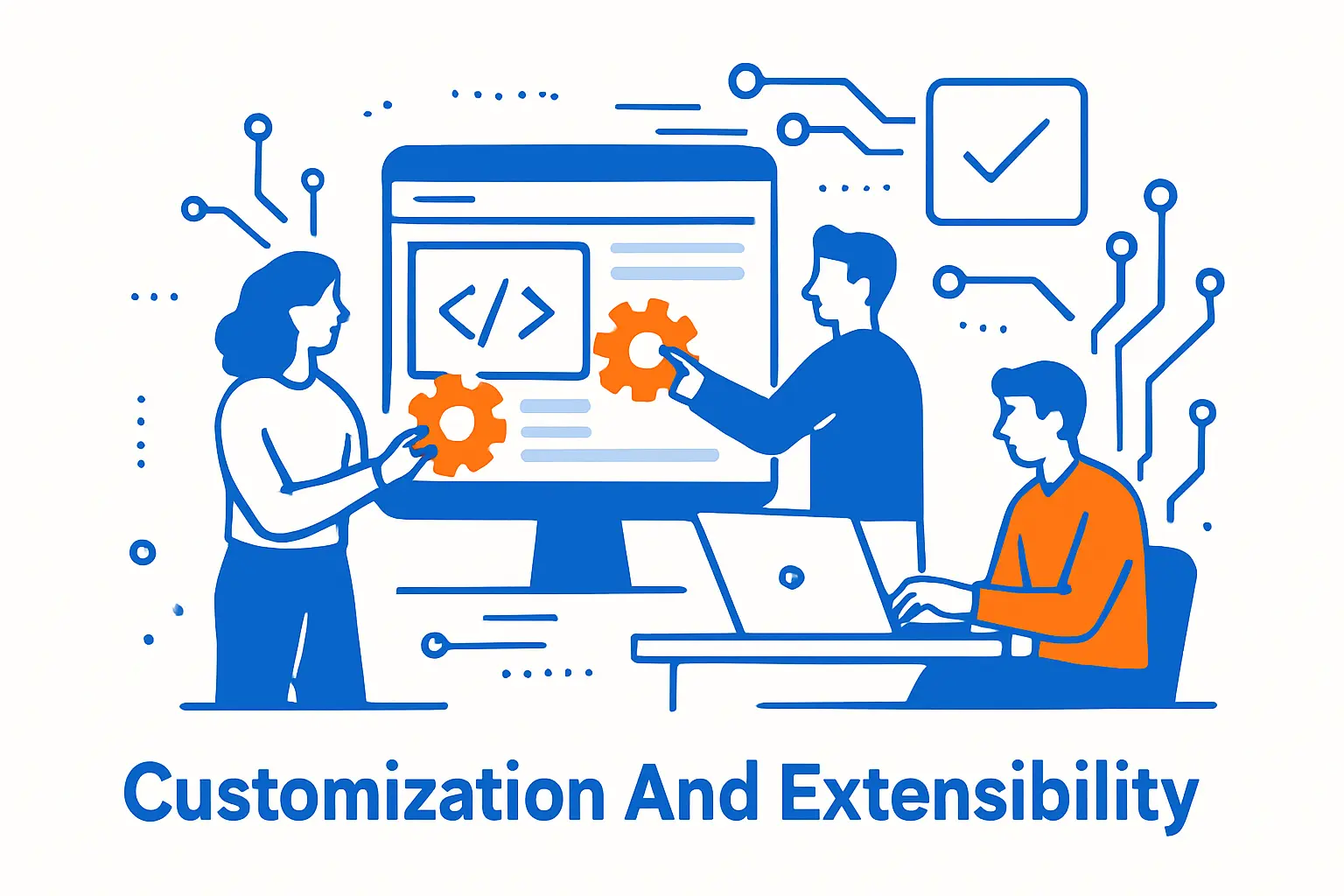
Customization And Extensibility
1. Marketplace Reality: Fast Wins Vs Long-Term Debt
WordPress wins on “ready today.” You can add forms, SEO features, redirects, analytics helpers, and ecommerce quickly. However, the marketplace also includes many low-maintenance add-ons. So you must evaluate plugins like you evaluate vendors.
One signal: the plugin directory keeps growing. A third-party analysis reports 2,743 plugins added in 2025 in the directory. Growth helps choice. It also increases the noise you must filter.
Umbraco has packages too, but many Umbraco teams build more functionality as code. That can reduce dependency sprawl. Yet it shifts responsibility to your engineering team, which you must budget for.
2. Building Custom Features Safely
Custom development can be a strength in both CMS platforms. The difference is where the “default complexity” lives.
- WordPress: You often start with many plugins. Then you write custom code to connect them, adjust behavior, and fix edge cases.
- Umbraco: You often start with a cleaner core and write code to implement specific business needs directly.
Neither approach is automatically better. It depends on your team. If you have strong engineers and strict QA, Umbraco’s code-first path can feel more predictable. If you need rapid assembly with lower upfront engineering time, WordPress often ships faster.
3. Integrations: CRM, PIM, Search, And Analytics
Most serious websites connect to other systems. For example, a B2B site might pull product data from a PIM, push leads to a CRM, and send behavior to analytics.
WordPress integrations often come as plugins. That speeds initial connection work. Yet you should still validate data mapping, error handling, and long-term support. Otherwise, the integration becomes fragile when APIs change.
Umbraco integrations often land as custom code using APIs and webhooks. That takes longer at the start. Yet it can be easier to test and version alongside the rest of your application, especially if your team already builds internal services.
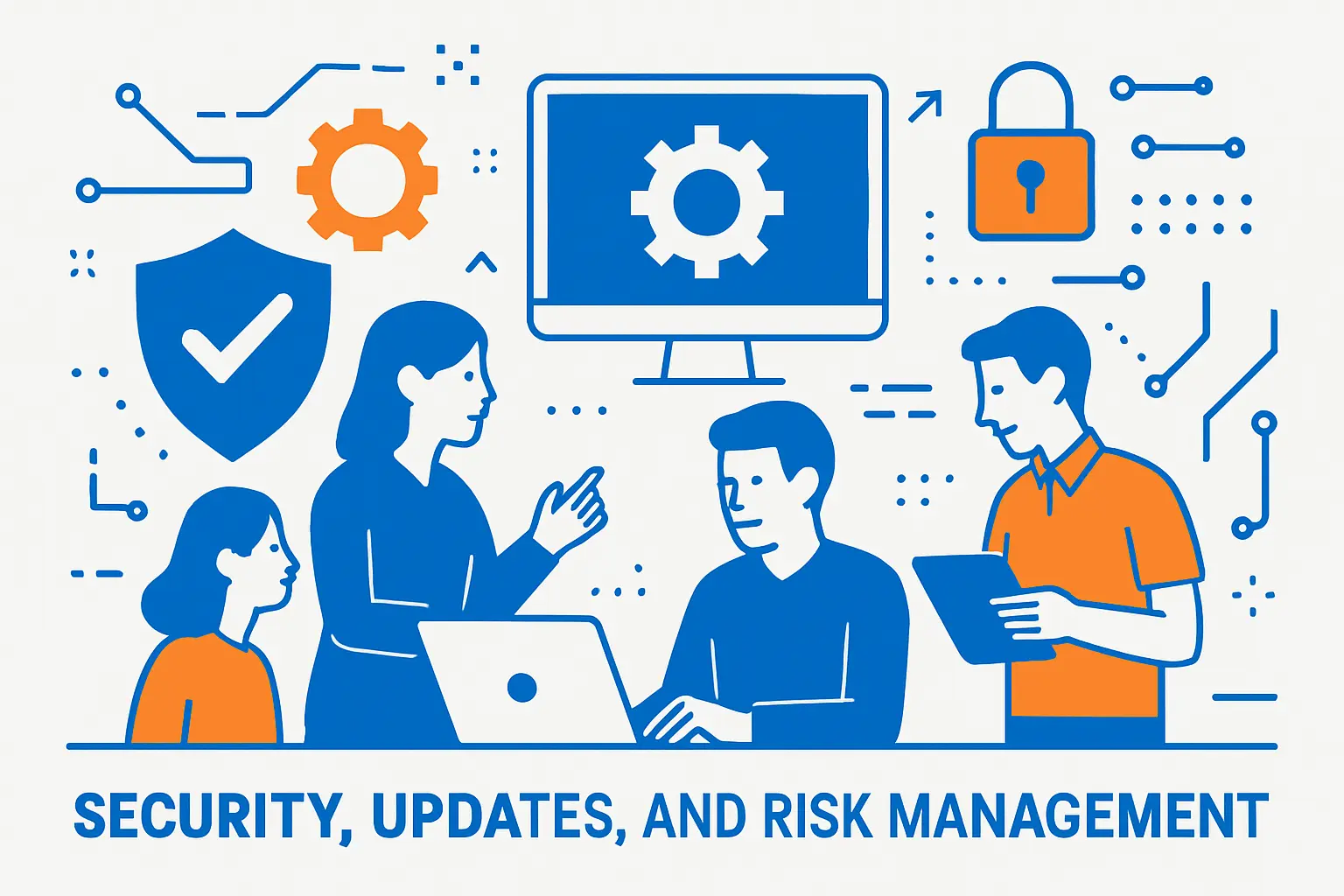
Security, Updates, And Risk Management
1. What The Threat Data Actually Means
Security data can scare people into the wrong conclusion. Bigger platforms attract more attackers. So exposure rises with market share. That is not the same as “the core is unsafe.”
Still, broad infection trends show why update discipline matters. Sucuri’s SiteCheck mid-year report says SiteCheck detected malware on 681,182 infected sites from January 1st to June 30th, 2024, which highlights how common automated scanning and exploitation have become.
So your real choice is not “secure CMS vs insecure CMS.” Your real choice is “team with mature operations vs team without them.”
2. Update Strategy You Can Run Every Week
Updates fail when teams treat them like emergencies. Instead, make updates boring:
- Keep a staging environment that mirrors production.
- Schedule a weekly update window, even if you skip some weeks.
- Use monitoring that alerts you fast when pages break.
- Track every plugin or package like a dependency, not like a decoration.
This approach helps WordPress the most, because many sites depend on many plugins. Yet it also helps Umbraco, because custom code still relies on libraries and hosting layers.
3. Hardening Checklist For Both Platforms
Security improves fastest when you remove easy wins for attackers. Start here:
- Use strong admin access controls and enforce MFA where possible.
- Limit who can install extensions or deploy code.
- Lock down file permissions and keep secrets out of the repository.
- Back up frequently and test restores, not just backups.
- Put a WAF/CDN in front of the site and enable rate limiting.
Also, remember that outdated software remains a major theme in compromise research. Sucuri’s threat research report found 39.1% of all CMS applications were outdated at the point of infection, so simple maintenance closes a lot of risk.
Performance, Scalability, And Hosting

1. Hosting Options And Operational Control
WordPress runs almost everywhere. That creates two paths. First, you can go low-cost and accept shared-resource limits. Second, you can pay for managed WordPress hosting and get caching, monitoring, and backups handled for you.
Umbraco gives you similar freedom on your own infrastructure. It also offers a managed option through Umbraco Cloud. If you want fewer moving parts, Umbraco advertises pricing that starts at €45/month for its entry plan, which can simplify setup for teams that prefer a supported platform instead of building hosting automation themselves.
2. Caching And Speed Tuning In Real Projects
Performance problems rarely come from “WordPress vs Umbraco.” They come from choices you make on top:
- Too many scripts and heavy front-end bundles
- Uncompressed images and unoptimized video
- Slow third-party tags that block rendering
- Database queries that scale badly over time
WordPress sites often need careful plugin selection, smart caching, and lean themes. Umbraco sites often need disciplined front-end builds and smart output caching. In both cases, performance improves when you measure first, then change one thing at a time.
3. Ecosystems
Ecommerce note: If ecommerce is central to your roadmap, be explicit about the ecosystem you want. WordPress commonly pairs with WooCommerce for stores and extensions. Umbraco teams can use first-party ecommerce tooling such as Umbraco Commerce, but you should budget more engineering time for store-specific features, integrations, and QA.
4. Traffic Spikes And Reliability Planning
If your site faces spikes from PR, product drops, or seasonal traffic, plan for it early. Start by defining what “failure” means. Does the whole site go down, or does a single feature slow everything?
Then pick a strategy. You might cache more pages, add a CDN layer, and move expensive work off the request path. If ecommerce drives revenue, isolate checkout performance from content pages. If lead generation drives revenue, protect your forms and tracking events during peaks.
SEO And Growth Tooling

1. Technical SEO Basics: Both Can Win
Search engines reward accessible, fast, well-structured sites. Both CMS options can produce clean HTML, solid internal linking, and indexable pages. So the CMS does not decide SEO success alone.
What does decide outcomes is how easily you can enforce standards. For example, can you prevent editors from publishing pages without titles? Can you control canonical tags? Can you manage redirects safely during replatforming?
WordPress often solves these needs through mature SEO plugins and patterns. Umbraco often solves them through templates, structured content types, and code-level rules. The “best” choice depends on who will own SEO quality: marketers, developers, or a shared team.
2. Content SEO Workflows: Templates, Blocks, And Guardrails
Content teams need speed. They also need consistency. This is where the platforms feel different in daily work.
With WordPress, marketers can move fast with blocks and reusable patterns. Yet you must define what “approved” looks like. Otherwise, every new landing page becomes a unique design, and the site slowly loses cohesion.
With Umbraco, developers often create a library of components that map directly to a design system. Editors then assemble pages from those components. This limits creativity in a good way. It protects layout integrity, accessibility, and brand rules.
3. International SEO And Localization
Global sites need more than translation. They need correct URL structures, language targeting, and editorial governance across regions.
WordPress can handle multilingual needs through well-known solutions, but your approach must stay consistent across the site. Otherwise, translation plugins and page builders can create messy URL and content relationships.
Umbraco tends to support multilingual structures cleanly when you model content for reuse and keep templates consistent. It also fits teams that want strict publishing rights by region and market.
Cost And Decision Framework

1. Licensing, Hosting, And Platform Costs
Both platforms offer open-source cores. However, the licensing philosophy differs. WordPress publishes that it ships under GPLv2 (or later), which influences how derivative plugins and themes align with licensing expectations. Umbraco, on the other hand, states that its source code is available under the MIT License, which many teams find simpler for commercial distribution and internal reuse.
After licensing, hosting and operations drive cost. WordPress can look cheap upfront, then grow in cost as you add premium plugins, higher-tier hosting, and maintenance support. Umbraco can look more expensive if you price in .NET engineering time, but it can also reduce plugin spend because you build more in-house.
2. Team Costs: Skills, Velocity, And Vendor Options
Team cost often beats software cost. So evaluate your reality:
- If your team already ships .NET services, Umbraco can fit your hiring pipeline and internal tooling.
- If your team relies on web generalists and marketing-led publishing, WordPress can keep delivery smooth.
- If you plan to outsource most work, WordPress gives you a bigger vendor pool, which can reduce procurement risk.
Also, consider ownership. With WordPress, you must manage plugin choices and keep the site clean over time. With Umbraco, you must manage code quality and keep your implementation consistent. Either way, you need an accountable owner.
3. A Simple Decision Matrix (Pick Your Path)
Use these goal-based rules to decide quickly:
- Choose WordPress if you need rapid launch, lots of prebuilt features, and a broad talent pool. It fits blogs, small business sites, many marketing sites, and content-heavy publishing.
- Choose Umbraco if you need structured content modeling, strong governance, and a CMS that fits a .NET engineering culture. It fits corporate sites with complex integrations, multi-brand governance, and teams that prefer code-reviewed change.
- Re-check your choice if you expect heavy customization but you lack developers. In that case, the “wrong” platform is the one that forces you into constant emergency work.
If you still feel stuck, write your top goals on one page. Then map each goal to an owner. When nobody owns a goal, the CMS decision will not save the project.
Migration checklist (use this before you commit):
- List every content type you publish today (pages, posts, landing pages, products, resources).
- List every integration (CRM, analytics, forms, search, PIM, marketing automation).
- Identify “must keep” URLs and define redirect rules before any rebuild work starts.
- Decide whether you will migrate content by import, manual rebuild, or hybrid.
- Define ownership for updates: plugins/packages, security patches, uptime, and performance.
- Run a staging launch with analytics, forms, and critical journeys tested end to end.
FAQs on Umbraco vs WordPress
Is Umbraco good for SEO? Yes. Both platforms can rank well when templates, performance, and metadata rules are implemented consistently.
Is WordPress “too small” for enterprise websites? Not always. It depends on how strict your governance is and whether your team can maintain plugins, updates, and workflows reliably.
Does Umbraco require developers? Most teams get the best results when they have developer ownership for implementation, releases, and improvements.
Which is easier for editors? WordPress often feels easier at first because of page builders, but governance can drift without guardrails. Umbraco can feel cleaner when content models are designed well.
Which is cheaper long-term? It depends on whether you pay more in premium plugins and maintenance (WordPress) or in engineering time and structured delivery (Umbraco).
Should I choose managed hosting? Managed hosting can reduce operations burden. For Umbraco, managed options include plans that start at €45 per month on Umbraco Cloud.







Conclusion
Umbraco vs WordPress is not about which CMS is “better.” It is about which CMS makes your team more consistent, more secure, and faster at the work that actually drives your website goals. WordPress usually wins when speed, familiarity, and ecosystem breadth matter most. Umbraco usually wins when structured delivery, predictable governance, and .NET alignment matter most. Pick the platform that makes your next two years of work easier, not the platform that looks best in a feature checklist.