

- Panda Penalty: What It Really Means Today
- Panda Penalty Signs to Watch for (What Drops Look Like in Real Life)
- Why Panda Penalty Drops Happen (Root Causes You Can Actually Fix)
- A Practical Audit Workflow (So You Stop Guessing)
- The Fixes That Help Most (Prioritized by Impact)
- Recovery: What to Expect and How to Measure Progress
- Specific Examples of Panda Penalty Patterns (And the Fixes That Match)
- FAQs on a Panda Penalty
- Conclusion
Google still rewards helpful content and downgrades pages that feel thin, repetitive, or made mainly to rank. Many site owners call that drop a panda penalty, even though Panda no longer shows up as a named update. The label does not matter as much as the pattern. When quality signals slip, your rankings can slide across many pages at once. This guide shows the clearest warning signs and the fixes that usually move the needle fastest.
Quick diagnosis: is this a panda penalty pattern?
- Your decline affects many URLs or templates, not one isolated page.
- Impressions and average positions fall before clicks and sessions.
- Thin, repetitive, or “same-structure” pages drop first.
- Competitors that show clearer experience and deeper answers replace you.
If the drop only impacts a handful of URLs, starts after a deployment, or coincides with indexing errors, treat it as a technical or page-level issue first.
FURTHER READING: |
| 1. What Is an Index Page and Why It’s Crucial for Your Website’s SEO |
| 2. Top 5 Best SEO Plugins for WordPress in 2026 |
| 3. Top 5 Best WordPress Redirect Plugins in 2026 |
Panda Penalty: What It Really Means Today
1. Panda Started as a Big Quality Filter
Google introduced Panda to reduce low-value pages and reward original work. In its original announcement, Google said the change noticeably impacts 11.8% of our queries, which tells you how broad “quality” can be.
That history matters because it explains the symptom you see today: a broad drop that does not look like a single broken page or a single lost link.
2. “Penalty” Often Means “Algorithmic Demotion”
Most sites that “get hit” do not receive a manual action. Instead, Google’s systems reassess the overall value of your pages and then rank competitors higher. That can feel like a punishment, yet you fix it the same way you fix low quality: you improve the content and the experience.
3. Panda Became Part of Core Ranking
Google later folded Panda concepts into its broader ranking systems. Search Engine Land reported this shift and explained that Panda is now baked in as one of Google’s core ranking algorithm.
As a result, you should stop hunting for a “Panda refresh date” and start auditing what users actually get from your pages.
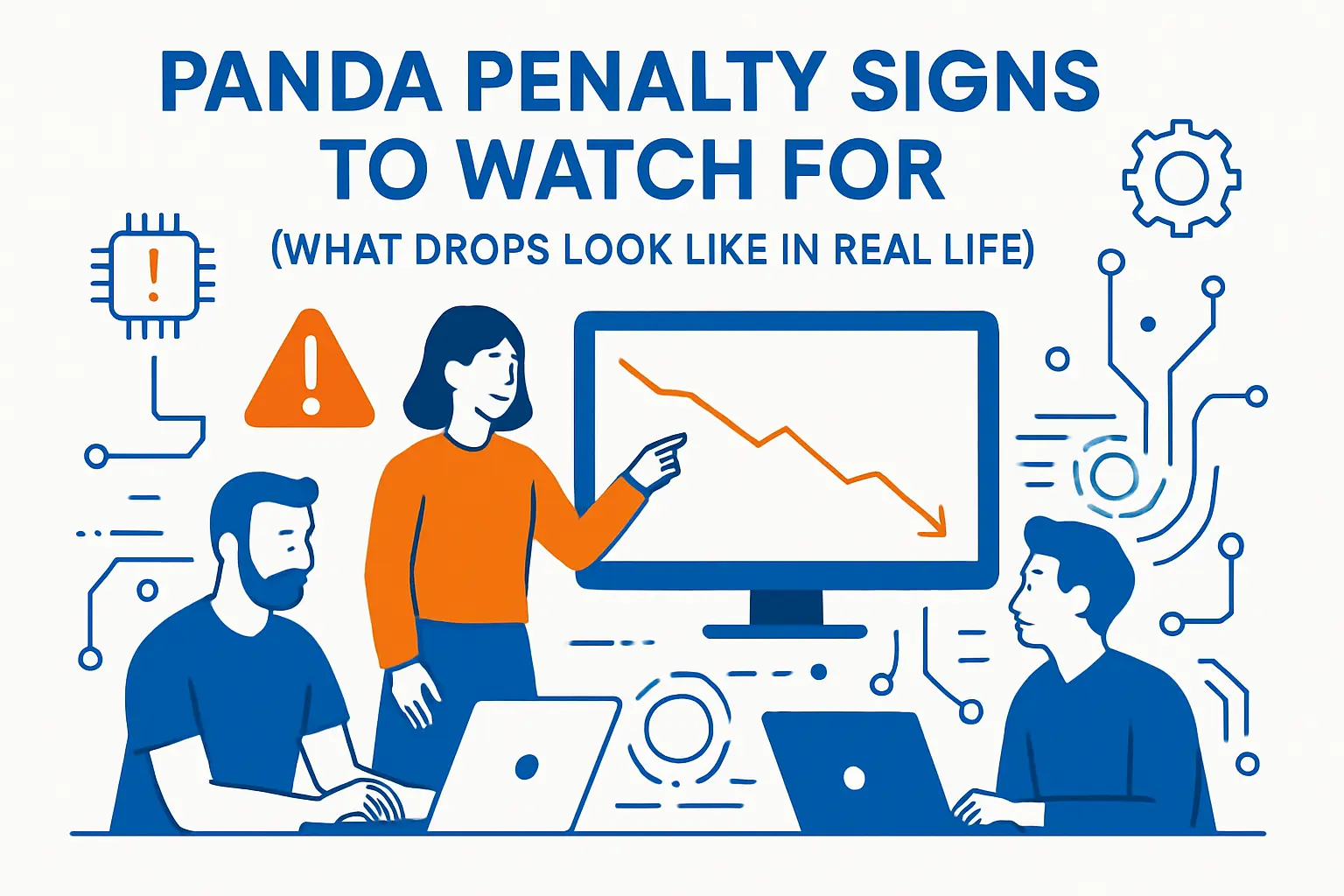
Panda Penalty Signs to Watch for (What Drops Look Like in Real Life)
1. A Sitewide Slide That Hits Many URLs
A common sign shows up as a broad decline across directories, templates, or content types. For example, a blog, glossary, and “best of” sections may all lose positions together. That pattern usually points to a quality reassessment instead of a single technical bug.
2. Rankings Fall First, Then Traffic Follows
Quality-related drops often start with lost impressions and average positions. Then clicks fall. That order matters because it helps you avoid guessing. You can confirm it in Google Search Console by comparing queries and pages across two identical date ranges.
3. The “Long Tail” Disappears
When thin pages drop, you often lose hundreds of small queries. Your top head terms might hold for a while, yet the overall chart still sinks. That happens because lots of weaker pages stop ranking for niche intents.
4. Competitors Replace You With Deeper Pages
Open the SERP and look for a pattern, not a single rival. If you now see pages that show first-hand experience, unique visuals, tighter structure, and clearer answers, Google likely decided those pages help users more.
5. “Helpful” Sections Win While “Content Farm” Sections Lose
Industry visibility reports show that Google can hit large portions of a site category at once. In SISTRIX’s US losers report, Autoblog showed a -92.30% percent visibility decline, which matches the kind of sharp, category-wide shakeups many publishers have seen.
Why Panda Penalty Drops Happen (Root Causes You Can Actually Fix)
1. Thin Content That Avoids the Real Question
Thin pages do not always look “short.” They can also feel empty because they dodge specifics. A product roundup that repeats manufacturer blurbs can look long and still add little value.
Thin content usually shares these traits:
- It answers the topic, but not the intent behind the search.
- It lacks original examples, photos, tests, quotes, or clear recommendations.
- It stretches simple ideas across too many paragraphs.
2. Near-Duplicate Pages Made by Templates
Template-driven sites create quality risk fast. City pages, service variations, tag pages, and internal search pages often differ only by a few words. Google can treat those pages as clutter when they fail to add distinct value.
3. Aggressive Monetization That Breaks the Experience
Heavy ads, autoplay video, intrusive popups, and constant affiliate blocks can make users bounce. Google also looks at “page experience” as part of overall satisfaction, so you should treat layout and speed as quality work, not only “technical SEO.”
4. Content Made Mainly for Rankings (Not People)
Google has pushed harder against pages that feel engineered for search engines. In its March 2024 Search update post, Google said users should see 45% less low-quality, unoriginal content in search results. That claim lines up with what many affiliate and scaled-content sites noticed afterward.
5. Weak Trust Signals on Important Topics
Quality signals matter more when pages affect money, safety, or health. You can align your site with Google’s guidance by following people-first content principles and by using the same concepts quality raters use when they evaluate pages.
A Practical Audit Workflow (So You Stop Guessing)
Rule out the obvious before you rewrite content
- Check for manual actions and security warnings first.
- Confirm important pages are indexable and not blocked by rules or directives.
- Look for crawl or rendering problems that prevent Google from seeing key content.
- Only then classify the drop as a quality demotion pattern and move into content auditing.
1. Confirm the Drop Pattern Before You Touch Content
Start with simple questions:
- Did the decline hit one folder, or the whole domain?
- Did only mobile drop, or both mobile and desktop?
- Did branded queries hold steady while informational queries fell?
These answers guide your next move. They also protect you from “fixing” the wrong thing.
2. Build a URL Inventory You Can Sort
Pull a list of indexable URLs from a crawl tool and merge it with Search Console landing pages. Then add fields like content type, template, author, last updated date, traffic, and conversions. That single spreadsheet becomes your control center.
3. Classify Pages by Purpose and Value
Do not label pages as “good” or “bad” too early. Instead, label them by role:
- Primary revenue pages (product, service, lead gen)
- Support pages (FAQs, shipping, returns, policies)
- Informational pages (guides, comparisons, tutorials)
- Utility pages (tags, internal search, filtered URLs)
This step helps you avoid deleting pages that users actually need.
4. Review Quality Using the Same Lens Google Teaches
Google’s rater guidance helps you spot weak pages quickly. Use the official Search Quality Evaluator Guidelines as a checklist for clarity, trust, and usefulness. Then translate what you find into concrete edits.
5. Identify “Clusters of Weakness,” Not Single Bad Pages
Panda-style problems usually live in clusters. For example, all “/tag/” pages may look similar, or all location pages may repeat the same paragraphs. When you find a cluster, you can fix hundreds of URLs with one plan.
The Fixes That Help Most (Prioritized by Impact)
1. Upgrade the Pages That Deserve to Exist
Pick the pages that match real demand and real business value. Then make them hard to replace.
Strong upgrades often include:
- Clearer intent match (answer the “next question” users ask).
- Original visuals (screenshots, photos, diagrams, tables you created).
- Specific steps, constraints, and decision rules.
- Real examples that show you did the work.
Also tighten introductions. Users want the answer fast, and then they want supporting detail.
2. Consolidate Overlapping Pages Instead of “Keeping Everything”
If you have five similar articles that target the same intent, you compete with yourself. Combine them into one stronger page, then redirect or canonicalize the weaker ones. This move often improves crawl efficiency and reduces index clutter at the same time.
3. Prune or Noindex Pages That Add No Value
Some URLs should not rank because they do not help users. Common examples include thin tag pages, empty category pages, and internal search results that leak into the index.
Choose the cleanest option for each case:
- 410 or 404 for content you will not replace.
- 301 redirect when a close substitute exists.
- noindex for utility pages users need but searchers do not.
Move carefully. Over-pruning can remove internal linking paths that your strong pages rely on.
4. Strengthen Internal Linking to Show Real Structure
Quality is not only “text quality.” Google also reads structure. Build topic hubs that guide users from broad guides to specific subtopics. Use descriptive anchors. Keep navigation consistent. Then make sure each important page earns links from more than one place.
5. Add Clear Authorship, Review, and Trust Details
Trust improves when users can tell who wrote the page and why they should listen. Add author bios, editorial policies, review dates, and “how we tested” sections where they fit. This matters most on YMYL topics, but it also helps general content feel real.
6. Fix Page Experience Issues That Make Content Feel Worse
Slow, jumpy pages can drag down perceived quality. Use Core Web Vitals targets as practical goals. For loading, web.dev recommends 2.5 seconds or less for LCP. For responsiveness, aim for 200 milliseconds or less for INP. For visual stability, keep CLS at 0.1 or less.
Also remember why responsiveness matters: Chrome usage data shows 90% of a user’s time on a page is spent after it loads, so laggy interactions can ruin an otherwise good article.
7. Reduce “Scaled” Content Risk With Strong Editorial Controls
If you publish at scale, you need guardrails. Even Google-focused performance research suggests many sites still struggle with modern experience metrics. For example, web.dev noted that 65% of sites have good INP on mobile devices, which implies a large pool of sites still deliver frustrating interactions.
Build a workflow that blocks weak content before it ships. Then review older content on a schedule.
Recovery: What to Expect and How to Measure Progress
1. Expect Gradual Improvement, Not Instant Reversals
Because Panda concepts live inside broader ranking systems, recovery can take time. You usually need Google to recrawl, reprocess, and then re-evaluate your site after you improve key sections.
2. Track Leading Indicators, Not Only Sessions
Traffic can lag behind quality work. Watch these instead:
- Index coverage stability (fewer “crawled – currently not indexed” surprises).
- Impressions trending up for updated pages.
- Better rankings on query clusters, not only single keywords.
3. Use “Before vs After” Page Groups
Create cohorts. For example, group all consolidated pages, all updated guides, and all noindexed utility pages. Then compare each cohort’s impressions and positions over the same time window. This keeps you honest and helps you learn what works on your site.
4. Keep Publishing, But Raise the Floor
Many sites lose ground because they keep shipping mediocre pages while they “fix” old ones. You can avoid that trap by setting a minimum standard for every new URL: unique value, clear intent match, and proof of experience where it matters.
Specific Examples of Panda Penalty Patterns (And the Fixes That Match)

1. Example: Affiliate Roundups That All Look the Same
Pattern: dozens of “best X” pages share the same intro, the same pros/cons format, and shallow blurbs. They rank for a while, then drop together.
Fix that tends to work: merge overlapping roundups, add first-hand testing notes, and replace generic blurbs with decision guidance. Also reduce ad density above the fold so users reach the comparison fast.
2. Example: Location Pages With Swapped City Names
Pattern: “service + city” pages repeat paragraphs and differ only by headings and a map embed. Users do not stay long because they do not learn anything local.
Fix that tends to work: keep only locations where you can add real local proof. Add local case studies, staff details, service area constraints, pricing ranges you actually honor, and photos from real jobs.
3. Example: A Publisher Loses Visibility While Brands Win
Visibility studies show a tug-of-war between informational publishers and official brands. In SISTRIX’s 2024 winners report, Marriott’s /destinations/ pages aligned with a 172.30% visibility increase, which matches the broader trend toward authoritative sources for travel planning.
Fix that tends to work: publishers can still compete, but they must add value that a brand site does not. That often means honest comparisons, first-hand photos, and clear guidance that helps users choose.
4. Example: Content Quality Guidelines Keep Getting Refined
Google updates its rater guidance regularly, and those updates reflect what Google wants users to see. Search Engine Land reported a version that reached 182 pages, which signals how detailed Google’s definitions of quality and trust have become.
Fix that tends to work: treat your site like a product. Document how you write, how you review, and how you correct errors. Then show that work on the page.
FAQs on a Panda Penalty
What is a panda penalty?
Site owners use “panda penalty” to describe a sitewide quality demotion where many pages lose visibility because the content feels thin, repetitive, or unhelpful compared to competitors.
Is Google Panda still a separate update?
No. It’s better to think in terms of quality signals inside core systems rather than waiting for a named “Panda refresh.”
How long does recovery take?
Recovery depends on how quickly you improve and consolidate weak sections, how fast Google recrawls, and whether you stop publishing low-value pages while fixing old ones.
Should you delete thin pages?
Sometimes, but the safest approach is to upgrade pages with real demand, consolidate overlap, and keep utility pages available to users while preventing them from competing in search.
What matters most for “panda penalty” recovery?
Fix patterns, not one-off pages. Improve clusters of thin content, reduce duplication at scale, strengthen internal structure, and show credible ownership and review practices.







Conclusion
A panda penalty usually shows up as a broad quality demotion, not a single technical failure. You can diagnose it faster when you focus on patterns across templates and content types. Then you recover by raising the overall usefulness of your indexed pages through consolidation, upgrades, pruning, better internal structure, and a smoother page experience. Do that work consistently, and you build a site that Google can trust through future core changes.