

- How The Two Architectures Shape Daily Work
- Content Modeling: Pages vs Structured Content
- Editorial Workflow: Preview, Publishing, And Governance
- Performance In Practice: Caching, Builds, And Delivery
- SEO In Practice: Control, Speed, And Content Operations
- Security And Risk: Plugins, Patching, And Attack Surface
- Integrations And Omnichannel Delivery
- Cost, Staffing, And Time To Launch
- A Practical Decision Framework (Plus Hybrid Paths)
- Common Pitfalls And How To Avoid Them
- FAQs on Headless CMS vs WordPress
- Conclusion
Teams compare headless CMS and WordPress when they feel growing pains: preview gets messy, plugins pile up, performance becomes fragile, or content needs to ship across more than one channel.
This guide focuses on what the difference looks like after launch. It explains how editors publish, how developers deploy, how SEO stays stable, and how integrations evolve over time.
By the end, you will know when WordPress is the simplest path, when headless is the cleaner long-term system, and when a hybrid approach gives you the best of both.
Quick take: Choose WordPress when your site behaves like publishing. Choose headless when your site behaves like a product. Choose a hybrid when you want WordPress editing comfort but a modern frontend.
| Criteria | WordPress (Traditional) | Headless CMS | Hybrid (Headless WordPress) |
|---|---|---|---|
| Best fit | Marketing sites, blogs, simple pages | Multi-channel experiences, complex stacks | Teams migrating in stages |
| Editorial experience | Strong out of the box | Strong, but depends on setup | Familiar WordPress editing |
| Preview | Simple and immediate | Powerful if you build it | Needs engineering, but flexible |
| Performance path | Hosting + caching + discipline | CDN-first patterns are common | Often CDN-first on the frontend |
| SEO ownership | Plugins help a lot | You own technical SEO in the stack | Shared responsibility across systems |
| Integrations | Fast if a stable plugin exists | Best when many systems must coordinate | Great for API-led stacks |
| Long-term flexibility | Can degrade with plugin sprawl | Clean architecture if modeled well | Flexible, but more moving parts |
Headless WordPress is the common middle ground. In this setup, WordPress stays as the content hub. A separate frontend (often built with a modern framework) pulls content through APIs and renders the user experience.
This approach works well when your team likes the WordPress editor experience but wants a faster frontend, cleaner component reuse, or a path toward multi-channel delivery.
How The Two Architectures Shape Daily Work
1. What “Headless” Changes (And What It Does Not)
A traditional WordPress setup couples content and presentation. Editors write in the same system that renders pages. Themes, plugins, and the WordPress runtime deliver HTML to visitors.
A headless CMS decouples those pieces. The CMS stores content and exposes it through APIs. Your front end (a website, app, kiosk, or even an email builder) pulls that content and renders it.
That single change creates a ripple effect. WordPress optimizes for “edit, preview, publish” on one website. Headless optimizes for “model once, publish everywhere” across many front ends.
2. Why WordPress Feels Faster At The Start
WordPress wins early because it bundles decisions. You pick a theme, add a page builder if needed, install a few plugins, and publish. The platform offers a short path from idea to pages.
In practice, that speed comes from defaults. WordPress gives you a working front end even if your team has no front-end engineers. It also gives marketers and editors a familiar dashboard.
If your goal looks like “a marketing site with a blog and a contact form,” WordPress often delivers the fastest first release.
3. Why Headless Feels Slower At The Start (But Can Scale Cleaner)
Headless projects require upfront structure. You define content types, fields, relationships, roles, and environments. Then you build the front end that consumes the content.
That initial investment can frustrate teams that want pages today. However, the same structure later prevents chaos. Instead of inventing a new “page template” for every campaign, you model reusable content blocks and reuse them everywhere.
So the early question becomes simple: do you want speed through defaults, or speed through reuse after you set the rules?
Common Architecture Patterns
Common patterns teams choose in practice:
- Classic WordPress: Theme + plugins + caching, where WordPress controls both content and presentation.
- WordPress with a stronger performance layer: Better hosting, CDN, image optimization, and stricter plugin governance.
- Headless WordPress (hybrid): WordPress for content, separate frontend for the site experience.
- True headless CMS: API-first CMS + modern frontend + shared component system across channels.
These patterns reduce confusion because “headless” is not one product. It is an architecture choice.
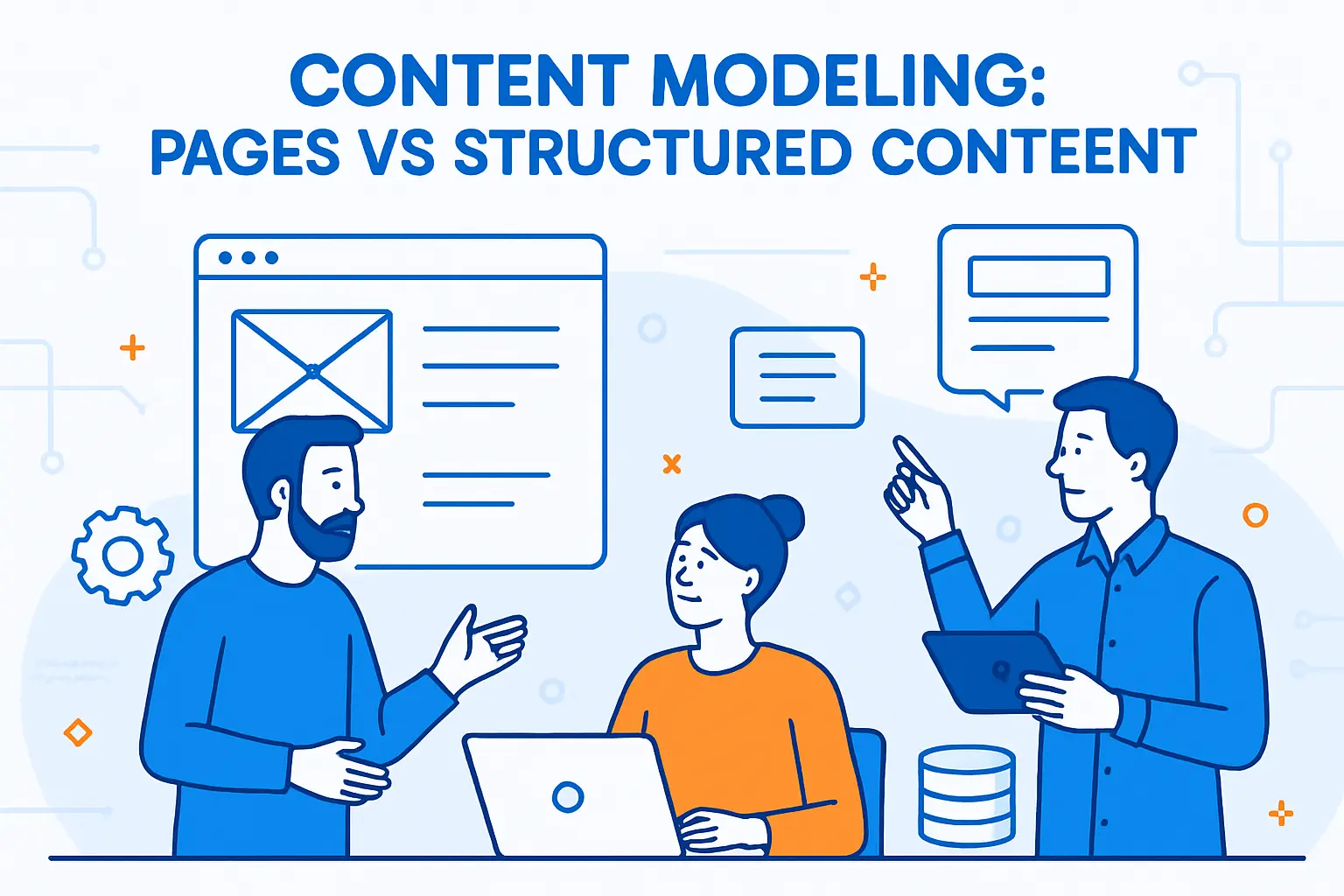
Content Modeling: Pages vs Structured Content
1. WordPress Works Best When “Page” Is The Main Unit
WordPress treats a page or post as the center of gravity. Even when you add custom post types, many teams still think in “this page needs this layout.” That mindset fits brochure sites, blogs, and smaller catalogs.
In practice, editors like WordPress because they see something close to the final page. They move sections, add media, and publish without thinking about APIs or schemas.
However, that page-first model can strain when you need the same content in many places, such as a product description that must appear on the web, in the app, and in an in-store screen.
2. Headless Works Best When “Component” Is The Main Unit
Headless teams model content as structured objects: hero blocks, CTAs, testimonials, pricing tables, FAQs, product attributes, and so on. Then the front end assembles these components into pages.
This approach sounds abstract until you run your first big campaign. Suddenly, reuse matters more than layout freedom. You want one source of truth for a disclaimer, one product spec, and one brand message that updates everywhere.
Headless also improves cross-channel consistency. The CMS stores the message. The channel controls the presentation. That separation reduces copy-paste errors across teams.
3. The “Many CMS” Problem Shows Up Earlier Than You Think
Many organizations end up with multiple systems because one CMS cannot serve every channel or team. A Storyblok survey reports that 81% of respondents use more than one CMS, often because they need to reach more channels.
This matters in practice. If you already run WordPress for the website, a separate tool for the app, and another tool for product content, your biggest pain may not be the CMS. Your biggest pain may be content duplication.
Headless does not magically remove every system. Still, it often reduces duplication by centralizing content and distributing it through APIs.
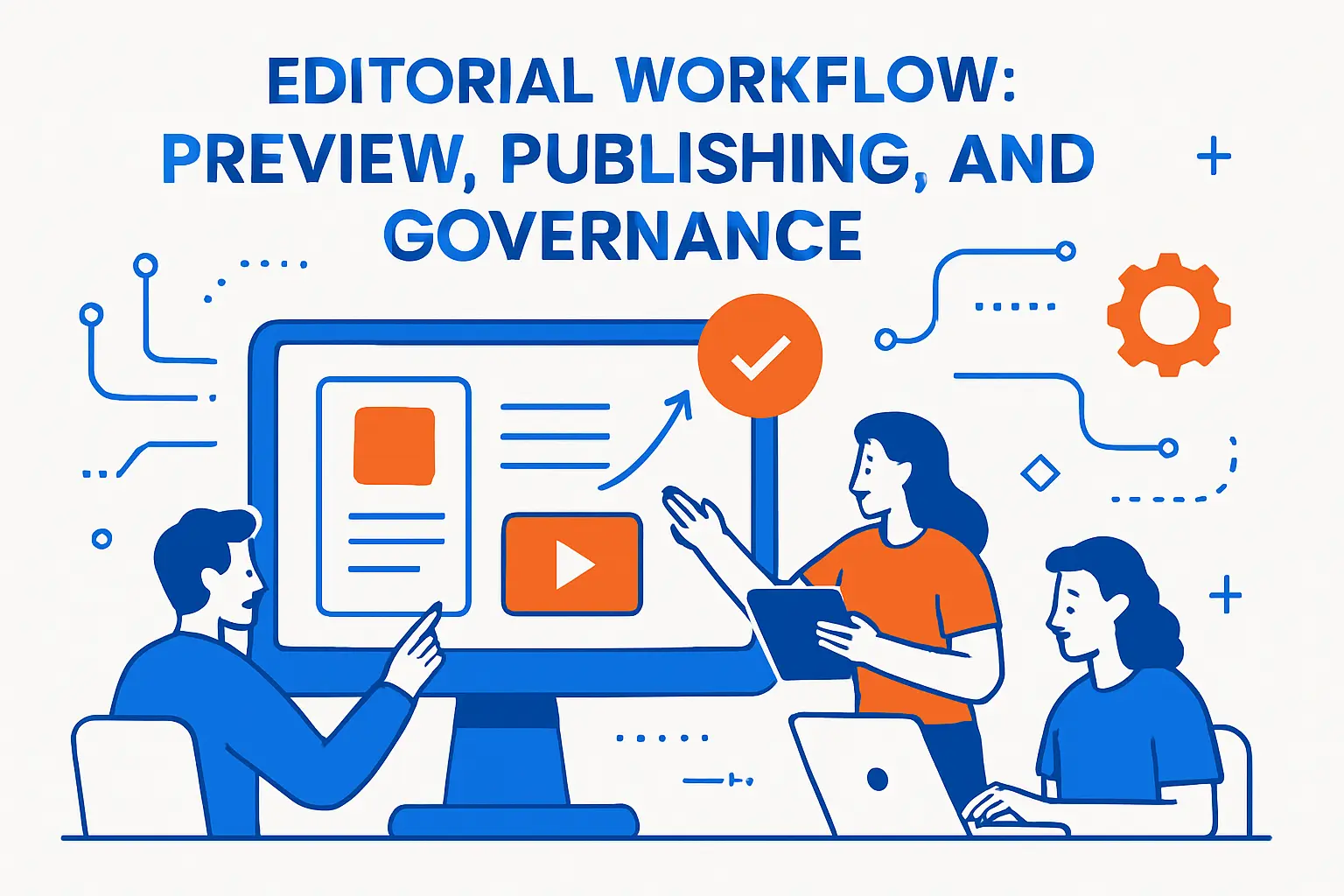
Editorial Workflow: Preview, Publishing, And Governance
1. Preview Is Easy In WordPress, And That Still Matters
WordPress shines when editors need confidence. They want to click Preview and see the page as visitors will see it. That workflow feels direct because content and front end live together.
Teams also rely on the WordPress revision history, editorial roles, and scheduled publishing. These features work well for content-heavy sites with steady publishing rhythms.
So if your editors demand a “what you see is what you publish” experience, WordPress stays hard to beat.
2. Preview In Headless Requires Design, Not Just Settings
Headless preview can feel amazing, but you must build it. You often need preview tokens, draft endpoints, and a front-end preview route. Then you must make sure every component renders correctly in draft mode.
Once you do that work, headless preview becomes more powerful than WordPress preview. Editors can preview the same content in multiple views, such as mobile, desktop, and app layouts.
Still, teams should plan for this early. If you treat preview as an afterthought, editors will feel the pain every day.
3. Approval Flow And Permissions Usually Scale Better In Headless
WordPress can support approvals and permissions, but teams often add plugins to get the exact workflow they want. Over time, plugins can conflict, and upgrades can turn into mini-projects.
Many headless platforms focus on enterprise governance. They offer granular roles, environment separation, and structured publishing controls out of the box. That focus fits regulated industries and large content teams.
If you need strict separation between authors, editors, legal reviewers, and publishers, headless often gives you a cleaner base to enforce those rules.
Performance In Practice: Caching, Builds, And Delivery
1. WordPress Performance Depends On Your Stack Decisions
WordPress can feel fast or slow. The platform itself does not decide. Your theme, plugins, hosting, caching layer, database health, and media handling decide.
On a simple site, you can get strong results with good hosting and smart caching. On a complex site, performance tuning becomes a continuous job. You must watch query bloat, plugin overhead, and page builder output.
So WordPress performance often becomes an operations topic, not just a development topic.
2. Headless Performance Often Starts With Static Or Edge Delivery
Many headless builds deliver pages through static generation, edge rendering, or a hybrid approach. That means visitors often hit a CDN-backed front end rather than a database-driven runtime for every request.
This can reduce server load and smooth traffic spikes. It also changes how you think about releases. Instead of “update plugin, clear cache,” you often think “deploy front end, then content updates flow through APIs.”
However, you must manage build times, invalidation, and preview complexity. Performance improves, but the system becomes more distributed.
3. The Hidden Performance Win: Fewer Runtime Surprises
WordPress sites sometimes degrade slowly. A team adds plugins over months, and nobody notices the cumulative weight until pages feel sluggish.
Headless teams still add integrations, but they often add them as services rather than runtime plugins. That pushes complexity into code you control, review, and test.
So the performance win often comes from discipline. Headless nudges teams toward disciplined architecture, while WordPress makes experimentation easier.
SEO In Practice: Control, Speed, And Content Operations
1. WordPress Offers A Mature SEO Workflow With Less Engineering
WordPress earns its SEO reputation for a reason. You can manage titles, meta descriptions, canonical tags, robots rules, XML sitemaps, and redirects with well-known plugins and established patterns.
Editors also enjoy the low-friction publishing loop. They can update content fast, fix internal links, and publish improvements without waiting on a deployment.
So for teams that treat SEO as a daily editorial habit, WordPress often supports that rhythm with minimal developer time.
2. Headless SEO Demands More Setup, But It Gives Cleaner Control
Headless SEO works well when your team builds a clear SEO layer into the content model. You define fields for metadata, social previews, structured data inputs, and index rules. Then you enforce validations.
This approach prevents common problems. For example, you can require a canonical URL for certain content types, or you can prevent publishing without alt text on key images.
Headless also helps when SEO spans many channels. One structured content item can power a landing page, an app page, and a partner portal page without drift.
3. Redirects And URL Changes Require Process In Headless
WordPress teams often handle redirects in a plugin UI. Headless teams must decide where redirects live: in the edge layer, in the application, or in a routing service.
That extra decision feels annoying at first. Still, it forces clarity. You document who owns redirects, how you review them, and how you prevent accidental traffic loss.
In practice, headless SEO succeeds when you treat SEO as part of the product, not just a plugin setting.
Security And Risk: Plugins, Patching, And Attack Surface
1. WordPress Risk Often Lives In The Plugin Layer
WordPress core maintains a strong security posture, and the community reacts fast. Still, many real-world incidents start in third-party code. When you stack many plugins, you also stack risk.
In an annual report, Wordfence tracked 4,833 vulnerabilities across the WordPress ecosystem. That number does not mean “WordPress is unsafe.” Instead, it highlights the reality of a large extension marketplace.
So the practical takeaway is simple: every plugin you install becomes code you must monitor, update, and trust.
2. Headless Shrinks The Public CMS Surface Area
A headless model often keeps the CMS behind authentication and exposes only APIs. That reduces the public attack surface of the admin layer. It also limits what an attacker can reach from the public web.
However, headless does not remove security work. You still manage secrets, API permissions, rate limiting, and integration hardening. You also secure your front-end build pipeline.
So headless shifts risk. It reduces some common WordPress exposures, yet it introduces a broader “platform security” responsibility.
3. Governance Becomes Easier When You Limit Extensions
WordPress teams often add tools through plugins because it feels easy. Later, governance becomes hard. You must decide who approves plugins, who maintains them, and how you test updates.
Headless teams often add functionality through code and services. That encourages code review and automated testing. It also clarifies ownership because engineers own the integration.
If your organization already runs mature engineering practices, headless will often align better with how you manage risk.
Integrations And Omnichannel Delivery
1. WordPress Integrates Fast When The Plugin Exists
WordPress wins when you can install a stable plugin for what you need. Think of common tasks like forms, analytics, cookie consent, newsletters, and basic ecommerce add-ons.
You also get quick wins for marketing teams. They can add pixels, scripts, and tags without rebuilding the front end.
That speed matters when a small team must do a lot with limited engineering support.
2. Headless Integrates Better When You Need Many Systems To Work Together
Headless shines when your stack looks like a constellation: commerce, search, personalization, CDP, experimentation, and a design system, all moving at the same time.
In that world, “plugin install” often falls apart. You need versioned APIs, consistent authentication, and predictable releases. Headless platforms fit this approach because they assume integration from the start.
So if your roadmap includes multiple front ends and multiple back-end services, headless often reduces long-term friction.
3. Practical Example: Product Content Across Web And App
Imagine a retail brand that sells the same items on the website and in a mobile app. The team updates ingredients, sizing, and care instructions often. They also run seasonal campaigns that reuse the same product data.
With WordPress, the team might duplicate product copy into pages, landing pages, and app entries. That duplication leads to inconsistent details and more review work.
With headless, the team can model product content once and reuse it everywhere. Then developers and designers control how each channel presents it.
Cost, Staffing, And Time To Launch
1. WordPress Costs Less When You Optimize For Time And Familiar Skills
WordPress projects often cost less at first because you can hire from a huge talent pool. You can also buy proven themes and plugins instead of building everything.
Still, long-term costs can rise if you rely on many plugins, custom theme work, and manual update routines. You may also pay for premium plugins, managed hosting, and security tools.
The real cost question is not the license. The real cost is the time you spend maintaining a growing site.
2. Headless Costs Less When You Already Invest In Engineering
Headless projects usually require engineers from day one. You build and own the front end, the integration layer, and the deployment pipeline.
That raises the initial budget. However, teams often recover cost through reuse. One structured content model can power many experiences without rebuilding every time marketing wants a new layout.
So if you already run product engineering teams, headless can feel natural and efficient.
3. Budget For Security Either Way
Even a small WordPress site needs patching, backups, monitoring, and access control. Many teams add a firewall and malware scanning to reduce risk. For example, Wordfence lists a premium plan at $149/year for real-time protection features.
Headless teams also pay for security, but they often spend it differently. They might invest more in identity, API protection, observability, and secure deployment practices.
Either way, treat security as a recurring operating cost, not a one-time setup task.
A Practical Decision Framework (Plus Hybrid Paths)
1. Choose WordPress When Your Workflow Looks Like Publishing
Pick WordPress when your site behaves like a publication or a classic marketing site. Editors want direct control. They publish often. They rely on proven plugins. They need results fast.
WordPress also fits when you want a wide range of agencies and freelancers to support you. That flexibility can keep you moving even when internal resources change.
In short, WordPress works best when content teams drive the roadmap and developers support the edges.
2. Choose Headless When Your Workflow Looks Like Product Development
Pick headless when your digital experience behaves like a product. You ship features, not just pages. You integrate many systems. You support multiple channels. You want a design system and consistent components.
Market momentum reflects this shift. Market Research Future projects that the headless CMS software market could reach USD 26.66 Billion by 2035, driven by omnichannel delivery and API-first adoption.
In short, headless works best when engineering drives the platform and content teams plug into a structured system.
3. Consider A Hybrid: WordPress As A Content Hub
You do not always need a clean break. Many teams keep WordPress for editorial comfort while they move the front end to a modern framework. This hybrid path can reduce risk and training costs.
In practice, you can start by decoupling only one part of the site, such as the blog or a campaign landing system. Then you expand as the team gains confidence.
This staged approach often works best when leadership wants headless benefits, but editors still want WordPress familiarity.
Common Pitfalls And How To Avoid Them
1. Avoid “Headless For The Sake Of Headless”
Headless can create a sharper system, but it can also create more moving parts. If you do not need multiple channels, complex integrations, or strict governance, you may add complexity without real return.
Before you choose headless, write down the exact bottleneck you need to remove. Then confirm that headless removes it.
If the bottleneck is “we need pages next week,” WordPress may solve it better.
2. Avoid “Plugin Soup” In WordPress
WordPress succeeds when you keep the stack intentional. Install fewer plugins. Prefer proven tools. Remove what you do not use. Keep ownership clear.
Also, treat updates as routine work. When teams delay updates, they accumulate risk and breakages. Regular maintenance prevents late-night emergencies.
WordPress can stay stable for years when you manage it like a system, not like a toy.
3. Avoid Ignoring Editorial Experience In Headless
Headless teams sometimes optimize for developer happiness and forget the editors. That mistake costs you daily productivity.
Design the editorial UI on purpose. Build previews early. Add content validations. Provide reusable blocks that match how marketers actually work.
When you respect the editor workflow, headless becomes a speed advantage instead of a frustration tax.
FAQs on Headless CMS vs WordPress
Is WordPress a headless CMS? WordPress is a traditional CMS by default, but it can act as a headless content hub when you use it mainly for content and deliver that content to a separate frontend through APIs.
Is headless always faster? Headless often makes it easier to ship a CDN-first frontend, but speed still depends on build quality, caching, media handling, and how you integrate third-party scripts.
Is headless better for SEO? Headless can be excellent for SEO when the frontend renders crawlable pages reliably and the team owns technical SEO workflows like metadata, sitemaps, canonical rules, and redirects.
When does WordPress become risky? Risk usually rises when teams rely on too many plugins, skip disciplined updates, or treat performance and security as one-time tasks instead of ongoing operations.
When should teams pick a hybrid? A hybrid fits when editors want the WordPress experience, but the business needs a more modern frontend, better component reuse, or an easier path to multi-channel content.







Conclusion
The real difference in headless cms vs wordpress shows up after launch. WordPress offers a fast start, a familiar editor experience, and a mature ecosystem for classic websites. Headless offers structured content, cleaner multi-channel delivery, and stronger alignment with product-style engineering. Choose the model that matches your team’s daily workflow, not the one that sounds most modern. When you do that, you will ship faster, maintain less, and scale with fewer painful rebuilds.