


Picking an ERP for small businesses is a practical decision. You want fewer tools, fewer handoffs, and fewer “we’ll fix it in a spreadsheet” moments. You also want faster quotes, cleaner invoicing, and better inventory accuracy. Those outcomes matter more than an endless feature list.
This guide focuses on real-world fit. Each option below includes the workflows to set up first, a clear sales-growth lever, and the watch outs that can derail a rollout. Use it to shortlist the systems that match your team size, your industry, and your tolerance for configuration versus customization.
What’s Changing for ERP in the Coming Year

FURTHER READING: |
| 1. How Much Does a VoIP Phone System Cost in 2026 |
| 2. Top Professional Email Hosting Services in 2026 |
| 3. Best Email Hosting for Small Business: Top 7 Providers in 2026 |
1. Cloud Expectations Keep Rising
Cloud budgets shape ERP roadmaps, even for smaller companies. Gartner forecasts worldwide public cloud end-user spending to total $723.4 billion, and that money pulls ERP vendors toward faster releases, stronger integrations, and more automation.
For you, the takeaway is simple. Expect frequent feature updates. Plan for connected apps. And treat security and access controls as first-class requirements, not a setup task you postpone.
2. Projects Move Faster, but Data Still Decides the Outcome
ERP implementation timelines shrink when teams keep scope tight. Panorama’s latest study shows projects moved faster from 15.5 months to nine months, and 72.6% of respondents said they’ve already deployed AI. That speed sounds great, but it also creates a trap. Teams rush configuration and skip data cleanup.
Small businesses feel this sharply. You do not have spare analysts to “clean it later.” If you fix item masters, customer terms, and chart-of-accounts structure early, everything downstream becomes easier.
3. ERP Demand Keeps Expanding, Which Increases SMB Choice
ERP keeps attracting investment and new product packaging. Fortune Business Insights values the ERP software market at USD 81.15 billion and projects it will reach USD 229.79 billion. That growth helps small businesses in a direct way. Vendors keep shipping prebuilt templates, industry editions, and modular licensing that fits smaller teams.
At the same time, ERP competes inside the broader SaaS ecosystem. Gartner’s SaaS market-share research reports $218.5 billion, with ERP at a 20.2% share and overall SaaS up 16.7%. Translation: more vendors chase ERP buyers, which means you can negotiate harder and demand better onboarding.
Top ERP Solutions for Small Businesses

1. Oracle NetSuite ERP
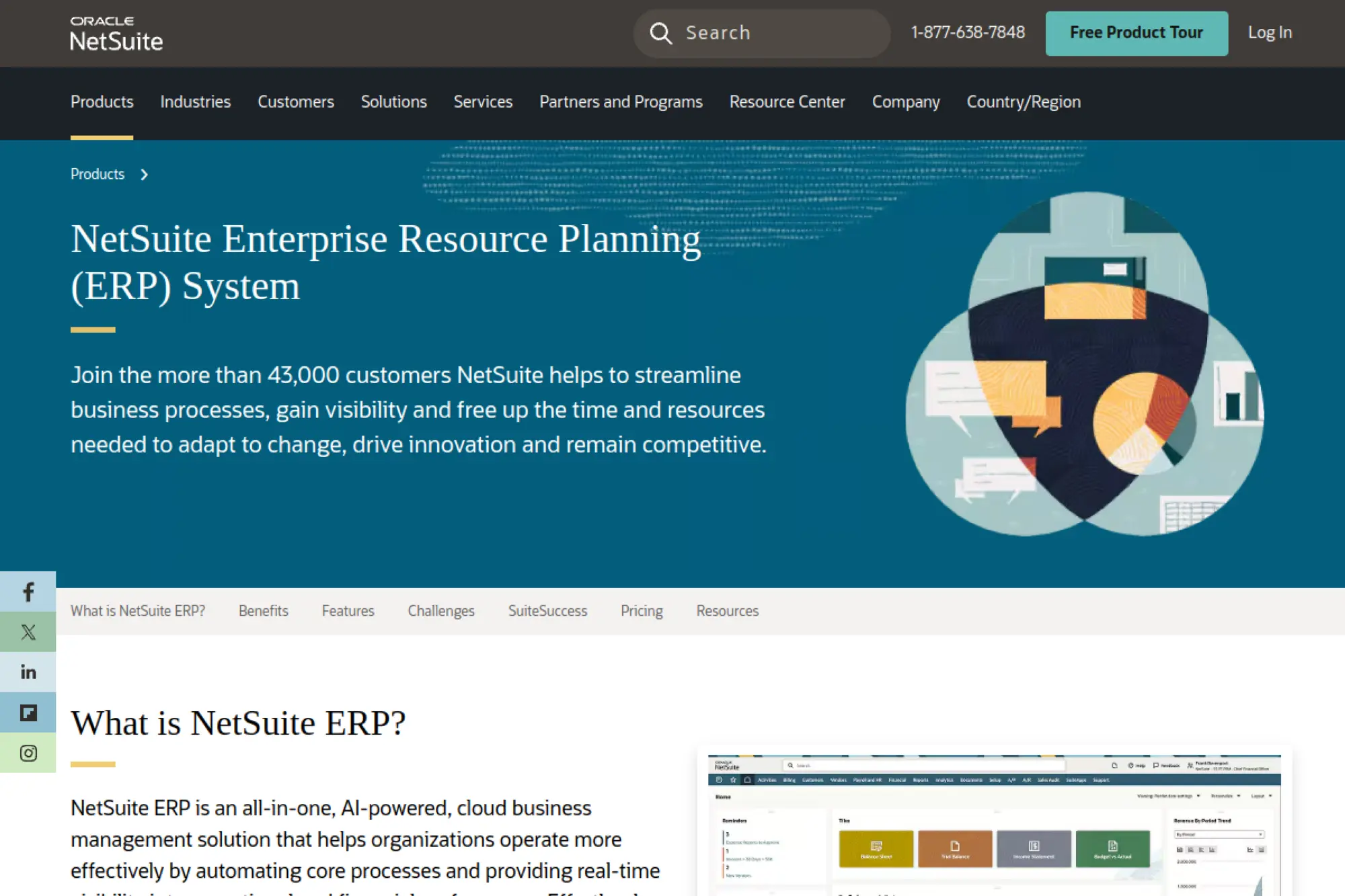
Oracle NetSuite ERP targets fast-growing small businesses that need finance and operations to run in one cloud database. NetSuite makes sense when multi-location selling, inventory control, and cleaner quote-to-cash matter more than keeping separate tools stitched together.
Best for
Fast-growing product companies, multi-location operations, and service teams that need project billing plus real financial visibility.
Key workflows to configure
- Quote-to-cash with approvals and pricing rules
- Order management with pick, pack, and ship
- Inventory replenishment and cycle counting routines
- Accounts payable automation and expense policies
- Multi-entity financial close and intercompany rules
Sales growth lever
Use one source of truth for availability, pricing, and customer terms. That alignment helps your team quote faster and commit to realistic dates, which reduces churn caused by missed expectations.
Watch outs
- Scope creep can drive complexity early
- Reporting quality depends on clean master data
- Partner selection matters as much as software choice
Quick start checklist
- Lock your chart of accounts and dimensions
- Define item, customer, and vendor naming standards
- Start with finance plus order-to-cash
- Set role-based permissions before go-live
- Build a weekly cadence for data cleanup
2. Microsoft Dynamics 365 Business Central
Microsoft Dynamics 365 Business Central fits teams already built around Excel, Outlook, Teams, and Power BI. Business Central works best when a small business wants stronger controls for finance, purchasing, and fulfillment without abandoning familiar Microsoft workflows.
Best for
Distribution, light manufacturing, and professional services firms that want strong accounting plus dependable workflows and approvals.
Key workflows to configure
- General ledger structure and posting groups
- Sales orders, credit checks, and invoicing rules
- Purchasing approvals and vendor bill processing
- Warehouse receiving, picking, and shipping
- Project jobs, time entry, and project billing
Sales growth lever
Connect the sales process to inventory and fulfillment so reps can promise realistic ship dates. That reduces last-minute expediting and helps you protect gross margin.
Watch outs
- Add-ons can expand cost and testing work
- Data imports need strict templates and governance
- Process changes require user training, not just setup
Quick start checklist
- Decide what stays in Excel and what must move
- Standardize item codes and units of measure
- Configure approvals before automations
- Set up a clean opening balance plan
- Run parallel invoicing until reports reconcile
3. SAP Business One
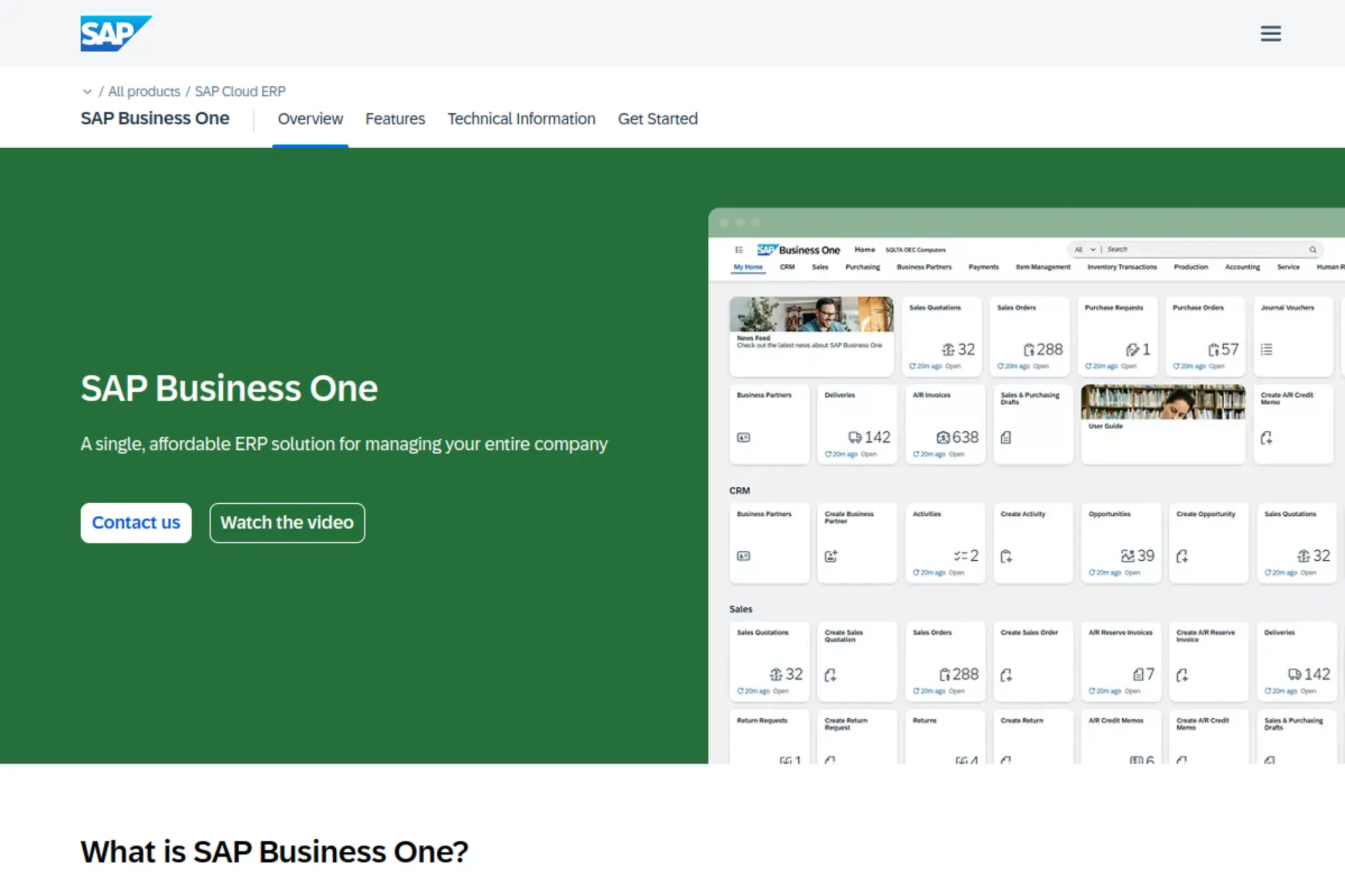
SAP Business One supports small companies that want a structured ERP foundation for finance, sales, purchasing, and inventory. SAP Business One is often chosen by distributors and manufacturers that need tighter process discipline while staying in an SMB-friendly product tier.
Best for
SMBs that want strong financials, inventory, and purchasing in a single suite, especially when industry partners provide tailored templates.
Key workflows to configure
- Financial closing process and cost centers
- Procurement with budget checks and approvals
- Inventory valuation and warehouse movements
- Sales order processing and returns handling
- Basic production and material planning routines
Sales growth lever
Improve order accuracy and delivery performance. When the system enforces clean item data and consistent pricing, your team spends less time fixing errors and more time selling.
Watch outs
- Partner quality varies, so vet carefully
- Customization can create upgrade friction
- Reporting depends on consistent data entry standards
Quick start checklist
- Pick an implementation partner with your industry focus
- Document your current order and purchasing steps
- Define inventory locations and movement rules
- Train users on “why” before “where to click”
- Set a rule for change requests during rollout
4. SAP Business ByDesign
SAP Business ByDesign provides an all-in-one cloud ERP for small to mid-sized organizations that prefer standardized processes. Business ByDesign is a strong fit when multiple departments or locations need consistent finance and operations without heavy custom development.
Best for
Small and midsize firms that need standardized processes across departments, especially when you operate in more than one market.
Key workflows to configure
- Financial management with consistent dimensions
- Customer invoicing and revenue tracking logic
- Procurement, receiving, and supplier terms
- Inventory, fulfillment, and basic planning
- Project delivery with time and expense capture
Sales growth lever
Use standardized quote and order workflows to reduce “hero selling.” When every rep follows the same steps, you can scale pipeline management and forecast with more confidence.
Watch outs
- Prebuilt processes still need internal alignment
- Integration planning matters for niche apps
- Over-customizing can weaken future agility
Quick start checklist
- Define a single “source of truth” for customer data
- Agree on revenue recognition and billing rules early
- Start with finance plus core order processing
- Build a master-data ownership plan by role
- Schedule recurring training for new hires
5. Odoo

Odoo offers a modular ERP approach that lets small businesses start with core apps and expand over time. Odoo stands out when flexibility, app-by-app rollout, and workflow customization matter as much as having accounting, CRM, inventory, and purchasing in one ecosystem.
Best for
Companies that value flexibility, want many business apps under one roof, and can commit time to configuration and process design.
Key workflows to configure
- Lead-to-quote and quote-to-order handoff
- Invoicing, payments, and credit terms
- Purchasing and vendor approvals
- Inventory locations, putaway, and replenishment
- Light manufacturing steps and work orders
Sales growth lever
Connect CRM activities to fulfillment and billing. That link reduces delays between “deal won” and “order shipped,” which improves customer experience and repeat orders.
Watch outs
- Too much customization can slow upgrades
- US accounting requirements still need careful setup
- Module choices can sprawl without governance
Quick start checklist
- Choose a small set of core modules for launch
- Define product and service catalogs with clean naming
- Set approval rules for discounts and purchasing
- Train users by role, not by feature
- Review reporting needs before final configuration
6. Acumatica Cloud ERP

Acumatica Cloud ERP targets growing small businesses that need a modern cloud platform with room to tailor workflows. Acumatica is commonly shortlisted by distribution and light manufacturing teams that want solid inventory and order management plus strong integration options.
Best for
Teams that want strong operational workflows, flexible configuration, and clear permissions across departments.
Key workflows to configure
- Financial reporting structure and approvals
- Sales orders, pricing, and customer credit checks
- Purchasing, receiving, and vendor terms
- Inventory and warehouse movement routines
- Project and job costing if you deliver projects
Sales growth lever
Use real-time margin visibility at quote and order time. When reps see true costs and inventory constraints, they can sell smarter instead of discounting blindly.
Watch outs
- Partner ecosystem varies by industry
- Integrations still require ownership and testing
- Process alignment must happen before automation
Quick start checklist
- Define your core order and purchasing workflows
- Build an item master that supports reporting needs
- Set up user roles and approvals early
- Run a pilot with a limited product set
- Lock a change-control routine for go-live
7. Sage Intacct
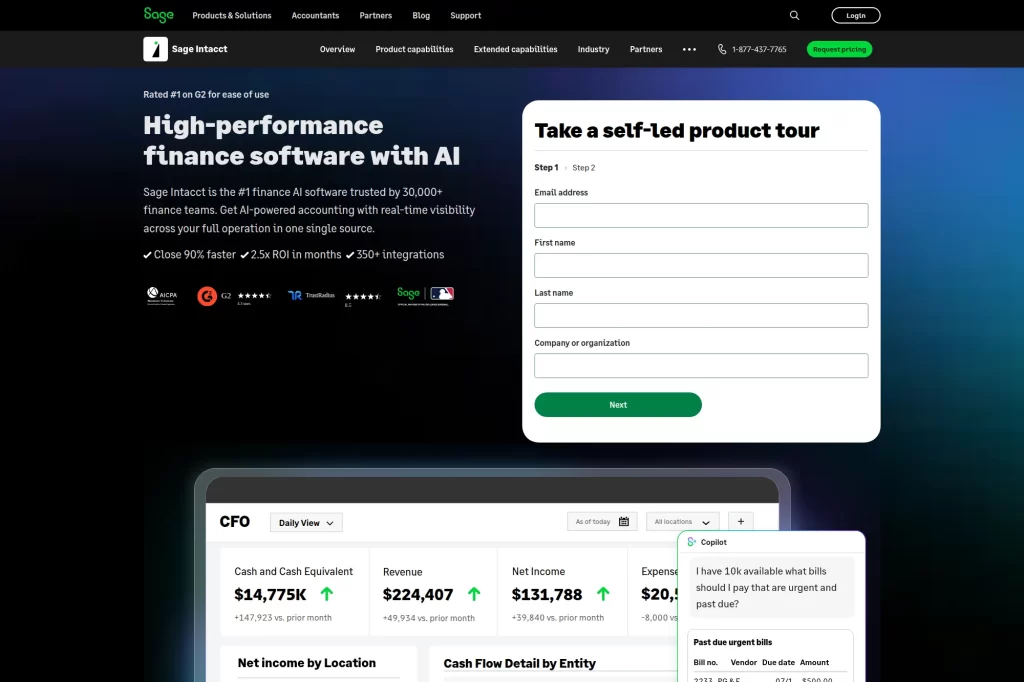
Sage Intacct focuses on cloud financial management for small businesses that need real visibility into cash flow, close, and multi-entity reporting. Intacct is a practical choice when finance is the operational backbone and other systems can connect for inventory or industry workflows.
Best for
Service organizations and multi-entity businesses that want faster close cycles and deeper financial reporting without heavy manufacturing features.
Key workflows to configure
- Dimensions for reporting by customer, project, or location
- Billing workflows and contract terms
- Accounts payable, purchasing, and approvals
- Revenue recognition policies aligned to your services
- Cash management and collections routines
Sales growth lever
Improve revenue visibility across contracts and renewals. When finance and delivery share the same data, you can spot expansion opportunities earlier and act before churn hits.
Watch outs
- You may still need separate inventory tools
- Reporting power depends on correct dimensions
- Over-customizing reports can slow adoption
Quick start checklist
- Define reporting dimensions and naming standards
- Map invoicing and cash-application steps
- Set approval levels for spend and discounts
- Choose integrations and assign owners per system
- Train finance and ops together on shared workflows
8. Sage X3
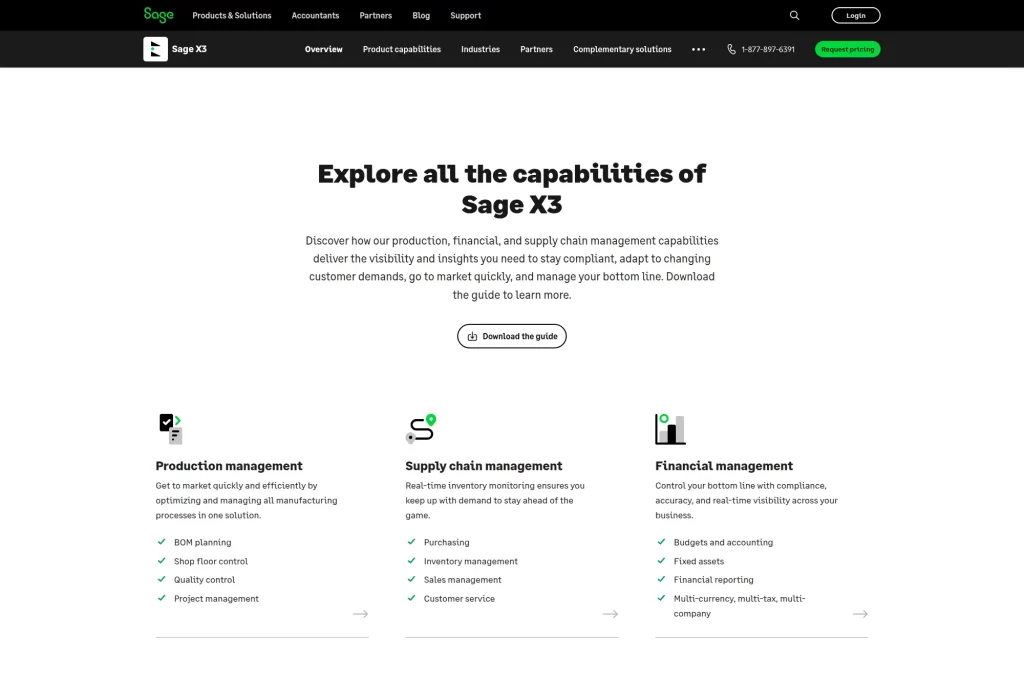
Sage X3 fits product-centric small businesses that need deeper operational capabilities than entry-level accounting platforms provide. Sage X3 works well when purchasing, inventory, production, and multi-site coordination drive daily complexity.
Best for
Manufacturers and distributors that want a single suite for finance, supply chain, and production management as they grow beyond entry-level tools.
Key workflows to configure
- Financial controls and audit-ready approvals
- Purchasing, receiving, and supplier performance tracking
- Inventory valuation and lot or serial tracking rules
- Production planning, shop floor control, and scheduling
- Customer service workflows for order changes and returns
Sales growth lever
Use better planning and inventory visibility to improve on-time delivery. Reliability becomes a sales advantage, especially when customers compare you to faster competitors.
Watch outs
- Implementation requires disciplined process ownership
- Heavy customization can raise long-term cost
- Complexity can overwhelm small teams without training
Quick start checklist
- Document production and fulfillment steps end to end
- Clean item masters and bills of material early
- Define warehouse locations and movement rules
- Start with a pilot plant or product line
- Set a reporting package for leadership from day one
9. Epicor Kinetic
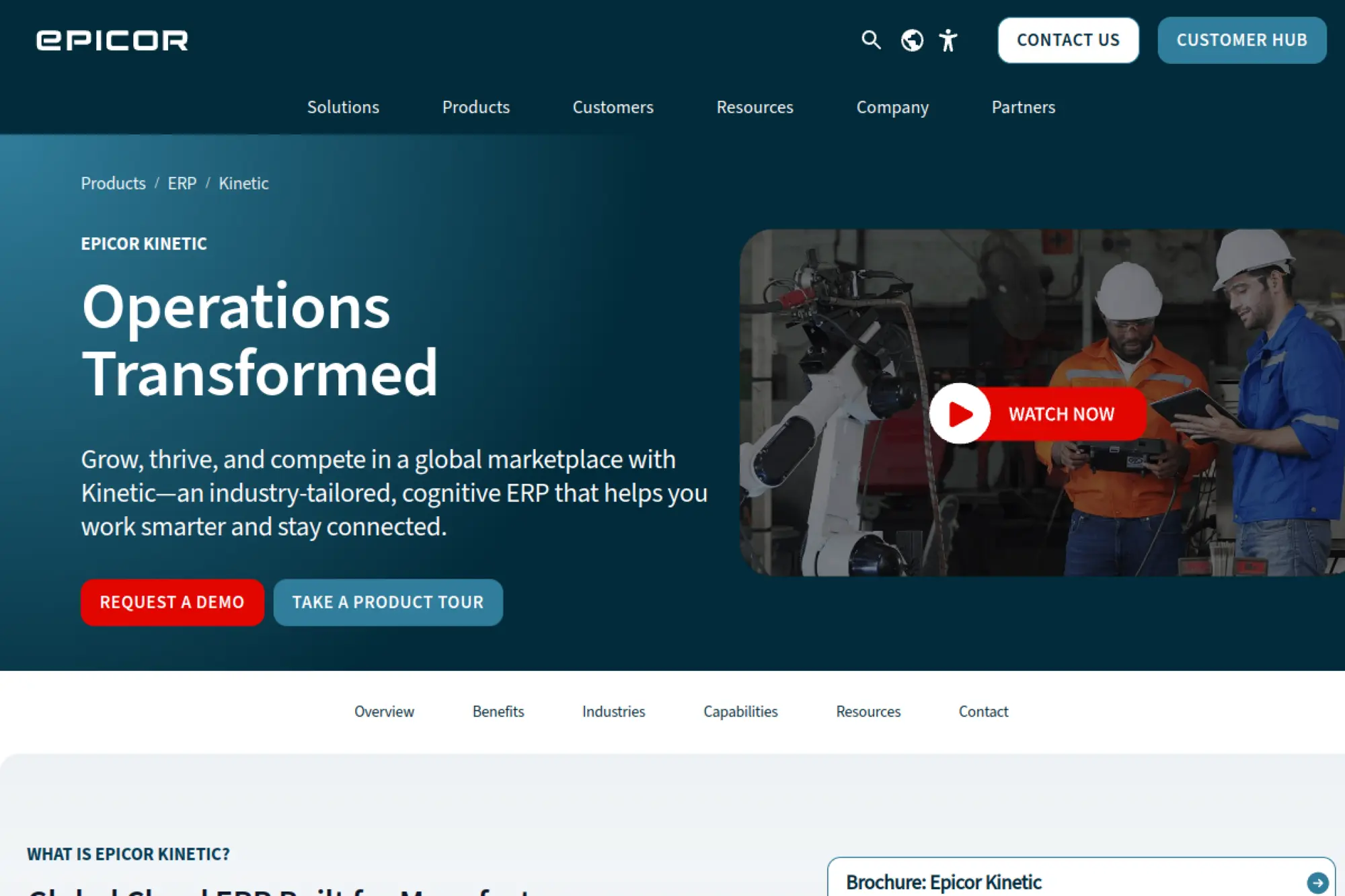
Epicor Kinetic is built for small manufacturers that need planning, production control, and shop-floor execution aligned with financials. Kinetic is a strong match when quoting, scheduling, and material planning must tighten up to protect margins and delivery dates.
Best for
Discrete manufacturers that want integrated production management, planning, and finance, with room to grow into more advanced manufacturing workflows.
Key workflows to configure
- Estimate-to-job conversion and job costing
- Production planning and scheduling routines
- Inventory, purchasing, and receiving processes
- Quality checks tied to work orders and receipts
- Shipping, invoicing, and customer returns
Sales growth lever
Quote with better cost confidence and realistic lead times. When you tighten the link between estimating and production capacity, you win deals you can actually deliver profitably.
Watch outs
- Manufacturing data accuracy drives results
- Teams often underestimate training needs
- Customizations can slow upgrades and reporting
Quick start checklist
- Standardize routings and work center definitions
- Clean up inventory units and conversions
- Build a repeatable quoting template
- Set up dashboards for WIP and margins
- Run a controlled pilot before full rollout
10. Epicor Prophet 21
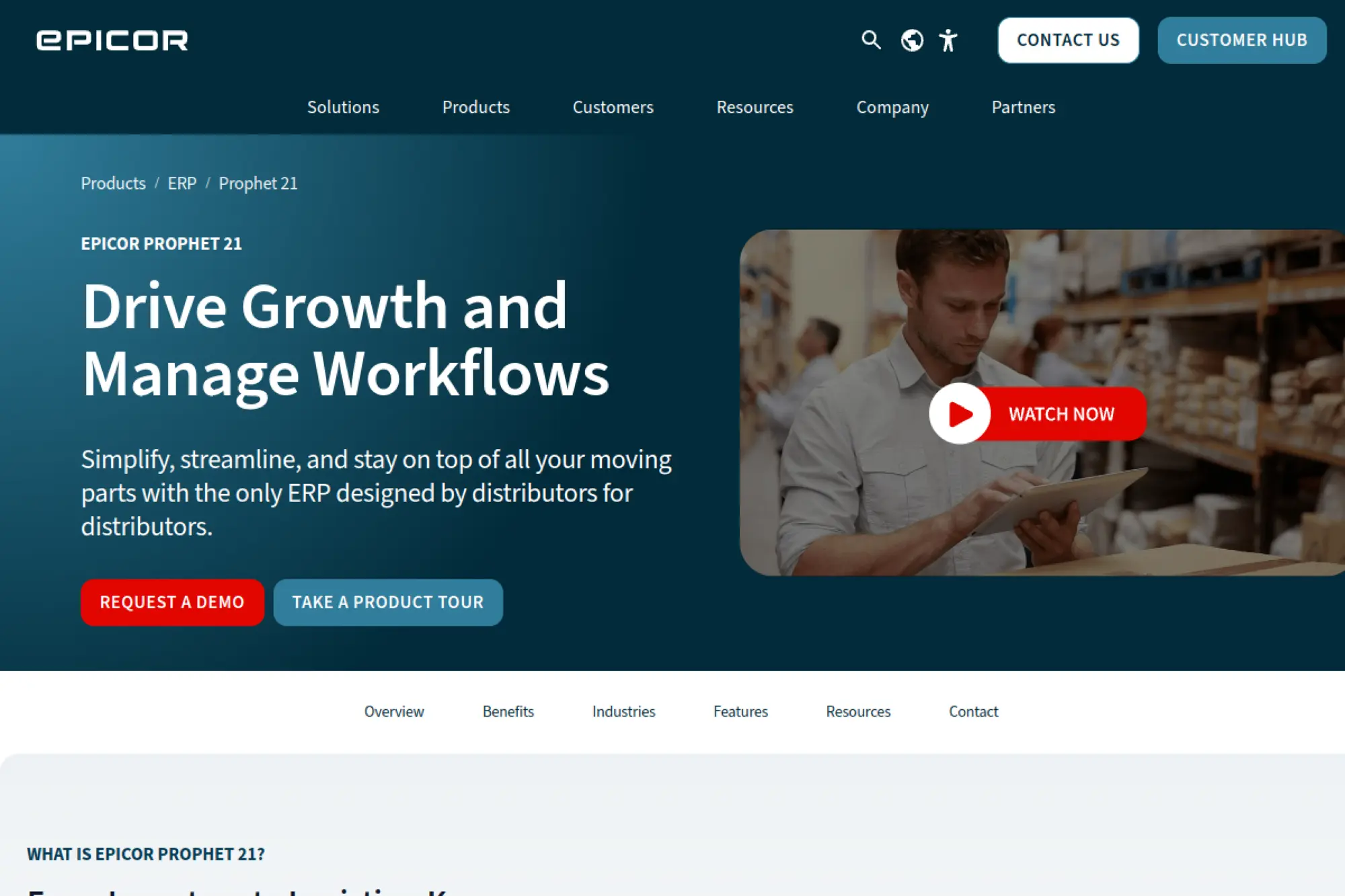
Epicor Prophet 21 targets small distributors managing complex purchasing, pricing, and fulfillment across large SKU catalogs. Prophet 21 becomes compelling when warehouse execution, replenishment discipline, and customer service consistency need to improve together.
Best for
Wholesale distributors that need robust order management, purchasing discipline, and warehouse execution tied to financial controls.
Key workflows to configure
- Customer pricing logic and discount governance
- Purchasing cycles, vendor terms, and replenishment
- Warehouse receiving, putaway, picking, and shipping
- Returns and credits with consistent reasons and approvals
- Sales rep performance tracking tied to margin
Sales growth lever
Improve order fill rates and speed. When customers trust your availability and shipping cadence, they consolidate spend with you instead of spreading it across competitors.
Watch outs
- Warehouse process design matters more than screens
- Dirty SKU data breaks replenishment logic
- Integrations with ecommerce need clear ownership
Quick start checklist
- Define warehouse zones and picking methods
- Clean item masters and vendor pack rules
- Set approval rules for margin exceptions
- Train warehouse users with real transactions
- Go live with a controlled set of customers first
11. Infor CloudSuite Industrial
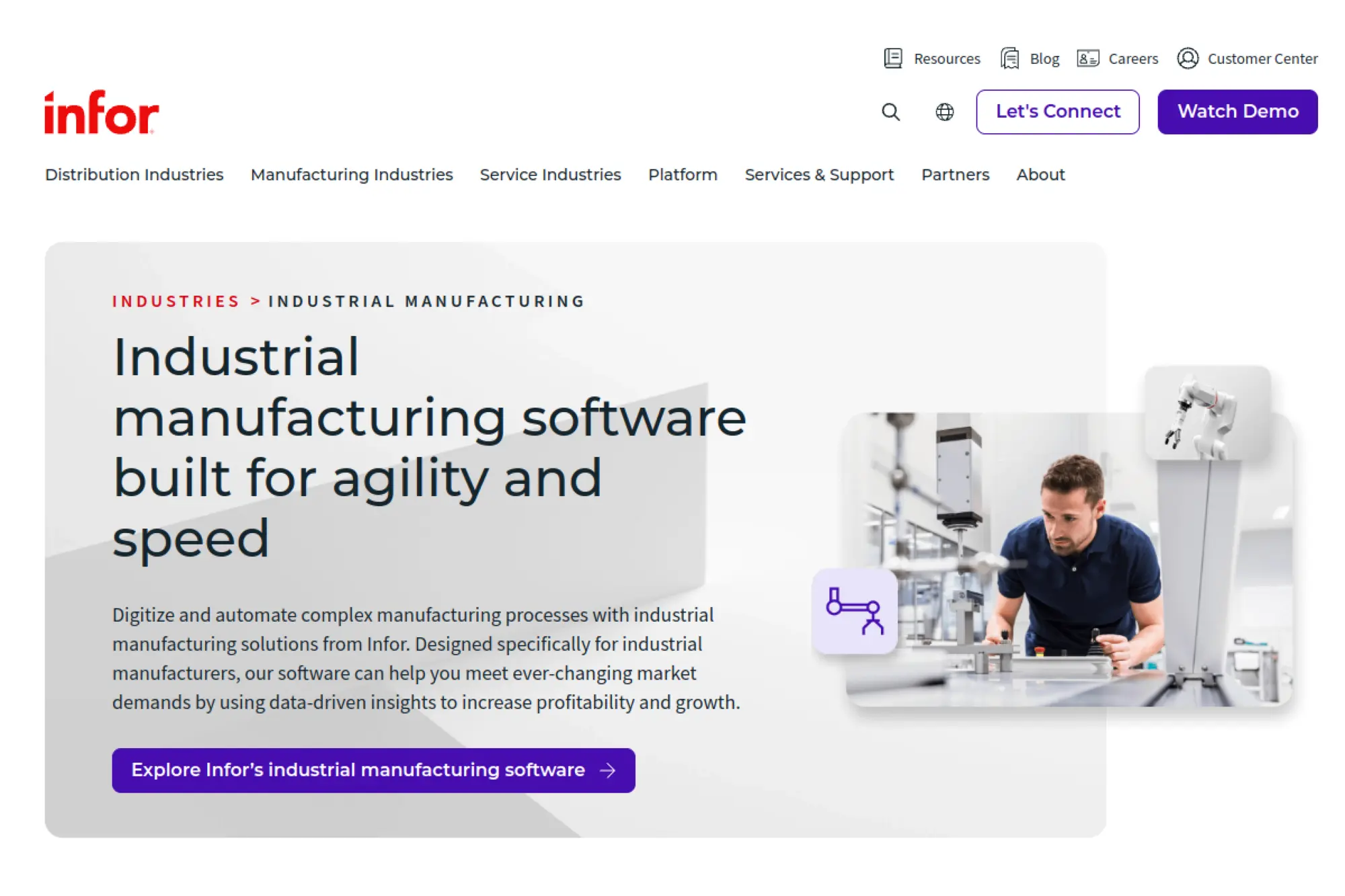
Infor CloudSuite Industrial supports small to mid-sized discrete manufacturers that need planning and production workflows tied closely to operational reporting. CloudSuite Industrial fits teams that want stronger scheduling, quality controls, and traceability as order volume grows.
Best for
Industrial manufacturers that need a strong manufacturing backbone, especially when engineering changes, scheduling, or service requirements affect delivery.
Key workflows to configure
- Engineering change workflows and item revisions
- Production scheduling and capacity planning practices
- Procurement tied to material planning
- Inventory tracking across sites and locations
- Financial reporting aligned to product lines and plants
Sales growth lever
Reduce quoting delays by connecting engineering, costing, and capacity signals. Sales wins more often when estimates reflect reality and delivery dates stay consistent.
Watch outs
- Manufacturing process fit must be validated early
- Implementation requires strong cross-team leadership
- Data governance must stay active after go-live
Quick start checklist
- Confirm your manufacturing model and planning approach
- Define item revision rules and ownership
- Standardize routings and work center naming
- Build operational dashboards for WIP and delivery
- Stage go-live by plant, line, or product family
12. Infor CloudSuite Distribution
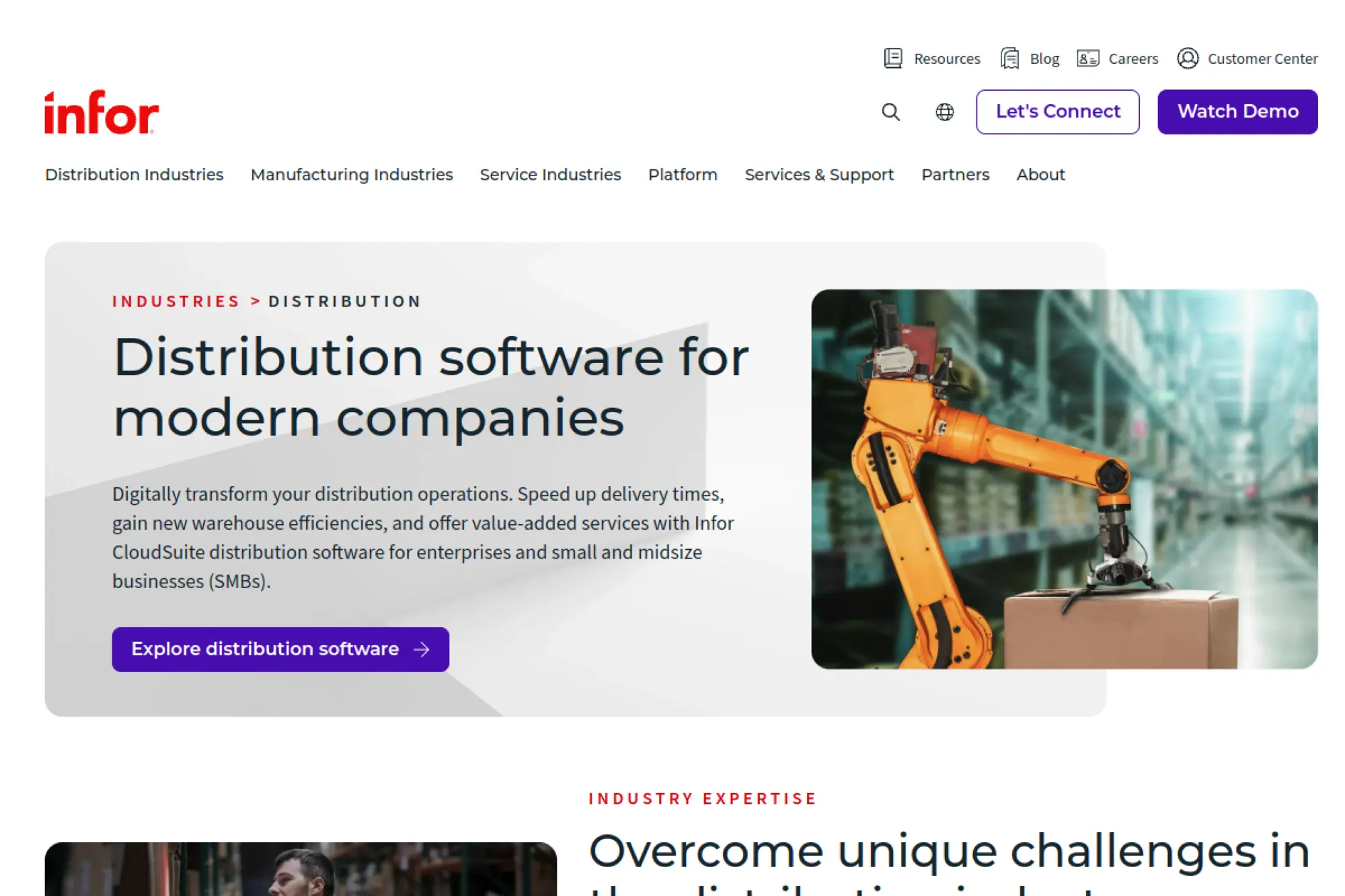
Infor CloudSuite Distribution is designed for wholesale and distribution businesses that depend on reliable order flow and warehouse performance. CloudSuite Distribution helps when purchasing controls, inventory accuracy, and fulfillment speed must improve without adding more spreadsheets.
Best for
Distributors that need strong order-to-promise, warehouse processes, and analytics tied to customer expectations and service levels.
Key workflows to configure
- Order entry standards and fulfillment routing rules
- Warehouse receiving and picking workflows
- Purchasing and replenishment policies
- Customer-specific pricing, terms, and credits
- Returns, claims, and vendor chargebacks
Sales growth lever
Create a smoother buying experience with accurate availability and clear delivery commitments. This improves trust, increases reorder frequency, and reduces customer service escalations.
Watch outs
- Warehouse change management can stall adoption
- Inconsistent item data undermines forecasting
- Integrations should be planned, not assumed
Quick start checklist
- Write your “perfect order” definition with sales and ops
- Clean item master data and customer ship rules
- Train warehouse teams with barcode-driven scenarios
- Set alerts for backorders and late supplier receipts
- Review margin by customer, not just by item
13. SYSPRO
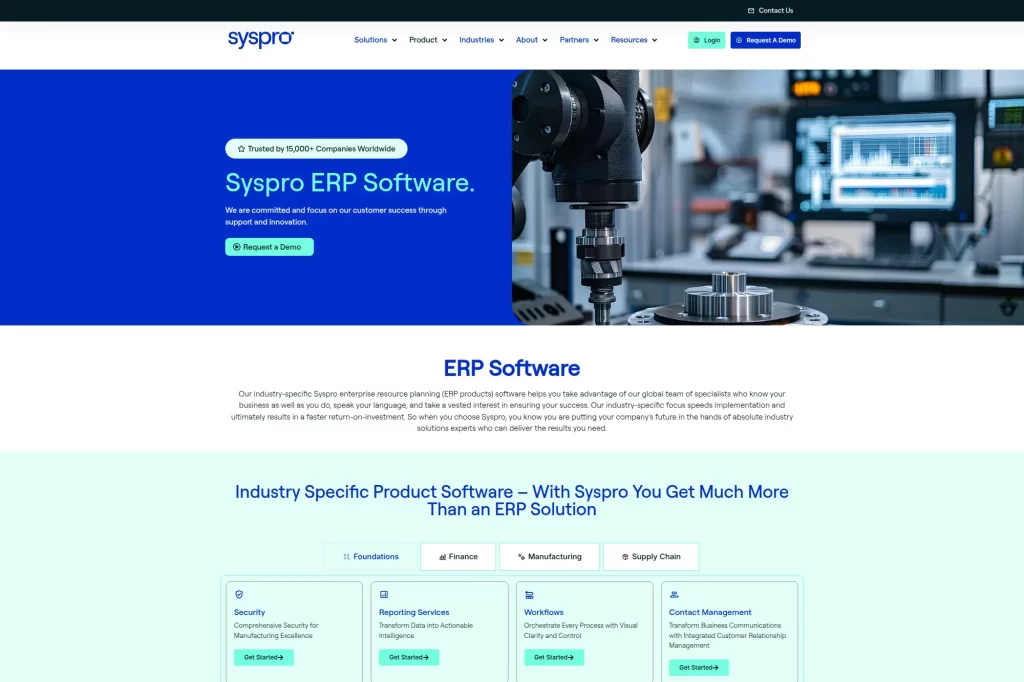
SYSPRO serves manufacturers and distributors that need dependable inventory control, production planning, and operational reporting. SYSPRO is often considered when a small business wants solid core ERP functions with industry-friendly depth for supply chain workflows.
Best for
Manufacturers and distributors that want strong operational control and industry-aligned workflows while maintaining flexibility in deployment and configuration.
Key workflows to configure
- Inventory management and traceability rules
- Purchasing and supplier delivery tracking
- Production planning and shop floor reporting practices
- Order processing, shipping documents, and invoicing
- Costing and margin reporting by product line
Sales growth lever
Improve accuracy in what you promise. When sales can see real stock, realistic production timing, and reliable costs, you reduce costly surprises and win repeat business.
Watch outs
- ERP success depends on consistent transactions
- Industry fit still requires process discipline
- Reporting needs must guide how you structure data
Quick start checklist
- Define inventory locations and transaction standards
- Set up a receiving process with clear accountability
- Agree on costing method and governance
- Train supervisors to use dashboards daily
- Run a phased rollout for production reporting
14. IFS Cloud
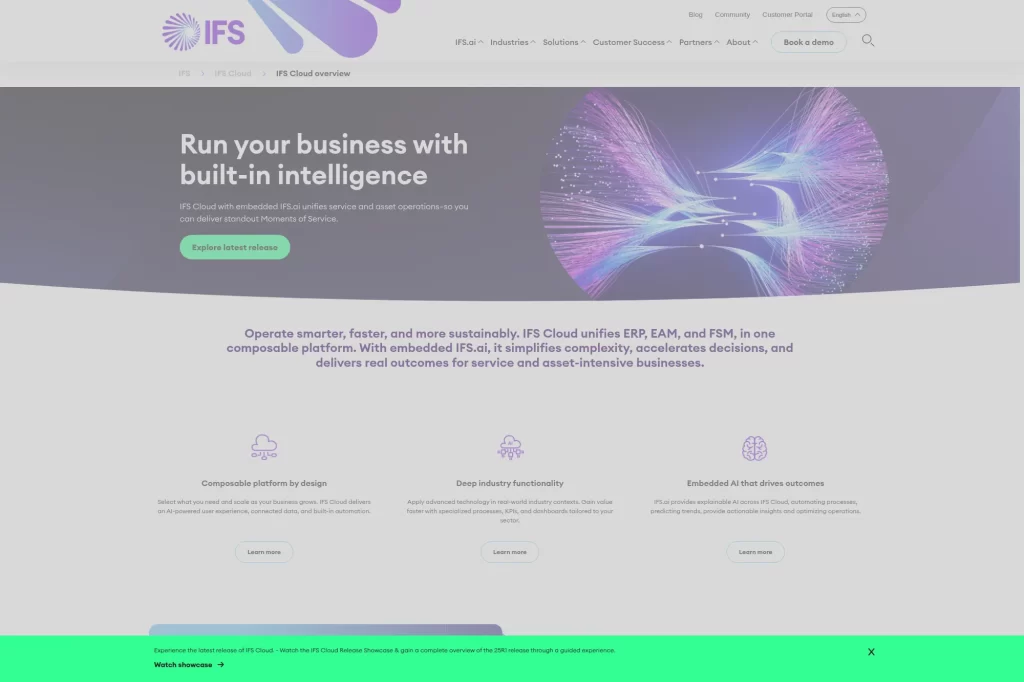
IFS Cloud fits small businesses that run service-heavy operations, asset management, projects, or field work alongside finance. IFS Cloud stands out when scheduling, service execution, and lifecycle management matter as much as accounting and procurement.
Best for
Service organizations and asset-heavy operations that need tighter coordination between service delivery, inventory, and finance.
Key workflows to configure
- Service order intake, dispatch, and completion steps
- Parts and inventory control tied to service work
- Contract billing and recurring service terms
- Project delivery and cost tracking workflows
- Customer communication and SLA tracking routines
Sales growth lever
Turn service delivery into a growth channel. When you track outcomes, parts usage, and contract performance in one place, you can upsell preventive services and renewals with confidence.
Watch outs
- Complexity can be high if you enable too much at once
- Field adoption requires strong training and support
- Integration planning matters for customer-facing tools
Quick start checklist
- Map your service lifecycle from request to invoice
- Standardize parts, kits, and service item catalogs
- Define SLAs and escalation rules clearly
- Train dispatchers and techs with real scenarios
- Track early KPIs weekly and adjust workflows fast
15. Unit4 ERPx
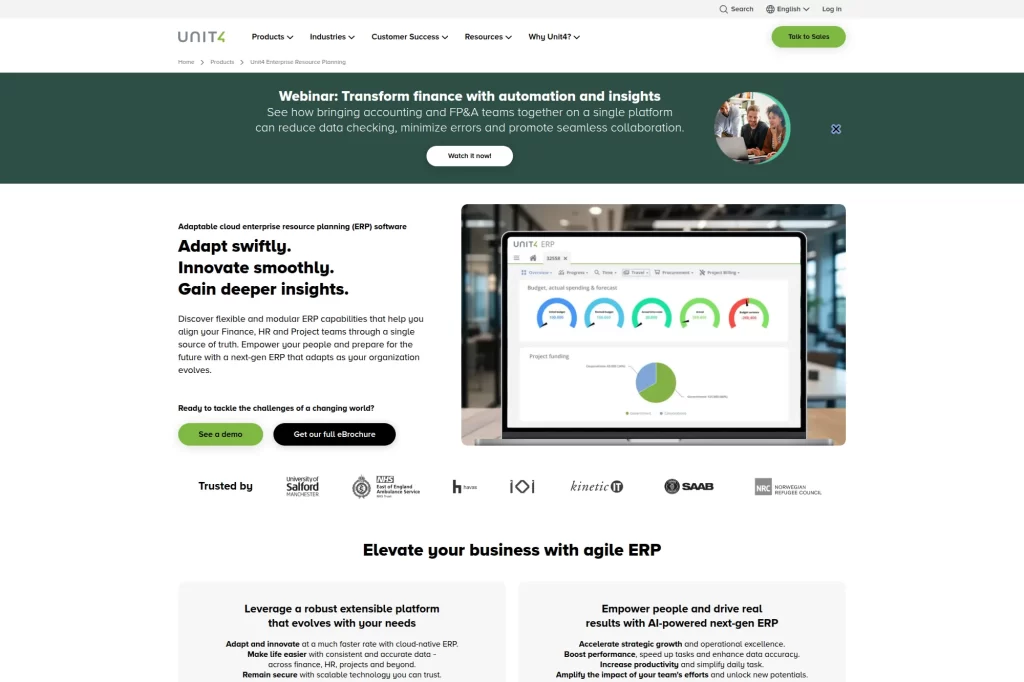
Unit4 ERPx targets people-centric organizations where projects, services delivery, and planning drive profitability. Unit4 is a strong option when a small business needs finance and project visibility designed around how teams actually deliver work.
Best for
Nonprofits, professional services, and public sector-adjacent organizations that need finance, HR, and project workflows aligned in a single system.
Key workflows to configure
- Project accounting and cost allocation methods
- Timesheets, approvals, and expense policies
- Billing schedules and revenue recognition rules
- Procurement with budget controls
- Management reporting by program or service line
Sales growth lever
Protect utilization and margin. When resourcing, time capture, and billing live together, you spot under-billed work early and tighten your delivery-to-cash cycle.
Watch outs
- Project structure choices affect reporting long-term
- Change management matters for time entry adoption
- Over-customization can slow future improvements
Quick start checklist
- Define project templates for your common engagements
- Set approval paths for time and expenses
- Agree on billing rules with sales and delivery teams
- Build dashboards for utilization and backlog health
- Run a pilot with a single delivery team first
16. Priority ERP
Priority ERP supports small and mid-sized companies that want a flexible ERP platform without losing practical day-to-day usability. Priority is a good fit when a business needs configurable workflows for finance, operations, and reporting across multiple teams.
Best for
Product-centric businesses and operational teams that need core ERP coverage and want flexibility for workflow tailoring without rebuilding everything.
Key workflows to configure
- Sales order and invoicing process standards
- Purchasing and supplier management routines
- Inventory and warehouse movement definitions
- Manufacturing steps if you build or assemble products
- Business intelligence views for margin and cash flow
Sales growth lever
Accelerate order throughput. When customer orders move cleanly from entry to fulfillment to billing, you reduce delays that usually force discounts or create customer complaints.
Watch outs
- Too many workflow variants can confuse users
- Data standards must be enforced across teams
- Integration work still requires technical ownership
Quick start checklist
- Write a “standard order” workflow with exceptions listed
- Build item master rules and mandatory fields
- Configure permissions before automating steps
- Train on end-to-end scenarios, not isolated screens
- Set up weekly reporting reviews with department leads
17. Plex ERP
Plex ERP is built for manufacturers that want cloud ERP tightly connected to execution on the production floor. Plex becomes a strong contender when traceability, quality processes, and real-time production visibility are central to operations.
Best for
Manufacturers that want ERP and manufacturing execution in one platform, with strong traceability and real-time operational visibility.
Key workflows to configure
- Production reporting routines tied to work orders
- Inventory moves tied to shop-floor events
- Quality checks and nonconformance workflows
- Purchasing and supplier receipts with clear controls
- Financial close routines aligned to manufacturing activity
Sales growth lever
Sell reliability. When you track production status and quality signals in real time, customer-facing teams can give accurate updates and prevent surprises that cost future orders.
Watch outs
- Shop-floor adoption requires consistent training
- Work instructions and routings need ongoing upkeep
- Change requests can multiply if governance is weak
Quick start checklist
- Define production reporting expectations by role
- Clean item, routing, and work center data
- Set quality checkpoints that match real risk
- Launch with a single line or plant area
- Review dashboards daily during the first weeks
18. QAD Adaptive ERP

QAD Adaptive ERP targets manufacturers operating complex supply chains that require consistent planning and operational control. QAD is a strong fit when a small business must standardize production, inventory, and fulfillment across plants or regions.
Best for
Manufacturers that need structured planning, traceability, and compliance support, especially when operating across sites or serving demanding customers.
Key workflows to configure
- Sales and demand planning handoffs
- Material planning, procurement, and supplier performance
- Production scheduling and execution reporting
- Inventory control with clear status and quarantine rules
- Costing and profitability reporting by product and customer
Sales growth lever
Deliver faster and with fewer errors. That operational discipline reduces customer firefighting and turns delivery performance into a competitive differentiator during renewals and re-bids.
Watch outs
- Clean master data is not optional
- Process changes require leadership enforcement
- Integrations should be validated early in the project
Quick start checklist
- Define planning parameters and ownership clearly
- Set inventory statuses and handling rules
- Standardize routings and reporting expectations
- Train supervisors to use operational dashboards
- Run a controlled pilot before expanding scope
19. Deltek Vantagepoint
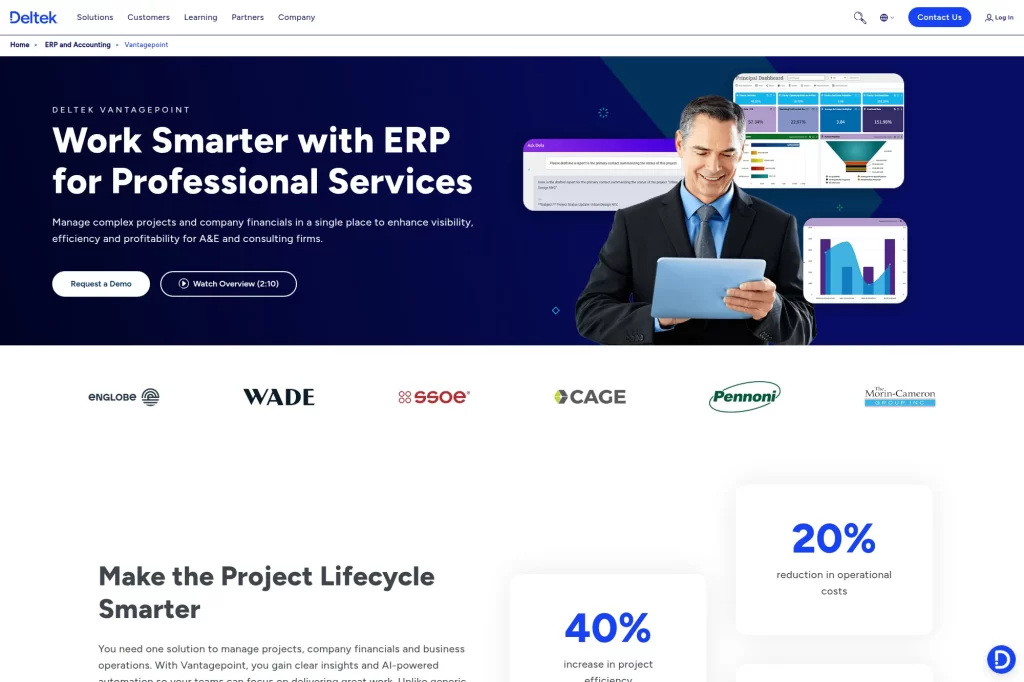
Deltek Vantagepoint is purpose-built for professional services firms where projects are the business model. Vantagepoint works best when a small team needs project accounting, resource planning, and pipeline visibility in one system.
Best for
Architecture, engineering, consulting, and other project-centric firms that want tighter control over pipeline, resourcing, and project financials.
Key workflows to configure
- Lead and opportunity stages tied to delivery readiness
- Project setup templates with standard work breakdown
- Time and expense capture with clear approvals
- Billing formats, retainers, and invoice workflows
- Resource planning aligned to project schedules
Sales growth lever
Use real utilization and backlog insight to qualify deals. When you sell only what you can staff well, you protect client experience and open more referral-driven growth.
Watch outs
- Project template design affects everything downstream
- Time entry compliance needs cultural reinforcement
- CRM discipline matters for forecasting accuracy
Quick start checklist
- Create standard project templates for common job types
- Define approval rules for time, expenses, and invoices
- Align sales stages to delivery milestones
- Train PMs on margin and WIP visibility
- Review pipeline and staffing weekly after launch
20. Certinia
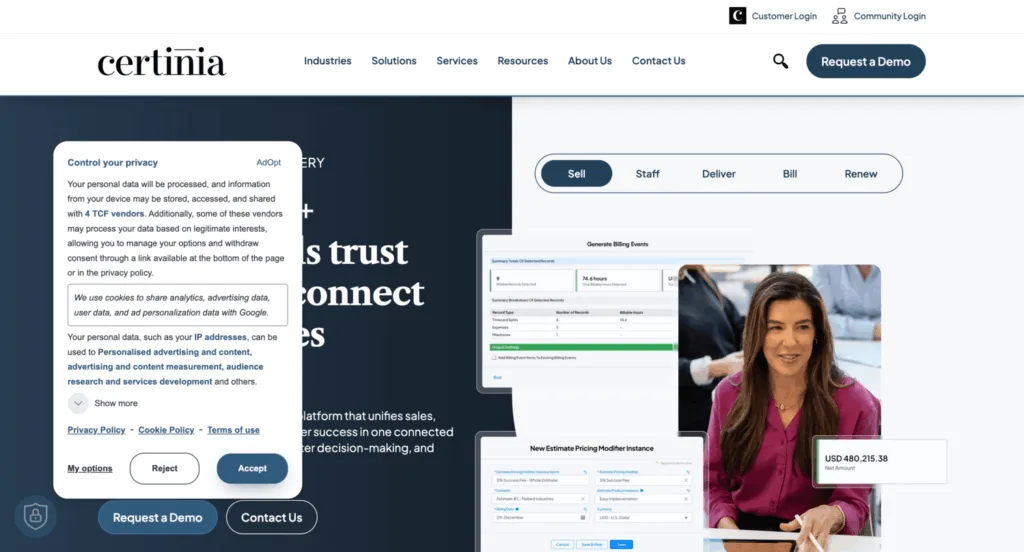
Certinia (built on Salesforce) fits small businesses that want ERP and services delivery to sit close to CRM workflows. Certinia makes sense when project-based revenue, billing, and forecasting need to run with the same customer data sales teams already use.
Best for
Services organizations that live in Salesforce and want project delivery, billing, and financial controls connected to the customer record.
Key workflows to configure
- Project intake from sold work to delivery kickoff
- Resource assignment and utilization tracking
- Time capture and expense approvals
- Milestone billing and revenue recognition rules
- Customer success handoffs and renewal readiness signals
Sales growth lever
Close the loop between sales promises and delivery outcomes. When delivery data feeds renewals, you can target expansion based on real adoption and profitability, not guesses.
Watch outs
- Salesforce governance becomes ERP governance too
- Bad project setup leads to billing headaches
- Role clarity matters for data ownership across teams
Quick start checklist
- Define a standard “sold-to-project” intake checklist
- Set time and expense policies that match reality
- Build billing templates for your common contract types
- Align customer success milestones to renewal timing
- Audit dashboards weekly until data stabilizes
21. Rootstock

Rootstock targets manufacturers that run on Salesforce and want ERP to share the same platform foundation. Rootstock is a strong match when sales-to-production handoffs must tighten and inventory and production control need to connect to CRM activity.
Best for
Manufacturers that want tight CRM-to-operations connection and prefer a Salesforce-native approach to customer data and workflow.
Key workflows to configure
- Sales order intake and available-to-promise checks
- Production planning and work order execution
- Inventory management, receiving, and allocation rules
- Purchasing tied to material planning signals
- Financial close routines aligned to manufacturing activity
Sales growth lever
Sell with confidence by bringing production and inventory signals into the sales workflow. Faster, more accurate commitments reduce the back-and-forth that slows deals.
Watch outs
- Salesforce configuration decisions have operational impact
- Manufacturing master data requires steady upkeep
- Integration testing must include real shop scenarios
Quick start checklist
- Define the customer record and ownership rules
- Standardize BOMs, routings, and item definitions
- Build a quoting workflow that checks real constraints
- Train both sales and ops on shared dashboards
- Run a pilot with a limited product set first
22. Global Shop Solutions
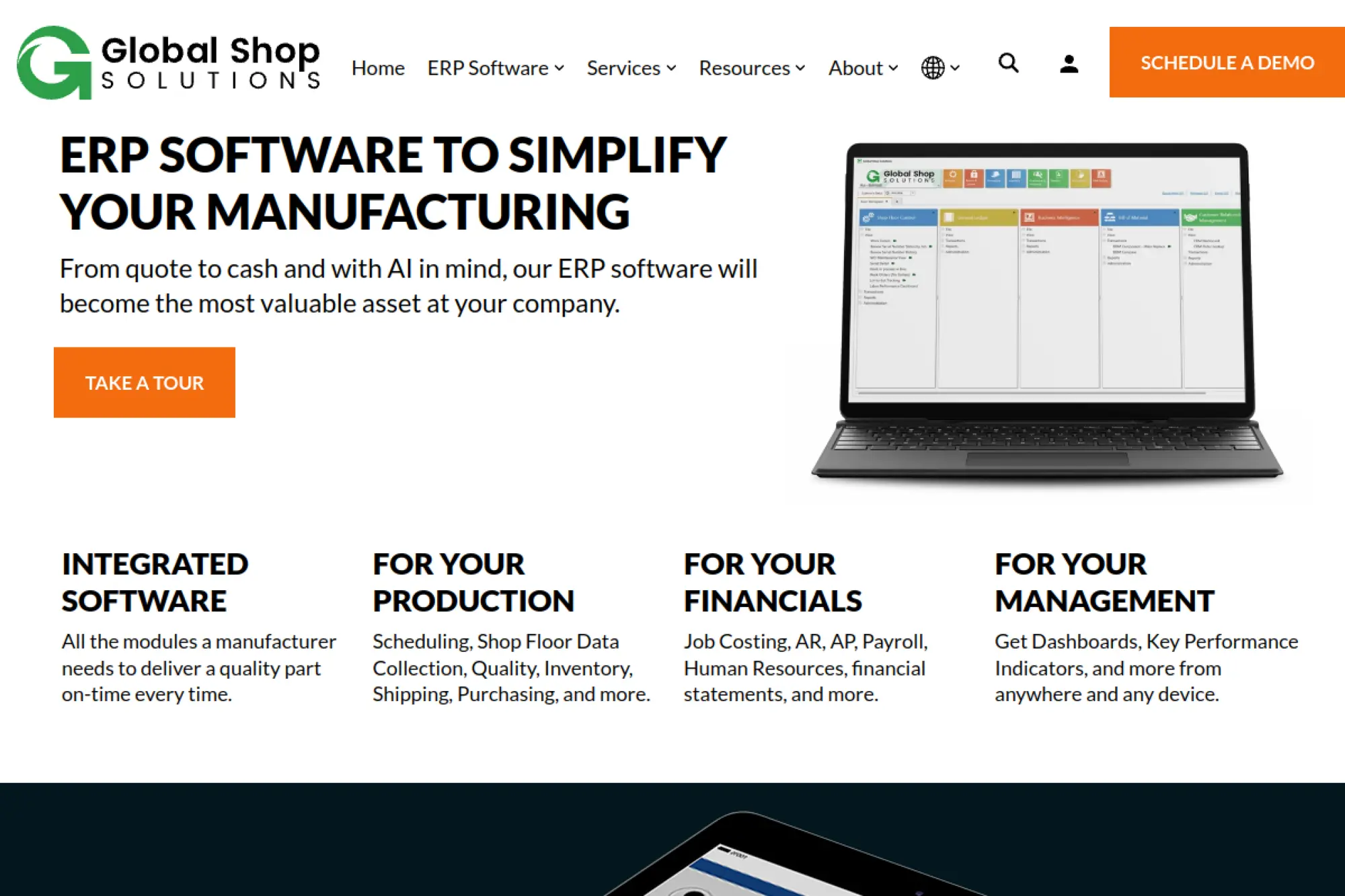
Global Shop Solutions focuses on manufacturers that need quoting, scheduling, and shop control tied to financial outcomes. Global Shop Solutions fits small businesses that build to order and must manage real capacity, lead times, and work-in-progress reliably.
Best for
Job shops and manufacturers that need stronger quoting, scheduling, and shop floor control tied to job costing and finance.
Key workflows to configure
- Estimating and quoting tied to routings and materials
- Scheduling and dispatch practices for the shop floor
- Shop reporting and labor capture routines
- Purchasing and receiving linked to jobs
- Job costing and variance review processes
Sales growth lever
Quote faster with better cost assumptions, then deliver on what you promised. That reliability reduces rework, improves customer trust, and supports higher-value repeat orders.
Watch outs
- Estimating accuracy depends on clean routings
- Shop reporting adoption can lag without training
- Too many exceptions can weaken scheduling discipline
Quick start checklist
- Standardize quoting templates and assumptions
- Define work centers and reporting expectations
- Clean item masters and purchasing rules
- Train supervisors to review WIP daily
- Run a pilot job family before expanding rollout
23. Genius ERP
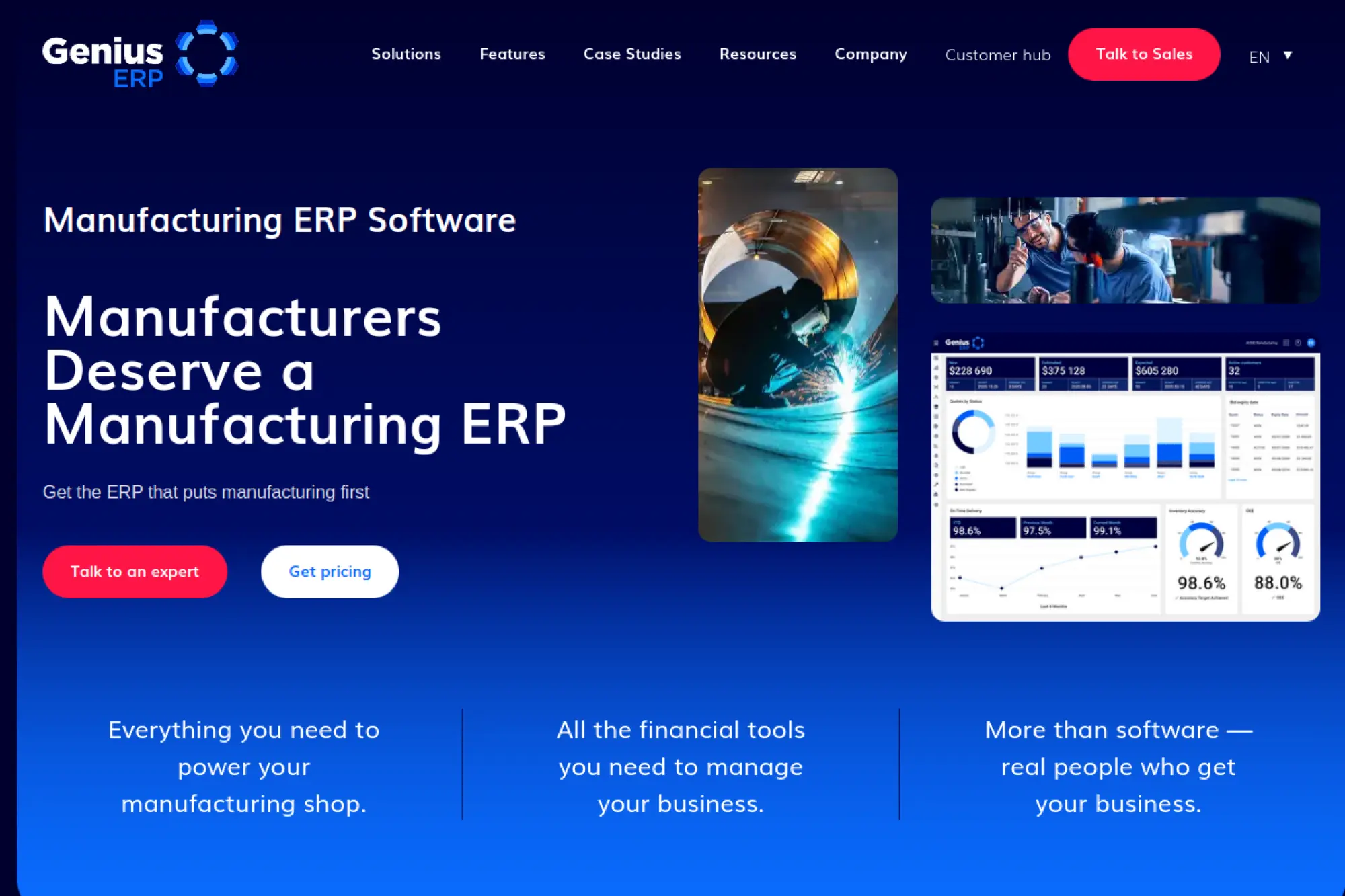
Genius ERP targets job shops and custom manufacturers that live and die by accurate quotes and predictable schedules. Genius ERP is a strong option when a small business needs a tighter loop from estimating to production to shipping and invoicing.
Best for
Engineer-to-order and custom manufacturers that need better coordination from design through production, with strong cost control.
Key workflows to configure
- Engineering change and production handoff routines
- Production scheduling and capacity checks
- Inventory and purchasing tied to job requirements
- Shop floor reporting and WIP visibility
- Job costing and margin review by project
Sales growth lever
Turn better lead time control into a sales advantage. When you can estimate reliably and keep production aligned, you reduce delivery surprises that harm referrals and repeat work.
Watch outs
- Engineering and routing data must stay current
- Scheduling only works if reporting is consistent
- Training must include both office and shop roles
Quick start checklist
- Define a clean design-to-production handoff process
- Standardize routing and cost assumptions
- Set shop reporting expectations by role
- Build margin dashboards for project managers
- Launch with a representative product family first
24. MRPeasy
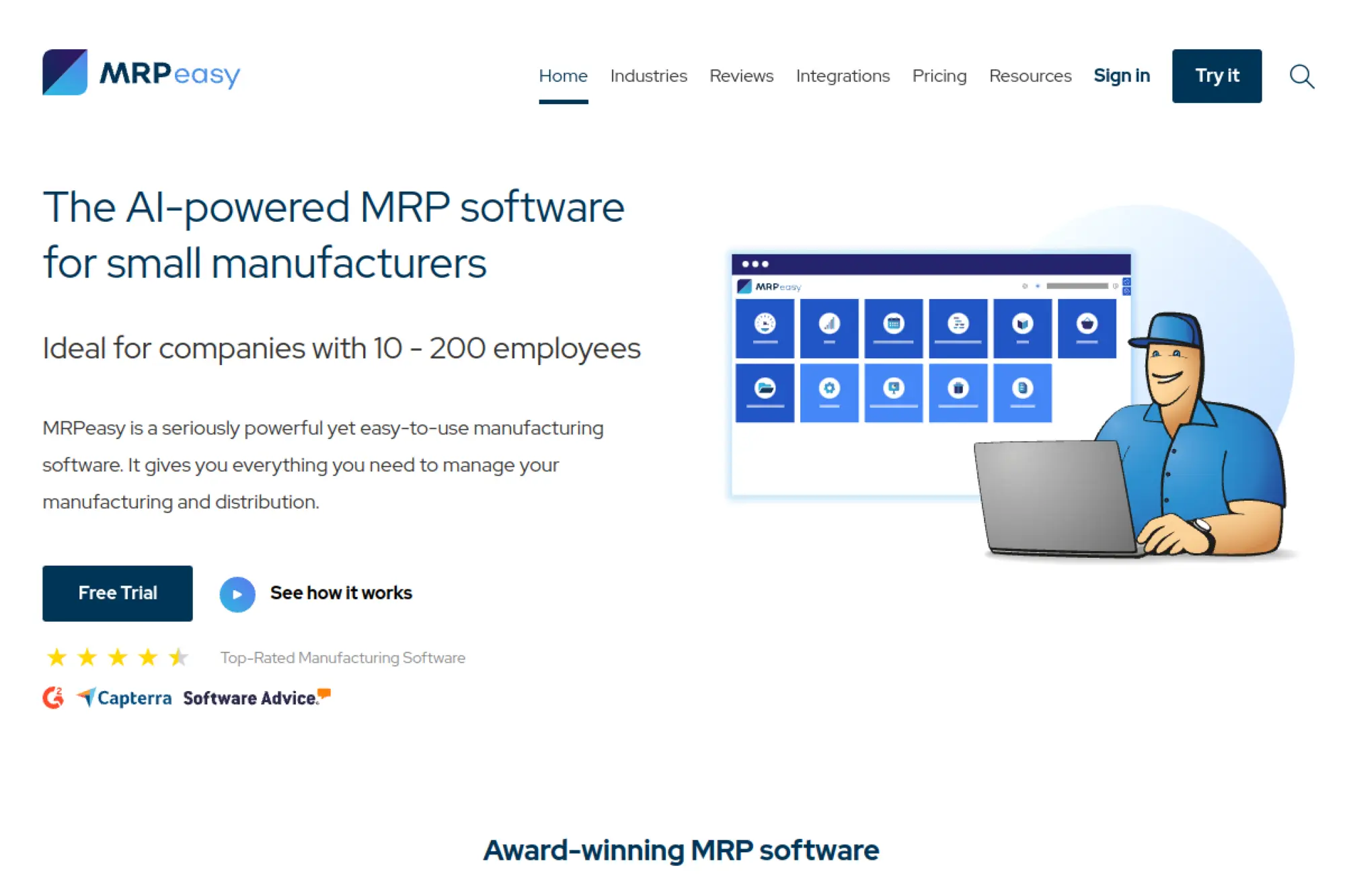
MRPeasy is a lightweight MRP/ERP option for small manufacturers that need basic planning and inventory control without a heavy rollout. MRPeasy works well when the priority is to bring structure to purchasing, production planning, and stock accuracy quickly.
Best for
Small manufacturers that need quick improvements in production planning and inventory visibility without a heavy enterprise rollout.
Key workflows to configure
- Bill of materials and production order creation
- Inventory locations and stock movement routines
- Purchasing and supplier lead time tracking
- Order fulfillment steps from sales to shipping
- Basic cost tracking and margin review practices
Sales growth lever
Provide more reliable lead times at quote stage. When production planning uses real inventory and capacity signals, you stop overpromising and protect customer trust.
Watch outs
- It may not cover every enterprise ERP scenario
- Planning accuracy requires clean BOMs and lead times
- Integrations must be validated for your accounting setup
Quick start checklist
- Clean your BOMs and inventory units
- Define production stages that match real work
- Set supplier lead time rules and owners
- Train planners and buyers on one shared workflow
- Run weekly reviews of stockouts and late orders
25. ECI JobBOSS²
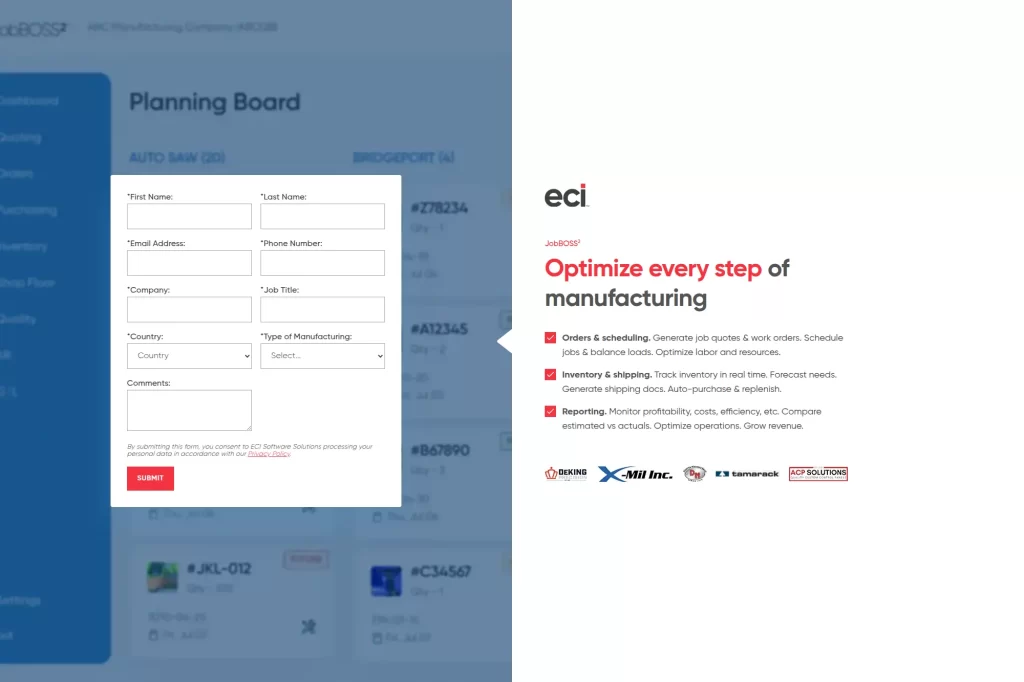
ECI JobBOSS² is designed for job shops that need tight control over quoting, scheduling, and shop-floor tracking. JobBOSS² fits small manufacturers that manage many custom jobs and want better visibility into costs, capacity, and delivery performance.
Best for
Job shops and make-to-order manufacturers that need quote-to-cash control with strong job costing and scheduling visibility.
Key workflows to configure
- Estimating and quoting tied to job routing steps
- Scheduling and capacity planning routines
- Shop floor labor reporting and job status tracking
- Purchasing and outside processing coordination
- Job costing review and margin exception handling
Sales growth lever
Improve quote turnaround without sacrificing accuracy. Faster, more consistent estimating helps you respond before competitors, while job costing data helps you price with confidence.
Watch outs
- Estimating quality depends on disciplined data entry
- Scheduling requires consistent shop reporting
- Training must include supervisors and planners
Quick start checklist
- Create estimating standards and a pricing approval rule
- Define routing templates for common job types
- Set shop reporting expectations and accountability
- Build dashboards for WIP and due-date risk
- Review job profitability weekly after launch
26. ERPNext
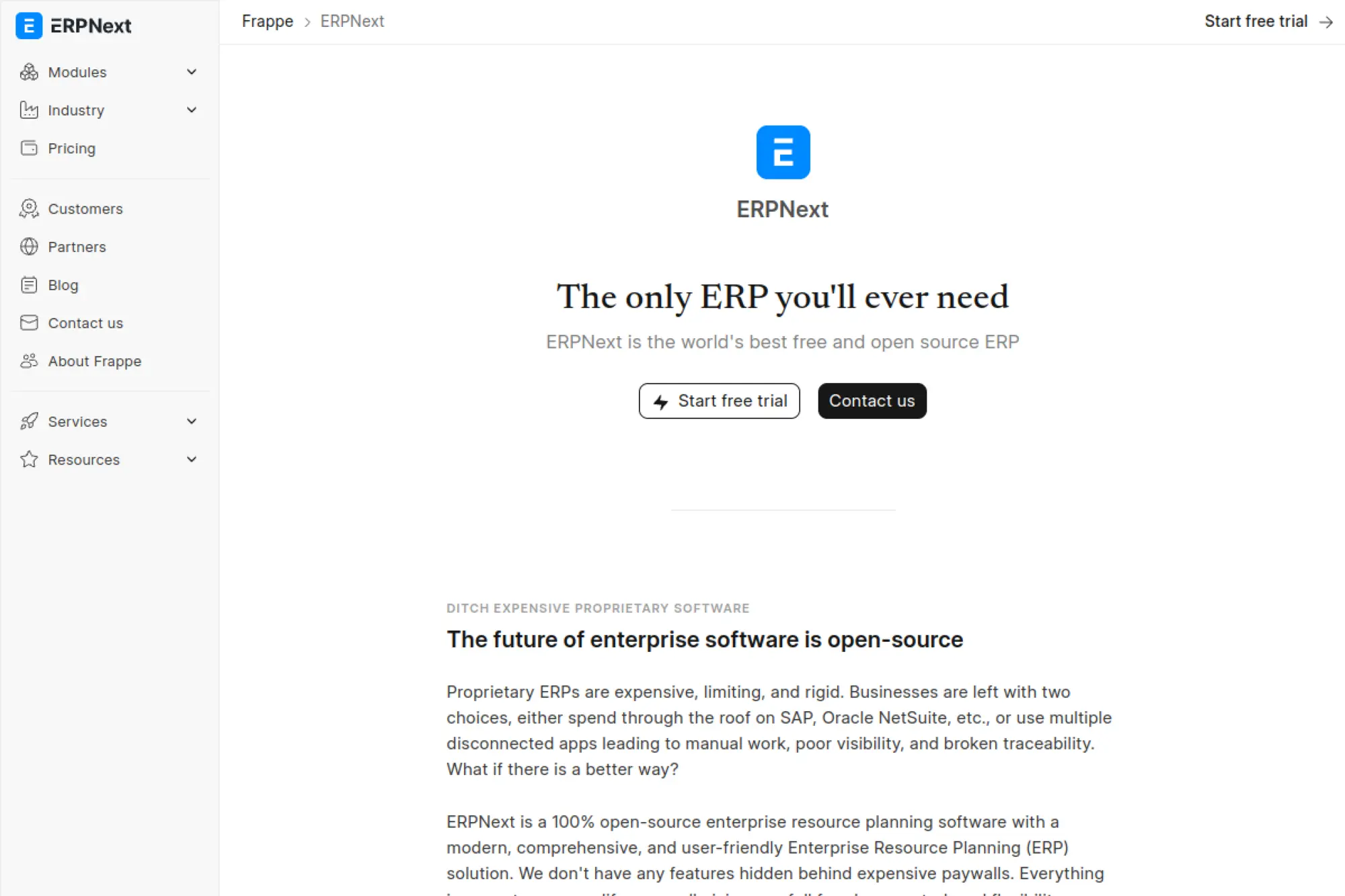
ERPNext provides an open-source ERP suite that covers accounting, inventory, sales, purchasing, and manufacturing basics. ERPNext is a practical pick when a small business wants flexibility in deployment and a system that can be tailored to internal workflows.
Best for
Teams that want an open-source ERP with broad modules and the ability to tailor workflows, especially when you have technical support in-house or through a partner.
Key workflows to configure
- Chart of accounts, taxes, and financial reporting structure
- Sales orders, invoicing, and payment terms
- Purchasing and approval workflows
- Inventory management and warehouse processes
- Basic manufacturing planning and work orders
Sales growth lever
Unify customer, order, and inventory information. That connection improves service quality and speeds responses when customers ask for status updates or changes.
Watch outs
- You must own upgrades and configuration decisions
- Custom development needs strong governance
- Data quality determines reporting reliability
Quick start checklist
- Define your hosting and support model early
- Set master data standards for items and customers
- Launch core finance and order workflows first
- Train users on end-to-end scenarios
- Establish a process for change requests and testing
27. Dolibarr
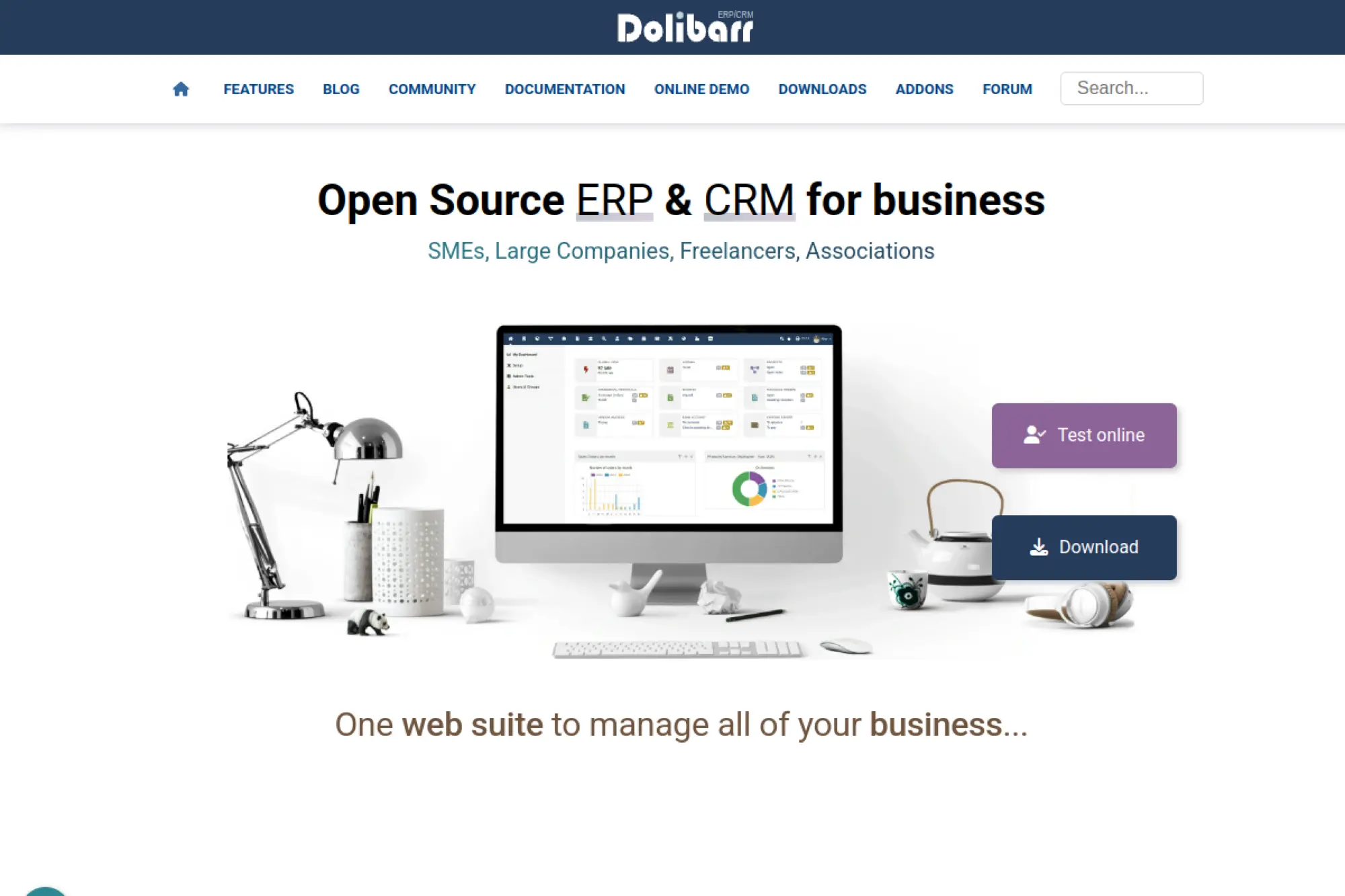
Dolibarr is an open-source ERP/CRM built for very small teams that want simple, usable business management tools. Dolibarr works best when invoicing, basic CRM, inventory tracking, and lightweight admin need to live in one straightforward interface.
Best for
Very small businesses that want a lightweight, modular ERP/CRM and can accept simpler operational depth in exchange for flexibility and lower complexity.
Key workflows to configure
- Customer records, quotes, and invoices
- Basic purchasing and vendor management
- Inventory tracking where needed
- Payment terms and reminders
- Simple reporting for sales and cash flow
Sales growth lever
Speed up quoting and invoicing. When your pipeline and billing stay organized, you collect faster and spend less time chasing missing paperwork.
Watch outs
- Advanced manufacturing may require other tools
- Module sprawl can happen without clear ownership
- Customization needs careful testing during upgrades
Quick start checklist
- Define your minimum set of modules for launch
- Standardize customer and product naming conventions
- Set invoice templates and payment terms
- Train users on daily routines and data standards
- Review open quotes and receivables weekly
28. xTuple ERP
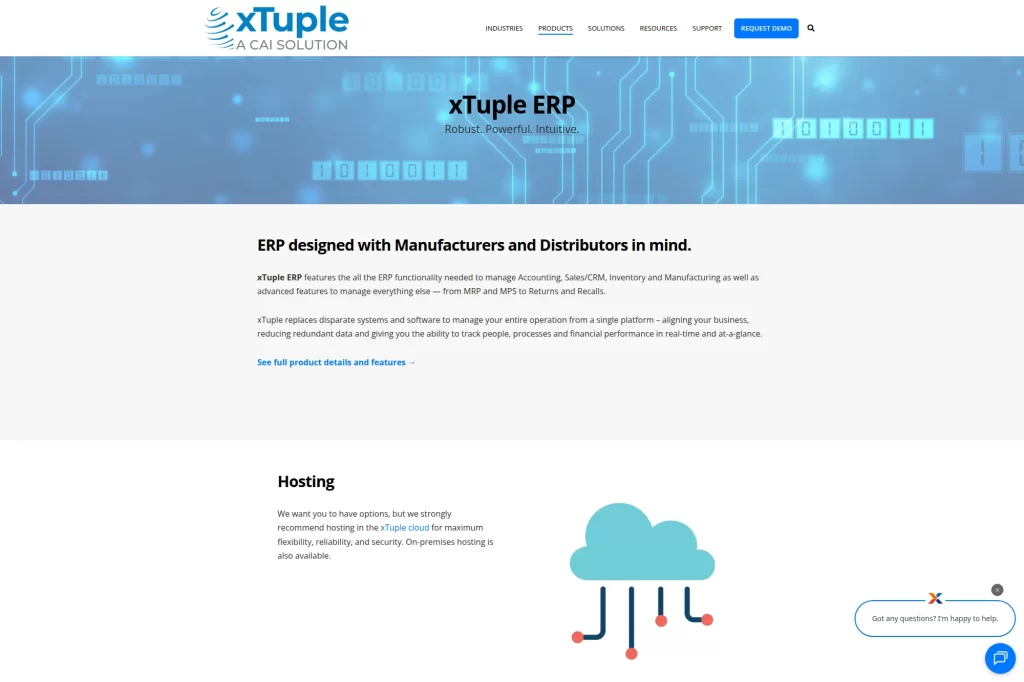
xTuple ERP targets small manufacturers and distributors that want core ERP functions with room to extend processes over time. xTuple is a solid option when a small business needs structured inventory and order control without committing to an enterprise-heavy suite.
Best for
Manufacturers and distributors that need core ERP plus MRP-style planning and want a system built with inventory-centric operations in mind.
Key workflows to configure
- Sales and purchasing processes with consistent approvals
- Inventory management and replenishment parameters
- Manufacturing workflows and production reporting
- Returns and corrective actions processes
- Financial reporting tied to product and customer performance
Sales growth lever
Reduce stockouts and late deliveries that block repeat orders. Better planning and inventory discipline improves service levels and supports higher customer lifetime value.
Watch outs
- Planning needs accurate lead times and BOMs
- Process alignment matters before automation
- Training must include warehouse and production teams
Quick start checklist
- Clean item masters and inventory units
- Define purchasing rules and reorder strategies
- Standardize manufacturing routings and reporting
- Build leadership dashboards for delivery and margin
- Run a pilot with a representative product set
29. Deskera
Deskera offers a cloud ERP-style toolkit for small businesses that want to manage core back-office operations in one place. Deskera is often considered when teams need faster setup for accounting and operational tracking while keeping overhead low.
Best for
Small businesses that want a broad suite that covers finance, inventory, orders, and basic operations without managing a large set of integrations.
Key workflows to configure
- Invoicing, payments, and financial controls
- Order management and fulfillment routines
- Purchasing approvals and vendor processes
- Inventory and warehouse tracking practices
- Basic reporting dashboards for leadership
Sales growth lever
Improve speed between order placement and fulfillment. When sales, operations, and finance share one system, you reduce friction that slows shipments and billing.
Watch outs
- Confirm the depth you need for your industry
- Define reporting requirements before building dashboards
- Keep configuration changes governed to avoid chaos
Quick start checklist
- Map your order-to-cash steps and align responsibilities
- Standardize product and customer master data
- Set approval rules for purchasing and discounts
- Train users on daily routines and data standards
- Review operational metrics weekly and adjust workflows
30. Brightpearl

This retail operations platform targets brands and retailers that need tight multichannel order, inventory, and fulfillment coordination. It can serve as a retail-focused ERP layer when you sell across marketplaces, ecommerce, and wholesale and need one operational hub.
Best for
Retail and ecommerce businesses that need multichannel inventory control, order management, and fulfillment workflows tied to financial visibility.
Key workflows to configure
- Order capture and allocation across sales channels
- Inventory synchronization and replenishment routines
- Warehouse picking, packing, and shipping workflows
- Returns, refunds, and exchange processes
- Purchase order workflows and supplier lead times
Sales growth lever
Prevent overselling and delayed shipments. Accurate channel inventory and fast fulfillment protect reviews and repeat purchases, which drives organic growth more effectively than extra ad spend.
Watch outs
- Channel integrations need active monitoring
- Returns workflows must be standardized early
- Data consistency across SKUs and variants is critical
Quick start checklist
- Clean SKU data and map variants consistently
- Define fulfillment rules for each channel
- Set inventory buffers and replenishment ownership
- Train customer service on returns and credits workflows
- Review channel performance weekly after launch
How to Choose ERP for Small Businesses Without Overbuying

1. Start With the One Process That Hurts the Most
Most ERP projects fail in a quiet way. Teams buy a system to “fix everything,” then they fix nothing because scope explodes. Instead, pick the workflow that creates daily friction. It might be quoting delays, inventory inaccuracy, late invoicing, or messy purchasing.
Then define what “better” means in plain language. For example: faster order processing, fewer shipment errors, cleaner month-end close, or fewer emergency buys. You do not need perfect metrics to start. You need agreement on what good looks like.
- Choose one core workflow and write it end to end
- List the exceptions that actually happen, not the ones you wish did not
- Assign a business owner who can make tradeoffs fast
2. Favor Configuration Before Customization
Small businesses move faster when they configure standard workflows instead of rebuilding them. Configuration keeps you closer to vendor updates. It also reduces long-term maintenance work, which matters when you do not have a large internal IT team.
If you must customize, treat it like product development. Write requirements. Test in a sandbox. Document decisions. And keep a short list of “customizations we will not do” to protect the project.
- Ask vendors what they can do out of the box
- Identify the few workflows that truly make you unique
- Push everything else toward standard practice
3. Make Integrations a First-Class Requirement
ERP rarely runs alone. You might keep a separate ecommerce platform, a payroll system, or a specialized CRM. That is fine. The risk comes from assuming integrations will “just work.” Integration projects fail when nobody owns the mapping, monitoring, and exception handling.
Pick your system of record per data domain. Decide where customers live, where items live, and where payments post. Then build integrations around that truth.
- Define the system of record for customers, items, and prices
- Plan exception handling for failed syncs
- Test integrations with real edge cases, not demo data
4. Design for Adoption, Not Just for Launch Day
ERP works when habits change. That requires training, clear roles, and ongoing accountability. If you only train once and hope for the best, users will rebuild old workarounds. Those workarounds create data gaps, and reporting collapses.
Instead, create small routines that reinforce correct usage. Weekly review meetings work well. So do lightweight dashboards that each team leader checks before standups.
- Train by role using real scenarios
- Set a standard for “if it’s not in ERP, it didn’t happen”
- Review data quality weekly for the first quarter
Implementation Game Plan for a Small Team
1. Prepare the Business Before You Touch Settings
ERP setup goes faster when you prepare your data and decisions first. Define naming standards for customers, vendors, items, and services. Agree on approvals for purchasing and discounting. Document how you will handle returns, credits, and write-offs.
This prep work feels boring. It also prevents chaos. Clean master data drives clean reporting, and clean reporting drives trust. Without trust, adoption stops.
- Assign data owners for items, customers, and vendors
- Define approvals and exceptions in writing
- Build a cutover plan for open orders and invoices
2. Configure the Core Loop, Then Expand
Small teams should launch the smallest complete loop that creates value. A common first loop is order-to-cash. Another is procure-to-pay. Manufacturing teams often start with purchasing, inventory, and basic production reporting.
Once that loop runs cleanly, add the next module. Expansion feels easy when your foundation is stable. It feels impossible when you skip the basics.
- Start with finance plus one operational workflow
- Use real transactions during testing
- Lock scope during the final stretch to go-live
3. Stabilize After Go-Live With Short Feedback Cycles
Go-live is the start of learning, not the finish line. Plan a stabilization period where you fix issues quickly and reinforce new habits. Keep a single backlog for problems and improvements. Rank it weekly. Deliver small fixes often.
Also, protect your team from “feature chasing.” Stabilization is about reliability and data quality. Once the numbers match reality, you can add automation and advanced reporting with confidence.
- Run daily check-ins during the first weeks
- Track data errors and fix root causes
- Document process decisions so new hires stay consistent







Conclusion
Choosing the right erp for small businesses comes down to fit, not brand. A good system matches how the company sells, buys, fulfills, and reports today, while still leaving room to grow. That is why teams should start with clear requirements, then shortlist platforms that align with their industry workflows, budget, and internal skills.
The best ERP rollout also depends on execution. Small businesses can reduce risk by prioritizing core finance and order-to-cash first, cleaning up data early, and setting simple rules for approvals and reporting. After the foundation is stable, they can expand into inventory, manufacturing, CRM, or automation without breaking day-to-day operations.
In the end, ERP should remove friction. When the right platform is paired with a realistic implementation plan, teams gain better visibility, faster decisions, and more consistent processes across the business.