


An AI resume builder is a tool that helps you draft, rewrite, and tailor resume sections from your raw notes, then exports them into formats recruiters and applicant tracking systems can read. In this guide, “best” means the tool helps you match a role quickly, keep your voice, and avoid formatting that breaks during uploads.
Best AI Resume Builder Picks by Use Case
Best picks by use case (quick shortlist):
- ATS-first resume building: Choose a builder that prioritizes clean structure and role-aligned wording (start with Rezi).
- High-volume applying with version control: Choose a resume builder that pairs with job tracking and fast tailoring (start with Teal or Huntr).
- Keyword alignment and screening fit: Choose an optimizer that compares your resume to a job description and guides targeted edits (start with Jobscan).
- Resume + LinkedIn feedback loops: Choose a feedback tool that helps you tighten bullets and tune your profile language (start with Resume Worded).
- Modern design without losing readability: Choose a template-forward builder and keep a clean backup version (start with Enhancv or Kickresume).
- Classic guided builder experience: Choose a wizard-style builder and rewrite suggested bullets aggressively (start with Zety or MyPerfectResume).
- Maximum control in a document editor: Use AI drafting inside a tool you can format precisely and version easily (start with Copilot in Word).
FURTHER READING: |
| 1. Best AI Voice Cloning Tools: Top 30 Picks for 2026 |
| 2. Best AI Image Generators: Top 30 Picks for 2026 |
| 3. Best Content AI Writing Tools: Top 30 Picks for 2026 |
Shortlist Comparison Table
| Tool | Best for | Why it wins | Main trade-off |
|---|---|---|---|
| Rezi | ATS-first resumes | Pushes clean structure and role-aligned phrasing | Needs strong inputs to avoid generic output |
| Teal | High-volume applying | Centralizes your career data and speeds up tailored versions | Can feel feature-heavy if you only want a simple builder |
| Huntr | Job tracking + resume workflow | Keeps resumes connected to job cards and application stages | Tracking can distract if you skip outreach and networking |
| Jobscan | Keyword alignment | Highlights gaps between your resume and a target posting | Over-optimizing can hurt readability if you don’t rewrite |
| Resume Worded | Feedback and rewriting | Works like a coaching loop for resume + LinkedIn positioning | Edits can flatten voice if you accept rewrites too quickly |
| Enhancv | Modern presentation | Good for storytelling and polished layout when used carefully | Design-forward templates can be risky in strict systems |
| Kickresume | Templates + fast drafts | Helpful for quick structured builds and consistent formatting | “Template look” can feel similar across candidates |
| Copilot in Word | Full formatting control | AI speed with manual precision and easy versioning | No guardrails, so formatting mistakes can slip in |
What Makes an AI Resume Builder Worth Using

1. Automation Is Now the Default Gatekeeper
Most job seekers still treat the resume like a writing assignment. Hiring teams treat it like a searchable record.
That mismatch causes good candidates to get filtered out early. Jobscan’s ATS research found 97.8% of Fortune 500 companies use an ATS, which means structure, keywords, and clean formatting now affect whether a human ever sees your resume.
AI resume tools help you react faster. They also help you align your language with the role. Still, you must stay accurate and specific.
2. AI Skills Are Becoming a Hiring Filter
Many employers now look for signs that you can work alongside AI tools. That does not mean you need to be a machine learning engineer.
It does mean you should show modern workflows. Microsoft and LinkedIn reported that 66% of leaders wouldn’t hire someone without AI skills. Your resume needs space for the tools, processes, and outcomes that prove you can adapt.
A strong AI resume builder helps you add that context without turning your resume into buzzword soup.
3. Workplace AI Use Keeps Growing, So Expectations Rise Too
Hiring teams often expect candidates to use AI responsibly. They also expect candidates to edit AI output, not copy it.
Gallup found 45% of U.S. employees used AI at work at least a few times a year. That trend changes what “normal” looks like on the job, and it changes what “up-to-date” looks like on a resume.
Use AI to speed up drafts. Then use judgment to keep your claims precise.
4. AI Literacy Is Compounding Across Industries
AI tools are no longer limited to tech teams. People use them in operations, marketing, finance, support, and HR.
OECD reporting based on LinkedIn data notes that AI literacy skills grew by 600% in the last year. That pace creates a simple problem: more candidates can write “good enough” resumes quickly.
So differentiation matters. Your resume must sound like you. It must also show proof, not just polish.
5. Good Tools Still Need Human Editing
AI can help you get unstuck. It can also flatten your story if you let it write in generic phrases.
That is why the best tools combine drafting with constraints. They push you toward clear sections, role-specific verbs, and targeted skills. ResumeGo surveyed 418 hiring professionals, which is a useful reminder that hiring teams develop strong pattern recognition. They spot vague writing quickly.
Use AI for speed. Use your brain for clarity, honesty, and relevance.
How to Choose the Best AI Resume Builder for Your Role

1. Map Your Job Search Workflow First
Start by naming your real workflow. That decision will narrow your tool list quickly.
- If you apply to many roles, prioritize fast tailoring and version control.
- If you apply to a few high-stakes roles, prioritize quality reviews and deeper editing.
- If you network heavily, prioritize LinkedIn optimization and shareable links.
- If you change industries, prioritize skill translation and rewrite support.
A tool that fits your workflow saves time every week. A tool that fights your workflow wastes it.
Pick your workflow path first:
- Builder-first: You need structure, templates, and clean exports. Choose a tool that creates a strong base resume quickly.
- Optimizer-first: You already have a resume and want targeted edits per posting. Choose a tool focused on matching and rewrite guidance.
- Tracker-first: You apply to many roles and need version control. Choose a tool that ties resumes to jobs and notes.
- Editor-first: You prefer writing in a document editor and want AI for drafting only. Choose AI inside a tool where you control layout.
Once you choose a path, the “best ai resume builder” becomes the one that reduces your weekly friction, not the one with the flashiest templates.
2. Choose Structure Before Style
Design matters, but structure wins. A clean resume helps both software and humans.
- Clear section headings
- Consistent dates and job titles
- Bullet points that start with strong verbs
- Simple fonts and spacing
- Exports that stay readable after upload
Once you lock structure, style becomes a bonus, not a risk.
ATS-safe formatting rules that prevent silent failures:
- Use one column, left-aligned text, and simple section headings.
- Write job titles, company names, and dates as plain text (not inside shapes or tables).
- Keep bullets consistent and scannable; avoid long paragraphs.
- Keep your skills list readable; avoid rating bars, icons, and visual meters.
- Maintain a “clean baseline” resume and create styled versions only when you send directly to a person.
3. Treat AI Like a Drafting Partner, Not a Ghostwriter
AI works best when you give it constraints. If you give it weak inputs, you get weak outputs.
- Paste your real achievements, not your job description.
- Add context: scope, tools used, and outcomes.
- Ask for multiple options, then choose the one that sounds like you.
- Edit for truth and specificity.
Your resume should feel human. It should also read like you understand the role.
Use this input template to get better AI output:
- Target role: (paste the job title and the type of team you want)
- My headline: (one line in your own words)
- My strongest projects: (what you shipped, improved, or led)
- Tools and systems: (software, platforms, workflows you actually used)
- Outcomes I can defend in an interview: (results, impact, scope)
- Constraints: “Keep it direct, no buzzwords, no invented claims, and keep my tone conversational-professional.”
Then ask the AI for a few bullet options, pick the closest one, and rewrite the first line yourself so it sounds like you.
4. Check Privacy and Data Controls
Your resume contains sensitive information. Treat it like a business document.
- Review what the tool stores and what it shares.
- Look for easy data deletion and account controls.
- Avoid uploading confidential client names if you cannot anonymize safely.
- Keep a local copy of every finished version.
If privacy feels unclear, pick a tool with simpler storage and export rules.
Quick privacy checklist before you upload anything:
- Remove sensitive identifiers you don’t need for hiring decisions (full address, personal IDs, internal account names).
- Anonymize confidential client details (use “enterprise client” or “healthcare provider” when needed).
- Keep a local “master resume” file you control, then paste only the pieces you want improved.
- Save final exports with consistent naming so you can track what you sent to whom.
- If a tool’s storage rules feel unclear, treat it as a drafting assistant, not a permanent archive.
Top AI Resume Builders and Tools (Full List)
How we evaluated the tools in this list: We prioritized tools that support real job-search workflows, not just templates. That includes how easily you can tailor to a posting, how cleanly exports hold up during uploads, how much control you keep over wording and layout, and whether the tool helps you stay organized across multiple applications. Use the “Best for” and “Watch outs” notes to choose a tool that matches your pace and your comfort level with editing.
How to use this list without wasting time:
- Pick one tool to build a clean base resume you can reuse.
- Pick one tool (or workflow) for tailoring to priority job descriptions.
- Keep a simple version history: base resume, tailored resume, and a final “submitted” file.
- After every export, run the quick upload test so formatting doesn’t silently break your application.
1. Rezi
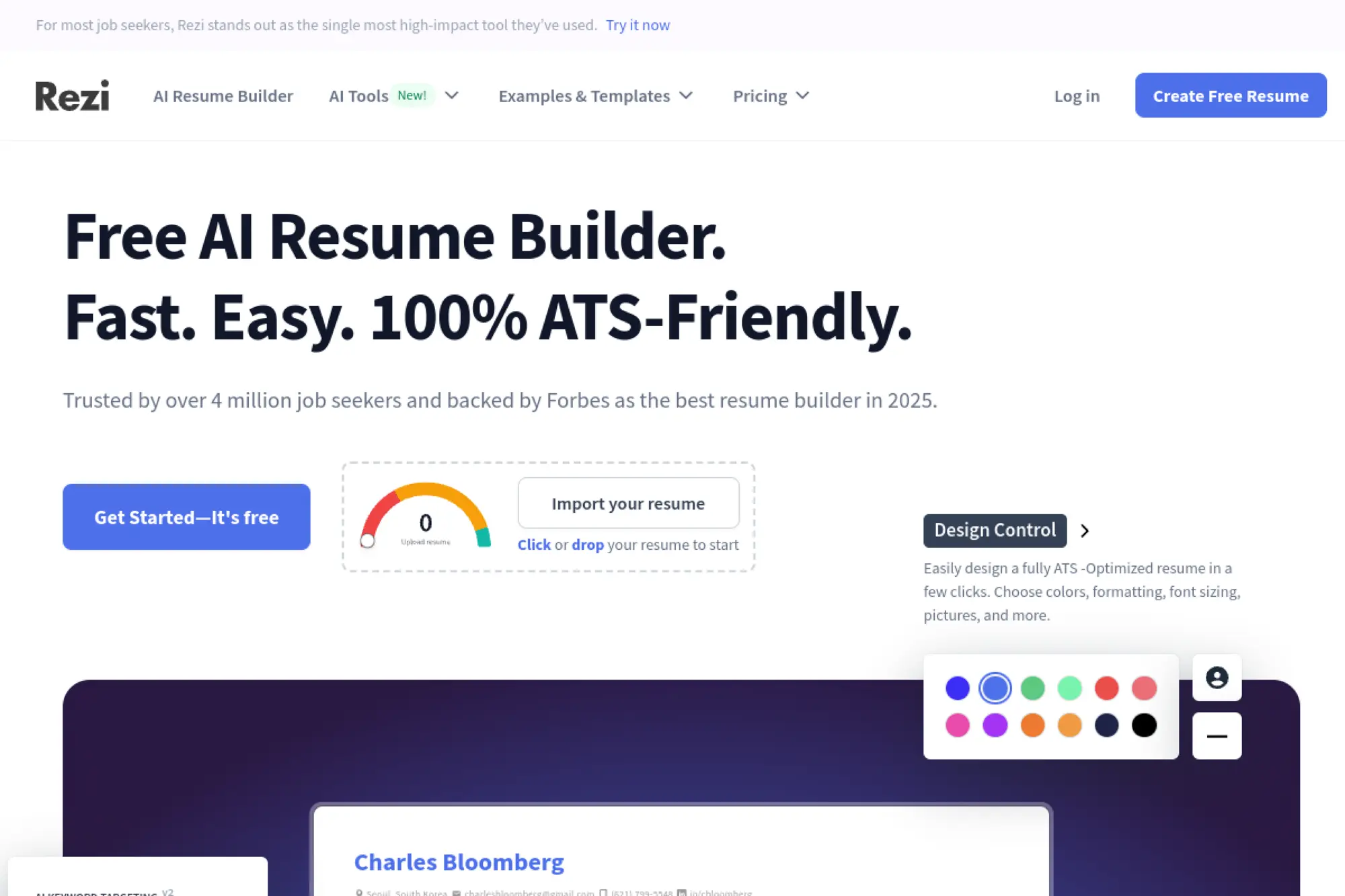
Rezi focuses on clean, ATS-friendly resumes that prioritize content over decoration. It shines when you want a builder that pushes you toward direct language and role-aligned keywords, without distracting design choices.
Best for
Job seekers who want an “ATS-first” resume and prefer a guided writing process that keeps sections tight and easy to scan.
Key workflows to configure
- Upload or rebuild a base resume as your master version
- Paste target job descriptions to guide keyword alignment
- Generate and rewrite bullet points until they feel true
- Use built-in checks to spot weak phrasing and fluff
- Export a clean format and keep role-based versions
Sales growth lever
Use Rezi to sharpen your “value pitch” fast. You sell your impact when each bullet starts strong and ties to what the employer asked for.
Watch outs
- AI suggestions can sound generic if your input lacks detail
- Over-keywording can hurt readability for humans
- Do not let the score replace common sense
Quick start checklist
- Create a master resume first
- Tailor only the top third for each role
- Keep bullets outcome-focused and specific
- Remove filler adjectives
- Export and test in a job portal upload
2. Teal
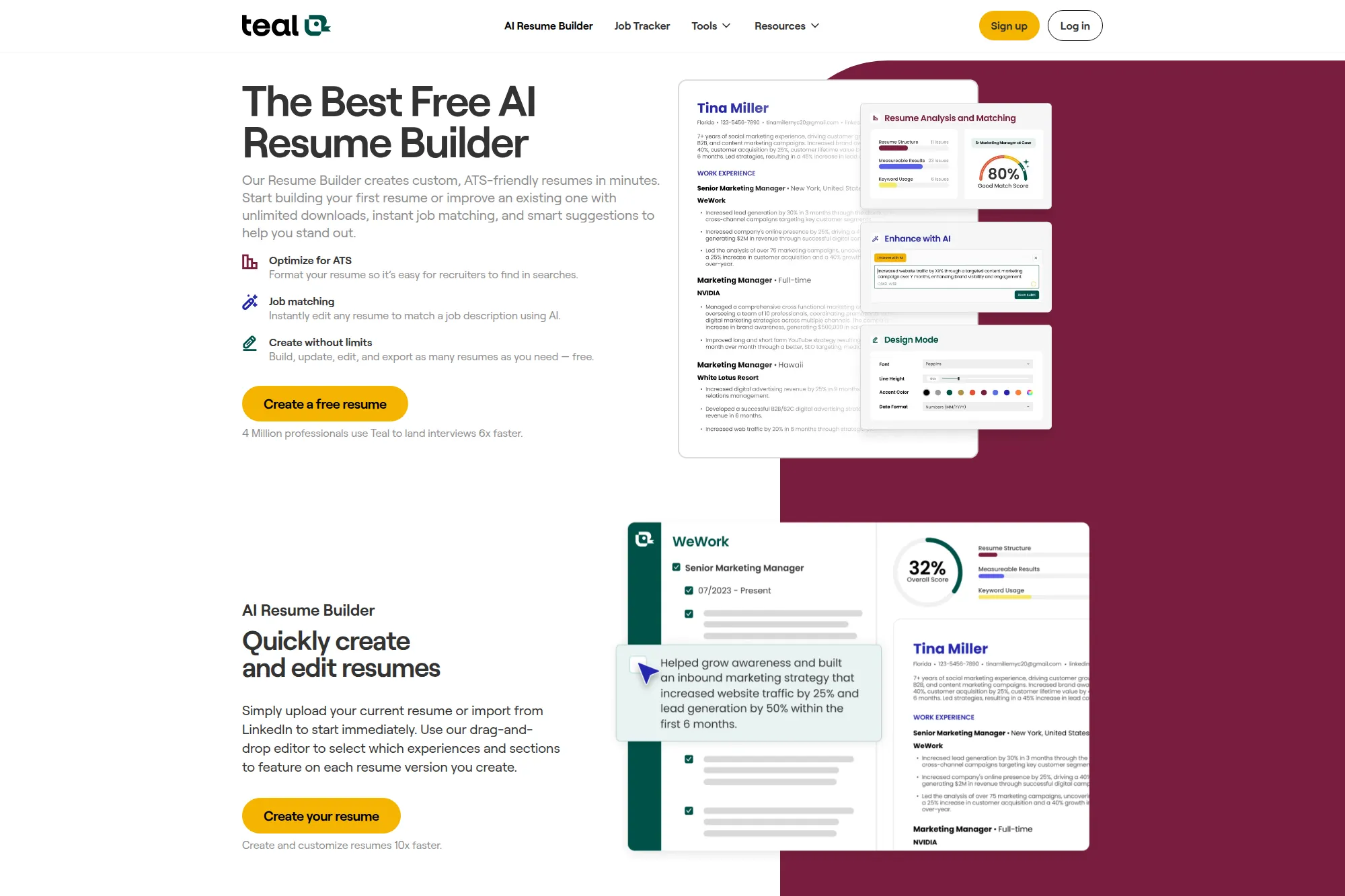
Teal blends resume building with job tracking, which makes it useful when you apply across many roles. It helps you keep your career history centralized, then spin up targeted versions without rewriting from scratch.
Best for
High-volume applicants who want a single hub for resumes, job descriptions, and application management.
Key workflows to configure
- Import your existing resume or pull in LinkedIn content
- Store a full career “database” instead of a single resume
- Connect a job description to each resume version
- Use AI to draft bullets, summaries, and skills sections
- Track applications and keep notes on each iteration
Sales growth lever
Teal helps you ship tailored applications faster. Speed matters when roles fill quickly, but relevance matters even more.
Watch outs
- It can feel feature-heavy if you only need a simple resume
- AI drafts still need rewriting for your real voice
- Version sprawl can happen if you don’t name resumes clearly
Quick start checklist
- Build a complete master profile first
- Create a core resume for your main job target
- Save job descriptions next to each version
- Review keywords, then rewrite for clarity
- Log outcomes so you learn what works
3. Kickresume
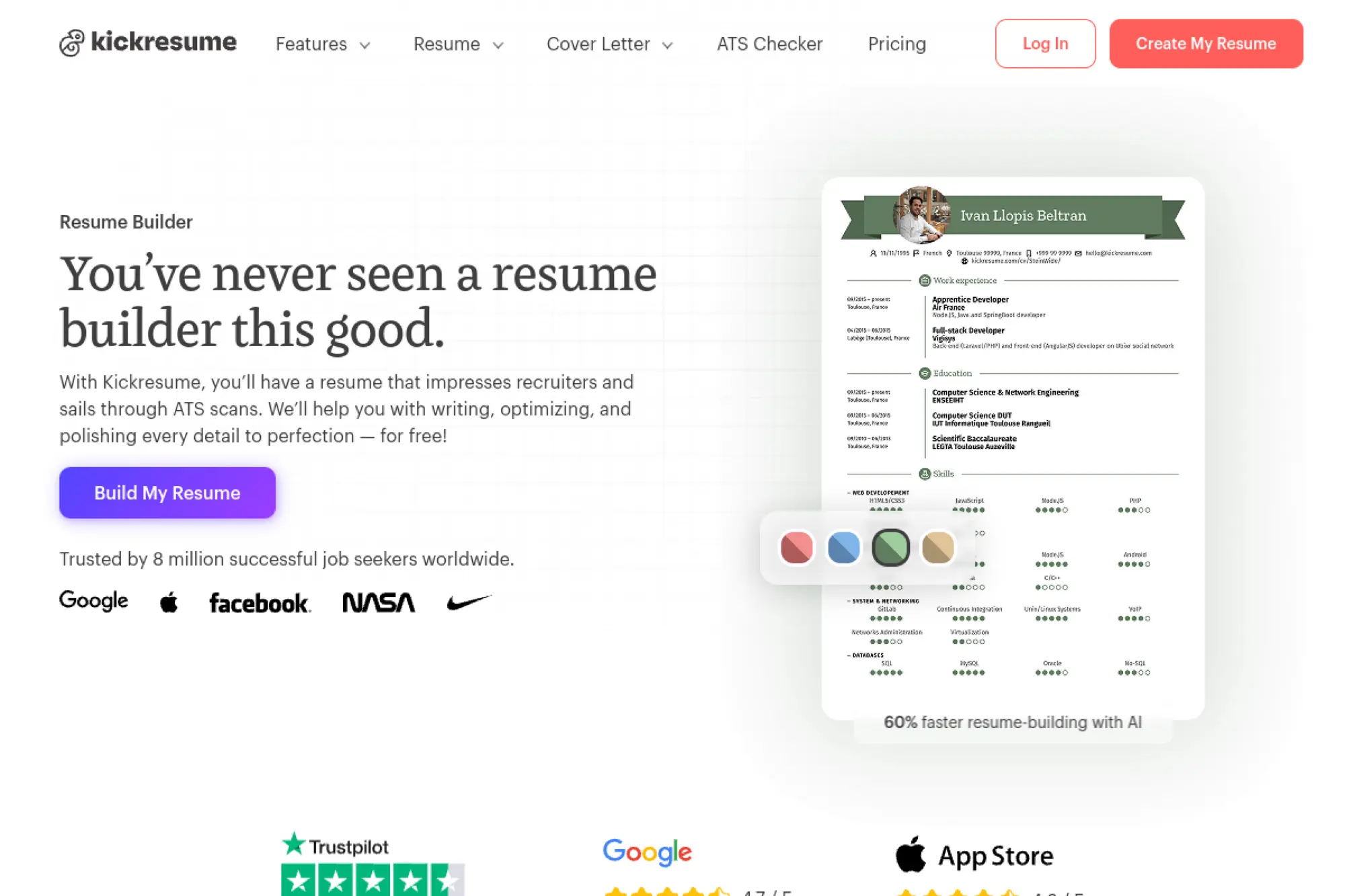
Kickresume combines AI drafting with strong templates and a polished editing experience. It works well when you care about both content and presentation, especially for roles where design still plays a supporting role.
Best for
Professionals who want modern templates, fast content generation, and a smooth way to produce matching resume and cover letter sets.
Key workflows to configure
- Start from a template that matches your industry norms
- Import an older resume to avoid retyping everything
- Use AI to draft summaries and rewrite experience bullets
- Generate a matching cover letter draft, then personalize it
- Export clean documents and keep a reusable baseline
Sales growth lever
Kickresume helps you tighten storytelling. You can turn scattered experience into a clear narrative that sells “fit” quickly.
Watch outs
- Some templates may be too styled for strict ATS environments
- AI text can drift into buzzwords without strong inputs
- Always proof layout after export
Quick start checklist
- Pick a template that stays simple and readable
- Draft content with AI, then cut filler
- Swap generic verbs for role-specific verbs
- Align skills with the job description language
- Export and review on both desktop and mobile
4. Enhancv
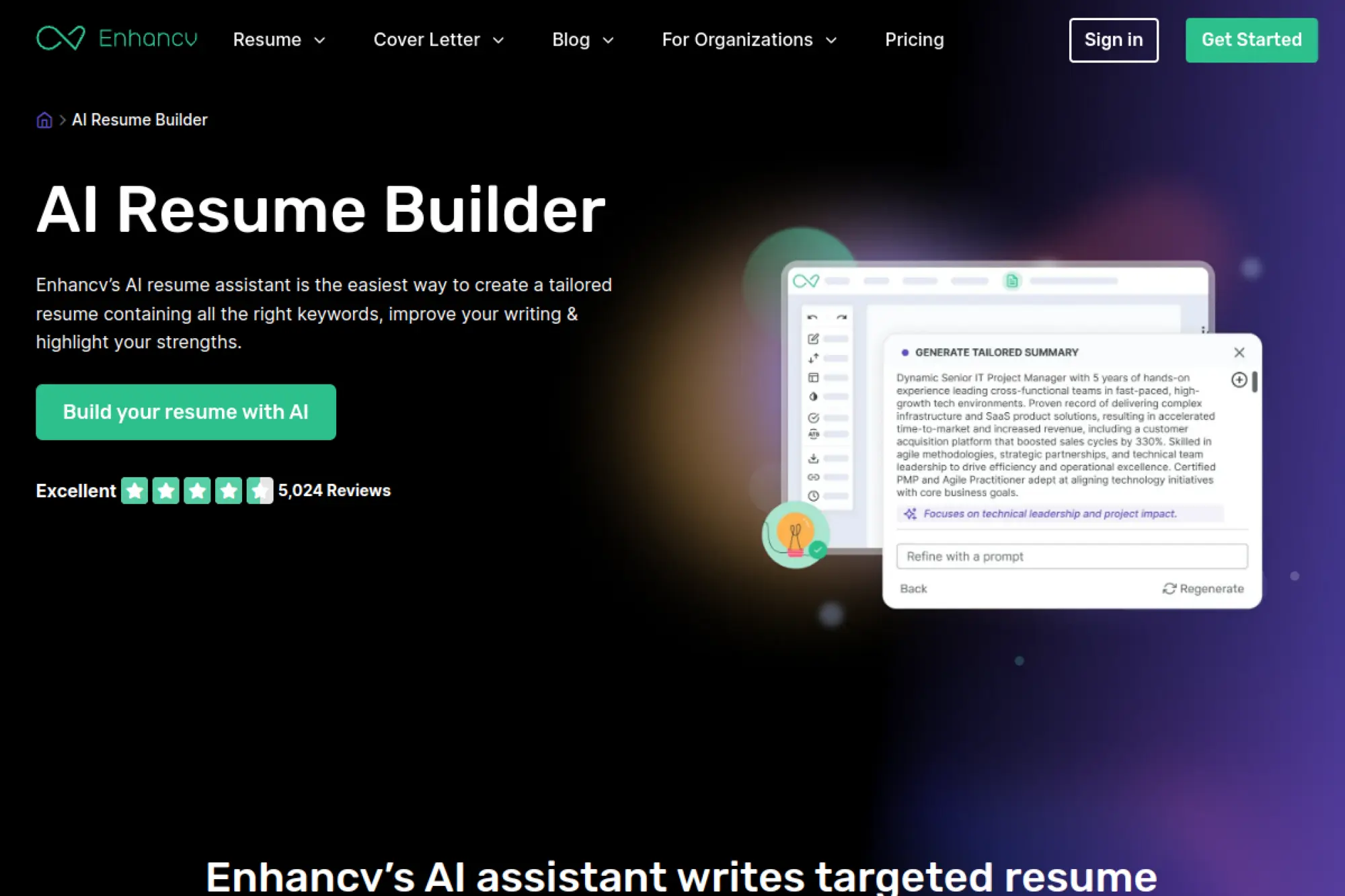
Enhancv leans into personalization. It offers AI assistance while also encouraging you to communicate strengths, values, and fit. It can work well for candidates who want a resume that reads like a strong professional story, not a checklist.
Best for
Applicants who want a blend of modern design, strong writing support, and tools for tailoring to each role.
Key workflows to configure
- Upload a resume or LinkedIn profile for quick parsing
- Generate role-specific summaries and bullet rewrites with AI
- Tailor your resume to the job description inside the editor
- Run an ATS check to flag issues before submission
- Create a cover letter draft, then adjust tone and specifics
Sales growth lever
Enhancv helps you communicate “why you” with clarity. That boosts interview conversion when hiring managers compare similar skill sets.
Watch outs
- Some creative sections may not fit conservative industries
- Too much personalization can dilute keyword alignment
- Always keep a simpler version for strict ATS portals
Quick start checklist
- Build a clean baseline resume first
- Add personality only where it supports the role
- Rewrite AI text so it sounds like you
- Validate keywords against the job posting
- Export and re-check formatting after download
5. Resume.io
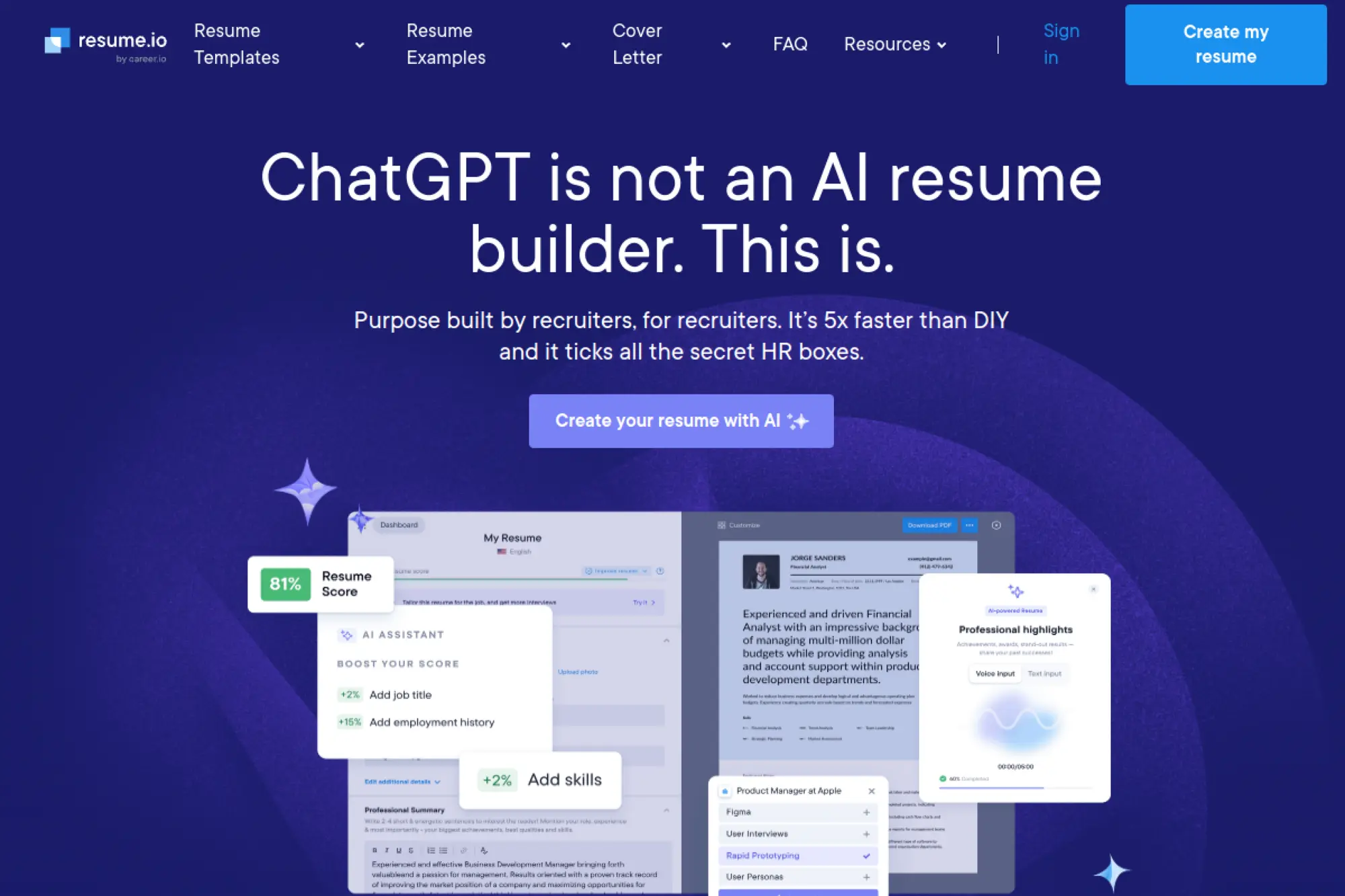
Resume.io offers a structured, guided builder with AI support that helps you move from a blank page to a finished draft quickly. It fits job seekers who want a straightforward flow, simple sections, and fast polishing.
Best for
People who want step-by-step guidance, quick editing, and easy cover letter creation alongside the resume.
Key workflows to configure
- Choose a clean, ATS-friendly template as your default
- Draft key sections with AI prompts and suggested phrases
- Tailor skills and summary based on each job description
- Create a matching cover letter, then personalize details
- Export and save role-specific versions for reuse
Sales growth lever
Use the guided workflow to keep momentum. A finished, tailored resume beats a perfect resume that never gets sent.
Watch outs
- Fast drafting can tempt you to submit without enough editing
- Generic AI phrasing can reduce credibility
- Template choices can shift formatting across exports
Quick start checklist
- Write a targeted headline and summary first
- Rewrite bullets to include outcomes, not duties
- Match skills to the job requirements
- Remove repeated words and clichés
- Export, then proofread the final file
6. Jobscan
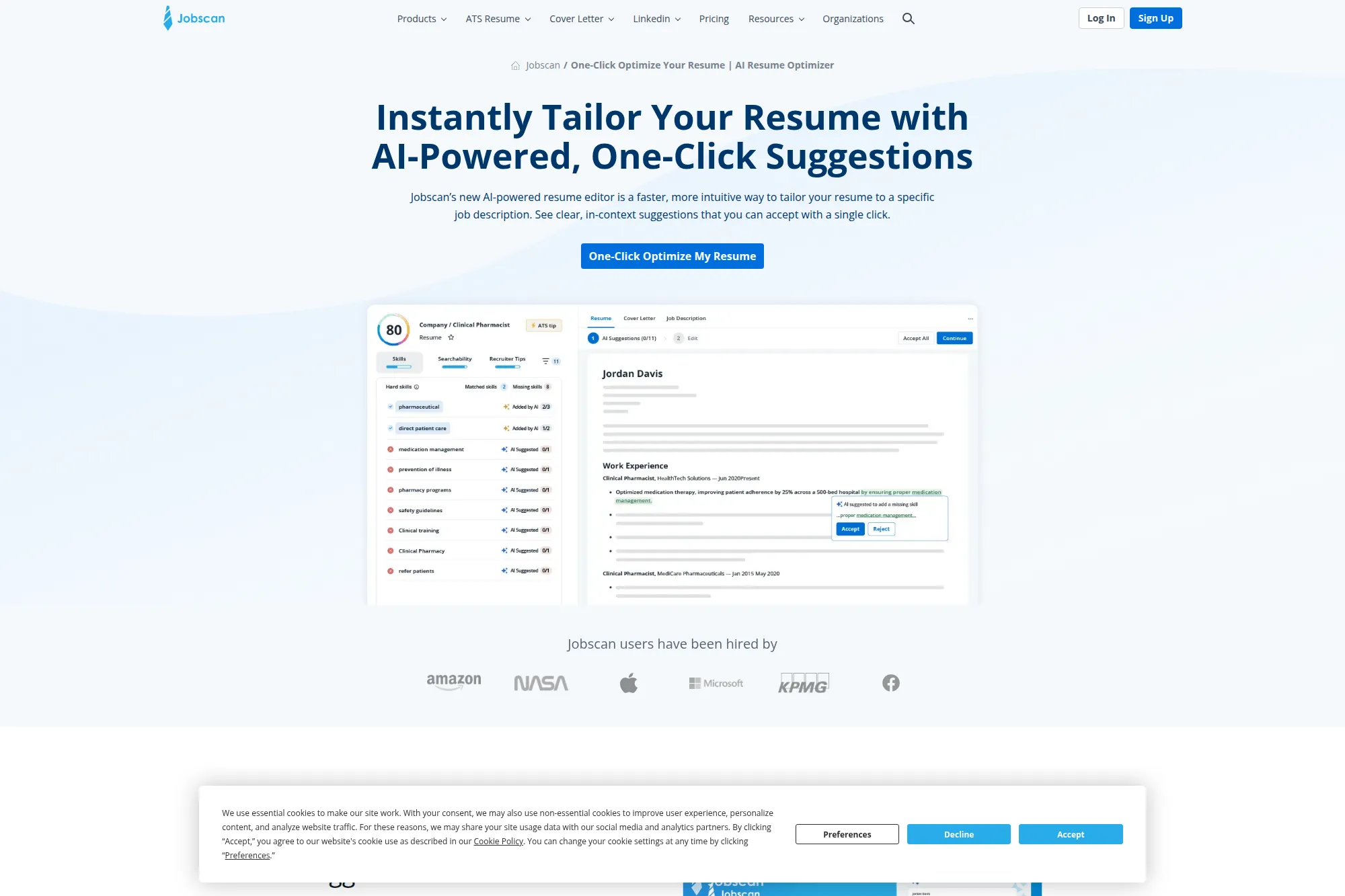
Jobscan is less about designing resumes and more about getting them past filters. It focuses on matching your resume to the job description and guiding edits so you improve alignment without guessing.
Best for
Applicants who already have a resume but want stronger ATS alignment, better keyword coverage, and clearer targeting.
Key workflows to configure
- Upload your base resume in a clean format
- Paste a job description you plan to apply to
- Review suggested missing keywords and skill phrases
- Accept or reject AI suggestions, then rewrite in your voice
- Export the updated version and store it by company name
Sales growth lever
Jobscan boosts your “match clarity.” When your resume mirrors the employer’s language, you reduce friction in screening.
Watch outs
- Keyword stuffing can make bullets awkward
- Some roles require nuance that match scoring can’t capture
- Always verify every added skill is true for you
Quick start checklist
- Pick a single target role and focus there
- Match skills, then rewrite for readability
- Keep section headings standard
- Remove tables and graphics before upload
- Save a tailored version for each priority role
7. Resume Worded
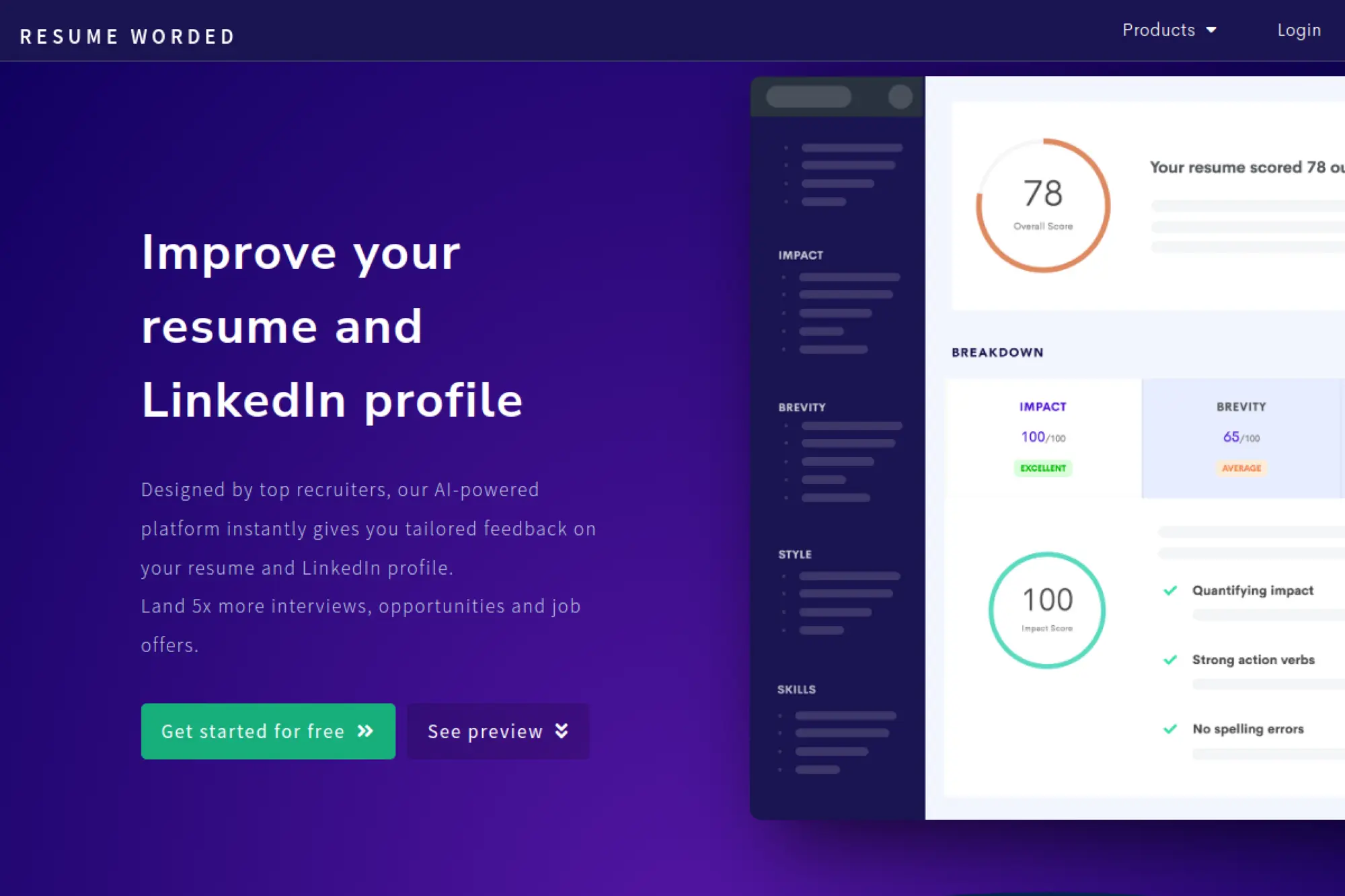
Resume Worded positions itself as an AI-powered coach for your resume and LinkedIn. It works best when you want feedback loops, not just a blank builder, and you want guidance on what recruiters typically respond to.
Best for
Professionals who want fast resume feedback, keyword targeting help, and LinkedIn optimization in the same toolkit.
Key workflows to configure
- Upload your resume for an instant review and suggestions
- Run targeting against a job description to spot gaps
- Improve bullet points by rewriting them for clarity and impact
- Update your LinkedIn profile with aligned language
- Repeat the feedback loop after each major revision
Sales growth lever
The “coach” model helps you improve fast. Better phrasing and better targeting can lift interview conversion without changing your experience.
Watch outs
- Scores can distract you from real clarity and truth
- Over-optimization can produce stiff, templated language
- Do not rewrite everything at once; change in focused passes
Quick start checklist
- Upload your current resume first, even if it’s messy
- Fix structure issues before wordsmithing
- Rewrite the top bullets in your most recent role
- Align headline and summary to your target role
- Re-run targeting on your top job posting
8. Hiration
Hiration offers an all-in-one approach. It supports resume building, optimization, and related job-search tools in one platform. It works well when you want guidance and checks baked into the writing process.
Best for
Job seekers who want an end-to-end system that combines templates, AI guidance, and resume review features.
Key workflows to configure
- Select a template aligned with your seniority and industry
- Build a core resume, then create role-specific variations
- Use AI suggestions to improve bullet clarity and skill framing
- Run an ATS compatibility pass before exporting
- Draft a cover letter and keep it aligned with the resume tone
Sales growth lever
Hiration helps you package your experience like a product. Clear positioning helps recruiters quickly see where you fit.
Watch outs
- Tool breadth can feel overwhelming at first
- AI suggestions need fact-checking to stay truthful
- Templates may require simplification for strict ATS uploads
Quick start checklist
- Start with your target job title and industry
- Write a simple, direct summary
- Rewrite bullets to emphasize outcomes
- Validate skills against the job description
- Export and review the final PDF carefully
9. ResumAI by Wonsulting
ResumAI leans into quick bullet creation and resume improvement. It is designed for job seekers who need help turning basic duties into stronger accomplishment statements that fit modern hiring language.
Best for
Students, early-career professionals, and career changers who need stronger bullet points and clearer positioning.
Key workflows to configure
- Start with a rough resume draft or upload your existing file
- Generate multiple bullet options for each role
- Select the best bullets, then rewrite for accuracy and voice
- Tailor language to a target job description
- Export and keep a “master + tailored” version system
Sales growth lever
The biggest lever here is confidence. Stronger bullets help you “sell” transferable skills even when experience feels thin.
Watch outs
- Bullets can become exaggerated if you accept them blindly
- Generic action verbs can make experience sound vague
- Always add specific tools, projects, and context yourself
Quick start checklist
- Write simple raw notes for each experience first
- Generate bullets, then pick the most accurate options
- Remove fluff and add real details
- Match keywords to your target role
- Ask a friend to skim for clarity
10. Careerflow
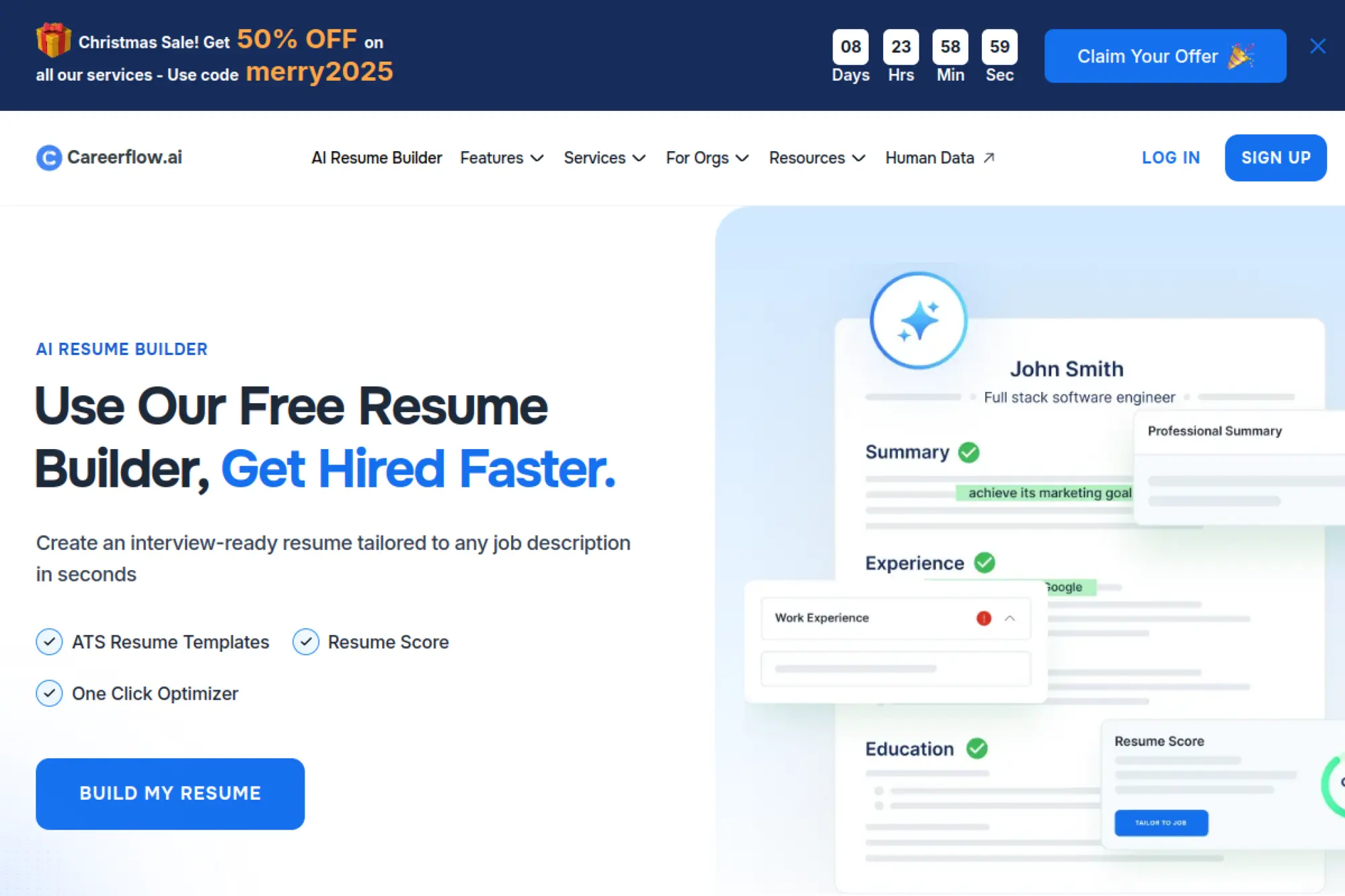
Careerflow combines resume building with job search support tools, including optimization and tracking features. It works well when you want to manage the full “apply and iterate” loop in one place.
Best for
Job seekers who want resume building plus job tracking, LinkedIn alignment, and quick tailoring workflows.
Key workflows to configure
- Import an existing resume or pull content from LinkedIn
- Use AI to rewrite bullets for stronger outcomes and clarity
- Run a resume score or optimizer pass before applying
- Create tailored versions based on each job listing
- Track applications and keep notes on employer responses
Sales growth lever
The integrated workflow helps you apply faster without losing track. That improves consistency, which is a real advantage in a long job search.
Watch outs
- All-in-one platforms can feel complex at first
- AI rewriting can erase your voice if you overuse it
- Export formats should be tested before you send applications
Quick start checklist
- Build a clean base resume first
- Tailor only the most visible sections per job
- Keep a single naming system for resume versions
- Review for truth and specificity
- Track which versions get interviews
11. Huntr
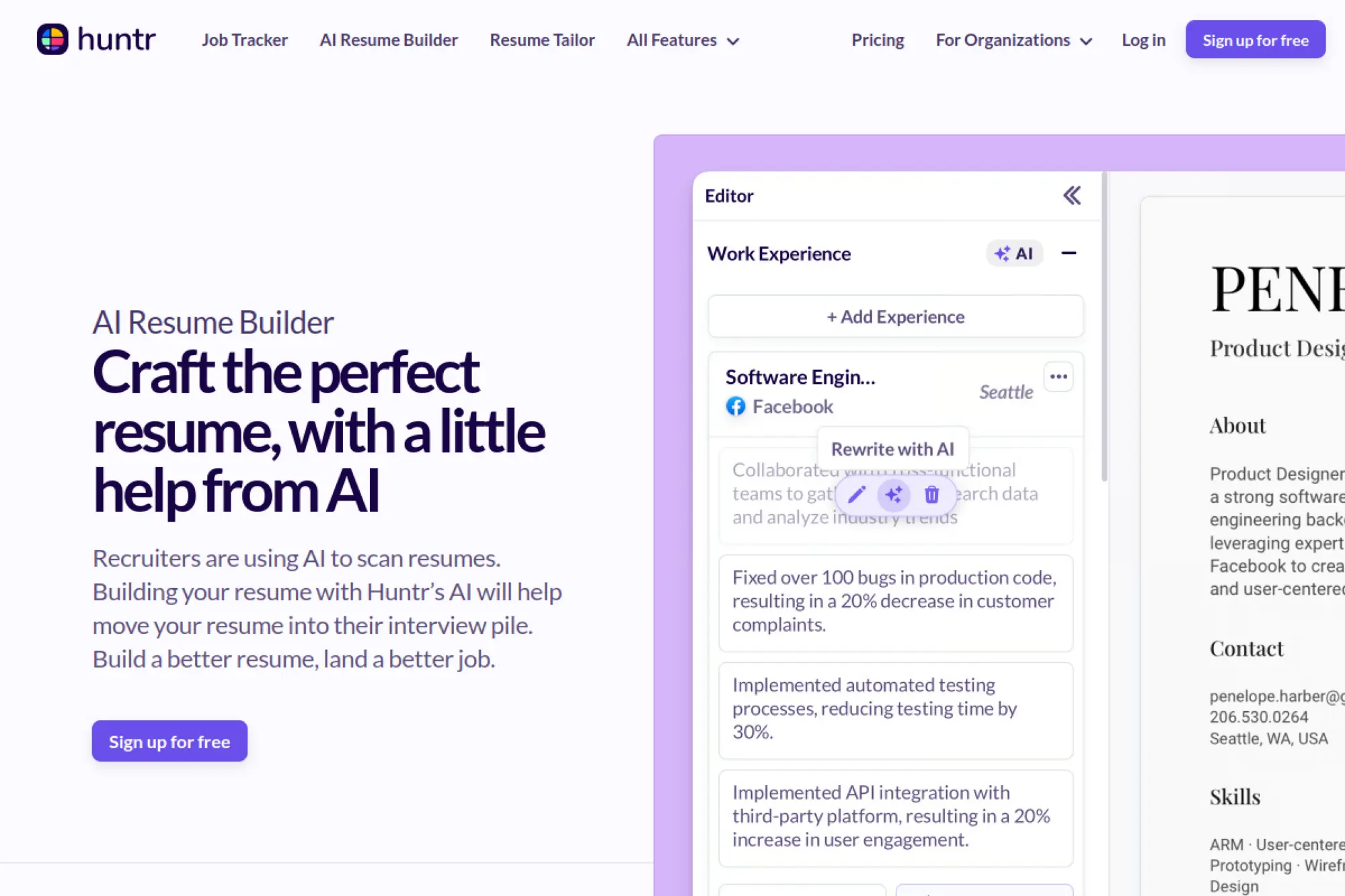
Huntr is known for job tracking, and its resume builder fits naturally into that workflow. It supports AI-assisted tailoring and can help you keep documents connected to the jobs you apply to.
Best for
Applicants who want a job tracker and a resume builder that work together, especially for organized, repeatable application routines.
Key workflows to configure
- Build your base resume inside Huntr
- Attach jobs to your resume to see fit and gaps
- Use AI to draft role-specific cover letters and bullets
- Save documents alongside job cards for easy reuse
- Export final versions when you are ready to apply
Sales growth lever
Huntr helps you keep your application funnel moving. When you stay organized, you follow up better and tailor more consistently.
Watch outs
- AI drafts can feel templated if you do not edit aggressively
- Job matching features are helpful, but not perfect
- Don’t let tracking replace networking and outreach
Quick start checklist
- Set up job stages that match your real workflow
- Create a base resume that fits your target role
- Tailor summary and top bullets for each job
- Store final PDFs next to job cards
- Review outcomes weekly and adjust your approach
12. VisualCV
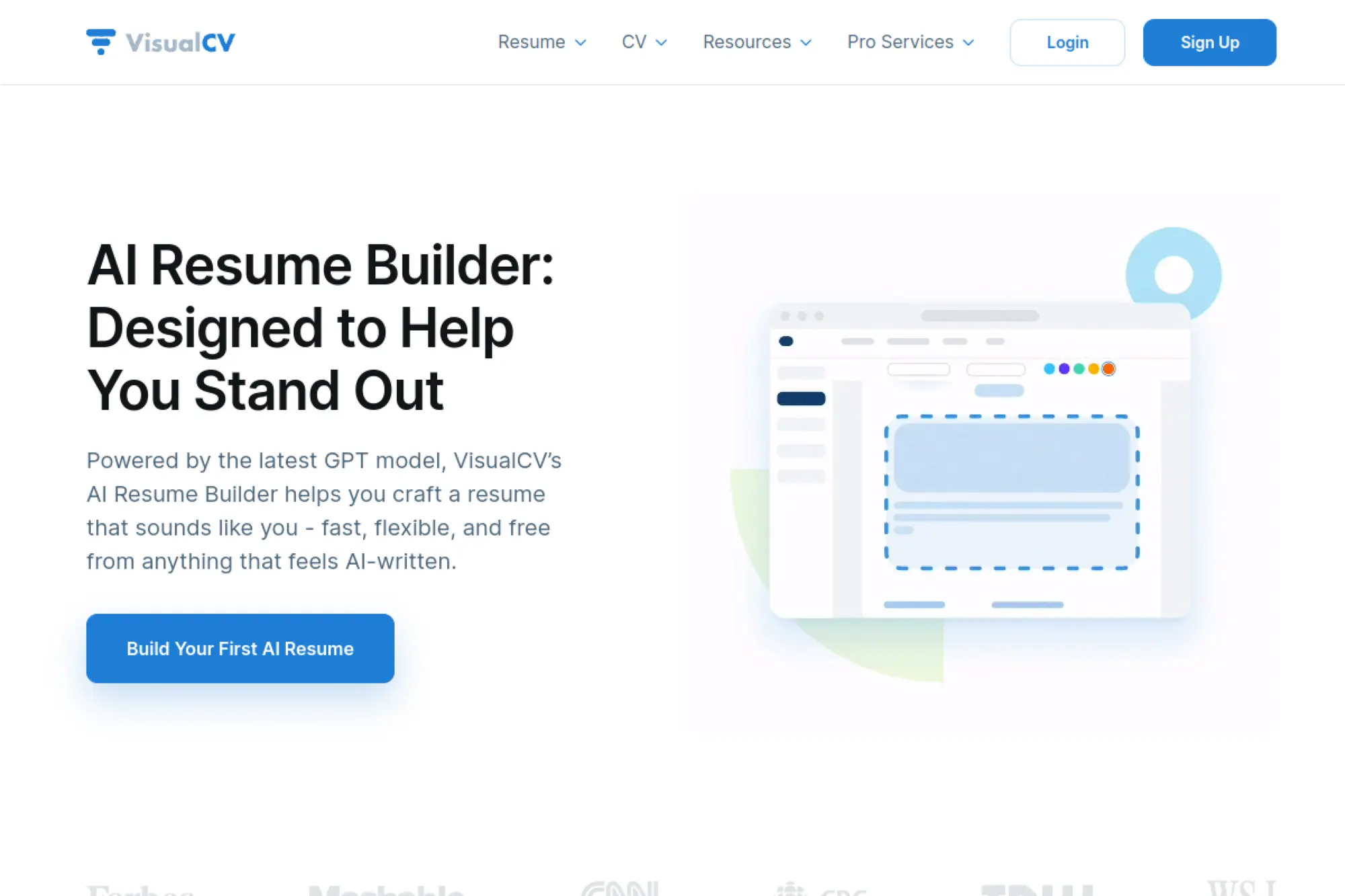
VisualCV blends design flexibility with AI-assisted writing and tailoring. It can fit job seekers who care about layout control but still want AI help improving phrasing and alignment.
Best for
Professionals who want multiple resume versions, modern templates, and AI suggestions without losing manual design control.
Key workflows to configure
- Choose a clean template that matches your industry norms
- Import an existing resume to speed up setup
- Use AI to improve summaries and rewrite experience bullets
- Tailor the resume to each job description inside the editor
- Share or export documents for applications and reviews
Sales growth lever
VisualCV helps you make a strong first impression. Clean hierarchy and strong wording make hiring managers stop scrolling.
Watch outs
- Visual layouts can break in strict ATS uploads
- AI suggestions can over-polish and lose specificity
- Always check exports after edits
Quick start checklist
- Stick to one primary template for consistency
- Keep section labels standard
- Rewrite AI text to match your voice
- Create a simpler version for ATS-heavy companies
- Save version notes so you can reuse improvements
13. MyPerfectResume
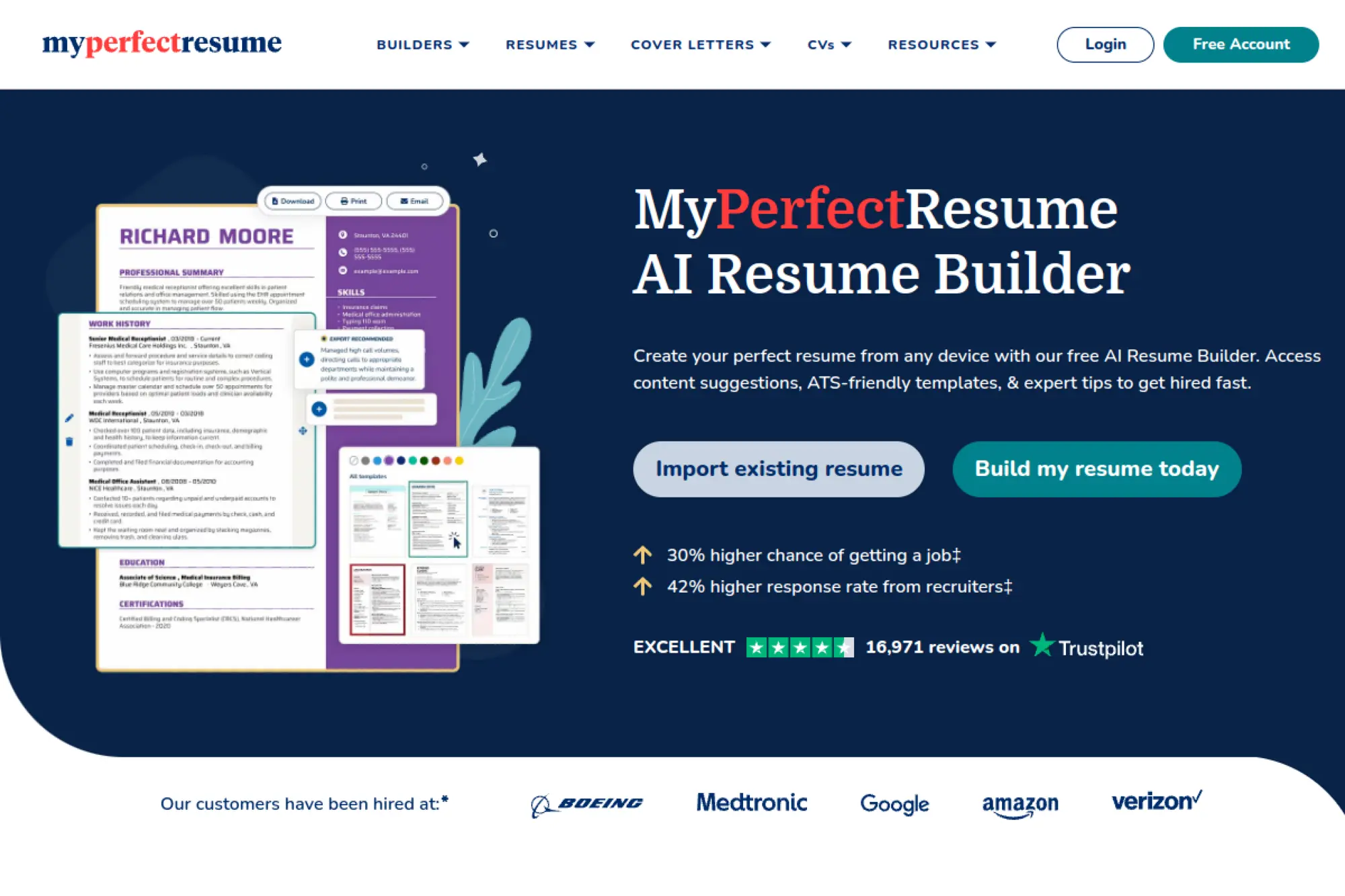
MyPerfectResume offers a guided builder with AI content suggestions and resume checks. It is designed to reduce “blank page” friction and help you write sections in a structured order.
Best for
Job seekers who want step-by-step prompts, ready-to-edit content suggestions, and a straightforward path to a completed resume.
Key workflows to configure
- Choose a template that stays clean in ATS uploads
- Import a resume if you already have a draft
- Use AI suggestions to draft summaries and bullets
- Run the built-in resume checker for common mistakes
- Create a matching cover letter draft, then personalize it
Sales growth lever
The guided process helps you finish a strong resume quickly. That speed helps when you want to apply while a role is still fresh.
Watch outs
- Suggested bullets can sound generic if you do not customize
- Template changes can shift layout unexpectedly
- Always proof after exporting to avoid formatting issues
Quick start checklist
- Write your target role at the top of your notes
- Draft a short, specific summary
- Rewrite bullets to add tools and outcomes
- Remove clichés and filler phrases
- Export and review in the file format you will submit
14. LiveCareer
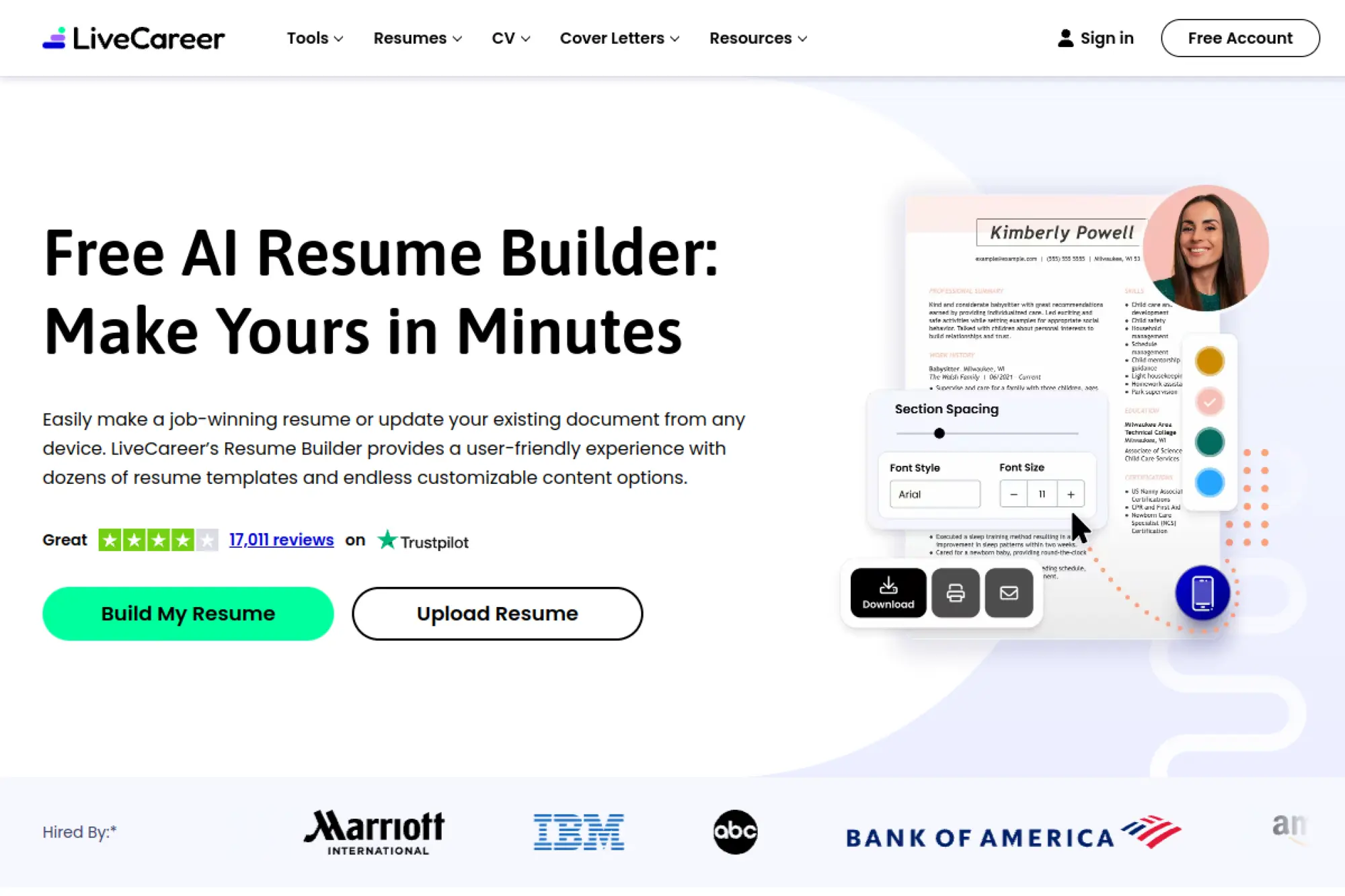
LiveCareer provides an AI-assisted resume builder that mixes templates, content suggestions, and guided prompts. It is a practical option when you want help phrasing experience in employer-friendly language.
Best for
Applicants who want guided resume creation with AI suggestions and built-in support for cover letters and checking tools.
Key workflows to configure
- Pick a template that fits your industry and seniority
- Use the builder prompts to fill each section in order
- Add suggested phrases, then rewrite to match your experience
- Run a resume checker pass to catch weak spots
- Build a matching cover letter draft for priority roles
Sales growth lever
LiveCareer helps you improve clarity. Clear writing reduces the effort a recruiter needs to understand your fit.
Watch outs
- Prewritten content can feel “cookie-cutter” if left untouched
- Template styling can distract from keywords in strict ATS systems
- Always keep a plain, backup version
Quick start checklist
- Use a simple template as your baseline
- Rewrite the first bullets in each role
- Align skills to the job description wording
- Proof for consistency in tense and punctuation
- Export and run a final read-through aloud
15. Zety
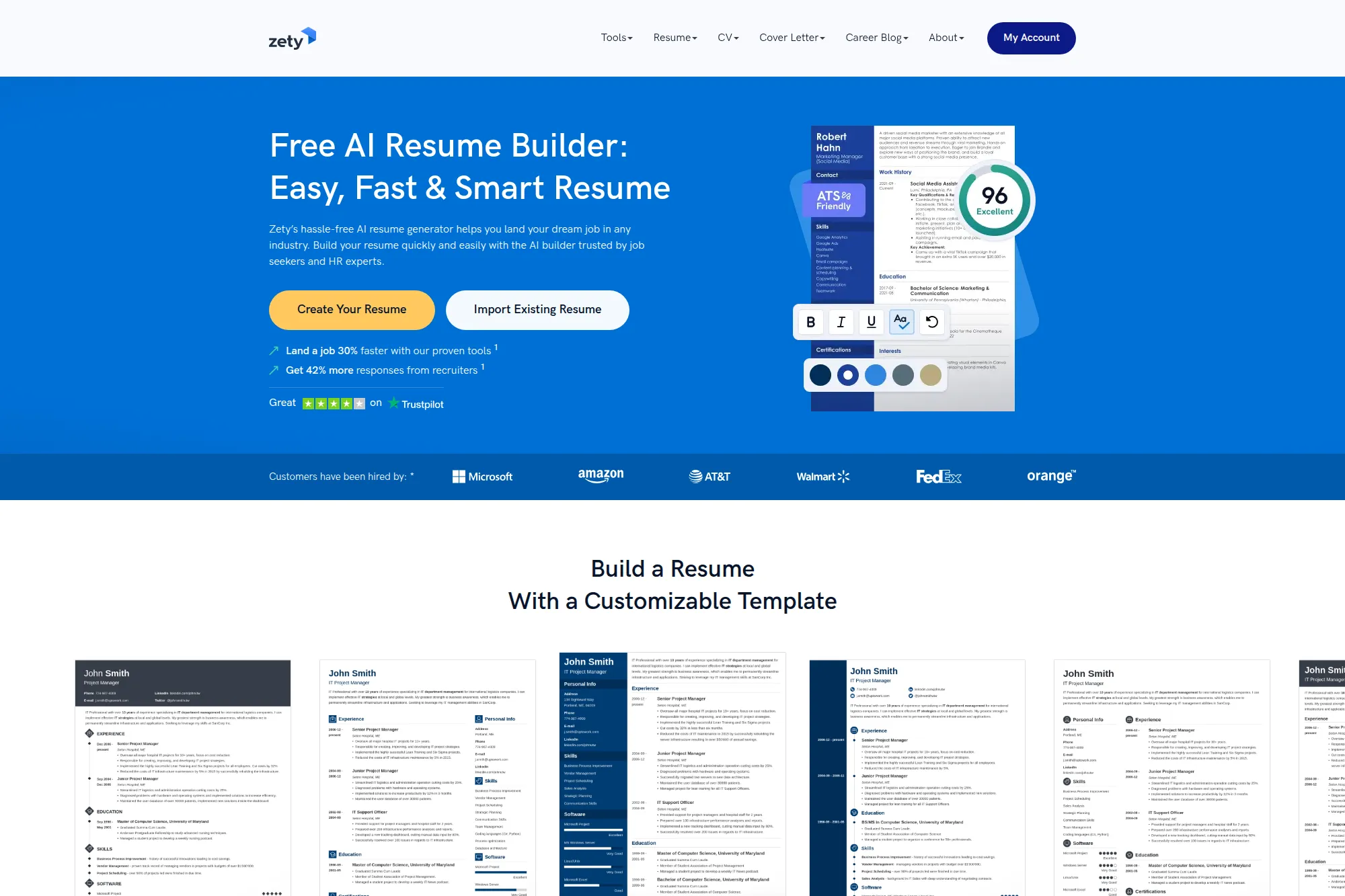
Zety’s builder is known for a smooth, guided experience and strong template options. It pairs that workflow with AI assistance and resume checking features, which can help you move quickly from draft to final.
Best for
People who like wizard-style guidance, template variety, and quick content suggestions for common roles.
Key workflows to configure
- Start with a template that stays readable and ATS-friendly
- Use the guided prompts to build section by section
- Draft bullets using suggestions, then rewrite for specificity
- Run the resume checker to flag weak wording and gaps
- Create a cover letter draft that matches tone and branding
Sales growth lever
Zety helps you polish fast. That polish matters most when the role is competitive and recruiters compare many similar resumes.
Watch outs
- Template-heavy resumes can look similar across candidates
- AI suggestions can add fluff unless you trim aggressively
- Always review the exported document for formatting shifts
Quick start checklist
- Write a custom summary before using suggestions
- Replace generic bullets with outcome-driven bullets
- Keep skills relevant to the posting
- Remove filler adjectives like “hardworking”
- Export, then do a final clean proofread
16. ResumeNerd
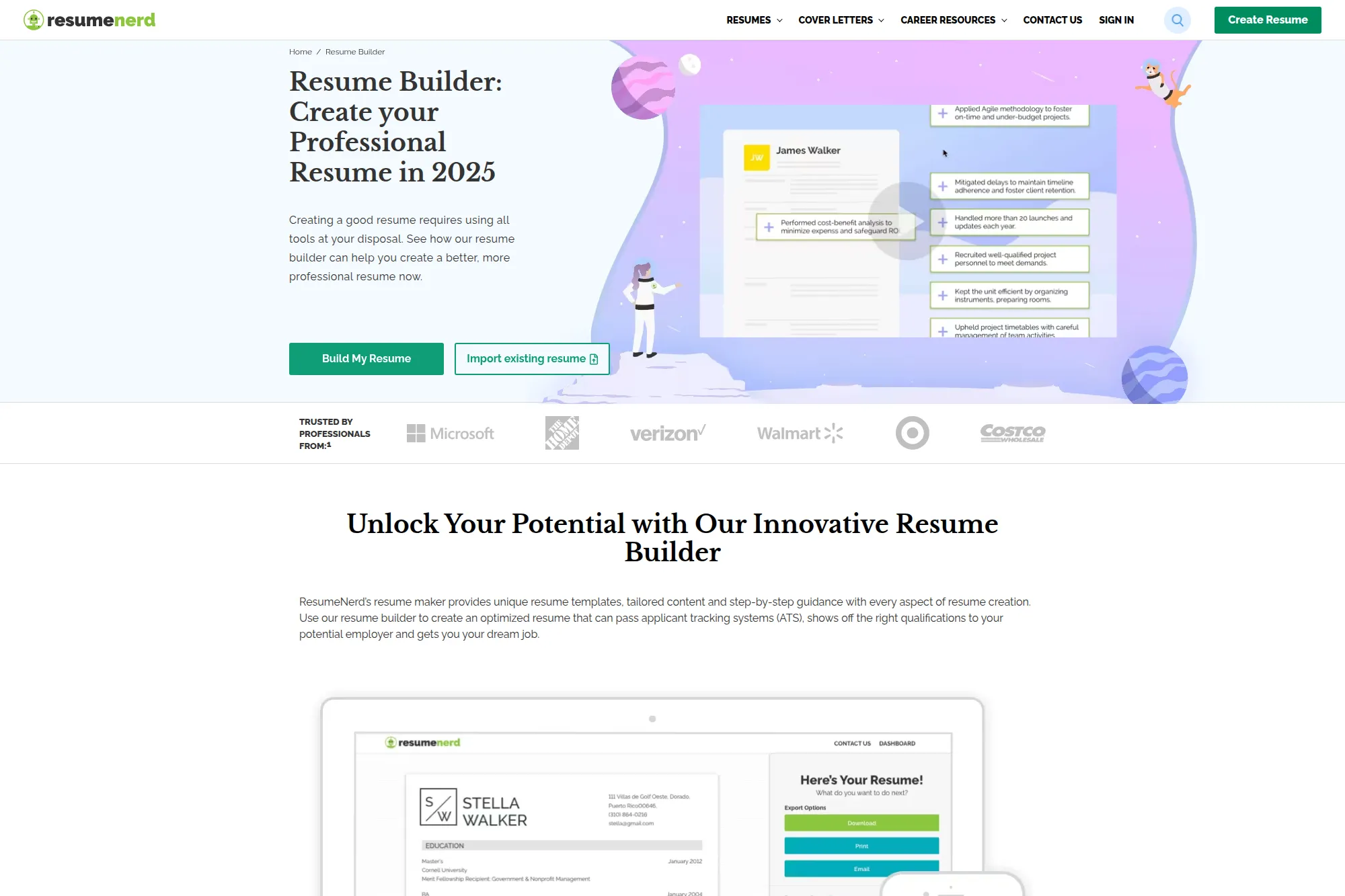
ResumeNerd offers a guided resume builder with optimization features designed to help you align with ATS expectations. It’s useful if you want a structured path and quick suggestions without building from scratch in a blank document.
Best for
Job seekers who want a step-by-step builder plus tools for keyword matching and resume scoring-style feedback.
Key workflows to configure
- Create a baseline resume for your main target role
- Use suggestions to draft role-specific bullets
- Run optimization checks to identify missing keywords
- Generate a cover letter draft, then personalize it heavily
- Export documents and store versions by company
Sales growth lever
The lever is consistency. When you follow a repeatable process, you tailor more resumes and avoid last-minute errors.
Watch outs
- Suggested bullets can sound generic without editing
- Scoring tools can cause over-editing and loss of voice
- Do not include skills you cannot defend in an interview
Quick start checklist
- Write raw notes about each role first
- Turn notes into bullets, then tighten wording
- Match keywords without stuffing
- Keep formatting simple and consistent
- Export and test upload in an ATS portal
17. FlowCV
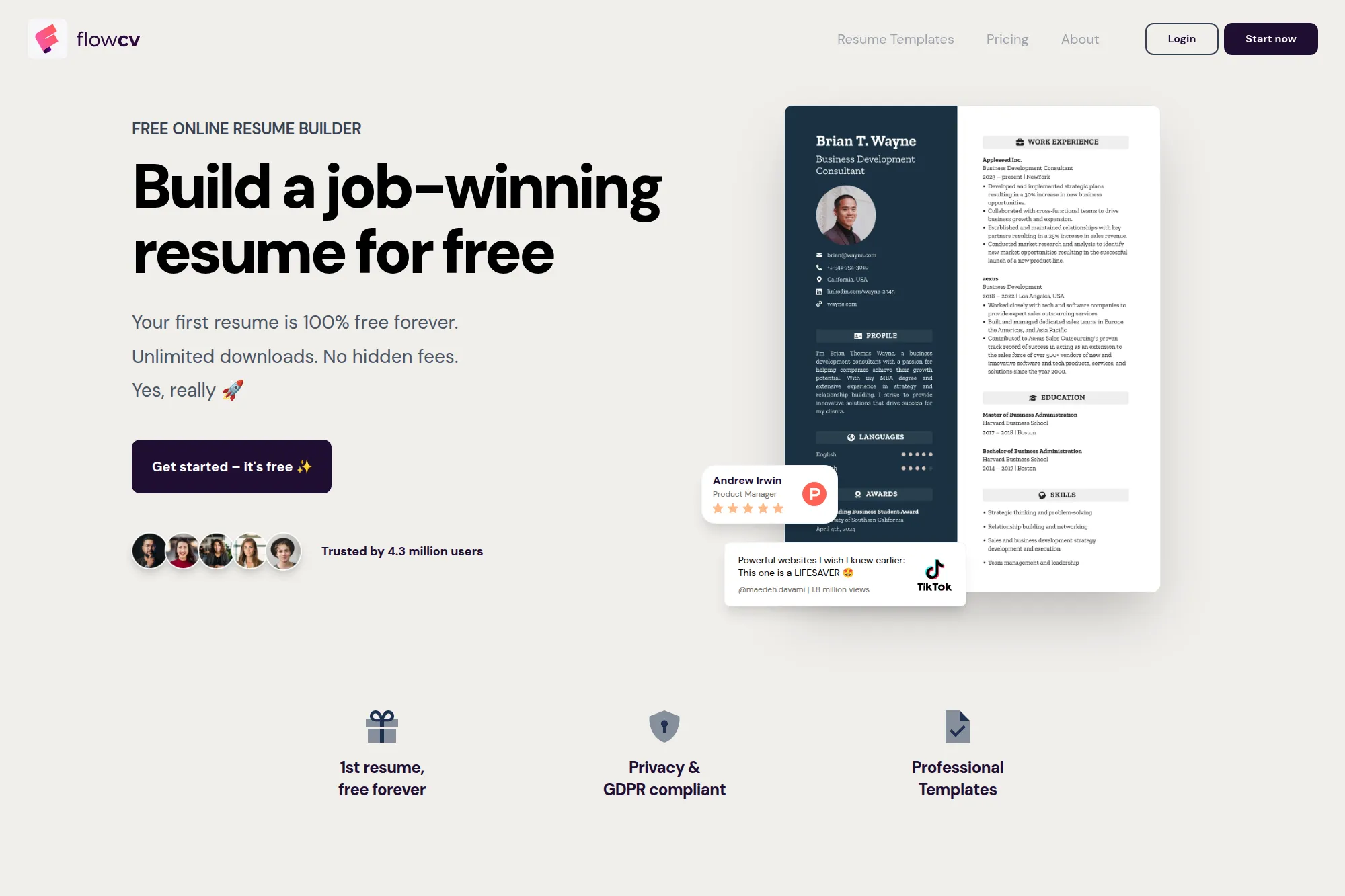
FlowCV is a clean resume builder with strong layout control and a privacy-forward vibe. It supports fast resume creation with professional templates, and it can work well when you want a modern resume without gimmicks.
Best for
Job seekers who want strong templates, easy editing, and a builder that prioritizes clean exports and readability.
Key workflows to configure
- Pick a simple template to serve as your default baseline
- Import content from an existing resume to save time
- Create role-specific versions without reformatting manually
- Use AI assistance selectively for rewriting and polish
- Export and keep a single folder for final application files
Sales growth lever
The lever is presentation without friction. A clean template and consistent formatting help recruiters scan your story fast.
Watch outs
- Design control can tempt you to over-style the layout
- AI help works best when your inputs are detailed
- Always test the PDF output before sending
Quick start checklist
- Create a master resume version first
- Limit sections to what the role needs
- Rewrite bullets to emphasize outcomes
- Keep spacing and alignment consistent
- Export and run a final skim test
18. ResumeBuilder.com
ResumeBuilder.com offers an AI resume builder that focuses on drafting help, suggested content, and ATS-friendly phrasing. It is a practical choice if you want a guided build with AI support for summaries and experience sections.
Best for
People who want AI drafting assistance inside a classic resume builder experience with templates and prompts.
Key workflows to configure
- Select a resume format that fits your work history
- Use AI writing support to draft summaries and bullets
- Edit wording to match your real responsibilities and scope
- Optimize skills and keywords to match your target role
- Export and store role-based versions for reuse
Sales growth lever
This tool helps you scale drafting. You can produce a clean draft quickly, then spend your time on tailoring and proof.
Watch outs
- AI text can over-generalize without your edits
- Templates can look similar across candidates
- Do not rely on AI to invent accomplishments
Quick start checklist
- List your core skills before drafting bullets
- Generate drafts, then rewrite for truth
- Remove repeated verbs across bullets
- Align language with the job description
- Export and do a final formatting pass
19. SkillSyncer
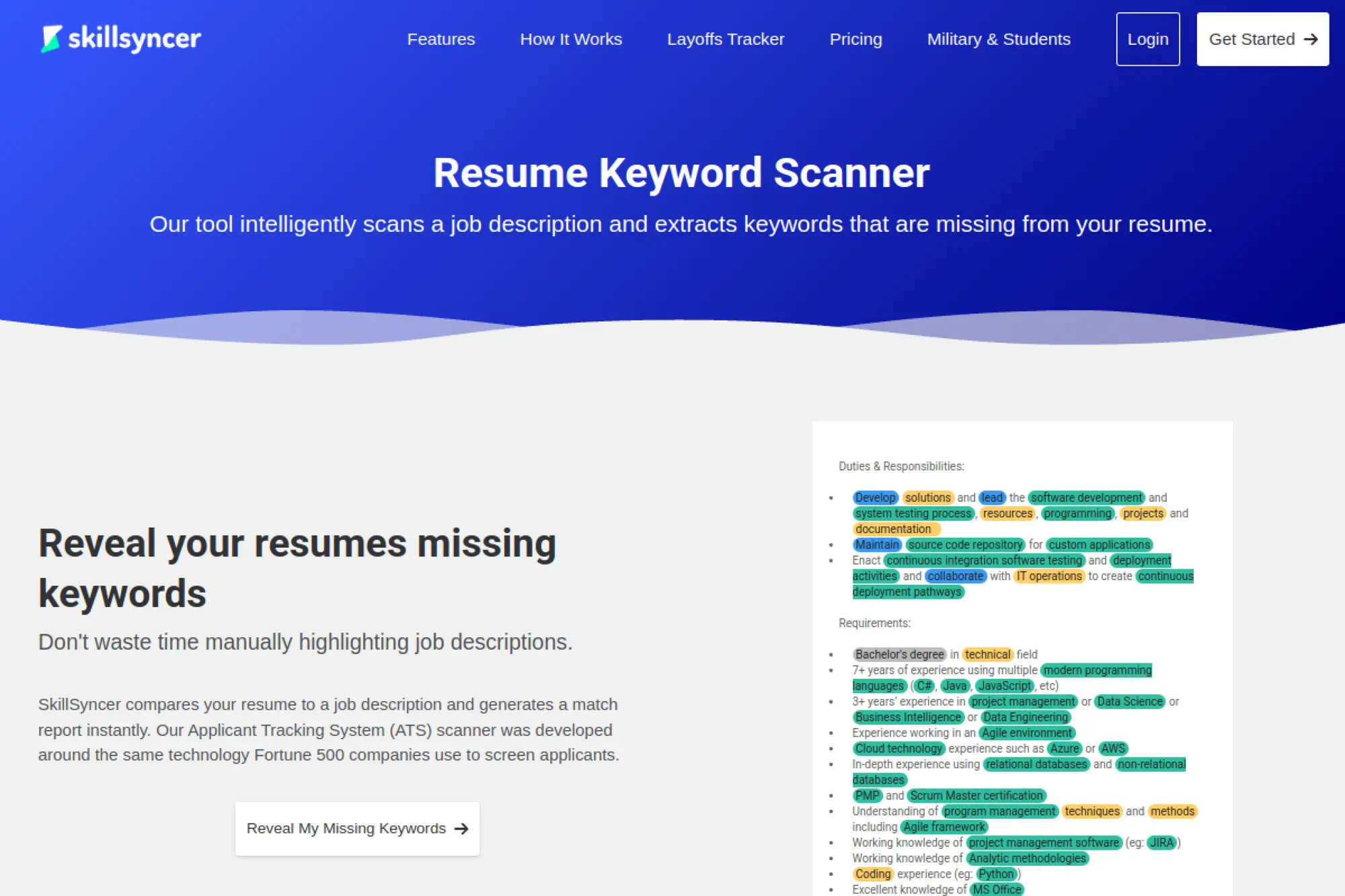
SkillSyncer is built for keyword alignment. It compares your resume to a job description and highlights missing terms, then supports AI-assisted optimization so you can close gaps faster.
Best for
Candidates who want stronger ATS keyword matching and need a structured way to tailor resumes to specific postings.
Key workflows to configure
- Upload your resume in a clean, readable format
- Paste the job description you want to target
- Review missing keywords and priority skills
- Use AI to generate bullet point options tied to the role
- Edit the final text so it stays natural and accurate
Sales growth lever
The lever is relevance. Better keyword alignment can improve your visibility in ATS searches and recruiter filters.
Watch outs
- Blind keyword insertion can hurt readability
- Some keywords need context, not just repetition
- Always confirm you can back up every added skill
Quick start checklist
- Target one job posting at a time
- Add missing skills only when they are true
- Rewrite bullets so they stay human
- Keep formatting simple
- Save the tailored version with the company name
20. Resumatic AI
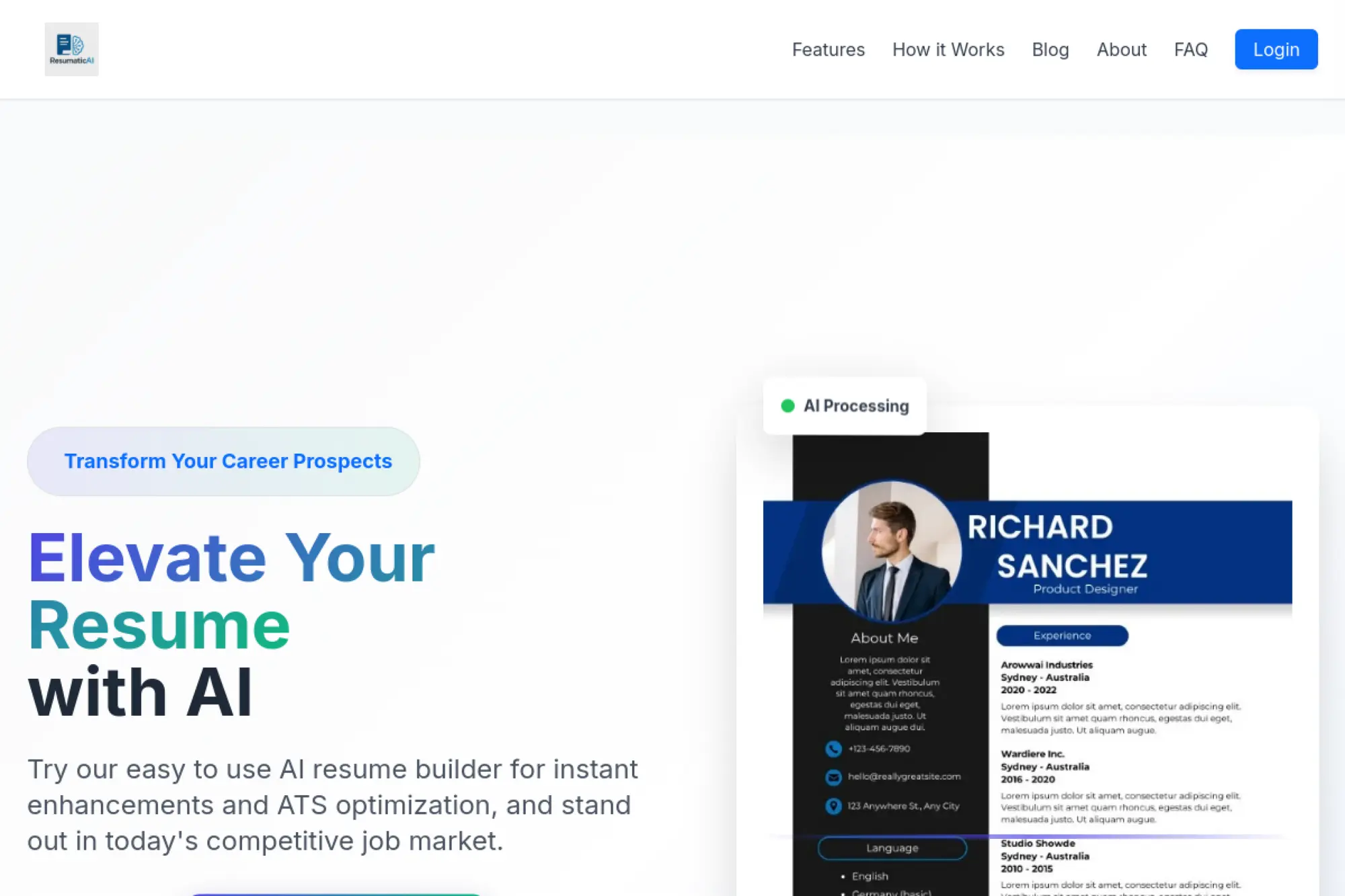
Resumatic AI focuses on “resume enhancement.” It aims to rewrite bullet points, tighten language, and improve ATS readiness through keyword optimization and impact analysis.
Best for
Professionals who already have a resume and want faster rewriting, clearer impact framing, and better keyword alignment.
Key workflows to configure
- Upload or paste your resume content for analysis
- Rewrite bullets with AI, then edit for your real voice
- Use keyword optimization to align with your target role
- Review strength and clarity feedback before exporting
- Keep a “before and after” version for comparison
Sales growth lever
Resumatic’s strength is wording upgrades. Strong verbs and clearer outcomes help you sell competence quickly during screening.
Watch outs
- AI may “over-tighten” and remove helpful context
- Keyword changes can sound forced without rewriting
- Do not accept rewrites that change the truth
Quick start checklist
- Start with your most recent job first
- Rewrite bullets, then add real tools and scope
- Check for consistent verb tense
- Match skills to the job posting language
- Export and proof the final file carefully
21. ResumeBuildAI
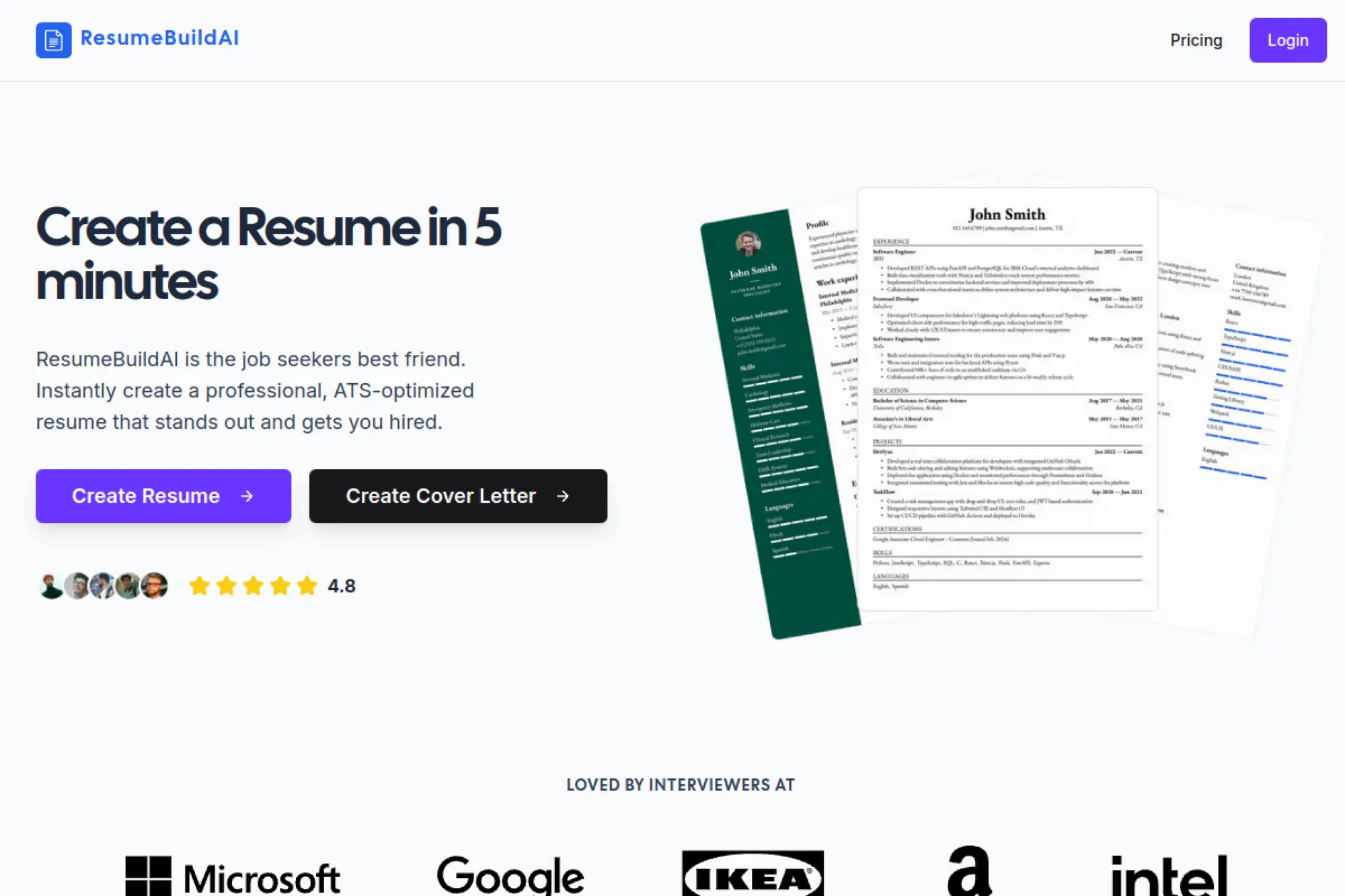
ResumeBuildAI positions itself as a fast way to create ATS-optimized resumes with AI-powered analysis. It can work well if you want quick iteration and a clear sense of what to improve.
Best for
Applicants who want a quick build process and AI feedback that helps them refine structure and wording.
Key workflows to configure
- Select a template that prioritizes clarity and readability
- Generate a first draft from your notes or an older resume
- Use AI analysis to spot weak bullets and gaps
- Tailor key sections to the job description language
- Export finalized versions for each priority role
Sales growth lever
The core lever is speed-to-quality. When you can iterate quickly, you can test different positioning and learn faster.
Watch outs
- AI feedback can encourage over-editing
- Generic wording can sneak in if you rush the draft
- Always proof formatting after export
Quick start checklist
- Write raw notes for each job role first
- Draft, then cut anything that feels vague
- Add role-specific skills naturally
- Keep bullets short and scannable
- Save a clean baseline for future tailoring
22. ResumeDesign.ai
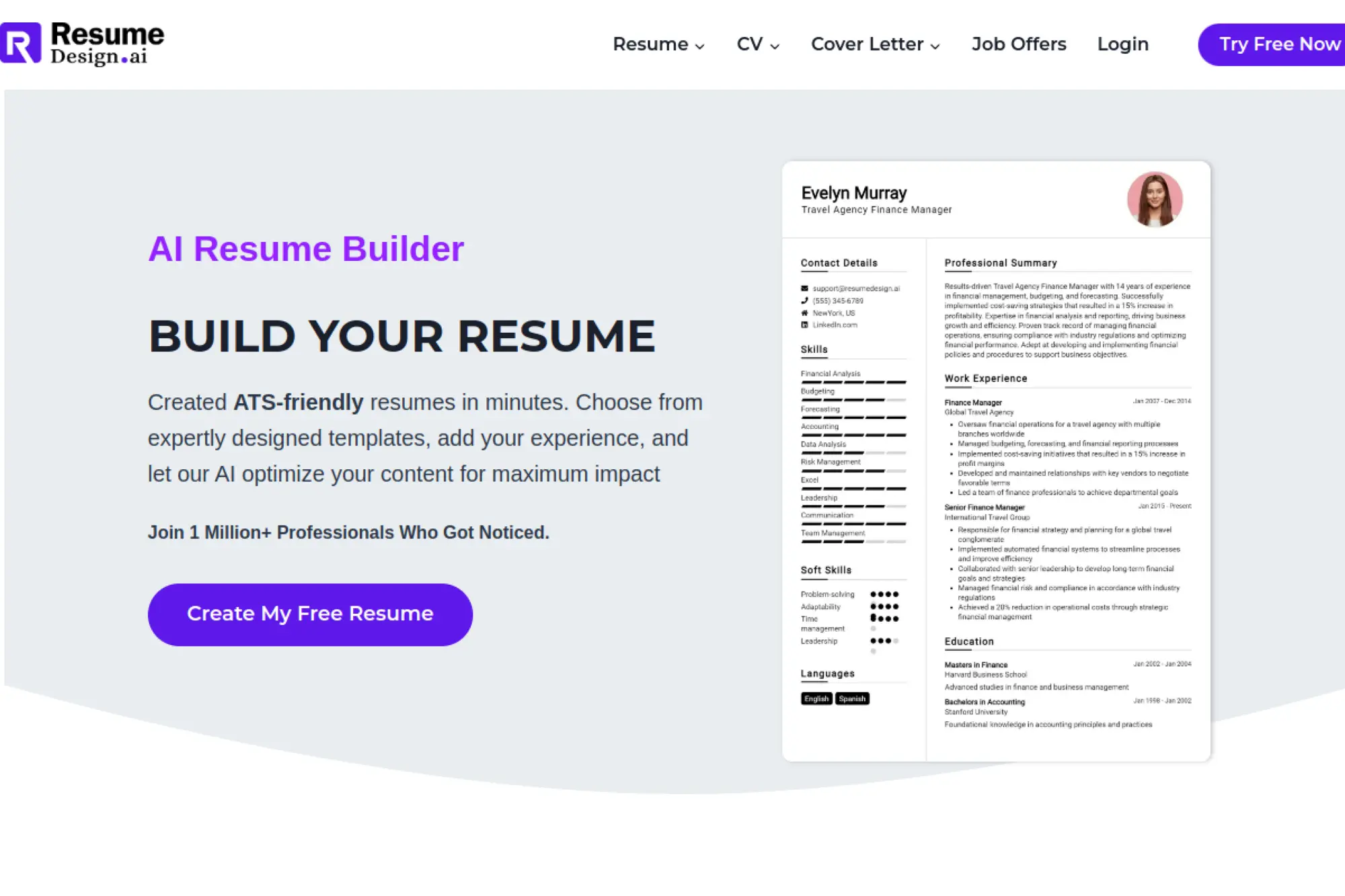
ResumeDesign.ai focuses on creating ATS-friendly resumes quickly with AI-driven optimization. It aims to help you improve wording and alignment while keeping templates professional and easy to scan.
Best for
Job seekers who want modern templates plus AI optimization for phrasing, keyword alignment, and overall polish.
Key workflows to configure
- Upload a current resume or start from a structured template
- Run AI optimization to tighten bullet phrasing
- Adjust skills and summary to match your target role
- Review the layout for ATS-safe structure
- Export and store versions tied to each application
Sales growth lever
ResumeDesign.ai supports stronger “message discipline.” Your resume becomes easier to skim and easier to understand, which improves response odds.
Watch outs
- AI can make language sound too uniform across sections
- Optimization cannot replace strong content choices
- Keep formatting simple when applying through strict portals
Quick start checklist
- Define one target role and stick to it per version
- Rewrite bullets to show outcomes and tools
- Trim long sentences
- Check that skills match the job posting terms
- Export and do a final skim test
23. Resume.AI
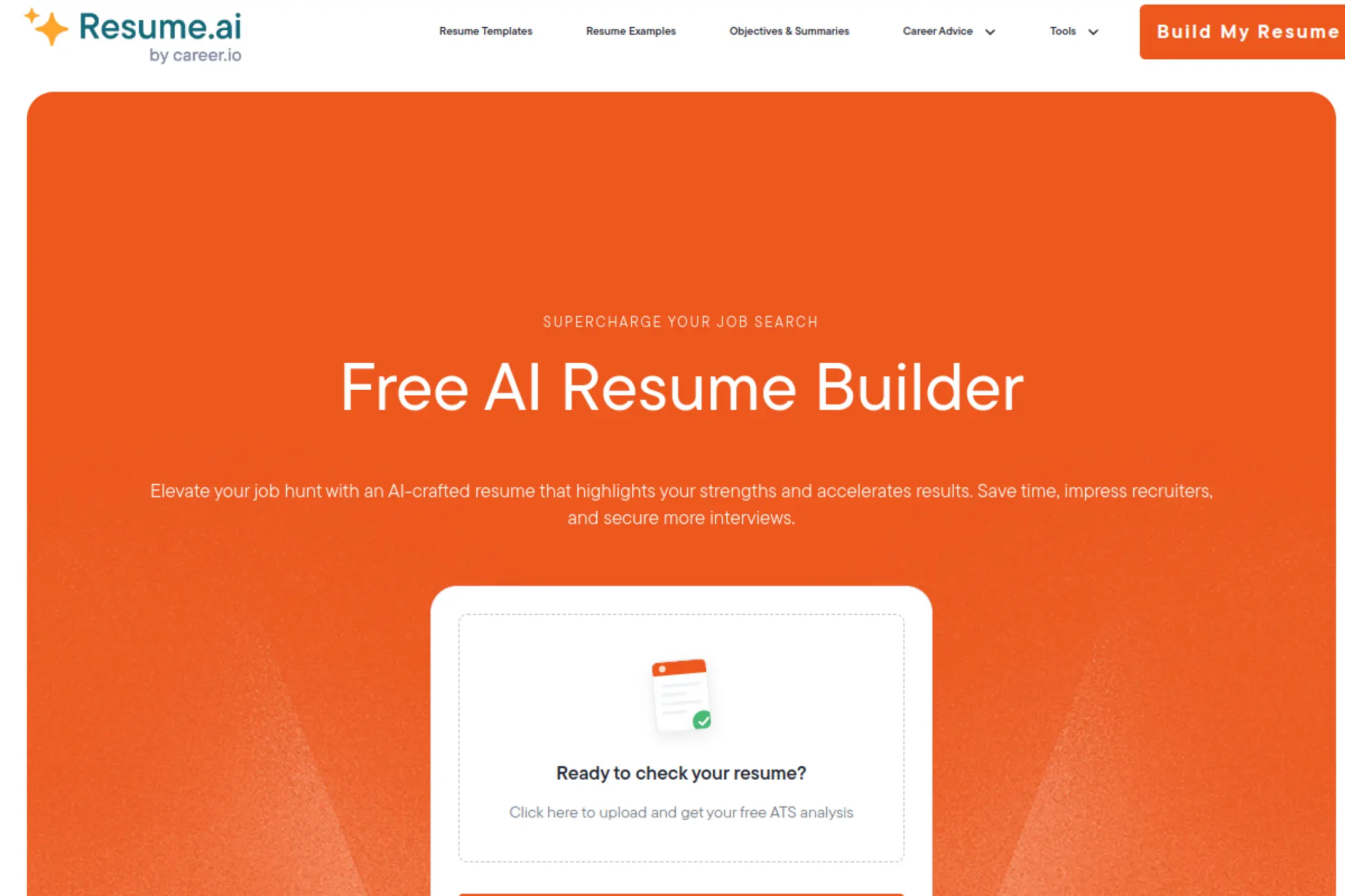
Resume.AI positions itself as a simple, AI-powered resume builder with options to build a resume or upload for analysis. It is a lightweight option if you want quick feedback and an easy drafting flow.
Best for
Job seekers who want a straightforward tool for drafting and checking, without a heavy learning curve.
Key workflows to configure
- Upload your current resume for analysis and suggestions
- Create a new resume draft if you need a fresh structure
- Rewrite summary and bullets with AI, then personalize
- Align skills to your target job description wording
- Export and store a clean version for reuse
Sales growth lever
The lever is clarity. A cleaner story improves recruiter trust, which can raise response rates even in crowded applicant pools.
Watch outs
- Basic tools can lead to basic resumes if you do not tailor
- AI rewriting can remove important detail if you accept it blindly
- Always verify final formatting and spacing
Quick start checklist
- Start with your most relevant experiences
- Rewrite the summary to match the role’s language
- Cut duties that do not support your target job
- Add skills only when you can prove them
- Export and proof the final version end to end
24. ResumeFlow.ai
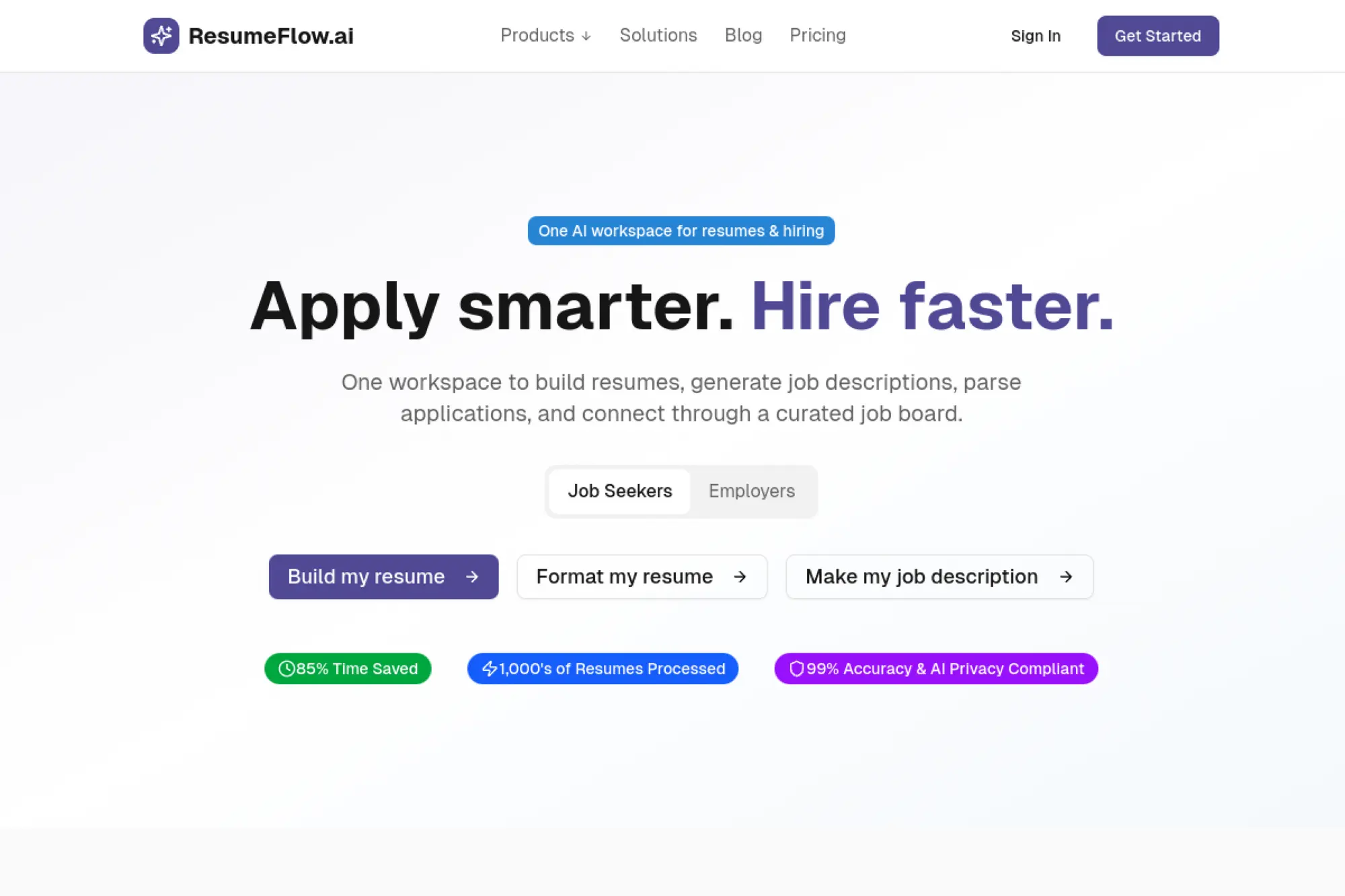
ResumeFlow.ai frames itself as a unified workspace for resumes and hiring workflows. For job seekers, it emphasizes turning existing documents into editable text, polishing with AI, and exporting clean versions for applications.
Best for
Job seekers who want a “workspace” approach, including formatting cleanup, AI polishing, and application workflow support.
Key workflows to configure
- Upload an existing resume to extract and clean the content
- Use AI to refine bullets and strengthen skill phrasing
- Run ATS-style checks to reduce parsing issues
- Export into common application-ready formats
- Track versions so you do not lose your best edits
Sales growth lever
The biggest lever is speed with quality control. You can clean formatting quickly, then focus on targeting and storytelling.
Watch outs
- Formatting conversions can introduce subtle errors
- AI polish can make writing feel generic without editing
- Always keep a backup copy of your original file
Quick start checklist
- Upload your resume and verify extracted text
- Rewrite top bullets for clarity and outcomes
- Confirm section order supports your target role
- Export and check spacing and alignment
- Save a baseline version for future tailoring
25. Resuma.i
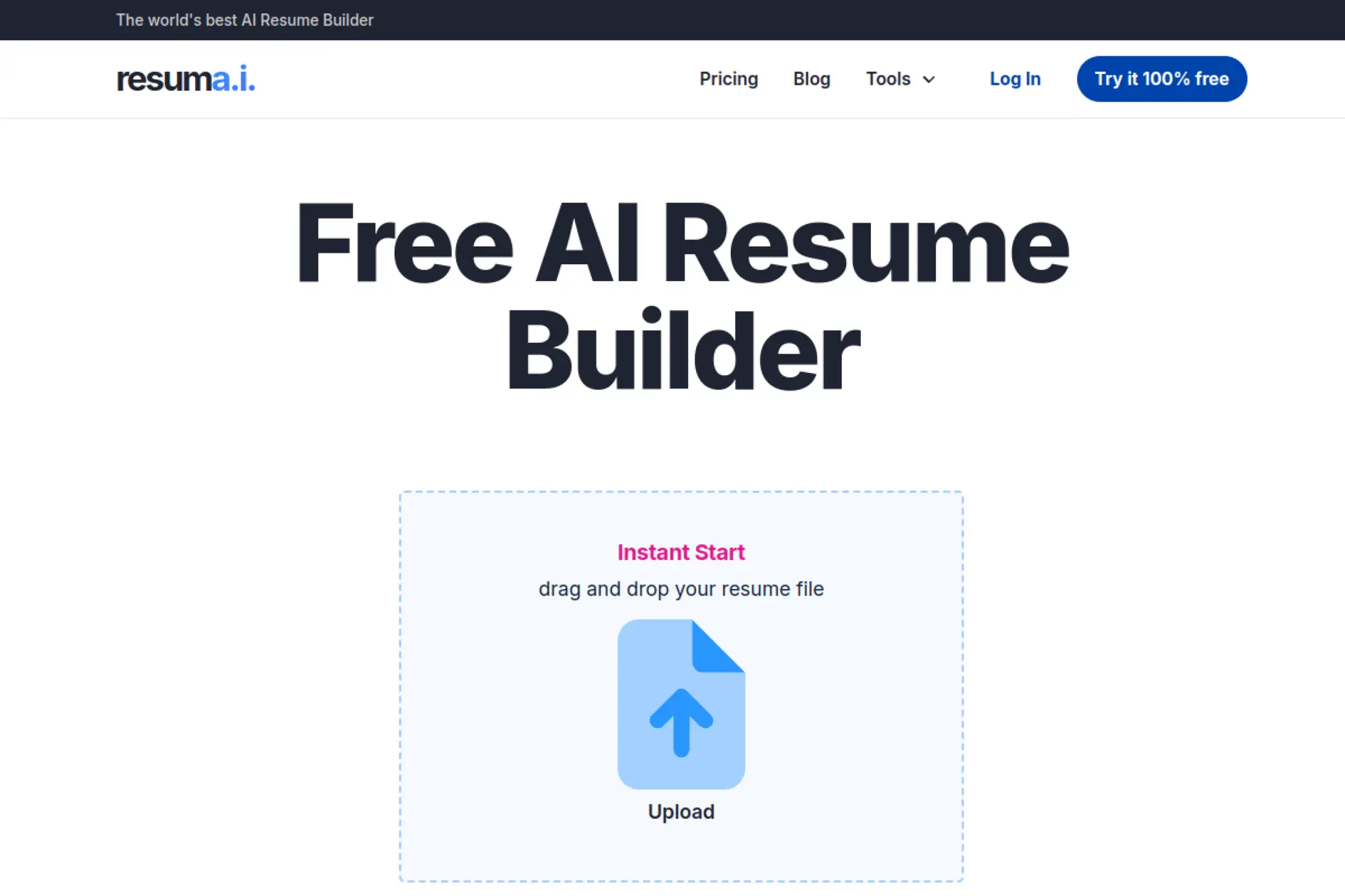
Resuma.i focuses on real-time feedback and suggestions while you build. It aims to guide content, structure, and presentation, which can help if you want coaching-like prompts during the writing process.
Best for
Job seekers who want in-editor feedback while drafting, and prefer a guided process over starting from scratch alone.
Key workflows to configure
- Start with a basic template to keep structure clean
- Draft bullets, then use AI suggestions to tighten wording
- Add keywords that match your target job description
- Review structure and readability feedback as you build
- Export final versions for each major role target
Sales growth lever
Real-time feedback helps you catch weak writing early. That reduces rewrite cycles and helps you ship stronger applications faster.
Watch outs
- AI suggestions can steer you toward generic phrasing
- Too much optimization can remove important detail
- Always keep your claims specific and defensible
Quick start checklist
- Write your target role at the top of your notes
- Draft bullets from real projects and responsibilities
- Use AI to tighten, not to invent
- Align skills to the job posting language
- Export and proof with a final skim test
26. cvCanvas
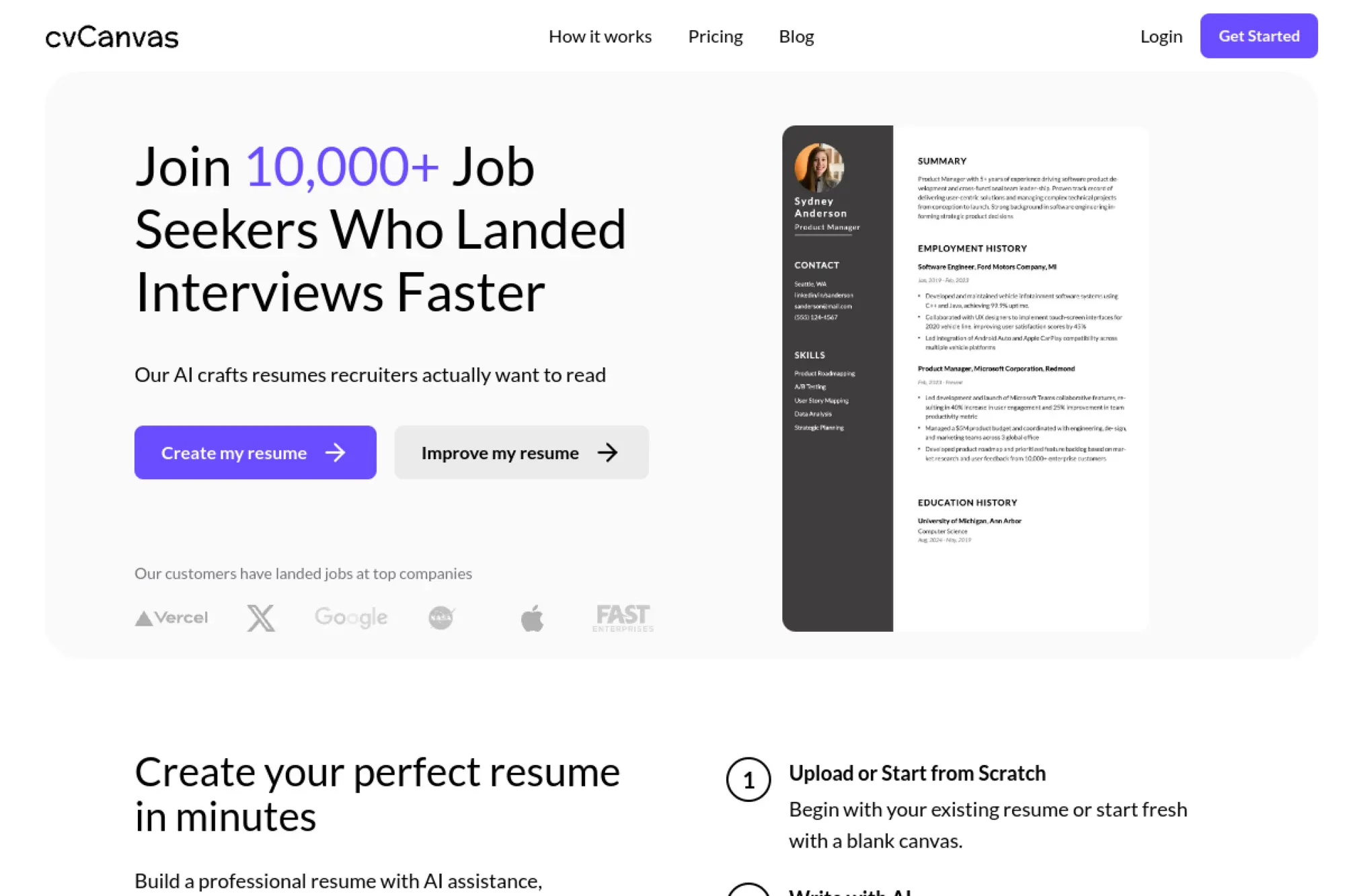
cvCanvas positions itself as an AI resume builder with a focus on scoring, templates, and job-search management features. It can work well for job seekers who like a structured editor paired with guidance signals.
Best for
Candidates who want AI writing help plus resume scoring feedback, especially when they need clarity on what to improve next.
Key workflows to configure
- Choose a professional template that stays ATS-friendly
- Draft your resume sections with AI writing support
- Use scoring feedback to identify weak sections
- Tailor bullets and skills to each target role
- Export and store version history for iteration
Sales growth lever
The lever is guided improvement. You can focus edits where they matter most, instead of rewriting everything.
Watch outs
- Scoring systems can reward “robotic” writing
- Templates can distract you from content quality
- AI drafts require a human pass for credibility
Quick start checklist
- Write your strongest achievements first
- Use AI to rewrite for clarity, then personalize
- Remove buzzwords without proof
- Match skills to job requirements
- Export and read the resume like a recruiter would
27. MakeMyCV.ai
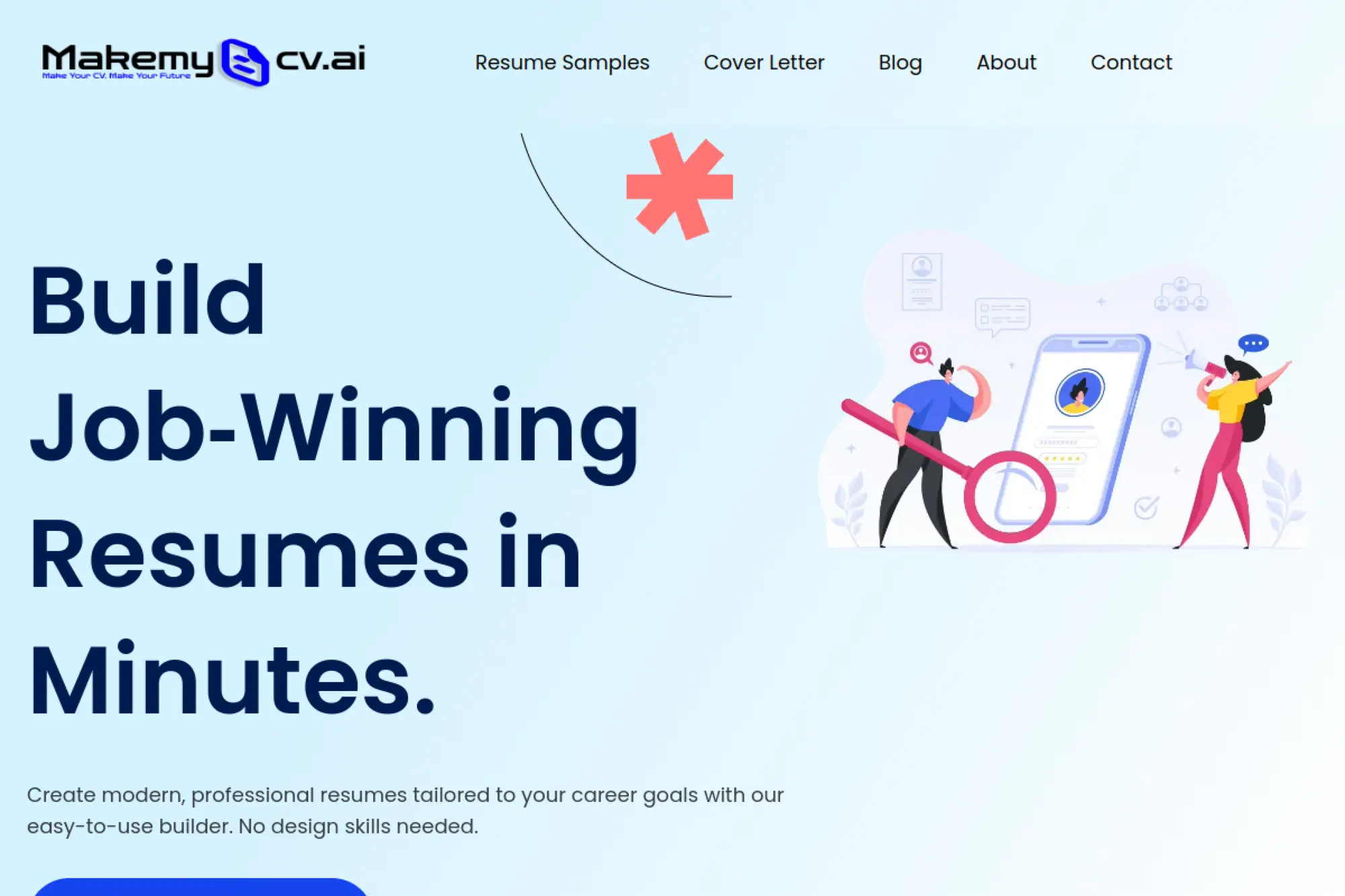
MakeMyCV.ai emphasizes quick resume building with modern templates and ATS-friendly formatting. It aims to reduce the design burden so you can focus on content and tailoring.
Best for
Job seekers who want a simple builder with ATS-friendly templates and a fast path to a professional-looking resume.
Key workflows to configure
- Select a template that stays clean and scannable
- Enter your experience in a structured way
- Use AI support to tighten summaries and bullet points
- Tailor skills to match your target job description
- Export in the format required by the employer portal
Sales growth lever
MakeMyCV.ai helps you reduce resume friction. When formatting is easy, you spend more time improving content and targeting.
Watch outs
- Fast builders can encourage rushed submissions
- AI phrasing can become generic without your edits
- Some templates may still need simplification for ATS uploads
Quick start checklist
- Start with the simplest template available
- Write bullets based on outcomes, not tasks
- Add tools and domain keywords naturally
- Remove filler and repeated phrases
- Export and proof on a different device
28. CareerAI
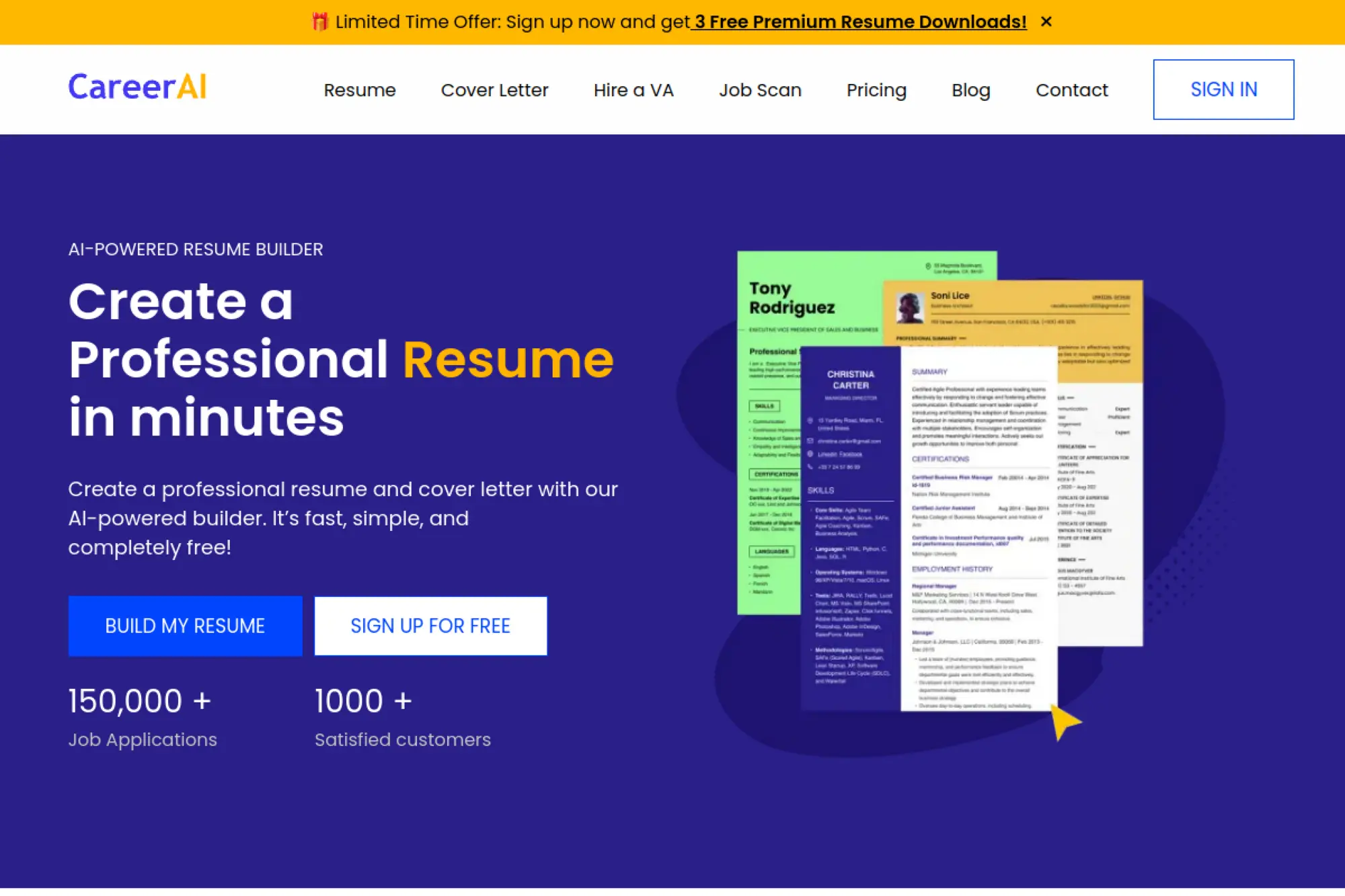
CareerAI combines AI resume and cover letter generation with broader job application support options. It can fit job seekers who want more than a builder and like the idea of extra help with the application workflow.
Best for
Applicants who want AI drafting for resumes and cover letters, plus workflow support features for managing applications.
Key workflows to configure
- Draft a resume using AI writing assistance as a starting point
- Generate a cover letter draft aligned to the job description
- Customize tone so the writing feels personal and credible
- Maintain a baseline resume and build tailored versions
- Track where you applied and what version you sent
Sales growth lever
The lever is volume with control. When you can draft quickly and track versions, you can apply consistently without losing quality.
Watch outs
- AI drafts can become overly formal and bland
- Templates can hide weak content if you do not rewrite
- Always verify that claims match your actual experience
Quick start checklist
- Write a short “career snapshot” before drafting
- Generate drafts, then edit for specificity
- Keep the resume focused on your target role
- Store versions by company and job title
- Review which version earns responses
29. ResumeBuilder.site
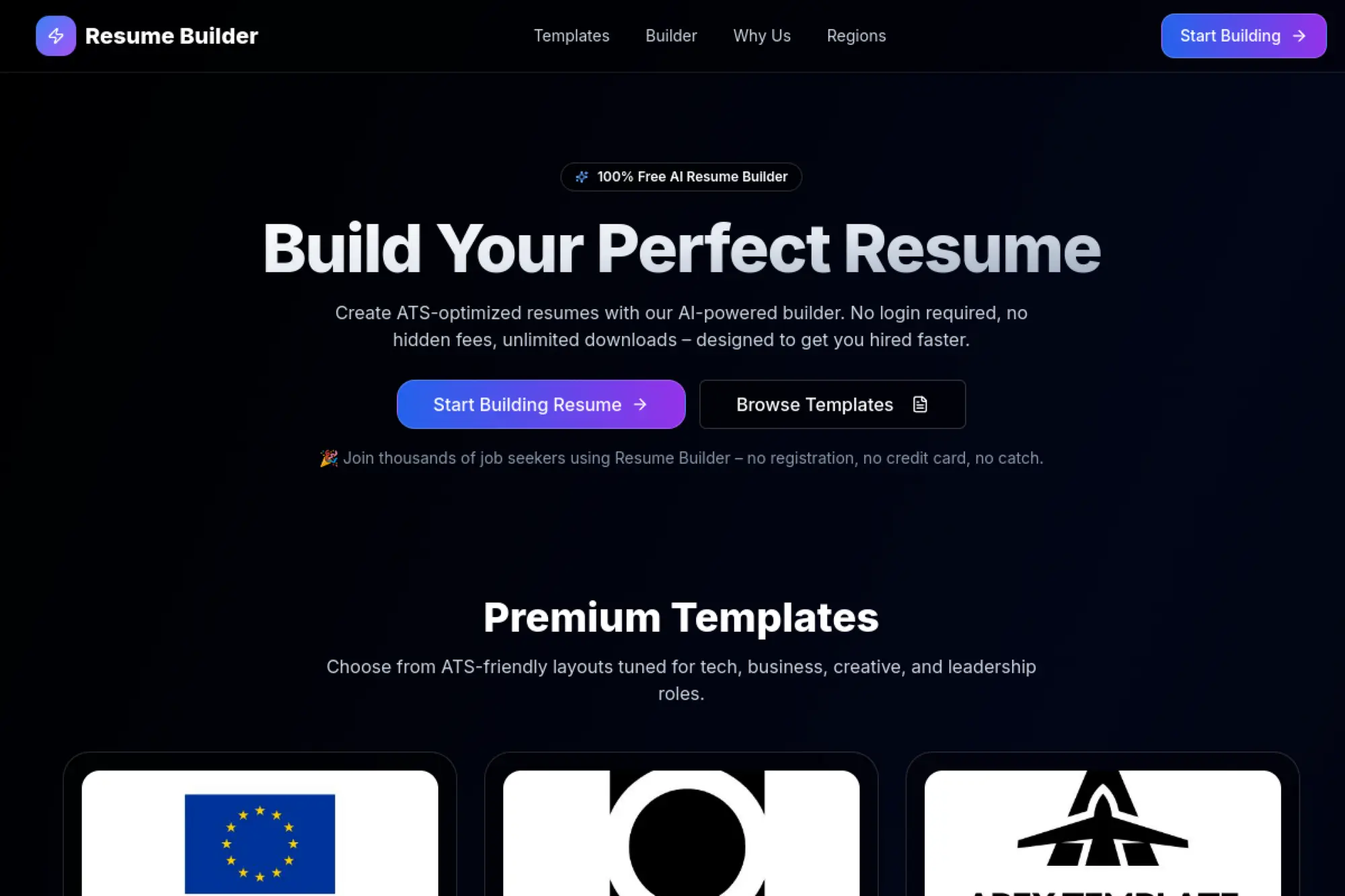
ResumeBuilder.site markets itself as a simple, free AI resume builder with ATS-friendly templates and quick downloads. It can work when you want a lightweight option and prefer not to deal with complex setup.
Best for
Job seekers who want a fast, no-friction resume build with AI suggestions and straightforward exports.
Key workflows to configure
- Select a clean template that stays readable in ATS systems
- Draft sections quickly, then use AI suggestions to refine
- Run ATS-focused checks to reduce formatting issues
- Create a tailored version for each priority job posting
- Download and store final files in a consistent folder system
Sales growth lever
Its lever is simplicity. When a tool removes barriers, you can apply faster and keep momentum during a long search.
Watch outs
- Lightweight tools may offer less deep guidance
- AI suggestions can still sound generic without edits
- Always verify exports before submitting
Quick start checklist
- Write a custom summary in your own words
- Draft bullets, then tighten language with AI
- Add job-specific skills naturally
- Remove clichés and filler
- Download and do a final proofread pass
30. Copilot in Word
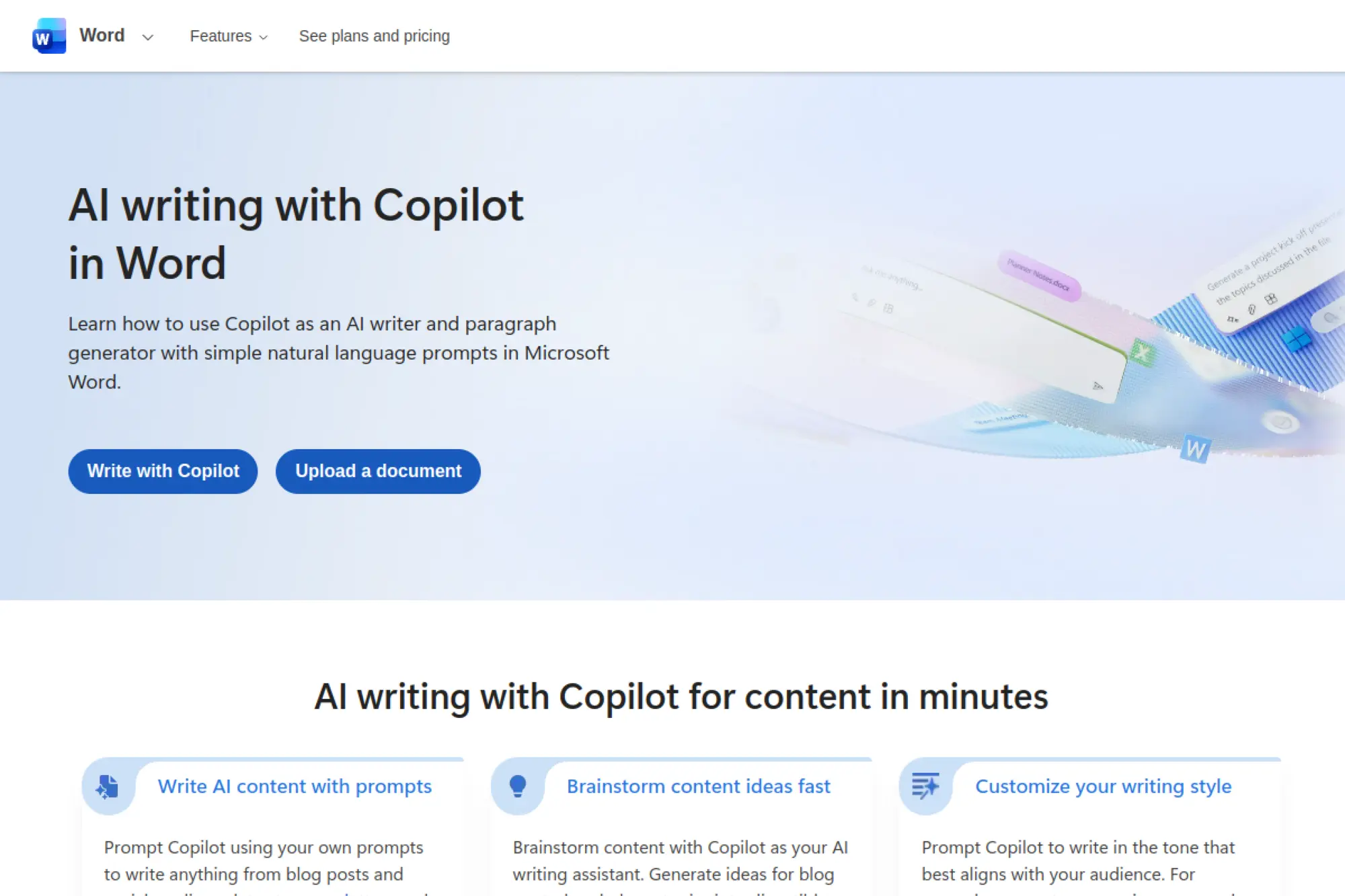
Copilot in Word is not a traditional resume builder, but it can act like a powerful AI writing partner inside a document editor you already know. It helps you draft sections, rewrite bullets, and tailor language to a job description while keeping full manual control over layout.
Best for
Professionals who prefer writing in Word, want AI drafting help, and need maximum flexibility in formatting and version control.
Key workflows to configure
- Start from a simple ATS-friendly Word resume template
- Prompt Copilot to draft a summary based on your experience
- Rewrite bullets to sound clearer and more outcome-focused
- Paste job description language and request targeted edits
- Save role-specific versions and keep a master file
Sales growth lever
The lever is control. You get AI speed without giving up editing precision, which helps you “sell” your value in your own tone.
Watch outs
- Copilot can draft confident text that needs fact-checking
- Without a builder’s guardrails, formatting mistakes can slip in
- Always proof the final exported file before sending
Quick start checklist
- Write a short list of your real achievements first
- Use Copilot to draft, then rewrite for truth and voice
- Keep headings standard and sections scannable
- Tailor the summary and top bullets per role
- Export and test upload on a job portal
How to Use AI Resume Builders Without Sounding Like a Bot

1. Give the AI Better Inputs Than a Job Description
Job descriptions describe an ideal candidate. Your resume must describe what you did.
Start with raw notes. Include the tools you used, the problems you solved, and the outcome. Then ask the AI to tighten, not invent.
2. Rewrite the First Line of Every Bullet Yourself
Hiring teams skim the first words of each bullet. That first line should sound like you, not like a template.
After AI drafting, rewrite the opening phrase. Use verbs you would say out loud in an interview.
3. Remove “Soft Claims” and Add Proof Instead
AI loves soft claims like “highly motivated” and “results-driven.” Those phrases do not prove anything.
Replace soft claims with proof: tools used, projects shipped, processes improved, customers served, and outcomes delivered.
4. Keep Two Resume Styles Ready
Some roles reward a modern design. Other roles reward strict simplicity.
Keep a clean, ATS-first version. Also keep a polished, presentation-friendly version for networking and direct recruiter outreach.
Frequently Asked Questions

1. Should I Use an AI Resume Builder for Every Application?
Use AI for speed and consistency. Still, tailor strategically. Focus on the headline, summary, skills, and your most recent experience. That usually drives the biggest improvement.
2. Can Recruiters Tell I Used AI?
Recruiters notice patterns, not tools. If your resume is vague, buzzword-heavy, and overly polished, it will raise suspicion. If it is specific and grounded, it will read as credible.
3. What Is the Biggest Mistake People Make With AI Resume Tools?
They trust the first draft. AI drafts fast, but it does not know what matters most in your story. You do. Edit for truth, clarity, and relevance.
4. What Should I Do After I Build the Resume?
Run a final quality pass. Check for consistent tense, clean formatting, and clear section order. Then test upload it to a job portal to catch parsing issues early.
AI can help you move faster, but your strategy still wins the job. Choose a tool that fits your workflow, then use it like a partner, not a replacement. With the right approach, the best ai resume builder is the one that helps you tell the truth clearly, tailor quickly, and stay readable for both humans and systems.







Conclusion
Choosing the best ai resume builder isn’t about picking the tool with the most templates or the loudest “AI” claims—it’s about picking the one that fits how you actually apply for jobs. If you need clean exports and ATS-safe structure, prioritize builders that keep formatting simple. If you’re applying to many roles, pick a tool that makes tailoring fast and keeps versions organized. And if you already have a solid resume, an optimizer or feedback tool may deliver more value than rebuilding everything from scratch.
No matter which option you choose, treat AI as a drafting partner: feed it real inputs, keep the language specific, and rewrite the first line of key bullets in your own voice. Then run a quick upload test before submitting so your resume doesn’t break inside job portals. Do that consistently, and the right AI resume builder won’t just save you time—it’ll help you send clearer, more targeted applications that actually get read.