


Email teams win when writing stops slowing everything else down. You still need strong offers, clear positioning, and disciplined sending, but you also need a faster way to draft, personalize, and edit without sacrificing quality. That’s why more teams are looking for the best ai email writer they can plug into real workflows.
This guide helps you choose the right tool for how you actually work: sales outreach, lifecycle marketing, customer support, and daily inbox replies. You’ll learn how to evaluate tools beyond demos, what features matter most for speed and consistency, and how to set simple guardrails so AI improves your emails instead of making them sound generic.
What is an AI Email Writer?
An AI email writer is a tool that drafts, rewrites, and refines emails using your goal, audience, and context, such as a prior thread, a brief, or a template. The best tools help you edit quickly, keep tone consistent, and produce emails you feel confident sending after a fast human review.
Best picks by use case: Use this quick map to jump to the right category faster.
- Best for daily replies: Choose a tool that lives where you write and makes rewrites, tone fixes, and shortening effortless.
- Best for outreach and follow-ups: Choose a tool that supports personalization inputs and variation so messages don’t feel templated.
- Best for marketing and newsletters: Choose a tool that can generate multiple angles, subject lines, and on-brand variants quickly.
- Best for support teams: Choose a tool that helps structure answers, maintain consistency, and reduce risky mistakes.
- Best for teams with brand rules: Choose a tool with shared templates, approval-friendly workflows, and controllable defaults.
| Category | Best for | Strength | Limitation | Where it fits |
|---|---|---|---|---|
| Inbox-first writers | Fast replies and tone fixes | Speed and clarity | Needs good context | Daily email work |
| Outreach helpers | Prospecting and follow-ups | Personalization structure | Can sound generic | Sales and partnerships |
| Marketing copy tools | Campaigns and newsletters | Variant generation | Needs brand guardrails | Lifecycle and promotions |
| Support-focused tools | Customer replies | Consistency and structure | Must verify details | Helpdesk workflows |
| Team governance tools | Consistency at scale | Templates and control | Setup effort | Teams with approvals |
FURTHER READING: |
| 1. Best AI Logo Generator: Top 30 Picks for 2026 |
| 2. Top 30 Easy AI Video Editor Tools for Beginners |
| 3. AI Presentation Maker: 30 Tools for Professional Slides |
Why AI Email Writing Matters More Than Ever

1. Inbox Competition Keeps Getting Worse
Volume alone explains why “good enough” email copy no longer cuts it. Recent estimates put global traffic at 376 billion e-mails sent and received daily, so every message fights for attention.
This reality changes how you should use AI. You do not want “more emails.” You want clearer emails. You want faster iteration. You want messages that match your buyer’s context and your brand voice without taking forever to produce.
2. Email Still Pays Back When You Run It Well
Email remains one of the most efficient channels when you execute with discipline. Litmus reports an average return of $36 for every dollar spent, which is why both lean startups and enterprise teams keep investing in better email creation and testing.
AI helps you protect that return by reducing production time and tightening quality control. You can draft faster, review faster, and launch faster, while still keeping a human editor in the loop.
3. Benchmarks Reward Teams That Iterate
Performance expectations keep creeping up, and many teams feel pressure to ship more experiments. MailerLite’s benchmark data puts the average open rate at 43.46%, which means your copy and targeting need to pull their weight.
AI does not replace segmentation, list hygiene, and offer quality. It does make it easier to test angles and rewrite fast without burning out your team.
4. AI Use at Work Is Already Normal
If you worry that AI-written emails will feel “weird,” the adoption curve says otherwise. Microsoft and LinkedIn found 75% of knowledge workers already use AI at work.
That matters because buyers and customers now expect faster responses. They also expect higher relevance. AI can support both expectations, as long as you build guardrails and keep ownership with humans.
5. Most Employees Already Use AI Tools (Even Without Formal Rollout)
Shadow AI is not a future problem. It is a current one. Gallup reports 45% of U.S. employees use AI at work at least a few times each year.
This pushes leaders toward standardization. The fastest teams pick a tool stack, define acceptable use, and create approved prompt templates so people stop improvising with sensitive info.
6. Generative AI Adoption Goes Beyond Early Adopters
Consumer and workplace behavior also signals staying power. The St. Louis Fed’s survey research puts overall generative AI adoption at 54.6%.
Translation: your customers, partners, and prospects likely interact with AI-generated writing every week. They just do not want generic writing. They want writing that feels personal and useful.
7. Most Organizations Now Use AI Somewhere
Team-level adoption accelerates when leadership sees results. McKinsey’s global survey puts organizational AI adoption at 72%.
This does not mean every company runs AI safely. It does mean your competitors likely use AI to move faster, test more, and follow up with less friction.
8. List Growth Choices Can Change Returns
AI cannot fix a list that never converts. List mechanics still matter. Litmus found single opt-in programs can show an 80% higher return than double opt-in programs in their analysis.
You should still follow your legal and compliance requirements. But the bigger point stands: the inputs you feed your email program often matter as much as the copy you write.
9. Segmentation Still Beats “One Message for Everyone”
Even with AI, you should not blast the same email to everyone. Mailchimp reports segmented campaigns can drive a 33% higher click rate than non-segmented campaigns.
AI makes segmentation more practical because it reduces the cost of writing multiple variants. You can tailor an email to a segment without rewriting from scratch.
How to Evaluate an AI Email Writer Without Getting Fooled

1. Start With the Workflow, Not the Model
Start by mapping where email writing actually happens. If the tool is outside the daily workflow, usage drops quickly. Prioritize a tool that reduces steps between draft and send, and that supports the types of email your team writes most often.
Evaluation rubric:
- Draft quality: Does it produce a usable first version quickly?
- Edit speed: Can you shorten, clarify, and shift tone without fighting the tool?
- Context fit: Can it use the right context safely, without pulling in the wrong details?
- Consistency: Can your team keep a stable voice across senders and scenarios?
- Risk control: Does it encourage verification and reduce sloppy “made-up” details?
2. Check for “Context With Control”
Context improves relevance, but only if you control it. The best tools let you provide structured inputs and keep boundaries clear. You want predictable behavior: the tool uses what you give it, stays within your rules, and avoids guessing when details are missing.
3. Judge Editing Tools as Much as Drafting Tools
Drafting is the easy part. Editing is where teams save time. Look for tools that make it simple to rewrite with constraints: shorter, clearer, more direct, friendlier, more formal, or more confident. If edits require long prompts or repeated retries, adoption will fade.
4. Look for Brand Voice and Governance Features
Teams don’t fail because AI can’t write. They fail because output is inconsistent across people and use cases. Brand voice features help, but only if they are simple enough that the team actually uses them. Governance matters, too: shared templates, safe defaults, and clear guidance about what should never be included in drafts.
5. Measure Deliverability Risk, Not Just Copy Quality
AI can make it easy to send more, and that can create problems if relevance drops. Evaluate whether the tool supports disciplined personalization and clean messaging, not hype. Train the team to treat AI as a drafting assistant, not a volume engine.
Deliverability-safe writing guardrails:
- Cut filler: Remove long windups, vague introductions, and over-politeness that hides the point.
- Keep claims verifiable: If it can’t be proven, rewrite it into a grounded, specific statement.
- Use a single clear action: One focused ask beats multiple competing requests.
- Prefer plain language: Clear beats clever, especially in busy inboxes.
How to Choose the Best AI Email Writer for Your Team
1. Match the Tool to Your Email “Job”
Different email jobs demand different strengths. Outreach needs personalization inputs and variation. Marketing needs consistent voice and fast campaign iterations. Support needs structured answers and safer handling of customer context. Choose the tool that improves your highest-value email workflow first, then expand from there.
Quick decision flow:
- If your main pain is time: Choose the tool with the fastest rewrite loop inside your daily workspace.
- If your main pain is tone: Choose the tool that can reliably shift voice and simplify without losing meaning.
- If your main pain is outreach: Choose the tool that supports structured personalization and message variation.
- If your main pain is consistency: Choose the tool that supports shared templates and repeatable patterns.
2. Decide Where You Want AI to Live
Adoption depends on placement. If your team writes in an inbox, they’ll use inbox-native help more often. If your team builds campaigns in a marketing platform, they’ll prefer tools embedded there. If approvals matter, a standalone workspace can help. Pick the “home” first, then pick the tool.
3. Build a Simple Brand Kit Before You Automate Anything
You don’t need a long style guide to start. You need simple defaults: greeting style, sign-off style, formality level, and how direct you want to be. A small brand kit reduces rewrites and keeps messages consistent across people and channels.
Brand kit block:
- Voice: Describe tone in plain language, then give examples of what to avoid.
- Structure: Preferred length, paragraph style, and how quickly to get to the point.
- Confidence level: How assertive to be, and when to soften language.
- Boundaries: Topics, promises, or claims that must never be generated automatically.
Copy-and-paste “brand voice prompt”:
Write an email in our brand voice. Tone: [plain-language description] Structure rules: [short paragraphs, direct opening, single clear ask] Words to avoid: [list] What must never be invented: [facts, results, policies, pricing] If context is missing: ask for the missing detail instead of guessing. Now draft the email based on this context: [context here]
4. Treat Personalization as a System, Not a Trick
Personalization works when inputs are real: role, use case, recent activity, or a clear reason for reaching out. Avoid fake personalization that swaps a name but says nothing meaningful. Use structured fields and short notes so the tool can write something that actually sounds specific.
Personalization input template:
Recipient: [role + company] Reason for outreach: [real reason] Relevant detail: [verified detail] Offer: [what you do] Proof: [only true proof] Ask: [single small next step] Constraints: [tone, length, what to avoid]
5. Set Review Standards That Protect Your Reputation
Every AI email workflow needs a simple review habit. The goal is not perfection; it’s avoiding preventable mistakes and keeping tone consistent. Train reviewers to scan for wrong names, unverified claims, awkward phrasing, and hidden confusion in the call to action.
Human review checklist (insert immediately after the paragraph above):
- Accuracy: Names, roles, and details are correct.
- Claims: No invented outcomes, policies, or capabilities.
- Clarity: The first lines explain why this email exists.
- Action: The email asks for one clear next step.
- Tone: It sounds like a person, not a template.
6. Run a Small Pilot With Clear Success Metrics
Start small with a narrow workflow and a small group. Focus on whether the tool reduces time-to-send, improves consistency, and produces drafts people actually use. Refine prompts and templates based on real replies before expanding the rollout.
Top Picks: Best AI Email Writer Tools
1. Grammarly

Grammarly works well when you already know what you want to say, but you want it to sound clearer, more confident, and more “you.” It shines in everyday business email, account management follow-ups, and support replies where tone matters.
Best for
Teams that need fast polishing, tone shifts, and rewrite help directly where they write emails.
Key workflows to configure
- Create a shared set of tone guidelines so reps stop guessing what “professional” means in your company.
- Save approved phrasing for common moments like pricing follow-ups, reschedules, and gentle nudges.
- Use rewrite suggestions to shorten long drafts and keep each paragraph focused on one idea.
Sales growth lever
Reduce hesitation. When reps write faster and sound more confident, they follow up on time and keep deals moving.
Watch outs
Grammarly improves writing, but it will not magically add the right business context. You still need strong inputs and a clear offer.
Quick start checklist
- Define your default tone for prospecting versus customer care.
- Collect a small library of your best-performing emails and use them as style references.
- Teach the team a simple habit: draft, rewrite for clarity, then proof before sending.
2. ChatGPT
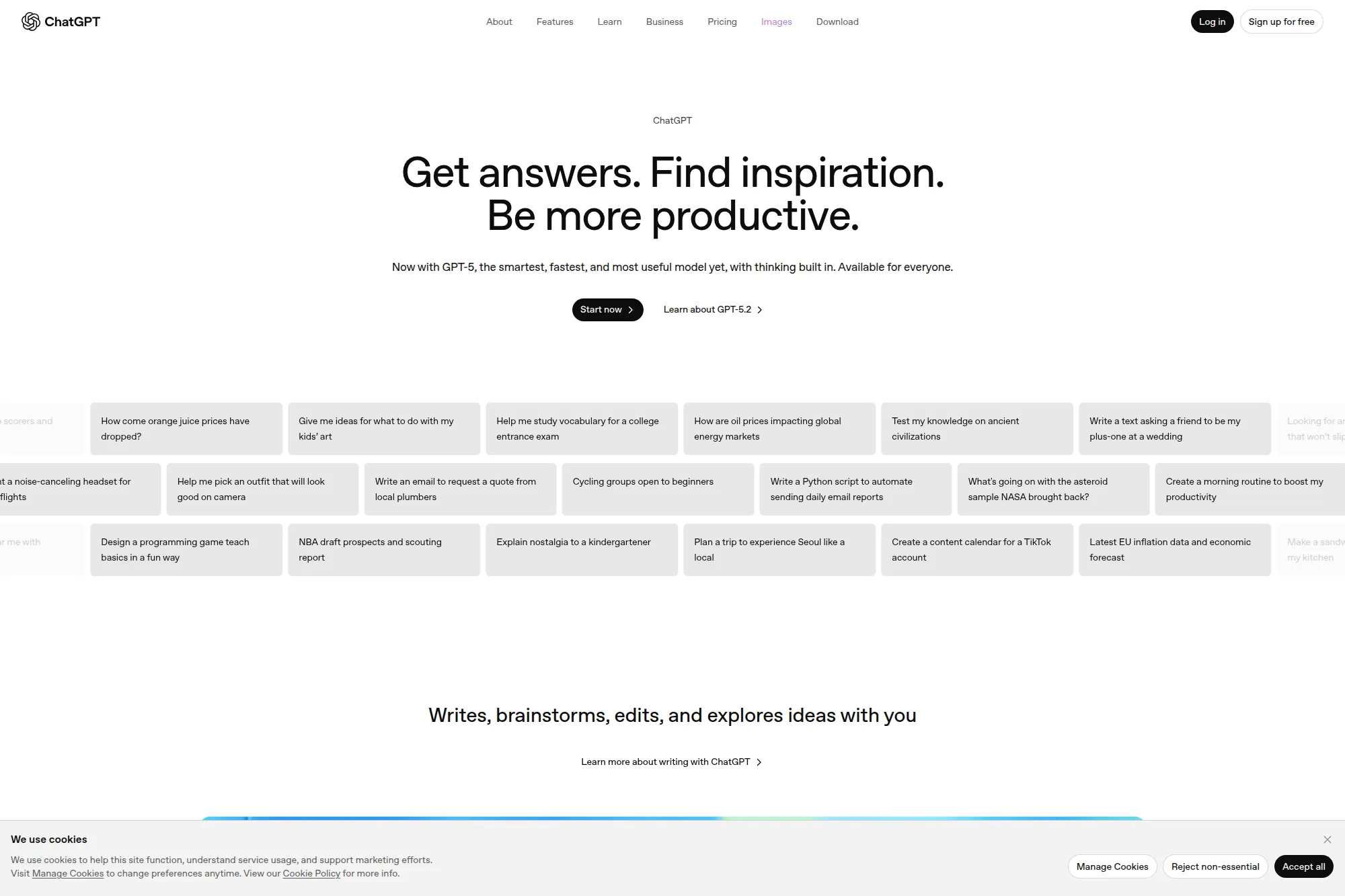
ChatGPT fits teams that want a flexible writing partner. It can draft cold outreach, create follow-up variations, and rewrite long customer emails into concise replies. It also helps brainstorm subject lines and outlines for sequences.
Best for
Sales, marketing, and leadership teams that want one tool for drafting, rewriting, summarizing, and planning email content.
Key workflows to configure
- Create prompt templates for your key email types, like intro outreach, post-demo recap, and renewal reminders.
- Build a “brand voice prompt” that enforces your tone, formatting, and preferred vocabulary.
- Use structured inputs so the model drafts from facts instead of guessing.
Sales growth lever
Speed up iteration. You can test angles quickly, then let humans pick the best version and refine it.
Watch outs
Do not paste sensitive customer data unless your team has approved policies for data handling. Also verify claims before you hit send.
Quick start checklist
- Write a single prompt template for your most common outreach email.
- Add a “must include” section for product proof and a “must avoid” section for risky claims.
- Have managers review early drafts and improve prompts before wider rollout.
3. Claude

Claude is strong when emails require careful wording and nuance. It handles long threads well, summarizes context clearly, and helps you draft replies that feel calm and human. It can also help write internal emails that align teams without causing friction.
Best for
Teams that deal with complex conversations, sensitive support situations, or executive communication where tone and accuracy matter.
Key workflows to configure
- Create a “reply brief” format: what happened, what the customer wants, what we can do, and what we need next.
- Use Claude to draft options in different tones, then choose one that fits the relationship.
- Standardize a final edit step that removes filler and confirms facts.
Sales growth lever
Improve deal momentum by sending clearer recap emails and cleaner next-step confirmations after calls.
Watch outs
Claude drafts well, but it still needs accurate inputs. If your notes are vague, the email will feel vague too.
Quick start checklist
- Create a template for post-meeting follow-ups with bullet points for decisions and next steps.
- Train the team to paste only the minimum context needed.
- Adopt a rule: never send a draft without scanning for missing commitments and unclear timelines.
4. Microsoft Copilot
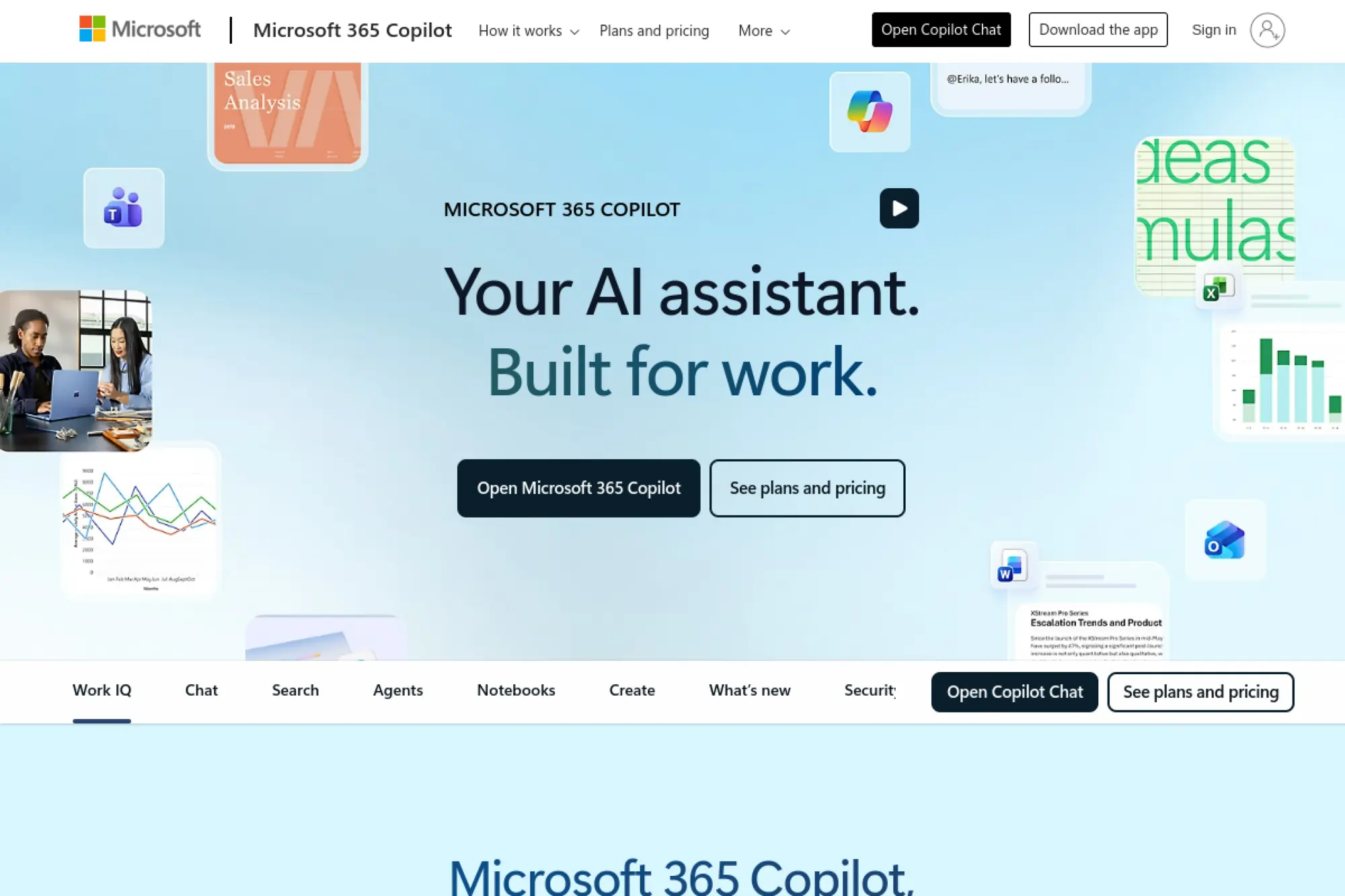
Microsoft Copilot makes the most sense when Outlook is your team’s home base. It helps you draft replies, summarize threads, and adjust tone without switching tools. It also supports faster follow-ups when you need to respond with context.
Best for
Teams already deep in Outlook and Microsoft’s productivity stack who want AI inside the inbox.
Key workflows to configure
- Set custom drafting instructions so Copilot writes in your preferred style by default.
- Use thread summaries to draft faster replies when conversations get long.
- Create a repeatable approach for meeting follow-ups that includes agenda, recap, and next steps.
Sales growth lever
Reduce lag time. Faster, higher-quality replies help you keep prospects engaged while intent stays high.
Watch outs
Copilot works best when you give it clear intent and constraints. If you ask for “a reply,” you often get something generic.
Quick start checklist
- Write a default instruction block for tone, length, and formatting.
- Create a manager-approved follow-up format for calls and demos.
- Teach reps to add missing context before drafting, not after.
5. Gemini in Gmail
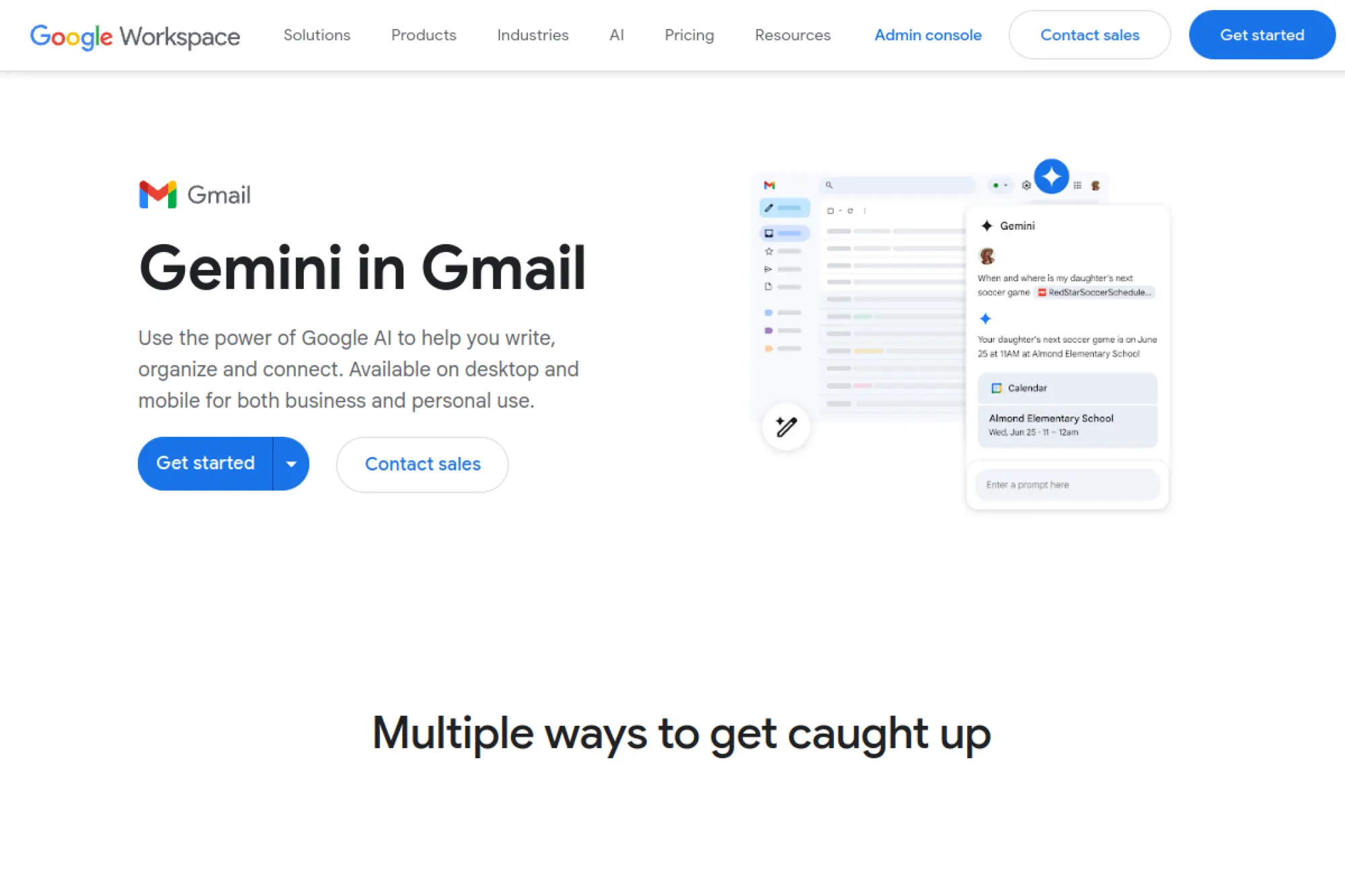
Gemini in Gmail works best when speed matters and your team lives in Google Workspace. It can turn rough notes into a clean email, summarize long threads, and help you reply in a tone that fits the relationship.
Best for
Google Workspace teams that want drafting, rewriting, and summarization directly inside Gmail.
Key workflows to configure
- Use “rough notes to polished email” for quick vendor updates and internal coordination.
- Summarize threads before replying so you stay consistent with prior decisions.
- Create reusable prompts for common situations like reschedules, handoffs, and status updates.
Sales growth lever
Keep deals warm with faster responses that still sound thoughtful and personal.
Watch outs
AI suggestions can sound overly smooth. Teach your team to add specific details and remove generic filler.
Quick start checklist
- Pick a standard structure for follow-ups: context, value, question, next step.
- Draft with AI, then personalize with a real detail from the conversation.
- Use summaries to avoid repeating questions the prospect already answered.
6. Jasper
Jasper targets marketing teams that need scalable, on-brand email content. It helps draft lifecycle emails, promotional campaigns, newsletters, and nurture sequences. Jasper stands out when multiple writers need to sound like one brand.
Best for
Lifecycle and content marketing teams that want brand voice controls and repeatable email creation systems.
Key workflows to configure
- Build a brand voice profile so every campaign matches your tone and vocabulary.
- Create templates for your most common sequences, such as onboarding and product updates.
- Set collaboration steps so stakeholders can review and approve drafts inside a shared process.
Sales growth lever
Increase consistency across lifecycle touchpoints so leads receive a coherent story from first touch to conversion.
Watch outs
Jasper can generate a lot of copy quickly. Without strategy, teams risk shipping more content that says less.
Quick start checklist
- Choose one sequence to standardize first, then build from there.
- Feed Jasper your best past emails so it learns your strongest patterns.
- Use a final human edit to ensure every email has one clear action.
7. Copy.ai
Copy.ai focuses on go-to-market workflows, which makes it useful for outbound messaging and sales enablement. It helps teams generate email drafts, vary positioning, and keep messaging aligned across campaigns. It also works well when marketing and sales need shared language.
Best for
Go-to-market teams that need outbound email drafts, positioning variations, and consistent messaging across reps.
Key workflows to configure
- Create messaging “modules” for your value prop, proof, and objections so drafts stay consistent.
- Build persona-specific versions of the same offer so you stop sending one generic email.
- Standardize follow-up sequences so reps do not improvise tone and structure every time.
Sales growth lever
Improve relevance at scale. Better alignment between marketing and sales messaging increases reply quality and reduces confusion.
Watch outs
If your inputs are vague, your output will sound like every other vendor. You need crisp positioning to get value.
Quick start checklist
- Document your ideal customer profile in plain language.
- Write a short list of approved claims and proof points.
- Create a base outbound email, then generate variants by persona and use case.
8. Wordtune
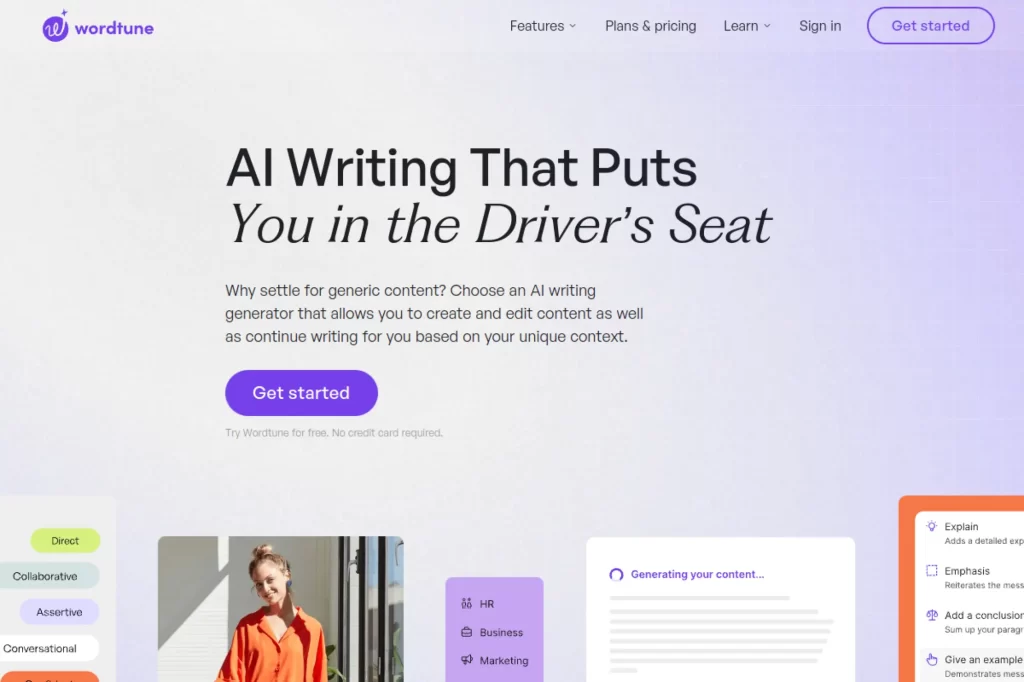
Wordtune shines when you already have a draft but you do not like how it reads. It helps you rewrite emails to sound clearer, more direct, or more polite without losing meaning. It works especially well for leaders and customer-facing teams who want to avoid misinterpretation.
Best for
Anyone who needs fast rewrites for tone and clarity, especially in high-stakes customer or executive emails.
Key workflows to configure
- Rewrite long paragraphs into shorter, easier-to-scan blocks.
- Shift tone to match context, such as firm but respectful for policy enforcement.
- Use it as a last-mile editor after you draft in another system.
Sales growth lever
Reduce friction in negotiation emails by removing accidental harshness and tightening your ask.
Watch outs
Rewrite tools can soften language too much. Teach the team to keep clear asks and specific next steps.
Quick start checklist
- Pick a default email structure for your team and rewrite toward it.
- Run important outbound emails through a clarity pass before sending.
- Keep your final version specific by adding one concrete detail from the deal or account.
9. Anyword
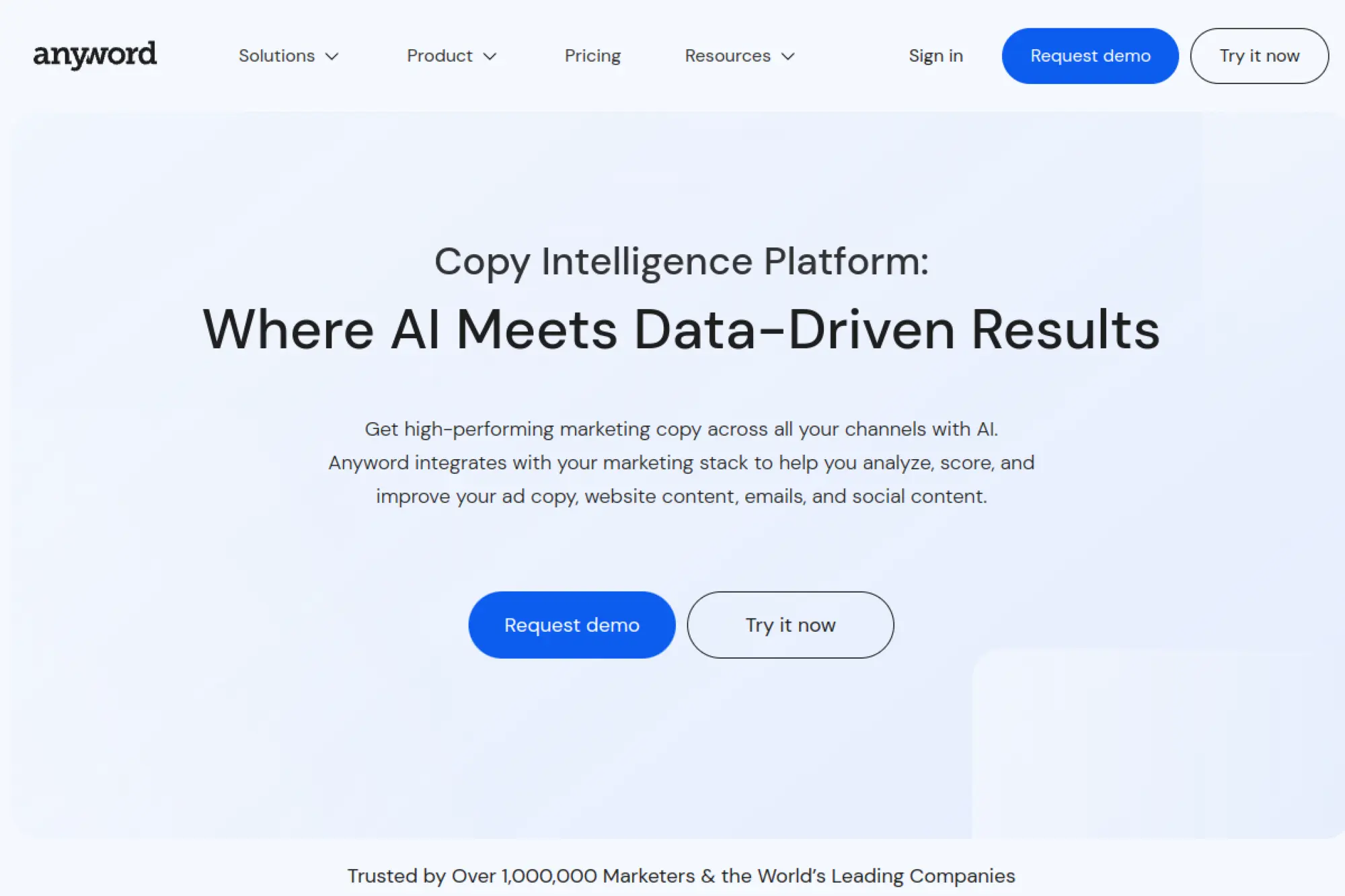
Anyword positions itself around performance-driven copy. That makes it attractive when you want to connect email writing to measurable results, not just “better sounding” text. It supports workflows where teams generate options, compare angles, and standardize messaging across channels.
Best for
Marketing teams that want data-informed email copy creation and consistent messaging across campaigns.
Key workflows to configure
- Build brand and audience guidance so outputs stay aligned with your positioning.
- Create repeatable email formats for launches, newsletters, and product education.
- Use variant generation to build subject line and intro testing libraries faster.
Sales growth lever
Increase conversion consistency by using one unified messaging system across email, ads, and landing pages.
Watch outs
Performance tools still need clean measurement. If tracking is messy, “optimization” becomes guesswork.
Quick start checklist
- Write a short messaging doc with your primary value prop and proof points.
- Generate multiple intros for one campaign and pick the cleanest one.
- Standardize how your team names and stores winning variants for reuse.
10. Hoppy Copy
Hoppy Copy focuses on email marketing and newsletter creation, not general writing. It helps you draft sequences, plan newsletters, and keep content flowing without starting from scratch each week. It also supports workflows where you repurpose existing material into email-friendly formats.
Best for
Newsletter-first brands and lifecycle teams that want an email-focused writing platform with planning support.
Key workflows to configure
- Create standard newsletter sections so each issue feels consistent and easy to produce.
- Build sequence outlines for onboarding, re-engagement, and product education.
- Use content repurposing workflows to turn long-form material into short email copy.
Sales growth lever
Stay top of mind. Consistent newsletters build trust that makes future sales emails feel warmer and more welcomed.
Watch outs
Email-first writing platforms can tempt you to send too often. Keep a quality bar and watch engagement trends.
Quick start checklist
- Write a simple audience promise for your newsletter so content stays focused.
- Plan a short sequence that educates before it sells.
- Review every draft for one clear takeaway and one clear call to action.
11. Lavender

Lavender acts like an email coach inside the sales workflow. It helps sellers personalize faster, improves structure, and nudges writers toward clarity. It works well for teams that want better outbound emails without turning reps into full-time copywriters.
Best for
Sales teams that write lots of outbound and want coaching, personalization help, and quality feedback in the moment.
Key workflows to configure
- Set team-wide email standards for subject lines, length, and call to action style.
- Use personalization workflows that pull prospect context into the draft without tab overload.
- Review coaching insights in team training so best practices spread quickly.
Sales growth lever
Turn “good reps” into “consistent reps.” Better structure and better personalization drives more meaningful replies.
Watch outs
Coaching tools help, but they do not fix poor targeting. Make sure lists and personas stay accurate.
Quick start checklist
- Define what a good first email looks like for your team.
- Build a personalization checklist so reps add a real detail every time.
- Coach to simplicity: fewer claims, clearer ask, and one next step.
12. Superhuman
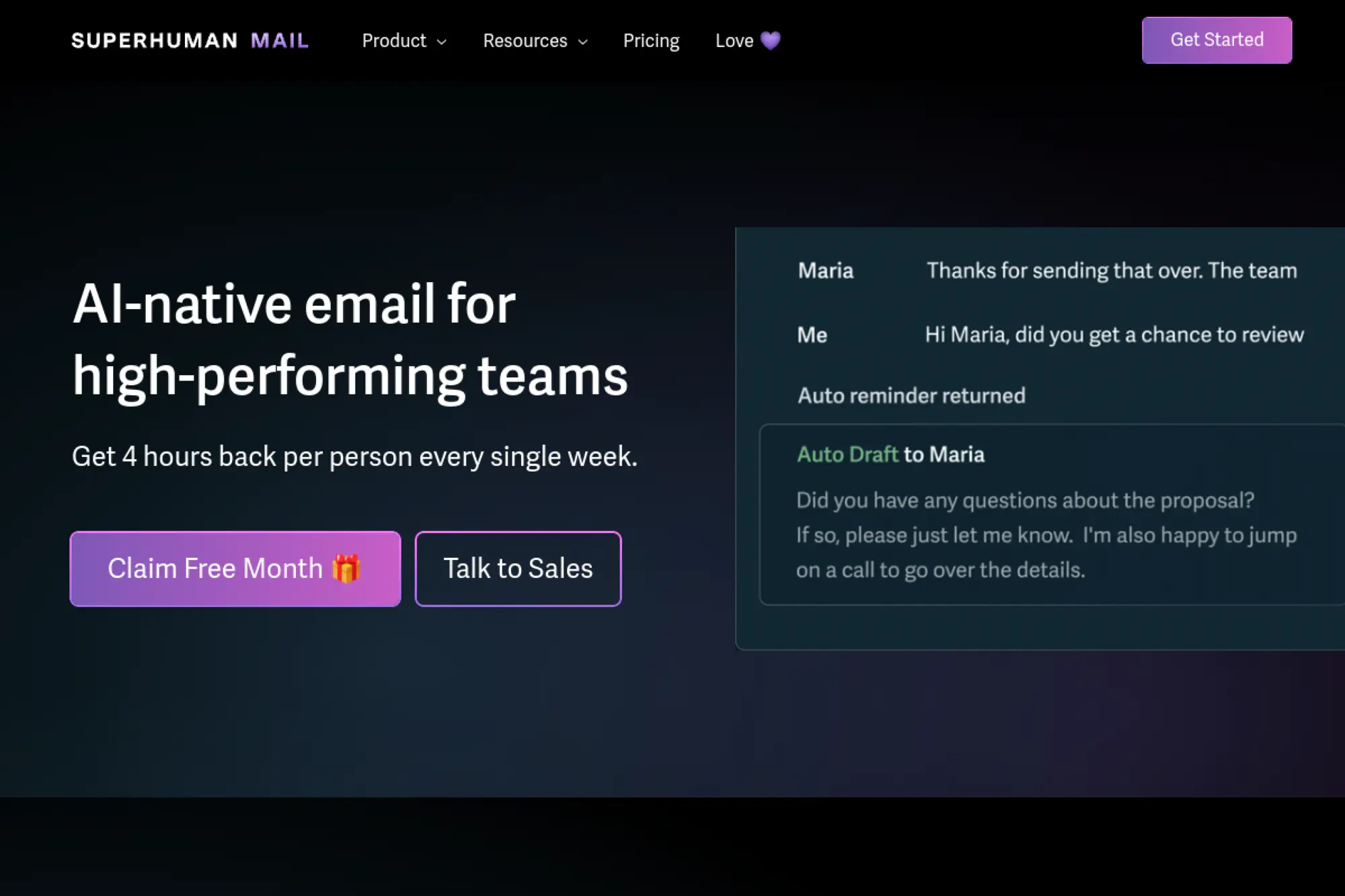
Superhuman combines an email client with AI that helps you move through the inbox faster. It focuses on drafting and editing emails in your voice, organizing the inbox, and making follow-ups easier. It works best for leaders, account managers, and operators who live in email all day.
Best for
High-email-volume professionals who want AI drafting plus inbox organization in one place.
Key workflows to configure
- Use AI drafting to turn short notes into complete replies that still sound like you.
- Set up AI-driven inbox organization so you can focus on the messages that matter most.
- Create follow-up habits that prevent important threads from going cold.
Sales growth lever
Protect response speed. When the inbox stays organized and drafts come faster, you keep relationships warm.
Watch outs
Email clients require behavior change. If your team refuses to switch workflows, adoption will stall.
Quick start checklist
- Define what you want AI to draft versus what you want it to only edit.
- Create a consistent follow-up format that feels polite and direct.
- Review sent emails weekly and adjust your prompts to reduce repetitive rewrites.
13. Smartwriter.ai
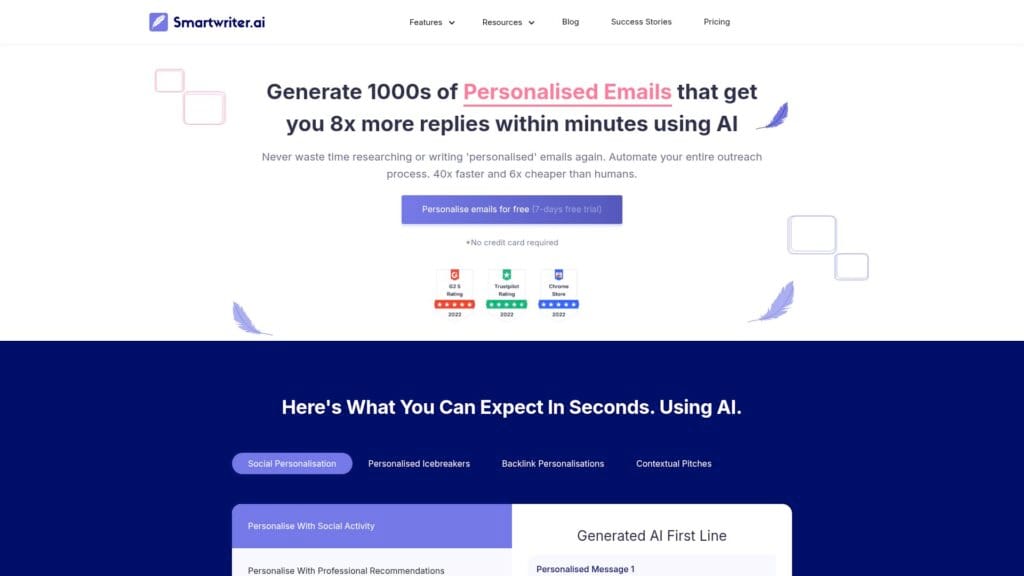
Smartwriter.ai focuses on personalization for cold outreach. It helps you generate openers and email copy based on prospect data so your message sounds specific instead of templated. It is useful when you need personalized intros at scale, but you still want a human to approve final drafts.
Best for
Outbound teams that want faster personalized first lines and email drafts built from real prospect context.
Key workflows to configure
- Define which prospect sources matter most, such as company sites or public social profiles.
- Standardize how you structure openers so personalization supports the offer instead of distracting.
- Pair generated openers with a consistent core pitch so value stays clear.
Sales growth lever
Increase reply quality by leading with relevance instead of generic compliments.
Watch outs
Personalization tools can produce awkward “nice post!” messages. Train the team to pick only true insights.
Quick start checklist
- Choose one persona and one offer to start.
- Create a reusable pitch paragraph and generate only the opener and transition.
- Require a quick human review before any sequence goes live.
14. Warmer.ai
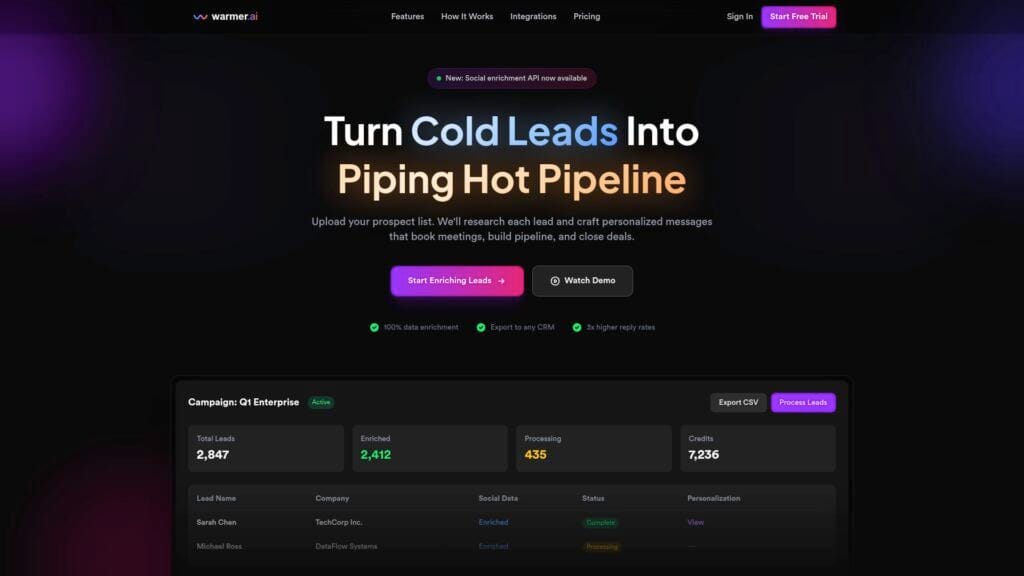
Warmer.ai leans into enrichment and personalization for outbound. It aims to turn basic prospect inputs into richer context and then generate outreach that feels specific. It fits teams that already run outbound sequences but want better personalization without manual research.
Best for
Outbound teams that want AI-driven enrichment and message personalization layered onto existing prospect lists.
Key workflows to configure
- Define what “good personalization” means, such as referencing a recent initiative or a relevant business trigger.
- Set guardrails so emails do not overreach or invent facts about the prospect.
- Connect outputs into your sequencing tool so your team can review before sending.
Sales growth lever
Shift outreach from “spray and pray” to targeted relevance, which raises the odds of real conversations.
Watch outs
Enrichment quality varies. If the data is thin, the personalization may feel generic or inaccurate.
Quick start checklist
- Pick a small test list and manually review outputs for accuracy and tone.
- Keep personalization short, then move quickly into value and the ask.
- Create an internal checklist for what counts as acceptable personalization.
15. Twain
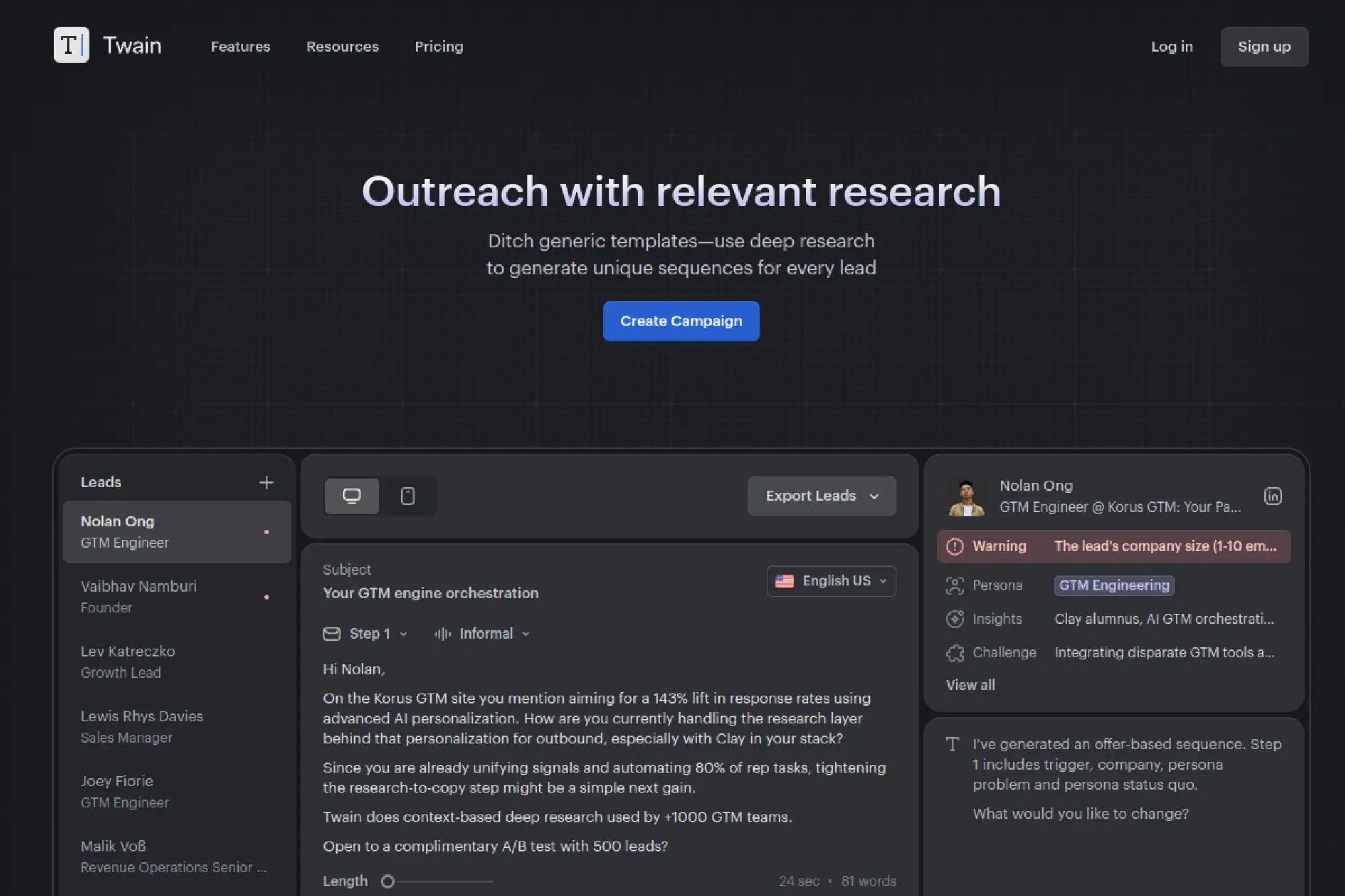
Twain positions itself around deeper research for outreach. It aims to help you produce unique sequences that do not feel copy-pasted. It is a fit for outbound programs where differentiation matters and where reps need help finding credible angles for each prospect.
Best for
Teams that want research-backed outreach messages that feel less templated and more truly tailored.
Key workflows to configure
- Define your core offer and proof so Twain can weave them into outreach consistently.
- Standardize research inputs so the tool focuses on relevant signals, not random trivia.
- Export sequences into your sending platform with a clear review step before launch.
Sales growth lever
Stand out in crowded inboxes by using sharper, more specific hooks that connect to real business context.
Watch outs
Research-based personalization still needs judgment. A clever hook can backfire if it feels invasive or off-topic.
Quick start checklist
- Start with one industry and one persona so messaging stays consistent.
- Review hooks for relevance and professionalism before sending.
- Track replies by message angle so you learn what works and repeat it.
16. Regie.ai
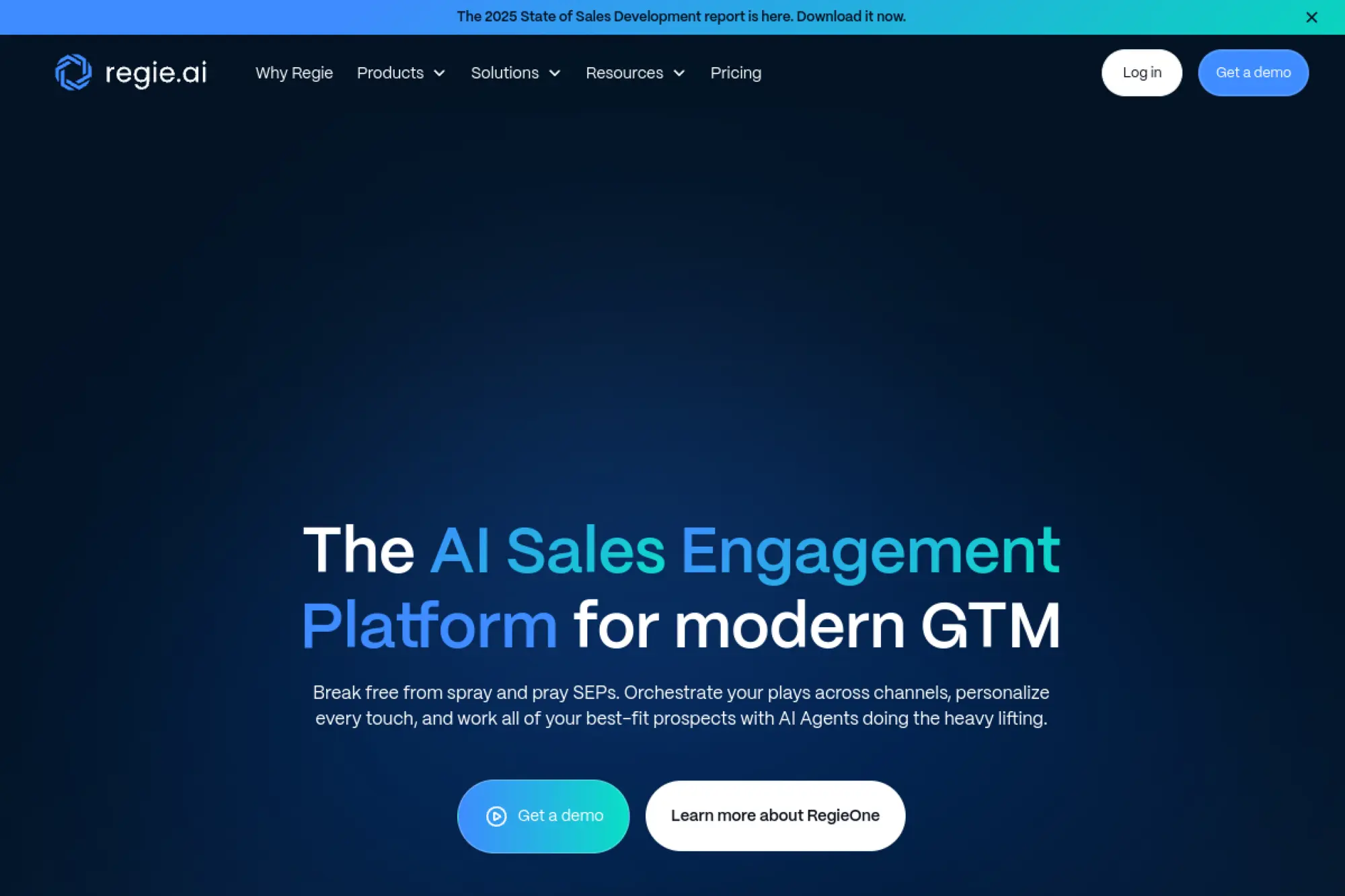
Regie.ai aims to unify sales engagement tasks and use AI to reduce busywork, including email drafting and sequencing. It fits teams that want a more structured outbound system with AI support, especially when reps waste time on repetitive writing and updating workflows.
Best for
Revenue teams that want an AI-driven sales engagement platform to orchestrate outreach and reduce manual prospecting tasks.
Key workflows to configure
- Train the system on your value props, proof points, and tone so outbound stays on message.
- Define when AI can draft versus when reps must write manually.
- Set up sequencing rules that prevent over-emailing and protect sender reputation.
Sales growth lever
Increase rep capacity for real conversations by automating repetitive drafting and follow-up planning.
Watch outs
Platforms that do “everything” require clean setup. Without good governance, teams may create inconsistent outreach.
Quick start checklist
- Document your core messaging in one place before configuration.
- Start with a single outbound play and improve it before adding more.
- Require human review on key accounts and high-stakes messages.
17. Instantly.ai
Instantly.ai supports cold email at scale and adds AI features that help with variation and reply handling. It fits teams running outbound sequences that want to scale while keeping deliverability in mind. It also helps when reply management becomes a bottleneck.
Best for
Cold email programs that need scalable sending, draft variation, and AI help managing inbound replies.
Key workflows to configure
- Use AI to vary copy so your sequences avoid repetitive patterns.
- Set up reply-handling workflows so common objections get fast, consistent responses.
- Define escalation rules so humans take over when the message gets complex.
Sales growth lever
Respond faster to interested leads, while keeping replies consistent and on-brand.
Watch outs
Scaling outbound can tempt teams to reduce personalization. If relevance drops, deliverability and reputation will suffer.
Quick start checklist
- Set a strict targeting standard before you increase volume.
- Draft a small set of approved objection replies and train the agent on them.
- Review AI-generated replies daily early on and tighten rules quickly.
18. Lemlist
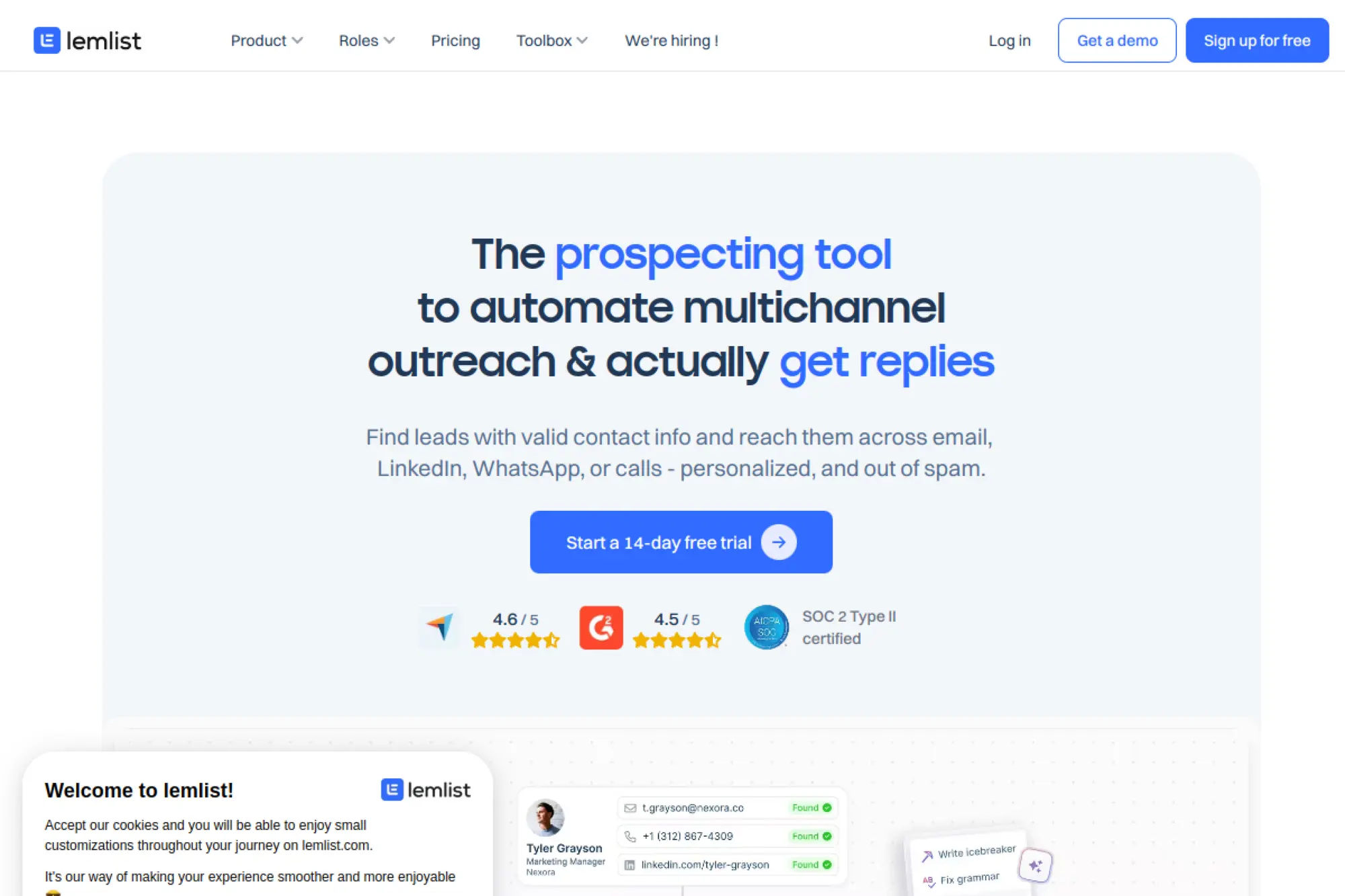
Lemlist blends outreach automation with AI assistance for building campaigns. It helps teams generate sequences and expand to multi-channel outreach while keeping personalization in focus. It suits teams that want one place to build and run outbound messaging.
Best for
Outbound teams that want AI-assisted sequence generation paired with campaign execution and personalization workflows.
Key workflows to configure
- Define your ideal customer profile and core offer so AI-generated sequences stay relevant.
- Build a standard follow-up rhythm so outreach feels persistent but not annoying.
- Create review steps so reps approve messaging before sends go live.
Sales growth lever
Launch better outbound campaigns faster, then iterate quickly based on real reply patterns.
Watch outs
AI-generated sequences can feel too polished. Encourage reps to add small human signals and real context.
Quick start checklist
- Start with one campaign goal and keep the sequence simple.
- Personalize the first line and keep the rest clear and direct.
- Track which hooks trigger real conversations, not just opens.
19. Reply.io
Reply.io supports sales outreach across email and other channels, and it includes AI features for drafting and personalization. It works well for teams that want to scale sequences while still keeping messaging tailored to each contact.
Best for
Sales development teams that want AI-assisted outreach writing inside a full sequencing and engagement platform.
Key workflows to configure
- Use AI personalization for outreach steps where relevance matters most, especially the first touch.
- Create standardized reply templates for common outcomes like “not now” or “send info.”
- Align messaging across channels so the story stays consistent as prospects engage.
Sales growth lever
Increase pipeline consistency by scaling personalized outreach without turning the team into full-time writers.
Watch outs
Multi-channel tools can create noisy outreach if you lack rules. Keep your sequences focused and respectful.
Quick start checklist
- Build one sequence for one persona before expanding.
- Write a clear “why you, why now” line and require it in every first email.
- Audit messages weekly and remove steps that do not add value.
20. Apollo.io
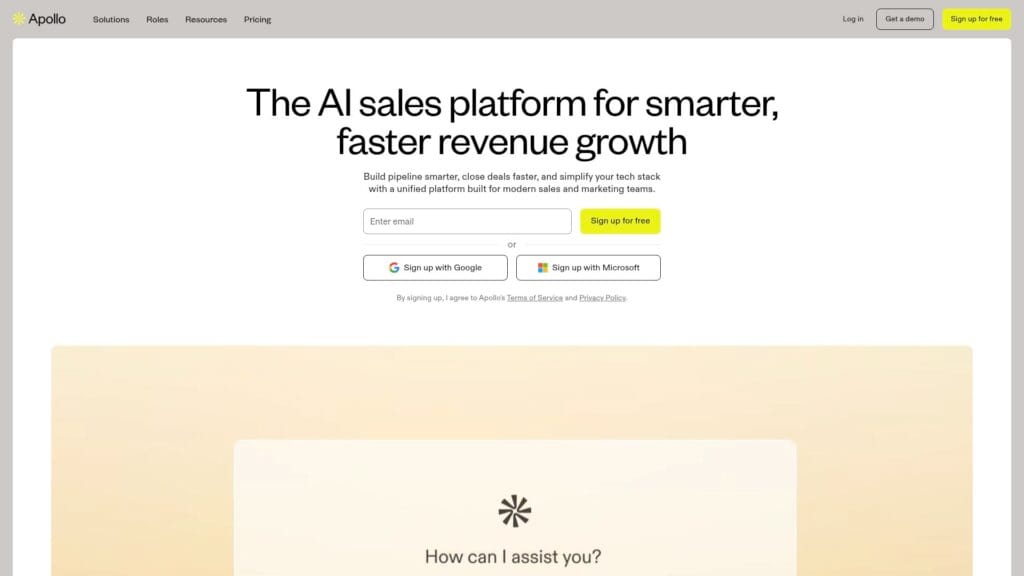
Apollo.io combines prospect data, sequencing, and AI writing support. It helps teams generate subject lines, body copy, and personalized openers based on configured messaging inputs. It fits teams that want to keep list building, outreach, and drafting in one system.
Best for
Outbound teams that want prospecting, sequencing, and AI email drafting integrated into one workflow.
Key workflows to configure
- Set up your messaging and tone settings so AI drafts match your positioning.
- Use personalized openers where they add credibility, not just novelty.
- Build a review process for sequences so AI-generated copy stays accurate.
Sales growth lever
Reduce the time between list creation and outreach by drafting faster inside the same platform.
Watch outs
Integrated systems can encourage “set and forget” sequences. Keep monitoring quality and deliverability signals.
Quick start checklist
- Write a short positioning statement and feed it into your content settings.
- Create one outbound sequence and test on a small list first.
- Review replies for confusion signals and rewrite unclear sections quickly.
21. Outreach
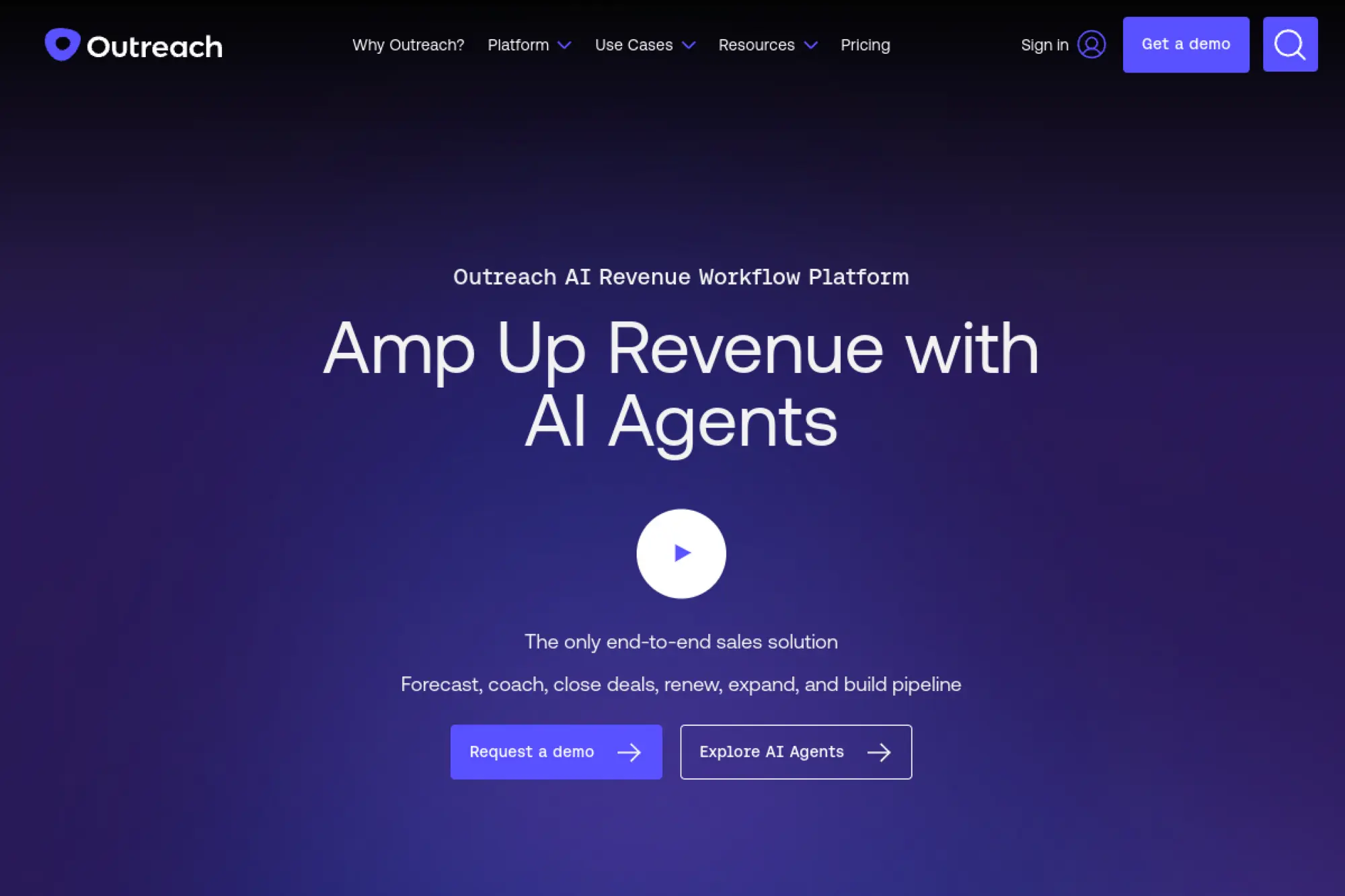
Outreach supports sales engagement at scale and includes AI drafting support through its email assistance features. It helps sellers draft initial emails, replies, and meeting follow-ups based on context. This works best when teams want AI help inside a structured sales workflow.
Best for
Sales teams already using Outreach who want AI assistance for composing emails and follow-ups without leaving the platform.
Key workflows to configure
- Define approved messaging and reference content so drafts align with your playbooks.
- Use AI to draft meeting follow-ups quickly, then add human nuance before sending.
- Create guidance for tone and length so each seller writes consistently.
Sales growth lever
Increase follow-up consistency. When sellers stop delaying emails, more opportunities move forward.
Watch outs
AI availability can depend on admin settings and governance. Make sure rollout includes training and clear rules.
Quick start checklist
- Turn your best sales emails into approved reference templates.
- Create a standard post-meeting email format and use it everywhere.
- Coach sellers to personalize the opening and tighten the ask before sending.
22. Salesloft
Salesloft integrates AI email support across its sales workflows, helping sellers draft and personalize emails faster. It is designed for teams that want AI embedded inside cadences and task-based selling, not as a separate writing tool.
Best for
Salesloft users who want AI-generated email drafts and personalization inside cadence and play workflows.
Key workflows to configure
- Upload your internal playbooks so AI drafts stay consistent with what your team actually sells.
- Use AI for early drafts, then have reps refine for account context and tone.
- Standardize how sellers handle objections in writing so replies stay consistent.
Sales growth lever
Improve seller efficiency in cadence execution so more touches happen on time and with better quality.
Watch outs
AI can create false confidence. Sellers still need to verify facts and keep messaging aligned with the buyer’s situation.
Quick start checklist
- Pick one cadence and upgrade the copy before expanding.
- Train sellers to personalize the first sentence with a real account signal.
- Review email performance weekly and remove anything that sounds generic.
23. HubSpot
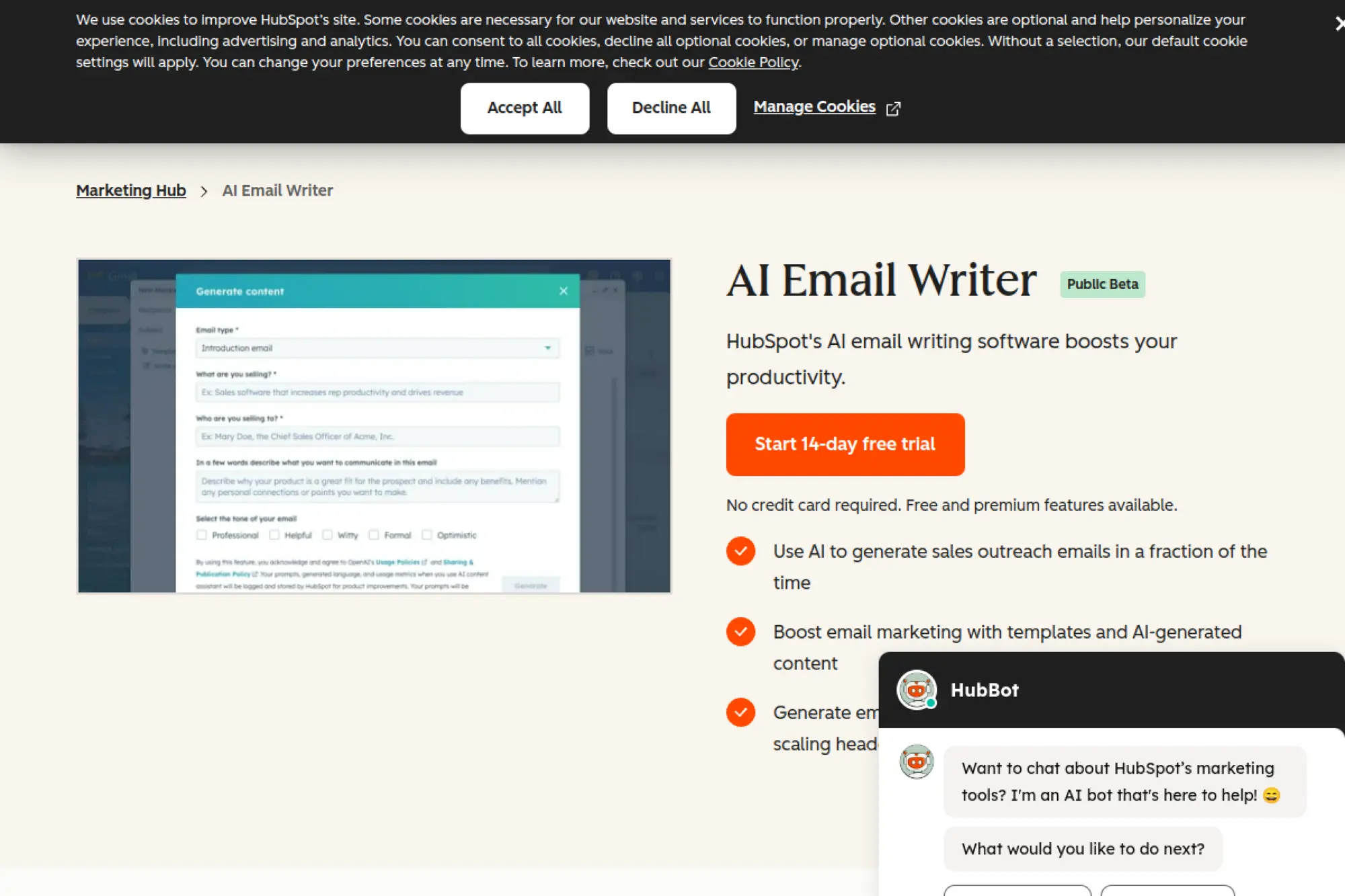
HubSpot offers AI email writing inside marketing and sales workflows, which makes it powerful when you want your drafts tied to CRM context. It can support both lifecycle campaigns and sales outreach. It works best when your team wants writing, sending, and reporting in one ecosystem.
Best for
Teams that run marketing emails and sales outreach from the same CRM and want AI to draft messages using that context.
Key workflows to configure
- Set up consistent brand and tone guidelines so AI drafts match your voice.
- Use CRM properties to tailor emails by industry, use case, and lifecycle stage.
- Create approval flows so high-impact emails get reviewed before they launch.
Sales growth lever
Increase personalization without extra writing time by pulling useful CRM context into each draft.
Watch outs
CRM-driven personalization depends on clean data. If your fields are messy, drafts will be messy too.
Quick start checklist
- Audit your most important CRM properties and clean them up first.
- Build a small set of lifecycle email templates and iterate on them.
- Train the team to personalize the “why now” line using real CRM signals.
24. Mailchimp
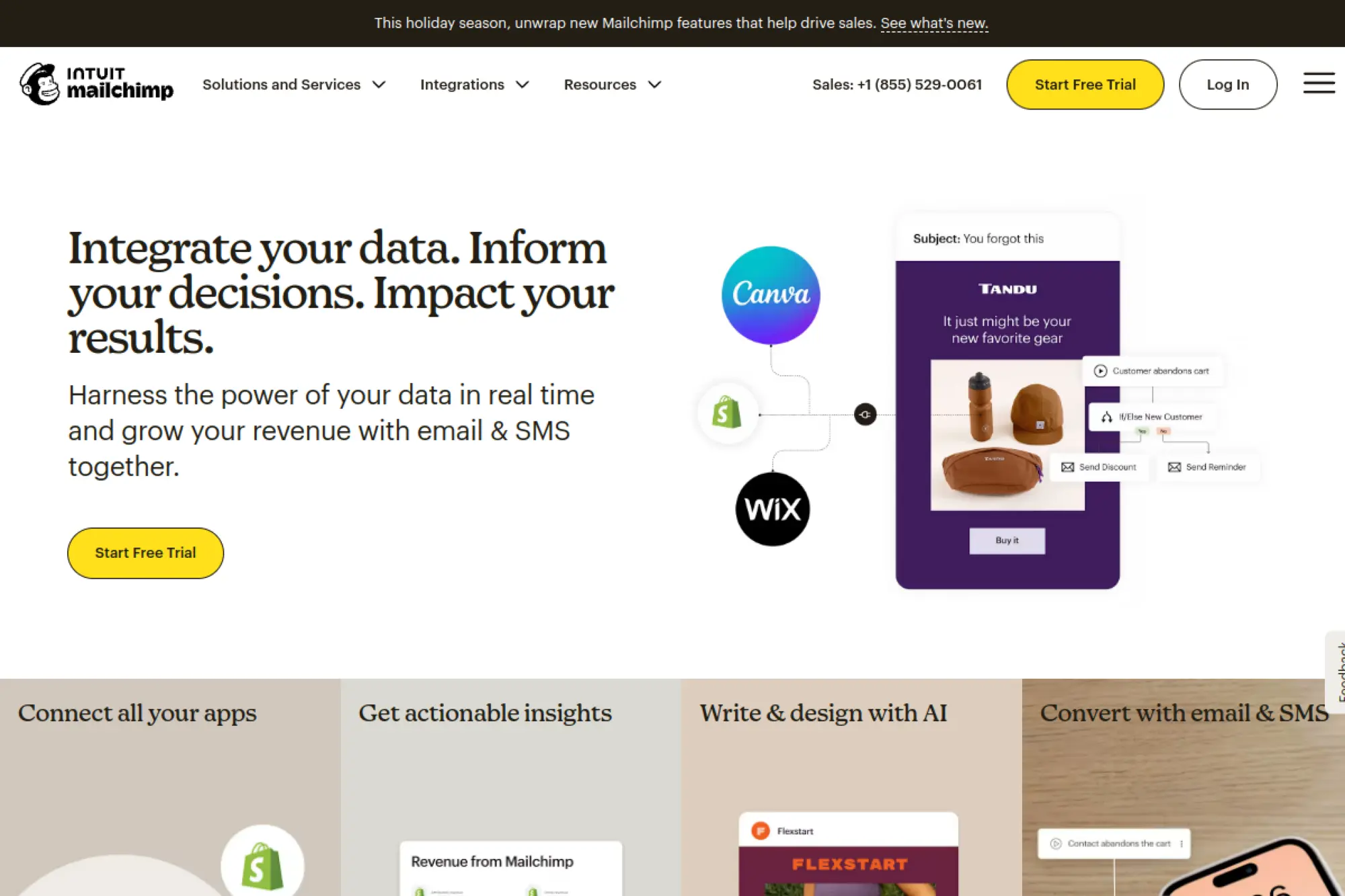
Mailchimp adds AI-assisted writing through its generative AI features, which helps smaller teams move faster. It works well for standard lifecycle flows like welcome messages, win-backs, and product reminders. It also helps teams draft copy that aligns with a stored brand kit.
Best for
Small and mid-sized teams that want an email platform with built-in AI drafting for campaigns and automations.
Key workflows to configure
- Set up your brand assets so AI-generated copy and styling stay consistent.
- Use AI drafting to produce first versions of automation emails, then refine manually.
- Segment your audience before generating copy so each email has a clear target.
Sales growth lever
Launch lifecycle automations faster so subscribers receive timely messages that nudge conversions.
Watch outs
AI content still needs review for compliance and brand fit. Also avoid using AI to create content in restricted categories.
Quick start checklist
- Choose one automation that drives revenue and improve it first.
- Generate a draft, then rewrite the opening line to sound more human.
- Review performance and iterate copy before adding more flows.
25. Klaviyo
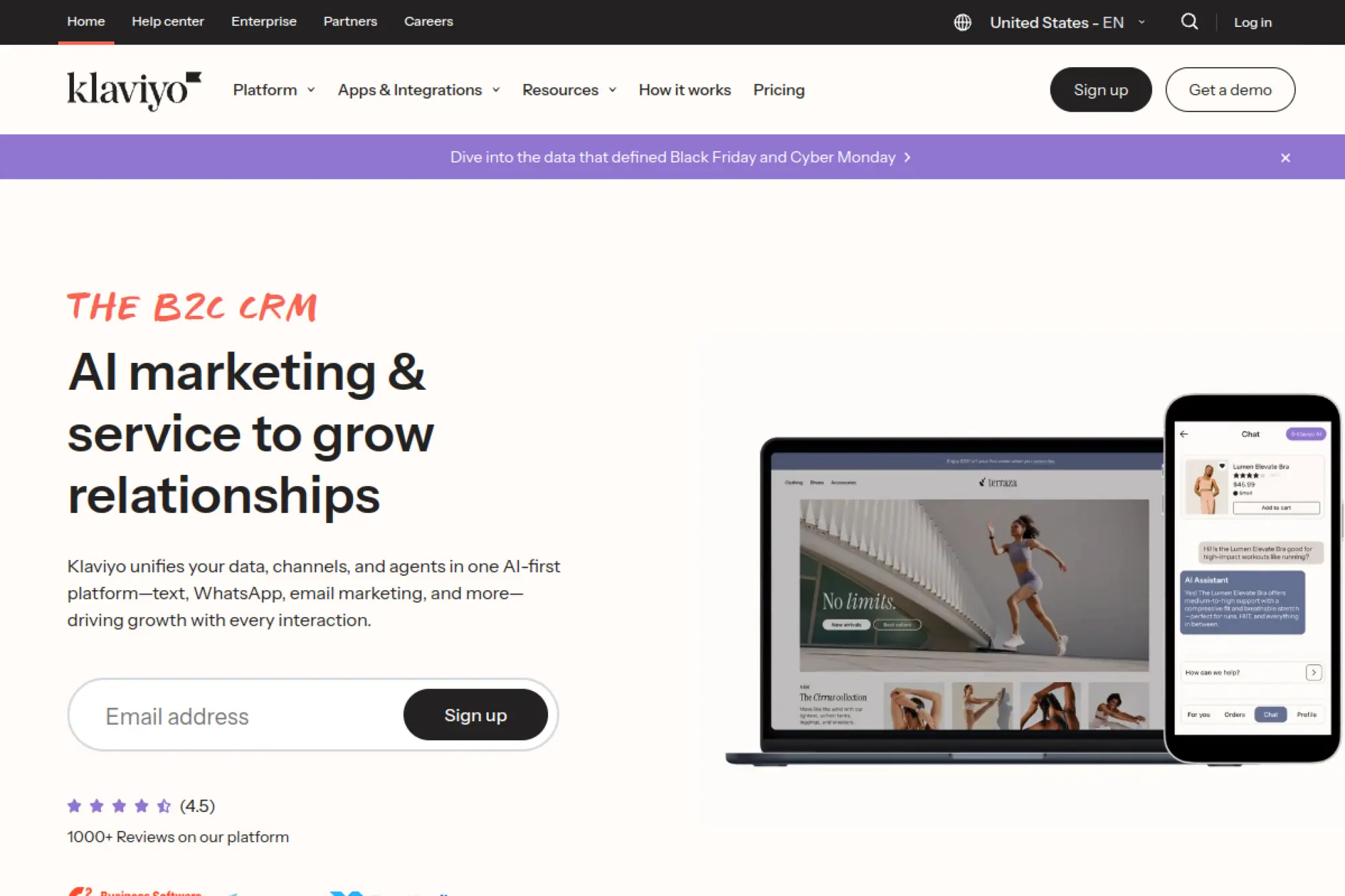
Klaviyo remains a strong choice for ecommerce lifecycle email, and it supports AI help for key email elements like subject lines. It fits teams that already run flows and campaigns and want faster iteration on email messaging without breaking brand consistency.
Best for
Ecommerce and retention teams that want AI help on subject lines and campaign copy inside a mature lifecycle platform.
Key workflows to configure
- Use AI to generate subject line ideas that match your campaign goals and brand tone.
- Align generated subject lines with preview text and the first sentence of the email.
- Build a testing habit so you keep learning what resonates with your audience.
Sales growth lever
Improve opens and clicks by iterating subject lines faster while keeping message-to-offer alignment tight.
Watch outs
Subject line tools help, but they cannot fix weak offers. Make sure the email body delivers on the promise.
Quick start checklist
- Create a short list of your brand’s “always use” and “never use” phrases.
- Generate subject line options, then pick the one that matches the email’s main benefit.
- Review results and add winners to a reusable library.
26. ActiveCampaign
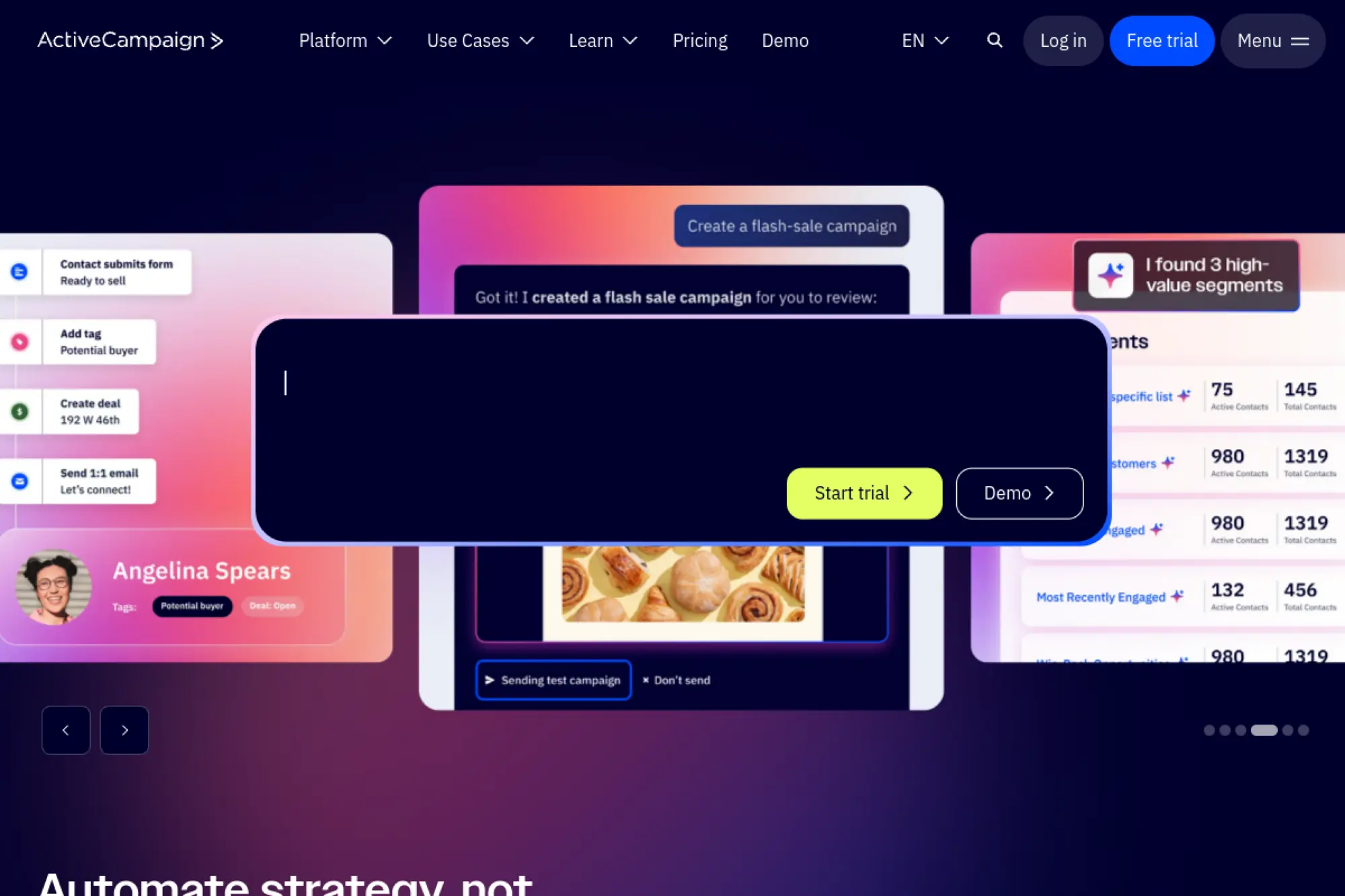
ActiveCampaign supports AI-generated email content inside its email designer and campaign tools. It works well for teams that run automations and want faster copy creation within the same platform where they build and send emails.
Best for
Marketing teams that use automation heavily and want AI inside the email creation workflow, not in a separate tool.
Key workflows to configure
- Use AI content generation to draft text blocks for campaign emails and automations.
- Set up a brand kit so copy and formatting stay consistent across creators.
- Create reusable automation emails, then iterate copy without rebuilding layouts.
Sales growth lever
Increase campaign velocity so you can respond to product changes and market shifts faster.
Watch outs
AI can overwrite existing text blocks if you are not careful. Train the team to duplicate drafts before experimenting.
Quick start checklist
- Pick one automation email and generate fresh copy variants for it.
- Review for clarity and remove hype language that triggers distrust.
- Document your best-performing version and reuse the pattern.
27. GetResponse

GetResponse offers an AI email generator focused on marketing emails, helping teams draft complete messages quickly. It suits teams that want AI assistance for both content and basic email structure, especially for common campaign types.
Best for
Marketers who want a guided AI email generator inside a platform that also supports building and sending campaigns.
Key workflows to configure
- Define your email goal clearly before generation so the message stays focused.
- Use brand tone guidance so drafts match your voice and avoid generic marketing fluff.
- Generate multiple angles, then pick one and refine it with a human editor.
Sales growth lever
Reduce time-to-launch for promotions and lifecycle messages, so offers reach inboxes while intent is high.
Watch outs
Generated templates still need a careful review for accuracy, compliance, and clear calls to action.
Quick start checklist
- Choose one campaign type and build a repeatable playbook for it.
- Generate drafts, then tighten the first paragraph until it is easy to skim.
- Run a quick internal review before sending to a large audience.
28. Brevo
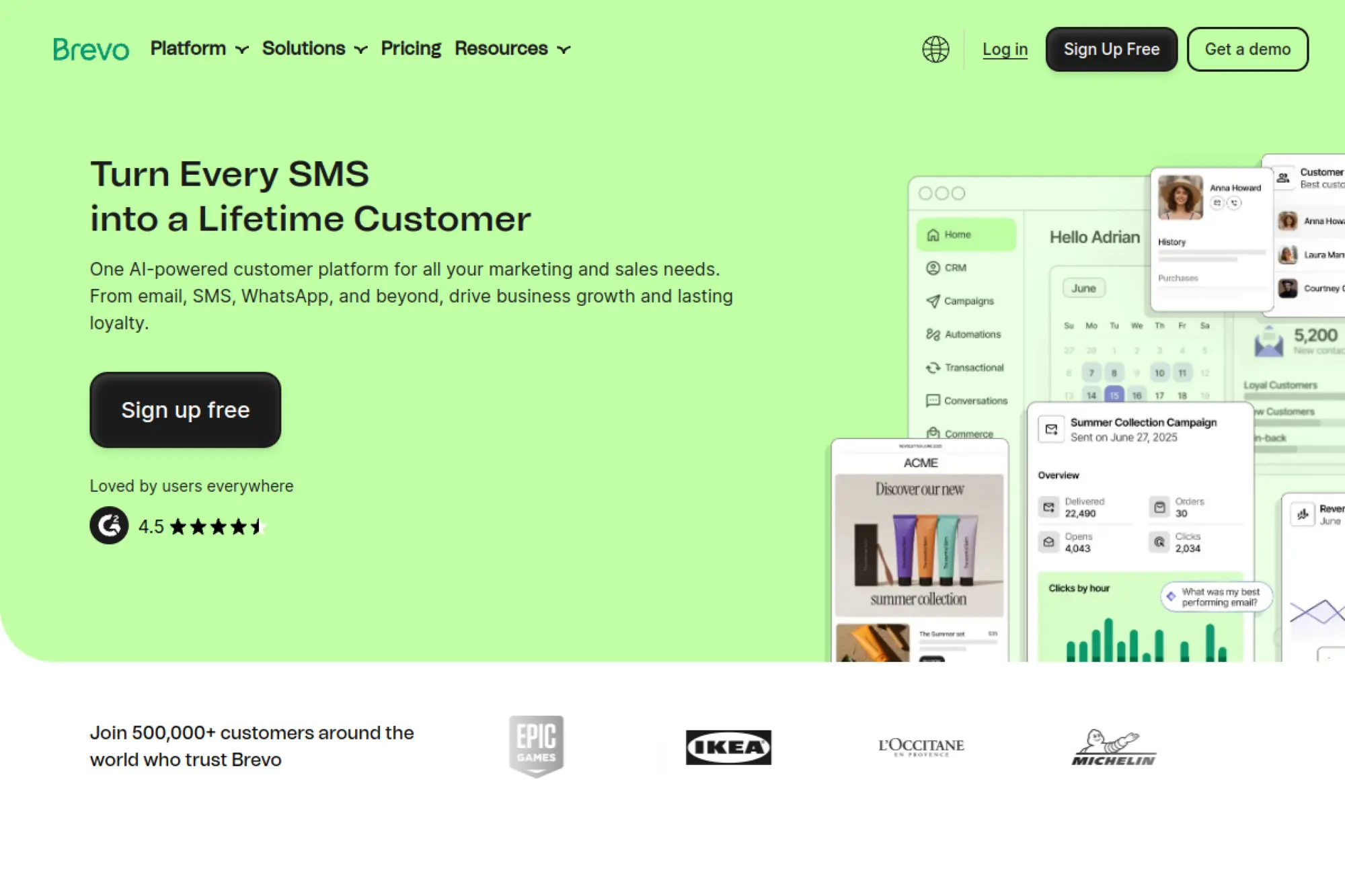
Brevo includes an AI assistant that can help generate subject lines and email content inside the campaign builder. It works well for teams that want lightweight AI help directly in their email marketing workflow without adopting a separate writing platform.
Best for
Small teams that need AI help drafting campaign components while staying inside a simple email marketing platform.
Key workflows to configure
- Generate subject line ideas quickly, then choose the one that best matches the email’s core promise.
- Draft key content blocks like headlines and calls to action, then rewrite for specificity.
- Use A/B testing workflows to keep learning which messaging style fits your list.
Sales growth lever
Increase campaign output without sacrificing consistency, so you can test more ideas and learn faster.
Watch outs
AI content can sound generic if you do not provide enough context. Feed it product specifics and real benefits.
Quick start checklist
- Write down the email’s single goal before drafting anything.
- Generate copy, then add one real proof point or concrete detail.
- Cut anything that does not support the goal and keep the call to action clear.
29. Zendesk
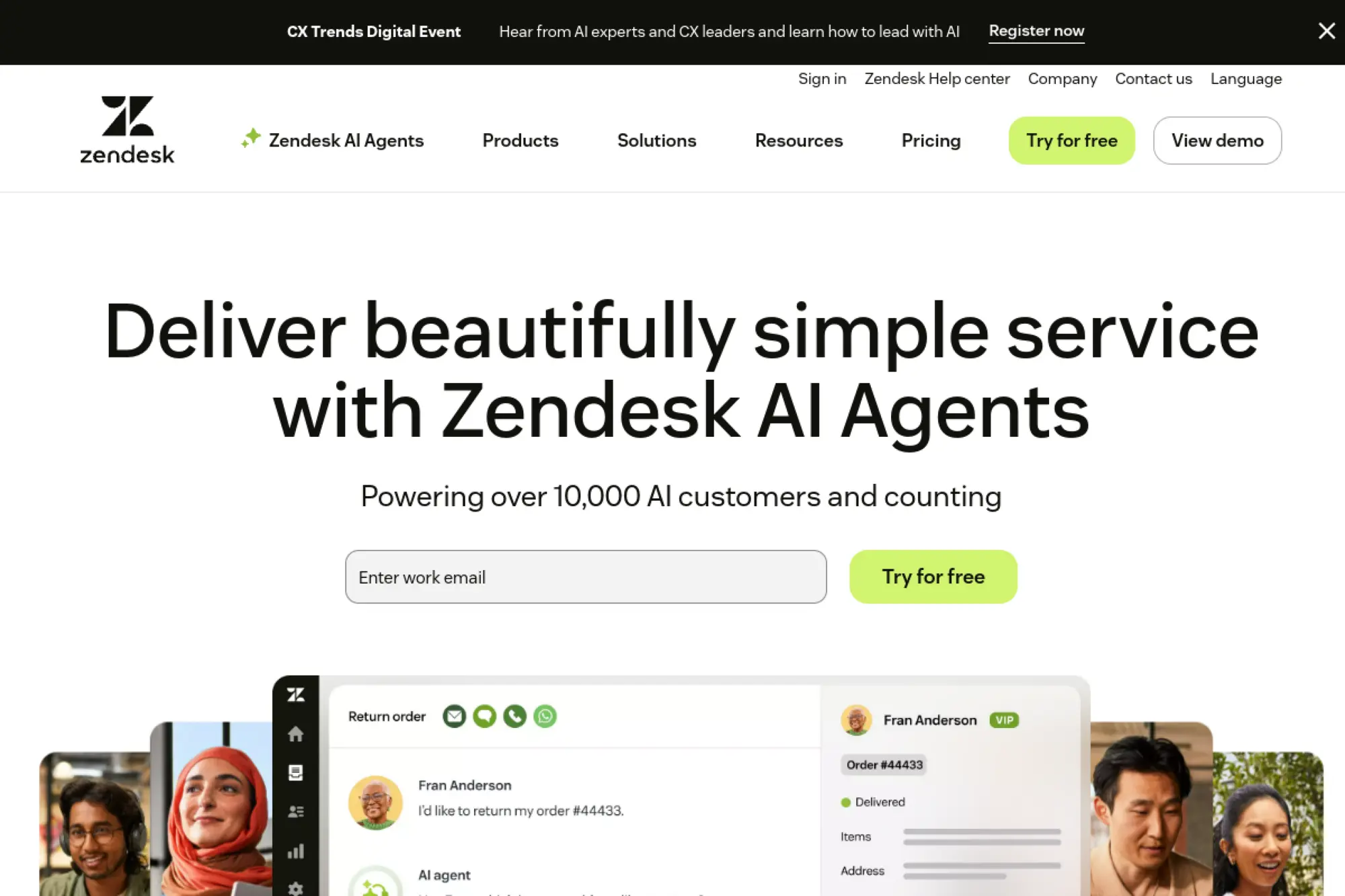
Zendesk supports AI-driven email replies through its AI agent capabilities. This matters when email support volume stays high and customers expect quick answers. Zendesk fits teams that want AI replies grounded in knowledge sources and controlled through configured flows.
Best for
Customer support teams that want AI-drafted or AI-generated email replies tied to approved knowledge sources.
Key workflows to configure
- Connect the AI agent to your help center and approved documentation so replies stay factual.
- Define the agent persona so tone matches your support brand and expectations.
- Create escalation rules so complex or sensitive issues route to human agents quickly.
Sales growth lever
Reduce churn risk by resolving common issues faster and keeping customer communication consistent.
Watch outs
Knowledge grounding depends on documentation quality. If your docs are outdated, AI replies can mislead customers.
Quick start checklist
- Audit and update your most-visited help articles before rollout.
- Start with a narrow set of use cases, then expand as accuracy improves.
- Review transcripts and improve knowledge sources whenever the AI gets confused.
30. Front

Front supports shared inbox workflows and includes AI assistance that helps teams refine email drafts. It works well for customer-facing teams who need consistent tone across many agents. It also helps translate and adjust voice so messages match your brand style.
Best for
Support, success, and operations teams using a shared inbox who want AI to refine and standardize email replies.
Key workflows to configure
- Use AI draft assistance to correct tone and clarity before sending sensitive replies.
- Standardize common responses so the team writes consistently across agents.
- Use translation workflows to support multilingual customers without losing professionalism.
Sales growth lever
Improve customer experience in email conversations, which supports renewals, upsells, and referrals over time.
Watch outs
Shared inbox teams can over-rely on rewriting tools and forget to add real account context. Train agents to reference the customer’s situation.
Quick start checklist
- Define a support tone guide and apply it in every draft review.
- Create a library of approved reply patterns for common issues.
- Set a “human detail” rule so every reply includes at least one specific reference to the customer’s case.
Practical Workflows That Make AI Emails Feel Human

1. The “Call Recap That Closes” Workflow
Start with your notes, not your memory. Write a short recap with decisions, risks, and next steps. Then ask your AI tool to draft a clean follow-up email that confirms what you agreed on and makes the next action easy.
After the draft, remove fluff. Replace generic phrases with one specific detail from the conversation. End with a simple question that invites a clear reply.
2. The Personalization-First Cold Email Workflow
Personalization works best when it supports the offer. Pull a single relevant detail about the prospect. Tie it to a plausible problem you solve. Then ask for a next step that feels small and reasonable.
Use AI to generate the draft, but do not let AI invent facts. If you cannot verify the personalization detail, delete it and use a safer hook.
3. The Support Reply Workflow That Avoids “Bot Voice”
Support emails fail when they sound like scripts. Use AI to draft the structure, then add empathy in plain language. Confirm what happened. Explain what you can do. Give one clear action the customer can take.
If you use AI with knowledge sources, keep your documentation current. Accuracy beats eloquence every time.
4. The Lifecycle Email Workflow That Scales Without Spamming
Segment first, then write. A segmented message has a clear job. It speaks to one situation. That makes drafting easier and increases relevance.
Let AI produce a first version for each segment, then have a human tighten the hook, clarify the benefit, and verify the offer details.
5. The “Before You Send” Quality Checklist
AI makes it easier to send more emails. That can hurt you if quality slips. Before you send any draft, scan for these issues: vague claims, missing next steps, too many paragraphs, or a tone mismatch.
When you fix those consistently, AI becomes a compounding advantage instead of a risk.







Conclusion
Choosing the best ai email writer is less about chasing the flashiest model and more about picking the tool that fits your workflow, your brand rules, and your team’s review discipline. Start with one high-value email type, create a small set of reusable prompts and templates, and build a simple habit of rewriting for brevity and clarity. When you do that, AI stops being a novelty and becomes a reliable system for shipping better emails: faster, more consistently, and with fewer mistakes.