

- Quick Comparison of best freelance websites
- Top 30 best freelance websites and freelancer business tools to know
- What makes the best freelance websites worth using in 2026
- Best freelance websites by niche and work format
- Fees, commissions, and payment protection to compare on best freelance websites
- How to choose the best freelance websites for your goals
- How to succeed on the best freelance websites and keep clients long-term
- 1Byte: Cloud computing and web hosting support for freelancers building their online presence
At 1Byte, we live in the plumbing of the modern internet. We host portfolios, proposal pages, microsites, and client portals. That gives us a practical view of how freelancers actually get hired.
Freelance “websites” are not one category anymore. Some are transaction engines. Others are reputation networks. A few are closer to compliance middleware for enterprise procurement.
Our opinion is blunt. The best platform is the one that matches your deal shape. That means scope, risk, speed, and how much trust you can borrow from the platform.
Quick Comparison of best freelance websites
Market overview: Gartner forecasts public cloud end-user spending will reach $678.8 billion and that growth changes what clients outsource. McKinsey estimates 162 million people in the US and Europe engage in independent work. Deloitte found only 8 percent of organizations had established processes for alternative workforce sources. CB Insights cites an estimated 57M workers participating in the gig economy.
Two real examples from our hosting side keep repeating. A bootstrapped SaaS team will often hire a fractional specialist first, then formalize the function later. A local services firm will frequently start with a one-off asset, then expand into a retainer once trust is earned.
| Tool | Best for | From price | Trial/Free | Key limits |
|---|---|---|---|---|
| Upwork | Broad professional services | $19.99 | Free plan | Competitive bidding and visibility games |
| Fiverr | Productized gigs with clear deliverables | Free | Free plan | Easy to get commoditized |
| Inbound leads and relationship selling | Free | Free plan | Slow ramp without content and networking | |
| Toptal | Senior, vetted talent for high-stakes work | Free | Application required | Strict screening and narrower fit |
| FlexJobs | Remote contract listings with less noise | $2.95 | Paid access | Not a marketplace, so closing is on you |
| SolidGigs | Curated leads delivered with less hunting | $49/month | Free trial | Lead fit varies by niche |
| Dribbble | Design visibility and creative client leads | Free | Free plan | Best outcomes require a strong portfolio |
| Contra | Portfolio-first profiles and direct clients | Free | Free plan | Smaller buyer pool than giants |
| Catalant | Consulting-style projects with enterprises | Free | Application required | Longer sales cycles and process overhead |
| 99designs | Design contests and packaged creative work | Free | Free plan | Spec-style dynamics can waste effort |
FURTHER READING: |
| 1. 30 WordPress Alternatives to Consider in 2026 |
| 2. 30 Free HTML Editors Worth Using for Clean Code and Fast Workflow |
| 3. 30 Best CMS Hosting for WordPress in 2026: A Detailed Comparison |
Top 30 best freelance websites and freelancer business tools to know
We picked tools the way working freelancers actually pick tools: by outcome, not hype. Each entry answers one question first: “Will this help me win work, deliver it, and get paid with less friction?” Then we score on seven criteria, weighted to reflect real freelance economics: Value-for-money (20%), Feature depth (20%), Ease of setup & learning (15%), Integrations & ecosystem (15%), UX & performance (10%), Security & trust (10%), and Support & community (10%).
In practice, that means marketplaces get judged on quality of demand, fee drag, and dispute safety. Business tools get judged on time saved per client and fewer dropped balls. We also pressure-test time-to-first-value, because “set it up later” is how admin debt grows. When pricing is complex, we call out the simplest starting point and the first meaningful cap you’ll hit.
1. Upwork
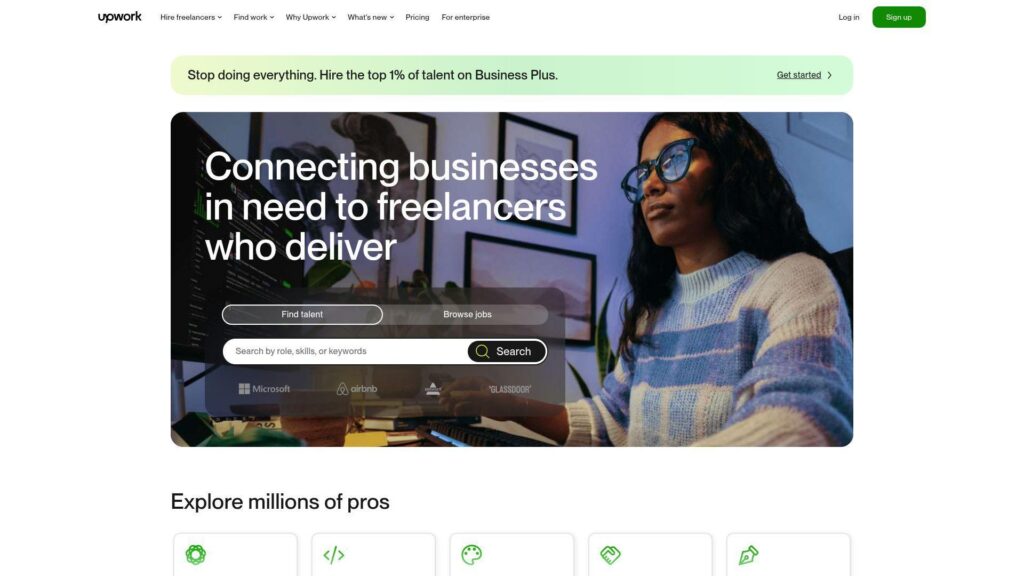
Upwork runs a huge two-sided marketplace with teams focused on matching, contracts, and payments protection. Its trust and safety work shows up most when a deal goes sideways.
Tagline: Turn proposals into paid contracts, without building your own pipeline from scratch.
Best for: a solo consultant hunting steady retainers; a small studio needing repeatable client intake.
- Job feed plus proposals → you can fill next week’s calendar with targeted outreach.
- Connects and proposal insights → you cut wasted bids by skipping low-intent posts.
- Built-in contracts and payments → time-to-first-value is about 60 minutes for a first proposal.
Pricing & limits: From $0/mo (Basic) or $19.99/mo (Freelancer Plus). Trial: none. Caps to watch include 10 Connects monthly on Basic, 100 Connects monthly on Plus, and paid Connects at $0.15 each.
Honest drawbacks: Fees vary by contract, and the range can hit 15% on earnings. Competition is intense, so weak positioning gets buried fast.
Verdict: If you want platform-guardrails and steady deal flow, this helps you land paid work in 2–6 weeks with consistent pitching.
Score: 3.8/5 and .
2. Fiverr
Fiverr is a gig marketplace built around packaged offers, not long proposals. The product team’s bias is speed: quick discovery, fast checkout, and repeat orders.
Tagline: Sell a defined service with a buy button, not a sales cycle.
Best for: a designer or editor productizing a service; a new freelancer needing first reviews.
- Gig packages and add-ons → you ship the same deliverable repeatedly, with fewer custom scopes.
- Fiverr checkout plus buyer fees → you avoid invoicing steps and save 3–6 emails per order.
- Template-driven onboarding → time-to-first-value is about 45 minutes to publish a solid gig.
Pricing & limits: From $0/mo to list services. Trial: none. Sellers net 80% of the purchase amount, and buyer fees are typically 5.5% plus a $3.50 fee on orders under $200. Withdrawal limits include $5,000 per transaction.
Honest drawbacks: A 20% take rate is a real margin tax on bigger projects. The gig model can push you toward commoditized work unless you niche hard.
Verdict: If you want fast, productized sales, this helps you get paid for repeatable work within days once your gig ranks.
Score: 3.6/5 and .
3. Freelancer.com
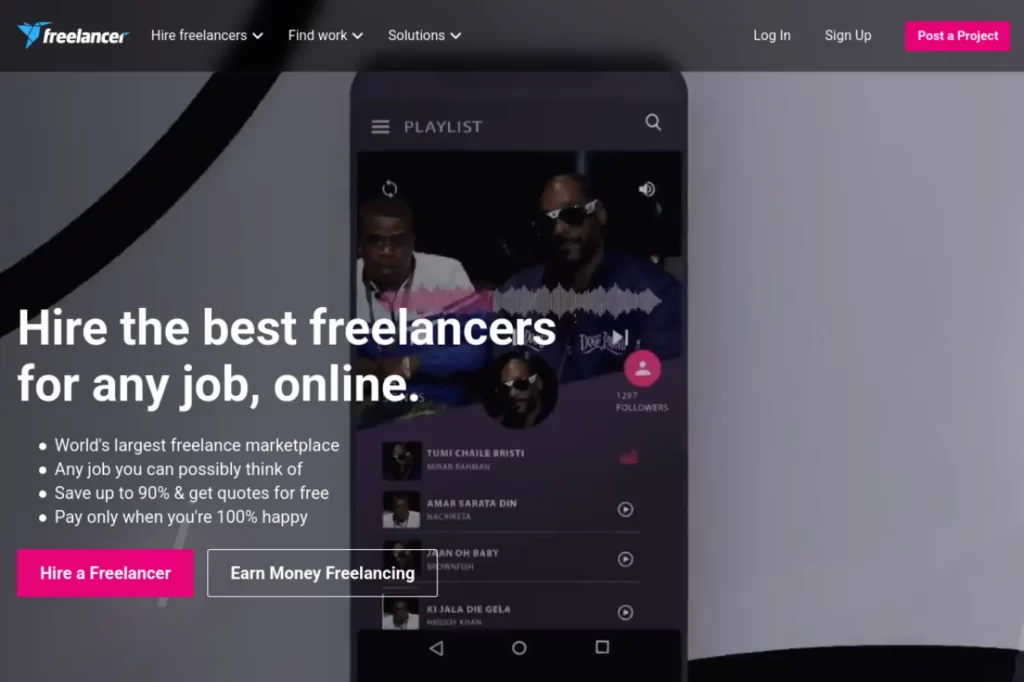
Freelancer.com blends project bidding with contests, backed by a platform team that optimizes listing volume and payment flow. It’s broad, which is both its strength and its noise.
Tagline: Bid, win, and deliver projects in one place, especially for price-sensitive work.
Best for: a generalist freelancer willing to bid often; a contest-focused designer testing ideas at scale.
- Projects plus milestones → you reduce “will I get paid” anxiety on fixed-scope work.
- Membership bids → you can apply more often without manual tracking.
- Quick account setup → time-to-first-value is about 60–90 minutes to bid credibly.
Pricing & limits: From $0/mo to join, or $4.99/mo for Basic membership. Trial: Plus offers a 1-month free trial at $9.99 after. Caps include 50 bids per month on Basic, and 100 bids per month on Plus. Project fees for freelancers are 10% or $5 minimum on fixed-price, and 10% on hourly.
Honest drawbacks: The minimum $5 fee hurts small jobs. Spammy listings exist, so vetting takes time.
Verdict: If you can grind bids and filter hard, this helps you win budget-friendly work in 1–4 weeks.
Score: 3.3/5 and .
4. Toptal
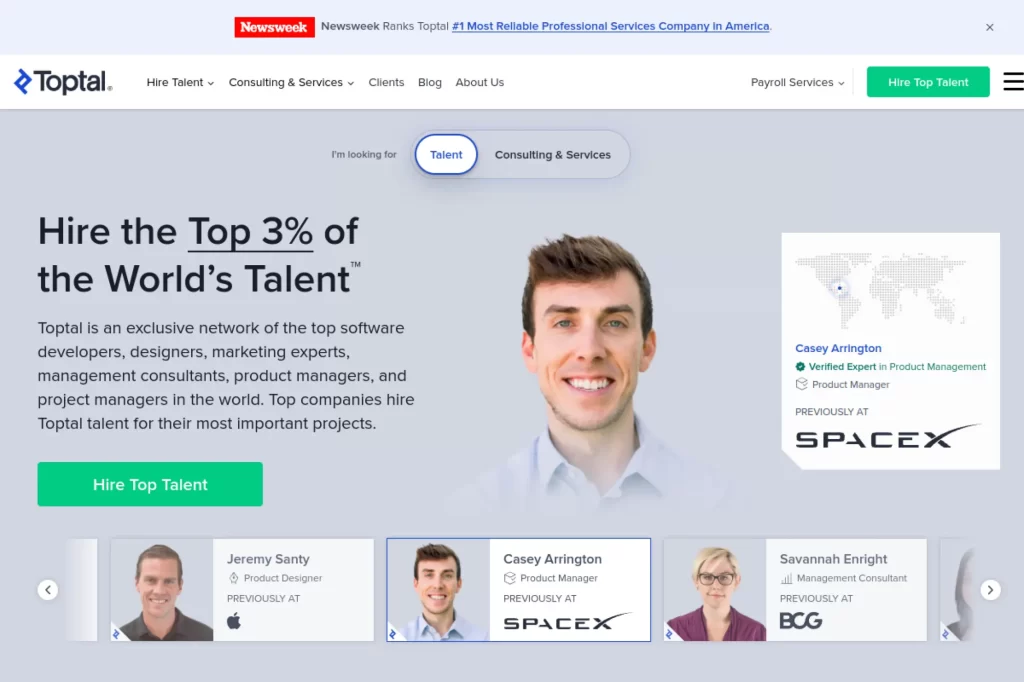
Toptal is a curated network, with internal teams built around screening, matching, and client success. It’s less “marketplace,” more “placement engine” once you’re in.
Tagline: Trade volume for higher-trust, higher-rate matches.
Best for: a senior developer or designer; an experienced finance or product specialist who wants fewer, larger engagements.
- Vetted matching flow → you spend less time selling and more time delivering.
- Automated billing and payments → you skip invoicing and save 2–4 admin steps each week.
- Structured engagement options → time-to-first-value is weeks, once screening is complete.
Pricing & limits: From $0/mo for talent, and Toptal states it does not take a cut from talent earnings. Trial: clients get a “no-risk” trial period, though length and terms are not fully specified publicly. Caps include common engagement types like full-time (40 hours/week) or part-time (20 hours/week).
Honest drawbacks: Getting accepted is the bottleneck, not getting work. The pipeline fit is narrower than general platforms.
Verdict: If you want fewer, better-scoped engagements, this helps you start strong work within 4–10 weeks after acceptance.
Score: 3.8/5 and .
5. Guru
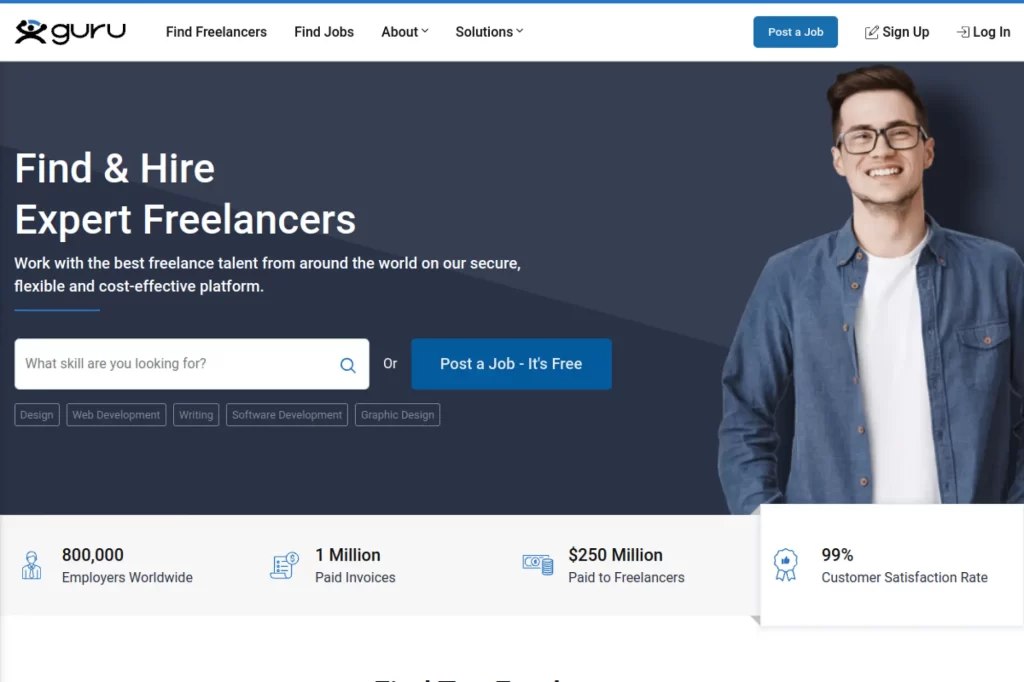
Guru is an older-school freelance marketplace with a platform team centered on quotes, agreements, and invoicing. It’s functional, with clear knobs for bids and fees.
Tagline: Control your bids and reduce fees by upgrading only when volume justifies it.
Best for: a steady service freelancer who wants predictable platform costs; a small agency account using memberships.
- Membership-based job fees → you can optimize take-home as your volume grows.
- Bids as currency → you cut “spray and pray” by tracking exactly how many attempts you make.
- Simple upgrade path → time-to-first-value is about 1 hour to bid on real jobs.
Pricing & limits: From $0/mo (Basic) or $11.95/mo (Basic+) and up. Trial: none stated for freelancer memberships. Caps include 10 bids per month on Basic and 50 bids per month on paid tiers, plus job fees like 9% on Basic and down to 5% on Executive.
Honest drawbacks: UX can feel dated versus newer networks. Deal flow varies a lot by category.
Verdict: If you want a controlled bidding budget, this helps you pursue work with clearer costs in your first month.
Score: 3.2/5 and .
6. PeoplePerHour
PeoplePerHour is a UK-rooted marketplace with a team focused on repeat-buyer economics. The fee structure rewards staying with the same client over time.
Tagline: Land a first job, then earn back margin as client lifetime value rises.
Best for: a freelancer open to UK and EU buyers; a generalist comfortable building repeat relationships.
- Lifetime buyer fee tiers → you keep more money as the relationship matures.
- Offer-style listings → you reduce proposal time and save 30–60 minutes per lead.
- Light onboarding → time-to-first-value is about 60 minutes to publish an offer.
Pricing & limits: From $0/mo to register. Trial: none. Service fees are tiered per buyer: 20% below £250, 7.5% between £250 and £5,000, and 3.5% above £5,000 (excluding VAT). Minimum service fee per invoice is £1, and hourly minimum payment is £6.
Honest drawbacks: High effective fees hit early work, so you must price accordingly. The market can feel smaller in some niches than global giants.
Verdict: If you want repeat-buyer economics, this helps you turn one client into ongoing income over the next 2–3 projects.
Score: 3.2/5 and .
7. Contra
Contra positions itself as a commission-free creative network, with product teams pushing clean portfolios and smoother payments. The model is “show the work, then close fast.”
Tagline: Get discovered, sign clean contracts, and get paid without classic marketplace commission.
Best for: a creative freelancer selling retainers; a small studio that wants clients to pay fewer extra fees.
- Portfolio-first discovery → you win work from proof, not proposal theatrics.
- Fee-waiving upgrades → you can remove client fees and save clients one extra checkout friction step.
- Fast profile setup → time-to-first-value is about 30–45 minutes to publish and apply.
Pricing & limits: From $0/mo (Free), with Pro at $29/mo or $199/yr and Max at $99/mo or $999/yr. Trial: none stated. Caps include Free plan “limited” job access, and payment fees that can reach a max $29 per payment on Free, with lower or zero fees on higher plans.
Honest drawbacks: It’s not as universally client-known as Upwork or Fiverr. You may need stronger self-marketing to get inbound flow.
Verdict: If you want cleaner economics and modern presentation, this helps you move from profile to paid invoice in weeks, not months.
Score: 3.9/5 and .
8. FlexJobs
FlexJobs is a curated job board with a team that sells “less junk, more real listings.” The core promise is vetting, not networking.
Tagline: Spend less time dodging scams, and more time applying to real remote roles.
Best for: a freelancer seeking part-time contract work; a career shifter wanting remote-first listings.
- Curated listings → you cut dead-end browsing and reclaim 30–60 minutes per search session.
- Email alerts and profiles → you reduce manual searching steps across multiple boards.
- Quick sign-up flow → time-to-first-value is about 15 minutes to start applying.
Pricing & limits: From $2.95 for a 14-day trial. Trial: 14 days, with a satisfaction guarantee and refund window within 14 days. Ongoing pricing is commonly listed as $23.95 billed every four weeks, with an annual option around $71.40. Caps: subscriptions advertise unlimited job access.
Honest drawbacks: Paying to search can feel rough when budgets are tight. Integrations are minimal compared with full ATS-style job tools.
Verdict: If you value vetted listings over free volume, this helps you build a cleaner application pipeline in your first two weeks.
Score: 3.2/5 and .
9. We Work Remotely
We Work Remotely is a focused remote-job board with an editorial and product team geared toward clean listings. It’s a browsing experience, not a full freelancer CRM.
Tagline: Find remote work faster, without fighting a noisy feed.
Best for: a freelancer looking for longer contracts; a specialist targeting remote-first companies.
- Category-based listings → you scan relevant roles in minutes, not hours.
- Simple job pages → you reduce clicks and save 5–10 steps versus heavier boards.
- No setup overhead → time-to-first-value is about 5 minutes to start searching.
Pricing & limits: From $0/mo for job seekers. Trial: none. For employers, listings start at $299 for a 30-day post. Caps include the 30-day listing duration on the base posting.
Honest drawbacks: You do not get strong freelancer-side workflow tools. Volume can be smaller than mega-aggregators, depending on your niche.
Verdict: If you want a clean remote-job shortlist, this helps you find targets to pitch in a single sitting.
Score: 3.3/5 and .
10. LinkedIn
LinkedIn is a professional network with product teams investing in search, messaging, and creator-style distribution. For freelancers, it’s often the quiet engine behind inbound leads.
Tagline: Turn visibility into conversations that turn into contracts.
Best for: a B2B freelancer building authority; a consultant selling higher-ticket services.
- Profile plus content → you build trust before the first call.
- Premium messaging perks → you can reduce cold outreach steps by using InMail credits.
- Low-friction setup → time-to-first-value is about 30 minutes to polish a revenue-ready profile.
Pricing & limits: From $0/mo (Free). Trial: LinkedIn offers a free Premium trial for eligible users, but the duration can vary. Premium Career is widely listed from about $29.99/mo, and caps often include around 5 InMail credits per month on that tier.
Honest drawbacks: Leads are rarely “turnkey,” so you still need a service offer and follow-up system. Organic reach is volatile, and results can feel slow at first.
Verdict: If you want inbound deal flow, this helps you create compounding visibility over 4–12 weeks of consistent posting and outreach.
Score: 3.8/5 and .
11. Dribbble
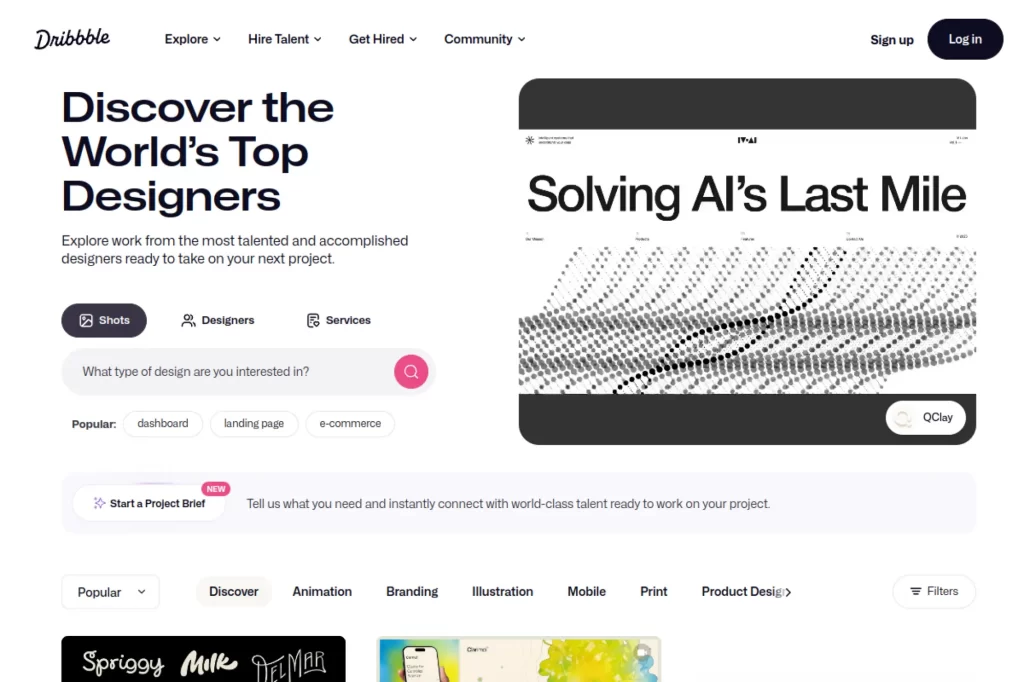
Dribbble is a design-led network with teams focused on discovery and paid lead generation. It rewards strong visuals and consistent publishing cadence.
Tagline: Get seen by the right buyers, then turn attention into paid briefs.
Best for: a UI designer building inbound; an illustrator selling a defined style.
- Shots and discoverability → you attract clients who already like your taste.
- Project Briefs credits → you can apply without rebuilding outreach from scratch, saving 3–5 steps per lead.
- Fast publishing flow → time-to-first-value is about 45 minutes to post and optimize a first shot.
Pricing & limits: From $0/mo, with paid tiers shown from $4/month billed yearly (Lite) and up. Trial: none stated. Dribbble Pro is listed at $16/month or $96/year, and plan caps include daily shot upload limits and monthly Project Brief credits by tier.
Honest drawbacks: Great work can still go unnoticed without consistency. It beats Behance for design-client leads, but trails LinkedIn for B2B consulting breadth.
Verdict: If you want design-first inbound, this helps you start getting qualified inquiries in 4–8 weeks of steady posting.
Score: 3.5/5 and .
12. Behance
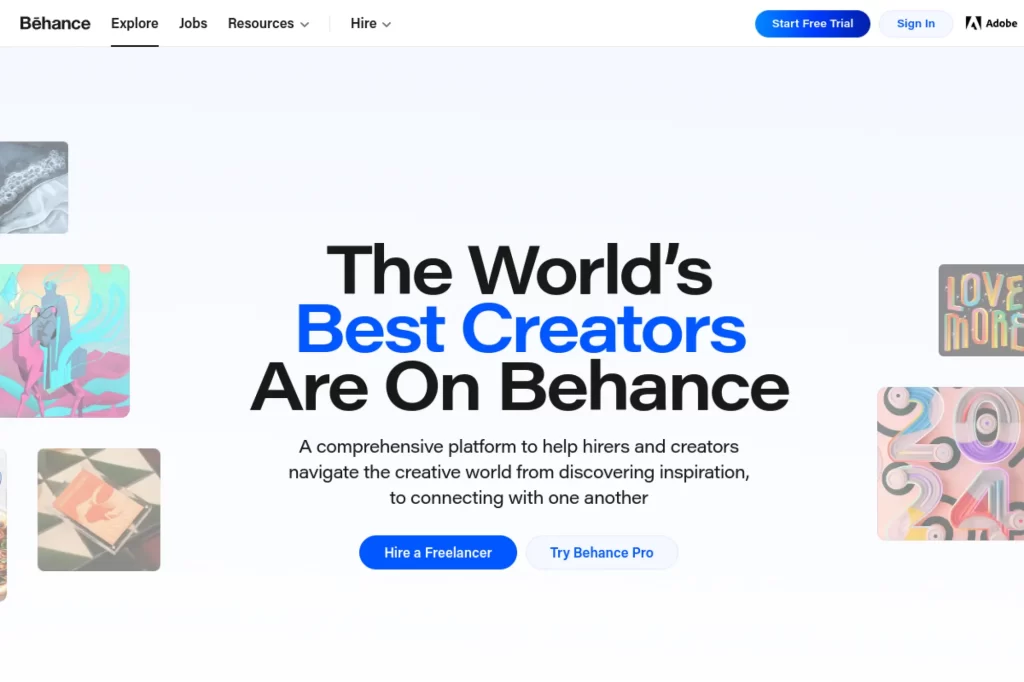
Behance is a portfolio network built for showcasing finished work, with teams aligned to discovery and creative communities. It’s less “lead machine,” more “proof library.”
Tagline: Show your best work in a format clients can trust in 30 seconds.
Best for: a visual creative needing a polished portfolio; a freelancer who wants an easy credibility link.
- Project storytelling → you make outcomes legible, which shortens the “can you do this?” phase.
- Adobe ecosystem adjacency → you cut asset-export friction and save a few handoff steps when sharing work.
- Zero-cost setup → time-to-first-value is about 20 minutes to publish a strong case study.
Pricing & limits: From $0/mo. Trial: none. Caps: no meaningful published limits for basic portfolio use, though feature availability may vary by account and region.
Honest drawbacks: Direct lead tools are lighter than Dribbble’s paid briefs. You may need another channel for outreach and scheduling.
Verdict: If you need a clean, client-friendly portfolio, this helps you look credible today and improve conversion on every pitch.
Score: 3.6/5 and .
13. SimplyHired
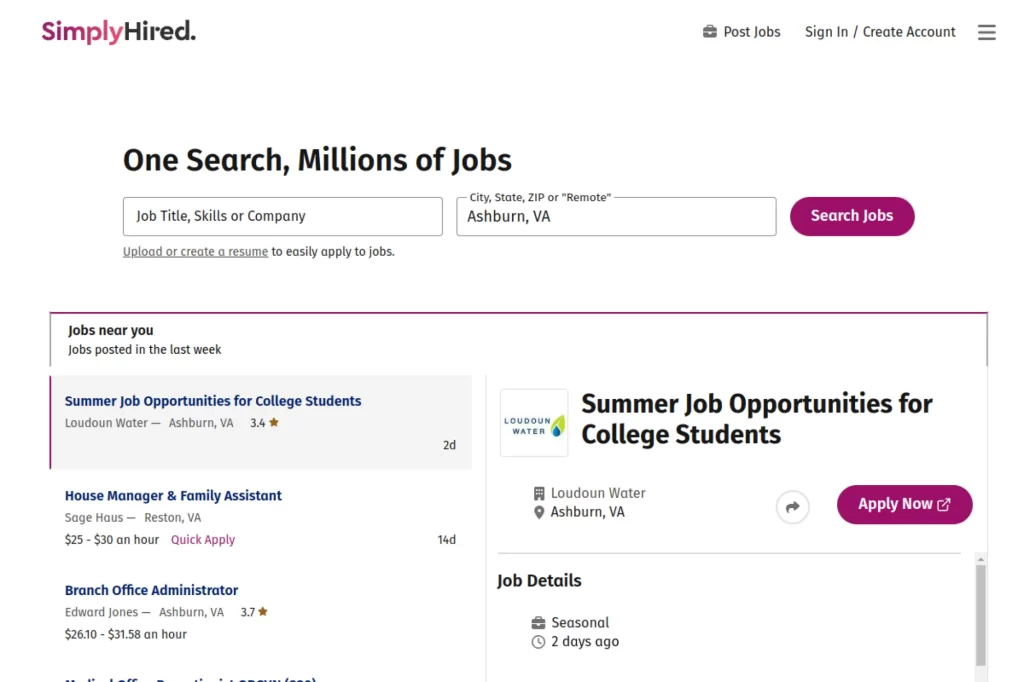
SimplyHired is a job aggregator experience with teams optimizing search, filters, and alerts. It’s a wide net, which can be useful when you need options fast.
Tagline: Pull a broad list of opportunities into one search habit.
Best for: a freelancer hunting quick contract gigs; a generalist testing which titles and keywords convert.
- Wide aggregation → you find more targets without opening ten different sites.
- Saved searches and alerts → you save 5–10 repetitive search steps per week.
- Instant browsing → time-to-first-value is under 5 minutes to run a first search.
Pricing & limits: From $0/mo for job seekers. Trial: none. Caps: listings and features vary by market, and clear freelancer-side usage caps are not prominently published.
Honest drawbacks: Aggregators can surface stale or duplicated posts. You still need a separate system to track applications and follow-ups.
Verdict: If you need fast market coverage, this helps you build an application shortlist in one afternoon.
Score: 3.1/5 and .
14. 99designs
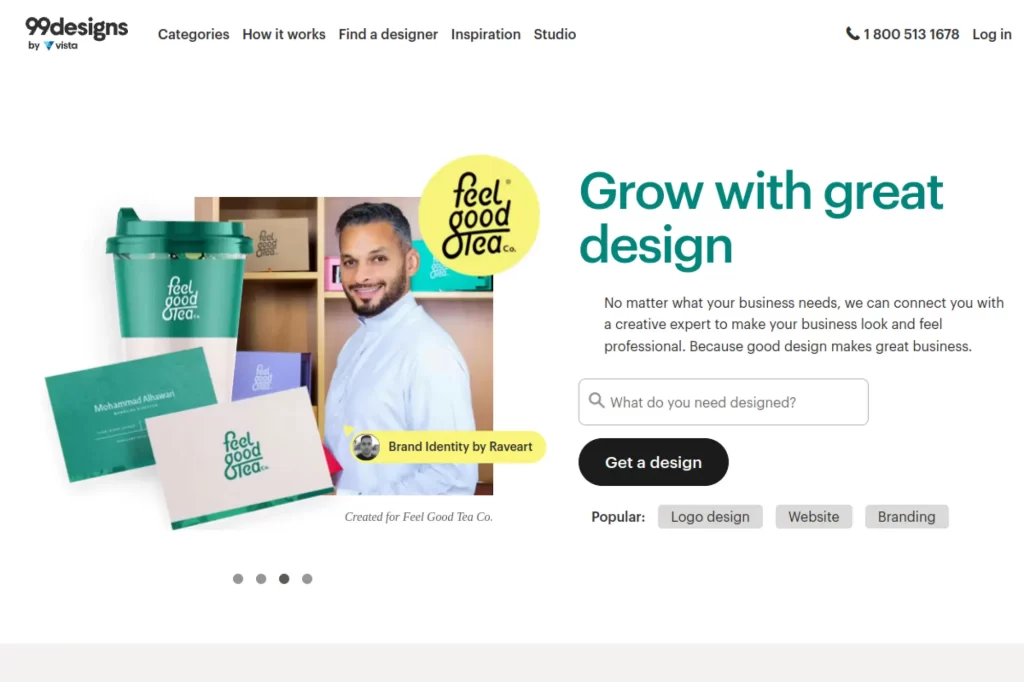
99designs is a design platform with teams focused on managed contests and 1-to-1 projects. It’s built to reduce client uncertainty with structured creative selection.
Tagline: Win design work by competing on ideas, then get paid through a protected flow.
Best for: a logo and brand designer; a designer who wants clearer client-side structure.
- Contest and 1-to-1 flows → you get clearer briefs and fewer “scope surprise” moments.
- Platform-managed logistics → you save 3–5 admin steps around payment and disputes.
- Portfolio-based entry → time-to-first-value is about 1–2 hours to set up and start joining contests.
Pricing & limits: From $0/mo to create a designer profile. Trial: none. Client contest pricing for logo design starts at $349. For 1-to-1 projects, clients pay a 5% platform fee, while designer platform fees range by level: 15% (Entry), 10% (Mid), and 5% (Top).
Honest drawbacks: Contests can mean unpaid time for non-winners. Success requires strong positioning and speed.
Verdict: If you want structured design demand, this helps you get paid work once you start placing consistently over 4–8 weeks.
Score: 3.5/5 and .
15. DesignCrowd
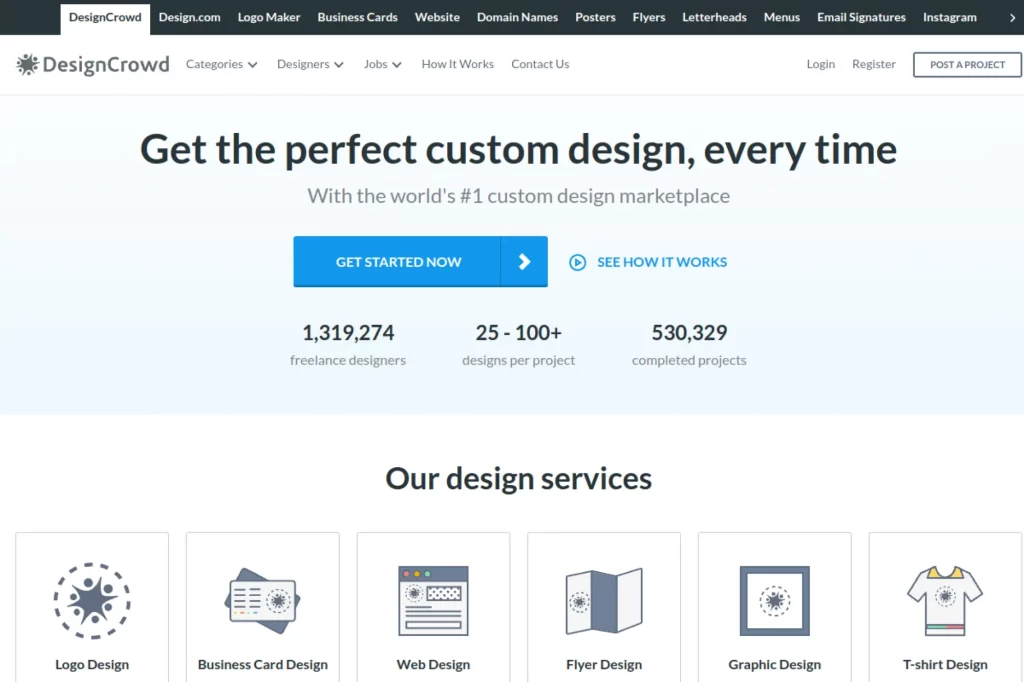
DesignCrowd is a contest-driven design marketplace with teams focused on routing briefs and handling payments. It’s built for volume and variety across design categories.
Tagline: Compete on creative output, not cold outreach.
Best for: a designer comfortable with contest dynamics; a freelancer wanting many brief “at-bats.”
- Contest submissions → you can practice and refine fast, which improves your close rate over time.
- Centralized payouts → you avoid separate invoicing and save 2–3 payment follow-up steps.
- Easy join flow → time-to-first-value is about 30 minutes to enter your first contest.
Pricing & limits: From $0/mo to register as a designer. Trial: none. DesignCrowd retains 15% commission on payments designers receive.
Honest drawbacks: Contest work can be high effort with uncertain payoff. It trails 99designs on brand prestige in some client segments.
Verdict: If you want lots of briefs to swing at, this helps you start building wins and testimonials within the first month.
Score: 3.2/5 and .
16. CrowdSpring
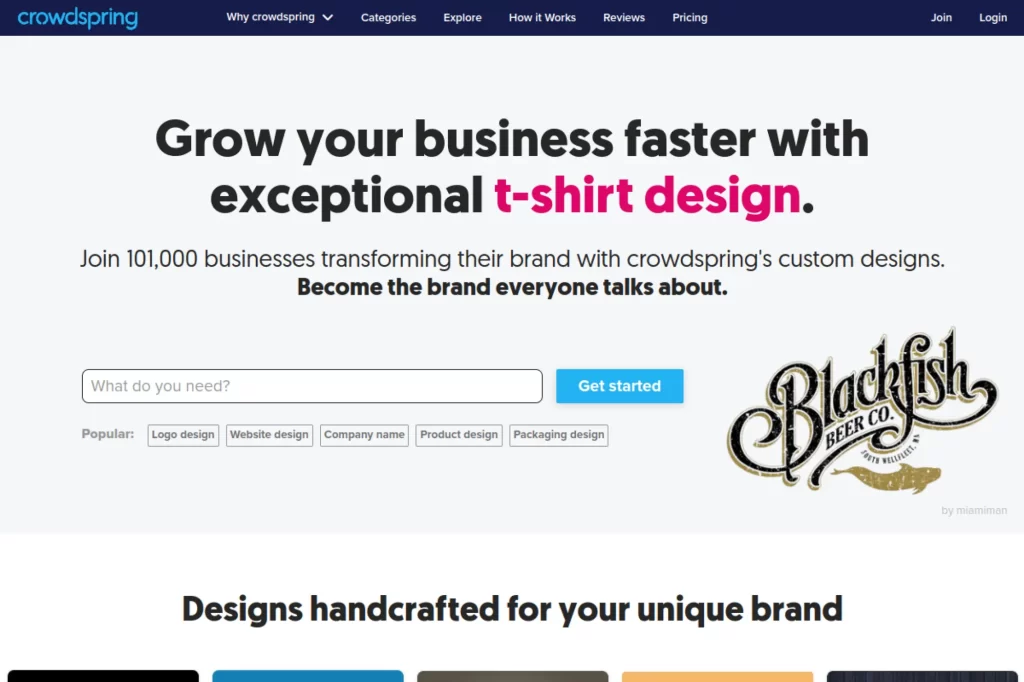
crowdspring is a creative marketplace with teams emphasizing client-ready workflows and escrow-like handling. It also positions itself as creator-friendly on payouts.
Tagline: Run creative projects with less payment risk, while keeping your full award.
Best for: a designer or namer who prefers contests; a freelancer who wants zero commission on winnings.
- Contest structure → you get clearer constraints, which speeds ideation and reduces revisions.
- No commission on awards → you keep 100% of the posted award, saving a meaningful margin chunk.
- Quick participation → time-to-first-value is about 20 minutes to enter a contest.
Pricing & limits: From $0/mo to join as a creative. Trial: none. Client projects have minimums, and 1-to-1 projects start at $200, while logo projects can start at $299 depending on package.
Honest drawbacks: Contest dynamics still mean unpaid work for many entries. Some categories feel more active than others, so results vary.
Verdict: If you want commission-free contest winnings, this helps you keep more revenue the moment you start winning regularly.
Score: 3.3/5 and .
17. SquadHelp
SquadHelp now routes through Atom, with a team built around naming contests and validation upgrades. The platform leans into structured branding decisions.
Tagline: Win naming work with a system that rewards iteration and volume.
Best for: a naming specialist; a creative who enjoys fast brainstorming and competitive formats.
- Contest-based naming → you get many chances to place, without pitching calls.
- Validation upgrades → you avoid extra research steps by using platform tooling.
- Start immediately → time-to-first-value is about 10 minutes to join and submit.
Pricing & limits: From $0/mo for creatives to participate. Trial: none. For clients, contest packages shown start at $299, with a stated prize-to-winner included in the package. Caps: contests advertise expected entry volumes rather than hard submission caps.
Honest drawbacks: Contest work is speculative by nature, so income can be streaky. It’s not a fit if you want guaranteed paid discovery time.
Verdict: If you like high-volume creative swings, this helps you start competing for prizes today and learn quickly within weeks.
Score: 3.1/5 and .
18. ServiceScape
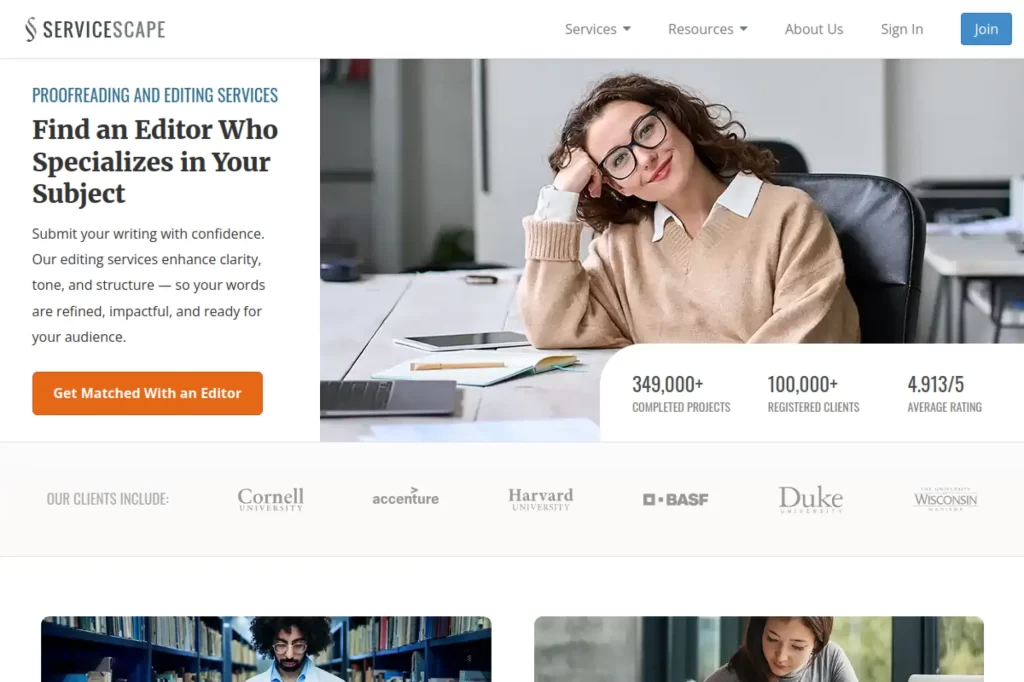
ServiceScape is a services marketplace for writing, editing, translation, and design, with teams that productize your offerings into buyable services. The platform is built to reduce bidding by letting clients purchase defined deliverables.
Tagline: Let clients come to you, then deliver from a pre-scoped menu.
Best for: an editor or translator with repeatable packages; a writer who wants fewer proposals.
- Predefined services → you cut scoping calls and reduce pricing back-and-forth.
- Integrated purchasing → you skip invoicing and save 2–4 admin steps per project.
- Profile-driven system → time-to-first-value is about 60 minutes to publish services and rates.
Pricing & limits: From $0/mo to join as a professional. Trial: none. ServiceScape states earnings are split between the platform and the professional, and company responses have described a 50/50 split. Caps include monthly earnings distribution timing and required tax forms (W-9 or W-8BEN).
Honest drawbacks: A 50% split can be a deal-breaker unless your prices are high enough. Certain tax residency combinations are not eligible for earnings distribution.
Verdict: If you sell repeatable editing or writing packages, this helps you turn a strong profile into paid orders over 1–3 months.
Score: 2.8/5 and .
19. Revelo
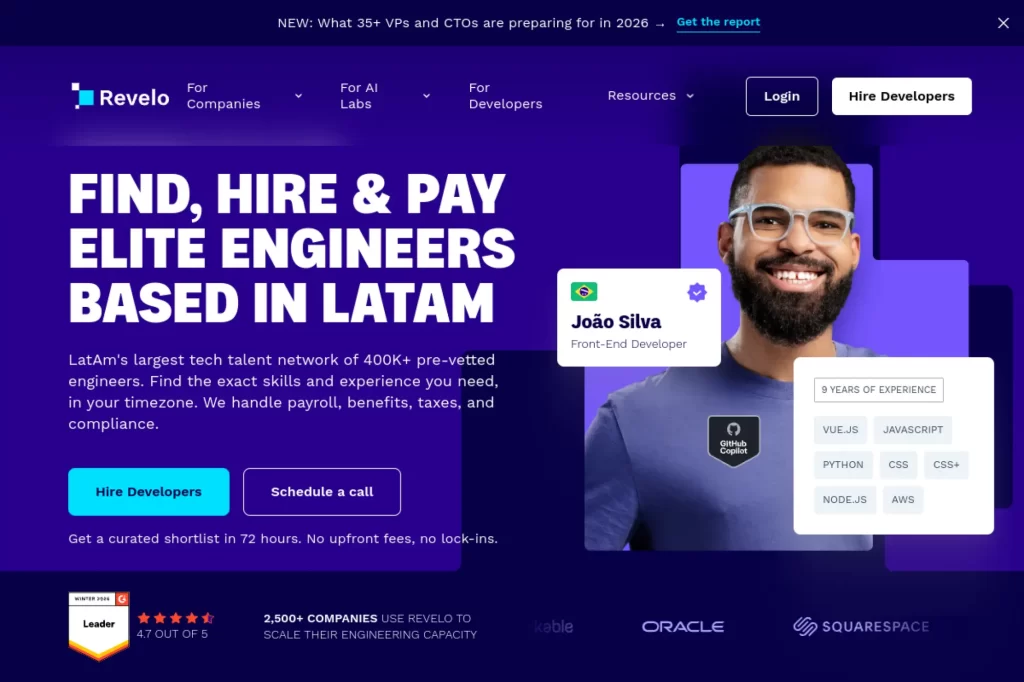
Revelo is a talent platform geared toward developers, with teams focused on vetting, compliance, and staffing support. It’s closer to “hire-ready talent” than open bidding.
Tagline: Get matched to serious engineering work without chasing tiny gigs.
Best for: a software engineer seeking remote USD-paid work; a senior dev wanting structured placements.
- Curated matching → you spend less time sourcing leads and more time shipping code.
- Risk-free trial model for clients → you avoid endless interview loops, saving weeks of stalled starts.
- Guided onboarding → time-to-first-value is weeks, once you’re approved and matched.
Pricing & limits: From $0/mo for talent to apply. Trial: the client side advertises a 2-week risk-free trial, with pay-as-you-go billing. Caps: pricing is quoted per hire, rather than a public seat-based plan.
Honest drawbacks: It’s not a general freelancer marketplace for every category. You may wait for the right match, especially in niche stacks.
Verdict: If you want higher-trust dev placements, this helps you get into a real pipeline and start a role in a few weeks.
Score: 3.6/5 and .
20. Consultport
Consultport is a consulting network with teams centered on vetting and fast matching. The experience is designed to feel like “on-demand staffing,” not a public marketplace.
Tagline: Get staffed into serious projects without building a full outbound machine.
Best for: an ex-consultant going independent; a digital expert selling project-based advisory work.
- Curated network matching → you avoid low-fit leads and protect your calendar.
- Benchmarked rate guidance → you skip pricing guesswork and save 1–2 revision cycles on quotes.
- Light application flow → time-to-first-value is weeks, once you are accepted and staffed.
Pricing & limits: From $0/mo to engage with the platform’s public pricing tool. Trial: none stated. Caps: client pricing and consultant terms are not presented as simple self-serve tiers, so rates and usage are largely engagement-dependent.
Honest drawbacks: Opportunity flow depends on your background fit and availability. It trails open marketplaces for “instant work,” but beats them on project seriousness.
Verdict: If you want curated consulting demand, this helps you get staffed onto higher-scope work over the next 1–3 months.
Score: 3.3/5 and .
21. Catalant
Catalant operates an expert marketplace aimed at business projects, with teams focused on project agreements and compliance. It’s designed for consultants who sell outcomes, not hours alone.
Tagline: Package expertise into projects that enterprises can actually buy.
Best for: an independent strategy consultant; a specialist who wants larger, structured engagements.
- Project-based marketplace → you pitch outcomes, which can lift rates and reduce scope creep.
- Platform visibility and agreements → you save legal and invoicing steps versus DIY contracting.
- Onboarding plus profile build → time-to-first-value is a few hours to publish credibility.
Pricing & limits: From $0/mo to use the Expert Marketplace, per Catalant’s expert terms. Trial: none. Caps: Catalant notes client pricing may include Catalant or compliance fees, and expert rates are not inclusive of the Catalant fee.
Honest drawbacks: Like all expert networks, you do not control demand volume. Some fee details are not presented as simple public percentages.
Verdict: If you want enterprise-flavored projects, this helps you sell more structured work over the next quarter.
Score: 3.4/5 and .
22. Flowlu
Flowlu is an all-in-one work management tool with teams building CRM, projects, invoicing, and knowledge base in one app. It’s built for small teams that want fewer tool tabs.
Tagline: Run clients, projects, and invoices from one workspace.
Best for: a freelancer juggling delivery plus sales; a small agency that needs CRM and project tracking together.
- CRM plus projects → you move a lead into delivery without copy-pasting details.
- Invoices and reminders → you can cut late-payment follow-up to one scheduled nudge.
- Free plan onboarding → time-to-first-value is about 60 minutes to set up a pipeline and first project.
Pricing & limits: From $0/mo (Free), which includes up to 2 users, 100 CRM contacts, 1 pipeline, and 1 workflow. Trial: 7 days on a full-featured plan after signup, no credit card required. Paid plans show from $12/user/month billed monthly or $9/user/month billed yearly (Essential).
Honest drawbacks: All-in-one tools can feel dense at first. Integrations are solid, but deep best-in-class features can trail specialist apps.
Verdict: If you want one hub for client ops, this helps you standardize your workflow in a weekend and feel calmer by next Monday.
Score: 3.7/5 and .
23. HoneyBook
HoneyBook is a clientflow platform with teams focused on proposals, contracts, invoices, and a polished client portal. It’s built to make small businesses look bigger and more organized.
Tagline: Get booked faster with a client experience that feels premium.
Best for: a photographer or creative service pro; a solo operator who wants proposals-to-payments in one place.
- Proposals, contracts, and invoices → you reduce “where’s the doc?” confusion for clients.
- Automations on higher tiers → you can save 30–60 minutes per client with templated follow-ups.
- Guided templates → time-to-first-value is about 2 hours to send your first proposal.
Pricing & limits: From $29/mo billed yearly for Starter, with a free trial for 7 days and no credit card required. Caps include up to 2 live lead forms on Starter, and Essentials supporting up to 2 team members plus up to 10 live lead forms. HoneyBook also states unlimited clients and projects on plans.
Honest drawbacks: Monthly pricing is higher than some alternatives if you are very early-stage. Deep customization can be less flexible than DIY stacks.
Verdict: If you want to look booked-and-busy, this helps you tighten your process and close clients within your next 7–14 days.
Score: 3.8/5 and .
24. Dubsado
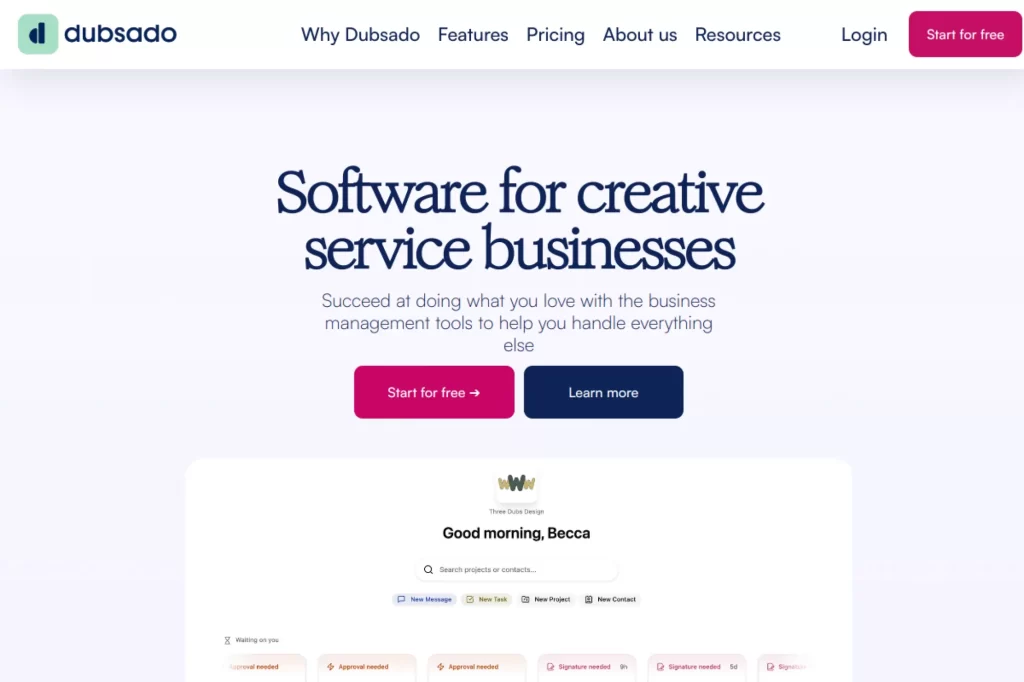
Dubsado is a client management suite with teams obsessed over forms, workflows, and automation. It’s built for service businesses that want repeatable intake and fewer manual emails.
Tagline: Automate client admin so your calendar stays for billable work.
Best for: a creative studio with complex onboarding; a freelancer who wants workflows to run on rails.
- Forms, proposals, and workflows → you reduce back-and-forth and prevent missed steps.
- Automations plus integrations → you save 3–8 messages per client with scheduled nudges.
- Trial-based onboarding → time-to-first-value is about 2–4 hours to build a working template.
Pricing & limits: From $35/month (Starter) or $55/month (Premier), with annual pricing shown at $335/yr and $525/yr. Trial: 21 days with full access to the Premier plan, no credit card required. Caps include extra brands at $10/mo, and user tiers with 3 additional users included free, then paid bands beyond that.
Honest drawbacks: Setup is powerful but can be a time sink if you overbuild early. It beats HoneyBook on workflow depth, but trails it on “instant pretty” templates.
Verdict: If you want automation that actually sticks, this helps you reclaim hours per month within 30 days of disciplined setup.
Score: 3.6/5 and .
25. WhatsApp
WhatsApp is a messaging platform under Meta, with teams focused on reliability, encryption, and global delivery. For freelancers, it often becomes the fastest path from “maybe” to “confirmed.”
Tagline: Close decisions in chat, then keep projects moving without inbox drag.
Best for: a service freelancer who sells via conversation; a small team coordinating with clients across time zones.
- Instant messaging and voice notes → you unblock approvals faster than email threads.
- WhatsApp Business Platform options → you can automate common replies and save 10–20 minutes daily at moderate volume.
- Zero setup friction → time-to-first-value is under 10 minutes to start using for client comms.
Pricing & limits: From $0/mo for the WhatsApp Business app. Trial: none. WhatsApp Business Platform pricing is not a flat monthly plan, and reputable providers note Meta pricing shifted to per-template-message charging from July 1, 2025, with rates varying by message type and region. Caps include the 24-hour customer service window mechanics, where messages within the window can be priced differently by model.
Honest drawbacks: It is not a project management system, so decisions can get lost without a second tool. Business Platform pricing and policy details can be complex and vendor-dependent.
Verdict: If you want faster client responsiveness, this helps you confirm details and reduce delays the same day you adopt it.
Score: 3.9/5 and .
26. Calendly
Calendly is scheduling infrastructure with teams focused on fewer back-and-forth emails and cleaner routing. It’s the simplest lever for reducing no-shows and booking friction.
Tagline: Turn “when works?” into a booked meeting, automatically.
Best for: a freelancer who sells on calls; an SMB team coordinating intros and handoffs.
- Self-serve booking links → you cut scheduling threads down to one link.
- Integrations with calendars and tools → you save 5–10 coordination steps per meeting over time.
- Fast setup → time-to-first-value is about 10 minutes to publish your first event type.
Pricing & limits: From $0/mo (Free). Trial: 14 days on paid plans, and it downgrades to Free after the trial ends. Caps on Free include 1 one-on-one meeting type and 1 connected calendar, with unlimited meetings.
Honest drawbacks: Advanced routing and admin features require paid tiers. If you sell purely async work, the impact is smaller.
Verdict: If you want more booked calls with less friction, this helps you improve scheduling flow in a single day.
Score: 4.2/5 and .
27. Flipsnack
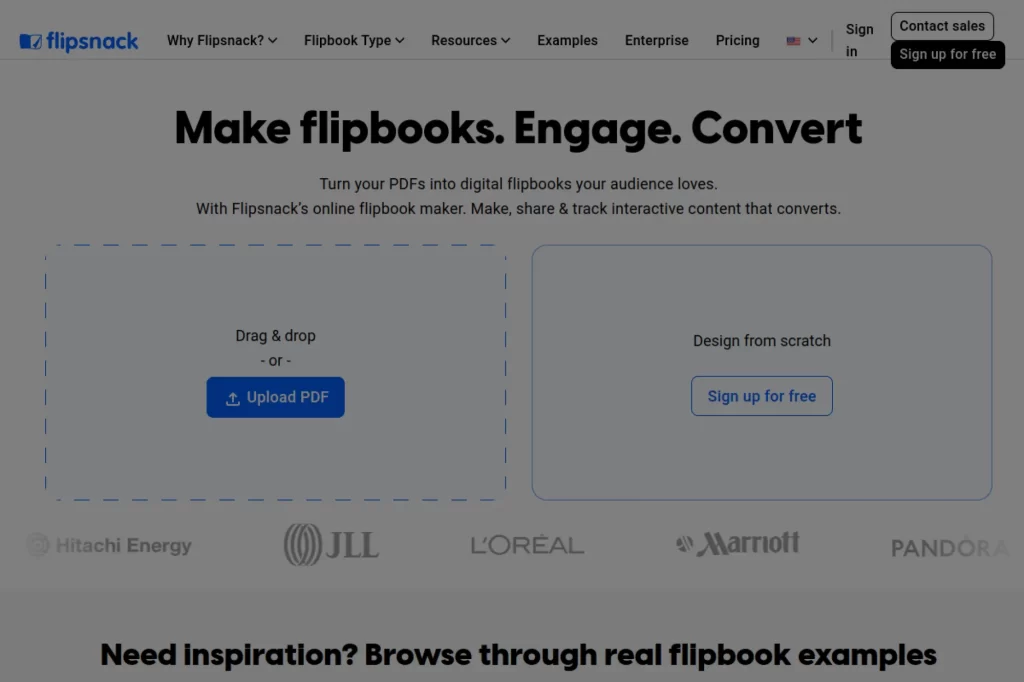
Flipsnack is a flipbook publishing tool with teams focused on interactive catalogs, portfolios, and branded sharing. It’s built for “send something that feels like a mini-site.”
Tagline: Share proposals and portfolios clients actually scroll through.
Best for: a designer presenting work samples; a freelancer sending interactive proposals or lookbooks.
- Interactive flipbooks → you make static PDFs feel premium, which can lift response rates.
- Embeds, links, and tracking → you reduce “did you see it?” follow-ups and save 2–3 check-in messages.
- Template-first publishing → time-to-first-value is about 45 minutes for a client-ready deck.
Pricing & limits: From $16/mo billed annually (Starter), with monthly pricing shown higher. Trial: 14 days, with key trial limits like 100-page flipbooks and restricted downloads and embeds. Starter caps include 1 user and 5 flipbooks.
Honest drawbacks: It can be overkill if a simple PDF link closes deals for you. Advanced branding and team controls move you into pricier tiers.
Verdict: If you want more polished client-facing assets, this helps you ship a scroll-stopping portfolio in a weekend.
Score: 3.5/5 and .
28. PayPal
PayPal is a payments platform with teams focused on broad acceptance and buyer trust. For freelancers, it’s often the fastest “yes” from a client who fears bank transfers.
Tagline: Get paid in minutes, even when clients resist new tools.
Best for: a solo freelancer billing international clients; an SMB service provider needing familiar checkout options.
- Widely recognized checkout → you reduce payment hesitation and close faster.
- Card processing and wallets → you avoid setting up separate gateways and save 2–4 onboarding steps.
- Quick setup → time-to-first-value is about 15 minutes to create a payment link or invoice.
Pricing & limits: From $0/mo to open an account. Trial: none. US business pricing shows card processing starting at 2.89% + $0.29 per transaction, and PayPal/Venmo at 3.49% + $0.49 per transaction. Caps depend on product and risk controls rather than simple seats.
Honest drawbacks: Fixed fees per transaction can sting on low-ticket work. It can trail Stripe on developer tooling and deep checkout customization.
Verdict: If you want a universally accepted payment option, this helps you reduce payment friction immediately on your next invoice.
Score: 3.8/5 and .
29. Payoneer
Payoneer is a cross-border payments platform with teams focused on receiving accounts, marketplace payouts, and withdrawals. It’s built for freelancers who get paid internationally and want flexibility.
Tagline: Receive global payments like a local, then withdraw on your terms.
Best for: an international freelancer billing clients in multiple currencies; a contractor paid via marketplaces and platforms.
- Receiving accounts → you look local to clients, which can speed payments.
- Payment requests and card/ACH options → you cut banking friction and save 2–5 setup steps for clients.
- Account-first onboarding → time-to-first-value is about 30 minutes to open and configure basics.
Pricing & limits: From $0/mo to open an account. Trial: none. Fees vary by method, including “up to 3.99%” for credit card payments via requests, and an annual card fee listed at $29.95 for the first card. Caps and fees can differ by country and currency, so you must confirm inside your account for exact rates.
Honest drawbacks: Fee complexity can surprise you if you do many small transfers. Support experiences can vary by region and account type.
Verdict: If you need flexible cross-border receiving, this helps you get paid faster by offering clients familiar local rails within a week.
Score: 3.5/5 and .
30. Stripe
Stripe is payments infrastructure with teams focused on developer tooling, global acceptance, and modular products. It’s the “build your own checkout” option, even for small businesses.
Tagline: Accept payments the way you want, without a clunky client experience.
Best for: a freelancer selling digital products or retainers online; an agency that wants branded checkout and automation.
- Flexible payment APIs and links → you can match your billing model to your service.
- Pay-as-you-go pricing → you skip monthly fees and save budget for marketing or tools.
- Fast activation → time-to-first-value is about 30–60 minutes for a basic payment link.
Pricing & limits: From $0/mo in monthly fees, with standard US online card pricing shown at 2.9% + 30¢ per successful domestic card transaction. Trial: none. Caps are product-specific, and additional fees can apply for cross-border transactions, international cards, and currency conversion.
Honest drawbacks: It’s not the simplest choice if you do not want any setup. Chargebacks and compliance require operational maturity as you scale.
Verdict: If you want a polished, automated payment stack, this helps you professionalize checkout in a day and reduce billing friction for months.
Score: 4.2/5 and .
What makes the best freelance websites worth using in 2026
In the sections below, we map the major platform models. Then we compare picks, break down fees, and outline tactics that keep clients long-term. Along the way, we connect the dots to what we see in hosting and cloud workloads.
1. Freelance marketplaces vs remote job boards vs portfolio networks: how “best freelance websites” differ by model
Marketplaces are optimized for transactions. They compress discovery, contracting, and payment into one funnel. That structure can reduce friction, but it also commoditizes you fast.
Remote job boards behave more like publishing. They sell attention, not outcomes. That can be healthier for senior work, because the client expects a direct relationship.
Portfolio networks sit in the middle. They rarely “close” the deal for you. Instead, they amplify proof, referrals, and inbound interest over time.
2. Matching platform to project scope: complex projects vs quick, executional tasks
Scope is the first filter we use. Quick tasks benefit from a “buy button” workflow and clear deliverables. Long projects need shared context, not just a bid.
For complex work, the platform’s collaboration layer matters. Look for structured milestones, versioned files, and dispute workflows. Those features act like guardrails when requirements drift.
Executional tasks still need trust. Yet trust can come from volume signals, like reviews and repeat buyers. That is why productized gigs can work when the scope is narrow.
3. Open marketplaces vs curated networks: strict selection, reviewed applications, and quality control
Open marketplaces scale with supply. That creates intense competition, but also broad opportunity. In open systems, differentiation must be engineered into your profile, not assumed.
Curated networks constrain supply. Screening raises the average quality and the average client budget. The trade-off is that acceptance is uncertain and pipelines can be lumpy.
Quality control is not only about vetting. It is also about how platforms fight spam, fake portfolios, and synthetic reviews. Strong verification protects your time and your brand.
4. Design contests and crowdsourcing sites: when you want many concepts and options fast
Contests are speed tools for clients. They trade depth for breadth. When the brief is clear, crowdsourcing can surface many directions quickly.
For freelancers, contests are a bet. You invest creative energy without guaranteed payoff. That can make sense for early portfolio growth, but it can also drain senior talent.
We treat contest platforms as marketing channels. Use them with intention, then move serious clients into scoped, paid engagements. Your goal is a repeatable process, not a roulette wheel.
5. Using LinkedIn as one of the best freelance websites for inbound leads and long-term relationships
LinkedIn is not a marketplace in the classic sense. It is a graph of trust, proximity, and career narrative. That makes it unusually effective for inbound, especially in B2B services.
Inbound leads behave differently than bid leads. They already believe you might be the right person. Your job becomes clarification, not persuasion.
We like LinkedIn for a second reason. It decays slowly. A strong post or comment can keep sending leads long after the initial week of attention.
Best freelance websites by niche and work format
1. Best freelance websites for generalist services: broad categories and global reach
Generalist platforms win on demand density. They are where clients go when they do not know the “right” niche site. That also means you compete with broad supply.
We suggest generalist sites when you have a clear offer and tight positioning. Generic profiles sink. Specific outcomes float.
- Upwork for structured contracts and repeatable pipelines
- Fiverr for productized packages and fast checkout behavior
- Freelancer.com for bids and mixed-format postings
- Guru for long-running categories and straightforward workflows
- PeoplePerHour for service listings and hourly-first buyers
- Workana for cross-border clients in a familiar marketplace model
- Malt for EU-leaning professional services and profiles
2. Best freelance websites for designers: portfolio-first networks and design-specific marketplaces
Design hiring is proof-driven. Clients want to see taste, not only credentials. Portfolio-first networks shorten the trust gap, because they let work speak early.
In our experience, designers also benefit from “context packaging.” Add case studies, constraints, and before-after framing. That turns pretty visuals into business evidence.
- Dribbble for visibility, discovery, and creative community gravity
- Behance for broad reach and brand-friendly presentation
- 99designs for packaged work and contest-style demand
- DesignCrowd for logo and identity requests with many options
- Crowdspring for creative briefs across multiple asset types
- Working Not Working for curated creative profiles
3. Best freelance websites for remote contracts: curated job boards with direct applications
Job boards shine when you want a direct hiring line. They often skip the marketplace tax of endless bidding. That is why many senior contractors keep a board in their weekly routine.
Boards also reward speed. Strong freelancers treat applications like incident response. A fast, relevant reply often beats a perfect one.
- FlexJobs for screened listings and fewer obvious scams
- We Work Remotely for remote-first roles with clear postings
- Remote OK for tech-heavy listings and quick scanning
- Remotive for remote roles with newsletter-style discovery
- Wellfound for startup contracts and early-stage teams
- Authentic Jobs for design, dev, and creative roles
- SolidGigs for curated leads that reduce hunt time
4. Best freelance websites for vetted, senior talent: strict selection and premium client expectations
Vetted networks trade volume for fit. Clients arrive expecting maturity, crisp communication, and low oversight. That is a good deal if you like accountability and clear standards.
Selection also forces you to sharpen your narrative. Screening can reveal where your positioning is fuzzy. Treat that feedback as product discovery for your own career.
- Toptal for senior talent matching and enterprise-grade expectations
- Braintrust for network-driven hiring and stronger talent identity
- A.Team for product-minded builders and lean teams
- Arc.dev for developers who want curated matching
5. Best freelance websites for consulting: curated marketplaces and pre-selected expert pools
Consulting platforms sell confidence. They reduce perceived risk for executives. That usually means more process, more stakeholders, and tighter documentation.
We recommend consulting platforms when you can translate work into decisions. Clients pay more for clarity than for motion. A consultant’s deliverable is often alignment.
- Catalant for enterprise projects and advisory-style engagements
- Umbrex for independent management consultants seeking peer-driven credibility
- Malt for consulting-style services inside a freelancer-friendly marketplace frame
6. Best freelance websites for contests and crowdsourcing: naming, logos, and concept variety
Crowdsourcing platforms are idea factories. They generate breadth quickly. That makes them useful when a client needs options, not a single linear execution.
We advise freelancers to set boundaries. Use crowdsourcing as a lead channel. Then pull serious buyers into paid, scoped work that respects your time.
- 99designs for logo and brand asset contests
- DesignCrowd for fast concept variety and wide participation
- Crowdspring for broader creative categories and naming
- Kaggle for data science competitions that prove skill in public
- Topcoder for coding challenges and competitive portfolio signals
Fees, commissions, and payment protection to compare on best freelance websites
1. Commission-based marketplaces: percentage fees that vary by platform and earnings level
Commission marketplaces monetize trust. They charge for access to buyers, dispute handling, and payment rails. That can be worth it when the platform delivers consistent demand.
From our standpoint, the real cost is not only money. It is dependency. If your pipeline is single-platform, your business inherits platform policy risk.
2. Gig-style marketplaces: no-bid buying flows with platform commissions
Gig-style marketplaces reduce negotiation. Clients buy a package and expect a clear output. That model favors freelancers who can standardize delivery and minimize custom work.
Packaging also makes operations easier. Templates, checklists, and client intake forms become your profit engine. The platform becomes a storefront, not your whole company.
3. Subscription job boards: paid access to curated listings instead of per-project commissions
Subscription boards flip the incentive. They get paid when you stay subscribed, not when you close deals. In healthy boards, that leads to better curation and less spam.
Closing still sits with you. That means your proposal, portfolio, and follow-up discipline matter more than platform mechanics. Treat the board as a lead feed, not a sales team.
4. Upfront matching fees and tiered exposure models: costs before or during the client match
Some platforms charge for visibility. Others charge for “boosting” or premium placement. Those features can help, but they can also mask weak positioning.
Our rule is simple. Pay to amplify what already converts. Avoid paying to compensate for a vague offer or thin proof.
5. Escrow and payment protection vs external payments: reducing the risk of non-payment
Escrow changes freelancer psychology. It lets you start work without feeling like you are gambling. That matters most with new clients and ambiguous requirements.
External payment can still be fine. Yet it requires stronger contracts, clearer invoicing, and more assertive collection habits. Platforms can be training wheels, but you must learn balance.
6. Withdrawal timing and payout friction: waiting periods and multiple payout options
Payout friction is an invisible fee. Waiting periods and verification steps can starve your cash flow. That problem hits hardest when you are ramping up.
We recommend testing withdrawals early. Do it before you need the money. A small trial transfer can expose problems while stakes are low.
7. Communication rules: platform messaging vs open communication flexibility
Some platforms restrict contact until a contract exists. That policy protects the platform’s revenue, but it can slow discovery. It also changes how you qualify clients.
Flexible communication enables faster fit checks. Still, openness can increase scam risk. The best approach is to follow rules while you build enough leverage to go direct.
8. Trust and safety checks: evaluating reputation and scam risk before committing
Trust and safety is a product feature. Strong checks reduce bot traffic, fake jobs, and social engineering. Weak checks push the cost onto you.
We look for signals like identity verification and clear reporting workflows. Equally important is how fast a platform responds to abuse. Silence is a risk marker.
How to choose the best freelance websites for your goals

1. Pick industry-specific platforms when niche focus improves matching quality
Niche platforms compress context. Clients arrive with better vocabulary and clearer expectations. That reduces time spent translating your work into business terms.
Specialization also strengthens referrals. When you are “the” person for a niche, clients introduce you with confidence. That is hard to replicate in broad marketplaces.
2. Choose platforms that offer both local and global opportunities to expand options
Local work can close faster. Shared time zones and cultural norms reduce friction. Global work expands budget and volume, but it adds complexity.
Cross-border deals require better process. You need clearer scopes, stronger documentation, and reliable payments. A platform can help, but you still own the relationship.
3. Prioritize trust and safety features and verify platform reputation
Reputation is not only star ratings. It includes how disputes are handled and how fraud is policed. Those details decide whether your time is protected.
We advise reading policy pages like a contract. Look for clarity on disputes, chargebacks, and account holds. Ambiguity is where freelancers get hurt.
4. Balance quality and quantity: job quality matters as much as job volume
High volume can be a trap. It feels productive to apply all day. Yet low-quality leads erode your confidence and your calendar.
Quality signals include clear budgets, defined outcomes, and decisive communication. When those signals are absent, the deal often becomes a slow drain. Choose fewer, better fights.
5. Confirm multiple payment methods fit how you want to get paid
Payments shape your operations. Some freelancers need fast payouts. Others need formal invoices for procurement. The platform must match your cash flow reality.
Also consider currency friction. Conversion fees and transfer delays can quietly reduce earnings. When margins are thin, “small” friction becomes strategic.
6. Compare fees across platforms before committing your time and pricing strategy
Fee structure changes your rate math. A marketplace can take a cut. A job board can charge upfront access. Both affect what you must charge to stay healthy.
We like to price from outcomes, not hours. Even then, you need to know your effective take-home. Treat platform costs like infrastructure spend, not an afterthought.
7. Find the best-fit client base: align typical buyers with your services
Every platform has a “default buyer.” Some skew toward small business owners. Others skew toward product teams and procurement. Your offer must match their buying style.
Misalignment shows up as endless negotiation. It also shows up as clients who want strategy but only pay for execution. Align early and your close rate improves.
8. Ensure responsive customer support for disputes, payments, and account issues
Support quality is operational risk. A frozen account can pause your income. A slow dispute process can burn client relationships. Those risks are real business constraints.
We recommend testing support with a simple question. Observe speed and clarity. If support is vague during sales, it will be worse during conflict.
9. Check usability across desktop and mobile for speed and consistency
Usability is productivity. Slow dashboards and noisy search filters waste hours. Good UX makes it easier to qualify leads quickly and respond with precision.
Mobile also matters for responsiveness. Many clients message outside office hours. If you cannot reply cleanly, you lose momentum and sometimes the deal.
How to succeed on the best freelance websites and keep clients long-term
1. Put clients first: clear communication and on-time delivery to increase repeat work
Repeat work is the real prize. It lowers acquisition cost and stabilizes your schedule. Clear communication is the simplest lever to increase repeats.
We favor short status updates. They reduce anxiety and prevent surprise. When clients feel safe, they buy more.
2. Keep learning: improve skills and update profiles to match higher-value work
Platforms reward relevance. Skills drift out of demand faster than many freelancers expect. Learning keeps your profile aligned with real budgets.
Instead of chasing every trend, build adjacent depth. That means stronger fundamentals plus one clear specialty. Clients pay for competence that compounds.
3. Stay visible: consistent activity in communities, groups, and social channels
Visibility is a habit, not a campaign. Small, consistent actions beat rare bursts. Commenting thoughtfully can be as powerful as posting.
Platforms also measure engagement implicitly. Fresh activity can increase ranking or discovery. Even when algorithms are opaque, motion is rarely punished.
4. Invest in your brand: portfolio quality, profiles, and positioning as your “shop window”
Your profile is a landing page. It needs a promise, proof, and a clear next step. Most profiles skip the promise and drown in generic skills.
We recommend outcome-led positioning. Show what changes after you do the work. A portfolio is not art storage; it is a sales argument.
5. Work across multiple best freelance websites to reduce risk and broaden deal flow
Single-platform reliance is a fragile strategy. Policies change, rankings shift, and niches cool down. Multiple channels make your business more resilient.
Still, diversification should be disciplined. Choose platforms with different buyer behavior. That reduces duplicated effort and increases learning per hour.
6. Win more work with better proposals: screening questions, cover letters, and proposal strategy
Great proposals read like diagnosis. They reflect the client’s intent and risks. They also propose a next step that feels easy.
We like proposals that include a small plan. Outline discovery, milestones, and acceptance criteria. That framing signals professionalism and reduces uncertainty.
7. Use AI-assisted workflows where available: AI-driven search, proposal insights, and interviews
AI can reduce busywork. It can summarize briefs and draft first-pass responses. That speed helps when platforms reward fast replies.
Human judgment remains the differentiator. Use AI to sharpen clarity, not to fake expertise. Clients can sense generic writing, even when it looks polished.
8. Use in-platform interviews and meetings to reduce back-and-forth and speed up hiring decisions
Meetings accelerate trust. A short call can prevent days of messaging. It also lets you read the client’s urgency and decision style.
We recommend bringing structure. Share an agenda and end with clear next steps. Clients remember freelancers who can run a process.
9. Stay organized after landing gigs: CRM, client portals, and project systems beyond the marketplace
Organization is a growth constraint. When your system is weak, you cap your capacity. A light CRM and a clear project workflow fix that.
At 1Byte, we see freelancers mature when they build a client portal. Shared docs, timelines, and invoices reduce confusion. That professionalism sells.
10. Move toward direct client relationships over time while keeping a professional workflow
Platforms are excellent for starting. Direct relationships are excellent for scaling. The healthiest path often uses both.
We suggest earning the transition. Deliver well, then propose a longer-term engagement with clearer terms. When value is obvious, clients accept a cleaner arrangement.
1Byte: Cloud computing and web hosting support for freelancers building their online presence
1. Domain registration for professional branding and reliable site identity
A domain is the smallest serious branding decision. It lets you control your identity across platforms. It also makes you easier to refer, remember, and trust.
From our point of view, platform profiles should link to a domain you own. That is how you prevent your presence from being trapped inside any single marketplace. Ownership is leverage.
2. SSL certificates to secure websites, forms, and customer trust
SSL is table stakes for credibility. Secure forms protect leads, briefs, and file uploads. They also reduce the risk of browsers flagging your site as unsafe.
We treat SSL as part of sales hygiene. A client who hesitates on trust will hesitate on budget. Security signals seriousness, even when the buyer cannot explain why.







3. WordPress hosting, shared hosting, cloud hosting, and cloud servers with 1Byte as an AWS Partner
Different freelancers need different stacks. A new designer may only need WordPress and a fast theme. A growing studio may need cloud servers, staging, and role-based access.
As an AWS Partner, we think in layers. Hosting is performance plus reliability plus operational simplicity. When your site loads fast and stays up, your marketing compounds quietly.
If we could leave one next step, it would be this. Pick one platform for leads and one domain for authority, then build a workflow that you can repeat. Which channel will you commit to for the next quarter?