

Checkout decides whether a shopper buys or bounces. That is why online payment methods matter as much as product and pricing. Customers want speed, trust, and a familiar option that matches how they already pay.
Cart abandonment stays stubbornly high, and friction often starts at payment. Baymard’s research puts the average cart abandonment rate at 70.19%, so even small checkout wins can move revenue.
Wallets and instant rails also keep changing what “normal” checkout looks like. Worldpay reports $13.9 trillion in global transaction value via digital wallets, and that expectation shows up in every industry. Real-time payments grow fast too, with ACI counting 266.2 billion real-time transactions globally.
Demand keeps rising. Adobe Analytics put U.S. online holiday spending at $257.8 billion, which shows how much money runs through ecommerce checkout flows. At the same time, fraud pressures every decision, because LexisNexis found U.S. merchants incur 4.61 for every $1 of fraud in total cost.
This guide gives you a practical menu of options to offer customers. Each entry tells you who it fits, what to set up, and what to watch so you can build a checkout that converts and scales.
Quick definitions: A payment method is how the customer pays (card, wallet, bank transfer, local rail, BNPL, crypto). A payment processor or PSP is the platform that helps you accept and route those methods. Some tools in this list are “methods,” while others are the platforms that bundle many methods. Use the definitions to pick what you actually need: a new customer-facing option, or a backend platform change.
How to Choose the Right Mix

You do not need every option. You need the right set for your buyers, your ticket size, and your risk tolerance. Start with a stable baseline: cards plus one express wallet option for mobile speed. Next, add local methods only where you actually sell or plan to expand soon. Then add specialty rails based on your business model, such as BNPL for higher-ticket carts, pay-by-bank for fee relief, and bank debits for subscriptions. Your goal is not “more buttons.” Your goal is fewer failed payments and fewer reasons to abandon checkout.
Use these decision rules as you shortlist online payment methods:
- Match buyer habits: Offer what your core audience already trusts.
- Fit your selling model: Subscriptions, marketplaces, and invoices need different rails.
- Plan for refunds: A “fast” payment method can still create slow refund workflows.
- Protect conversion: Add express options for mobile and guest checkout.
- Protect margin: Bank payments can help when card fees squeeze you.
- Protect operations: Choose tools that make reconciliation and disputes manageable.
The Online Payment Methods List
| Category | When it helps most | What to verify | Common risk |
|---|---|---|---|
| Cards + card optimization | Universal baseline for most markets | Decline handling, 3DS rules, retry logic | False declines and confusing errors |
| Digital wallets | Mobile speed and buyer trust | Device rendering, refunds, saved credentials | Wallet availability by device and region |
| Pay-by-bank and real-time rails | Fee relief and fast confirmation in supported markets | Status updates, reversals/returns, refunds | Different dispute dynamics than cards |
| Local methods | Higher conversion in specific countries | Local settlement, currency display, support coverage | Operational complexity if you scale too fast |
| BNPL | Higher-ticket carts and flexible payment plans | Approval rates, completion rates, refund workflow | Policy, eligibility, and customer confusion |
1. PayPal Checkout
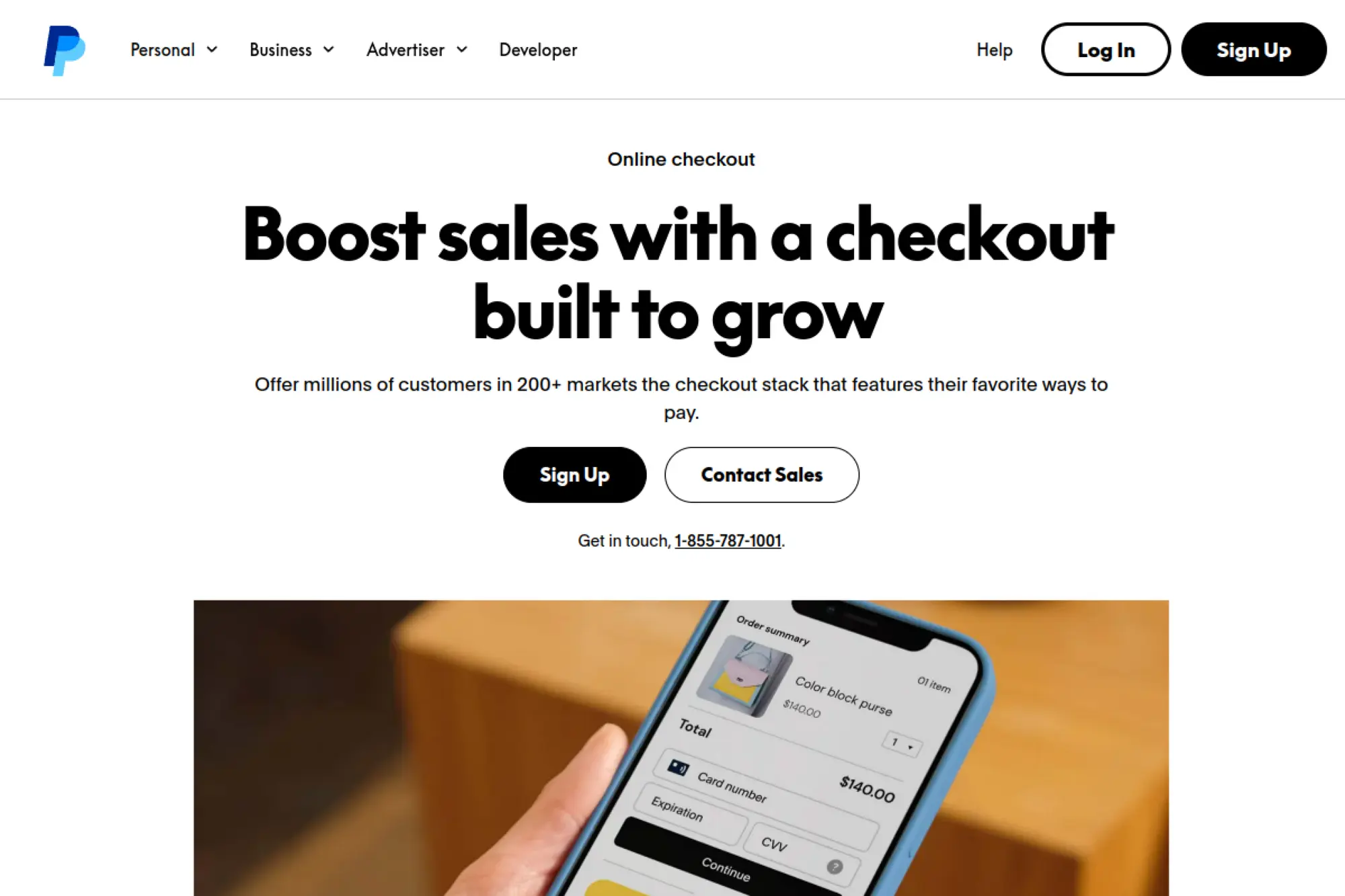
PayPal Checkout works as a familiar wallet-based option that many shoppers already keep funded and ready. It can also support card payments through a PayPal-hosted flow, which helps when you want a fast launch without building every field yourself. Many merchants use it as a trust layer for new customers who hesitate to type card details into an unfamiliar store. If you sell digital products, event tickets, or physical goods, PayPal often fits as a “default alternative” beside cards.
Best for
Choose PayPal when you sell to mixed audiences and you want a widely recognized button. It also fits brands that see lots of first-time buyers. It works well for small teams that want to ship a reliable checkout without heavy engineering.
Key workflows to configure
Set up your capture flow, your webhooks, and your refund process early. Map order status changes to payment events so your fulfillment team does not ship on a pending transaction. Also set clear customer support steps for disputes, address changes, and “item not received” claims.
Sales growth lever
Use PayPal as a confidence booster at checkout. Place the button where mobile shoppers see it without scrolling. Also consider adding it on product pages for quick intent capture when you sell impulse items.
Watch outs
PayPal can hold funds or limit accounts when it flags risk patterns, so keep reserves and backup methods ready. Disputes can consume time, so document shipping proof and delivery confirmations. Also test your checkout styling so the PayPal step does not feel like an unexpected detour.
Quick start checklist
- Create and verify a business account
- Pick Smart Buttons or hosted checkout
- Wire webhooks into order status logic
- Test refunds and partial refunds
- Write a disputes support playbook
- Monitor authorization and completion rates
2. Stripe Payments
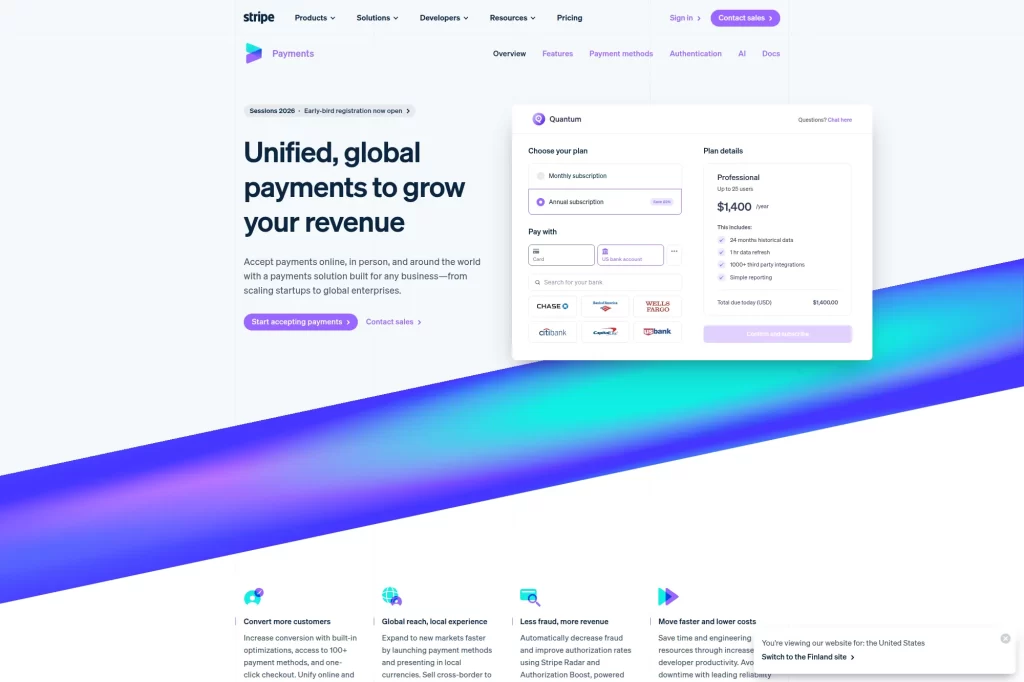
Stripe works as a flexible payments platform you can shape around your product, not the other way around. You can use a hosted checkout for speed, or embed payment elements for full control over UX. Stripe also helps teams support cards, wallets, and bank-based payments without stitching together multiple vendors. That matters when you sell subscriptions, run a SaaS product, or manage recurring billing with upgrades and proration. For many teams, Stripe becomes the “payments layer” that ties checkout, billing, and revenue ops together.
Best for
Stripe fits product-led businesses with developer resources. It also fits SaaS, marketplaces, and platforms that need clean APIs and reliable webhooks. If you iterate fast and run experiments, Stripe supports that style.
Key workflows to configure
Decide how you will create and confirm payments, then wire events into your internal systems. Set up idempotency and clear retry logic so you do not create duplicate orders. Also align billing, invoicing, and tax flows with how your finance team books revenue.
Sales growth lever
Use Stripe’s payment UI options to reduce form friction and catch errors early. Offer accelerated options like wallets where they make sense. Then localize currency display so international customers feel confident before they pay.
Watch outs
Stripe gives you power, but you still need to design failure handling, refunds, and edge cases. Treat webhooks as critical infrastructure, not “nice to have.” Also set clear rules for disputes and chargeback evidence so you respond quickly.
Quick start checklist
- Create a Stripe account and verify business
- Choose hosted Checkout or embedded Elements
- Implement webhook event processing
- Build refund and cancellation flows
- Enable relevant wallets for your audience
- Review fraud rules before scaling ads
3. Square Payments
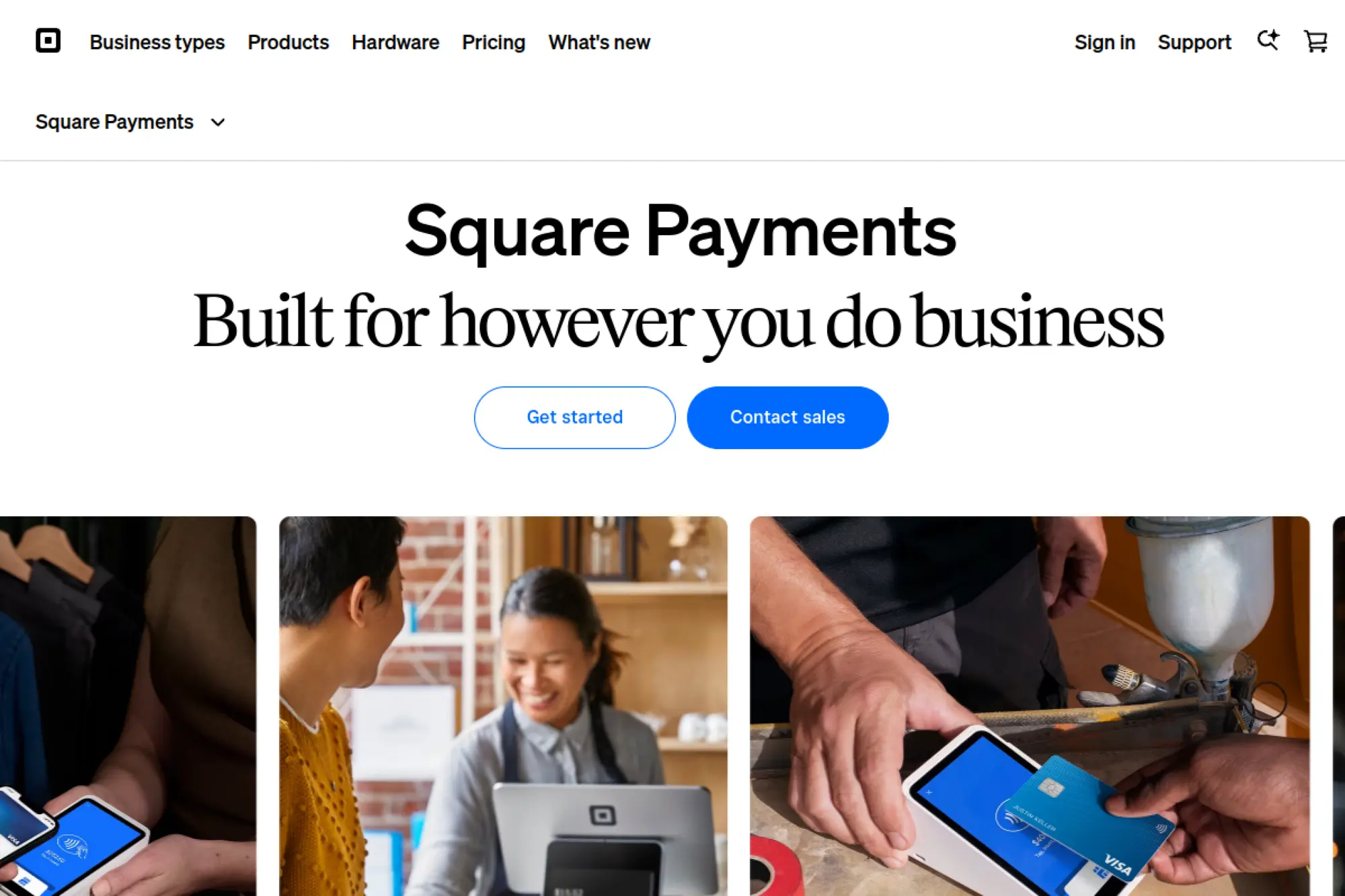
Square Payments shines when you sell in more than one channel and you want a single system to keep everything consistent. You can take payments online, send invoices, and run in-person checkout with the same provider. That helps you keep product catalogs, pricing, taxes, and reporting aligned. A local bakery, a service business, or a pop-up brand can start with Square Online and expand into more advanced flows as demand grows. Square also supports practical “get paid” tools like payment links, which can turn conversations into completed sales.
Best for
Square fits small and midsize sellers that value simplicity and fast setup. It also fits businesses that mix online orders with in-person pickup or delivery. If you want one dashboard to manage day-to-day payments, Square helps.
Key workflows to configure
Start by aligning your catalog and inventory across channels. Then configure your checkout options, including wallets and any pay-over-time features you want to offer. If you use invoices or payment links, standardize your naming and notes so reconciliation stays clean.
Sales growth lever
Use payment links and invoices to close sales that start in DMs, email, or phone calls. Also make pickup and delivery checkout feel as easy as in-store checkout. That reduces drop-off for customers who already decided to buy.
Watch outs
Square works best inside its ecosystem, so plan for the trade-off between speed and deep customization. Also watch account stability when you run big promotional spikes, since risk models can react to unusual volume. Keep clear customer communication for refunds and disputes.
Quick start checklist
- Create a Square account and verify identity
- Publish a Square Online checkout flow
- Sync catalog, taxes, and fulfillment rules
- Enable wallets you want to offer
- Set up invoices and payment links
- Test refunds before you go live
4. Adyen Online Payments
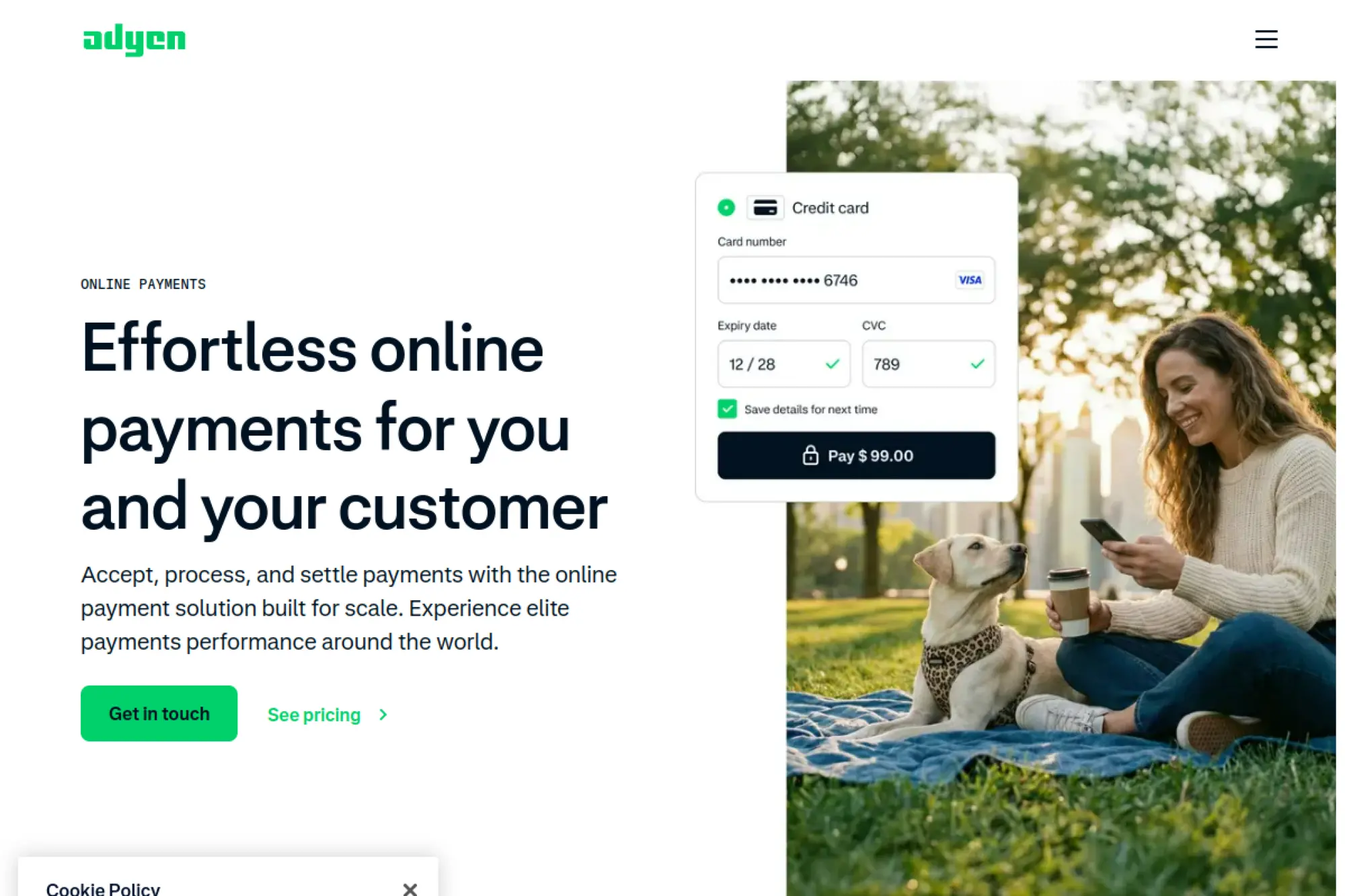
Adyen targets teams that need global scale, strong controls, and performance across many markets. It supports cards and a wide range of local payment methods through a single platform, which helps reduce complexity when you expand internationally. Many enterprise merchants care about authorization rates, fraud tuning, and consistent settlement reporting more than “quick setup.” Adyen fits that mindset. If you run a large ecommerce brand or a platform with multiple countries, Adyen can simplify payments architecture while keeping your risk team in control.
Best for
Adyen fits established businesses that operate across regions. It also fits brands that want to offer local payment methods without separate integrations per country. If you have a risk team and a finance team that needs enterprise reporting, Adyen aligns well.
Key workflows to configure
Choose your integration style based on how much UI control you need. Then configure payment methods by market and align them with your checkout logic. Also tune risk rules, authentication flows, and recurring payment settings before you scale traffic.
Sales growth lever
Offer payment methods that feel native in each region. That reduces hesitation at checkout. Pair that with smart routing and risk tuning to reduce false declines, especially during peak sales events.
Watch outs
Adyen usually requires more upfront planning than a plug-and-play processor. You may also need more engineering and stakeholder alignment during onboarding. Make sure your teams agree on settlement cadence, refund policy, and dispute ownership.
Quick start checklist
- Confirm supported markets and methods you need
- Select Drop-in, Components, or API build
- Configure webhooks and reconciliation exports
- Set risk rules and authentication strategy
- Run a pilot store or region rollout
- Expand method coverage market by market
5. Checkout.com

Checkout.com positions itself around performance and modular payments for larger merchants. It can help you accept payments across regions while keeping visibility into authorization rates, risk controls, and operational metrics. Many companies reach for Checkout.com when they want a modern platform but do not want to manage a patchwork of local providers. If you run a subscription business, a global marketplace, or a high-volume ecommerce store, you can use Checkout.com to simplify integrations while keeping flexibility for routing and optimization.
Best for
Checkout.com fits scaling and enterprise merchants that care about conversion and reliability. It also fits businesses that sell internationally and need consistent payment operations. If your team runs performance marketing, you will value the focus on acceptance.
Key workflows to configure
Integrate payments through the method that matches your frontend architecture, then map response codes into clear customer messages. Configure fraud and authentication rules alongside your support team so you reduce unnecessary declines. Also set up settlement reporting that your finance team can reconcile without manual work.
Sales growth lever
Use performance analytics to find where checkout fails. Then adjust routing, authentication, or method mix to remove friction. This approach works well when you scale into new regions with different customer preferences.
Watch outs
Checkout.com tends to suit teams with payment ops maturity. Smaller teams may feel the setup overhead. Also plan for internal ownership of disputes, refunds, and risk decisions so issues do not bounce between teams.
Quick start checklist
- Confirm acceptance needs by country
- Complete onboarding and compliance review
- Integrate API and set up webhooks
- Configure fraud and authentication rules
- Validate reconciliation and reporting exports
- Review checkout failures weekly
6. PayPal Enterprise Payments (Braintree)
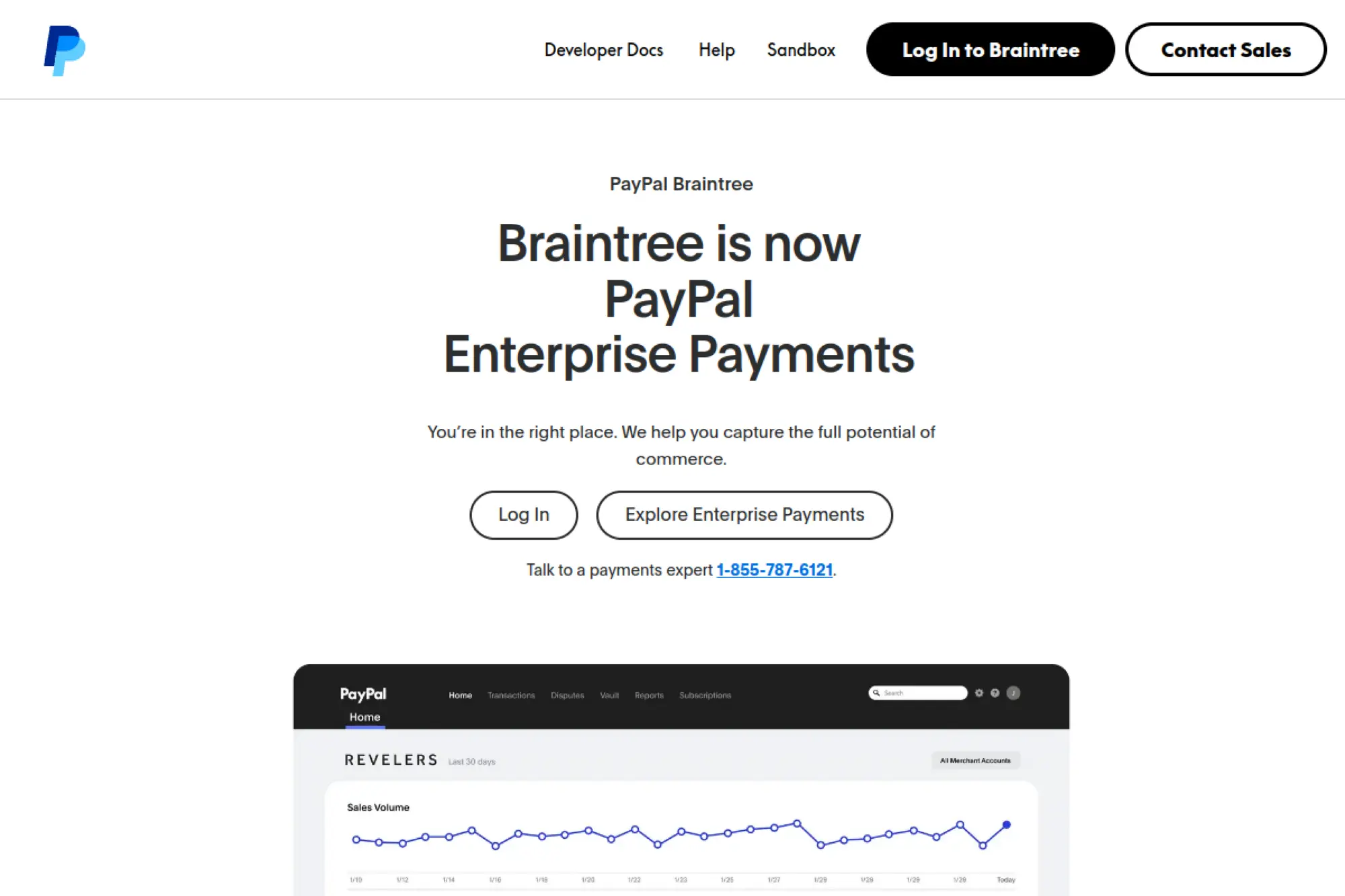
PayPal Enterprise Payments (formerly Braintree) focuses on enterprise-grade checkout and broader payment method coverage under the PayPal umbrella. Many product teams use it when they want a single provider that supports card payments plus popular wallets, while also offering strong developer tooling. It can be a good fit for mobile-first experiences, marketplaces, and platforms that need to store payment credentials securely and manage complex payment flows. If your business relies on saved payment methods, recurring billing, or tokenization, this platform can support those needs without forcing a rigid checkout UI.
Best for
This option fits marketplaces, mobile apps, and subscription businesses that need more control than a simple hosted checkout. It also fits teams that want PayPal and wallet coverage alongside cards. If you plan to expand internationally, it can support that roadmap.
Key workflows to configure
Set up tokenization and vaulting rules so you can reuse stored credentials safely. Define how you handle authorizations, captures, and refunds to match your fulfillment model. Also align dispute workflows with your customer support process, because chargebacks will still happen even with strong UX.
Sales growth lever
Use wallet coverage to reduce friction for returning buyers. Also optimize your checkout for mobile so customers complete payment without context switching. When you sell digital goods, fast confirmation can reduce support tickets.
Watch outs
Enterprise platforms add capability, but they also add configuration decisions. Avoid “set and forget” thinking. Build monitoring for payment failures, webhook delays, and refund exceptions so revenue ops stays stable.
Quick start checklist
- Confirm product fit with your payment flows
- Use sandbox tools to test full checkout
- Implement tokenization and stored credentials
- Wire webhooks into order and billing logic
- Document refunds and dispute handling
- Review authorization and fraud settings regularly
7. Authorize.Net
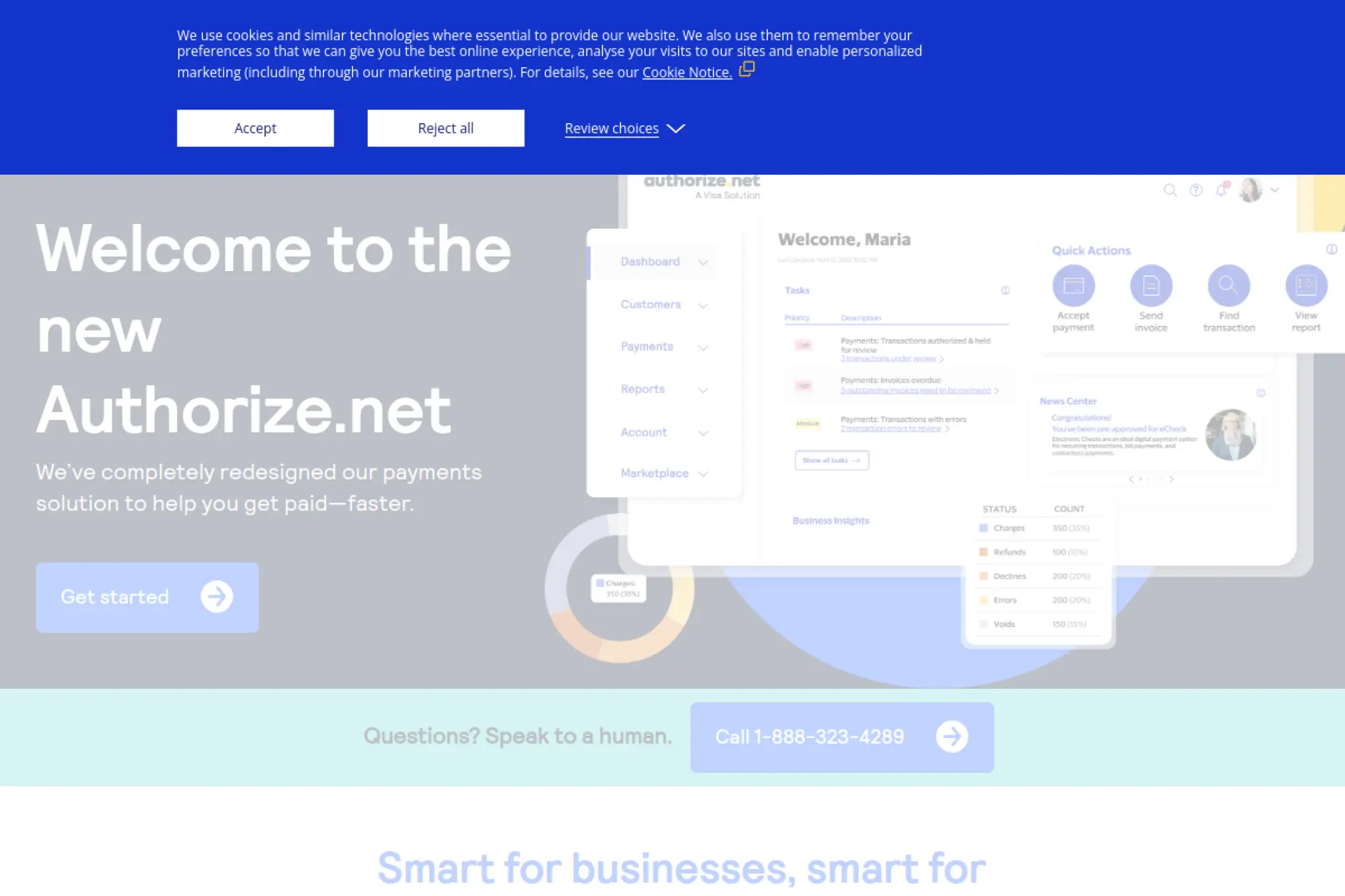
Authorize.Net remains a popular choice for merchants who want a dedicated payment gateway that connects to a processor or merchant account. It often fits established ecommerce operations, B2B sellers, and organizations that want gateway stability and broad compatibility with shopping carts. Many merchants use it to accept cards and bank-based payments while keeping control over their processor relationships. If you run a membership business, a wholesale portal, or a nonprofit donation flow, Authorize.Net can support recurring payments and basic fraud filters without forcing you into a single “all-in-one” stack.
Best for
Authorize.Net fits businesses that prefer a traditional gateway model. It also fits B2B and invoice-driven payments where bank-based payments matter. If you already have a processor you trust, this gateway can slot in cleanly.
Key workflows to configure
Connect your gateway to your processor and confirm that settlement reporting matches your accounting workflow. Configure tokenization so returning customers can pay faster. Also set up recurring billing rules and fraud filters early, then revisit them when your volume grows.
Sales growth lever
Add bank-based payments for customers who avoid cards, especially in B2B. That can reduce payment friction for larger invoices. Also improve repeat conversion by saving payment methods for returning buyers.
Watch outs
You may need separate agreements for the gateway and your processor. That can add setup time and more support contacts. Also test your customer-facing error messages, because generic declines can hurt conversion and increase support tickets.
Quick start checklist
- Choose a processor and confirm compatibility
- Install a trusted cart or platform integration
- Enable tokenization for returning customers
- Configure recurring billing if needed
- Set fraud filters and velocity rules
- Test settlement reports for reconciliation
8. Shopify Payments
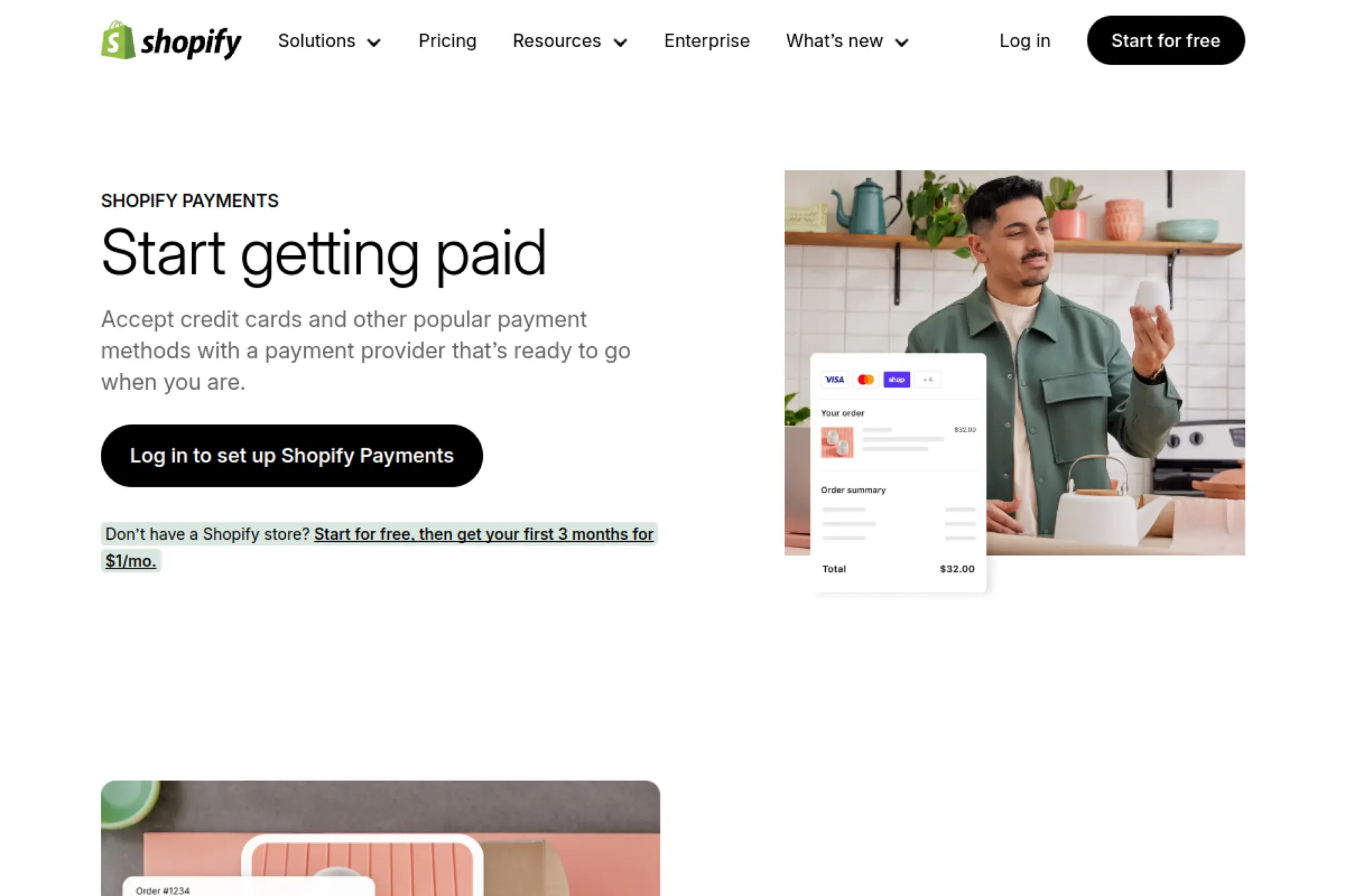
Shopify Payments is the built-in option for stores that run on Shopify and want a smooth, integrated checkout. Because Shopify controls both the storefront and the payment layer, you can often launch faster and manage payouts, refunds, and reporting from a single admin. It also helps reduce “integration drift,” where plugins and gateways fall out of sync over time. If you run a direct-to-consumer brand, a subscription box, or a small catalog store, Shopify Payments can keep your payment stack simple while still supporting modern buyer expectations.
Best for
Shopify Payments fits merchants who already committed to Shopify as their commerce platform. It also fits teams that want quick setup and fewer third-party moving parts. If you do not want to build custom checkout code, it helps.
Key workflows to configure
Enable the payment provider inside your Shopify admin and align payout settings with your bookkeeping. Configure fraud settings, refund rules, and chargeback responses so support can act fast. Also review your checkout settings, because small tweaks in shipping and taxes can impact conversion.
Sales growth lever
Use Shopify’s accelerated checkout options to reduce typing on mobile. Also keep checkout consistent across campaigns so customers recognize the flow and trust it. A stable checkout reduces drop-off when ads send first-time buyers.
Watch outs
Shopify Payments ties you more closely to Shopify’s platform rules and eligibility checks. Plan for backups if your product category triggers review. Also keep your customer communication clear for refunds, because shoppers often judge you by refund speed.
Quick start checklist
- Activate Shopify Payments in admin
- Verify business details and bank account
- Enable relevant wallets and pay-over-time options
- Set up refund and dispute workflows
- Test checkout on mobile and desktop
- Monitor failed payments and customer tickets
9. Amazon Pay
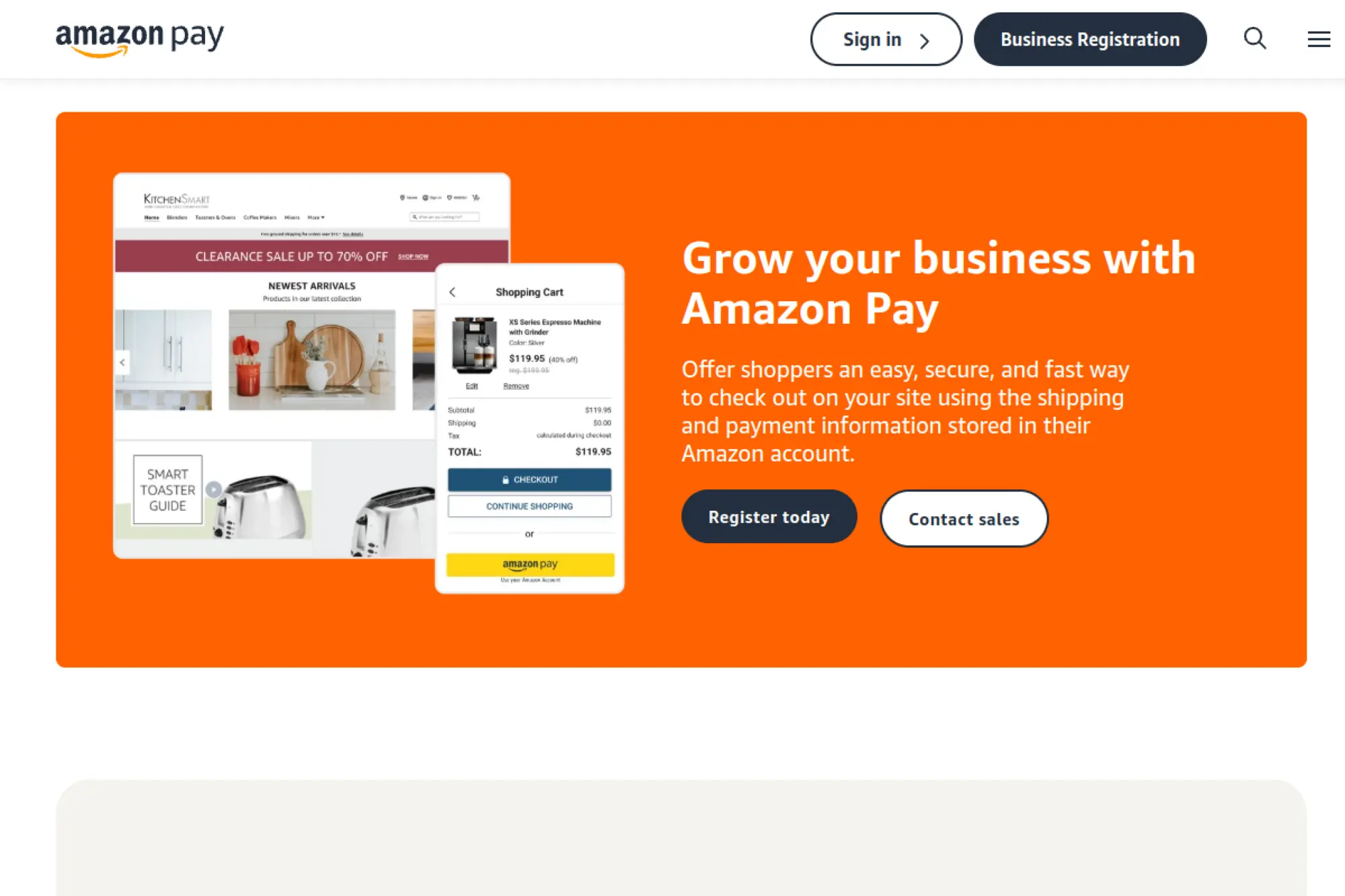
Amazon Pay lets shoppers use the payment and address details already stored in their Amazon account. That can remove form fields at checkout and reduce hesitation for shoppers who trust Amazon more than a new brand. Amazon Pay can work well for merchants who sell commodity items, replenishable products, or gifts, because the customer can complete checkout quickly without creating a new account. It can also fit subscription-style purchases where the buyer wants a familiar billing relationship and predictable checkout flow.
Best for
Amazon Pay fits brands that sell to customers who already shop on Amazon frequently. It also fits merchants who want to reduce account creation friction. If you see many mobile shoppers and guest checkouts, it can help.
Key workflows to configure
Complete business registration and set up a sandbox so you can test before going live. Place the Amazon Pay button where it feels like a clear option, not an afterthought. Then map payment confirmations to your order system so you do not ship before the payment completes.
Sales growth lever
Use Amazon Pay to shorten checkout for new customers. When shoppers recognize the brand, they often move faster. That can help you turn first-click traffic into a completed order.
Watch outs
Amazon Pay may not fit every product category or business model, so confirm eligibility early. Also keep customer support ready for questions about seeing Amazon Pay in their wallet or statements. Finally, test your return and refund communications so customers do not confuse your policies with Amazon’s marketplace policies.
Quick start checklist
- Register for Amazon Pay as a business
- Set up sandbox credentials and test orders
- Add button to cart and checkout pages
- Confirm tax and shipping address handling
- Test refunds and cancellations end to end
- Monitor payment errors and buyer feedback
10. Apple Pay
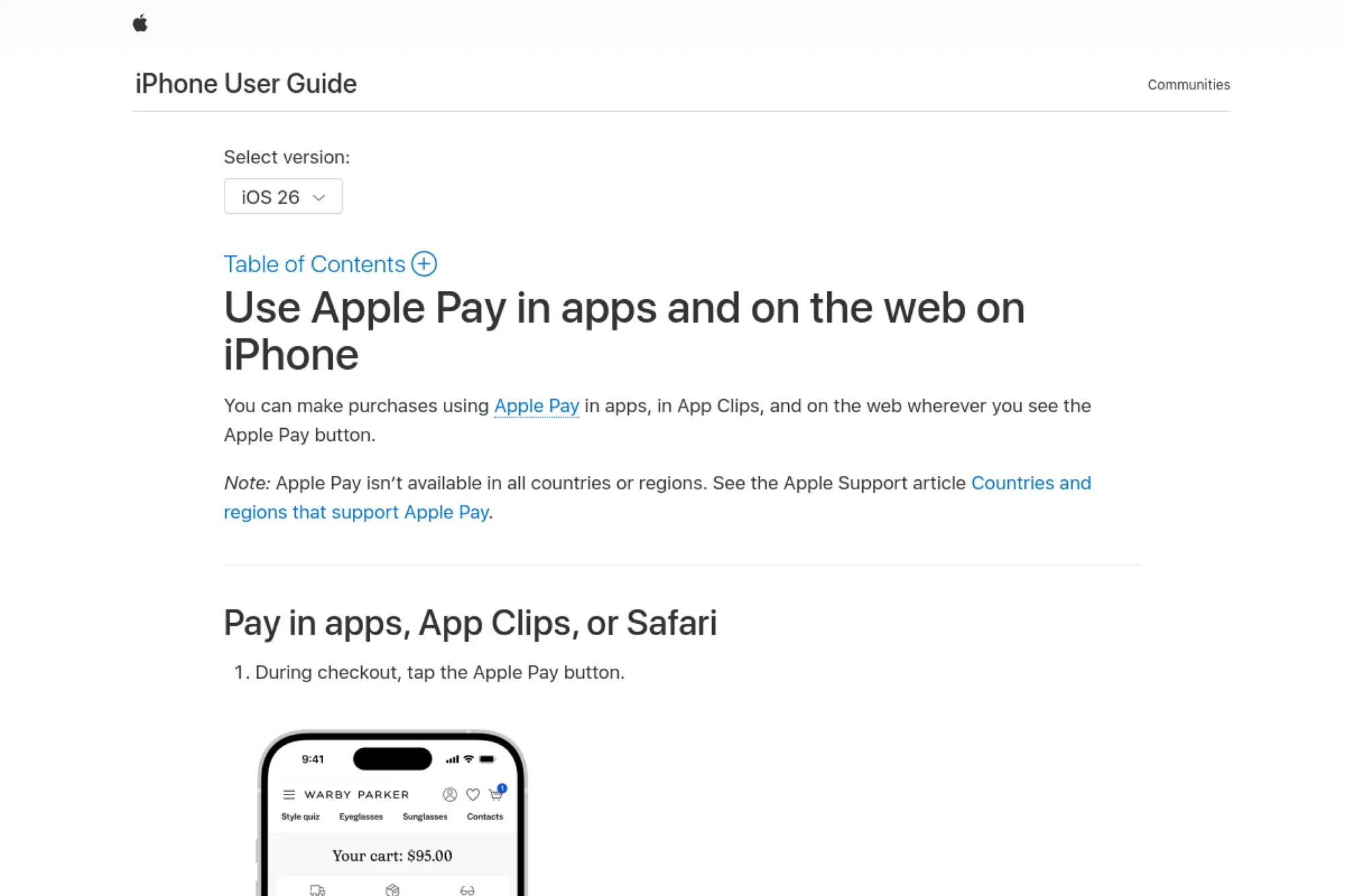
Apple Pay gives iPhone and iPad shoppers a fast way to pay online without typing card details. The customer confirms payment using the device’s authentication, which can make checkout feel both quicker and safer. For merchants, Apple Pay typically works through a payment processor or gateway, so you add it as an option within an existing card stack. Brands that sell high-consideration products often like Apple Pay because it reduces input errors and makes mobile checkout smoother.
Best for
Apple Pay fits mobile-heavy stores and brands with a large iOS audience. It also fits premium brands where trust and polish matter. If you see many customers abandon on mobile, it can help reduce friction.
Key workflows to configure
Confirm your payment provider supports Apple Pay for the web or in-app flows you run. Verify your domain and secure your checkout under HTTPS. Then test shipping address collection, because Apple Pay can pass customer details that need to map cleanly into your order system.
Sales growth lever
Make Apple Pay visible early in the checkout path for mobile shoppers. When customers see a familiar option, they hesitate less. You can also use it to reduce form errors that cause failed payments.
Watch outs
Apple Pay only appears in supported environments, so always provide a smooth fallback method. Also test edge cases like address changes and split shipments. Finally, coordinate with your fraud tools so you do not block legitimate Apple Pay buyers by accident.
Quick start checklist
- Confirm processor support for Apple Pay
- Enable Apple Pay in your payment dashboard
- Verify domain and secure checkout pages
- Test address and contact data mapping
- Run refunds through the same flow
- Monitor conversion on iOS devices
11. Google Pay
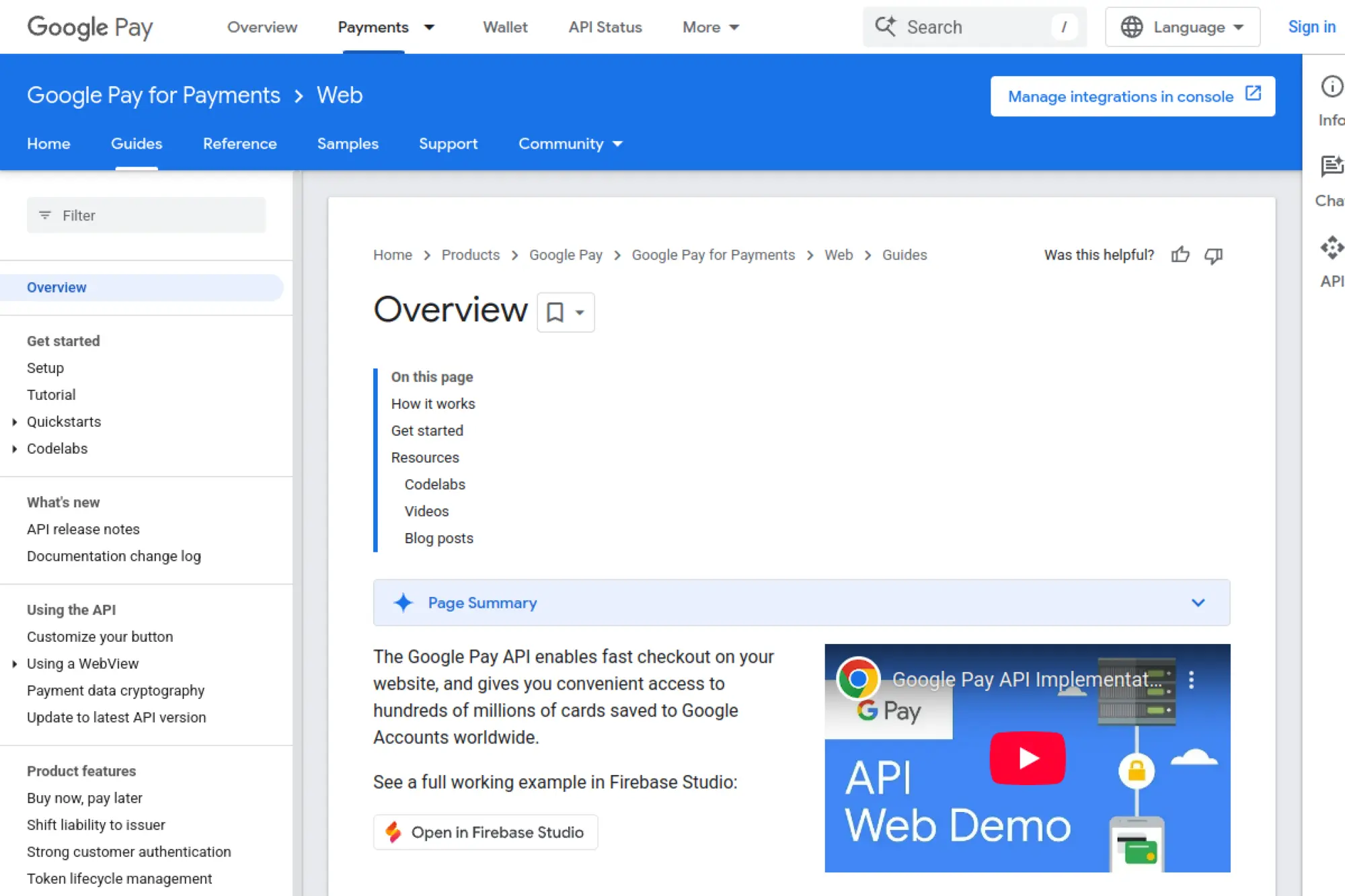
Google Pay helps customers pay using payment details saved to their Google account. That can reduce typing on mobile devices and speed up checkout for returning shoppers. Many merchants add Google Pay as a wallet option through a gateway, which keeps implementation consistent with their existing card stack. If you sell to Android-heavy audiences or run international traffic where Google accounts play a big role, Google Pay can act as a high-impact checkout accelerator.
Best for
Google Pay fits merchants with strong mobile traffic and a meaningful Android user base. It also fits global ecommerce stores that want a modern wallet option alongside cards. If you want a faster guest checkout, it is a strong candidate.
Key workflows to configure
Set up your Google Pay integration through your gateway or direct API approach. Test tokenization and gateway routing so payments settle correctly. Then verify how you collect shipping and billing details, because you must still deliver what the customer orders.
Sales growth lever
Use Google Pay to reduce checkout friction on mobile. It can also lower form-entry errors, which helps reduce declines caused by mismatched billing data. That can translate into more completed orders from paid traffic.
Watch outs
Google Pay still requires good fallback experiences when a device or browser does not support it. Follow brand and UX guidance so the button does not confuse customers. Also track payment failures separately from overall checkout failures so you can spot method-specific issues.
Quick start checklist
- Choose your gateway or direct API method
- Configure merchant and gateway settings
- Test transactions in a safe environment
- Validate shipping and contact data capture
- Enable production access and go live
- Track wallet conversion by device type
12. Shop Pay
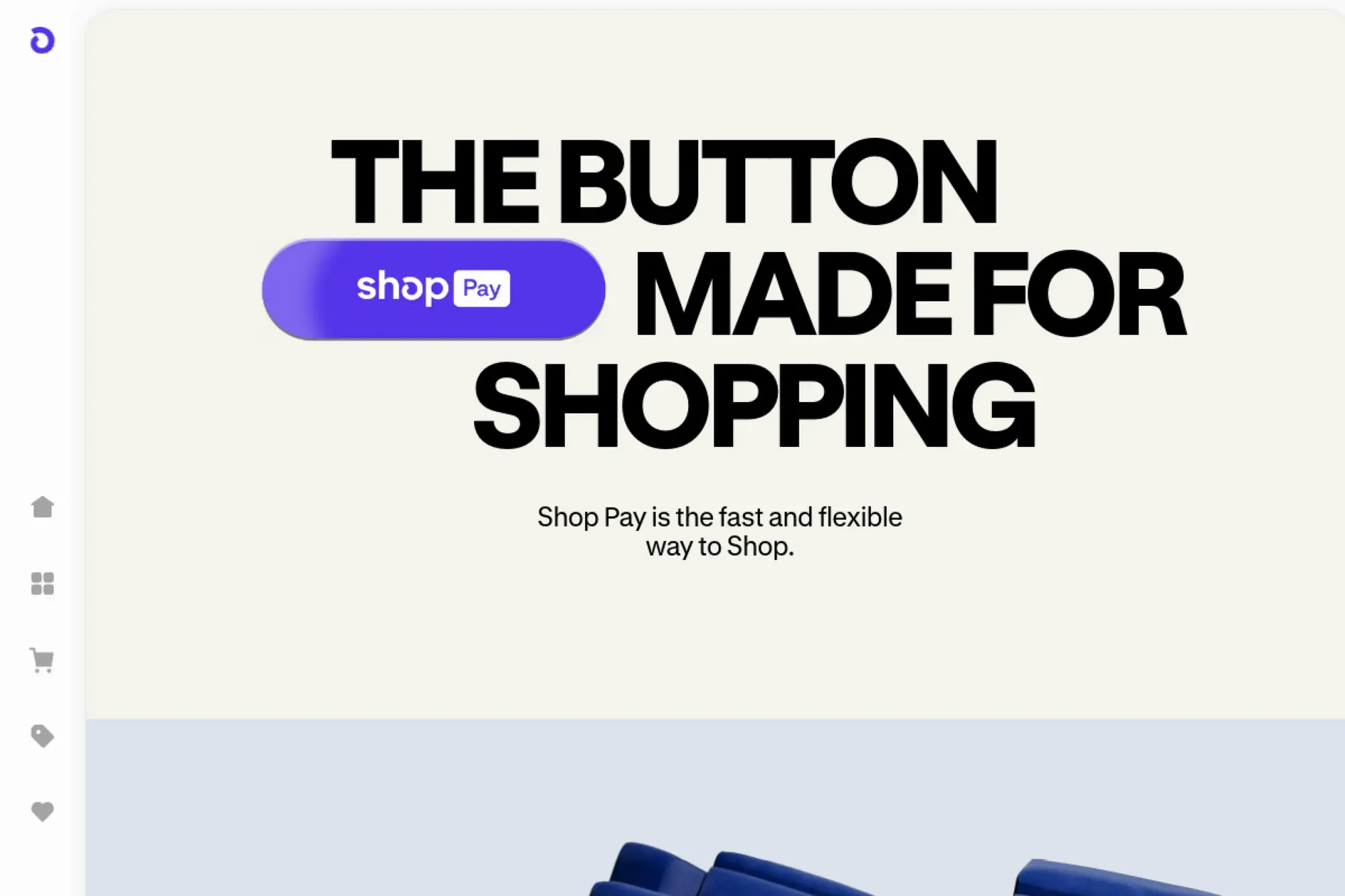
Shop Pay is an accelerated checkout experience built for merchants in the Shopify ecosystem. It aims to reduce friction by saving customer details and making repeat purchases faster. It can help especially on mobile, where typing shipping and billing information slows customers down. Shop Pay can also connect to the Shop app experience, which can support discovery and repeat shopping for some audiences. If your business runs on Shopify and you want a “fast lane” for returning buyers, Shop Pay can be a strong add-on.
Best for
Shop Pay fits Shopify merchants who want a streamlined checkout without custom development. It also fits brands with repeat purchase behavior, such as beauty, apparel, or consumables. If you run frequent drops or promotions, fast checkout matters.
Key workflows to configure
Enable Shop Pay in your Shopify payment settings and confirm it appears in checkout for eligible customers. Review your checkout customizations so they do not conflict with accelerated flows. Also test how discount codes, gift cards, and returns behave when customers use Shop Pay.
Sales growth lever
Use Shop Pay as the default accelerated option for mobile shoppers. Promote it in checkout messaging so customers know they can pay quickly. This can reduce drop-off during peak traffic, when customers feel impatient.
Watch outs
Shop Pay works best inside Shopify’s checkout model, so it may not fit headless setups without planning. Some features vary by region and eligibility. Also keep your post-purchase support ready, because faster checkout can increase impulse buying and returns.
Quick start checklist
- Enable Shop Pay in Shopify settings
- Confirm button placement and visibility
- Test discount code and gift card flows
- Validate refunds and partial refunds
- Check mobile speed and layout
- Monitor repeat customer conversion
13. Visa Click to Pay
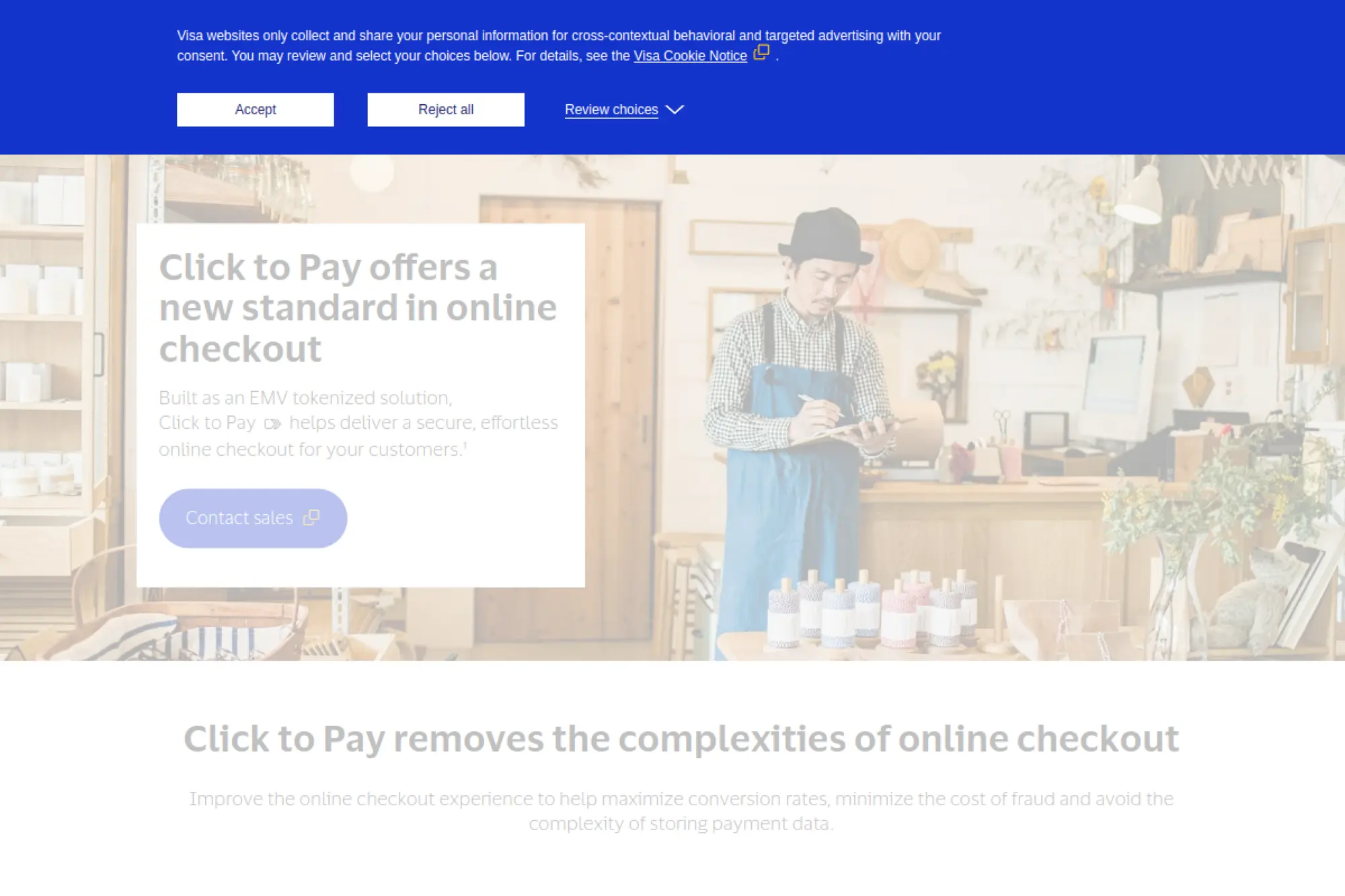
Visa Click to Pay aims to make online card checkout feel more like contactless payments by reducing manual card entry. It can help merchants improve guest checkout, especially when customers do not want to create an account. Click to Pay builds on tokenized credentials, which can help reduce certain fraud risks and can also support smoother authorization behavior in some cases. If your checkout relies heavily on cards, Click to Pay can act as a “card-friendly express checkout” that still stays within card rails.
Best for
Click to Pay fits merchants with high card usage who want a faster guest checkout. It also fits brands that see many returning customers who still check out as guests. If your checkout asks for many fields, it can reduce friction.
Key workflows to configure
Work with your payment provider to enable Click to Pay support and place the button correctly in your checkout. Confirm tokenization and customer identity flows match your fraud strategy. Then test edge cases such as saved addresses, split shipments, and failed authentication paths.
Sales growth lever
Use Click to Pay to shorten the “type everything” part of checkout. That can reduce drop-off for shoppers who already decided to buy. It also keeps the customer in a familiar card-based flow, which can feel predictable.
Watch outs
Adoption can vary by market and by customer awareness. You also depend on your PSP or gateway for implementation details. Treat it as a conversion experiment, and measure the impact by device type and customer segment.
Quick start checklist
- Ask your PSP about Click to Pay support
- Add the button to guest checkout
- Test tokenized credential handling
- Confirm fallback to standard card entry
- Review fraud rules for false declines
- Track conversion change after launch
14. Venmo
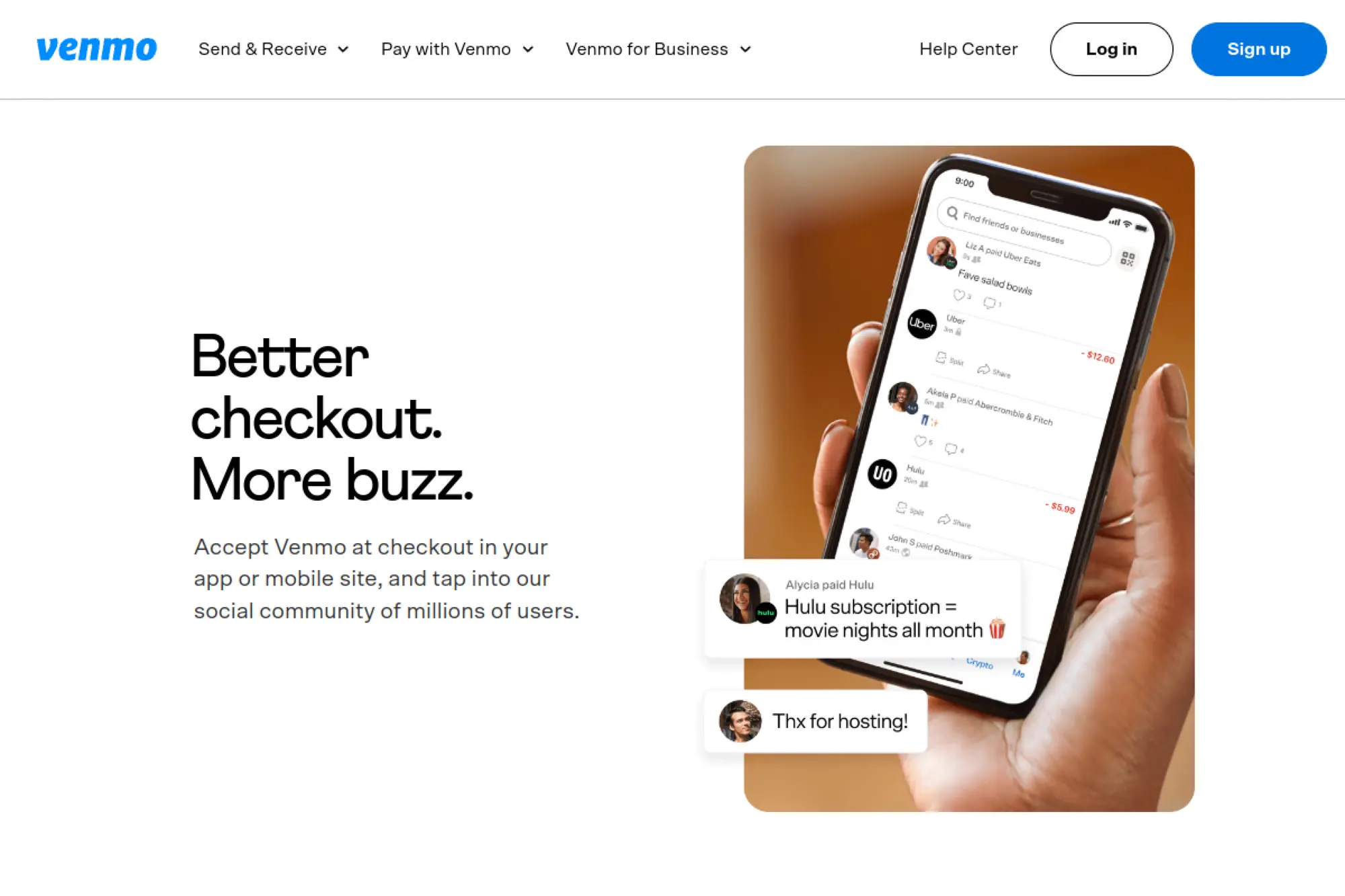
Venmo can act as a familiar online payment option for U.S. shoppers, especially on mobile. Many customers already use Venmo socially, so they recognize the brand and trust the flow. For merchants, Venmo often appears as an option through PayPal checkout stacks rather than as a standalone build. That makes it easier to add without rebuilding your payments architecture. If you sell to a younger audience or run mobile-first ecommerce, Venmo can reduce friction and improve checkout comfort.
Best for
Venmo fits U.S.-based ecommerce stores, apps, and mobile web checkouts. It also fits brands that skew toward younger audiences and frequent repeat purchases. If you sell fashion, accessories, or event-related products, it can be a strong option.
Key workflows to configure
Enable Venmo through your PayPal or Braintree configuration and confirm it renders correctly on mobile. Map Venmo payments into your order management system with clear labels so finance can reconcile easily. Also test refunds, because customers often expect refunds to return to the same funding source.
Sales growth lever
Use Venmo as a “comfort button” for customers who hesitate to enter card details. Highlight it in mobile checkout where buyers want speed. It can help reduce drop-off when your brand is still new to the customer.
Watch outs
Venmo focuses heavily on mobile experiences, so test your desktop fallback flow. Availability can be limited by region and integration type. Also keep support ready for payment status questions, because wallet payments can confuse customers who expect immediate confirmation emails.
Quick start checklist
- Enable Venmo through PayPal or Braintree
- Confirm mobile web and in-app rendering
- Label Venmo orders in reporting
- Test refunds and cancellations
- Update FAQ with Venmo-specific guidance
- Monitor conversion on mobile devices
15. Cash App Pay
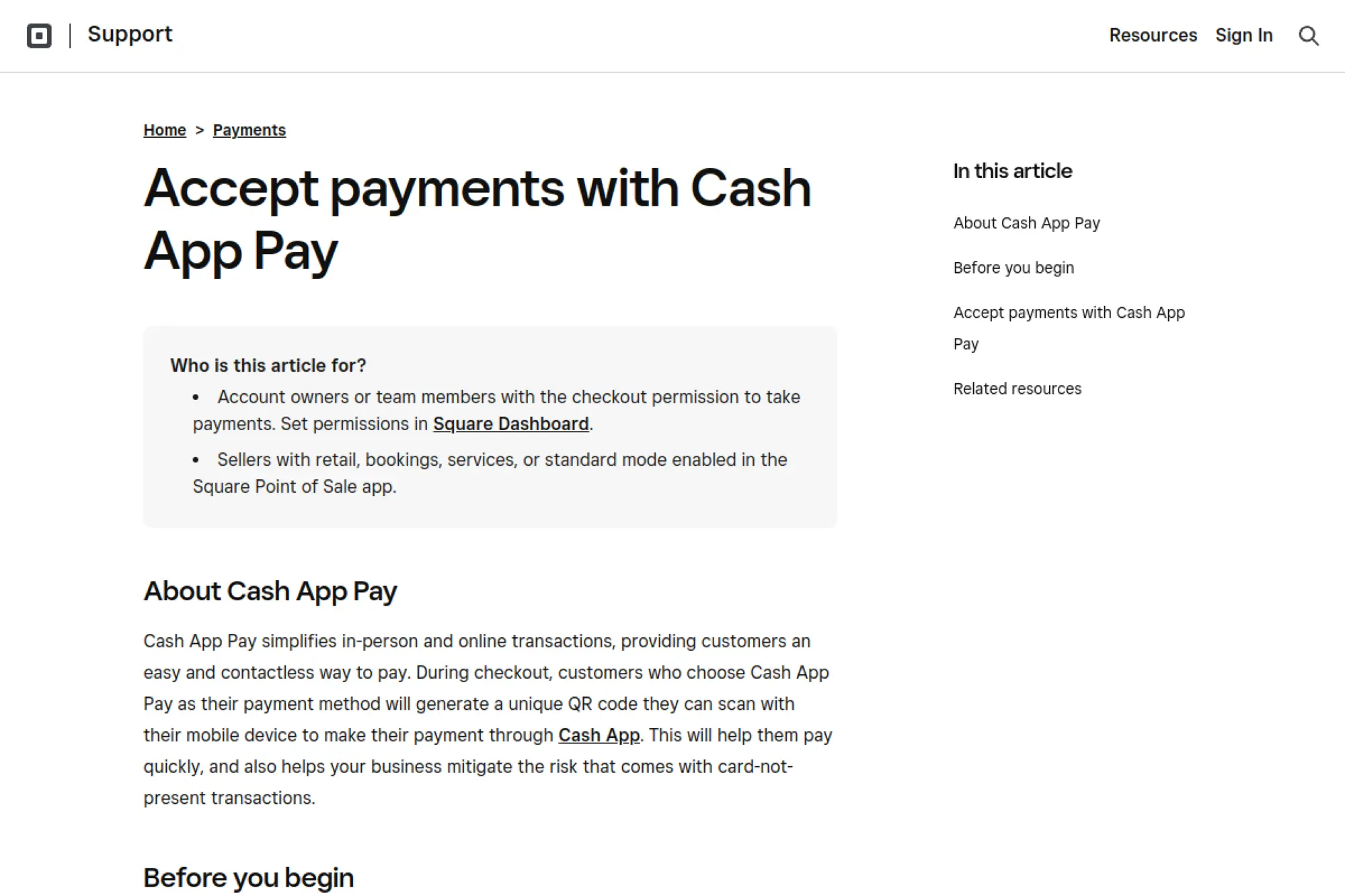
Cash App Pay lets customers pay using the Cash App experience, often through a QR-based flow. It matters most when you already use Square, because Square supports Cash App Pay in its ecosystem. That can make it a simple option to turn on for online checkout and in-person selling. For certain audiences, Cash App Pay can feel easier than entering card details, especially on mobile. If you run a local business, a quick-service brand, or a creator-led product line, Cash App Pay can help you meet customers where they already spend time.
Best for
Cash App Pay fits Square sellers that want to expand wallet options. It also fits brands that market to U.S. customers who use Cash App. If you sell in person and online, it can provide consistent checkout across both.
Key workflows to configure
Enable Cash App Pay inside your Square settings and confirm it appears on your checkout page. If you run a custom site, follow Square’s developer guidance to add Cash App Pay using the Web Payments SDK. Then map Cash App Pay transactions into your accounting workflow so reconciliation stays simple.
Sales growth lever
Use Cash App Pay to reduce typing and speed up mobile checkout. It can also help you convert customers who prefer wallets over cards. That matters when your marketing drives mobile traffic from social platforms.
Watch outs
Cash App Pay currently targets U.S. use cases, so confirm geographic fit before you promote it. Certain seller categories may not qualify, so check eligibility early. Also train support staff on what the customer sees during the QR scan flow to reduce confusion.
Quick start checklist
- Confirm you use Square and qualify
- Enable Cash App Pay in Square settings
- Test the QR scan flow on mobile
- Verify refund and receipt behavior
- Update checkout help text for customers
- Track usage and payment completion rate
16. Klarna
Klarna offers pay-over-time options that can reduce sticker shock at checkout. It can work especially well when customers want flexibility for higher-priced baskets or when they shop in categories with strong comparison behavior. Many brands also use Klarna’s on-site messaging to show payment options earlier in the journey, not just at the final checkout step. That matters because customers often decide what they can afford before they reach the payment page. If you sell apparel, beauty, home goods, or specialty retail, Klarna can help you convert customers who would otherwise postpone the purchase.
Best for
Klarna fits retailers with mid- to higher-priced products and strong mobile traffic. It also fits brands that want to promote flexible payment options across product pages, cart, and checkout. If you run performance marketing, it can help improve conversion from cold traffic.
Key workflows to configure
Choose your integration route through a platform partner or direct integration based on your stack. Configure on-site messaging so customers see Klarna options at the right moments. Also map refunds and returns into Klarna’s flow so customers do not feel stuck when they send items back.
Sales growth lever
Use on-site messaging to reduce price anxiety before checkout. Pair it with a clean returns policy so customers feel safe completing the order. Klarna can help increase basket size when customers feel they can spread payments.
Watch outs
Pay-over-time messaging comes with compliance and brand rules, so follow them carefully. Klarna’s approval decisions can vary by customer, so always provide a fallback payment option. Also prepare your support team for questions about payment schedules and returns.
Quick start checklist
- Choose an integration partner or direct setup
- Enable Klarna in checkout and confirm display
- Add on-site messaging across key pages
- Test returns, refunds, and cancellations
- Update customer support macros
- Review conversion and basket changes
17. Afterpay
Afterpay is a buy-now-pay-later option that can help customers commit to a purchase without paying the full amount upfront. Many merchants use it to improve conversion in categories where customers browse heavily, compare prices, and hesitate at checkout. It can also help with average basket size when customers add extra items once they feel the payment feels manageable. If you run a direct-to-consumer brand, an online boutique, or a lifestyle product store, Afterpay can be a useful addition beside cards and wallets.
Best for
Afterpay fits consumer retail with strong mobile shopping behavior. It works well for categories like apparel, beauty, and home, where customers often abandon carts due to budget timing. It also fits brands that want to attract shoppers who look specifically for BNPL options.
Key workflows to configure
Integrate Afterpay through your ecommerce platform or payments partner. Add clear messaging so customers understand it before they reach the payment step. Then test refunds and returns carefully, because BNPL returns can confuse customers if you do not communicate clearly.
Sales growth lever
Use Afterpay messaging on product pages and in cart to reduce last-minute hesitation. That can help you convert customers who already want the product but feel unsure about the timing of a full payment. It can also lift basket size when customers add accessories or add-ons.
Watch outs
BNPL can shift your unit economics because merchant fees can be higher than standard card processing. Also be careful with customer expectations around refunds, especially partial refunds. Finally, confirm availability by region and platform, because not every market works the same.
Quick start checklist
- Apply and confirm business eligibility
- Integrate via platform plugin or PSP
- Add BNPL messaging to product and cart pages
- Test refund flows and customer notifications
- Train support on BNPL questions
- Measure impact on conversion and returns
18. Affirm
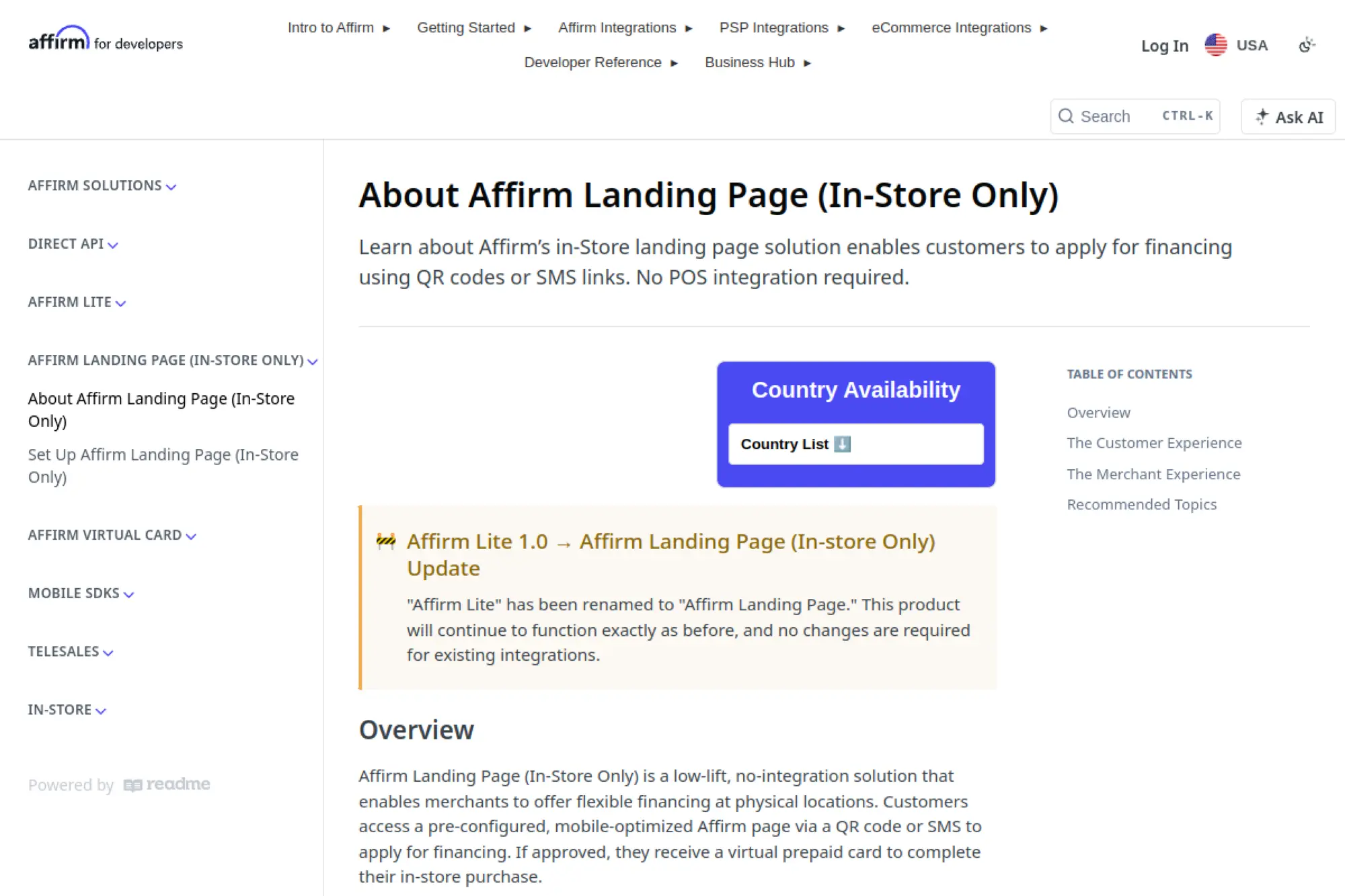
Affirm offers pay-over-time options that can help customers purchase higher-priced items with more confidence. Many merchants use Affirm for categories like electronics, travel, fitness equipment, and home improvement, where buyers often need flexible terms. Affirm can also work as a merchandising tool, because you can surface payment messaging earlier in the journey. If you run on a commerce platform or payments provider that already supports Affirm, you can often add it without rebuilding your core checkout.
Best for
Affirm fits merchants with higher average order values and longer consideration cycles. It also fits brands that want to make financing feel transparent and predictable. If your customers often ask about payment plans, Affirm can reduce support load and increase conversion.
Key workflows to configure
Decide whether you will enable Affirm through a platform integration or a payments partner. Set up reporting and settlement exports so finance can reconcile BNPL payouts cleanly. Also define your returns process, because refunds can require loan adjustments and clear customer messaging to avoid confusion.
Sales growth lever
Use Affirm messaging on product pages and in cart to reduce sticker shock. This helps customers commit earlier. When buyers feel confident about affordability, they often complete checkout with less hesitation.
Watch outs
Not every customer will qualify for financing, so keep a smooth fallback method available. BNPL can also increase return rates in some categories, so monitor post-purchase behavior. Finally, coordinate messaging with your legal and brand guidelines so you stay compliant.
Quick start checklist
- Choose an integration path that fits your stack
- Enable Affirm in checkout and test eligibility flows
- Add payment messaging across key pages
- Validate refunds and cancellations end to end
- Train support on BNPL statements and returns
- Track conversion lift and return behavior
19. Sezzle
Sezzle is another BNPL option that helps shoppers split a purchase into smaller payments. Merchants often add Sezzle to attract customers who prefer pay-over-time but do not use the larger BNPL brands. It can also help reduce cart abandonment when customers hesitate at the final step. If you run a mid-market ecommerce store and want to test BNPL without changing your entire checkout architecture, Sezzle can work well through common ecommerce platform integrations.
Best for
Sezzle fits retail brands that want an additional BNPL option, especially in categories where budget timing matters. It works well for merchants with strong mobile traffic and a younger customer base. It can also help smaller brands compete with bigger retailers that already offer BNPL.
Key workflows to configure
Install Sezzle through your ecommerce platform or integration partner and confirm it shows consistently across devices. Configure refund handling and order cancellation flows so customers see clear outcomes. Also set internal reporting labels so your finance team can track BNPL performance separately from cards and wallets.
Sales growth lever
Promote Sezzle at the point of decision, not just at checkout. Product page messaging can help customers decide faster. BNPL often works best when it removes affordability anxiety early.
Watch outs
BNPL can increase operational complexity because customers ask different questions than they do for card payments. Refunds and returns need clear communication. Also monitor margins and CAC, because BNPL fees can change how profitable a channel looks.
Quick start checklist
- Install Sezzle integration for your platform
- Confirm checkout and mobile rendering
- Set up refund and cancellation handling
- Add on-site messaging where appropriate
- Update support scripts for BNPL questions
- Review performance after a test period
20. Trustly Pay
Trustly Pay supports “pay by bank” checkout through online banking connections. Instead of entering card details, customers authenticate with their bank and pay directly from their account. This method can appeal to customers who avoid credit cards, prefer bank transfers, or want to reduce exposure of card credentials. It can also help certain merchants reduce payment costs and improve approval behavior when customers have sufficient funds. If you sell services, bill pay, or high-ticket ecommerce where customers prefer bank payments, Trustly Pay can be worth testing.
Best for
Trustly Pay fits merchants that want a bank-based alternative to cards. It works well for billers, subscription services, and businesses with customers who prefer debit-from-bank behavior. It can also fit gaming, travel, and marketplaces where you want a “pay from bank” option.
Key workflows to configure
Integrate Trustly into checkout and confirm how you present bank selection and authentication to customers. Map payment confirmation into your order system so you fulfill only after confirmation. Also define your refund workflow, because bank refunds can look different from card chargebacks.
Sales growth lever
Offer Trustly Pay to reduce checkout friction for customers who do not want to use cards. It can also help convert customers who lack available credit but have funds in their bank account. This expands your reachable audience without changing your product.
Watch outs
Customer familiarity varies, so you may need clear copy that explains what “pay by bank” means. Bank payments also come with different dispute dynamics than cards. Align your risk controls and customer support steps before you scale the option.
Quick start checklist
- Confirm market and bank coverage for your buyers
- Integrate Trustly Pay in checkout
- Test bank authentication and confirmation flow
- Implement refund and cancellation processes
- Add clear checkout explanation copy
- Track adoption and completion rates
21. Plaid Transfer
Plaid Transfer helps businesses move money using bank rails, including ACH and real-time options, while also giving you tools to manage account linking and payment performance. For ecommerce, Plaid often shows up in “pay by bank” or account funding flows, especially when you sell financial products, subscriptions, or marketplace payouts. It can also help when you want to reduce reliance on cards for certain use cases. If your business needs to collect payments or send payouts and you want a unified bank-rail platform, Plaid Transfer can be a strong building block.
Best for
Plaid Transfer fits fintech products, marketplaces, and subscription businesses that rely on bank account connections. It also fits merchants that want to support account funding or payouts without manual bank entry. If you need bank-based checkout for U.S. customers, it can help.
Key workflows to configure
Design the account connection experience so it feels trustworthy and clear. Configure payment initiation, status updates, and return handling so your system stays accurate when bank payments fail or reverse. Also align identity and risk tools with your fraud strategy, because bank rails require different controls than card rails.
Sales growth lever
Use pay-by-bank flows to reduce friction for customers who avoid cards. Also use faster payout options to improve seller satisfaction on marketplaces. Better payout speed can improve retention and reduce support overhead.
Watch outs
Bank payments can still return due to insufficient funds or account issues, so you need clear retry logic. User experience matters a lot, because customers may hesitate when asked to connect a bank. Build clear messaging and keep fallback methods available.
Quick start checklist
- Define your use case: pay-in, payout, or both
- Build a clear bank connection UX
- Implement status updates and webhooks
- Create retry and return handling rules
- Set risk controls for bank transactions
- Monitor funding success and failure reasons
22. GoCardless

GoCardless focuses on recurring and bank debit payments, which can help businesses reduce churn caused by expired cards and failed card updates. Many subscription businesses and B2B service providers use bank debits to make payments feel “set and forget” for customers. GoCardless also supports payment links and hosted pages, which can simplify billing when you invoice clients or collect membership dues. If you sell subscriptions, retainers, or ongoing services, GoCardless can help you build a more stable collections process.
Best for
GoCardless fits subscription businesses, B2B services, and membership models that collect recurring payments. It also fits organizations that invoice customers and want a smoother way to collect on time. If you struggle with failed card payments, it can be a strong alternative.
Key workflows to configure
Set up mandate capture so customers authorize bank debits cleanly and confidently. Configure notifications, retries, and reconciliation exports so finance can track collections without manual chasing. Also define how you handle failed payments, because bank debit timing differs from card authorization timing.
Sales growth lever
Use bank debit for recurring payments to reduce involuntary churn. When customers do not need to update cards, they stick around longer. That lifts lifetime value without spending more on acquisition.
Watch outs
Bank debit settlement timing can differ from cards, so align expectations with your cash flow planning. Customers may ask more questions during mandate setup, so write clear copy. Also align your cancellation policy with your billing cycles to avoid disputes and confusion.
Quick start checklist
- Decide recurring billing and invoicing use cases
- Set up mandate capture via hosted pages or API
- Connect webhooks to subscription status
- Configure retries and customer notifications
- Validate reconciliation reports with finance
- Measure churn and payment failure changes
23. iDEAL
iDEAL is a widely used online payment method in the Netherlands that lets customers pay through their own bank. The customer selects their bank, authenticates in their banking environment, and confirms the transfer. For merchants, iDEAL often drives strong conversion because it matches what Dutch shoppers expect. It also keeps sensitive payment credentials inside the bank flow, which can increase trust. iDEAL’s own site notes it is evolving into Wero over time, so merchants should plan for brand and scheme changes without disrupting customer habits.
Best for
iDEAL fits ecommerce stores that sell to customers in the Netherlands. It also fits digital services, bill payments, and donations where customers prefer direct bank payments. If you expand into Dutch markets, iDEAL should sit near the top of your priority list.
Key workflows to configure
Offer iDEAL through a PSP that supports it and confirm the redirect and return steps feel smooth. Map payment confirmations into your order system so you fulfill reliably. Also test refund handling, because bank-based refunds can differ from card refunds in timing and customer expectations.
Sales growth lever
Make iDEAL prominent for Dutch shoppers. When the local method is obvious, customers complete checkout with less friction. This can also reduce support questions about “how do I pay?” for first-time international customers.
Watch outs
iDEAL mainly serves the Netherlands, so it will not replace global card acceptance. You also depend on the PSP’s implementation for UI quality. Finally, keep an eye on scheme transitions and branding changes so you update your checkout calmly, not during a crisis.
Quick start checklist
- Pick a PSP that supports iDEAL
- Add iDEAL to your localized Dutch checkout
- Test redirect, return, and confirmation flows
- Map payment events to order status
- Validate refund communication templates
- Monitor conversion for NL traffic
24. Bancontact
Bancontact supports online payments for Belgian customers through card-based and app-based flows. Customers can pay online using their Bancontact card details or through a mobile app experience that often involves QR codes or app confirmations. For merchants selling into Belgium, Bancontact can act as a “local comfort” method similar to how iDEAL works in the Netherlands. It can be especially important when you localize checkout for Belgian shoppers who expect to see it and may hesitate if they only see international card brands.
Best for
Bancontact fits merchants that sell to Belgian customers. It works well for ecommerce, digital subscriptions, and service payments where local trust matters. If you run localized Belgian marketing campaigns, add Bancontact to match that investment.
Key workflows to configure
Enable Bancontact through a PSP that supports it and ensure your checkout detects Belgian customers reliably. Test both desktop and mobile experiences, because the flow can differ. Also test refunds and cancellation messaging so customers understand what happens after the purchase.
Sales growth lever
Present Bancontact as a primary option for Belgian shoppers. Local familiarity reduces hesitation. It can also reduce checkout drop-off when customers do not want to use a credit card online.
Watch outs
Bancontact flows can add steps compared to a saved-card checkout, so optimize your UI and copy. Availability and exact UX depend on your PSP. Also plan for customer support questions about app confirmations and failed authentication steps.
Quick start checklist
- Enable Bancontact via your PSP
- Localize checkout language and currency
- Test mobile app and desktop flows
- Map payment confirmation to fulfillment
- Validate refund and cancellation processes
- Track Belgium conversion rate changes
25. Pix
Pix is Brazil’s instant payment system operated by the Central Bank of Brazil. Customers often pay via QR codes or copy-and-paste payment strings inside their banking apps. For merchants, Pix can provide fast confirmation and a smooth “pay from bank” experience that many Brazilian customers already use daily. If you sell into Brazil, Pix matters because many shoppers prefer it for both online and offline purchases. It also supports use cases like bill pay, subscriptions, and marketplace payments depending on your provider and integration.
Best for
Pix fits merchants selling to Brazilian customers, especially when you want a bank-based option that feels native. It also fits services, digital goods, and retail checkout flows where customers expect QR code payments. If you localize Brazil checkout, Pix should be central.
Key workflows to configure
Enable Pix through a PSP or local payments partner that supports it and confirm how you generate QR codes for checkout. Ensure your order system updates immediately when payment confirms. Also define your refund workflow, because refunds often require bank-based processing steps that differ from card refunds.
Sales growth lever
Offer Pix to reduce dependence on credit cards for Brazilian buyers. This can unlock conversion for customers who prefer bank payments. A familiar local method can also reduce customer support load during checkout.
Watch outs
Pix requires local settlement and local operational support, so confirm your PSP’s Brazil capabilities. Currency handling matters, so keep pricing clear in local currency. Also be prepared for customers who need guidance on how to complete QR-based payment steps.
Quick start checklist
- Choose a PSP that supports Pix in Brazil
- Add Pix to Brazil-localized checkout
- Test QR code generation and confirmation
- Map Pix confirmations to order fulfillment
- Design a clear refund workflow
- Monitor Pix adoption and support tickets
26. UPI
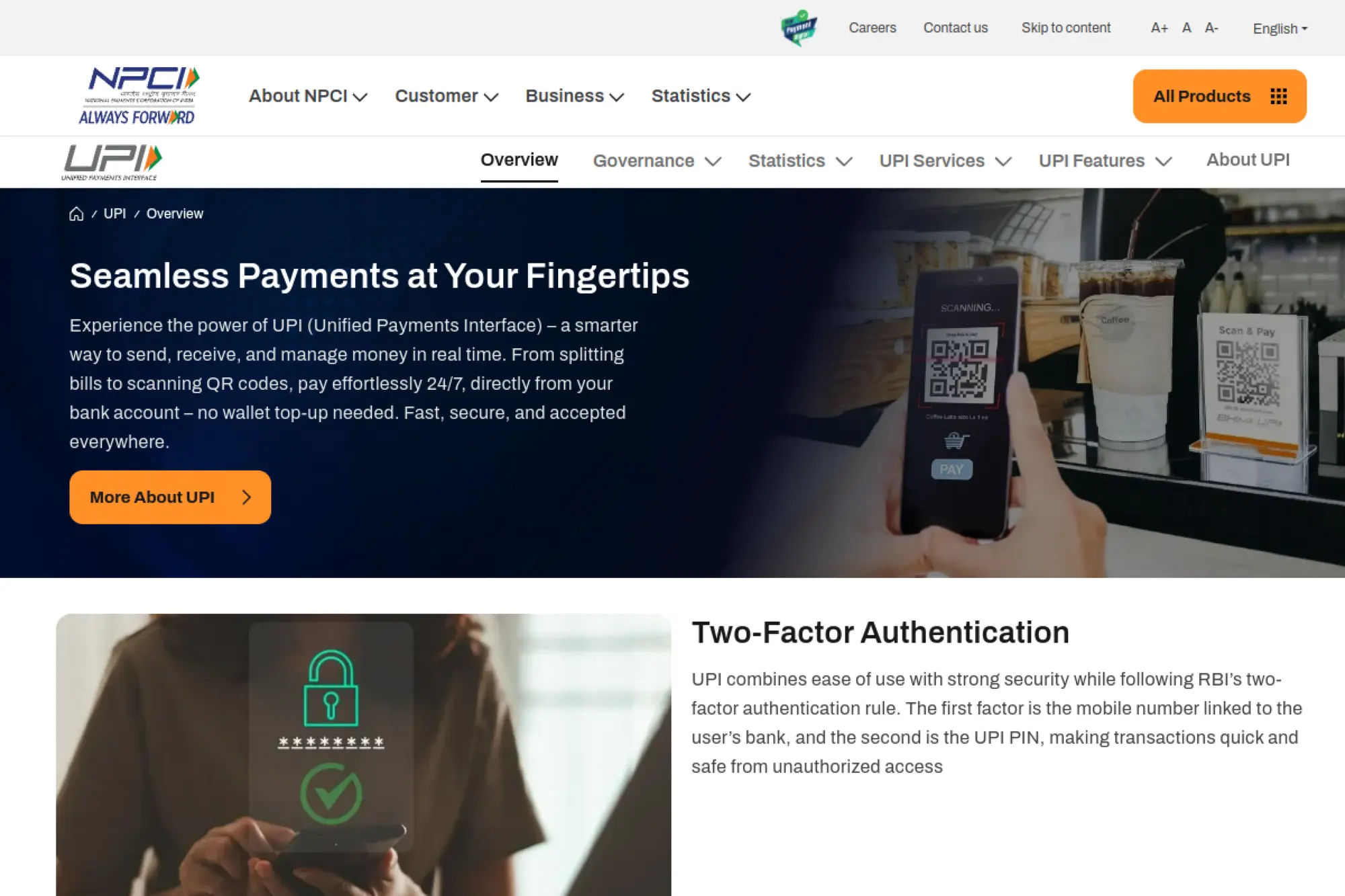
UPI (Unified Payments Interface) powers instant bank transfers and merchant payments in India through mobile apps. Customers often pay by scanning QR codes or using a payment address inside their chosen app. For merchants, UPI matters because it supports both online and offline payments and feels natural to Indian consumers. If you sell into India, UPI can help you reach customers who prefer bank-based mobile payments over card entry. It can also support use cases like subscriptions, bill payments, and marketplace collections, depending on your PSP and compliance setup.
Best for
UPI fits merchants that sell to Indian customers and want a local bank-based method. It also fits services, digital products, and everyday retail. If you run India-focused acquisition campaigns, add UPI to match customer expectations.
Key workflows to configure
Enable UPI through a local PSP or global provider with India coverage. Decide how you will handle QR-based flows and in-app intent flows. Then map success and failure states into your order system so you do not ship on incomplete payments.
Sales growth lever
UPI can remove friction for customers who do not want to type card details. It can also improve trust, since customers pay through their bank-linked app. That can increase conversion for mobile shoppers.
Watch outs
UPI requires local compliance alignment, and rules can change as the system evolves. Refund flows can also differ from card refunds, so plan for clear customer communication. Finally, confirm your PSP’s reliability and support coverage in India before you scale.
Quick start checklist
- Select a PSP with strong India coverage
- Enable UPI and choose payment flow types
- Test QR and in-app payment journeys
- Map confirmation signals to fulfillment logic
- Document refund and dispute handling
- Track UPI adoption across devices
27. Alipay+

Alipay+ works as a wallet gateway that helps merchants accept payments from a range of mobile wallets, especially in cross-border contexts. It matters most when you sell to international travelers or cross-border shoppers who want to pay with their preferred wallet, not with a foreign card. For many merchants, the value comes from enabling wallet interoperability through a single integration. If you run tourism-heavy retail, cross-border ecommerce, or marketplaces that attract international buyers, Alipay+ can help reduce payment friction and improve trust at checkout.
Best for
Alipay+ fits merchants that serve international consumers, especially travelers. It also fits global ecommerce brands that want wallet coverage across multiple regions. If your customer base includes tourists or overseas buyers, it can be a strategic option.
Key workflows to configure
Work with your acquirer or PSP to enable Alipay+ and confirm which wallets you will accept. Align currency display and settlement rules so pricing stays clear and finance can reconcile payouts. Also define your refund workflow for wallet payments, because customer expectations differ across markets.
Sales growth lever
Use Alipay+ to reduce friction for customers who do not want to use international cards. This can increase conversion for cross-border traffic. It can also help you win purchases from tourists who already trust their wallet provider.
Watch outs
Cross-border wallets add complexity around FX, settlement timing, and customer support questions. Make sure your checkout explains the method clearly in the customer’s language. Also confirm compliance requirements and acceptable product categories in each market.
Quick start checklist
- Confirm target markets and wallet needs
- Enable Alipay+ via acquirer or PSP
- Test wallet selection and payment confirmation
- Align settlement and reconciliation reporting
- Build refund messaging for wallet payments
- Monitor cross-border conversion changes
28. Tenpay Global

Tenpay Global is Tencent’s cross-border payments platform that connects international payment partners to the Weixin ecosystem, which includes Weixin Pay (often known internationally as WeChat Pay). For merchants, it matters when you want to accept payments from customers who live inside that wallet ecosystem, especially for cross-border use cases. If you sell to Chinese tourists, support cross-border commerce, or run international marketplaces, Tenpay Global can help you offer a familiar way to pay. It can also support collection and acquiring use cases depending on the partner model you use.
Best for
Tenpay Global fits merchants that serve Chinese consumers outside China or cross-border scenarios linked to the Weixin ecosystem. It also fits platforms that already work with payment partners and want to extend wallet coverage. If you operate in travel retail, hospitality, or cross-border ecommerce, it can help.
Key workflows to configure
Choose an integration path through an approved partner or acquiring setup that supports your business model. Define how customers will authenticate and confirm payments, since QR-style flows often dominate. Then map payment confirmation into fulfillment and support flows so customers get clear receipts and order updates.
Sales growth lever
Offer a wallet option that feels native to Weixin users, especially when you target tourists or international shoppers. Familiarity reduces checkout hesitation. It can also reduce support tickets from customers who struggle with foreign card payments.
Watch outs
Cross-border payment schemes often involve more compliance checks and partner requirements. Availability can vary by country and partner, so validate coverage before you redesign checkout. Also plan for customer support language and documentation, because payment questions often come in the buyer’s preferred language.
Quick start checklist
- Confirm target customer segments and markets
- Select a partner or acquiring route
- Implement QR or wallet-based checkout flow
- Test confirmations, refunds, and receipts
- Align settlement reporting with finance
- Monitor cross-border conversion and support load
29. UnionPay Online Payment
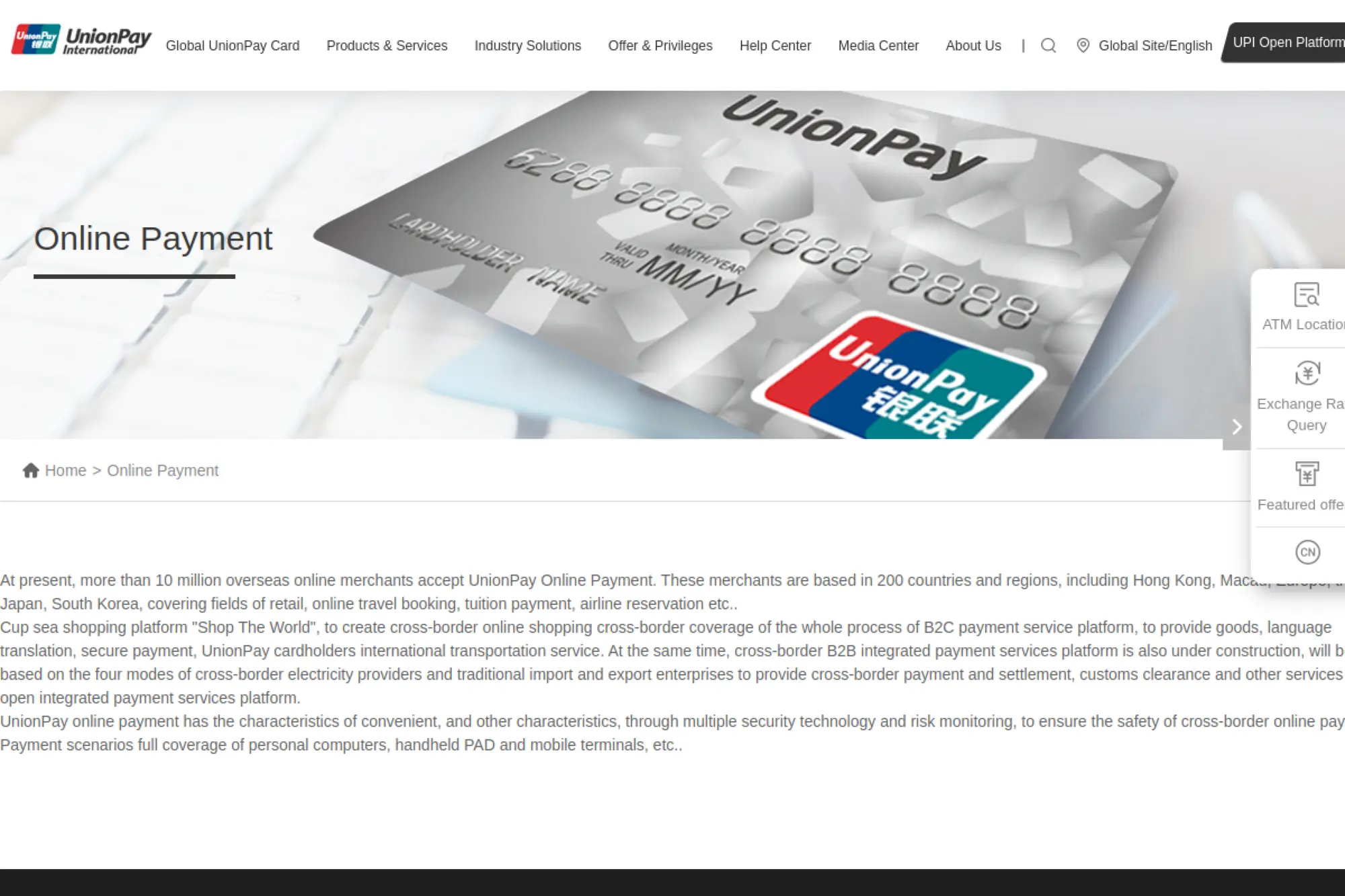
UnionPay Online Payment supports ecommerce payments for cardholders who use UnionPay cards, which can matter for cross-border commerce and travel-related spending. Merchants often care about UnionPay when they sell to customers from markets where UnionPay card usage is common, or when they operate in travel, education, and cross-border retail categories. If you already accept cards globally, UnionPay can act as a strategic addition that improves customer comfort and can reduce payment friction for specific segments.
Best for
UnionPay Online Payment fits merchants with international customers, especially those who sell to Chinese consumers or travelers. It also fits online travel, education payments, and cross-border ecommerce. If you see demand for UnionPay in customer support requests, it is a strong signal to add it.
Key workflows to configure
Enable UnionPay through a PSP or acquirer that supports UnionPay online acceptance. Confirm how authentication and authorization work within your checkout, especially if you use risk-based controls. Also align dispute handling and refund flows with your provider, because expectations can differ by market.
Sales growth lever
Use UnionPay Online Payment to increase conversion for shoppers who prefer their familiar card network. That can matter when customers face foreign card declines. Offering the right brand at checkout can keep the customer from abandoning the purchase.
Watch outs
UnionPay adoption will depend on your customer mix, so treat it as a targeted method, not a default for everyone. Also confirm settlement currency and reporting clarity to reduce accounting friction. Finally, test cross-border fraud filters so you do not block legitimate travelers.
Quick start checklist
- Check demand from target markets and segments
- Enable UnionPay via your PSP or acquirer
- Test checkout UX and authentication behavior
- Validate refunds and dispute flows
- Update payment method icons and help text
- Track conversion for relevant geographies
30. Coinbase Commerce
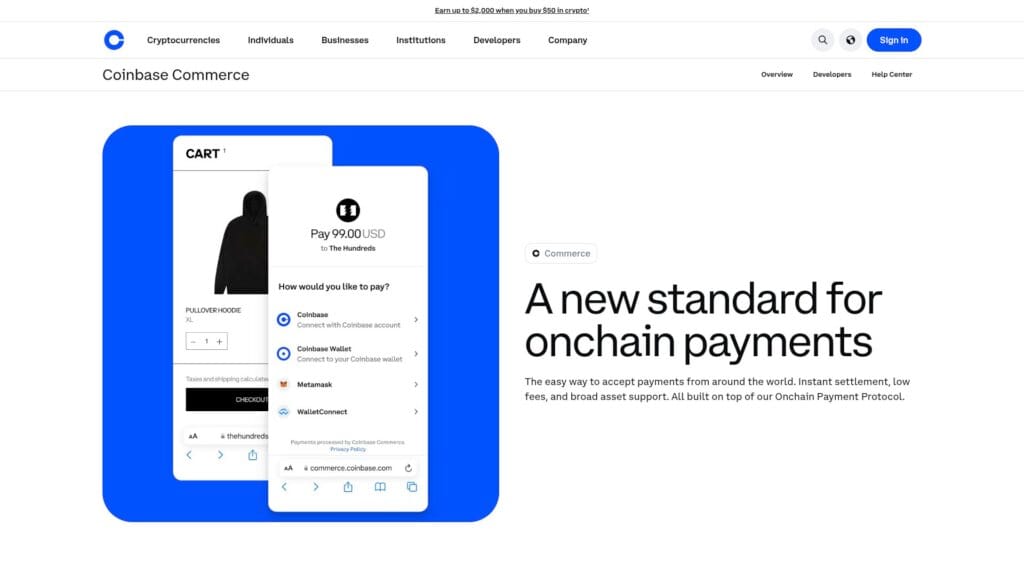
Coinbase Commerce enables merchants to accept onchain payments. It can appeal to customers who prefer crypto payments and want to pay directly from a wallet. Merchants often like the operational upside of fewer card-related disputes and a different fraud profile, especially for digital goods and global audiences. Coinbase Commerce can also fit businesses that serve international buyers who face card friction or prefer stablecoin settlement. If you want to test crypto acceptance without building a full exchange integration, Coinbase Commerce offers an approachable starting point.
Best for
Coinbase Commerce fits digital products, SaaS add-ons, online services, and global ecommerce brands that attract crypto-native customers. It also fits merchants that want to reduce card chargeback exposure for certain categories. If your audience includes developers or crypto communities, it can be a natural fit.
Key workflows to configure
Decide how you will price products when customers pay with crypto, and align that with your accounting rules. Configure payment confirmation and fulfillment timing, since onchain settlement differs from card authorization. Also design your refund policy clearly, because crypto refunds require careful handling and customer communication.
Sales growth lever
Use Coinbase Commerce to open up a new customer segment without changing your main checkout. It can also help with cross-border conversion when customers have difficulty paying with cards. Treat it as an additional lane, not a replacement for mainstream methods.
Watch outs
Crypto payments introduce operational questions around refunds, customer support, and accounting treatment. Wallet UX issues can also create support tickets, so keep clear troubleshooting guides ready. Finally, confirm compliance expectations for your jurisdiction and product category before you promote crypto payments heavily.
Quick start checklist
- Create a Coinbase Commerce account
- Choose supported assets and settlement approach
- Integrate checkout and confirmation handling
- Define a clear refund and cancellation policy
- Train support on wallet payment questions
- Track crypto adoption and support impact
FAQs on Online Payment Methods
- What are the main types of online payment methods? Most checkouts combine cards, one express wallet, and optional local methods. Add BNPL or pay-by-bank only when it matches your ticket size, market, and support readiness.
- Which online payment method is safest? Safety comes from layered controls: strong authentication when needed, clear risk rules, tokenization, and fast response to disputes. The “safest” method is the one you can monitor and support without gaps.
- How many payment methods should I offer? Offer a small, intentional set. Too many options can overwhelm buyers. Use location and device signals to show the best choices first, then tuck secondary methods behind a simple “More ways to pay” link.
- What is the best setup for international sales? Start with cards plus a global platform that supports local methods by country. Add local options only where you see demand or have a clear go-to-market plan, because support and refunds get more complex across borders.
- How do I reduce failed payments? Improve decline messaging, retry logic, and fallback paths. Also verify webhooks and status updates so orders do not get stuck in “pending” states that create support tickets.
- Do I need both a PSP and individual payment method integrations? Usually, a PSP handles many methods through one integration. Direct integrations make sense when you need specific local rails, special pricing, or deeper control, but they raise operational complexity.
Common Checkout Mistakes to Avoid
Even the best payment method mix will underperform if your checkout creates confusion. Many teams lose conversion because they add options without curating the experience. Make the page feel calm, predictable, and consistent.
- Do not overload the buyer: Show the most relevant options first.
- Do not hide the fallback: Always offer a clear card option.
- Do not skip payment failure UX: Write clear next steps for customers.
- Do not ignore refunds: Refund clarity drives trust and repeat purchase.
- Do not treat fraud as a checkout feature: Tune risk rules to protect good buyers too.
- Do not ignore instrumentation: track method selection, failure reasons, and drop-off points so you fix what actually hurts conversion.
- Do not ship without a refund story: publish clear refund expectations per method, because bank rails and wallets can behave differently than cards.
When you choose online payment methods, treat them like product features. Test them, measure them, and refine them as buyer behavior changes.







Conclusion
A modern checkout needs more than cards. It needs a small, intentional set of online payment methods that match your customers, your markets, and your business model. Start with a strong baseline, add an accelerated wallet option, and then layer in local methods, BNPL, pay-by-bank, or crypto based on real demand. When you pair the right mix with clean workflows for refunds, disputes, and reconciliation, you build a checkout that earns trust and turns traffic into revenue.