

- Marketing-First Websites: What You Are Really Buying
- Adoption Snapshot: What the Market Data Suggests
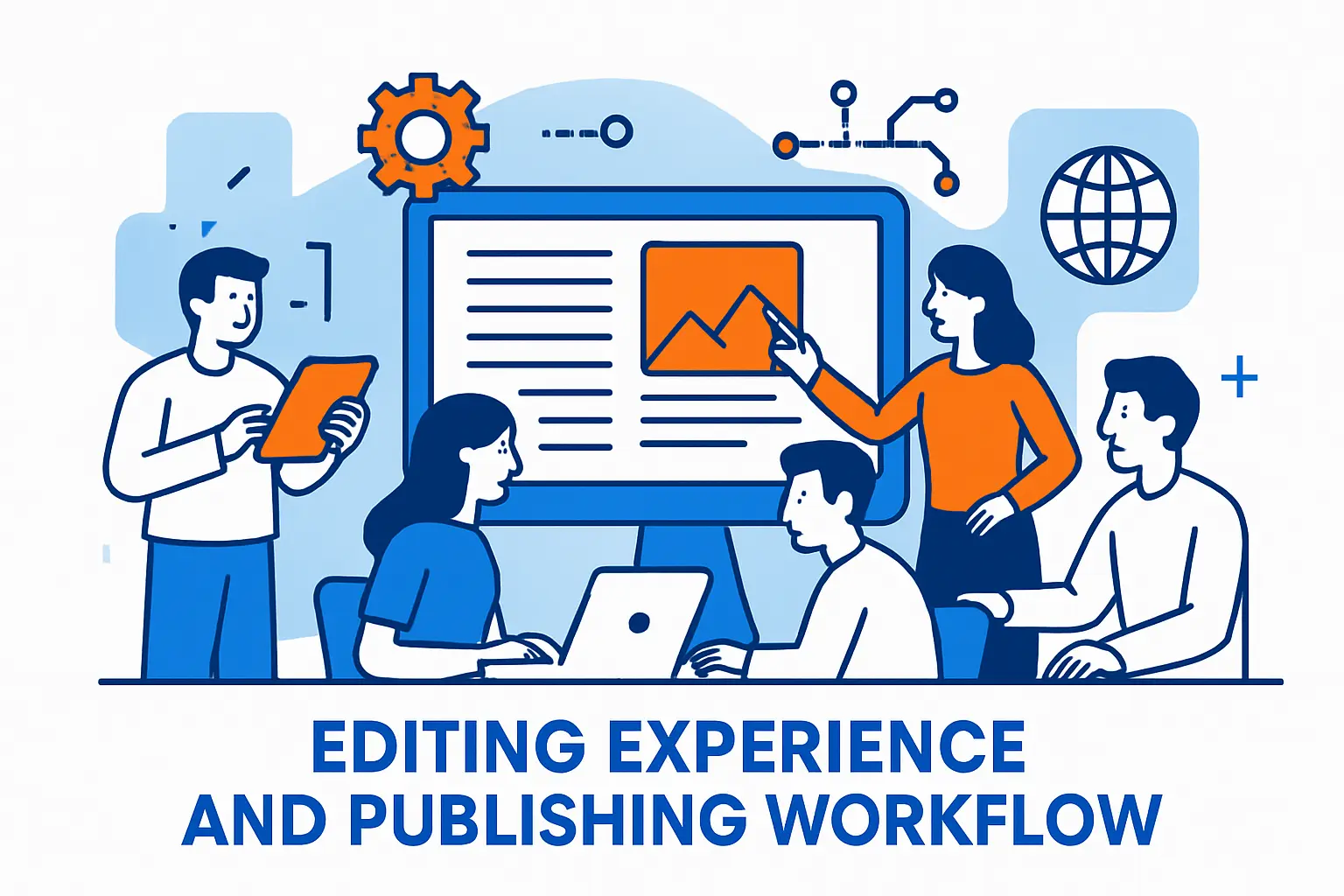
- Editing Experience and Publishing Workflow
- Lead Capture, Conversion Paths, and Attribution
- SEO Control and Performance Management
- Security, Updates, and Risk in the Real World
- Integrations and Data: Where Marketing Teams Win or Struggle
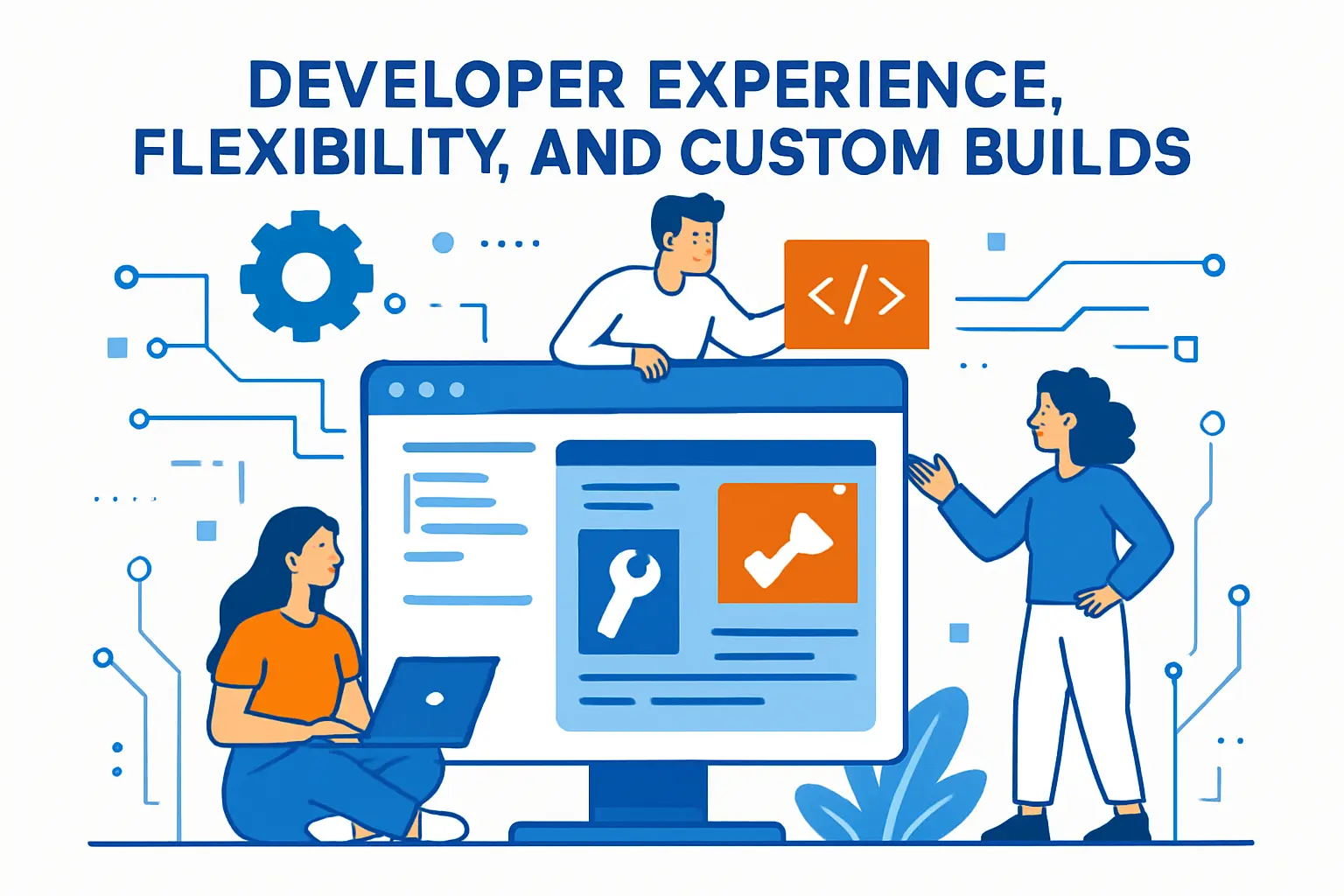
- Developer Experience, Flexibility, and Custom Builds
- Total Cost of Ownership: What You Pay For (Beyond Licensing)
- Operational Reality: Ecosystem Change and Maintenance Load
- Which Platform Fits Which Marketing-First Website?
- Migration and Next Steps (Without Regret)
- FAQs on HubSpot CMS vs WordPress
- Conclusion
Choosing a CMS is no longer just about pages and posts. It is about how quickly your team can launch campaigns, capture leads, and prove performance without breaking tracking or SEO.
This guide compares hubspot cms vs wordpress through a marketing-first lens. You will see how each platform handles publishing speed, conversion flows, SEO control, security, integrations, and long-term operating load, so you can pick the system that matches your team’s reality.
Quick decision guide:
- Choose HubSpot CMS if your team wants an all-in-one content and conversion system, you already use HubSpot for CRM or automation, and you want fewer tools to maintain.
- Choose WordPress if you need maximum flexibility, custom content models, specialized plugins, or a complex web property supported by a web team or agency.
- Choose a hybrid setup if you want WordPress for the site but still rely on HubSpot for CRM, email, automation, and reporting.
| Decision Factor | HubSpot CMS Tends to Win When… | WordPress Tends to Win When… |
|---|---|---|
| Marketing execution speed | You want built-in workflows, consistent modules, and fewer tool handoffs. | You have a disciplined template system and strong publishing governance. |
| SEO flexibility | You prefer strong defaults and guided optimization. | You need deeper technical control and custom SEO architecture options. |
| Security and maintenance | You want fewer moving parts and less plugin risk to manage. | You can own updates, plugin policy, monitoring, and hardening. |
| Integrations | You want native CRM and lifecycle data loops. | You need broad integration choice and custom data plumbing. |
| Total operating load | You want predictable platform ownership with fewer rebuild cycles. | You can support ongoing technical decisions and long-term optimization. |
Marketing-First Websites: What You Are Really Buying

1. Marketing Speed Beats Feature Lists
A marketing-first website works like a growth system. It needs landing pages, forms, segmentation, testing, and attribution that your team can actually use. So, the best platform is the one that removes friction from daily work.
When publishing slows down, campaigns slip. When tracking breaks, reporting turns into guesswork. Therefore, a CMS choice becomes a decision about workflow and accountability.
2. Trust, Privacy, and UX Now Affect Revenue
Modern buyers expect smooth experiences and consistent answers across teams. At the same time, they have less patience for messy handoffs or unclear data use.
Salesforce’s AI Connected Customer research reports that nearly three-quarters (72%) of consumers trust companies less than they did a year ago, 65% feel companies are reckless with customer data, 69% of consumers expect consistent interactions across departments, and nearly 60% of consumers prefer using fewer touchpoints to get information or complete a task, which raises the stakes for how your site collects, stores, and activates customer data.
3. Performance Is Not Optional for SEO
Search visibility and conversion depend on experience. A slow or jumpy page wastes paid clicks and harms organic momentum.
Google’s Web Vitals guidance says Largest Contentful Paint (LCP) should occur within 2.5 seconds, Interaction to Next Paint (INP) should be 200 milliseconds or less, and Cumulative Layout Shift (CLS) should be 0.1 or less. You can hit these targets on either platform, but the effort and control differ.
Adoption Snapshot: What the Market Data Suggests

1. WordPress Dominates Overall CMS Usage
WordPress wins on reach, ecosystem depth, and hiring availability. That matters when you need to move fast with specialized help.
2. HubSpot CMS Adoption Is Smaller but Visible
HubSpot CMS adoption tends to cluster around teams that already run their CRM and marketing automation inside HubSpot. In that environment, the CMS becomes part of a single operating system.
BuiltWith publishes a technology lead list that states a list of all 71,877 current HubSpot CMS Hub customers, which gives a directional view of real-world usage at the domain level.
3. What This Means for Marketers
Market share does not decide fit, but it hints at two realities. First, WordPress gives you near-infinite choice and talent availability. Second, HubSpot CMS stays more opinionated, which can help teams that want fewer moving parts.
Editing Experience and Publishing Workflow
1. WordPress: Flexible Publishing With Many Possible Setups
WordPress can feel simple or complex depending on your build. A basic site can publish quickly. However, a marketing site usually adds a page builder, analytics tools, SEO tools, form tools, consent tools, and performance plugins.
That flexibility is powerful. Still, it creates decisions your team must standardize. Without clear rules, editors end up with inconsistent layouts, bloated pages, and tracking that drifts over time.
2. HubSpot CMS: Guided Publishing for Campaign Teams
HubSpot CMS focuses on structured, repeatable marketing work. Teams can build pages from modules, reuse sections, and keep templates consistent across campaigns.
This approach reduces “creative chaos.” It also makes it easier to maintain analytics and conversion patterns because pages share the same building blocks.
3. Practical Example: The “Weekly Landing Page” Problem
Imagine a demand generation team that launches a new landing page each week. They need brand consistency, fast QA, and reliable attribution.
On WordPress, you can absolutely do this. You will just need a disciplined template system and governance around plugins and tracking scripts. On HubSpot CMS, the workflow often stays tighter because the system expects campaign-style publishing from the start.
Lead Capture, Conversion Paths, and Attribution

1. WordPress: Best-of-Breed, Assembled by You
WordPress does not lock you into one conversion stack. That is a benefit if you already run specialized tools and want to keep them.
For example, you can pair WordPress with your preferred forms tool, your preferred testing tool, and your preferred analytics approach. As a result, you can build an excellent conversion machine. Yet you also inherit integration work and ongoing maintenance.
2. HubSpot CMS: Conversion Tools Live Beside Content
HubSpot CMS shines when you want content, forms, contact data, segmentation, and follow-up workflows to connect with minimal friction.
This matters for marketing-first websites because speed-to-learning is everything. When a form converts, you want the next steps to trigger cleanly, without brittle connectors.
3. How to Decide Based on Your Funnel
Choose WordPress if your funnel depends on a diverse stack and you prefer to compose systems. Choose HubSpot CMS if your funnel depends on tight feedback loops between content and customer data.
SEO Control and Performance Management

1. WordPress: Deep SEO Control, If You Keep It Clean
WordPress can support technical SEO well. You can control metadata, structured data, internal linking, redirects, and content architecture. You can also build fast pages with careful theme and plugin choices.
However, many WordPress performance problems come from “small decisions” stacking up. Each plugin, tracker, and page builder feature can add weight. Therefore, the best WordPress marketing sites treat performance as a product requirement, not a cleanup task.
2. HubSpot CMS: Strong Defaults, Less Low-Level Freedom
HubSpot CMS typically gives marketers a smoother default path. The platform handles many hosting and delivery concerns for you. That can reduce technical drift over time.
On the other hand, teams with advanced technical SEO needs may feel constrained when they want unusual routing, edge logic, or highly customized rendering strategies.
3. Specific Example: Multi-Language SEO
International sites often need consistent templates, careful URL structures, localized metadata, and hreflang discipline.
WordPress can handle this through a structured build and the right localization approach. HubSpot CMS can also support multi-language publishing, especially when you want marketing teams to own localization workflow. In both cases, your success depends on governance and QA, not just platform features.
Security, Updates, and Risk in the Real World

1. WordPress: The Ecosystem Is the Risk Surface
WordPress core is not the only security story. The bigger story is third-party code, because marketing sites often rely on many plugins and themes.
Patchstack’s security whitepaper states 7,966 new security vulnerabilities were found in the WordPress ecosystem in 2024, 96% of the vulnerabilities were uncovered in plugins, 4% were found in themes, and only seven vulnerabilities were uncovered in WordPress core itself. That does not mean WordPress is “unsafe.” It means your process must match your plugin footprint.
2. HubSpot CMS: Fewer Moving Parts, Different Trade-Offs
HubSpot CMS reduces some common failure modes because you do not manage hosting, server patching, or plugin sprawl in the same way.
Still, you trade some control for convenience. You rely on vendor release cycles and platform constraints. So, the risk becomes operational dependency rather than plugin maintenance.
3. Actionable Security Posture for Marketers
No matter which platform you choose, take a marketing-friendly approach to security:
- Limit who can publish and install tools.
- Standardize templates so editors do not improvise critical sections.
- Audit tracking scripts and tags like you audit code.
- Build a rollback plan for bad releases.
Integrations and Data: Where Marketing Teams Win or Struggle

1. WordPress: Integrations Are Powerful, but They Are Projects
WordPress can integrate with almost anything. That is great when you need a custom data model or complex analytics strategy.
However, integration quality varies. Some connectors only sync partial fields. Others break after updates. Therefore, you need clear ownership for “data plumbing,” not just content.
2. HubSpot CMS: Tight Native Data Loops
HubSpot CMS works best when you want your website behavior to immediately inform segmentation, workflows, and sales follow-up. The platform design supports that pattern.
This is the core advantage in many hubspot cms vs wordpress decisions. Marketers get fewer handoffs. Teams also spend less time reconciling tools.
3. Personalization Is Now a Baseline Expectation
Personalization helps when it stays relevant and respectful. It hurts when it feels creepy or inconsistent.
McKinsey reports 71% of consumers expect companies to deliver personalized interactions, 76% get frustrated when this doesn’t happen, and faster-growing companies drive 40 percent more of their revenue from personalization than slower-growing counterparts. In practice, HubSpot CMS can simplify first-party personalization when your CRM lives in HubSpot. WordPress can match it, but you usually assemble the data layer yourself.
Developer Experience, Flexibility, and Custom Builds
1. WordPress: Maximum Surface Area for Customization
WordPress supports everything from lightweight marketing sites to complex publishing networks. You can build headless architectures, custom blocks, custom post types, and highly specialized editorial workflows.
That flexibility also means you can create long-term complexity if you do not document decisions and enforce standards.
2. HubSpot CMS: Structured Customization With Guardrails
HubSpot CMS supports custom themes and reusable modules. It also encourages a component mindset, which helps marketing teams scale pages without reinventing layouts.
Yet the system remains more guided. That can frustrate teams that want unusual architectures. Still, those same constraints often help non-technical teams publish safely.
3. Example: Brand Systems and Design Governance
If you run a strict brand system, you want a CMS that makes “on-brand” the default. WordPress can achieve this through a strong block system and locked patterns. HubSpot CMS often achieves it through module-driven templates.
In both cases, you should invest in a design system first. Then, you should map it into the CMS.
Total Cost of Ownership: What You Pay For (Beyond Licensing)
1. WordPress Costs Hide in Operations
WordPress software is free. Your real costs show up in hosting, development, plugin licensing, security hardening, monitoring, and ongoing updates.
If you already have a web team, this can be a great deal. If you do not, it can become a burden that marketing feels every time a page needs a change.
2. HubSpot Costs Show Up on the Contract
HubSpot CMS costs are clearer because the platform bundles hosting and many marketing features. That can make budgeting easier, especially for teams that want one vendor.
HubSpot’s pricing guide lists Content Hub Starter at $9/seat, Content Hub Professional at $450, and Content Hub Enterprise at $1,500 (with three seats included in Professional and five seats included in Enterprise). The key question is whether you will actually use the built-in capabilities enough to justify consolidating tools.
3. A Simple TCO Rule for Marketing Leaders
If your biggest constraint is developer capacity, HubSpot CMS often wins. If your biggest constraint is platform flexibility, WordPress often wins. So, map cost to constraints, not to feature checklists.
Operational Reality: Ecosystem Change and Maintenance Load
1. WordPress Plugin Scale Keeps Growing
The WordPress ecosystem moves quickly. That helps innovation. It also means constant change.
The WordPress Plugins Team wrote that In 2025, the WordPress Plugins Team reviewed 12,713 plugins, representing a 40.6% increase compared to 2024, which signals continued growth in available options and in the volume of code that businesses may rely on.
2. HubSpot CMS Reduces Plugin Sprawl by Design
HubSpot CMS tends to reduce the “plugin shopping” pattern. That can lower maintenance load and simplify governance.
However, it can also reduce optionality. If your team depends on a niche tool, WordPress may integrate faster.
3. What This Means for Marketing Velocity
More options do not always create more speed. In fact, too many options often slow teams down. So, choose the platform whose operating model matches your team maturity.
Which Platform Fits Which Marketing-First Website?
1. Choose HubSpot CMS When You Want an All-in-One Growth System
HubSpot CMS is a strong fit when your team wants a connected platform for content, lead capture, and lifecycle follow-up. It works well for business sites where marketing needs to ship without relying on engineers for every update.
It also fits teams that prioritize governance. Templates, modules, and consistent tracking help keep reporting trustworthy.
2. Choose WordPress When You Need Maximum Flexibility or a Complex Web Property
WordPress is a strong fit when you need custom functionality, unique content models, or deep control over the site’s architecture. It also works well when you have in-house web engineering or a reliable agency partner.
In many hubspot cms vs wordpress discussions, WordPress becomes the right answer simply because it can adapt to almost any requirement.
3. Hybrid Approach: WordPress Site, HubSpot Marketing Stack
Many teams also choose a hybrid approach. They keep WordPress as the CMS while using HubSpot for CRM, email, automation, and reporting.
This path can work well when brand and site architecture demand WordPress, but marketing ops wants HubSpot’s lifecycle engine. The trade-off is integration ownership. Someone must maintain tracking consistency and data flow.
Migration and Next Steps (Without Regret)
1. Start With Requirements Written in Plain Language
List what marketing must do weekly. Focus on page launches, campaign updates, form changes, reporting needs, and governance rules.
Then map each requirement to “native” versus “add-on” for each platform. This keeps the project honest.
2. Prototype the Hard Parts First
Do not prototype the homepage. Prototype the hardest conversion path, the hardest template, and the hardest reporting requirement.
For example, build a gated asset funnel with thank-you logic, routing rules, and measurement. If that feels smooth, the rest will follow.
3. Decide Who Owns the System After Launch
Marketing-first sites fail when ownership stays unclear. So, decide who owns performance, who owns security, who owns analytics, and who owns publishing governance.
Once you assign ownership, the right platform choice becomes much clearer.
FAQs on HubSpot CMS vs WordPress
Is HubSpot CMS better than WordPress for SEO?
HubSpot CMS often helps teams maintain SEO hygiene through strong defaults and consistent publishing patterns. WordPress can match or exceed it when you control themes, plugins, performance budgets, and technical SEO standards.
Can HubSpot replace WordPress?
Yes, when your website primarily supports inbound marketing, lead capture, and lifecycle automation. WordPress remains a better fit when your site needs deep customization, unique content models, or specialized plugin ecosystems.
Which is easier for marketers to manage day to day?
HubSpot CMS usually feels easier for campaign teams because it encourages repeatable modules and keeps conversion tooling close to content. WordPress can feel just as easy when a team standardizes templates and limits plugin sprawl.
Do I need a hybrid approach?
A hybrid approach makes sense when you need WordPress flexibility for the website but still want HubSpot for CRM, automation, email, and reporting. The key requirement is clear ownership of tracking consistency and data flow.
What is the biggest hidden risk in this decision?
The hidden risk is governance. Without clear rules for templates, tracking scripts, and publishing permissions, either platform can drift into slower launches, messy attribution, and inconsistent user experience.







Conclusion
HubSpot CMS and WordPress can both power excellent marketing-first websites. The difference is the operating model. HubSpot CMS tends to reward teams that want a unified platform and faster execution with fewer tools to manage. WordPress tends to reward teams that need flexibility and can support ongoing technical decisions. If you align the platform to your team’s reality, the “hubspot cms vs wordpress” question stops being a debate and becomes a confident strategy call.