

- What It Means to Protect Your Brand
- Make Reputation Measurable (So You Can Manage It)
- Build Monitoring That Spots Risk Before It Spreads
- Own Page-One Search Results for Branded Queries
- Turn Reviews Into A Trust Asset (Not A Risk)
- Use Social Media Like A Service Channel, Not A Megaphone
- Fix Customer Experience Gaps That Trigger Public Complaints
- Reduce Reputation Damage From Security, Privacy, and AI Misuse
- FAQs on Protecting Your Brand
- Conclusion
If you want to protect your brand online, you need more than good marketing. You need a repeatable system that catches small issues before they turn into screenshots, bad reviews, or search results that follow you for months.
This guide breaks brand protection into practical daily habits: how to measure reputation signals, monitor the places where trust is formed, respond in public without escalating, and reduce the reputation damage caused by scams, support gaps, and security incidents.
By the end, you’ll have a simple playbook you can run every week:
- Track the moments that shape trust (so you can manage them, not guess)
- Build monitoring that spots risk early (before it spreads)
- Own page-one results for branded searches (so customers see the real you)
- Turn reviews and social comments into proof (not pressure)
- Close the customer experience gaps that trigger public complaints
- Reduce reputation fallout from security, privacy, and AI misuse
What It Means to Protect Your Brand
What does it mean to protect your brand? It means preventing confusion, distrust, and reputation damage across the places people form opinions—search results, reviews, social platforms, support threads, marketplaces, and security-related conversations. Brand protection is not a single tool. It’s a set of habits, pages, and response systems that help you stay credible under pressure.
Weekly Brand Protection Checklist
- Check branded search results: scan what a new customer would see first.
- Review mentions and tags: capture trends before they become threads.
- Audit recent reviews: respond to unresolved issues with a helpful next step.
- Look for impersonation signals: fake profiles, typo domains, copied pages, “support” scams.
- Spot friction patterns: refunds, cancellations, delivery delays, policy confusion.
- Run a readiness check: confirm who owns public updates in a security or privacy incident.
Fast Wins
- Write your escalation rules: define what’s urgent and who approves public replies.
- Create one “verification” page: show official domains, real support channels, and how to confirm you.
- Publish one trust page: a clear “About,” “Contact,” and “Policies” set that reduces doubt.
- Save response templates: one for negative reviews, one for social complaints, one for scam warnings.
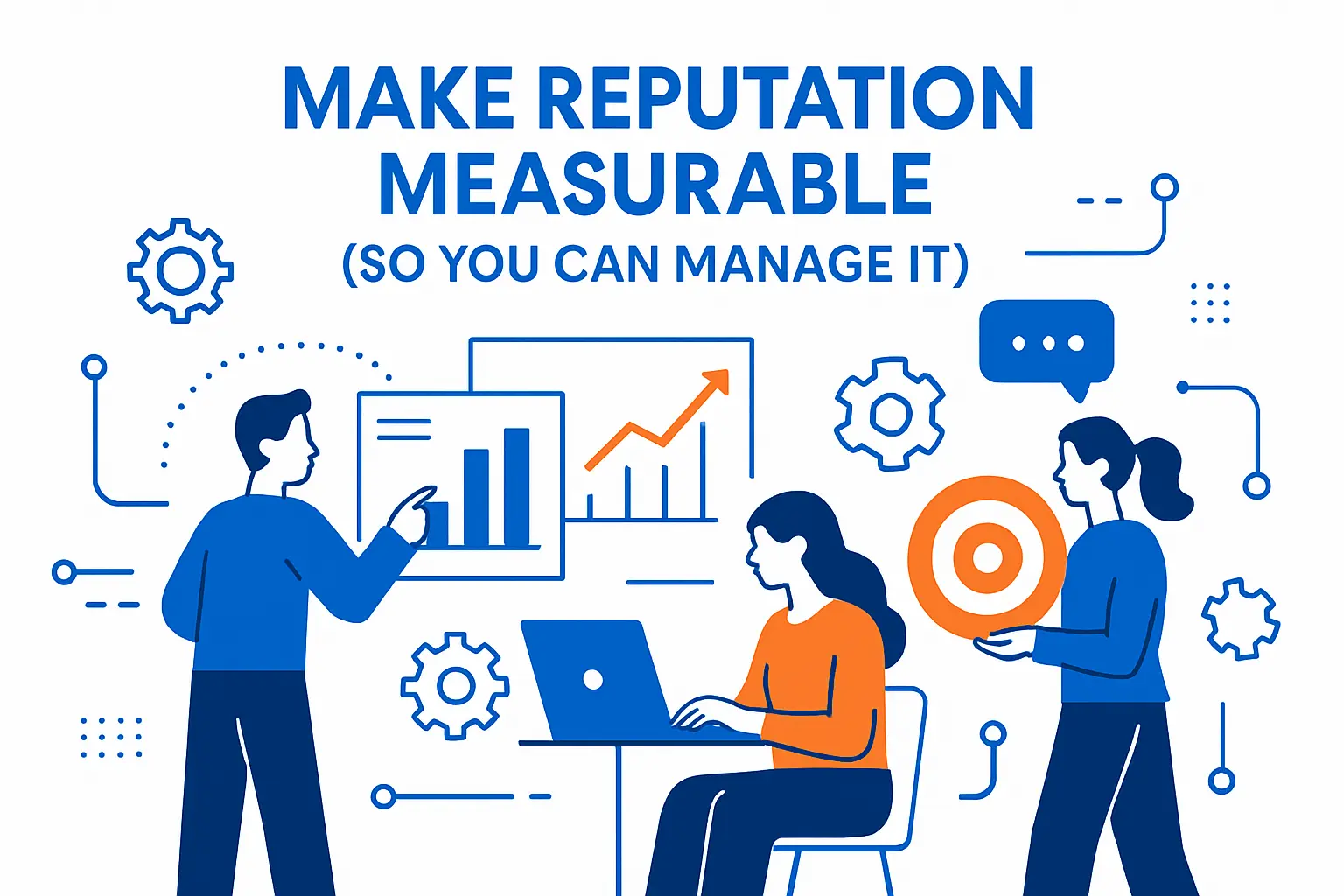
Make Reputation Measurable (So You Can Manage It)
1. Define The Moments That Shape Trust
Reputation is not a feeling. It is the result of many small moments that people can see and share.
Start by listing the “trust moments” that happen in public. Think search results, reviews, social comments, app store feedback, and community threads.
Then map each moment to an owner. For example, marketing owns branded search pages, support owns response quality, and security owns breach-ready messaging.
This mapping sounds basic, yet it removes confusion when something goes wrong.
Quick example: map each public trust moment to an owner and a response standard.
- Search results: Marketing owns clarity pages and branded FAQs
- Reviews: Support owns response quality and follow-through
- Social complaints: Community/support owns de-escalation and routing
- Security/privacy concerns: Security/legal owns accurate public messaging
- Scams and impersonation: IT/marketing owns takedowns and verification pages
When something goes wrong, this removes the worst problem of all: nobody knowing who should act first.
2. Treat Trust As A Daily Habit, Not A Campaign
Many teams only focus on reputation during launches. That approach leaves long gaps where problems can grow.
Instead, set lightweight routines. You can scan mentions, review top complaints, and check rankings for your branded terms.
Small habits keep you close to reality. They also reduce surprise.
3. Use Trust Research To Set The Stakes
Trust makes buying feel safe. When trust feels high, people forgive small mistakes and stay patient.
When trust feels low, people assume the worst and share warnings.
That is why this data point matters: 80% of people trust brands they use, which shows how much value sits inside everyday reliability.
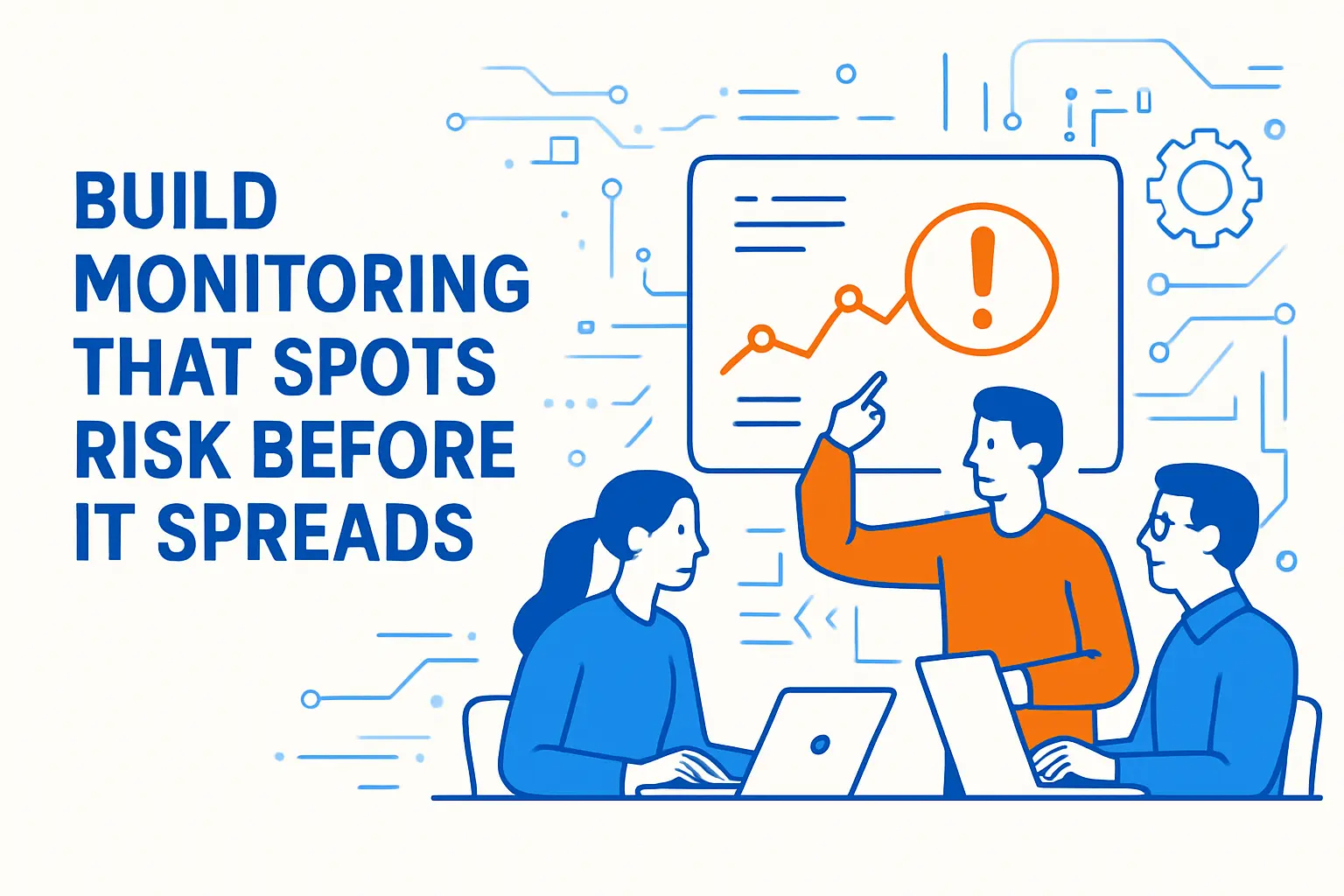
Build Monitoring That Spots Risk Before It Spreads
1. Set Up A “Single View” Of Mentions
Monitoring fails when data lives in separate tools and no one checks them consistently.
Create one shared view. Combine brand mentions, executive mentions, product mentions, and common misspellings.
Also include competitor comparisons, because customers often complain by saying, “I should have used the other brand.”
A practical “single view” can be simple. Start with one shared workspace where brand mentions, review alerts, and social messages flow into the same triage process. What matters most is consistency: one place to check, one owner each day, and one rule for when to escalate.
- Monitor: brand name, product names, executive names, common misspellings
- Include risk terms: “scam,” “fake,” “refund,” “stolen,” “hack,” “support number,” “chargeback”
- Tag by severity: complaint, misinformation, fraud/impersonation, security/privacy
2. Track Reviews Across More Than One Site
Many companies focus on one review platform. That leaves blind spots, especially when different audiences use different sites.
This insight makes the point clear: 74% of consumers say they use two or more sources before choosing a local business, so gaps on smaller platforms still hurt perception.
Build a review inventory. List every place your brand appears, even if you did not create the listing.
3. Create Escalation Rules That Trigger Action
Monitoring only helps when it triggers a response. So define what “urgent” means.
For instance, you can escalate when a complaint mentions safety, fraud, discrimination, or a broken promise.
You can also escalate when a post goes viral, even if the claim looks wrong. People react to visibility, not accuracy.
Write simple escalation rules and keep them visible. Then run practice drills.
Keep escalation rules short enough to follow under stress.
- Escalate immediately when: fraud, safety concerns, discrimination claims, data exposure, or payment issues are mentioned
- Escalate fast when: a post is spreading quickly, even if it’s inaccurate
- Escalate quietly when: you see impersonation signals (fake accounts, copied pages, suspicious “support” listings)
The goal is speed + accuracy: respond quickly, avoid guessing, and move sensitive details into private channels.
Own Page-One Search Results for Branded Queries

1. Build A Branded Search “Safety Net”
Search results often act like a first interview. People check what shows up, then decide if you feel credible.
Create pages that answer the questions people search. Include pricing pages, comparison pages, policy pages, and support pages that reduce friction.
Also publish a clear “About” page with leadership bios. Add contact details that make you feel real.
These pages help you control the narrative in a calm, factual way.
Build a page-one safety net by publishing the pages people look for when they’re deciding whether to trust you.
- About + leadership: real people, clear responsibility, and how you work
- Contact: direct channels, response expectations, and business details
- Pricing or plans: avoid confusion that triggers complaints
- Policies: refunds, privacy, security, and terms explained in plain language
- Support hub: answers to common issues and a clear “what to do next” path
- Verification page: how customers confirm official domains and support channels
These pages reduce doubt, prevent misunderstandings, and make scam attempts easier to spot.
2. Use A Simple Content Pattern That Earns Trust
Many brands publish content that sounds polished but says little. That style does not help when customers feel uncertain.
Instead, write content that does three things in order: state the problem, show the process, and show proof.
Proof can include screenshots, short demos, quotes from real customers, or a transparent limitations section.
This pattern reduces doubt. It also lowers refund and complaint volume over time.
3. Protect Your Brand Name From Scams And Confusion
Bad actors often copy logos, landing pages, and support emails. They do it because trust converts.
So you should monitor for fake social profiles, fake “support” numbers, and typo domains.
You can also publish a short “How to verify we are really us” page. Include your official domains, your verified social handles, and your support process.
This step looks small, yet it often prevents customers from blaming you for someone else’s scam.
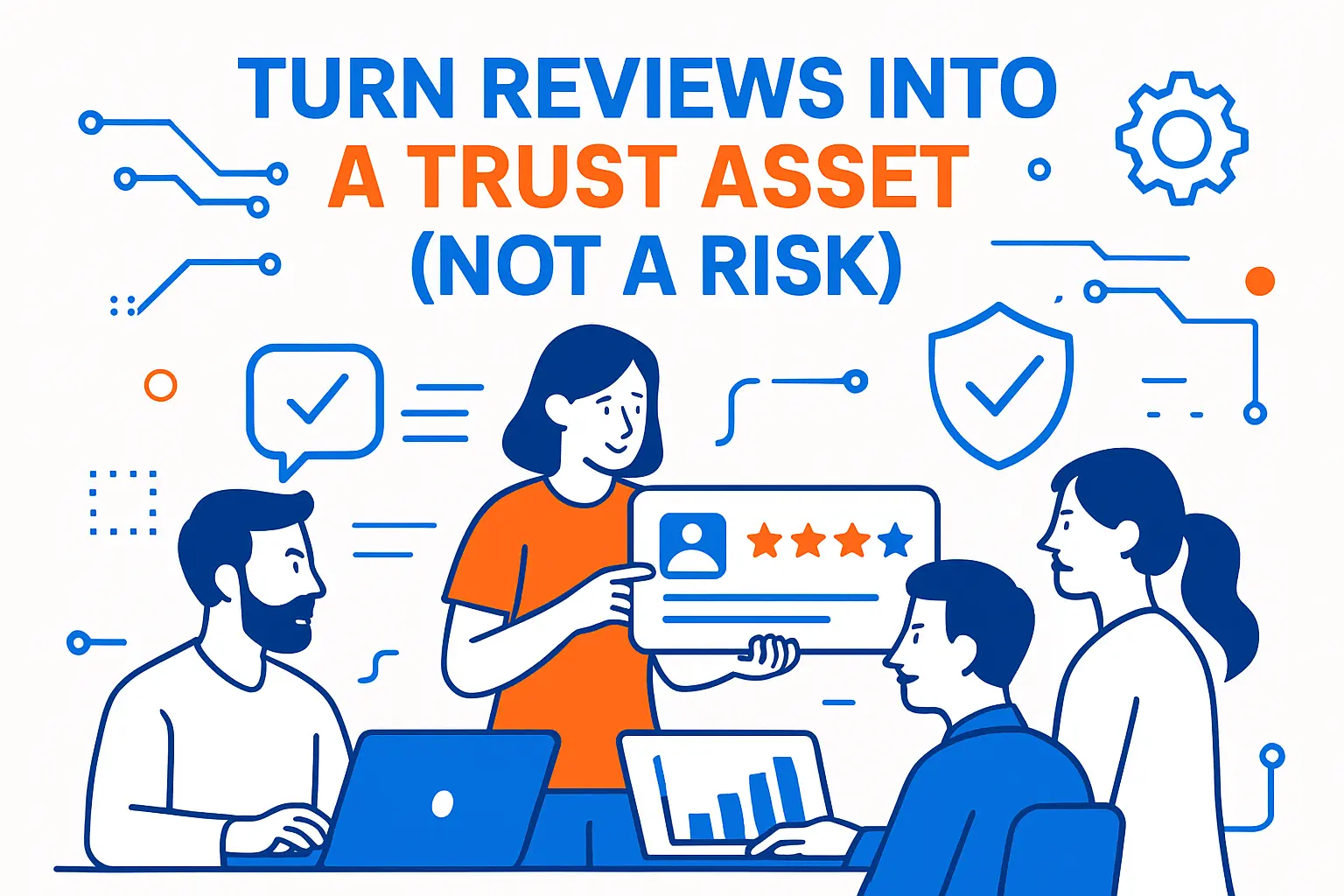
Turn Reviews Into A Trust Asset (Not A Risk)
1. Ask For Reviews The Right Way
Review requests feel awkward when you treat them like a favor. They feel natural when you treat them like feedback.
Pick a clean moment. Ask right after a successful outcome, not during a stressful workflow.
Then keep the ask short. Include one direct link, and remove extra steps.
If you want better review text, ask one guiding question, such as: “What problem did we solve?”
Use a short, low-pressure script that feels like feedback—not begging.
- After a successful outcome: “If this solved your problem, would you share a quick review? It helps others choose confidently.”
- Add one guiding prompt: “What problem were you trying to solve, and what changed after?”
- Keep it simple: one link, one minute, no extra steps
2. Respond Like A Human, Not A Policy Document
Many replies fail because they sound defensive. Others fail because they sound automated.
Use a simple structure: thank them, summarize the issue, explain the fix, and invite them to continue privately if needed.
Also avoid arguing about details in public. The goal is not to “win.” The goal is to look fair and helpful.
3. Follow The Law On Fake Reviews And Influence Signals
Fake reviews can boost short-term numbers, but they create long-term distrust. They also bring legal risk.
Reuters reported that penalties can reach $51,744 per violation, which should push any brand toward clean review practices.
Train your team. Make sure nobody offers gifts for positive-only reviews. Also stop vendors that promise “instant five-star ratings.”
Use Social Media Like A Service Channel, Not A Megaphone
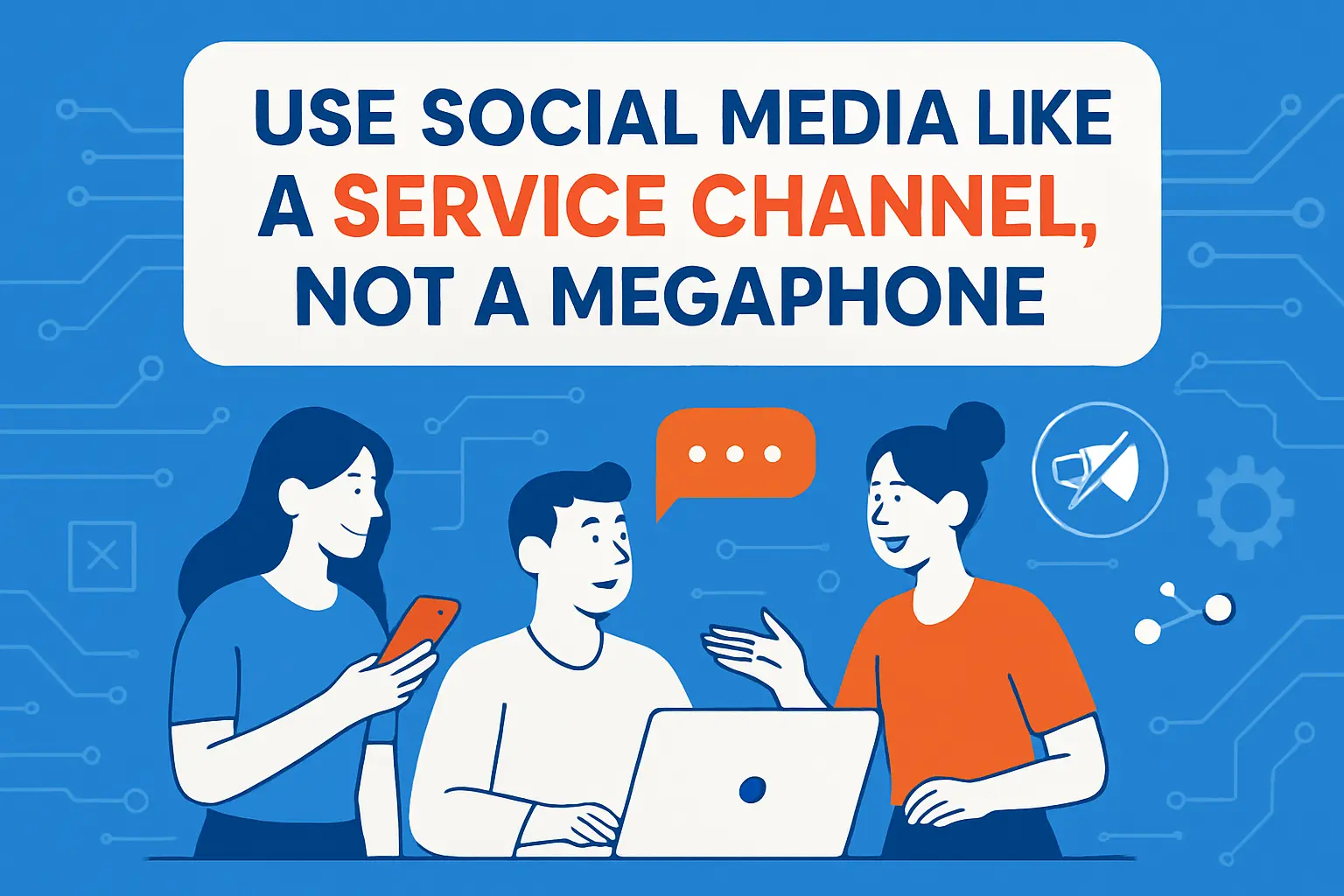
1. Show Up With Culture Awareness, Then Stay Authentic
Social platforms reward speed. At the same time, speed without context creates backlash.
So build a lightweight culture check before you post. Ask, “What does this mean to the audience right now?”
Still, do not chase every trend. People can smell forced humor.
This research highlights the expectation: 93% of consumers believe it’s important for brands to keep up with online culture, yet “keeping up” works best when it fits your voice.
2. Write Comment Responses That De-Escalate
A tense comment thread can become a search result. It can also become a screenshot that spreads without context.
Use short replies. Name the emotion you see. Offer a next step.
For example: “That delay sounds frustrating. Please DM your order number and we will fix it today.”
This approach lowers heat fast. It also signals competence to everyone watching.
Before you reply publicly, run a quick guardrail check.
- Don’t debate details in public: acknowledge + offer a path to resolution
- Don’t blame the customer: even if you’re right, it reads as dismissive
- Don’t promise what you can’t control: commit to next steps, not perfect outcomes
- Do summarize the fix: observers want to see competence and fairness
3. Create A Clear “Public To Private” Support Path
Many brands lose control when support stays in public too long.
So design a path that moves sensitive details into secure channels. You can start with a public acknowledgment, then shift to DM, email, or a ticket form.
Make that path consistent across platforms. When customers see the same flow, they trust it more.
Fix Customer Experience Gaps That Trigger Public Complaints
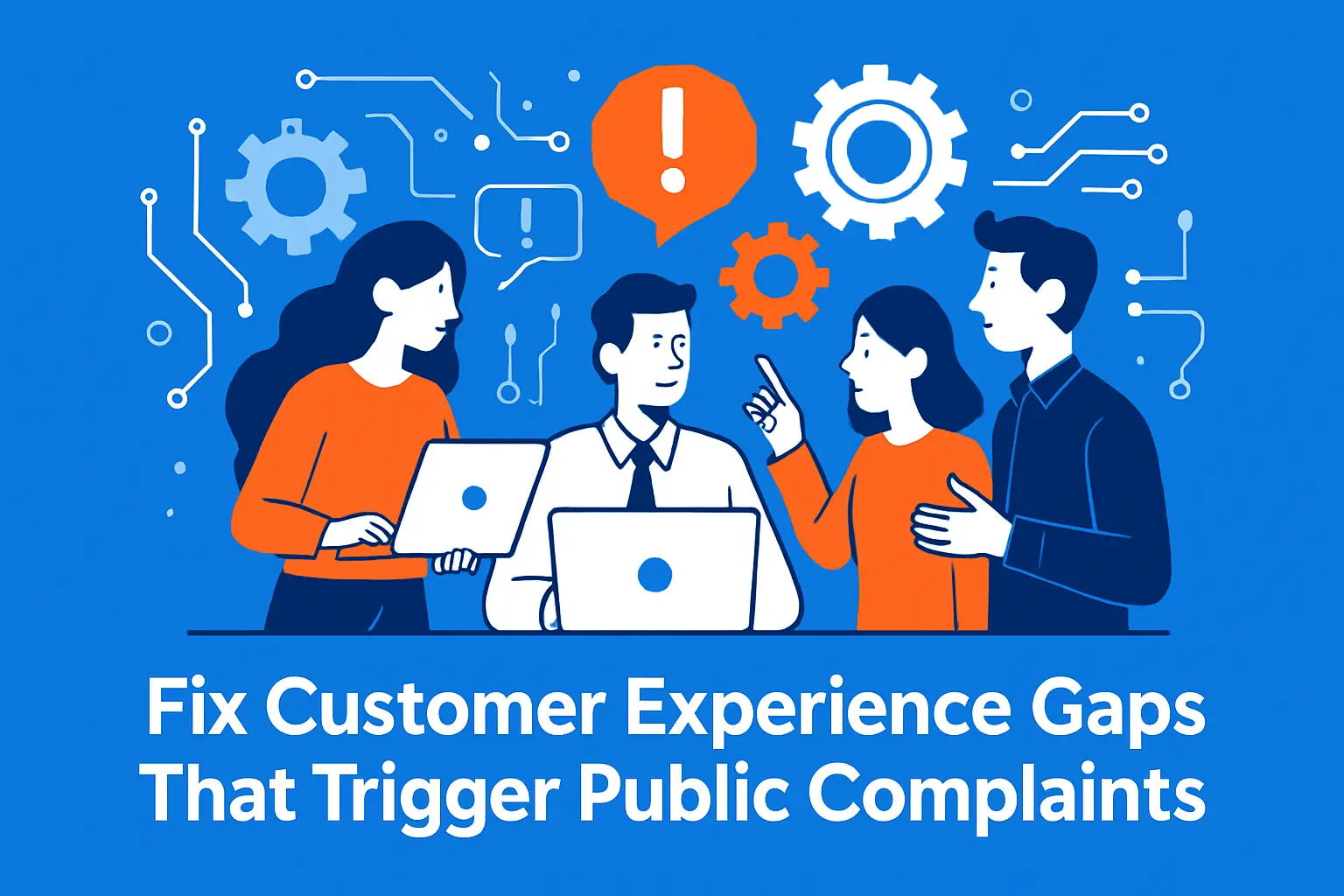
1. Identify The Friction That Causes “I’m Done” Moments
Customers do not usually complain in public after a single small issue. They complain when they feel trapped.
Look for patterns like slow refunds, confusing cancellations, and support agents who cannot make decisions.
Then fix the root cause instead of writing better apologies.
When complaints repeat, treat them like product feedback—not PR problems.
- What is the recurring trigger? (refund timing, cancellation flow, unclear policy, slow support)
- Where does the customer feel trapped? (no clear next step, no ownership, no timeline)
- What’s the smallest fix that removes friction? (one clearer page, one workflow step, one ownership rule)
Fixing the root cause reduces future complaints and lowers the “public escalation” rate naturally.
2. Design Support For Loyalty, Not Just Ticket Closure
Some teams optimize for speed alone. That can backfire if customers feel dismissed.
Instead, define what a “good outcome” looks like. Focus on clarity, ownership, and follow-through.
This single stat shows how quickly loyalty can break: 63% willing to switch to a competitor due to just one bad experience, which means your support tone and process directly protect revenue.
3. Use AI Carefully So It Improves Trust
AI can help agents reply faster. It can also create cold, generic responses.
So keep AI in a helper role. Let it summarize context and draft options, then let humans finalize the message.
Also set guardrails. Block AI from guessing policy details, discounts, or legal claims.
Customers forgive delays. They rarely forgive confident misinformation.
Reduce Reputation Damage From Security, Privacy, and AI Misuse
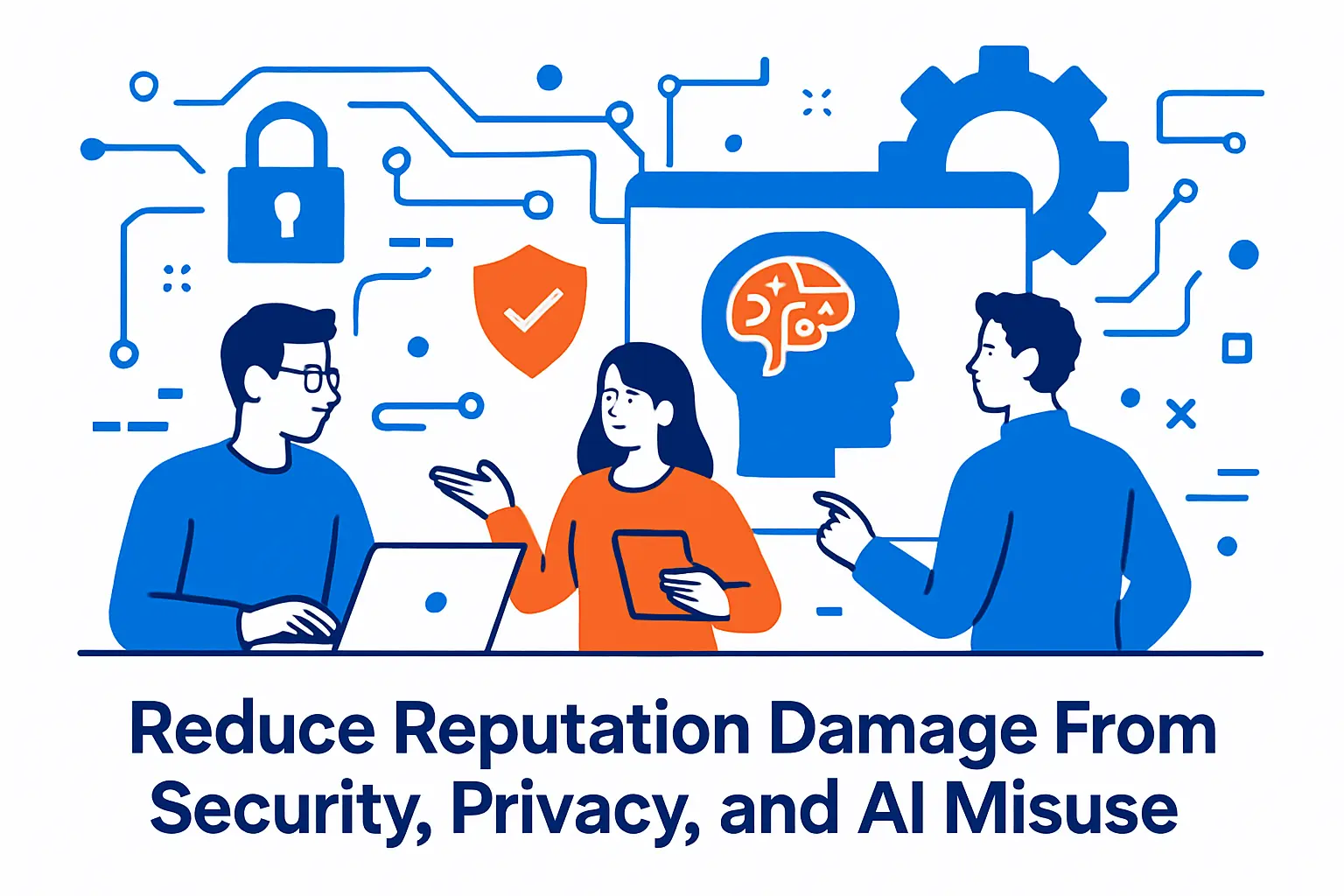
1. Treat Cyber Risk As A Brand Risk
People often talk about cyber incidents like they only affect IT. That framing misses the public impact.
A breach can damage trust, slow sales cycles, and trigger angry review waves.
IBM reported 4.4M as the global average cost of a data breach, which signals how quickly an incident becomes a business problem.
2. Train For Human Error Because Attackers Target People
Most security failures start with everyday actions. That reality makes training a reputation tactic, not just a compliance task.
Verizon reported that 68% of breaches involve a non-malicious human element, so simple habits like phishing awareness and password hygiene matter.
Keep training practical. Use real examples from your industry. Reward reporting instead of blaming mistakes.
3. Prepare For The Scale Of Modern Attacks
Attack volume keeps rising, and that volume increases the odds of a reputation event.
Microsoft noted that customers face more than 600 million attacks every day, which explains why “it won’t happen to us” no longer works as a strategy.
Build a public incident plan now. Write a holding statement, define who approves updates, and decide where updates will live.
When you respond quickly with clear steps, you protect your brand trust even in a hard moment.
Save a holding statement now so you don’t improvise under pressure.
- Holding statement template: “We’re aware of the issue and are investigating. Our team is working to confirm what happened and what it impacts. We’ll share verified updates here as soon as possible. If you believe you’re affected, contact us through our official support channel.”
- Update rules: share what you know, what you don’t know yet, and what customers should do next
- Single source of truth: choose one page where updates will live and link to it consistently
FAQs on Protecting Your Brand
How do I protect my brand online? Start with monitoring (mentions, reviews, social), then build a response system (templates + escalation rules), and publish trust pages (about, contact, policies, verification). Finally, fix the experience gaps that create repeat complaints.
What should I monitor to protect my brand reputation? Track your brand name and variations, product names, key people, common misspellings, and high-risk terms customers use when they suspect scams, billing issues, or bad support.
How can I protect my brand from impersonation and scams? Publish a verification page with official channels, monitor for fake profiles and typo domains, and respond quickly with a public warning and clear next steps so customers don’t get misdirected.
Should I respond to every negative review? Respond when the issue is unresolved, when the claim could mislead others, or when your reply can show you’re fair and helpful. Keep it short: acknowledge, summarize, explain the next step, and move sensitive details private.
What’s the fastest way to reduce public complaints? Identify the recurring friction points (refund delays, unclear policies, slow support), fix the root cause, then update your public pages so customers can self-serve without feeling trapped.
Why do security incidents affect reputation so much? Customers interpret silence or vague messaging as avoidance. A clear, verified update process preserves trust—even when the situation is difficult.







Conclusion
Reputation doesn’t break all at once—it breaks through tiny moments that stack up(toggle between silence, slow response, unclear policies, and avoidable security mistakes). The best way to protect your brand is to make trust operational: measure what customers see, monitor what they say, respond with calm clarity, and fix the experience gaps that create repeat complaints.
Start small: choose one monitoring dashboard, write one response template, and build one “brand safety net” page that answers the most searched branded questions. Once those basics are in place, your brand becomes harder to misrepresent, harder to attack, and easier to trust—even when something goes wrong.