

- SEO friendly content writing fundamentals: what it is and why it matters
- Keyword and topic research for seo friendly content writing
- Match search intent and page purpose before drafting
- Create helpful, reliable, people first content with real expertise
- Structure and readability: make content easy to scan and understand
- Optimize titles, meta descriptions, and URLs for higher clicks
- Build authority and engagement with media, links, and promotion
- How 1Byte helps publish and scale SEO friendly content writing
- Conclusion: a repeatable checklist for seo friendly content writing
At 1Byte, we live in a strange overlap of disciplines: part infrastructure engineer, part editor, part investigator. Our customers come to us for cloud hosting and performance, yet the questions that keep showing up in support chats are often quietly editorial: “Why isn’t this guide ranking?”, “Why did this post stop converting?”, “Why did traffic flatten even though we published more?”
Behind those questions sits a market reality that we can’t ignore. Gartner reported that 61.1% of total marketing spend now goes to digital channels, and that changes the economics of every blog post, landing page, and knowledge base article we ship. Meanwhile, Statista’s Market Insights (as summarized by DataReportal) indicate that marketers spent close to US$1.1 trillion on ads in 2024, which makes “free” organic traffic feel less like a hobby and more like a board-level mandate.
Our viewpoint is simple: SEO-friendly content writing is not a trick, and it’s not a checklist you staple onto a draft at the end. Instead, it’s a production discipline where research, intent, structure, credibility, and technical publishing quality reinforce one another. Done well, it earns attention in search and earns trust from humans, which is the only kind of ranking that survives change.
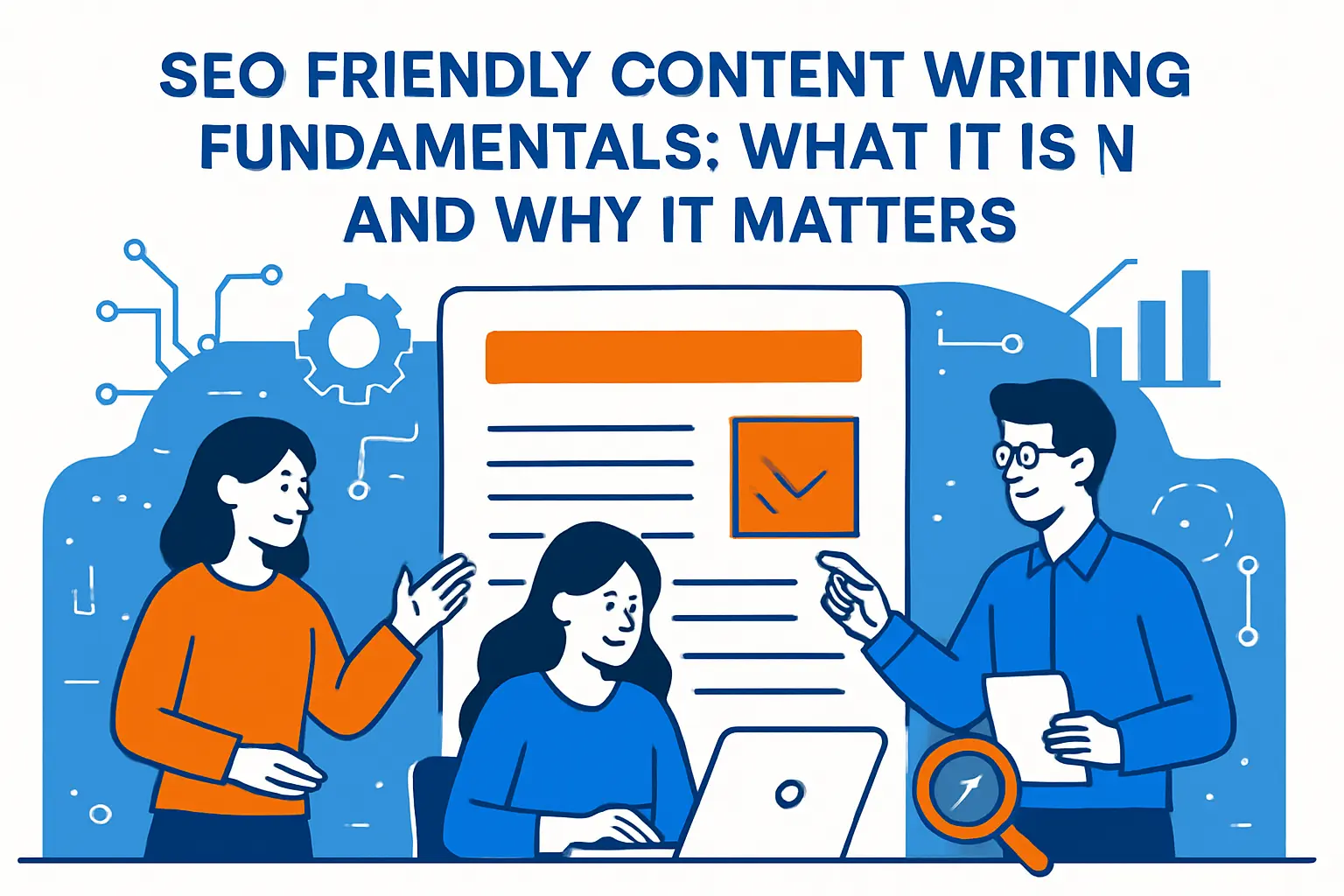
SEO friendly content writing fundamentals: what it is and why it matters
1. Definition of SEO writing and the balance between readers and search engines
In our definition, SEO writing is the practice of creating a page that can be correctly interpreted by search systems and genuinely used by a reader without friction. Search engines need clarity—entities, topics, structure, and internal context—while readers need momentum—answers, examples, and a sense that the author knows what they’re talking about.
Practically speaking, that balance means we treat every page like a “small product.” Editorial choices (tone, scope, claims) and technical choices (URLs, headings, canonicalization, indexability) become one system, not two competing teams. When that system is aligned, the content is eligible to be discovered, understood, and trusted.
2. How SEO optimized content improves visibility, trust, and conversions
Visibility starts with eligibility: if a crawler can’t fetch the page reliably, render it, and understand its purpose, the best prose in the world is invisible. Trust is the next gate: search systems try to avoid sending users to pages that feel thin, misleading, or stitched together from other people’s work.
Conversions come last—and they’re where “SEO writing” becomes a business function. Instead of writing only to rank, we design pages so readers can make a decision: pick a plan, request a demo, subscribe, share internally, or link to the resource in a ticket or an RFP response. In our hosting world, the highest-converting pages tend to be the ones that reduce uncertainty with specifics, constraints, and tradeoffs.
Our infrastructure-centric take on conversion
On a fast, stable site, readers don’t have to “pay” with patience just to reach the value. When we combine performance hygiene with crisp writing, we usually see a shift: fewer pogo-sticks back to the results, more scrolling, and more purposeful clicks into product pages.
3. Write for readers first and avoid keyword stuffing
Keyword stuffing is what happens when a page is written to satisfy an imagined algorithm instead of a real person. The irony is that the more a team tries to “sound SEO,” the less the page communicates, and the less it earns the signals that matter: citations, bookmarks, time-on-page, and the quiet human decision to trust.
Google’s own guidance pushes creators toward people-first evaluation questions in its documentation on creating helpful, reliable, people-first content, and we’ve found that treating those questions like an editorial constitution prevents most over-optimization mistakes. In other words, we’d rather publish fewer pages that truly resolve a task than flood a site with near-duplicates that only differ by phrasing.
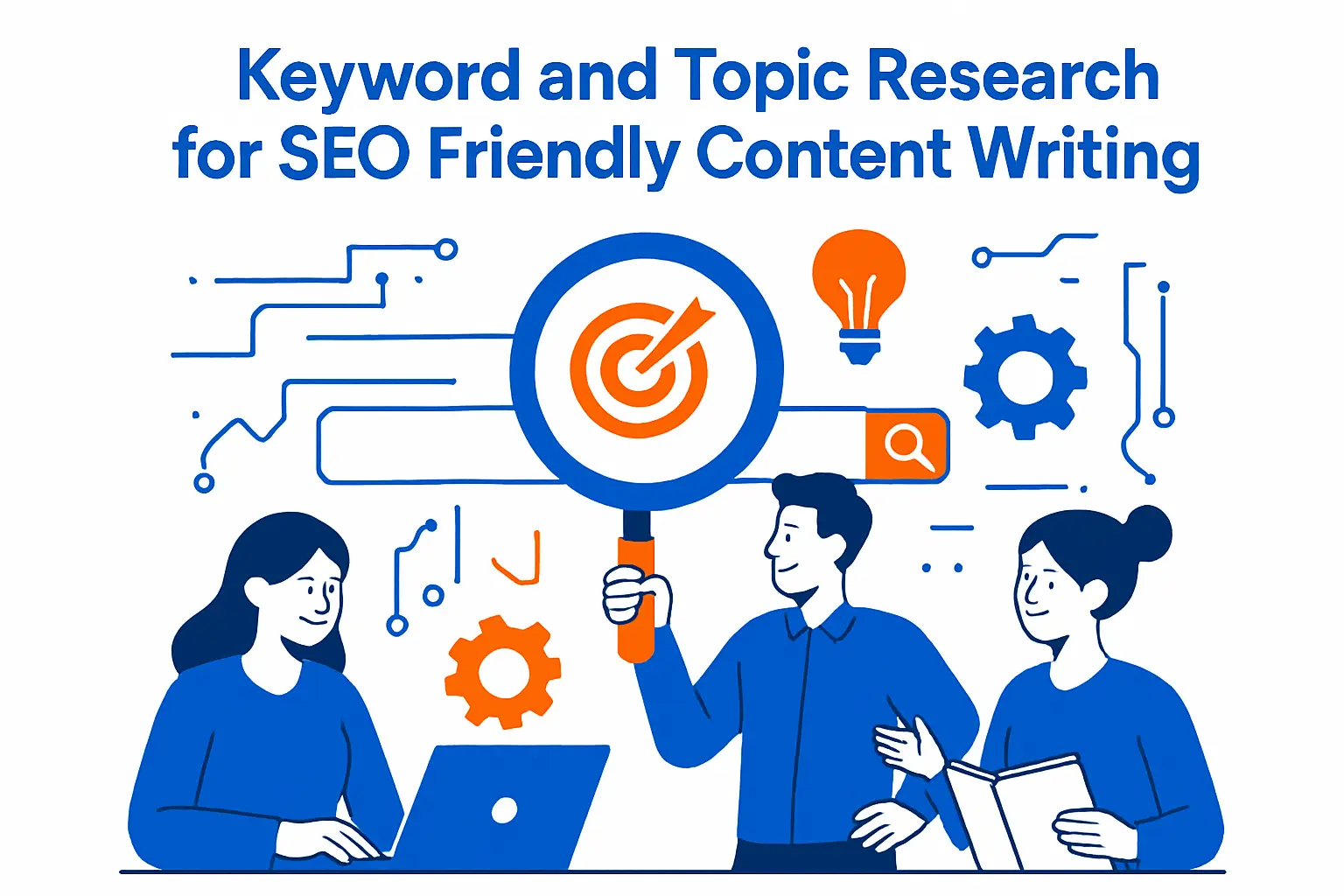
Keyword and topic research for seo friendly content writing
1. Choose a primary keyword that fits relevance, volume, and ranking difficulty
Keyword choice is not a beauty contest; it’s an engineering decision about opportunity cost. Relevance is the hard constraint: if the term doesn’t map cleanly to what the page can honestly deliver, ranking becomes meaningless because the click won’t stick.
Volume and difficulty matter, but we treat them as second-order effects. In our experience, many teams chase head terms because they look impressive in a report, then wonder why conversions lag. A better approach is to pick a primary keyword that matches the page’s true purpose, then let breadth come from internal linking and coverage over time.
2. Expand with secondary keywords, long tail variations, and semantic keyword variations
Search language is messy on purpose; people describe the same problem with different vocabulary depending on role, urgency, and context. Secondary and long-tail variations help us capture that diversity without forcing awkward repetition.
Google hints at this behavior in its SEO Starter Guide when it notes that different users may use different terms for the same concept, and we’ve seen the same pattern across technical hosting topics. Rather than treating variants as separate pages, we often fold them into one strong page that defines terms, adds synonyms naturally, and uses subheadings that match how questions are asked.
3. Identify content gaps by comparing competitor coverage and missing topics
Content gaps are rarely “missing keywords.” More often, the gap is an unaddressed step in a workflow: prerequisites, migration risks, implementation detail, troubleshooting paths, or decision criteria that buyers use when the stakes are real.
During competitive reviews, we like to map a topic as a lifecycle: discovery, evaluation, setup, usage, and failure modes. If competing pages skip a stage—say, they explain a tool but not the operational risks—that’s where we can publish something that earns links and internal advocacy. The goal isn’t to be different for its own sake; it’s to be complete where others are vague.
Match search intent and page purpose before drafting

1. Understand the four intent types and pick the content format that matches the SERP
Intent is the hidden API of search: it dictates what format will win, even when the keyword looks straightforward. Commercial investigation often wants comparisons, informational intent wants explanations, navigational intent wants a destination, and transactional intent wants an action path.
For a clear overview of these four intent types, we recommend studying how SERPs cluster formats and what kinds of pages keep showing up. From our side of the hosting stack, we’ve watched teams publish “what is” articles for terms that actually demand a pricing page or a migration checklist, and the mismatch almost always leads to poor engagement.
2. Create content based on the questions readers ask using People Also Ask and related queries
Question mining is one of the highest-leverage research methods because it forces specificity. The “People Also Ask” box is especially useful because it reveals the next questions users ask after the first click, which often exposes missing definitions and edge cases.
Google describes how featured snippets can appear within a related questions group in its documentation on featured snippets and your website, and we use that as a reminder: answer structure matters. When we write headings that mirror real questions and then answer immediately, we’re not just chasing snippets—we’re reducing reader stress.
3. Set one clear page purpose early to reduce rewrites and burnout
Writer burnout often looks like a “motivation problem,” but we see it as an upstream definition problem. If a page doesn’t have a single dominant purpose, every stakeholder can pull it in a different direction, and the draft becomes a battlefield of competing intents.
Before we draft, we set a purpose statement that is short enough to remember while writing. Then we define what the page will not do, which is a surprisingly calming constraint. Once a page has a purpose, keywords, headings, examples, CTAs, and even media choices become easier to defend.
Create helpful, reliable, people first content with real expertise

1. Focus on accuracy, value, originality, and engagement signals
Accuracy is a baseline, not a differentiator, yet it’s where many “SEO articles” quietly fail. Value is what remains after we remove fluff: definitions that reduce confusion, steps that work, and examples that survive contact with production.
Originality doesn’t mean inventing a new universe; it means contributing something that wasn’t already obvious from the top results. On our side, that contribution often comes from operational experience: what breaks, what costs more than expected, what an on-call engineer wishes the documentation had mentioned.
2. Use subject matter expertise for higher standards topics and sensitive topics
Some topics punish vagueness. Security guidance, infrastructure reliability, billing policies, and compliance explanations are not places where we can “write around” the detail and hope it ranks anyway.
In those cases, we bring in subject matter expertise early: a security engineer reviews claims, a solutions architect validates tradeoffs, and support teams contribute real objections they hear from customers. The writing becomes more conservative, more explicit about assumptions, and more careful about what is not being promised.
3. Apply E E A T principles with experience led insights and credible sourcing
We’ve learned to treat E-E-A-T less like a buzzword and more like an editorial style. The “extra E” is not ornamental; it’s a prompt to show that a human actually did the work or lived the scenario.
Google explains this shift in its post on E-A-T getting an extra E for Experience, and the practical implication is straightforward: add first-hand detail. In hosting content, that might be a configuration pitfall, a migration rollback plan, or a “here’s what we saw in logs” explanation that only comes from operating real systems.
4. Keep content up to date by refreshing statistics, updating sections, or removing outdated pages
Search doesn’t reward “published once, ignored forever” in competitive spaces. Readers also change: yesterday’s beginner becomes tomorrow’s evaluator, and stale pages become a trust liability.
Google’s guidance on using generative AI content on your website repeatedly emphasizes accuracy and quality, which implicitly requires maintenance when facts evolve. Our playbook is to refresh what’s still strategically useful, merge overlapping pages, and retire content that can’t be responsibly updated without rewriting from scratch.
A maintenance habit we recommend
Instead of “updating everything,” we pick the pages that represent money, reputation, or risk. A pricing explainer, a security overview, or a migration guide is worth continuous care because it shapes decisions under pressure.
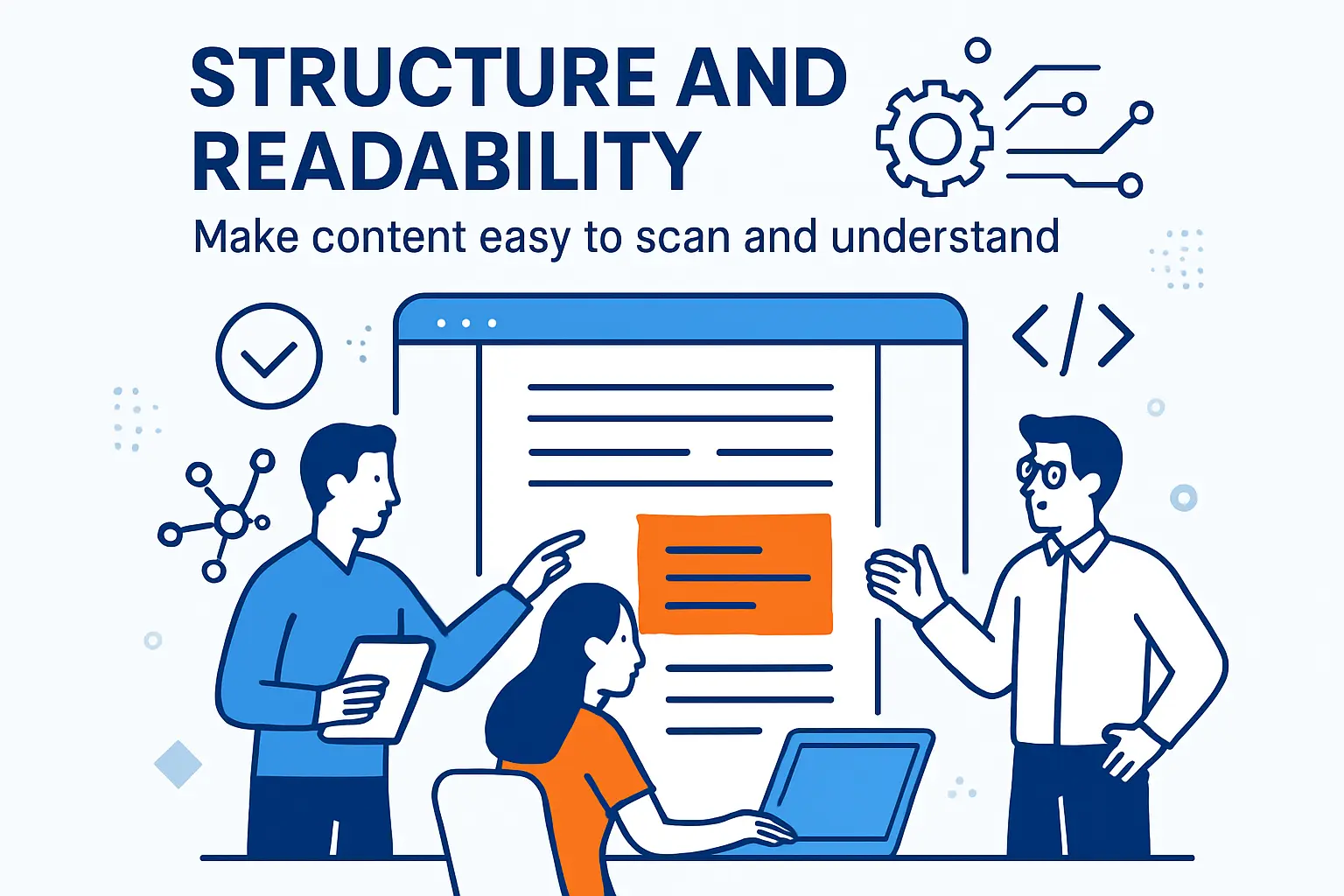
Structure and readability: make content easy to scan and understand
1. Build a clear hierarchy using H1, H2, and H3 headings to support navigation
Structure is not cosmetic; it’s interpretability. A reader skims headings to decide whether to commit attention, and a search system uses structure to understand topic coverage and internal relationships.
From our perspective, headings are also a production tool: they become the outline that subject matter experts can review quickly. When a senior engineer can approve a heading plan before the prose exists, editorial cycles shorten and quality rises.
2. Write clear subheadings and frontload key points for faster comprehension
Subheadings should do real work: state the question, name the decision, or signal the outcome. Vague headings (“Overview,” “More Info”) slow readers down because they force guessing.
Frontloading matters because attention is fragile. We try to answer the “so what?” in the first lines of a section, then expand with detail. When we do this well, the page reads like a confident conversation instead of a maze.
3. Improve readability with short paragraphs, simple language, bullet points, and logical ordering
Readability is where “helpful” becomes measurable. Long paragraphs are not a sign of intelligence; they’re often a sign that the writer hasn’t decided what matters most.
Bullets help when the reader needs options, steps, or criteria. Logical ordering helps when the reader needs a narrative: problem first, constraints next, solutions after, and only then the edge cases. In our content, we often separate “what it is” from “when to use it” so the reader doesn’t confuse definitions with recommendations.
Optimize titles, meta descriptions, and URLs for higher clicks
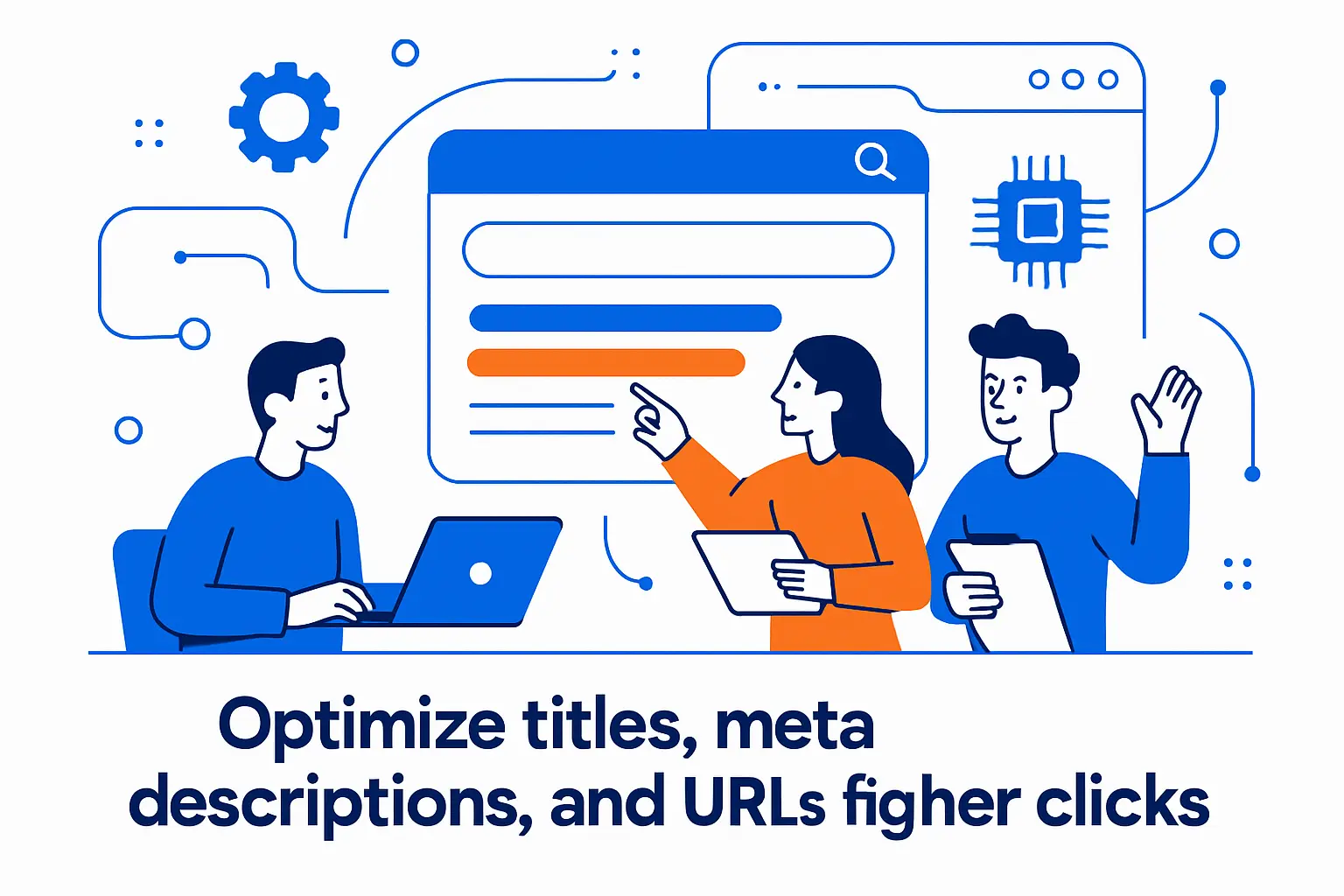
1. Write unique, concise title tags and on page headings that describe the page accurately
Titles are promises. If the title oversells, clicks may rise briefly, but trust collapses when the page doesn’t deliver.
Google has explained shifts in how it generates titles in an update to how it generates web page titles, which is our reminder to keep titles aligned with on-page reality. When the page is clear about its scope, the title can be plainspoken, specific, and still compelling.
2. Create meta descriptions that summarize value, use action verbs, and include relevant terms
Meta descriptions are not guaranteed to show, but they still matter because they shape how we think about the page’s value proposition. A good description reads like a calm pitch: what the reader will learn, what problem gets solved, and what makes the page worth time.
Google explains snippet behavior in its documentation on control your snippets in search results, and we use that guidance to avoid writing meta descriptions as keyword soup. Clear language tends to win because it matches how humans decide.
3. Use descriptive URL slugs with keywords, hyphens, and no unnecessary dates or numbers
URLs are part of the interface. Even when users don’t consciously read them, clean slugs communicate stability and reduce fear that a page is temporary or spammy.
Google’s URL structure best practices align with what we’ve seen in migrations: descriptive slugs are easier to maintain, easier to redirect, and less likely to spawn duplicate variants. On a hosting platform, that cleanliness also reduces cache fragmentation and makes analytics easier to interpret.
4. Reduce duplicate content by keeping one preferred URL per page when possible
Duplicate content is often accidental: tracking parameters, trailing slashes, alternate category paths, or a CMS that generates multiple archives. The cost is subtle but real—signals split, crawling effort wastes, and reporting becomes noisy.
Google documents canonicalization methods in how to specify a canonical with rel=”canonical” and other methods, and we treat canonicals as an agreement between publishing intent and technical reality. In practice, the cleanest solution is consistency: one internal linking pattern, one canonical, and one preferred version that the whole site commits to.
5. Optimize content sections for featured snippets and AI Overviews visibility
Snippet-friendly writing is disciplined writing: define the term, answer the question, list the steps, and then elaborate. That format helps readers who skim and helps search systems that extract summaries.
AI-driven search experiences raise the bar further because they reward clarity and penalize ambiguity. Google describes its approach to generative experiences in Search in its post on new generative AI experiences in Search, and our pragmatic takeaway is this: write sections that can stand alone. When a paragraph can be quoted without losing meaning, it’s usually a paragraph that readers trust.
Build authority and engagement with media, links, and promotion

1. Add high quality images and visual content near relevant text
Images are not decoration when they reduce cognitive load. A diagram that clarifies a workflow or a screenshot that confirms a setting can turn a confusing tutorial into something a reader can execute without guesswork.
Placement matters more than volume. We recommend putting visuals next to the exact paragraph they support, so readers don’t have to scroll like they’re hunting for a missing puzzle piece.
2. Write descriptive alt text to improve accessibility and image understanding
Alt text is where SEO and accessibility stop pretending they’re different jobs. When alt text reflects the image’s purpose in context, it helps screen reader users and helps search systems interpret what the image contributes.
Google’s technical writing course offers a practical guide to writing helpful alt text, and we follow that approach: describe the function, not just the pixels. In product content, that might mean “settings panel showing cache enabled” rather than a generic label like “dashboard.”
3. Use video and multimedia elements, including accurate transcripts for video content
Video can earn attention when a process is hard to explain with text alone. At the same time, video without a transcript often becomes a black box: helpful to some viewers, invisible to others, and difficult to skim.
From a publishing standpoint, transcripts are also an internal asset. Support teams can quote them, sales teams can reuse them in enablement, and search systems can better align the page with long-form queries that describe a process rather than a keyword.
4. Strengthen topical coverage with internal links and cite authoritative external resources
Internal linking is how we teach a site to remember what it knows. A strong cluster connects definitions, tutorials, comparisons, and troubleshooting so readers can choose their depth and search systems can understand topical breadth.
Google’s guidance on link best practices for Google is refreshingly concrete about crawlable anchors and descriptive link text. External citations matter too, especially for technical or sensitive claims, because they show readers that we’re building on real documentation rather than vibes.
5. Promote content through social, email, community engagement, and other channels
“Publish and pray” is not a strategy. Distribution is how we generate the first wave of readers who validate the piece, challenge it, and sometimes link to it.
In our experience, community channels work best when we show up as contributors rather than advertisers. A well-answered forum thread, a transparent changelog post, or a practical checklist shared with an operations group can send the kind of engaged traffic that improves the page over time.
6. Streamline production with briefs, templates, and AI prompts that enforce structure and formatting
Process is what keeps quality consistent when the calendar gets aggressive. Briefs prevent scope drift, templates prevent structural chaos, and prompts prevent teams from generating filler when they’re tired.
AI can help, but only when it’s constrained by editorial standards. We use prompts to accelerate outlines, extract definitions, and propose counterarguments, then we insist on human verification, original examples, and explicit assumptions. When a workflow treats AI as an assistant instead of an author, the final content tends to feel both faster and more credible.
How 1Byte helps publish and scale SEO friendly content writing
1. Domain registration for branding and reliable content publishing
A domain is not just an address; it’s a long-term trust container. When teams publish on a stable domain with consistent architecture, every new page benefits from accumulated internal links, brand recall, and operational continuity.
At 1Byte, we think about domains the way we think about infrastructure: choose something you can live with for years, organize it so growth doesn’t create chaos, and avoid needless fragmentation that splits authority across multiple properties.
2. SSL certificates for HTTPS security and user trust
Security is part of content quality because trust is part of reading. If a browser warns a user, the session is already compromised, no matter how good the article is.
From the hosting side, HTTPS is also a consistency choice: it reduces mixed-content surprises, supports modern browser behavior, and aligns with how major search engines interpret canonical preferences. In practice, “secure by default” is one of the simplest ways to make content feel legitimate.
3. WordPress hosting, shared hosting, cloud hosting, and cloud servers from an AWS Partner
Content that ranks still needs to load, stay available, and survive traffic spikes. That’s where infrastructure stops being an IT detail and becomes an SEO dependency.
At 1Byte, we support multiple hosting paths because content businesses mature in phases. Early on, shared hosting can be enough to validate a niche; later, WordPress hosting can simplify operations; then cloud hosting and cloud servers unlock more control for performance tuning, security hardening, and scaling content platforms that behave more like products than blogs.
Why hosting matters to SEO writers
When a CMS is unstable, writers compensate by publishing less, avoiding updates, or fearing internal links because “anything might break.” When the platform is reliable, teams iterate, refresh, and build clusters confidently, which is exactly how topical authority compounds.
Conclusion: a repeatable checklist for seo friendly content writing
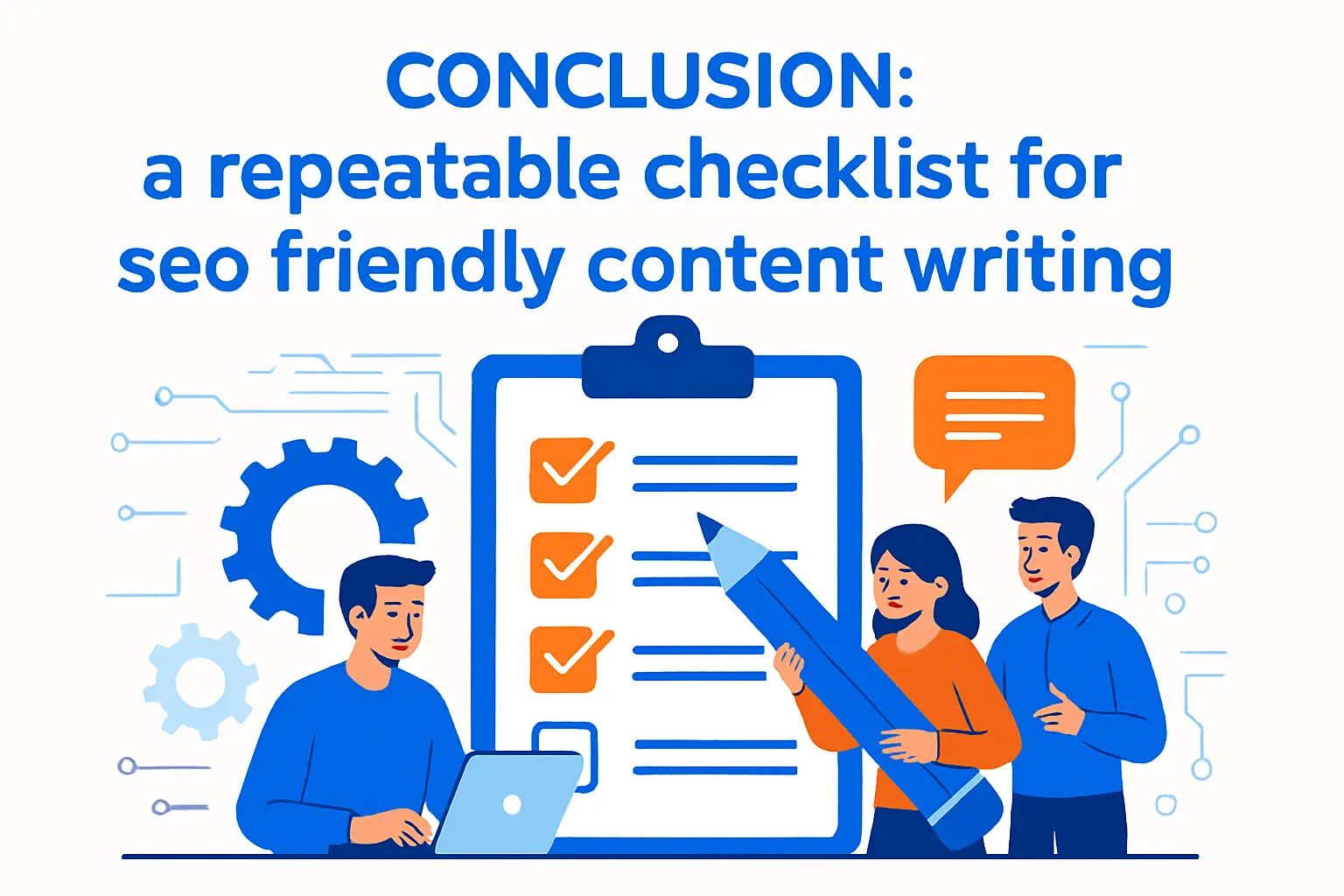
1. Research checklist: keywords, content gaps, and reader questions
- Clarify the page’s true audience and the decision the reader is trying to make.
- Choose a primary keyword that matches the page purpose, not just a tool score.
- Map secondary phrases as subtopics, definitions, and examples rather than separate pages.
- Compare competitor coverage to find missing steps, missing constraints, and missing proof.
- Mine SERP questions to uncover the “next question” that readers will ask after the click.
2. Writing checklist: intent match, quality signals, structure, and readability
- Match the content format to intent so the page feels like the right answer immediately.
- Lead with the conclusion, then explain the reasoning and tradeoffs with calm specificity.
- Show experience with real scenarios, not generic summaries of what others said.
- Use headings that act like signposts, making the page skimmable without losing meaning.
- Prefer short paragraphs and concrete language so the content reads like guidance, not fog.







3. Optimization checklist: titles, meta descriptions, URLs, media, links, and ongoing updates
- Write titles as honest promises that match on-page scope and wording.
- Draft meta descriptions that summarize value and reduce uncertainty for the click.
- Keep URLs stable, descriptive, and consistent across internal links and sitemaps.
- Add visuals that clarify steps, plus alt text that describes purpose in context.
- Build internal links that connect definitions, tutorials, and comparisons into a navigable cluster.
- Schedule maintenance so key pages stay accurate as products, policies, and platforms evolve.
From our seat at 1Byte, the most durable SEO wins come from treating content like an owned asset: researched like a report, written like a manual, and published like a product. If we adopted this discipline on your site starting this week, which single page would we choose as the first “pillar” worth upgrading end to end?