

Web scraping sits behind many of the most practical growth plays in modern teams. It fuels lead lists, price intelligence, SEO monitoring, and even AI assistants that need fresh public web data.
Tool choice matters more than it did a few years ago. Sites change faster. Anti-bot defenses run deeper. And “good enough” scripts break at the worst time, usually right before a launch or a quarterly review.
This guide reviews the best web scraping tools across enterprise platforms, no-code apps, scraping APIs, and developer frameworks. Each entry focuses on what you can build, how to set it up, and how it can support sales growth without creating a fragile data mess.
What are Web Scraping Tools?
Web scraping tools are software and platforms that collect information from public web pages and turn it into structured, reusable data (like tables, fields, or records) your team can search, analyze, or sync into systems such as spreadsheets, CRMs, and warehouses. The best web scraping tools do more than “pull HTML”: they help you handle dynamic sites, reduce breakage when layouts change, keep data clean (dedupe and validation), and run on a repeatable schedule with monitoring so you notice failures before your dashboards or sales lists go stale.
If you want to choose quickly, start here. This short list maps common needs to the most practical options in this guide, so you can skip ahead without reading every entry.
- Best for enterprise-grade reliability on tough targets: Bright Data, Oxylabs
- Best for engineering teams that want a maintainable scraping pipeline: Zyte, Scrapy
- Best for no-code scraping by ops and marketing teams: Octoparse, ParseHub, Browse AI
- Best for “scraping as workflows” with reusable automation: Apify, Firecrawl
- Best for headless browser automation on dynamic sites: Playwright, Puppeteer, Selenium
- Best for API-first scraping and browser rendering without managing infra: ScrapingBee, ZenRows, ScraperAPI, Browserless
- Best for SEO/SERP data workflows: SerpApi, DataForSEO
Use this table as a shortlist. Once you find the category that matches your workflow, jump to the matching tools below for deeper setup notes and watch-outs.
| Tool | Type | Best for | Works well on dynamic pages | Fastest path to value | Common watch-out |
|---|---|---|---|---|---|
| Bright Data | Enterprise platform | High reliability pipelines | Yes (via APIs/unblockers) | Managed endpoints + governance | Over-collecting without a schema |
| Oxylabs | Enterprise proxies/APIs | Scaled, continuous collection | Yes (via scraper APIs) | Production-ready infra layer | Costs grow with retries/volume |
| Zyte | Scraping API + ecosystem | Maintainable engineering workflows | Often (depends on approach) | Standardized crawling patterns | Still needs change detection |
| Apify | Automation/workflow platform | Reusable scraping “actors” | Yes (with browser-based actors) | Start from templates/actors | Template fit varies by site |
| Octoparse | No-code app | Non-dev structured extraction | Sometimes (depends on site) | Point-and-click projects | Hard targets still break |
| ScrapingBee | API-first rendering | Browser rendering without infra | Yes | Call an API, ship data | Needs schema + QA rules |
| Playwright | Developer framework | Dynamic sites and automation | Yes | Code-driven control | Maintenance burden over time |
| Scrapy | Developer framework | Large-scale crawls with structure | Not by default (pairs with renderers) | Robust crawling patterns | Needs engineering ownership |
Best Picks Snapshot (Fast Selection)
What’s Different About Web Scraping Right Now

Bot traffic and bot defenses now shape almost every scraping strategy. Imperva’s latest bad bot research notes that 49.6% of all internet traffic in 2023 wasn’t human.
That shift shows up in real production networks, not just in theory. Cloudflare reports that 31.2% of all application traffic processed by Cloudflare is bot traffic, which explains why even simple collection jobs hit blocks faster than you expect.
At the same time, more teams treat web data as a product input, not just a research task. Grand View Research projects web-scraped data within alternative data to grow rapidly and expected to reach USD 17,737.2 million by 2030, which helps explain the flood of new tools, APIs, and “AI scraping” workflows.
AI also changed who scrapes and why. A recent interview described how Cloudflare has blocked 416 billion AI bot requests since July 1, 2025, which signals a new era of content access battles, licensing models, and stricter enforcement.
How to Choose the Best Web Scraping Tools for Your Team
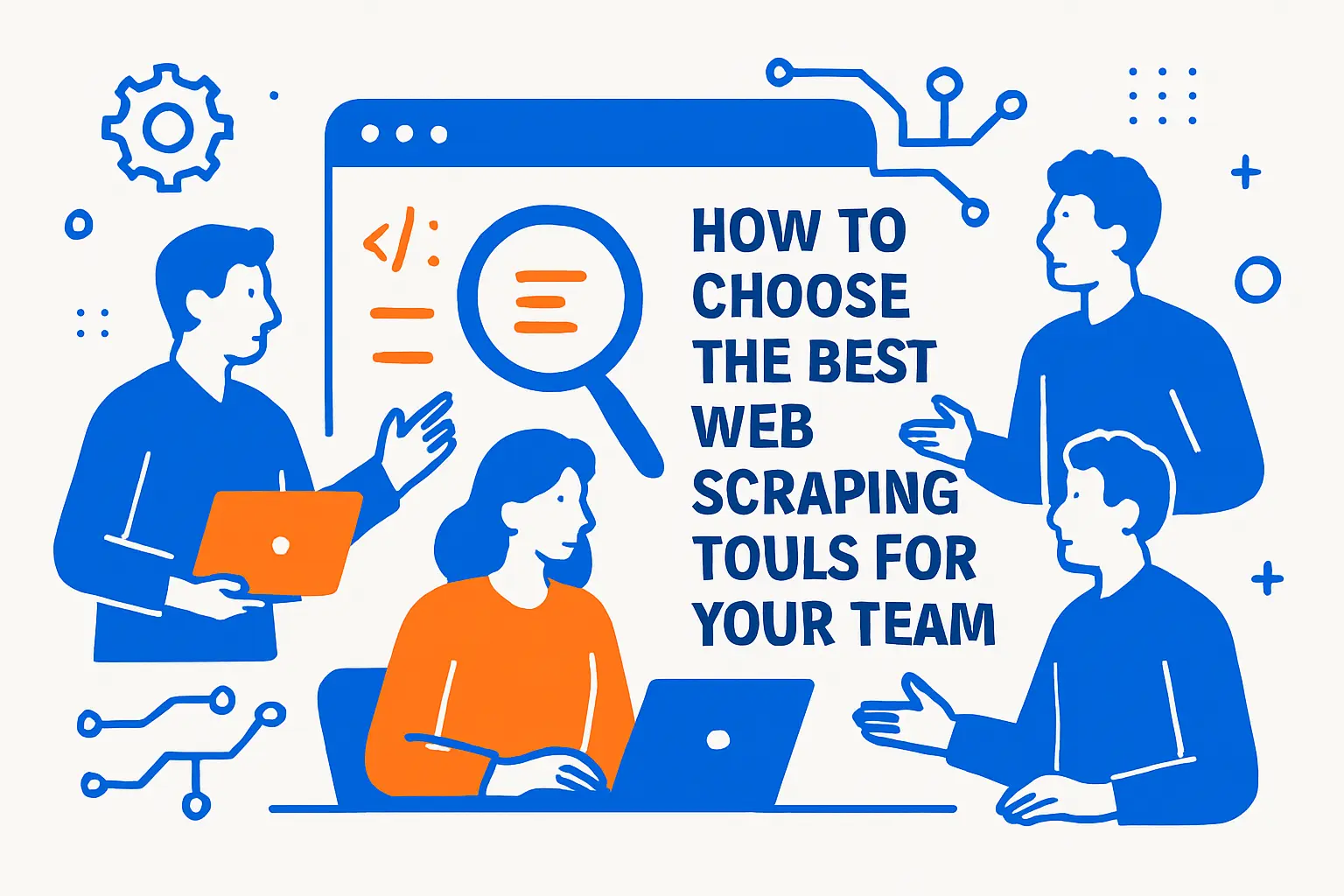
Start by picking the simplest tool that can survive your real targets. “Real targets” means login flows, dynamic pages, rate limits, and layout changes. It also means your team’s actual skill level and maintenance time.
- Match tool type to workflow. No-code tools help analysts ship fast. APIs help engineers scale. Managed services help when you need guaranteed delivery.
- Plan for change detection. A scraper that works today can fail tomorrow when a site updates markup or adds a new bot check.
- Design your output schema early. Clear fields reduce downstream cleanup and stop your CRM from filling with unusable junk.
- Build compliance into the workflow. Respect site terms, robots directives, privacy rules, and data minimization practices.
- Measure total cost, not just subscription price. Engineering time, retries, proxy spend, and QA work often cost more than the tool.
Finally, treat scraping as a pipeline. You do not “scrape once.” You collect, validate, store, refresh, and alert. The tool that supports that full loop usually wins long term.
1. Tool-Type Map (So Readers Don’t Compare Apples to Oranges)
Before you compare vendors, pick the tool type that matches your workflow. Most “tool mismatches” happen when teams choose a UI scraper for an engineering pipeline, or choose a dev framework when the real user is an ops analyst who needs a repeatable export.
- Enterprise platforms: Best when you need reliability, scale, and governance across many targets.
- No-code tools: Best when business users need fast extraction for a smaller set of sites and outputs.
- Scraping APIs and rendering APIs: Best when engineers want a simple integration without building proxy and browser infrastructure.
- Browser automation frameworks: Best when the site behaves like an app and you must execute real user flows.
- Crawling frameworks: Best when you want structured spiders, scheduling, and maintainable crawling patterns.
- SERP/SEO APIs: Best when your main use case is search results monitoring and keyword/intent research.
2. Skim-Friendly “Scraping Pipeline” Checklist
Treat scraping like a production pipeline, not a one-off task. Use this checklist to evaluate whether a tool will keep working after the first successful run.
- Targets: Define the exact pages, regions, and access patterns (static pages, dynamic pages, or login flows).
- Extraction rules: Choose selectors or parsing logic that can survive minor layout changes (and document what “success” looks like).
- Anti-bot handling: Decide how you will handle blocks, CAPTCHAs, and throttling (and what you will not attempt).
- Data schema: Lock required fields, allowed formats, and a clear unique key to prevent duplicates.
- Validation and QA: Add rules that catch empty fields, unexpected values, and sudden volume drops before data ships downstream.
- Storage and delivery: Pick a destination (sheet, database, warehouse, CRM staging) and keep raw + cleaned outputs separate.
- Refresh plan: Schedule runs based on how quickly the source changes, and track when each record was last updated.
- Observability: Log failures, track extraction volume, and alert when success rate drops or outputs drift.
- Governance: Keep a record of what you collect, why you collect it, and who has access to the output.
3. Change-Detection Mini Playbook (Reduce Breakage)
Most scraping failures are not “the tool stopped working,” they’re “the site changed.” Plan for change detection so you don’t discover breakage when a report is already wrong.
- Prefer stable anchors: Target IDs, labels, and page structure patterns over brittle CSS chains.
- Use fallbacks: Add secondary selectors or alternate extraction paths for critical fields.
- Track field-level drift: Watch for sudden changes in empty values, new formats, or unexpected categories.
- Version your scrapers: Treat extraction logic like code—document updates and roll back quickly.
- Alert on “silent failures”: A job that runs but returns partial data is often worse than a hard fail.
Core Sales Workflows Web Scraping Supports
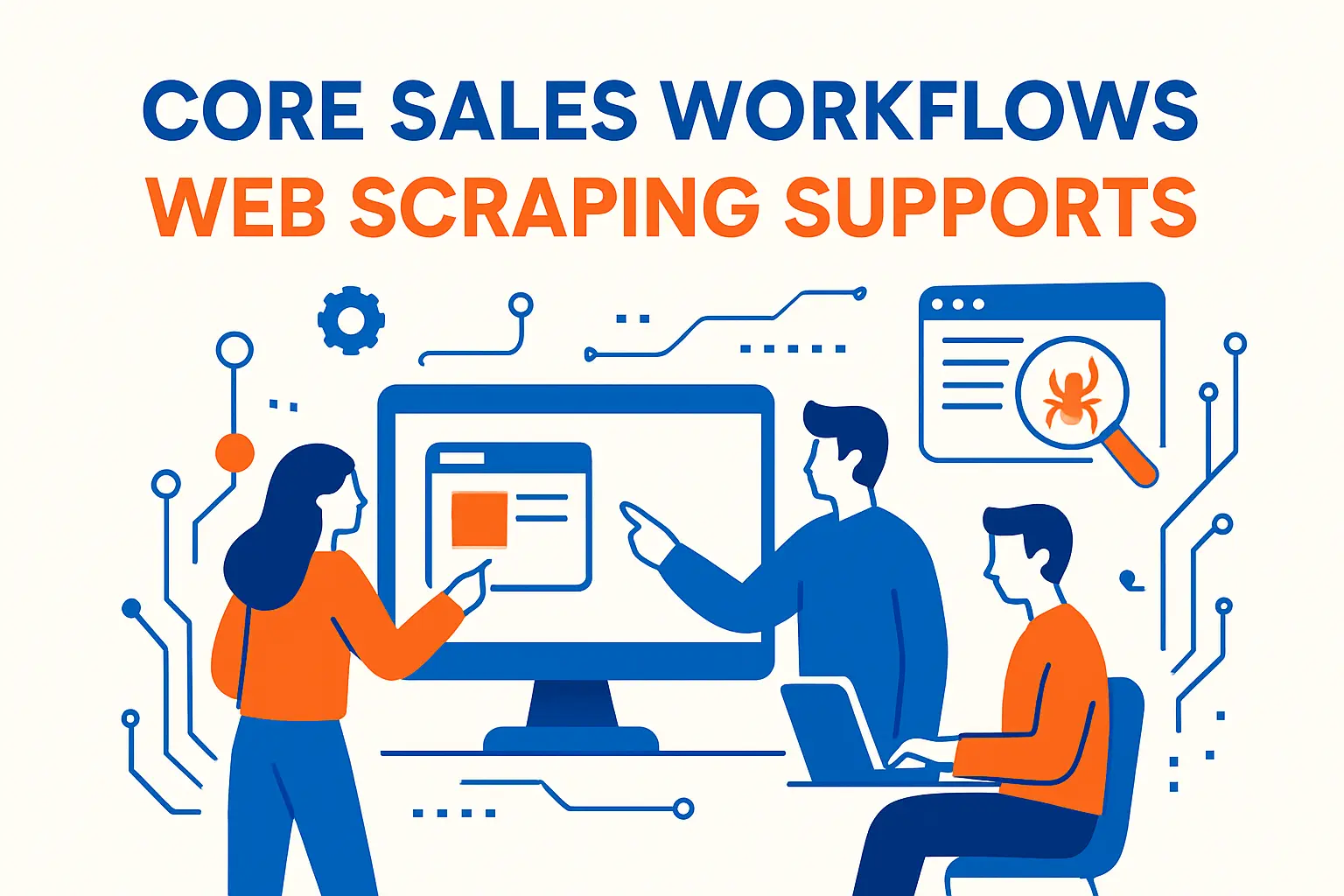
Web scraping pays off when you connect it to a repeatable revenue workflow. That means you should tie data collection to actions your team already takes.
- Lead discovery: Extract directory listings, partner pages, marketplace sellers, and local business sites. Then route matches into your CRM.
- Lead enrichment: Add missing firmographic details from public sources, like locations, categories, or hiring signals.
- Competitive intelligence: Track competitor pricing pages, packaging changes, new feature pages, and category positioning.
- Signal-based outbound: Monitor job boards, press pages, and product update pages to trigger timely outreach.
- SEO and intent research: Pull SERP snapshots, People Also Ask patterns, and local results to inform content and targeting.
Top Tools to Try
1. Bright Data
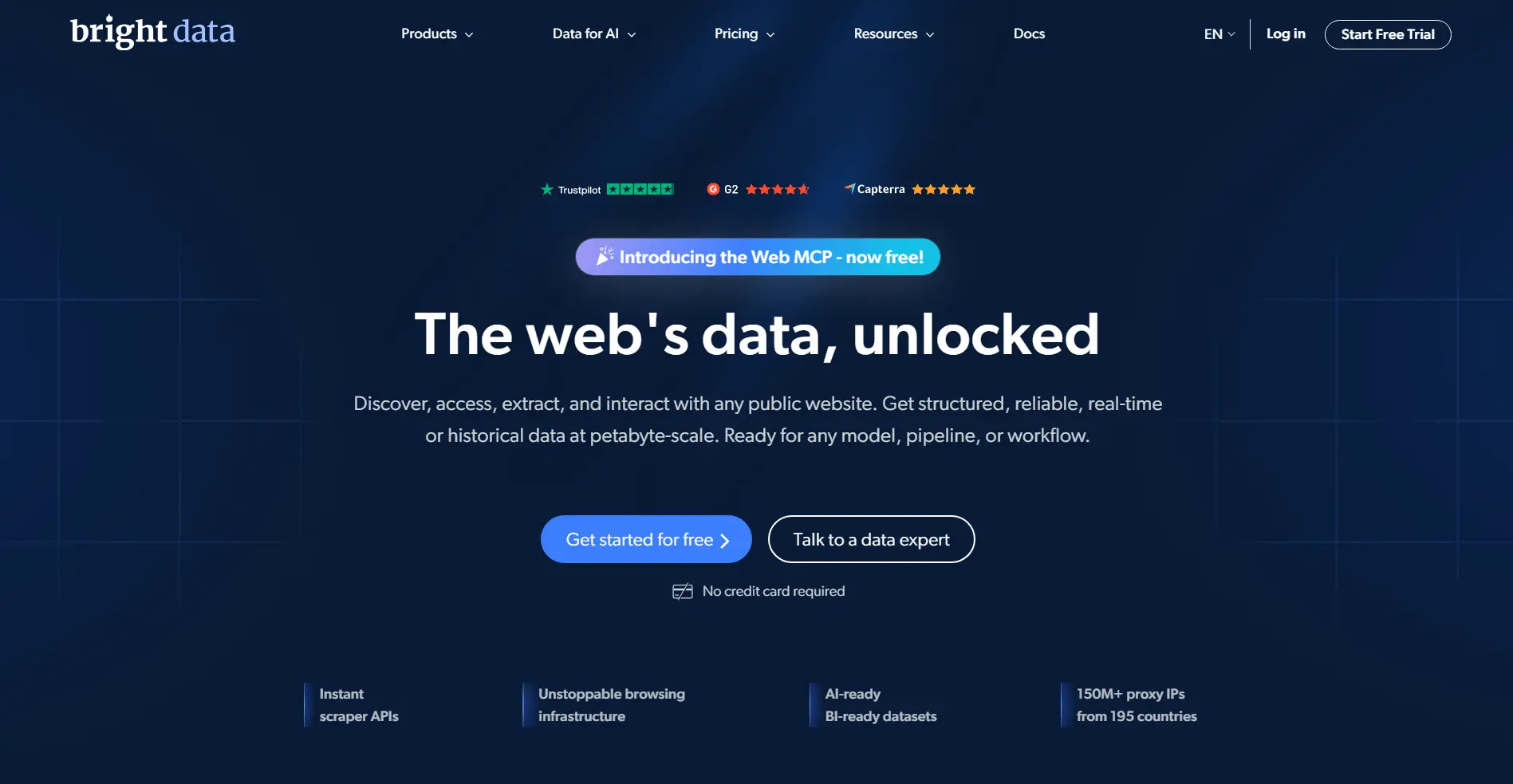
Bright Data fits teams that want a single vendor for web scraping infrastructure and data acquisition. You can combine proxy services, scraping APIs, and managed collection patterns in one place. That makes it easier to move from experimentation to a stable pipeline.
Best for
Enterprise and growth teams that need high reliability on difficult targets and want strong governance options.
Key workflows to configure
Start with a target list and a clean output schema. Then route requests through a consistent unblocker or scraping endpoint, and push results into your warehouse or CRM staging table. Add automated retries and validation rules before you scale.
Sales growth lever
Use it to build always-fresh prospect lists from public directories, then enrich accounts with role and company details. Pair that with competitor monitoring so your sales team speaks to real market movement, not old screenshots.
Watch outs
Infrastructure power can also create waste. If you scrape without a schema and a clear refresh plan, you will collect expensive noise. You also need a compliance review for sensitive categories.
Quick start checklist
- Define one pipeline goal and one destination system
- Pick a single source site to validate end-to-end flow
- Lock a minimal schema and required fields
- Add retries, dedupe logic, and basic QA checks
- Set an alert when extraction volume drops
2. Oxylabs
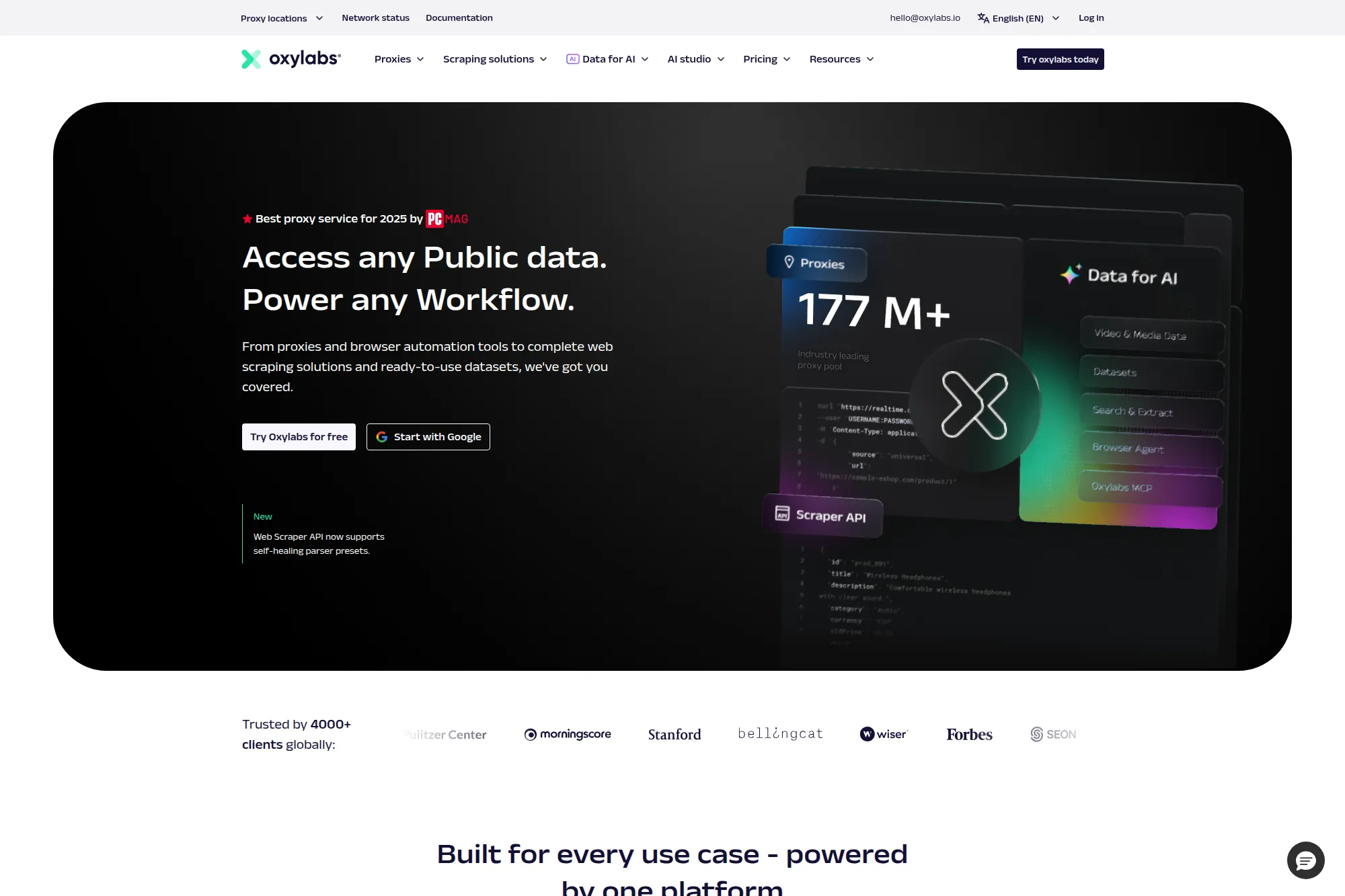
Oxylabs focuses on scalable web data access with a strong emphasis on proxy networks and scraper APIs. It works well when you want a production-grade base layer for scraping jobs that must run continuously without babysitting.
Best for
Teams that need resilient data collection across many locations and want reliable developer docs for faster rollout.
Key workflows to configure
Use a scraper API when you want a simpler request model and stable parsing patterns. Add geo targeting only when your business case requires location-specific results. Store raw HTML for debugging, but feed clean structured output into your analytics layer.
Sales growth lever
Support pricing intelligence and inventory monitoring that helps sales defend deals with current competitive context. You can also track regional availability and messaging differences to sharpen outbound personalization.
Watch outs
Geo-heavy scraping increases complexity fast. It can also amplify compliance risks if you collect personal data by accident. Keep your schema strict and your scope narrow.
Quick start checklist
- Pick a single target and define “success” output
- Test requests with conservative rates
- Log failures and store diagnostics for replay
- Validate fields with sample spot checks
- Scale gradually while monitoring block patterns
3. Zyte
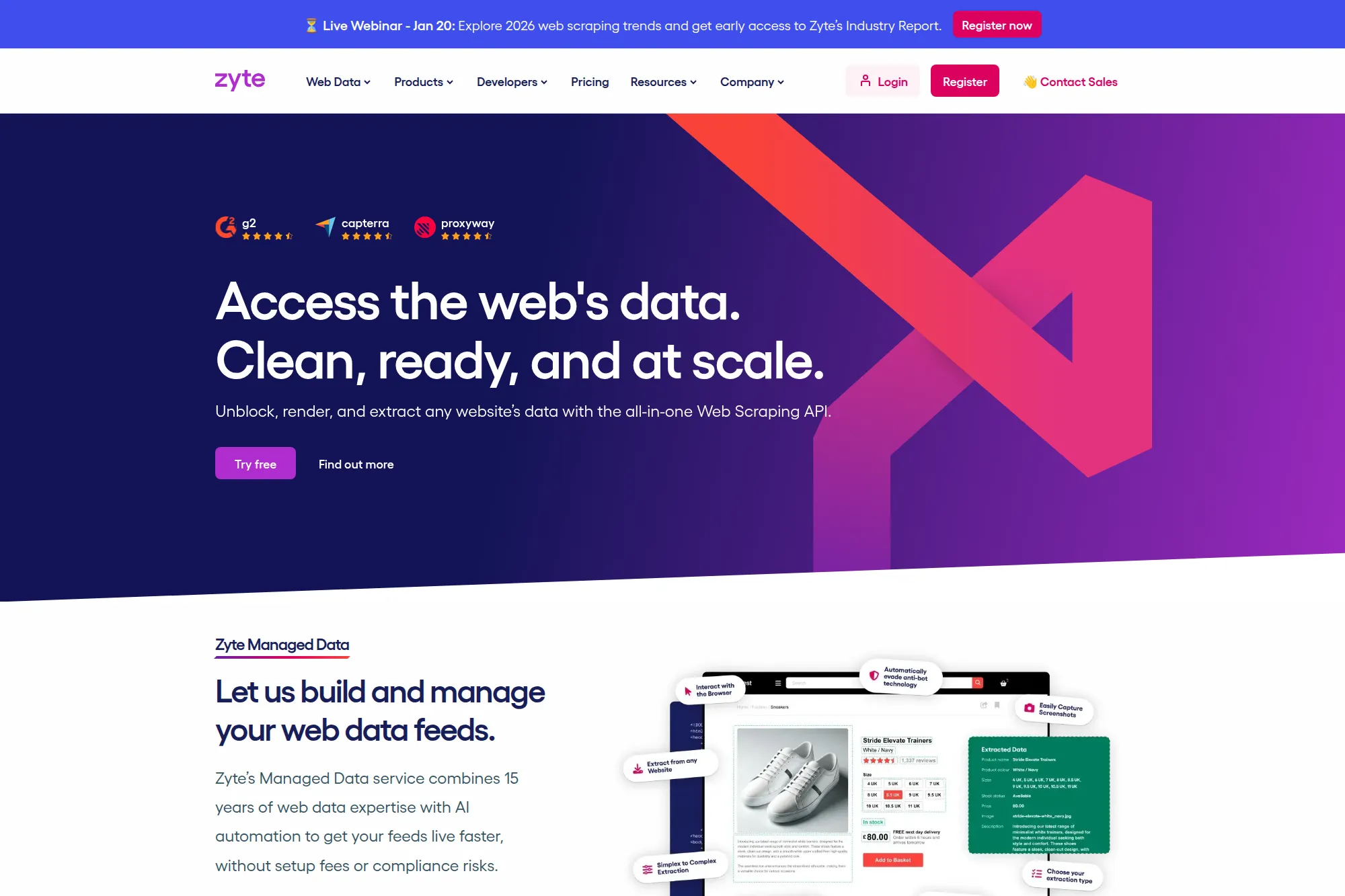
Zyte combines a web scraping API with tools that work well for long-running crawling projects. It also has strong roots in the Scrapy ecosystem, which helps engineering teams standardize how they build spiders and manage bans.
Best for
Engineering-led teams that want to reduce ban handling and keep scraping logic maintainable across many sites.
Key workflows to configure
Route requests through a unified API so you stop juggling proxies, sessions, and rendering. Turn on automated extraction for common page types when it matches your schema needs. Add a QA loop that compares new runs to previous runs for drift.
Sales growth lever
Build a stable enrichment feed that refreshes accounts without manual rework. Monitor hiring pages and product updates to trigger outreach with real timing signals, not generic sequencing.
Watch outs
Automation can hide errors if you never inspect sample outputs. You still need human QA, especially for pages that look similar but contain different field meaning. Treat extraction as a versioned contract.
Quick start checklist
- Choose one high-value page type and define required fields
- Run a small baseline crawl and store outputs
- Add drift detection with before/after comparisons
- Implement clean exports to your storage system
- Document terms and compliance assumptions per site
4. Apify
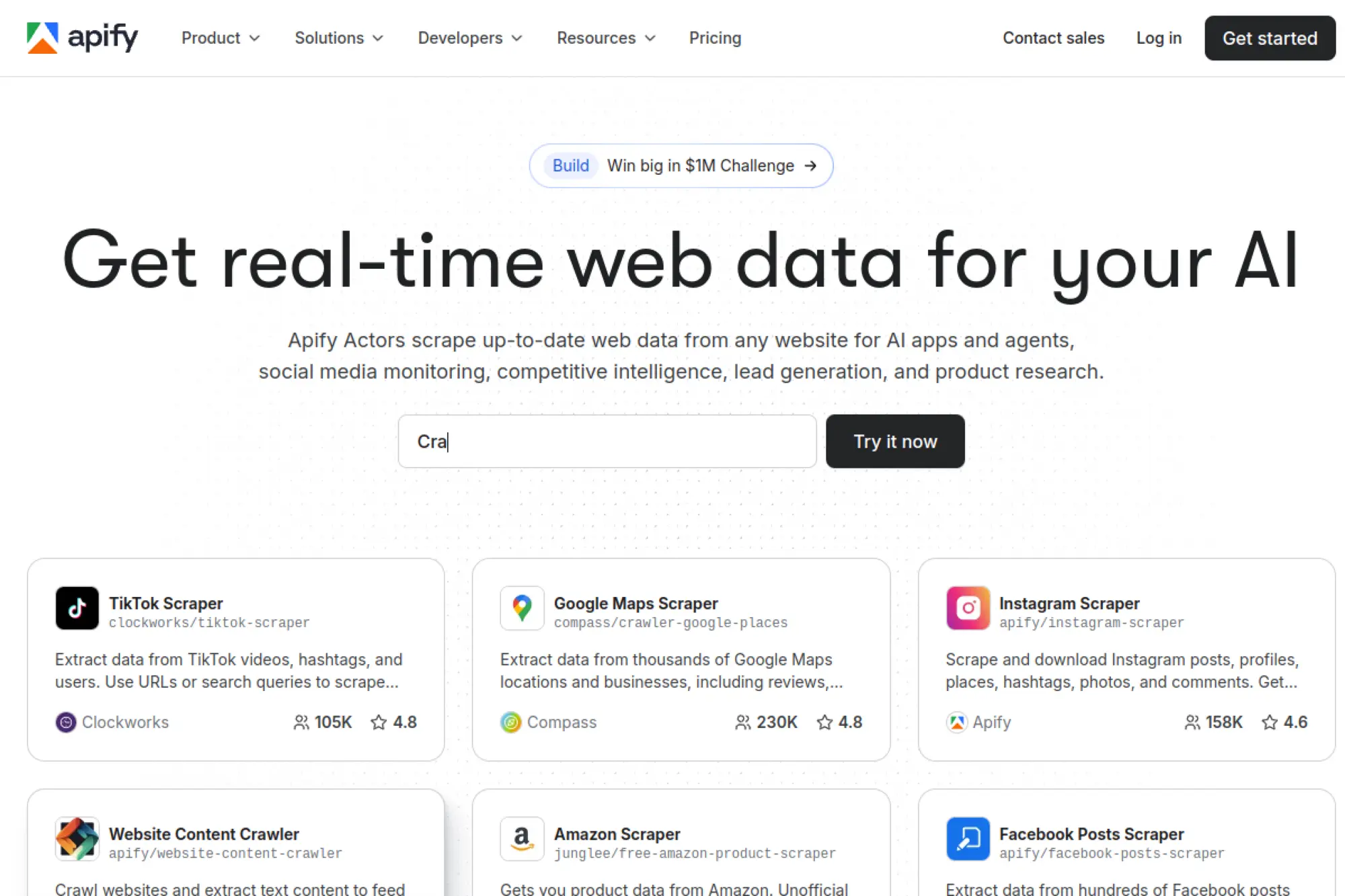
Apify stands out because it blends a marketplace of ready-to-run scrapers with a platform for building custom automation. It helps when you want speed now, but still want the option to develop and scale your own scrapers later.
Best for
Teams that want fast wins through reusable “Actors” and also need a path to custom builds.
Key workflows to configure
Start with a proven Actor for your target site and test outputs against your schema. Then add scheduling, storage, and basic enrichment steps. When you need custom control, fork an Actor and version it like a real product.
Sales growth lever
Use marketplace scrapers for rapid lead discovery from directories, job boards, or product platforms. Then connect outputs to your CRM workflows for enrichment and routing. This shortens the cycle from “signal found” to “rep action taken.”
Watch outs
Actor quality varies. Treat third-party Actors like external dependencies and test them often. Also confirm that your target sources allow automated access for your intended use.
Quick start checklist
- Select an Actor that matches your target and goal
- Define and enforce your output schema
- Schedule runs and set failure alerts
- Store raw output for debugging and audits
- Fork and version any mission-critical Actor
5. Diffbot
Diffbot positions itself around rule-less extraction powered by machine learning. Instead of writing many brittle selectors, you often send a URL and receive structured results. That makes it attractive for teams that need broad coverage without constant parser maintenance.
Best for
Organizations that want AI-driven extraction for varied page layouts, especially content-heavy sites and catalogs.
Key workflows to configure
Define which page categories matter for your pipeline, then standardize how you call extraction and how you validate output. Pair extraction with crawling when you need site-wide coverage. Build a review queue for edge cases where the model misclassifies fields.
Sales growth lever
Enrich account research with structured company, news, and product data. Build trigger alerts when a target company launches a product page, updates pricing, or appears in relevant coverage. Your team can then send outreach with better context.
Watch outs
AI extraction feels “hands-off,” but you still own data quality. You need monitoring for field drift and misclassification. Keep human checks in the loop for high-stakes fields.
Quick start checklist
- Pick one content type and define success fields
- Run a sample set across different layouts
- Set validation rules for missing or malformed values
- Create a review queue for low-confidence outputs
- Automate exports into your analytics or CRM pipeline
6. Import.io
Import.io focuses on enterprise-grade extraction with monitoring and “self-healing” behavior. It aims to reduce the classic scraping pain where a small markup change silently breaks a pipeline. That makes it a fit for teams that care about reliability and governance.
Best for
Enterprises that run business-critical web data pipelines and want compliance-first controls baked in.
Key workflows to configure
Build an extractor around a stable schema and connect it to your delivery destination. Add monitoring that flags changes in layout and output volume. Use compliance filters to avoid collecting sensitive data you do not need.
Sales growth lever
Maintain clean competitor catalogs and price feeds for deal support. Refresh account data used in segmentation so reps do not work stale lists. You can also monitor reseller pages to spot new channel partners and market shifts.
Watch outs
Enterprise tooling can slow you down if you skip clear requirements. Define the smallest useful dataset first. Then expand once you trust output quality and refresh cadence.
Quick start checklist
- Write a schema with strict required fields
- Choose a refresh cadence that matches the business need
- Enable monitoring for layout drift and volume drops
- Set compliance rules and data minimization defaults
- Connect delivery to your warehouse or CRM staging layer
7. Octoparse
Octoparse is a popular no-code web scraping tool that helps non-developers extract structured data quickly. It supports templates for many common sites and provides cloud execution for scheduled collection jobs. That combination makes it practical for marketing and ops teams.
Best for
Business users who want point-and-click scraping with optional cloud runs and templated starters.
Key workflows to configure
Start from a template when possible, then adjust fields to match your reporting needs. For custom sites, build a workflow with pagination, scrolling, and basic interaction steps. Schedule runs and export outputs to spreadsheets, databases, or automation tools.
Sales growth lever
Pull prospect lists from directories and marketplaces, then filter them into a target account list. Monitor competitor product pages to track messaging changes that matter for positioning. Use ongoing refresh to keep outreach lists clean.
Watch outs
No-code does not mean zero maintenance. Dynamic sites can still require tuning. Also, stay disciplined about what you collect so you do not capture personal data you do not need.
Quick start checklist
- Choose a single workflow with clear business output
- Test extraction on a small page sample set
- Validate data types and field completeness
- Schedule a refresh and set failure notifications
- Export into a clean, versioned dataset location
8. ParseHub
ParseHub offers a desktop-based project builder that runs extraction jobs in the cloud. It helps when you need to scrape interactive sites but do not want to write code. Its command system supports actions like clicks, scrolling, and pagination loops.
Best for
Teams that need a visual workflow builder for dynamic sites and want cloud-based job execution.
Key workflows to configure
Design a project around a repeatable navigation pattern. Use selection commands to identify fields, then add interaction steps for pagination and filtering. Connect output delivery through exports or the API so downstream tools can consume fresh runs.
Sales growth lever
Track job postings, partner listings, and category pages that signal expansion or vendor changes. Turn those signals into outreach triggers. You can also build competitor monitoring for packaging and offer pages.
Watch outs
Complex workflows need careful testing. If you build a fragile click sequence, a small UI change can break runs. Keep flows as simple as possible and store diagnostics.
Quick start checklist
- Map the navigation path before building the project
- Train selectors on multiple examples, not one page
- Add a small run schedule for early validation
- Export to a staging dataset for QA
- Only promote to production after stable repeats
9. Web Scraper
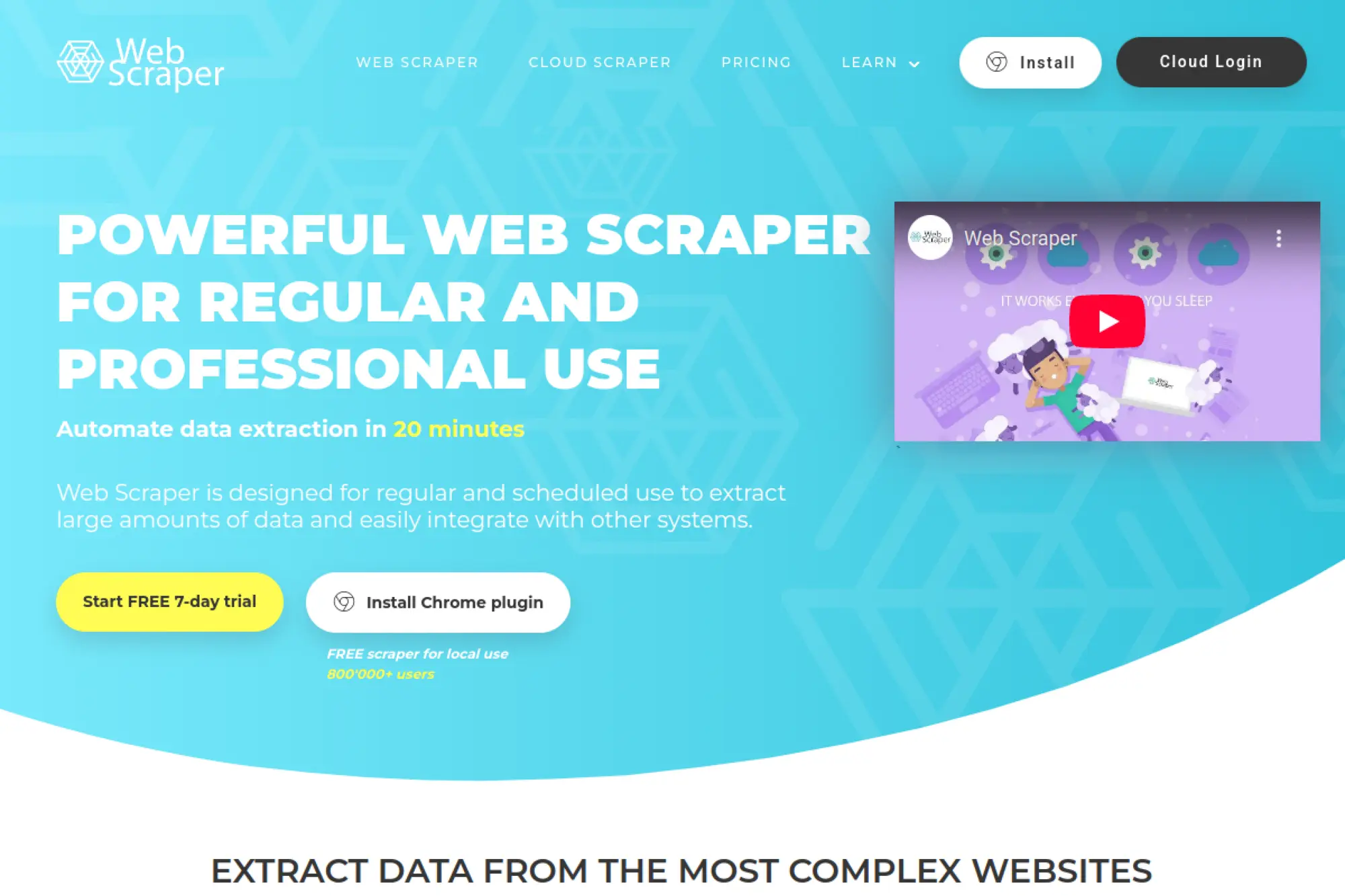
Web Scraper is a browser extension-based approach that feels approachable for beginners. You build “sitemaps” with selectors and then run extraction locally or via a cloud service. It works well for structured websites with consistent navigation patterns.
Best for
Quick projects where you want to scrape structured lists without building a full engineering pipeline.
Key workflows to configure
Create a sitemap that mirrors how a human browses the site. Use selectors for list pages and detail pages, then validate output on a small run. If you need recurring jobs, move to cloud execution and configure scheduled runs with exports.
Sales growth lever
Collect directory or marketplace listings to seed outbound lists. Track competitor category pages and capture changes in product positioning. Use simple refresh runs to keep lists from aging out.
Watch outs
Extension-based scraping can struggle on heavily protected sites. It also depends on consistent HTML structure. Use it as a fast prototype tool, not your only production engine.
Quick start checklist
- Build one sitemap that covers list and detail pages
- Run a small scrape and inspect fields manually
- Normalize outputs before sending to business users
- Decide whether local or cloud runs fit your use case
- Document selectors so others can maintain them
10. Browse AI
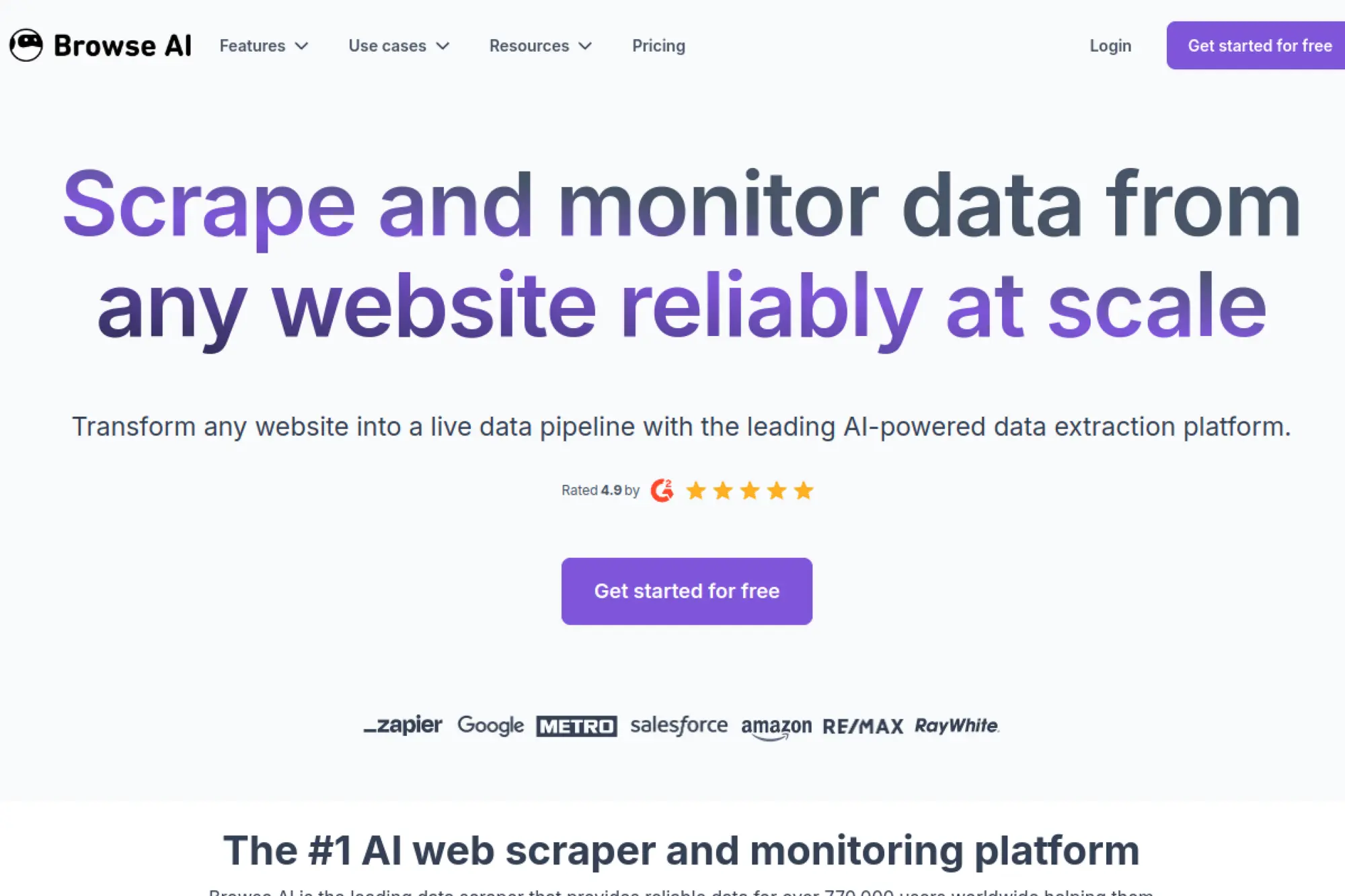
Browse AI positions itself as an AI-powered no-code scraper and monitoring tool. It supports both extraction and change detection, which matters when you care more about “what changed” than “what exists.” This makes it useful for sales and ops alerts.
Best for
Non-technical teams that want website monitoring plus data extraction with minimal setup.
Key workflows to configure
Train a robot on the exact fields you need, then set it to run on a schedule. Configure alerts for changes that matter, such as pricing shifts or new listings. Send output to spreadsheets, webhooks, or automation tools that trigger downstream actions.
Sales growth lever
Turn competitor changes into sales enablement updates. Monitor target accounts for hiring or expansion signals. Then trigger outreach when signals appear, instead of sending generic sequences.
Watch outs
AI selection can misread fields when pages change. You should still review samples regularly. Also confirm you have legitimate access when scraping behind authentication.
Quick start checklist
- Pick a single page type and define required fields
- Train extraction and validate on multiple examples
- Enable change alerts with clear thresholds
- Send results to a system your team already uses
- Set recurring QA checks on sample outputs
11. Simplescraper
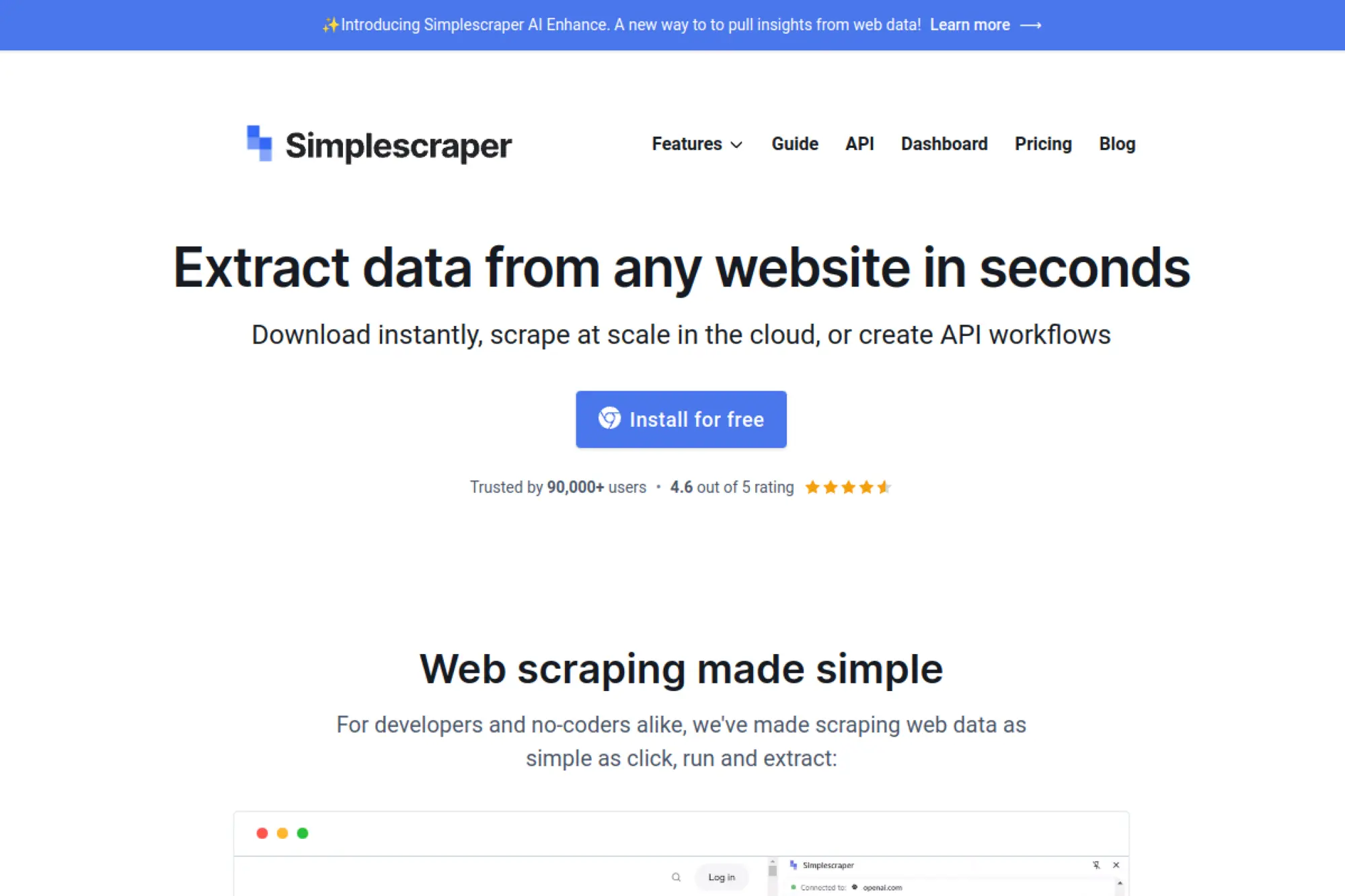
Simplescraper takes a browser-first approach with “recipes” you can run again and again. It supports exports and integrations that make it practical for teams living in spreadsheets or lightweight automation stacks. It can also run jobs in the cloud when you need scale.
Best for
Operators and growth teams that want a lightweight, repeatable browser-based scraping workflow.
Key workflows to configure
Build a recipe with list extraction and optional detail enrichment. Save it as a reusable unit so teammates can run it without rebuilding the logic. Then connect outputs to Google Sheets or webhook-based automation for downstream processing.
Sales growth lever
Build a simple lead collection pipeline that feeds a qualification sheet. Add a refresh cadence to keep contacts and listings current. Then push qualified rows into your CRM workflow with tags and routing rules.
Watch outs
Browser-driven scraping still breaks when sites change. Keep your recipes narrow and focused. If you need deep navigation or heavy bot evasion, you may need a stronger API-based tool.
Quick start checklist
- Create one recipe for a single list source
- Test exports into your team’s spreadsheet template
- Add dedupe rules before CRM sync
- Schedule refresh runs at a realistic cadence
- Review failures and retrain selectors when needed
12. ScrapeStorm
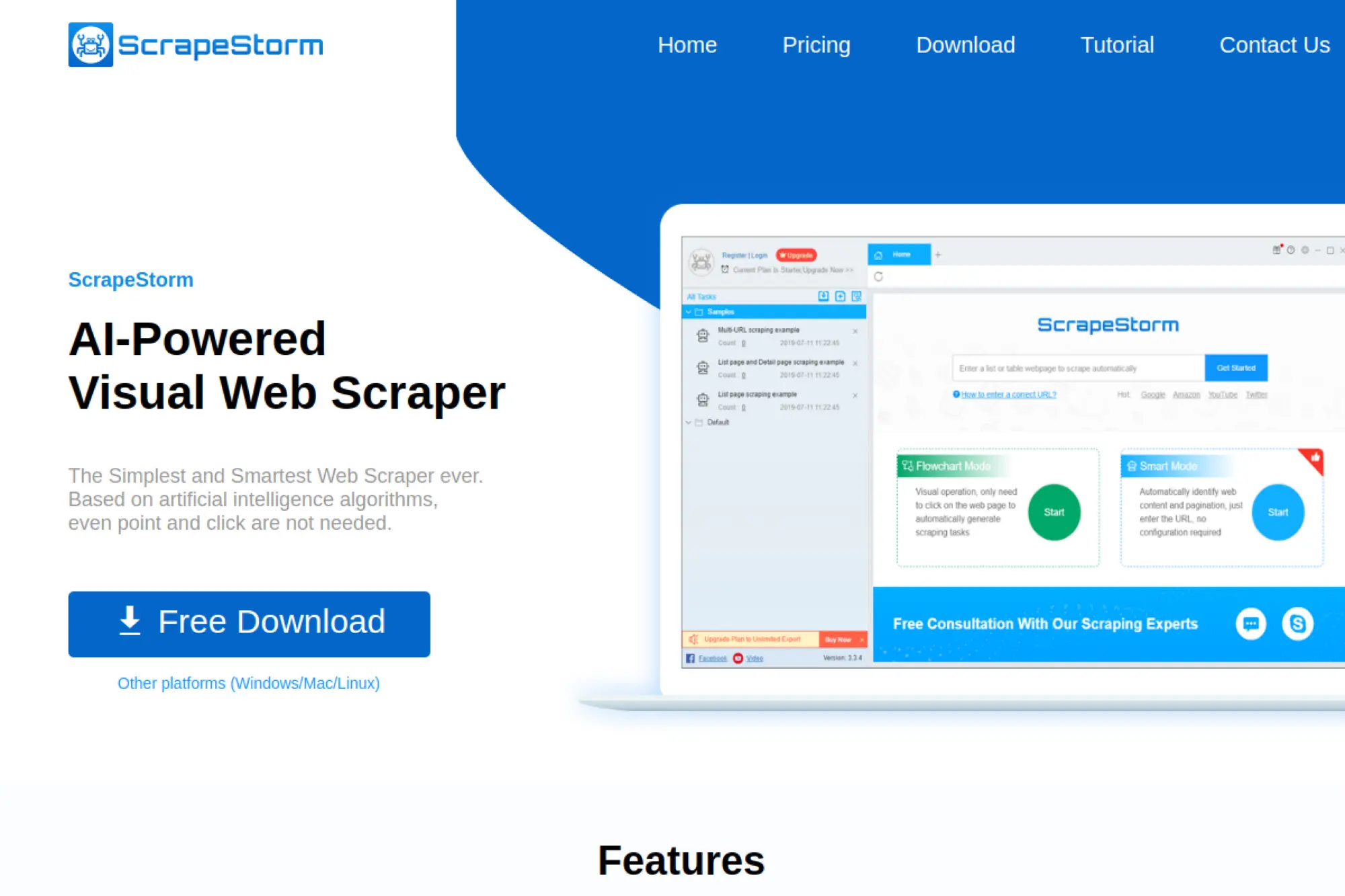
ScrapeStorm focuses on visual scraping with AI-assisted detection. It aims to reduce manual selector work by recognizing lists, tables, and pagination patterns automatically. It can be a strong fit for analysts who want speed without writing code.
Best for
Analysts who prefer desktop tools and want automatic detection for common page patterns.
Key workflows to configure
Start with the smart mode to detect list data and common structures. Switch to flowchart-style control when you need custom navigation steps. Then export outputs into a consistent format that downstream tools can ingest.
Sales growth lever
Extract competitor product catalogs and offer pages into a structured view your team can search. Pull directory listings to build prospect lists. Refresh those lists so reps avoid wasting time on outdated data.
Watch outs
Automatic detection is helpful, but it can also extract the wrong field when layouts look similar. Validate early and often. Also plan how you will run and maintain jobs if multiple people share the workflow.
Quick start checklist
- Pick a single list page with consistent rows
- Run smart detection and review field mapping
- Export a sample and confirm schema stability
- Add a refresh plan and a storage destination
- Document the workflow for repeatability
13. Helium Scraper
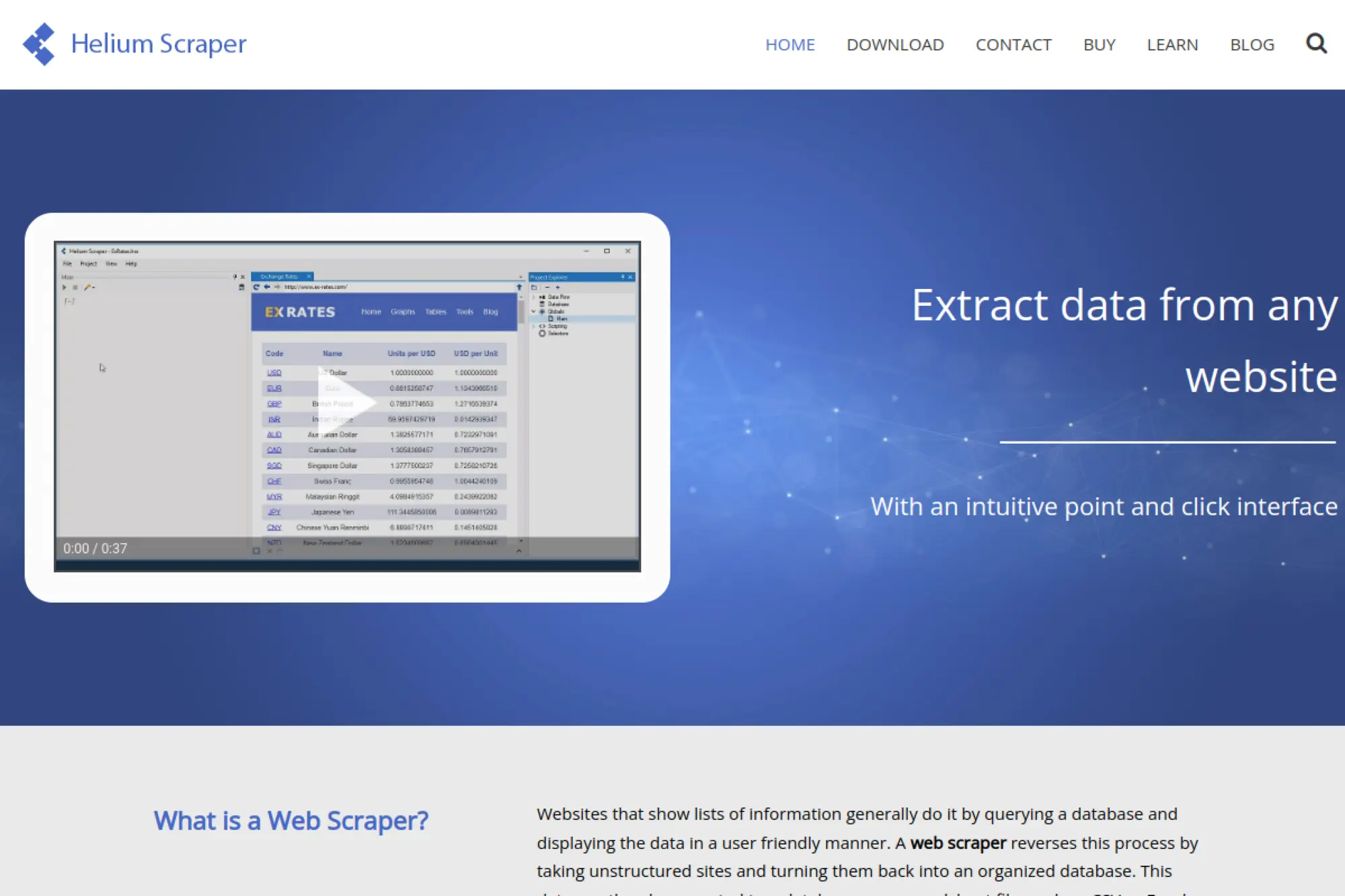
Helium Scraper is a desktop tool built for users who want deep control without building a full codebase. It supports programmable actions and custom scripting, which helps when you face unusual page behavior. It also suits teams that like to keep workflows local.
Best for
Power users who want a desktop-first scraper with scripting flexibility and structured exports.
Key workflows to configure
Design an action chain that mirrors human navigation. Add transformations for cleanup, such as splitting fields and normalizing text. Use scheduling to keep datasets refreshed, then export into a consistent storage location for downstream processing.
Sales growth lever
Create specialized scrapers for niche directories and marketplaces where generic tools struggle. Build enrichment steps that standardize company names, categories, and locations. Then use that cleaned dataset to sharpen outbound targeting.
Watch outs
More control means more responsibility. You need to document your action chains and create a maintenance routine. Also ensure you comply with site terms when scraping commercial directories.
Quick start checklist
- Map the click path and required fields before building
- Build a minimal action chain and validate outputs
- Add cleanup transforms for consistent formatting
- Save a reusable project template for teammates
- Schedule refresh runs and monitor failures
14. Sequentum
Sequentum targets enterprise-grade web data pipelines with strong emphasis on resilience, QA, and end-to-end control. It offers both platform features and workflow building that can support complex, high-volume needs. It fits organizations that treat scraped data as a core asset.
Best for
Enterprises that need governed web data pipelines with monitoring, QA, and scalable automation.
Key workflows to configure
Define your data model first, then build extraction agents that match it. Add QA checks that validate completeness and detect drift. Configure delivery into your warehouse with logs and audit trails so downstream teams trust the data.
Sales growth lever
Build reliable pricing and assortment feeds that sales teams can reference during negotiations. Track market entry signals, such as new competitors appearing in listings. Feed those insights into account plans and competitive playbooks.
Watch outs
Enterprise platforms require alignment across teams. If your requirements stay vague, you will slow onboarding. Start with a focused dataset and expand after you prove value.
Quick start checklist
- Define a minimal schema and success criteria
- Build one extraction agent for a high-value source
- Implement QA rules for missing and malformed fields
- Set monitoring for drift and run failures
- Automate delivery and document ownership
15. Grepsr
Grepsr provides data extraction services and positions itself as a partner for teams that want outcomes rather than tooling. It can be a strong fit when you need reliable datasets but do not want to build and maintain scrapers internally. It also helps when timelines are tight.
Best for
Teams that want managed scraping with strong QA and predictable delivery, without building in-house tooling.
Key workflows to configure
Start with a clear dataset spec, including fields, refresh cadence, and delivery format. Define edge cases and data validation rules before the first delivery. Then integrate delivery into your internal analytics and operational systems with clear ownership.
Sales growth lever
Move fast on new verticals by acquiring prospect lists and market datasets without waiting for engineering bandwidth. Keep sales enablement updated with competitor movement from monitored sources. Use consistent refresh cycles to keep territories clean.
Watch outs
Managed service reduces DIY control. You still need internal clarity on schema and definitions. Also confirm what the service can and cannot collect based on legal and contractual constraints.
Quick start checklist
- Write a dataset spec with required fields and examples
- Align on refresh cadence and delivery format
- Define QA acceptance rules before production
- Integrate delivery into your pipeline with monitoring
- Review changes in sources and update specs proactively
16. Mozenda
Mozenda offers web data extraction software and services, with tooling that supports agent-style scraping workflows. It suits teams that want a platform they can operate, but also want access to services when workloads spike. This hybrid model can reduce operational friction.
Best for
Organizations that want both a scraping platform and the option for hands-on assistance when needed.
Key workflows to configure
Build agents that cover list-to-detail navigation patterns and export structured results. Configure scheduling for refresh runs and deliver data into your analytics environment. Create a maintenance routine that reviews agents when sites shift layouts.
Sales growth lever
Maintain prospect datasets for outbound teams and refresh them on a consistent schedule. Monitor competitor product and partner pages to catch positioning changes. Feed that intelligence into sales enablement content and talk tracks.
Watch outs
Agent-based scraping still needs QA and monitoring. If you skip those steps, you will push broken data downstream. Treat your agents like products with owners, not like one-off scripts.
Quick start checklist
- Define a single agent scope and a clean schema
- Validate extraction on multiple page samples
- Set a schedule and an alert for failures
- Export to a consistent storage destination
- Review outputs regularly for drift and missing fields
17. Kadoa
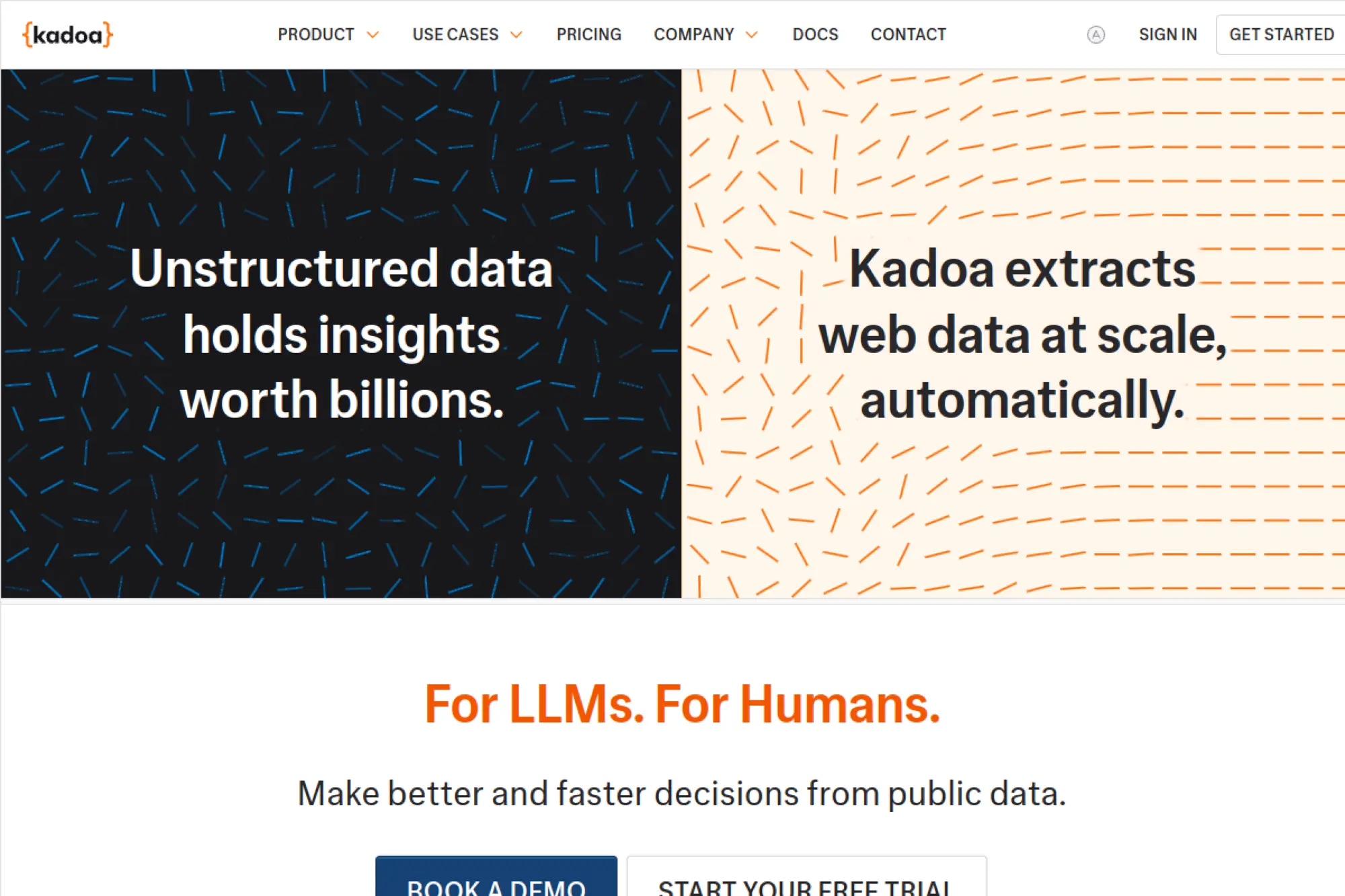
Kadoa focuses on AI-assisted scraping workflows that aim to reduce maintenance when sources change. It positions its product around “agentic” extraction, validation, and monitoring. That framing fits teams that want to describe what they need and get structured data without building heavy code.
Best for
Teams that want AI-driven workflow creation, automated monitoring, and “self-healing” behavior for fragile sources.
Key workflows to configure
Describe the extraction goal in plain language, then lock a schema that matches how your business uses the data. Configure monitoring so the tool flags unexpected changes in outputs. Add delivery into your warehouse and messaging systems so alerts trigger action.
Sales growth lever
Keep lead sources fresh without constant engineering maintenance. Trigger outbound based on new listings, new product pages, or shifts in competitor positioning. This helps reps contact accounts at the right moment.
Watch outs
AI automation still needs oversight. You should confirm that extracted fields remain correct over time. Also build internal rules for what you will not collect, especially around sensitive categories.
Quick start checklist
- Write a schema that matches your CRM fields
- Configure a baseline run and inspect sample outputs
- Enable monitoring and define alert conditions
- Connect delivery to your downstream tools
- Schedule periodic QA reviews for field accuracy
18. Firecrawl
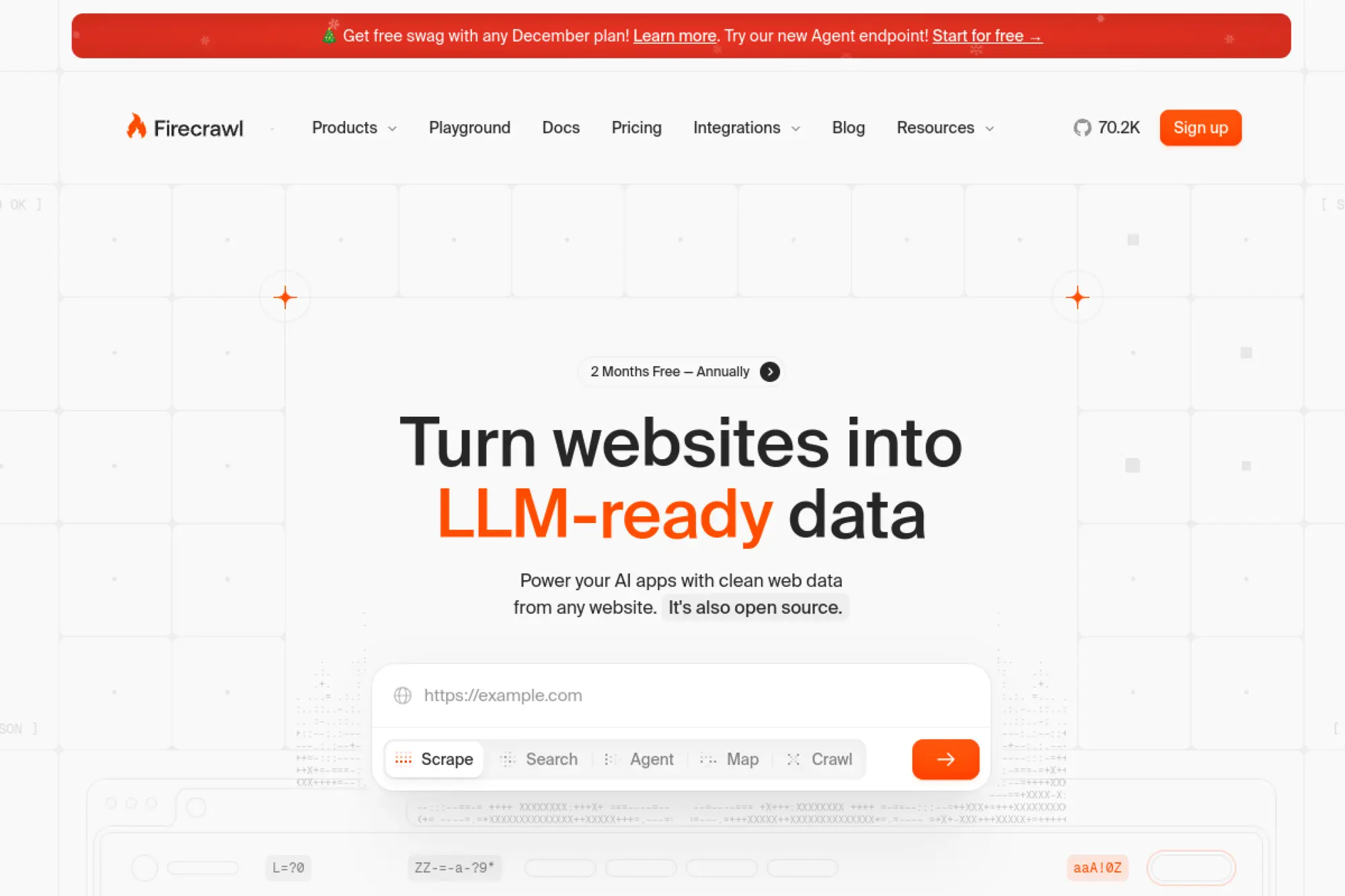
Firecrawl targets teams building AI workflows that need clean web content. It converts pages into formats that work well for retrieval and summarization, such as markdown or structured output. This can save time if your goal is content ingestion, not pixel-perfect HTML parsing.
Best for
AI teams building RAG pipelines, knowledge bases, and agent workflows that need clean text from public pages.
Key workflows to configure
Set up a scrape workflow for single pages, then use crawling when you need broader site coverage. Standardize output formats so your downstream ingestion stays consistent. Add caching and dedupe so you do not re-ingest unchanged content.
Sales growth lever
Build an internal competitive intelligence library that stays updated without manual copy-paste. Feed sales enablement teams with fresh competitor pages and positioning updates. You can also ingest partner documentation to speed up solution engineering.
Watch outs
Firecrawl helps with content extraction, not necessarily with bypassing heavy anti-bot defenses. Verify target accessibility and respect usage rules. Also confirm that your ingestion workflow does not store content you cannot retain.
Quick start checklist
- Define which sites you can legally ingest and store
- Pick an output format your pipeline expects
- Run a sample crawl and validate cleanliness
- Implement dedupe and refresh logic
- Connect results to search or vector indexing
19. Browserless
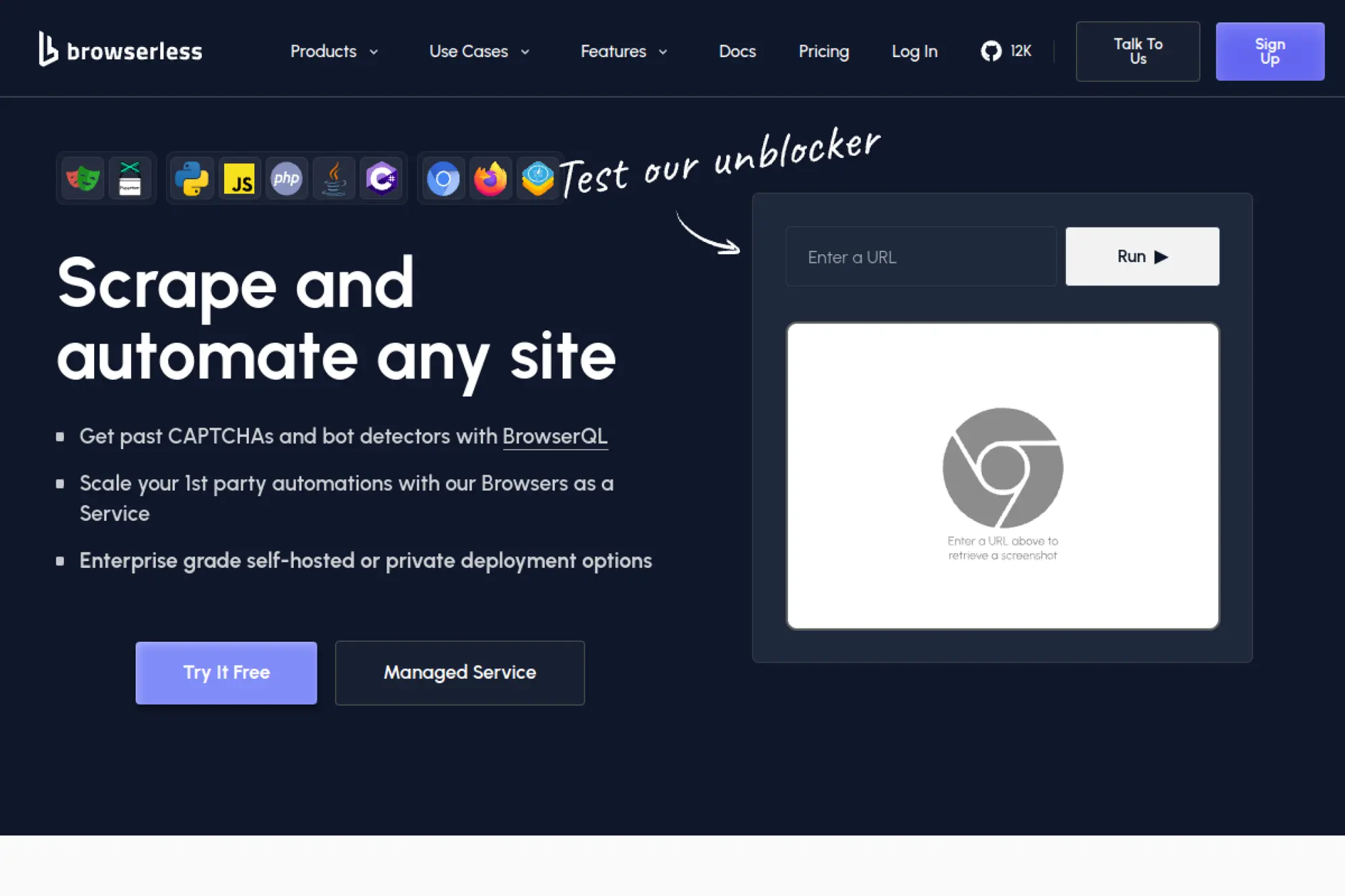
Browserless offers managed browser infrastructure so you can run headless automation without maintaining your own browser fleet. It supports connections from popular automation libraries, which makes it a flexible building block. This helps when your scraping needs real user interactions.
Best for
Engineering teams that need scalable browser automation for dynamic sites and interactive workflows.
Key workflows to configure
Connect your automation library to hosted browsers and externalize session handling. Build scripted flows that cover login, navigation, and content rendering. Add observability with logs and replay so you can debug production failures quickly.
Sales growth lever
Automate extraction from sources that require real interactions, such as filtering, expanding sections, or navigating complex UI. Capture reliable screenshots and page states to support competitive reviews. That helps sales and enablement teams act with confidence.
Watch outs
Browser infrastructure does not remove the need for engineering work. You still write and maintain scripts. You also need to manage legal access and avoid scraping flows that violate terms or privacy expectations.
Quick start checklist
- Choose an automation library your team already knows
- Prototype a single end-to-end extraction flow
- Store logs and artifacts for debugging
- Add rate limits and polite crawling behavior
- Promote the script only after repeatable stability
20. ScrapingBee
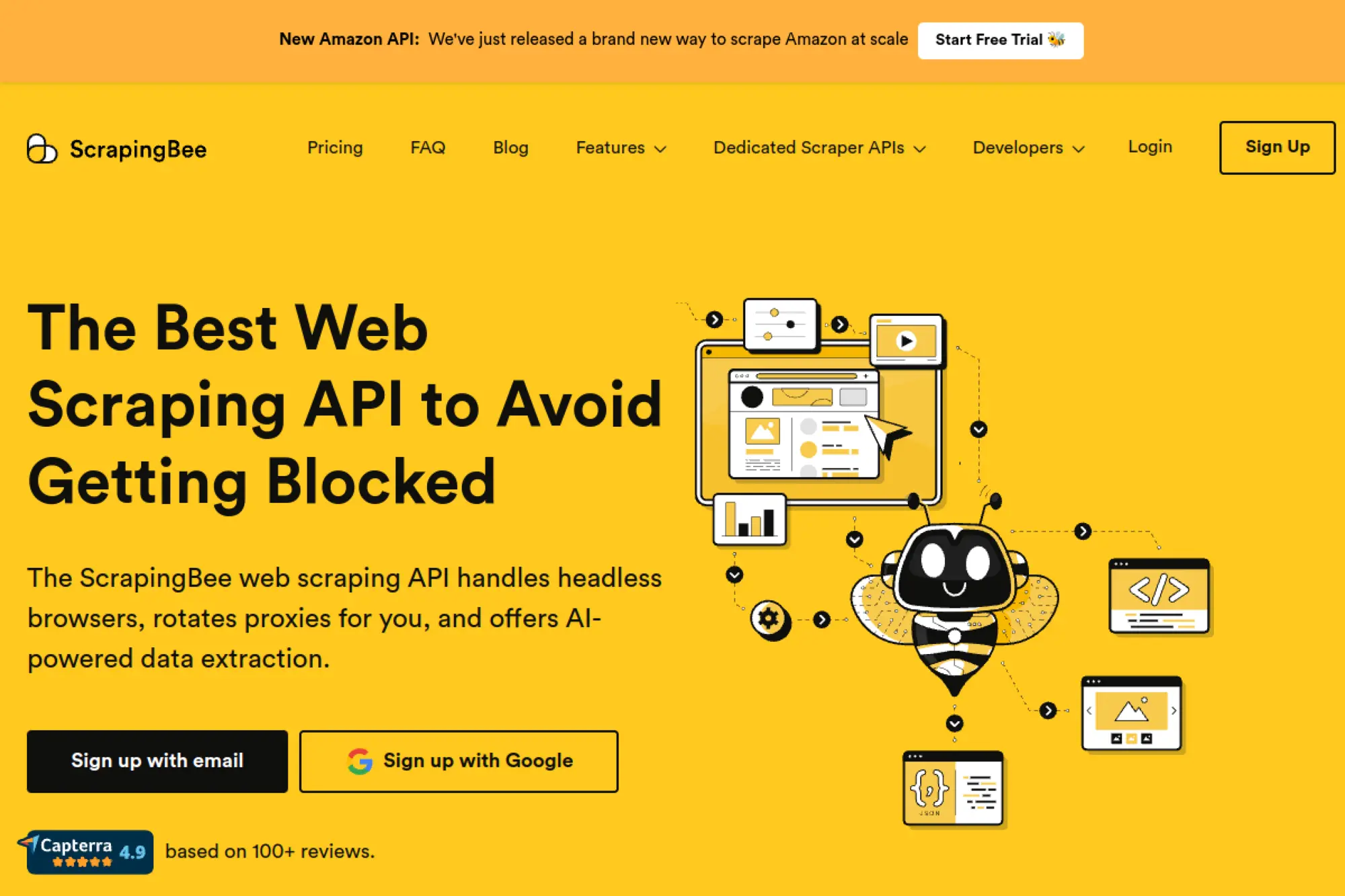
ScrapingBee provides a developer-friendly scraping API that handles rendering and proxy rotation for you. It helps when you want an API interface but still need browser-like behavior on modern sites. It can also simplify quick experiments and prototypes.
Best for
Developers who want a simple API for dynamic pages without managing browsers and proxies directly.
Key workflows to configure
Start with raw HTML retrieval, then add JavaScript rendering when needed. Use scenario-style actions for pages that require interactions. Define extraction rules or structured output only after you confirm page access stays stable.
Sales growth lever
Build continuous competitor monitoring without spending weeks on infrastructure. Extract job postings and pricing changes, then route alerts to sales enablement. Use stable refresh jobs to reduce stale lead data.
Watch outs
APIs reduce infrastructure work, but parsing and schema design still matter. You also need to rate limit to avoid triggering bans. Treat the API as a component in a larger pipeline, not a full solution alone.
Quick start checklist
- Test one target site with minimal parameters
- Add rendering only when the page requires it
- Validate extraction output against your schema
- Implement retries and error classification
- Schedule refresh runs and alert on failures
21. ZenRows
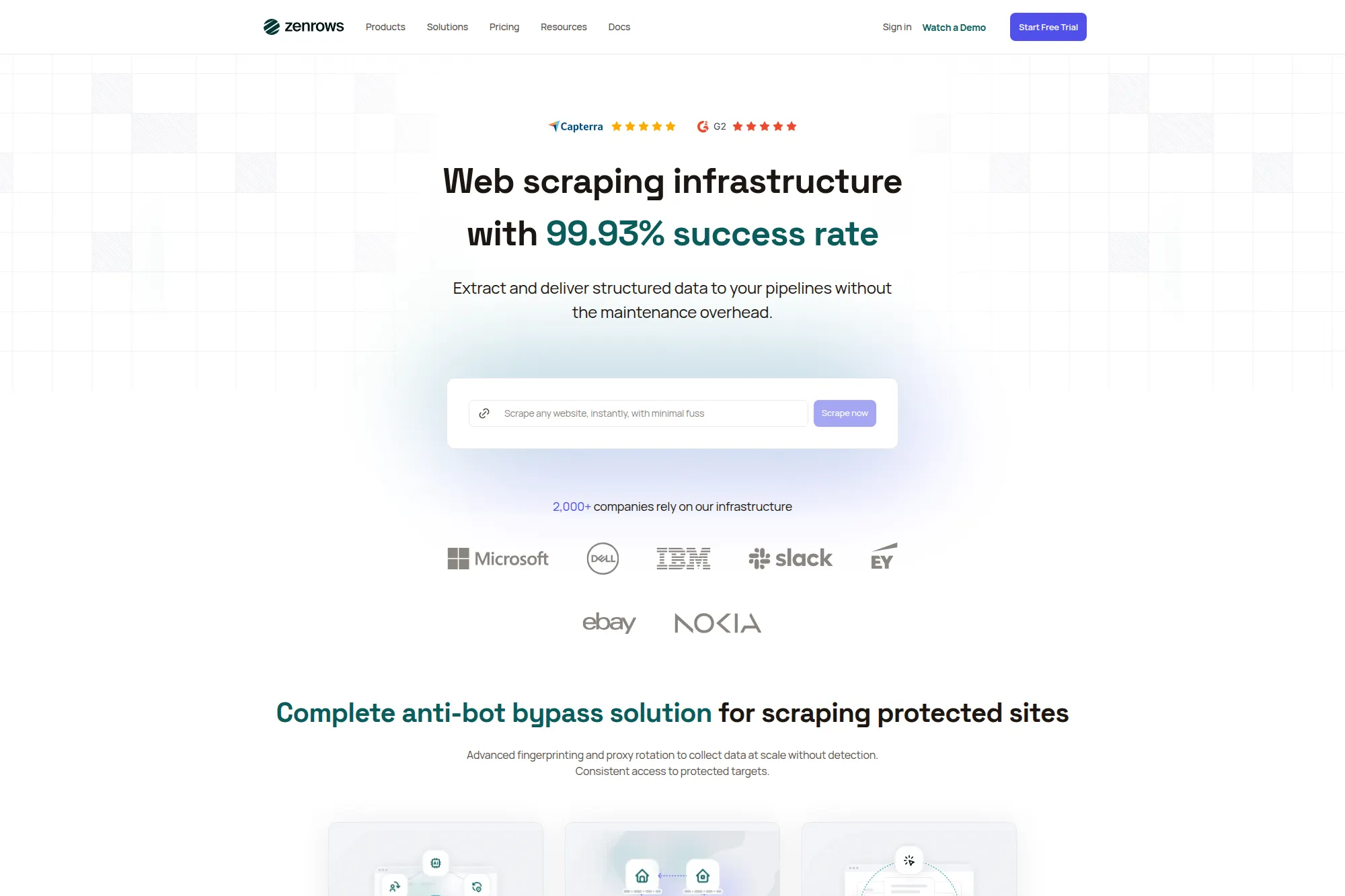
ZenRows markets a “universal” scraper approach designed to handle complex anti-bot defenses and return usable output. It can help teams that struggle with hard targets and want a predictable API surface. It also emphasizes outputs that work for AI ingestion.
Best for
Teams that need a high-success scraping API for protected sites and want simple integration patterns.
Key workflows to configure
Start with standard requests and enable browser rendering when targets demand it. Add session handling when multi-step flows matter. Choose output formats that reduce downstream parsing work, then store raw responses for debugging when extraction fails.
Sales growth lever
Improve the reliability of lead enrichment and competitor monitoring so sales teams trust the data. Run recurring jobs that detect pricing and packaging shifts. Trigger outbound plays when targets show high-intent signals, such as new hiring or new product listings.
Watch outs
High-success APIs can invite over-collection. Keep your scope tight and your schema minimal. Also maintain a compliance review for target categories, especially where personal data appears.
Quick start checklist
- Identify high-value targets that currently fail in-house
- Define required fields and acceptable null rates
- Test with conservative request pacing
- Build QA checks and drift monitoring
- Automate delivery into your analytics pipeline
22. ScraperAPI
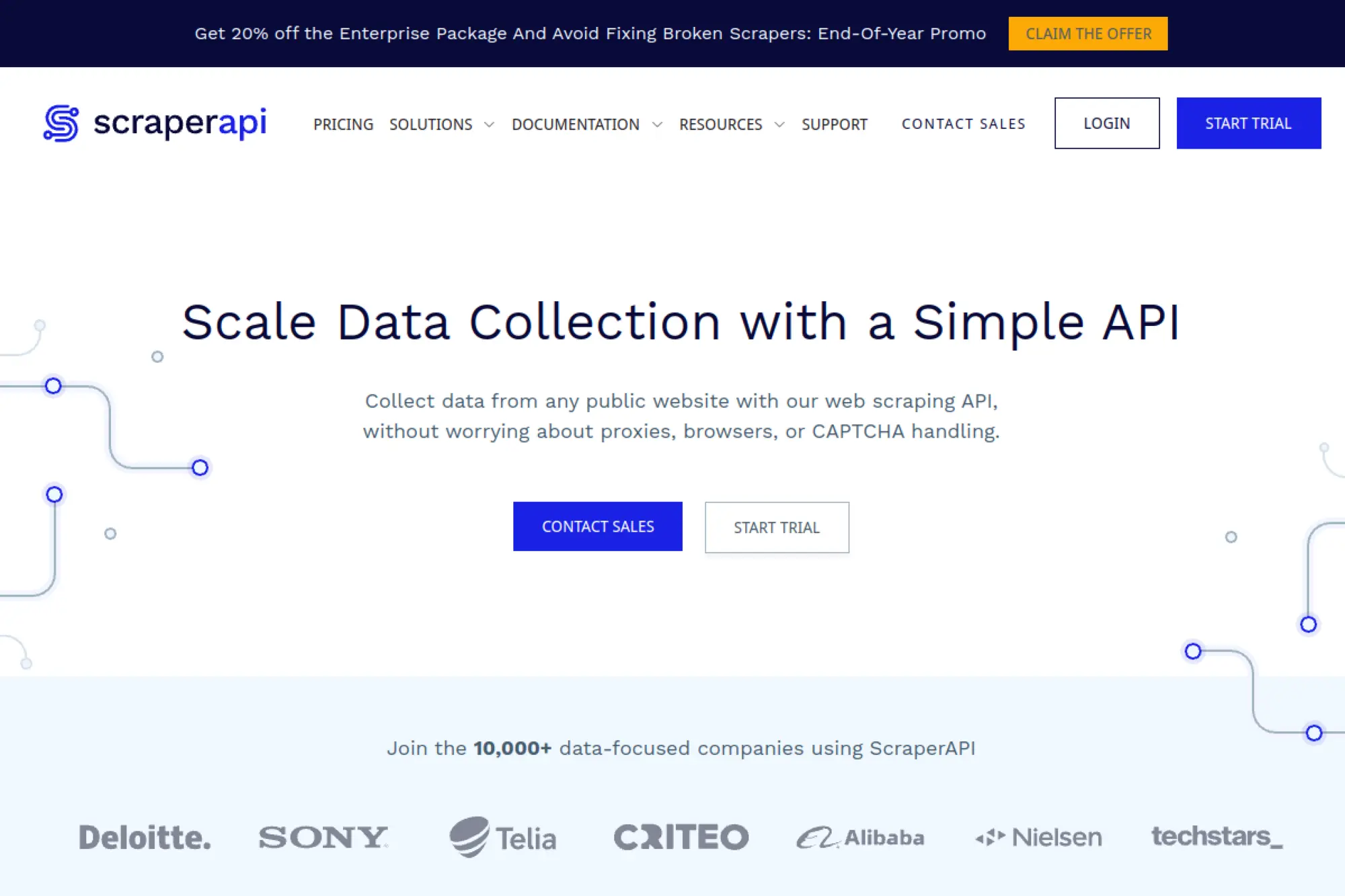
ScraperAPI focuses on making large-scale scraping easier by handling proxies, browsers, and common blocks behind a single API. It also offers structured endpoints for popular sources, which can reduce parsing work. This can help teams that want scale without building infrastructure.
Best for
Teams that need a plug-and-play API for scaling requests across many public sites.
Key workflows to configure
Use standard scraping endpoints for general targets and structured endpoints when they match your source. Add asynchronous workflows for large batches to avoid tight runtime constraints. Build a consistent error-handling strategy that separates access issues from parsing issues.
Sales growth lever
Scale competitor intelligence across multiple categories and regions. Refresh lead lists from public sources and keep them current. Use structured endpoints to ship faster when you need reliable, repeatable data fields.
Watch outs
Scale can hide quality problems. If you do not validate, you will fill your systems with incomplete rows. Also ensure your targets allow automated access for your intended purpose.
Quick start checklist
- Start with one target and validate structured output
- Implement retries and backoff in your client
- Store raw responses for debugging and audits
- Run QA checks on field completeness
- Scale slowly while monitoring success patterns
23. Crawlbase
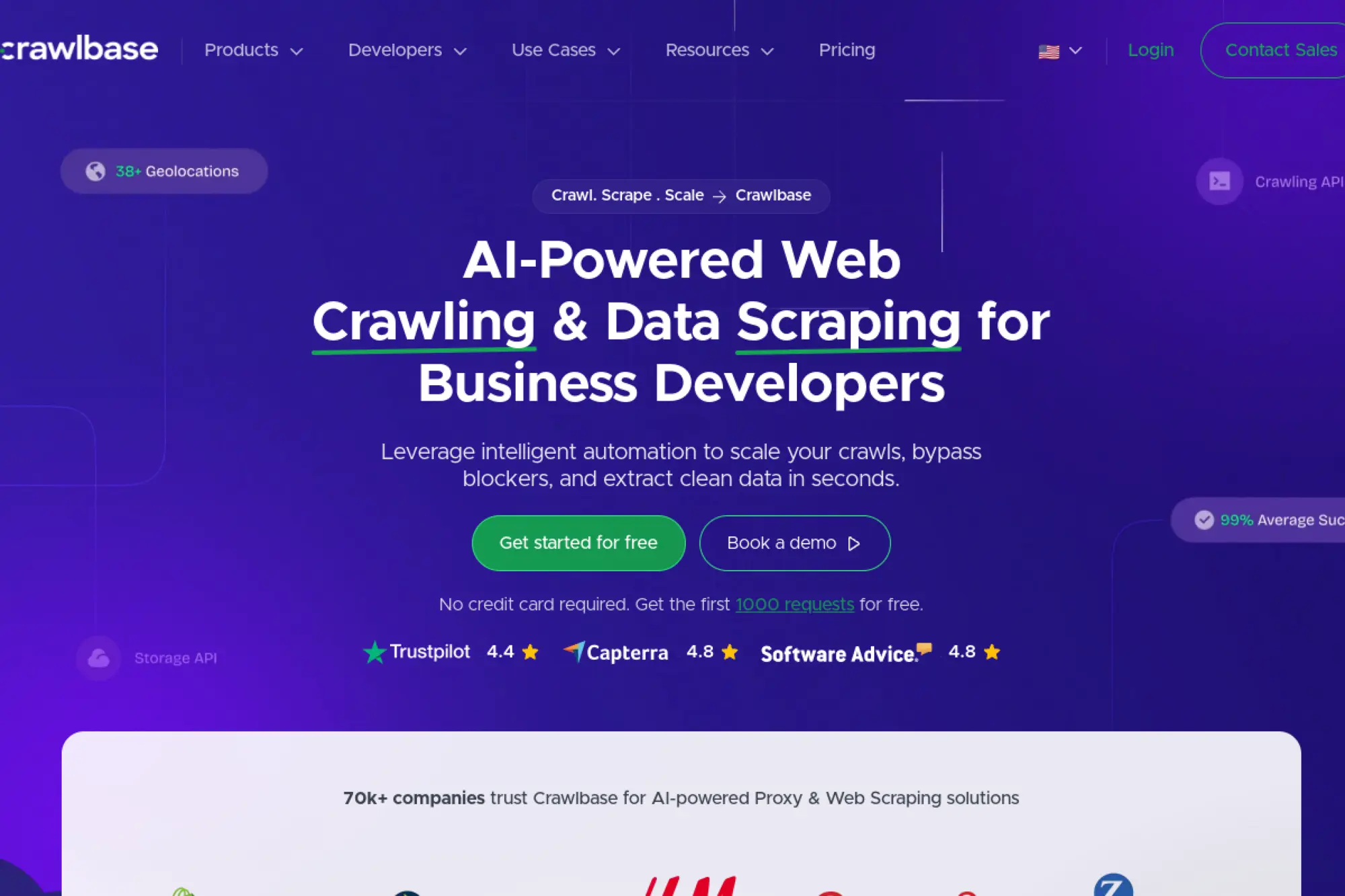
Crawlbase provides a crawling and scraping API that can return full HTML or parsed content for certain sources. It is useful when you want a simple way to fetch pages reliably while avoiding direct IP blocks. It also supports workflows that combine crawling and extraction.
Best for
Teams that want a crawling-first API and optional built-in parsing for common targets.
Key workflows to configure
Start by fetching pages consistently and storing HTML for validation. Use built-in scrapers when available and when they match your schema. Add your own parser for custom sources and track site changes so you can update quickly.
Sales growth lever
Automate price tracking and competitor catalog refreshes so sales teams can reference current offers. Collect directory listings and standardize them into target account lists. Then route qualified accounts into outbound workflows.
Watch outs
Built-in parsers only cover certain sources. You still need a plan for custom parsing and ongoing maintenance. Also avoid scraping sources that carry privacy or contractual risk for your use case.
Quick start checklist
- Confirm target accessibility and define allowed scope
- Fetch a small sample set and inspect outputs
- Decide whether you need HTML or parsed fields
- Implement storage, dedupe, and refresh logic
- Add monitoring for volume drops and empty pages
24. ScrapingAnt
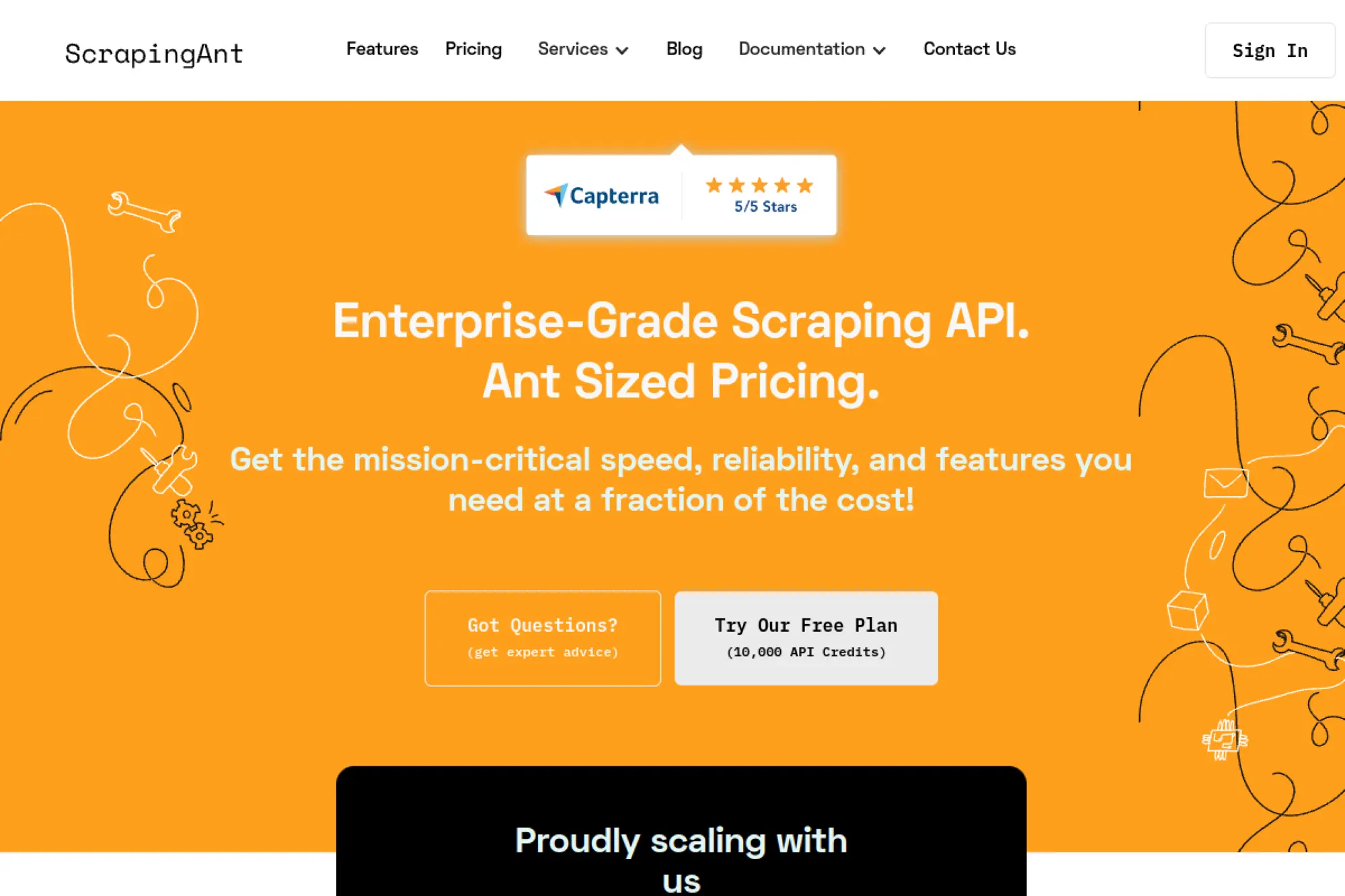
ScrapingAnt positions its product as a “black box” scraping API where you send a URL and the service handles the complicated parts. It can reduce time spent on proxy management and browser setup. It is often most useful as an infrastructure layer in a larger pipeline.
Best for
Developers who want a single API interface to handle rendering and access management across sites.
Key workflows to configure
Use the API request builder to validate parameters for your targets. Add rendering and cookie handling when flows require it. Then integrate results into your parsing and storage pipeline with consistent error handling and retries.
Sales growth lever
Launch competitive monitoring and lead list collection faster by skipping infrastructure work. Build repeatable refresh jobs that keep your account lists current. Then connect those feeds to outbound triggers and enablement updates.
Watch outs
Black-box access does not remove your need for QA. You should still validate fields and watch for drift. Also confirm legal and policy constraints for your targets before you automate.
Quick start checklist
- Pick one target site and define required fields
- Test access stability across repeated runs
- Implement parsing and schema validation
- Store diagnostics for failures and replays
- Scale only after success stays consistent
25. SerpApi
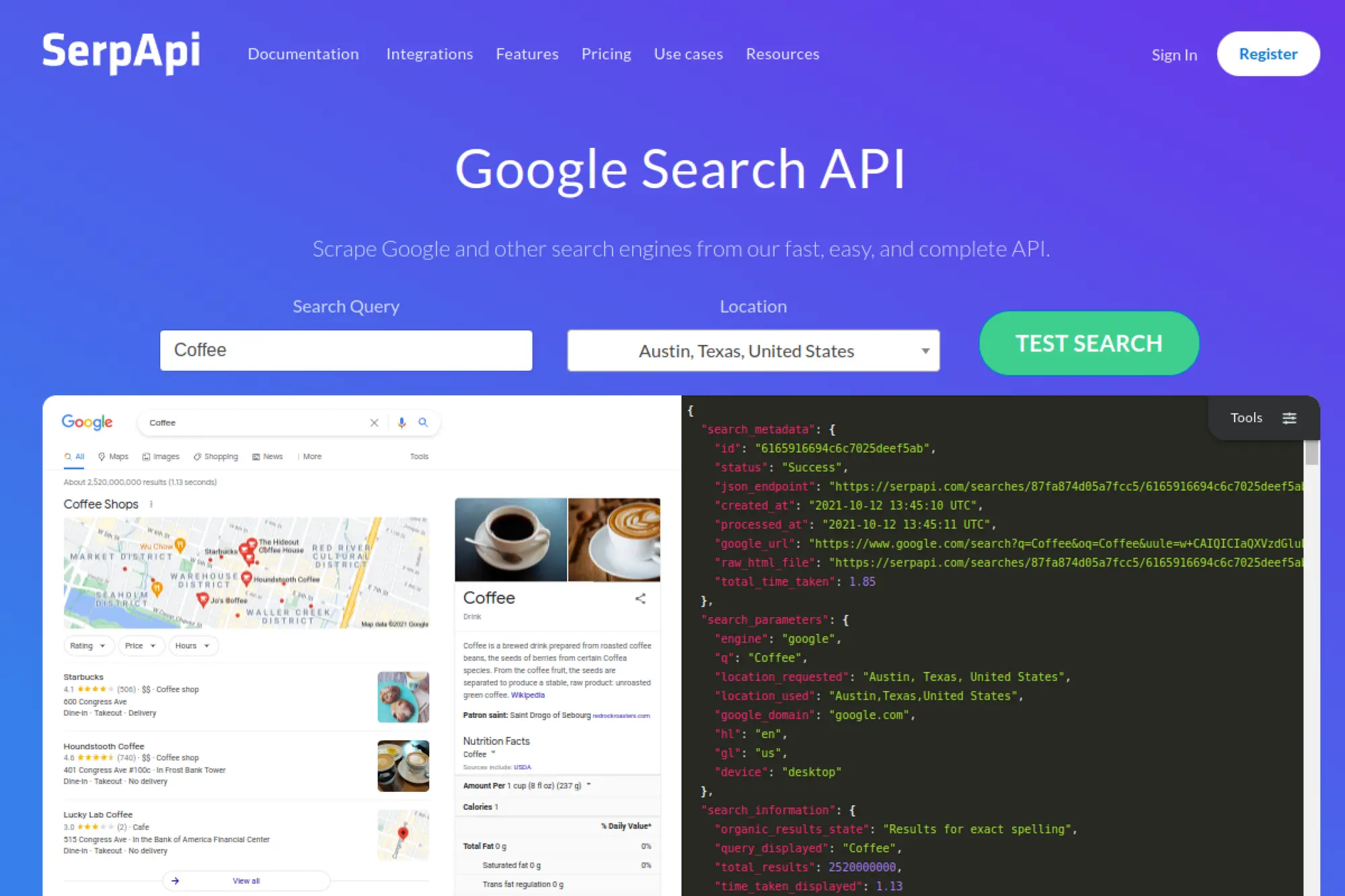
SerpApi specializes in extracting search results from major engines and returning structured data. This differs from general scraping because search pages trigger stricter defenses and frequent layout changes. A dedicated SERP API can reduce friction for SEO and growth analytics teams.
Best for
SEO, demand generation, and product marketing teams that need structured SERP data reliably.
Key workflows to configure
Define the keywords and locations that matter for your pipeline and standardize them as a task list. Store structured results in a warehouse table so you can trend changes over time. Build alerts around changes in rankings, features, or competitor presence.
Sales growth lever
Turn search visibility into account targeting. When competitors outrank you for high-intent queries, you can refine messaging and outbound narratives. You can also identify which categories and regions show momentum, then align sales focus.
Watch outs
SERP data creates noise if you do not filter it. Define which SERP features matter to your strategy. Also ensure your usage aligns with search engine policies and your own risk tolerance.
Quick start checklist
- Start with a tight keyword set tied to revenue intent
- Choose consistent locations and devices for comparability
- Store results in a clean, queryable table
- Add alerts for meaningful rank or feature changes
- Review output quality regularly for schema stability
26. DataForSEO
DataForSEO offers APIs for SEO-focused data collection, including SERP retrieval and related search datasets. It works well when you want a broader SEO data platform rather than a single-purpose SERP endpoint. It also supports workflows that plug into automation stacks.
Best for
Teams that want an SEO data platform to power rank tracking, research, and brand monitoring workflows.
Key workflows to configure
Define keyword and location tasks and run them on a schedule. Store results in a warehouse so analysts can query trends and segment by market. Then connect outputs to dashboards or alerts that drive content and go-to-market decisions.
Sales growth lever
Use SEO visibility as a proxy for market demand and competitor strength. Identify industries where competitors gain traction and adjust outbound narratives. Feed keyword insights into account research so reps speak to real customer intent.
Watch outs
SEO APIs produce a lot of data. Without a clear model, your team will drown in it. Keep a tight scope and define how data drives action before scaling tasks.
Quick start checklist
- Define a keyword set tied to your ICP and product lines
- Run a baseline collection and validate results structure
- Store outputs in a consistent schema for trending
- Build a dashboard or alert that triggers action
- Expand tasks only after the workflow proves value
27. Puppeteer
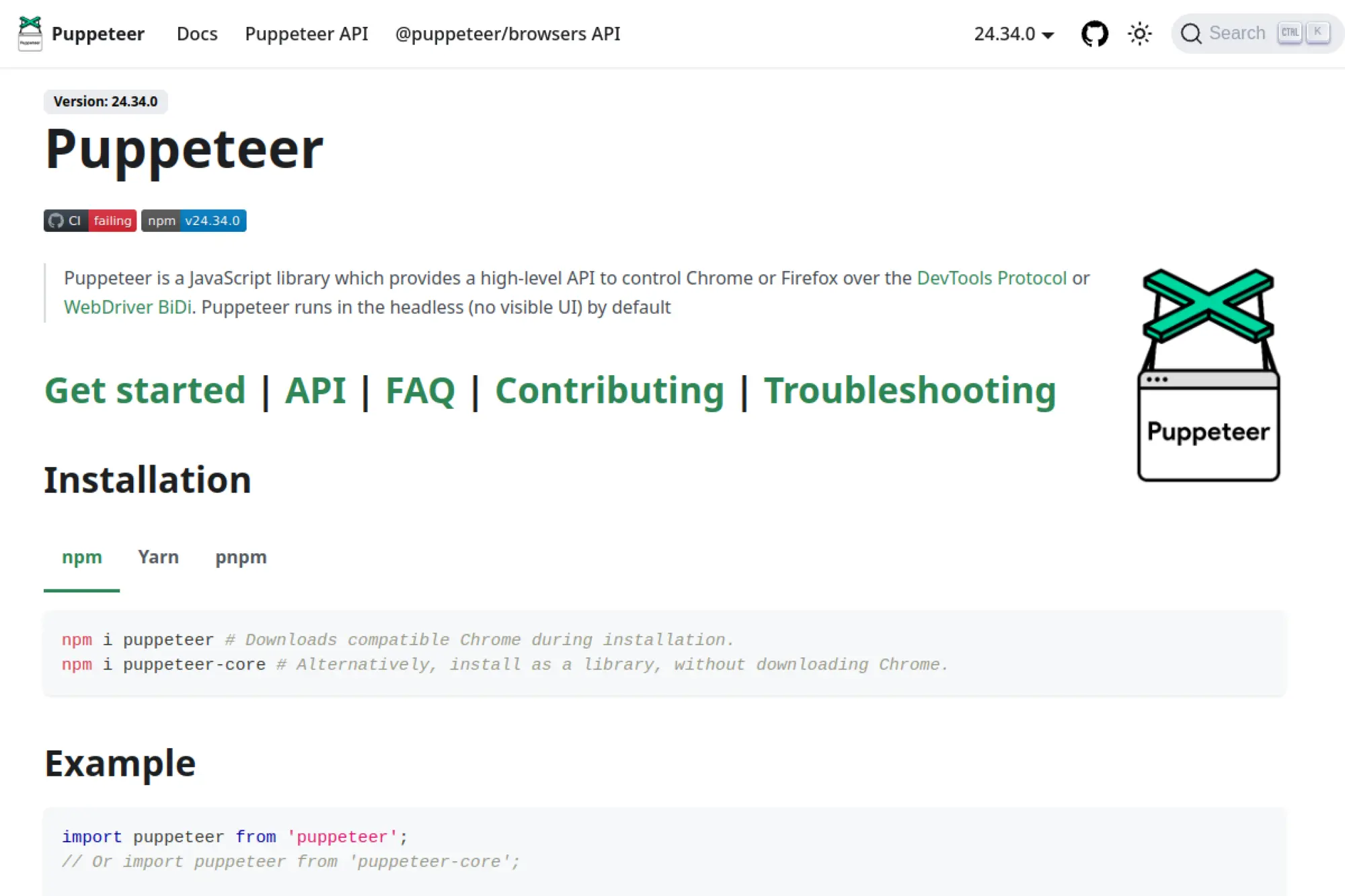
Puppeteer is a developer tool for controlling browsers through code. It gives you fine-grained control over navigation, interactions, and rendering. This makes it valuable when you cannot rely on static HTML and need a real browser to load content.
Best for
Engineering teams that want custom browser automation and scraping logic in JavaScript workflows.
Key workflows to configure
Build a navigation script that mirrors how a user reaches the desired data. Add waits and selectors that handle dynamic loading reliably. Capture structured outputs and store both the data and debugging artifacts, such as HTML snapshots.
Sales growth lever
Scrape dynamic, interaction-heavy sources that contain valuable prospect or pricing data. Automate repeated research tasks so reps do not rely on manual browsing. Use captured content to build competitive comparisons and account briefs.
Watch outs
Browser automation faces anti-bot defenses more directly. You need careful rate limiting and stealth strategy, plus strong error handling. You also need infrastructure for scaling and monitoring if you run it in production.
Quick start checklist
- Prototype a single flow end-to-end on one target
- Stabilize waits and selectors across multiple runs
- Export structured results and raw snapshots
- Add retries and error categorization
- Deploy with monitoring and resource controls
28. Playwright
Playwright is a modern automation framework that supports multiple browser engines through one API. Many teams use it for testing, but it also works well for web scraping when you need stable interactions and reliable waiting behavior. It can reduce flakiness compared to older stacks.
Best for
Developers who want reliable automation across modern websites, including dynamic content and complex UI flows.
Key workflows to configure
Create reusable scripts that represent specific page journeys, such as search to detail to export. Use built-in waiting strategies to reduce flaky extraction. Capture structured outputs and optionally store screenshots to support QA and audits.
Sales growth lever
Automate extraction from complex lead sources and portals where static scraping fails. Generate repeatable competitor snapshots that enable faster competitive analysis. Build internal tools that reduce research time for outbound teams.
Watch outs
You still need to manage scale, concurrency, and site blocking risk. Playwright simplifies automation, but it does not remove compliance and policy responsibilities. Treat scripts like products that require maintenance.
Quick start checklist
- Define one journey and implement it as a script
- Use stable locators and explicit waits
- Export structured output plus debug artifacts
- Add monitoring for failures and changes
- Plan a refresh cadence and ownership model
29. Selenium
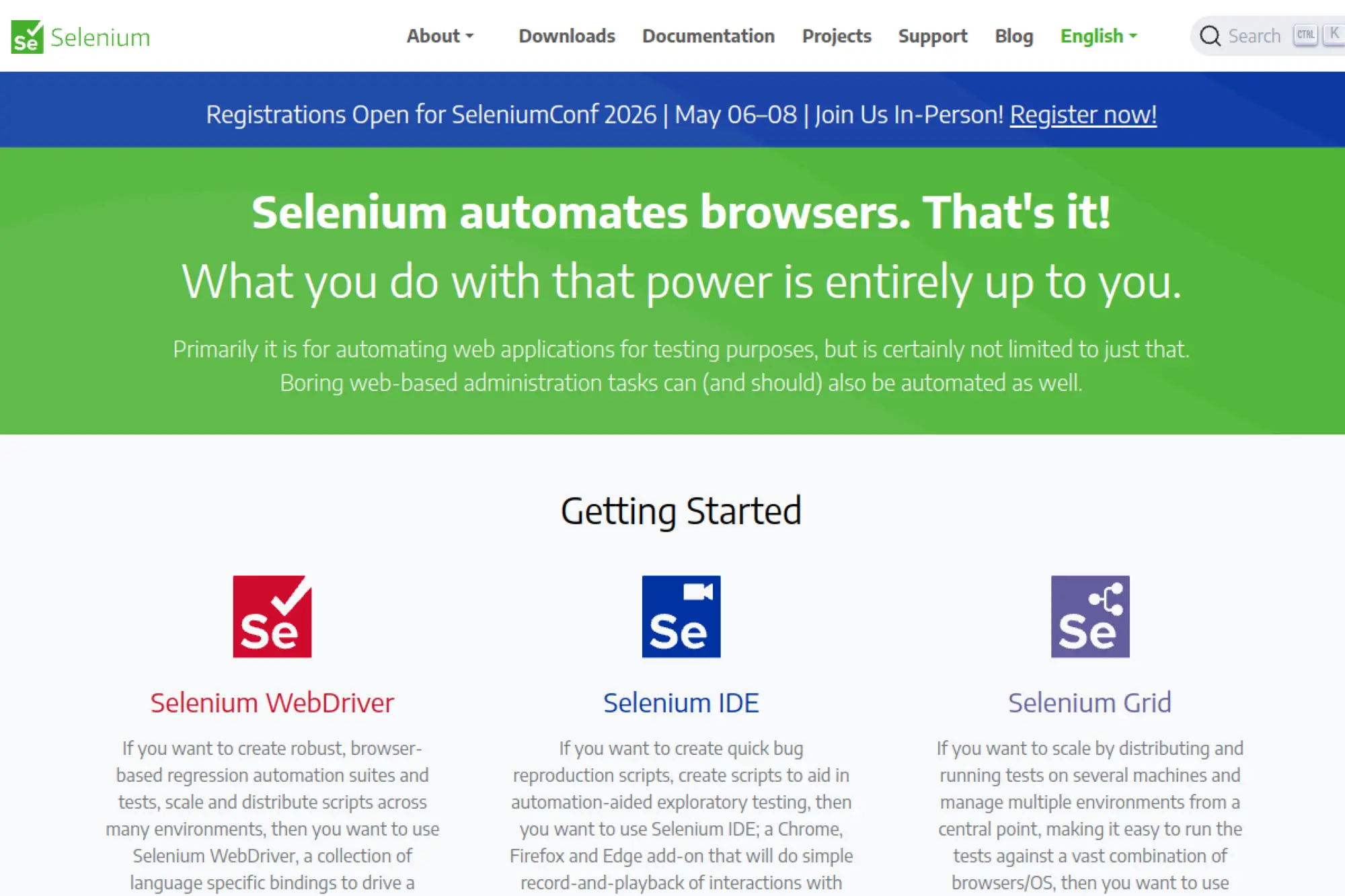
Selenium remains one of the most widely known browser automation tools. Many teams already use it for testing, so it can be convenient to reuse existing expertise for scraping workflows. It often shines when you need broad ecosystem compatibility and have legacy automation systems.
Best for
Teams that already run Selenium for testing and want to reuse the same tooling for browser-based extraction.
Key workflows to configure
Automate login and navigation flows to reach the data you need. Add stable element selection and explicit waits. Run jobs in a controlled environment with logging so you can debug issues quickly.
Sales growth lever
Extract data from authenticated portals where your team already has legitimate access. Automate repetitive research tasks that drain sales operations time. Capture structured outputs that feed account planning and renewal playbooks.
Watch outs
Selenium can feel heavy for large-scale crawling. It can also trigger bot defenses quickly if you run it like a crawler. Use it when you truly need full browser control and can tolerate slower execution.
Quick start checklist
- Pick a single authenticated flow and automate it end-to-end
- Use explicit waits to reduce flakiness
- Export structured output and store logs
- Add rate limiting and polite interaction timing
- Review site terms and access rules before scaling
30. Scrapy
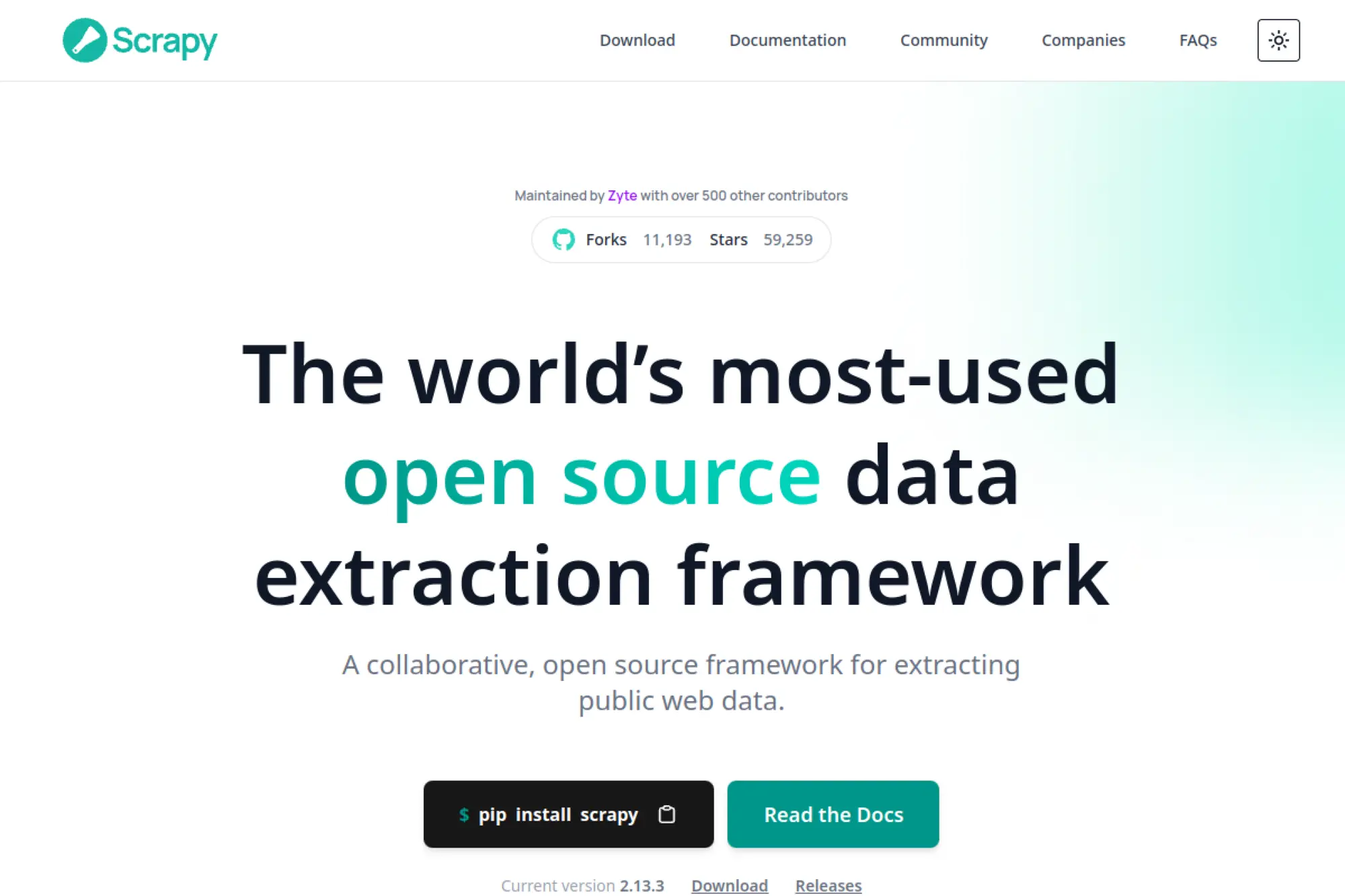
Scrapy is a high-level web crawling framework that helps you build maintainable spiders and data pipelines. It suits teams that need systematic crawling and structured extraction at scale. It also integrates well with proxy services and ban-handling layers when you need resilient access.
Best for
Engineering teams building large crawling projects with structured pipelines and long-term maintainability.
Key workflows to configure
Design spiders around domain rules and clear extraction contracts. Use item pipelines to clean, validate, and normalize output. Add middlewares and external services for ban handling and rendering when targets require it.
Sales growth lever
Scrapy supports durable, repeatable data pipelines that feed enrichment and competitive intelligence at scale. It helps you keep account data current over time, which reduces wasted outreach. You can also monitor market changes with predictable refresh jobs.
Watch outs
Scrapy requires engineering effort and a maintenance mindset. If your team wants no-code speed, it will feel heavy. Combine it with monitoring and QA, or you will ship silent failures into your pipeline.
Quick start checklist
- Define domain rules and a strict schema contract
- Build a small spider for one site and validate output
- Add pipelines for normalization and dedupe
- Implement monitoring for volume and drift changes
- Scale crawl scope only after stability proves out
FAQs
What are the best web scraping tools for non-developers?
If your operators are analysts or ops users, start with no-code tools that support repeatable exports and scheduling. Choose one that can handle your real targets and still gives you predictable outputs (schema and dedupe), not just “a successful run.”
When should I use a scraping API instead of a browser automation tool?
Use a scraping API when your main goal is reliable data delivery with minimal infrastructure ownership. Use browser automation when you must execute user-like flows (dynamic rendering, clicking, scrolling, multi-step navigation) and you need fine-grained control.
Why do scrapers break even when nothing “major” changes?
Small markup edits, DOM reordering, anti-bot tweaks, and A/B tests can change selectors enough to cause partial extraction or silent failures. Plan for change detection with validation rules and alerts, not just “did the job run.”
How do I avoid filling my CRM or spreadsheet with junk data?
Define a minimal schema, enforce required fields, dedupe with a stable unique key, and run validation before syncing downstream. Treat “clean outputs” as part of the scraping job, not a separate cleanup task.
What should I monitor in a web scraping pipeline?
Track extraction volume, success/failure rates, field completeness, drift in key values, and time-to-complete. Set alerts for sudden drops, spikes, and unusual empty-field patterns so you catch issues early.







Conclusion
Choosing the best web scraping tools comes down to one thing: matching the tool type to your real workflow. No-code scrapers can be perfect for fast list-building and one-off projects, while scraping APIs and enterprise platforms fit teams that need reliable delivery at scale. If your targets behave like apps, headless browser automation is often the only practical route. And if scraping is a long-term capability—not a one-time task—frameworks and pipeline-oriented platforms help you keep outputs consistent as sites inevitably change.
The tools in this guide cover every stage of that journey, from quick extraction to production-grade pipelines. Treat scraping as an operational system: define a schema, validate outputs, schedule refreshes, and monitor failures. With the right setup, web scraping becomes a repeatable source of clean, timely data you can trust across sales, marketing, research, and product decisions.