


Content teams want speed, but they also need trust. The best content AI writing tools now help you plan, draft, edit, and repurpose without losing your voice. That matters when your calendar fills with blogs, emails, landing pages, and social posts.
Spending in generative AI keeps rising. Grand View Research values the global generative AI market at $16.87 billion in 2024 and projects $109.37 billion by 2030, which helps explain why almost every content platform now ships AI features.
Adoption has moved from “experiment” to “default.” In B2B content teams, 81% of B2B marketers say their teams use generative AI tools, yet many teams still struggle to turn that usage into a clean, repeatable workflow.
This guide breaks down tools that deserve a serious test for 2026, plus the workflows you should configure first. You will also get practical watch-outs, because AI writing only works when humans own the final quality bar.
What’s Different About Content AI in 2026

FURTHER READING: |
| 1. Best Web Scraping Tools: Top 30 to Try in 2026 |
| 2. Data Backup Solutions: 30 Best Strategies for 2026 |
| 3. Payment Trends 2026: 30 Trends Businesses Need to Know |
1. AI Writing Became a Daily Habit, Not a Side Project
Most teams used to “try AI” when they felt stuck. Now they use it during almost every stage of a content cycle. That shift changes what “good” tools look like.
HubSpot’s research lists content creation as a leading AI use case, cited by 43% of surveyed marketers. Tools that win now support the full writing loop: brief, outline, draft, rewrite, and polish.
When you compare platforms, ask a simple question: “Can my team repeat this process every week?” If the answer depends on heroic prompting, the tool will break the moment you scale.
2. Search Still Rules, but AI Answers Shape the Click Path
AI answers keep growing, but search still drives demand. Your content needs to satisfy both readers and systems that summarize, cite, and recommend.
Google remains the biggest discovery engine for most brands. StatCounter reports a U.S. search-engine-host market share of 83.41% for Google, so traditional SEO remains a core growth lever.
At the same time, users also start inside chat and “answer engines.” That’s why you should value tools that help you create clean structure, clear headings, and quote-ready language.
3. Governance Became a Content Requirement, Not an IT Project
As more employees use AI, unmanaged usage becomes a brand risk. Your tool choice can either reduce that risk or amplify it.
Gallup found 23% of U.S. employees use AI a few times a week or more. That adoption level makes “informal guidelines” feel like a weak plan.
Prioritize platforms that support roles, permissions, shared brand voice, and clear review steps. Those guardrails let creators move fast without creating a compliance mess.
4. Content Volume Exploded, So Differentiation Matters More
Volume exploded, and that changes the economics of content. When you can produce drafts in minutes, the bottleneck shifts to review, differentiation, and distribution.
Canva’s Magic Write shows how big the scale can get. Users have written over 10 billion words with the feature, which hints at how quickly AI-assisted writing can flood every channel.
That makes originality a strategy, not a nice-to-have. The tools that win now help you inject your own insights, product data, and customer language so your work doesn’t sound like everyone else’s.
How to Choose the Right Tool (Fast)

1. Start With the Content You Actually Ship
Begin with your real outputs. List the formats you publish most often, like blog posts, product pages, email sequences, and social captions. Then map each format to the tool that will help you produce it with fewer edits.
A “best” tool on paper can still fail if your team hates the editor or cannot export cleanly. Prioritize fit over hype.
2. Demand a Repeatable Workflow, Not Just a Chat Box
Great writing requires process. You need a briefing step, a drafting step, and an editing step. You also need a way to save what works so you do not reinvent prompts every week.
Look for reusable templates, workflow builders, and shared libraries. Those features turn one good draft into a repeatable system.
3. Check Integrations Where Work Already Happens
Most writing does not start in an AI tool. It starts in a doc, a ticket, a CRM note, or a content brief. So you should treat integrations as a core feature.
If a tool connects to your CMS, your docs, or your project tracker, your team will use it. If it forces copy-paste chaos, usage will drop.
4. Protect Brand Voice With Rules, Examples, and Reviews
Brand voice is not a vibe. It’s a set of patterns you can teach: preferred words, forbidden claims, sentence style, and proof points.
Choose tools that let you encode those rules and then enforce them. Also keep humans in the loop for final review, because brand damage costs more than a missed deadline.
5. Run a Practical Pilot With a Simple Scorecard
Run a pilot that mirrors real work. Pick one core content type, then test briefing, drafting, editing, and publishing. Score the tool on output quality, editing time, and workflow friction.
Most teams learn a lot from a single “from brief to publish” run. You will quickly see whether a tool fits your process or fights it.
Top 30 Best Content AI Writing Tools for 2026

1. Jasper
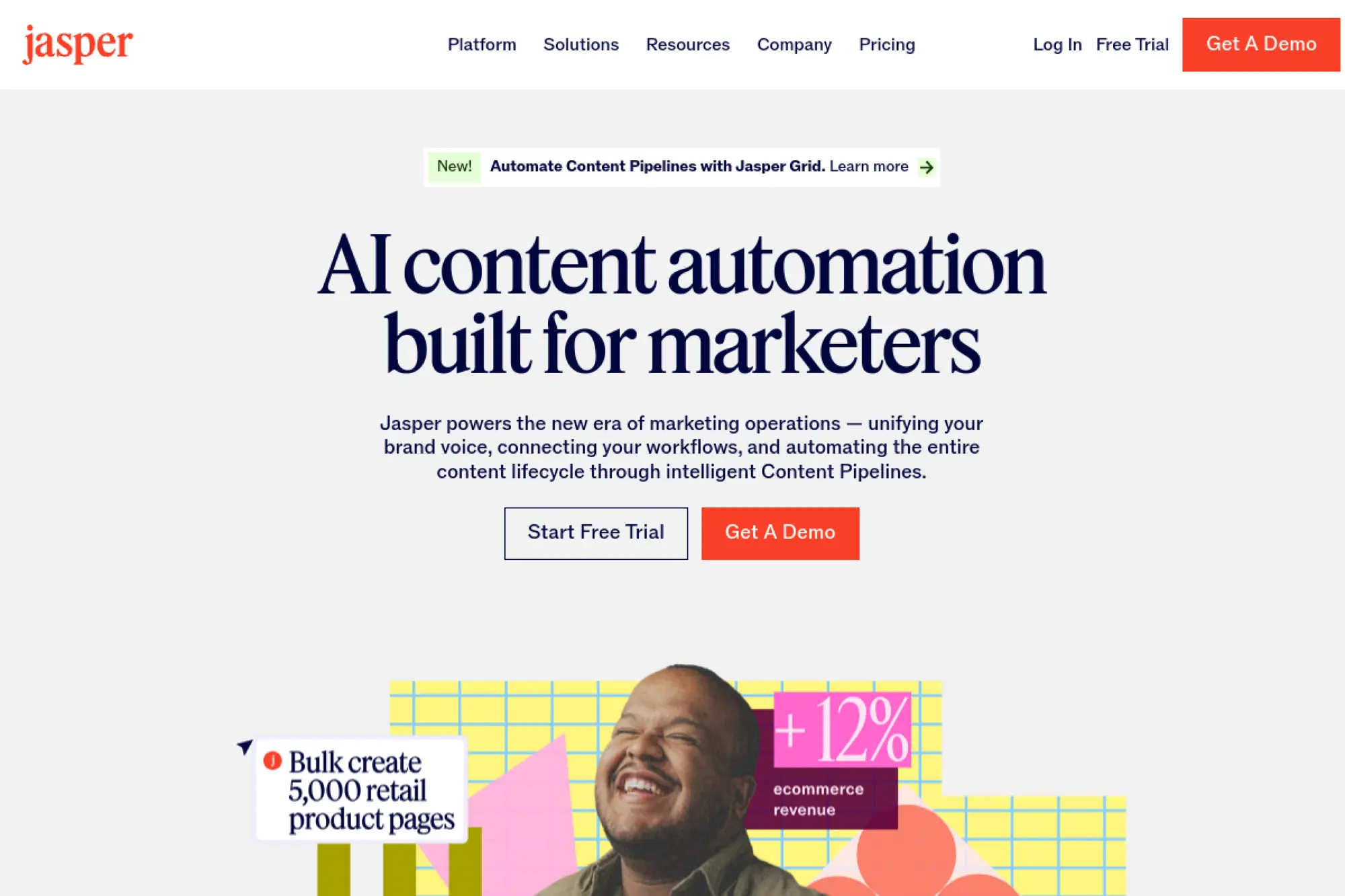
Jasper targets marketers who need content that stays on-brand while moving fast. It blends a writing workspace with brand context, so your drafts land closer to your established voice. You can also use it to turn a single campaign brief into multiple channel-ready assets. That helps new writers ramp faster because they work from approved patterns, not guesswork.
Best for
Marketing teams that run multi-channel campaigns and want guardrails for tone, terminology, and message consistency.
Key workflows to configure
- Translate your style guide into brand voice and style rules.
- Standardize campaign briefs for launches, promos, and evergreen content.
- Set approvals so editors review before anything publishes.
Sales growth lever
Use one positioning doc to generate aligned landing copy, nurture emails, and ad variants. When your story stays consistent across touchpoints, buyers feel clarity and move forward with less friction.
Watch outs
If you feed Jasper mixed examples, it will average them into a bland voice. Curate your references and keep a “do and don’t” list so writers do not drift into generic phrasing.
Quick start checklist
- Collect top-performing pages and emails as references.
- Define brand terms, preferred phrasing, and banned claims.
- Draft one campaign brief and generate supporting assets.
- Run an editor review pass for facts, tone, and compliance.
2. Copy.ai
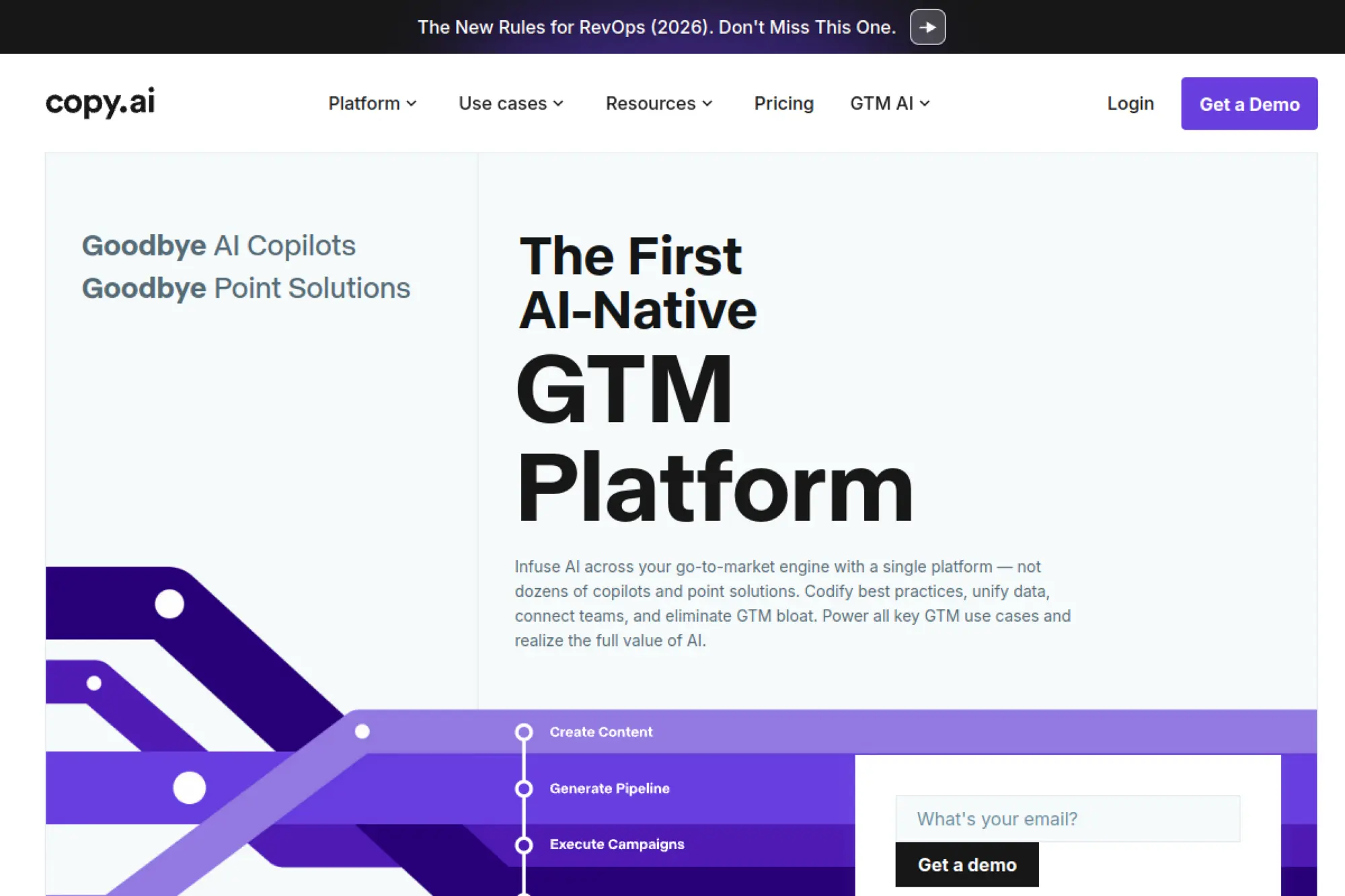
Copy.ai has evolved into a workflow-first platform for go-to-market teams. It shines when you need repeatable content production, like outbound sequences, account research, and sales enablement refreshes. Instead of prompting from scratch each time, you can chain steps so one output becomes the input for the next. That structure helps teams move fast while keeping messaging consistent across roles.
Best for
Revenue teams that want marketing and sales to share one message library, especially for outbound and lifecycle programs.
Key workflows to configure
- Build an ICP and persona library your team can reuse.
- Create a “research → angle → outreach” workflow for accounts.
- Store approved product messaging blocks as reusable snippets.
Sales growth lever
Refresh outreach and nurture copy quickly when you launch a new offer. Faster iteration helps you test hooks and CTAs sooner, so you learn what converts while competitors still wait on copy cycles.
Watch outs
Personalization can backfire when it includes wrong details or odd assumptions. Keep strict rules for what data can appear in a message, and require human review before you send at scale.
Quick start checklist
- Document your core positioning in a single source of truth.
- Create reusable email sequence templates by persona and stage.
- Train your team on what “approved claims” means in practice.
- Review outputs with sales leadership before wide rollout.
3. Writesonic

Writesonic has leaned into “AI search” workflows, which matters if you care about visibility in both classic search and AI-driven discovery. Think of it as a content and visibility engine, not just a generator. You can use it to create drafts, refresh existing pages, and focus on content that earns citations and mentions. That combination fits teams that feel pressure to show measurable search impact from every article.
Best for
SEO-minded marketers who want one tool to support drafting, updating, and improving content discoverability across search surfaces.
Key workflows to configure
- Set topic research and content brief templates your writers follow.
- Build a refresh workflow for decaying posts and landing pages.
- Create a review step focused on accuracy and on-page clarity.
Sales growth lever
Use content refreshes to protect rankings and keep high-intent pages current. When your “money pages” stay relevant, you preserve organic leads and reduce your dependency on paid acquisition.
Watch outs
Visibility features can tempt teams to chase every keyword idea. Stay disciplined. Tie content to pipeline goals, and do not publish thin pages just to fill a gap.
Quick start checklist
- Audit your top traffic pages and flag outdated sections.
- Create a standard brief format for writers and editors.
- Generate a draft, then rewrite it in your brand voice.
- Fact-check and add unique insights before publishing.
4. Grammarly
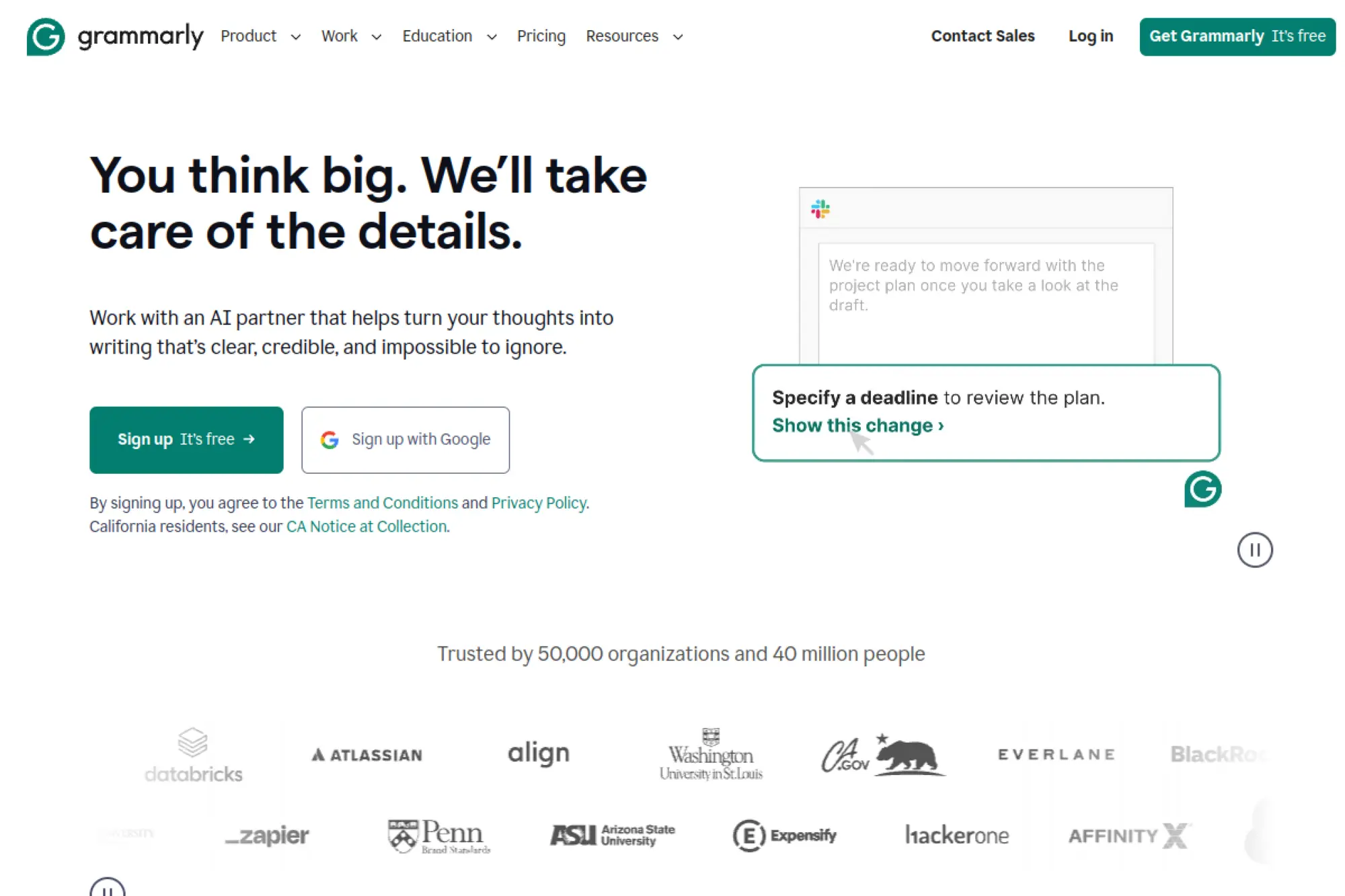
Grammarly remains a practical “last-mile” tool for teams that want cleaner writing without a heavy workflow change. It helps with clarity, tone, and consistency across the places people actually write, like email and docs. That makes it valuable even if you use another AI tool for first drafts. In many organizations, Grammarly becomes the layer that standardizes writing quality across the whole company.
Best for
Teams that need reliable editing support, tone alignment, and consistent writing quality across everyday communication.
Key workflows to configure
- Set tone goals for customer-facing, internal, and executive writing.
- Create a shared style baseline for common terms and phrasing.
- Build an “edit and shorten” pass into your publishing checklist.
Sales growth lever
Sharper writing improves conversion copy. When your value prop reads clearly, prospects understand it faster and take action sooner. Use Grammarly as a QA step for landing pages, emails, and sales collateral.
Watch outs
Editing tools can push toward “safe” language. Keep your brand personality intact. Also train writers to use suggestions thoughtfully, not blindly.
Quick start checklist
- Define tone rules for ads, emails, and support content.
- Create a short internal style guide with examples.
- Run every high-impact page through a clarity pass.
- Review changes to make sure you keep brand voice.
5. ChatGPT

ChatGPT works as a flexible writing partner for almost any content task. It helps you brainstorm angles, draft outlines, rewrite for tone, and generate variations fast. The biggest advantage is versatility: you can move from strategy to copy to editing in one conversation. For content teams, it often becomes the “Swiss army knife” that supports everything else in the stack.
Best for
Writers, marketers, and founders who want a general-purpose tool for ideation, drafting, rewriting, and content planning.
Key workflows to configure
- Create a consistent brief prompt your team uses every time.
- Build a “outline → draft → tighten” workflow for long-form posts.
- Set a fact-check step that requires sources you trust.
Sales growth lever
Use it to build fast messaging tests. Draft several positioning options, then turn the best one into landing copy and email follow-ups. Quick iteration helps you learn what resonates before you spend heavily on distribution.
Watch outs
Chat tools can sound confident even when wrong. Never treat output as a source. Use it to draft, then validate claims with your product team and real documentation.
Quick start checklist
- Write a “brand voice” instruction block for your team.
- Keep a library of approved proof points and customer quotes.
- Draft one article, then repurpose it into email and social copy.
- Run a final editorial review for accuracy and originality.
6. Claude

Claude is a strong choice when you care about writing quality and thoughtful rewrites. Many teams like it for long-form editing, summarizing complex docs, and improving tone without losing meaning. It also works well for turning messy notes into structured drafts. If your workflow involves a lot of “make this clearer” or “tighten this without changing intent,” Claude fits naturally.
Best for
Editors and content leads who want strong rewriting, clean structure, and helpful collaboration on longer drafts.
Key workflows to configure
- Set a standard editing prompt for clarity, brevity, and tone.
- Create a brief template for turning notes into outlines.
- Build a “rewrite + highlight changes” review habit for teams.
Sales growth lever
Use Claude to tighten high-intent pages and sales emails. When you remove ambiguity and sharpen benefits, you reduce buyer confusion and increase the odds of a reply or a demo request.
Watch outs
Claude can still hallucinate details if you ask it to invent proof. Keep it anchored to your source material. Also watch for rewrites that soften strong claims into weaker language.
Quick start checklist
- Paste your draft and ask for a clearer, tighter rewrite.
- Request a list of claims that need verification.
- Ask for alternate intros tailored to your audience intent.
- Finalize with a human editor who owns the facts.
7. Google Gemini

Gemini is a practical option for teams deep in the Google ecosystem. It supports drafting, rewriting, summarizing, and brainstorming in ways that fit common knowledge-work patterns. You can use it to get from research notes to a structured outline, then refine tone for different channels. Gemini also works well when you want a single assistant that spans writing, planning, and quick research tasks.
Best for
Teams that live in Google Workspace and want AI support that fits docs, planning, and research-heavy writing.
Key workflows to configure
- Create a repeatable content brief format inside your doc workflow.
- Use a “research summary → outline → draft” writing sequence.
- Build a rewrite pass for tone by channel, such as email vs. blog.
Sales growth lever
Speed up content that supports pipeline, like webinar recaps and case study drafts. When you publish these assets faster, sales teams get fresher material to share while interest stays high.
Watch outs
Like other chat assistants, Gemini can produce plausible but inaccurate statements. Keep your content grounded in your own data, customer proof, and published documentation.
Quick start checklist
- Start with a clear brief that includes audience pain and outcome.
- Generate an outline and adjust it to match your POV.
- Draft, then rewrite for scannability and short sentences.
- Confirm every claim with internal sources before publishing.
8. Microsoft Copilot

Microsoft Copilot fits teams that write inside Microsoft tools all day. It supports drafting, summarizing, and rewriting within familiar work surfaces, which lowers friction for adoption. That matters when you want AI to help the whole company, not just a small content group. For marketing and sales, Copilot can support faster first drafts and cleaner internal collaboration.
Best for
Organizations that run on Microsoft tools and want AI assistance close to everyday writing and collaboration.
Key workflows to configure
- Create templates for briefs, meeting recaps, and sales enablement docs.
- Set a standardized tone for external emails and customer messages.
- Build a review loop so content owners approve key assets.
Sales growth lever
Use Copilot to shorten the cycle from internal input to customer-facing assets. Faster drafts mean faster launches, faster follow-ups, and fewer delays when teams need aligned messaging.
Watch outs
Copilot can reflect whatever input it receives. If your internal docs contain outdated claims, the output will repeat them. Keep a clean source of truth for product positioning and proof points.
Quick start checklist
- Standardize messaging docs and keep them current.
- Create a shared outline template for blogs and landing pages.
- Use AI for first drafts, then edit with human judgment.
- Get approval on compliance-sensitive content before release.
9. Notion AI
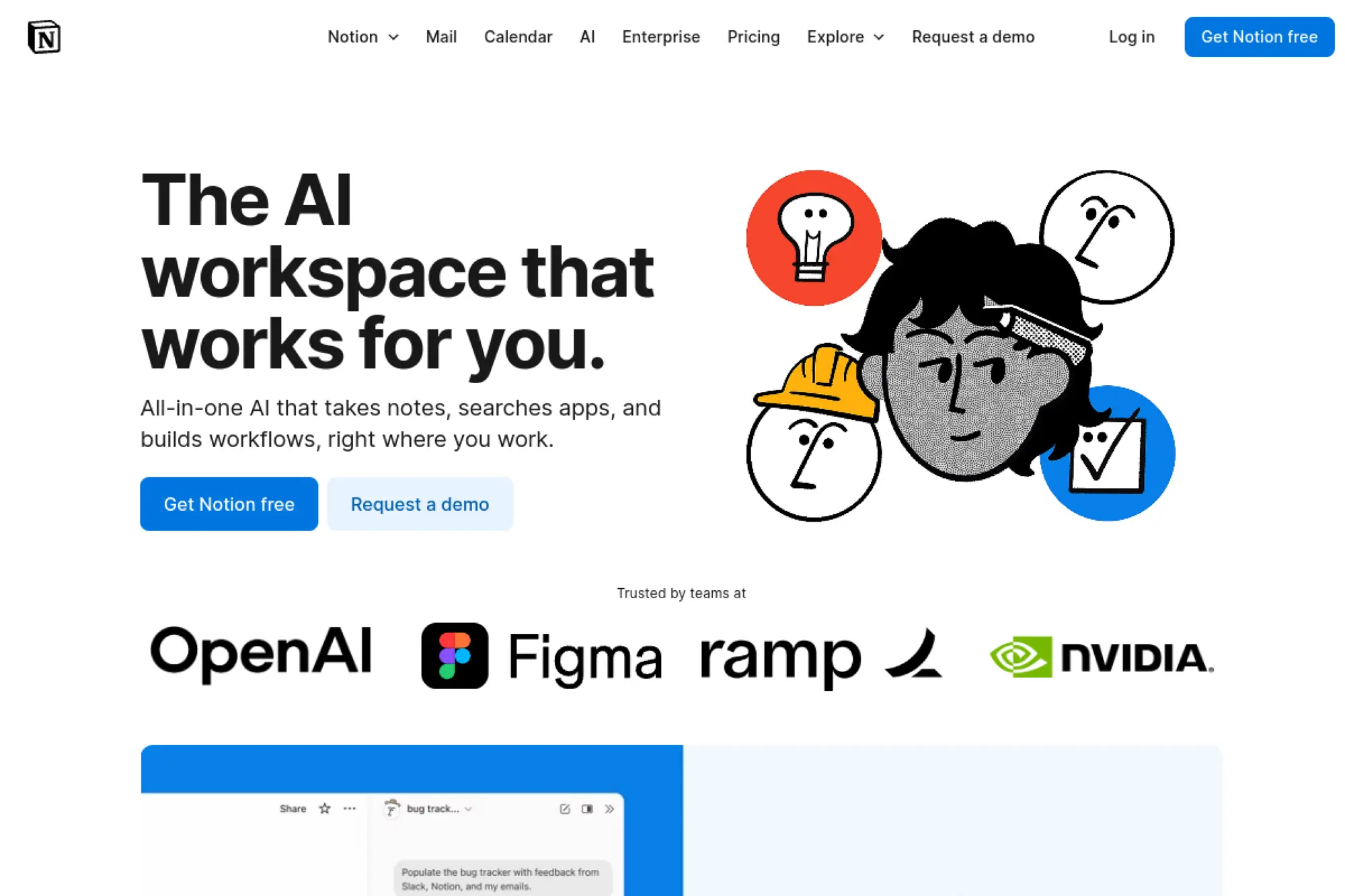
Notion AI works best when you treat it as part of your content operating system. It helps you turn notes into drafts, summarize meetings into action items, and keep research close to your writing. Because it lives inside a workspace, it also supports collaboration and documentation. That makes it useful for editorial planning, content briefs, and ongoing knowledge management.
Best for
Content teams that want one workspace for planning, drafting, meeting notes, and searchable internal knowledge.
Key workflows to configure
- Build an editorial calendar with brief templates and review states.
- Create a database of approved proof points, FAQs, and positioning.
- Turn meeting notes into publishable drafts and repurposing tasks.
Sales growth lever
When marketing documents messaging in one place, sales teams reuse it faster. You reduce inconsistency across decks and follow-ups, which helps prospects trust what they hear from every touchpoint.
Watch outs
Workspace AI can amplify messy inputs. Keep your templates tight and your databases clean. Also define who can publish final content versus who can draft.
Quick start checklist
- Create a content brief template with required fields.
- Centralize messaging, FAQs, and product notes in one database.
- Draft a post from meeting notes, then tighten for your voice.
- Assign an editor to own the final “publish ready” state.
10. Canva Magic Write

Canva Magic Write fits teams that create both copy and visuals. It helps you draft text inside the same environment where you build social graphics, slide decks, and one-pagers. That reduces handoffs and keeps creative work moving. It also helps when you need “good enough” copy quickly, then want to refine it with a human voice pass.
Best for
Marketers and small teams that produce social posts, presentations, and lightweight web copy with tight visual deadlines.
Key workflows to configure
- Create templates for campaign briefs, social captions, and slide outlines.
- Build a repeatable “draft copy → design → tighten copy” process.
- Store approved taglines and CTAs in shared brand templates.
Sales growth lever
Speed up sales collateral production. When you can draft copy and build a clean one-pager in one flow, sales teams get more assets they can actually use in live deals.
Watch outs
Magic Write can generate generic phrasing if you provide vague prompts. Give it specifics: audience, offer, and proof points. Then edit for originality, because visual polish cannot save weak messaging.
Quick start checklist
- Create a Canva Doc for your campaign messaging backbone.
- Generate copy blocks, then rewrite in your brand tone.
- Drop the copy into templates for ads, slides, and social posts.
- Review final assets for accuracy and brand consistency.
11. Writer

Writer focuses on enterprise-grade AI for teams that need governance, security, and brand consistency. It positions AI as a supervised system you can deploy across departments. That matters if you want marketing content that follows strict rules and stays aligned with approved knowledge. Writer also fits organizations that want to build repeatable, controlled workflows instead of relying on ad-hoc prompting.
Best for
Enterprise teams that need governed AI writing tied to approved knowledge, especially in regulated or brand-sensitive environments.
Key workflows to configure
- Connect approved knowledge sources and define what AI can use.
- Build controlled templates for key assets like product pages and emails.
- Set roles, permissions, and review steps for publishing control.
Sales growth lever
Scale consistent messaging across regions, products, and teams. When your company speaks with one voice, you reduce confusion in the buying journey and help sales teams reinforce the same narrative in every conversation.
Watch outs
Enterprise platforms require setup discipline. If you skip the knowledge and governance work, you will not see the real benefit. Assign clear owners for templates, sources, and approvals.
Quick start checklist
- Define what content types you want governed first.
- Upload approved messaging and product documentation.
- Build a template for one critical asset and test it end to end.
- Train users on what they can generate versus what they must verify.
12. Anyword
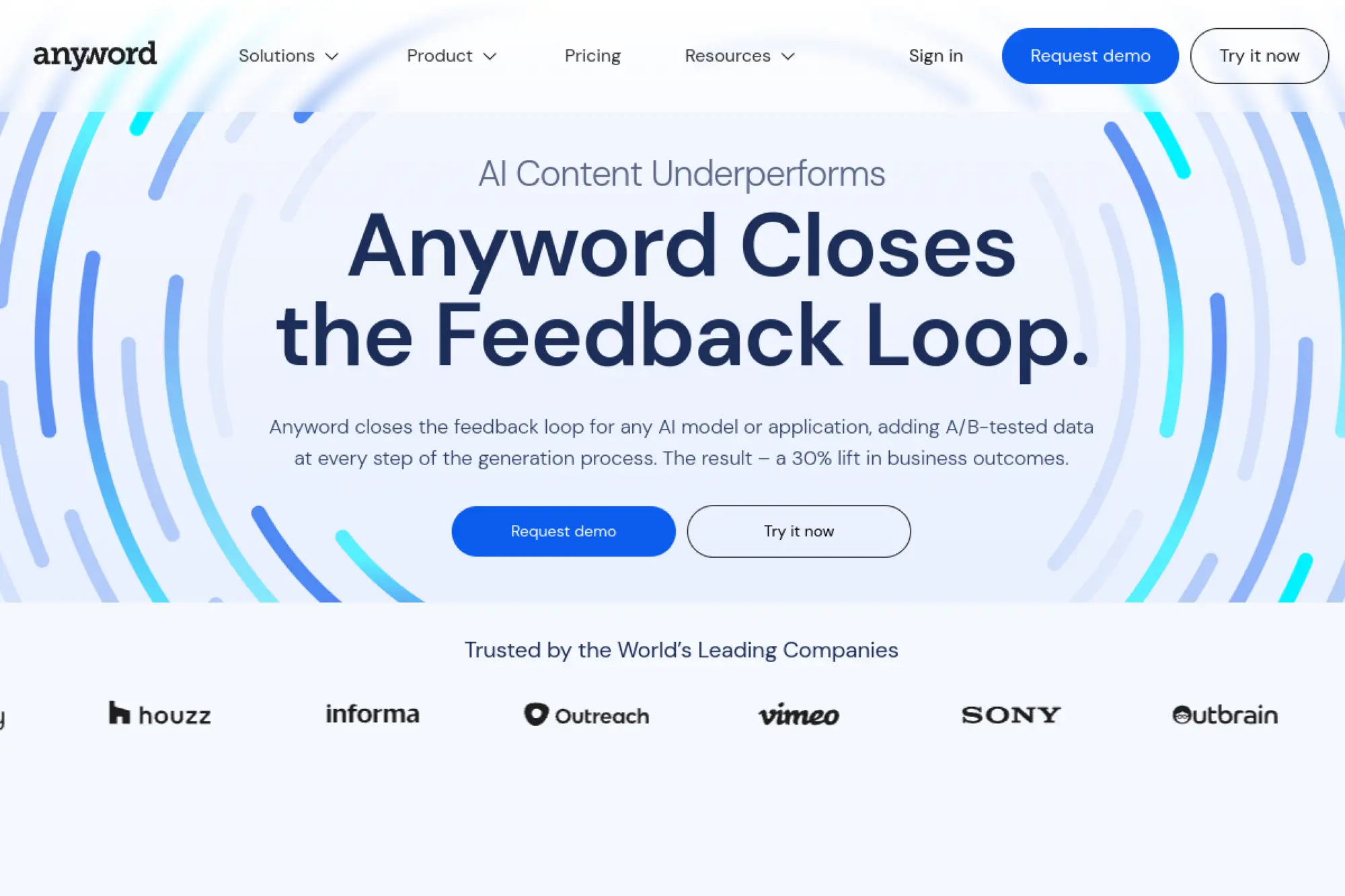
Anyword is built for marketers who care about performance copy, not just fluent text. It helps you generate variations for ads, landing pages, and emails so you can test messaging faster. That focus fits teams that treat copy as an experiment. Instead of writing one version and hoping, you write many versions and learn what works.
Best for
Performance marketing teams that need conversion-focused copy variations for ads, landing pages, and lifecycle campaigns.
Key workflows to configure
- Set brand voice rules so variations stay consistent.
- Create templates for landing page sections and key CTAs.
- Build a copy testing workflow tied to your analytics process.
Sales growth lever
Increase conversion rates by iterating faster on the words that drive action. When you can test hooks, value props, and CTAs quickly, you improve funnel efficiency without changing your product or budget.
Watch outs
Tools that encourage endless variations can distract teams from strategy. Keep a clear message hierarchy, and test changes intentionally. Also make sure brand and legal teams approve claims before experiments go live.
Quick start checklist
- Define your primary conversion goal for each page or campaign.
- Generate multiple headline and CTA options from one brief.
- Run experiments with clean tracking and clear success criteria.
- Document winners and turn them into reusable templates.
13. Rytr

Rytr is a straightforward tool for generating quick drafts across common marketing formats. It works well for small teams that need help getting started, especially when time or budget limits access to specialist writers. You can use it to break writer’s block, generate variations, and move from rough idea to usable draft quickly. It’s also simple enough for non-writers to adopt.
Best for
Small businesses, solo marketers, and lean teams that want fast drafts and practical templates without heavy setup.
Key workflows to configure
- Choose a consistent set of templates your team uses weekly.
- Set tone guidelines for your brand and your main channels.
- Create a standard editing pass for clarity and fact checks.
Sales growth lever
Use Rytr to keep your content cadence steady. Consistent publishing supports organic growth and keeps leads warm. You can also generate quick sales follow-ups and nurture copy when your team needs speed.
Watch outs
Template-driven tools can produce familiar, “average internet” phrasing. Add your own proof points, customer language, and specific examples to avoid generic content that fails to build trust.
Quick start checklist
- Pick a small set of templates that match your core content types.
- Draft content, then rewrite it to include your unique POV.
- Check accuracy for product claims and industry terms.
- Keep a library of your best outputs for reuse.
14. Wordtune

Wordtune is a strong choice when your biggest need is rewriting, not generating from scratch. It helps you improve clarity, adjust tone, and keep sentences flowing when you get stuck. Many teams use it as a “polish layer” after they draft elsewhere. If you care about sounding human and clear, Wordtune earns a place in your workflow.
Best for
Writers and professionals who want sharper sentences, better tone control, and help continuing drafts without losing meaning.
Key workflows to configure
- Use rewrite passes for clarity, brevity, and tone alignment.
- Standardize how you convert long drafts into skimmable sections.
- Build a final “tighten and simplify” step before publishing.
Sales growth lever
Clear writing sells better. When you simplify explanations and highlight benefits, prospects understand value faster. Use Wordtune to polish landing pages, product messaging, and email sequences.
Watch outs
Rewrite tools can over-smooth strong voice. Decide where you want personality and where you want clarity. Also review rewrites for subtle meaning changes, especially in technical or legal copy.
Quick start checklist
- Run your draft through a clarity-first rewrite.
- Ask for a shorter version that keeps the same intent.
- Rewrite your CTA to match the tone of the full page.
- Proofread final copy with human judgment and context.
15. QuillBot
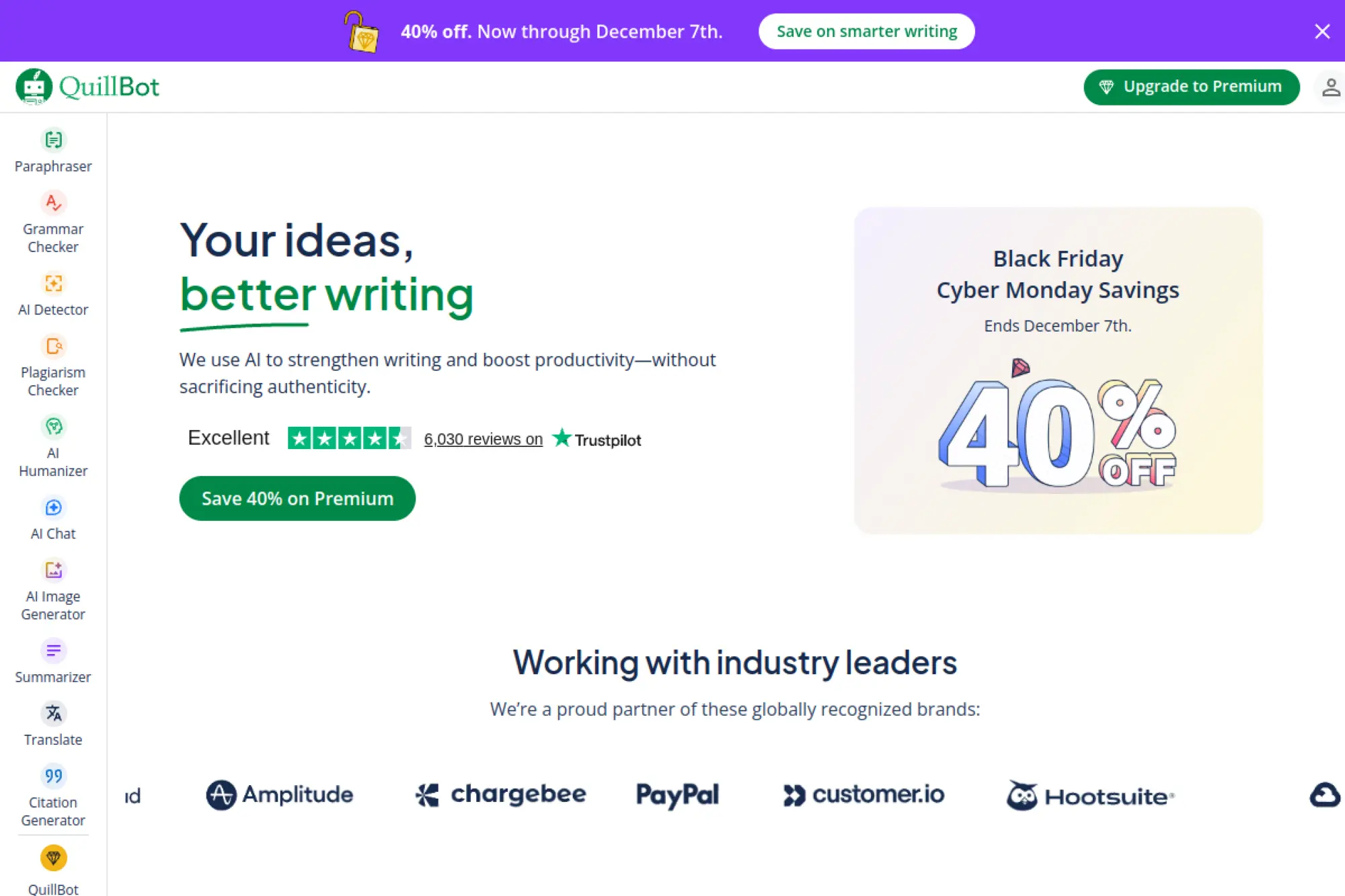
QuillBot is best known for paraphrasing and rewriting, which makes it useful when you need fresh phrasing fast. It can help you reduce repetition, improve clarity, and adjust sentence structure without rewriting manually. Many writers use it as a support tool alongside a primary drafting platform. It’s especially handy for turning long, complex sentences into simpler language.
Best for
Students, non-native writers, and content teams that need quick paraphrases, summaries, and readability improvements.
Key workflows to configure
- Use paraphrasing to refresh repetitive sections across similar pages.
- Summarize long notes into short outlines before drafting.
- Run a readability pass to simplify dense paragraphs.
Sales growth lever
Better readability improves conversion. When prospects understand your offer quickly, they engage sooner. Use QuillBot to simplify product explanations and tighten email copy.
Watch outs
Paraphrasing can preserve errors if the source text is wrong. Start with accurate inputs. Also watch for tone drift, because paraphrases can sound less like your brand if you rely on them too heavily.
Quick start checklist
- Paste a dense paragraph and simplify it for clarity.
- Rewrite repetitive sections without changing meaning.
- Summarize meeting notes into an outline for a blog post.
- Edit the final output to restore brand voice and nuance.
16. Sudowrite
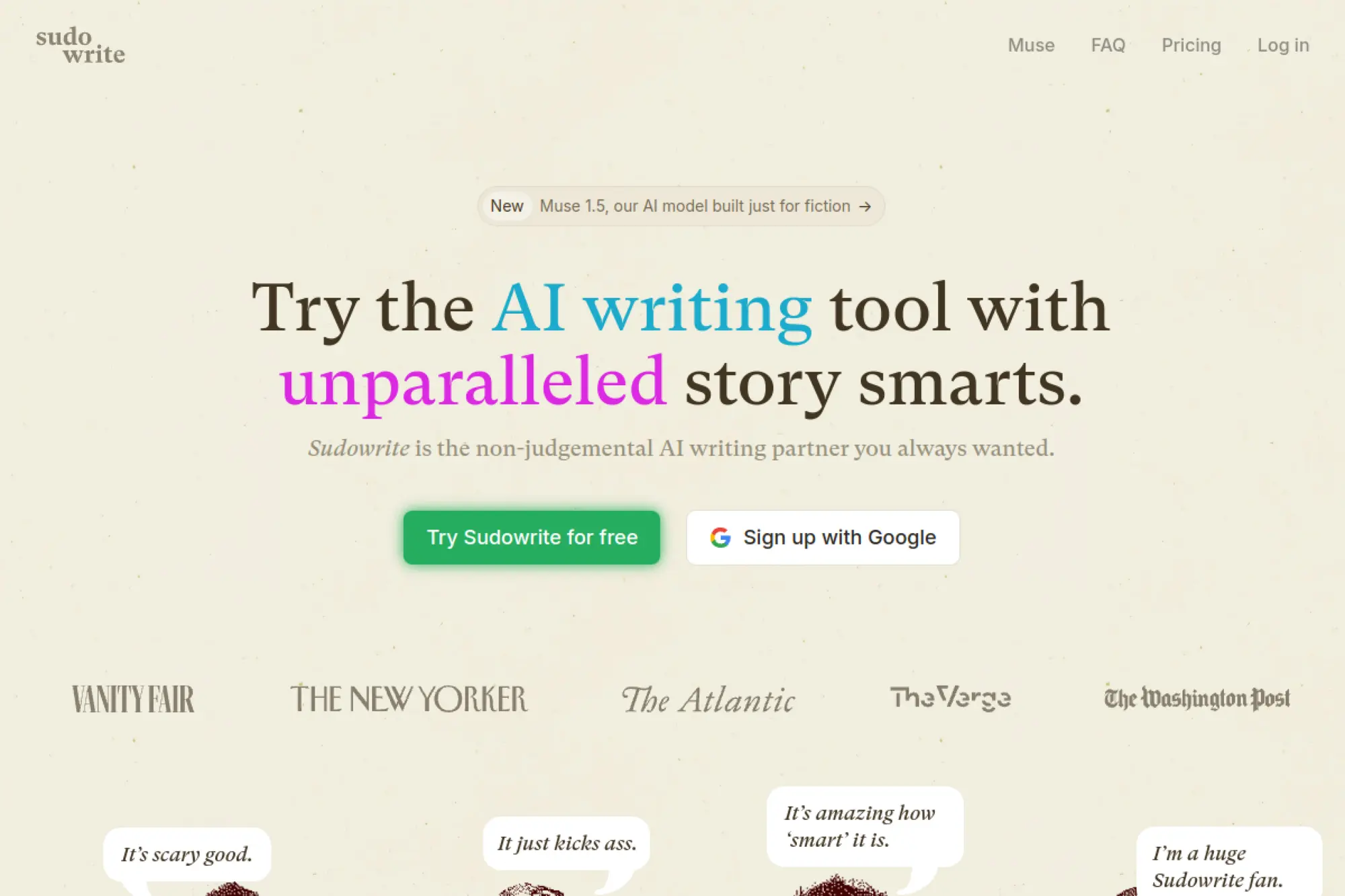
Sudowrite is built for creative writing, storytelling, and narrative experimentation. It helps you explore plot ideas, rewrite scenes, and generate alternate phrasings that keep momentum when you feel stuck. While it is not a classic marketing tool, it can still help content teams with brand storytelling, campaign narratives, and creative hooks. It shines when you want ideas that feel imaginative rather than corporate.
Best for
Writers and creative teams focused on storytelling, scripts, brand narratives, and punchy creative exploration.
Key workflows to configure
- Use brainstorming to generate campaign themes and angles.
- Rewrite sections to explore different emotional tones.
- Draft narrative hooks, then adapt them into marketing formats.
Sales growth lever
Strong storytelling builds trust and memory. When your brand message feels like a story, prospects remember it and share it. Use Sudowrite to draft narrative openings for case studies and launch stories.
Watch outs
Creative tools can drift into fiction when you need facts. Keep your proof points separate, and add them back in after drafting. Also avoid using imaginative metaphors in regulated copy.
Quick start checklist
- Start with a clear audience insight and desired emotion.
- Generate multiple hooks and pick the one that fits your brand.
- Rewrite the hook into a short, scannable opening paragraph.
- Add real proof points and customer language before publishing.
17. Frase
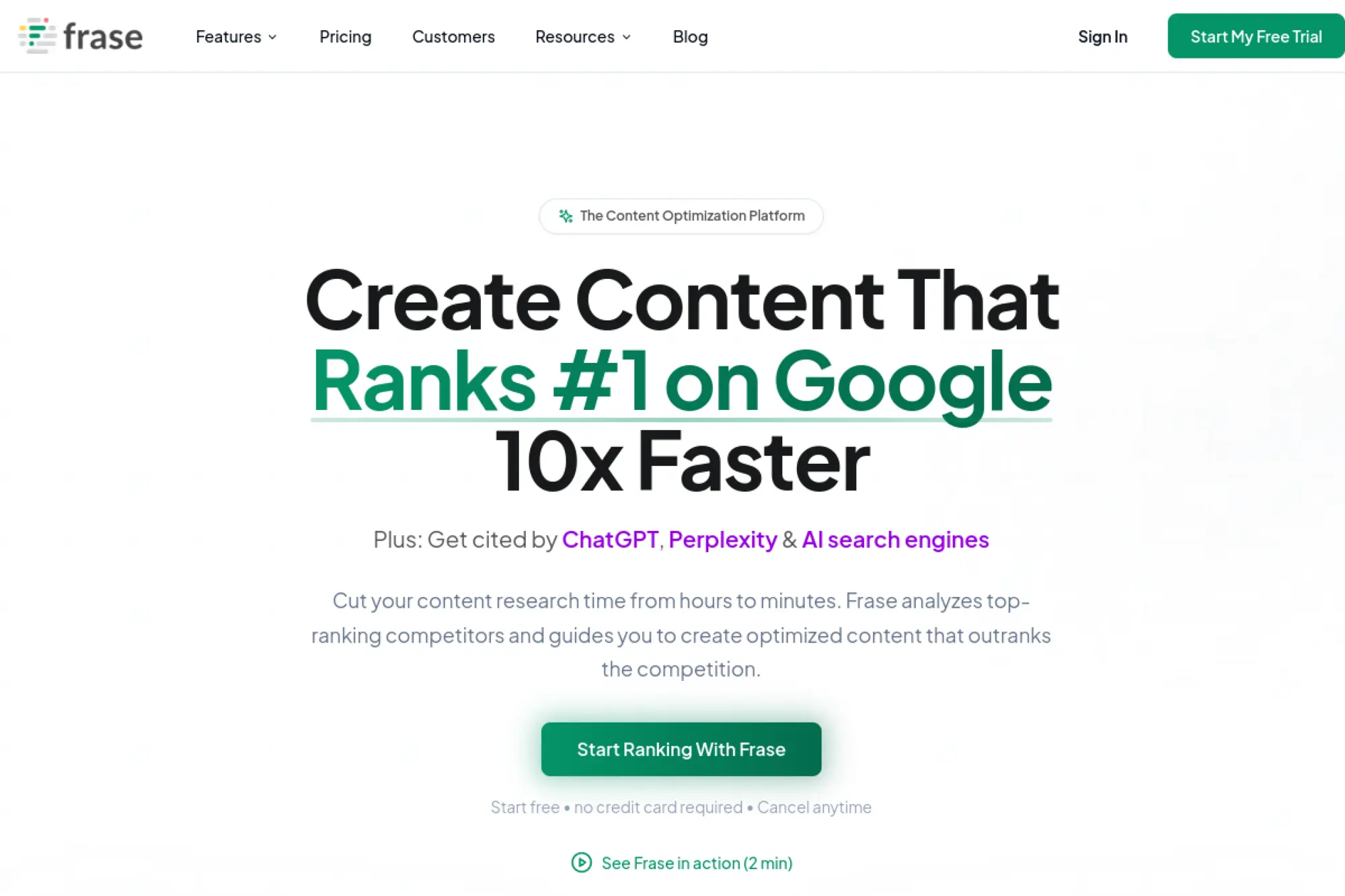
Frase is a strong fit for SEO-driven writing because it combines research, outlining, drafting, and optimization in one workflow. It helps you understand what top-ranking pages cover, then build content that competes with them. That saves time on manual SERP review and keeps writers aligned with search intent. Frase also fits teams that want content built for both discovery and readability.
Best for
SEO teams and content marketers who want research, briefs, writing, and optimization in a single tool.
Key workflows to configure
- Create brief templates aligned to your content standards.
- Build an outline workflow based on competitor topic coverage.
- Run a final optimization pass before publishing to your CMS.
Sales growth lever
Publish content that matches buyer intent and earns qualified traffic. When your SEO content answers real questions clearly, it attracts readers who are closer to purchase and more likely to convert.
Watch outs
Competitor-based outlines can lead to “me too” content. Add unique experience, internal data, and original examples so your article stands out and builds authority.
Quick start checklist
- Pick a keyword tied to a revenue-relevant problem.
- Generate a brief and edit it to match your POV.
- Draft content, then tighten the intro and headings for clarity.
- Add first-party proof and publish with internal links.
18. Surfer AI

Surfer AI focuses on producing content designed to rank. It combines content generation with SEO-driven structure, which helps teams scale search content faster. You can use it to move from keyword to draft with built-in optimization cues. For teams that want to publish more without losing on-page discipline, Surfer AI offers a direct workflow.
Best for
Content teams that want faster SEO article production while keeping structure, headings, and on-page optimization consistent.
Key workflows to configure
- Set content templates by page type, such as blog vs. review.
- Define your internal linking and topic cluster standards.
- Create an editor checklist for accuracy and originality.
Sales growth lever
Increase organic reach by publishing consistent topic clusters. When you build topical authority, you attract more qualified visitors and reduce reliance on paid channels for early-funnel demand.
Watch outs
SEO-first generation can create content that feels formulaic. Your team still needs POV, stories, and real examples. Also keep humans responsible for factual claims, because ranking does not equal accuracy.
Quick start checklist
- Choose a keyword aligned to a buyer journey stage.
- Review the outline and add your unique sections.
- Generate, then edit for brand voice and concrete examples.
- Fact-check and add internal links before publishing.
19. MarketMuse
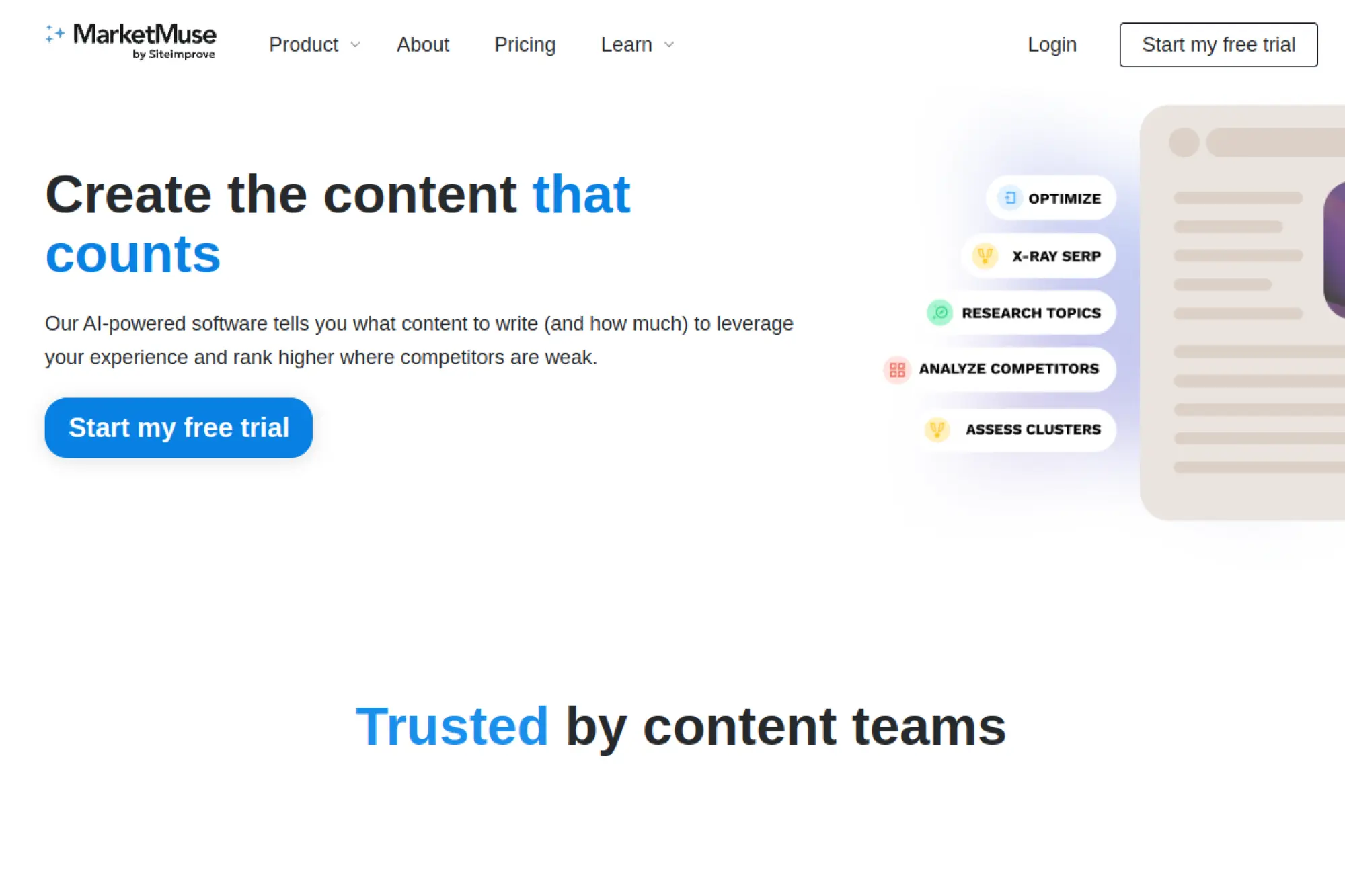
MarketMuse is a content strategy tool that helps teams plan what to write and what to update. It focuses on topic authority, content gaps, and prioritization, which helps you avoid random “blogging for blogging’s sake.” While it includes generative support, its core value is guidance on what matters most. It works well when you manage a large content library and need a smarter roadmap.
Best for
Content strategists and SEO leaders who need data-driven planning, content gap analysis, and clearer prioritization.
Key workflows to configure
- Run a content inventory and flag pages that need updates.
- Build topic clusters tied to authority and business relevance.
- Create standardized briefs so writers stay aligned to intent.
Sales growth lever
Stop wasting effort on low-impact topics. When you prioritize content with clear ranking and conversion potential, you produce fewer “busy work” posts and more assets that drive qualified demand.
Watch outs
Strategy tools can feel abstract if you do not connect them to execution. Assign owners for updates, and set deadlines. Also avoid chasing only high-volume topics that do not match your buyers.
Quick start checklist
- Audit your existing content and identify key gaps.
- Create a topic plan tied to products and buyer needs.
- Write one brief and test it with a writer and editor.
- Track results and refine your prioritization rules.
20. Semrush Content Toolkit

Semrush Content Toolkit combines SEO data with AI-assisted writing and optimization. It helps you move from topic discovery to briefs, drafts, and updates with fewer tool switches. This matters when you want content decisions driven by search reality, not guesswork. It also fits teams that already rely on Semrush and want a tighter content workflow inside the same ecosystem.
Best for
Marketers who want SEO-driven topic ideas, content briefs, and AI drafting inside a single platform workflow.
Key workflows to configure
- Set audience location and intent assumptions for your briefs.
- Create repeatable brief templates for your core content types.
- Use an optimization step before publishing to your CMS.
Sales growth lever
Drive more qualified organic traffic by aligning content to real demand. When briefs reflect competitive realities and intent, your drafts have a better chance of ranking and generating leads that match your offers.
Watch outs
SEO tools can push teams toward volume over value. Stay selective. Tie every topic to a business outcome, and avoid publishing content that exists only to “fill a gap.”
Quick start checklist
- Pick a topic tied to a product or revenue goal.
- Create an SEO brief and adjust it with your POV.
- Draft content, then optimize and tighten for readability.
- Add internal links and publish with a clear CTA.
21. Scalenut
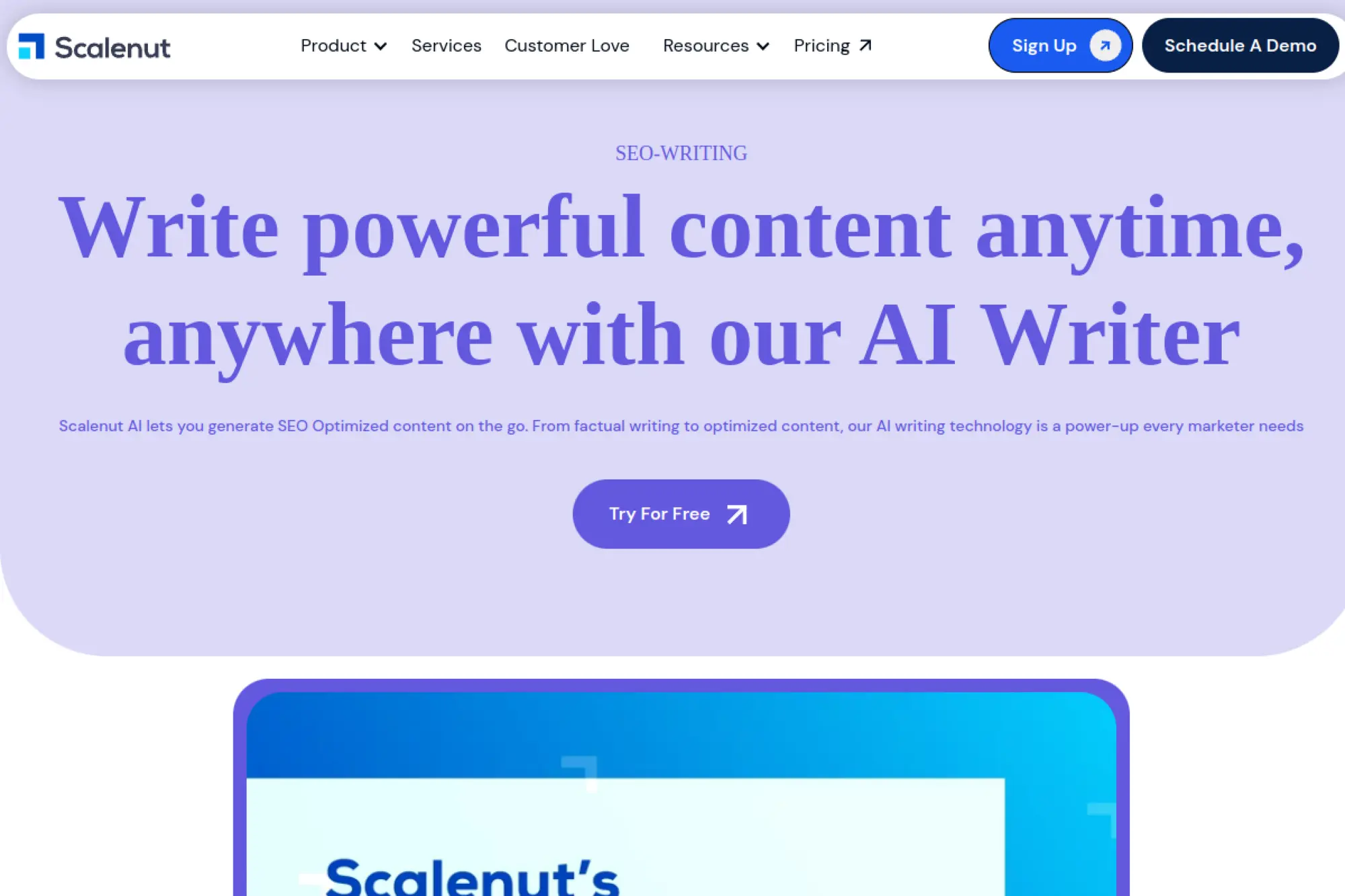
Scalenut is built for SEO content production, with workflows that help you plan, draft, and optimize articles for discoverability. It fits teams that want structure and speed without building everything from scratch. You can use it for drafting long-form posts, generating outlines, and keeping keyword coverage disciplined. Many teams adopt it when they want a guided path from idea to publishable draft.
Best for
SEO-focused content teams that want guided long-form drafting and a clear path from research to publishable content.
Key workflows to configure
- Create templates for content types such as guides and comparisons.
- Standardize your outline format and internal linking approach.
- Build a final optimization and editorial review step.
Sales growth lever
Support pipeline by publishing content that targets high-intent problems. When your SEO library covers buyer questions thoroughly, you attract prospects earlier and educate them before sales calls.
Watch outs
SEO workflows can become mechanical if writers rely too much on automation. Make sure your team adds specific examples, strong POV, and real product context. That’s what earns trust.
Quick start checklist
- Choose a keyword that maps to a buyer pain point.
- Review the outline and add your differentiators.
- Draft and then rewrite sections in your brand voice.
- Fact-check, optimize, and publish with internal links.
22. INK
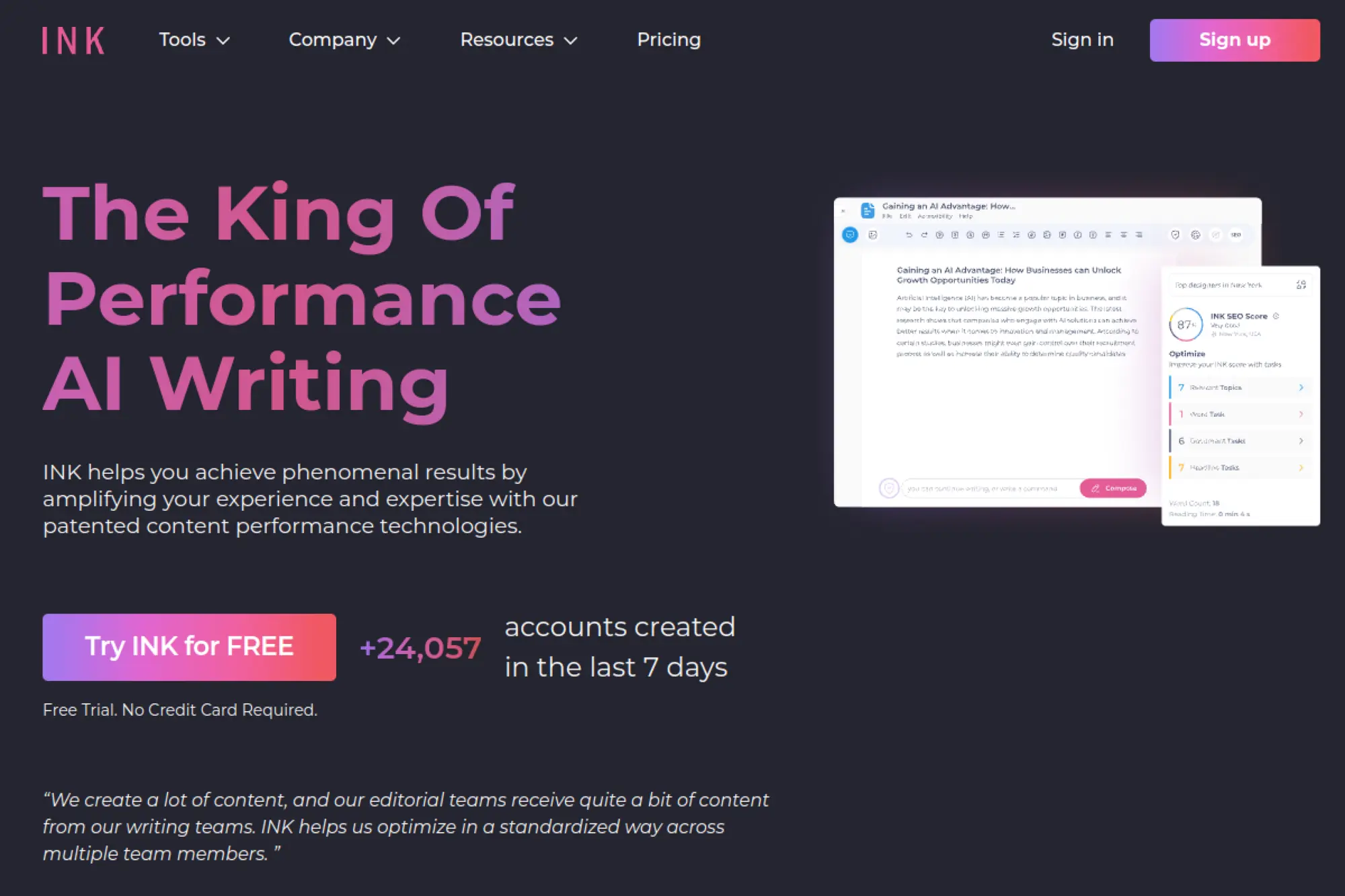
INK positions itself as an AI writing tool with a strong emphasis on performance-oriented content. It aims to help you create drafts while also keeping SEO and readability in view. That can be useful when your team wants one place to write and optimize without juggling many tabs. INK can work as a drafting layer, but it becomes more valuable when you embed it in a consistent editorial process.
Best for
Marketers who want AI drafting with an optimization mindset, especially when they publish content designed to earn organic reach.
Key workflows to configure
- Create a repeatable writing template for your most common posts.
- Run an optimization pass focused on structure and clarity.
- Build a QA routine for originality, facts, and brand tone.
Sales growth lever
Improve the quality of top-of-funnel content that brings in leads. When content reads clearly and targets real intent, it attracts better-fit visitors and sets up stronger conversion paths.
Watch outs
Optimization signals do not replace good strategy. Do not chase scores at the expense of usefulness. Also make sure editors keep your voice intact, because AI can smooth out the personality that makes you memorable.
Quick start checklist
- Pick a post type your team repeats often and template it.
- Draft, then tighten intros and headings for scannability.
- Add concrete examples from your product or customers.
- Run final checks for accuracy and on-brand tone.
23. Hypotenuse AI

Hypotenuse AI is a strong choice for ecommerce teams that need consistent product content at scale. It supports workflows like generating product descriptions, titles, and on-page copy with brand voice and formatting controls. That matters when you manage large catalogs and need every listing to read cleanly. It also helps teams enrich product content so copy reflects real attributes and benefits.
Best for
Ecommerce and marketplace teams that produce lots of product content and need consistent structure, tone, and SEO-friendly language.
Key workflows to configure
- Define brand voice rules and product description templates.
- Set a review workflow for product accuracy and compliance.
- Build a process for bulk generation and bulk exports.
Sales growth lever
Better product descriptions improve conversion because they reduce uncertainty. When listings explain benefits clearly and match customer language, shoppers feel confident and buy faster.
Watch outs
Catalog-scale content multiplies errors quickly. Keep product data clean and ensure humans verify key specs. Also avoid exaggerated claims that could create returns, support tickets, or legal risk.
Quick start checklist
- Choose one product category and define a description structure.
- Generate drafts, then review for true specs and brand tone.
- Add unique differentiators and real feature language.
- Export and monitor conversion changes after updates.
24. Copysmith

Copysmith offers a suite approach to AI content rather than a single writing box. It focuses on helping teams create consistent, on-brand content across multiple channels, with a strong ecommerce and SEO angle. This fits organizations that need more than blog posts, such as product content, landing copy, and promotional writing. It’s also useful when you want a tool that supports collaboration across a content team.
Best for
Content teams that create marketing copy across channels and want a more structured “content stack” approach, not isolated prompts.
Key workflows to configure
- Build a brand voice baseline and reuse it across asset types.
- Create templates for product content, landing sections, and promos.
- Set an editorial workflow that includes review and revision steps.
Sales growth lever
Reduce production bottlenecks for revenue-driving pages. When your product pages, promos, and landing pages stay current and consistent, you support both paid and organic traffic with stronger conversion copy.
Watch outs
Suite tools can overlap with your existing stack. Decide what Copysmith will own and what other tools will handle. Without clear boundaries, teams create duplicate workflows and lose time.
Quick start checklist
- Pick one content type to standardize, such as product descriptions.
- Create a reusable template with examples and guardrails.
- Generate drafts, then edit for specificity and brand tone.
- Document what worked and turn it into a repeatable SOP.
25. Shopify Magic

Shopify Magic brings AI writing directly into the commerce workflow. It helps merchants draft product descriptions, marketing content, and customer-facing copy without leaving the admin experience. That matters when the person writing is also the person managing inventory, pricing, and promotions. If you run a Shopify store, built-in AI can reduce friction and help you ship updates quickly.
Best for
Shopify merchants who want AI writing inside their store operations, especially for product content and marketing assets.
Key workflows to configure
- Create a consistent tone rule for product pages across the catalog.
- Build a process for drafting, reviewing, and publishing descriptions.
- Set standards for claims, returns language, and compliance terms.
Sales growth lever
Improve conversion by making product pages clearer and more benefit-driven. Better copy reduces “guessing” and helps shoppers understand fit, value, and use cases faster.
Watch outs
AI can introduce claims you never intended to make. Review descriptions carefully, especially for regulated products. Also keep your tone consistent so the store feels cohesive across categories.
Quick start checklist
- Define the voice you want customers to hear on every page.
- Draft a product description and compare it to your best sellers.
- Edit for accuracy, materials, and real benefits.
- Monitor conversion and return rates after updates.
26. Jetpack AI Assistant

Jetpack AI Assistant brings AI writing support directly into WordPress workflows. It helps you draft, rewrite, summarize, and refine content without leaving your editor. This can cut friction when your team publishes frequently and wants quick improvements close to the publishing step. For many site owners, Jetpack AI functions like an editorial helper that speeds up first drafts and polish passes.
Best for
WordPress publishers who want AI drafting and editing support inside the CMS where content goes live.
Key workflows to configure
- Use AI to generate outlines and section drafts inside WordPress.
- Create rewrite actions for tone, length, and clarity adjustments.
- Build a final QA step for facts, links, and brand voice.
Sales growth lever
Reduce time from idea to published page. Faster publishing helps you capitalize on timely topics, product updates, and seasonal campaigns while interest stays high.
Watch outs
CMS-integrated tools can encourage “publish now, fix later.” Resist that. Assign an editor to own accuracy. Also keep your internal linking and CTA strategy intentional.
Quick start checklist
- Draft an outline first, then write section by section.
- Rewrite paragraphs for clarity and brand tone.
- Add internal links and supporting resources manually.
- Review with a human editor before clicking publish.
27. Hootsuite OwlyWriter AI

OwlyWriter AI is designed for social content creation inside the Hootsuite ecosystem. It helps you generate captions, post ideas, and variations that match different networks. That matters because social writing often needs speed and volume, but still needs brand consistency. If your team schedules and reports inside Hootsuite, OwlyWriter AI can streamline the creation step.
Best for
Social media teams that need faster caption creation, repurposing, and consistent tone across multiple networks.
Key workflows to configure
- Create a social tone guide that matches your brand voice.
- Build a repurposing workflow from blogs and announcements to posts.
- Set an approval process for regulated or sensitive content.
Sales growth lever
Maintain a consistent posting cadence without burning out your team. Consistency builds reach and keeps your audience warm, which supports retargeting and demand generation efforts.
Watch outs
Social AI can produce safe, bland posts. Add real opinions, customer language, and specific CTAs. Also avoid over-automation that makes your feed look repetitive.
Quick start checklist
- Define your recurring post formats, like tips, proof, and promos.
- Generate captions, then rewrite them to sound like your brand.
- Schedule content in batches, but review each post manually.
- Track what drives clicks and adjust templates accordingly.
28. Buffer AI Assistant
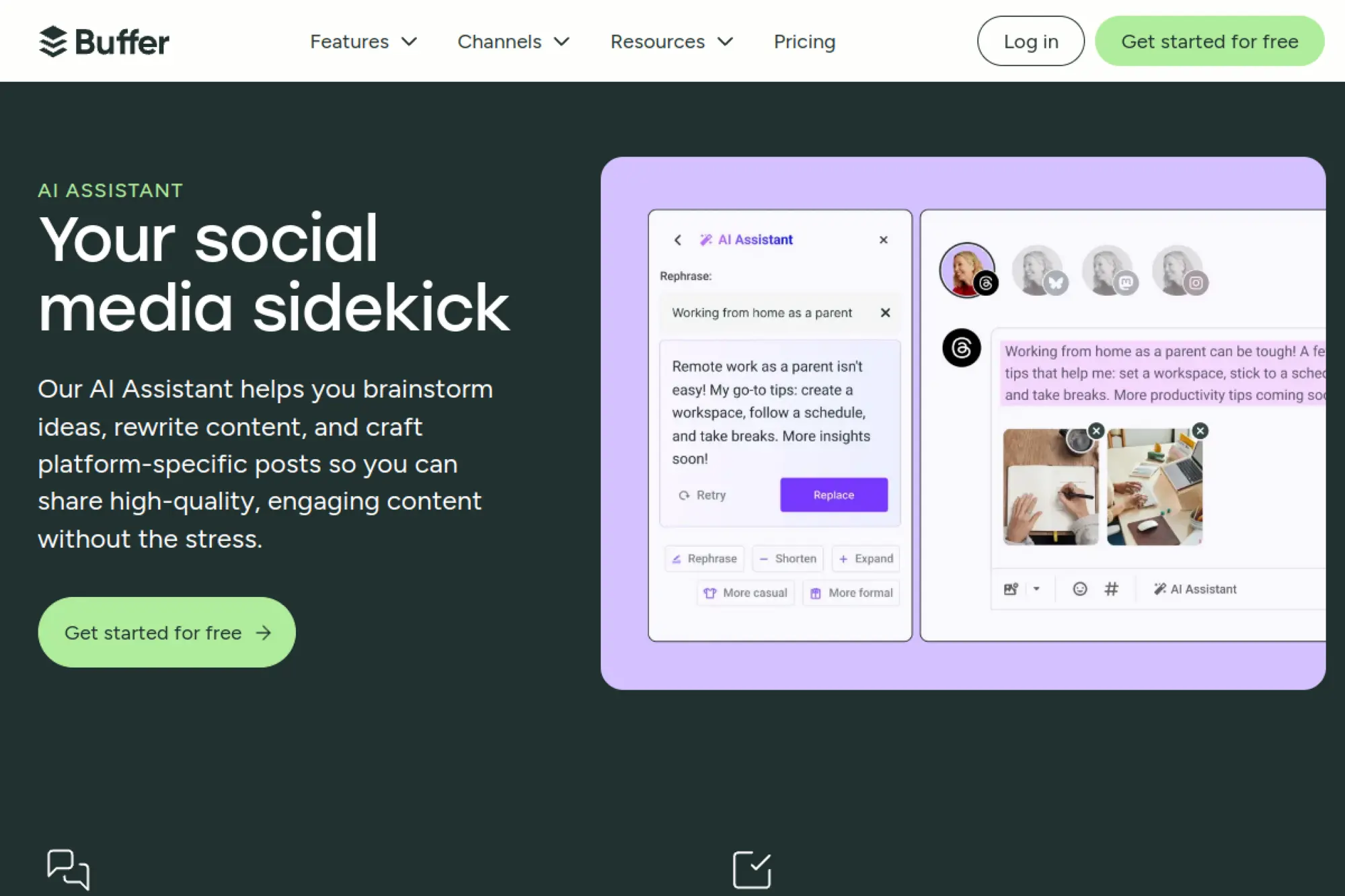
Buffer AI Assistant supports social writing and repurposing inside Buffer’s publishing workflow. It helps you brainstorm ideas, rewrite drafts, and tailor posts to different platforms. That’s useful if you run lean and need social copy support without adding more tools. Buffer’s approach also fits teams that prefer lightweight workflows and quick iteration.
Best for
Small teams that want social copy support, quick rewrites, and easy repurposing inside a simple scheduling workflow.
Key workflows to configure
- Set tone prompts for each platform you publish on.
- Build a repurposing routine from one post into multiple variants.
- Create a review step focused on clarity and brand voice.
Sales growth lever
Turn product updates and blog posts into consistent social distribution. Better distribution increases content ROI and drives more qualified visitors back to your site and landing pages.
Watch outs
AI-generated social copy can feel generic if you do not add specifics. Include your unique product language and real customer outcomes. Also avoid posting too many similar variations back to back.
Quick start checklist
- Write one clear message, then ask for platform-specific versions.
- Rewrite for brevity and stronger hooks.
- Add one concrete detail or proof point per post.
- Schedule, then review posts in context of your calendar.
29. Descript

Descript is a strong fit for teams that create audio and video content and then need to turn it into written assets. It helps with transcripts, scripts, and content repurposing. That makes it valuable for webinars, podcasts, customer interviews, and product demos. If you want your content engine to produce more assets from the same raw material, Descript supports that workflow.
Best for
Podcast, webinar, and video teams that want to repurpose recordings into scripts, summaries, posts, and written content.
Key workflows to configure
- Create a repurposing template for show notes and highlights.
- Turn recordings into blog drafts with a consistent structure.
- Build a review step for quotes, names, and product details.
Sales growth lever
Extend the life of high-value content like webinars and customer interviews. When you turn a single recording into many assets, sales teams get more proof, more stories, and more follow-up material for deals.
Watch outs
Transcripts include filler words and messy thoughts. Edit for clarity and intent. Also confirm quotes and claims, because misquoting a customer can damage trust.
Quick start checklist
- Record or import a webinar or customer interview.
- Generate a transcript and pull key moments and themes.
- Draft a blog post and a short social thread from the same content.
- Review names, claims, and quotes before publishing.
30. Perplexity
Perplexity is best viewed as a research assistant for content teams. It helps you explore topics, summarize sources, and build a stronger foundation before you draft. That matters because AI writing fails when inputs are thin or incorrect. If you pair Perplexity with a writing tool, you can move from “research notes” to “draft” with less risk and better clarity.
Best for
Writers and marketers who want faster research, clearer summaries, and stronger briefs before they start drafting.
Key workflows to configure
- Use research sessions to gather perspectives and define key claims.
- Turn research into a brief with headings, examples, and objections.
- Create a fact-check routine that validates every key statement.
Sales growth lever
Better research creates better differentiation. When your content includes accurate context and credible framing, it earns trust faster. That trust increases conversions on high-intent pages and improves sales enablement quality.
Watch outs
Research tools still depend on source quality. Cross-check critical facts with primary documentation. Also avoid copying phrasing from sources, because your content should stay original.
Quick start checklist
- Start with a clear question tied to buyer intent.
- Collect key points, counterpoints, and examples for your brief.
- Draft using your writing tool, then verify claims against sources.
- Edit for brand voice, clarity, and originality before publishing.
Workflow Recipes You Can Use Right Away

1. The “Brief to Blog” Sprint
Start with a structured brief, not a blank prompt. Define the audience, the problem, the promised outcome, and the proof you can actually support. Then ask your writing tool to produce an outline with clear headings and a short summary of the argument.
Next, draft section by section. After each section, run a rewrite pass focused on clarity and short sentences. Finally, run a fact-check pass: list claims, confirm them, and remove anything you cannot verify.
2. The “One Webinar to Many Assets” Content Pack
Record a webinar, customer interview, or demo. Create a clean transcript and identify the best moments: objections, proof points, and practical tips. Then turn those moments into a blog post, an email, and a set of social posts.
Keep the structure consistent so the pack feels cohesive. For example, use the same core message across every asset, but change the opening hook to match the channel.
3. The Product Launch Messaging Kit
Write one “messaging backbone” document first. Include the problem, the differentiator, the top benefits, and the objections you expect. Then generate launch assets from that backbone: landing page sections, announcement email, social captions, and sales follow-up scripts.
Make your editor review the backbone before you generate assets. That single approval step prevents scaled mistakes later.
4. The Sales Enablement Refresh Loop
Pick one asset sales uses often, like a one-pager or a follow-up email. Interview a few reps to learn what prospects ask and where the asset falls short. Then use AI to propose rewrites, but keep sales and product owners responsible for final language.
Once you land a stronger version, save it as a reusable template. Next time you ship a new feature, you update the template instead of rewriting from scratch.
5. The Brand Voice QA Step
After you draft content, run a voice check. Ask your tool to identify wording that does not match your style guide. Then replace generic phrases with the language your customers use.
Also check for “unsupported confidence.” If a sentence sounds too certain, either add proof or soften it to match what you can defend.
FAQ: Best Content AI Writing Tools
1. Will Google Penalize AI-Written Content?
Google rewards helpful content that meets user intent. So focus on usefulness, clarity, and originality. Treat AI as a drafting assistant, not a publishing strategy.
Publish content that reflects real expertise. Add examples, internal data, and firsthand experience. Those elements separate your work from generic output.
2. Should We Disclose AI Use?
Disclosure depends on your industry, audience expectations, and internal policies. Some brands disclose broadly. Others disclose only in specific contexts.
Even if you do not disclose, you still own accuracy. Make human review non-negotiable for customer-facing claims.
3. How Do We Reduce Hallucinations?
Start with better inputs. Give AI a brief with real details, not vague prompts. Then force a verification step where the model lists claims that need confirmation.
Finally, keep a single source of truth for product facts. When writers pull from the same approved data, accuracy improves.
4. Do We Still Need an SEO Tool?
Many AI writing tools support optimization, but you still need strategy. You need keyword research, topic prioritization, internal linking, and performance tracking.
If your AI tool includes strong SEO workflows, you can simplify your stack. If it does not, keep a dedicated SEO platform or process.
5. How Do We Measure ROI?
Measure outcomes, not outputs. Track organic traffic quality, conversion rates on key pages, email engagement, and sales enablement usage. Also track time saved, but do not stop there.
The strongest signal is content that drives qualified pipeline or reduces sales friction. Aim for that, and the ROI story becomes clear.
6. What Is the Smallest Stack That Still Works?
Most teams can start with three layers: a drafting tool, an editing layer, and a research or SEO layer. Add workflow automation only after you prove the basics work.
If you build good templates and a strong review process, you can create high-quality output with fewer tools than you think.







Conclusion

The “best” AI writing tool depends on your workflow, your content mix, and your risk tolerance. Start with the tool that matches how your team already works, then add governance, templates, and review steps to turn AI from a novelty into a reliable system.
Most importantly, keep ownership human. Use AI to accelerate drafting and iteration, but use people to protect truth, voice, and trust. That combination is what will make your content stand out in 2026.