

Cheap email can save money, but it can also create hidden costs if messages land in spam or workflows break. That is why comparing cheap email service providers starts with one question: what type of email do you send. Newsletters and promotions need marketing features and list tools. Password resets and receipts need reliable transactional delivery and clear logs. Team communication needs mailbox hosting with admin controls.
This guide groups options by what they do best, then adds practical setup steps so you can test a provider quickly. You will also learn how to avoid common “cheap plan” traps that inflate costs later.
If you only remember one thing: choose a tool based on the email job, not the cheapest advertised tier.
- Newsletters, promos, and nurture sequences: pick a marketing platform with segmentation and automation.
- Receipts, password resets, alerts, and product-triggered messages: pick a transactional email API or SMTP relay with strong logs and bounce handling.
- Team inboxes on your domain: pick an email hosting suite with admin controls, security policies, and easy onboarding.
Many businesses use two tools on purpose: one for marketing and one for transactional messages. That split protects critical emails from being affected by marketing send behavior.
Below is a skimmable, quick picks list for you right off the bat:
- Best budget-friendly marketing workflows: start with tools like Brevo when you want campaigns plus basic automation without a heavy setup.
- Simple newsletter-first execution: consider MailerLite if your priority is fast creation, consistent sending, and minimal tool sprawl.
- Developer-first transactional sending: look at Amazon SES if you want infrastructure-style sending with granular control.
- Reliable transactional deliverability signals: review Postmark when your primary goal is fast, predictable delivery for important system emails.
- Mailbox hosting for teams: shortlist Google Workspace if collaboration and admin tooling are the priority.
- Mailbox hosting with strong office suite depth: consider Microsoft 365 when email needs to connect tightly with documents and calendars.
These are starting points, not universal winners. Use the category sections to match your use case and constraints.
What “Cheap” Should Mean for Business Email

Cheap should never mean “cut corners.” It should mean you pay only for what your business truly needs, and you avoid expensive mistakes.
To make that practical, evaluate each provider through three lenses:
- Fit for your email type: Marketing emails, transactional emails, and business mailbox hosting are different jobs. A “great deal” for newsletters may fail at password resets, and vice versa.
- Operational effort: If your team spends hours every week exporting lists, fixing templates, or troubleshooting spam folder issues, you are paying in time. Time becomes your hidden subscription.
- Deliverability guardrails: You want tools that nudge you toward best practices. Look for domain authentication guidance, suppression lists, segmentation controls, and clear reporting.
One more filter helps: ask whether the tool lets you start small without boxing you in later. The best budget option can handle both your current volume and your next phase without forcing a full rebuild.
FURTHER READING: |
| 1. Best Open Source IoT Platform: Top 30 Picks for 2026 |
| 2. Top 30 Professional SEO Services in 2026 |
| 3. Best AI Email Writer: Top 30 Picks for 2026 |
Hidden Cost Checklist
- Billing model mismatch: some tools charge mostly for subscribers, others for sending volume, and others per mailbox seat.
- Add-on dependency: watch for paywalls around automation, reporting depth, team permissions, and deliverability tools.
- Reputation risk: cheap sending can get expensive if your list quality is poor and support time increases.
- Migration friction: importing contacts is easy, but recreating templates, tags, and automations is the real cost.
This checklist helps readers understand why the “cheapest” provider is not always the lowest total cost.
How This List Was Built (and How to Use It)

This list prioritizes tools that stay affordable after you do real work, not only during a trial. Each provider was evaluated on fit by email type, deliverability support, day-to-day workflow speed, and whether the core features require paid add-ons. Use the categories below to shortlist fast, then run a small pilot: authenticate your domain, send to engaged recipients first, and confirm reporting, suppression handling, and automation behavior before you migrate fully.
Use this list like a matching exercise:
- If you run newsletters, promos, and automations: start with email marketing platforms.
- If you send app-triggered emails: focus on transactional email APIs and SMTP relays.
- If you need mailboxes at your domain: look at business email hosting suites.
Many businesses end up with two tools on purpose: one for marketing and one for transactional. That split often keeps your most important messages safe, because it reduces the risk that a promotional campaign hurts the reputation of your receipts, invoices, or password resets.
The List of Cheap Email Service Providers
Note: Each entry below includes a practical “best for” fit, the workflows to set up first, and the tradeoffs to watch. Use the quick start checklist to test a provider in days, not weeks.
| Category | Best for | What to look for | Common cost traps |
|---|---|---|---|
| Marketing platforms | Newsletters, promos, automations | Segmentation, template workflow, suppression controls | Subscriber-based billing that grows faster than revenue |
| Transactional APIs / SMTP | App-triggered emails and notifications | Logs, webhooks, bounce handling, authentication support | Add-ons for dedicated IPs, analytics, or retention |
| Email hosting suites | Team mailboxes at your domain | Admin controls, security policies, migration tooling | Paying for features you do not use across all seats |
Email marketing platforms (newsletters, promos, automations)
1. Brevo
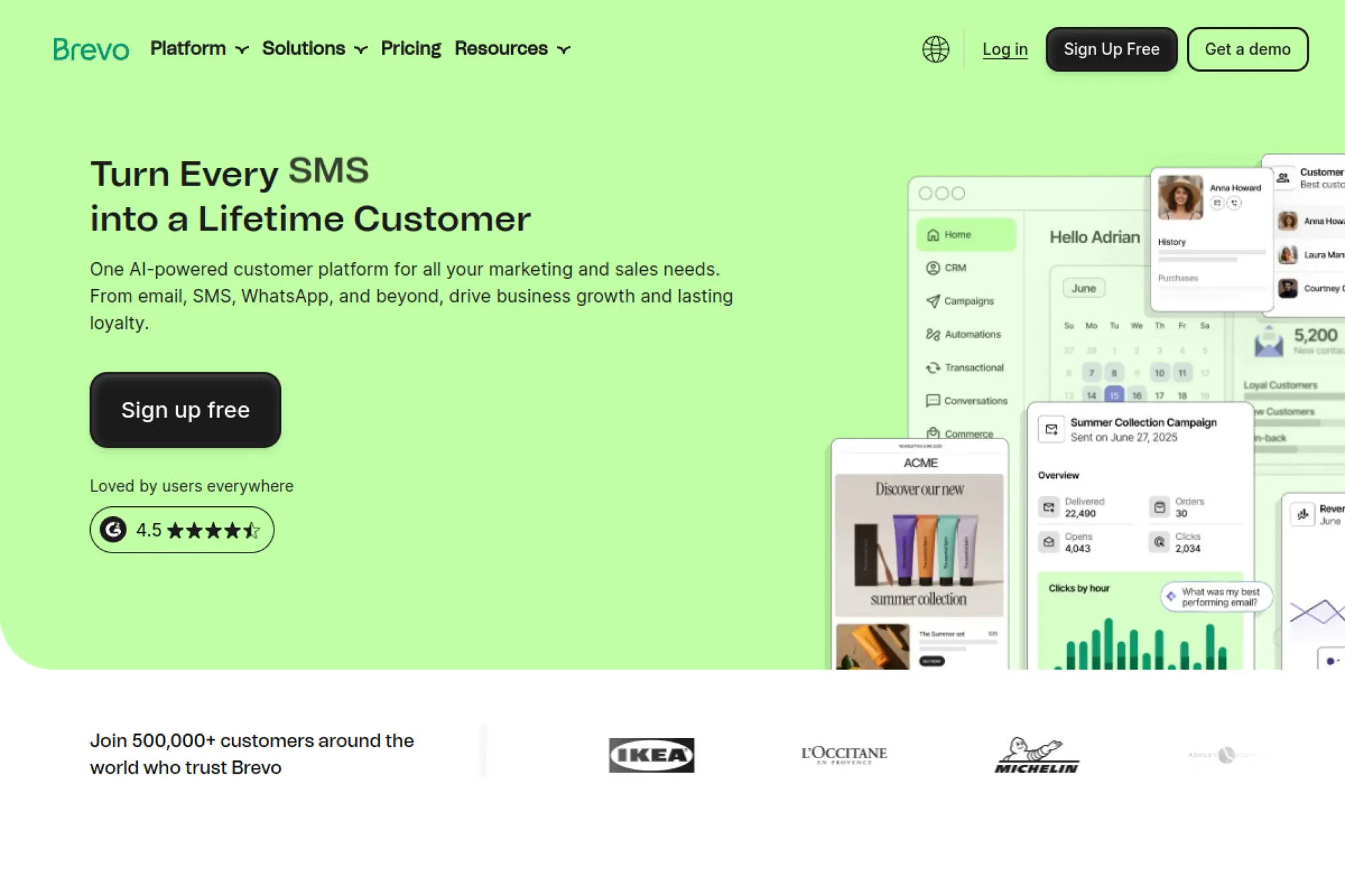
Brevo works well when you want one place to run campaigns, build automations, and also support basic transactional sending. It often feels budget-friendly because you can start with simple email sends and add features only when you need them. That helps small teams avoid paying for a huge “suite” before they have the process maturity to use it.
Best for
Small businesses that want marketing emails, simple CRM-style contact management, and basic automation without stitching together many tools.
Key workflows to configure
- Create a lead capture form and connect it to a welcome sequence.
- Build a sales follow-up automation based on link clicks.
- Set up list segmentation for customers versus prospects.
- Route website transactional emails through SMTP when needed.
Sales growth lever
Use behavioral segments to send fewer, more relevant campaigns. That improves response while keeping send volume—and cost—under control.
Watch outs
- Multi-channel features can distract a lean team from email basics.
- Shared sending reputation still depends on your list hygiene.
- You may need time to structure contacts and tags cleanly.
Quick start checklist
- Authenticate your sending domain before importing contacts.
- Import only permission-based subscribers.
- Create a core newsletter template with reusable blocks.
- Launch a short welcome sequence with clear value.
- Track clicks and build a “hot lead” segment from engagement.
2. MailerLite
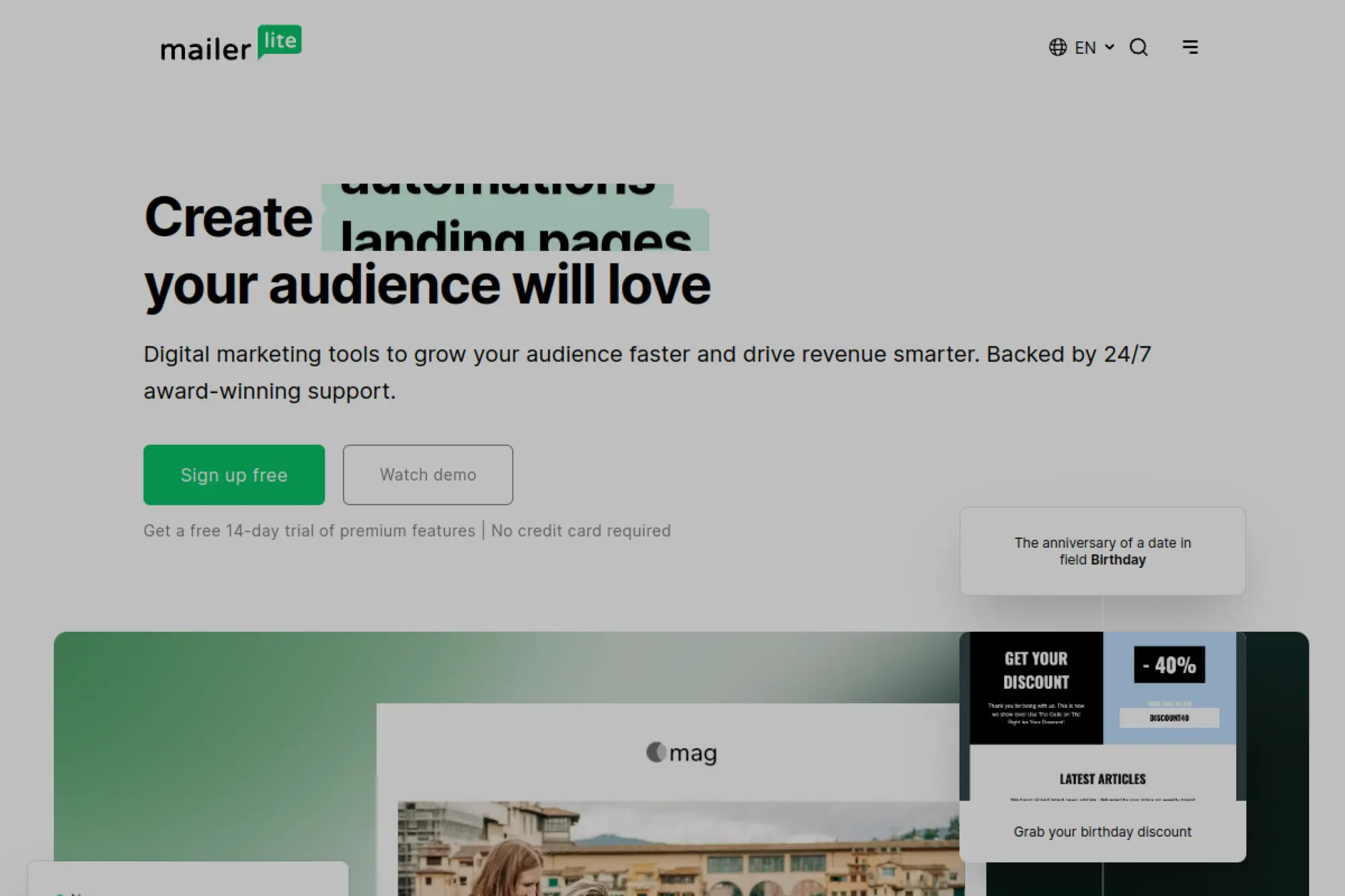
MailerLite focuses on keeping email marketing simple, which often translates into lower ongoing costs. You can build newsletters, landing pages, and automations without needing a separate website builder or a specialized designer. That matters when your budget constraint is time as much as cash.
Best for
Creators and small businesses that want a clean newsletter workflow, fast automations, and lightweight landing pages for lead capture.
Key workflows to configure
- Create a lead magnet landing page and connect it to an email sequence.
- Tag subscribers based on signup source and interest.
- Build a product launch sequence with timed follow-ups.
- Set up an engagement-based reactivation flow for cold readers.
Sales growth lever
Turn one strong lead magnet into a repeatable funnel: landing page → welcome emails → offer. You can refine copy and timing without retooling your stack.
Watch outs
- Account reviews can slow down launches if your list looks risky.
- If you need deep CRM features, you may outgrow it later.
- Over-automation can hurt deliverability if you never prune contacts.
Quick start checklist
- Set up a branded sending domain and authentication records.
- Build one newsletter template and one landing page template.
- Write a short welcome series that answers common buyer questions.
- Create segments based on clicks, not only demographics.
- Schedule a consistent newsletter cadence your team can sustain.
3. EmailOctopus
EmailOctopus is appealing when you want email marketing without extra channels, dashboards, and feature sprawl. It keeps the product focused on campaigns, basic automations, and list growth tools. That focus can help you stay on a smaller plan longer, because you are not paying for functionality your team never uses.
Best for
Newsletter-first businesses that value simplicity, predictable workflows, and a lower-cost approach to list management.
Key workflows to configure
- Build a signup form and connect it to a welcome email.
- Set up tags for key interests and acquisition channels.
- Create a simple nurture sequence for new leads.
- Schedule a recurring newsletter with consistent branding blocks.
Sales growth lever
Use lightweight segmentation to send fewer “blast” campaigns. When you email only the right slice of subscribers, you reduce unsubscribes and protect sender reputation.
Watch outs
- You may need other tools for landing pages, CRM, or ecommerce.
- Keep your automation logic simple to avoid messy tag sprawl.
- Reporting is easier when you define goals before you send.
Quick start checklist
- Authenticate your domain and set a consistent “from” name.
- Import a clean list with clear consent history.
- Create a core set of tags you can explain in one sentence each.
- Launch a welcome email that sets expectations and frequency.
- Review engagement monthly and remove or re-engage cold contacts.
4. Sender
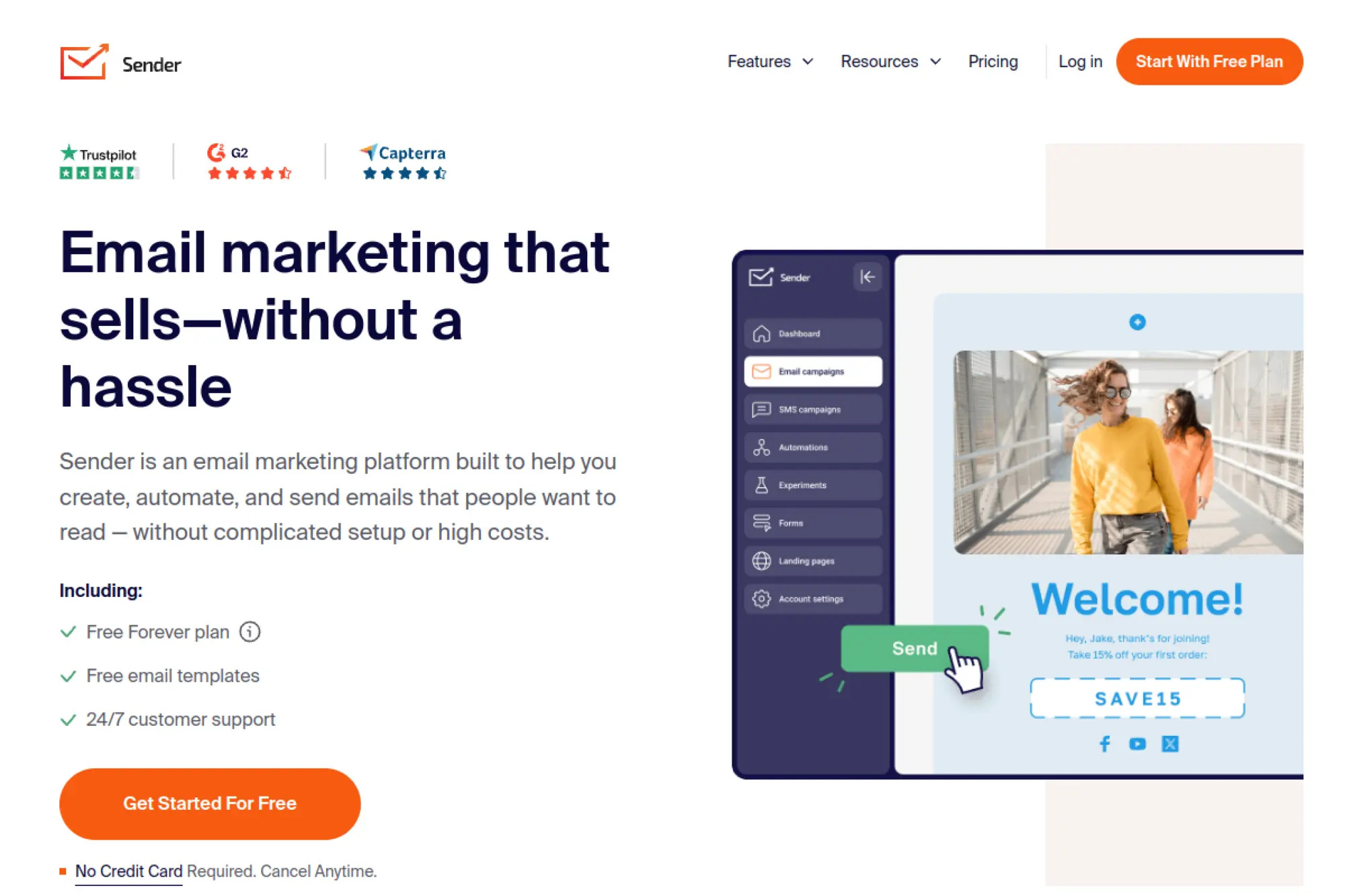
Sender positions itself as a budget-friendly email marketing platform that still supports modern workflows like automation, segmentation, and lead capture. It can be a solid choice if you want an all-in-one marketing dashboard without enterprise pricing pressure. For ecommerce, the value often comes from automations that run quietly after setup.
Best for
Small ecommerce brands and service businesses that want list growth tools plus automated follow-ups without complex configuration.
Key workflows to configure
- Create a popup or embedded form to capture leads on key pages.
- Build an onboarding sequence for new subscribers and new buyers.
- Segment by behavior, such as clicks on specific product categories.
- Set up a re-engagement series for subscribers who stop opening.
Sales growth lever
Automate your “second sale.” A post-purchase flow that offers care tips, complementary items, and review requests can lift repeat revenue without increasing ad spend.
Watch outs
- Automations only pay off when you keep product and list data clean.
- Aggressive list growth tactics can hurt deliverability over time.
- Always match your sending frequency to subscriber expectations.
Quick start checklist
- Verify your domain and set up authentication records.
- Create one branded template with reusable content blocks.
- Build a welcome automation with a clear offer or next step.
- Tag subscribers by source so you can measure what converts.
- Review bounces and unsubscribes after every major send.
5. Moosend
Moosend is a practical pick when you want automation depth without paying for a full CRM suite. It supports campaign building, segmentation, and workflow templates that help you move faster. Many teams choose it when they want “grown-up” automations but still need to keep software spend tight.
Best for
Teams that want stronger marketing automation for ecommerce, digital products, or content marketing, while keeping setup manageable.
Key workflows to configure
- Design a multi-step welcome series that introduces your product story.
- Create segments for high-intent clicks, such as pricing or demo pages.
- Set up cart or browse follow-ups if you run an online store.
- Build a “win-back” automation for inactive subscribers.
Sales growth lever
Use intent-based automation to send fewer campaigns with higher relevance. This approach can improve conversions while controlling your send volume and list costs.
Watch outs
- Automation gets messy if you do not define naming conventions early.
- Too many segments can confuse your team and blur reporting.
- Deliverability still depends on consent and list hygiene, not features.
Quick start checklist
- Map one core customer journey before building anything.
- Create tags and segments that reflect that journey.
- Build templates for newsletter and promotional sends.
- Launch one automation, measure, then expand slowly.
- Document your workflow logic so future teammates can maintain it.
6. Mailjet
Mailjet sits in a useful middle ground. It supports marketing emails and also offers API and SMTP options that developers can use for transactional messages. That combination can reduce tool sprawl when you need both “marketer-friendly” campaign creation and “developer-friendly” sending in one ecosystem.
Best for
Teams that need collaborative email design plus the flexibility to send both campaigns and product-triggered emails.
Key workflows to configure
- Build a shared template library your whole team can reuse.
- Set up approval workflows for branded changes to emails.
- Connect transactional sending through API or SMTP for product emails.
- Use webhooks to feed delivery events into your analytics stack.
Sales growth lever
Standardize your templates across marketing and product emails. Consistent branding improves recognition, and consistent structure reduces production time.
Watch outs
- Do not mix promotional and critical product emails in one stream.
- Clarify ownership between marketing and engineering early.
- Reporting works best when you define campaign goals in advance.
Quick start checklist
- Authenticate your domain and set a stable sending identity.
- Create a base template with locked brand components.
- Connect one integration, like your store or CRM.
- Send an internal test campaign and check rendering in inboxes.
- Launch a small segment campaign before scaling volume.
7. SendPulse
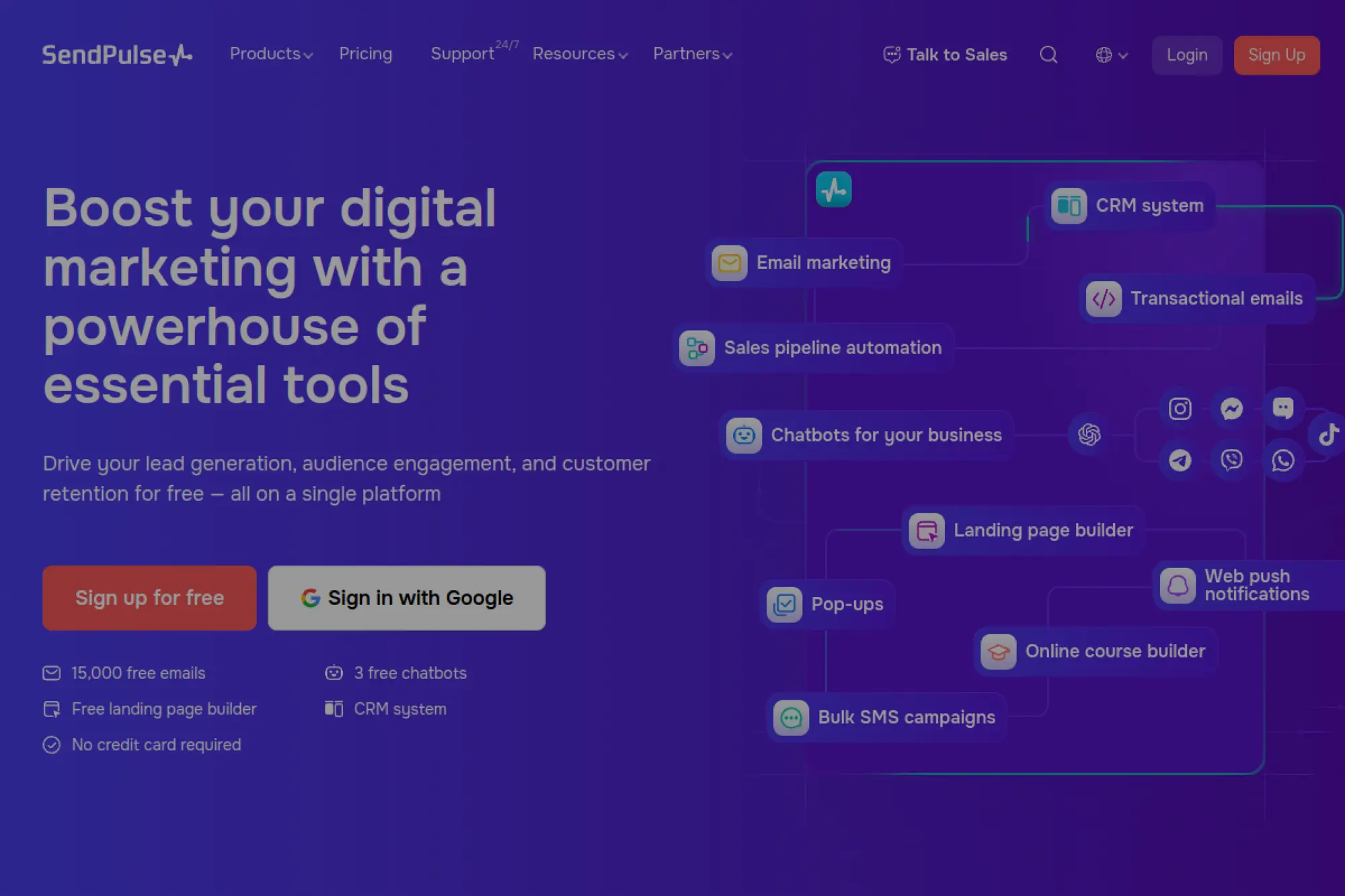
SendPulse is a budget-friendly option when you want more than email without jumping to a full enterprise marketing platform. It combines email campaigns with other engagement tools. That can help a small business centralize basic customer touchpoints while keeping spending predictable.
Best for
Teams that want a multi-tool approach for lead capture, email automation, and lightweight customer communication workflows.
Key workflows to configure
- Set up lead capture forms and route contacts into a welcome flow.
- Build a simple sales pipeline process for inbound leads.
- Create lifecycle emails for onboarding and post-purchase education.
- Use segmentation to avoid sending every message to everyone.
Sales growth lever
Coordinate outreach. When email, lead capture, and basic pipeline steps live in one place, you reduce lead leakage and speed up follow-up.
Watch outs
- More modules can mean more setup time if you lack focus.
- Decide which team owns which channel to avoid overlap.
- Keep your contact fields consistent across tools for clean reporting.
Quick start checklist
- Define your main goal: leads, sales follow-up, or retention.
- Set up authentication and a branded sending domain.
- Create one welcome automation and one re-engagement automation.
- Build a simple reporting dashboard tied to revenue actions.
- Review your segments monthly and merge duplicates.
8. Benchmark Email
Benchmark Email emphasizes speed and usability. That can make it feel “cheap” in the best way: your team spends less time fighting the tool and more time shipping campaigns. For many small teams, usability is the real budget driver because it reduces the need for specialists or consultants.
Best for
Busy marketers who need fast newsletter production, straightforward segmentation, and responsive human support.
Key workflows to configure
- Create a reusable newsletter template with consistent sections.
- Use tags to separate customers, leads, and partners.
- Build a welcome series that introduces your offer in stages.
- Create a simple event or webinar reminder sequence if relevant.
Sales growth lever
Ship more consistently. When a platform removes friction from designing and sending, you publish more campaigns and learn faster from audience response.
Watch outs
- If you want deep developer APIs, validate the feature fit early.
- Keep your tagging system simple or it becomes hard to maintain.
- Automations still require clear copy and a good offer to convert.
Quick start checklist
- Set up your sender domain and authenticate it.
- Create a brand kit: colors, logo, and signature block.
- Import contacts with clear consent and cleanup rules.
- Build a welcome sequence and a basic monthly newsletter cadence.
- Track clicks to identify leads ready for a sales conversation.
9. AWeber
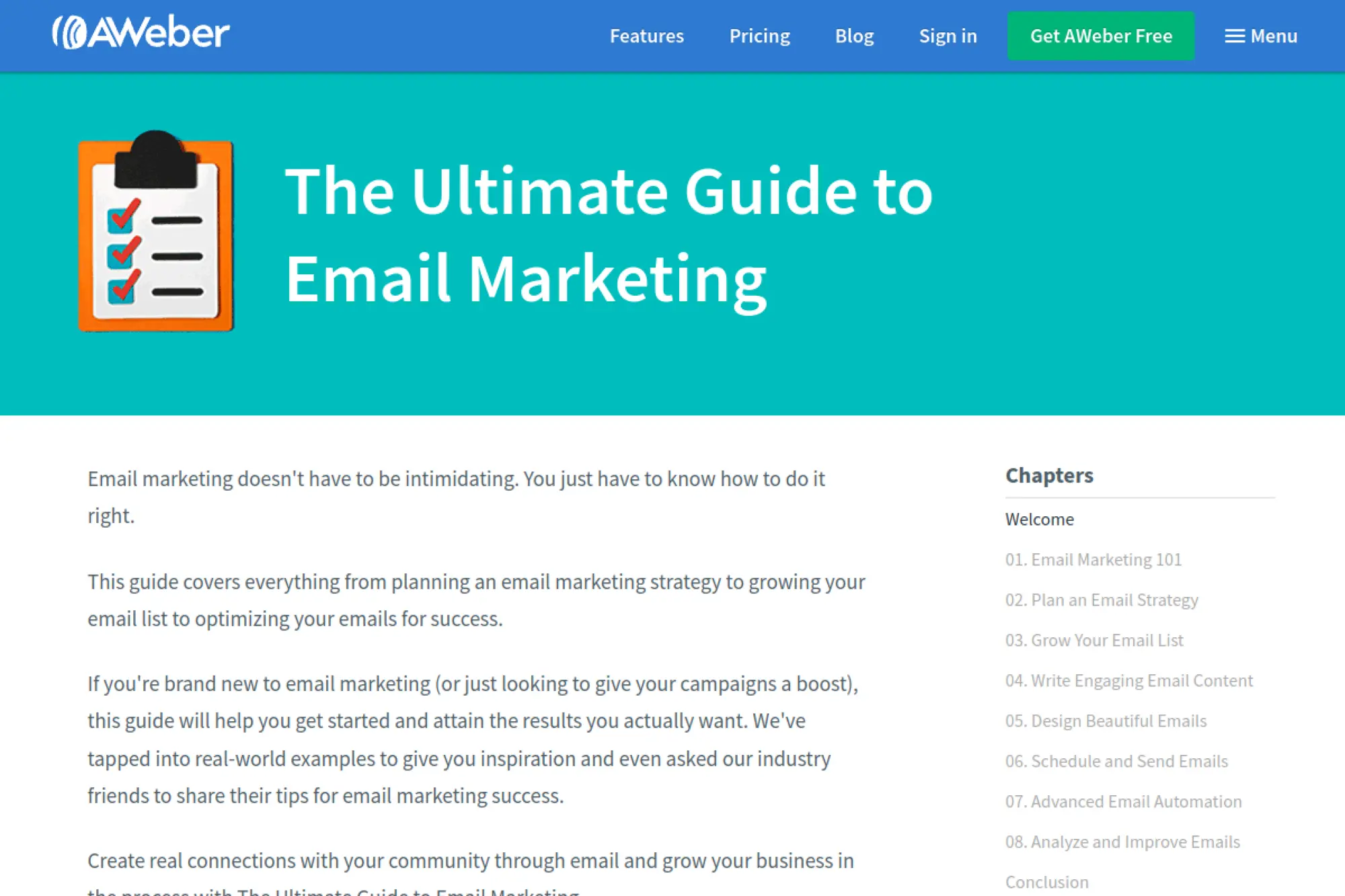
AWeber is a long-standing email marketing platform that many small businesses use for newsletters and automated follow-ups. It tends to work well when you want dependable basics: list management, simple automations, templates, and reporting. For budget-minded teams, the key advantage is a familiar workflow that does not require a steep learning curve.
Best for
Small businesses that want classic email marketing features with straightforward automations and reliable support resources.
Key workflows to configure
- Build a subscriber intake flow using forms and a welcome email.
- Create an autoresponder sequence for new leads.
- Tag subscribers based on interest to personalize future sends.
- Set up basic reporting routines for opens, clicks, and unsubscribes.
Sales growth lever
Use automated education emails to handle objections before a sales call. A short sequence can answer FAQs and drive readers to a booking or checkout page.
Watch outs
- Template design flexibility may feel limited if you want heavy branding.
- Advanced CRM workflows usually require integrations with other tools.
- Deliverability depends on list quality and consistent sending habits.
Quick start checklist
- Verify your sender domain and build a consistent “from” identity.
- Create one newsletter template and one automation email template.
- Write a welcome series that leads to one clear action.
- Segment your list by at least one meaningful interest area.
- Review performance after each send and refine subject lines.
10. Kit
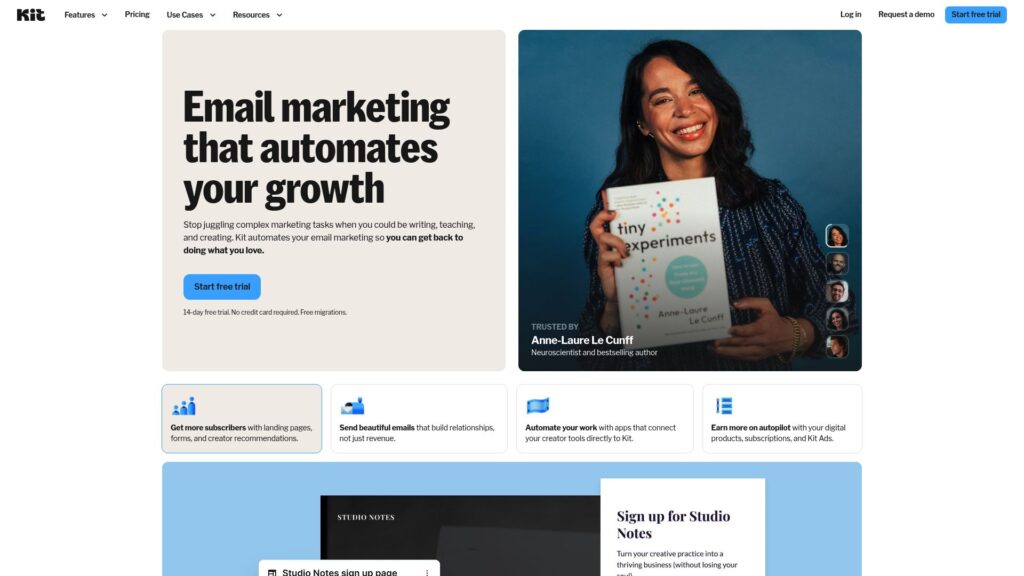
Kit (formerly ConvertKit) centers its product around creators and audience-driven businesses. It combines email marketing with creator-friendly automations and monetization features. That makes it a “cheap” option in a practical sense when it replaces multiple creator tools you would otherwise pay for separately.
Best for
Creators, coaches, and educators who build revenue through newsletters, digital products, and audience relationships.
Key workflows to configure
- Create a landing page to capture subscribers for a lead magnet.
- Tag subscribers by interests and content preferences.
- Build an automation that moves subscribers toward a paid offer.
- Set up post-purchase follow-ups to reduce refunds and churn.
Sales growth lever
Turn your newsletter into a product channel. Use segmentation and automation to promote the right offer to the right readers without blasting your whole list.
Watch outs
- It is creator-focused, so some business CRM workflows may feel limited.
- List growth can raise costs if you keep cold subscribers forever.
- Deliverability still depends on consent and consistent engagement.
Quick start checklist
- Connect your domain and complete email authentication.
- Create a minimal landing page and one lead magnet.
- Write a welcome series that builds trust before selling.
- Set up tags that map to your main content categories.
- Create a simple sales automation with one clear conversion goal.
11. Sendy
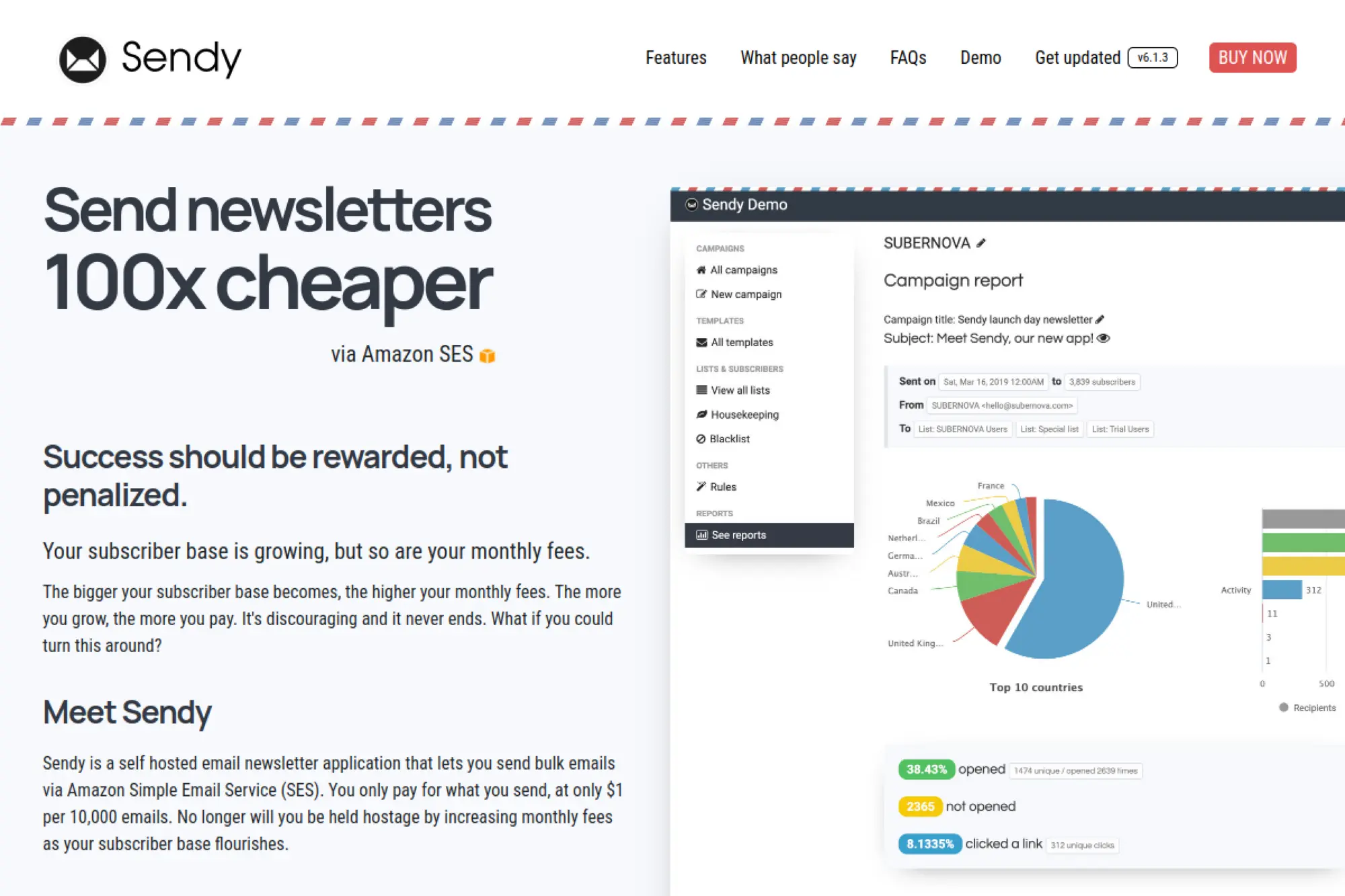
Sendy takes a different approach from most email platforms. It is a self-hosted newsletter application that you run on your own server, and it sends email through Amazon SES. This model can be extremely cost-effective for large lists because you avoid the “pay more as subscribers grow” style of pricing that many SaaS tools use.
Best for
Businesses with technical support who want ultra-low-cost newsletter sending and can manage hosting and maintenance.
Key workflows to configure
- Install Sendy on a secured server and connect it to Amazon SES.
- Set up lists, segments, and basic autoresponders for new subscribers.
- Configure bounce and complaint handling through SES feedback events.
- Create a reusable newsletter template to speed up publishing.
Sales growth lever
Use the savings to increase publishing consistency. A steady newsletter cadence builds trust, drives repeat visits, and supports product launches without extra ad spend.
Watch outs
- You own security and updates, so treat it like real infrastructure.
- Setup requires DNS work and careful deliverability practices.
- Compliance and unsubscribe handling remain your responsibility.
Quick start checklist
- Confirm you have a safe hosting plan and backup strategy.
- Warm up sending gradually with your most engaged subscribers first.
- Build an unsubscribe-first template that makes opting out easy.
- Document your list sources to prove consent if needed.
- Monitor bounces and complaints after every major campaign.
Transactional email and API-first sending (product emails, receipts, alerts)
12. Amazon Simple Email Service (SES)
Amazon SES is a common “cheap by design” option because it charges based on usage rather than feature tiers. It supports high-volume sending through an API or SMTP, which makes it a strong fit for transactional email and for teams that want full control. Many businesses pair SES with a marketing tool so they keep critical product emails separate.
Best for
Developer-led teams that want low-cost transactional email sending with infrastructure-level control.
Key workflows to configure
- Verify your domain and set up authentication records.
- Connect your application through SMTP or API sending.
- Implement bounce and complaint processing to protect reputation.
- Create templated emails for receipts, password resets, and alerts.
Sales growth lever
Send more lifecycle emails without fear of “subscriber-based” pricing creep. Product education, onboarding, and renewal reminders can drive retention and repeat purchases.
Watch outs
- The setup feels technical compared with marketer-first tools.
- Template management and analytics may require extra services.
- Your reputation depends on your sending practices, not AWS alone.
Quick start checklist
- Start with one transactional stream and perfect it first.
- Implement suppression rules so you do not email hard bounces again.
- Add monitoring so the team sees deliverability issues quickly.
- Keep branding consistent across all transactional templates.
- Document how engineering can update templates safely.
13. Zoho ZeptoMail
ZeptoMail focuses specifically on transactional emails. That single-purpose approach can keep costs down and protect deliverability for critical messages like login links, receipts, and invoices. It also reduces the temptation to “blast newsletters from the same channel” and accidentally damage the reputation of your most important emails.
Best for
Businesses that need reliable transactional email delivery without paying for a full marketing automation suite.
Key workflows to configure
- Connect your app via SMTP or API and send a test email flow.
- Separate email types into logical streams for reporting clarity.
- Enable delivery event tracking for troubleshooting and support.
- Set up suppression rules to protect sender reputation.
Sales growth lever
Improve the “moment of truth” emails. When password resets, confirmations, and receipts arrive quickly and reliably, customers trust your business more and complete more transactions.
Watch outs
- It is transactional-first, so you still need a marketing tool for newsletters.
- Authentication and DNS setup still require careful attention.
- Do not use transactional channels for heavy promotions.
Quick start checklist
- List your transactional email types and prioritize the most critical.
- Build templates for each type with clear branding and tone.
- Implement logging so support can trace “missing email” cases.
- Set a clear “reply-to” policy for customer responses.
- Review bounce and complaint signals weekly.
14. Mailgun
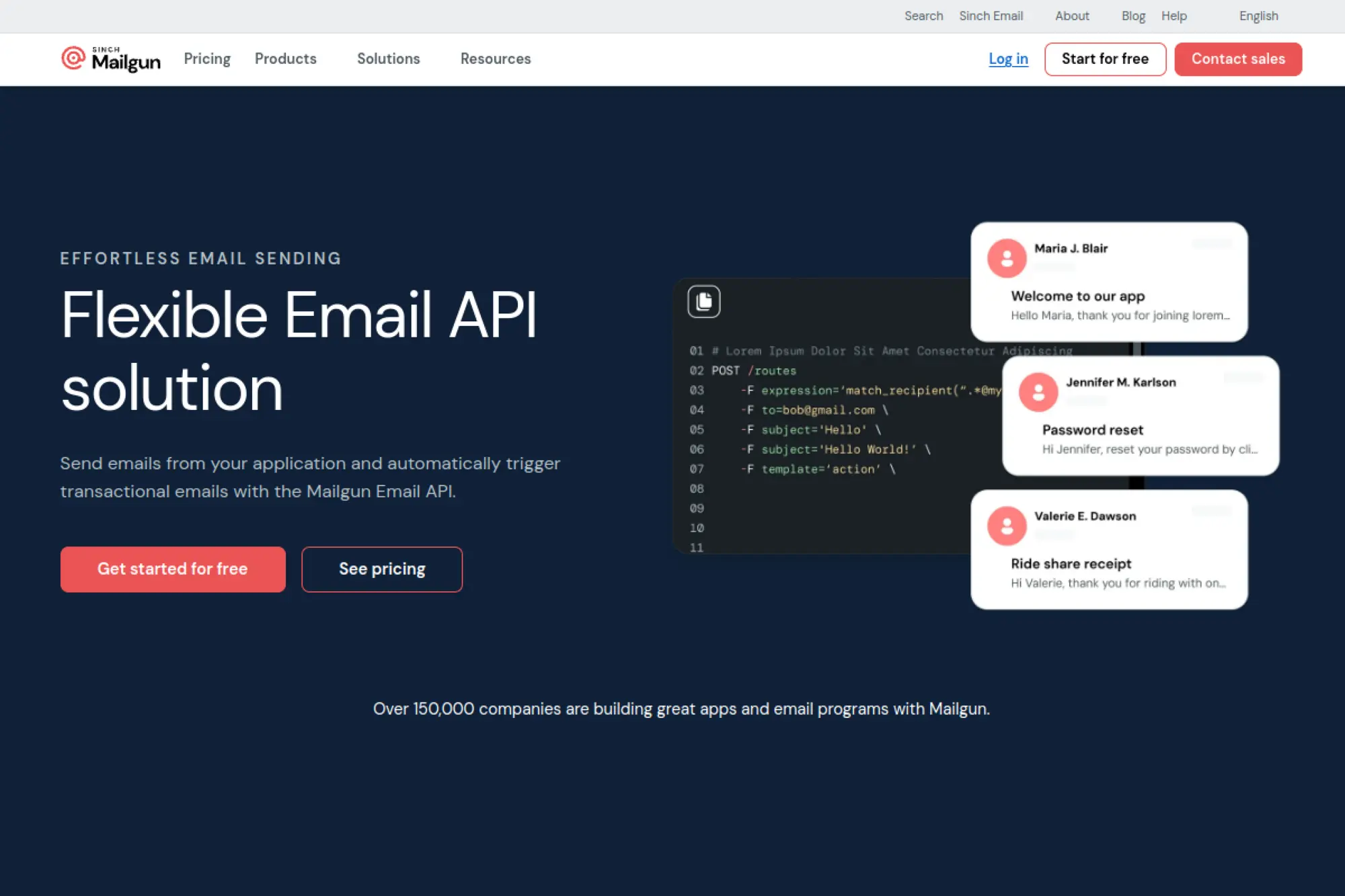
Mailgun is an email API platform designed for developers who need reliable sending, event tracking, and deliverability tooling. It often appeals to budget-conscious teams because it can replace a patchwork of smaller services (sending, tracking, validation) and put them under one roof. You get more control, but you also need clearer ownership between engineering and marketing.
Best for
Product and engineering teams that want an API-first platform for transactional emails with strong monitoring capabilities.
Key workflows to configure
- Authenticate your domain and verify your sending identities.
- Integrate the sending API for core product emails.
- Set up event webhooks for delivered, bounced, and complaint signals.
- Create suppression rules that prevent repeat sending to bad addresses.
Sales growth lever
Reduce churn and support load by making product emails dependable. A stable reset link or invoice email often saves a customer relationship.
Watch outs
- It is developer-centric, so marketers may need a separate ESP for newsletters.
- Strong deliverability still requires good list and signup discipline.
- Template ownership can become messy without clear processes.
Quick start checklist
- Pick one domain and one sending use case to start.
- Implement email event tracking in your internal analytics.
- Create a consistent template system for product notifications.
- Set up alerting for sudden bounce spikes.
- Document DNS and authentication so it survives team changes.
15. Twilio SendGrid
Twilio SendGrid is widely used for both transactional email APIs and marketing campaigns. It can be cost-effective when you need one provider for multiple sending styles, especially if you want a strong developer experience plus marketer-accessible templates. Many teams adopt it first for transactional sends, then expand into marketing as they mature.
Best for
Businesses that need a scalable email API for product email, plus optional marketing campaign tools in the same ecosystem.
Key workflows to configure
- Set up authenticated sending domains for strong inbox placement.
- Build dynamic templates for receipts, alerts, and onboarding emails.
- Connect event data to your data warehouse or analytics tool.
- Separate transactional from promotional sends to protect critical delivery.
Sales growth lever
Standardize the email experience across the customer lifecycle. Better transactional email reliability and clearer templates can reduce drop-off at key conversion moments.
Watch outs
- Complex platforms require clear roles so teams do not step on each other.
- Shared reputation means you must keep list practices clean.
- Marketing campaigns may still require careful segmentation to avoid fatigue.
Quick start checklist
- Start with transactional templates that customers depend on.
- Implement a suppression strategy for bounces and complaints.
- Review deliverability metrics before scaling volume.
- Create a template approval workflow between marketing and engineering.
- Define success metrics for each email type before launch.
16. Postmark
Postmark is known for focusing on email delivery that product teams depend on. It supports API and SMTP sending, and it puts a strong emphasis on keeping different kinds of email traffic separated. That separation can be a cost saver because it lowers the risk that a promotional blast damages the deliverability of password resets or receipts.
Best for
SaaS and app teams that prioritize transactional email reliability and want clean operational controls.
Key workflows to configure
- Set up separate message streams for transactional and promotional messages.
- Build templates for account emails like verification and password reset.
- Enable event tracking to monitor bounces and complaints.
- Configure inbound email parsing if you need replies routed to your app.
Sales growth lever
Protect the customer journey. When critical emails arrive quickly and consistently, customers complete onboarding and billing steps without friction.
Watch outs
- It is not a full-featured marketing automation platform.
- You still need strong signup controls and consent management.
- Template changes need version control if multiple teams edit them.
Quick start checklist
- List your transactional email types and rank them by risk.
- Implement streams and map each email type to the right stream.
- Create a standard layout for all product emails.
- Turn on event webhooks and route them into monitoring.
- Run a staged rollout and watch bounce patterns closely.
17. SMTP2GO
SMTP2GO is a practical “cheap” choice when you need a dependable SMTP relay without building a full email infrastructure. Many businesses use it to route website and application emails more reliably than basic web hosting email. It also works well for teams that want clear reporting without needing a developer-heavy setup.
Best for
Businesses that need dependable outbound delivery for website emails, apps, invoices, and alerts without a complex API integration.
Key workflows to configure
- Replace your web host’s default sending with an SMTP relay connection.
- Verify your sending domain and set up authentication records.
- Configure bounce and complaint reporting so you can react quickly.
- Route different apps through separate credentials to isolate issues.
Sales growth lever
Make sure quotes, invoices, and appointment confirmations reach customers. When these emails land reliably, you reduce “I never got it” friction and close deals faster.
Watch outs
- It is not a newsletter platform, so you may need a separate ESP for marketing.
- Deliverability still depends on clean sending practices.
- Multiple sending sources require consistent domain alignment.
Quick start checklist
- Inventory every system that sends email from your domain.
- Switch one system at a time to avoid confusing deliverability signals.
- Set up a consistent “from” identity across tools.
- Enable tracking so support can trace failures quickly.
- Review logs after major sends and address bounces immediately.
18. Elastic Email
Elastic Email combines email marketing and API sending in one platform. That can be a budget win when you want one provider for newsletters, automations, and transactional messages. The key is to set clear sending boundaries so marketing traffic does not interfere with critical product email delivery.
Best for
Teams that want both marketing emails and transactional sending without maintaining separate vendors for each function.
Key workflows to configure
- Create marketing lists and segments based on engagement and interest.
- Set up transactional sending via SMTP or API for product emails.
- Build reusable templates for both marketing and transactional messages.
- Implement suppressions to protect reputation and reduce waste.
Sales growth lever
Use one platform to run lifecycle programs: onboarding sequences, product education, and renewal reminders. This keeps customer communication consistent and reduces tool-switching.
Watch outs
- Combining marketing and transactional requires discipline and separation.
- Shared sending reputation means list hygiene matters every day.
- Complex automations need documentation so they stay maintainable.
Quick start checklist
- Decide which email types you will send and how you will separate them.
- Authenticate your domain and validate sending identities.
- Create a template library with strict brand components.
- Launch a small welcome sequence and monitor engagement signals.
- Build reporting routines that tie email actions to revenue outcomes.
19. Resend
Resend targets developers who want a modern email sending experience. It focuses on fast integration, clean APIs, and tooling that helps teams ship transactional and marketing emails without building a mail system from scratch. This can be cost-effective when it reduces engineering time and cuts the “email is brittle” support burden.
Best for
Modern product teams that need fast transactional email integration and want a developer-friendly workflow for templates and events.
Key workflows to configure
- Set up a sending domain with correct authentication records.
- Create a small set of templates for onboarding and billing events.
- Connect webhooks so your product tracks delivery and bounces.
- Build a suppression strategy for repeated bounces and complaints.
Sales growth lever
Ship better onboarding emails faster. Clear welcome and activation messaging reduces friction and helps new users reach their “aha” moment sooner.
Watch outs
- It is not a full CRM, so sales workflows may need other tools.
- Newer platforms require extra diligence on process and monitoring.
- Email design still needs testing across major inbox clients.
Quick start checklist
- Start with your top three transactional emails and perfect them.
- Test templates in real inboxes before a production rollout.
- Set up alerts for bounce spikes or delivery drops.
- Document ownership: who edits templates and who deploys changes.
- Review deliverability signals weekly and prune risky recipients.
20. MailerSend
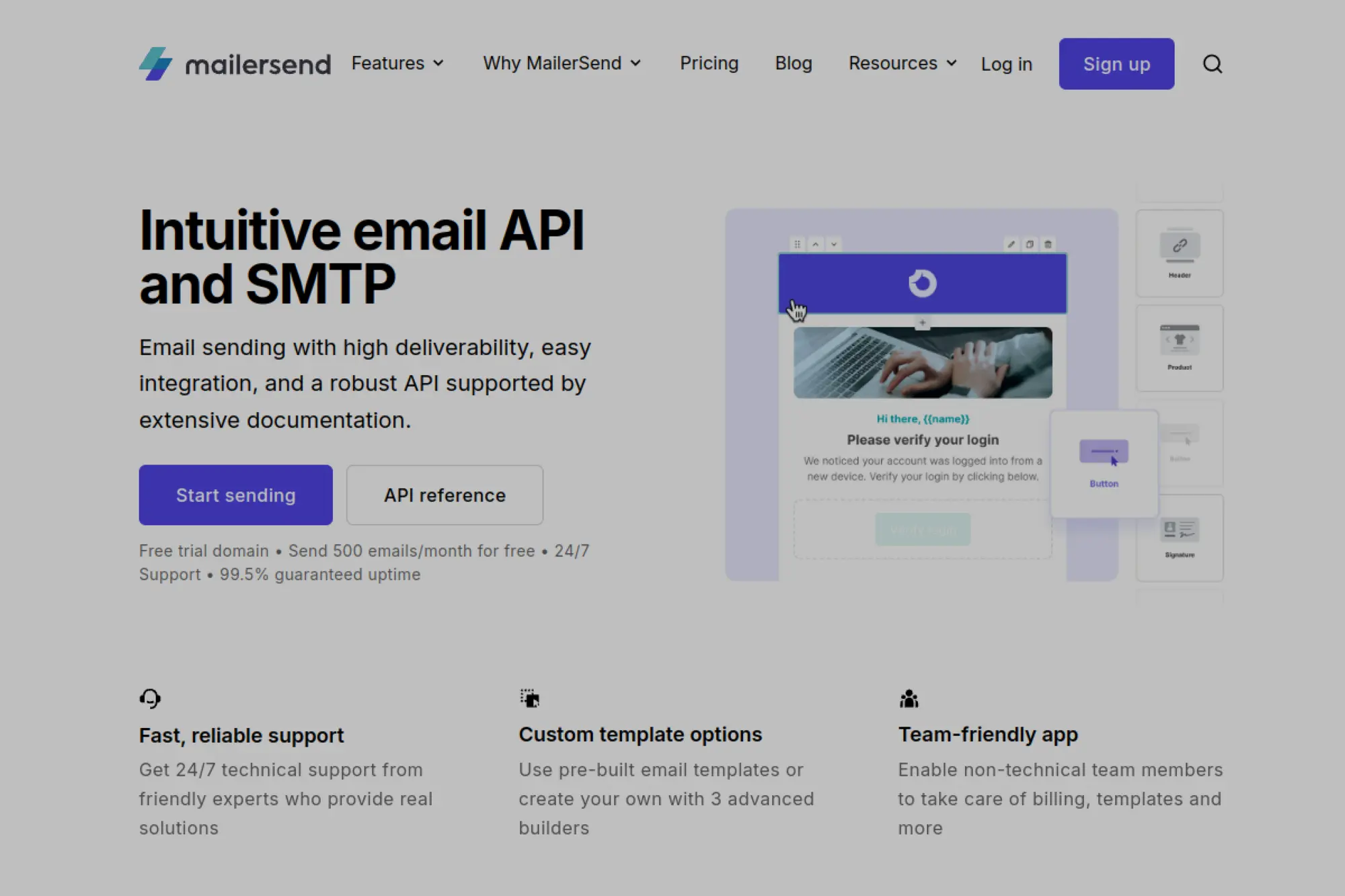
MailerSend provides email API and SMTP sending with tools that both developers and non-technical teammates can use. That hybrid approach can reduce costs because engineering can set up infrastructure once, then marketing or operations can manage templates and content without recurring developer time.
Best for
Small and mid-sized teams that need transactional email sending with collaborative template management.
Key workflows to configure
- Authenticate your domain and validate sender identities.
- Connect your app through SMTP or API for key transactional events.
- Build templates for invoices, password resets, and onboarding sequences.
- Set up inbound routing if you need to process replies programmatically.
Sales growth lever
Move template control closer to the business. Faster iteration on transactional email copy can reduce drop-offs in billing, onboarding, and renewals.
Watch outs
- Do not treat it like a full email marketing platform if you need deep segmentation.
- Template permissions matter; define who can edit production emails.
- You still need monitoring for bounces and complaint trends.
Quick start checklist
- Define your transactional events and map them to templates.
- Implement event logging so support can debug delivery issues.
- Create a consistent “voice and tone” guide for transactional emails.
- Test password reset and invoice emails across major inboxes.
- Review suppression and bounce handling before scaling volume.
21. Mailtrap
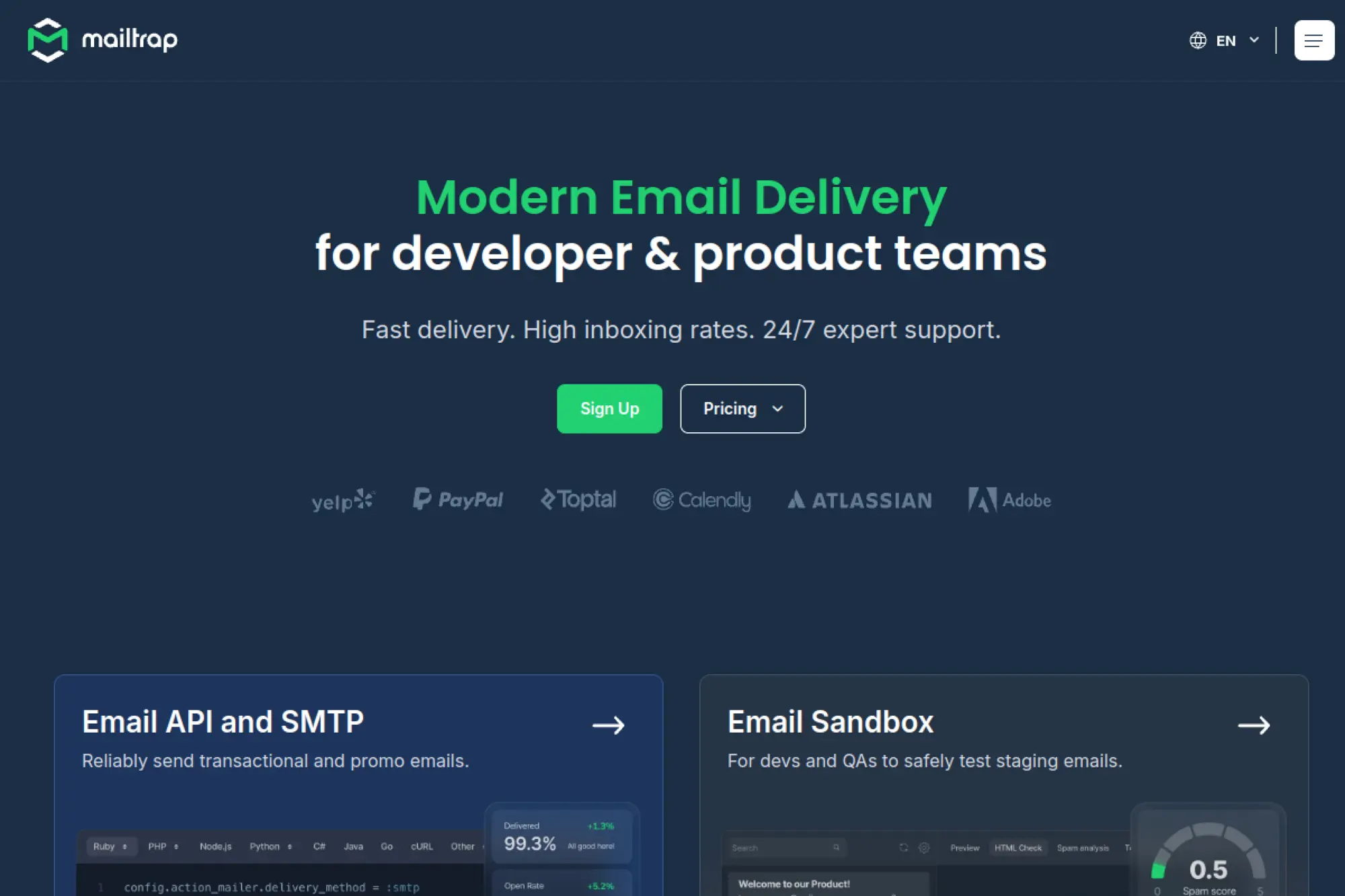
Mailtrap is best known for email testing, but it also offers email sending for production workflows. That makes it a cost saver for teams that struggle with broken emails in staging and production. When you catch template bugs early, you avoid support tickets and lost conversions caused by failed onboarding messages.
Best for
Developer and product teams that need a safe email testing environment and want a clean path from staging to production sending.
Key workflows to configure
- Route staging emails into a sandbox inbox for safe testing.
- Validate templates for HTML issues and spam signals before shipping.
- Move production sending to a dedicated sending setup when ready.
- Track delivery events so you can troubleshoot quickly.
Sales growth lever
Reduce onboarding friction. When welcome emails, verification links, and receipts work perfectly, new users activate faster and churn less.
Watch outs
- Keep environment separation strict so test emails never reach real users.
- Marketing newsletters may still require a dedicated ESP with segmentation.
- Testing does not replace deliverability best practices in production.
Quick start checklist
- Connect your staging environment to the sandbox immediately.
- Create automated tests for critical transactional email flows.
- Standardize templates so you do not rebuild emails repeatedly.
- Set a release process for template updates.
- Monitor production deliverability and compare it with staging tests.
Business mailbox hosting (professional inboxes at your domain)
22. Zoho Mail
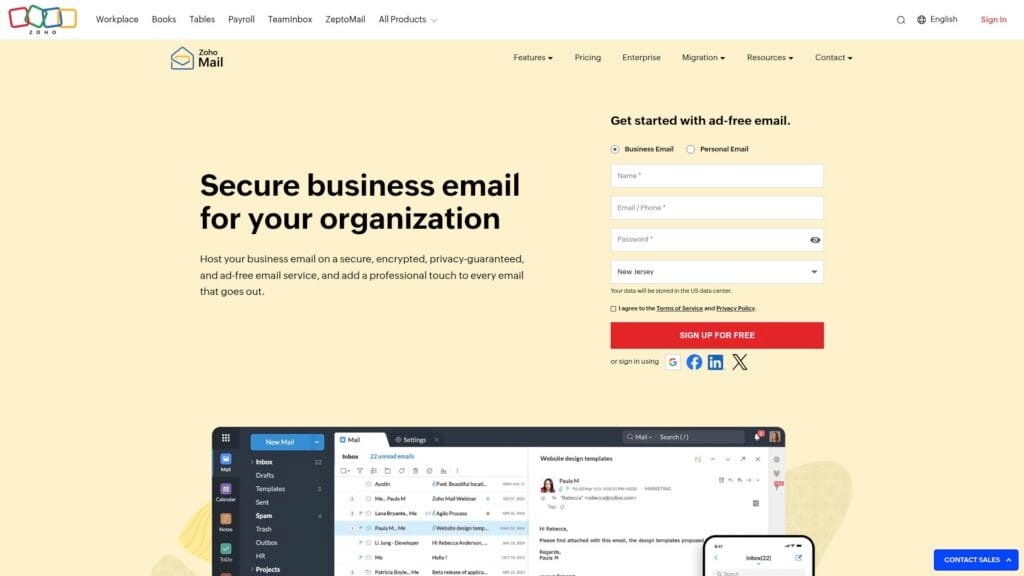
Zoho Mail is a strong option for budget-minded businesses that need professional mailboxes under their own domain. It emphasizes admin control and business email features that support teams. If you already use Zoho apps, Zoho Mail can reduce stack costs by keeping communication and operations in one ecosystem.
Best for
Small businesses that want affordable business inboxes, admin controls, and easy migration from another provider.
Key workflows to configure
- Set up your domain and verify DNS records for mail delivery.
- Create user mailboxes, group aliases, and shared team addresses.
- Configure retention and policy controls if your industry needs it.
- Connect mailboxes to your CRM workflows if you use Zoho sales tools.
Sales growth lever
Use shared inboxes for inbound leads. When multiple teammates can collaborate on sales@ or support@ workflows, you respond faster and close more deals.
Watch outs
- Teams used to Gmail or Outlook may need brief onboarding.
- Migrations go smoother when you plan folders and aliases first.
- Security settings require ownership; do not ignore admin defaults.
Quick start checklist
- Create a mailbox naming convention before provisioning users.
- Set up shared addresses for sales, billing, and support.
- Enable spam protections and review quarantine policies.
- Import mail and calendars in a staged rollout by department.
- Train the team on search, filters, and shared mailbox etiquette.
23. Google Workspace
Google Workspace is not always the absolute cheapest on paper, but it can be cost-effective when it replaces multiple tools. You get business email that runs on Gmail plus shared docs, file storage, and meetings. For many small businesses, that bundle reduces the need for separate collaboration products, which is where the real savings show up.
Best for
Teams that want a familiar Gmail-based inbox with strong collaboration, simple sharing, and broad integration support.
Key workflows to configure
- Set up your domain, users, and group email addresses.
- Configure routing rules for shared inboxes like sales@ and support@.
- Build shared drives or shared folders for proposals and contracts.
- Set up security controls, including login protection policies.
Sales growth lever
Speed up proposals. When your team collaborates in shared documents and sends proposals from a branded inbox, you reduce delays and keep deals moving.
Watch outs
- Per-user licensing can add up if you create accounts for every role.
- Admin settings matter; do not rely on defaults for security.
- Migration planning is critical for preserving folders and calendars.
Quick start checklist
- Plan your user structure and shared addresses first.
- Set up domain authentication and mailbox protection settings.
- Migrate a pilot team before migrating everyone.
- Create shared templates for proposals and sales follow-ups.
- Document simple rules for labels, folders, and inbox ownership.
24. Microsoft 365
Microsoft’s business suite often becomes the most economical route when your team already lives in Outlook, Word, Excel, and Teams. Email runs on Exchange, and the suite bundles collaboration and security tools. That combination can lower total costs because you avoid buying separate meeting and document tooling.
Best for
Businesses that want Exchange-based email, strong admin controls, and tight integration with Microsoft productivity apps.
Key workflows to configure
- Connect your domain and set up Exchange mail routing correctly.
- Create shared mailboxes for billing, support, and sales functions.
- Configure anti-phishing protections and safe-sender policies.
- Set up calendaring norms for sales calls and customer meetings.
Sales growth lever
Reduce response time. Shared mailboxes and consistent calendaring make it easier to handle inbound leads and schedule follow-ups without handoffs breaking down.
Watch outs
- Licensing options can feel confusing; pick based on real workflow needs.
- Admin setup takes effort; plan time for security policies and training.
- Migrations require care if you want to preserve rules and archives.
Quick start checklist
- Define mailbox structure: individuals, shared inboxes, and aliases.
- Set up authentication, spam protections, and access controls.
- Run a pilot migration and validate mail flow end-to-end.
- Create standard email signatures for sales and support teams.
- Train the team on shared mailbox ownership and escalation rules.
25. Proton Mail for Business
Proton Mail for Business is a strong fit when privacy and secure communication matter to your brand. It offers encrypted email and calendar features, and it supports custom domains so you can look professional while keeping control over sensitive information. For some businesses, that privacy positioning becomes a differentiator that helps close deals.
Best for
Professional services, privacy-focused brands, and teams that handle sensitive client communication and want a secure mailbox platform.
Key workflows to configure
- Connect your custom domain and configure mail routing.
- Set up user accounts, groups, and shared addresses for teams.
- Define internal rules for encryption, forwarding, and external sharing.
- Import existing mailboxes with a staged migration plan.
Sales growth lever
Use privacy as a trust signal. A secure email posture can reassure clients during negotiations, especially when contracts and personal data move through email.
Watch outs
- Some workflows rely on third-party integrations that may not match Gmail ecosystems.
- External recipients may not use encrypted features unless you guide them.
- Migration takes planning if you have complex folders and aliases.
Quick start checklist
- Decide which teams need encrypted workflows versus standard mail.
- Set up domain authentication and verify deliverability basics.
- Create shared addresses for client onboarding and support requests.
- Train the team on secure sharing and phishing awareness habits.
- Run a pilot group migration before switching everyone.
26. Fastmail
Fastmail offers fast, privacy-friendly email hosting with calendars and contacts. It works well for businesses that want reliable custom-domain email without paying for a heavyweight productivity suite. Its value comes from speed, search, and organization features that reduce inbox chaos and help teams respond faster.
Best for
Small businesses that want custom-domain email hosting with strong organization tools and a privacy-first approach.
Key workflows to configure
- Connect your domain and set up mail routing and authentication.
- Create aliases and role-based addresses like info@ and support@.
- Build filters and rules to route inbound leads automatically.
- Set up shared calendars for bookings and availability visibility.
Sales growth lever
Respond faster with less noise. Strong filtering and search help sales and support teams find context quickly, which improves customer experience and closes deals sooner.
Watch outs
- It is not a full office suite, so you may still need document tools.
- Shared inbox workflows require good team norms and ownership.
- Migrations go best when you clean up folders first.
Quick start checklist
- Set up your domain and test inbound and outbound mail flow.
- Create a role-address strategy for sales and support.
- Implement filters for invoices, leads, and urgent client emails.
- Enable phishing protections and teach basic verification habits.
- Review mailbox usage quarterly and remove unused aliases.
27. Migadu
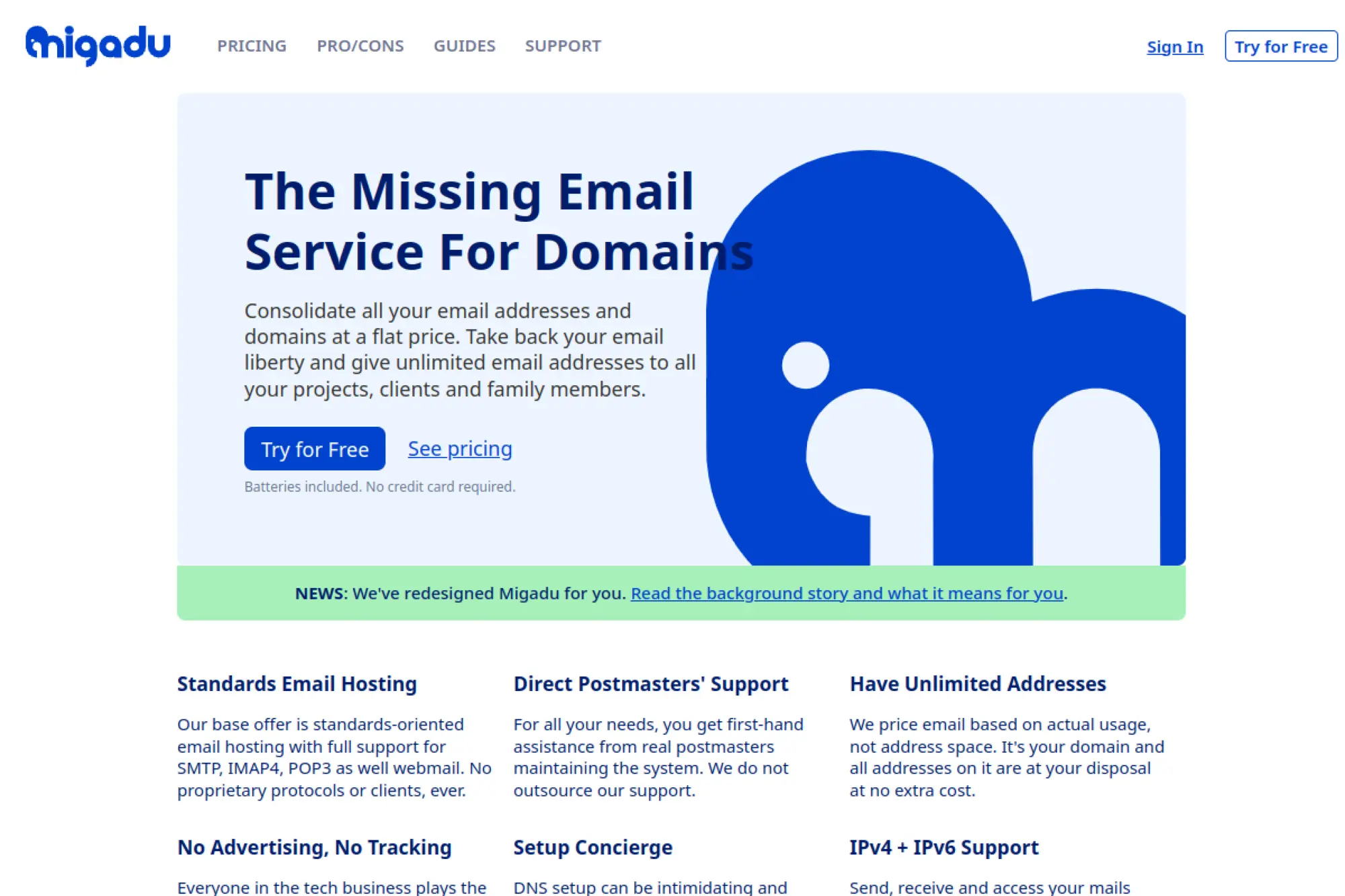
Migadu stands out because it focuses on domains and usage rather than charging per mailbox like many providers. That can make it especially cost-effective for agencies, founders with multiple projects, or teams that need many aliases. It also relies on open email standards, which reduces lock-in and simplifies migration later.
Best for
Agencies and multi-brand businesses that want flexible custom-domain hosting without paying per address or per alias.
Key workflows to configure
- Add your domains and configure DNS for mail delivery and authentication.
- Set up routing rules so aliases deliver to the right mailboxes.
- Create role accounts like billing@ and support@ with clear owners.
- Use filtering rules to keep shared inboxes clean.
Sales growth lever
Scale professional communication across brands and client domains. You can spin up new addresses quickly for campaigns, partnerships, and product lines without extra per-seat costs.
Watch outs
- DNS setup matters; plan time for configuration and validation.
- Teams used to big suites may miss integrated document workflows.
- Shared mailboxes still need clear response ownership.
Quick start checklist
- Start with one domain and validate mail flow end-to-end.
- Define a consistent alias pattern across brands and teams.
- Set up catch-all behavior only if you truly need it.
- Document admin access and avoid shared passwords.
- Review usage trends and prune unused addresses regularly.
28. mailbox

mailbox offers a “digital workspace” approach that includes email plus productivity features, with a strong focus on privacy and European data protection. It can be a budget-friendly alternative to the biggest productivity suites when you want an integrated environment but do not want to commit to the heaviest enterprise stacks.
Best for
Organizations that value privacy-forward business email hosting and want an integrated workspace with collaboration tools.
Key workflows to configure
- Connect your domain and set up team mailboxes and aliases.
- Create shared calendars and meeting workflows for client scheduling.
- Set up shared folders and access permissions for collaboration.
- Define policies for secure sending, forwarding, and archiving.
Sales growth lever
Position privacy and sovereignty as part of your brand promise. For clients who care about data control, your email platform can support trust and reduce procurement friction.
Watch outs
- Some teams need time to adjust if they come from Gmail or Outlook.
- Integrations may not match the biggest ecosystems in breadth.
- Shared collaboration requires clear permissions and admin discipline.
Quick start checklist
- Run a pilot with a small team and validate daily workflows.
- Set up shared inboxes and define ownership rules.
- Implement strong authentication and anti-phishing practices.
- Create standard templates for sales outreach and support responses.
- Document how to request access and manage shared folders safely.
29. Namecheap Business Email
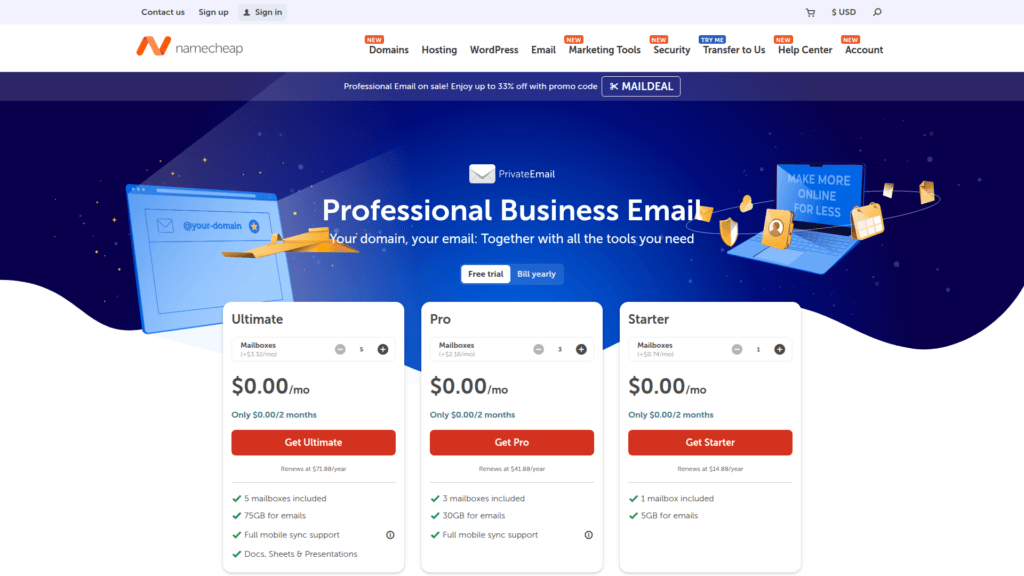
Namecheap’s business email is often the cheapest-feeling choice when you already manage domains and DNS there. Keeping domain registration and mailbox hosting under one vendor reduces administrative overhead. For very small businesses, that simplicity can matter as much as the monthly fee, because you avoid multi-vendor troubleshooting.
Best for
Solo operators and small teams who want branded email addresses tied closely to domain management and simple webmail access.
Key workflows to configure
- Create mailboxes for each team member and key role addresses.
- Configure IMAP access so users can keep their preferred email clients.
- Set up aliases for departments like billing, support, and sales.
- Enable spam filtering and review quarantine habits with the team.
Sales growth lever
Professional-looking email improves trust. A branded inbox makes your business look established, which can lift reply rates for outreach and proposals.
Watch outs
- Deliverability varies across hosts; monitor sending reputation carefully.
- Shared inbox processes can break down without clear ownership rules.
- If you scale fast, you may want a dedicated productivity suite later.
Quick start checklist
- Create role accounts and decide who owns each one.
- Set consistent signatures and “from” names across the company.
- Configure forwarding rules carefully to avoid loops.
- Train staff to report phishing and suspicious invoices quickly.
- Review bounces for outbound invoices and quotes and troubleshoot fast.
30. IONOS Email Hosting
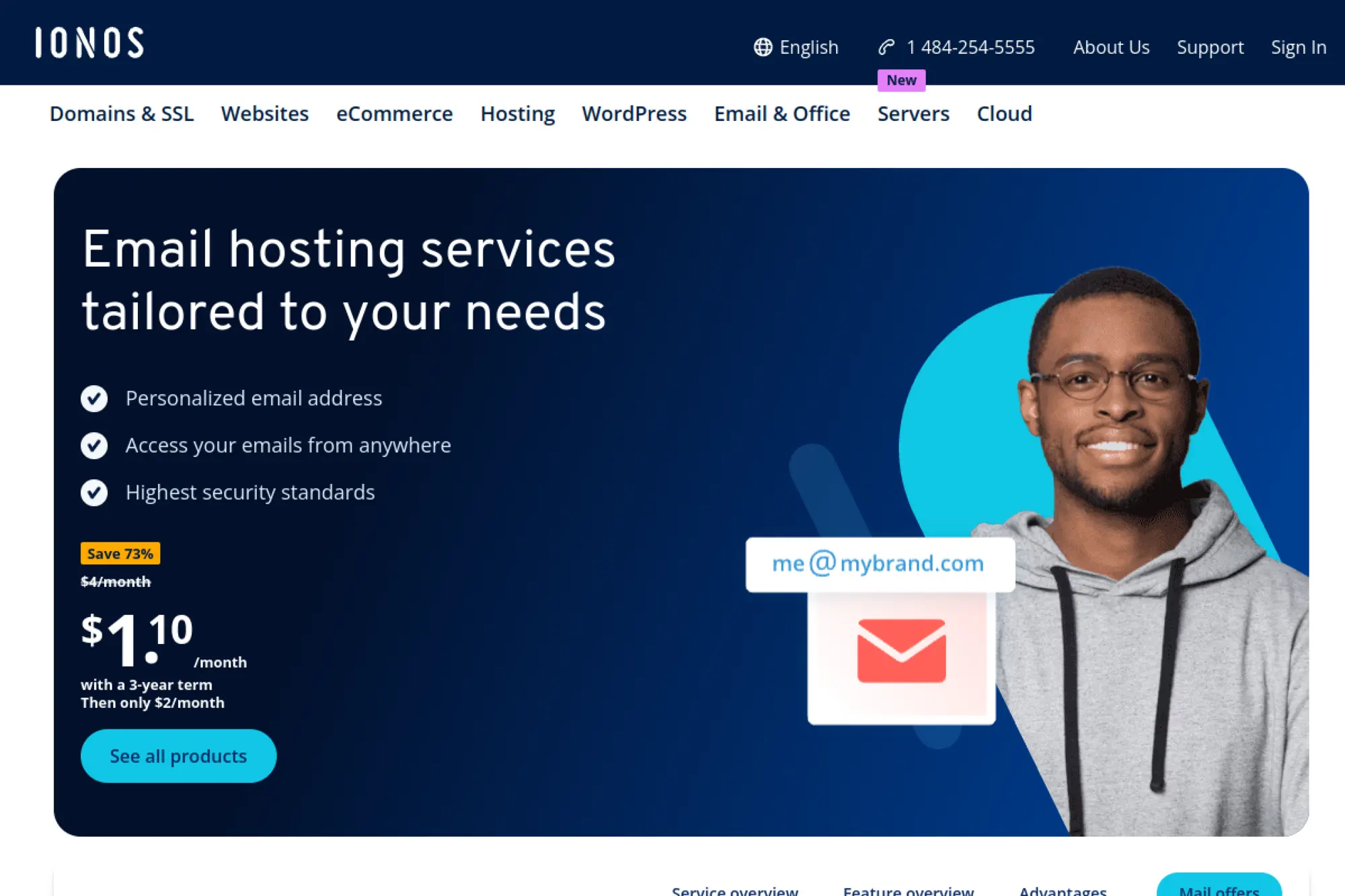
IONOS offers email hosting that can be convenient if you also use it for domains or hosting. For budget-focused businesses, the main draw is an all-in-one vendor relationship and a straightforward setup path for branded email. This can work well for local service businesses that mainly need reliable mailboxes and basic webmail.
Best for
Local businesses and small teams that want simple custom-domain email hosting with low overhead and basic administration.
Key workflows to configure
- Create email addresses tied to your business domain.
- Set up forwarding for role accounts like info@ and billing@.
- Configure spam and virus filters and establish review routines.
- Connect mailboxes to common email clients via standard protocols.
Sales growth lever
Make customer communication consistent. When your estimates, invoices, and appointment confirmations come from a branded inbox, customers trust the message and respond faster.
Watch outs
- Shared hosting ecosystems can face deliverability and reputation challenges.
- Watch DNS and authentication changes closely when you adjust hosting plans.
- Keep admin access controlled to prevent accidental configuration changes.
Quick start checklist
- Set up authentication records to protect your domain reputation.
- Create standardized role addresses and define who monitors them.
- Test sending to major inbox providers before going all-in.
- Train staff to verify payment-change requests out of band.
- Review spam filtering monthly to avoid missing real customer mail.
Cost-Saving Setup Tips That Protect Deliverability

Cheap software can still become expensive if you send the wrong way. These steps keep costs down while protecting inbox placement.
- Separate marketing and transactional email when possible. Put receipts, password resets, and billing emails on a transactional provider. Keep newsletters and promos on a marketing ESP.
- Authenticate your domain early. Set up SPF, DKIM, and DMARC before you send at scale. This step reduces troubleshooting and protects your brand from spoofing.
- Clean your list continuously. Remove hard bounces quickly. Re-engage inactive subscribers, then stop emailing those who never respond.
- Send fewer, better emails. Segmentation lowers waste. It also protects your reputation because recipients get more relevant messages.
- Build templates and reuse components. A consistent template library saves time. It also prevents broken formatting that can trigger spam filtering.
- Create clear ownership rules. Decide who owns templates, who owns DNS, and who owns deliverability monitoring. Email breaks when everyone assumes someone else handles it.
Finally, treat email like infrastructure, even if it feels like marketing. Your inbox reputation affects revenue, customer support, and account security at the same time.
FAQs on Cheap Email Service Providers
Are cheap email service providers safe for business use? They can be, if you set up authentication, use permission-based lists, and monitor bounces and complaints. Safety depends more on configuration and sending behavior than on price.
Do I need separate tools for marketing and transactional email? Often yes. Separation protects critical emails like receipts and password resets from reputation damage caused by promotional sends.
What is the difference between email hosting and an email marketing platform? Email hosting provides mailboxes for people to send and receive messages. Email marketing platforms focus on campaigns, lists, and automation at scale.
How do I keep costs low without hurting deliverability? Segment lists, remove unengaged recipients, reuse a small library of templates, and keep ownership clear for DNS and sending domains.







Conclusion

Cheap email is not about finding the lowest sticker price. It is about choosing the right tool for the job, setting it up correctly, and avoiding costly deliverability and workflow problems. Use this guide as a shortlist, then run a small pilot: authenticate your domain, send to your most engaged contacts, and measure results. When you do that, cheap email service providers become a real growth lever instead of a gamble.