

- What is an Open Source IoT Platform?
- Why Open Source Matters for IoT Teams Right Now
- Market Reality Check: Scale and Risk Drive Platform Choices
- How to Choose the Best Open Source IoT Platform for Your Stack
- Top Open Source IoT Platform Picks (Full Platforms + Key Building Blocks)
- Reference Architectures You Can Copy
- Conclusion
IoT isn’t “a device project.” It’s a long-running software product that has to survive unreliable networks, firmware aging, security reviews, and customers asking for better insights every quarter. That’s why open source matters: it gives you portability, auditability, and the ability to shape the platform to your product roadmap instead of a vendor’s roadmap.
Open source also changes what you own. You trade vendor lock-in for operational responsibility: upgrades, patching, dependency governance, observability, and incident response. So the real question is not “Which tool has the most features?” It’s “Which stack can our team run safely for years without slowing product delivery?”
What is an Open Source IoT Platform?
An open-source IoT platform is a software foundation for connecting devices, managing fleets, routing telemetry, and building operations workflows (like alerts, dashboards, and access control) with source code you can inspect, self-host, and modify. In practice, most teams don’t use one “platform” alone, they assemble a stack that includes a device layer, a messaging layer, a data layer, and an operations layer.
If you’re searching for the best open source iot platform, start by deciding whether you want an all-in-one product (fast dashboards and tenant management) or composable building blocks (API-first services you wire into your own app).
FURTHER READING: |
| 1. Top 30 Professional SEO Services in 2026 |
| 2. Best AI Email Writer: Top 30 Picks for 2026 |
| 3. Best AI Logo Generator: Top 30 Picks for 2026 |
Why Open Source Matters for IoT Teams Right Now

IoT systems now look like distributed software products. You run code in the cloud, at the edge, and sometimes on gateways that sit in harsh environments. That reality makes portability and transparency more valuable than ever.
Many IoT teams also build on cloud native patterns. CNCF reported cloud native adoption reached 89% among surveyed organizations, which signals a simple shift: most teams now expect container-first deployment, automation, and repeatable infrastructure.
Open source fits this world well. You can deploy on your own infrastructure for regulated environments, run hybrid for latency, or host a managed service for customers who want a turnkey experience.
Open source also demands discipline. It shifts risk from vendor contracts to your own software supply chain. Synopsys found 74% of codebases contained high-risk open source vulnerabilities, so dependency governance must become part of your IoT operating model.
When you evaluate platforms below, keep two questions front and center. Can your team operate the stack for years without burning out? And can you prove to a security reviewer that you patch fast, track changes, and control access across device fleets and back-end services?
Market Reality Check: Scale and Risk Drive Platform Choices

IoT grows fast, and attackers follow the growth. These recent data points help explain why teams keep moving toward modular, auditable stacks with clear ownership.
- IoT Analytics expects 21.1 billion by the end of 2025, which means even “small” deployments can turn into serious fleet operations.
- Ericsson forecasts 47.1 billion by the end of 2031 total IoT connections, so plan for growth as a baseline requirement.
- GlobalData expects the IoT market to surpass $1.8 trillion in 2028, which raises customer expectations around reliability, analytics, and service quality.
- Palo Alto Networks notes its incident response team handled over 500 major cyberattacks in 2024, and IoT environments often share networks with enterprise systems.
- One Palo Alto Networks study found 48.2% of all connections from IoT devices to company IT systems come from high-risk IoT devices, so segmentation and device hygiene matter as much as protocols.
- Zscaler reports 40% of IoT attacks target critical industries, which makes security a product requirement, not just an IT concern.
What this means in practice: the “best” platform is the one that prevents two failure modes which are security debt and operational debt. If your stack can’t prove who did what (human and device actions), can’t roll out updates safely, and can’t recover cleanly from outages, you will pay for it later through support load, churn risk, and stalled roadmap velocity.
Ownership Checklist
- Identity: How devices enroll, rotate credentials, and get decommissioned without manual work.
- Networking reality: How the stack behaves during offline periods, backpressure, and reconnect storms.
- Data contracts: How telemetry is normalized so dashboards and alerts remain stable over time.
- Updates: How firmware and edge software roll out safely with canaries, rollbacks, and audit trails.
- Operations: How you monitor, upgrade, back up, and debug fleets without heroic effort.
How to Choose the Best Open Source IoT Platform for Your Stack

Picking the best open source IoT platform starts with a boundary decision. Decide what you want to buy, what you want to build, and what you want to operate long-term.
- If you need dashboards and tenant workflows fast: start with a full platform pick, then add messaging/storage as needed.
- If you need maximum flexibility and a custom product UI: pick composable building blocks and design your API layer first.
- If your sites go offline: choose an edge-first pattern and treat buffering + replay as a core requirement.
- If you’re in regulated industries: prioritize self-hosting, auditable access control, and repeatable upgrades over flashy UI.
Define Your Platform Boundary
Some teams need an all-in-one platform that includes dashboards, alerts, and multi-tenant user management. Other teams want composable building blocks, so they can build a custom user experience and keep the back end minimal.
- Customer experience: Are you shipping dashboards/portals as your product, or embedding telemetry into an existing app?
- Integration model: Do you want configuration-in-the-platform (rules/flows), or configuration-in-code (services + CI/CD)?
- Multi-tenancy: Do you need hard separation for customers/sites/roles out of the box?
- Edge responsibility: Will the edge run logic locally, or is the edge mostly a protocol bridge?
- Operational maturity: Who owns upgrades, on-call, backups, and incident response for this stack?
Match the Deployment Model to Your Reality
IoT often forces you into mixed environments. Your platform might run in a public cloud, in a private data center, and on edge nodes with intermittent connectivity. Pick tools that support your mix without awkward workarounds.
- Check whether the stack supports offline buffering and reconnection.
- Confirm you can automate deployments with your existing tooling.
Prioritize Device Lifecycle Workflows
Dashboards look impressive, but device lifecycle keeps your product alive. Focus on onboarding, configuration, updates, and decommissioning. Those workflows shape your cost of support and your customer experience.
- Look for secure enrollment and device identity management.
- Plan for remote configuration and safe update rollouts.
Treat Security as a First-Class Feature
IoT security fails when teams bolt it on. Build around least privilege, strong authentication, segmentation, and logging. Make it easy to audit actions taken by people and devices.
- Separate device identities from user identities.
- Log device actions and administrator actions in the same timeline.
Design the Data Path Before You Pick the Database
Data volume grows, but data value comes from clean semantics. Decide how you route data, how you enrich it, and who consumes it. Then choose storage and analytics tools that match your query patterns.
- Use streaming when many systems need the same telemetry.
- Use time-series storage when you need fast trend queries and dashboards.
Validate Day-Two Operations
Teams underestimate day-two work. Your platform must support upgrades, backups, monitoring, and incident response. If your team cannot operate the tool, the tool will not survive production.
- Show the full device enrollment flow end-to-end (including credential rotation).
- Show how you trace a single device’s timeline (telemetry, commands, updates, and admin actions) during an incident.
- Show how you roll out an update safely and how you roll it back.
- Show what breaks when connectivity drops and what the recovery looks like.
- Show how upgrades work across versions and what you monitor during the upgrade.
Top Open Source IoT Platform Picks (Full Platforms + Key Building Blocks)
Fast shortlist by scenario (jump to the section that matches your build):
- Customer portals + dashboards: prioritize full platforms that ship tenant workflows and visualization early.
- API-first product teams: prioritize composable back-end services and treat UI as your differentiator.
- Edge-first monitoring: prioritize edge frameworks and reliable local messaging before you choose storage.
- LoRaWAN sensing: prioritize the network server + decoding pipeline, then pick dashboards and alerting.
- Smart home/building prototyping: prioritize automation hubs that integrate broadly and validate real device behavior.
1. ThingsBoard
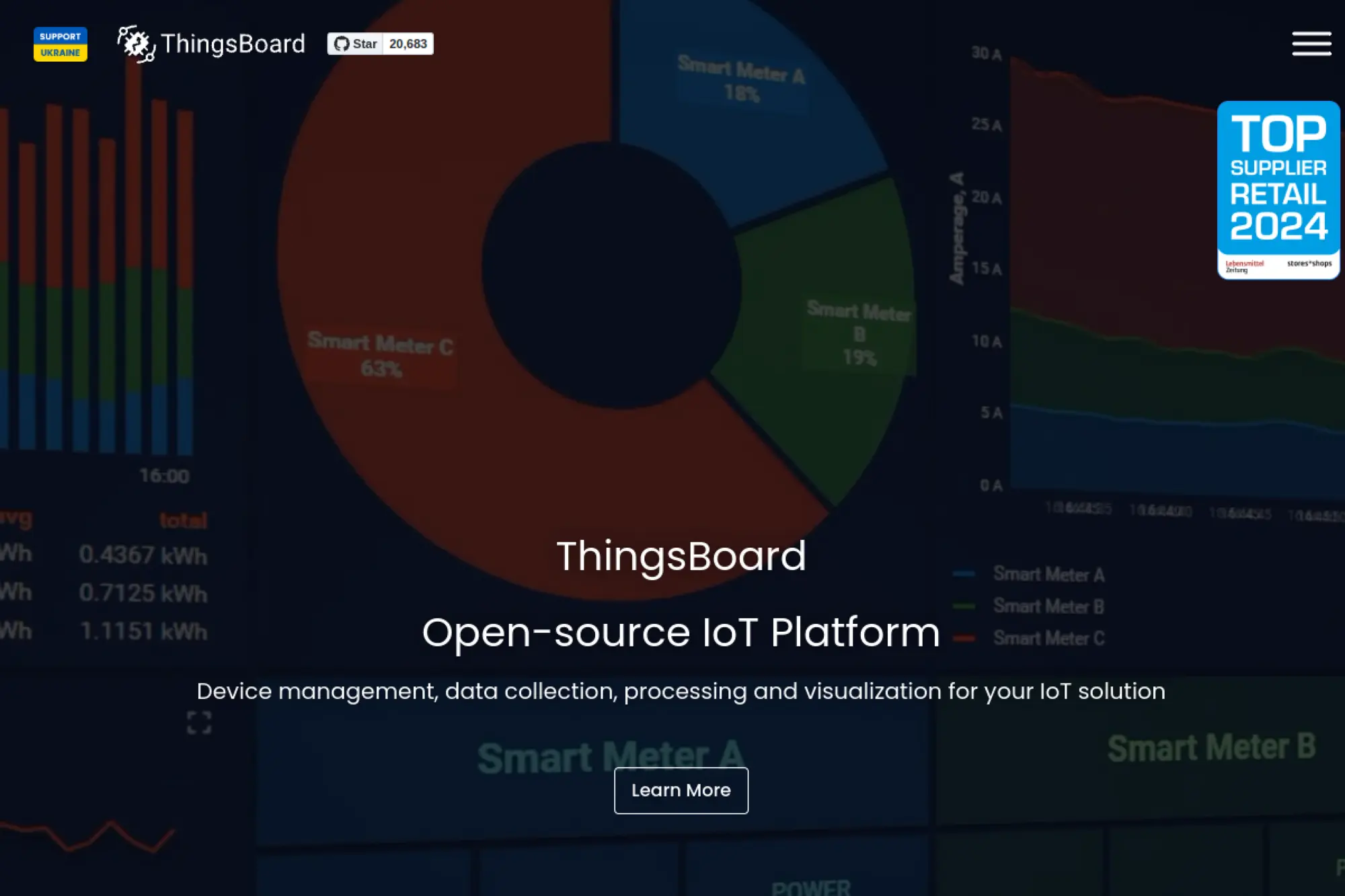
ThingsBoard gives you a strong “all-in-one” starting point. It combines device management, data ingestion, a rules engine, and dashboards in a single platform. Teams often choose it when they want to demo value fast, then evolve into a repeatable customer portal.
Best for
Product teams that need customer-facing dashboards, alarms, and device management without building a custom UI from scratch.
Key workflows to configure
- Device onboarding with consistent types, attributes, and labels.
- Telemetry routing and normalization so dashboards stay clean.
- Rules for alerts, notifications, and integration handoffs.
- Multi-tenant structure for customers, sites, and roles.
Sales growth lever
Use dashboards as a conversion tool. You can show prospects real value early, then expand into paid tiers with alerts, reports, and role-based access.
Watch outs
- Decide your data model early, or your dashboards will drift.
- Plan integrations as APIs, not as “one-off” rule chains.
- Size storage and retention policies before you scale ingestion.
Quick start checklist
- Pick a deployment style that matches your ops maturity.
- Create a small device taxonomy with consistent attributes.
- Connect one device and validate end-to-end telemetry flow.
- Build a first dashboard that matches a real customer question.
- Add alert rules and route notifications to your support workflow.
2. Mainflux
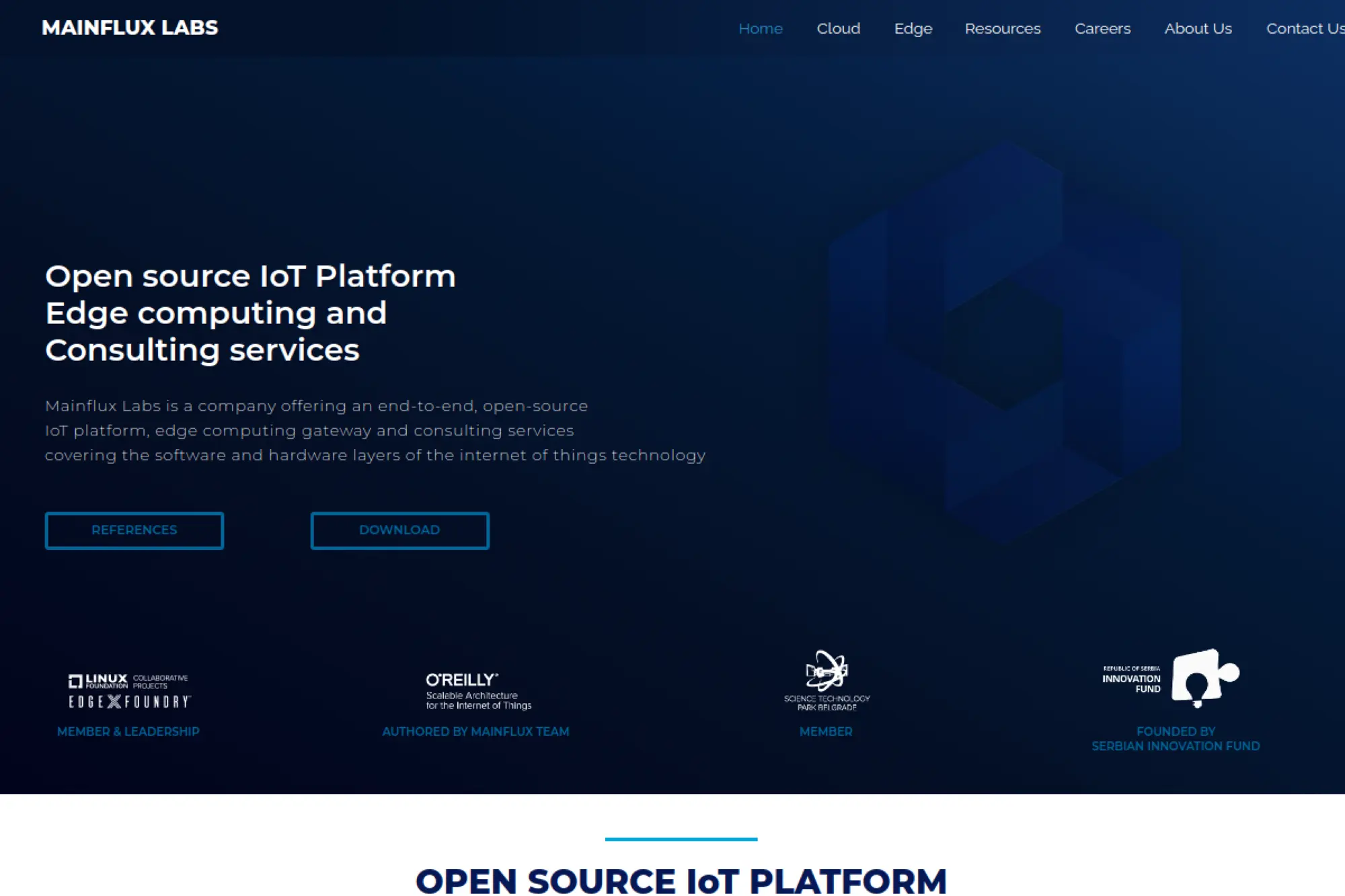
Mainflux takes a cloud native, microservice-first approach. It focuses on secure connectivity, device management, and flexible message routing. Teams like it when they want composability and a strong protocol story, especially in environments where they must integrate with existing enterprise systems.
Best for
Engineering-led teams that prefer building a modular IoT backend and wiring a custom application layer on top.
Key workflows to configure
- Device enrollment and scoped access keys for each device or gateway.
- Channel and topic design that matches your product domains.
- Message routing toward storage, analytics, and downstream services.
- Edge gateway patterns for sites with unstable connectivity.
Sales growth lever
Offer deployment flexibility as a differentiator. You can support regulated customers who demand on-prem hosting while still keeping a consistent platform core.
Watch outs
- Microservices increase operational effort if your team is small.
- Expect to build more UI and customer workflow yourself.
- Define ownership for auth and secrets management early.
Quick start checklist
- Deploy the core services in a controlled environment.
- Create a minimal device identity and access strategy.
- Connect a test device and confirm message routing works.
- Send telemetry into a time-series store for quick validation.
- Document your onboarding workflow for repeatable rollout.
3. Kaa
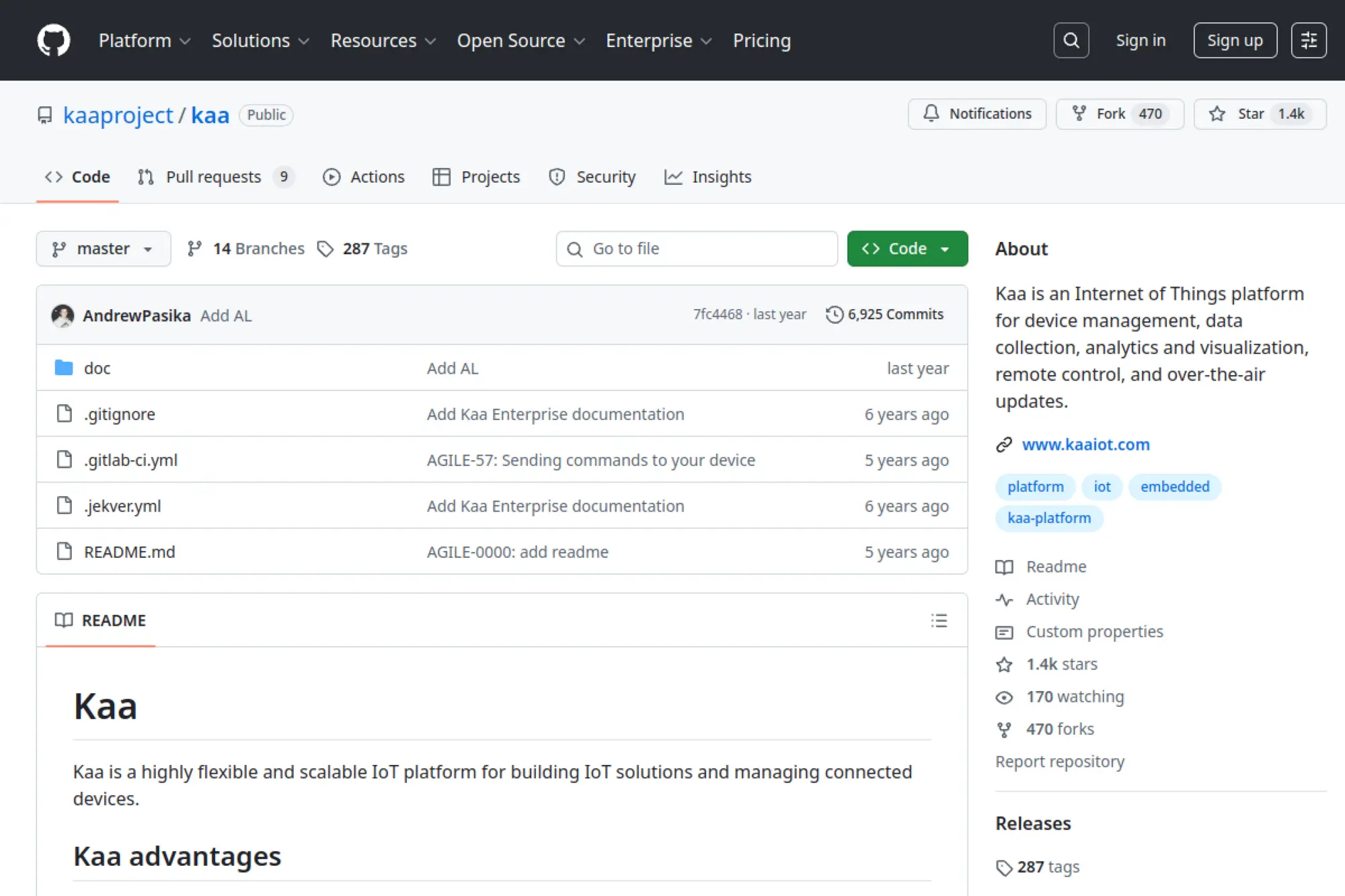
Kaa provides a broad IoT platform surface area. It covers device management, data collection, analytics, alerts, dashboards, and remote control workflows. It also targets multi-tenancy, which makes it appealing when you plan to serve multiple customers, resellers, or internal business units from one platform.
Best for
Connected product teams that need multi-tenant separation and want a platform that supports both operations and end-user dashboards.
Key workflows to configure
- Tenant structure, roles, and per-customer boundaries.
- Device provisioning and configuration updates.
- Alert policies and event handling for support teams.
- Dashboard templates that you can reuse across customers.
Sales growth lever
Multi-tenancy lets you scale revenue without duplicating infrastructure. You can package “customer portals” as a premium service and deliver fast onboarding for new accounts.
Watch outs
- Platform breadth can slow decisions unless you define scope.
- Plan a clean integration boundary for external systems.
- Validate upgrade paths before you promise long-term support.
Quick start checklist
- Deploy a baseline environment with a clear upgrade process.
- Create one tenant and one customer role set.
- Register a small set of devices with consistent metadata.
- Build a dashboard that maps to a real operational KPI.
- Test remote configuration changes end-to-end.
4. DeviceHive

DeviceHive positions itself as an open source IoT data platform with broad integration options. It supports multiple ways to connect devices and offers a foundation you can extend with your preferred data stack. If your team already has strong analytics tools, DeviceHive can act as the connective tissue between devices and your data pipeline.
Best for
Teams that want an IoT data backbone that integrates with existing analytics and storage tools rather than replacing them.
Key workflows to configure
- Device connectivity setup and authentication strategy.
- Event ingestion and message routing toward your pipeline.
- Plugin-based integrations for downstream systems.
- Access control for users, services, and customer apps.
Sales growth lever
Integration speed closes deals. When you connect devices to business systems quickly, you reduce “time to value” and increase renewals for data-driven services.
Watch outs
- Plan retention and storage early or costs can drift upward.
- Keep integrations maintainable with clear interfaces.
- Secure every protocol entry point as a separate threat surface.
Quick start checklist
- Deploy a small environment and secure the admin surface.
- Connect one device using your target protocol.
- Route telemetry into a database your team already supports.
- Build a thin API layer for customer applications.
- Add monitoring for ingestion delays and integration failures.
5. Thinger.io
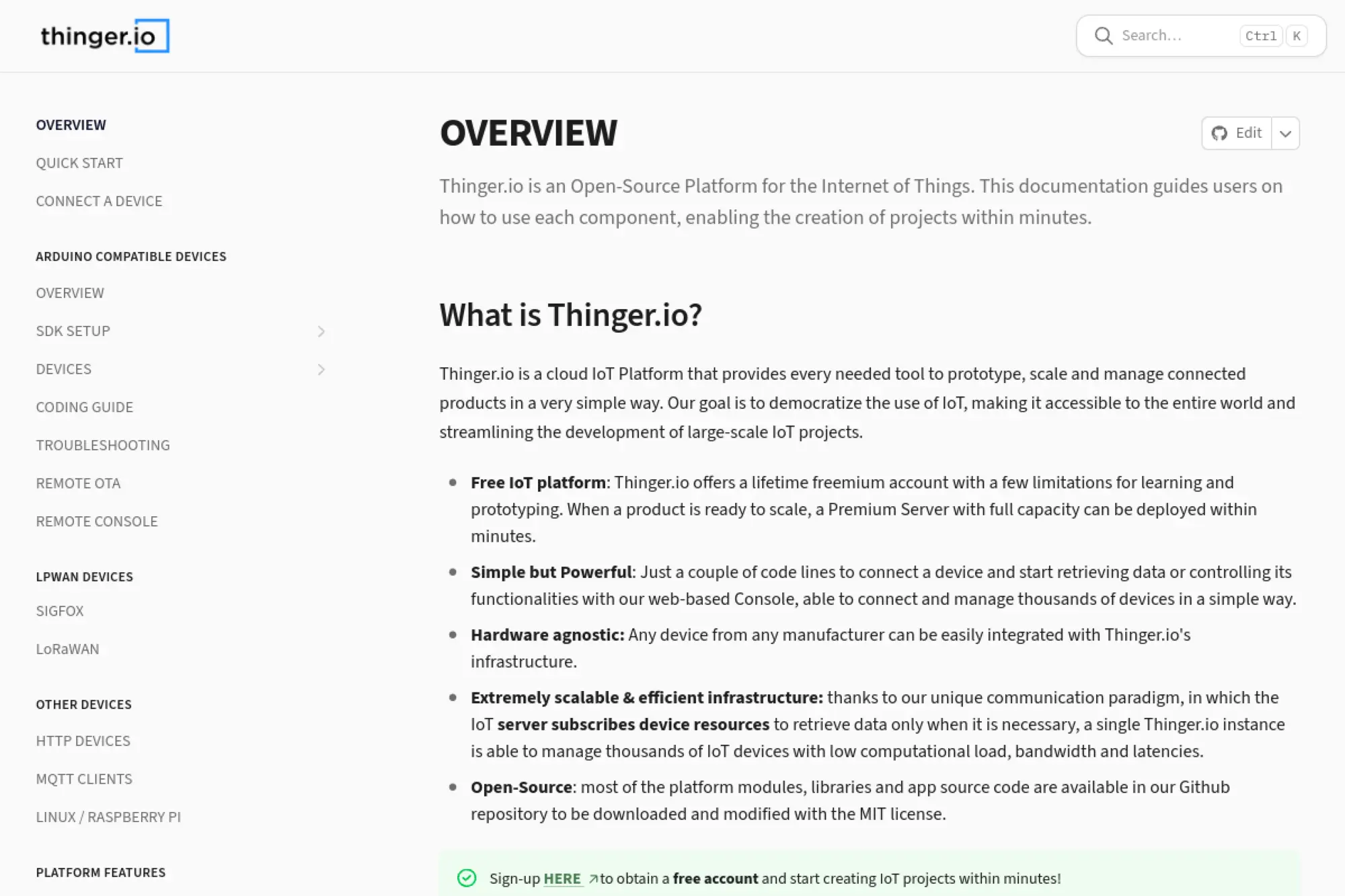
Thinger.io aims to make IoT approachable without hiding the important pieces. It gives you a backend server and a web console to connect devices, store data, and build dashboards. It also supports automation through an embedded flow engine pattern, which helps teams move from “data collection” to “action.”
Best for
Fast prototyping and product teams that want dashboards, data storage, and automation in one package, with a path toward self-hosting.
Key workflows to configure
- Device credentials and a clean device resource model.
- Data buckets for telemetry storage and retrieval.
- Dashboard views that match user roles and workflows.
- Automation flows to trigger actions and notifications.
Sales growth lever
Use white-label dashboards to support OEM and partner channels. A branded, customer-ready UI can turn pilots into paid deployments faster.
Watch outs
- Confirm which modules you plan to self-host versus outsource.
- Standardize device resource naming to avoid messy dashboards.
- Treat automation flows as code with reviews and backups.
Quick start checklist
- Stand up a server and lock down administrator access.
- Connect one device and validate bidirectional control.
- Create a data bucket and confirm retention behavior.
- Build a minimal dashboard for one real use case.
- Add one automation flow that triggers a useful alert.
6. OpenRemote
OpenRemote positions itself as a fully open source IoT device management platform for manufacturers and integrators. It supports secure device connectivity and gives you a rules engine and dashboards. It also emphasizes multi-tenancy and user access control, which helps when you serve distributors, installers, and end customers.
Best for
Manufacturers who want an open source foundation for a connected product portal, including automation and role-based access.
Key workflows to configure
- Auto-provisioning patterns for devices deployed in the field.
- Asset and site modeling for devices, locations, and hierarchies.
- Rules and notifications that map to operational playbooks.
- User realms, roles, and restricted views for partners.
Sales growth lever
Sell a “service layer” on top of hardware. When you provide dashboards, alerts, and automation, you can bundle monitoring and maintenance subscriptions.
Watch outs
- Asset modeling takes work, so start small and iterate.
- Plan integration patterns early, especially for ERP or CRM flows.
- Establish an update strategy for both backend and edge gateways.
Quick start checklist
- Deploy the stack and confirm secure connectivity works.
- Create one asset type and one site structure for testing.
- Connect a device and verify live status updates.
- Add a rule that creates an alert on abnormal telemetry.
- Create partner roles and test restricted access views.
7. FIWARE

FIWARE is best understood as a curated framework, not a single server. It centers on open standards for context data management and interoperability. Teams use FIWARE to build smart solutions where data must remain portable across vendors, cities, and partner ecosystems.
Best for
Smart city, smart building, and digital twin projects where interoperability and open APIs matter as much as device connectivity.
Key workflows to configure
- Context entity modeling that reflects real-world assets and states.
- Ingestion via IoT agents that translate device payloads into context.
- Access control and tenant boundaries for shared data environments.
- Integration patterns for data lakes, analytics, and external apps.
Sales growth lever
Interoperability lowers switching costs for customers. That makes it easier to build partner ecosystems and sell integration services without locking users into proprietary schemas.
Watch outs
- FIWARE requires architecture work because it is component-based.
- Different components can come with different licenses and maturity.
- Plan governance so integrations stay consistent across teams.
Quick start checklist
- Pick a context broker and define a minimal entity model.
- Connect one device source through an ingestion agent.
- Expose a clean API layer for consuming applications.
- Build a simple dashboard for one operational workflow.
- Document your model and integration conventions for reuse.
8. EdgeX Foundry
EdgeX Foundry focuses on the edge layer. It provides a vendor-neutral, open source edge middleware platform built around microservices. Teams use it when they must bridge industrial devices and sensors into a consistent data pipeline, especially in environments that mix legacy protocols with modern APIs.
Best for
Industrial and enterprise edge gateways that need plug-and-play device connectivity and local processing before sending data upstream.
Key workflows to configure
- Device services that speak the protocols your sensors use.
- Data filtering and transformation close to the devices.
- Secure export of selected data to cloud or on-prem backends.
- Secrets management and secure configuration distribution.
Sales growth lever
Edge integration speed becomes a commercial advantage. When you can add new device types quickly, you can enter new verticals without rewriting your gateway stack.
Watch outs
- Microservices require solid monitoring and upgrade discipline.
- Edge hardware constraints can limit what you run locally.
- Plan how you will update gateways over time.
Quick start checklist
- Deploy the EdgeX stack on a representative gateway.
- Add one device service and validate stable readings.
- Apply a transform step to standardize telemetry payloads.
- Export telemetry into your chosen messaging backbone.
- Set up logs and health monitoring for every service.
9. Eclipse Kapua
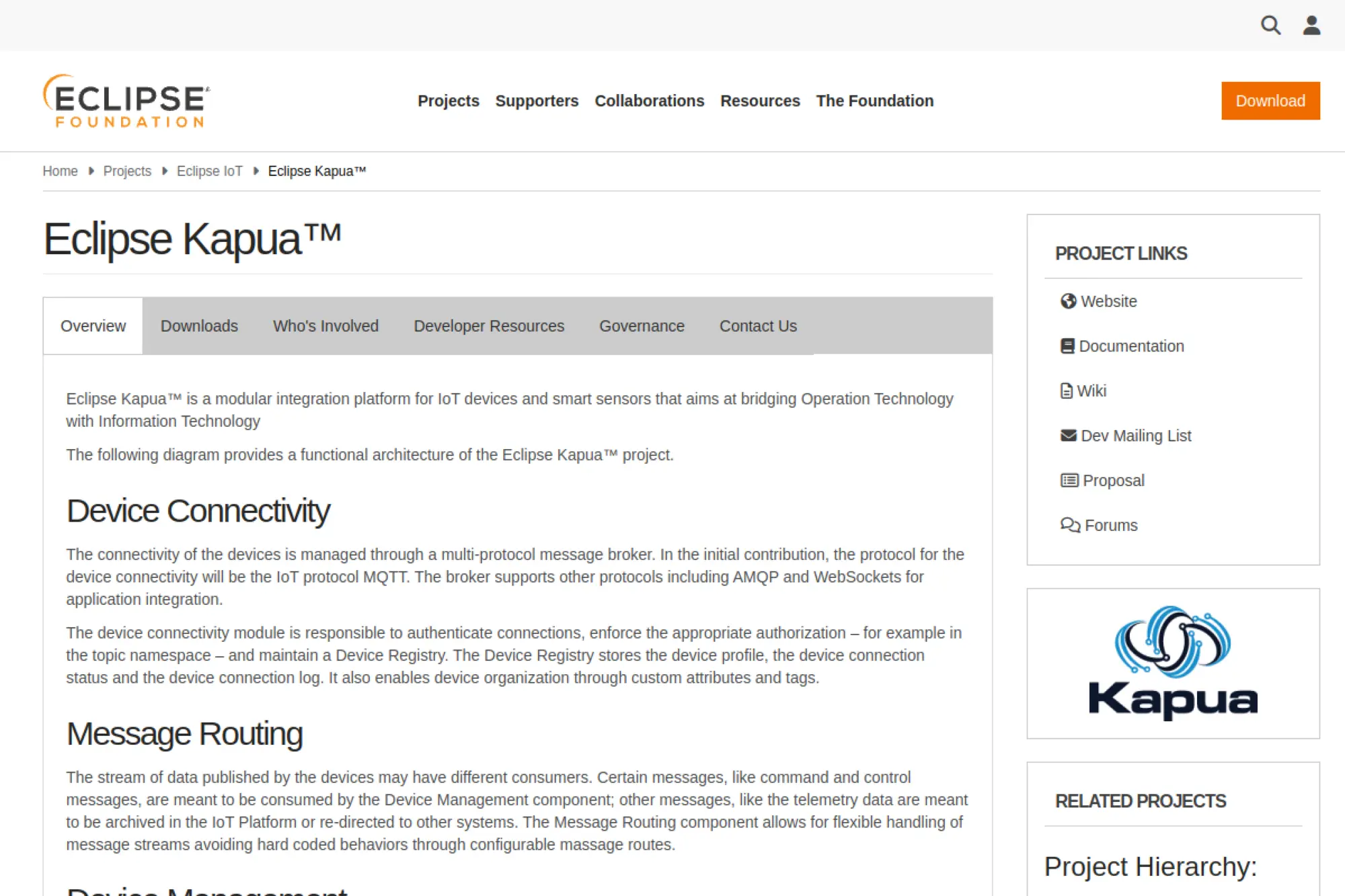
Eclipse Kapua is a modular IoT integration platform that aims to bridge operational technology and enterprise IT. It offers patterns for device connectivity, device management, data archiving, and multi-tenant administration. Kapua often pairs well with Eclipse Kura for gateway-level device operations.
Best for
Teams that want an Eclipse-based cloud-to-edge stack with tenant management and fleet operations.
Key workflows to configure
- Tenant and account structure aligned to customers or business units.
- Secure device connectivity via a broker-centric architecture.
- Remote operations, commands, and configuration for gateways.
- Data retention and archival strategy for telemetry histories.
Sales growth lever
Kapua supports managed operations as a sellable service. If you maintain fleets for customers, you can package remote diagnostics, updates, and compliance reporting.
Watch outs
- Expect setup effort across multiple modules and services.
- Define clear responsibilities between Kapua and edge runtime tools.
- Plan your modernization path if you need custom UI features.
Quick start checklist
- Deploy Kapua in a controlled environment with backups.
- Create one tenant structure and role set for testing.
- Connect a gateway and validate command workflows.
- Send telemetry and confirm retention and search behavior.
- Integrate the REST API with one downstream business service.
10. Eclipse Kura

Eclipse Kura is an open source IoT edge framework designed for gateways. It provides a modular runtime, a web-based interface, and extensibility for drivers and applications. Teams choose Kura when they need predictable gateway behavior and a structured way to manage local connectivity and processing.
Best for
Edge gateway deployments where you need local processing, protocol bridging, and a manageable runtime for long-lived installations.
Key workflows to configure
- Gateway networking, firewall rules, and connectivity policies.
- Device drivers and adapters for attached sensors and controllers.
- Local processing flows that filter or enrich telemetry.
- Publishing patterns that send clean data to upstream platforms.
Sales growth lever
A reliable gateway runtime reduces support load. That frees your team to invest in new product features, not constant field troubleshooting.
Watch outs
- OSGi concepts can add a learning curve for new developers.
- Define a fleet management strategy beyond single gateways.
- Keep gateway configuration repeatable through templates.
Quick start checklist
- Install Kura on a target gateway and lock down admin access.
- Configure networking and confirm stable connectivity.
- Add one driver and validate sensor reads reliably.
- Publish telemetry to an upstream broker or platform endpoint.
- Capture snapshots so you can restore gateway configurations fast.
11. Eclipse Ditto
Eclipse Ditto provides a digital twin layer for IoT. It models devices as “things” with state, and it supports patterns like desired versus reported state. This makes Ditto useful when you want an API-first abstraction over devices, rather than exposing raw telemetry topics or device-specific endpoints.
Best for
Digital twin projects that need fine-grained access control and clean state synchronization between applications and physical devices.
Key workflows to configure
- Twin schemas that represent device capabilities and attributes.
- Connectivity adapters that link brokers and device protocols.
- State synchronization rules for desired and reported values.
- Policy enforcement for who can read or change parts of a twin.
Sales growth lever
A strong twin model helps you ship premium product features. You can build configuration workflows, remote control, and auditable changes without rewriting device-specific code.
Watch outs
- Ditto is not a full IoT platform, so plan the rest of the stack.
- Over-modeling can slow delivery if you chase perfection.
- Design for backward compatibility when device firmware evolves.
Quick start checklist
- Run Ditto and create a simple “thing” schema.
- Connect a device data stream through your chosen broker.
- Update reported state from telemetry and verify persistence.
- Set a desired state change and map it to a device command.
- Lock down access policies and test role-based restrictions.
12. Eclipse Hono
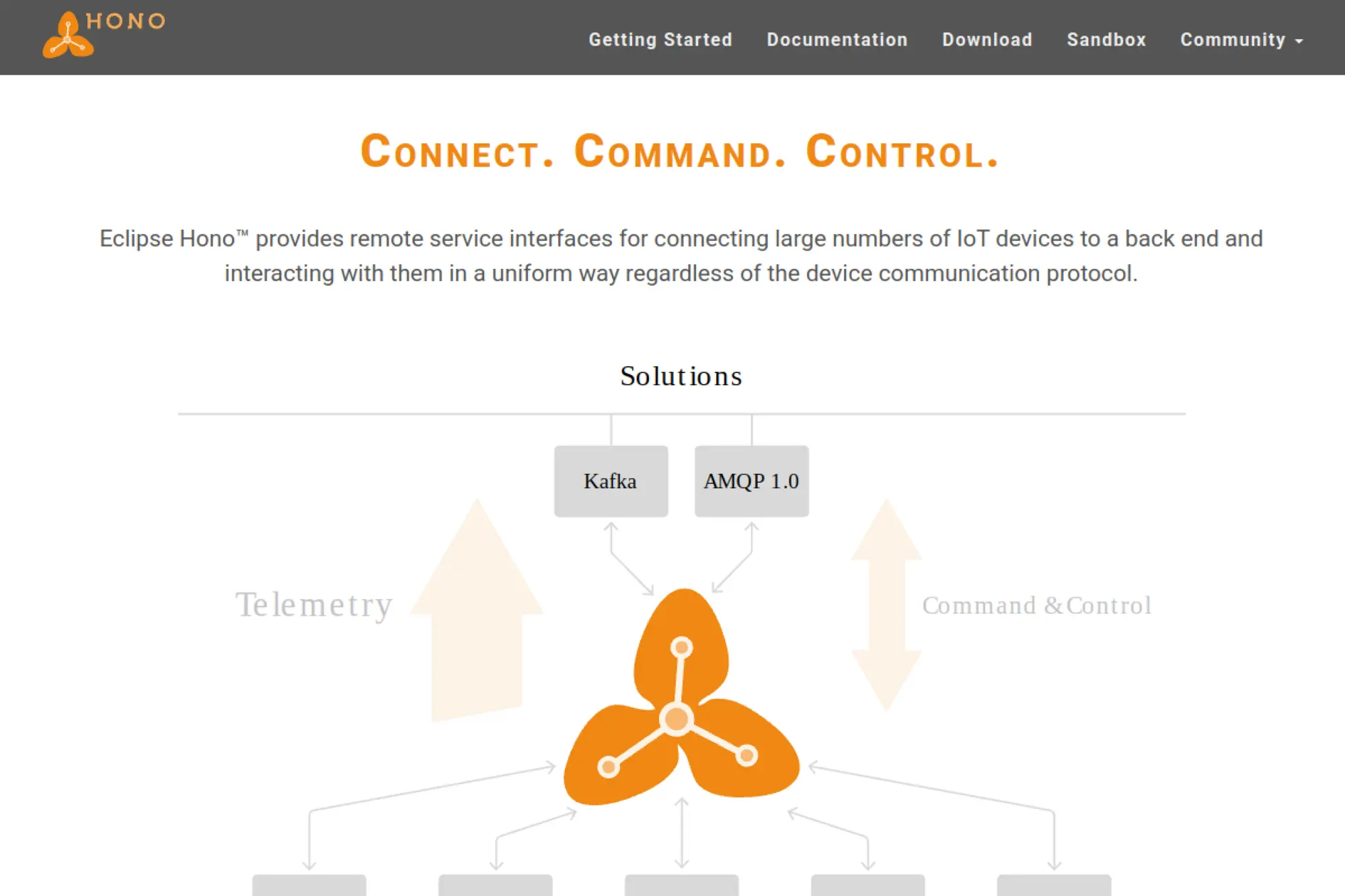
Eclipse Hono focuses on scalable device connectivity and uniform APIs across protocols. It provides service interfaces for telemetry ingestion and command-and-control messaging patterns. Hono shines when your environment includes diverse device protocols, but you want a consistent backend integration layer.
Best for
Large-scale ingestion where device protocol diversity is a given and you want one consistent backend interface for applications.
Key workflows to configure
- Protocol adapters that match your device communication methods.
- Device identity, credentials, and authorization enforcement.
- Telemetry routing into your messaging or streaming backbone.
- Command-and-control request patterns with reliable replies.
Sales growth lever
Standardized connectivity reduces onboarding time for new device lines. That speed helps your team respond to customer requests and launch new SKUs faster.
Watch outs
- Hono relies on external messaging infrastructure you must operate.
- It does not provide dashboards or a turnkey user portal.
- Protocol adapter testing becomes a core quality task.
Quick start checklist
- Deploy Hono with a supported backend messaging layer.
- Register a test device and validate authentication behavior.
- Ingest telemetry and confirm it reaches downstream consumers.
- Implement a basic command flow and verify device responses.
- Add monitoring for adapter health and ingestion latency.
13. Eclipse hawkBit
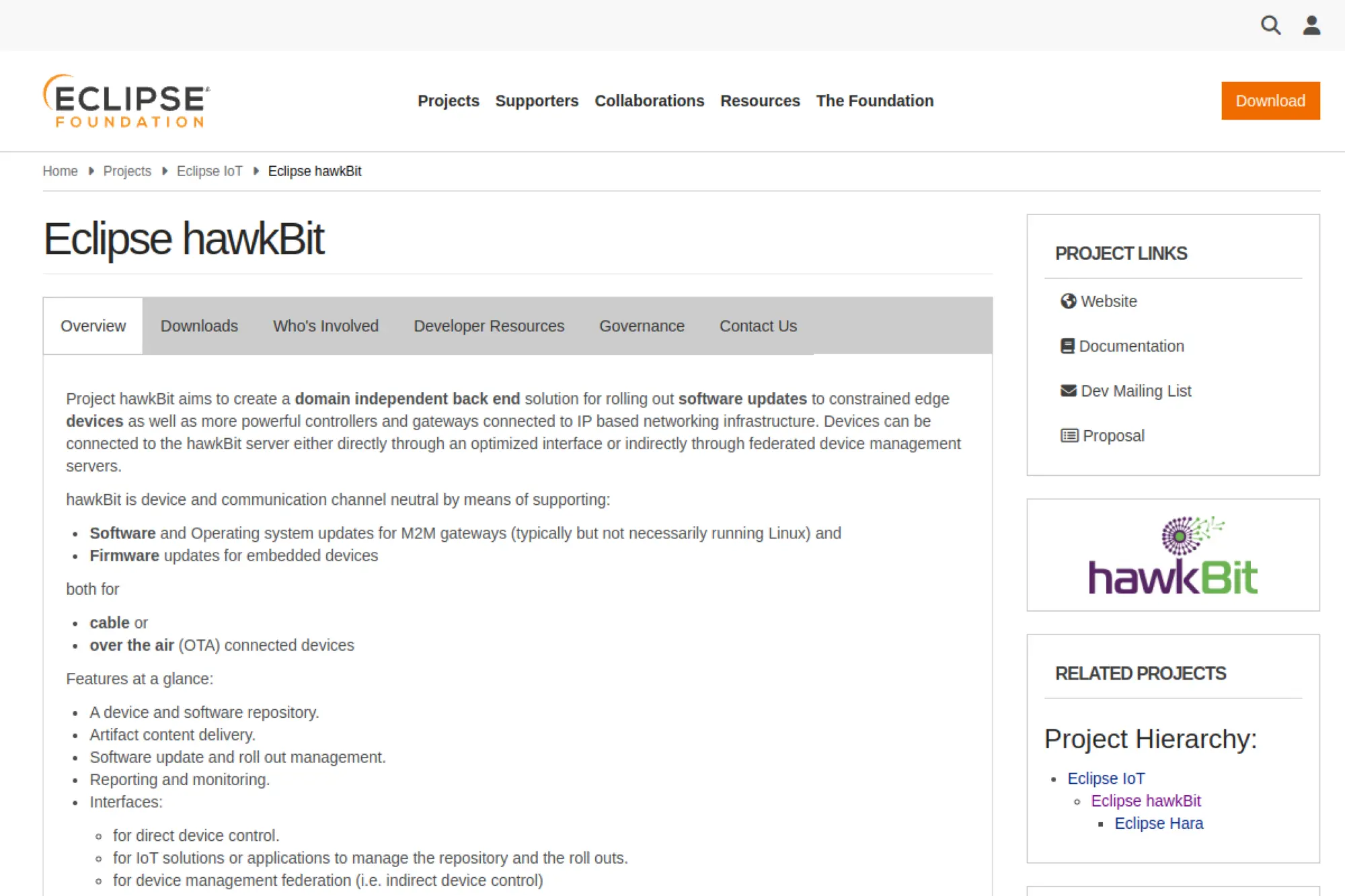
Eclipse hawkBit targets one of the hardest problems in IoT: rolling out software updates safely. It provides a backend for managing update artifacts, delivering them to devices, and tracking rollout status. It fits well when you already have device connectivity but need structured, auditable update orchestration.
Best for
OTA rollout orchestration for constrained devices, gateways, and controllers where you need auditability and a repeatable process.
Key workflows to configure
- Artifact repository structure and versioning conventions.
- Rollout groups that reflect environments, sites, or risk levels.
- Status reporting so support can see progress and failures.
- Integration with the device-side update agent you control.
Sales growth lever
Updates let you keep selling after shipment. You can deliver new features, fix issues, and maintain security without recalling hardware or sending technicians.
Watch outs
- hawkBit is not full device management, so plan identity elsewhere.
- Update design matters more than tooling, especially rollback behavior.
- Define a release process that includes staged testing.
Quick start checklist
- Deploy hawkBit and secure access to the update repository.
- Connect one device agent and validate artifact delivery.
- Create a small rollout group and test end-to-end updates.
- Confirm failure reporting and support notifications work.
- Document governance for who can publish updates and when.
14. Mender
Mender offers an open source approach to over-the-air software updates with a practical focus on real device fleets. It supports central management of deployments and provides common fleet workflows like grouping, phased rollouts, and remote troubleshooting capabilities. It works well when you ship Linux-based devices and want safe updates as a built-in operational function.
Best for
Connected products that need robust, repeatable OTA updates and fleet management patterns without building a custom updater from scratch.
Key workflows to configure
- Device enrollment and inventory metadata you can search and filter.
- Deployment grouping that matches customers, sites, or hardware models.
- Update signing, verification, and rollback strategy.
- Troubleshooting flows for remote access and diagnostics.
Sales growth lever
Safe updates reduce churn. They also enable subscription features because you can ship software improvements continuously instead of tying value only to hardware refresh cycles.
Watch outs
- OTA success depends on how you build device images and partitions.
- Define downtime windows and customer communication up front.
- Keep keys and signing workflows tightly controlled.
Quick start checklist
- Integrate the client into a test device image.
- Deploy the server and lock down administrative roles.
- Enroll devices and validate inventory reporting.
- Run a staged deployment and confirm rollback on failure.
- Connect update status into your support and incident workflow.
15. balenaOS
balenaOS is an operating system tailored for running containers on embedded devices. It focuses on reliability, networking, and provisioning for long-lived deployments. If your edge software already ships in containers, balenaOS can simplify the device-side runtime and help you standardize how you deploy and update applications in the field.
Best for
Edge device fleets where you ship containerized applications and want a consistent, production-friendly OS foundation.
Key workflows to configure
- Provisioning flow for new devices joining your fleet.
- Network configuration for sites with strict outbound policies.
- Container deployment, updates, and health checks.
- Remote logs and troubleshooting workflows for field support.
Sales growth lever
Container-based delivery reduces the cost of new features. That makes it easier to offer add-on services, including edge analytics, protocol translation, or local processing packages.
Watch outs
- balenaOS does not replace your IoT cloud backend.
- Container overhead may not suit ultra-constrained hardware.
- Plan data persistence so updates do not break stateful apps.
Quick start checklist
- Flash a test device and validate stable boot behavior.
- Provision the device and confirm it appears in your fleet view.
- Deploy a simple container and verify remote updates work.
- Connect the app to your broker or API endpoint securely.
- Set logging and alerting so ops can detect failures quickly.
16. KubeEdge
KubeEdge extends Kubernetes orchestration to edge nodes. It lets teams manage edge workloads using familiar Kubernetes-native patterns while supporting metadata synchronization between cloud and edge. If your organization already uses Kubernetes, KubeEdge can reduce tooling sprawl and help you bring consistent deployment practices to remote sites.
Best for
Organizations that run Kubernetes in the cloud and want a consistent model for deploying container workloads to edge locations.
Key workflows to configure
- Edge node enrollment and secure connectivity to the control plane.
- Deployment patterns for workloads that must tolerate disconnects.
- Config distribution for edge services and device connectors.
- Observability collection so ops can troubleshoot remotely.
Sales growth lever
Consistency accelerates delivery. When you deploy edge updates like you deploy cloud updates, you shorten release cycles and reduce mistakes that cause downtime.
Watch outs
- Kubernetes adds complexity if your team is new to it.
- Network instability can surprise teams used to data centers.
- You still need an IoT data pipeline and identity layer.
Quick start checklist
- Stand up the cloud control components in a staging environment.
- Add one edge node and validate offline behavior.
- Deploy a sample workload and confirm upgrades work remotely.
- Connect an edge workload to your messaging layer securely.
- Set logs, metrics, and alerts for edge node health.
17. Open Horizon
Open Horizon focuses on hands-free management of containerized workloads across distributed edge fleets. It uses policy-driven deployment, which helps teams push the right services to the right nodes without logging into each device. This fits well when you operate many edge nodes and need a scalable model for continuous delivery.
Best for
Edge fleets that need autonomous workload deployment and lifecycle management across many sites with minimal onsite administration.
Key workflows to configure
- Service packaging and publishing to a shared exchange.
- Policy definition that targets workloads to specific edge nodes.
- Device enrollment and agent-based management at the edge.
- Update workflows that roll out changes safely and consistently.
Sales growth lever
Policy-based rollout supports premium managed services. You can offer customers consistent edge functionality, faster updates, and a clear operational contract.
Watch outs
- Open Horizon assumes a container-friendly edge runtime.
- Policy design needs discipline or deployments get confusing.
- Integrate security and identity early to avoid later rebuilds.
Quick start checklist
- Deploy the management hub and secure administrative access.
- Install the agent on an edge node and validate registration.
- Publish a simple service and create a deployment policy.
- Verify the service runs, then test a rolling update.
- Connect status signals into your observability stack.
18. Eclipse Mosquitto
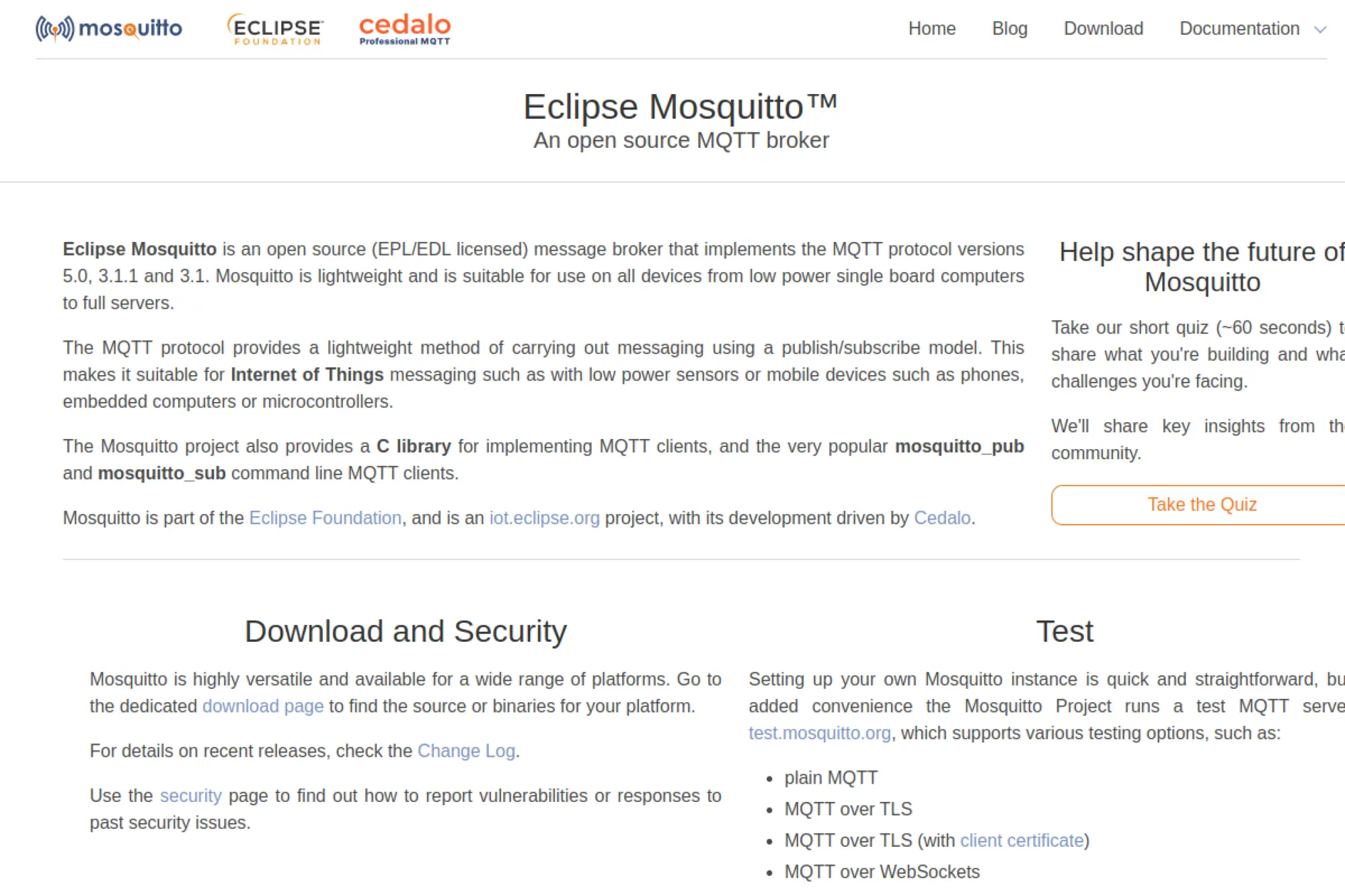
Eclipse Mosquitto is a lightweight MQTT broker that shows up in many open source IoT architectures. Teams use it for development, small deployments, and edge gateways. It also works well as a “front door” broker in a layered approach, where a gateway broker forwards data upstream to a larger cluster.
Best for
MQTT messaging when you want a simple broker that you can run almost anywhere, including on edge gateways.
Key workflows to configure
- Authentication and authorization rules for every client type.
- Topic naming conventions that match product domains.
- Persistence and session handling for intermittent devices.
- Bridging patterns for forwarding messages to upstream systems.
Sales growth lever
Reliability protects revenue. Stable messaging reduces data loss and support incidents, which helps you meet uptime expectations and keep customers renewing.
Watch outs
- Scaling requires architecture decisions beyond a single broker.
- Security defaults require careful hardening for production use.
- You need separate tooling for deep observability and analytics.
Quick start checklist
- Deploy Mosquitto and disable anonymous access.
- Define ACL rules that match device roles and topic boundaries.
- Test publish and subscribe flows with representative payloads.
- Enable persistence and validate reconnect behavior.
- Export logs and connect them to your monitoring system.
19. VerneMQ
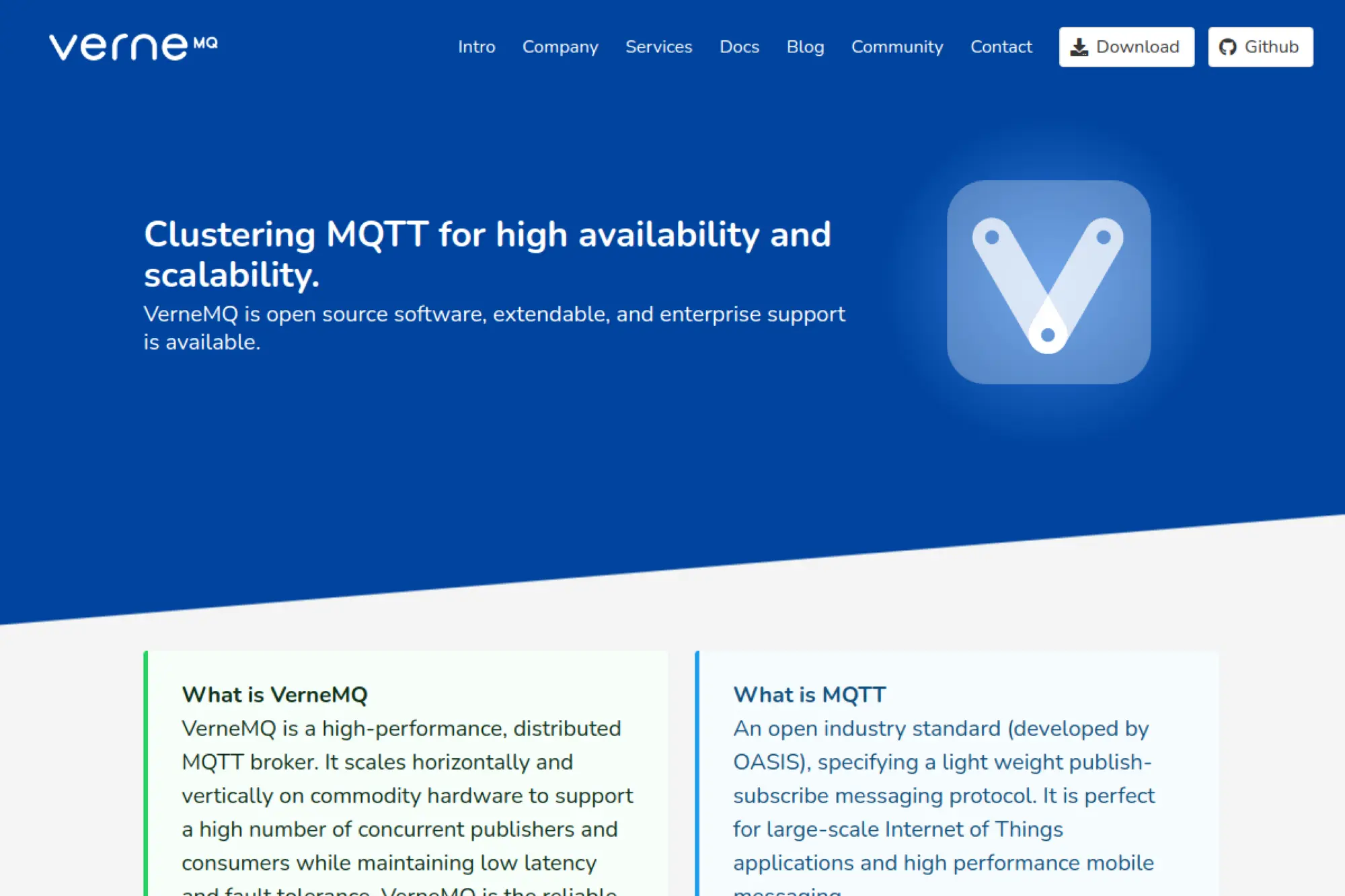
VerneMQ targets production-grade MQTT. It emphasizes high availability, clustering, and predictable behavior under load. Teams often select VerneMQ when they outgrow a single broker and need a cluster-friendly option that supports long-lived device sessions and reliable message delivery patterns.
Best for
Large MQTT deployments where you need high availability and horizontal scaling without redesigning your whole messaging layer.
Key workflows to configure
- Cluster setup and node lifecycle operations for upgrades.
- Authentication and authorization plugins for device identities.
- Session and retention policies that match real device behavior.
- Metrics export and alert thresholds for broker health.
Sales growth lever
MQTT scale supports customer expansion. When you handle more devices per customer reliably, you can grow accounts without rewriting core infrastructure.
Watch outs
- Understand packaging terms if you rely on official distributions.
- Plan plugin testing because custom auth can break upgrades.
- Set topic standards early to prevent operational confusion.
Quick start checklist
- Deploy a small cluster and confirm stable routing.
- Configure authentication and enforce topic-level permissions.
- Simulate disconnects and validate session recovery behavior.
- Export metrics and set alerts for latency and failures.
- Document upgrade steps and practice them in staging.
20. RabbitMQ
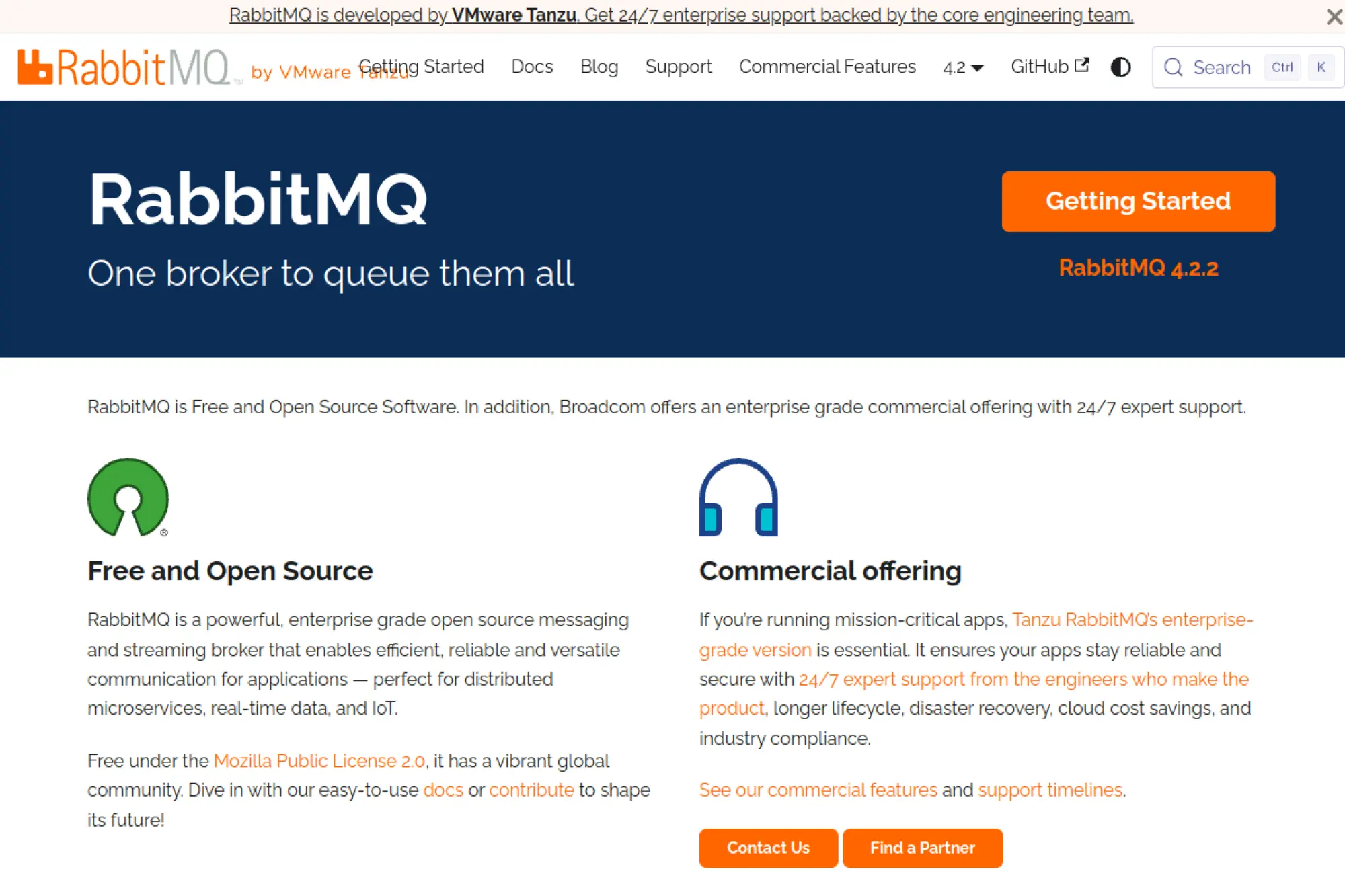
RabbitMQ provides an open source messaging and streaming broker that fits many distributed systems, including IoT backends. It shines when your backend already uses message queues and you want the same infrastructure to handle device events, internal workflows, and service-to-service communication.
Best for
IoT backends that need robust queue semantics, flexible routing, and integration with microservices beyond pure MQTT pub/sub.
Key workflows to configure
- Exchanges and queues designed for device events and commands.
- Retry strategies that prevent message loss and reduce outages.
- Consumer patterns for scaling processing without duplicating work.
- Permissions and isolation for teams and environments.
Sales growth lever
Decoupling accelerates product delivery. When services communicate reliably through a broker, you can ship new capabilities without risking the ingestion pipeline.
Watch outs
- MQTT use cases may need different tuning than queue-heavy systems.
- Operational tuning matters for throughput and latency consistency.
- Define message schemas so downstream consumers stay compatible.
Quick start checklist
- Deploy RabbitMQ and secure access for both admins and apps.
- Define routing for telemetry, commands, and system events.
- Implement one consumer service and validate error handling.
- Set alerts for queue depth, consumer lag, and failures.
- Document message contracts and enforce them in CI checks.
21. Apache Kafka
Apache Kafka acts as an event streaming backbone for high-volume systems. IoT teams use it to fan out telemetry to multiple consumers, such as real-time alerting, long-term storage, and analytics pipelines. Kafka works best when you treat telemetry as a product asset and expect many internal systems to reuse it.
Best for
Telemetry-heavy environments where multiple services need the same data stream with durable storage and replay.
Key workflows to configure
- Topic design aligned to device domains and customer boundaries.
- Streaming enrichment that adds context to raw events.
- Consumer groups for scalable processing and isolation.
- Sinks into time-series storage and analytics platforms.
Sales growth lever
Kafka enables data products. When you build clean event streams, you can sell analytics, predictive maintenance, and operational intelligence as premium layers.
Watch outs
- Kafka requires serious ops discipline for upgrades and tuning.
- Schema management matters or downstream systems will drift.
- Do not skip backpressure design in your ingestion path.
Quick start checklist
- Deploy Kafka with secure authentication and network controls.
- Bridge MQTT telemetry into Kafka topics with a clear mapping.
- Write one consumer that validates and enriches device events.
- Store enriched events in a database used for dashboards.
- Monitor consumer lag and build incident runbooks early.
22. NATS
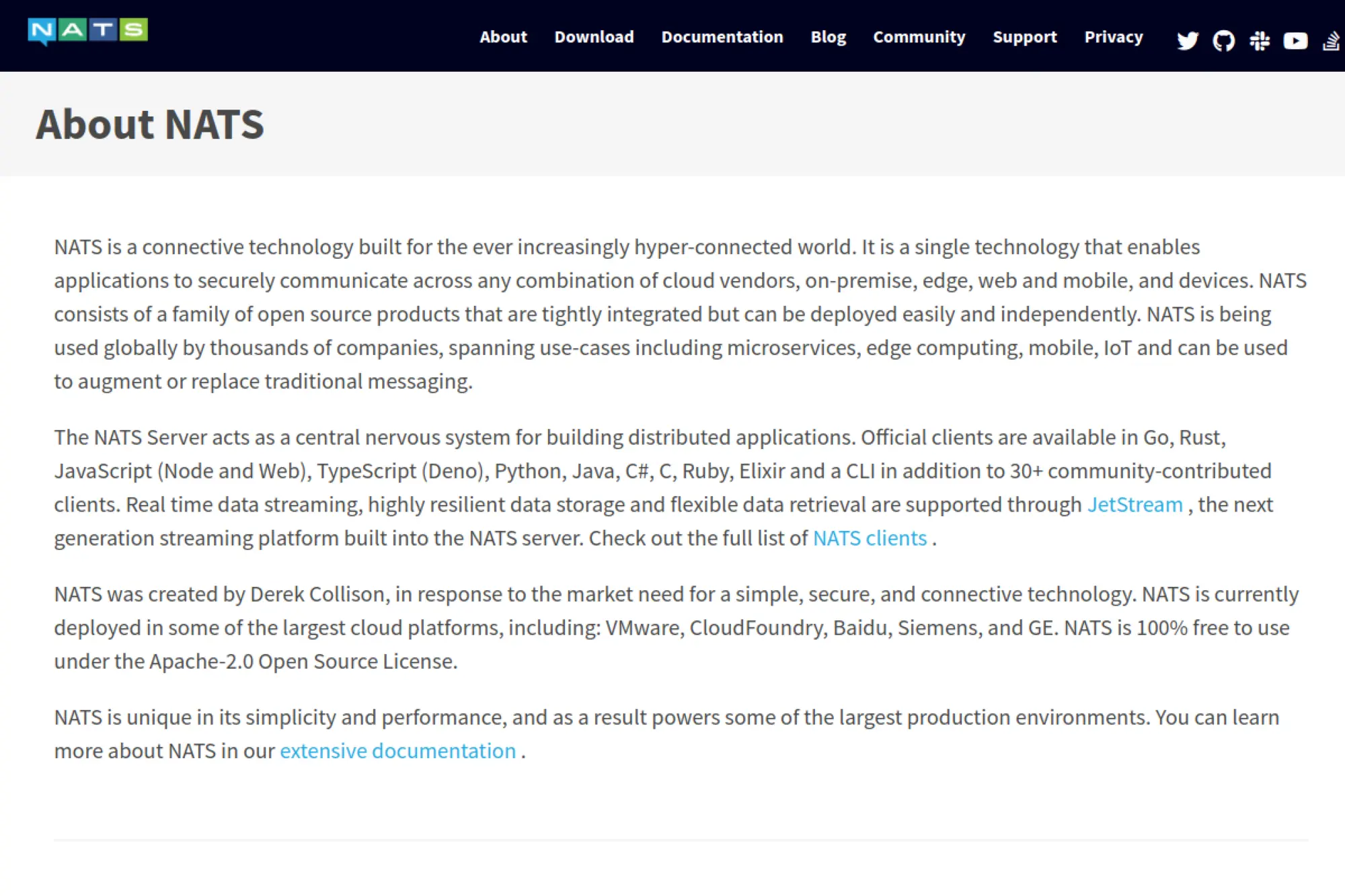
NATS provides a lightweight, open source messaging system designed for cloud, edge, and device environments. It supports simple pub/sub patterns and can also support streaming and persistence through built-in capabilities. Teams pick NATS when they want a lean alternative to heavier brokers and a straightforward way to connect distributed services.
Best for
Edge-to-cloud messaging and service communication where you want low overhead, simple operations, and flexible routing patterns.
Key workflows to configure
- Subject naming conventions that map cleanly to device domains.
- Access controls for services, customers, and internal teams.
- Durable streams for events you need to replay or audit.
- Request-reply patterns for command workflows.
Sales growth lever
Lower latency and simpler operations support new premium features. You can add near-real-time control workflows without overbuilding the messaging layer.
Watch outs
- Subject design becomes your “schema,” so be deliberate.
- Plan storage and retention for durable streams.
- NATS is a backbone, not a complete IoT platform.
Quick start checklist
- Deploy NATS and set secure accounts and credentials.
- Publish sample telemetry and subscribe from a backend service.
- Enable persistence for critical event streams.
- Implement a command handler using request-reply messaging.
- Export metrics and add alerts for broker health.
23. ChirpStack
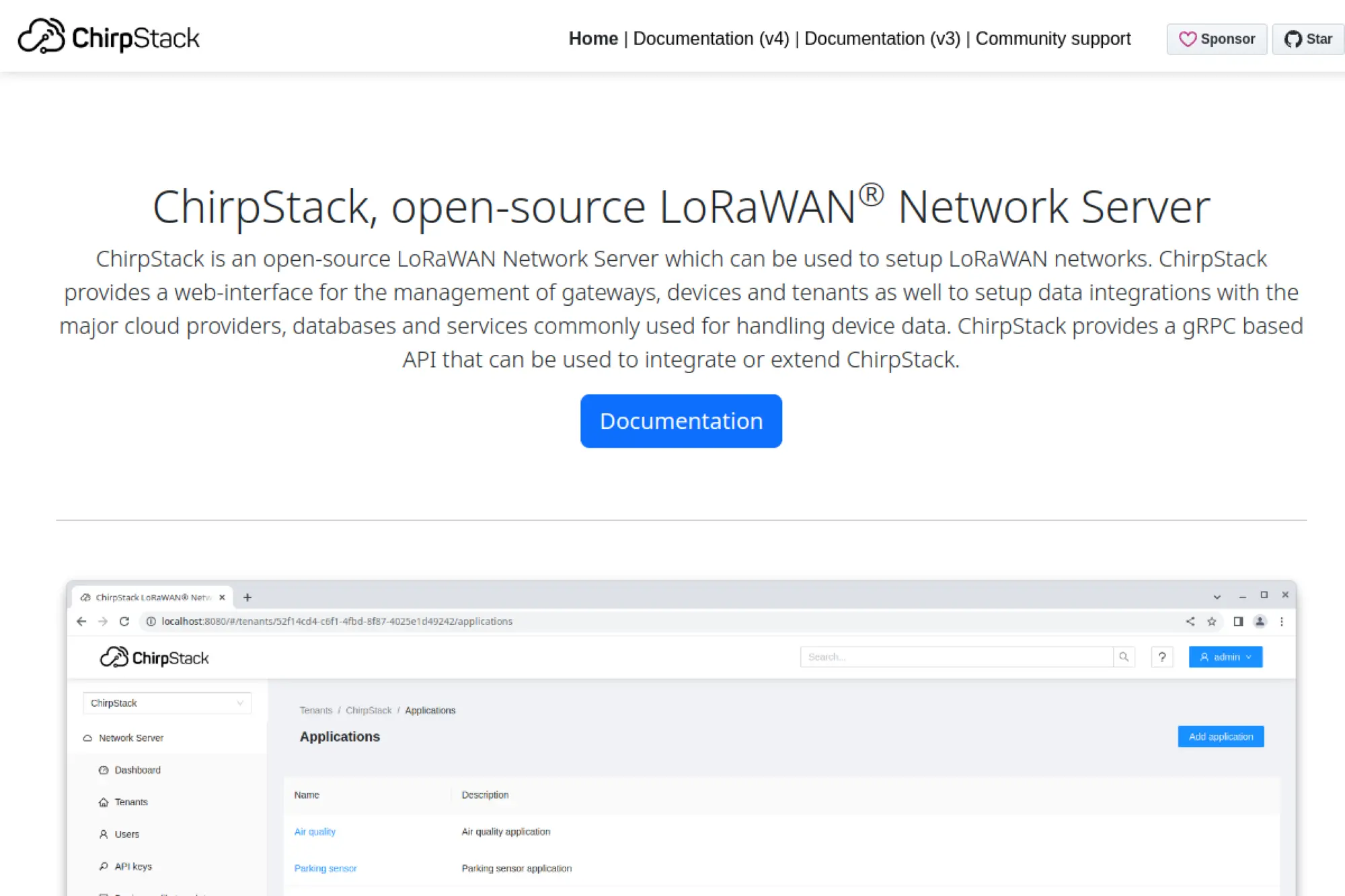
ChirpStack is an open source LoRaWAN network server that helps you run private or public LoRaWAN networks. It provides a web interface to manage gateways, devices, and tenants, along with integration options for common data pipelines. If your product relies on long-range, low-power sensing, ChirpStack gives you direct control over infrastructure and data.
Best for
LoRaWAN deployments in smart metering, agriculture, industrial sensing, and smart city projects where you want full control over the network server.
Key workflows to configure
- Gateway onboarding and operational monitoring for coverage stability.
- Device registration and key management for secure joins.
- Tenant separation for customers or internal teams.
- Integrations that forward uplinks into your analytics stack.
Sales growth lever
LoRaWAN unlocks new markets. When you support remote sensing at low power, you can offer monitoring where cellular or Wi-Fi is too expensive or unreliable.
Watch outs
- Radio planning and gateway placement determine real reliability.
- Payload decoding and schema design need standardization.
- Downlink usage requires care in low-power networks.
Quick start checklist
- Deploy ChirpStack and confirm regional settings match your plan.
- Add a gateway and verify uplinks reach the server reliably.
- Create an application and register one test device.
- Forward messages to your broker or webhook endpoint.
- Document payload formats and decoding rules for your team.
24. The Things Stack (Open Source)
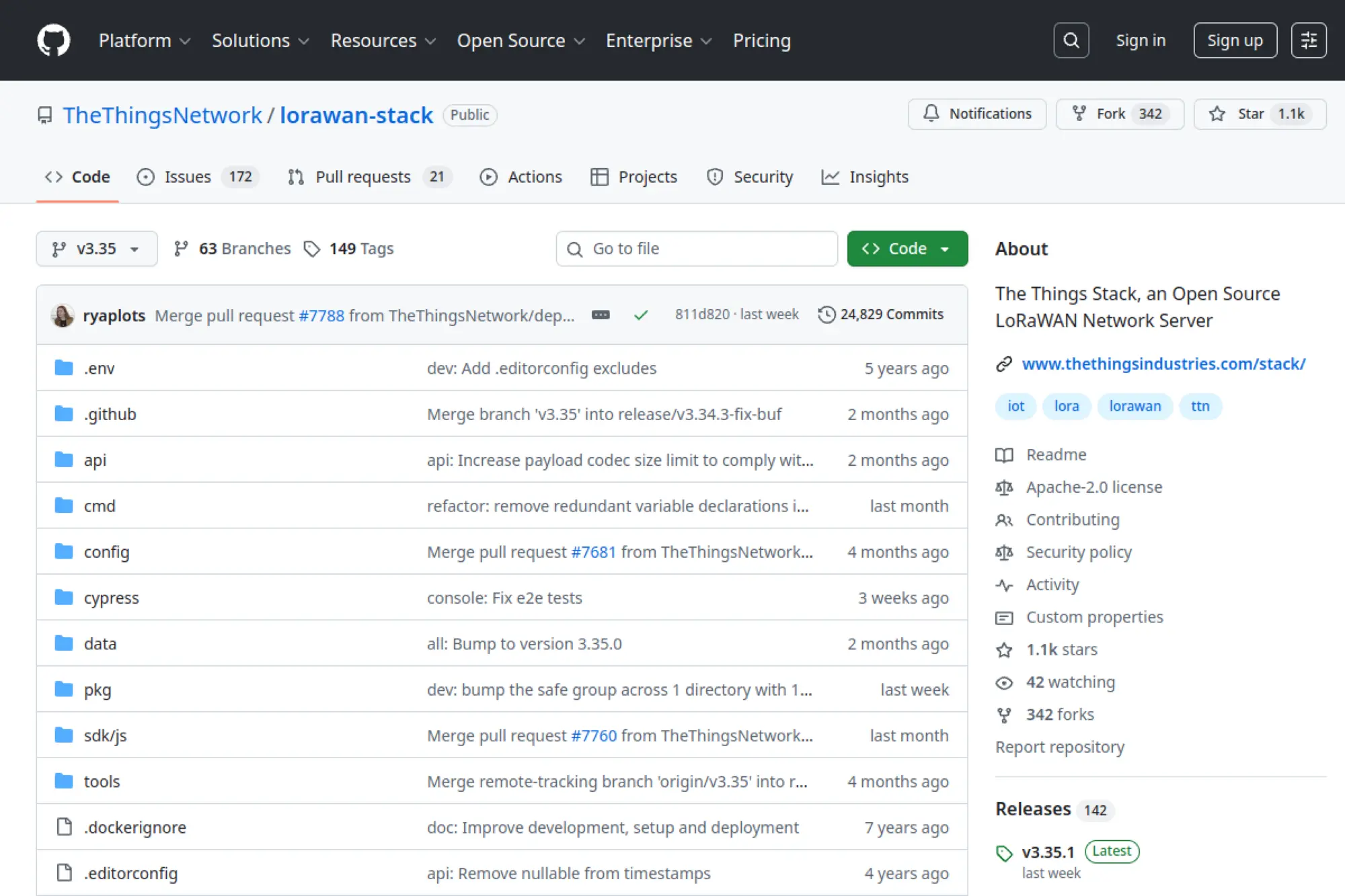
The Things Stack provides an open source LoRaWAN network server stack maintained by The Things Industries. It aims to support both large and small LoRaWAN deployments with a feature-rich architecture, strong tooling, and a clear enterprise path. If you want LoRaWAN networking plus a mature ecosystem, this project belongs on your shortlist.
Best for
Teams that want a LoRaWAN network server with strong operational tooling and a path from community deployment to enterprise-grade support.
Key workflows to configure
- Identity and access configuration for operators and applications.
- Gateway management and monitoring for stable coverage.
- Device onboarding and join workflows with secure keys.
- Integrations to route uplinks into your IoT platform or data stack.
Sales growth lever
Offer connectivity as part of your product. When your platform includes LoRaWAN network management, you can bundle hardware, connectivity, and monitoring into one commercial package.
Watch outs
- The stack has many moving parts, so you need clear runbooks.
- Backup and recovery planning matters because keys are critical.
- Make integrations explicit so downstream systems stay stable.
Quick start checklist
- Deploy the stack and secure the console and APIs.
- Register a gateway and validate traffic flows end-to-end.
- Add an application and onboard one device for testing.
- Configure an integration path into your data pipeline.
- Set alerts for gateway downtime and unusual traffic patterns.
25. Node-RED
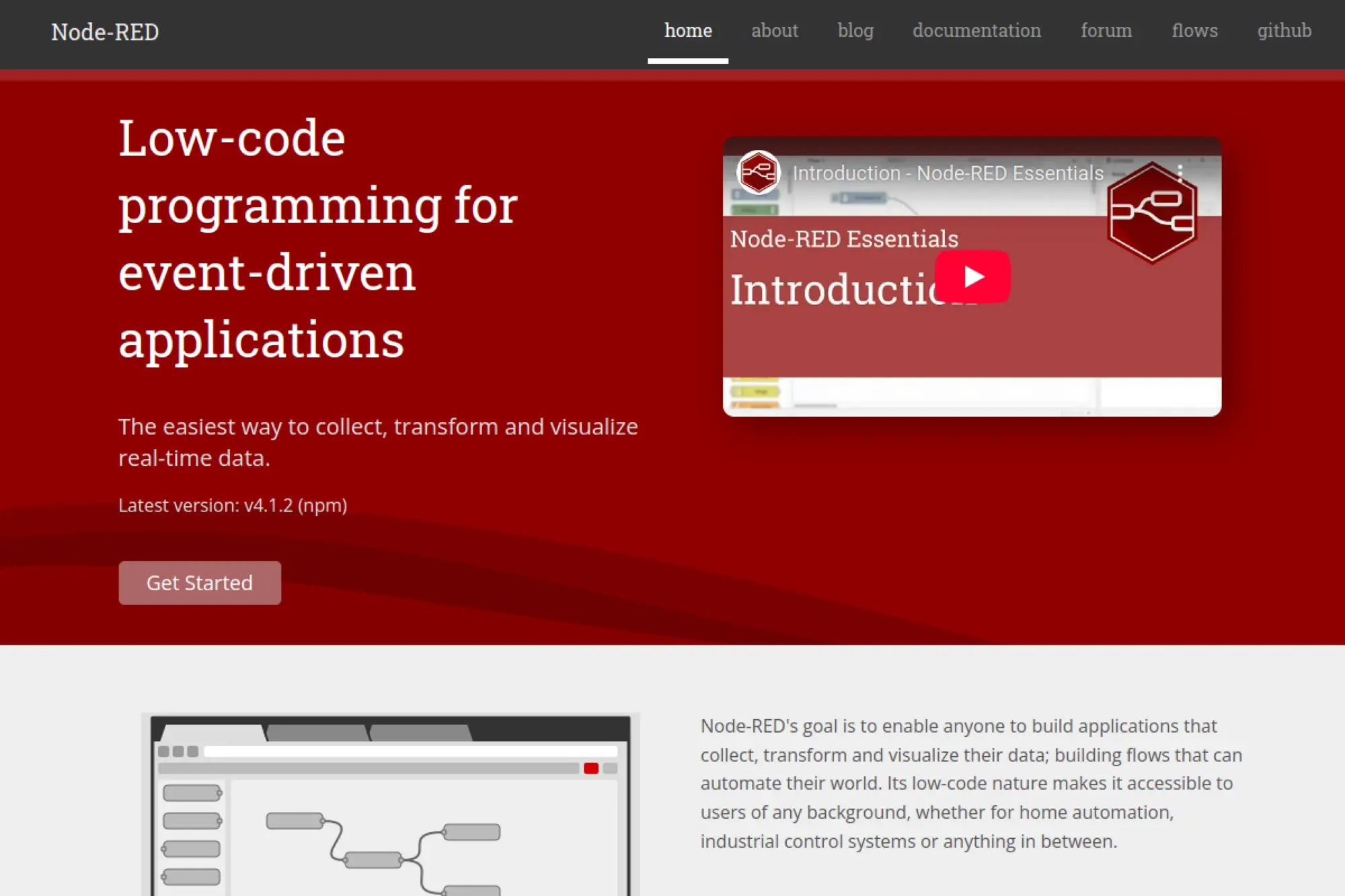
Node-RED is a low-code, flow-based tool for event-driven applications. IoT teams use it to connect brokers, APIs, and devices quickly. It shines as glue code for data transformations, protocol bridges, and automation workflows, especially when you need fast iteration without building full services for every integration.
Best for
Rapid integration work, proof-of-concepts, and edge automation where you want to wire devices and services together quickly.
Key workflows to configure
- MQTT ingestion flows that parse and validate payloads.
- Transformation and enrichment steps that standardize telemetry.
- Routing logic that pushes data to APIs, queues, or databases.
- Alerting flows that notify humans or trigger downstream actions.
Sales growth lever
Integration speed closes deals. Node-RED can help you prove feasibility quickly and deliver custom connectors that unblock customer adoption.
Watch outs
- Flows can become “shadow code” unless you add governance.
- Secure the admin UI and treat credentials as secrets.
- Test performance limits before you put heavy traffic through flows.
Quick start checklist
- Deploy Node-RED and enable authentication for the editor.
- Create a baseline flow that ingests telemetry from your broker.
- Add validation and error handling for malformed payloads.
- Route clean data into storage and build a quick dashboard.
- Version control your flows and document deployment steps.
26. Apache IoTDB
Apache IoTDB is a time-series database designed for IoT and industrial workloads. It focuses on efficient storage and fast time-based queries. Teams use it when they must store large volumes of sensor readings and provide responsive analytics for dashboards, anomaly detection, and operational troubleshooting.
Best for
Industrial telemetry storage where query performance, structured time-series modeling, and edge-to-cloud synchronization patterns matter.
Key workflows to configure
- Time-series schema design aligned to devices and sensors.
- Ingestion pipeline integration from brokers or stream processors.
- Retention policies that match compliance and customer expectations.
- Query patterns for dashboards and operational diagnostics.
Sales growth lever
Fast query response enables premium analytics. When customers can explore trends and troubleshoot quickly, they value your platform more and stay longer.
Watch outs
- Schema design mistakes are hard to unwind later.
- Storage and retention need planning to avoid runaway growth.
- You still need a strong ingestion and validation layer.
Quick start checklist
- Deploy IoTDB and secure access to the database interfaces.
- Create a small schema that represents real device telemetry.
- Write sample data and validate expected query results.
- Connect a visualization tool and build a basic trend dashboard.
- Set retention rules and test backup and restore procedures.
27. InfluxDB
InfluxDB is a widely used time-series datastore for metrics, events, and real-time analytics. IoT teams often select it for monitoring sensor data, building dashboards, and powering automation that depends on near-real-time state. Its ecosystem makes it convenient when you want broad integration options and strong developer familiarity.
Best for
Time-series storage for IoT telemetry when you want a popular ecosystem and a focus on fast ingest and responsive queries.
Key workflows to configure
- Ingestion endpoints and secure tokens for writers.
- Measurement and tag conventions that avoid unbounded cardinality.
- Retention strategy for raw versus aggregated data.
- Dashboard integration via Grafana or internal tooling.
Sales growth lever
Turn telemetry into user-facing insights. When you can deliver fast dashboards and reliable monitoring, you can package analytics as an add-on service.
Watch outs
- Tag design can make or break query performance and costs.
- Plan version and migration strategy before long-term rollout.
- Secure write access carefully to prevent data pollution.
Quick start checklist
- Deploy InfluxDB and create a clean org and bucket structure.
- Generate credentials for writers and readers with least privilege.
- Write telemetry from a test device and validate query results.
- Build a dashboard that answers one operational question.
- Set retention and backup workflows before scaling ingestion.
28. Grafana
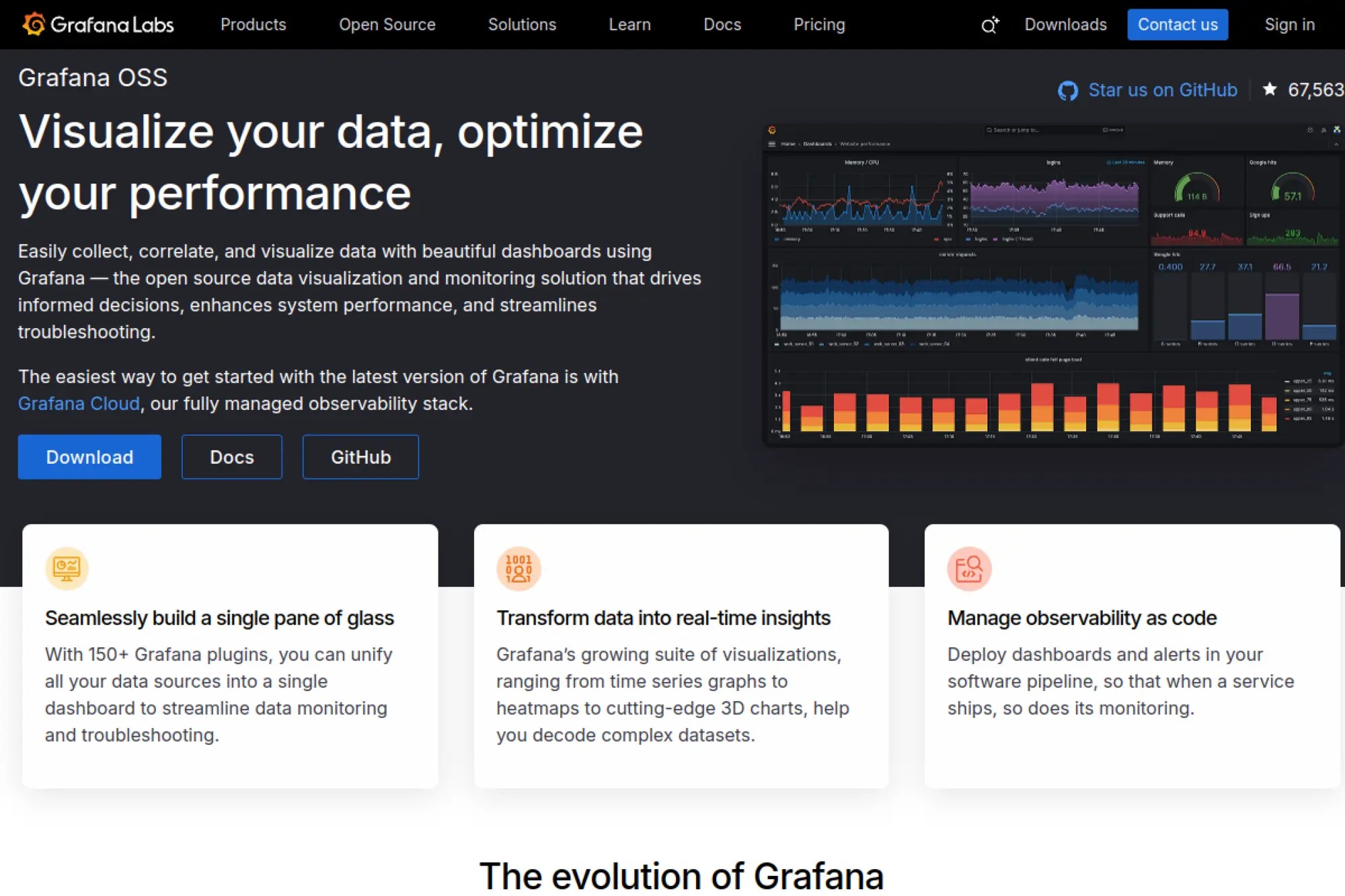
Grafana is a go-to choice for visualizing IoT telemetry, infrastructure metrics, and operational signals in one place. It connects to many data sources and supports dashboards and alerting. Teams use Grafana to build both internal operations views and customer-facing reporting portals when they want flexibility without reinventing charting and alert workflows.
Best for
Dashboards and alerting across IoT telemetry and backend infrastructure when you need a flexible “single pane of glass.”
Key workflows to configure
- Data source setup for time-series storage and logs.
- Dashboard conventions aligned to roles and operational tasks.
- Alert rules that reflect customer impact, not just raw metrics.
- Permissions and folder structures for teams and customers.
Sales growth lever
Dashboards sell outcomes. When customers see clear trends, alerts, and reports, they connect your platform to business value and accept premium tiers more easily.
Watch outs
- Dashboard sprawl can make the system hard to maintain.
- Plugins add power, but they also add governance requirements.
- Alert fatigue will grow unless you tune notifications carefully.
Quick start checklist
- Deploy Grafana and enable secure authentication.
- Connect a time-series database and validate basic queries.
- Create one dashboard focused on a single operational workflow.
- Add alerts and route notifications to a real on-call channel.
- Automate dashboard provisioning so environments stay consistent.
29. Home Assistant
Home Assistant is an open source home automation platform that prioritizes local control and privacy. It has a large ecosystem of integrations and supports add-ons for extending functionality. While it targets consumer and prosumer environments, IoT teams often use it for prototyping, demos, and testing how their devices behave in real smart home ecosystems.
Best for
Smart home pilots, device demos, internal test labs, and consumer IoT product validation where local control and broad integration matter.
Key workflows to configure
- Device discovery and integration for your target protocols.
- Automations that mirror real user behavior and routines.
- Dashboards for quick control and status visibility.
- Local messaging integration with an MQTT broker for testing.
Sales growth lever
Compatibility sells. When your device works smoothly with popular home automation patterns, you reduce purchase hesitation and build a stronger user community.
Watch outs
- Home Assistant targets homes, so it may not fit industrial needs.
- Frequent updates require testing if you depend on add-ons.
- Remote access must be secured carefully to protect privacy.
Quick start checklist
- Install Home Assistant on local hardware and enable backups.
- Add your device integration and validate reliable control.
- Set up an MQTT broker and test telemetry flows.
- Build an automation that triggers from real sensor events.
- Document setup steps so support and sales can demo confidently.
30. openHAB
openHAB provides a vendor-agnostic, open source automation platform that runs on your own hardware. It focuses on integrating diverse devices, building rules, and enabling automation without forcing a cloud dependency. For IoT teams, openHAB works well as a flexible test harness and an option for smart building or local automation deployments.
Best for
Self-hosted smart home and smart building automation, especially when you need vendor-neutral integrations and strong local control.
Key workflows to configure
- Bindings and integrations for the systems you need to support.
- Item modeling that maps devices into a consistent control layer.
- Rule design for time-based and event-driven automation.
- Persistence setup so you can graph and analyze device states.
Sales growth lever
Use openHAB to package automation as a service. Integrators can build repeatable templates for customers and monetize installation, customization, and long-term maintenance.
Watch outs
- Modeling and rule concepts can take time for new users.
- UI customization requires planning to avoid fragmented experiences.
- Secure remote access carefully, especially in mixed networks.
Quick start checklist
- Install openHAB and secure administrative access.
- Add one binding and confirm stable device communication.
- Create a minimal item model and build a simple control UI.
- Write one automation rule that solves a real user need.
- Enable persistence and validate history and troubleshooting flows.
Reference Architectures You Can Copy
Edge-First Industrial Monitoring
Use this pattern when you need local processing and strict reliability at sites with unstable connectivity.
- Edge device protocols → Eclipse Kura or EdgeX Foundry for local integration.
- Local messaging → Eclipse Mosquitto for site-level pub/sub.
- Backbone streaming → Kafka or NATS for fan-out and replay.
- Time-series storage → Apache IoTDB or InfluxDB for trend queries.
- Dashboards and alerts → Grafana for operators and support teams.
Connected Product With Customer Portals
Use this pattern when customer-facing dashboards and multi-tenant roles drive your commercial model.
- Device ingestion → Mosquitto or VerneMQ depending on scale needs.
- Platform layer → ThingsBoard, Kaa, or OpenRemote for tenant and portal workflows.
- Update management → Mender or Eclipse hawkBit for safe OTA rollouts.
- Analytics and reporting → time-series storage plus Grafana dashboards.
LoRaWAN Remote Sensing
Use this pattern when devices run on low power and you need long-range sensing in the field.
- Network server → ChirpStack or The Things Stack depending on ops preferences.
- Integration layer → Node-RED for decoding and transformation workflows.
- Storage → InfluxDB or IoTDB for sensor history and analysis.
- Visualization → Grafana for trends, thresholds, and alerts.
Smart Home and Smart Building Prototyping
Use this pattern when you need fast integration demos and real-world device behavior testing.
- Automation hub → Home Assistant or openHAB for broad ecosystem testing.
- Messaging backbone → Mosquitto for device telemetry and control topics.
- Flow automation → Node-RED for quick integrations and event logic.
- Dashboards → Grafana for unified operational visibility when you scale beyond a single home.







Conclusion

Choosing the best open-source IoT platform rarely comes down to one feature. You win by picking a core that matches your device lifecycle and customer workflows, then combining it with building blocks that you can operate safely: messaging, storage, updates, and observability included.
The fastest way to de-risk your choice is to run one real device flow end-to-end: enrollment, telemetry, dashboarding, alerting, and an update path. If your stack can handle that cleanly, you can scale with confidence. If it can’t, switch early before the fleet grows and every workaround becomes permanent.
Implementing the blocks above will make the page more “decision-ready,” more topically coherent, and less repetitive, while keeping the same overall structure that already performs well for listicle-style search intent.