

- Best Simple SEO Platforms Picks by Use Case
- What Makes an SEO Platform “Simple” for a Small Business
- Fresh SEO and Local Search Stats to Keep in Mind
- Top Simple SEO Platforms for Small Businesses
- How to Choose a Simple SEO Platform (Without Paying for Noise)
- Common Setup Mistakes That Slow SEO Down
- FAQs
- Conclusion
Small-business SEO gets overwhelming fast because the work is never “one task.” You’re juggling pages, technical fixes, local visibility, reviews, and reporting, often without an in-house SEO team.
This guide breaks down simple SEO platforms that help you focus on what matters most: actions you can actually repeat, and proof that the work is moving leads and sales. Each platform includes a practical setup workflow, a growth lever that ties back to revenue, and quick warnings so you don’t waste time on noise.
Best Simple SEO Platforms Picks by Use Case
Best picks by use case (skip the scrolling)
- If you want the simplest place to measure SEO health: start with Google Search Console and Google Analytics, then add one action tool from the list below.
- If you rely on calls, bookings, or foot traffic: start with Google Business Profile, then add a local platform (BrightLocal or Local Falcon) to systemize rankings and reviews.
- If you publish content and need topics that rank: start with one research suite (Semrush or Ahrefs), then add one content optimizer (Surfer SEO, Clearscope, or Frase).
- If you suspect technical issues are blocking growth: start with a crawler (Screaming Frog SEO Spider or Sitebulb) and pair it with Search Console for validation.
- If you run WordPress and want faster on-page execution: pick one plugin (Yoast SEO, Rank Math, or All in One SEO) and keep the setup lean.
- If you need reporting that clients or owners understand: use a reporting dashboard tool (AgencyAnalytics) after your tracking layer is correct.
| What you’re trying to do | Simple platform category | Good starting options in this guide | Why it stays “simple” | Common pitfall |
|---|---|---|---|---|
| Track what Google sees | Measurement | Google Search Console | Clear diagnostics + direct feedback loop | Checking data without taking action |
| Prove outcomes beyond rankings | Analytics | Google Analytics | Connects traffic to leads and revenue | Not defining conversions |
| Win map visibility | Local SEO | Google Business Profile, BrightLocal, Local Falcon | Repeatable listing + review workflows | Inconsistent business info across platforms |
| Find keywords and competitors | Research suite | Semrush, Ahrefs, Moz Pro, SE Ranking | Guided workflows for gaps and opportunities | Buying features you won’t use weekly |
| Fix technical blockers | Crawling & auditing | Screaming Frog SEO Spider, Sitebulb, Sitechecker | Turns issues into a prioritized checklist | Fixing low-impact issues first |
| Improve content to match intent | Content optimization | Surfer SEO, Clearscope, Frase | Actionable guidance while writing | Publishing generic, undifferentiated pages |
How to use this list without overthinking it
- Pick one tool to measure (Search Console + Analytics is the default).
- Pick one tool to act (local, content, or technical).
- Use the “Key workflows to configure” as your setup checklist, then repeat the same routine weekly.
FURTHER READING: |
| 1. Best AI Email Writer: Top 30 Picks for 2026 |
| 2. Best AI Logo Generator: Top 30 Picks for 2026 |
| 3. AI Video Editor for Beginners: 30 Easy Tools to Start With |
What Makes an SEO Platform “Simple” for a Small Business
A “simple” SEO platform isn’t the one with the fewest features. It’s the one that turns SEO into short, repeatable actions, without requiring you to become a full-time analyst.
A quick simplicity scorecard
- Will you log in weekly? If the answer is no, the platform is too heavy for your current reality.
- Does it tell you what to do next? Dashboards are useless if they don’t translate into a clear next task.
- Can you finish a meaningful session quickly? Simple tools help you complete a workflow in one sitting.
- Can you explain results to a non-SEO person? If reporting is unclear, buy-in disappears and progress resets.
Also remember: “simple” rarely means “single tool forever.” Most small businesses win with a small stack: one layer to measure, one layer to act.
Fresh SEO and Local Search Stats to Keep in Mind
SEO still depends on where customers search, and the biggest lever is still visibility in the places people already use. StatCounter shows 90.83% worldwide search engine market share in December 2025, which means your baseline playbook still needs to work on Google.
At the same time, clicks are not guaranteed. SparkToro’s research found 58.5% of American Google searches resulted in zero clicks, so titles, snippets, map presence, and trust signals matter as much as rankings.
Discovery is also changing as AI systems summarize answers using external sources. BrightEdge reported 34% of AI citations pull from sources that brands can influence through PR, making credibility and off-site mentions part of modern SEO hygiene.
Local SEO still hinges on reputation across more than one destination. BrightLocal found 74% of consumers say they use two or more websites for reading reviews, which is why consistent listings and review management are revenue work—not just “branding.”
And review responses are a conversion lever. BrightLocal’s research reported 88% of consumers are likely to use a business if they can see the business owner responds to all reviews, so building a reply routine can directly increase trust and inquiries.
Top Simple SEO Platforms for Small Businesses

1. Google Search Console
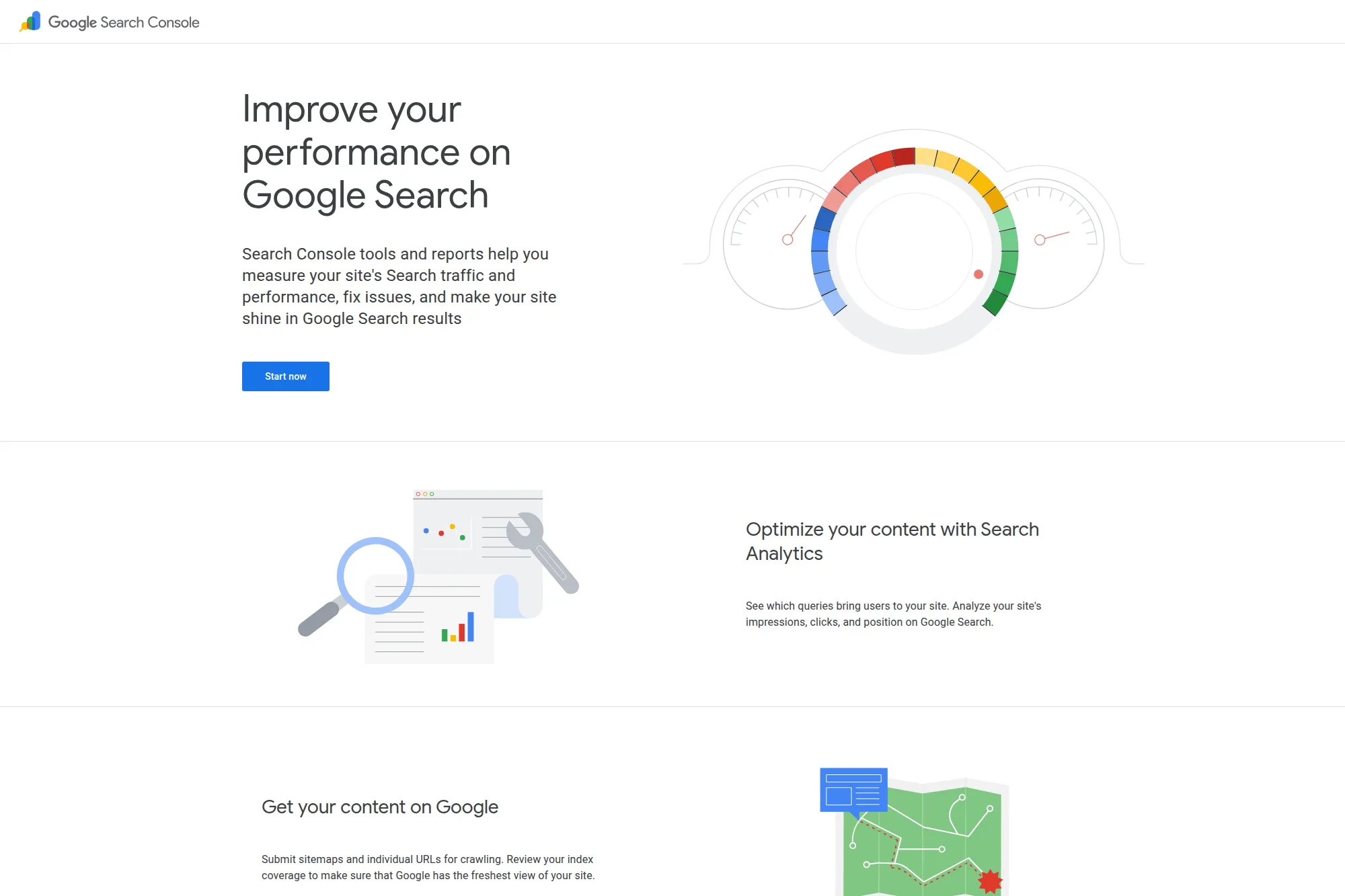
Google Search Console is the simplest place to see how Google finds your site. It shows search queries, indexing status, and technical issues without extra fluff. If you want a clean “what’s happening in Google” dashboard, start here.
Best for
Owners who want proof of SEO progress, plus a clear list of indexing and visibility problems to fix first.
Key workflows to configure
- Verify your domain property so you track the whole site.
- Submit your XML sitemap and monitor indexing coverage.
- Review search queries that already trigger impressions.
- Use URL Inspection when you publish or update key pages.
Sales growth lever
Mine the Performance report for “almost ranking” queries. Then improve the matching page with better headings, stronger benefits, and clearer calls to action. That move often lifts leads without writing brand-new pages.
Watch outs
- It focuses on Google only, not every channel.
- It shows what happened, but it will not write fixes for you.
Quick start checklist
- Add your domain property and verify ownership.
- Submit your sitemap.
- Turn on email alerts.
- Scan Indexing reports for blocked or error pages.
- Pick one high-impression page and improve it this week.
2. Google Analytics
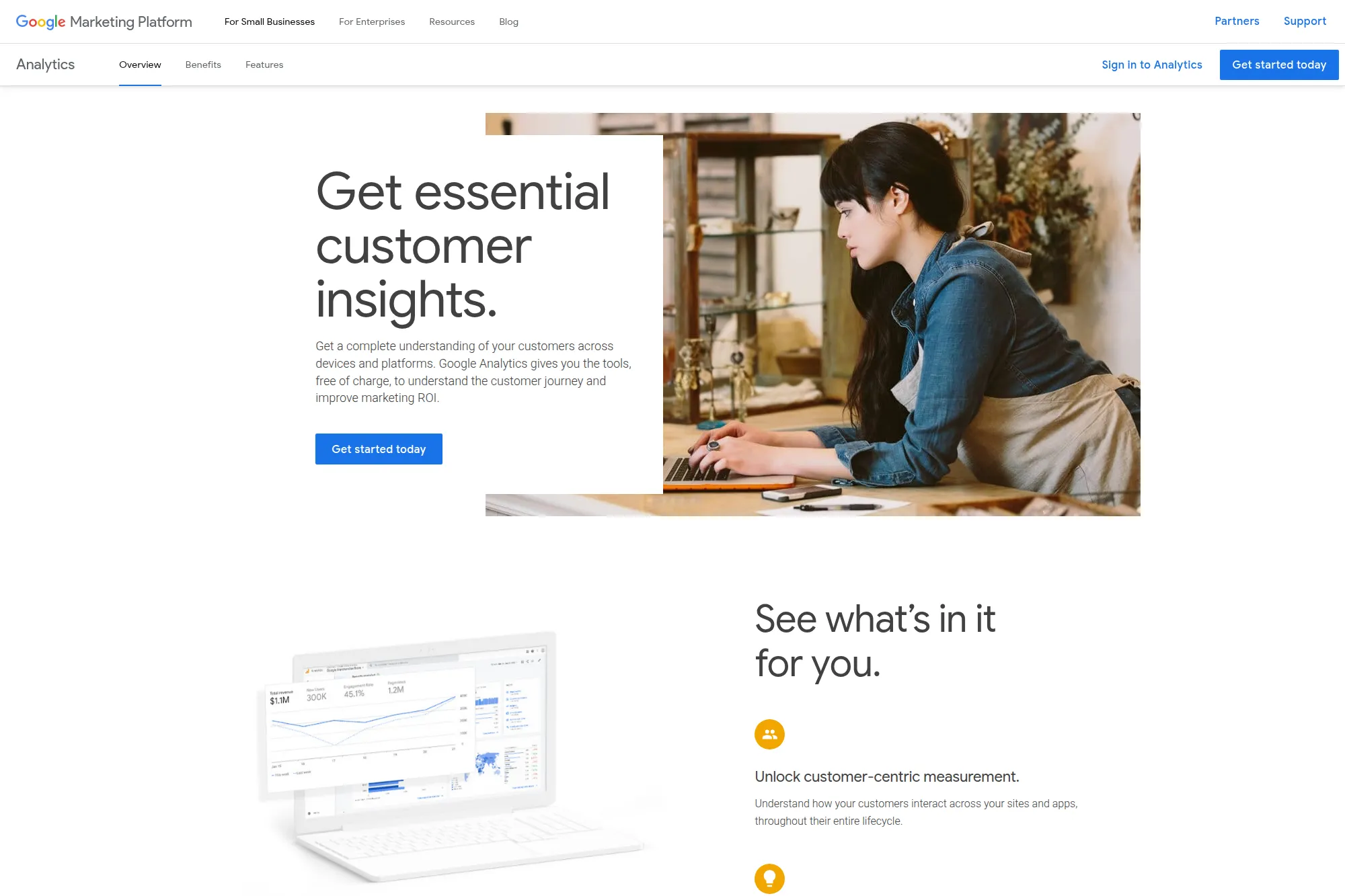
Google Analytics helps you connect SEO work to business outcomes. It shows what visitors do after they arrive. That makes it easier to decide which pages deserve updates, which offers convert, and where drop-offs happen.
Best for
Small businesses that want to track leads, calls, form fills, bookings, or purchases and tie them back to landing pages.
Key workflows to configure
- Install tracking through your site platform or a tag manager.
- Set up conversions that match real business actions.
- Review landing pages from organic search traffic.
- Build a simple report that shows organic sessions and conversions.
Sales growth lever
Find pages with strong traffic but weak conversions. Then improve the offer above the fold, add trust signals, and simplify the next step. SEO traffic only matters when it turns into inquiries or revenue.
Watch outs
- It can feel complex at first, so keep your reports focused.
- Bad conversion setup leads to bad decisions, so validate tracking early.
Quick start checklist
- Create your property and install the tag.
- Confirm real-time traffic shows up.
- Define at least one primary conversion.
- Check organic landing pages weekly.
- Write down one page improvement based on data.
3. Google Business Profile
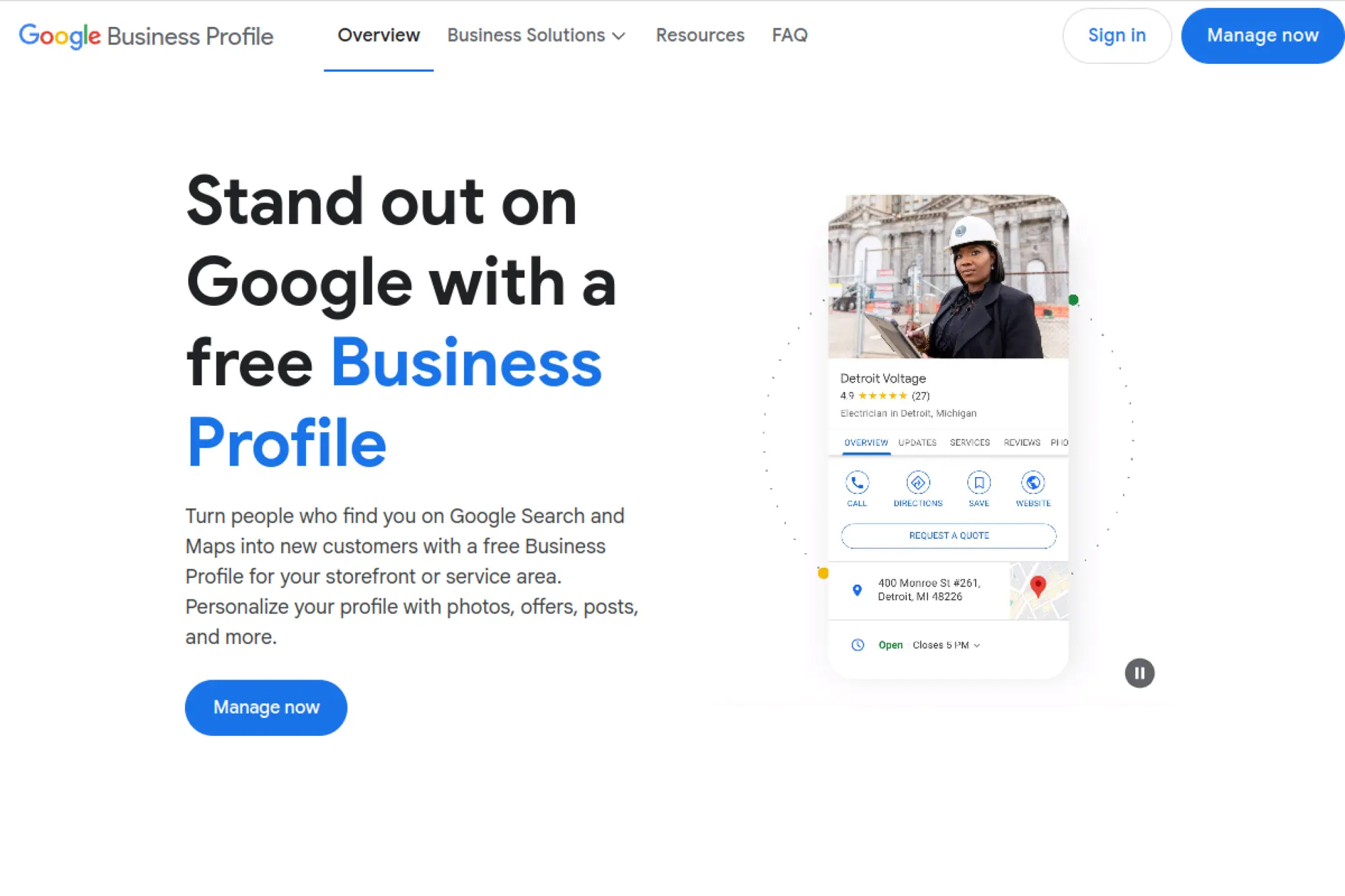
Google Business Profile is the simplest local SEO platform because it is also the storefront inside Search and Maps. You control business info, categories, photos, posts, and review replies. For many local businesses, it drives the fastest win.
Best for
Local service businesses, retail, restaurants, and any brand that wants calls, direction requests, and booked appointments from maps results.
Key workflows to configure
- Claim and verify your listing.
- Choose the right primary and secondary categories.
- Add services, products, and accurate hours.
- Upload photos that match what customers expect to see.
- Reply to reviews and questions consistently.
Sales growth lever
Turn your profile into a conversion page. Add service details that match real search terms. Then post updates that answer common buyer questions. This helps customers choose you before they even reach your website.
Watch outs
- Google can suggest edits, and they are not always correct.
- Spam listings can dilute visibility in competitive areas.
Quick start checklist
- Claim and verify your profile.
- Fill out every core field (name, phone, site, hours).
- Add services and a clear description.
- Upload fresh photos.
- Set a weekly reminder to reply to reviews.
4. Bing Webmaster Tools
Bing Webmaster Tools gives you visibility into how Bing crawls and ranks your site. It also helps you submit sitemaps, inspect URLs, and find technical issues. Many small businesses ignore Bing, so this tool can create “quiet wins.”
Best for
Businesses that want extra organic traffic beyond Google, especially if customers use Microsoft devices and Bing-powered search experiences.
Key workflows to configure
- Add and verify your site (or import from Search Console).
- Submit your sitemap for faster discovery.
- Run site scans to catch technical SEO issues.
- Use URL Inspection after publishing important pages.
Sales growth lever
Find keywords that perform well in Bing and build dedicated service pages around them. You often face less competition there, which can shorten the time to leads.
Watch outs
- Bing data can differ from Google, so avoid mixing conclusions.
- It will not replace your core Google SEO work.
Quick start checklist
- Create an account and add your site.
- Import verification if you already use Search Console.
- Submit your sitemap.
- Review crawl issues and fix the top ones.
- Check search performance once a week.
5. Ahrefs

Ahrefs is a powerful platform that still feels approachable once you focus on a few core reports. It shines in competitor research, backlink insights, and keyword opportunities. If you want “show me what works in my market,” Ahrefs delivers.
Best for
Small businesses that compete in a crowded niche and need smarter keyword targeting, link building direction, and content gap ideas.
Key workflows to configure
- Run a site audit to uncover technical blockers.
- Research keywords and match them to real landing pages.
- Analyze competitor pages that attract links and traffic.
- Track keyword movement for your core services.
Sales growth lever
Use competitor page research to build “better alternatives.” For example, if competitors win with a “pricing” page, publish your own pricing guidance with clearer differentiation. That content often attracts high-intent leads.
Watch outs
- It can feel data-heavy if you open every report at once.
- Backlink and traffic numbers are estimates, not your analytics.
Quick start checklist
- Create a project for your website.
- Run an audit and fix the highest-impact issues.
- Build a keyword list for your main services.
- Check competitor top pages for content patterns.
- Track rankings for your most valuable terms.
6. Semrush
Semrush is an all-in-one marketing suite that can still be “simple” if you use it with discipline. It bundles keyword research, site audits, rank tracking, content support, and local tools. That range helps small businesses consolidate work.
Best for
Teams that want one platform for planning, auditing, tracking, and competitive research without stitching together many separate tools.
Key workflows to configure
- Set up a project with Site Audit and Position Tracking.
- Run keyword research and group terms by service.
- Use competitor gap tools to find missing topics.
- Create an on-page task list tied to specific URLs.
Sales growth lever
Turn keyword clusters into service hubs. Then connect each hub to a strong “request a quote” or “book now” path. Semrush helps you see which topics can realistically win, so you waste less time on impossible targets.
Watch outs
- Too many features can distract you from core work.
- Plans and toolkits vary, so confirm what you need before you commit.
Quick start checklist
- Create your project and run your first site audit.
- Fix foundational issues like indexation and broken pages.
- Build a keyword list around your top offers.
- Track rankings for those keywords.
- Schedule a simple monthly report for accountability.
7. Moz Pro
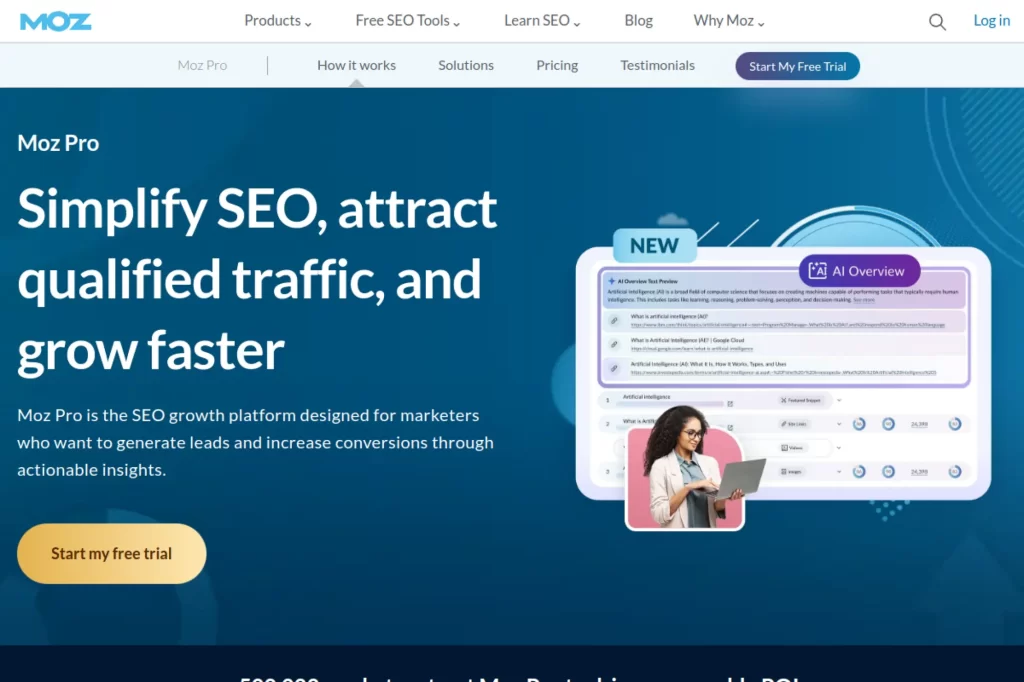
Moz Pro keeps SEO approachable. It focuses on core workflows like campaigns, site crawling, rank tracking, and keyword research. Many small teams like Moz because it explains issues in plain language and keeps the interface calm.
Best for
Business owners who want guided SEO routines and a clean weekly checklist instead of a complex data lab.
Key workflows to configure
- Create a campaign for your site and run the crawl.
- Track keywords for your main services and locations.
- Use keyword research to plan blog and landing pages.
- Review on-page suggestions for priority pages.
Sales growth lever
Use campaign insights to protect your money pages. If a key service page slips, you will see it early. Then you can refresh the copy, add stronger proof, and keep lead flow steady.
Watch outs
- Every suite has strengths, so compare data sources when needed.
- You still need content strategy and conversion work outside the tool.
Quick start checklist
- Set up your first campaign and run a crawl.
- Add your core keyword set and track rankings.
- Choose one page to optimize based on Moz suggestions.
- Set a weekly habit: crawl review, ranking review, action taken.
- Document changes so you can measure impact.
8. SE Ranking

SE Ranking aims to feel like a full SEO workstation without requiring a full-time SEO analyst. It combines audits, rank tracking, research, and reporting in one platform. That balance makes it a strong pick for small businesses that want structure.
Best for
Small teams that need an all-in-one SEO tool with straightforward dashboards and strong reporting options.
Key workflows to configure
- Create a project and run your website audit.
- Connect Google services for better keyword and page insights.
- Set rank tracking for your services and key locations.
- Review competitor domains to spot content gaps.
Sales growth lever
Use its rank tracking to spot pages that climb. Then expand those pages into stronger lead generators by adding FAQs, proof, and clearer “next step” CTAs. When rankings rise, conversion improvements multiply the gain.
Watch outs
- If you track too many keywords, reporting can get noisy.
- Audits still need human judgment, especially for “nice-to-have” fixes.
Quick start checklist
- Build one project for your main domain.
- Run the audit and tackle critical technical issues first.
- Add a focused keyword set tied to revenue pages.
- Set reporting cadence and review changes on schedule.
- Write one action item per report and execute it.
9. Ubersuggest
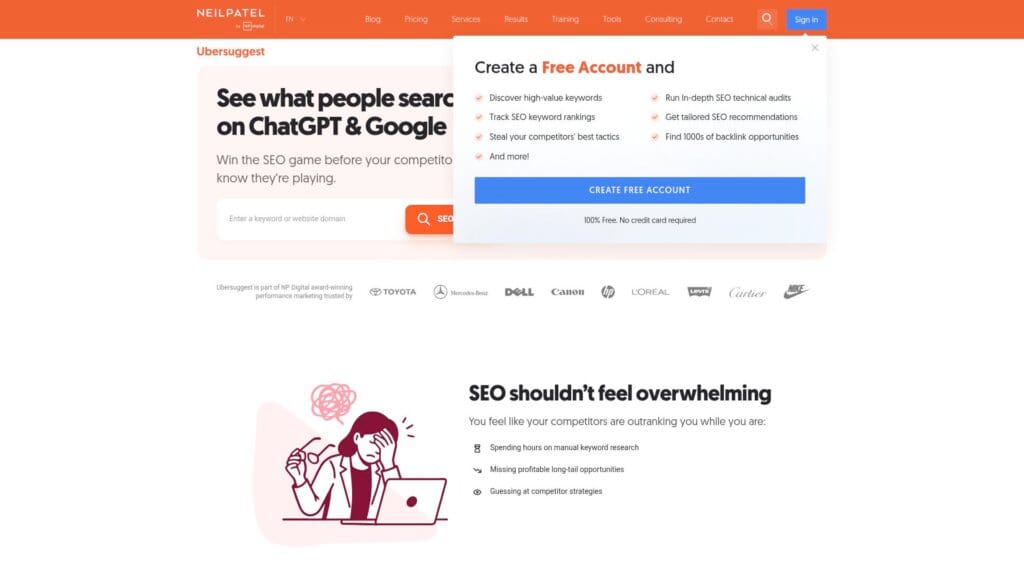
Ubersuggest keeps keyword research and basic SEO auditing simple. It is designed for people who want fast ideas, quick audits, and easy tracking. If you feel stuck on “what should I target,” Ubersuggest gives direction quickly.
Best for
Beginners who need keyword ideas, competitor snapshots, and a basic technical checklist without a steep learning curve.
Key workflows to configure
- Run keyword research for your service and location terms.
- Use content ideas to plan blog posts that match intent.
- Audit your site and fix high-priority issues.
- Track a short list of money keywords over time.
Sales growth lever
Target long-tail keywords that signal a buyer, not a browser. Then publish focused landing pages that answer pricing, timelines, and outcomes. That approach attracts prospects who want to act soon.
Watch outs
- It is not built for deep technical SEO at scale.
- Data estimates can differ from other platforms, so compare when it matters.
Quick start checklist
- Enter your domain and run a site audit.
- Fix the top issues that block crawling or UX.
- Build a keyword list for your main offers.
- Create one new page based on the best opportunity keyword.
- Track your target keywords and review progress weekly.
10. Mangools (KWFinder)
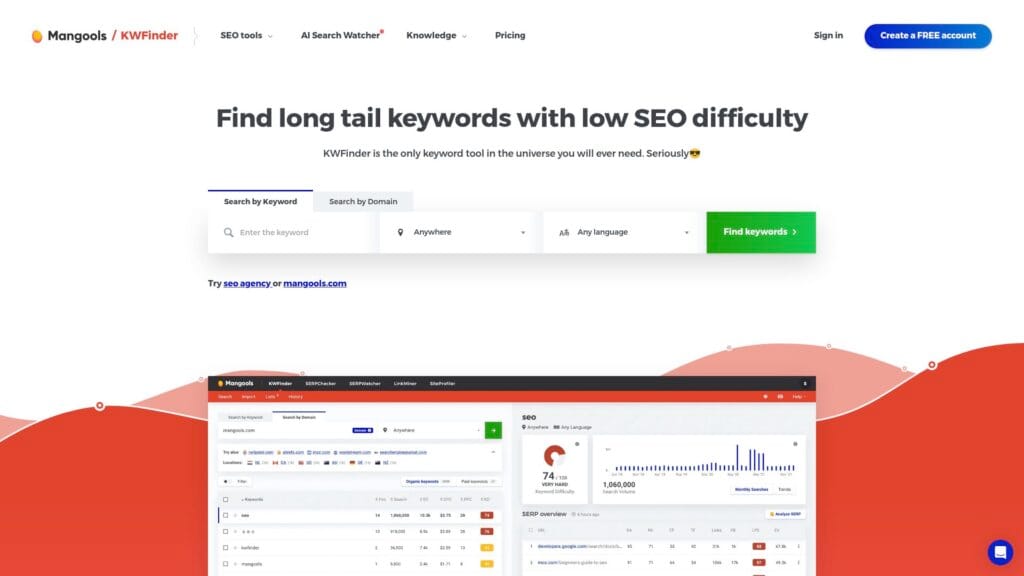
Mangools stands out for its friendly interface. KWFinder helps you discover keywords without feeling buried in charts. The suite also includes tools for SERP checks, rank tracking, and basic backlink research.
Best for
Small businesses that want simple keyword research and rank tracking with an interface that feels welcoming.
Key workflows to configure
- Research keywords by service and by location.
- Review SERP results to understand search intent.
- Track keyword movement for your main pages.
- Check competitor domains for quick opportunity ideas.
Sales growth lever
Use SERP research to align your page format with what wins. If the top results are “service pages,” publish a service page. If the top results are guides, write a guide that leads into your offer.
Watch outs
- It is not a replacement for a full technical auditing crawler.
- Keyword research still needs business judgment, not just “low difficulty.”
Quick start checklist
- Create keyword lists for your top offers.
- Review the SERP for intent and page structure clues.
- Pick one keyword cluster and map it to one landing page.
- Start rank tracking for that cluster.
- Update your page and measure ranking movement.
11. Serpstat
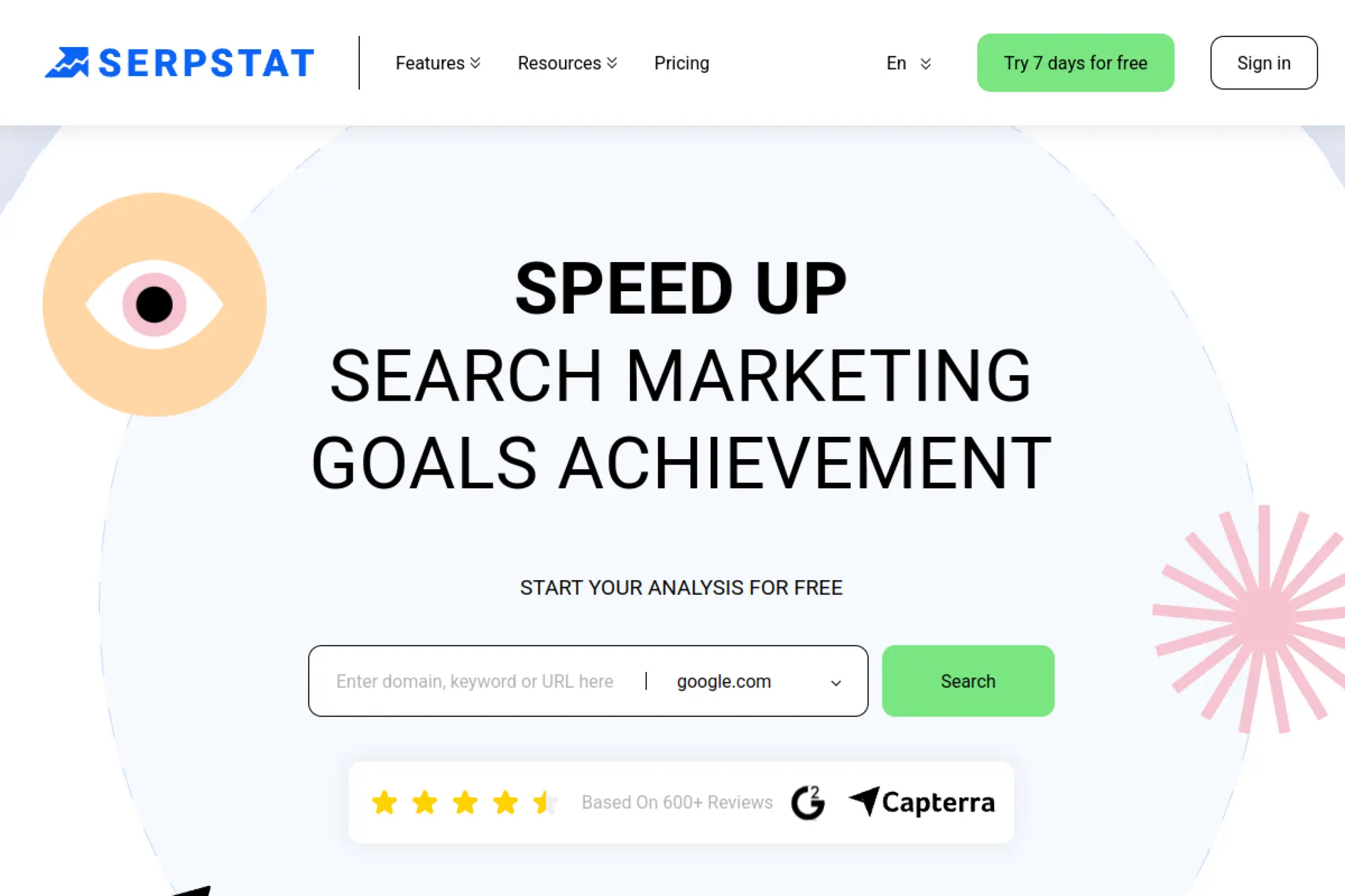
Serpstat combines keyword research, competitor analysis, site auditing, and rank tracking in one place. It can feel like a compact alternative to larger suites. For small businesses, it works best when you keep your focus narrow.
Best for
Teams that want one platform for research and tracking, with enough auditing to handle common SEO hygiene tasks.
Key workflows to configure
- Run competitor research to see what pages drive visibility.
- Build keyword lists based on proven competitor terms.
- Audit your site for technical errors and on-page gaps.
- Track rankings for your target keyword sets.
Sales growth lever
Use competitor keyword insights to spot “missing pages.” Then create those pages with clearer positioning. For example, add a dedicated page for a high-margin service instead of hiding it inside a general page.
Watch outs
- All-in-one platforms tempt you to chase every metric.
- Keep keyword lists tight, or tracking becomes less actionable.
Quick start checklist
- Analyze your top competitors and list their strongest pages.
- Choose one keyword cluster to target first.
- Run a site audit and fix critical issues.
- Create or improve the matching landing page.
- Track rankings and review changes on a set schedule.
12. SpyFu
SpyFu focuses on competitor intelligence. It helps you see which keywords competitors rank for, plus which ads they run. That insight can simplify your marketing plan when you feel unsure where to compete.
Best for
Businesses that want to reverse-engineer competitor SEO and PPC strategy, especially in services, SaaS, and local markets with heavy ad competition.
Key workflows to configure
- Research competitor keywords and top pages.
- Compare keyword overlap to find gaps you can target.
- Review ad copy themes to learn what messaging converts.
- Track a focused set of keywords for your own domain.
Sales growth lever
Use competitor keyword lists to build conversion-first landing pages. If you run a home services business, that might mean creating a page for each specific job type, each with pricing signals, trust badges, and fast contact options.
Watch outs
- It does not replace a technical crawler or on-page optimizer.
- Competitive data is directional, so validate with your own results.
Quick start checklist
- List your top competitors and run domain research.
- Export keywords that match your services.
- Group those keywords into landing page themes.
- Create one new page or improve one existing page.
- Track those keywords and review movement regularly.
13. Similarweb

Similarweb helps you understand the broader market, not just rankings. It can show how competitors attract traffic and which channels drive growth. For small businesses, that perspective can prevent bad bets and wasted content.
Best for
Founders and marketers who want competitive benchmarking and channel insights, especially when SEO is one part of a broader growth plan.
Key workflows to configure
- Benchmark your site against direct competitors.
- Review top traffic channels that send visits to competitor sites.
- Identify top pages and themes competitors rely on.
- Use keyword insights to inform content planning.
Sales growth lever
Spot high-performing competitor content themes, then publish a version tailored to your niche and your offer. For example, if competitors win with comparison content, build a comparison page that highlights your differentiators and drives inquiries.
Watch outs
- Traffic and channel data are estimates, not your analytics.
- It informs strategy, but it will not fix technical SEO problems.
Quick start checklist
- Pull a competitor list and benchmark your site against them.
- Write down the main channels competitors rely on.
- Identify one content gap you can fill.
- Publish and promote that content with a clear CTA.
- Measure results in your analytics, then repeat.
14. Screaming Frog SEO Spider
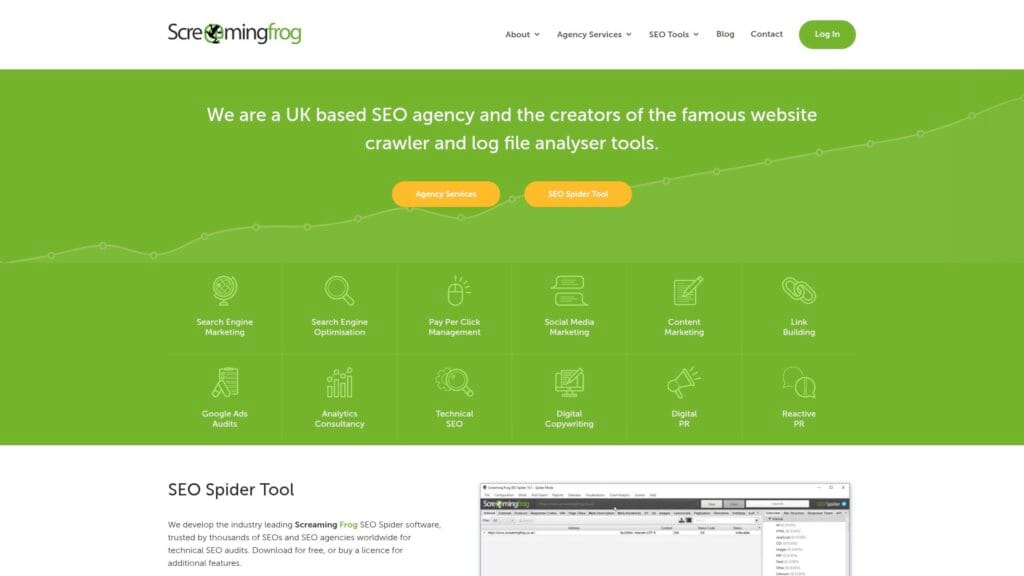
Screaming Frog is a desktop crawler that helps you audit your website like a search engine. It is direct and practical. You crawl your site, filter issues, export lists, and hand fixes to whoever updates the site.
Best for
Small businesses that want a no-nonsense technical SEO audit tool for broken links, redirect issues, and on-page metadata cleanup.
Key workflows to configure
- Crawl your site and find broken internal links.
- Review titles, meta descriptions, and header usage.
- Identify indexability issues like blocked pages.
- Export redirect chains and fix them.
Sales growth lever
Fix technical leaks that lose customers. Broken pages, loops, and missing metadata can quietly reduce leads. A clean crawl helps you protect your best traffic sources and improve user trust.
Watch outs
- It is powerful, so you need to understand what each issue means.
- It does not “auto-fix” anything; it gives you the diagnosis.
Quick start checklist
- Crawl your full domain.
- Export and fix broken links and server errors.
- Clean up duplicate or missing titles and descriptions.
- Review indexability flags for important pages.
- Re-crawl to confirm your fixes worked.
15. Sitebulb
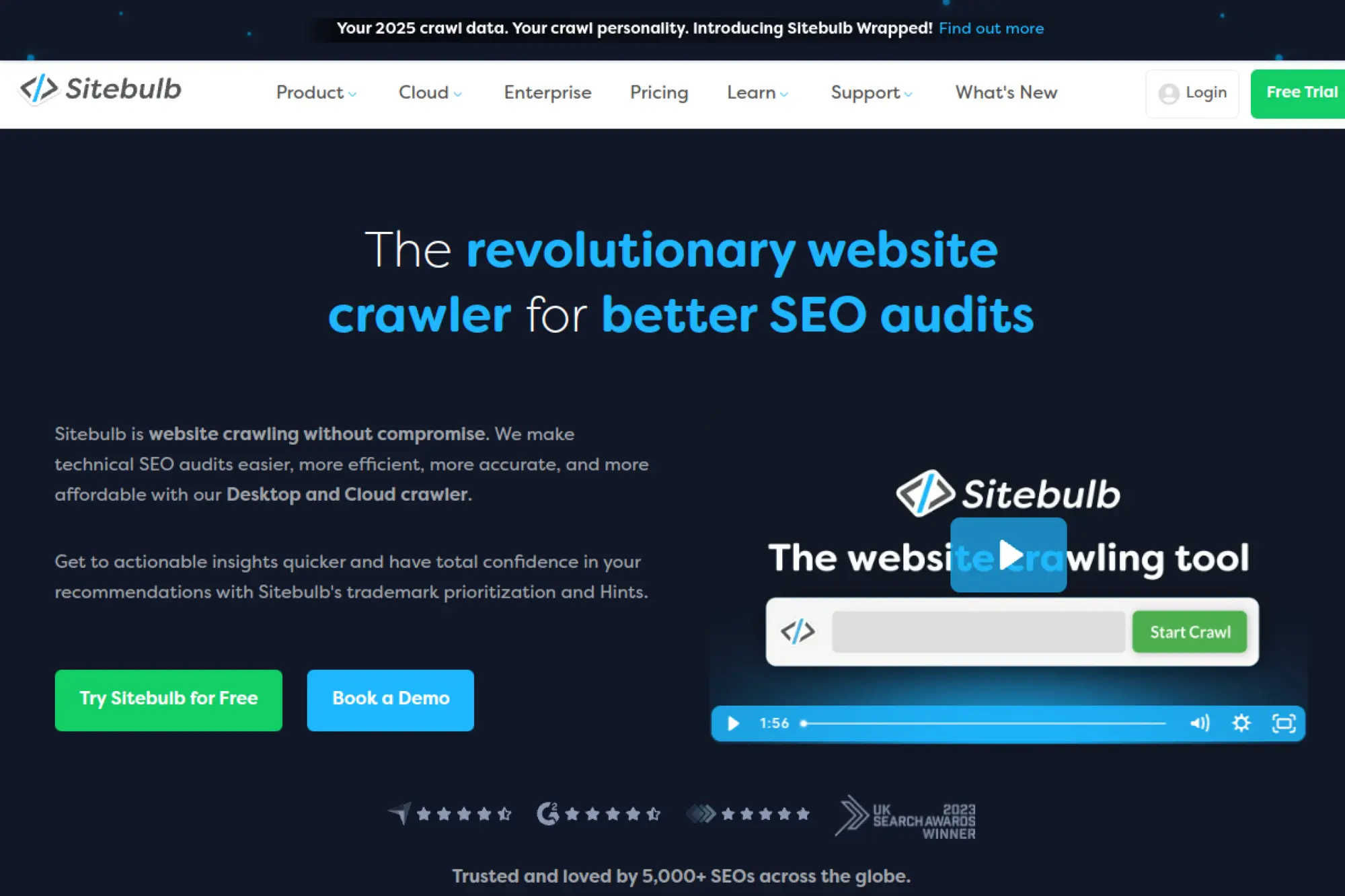
Sitebulb is a crawler designed to make technical SEO easier to understand. It adds “hints” and visual reports that explain issues and prioritize work. That helps small teams act faster and communicate fixes better.
Best for
Business owners and marketers who want technical auditing with more context, clearer explanations, and stakeholder-friendly reporting.
Key workflows to configure
- Run full site crawls and review prioritized hints.
- Identify internal linking problems and orphaned pages.
- Compare crawls to confirm improvements after changes.
- Export issue lists for your developer or web team.
Sales growth lever
Use the prioritized hints to focus on issues that impact crawling, indexing, and conversions. When you fix those first, you protect revenue pages and reduce friction for visitors who want to contact you.
Watch outs
- Hints still need judgment, so do not blindly chase every suggestion.
- Large sites require crawl planning to avoid wasting time on noise.
Quick start checklist
- Create a project and run a crawl.
- Sort hints by priority and impact.
- Fix the top technical blockers first.
- Export a clear task list for implementation.
- Re-crawl and document the improvement.
16. ContentKing (Conductor Website Monitoring)
ContentKing focuses on monitoring. It watches your site and alerts you when important SEO elements change. That helps small businesses avoid silent traffic drops after site edits, plugin updates, or content changes.
Best for
Teams that update websites often and want early warnings when pages break, disappear, or lose key SEO elements.
Key workflows to configure
- Set up monitoring for your entire domain.
- Create alerts for changes to titles, indexability, and status codes.
- Track changes to key landing pages and blog posts.
- Turn alerts into tasks for your web team.
Sales growth lever
Speed matters when SEO breaks. If your booking page loses indexability, you want to know today, not next month. Monitoring protects the pages that generate calls and revenue.
Watch outs
- It monitors issues, but it does not replace keyword research.
- Too many alerts can feel noisy, so tune them carefully.
Quick start checklist
- Add your domain and start monitoring.
- Mark your highest-value pages as “critical.”
- Set alert recipients for marketing and dev.
- Review alerts weekly and resolve the root causes.
- Document fixes to prevent repeats.
17. Sitechecker
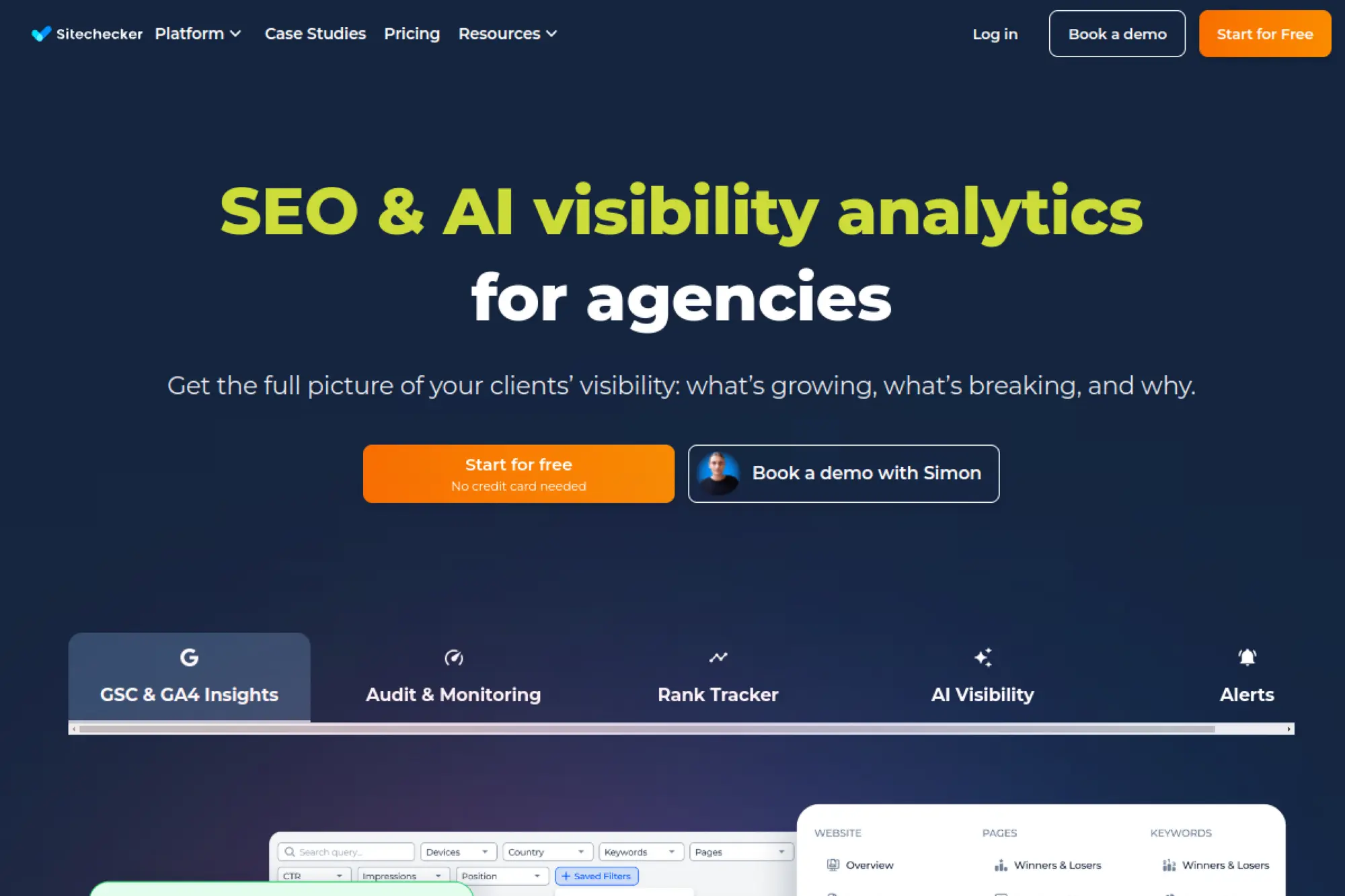
Sitechecker aims to be an all-in-one SEO platform that stays approachable. It covers audits, monitoring, and rank tracking in one interface. That mix helps small businesses run a repeatable SEO routine without juggling many tools.
Best for
Owners who want one dashboard for technical health checks, ranking movement, and ongoing monitoring.
Key workflows to configure
- Run an SEO audit and prioritize fixes by impact.
- Set up rank tracking for your core keyword groups.
- Monitor important pages for unexpected changes.
- Track backlinks and internal link issues over time.
Sales growth lever
Use the audit + tracking loop to connect actions to outcomes. Fix an issue, watch rankings move, then improve the matching landing page for conversions. That process turns “SEO work” into measurable pipeline growth.
Watch outs
- Like any suite, it can surface many tasks, so focus on the top priorities.
- Ranking changes can happen for many reasons, so look for trends, not panic spikes.
Quick start checklist
- Create a project for your main domain.
- Run the first audit and fix critical issues.
- Add a focused keyword list tied to money pages.
- Enable monitoring for key pages.
- Review results weekly and take one concrete action.
18. SEOptimer
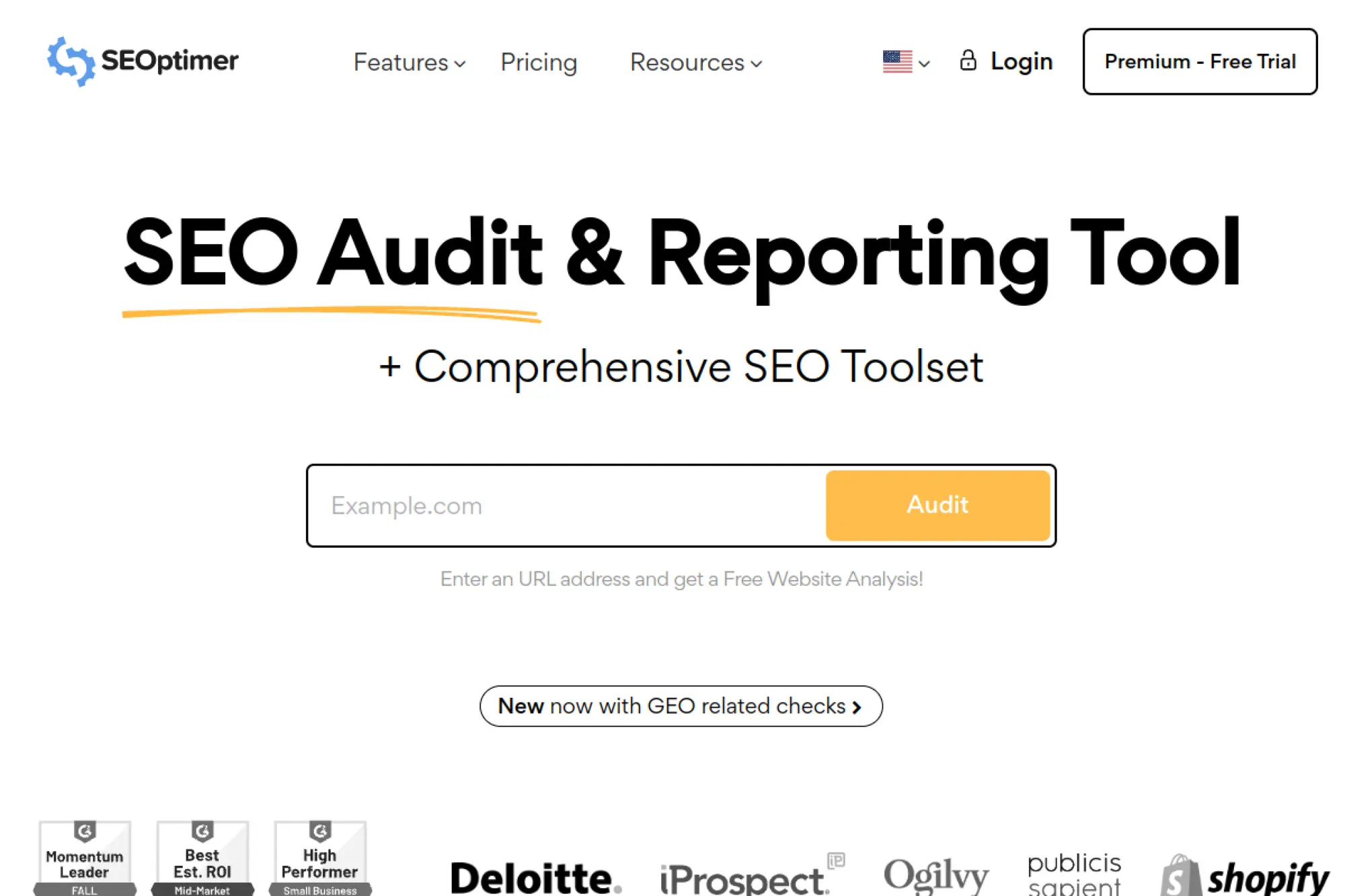
SEOptimer is built for quick audits and clear reports. It works well when you want a fast “health check” on your site and a straightforward list of improvements. It also fits agencies that need simple client-facing output.
Best for
Small businesses that want quick SEO audits, simple recommendations, and easy-to-share reports.
Key workflows to configure
- Run audits on your site and key landing pages.
- Review prioritized recommendations by category.
- Re-run audits after changes to confirm improvement.
- Use reporting to align your team on next steps.
Sales growth lever
Use audits to create a “fix-first” plan. When you remove obvious blockers like missing metadata or broken pages, you improve both search visibility and user trust. That makes it easier for visitors to convert.
Watch outs
- High-level audits do not replace deep crawling for complex sites.
- SEO scores can mislead if you treat them as the only goal.
Quick start checklist
- Audit your homepage and top service pages.
- Fix the most urgent technical and on-page issues.
- Improve copy clarity and CTAs on the same pages.
- Re-run audits to confirm progress.
- Repeat monthly to keep SEO hygiene strong.
19. Surfer SEO
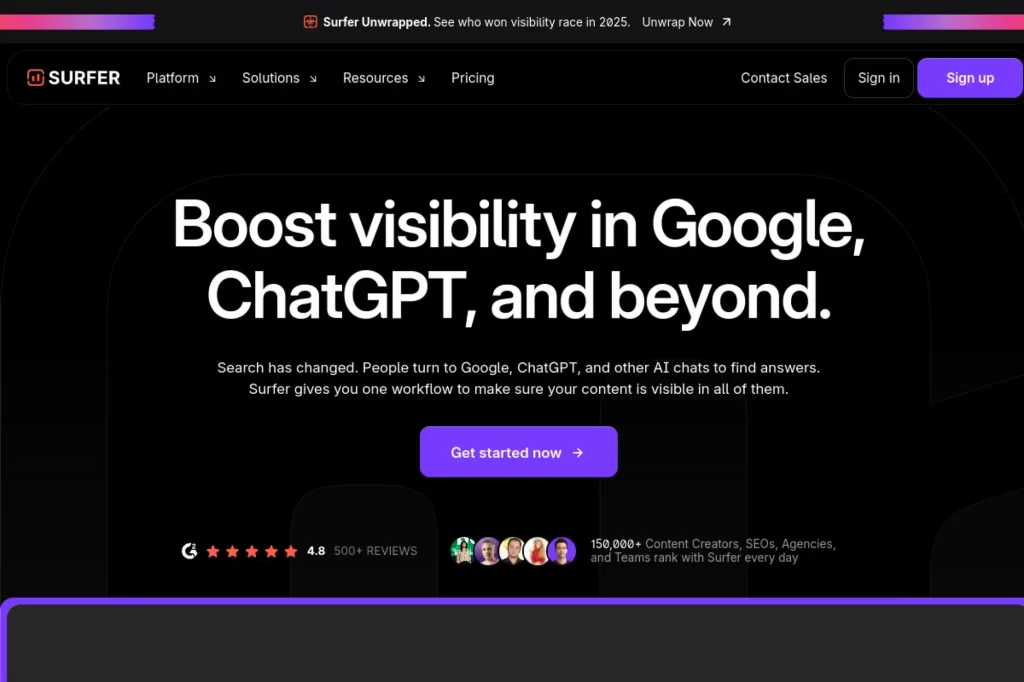
Surfer SEO focuses on on-page content optimization. It compares your draft to what ranks and suggests terms, structure, and coverage. For small businesses, it makes content creation feel more like following a checklist.
Best for
Businesses that publish content regularly and want guidance on what to include to compete on the first page.
Key workflows to configure
- Create a content editor for a target keyword.
- Write and optimize using suggested terms and structure.
- Audit existing pages to refresh and improve them.
- Build internal links between related pages and topics.
Sales growth lever
Turn “informational” articles into lead paths. Add a service CTA, a short case example, and a clear next step. Surfer helps you match intent, then you convert that attention into inquiries.
Watch outs
- Term suggestions can tempt keyword stuffing, so write naturally.
- It does not handle technical SEO, so pair it with an audit tool.
Quick start checklist
- Choose one money keyword and one supporting blog topic.
- Create a Surfer editor for each target.
- Draft content that answers real buyer questions.
- Optimize using Surfer guidance without harming readability.
- Publish and link the pages together.
20. Clearscope

Clearscope helps you write content that covers a topic thoroughly. It gives term suggestions and a content grade. Teams like it because it supports collaboration and helps editors guide writers with concrete direction.
Best for
Small teams that want higher-quality content standards and a consistent optimization process across writers and pages.
Key workflows to configure
- Create a content report for a target keyword or topic.
- Build an outline based on coverage gaps and intent.
- Optimize drafts with term guidance while editing for clarity.
- Refresh older pages that lost rankings over time.
Sales growth lever
Use Clearscope to build authority content that supports your service pages. For example, a local accountant can publish clear guides that answer tax questions, then route readers to a consultation page.
Watch outs
- It focuses on content, not technical SEO.
- It works best when you already know which topics matter for your offer.
Quick start checklist
- Pick one priority topic tied to revenue.
- Create a report and outline your page.
- Write in simple language and add real examples.
- Optimize coverage, then polish the final draft.
- Publish and link to your relevant service page.
21. Frase
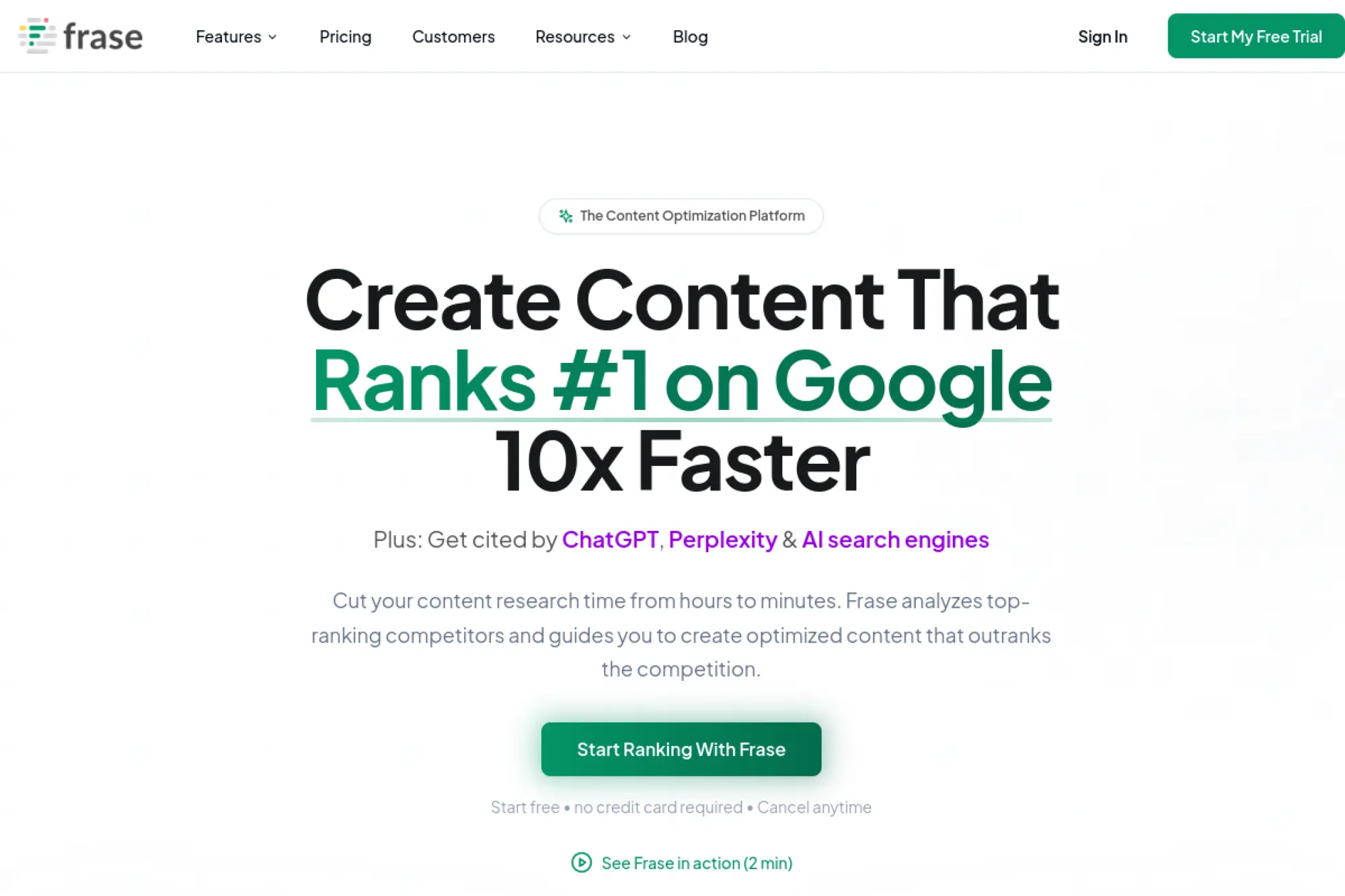
Frase blends SERP research with drafting and optimization. It speeds up the “research to outline” phase, which is where small teams often stall. You still need a human voice, but the workflow can save time.
Best for
Small businesses that want to produce helpful content faster while keeping a structured optimization process.
Key workflows to configure
- Run SERP research to collect key topics and questions.
- Generate an outline and brief for a writer.
- Draft content with optimization guidance in view.
- Update content based on performance and new competitor pages.
Sales growth lever
Use Frase to publish content that answers high-intent questions like “cost,” “best,” and “how long.” Then add a clear CTA that moves readers into a quote request, demo, or booking call.
Watch outs
- AI-assisted writing needs editing and fact-checking.
- Speed can hurt differentiation if you publish generic content.
Quick start checklist
- Choose a keyword tied to your service offering.
- Run research and build a brief.
- Write content with real business examples.
- Optimize coverage while keeping sentences short.
- Publish and monitor performance in Search Console.
22. Yoast SEO
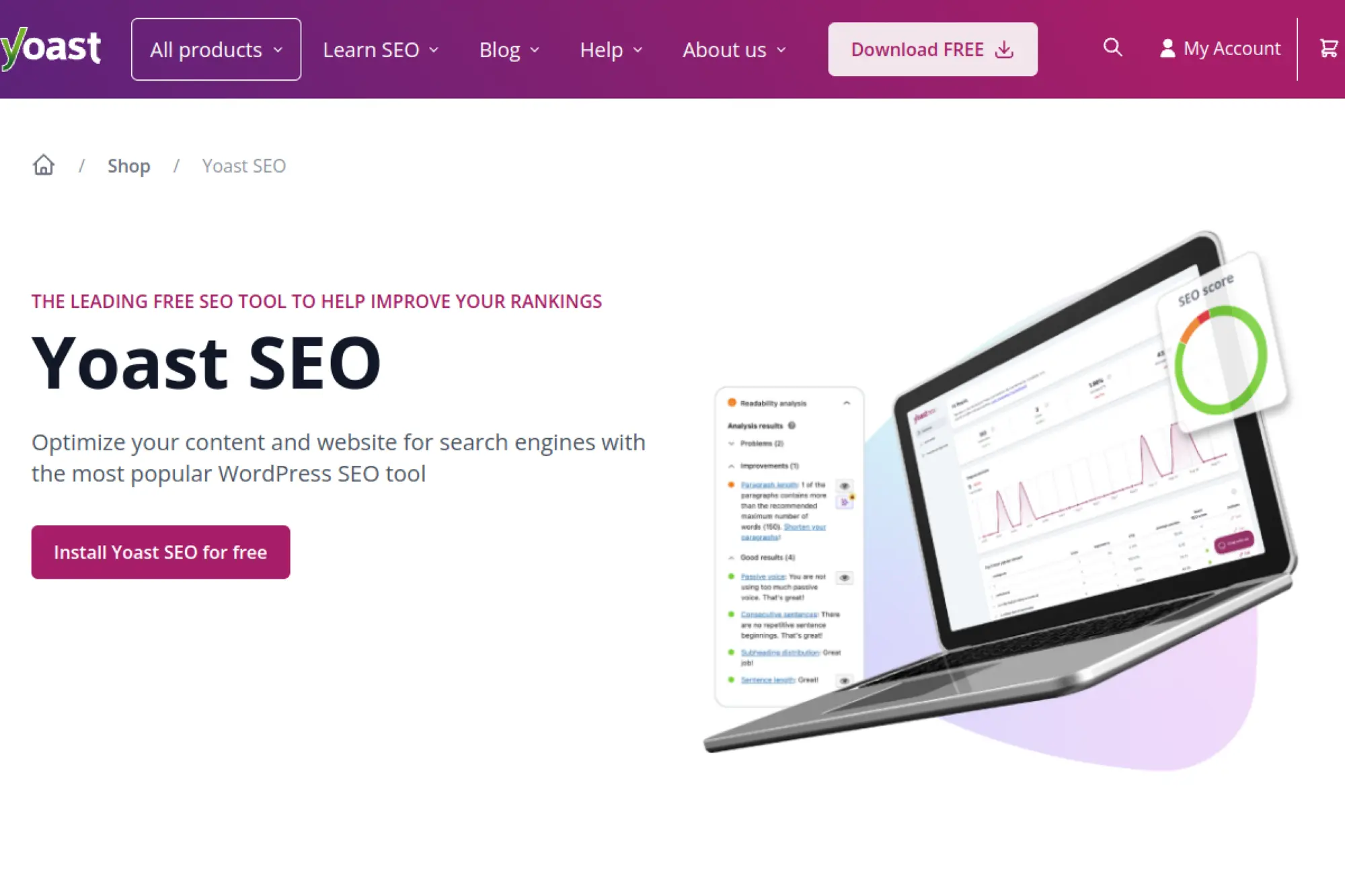
Yoast SEO is a WordPress plugin that makes on-page SEO more manageable. It guides titles, descriptions, readability, and structured data basics. If your site runs on WordPress, Yoast can simplify daily publishing habits.
Best for
WordPress site owners who want guidance while writing pages and blog posts, plus basic technical SEO support like sitemaps.
Key workflows to configure
- Run the setup wizard and set site-wide defaults.
- Configure title and meta description templates.
- Enable XML sitemaps and check indexability settings.
- Use content analysis while publishing new pages.
Sales growth lever
Yoast helps you publish cleaner pages consistently. That consistency improves search snippets and keeps internal linking healthier. Over time, that raises qualified traffic, which gives your offer more chances to convert.
Watch outs
- Do not treat plugin scores as your strategy.
- Avoid overlapping features with other SEO plugins or themes.
Quick start checklist
- Install Yoast and run the configuration wizard.
- Review indexing settings for key content types.
- Optimize your homepage and top service page first.
- Check your sitemap submission in Search Console.
- Adopt a “publish with Yoast checks” workflow.
23. Rank Math
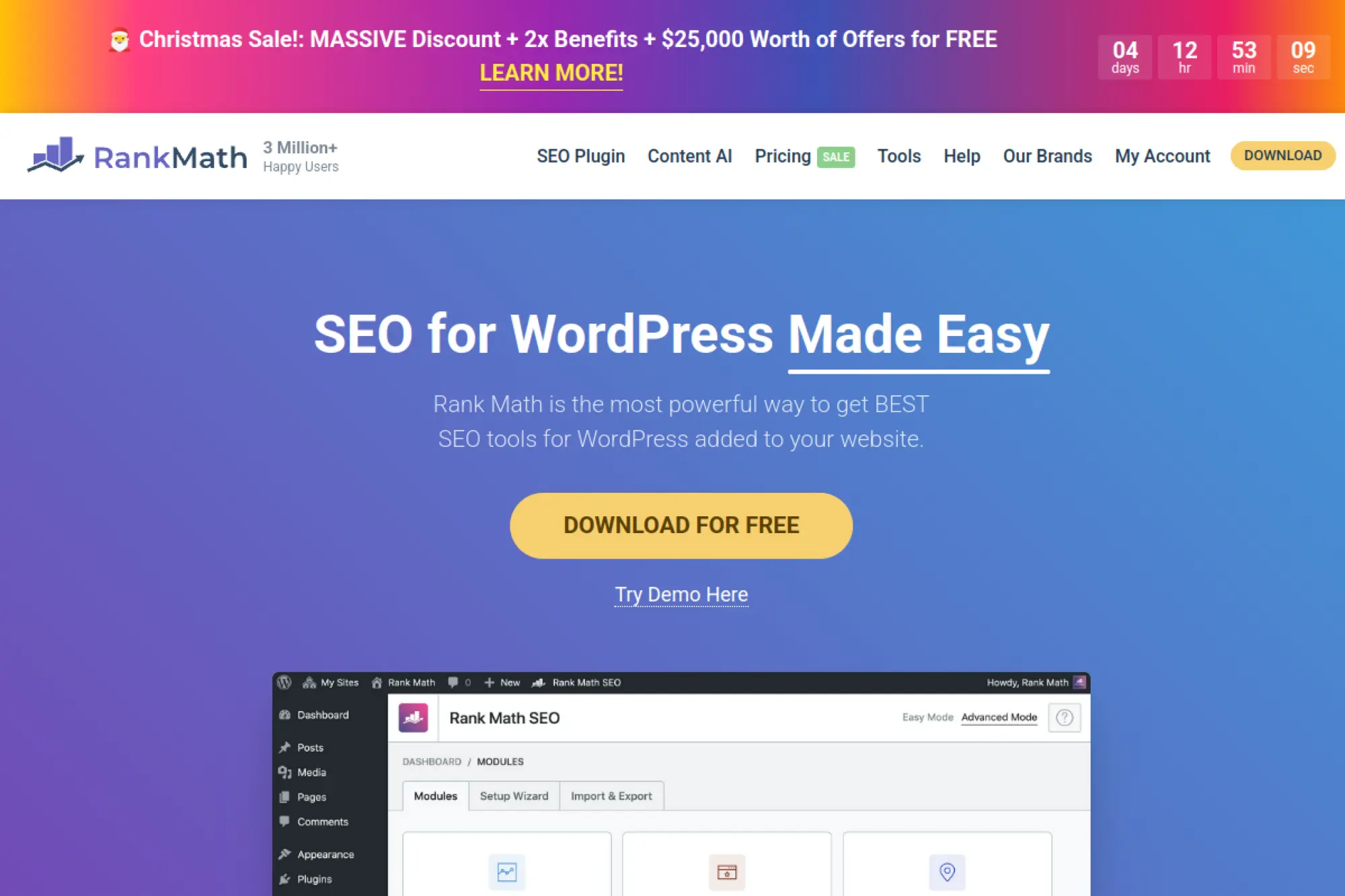
Rank Math is another WordPress SEO plugin built for speed and features. It includes setup flows, schema options, and tools that can reduce your need for extra plugins. It can feel “simple” when you keep settings lean.
Best for
WordPress site owners who want strong on-page controls, schema support, and more built-in tooling inside the WordPress dashboard.
Key workflows to configure
- Run the setup wizard and choose sensible defaults.
- Set schema types for core pages like services and about.
- Manage redirects to protect traffic from broken links.
- Optimize titles and descriptions for key pages.
Sales growth lever
Use schema and structured on-page optimization to improve how your pages appear in results. Better snippets and cleaner page structure can lift click quality, which leads to more inquiries from the same traffic.
Watch outs
- It offers many options, so avoid turning on features you do not use.
- Migrations from other plugins require careful checks to avoid metadata loss.
Quick start checklist
- Install and complete the setup wizard.
- Confirm sitemap settings and indexing rules.
- Set your business schema where appropriate.
- Fix redirects for pages you remove or rename.
- Optimize your top revenue pages first.
24. All in One SEO (AIOSEO)
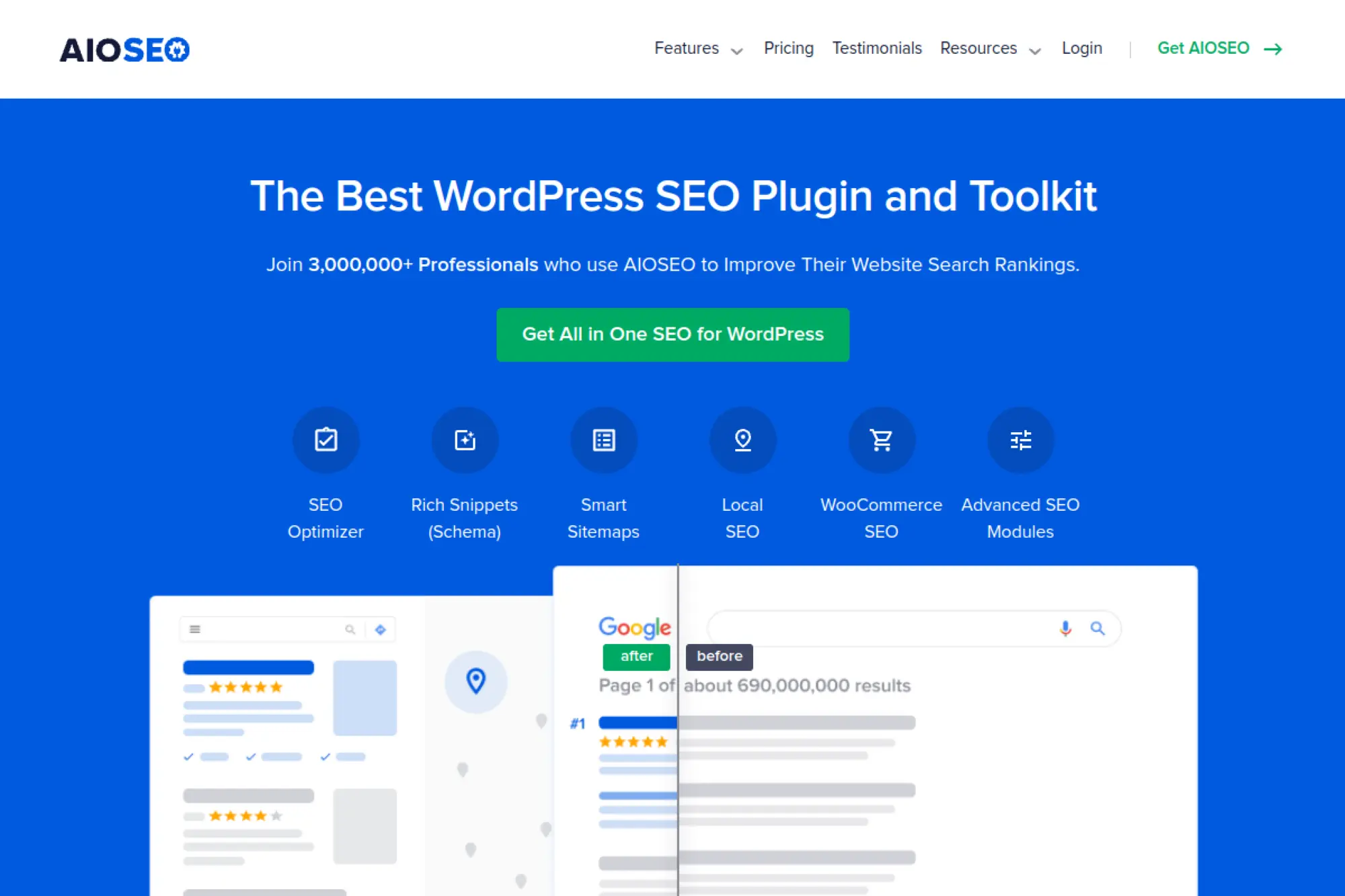
All in One SEO is built for WordPress users who want a beginner-friendly experience. It uses a setup wizard and on-page guidance to help you avoid common mistakes. It also supports local SEO settings for many small businesses.
Best for
WordPress-based small businesses that want structured setup, on-page guidance, and simple local SEO configuration.
Key workflows to configure
- Run the setup wizard to configure site-wide defaults.
- Set local business information and schema settings.
- Generate sitemaps and control indexation rules.
- Optimize titles, descriptions, and social previews.
Sales growth lever
Use consistent metadata and local schema to align your pages with buyer intent. AIOSEO makes it easier to keep every service page well-labeled and easy for search engines to understand, which supports higher-quality leads.
Watch outs
- Do not stack multiple SEO plugins, or you risk duplicate tags.
- Plugin guidance supports SEO, but your offer still needs strong copy.
Quick start checklist
- Install AIOSEO and complete the wizard.
- Set your business info and logo for structured data.
- Review sitemap and indexing settings.
- Optimize your homepage and main service pages.
- Monitor changes in Search Console after updates.
25. BrightLocal
BrightLocal is built for local SEO. It combines rank tracking, audits, citation tools, and reputation workflows. For small businesses that depend on calls and foot traffic, this can become the “single pane of glass” for local visibility.
Best for
Local businesses and agencies that need local rank tracking, listing audits, and review management in one platform.
Key workflows to configure
- Run a local SEO audit to find gaps in listings and reputation.
- Track local rankings by location and keyword.
- Monitor reviews across platforms and respond consistently.
- Build or clean up citations to improve consistency.
Sales growth lever
Use the audit to fix listing inconsistencies, then push review generation in a steady routine. Better local trust signals help you appear more often and convert more customers from maps results.
Watch outs
- It is local-first, so pair it with a technical crawler for deep site audits.
- It works best when your business info stays consistent everywhere.
Quick start checklist
- Add your business location and core keywords.
- Run the local audit and fix the biggest issues.
- Set rank tracking for primary services.
- Set a review request and reply routine.
- Report progress monthly and keep improving.
26. Whitespark
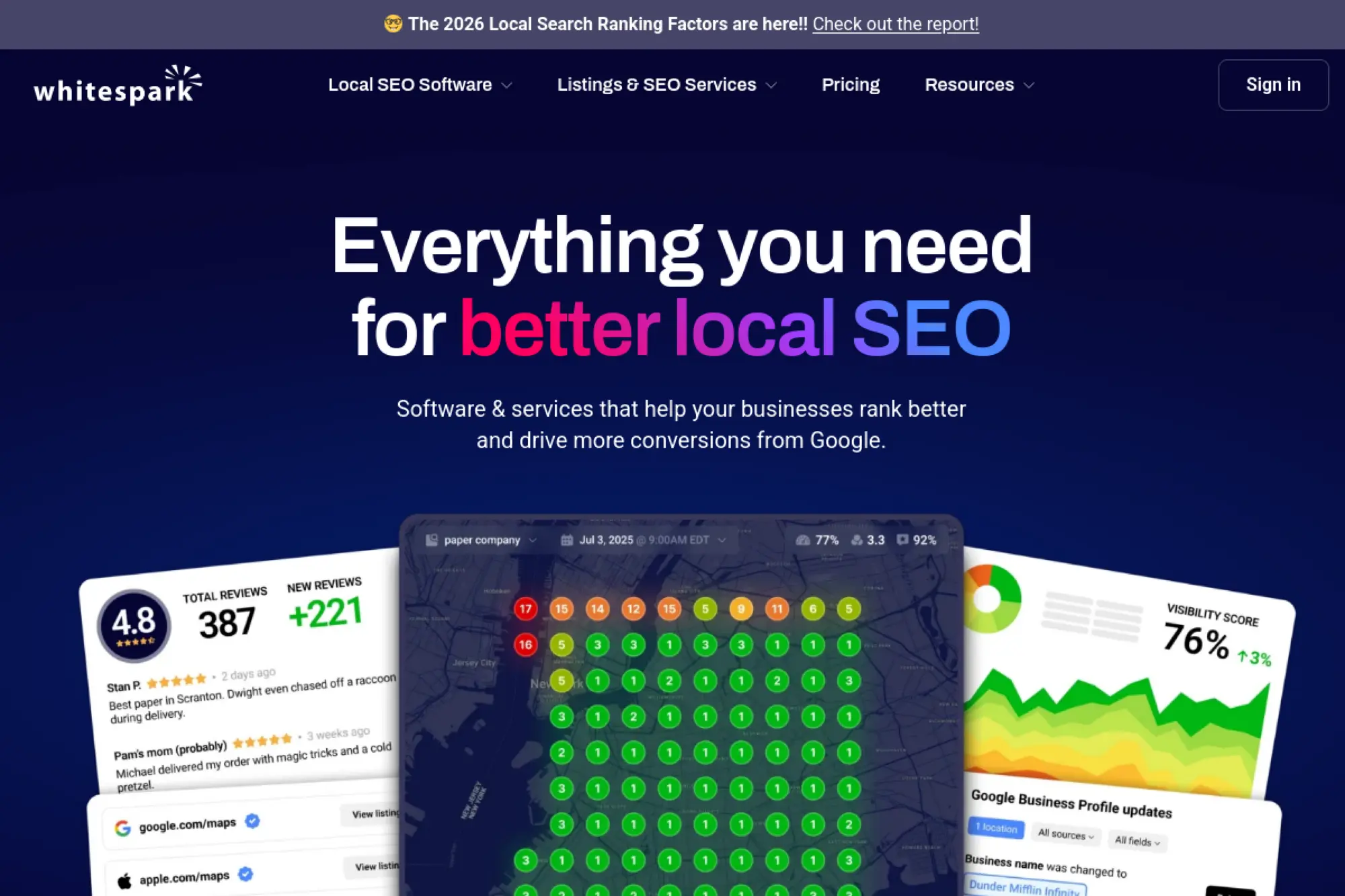
Whitespark is known for local citation and local SEO tools. It helps you discover where you should be listed, fix existing listings, and build consistent citations over time. It also supports local rank tracking workflows.
Best for
Businesses that need citation cleanup and structured local listing growth to support maps visibility.
Key workflows to configure
- Run citation discovery to find missing listings.
- Clean up inconsistent business info across directories.
- Build new citations in relevant local and industry sites.
- Track local rankings and monitor progress.
Sales growth lever
Strong citation consistency reduces customer confusion and supports local trust signals. That can raise call volume and lead quality, especially for service businesses like electricians, dentists, and clinics.
Watch outs
- Citations take time to propagate, so expect gradual gains.
- Citations help local SEO, but they do not replace a strong website offer.
Quick start checklist
- Audit your existing citations and business info.
- Fix inconsistencies in name, address, and phone.
- Build listings on high-value directories for your niche.
- Track local rankings for target services.
- Maintain listings and reviews as an ongoing habit.
27. Yext
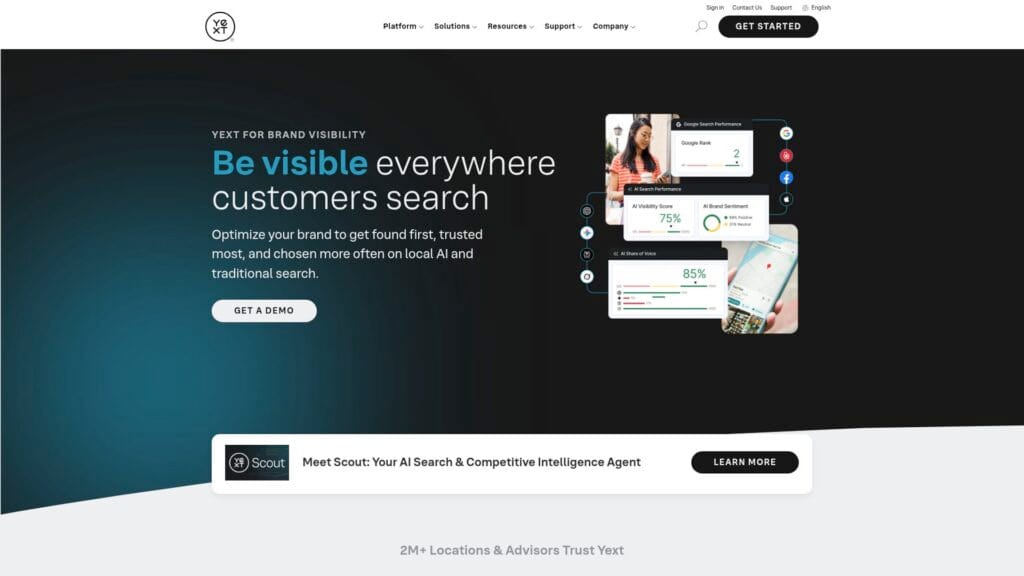
Yext focuses on listings management at scale. You publish accurate business data and sync it across many publishers. For small businesses with multiple locations, this can reduce manual updates and help prevent inconsistent info.
Best for
Multi-location businesses that need consistent listings, hours, and business data across many directories and apps.
Key workflows to configure
- Define your canonical business data and location details.
- Sync listings across the publisher network.
- Monitor listing health, duplicates, and missing fields.
- Manage reviews and updates from one dashboard.
Sales growth lever
Consistency prevents lost leads. If your hours or phone number differ across platforms, customers bounce. Yext helps you keep facts aligned, so more “ready to buy” searches turn into calls and visits.
Watch outs
- Listings management supports local SEO, but you still need strong GBP and website work.
- Always understand what happens to listings if you change plans later.
Quick start checklist
- Collect your official business info for every location.
- Connect publisher accounts where needed.
- Run a listings scan and fix duplicates.
- Publish updates and confirm accuracy.
- Set a monthly review to keep data clean.
28. Local Falcon
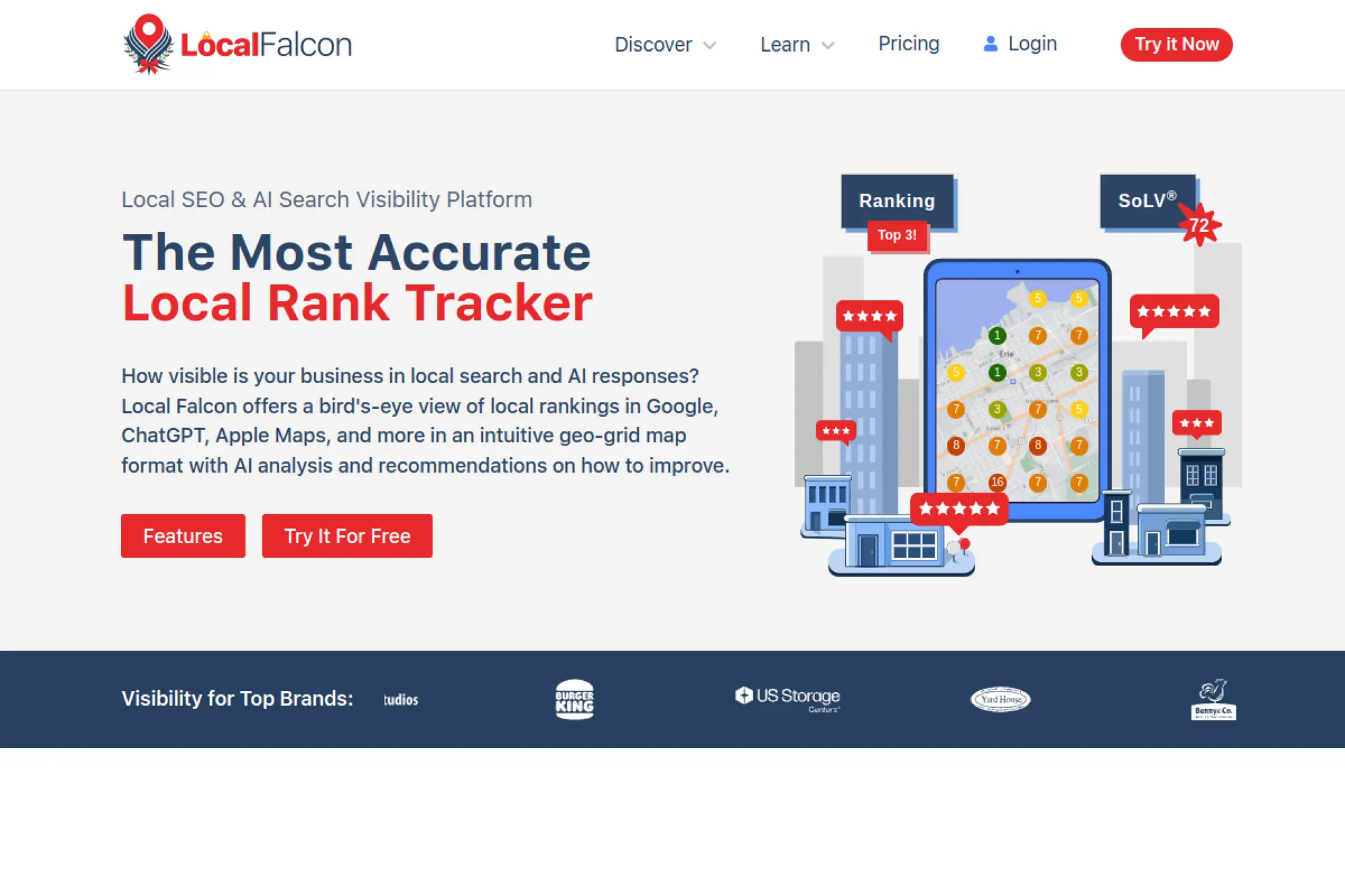
Local Falcon specializes in local rank tracking with map-style visuals. It helps you see how your Google Business Profile ranks across neighborhoods, not just in one generic location. That clarity makes local SEO decisions easier.
Best for
Local businesses that want to measure maps visibility by area and track progress after profile or website updates.
Key workflows to configure
- Run baseline scans for your core keywords.
- Track visibility changes after GBP updates or citation work.
- Compare your visibility to local competitors.
- Monitor profile changes that could affect rankings.
Sales growth lever
Use the map grid to find where you lose visibility. Then target that area with stronger local relevance: tighter service descriptions, better category alignment, local landing pages, and more reviews. Better coverage often means more calls.
Watch outs
- It measures visibility, but it does not fix the underlying issues for you.
- Keyword choice matters, so avoid tracking vague terms with unclear intent.
Quick start checklist
- Pick a core service keyword and a clear service area.
- Run a baseline scan and save the report.
- Improve your GBP categories, services, and photos.
- Re-scan after changes and track improvement.
- Repeat on a steady schedule and document wins.
29. AccuRanker
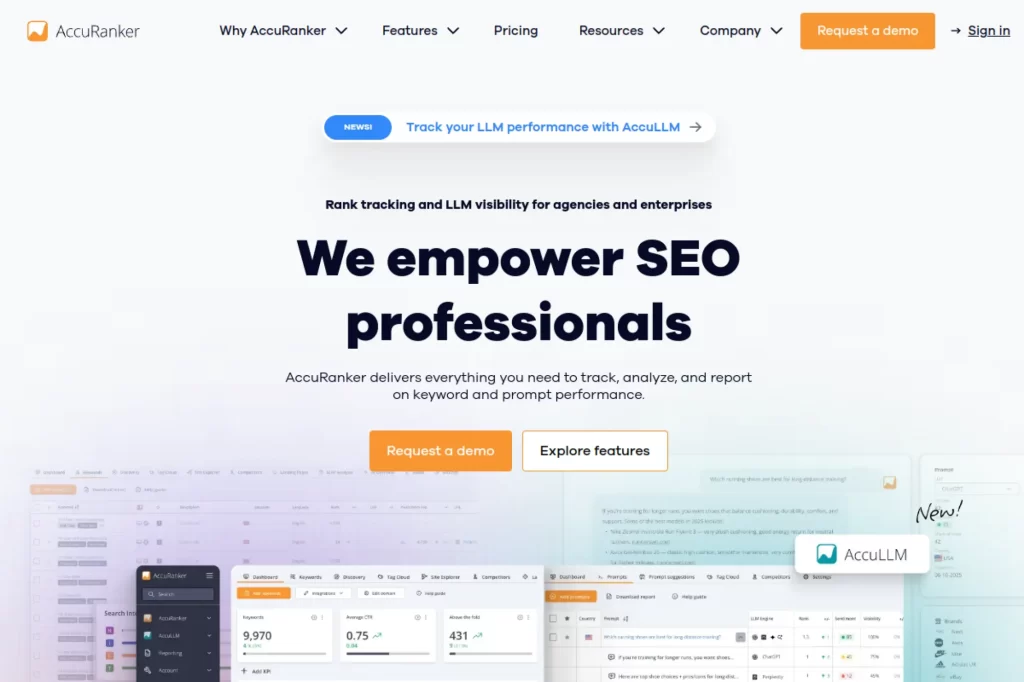
AccuRanker is a dedicated rank tracker. It focuses on speed, clarity, and organization. For small businesses, that focus can be a relief. You see what moved, what slipped, and what needs attention without extra noise.
Best for
Businesses and agencies that want accurate rank tracking, clean segmentation, and reporting without paying for a full SEO suite.
Key workflows to configure
- Import keywords that match your services and products.
- Tag keywords by offer, location, and funnel stage.
- Map keywords to target landing pages to avoid cannibalization.
- Create simple scheduled reports for accountability.
Sales growth lever
Rank tracking helps you choose where to invest effort. When you spot a slipping service page, you can refresh content, improve internal links, and protect your lead flow before the drop becomes permanent.
Watch outs
- It tracks performance, but it does not generate keyword ideas for you.
- You still need a technical audit tool for site health checks.
Quick start checklist
- Import a focused keyword list tied to revenue pages.
- Tag keywords by service and location.
- Review ranking changes weekly and note patterns.
- Take one corrective action per week.
- Report progress monthly in plain language.
30. AgencyAnalytics
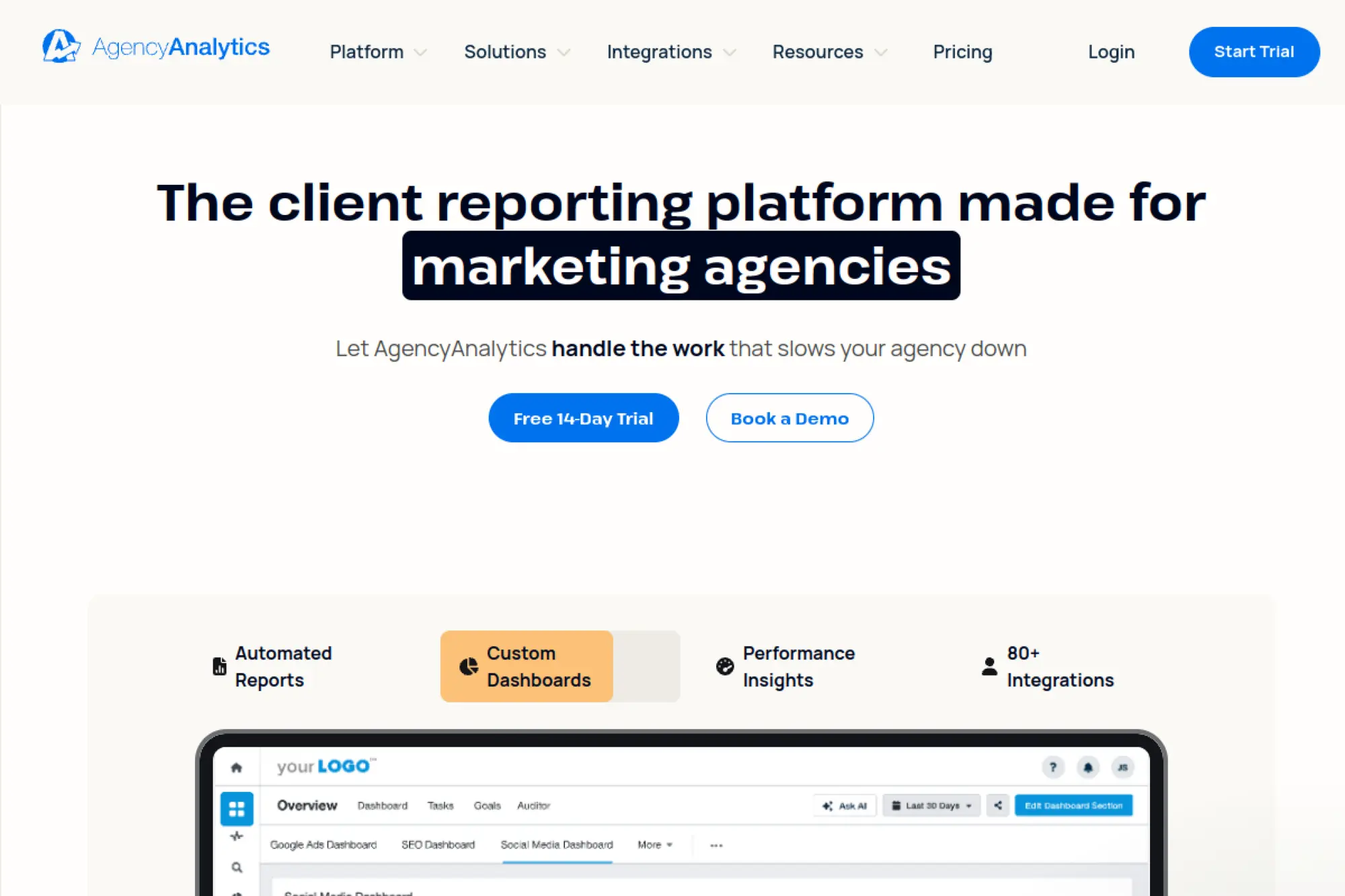
AgencyAnalytics helps you report SEO clearly. It pulls data from many sources into dashboards and scheduled reports. Even if you are not an agency, this can simplify stakeholder updates and keep SEO work funded.
Best for
Small businesses that need clean SEO reporting, or agencies managing SEO work across multiple clients and accounts.
Key workflows to configure
- Connect core data sources like analytics and search tools.
- Build a dashboard that shows progress and next steps.
- Create scheduled reports for owners or clients.
- Add annotations and commentary to explain what changed.
Sales growth lever
Reporting supports revenue because it protects buy-in. When you show progress clearly, you keep SEO investment steady. That stability lets you build compounding results instead of stopping and restarting every quarter.
Watch outs
- Dashboards only work when your tracking setup is correct.
- Reporting does not replace strategy, audits, or content work.
Quick start checklist
- Connect your key data sources.
- Create one simple dashboard for SEO outcomes.
- Schedule a recurring report.
- Write a short “what we did / what we will do next” note each cycle.
- Use the report to set the next action plan.
How to Choose a Simple SEO Platform (Without Paying for Noise)

Start with your bottleneck, not the tool list. If you can’t measure outcomes, begin with your measurement layer. If you can’t win locally, build your local layer first. If you keep finding technical surprises, you need an audit layer you’ll actually use.
Use this decision flow:
- If you don’t have clean measurement: set up Search Console + Analytics before buying anything else.
- If your business depends on local discovery: prioritize Google Business Profile plus one local platform that supports reviews and visibility checks.
- If content is your growth engine: pick one research suite, then one content optimizer (don’t buy three tools that do the same job).
- If technical issues keep blocking results: pick one crawler you will use regularly, then fix the highest-impact blockers first.
- If you need stakeholder buy-in: pick a reporting layer after your tracking is correct, not before.
Keep your stack small on purpose. One measurement layer plus one action layer is usually enough for small teams. The goal is consistent execution, not feature collection.
Common Setup Mistakes That Slow SEO Down
Simple platforms still fail when setup is sloppy. Most “SEO is not working” stories trace back to a few common problems.
- Tracking the wrong goal: Don’t treat rankings as the only scoreboard. Set up conversion events (calls, form submits, bookings) so you can prove impact.
- Publishing without a page plan: Every page should have a single job (one intent) and a clear next step (one CTA). If you can’t describe the page’s job in one sentence, the page will be hard to rank and harder to convert.
- Ignoring listings and reviews: Local SEO is trust at scale. Keep business info consistent and set a routine for requesting and replying to reviews.
- Fixing low-impact issues first: Start with indexation, broken pages, and your highest-value landing pages. Save “nice-to-have” cleanup for later.
- No weekly rhythm: Simple platforms only work when you use them consistently. Schedule a short weekly check so SEO keeps moving even when you’re busy.
When you avoid these mistakes, the exact tool matters less than the workflow. The right platform simply makes your workflow easier to repeat.
FAQs
What is a “simple” SEO platform?
A simple SEO platform helps you complete SEO tasks in short, repeatable sessions by showing clear priorities, guiding setup, and turning data into next actions.
Do I need one all-in-one SEO tool?
Not usually. Most small businesses do better with a small stack: one layer to measure performance and one layer to execute improvements.
What should I set up first?
Start with measurement and basics: connect your site to the core tracking tools, confirm indexation, and prioritize the pages that drive revenue.
How do I choose between content SEO and local SEO tools?
Choose based on how you win customers. If customers discover you through maps and reviews, prioritize local workflows. If customers discover you through articles and guides, prioritize research and content optimization workflows.







Conclusion

Small businesses don’t need every SEO feature on the market. They need a small set of workflows they can run consistently, and a simple way to show that the work leads to calls, leads, and sales.
Use this comparison to pick a measurement layer you trust and one action layer you will actually use. When your tools feel simple, your SEO work becomes steady. When your SEO work is steady, the results compound.