

- What AI Voice Cloning Means (And What It Does Not)
- How to Choose the Best AI Voice Cloning Tool
- Market And Risk Snapshot for Voice Cloning
- Compact “Choose Your Category” Comparison Table for AI Voice Cloning Tools
- Top AI Voice Cloning Tools to Try
- Implementation Playbook: From First Clone to Production Workflow
- Use Cases That Drive Revenue (Without Burning Trust)
- FAQ: Best Practices for Safe Voice Cloning
- Conclusion
AI voice cloning is the process of generating new speech in a specific person’s voice using approved recordings, so you can ship consistent narration without repeated studio sessions. In this guide, “best” means the tool fits your real workflow (content, product, support, or localization) while keeping consent, access control, and review steps in place so voice becomes a durable brand asset instead of a liability.
What AI Voice Cloning Means (And What It Does Not)

AI voice cloning creates a synthetic voice that matches a real speaker’s vocal identity. You feed it approved recordings. It learns tone, cadence, and pronunciation patterns. Then it can speak new scripts without fresh studio sessions.
Teams often confuse voice cloning with related features. Here is the clean split:
- Voice cloning: Generate new speech in a specific person’s voice (with permission).
- Custom brand voice: Build a unique voice for a company persona, often with professional talent and tighter licensing.
- Voice conversion: Transform a recorded voice performance into a different timbre, while keeping the acting.
- AI dubbing: Translate content and generate new speech in another language, often preserving the original speaker identity.
Pick the category that matches your workflow. If you need “same speaker, new script,” you want voice cloning. If you need “same message, new language,” you likely want dubbing with a cloning layer.
FURTHER READING: |
| 1. Best AI Image Generators: Top 30 Picks for 2026 |
| 2. Best Content AI Writing Tools: Top 30 Picks for 2026 |
| 3. Best Web Scraping Tools: Top 30 to Try in 2026 |
How to Choose the Best AI Voice Cloning Tool
Most teams do not fail because the voice sounds robotic. They fail because they skip governance. They also fail because they pick a tool that does not match their output channel.
Use these filters before you buy:
- Consent workflow: The tool should support clear proof of rights, plus access control for who can generate audio.
- Editing speed: Look for fast iteration so your team can tweak tone, pacing, and emphasis without re-recording.
- Pronunciation control: You need a simple way to handle names, acronyms, and product terms.
- Output quality under stress: Test long-form narration, energetic ad reads, and tricky technical scripts.
- Integration path: If you ship audio inside an app, prefer a strong API. If you ship content, prefer a strong editor.
- Licensing clarity: Confirm commercial rights, allowed channels, and restrictions on voice likeness.
- Security posture: Look for logging, project separation, and options to reduce misuse risk.
Finally, match the tool to your reality. A creator tool can be perfect for marketing, but risky for customer support. An enterprise tool can be safe, but slow to deploy.
How we evaluated tools in this guide: We focused on real-world fit, not just a demo that sounds good once. For each option, we looked at (1) how easy it is to prove consent and control who can generate audio, (2) how quickly teams can iterate on pacing, emphasis, and pronunciations, (3) how stable the voice stays across different script styles (short ads, long narration, technical terms), (4) how clear the commercial usage rules are, and (5) whether the tool supports the output path you actually need (editor-first content production vs API-first product integration).
Market And Risk Snapshot for Voice Cloning
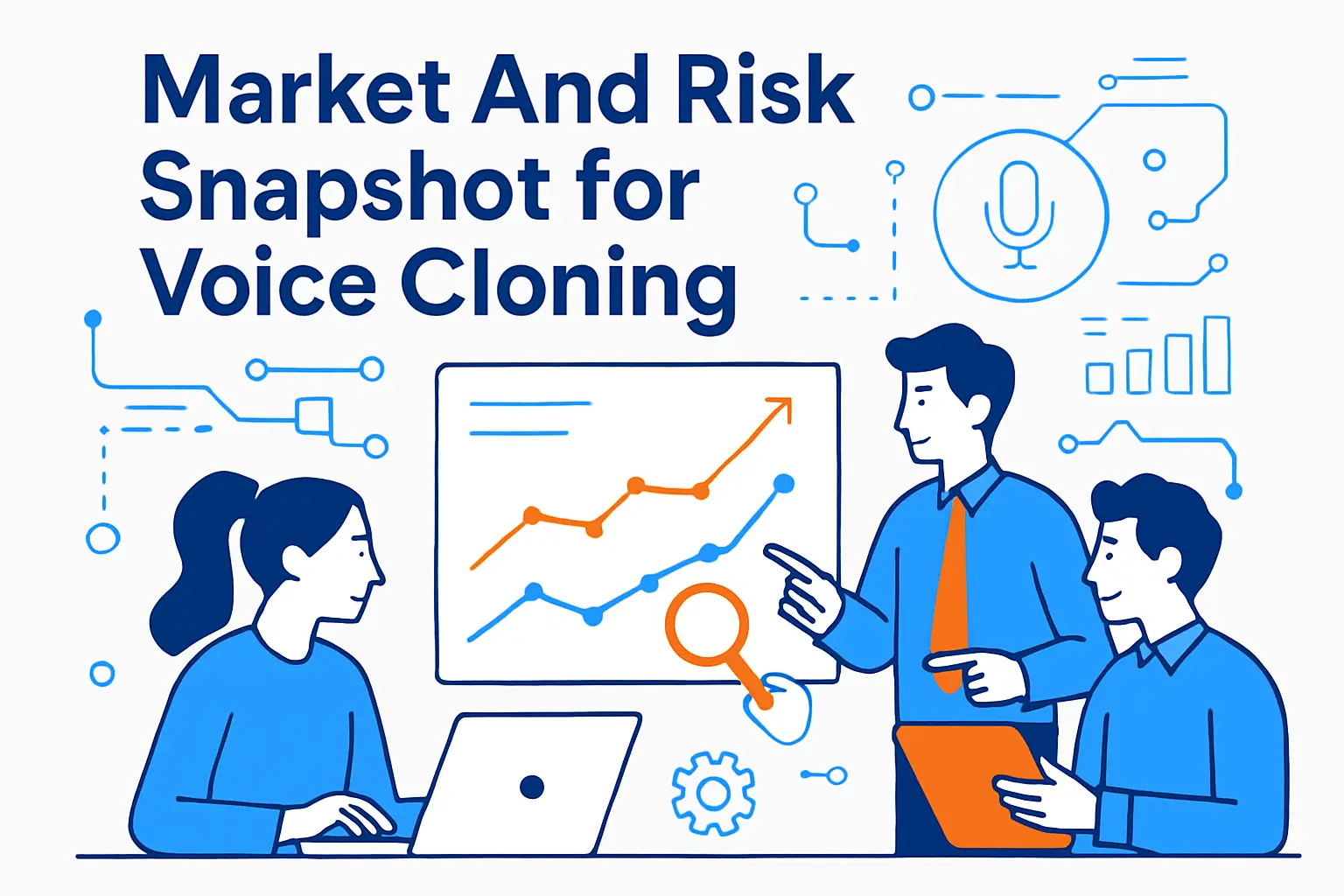
AI voice is not a niche feature anymore. It sits inside the bigger generative AI shift, and that shift is already reshaping budgets and risk models.
- McKinsey estimates generative AI could add $2.6 trillion to $4.4 trillion annually in value, which explains why marketing and customer operations keep investing in scalable content.
- Text-to-speech demand keeps rising, with forecasts pointing to USD 7.6 billion by 2029 for the global market, which signals more competition and faster feature rollouts.
- A separate forecast for AI voice generators climbs to USD 20.4 billion by 2030, which suggests this category will keep moving quickly.
- Security teams now treat synthetic audio as a real threat, and Gartner reports 62% of organizations experienced a deepfake attack in the prior year, so you need strict controls.
- Human review alone does not solve deepfakes. A study reports listeners spotted synthetic speech correctly only 73% of the time, so you should design for verification, not “gut feel.”
- Regulators already act when misuse hits the public. The FCC finalized a $6 million fine tied to AI-generated robocalls, which raises the stakes for brands and agencies.
These signals point to a simple conclusion. Voice cloning is a growth tool, but it is also a compliance surface. Pick tools that help you scale safely.
Consent and Rights Intake Template
Use this consent intake before you clone any voice:
- Voice owner identity: Legal name, contact, and role
- Permission scope: Where the voice can be used (channels and regions)
- Prohibited uses: Politics, medical claims, financial guarantees, impersonation scenarios, or any restricted categories your team defines
- Duration and revocation: How long permission lasts and what happens if permission is withdrawn
- Review requirements: Who approves scripts and who approves final audio for publishing
- Storage rules: Where training audio and generated masters live, and who has access
- Disclosure approach: Whether and how you label synthetic audio in public channels
This takes minutes to fill out and prevents weeks of cleanup later.
Compact “Choose Your Category” Comparison Table for AI Voice Cloning Tools
| Category | Choose this when | Best starting points in this guide | Main watch-out |
|---|---|---|---|
| Content and marketing voiceovers | You need consistent narration across ads, demos, and training without rebuilding a full audio pipeline | ElevenLabs, Murf, PlayHT, Speechify Voice Cloning, LOVO AI | Teams tend to skip approvals when output is fast |
| Brand voice programs | You want a distinct voice that stays aligned with your identity across many assets | WellSaid Custom Voices, ReadSpeaker Custom Voices | Without a voice persona and lexicon, “brand voice” drifts over time |
| Enterprise governance and rights | You need consent traceability, permissions, and a defensible compliance story | Veritone Voice, Microsoft Azure Custom Voice | Governed programs move slower unless ownership is clearly assigned |
| Dubbing and localization | You ship video globally and need language versions that preserve identity and feel natural | Dubverse, Rask AI, HeyGen AI Dubbing, Deepdub, DupDub, Wavel AI | Meaning shifts and cultural tone issues require human review |
| Creator experimentation | You want rapid tests, variations, or creative workflows | Uberduck, Kits.ai, FineVoice AI Voice Cloning | Set strict rules so experiments do not become public-facing accidents |
| Accessibility and voice preservation | You are supporting personal voice banking and assistive speech needs | Apple Personal Voice, CereProc CereVoiceMe, Acapela My-Own-Voice | These tools are not designed for ad-scale marketing operations |
| Cloud speech stacks for products | You are building voice into apps, onboarding flows, or support systems | Microsoft Azure Custom Voice, Google Cloud Text-to-Speech, Amazon Polly Brand Voice | Plan a fallback voice strategy in case a feature changes or access shifts |
| On-prem or edge deployments | You need data locality and infrastructure control for regulated environments | NVIDIA Riva Custom Voice | Requires engineering resources and operational maturity |
| Marketplace / licensed voices | You want rights-first voice options without training on sensitive recordings | Respeecher Voice Marketplace | Confirm usage scope and approval workflows before scaling |
| Open-source / self-host | You want maximum control over deployment and customization | Coqui TTS (XTTS Voice Cloning) | Ownership, licensing terms, and ops burden must be managed carefully |
Top AI Voice Cloning Tools to Try
1. ElevenLabs
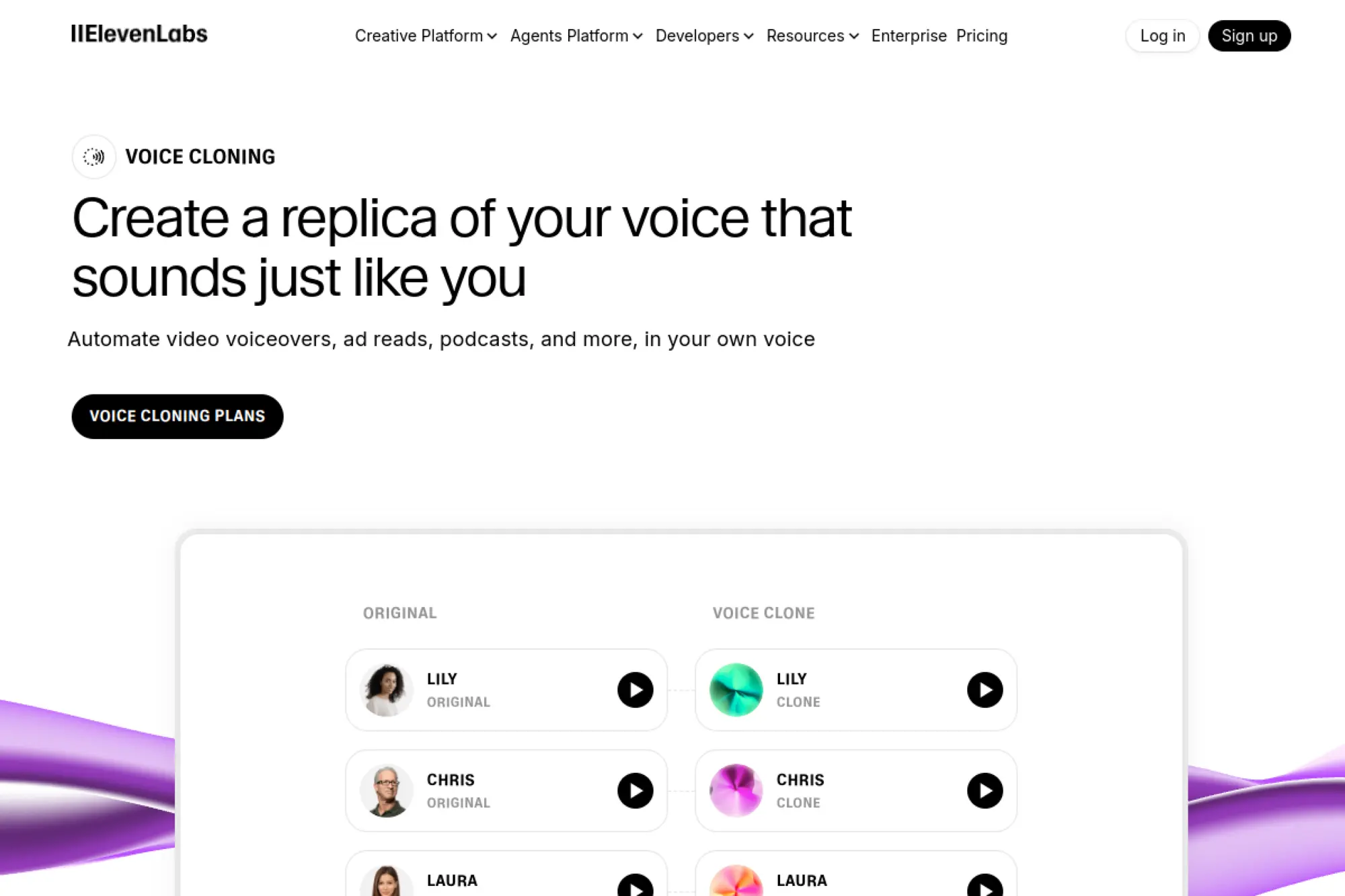
ElevenLabs is a strong pick when you want a lifelike clone that can handle brand narration and product content without sounding flat. It also fits teams that expect to move from “content studio” use into app or agent use later.
Best for
Marketing voiceovers, product walkthrough narration, character-style dialogue, and voice experiences that need high realism.
Key workflows to configure
- Create an internal “voice rights” intake form for consent and allowed channels.
- Build a pronunciation guide for names, acronyms, and product terms.
- Set an approval loop for scripts and final audio exports.
- Store approved voice models in a shared, access-controlled workspace.
Sales growth lever
Use one recognizable voice across ads, demos, onboarding, and follow-ups. That consistency builds recall and makes campaigns feel more personal, even when you scale output.
Watch outs
Keep access tight. Voice cloning can trigger impersonation risk and brand damage if someone exports audio without review. Also test your hardest scripts early so you do not discover pronunciation issues mid-launch.
Quick start checklist
- Collect clean recordings with clear written permission.
- Generate a short “brand tone” sample script for QA.
- Review pronunciation and pacing with a subject-matter expert.
- Define how you will label or disclose synthetic audio publicly.
- Version your audio assets so you can roll back fast.
2. Resemble AI
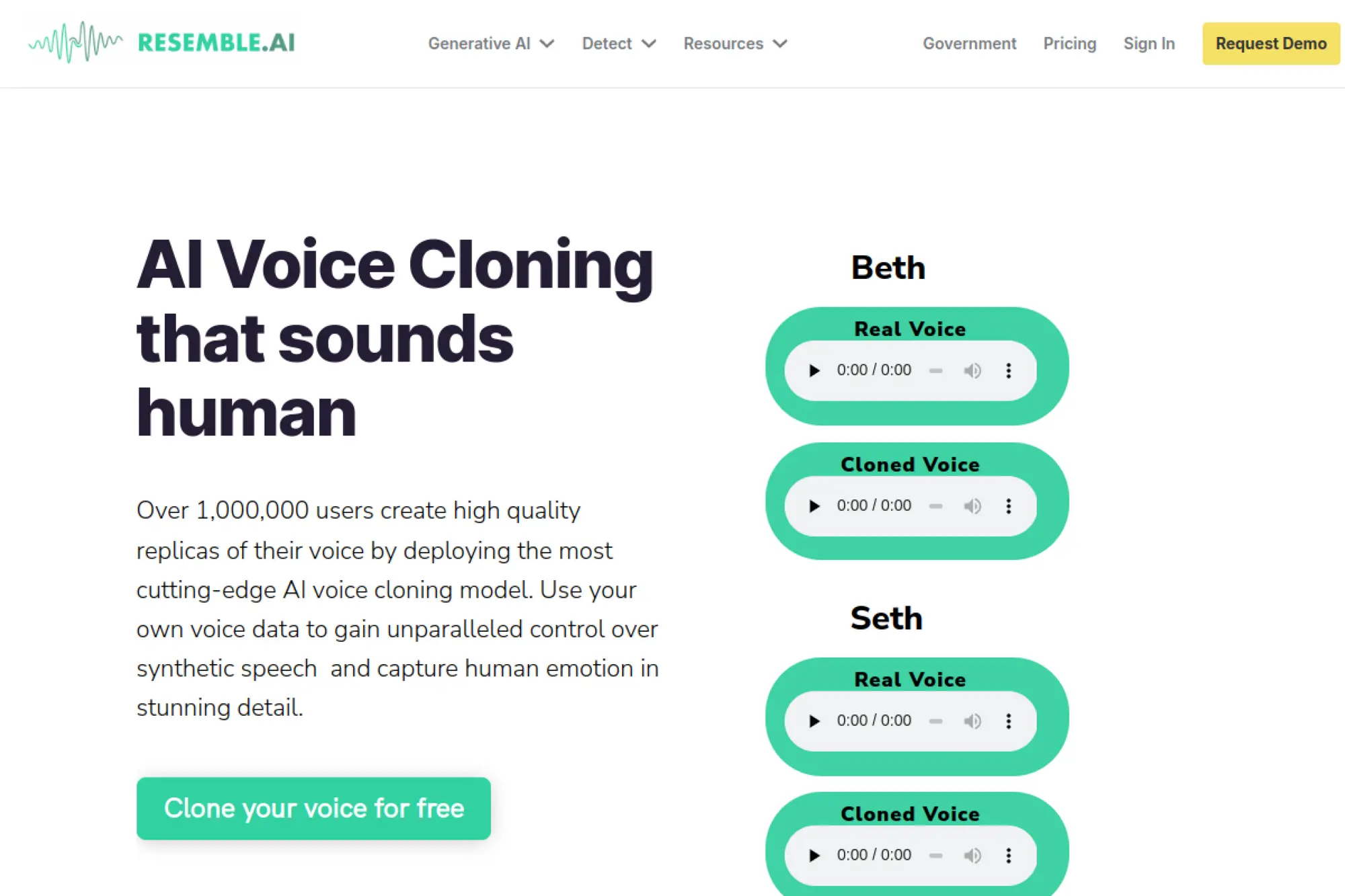
Resemble AI focuses on voice cloning workflows that teams can start quickly, then harden over time. It works well when you want flexibility, including hands-on setup support, while still keeping a business-friendly process.
Best for
Teams that need a fast prototype voice clone, plus an option to upgrade quality with guided services.
Key workflows to configure
- Standardize your recording checklist so every new clone starts clean.
- Set up voice model naming rules so your team avoids confusion.
- Build a “do not generate” policy for sensitive categories like legal claims.
- Route final audio through your content QA or brand review step.
Sales growth lever
Speed matters in sales enablement. When you can spin new audio quickly, you can localize messaging, refresh ads, or tailor demos to specific industries without rebooking talent.
Watch outs
Even good clones can drift if scripts vary wildly in emotion and pace. Keep a style guide, and avoid “one voice for every mood” unless you test it with real buyers.
Quick start checklist
- Record a consistent set of sample lines in your target tone.
- Upload and generate a short demo for internal review.
- Fix brand pronunciations before you scale production.
- Limit who can export audio to public channels.
- Document approved use cases for each voice model.
3. PlayHT
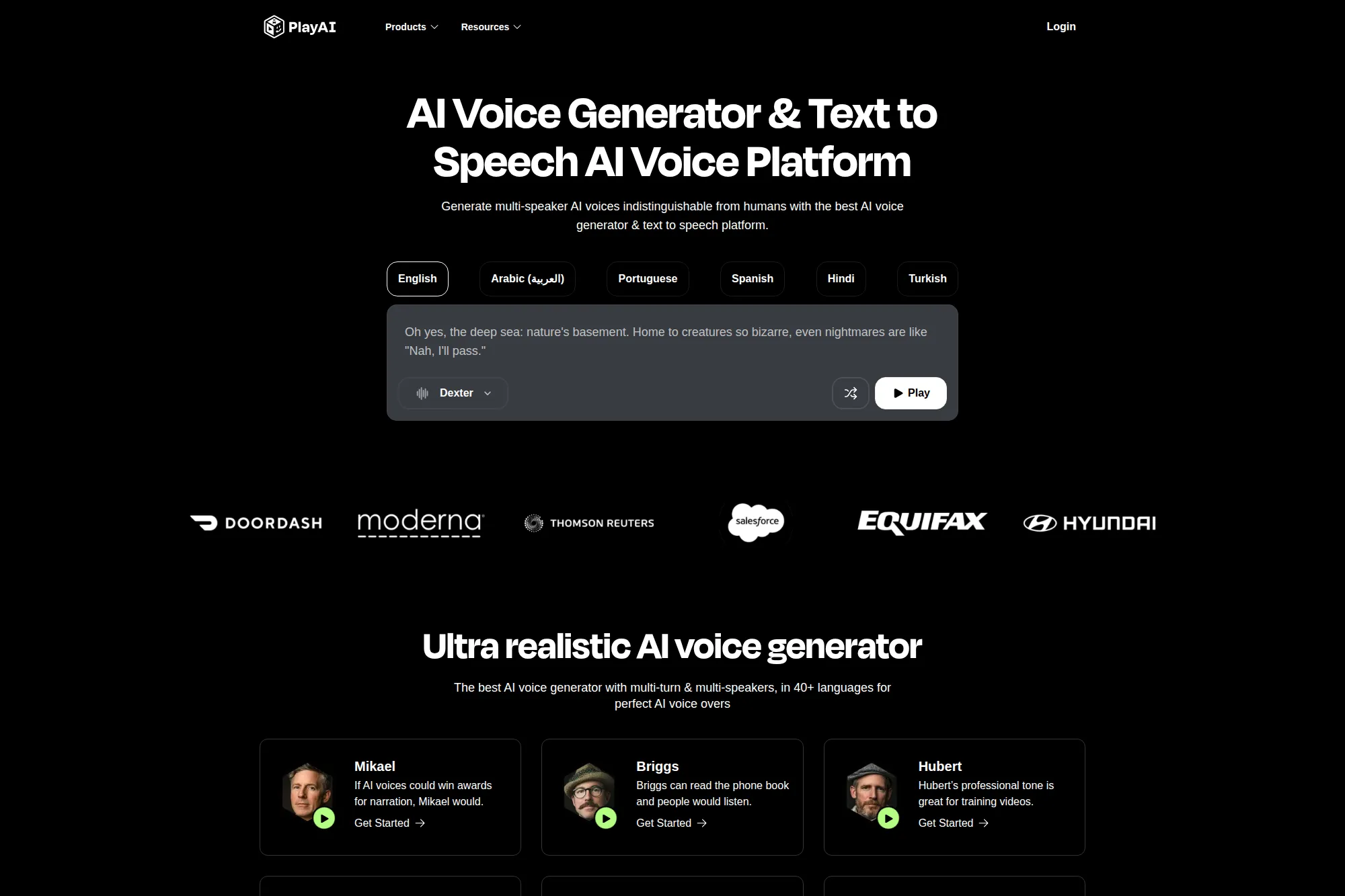
PlayHT fits teams that want voice cloning plus a clear path into real-time voice generation. It is especially useful when you expect to use voice not just for content, but also for interactive experiences.
Best for
Creators and product teams building voice-driven apps, narrated content, and scalable voiceover pipelines.
Key workflows to configure
- Build a “script library” of repeatable assets like intros and CTAs.
- Set up a shared voice style guide for pacing and emphasis.
- Connect generation to your production workflow through API or export rules.
- Set a QA loop for audio artifacts before publishing.
Sales growth lever
PlayHT can help you produce more variants of the same message. That supports faster A/B testing in ads and more personalized outbound sequences in sales.
Watch outs
Real-time voice can feel “live,” which raises trust stakes. Do not use it for sensitive customer communications until you have consent proof, logging, and clear disclosure rules.
Quick start checklist
- Pick a single use case and ship one small pilot asset.
- Confirm your legal right to the voice and the script content.
- Build pronunciations for brand words early.
- Create a review rubric for “sounds natural” and “sounds credible.”
- Store the final master audio where your team can reuse it safely.
4. Murf
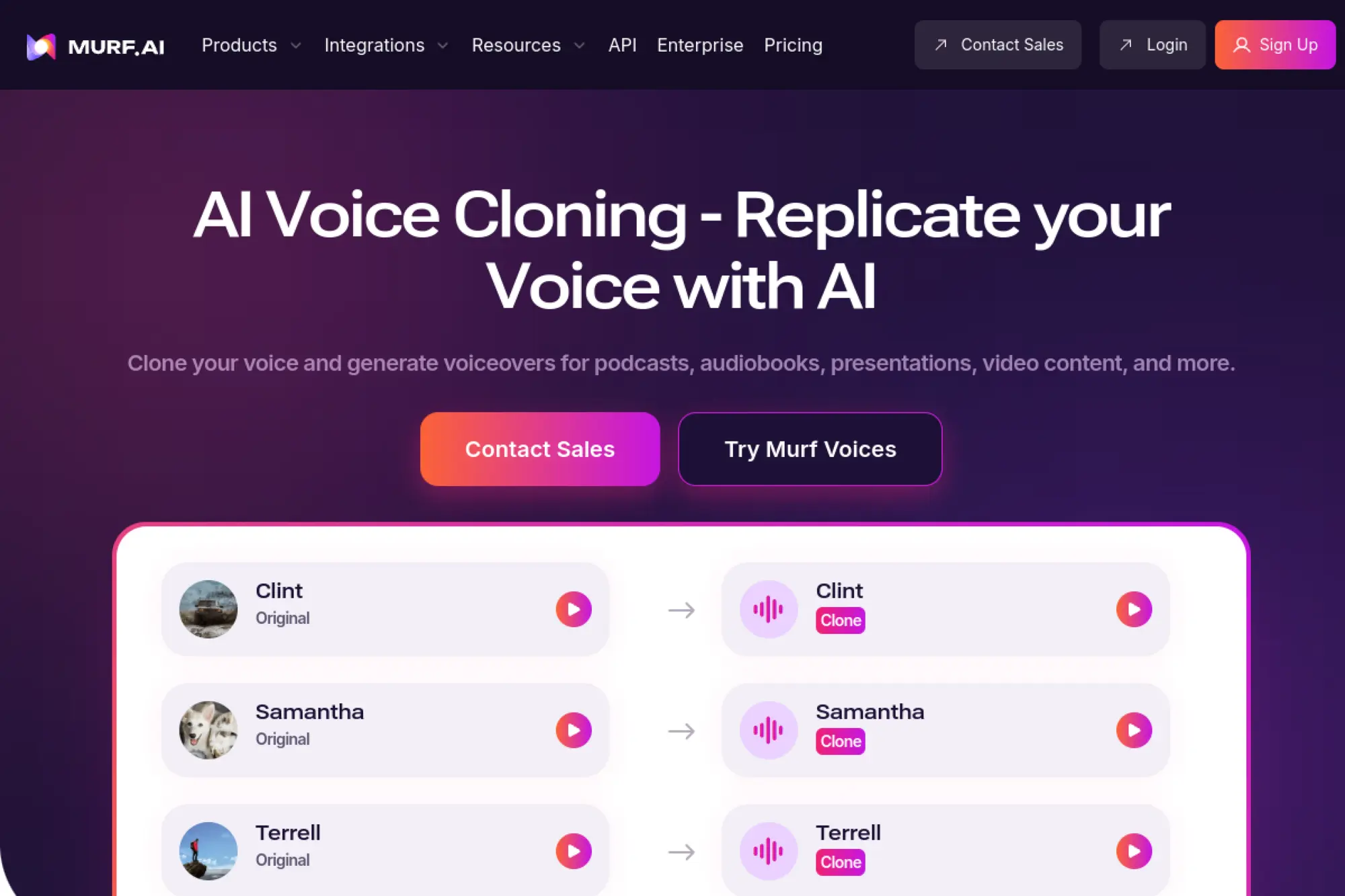
Murf positions voice cloning as a creator-friendly workflow with strong controls over delivery. It helps when you want a voice that can shift tone and style while still sounding like the same speaker.
Best for
Training videos, marketing explainers, internal comms, and teams that want hands-on control inside an editor.
Key workflows to configure
- Create a standard script format with placeholders for names and offers.
- Set voice “style presets” so the team stays consistent across projects.
- Build a pronunciation dictionary for product terms.
- Use a folder structure that maps to campaigns, regions, or segments.
Sales growth lever
Sales teams win when prospects feel continuity. Murf helps you maintain a consistent narrator across webinars, product tours, and nurture content, even when you refresh scripts often.
Watch outs
If you push emotion too hard, synthetic audio can sound “performed” in a way that lowers credibility. Keep a neutral baseline for product claims, and reserve strong emotion for storytelling sections.
Quick start checklist
- Start with one flagship asset, like a product demo narration.
- Approve pronunciations with a product expert.
- Create a reusable intro and outro template.
- Run a headphone check for clicks, pops, and odd pauses.
- Document rules for disclosures and attribution.
5. Descript Overdub
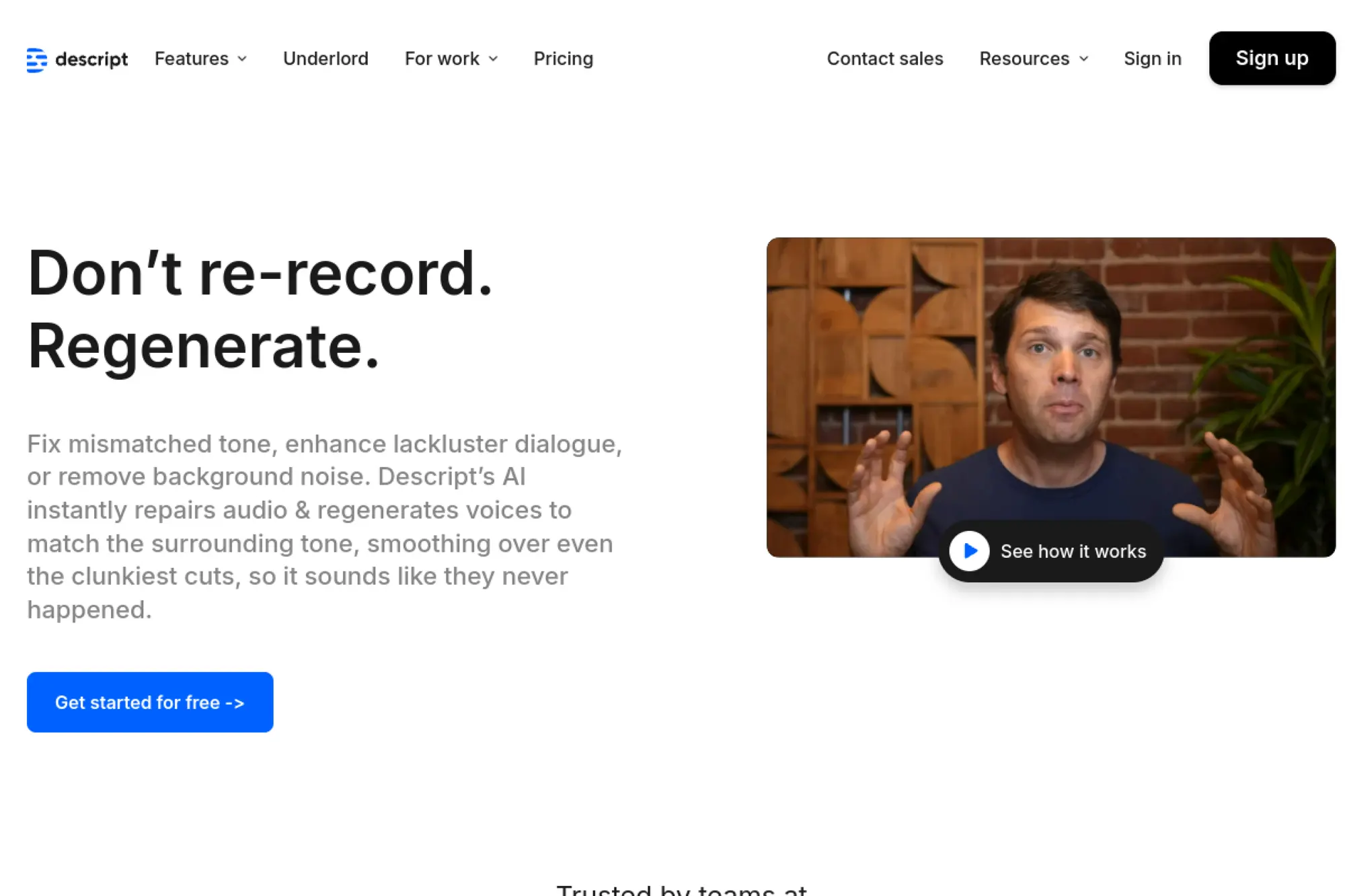
Descript Overdub works well when you already edit podcasts or video inside Descript and you want a voice clone mainly for fixes, pickups, and fast script changes. It feels less like “voice production” and more like “audio editing.”
Best for
Podcasts, creator workflows, video voiceover edits, and teams that need quick corrections without re-recording sessions.
Key workflows to configure
- Define when Overdub is allowed (fixes vs full episodes).
- Create a review step for any generated sentence that changes meaning.
- Align your script doc with your Descript project structure.
- Maintain a list of “high-risk phrases” that must stay human-recorded.
Sales growth lever
Faster turnaround keeps your content calendar predictable. When you can fix a misread feature name or swap an offer line quickly, you keep episodes and videos on schedule.
Watch outs
Overdub shines for patches, but a full synthetic track can expose tonal edges. Use it where it provides value, and keep a human performance for high-emotion storytelling when you can.
Quick start checklist
- Set a policy for what counts as an “edit” vs a “new read.”
- Test your typical brand vocabulary early.
- Have one editor own final approval for tone consistency.
- Keep raw files and exported masters for auditing.
- Add a disclosure rule for any public-facing synthetic segments.
6. Speechify Voice Cloning
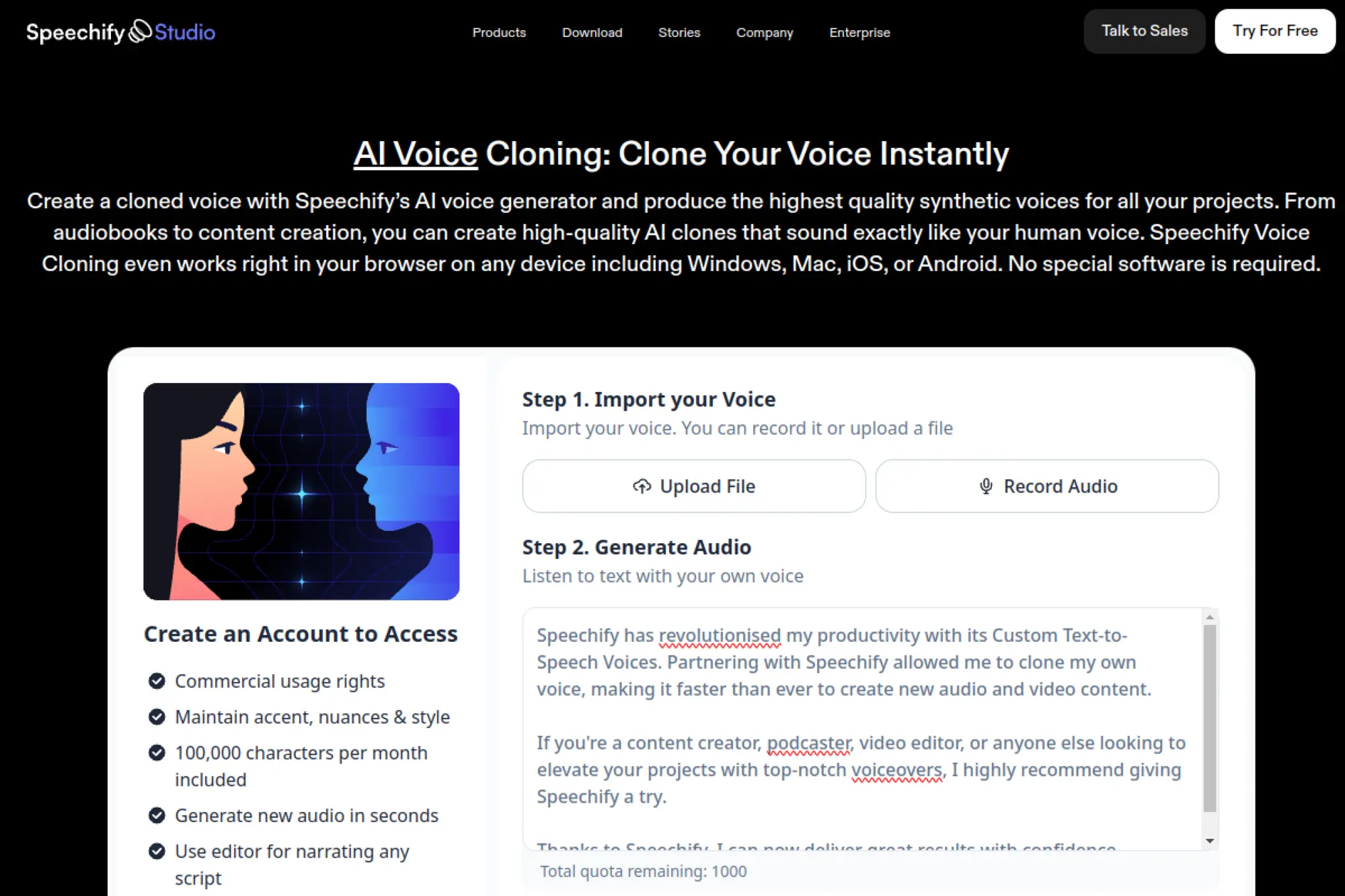
Speechify makes voice cloning accessible and quick to start. It fits teams that want a simple, browser-based workflow for turning scripts into speech, without building an audio production process from scratch.
Best for
Audiobook-style narration, creator voiceovers, short marketing reads, and teams that need fast output with minimal setup.
Key workflows to configure
- Create a script QA checklist for clarity and compliance before generation.
- Set naming conventions for projects so you can reuse assets later.
- Build a brand pronunciation list for repeated terms.
- Define who can generate clones and who can publish audio.
Sales growth lever
Speechify helps you scale content formats. You can turn blogs, case studies, and long articles into audio, then distribute them where your buyers prefer to listen.
Watch outs
Fast tools can tempt teams to skip review. Do not let that happen. Keep a human pass on claims, legal language, and tone, especially in regulated industries.
Quick start checklist
- Pick one content type to convert and validate results.
- Generate a short internal pilot and collect feedback.
- Fix pronunciations and pacing issues before scaling.
- Document your disclosure approach for synthetic audio.
- Centralize final files in your brand asset library.
7. LOVO AI
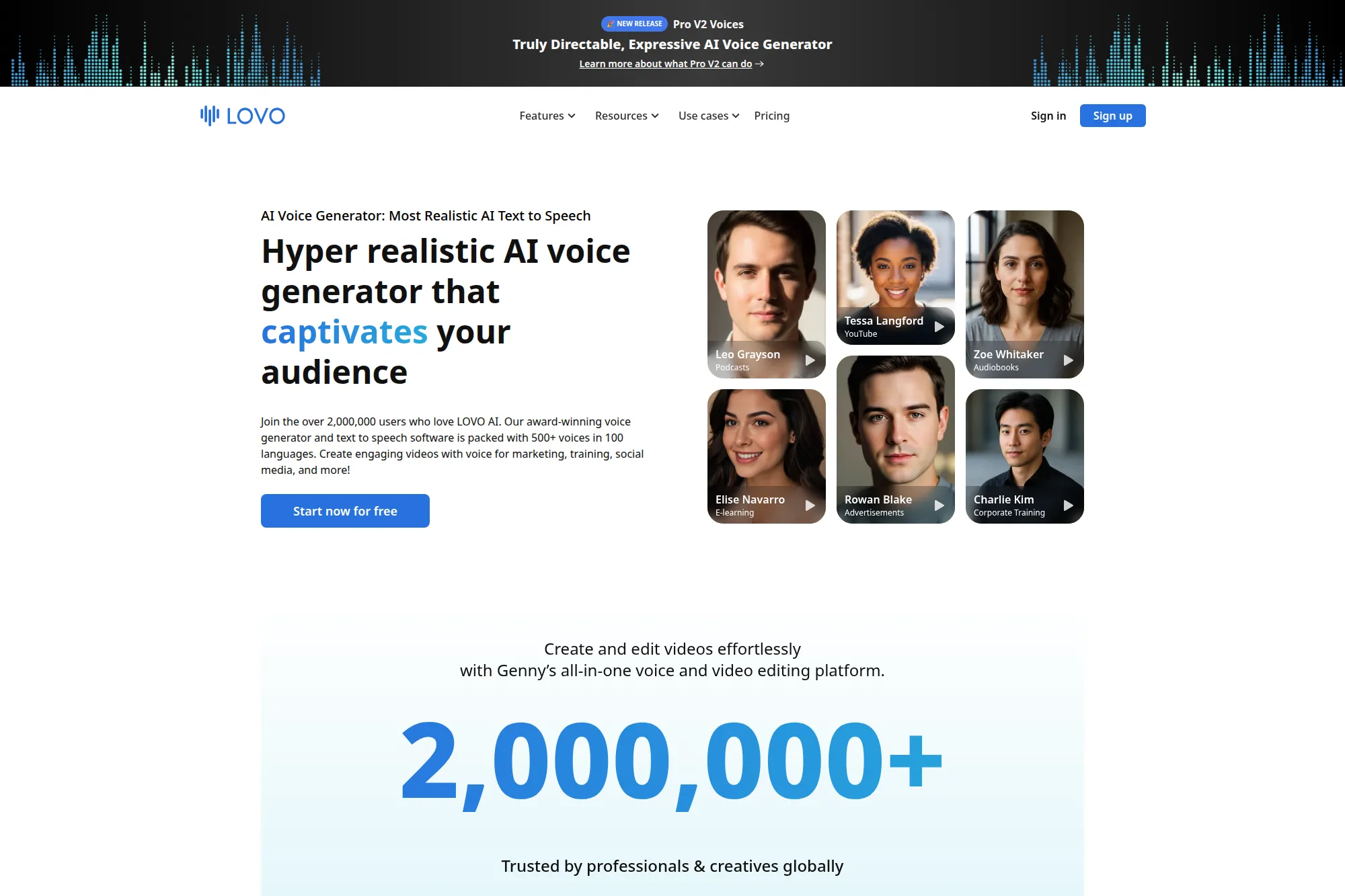
LOVO AI (often used through its Genny workflow) sits at the intersection of voiceover creation and voice cloning. It works well for teams that want a straightforward “script in, audio out” editor while still keeping room for custom voices.
Best for
Marketing teams producing voiceovers, course creators updating lessons, and agencies that need repeatable audio output.
Key workflows to configure
- Build a repeatable template for intros, disclaimers, and CTAs.
- Set a brand dictionary for pronunciation and preferred phrasing.
- Define an internal approval process for any cloned voice project.
- Organize projects by client, product, or campaign to avoid mix-ups.
Sales growth lever
When you can refresh voiceovers fast, you can keep landing pages and ads aligned with your current offer. That reduces “stale message” drag across the funnel.
Watch outs
The voice cloning category attracts legal scrutiny. Treat voice rights like IP. Keep written permissions, and make sure your team knows what “authorized use” means in practice.
Quick start checklist
- Align on voice ownership and allowed channels before cloning.
- Create a “must-review” list for sensitive scripts.
- Test your top product names and competitor names for accuracy.
- Store voice and audio assets with clear ownership labels.
- Limit access for freelancers and external collaborators.
8. WellSaid Custom Voices
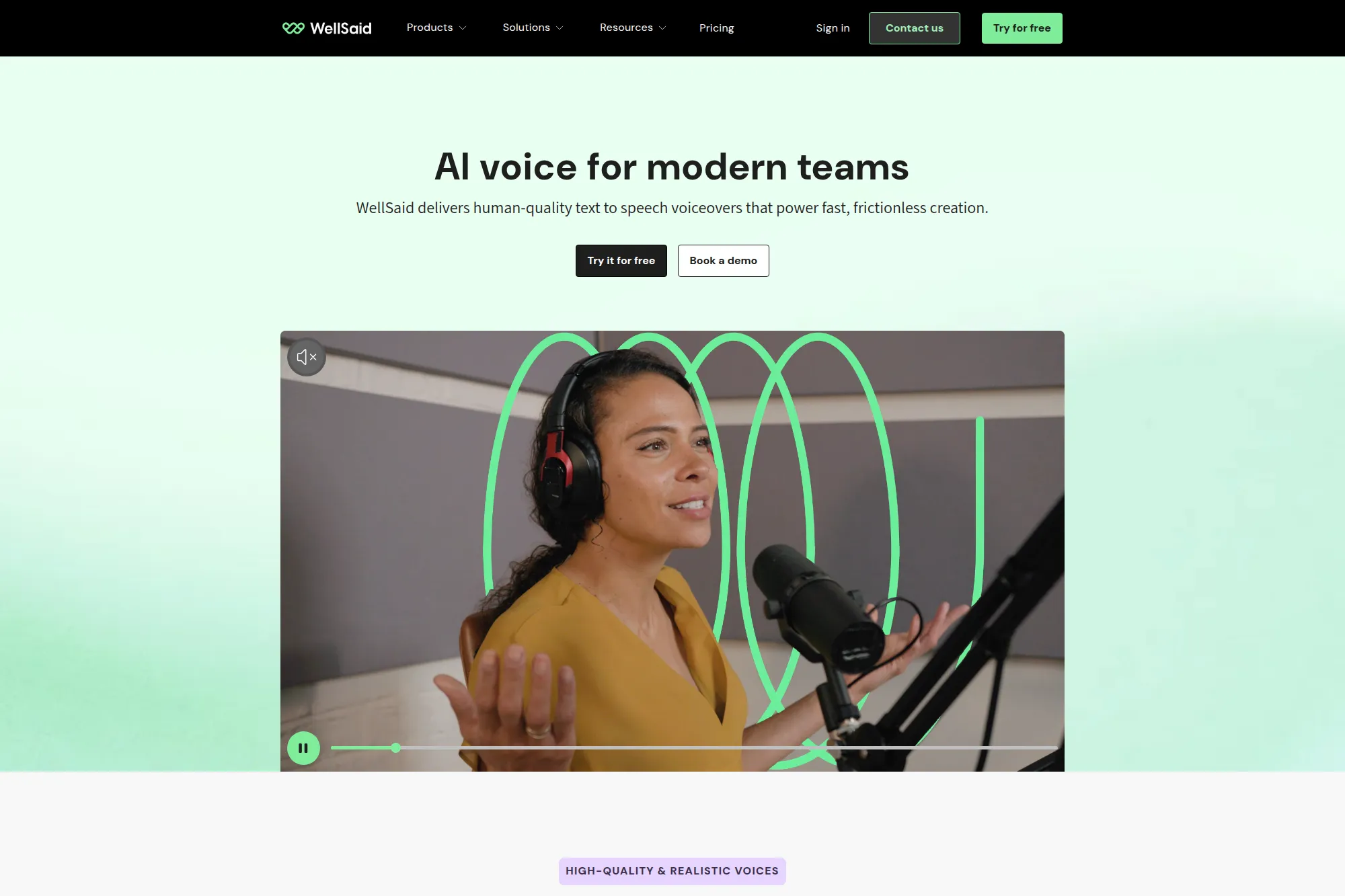
WellSaid focuses on studio-quality voices and a brand-first approach. Its custom voice offering fits teams that care about distinctiveness and want a voice that stays exclusive to their organization.
Best for
Brand voice programs, corporate training libraries, product narration, and teams that need a polished sound across many assets.
Key workflows to configure
- Write a voice persona brief that defines tone, energy, and vocabulary.
- Build a pronunciation rule set for proper nouns and industry terms.
- Create shared project folders for team collaboration and approvals.
- Set a publishing checklist for disclosure and compliance language.
Sales growth lever
A consistent, licensed brand voice can increase recognition across channels. It also helps sales enablement teams keep training content aligned when products change fast.
Watch outs
Custom voices require more planning than instant cloning. If you skip the persona definition step, you risk getting a voice that sounds “fine” but does not match your brand identity.
Quick start checklist
- Draft a voice persona brief and get marketing approval.
- Collect brand terms and build pronunciation rules.
- Generate a sample set across your key content formats.
- Run stakeholder review with marketing, legal, and support leads.
- Publish a short “how we use AI voice” policy internally.
9. Supertone API

Supertone combines voice cloning with related audio workflows, like voice conversion and voice separation. That makes it useful when your team wants more than “text to voice” and also needs tools for cleaning or transforming audio content.
Best for
Media workflows, content localization experiments, and teams building voice features into apps with developer support.
Key workflows to configure
- Create a standard “voice sample pack” your team can reuse safely.
- Define when you use cloning versus conversion for best results.
- Set up API-based rendering inside your content pipeline.
- Build a review process for tone and pronunciation across markets.
Sales growth lever
When you can adapt the same voice across markets, you can keep brand identity consistent while expanding distribution. That supports faster international launches and better engagement in localized funnels.
Watch outs
Hybrid toolsets can create workflow confusion. Document which feature you use for which scenario, or you will waste time redoing renders with the wrong method.
Quick start checklist
- Decide your primary use case before you integrate the API.
- Build a “voice asset folder” with permissions and audit logs.
- Create scripts that test tricky pronunciations and brand names.
- Standardize export settings for consistent audio quality.
- Train your team on safe handling of voice samples.
10. Uberduck

Uberduck is a flexible platform that covers voice cloning and voice conversion. It often appeals to creators and teams that want to experiment quickly, including playful content formats, while still accessing core cloning workflows.
Best for
Creative prototyping, social content, voice concept testing, and teams that want to explore both cloning and conversion.
Key workflows to configure
- Create internal rules for what voices you will and will not attempt to clone.
- Set a review gate before any audio goes public.
- Standardize script tone for brand safety and compliance.
- Store generated outputs with metadata for later auditing.
Sales growth lever
Uberduck can help you move from idea to demo faster. That can support rapid campaign testing, creator partnerships, and early-stage product marketing where speed matters most.
Watch outs
Tools that make cloning easy also make misuse easy. Use strict access controls, and avoid risky “soundalike” experiments that could trigger legal or platform takedowns.
Quick start checklist
- Publish a simple internal policy on voice consent and rights.
- Test output with a brand reviewer before publishing.
- Build a consistent audio style preset for your channel.
- Keep a record of who generated what and when.
- Use clear labeling for synthetic audio in public content.
11. Kits.ai
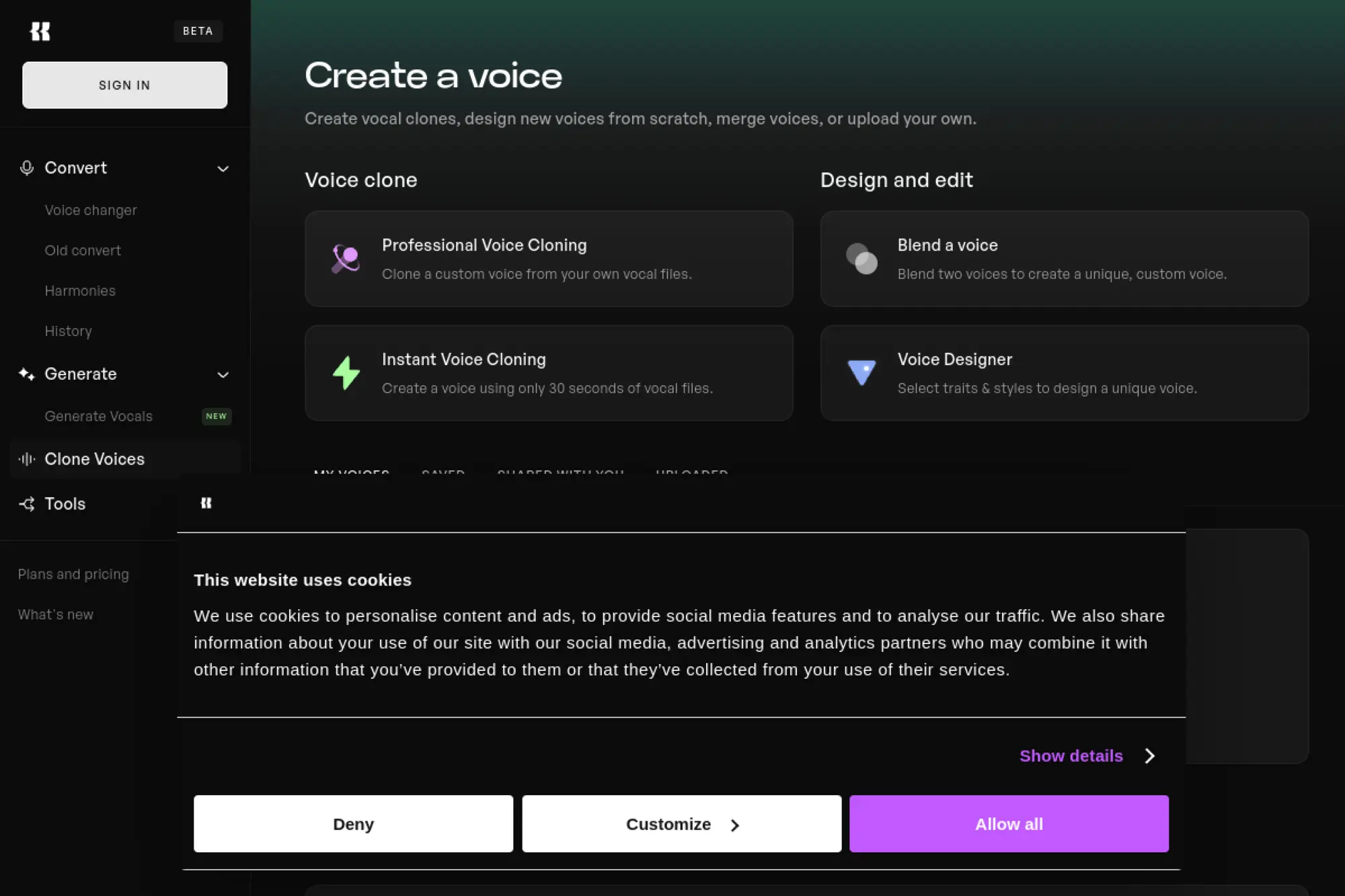
Kits.ai leans into voice cloning for music and vocal workflows. It fits creators and teams that want quick iteration on vocal takes, demos, or stylistic voice experiments, while still keeping a structured “voice model” approach.
Best for
Music creators, audio producers, and creative teams building vocal-heavy content formats.
Key workflows to configure
- Create a voice model naming system tied to projects and permissions.
- Define “allowed use” rules for any model that resembles a real performer.
- Build a review habit around clarity, artifacts, and performance tone.
- Store approved datasets and outputs in a controlled workspace.
Sales growth lever
If your brand uses audio-first storytelling, fast vocal iteration helps you publish more content and refresh creatives often. That supports higher output without constant studio booking.
Watch outs
Music voice cloning crosses into identity rights quickly. Always secure explicit permissions from talent, and avoid “close enough” voice models that could confuse listeners.
Quick start checklist
- Start with an owned voice, like an internal creator or hired talent.
- Document usage boundaries in writing before you train a model.
- Test with multiple script styles to catch edge cases.
- Create a shared “approved outputs” folder for publishing.
- Disclose synthetic vocals where your audience expects transparency.
12. Altered Studio
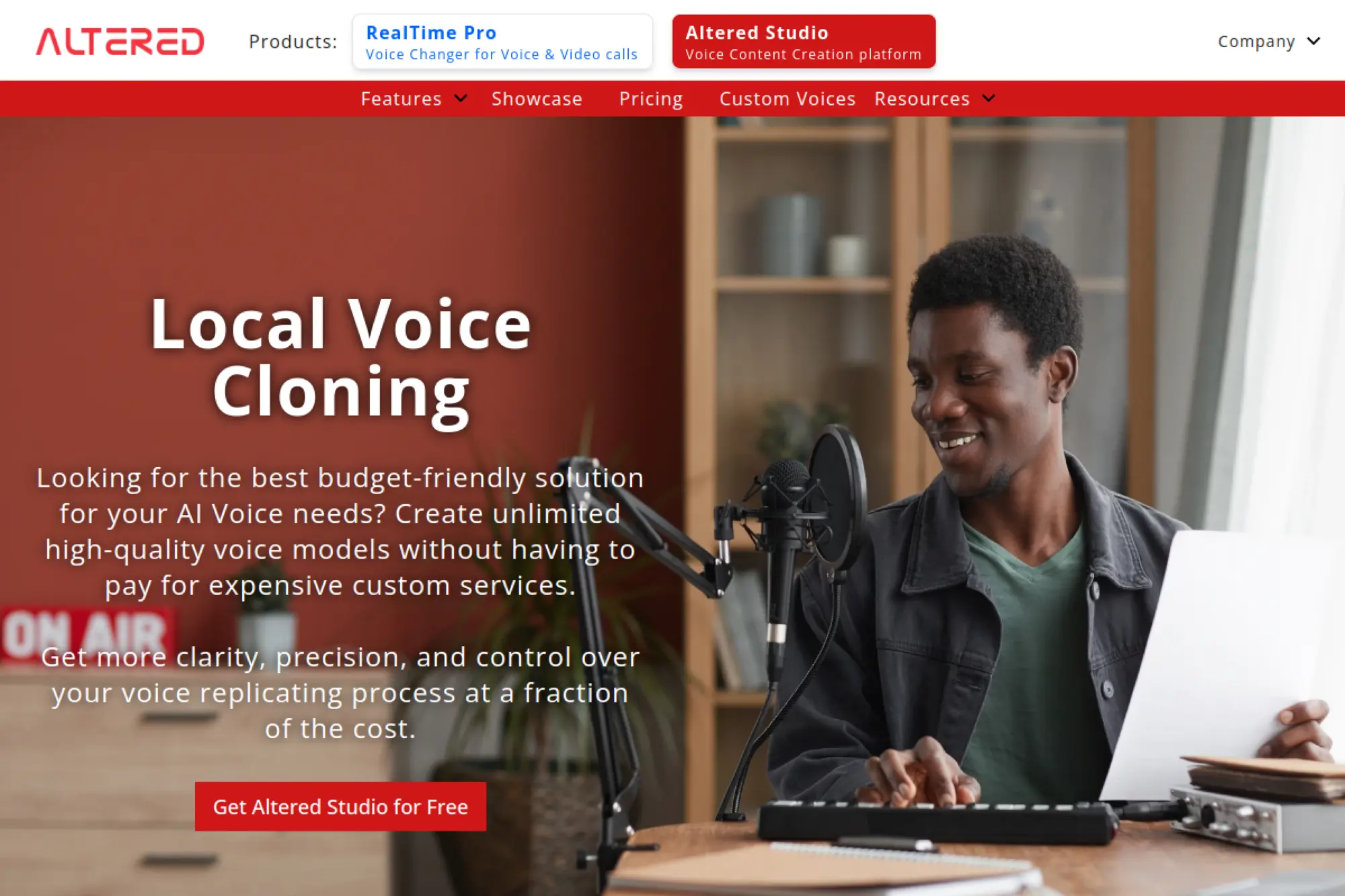
Altered Studio stands out with local voice cloning, which appeals to teams that want more control over data handling. It also supports broader voice transformation workflows, which helps when you need performance variation.
Best for
Studios, agencies, and teams that prioritize privacy, local processing, and hands-on voice crafting.
Key workflows to configure
- Define a secure folder structure for recordings and training data.
- Standardize your recording process to avoid noise and room echo.
- Build a repeatable pipeline for cleaning and preparing voice samples.
- Set project-based permissions for who can train and export models.
Sales growth lever
When you can generate voices in-house, you can speed up client work and reduce dependency on external talent scheduling. That can increase agency throughput and reduce production bottlenecks.
Watch outs
Local workflows can raise hardware and skill requirements. Plan for who owns the technical setup, and document best practices so quality does not vary by editor.
Quick start checklist
- Pick a controlled recording environment and stick to it.
- Create a short voice dataset specifically for your main content type.
- Run a quality review before training to avoid cloning artifacts.
- Lock down model files and exports with clear permissions.
- Keep internal notes on tone settings that work for your brand.
13. FineVoice AI Voice Cloning
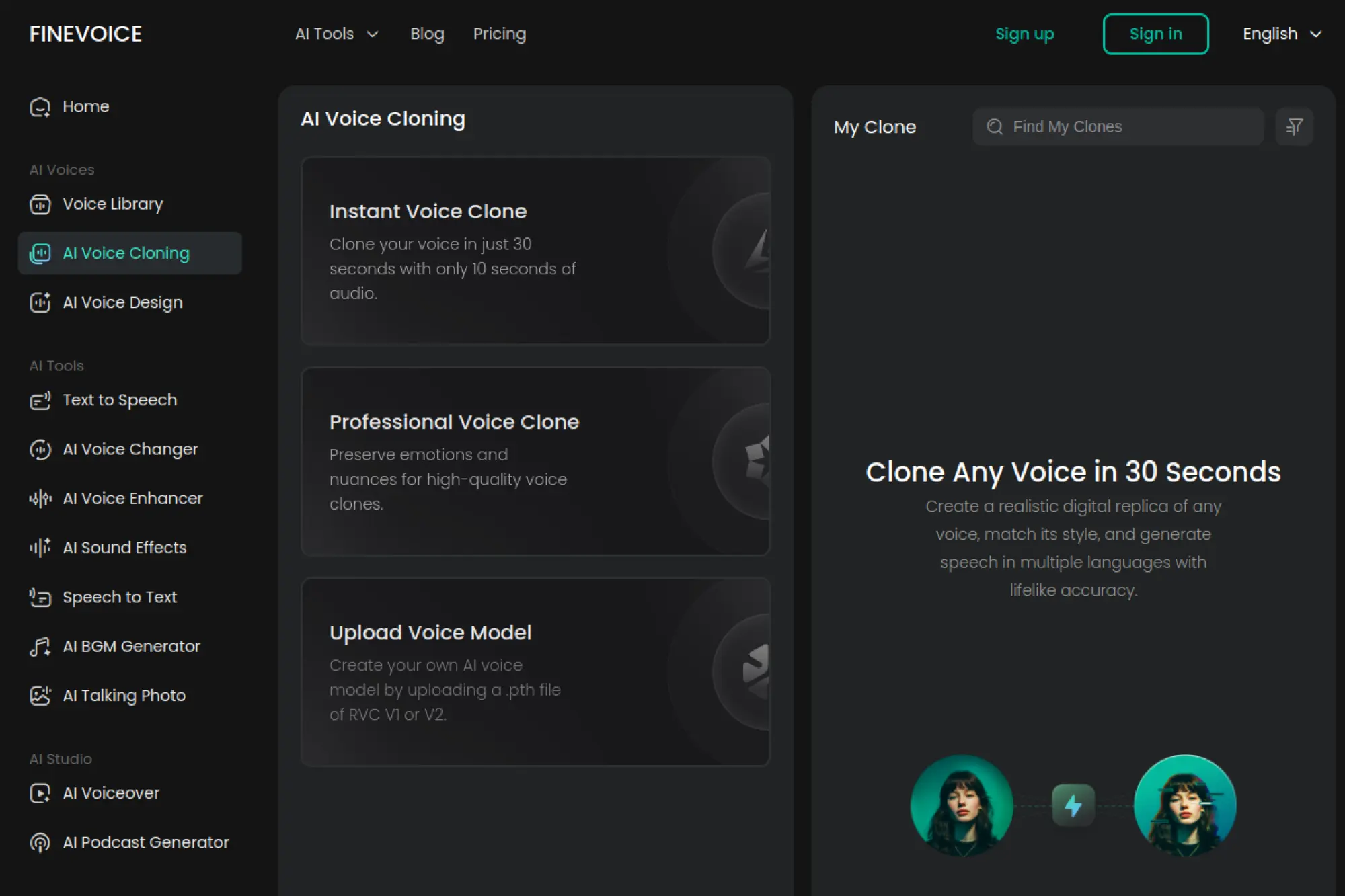
FineVoice targets quick cloning and voice transformation in a lightweight workflow. It also supports uploading external voice models, which can appeal to technical creators who already work with voice conversion ecosystems.
Best for
Creators who need rapid voice experiments, voice changing, and a flexible path for custom model handling.
Key workflows to configure
- Create a strict “only approved voices” rule for any cloning activity.
- Standardize how you name and store models so you can audit them.
- Build a QA checklist focused on pronunciation and unwanted artifacts.
- Set a clear publish policy for social platforms and paid ads.
Sales growth lever
Fast content wins attention. FineVoice can help you produce voice variants quickly for short-form ads, creator promos, and product updates, so you can keep messaging fresh.
Watch outs
When a tool supports broad model uploads, you need stricter governance. Make sure your team does not import questionable voice models that create legal exposure.
Quick start checklist
- Limit access to cloning features to trained users.
- Keep an internal approval log for every model created or imported.
- Test voice stability with your most common script structure.
- Export audio with consistent loudness and formatting rules.
- Review platform policies before publishing synthetic audio content.
14. Wavel AI
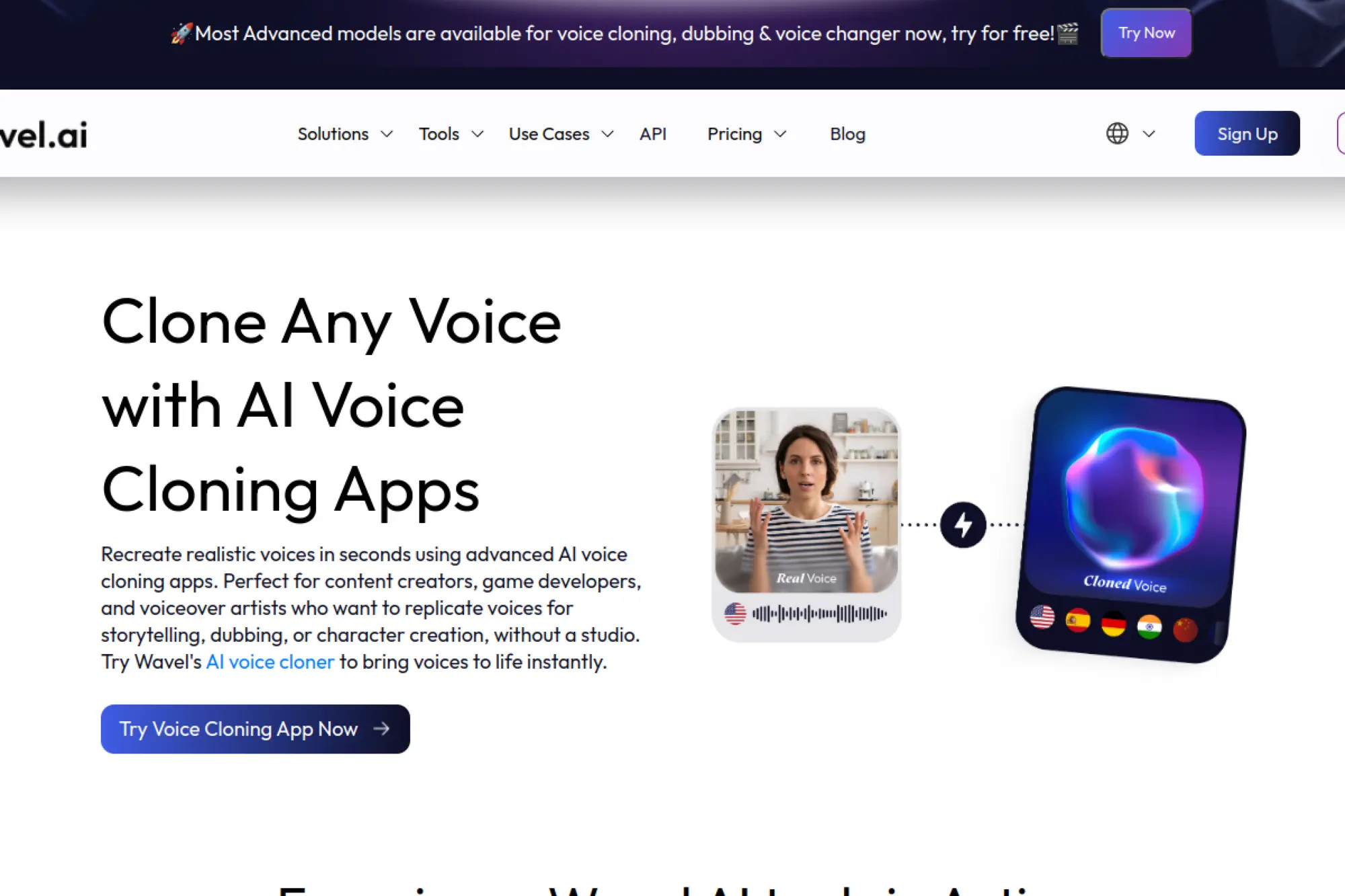
Wavel AI positions voice cloning as part of a larger content workflow. It fits creators and teams that want cloning plus video-friendly tooling, especially when the output must support multilingual distribution.
Best for
Video creators, marketing teams producing frequent voiceovers, and localization-focused content pipelines.
Key workflows to configure
- Build a voice sample process that captures your “brand delivery style.”
- Create repeatable templates for ads, explainers, and training clips.
- Set a review loop for translated scripts and brand terms.
- Define export standards that match your video editor requirements.
Sales growth lever
Localization grows pipeline when done well. When your voice stays consistent across markets, your brand feels familiar to new audiences. That can lift conversion and reduce drop-off in multilingual funnels.
Watch outs
Multilingual voice work can amplify errors. You need human language review, especially for compliance statements, product guarantees, and region-specific claims.
Quick start checklist
- Pick a single campaign and localize one asset end to end.
- Validate translated terminology with native reviewers.
- Confirm pronunciation for brand names in every target locale.
- Sync audio pacing to on-screen visuals before export.
- Document a consistent disclosure approach for localized content.
15. DupDub
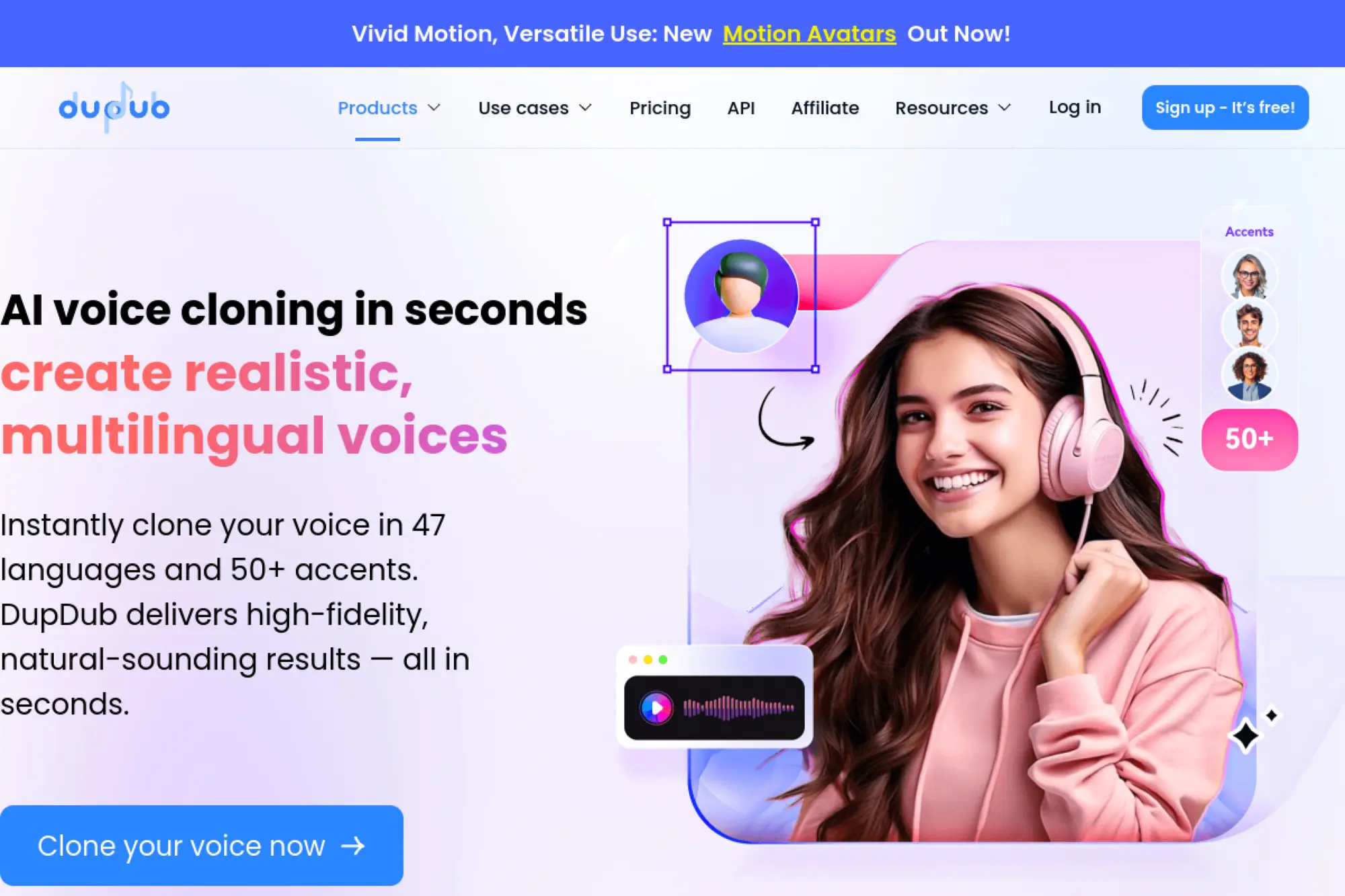
DupDub offers voice cloning inside an all-in-one content environment that also supports avatars and translation-related workflows. It works well when you want one platform to handle multiple steps, not just the voice itself.
Best for
Creators and teams producing multilingual videos, avatar content, and scalable voiceover libraries.
Key workflows to configure
- Define voice ownership rules for each cloned speaker.
- Create a standard script style for consistent pacing and tone.
- Set project folders for campaigns and languages to avoid mix-ups.
- Build a QA pass that checks sync, clarity, and messaging accuracy.
Sales growth lever
DupDub can shorten the path from script to publish-ready video. That helps teams ship more product demos, paid ads, and onboarding clips without bottlenecks.
Watch outs
When one tool covers many features, teams can skip specialized review. Keep separate checks for script accuracy, voice quality, and video sync so issues do not slip through.
Quick start checklist
- Start with a single voice and a single content type.
- Document tone rules, like upbeat, neutral, or instructional.
- Review audio and subtitles together for meaning alignment.
- Export and test playback on the platforms you use for distribution.
- Archive the final version with clear naming and ownership tags.
16. Dubverse
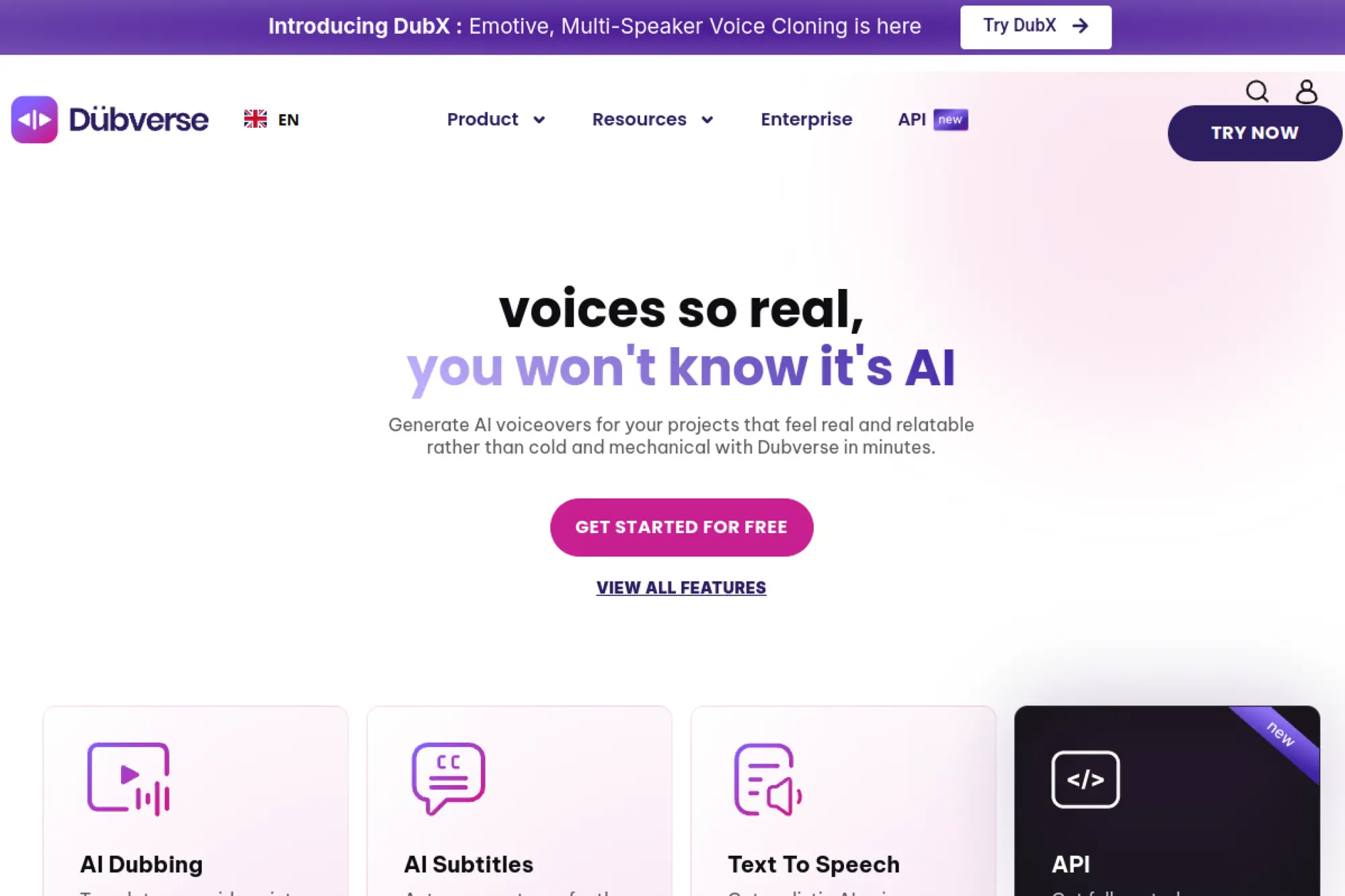
Dubverse focuses on video dubbing, and it also supports custom voice cloning workflows for creators who want an “AI avatar” voice across languages. It can be a strong fit for localization-heavy teams.
Best for
Content localization, YouTube channel scaling, training video translation, and teams that need fast multilingual output.
Key workflows to configure
- Set a translation review stage before you render final audio.
- Align speaker choices with brand personality for each content type.
- Create a workflow for multi-speaker videos to preserve clarity.
- Standardize subtitle export and timing checks.
Sales growth lever
Localization expands reach. Dubverse helps you translate a content library quickly, which can open new inbound channels and reduce reliance on a single language market.
Watch outs
Voice cloning for dubbing can feel uncanny if pacing mismatches the visuals. You need a sync check, plus a cultural review so tone lands correctly in each region.
Quick start checklist
- Pick one high-performing video and localize it as a test case.
- Validate translation quality with a native reviewer.
- Check timing against visuals and on-screen text.
- Run an audio QA check for clarity and artifacts.
- Create a repeatable template for future localization runs.
17. Rask AI
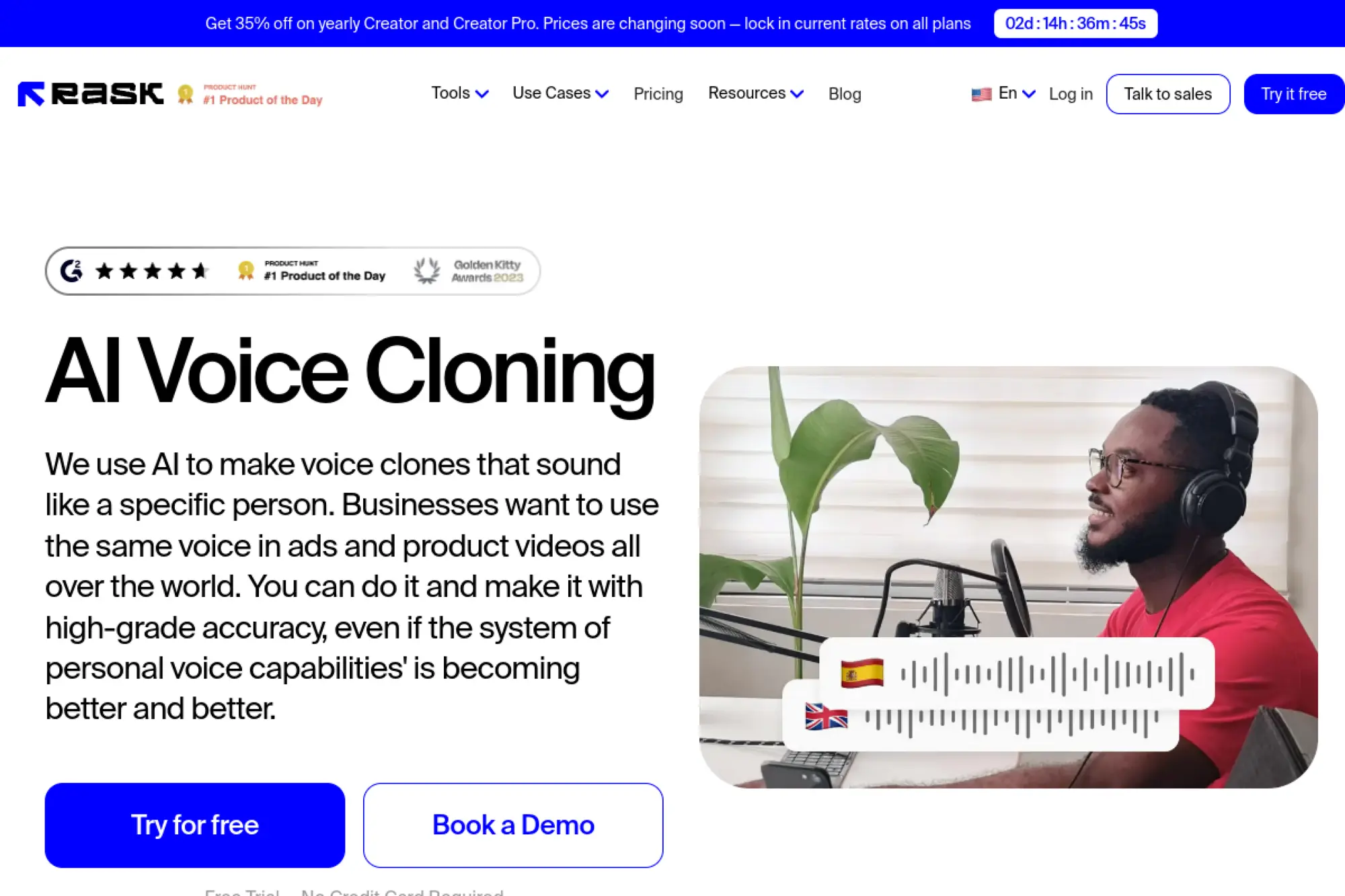
Rask AI is built around translation and dubbing workflows, with voice cloning as a core feature for keeping speaker identity consistent. It fits teams that translate a lot of audio or video content.
Best for
Video translation, multilingual marketing, training libraries, and global content operations teams.
Key workflows to configure
- Build a glossary for brand terms and product names across languages.
- Set a review step for translated scripts before voice generation.
- Create a process for handling speaker changes in multi-person videos.
- Decide when you need lip sync versus standard dubbing.
Sales growth lever
Rask helps you turn one piece of content into many market-ready assets. That can drive pipeline by expanding reach while keeping your brand voice consistent.
Watch outs
Translation quality drives perceived trust. If you skip human review, you risk awkward phrasing that makes your brand sound less credible, even if the audio quality is strong.
Quick start checklist
- Start with one language pair and one content format.
- Build a glossary for the top terms buyers hear.
- Review translations with a native speaker before rendering audio.
- Check final audio pacing against the original video.
- Document who owns approvals for each language.
18. HeyGen AI Dubbing
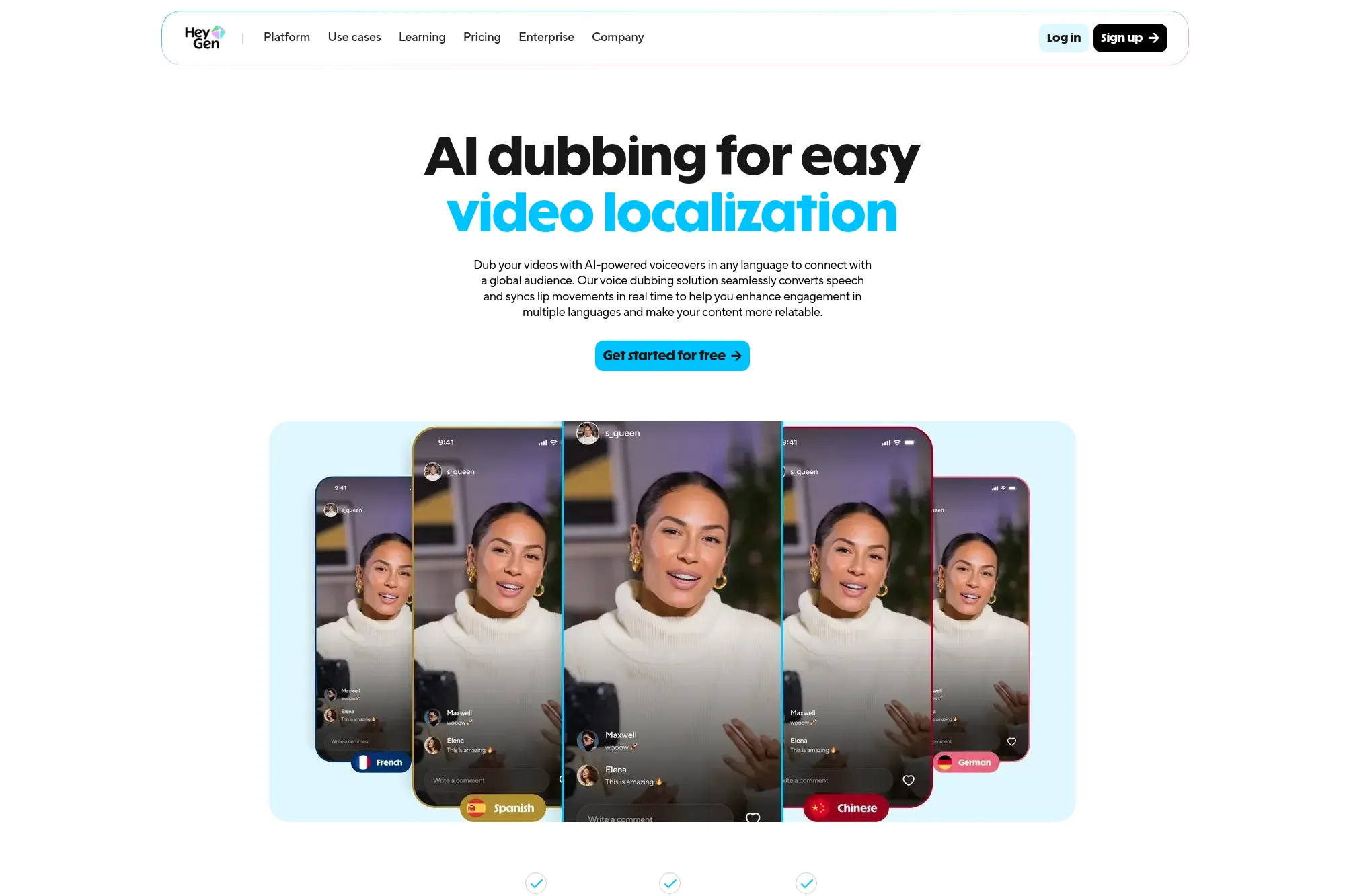
HeyGen positions dubbing as a fast way to reach global audiences, with voice cloning used to preserve a creator or brand voice across languages. It fits teams that ship video frequently and need quick localization.
Best for
Marketing teams localizing ads, creators scaling international channels, and businesses producing training videos for global teams.
Key workflows to configure
- Define your “voice identity” guidelines for translated content.
- Set a translation and pronunciation review step before final export.
- Build a naming system for versions by market and platform.
- Create a publish checklist for captions and disclosures.
Sales growth lever
Video often converts best when it feels native. HeyGen can help your team publish localized versions faster, which can increase engagement and drive more qualified inbound leads.
Watch outs
Dubbing can introduce subtle meaning changes. You need a reviewer who understands the product and the target language, especially for pricing, guarantees, and compliance statements.
Quick start checklist
- Localize one high-impact demo video as a pilot.
- Validate terminology and key claims with a native reviewer.
- Check lip sync and pacing for natural delivery.
- Export captions and confirm timing accuracy.
- Store localized masters for reuse in future campaigns.
19. Deepdub
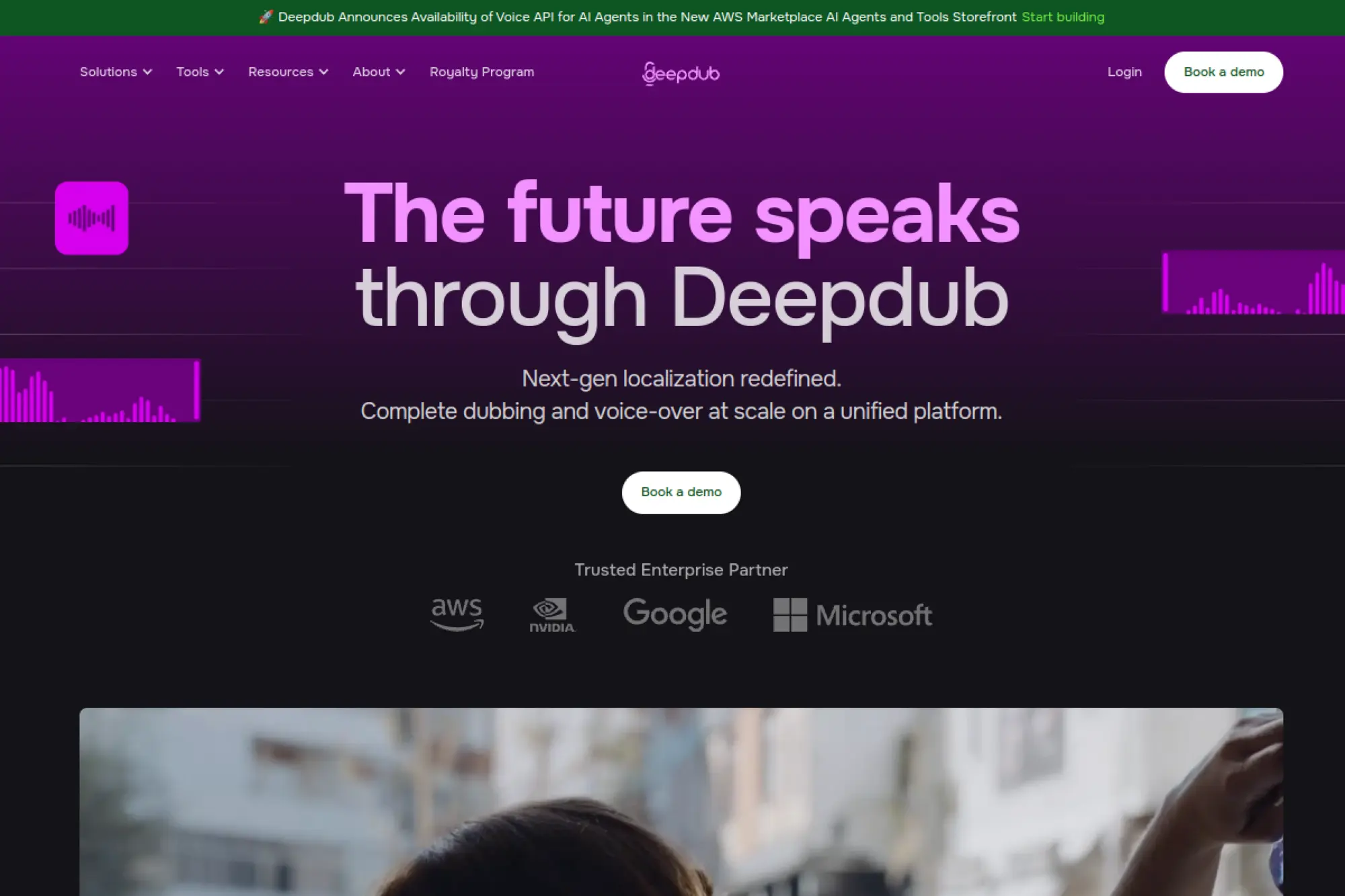
Deepdub operates as an enterprise-grade dubbing and voice platform, with voice cloning positioned as part of a broader localization and production offering. It fits teams that need high stakes quality, legal clarity, and managed workflows.
Best for
Media localization, studios, large brands expanding globally, and teams that want a “done with you” dubbing process.
Key workflows to configure
- Define your content intake process, including rights and approvals.
- Set a casting standard for voice matches and brand personas.
- Build a QA workflow that checks timing, clarity, and cultural tone.
- Create a handoff process for final masters to your distribution team.
Sales growth lever
Higher-quality localization supports premium positioning. When your dubbed content feels natural, it can improve watch time, reduce churn, and increase conversion in new markets.
Watch outs
Enterprise solutions often require more coordination. Assign a workflow owner who can manage stakeholders, scripts, approvals, and distribution so projects do not stall.
Quick start checklist
- Audit rights for the content you plan to dub.
- Choose a pilot library with clear ROI, like top product demos.
- Align on tone and persona standards for each market.
- Run a structured QA review before release.
- Track performance by locale to guide future investment.
20. Veritone Voice
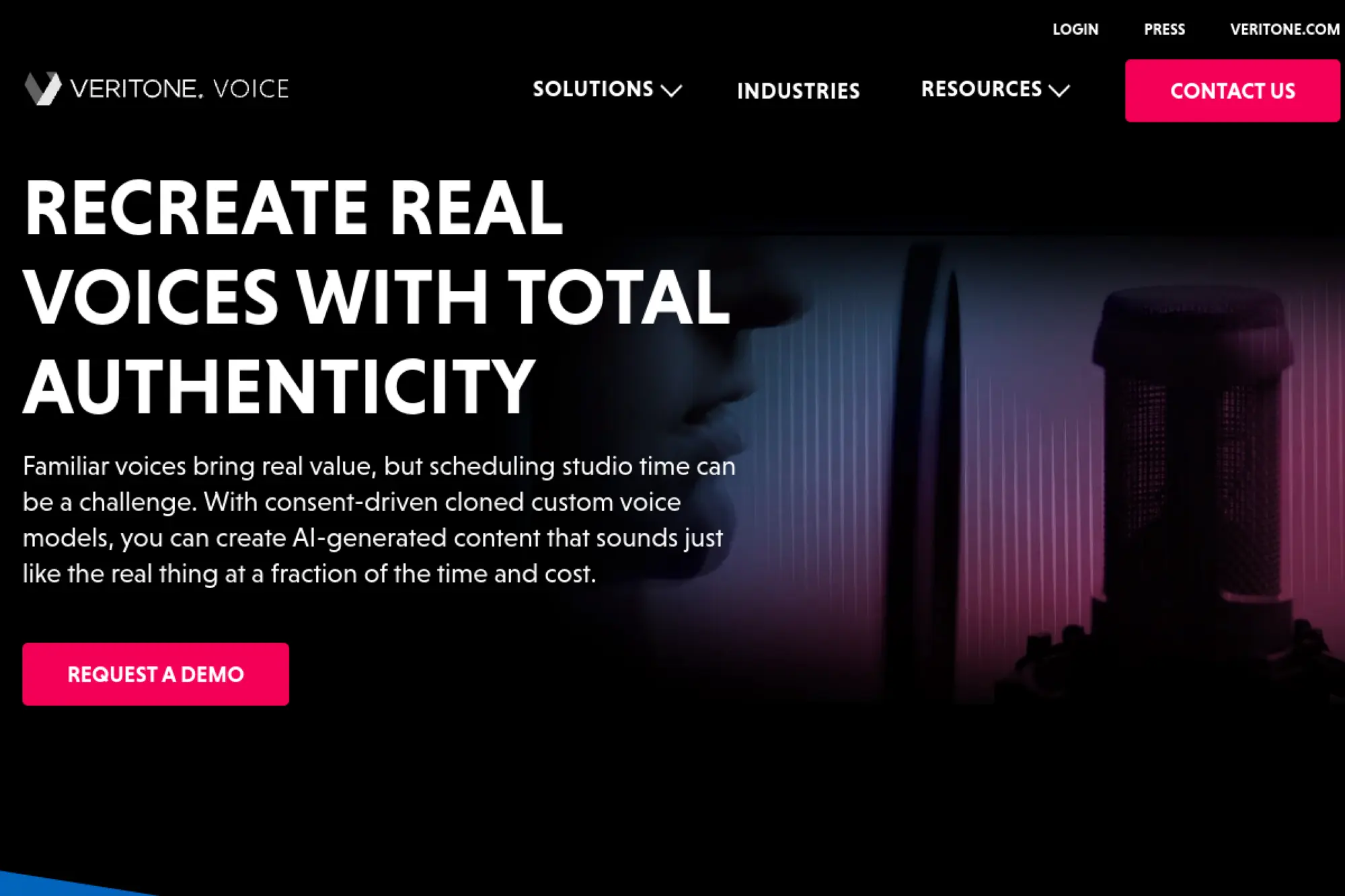
Veritone Voice focuses on enterprise-grade custom voice creation with an emphasis on consent, traceability, and rights management. It stands out when you need a strong governance story, not only voice quality.
Best for
Brands and publishers that need licensed voices, talent programs, and clear controls for who can use a voice and where.
Key workflows to configure
- Set a formal consent and licensing workflow for every voice.
- Create a voice catalog with usage notes and approved channels.
- Build a review process for scripts tied to regulated claims.
- Plan how you will track and audit voice usage over time.
Sales growth lever
Veritone’s governance focus supports higher-trust voice campaigns. That can unlock partnerships, sponsorships, and monetization opportunities that require strict rights handling.
Watch outs
Governed voice programs can move slower. Budget time for approvals, legal checks, and stakeholder alignment, especially if you plan to use recognizable voices.
Quick start checklist
- Define a “voice licensing” template for talent agreements.
- Set up a centralized voice inventory with permissions.
- Run a pilot campaign with one controlled voice asset.
- Document your monitoring approach for misuse or impersonation.
- Train internal teams on approved voice usage rules.
21. ReadSpeaker Custom Voices
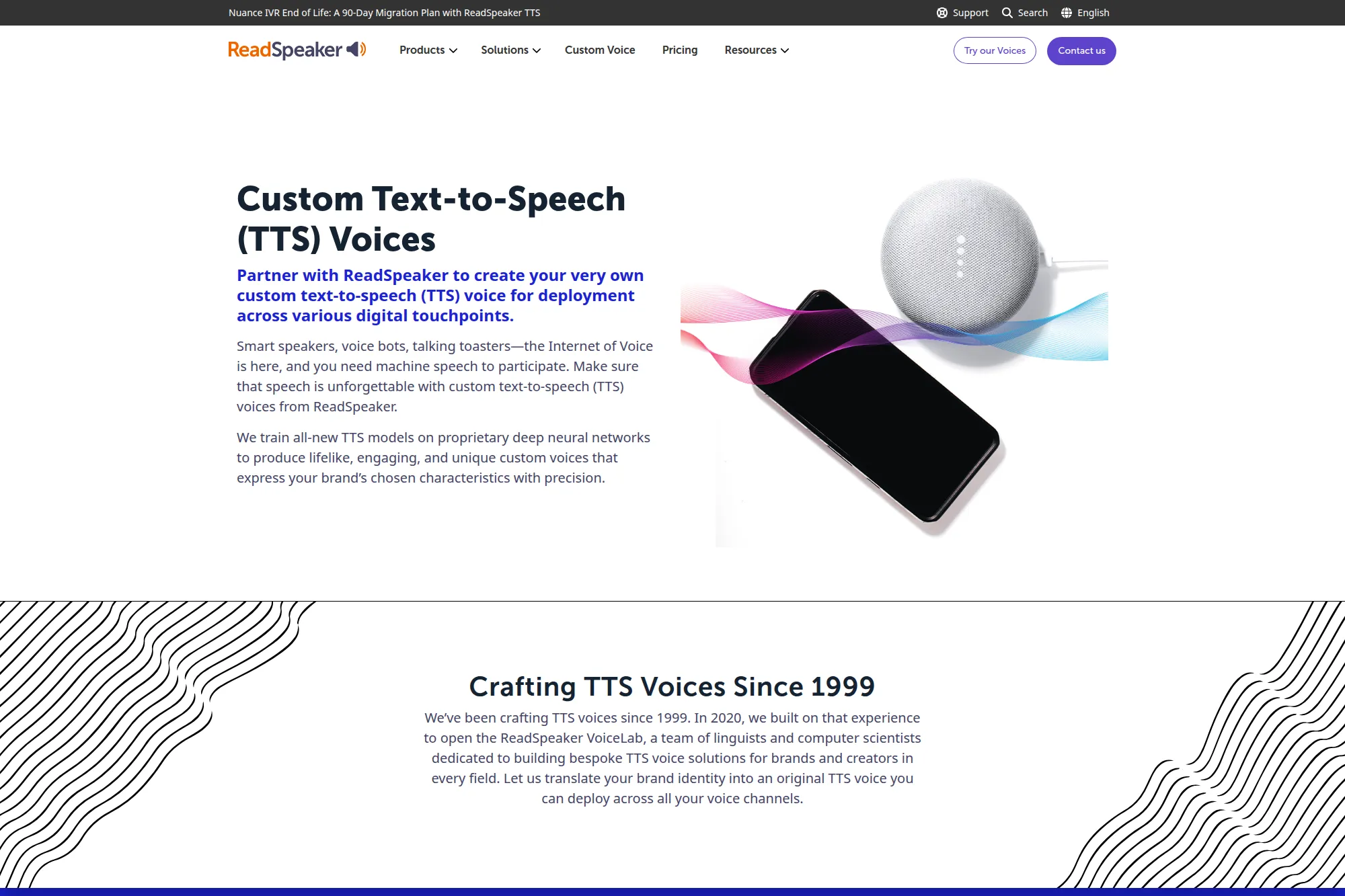
ReadSpeaker positions custom voices as brand assets you can deploy across touchpoints, including voice bots and accessibility experiences. It fits organizations that want a bespoke voice, plus ongoing linguistic support.
Best for
Enterprises building a unique brand voice for digital products, accessibility, or customer interaction systems.
Key workflows to configure
- Create a brand voice persona definition and usage guide.
- Build a pronunciation lexicon for brand terms and names.
- Plan deployment across channels, like web, app, and support flows.
- Set up a process for updating pronunciations over time.
Sales growth lever
A distinct voice can increase recognition and reduce “generic assistant” fatigue. That can raise trust in voice bots and make interactive experiences feel more aligned with your brand.
Watch outs
Custom voice programs require planning and coordination. If your team changes messaging often, keep your voice lexicon and content templates updated or your voice will drift from your current positioning.
Quick start checklist
- Write a brand voice brief and align stakeholders.
- Collect your key terms and build a pronunciation lexicon.
- Test the voice on your most common user journeys.
- Validate accessibility requirements and playback environments.
- Define ownership for ongoing voice updates.
22. CereProc CereVoiceMe
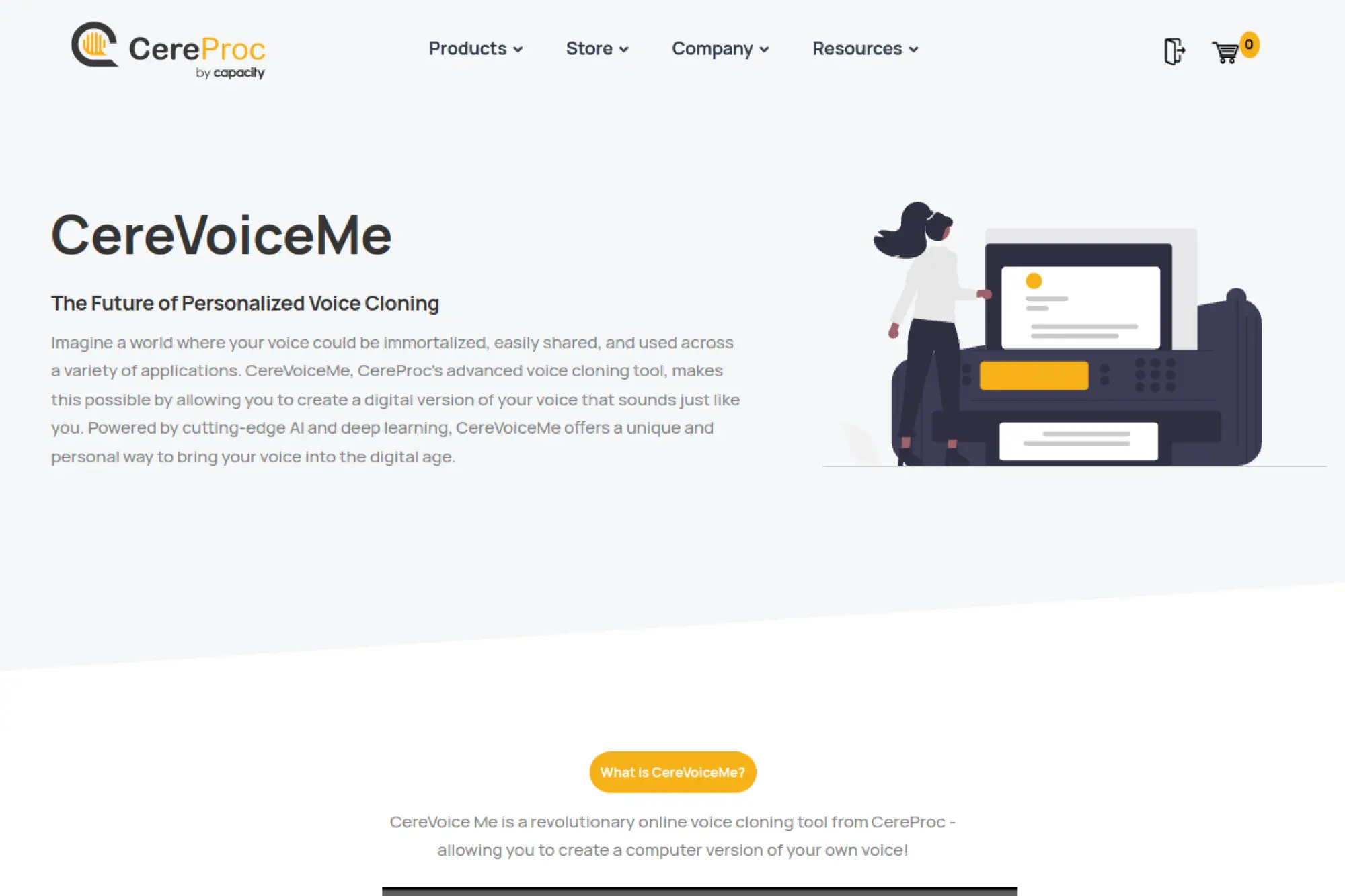
CereVoiceMe is a voice cloning tool from CereProc that focuses on creating a personalized synthetic voice from home. It has strong relevance for voice banking and accessibility, while still supporting broader speech synthesis use cases.
Best for
Voice banking, personal voice preservation, accessibility tools, and teams that need a structured “build your own voice” workflow.
Key workflows to configure
- Standardize your recording environment and microphone setup.
- Store recordings securely and label them clearly for audits.
- Define whether you use the voice for personal, internal, or commercial work.
- Plan how the voice will integrate into apps or devices you support.
Sales growth lever
For assistive tech and accessibility markets, a personalized voice can be a differentiator. It can help products feel more human and increase adoption through stronger user identity alignment.
Watch outs
Voice banking carries sensitive personal data. Treat recordings like health-adjacent information when relevant. Limit access and communicate clearly about storage and retention.
Quick start checklist
- Record in a quiet space with consistent settings.
- Keep a secure archive of raw recordings.
- Test output with phrases users speak often.
- Create a usage policy for where the voice can appear.
- Document support steps for restoring or migrating voice models.
23. Acapela My-Own-Voice
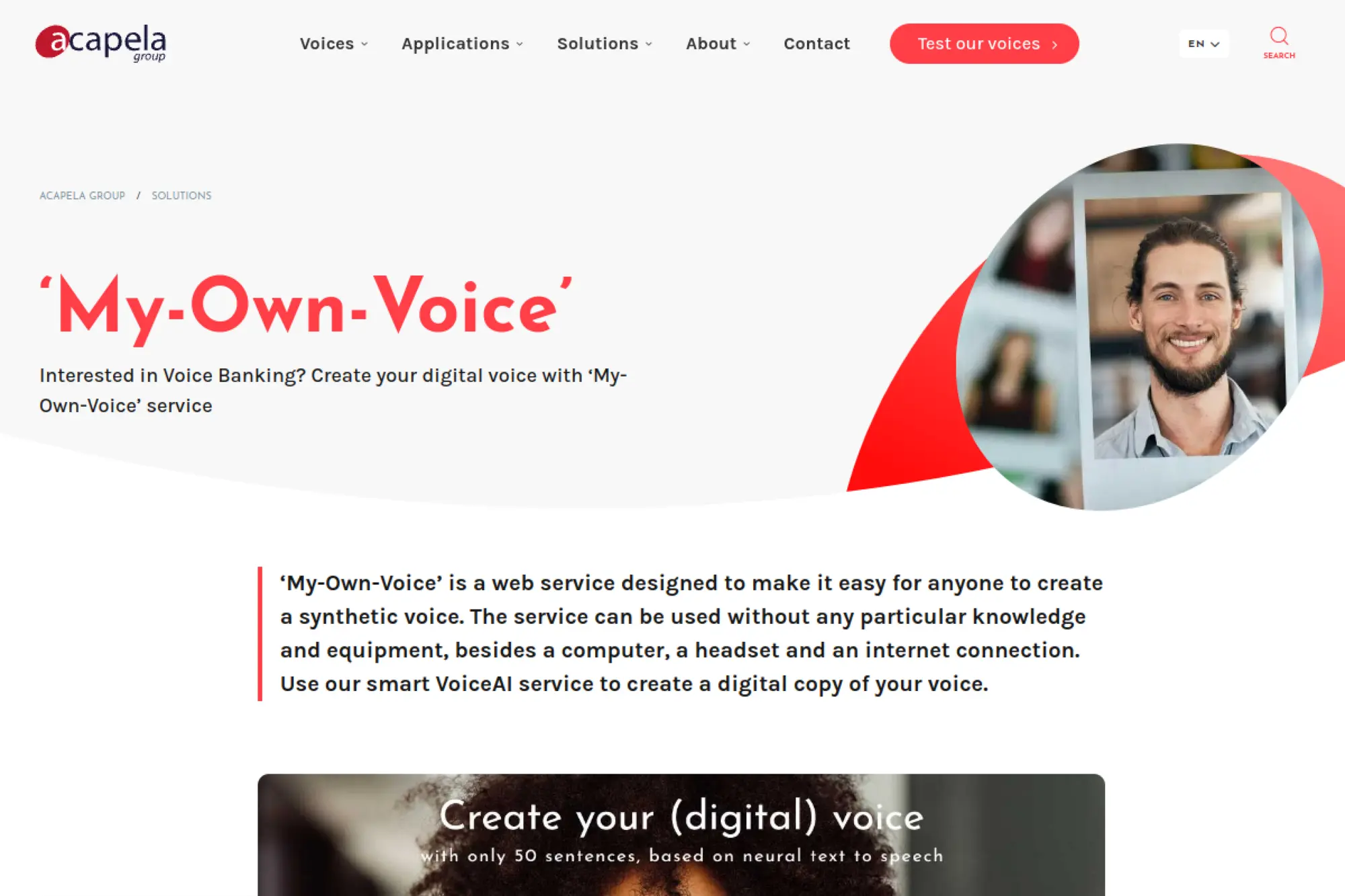
Acapela’s My-Own-Voice focuses on voice preservation and identity. It helps individuals keep a synthetic version of their voice for assistive communication, which makes it one of the most mission-driven options in this list.
Best for
Voice preservation, assistive communication, healthcare-adjacent accessibility, and organizations supporting speech-impaired users.
Key workflows to configure
- Create a guided recording process that reduces user stress.
- Build a secure consent and identity verification process.
- Plan deployment into the assistive apps or devices your users rely on.
- Set support documentation for caregivers and clinicians.
Sales growth lever
For accessibility-focused organizations, “identity-preserving speech” can drive adoption. It can also strengthen partnerships with clinics, schools, and assistive tech communities.
Watch outs
These users often have high privacy needs. Keep data handling transparent. Also prepare for support requests around setup, device compatibility, and user training.
Quick start checklist
- Define who can request a voice build and how you verify them.
- Provide a clear recording guide with simple language.
- Test the voice in a real assistive workflow before rollout.
- Train support staff on voice troubleshooting basics.
- Document privacy and retention practices in plain terms.
24. Microsoft Azure Custom Voice
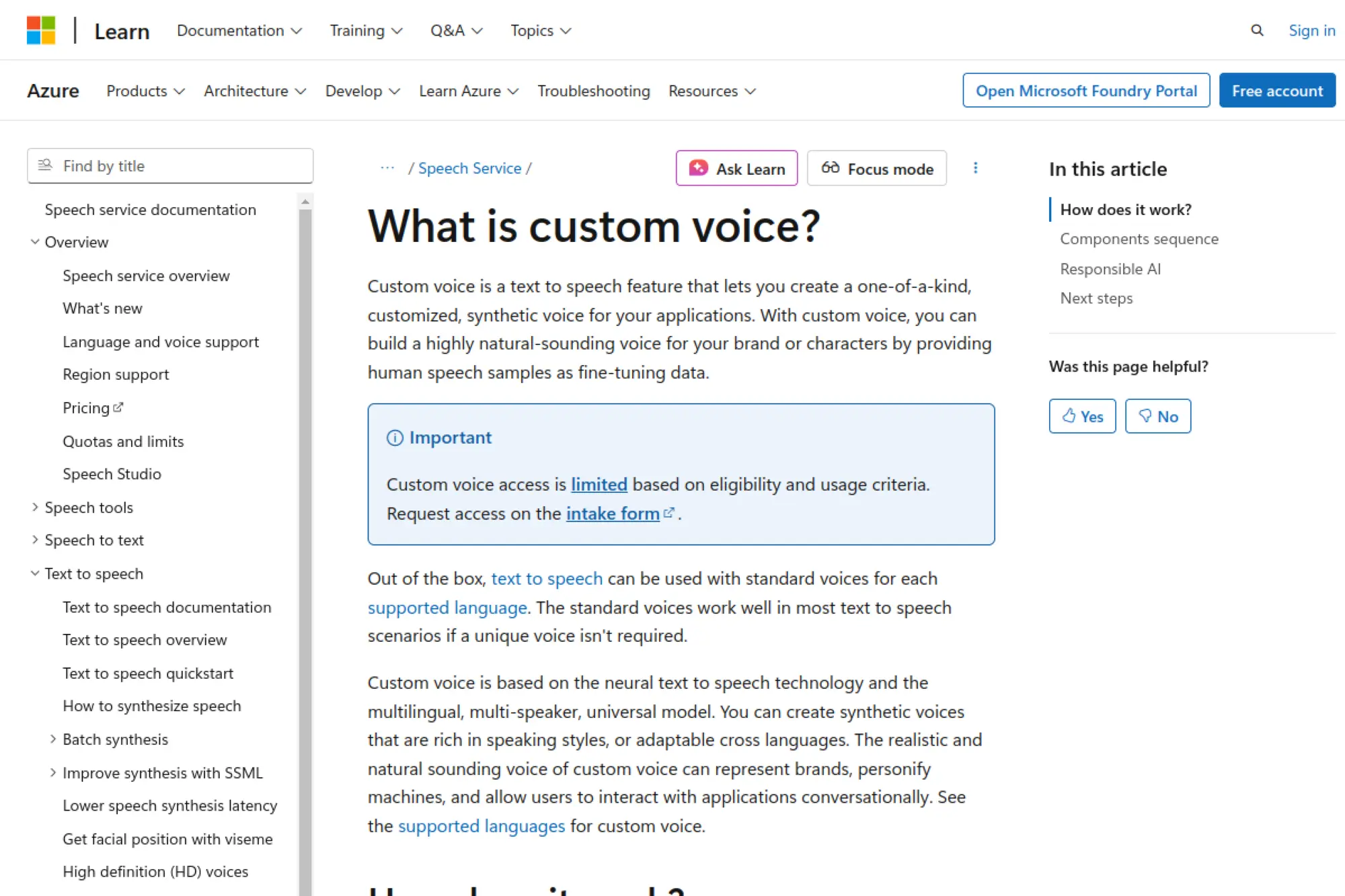
Azure Custom Voice targets enterprise speech use cases. It fits teams that want to create a customized synthetic voice that can plug into product experiences, support systems, or voice agents, with clear process guardrails.
Best for
Product teams building voice-enabled applications, enterprise customer support, and organizations that want strong platform governance.
Key workflows to configure
- Plan your voice persona and define approved speaking styles.
- Create a consent workflow that includes talent agreements and approvals.
- Build an internal testing suite with your real customer prompts.
- Set up deployment rules and monitor usage through your cloud tooling.
Sales growth lever
A consistent voice across product experiences can improve perceived quality and reduce friction in support. That can support retention, expansion, and higher customer satisfaction.
Watch outs
Enterprise voice programs require cross-team coordination. If you do not align product, legal, marketing, and security early, you will slow your launch later.
Quick start checklist
- Write a voice persona brief that maps to your brand.
- Align on consent proof requirements before any recording starts.
- Create a test script set with real support and sales prompts.
- Define disclosure rules for synthetic voice outputs.
- Assign an owner for monitoring and lifecycle management.
25. Google Cloud Text-to-Speech
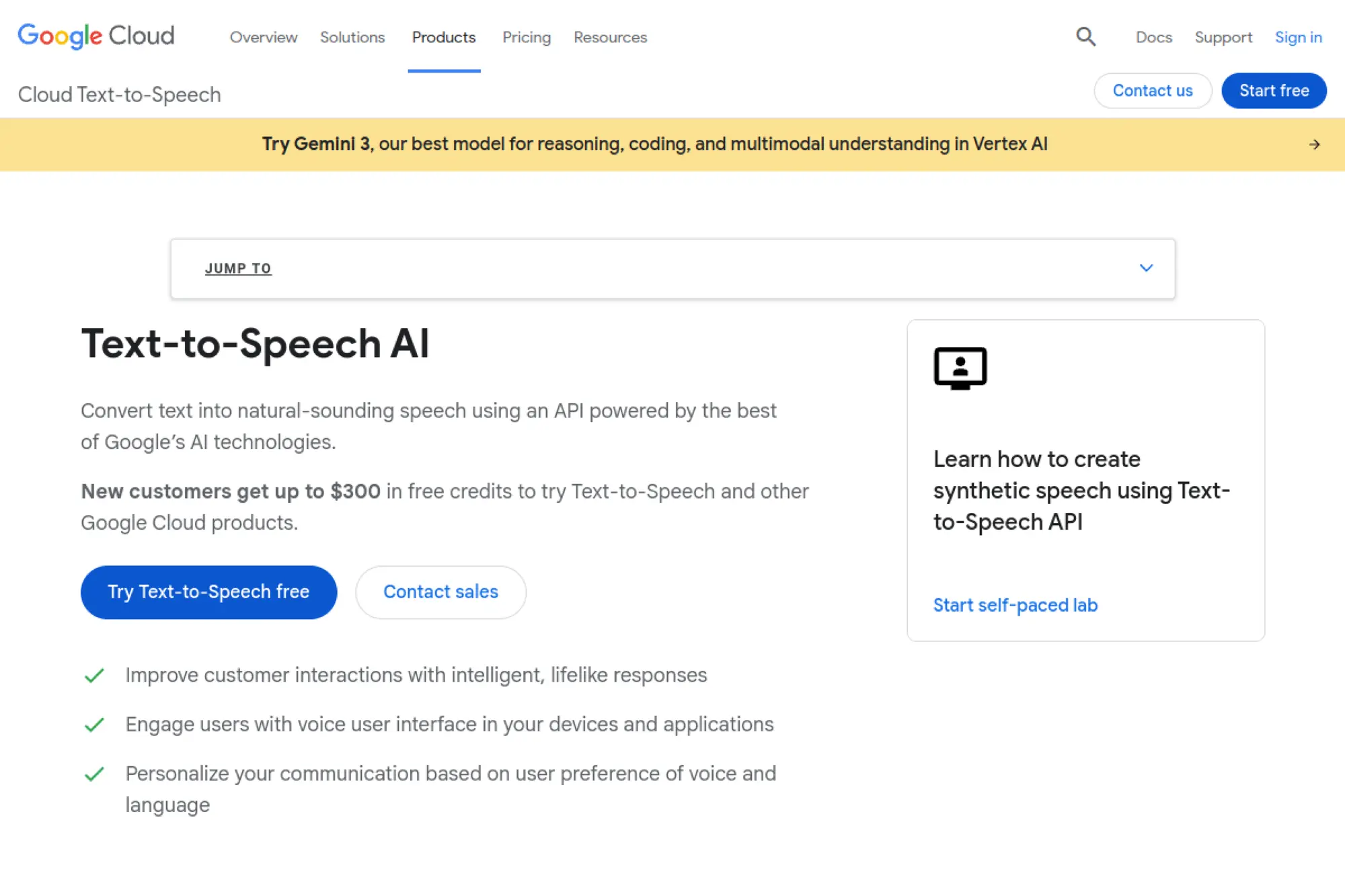
Google Cloud Text-to-Speech supports advanced voice generation and newer “instant custom voice” style workflows. It fits teams that want a cloud-native path for voice experiences inside apps, products, or content tooling.
Best for
Developers building voice features, product teams shipping voice UI, and organizations that want a scalable cloud speech stack.
Key workflows to configure
- Decide whether you need a custom voice or a curated stock voice.
- Build an approval workflow for voice sample use and script generation.
- Set up QA for pronunciation and tone on critical user journeys.
- Instrument logging so you can trace what generated each output.
Sales growth lever
Voice UI can reduce friction in onboarding and support. When users can hear guidance in a consistent voice, they often finish setup faster and contact support less.
Watch outs
Custom voice availability can change as products evolve. Plan for a fallback voice strategy so your experience does not break if a feature shifts stages or access rules.
Quick start checklist
- Map your top user flows that benefit from voice output.
- Choose a voice style that matches your product personality.
- Test output on edge cases, like names and technical terms.
- Implement logging for compliance and debugging.
- Define a safe escalation path for user complaints or misuse.
26. Amazon Polly Brand Voice

Amazon Polly is best known for text-to-speech in AWS stacks, and it also supports building a custom brand voice. It fits teams that already run infrastructure on AWS and want voice capabilities that align with their platform operations.
Best for
AWS-first product teams, voice-enabled apps, and enterprises that want a custom brand voice with cloud-native deployment.
Key workflows to configure
- Define your brand voice persona and intended use cases.
- Create a voice talent and consent process that your legal team approves.
- Build a content governance workflow for scripts and outputs.
- Set up monitoring so you can audit generated speech in production.
Sales growth lever
When voice output feels consistent across your product, it can increase trust and reduce drop-off during onboarding. That supports retention and can strengthen enterprise confidence during security reviews.
Watch outs
Custom voice projects can require more lead time than instant cloning tools. Plan your rollout so marketing does not promise a voice experience that product cannot ship yet.
Quick start checklist
- Confirm your voice use case and success metrics.
- Align legal, security, and marketing on consent requirements.
- Build a test suite for pronunciations and user prompts.
- Instrument logging and access controls early.
- Document a fallback plan using standard voices if needed.
27. NVIDIA Riva Custom Voice
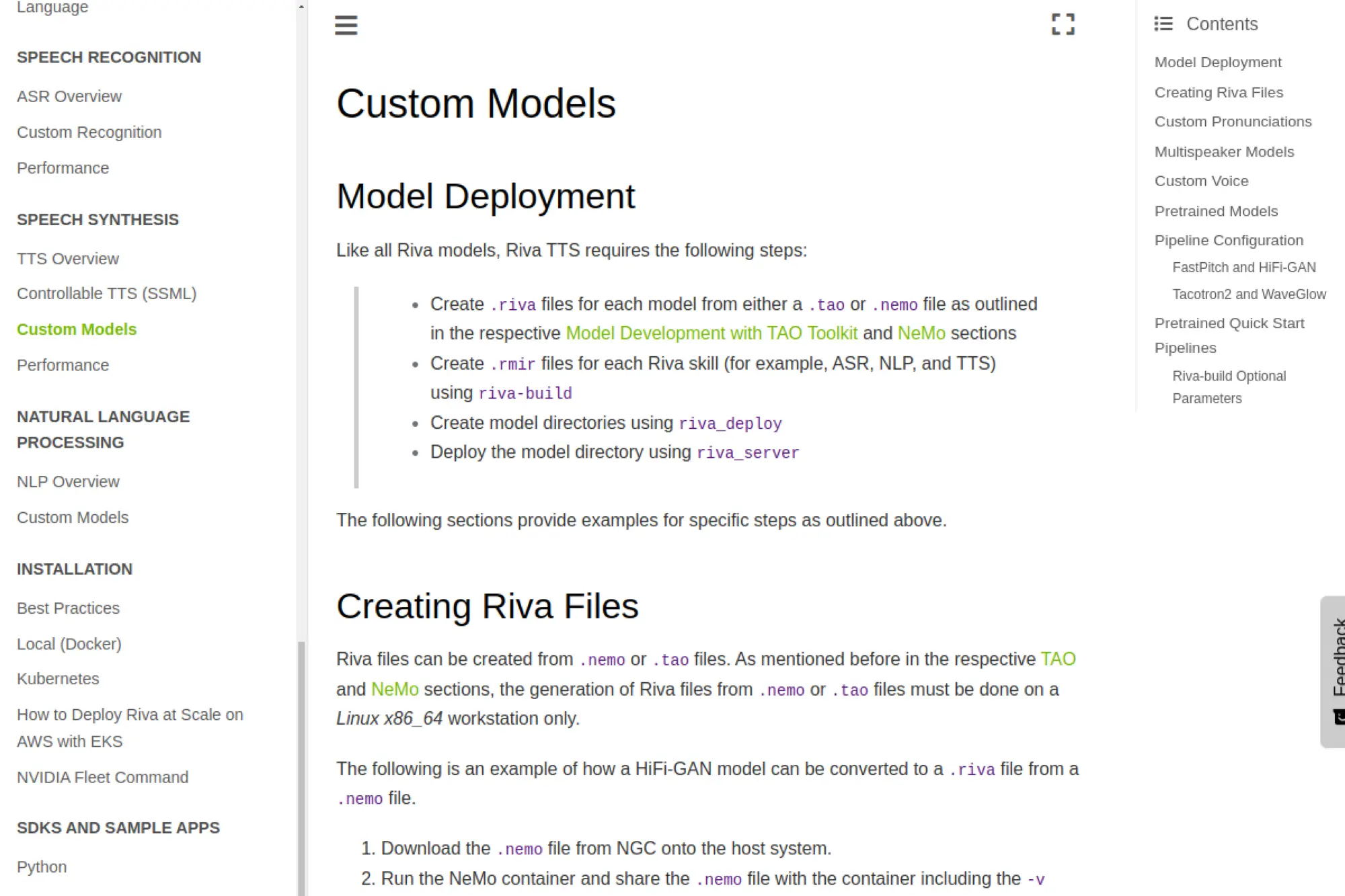
NVIDIA Riva supports speech AI deployment patterns that can run closer to your data, including on-prem and edge setups. It fits teams that want to build custom voice capabilities with more infrastructure control and less dependence on a consumer SaaS editor.
Best for
Enterprises with strict data requirements, product teams deploying voice at scale, and organizations that want infrastructure control over speech pipelines.
Key workflows to configure
- Collect and curate high-quality training data under strict permissions.
- Plan a model fine-tuning workflow owned by ML or platform teams.
- Build evaluation scripts that reflect real product prompts.
- Deploy with strong access controls and audit trails.
Sales growth lever
Infrastructure control can speed enterprise sales cycles when buyers care about data locality and compliance. A clear “we can deploy where your data lives” story can remove blockers in procurement.
Watch outs
This path demands engineering resources. If your team lacks ML operations maturity, you may ship slower than with a managed SaaS tool. Plan ownership and budget early.
Quick start checklist
- Assign a technical owner for model training and deployment.
- Create a data governance policy for voice recordings.
- Build a repeatable evaluation workflow for voice quality.
- Set up monitoring and logging for production usage.
- Document operational playbooks for updates and rollbacks.
28. Apple Personal Voice
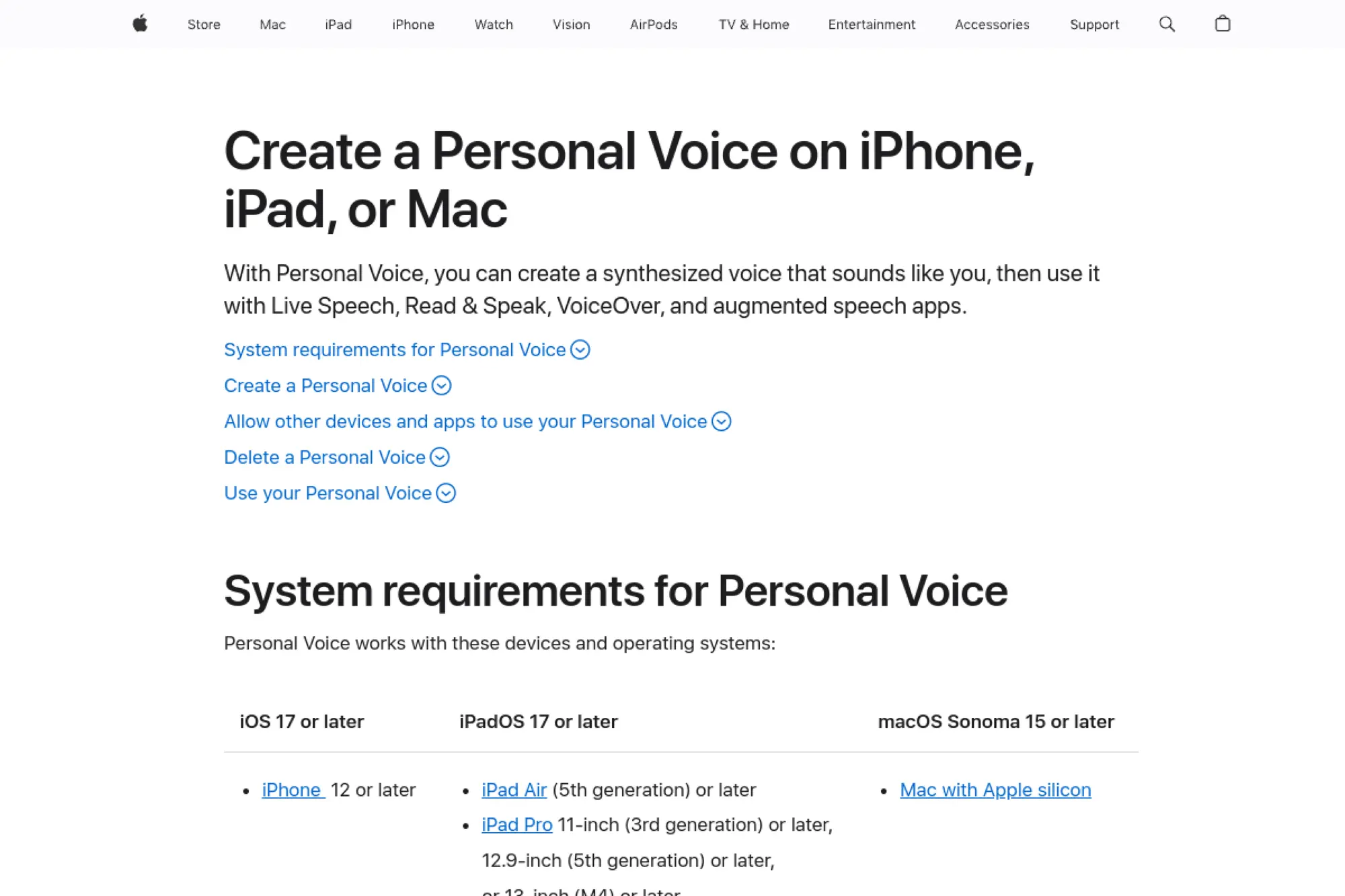
Apple Personal Voice is a built-in voice creation feature designed for accessibility and voice preservation. It is not a marketing SaaS tool, but it is one of the most practical ways for individuals to create a voice that sounds like them with strong privacy design.
Best for
Voice preservation, accessibility use cases, and organizations supporting users who rely on assistive speech.
Key workflows to configure
- Create a guided recording process with clear instructions.
- Define how your organization will support setup and troubleshooting.
- Plan app compatibility if you build or recommend assistive apps.
- Communicate privacy and device security expectations to users.
Sales growth lever
If you sell into accessibility, education, or assistive tech, supporting Personal Voice can increase product adoption. It can also reduce support burden by giving users a familiar speech experience.
Watch outs
Personal Voice is designed for personal use. Treat it as an accessibility feature, not a marketing voice engine. Also document boundaries clearly so users understand where they can use it.
Quick start checklist
- Build a simple setup guide in plain language.
- Train support staff on common setup issues and user needs.
- Test your app or workflow with Personal Voice enabled.
- Document privacy expectations and device security steps.
- Provide a clear channel for accessibility feedback.
29. Respeecher Voice Marketplace

Respeecher is known for voice conversion and media-focused synthetic voice workflows. Its marketplace approach fits teams that want access to licensed voices and an ethical framework, rather than a free-form “clone anything” tool.
Best for
Media production, advertising voice work, dubbing experiments, and teams that want a licensing-first path to synthetic voice.
Key workflows to configure
- Define voice licensing rules and who can approve purchases.
- Set an internal review step for scripts and final audio.
- Create a process for matching voice tone to brand guidelines.
- Build a content archive so you can prove what you published.
Sales growth lever
Licensed voices can unlock premium creative campaigns. When you can move fast without compromising rights, you can run more campaigns and refresh creatives without long talent scheduling delays.
Watch outs
Marketplace workflows still require governance. If your team uses a voice outside the licensed scope, you can create legal exposure. Keep approvals centralized and documented.
Quick start checklist
- Assign one owner for voice licensing decisions.
- Build a standard script approval workflow.
- Test a short campaign asset before scaling up.
- Document where and how you will disclose synthetic audio.
- Archive all outputs with campaign metadata.
30. Coqui TTS (XTTS Voice Cloning)
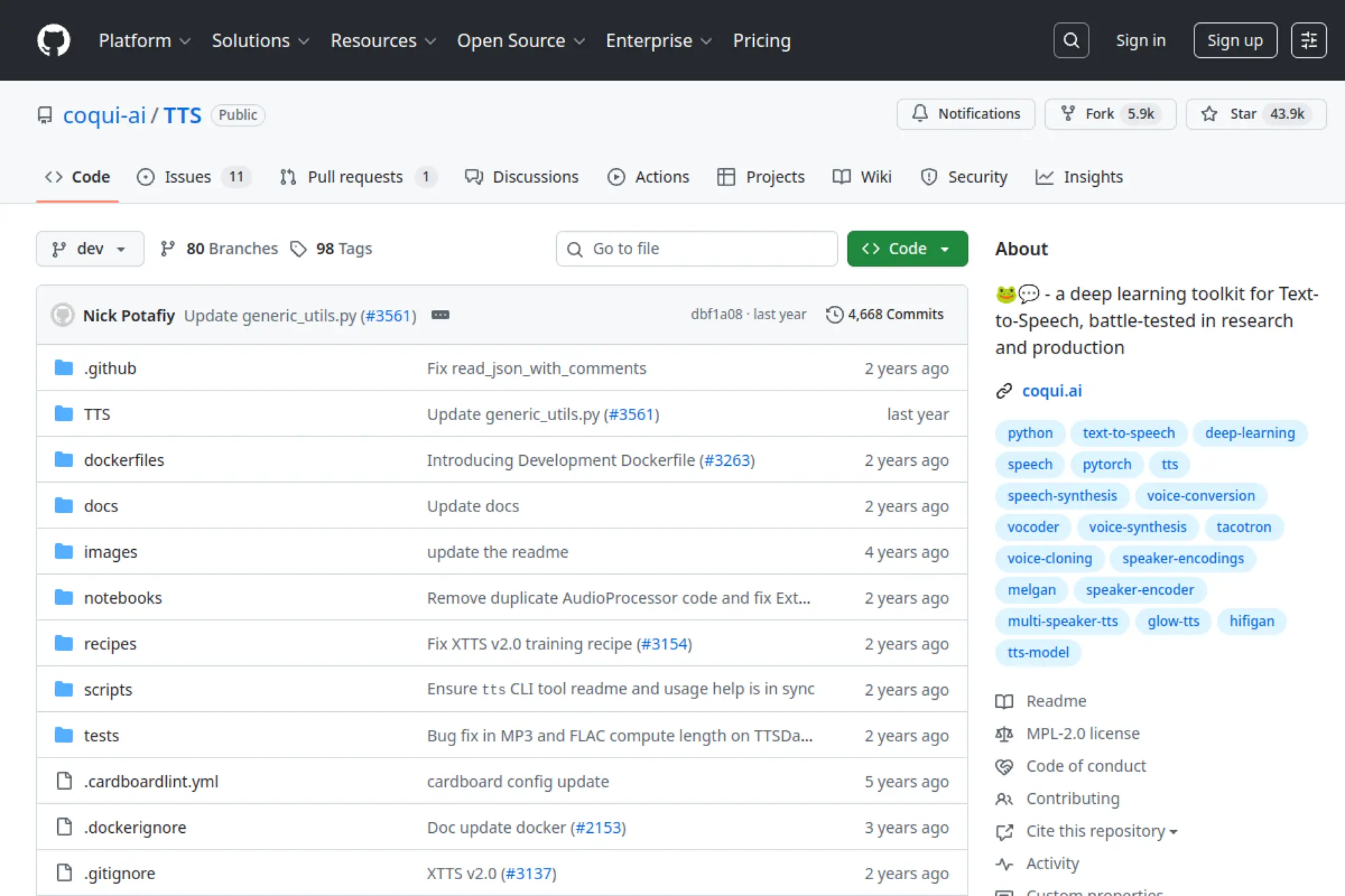
Coqui TTS is a developer-first, open-source toolkit that includes multilingual speech models and voice cloning workflows. It is a strong option when you need full control, want to self-host, or want to experiment without locking into a single vendor UI.
Best for
Engineering teams, research groups, startups building voice products, and anyone who prefers self-hosting and code-level control.
Key workflows to configure
- Decide your deployment model: local, server, or container-based.
- Create a secure pipeline for storing voice samples and outputs.
- Build a test harness for pronunciation, pacing, and stability.
- Document licensing rules for models and generated audio outputs.
Sales growth lever
Self-hosting can become a differentiator in enterprise sales. When you can offer control over data and infrastructure, you can clear objections that block SaaS-only solutions.
Watch outs
Open-source voice cloning requires engineering time and operational maturity. You also need to watch model licenses and ensure your use stays compliant with terms for commercial projects.
Quick start checklist
- Confirm your use case and deployment environment.
- Set access controls around voice samples from day one.
- Create a minimal demo that proves quality on your scripts.
- Add logging so you can audit what generated each file.
- Write internal guidelines for ethical and legal voice use.
Implementation Playbook: From First Clone to Production Workflow
Voice cloning becomes valuable when it stops being a “cool demo” and becomes a repeatable system. That shift happens when you control inputs, approvals, and publishing rules.
Recording Quality Checklist for Better Clones
- Room and noise: Record in a quiet space with minimal echo and consistent background
- Mic consistency: Use the same microphone and distance for the full session
- Delivery variety: Include calm, energetic, and neutral delivery so the model learns range
- Term coverage: Read brand names, product names, acronyms, and common buyer phrases
- Clean takes: Retake any sentence with stumbles, mouth noise, or abrupt volume changes
- Consent alignment: Confirm the session matches the consent scope and intended channels
“Voice Model Metadata” Fields to Store With Every Clone
- Model name: A clear internal naming convention (person, purpose, version)
- Owner: The accountable stakeholder for updates and access approvals
- Approved tone: Short description of the intended speaking style
- Allowed channels: Where this voice can be used
- Restricted channels: Where it must never be used
- Pronunciation lexicon link: The current glossary for names and terms
- Approval chain: Who signs off on scripts and publishing
- Training audio location: Controlled storage reference
- Generated masters location: Controlled storage reference
- Retirement rule: When and how the voice gets deprecated
Rollout Plan
- Write a voice policy. Define who can approve a new voice, where you can use it, and how you store consent.
- Centralize voice assets. Store training audio, consent documents, and generated masters in one controlled location.
- Standardize scripts. Use templates for intros, disclaimers, onboarding steps, and CTAs so tone stays consistent.
- Add pronunciation management. Keep a living glossary. Update it when product names change.
- Build QA into the workflow. Review for meaning, clarity, and “does this sound like us?” before you publish.
- Decide disclosure rules. Pick how you will label synthetic audio in public channels and internal systems.
If you do only one thing, do this: treat voice models like brand IP. Give them owners, controls, and a lifecycle plan.
Disclosure Copy Variations (Paste-and-Use)
Website / blog audio embed disclosure
This audio is generated using synthetic voice technology under approved permissions, with human review for accuracy and tone.
YouTube / video description disclosure
Voiceover uses synthetic voice technology with permission and editorial review to keep messaging consistent across updates.
In-app onboarding / support flow disclosure
This voice is AI-generated to provide consistent guidance. If you prefer human support, you can switch to chat or request an agent.
Internal enablement / training disclosure
Synthetic voice is used for faster updates. Do not reuse this voice outside approved channels without written approval.
Use Cases That Drive Revenue (Without Burning Trust)
Voice cloning does not create value by itself. It creates value when it helps you ship the right message faster, in a voice your audience recognizes.
- Product demos: Keep narration consistent across version updates without re-recording everything.
- Sales enablement: Produce short voiceovers for decks, proposals, and follow-up videos that sound cohesive.
- Customer education: Update training modules quickly as features change.
- Localization: Expand into new markets while keeping speaker identity aligned with the original content.
- Support automation: Add voice prompts and guided flows that sound on-brand and calm.
Focus on repeatable assets first. They compound. A single great voice template can power many campaigns without diluting your identity.
FAQ: Best Practices for Safe Voice Cloning
Do I need consent to clone a voice?
Yes. Treat consent as a non-negotiable requirement. Get it in writing, define the scope, and store it with the voice model metadata.
Should I clone a founder voice or create a brand voice?
Clone a founder voice when the founder is a core part of trust and you can manage the risk. Create a brand voice when you want continuity that outlasts a single person and feels less tied to one identity.
How do I keep a cloned voice consistent across content?
Use a style guide. Standardize pacing, word choice, and emphasis. Keep templates for intros, disclaimers, and calls to action, and route every new script through review.
What is the biggest mistake teams make?
They treat voice cloning as a “generate and post” tool. It is not. You need governance, approvals, and a clear disclosure strategy.
Can AI voice cloning help sales teams directly?
Yes, when used with discipline. A consistent voice can improve brand recall and keep content production moving. It can also help you tailor demos and localized assets faster.
Best AI voice cloning tools keep improving, but your process matters more than the model. Choose a tool that matches your use case, then lock down consent, approvals, and publishing rules. When you do that, voice cloning becomes a sustainable growth lever instead of a brand risk.







Conclusion
Choosing the best ai voice cloning tool is less about chasing the most impressive demo and more about matching a solution to your real workflow: how you write scripts, who approves output, where audio gets published, and how you prove consent. The strongest teams treat synthetic voice like brand IP , versioned, reviewed, and protected, so it scales cleanly across marketing, product, support, and localization without creating reputational risk.
Start small with one controlled use case (like product demos or training narration), lock down access and approvals, then expand only after your QA checklist catches pronunciation, pacing, and meaning drift reliably. Whether you choose an editor-first platform, an API-first stack, an enterprise governance solution, or a dubbing workflow, the safest path is the same: clear permissions, clear ownership, and repeatable production steps.
If you build your voice cloning program around these guardrails, you will not only get better-sounding outputs, you will also earn the trust that makes synthetic voice sustainable long term. Use the shortlist and comparison guidance in this guide to pick confidently, implement responsibly, and turn voice into an advantage your team can reuse for years.