

Data loss rarely gives warning. A laptop dies. A cloud admin deletes the wrong folder. A ransomware crew takes over your identity layer and uses your own tools against you. Then the only question that matters is simple: can you restore fast, and can you restore clean?
This guide breaks down modern data backup solutions into practical strategies you can deploy right now. You will not find vague advice. You will find real tools, real workflows, and real “watch out” notes that teams learn the hard way.
Data Backup Solutions Tools Summary Table
Below is a concise comparison table that summarizes the tools mentioned, focusing on what they’re best for, where they fit (deployment), and the most notable strengths and trade-offs so readers can shortlist quickly.
Backup Tools Comparison Table
| Tool | Category | Best For | Deployment | Key Strength | Watch Outs |
|---|---|---|---|---|---|
| Veeam | Enterprise Backup Platform | VMs + hybrid environments | On-prem / Hybrid / Cloud | Mature ecosystem + broad workload support | Licensing/architecture can get complex at scale |
| Acronis Cyber Protect | Backup + Security Suite | SMBs needing backup + endpoint protection | On-prem / Cloud / Hybrid | Consolidated backup + cybersecurity features | All-in-one may be overkill for simple needs |
| Rubrik | Modern Enterprise Backup | Ransomware recovery + policy-based backup | Hybrid / Cloud | Strong immutability + recovery workflows | Premium pricing for smaller teams |
| Cohesity | Data Protection Platform | Large-scale backup + data management | Hybrid / Cloud | Scale-out architecture + consolidation | Implementation planning matters |
| Commvault | Enterprise Data Protection | Complex enterprise workloads + governance | On-prem / Hybrid / Cloud | Deep configurability + broad coverage | Steeper learning curve |
| Veritas NetBackup | Enterprise Backup | Large enterprises with mixed infrastructure | On-prem / Hybrid / Cloud | Proven enterprise-grade capabilities | Can feel heavyweight for SMBs |
| IBM Storage Protect | Enterprise Backup | Enterprises needing centralized backup control | On-prem / Hybrid | Strong policy control + scalability | Older UX/ops style vs newer platforms |
| Datto | BCDR (Backup + DR) | MSPs + SMB business continuity | Appliance / Cloud | Integrated DR + fast restore workflows | Tied to ecosystem/partner model |
| Druva | SaaS/Cloud-Native Backup | Cloud-first orgs + SaaS + endpoints | Cloud | No hardware + centralized cloud management | Network dependency for large restores |
| Carbonite | Endpoint/SMB Backup | Simple PC/server backup for small orgs | Cloud / Hybrid | Ease of use + straightforward deployment | Less depth for complex enterprise recovery |
| Backblaze | Cloud Storage + Backup | Low-cost cloud backup targets | Cloud | Cost-effective storage for backups | Not a full enterprise backup orchestrator |
| AWS Backup | Cloud-Native Backup Service | AWS workloads needing native backup control | Cloud (AWS) | Native integrations + policy automation | AWS-centric; multi-cloud needs extra tooling |
| Azure Backup | Cloud-Native Backup Service | Microsoft cloud workloads | Cloud (Azure) | Strong Azure integration + hybrid options | Azure-centric; cross-cloud adds complexity |
| Google Cloud Backup/Partner Tools | Cloud Backup Ecosystem | GCP-based workloads | Cloud (GCP) | Fits GCP-native architectures | Often relies on partner tooling for breadth |
| Synology Active Backup | NAS-Based Backup | SMB backup to NAS (PCs/VMs/servers) | On-prem (NAS) | Great value with NAS ecosystem | NAS is not an air-gap by default |
| QNAP Backup Solutions | NAS-Based Backup | SMBs using QNAP as backup target | On-prem (NAS) | Flexible backup/sync options | Security hardening is critical |
| Google Workspace / Microsoft 365 Backup Tools | SaaS Backup | Email/files SaaS protection | Cloud | Protects common SaaS data from deletion/ransomware | Coverage varies by vendor and workload |
| CrashPlan | Endpoint Backup | Organizations protecting laptops/desktops | Cloud / Hybrid | Endpoint-focused admin controls | Restores depend on bandwidth/planning |
30 Best Data Backup Strategies (With Tools You Can Use)
Backup also connects to revenue more than most teams admit. Strong recovery reduces downtime. It protects renewals. It lowers risk in security reviews. It helps sales teams say “yes” to stricter customer requirements with confidence.
Use this article as a menu. Pick what fits your environment. Combine a few approaches. Then test restores until your team trusts the process under pressure.
1. Veeam Data Platform
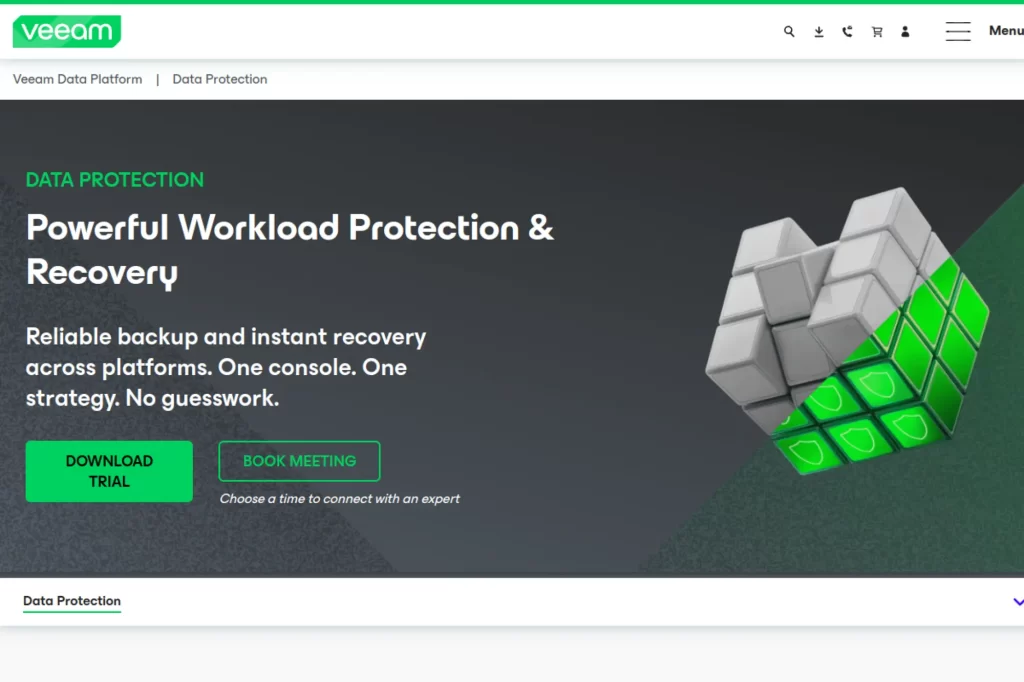
Veeam fits teams that want a single operational hub for backup, recovery, and ongoing visibility. The strategy here is standardization. You define consistent policies, keep backup copies out of attacker reach, and make restore steps repeatable. That matters when a crisis turns your “backup job list” into a priority queue.
Use Veeam when you need predictable restores across mixed infrastructure. Many IT teams also like it because it supports both day-to-day file recovery and bigger “rebuild the world” scenarios. You can also turn backup into a measurable service by tracking job health and recovery readiness.
Best for
Mid-market and enterprise IT teams that protect virtual machines, physical servers, and hybrid workloads from one console.
Key workflows to configure
- Standard backup policies for critical tiers (apps, databases, file shares).
- Immutable or hardened backup repositories to resist tampering.
- Backup copy jobs to a separate security domain.
- Application-aware processing and consistent restore points.
- Alerting, reporting, and routine restore drills.
Sales growth lever
Turn recoverability into proof. Your sales team can answer security questionnaires faster when you can show tested restore workflows and clear ownership of recovery tasks. That reduces deal friction and builds trust.
Watch outs
- Do not let every team create its own policies without governance.
- Do not reuse privileged credentials across backup and production.
- Plan bandwidth and storage so recovery does not stall under load.
Quick start checklist
- Inventory your most important workloads and map them to tiers.
- Define retention, encryption, and access rules per tier.
- Build an offsite copy that attackers cannot delete quickly.
- Run a restore drill and document the exact steps.
- Schedule recurring recovery tests and review results monthly.
2. Rubrik Security Cloud
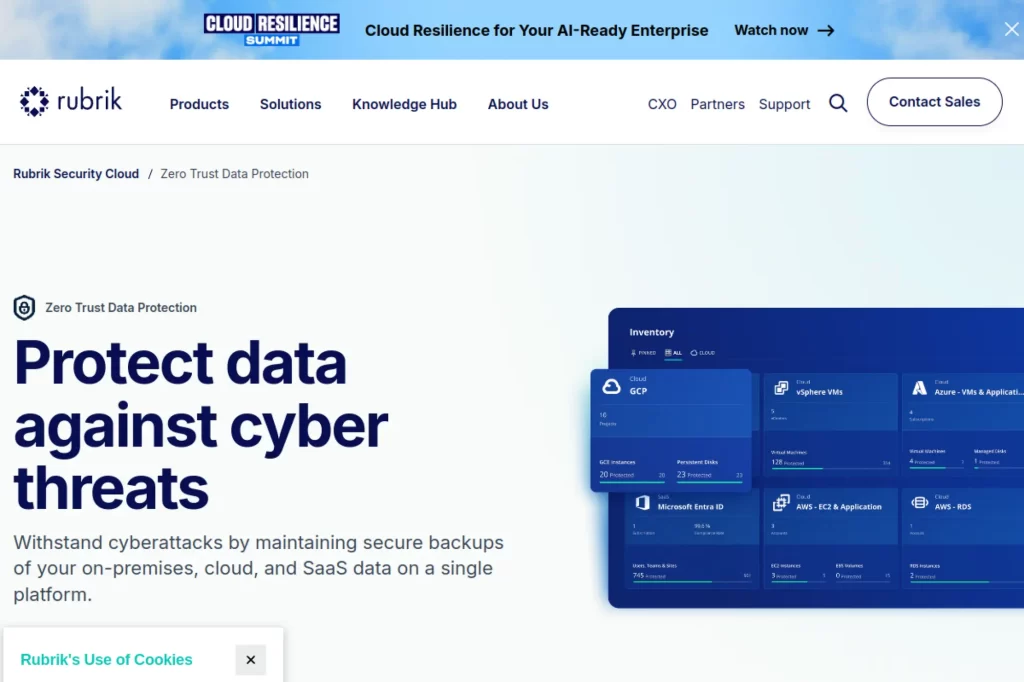
Rubrik works well when you want backup to behave like a security control, not only an IT utility. The strategy is “assume compromise.” You design for clean recovery even when attackers reach admin accounts. That mindset changes how you set permissions, how you store backup copies, and how you validate restored data.
Rubrik also helps IT and security teams collaborate. Many organizations split these responsibilities. Rubrik’s positioning makes it easier to align both groups around the same recovery objectives. That reduces delays when an incident escalates and you need fast decisions.
Best for
Security-forward organizations that treat backup, threat analytics, and recovery as one resilience program.
Key workflows to configure
- Global policies for protection and retention across environments.
- Role-based access with strong separation between admin roles.
- Ransomware recovery runbooks that specify “clean restore” rules.
- Immutable backup settings and controlled deletion processes.
- Regular recovery drills with clear ownership and sign-off.
Sales growth lever
Use “cyber recovery readiness” as a selling point. Strong data resilience supports larger contracts because buyers want proof that you can recover without panic. It also helps retention because customers value stability.
Watch outs
- Do not assume immutability replaces operational restore testing.
- Plan for identity incidents, not only malware incidents.
- Align retention requirements with legal and compliance needs.
Quick start checklist
- Define recovery targets for each critical application group.
- Lock down admin roles and remove shared accounts.
- Enable immutable storage controls for key backup sets.
- Create a “clean restore” procedure and rehearse it.
- Review access logs and deletion events on a schedule.
3. Cohesity DataProtect
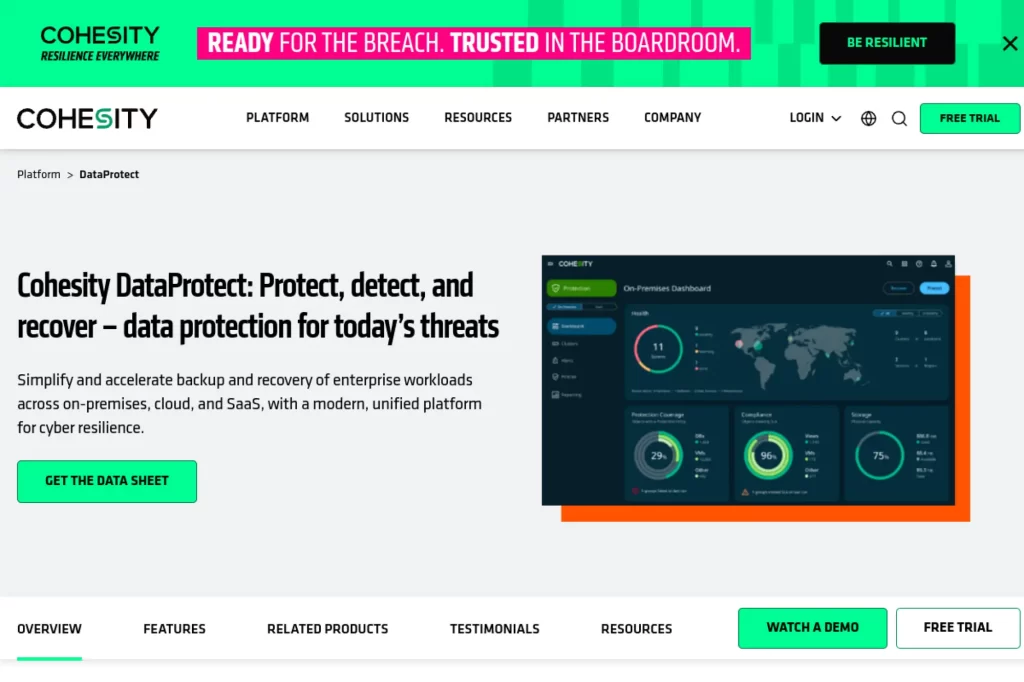
Cohesity DataProtect fits a “consolidate and simplify” strategy. Many organizations accumulate backup tools over time. That creates blind spots, inconsistent retention, and slow recoveries because teams chase data across silos. Cohesity aims to bring those pieces into one platform with scalable architecture.
This approach also supports faster operational response. When your team can search and recover from one interface, you reduce ticket time. You also reduce risk because you can standardize protection patterns and reduce the number of privileged systems that touch backups.
Best for
Enterprises that want to reduce backup tool sprawl and protect many workloads at scale.
Key workflows to configure
- Unified backup policies across core workloads and locations.
- Immutable snapshots and strong admin access controls.
- Search-driven recovery flows for common restore tickets.
- Integration points for security monitoring and alerting.
- Routine restore validation for tiered application groups.
Sales growth lever
Operational maturity sells. When you reduce recovery time and improve consistency, you reduce churn risk for customers who depend on uptime. You also reduce internal chaos, which protects delivery timelines.
Watch outs
- Plan migration carefully so you do not lose historical restore points.
- Set ownership for policy changes so standards do not drift.
- Keep recovery drills realistic, not only “happy path” tests.
Quick start checklist
- List every backup tool you use and identify overlaps.
- Pick one workload group to migrate first and learn from it.
- Set a standard retention model and enforce it.
- Build a restore playbook for top incident scenarios.
- Review recovery metrics with leadership quarterly.
4. Commvault Cloud
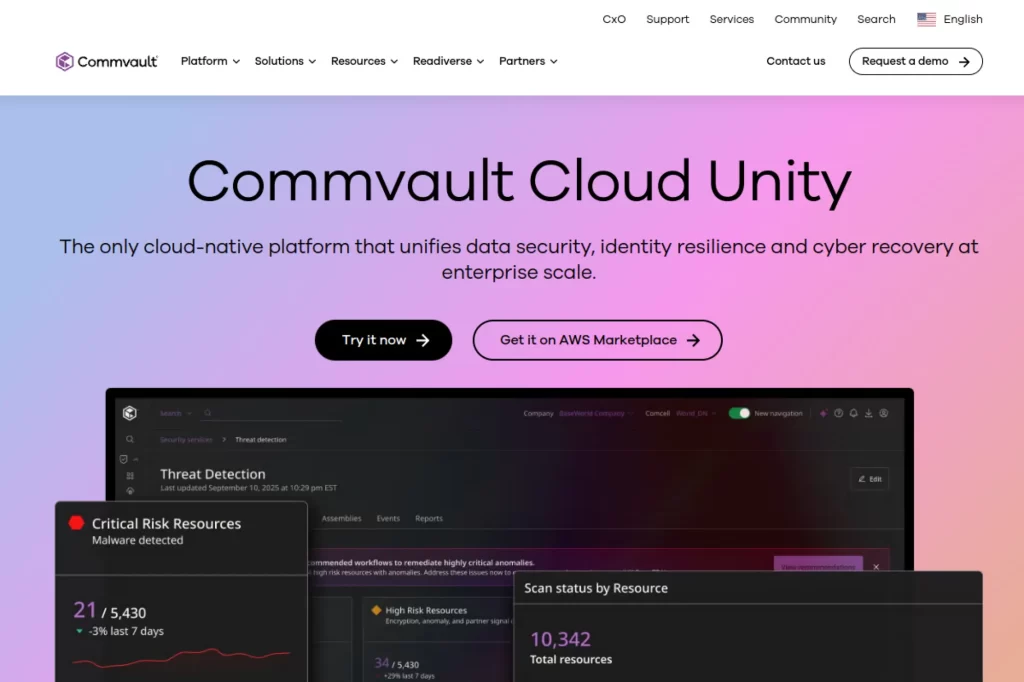
Commvault Cloud supports a strategy that blends data protection and cyber recovery readiness. Many organizations now plan for “restore after breach” as a normal scenario. That changes the tool requirements. You need policy-based coverage across hybrid environments, plus ways to validate that recovery will work when production stays unsafe.
Commvault also fits teams that operate in multi-cloud settings. That matters because fragmented cloud growth often creates protection gaps. A unified platform can make it easier to see what is protected and what is not, then close those gaps before an incident exposes them.
Best for
Hybrid enterprises that need centralized control across data centers, public clouds, and complex application estates.
Key workflows to configure
- Standard protection policies for data center and cloud workloads.
- Threat detection scanning workflows for backup data sets.
- Clean recovery procedures and isolated recovery environments.
- Automated reporting for coverage gaps and policy compliance.
- Regular restore tests that include identity and access steps.
Sales growth lever
Buyers often ask, “How fast can you recover from cyber incidents?” A clear answer supports enterprise sales. It also shortens procurement cycles because you can document controls and show evidence.
Watch outs
- Multi-cloud visibility can expose gaps that teams ignore. Plan time to fix them.
- Do not treat clean recovery as an optional add-on in high-risk industries.
- Make sure teams practice the process, not only configure it.
Quick start checklist
- Map critical workloads across cloud accounts and subscriptions.
- Identify unprotected workloads and assign owners.
- Create a clean recovery plan that includes isolation steps.
- Test restore with security monitoring in place.
- Document results and refine the plan after each drill.
5. Acronis Cyber Protect
Acronis Cyber Protect supports a strategy that merges backup with endpoint security. That matters when you protect many laptops and workstations. Endpoint incidents often start small, then spread. If you treat backup and security as separate tools, you create delays and gaps during response.
This tool fits teams that want one agent and one management story for endpoints. It also suits organizations that need to protect remote employees and field devices without complex infrastructure. The big win here is reducing operational overhead while keeping recovery simple.
Best for
Small and mid-sized businesses that want combined endpoint protection and backup from one platform.
Key workflows to configure
- Device enrollment and standard backup policies by device role.
- Security posture baselines and alert routing to the right owners.
- Immutable backup settings for key endpoints and servers.
- Self-service restore rules for common file recovery requests.
- Incident response steps that connect detection to restore.
Sales growth lever
Use security plus recovery as a bundle for trust. When your company can demonstrate fast recovery for employee devices, you reduce service disruption. That keeps projects moving and protects revenue timelines.
Watch outs
- Do not allow local admin sprawl on endpoints.
- Define retention early so costs do not creep up unnoticed.
- Test bare-metal recovery before you need it in production.
Quick start checklist
- Group devices by risk and business impact.
- Apply a default backup policy and override only when needed.
- Enable encryption and restrict who can delete backups.
- Run a full device restore test on a spare machine.
- Train help desk staff on self-service restore workflows.
6. Druva Data Security Cloud
Druva supports a “SaaS-first operations” strategy. Instead of running backup infrastructure yourself, you use a managed platform that focuses on protecting cloud and endpoint data with less maintenance work. This helps teams that want to reduce the burden of managing backup servers, storage growth, and patch cycles.
The main strategy benefit is speed. You can roll out protection faster when you do not build everything from scratch. You can also standardize policies across distributed teams, which matters when you hire fast or expand globally.
Best for
Teams that want cloud-native backup operations for endpoints, cloud workloads, and SaaS data.
Key workflows to configure
- Connector setup for priority SaaS apps and endpoints.
- Retention rules that align with legal and customer needs.
- Access controls that limit restore and export rights.
- Alerting on backup failures and suspicious activity.
- Recovery drills that validate both speed and correctness.
Sales growth lever
Fast deployments help sales teams support new contracts and acquisitions. You can onboard new business units with consistent backup standards. That reduces integration risk and protects deal value.
Watch outs
- Define data ownership clearly when multiple teams share tenants.
- Watch for SaaS API limits that can slow backups or restores.
- Do not skip restore tests just because it is cloud-based.
Quick start checklist
- Start with the SaaS apps that run revenue workflows.
- Set retention policies that match your compliance needs.
- Limit admin access and enforce strong authentication.
- Run a restore test for a high-impact dataset.
- Document a “who approves restores” policy for incidents.
7. Zerto
Zerto supports a strategy focused on near-continuous protection and rapid failover. This fits workloads where losing recent changes hurts the business. Think customer transactions, order systems, or internal operational platforms that drive delivery. You protect critical systems by replicating changes and keeping recovery paths ready.
Many teams choose Zerto when classic backup feels too slow for core systems. You still need backups for retention and long-term recovery, but replication-based recovery can reduce downtime when systems fail or incidents force a rebuild.
Best for
Organizations that need fast disaster recovery and low data loss for business-critical systems.
Key workflows to configure
- Define which applications need continuous protection versus standard backup.
- Set replication groups that follow application dependencies.
- Create failover and failback runbooks with clear decision points.
- Test recovery in a controlled way and document results.
- Align network, DNS, and identity steps with recovery plans.
Sales growth lever
Fast recovery protects customer trust during outages. That trust reduces churn risk and strengthens renewal conversations. It also supports premium service tiers if you sell uptime as part of your offer.
Watch outs
- Replication does not replace long-term retention backups.
- Failover plans fail when teams ignore dependencies like DNS and IAM.
- Test regularly so the team stays confident under pressure.
Quick start checklist
- Pick one revenue-critical system to protect first.
- Document its dependencies before you build recovery plans.
- Run a failover test in a safe environment.
- Train operations and security teams on decision flow.
- Review plans after every major infrastructure change.
8. Veeam Kasten
Kubernetes changes backup because it changes what “an application” looks like. You do not only back up data. You protect persistent volumes, configs, namespaces, and the pieces that let an app come back to life. Veeam Kasten supports a strategy that treats Kubernetes backup as application-centric, not server-centric.
This matters in modern DevOps teams. You need backups that fit GitOps workflows and do not slow delivery. You also need restores that work when an engineer deletes a namespace, a storage class breaks, or a bad deployment corrupts data.
Best for
Platform and DevOps teams that run stateful Kubernetes apps and need reliable app-level restores.
Key workflows to configure
- Application discovery and labeling so policies follow workloads.
- Policies that protect persistent storage plus config resources.
- Backup destinations that support immutability and access controls.
- Restore workflows that support different target clusters.
- Integration points with CI/CD and change management.
Sales growth lever
Stable platform operations speed product delivery. When teams can recover quickly from deployment mistakes, they ship features faster. That improves customer experience and supports revenue growth through faster iteration.
Watch outs
- Do not ignore config and secrets management in recovery plans.
- Test restores into a clean cluster, not only in-place restores.
- Align backup policies with how your teams actually deploy apps.
Quick start checklist
- Define what “restore the app” means for your workloads.
- Tag workloads and namespaces to support policy automation.
- Pick a secure backup target and lock access down.
- Restore a full app into a sandbox environment.
- Write a short runbook for engineers and on-call staff.
9. HYCU
HYCU supports a strategy that treats SaaS data as your responsibility, not your vendor’s. SaaS platforms usually protect service availability. They do not promise to save you from accidental deletion, permission mistakes, or malicious insiders. HYCU focuses on cloud-to-cloud protection that stays independent from production systems.
The main benefit is coverage across many SaaS apps through connectors and a unified interface. That reduces the “where did that data live?” problem. It also helps teams that do not want to build custom export scripts for every SaaS platform they use.
Best for
Teams that rely on many SaaS platforms and want centralized visibility and recovery options.
Key workflows to configure
- Connector setup for priority SaaS apps and user groups.
- Retention and legal hold rules aligned with business needs.
- Granular restore options for common user mistakes.
- Admin access controls and audit log review routines.
- Playbooks for restoring data after SaaS misconfigurations.
Sales growth lever
SaaS resilience protects your go-to-market systems. If you lose CRM or collaboration data, sales slows down. Strong SaaS backup keeps pipeline work moving and protects revenue operations.
Watch outs
- Define what you need to restore before an incident happens.
- Watch for API throttling and plan backup windows accordingly.
- Do not grant broad restore rights to every admin role.
Quick start checklist
- List your core SaaS apps and rank them by business impact.
- Connect one system first and validate backups complete cleanly.
- Test a restore for a realistic user error scenario.
- Lock down restore permissions and require approvals.
- Document who owns SaaS recovery during incidents.
10. AWS Backup
AWS Backup supports a strategy of centralized, policy-based backup inside AWS. Instead of configuring each service separately, you manage protection through one service that can coordinate backups, retention, and vault controls. This helps teams that run many AWS workloads and want a consistent baseline.
The most important strategy point is governance. In a large AWS environment, teams spin up resources quickly. That speed creates risk because unmanaged resources often skip backup. AWS Backup helps you enforce policies across accounts and align backup with compliance expectations.
Best for
Cloud teams running production workloads in AWS that need unified policies and auditing.
Key workflows to configure
- Backup plans tied to tags and account structures.
- Vault access rules and strong encryption settings.
- Cross-account copy for separation and resilience.
- Central monitoring and compliance reporting.
- Restore tests for representative workloads.
Sales growth lever
A consistent cloud backup baseline reduces outages and recovery chaos. That stability supports customer trust and stronger renewals. It also speeds security reviews when buyers ask about cloud resilience.
Watch outs
- Tagging discipline matters. Poor tags lead to missed backups.
- Do not leave vault deletion permissions too broad.
- Test restores across regions to validate real disaster scenarios.
Quick start checklist
- Create standard tags for backup tiers and ownership.
- Build one baseline backup plan and apply it broadly.
- Restrict vault deletion and enforce approvals.
- Run a restore test into a separate environment.
- Review coverage gaps on a recurring schedule.
11. Azure Backup
Azure Backup supports a strategy of centralized protection for Azure workloads through a managed service. It fits organizations that want straightforward backup for Azure virtual machines, file shares, and supported workloads without adding extra tooling for baseline needs.
The key strategic benefit is consistency. You can define backup policies, monitor health, and manage protection at scale. That matters as teams expand Azure usage, adopt more services, and spread workloads across multiple resource groups and subscriptions.
Best for
Organizations that run core workloads in Azure and want simple, scalable backup management.
Key workflows to configure
- Backup policies by workload type and business criticality.
- Central monitoring in a single operational view.
- Access controls for restore rights and admin actions.
- Backup storage protections to reduce ransomware risk.
- Periodic restore tests into isolated resource groups.
Sales growth lever
Reliable cloud recovery protects customer-facing services and internal delivery workflows. That keeps SLAs strong, reduces churn triggers, and helps your team deliver on commitments during peak sales cycles.
Watch outs
- Make sure policies cover new resources as teams deploy them.
- Restrict restore privileges to prevent insider misuse.
- Test “restore to a new location” to validate real recovery.
Quick start checklist
- Tag workloads and assign an owner for each app stack.
- Create baseline backup policies for core workloads.
- Enable centralized monitoring and alert routing.
- Run a restore drill and record the steps.
- Review policy coverage after every major deployment wave.
12. Google Cloud Backup and DR Service
Google Cloud’s Backup and DR Service supports a strategy of centrally managed backups for Google Cloud workloads. You protect your data through a managed service and store backups in a vault designed to prevent early deletion. This helps teams that want consistent backup without building custom solutions per workload.
The strategy shines when you automate. Google Cloud emphasizes API and infrastructure-as-code integration. That means you can embed backup rules into deployment workflows. You reduce the odds that a new workload launches without protection.
Best for
Cloud teams that want managed backup for Google Cloud workloads with policy-based automation.
Key workflows to configure
- Backup plans that align with workload tiers and dependencies.
- Vault controls and access restrictions for backup storage.
- Monitoring and reporting that flags missed jobs quickly.
- Automation through APIs or infrastructure-as-code workflows.
- Recovery testing in separate projects or environments.
Sales growth lever
Automation reduces human error. That improves uptime and reduces incident noise. When your delivery team spends less time on outages, they spend more time shipping value that customers pay for.
Watch outs
- Do not rely on default settings without validating retention needs.
- Test restores for both data integrity and application behavior.
- Plan identity and permission steps for recovery ahead of time.
Quick start checklist
- Define a backup plan per workload category.
- Lock down backup vault access for least privilege.
- Automate policy assignment for new workloads.
- Run a restore drill and capture timing and gaps.
- Review job reports and fix failures quickly.
13. Backblaze B2 Cloud Storage
Backblaze B2 supports a strategy that separates backup software from backup storage. You can keep your existing backup tooling and point it at object storage as an offsite target. This matters when you want a second copy that stays outside your primary environment.
The practical benefit is flexibility. Object storage works for many backup tools and workflows. It also helps when you want to decouple recovery from a single vendor’s appliance. If you can restore from standard object storage, you reduce lock-in risk.
Best for
IT teams that need an offsite object storage target for backups and long-term retention.
Key workflows to configure
- Dedicated backup buckets with strict access policies.
- Immutability controls where your tooling supports them.
- Lifecycle rules that match retention and compliance needs.
- Network paths that keep backup traffic predictable.
- Restore validation from object storage, not only local copies.
Sales growth lever
Cost control supports growth. Predictable storage helps finance plan better, which reduces budget friction when sales pushes expansion. It also supports multi-region resilience for customer-facing systems.
Watch outs
- Do not leave buckets exposed through overly broad credentials.
- Plan for restore bandwidth, not only backup bandwidth.
- Confirm your backup tool supports the restore granularity you need.
Quick start checklist
- Create a dedicated backup bucket with restricted credentials.
- Enable immutability controls where possible.
- Send a backup copy offsite and verify completion.
- Restore a sample dataset into a test environment.
- Document the restore path and required access.
14. Wasabi Hot Cloud Storage
Wasabi supports a strategy of predictable cloud storage for backup targets. Many teams struggle with cloud storage bills because pricing changes with access patterns. Backup workloads often generate large reads during restore events. That can surprise finance teams and slow decision-making during incidents.
The strategic goal here is clarity. You want storage that stays simple so teams can focus on recovery design. Use object storage as an offsite copy, then test restores to confirm the workflow performs when you need it.
Best for
Organizations that want predictable cloud object storage as a backup repository or secondary copy target.
Key workflows to configure
- Bucket structure that matches business units or environments.
- Access policies that isolate backup storage from production admins.
- Object lock or immutability features where supported.
- Lifecycle and retention rules that match internal policies.
- Restore drills that validate both speed and cost expectations.
Sales growth lever
Predictable costs support scaling. When you can add customers or workloads without fear of surprise bills, you can grow faster. You also avoid hard conversations during incidents when teams hesitate to restore due to cost concerns.
Watch outs
- Make sure your backup software integrates cleanly with object storage.
- Do not share storage credentials across unrelated environments.
- Plan for data residency needs if you operate in regulated markets.
Quick start checklist
- Create separate buckets for production and non-production backups.
- Restrict who can delete or change retention settings.
- Configure your backup tool to write offsite copies.
- Run a restore test and measure time to usable service.
- Review retention settings with legal and security teams.
15. Amazon S3 Glacier
Amazon S3 Glacier supports a strategy for long-term retention and compliance archiving. Many organizations need to keep data for legal, audit, or customer requirements. Keeping all backup data in hot storage costs too much. Glacier tiers give you options for lower-cost archive storage.
The key strategy is separation. Keep fast recovery copies in a tier that supports quick restore. Then move older recovery points into archive tiers. This helps you control storage growth without sacrificing compliance.
Best for
Organizations that must retain backups for long periods and want lower-cost cloud archive storage.
Key workflows to configure
- Retention rules that define “fast restore” versus “archive only” periods.
- Lifecycle policies that move data automatically over time.
- Encryption, key management, and access controls for archive data.
- Restore procedures that set expectations for retrieval delays.
- Audit reporting to prove retention and deletion rules work.
Sales growth lever
Long-term retention can unlock deals in regulated industries. When you can meet customer record retention requirements, you expand your market. You also reduce legal risk, which protects the business long-term.
Watch outs
- Archive restores can take time. Set business expectations early.
- Do not store encryption keys in the same blast radius as production.
- Test retrieval workflows before an audit forces you to do it quickly.
Quick start checklist
- Define your retention needs with legal and compliance stakeholders.
- Split backup data into “restore fast” and “archive” categories.
- Automate lifecycle movement to archive storage classes.
- Test an archive restore and document the steps.
- Review access permissions and key storage practices.
16. Microsoft 365 Backup
Microsoft 365 Backup supports a strategy of first-party recovery for core productivity data. Many companies depend on SharePoint, OneDrive, and Exchange for daily operations. When data disappears or gets corrupted, the business feels it fast. This service focuses on recovery speed and security inside the Microsoft ecosystem.
The key strategic move is to define what problems you want to solve. You might need fast rollback after ransomware activity. You might need to recover from mass deletions. You might also need consistent restore workflows that do not depend on ad hoc exports.
Best for
Organizations deeply invested in Microsoft productivity services that want faster recovery paths for key workloads.
Key workflows to configure
- Scope selection for what data you protect and who owns it.
- Restore workflows for common incidents like deletions and overwrites.
- Admin access controls and approval processes for large restores.
- Incident playbooks that connect security response to rollback actions.
- Documentation for help desk and IT admins on restore steps.
Sales growth lever
Productivity uptime keeps sales and delivery moving. Fast recovery reduces internal disruption during high-stakes periods like contract renewals and product launches. It also supports better risk posture during customer security reviews.
Watch outs
- Confirm coverage boundaries so you do not assume too much.
- Limit restore rights to reduce insider risk.
- Practice restores so teams do not learn during an incident.
Quick start checklist
- Identify the Microsoft data sets that drive revenue workflows.
- Configure access controls and approvals for restores.
- Run a restore drill for a realistic deletion scenario.
- Train support teams on how to request and validate restores.
- Review governance quarterly as usage grows.
17. AvePoint Cloud Backup for Microsoft 365
AvePoint supports a strategy of comprehensive cloud-to-cloud protection across Microsoft productivity workloads. Many organizations discover gaps when they look beyond email and files. Collaboration tools, permissions, and configuration elements also matter when you need to restore normal operations quickly.
This strategy focuses on completeness and operational efficiency. You set up automated backups, enable granular restore paths, and reduce help desk load with controlled self-service recovery. That can matter a lot in large environments where restore requests happen every day.
Best for
Organizations that want broad Microsoft productivity workload coverage and flexible restore options.
Key workflows to configure
- Workload coverage mapping so you protect what your teams actually use.
- Role-based access for admins, compliance, and end-user recovery.
- Retention policies that match internal and external requirements.
- Search-based restores to speed up common recovery tickets.
- Incident playbooks for ransomware and mass deletion events.
Sales growth lever
Reduce operational drag. When your internal collaboration tools recover quickly, sales and customer success teams keep moving. You also protect deal velocity because you can answer data protection questions with confidence.
Watch outs
- Do not enable self-service restore without clear guardrails.
- Review retention and storage choices to avoid policy confusion.
- Validate restores for permissions and sharing rules, not only files.
Quick start checklist
- Audit which Microsoft services your teams rely on most.
- Set a baseline backup policy and apply it consistently.
- Define restore roles and approvals for sensitive data.
- Test restores for both content and access permissions.
- Create a short internal guide for common restore requests.
18. Keepit Platform
Keepit supports a strategy built around independence. You keep backup data separate from production SaaS platforms. That can reduce risk when a SaaS tenant gets compromised or when a vendor-side issue affects access. You also gain stronger control over retention and compliance requirements.
This approach works well when SaaS sprawl becomes real. Many businesses rely on multiple cloud apps for daily operations. A centralized backup platform helps you avoid building separate processes for each one. It also simplifies audits because you can show consistent controls.
Best for
Organizations that want independent cloud backup for SaaS applications with strong resilience and compliance controls.
Key workflows to configure
- SaaS connector rollout for core business systems.
- Retention policies by connector and data category.
- Restore workflows for granular recovery and cross-user restores.
- Audit logging and reporting routines for compliance.
- Access controls that limit who can export or delete backups.
Sales growth lever
Independence reduces business risk in customer eyes. Buyers want to know you can recover even if a SaaS incident impacts production. That confidence supports enterprise deals and long-term renewals.
Watch outs
- Do not treat SaaS backup as “set and forget.” Review job health.
- Define who can perform cross-tenant restores or exports.
- Coordinate with legal teams on retention and deletion rules.
Quick start checklist
- Pick one SaaS app that drives revenue workflows.
- Connect it and validate the first backup completes cleanly.
- Test a restore for a realistic user mistake.
- Lock down export and delete privileges.
- Build an audit routine and track compliance evidence.
19. Rewind Backups for Shopify
Rewind supports a strategy that protects your commerce data from accidents, app errors, and malicious changes. E-commerce platforms move fast. Teams import catalogs. They install third-party apps. They change themes under deadlines. Those changes can break stores quickly and directly impact revenue.
The core strategy is simple. You back up the store’s business objects. Then you practice rollbacks so you can undo damage without rebuilding manually. This fits a reality where “oops” moments happen often, not rarely.
Best for
E-commerce teams that rely on Shopify and need fast rollback after app errors, bulk edits, or malicious changes.
Key workflows to configure
- Backup scope selection for the objects that drive sales operations.
- Restore permissions so only trusted roles can roll back the store.
- Incident playbooks for third-party app failures.
- Recovery validation steps that confirm storefront behavior.
- Change management habits that reduce risky production edits.
Sales growth lever
Store uptime directly connects to revenue. Fast recovery protects daily sales volume and ad spend efficiency. It also protects brand trust because customers do not tolerate broken storefronts.
Watch outs
- Practice restoring before a peak sales event, not during it.
- Make sure your team knows what gets restored and what does not.
- Limit restore access to reduce insider and contractor risk.
Quick start checklist
- Enable backups and confirm the first successful snapshot exists.
- Define who can initiate restores and require approvals.
- Run a rollback test on a non-critical change.
- Create a short incident guide for app-related breakage.
- Review restore logs after major store changes.
20. Datto SIRIS
Datto SIRIS supports a strategy that combines local appliance recovery with cloud-based disaster recovery. This works well when you need fast local restores but still want an offsite safety net. It also fits teams that prefer an integrated “backup plus recovery” approach instead of stitching together multiple components.
This strategy matters for ransomware readiness. When attackers hit, you want clean restore points and a recovery path that does not depend on production infrastructure. An appliance plus cloud model can reduce recovery time and make testing easier.
Best for
Organizations and service providers that want appliance-based backup with integrated cloud disaster recovery.
Key workflows to configure
- Local backup schedules aligned with business operations.
- Cloud replication for offsite protection and disaster scenarios.
- Verification routines that confirm restore points remain usable.
- Immutable storage controls and strong authentication settings.
- Local virtualization and failover runbooks for key servers.
Sales growth lever
Fast recovery supports service commitments. If you run client environments or a revenue-critical internal platform, strong BCDR reduces downtime that would otherwise damage customer trust and renewal likelihood.
Watch outs
- Appliance health matters. Monitor capacity and hardware status.
- Test cloud failover so you know how it behaves in practice.
- Do not treat backup verification as optional.
Quick start checklist
- Identify the servers and systems that must recover first.
- Set local backup schedules and replication rules.
- Enable verification and alerting for failed jobs.
- Run a local restore and a cloud recovery test.
- Document the recovery process and assign clear owners.
21. Axcient x360Recover
Axcient x360Recover supports a strategy built for managed service providers and lean IT teams. It focuses on unified backup and disaster recovery across varied client environments. This matters because MSPs rarely operate in a single clean infrastructure stack. They support many device types and deployment patterns.
The strategy here is operational repeatability. You want standardized onboarding, clear recovery steps, and automated verification so you do not rely on tribal knowledge. When an incident hits multiple clients at once, repeatability keeps your team from burning out.
Best for
MSPs and IT teams that need flexible BCDR for clients with mixed environments and remote endpoints.
Key workflows to configure
- Standardized client onboarding templates and policy sets.
- Cloud replication and offsite protection with strong access controls.
- Automated verification that proves recovery readiness.
- Recovery runbooks for common scenarios like ransomware and hardware loss.
- Reporting for client-facing proof of backup health.
Sales growth lever
Use verified recoverability as a premium service feature. Clients pay for confidence. When you can prove restores work, you close higher-value contracts and reduce churn after incidents.
Watch outs
- Do not let policies drift per client without documentation.
- Keep admin access limited and track changes in logs.
- Test recovery steps with client-specific dependencies in mind.
Quick start checklist
- Build a standard onboarding checklist for new clients.
- Define default backup schedules and retention per client tier.
- Turn on verification and alert routing for failures.
- Run a recovery test with the client present.
- Package the results into a simple “recovery readiness” report.
22. QNAP Hybrid Backup Sync
QNAP Hybrid Backup Sync supports a strategy that uses NAS devices as flexible backup hubs. Many organizations need practical backup for branch offices, creative teams, or file-heavy workflows. A NAS-based approach can simplify local backups and also push copies to remote or cloud targets.
The strategic value is versatility. You can back up from local storage, remote servers, and cloud services, then recover quickly when a user deletes files or a device fails. It also helps when you want backups to happen close to where data lives, then replicate offsite for resilience.
Best for
Teams that use QNAP NAS for local file storage and want hybrid backup, replication, and synchronization workflows.
Key workflows to configure
- Backup jobs from NAS shares to offsite storage targets.
- Versioning rules that support rollback after accidental changes.
- Encryption for data transfers and stored backups.
- Access controls that restrict who can delete backup sets.
- Periodic restore tests for high-value file sets.
Sales growth lever
File-heavy teams often generate revenue directly, like media production or design services. Reliable file recovery reduces missed deadlines and protects client satisfaction. That supports referrals and repeat business.
Watch outs
- NAS backup helps, but you still need offsite separation.
- Watch for storage growth and retention sprawl.
- Make sure restores include permissions where needed.
Quick start checklist
- Identify the folders that matter most to business operations.
- Create backup jobs and send copies to an offsite target.
- Enable versioning for rollback protection.
- Test a restore of a large folder set.
- Document the restore process for non-IT staff.
23. Synology Active Backup for Business
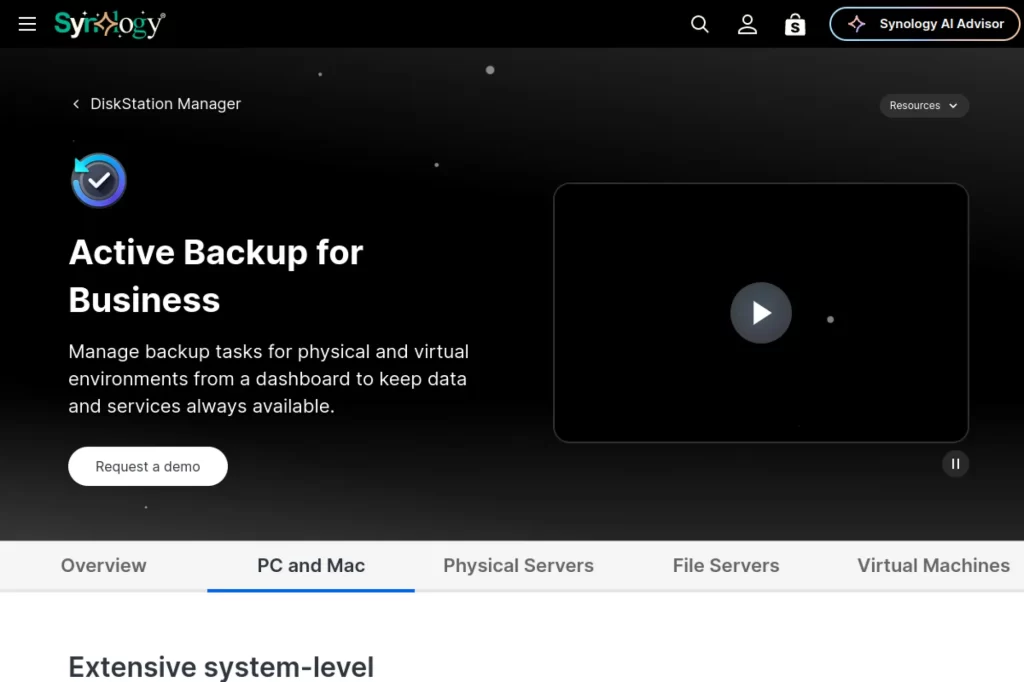
Synology Active Backup for Business supports a strategy that centralizes backups to a Synology NAS without separate per-device licensing complexity. This can be attractive for small and mid-sized organizations that want a practical on-premises backup hub for endpoints, servers, and virtual machines.
The strategy here is local control with central management. You back up many systems to a NAS, then you decide how to protect that NAS itself with replication or offsite copies. This can reduce reliance on cloud-only recovery, especially in offices with limited internet performance.
Best for
Small and mid-sized IT teams that want centralized backups for endpoints and servers to a Synology NAS.
Key workflows to configure
- Agent rollout for endpoints and server groups.
- Backup templates that enforce consistent schedules and retention.
- Recovery media planning for full device restores.
- NAS-to-offsite replication strategy for disaster scenarios.
- Routine restore drills for both files and full systems.
Sales growth lever
Reliable internal systems support customer-facing delivery. When employees can recover quickly from device failures, projects stay on schedule. That protects revenue and improves customer experience.
Watch outs
- Your NAS becomes critical infrastructure. Protect it accordingly.
- Do not let backup admins share accounts or skip access reviews.
- Test bare-metal restore workflows before an emergency forces it.
Quick start checklist
- Start with one department and validate backups end to end.
- Create standardized templates for backup configuration.
- Set up an offsite copy of NAS backup data.
- Restore a device in a controlled test and document steps.
- Train support teams on file restore and full restore requests.
24. Arcserve Unified Data Protection (UDP)
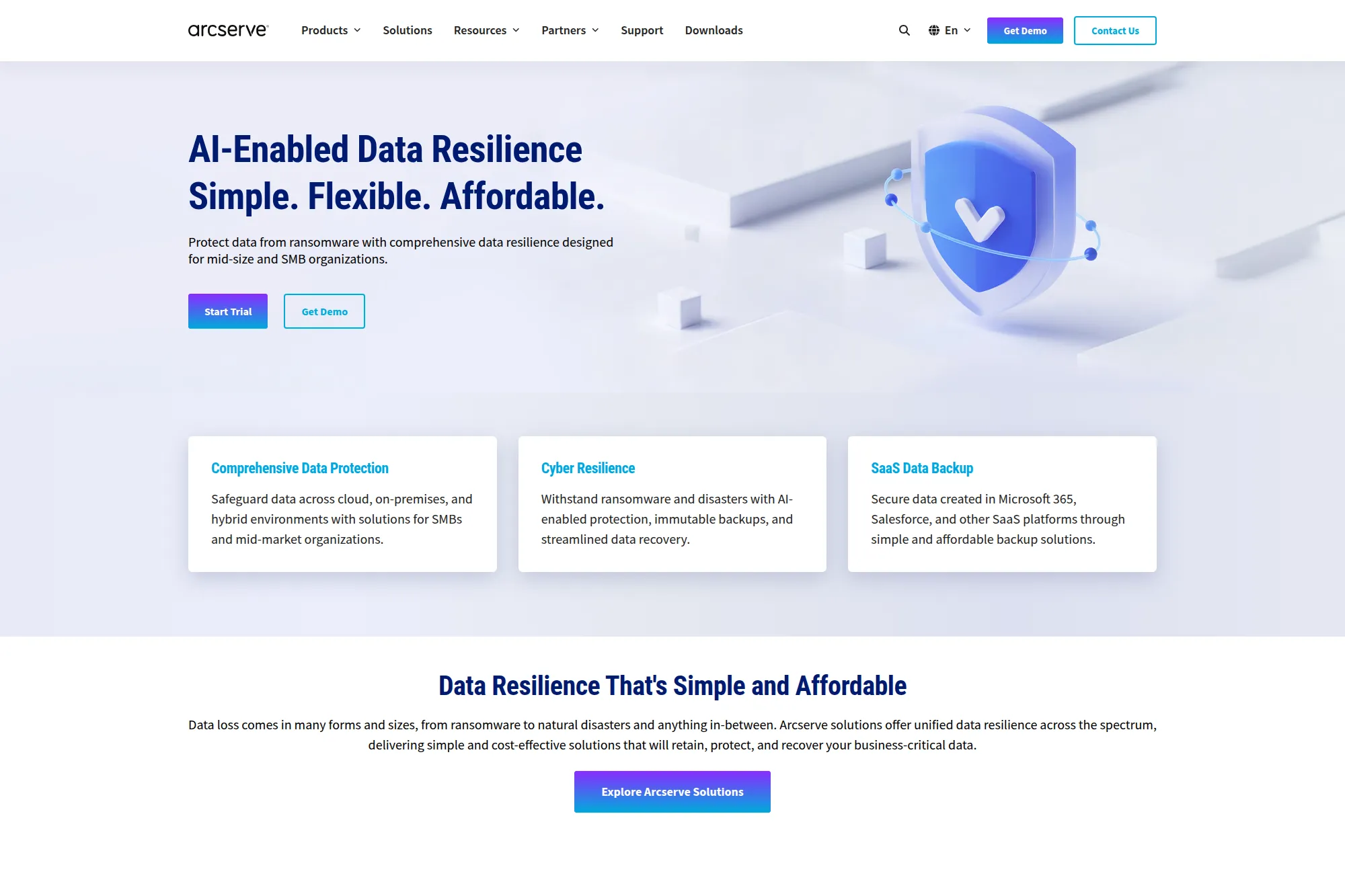
Arcserve UDP supports a strategy of “all-in-one data protection without a maze of components.” Some teams want one platform to cover backup, restore, and recovery orchestration across different workload types. This can help reduce operational overhead and simplify training.
The strategy becomes especially valuable when your team is small. If you do not have specialists for every platform, you need a tool that can protect core systems with consistent workflows. You still must design for separation, immutability, and restore testing, but a unified tool can reduce complexity.
Best for
IT teams that want unified backup and recovery across local, virtual, and cloud workloads from one system.
Key workflows to configure
- Workload protection plans aligned to business priorities.
- Automation for backup scheduling, retention, and reporting.
- Recovery testing workflows that validate real restore outcomes.
- Role-based access for backup and recovery operations.
- Offsite copy strategy for disaster scenarios.
Sales growth lever
When a lean IT team reduces downtime, the whole business benefits. Reliable recovery protects customer delivery and reduces churn triggers. It also supports faster scaling because IT can support growth without constant firefighting.
Watch outs
- Do not assume a unified tool removes the need for governance.
- Validate recovery in the same conditions you expect during crises.
- Align retention with legal needs so storage does not spiral.
Quick start checklist
- Define critical workloads and recovery priorities.
- Set standard backup schedules and retention rules.
- Build an offsite copy and restrict delete permissions.
- Run a full restore test for a key application.
- Review reports and fix failures quickly.
25. Proxmox Backup Server
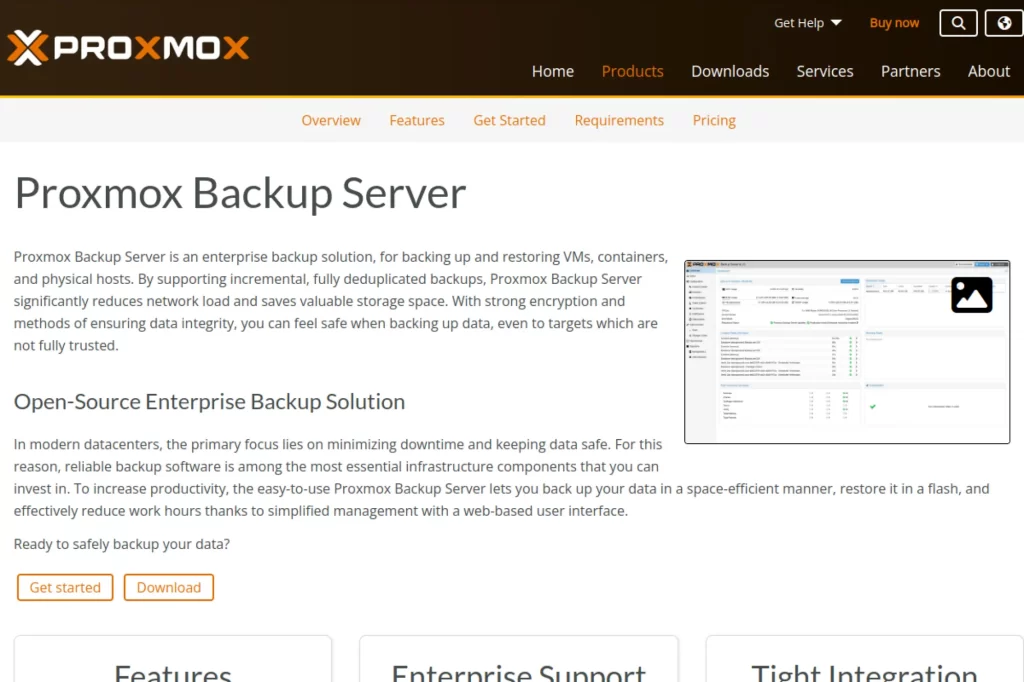
Proxmox Backup Server supports an open-source, self-hosted strategy for protecting virtual machines, containers, and hosts. This approach fits teams that prefer to control their own infrastructure and integrate backup into their broader platform operations. It also appeals to organizations that want transparency and flexibility.
The strategy works best when you pair it with disciplined operations. You define retention, encryption, and verification routines. Then you validate restores as part of change management. Open-source does not mean “less serious.” It means you own more of the operational responsibility.
Best for
Teams running Proxmox environments that want a self-managed backup platform with strong integrity controls.
Key workflows to configure
- Backup schedules for critical workloads with consistent retention rules.
- Encryption practices and secure key handling procedures.
- Integrity verification routines and alerting on failures.
- Role-based access controls for backup operators and auditors.
- Offsite synchronization for disaster resilience.
Sales growth lever
Reliable self-hosted recovery helps teams control costs and avoid vendor lock-in. That can improve margins. It also supports faster internal delivery because operations teams can restore environments quickly for testing and recovery.
Watch outs
- Self-hosted means you must patch and monitor consistently.
- Do not store encryption keys on the same systems as backups.
- Test restores after every major platform change.
Quick start checklist
- Deploy a dedicated backup server with restricted access.
- Define backup schedules and retention per workload group.
- Enable encryption and document key handling procedures.
- Run an integrity check and a full restore test.
- Set up offsite replication for critical backups.
26. IDrive
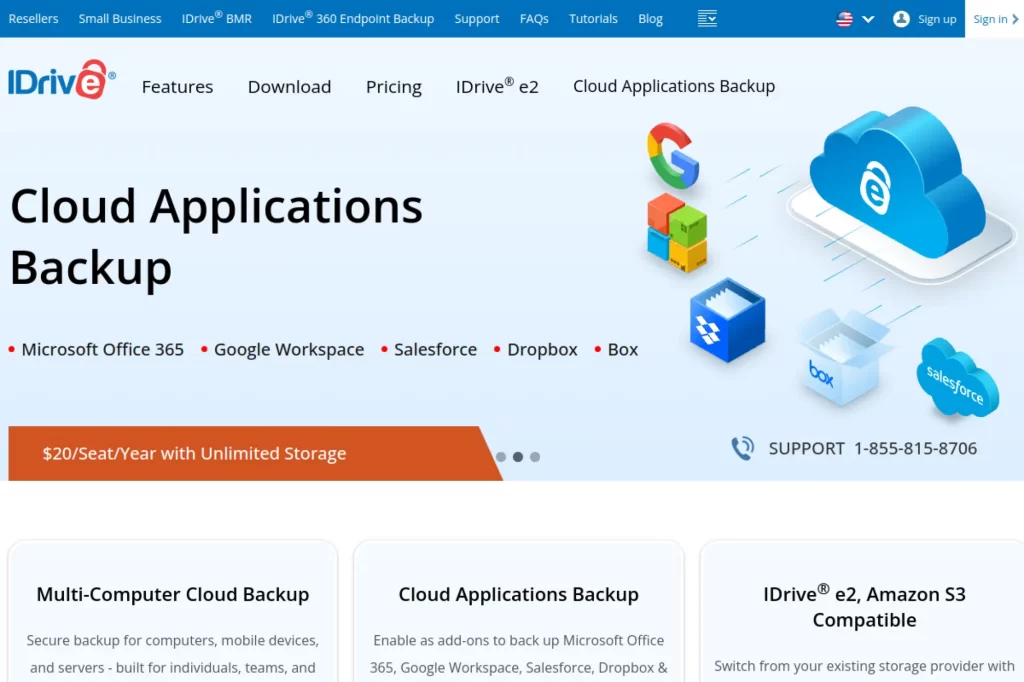
IDrive supports a strategy focused on practical cloud backup for individuals, teams, and small businesses. Many smaller organizations need something simple. They want to back up laptops and servers without hiring a dedicated backup engineer. They also want the option to expand into backing up cloud application data.
The strategy is to reduce the barrier to getting protected. You start with endpoint and server backups, then you add coverage where it matters most. The best outcome is not a perfect architecture. The best outcome is a reliable restore that your team can execute quickly.
Best for
Small businesses that need straightforward cloud backup for computers and servers with minimal overhead.
Key workflows to configure
- Device enrollment and backup policy setup by role.
- File and folder inclusion rules that match business priorities.
- Encryption and access control settings for backups.
- Alerting for missed backups and storage capacity issues.
- Simple restore workflows for help desk and end users.
Sales growth lever
Stable employee systems protect productivity. When teams can recover quickly from device loss, sales and customer service avoid disruption. That helps revenue stay predictable.
Watch outs
- Do not back up everything by default without considering noise and cost.
- Limit who can delete backups or change retention.
- Test restores and confirm recovered data works as expected.
Quick start checklist
- Start with executives and revenue-critical roles.
- Set a standard backup schedule and retention model.
- Enable encryption and lock down admin access.
- Restore a sample dataset and confirm usability.
- Expand coverage to more devices after validation.
27. Barracuda Backup
Barracuda Backup supports a strategy centered on integrated backup plus offsite replication, often delivered as an appliance or virtual option. This fits teams that want a packaged approach. You avoid stitching together separate storage, backup software, and replication tools.
The practical strategy benefit is speed to deployment. You can protect core workloads quickly. You also get a central management view, which helps when you manage multiple sites. This matters for distributed organizations that need local backup speed plus offsite recovery options.
Best for
Organizations that want an integrated backup solution with flexible on-premises deployment and offsite replication options.
Key workflows to configure
- Workload protection rules for servers, VMs, and key applications.
- Offsite replication strategy to a secure secondary location.
- Immutable copy settings and admin access controls.
- Central monitoring and reporting for multi-site environments.
- Restore workflows for files, systems, and application data.
Sales growth lever
Reliable multi-site recovery protects service delivery. That supports higher customer satisfaction and reduces downtime-related churn. It also strengthens proposals when customers ask about business continuity practices.
Watch outs
- Appliance-based solutions still need offsite separation and testing.
- Plan for retention growth so storage does not become a bottleneck.
- Train staff on restore workflows, not only backup setup.
Quick start checklist
- Protect one key workload group and validate backup success.
- Enable offsite replication and restrict delete actions.
- Set up monitoring alerts for failures and capacity risks.
- Run a full restore test and document steps.
- Roll out policies to additional sites once stable.
28. Unitrends
Unitrends supports a strategy that emphasizes “recovery readiness.” Many organizations configure backups but fail to validate restores. Then they discover problems in the middle of an incident. Unitrends positions itself around the idea that recovery should stay provable, not assumed.
This strategy pairs well with organizations that want a single solution that can cover local recovery and cloud-based disaster recovery. It can also help teams that want to reduce complexity and still maintain strong ransomware resilience.
Best for
Organizations that want an all-in-one backup and recovery approach with strong emphasis on recovery validation.
Key workflows to configure
- Backup policies that align to workload criticality.
- Recovery assurance testing routines for frequent validation.
- Offsite or cloud-based recovery workflows for disaster scenarios.
- Ransomware detection alerts tied to incident response steps.
- Reporting dashboards for leadership visibility.
Sales growth lever
Proven recoverability builds confidence with customers and partners. When you can demonstrate that restores work, you reduce perceived risk in buying from you. That can speed closing cycles and strengthen renewals.
Watch outs
- Testing must match real workloads and realistic failure conditions.
- Do not rely on default settings without validating retention needs.
- Align alerting to real owners or alerts become noise.
Quick start checklist
- Define the restore tests that matter most to your business.
- Enable recovery validation routines and review results.
- Build an offsite recovery path for key systems.
- Run a simulated incident and track response gaps.
- Turn results into an improvement plan with clear owners.
29. Spanning Backup for Microsoft 365
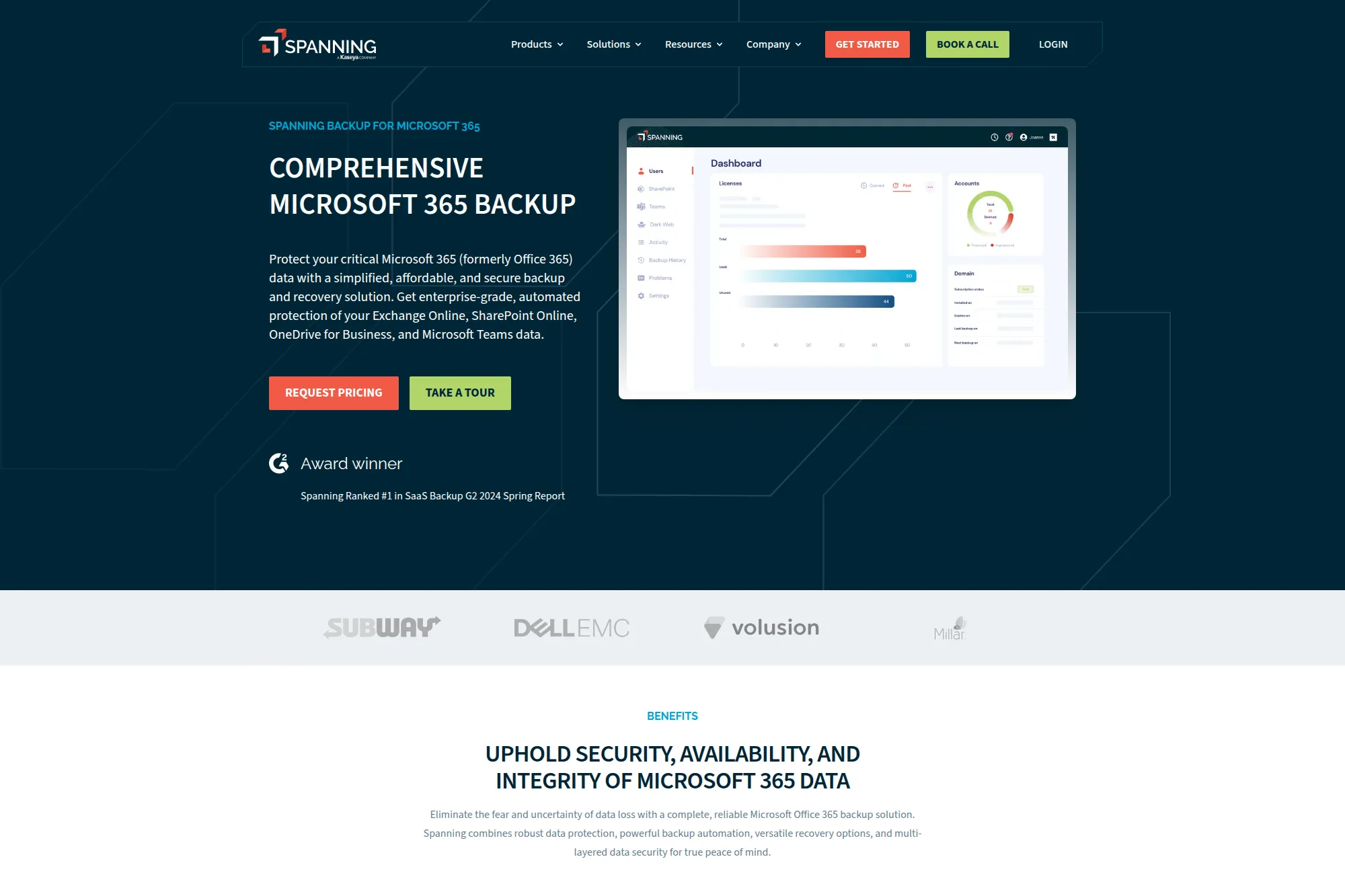
Spanning supports a strategy that keeps Microsoft productivity data recoverable through automated cloud-to-cloud backups. Many organizations assume their SaaS provider will restore anything they lose. In practice, you often need your own backup copies and your own restore controls.
This strategy focuses on simplicity. You want backups to run without constant maintenance. You also want restores to be granular so you can recover what you need without rolling back too much. That reduces disruption and speeds recovery during user mistakes or malicious deletion.
Best for
Teams that want straightforward cloud-to-cloud backup and recovery for Microsoft productivity workloads.
Key workflows to configure
- Tenant connection and scope definition for protected services.
- Retention rules aligned to internal and customer requirements.
- Granular restore procedures for common support requests.
- Admin access controls and approval steps for large restores.
- Audit routines to review restore activity and backup health.
Sales growth lever
Protecting collaboration data keeps internal operations moving. That reduces delays in sales cycles and delivery timelines. It also helps you answer customer questions about SaaS data protection with clarity.
Watch outs
- Confirm what data types you back up and what you do not.
- Limit restore rights to prevent misuse or accidental rollback.
- Run restore tests and validate permissions after recovery.
Quick start checklist
- Connect your tenant and validate the first successful backup.
- Set retention and access policies before broad rollout.
- Test a restore for email, files, and collaboration data.
- Train support staff on how to request restores safely.
- Review backup health reports regularly.
30. CrashPlan for Microsoft 365
CrashPlan for Microsoft 365 supports a strategy that targets small and mid-sized businesses that need cloud-to-cloud protection without heavy infrastructure work. Many SMBs rely on Microsoft productivity tools for daily operations. They also often lack a dedicated backup engineer. That combination makes simple setup and straightforward restores important.
The strategy works when you focus on routine mistakes and high-impact risks. Users delete files. Sync issues overwrite content. Attackers compromise accounts. A cloud-to-cloud backup layer gives you a clean recovery path that does not depend on local machines or manual exports.
Best for
Small and mid-sized businesses that want easy Microsoft cloud backup with simple restore workflows.
Key workflows to configure
- Tenant connection and user scope definition.
- Backup policies aligned to business roles and departments.
- Self-service restore controls with clear guardrails.
- Admin audit review for restore activity and policy changes.
- Incident response playbook that includes SaaS restore steps.
Sales growth lever
When your internal systems stay healthy, your customer-facing work stays on track. That protects delivery quality, supports renewals, and reduces the operational chaos that often slows growth in SMBs.
Watch outs
- Make sure you understand scope and coverage boundaries.
- Do not grant broad restore permissions without approvals.
- Test restore workflows and confirm recovered data behaves correctly.
Quick start checklist
- Connect the tenant and select a pilot group of users.
- Run the first backup and confirm it completes cleanly.
- Test a restore for a realistic user deletion scenario.
- Lock down admin roles and enable audit review.
- Expand coverage after the pilot proves stable.
Why Backup Gets Harder Every Year
Downtime now costs more than most teams budget for. IBM reported the global average cost of a data breach reached $4.88 million in 2024.
Attackers also aim for the recovery layer, not just production systems. Verizon’s DBIR news release says ransomware is present in 44% of breaches.
Paying attackers still happens more often than most teams want to admit. Sophos reported nearly 50% of companies paid the ransom, which shows how many organizations still lack confident recovery options.
Meanwhile, your data footprint keeps shifting toward cloud services. Gartner forecasted worldwide public cloud end-user spending to total $723.4 billion in 2025, which helps explain why backup now spans data centers, clouds, and SaaS apps at the same time.
Teams feel that pressure and plan to invest more. Veeam’s Data Protection Trends press release found 92% of organizations will increase 2024 data protection spend.
1. Ransomware Now Targets Backups, Not Just Production
Attackers increasingly aim to destroy or encrypt backup data and disable recovery paths, because that’s what forces payment. That means “having backups” isn’t enough if the backup environment is reachable with the same credentials or can be modified from the same admin plane.
What to do about it
Prioritize immutable storage, separate backup administration from general IT admin, and keep at least one copy isolated from normal day-to-day access patterns.
2. Cloud and SaaS Sprawl Creates More Places Data Can Hide
Data is no longer confined to a few servers and shared drives. It lives across cloud accounts, regions, managed databases, SaaS apps, collaboration suites, and developer tooling. As the footprint expands, it becomes easier to miss workloads and harder to apply consistent policies.
What to do about it
Maintain an inventory of systems that generate or store business-critical data, and map each one to a clear backup owner, retention policy, and recovery method.
3. Identity and Privilege Sprawl Raises the Blast Radius
The biggest weakness in many backup strategies isn’t storage—it’s access. When backup consoles, cloud credentials, and admin accounts aren’t tightly controlled, a single compromised identity can become a “delete and disable everything” event.
What to do about it
Use least privilege, enforce MFA everywhere (especially for backup and cloud admin), and separate duties so one account can’t both change policies and erase historical backups.
4. Data Growth and Retention Requirements Increase Complexity
As data volumes grow and teams keep data longer for compliance, analytics, or product needs, backup costs rise—and so do restore times. Retention also becomes harder to manage consistently across different systems and vendors.
What to do about it
Define retention by data class (critical, important, nice-to-have), align storage tiers to those classes, and ensure your plan includes how long restores will realistically take.
5. Modern App Architectures Are More Dynamic Than Traditional Backup Assumptions
Containers, Kubernetes, autoscaling, ephemeral nodes, and managed services don’t behave like static servers. Backups must account for persistent volumes, configuration state, secrets management, and cross-service dependencies—otherwise you restore “data” without restoring a working system.
What to do about it
Back up both data and the configuration/state needed to run it again, and validate that your approach matches how the app is deployed (not just where files happen to live).
6. Restore Complexity and Lack of Testing Are the Silent Failure Points
Backups often look healthy until the first real incident. In practice, restores fail because of missing permissions, incomplete application dependencies, corrupted chains, unexpected bandwidth constraints, or unclear runbooks under pressure.
What to do about it
Schedule regular restore drills, document a step-by-step recovery runbook, and measure real recovery performance so your plan reflects reality—not assumptions.
These subsections keep the section practical while reinforcing the bigger message: modern data backup solutions must be designed for recovery under attack and operational constraints, not just for routine copying.
How to Choose a Backup Stack That Fits Your Reality
No single product covers every risk perfectly. Strong data backup solutions usually combine a few layers. You might use cloud-native backup for baseline coverage, a specialized platform for ransomware recovery, and separate SaaS backup for your most important business apps.
Use these decision filters as you choose your mix:
- Start from restore goals. Define what “back online” means for each business process.
- Separate control planes. Keep backup admin access harder to compromise than production access.
- Design for “clean restore.” Assume attackers can sit inside your environment for a while.
- Include SaaS and identity. Your most valuable data often lives in cloud apps, not servers.
- Test like you mean it. Practice restores under realistic constraints, then refine runbooks.
- Measure what matters. Track failed jobs, restore times, and recovery confidence over time.







Conclusion
Choosing the right data backup solutions is ultimately about one outcome: reliable recovery. The “best” option isn’t the one with the longest feature list—it’s the one that consistently meets your restore expectations across your most critical workloads, whether that’s VMs, databases, endpoints, SaaS apps, or cloud-native services.
As you shortlist tools, keep your decision anchored on recovery targets, security boundaries, and operational simplicity. Prioritize solutions that support immutable copies, protect backup credentials, and make restore testing easy to repeat. A backup you can’t confidently restore is just storage with extra steps.
Before you commit, map your data by importance, pick a small pilot scope, and run real restore drills (not just job-success reports). Once you validate performance and recovery workflows, scale with clear policies, monitoring, and periodic tests. If you want help designing a practical, ransomware-resilient backup plan that fits your infrastructure and budget, 1Byte can support you from architecture to implementation and ongoing operations.