

- Why CRM Matters for Small Teams Right Now
- How to Choose a CRM for Small Businesses (Without Overthinking It)
- Summary of Best Picks and Quick Comparison
- Top 30 CRM for Small Businesses to Grow Faster
- Implementation Plan: Get Value in the First Month
- Mistakes to Avoid When Rolling Out a Small Business CRM
- Conclusion
Choosing a CRM can feel like a “later” project. Then leads pile up, follow-ups slip, and your team works from memory. A good crm for small businesses fixes that by giving you one shared place to track prospects, conversations, and next steps.
This guide keeps things practical. You will get a clear shortlist of options, plus the workflows that actually drive growth. You will also see current market signals and buyer behavior trends, so you can pick a tool that matches how people buy now.
One reason the category keeps improving is simple: it keeps growing. Fortune Business Insights expects the CRM market to reach USD 262.74 billion by 2032, which means more competition, more features, and more small-business-friendly products.
Why CRM Matters for Small Teams Right Now

Small businesses win with speed and clarity. CRM helps you respond fast, qualify leads faster, and hand off work without chaos. It also reduces the “who talked to this customer last?” problem.
Usage is no longer niche. Freshworks reports that 71% of small businesses (500 or fewer employees) use a CRM system, so buyers now expect tighter follow-up and better context even from lean teams.
Buying behavior also shifted hard toward digital. Gartner predicts 80% of business-to-business sales interactions between suppliers and buyers will occur in digital channels by 2025, which makes consistent, trackable outreach a survival skill.
At the same time, self-serve keeps rising. Gartner found 61% of business-to-business buyers prefer an overall rep-free buying experience, so your CRM must support fast answers, clean info, and helpful automation.
Customer expectations keep climbing too. Salesforce research shows 69% of consumers expect consistent interactions across departments, which is hard to deliver when sales, service, and operations store notes in different places.
AI adds another twist. Gartner also predicts 75% of business-to-business buyers will prefer sales experiences that prioritize human interaction over AI by 2030, which is a useful reminder: automation should remove busywork, not replace relationships.
FURTHER READING: |
| 1. Top 30 ERP Solutions for Small Businesses in 2026 |
| 2. How Much Does a VoIP Phone System Cost in 2026 |
| 3. Top Professional Email Hosting Services in 2026 |
How to Choose a CRM for Small Businesses (Without Overthinking It)

Most CRM mistakes come from picking a tool before you define your process. Start with how you sell. Then pick software that supports that reality.
Start with your sales motion
- If you sell fast, prioritize pipeline speed, follow-ups, and lightweight data entry.
- If you sell consultatively, prioritize notes, email history, tasks, and relationship context.
- If you sell repeat services, prioritize renewals, reminders, and simple automation.
Decide what “done” looks like
- Your team logs every lead automatically or in one quick step.
- Every deal has a next action and an owner.
- You can see pipeline health in one dashboard view.
- Marketing and service (if you have them) can see the same customer story.
Watch for the hidden complexity
- Too many fields slow adoption. Keep only what you use.
- Too many pipelines confuse teams. Start simple and expand later.
- Too many “power features” can distract from selling. Only configure what supports revenue.
Summary of Best Picks and Quick Comparison
1. Quick Shortlist by Common Use Case
- Best all-around starter: HubSpot CRM (easy onboarding, strong core CRM, scales into marketing and service)
- Best value with customization: Zoho CRM (flexible fields, workflows, and reporting without heavy admin overhead)
- Best for sales pipelines: Pipedrive (pipeline-first design, fast deal movement, clean sales activity tracking)
- Best for SMB teams needing automation: Freshsales (quick setup, built-in productivity features, solid automation paths)
- Best for “Google Workspace + simple CRM” teams: Copper (works well for teams living in Gmail and Calendar)
- Best for teams that need deep customization later: Salesforce (more setup, but strong long-term flexibility and ecosystem)
2. Fast Comparison Table
| Use Case | Best Pick | Why It Fits | Setup Effort | Ideal Team Type |
|---|---|---|---|---|
| First CRM (basic pipeline + follow-ups) | HubSpot CRM | Quick to adopt and hard to “break” with messy setups | Low | Small teams starting from spreadsheets |
| Budget-conscious CRM with flexibility | Zoho CRM | Balances customization with practical day-to-day usability | Low to Medium | SMBs that want tailored stages and fields |
| Sales-led team focused on deal velocity | Pipedrive | Pipeline visibility stays the center of the workflow | Low | Outbound sales and small sales squads |
| SMB needing automation without heavy admin | Freshsales | Good automation coverage with an SMB-friendly learning curve | Medium | Growing teams standardizing processes |
| Service + sales handoffs (simple SMB operations) | HubSpot CRM | Works well when sales and support need shared context | Low to Medium | Teams doing both selling and customer care |
| Gmail-centered relationship management | Copper | Feels natural for teams that live in inbox-first workflows | Low | Agencies, consultancies, and relationship sellers |
| High customization and advanced scaling path | Salesforce | Strong ecosystem and long-term flexibility | High | Teams expecting complex workflows later |
To choose quickly, a team should start with the sales motion and the minimum workflow they will actually use daily. Then they can pick the tool that matches that workflow with the least setup effort, so adoption stays high and the CRM stays clean.
Top 30 CRM for Small Businesses to Grow Faster
1. HubSpot CRM
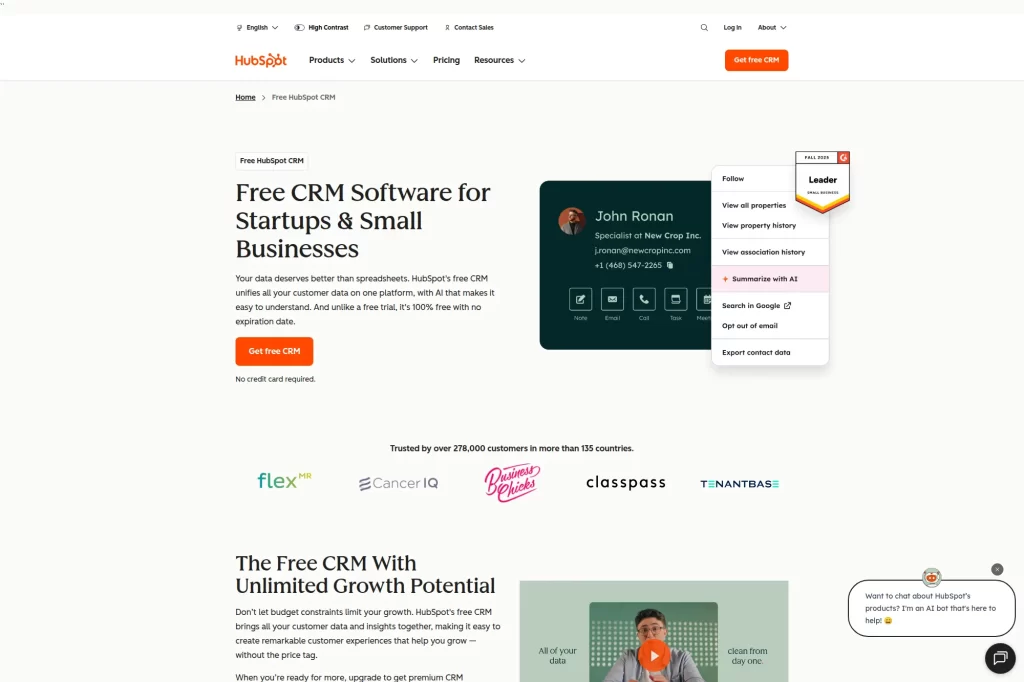
HubSpot CRM works well when you want one clean system for marketing, sales, and basic service workflows. It feels approachable, so teams adopt it fast. It also gives you a strong “single record” foundation, which helps you stop juggling spreadsheets and inbox threads.
Best for
Startups and service businesses that want a simple CRM plus room to grow into marketing and support. It also fits teams that care about clean contact history and consistent follow-up.
Key workflows to configure
- Define pipeline stages that match your real sales steps.
- Set lead sources so you can see what drives revenue.
- Create task queues for “today’s follow-ups” and “overdue deals.”
- Standardize notes with short call and meeting templates.
Sales growth lever
Use automated reminders and simple sequences to protect speed-to-lead. For example, a local HVAC business can trigger a same-day follow-up when someone requests a quote.
Watch outs
HubSpot can tempt you to build too many properties and workflows early. Start with the basics, then expand once the team uses it daily.
Quick start checklist
- Import contacts with clear ownership
- Build one pipeline for core sales
- Create a “next step” task rule
- Connect shared inbox or team email
- Review pipeline weekly with the team
2. Zoho CRM
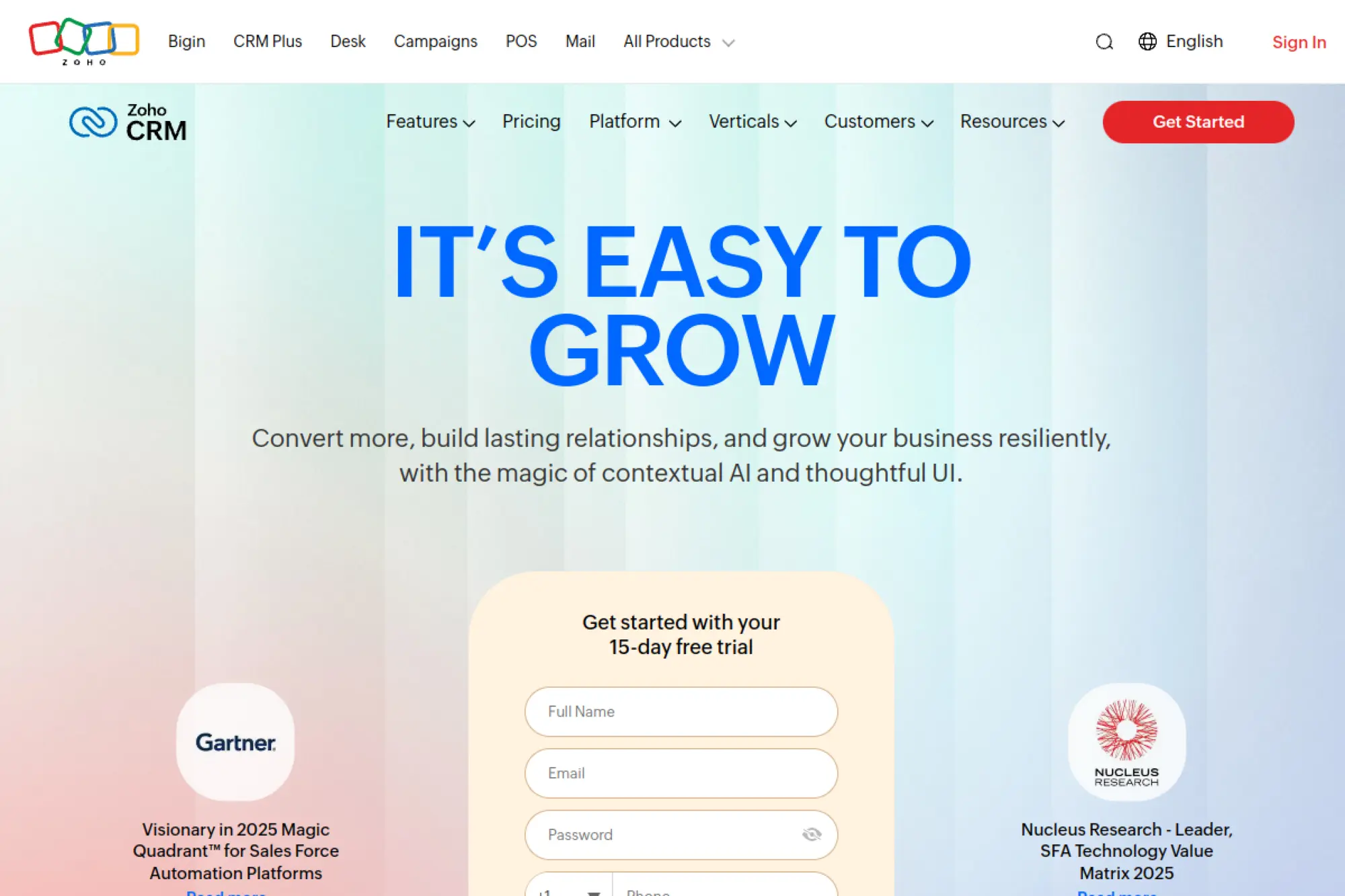
Zoho CRM stands out for teams that want customization without hiring developers. You can shape modules, layouts, and automations to match how you sell. It also fits companies that already use other Zoho apps and want a connected stack.
Best for
Small businesses with multiple workflows or teams involved in selling. Think agencies that need sales plus onboarding, or distributors that need structured deal stages and approvals.
Key workflows to configure
- Customize fields that actually drive qualification decisions.
- Build approval rules for discounts or contract terms.
- Automate deal stage updates after key activities.
- Create dashboards for pipeline health and rep activity.
Sales growth lever
Turn your “best reps” process into a guided flow. For example, you can require key discovery details before a deal can move forward, which improves forecast confidence.
Watch outs
Zoho gives you many knobs to turn. That power can slow your rollout if you try to perfect everything. Ship a lean version first.
Quick start checklist
- Define your qualification fields
- Build one simple stage-based automation
- Create email templates for common replies
- Set up a basic dashboard for managers
- Train the team on logging activities
3. Pipedrive

Pipedrive is a sales-first CRM built around pipelines and activities. It keeps the focus on moving deals forward, not on building a complicated database. If your priority is “never miss a follow-up,” Pipedrive fits that mindset.
Best for
Sales-driven small businesses that run on deals, stages, and consistent outreach. It works well for consultancies, agencies, and business services teams that manage many active conversations.
Key workflows to configure
- Create a pipeline that mirrors your sales process.
- Set activity types that match how you sell (call, demo, proposal).
- Use required fields at key stages to prevent weak deals.
- Set up simple reporting for pipeline value and stage conversion.
Sales growth lever
Make “next activity” non-negotiable. For example, when a rep moves a deal to “proposal sent,” Pipedrive can nudge the rep to schedule a follow-up right away.
Watch outs
Pipedrive shines for sales, but you may need other tools for deeper marketing or support. Plan your integrations early so data stays consistent.
Quick start checklist
- Build your primary pipeline
- Define standard activity types
- Import deals with owners assigned
- Set reminders for idle deals
- Track wins and losses with reasons
4. Freshsales
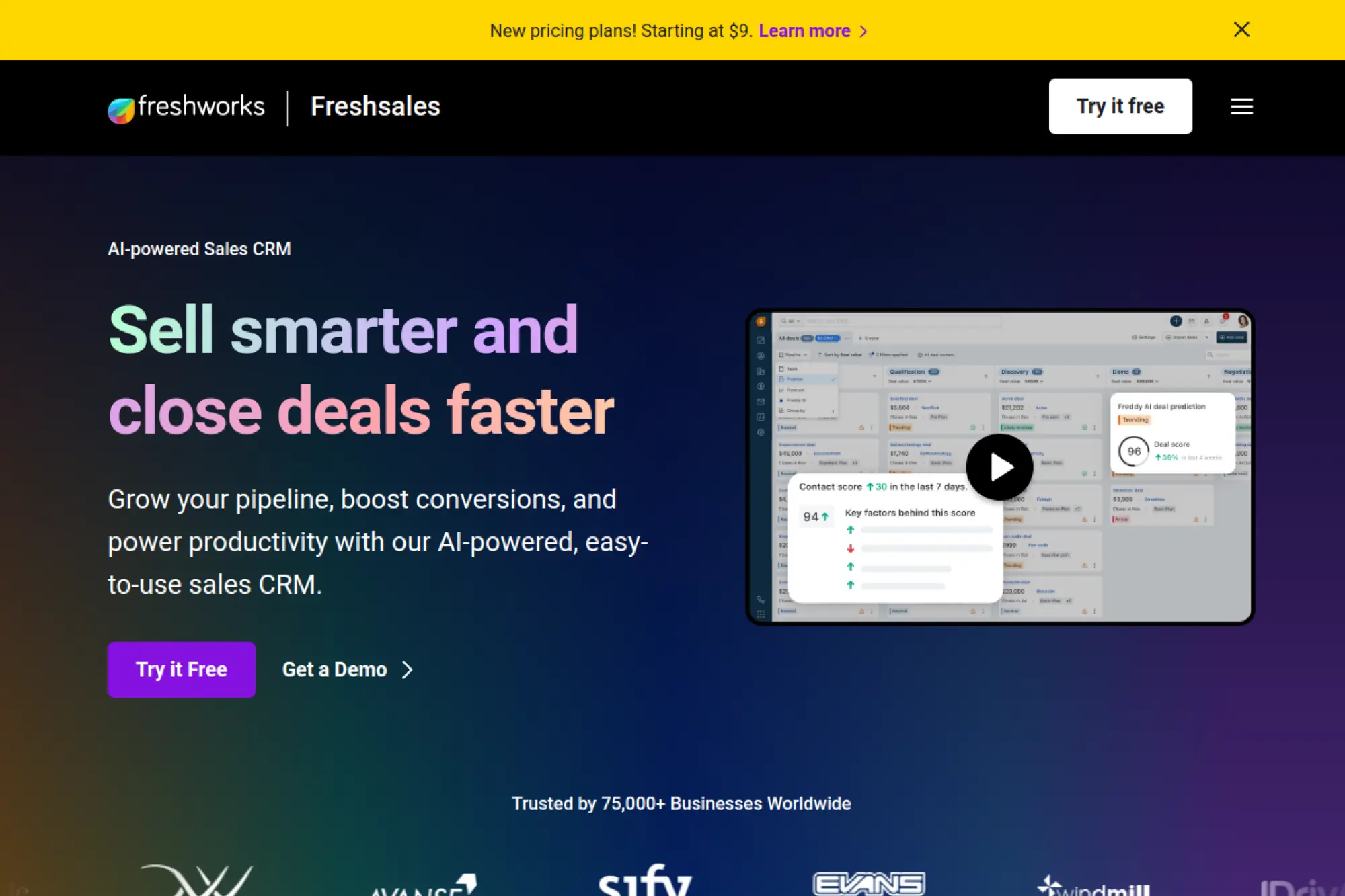
Freshsales gives small teams a modern sales CRM with strong built-in communication workflows. It aims to help you manage leads, run outreach, and keep context without switching between too many tools. It also pairs well with other Freshworks products if you want one vendor across teams.
Best for
Teams that want a practical CRM with calling, email, and automation support in one place. It also fits businesses that want quick onboarding and a clean interface.
Key workflows to configure
- Lead capture and routing rules for fast follow-up.
- Deal stages with clear exit criteria.
- Automated task creation after key lead actions.
- Basic sequences for no-response follow-ups.
Sales growth lever
Use a single “lead to meeting” flow. For example, when someone replies to an email, your team can trigger a task, schedule a call, and move the deal stage without losing context.
Watch outs
Freshsales offers many features across sales and marketing. Keep your first setup lean so reps do not feel overwhelmed.
Quick start checklist
- Connect team email accounts
- Set up lead assignment logic
- Create a follow-up task template
- Build a simple sales sequence
- Review lead response time weekly
5. monday CRM
monday CRM works well for teams that treat sales like a process, not just a pipeline. You can build custom boards that connect leads, accounts, projects, and post-sale work. If your “CRM” needs to coordinate work across sales and delivery, monday fits that reality.
Best for
Service businesses that need sales plus execution visibility, like agencies, studios, and consulting teams. It also suits teams that already use monday.com for operations.
Key workflows to configure
- Lead intake board with ownership and status rules.
- Deal board with stages, close dates, and next steps.
- Handoff workflow from “won” deal to delivery project.
- Automations for reminders when items stall.
Sales growth lever
Connect sales activity to delivery readiness. For example, an agency can require scope notes and key files before a deal becomes “won,” which reduces post-sale churn and rework.
Watch outs
Because monday is flexible, teams can build messy boards fast. Use naming standards and keep one source of truth for each object type.
Quick start checklist
- Create a single lead intake board
- Build one deal pipeline board
- Define required fields for handoff
- Set automation for stalled items
- Run a weekly pipeline review board
6. Salesforce Starter Suite

Salesforce Starter Suite brings the Salesforce ecosystem to smaller teams in a more guided package. It can cover sales, service, and basic marketing needs with a path to scale. If you want a CRM that can grow with you without forcing a platform change later, Starter Suite is worth a close look.
Best for
Small businesses that expect to scale process complexity over time. It also fits teams that want access to a large app marketplace and partner ecosystem.
Key workflows to configure
- Lead capture and routing rules for quick response.
- Simple sales stages with clear definitions.
- Case or support intake flow if service matters to sales.
- Basic reporting for pipeline and activity health.
Sales growth lever
Build repeatable “playbooks” for selling. For example, define the required steps from first contact to proposal so new reps follow the same winning path.
Watch outs
Salesforce can feel heavy if you treat it like an enterprise rollout. Keep early customization light, and focus on adoption before advanced configuration.
Quick start checklist
- Define lead sources and owners
- Set a single core pipeline
- Create standard activity logging rules
- Build a simple service intake process
- Schedule a weekly dashboard check
7. Copper
Copper is built to feel natural for teams that live in Google Workspace. It aims to cut data entry and keep relationship context close to where work happens. If your team already runs its day from Gmail and Calendar, Copper can reduce the “CRM feels like extra work” problem.
Best for
Google Workspace-centric teams, especially agencies, consultants, and relationship-driven businesses. It also helps teams that struggle to keep CRM data current.
Key workflows to configure
- Deal pipelines that match your real selling steps.
- Contact and company fields that support qualification.
- Task rules for follow-ups after key emails.
- Basic project handoff workflow for post-sale work.
Sales growth lever
Make the inbox your growth engine. For example, when a prospect replies, you can log context fast, assign next steps, and keep momentum without switching tools.
Watch outs
Copper works best when your team commits to one shared process. If every rep uses different stages and fields, reporting will get messy.
Quick start checklist
- Sync Gmail and Calendar
- Create one shared pipeline
- Standardize lead status labels
- Set follow-up tasks for key emails
- Review deals that have no next step
8. Insightly
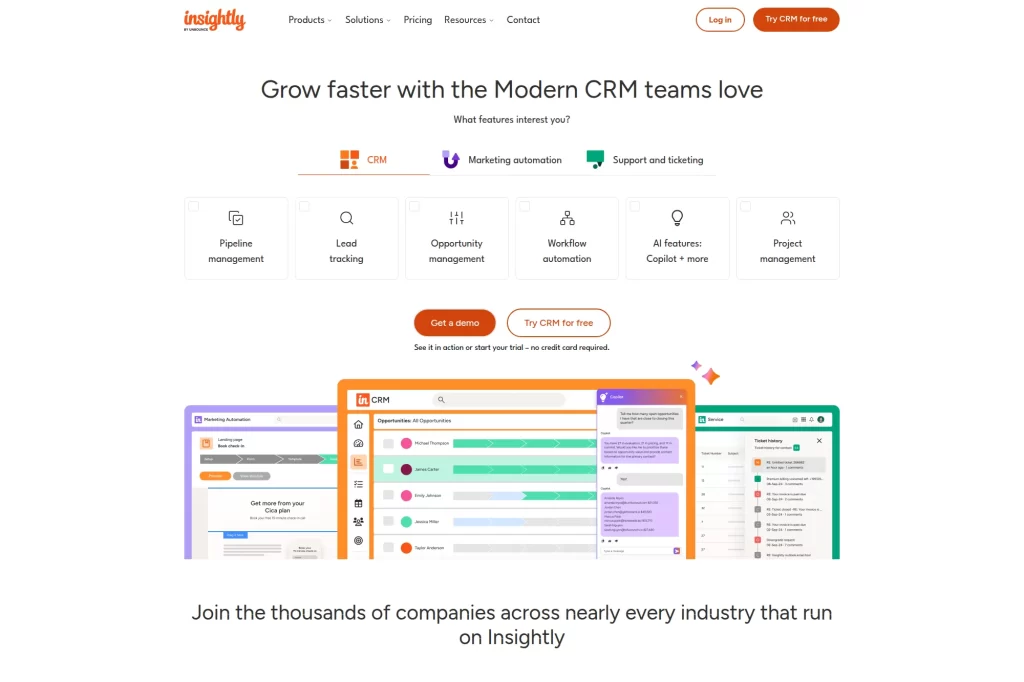
Insightly positions itself as a modern CRM platform that can also connect sales with marketing automation and support workflows. That makes it useful when your small business needs more than a pipeline. It can also help teams that want sales and project delivery to stay connected.
Best for
Growing businesses that need CRM plus workflow automation across teams. It fits consultancies and agencies where handoffs matter as much as lead generation.
Key workflows to configure
- Lead capture and qualification steps.
- Opportunity stages with clear exit criteria.
- Workflow automation for tasks and reminders.
- Account management rules for renewals and expansions.
Sales growth lever
Reduce “handoff drop” after a deal closes. For example, you can trigger onboarding tasks the moment a deal becomes won, which protects customer experience and future referrals.
Watch outs
If you buy the platform for “everything,” you must still choose a clear first use case. Start with sales execution, then layer in marketing or support workflows.
Quick start checklist
- Define lead qualification fields
- Build one opportunity pipeline
- Automate task creation on stage change
- Create a post-sale handoff template
- Set monthly pipeline and retention review
9. Keap
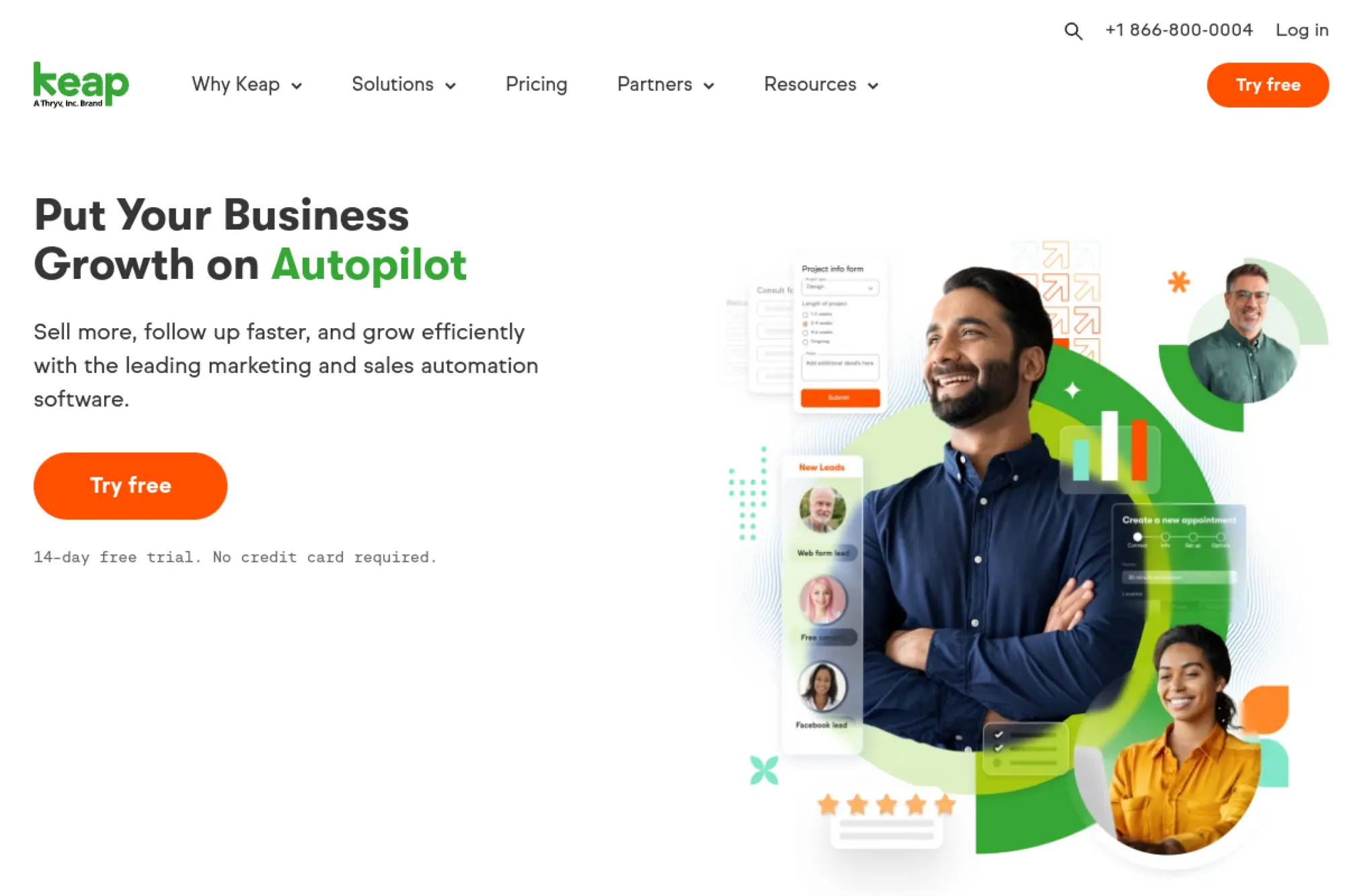
Keap blends CRM with sales and marketing automation for small businesses that rely on repeatable follow-up. It fits service providers who need nurturing, reminders, and simple pipelines more than complex enterprise reporting. If your growth depends on staying in touch, Keap can help you systemize that.
Best for
Coaches, agencies, and local service businesses that sell through consistent follow-up. It also fits teams that want CRM plus email and text-style automation in one platform.
Key workflows to configure
- Lead capture and tagging for segmentation.
- Pipeline stages that reflect your sales journey.
- Automated nurture sequences after inquiries.
- Appointment booking workflow tied to contact records.
Sales growth lever
Turn “manual follow-up” into automation. For example, after a consultation request, Keap can send confirmation, nurture content, and reminders so fewer leads go cold.
Watch outs
Automation can get complex if you build too many tags and paths. Keep your segmentation simple until you prove which messages convert.
Quick start checklist
- Import contacts and clean duplicates
- Create a basic inquiry pipeline
- Build one nurture sequence
- Set tasks for non-responders
- Track which tags lead to sales
10. ActiveCampaign
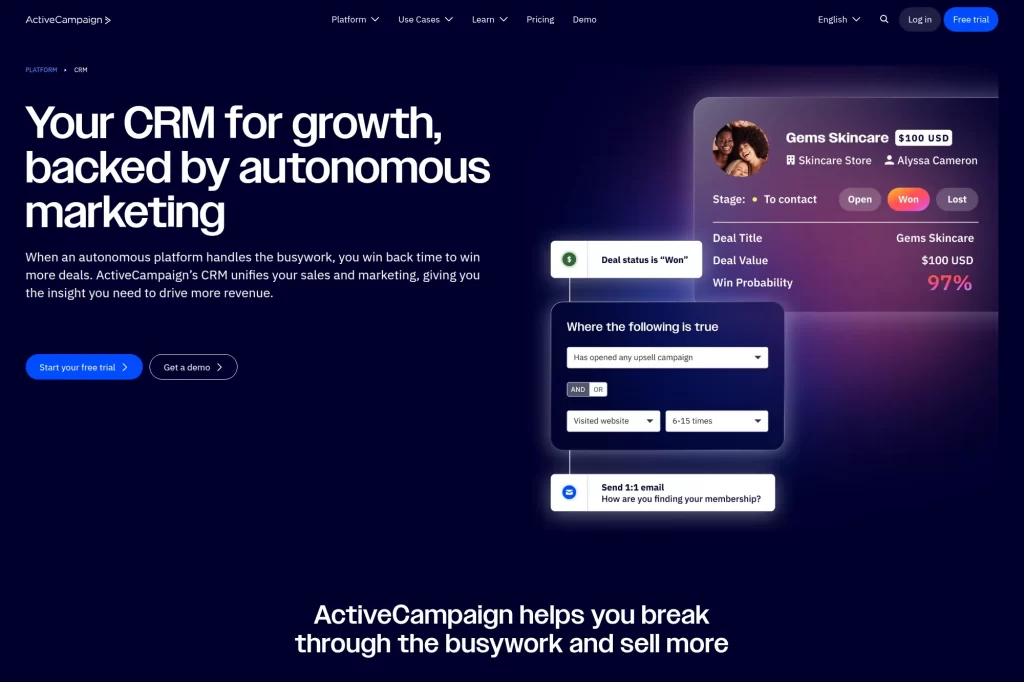
ActiveCampaign shines when your CRM must work hand-in-hand with automation. It helps small teams run consistent follow-up based on behavior and engagement. If you sell through email, nurture, and timed sequences, ActiveCampaign can keep your pipeline moving without constant manual effort.
Best for
Small businesses that depend on email-driven lead nurturing. It also fits teams that want marketing and sales to share one automation engine.
Key workflows to configure
- Sales pipeline stages aligned to your funnel.
- Lead scoring rules based on engagement.
- Automations for deal creation and assignment.
- Sales task rules tied to key behaviors.
Sales growth lever
Let engagement drive prioritization. For example, when a prospect clicks pricing content, you can automatically create a task and move them to a high-intent stage.
Watch outs
You can build complex automations quickly. Document your logic so the system stays understandable when you onboard new team members.
Quick start checklist
- Connect your primary email account
- Create one pipeline with clear stages
- Define simple lead scoring
- Build one follow-up automation
- Review hot leads daily as a habit
11. Close
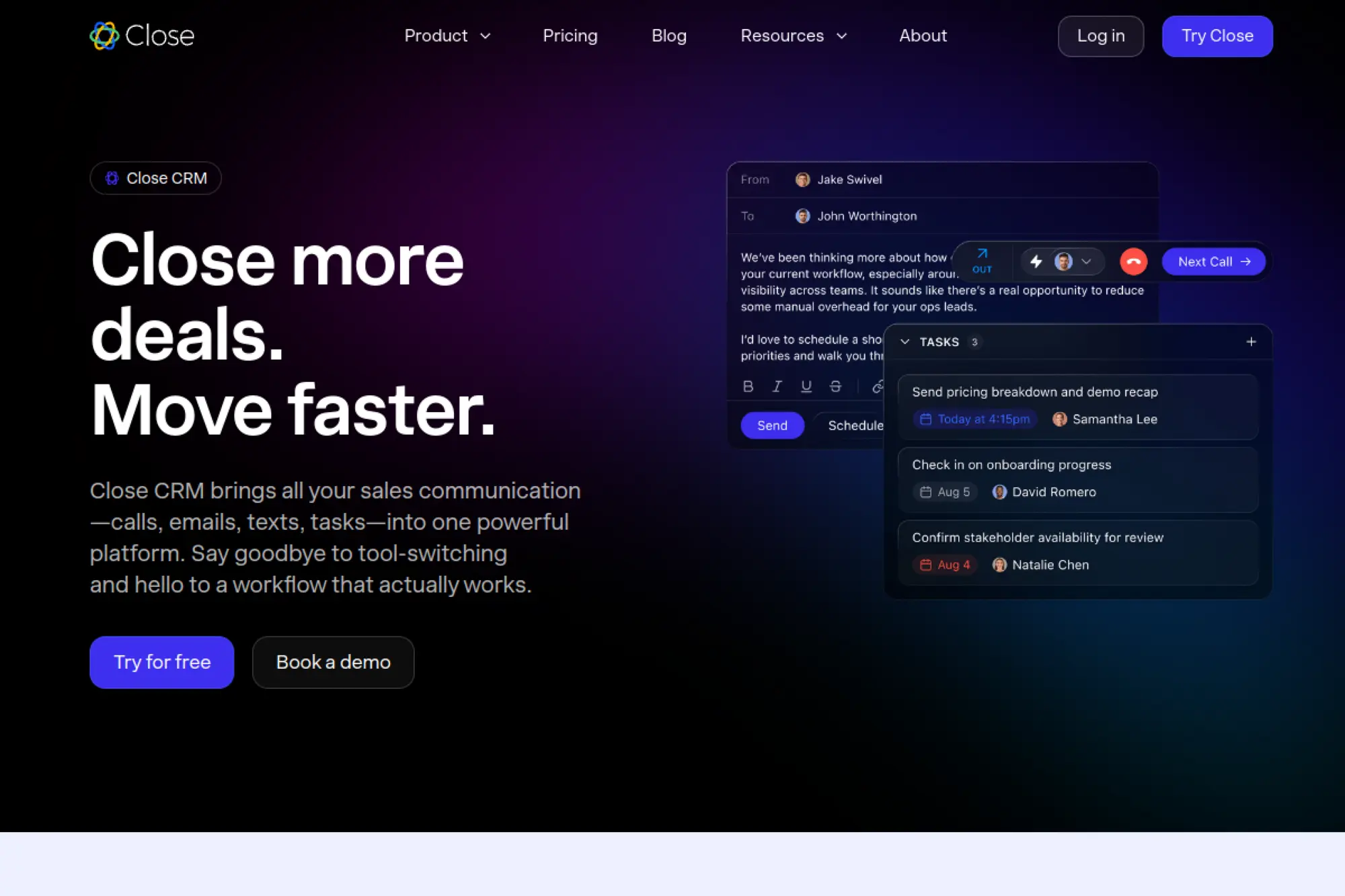
Close focuses on speed and communication. It brings calling, emailing, texting, tasks, and pipeline management into one place. If your reps spend a lot of time switching between tools, Close can help you move faster and stay organized.
Best for
Sales teams that do high-touch outbound and need to manage lots of conversations. It also fits businesses that sell inside sales style, where communication volume matters.
Key workflows to configure
- Lead statuses and deal stages that match your motion.
- Templates for first outreach and follow-ups.
- Automated reminders for idle leads and deals.
- Shared views for “hot leads” and “stalled deals.”
Sales growth lever
Reduce response friction. For example, when someone replies, Close keeps the full thread and tasks together so you can answer quickly and book the next step.
Watch outs
Close is strong for sales execution. If you need deep marketing automation or helpdesk workflows, plan for integrations with your other systems.
Quick start checklist
- Import leads and standardize fields
- Create call and email templates
- Build “needs follow-up” views
- Set reminders for idle leads
- Coach reps using activity reporting
12. Zendesk Sell

Zendesk Sell is designed for sales teams that want pipeline visibility and productivity without heavy setup. It becomes especially valuable when you also use Zendesk for customer support. That shared context helps sales sell smarter and helps service teams understand the customer journey.
Best for
Businesses that want sales and support to share context, especially if Zendesk already runs your service desk. It also fits teams that value simple setup and reporting.
Key workflows to configure
- Lead capture and qualification fields.
- Deal stages with clear “next step” expectations.
- Activity tracking standards for calls and emails.
- Reporting dashboards for pipeline and performance.
Sales growth lever
Use service insight to sell better. For example, a customer with repeated support questions might need onboarding help, which can become a paid service or expansion conversation.
Watch outs
Sell works best when you align definitions across teams. If sales and support label accounts differently, you will lose the “single story” benefit.
Quick start checklist
- Align account naming conventions
- Build a clean sales pipeline
- Connect email and calendars
- Create a shared handoff note template
- Review pipeline and tickets together monthly
13. Capsule CRM
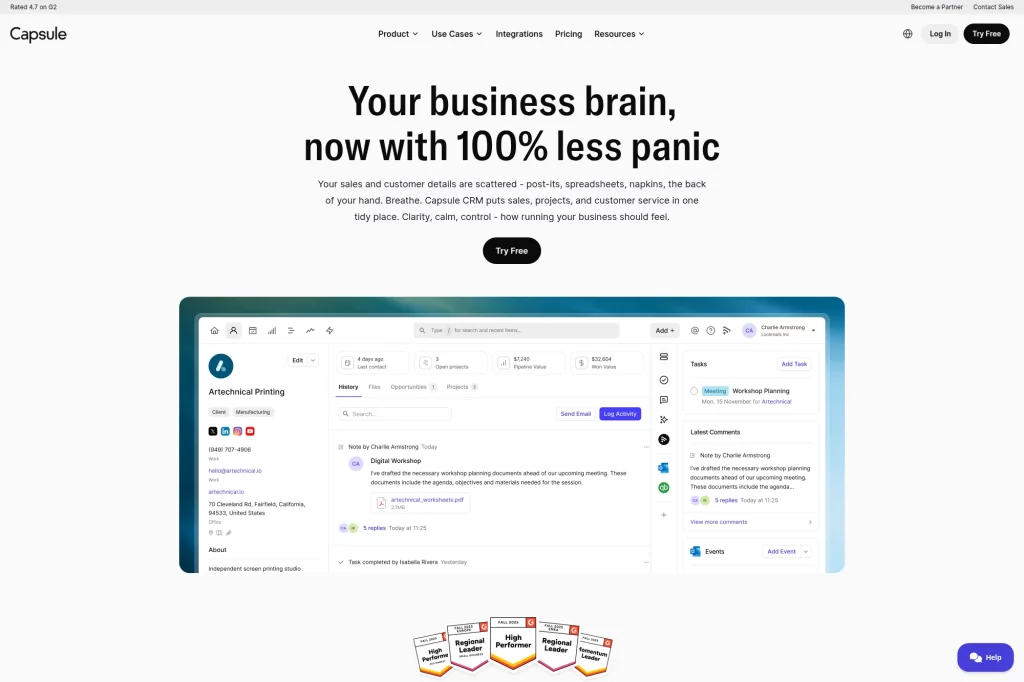
Capsule CRM keeps things calm. It focuses on contact management, pipeline tracking, tasks, and lightweight project workflows. That mix works well for small teams that want structure without a steep learning curve.
Best for
Small service businesses that need a simple place to track relationships, deals, and ongoing work. It fits teams that want fast adoption and low friction.
Key workflows to configure
- Custom fields for your must-have qualification info.
- Sales milestones and stages that match your process.
- Task templates for common follow-ups.
- Project or delivery tracking for post-sale work.
Sales growth lever
Turn “remembering” into a routine. For example, a consulting firm can set tasks for referral requests after project completion, which drives steady inbound leads.
Watch outs
Capsule is intentionally simple. If you need advanced marketing automation or highly complex object modeling, you may need add-ons or integrations.
Quick start checklist
- Import contacts with tags by segment
- Create one pipeline for new business
- Add task templates for follow-ups
- Set up a handoff project template
- Run a weekly “next actions” review
14. Nimble
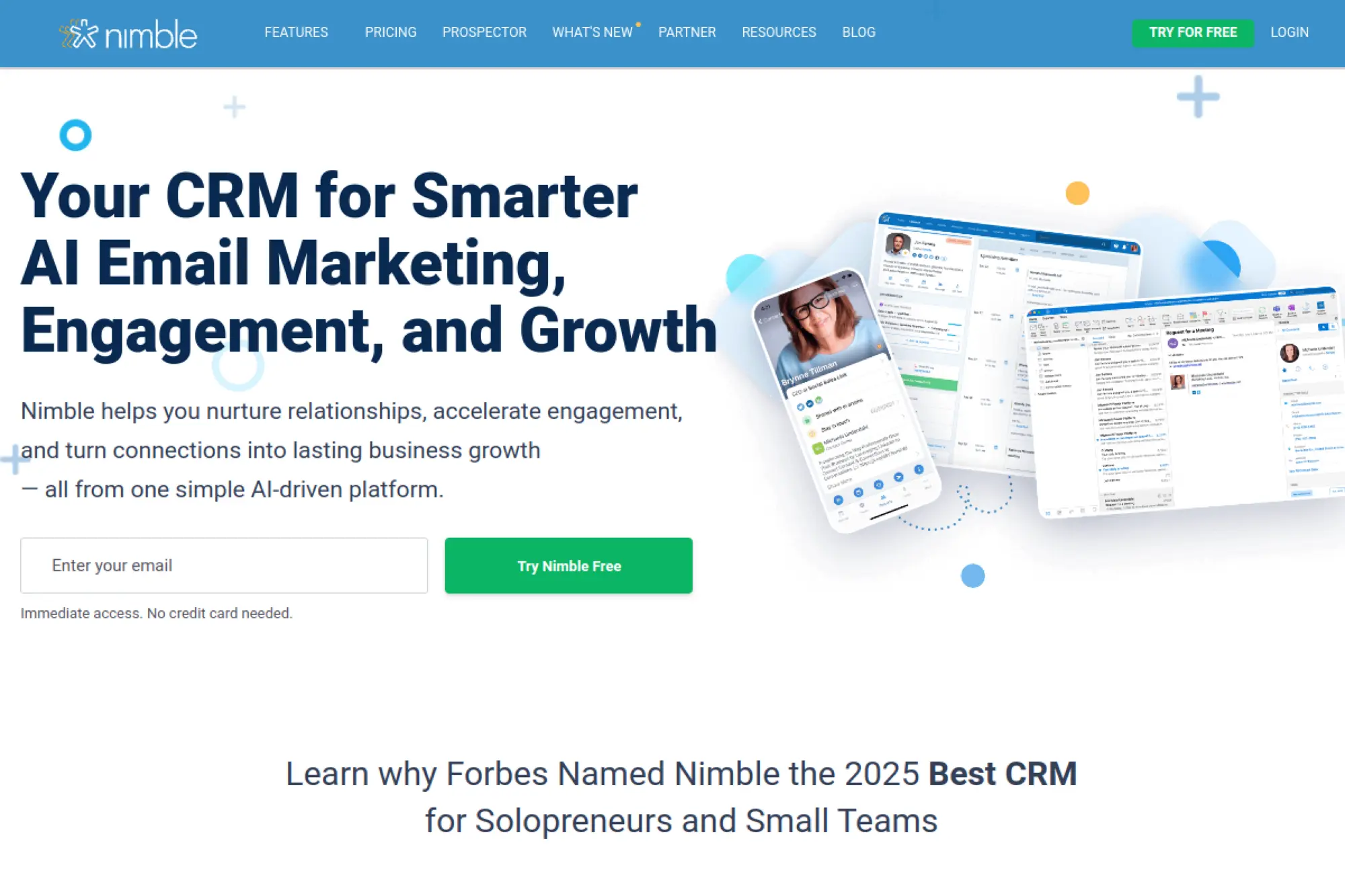
Nimble focuses on relationship-building and engagement. It combines CRM with outreach and contact enrichment-style workflows. It can feel like a “relationship cockpit” for small teams that sell through networks, referrals, and warm introductions.
Best for
Solopreneurs and small teams that sell through personal relationships. It also works well for teams that rely on social selling and consistent outreach.
Key workflows to configure
- Contact segmentation for partners, leads, and customers.
- Email sequences for follow-ups and re-engagement.
- Deal pipelines for your core offer.
- Templates for introductions, proposals, and check-ins.
Sales growth lever
Stay present without being spammy. For example, a recruiting firm can run a light-touch check-in sequence to keep warm leads engaged until timing is right.
Watch outs
Nimble works best when you keep your segments clean. If you dump everyone into one list, you lose the personalization advantage.
Quick start checklist
- Import contacts and apply segments
- Set up a single deal pipeline
- Create a re-engagement sequence
- Build templates for outreach messages
- Block time weekly for relationship follow-up
15. Apptivo
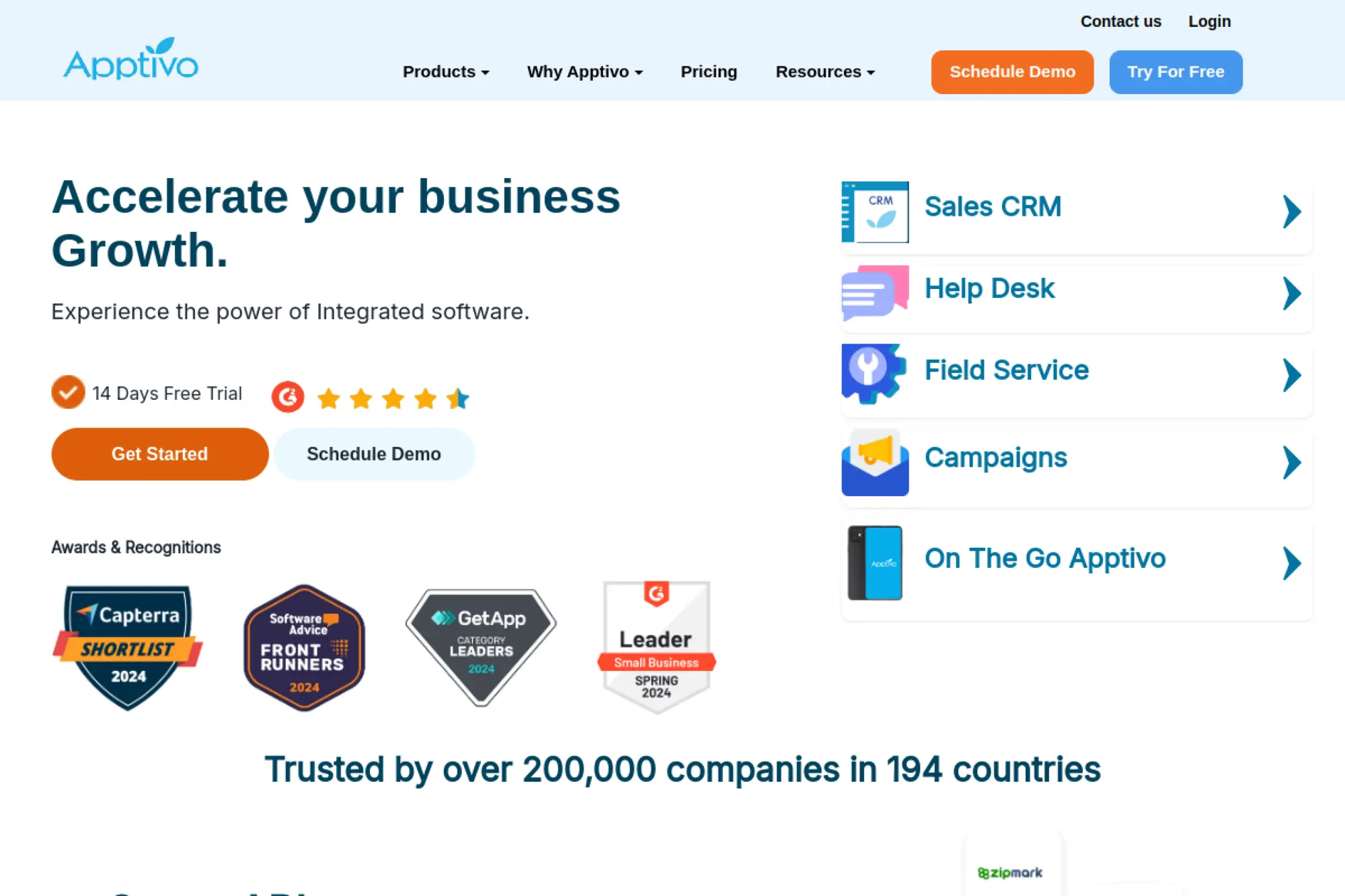
Apptivo offers a broader “business apps” approach, with CRM as a core component. That can help small businesses that want sales, invoicing, projects, and support to connect without stitching together many vendors. It is a strong fit when your process spans more than selling.
Best for
Businesses that want modular tools that can expand over time. It fits teams that need CRM plus adjacent workflows like invoicing, projects, or help desk style work.
Key workflows to configure
- Lead intake and qualification workflow.
- Opportunity stages and task rules.
- Handoff from “won” to delivery or projects.
- Basic reporting for pipeline and customer health.
Sales growth lever
Connect sales to fulfillment. For example, when you tie quotes, invoices, and delivery tasks to the same customer record, you reduce friction and improve repeat business.
Watch outs
Because Apptivo is modular, teams can spread across too many apps. Define your “core” workflow first and expand only when needed.
Quick start checklist
- Choose the minimum apps you need
- Build one pipeline and stage definitions
- Set task rules for key stages
- Create a handoff template for delivery
- Review reports with owners each week
16. Nutshell
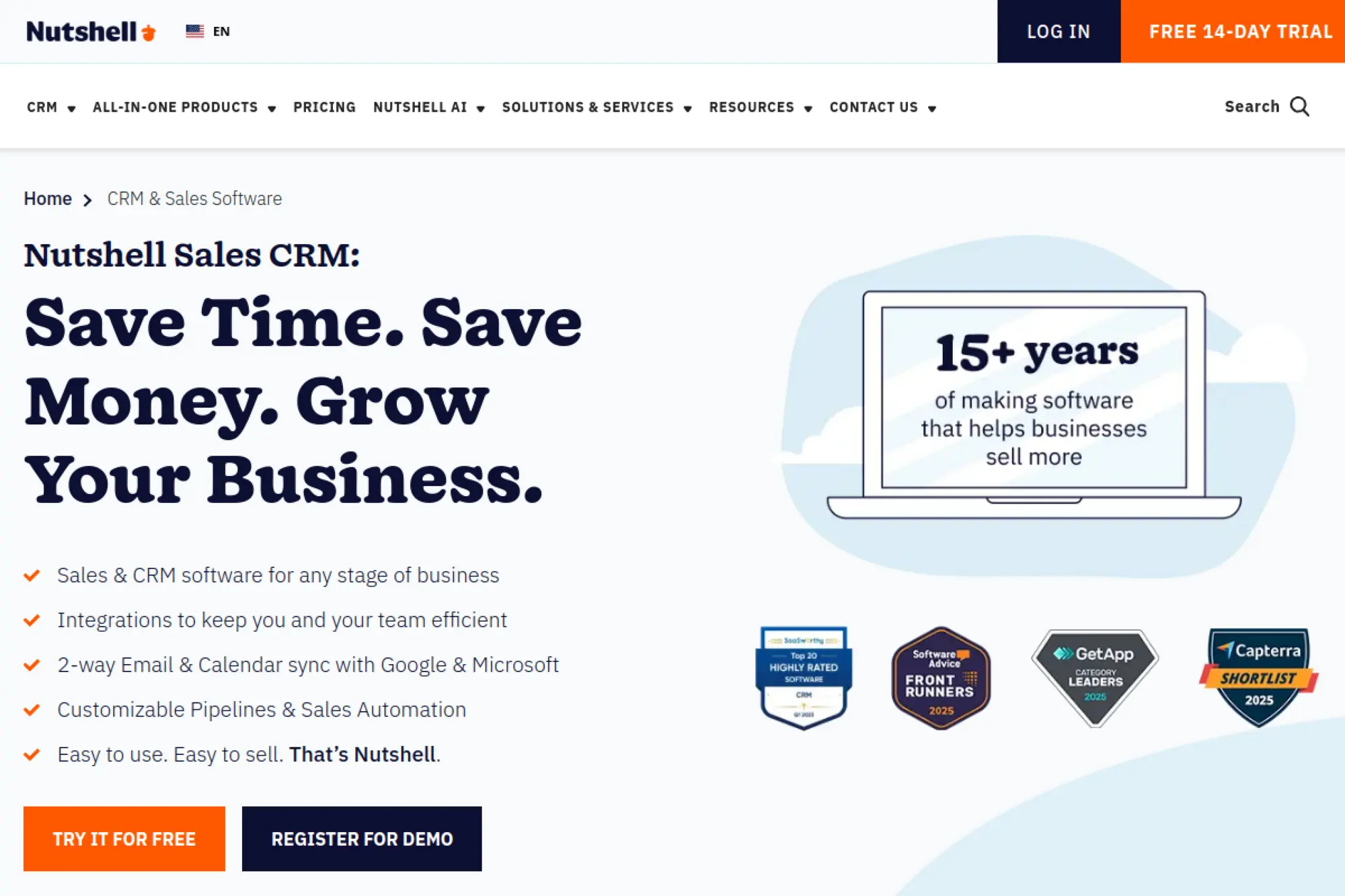
Nutshell is built for teams that want a straightforward sales CRM without a lot of noise. It focuses on managing contacts, conversations, and pipeline progress. If your team wants something that feels practical and “human,” Nutshell can be a good match.
Best for
Small sales teams that want a clean CRM for daily use. It fits companies that value quick onboarding and consistent pipeline hygiene.
Key workflows to configure
- Lead and account fields that support qualification.
- Pipeline stages and “next step” expectations.
- Email templates for outreach and follow-up.
- Basic dashboards for visibility and coaching.
Sales growth lever
Improve follow-up consistency. For example, a small software services team can use shared templates and tasks to make sure every proposal gets a structured follow-up path.
Watch outs
Like any CRM, Nutshell only works if data stays current. Set a team standard for logging calls, emails, and outcomes.
Quick start checklist
- Import contacts and remove duplicates
- Create a single sales pipeline
- Build templates for common emails
- Set tasks for every open deal
- Track lost reasons to improve messaging
17. Salesflare
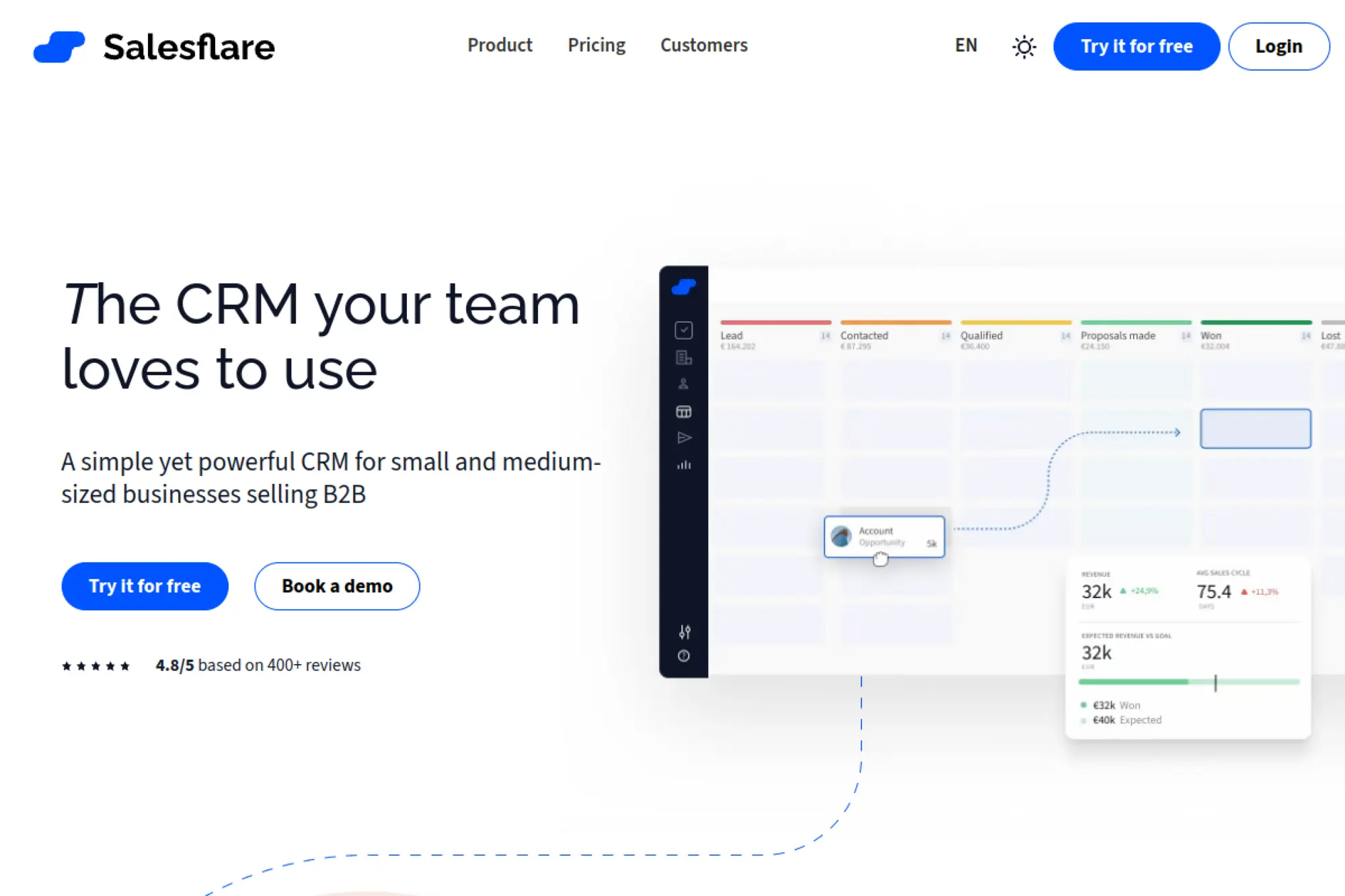
Salesflare focuses on reducing manual CRM work. It aims to keep your pipeline updated with less typing, which helps small teams stay consistent. It also supports relationship context so you can sell with better timing and relevance.
Best for
Small and mid-sized teams that sell through ongoing conversations and want less admin work. It fits teams that struggle with CRM adoption because data entry feels like a chore.
Key workflows to configure
- Pipeline stages that reflect your sales reality.
- Automatic follow-up reminders based on inactivity.
- Email and calendar syncing for shared visibility.
- Account-based views for multi-contact deals.
Sales growth lever
Protect momentum by catching silent deals early. For example, when a key account stops replying, Salesflare’s reminders can push a rep to re-engage before the opportunity dies.
Watch outs
Automation helps, but you still need clear definitions. If the team treats stages differently, reports will not tell the truth.
Quick start checklist
- Sync email and calendar for visibility
- Create a pipeline with clear stage meanings
- Set inactivity reminders for deals
- Build account views for key customers
- Hold a weekly “stuck deals” review
18. Less Annoying CRM
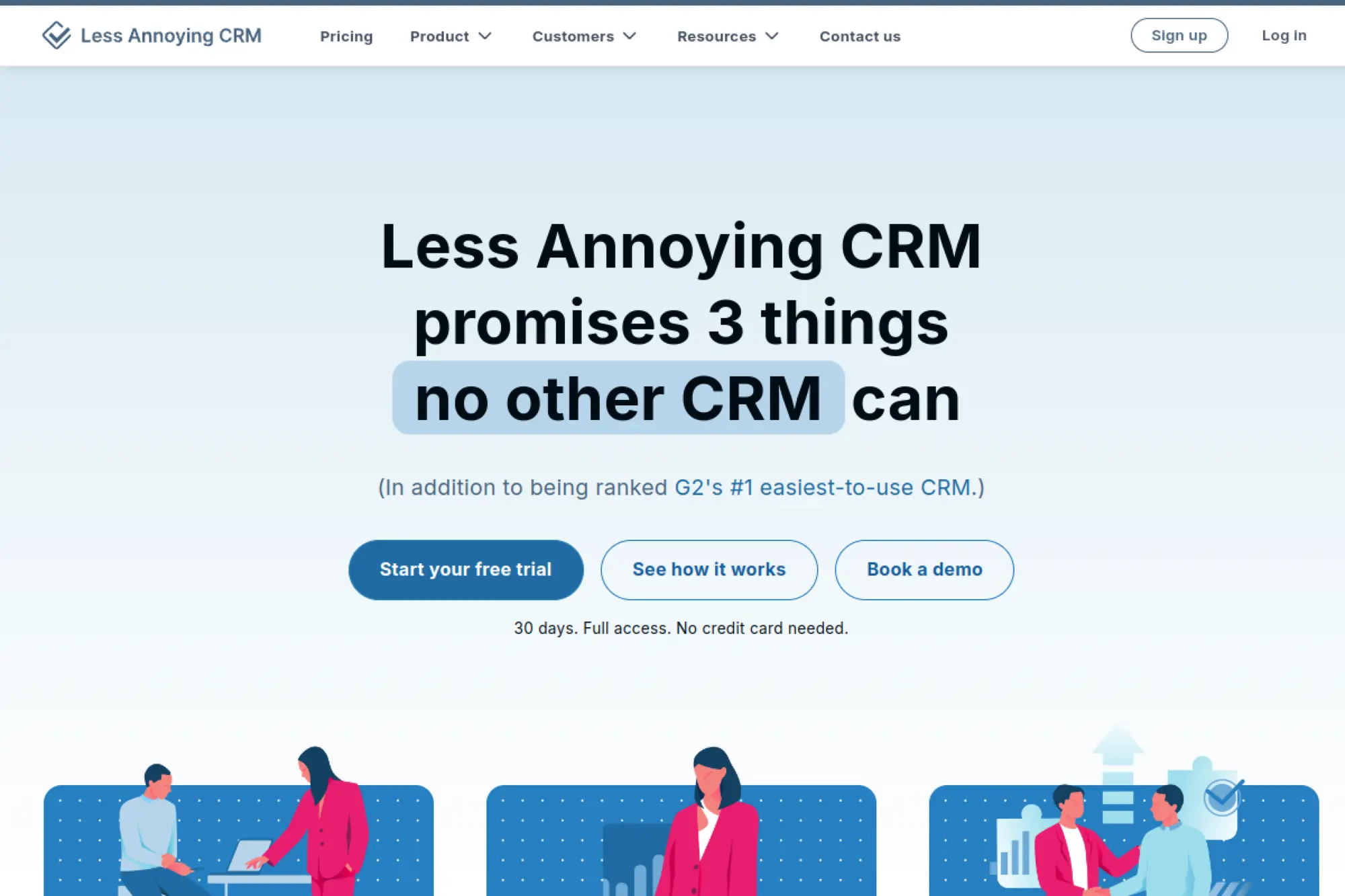
Less Annoying CRM does what the name promises: it keeps CRM simple. It focuses on contact management, tasks, and pipelines without heavy complexity. That simplicity can be a growth advantage when your team needs a system they actually use.
Best for
Solo founders and very small teams who want a straightforward place to track customers and follow-ups. It also fits teams that tried complex CRMs and gave up.
Key workflows to configure
- Core contact fields that you use in real conversations.
- A simple pipeline with a few clear stages.
- Task rules for follow-ups and check-ins.
- Basic notes templates for calls and meetings.
Sales growth lever
Win through consistency. For example, a local accountant can set recurring follow-up tasks for referrals and annual reviews, which turns relationships into repeat revenue.
Watch outs
If you need advanced automation or deep integrations, this tool may feel limited. Keep it if simplicity drives adoption. Upgrade only when you outgrow it.
Quick start checklist
- Import contacts with clean tags
- Create a basic sales pipeline
- Add follow-up tasks for every lead
- Standardize notes format
- Do a weekly pipeline cleanup
19. Bigin by Zoho CRM
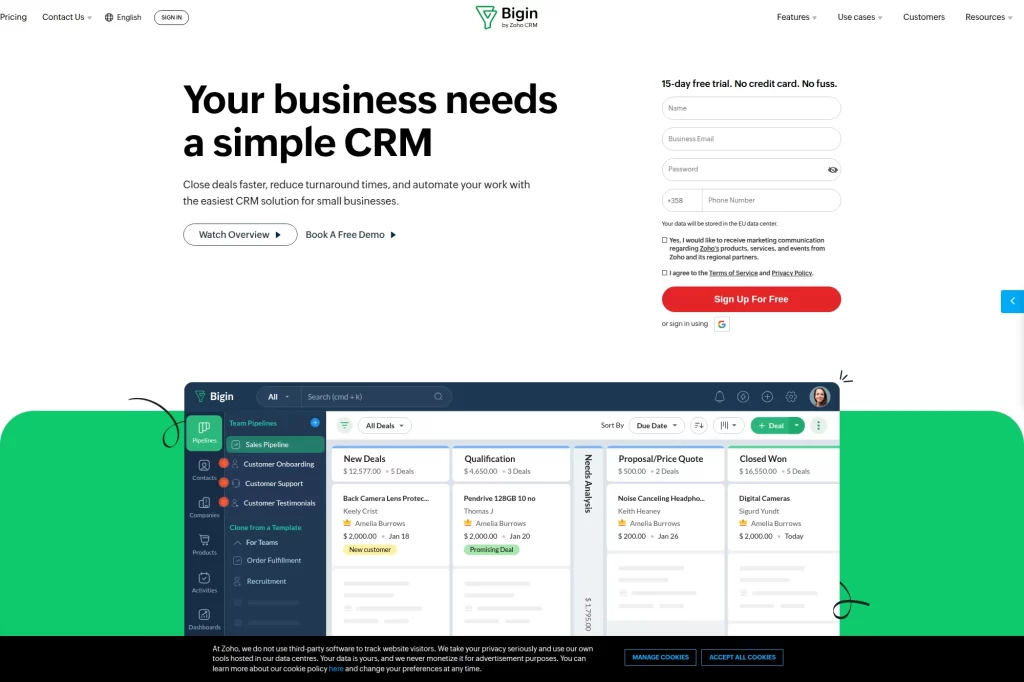
Bigin targets small businesses that want a simple CRM with structured pipelines. It is designed to be easier to set up than a full enterprise platform, while still supporting real workflows across teams. If you want a “first CRM” that still feels capable, Bigin is a strong option.
Best for
Very small teams, freelancers, and early-stage companies that want structured pipelines without complexity. It also fits businesses that may later move into the broader Zoho ecosystem.
Key workflows to configure
- One or two pipelines for core customer journeys.
- Simple automation for stage-based actions.
- Task and reminder rules for follow-ups.
- Email templates for common outreach.
Sales growth lever
Use pipeline clarity to speed up response. For example, a small web studio can track inbound requests, qualify quickly, and trigger a proposal follow-up routine that keeps deals moving.
Watch outs
Keep your setup minimal at first. If you create too many pipelines or custom fields, you can lose the simplicity that makes Bigin effective.
Quick start checklist
- Create a single pipeline for new leads
- Add key qualification fields only
- Set a follow-up reminder rule
- Build a proposal email template
- Review pipeline stages weekly
20. Bitrix24
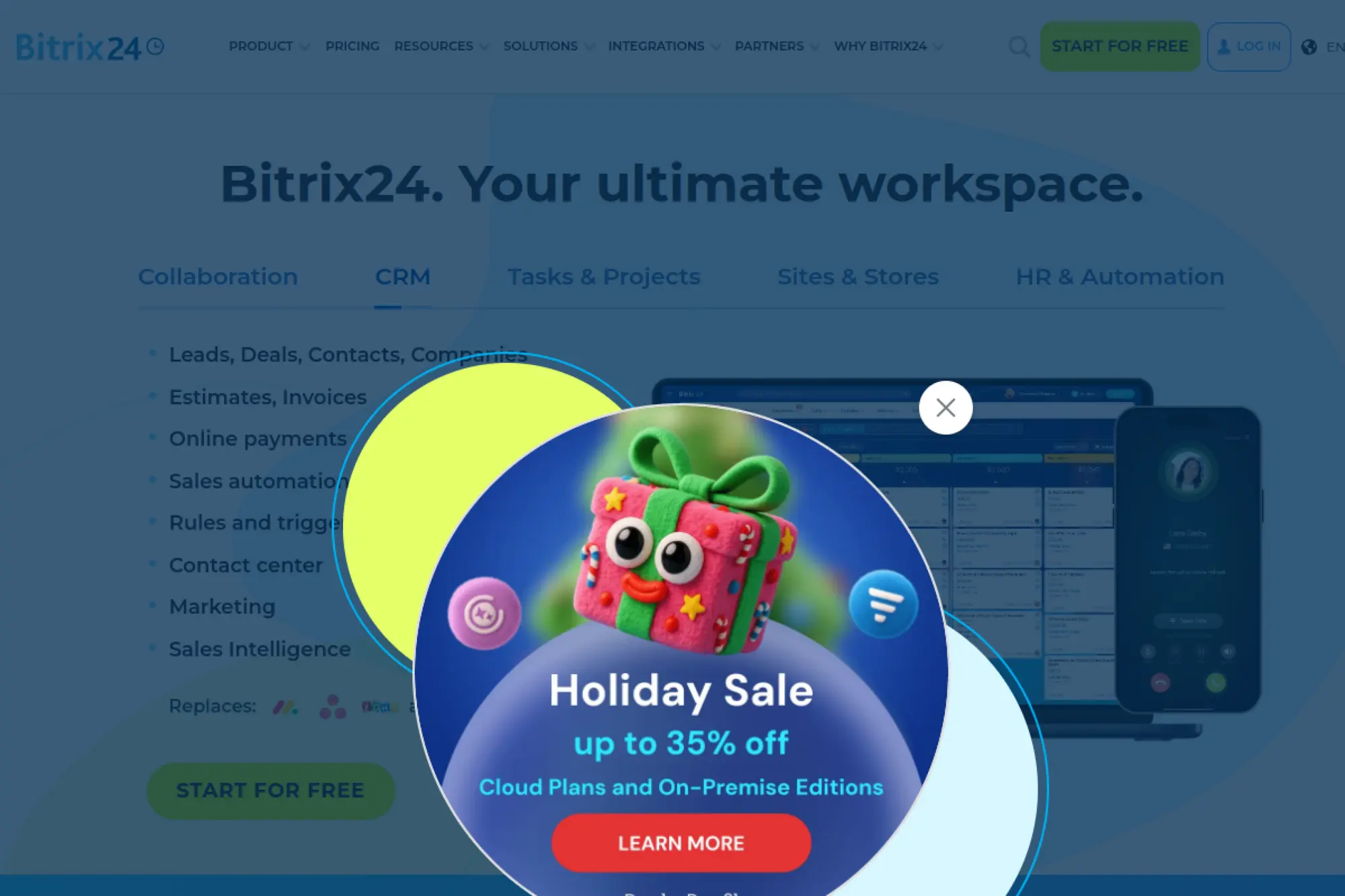
Bitrix24 offers an all-in-one workspace approach that includes CRM plus collaboration tools. That can help small businesses reduce app sprawl. If your CRM needs to sit alongside tasks, internal chat, and operational coordination, Bitrix24 can cover a lot in one place.
Best for
Teams that want CRM plus collaboration in a single system. It can work well for operations-heavy businesses where sales and delivery need to coordinate closely.
Key workflows to configure
- Lead capture and assignment rules.
- Deal stages and task automation for follow-ups.
- Internal handoff workflows between sales and delivery.
- Basic reporting dashboards for pipeline visibility.
Sales growth lever
Reduce delays caused by handoffs. For example, a construction services company can connect deal progress to task checklists so estimates and proposals go out faster.
Watch outs
All-in-one platforms can become cluttered. Decide which features your team will use first, and hide or ignore the rest during rollout.
Quick start checklist
- Define your sales pipeline stages
- Set lead assignment rules
- Create a standard follow-up checklist
- Align tasks with deal stages
- Review team usage in weekly meetings
21. Vtiger
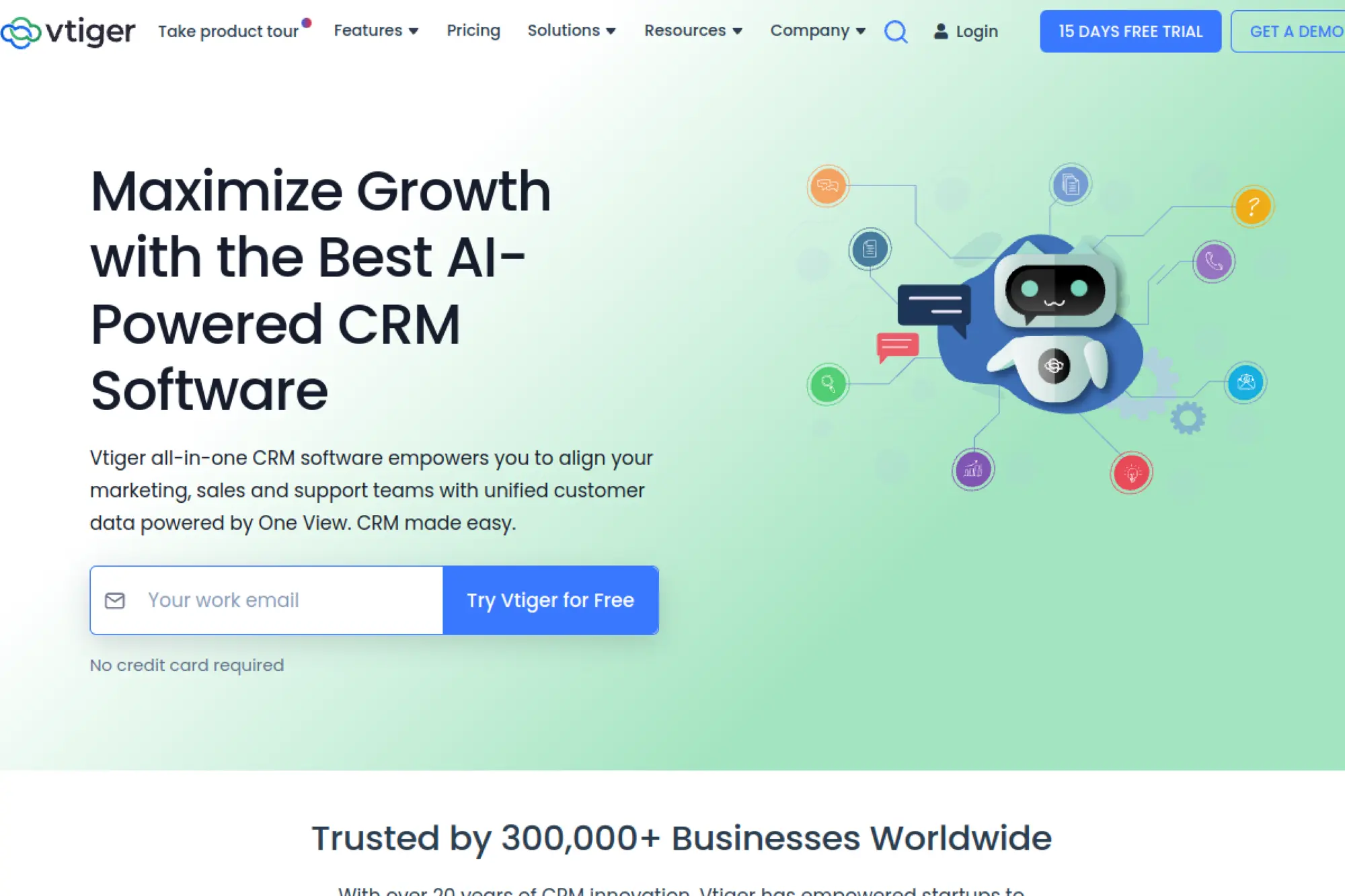
Vtiger positions itself as an all-in-one CRM that connects marketing, sales, and support around a shared customer view. That “one view” approach can help small teams avoid silos as they scale. It can be especially helpful when you need both selling and service workflows without separate systems.
Best for
Small and mid-sized teams that want one platform across customer-facing roles. It fits businesses where support and renewals play a big role in revenue.
Key workflows to configure
- Lead routing and qualification rules.
- Deal stages with required data for accuracy.
- Support intake and escalation process.
- Automations for reminders and follow-ups.
Sales growth lever
Use service signals to drive expansion. For example, if support tickets show repeated feature requests, sales can offer an upgraded plan or add-on service with clear context.
Watch outs
When you run sales and support in one tool, naming standards matter. Define what counts as a lead, a contact, an account, and a customer.
Quick start checklist
- Define shared customer lifecycle stages
- Build a single core sales pipeline
- Create a support intake workflow
- Automate follow-up tasks by stage
- Review churn risks in monthly meetings
22. EngageBay
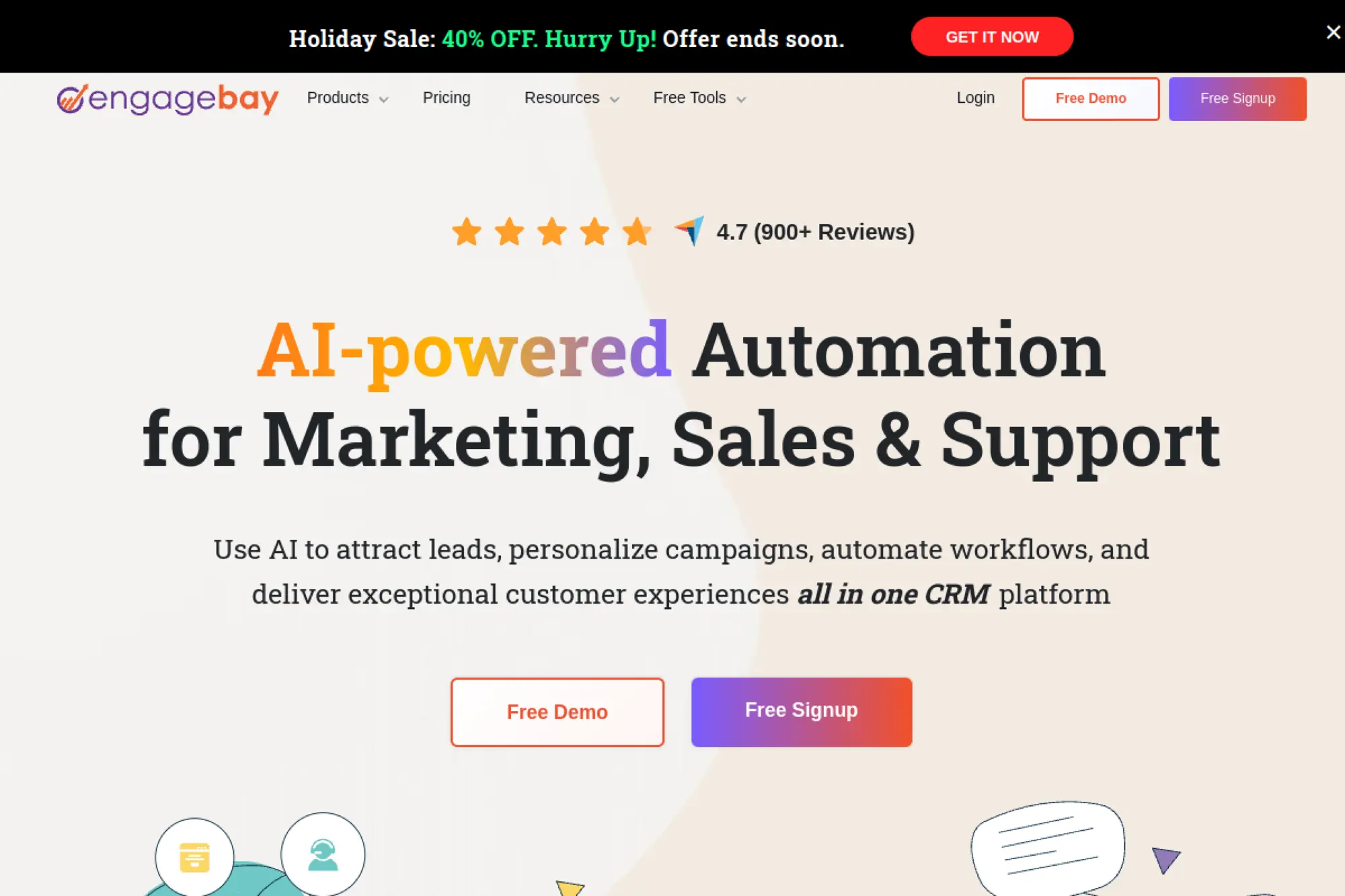
EngageBay markets itself as an all-in-one platform for CRM, marketing, and support. That makes it attractive when you want one vendor and a tight budget. It can help small businesses run outreach, manage contacts, and track deals without stitching multiple systems together.
Best for
Small teams that want CRM plus marketing and basic support workflows in one place. It can fit startups that need to move fast with a compact stack.
Key workflows to configure
- Lead capture forms and lead routing rules.
- Pipeline stages aligned to your sales steps.
- Email sequences for follow-up and reactivation.
- Basic support ticket flow if you handle requests after sale.
Sales growth lever
Build a “lead to nurture to close” loop. For example, a small ecommerce brand can capture leads, nurture with email, and hand hot contacts to sales with full history.
Watch outs
All-in-one tools require discipline. If you do not define ownership and rules, marketing and sales can create duplicate or conflicting processes.
Quick start checklist
- Import contacts and map key fields
- Create a simple deal pipeline
- Build one follow-up email sequence
- Set ownership rules for new leads
- Audit duplicates weekly at first
23. Streak
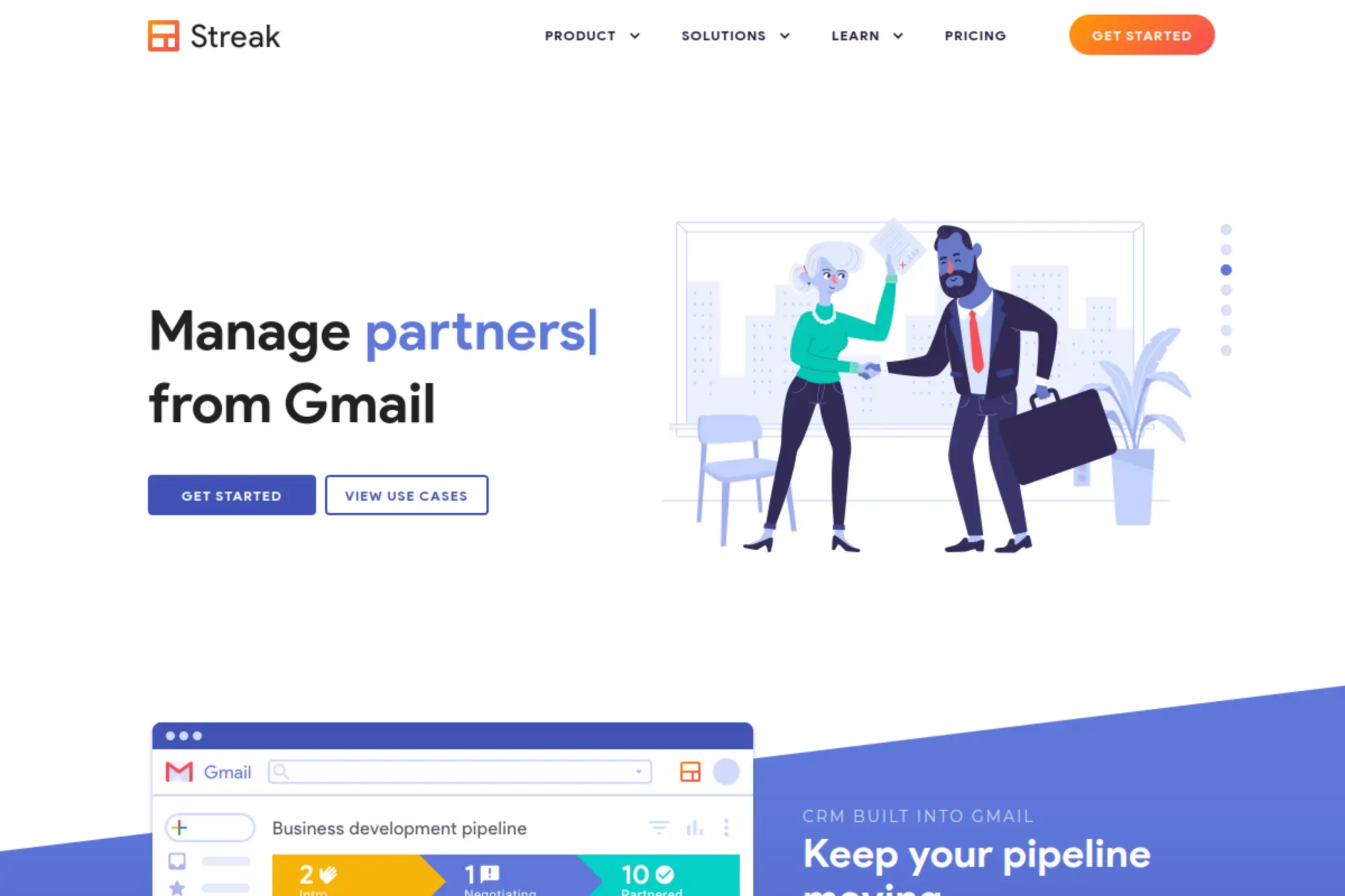
Streak is a CRM that lives inside Gmail. That is the big differentiator. Teams that resist “yet another tool” often adopt Streak because it meets them where they already work.
Best for
Founders and small teams that run sales from email and want minimal context switching. It also fits teams managing multiple lightweight workflows beyond sales, like partnerships or hiring.
Key workflows to configure
- Create pipelines for your main revenue workflow.
- Define columns that reflect qualification and next steps.
- Set reminders and tasks tied to email threads.
- Share pipelines with clear ownership and standards.
Sales growth lever
Speed wins when you sell from your inbox. For example, a partnership manager can update stages, log notes, and schedule follow-ups without leaving Gmail, so fewer warm leads get ignored.
Watch outs
Inbox-based CRMs can become messy if you do not standardize your pipeline columns. Decide what each stage means and enforce it.
Quick start checklist
- Create a single pipeline for sales
- Define stages and required notes
- Add a “next step” field
- Set reminders for open threads
- Review the pipeline weekly as a team
24. SugarCRM
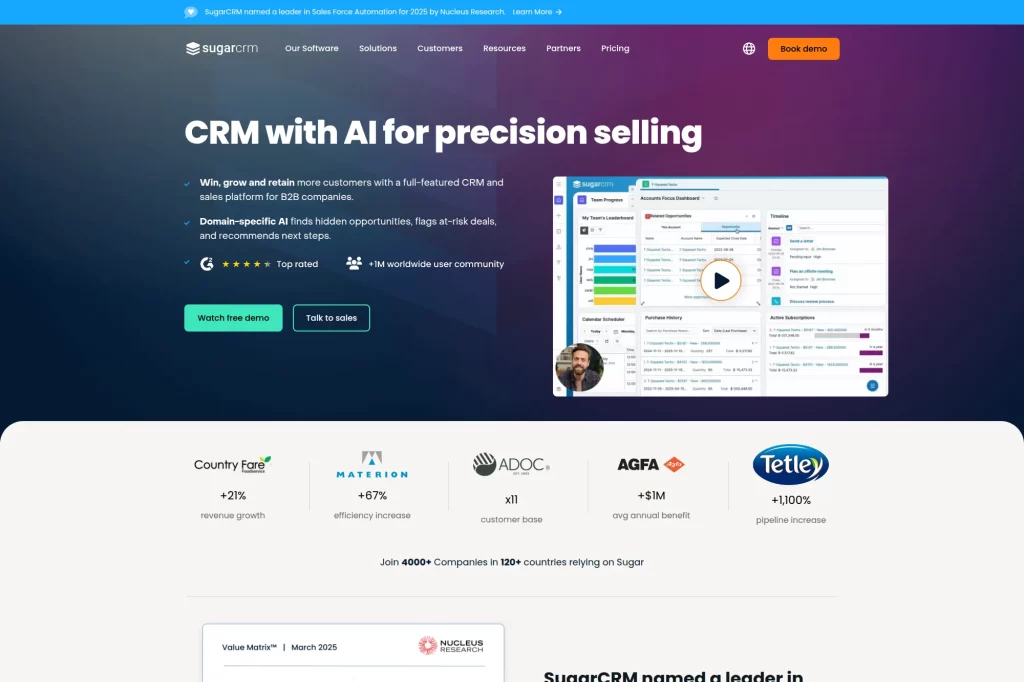
SugarCRM targets teams that want a flexible CRM for serious growth, especially in business-to-business selling. It supports marketing, sales, and service use cases, and it emphasizes customization and predictability. If you feel boxed in by simpler CRMs, SugarCRM can offer more control.
Best for
Small businesses with complex sales cycles, multiple stakeholders, or heavy forecasting needs. It also fits teams that want a CRM they can tailor deeply over time.
Key workflows to configure
- Opportunity stages with clear probability logic.
- Account plans for strategic customers and renewals.
- Automation for reminders, approvals, and handoffs.
- Dashboards for pipeline, activity, and win-loss insights.
Sales growth lever
Use better forecasting and account focus. For example, a manufacturing supplier can track expansion opportunities by account and reduce surprise losses by monitoring engagement signals.
Watch outs
More flexibility usually means more setup choices. Assign an internal owner to keep definitions consistent and prevent workflow drift.
Quick start checklist
- Define opportunity stages and meanings
- Set required fields for forecasting
- Create account ownership rules
- Build a manager dashboard
- Log win-loss reasons consistently
25. Microsoft Dynamics 365 Sales
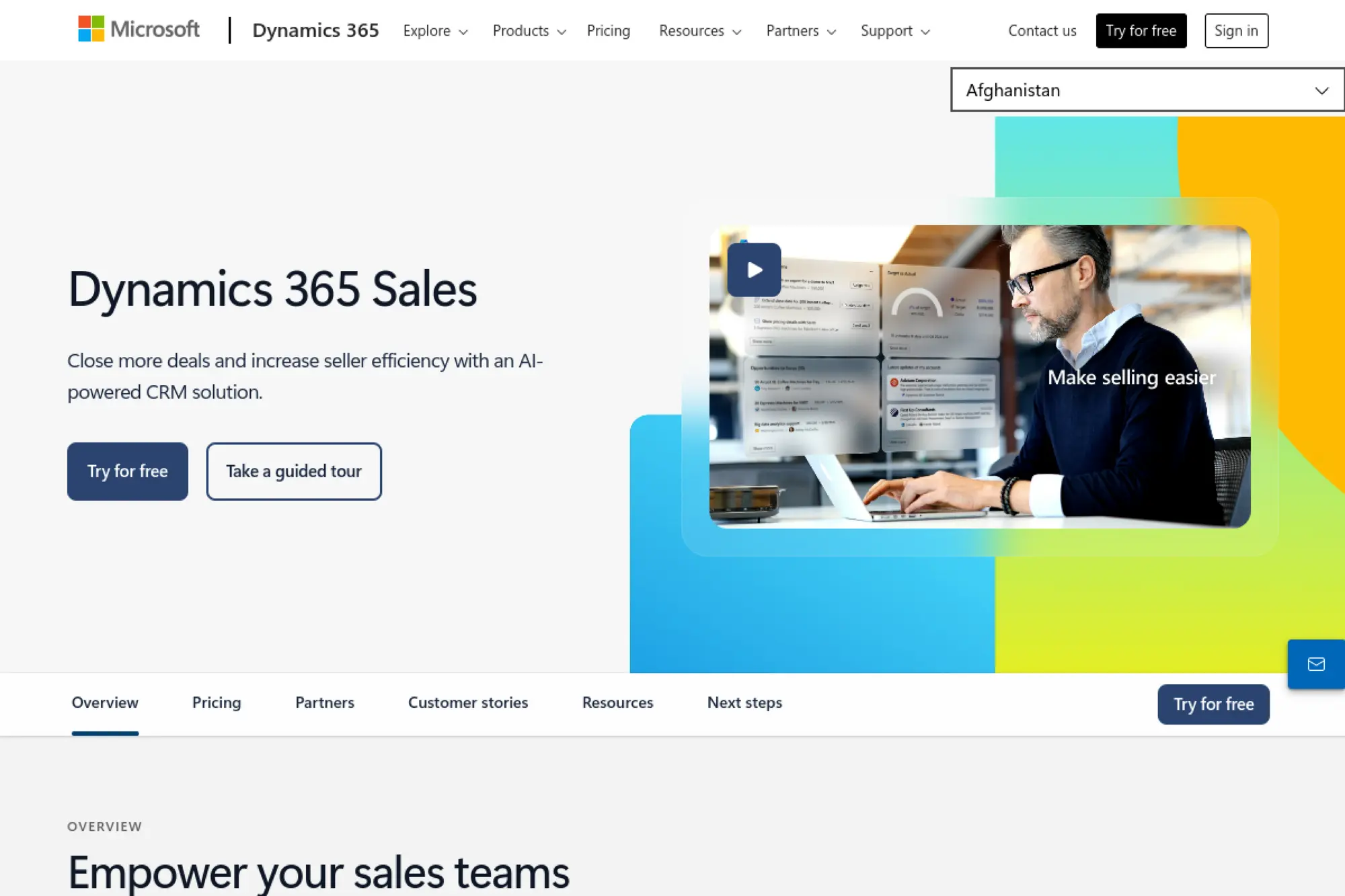
Dynamics 365 Sales is a strong option when you already run Microsoft tools across the business. It pairs CRM functionality with modern AI-driven guidance and integrates well with Microsoft productivity workflows. It can be more than a small-business CRM, but it can still work for smaller teams with growth plans.
Best for
Teams that live in Microsoft tools and want CRM tightly connected to that environment. It also fits businesses that need enterprise-grade controls but still want a guided sales process.
Key workflows to configure
- Lead and opportunity qualification criteria.
- Standardized sales stages and next-step requirements.
- Automated reminders and task creation rules.
- Dashboards for pipeline health and rep activity.
Sales growth lever
Reduce seller busywork so reps spend more time with customers. For example, managers can use dashboards to coach pipeline gaps early instead of scrambling at the end of a quarter.
Watch outs
Dynamics can feel heavy if you over-customize too early. Keep your first rollout focused on pipeline, activities, and reporting.
Quick start checklist
- Define your lead and deal stages
- Connect email and calendar workflows
- Set task rules for follow-up
- Create role-based dashboards
- Run weekly pipeline coaching sessions
26. Odoo CRM
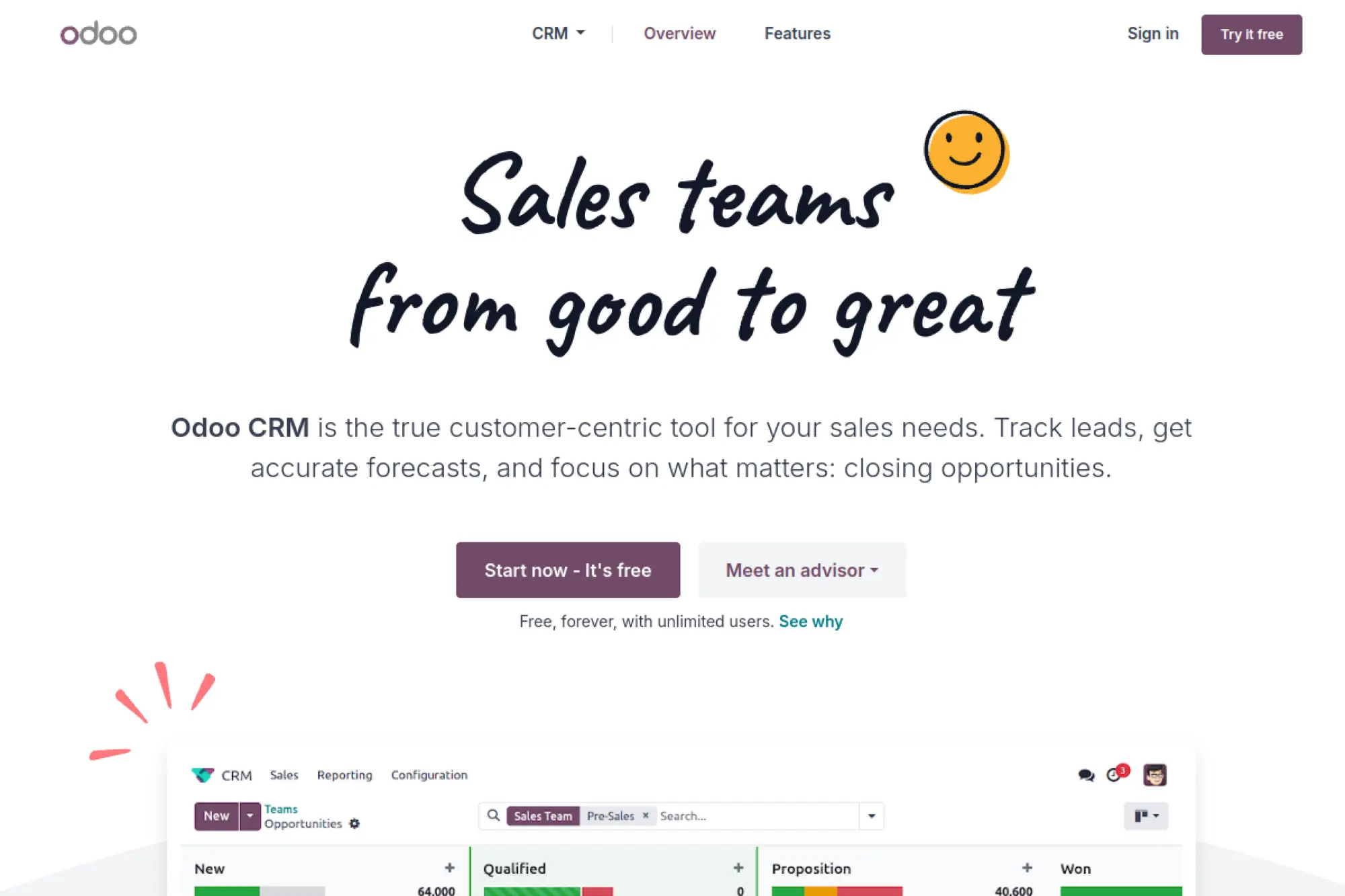
Odoo CRM is part of a broader suite of business applications. That matters when you want CRM to connect directly to quoting, invoicing, inventory, or project workflows. It can be a great fit when you want one integrated system rather than many disconnected tools.
Best for
Small businesses that want CRM tightly integrated with operations, such as invoicing and fulfillment. It is also useful for teams that prefer modular apps that can expand over time.
Key workflows to configure
- Pipeline stages aligned to your selling steps.
- Lead capture from your website and inquiries.
- Quote workflow connected to opportunities.
- Reporting dashboards for pipeline and activity.
Sales growth lever
Shorten the quote-to-cash path. For example, a wholesale business can connect opportunity stages to quoting and order workflows, which speeds up revenue collection.
Watch outs
Because Odoo can cover many functions, scope creep is common. Start with CRM and quoting, then expand once the team is comfortable.
Quick start checklist
- Build a pipeline with clear stages
- Set lead capture for key inquiries
- Create quote templates and approval rules
- Connect customer records to invoicing
- Review pipeline and quote conversion monthly
27. Creatio
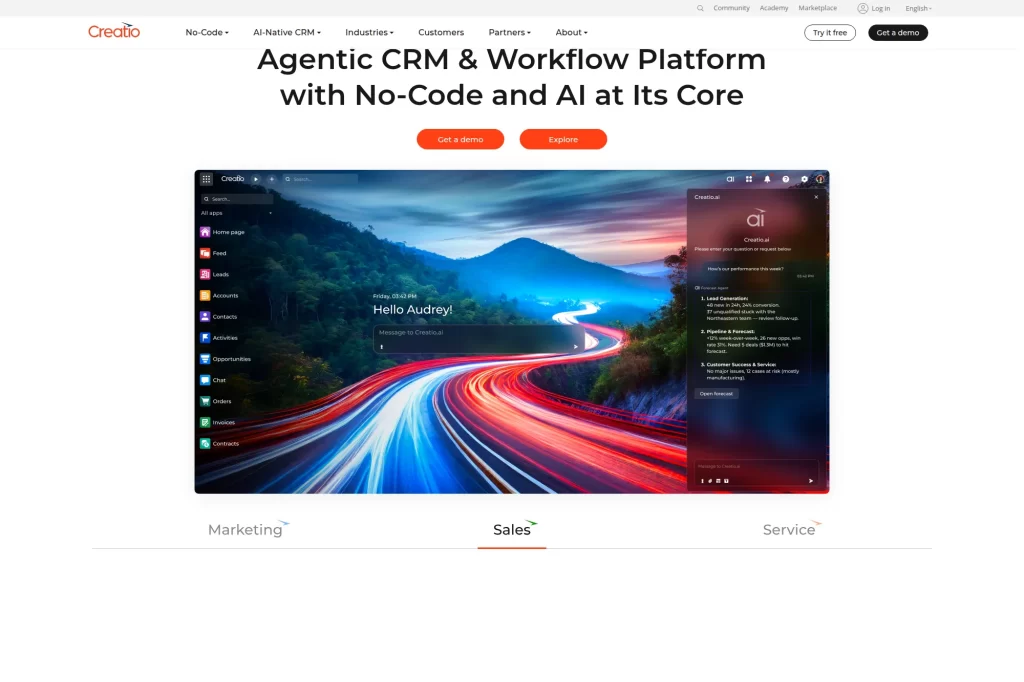
Creatio focuses on no-code CRM and workflow automation. That can be valuable when your sales process has unique steps and you do not want to rely on engineering. It can also work well when multiple departments need to automate approvals, routing, and customer handoffs.
Best for
Teams that need customization and workflow automation without heavy coding. It fits businesses with complex routing, approvals, or multi-step processes across departments.
Key workflows to configure
- Lead routing and assignment rules.
- Opportunity stages with automation triggers.
- Approval workflows for pricing or contracts.
- Dashboards for pipeline and performance monitoring.
Sales growth lever
Eliminate process delays. For example, if a deal needs a discount approval, Creatio can route it to the right person instantly and notify the rep when it clears.
Watch outs
Creatio can be powerful enough to overwhelm smaller teams. Define a “must-have” process list and build only those workflows first.
Quick start checklist
- Map your current sales process end-to-end
- Build lead routing rules
- Automate approvals for key exceptions
- Create a pipeline health dashboard
- Run user training with real scenarios
28. NetSuite CRM
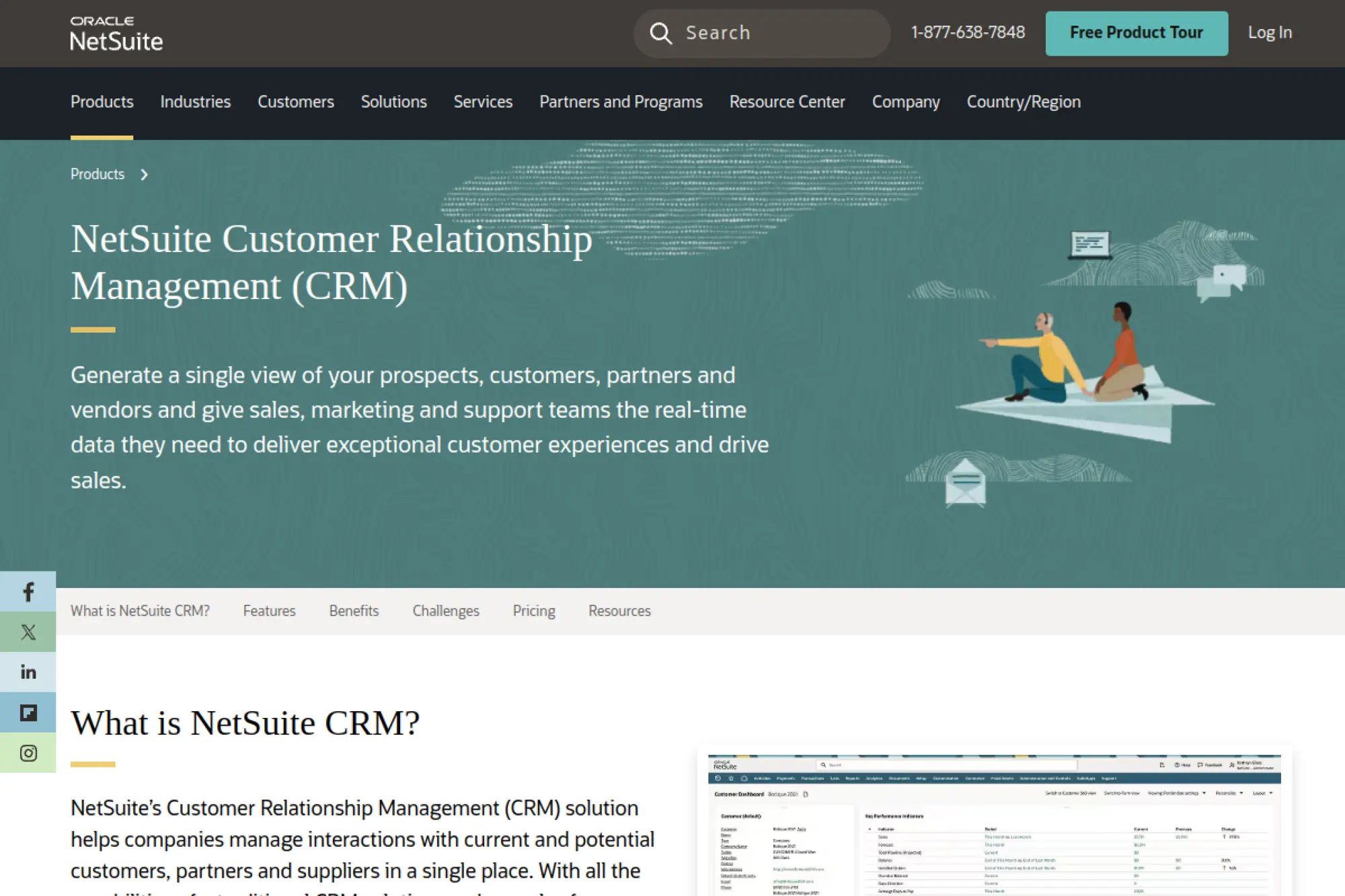
NetSuite CRM is designed for businesses that want CRM tied to broader operations. When your sales team needs real-time visibility into fulfillment, billing, or customer lifecycle details, a unified system can help. This can be especially useful as a small business grows into more complex operations.
Best for
Scaling businesses that need CRM connected to operational and financial workflows. It fits product and service businesses where fulfillment, renewals, and account management matter.
Key workflows to configure
- Lead-to-opportunity pipeline aligned with your sales motion.
- Account ownership and territory logic if needed.
- Renewal and expansion workflows for existing customers.
- Dashboards that connect sales activity to customer outcomes.
Sales growth lever
Sell with operational truth. For example, when sales can see customer order history and service outcomes, they can upsell with better timing and fewer surprises.
Watch outs
NetSuite can be broader than what a very small team needs on day one. Make sure your rollout plan focuses on the CRM workflows first, not every module.
Quick start checklist
- Define your core sales stages
- Align sales and ops on customer definitions
- Build renewal and expansion reminders
- Create a shared account health view
- Review forecasts with operations monthly
29. OnePageCRM
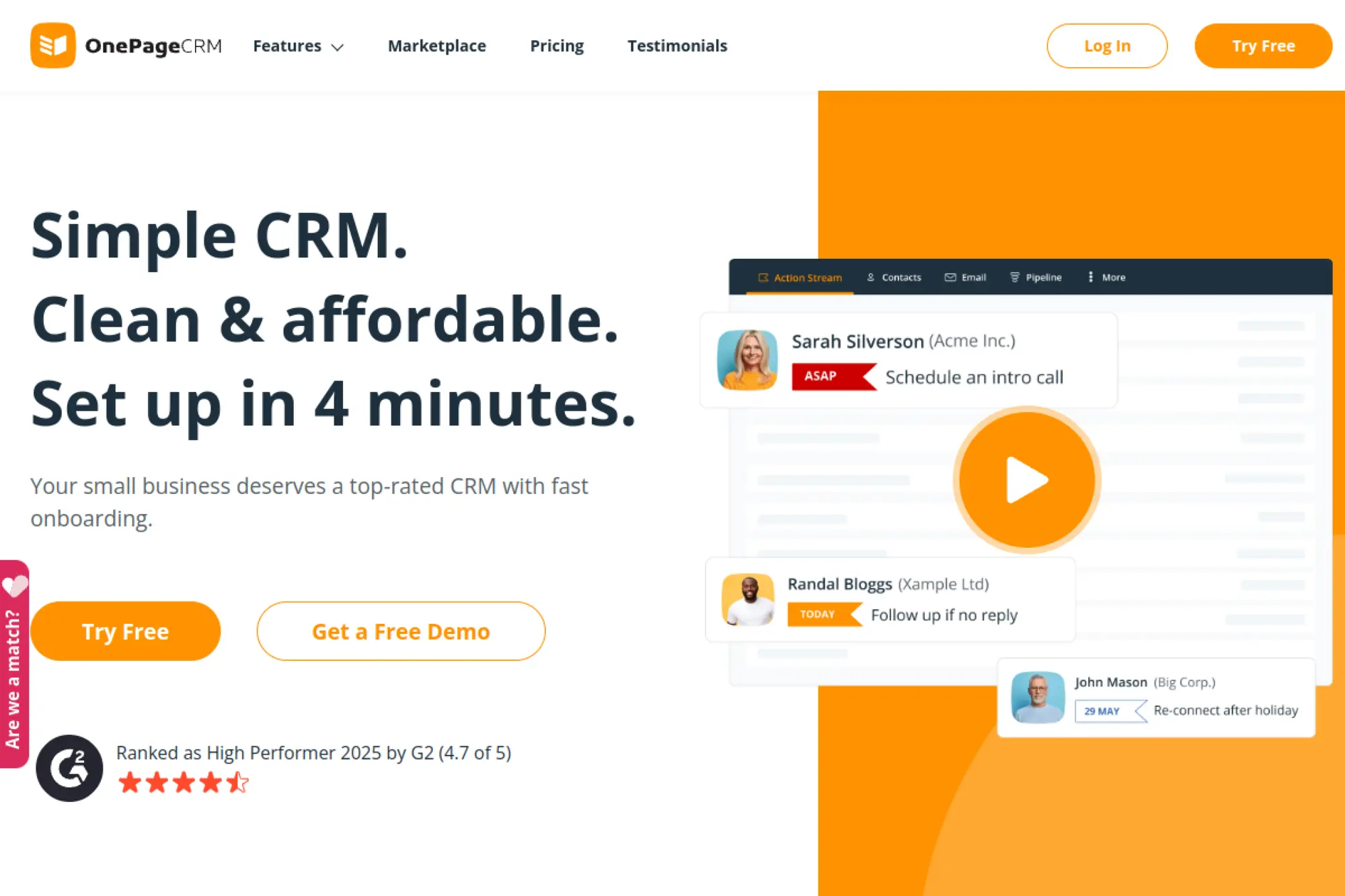
OnePageCRM focuses on action. It pushes you to define the next step for every contact, which helps small teams avoid “nice chat, no follow-up.” If you want a CRM that feels like a daily to-do list tied to revenue, OnePageCRM fits that style.
Best for
Solo founders and small sales teams that need strong follow-up habits. It works well for relationship-driven selling where momentum matters.
Key workflows to configure
- Simple pipeline stages that reflect your process.
- Next-action rules for every active contact.
- Email templates for common outreach.
- Basic reporting for activity and results.
Sales growth lever
Turn your CRM into a daily execution system. For example, a consultant can use next actions to keep referral conversations moving and prevent deals from stalling.
Watch outs
OnePageCRM is intentionally focused. If you need advanced marketing automation or deep service workflows, you may need companion tools.
Quick start checklist
- Import contacts and add tags by segment
- Create a simple pipeline
- Set next actions for active leads
- Build templates for follow-ups
- Review daily actions every morning
30. Pipeline CRM
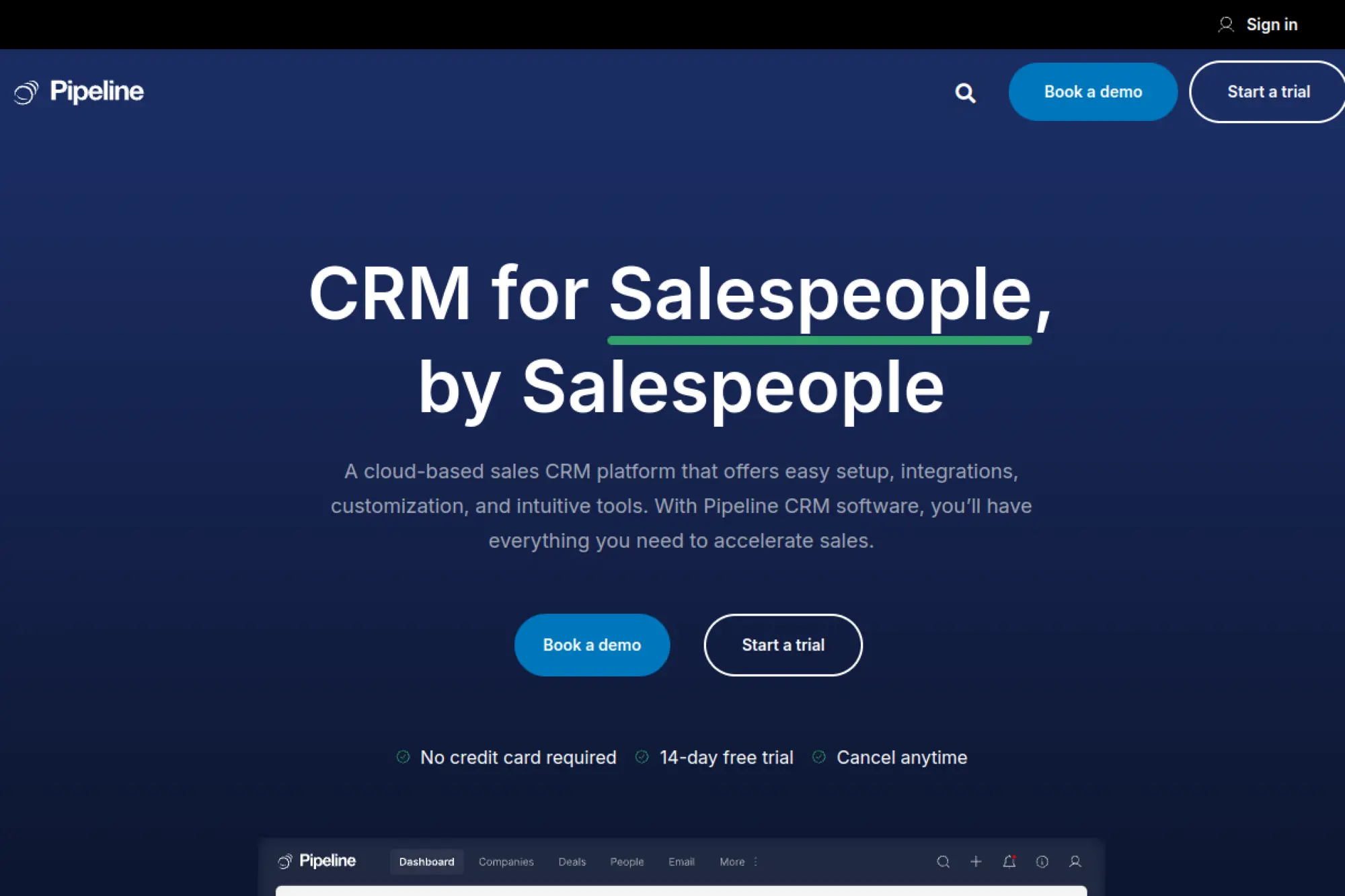
Pipeline CRM aims to be an easy-to-use sales CRM built for salespeople. It focuses on pipeline management, lead management, and practical tools that help teams execute. If you want strong sales fundamentals with straightforward setup, Pipeline CRM is worth considering.
Best for
Small sales teams that want a clear pipeline system and strong day-to-day usability. It also fits teams with field sales or contractor-style selling where follow-up discipline drives growth.
Key workflows to configure
- Pipeline stages with clear definitions and owners.
- Lead capture workflow from forms and referrals.
- Task automation for follow-ups and renewals.
- Reporting for pipeline health and activity.
Sales growth lever
Make pipeline visibility your coaching tool. For example, managers can spot deals that stall and help reps create clear next steps before prospects disengage.
Watch outs
Any sales CRM becomes noisy if teams skip updates. Set simple standards for notes, next steps, and stage changes so reporting stays accurate.
Quick start checklist
- Build a pipeline that matches your sales steps
- Import leads with ownership assigned
- Create follow-up task templates
- Set reminders for idle deals
- Hold a weekly pipeline cleanup meeting
Implementation Plan: Get Value in the First Month
Buying CRM software does not create growth. Using it creates growth. The fastest path is a focused rollout that supports selling, not “perfect configuration.”
Phase one: Define the selling system
- Write down your sales stages in plain language.
- Define what must be true to move to the next stage.
- Pick the handful of fields you truly need for qualification.
- Decide what “next step” means and how you will track it.
Phase two: Move data with intention
- Clean duplicates before import.
- Assign clear ownership for every record you import.
- Import in small batches and spot-check results.
- Agree on naming rules for companies and contacts.
Phase three: Automate only what protects revenue
- Lead routing to prevent slow response.
- Reminders for deals with no activity.
- Task creation for key stages like proposals and renewals.
- Simple templates for common follow-ups.
Phase four: Make adoption visible
- Run a short weekly pipeline review.
- Celebrate clean hygiene habits, not just wins.
- Coach using real deals in the CRM, not hypotheticals.
- Remove fields or stages that no one uses.
Mistakes to Avoid When Rolling Out a Small Business CRM
Most small-business CRM failures come from workflow drift, not from “bad software.” Avoid these common traps and you will get value faster.
- Trying to model every edge case. Keep the first version simple. Add complexity only after your team uses the CRM daily.
- Letting each rep run their own system. You need shared definitions for stages, lead status, and required notes.
- Tracking everything except the next step. The next step drives revenue. Make it visible and required.
- Ignoring handoffs. If sales hands off to delivery or support, define the handoff checklist inside the CRM.
- Not reviewing lost deals. Loss reasons help you fix messaging, pricing, and qualification without guessing.
Pick one CRM from this list, commit to a clean pipeline, and build habits that keep it current. That approach turns a tool into a growth system.







Conclusion
A crm for small businesses works best when it matches how a team actually sells and supports customers. The right choice keeps pipelines clear, follow-ups consistent, and customer history easy to find. It also reduces manual work, so the team can spend more time closing deals and retaining accounts.
The safest approach is to start simple. A small business should pick one core workflow, define a few pipeline stages, and track only the fields that affect decisions. After the team uses the CRM daily, it can add automation, integrations, and deeper reporting without creating clutter.
In the end, the best CRM is the one the team adopts. If the tool feels natural, the data stays clean, and the process stays consistent, the CRM becomes a real growth system instead of another app to maintain.