

- Pre-Deployment Planning That Prevents Surprises
- Build a Deployment Pipeline That Blocks Risky Changes
- Zero-Downtime Release Strategies: Rolling, Blue/Green, and Canary
- Infrastructure, Configuration, and Observability for Production
- Security and Compliance Embedded in Deployment
- Operate the Release: Rollback, Incident Response, and Continuous Improvement
- Conclusion
Zero‑downtime releases sound simple: ship the change, keep the site up, and move on. Reality looks different. A modern web app depends on CI/CD, containers, APIs, third-party services, and fast-moving security patches. So a “small” deployment can ripple into availability, cost, and customer trust.
This guide turns web app deployment best practices into an end-to-end outline you can actually run. You will get a practical sequence—from planning to rollback—that helps you deploy often without drama. You will also see why this work matters. Recent operational and security reporting ties outages and breaches to change, misconfigurations, and unpatched systems. For example, Uptime Institute reported that outages from IT and networking issues in a recent analysis totaled 23% of impactful outages, which reinforces how much “routine” technical complexity affects uptime.
Use this outline whether you deploy a Node.js monolith, a Rails app, or a Kubernetes-based microservice stack. Start with the smallest improvements, then build toward progressive delivery and dependable rollback paths. Each step makes the next one easier, because it reduces uncertainty.
Pre-Deployment Planning That Prevents Surprises
1. Define What “Safe” Means for This Release
Zero downtime requires a shared definition of success. Start by writing a release objective that fits in two lines. Then add acceptance checks that a non-engineer can understand, such as “checkout completes” or “login works with SSO.”
Next, decide what you will not change. That boundary prevents last-minute scope creep, which often causes rushed testing and risky merges. Finally, define who can approve the release and who can stop it. Clear ownership speeds up decisions during a rollout.
2. Set Service Level Objectives and an Error Budget for Deployments
Teams deploy more safely when they connect releases to user outcomes. So, pick a small set of SLOs that match the app’s job. For a web app, start with latency, availability, and correctness. Then map each SLO to a monitoring signal you already collect.
Now add an error budget rule for releases. For example: “If the error budget burns too fast, we pause feature releases and prioritize reliability work.” This rule reduces debates during incidents because the system state drives the decision.
3. Use a Single Deployment Readiness Checklist
A checklist sounds basic, yet it stops repeated mistakes. Keep it short enough that people will use it. Also keep it consistent, because consistency makes it teachable.
- Risk review: what can break, and how would users notice?
- Backward compatibility confirmed for APIs and schemas
- Rollback plan documented and rehearsed
- Monitoring dashboards ready for the new version
- On-call coverage confirmed for the rollout window
When you later improve your process, update the checklist. That way, each incident makes the next deployment safer.
4. Align Release Timing With Business Impact
Many teams default to “deploy at night” and call it safer. Night deployments can reduce traffic, but they can also reduce staffing and slow down decisions. Instead, choose a window when you can react fast. Then match the rollout strategy to the risk. Low-risk changes can deploy anytime. High-risk changes should deploy when the right people can respond.
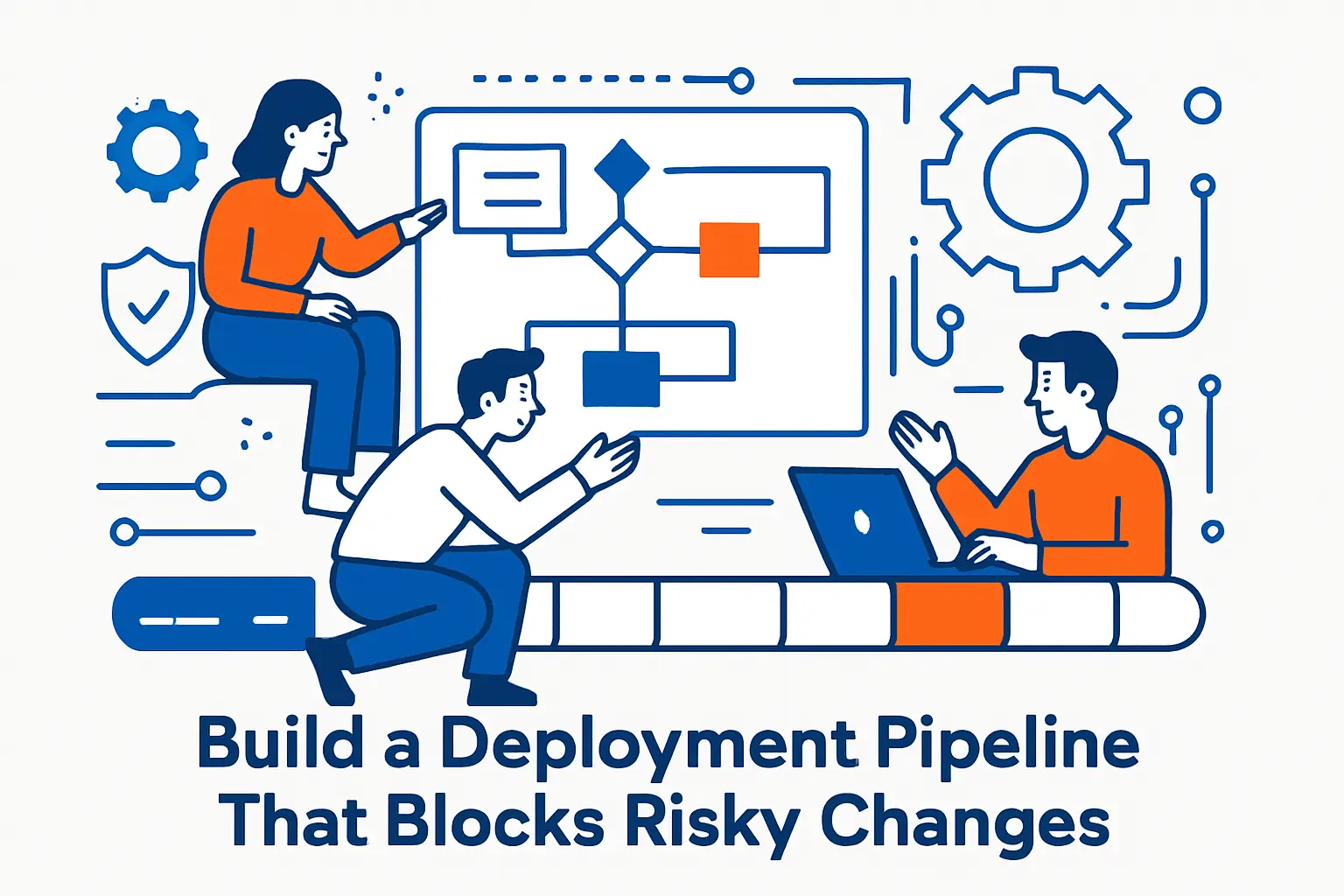
Build a Deployment Pipeline That Blocks Risky Changes
1. Treat the Main Branch as Production-Bound
Fast delivery depends on confidence in the main branch. So, keep it green. Enforce required checks before merge. Then stop long-lived branches from drifting for weeks, because drift creates surprise conflicts and hidden integration bugs.
Trunk-based development often helps here. It encourages small changes, and small changes reduce blast radius. Even if you keep feature branches, keep them short and merge often.
2. Promote One Build Artifact Through Environments
Many “it worked in staging” incidents come from environment differences. Artifact promotion removes a major cause. Build once, sign it, and deploy that exact artifact to test, staging, and production.
This practice also simplifies rollback. If each release corresponds to a single immutable artifact, you can redeploy the last known-good version without rebuilding under pressure.
3. Measure Delivery Performance Using Real Pipeline Data
Metrics help when they come from the pipeline, not from feelings. CircleCI’s delivery research highlights what “good” can look like at scale. In one recent dataset, teams averaged 1.68 deploys per day, which shows frequent deployment can be normal when teams reduce friction and risk.
Use that idea as motivation, not as a mandate. First, track your current lead time, deploy frequency, and recovery time. Then pick one bottleneck to fix. If you fix everything at once, you will likely fix nothing.
4. Fail Fast With Quality Gates That Matter
Every pipeline step should answer one question: “Can I trust this change?” Start with tests that protect user journeys: authentication, payments, and core read paths. Then add:
- Static analysis and linting to catch obvious defects early
- Dependency scanning to catch known vulnerable packages
- Infrastructure validation for IaC changes
However, avoid noisy gates. If a gate fails too often for false reasons, engineers learn to ignore it. So, tune rules, quarantine flaky tests, and treat pipeline health as product quality.
5. Manage Secrets Like Production Depends on It (Because It Does)
Secrets failures often look like “the app is down,” yet the root cause sits in key rotation, missing environment variables, or mis-scoped access policies. Centralize secrets in a vault or managed secret store. Then rotate them on a schedule and test rotation in staging.
Also avoid shipping secrets into images. Inject secrets at runtime instead. That approach limits exposure if someone copies an image or reads build logs.
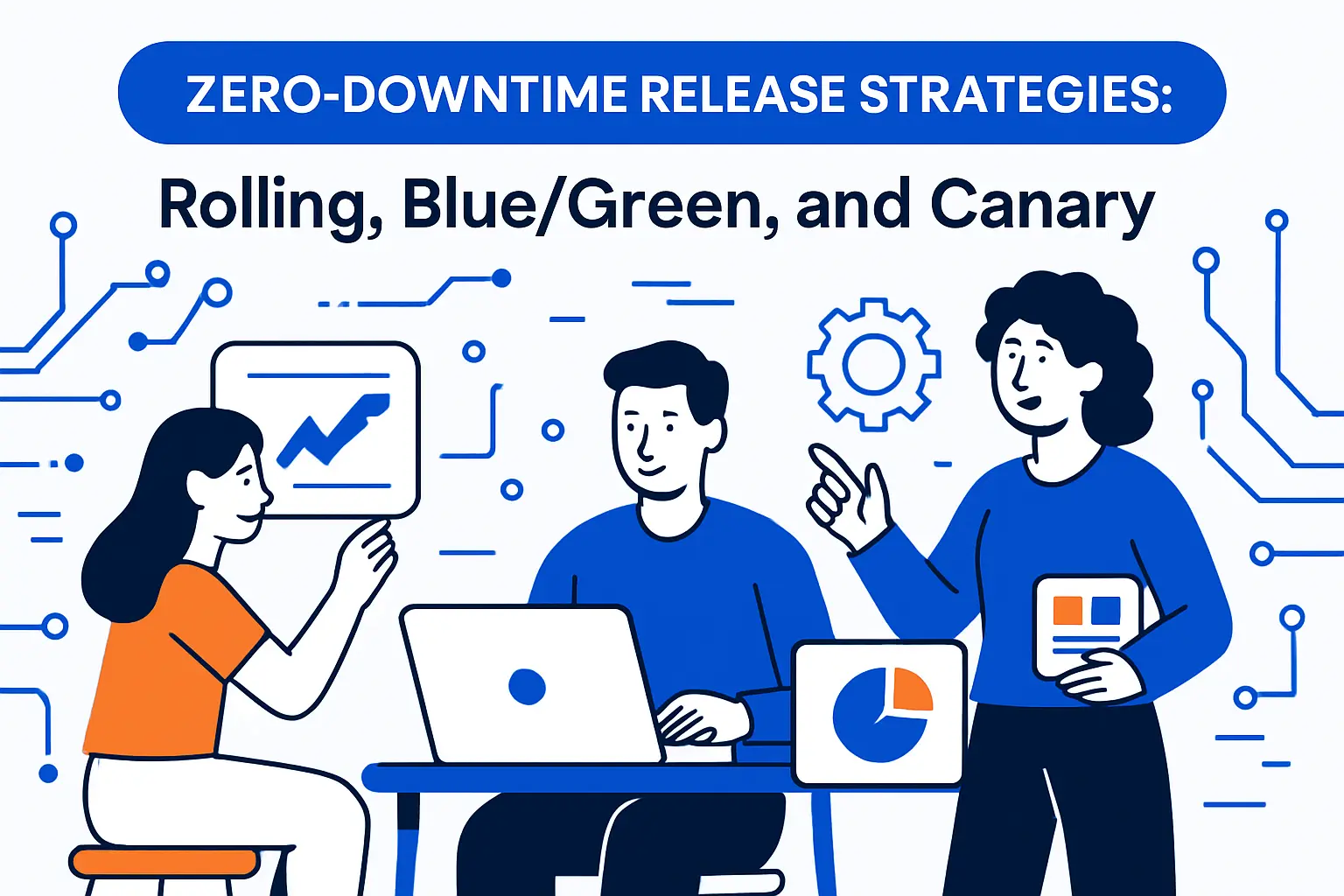
Zero-Downtime Release Strategies: Rolling, Blue/Green, and Canary
1. Use Rolling Updates for Low-Risk Changes
Rolling updates work well when your app remains compatible across versions. That compatibility depends on stable APIs, stable contracts, and backward-compatible data changes. So, design your app so old and new instances can serve traffic at the same time.
To make rolling updates safer, set a slow enough rollout pace. Also keep health checks strict. If you accept “mostly healthy,” you will route users to broken instances during deploys.
2. Choose Blue/Green When You Need a Clean Cutover
Blue/green deployment shines when you want a quick switch. You run two environments: current (blue) and new (green). Then you route traffic to green when it passes checks.
This pattern fits releases like major framework upgrades, changes to a reverse proxy layer, or a risky auth refactor. It also makes rollback fast because you can route back to the previous environment. Still, you must validate data compatibility. Otherwise, the new version can write data the old version cannot read.
3. Prefer Canary Releases for High-Risk Changes With Unknowns
Canary releases reduce blast radius. You expose a small slice of users to the new version. Then you watch real production behavior. If signals look good, you expand traffic.
For a concrete example, imagine an e-commerce site changing its pricing service. Start with internal users only. Next, route a small region or a small percent of traffic. Then compare error rates and latency between versions. Finally, promote the canary after it stays healthy long enough to cover typical traffic patterns.
4. Use Feature Flags to Decouple Deploy From Release
Feature flags let you ship code without exposing it. That separation improves safety because you can test code paths in production with no user impact. It also improves speed because you avoid “big bang” releases.
Still, treat flags as temporary. Add an owner and a removal date. If flags pile up forever, they create hidden complexity and testing gaps.
5. Apply Expand/Contract for Database Changes
Database migrations often break zero-downtime goals. Expand/contract avoids that. First, expand the schema in a backward-compatible way. Second, deploy app changes that can read and write both formats. Third, migrate data in the background. Finally, contract the schema after you confirm no old versions still run.
This pattern prevents deploy-time locks and reduces rollback risk. If the new version fails, the old version still works because the schema stayed compatible.
Infrastructure, Configuration, and Observability for Production

1. Manage Infrastructure as Code With Reviewable Changes
IaC turns infrastructure into versioned change. That helps you review and audit changes the same way you review application code. It also makes environments reproducible, which reduces “staging is different” surprises.
Keep modules small and composable. Then test plans in CI, and require approvals for production changes. This approach also supports fast rollback because you can revert commits instead of clicking through consoles.
2. Reduce Misconfiguration Risk With Standardized Deployment Templates
Many outages come from configuration drift and one-off tweaks. Standard templates help. So do platform abstractions, such as internal golden charts or standardized service definitions.
This direction aligns with the broader shift toward cloud native operations. CNCF research reported cloud native adoption at 89% among surveyed organizations, which signals how common standardized orchestration and automation have become.
3. Instrument the “Golden Signals” Before You Need Them
Zero-downtime deployment fails when teams cannot see what is happening. So, instrument before the release. Start with latency, traffic, errors, and saturation. Then add business signals such as “orders created” or “logins succeeded.”
Also include version-aware monitoring. Tag metrics, logs, and traces with build ID, commit SHA, or image digest. That way, you can answer the key question fast: “Did the new version cause this?”
4. Design Health Checks That Reflect Real Readiness
A shallow health check can lie. If it only checks “process is up,” it may pass while the app cannot reach the database. So, add layered checks:
- Liveness: process responds and does not deadlock
- Readiness: app can serve requests and reach required dependencies
- Startup: app finishes warm-up tasks before it receives traffic
Then align your load balancer routing to readiness, not liveness. That change alone can reduce deploy-related error spikes.
5. Plan Capacity So Deployments Do Not Create Self-Inflicted Outages
Deployments often increase load temporarily. Rolling updates can reduce capacity while nodes drain. Cache warmups can spike CPU. Background migrations can hammer storage.
So, add headroom for release windows. Also cap background job concurrency during deploys. When you treat deploys as a predictable load event, you stop being surprised by predictable failures.
Security and Compliance Embedded in Deployment
1. Make Patch Deployment a First-Class Workflow
Security teams often ask for faster patching, while engineering teams fear breaking changes. You can satisfy both by building a predictable patch workflow. Bundle small dependency updates into frequent releases, and use canaries to manage risk.
This focus matters because attackers routinely exploit unpatched surfaces. Verizon’s DBIR reporting noted vulnerability exploitation surged by nearly 3X (180%) in a recent cycle, which raises the cost of slow patching.
2. Shift Supply Chain Controls Left Without Blocking Delivery
Modern deployments ship more than your code. They ship your dependency tree, base images, and build tooling. So, add lightweight supply chain checks in CI:
- Pin base images and keep them updated
- Generate SBOMs and store them with the release artifact
- Sign artifacts and verify signatures at deploy time
These controls work best when they run automatically. If they require manual steps, teams will skip them during urgent releases.
3. Limit Blast Radius With Least Privilege and Environment Isolation
Least privilege protects production when something goes wrong. Split roles across CI, CD, and runtime. For example, your build job should not have access to production secrets. Your deploy job should not have database admin rights if it only needs to restart services.
Also isolate environments. Use separate accounts or projects for staging and production when possible. That separation reduces the chance of accidental production changes during testing.
4. Log Every Deployment as a Security Event
Deployments change behavior. So, treat them like security-relevant events. Record who deployed, what changed, and which artifacts moved. Also store links to pull requests, approvals, and CI results.
This log helps incident response. It also simplifies audits because you can show a clear chain from code to production. When you later need to prove “what happened,” you will not depend on memory.
5. Understand the Real Cost of a Bad Outcome
Teams take deployment rigor more seriously when they understand the stakes. IBM reported a global average data breach cost of $4.88 million in 2024, which should push deployment teams to treat security fixes and access control changes as core release work, not as side tasks.
That number does not mean every incident will cost the same. It does show that operational shortcuts can get expensive fast, especially when they expose data.
Operate the Release: Rollback, Incident Response, and Continuous Improvement
1. Build a Rollback Path You Can Trust Under Pressure
A rollback plan only helps if it works quickly. So, automate it. If you need a manual multi-step process during an incident, you will make mistakes.
For stateless services, rollback can mean “redeploy the previous image.” For stateful systems, rollback can mean “stop traffic to the new version, then apply compensating migrations.” Either way, document the exact steps and validate them routinely.
2. Use an Error Budget Policy to Decide “Rollback vs. Push Forward”
During a bad deploy, teams often argue about whether to rollback or hotfix. An error budget policy short-circuits that argument. If key signals degrade past your threshold, rollback. If signals stay within budget, continue and fix forward.
This approach also reduces fear of frequent deployments. When people know they can rollback fast, they ship smaller changes more often.
3. Run a Tight “Deploy War Room” for High-Risk Releases
For risky changes, run a short, focused release session. Keep it small and time-boxed. Assign roles: deploy driver, observer, and decision maker. Then route all communication through one channel.
Also write down the success checks you will verify before you expand traffic. When you write them early, you avoid inventing them mid-incident.
4. Practice With Game Days and Failure Injection
Teams handle incidents better when they practice. Schedule game days where you simulate a failed deployment, a dependency outage, or a bad configuration rollout. Then measure response time and decision quality.
Keep scenarios realistic. For example, simulate a slow memory leak that only appears after traffic shifts. That type of failure often slips through staging tests yet shows up in production.
5. Close the Loop With Blameless Post-Incident Reviews
Every incident can improve your deployment system. So, hold a blameless review quickly while details stay fresh. Focus on what made the system fail, not who clicked a button.
Then turn findings into concrete changes: a new alert, a new pipeline gate, a safer migration pattern, or a simpler configuration template. Finally, update the deployment checklist. This step ensures the improvement sticks.







Conclusion
Web apps rarely fail because teams lack smart engineers. They fail because teams ship changes through systems that hide risk until production traffic exposes it. The most reliable web app deployment best practices reduce that hidden risk with repeatable steps: clear release goals, strong CI gates, progressive delivery, real observability, and rehearsed rollback. Start with the outline in this guide, implement it in small pieces, and you will earn what every team wants: faster shipping with calmer deploy days.